Dr. M.Madhusudhan [email_address]
Presentation outlay What is Content? Content Types Where It (content) Resides? What is CMS? What are major components of a CMS? How does it works? Some qualities of CMS Various products of CMS Brief description about Drupal & Joomla
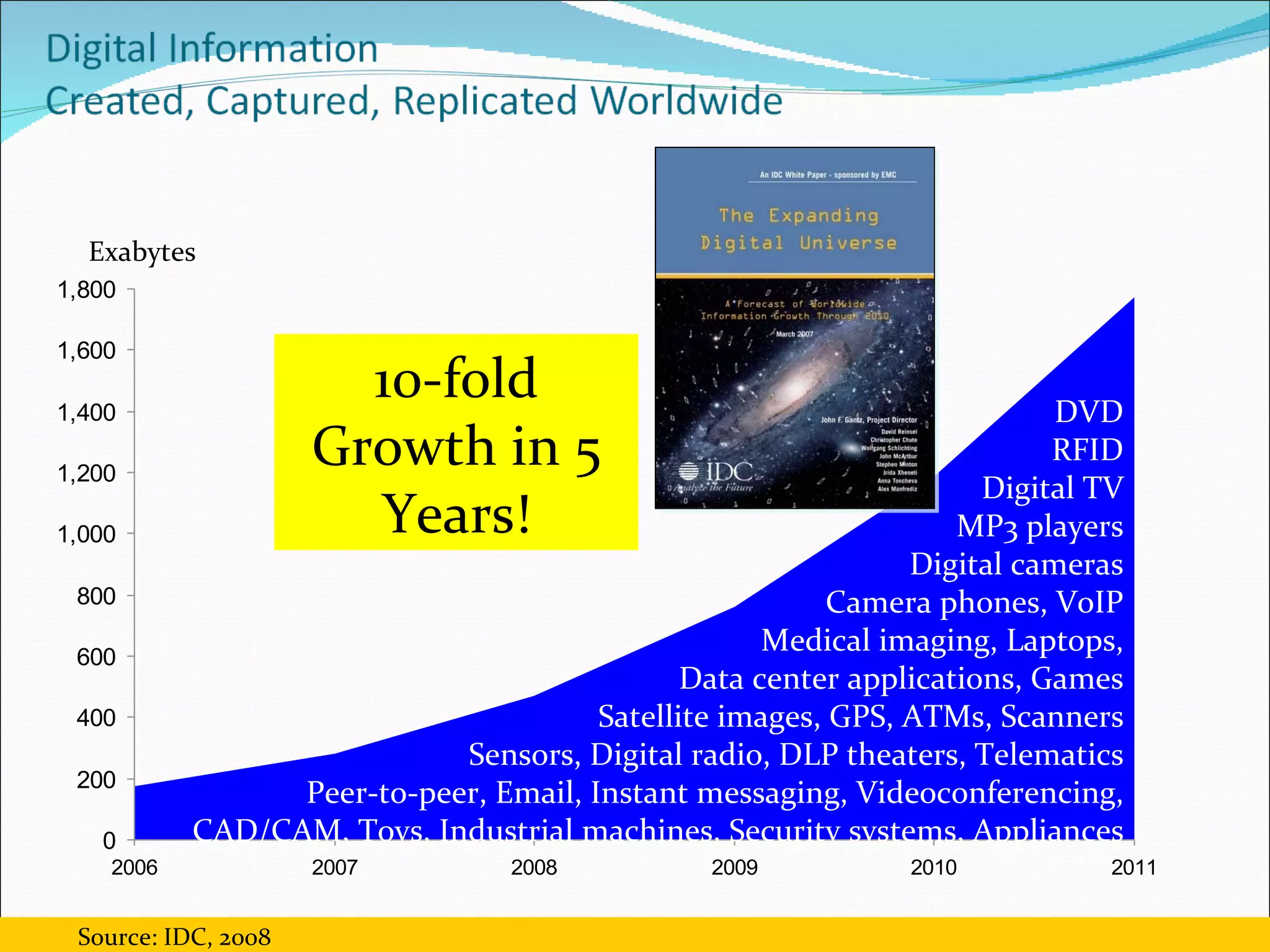
Exabytes 10-fold Growth in 5 Years! DVD RFID Digital TV MP3 players Digital cameras Camera phones, VoIP Medical imaging, Laptops, Data center applications, Games Satellite images, GPS, ATMs, Scanners Sensors, Digital radio, DLP theaters, Telematics Peer-to-peer, Email, Instant messaging, Videoconferencing, CAD/CAM, Toys, Industrial machines, Security systems, Appliances Source: IDC, 2008
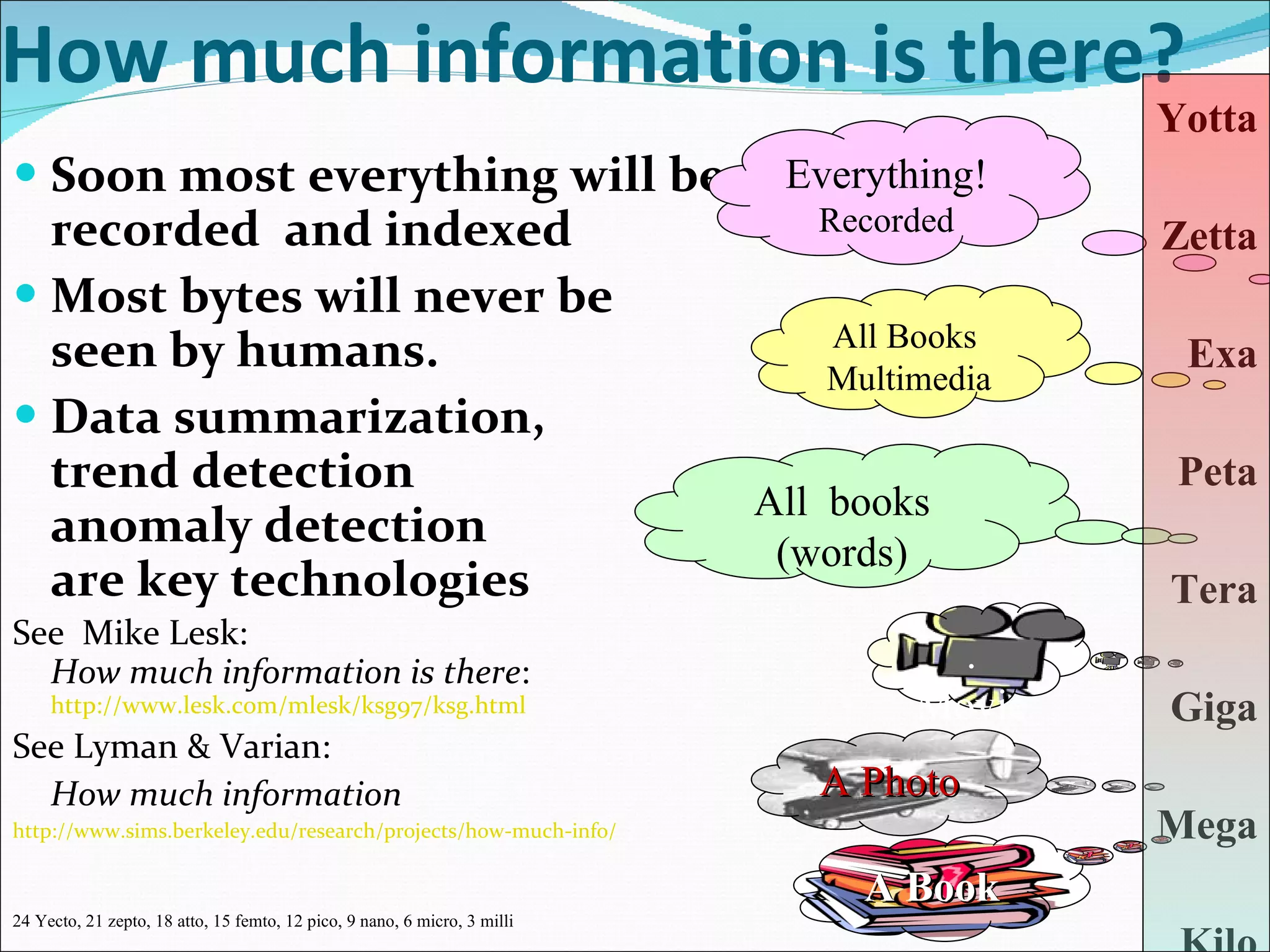
How much information is there? Soon most everything will be recorded  and indexed Most bytes will never be seen by humans. Data summarization,  trend detection  anomaly detection  are key technologies See  Mike Lesk:  How much information is there :  http://www.lesk.com/mlesk/ksg97/ksg.html See Lyman & Varian: How much information http://www.sims.berkeley.edu/research/projects/how-much-info/ Yotta Zetta Exa Peta Tera Giga Mega Kilo A Book .Movie All  books (words) All Books  Multimedia Everything! Recorded A Photo 24 Yecto, 21 zepto, 18 atto, 15 femto, 12 pico, 9 nano, 6 micro, 3 milli
Introduction Information - The critical asset Information Infrastructure - the key infrastructure Information Infrastructure CMS encompasses The Information Infrastructure tools and systems should y Make it easy to capture & present ; easy store & organize & Make it to access ; easy analyze & summarize Make it to INFORMATION
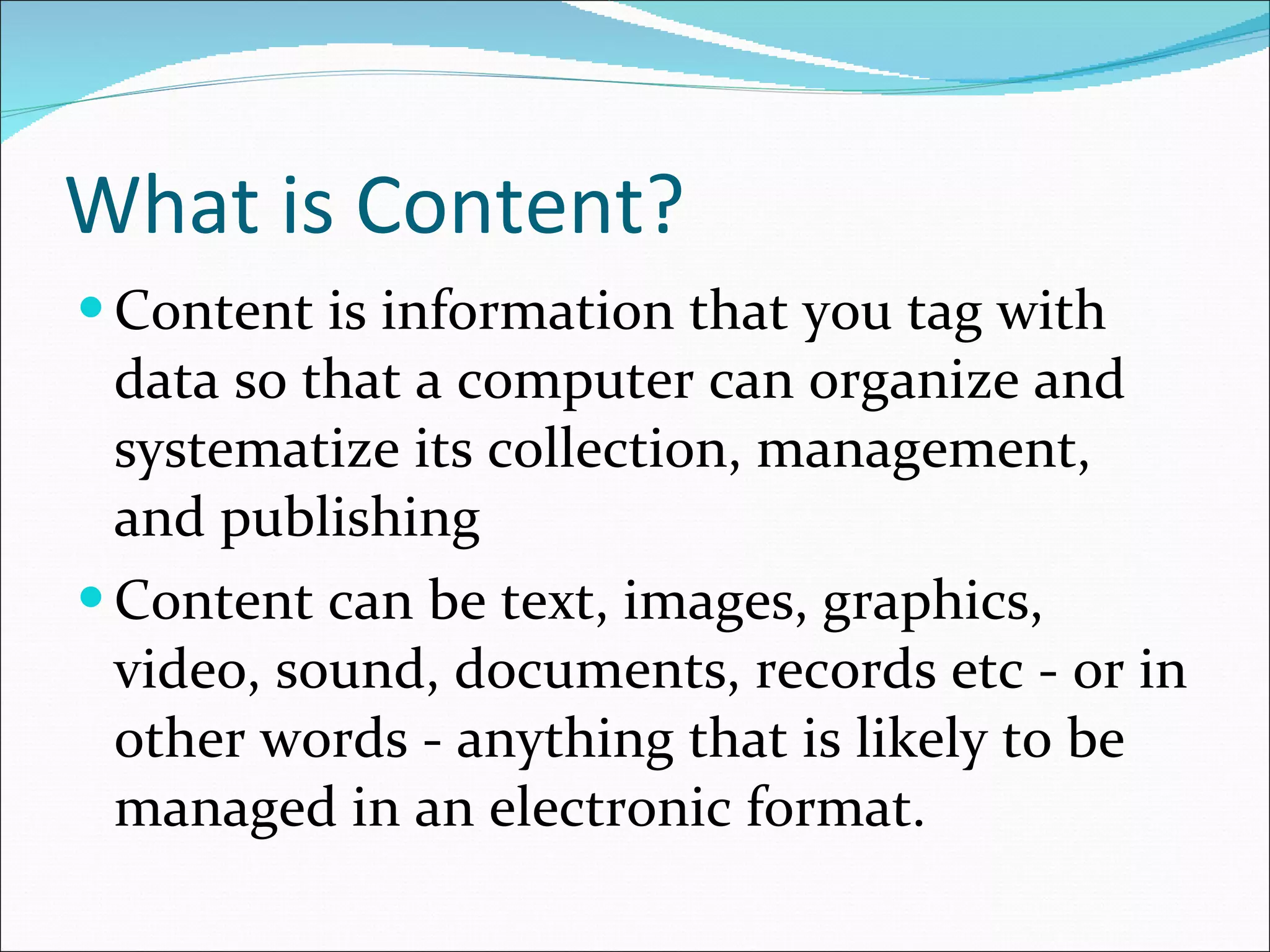
What is Content? Content is information that you tag with data so that a computer can organize and  systematize its collection, management, and publishing  Content can be text, images, graphics, video, sound, documents, records etc - or in other words - anything that is likely to be managed in an electronic format.
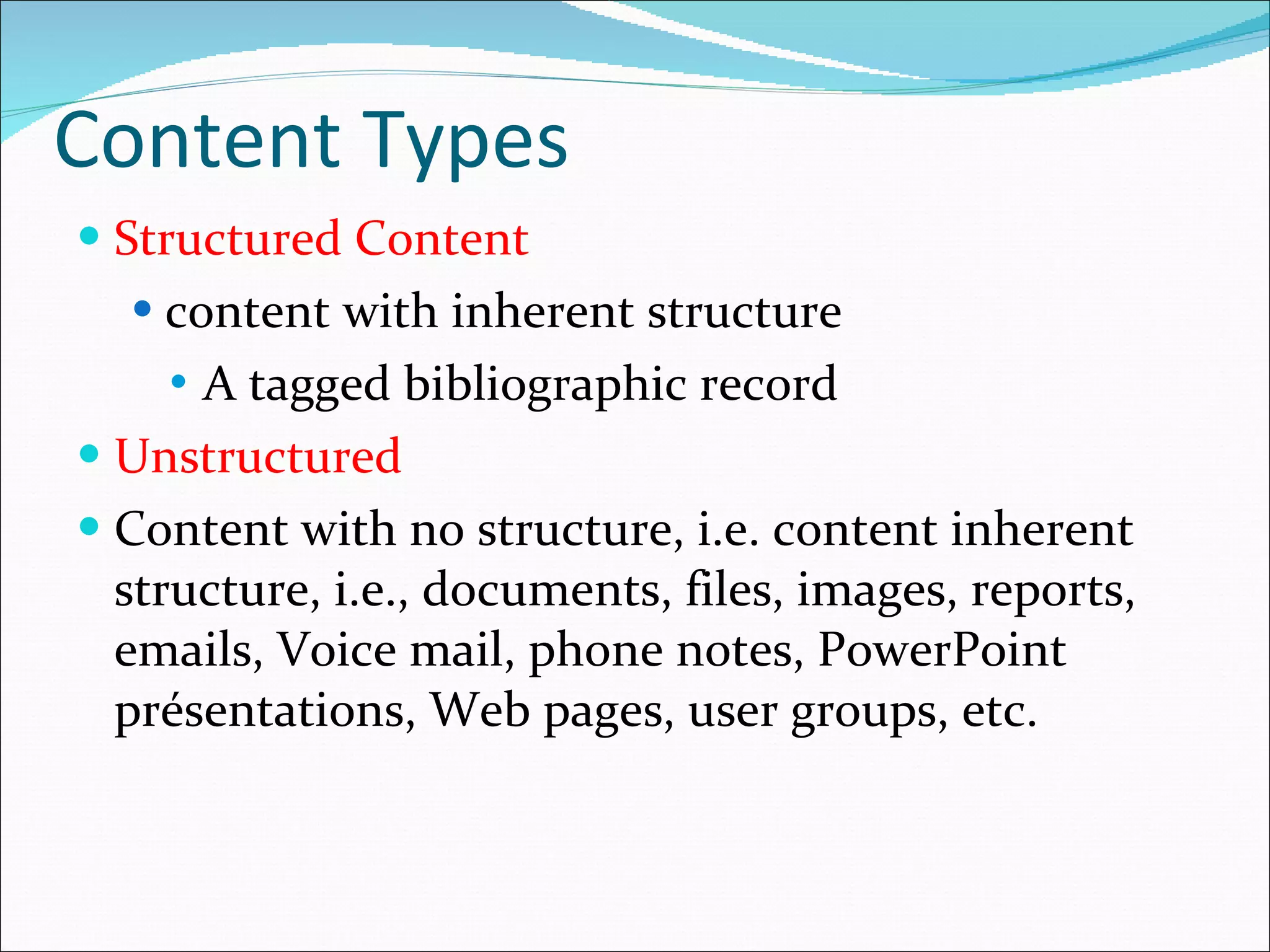
Content Types Structured Content content with inherent structure A tagged bibliographic record Unstructured  Content with no structure, i.e. content inherent structure, i.e.,  documents, files, images, reports, emails, Voice mail, phone notes, PowerPoint présentations, Web pages, user groups, etc.
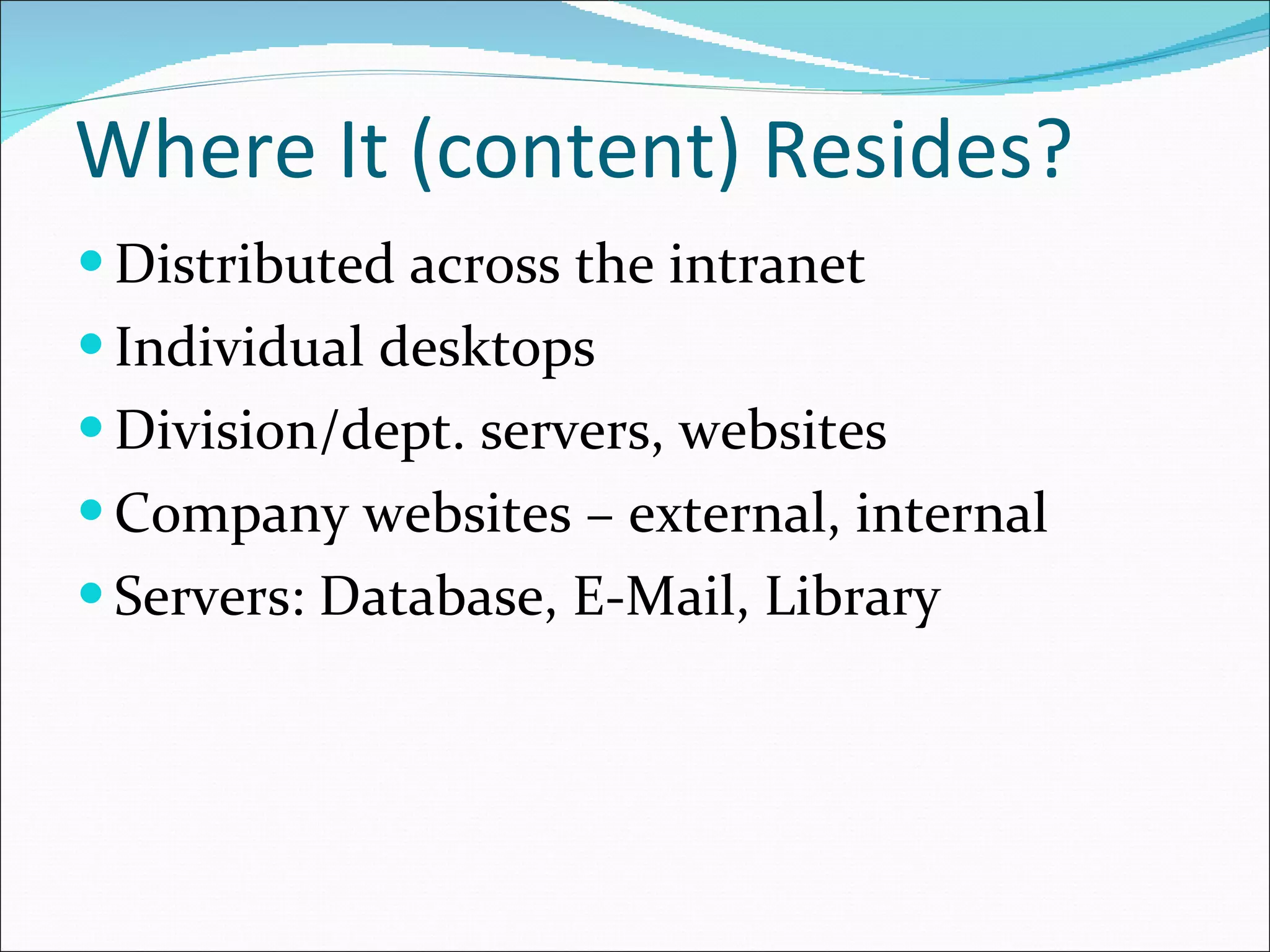
Where It (content) Resides? Distributed across the intranet Individual desktops Division/dept. servers, websites Company websites – external, internal Servers: Database, E-Mail, Library
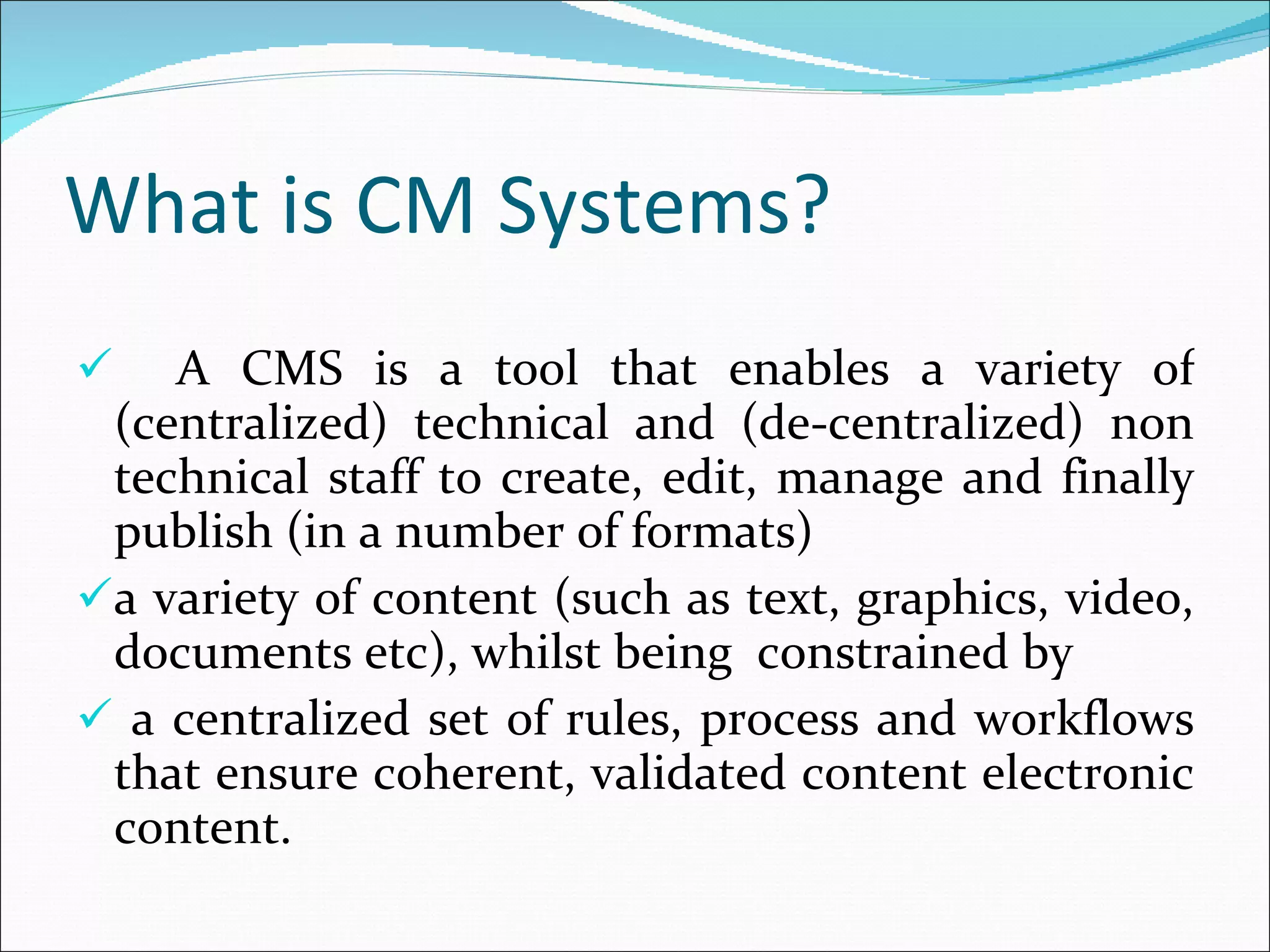
What is CM Systems? A CMS is a tool that enables a variety of (centralized) technical and (de-centralized) non technical staff to create, edit, manage and finally publish (in a number of formats)  a variety of content (such as text, graphics, video, documents etc), whilst being  constrained by a centralized set of rules, process and workflows that ensure coherent, validated content electronic content.
What is a CMS? Helps you create/edit/delete content in a shared repository (database) Organizes content Content shared across the Web site Content can be published or not based on conditions (Approved, Date range, Viewer rights) Much improved control of the format (CSS) The system itself is definable as a tool or combination or tools that facilitate the efficient and effective production of the desired 'output' using the managed content.
What are major components of a CMS? An integrated set of software tools that support the content management functions The major components are:  Data repository  User interface Workflow scheme Editorial tools  Output utilities
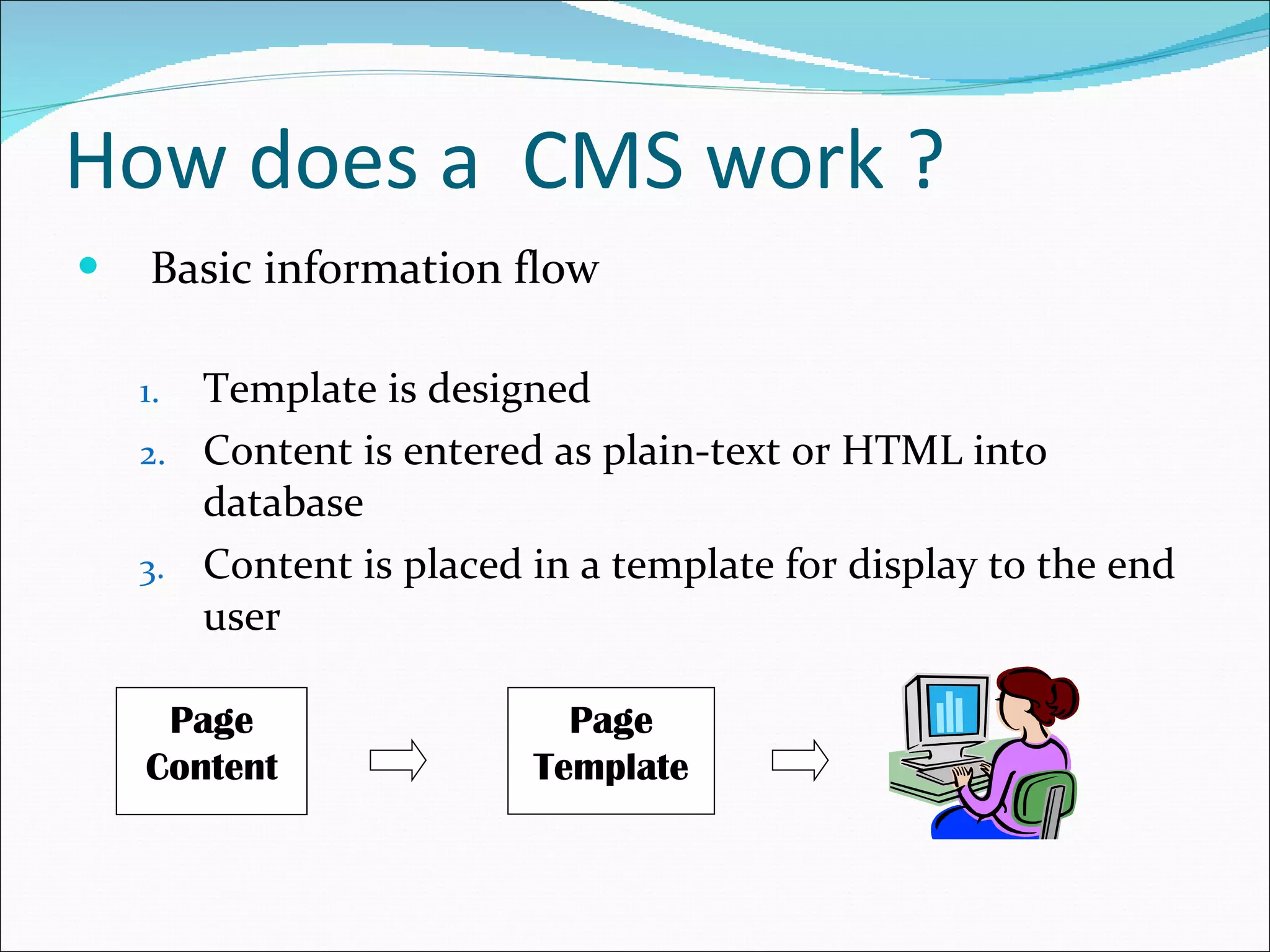
How does a  CMS work ? Basic information flow Template is designed Content is entered as plain-text or HTML into database Content is placed in a template for display to the end user Page Content Page Template
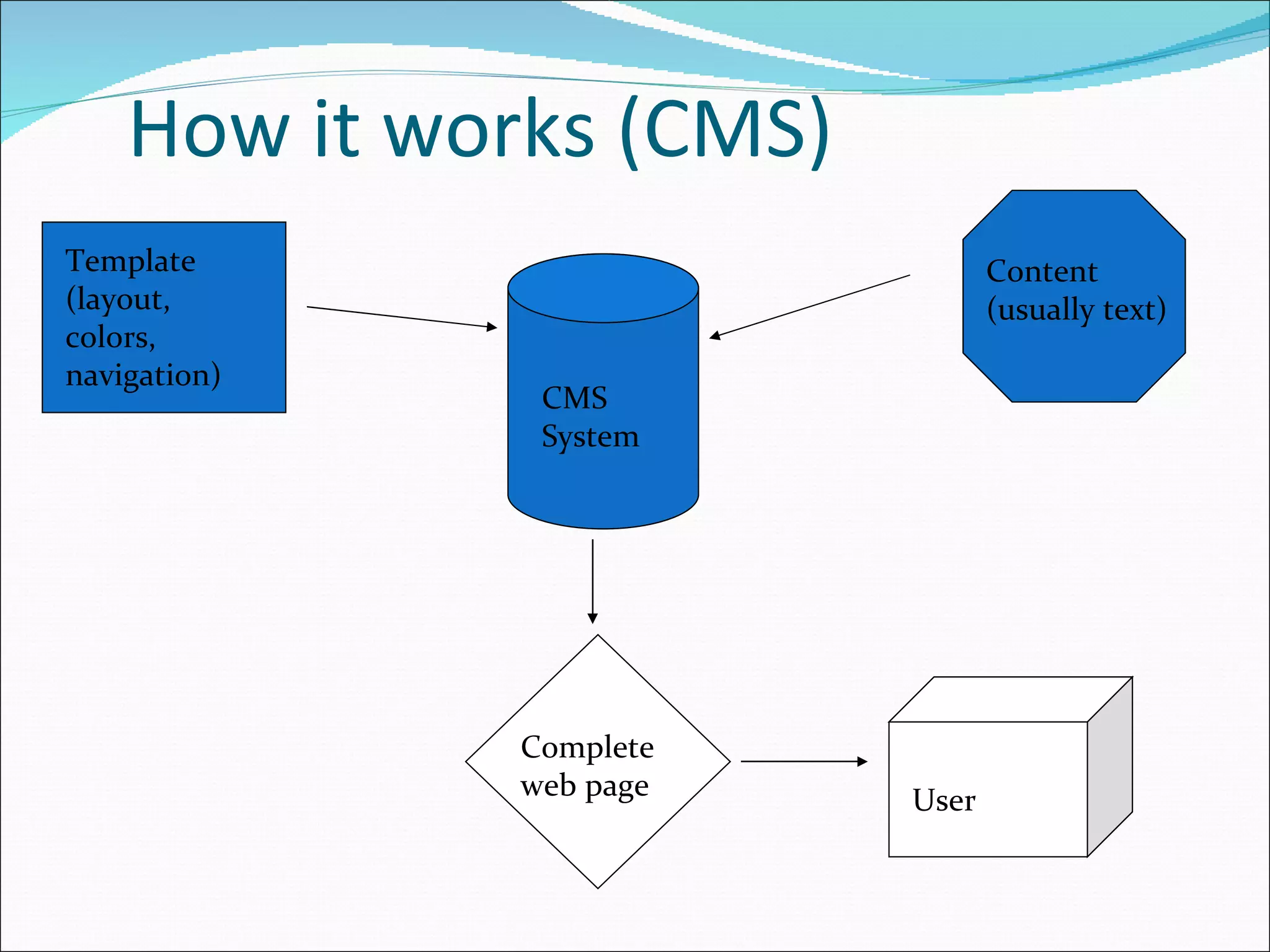
How it works (CMS) Content (usually text) Template (layout, colors, navigation) CMS System Complete web page User
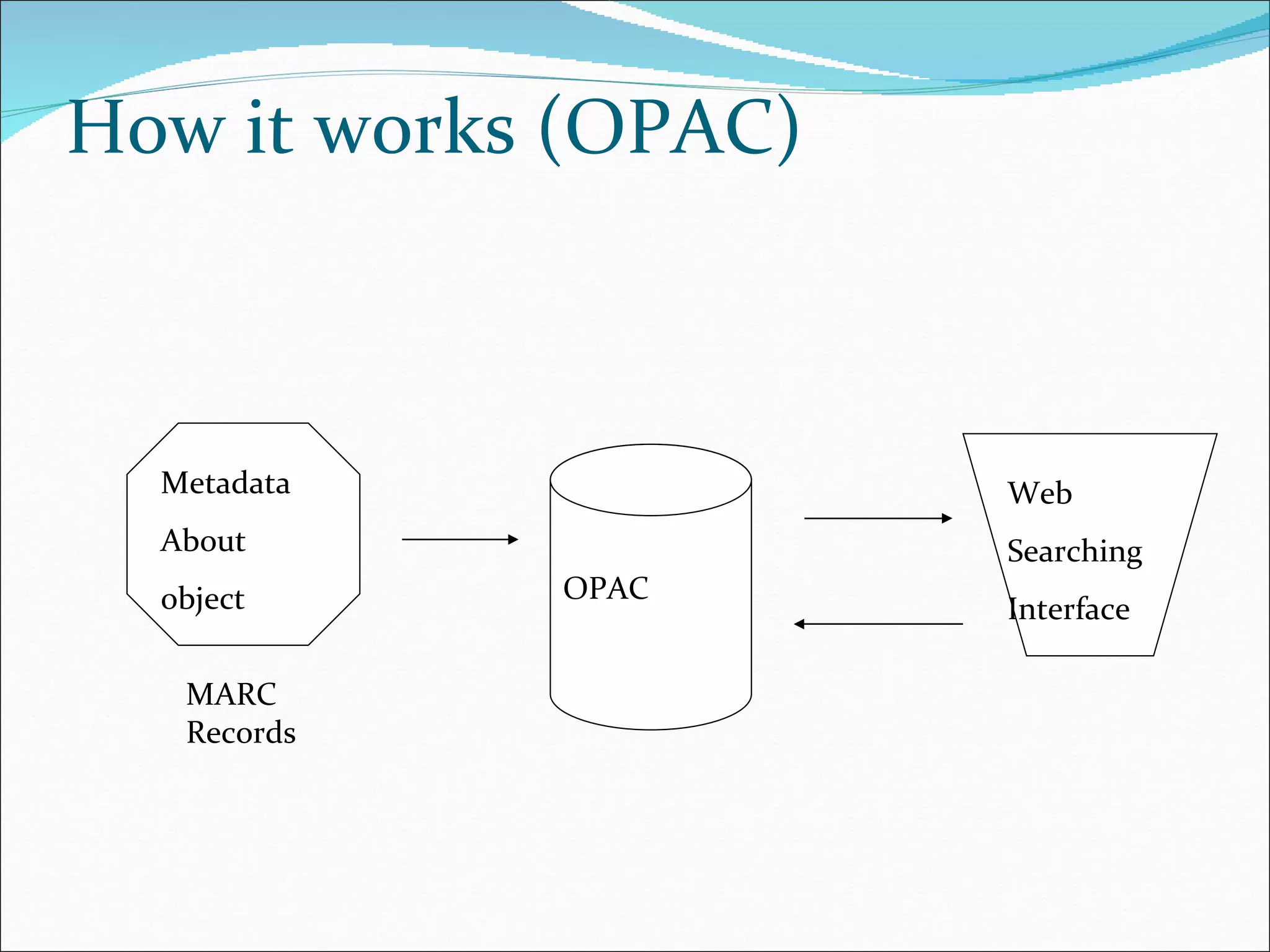
How it works (OPAC) Metadata About  object OPAC Web Searching Interface MARC Records
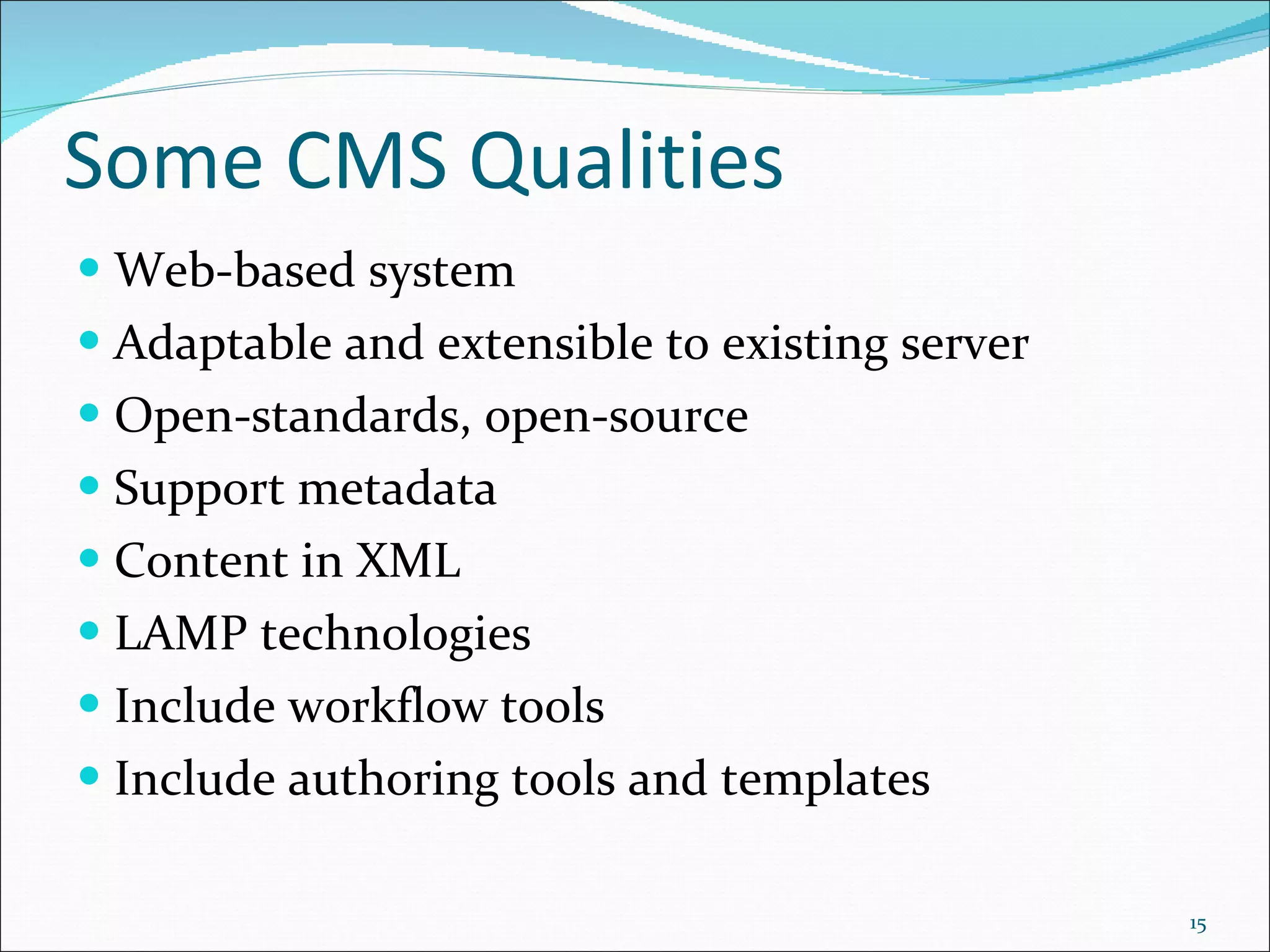
Some CMS Qualities Web-based system Adaptable and extensible to existing server Open-standards, open-source Support metadata Content in XML LAMP technologies Include workflow tools Include authoring tools and templates
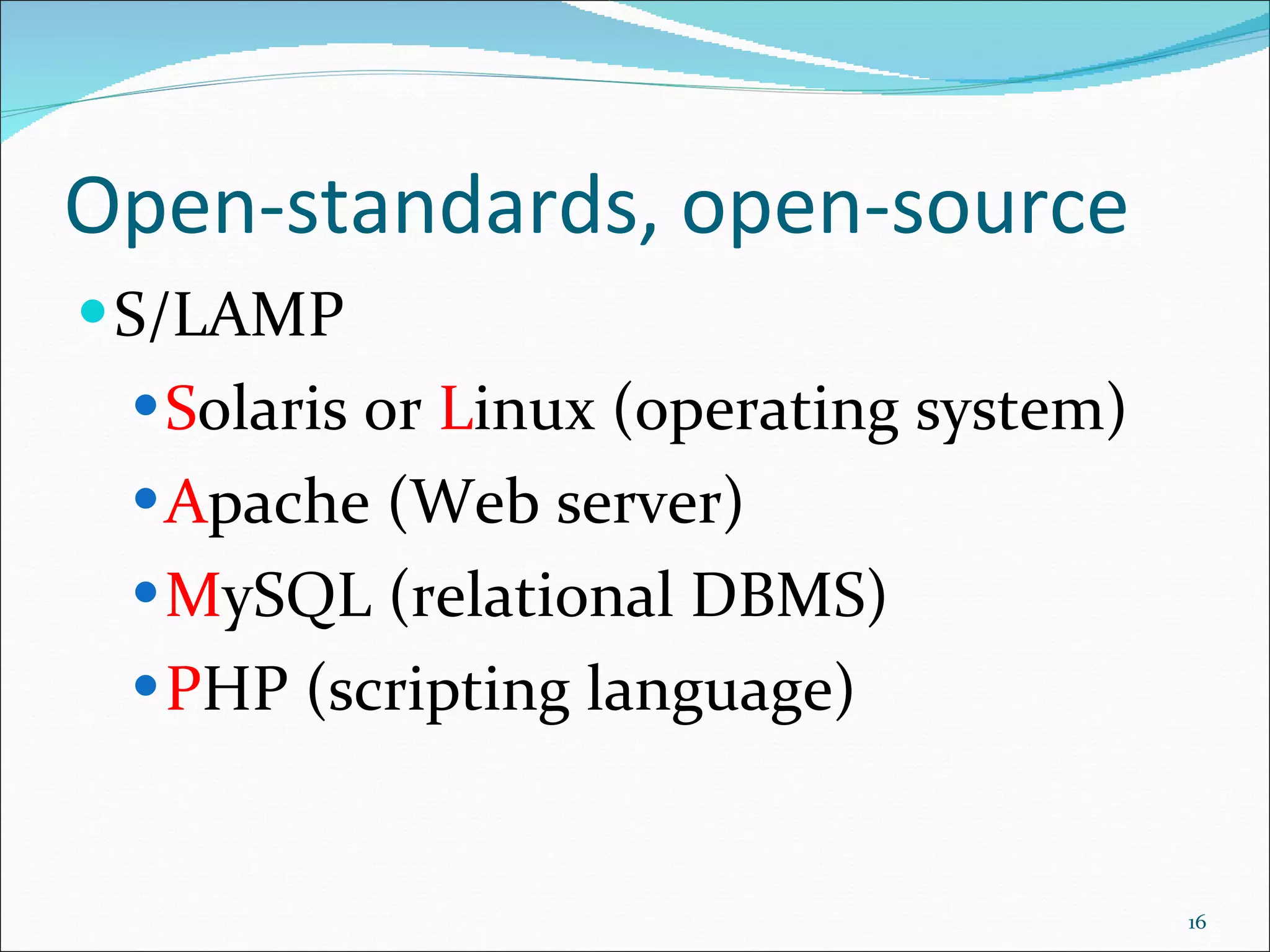
Open-standards, open-source S/LAMP S olaris or  L inux (operating system) A pache (Web server) M ySQL (relational DBMS) P HP (scripting language)
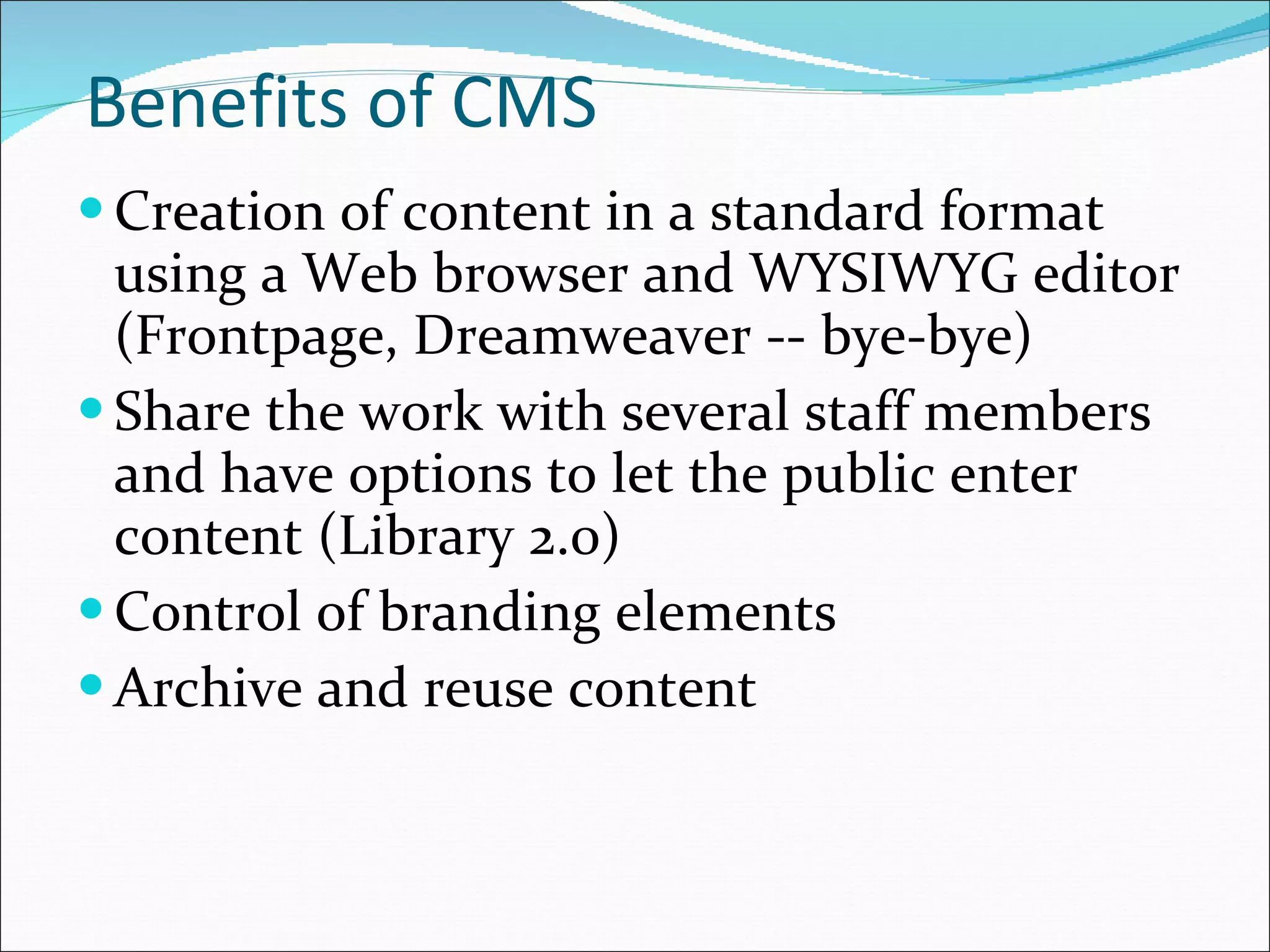
Benefits of CMS Creation of content in a standard format using a Web browser and WYSIWYG editor (Frontpage, Dreamweaver -- bye-bye) Share the work with several staff members and have options to let the public enter content (Library 2.0) Control of branding elements Archive and reuse content
Why is this a good thing? Pages can be created or changed without knowing or using HTML Large-scale changes can be made to the site much easier Increased functionality, including blogs and RSS feeds/readers Structured Content = Content re-use
Integration of blogs/RSS Many systems supply own blogging software Many can interoperate with popular blogging software such as moveable type Many include software for parsing RSS feeds, or syndicating our own content
Challenges of implementing a CMS Distributed versus centralized authorship Often, programming knowledge/technical expertice required Training on the system Migration is a huge project-as big as a catalog migration
 
Various CMS products The Library facilitating such an activity contributes to  Knowledge Management  in an organization. PhpNuke (www.phpnuke.org) Plone (www.plone.org) Drupal (www.drupal.org) Mambo (http://source.mambo-foundation.org/) Joomla (joomla.org) Robert P. Rynkiewicz, Atlantic City Library
An open source web based content management system. Equipped with powerful blend of features. Supports a variety of websites ranging from personal blogs to large community-driven websites. Drupal
Drupal   is an open source modular framework CMS. allows an individual or a community of users to easily publish, manage and organize a wide variety of content on a website. Features Search Engine Optimization Content Creation User Interaction Security Content is fully indexed to support search Multi-user content creation and editing  OpenID support  RSS Feed and Feed Aggregator  Drupal
XAMPP is a bundle of Apache, MySQL, PHP, FileZilla and many other utilities.  XAMPP is the  ‘ easiest ’  way to test an AMP (Apache-MySQL-PHP) application. NOTE: XAMPP is only intended for use as a local test server which is available on your own computer. It has been created for ease-of-use, but not for production level security. XAMPP
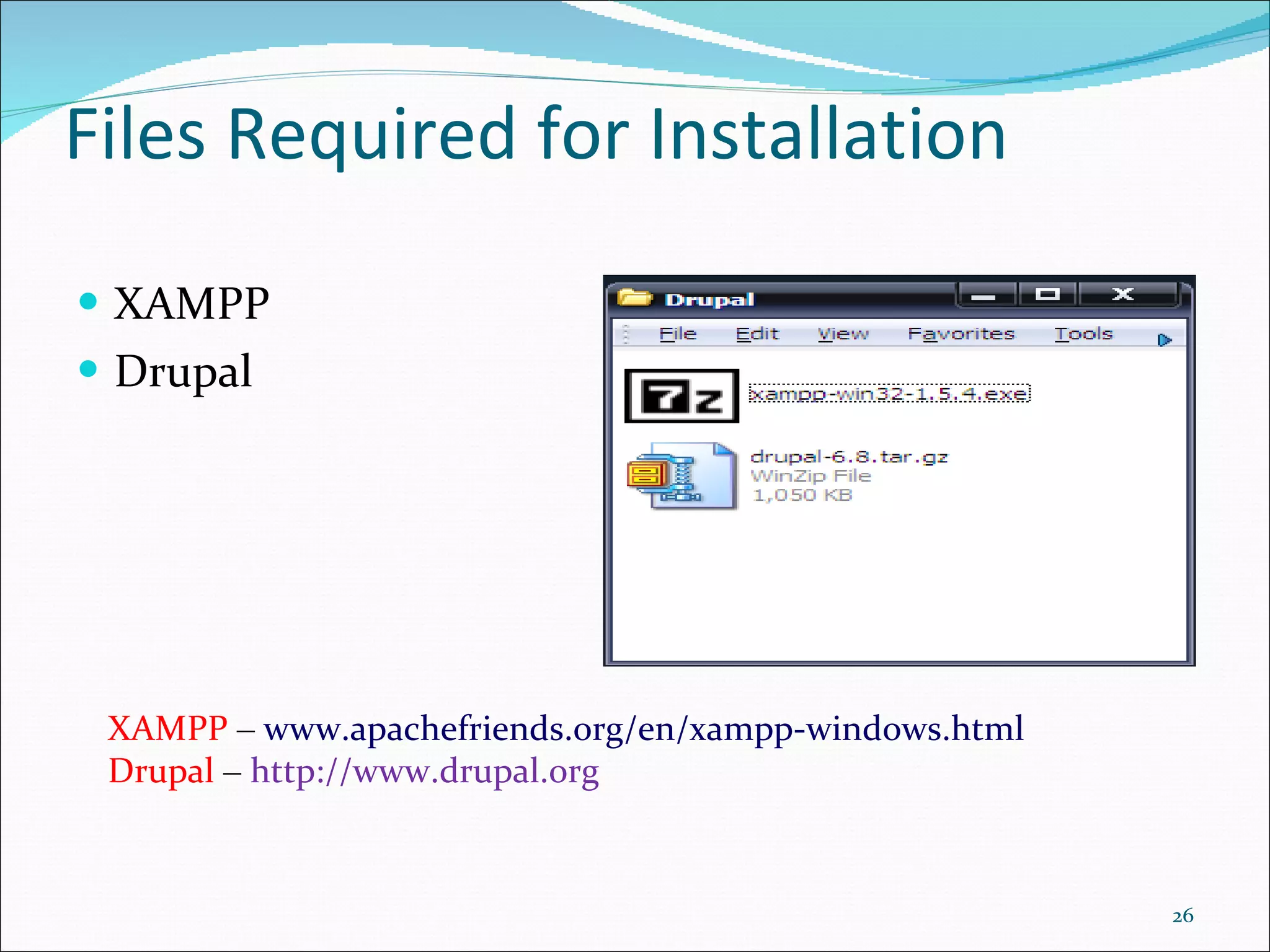
XAMPP Drupal Files Required for Installation XAMPP  –   www.apachefriends.org/en/xampp-windows.html  Drupal   –   http://www.drupal.org
Extract XAMPP files. Setup XAMPP. Run XAMPP Services (Apache and MySQL). Create drupal database in MySQL. Set password for MySQL. Extract Drupal files. Enter database and server settings. Install Drupal Site and configure. Steps in Installation
Joomla The name  Joomla  is a phonetic spelling for the Swahili word "Jumla", which means "all together" or "as a whole".  Open Source software  A fork of Mambo CMS Available for Linux, Unix, Windows, OS
Joomla Templates Much like Microsoft Word Templates Positions on screen Top, banner, header, left, right Cascading Style Sheet (CSS) for entire site Control over look and feel
Joomla Extensions Self-contained archived file (zip) that a non-programmer can install by simply using the Joomla menu driven install options Components (additional functionality to site) Modules (mostly provide interface to components e.g menus, lists, forms) Bots (search capability, content editing, additional css formatting, embedding code) Plug-ins (additional functionality to core)
Uniqueness of Joomla Extensions Wide variety within the community Non-profits Corporate From powerful to quirky Today’s Weather (module) Podcast Suite (component, module and bot) SOBI2 Business Directory (component, module and bot) Ludo_highlight_search (module and bot)
Implementation  Need apache (configured for php and Mysql) Mysql (create user and tweak for performance - my.cnf) php ( php.ini file settings set for security) Download Joomla archived file (Joomla.org) and decompress in Web site root directory Run install from Web Browser
Conclusion With the explosive growth of online resources, management and dissemination of such resources has become a challenge to the Information professionals. Today's online resources include variety of authoritative web resources (free & priced).  Integrating the relevant and useful resources into a web portal facilitates in the effective and efficient dissemination of information to the end users. Various open source CMS tools are available on the Internet. Drupal, Joomla, OpenCMS, and Wordpress are few such examples.
Thank You

Cms an overview

  • 1.
  • 2.
    Presentation outlay Whatis Content? Content Types Where It (content) Resides? What is CMS? What are major components of a CMS? How does it works? Some qualities of CMS Various products of CMS Brief description about Drupal & Joomla
  • 3.
    Exabytes 10-fold Growthin 5 Years! DVD RFID Digital TV MP3 players Digital cameras Camera phones, VoIP Medical imaging, Laptops, Data center applications, Games Satellite images, GPS, ATMs, Scanners Sensors, Digital radio, DLP theaters, Telematics Peer-to-peer, Email, Instant messaging, Videoconferencing, CAD/CAM, Toys, Industrial machines, Security systems, Appliances Source: IDC, 2008
  • 4.
    How much informationis there? Soon most everything will be recorded and indexed Most bytes will never be seen by humans. Data summarization, trend detection anomaly detection are key technologies See Mike Lesk: How much information is there : http://www.lesk.com/mlesk/ksg97/ksg.html See Lyman & Varian: How much information http://www.sims.berkeley.edu/research/projects/how-much-info/ Yotta Zetta Exa Peta Tera Giga Mega Kilo A Book .Movie All books (words) All Books Multimedia Everything! Recorded A Photo 24 Yecto, 21 zepto, 18 atto, 15 femto, 12 pico, 9 nano, 6 micro, 3 milli
  • 5.
    Introduction Information -The critical asset Information Infrastructure - the key infrastructure Information Infrastructure CMS encompasses The Information Infrastructure tools and systems should y Make it easy to capture & present ; easy store & organize & Make it to access ; easy analyze & summarize Make it to INFORMATION
  • 6.
    What is Content?Content is information that you tag with data so that a computer can organize and systematize its collection, management, and publishing Content can be text, images, graphics, video, sound, documents, records etc - or in other words - anything that is likely to be managed in an electronic format.
  • 7.
    Content Types StructuredContent content with inherent structure A tagged bibliographic record Unstructured Content with no structure, i.e. content inherent structure, i.e., documents, files, images, reports, emails, Voice mail, phone notes, PowerPoint présentations, Web pages, user groups, etc.
  • 8.
    Where It (content)Resides? Distributed across the intranet Individual desktops Division/dept. servers, websites Company websites – external, internal Servers: Database, E-Mail, Library
  • 9.
    What is CMSystems? A CMS is a tool that enables a variety of (centralized) technical and (de-centralized) non technical staff to create, edit, manage and finally publish (in a number of formats) a variety of content (such as text, graphics, video, documents etc), whilst being constrained by a centralized set of rules, process and workflows that ensure coherent, validated content electronic content.
  • 10.
    What is aCMS? Helps you create/edit/delete content in a shared repository (database) Organizes content Content shared across the Web site Content can be published or not based on conditions (Approved, Date range, Viewer rights) Much improved control of the format (CSS) The system itself is definable as a tool or combination or tools that facilitate the efficient and effective production of the desired 'output' using the managed content.
  • 11.
    What are majorcomponents of a CMS? An integrated set of software tools that support the content management functions The major components are: Data repository User interface Workflow scheme Editorial tools Output utilities
  • 12.
    How does a CMS work ? Basic information flow Template is designed Content is entered as plain-text or HTML into database Content is placed in a template for display to the end user Page Content Page Template
  • 13.
    How it works(CMS) Content (usually text) Template (layout, colors, navigation) CMS System Complete web page User
  • 14.
    How it works(OPAC) Metadata About object OPAC Web Searching Interface MARC Records
  • 15.
    Some CMS QualitiesWeb-based system Adaptable and extensible to existing server Open-standards, open-source Support metadata Content in XML LAMP technologies Include workflow tools Include authoring tools and templates
  • 16.
    Open-standards, open-source S/LAMPS olaris or L inux (operating system) A pache (Web server) M ySQL (relational DBMS) P HP (scripting language)
  • 17.
    Benefits of CMSCreation of content in a standard format using a Web browser and WYSIWYG editor (Frontpage, Dreamweaver -- bye-bye) Share the work with several staff members and have options to let the public enter content (Library 2.0) Control of branding elements Archive and reuse content
  • 18.
    Why is thisa good thing? Pages can be created or changed without knowing or using HTML Large-scale changes can be made to the site much easier Increased functionality, including blogs and RSS feeds/readers Structured Content = Content re-use
  • 19.
    Integration of blogs/RSSMany systems supply own blogging software Many can interoperate with popular blogging software such as moveable type Many include software for parsing RSS feeds, or syndicating our own content
  • 20.
    Challenges of implementinga CMS Distributed versus centralized authorship Often, programming knowledge/technical expertice required Training on the system Migration is a huge project-as big as a catalog migration
  • 21.
  • 22.
    Various CMS productsThe Library facilitating such an activity contributes to Knowledge Management in an organization. PhpNuke (www.phpnuke.org) Plone (www.plone.org) Drupal (www.drupal.org) Mambo (http://source.mambo-foundation.org/) Joomla (joomla.org) Robert P. Rynkiewicz, Atlantic City Library
  • 23.
    An open sourceweb based content management system. Equipped with powerful blend of features. Supports a variety of websites ranging from personal blogs to large community-driven websites. Drupal
  • 24.
    Drupal is an open source modular framework CMS. allows an individual or a community of users to easily publish, manage and organize a wide variety of content on a website. Features Search Engine Optimization Content Creation User Interaction Security Content is fully indexed to support search Multi-user content creation and editing OpenID support RSS Feed and Feed Aggregator Drupal
  • 25.
    XAMPP is abundle of Apache, MySQL, PHP, FileZilla and many other utilities. XAMPP is the ‘ easiest ’ way to test an AMP (Apache-MySQL-PHP) application. NOTE: XAMPP is only intended for use as a local test server which is available on your own computer. It has been created for ease-of-use, but not for production level security. XAMPP
  • 26.
    XAMPP Drupal FilesRequired for Installation XAMPP – www.apachefriends.org/en/xampp-windows.html Drupal – http://www.drupal.org
  • 27.
    Extract XAMPP files.Setup XAMPP. Run XAMPP Services (Apache and MySQL). Create drupal database in MySQL. Set password for MySQL. Extract Drupal files. Enter database and server settings. Install Drupal Site and configure. Steps in Installation
  • 28.
    Joomla The name Joomla is a phonetic spelling for the Swahili word "Jumla", which means "all together" or "as a whole". Open Source software A fork of Mambo CMS Available for Linux, Unix, Windows, OS
  • 29.
    Joomla Templates Muchlike Microsoft Word Templates Positions on screen Top, banner, header, left, right Cascading Style Sheet (CSS) for entire site Control over look and feel
  • 30.
    Joomla Extensions Self-containedarchived file (zip) that a non-programmer can install by simply using the Joomla menu driven install options Components (additional functionality to site) Modules (mostly provide interface to components e.g menus, lists, forms) Bots (search capability, content editing, additional css formatting, embedding code) Plug-ins (additional functionality to core)
  • 31.
    Uniqueness of JoomlaExtensions Wide variety within the community Non-profits Corporate From powerful to quirky Today’s Weather (module) Podcast Suite (component, module and bot) SOBI2 Business Directory (component, module and bot) Ludo_highlight_search (module and bot)
  • 32.
    Implementation Needapache (configured for php and Mysql) Mysql (create user and tweak for performance - my.cnf) php ( php.ini file settings set for security) Download Joomla archived file (Joomla.org) and decompress in Web site root directory Run install from Web Browser
  • 33.
    Conclusion With theexplosive growth of online resources, management and dissemination of such resources has become a challenge to the Information professionals. Today's online resources include variety of authoritative web resources (free & priced). Integrating the relevant and useful resources into a web portal facilitates in the effective and efficient dissemination of information to the end users. Various open source CMS tools are available on the Internet. Drupal, Joomla, OpenCMS, and Wordpress are few such examples.
  • 34.