Managing SharePoint 2010Farms With PowerShellBrian T. JackettSogeti USAwww.BrianTJackett.com@BrianTJackettBrian.Jackett@us.sogeti.com
About MeSenior Consultant at Sogeti USA
Microsoft BI and Collaboration Lead
Blogger
Twitter’er
PowerShell Enthusiast
Central Ohio SPUG Steering Committee
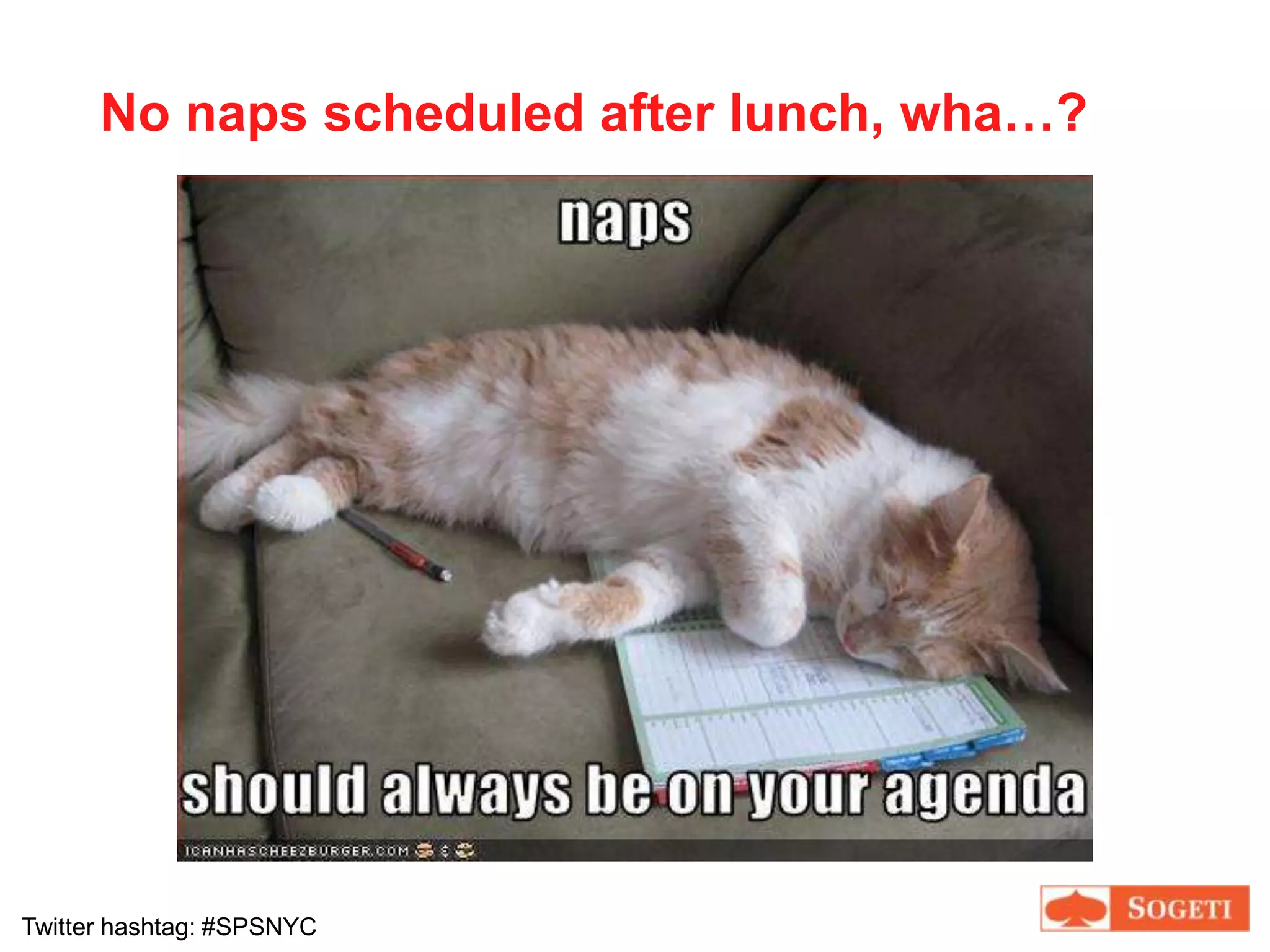
Frog loverNo naps scheduled after lunch, wha…?
AgendaIntroduction to PowerShell
Basic Usage
Demos
Integrate with SharePoint
More Demos
Have some funWhy Are You In This Talk?Completely new to SharePoint administration
Been using STSADM and need to learn PowerShell
Been using PowerShell and want to use on SharePointLittle bit of content for everyone
Quick PollsIs your role admin / developer / other?Have you used STSADM?Have you used PowerShell?If yes, level of proficiency (low, medium, high)?Already working with SharePoint 2010?
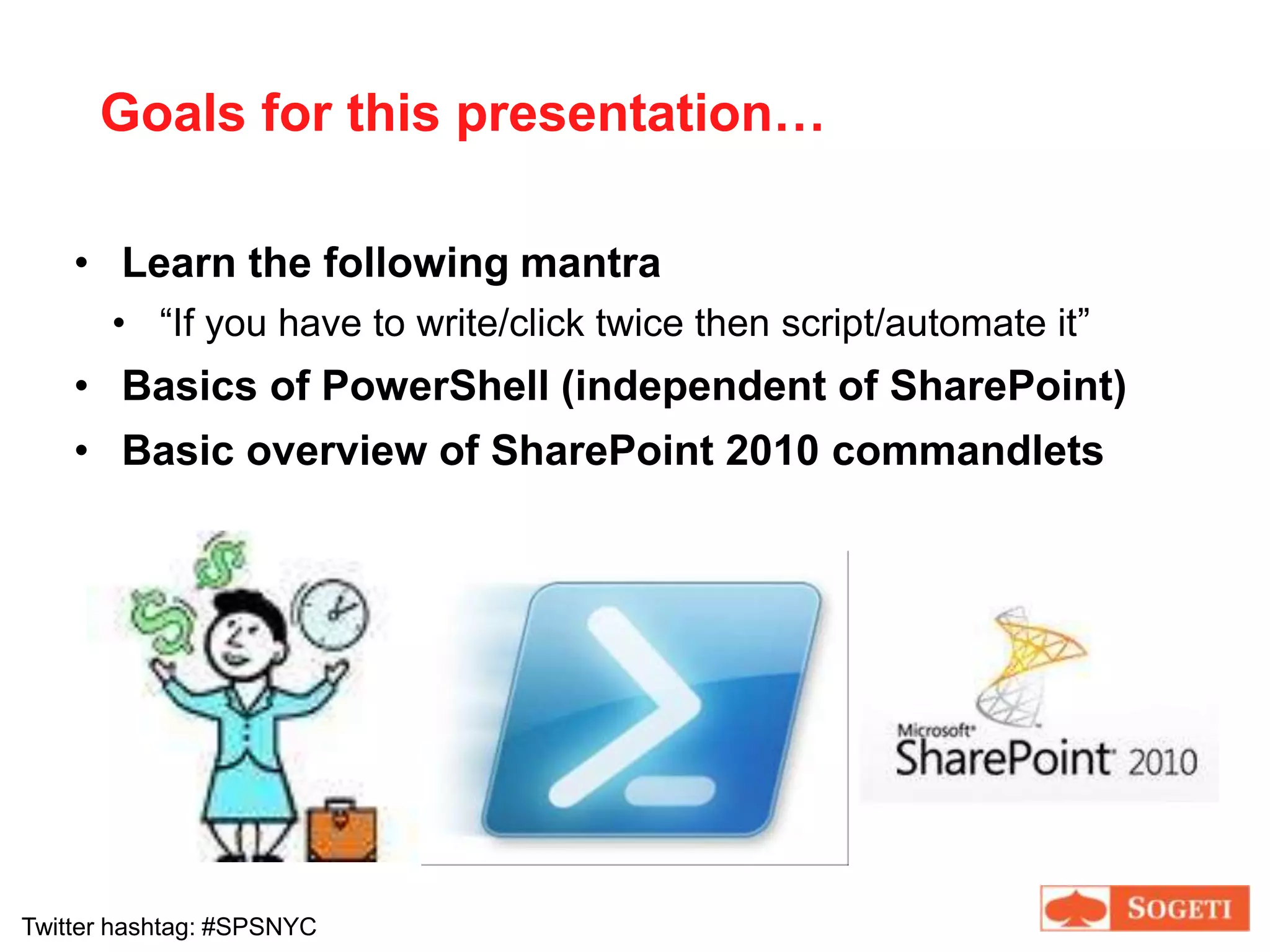
Goals for this presentation…Learn the following mantra“If you have to write/click twice then script/automate it”Basics of PowerShell (independent of SharePoint)
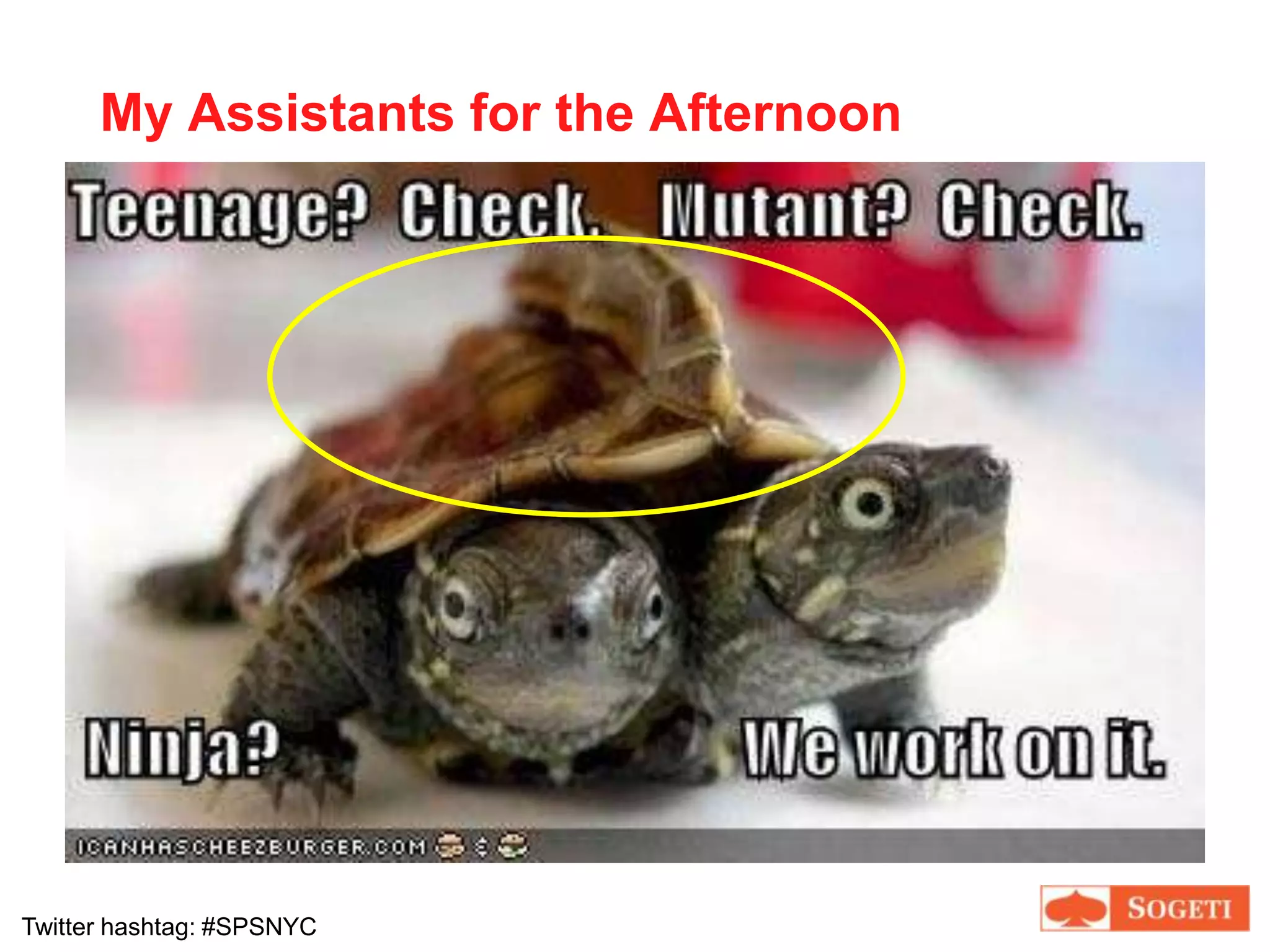
Basic overview of SharePoint 2010 commandletsMy Assistants for the Afternoon
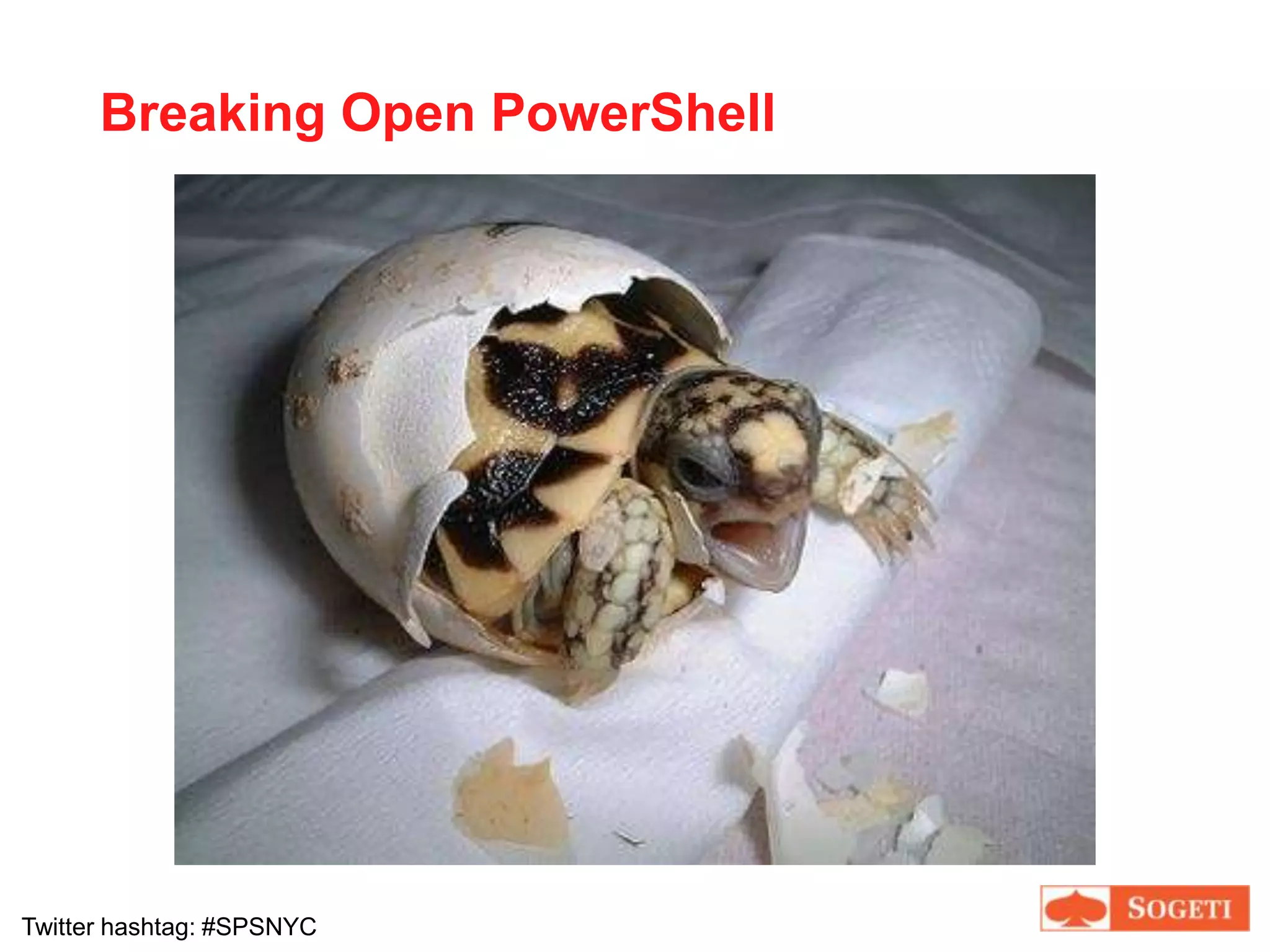
Breaking Open PowerShell
PowerShell OriginsIntroduced in 2006
Originally codename Monad
Later renamed to Microsoft Shell (MSH)
Later renamed again to Windows PowerShell
Becoming a cornerstone tool for administrationExchange 2007SQL Server 2008… and now SharePoint 2010!!In 2010, your newest Swiss Army Knife in SP tool bag
What Is PowerShell?PowerShell is…A command line shell
Object orientedAble to support .Net objects, not just textExtensible
New scripting languageAims to be familiar to those writing VBscript or shell scripting like Unix, but simplified like command line
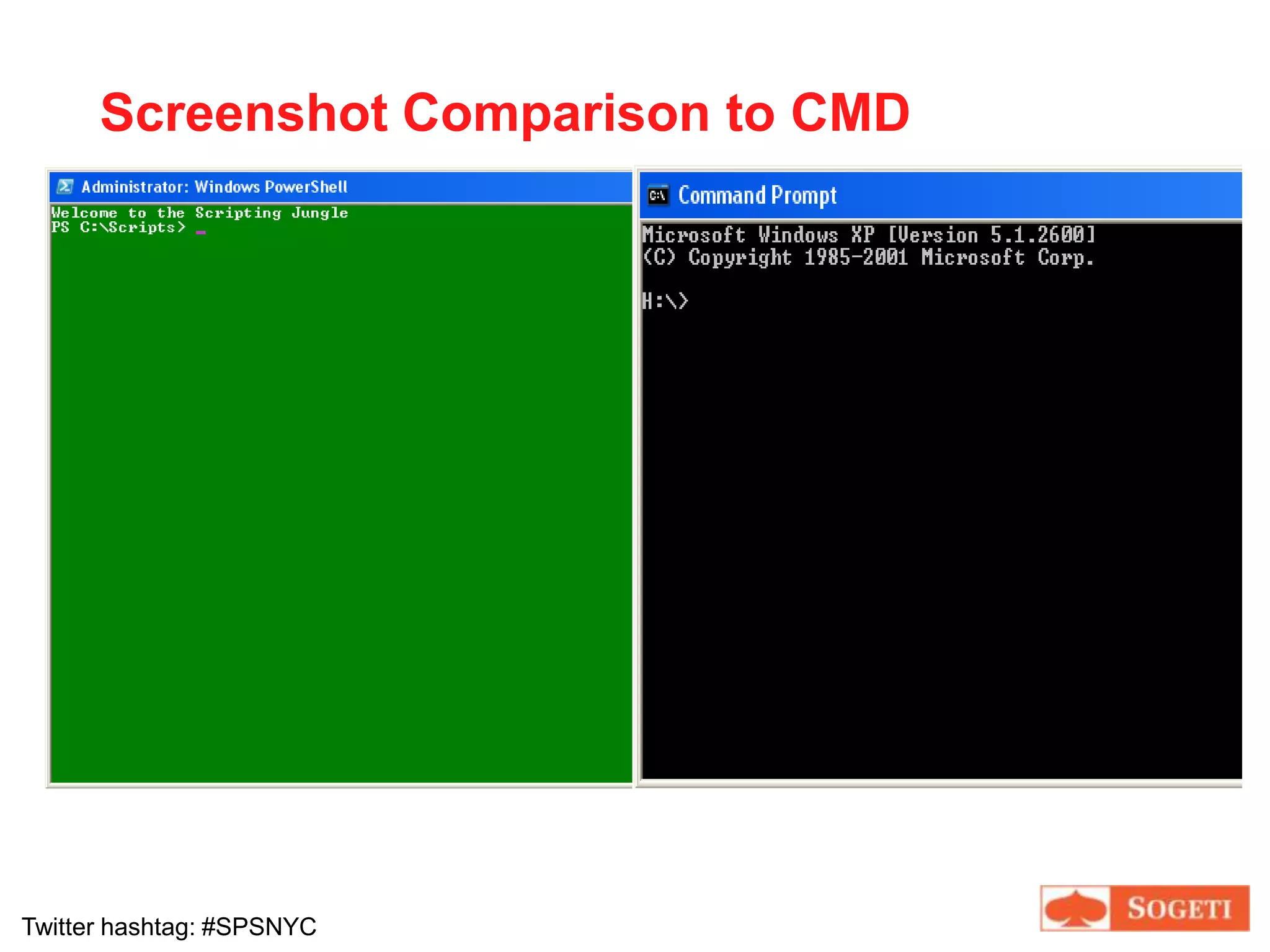
Screenshot Comparison to CMD
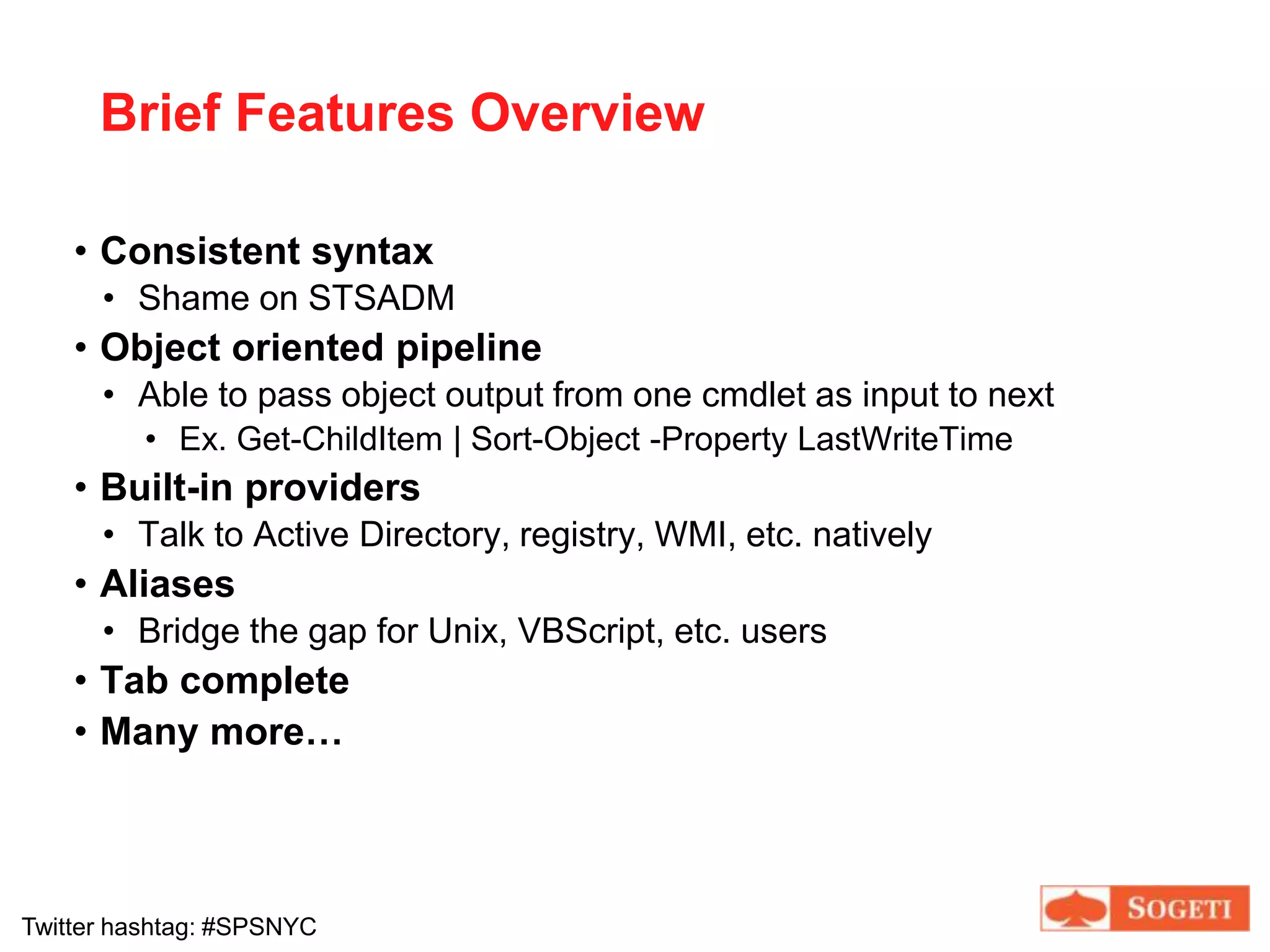
Brief Features OverviewConsistent syntaxShame on STSADMObject oriented pipelineAble to pass object output from one cmdlet as input to nextEx. Get-ChildItem | Sort-Object -Property LastWriteTimeBuilt-in providersTalk to Active Directory, registry, WMI, etc. nativelyAliasesBridge the gap for Unix, VBScript, etc. usersTab complete
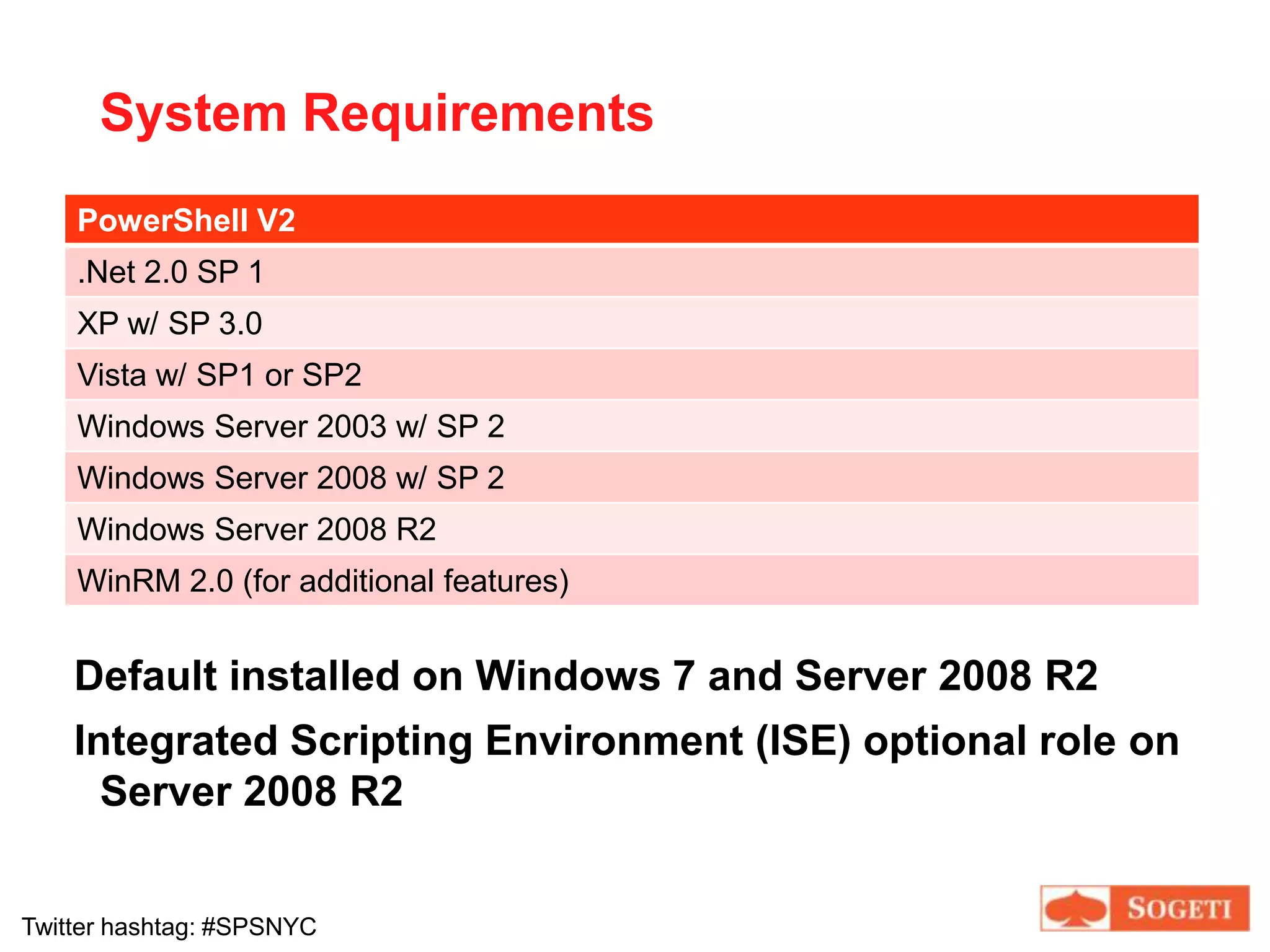
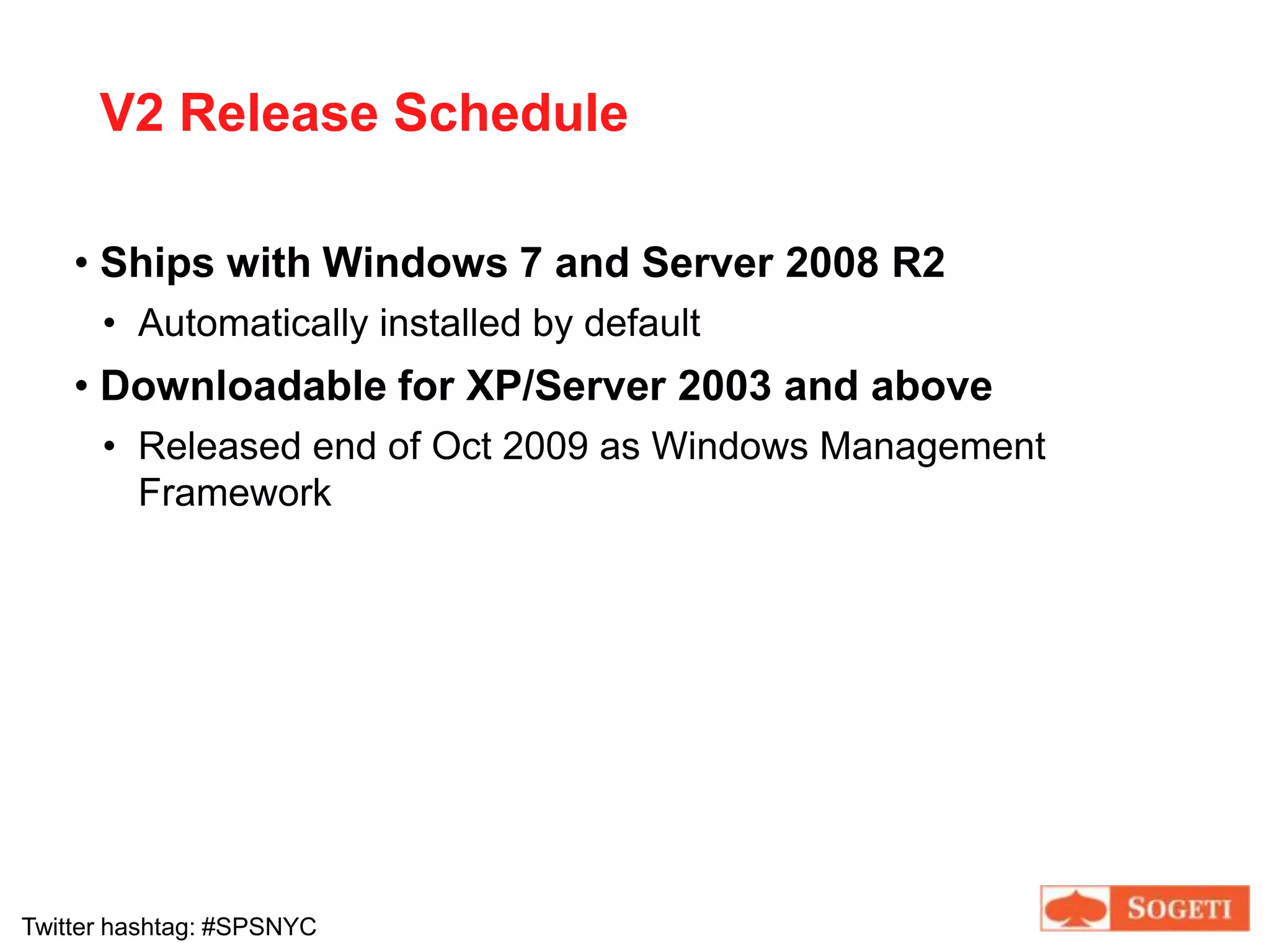
Many more…System RequirementsDefault installed on Windows 7 and Server 2008 R2Integrated Scripting Environment (ISE) optional role on Server 2008 R2
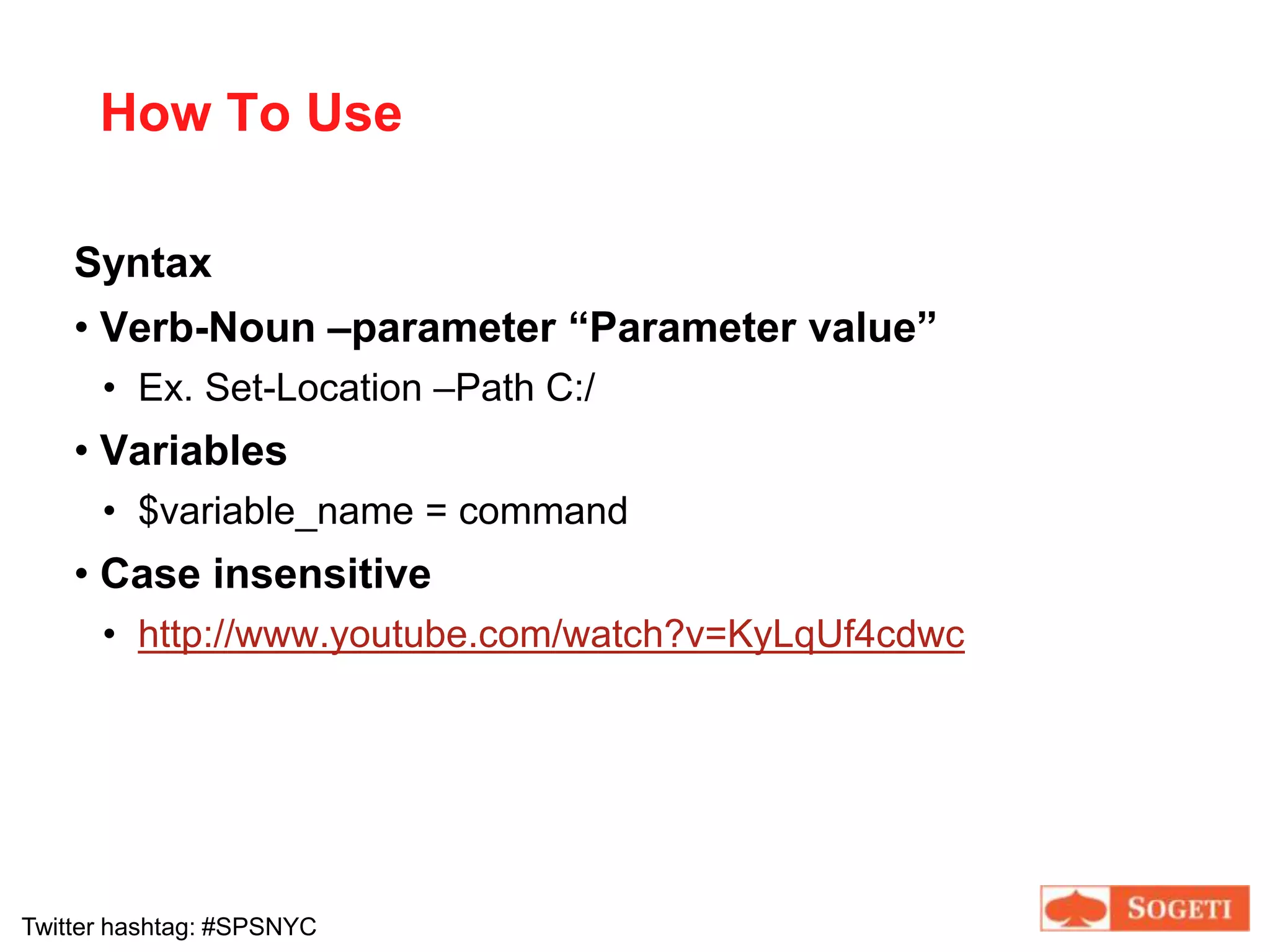
How To UseSyntaxVerb-Noun –parameter “Parameter value”Ex. Set-Location –Path C:/Variables$variable_name = commandCase insensitivehttp://www.youtube.com/watch?v=KyLqUf4cdwc
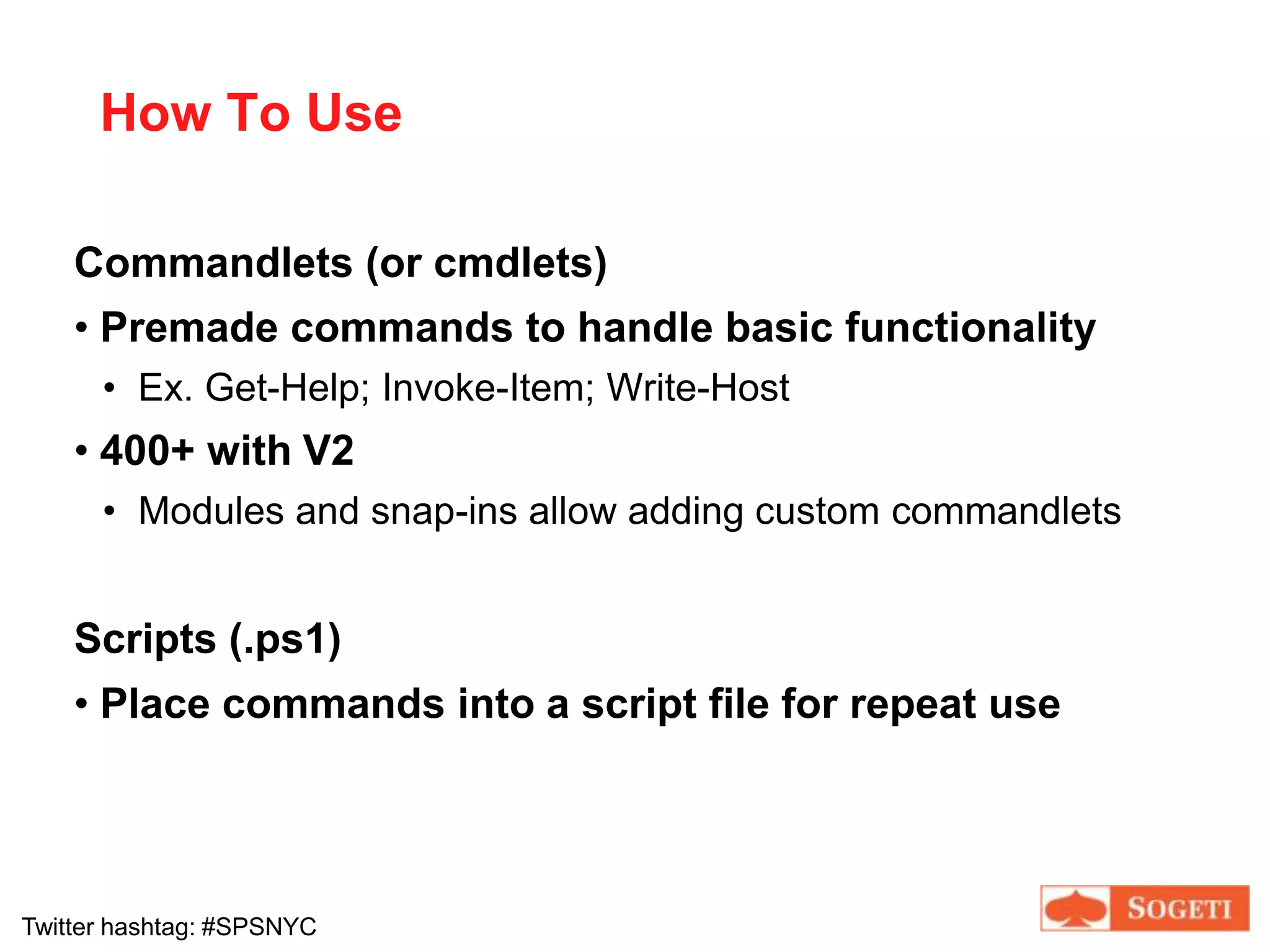
How To UseCommandlets (or cmdlets)Premade commands to handle basic functionalityEx. Get-Help; Invoke-Item; Write-Host400+ with V2Modules and snap-ins allow adding custom commandletsScripts (.ps1)Place commands into a script file for repeat useHow To Find HelpSyntaxGet-Help [cmdlet [*]]
Get-Alias [cmdlet [*]]
(object) | Get-MemberWe’ll get to the pipe operator ‘|’ later[] = optional
() = object or variableWhen to UseUse PowerShell when…a process must be consistent
a process must be performed for multiple workstations/users/etc
you don’t know the target that needs to be modified“If you have to write it twice, script it”
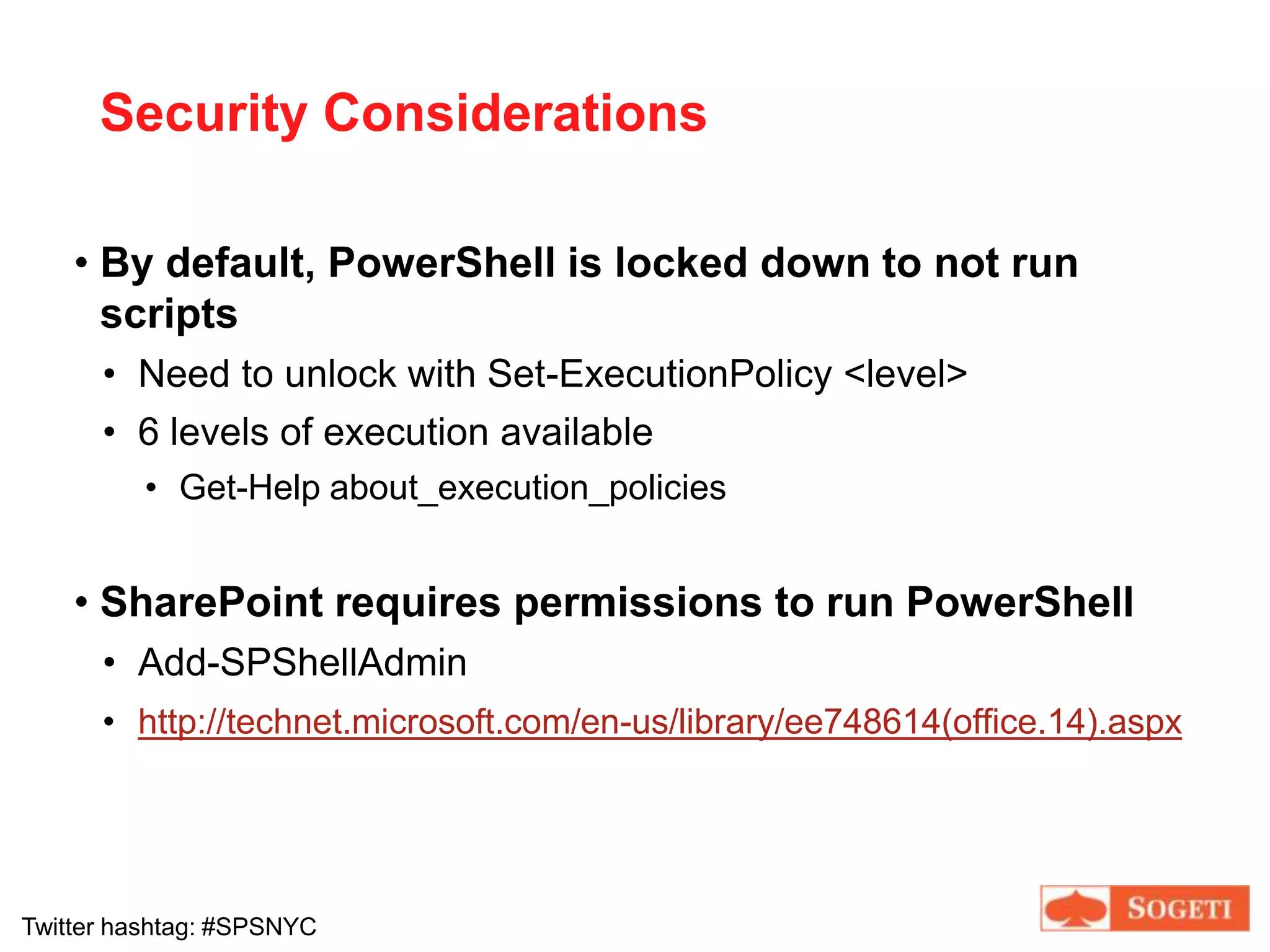
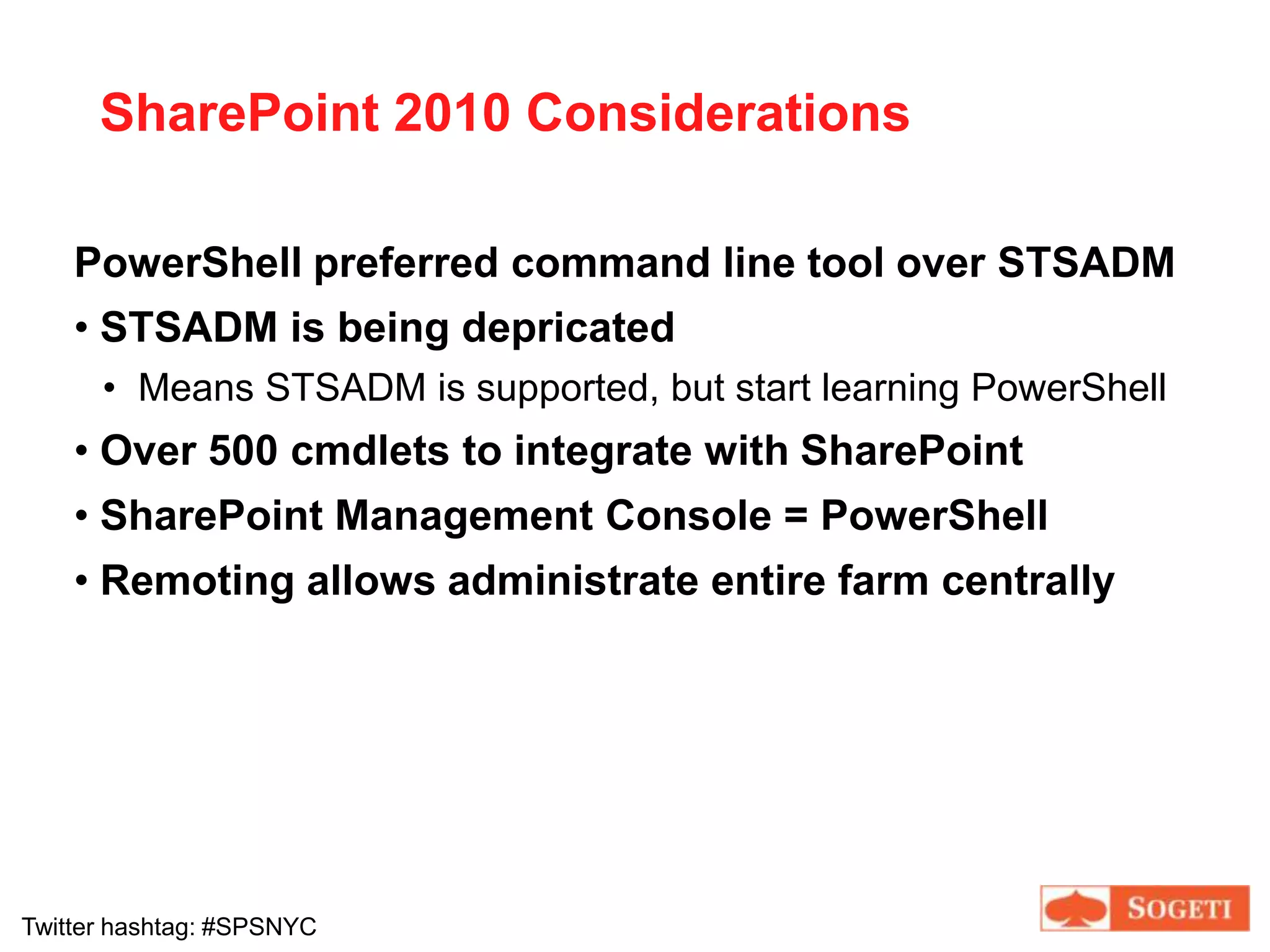
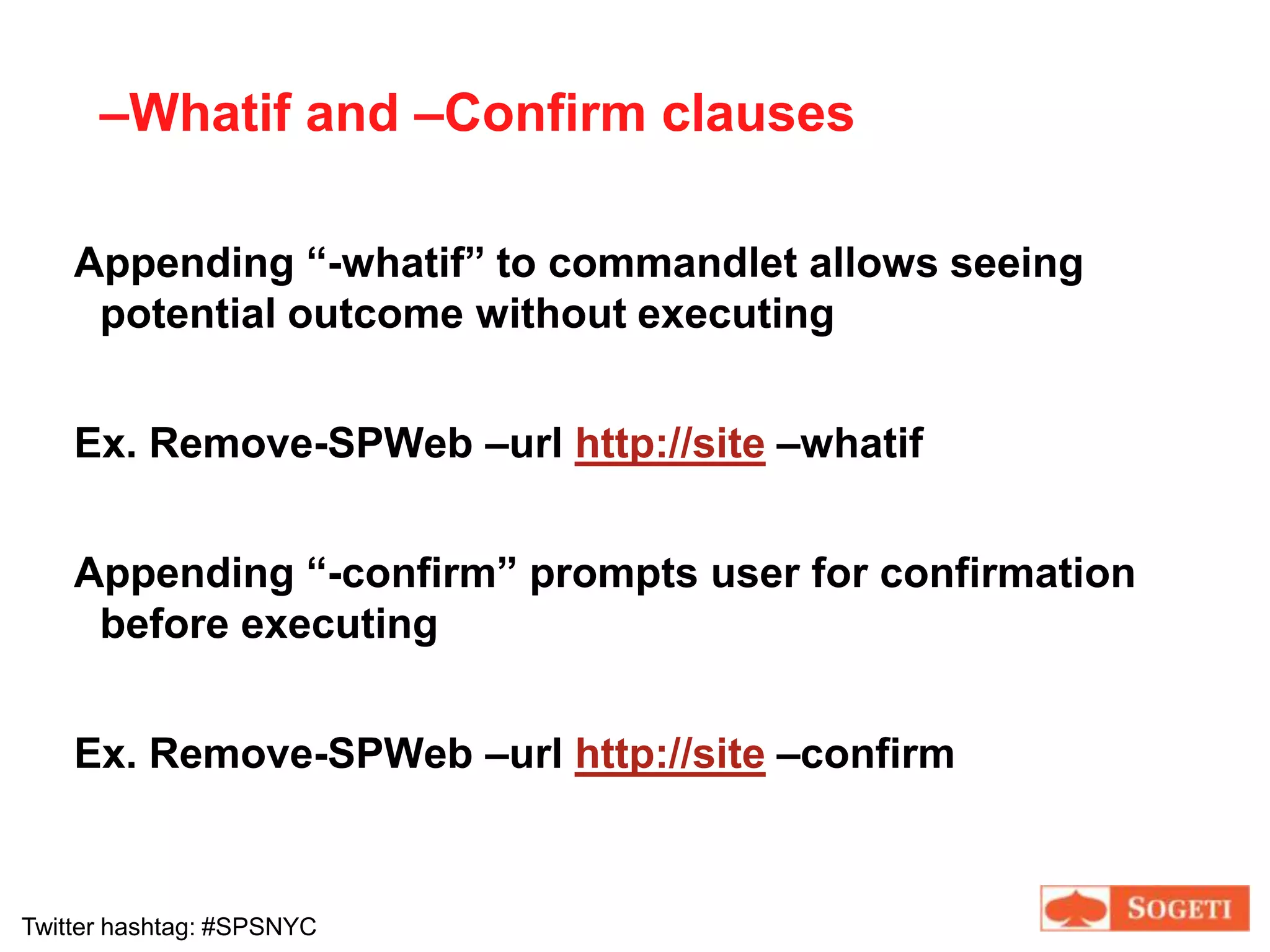
Security ConsiderationsBy default, PowerShell is locked down to not run scriptsNeed to unlock with Set-ExecutionPolicy <level>6 levels of execution availableGet-Help about_execution_policiesSharePoint requires permissions to run PowerShellAdd-SPShellAdminhttp://technet.microsoft.com/en-us/library/ee748614(office.14).aspx
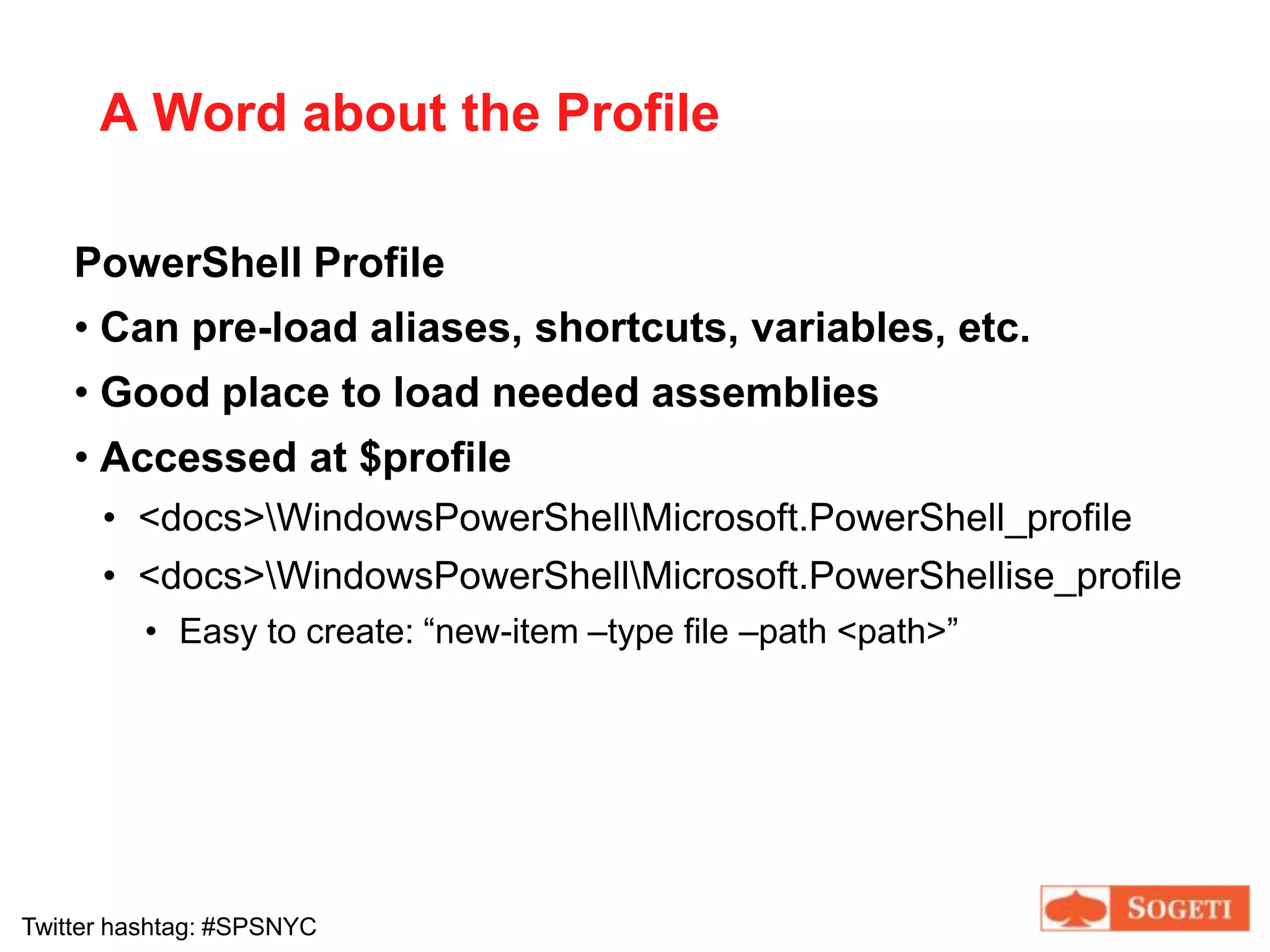
A Word about the ProfilePowerShell ProfileCan pre-load aliases, shortcuts, variables, etc.
Good place to load needed assemblies
Accessed at $profile<docs>\WindowsPowerShell\Microsoft.PowerShell_profile<docs>\WindowsPowerShell\Microsoft.PowerShellise_profileEasy to create: “new-item –type file –path <path>”
Enough Intro, Let’s Demo
Demo 1Get-HelpGet-MemberSimple commands with file systemGet-AliasTab complete
Power of the Pipe
Power of the PipeThe Pipe Operator “|”Output from one command becomes input for the next
String together multiple commandsFiltering OptionSort-Object
Where-Object
Select-ObjectDemo 2Piping commands to each otherSortSelectWhere
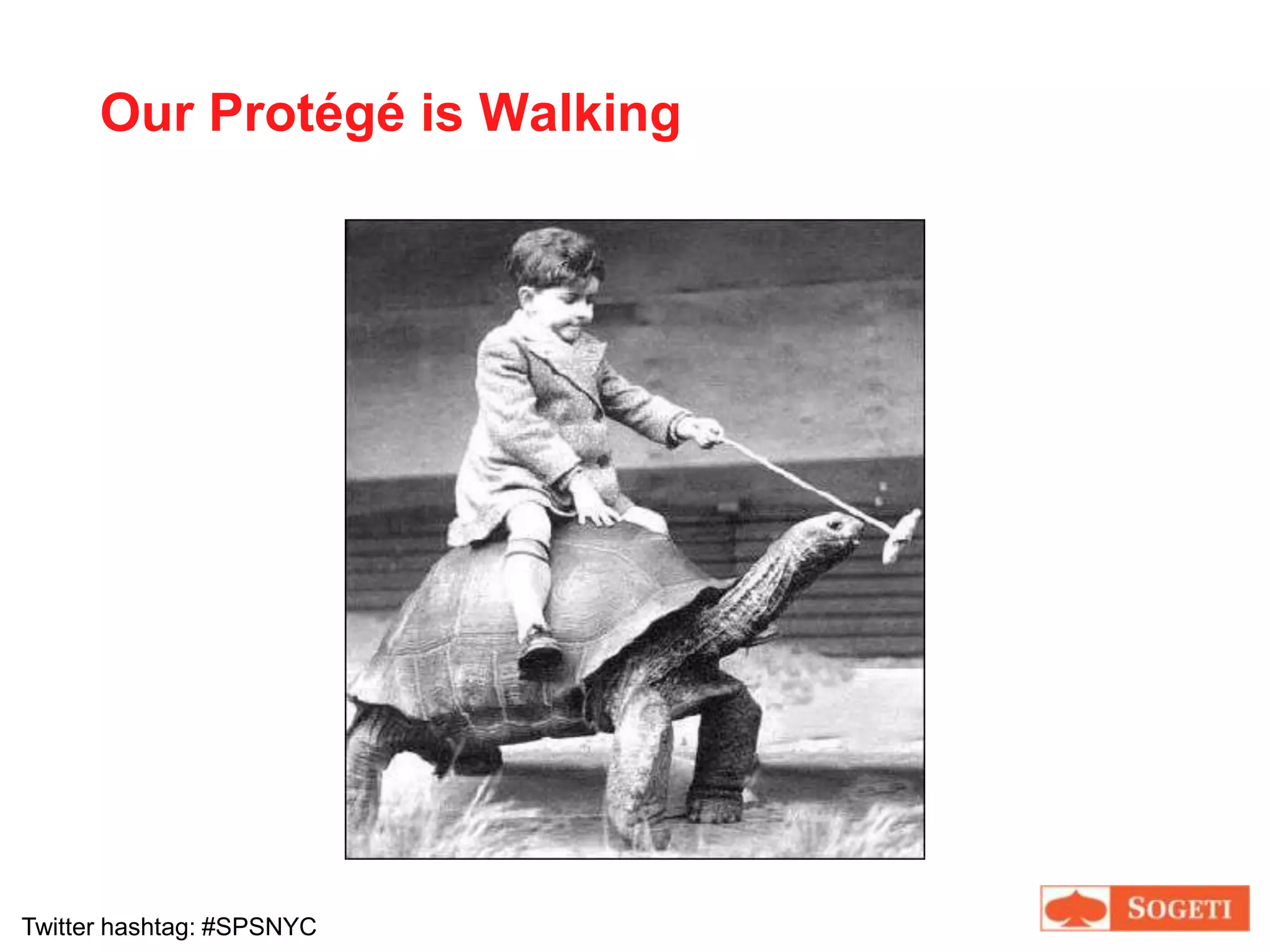
Our Protégé is Walking
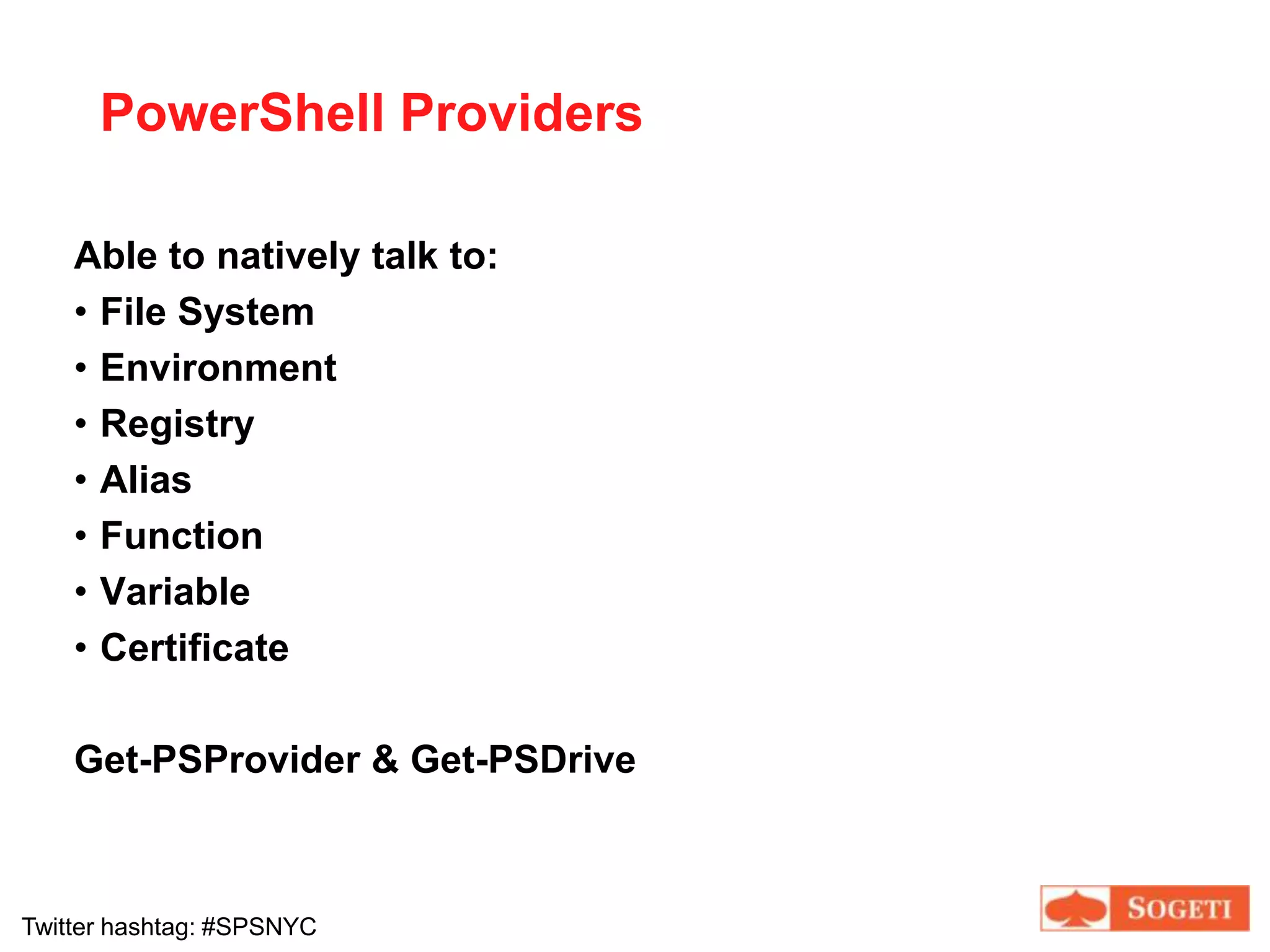
PowerShell ProvidersAble to natively talk to:File System
Environment

Brian Jackett: Managing SharePoint 2010 Farms with Powershell

Editor's Notes

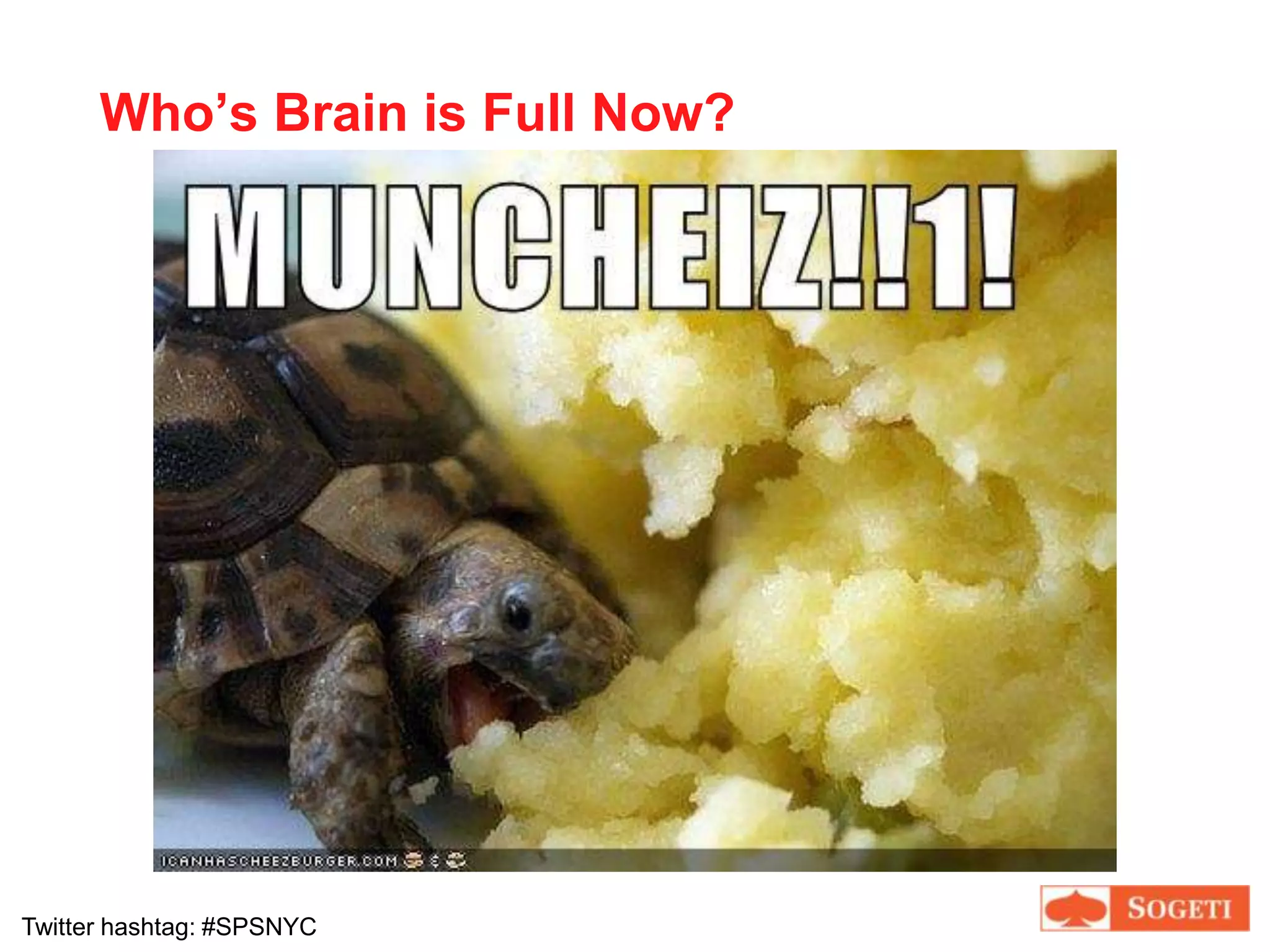
  • #4 Explain ICanHasCheeseburger.com and photos
  • #5 Half presentation, half demos. Start out introduction to PowerShell, then get into SharePoint integration. Lots of slides, but move quickly through them.
  • #6 Probably can align with 1 of these 3 categories. Try to cover content for everyone but focusing on the 100 level introductory content.
  • #8 This is how I’m rating myself, hopefully these satisfy your goals as wellQuote adapted from Jeremiah Peschka, database application developer in Columbus, OH. Not sure if he borrowed from anyone.Will cover what a commandlet is later in presentation
  • #9 Most stage performers and magicians have an assistant, so I have mine as well
  • #13 Quick view of what PowerShell looks like. On left is a shot of my customized console screen after profile commands have run. Explain more later, but let’s me know if certain things are in place.
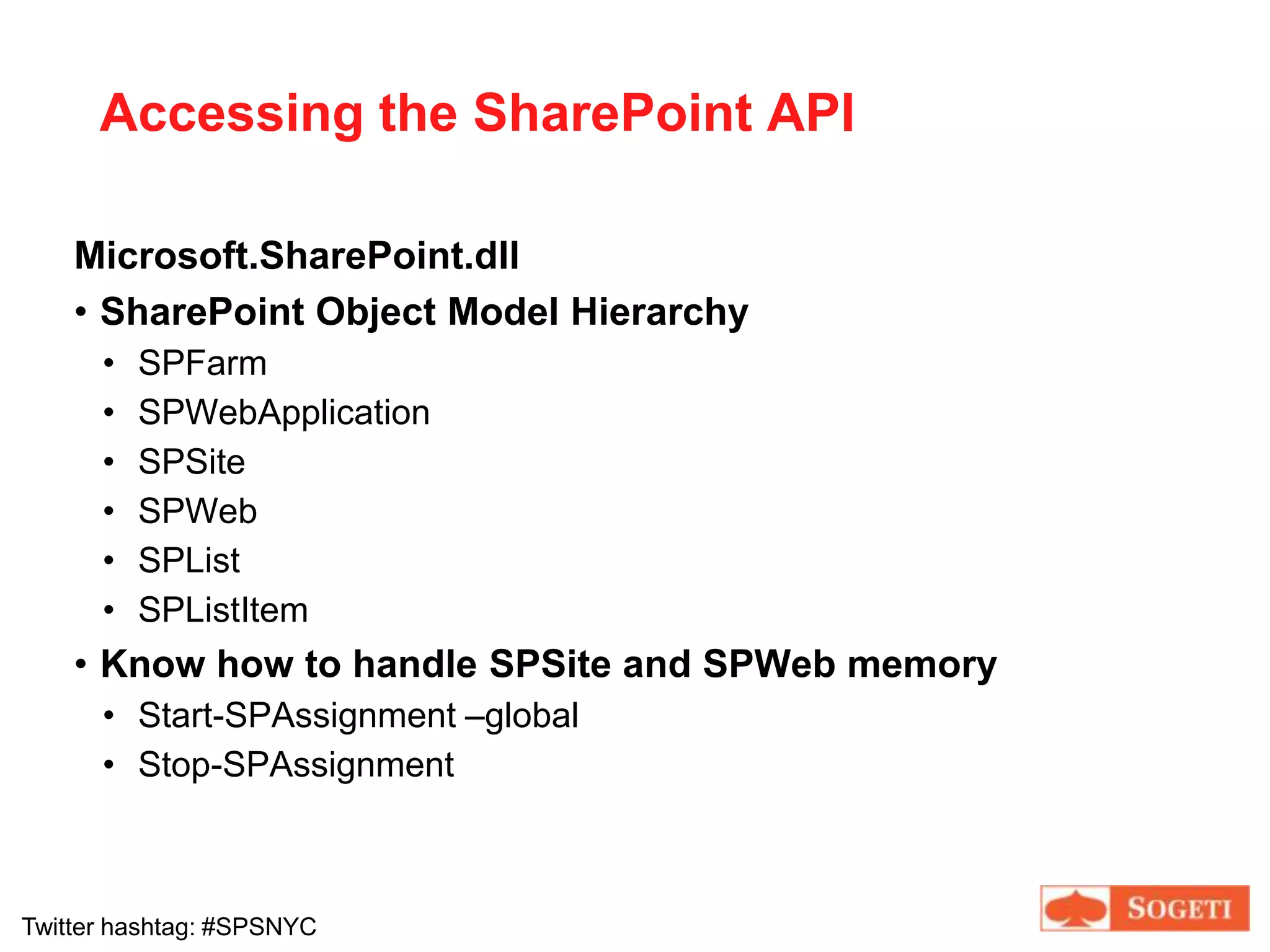
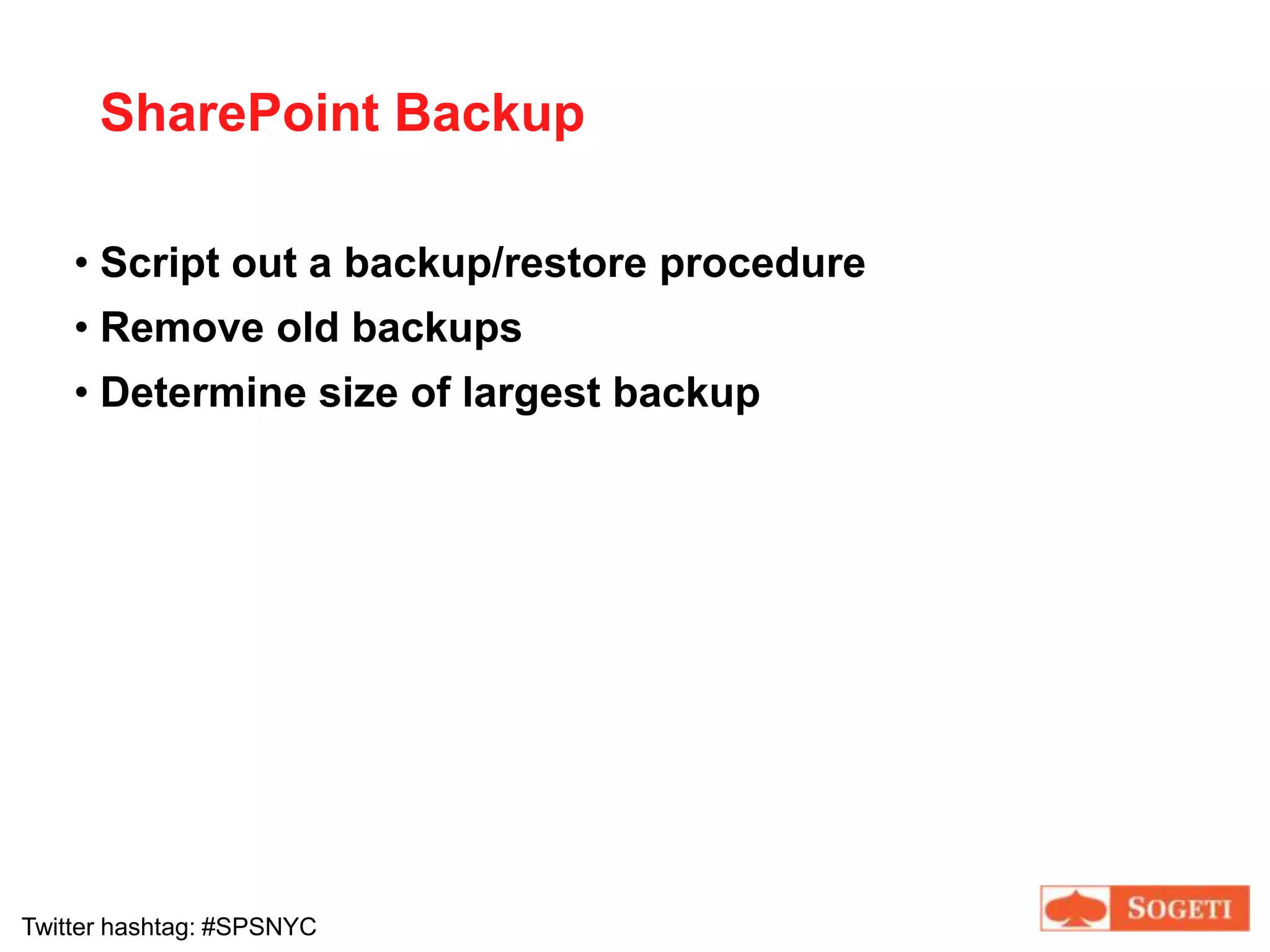
  • #36 Show that Central Admin is aware when you run new PowerShell backups, go to restore page.