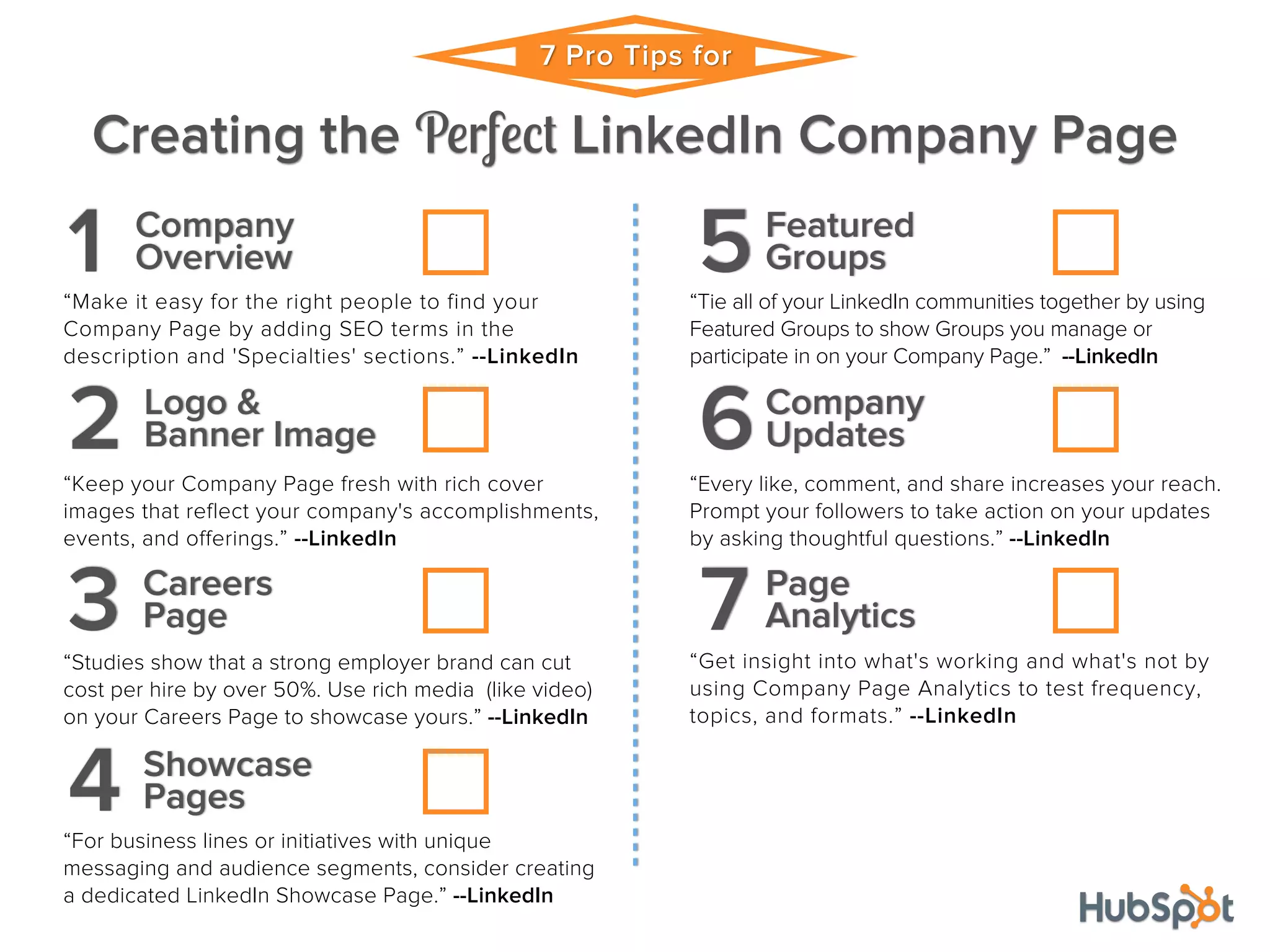
7 Pro Tips for 
Creating the Perfect LinkedIn Company Page 
Company 
1 Overview 
“Make it easy for the right people to find your 
Company Page by adding SEO terms in the 
description and 'Specialties' sections.” --LinkedIn 
Logo & 
2 Banner Image 
“Keep your Company Page fresh with rich cover 
images that reflect your company's accomplishments, 
events, and offerings.” --LinkedIn 
Careers 
3 Page 
“Studies show that a strong employer brand can cut 
cost per hire by over 50%. Use rich media (like video) 
on your Careers Page to showcase yours.” --LinkedIn 
Showcase 
4 Pages 
“For business lines or initiatives with unique 
messaging and audience segments, consider creating 
a dedicated LinkedIn Showcase Page.” --LinkedIn 
Featured 
5Groups 
“Tie all of your LinkedIn communities together by using 
Featured Groups to show Groups you manage or 
participate in on your Company Page.” --LinkedIn 
Company 
6Updates 
“Every like, comment, and share increases your reach. 
Prompt your followers to take action on your updates 
by asking thoughtful questions.” --LinkedIn 
Page 
7 Analytics 
“Get insight into what's working and what's not by 
using Company Page Analytics to test frequency, 
topics, and formats.” --LinkedIn

Checklist 7 pro tips for creating the perfect linked in company page

  • 1.
    7 Pro Tipsfor Creating the Perfect LinkedIn Company Page Company 1 Overview “Make it easy for the right people to find your Company Page by adding SEO terms in the description and 'Specialties' sections.” --LinkedIn Logo & 2 Banner Image “Keep your Company Page fresh with rich cover images that reflect your company's accomplishments, events, and offerings.” --LinkedIn Careers 3 Page “Studies show that a strong employer brand can cut cost per hire by over 50%. Use rich media (like video) on your Careers Page to showcase yours.” --LinkedIn Showcase 4 Pages “For business lines or initiatives with unique messaging and audience segments, consider creating a dedicated LinkedIn Showcase Page.” --LinkedIn Featured 5Groups “Tie all of your LinkedIn communities together by using Featured Groups to show Groups you manage or participate in on your Company Page.” --LinkedIn Company 6Updates “Every like, comment, and share increases your reach. Prompt your followers to take action on your updates by asking thoughtful questions.” --LinkedIn Page 7 Analytics “Get insight into what's working and what's not by using Company Page Analytics to test frequency, topics, and formats.” --LinkedIn