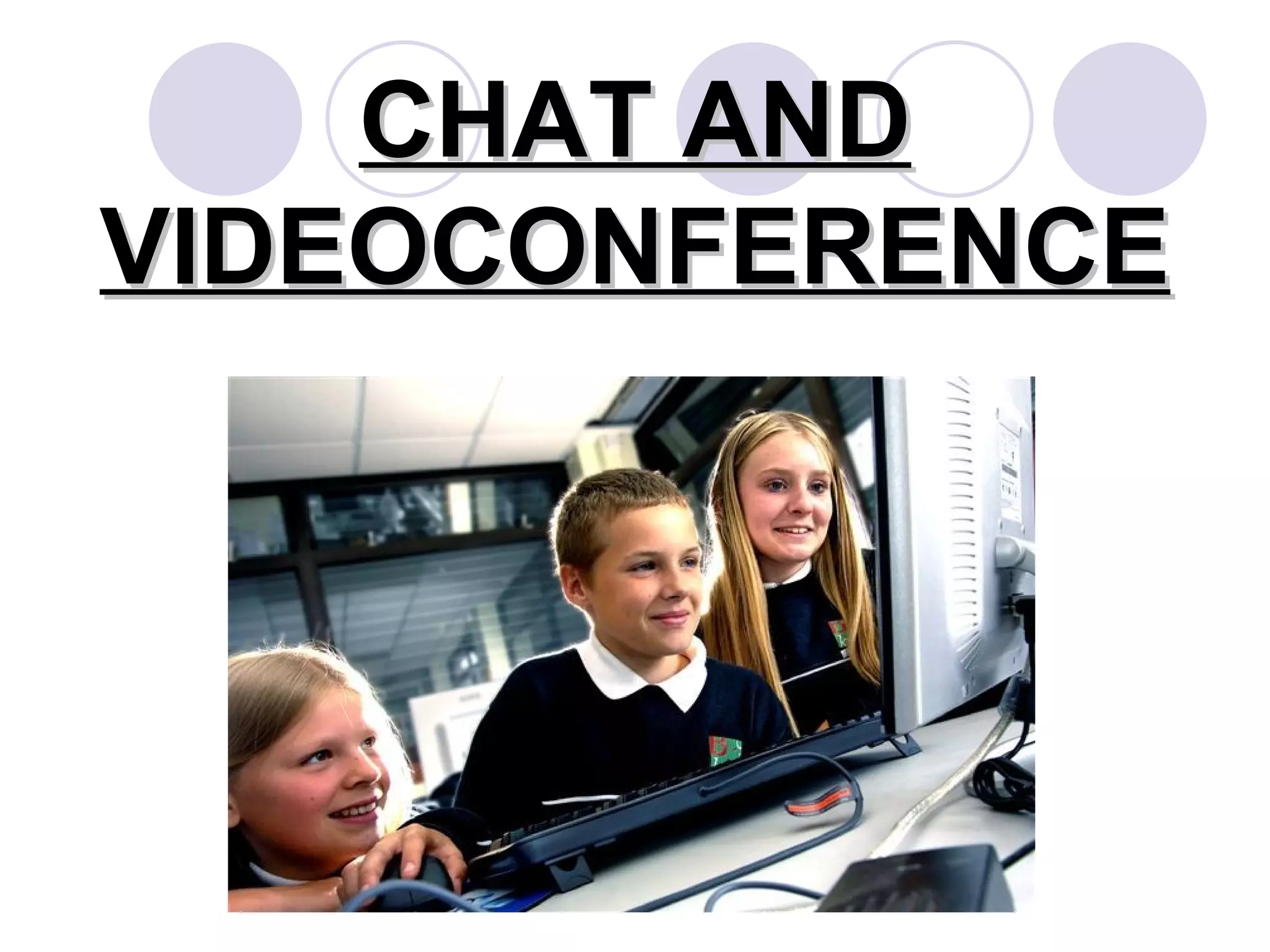
CHAT AND VIDEOCONFERENCE
Introduction This type of interaction is essential for target language adqusition. It is helpful in creating linguistic interaction Increases an excellent quality relationship to create different types of interaction between students.
IDEAL CONDITIONS FOR LEARNING A SECOND LANGUAGE Ideal hypothese can be stablish for the learning of a second language. Students need opportunities to produce in the second language Students must   Know what errors they have    commited.    correct their production    be involved in interaction in the 2nd    languange.    be involved in activities in the 2nd    language and the aim of these    activities should  be to increase the    opportunities for good interaction.
“ the potencial pedagogical effect of the technological instruments used for the learning of the 2nd language depend on the methodological or theoretical approach that guides their application”
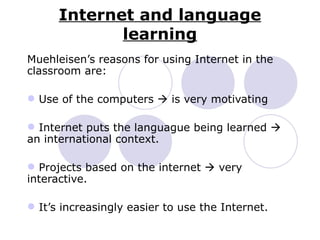
Internet and language learning Muehleisen’s reasons for using Internet in the classroom are: Use of the computers    is very motivating Internet puts the languague being learned    an international context. Projects based on the internet    very interactive. It’s increasingly easier to use the Internet.
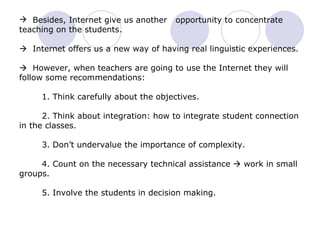
Besides, Internet give us another  opportunity to concentrate teaching on the students.    Internet offers us a new way of having real linguistic experiences.    However, when teachers are going to use the Internet they will follow some recommendations:   1. Think carefully about the objectives.     2. Think about integration: how to integrate student connection in the classes.   3. Don’t undervalue the importance of complexity.   4. Count on the necessary technical assistance    work in small groups.   5. Involve the students in decision making.
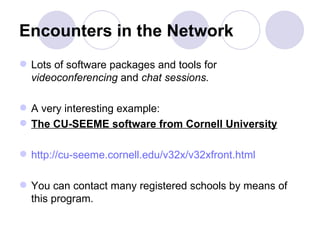
Encounters in the Network Lots of software packages and tools for  videoconferencing  and  chat sessions.   A very interesting example:  The CU-SEEME software from Cornell University   http://cu-seeme.cornell.edu/v32x/v32xfront.html You can contact many registered schools by means of this program.
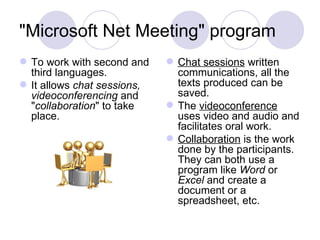
"Microsoft Net Meeting" program  To work with second and third languages.  It allows  chat sessions, videoconferencing  and " collaboration " to take place.  Chat sessions  written communications, all the texts produced can be saved.  The  videoconference  uses video and audio and facilitates oral work.  Collaboration  is the work done by the participants. They can both use a program like  Word  or  Excel  and create a document or a spreadsheet, etc.
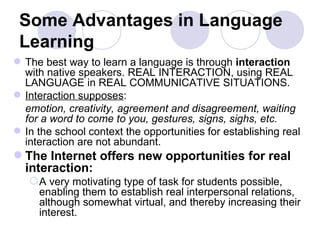
Some Advantages in Language Learning The best way to learn a language is through  interaction  with native speakers. REAL INTERACTION, using REAL LANGUAGE in REAL COMMUNICATIVE SITUATIONS. Interaction supposes : emotion, creativity, agreement and disagreement, waiting for a word to come to you, gestures, signs, sighs, etc.  In the school context the opportunities for establishing real interaction are not abundant.  The Internet offers new opportunities for real interaction: A very motivating type of task for students possible, enabling them to establish real interpersonal relations, although somewhat virtual, and thereby increasing their interest.
WHAT DO WE HAVE TO PREPARE? Groups of students and turns Preparing the subject  TOPIC
Arrange with the other users: The place The time The name Other details
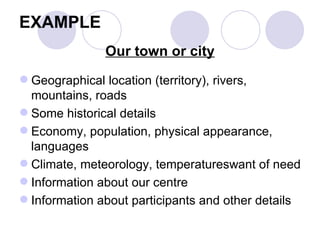
EXAMPLE Our town or city Geographical location (territory), rivers, mountains, roads  Some historical details  Economy, population, physical appearance, languages  Climate, meteorology, temperatureswant of need  Information about our centre  Information about participants and other details
Observations for Working with the Language Writing up their work Analysing the documents produced Sending these documents to the other users Describing their experience
Student Production  and Error Correction
Faults and Errors A Fault made when trying to turn capability into reality Error: a lack of knowledge
A Real Correct Model Students must want or need to stop making faults or errors Students Must have an internal image of what is correct Students must find out that a mistake has been made Students must have the opportunity to try again in real conditions
Different types of text SHORT AND IMMEDIATE LONG : ATTACHED DOCUMENTS
Other Materials Scanned photographs Audio recordings:  songs or verses Text Documents

Chats and videoconferencing

  • 1.
  • 2.
    Introduction This typeof interaction is essential for target language adqusition. It is helpful in creating linguistic interaction Increases an excellent quality relationship to create different types of interaction between students.
  • 3.
    IDEAL CONDITIONS FORLEARNING A SECOND LANGUAGE Ideal hypothese can be stablish for the learning of a second language. Students need opportunities to produce in the second language Students must  Know what errors they have commited.  correct their production  be involved in interaction in the 2nd languange.  be involved in activities in the 2nd language and the aim of these activities should be to increase the opportunities for good interaction.
  • 4.
    “ the potencialpedagogical effect of the technological instruments used for the learning of the 2nd language depend on the methodological or theoretical approach that guides their application”
  • 5.
    Internet and languagelearning Muehleisen’s reasons for using Internet in the classroom are: Use of the computers  is very motivating Internet puts the languague being learned  an international context. Projects based on the internet  very interactive. It’s increasingly easier to use the Internet.
  • 6.
    Besides, Internet giveus another opportunity to concentrate teaching on the students.  Internet offers us a new way of having real linguistic experiences.  However, when teachers are going to use the Internet they will follow some recommendations: 1. Think carefully about the objectives. 2. Think about integration: how to integrate student connection in the classes. 3. Don’t undervalue the importance of complexity. 4. Count on the necessary technical assistance  work in small groups. 5. Involve the students in decision making.
  • 7.
    Encounters in theNetwork Lots of software packages and tools for videoconferencing and chat sessions. A very interesting example: The CU-SEEME software from Cornell University http://cu-seeme.cornell.edu/v32x/v32xfront.html You can contact many registered schools by means of this program.
  • 8.
    "Microsoft Net Meeting"program To work with second and third languages. It allows chat sessions, videoconferencing and " collaboration " to take place. Chat sessions written communications, all the texts produced can be saved. The videoconference uses video and audio and facilitates oral work. Collaboration is the work done by the participants. They can both use a program like Word or Excel and create a document or a spreadsheet, etc.
  • 9.
    Some Advantages inLanguage Learning The best way to learn a language is through interaction with native speakers. REAL INTERACTION, using REAL LANGUAGE in REAL COMMUNICATIVE SITUATIONS. Interaction supposes : emotion, creativity, agreement and disagreement, waiting for a word to come to you, gestures, signs, sighs, etc. In the school context the opportunities for establishing real interaction are not abundant. The Internet offers new opportunities for real interaction: A very motivating type of task for students possible, enabling them to establish real interpersonal relations, although somewhat virtual, and thereby increasing their interest.
  • 10.
    WHAT DO WEHAVE TO PREPARE? Groups of students and turns Preparing the subject TOPIC
  • 11.
    Arrange with theother users: The place The time The name Other details
  • 12.
    EXAMPLE Our townor city Geographical location (territory), rivers, mountains, roads Some historical details Economy, population, physical appearance, languages Climate, meteorology, temperatureswant of need Information about our centre Information about participants and other details
  • 13.
    Observations for Workingwith the Language Writing up their work Analysing the documents produced Sending these documents to the other users Describing their experience
  • 14.
    Student Production and Error Correction
  • 15.
    Faults and ErrorsA Fault made when trying to turn capability into reality Error: a lack of knowledge
  • 16.
    A Real CorrectModel Students must want or need to stop making faults or errors Students Must have an internal image of what is correct Students must find out that a mistake has been made Students must have the opportunity to try again in real conditions
  • 17.
    Different types oftext SHORT AND IMMEDIATE LONG : ATTACHED DOCUMENTS
  • 18.
    Other Materials Scannedphotographs Audio recordings: songs or verses Text Documents