Instructor  & Todd Lammle Sybex CCNA 640-802  Chapter 10: Security
Chapter 10 Objectives The CCNA Topics Covered in this chapter include: Introduction to Security Types of attacks Mitigating attacks Access-lists Standard Extended Named Monitoring Access-lists
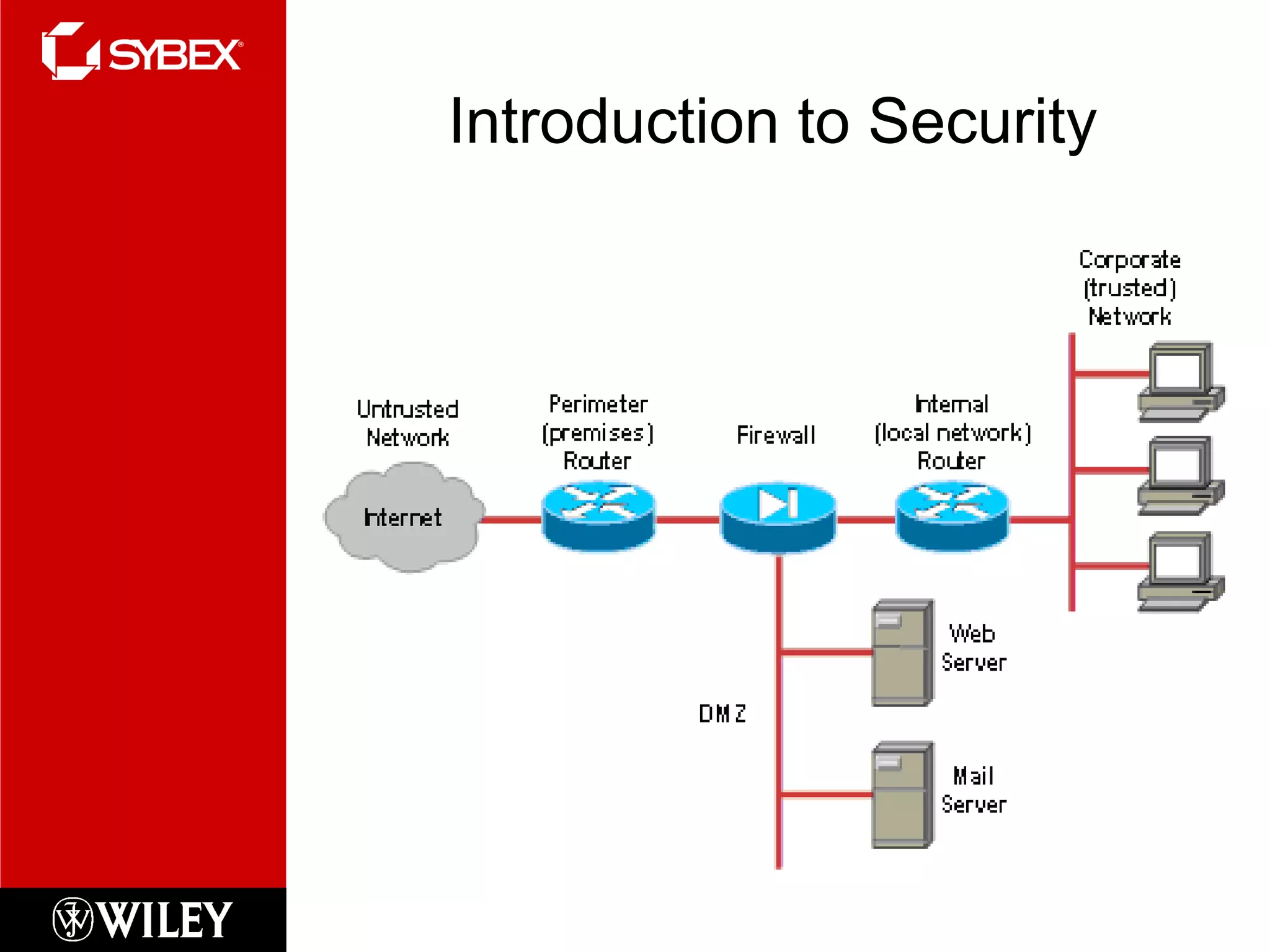
Introduction to Security
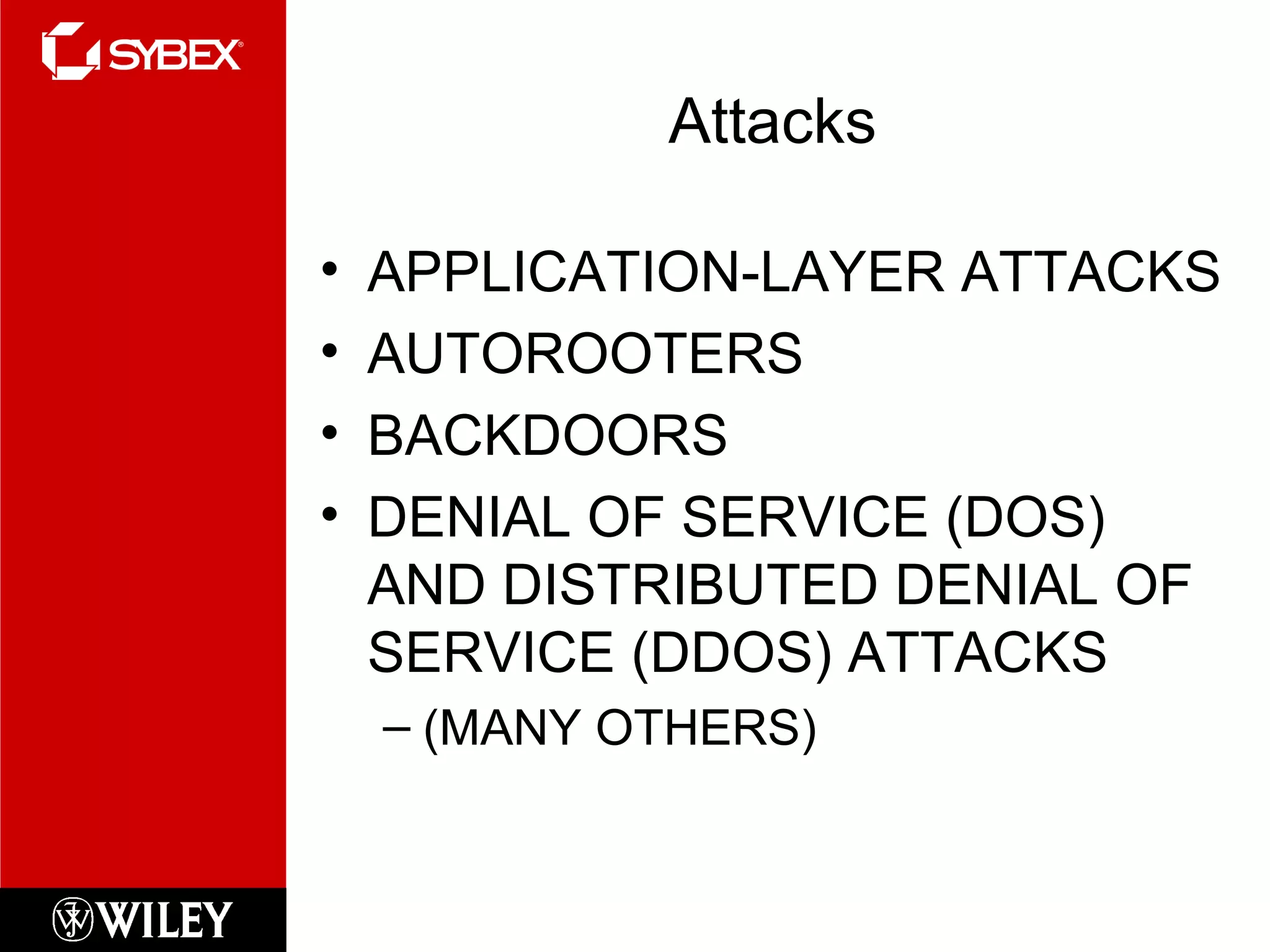
Attacks APPLICATION-LAYER ATTACKS AUTOROOTERS BACKDOORS DENIAL OF SERVICE (DOS) AND DISTRIBUTED DENIAL OF SERVICE (DDOS) ATTACKS (MANY OTHERS)
Mitigating Attacks Appliances IDS IPS STATEFUL IOS FIREWALL INSPECTION ENGINE FIREWALL VOICE TRAVERSAL ICMP   INSPECTION AUTHENTICATION   PROXY
Access Lists Purpose: Used to permit or deny packets moving through the router Permit or deny Telnet (VTY) access to or from a router Create dial-on demand (DDR)  interesting  traffic that triggers dialing to a remote location
Important Rules Packets are compared to each line of the assess list in  sequential  order Packets are compared with lines of the access list  only  until a match is made Once a match is made & acted upon no further comparisons take place An implicit “deny” is at the end of each access list If no matches have been made, the packet will be discarded
Types of Access Lists Standard Access List Filter by source IP addresses only Extended Access List Filter by Source IP, Destination IP, Protocol Field, Port Number Named Access List Functionally the same as standard and extended access lists.
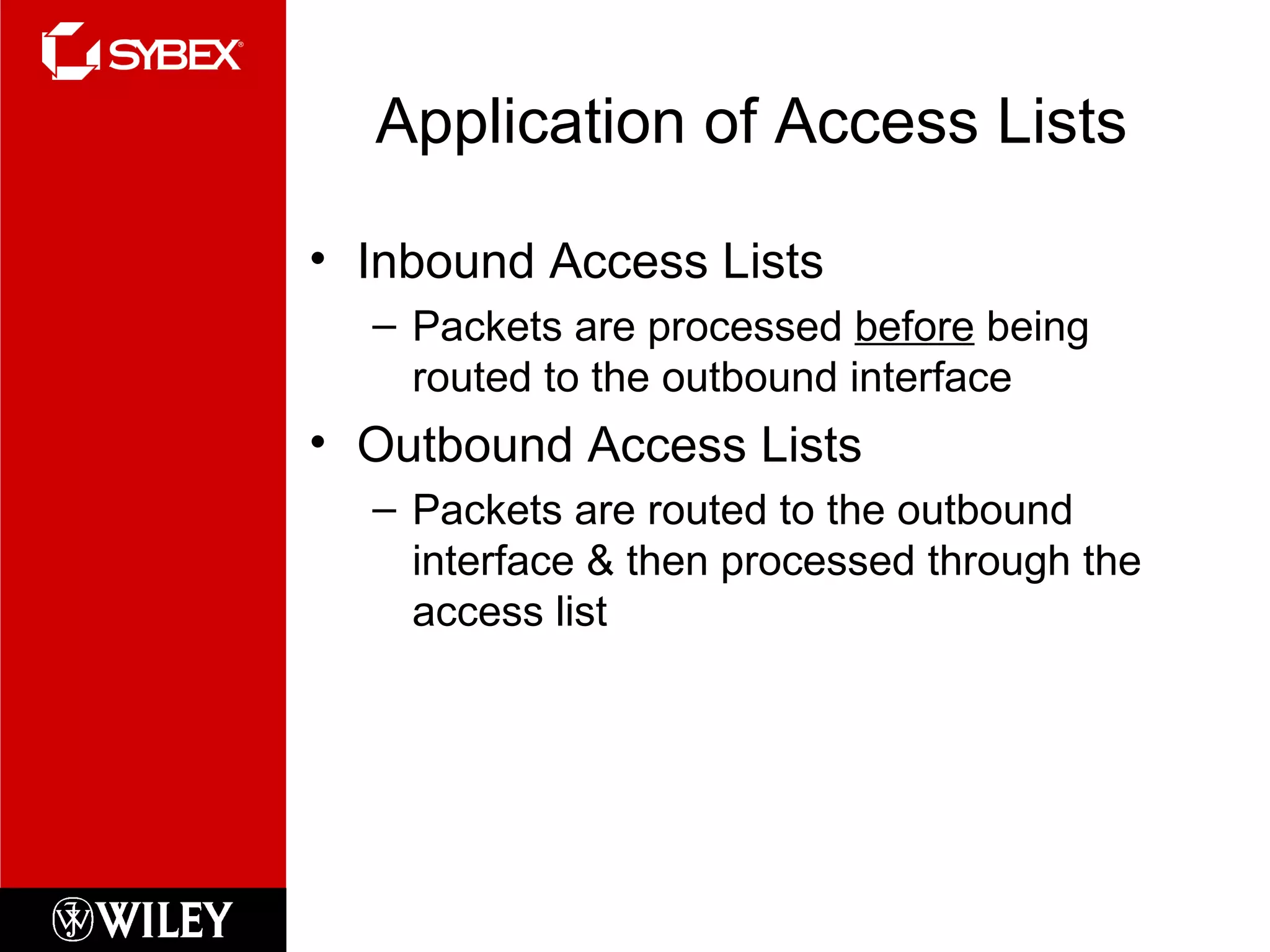
Application of Access Lists Inbound Access Lists Packets are processed  before  being routed to the outbound interface Outbound Access Lists Packets are routed to the outbound interface & then processed through the access list
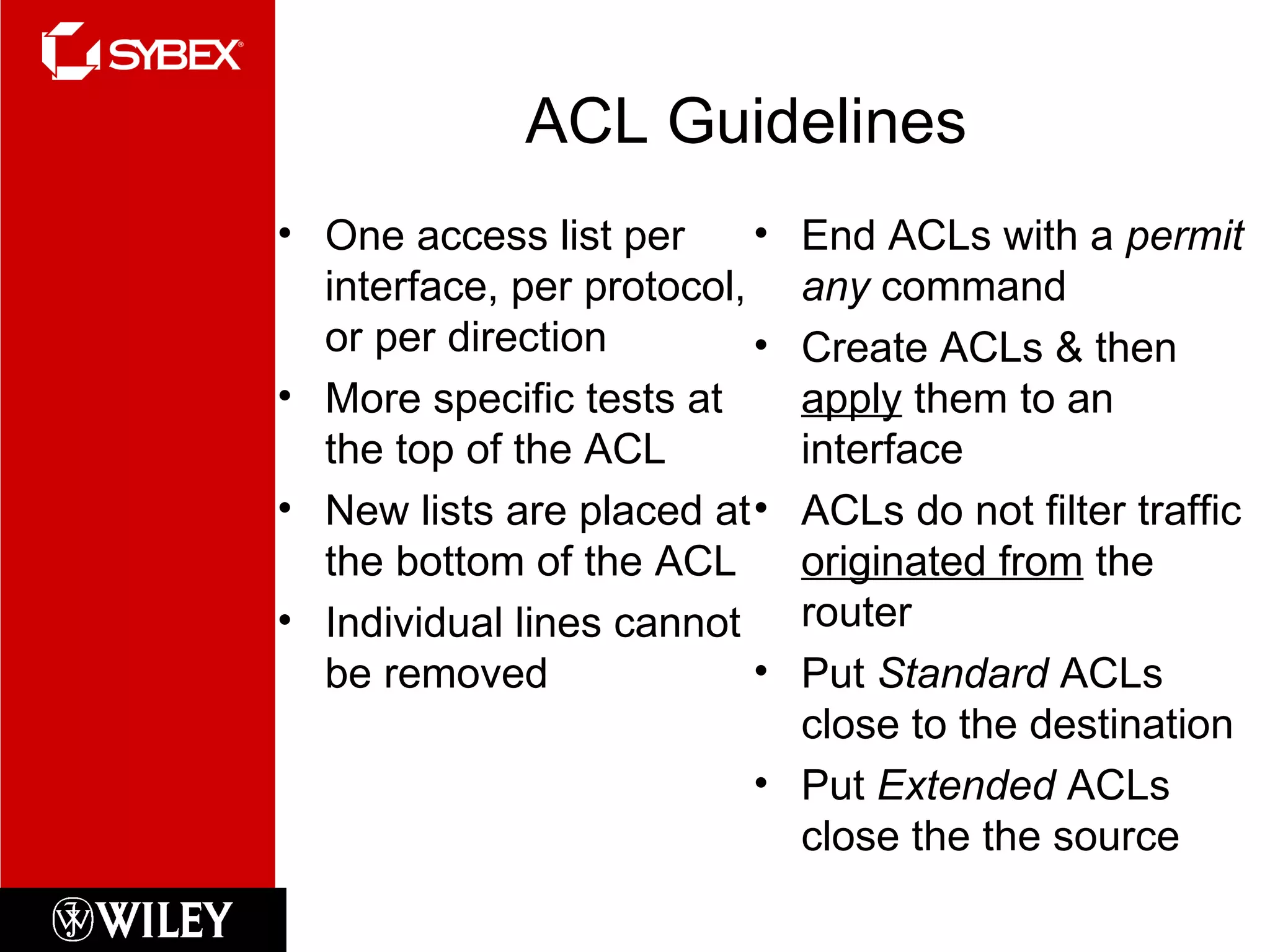
ACL Guidelines One access list per interface, per protocol, or per direction More specific tests at the top of the ACL New lists are placed at the bottom of the ACL Individual lines cannot be removed End ACLs with a  permit any  command Create ACLs & then  apply  them to an interface ACLs do not filter traffic  originated from  the router Put  Standard  ACLs close to the destination Put  Extended  ACLs close the the source
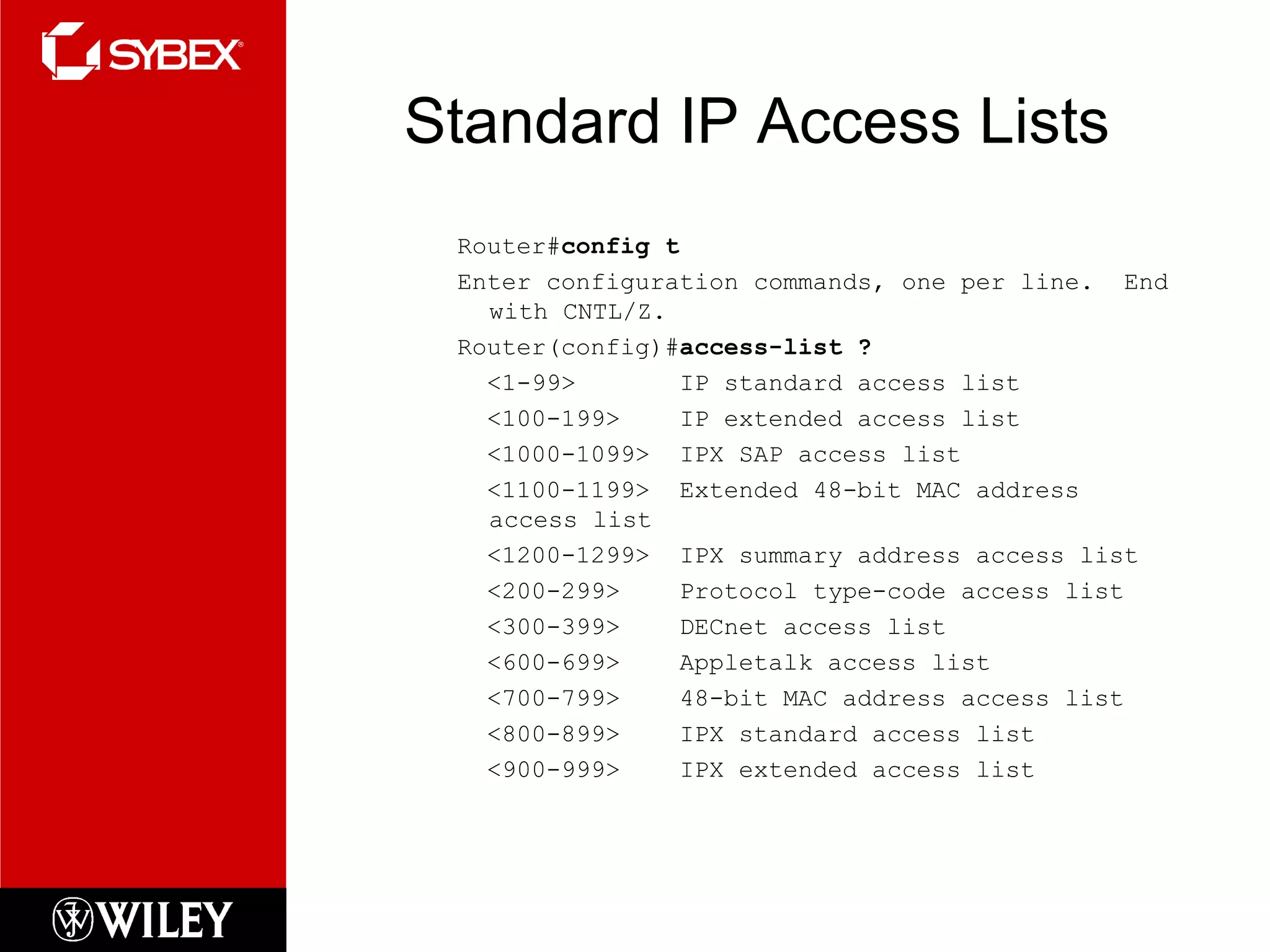
Standard IP Access Lists Router# config t Enter configuration commands, one per line.  End with CNTL/Z. Router(config)# access-list ? <1-99>  IP standard access list <100-199>  IP extended access list <1000-1099>  IPX SAP access list <1100-1199>  Extended 48-bit MAC address access list <1200-1299>  IPX summary address access list <200-299>  Protocol type-code access list <300-399>  DECnet access list <600-699>  Appletalk access list <700-799>  48-bit MAC address access list <800-899>  IPX standard access list <900-999>  IPX extended access list
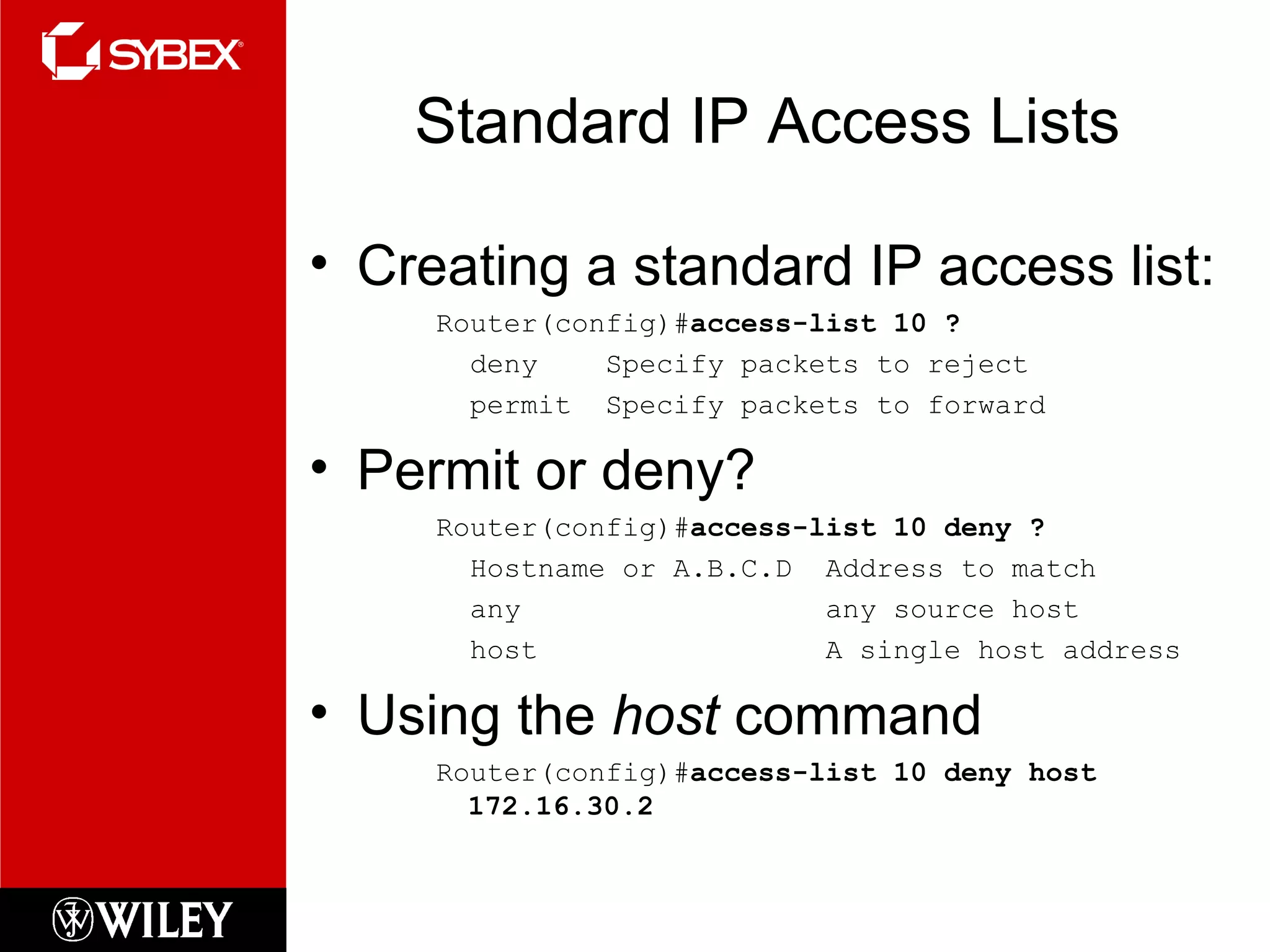
Standard IP Access Lists Creating a standard IP access list: Router(config)# access-list 10 ? deny  Specify packets to reject permit  Specify packets to forward Permit or deny? Router(config)# access-list 10 deny ? Hostname or A.B.C.D  Address to match any  any source host host  A single host address Using the  host  command Router(config)# access-list 10 deny host 172.16.30.2
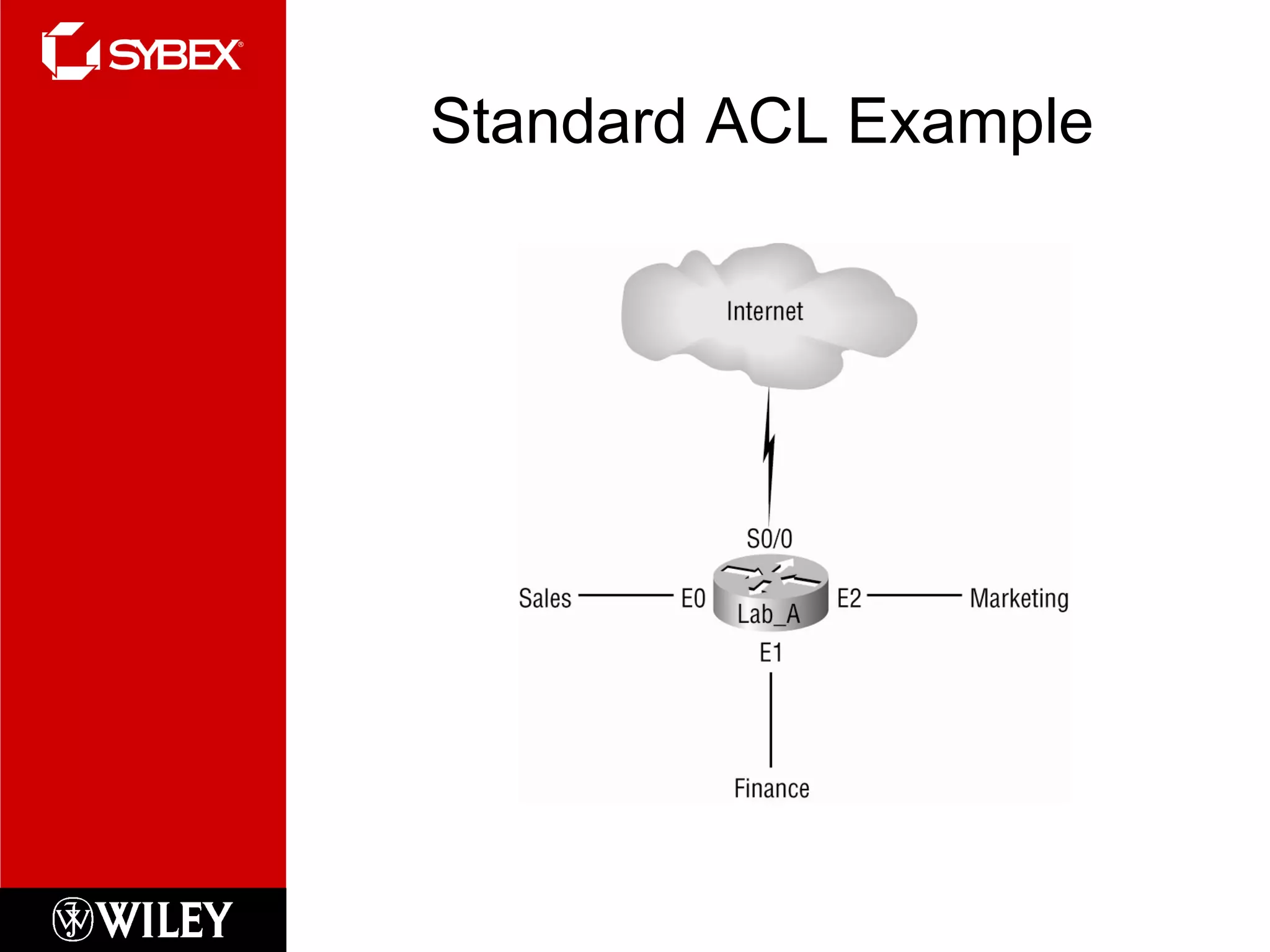
Standard ACL Example
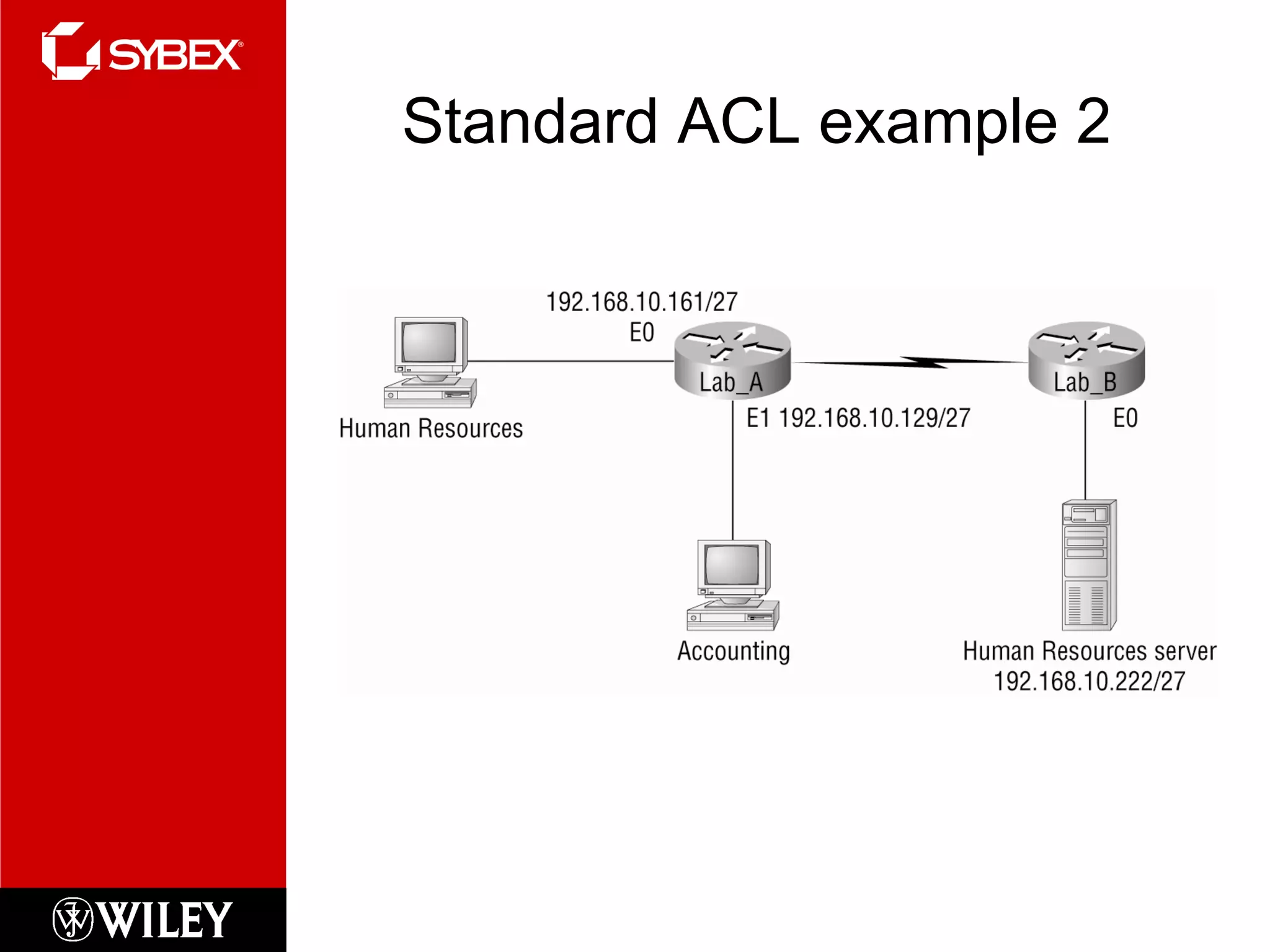
Standard ACL example 2
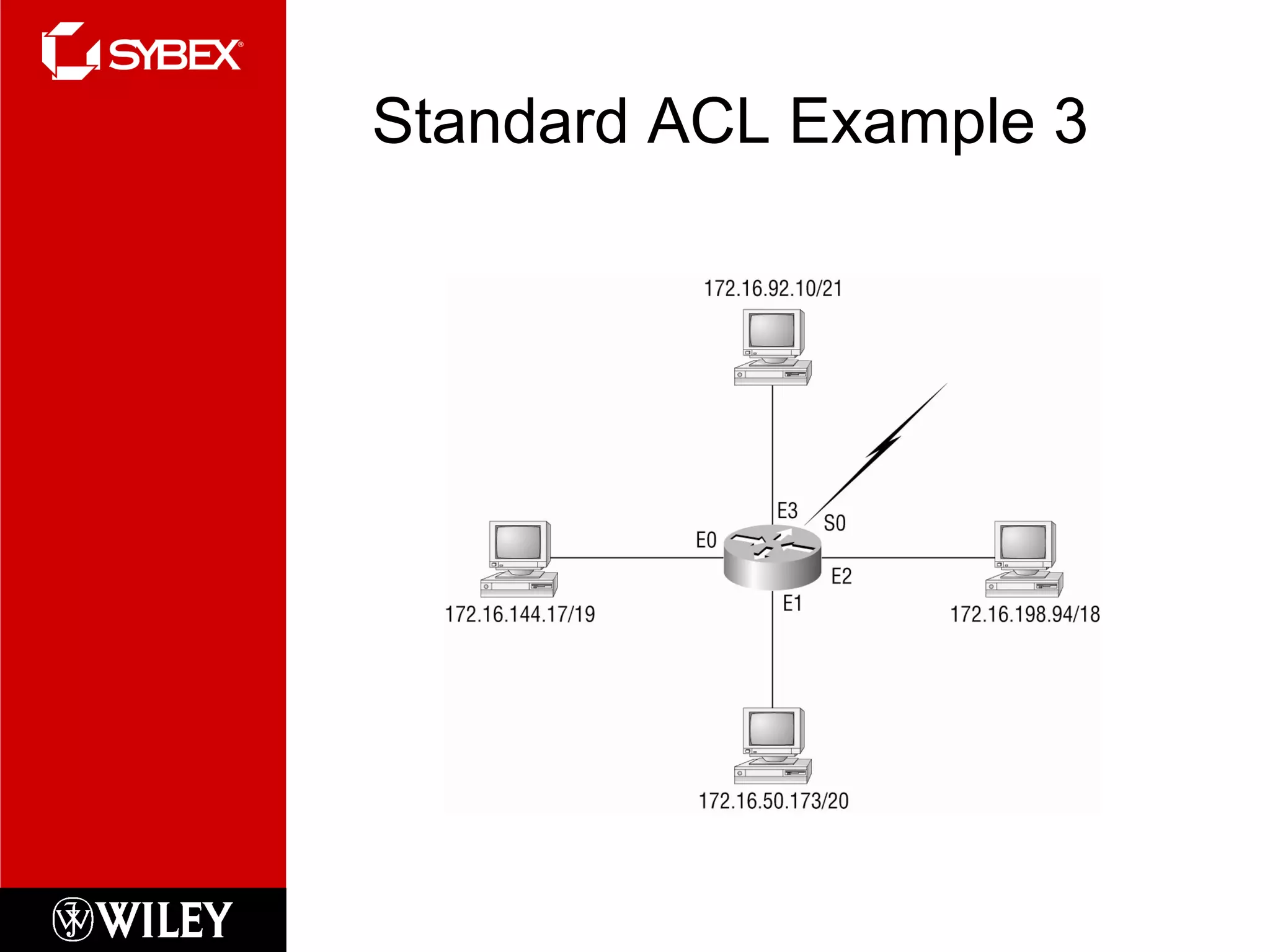
Standard ACL Example 3
Wildcards What are they??? Used with access lists to specify a…. Host Network Part of a network
Block Sizes 64 32 16 8 4 Rules: When specifying a  range  of addresses, choose the  closest  block size  Each block size  must  start at 0 A ‘0’ in a wildcard means that octet must match exactly A ‘255’ in a wildcard means that octet can be any value The command  any  is the same thing as writing out the wildcard:  0.0.0.0  255.255.255.255
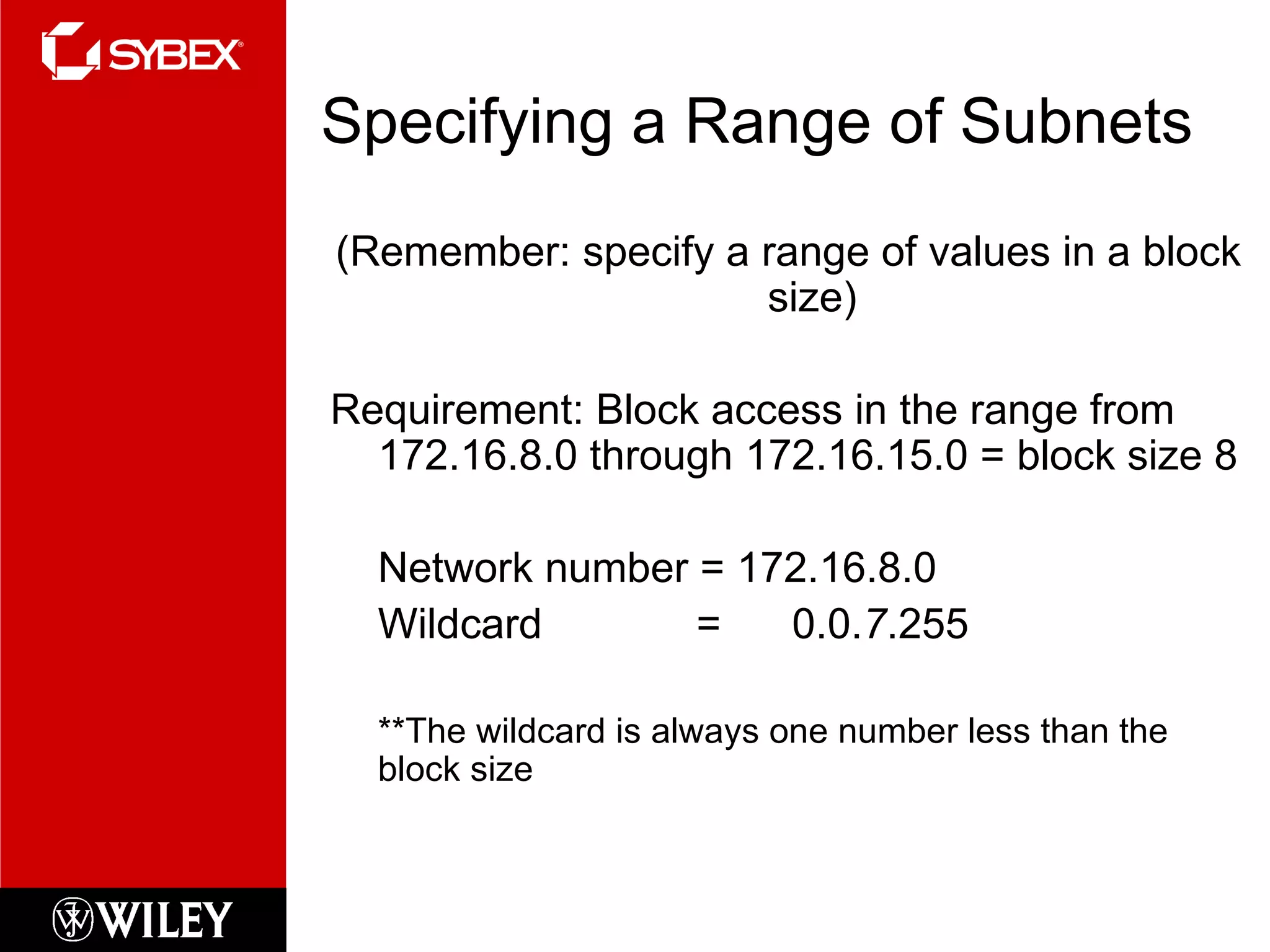
Specifying a Range of Subnets (Remember: specify a range of values in a block size) Requirement: Block access in the range from 172.16.8.0 through 172.16.15.0 = block size 8 Network number = 172.16.8.0 Wildcard  =  0.0. 7 .255 **The wildcard is always one number less than the block size
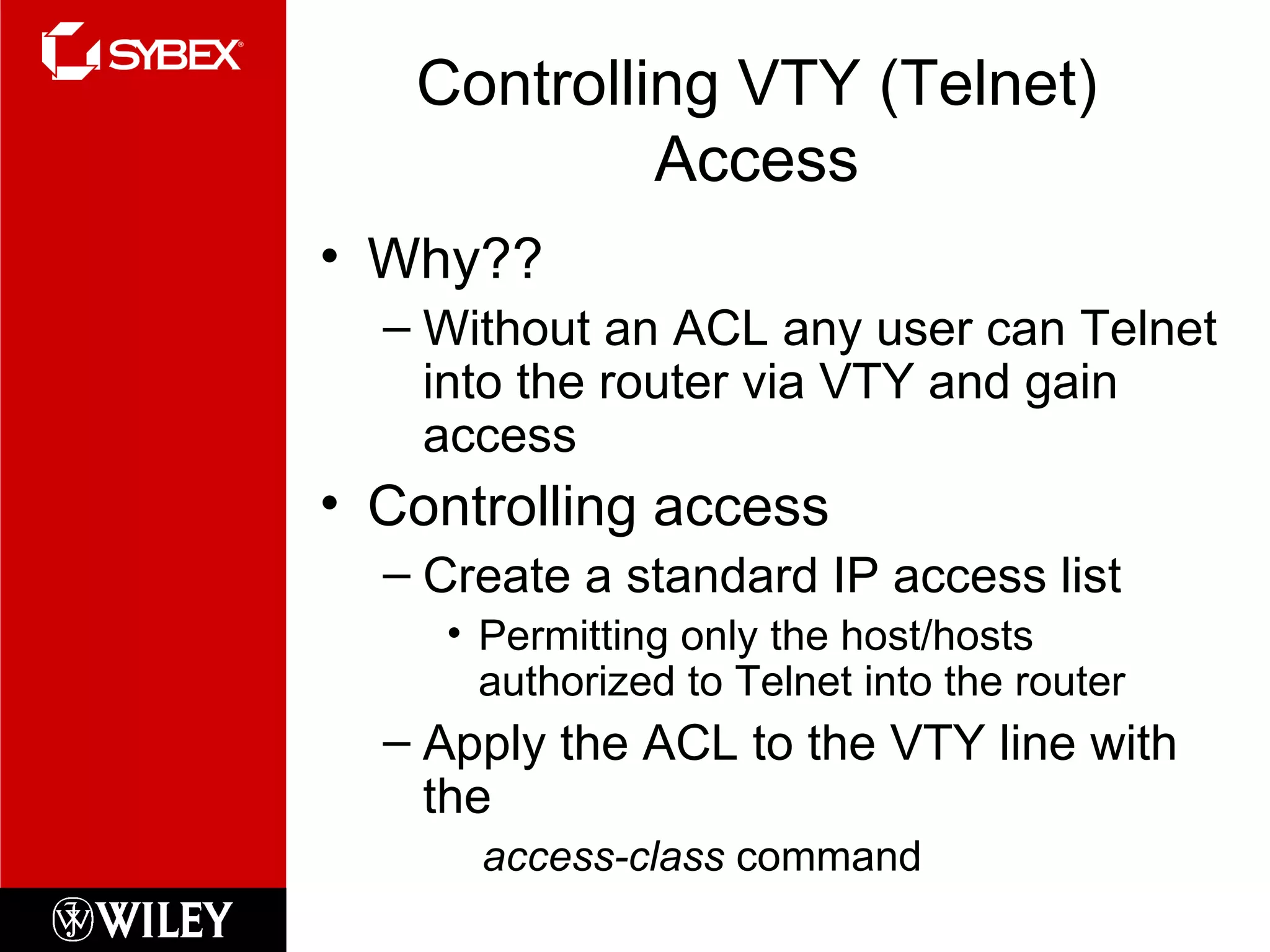
Controlling VTY (Telnet) Access Why?? Without an ACL any user can Telnet into the router via VTY and gain access Controlling access Create a standard IP access list Permitting only the host/hosts authorized to Telnet into the router Apply the ACL to the VTY line with the  access-class  command
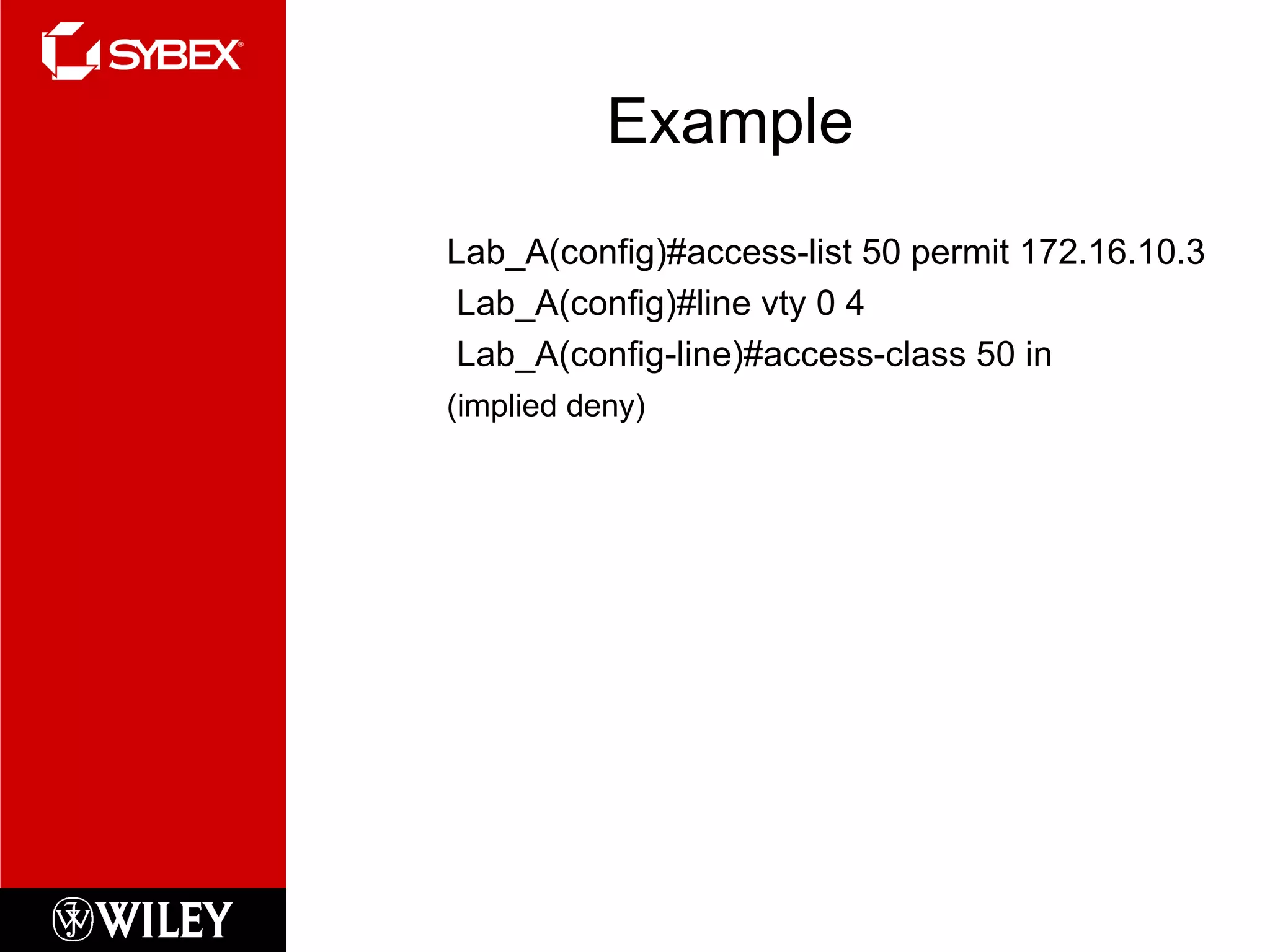
Example Lab_A(config)#access-list 50 permit 172.16.10.3   Lab_A(config)#line vty 0 4   Lab_A(config-line)#access-class 50 in (implied deny)
Extended IP Access Lists Allows you to choose... IP Source Address IP Destination Address Protocol Port number
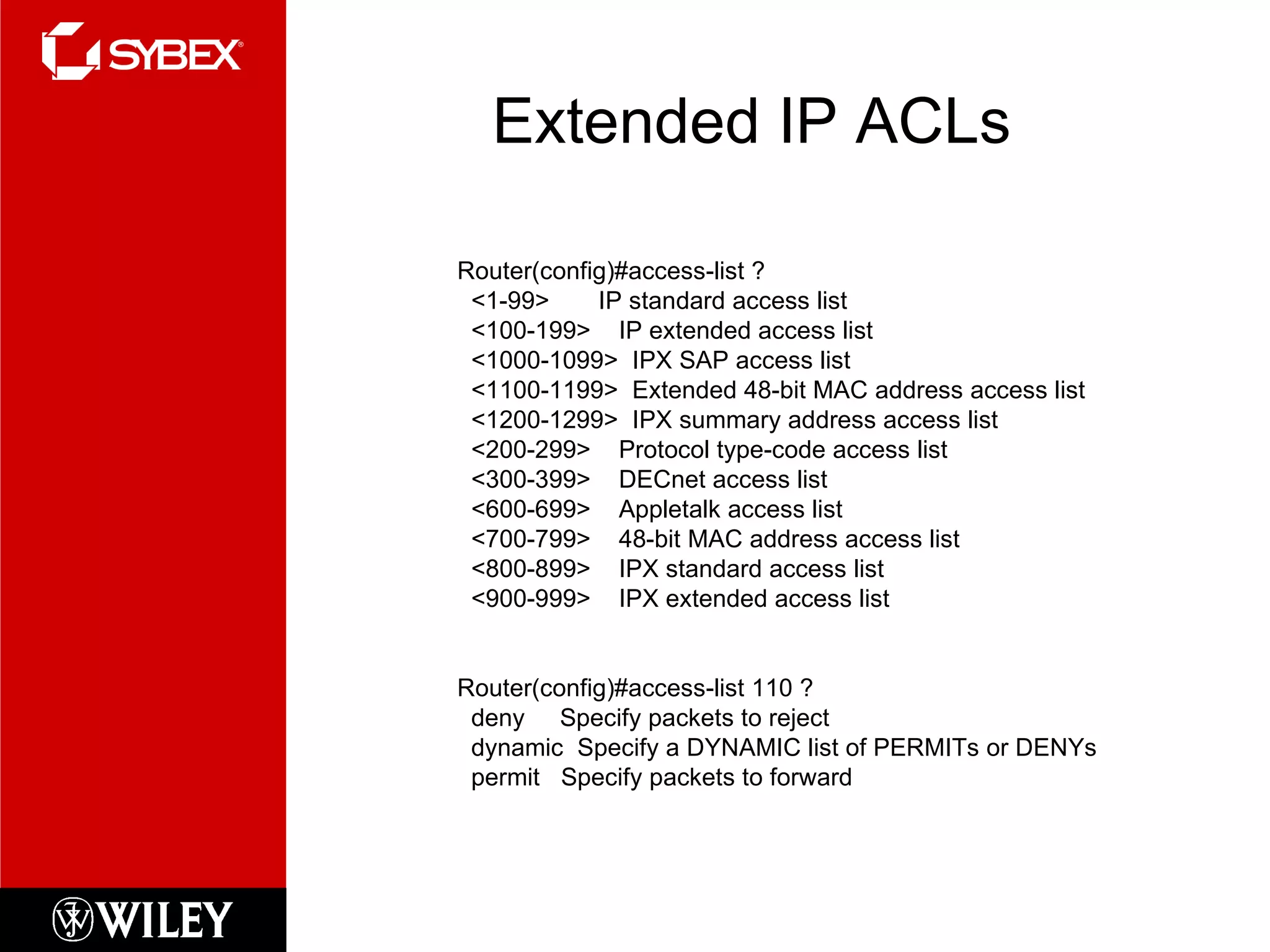
Extended IP ACLs Router(config)#access-list ? <1-99>  IP standard access list <100-199>  IP extended access list <1000-1099>  IPX SAP access list <1100-1199>  Extended 48-bit MAC address access list <1200-1299>  IPX summary address access list <200-299>  Protocol type-code access list <300-399>  DECnet access list <600-699>  Appletalk access list <700-799>  48-bit MAC address access list <800-899>  IPX standard access list <900-999>  IPX extended access list Router(config)#access-list 110 ? deny  Specify packets to reject dynamic  Specify a DYNAMIC list of PERMITs or DENYs permit  Specify packets to forward
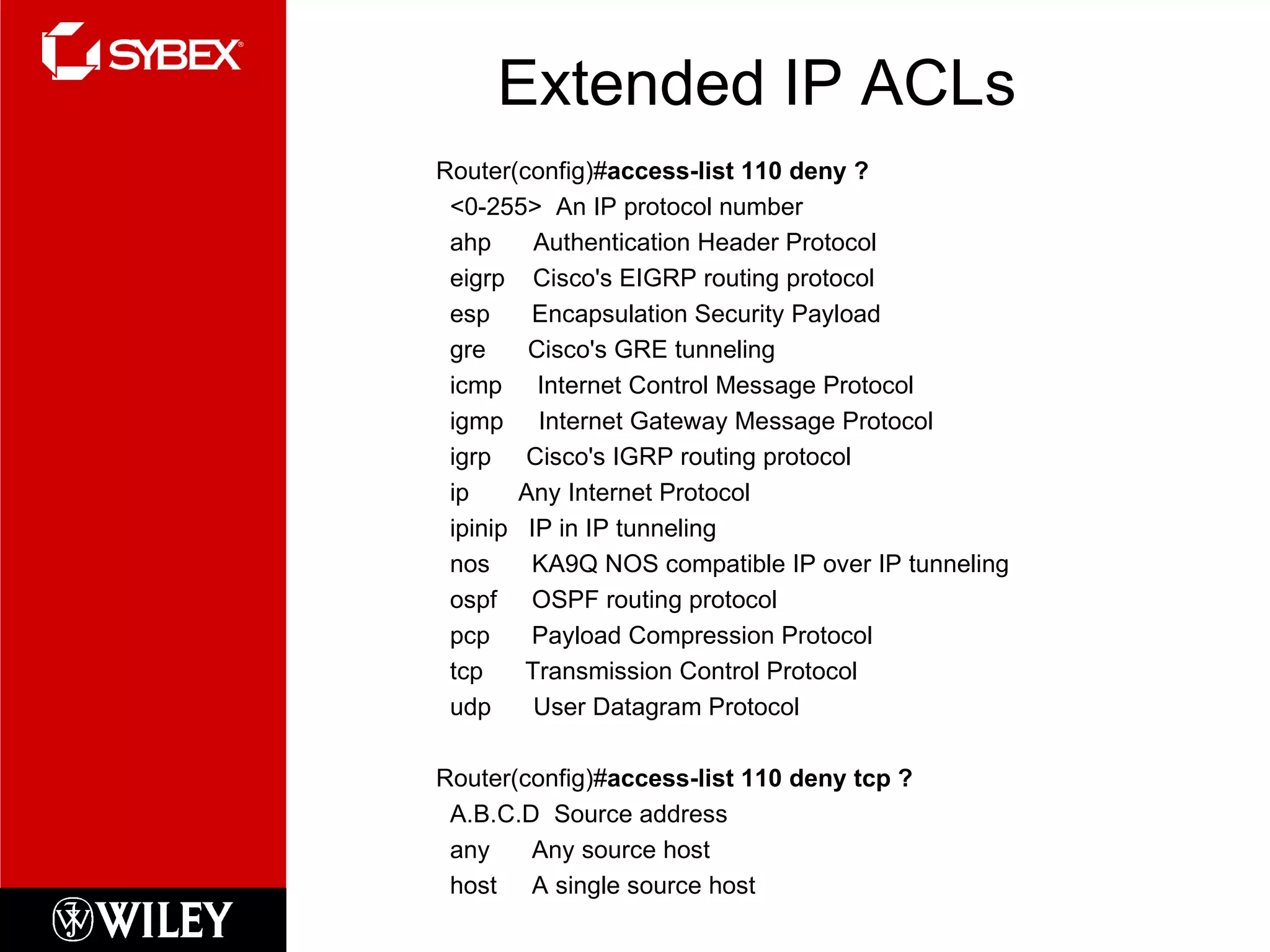
Extended IP ACLs Router(config)# access-list 110 deny ? <0-255>  An IP protocol number ahp  Authentication Header Protocol eigrp  Cisco's EIGRP routing protocol esp  Encapsulation Security Payload gre  Cisco's GRE tunneling icmp  Internet Control Message Protocol igmp  Internet Gateway Message Protocol igrp  Cisco's IGRP routing protocol ip  Any Internet Protocol ipinip  IP in IP tunneling nos  KA9Q NOS compatible IP over IP tunneling ospf  OSPF routing protocol pcp  Payload Compression Protocol tcp  Transmission Control Protocol udp  User Datagram Protocol Router(config)# access-list 110 deny tcp ? A.B.C.D  Source address any  Any source host host  A single source host
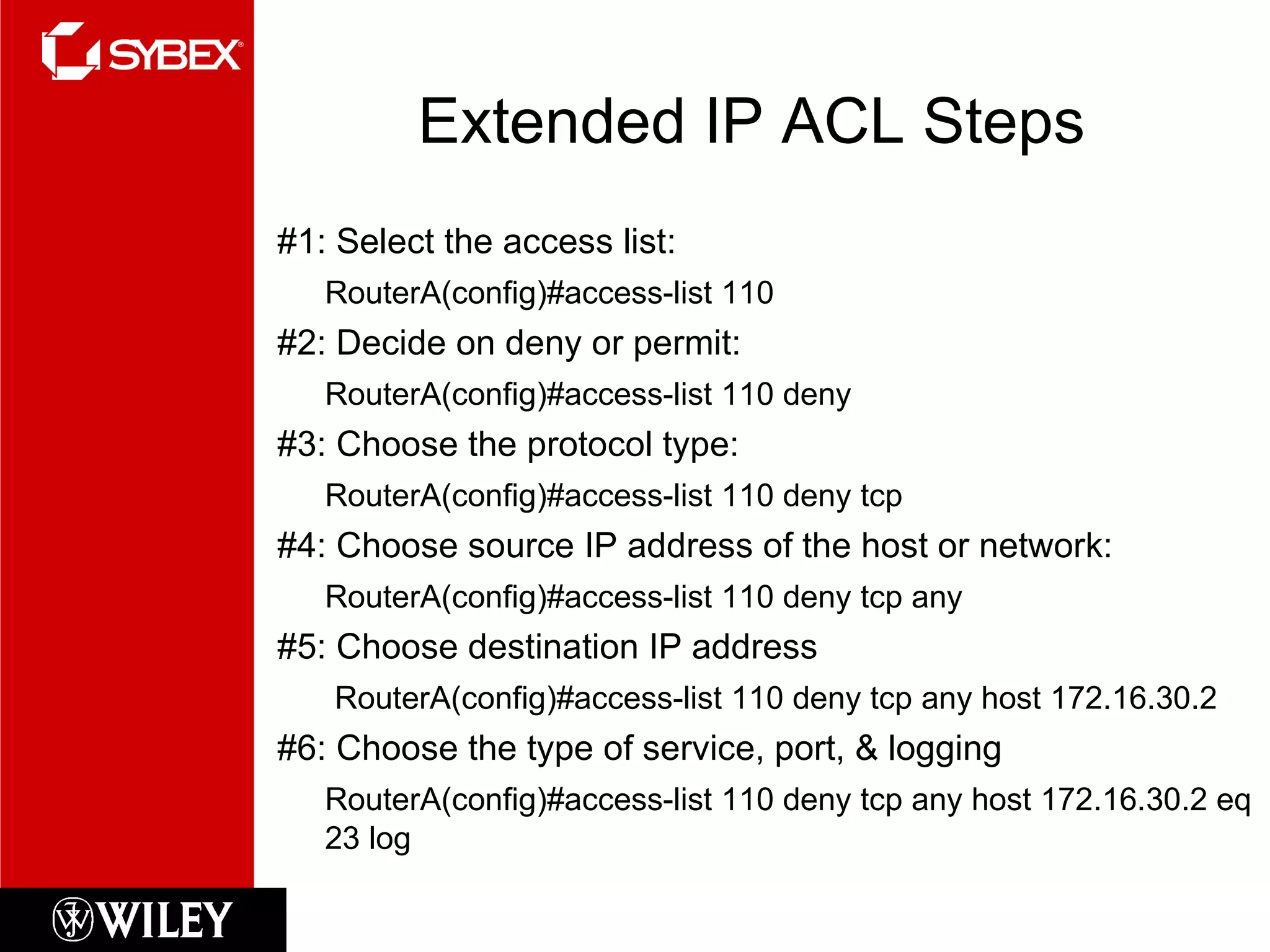
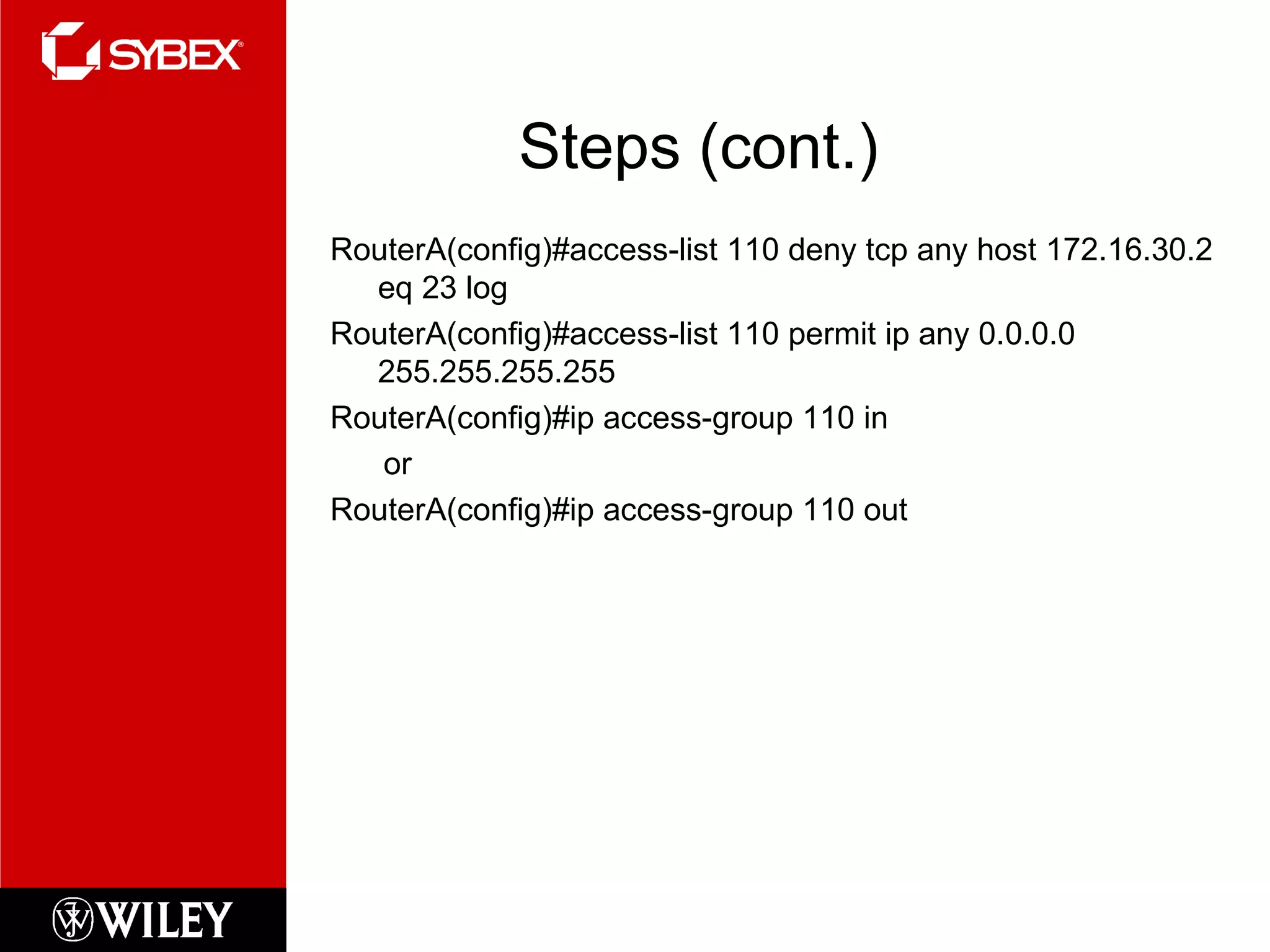
Extended IP ACL Steps #1: Select the access list:  RouterA(config)#access-list 110 #2: Decide on deny or permit:  RouterA(config)#access-list 110 deny #3: Choose the protocol type:  RouterA(config)#access-list 110 deny tcp #4: Choose source IP address of the host or network: RouterA(config)#access-list 110 deny tcp any #5: Choose destination IP address   RouterA(config)#access-list 110 deny tcp any host 172.16.30.2 #6: Choose the type of service, port, & logging RouterA(config)#access-list 110 deny tcp any host 172.16.30.2 eq 23 log
Steps (cont.) RouterA(config)#access-list 110 deny tcp any host 172.16.30.2 eq 23 log RouterA(config)#access-list 110 permit ip any 0.0.0.0 255.255.255.255 RouterA(config)#ip access-group 110 in or RouterA(config)#ip access-group 110 out
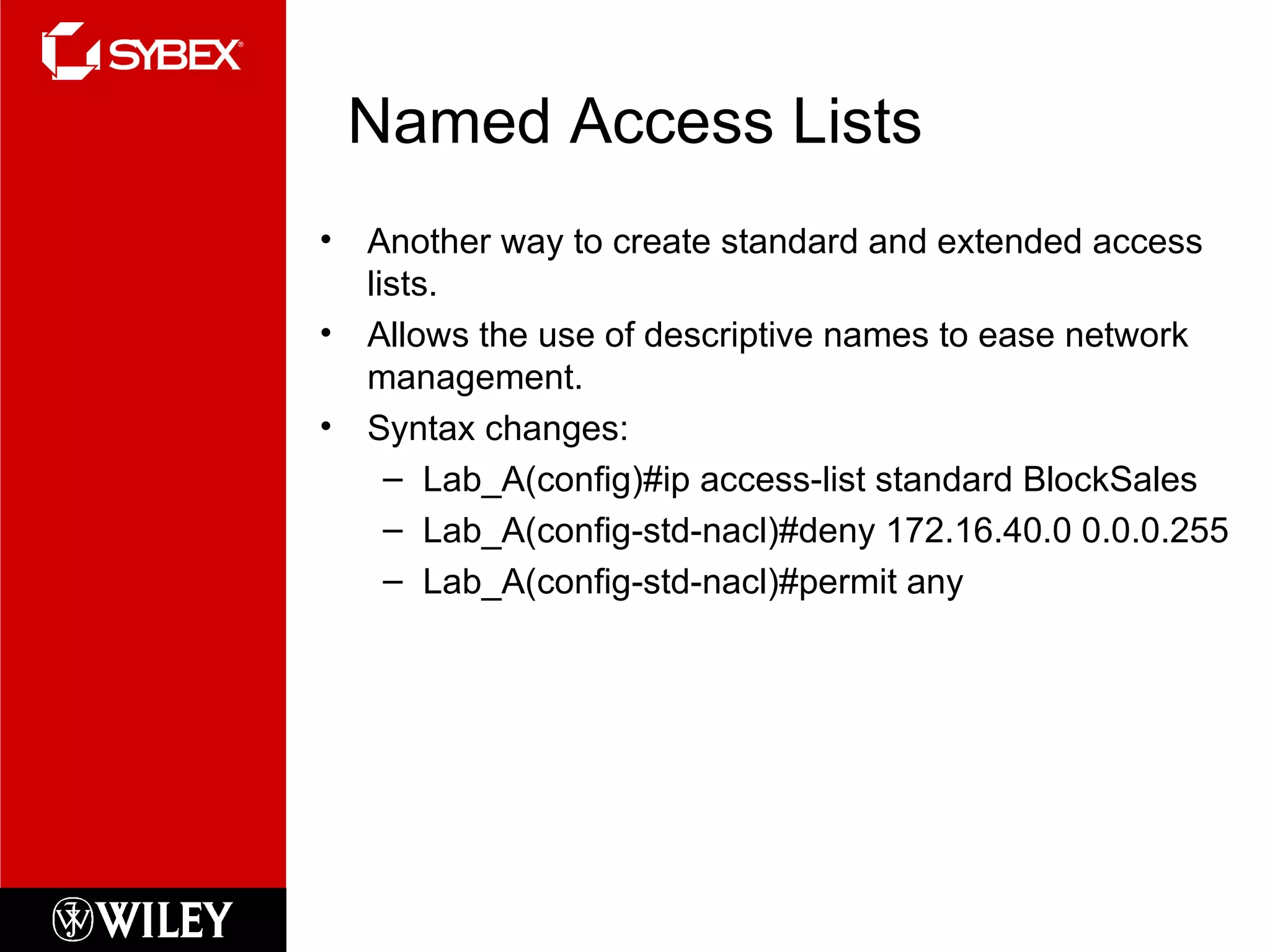
Named Access Lists Another way to create standard and extended access lists. Allows the use of descriptive names to ease network management. Syntax changes: Lab_A(config)#ip access-list standard BlockSales Lab_A(config-std-nacl)#deny 172.16.40.0 0.0.0.255 Lab_A(config-std-nacl)#permit any
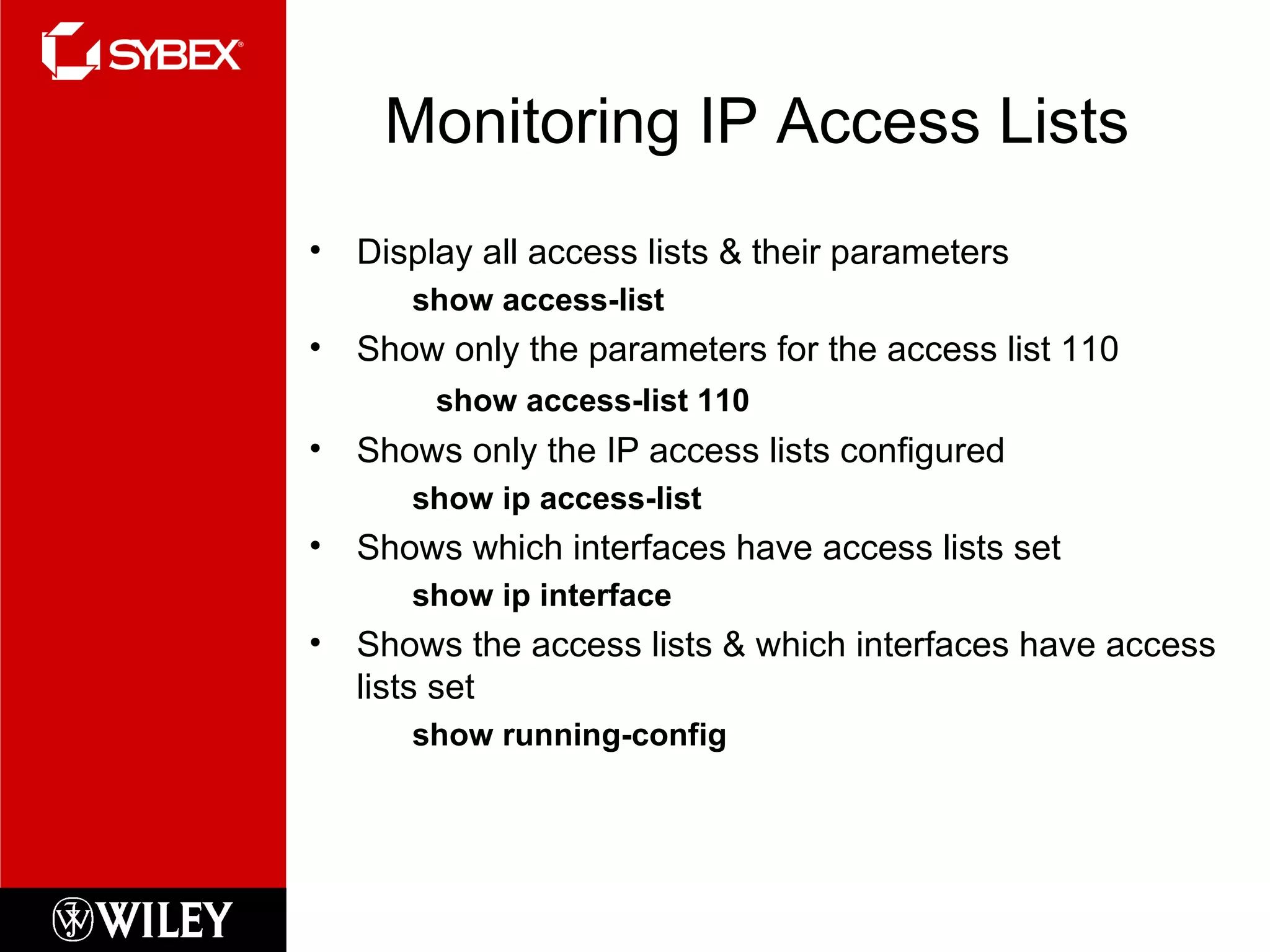
Monitoring IP Access Lists Display all access lists & their parameters show access-list Show only the parameters for the access list 110 show access-list 110 Shows only the IP access lists configured show ip access-list Shows which interfaces have access lists set show ip interface Shows the access lists & which interfaces have access lists set show running-config
Written Labs and Review Questions Open your books and go through all the written labs and the review questions. Review the answers in class.

Chapter10ccna

  • 1.
    Instructor &Todd Lammle Sybex CCNA 640-802 Chapter 10: Security
  • 2.
    Chapter 10 ObjectivesThe CCNA Topics Covered in this chapter include: Introduction to Security Types of attacks Mitigating attacks Access-lists Standard Extended Named Monitoring Access-lists
  • 3.
  • 4.
    Attacks APPLICATION-LAYER ATTACKSAUTOROOTERS BACKDOORS DENIAL OF SERVICE (DOS) AND DISTRIBUTED DENIAL OF SERVICE (DDOS) ATTACKS (MANY OTHERS)
  • 5.
    Mitigating Attacks AppliancesIDS IPS STATEFUL IOS FIREWALL INSPECTION ENGINE FIREWALL VOICE TRAVERSAL ICMP INSPECTION AUTHENTICATION PROXY
  • 6.
    Access Lists Purpose:Used to permit or deny packets moving through the router Permit or deny Telnet (VTY) access to or from a router Create dial-on demand (DDR) interesting traffic that triggers dialing to a remote location
  • 7.
    Important Rules Packetsare compared to each line of the assess list in sequential order Packets are compared with lines of the access list only until a match is made Once a match is made & acted upon no further comparisons take place An implicit “deny” is at the end of each access list If no matches have been made, the packet will be discarded
  • 8.
    Types of AccessLists Standard Access List Filter by source IP addresses only Extended Access List Filter by Source IP, Destination IP, Protocol Field, Port Number Named Access List Functionally the same as standard and extended access lists.
  • 9.
    Application of AccessLists Inbound Access Lists Packets are processed before being routed to the outbound interface Outbound Access Lists Packets are routed to the outbound interface & then processed through the access list
  • 10.
    ACL Guidelines Oneaccess list per interface, per protocol, or per direction More specific tests at the top of the ACL New lists are placed at the bottom of the ACL Individual lines cannot be removed End ACLs with a permit any command Create ACLs & then apply them to an interface ACLs do not filter traffic originated from the router Put Standard ACLs close to the destination Put Extended ACLs close the the source
  • 11.
    Standard IP AccessLists Router# config t Enter configuration commands, one per line. End with CNTL/Z. Router(config)# access-list ? <1-99> IP standard access list <100-199> IP extended access list <1000-1099> IPX SAP access list <1100-1199> Extended 48-bit MAC address access list <1200-1299> IPX summary address access list <200-299> Protocol type-code access list <300-399> DECnet access list <600-699> Appletalk access list <700-799> 48-bit MAC address access list <800-899> IPX standard access list <900-999> IPX extended access list
  • 12.
    Standard IP AccessLists Creating a standard IP access list: Router(config)# access-list 10 ? deny Specify packets to reject permit Specify packets to forward Permit or deny? Router(config)# access-list 10 deny ? Hostname or A.B.C.D Address to match any any source host host A single host address Using the host command Router(config)# access-list 10 deny host 172.16.30.2
  • 13.
  • 14.
  • 15.
  • 16.
    Wildcards What arethey??? Used with access lists to specify a…. Host Network Part of a network
  • 17.
    Block Sizes 6432 16 8 4 Rules: When specifying a range of addresses, choose the closest block size Each block size must start at 0 A ‘0’ in a wildcard means that octet must match exactly A ‘255’ in a wildcard means that octet can be any value The command any is the same thing as writing out the wildcard: 0.0.0.0 255.255.255.255
  • 18.
    Specifying a Rangeof Subnets (Remember: specify a range of values in a block size) Requirement: Block access in the range from 172.16.8.0 through 172.16.15.0 = block size 8 Network number = 172.16.8.0 Wildcard = 0.0. 7 .255 **The wildcard is always one number less than the block size
  • 19.
    Controlling VTY (Telnet)Access Why?? Without an ACL any user can Telnet into the router via VTY and gain access Controlling access Create a standard IP access list Permitting only the host/hosts authorized to Telnet into the router Apply the ACL to the VTY line with the access-class command
  • 20.
    Example Lab_A(config)#access-list 50permit 172.16.10.3 Lab_A(config)#line vty 0 4 Lab_A(config-line)#access-class 50 in (implied deny)
  • 21.
    Extended IP AccessLists Allows you to choose... IP Source Address IP Destination Address Protocol Port number
  • 22.
    Extended IP ACLsRouter(config)#access-list ? <1-99> IP standard access list <100-199> IP extended access list <1000-1099> IPX SAP access list <1100-1199> Extended 48-bit MAC address access list <1200-1299> IPX summary address access list <200-299> Protocol type-code access list <300-399> DECnet access list <600-699> Appletalk access list <700-799> 48-bit MAC address access list <800-899> IPX standard access list <900-999> IPX extended access list Router(config)#access-list 110 ? deny Specify packets to reject dynamic Specify a DYNAMIC list of PERMITs or DENYs permit Specify packets to forward
  • 23.
    Extended IP ACLsRouter(config)# access-list 110 deny ? <0-255> An IP protocol number ahp Authentication Header Protocol eigrp Cisco's EIGRP routing protocol esp Encapsulation Security Payload gre Cisco's GRE tunneling icmp Internet Control Message Protocol igmp Internet Gateway Message Protocol igrp Cisco's IGRP routing protocol ip Any Internet Protocol ipinip IP in IP tunneling nos KA9Q NOS compatible IP over IP tunneling ospf OSPF routing protocol pcp Payload Compression Protocol tcp Transmission Control Protocol udp User Datagram Protocol Router(config)# access-list 110 deny tcp ? A.B.C.D Source address any Any source host host A single source host
  • 24.
    Extended IP ACLSteps #1: Select the access list: RouterA(config)#access-list 110 #2: Decide on deny or permit: RouterA(config)#access-list 110 deny #3: Choose the protocol type: RouterA(config)#access-list 110 deny tcp #4: Choose source IP address of the host or network: RouterA(config)#access-list 110 deny tcp any #5: Choose destination IP address RouterA(config)#access-list 110 deny tcp any host 172.16.30.2 #6: Choose the type of service, port, & logging RouterA(config)#access-list 110 deny tcp any host 172.16.30.2 eq 23 log
  • 25.
    Steps (cont.) RouterA(config)#access-list110 deny tcp any host 172.16.30.2 eq 23 log RouterA(config)#access-list 110 permit ip any 0.0.0.0 255.255.255.255 RouterA(config)#ip access-group 110 in or RouterA(config)#ip access-group 110 out
  • 26.
    Named Access ListsAnother way to create standard and extended access lists. Allows the use of descriptive names to ease network management. Syntax changes: Lab_A(config)#ip access-list standard BlockSales Lab_A(config-std-nacl)#deny 172.16.40.0 0.0.0.255 Lab_A(config-std-nacl)#permit any
  • 27.
    Monitoring IP AccessLists Display all access lists & their parameters show access-list Show only the parameters for the access list 110 show access-list 110 Shows only the IP access lists configured show ip access-list Shows which interfaces have access lists set show ip interface Shows the access lists & which interfaces have access lists set show running-config
  • 28.
    Written Labs andReview Questions Open your books and go through all the written labs and the review questions. Review the answers in class.