Chapter 1
Overview of Programming
and Problem Solving
What is Programming?
• LOGICALLY SEQUENTIAL thought
• Order of things and actions
Computer Programming
The process of planning a
sequence of steps for a
computer to follow.
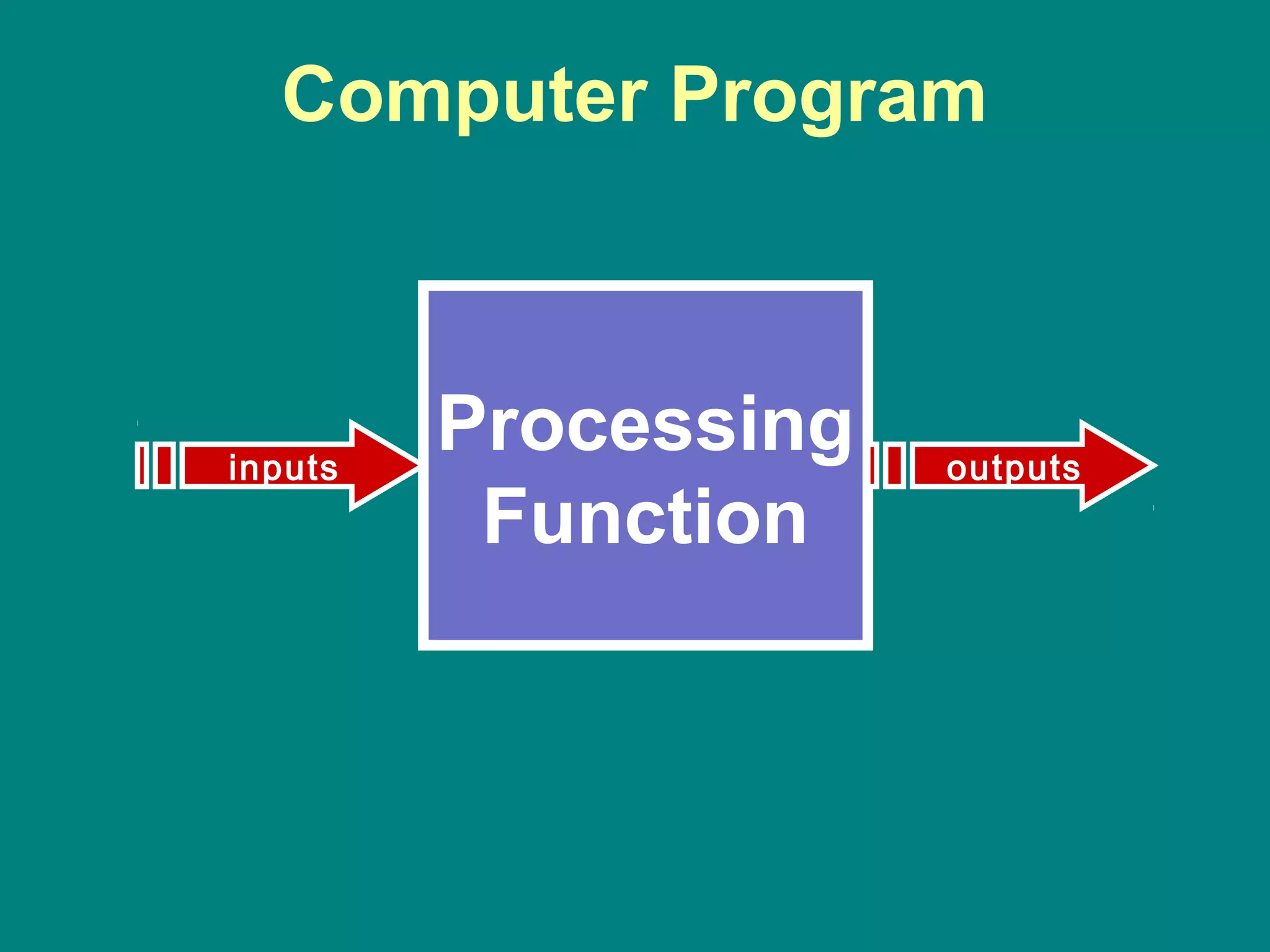
Computer Program
A sequence of instructions to be
performed by a computer.
Computer Program
Processing
Function
inputs outputs
Computer Programming
• Computer is a powerful tool
• It is not intelligent!
• In order to use computer to solve our problems,
we must tell it what we want done and the order
in which we want it done.
• These instructions are called computer program.
• This process is called computer programming.
• The person giving these instructions is called a
computer programmer.
Computer Programming
• Analyze the problem
• Develop a sequence of instructions for
solving the problem.
• Communicate it to the computer.
Computer Programs
Once written, computer can repeat
the solution very quickly and
CONSISTENTLY.
Programming Language
A set of rules, symbols, and special
words used to construct a
computer program.
Phases of the software life cycle
• Requirement Definition
• Analysis and design
• Coding
• Testing
• Implementation
• Maintenance
Two Phase Process
• Problem solving
– Analysis and specification
– General solution (algorithm)
– Verification
• Implementation
– Concrete solution (program)
– Test
Problem Solving Techniques
• Ask questions
• Look for things that are similar
• Means-ends analysis
• Divide and Conquer
• Merging solutions
Ask Questions
• Ask questions until you have developed a clear
understanding of the problem.
• Who, What, Why, Where, When.
– What do I have to work with? (my data or input)
– How much data is there?
– What should my output look like?
– How many times is the process going to be
repeated?
– What are the exceptions to the main course?
– What special error condition might come up?
Look for things that are familiar
• Do not reinvent the wheel!
• Draw Analogies
Means-Ends analysis
• Starting point and ending state are known.
• You need to devise the transformation
function.
• Ends are defined – you need to analyze
your means of getting between them.
• Lahore to Islamabad
– What are the options?
– Narrow down the options?
– Figure out the details?
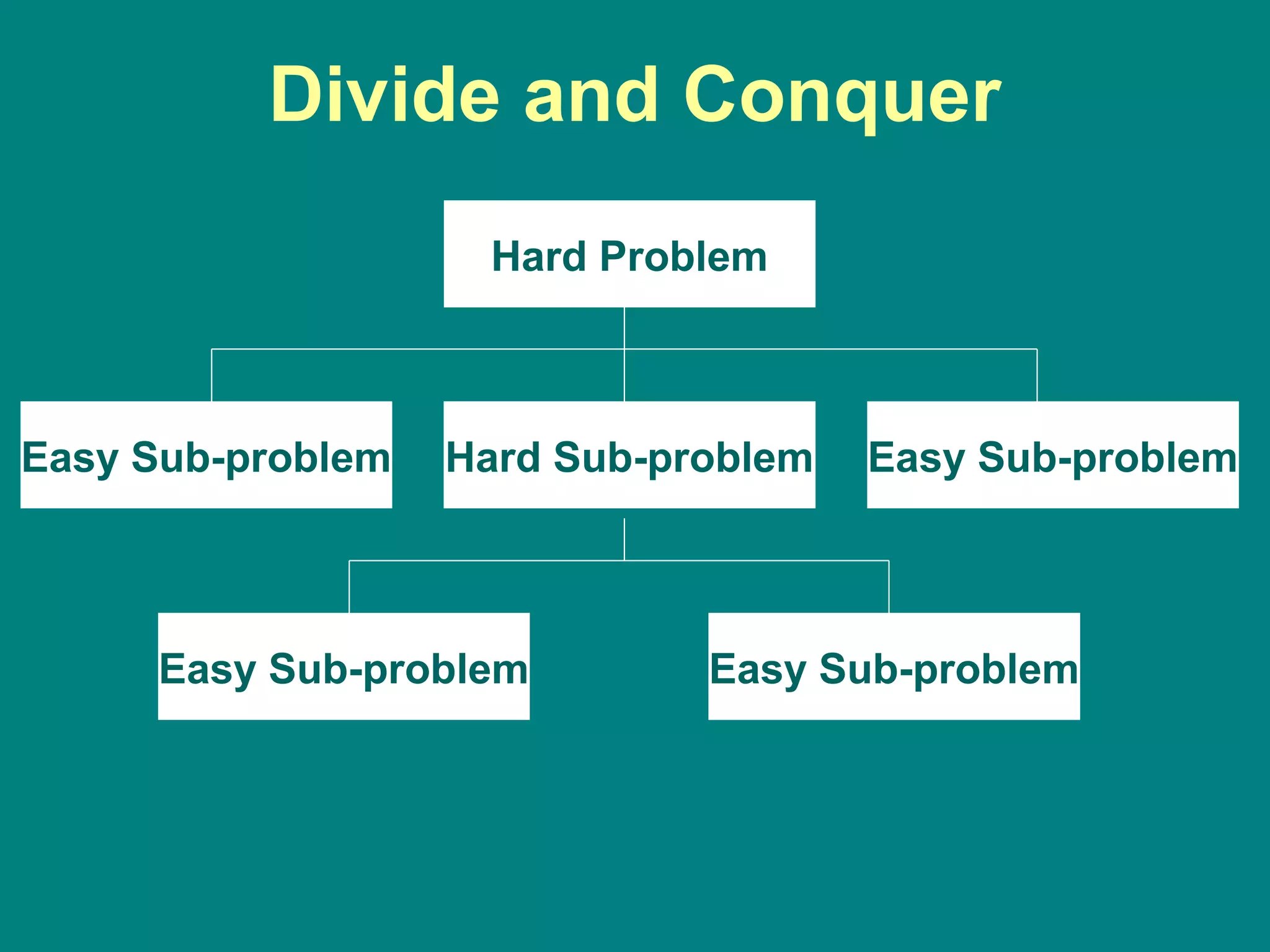
Divide and Conquer
• Same as the Alkhwarzimi Principle.
• Breakup the large problem into smaller
units and then solve them one at a time.
• Building block approach.
Divide and Conquer
Hard Problem
Hard Sub-problemEasy Sub-problem Easy Sub-problem
Easy Sub-problemEasy Sub-problem
Divide
and
Conquer
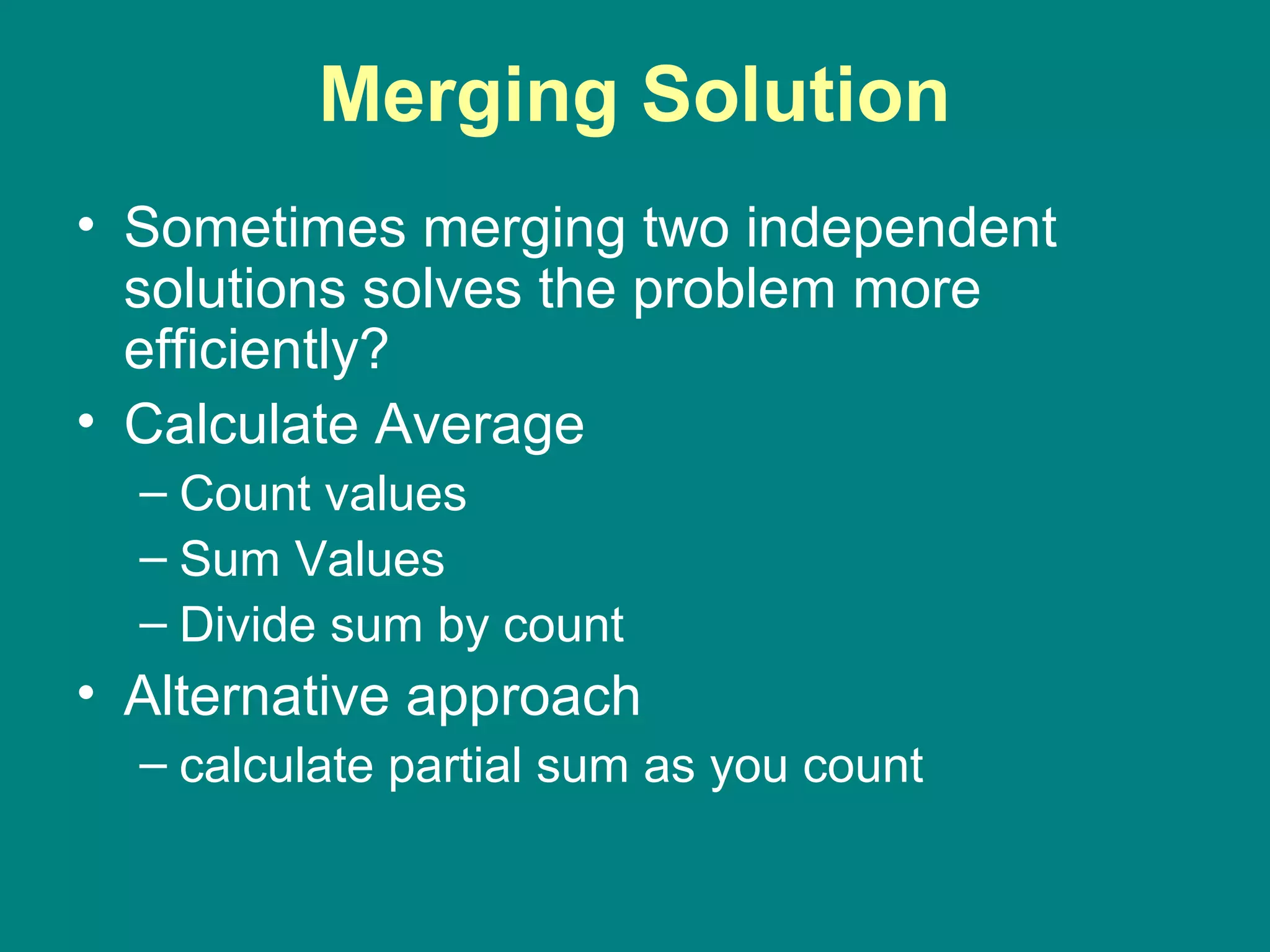
Merging Solution
• Sometimes merging two independent
solutions solves the problem more
efficiently?
• Calculate Average
– Count values
– Sum Values
– Divide sum by count
• Alternative approach
– calculate partial sum as you count
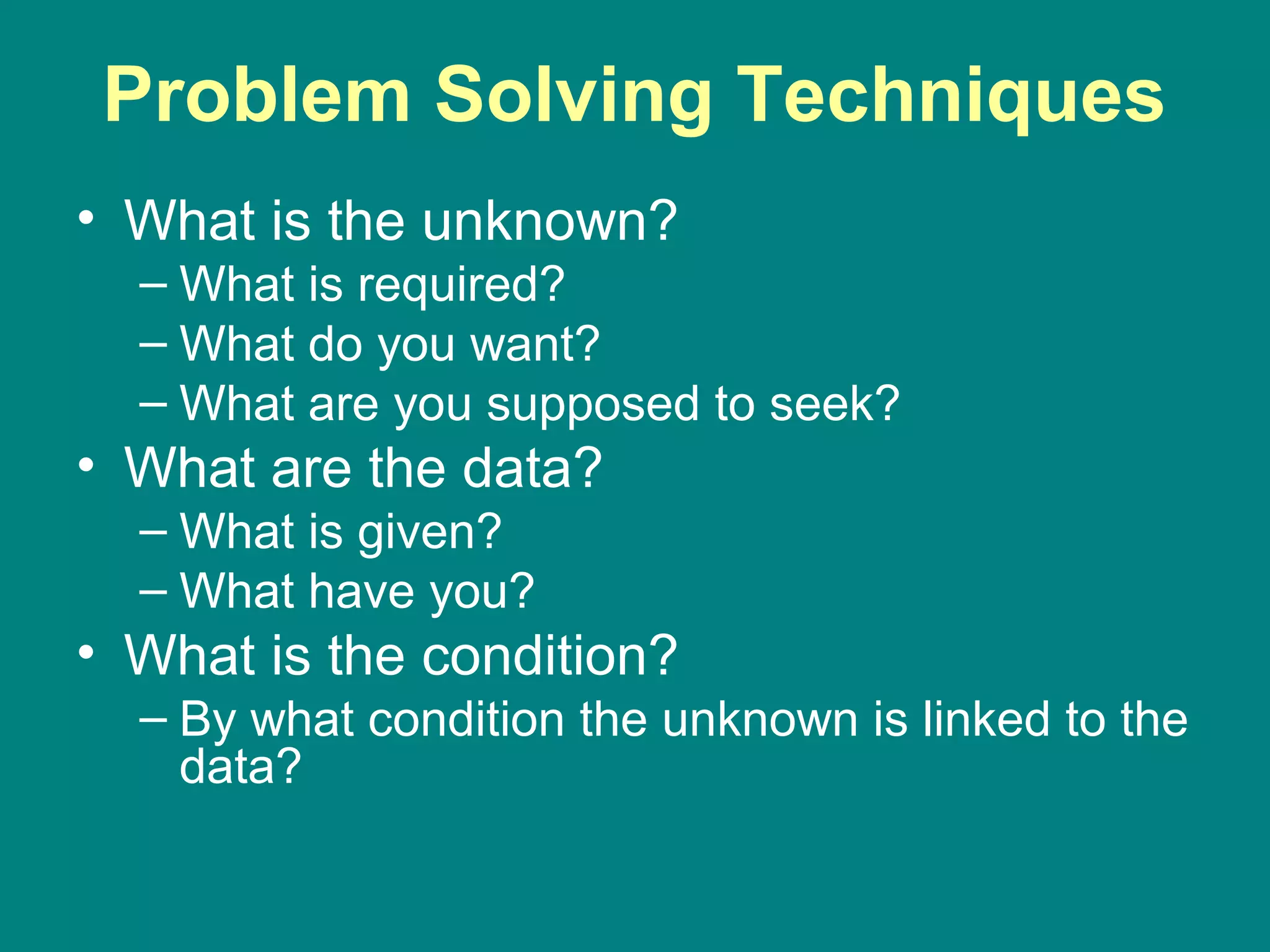
Problem Solving Techniques
• What is the unknown?
– What is required?
– What do you want?
– What are you supposed to seek?
• What are the data?
– What is given?
– What have you?
• What is the condition?
– By what condition the unknown is linked to the
data?
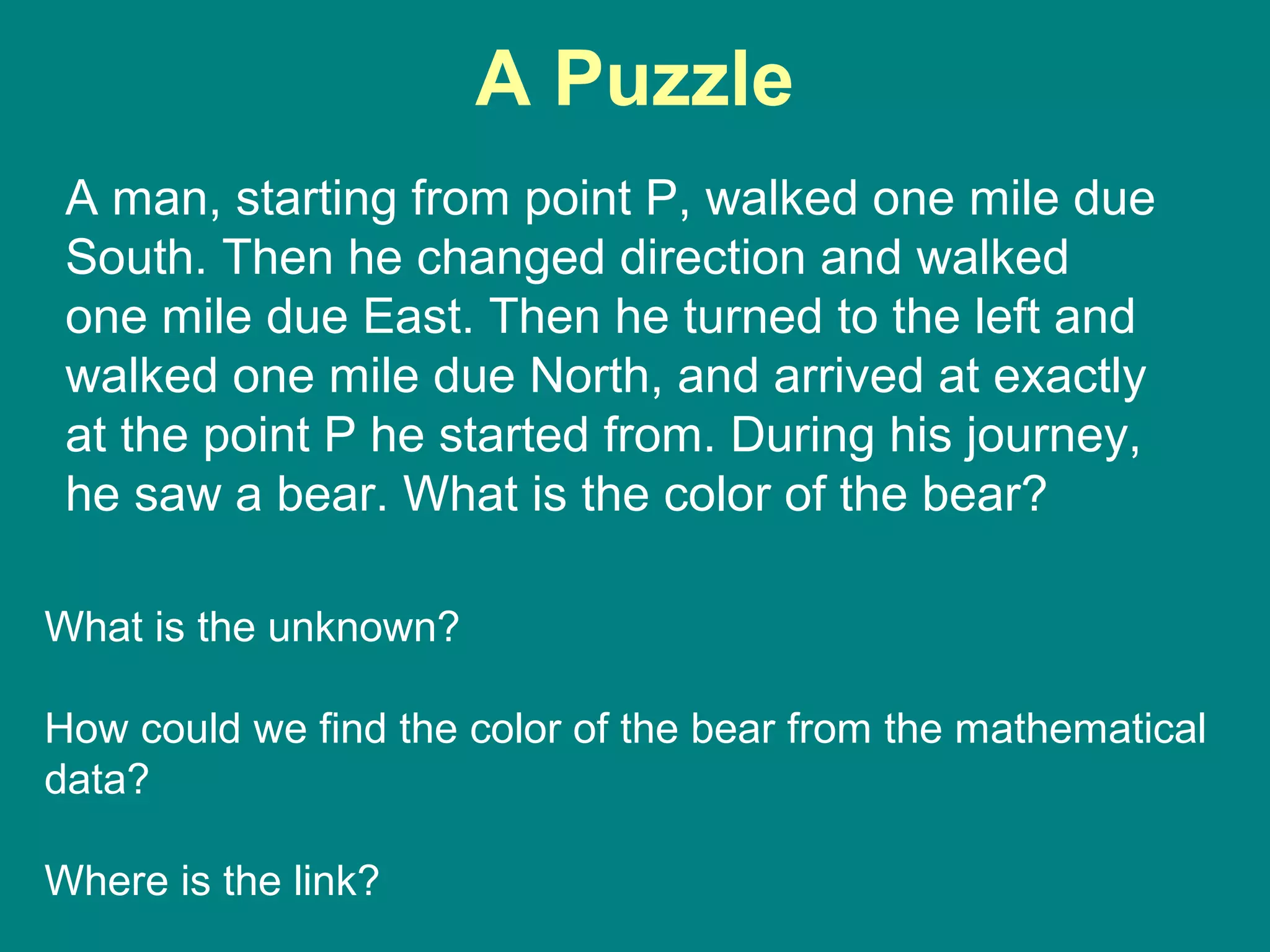
A Puzzle
A man, starting from point P, walked one mile due
South. Then he changed direction and walked
one mile due East. Then he turned to the left and
walked one mile due North, and arrived at exactly
at the point P he started from. During his journey,
he saw a bear. What is the color of the bear?
What is the unknown?
How could we find the color of the bear from the mathematical
data?
Where is the link?
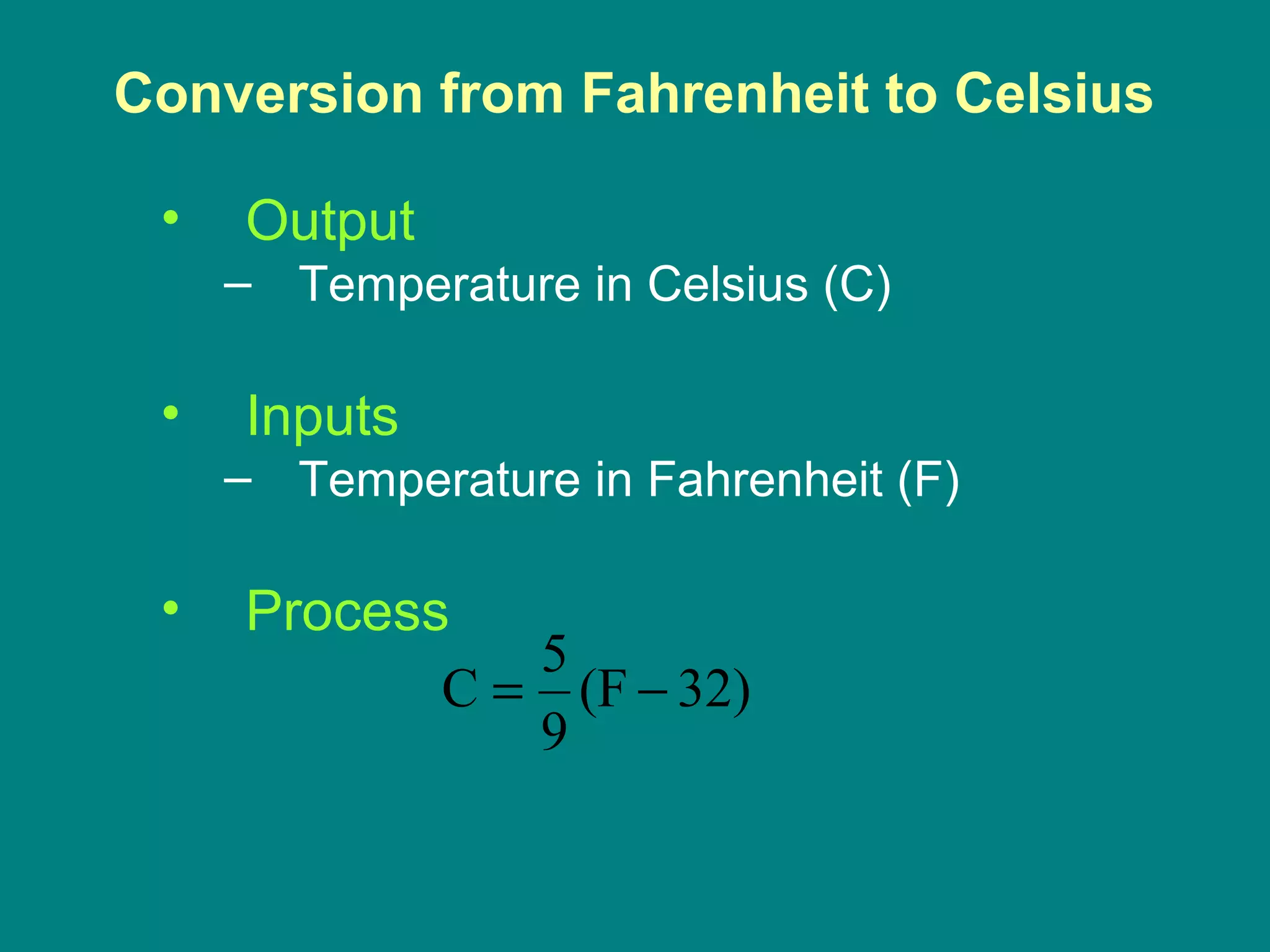
Conversion from Fahrenheit to Celsius
• Output
– Temperature in Celsius (C)
• Inputs
– Temperature in Fahrenheit (F)
• Process
32)(F
9
5
C −=
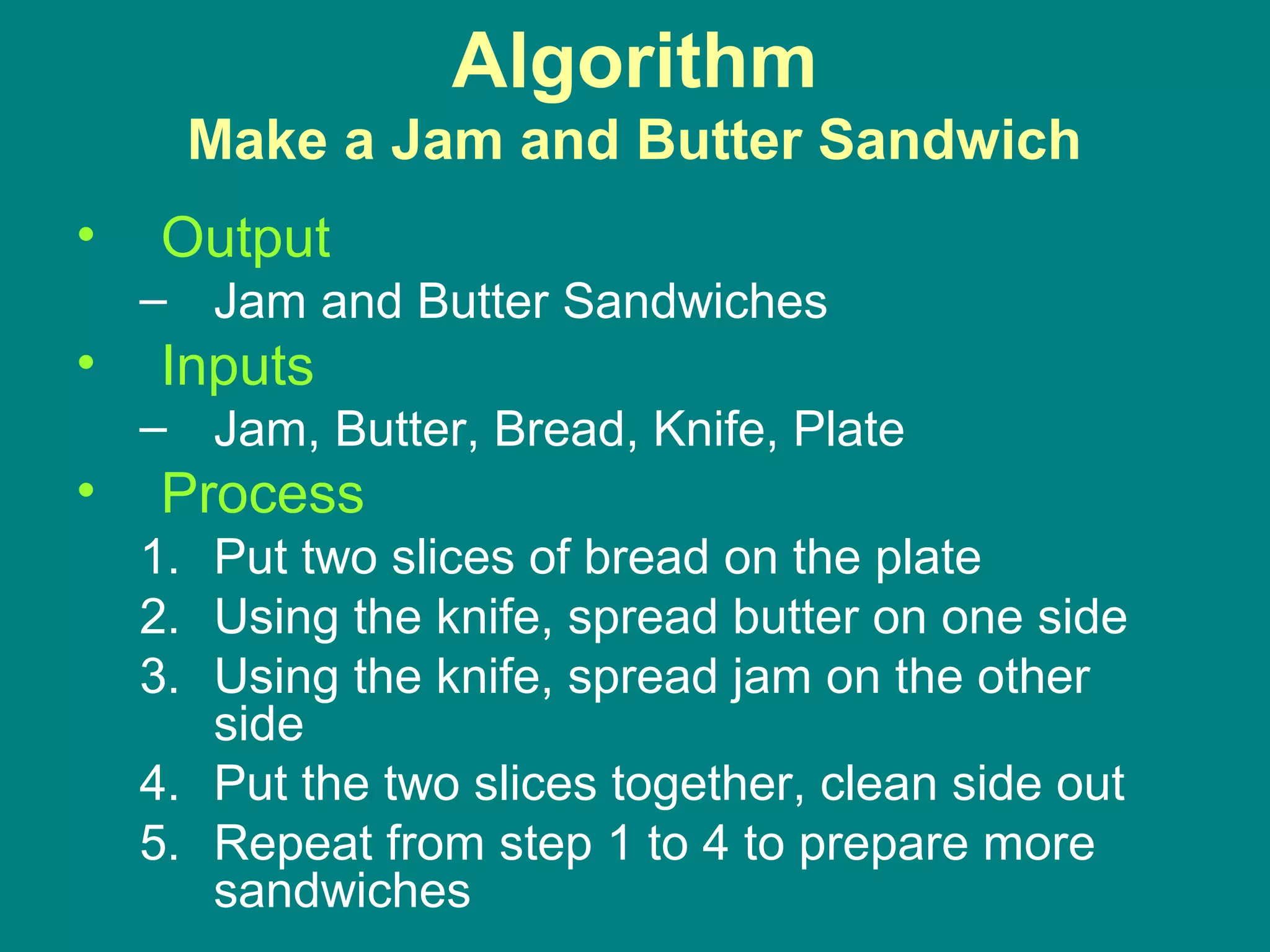
Algorithm
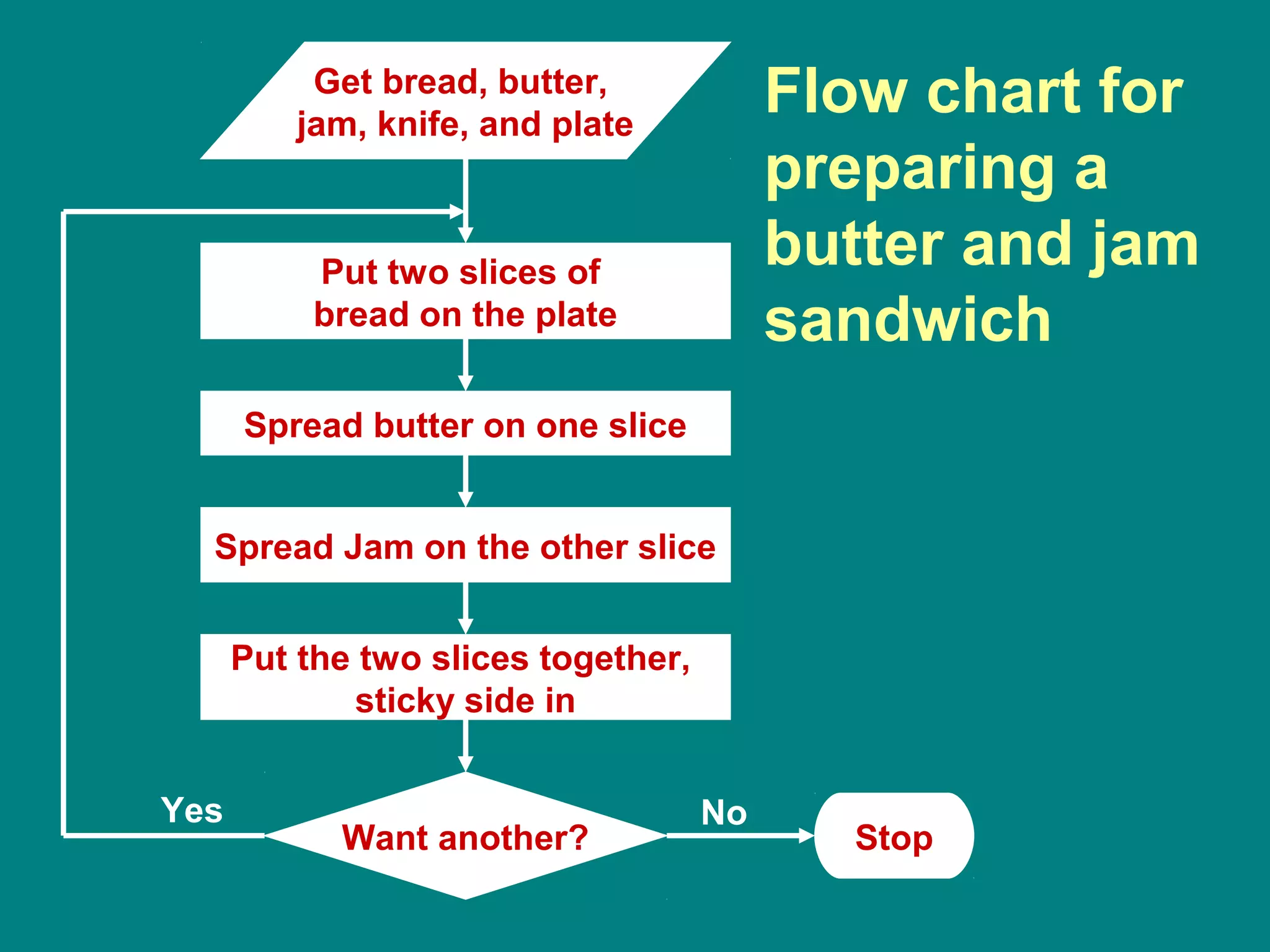
Make a Jam and Butter Sandwich
• Output
– Jam and Butter Sandwiches
• Inputs
– Jam, Butter, Bread, Knife, Plate
• Process
1. Put two slices of bread on the plate
2. Using the knife, spread butter on one side
3. Using the knife, spread jam on the other
side
4. Put the two slices together, clean side out
5. Repeat from step 1 to 4 to prepare more
sandwiches
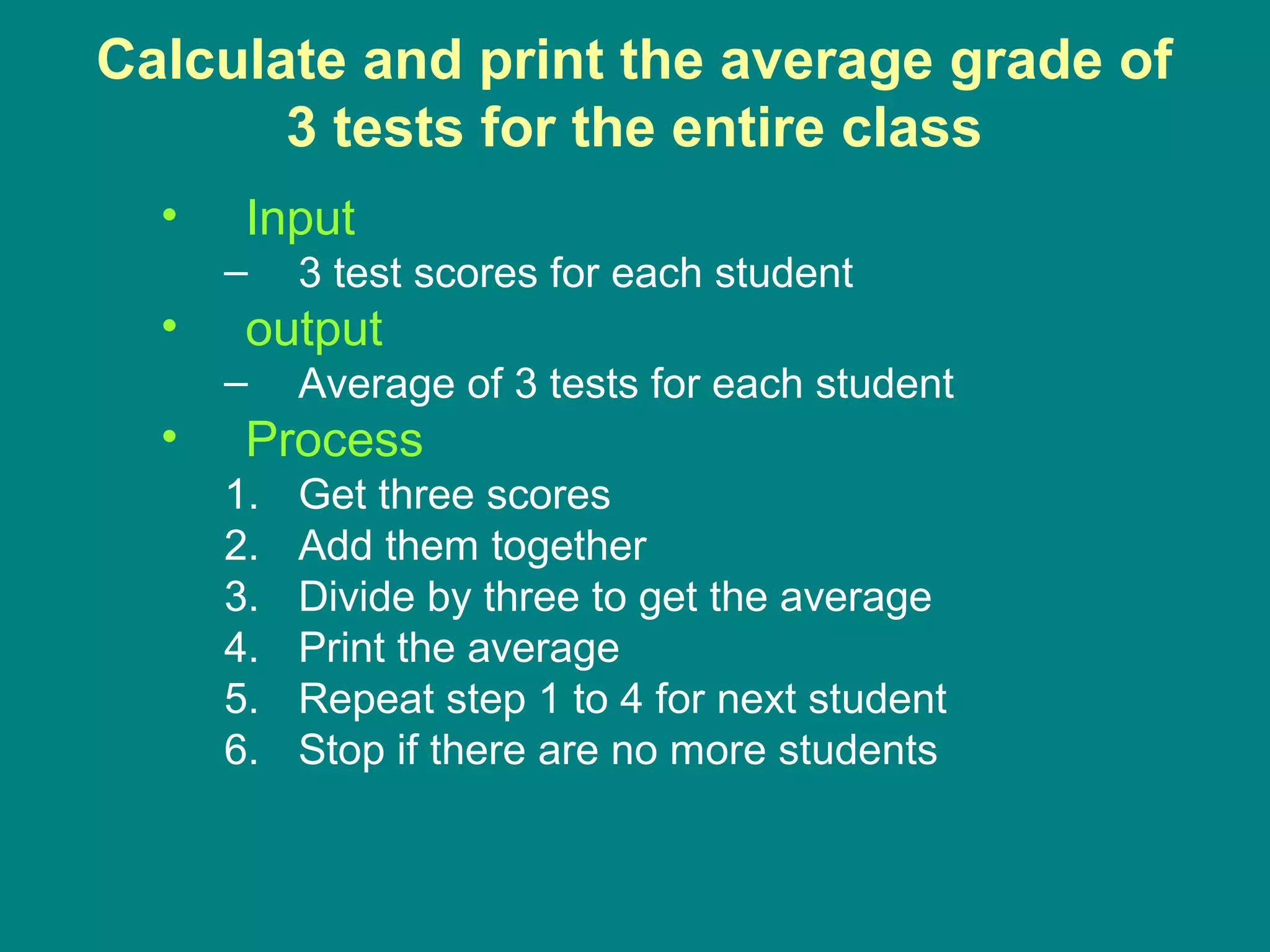
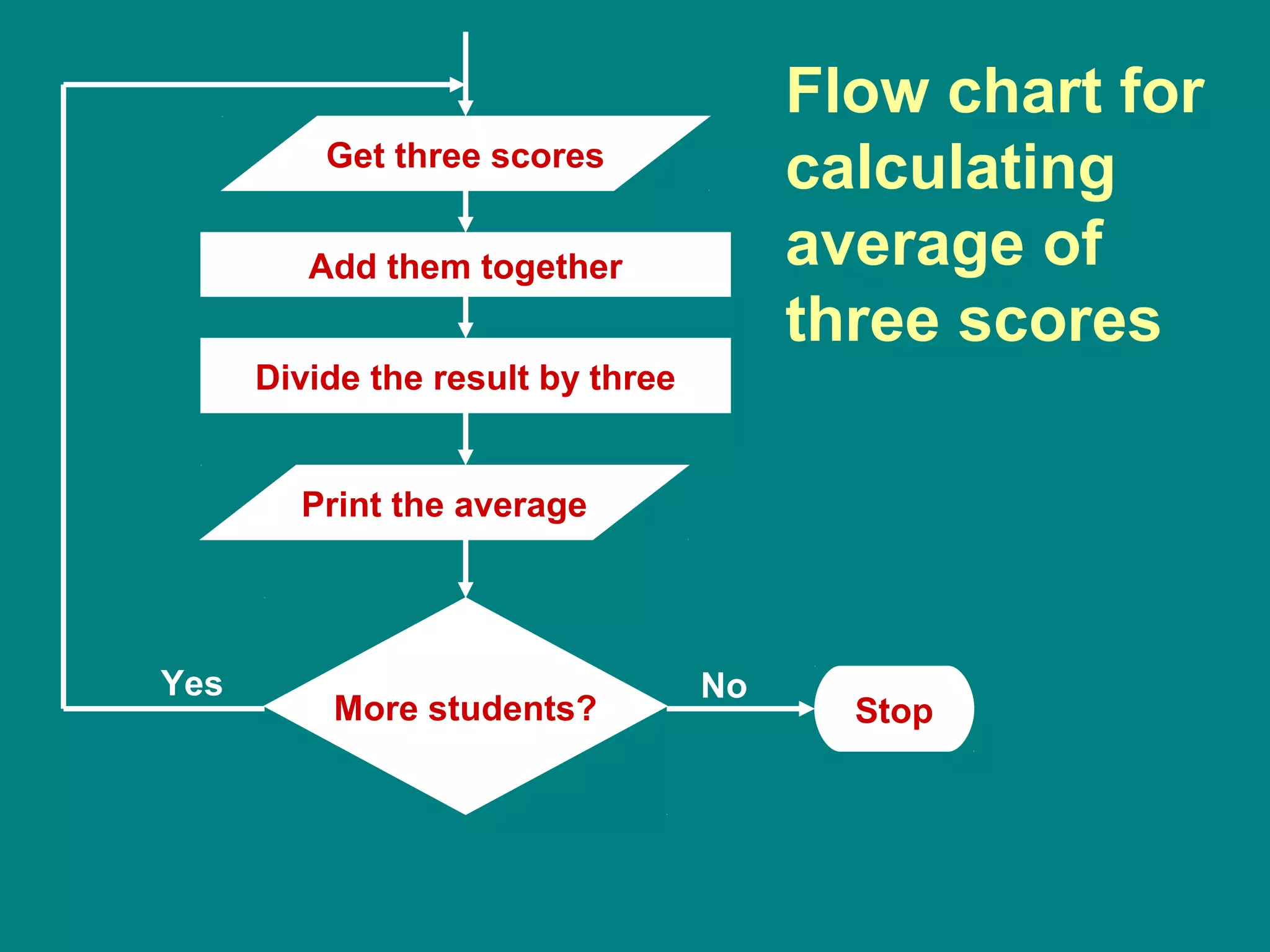
Calculate and print the average grade of
3 tests for the entire class
• Input
– 3 test scores for each student
• output
– Average of 3 tests for each student
• Process
1. Get three scores
2. Add them together
3. Divide by three to get the average
4. Print the average
5. Repeat step 1 to 4 for next student
6. Stop if there are no more students
Algorithm
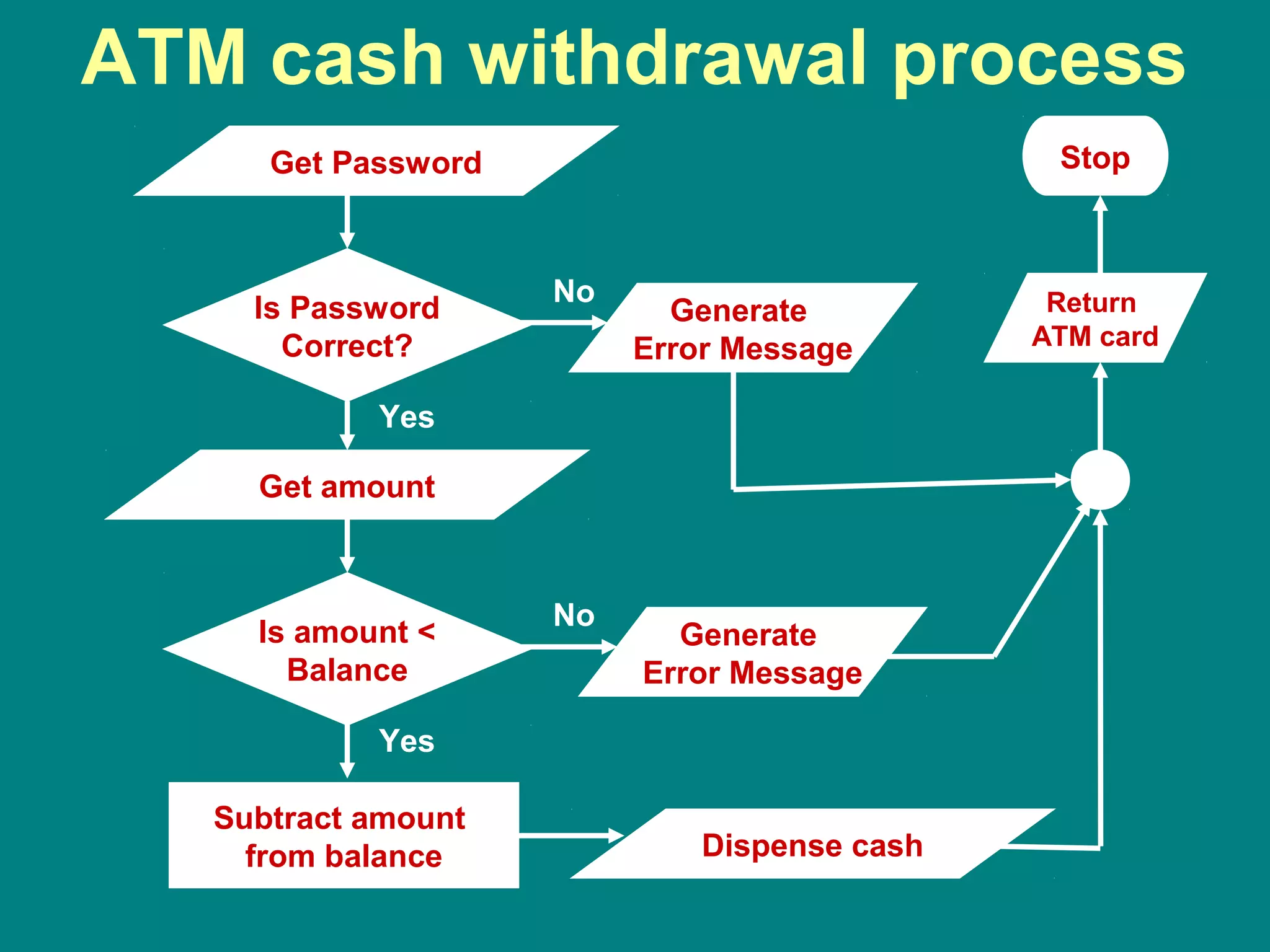
ATM for withdrawal
• Output
– Money, error messages
• Inputs
– User Identification (ATM card), password,
amount
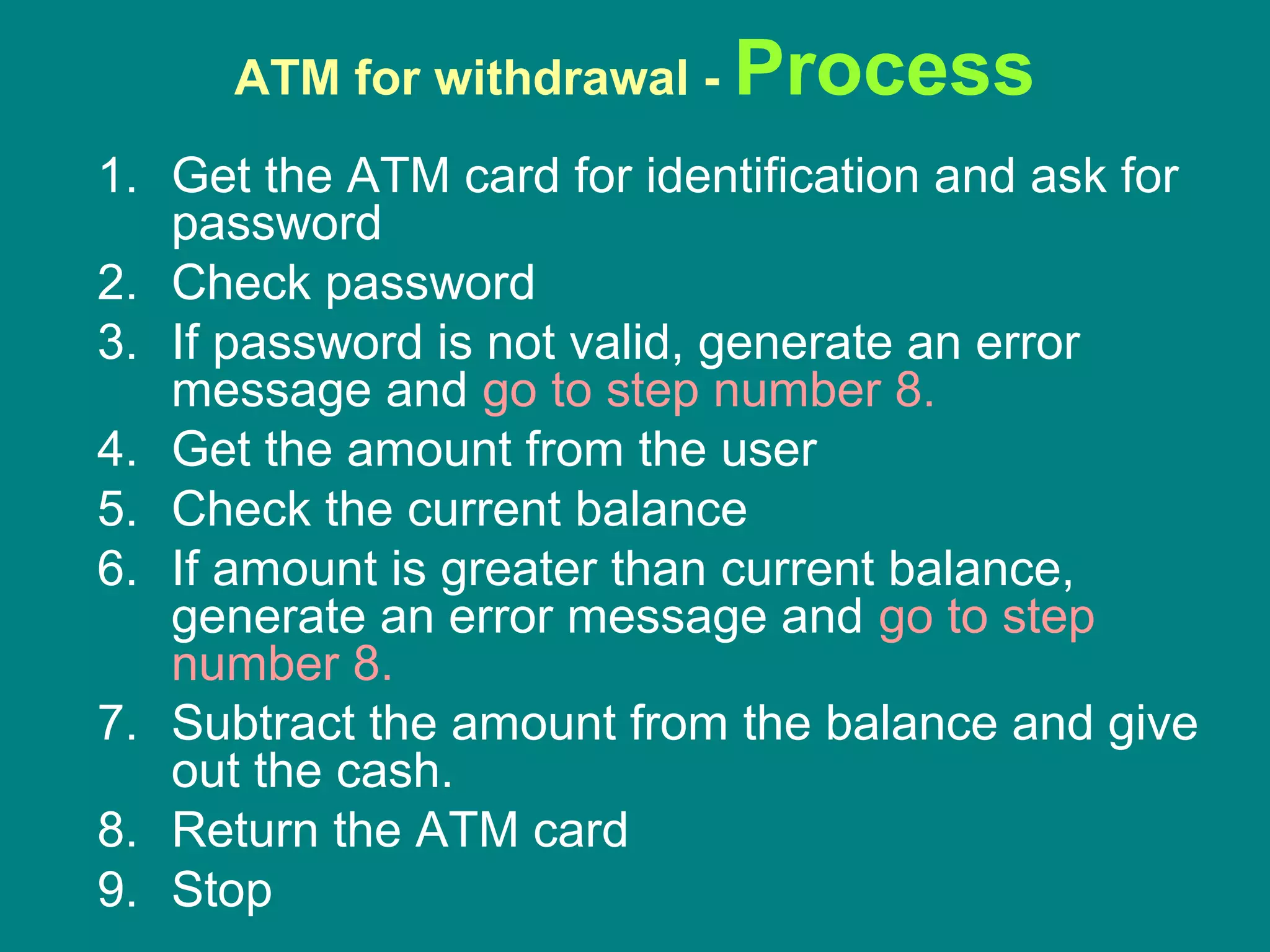
ATM for withdrawal - Process
1. Get the ATM card for identification and ask for
password
2. Check password
3. If password is not valid, generate an error
message and go to step number 8.
4. Get the amount from the user
5. Check the current balance
6. If amount is greater than current balance,
generate an error message and go to step
number 8.
7. Subtract the amount from the balance and give
out the cash.
8. Return the ATM card
9. Stop
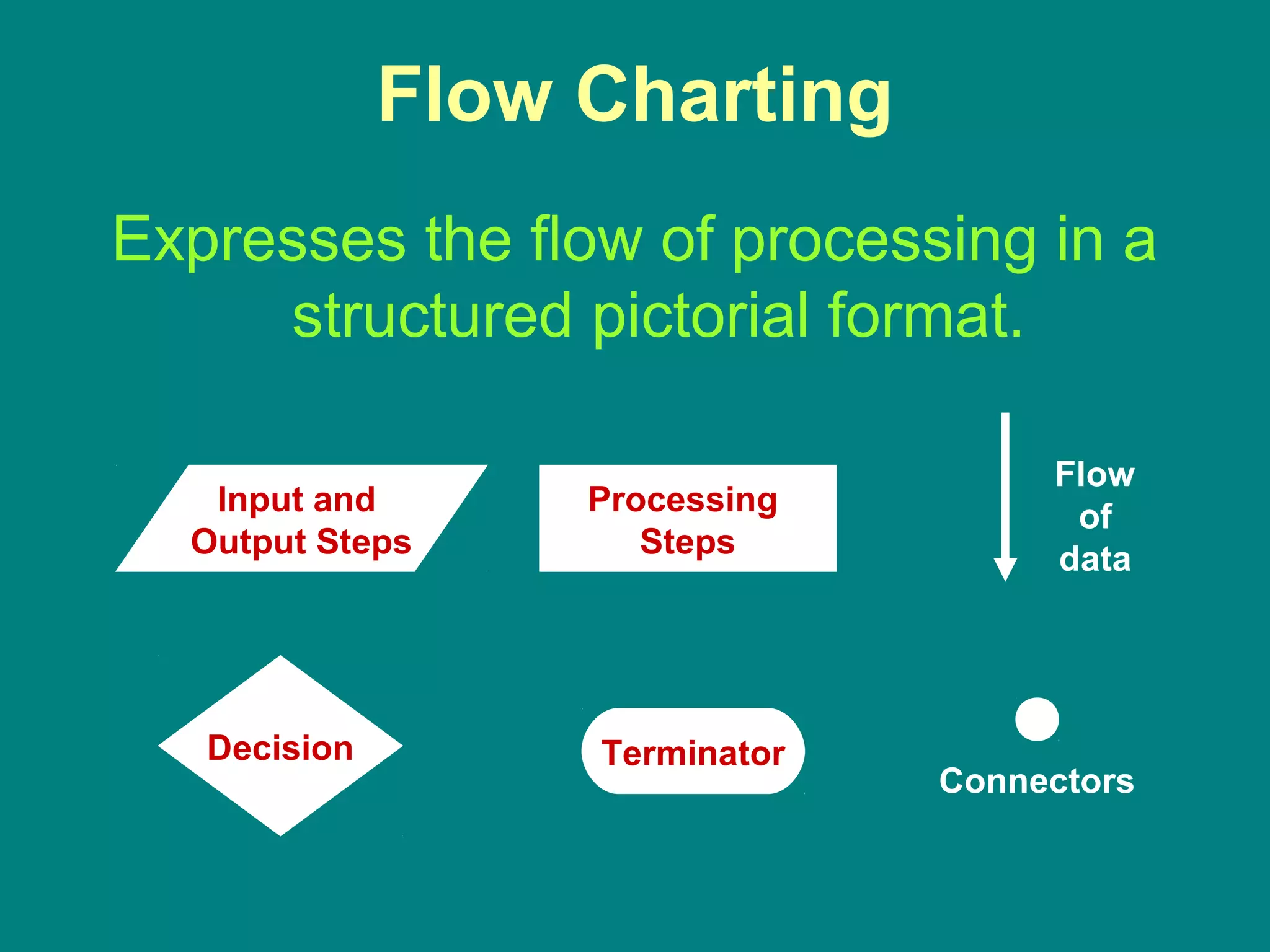
Flow Charting
Expresses the flow of processing in a
structured pictorial format.
Processing
Steps
Input and
Output Steps
Decision
Flow
of
data
Connectors
Terminator
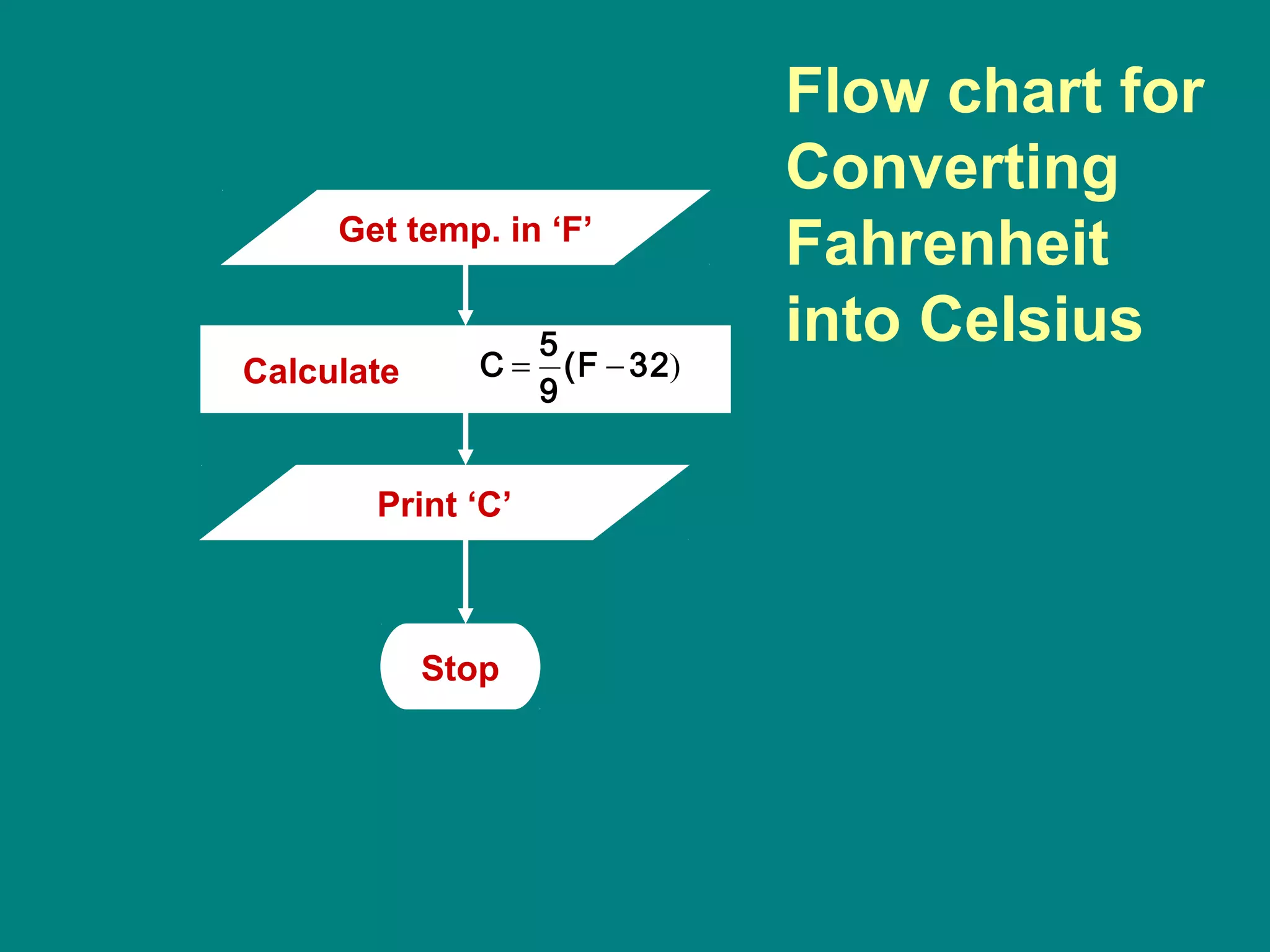
Flow chart for
Converting
Fahrenheit
into Celsius
Get temp. in ‘F’
Print ‘C’
Calculate )32(F
9
5
C −=
Stop
Get bread, butter,
jam, knife, and plate
Put two slices of
bread on the plate
Spread butter on one slice
Spread Jam on the other slice
Put the two slices together,
sticky side in
Want another?
Yes
Stop
No
Flow chart for
preparing a
butter and jam
sandwich
Add them together
Divide the result by three
More students?
Yes
Stop
No
Flow chart for
calculating
average of
three scores
Get three scores
Print the average
Get Password
Is Password
Correct?
Get amount
Yes
Is amount <
Balance
No
Generate
Error Message
No
Generate
Error Message
Subtract amount
from balance
Yes
Stop
Return
ATM card
ATM cash withdrawal process
Dispense cash

Chapter #1 overview of programming and problem solving

  • 1.
    Chapter 1 Overview ofProgramming and Problem Solving
  • 2.
    What is Programming? •LOGICALLY SEQUENTIAL thought • Order of things and actions
  • 3.
    Computer Programming The processof planning a sequence of steps for a computer to follow.
  • 4.
    Computer Program A sequenceof instructions to be performed by a computer.
  • 5.
  • 6.
    Computer Programming • Computeris a powerful tool • It is not intelligent! • In order to use computer to solve our problems, we must tell it what we want done and the order in which we want it done. • These instructions are called computer program. • This process is called computer programming. • The person giving these instructions is called a computer programmer.
  • 7.
    Computer Programming • Analyzethe problem • Develop a sequence of instructions for solving the problem. • Communicate it to the computer.
  • 8.
    Computer Programs Once written,computer can repeat the solution very quickly and CONSISTENTLY.
  • 9.
    Programming Language A setof rules, symbols, and special words used to construct a computer program.
  • 10.
    Phases of thesoftware life cycle • Requirement Definition • Analysis and design • Coding • Testing • Implementation • Maintenance
  • 11.
    Two Phase Process •Problem solving – Analysis and specification – General solution (algorithm) – Verification • Implementation – Concrete solution (program) – Test
  • 12.
    Problem Solving Techniques •Ask questions • Look for things that are similar • Means-ends analysis • Divide and Conquer • Merging solutions
  • 13.
    Ask Questions • Askquestions until you have developed a clear understanding of the problem. • Who, What, Why, Where, When. – What do I have to work with? (my data or input) – How much data is there? – What should my output look like? – How many times is the process going to be repeated? – What are the exceptions to the main course? – What special error condition might come up?
  • 14.
    Look for thingsthat are familiar • Do not reinvent the wheel! • Draw Analogies
  • 15.
    Means-Ends analysis • Startingpoint and ending state are known. • You need to devise the transformation function. • Ends are defined – you need to analyze your means of getting between them. • Lahore to Islamabad – What are the options? – Narrow down the options? – Figure out the details?
  • 16.
    Divide and Conquer •Same as the Alkhwarzimi Principle. • Breakup the large problem into smaller units and then solve them one at a time. • Building block approach.
  • 17.
    Divide and Conquer HardProblem Hard Sub-problemEasy Sub-problem Easy Sub-problem Easy Sub-problemEasy Sub-problem
  • 18.
  • 19.
    Merging Solution • Sometimesmerging two independent solutions solves the problem more efficiently? • Calculate Average – Count values – Sum Values – Divide sum by count • Alternative approach – calculate partial sum as you count
  • 20.
    Problem Solving Techniques •What is the unknown? – What is required? – What do you want? – What are you supposed to seek? • What are the data? – What is given? – What have you? • What is the condition? – By what condition the unknown is linked to the data?
  • 21.
    A Puzzle A man,starting from point P, walked one mile due South. Then he changed direction and walked one mile due East. Then he turned to the left and walked one mile due North, and arrived at exactly at the point P he started from. During his journey, he saw a bear. What is the color of the bear? What is the unknown? How could we find the color of the bear from the mathematical data? Where is the link?
  • 22.
    Conversion from Fahrenheitto Celsius • Output – Temperature in Celsius (C) • Inputs – Temperature in Fahrenheit (F) • Process 32)(F 9 5 C −=
  • 23.
    Algorithm Make a Jamand Butter Sandwich • Output – Jam and Butter Sandwiches • Inputs – Jam, Butter, Bread, Knife, Plate • Process 1. Put two slices of bread on the plate 2. Using the knife, spread butter on one side 3. Using the knife, spread jam on the other side 4. Put the two slices together, clean side out 5. Repeat from step 1 to 4 to prepare more sandwiches
  • 24.
    Calculate and printthe average grade of 3 tests for the entire class • Input – 3 test scores for each student • output – Average of 3 tests for each student • Process 1. Get three scores 2. Add them together 3. Divide by three to get the average 4. Print the average 5. Repeat step 1 to 4 for next student 6. Stop if there are no more students
  • 25.
    Algorithm ATM for withdrawal •Output – Money, error messages • Inputs – User Identification (ATM card), password, amount
  • 26.
    ATM for withdrawal- Process 1. Get the ATM card for identification and ask for password 2. Check password 3. If password is not valid, generate an error message and go to step number 8. 4. Get the amount from the user 5. Check the current balance 6. If amount is greater than current balance, generate an error message and go to step number 8. 7. Subtract the amount from the balance and give out the cash. 8. Return the ATM card 9. Stop
  • 27.
    Flow Charting Expresses theflow of processing in a structured pictorial format. Processing Steps Input and Output Steps Decision Flow of data Connectors Terminator
  • 28.
    Flow chart for Converting Fahrenheit intoCelsius Get temp. in ‘F’ Print ‘C’ Calculate )32(F 9 5 C −= Stop
  • 29.
    Get bread, butter, jam,knife, and plate Put two slices of bread on the plate Spread butter on one slice Spread Jam on the other slice Put the two slices together, sticky side in Want another? Yes Stop No Flow chart for preparing a butter and jam sandwich
  • 30.
    Add them together Dividethe result by three More students? Yes Stop No Flow chart for calculating average of three scores Get three scores Print the average
  • 31.
    Get Password Is Password Correct? Getamount Yes Is amount < Balance No Generate Error Message No Generate Error Message Subtract amount from balance Yes Stop Return ATM card ATM cash withdrawal process Dispense cash