FP101
WEEK 5
CLO 1
Explain the basic computer and programming
fundamentals with appropriate examples of
language and technology
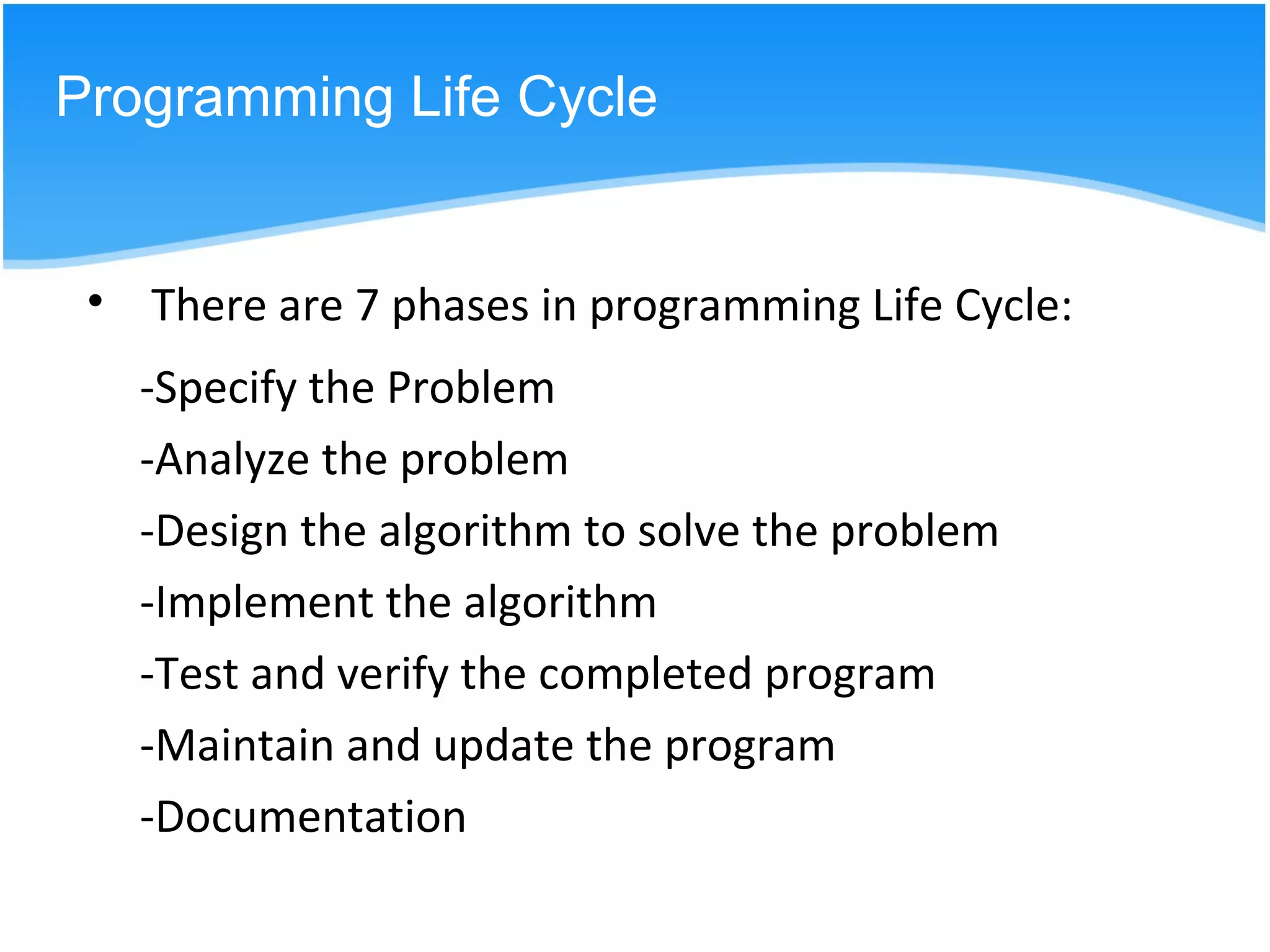
-Specify the Problem
-Analyze the problem
-Design the algorithm to solve the problem
-Implement the algorithm
-Test and verify the completed program
-Maintain and update the program
-Documentation
Programming Life Cycle
• There are 7 phases in programming Life Cycle:
Specify the Problem
Problem Statement
Compute and display the total cost apples
given the number of kilograms of apples
purchased and the cost per kilogram of
apples.
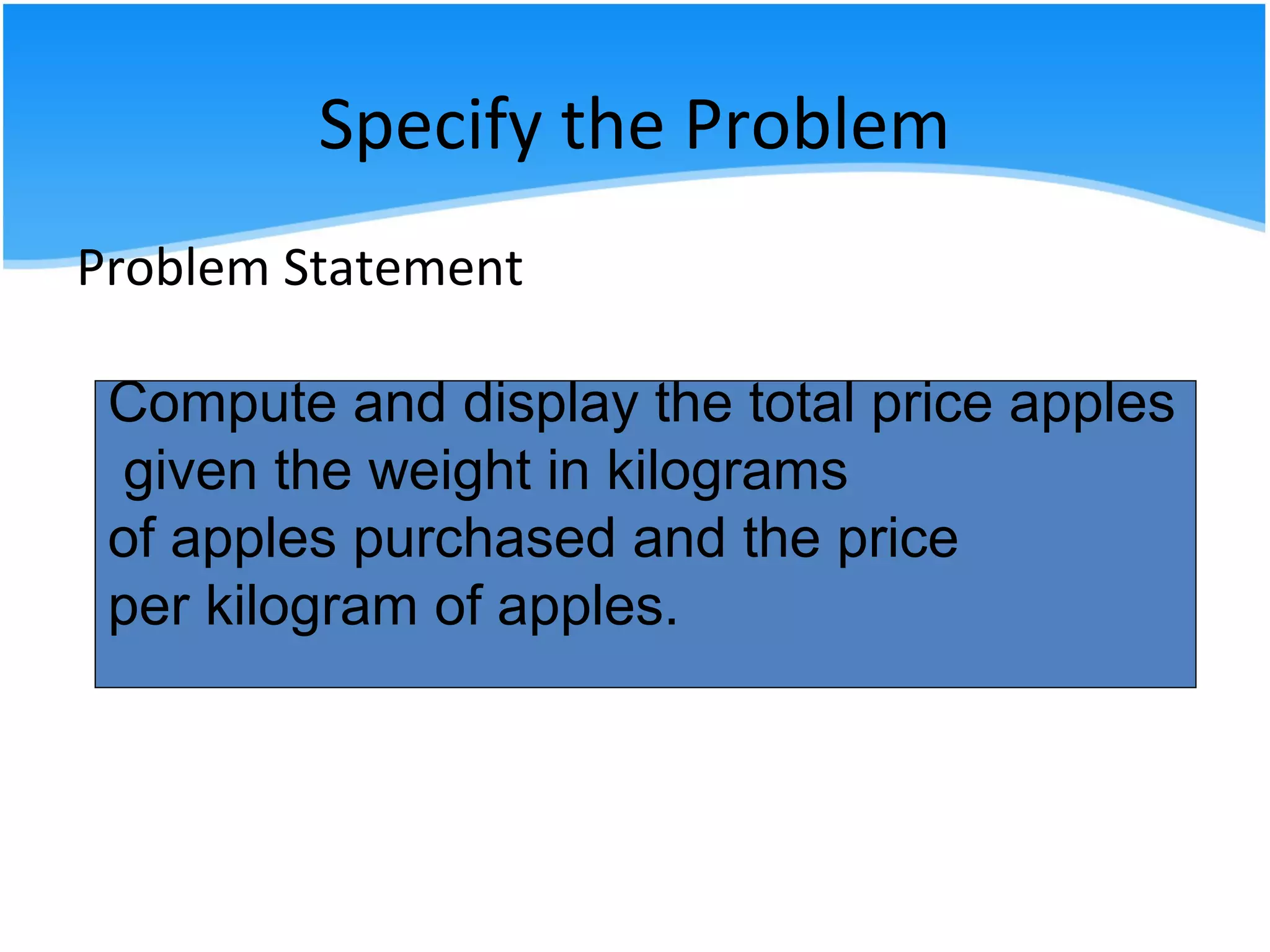
Compute and display the total price apples
given the weight in kilograms
of apples purchased and the price
per kilogram of apples.
Specify the Problem
• The first step in solving any problem is to
understand it.
• Read the requirements statement carefully.
• State the problem clearly and unambiguously.
• Gain clear understanding of what is required
for its solution.
Specify the Problem
• In problem requirement phase you may ask
some question like
a. What to compute?
b. What unit do they use?
c. Is it only for the apple or other fruit?
or any question for gaining understanding of
what is required.
Analyze the problem
• Identify the problem inputs you have to work
with and also the problems outputs (results)
desired.
• Check any additional requirements or
constraints on the solution.
• Determine the required format of the results
to be displayed.
• Develop a list of variables.
Analyze the problem
• To analyze the problem you may summarize the
information contained in it and find out the
problem input and output.
Problem Inputs
a. weight in kilogram
b. price per kilogram ( in RM per kg)
Problem Output
a. Total price (in RM)
Analyze the problem
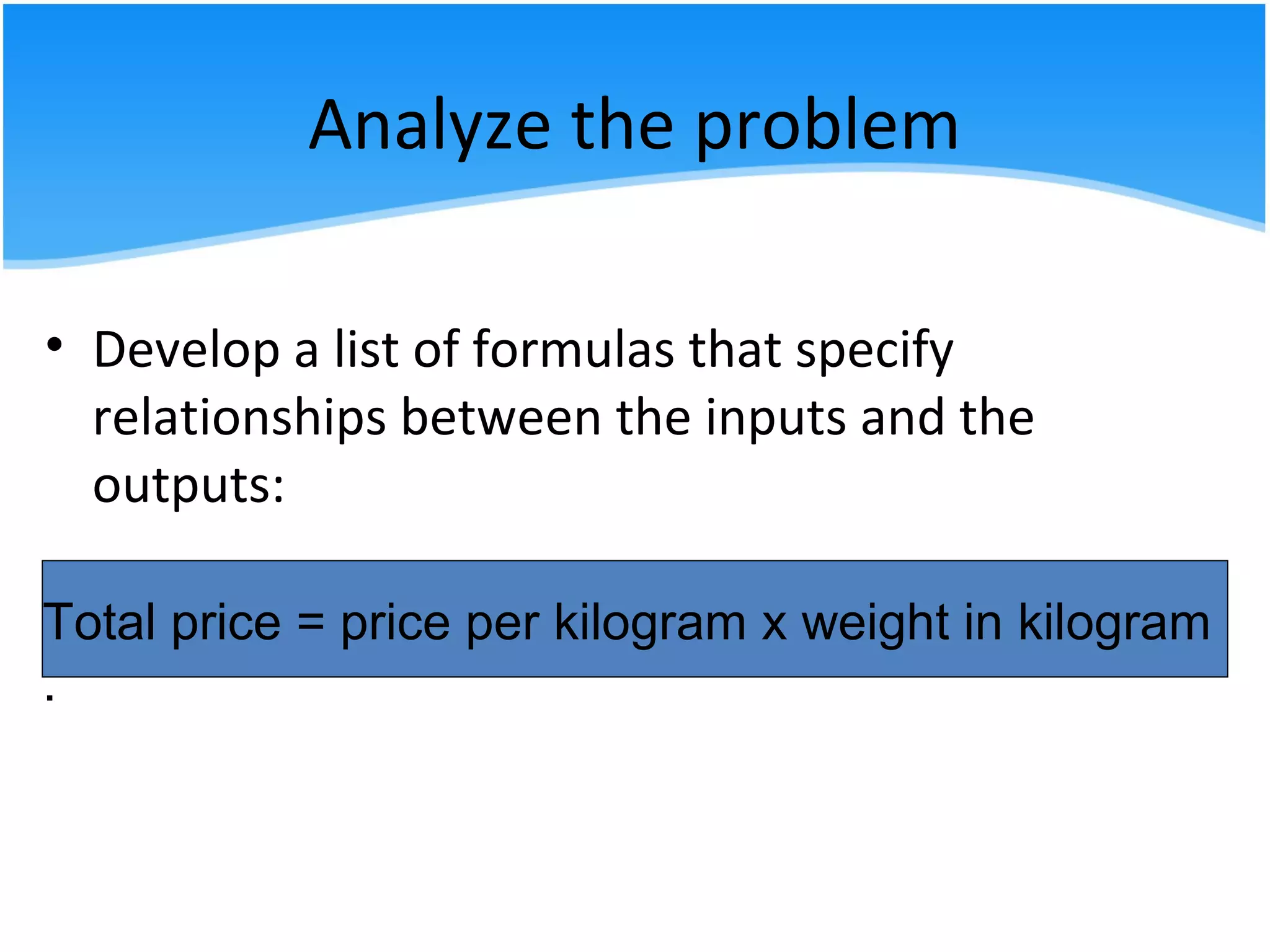
• Develop a list of formulas that specify
relationships between the inputs and the
outputs:
Total price = price per kilogram x weight in kilogram
.
Analyze the problem
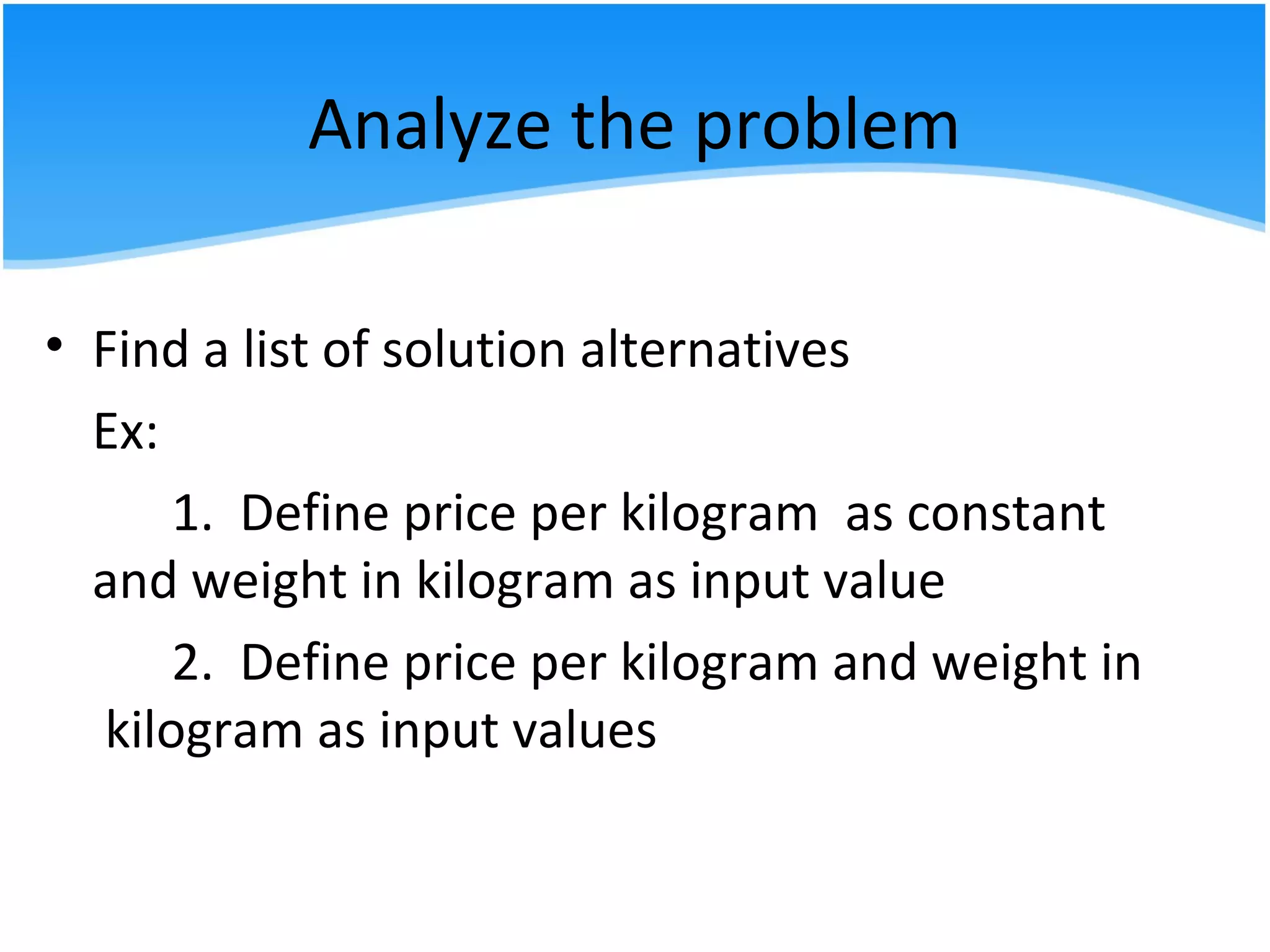
• Find a list of solution alternatives
Ex:
1. Define price per kilogram as constant
and weight in kilogram as input value
2. Define price per kilogram and weight in
kilogram as input values
Analyze the problem
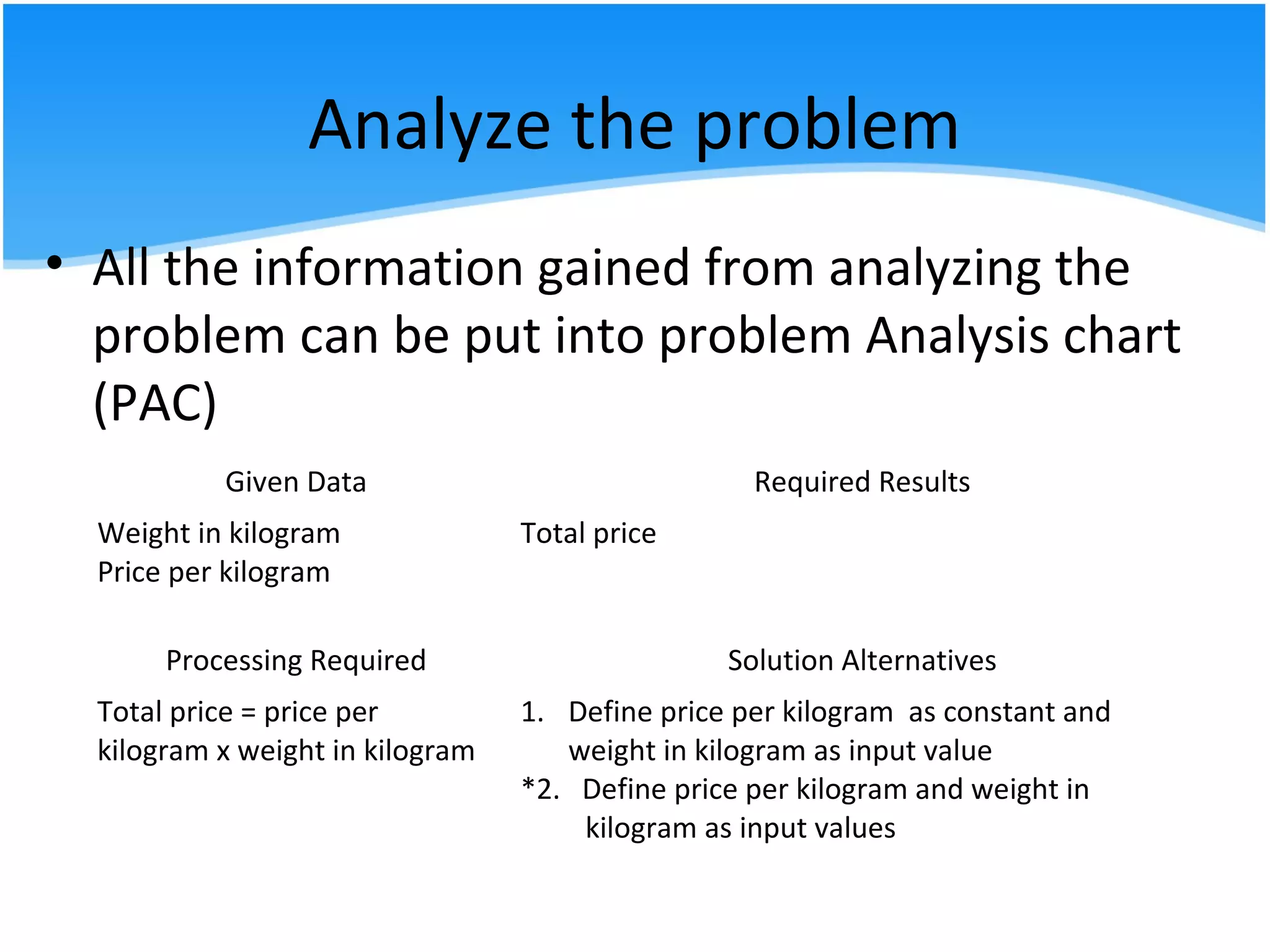
• All the information gained from analyzing the
problem can be put into problem Analysis chart
(PAC)
Given Data Required Results
Weight in kilogram
Price per kilogram
Total price
Processing Required Solution Alternatives
Total price = price per
kilogram x weight in kilogram
1. Define price per kilogram as constant and
weight in kilogram as input value
*2. Define price per kilogram and weight in
kilogram as input values
Design the algorithm to solve the
problem
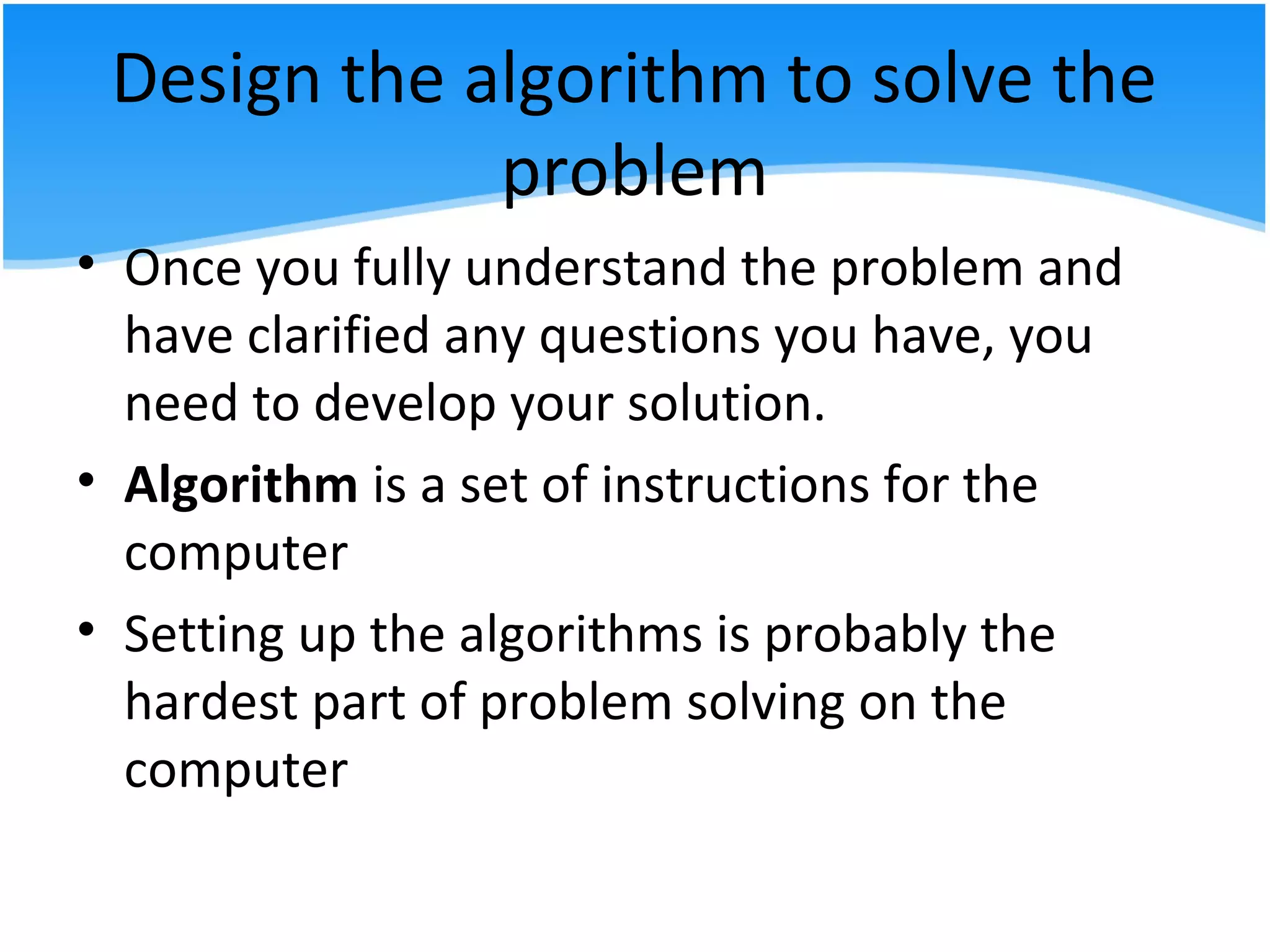
• Once you fully understand the problem and
have clarified any questions you have, you
need to develop your solution.
• Algorithm is a set of instructions for the
computer
• Setting up the algorithms is probably the
hardest part of problem solving on the
computer
Design the algorithm to solve the
problem
• The instructions cannot assume anything, cannot skip
steps, must be executable one step at a time and must
be complete
• Example of algorithm:
1. Input the weight in kilograms of apples
purchased and the price per kilogram of apples
2. Calculate total price apples using the formula:
Total price = price per kilogram x weight in kilogram
3. Print Total Price
Design the algorithm to solve the
problem
• Tools which can be used to help you in this task:
a) Structure Chart
b) IPO chart
c) flowchart
d) pseudocode
Design the algorithm to solve the
problem
a) Structure Chart
• Depict the overall organization of a program, show
how program segment or modules are defined and
how they relate to one another.
• The module in the upper row serve as control
functions directing the program to process modules
under them as appropriate.
• It follows a top-down design philosophy.
Design the algorithm to solve the
problem
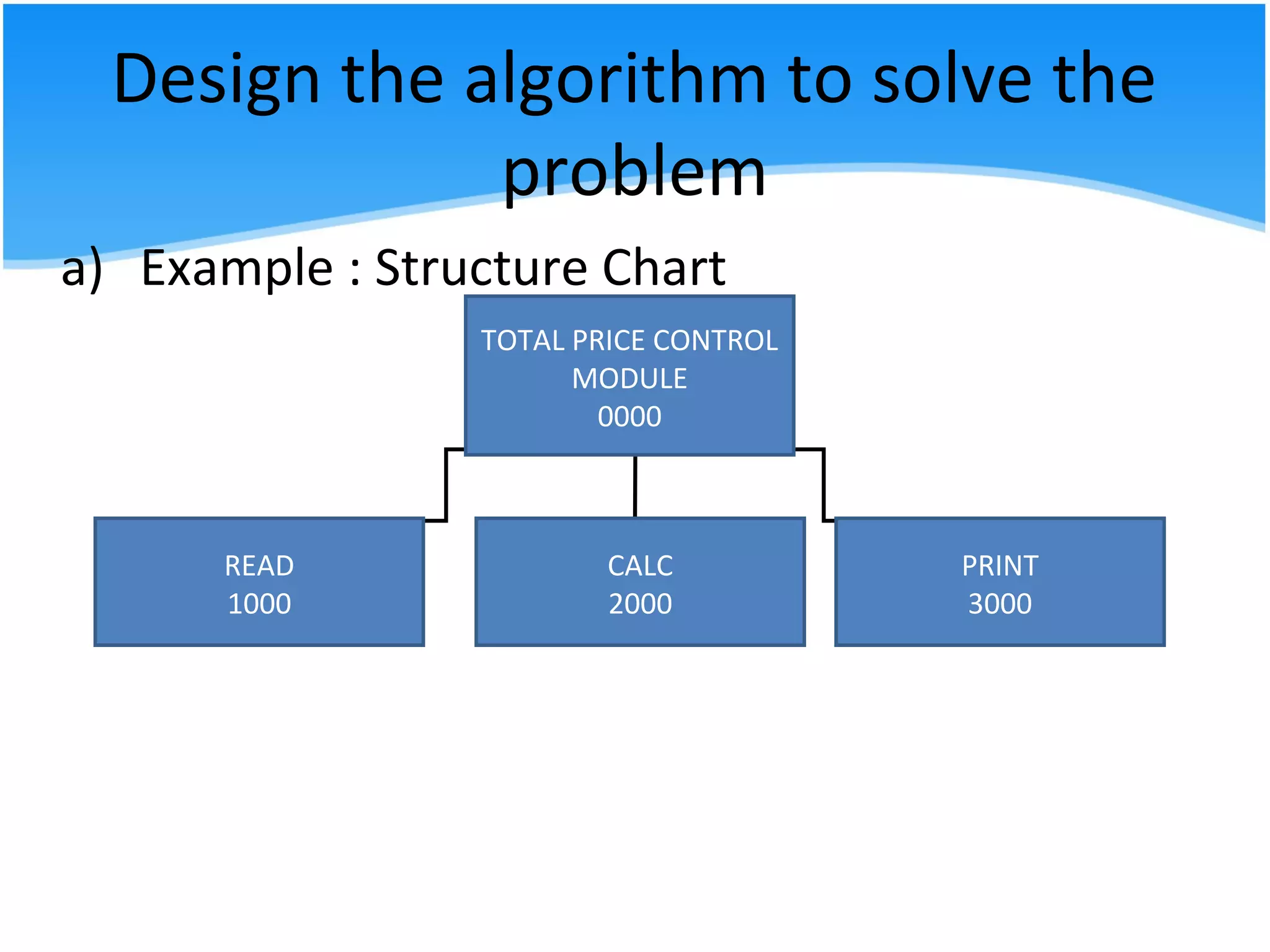
a) Example : Structure Chart
TOTAL PRICE CONTROL
MODULE
0000
READ
1000
CALC
2000
PRINT
3000
Design the algorithm to solve the
problem
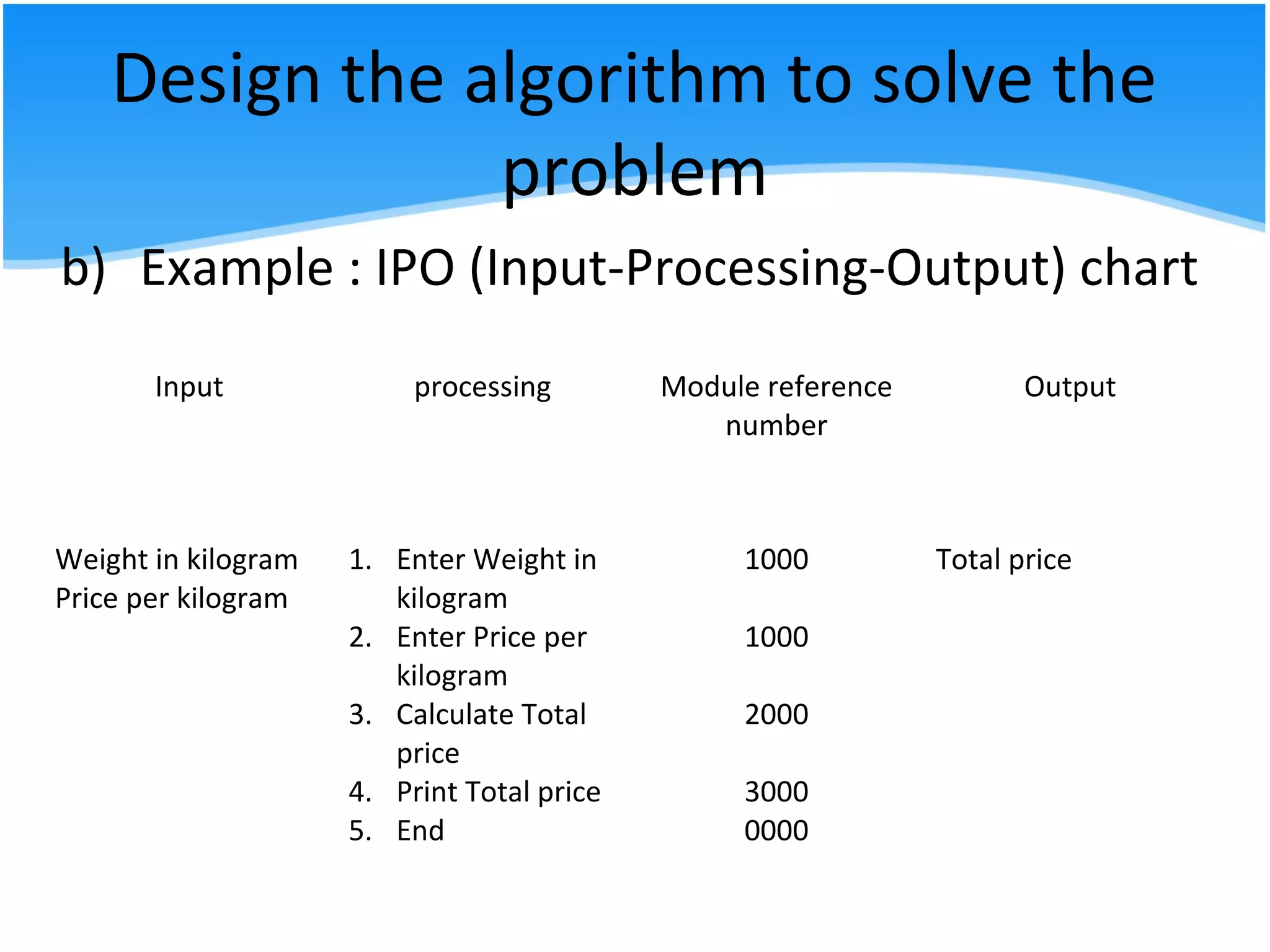
b) IPO (Input-Processing-Output) chart
- shows in more detail what data items are
input, what processing takes place on that
data and what information will be the end
result, the output
Design the algorithm to solve the
problem
b) Example : IPO (Input-Processing-Output) chart
Input processing Module reference
number
Output
Weight in kilogram
Price per kilogram
1. Enter Weight in
kilogram
2. Enter Price per
kilogram
3. Calculate Total
price
4. Print Total price
5. End
1000
1000
2000
3000
0000
Total price
Design the algorithm to solve the
problem
c) flowchart
- graphic representations of the algorithm
- shows the flow of processing from the
beginning to the end of a solution
- each block in a flowchart represents one
instruction from an algorithm
- flow lines indicate the direction of the data
flow
Design the algorithm to solve the
problem
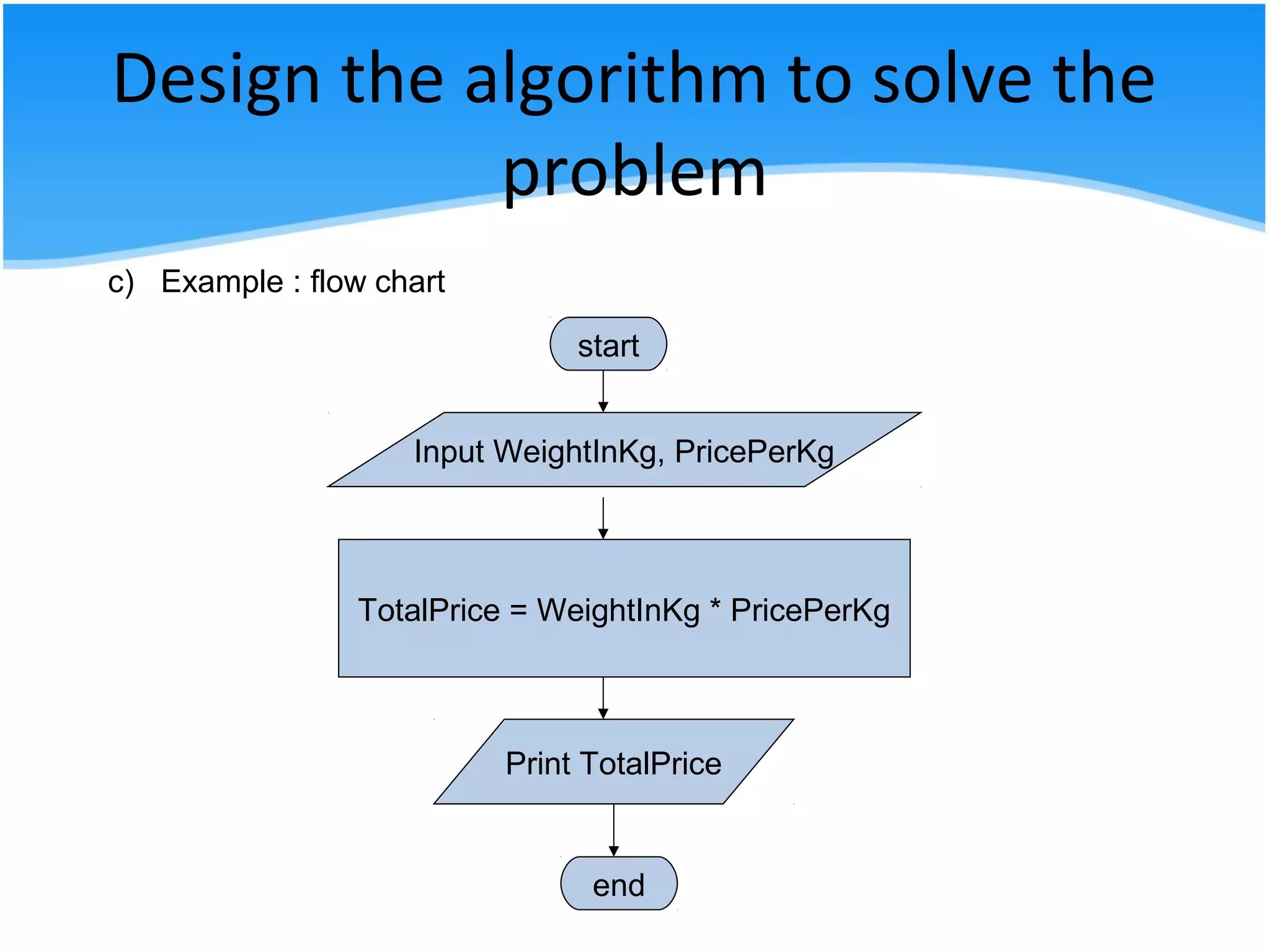
start
Input WeightInKg, PricePerKg
TotalPrice = WeightInKg * PricePerKg
Print TotalPrice
end
c) Example : flow chart
Design the algorithm to solve the
problem
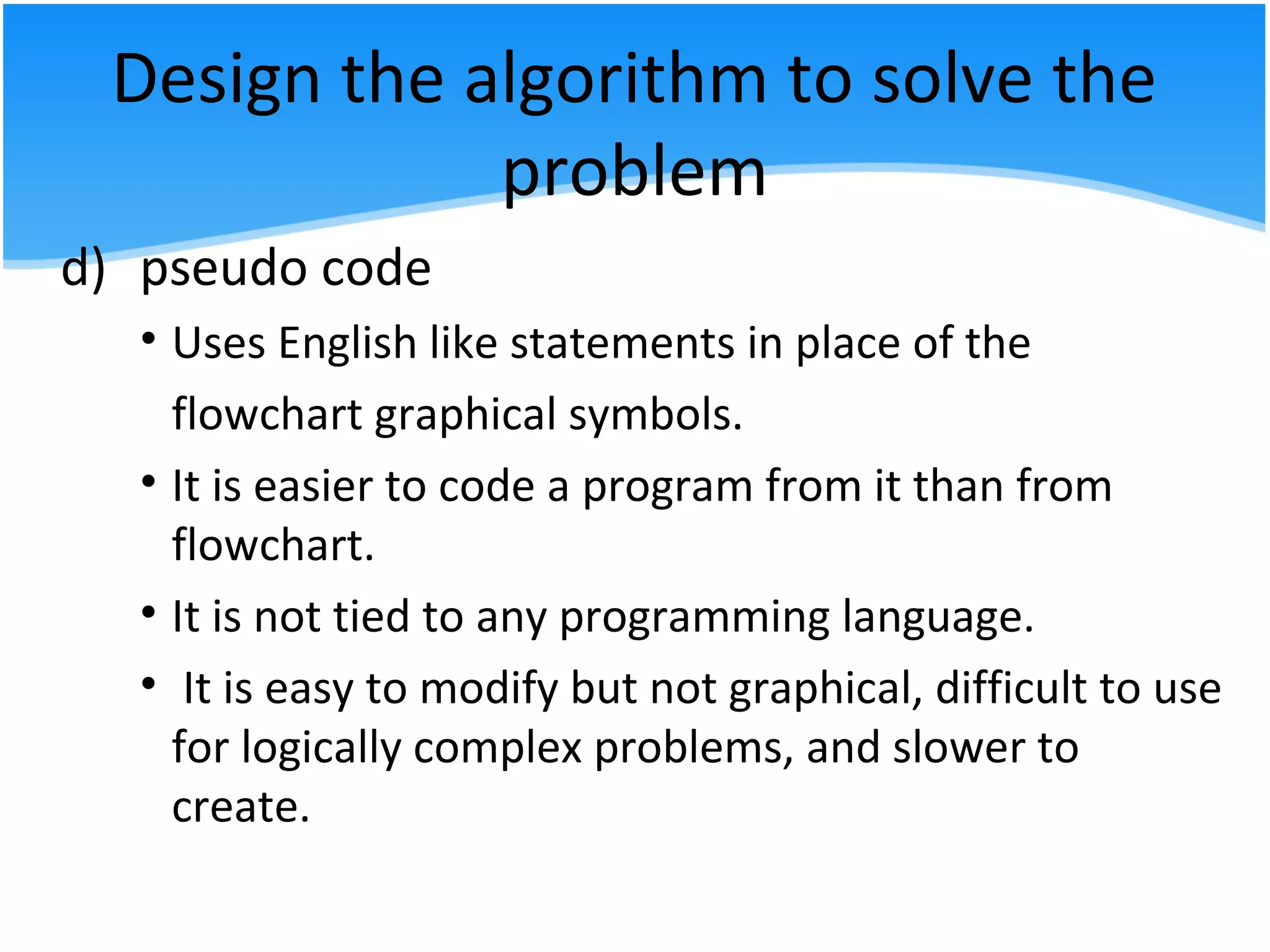
d) pseudo code
• Uses English like statements in place of the
flowchart graphical symbols.
• It is easier to code a program from it than from
flowchart.
• It is not tied to any programming language.
• It is easy to modify but not graphical, difficult to use
for logically complex problems, and slower to
create.
Design the algorithm to solve the
problem
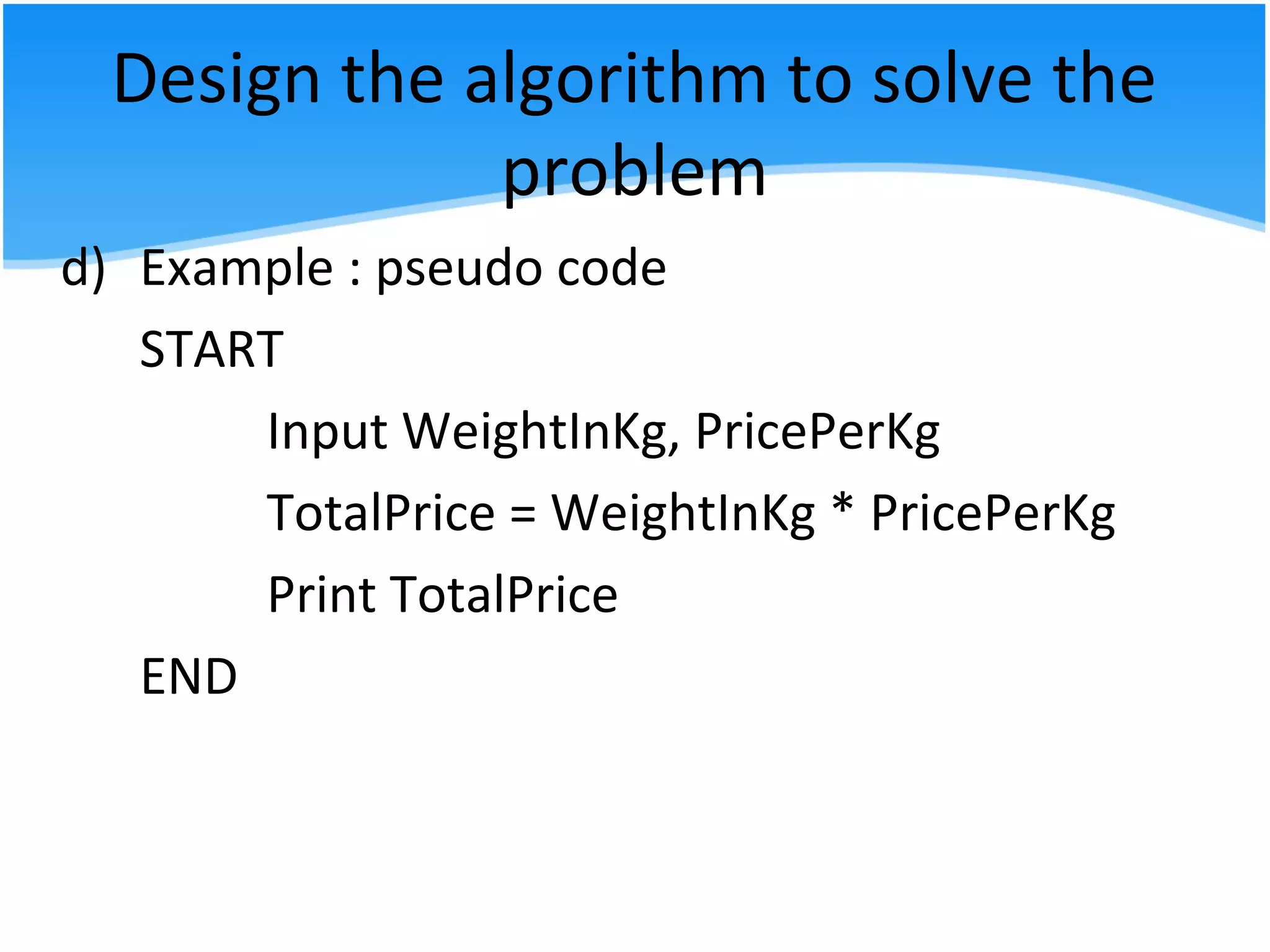
d) Example : pseudo code
START
Input WeightInKg, PricePerKg
TotalPrice = WeightInKg * PricePerKg
Print TotalPrice
END
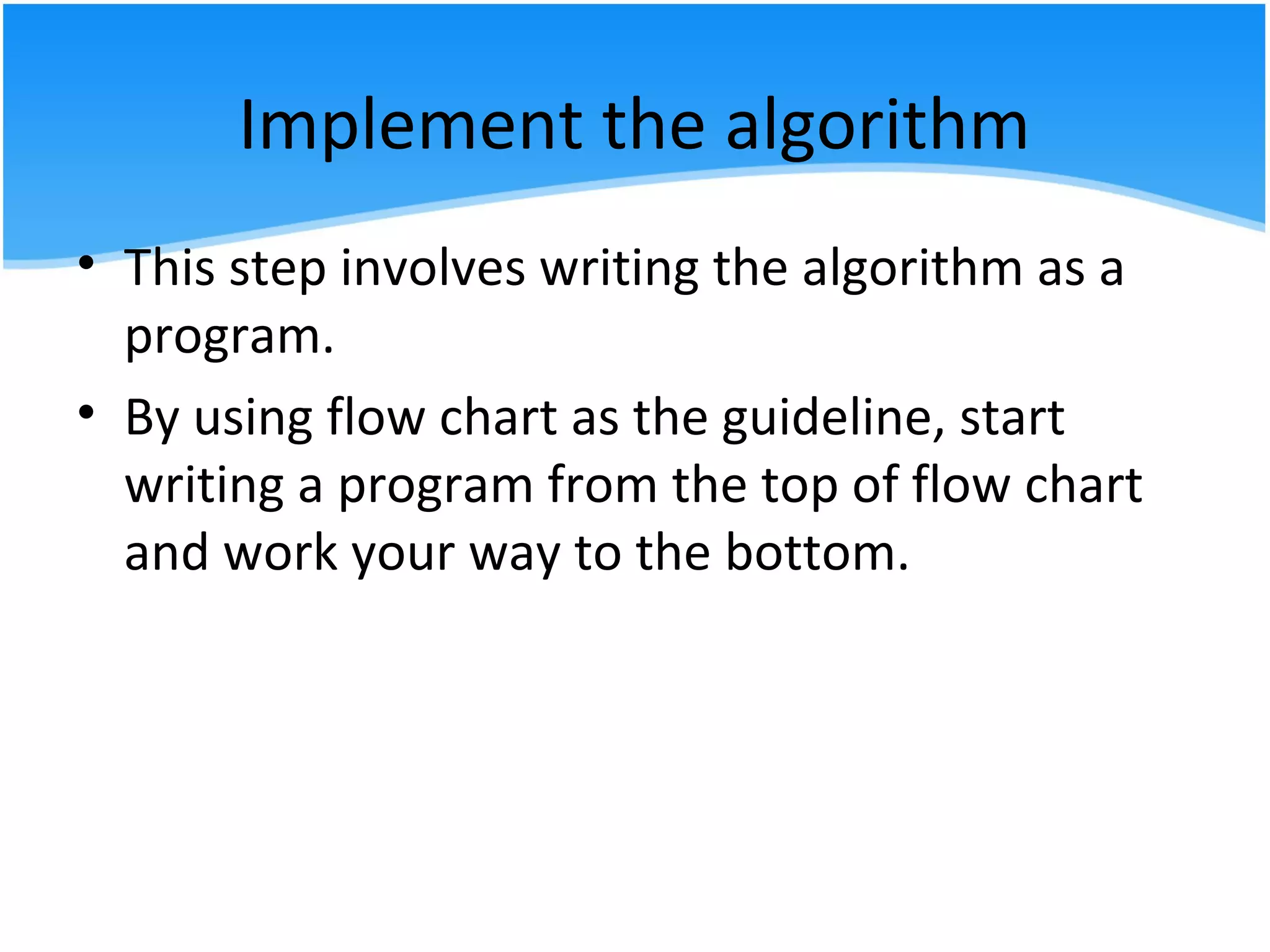
Implement the algorithm
• This step involves writing the algorithm as a
program.
• By using flow chart as the guideline, start
writing a program from the top of flow chart
and work your way to the bottom.
Implement the algorithm
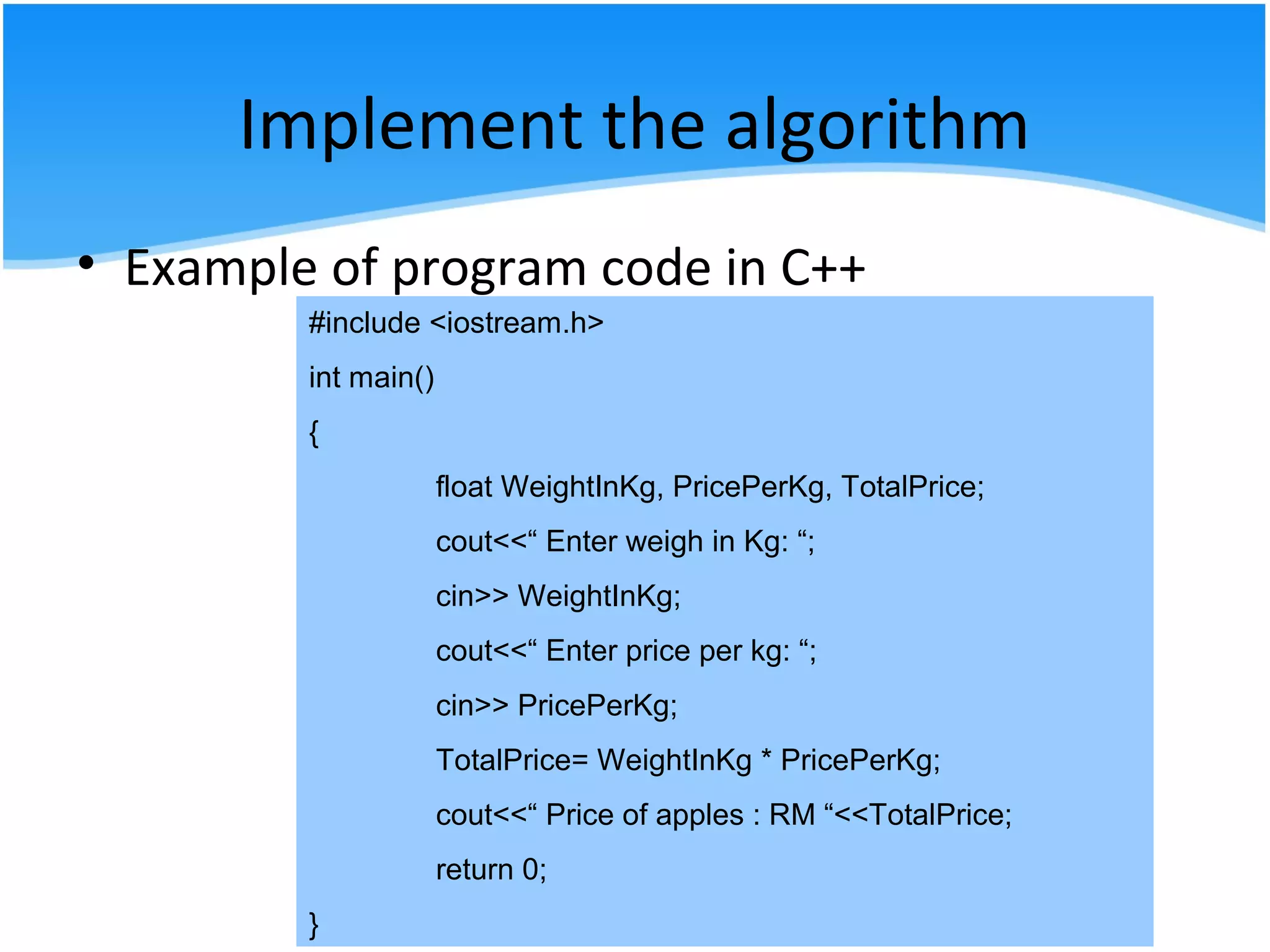
• Example of program code in C++
#include <iostream.h>
int main()
{
float WeightInKg, PricePerKg, TotalPrice;
cout<<“ Enter weigh in Kg: “;
cin>> WeightInKg;
cout<<“ Enter price per kg: “;
cin>> PricePerKg;
TotalPrice= WeightInKg * PricePerKg;
cout<<“ Price of apples : RM “<<TotalPrice;
return 0;
}
Test and verify the completed
program
• After writing the program, you must test it.
• Program testing can be a very tedious and
time consuming.
• Run the program several times using the
different sets of data.
• Make sure that it works correctly for every
situation provided in the algorithm.
• Example: Blackbox Testing or Whitebox
testing.
Test and verify the completed
program
• Blackbox testing gets its name from the
concept of testing the program without
knowing what is inside- without knowing how
its works. By a user.
• Whitebox testing assumes that the tester
knows everything about the program. It is a
programmer’s responsibility.
Test and verify the completed
program
• Errors are so common that they have a special
name (BUGS). Bugs must be identified and
corrected.
• The process of identifying and correcting bugs
is known as debugging.
• When the compiler detects an error, the
computer will display an error message, which
indicates that you have made a mistake and
what the cause of the error might be.
Test and verify the completed
program
• Types of error in programming
- Syntax Error / Compiler Error
- Run-Time Error
- Logical Error
Test and verify the completed
program
• Syntax Error (Compilation Error)
– An error in the format of a statement in a
computer program that violates the rules of
the programming language employed.
– A program will not be executed until all syntax
errors are corrected
– Error can be traced at the event of compilation
Test and verify the completed
program
• Run –time error
– Are detected by the computer and are displayed
during execution of a program.
– A run-time error occurs when the program directs
the computer to perform an illegal operation,
such as dividing a number by zero or
Test and verify the completed
program
• Logical Error
– The hardest errors to find and fix.
– A logic error means although the language syntax
was used correctly, there was a misunderstanding:
if you want a, where b=c+a and you give a = b-a
instead of a = b-c, then you will get the wrong
answer, but have used the correct language
syntax.
Maintain and Update the program
• Maintenance and update are the modification
of a software product after delivery to correct
faults, to improve performance or other
attributes, or to adapt the product to a
modified environment.
Maintain and Update the program
• Types of maintenance
a) Corrective maintenance
- Reactive modification of a software
product performed after delivery to correct discovered
problems. It deals with fixing bugs in the code.
b) Adaptive maintenance
-Modification of a software product
performed after delivery to keep a software
product usable in a changed or changing
environment. It deals with adapting the
software to new environments.
Maintain and Update the program
• Types of maintenance
a) Perfective maintenance
-Modification of a software product after delivery to
improve performance or maintainability. It deals
with updating the software according to changes in
user requirements.
b) Preventive maintenance
-Modification of a software product after
delivery to detect and correct latent faults in
the software product before they become
effective faults. It deals with updating
documentation and making the software more
maintainable.
Documentation
• documentation should be concise so the person who
reads it doesn't have to spend too much time to find
what he or she is looking for.
• There are two types of documentation
a) internal documentation
- The comments you put in your source
code files should be written to help other
programmers navigate through your code
easily in order to find bugs or to determine
where to add new features.
Documentation
• There are two types of documentation
b) external documentation
-is made up of the manuals written about the
solution
-is written text that accompanies computer
software. It either explains how it operates or
how to use it, and may mean different things to
people in different roles.

2.2 Demonstrate the understanding of Programming Life Cycle

  • 1.
  • 2.
    WEEK 5 CLO 1 Explainthe basic computer and programming fundamentals with appropriate examples of language and technology
  • 3.
    -Specify the Problem -Analyzethe problem -Design the algorithm to solve the problem -Implement the algorithm -Test and verify the completed program -Maintain and update the program -Documentation Programming Life Cycle • There are 7 phases in programming Life Cycle:
  • 4.
    Specify the Problem ProblemStatement Compute and display the total cost apples given the number of kilograms of apples purchased and the cost per kilogram of apples. Compute and display the total price apples given the weight in kilograms of apples purchased and the price per kilogram of apples.
  • 5.
    Specify the Problem •The first step in solving any problem is to understand it. • Read the requirements statement carefully. • State the problem clearly and unambiguously. • Gain clear understanding of what is required for its solution.
  • 6.
    Specify the Problem •In problem requirement phase you may ask some question like a. What to compute? b. What unit do they use? c. Is it only for the apple or other fruit? or any question for gaining understanding of what is required.
  • 7.
    Analyze the problem •Identify the problem inputs you have to work with and also the problems outputs (results) desired. • Check any additional requirements or constraints on the solution. • Determine the required format of the results to be displayed. • Develop a list of variables.
  • 8.
    Analyze the problem •To analyze the problem you may summarize the information contained in it and find out the problem input and output. Problem Inputs a. weight in kilogram b. price per kilogram ( in RM per kg) Problem Output a. Total price (in RM)
  • 9.
    Analyze the problem •Develop a list of formulas that specify relationships between the inputs and the outputs: Total price = price per kilogram x weight in kilogram .
  • 10.
    Analyze the problem •Find a list of solution alternatives Ex: 1. Define price per kilogram as constant and weight in kilogram as input value 2. Define price per kilogram and weight in kilogram as input values
  • 11.
    Analyze the problem •All the information gained from analyzing the problem can be put into problem Analysis chart (PAC) Given Data Required Results Weight in kilogram Price per kilogram Total price Processing Required Solution Alternatives Total price = price per kilogram x weight in kilogram 1. Define price per kilogram as constant and weight in kilogram as input value *2. Define price per kilogram and weight in kilogram as input values
  • 12.
    Design the algorithmto solve the problem • Once you fully understand the problem and have clarified any questions you have, you need to develop your solution. • Algorithm is a set of instructions for the computer • Setting up the algorithms is probably the hardest part of problem solving on the computer
  • 13.
    Design the algorithmto solve the problem • The instructions cannot assume anything, cannot skip steps, must be executable one step at a time and must be complete • Example of algorithm: 1. Input the weight in kilograms of apples purchased and the price per kilogram of apples 2. Calculate total price apples using the formula: Total price = price per kilogram x weight in kilogram 3. Print Total Price
  • 14.
    Design the algorithmto solve the problem • Tools which can be used to help you in this task: a) Structure Chart b) IPO chart c) flowchart d) pseudocode
  • 15.
    Design the algorithmto solve the problem a) Structure Chart • Depict the overall organization of a program, show how program segment or modules are defined and how they relate to one another. • The module in the upper row serve as control functions directing the program to process modules under them as appropriate. • It follows a top-down design philosophy.
  • 16.
    Design the algorithmto solve the problem a) Example : Structure Chart TOTAL PRICE CONTROL MODULE 0000 READ 1000 CALC 2000 PRINT 3000
  • 17.
    Design the algorithmto solve the problem b) IPO (Input-Processing-Output) chart - shows in more detail what data items are input, what processing takes place on that data and what information will be the end result, the output
  • 18.
    Design the algorithmto solve the problem b) Example : IPO (Input-Processing-Output) chart Input processing Module reference number Output Weight in kilogram Price per kilogram 1. Enter Weight in kilogram 2. Enter Price per kilogram 3. Calculate Total price 4. Print Total price 5. End 1000 1000 2000 3000 0000 Total price
  • 19.
    Design the algorithmto solve the problem c) flowchart - graphic representations of the algorithm - shows the flow of processing from the beginning to the end of a solution - each block in a flowchart represents one instruction from an algorithm - flow lines indicate the direction of the data flow
  • 20.
    Design the algorithmto solve the problem start Input WeightInKg, PricePerKg TotalPrice = WeightInKg * PricePerKg Print TotalPrice end c) Example : flow chart
  • 21.
    Design the algorithmto solve the problem d) pseudo code • Uses English like statements in place of the flowchart graphical symbols. • It is easier to code a program from it than from flowchart. • It is not tied to any programming language. • It is easy to modify but not graphical, difficult to use for logically complex problems, and slower to create.
  • 22.
    Design the algorithmto solve the problem d) Example : pseudo code START Input WeightInKg, PricePerKg TotalPrice = WeightInKg * PricePerKg Print TotalPrice END
  • 23.
    Implement the algorithm •This step involves writing the algorithm as a program. • By using flow chart as the guideline, start writing a program from the top of flow chart and work your way to the bottom.
  • 24.
    Implement the algorithm •Example of program code in C++ #include <iostream.h> int main() { float WeightInKg, PricePerKg, TotalPrice; cout<<“ Enter weigh in Kg: “; cin>> WeightInKg; cout<<“ Enter price per kg: “; cin>> PricePerKg; TotalPrice= WeightInKg * PricePerKg; cout<<“ Price of apples : RM “<<TotalPrice; return 0; }
  • 25.
    Test and verifythe completed program • After writing the program, you must test it. • Program testing can be a very tedious and time consuming. • Run the program several times using the different sets of data. • Make sure that it works correctly for every situation provided in the algorithm. • Example: Blackbox Testing or Whitebox testing.
  • 26.
    Test and verifythe completed program • Blackbox testing gets its name from the concept of testing the program without knowing what is inside- without knowing how its works. By a user. • Whitebox testing assumes that the tester knows everything about the program. It is a programmer’s responsibility.
  • 27.
    Test and verifythe completed program • Errors are so common that they have a special name (BUGS). Bugs must be identified and corrected. • The process of identifying and correcting bugs is known as debugging. • When the compiler detects an error, the computer will display an error message, which indicates that you have made a mistake and what the cause of the error might be.
  • 28.
    Test and verifythe completed program • Types of error in programming - Syntax Error / Compiler Error - Run-Time Error - Logical Error
  • 29.
    Test and verifythe completed program • Syntax Error (Compilation Error) – An error in the format of a statement in a computer program that violates the rules of the programming language employed. – A program will not be executed until all syntax errors are corrected – Error can be traced at the event of compilation
  • 30.
    Test and verifythe completed program • Run –time error – Are detected by the computer and are displayed during execution of a program. – A run-time error occurs when the program directs the computer to perform an illegal operation, such as dividing a number by zero or
  • 31.
    Test and verifythe completed program • Logical Error – The hardest errors to find and fix. – A logic error means although the language syntax was used correctly, there was a misunderstanding: if you want a, where b=c+a and you give a = b-a instead of a = b-c, then you will get the wrong answer, but have used the correct language syntax.
  • 32.
    Maintain and Updatethe program • Maintenance and update are the modification of a software product after delivery to correct faults, to improve performance or other attributes, or to adapt the product to a modified environment.
  • 33.
    Maintain and Updatethe program • Types of maintenance a) Corrective maintenance - Reactive modification of a software product performed after delivery to correct discovered problems. It deals with fixing bugs in the code. b) Adaptive maintenance -Modification of a software product performed after delivery to keep a software product usable in a changed or changing environment. It deals with adapting the software to new environments.
  • 34.
    Maintain and Updatethe program • Types of maintenance a) Perfective maintenance -Modification of a software product after delivery to improve performance or maintainability. It deals with updating the software according to changes in user requirements. b) Preventive maintenance -Modification of a software product after delivery to detect and correct latent faults in the software product before they become effective faults. It deals with updating documentation and making the software more maintainable.
  • 35.
    Documentation • documentation shouldbe concise so the person who reads it doesn't have to spend too much time to find what he or she is looking for. • There are two types of documentation a) internal documentation - The comments you put in your source code files should be written to help other programmers navigate through your code easily in order to find bugs or to determine where to add new features.
  • 36.
    Documentation • There aretwo types of documentation b) external documentation -is made up of the manuals written about the solution -is written text that accompanies computer software. It either explains how it operates or how to use it, and may mean different things to people in different roles.