Survey Design Issues:
      Visual Design
CARMA Internet Research Module
         Jeff Stanton
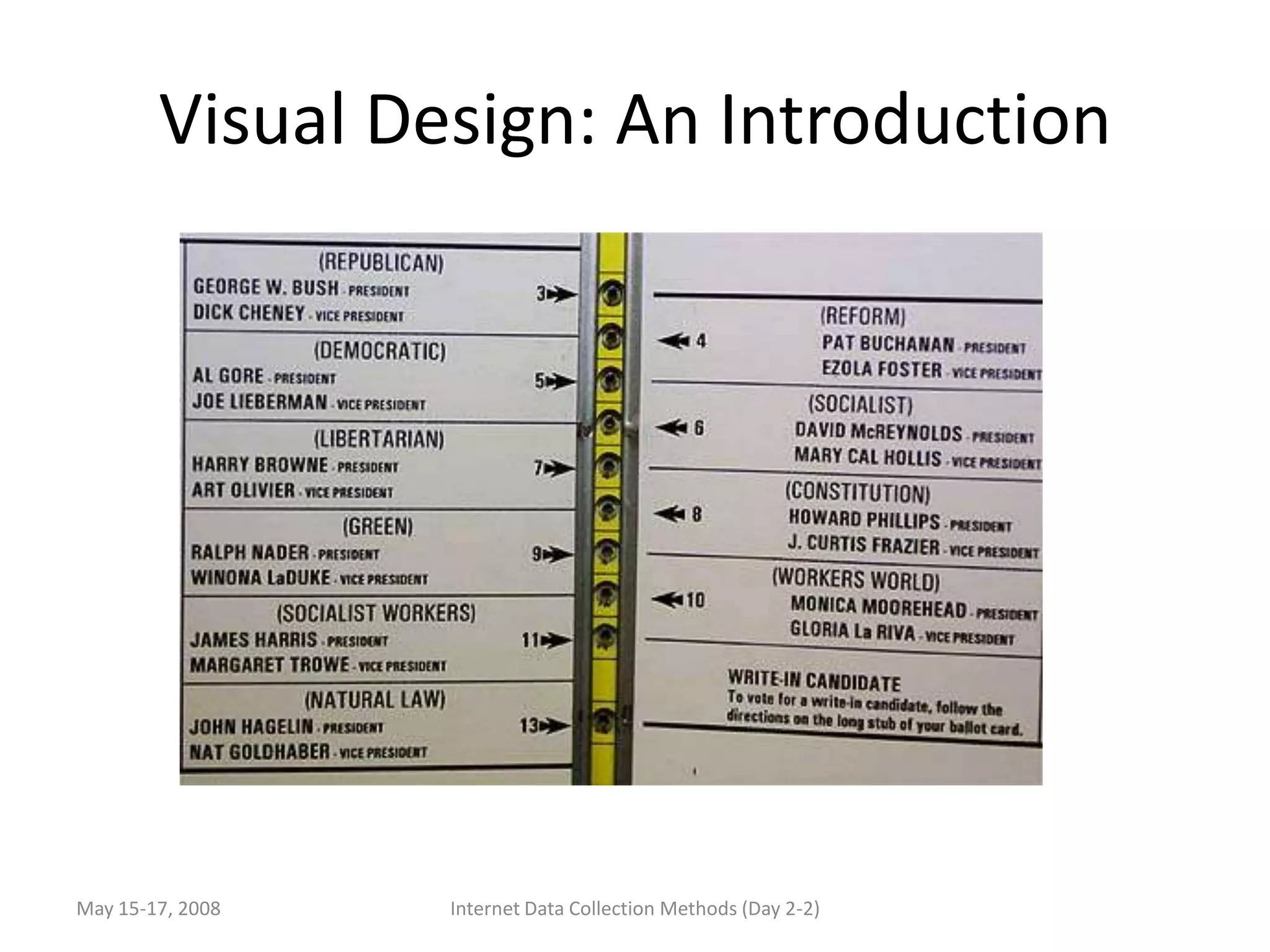
Visual Design: An Introduction


May 15-17, 2008   Internet Data Collection Methods (Day 2-2)
Goals of Design
• Maximize reward to the participant while
  minimizing cost: show respect while highlighting
  the importance of accurate and complete
  response
• Reduce the chances of erroneous responses,
  eliminate extraneous influences that may bias
  responses
• Translated into visual design and interaction
  design: Aesthetics, clarity, simplicity, ease of use,
  proper sequence/flow, error minimization,
  missing response minimization

May 15-17, 2008    Internet Data Collection Methods (Day 2-3)
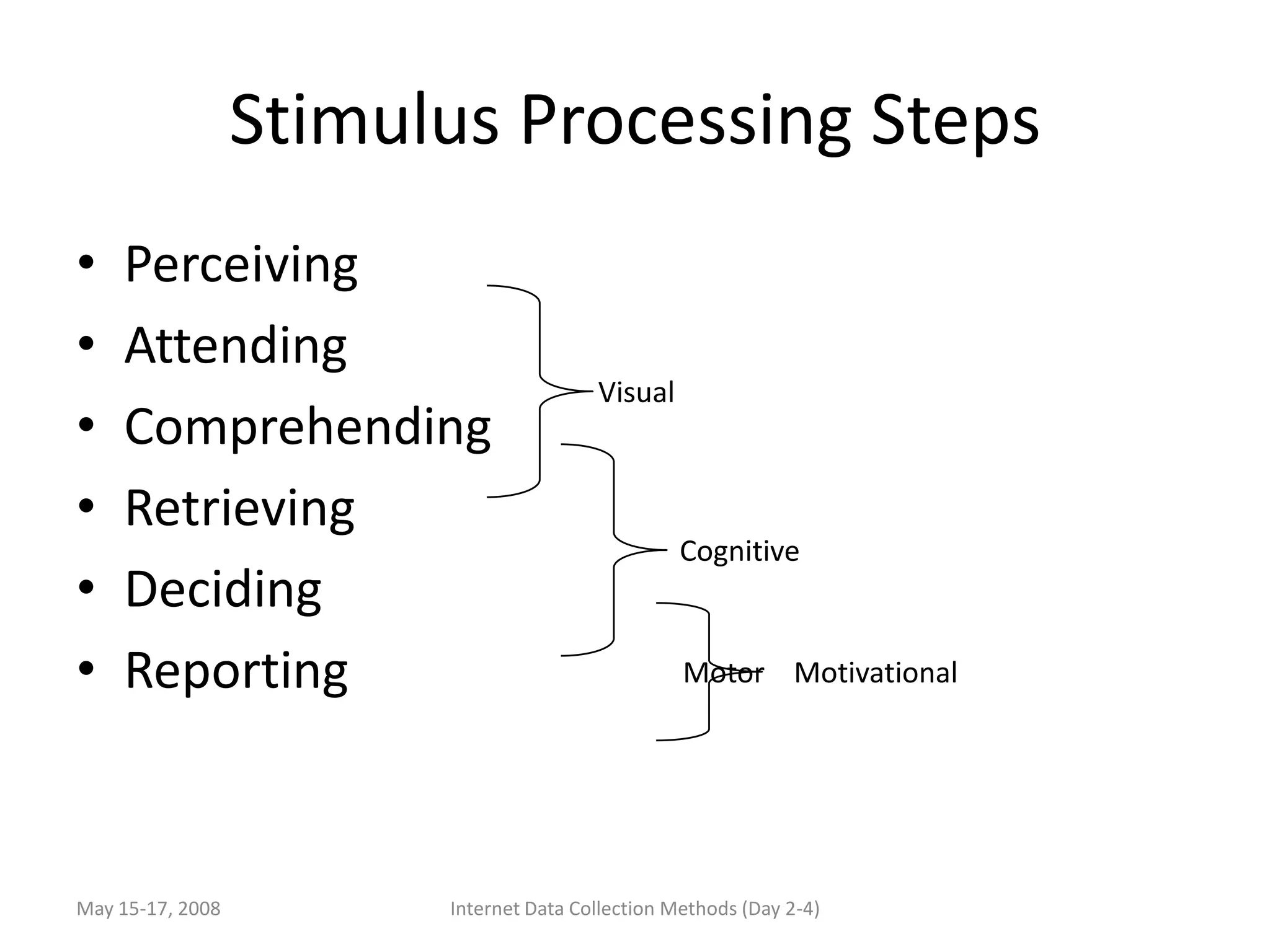
Stimulus Processing Steps
•   Perceiving
•   Attending
                                        Visual
•   Comprehending
•   Retrieving
                                                  Cognitive
•   Deciding
•   Reporting                                     Motor Motivational


May 15-17, 2008         Internet Data Collection Methods (Day 2-4)
Visual Gestalt
 • What am I supposed to do next? What
   information informs the next step? What is my
   range of action?
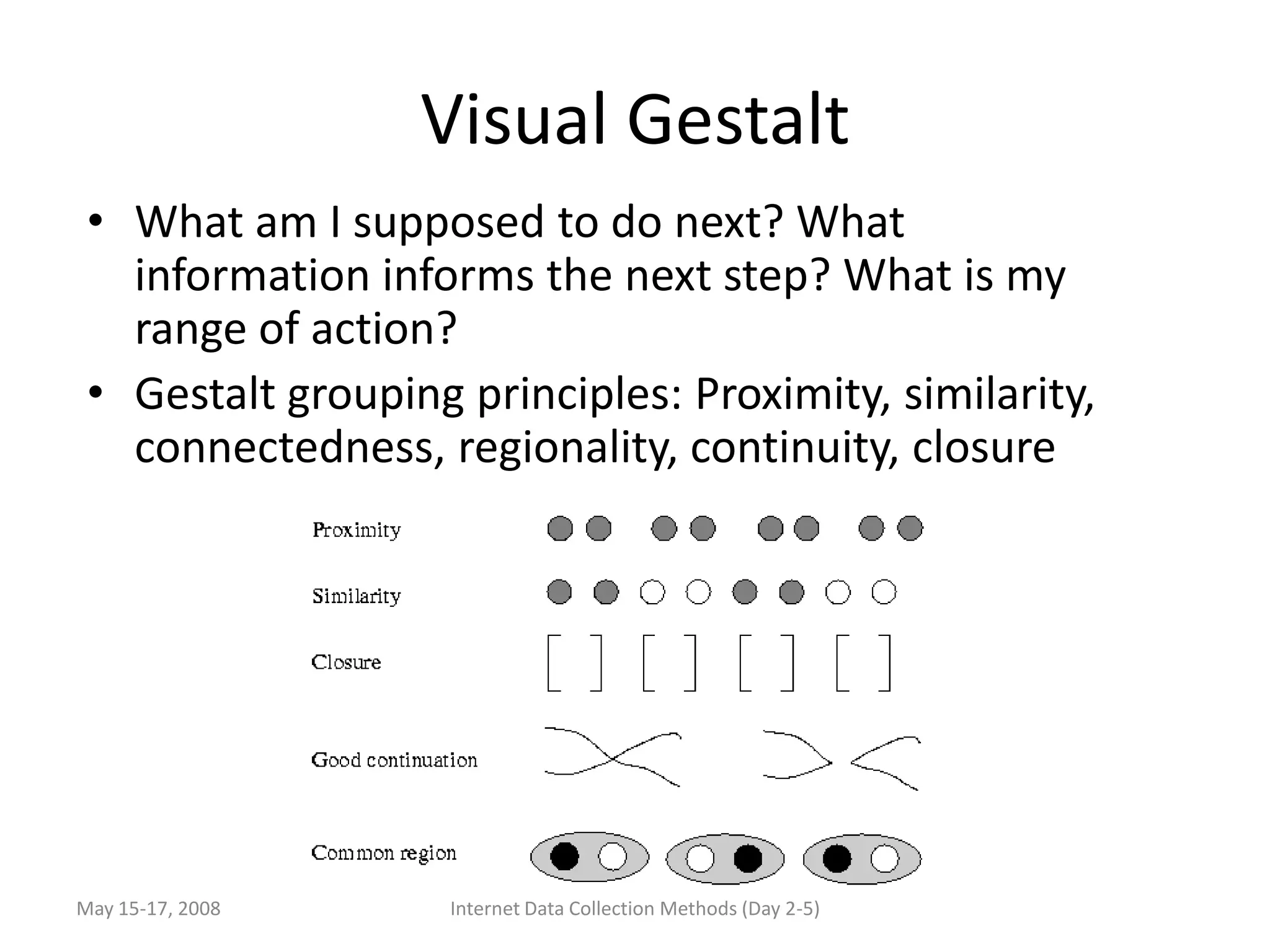
 • Gestalt grouping principles: Proximity, similarity,
   connectedness, regionality, continuity, closure


May 15-17, 2008     Internet Data Collection Methods (Day 2-5)
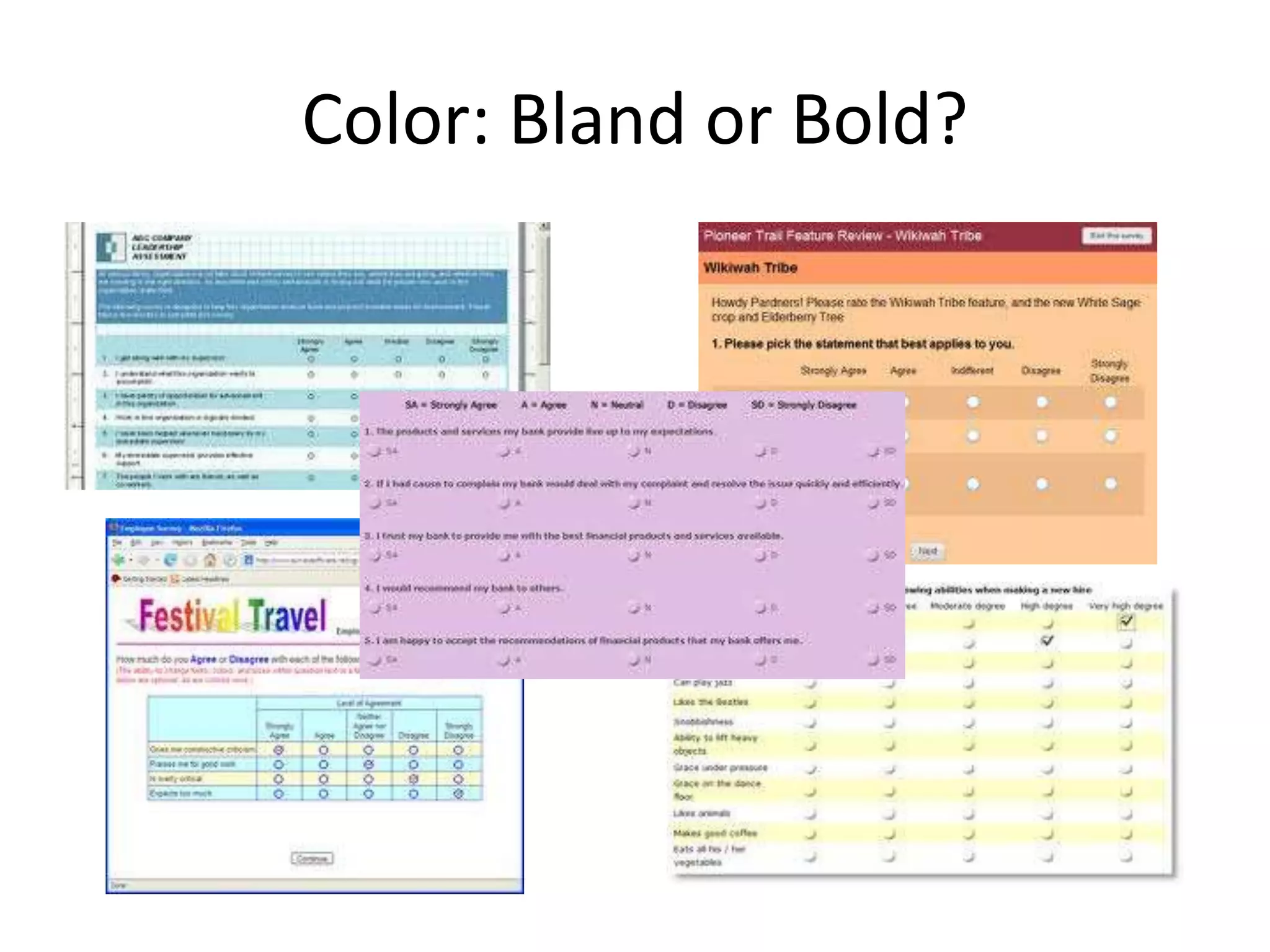
Color: Bland or Bold?
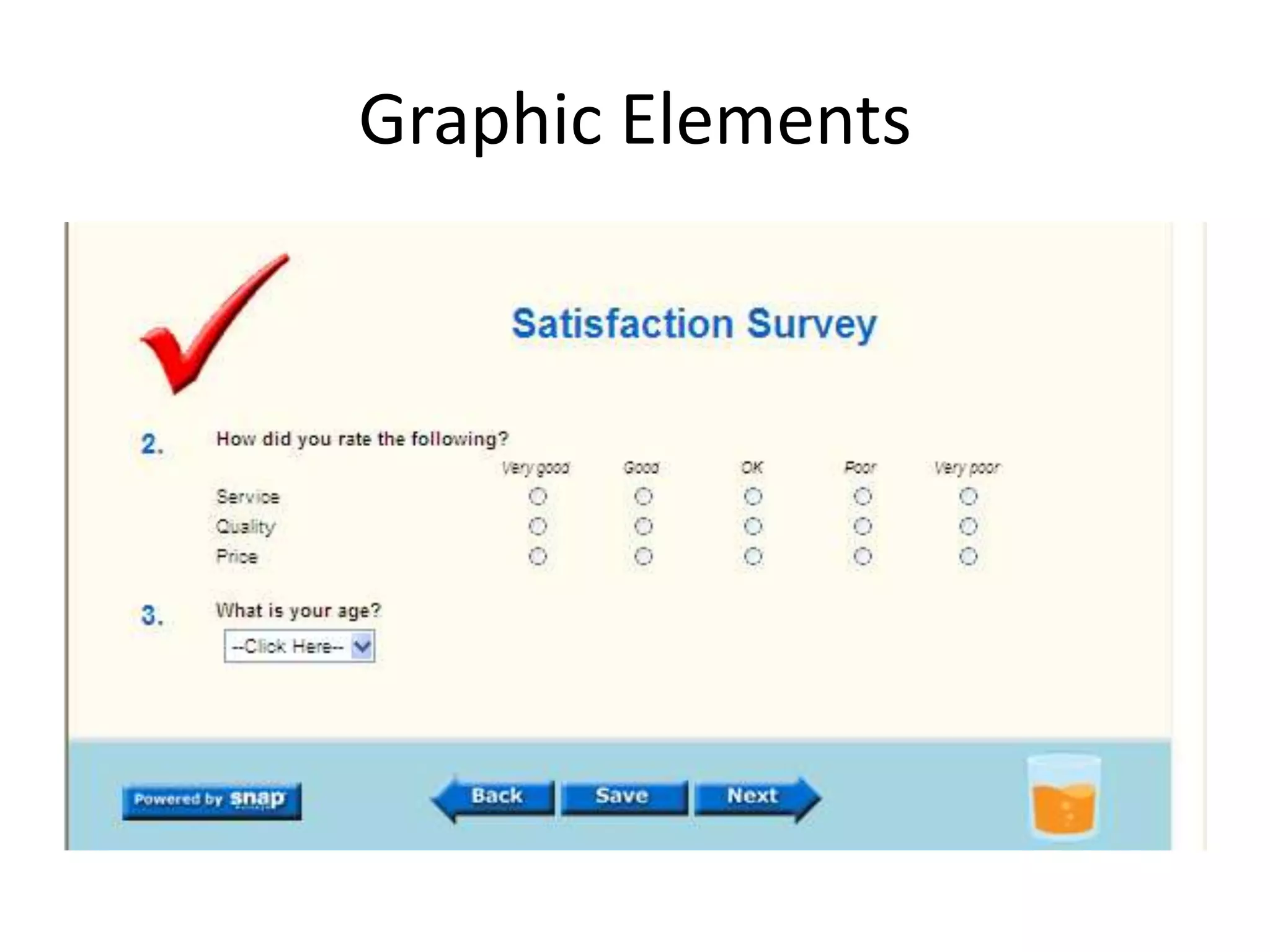
Graphic Elements
Edward Tufte: PowerPoint Phluff
Also see: http://norvig.com/Gettysburg/
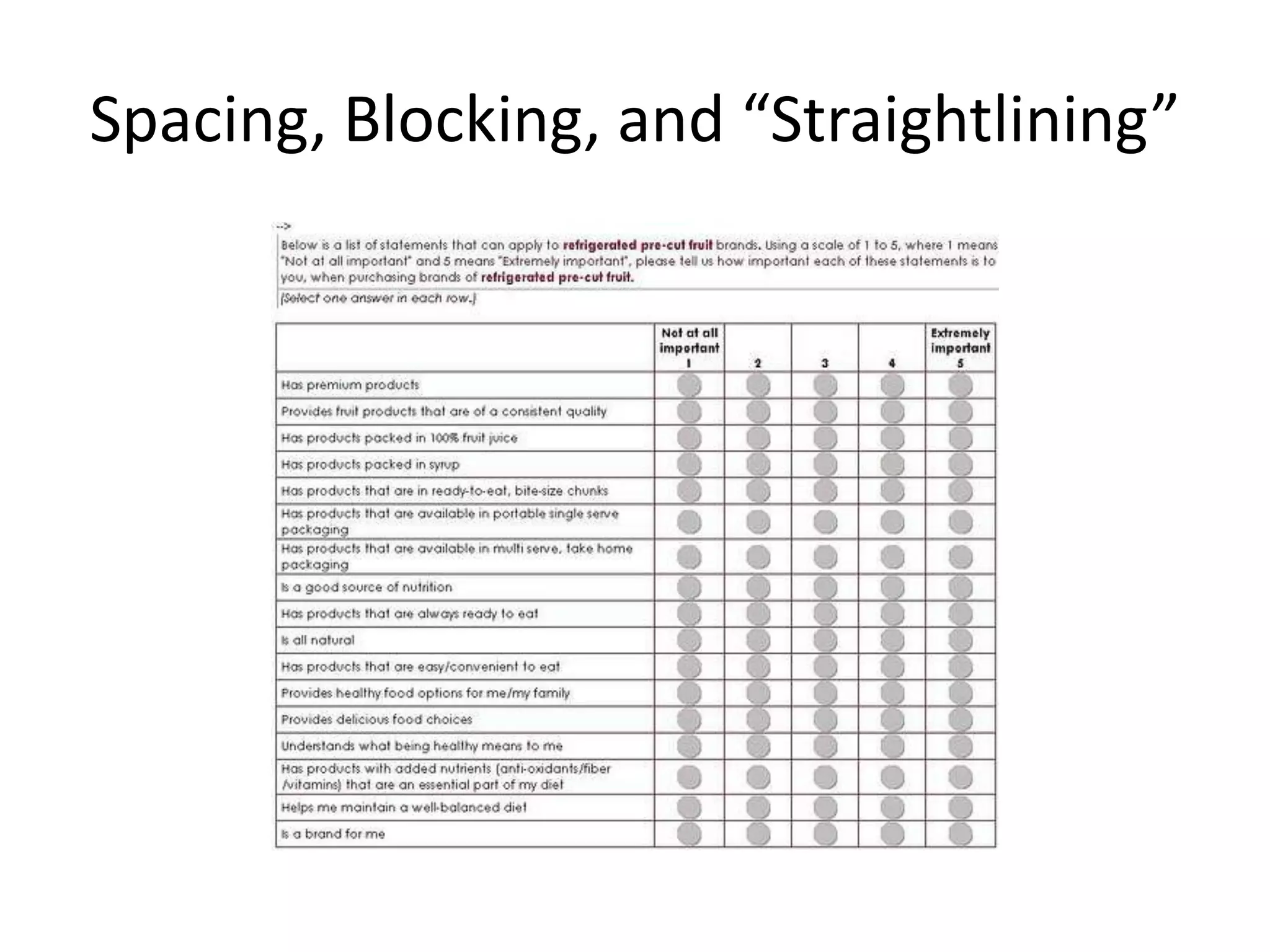
Spacing, Blocking, and “Straightlining”
fOnTs
• Plain text generally easier to read than italicized and
  serif easier than sans-serif; proportionally spaced
  easier than fixed space
• Use left justification with ragged right for passages of
  two lines or more
• Black print on top of off-white background the best:
  medium to medium high contrast
• Avoid light colored or white text on dark backgrounds
• Avoid intense/saturated coloring of characters under
  all circumstances
• Short wavelength colors (blues and purples) harder to
  focus and discern for both characters and line art
Screen Size
• Notebook and laptop computers range from 1024x768 (4:3) to
  1920x1200 (8:5)
• iPad (1 and 2): 1024 X 768 pixels
• iPhone: 320 pixels wide by 480 pixels high
• Blackberry ranges from 160 x 160 up to 324 x 352
• Nokia phones from 176 X 208 up to 352 X 416
• Tablets and many phones permit orientation reversal where a page may
  appear in landscape or portrait mode
• Designing survey pages to fit these different resolutions and maximum
  sizes generally calls for compact, focused pages that contain just a few
  related items and response scales and that minimize scrolling
• Choosing a survey package that can serve different styles of pages based
  on the kind of device that is requesting the page; Example: Qualtrics
  provides a mobile application back-end that recognizes the device
Audiences, Bandwidth,
               and Page Load Time
• While workplace, school, and home computers often have
  high speed connections to the Internet there are still
  populations with highly limited bandwidth:
   – People in rural locations that still depend on dialup or 3G
   – Technology users in developing countries that may lack high
     speed network infrastructure
   – Mobile users including travelers, students
   – Users in hotels, cafes, and other locations that offer wifi to large
     groups of people
• Because some of these groups may be responding to your
  survey, page load time can still be an important factor;
  graphical page backgrounds, logos, graphics, still
  pictures, and videos all require fast Internet connections

Carma internet research module visual design issues

  • 1.
    Survey Design Issues: Visual Design CARMA Internet Research Module Jeff Stanton
  • 2.
    Visual Design: AnIntroduction May 15-17, 2008 Internet Data Collection Methods (Day 2-2)
  • 3.
    Goals of Design •Maximize reward to the participant while minimizing cost: show respect while highlighting the importance of accurate and complete response • Reduce the chances of erroneous responses, eliminate extraneous influences that may bias responses • Translated into visual design and interaction design: Aesthetics, clarity, simplicity, ease of use, proper sequence/flow, error minimization, missing response minimization May 15-17, 2008 Internet Data Collection Methods (Day 2-3)
  • 4.
    Stimulus Processing Steps • Perceiving • Attending Visual • Comprehending • Retrieving Cognitive • Deciding • Reporting Motor Motivational May 15-17, 2008 Internet Data Collection Methods (Day 2-4)
  • 5.
    Visual Gestalt •What am I supposed to do next? What information informs the next step? What is my range of action? • Gestalt grouping principles: Proximity, similarity, connectedness, regionality, continuity, closure May 15-17, 2008 Internet Data Collection Methods (Day 2-5)
  • 6.
  • 7.
  • 8.
    Edward Tufte: PowerPointPhluff Also see: http://norvig.com/Gettysburg/
  • 9.
    Spacing, Blocking, and“Straightlining”
  • 10.
    fOnTs • Plain textgenerally easier to read than italicized and serif easier than sans-serif; proportionally spaced easier than fixed space • Use left justification with ragged right for passages of two lines or more • Black print on top of off-white background the best: medium to medium high contrast • Avoid light colored or white text on dark backgrounds • Avoid intense/saturated coloring of characters under all circumstances • Short wavelength colors (blues and purples) harder to focus and discern for both characters and line art
  • 11.
    Screen Size • Notebookand laptop computers range from 1024x768 (4:3) to 1920x1200 (8:5) • iPad (1 and 2): 1024 X 768 pixels • iPhone: 320 pixels wide by 480 pixels high • Blackberry ranges from 160 x 160 up to 324 x 352 • Nokia phones from 176 X 208 up to 352 X 416 • Tablets and many phones permit orientation reversal where a page may appear in landscape or portrait mode • Designing survey pages to fit these different resolutions and maximum sizes generally calls for compact, focused pages that contain just a few related items and response scales and that minimize scrolling • Choosing a survey package that can serve different styles of pages based on the kind of device that is requesting the page; Example: Qualtrics provides a mobile application back-end that recognizes the device
  • 12.
    Audiences, Bandwidth, and Page Load Time • While workplace, school, and home computers often have high speed connections to the Internet there are still populations with highly limited bandwidth: – People in rural locations that still depend on dialup or 3G – Technology users in developing countries that may lack high speed network infrastructure – Mobile users including travelers, students – Users in hotels, cafes, and other locations that offer wifi to large groups of people • Because some of these groups may be responding to your survey, page load time can still be an important factor; graphical page backgrounds, logos, graphics, still pictures, and videos all require fast Internet connections

Editor's Notes

  • #11 AT&T.; "OPEN LOOK: Graphical User Interface Application Style Guidelines." Sun Microsystems, Inc. New York. 1989.Chinell, David F. "System Documentation: The In-Line Approach." John Wiley & Sons. New York. 1990.Dumas, Joseph S. "Designing User Interfaces for Software." Prentice-Hall, Inc. Englewood Cliffs, New Jersey. 1988.Galitz, Wilbert O. "It's Time to Clean Your Windows: Designing GUIs That Work." John Wiley & Sons, Inc. New York: 1994.Hill, A. (1997). Readability Of Websites With Various Foreground/Background Color Combinations, Font Types And Word Styles. Working paper.Helander, Martin G., Patricia A. Billingsley, and Jayne M. Schurick. "An Evaluation of Human Factors Research on Visual display Terminals in the Workplace." The Human Factors Review. Santa Monica, CA: Human Factors Society, 1984, 55-129.Horton, William K. "Designing and Writing Online Documentation." John Wiley & Sons. New York, NY, 1989.Kruk, R. S. and P. Muter. "Reading Continuous Text on Television Screens." Human Factors, 26,3 (1984): 339-345.Powell, James E. "Designing User Interfaces." Microtrend Books. San Marcos: 1990.Rivlin, Christopher, Lewis Robert, & Rachel Davies-Cooper. "Guidelines For Screen Design." Blackwell Scientific Publications. Oxford: 1990.Schmandt, Christopher. "Color Text Display in Video Media." In Color and the Computer. Boston: Academic Press, 1987: 255-266.Trollip, S.and Sales, G., "Readability of computer-generated fill-justified text." Human Factors, 1986, 28, 159-164.Tinker, M. "Legibility of Print." Ames, IA: Iowa State University Press, 1969.