CA Workload Automation ESP: Tips and Tricks
for Getting the Most Out of Your Investment
Kim Gilmore
Mainframe
Telus
Lead Technical Consultant
MFX41S
John Rooney
CA Technologies
Sr. Principal Consultant
2 © 2015 CA. ALL RIGHTS RESERVED.@CAWORLD #CAWORLD
© 2015 CA. All rights reserved. All trademarks referenced herein belong to their respective companies.
The content provided in this CA World 2015 presentation is intended for informational purposes only and does not form any type
of warranty. The information provided by a CA partner and/or CA customer has not been reviewed for accuracy by CA.
For Informational Purposes Only
Terms of this Presentation
3 © 2015 CA. ALL RIGHTS RESERVED.@CAWORLD #CAWORLD
Abstract
In this session you will learn not only about the
new features and capabilities of CA Workload
Automation ESP Edition but also about ways to
reduce manual intervention, and streamline
your batch and online systems for increased
efficiencies. Kim Gilmore, Lead Technical
Consultant at Telus joins John Rooney, CA
Technologies to talk about ways to optimize and
improve job flows.
Kim Gilmore
Telus
Lead Technical
Consultant
John Rooney
CA Technologies
Sr. Principal Consultant
4 © 2015 CA. ALL RIGHTS RESERVED.@CAWORLD #CAWORLD
Agenda
PREPARING FOR A JOURNEY
OUR APPROACH
WHAT’S NEXT?
Q&A
1
2
3
4
5 © 2015 CA. ALL RIGHTS RESERVED.@CAWORLD #CAWORLD
Where We Started
 Significant
manual intervention
 Delays in responding
to events
 Inconsistent responses
to events
6 © 2015 CA. ALL RIGHTS RESERVED.@CAWORLD #CAWORLD
Where We Want to Go
 Minimize
manual intervention
 Elevate level of
work performed by
operations staff
 Reduce downtime, errors,
and rework
7 © 2015 CA. ALL RIGHTS RESERVED.@CAWORLD #CAWORLD
Equipping for the Journey
 Acknowledge this trip is
CULTURE CHANGE not a
technology project
 Prepare for change
– Education
– Open discussions
8 © 2015 CA. ALL RIGHTS RESERVED.@CAWORLD #CAWORLD
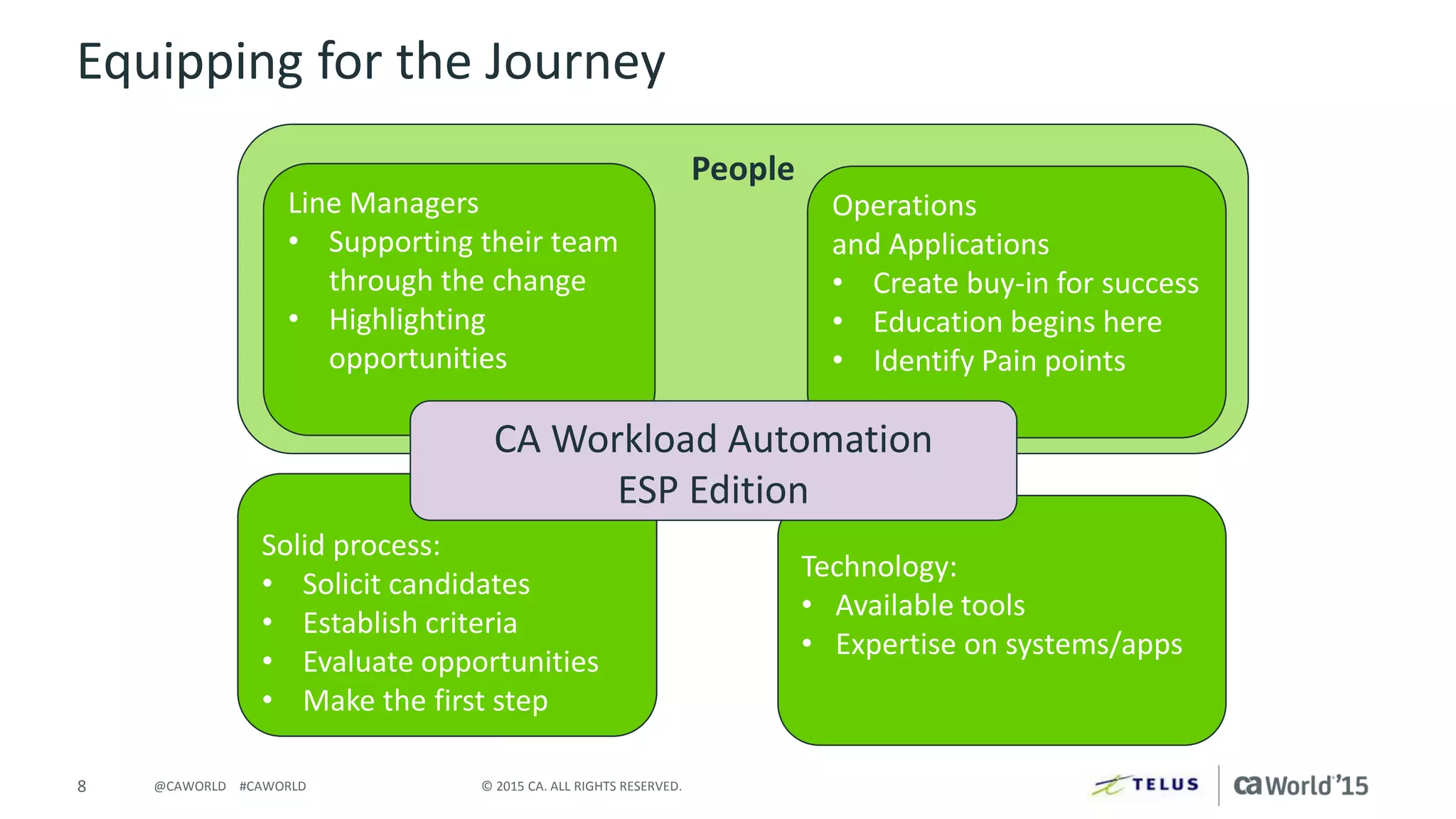
People
Equipping for the Journey
Line Managers
• Supporting their team
through the change
• Highlighting
opportunities
Solid process:
• Solicit candidates
• Establish criteria
• Evaluate opportunities
• Make the first step
Operations
and Applications
• Create buy-in for success
• Education begins here
• Identify Pain points
Technology:
• Available tools
• Expertise on systems/apps
CA Workload Automation
ESP Edition
Our Approach
10 © 2015 CA. ALL RIGHTS RESERVED.@CAWORLD #CAWORLD
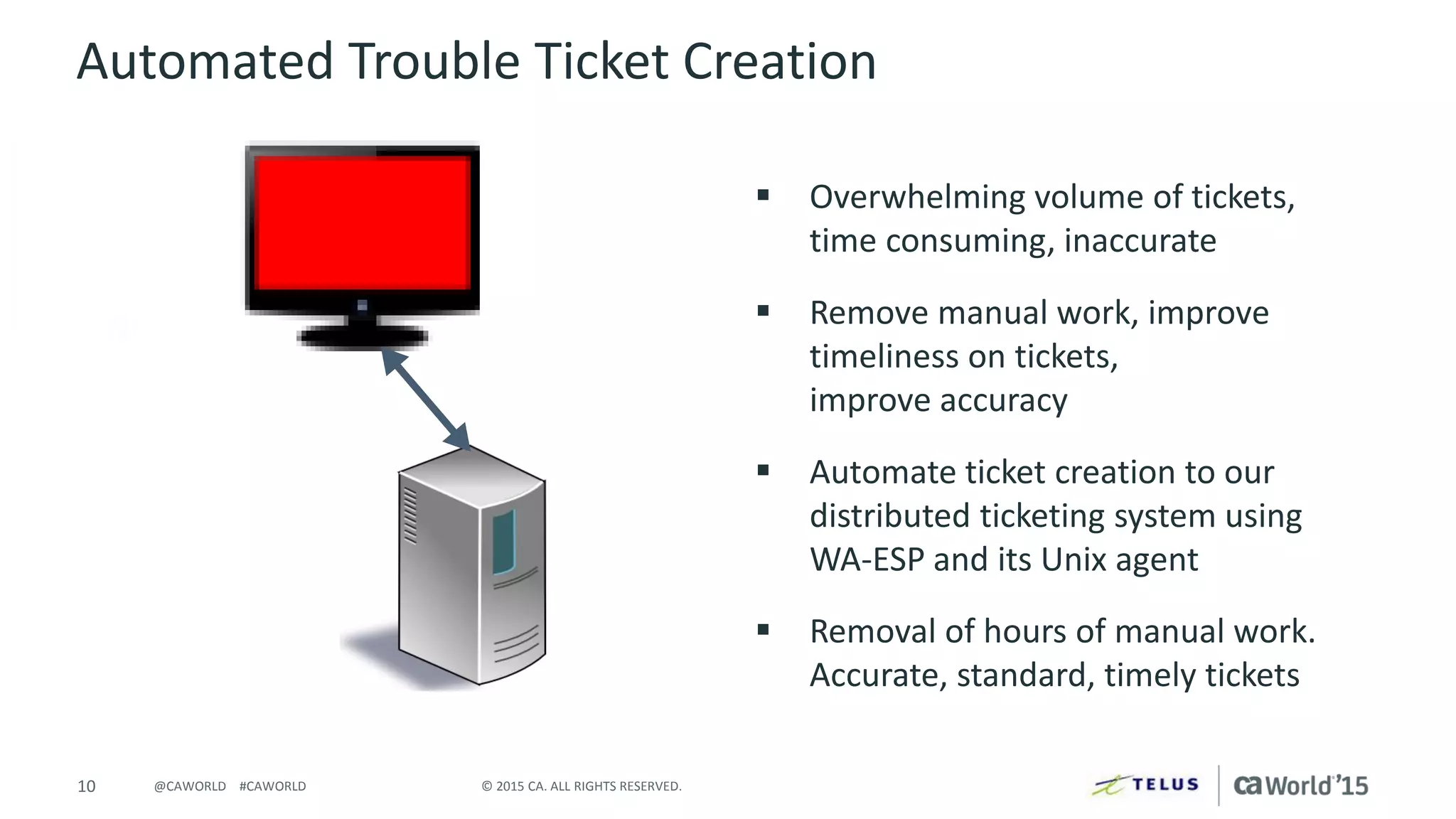
Automated Trouble Ticket Creation
 Overwhelming volume of tickets,
time consuming, inaccurate
 Remove manual work, improve
timeliness on tickets,
improve accuracy
 Automate ticket creation to our
distributed ticketing system using
WA-ESP and its Unix agent
 Removal of hours of manual work.
Accurate, standard, timely tickets
11 © 2015 CA. ALL RIGHTS RESERVED.@CAWORLD #CAWORLD
Automated Backups
 Missed and late backups
 Create a process to prevent any
missed backups
 Automate all manual tasks from
start to finish, stopping
application batch, STCs, starting
backups, and restarting STCs, and
batch at completion
 Elimination of missed backups
12 © 2015 CA. ALL RIGHTS RESERVED.@CAWORLD #CAWORLD
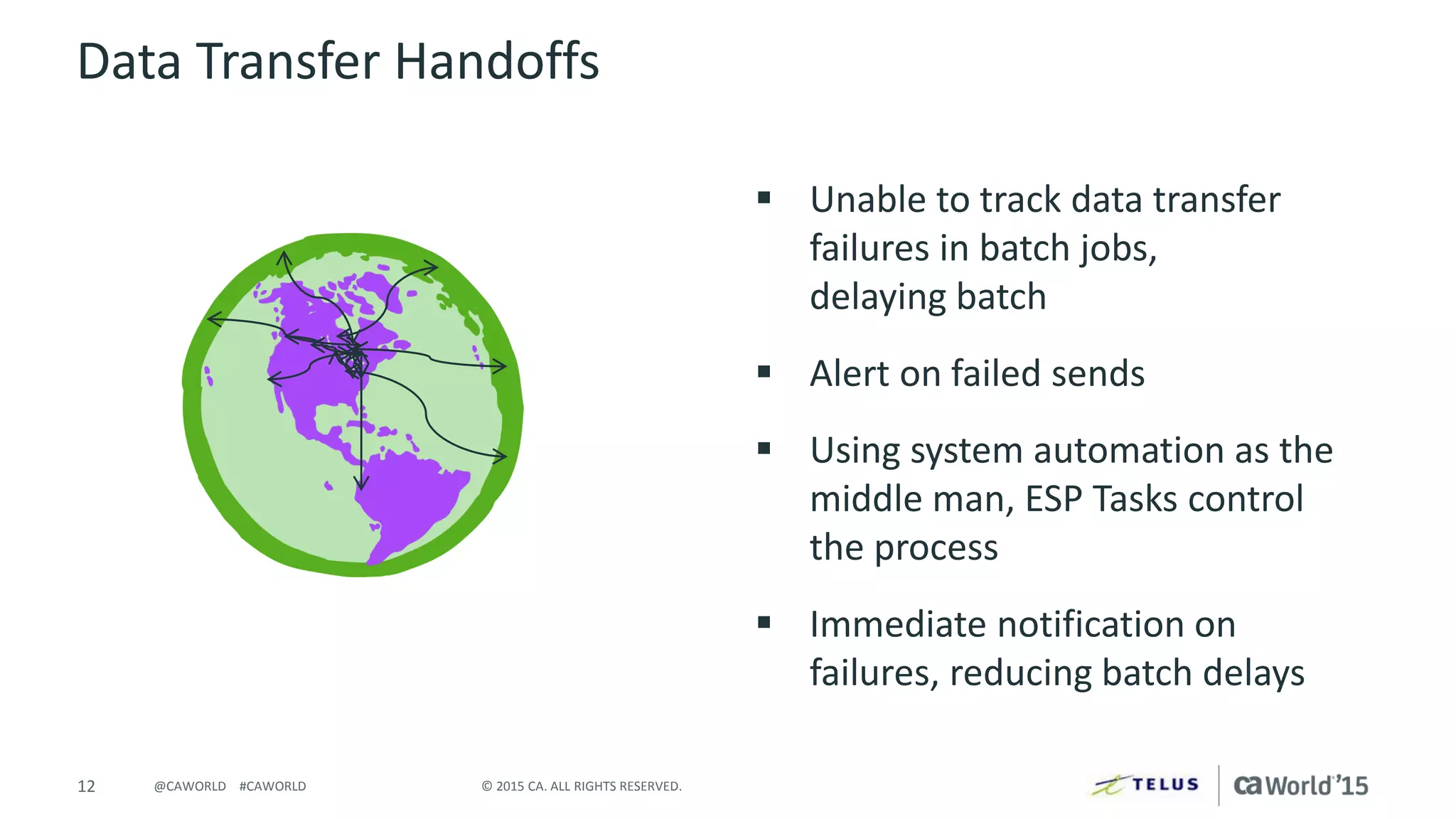
Data Transfer Handoffs
 Unable to track data transfer
failures in batch jobs,
delaying batch
 Alert on failed sends
 Using system automation as the
middle man, ESP Tasks control
the process
 Immediate notification on
failures, reducing batch delays
13 © 2015 CA. ALL RIGHTS RESERVED.@CAWORLD #CAWORLD
Pro-active Alerting
 Batch schedule delays due to system
problems, schedule errors, etc.
 Alert before operations or customer
is aware
 Capture errors, notify through ticket
creation or emails
– Schedule errors
– Stuck in Submit
– Unmatched ESP Externals
 Reduced outages and delays
14 © 2015 CA. ALL RIGHTS RESERVED.@CAWORLD #CAWORLD
Dynamic Scheduling
 Manual scheduling processing eating
up time
 Eliminate as many repeatable manual
processes as possible
 Some of the things we did:
– Symbolic substitution based on
schedule build day
– Dynamic schedule build based on
PDS members
 Based on file arrival/creation
 Rescheduling based on previous run
Next Steps
16 © 2015 CA. ALL RIGHTS RESERVED.@CAWORLD #CAWORLD
Next Steps
 The destination is never
reached, new opportunities
are continually identified
(ops, management,
application teams, …)
 We continue on
our journey …
17 © 2015 CA. ALL RIGHTS RESERVED.@CAWORLD #CAWORLD
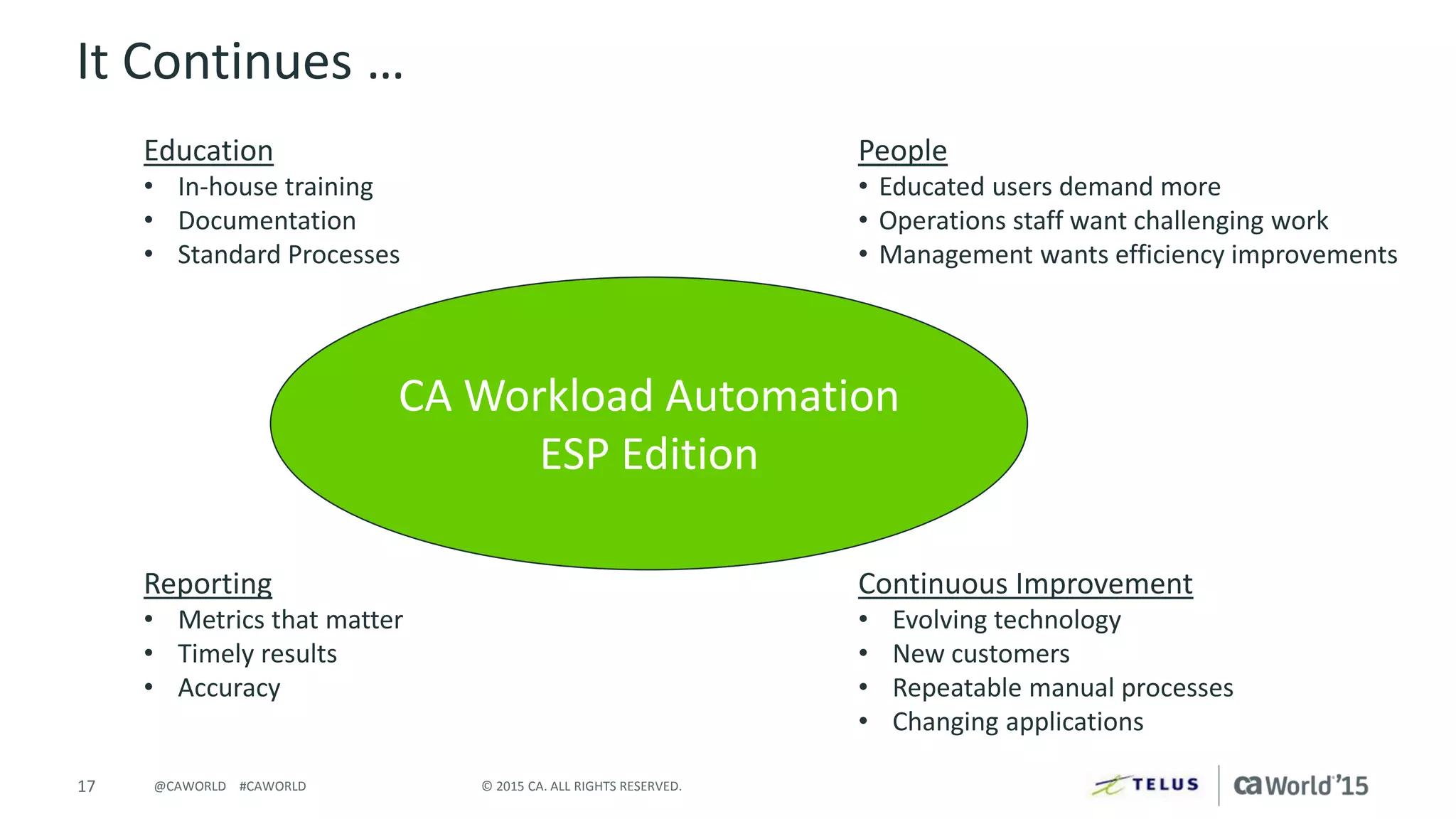
It Continues …
Continuous Improvement
• Evolving technology
• New customers
• Repeatable manual processes
• Changing applications
Reporting
• Metrics that matter
• Timely results
• Accuracy
CA Workload Automation
ESP Edition
Education
• In-house training
• Documentation
• Standard Processes
People
• Educated users demand more
• Operations staff want challenging work
• Management wants efficiency improvements
18 © 2015 CA. ALL RIGHTS RESERVED.@CAWORLD #CAWORLD
Q & A
20 © 2015 CA. ALL RIGHTS RESERVED.@CAWORLD #CAWORLD
For More Information
To learn more, please visit:
http://cainc.to/Nv2VOe
CA World ’15

CA Workload Automation ESP: Tips and Tricks for Getting the Most Out of Your Investment

  • 1.
    CA Workload AutomationESP: Tips and Tricks for Getting the Most Out of Your Investment Kim Gilmore Mainframe Telus Lead Technical Consultant MFX41S John Rooney CA Technologies Sr. Principal Consultant
  • 2.
    2 © 2015CA. ALL RIGHTS RESERVED.@CAWORLD #CAWORLD © 2015 CA. All rights reserved. All trademarks referenced herein belong to their respective companies. The content provided in this CA World 2015 presentation is intended for informational purposes only and does not form any type of warranty. The information provided by a CA partner and/or CA customer has not been reviewed for accuracy by CA. For Informational Purposes Only Terms of this Presentation
  • 3.
    3 © 2015CA. ALL RIGHTS RESERVED.@CAWORLD #CAWORLD Abstract In this session you will learn not only about the new features and capabilities of CA Workload Automation ESP Edition but also about ways to reduce manual intervention, and streamline your batch and online systems for increased efficiencies. Kim Gilmore, Lead Technical Consultant at Telus joins John Rooney, CA Technologies to talk about ways to optimize and improve job flows. Kim Gilmore Telus Lead Technical Consultant John Rooney CA Technologies Sr. Principal Consultant
  • 4.
    4 © 2015CA. ALL RIGHTS RESERVED.@CAWORLD #CAWORLD Agenda PREPARING FOR A JOURNEY OUR APPROACH WHAT’S NEXT? Q&A 1 2 3 4
  • 5.
    5 © 2015CA. ALL RIGHTS RESERVED.@CAWORLD #CAWORLD Where We Started  Significant manual intervention  Delays in responding to events  Inconsistent responses to events
  • 6.
    6 © 2015CA. ALL RIGHTS RESERVED.@CAWORLD #CAWORLD Where We Want to Go  Minimize manual intervention  Elevate level of work performed by operations staff  Reduce downtime, errors, and rework
  • 7.
    7 © 2015CA. ALL RIGHTS RESERVED.@CAWORLD #CAWORLD Equipping for the Journey  Acknowledge this trip is CULTURE CHANGE not a technology project  Prepare for change – Education – Open discussions
  • 8.
    8 © 2015CA. ALL RIGHTS RESERVED.@CAWORLD #CAWORLD People Equipping for the Journey Line Managers • Supporting their team through the change • Highlighting opportunities Solid process: • Solicit candidates • Establish criteria • Evaluate opportunities • Make the first step Operations and Applications • Create buy-in for success • Education begins here • Identify Pain points Technology: • Available tools • Expertise on systems/apps CA Workload Automation ESP Edition
  • 9.
  • 10.
    10 © 2015CA. ALL RIGHTS RESERVED.@CAWORLD #CAWORLD Automated Trouble Ticket Creation  Overwhelming volume of tickets, time consuming, inaccurate  Remove manual work, improve timeliness on tickets, improve accuracy  Automate ticket creation to our distributed ticketing system using WA-ESP and its Unix agent  Removal of hours of manual work. Accurate, standard, timely tickets
  • 11.
    11 © 2015CA. ALL RIGHTS RESERVED.@CAWORLD #CAWORLD Automated Backups  Missed and late backups  Create a process to prevent any missed backups  Automate all manual tasks from start to finish, stopping application batch, STCs, starting backups, and restarting STCs, and batch at completion  Elimination of missed backups
  • 12.
    12 © 2015CA. ALL RIGHTS RESERVED.@CAWORLD #CAWORLD Data Transfer Handoffs  Unable to track data transfer failures in batch jobs, delaying batch  Alert on failed sends  Using system automation as the middle man, ESP Tasks control the process  Immediate notification on failures, reducing batch delays
  • 13.
    13 © 2015CA. ALL RIGHTS RESERVED.@CAWORLD #CAWORLD Pro-active Alerting  Batch schedule delays due to system problems, schedule errors, etc.  Alert before operations or customer is aware  Capture errors, notify through ticket creation or emails – Schedule errors – Stuck in Submit – Unmatched ESP Externals  Reduced outages and delays
  • 14.
    14 © 2015CA. ALL RIGHTS RESERVED.@CAWORLD #CAWORLD Dynamic Scheduling  Manual scheduling processing eating up time  Eliminate as many repeatable manual processes as possible  Some of the things we did: – Symbolic substitution based on schedule build day – Dynamic schedule build based on PDS members  Based on file arrival/creation  Rescheduling based on previous run
  • 15.
  • 16.
    16 © 2015CA. ALL RIGHTS RESERVED.@CAWORLD #CAWORLD Next Steps  The destination is never reached, new opportunities are continually identified (ops, management, application teams, …)  We continue on our journey …
  • 17.
    17 © 2015CA. ALL RIGHTS RESERVED.@CAWORLD #CAWORLD It Continues … Continuous Improvement • Evolving technology • New customers • Repeatable manual processes • Changing applications Reporting • Metrics that matter • Timely results • Accuracy CA Workload Automation ESP Edition Education • In-house training • Documentation • Standard Processes People • Educated users demand more • Operations staff want challenging work • Management wants efficiency improvements
  • 18.
    18 © 2015CA. ALL RIGHTS RESERVED.@CAWORLD #CAWORLD Q & A
  • 20.
    20 © 2015CA. ALL RIGHTS RESERVED.@CAWORLD #CAWORLD For More Information To learn more, please visit: http://cainc.to/Nv2VOe CA World ’15