Big Data Benchmarks 2018
Tom Grek
Software & Data Engineer
December 2018
Data Lakes
Essentials of a data lake
● Large amount of data
○ At the point where you wonder if Postgres will cope
● Immutable data - no upserts (I’ll get to this ...)
○ In other words: not suitable as a transactional data store
● Predominantly batch access (I’ll get to this ...)
○ Random access can be ok with good design but it’s an add-on, not the primary use case
First ask yourself ...
Does it fit on a desktop computer?
Can I keep it in memory? (If so, do!)
Can I keep it on SSD/HDD? (If so, do! Or an EBS volume, that is ...)
Can I leverage caching to keep hot data in RAM? (If so, do!)
Can I just use SQLite on that desktop computer? (If so, do!)
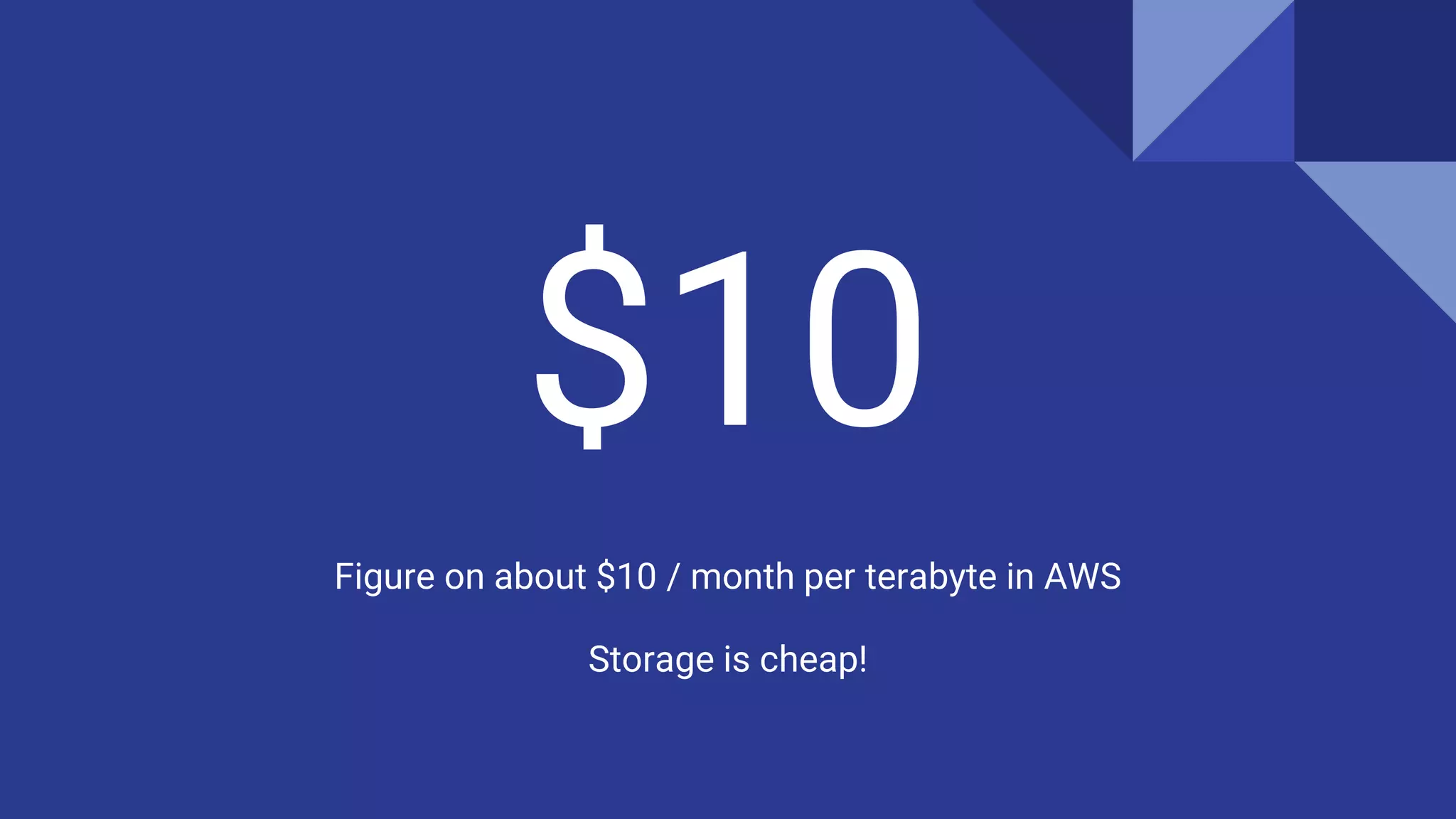
$10
Figure on about $10 / month per terabyte in AWS
Storage is cheap!
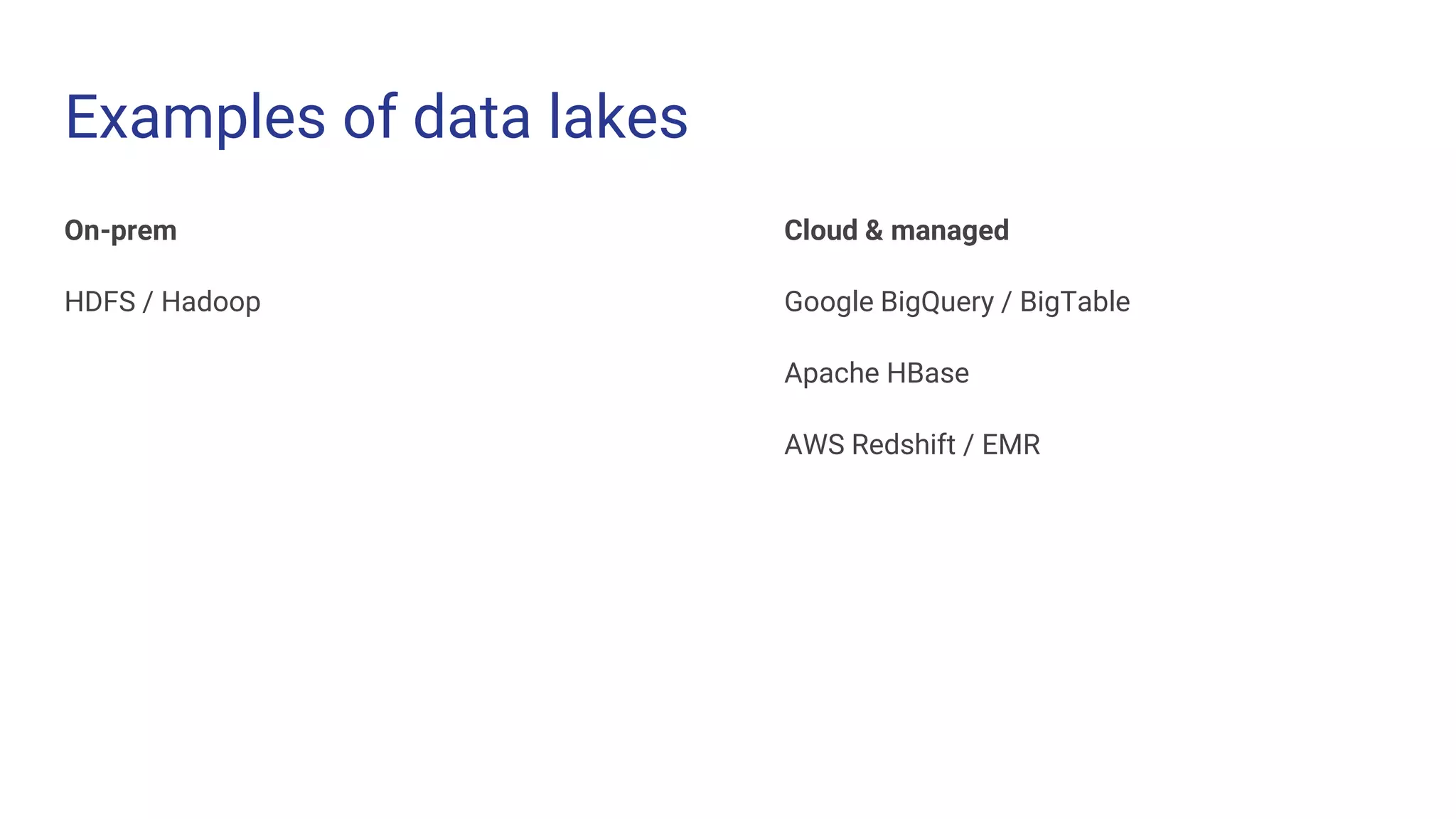
Examples of data lakes
On-prem
HDFS / Hadoop
Cloud & managed
Google BigQuery / BigTable
Apache HBase
AWS Redshift / EMR
Primary design consideration
Ease of access and use
One big user will be your internal analysts / data scientists
Make them happy by making it as easy as `pd.read_csv( ... )`
Data lakes can also back external applications, e.g. web apps
Make application developers happy by making it as easy as `pd.read_csv( ... )`
No need to differentiate between the two users! A well built data lake can do both.
Front it with a microservice
Allows you to provide an easy REST interface for various query types
Allows you to build up indexes of metadata about the data lake
(e.g. an inverted unigram/bigram index)
Indexes can be stored in a secondary database and direct the microservice to only retrieve the relevant partition of data,
thereby limiting network access and processing required.
My preferred design
Object storage (i.e. S3)
If storage is in S3, compute must also be in S3 (same region/AZ!)
Python based
Dask (https://dask.org) is a mature platform for distributed, delayed DAG computation with all the
familiar Python/SciPy idioms
No need for Spark, Hive, Pig etc. however there is no SQL for Dask
Postgres maintaining an index/metadata upon ingest (yes, appending to the data lake is fine)
S3 stores what?
Raw JSONL? (Not JSON!)
Raw CSV?
GZIP’d JSONL?
Parquet?
Time for some benchmarks!
Methodology
● Time to scan through 1.2GB or ~300,000 rows of text data (5 columns including an ID)
● To retrieve a row with a given ID (random access)
● 6 Dask workers / 6 partitions
● Repeat until < 10ms standard deviation
● Not exactly a representative use case ...
● With more traditional tabular data with categoricals, parquet would have a clear advantage
Methodology
Not tremendously scientific...
Files in S3
Compute nodes in (same region; same AZ) Kubernetes pod
Wall time (CPU time << network read)
In Dask:
%%timeit -n 4
df = dd.read_parquet('s3://my-bucket/*.parquet', engine='fastparquet')
df[df['id'] == 1234567890].compute()
Results
Pandas / Single process, single threaded benchmarks, local files
pd.read_json, a single JSONL file 9.6s 1.3GB
pd.read_parquet, 6 partitions 4.4s 1.2GB
Dask / Distributed benchmarks, local files
Parquet, 6 partitions 1.29s 1.2GB
Dask / Distributed benchmarks, remote files
JSONL, 6 partitions N/A, Dask’s JSON handling is memory-
hungry and buggy*.
1.3GB
CSV, 6 partitions 13.7s 1.2GB
CSV, 6 partitions, GZIP’d 16.9s 415MB
Parquet, 6 partitions 8.6s 1.2GB
Parquet, 6 partitions, GZIP compression 9.53s 407MB
Parquet with predicate pushdown, 6
partitions
1.75s 1.2GB, only 300MB read
Parquet, GZIP’d, with predicate pushdown,
6 partitions
1.62s 350MB, only 80MB read
Parquet wins, even
for row-oriented,
largely unstructured
data
Predicate
pushdown limits
data read which is
the bottleneck
* Thanks, Parquet metadata
Thanks!
Tom Grek
tom@primer.ai

Big Data Lakes Benchmarking 2018

  • 1.
    Big Data Benchmarks2018 Tom Grek Software & Data Engineer December 2018
  • 2.
  • 3.
    Essentials of adata lake ● Large amount of data ○ At the point where you wonder if Postgres will cope ● Immutable data - no upserts (I’ll get to this ...) ○ In other words: not suitable as a transactional data store ● Predominantly batch access (I’ll get to this ...) ○ Random access can be ok with good design but it’s an add-on, not the primary use case
  • 4.
    First ask yourself... Does it fit on a desktop computer? Can I keep it in memory? (If so, do!) Can I keep it on SSD/HDD? (If so, do! Or an EBS volume, that is ...) Can I leverage caching to keep hot data in RAM? (If so, do!) Can I just use SQLite on that desktop computer? (If so, do!)
  • 5.
    $10 Figure on about$10 / month per terabyte in AWS Storage is cheap!
  • 6.
    Examples of datalakes On-prem HDFS / Hadoop Cloud & managed Google BigQuery / BigTable Apache HBase AWS Redshift / EMR
  • 7.
    Primary design consideration Easeof access and use One big user will be your internal analysts / data scientists Make them happy by making it as easy as `pd.read_csv( ... )` Data lakes can also back external applications, e.g. web apps Make application developers happy by making it as easy as `pd.read_csv( ... )` No need to differentiate between the two users! A well built data lake can do both.
  • 8.
    Front it witha microservice Allows you to provide an easy REST interface for various query types Allows you to build up indexes of metadata about the data lake (e.g. an inverted unigram/bigram index) Indexes can be stored in a secondary database and direct the microservice to only retrieve the relevant partition of data, thereby limiting network access and processing required.
  • 9.
    My preferred design Objectstorage (i.e. S3) If storage is in S3, compute must also be in S3 (same region/AZ!) Python based Dask (https://dask.org) is a mature platform for distributed, delayed DAG computation with all the familiar Python/SciPy idioms No need for Spark, Hive, Pig etc. however there is no SQL for Dask Postgres maintaining an index/metadata upon ingest (yes, appending to the data lake is fine)
  • 10.
    S3 stores what? RawJSONL? (Not JSON!) Raw CSV? GZIP’d JSONL? Parquet?
  • 11.
    Time for somebenchmarks!
  • 12.
    Methodology ● Time toscan through 1.2GB or ~300,000 rows of text data (5 columns including an ID) ● To retrieve a row with a given ID (random access) ● 6 Dask workers / 6 partitions ● Repeat until < 10ms standard deviation ● Not exactly a representative use case ... ● With more traditional tabular data with categoricals, parquet would have a clear advantage
  • 13.
    Methodology Not tremendously scientific... Filesin S3 Compute nodes in (same region; same AZ) Kubernetes pod Wall time (CPU time << network read) In Dask: %%timeit -n 4 df = dd.read_parquet('s3://my-bucket/*.parquet', engine='fastparquet') df[df['id'] == 1234567890].compute()
  • 14.
    Results Pandas / Singleprocess, single threaded benchmarks, local files pd.read_json, a single JSONL file 9.6s 1.3GB pd.read_parquet, 6 partitions 4.4s 1.2GB Dask / Distributed benchmarks, local files Parquet, 6 partitions 1.29s 1.2GB Dask / Distributed benchmarks, remote files JSONL, 6 partitions N/A, Dask’s JSON handling is memory- hungry and buggy*. 1.3GB CSV, 6 partitions 13.7s 1.2GB CSV, 6 partitions, GZIP’d 16.9s 415MB Parquet, 6 partitions 8.6s 1.2GB Parquet, 6 partitions, GZIP compression 9.53s 407MB Parquet with predicate pushdown, 6 partitions 1.75s 1.2GB, only 300MB read Parquet, GZIP’d, with predicate pushdown, 6 partitions 1.62s 350MB, only 80MB read
  • 15.
    Parquet wins, even forrow-oriented, largely unstructured data
  • 16.
    Predicate pushdown limits data readwhich is the bottleneck * Thanks, Parquet metadata
  • 17.

Editor's Notes

  • #15 Or I could not figure out how to implement it in a way that works.