Beyond the Donation Form
Introduction
           Jamy Squillace
           Sr. Product Manager Sage Nonprofit Solutions
           Responsible for Sage Fundraising 50, Sage
           Fundraising Online, Sage Nonprofit Online and
           Sage e-Marketing.
           Jamy has 16 years experience in product planning
           and management. Her goal is to create and
           evolve solutions that fulfill customer desires and
           exceed expectations.
           You can find her blogging at SageWords.net or on
           Twitter @jrsquillace.
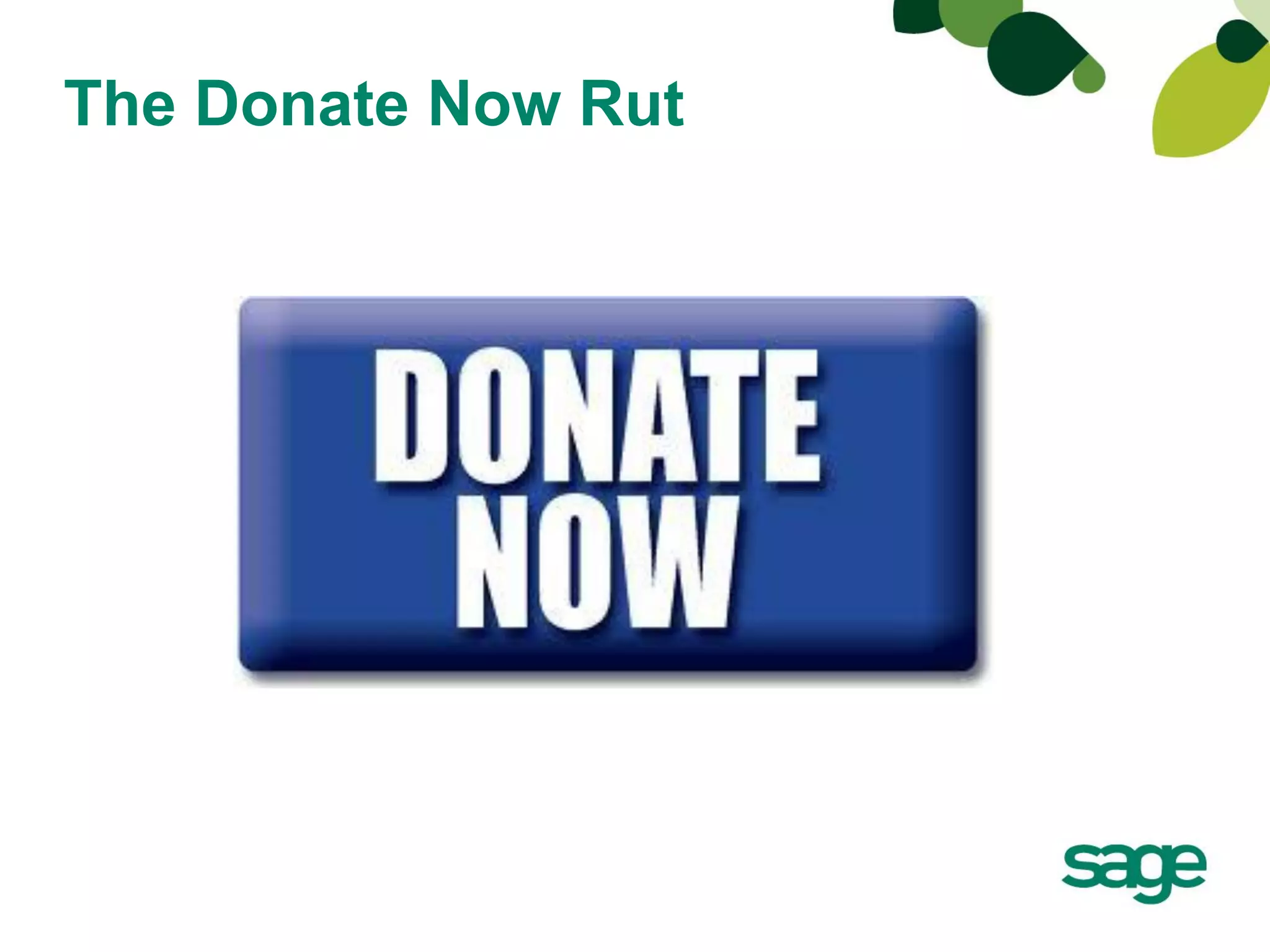
The Donate Now Rut
Agenda
•   Online Giving
•   Going Beyond the Donation Page
•   Examples
•   Summary
•   Questions
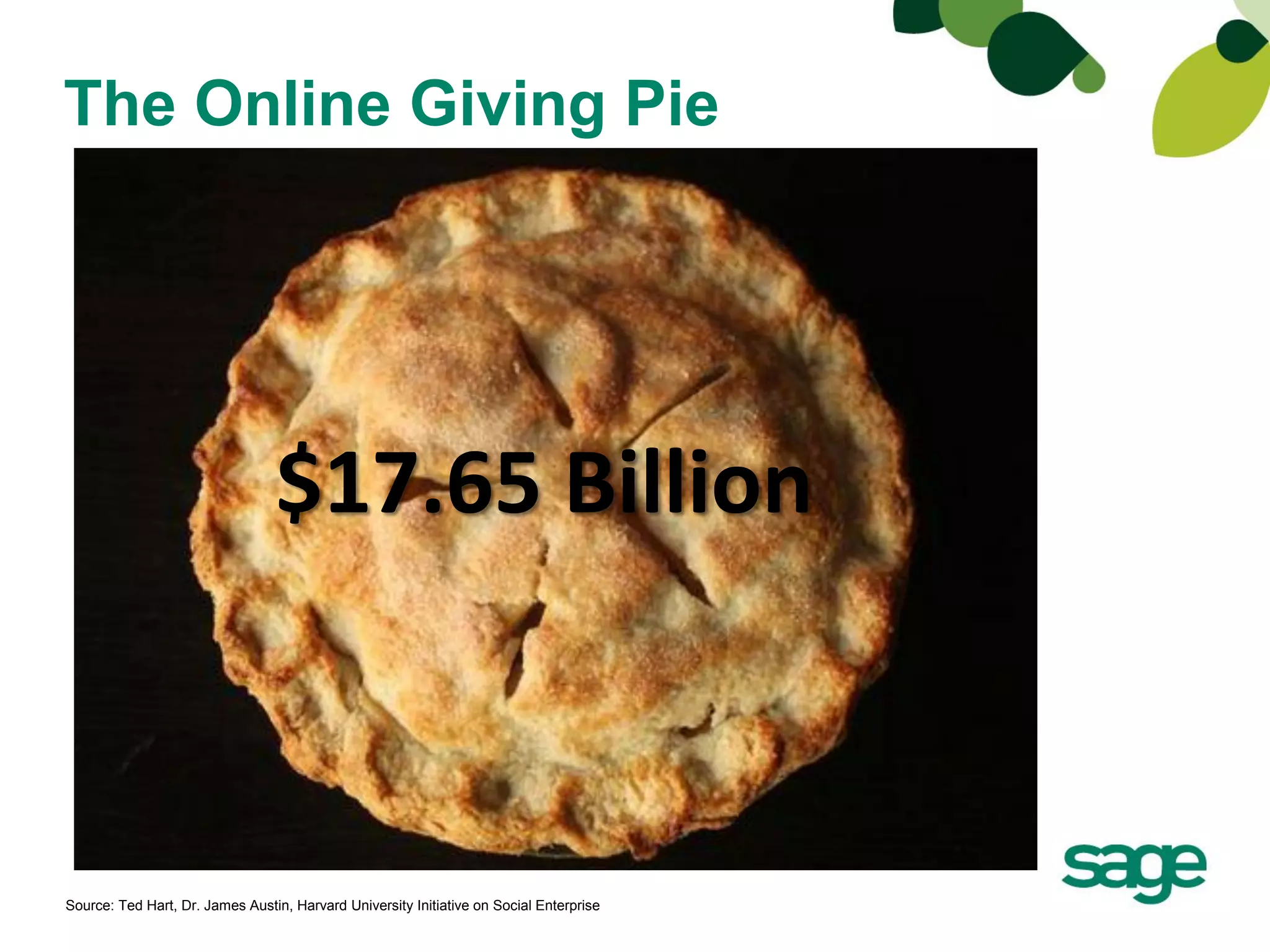
The Online Giving Pie


                                 $17.65 Billion


Source: Ted Hart, Dr. James Austin, Harvard University Initiative on Social Enterprise
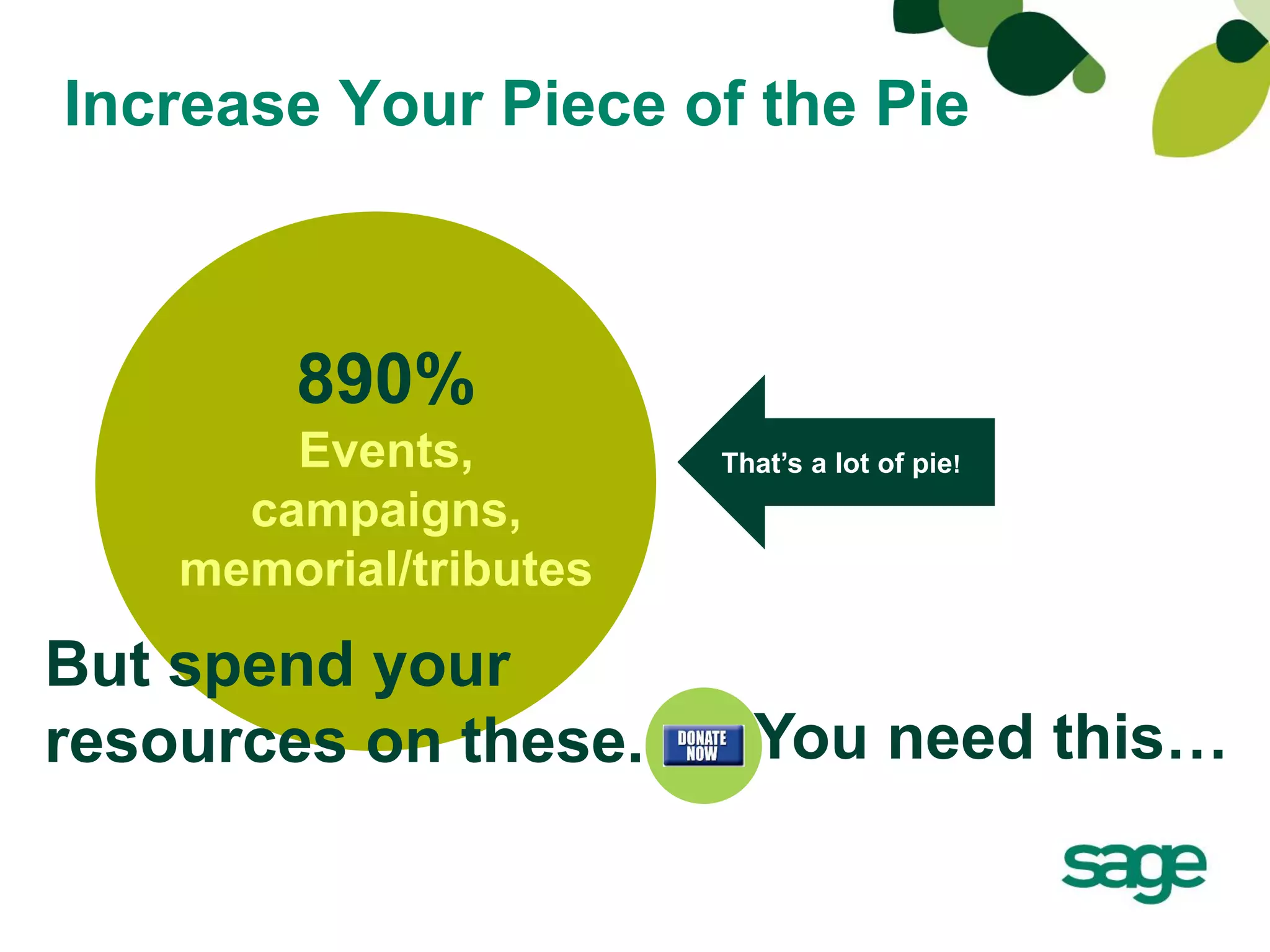
Increase Your Piece of the Pie


        890%
        Events,         That’s a lot of pie!
      campaigns,
    memorial/tributes

But spend your
resources on these.       You need this…
Remember…


FUNDraising Events
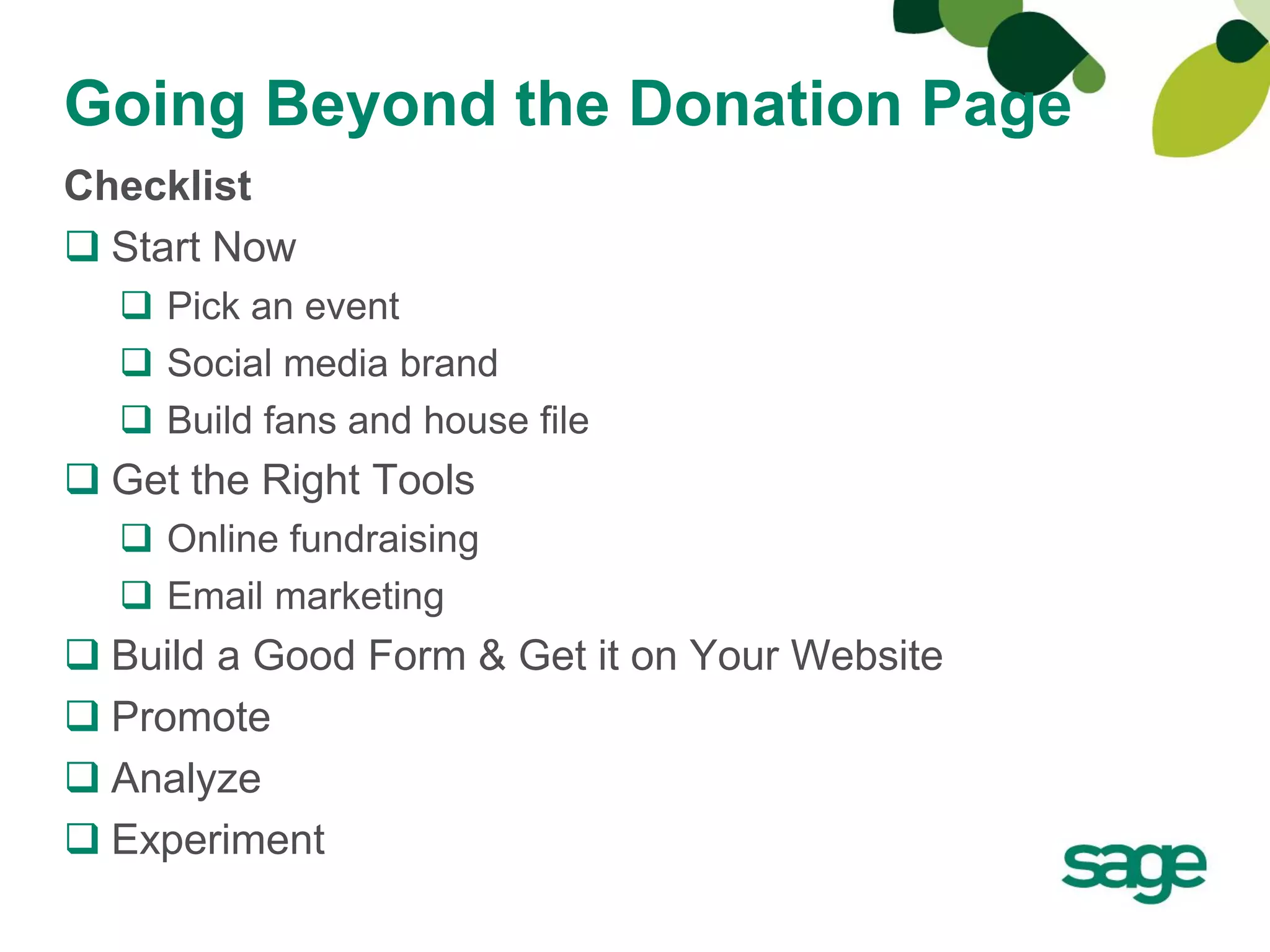
Going Beyond the Donation Page
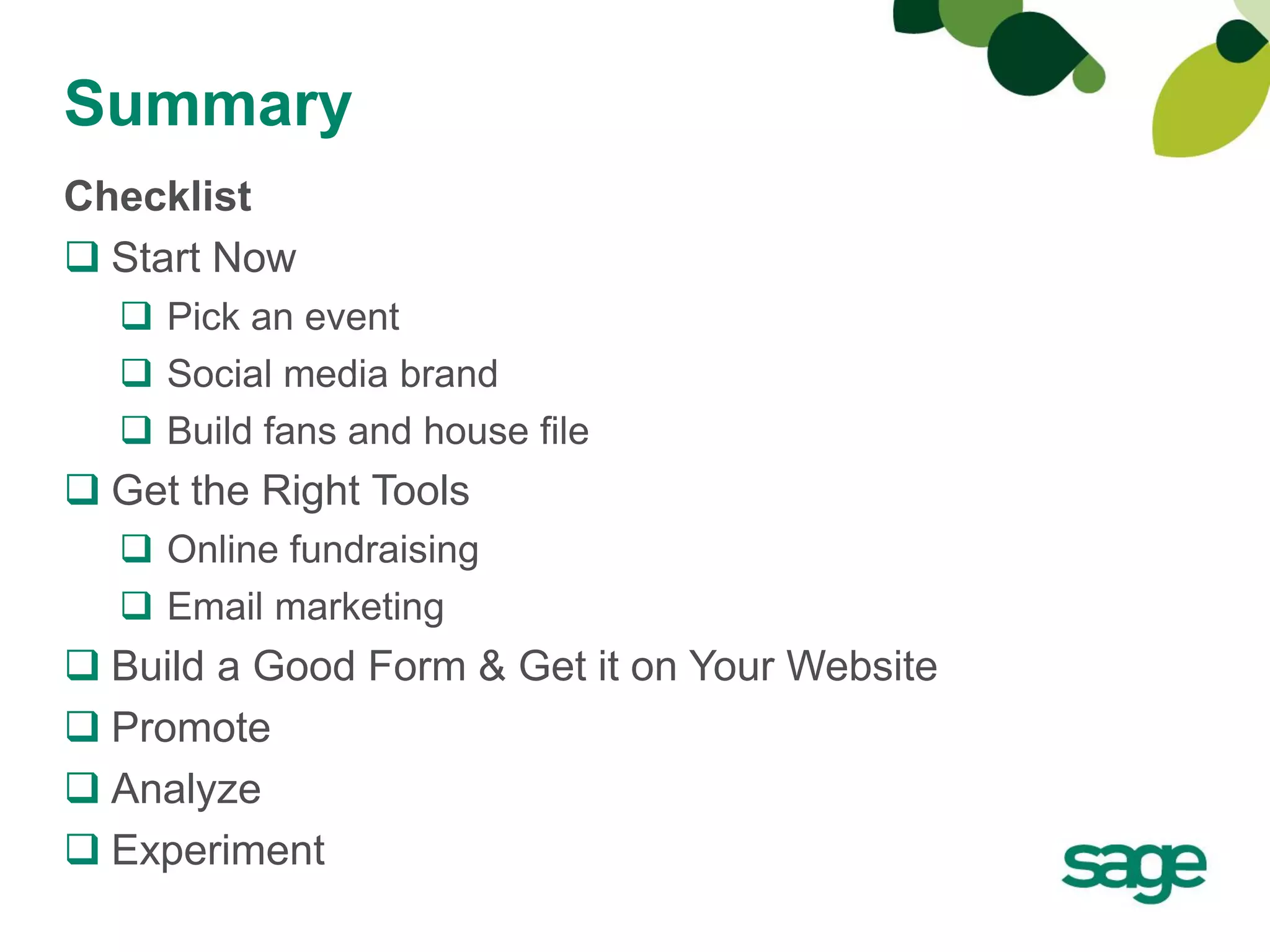
Checklist
 Start Now
   Pick an event
   Social media brand
   Build fans and house file
 Get the Right Tools
   Online fundraising
   Email marketing
 Build a Good Form & Get it on Your Website
 Promote
 Analyze
 Experiment
Start Now!
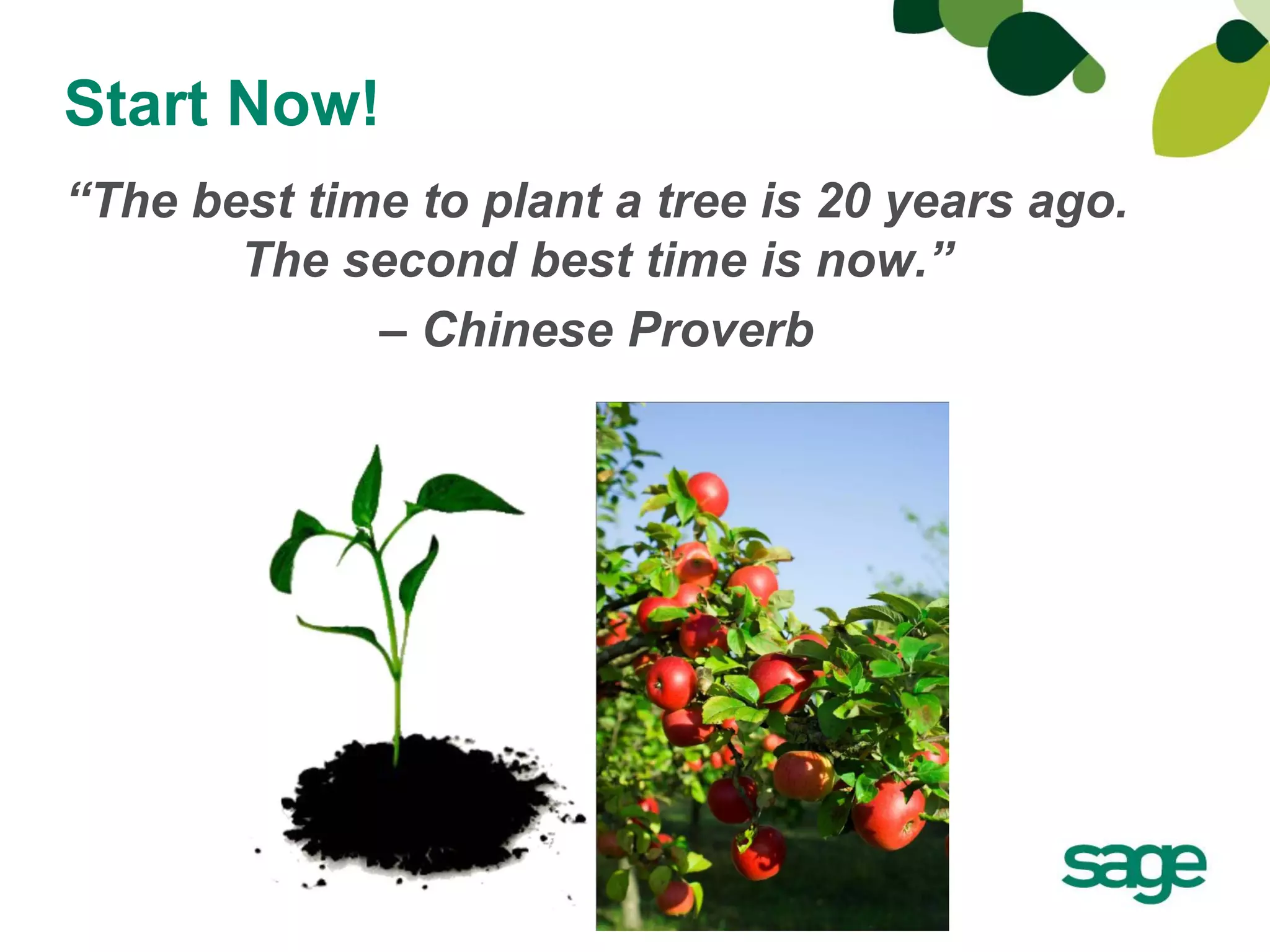
“The best time to plant a tree is 20 years ago.
       The second best time is now.”
             – Chinese Proverb
Start Now!
• Pick your event/campaign
• Start building your social media brand
   –   Facebook
   –   Twitter
   –   LinkedIn
   –   YouTube
• Build Fans/House File
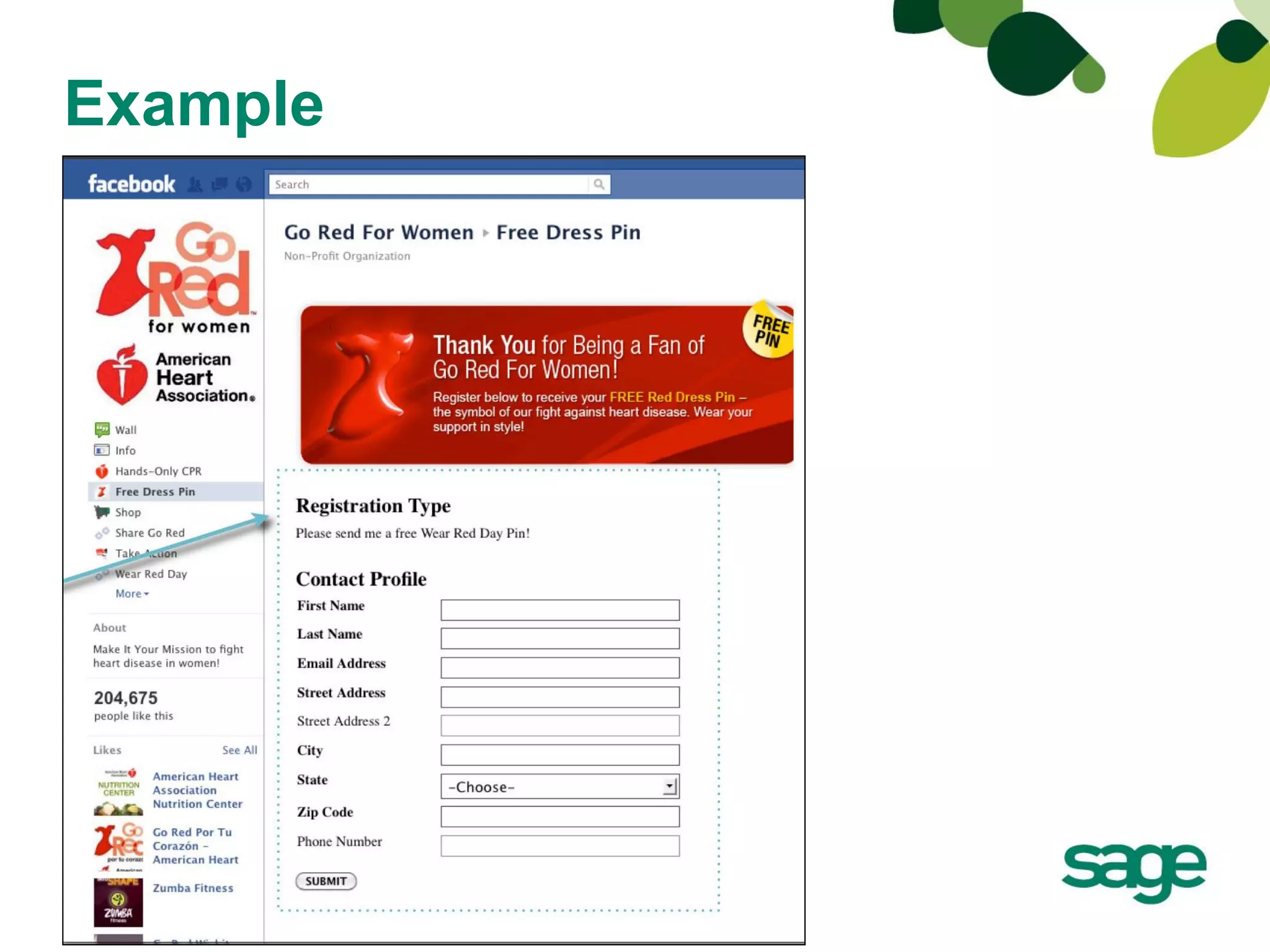
   – Facebook registration page
   – Website registration
   – Make it easy, don’t ask for unnecessary information
   – Referrals: Forward to a friend/give advocates the tools to share
     your emails and your story
   – Social media sharing icons
   – Blog sign up
• Retain contacts by delivering value and making it
  worthwhile for them to stay
Rebuilding Together
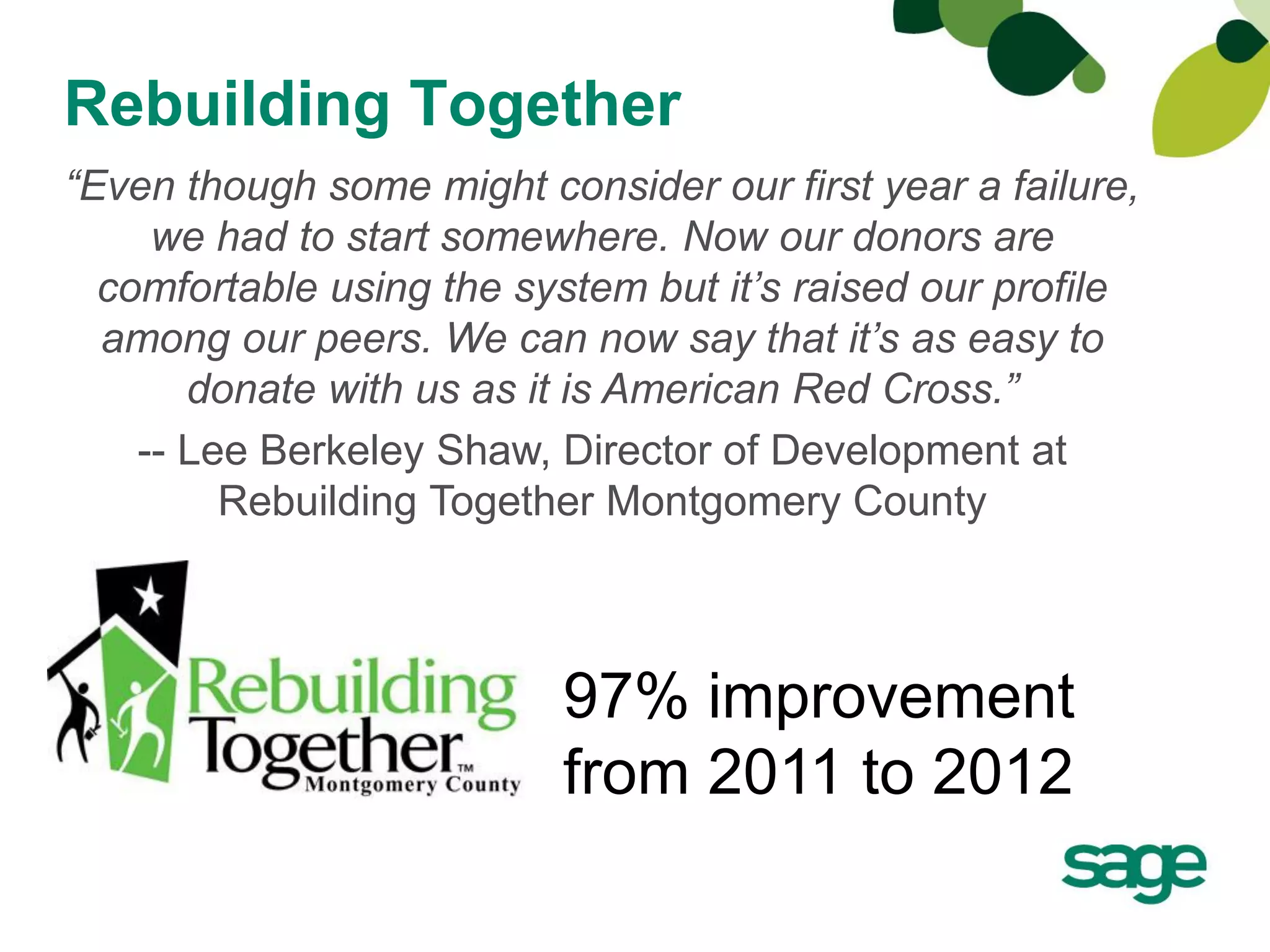
“Even though some might consider our first year a failure,
     we had to start somewhere. Now our donors are
  comfortable using the system but it’s raised our profile
  among our peers. We can now say that it’s as easy to
       donate with us as it is American Red Cross.”
    -- Lee Berkeley Shaw, Director of Development at
         Rebuilding Together Montgomery County


                          97% improvement
                          from 2011 to 2012
Example
Get the Right Tools
• Online Fundraising Tools & What they Should Do
   –   Unlimited # of forms
   –   Total control
   –   Form lives on your website
   –   Real-time reporting
   –   Peer-to-peer fundraising (nice to have but will get you to the next
       step)
• Email Marketing
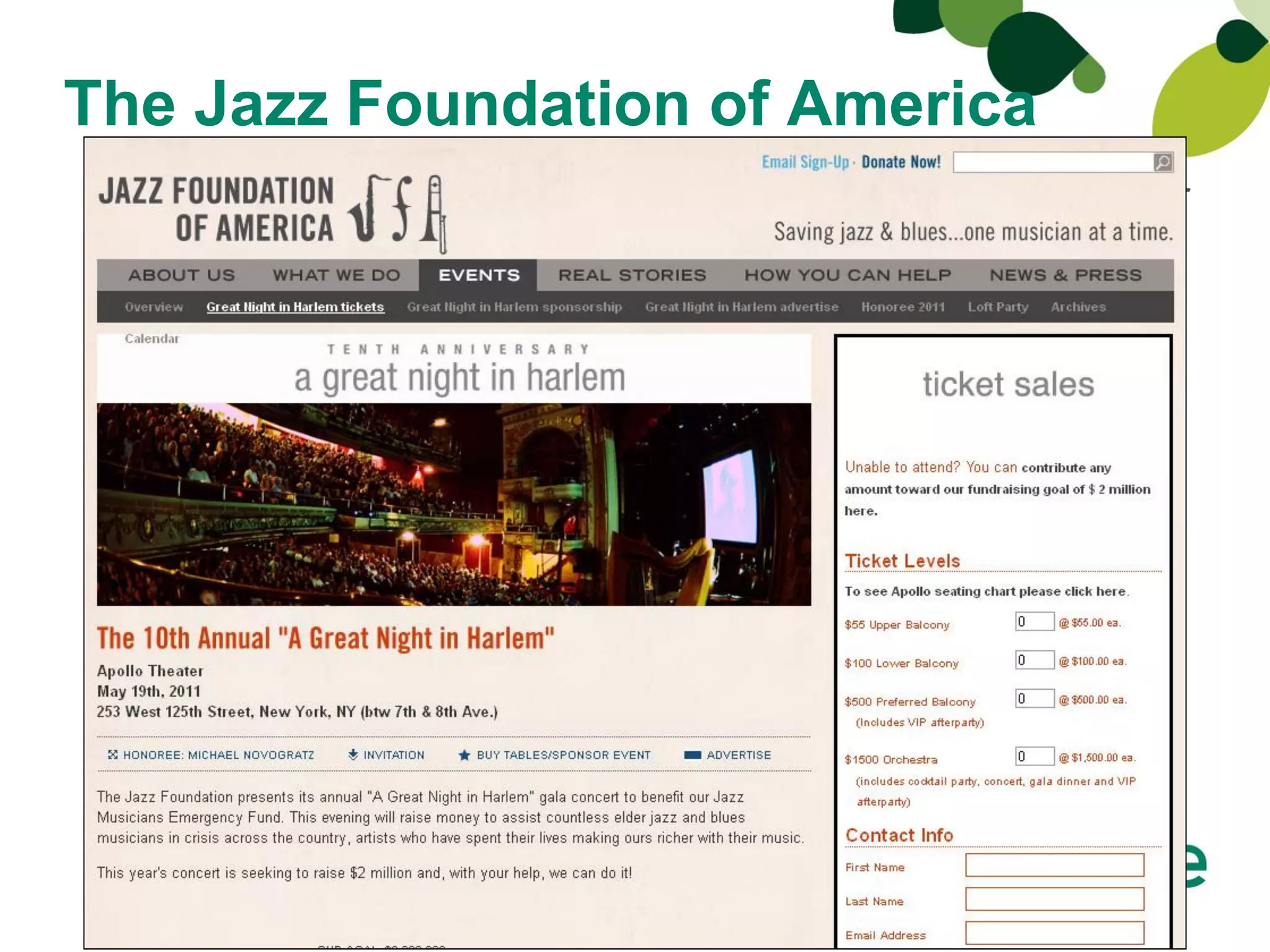
The Jazz Foundation of America
Sage Fundraising Online gives us more flexibility with our
online fundraising campaigns and events, plus allows us to
 manage the event registration and ticket sales processes
   with minimal staff—something that was unimaginable
 before,” said Petr Verner, director of operations for Jazz
Foundation of America. “The fundraising service’s flexible
back-end lets us quickly and easily control everything
    in-house, as well as adapt our online fundraising
           strategies for customized events.”
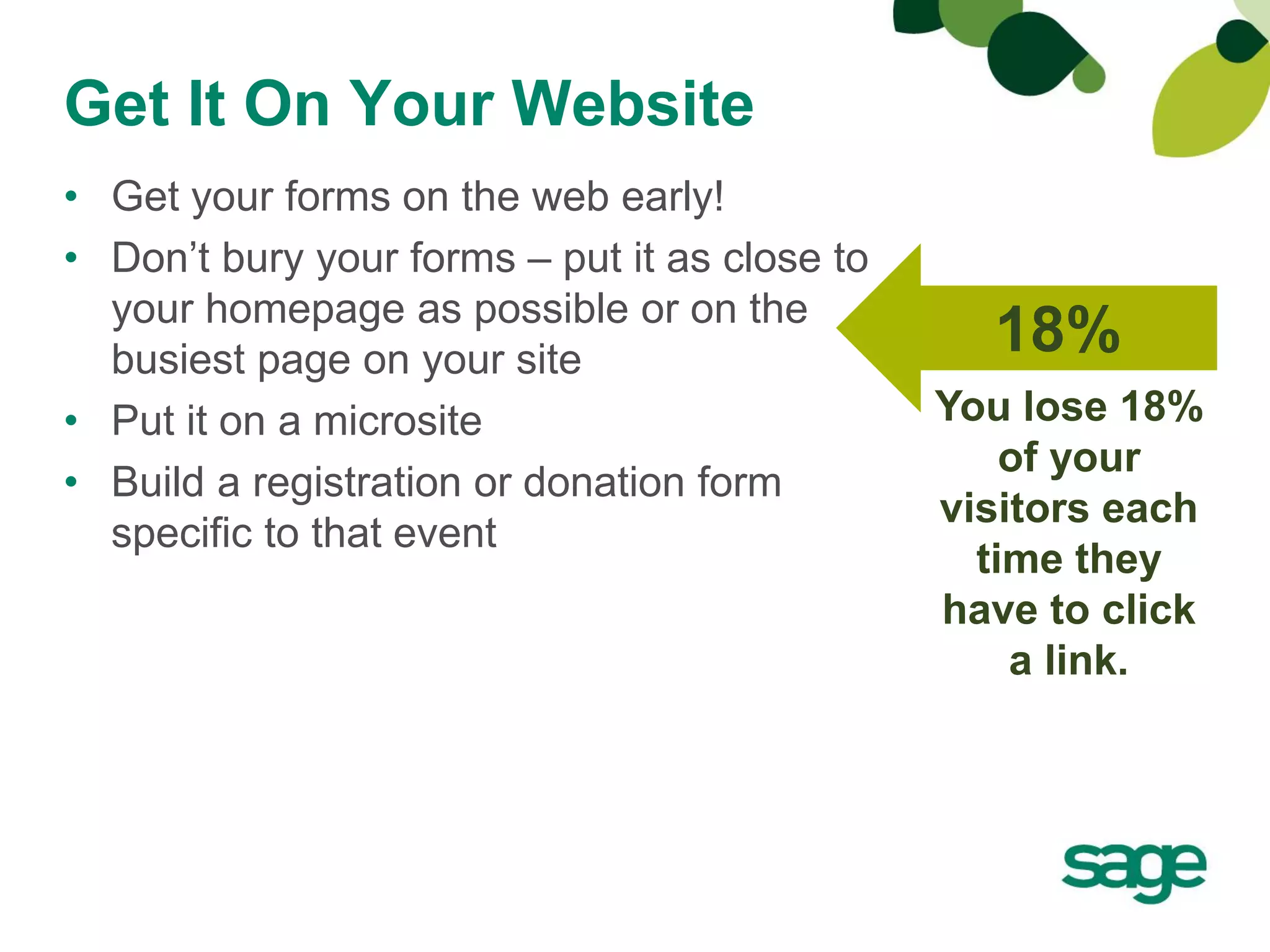
Get It On Your Website
• Get your forms on the web early!
• Don’t bury your forms – put it as close to
  your homepage as possible or on the
  busiest page on your site
                                                 18%
• Put it on a microsite                        You lose 18%
                                                   of your
• Build a registration or donation form
                                               visitors each
  specific to that event
                                                 time they
                                               have to click
                                                   a link.
Promote…and then promote again
• Use your email marketing tools
   –   Inexpensive
   –   Immediate
   –   Effective way to communicate
   –   Able to quickly test and optimize
   –   Segmentation
• Get social
• Include links to your form in EVERYTHING
   –   Email signature
   –   Email communication
                                           Promote Your Event
   –   Social media
   –   Printed materials
Analyze
Why?
•   It’s free (Google Analytics)
•   It’s informative
•   It’s a requirement for experimentation
•   It helps measure success

And, you analyze your donor information, don’t you?
Extend this to your website.
Analyze
• Google Analytics: www.google.com/analytics
• Don’t get overwhelmed
• Only track a few things to start
   – Where are they coming from
        • Emails
        • Other websites
   – How long are they staying, etc.
   – What are the popular pages
• Steps
   –   Check out Google’s resources
   –   Sign up for an account
   –   Install tracking on your website
   –   Monitor your data – real time!
   –   Make informed decisions
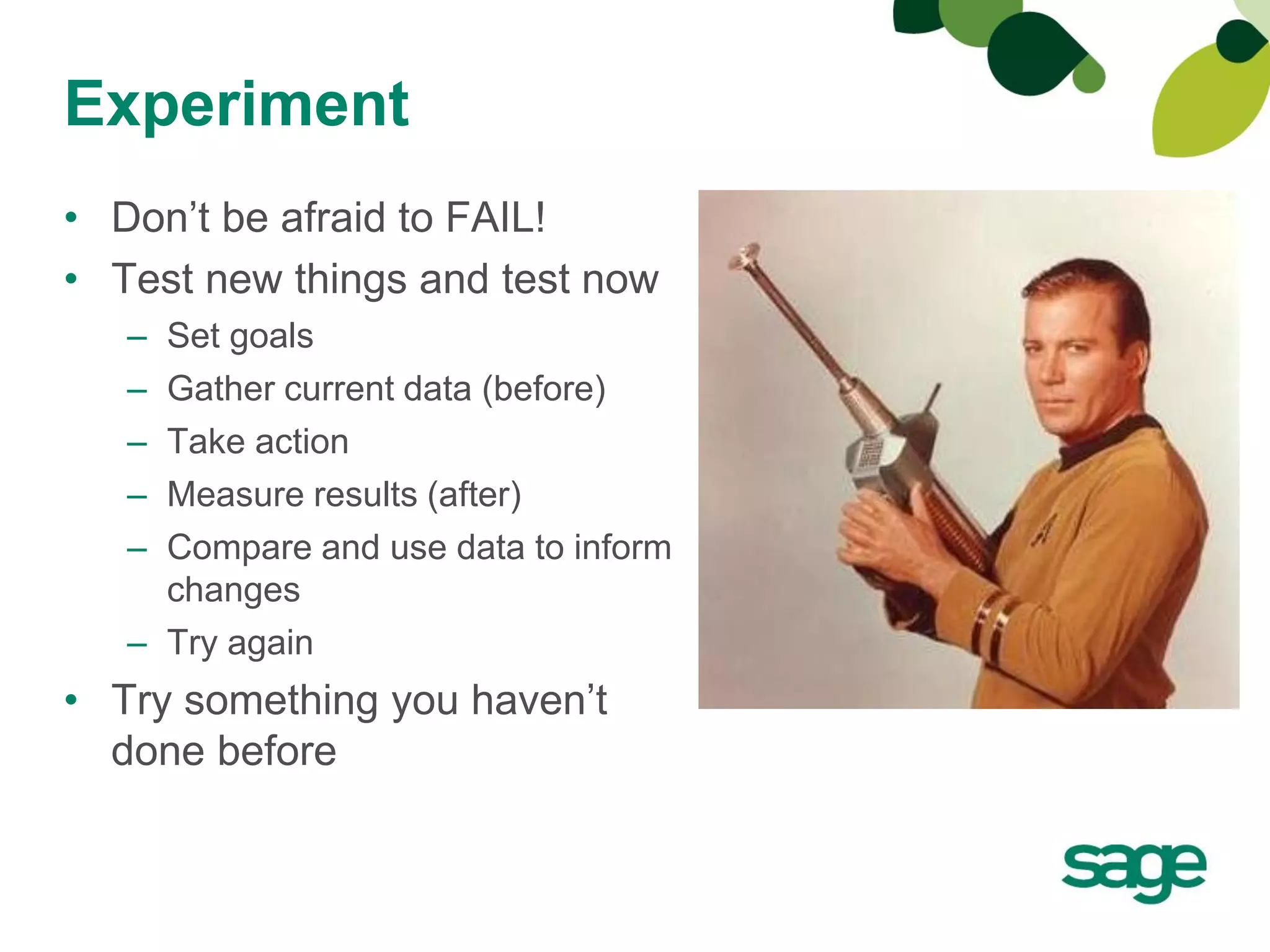
Experiment
• Don’t be afraid to FAIL!
• Test new things and test now
   – Set goals
   – Gather current data (before)
   – Take action
   – Measure results (after)
   – Compare and use data to inform
     changes
   – Try again
• Try something you haven’t
  done before
Examples
•   Run/Walk/Rides           • Ticket sales
•   Luncheons/Galas          • Use forms to collect votes
•   Concerts                   for an event - votes equal
                               donation amounts
•   No shave month
                             • Golf tournaments
•   Birthday/Anniversary
    Giving                   • Classes/symposiums/
                               educational meetings
•   Memorials/Tributes
                             • Camp registrations
•   Pledging
•   Dancing with the Stars   • Rapid response
                               campaigns
•   Sponsorships
Summary
Checklist
 Start Now
   Pick an event
   Social media brand
   Build fans and house file
 Get the Right Tools
   Online fundraising
   Email marketing
 Build a Good Form & Get it on Your Website
 Promote
 Analyze
 Experiment
Questions?
Contact Information
• Connect with Jamy via email at Jamy (dot) Squillace (at) Sage (dot)
  com or Twitter @jrsquillace
• Connect with Sage
   – Email nps <at> sage <dot> com
   – Download the presentation and handouts from
     www.slideshare.net/sagenonprofit
   – Read our blog, http://www.SageWords.net.
   – Like us on Facebook, http://www.facebook.com/sagenonprofit
   – Follow us on Twitter, http://www.twitter.com/sagenonprofit
   – Join the discussion in our group on LinkedIn.
   – Watch and follow on YouTube,
     http://www.youtube.com/user/SageNonprofit
   – Pin with us on www.Pinterest.com/SageNonprofit

Beyond the Donation Form

  • 1.
  • 2.
    Introduction Jamy Squillace Sr. Product Manager Sage Nonprofit Solutions Responsible for Sage Fundraising 50, Sage Fundraising Online, Sage Nonprofit Online and Sage e-Marketing. Jamy has 16 years experience in product planning and management. Her goal is to create and evolve solutions that fulfill customer desires and exceed expectations. You can find her blogging at SageWords.net or on Twitter @jrsquillace.
  • 3.
  • 4.
    Agenda • Online Giving • Going Beyond the Donation Page • Examples • Summary • Questions
  • 5.
    The Online GivingPie $17.65 Billion Source: Ted Hart, Dr. James Austin, Harvard University Initiative on Social Enterprise
  • 6.
    Increase Your Pieceof the Pie 890% Events, That’s a lot of pie! campaigns, memorial/tributes But spend your resources on these. You need this…
  • 7.
  • 8.
    Going Beyond theDonation Page Checklist  Start Now  Pick an event  Social media brand  Build fans and house file  Get the Right Tools  Online fundraising  Email marketing  Build a Good Form & Get it on Your Website  Promote  Analyze  Experiment
  • 9.
    Start Now! “The besttime to plant a tree is 20 years ago. The second best time is now.” – Chinese Proverb
  • 10.
    Start Now! • Pickyour event/campaign • Start building your social media brand – Facebook – Twitter – LinkedIn – YouTube • Build Fans/House File – Facebook registration page – Website registration – Make it easy, don’t ask for unnecessary information – Referrals: Forward to a friend/give advocates the tools to share your emails and your story – Social media sharing icons – Blog sign up • Retain contacts by delivering value and making it worthwhile for them to stay
  • 11.
    Rebuilding Together “Even thoughsome might consider our first year a failure, we had to start somewhere. Now our donors are comfortable using the system but it’s raised our profile among our peers. We can now say that it’s as easy to donate with us as it is American Red Cross.” -- Lee Berkeley Shaw, Director of Development at Rebuilding Together Montgomery County 97% improvement from 2011 to 2012
  • 12.
  • 13.
    Get the RightTools • Online Fundraising Tools & What they Should Do – Unlimited # of forms – Total control – Form lives on your website – Real-time reporting – Peer-to-peer fundraising (nice to have but will get you to the next step) • Email Marketing
  • 14.
    The Jazz Foundationof America Sage Fundraising Online gives us more flexibility with our online fundraising campaigns and events, plus allows us to manage the event registration and ticket sales processes with minimal staff—something that was unimaginable before,” said Petr Verner, director of operations for Jazz Foundation of America. “The fundraising service’s flexible back-end lets us quickly and easily control everything in-house, as well as adapt our online fundraising strategies for customized events.”
  • 15.
    Get It OnYour Website • Get your forms on the web early! • Don’t bury your forms – put it as close to your homepage as possible or on the busiest page on your site 18% • Put it on a microsite You lose 18% of your • Build a registration or donation form visitors each specific to that event time they have to click a link.
  • 16.
    Promote…and then promoteagain • Use your email marketing tools – Inexpensive – Immediate – Effective way to communicate – Able to quickly test and optimize – Segmentation • Get social • Include links to your form in EVERYTHING – Email signature – Email communication Promote Your Event – Social media – Printed materials
  • 17.
    Analyze Why? • It’s free (Google Analytics) • It’s informative • It’s a requirement for experimentation • It helps measure success And, you analyze your donor information, don’t you? Extend this to your website.
  • 18.
    Analyze • Google Analytics:www.google.com/analytics • Don’t get overwhelmed • Only track a few things to start – Where are they coming from • Emails • Other websites – How long are they staying, etc. – What are the popular pages • Steps – Check out Google’s resources – Sign up for an account – Install tracking on your website – Monitor your data – real time! – Make informed decisions
  • 19.
    Experiment • Don’t beafraid to FAIL! • Test new things and test now – Set goals – Gather current data (before) – Take action – Measure results (after) – Compare and use data to inform changes – Try again • Try something you haven’t done before
  • 20.
    Examples • Run/Walk/Rides • Ticket sales • Luncheons/Galas • Use forms to collect votes • Concerts for an event - votes equal donation amounts • No shave month • Golf tournaments • Birthday/Anniversary Giving • Classes/symposiums/ educational meetings • Memorials/Tributes • Camp registrations • Pledging • Dancing with the Stars • Rapid response campaigns • Sponsorships
  • 21.
    Summary Checklist  Start Now  Pick an event  Social media brand  Build fans and house file  Get the Right Tools  Online fundraising  Email marketing  Build a Good Form & Get it on Your Website  Promote  Analyze  Experiment
  • 22.
  • 23.
    Contact Information • Connectwith Jamy via email at Jamy (dot) Squillace (at) Sage (dot) com or Twitter @jrsquillace • Connect with Sage – Email nps <at> sage <dot> com – Download the presentation and handouts from www.slideshare.net/sagenonprofit – Read our blog, http://www.SageWords.net. – Like us on Facebook, http://www.facebook.com/sagenonprofit – Follow us on Twitter, http://www.twitter.com/sagenonprofit – Join the discussion in our group on LinkedIn. – Watch and follow on YouTube, http://www.youtube.com/user/SageNonprofit – Pin with us on www.Pinterest.com/SageNonprofit