BAIT1003 IT
Fundamentals
Chapter 6
Operating Systems and
Utility Programs
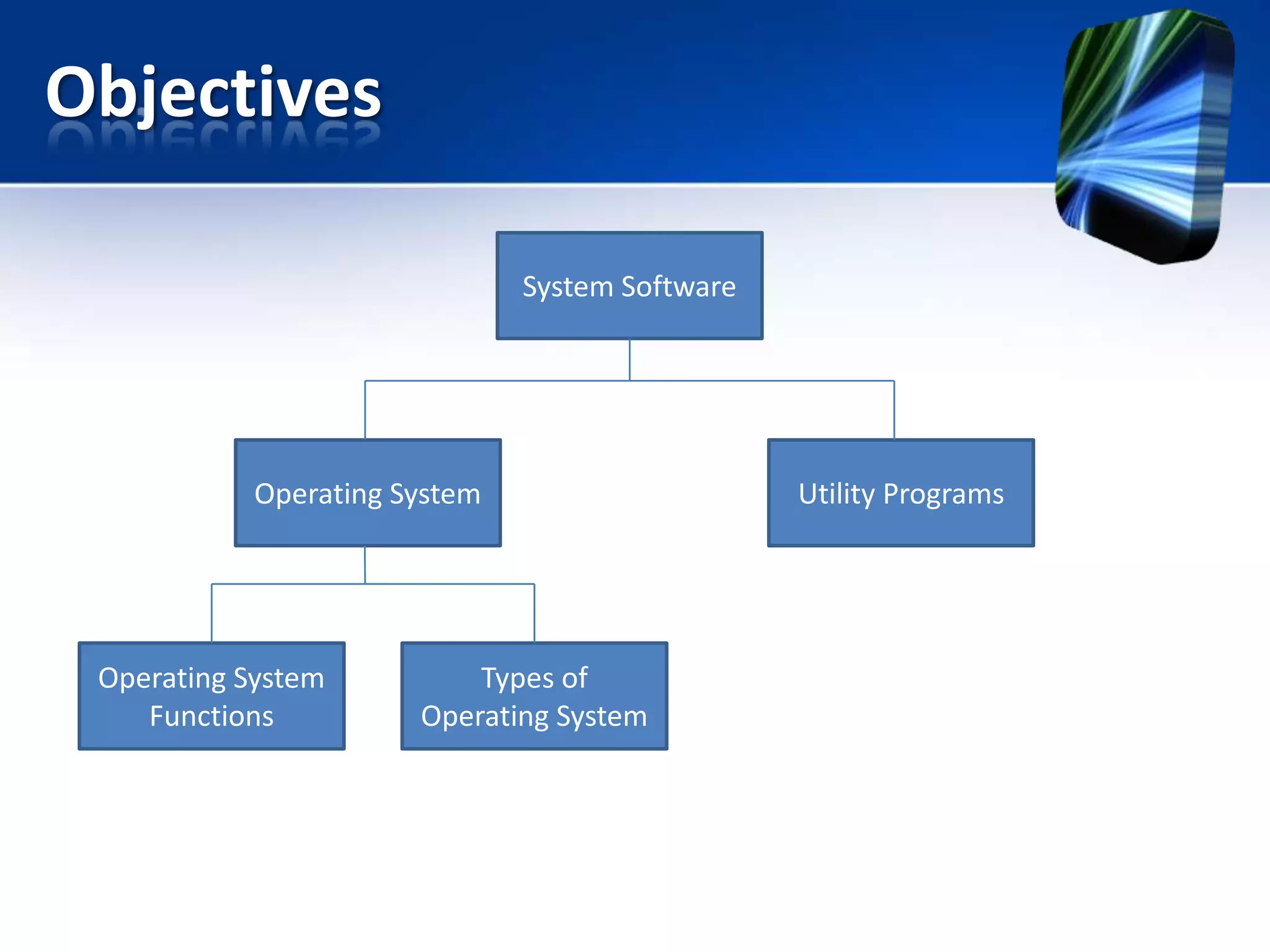
Objectives
System Software

Operating System

Operating System
Functions

Types of
Operating System

Utility Programs
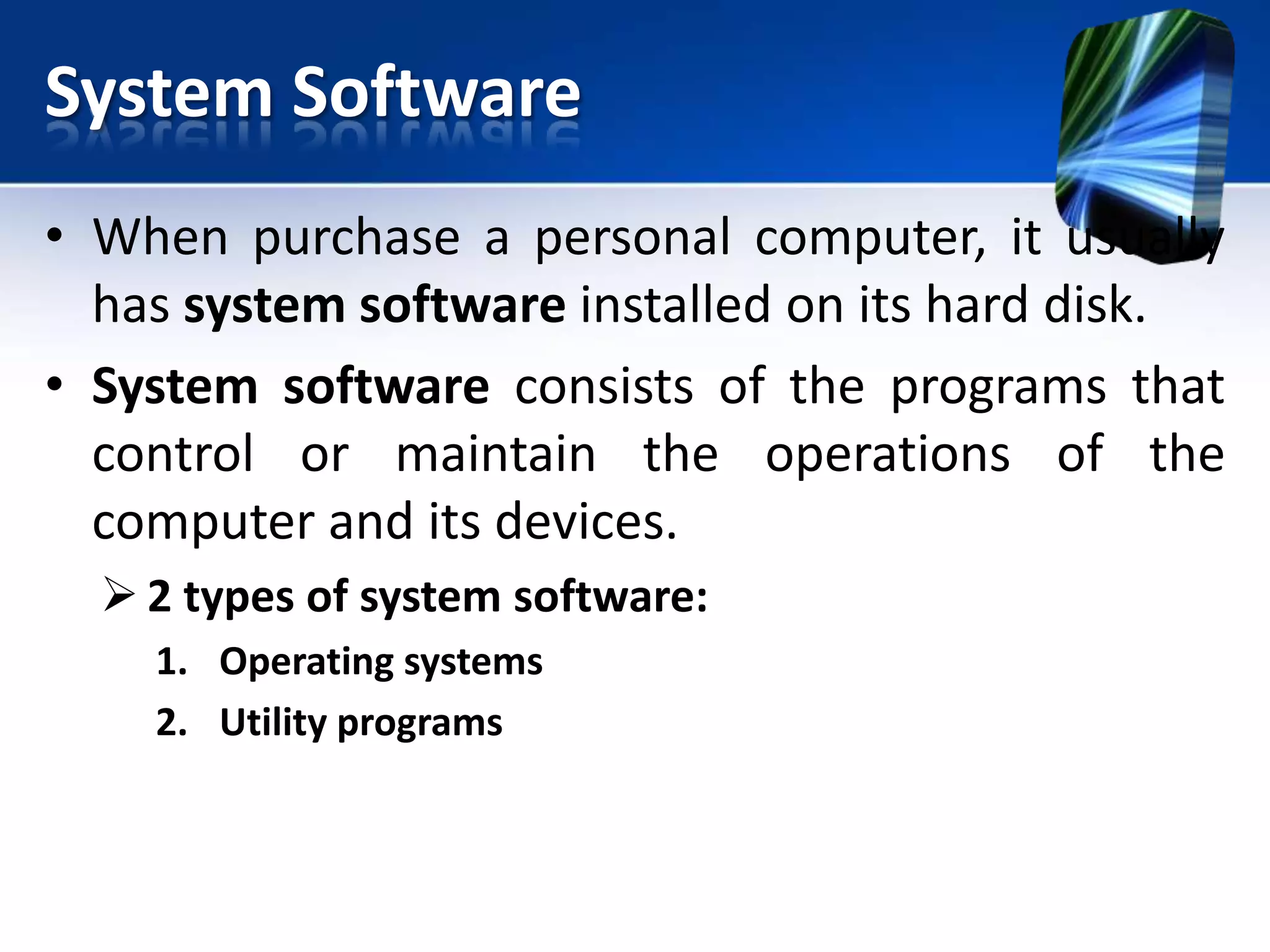
System Software
• When purchase a personal computer, it usually
has system software installed on its hard disk.
• System software consists of the programs that
control or maintain the operations of the
computer and its devices.
 2 types of system software:
1. Operating systems
2. Utility programs
Operating Systems
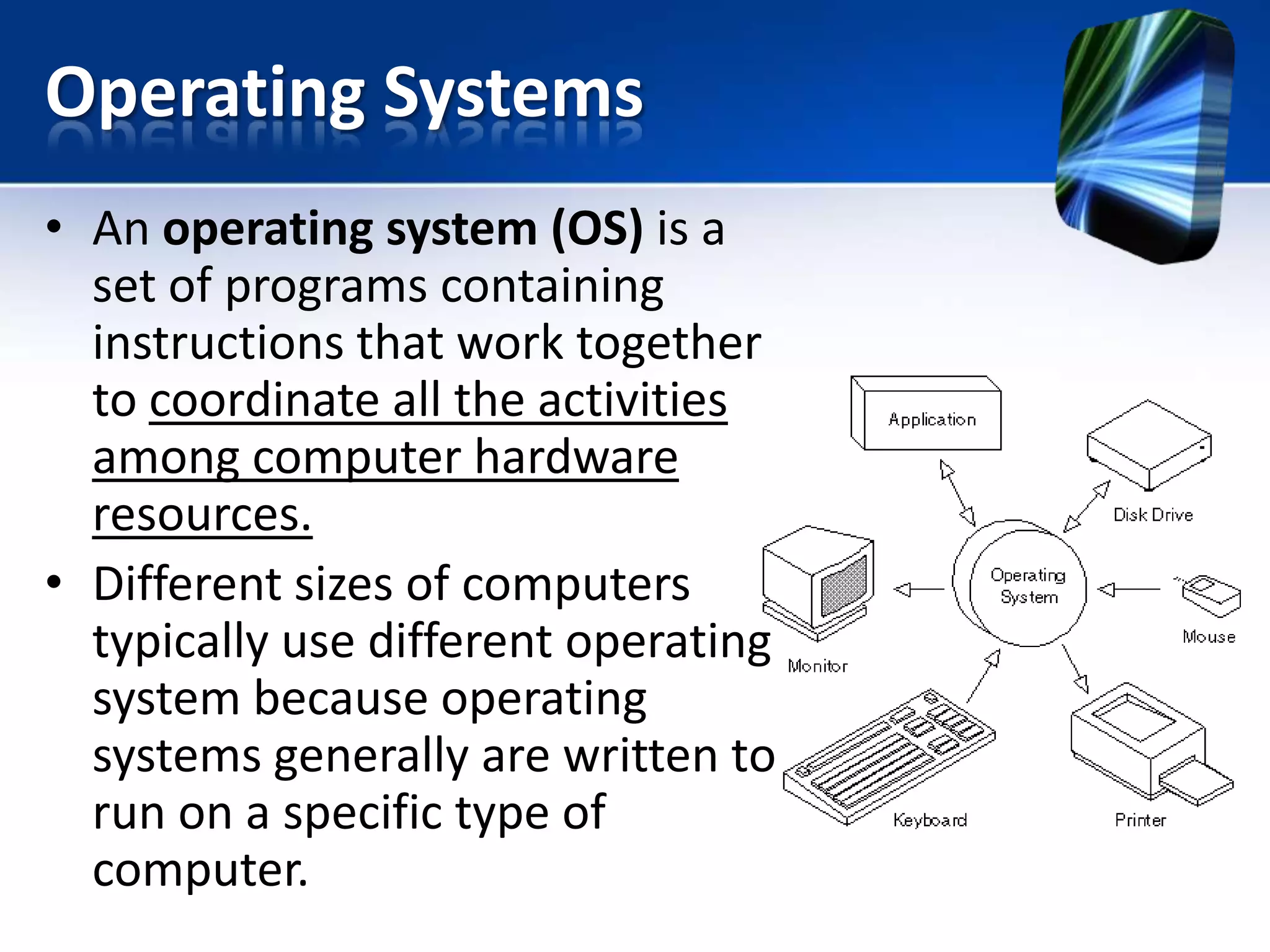
• An operating system (OS) is a
set of programs containing
instructions that work together
to coordinate all the activities
among computer hardware
resources.
• Different sizes of computers
typically use different operating
system because operating
systems generally are written to
run on a specific type of
computer.
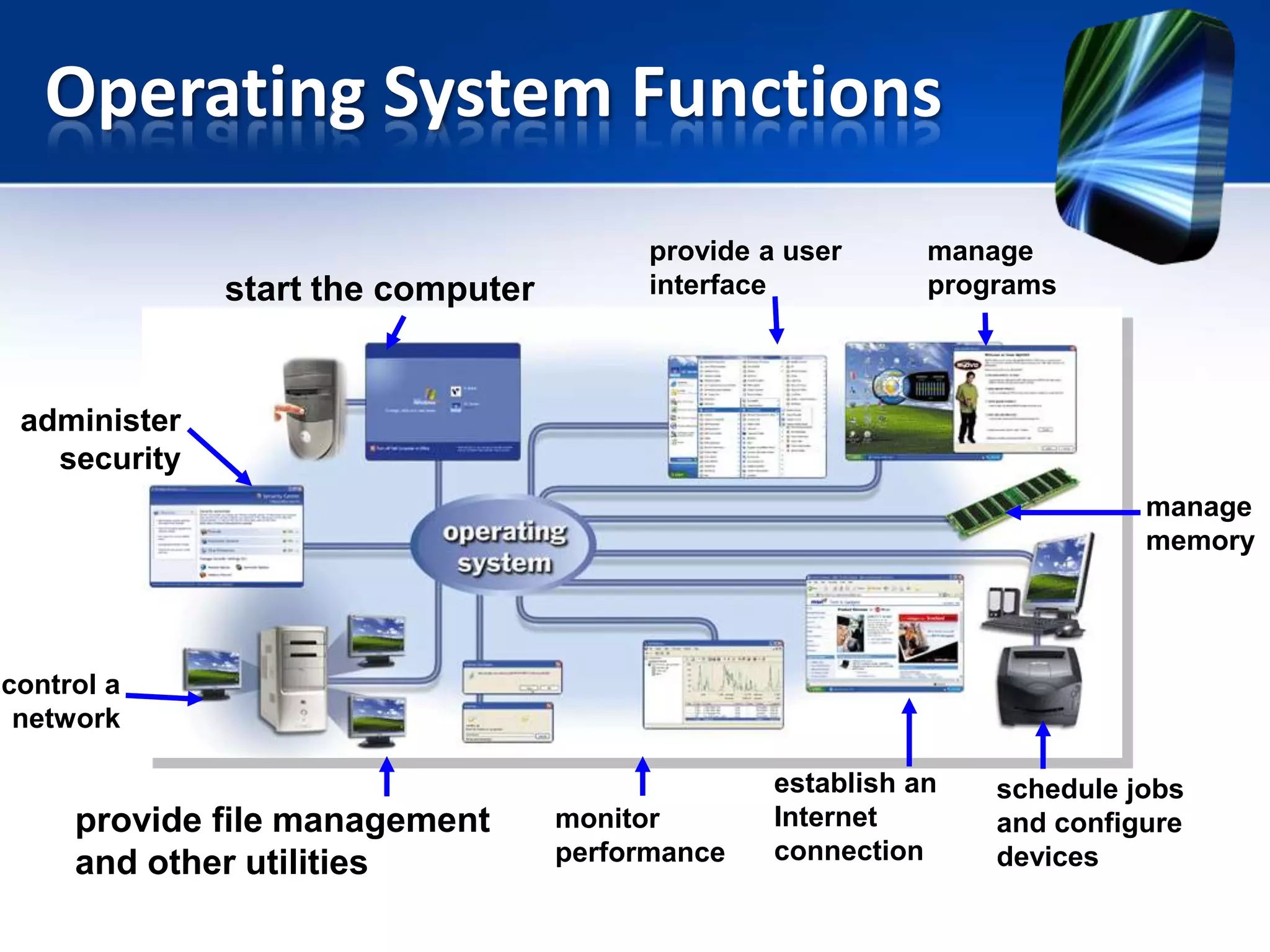
Operating System Functions
start the computer

provide a user
interface

manage
programs

administer
security
manage
memory

control a
network

provide file management
and other utilities

monitor
performance

establish an
Internet
connection

schedule jobs
and configure
devices
Operating System Functions –
Starting & Shutting Down a Computer

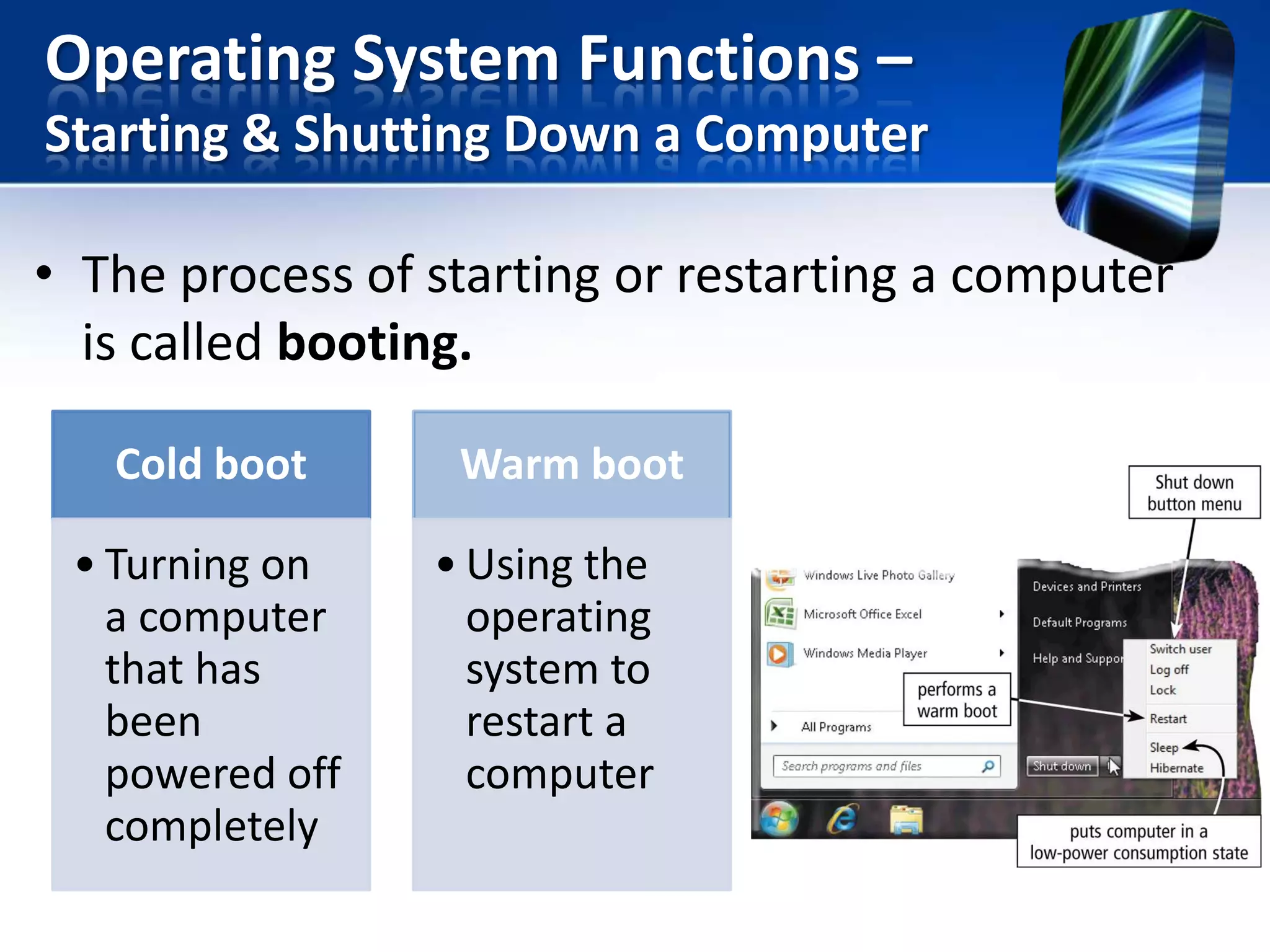
• The process of starting or restarting a computer
is called booting.
Cold boot

• Turning on
a computer
that has
been
powered off
completely

Warm boot

• Using the
operating
system to
restart a
computer
Operating System Functions –
Starting & Shutting Down a Computer

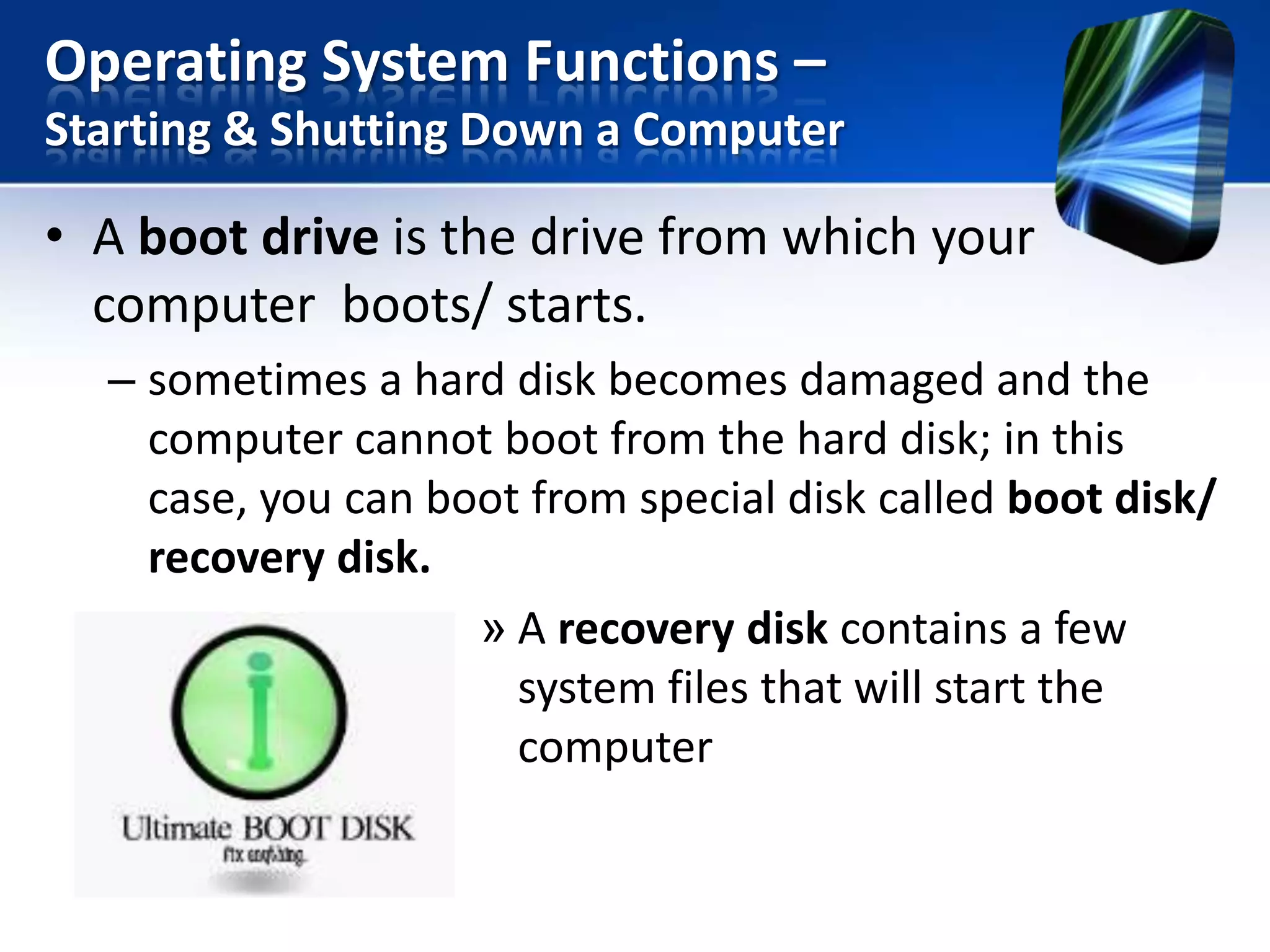
• A boot drive is the drive from which your
computer boots/ starts.
– sometimes a hard disk becomes damaged and the
computer cannot boot from the hard disk; in this
case, you can boot from special disk called boot disk/
recovery disk.
» A recovery disk contains a few
system files that will start the
computer
Operating System Functions –
Starting & Shutting Down a Computer

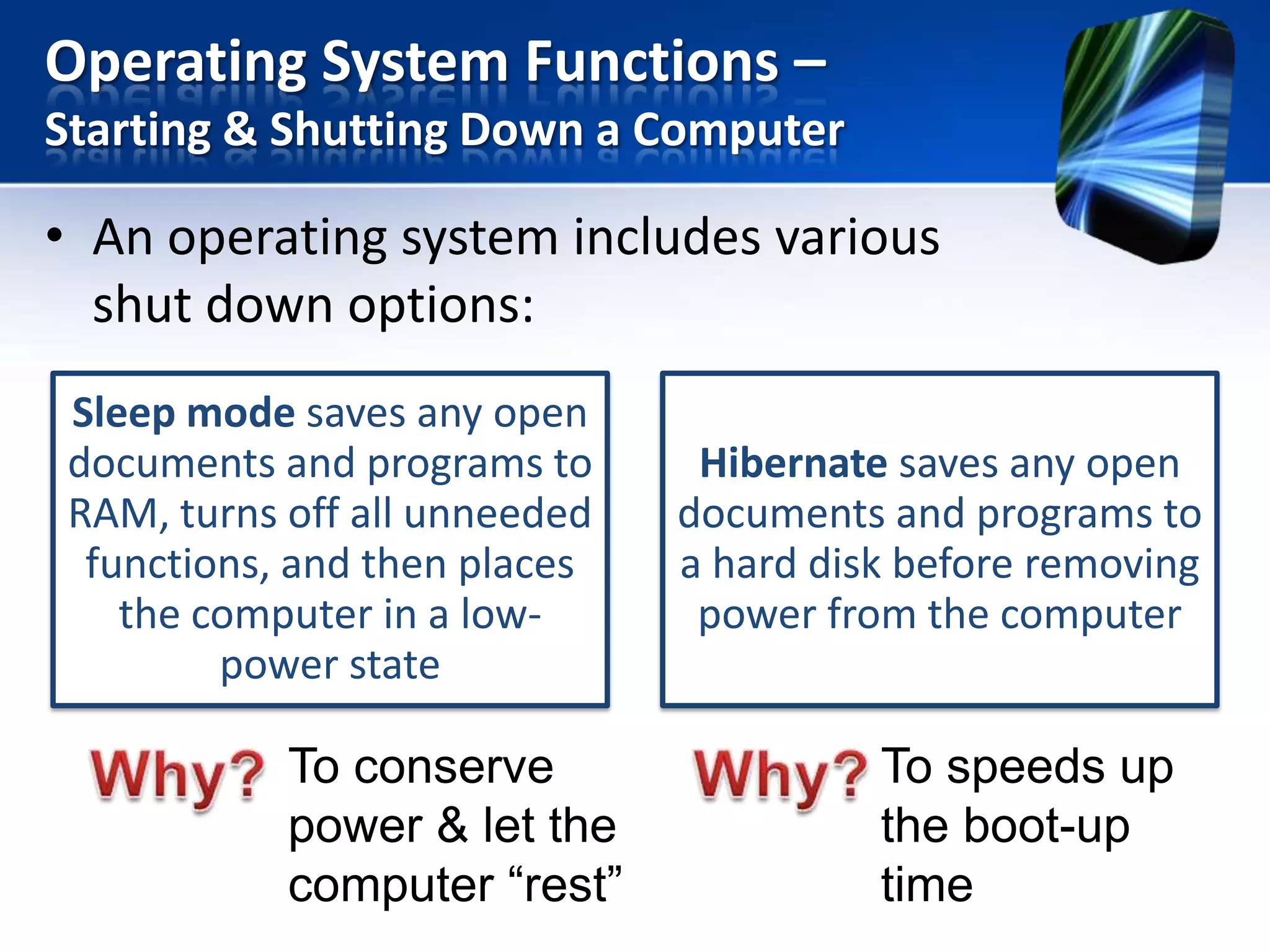
• An operating system includes various
shut down options:
Sleep mode saves any open
documents and programs to
RAM, turns off all unneeded
functions, and then places
the computer in a lowpower state

To conserve
power & let the
computer “rest”

Hibernate saves any open
documents and programs to
a hard disk before removing
power from the computer

To speeds up
the boot-up
time
Operating System Functions –
Providing a User Interface

• A user interface controls how you enter data and
instructions and how information is displayed on
the screen.
• Two type of user interfaces are:
1. Graphical user interface
2. Command-line user interface
Operating System Functions –
Providing a User Interface
Graphical user interface

With a graphical user interface
(GUI), you interact with menus and
visual images

Command-line user
interface

With a command-line
interface, a user uses the
keyboard to enter data and
Operating System Functions –
Providing a User Interface

Command line interface
– A user types command or presses special keys on
keyboard to enter data and instructions.
– To configure devices, manage system resources, and
troubleshoot network connections, network
administrators and other advance users work.
– Disadvantage: Difficult to use because they require
exact spelling, grammar, and punctuation.
Operating System Functions –
Managing Programs

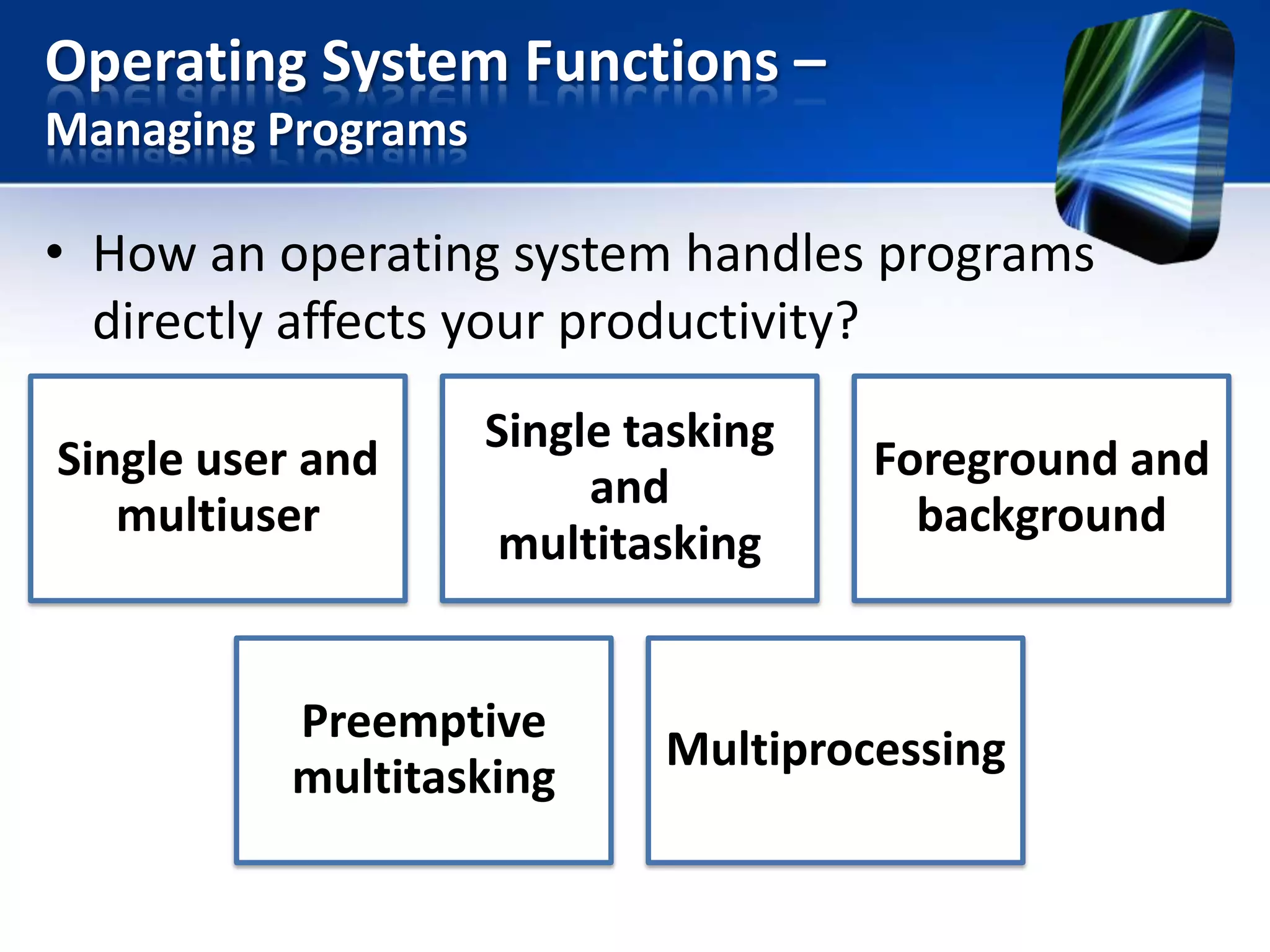
• How an operating system handles programs
directly affects your productivity?
Single user and
multiuser

Single tasking
and
multitasking

Preemptive
multitasking

Foreground and
background

Multiprocessing
Operating System Functions –
Managing Programs
Single user/ single tasking
– OS allows only one user to run one program at a
time.
– Example:
• If you are working in graphics program and want to check
e-mail message, you must quit the graphics program before
you can run the email program.
Operating System Functions –
Managing Programs
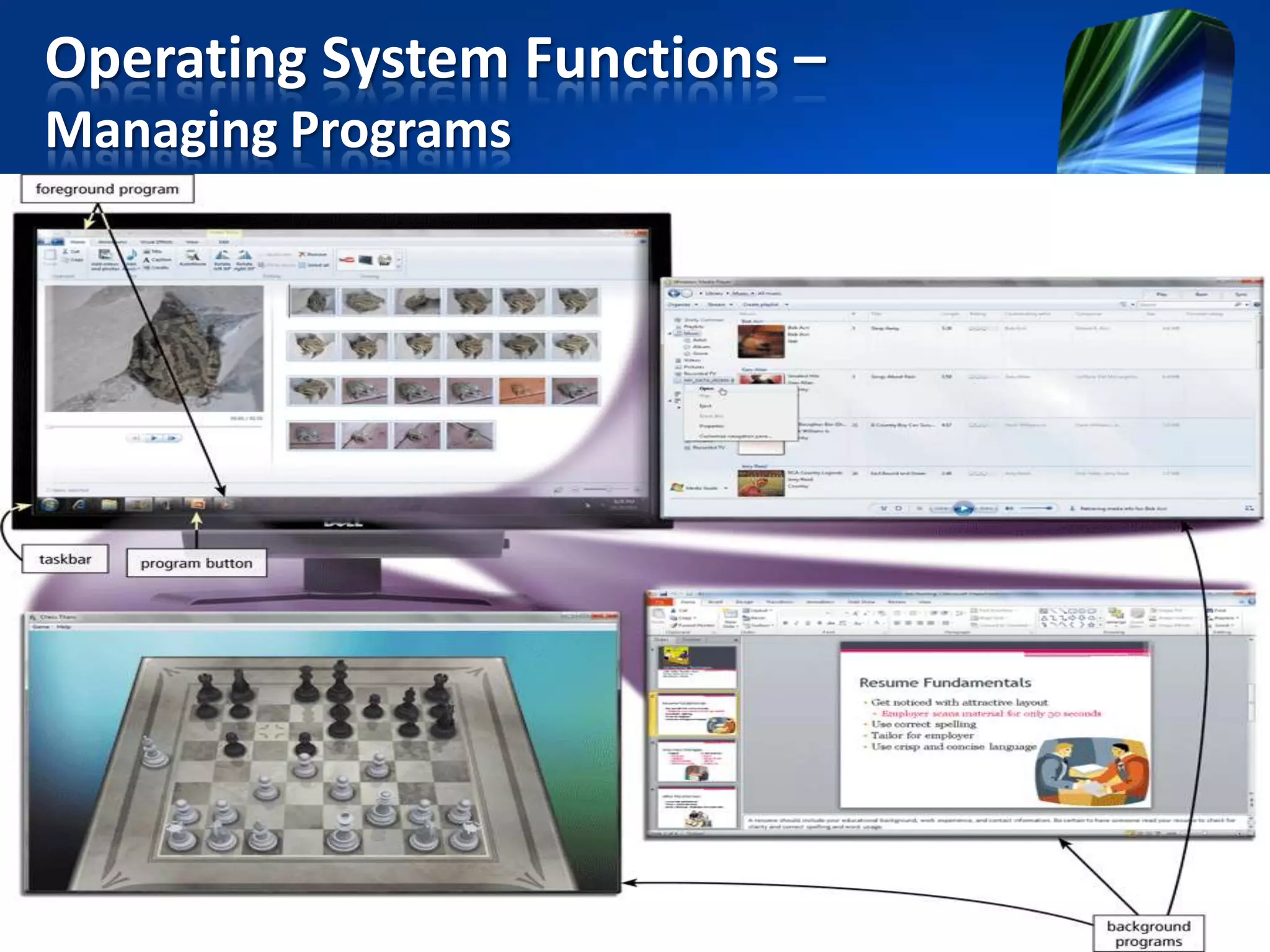
Single user/ multitasking
– OS allows a single user to work on two or more programs that
reside in memory at the same time.
– When a computer is running multiple program concurrently, one
program is in the foreground and the others are in the
background.
• Foreground is the active program, currently are using.
• The other programs running but not in use are in the
background.
Operating System Functions –
Managing Programs
Operating System Functions –
Managing Programs
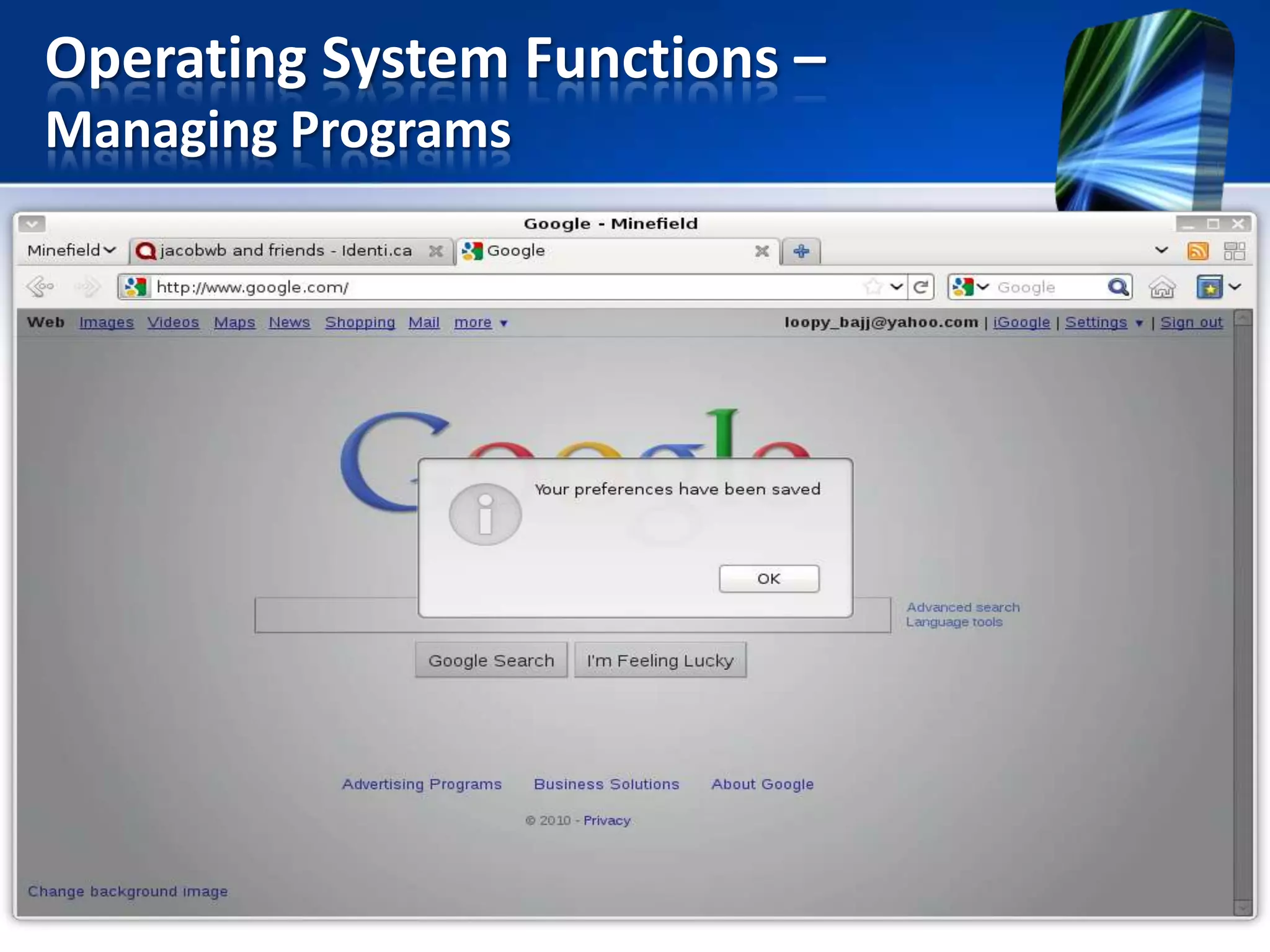
• Some OS use preemptive multitasking to
prevent any one process from monopolizing the
computer’s resources.
• With the preemptive multitasking, the OS
interrupts a program that is executing and
passed control to other program waiting to be
executes.
Advantage
OS regains control if one program stops operating
properly.
Operating System Functions –
Managing Programs
Operating System Functions –
Managing Programs

Multiuser
• OS enables two or more users to run programs
simultaneously.

Example:
Network, servers, mainframes, and
supercomputers allow hundreds to thousands of
user to connect at the same time.
Operating System Functions –
Managing Programs
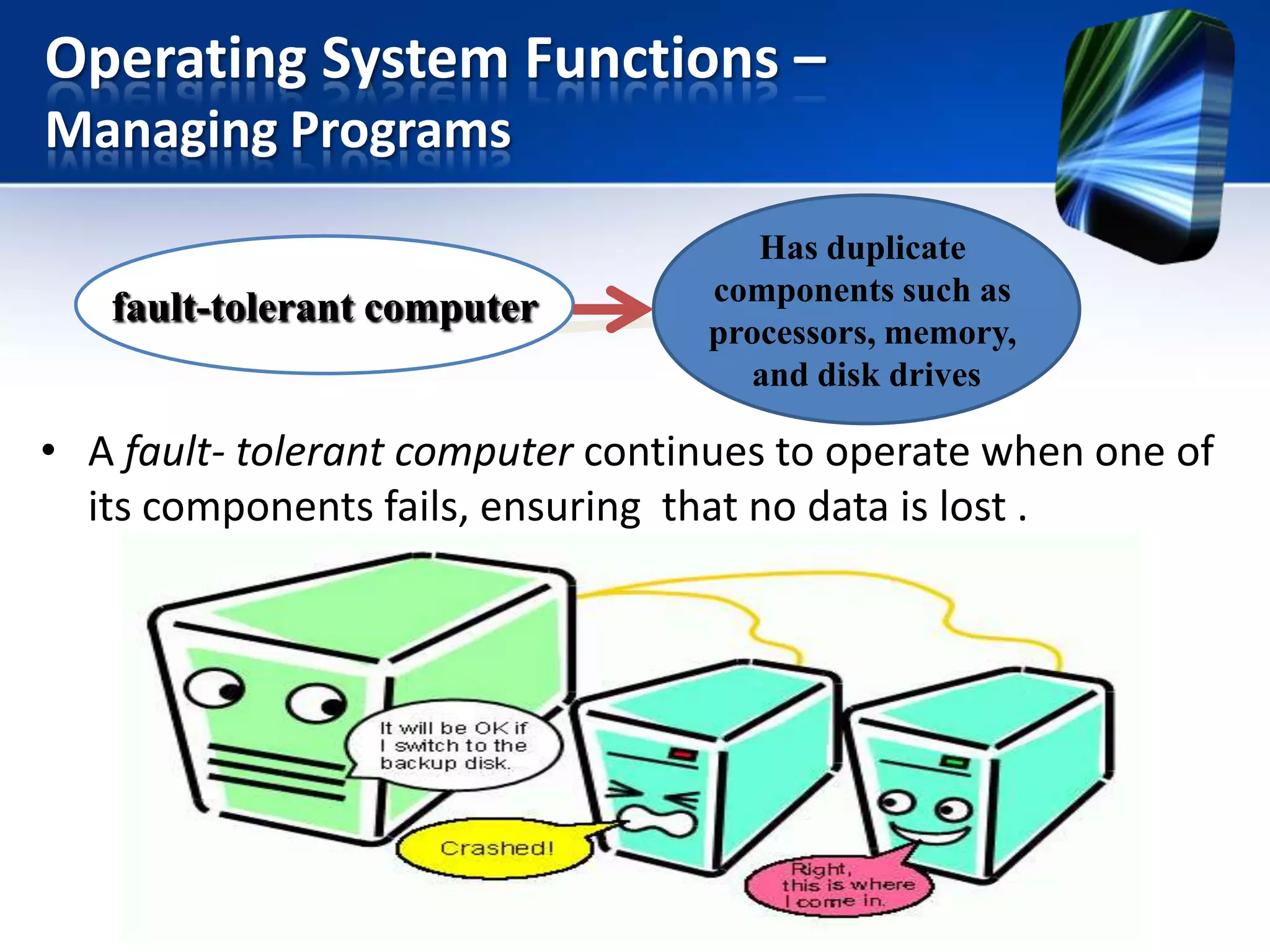
fault-tolerant computer

Has duplicate
components such as
processors, memory,
and disk drives

• A fault- tolerant computer continues to operate when one of
its components fails, ensuring that no data is lost .
Operating System Functions –
Managing Memory
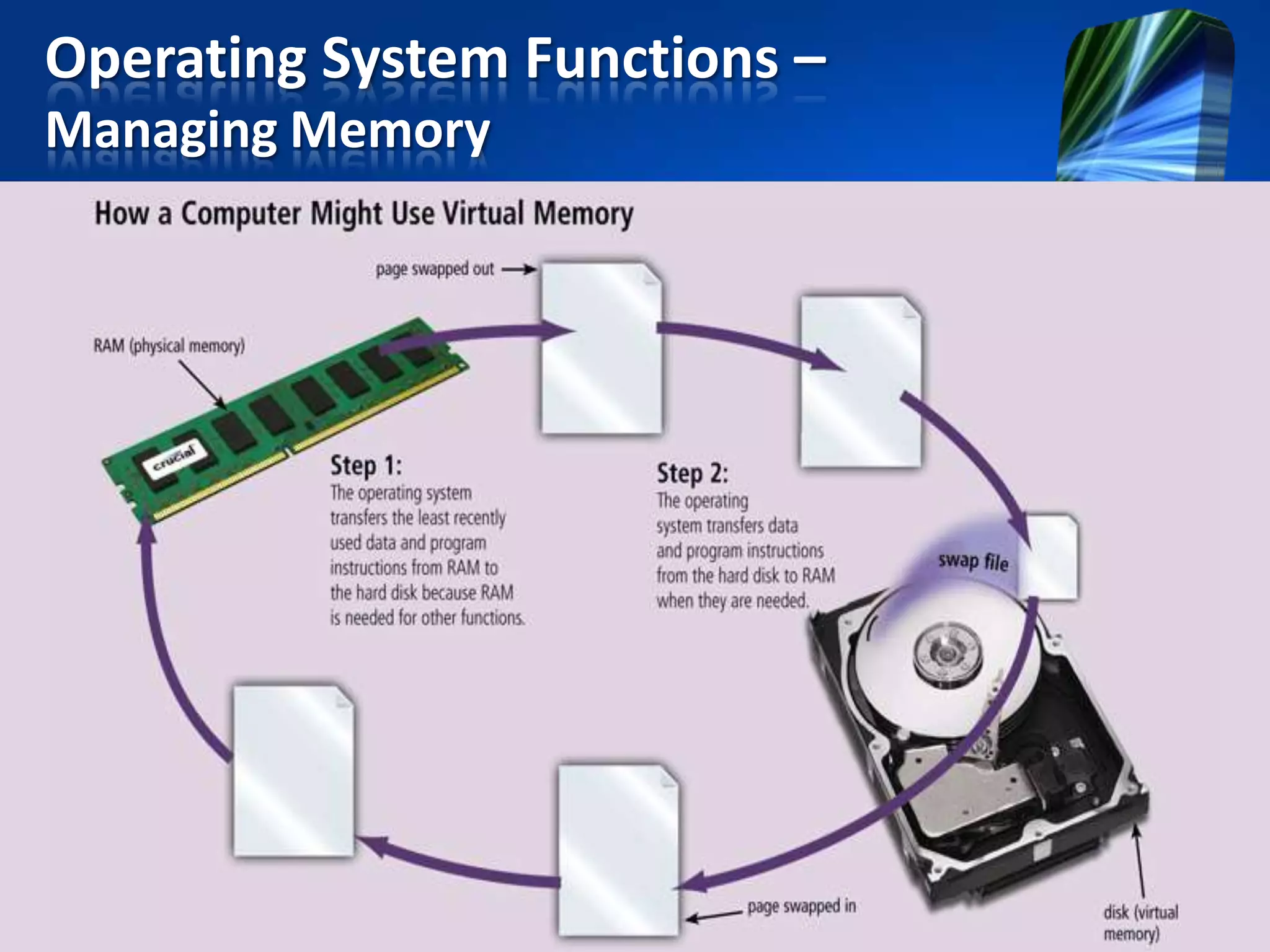
• Memory management is to optimizes the use of RAM.
• Virtual memory is a portion of a storage medium
functioning as additional RAM.
– The area of hard disk for virtual memory is called a swap file.
– A page is the amount of data and program instructions that
can swap at given time.
– The technique of swapping items between memory and
storage is called paging.
– When an OS spends much of its time paging, instead of
executing application, it said to be thrashing.
Operating System Functions –
Managing Memory
Operating System Functions –
Coordinating Tasks
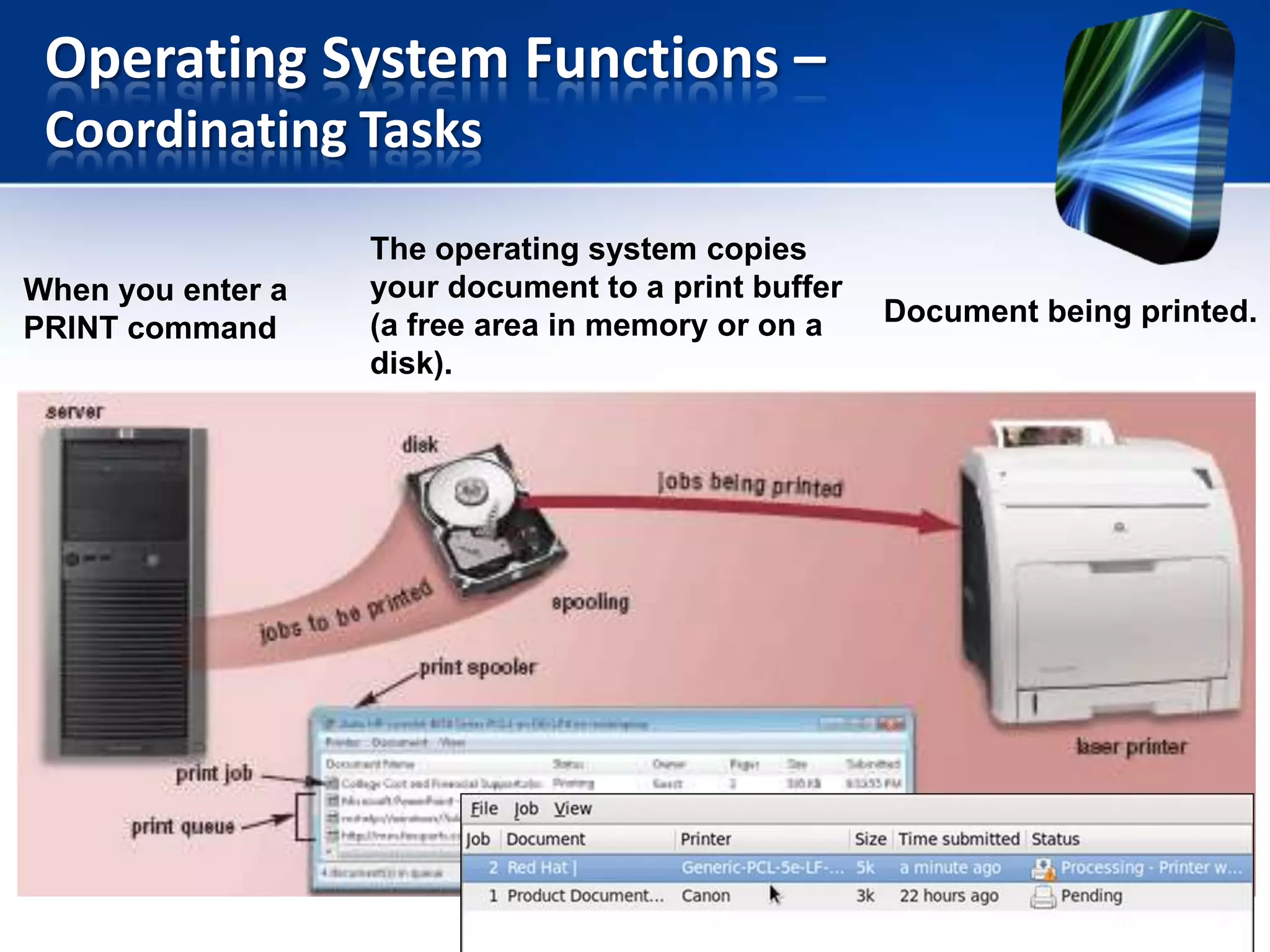
The OS determines the order in which tasks are processed.
Example:
If the processor sends 5 documents to a printer, the
printer can print only one document at a time and store as
many documents as its memory can handle.
• Buffer – is a segment of memory in which items are placed while
waiting to be transferred from an input/ output.
• Spooling – send documents to be printed to a buffer instead of
sending them immediately to the printer.
Operating System Functions –
Coordinating Tasks
When you enter a
PRINT command

The operating system copies
your document to a print buffer
(a free area in memory or on a
disk).

Document being printed.
Operating System Functions –
Configuring Devices
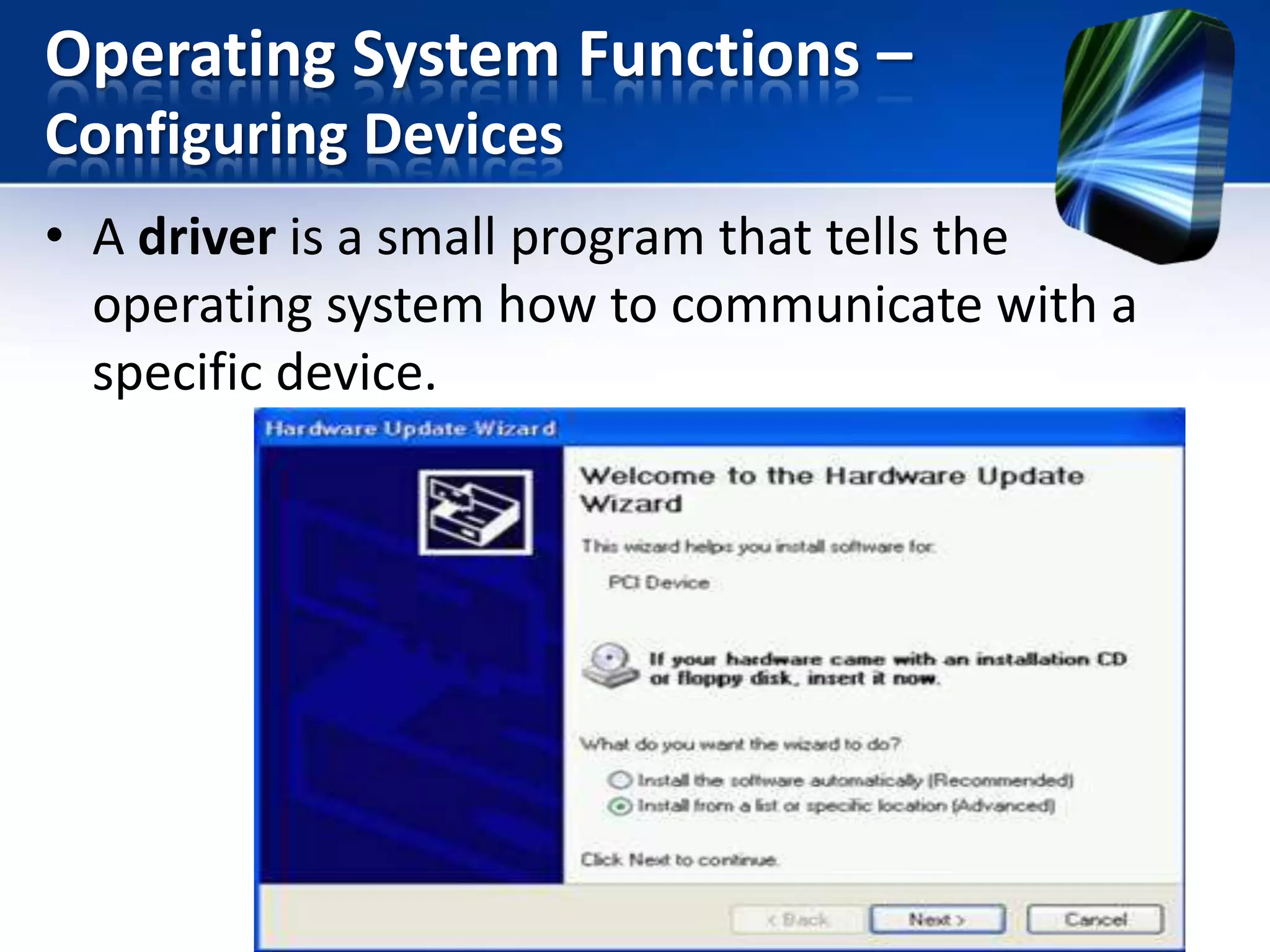
• A driver is a small program that tells the
operating system how to communicate with a
specific device.
Operating System Functions –
Configuring Devices
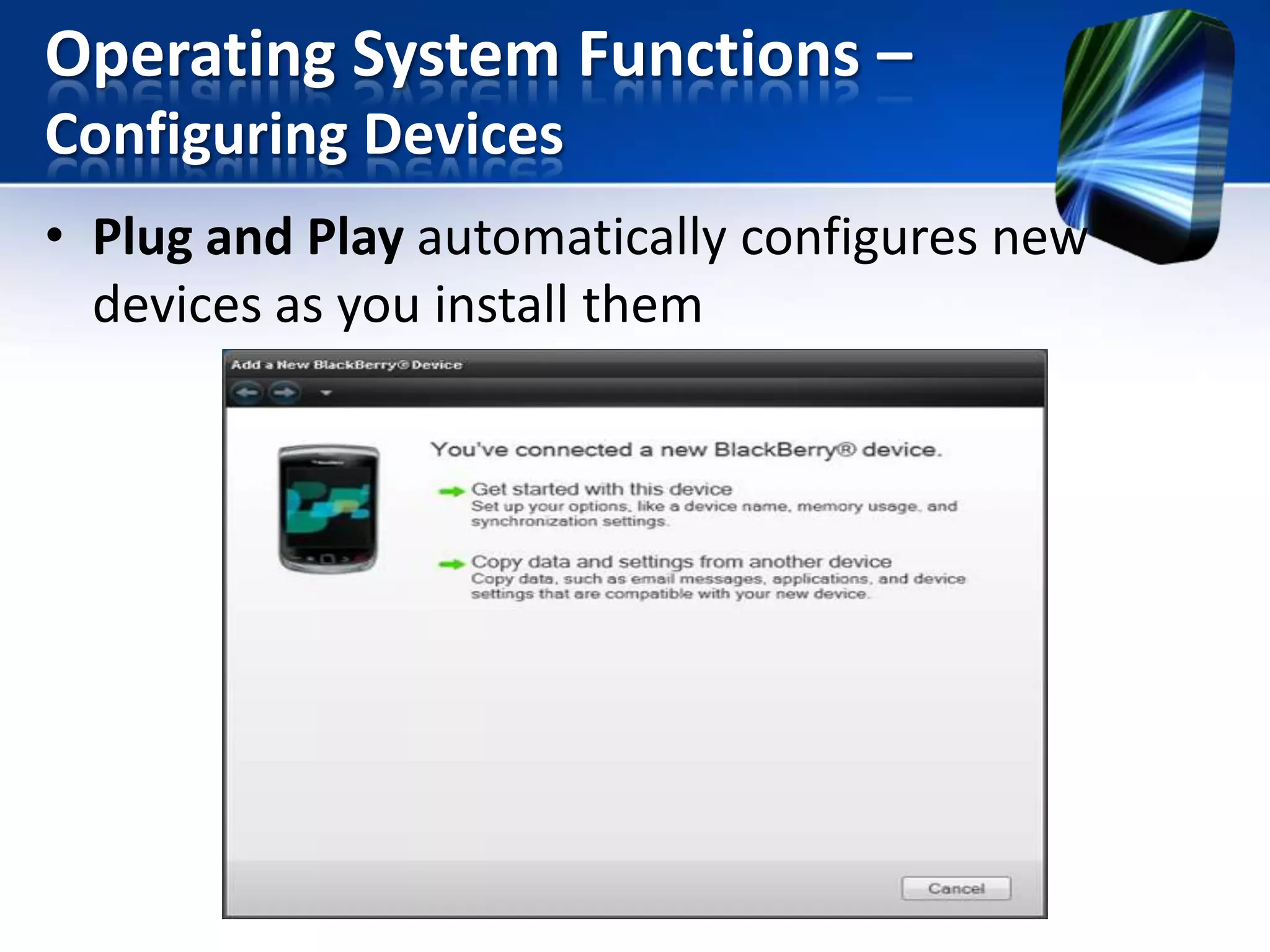
• Plug and Play automatically configures new
devices as you install them
Operating System Functions –
Establishing an Internet Connection
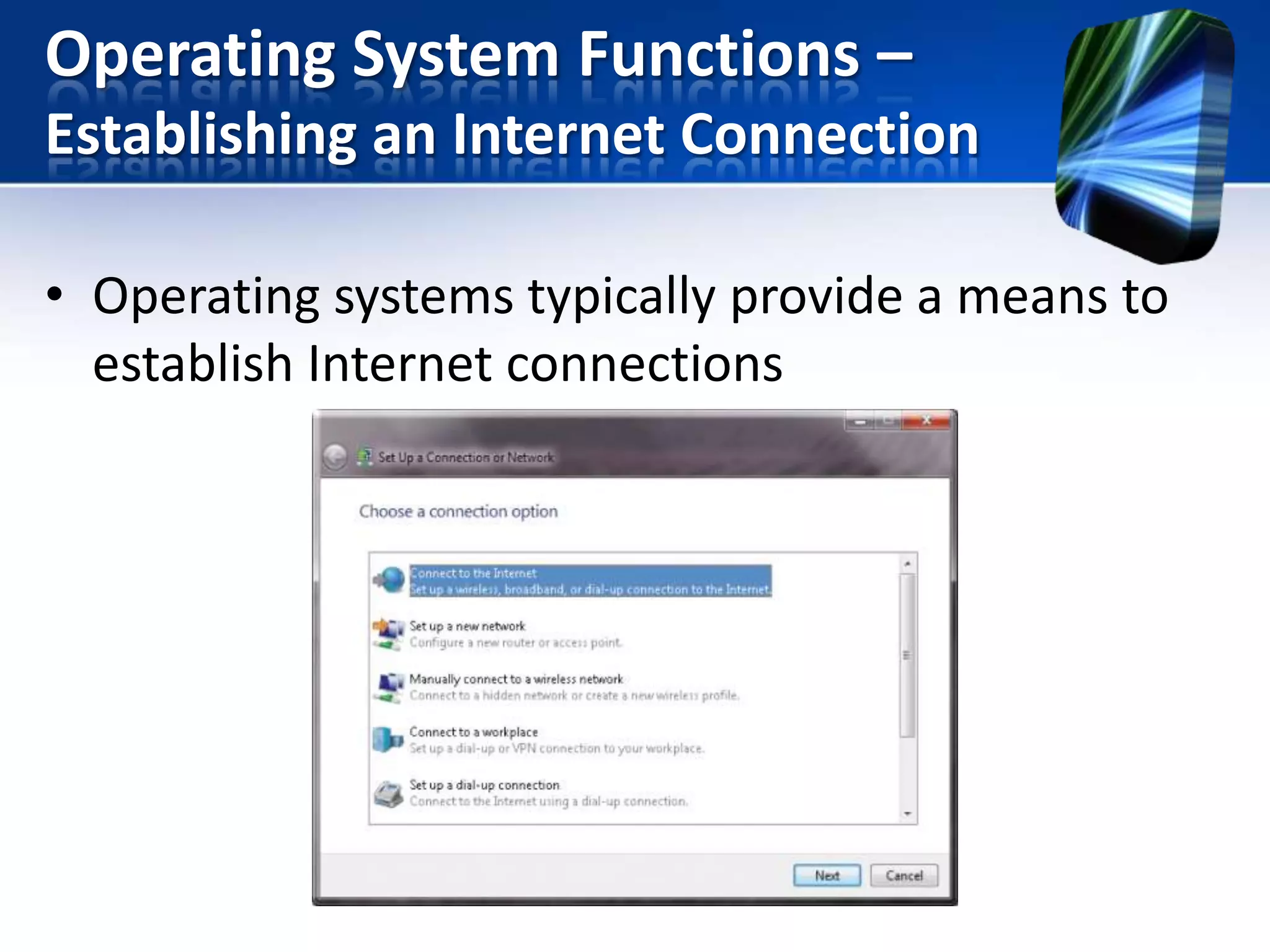
• Operating systems typically provide a means to
establish Internet connections
Operating System Functions –
Monitoring Performance
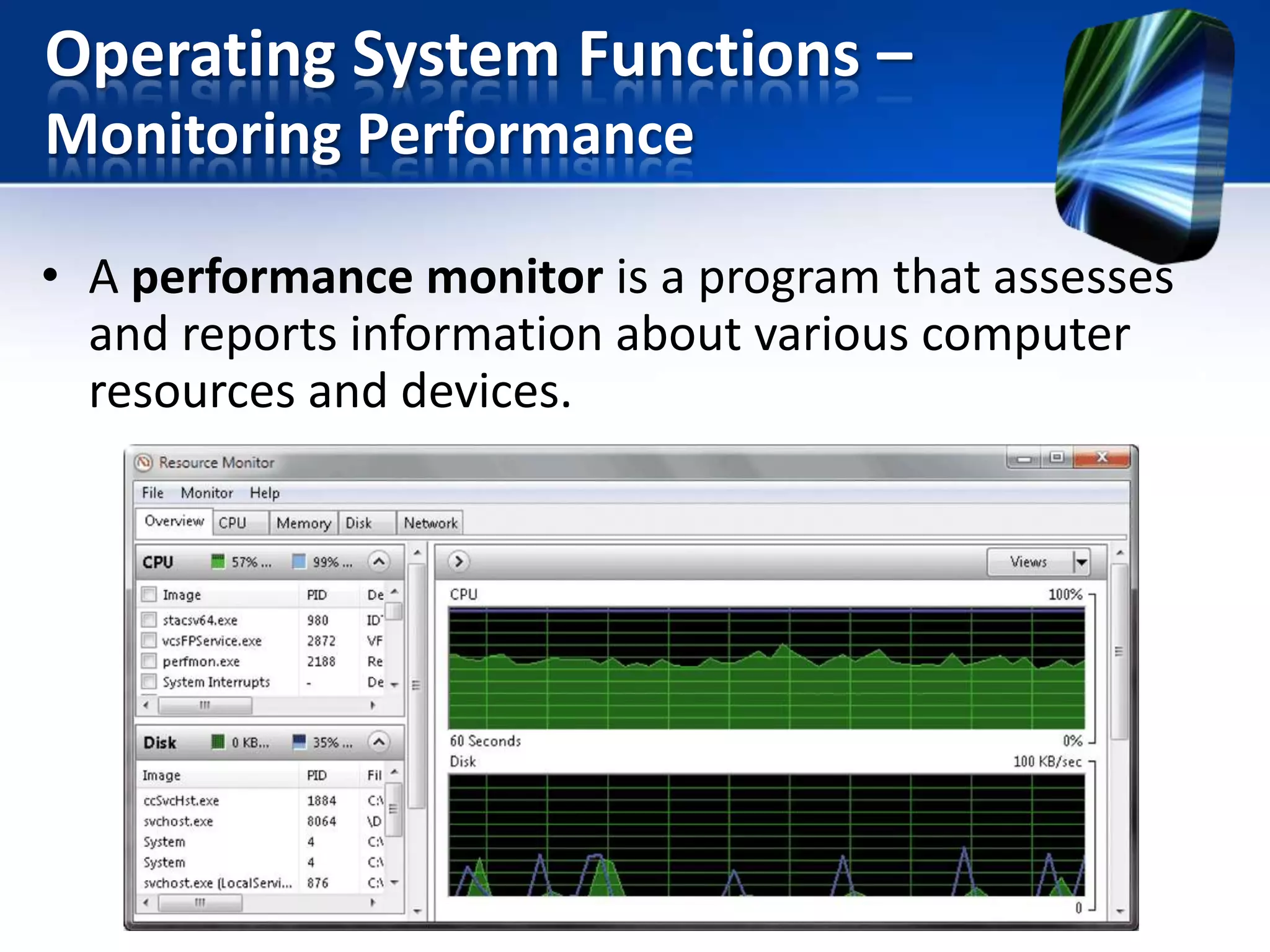
• A performance monitor is a program that assesses
and reports information about various computer
resources and devices.
Operating System Functions –
Providing File Management & Other Utilities

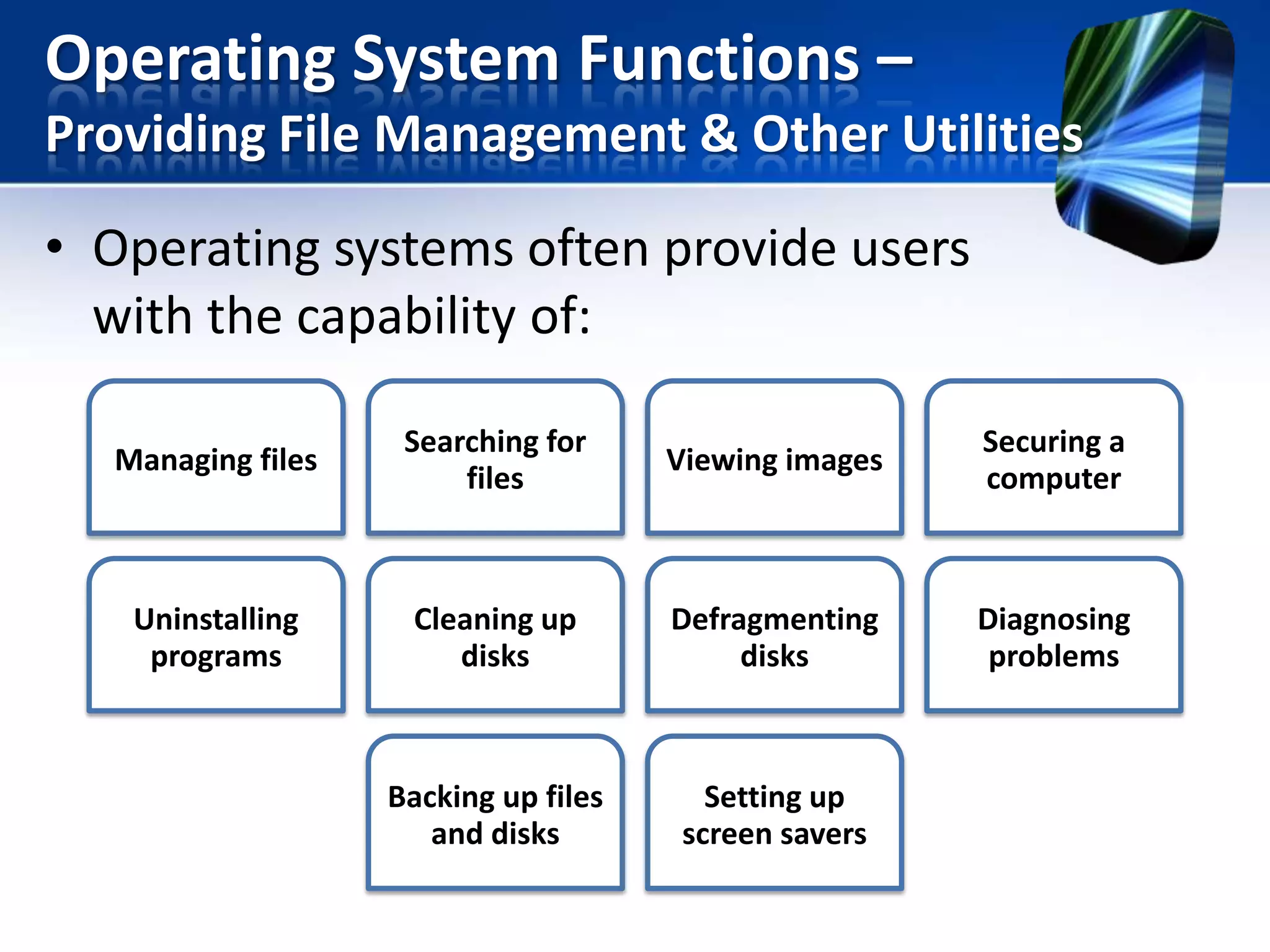
• Operating systems often provide users
with the capability of:
Managing files

Searching for
files

Viewing images

Securing a
computer

Uninstalling
programs

Cleaning up
disks

Defragmenting
disks

Diagnosing
problems

Backing up files
and disks

Setting up
screen savers
Operating System Functions –
Updating Software Automatically
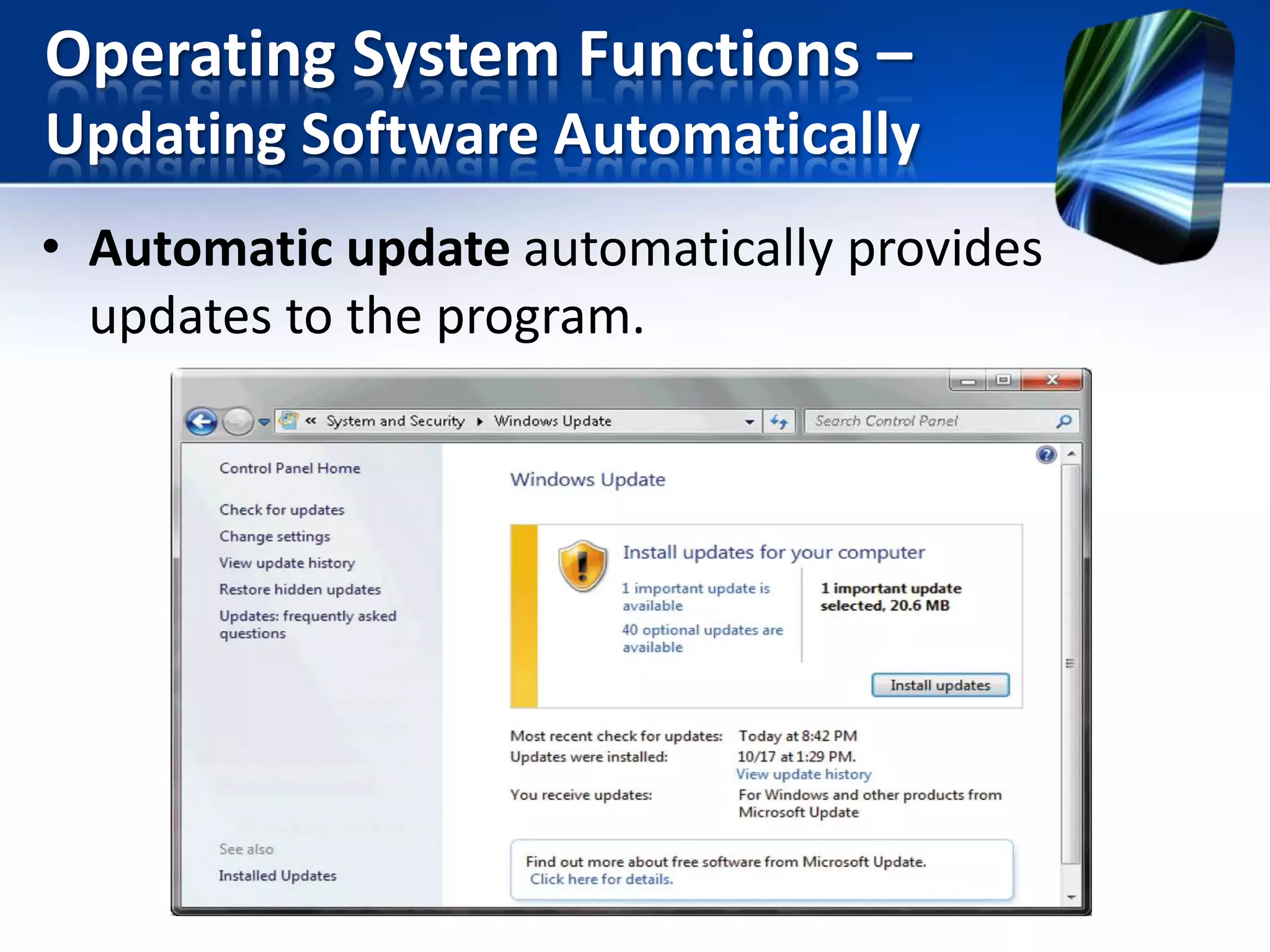
• Automatic update automatically provides
updates to the program.
Operating System Functions –
Controlling a Network
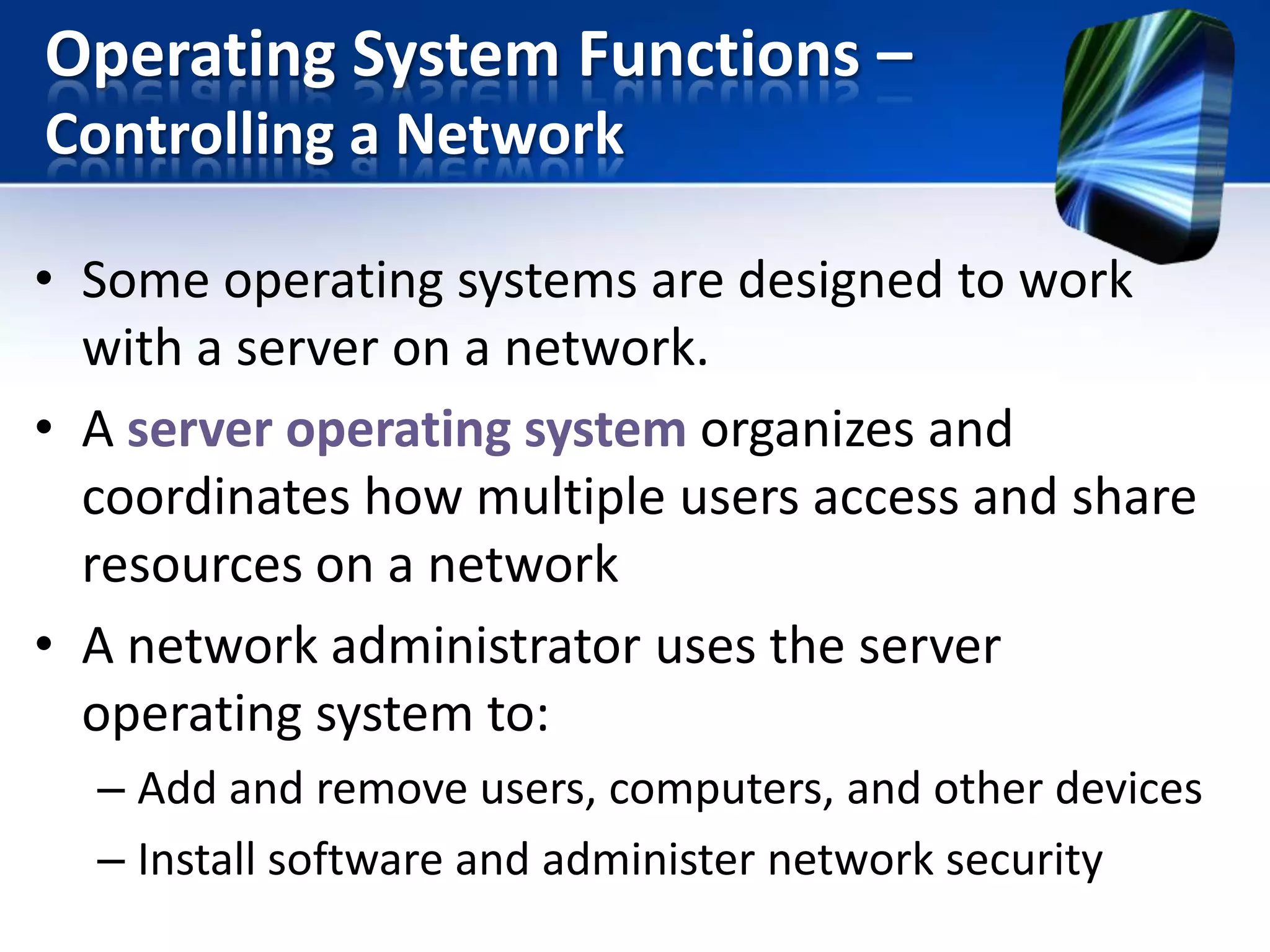
• Some operating systems are designed to work
with a server on a network.
• A server operating system organizes and
coordinates how multiple users access and share
resources on a network
• A network administrator uses the server
operating system to:
– Add and remove users, computers, and other devices
– Install software and administer network security
Operating System Functions –
Administering Security
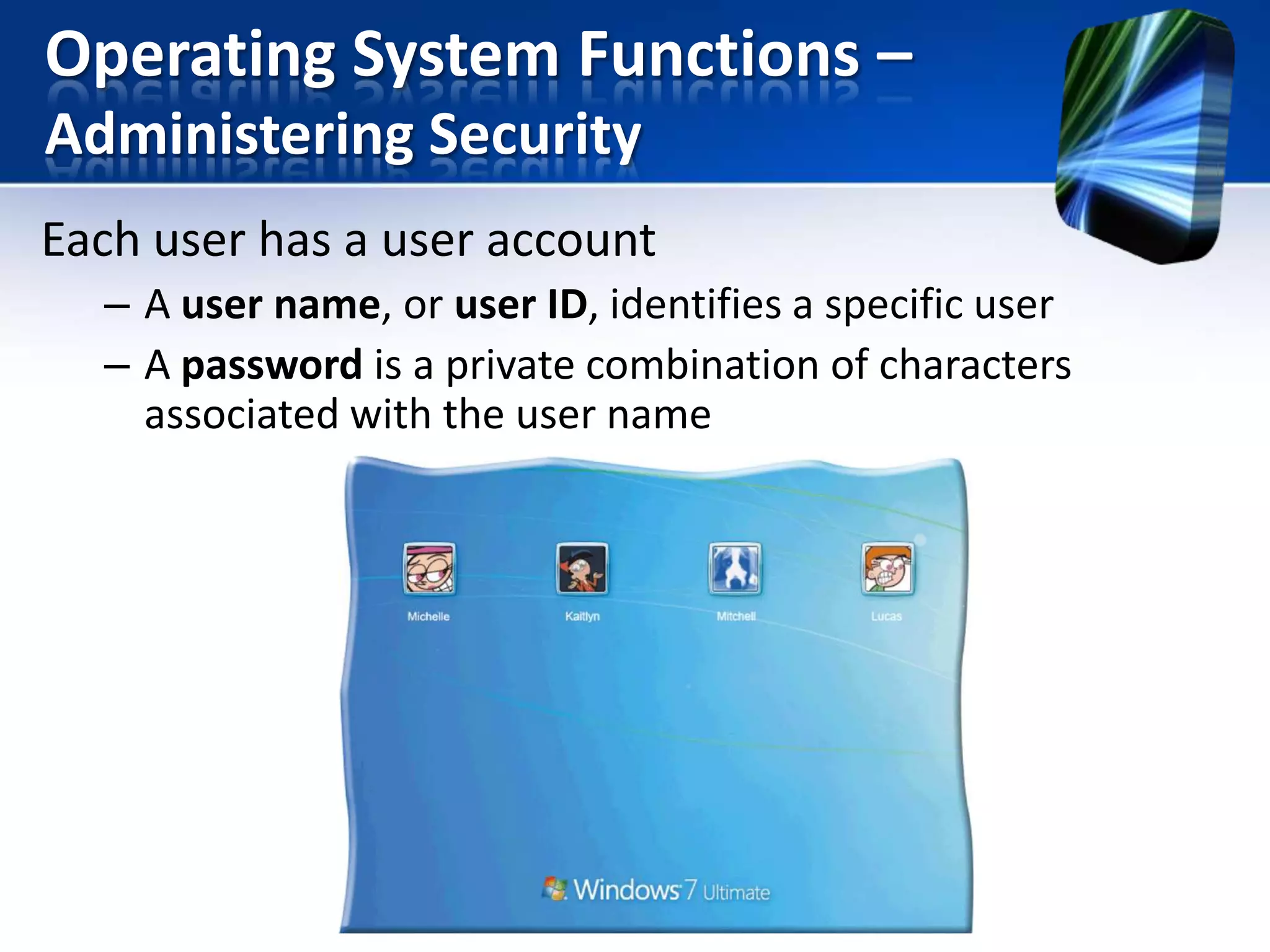
Each user has a user account
– A user name, or user ID, identifies a specific user
– A password is a private combination of characters
associated with the user name
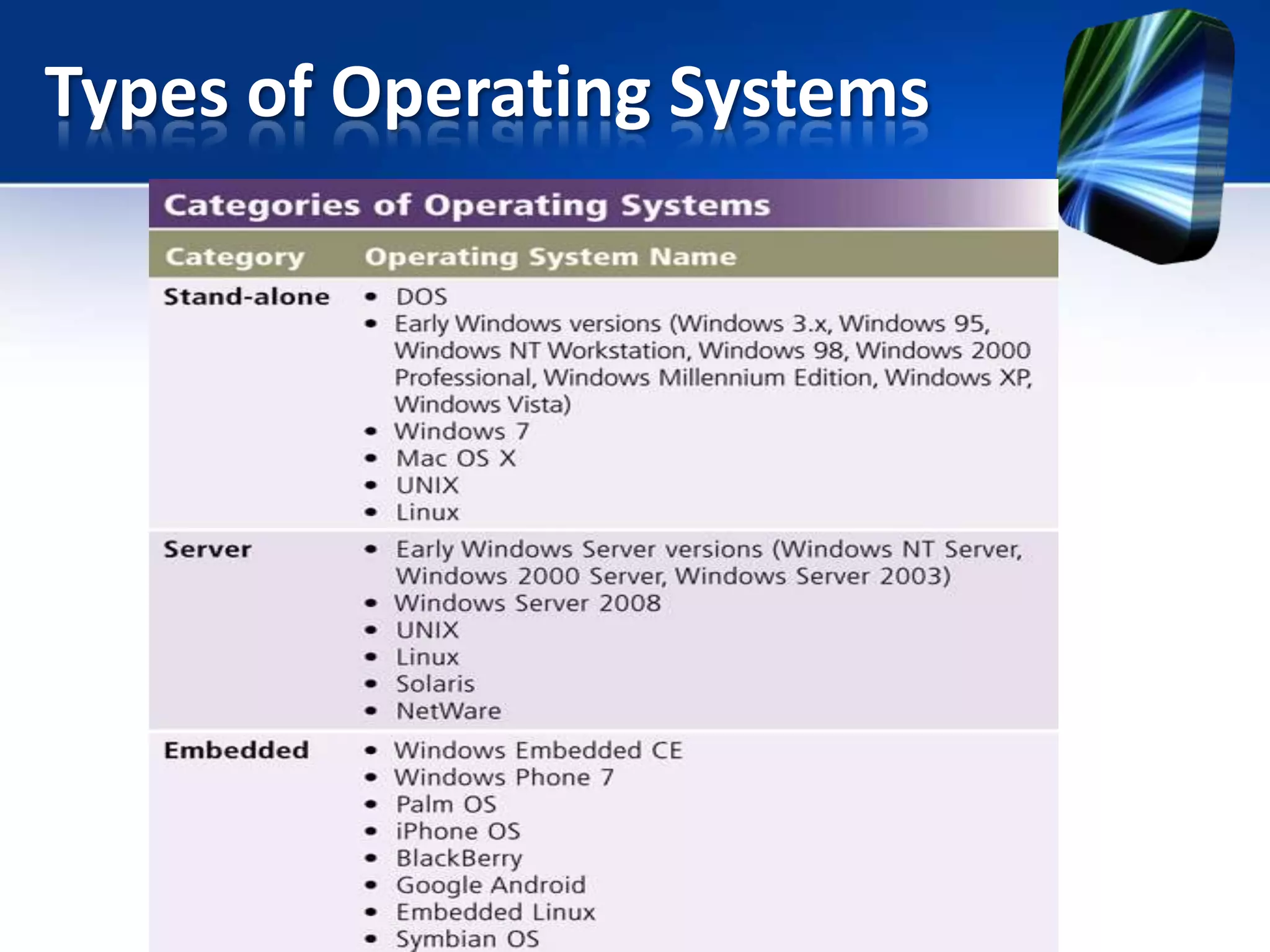
Types of Operating Systems
Types of Operating Systems –
Stand-Alone Operating Systems
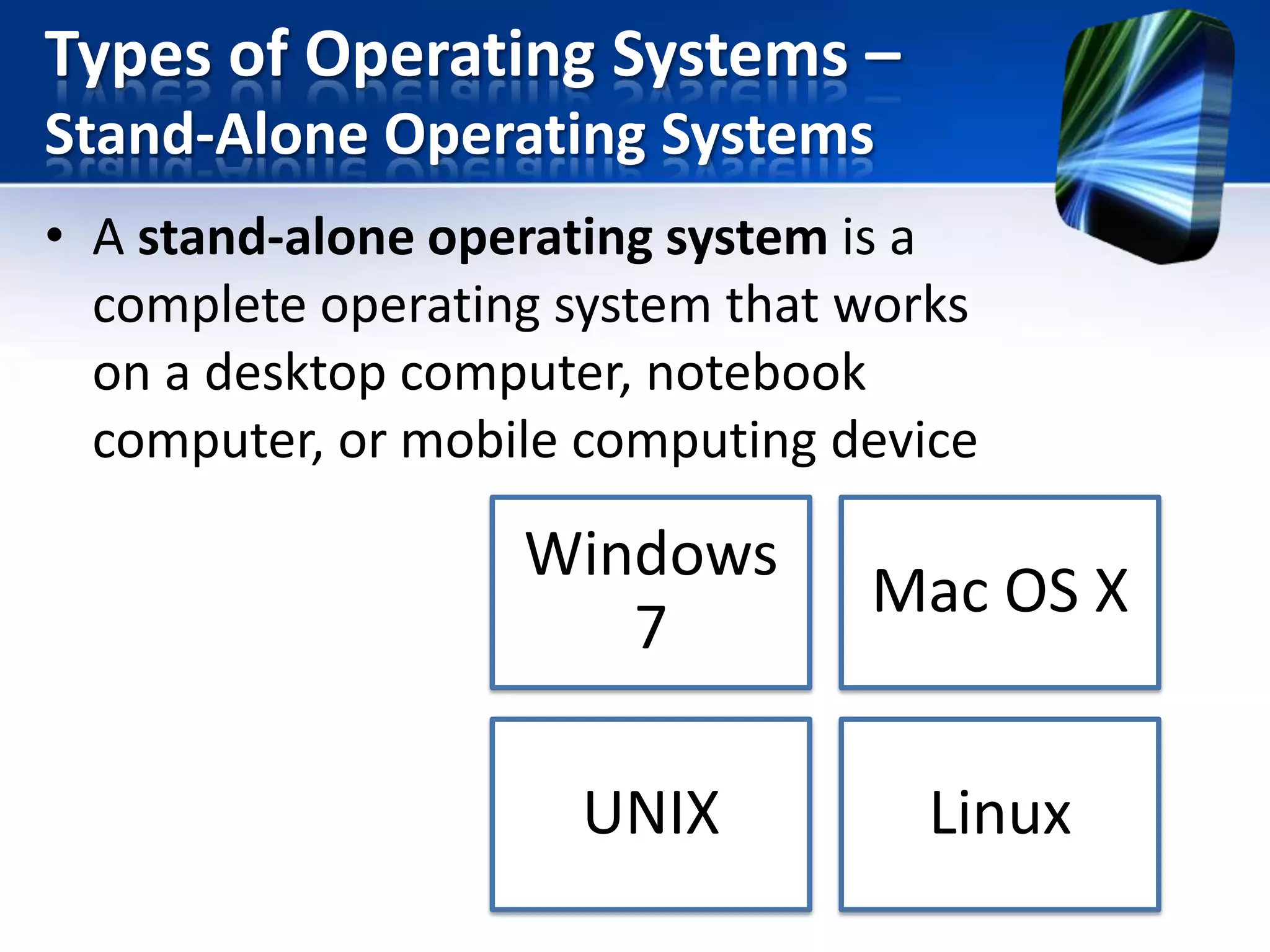
• A stand-alone operating system is a
complete operating system that works
on a desktop computer, notebook
computer, or mobile computing device

Windows
7

Mac OS X

UNIX

Linux
Types of Operating Systems –
Stand-Alone Operating Systems
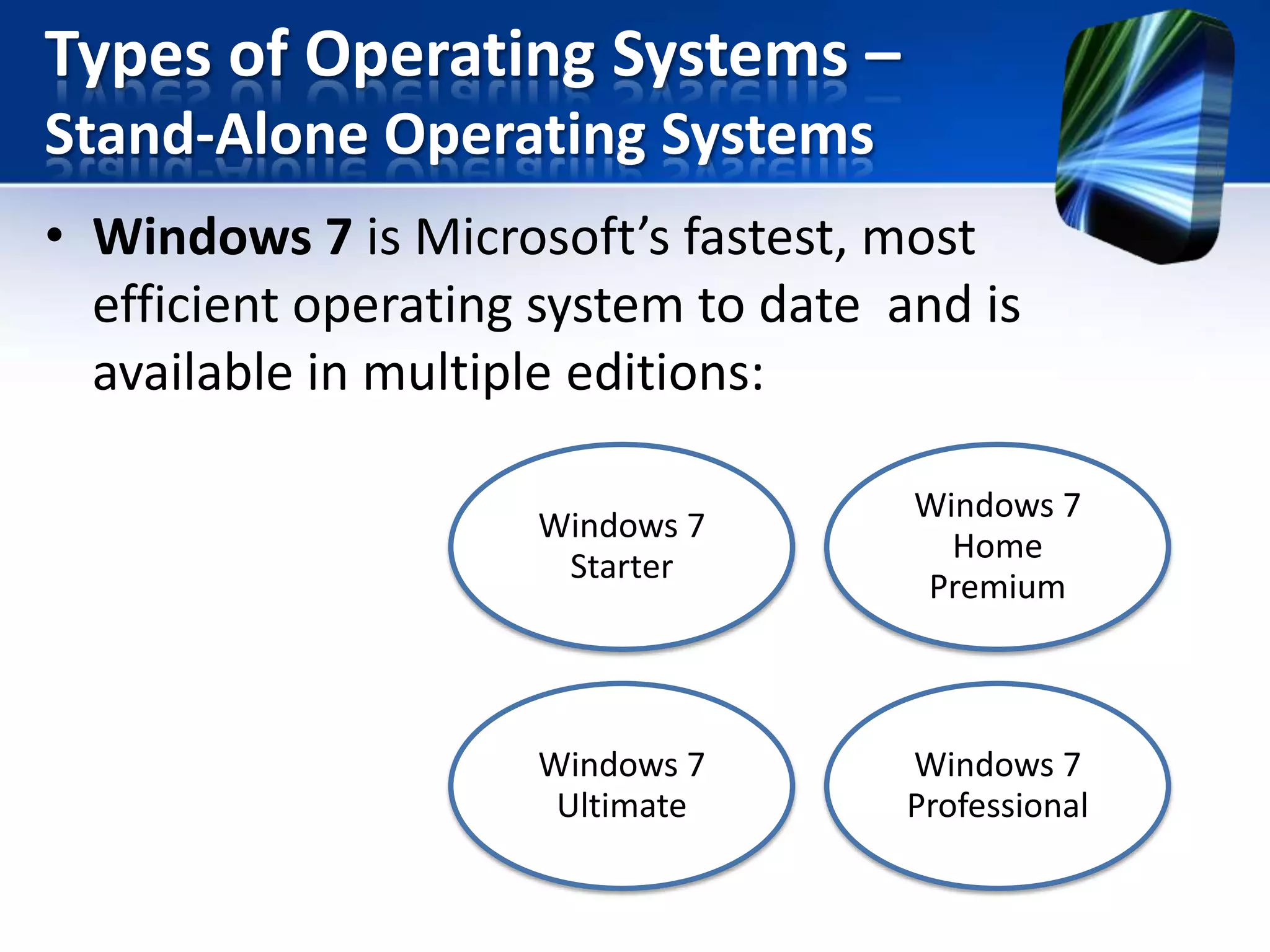
• Windows 7 is Microsoft’s fastest, most
efficient operating system to date and is
available in multiple editions:
Windows 7
Starter

Windows 7
Home
Premium

Windows 7
Ultimate

Windows 7
Professional
Types of Operating Systems –
Stand-Alone Operating Systems
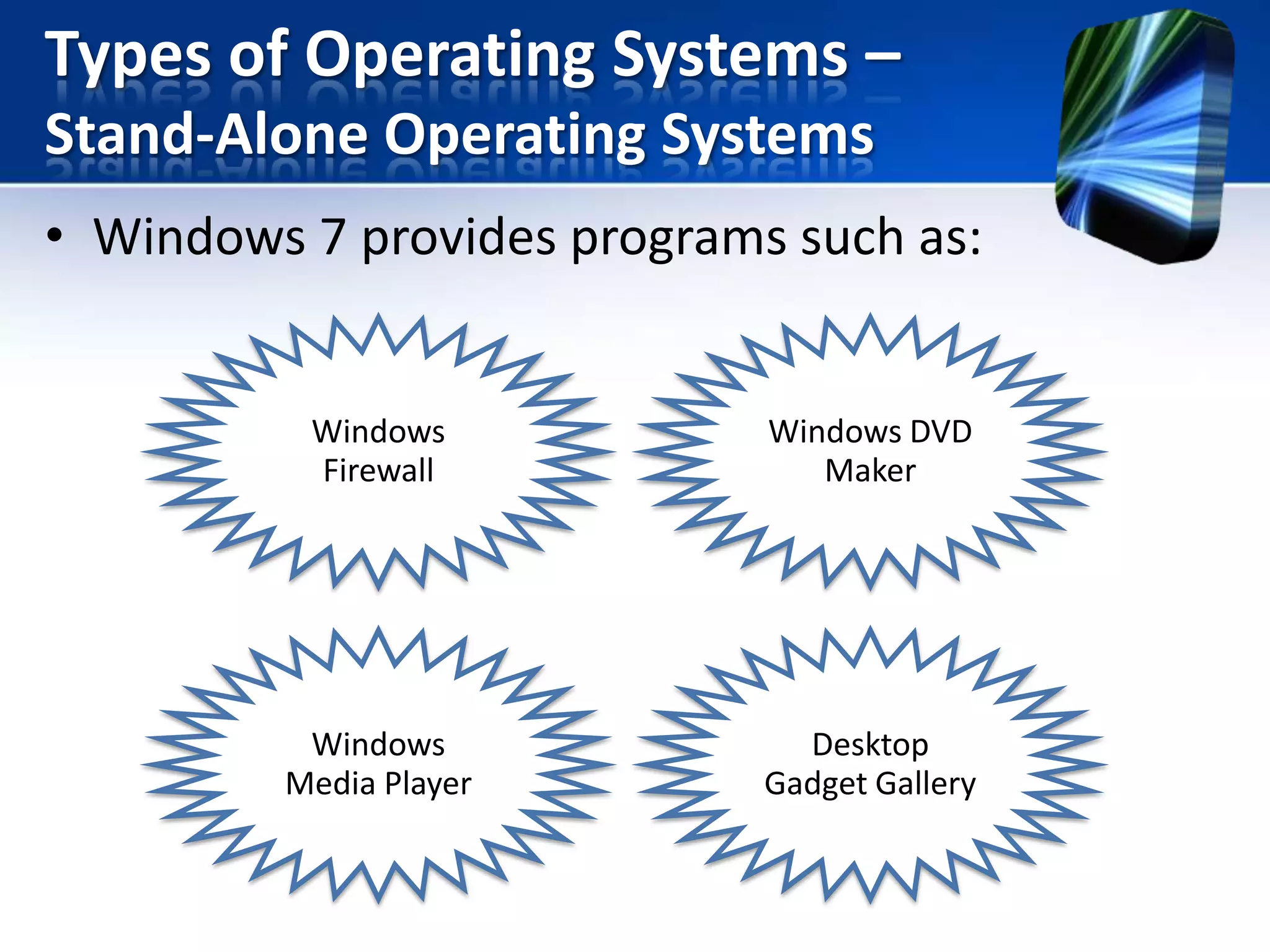
• Windows 7 provides programs such as:

Windows
Firewall

Windows DVD
Maker

Windows
Media Player

Desktop
Gadget Gallery
Types of Operating Systems –
Stand-Alone Operating Systems
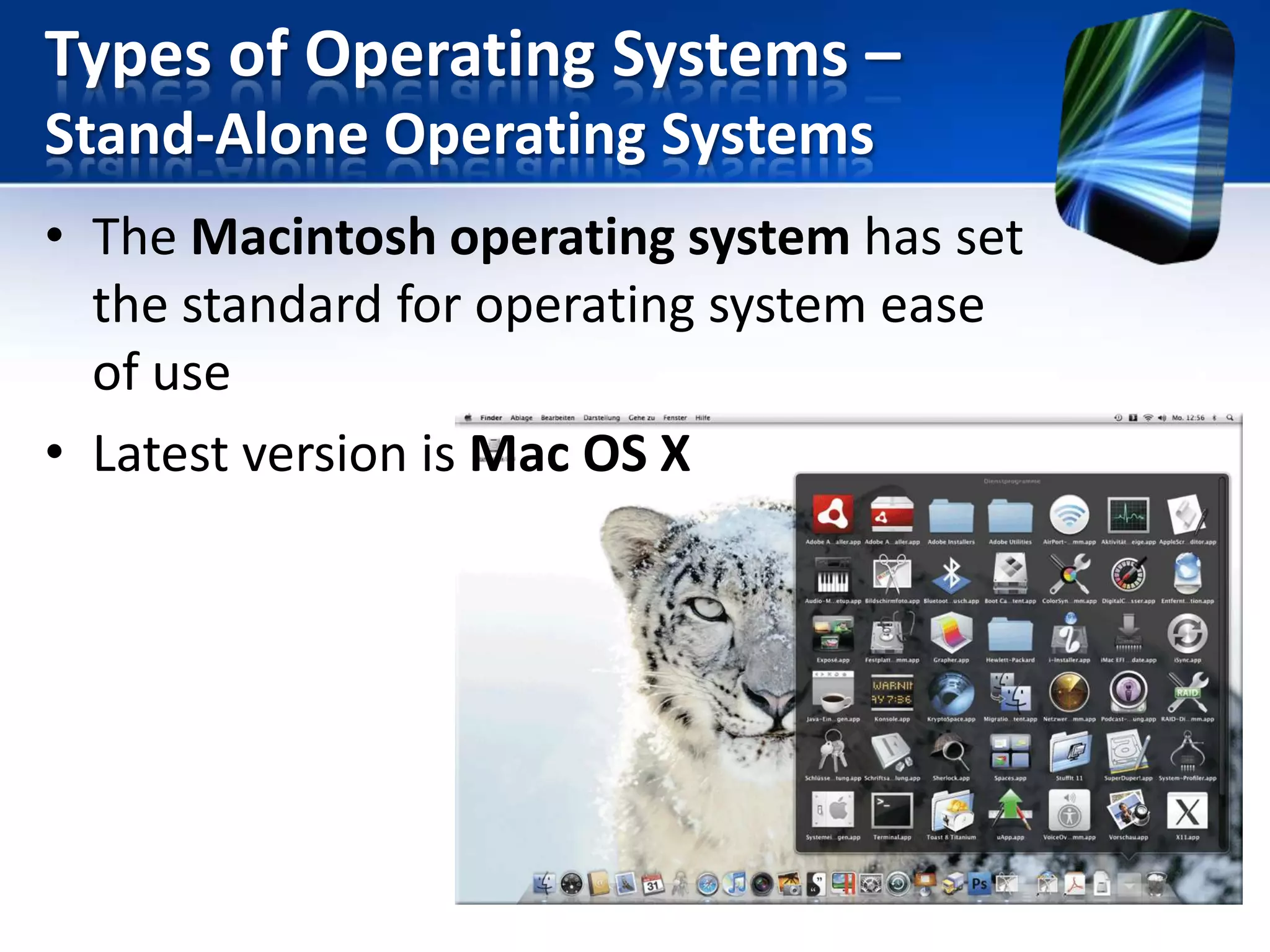
• The Macintosh operating system has set
the standard for operating system ease
of use
• Latest version is Mac OS X
Types of Operating Systems –
Stand-Alone Operating Systems

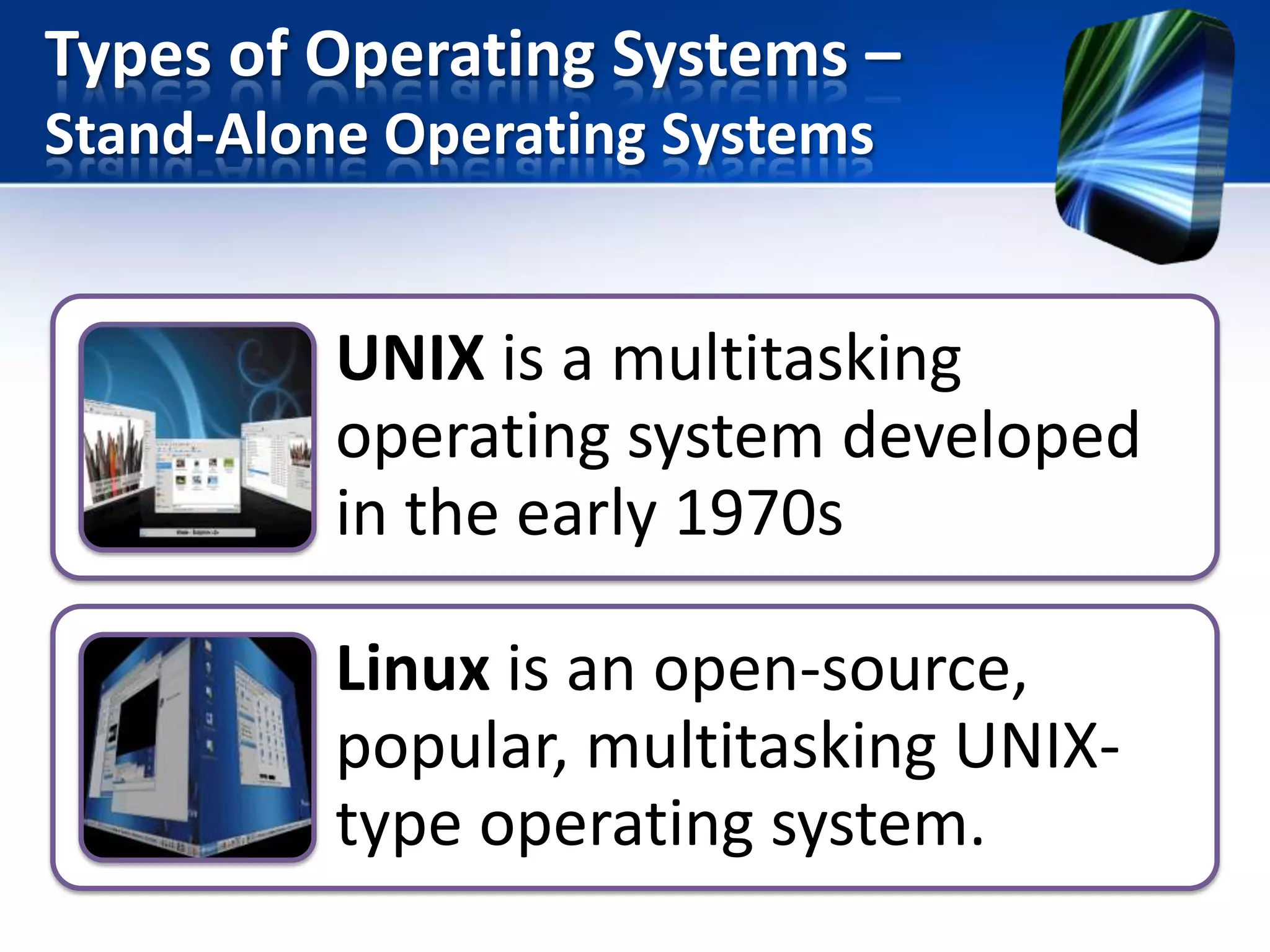
UNIX is a multitasking
operating system developed
in the early 1970s
Linux is an open-source,
popular, multitasking UNIXtype operating system.
Types of Operating Systems –
Server Operating Systems
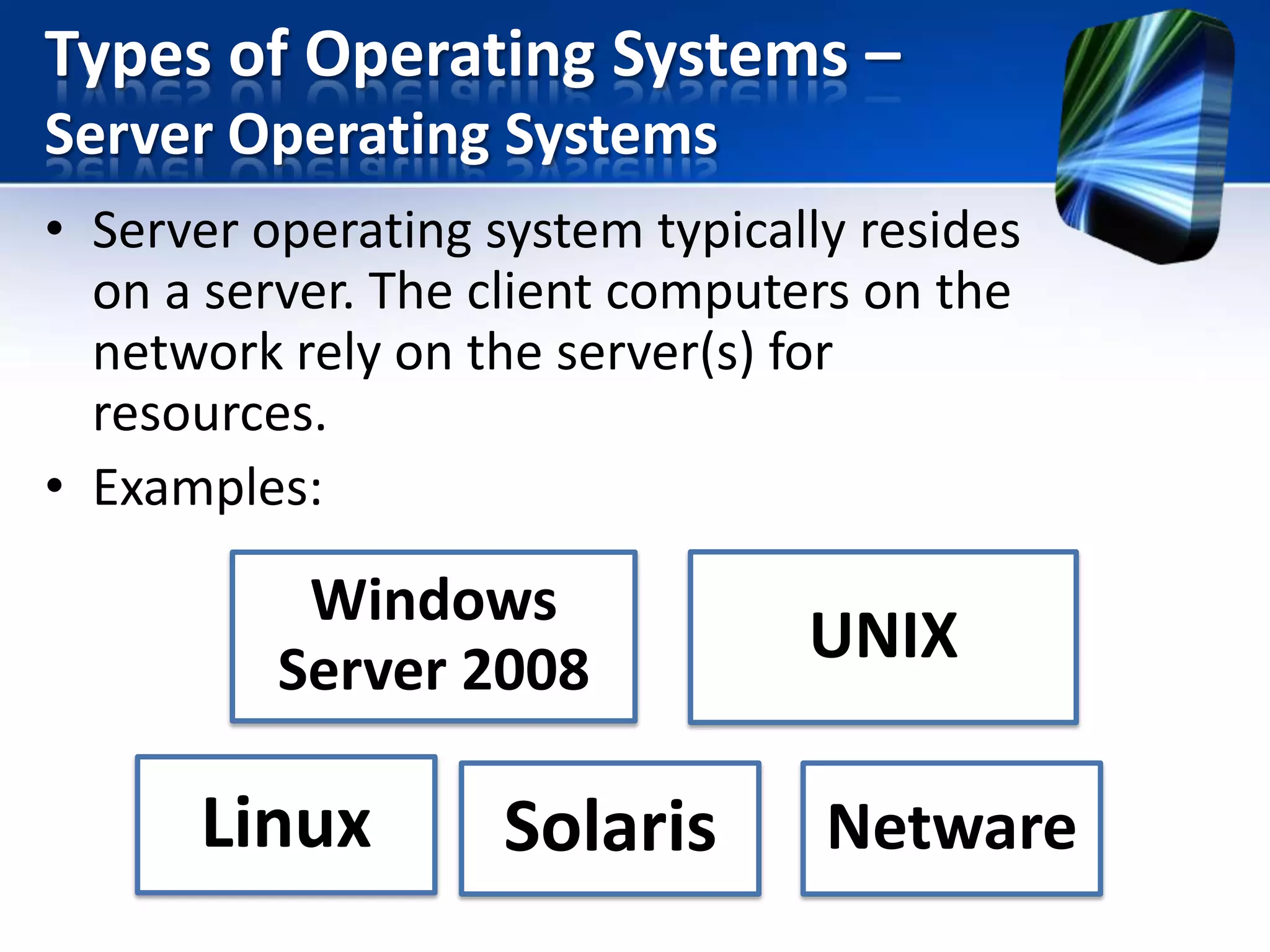
• Server operating system typically resides
on a server. The client computers on the
network rely on the server(s) for
resources.
• Examples:

Windows
Server 2008

Linux

Solaris

UNIX

Netware
Types of Operating Systems –
Server Operating Systems

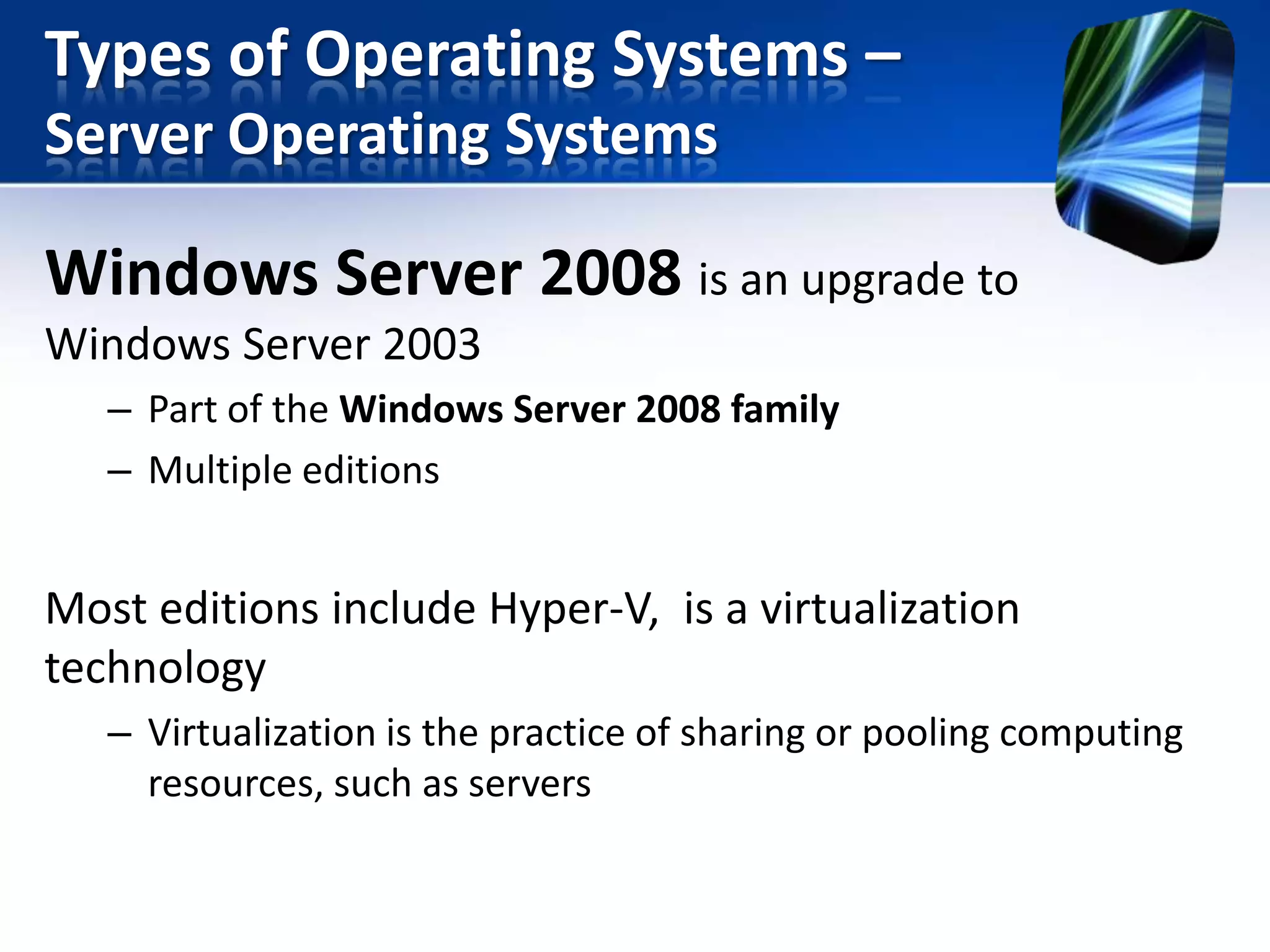
Windows Server 2008 is an upgrade to
Windows Server 2003
– Part of the Windows Server 2008 family
– Multiple editions

Most editions include Hyper-V, is a virtualization
technology
– Virtualization is the practice of sharing or pooling computing
resources, such as servers
Types of Operating Systems –
Embedded Operating Systems
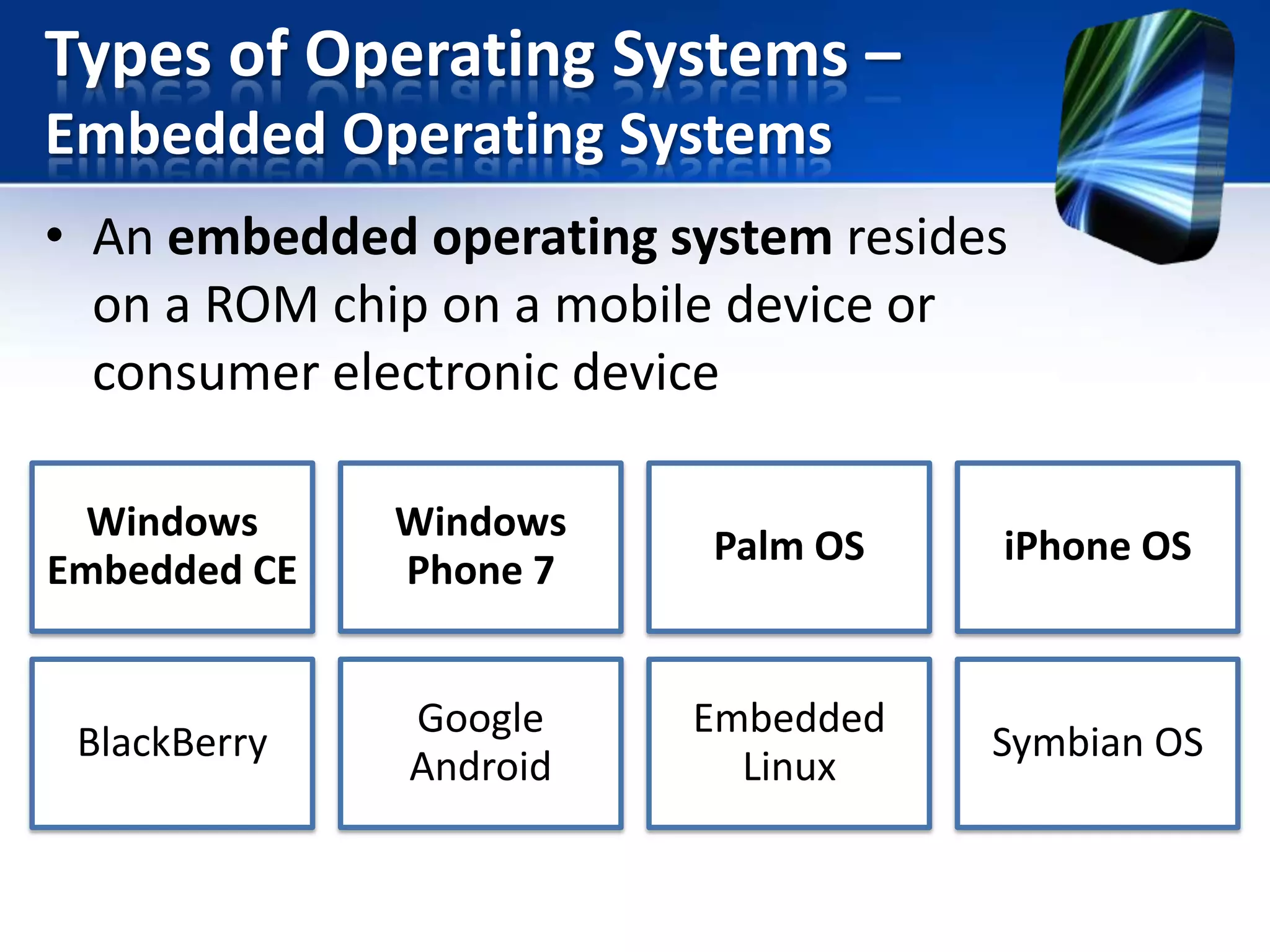
• An embedded operating system resides
on a ROM chip on a mobile device or
consumer electronic device
Windows
Embedded CE

Windows
Phone 7

Palm OS

iPhone OS

BlackBerry

Google
Android

Embedded
Linux

Symbian OS
Types of Operating Systems –
Embedded Operating Systems
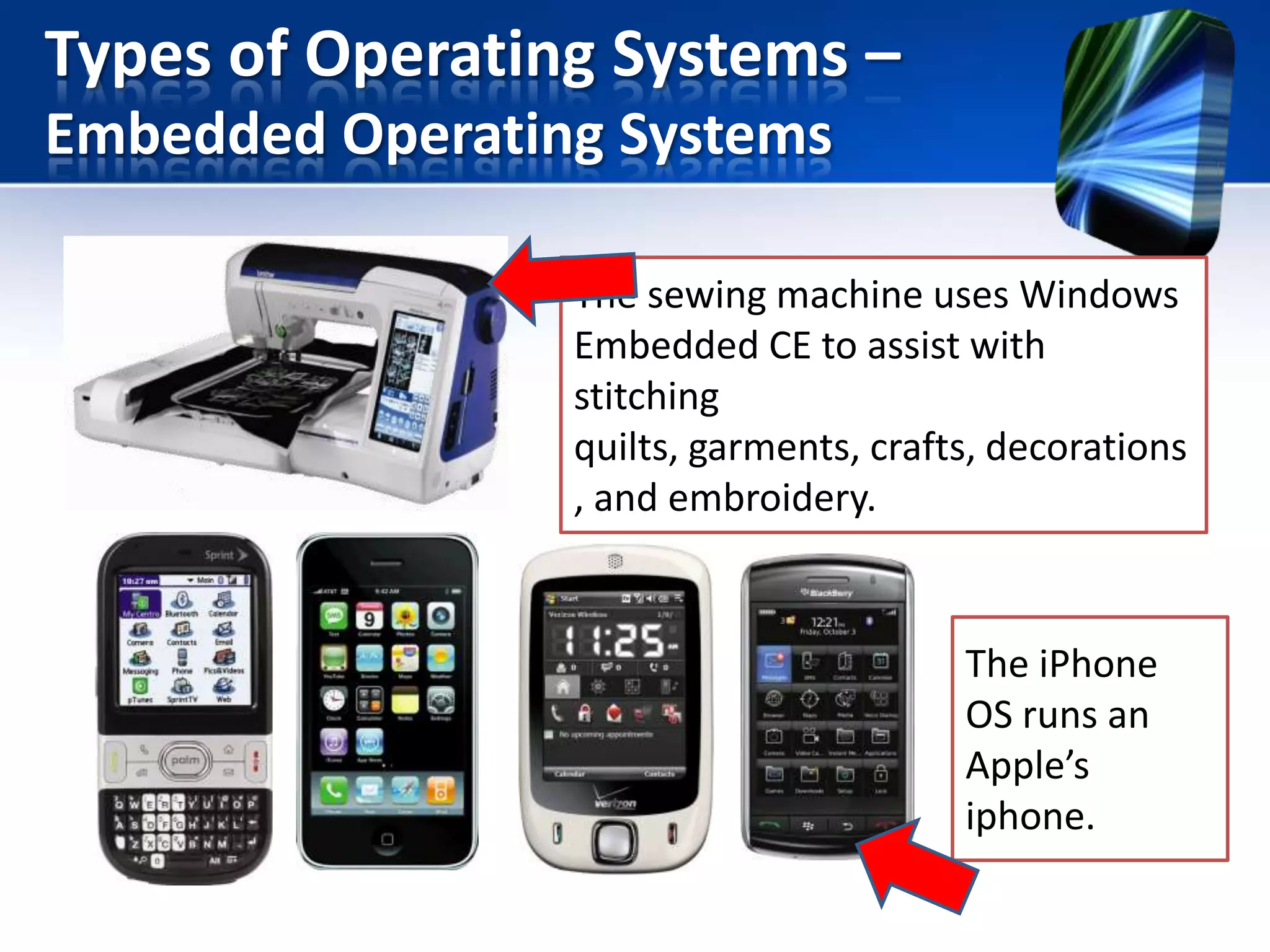
The sewing machine uses Windows
Embedded CE to assist with
stitching
quilts, garments, crafts, decorations
, and embroidery.

The iPhone
OS runs an
Apple’s
iphone.
Utility Programs
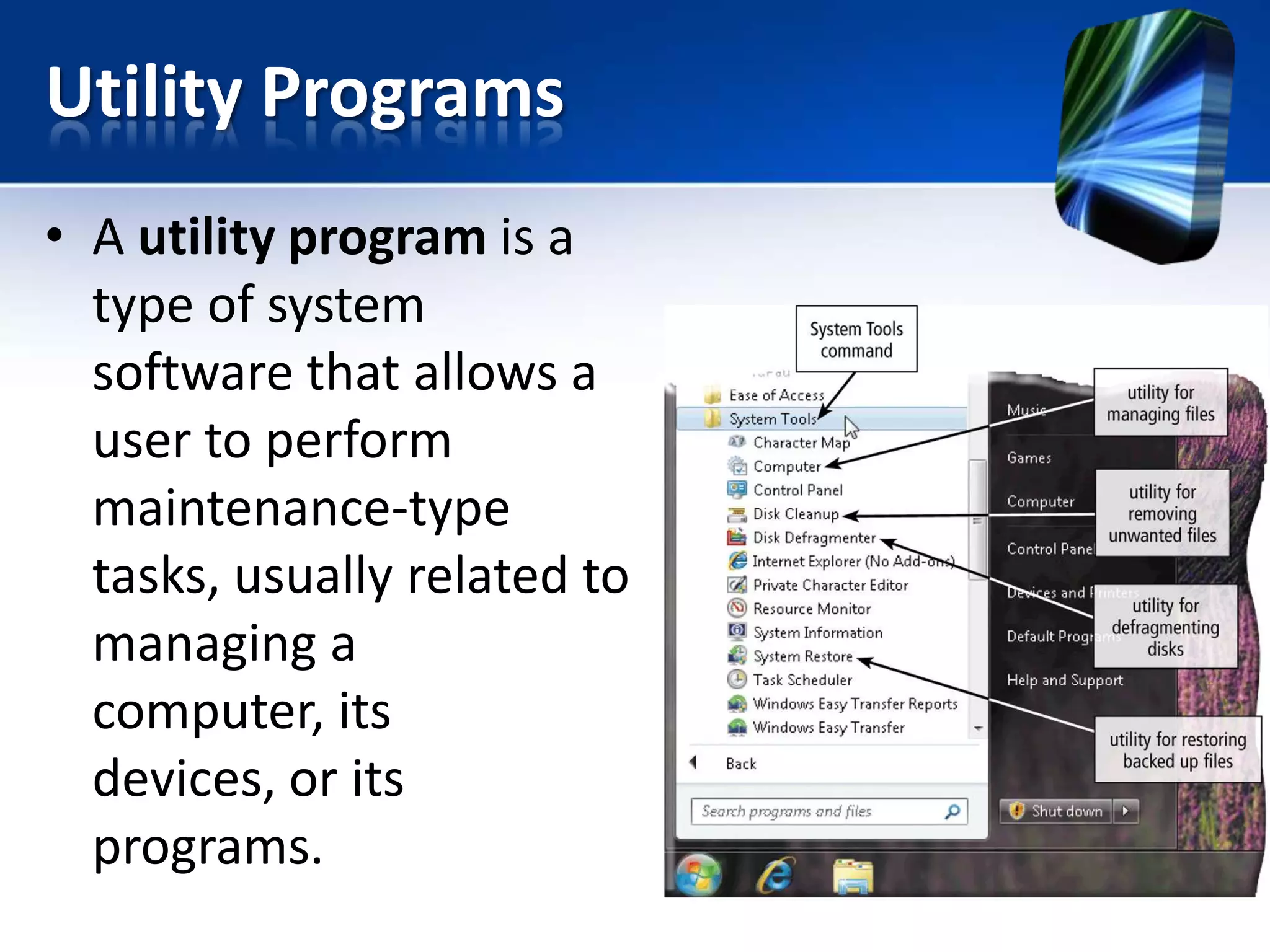
• A utility program is a
type of system
software that allows a
user to perform
maintenance-type
tasks, usually related to
managing a
computer, its
devices, or its
programs.
Utility Programs –
File Manager
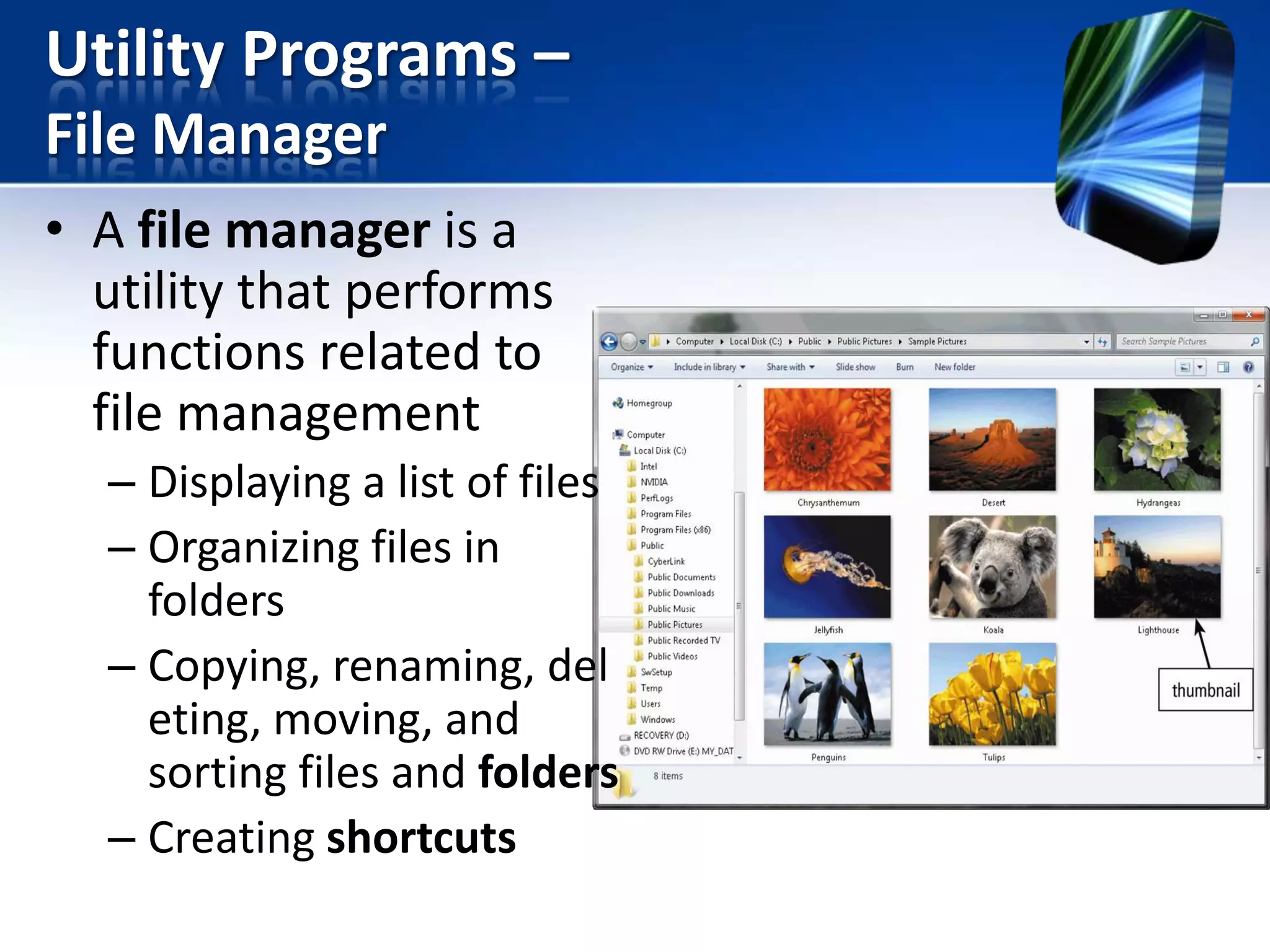
• A file manager is a
utility that performs
functions related to
file management
– Displaying a list of files
– Organizing files in
folders
– Copying, renaming, del
eting, moving, and
sorting files and folders
– Creating shortcuts
Utility Programs –
Search Utility
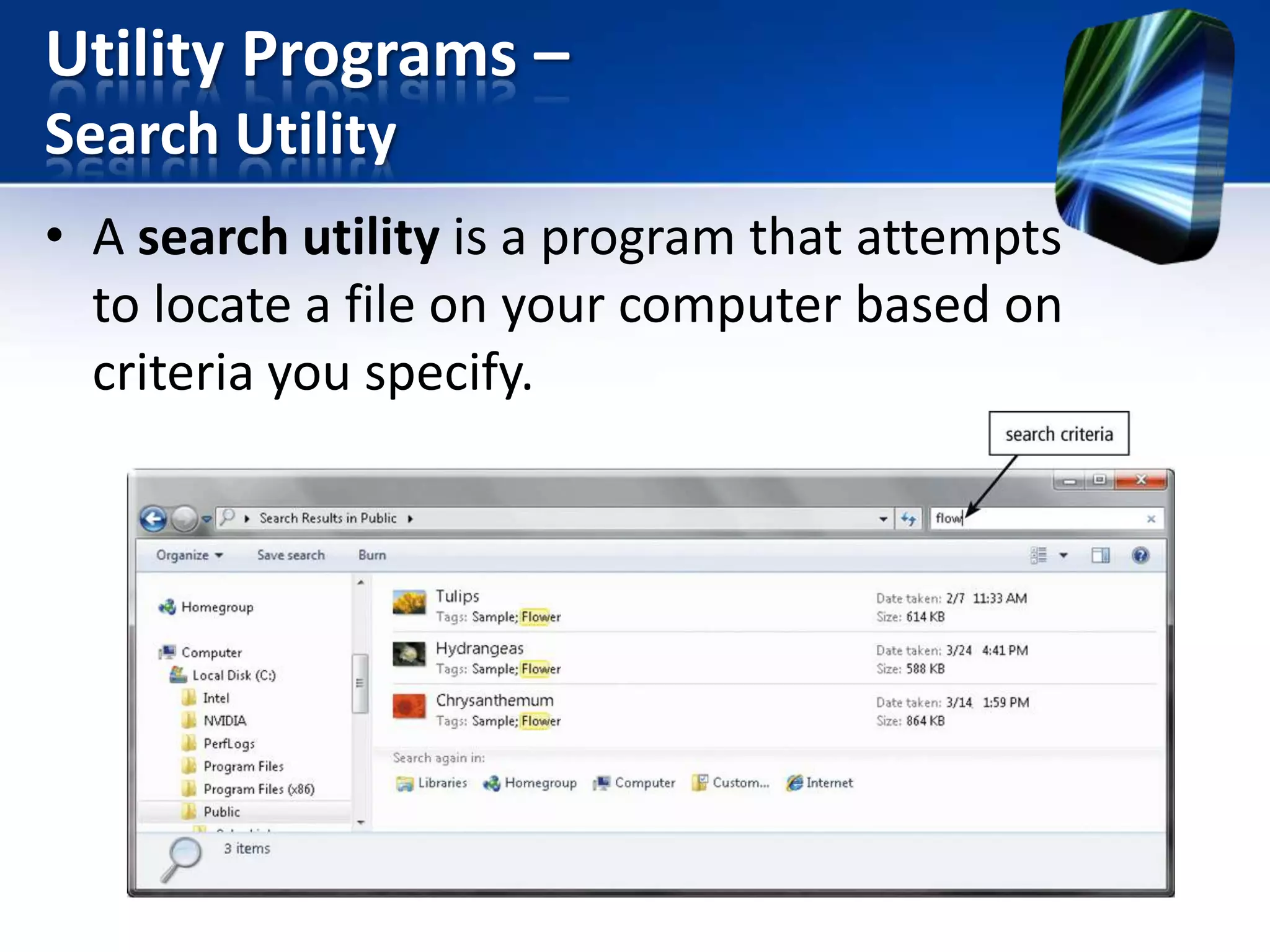
• A search utility is a program that attempts
to locate a file on your computer based on
criteria you specify.
Utility Programs –
Image Viewer
• An image viewer allows users to
display, copy, and print the contents of a
graphics file, such as photo
Utility Programs –
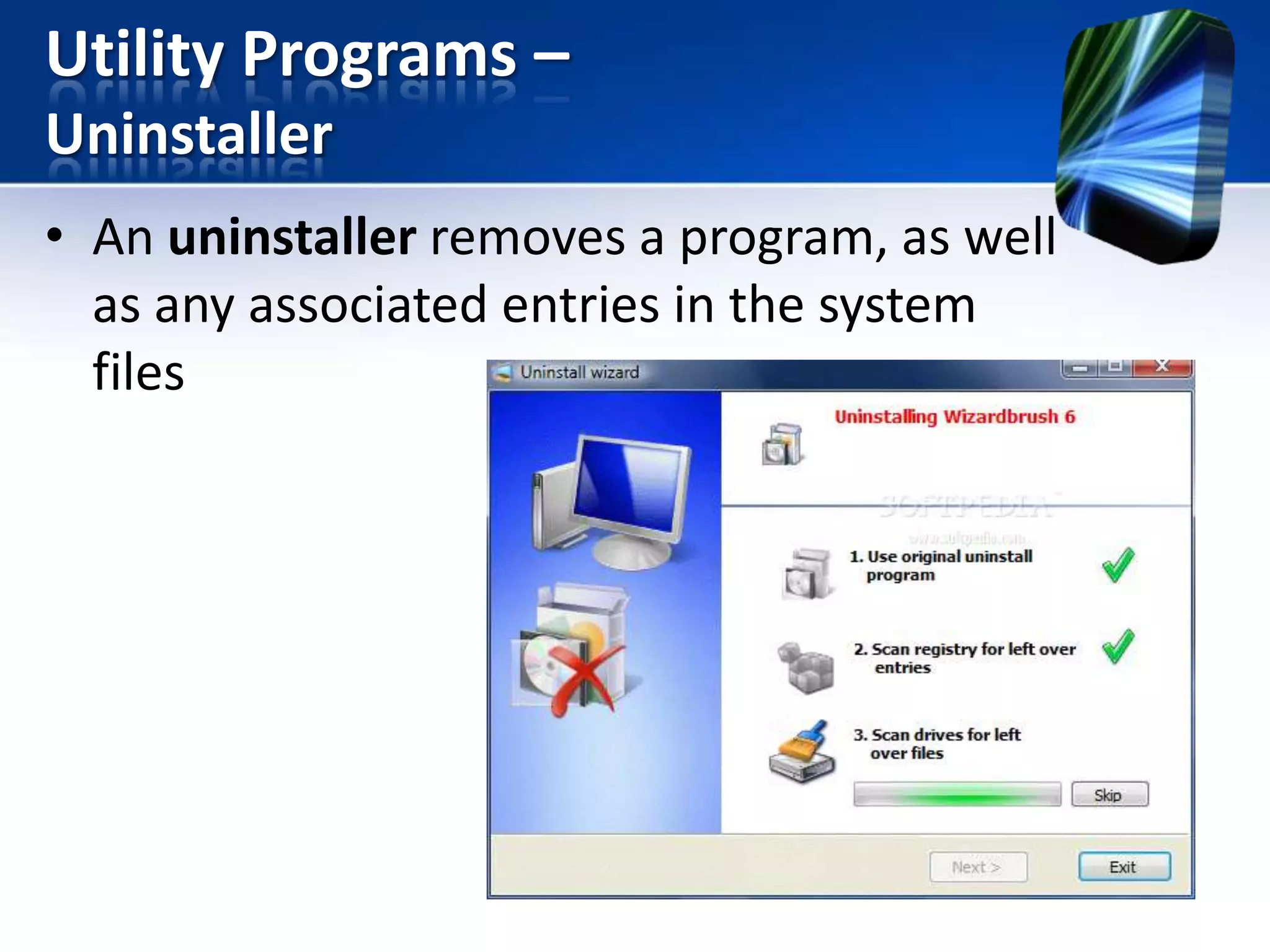
Uninstaller
• An uninstaller removes a program, as well
as any associated entries in the system
files
Utility Programs –
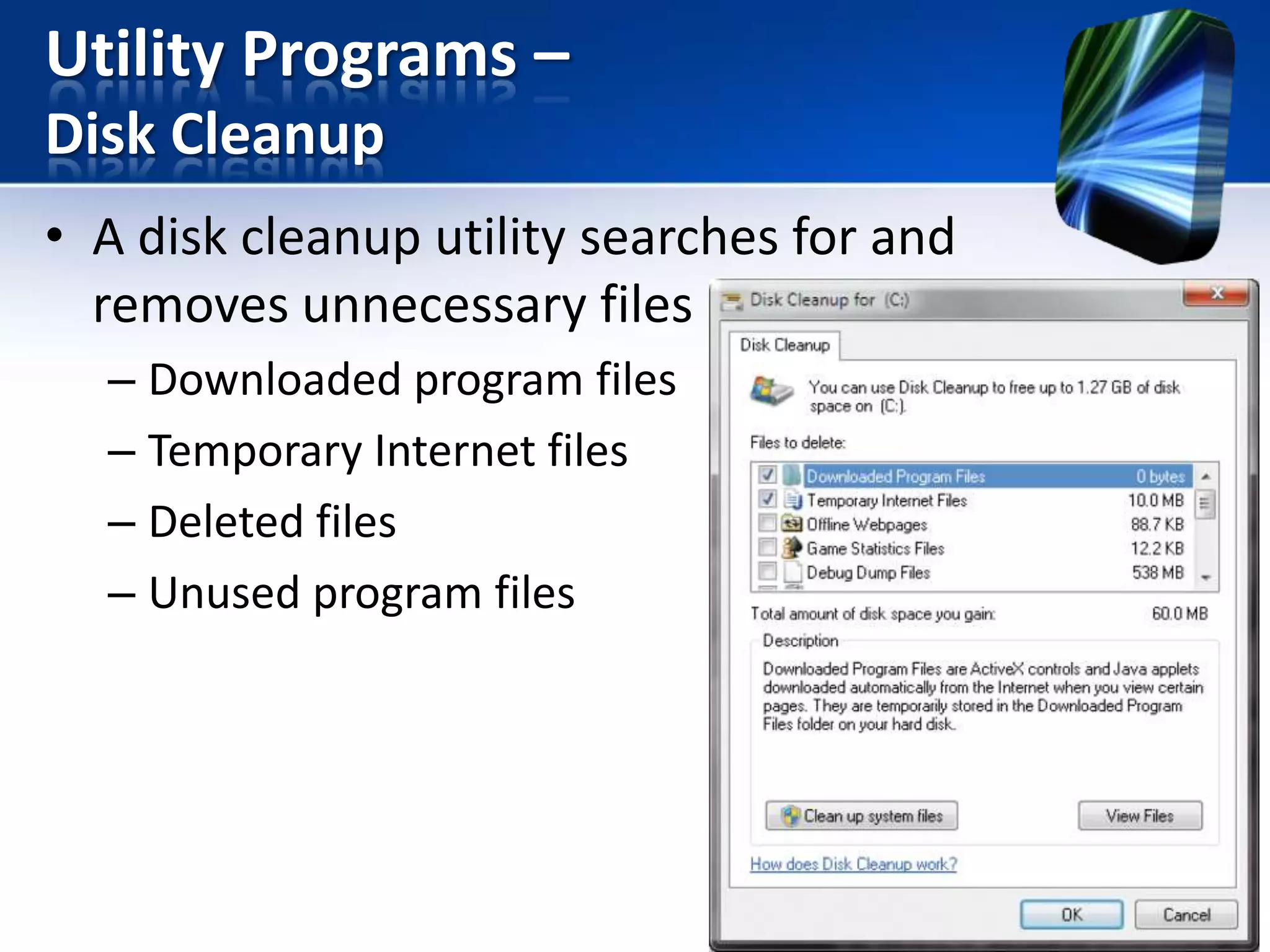
Disk Cleanup
• A disk cleanup utility searches for and
removes unnecessary files
– Downloaded program files
– Temporary Internet files
– Deleted files
– Unused program files
Utility Programs –
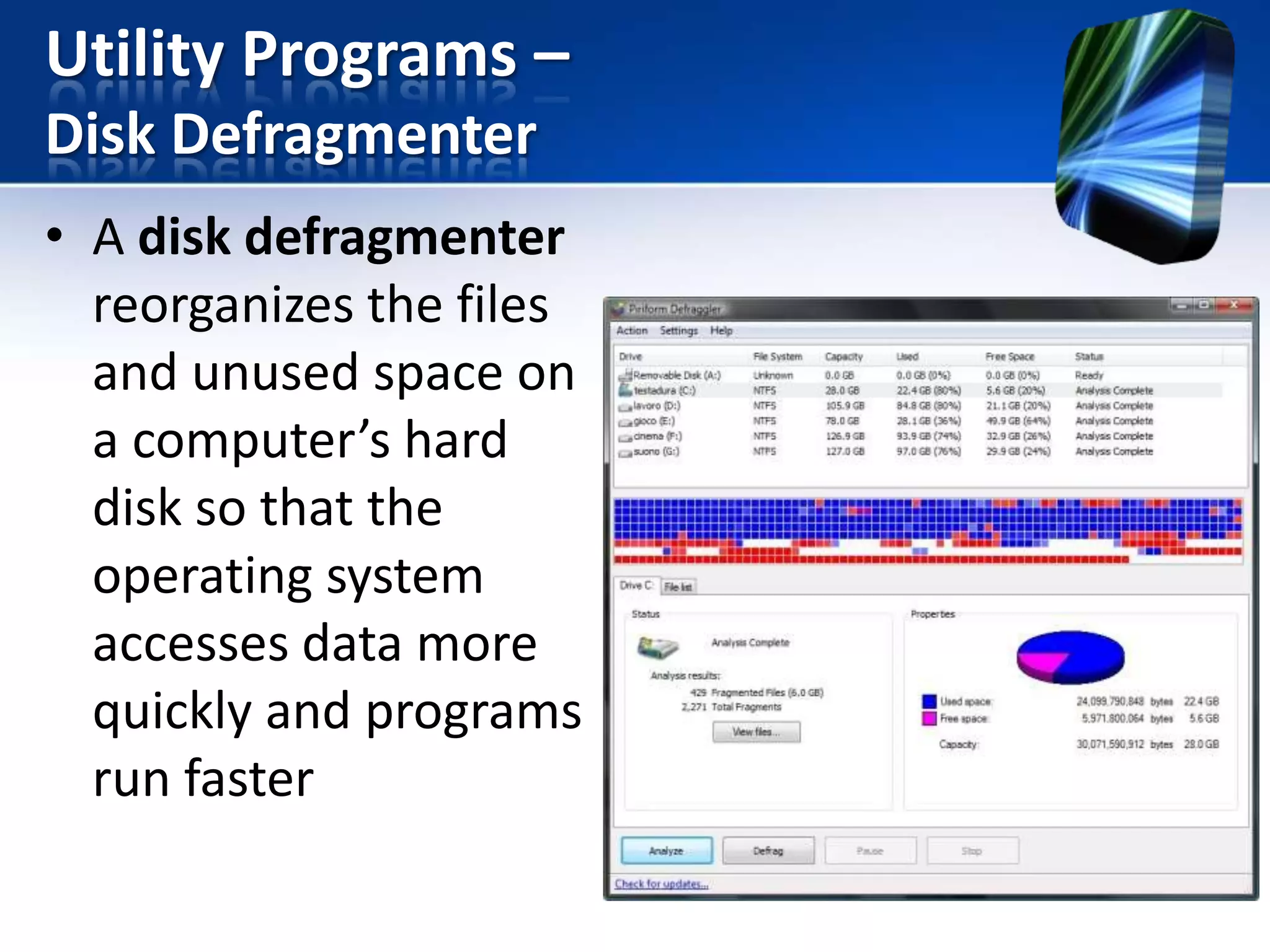
Disk Defragmenter
• A disk defragmenter
reorganizes the files
and unused space on
a computer’s hard
disk so that the
operating system
accesses data more
quickly and programs
run faster
Utility Programs –
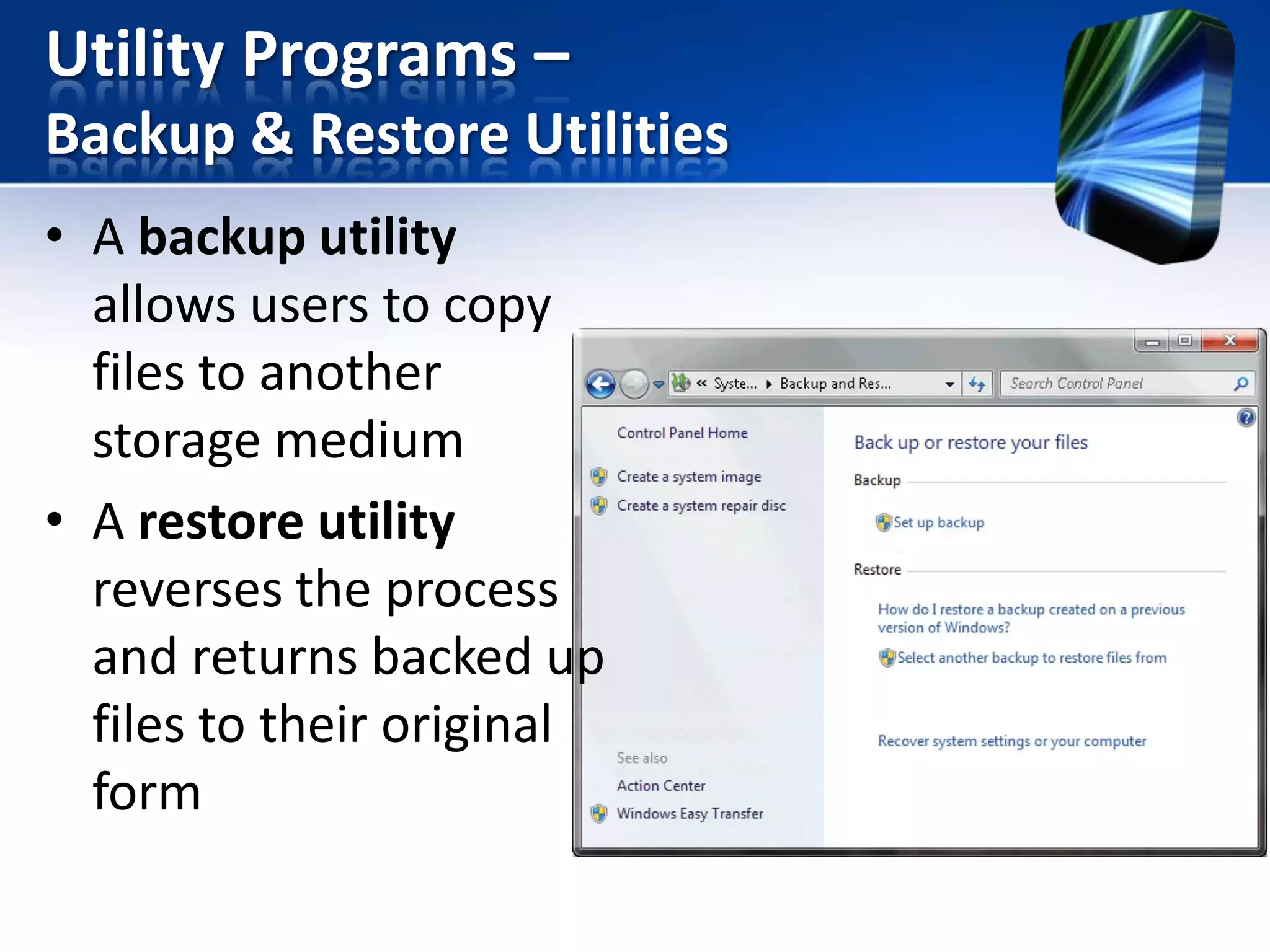
Backup & Restore Utilities
• A backup utility
allows users to copy
files to another
storage medium
• A restore utility
reverses the process
and returns backed up
files to their original
form
Utility Programs –
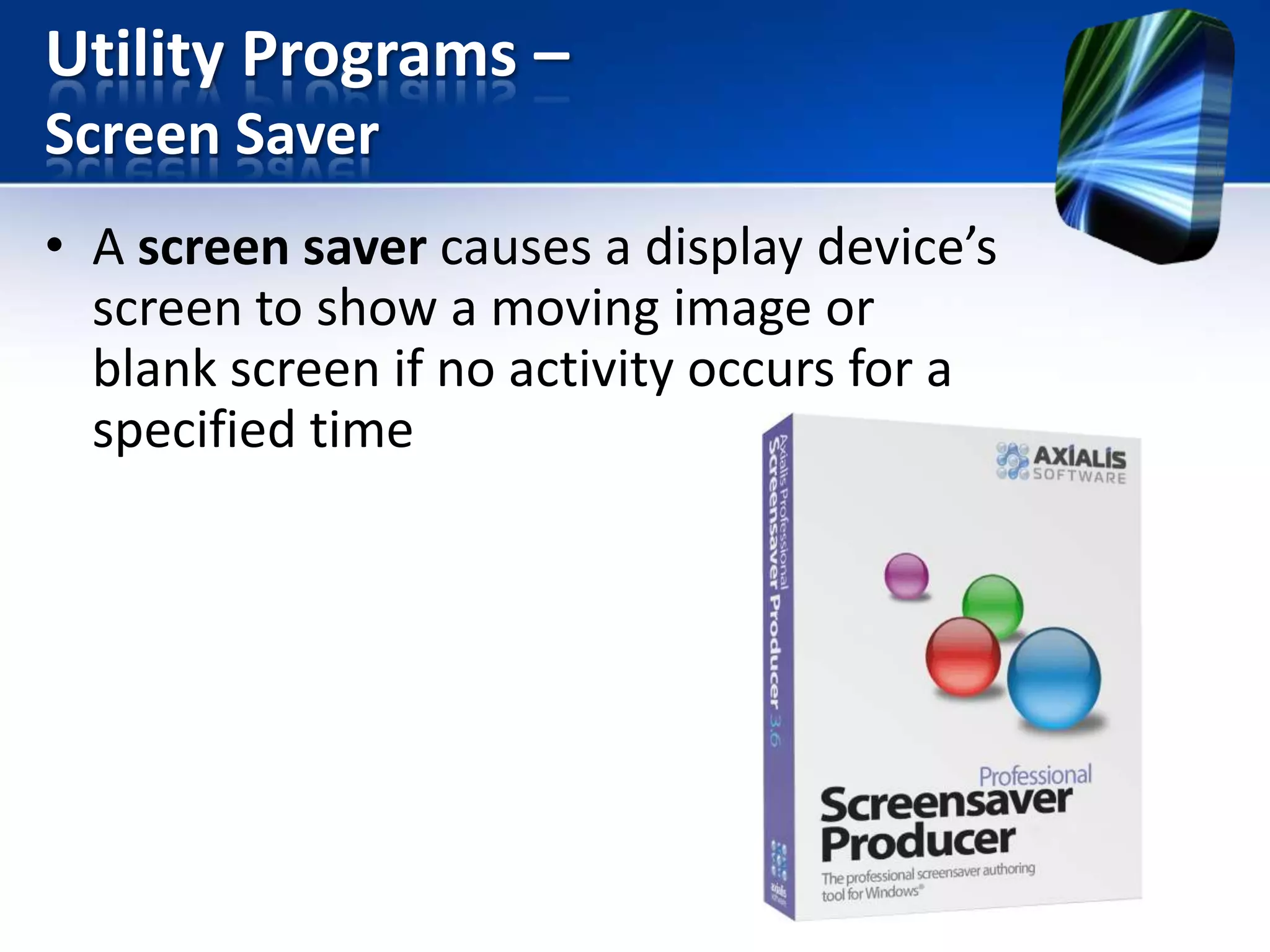
Screen Saver
• A screen saver causes a display device’s
screen to show a moving image or
blank screen if no activity occurs for a
specified time
Utility Programs –
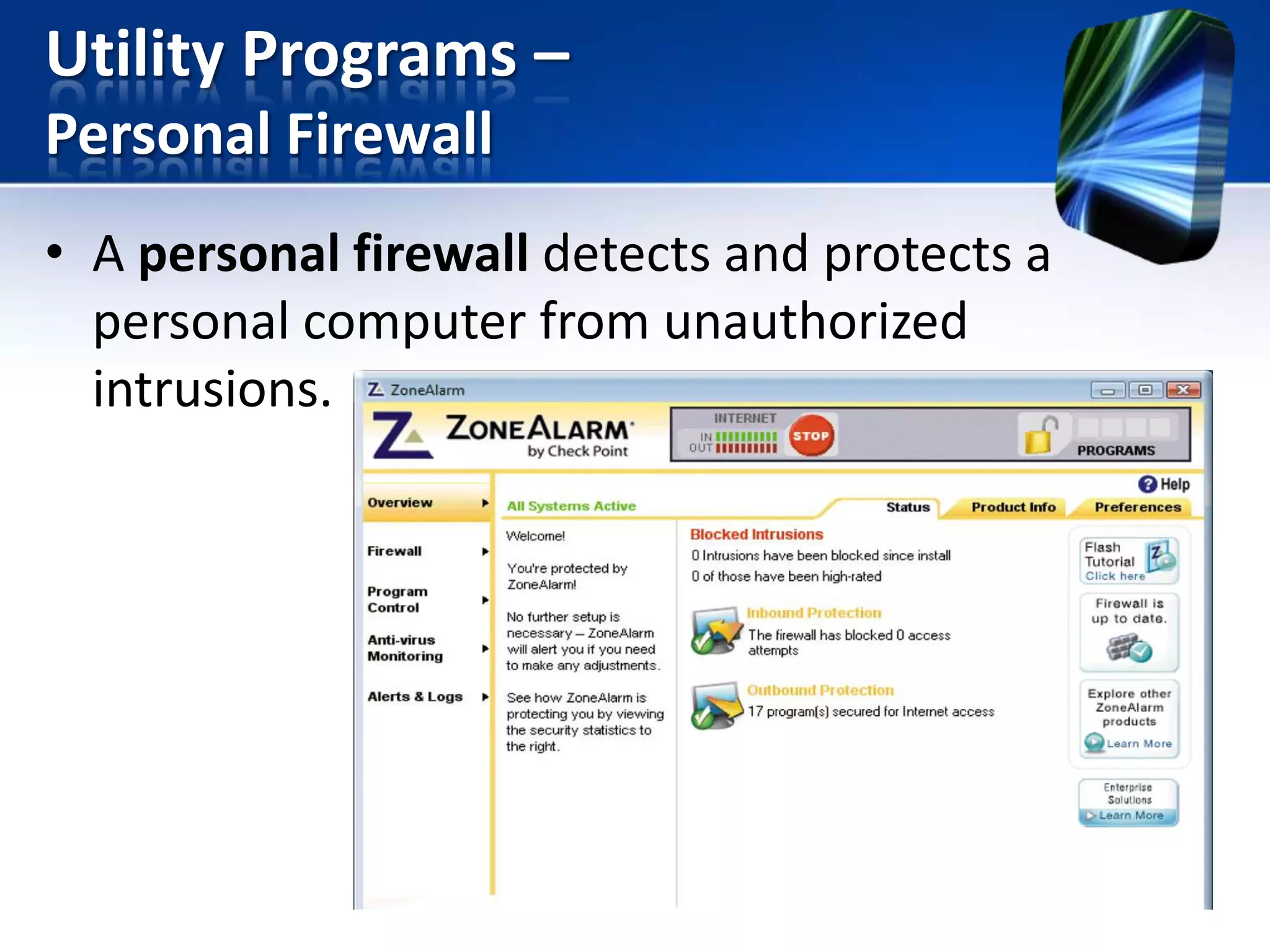
Personal Firewall
• A personal firewall detects and protects a
personal computer from unauthorized
intrusions.
Utility Programs –
Antivirus Programs
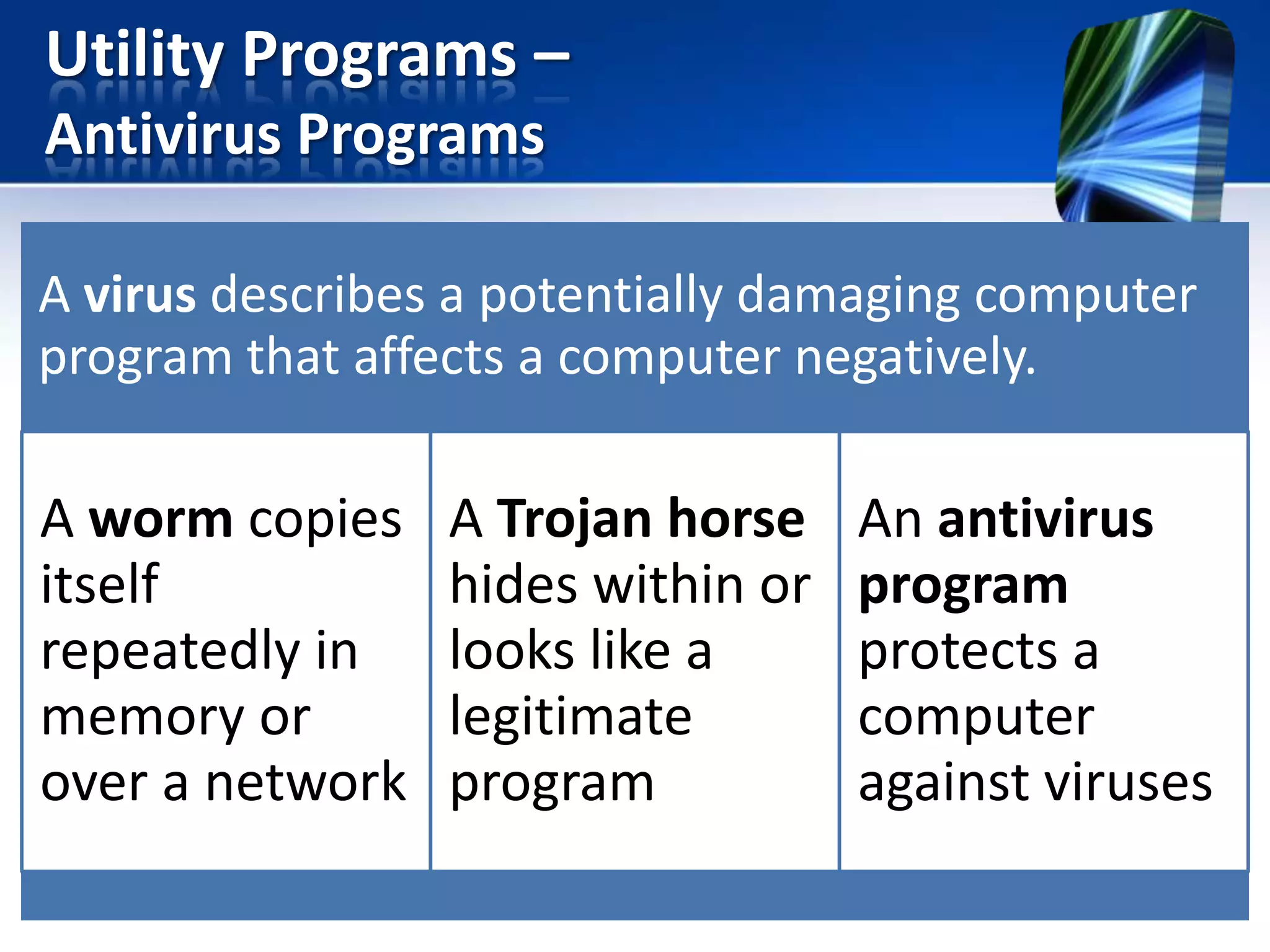
A virus describes a potentially damaging computer
program that affects a computer negatively.

A worm copies
itself
repeatedly in
memory or
over a network

A Trojan horse
hides within or
looks like a
legitimate
program

An antivirus
program
protects a
computer
against viruses
Utility Programs –
Antivirus Programs
Utility Programs –
Spyware & Adware Removers

Spyware is a program placed on
a computer without the user’s
knowledge that secretly collects
information about the user
• A spyware remover detects
and deletes spyware and
other similar programs

Adware displays an online
advertisement in a banner or
pop-up window
• An adware remover is a
program that detects and
deletes adware
Utility Programs –
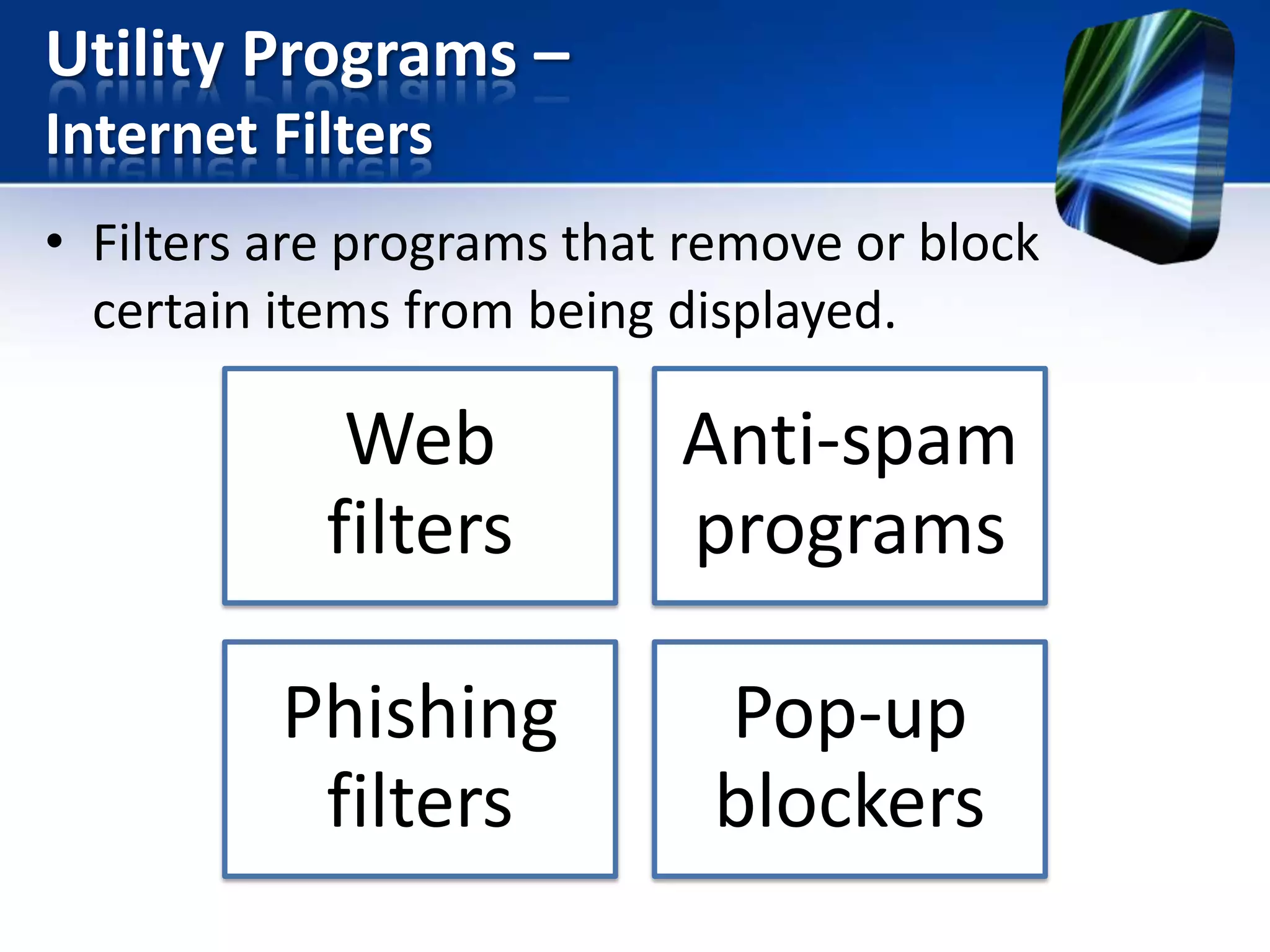
Internet Filters
• Filters are programs that remove or block
certain items from being displayed.

Web
filters

Anti-spam
programs

Phishing
filters

Pop-up
blockers
Utility Programs –
File Compression
• A file compression utility shrinks the size of a file(s).
A compressing files frees up room on the storage
media.
• Two types of compression are lossy & lossless
compression.
1. Lossy – quality of a file decreases slightly
2. Lossless – a compressed file can be returned to
its exact original state.
• Compressed files sometimes are called zipped files
–

Can be uncompressed or unzip, to restore it to its
original form.
Utility Programs –
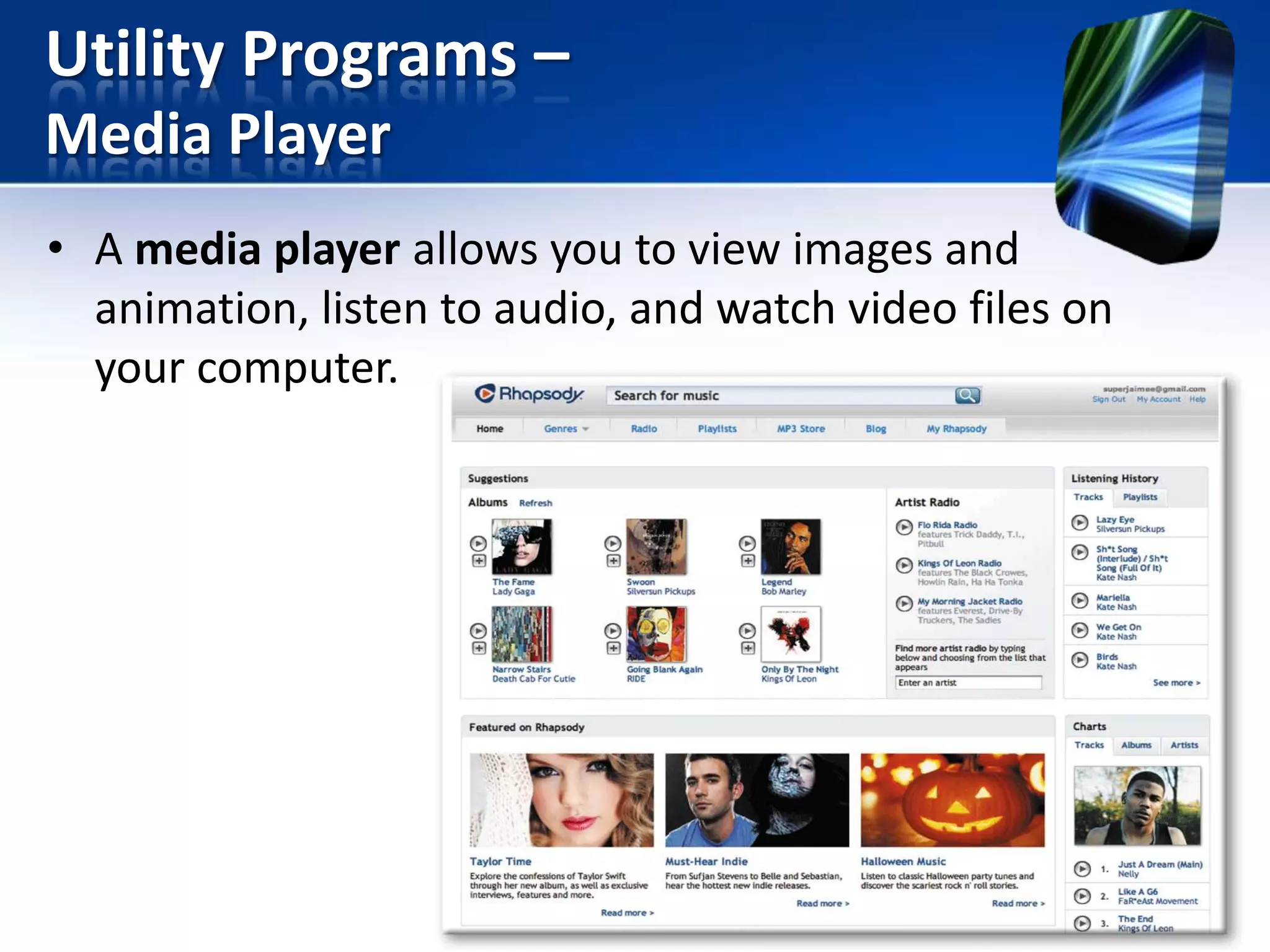
Media Player
• A media player allows you to view images and
animation, listen to audio, and watch video files on
your computer.
Utility Programs –
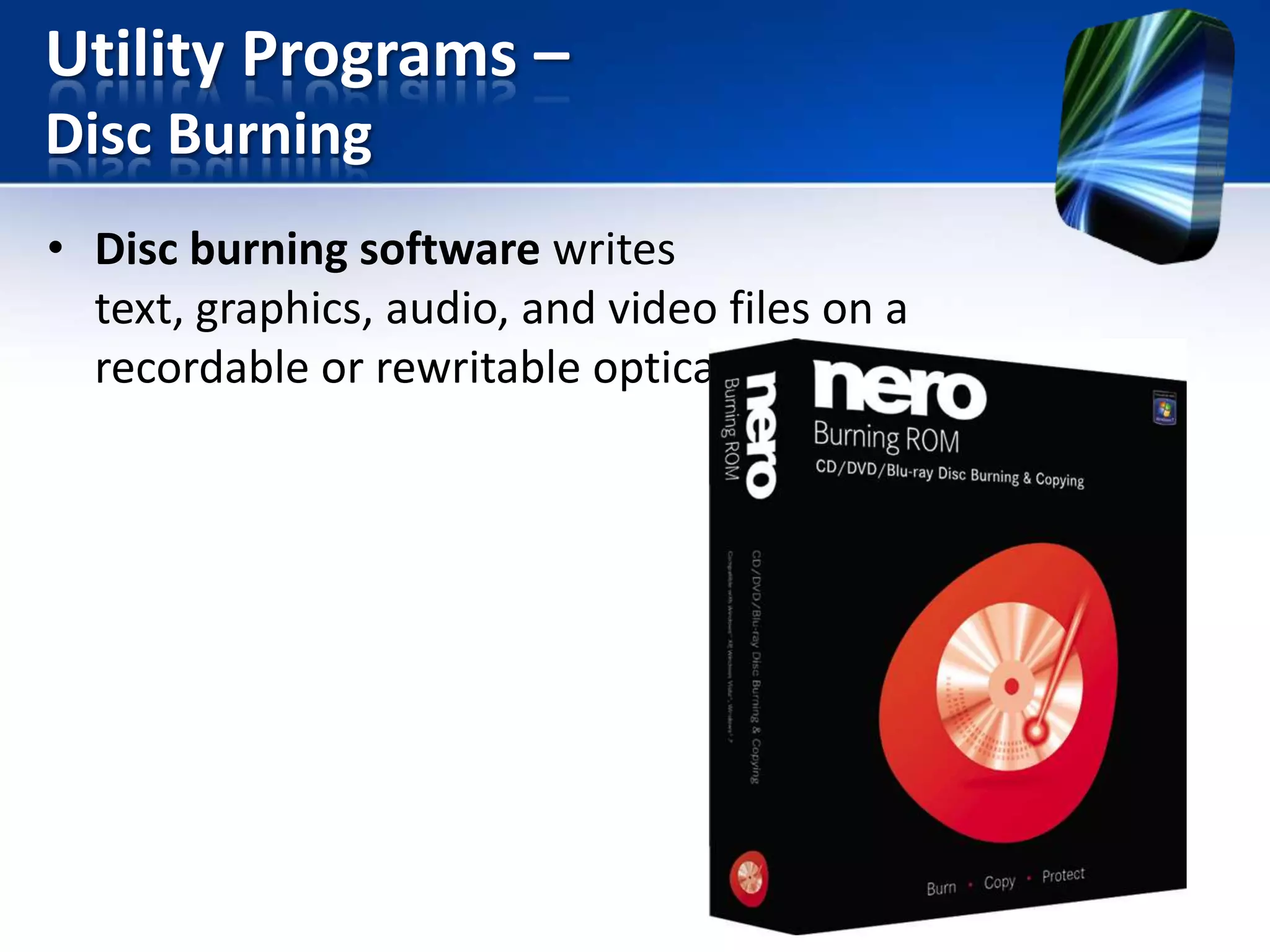
Disc Burning
• Disc burning software writes
text, graphics, audio, and video files on a
recordable or rewritable optical disc
Utility Programs –
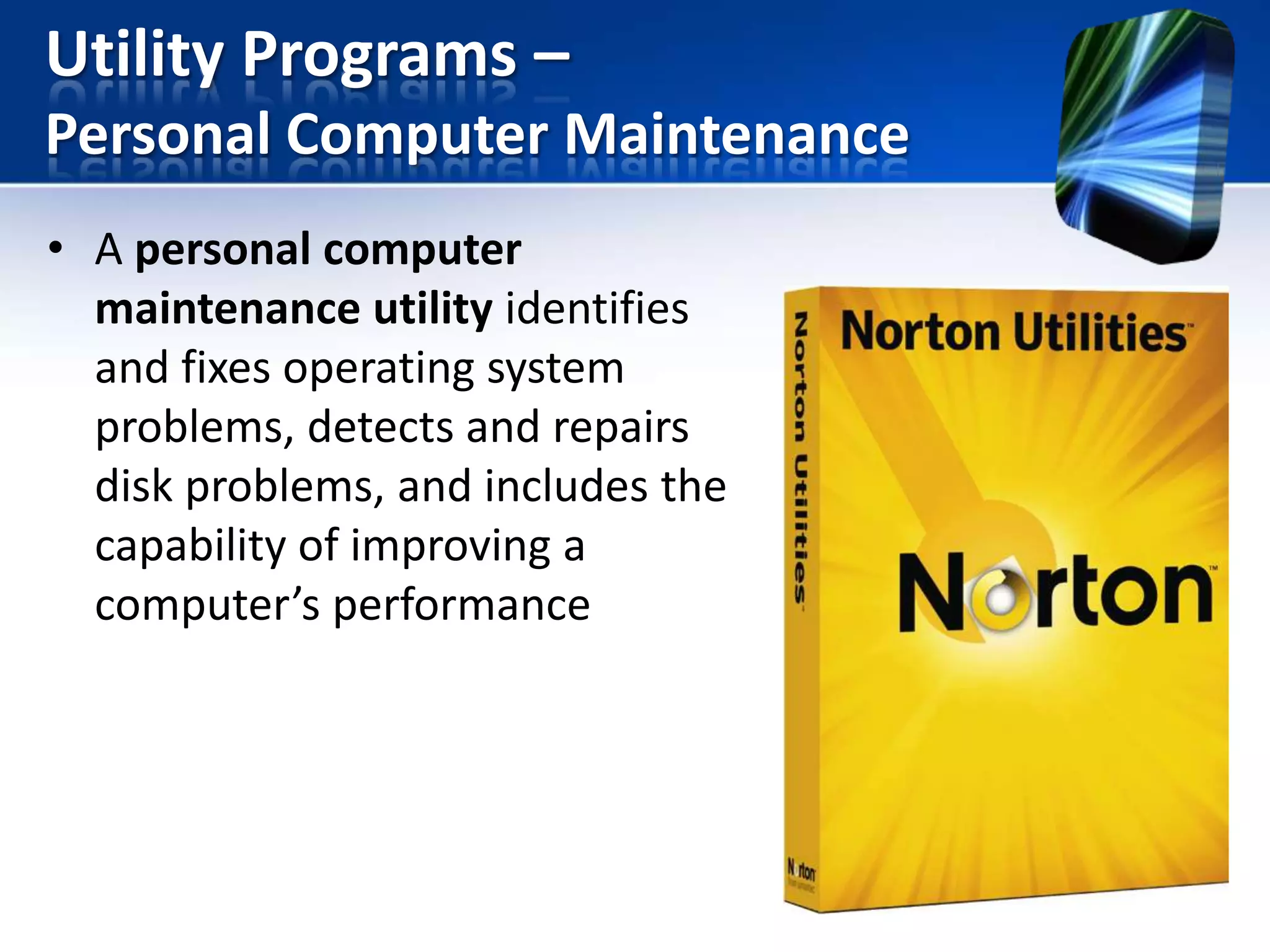
Personal Computer Maintenance
• A personal computer
maintenance utility identifies
and fixes operating system
problems, detects and repairs
disk problems, and includes the
capability of improving a
computer’s performance
Summary
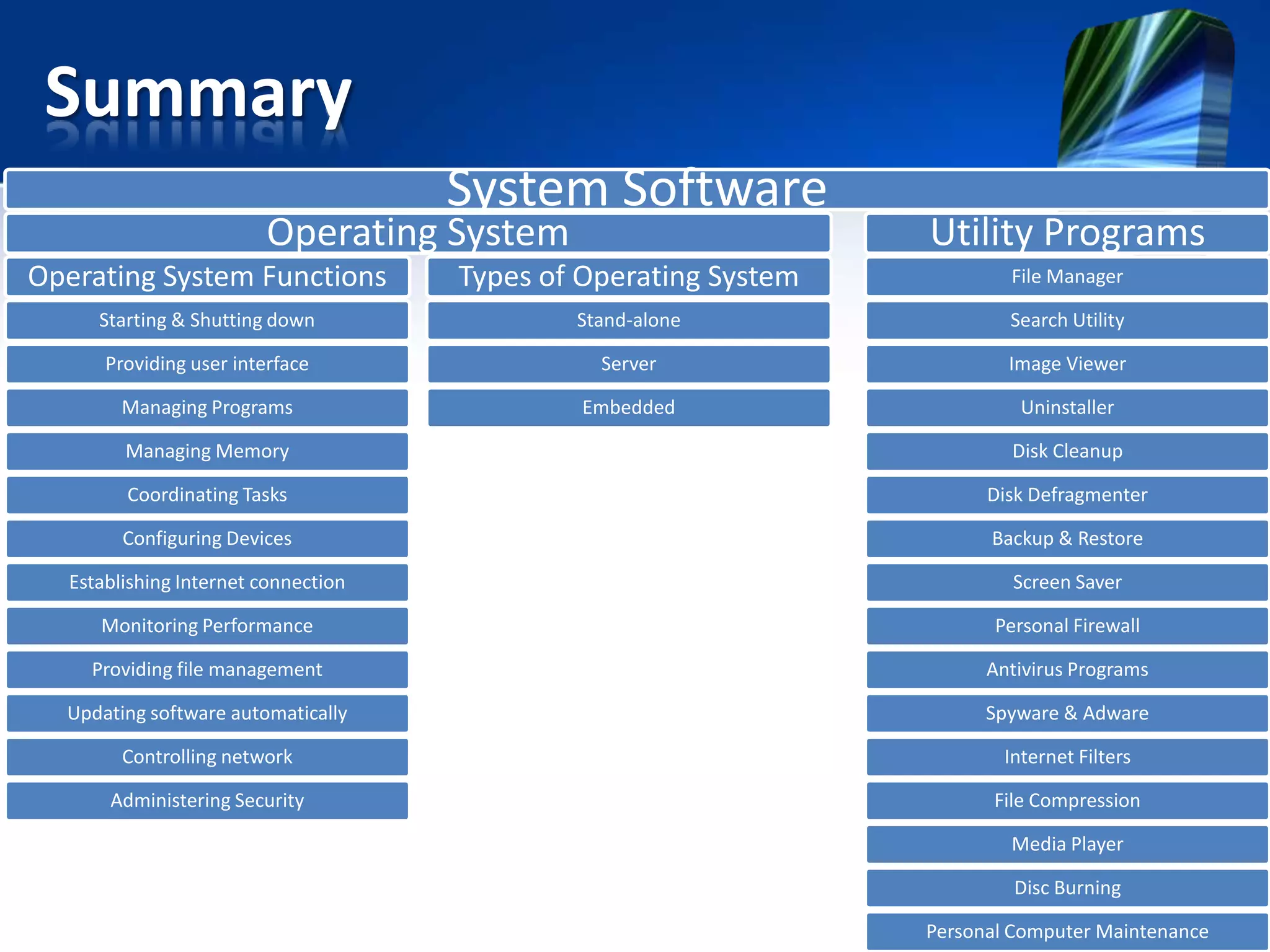
System Software

Operating System

Utility Programs

Operating System Functions

Types of Operating System

File Manager

Starting & Shutting down

Stand-alone

Search Utility

Providing user interface

Server

Image Viewer

Managing Programs

Embedded

Uninstaller

Managing Memory

Disk Cleanup

Coordinating Tasks

Disk Defragmenter

Configuring Devices

Backup & Restore

Establishing Internet connection

Screen Saver

Monitoring Performance

Personal Firewall

Providing file management

Antivirus Programs

Updating software automatically

Spyware & Adware

Controlling network

Internet Filters

Administering Security

File Compression
Media Player
Disc Burning
Personal Computer Maintenance

BAIT1003 Chapter 6

  • 1.
  • 2.
    Objectives System Software Operating System OperatingSystem Functions Types of Operating System Utility Programs
  • 3.
    System Software • Whenpurchase a personal computer, it usually has system software installed on its hard disk. • System software consists of the programs that control or maintain the operations of the computer and its devices.  2 types of system software: 1. Operating systems 2. Utility programs
  • 4.
    Operating Systems • Anoperating system (OS) is a set of programs containing instructions that work together to coordinate all the activities among computer hardware resources. • Different sizes of computers typically use different operating system because operating systems generally are written to run on a specific type of computer.
  • 5.
    Operating System Functions startthe computer provide a user interface manage programs administer security manage memory control a network provide file management and other utilities monitor performance establish an Internet connection schedule jobs and configure devices
  • 6.
    Operating System Functions– Starting & Shutting Down a Computer • The process of starting or restarting a computer is called booting. Cold boot • Turning on a computer that has been powered off completely Warm boot • Using the operating system to restart a computer
  • 7.
    Operating System Functions– Starting & Shutting Down a Computer • A boot drive is the drive from which your computer boots/ starts. – sometimes a hard disk becomes damaged and the computer cannot boot from the hard disk; in this case, you can boot from special disk called boot disk/ recovery disk. » A recovery disk contains a few system files that will start the computer
  • 8.
    Operating System Functions– Starting & Shutting Down a Computer • An operating system includes various shut down options: Sleep mode saves any open documents and programs to RAM, turns off all unneeded functions, and then places the computer in a lowpower state To conserve power & let the computer “rest” Hibernate saves any open documents and programs to a hard disk before removing power from the computer To speeds up the boot-up time
  • 9.
    Operating System Functions– Providing a User Interface • A user interface controls how you enter data and instructions and how information is displayed on the screen. • Two type of user interfaces are: 1. Graphical user interface 2. Command-line user interface
  • 10.
    Operating System Functions– Providing a User Interface Graphical user interface With a graphical user interface (GUI), you interact with menus and visual images Command-line user interface With a command-line interface, a user uses the keyboard to enter data and
  • 11.
    Operating System Functions– Providing a User Interface Command line interface – A user types command or presses special keys on keyboard to enter data and instructions. – To configure devices, manage system resources, and troubleshoot network connections, network administrators and other advance users work. – Disadvantage: Difficult to use because they require exact spelling, grammar, and punctuation.
  • 12.
    Operating System Functions– Managing Programs • How an operating system handles programs directly affects your productivity? Single user and multiuser Single tasking and multitasking Preemptive multitasking Foreground and background Multiprocessing
  • 13.
    Operating System Functions– Managing Programs Single user/ single tasking – OS allows only one user to run one program at a time. – Example: • If you are working in graphics program and want to check e-mail message, you must quit the graphics program before you can run the email program.
  • 14.
    Operating System Functions– Managing Programs Single user/ multitasking – OS allows a single user to work on two or more programs that reside in memory at the same time. – When a computer is running multiple program concurrently, one program is in the foreground and the others are in the background. • Foreground is the active program, currently are using. • The other programs running but not in use are in the background.
  • 15.
    Operating System Functions– Managing Programs
  • 16.
    Operating System Functions– Managing Programs • Some OS use preemptive multitasking to prevent any one process from monopolizing the computer’s resources. • With the preemptive multitasking, the OS interrupts a program that is executing and passed control to other program waiting to be executes. Advantage OS regains control if one program stops operating properly.
  • 17.
    Operating System Functions– Managing Programs
  • 18.
    Operating System Functions– Managing Programs Multiuser • OS enables two or more users to run programs simultaneously. Example: Network, servers, mainframes, and supercomputers allow hundreds to thousands of user to connect at the same time.
  • 19.
    Operating System Functions– Managing Programs fault-tolerant computer Has duplicate components such as processors, memory, and disk drives • A fault- tolerant computer continues to operate when one of its components fails, ensuring that no data is lost .
  • 20.
    Operating System Functions– Managing Memory • Memory management is to optimizes the use of RAM. • Virtual memory is a portion of a storage medium functioning as additional RAM. – The area of hard disk for virtual memory is called a swap file. – A page is the amount of data and program instructions that can swap at given time. – The technique of swapping items between memory and storage is called paging. – When an OS spends much of its time paging, instead of executing application, it said to be thrashing.
  • 21.
    Operating System Functions– Managing Memory
  • 22.
    Operating System Functions– Coordinating Tasks The OS determines the order in which tasks are processed. Example: If the processor sends 5 documents to a printer, the printer can print only one document at a time and store as many documents as its memory can handle. • Buffer – is a segment of memory in which items are placed while waiting to be transferred from an input/ output. • Spooling – send documents to be printed to a buffer instead of sending them immediately to the printer.
  • 23.
    Operating System Functions– Coordinating Tasks When you enter a PRINT command The operating system copies your document to a print buffer (a free area in memory or on a disk). Document being printed.
  • 24.
    Operating System Functions– Configuring Devices • A driver is a small program that tells the operating system how to communicate with a specific device.
  • 25.
    Operating System Functions– Configuring Devices • Plug and Play automatically configures new devices as you install them
  • 26.
    Operating System Functions– Establishing an Internet Connection • Operating systems typically provide a means to establish Internet connections
  • 27.
    Operating System Functions– Monitoring Performance • A performance monitor is a program that assesses and reports information about various computer resources and devices.
  • 28.
    Operating System Functions– Providing File Management & Other Utilities • Operating systems often provide users with the capability of: Managing files Searching for files Viewing images Securing a computer Uninstalling programs Cleaning up disks Defragmenting disks Diagnosing problems Backing up files and disks Setting up screen savers
  • 29.
    Operating System Functions– Updating Software Automatically • Automatic update automatically provides updates to the program.
  • 30.
    Operating System Functions– Controlling a Network • Some operating systems are designed to work with a server on a network. • A server operating system organizes and coordinates how multiple users access and share resources on a network • A network administrator uses the server operating system to: – Add and remove users, computers, and other devices – Install software and administer network security
  • 31.
    Operating System Functions– Administering Security Each user has a user account – A user name, or user ID, identifies a specific user – A password is a private combination of characters associated with the user name
  • 32.
  • 33.
    Types of OperatingSystems – Stand-Alone Operating Systems • A stand-alone operating system is a complete operating system that works on a desktop computer, notebook computer, or mobile computing device Windows 7 Mac OS X UNIX Linux
  • 34.
    Types of OperatingSystems – Stand-Alone Operating Systems • Windows 7 is Microsoft’s fastest, most efficient operating system to date and is available in multiple editions: Windows 7 Starter Windows 7 Home Premium Windows 7 Ultimate Windows 7 Professional
  • 35.
    Types of OperatingSystems – Stand-Alone Operating Systems • Windows 7 provides programs such as: Windows Firewall Windows DVD Maker Windows Media Player Desktop Gadget Gallery
  • 36.
    Types of OperatingSystems – Stand-Alone Operating Systems • The Macintosh operating system has set the standard for operating system ease of use • Latest version is Mac OS X
  • 37.
    Types of OperatingSystems – Stand-Alone Operating Systems UNIX is a multitasking operating system developed in the early 1970s Linux is an open-source, popular, multitasking UNIXtype operating system.
  • 38.
    Types of OperatingSystems – Server Operating Systems • Server operating system typically resides on a server. The client computers on the network rely on the server(s) for resources. • Examples: Windows Server 2008 Linux Solaris UNIX Netware
  • 39.
    Types of OperatingSystems – Server Operating Systems Windows Server 2008 is an upgrade to Windows Server 2003 – Part of the Windows Server 2008 family – Multiple editions Most editions include Hyper-V, is a virtualization technology – Virtualization is the practice of sharing or pooling computing resources, such as servers
  • 40.
    Types of OperatingSystems – Embedded Operating Systems • An embedded operating system resides on a ROM chip on a mobile device or consumer electronic device Windows Embedded CE Windows Phone 7 Palm OS iPhone OS BlackBerry Google Android Embedded Linux Symbian OS
  • 41.
    Types of OperatingSystems – Embedded Operating Systems The sewing machine uses Windows Embedded CE to assist with stitching quilts, garments, crafts, decorations , and embroidery. The iPhone OS runs an Apple’s iphone.
  • 42.
    Utility Programs • Autility program is a type of system software that allows a user to perform maintenance-type tasks, usually related to managing a computer, its devices, or its programs.
  • 43.
    Utility Programs – FileManager • A file manager is a utility that performs functions related to file management – Displaying a list of files – Organizing files in folders – Copying, renaming, del eting, moving, and sorting files and folders – Creating shortcuts
  • 44.
    Utility Programs – SearchUtility • A search utility is a program that attempts to locate a file on your computer based on criteria you specify.
  • 45.
    Utility Programs – ImageViewer • An image viewer allows users to display, copy, and print the contents of a graphics file, such as photo
  • 46.
    Utility Programs – Uninstaller •An uninstaller removes a program, as well as any associated entries in the system files
  • 47.
    Utility Programs – DiskCleanup • A disk cleanup utility searches for and removes unnecessary files – Downloaded program files – Temporary Internet files – Deleted files – Unused program files
  • 48.
    Utility Programs – DiskDefragmenter • A disk defragmenter reorganizes the files and unused space on a computer’s hard disk so that the operating system accesses data more quickly and programs run faster
  • 49.
    Utility Programs – Backup& Restore Utilities • A backup utility allows users to copy files to another storage medium • A restore utility reverses the process and returns backed up files to their original form
  • 50.
    Utility Programs – ScreenSaver • A screen saver causes a display device’s screen to show a moving image or blank screen if no activity occurs for a specified time
  • 51.
    Utility Programs – PersonalFirewall • A personal firewall detects and protects a personal computer from unauthorized intrusions.
  • 52.
    Utility Programs – AntivirusPrograms A virus describes a potentially damaging computer program that affects a computer negatively. A worm copies itself repeatedly in memory or over a network A Trojan horse hides within or looks like a legitimate program An antivirus program protects a computer against viruses
  • 53.
  • 54.
    Utility Programs – Spyware& Adware Removers Spyware is a program placed on a computer without the user’s knowledge that secretly collects information about the user • A spyware remover detects and deletes spyware and other similar programs Adware displays an online advertisement in a banner or pop-up window • An adware remover is a program that detects and deletes adware
  • 55.
    Utility Programs – InternetFilters • Filters are programs that remove or block certain items from being displayed. Web filters Anti-spam programs Phishing filters Pop-up blockers
  • 56.
    Utility Programs – FileCompression • A file compression utility shrinks the size of a file(s). A compressing files frees up room on the storage media. • Two types of compression are lossy & lossless compression. 1. Lossy – quality of a file decreases slightly 2. Lossless – a compressed file can be returned to its exact original state. • Compressed files sometimes are called zipped files – Can be uncompressed or unzip, to restore it to its original form.
  • 57.
    Utility Programs – MediaPlayer • A media player allows you to view images and animation, listen to audio, and watch video files on your computer.
  • 58.
    Utility Programs – DiscBurning • Disc burning software writes text, graphics, audio, and video files on a recordable or rewritable optical disc
  • 59.
    Utility Programs – PersonalComputer Maintenance • A personal computer maintenance utility identifies and fixes operating system problems, detects and repairs disk problems, and includes the capability of improving a computer’s performance
  • 60.
    Summary System Software Operating System UtilityPrograms Operating System Functions Types of Operating System File Manager Starting & Shutting down Stand-alone Search Utility Providing user interface Server Image Viewer Managing Programs Embedded Uninstaller Managing Memory Disk Cleanup Coordinating Tasks Disk Defragmenter Configuring Devices Backup & Restore Establishing Internet connection Screen Saver Monitoring Performance Personal Firewall Providing file management Antivirus Programs Updating software automatically Spyware & Adware Controlling network Internet Filters Administering Security File Compression Media Player Disc Burning Personal Computer Maintenance

Editor's Notes

  • #3 Define system software and identify the two types of system softwareDescribe the functions of an operating systemSummarize the startup process on a personal computerSummarize the features of several stand-alone operating systemsBriefly describe various server operating systemsSummarize the features of several embedded operating systemsExplain the purpose of several utility programs