

Quick stack building,
an introduction to
AWS CDK and
infrastructure as code.
Slides will be online later

Leo Lapworth (@leolapworth)
Me: Leo Lapworth
@leolapworth
Me: Leo Lapworth
@leolapworth
• 20+ years developer / sysadmin / team lead
Me: Leo Lapworth
@leolapworth
• 20+ years developer / sysadmin / team lead
• Talk: @YAPC::EU 2007 - Evolving Architecture
Me: Leo Lapworth
@leolapworth
• 20+ years developer / sysadmin / team lead
• Talk: @YAPC::EU 2007 - Evolving Architecture
• Talk @ YAPC::EU 2008 - Evolving Architecture
- further
Me: Leo Lapworth
@leolapworth
• 20+ years developer / sysadmin / team lead
• Talk: @YAPC::EU 2007 - Evolving Architecture
• Talk @ YAPC::EU 2008 - Evolving Architecture
- further
• Everything has changed… even more!
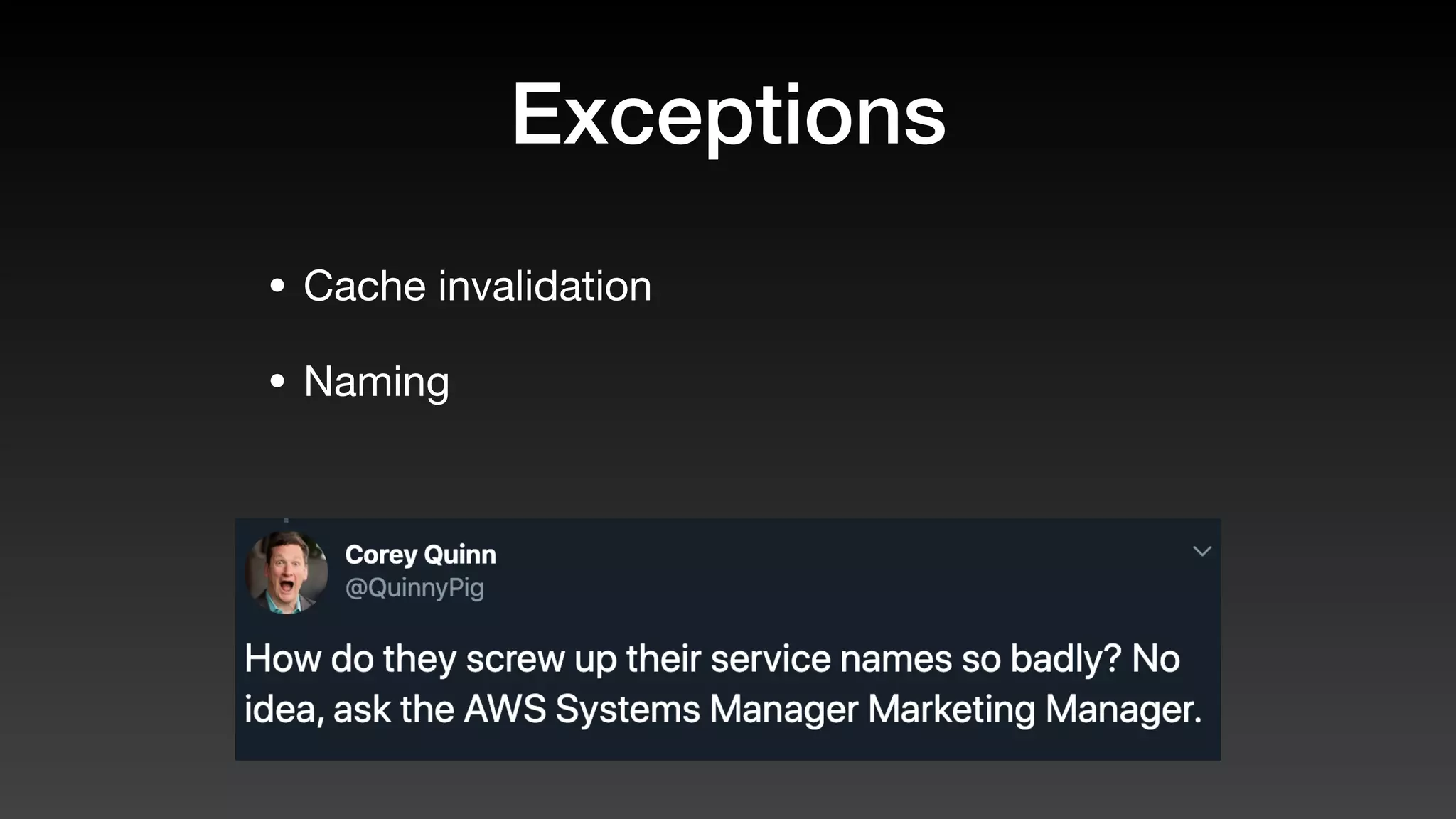
Exceptions
Exceptions
• Cache invalidation
Exceptions
• Cache invalidation
• Naming
Topics
Topics
• Infrastructure as Code
Topics
• Infrastructure as Code
• CloudFormation
Topics
• Infrastructure as Code
• CloudFormation
• CDK
Topics
• Infrastructure as Code
• CloudFormation
• CDK
• Tips along the way
Context…
A history of…
before…
`Infrastructure as Code`
( abridged )
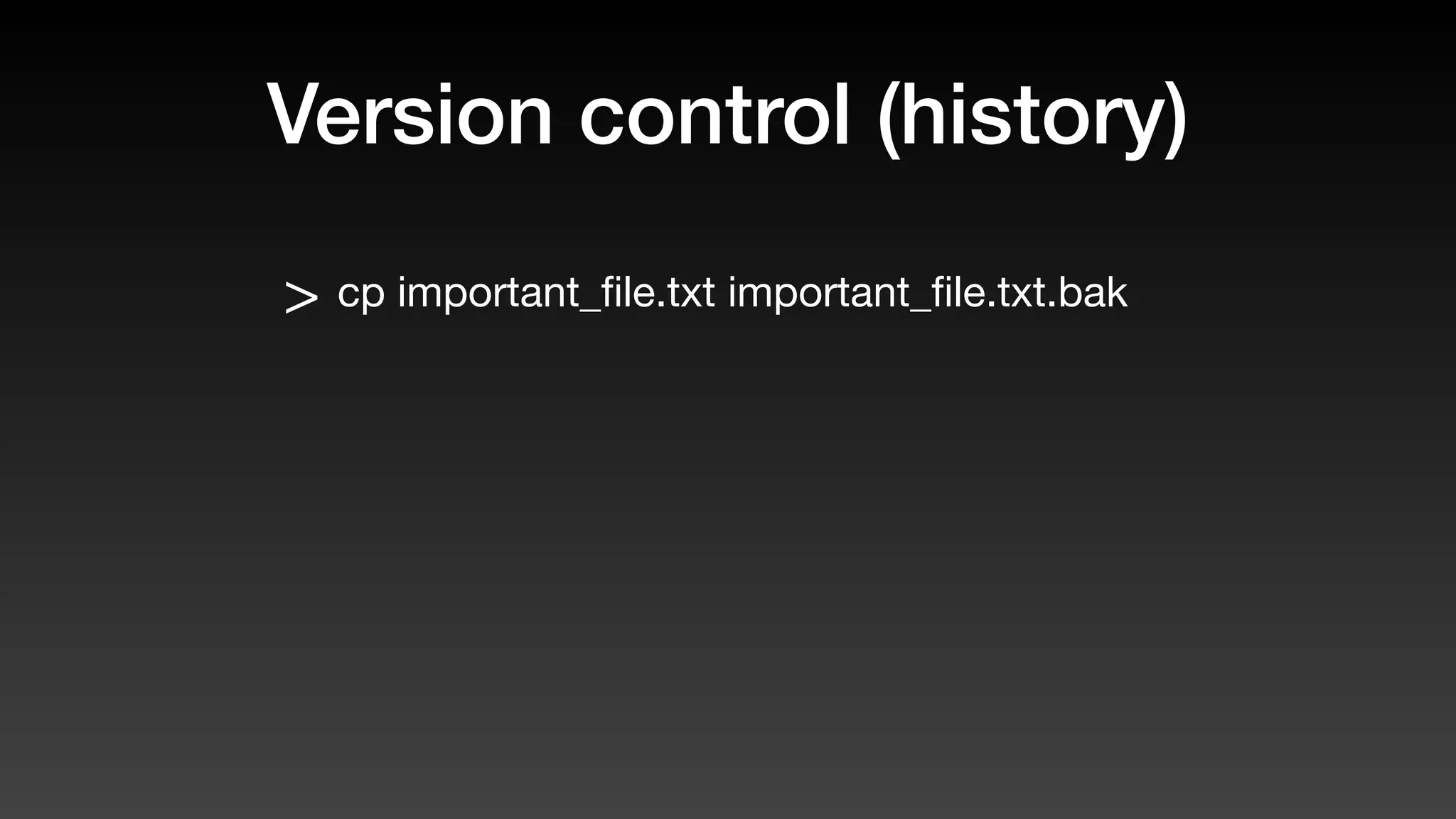
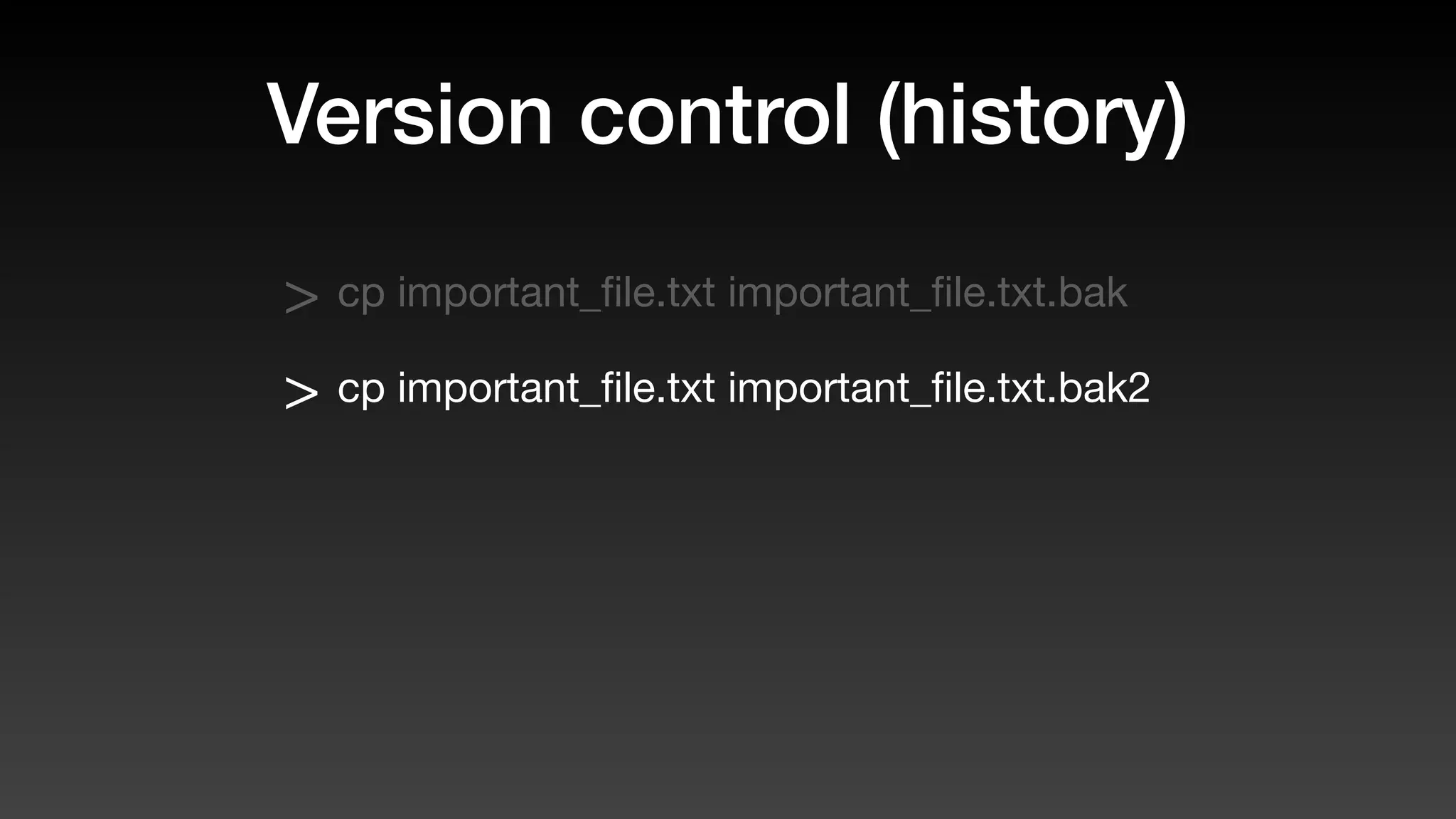
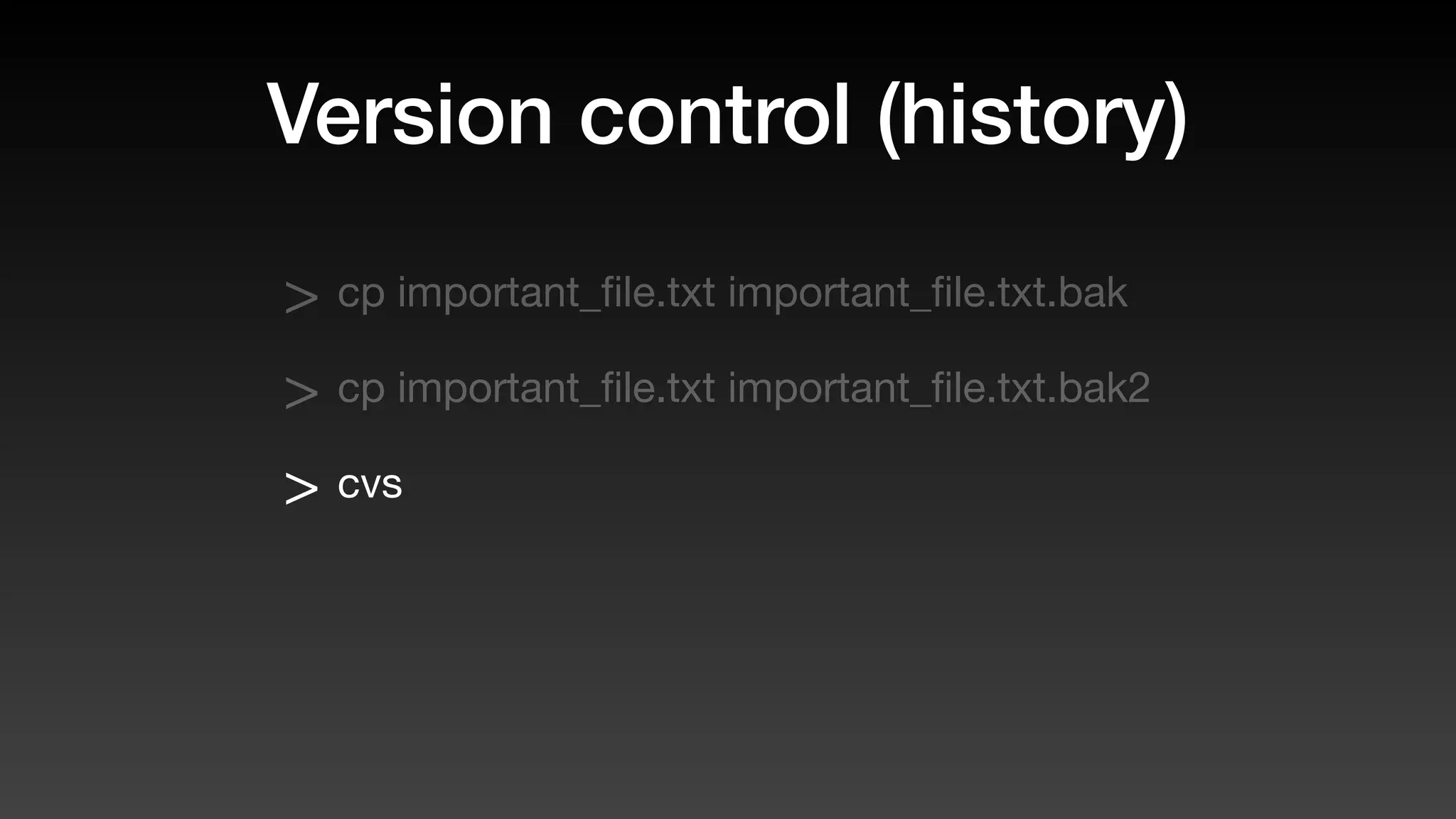
Version control (history)
> cp important_file.txt important_file.txt.bak
Version control (history)
> cp important_file.txt important_file.txt.bak
> cp important_file.txt important_file.txt.bak2
Version control (history)
> cp important_file.txt important_file.txt.bak
> cp important_file.txt important_file.txt.bak2
> cvs
Version control (history)
> cp important_file.txt important_file.txt.bak
> cp important_file.txt important_file.txt.bak2
> cvs
> svn ➜ subversion
Version control (history)
> cp important_file.txt important_file.txt.bak
> cp important_file.txt important_file.txt.bak2
> cvs
> svn ➜ subversion
> mercurial
Version control (now)
> git
“Git proved I could be more than a one-
hit wonder” - Linus Oct 2019
Provisioning
Provisioning
> Client “Hello”
Provisioning
> Client “Hello”
> Hosting “Hello, how can we help?”
Provisioning
> Client “Hello”
> Hosting “Hello, how can we help?”
> Client “Can I have a new server please?”
Provisioning
> Client “Hello”
> Hosting “Hello, how can we help?”
> Client “Can I have a new server please?”
> Hosting “Sure.. what are the specs and
which Christmas do you need it by?”
Configuration
Configuration
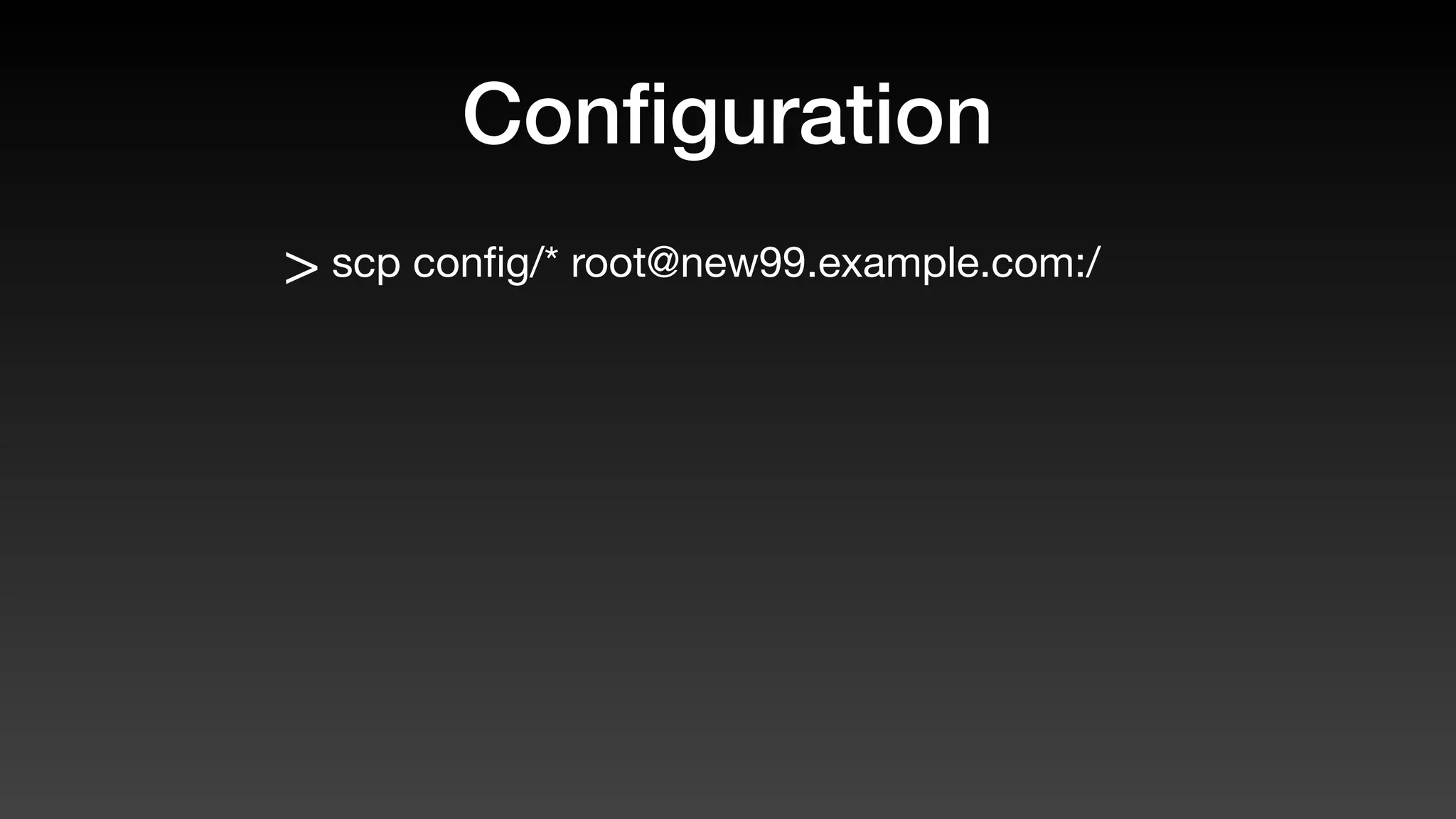
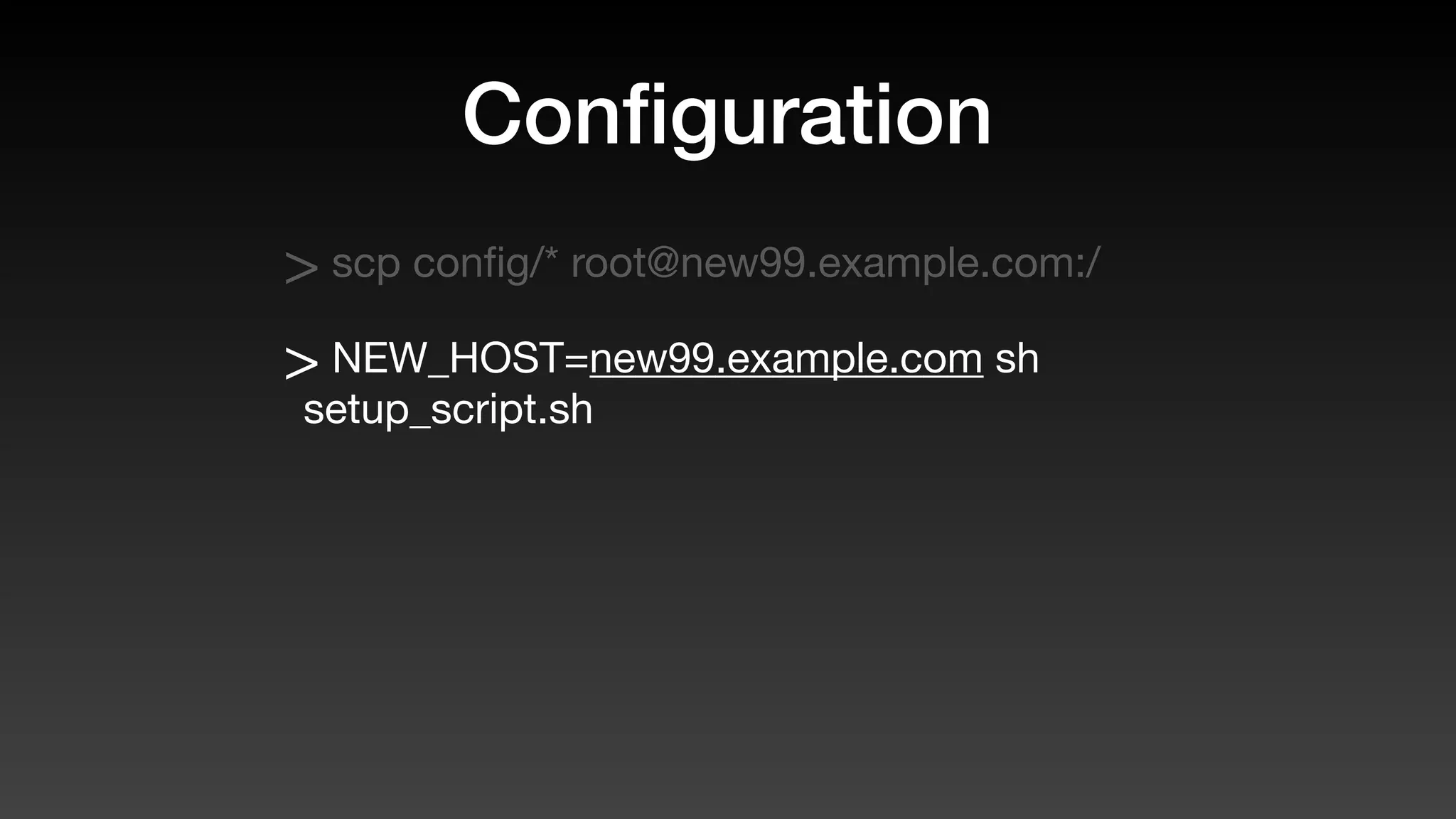
> scp config/* root@new99.example.com:/
Configuration
> scp config/* root@new99.example.com:/
> NEW_HOST=new99.example.com sh
setup_script.sh
Configuration
> scp config/* root@new99.example.com:/
> NEW_HOST=new99.example.com sh
setup_script.sh
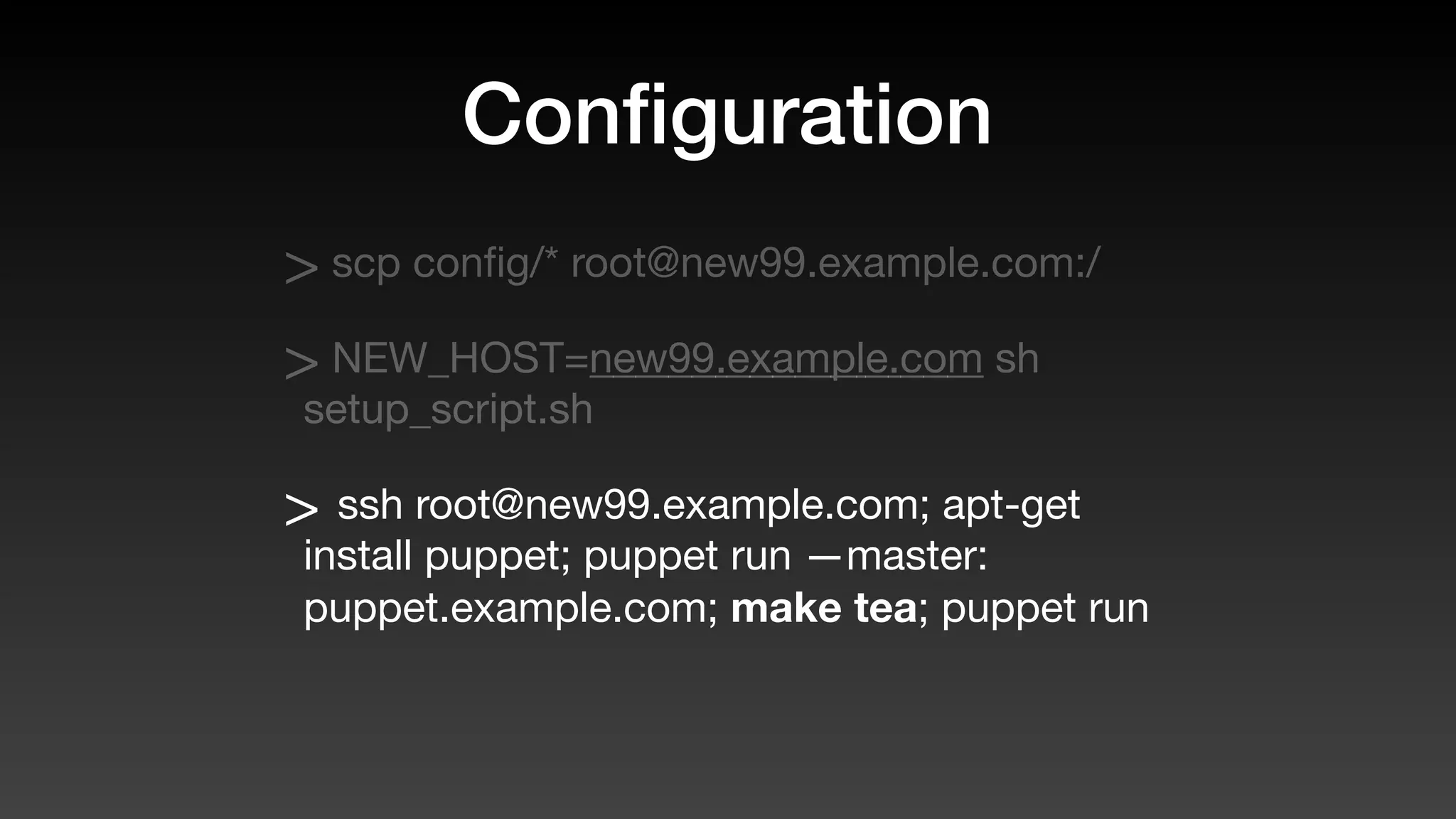
> ssh root@new99.example.com; apt-get
install puppet; puppet run —master:
puppet.example.com; make tea; puppet run
Configuration
> scp config/* root@new99.example.com:/
> NEW_HOST=new99.example.com sh
setup_script.sh
> ssh root@new99.example.com; apt-get
install puppet; puppet run —master:
puppet.example.com; make tea; puppet run
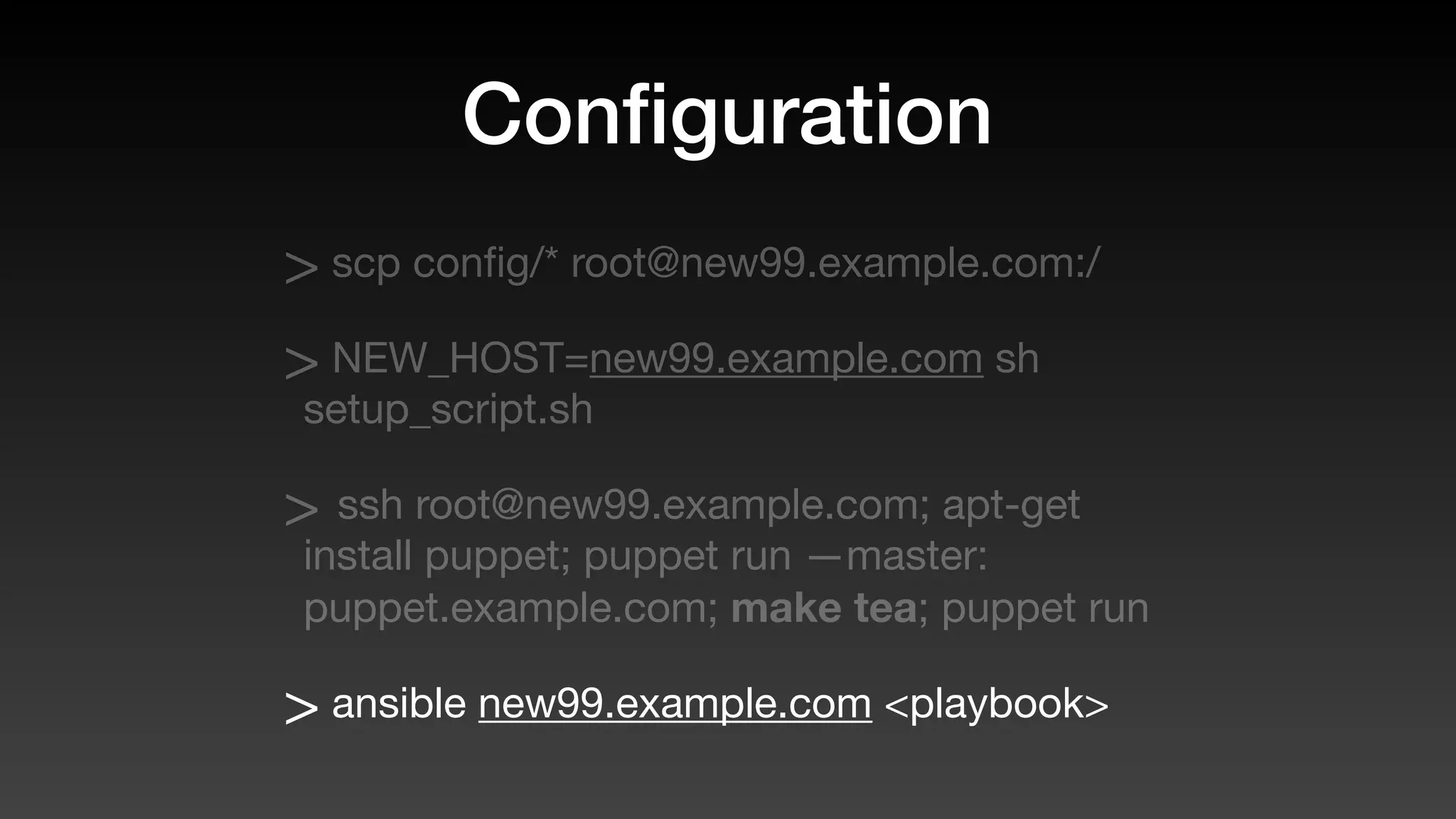
> ansible new99.example.com <playbook>
Configuration?
provisioning?
Configuration?
provisioning?
> docker
Configuration?
provisioning?
> docker
> docker-compose
Configuration?
provisioning?
> docker
> docker-compose
> docker-swarm
Configuration?
provisioning?
> docker
> docker-compose
> docker-swarm
> Kubernetties something or other
History lesson
over
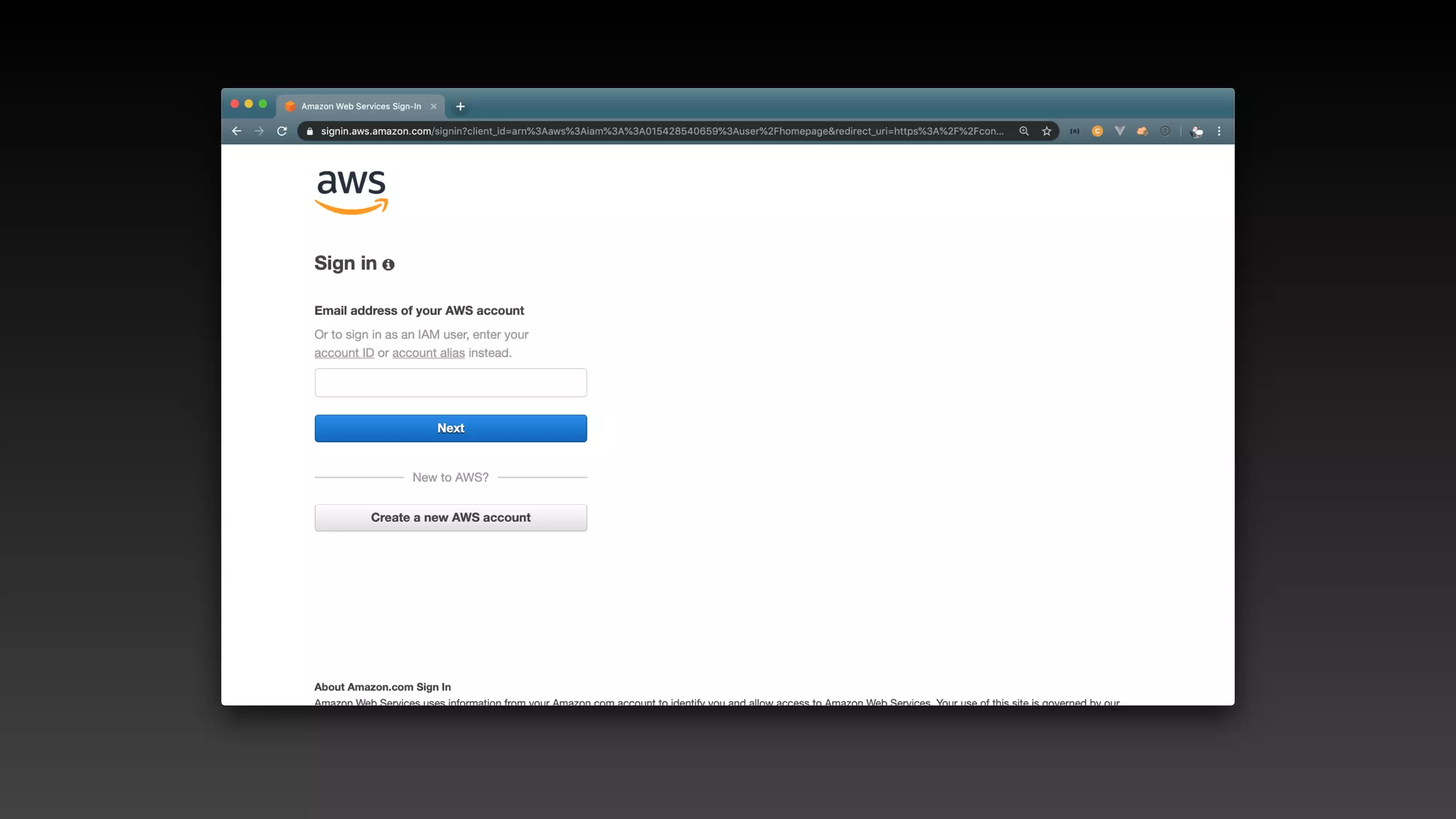
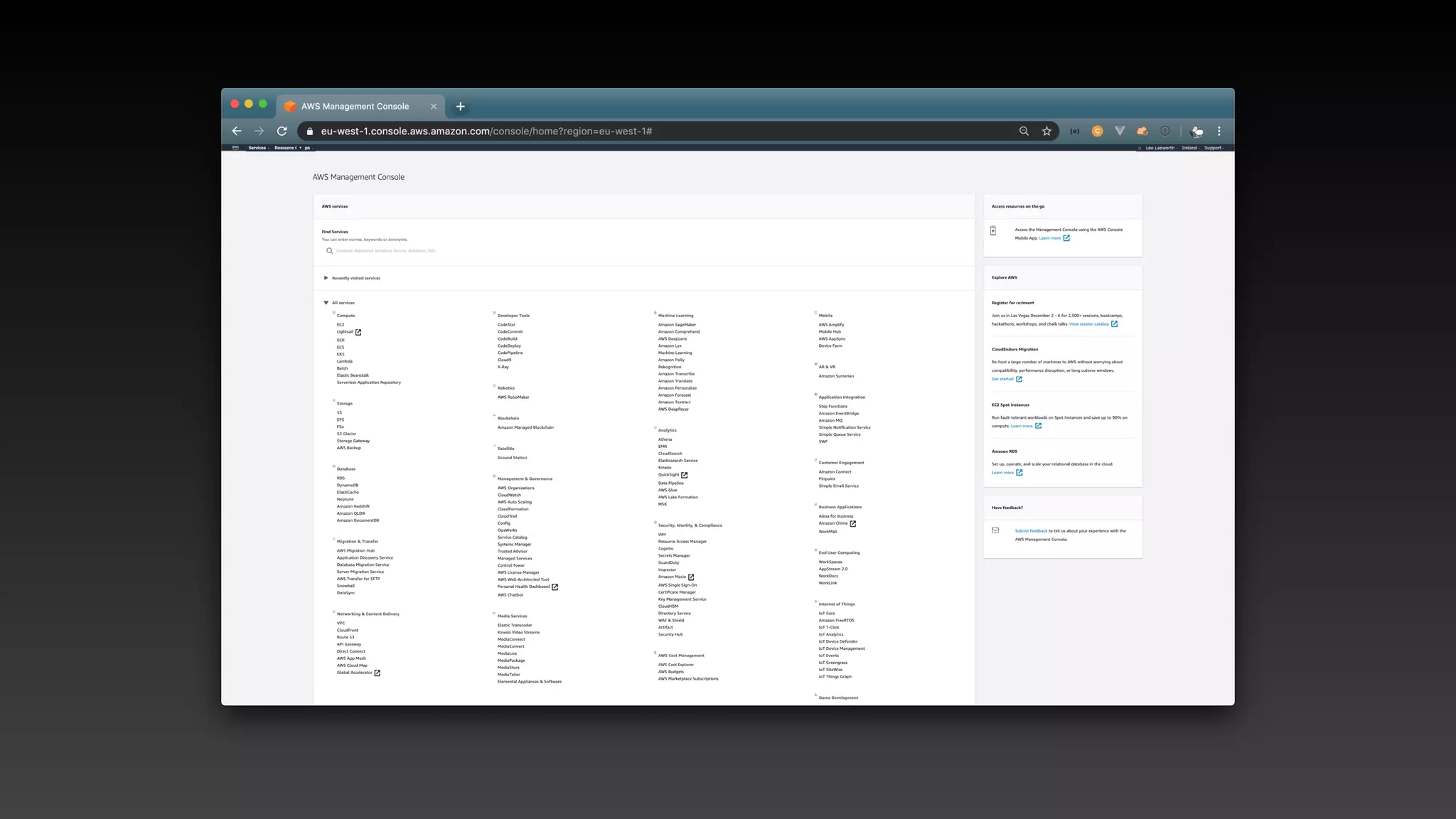
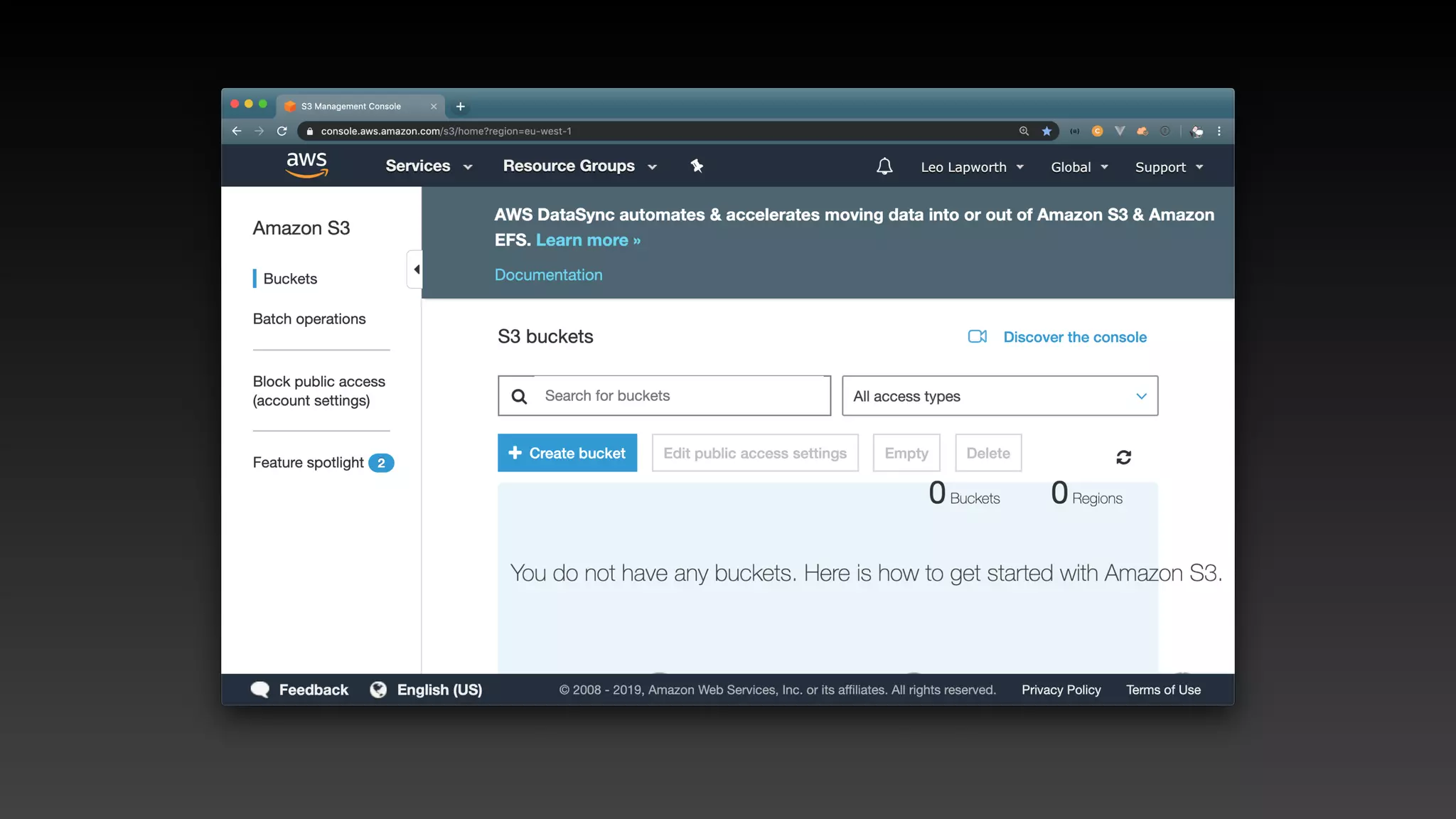
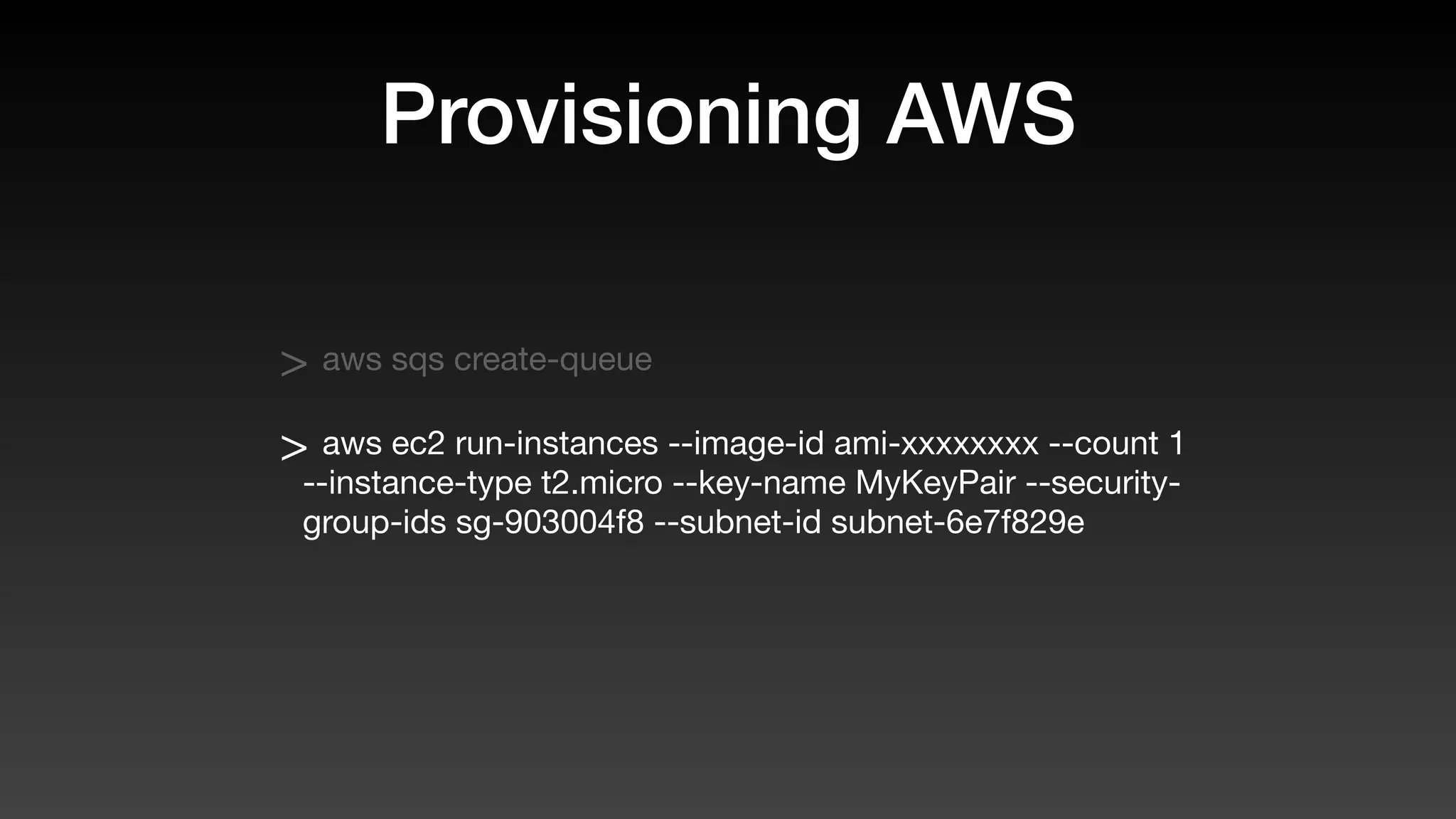
Provisioning AWS
resources
https://aws.amazon.com
Provisioning AWS
Provisioning AWS
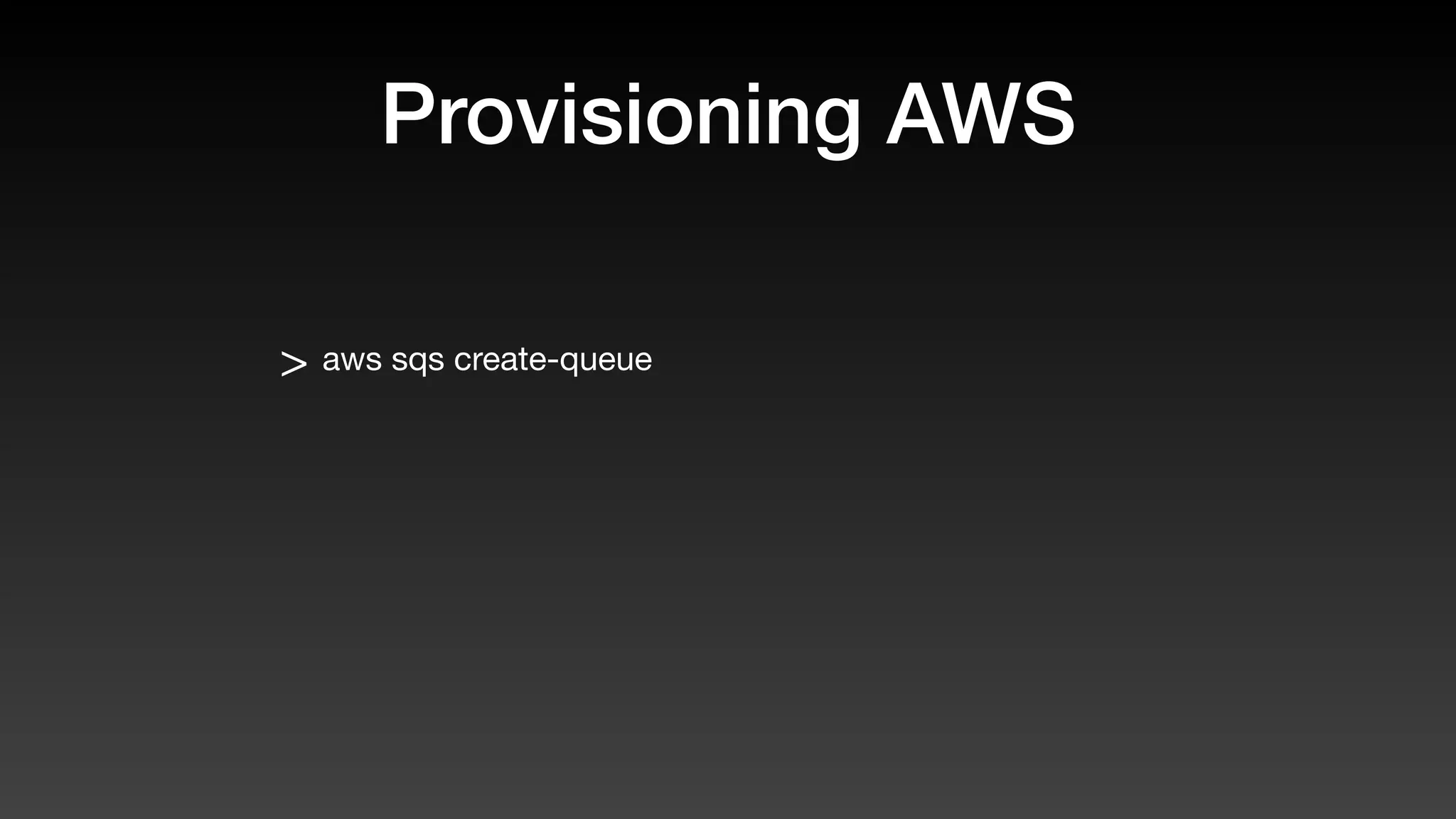
> aws sqs create-queue
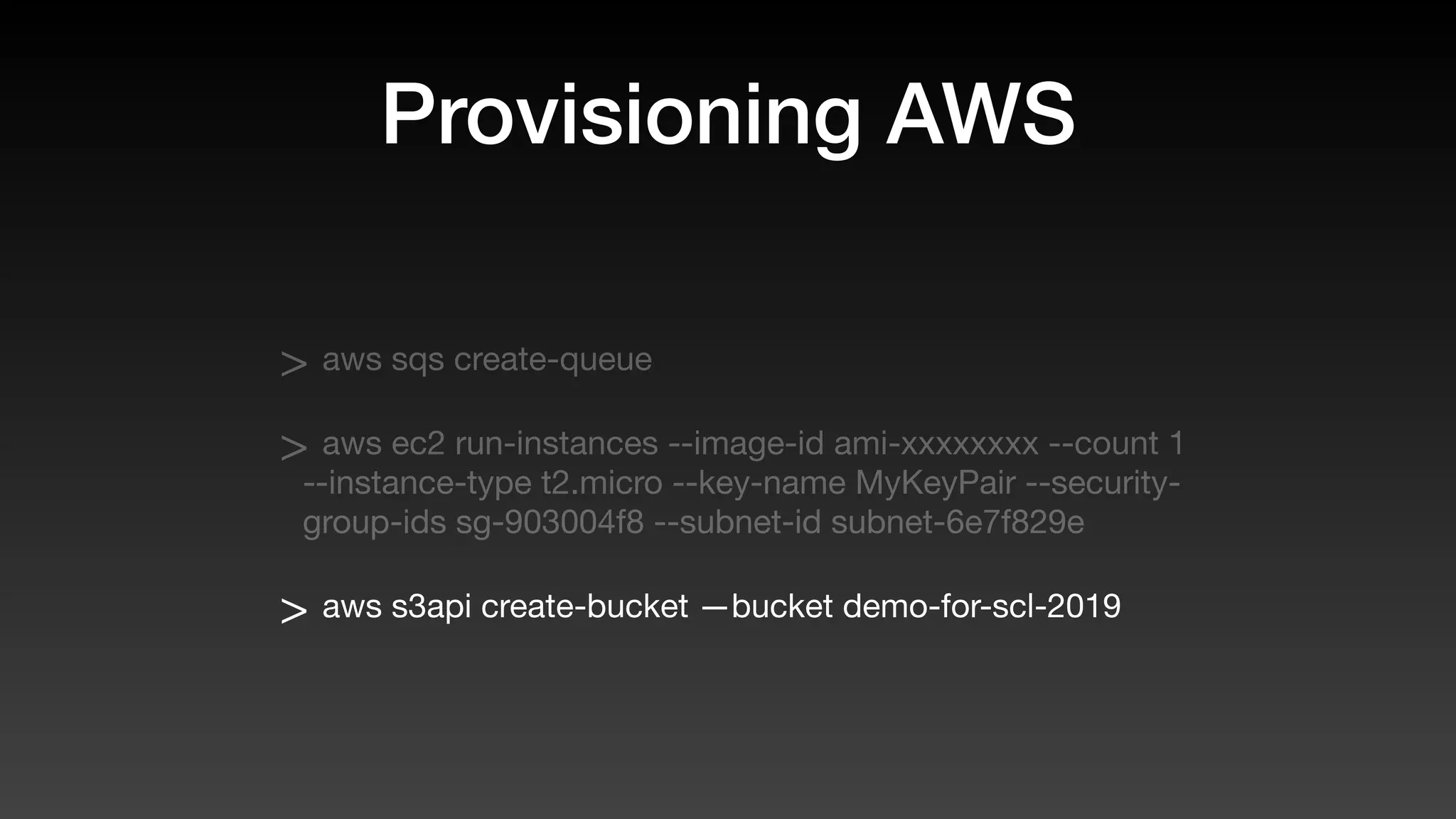
Provisioning AWS
> aws sqs create-queue
> aws ec2 run-instances --image-id ami-xxxxxxxx --count 1
--instance-type t2.micro --key-name MyKeyPair --security-
group-ids sg-903004f8 --subnet-id subnet-6e7f829e
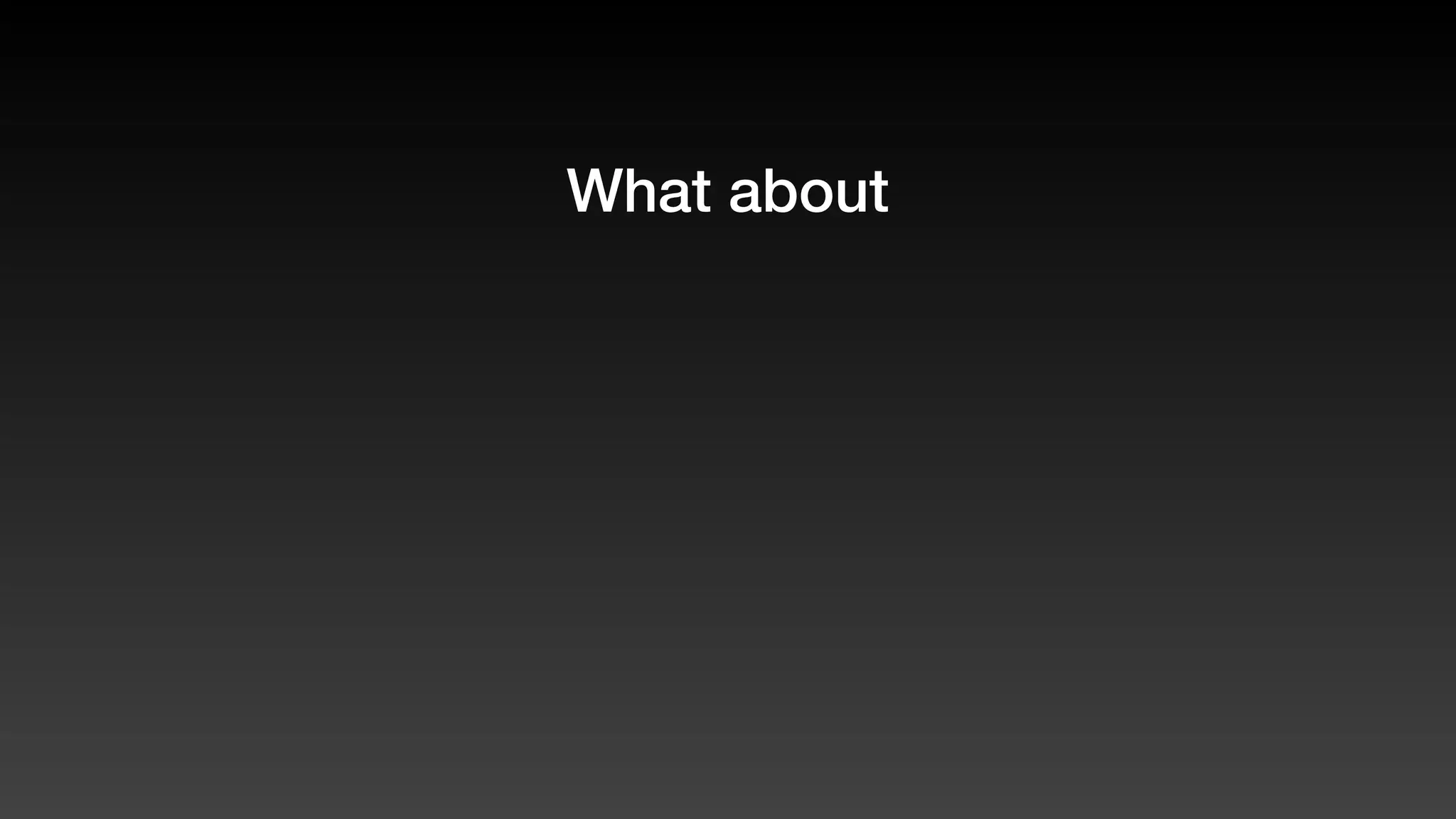
Provisioning AWS
> aws sqs create-queue
> aws ec2 run-instances --image-id ami-xxxxxxxx --count 1
--instance-type t2.micro --key-name MyKeyPair --security-
group-ids sg-903004f8 --subnet-id subnet-6e7f829e
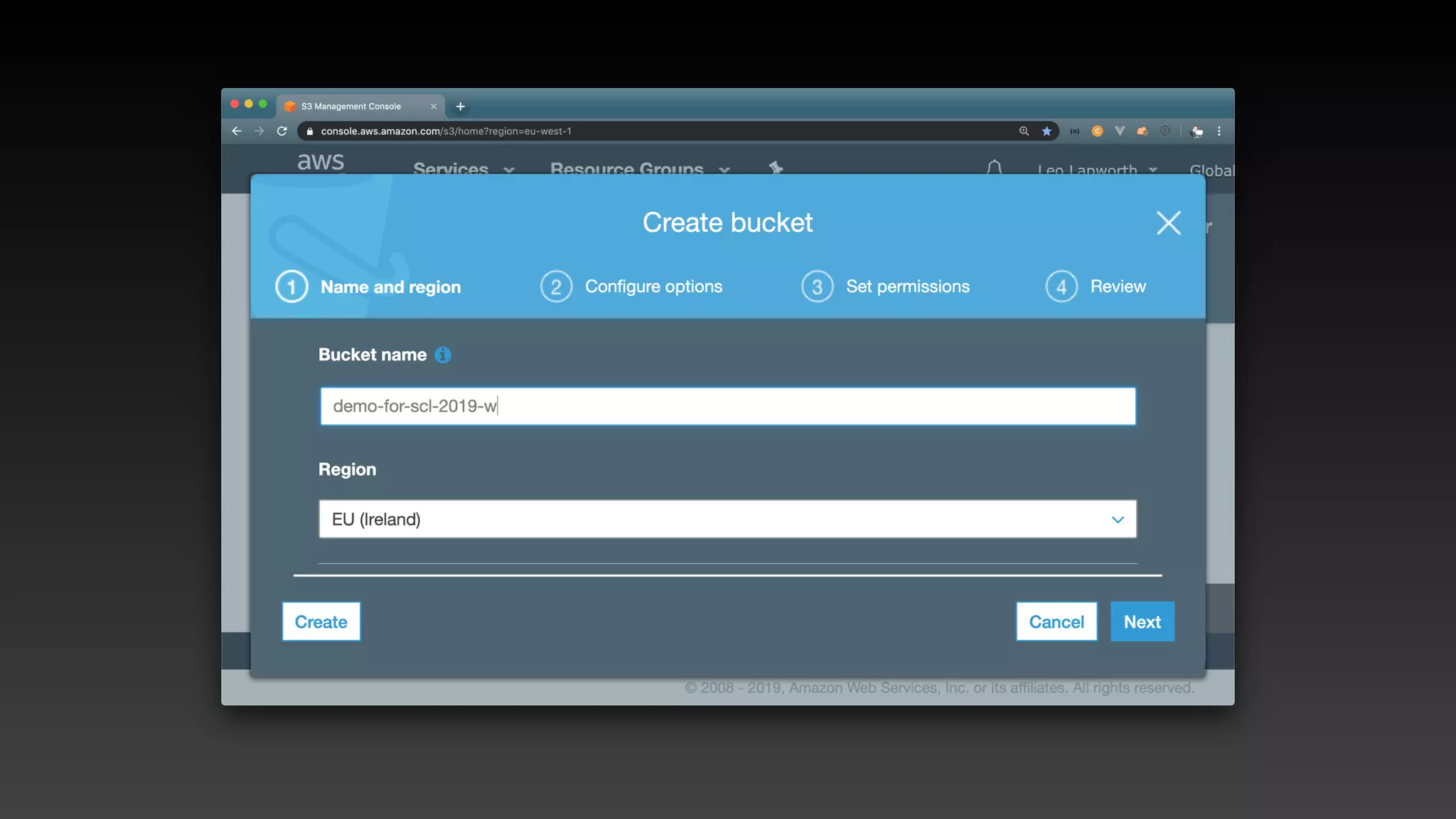
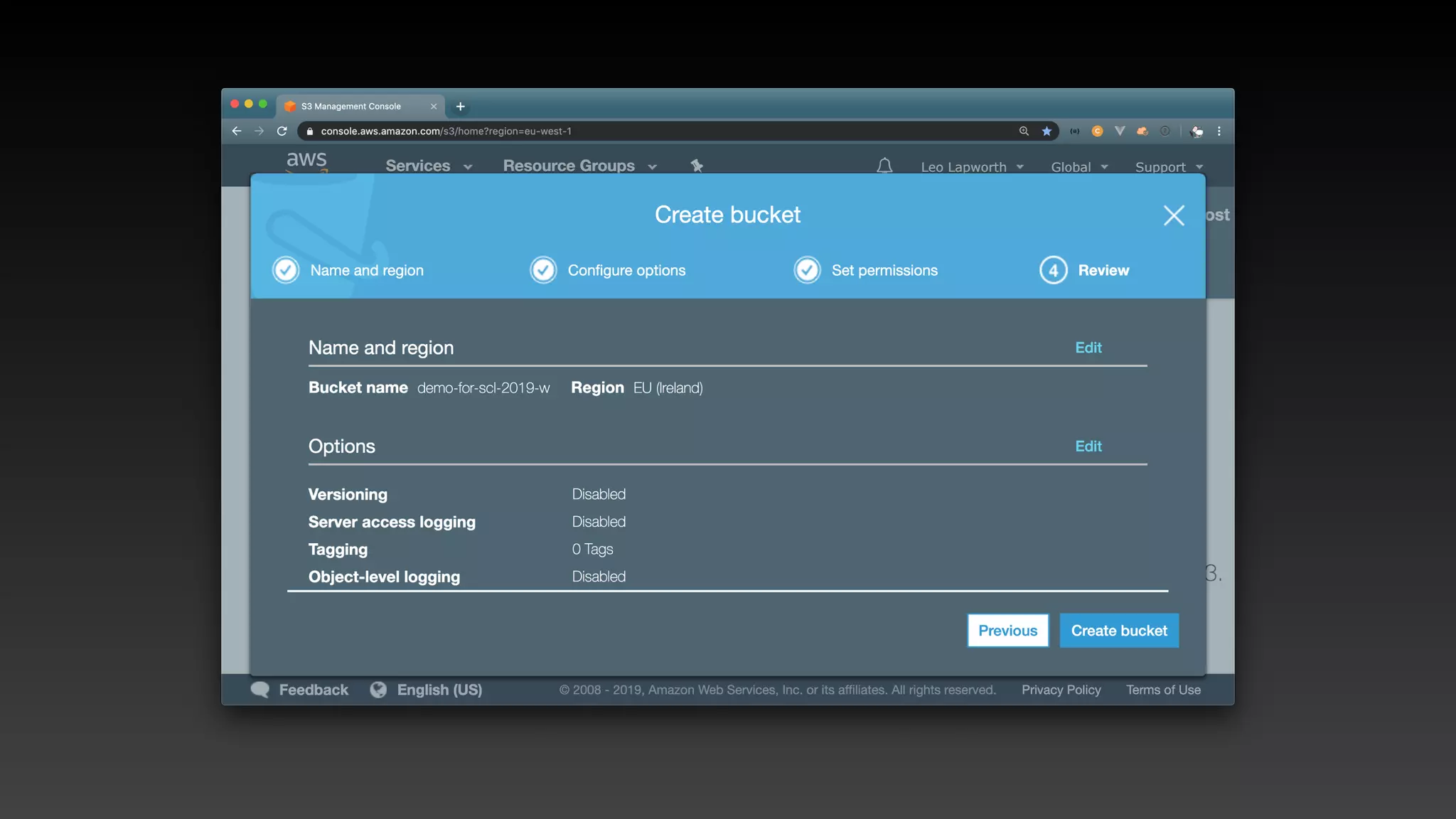
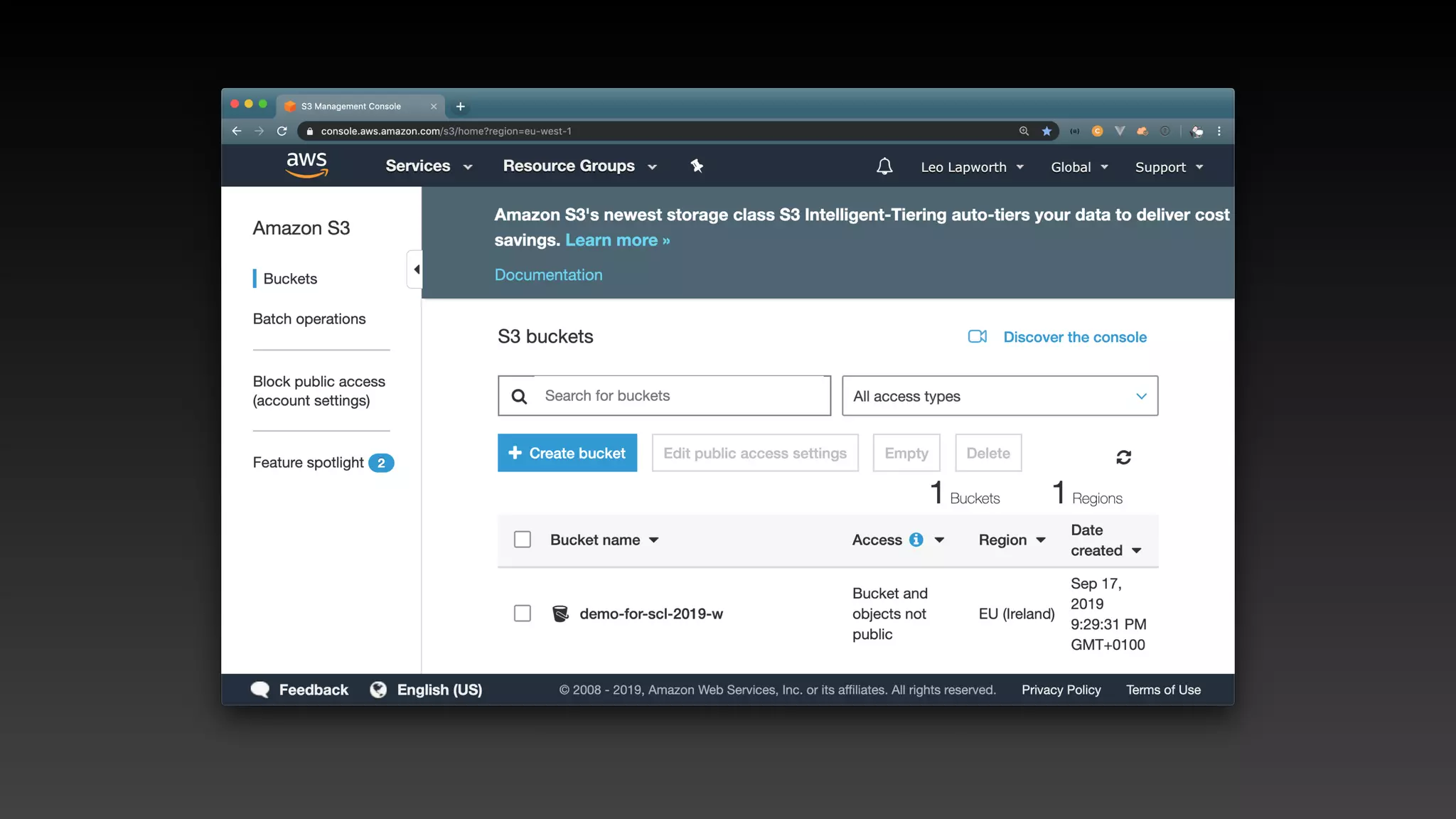
> aws s3api create-bucket —bucket demo-for-scl-2019
What about
What about
What about
Version control?
What about
Version control?
What about
Version control?
Reproducibility?
What about
Version control?
Reproducibility?
What about
Version control?
Reproducibility?
Speed of provisioning?
That’s what
Infrastructure as code
gives you!
Some approaches to IaC
• Serverless framework https://serverless.com/
Some approaches to IaC
• Serverless framework https://serverless.com/
• Arc https://arc.codes
Some approaches to IaC
• Serverless framework https://serverless.com/
• Arc https://arc.codes
• Terraform https://www.terraform.io/
Some approaches to IaC
• Serverless framework https://serverless.com/
• Arc https://arc.codes
• Terraform https://www.terraform.io/
• AWS SAM (Serverless Application Model)
Some approaches to IaC
• Serverless framework https://serverless.com/
• Arc https://arc.codes
• Terraform https://www.terraform.io/
• AWS SAM (Serverless Application Model)
• AWS Native cloudformation
How do they work?
(for AWS)
How do they work?
(for AWS)
• Interface with AWS service APIs
How do they work?
(for AWS)
• Interface with AWS service APIs
• AWS CloudFormation
What are we trying to
define?
What are we trying to
define?
Resources
What are we trying to
define?
ParametersResources
What are we trying to
define?
Permissions
ParametersResources
What are we trying to
define?
Permissions Triggers
ParametersResources
What are we trying to
define?
Permissions
Dependencies
Triggers
ParametersResources
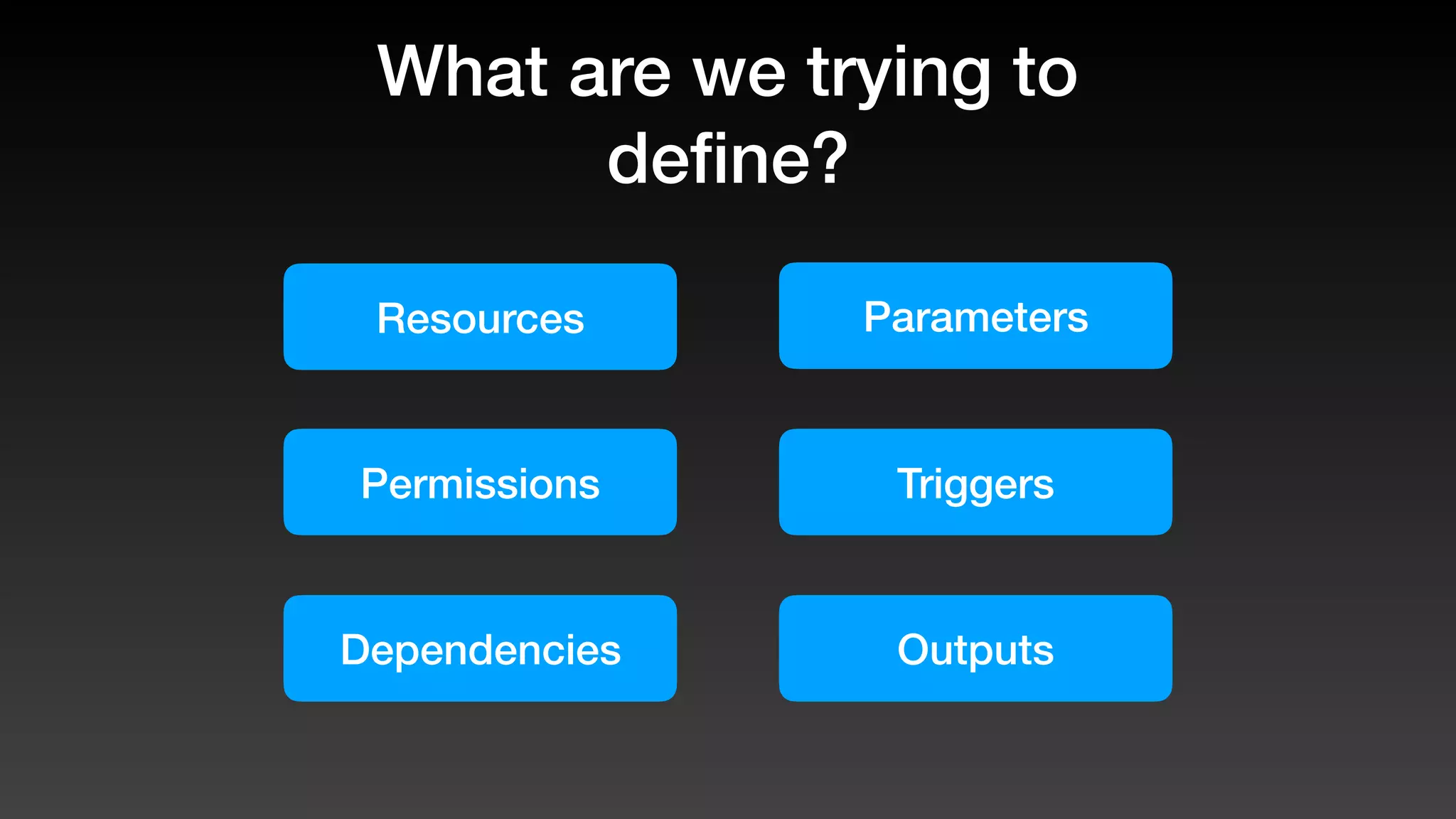
What are we trying to
define?
Permissions
Dependencies
Triggers
Outputs
ParametersResources
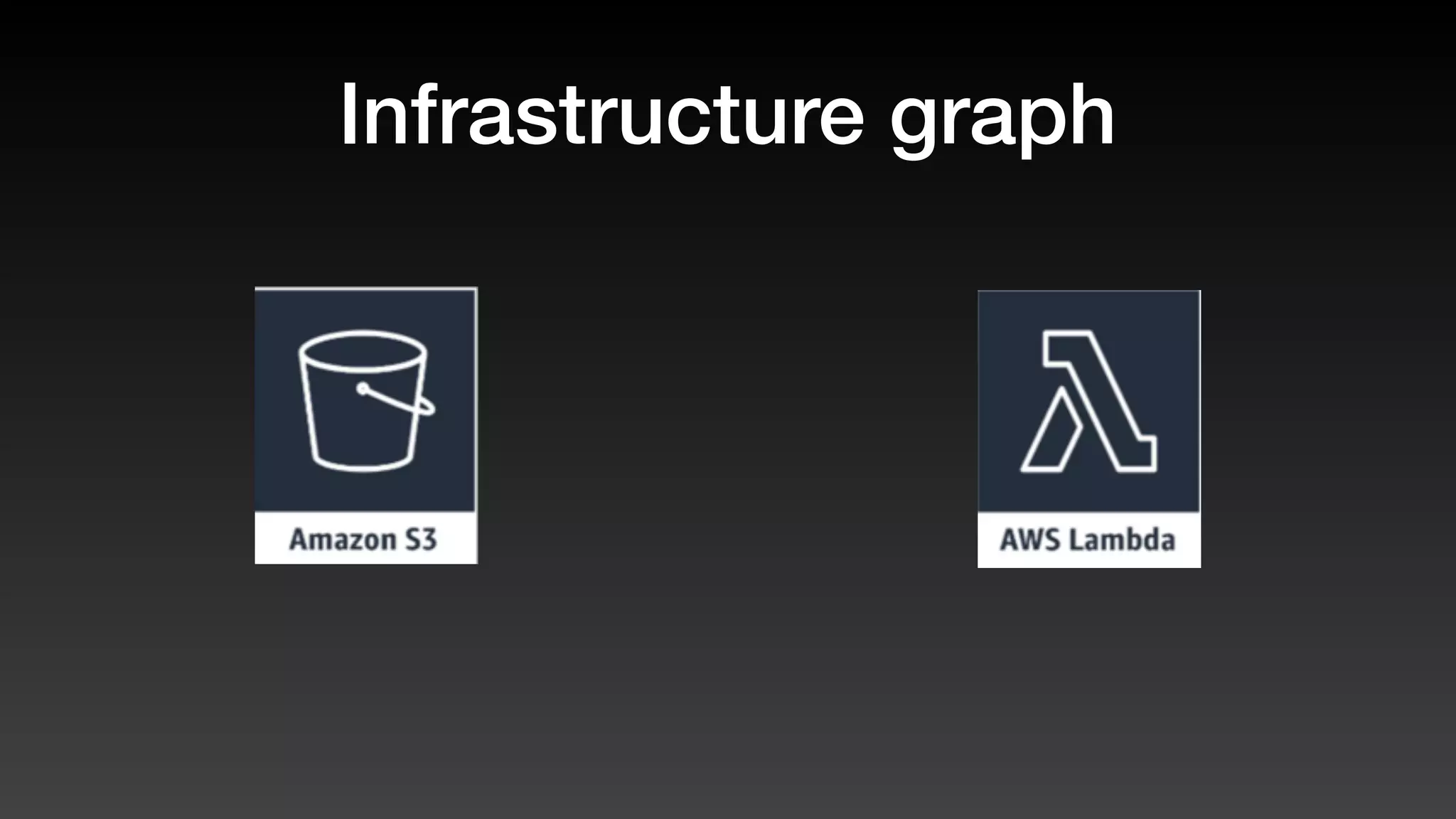
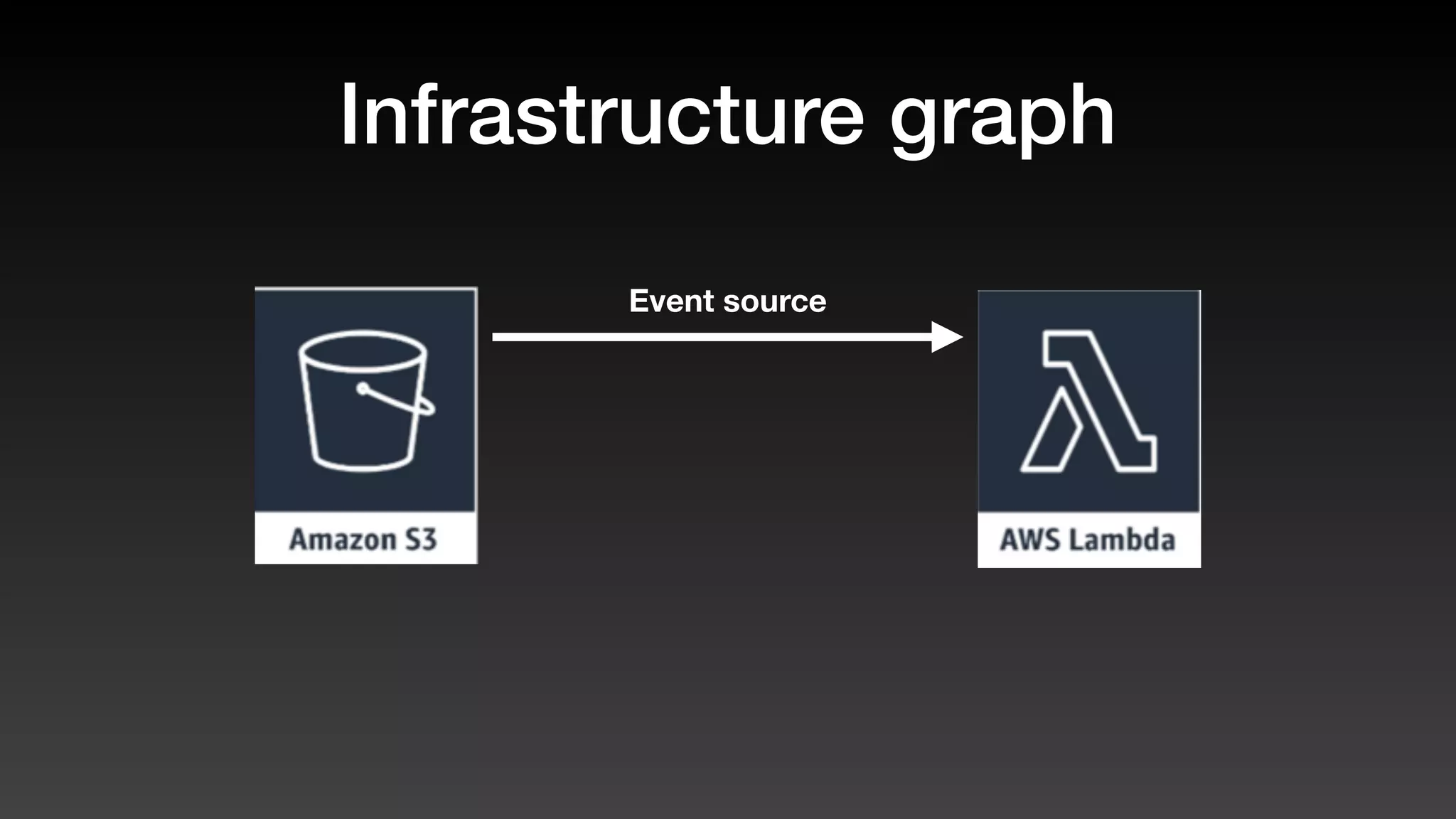
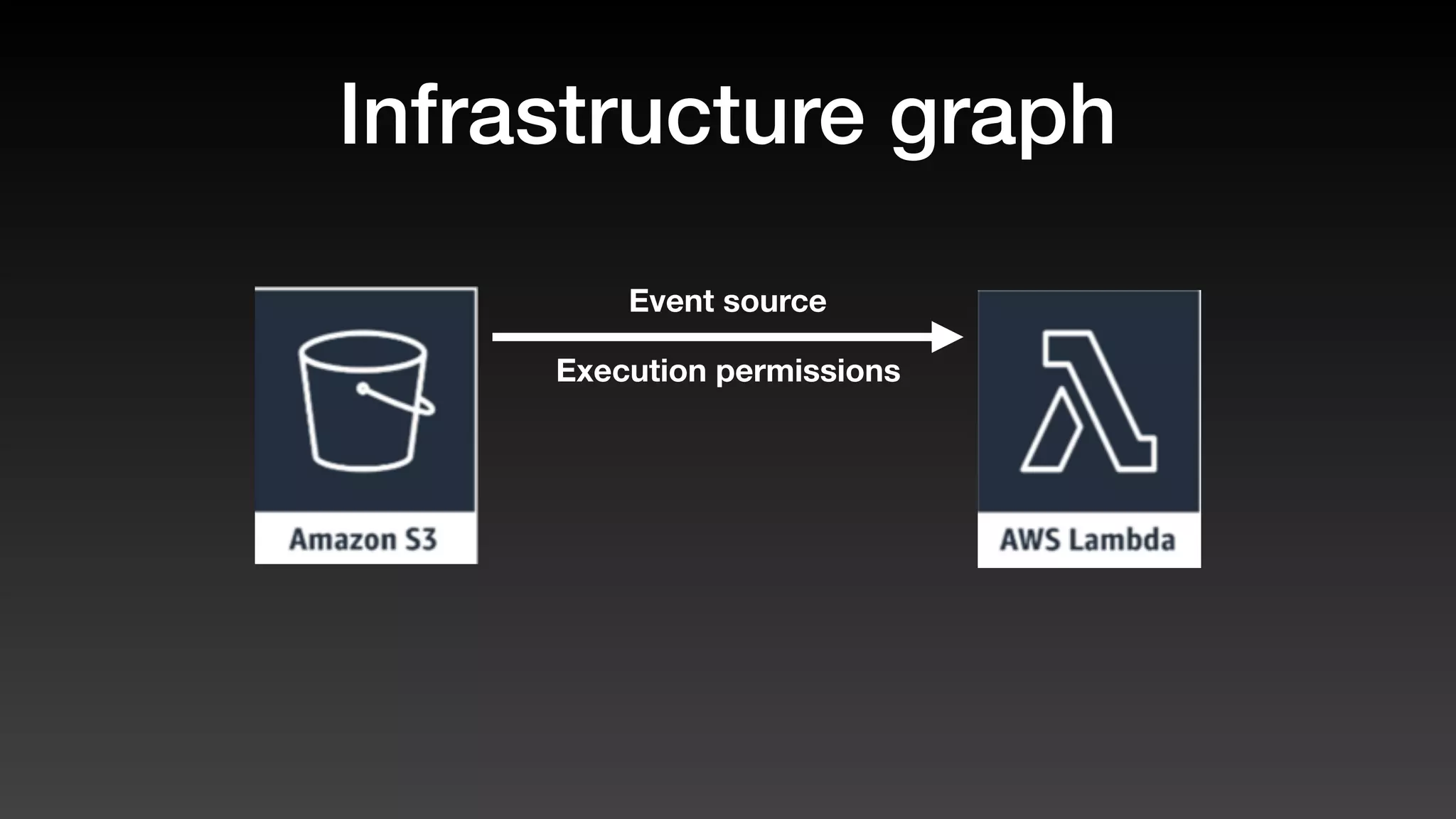
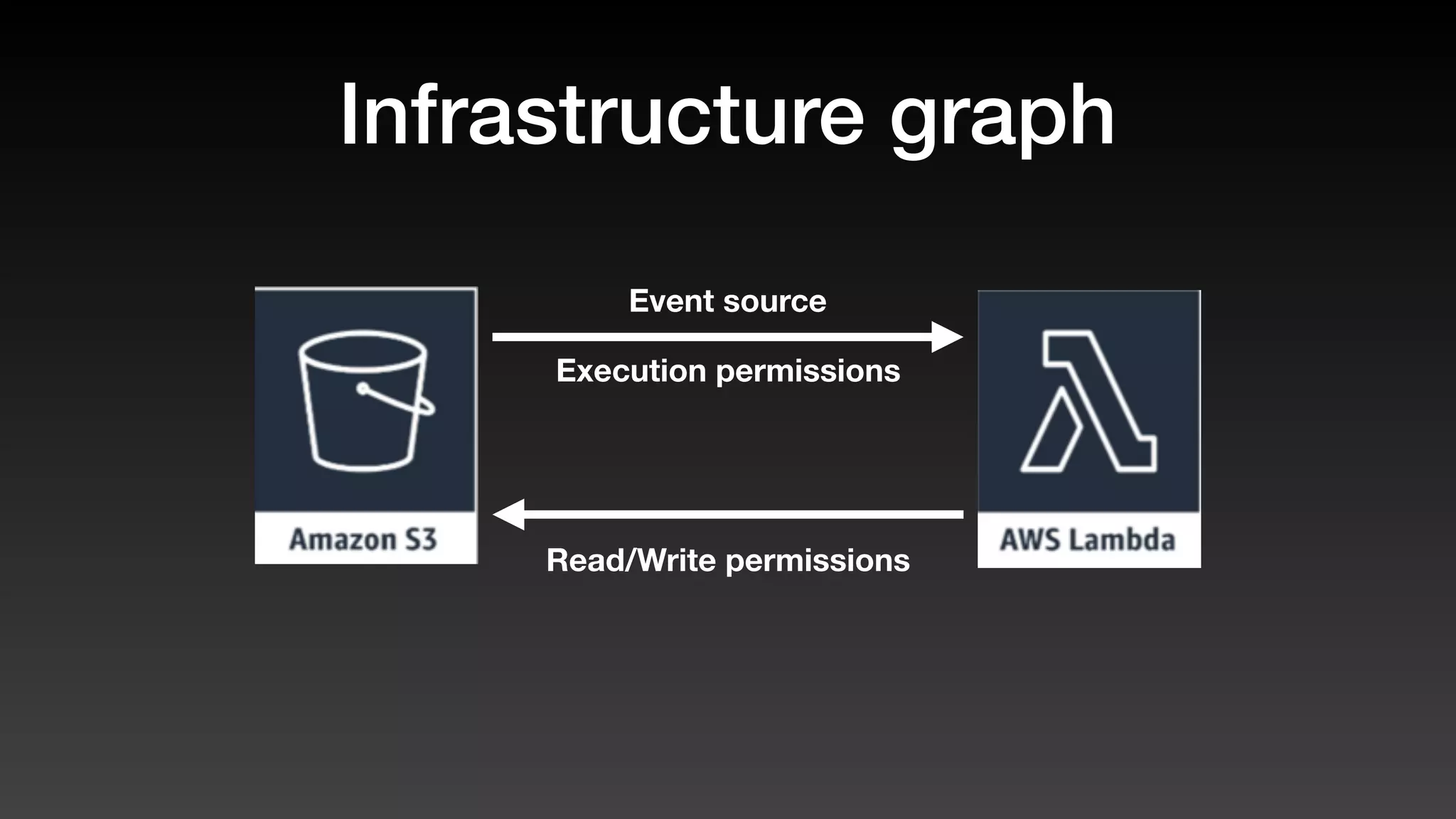
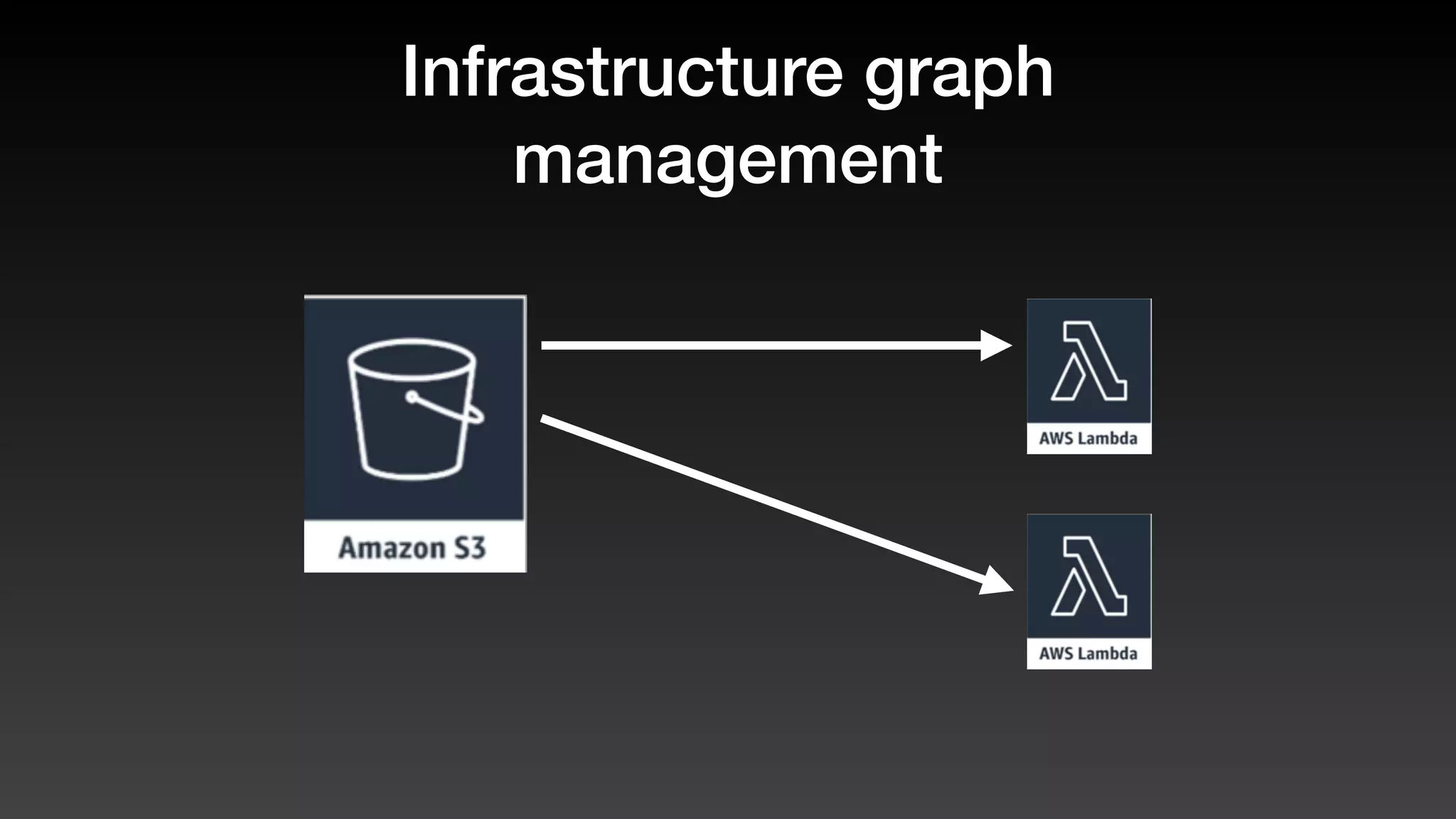
Infrastructure graphs
Infrastructure graph
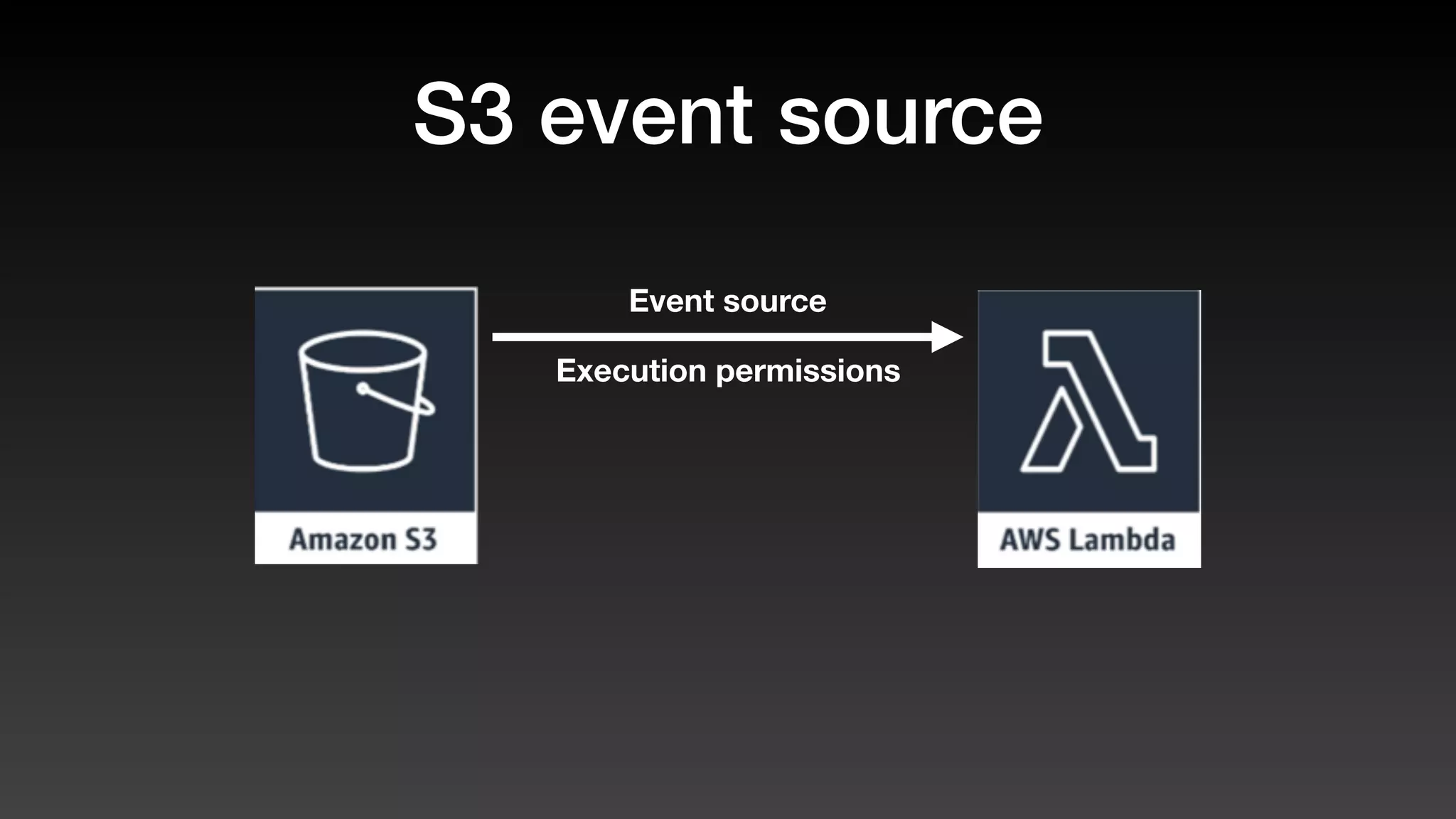
Event source
Infrastructure graph
Execution permissions
Event source
Infrastructure graph
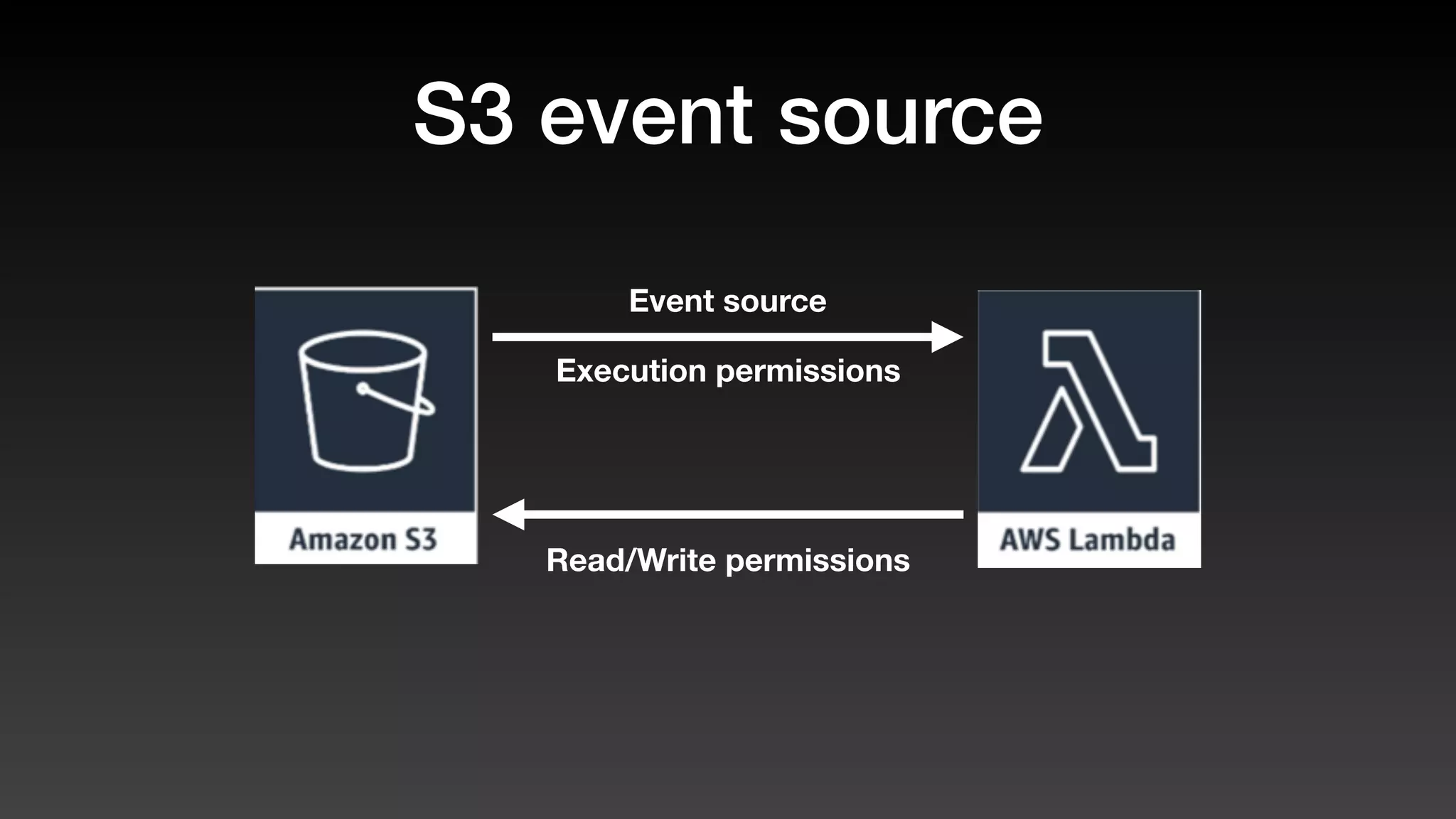
Execution permissions
Read/Write permissions
Event source
Infrastructure graph
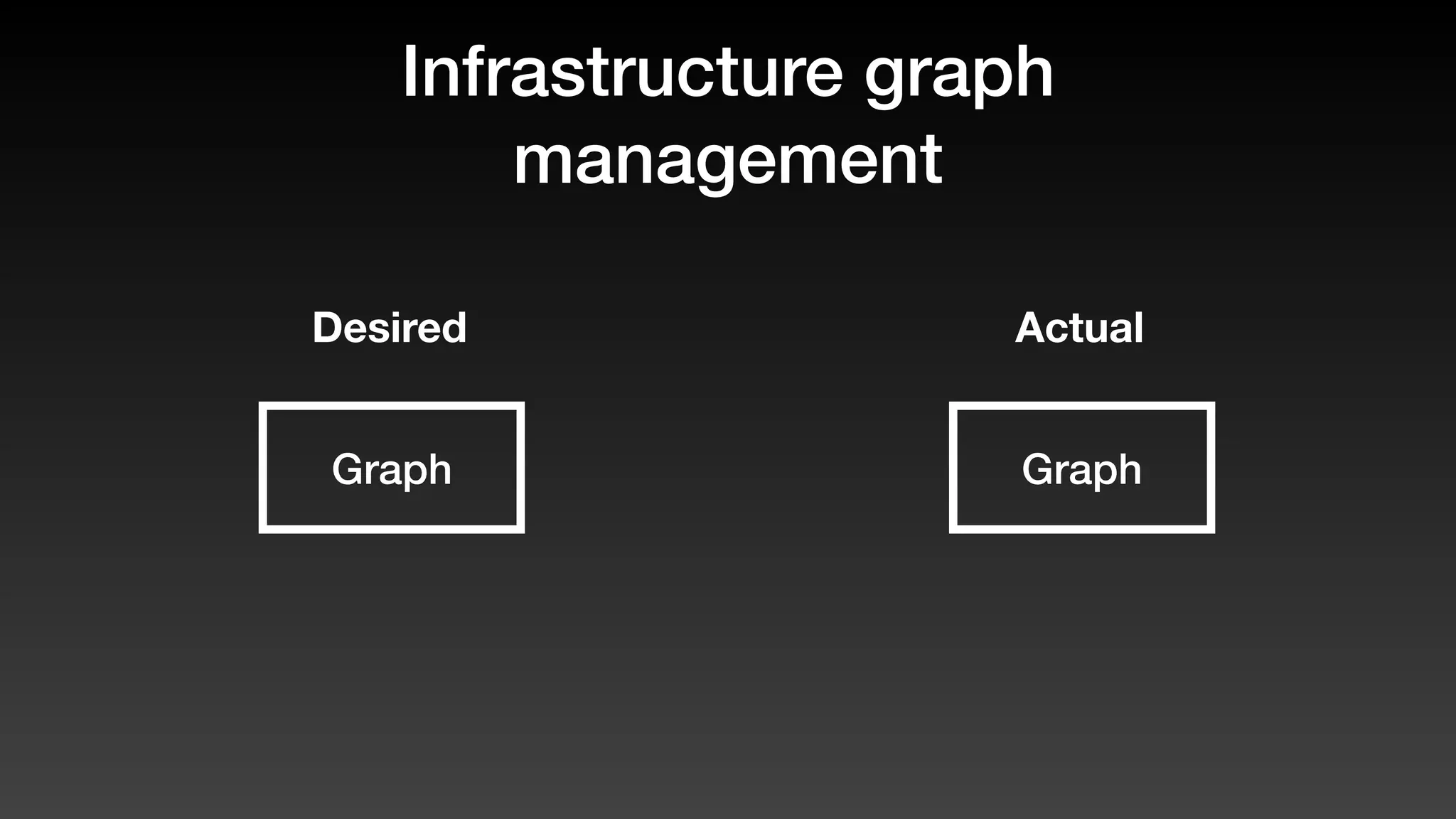
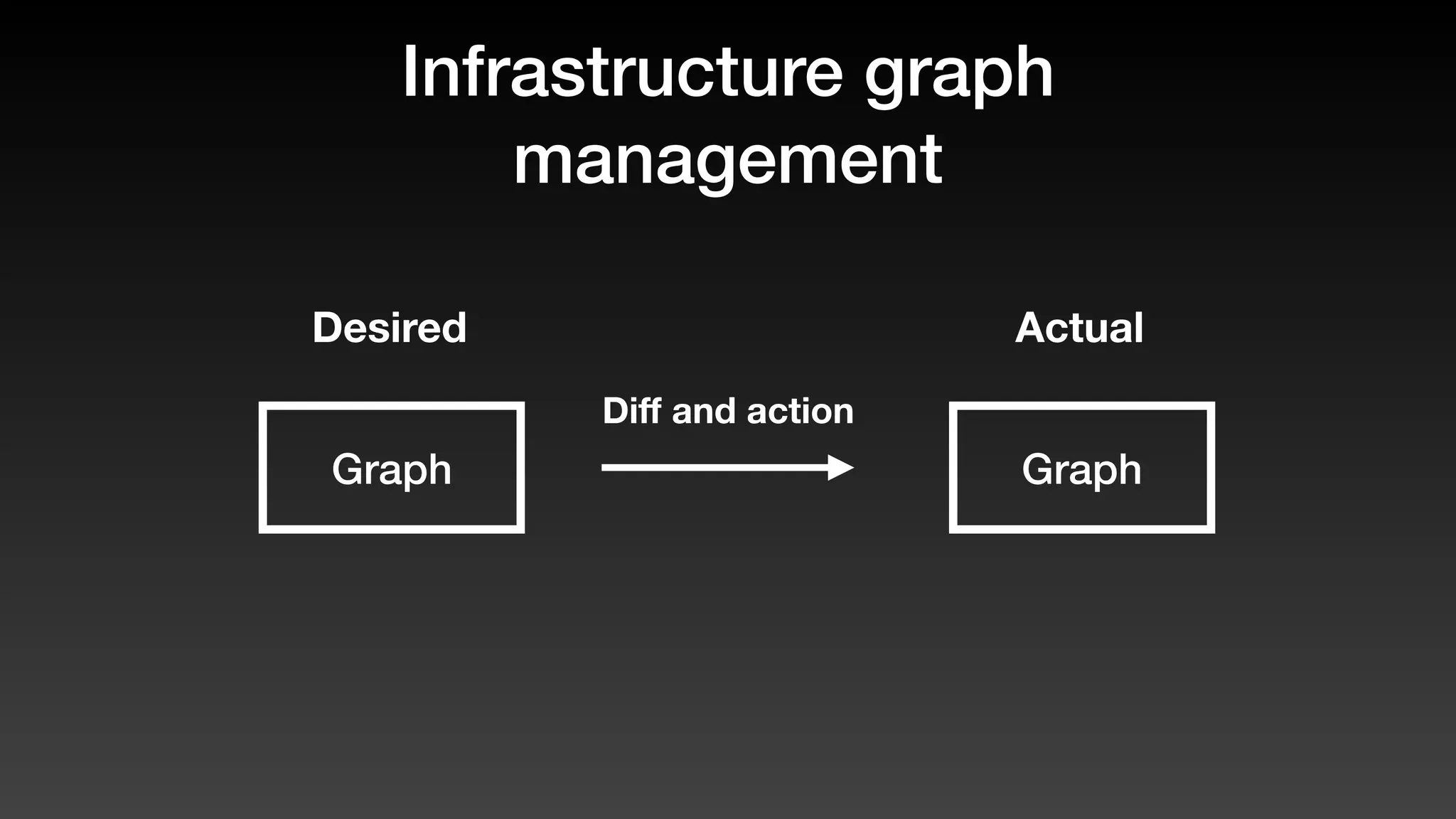
management
Graph
Desired Actual
Graph
Infrastructure graph
management
Graph
Desired Actual
Graph
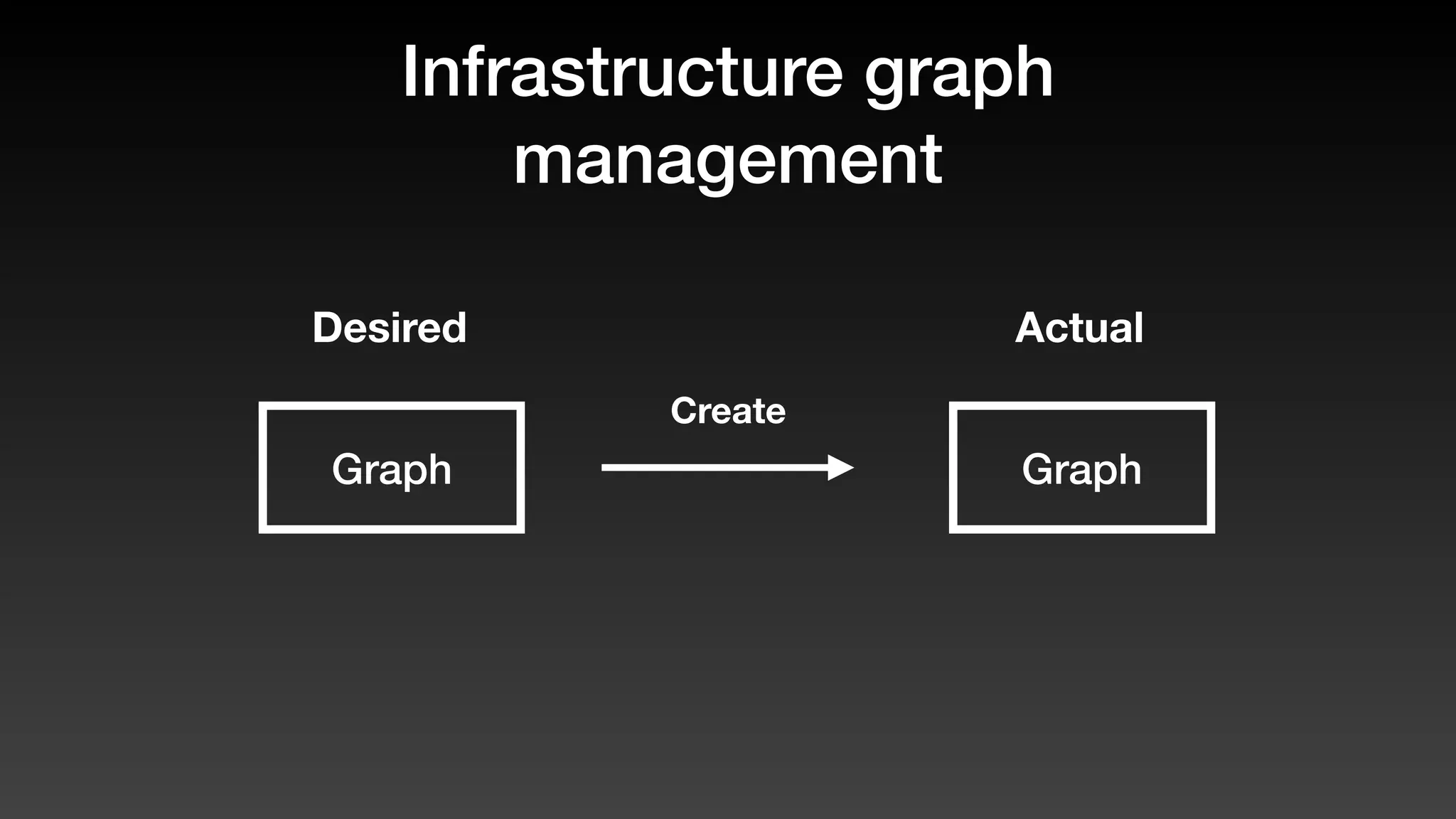
Create
Infrastructure graph
management
Infrastructure graph
management
Graph
Desired Actual
Graph
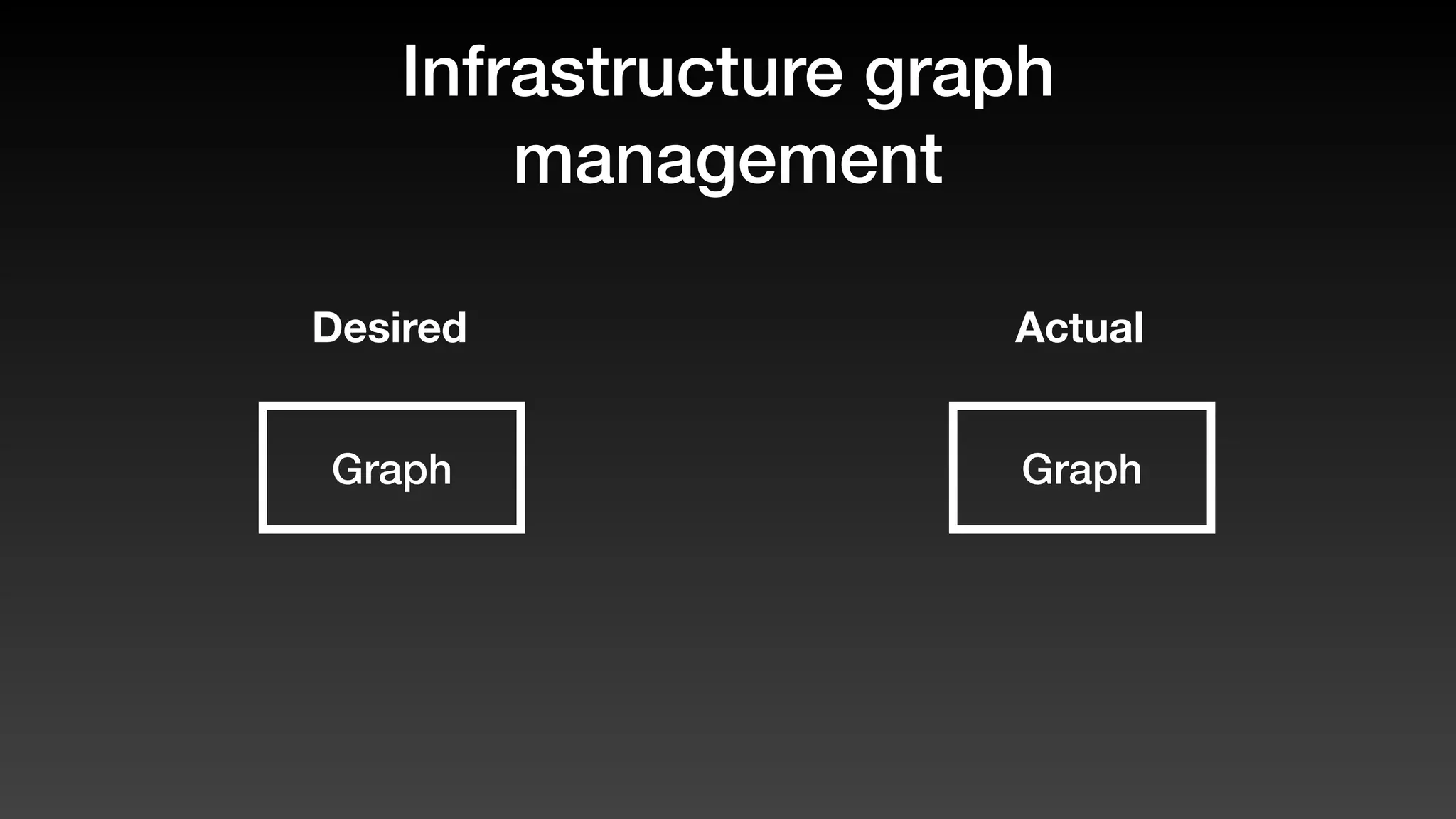
Infrastructure graph
management
Graph
Desired Actual
Graph
Diff and action
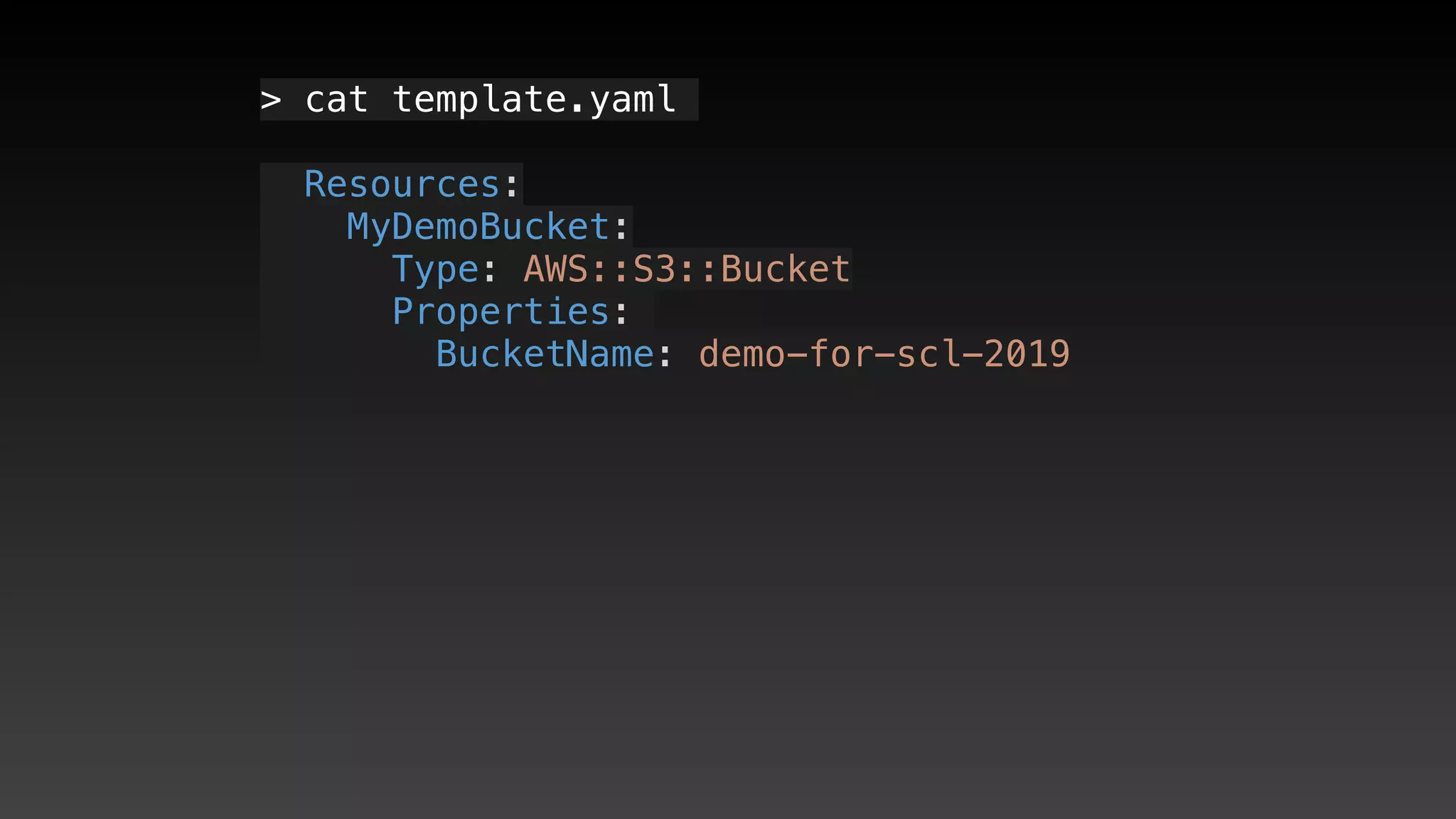
> cat template.yaml
  Resources:
   MyDemoBucket:
     Type: AWS::S3::Bucket
     Properties: 
       BucketName: demo-for-scl-2019
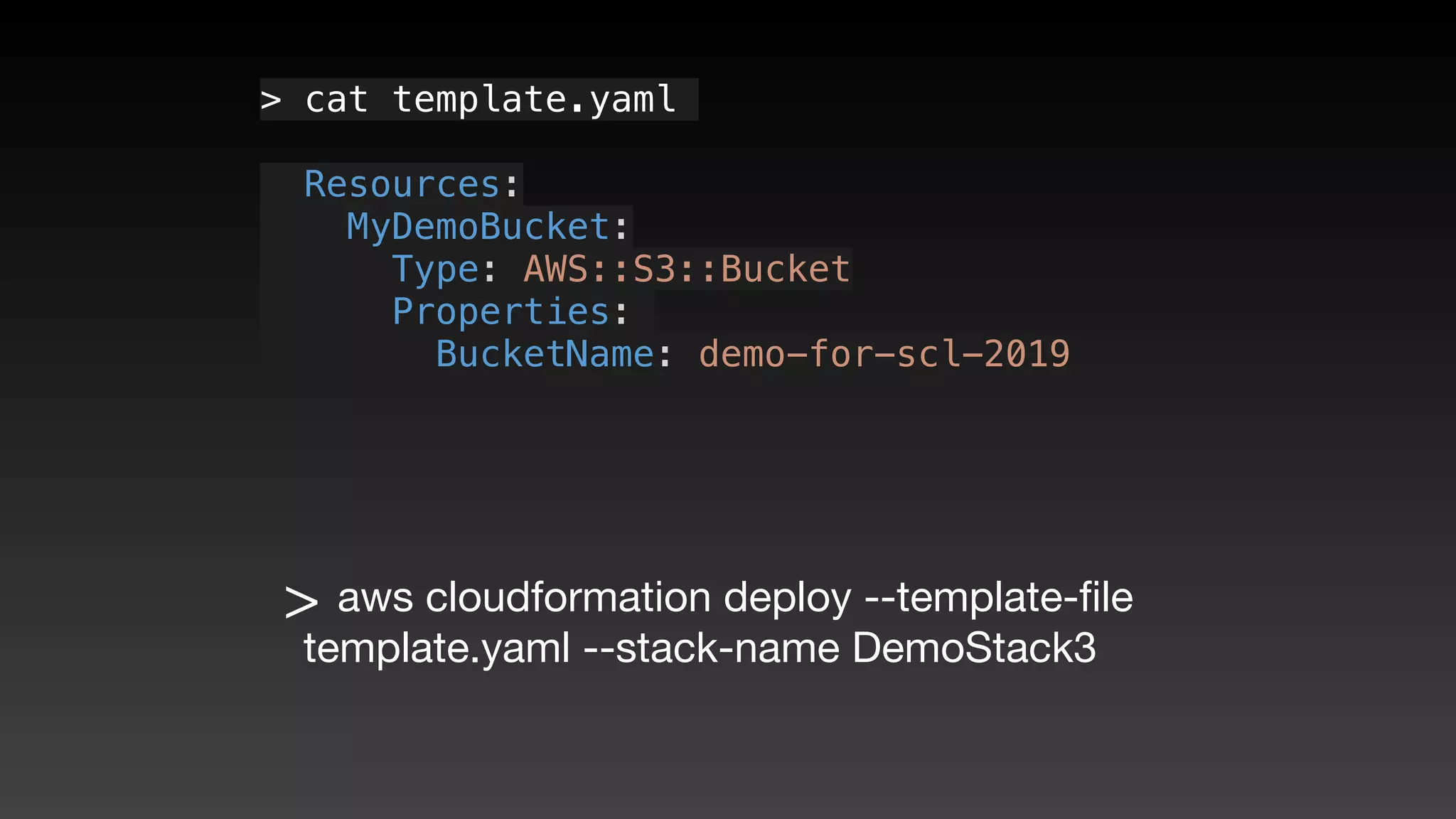
> cat template.yaml
  Resources:
   MyDemoBucket:
     Type: AWS::S3::Bucket
     Properties: 
       BucketName: demo-for-scl-2019
> aws cloudformation deploy --template-file
template.yaml --stack-name DemoStack3
Waiting for change-set to be created..
Waiting for stack create/update to complete
Waiting for change-set to be created..
Waiting for stack create/update to complete
Successfully created/updated stack - DemoStack3
Why DemoStack3?
Why DemoStack3?
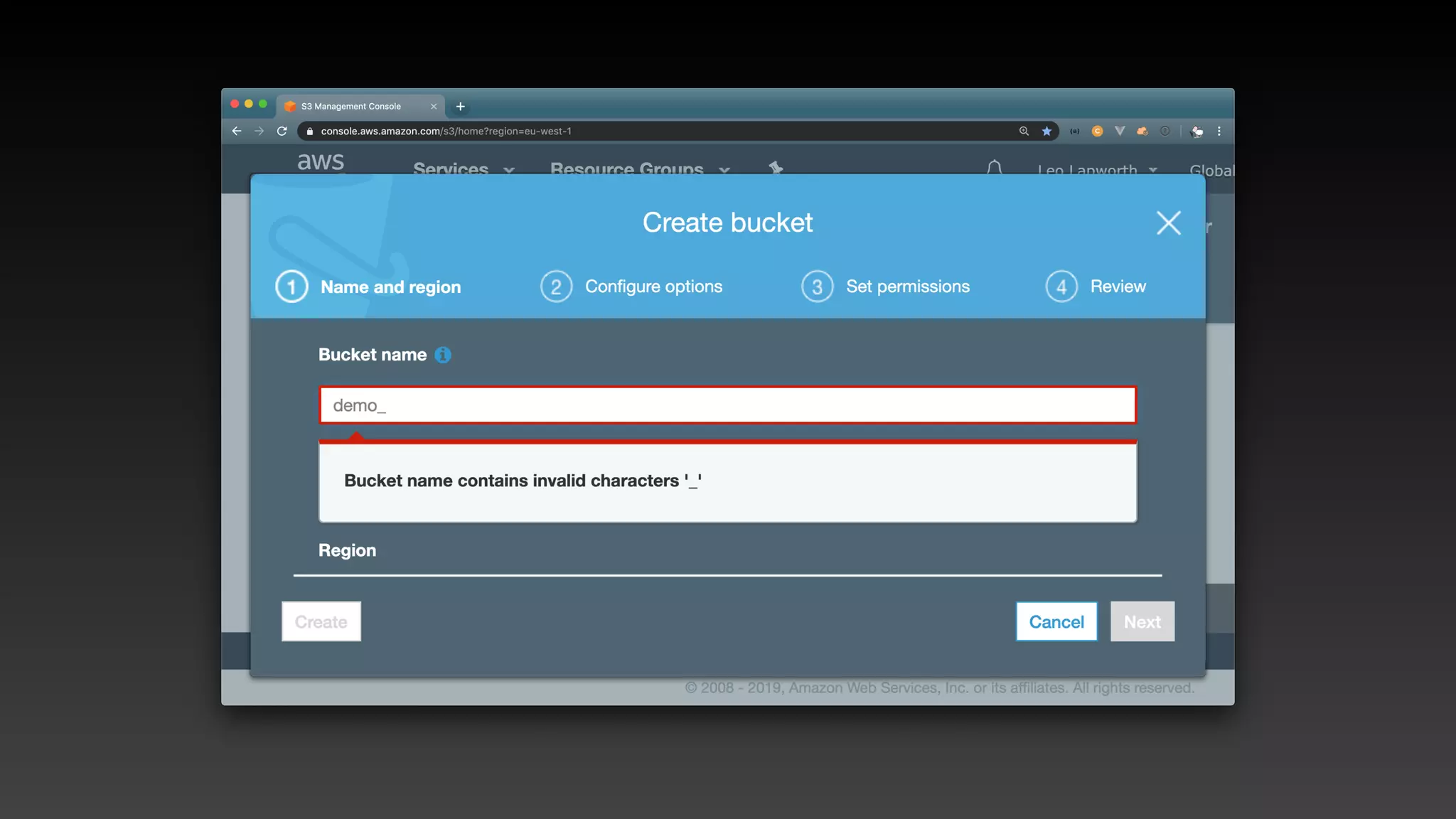
BucketName: dem_for_scl_2019
Why DemoStack3?
BucketName: dem_for_scl_2019
Why DemoStack3?
BucketName: dem_for_scl_2019
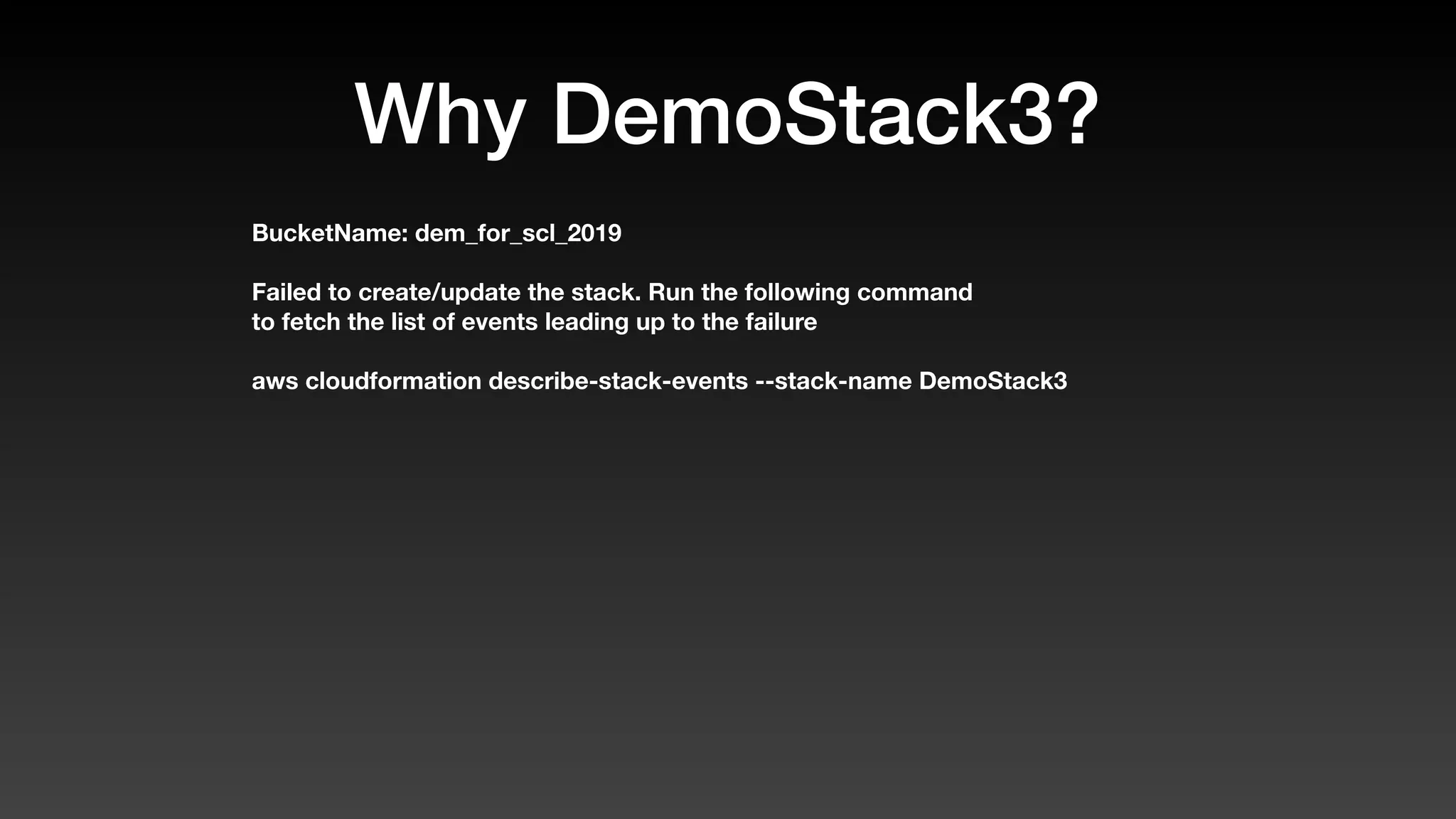
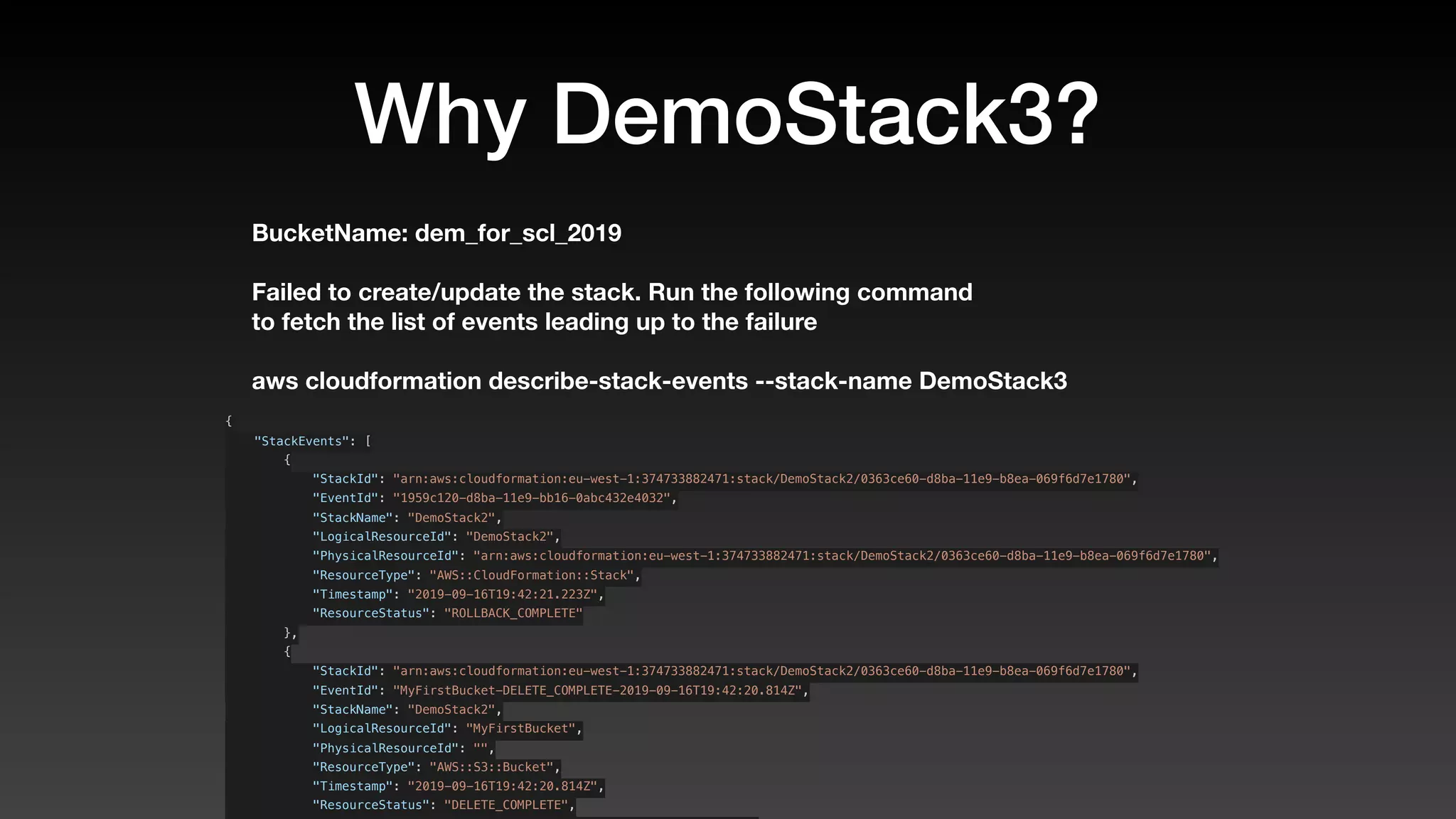
Failed to create/update the stack. Run the following command
Why DemoStack3?
BucketName: dem_for_scl_2019
Failed to create/update the stack. Run the following command
to fetch the list of events leading up to the failure
Why DemoStack3?
BucketName: dem_for_scl_2019
Failed to create/update the stack. Run the following command
to fetch the list of events leading up to the failure
Why DemoStack3?
BucketName: dem_for_scl_2019
Failed to create/update the stack. Run the following command
to fetch the list of events leading up to the failure
aws cloudformation describe-stack-events --stack-name DemoStack3
Why DemoStack3?
BucketName: dem_for_scl_2019
Failed to create/update the stack. Run the following command
to fetch the list of events leading up to the failure
aws cloudformation describe-stack-events --stack-name DemoStack3
{
    "StackEvents": [
        {
            "StackId": "arn:aws:cloudformation:eu-west-1:374733882471:stack/DemoStack2/0363ce60-d8ba-11e9-b8ea-069f6d7e1780",
            "EventId": "1959c120-d8ba-11e9-bb16-0abc432e4032",
            "StackName": "DemoStack2",
            "LogicalResourceId": "DemoStack2",
            "PhysicalResourceId": "arn:aws:cloudformation:eu-west-1:374733882471:stack/DemoStack2/0363ce60-d8ba-11e9-b8ea-069f6d7e1780",
            "ResourceType": "AWS::CloudFormation::Stack",
            "Timestamp": "2019-09-16T19:42:21.223Z",
            "ResourceStatus": "ROLLBACK_COMPLETE"
        },
        {
            "StackId": "arn:aws:cloudformation:eu-west-1:374733882471:stack/DemoStack2/0363ce60-d8ba-11e9-b8ea-069f6d7e1780",
            "EventId": "MyFirstBucket-DELETE_COMPLETE-2019-09-16T19:42:20.814Z",
            "StackName": "DemoStack2",
            "LogicalResourceId": "MyFirstBucket",
            "PhysicalResourceId": "",
            "ResourceType": "AWS::S3::Bucket",
            "Timestamp": "2019-09-16T19:42:20.814Z",
            "ResourceStatus": "DELETE_COMPLETE",
            "StackName": "DemoStack2",
            "LogicalResourceId": "DemoStack2",
            "PhysicalResourceId": "arn:aws:cloudformation:eu-west-1:374733882471:stack/DemoStack2/0
d8ba-11e9-b8ea-069f6d7e1780",
            "ResourceType": "AWS::CloudFormation::Stack",
            "Timestamp": "2019-09-16T19:41:52.401Z",
            "ResourceStatus": "ROLLBACK_IN_PROGRESS",
            "ResourceStatusReason": "The following resource(s) failed to create: [MyFirstBucket]. .
uested by user."
        },
        {
            "StackId": "arn:aws:cloudformation:eu-west-1:374733882471:stack/DemoStack2/0363ce60-d8b
b8ea-069f6d7e1780",
            "EventId": "MyFirstBucket-CREATE_FAILED-2019-09-16T19:41:52.005Z",
            "StackName": "DemoStack2",
            "LogicalResourceId": "MyFirstBucket",
            "PhysicalResourceId": "",
            "ResourceType": "AWS::S3::Bucket",
            "Timestamp": "2019-09-16T19:41:52.005Z",
            "ResourceStatus": "CREATE_FAILED",
            "ResourceStatusReason": "Bucket name should not contain '_'",
            "ResourceProperties": "{"BucketName":"dem_for_scl_2019"}"
        },
        {
            "StackId": "arn:aws:cloudformation:eu-west-1:374733882471:stack/DemoStack2/0363ce60-d8b
b8ea-069f6d7e1780",
            "EventId": "MyFirstBucket-CREATE_IN_PROGRESS-2019-09-16T19:41:51.590Z",
            "StackName": "DemoStack2",
            "LogicalResourceId": "MyFirstBucket",
            "PhysicalResourceId": "",
            "ResourceType": "AWS::S3::Bucket",
            "Timestamp": "2019-09-16T19:41:51.590Z",
            "ResourceStatus": "CREATE_IN_PROGRESS",
I thought this was a talk
about CDK?
Using CDK to generate
CloudFormation
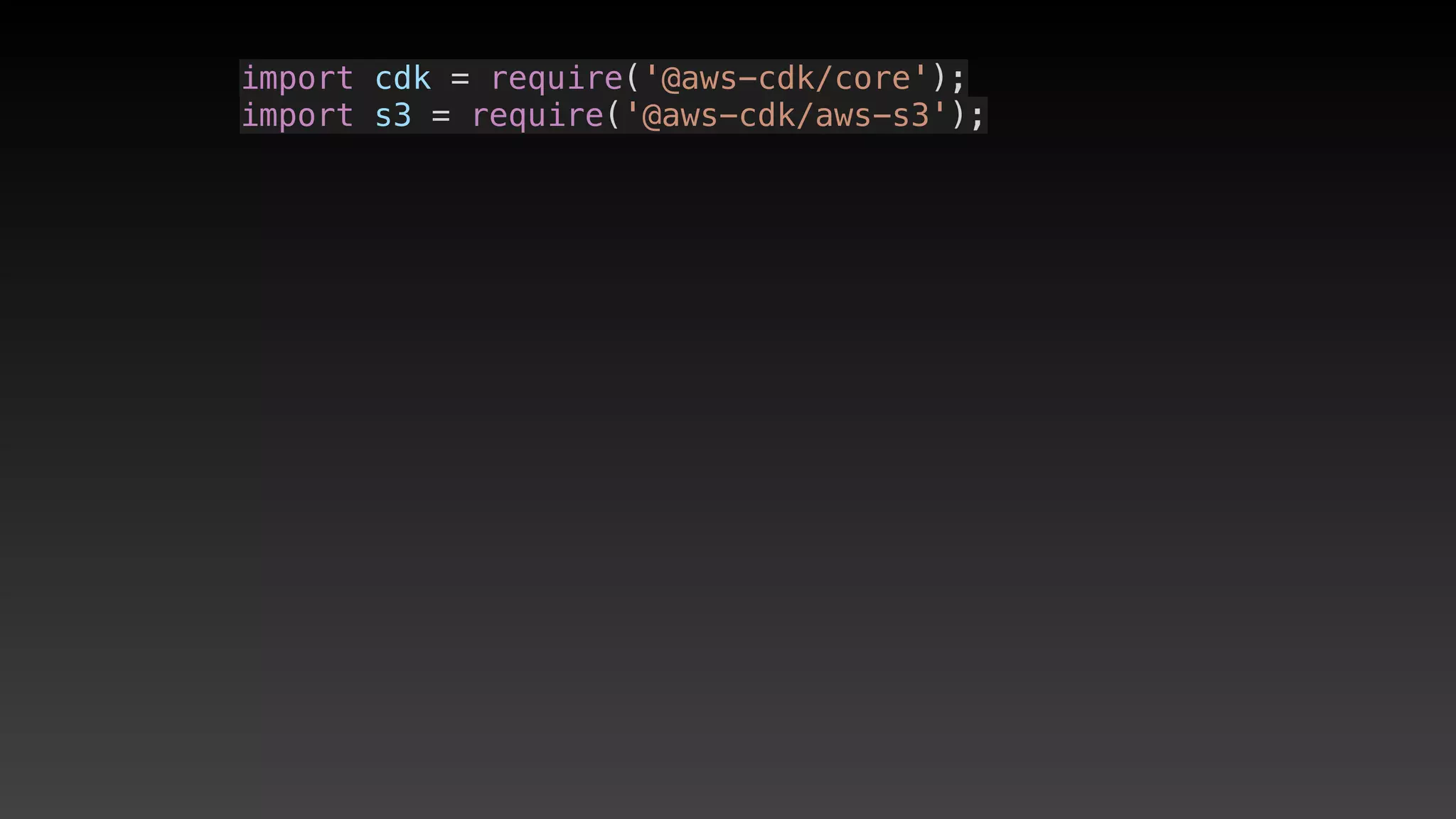
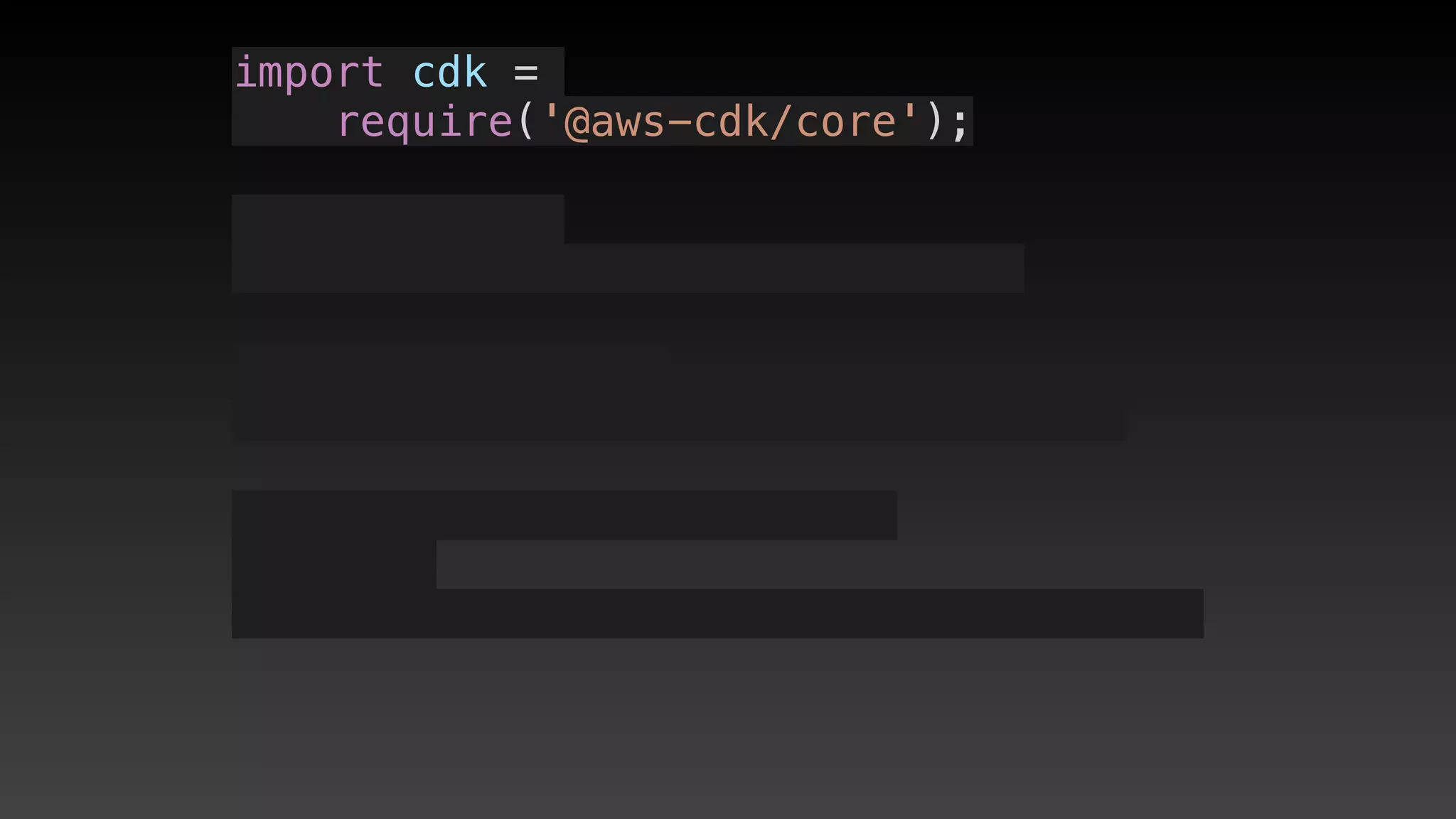
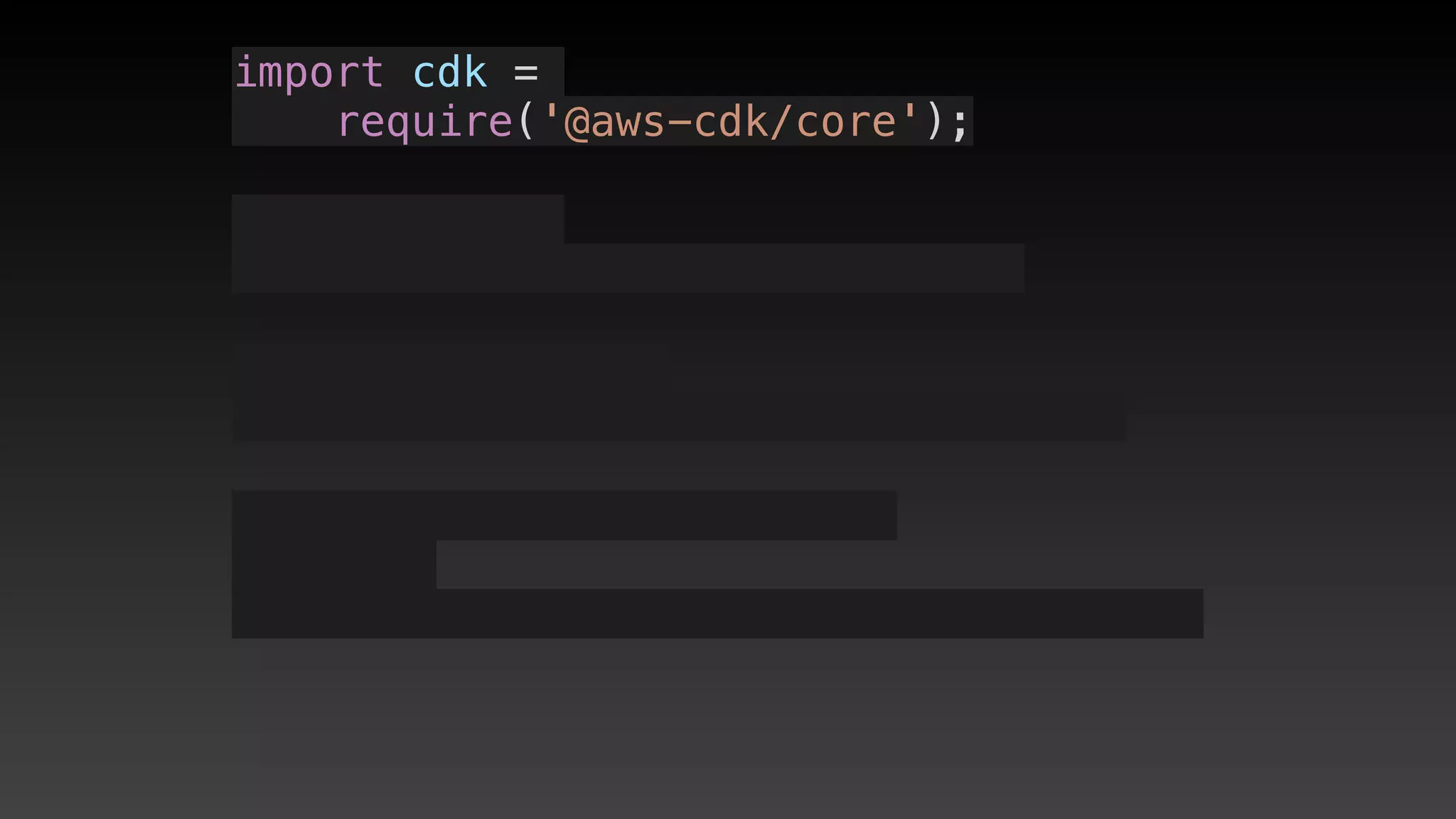
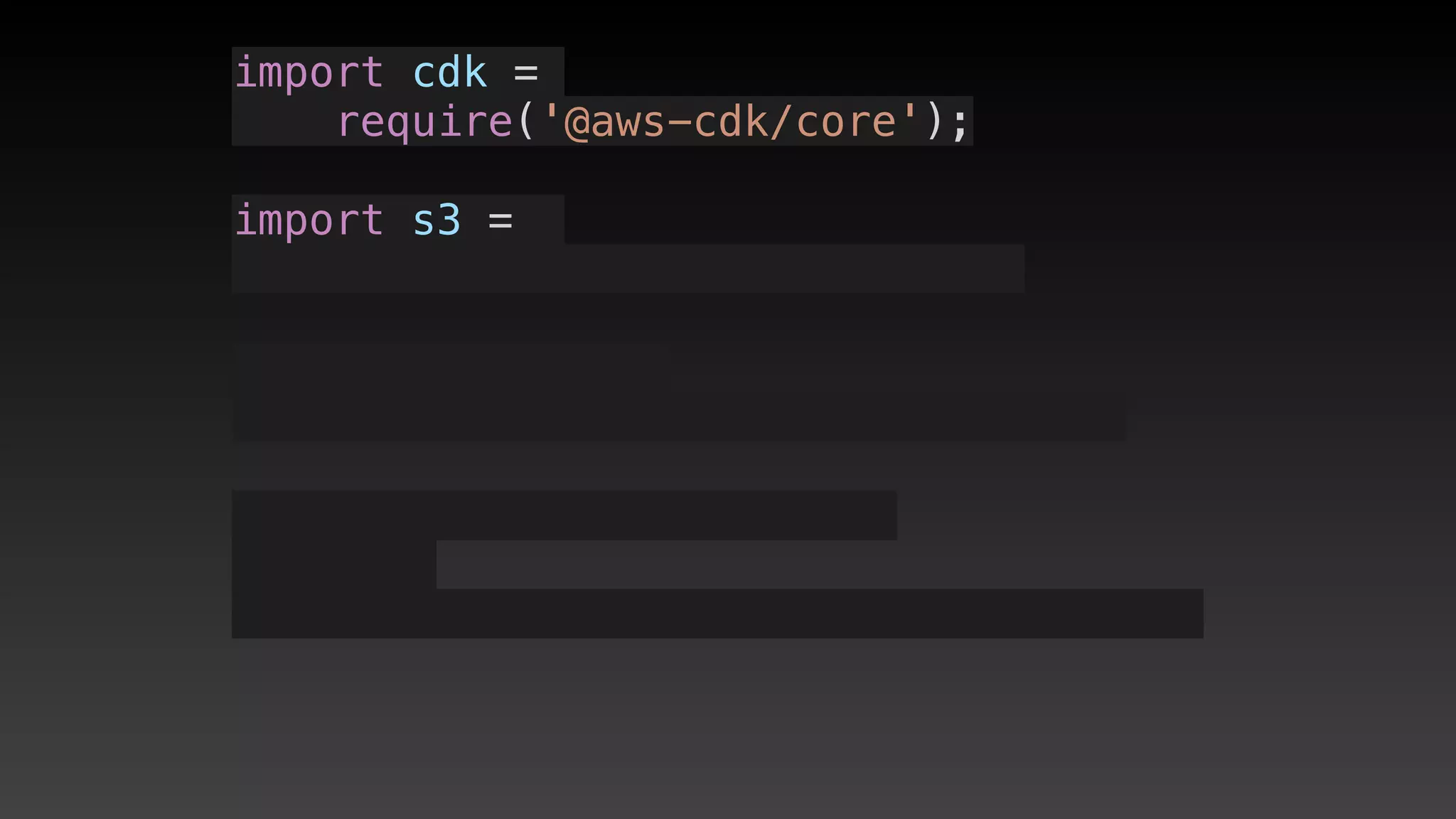
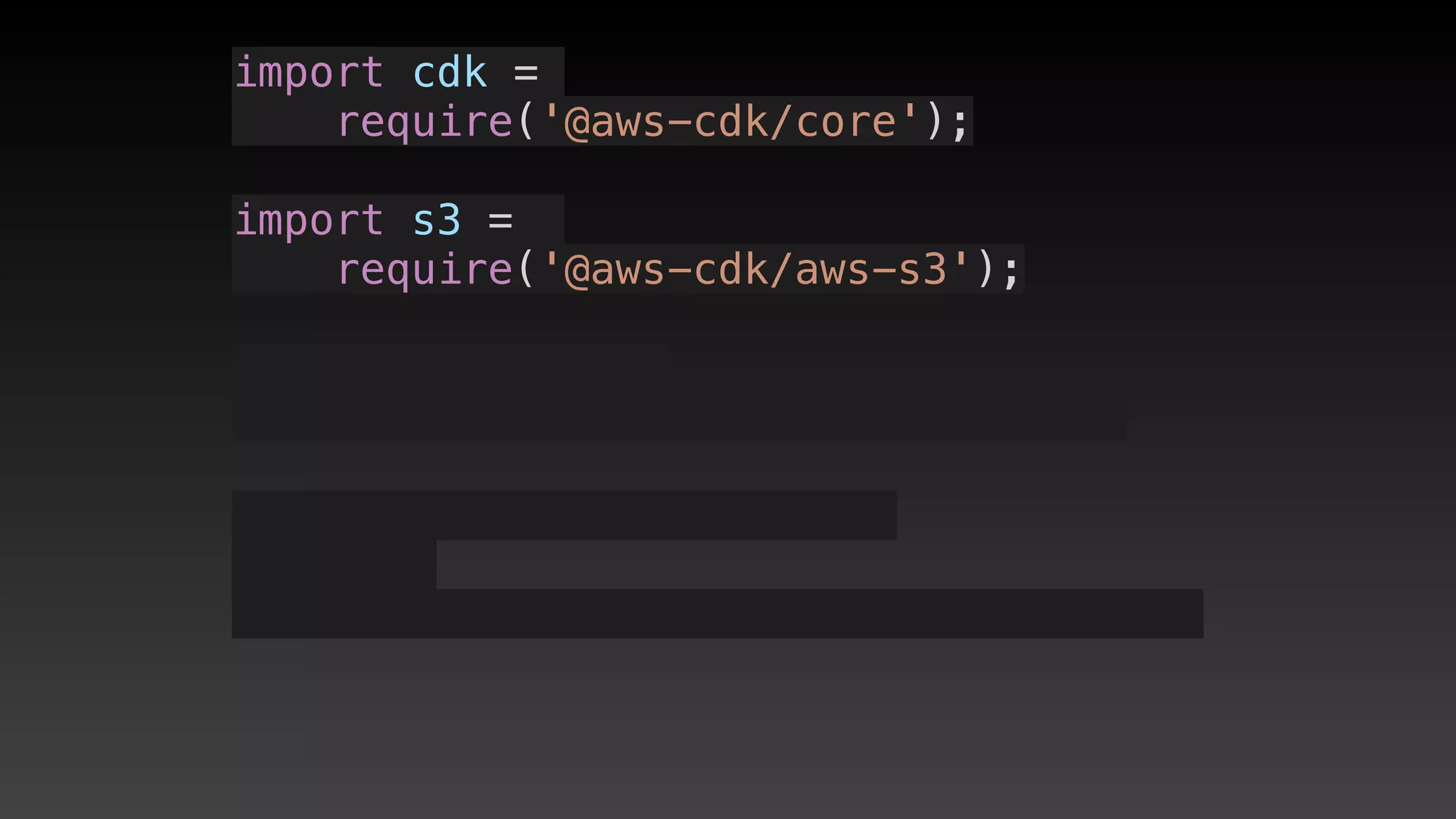
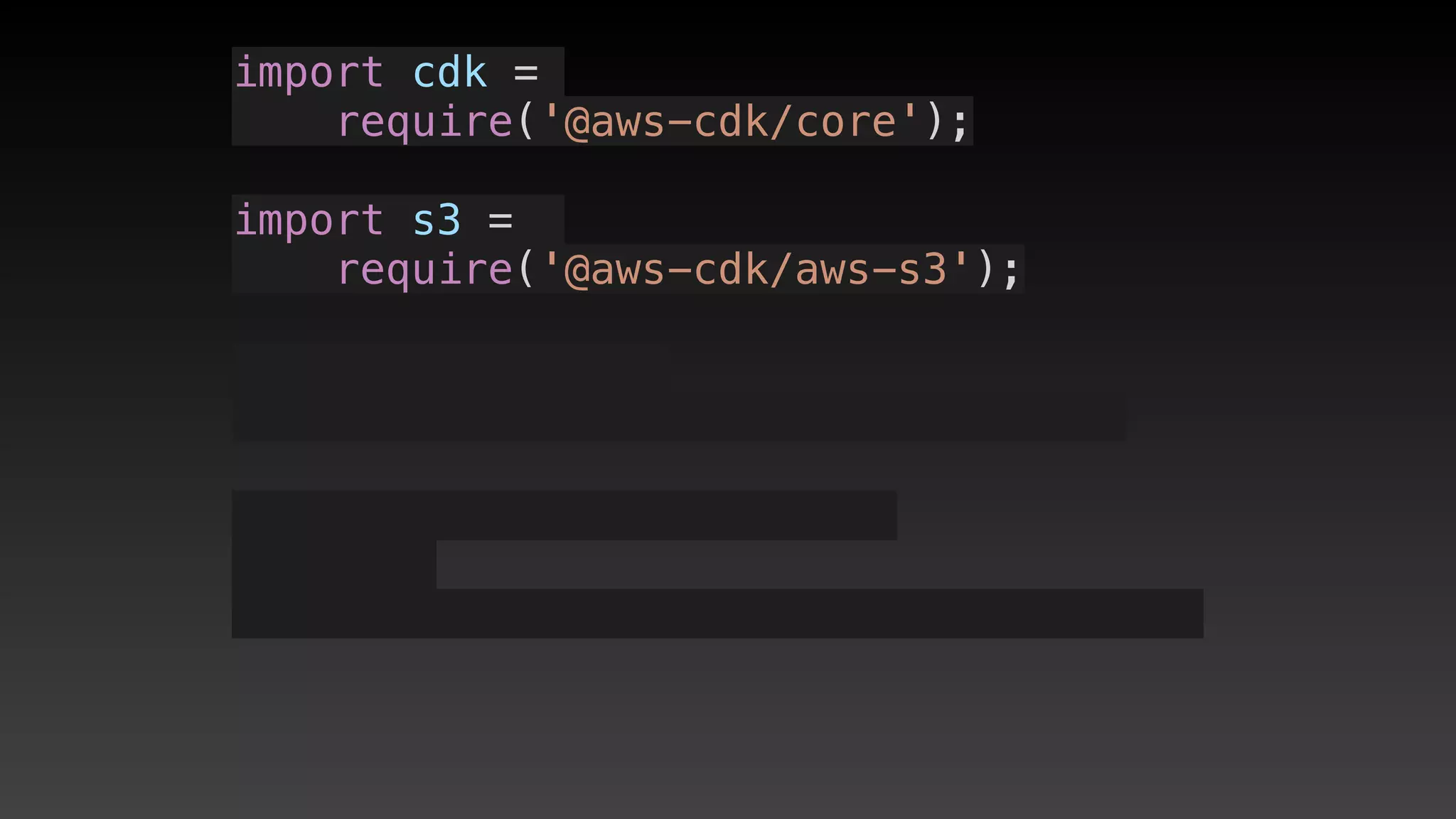
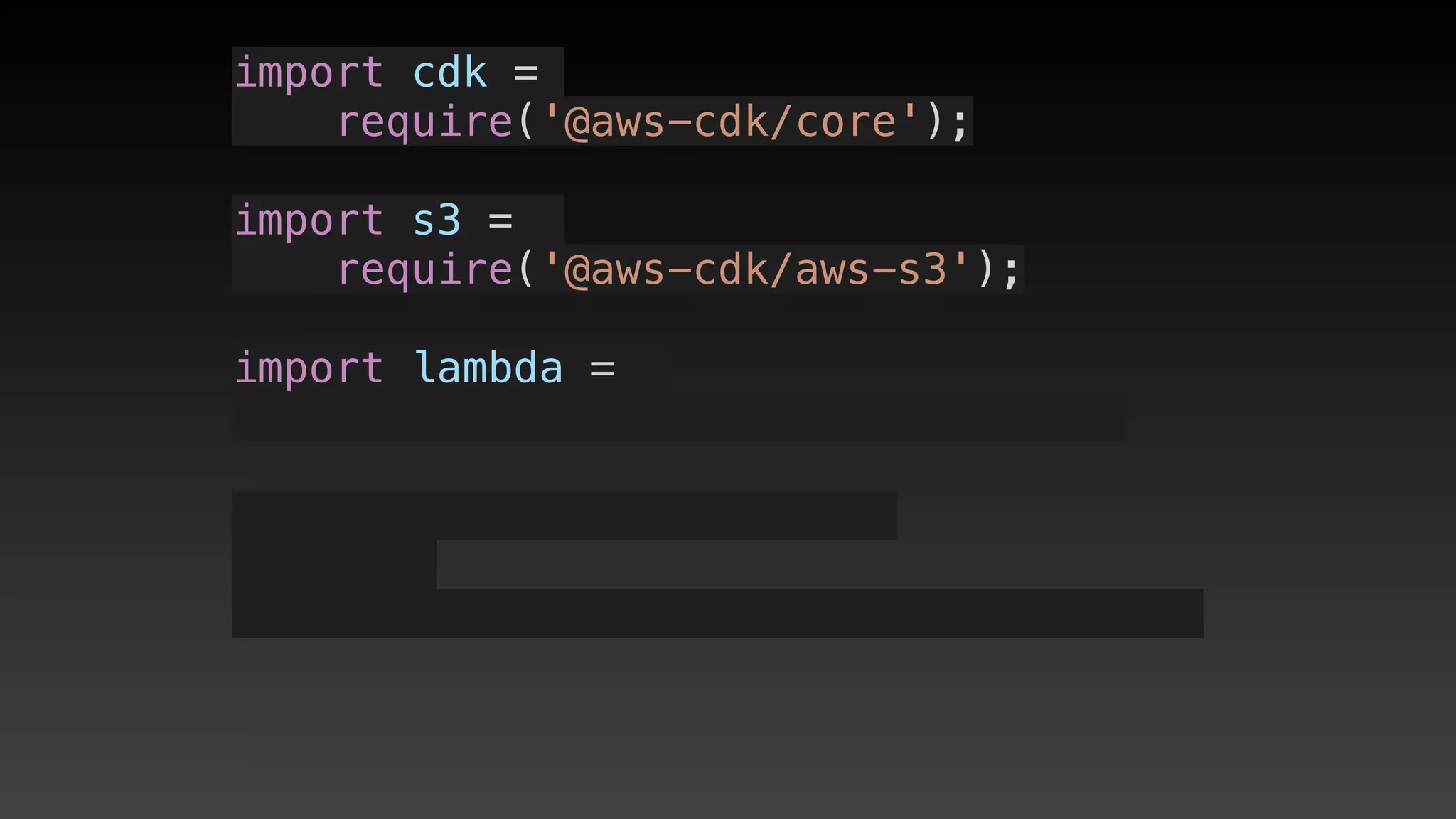
import cdk = require('@aws-cdk/core');
import s3 = require('@aws-cdk/aws-s3');
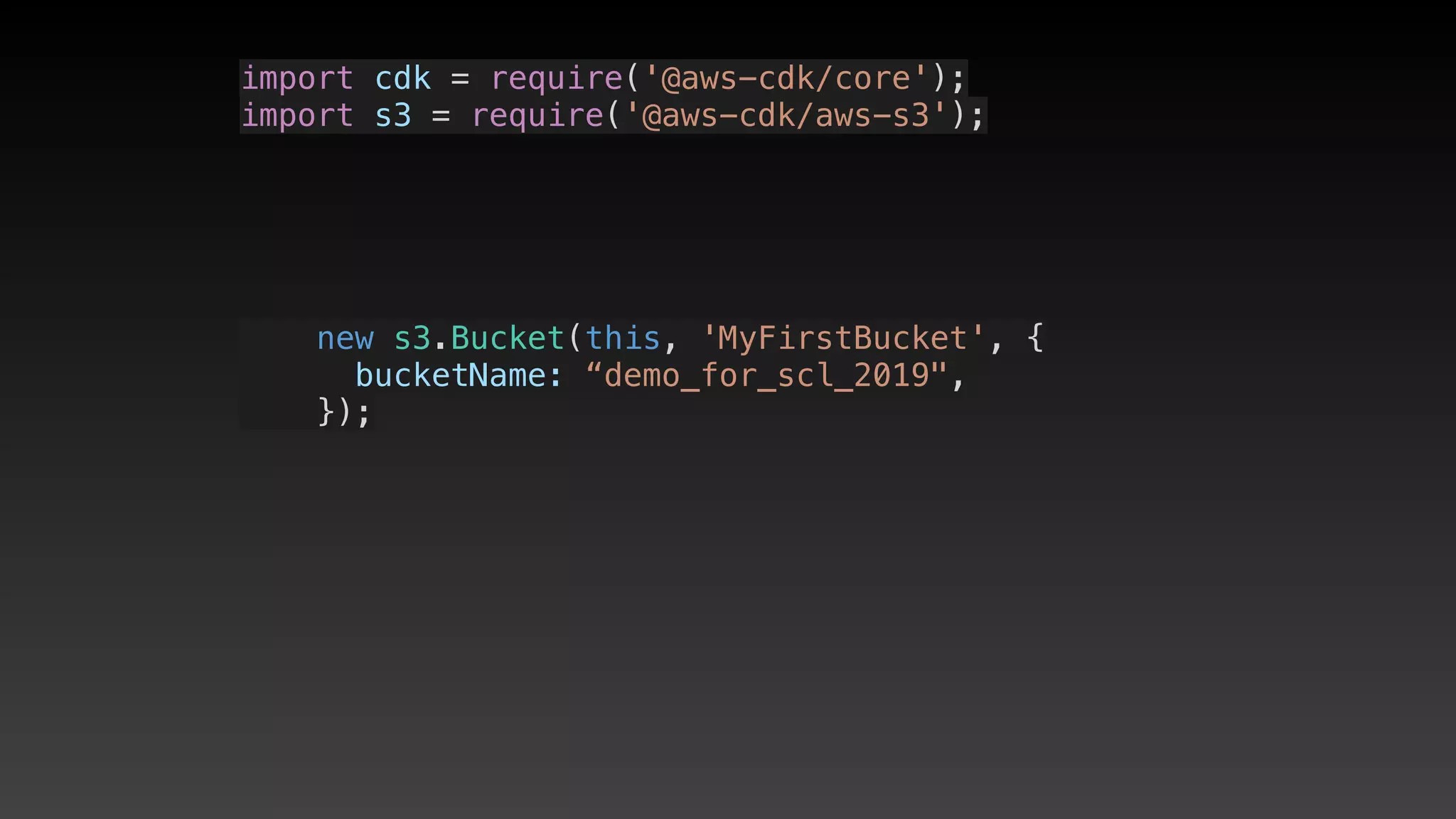
import cdk = require('@aws-cdk/core');
import s3 = require('@aws-cdk/aws-s3');
    new s3.Bucket(this, 'MyFirstBucket', {
      bucketName: “demo_for_scl_2019",
    });
import cdk = require('@aws-cdk/core');
import s3 = require('@aws-cdk/aws-s3');
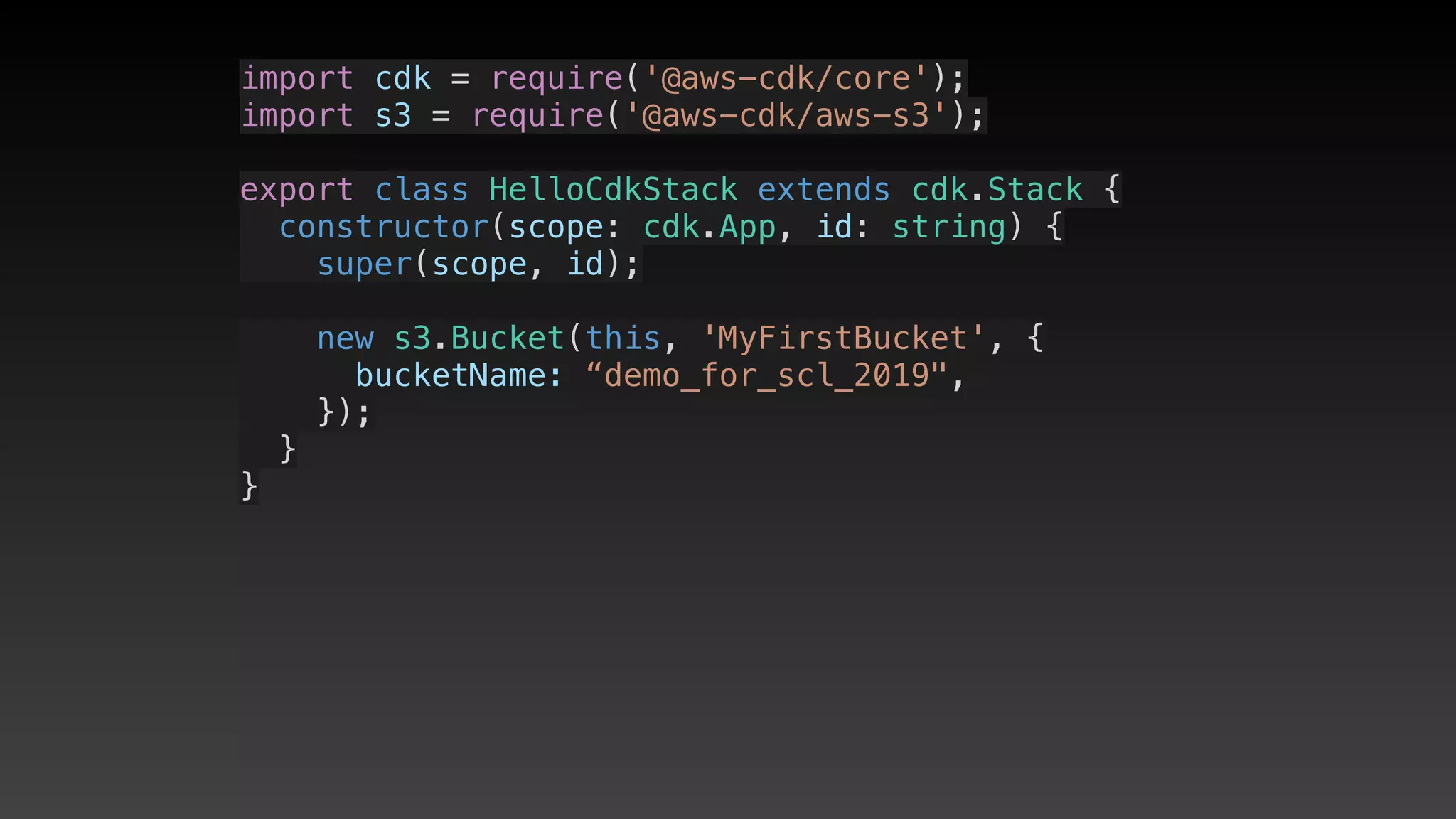
export class HelloCdkStack extends cdk.Stack {
  constructor(scope: cdk.App, id: string) {
    super(scope, id);
    new s3.Bucket(this, 'MyFirstBucket', {
      bucketName: “demo_for_scl_2019",
    });
  }
}
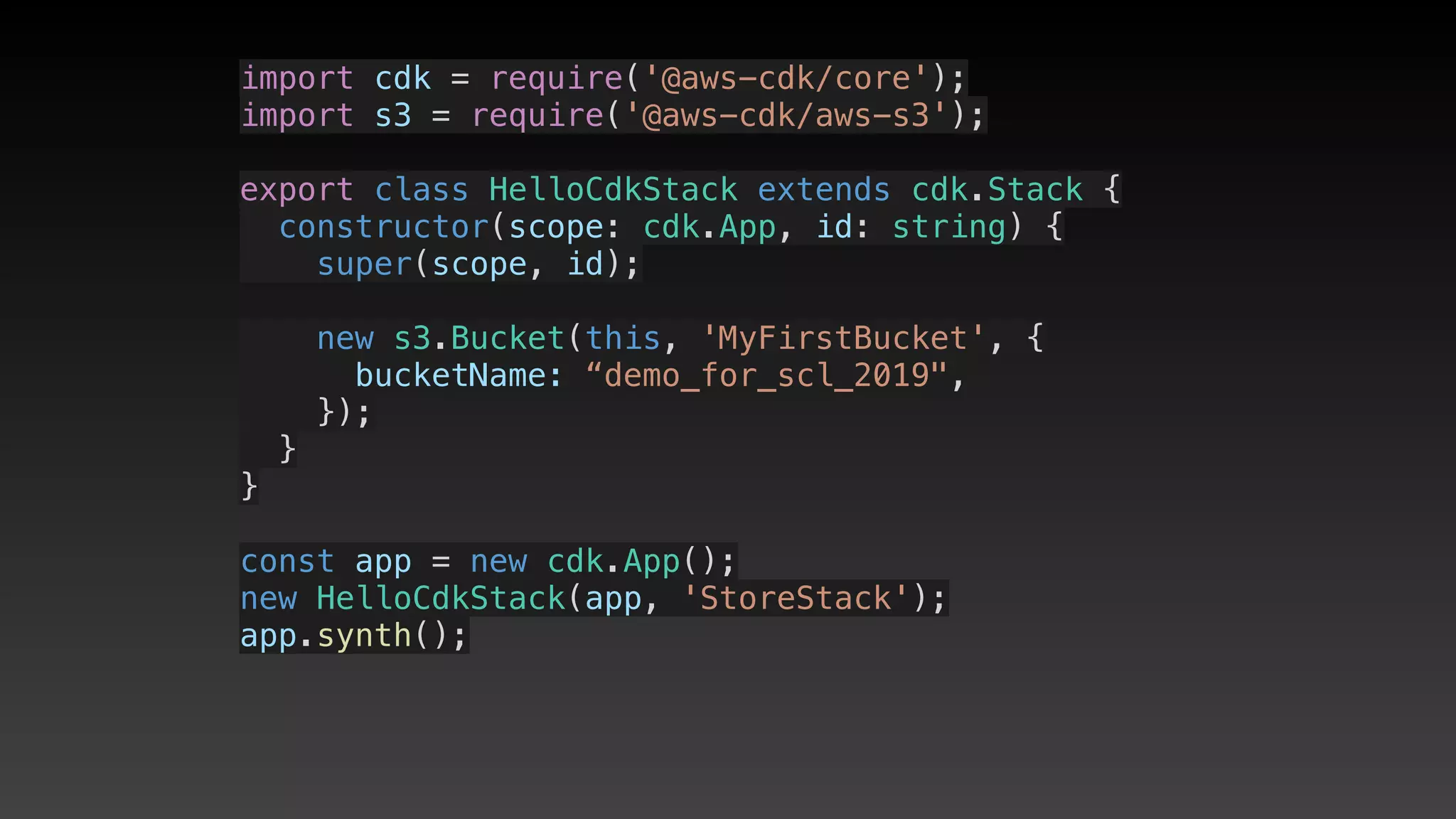
import cdk = require('@aws-cdk/core');
import s3 = require('@aws-cdk/aws-s3');
export class HelloCdkStack extends cdk.Stack {
  constructor(scope: cdk.App, id: string) {
    super(scope, id);
    new s3.Bucket(this, 'MyFirstBucket', {
      bucketName: “demo_for_scl_2019",
    });
  }
}
const app = new cdk.App();
new HelloCdkStack(app, 'StoreStack');
app.synth();
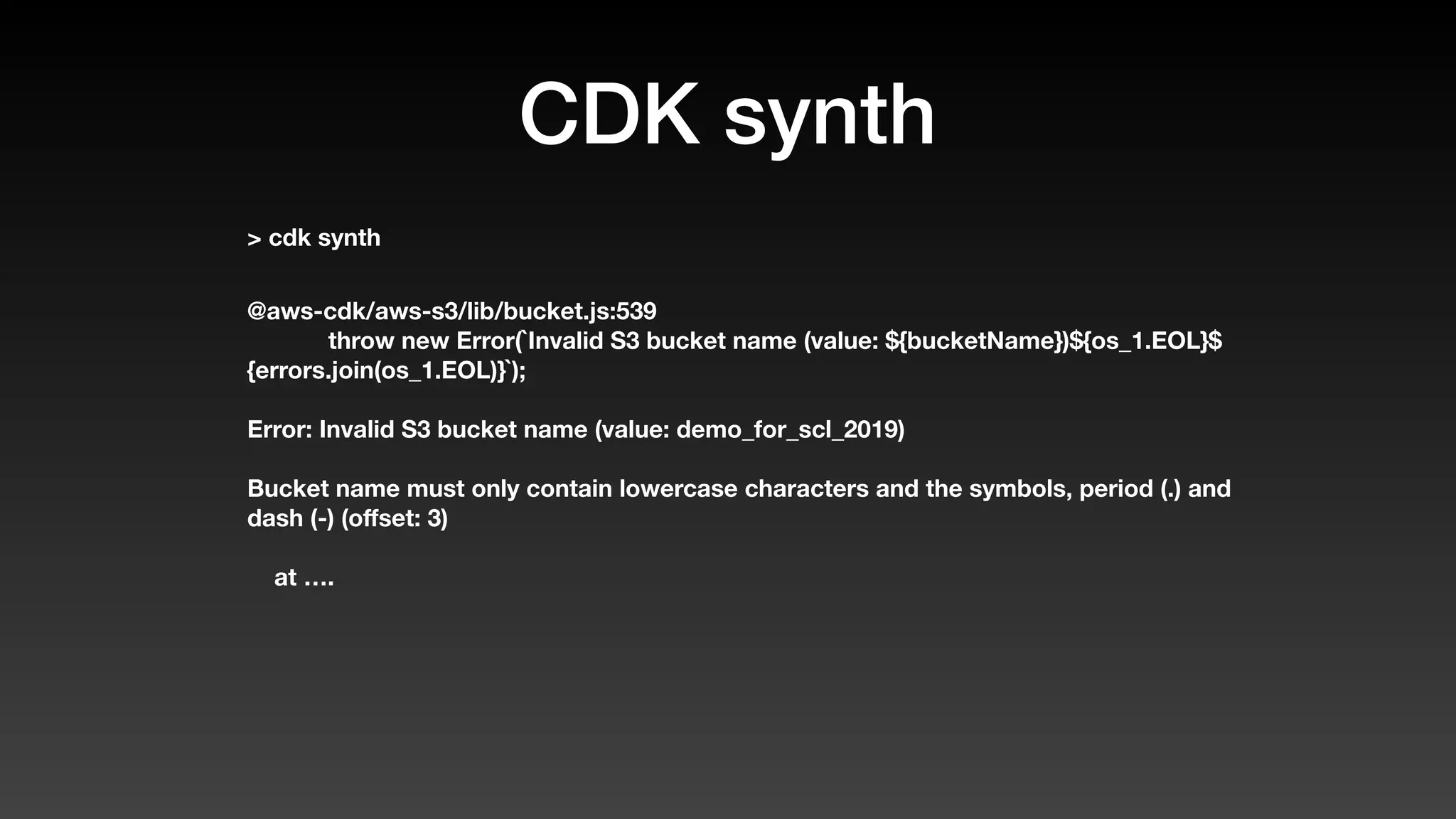
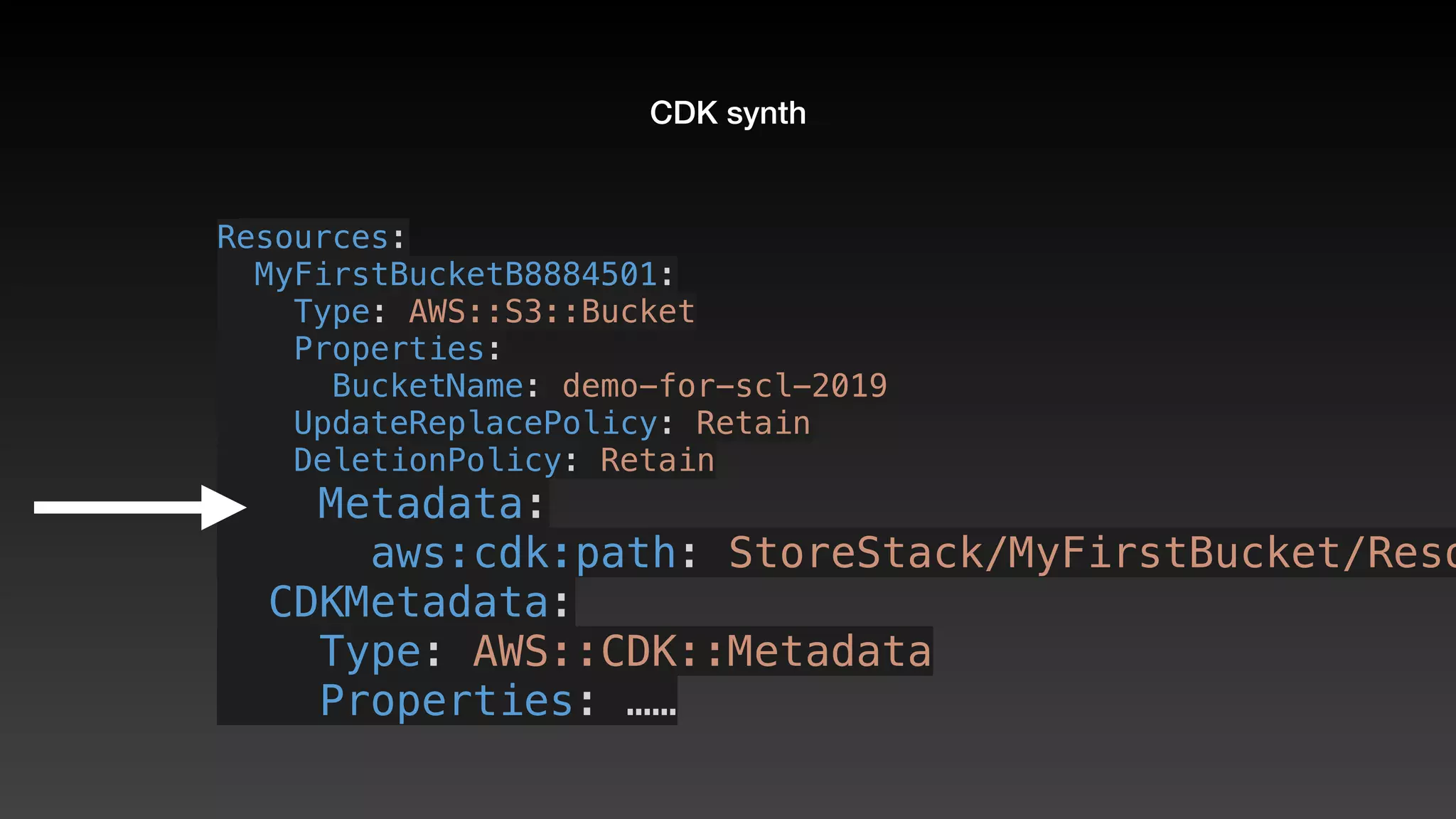
CDK synth
CDK synth
> cdk synth
CDK synth
> cdk synth
@aws-cdk/aws-s3/lib/bucket.js:539
throw new Error(`Invalid S3 bucket name (value: ${bucketName})${os_1.EOL}$
{errors.join(os_1.EOL)}`);
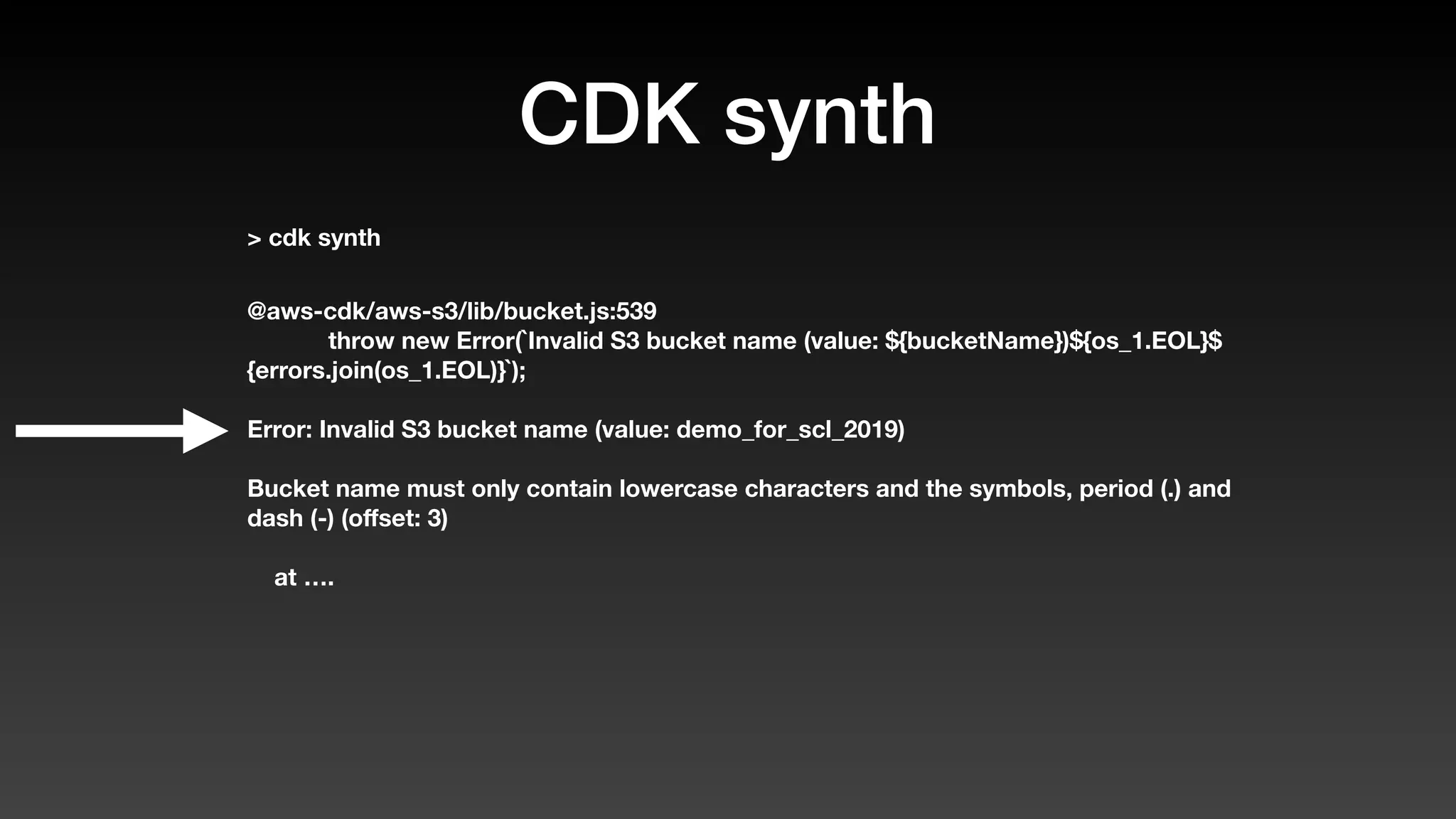
Error: Invalid S3 bucket name (value: demo_for_scl_2019)
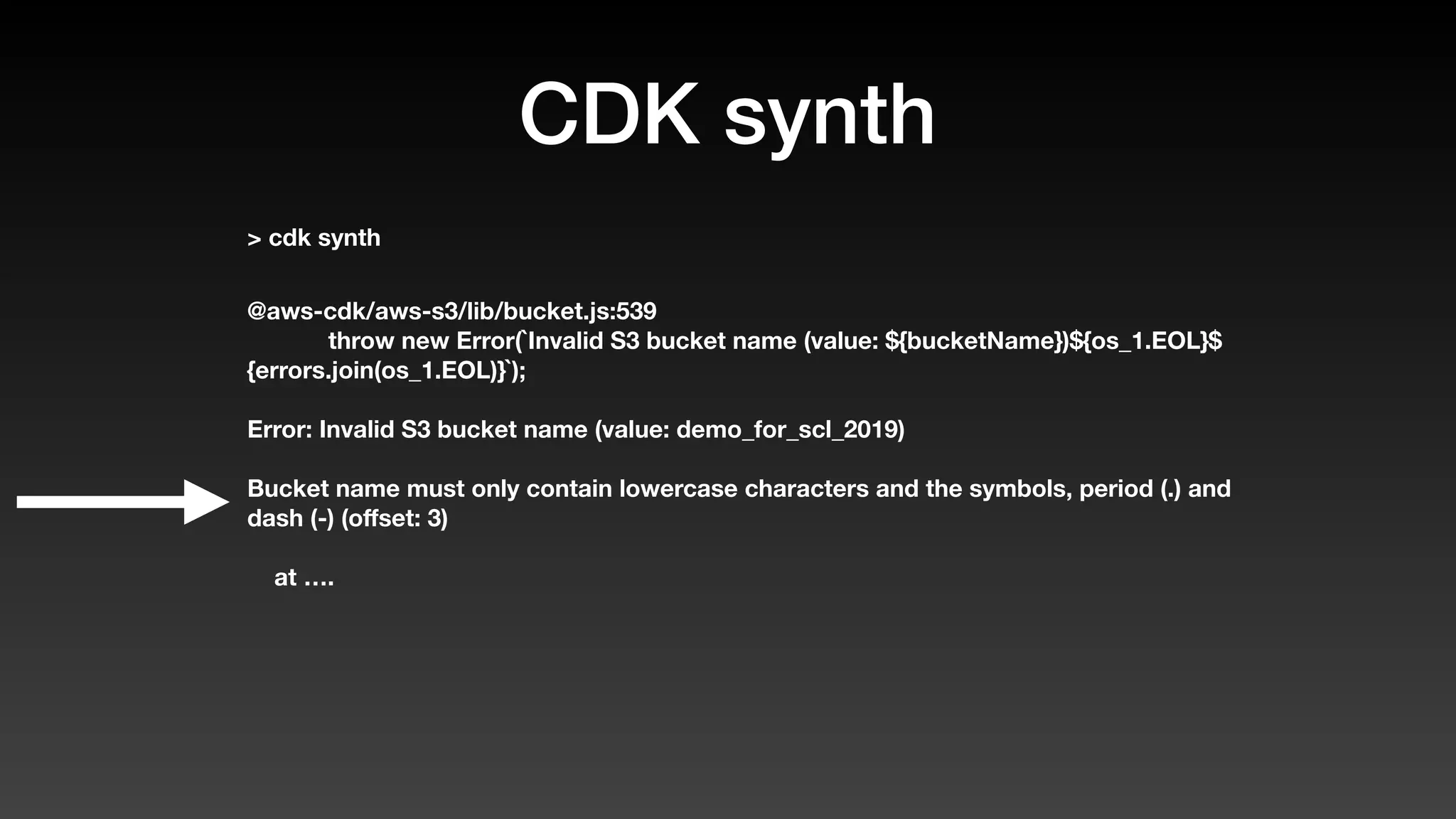
Bucket name must only contain lowercase characters and the symbols, period (.) and
dash (-) (offset: 3)
at ….
CDK synth
> cdk synth
@aws-cdk/aws-s3/lib/bucket.js:539
throw new Error(`Invalid S3 bucket name (value: ${bucketName})${os_1.EOL}$
{errors.join(os_1.EOL)}`);
Error: Invalid S3 bucket name (value: demo_for_scl_2019)
Bucket name must only contain lowercase characters and the symbols, period (.) and
dash (-) (offset: 3)
at ….
CDK synth
> cdk synth
@aws-cdk/aws-s3/lib/bucket.js:539
throw new Error(`Invalid S3 bucket name (value: ${bucketName})${os_1.EOL}$
{errors.join(os_1.EOL)}`);
Error: Invalid S3 bucket name (value: demo_for_scl_2019)
Bucket name must only contain lowercase characters and the symbols, period (.) and
dash (-) (offset: 3)
at ….
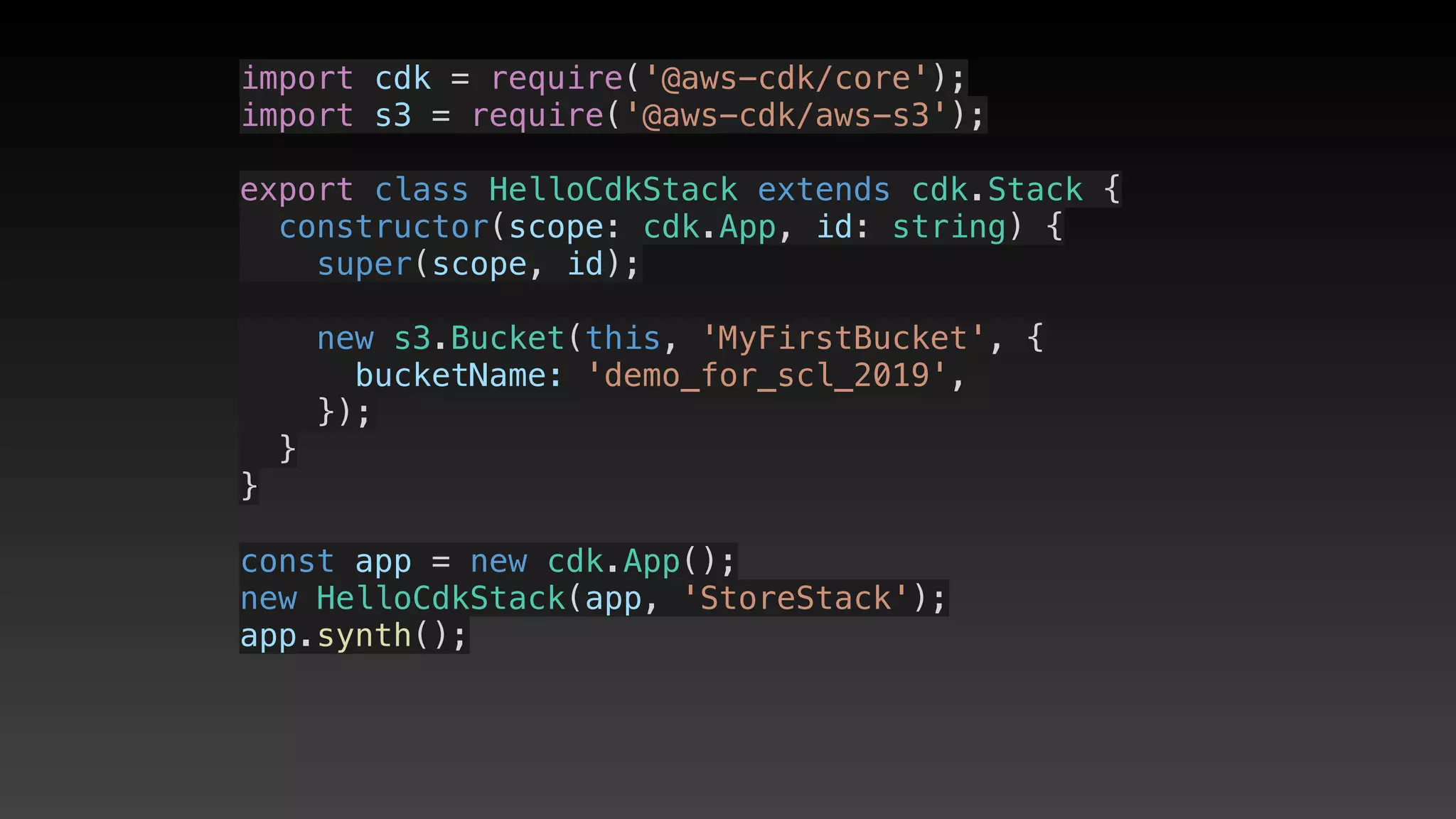
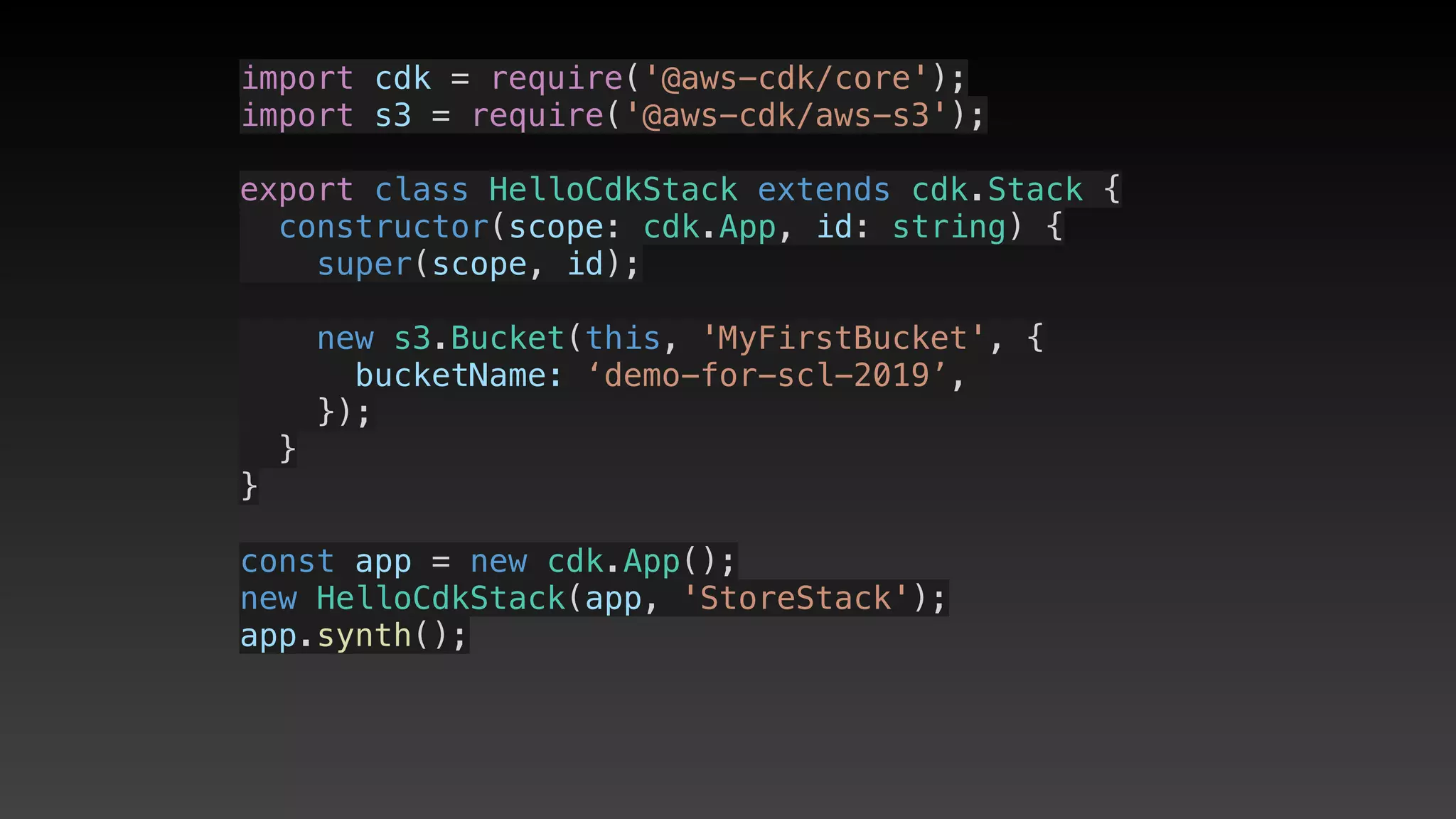
import cdk = require('@aws-cdk/core');
import s3 = require('@aws-cdk/aws-s3');
export class HelloCdkStack extends cdk.Stack {
  constructor(scope: cdk.App, id: string) {
    super(scope, id);
    new s3.Bucket(this, 'MyFirstBucket', {
      bucketName: 'demo_for_scl_2019',
    });
  }
}
const app = new cdk.App();
new HelloCdkStack(app, 'StoreStack');
app.synth();
import cdk = require('@aws-cdk/core');
import s3 = require('@aws-cdk/aws-s3');
export class HelloCdkStack extends cdk.Stack {
  constructor(scope: cdk.App, id: string) {
    super(scope, id);
    new s3.Bucket(this, 'MyFirstBucket', {
      bucketName: ‘demo-for-scl-2019’,
    });
  }
}
const app = new cdk.App();
new HelloCdkStack(app, 'StoreStack');
app.synth();
> cdk synth
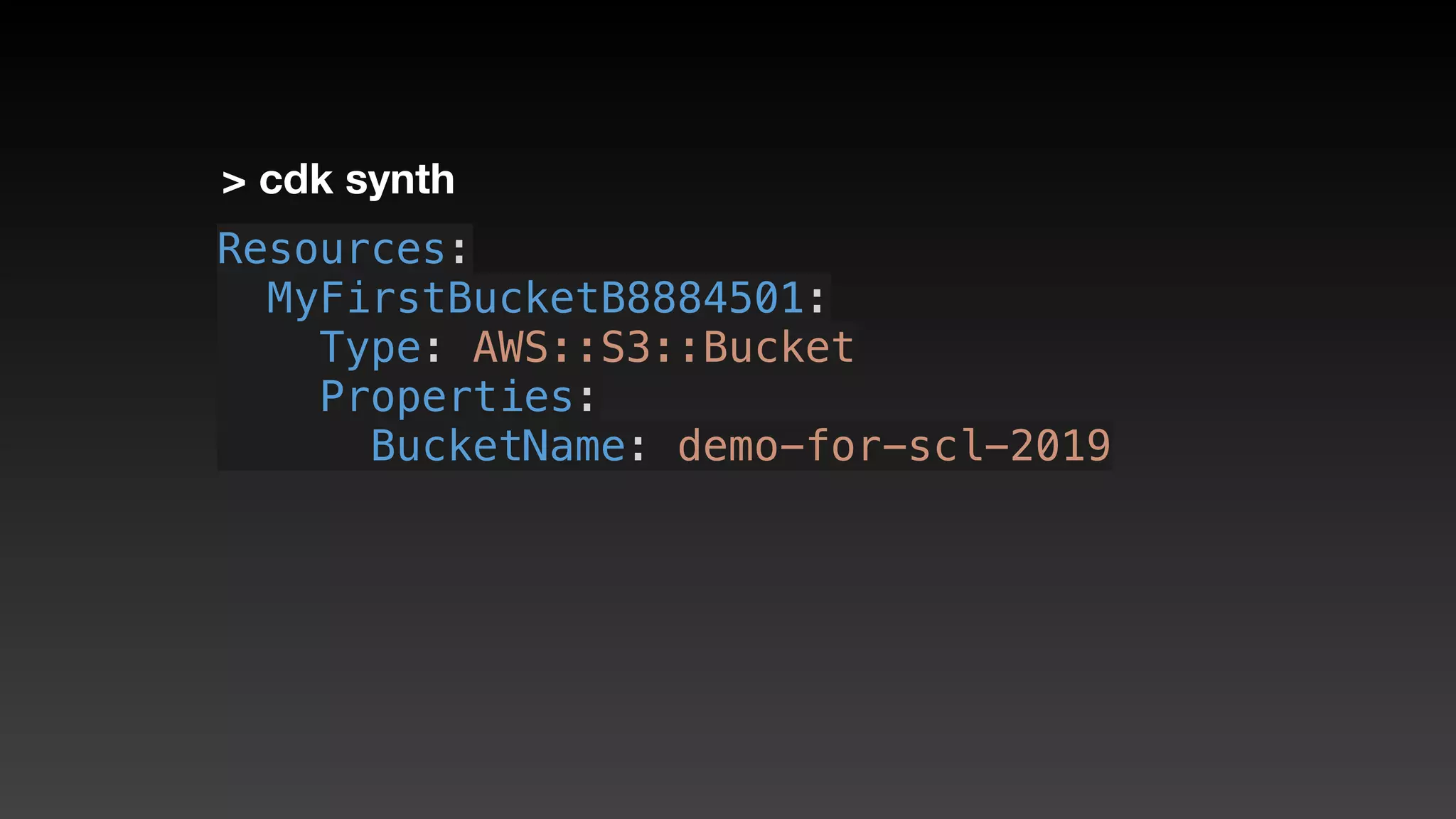
> cdk synth
Resources:
  MyFirstBucketB8884501:
    Type: AWS::S3::Bucket
    Properties:
      BucketName: demo-for-scl-2019
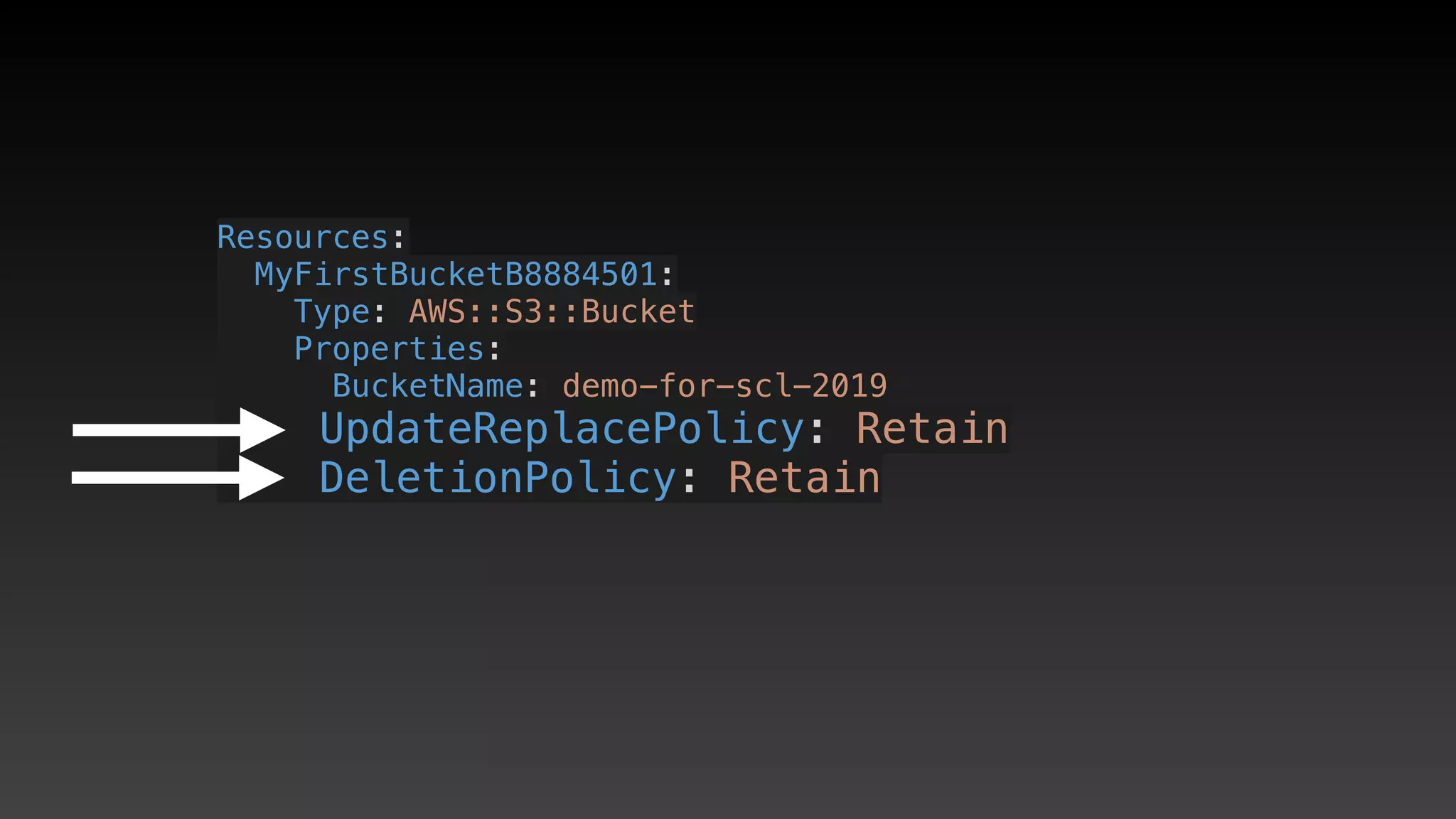
Resources:
  MyFirstBucketB8884501:
    Type: AWS::S3::Bucket
    Properties:
      BucketName: demo-for-scl-2019
    UpdateReplacePolicy: Retain
    DeletionPolicy: Retain
CDK synth
Resources:
  MyFirstBucketB8884501:
    Type: AWS::S3::Bucket
    Properties:
      BucketName: demo-for-scl-2019
    UpdateReplacePolicy: Retain
    DeletionPolicy: Retain
    Metadata:
      aws:cdk:path: StoreStack/MyFirstBucket/Reso
  CDKMetadata:
    Type: AWS::CDK::Metadata
    Properties: ……
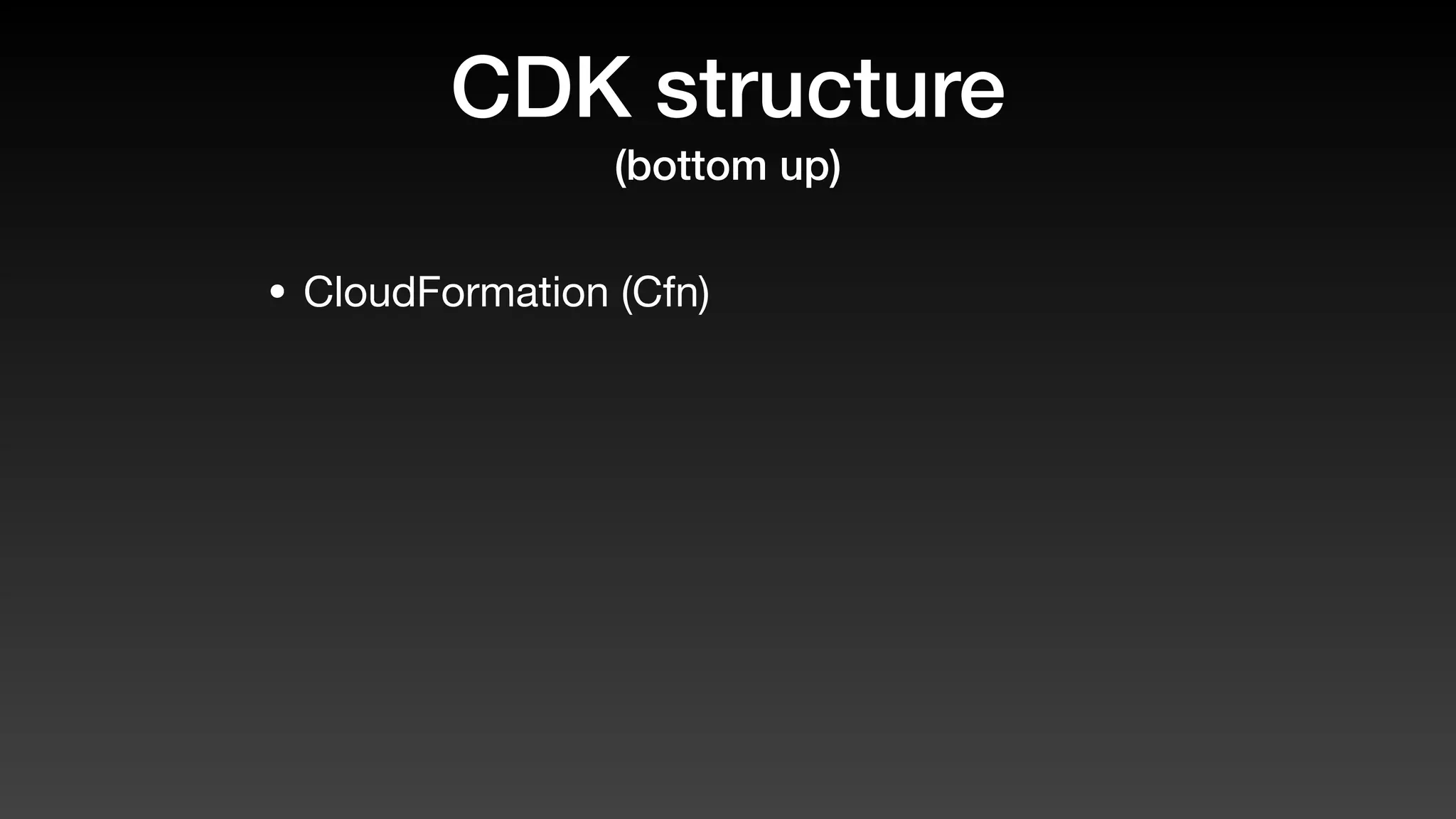
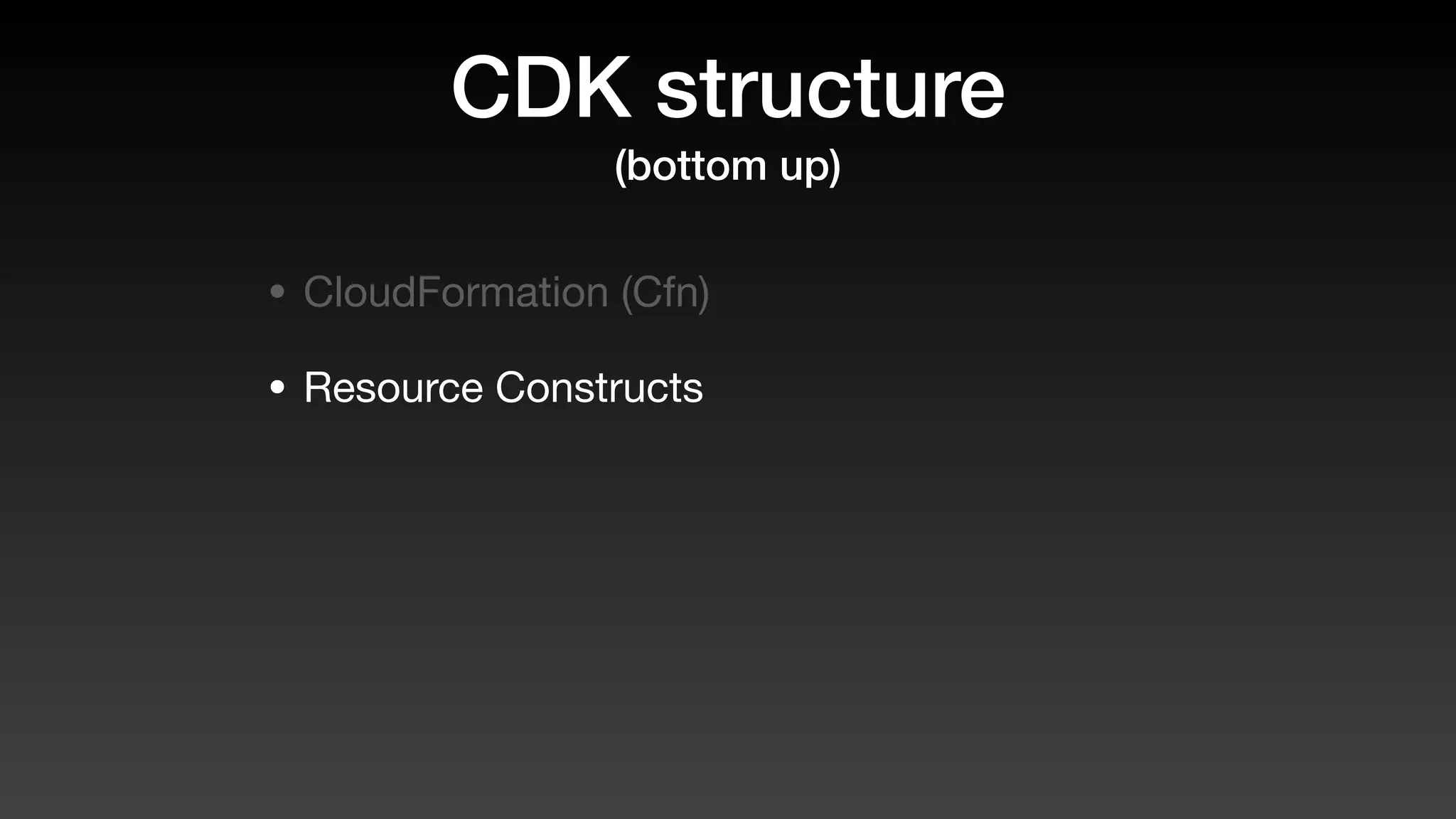
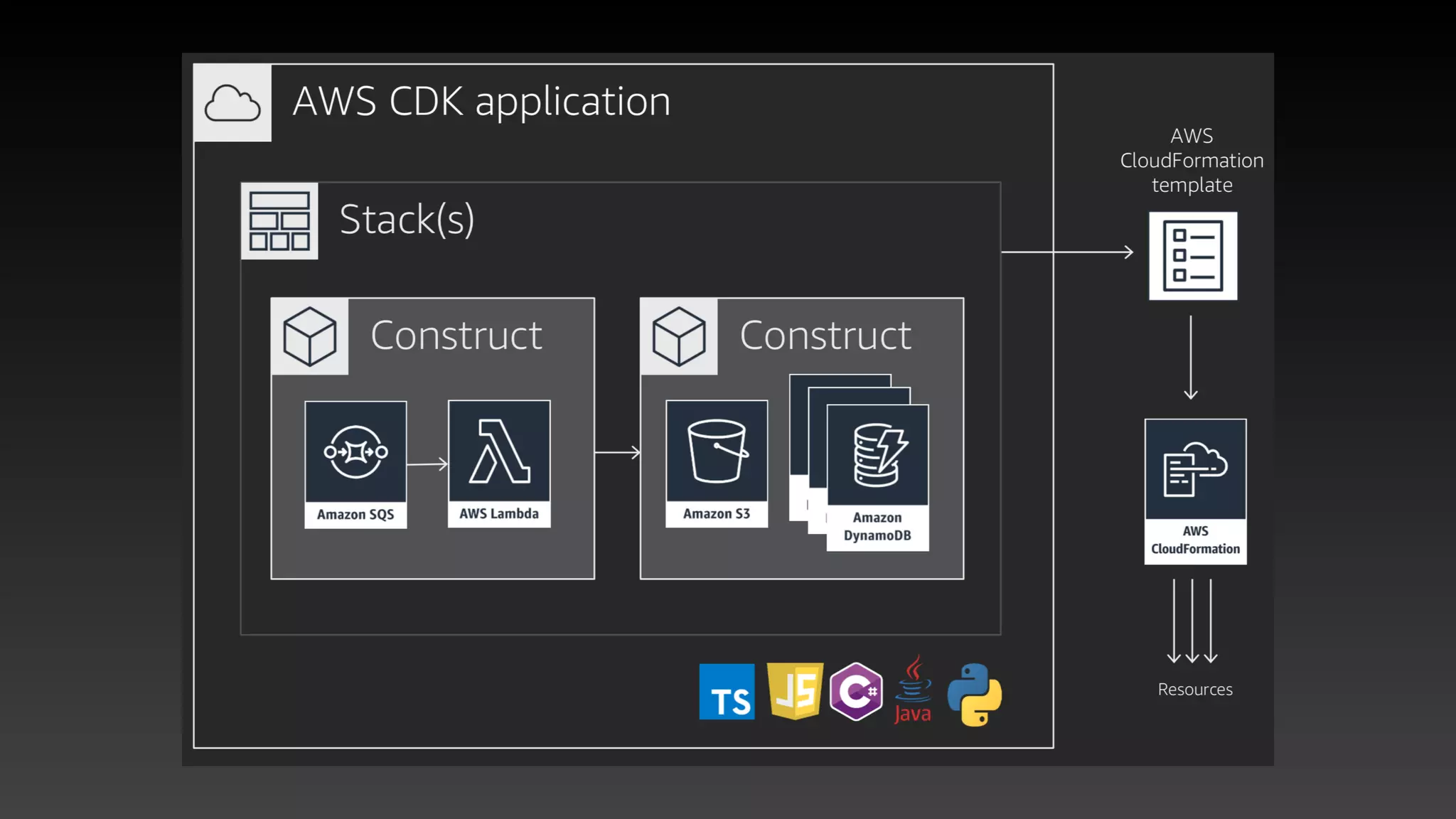
CDK structure
(bottom up)
CDK structure
(bottom up)
• CloudFormation (Cfn)
CDK structure
(bottom up)
• CloudFormation (Cfn)
• Resource Constructs
CDK structure
(bottom up)
• CloudFormation (Cfn)
• Resource Constructs
• Constructs (reusable)
CDK structure
(bottom up)
• CloudFormation (Cfn)
• Resource Constructs
• Constructs (reusable)
• Stacks
CDK structure
(bottom up)
• CloudFormation (Cfn)
• Resource Constructs
• Constructs (reusable)
• Stacks
• Applications
Basic stack demo
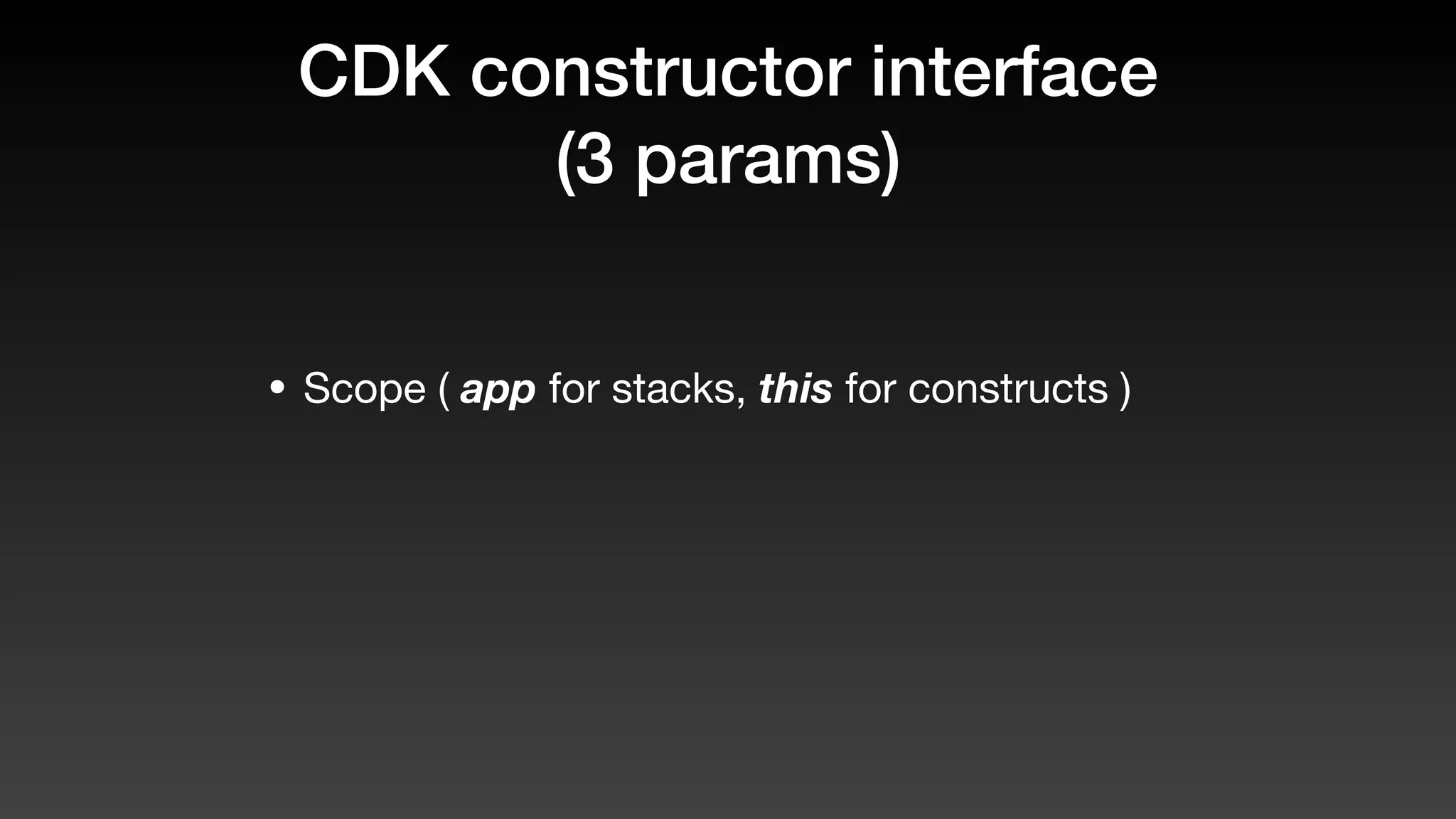
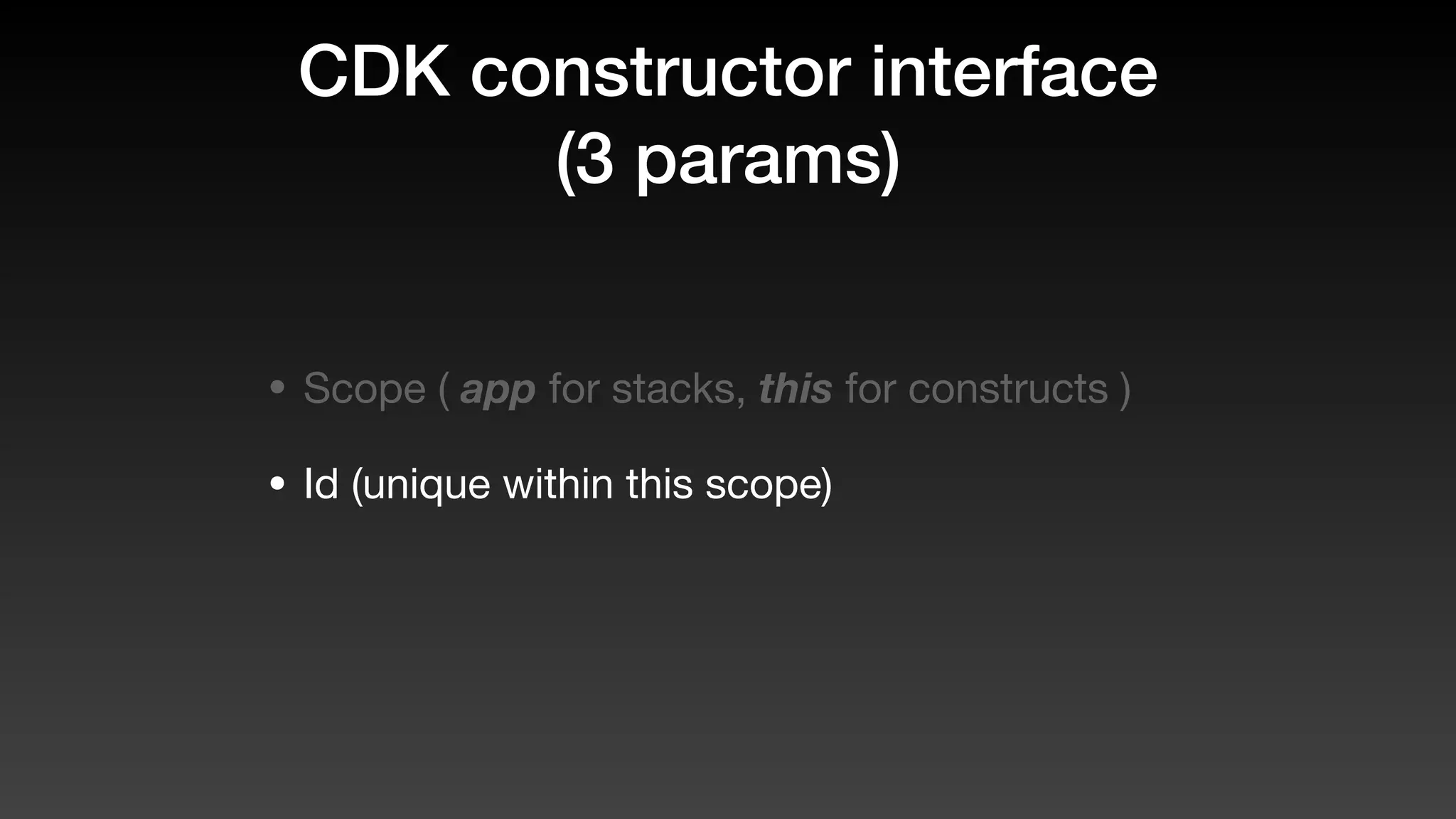
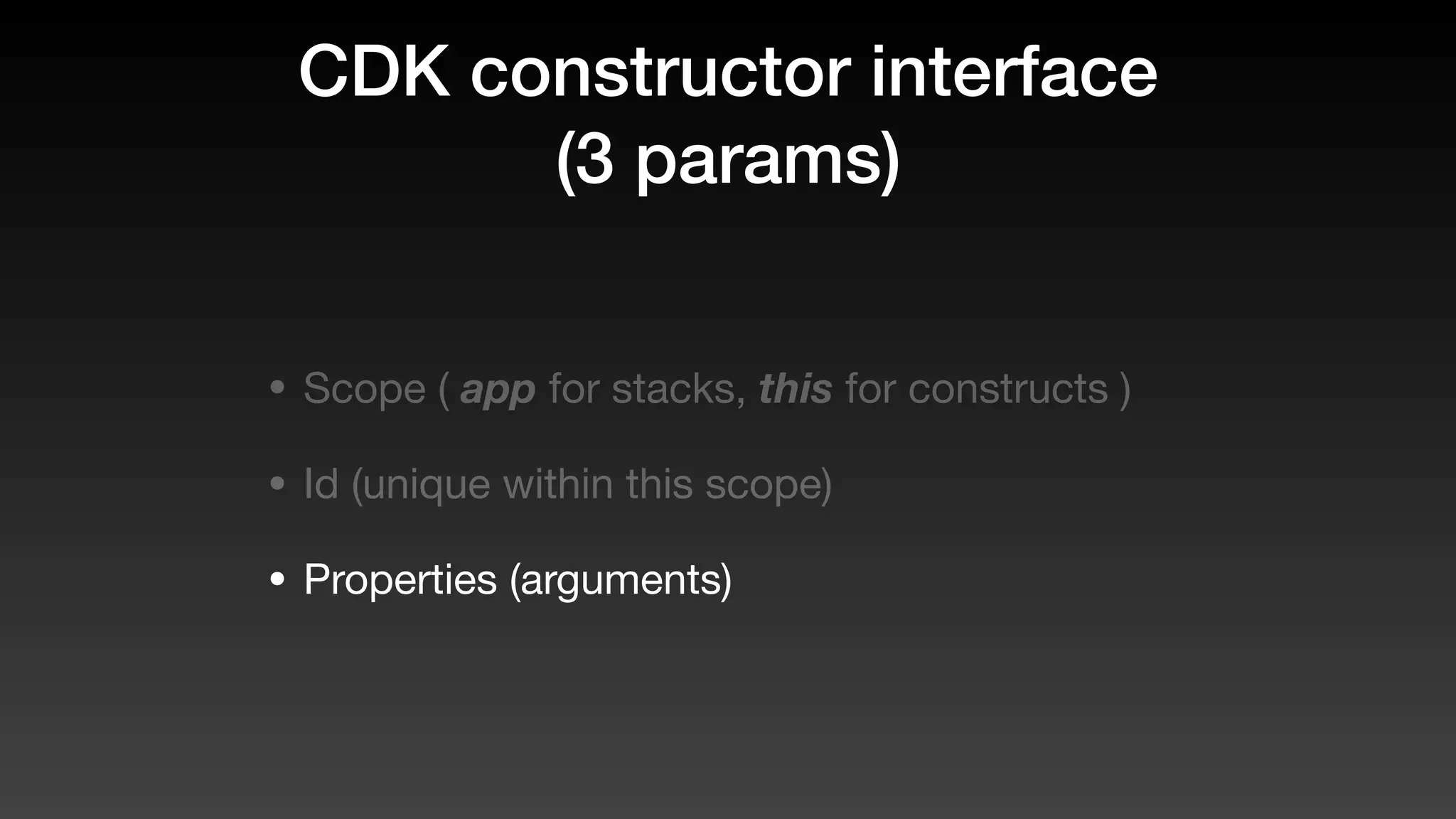
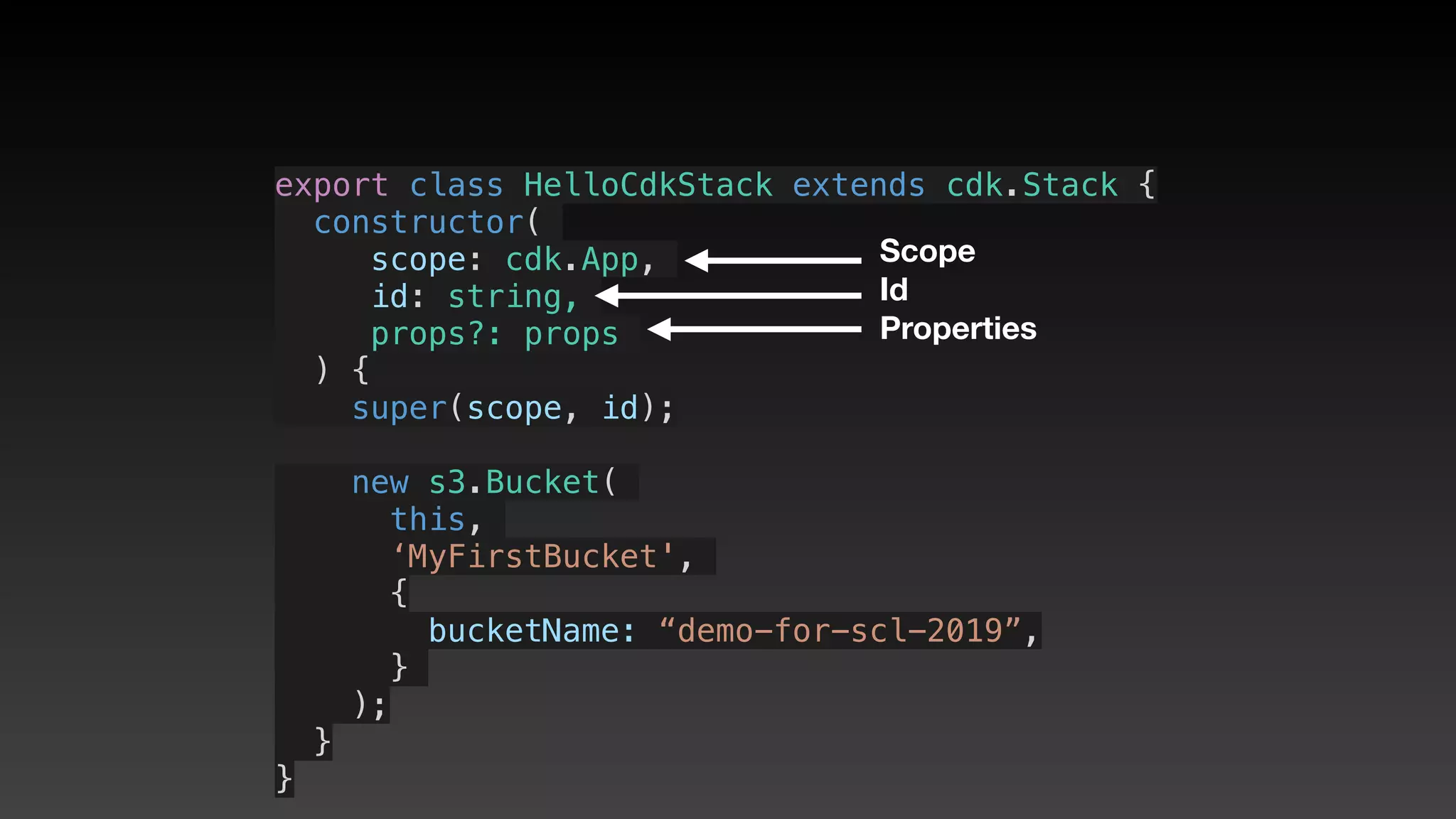
CDK constructor interface
(3 params)
CDK constructor interface
(3 params)
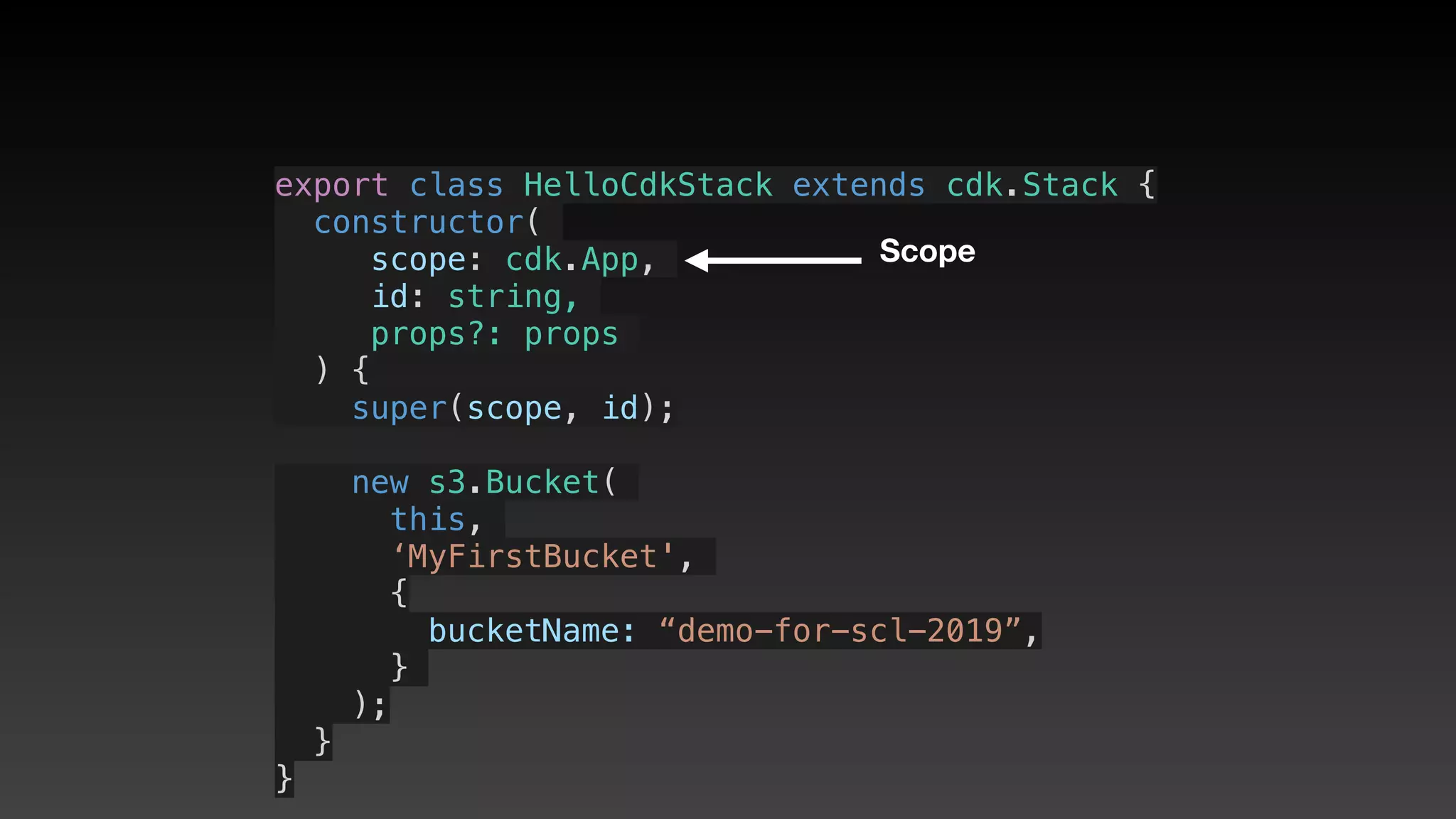
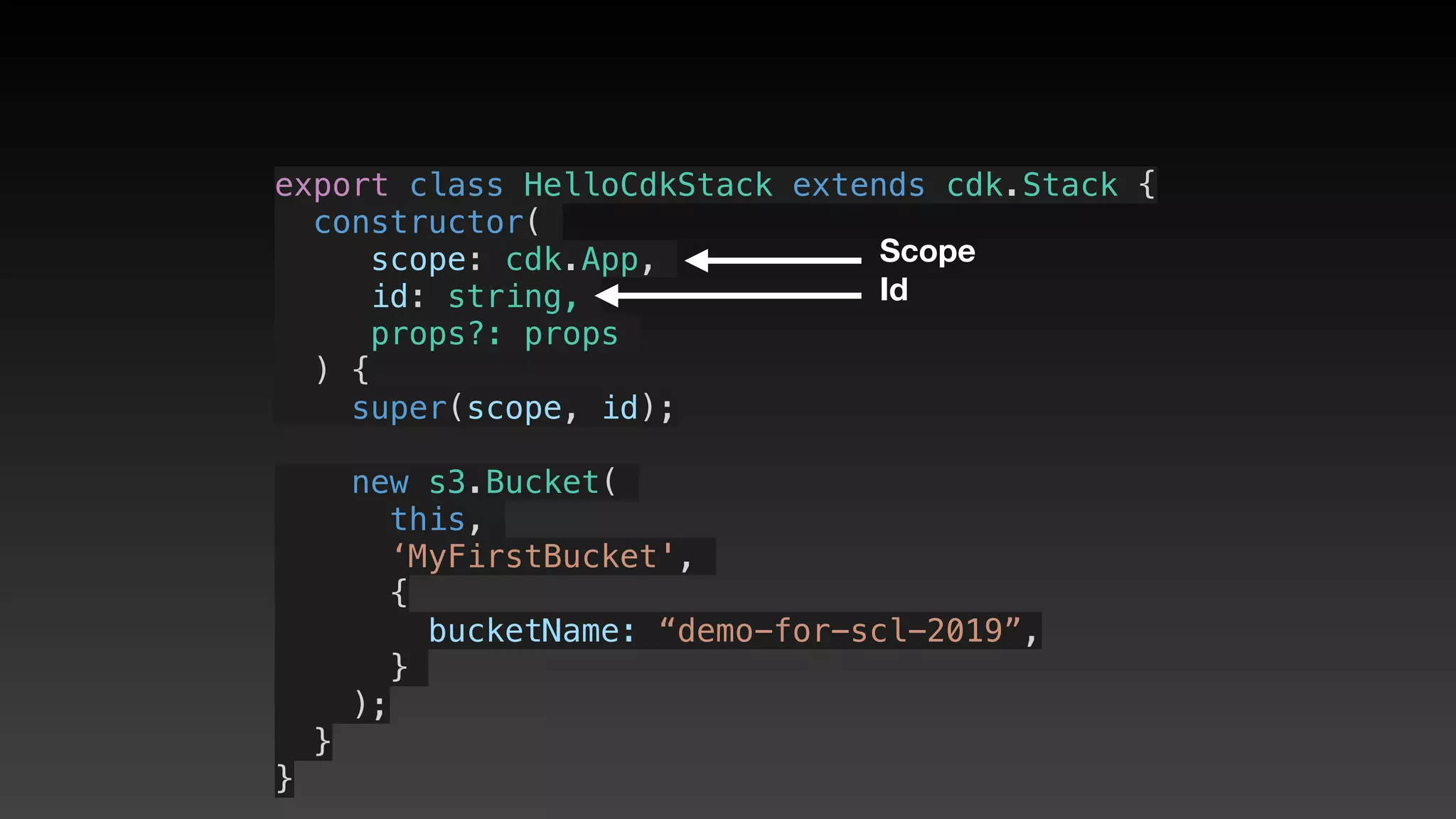
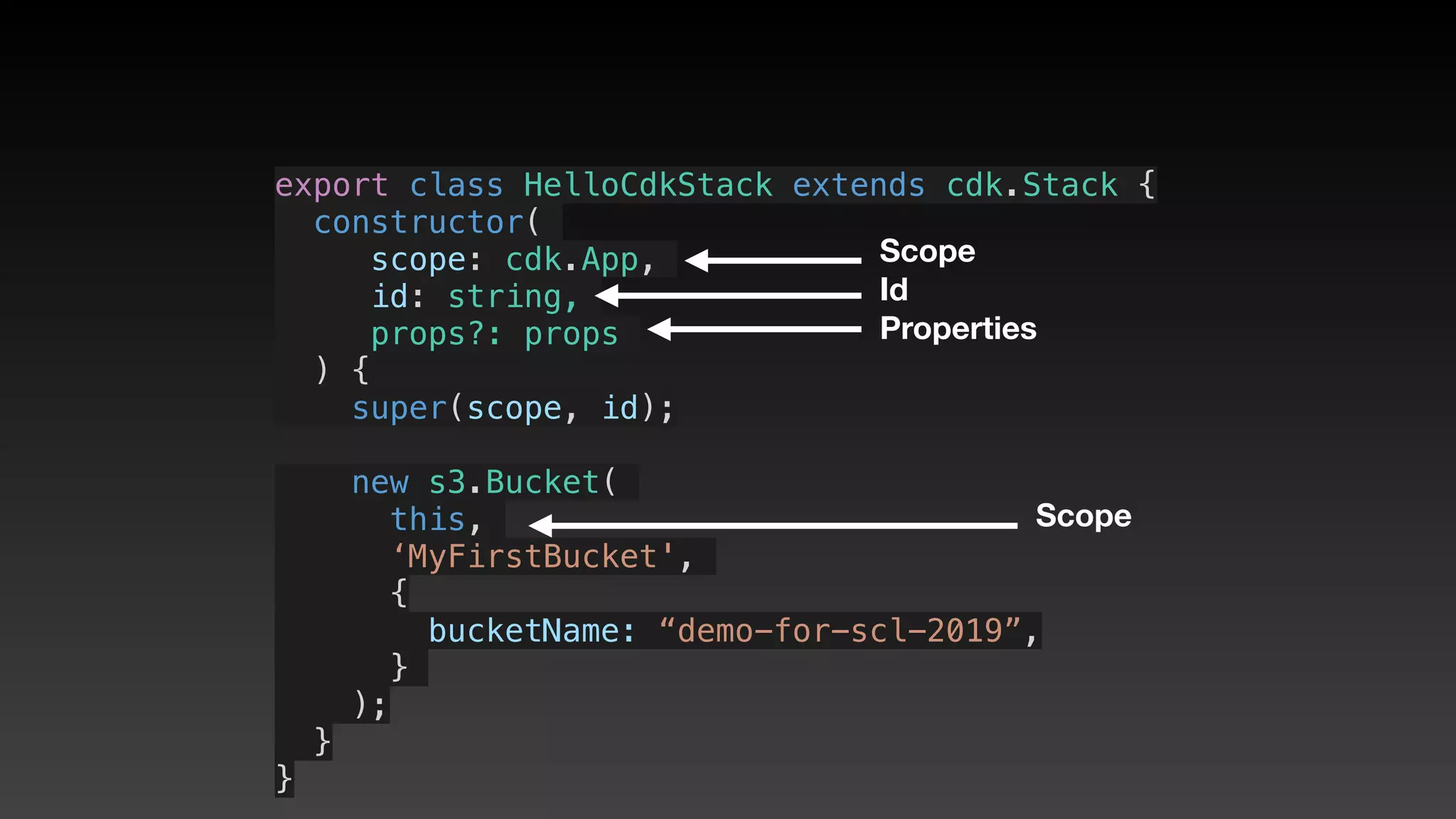
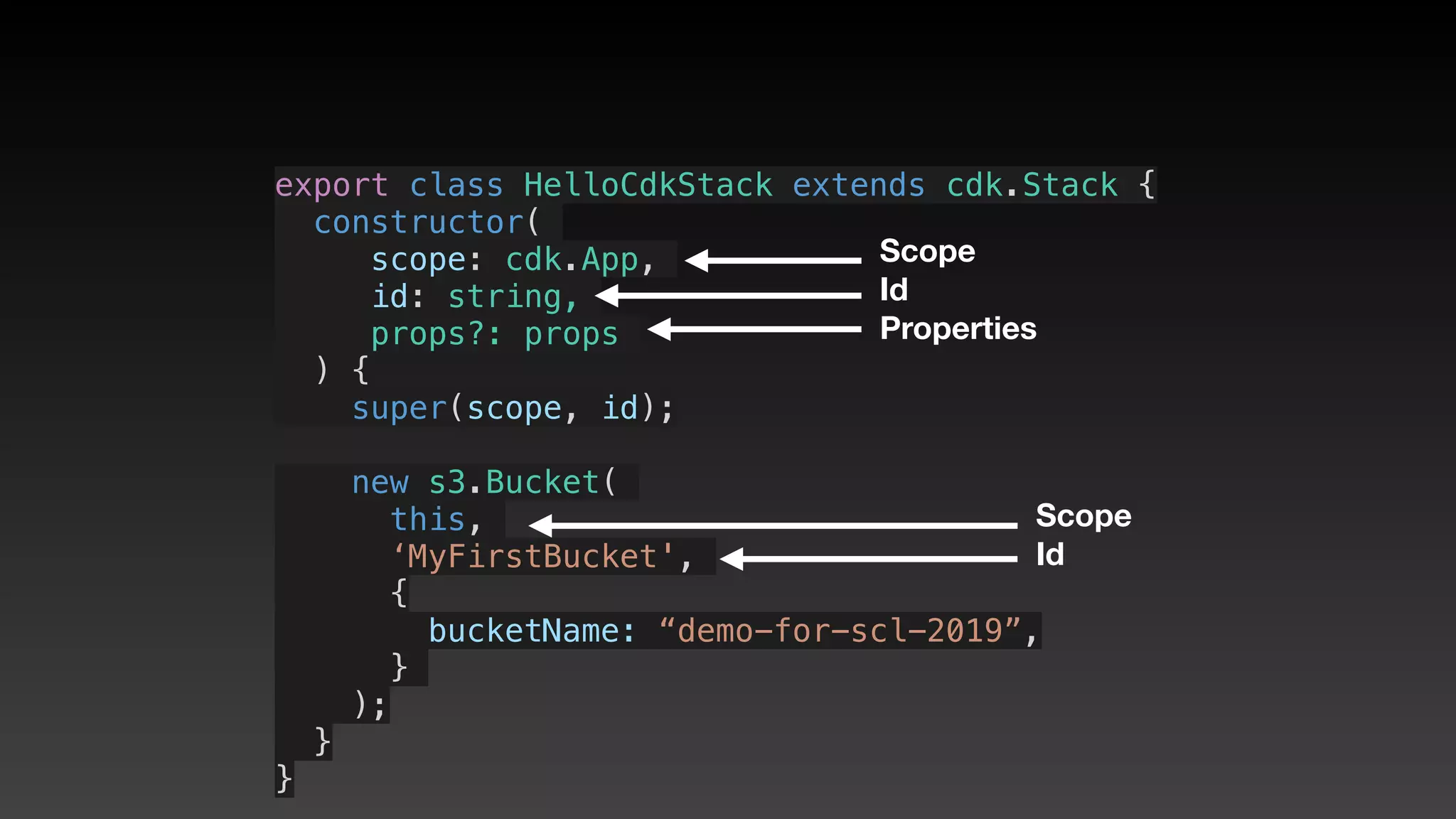
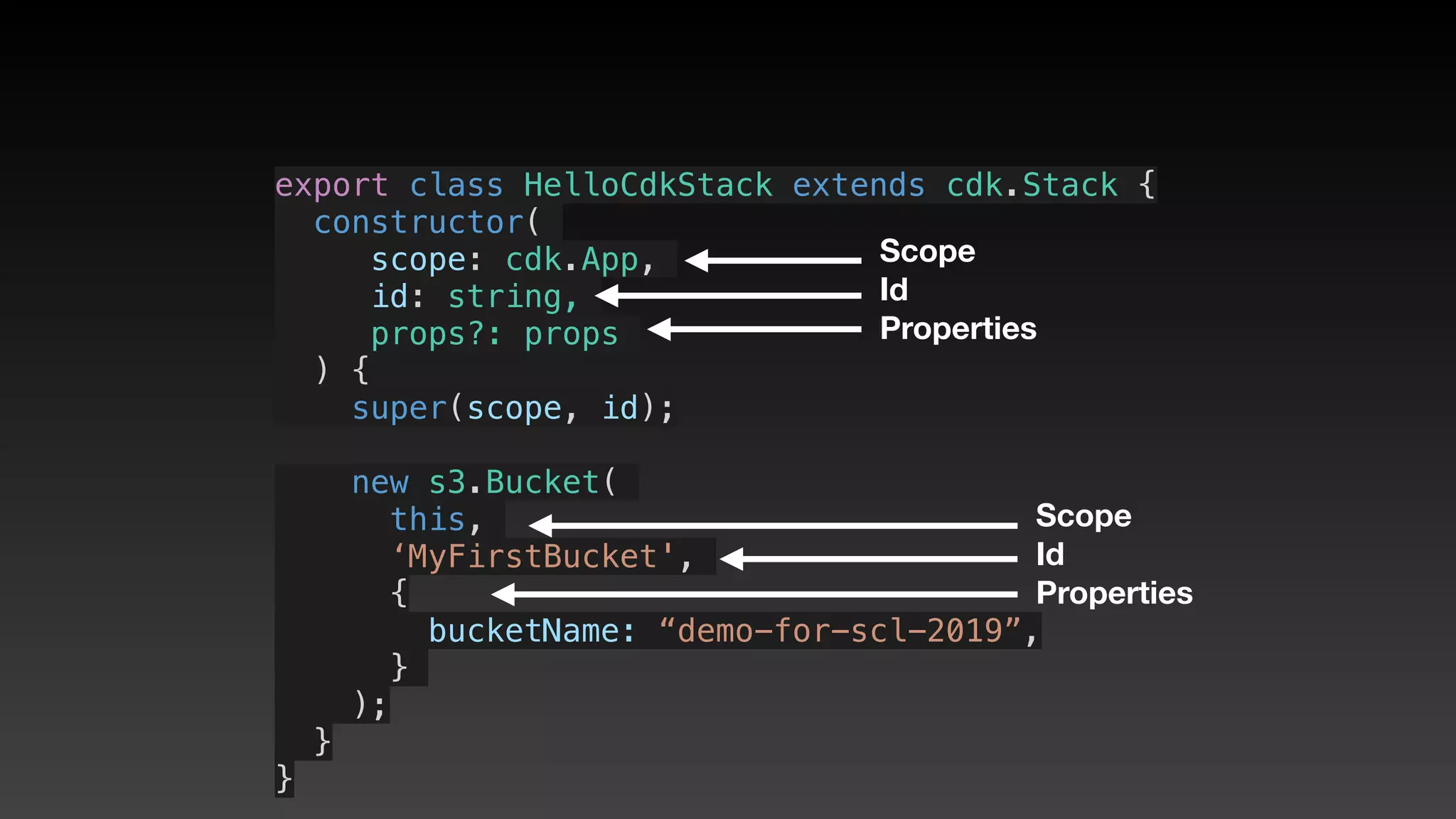
• Scope ( app for stacks, this for constructs )
CDK constructor interface
(3 params)
• Scope ( app for stacks, this for constructs )
• Id (unique within this scope)
CDK constructor interface
(3 params)
• Scope ( app for stacks, this for constructs )
• Id (unique within this scope)
• Properties (arguments)
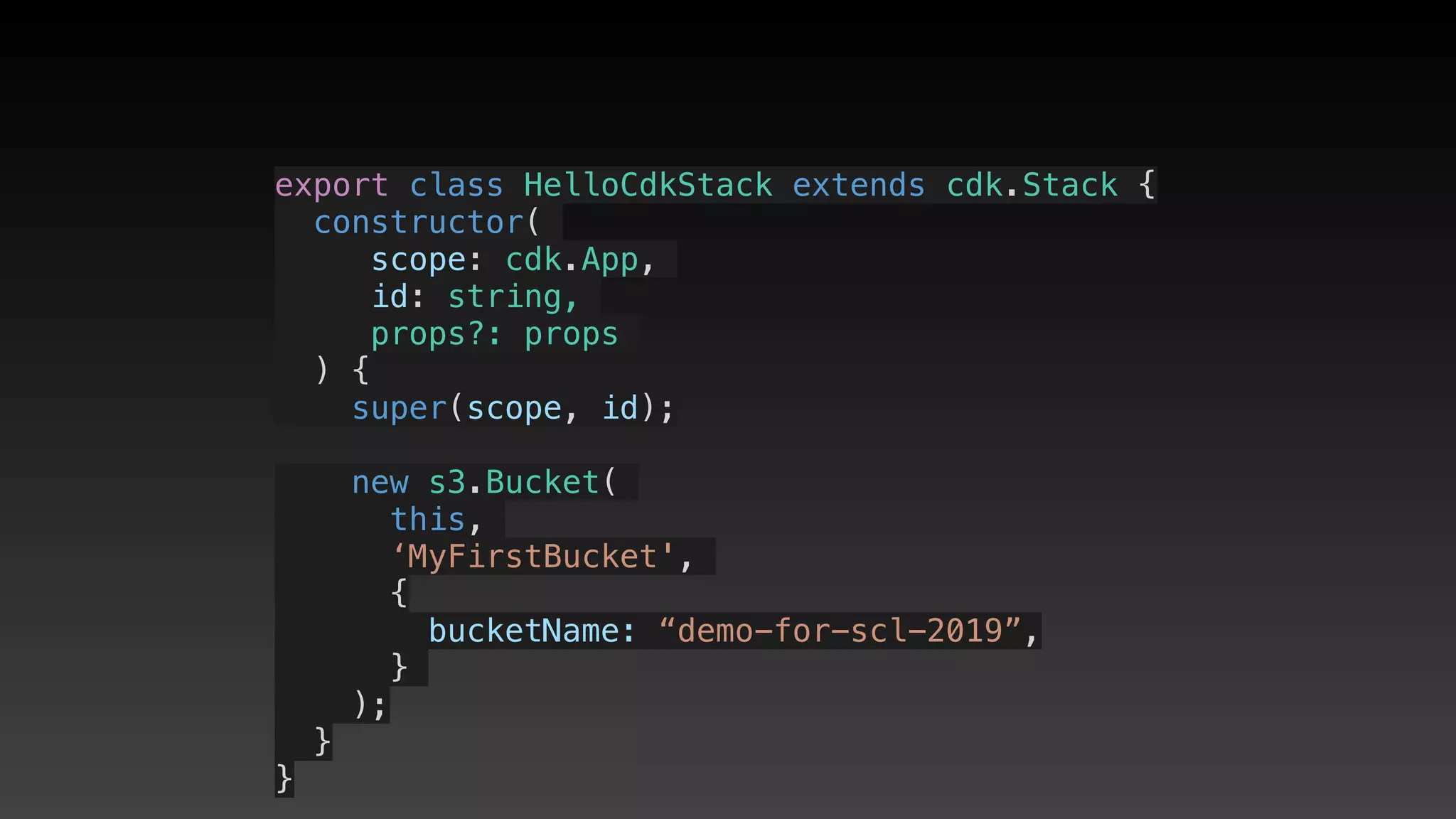
export class HelloCdkStack extends cdk.Stack {
  constructor(
scope: cdk.App,
id: string,
props?: props
) {
    super(scope, id);
    new s3.Bucket(
this,
‘MyFirstBucket',
{
       bucketName: “demo-for-scl-2019”,
     }
);
  }
}
export class HelloCdkStack extends cdk.Stack {
  constructor(
scope: cdk.App,
id: string,
props?: props
) {
    super(scope, id);
    new s3.Bucket(
this,
‘MyFirstBucket',
{
       bucketName: “demo-for-scl-2019”,
     }
);
  }
}
Scope
export class HelloCdkStack extends cdk.Stack {
  constructor(
scope: cdk.App,
id: string,
props?: props
) {
    super(scope, id);
    new s3.Bucket(
this,
‘MyFirstBucket',
{
       bucketName: “demo-for-scl-2019”,
     }
);
  }
}
Scope
Id
export class HelloCdkStack extends cdk.Stack {
  constructor(
scope: cdk.App,
id: string,
props?: props
) {
    super(scope, id);
    new s3.Bucket(
this,
‘MyFirstBucket',
{
       bucketName: “demo-for-scl-2019”,
     }
);
  }
}
Scope
Id
Properties
export class HelloCdkStack extends cdk.Stack {
  constructor(
scope: cdk.App,
id: string,
props?: props
) {
    super(scope, id);
    new s3.Bucket(
this,
‘MyFirstBucket',
{
       bucketName: “demo-for-scl-2019”,
     }
);
  }
}
Scope
Id
Properties
Scope
export class HelloCdkStack extends cdk.Stack {
  constructor(
scope: cdk.App,
id: string,
props?: props
) {
    super(scope, id);
    new s3.Bucket(
this,
‘MyFirstBucket',
{
       bucketName: “demo-for-scl-2019”,
     }
);
  }
}
Scope
Id
Properties
Scope
Id
export class HelloCdkStack extends cdk.Stack {
  constructor(
scope: cdk.App,
id: string,
props?: props
) {
    super(scope, id);
    new s3.Bucket(
this,
‘MyFirstBucket',
{
       bucketName: “demo-for-scl-2019”,
     }
);
  }
}
Scope
Id
Properties
Scope
Id
Properties
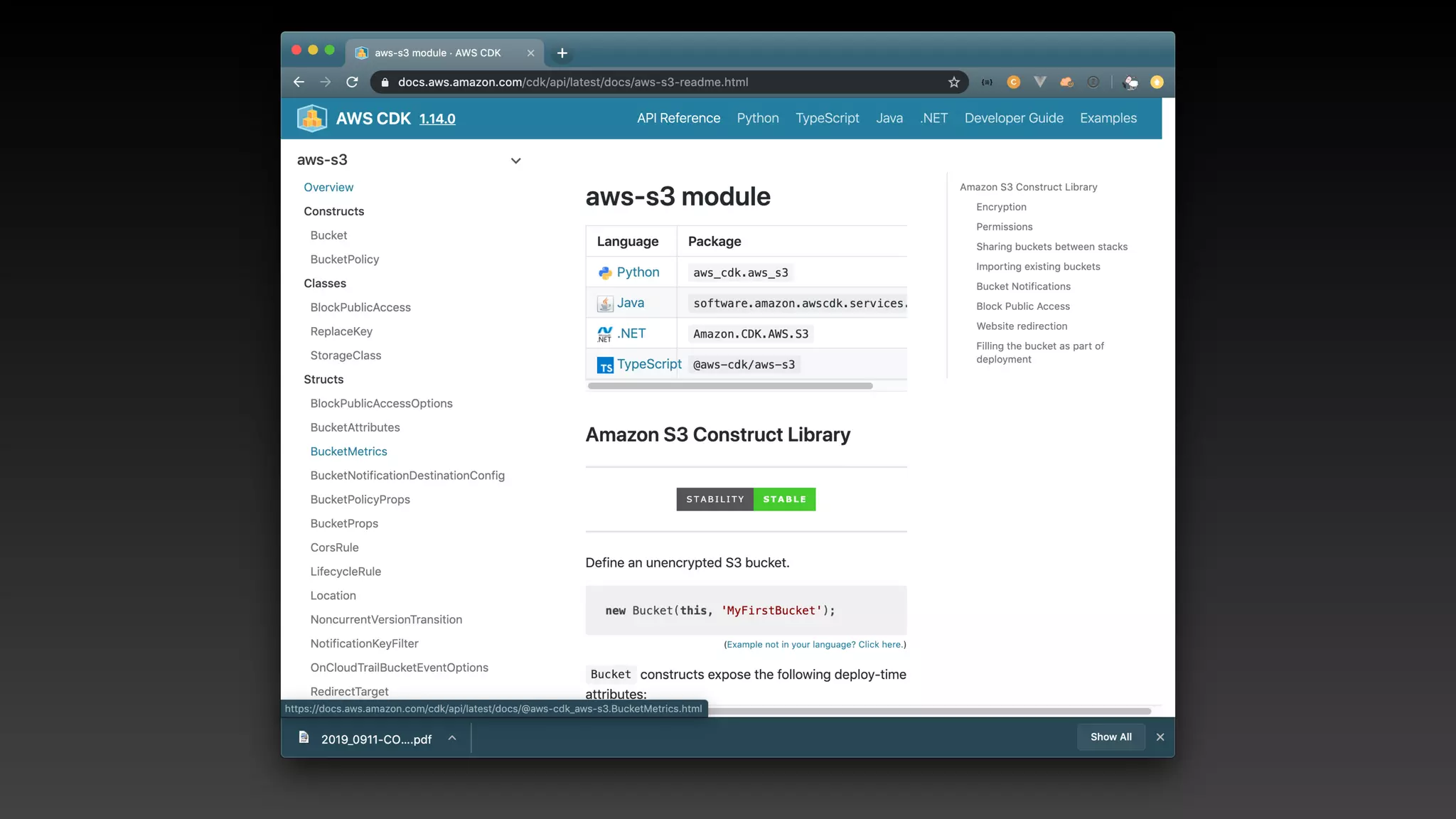
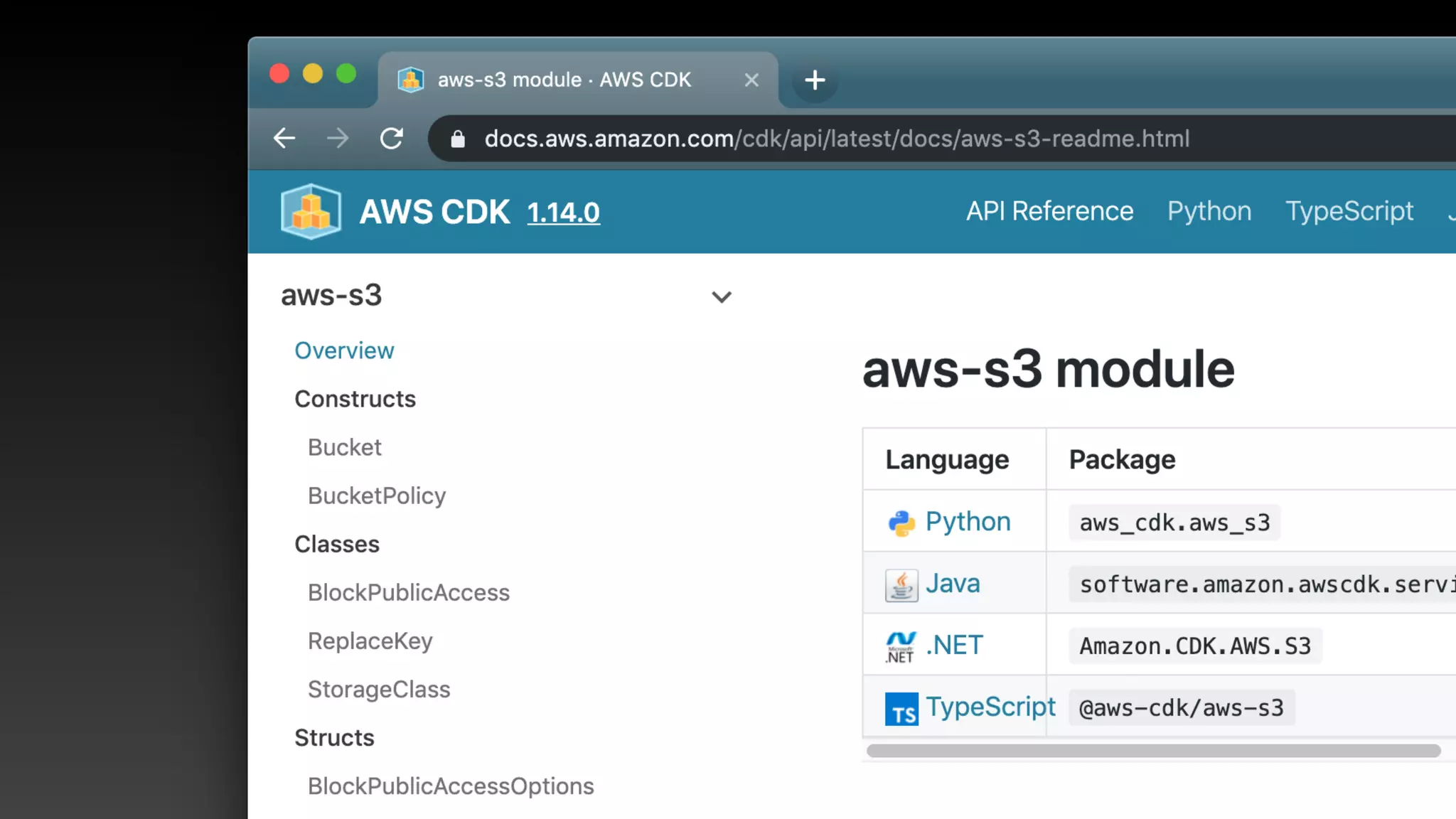
API Reference
( https://docs.aws.amazon.com/
cdk/api/latest/ )
Events & Permissions
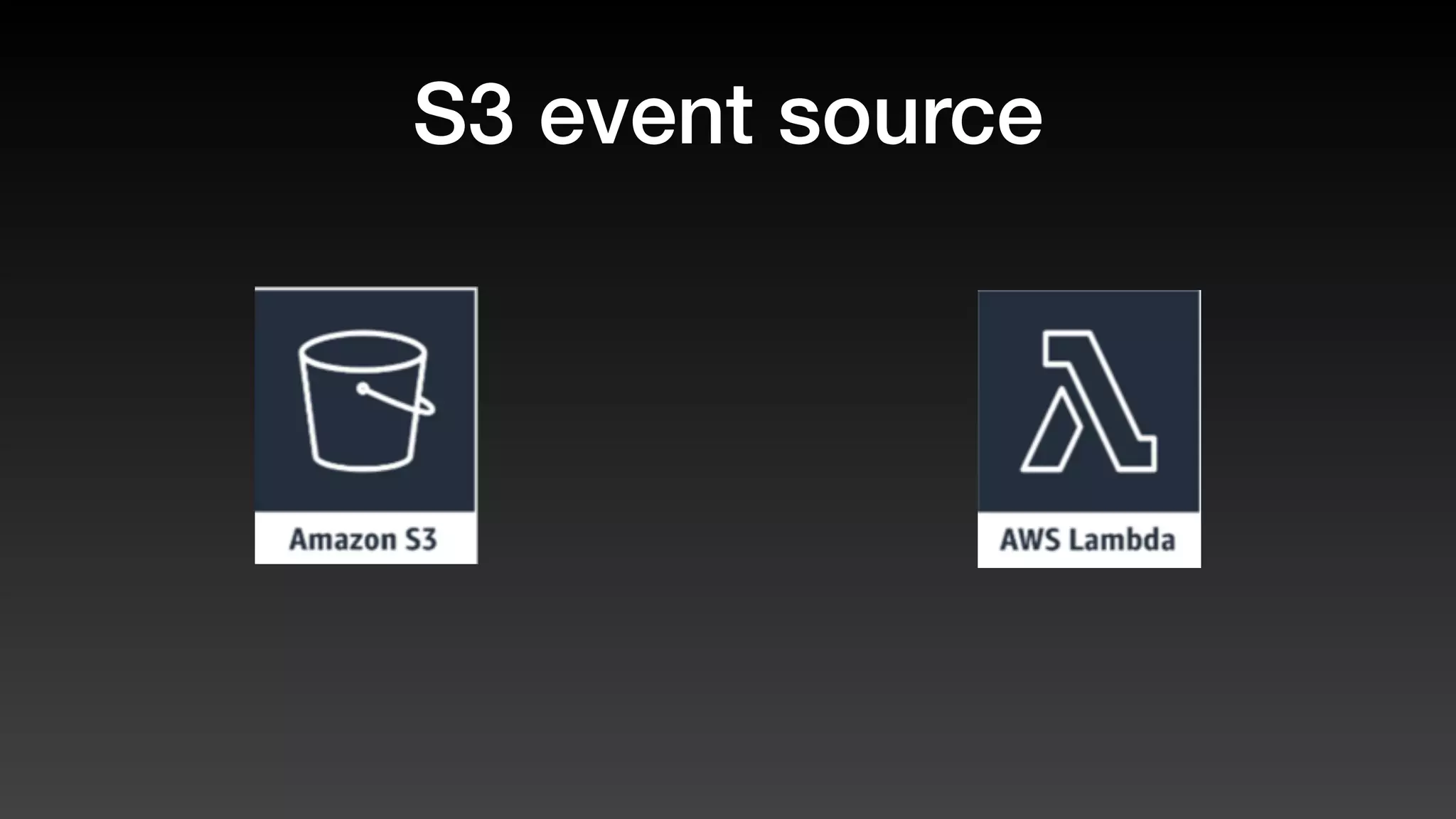
S3 event source
S3 event source
Execution permissions
Event source
S3 event source
Execution permissions
Read/Write permissions
Event source
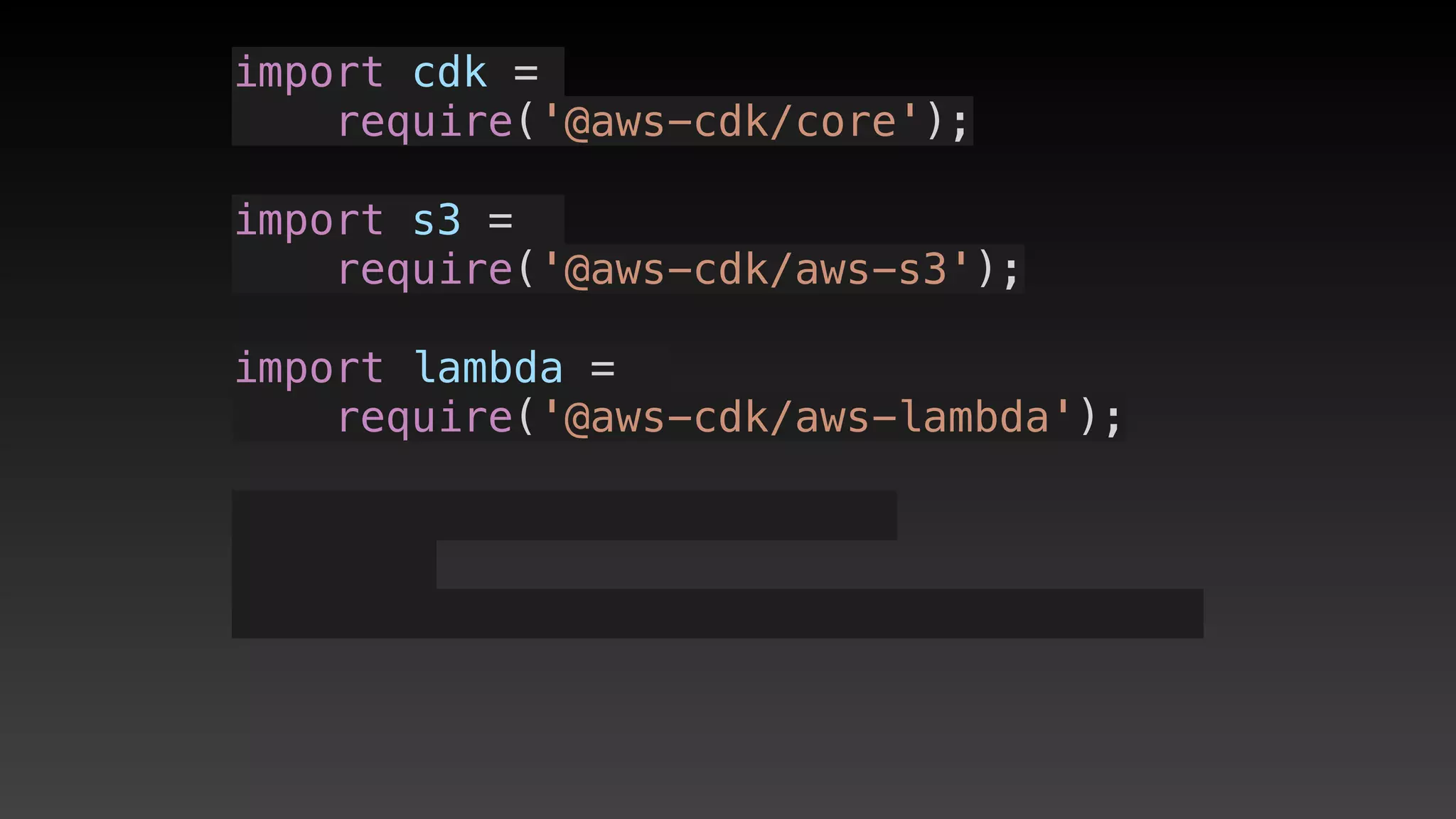
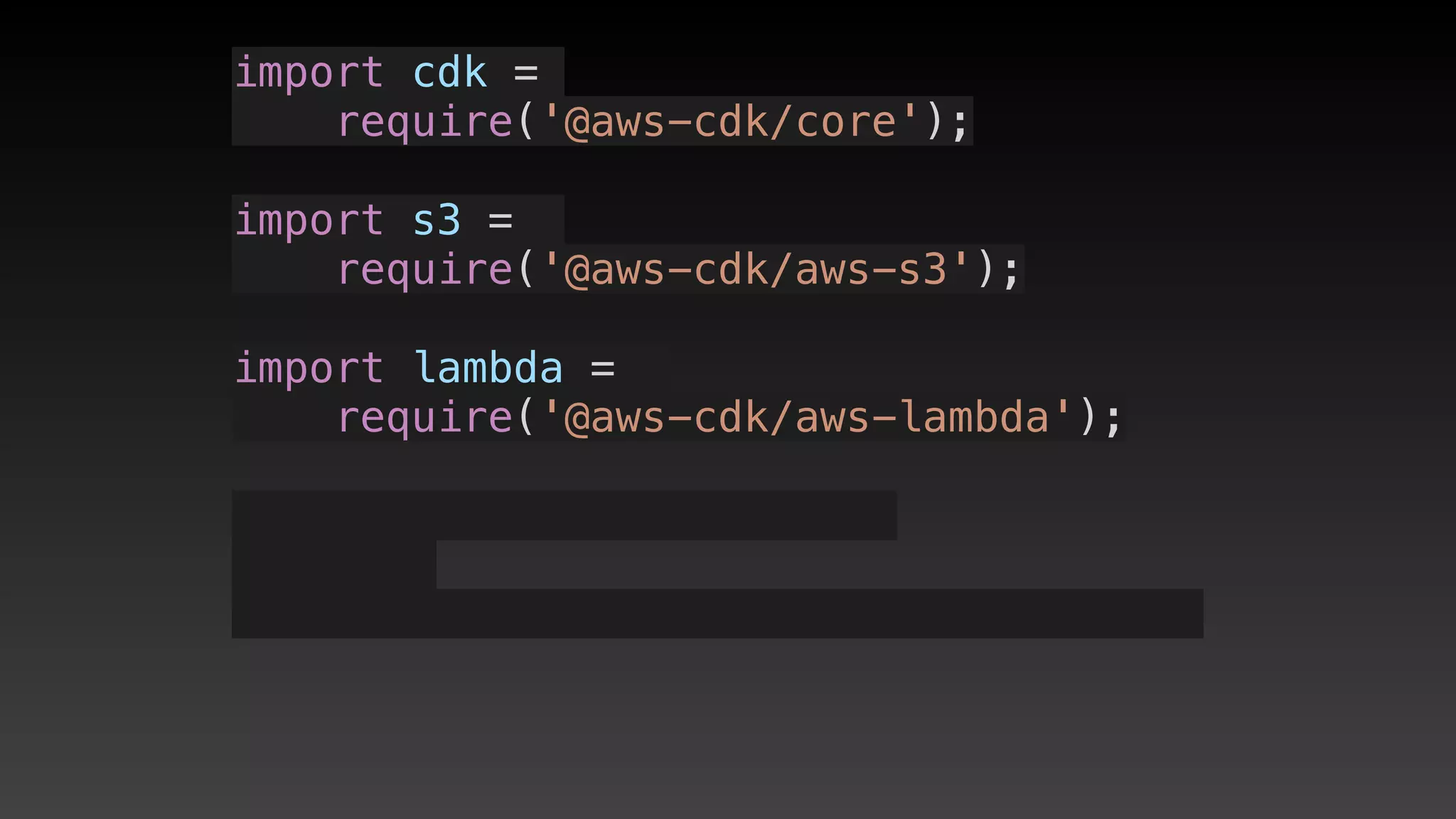
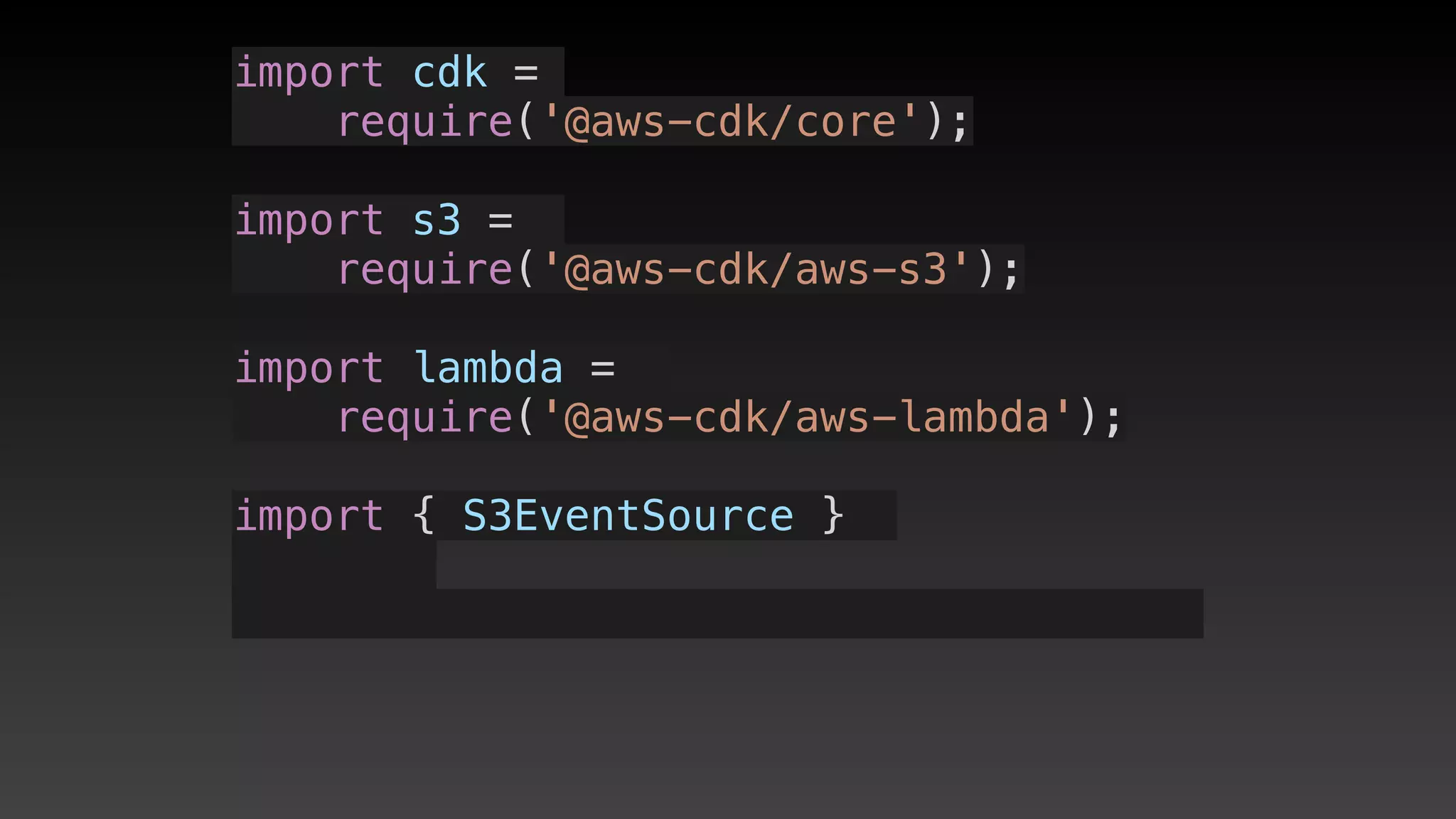
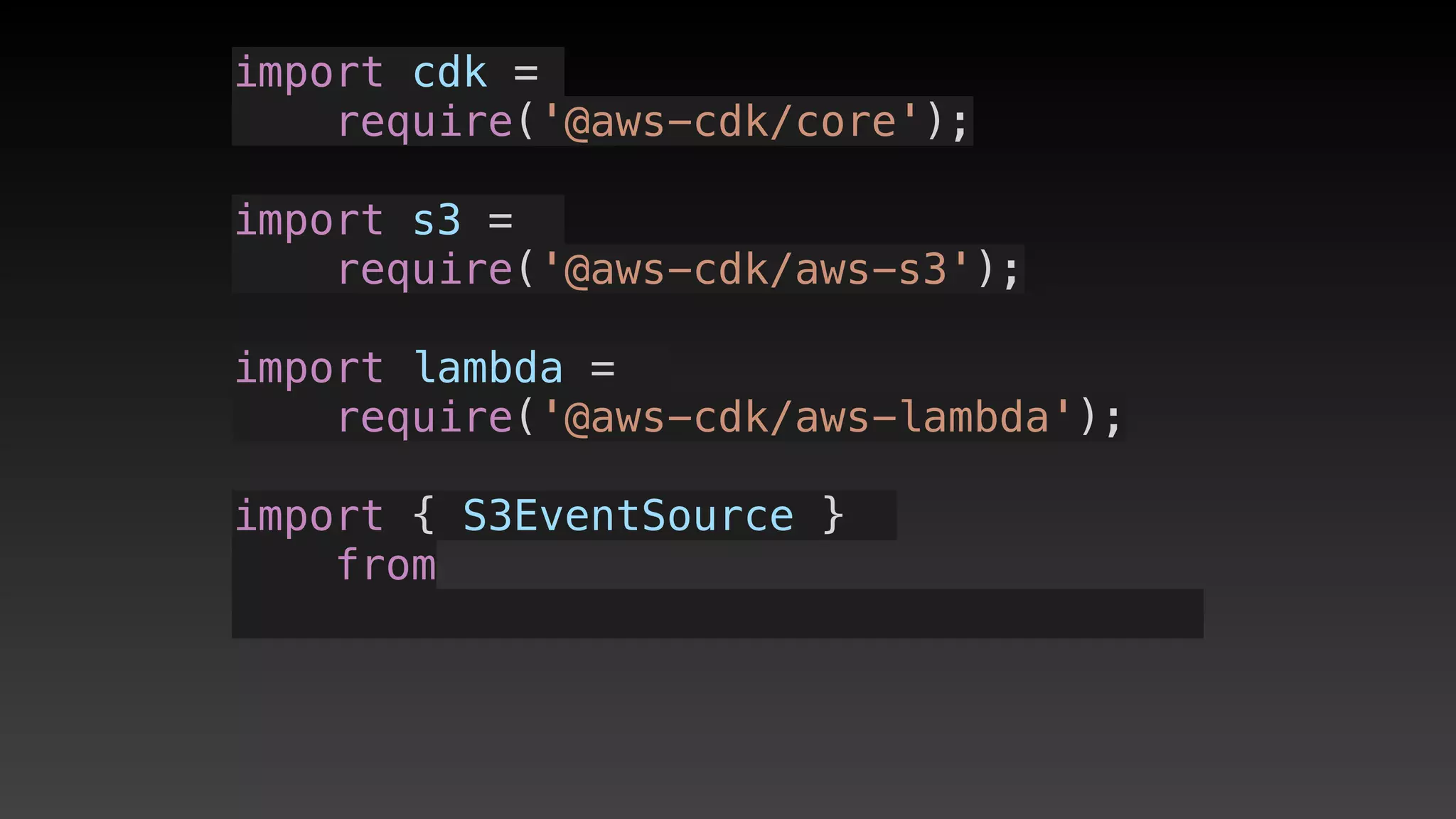
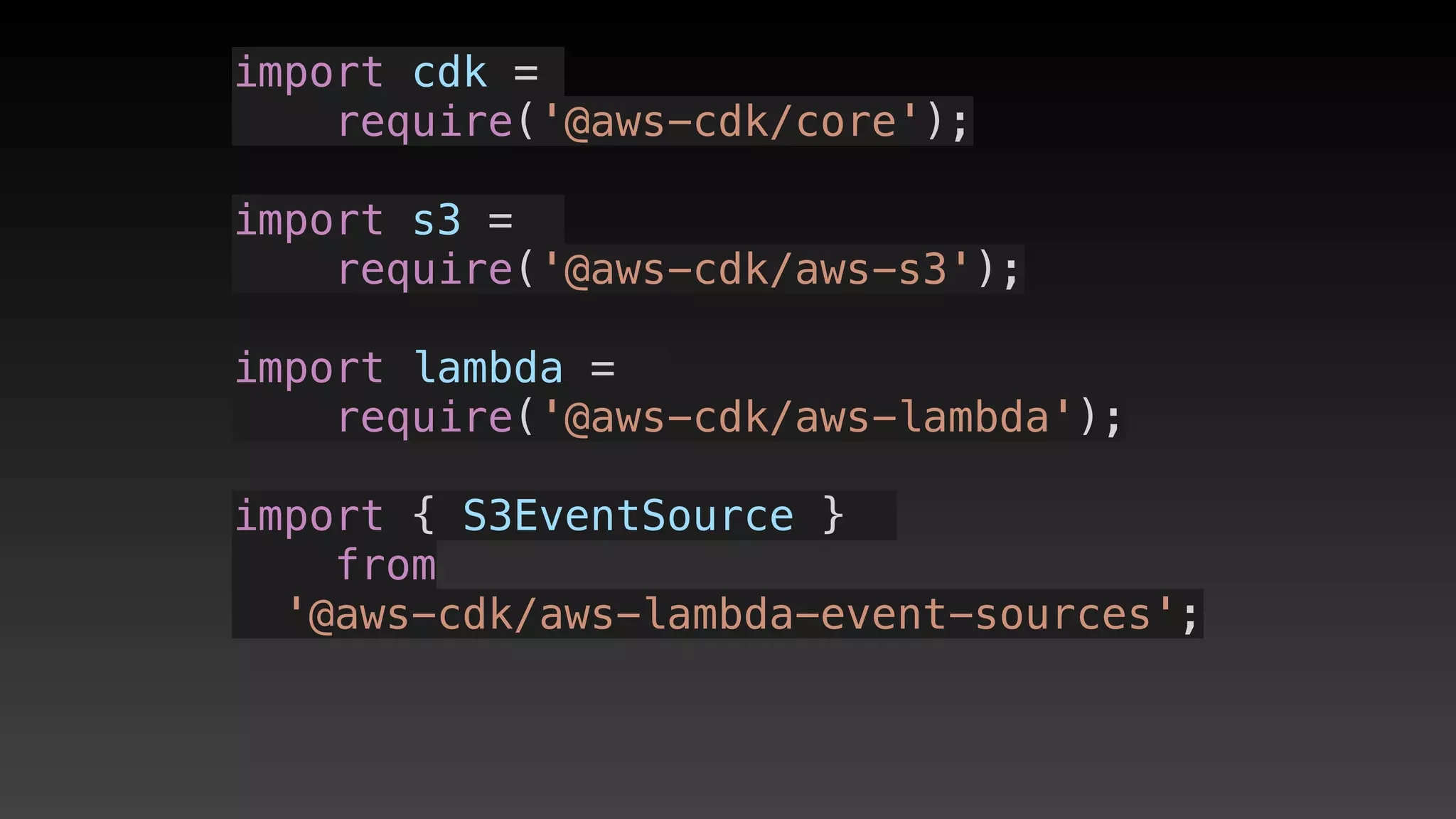
import cdk = require('@aws-cdk/core');
import s3 = require('@aws-cdk/aws-s3');
import lambda = require('@aws-cdk/aws-lambda');
import { S3EventSource } from '@aws-cdk/aws-lambda-event-sources';
export class EventS3LambdaStack extends cdk.Stack {
  constructor(scope: cdk.Construct, id: string, props?: cdk.StackProps) {
    super(scope, id, props);
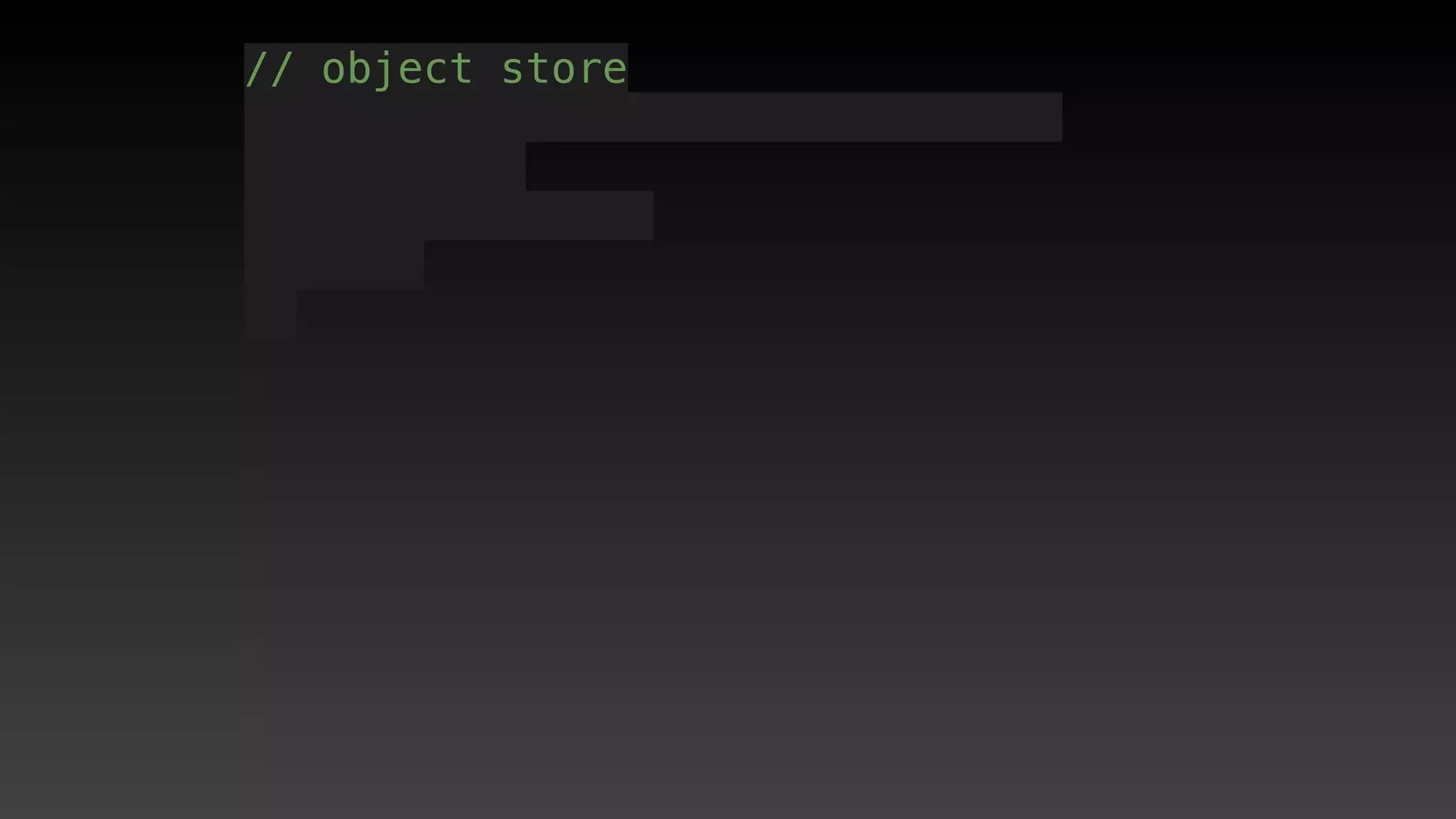
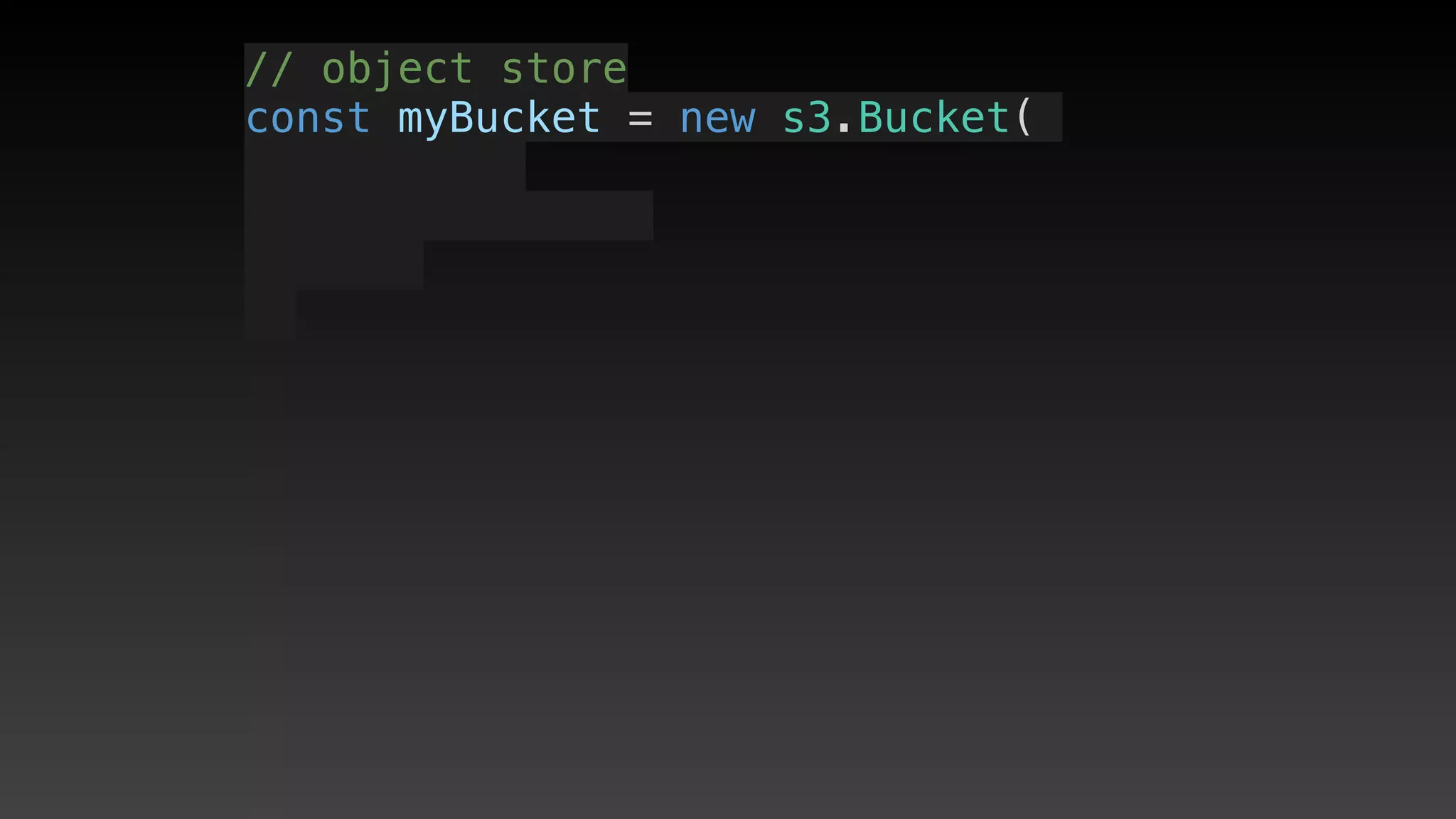
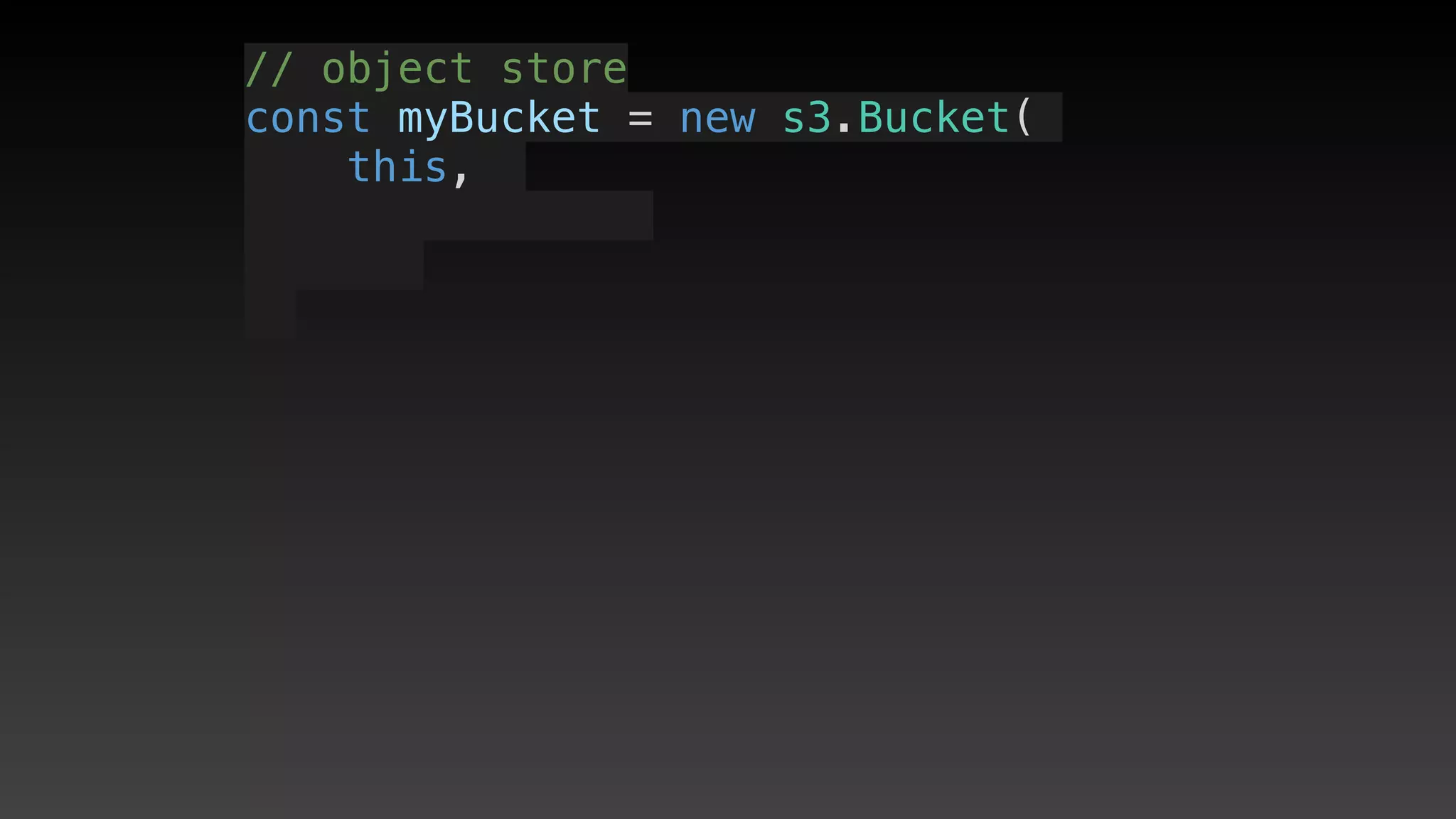
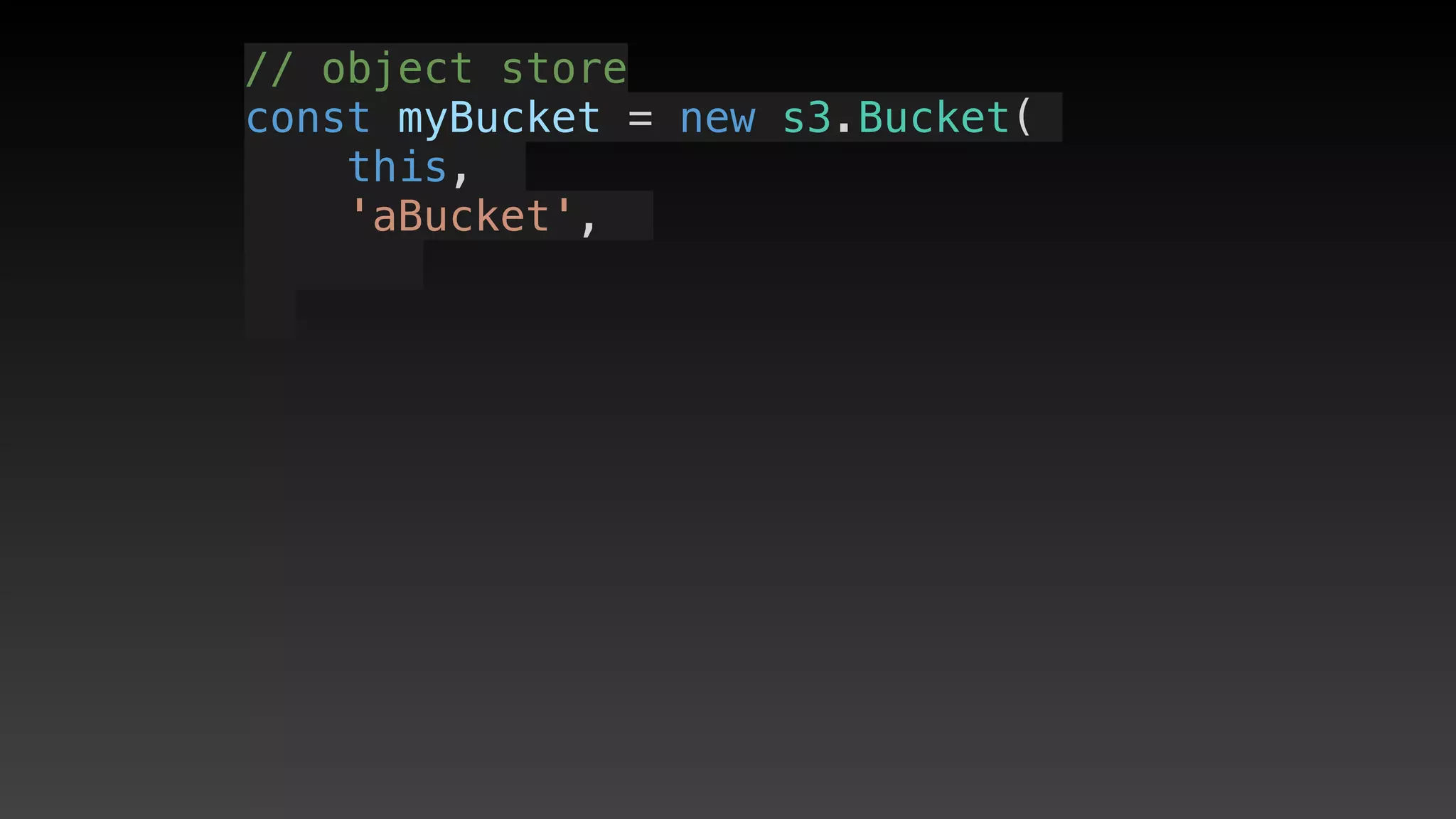
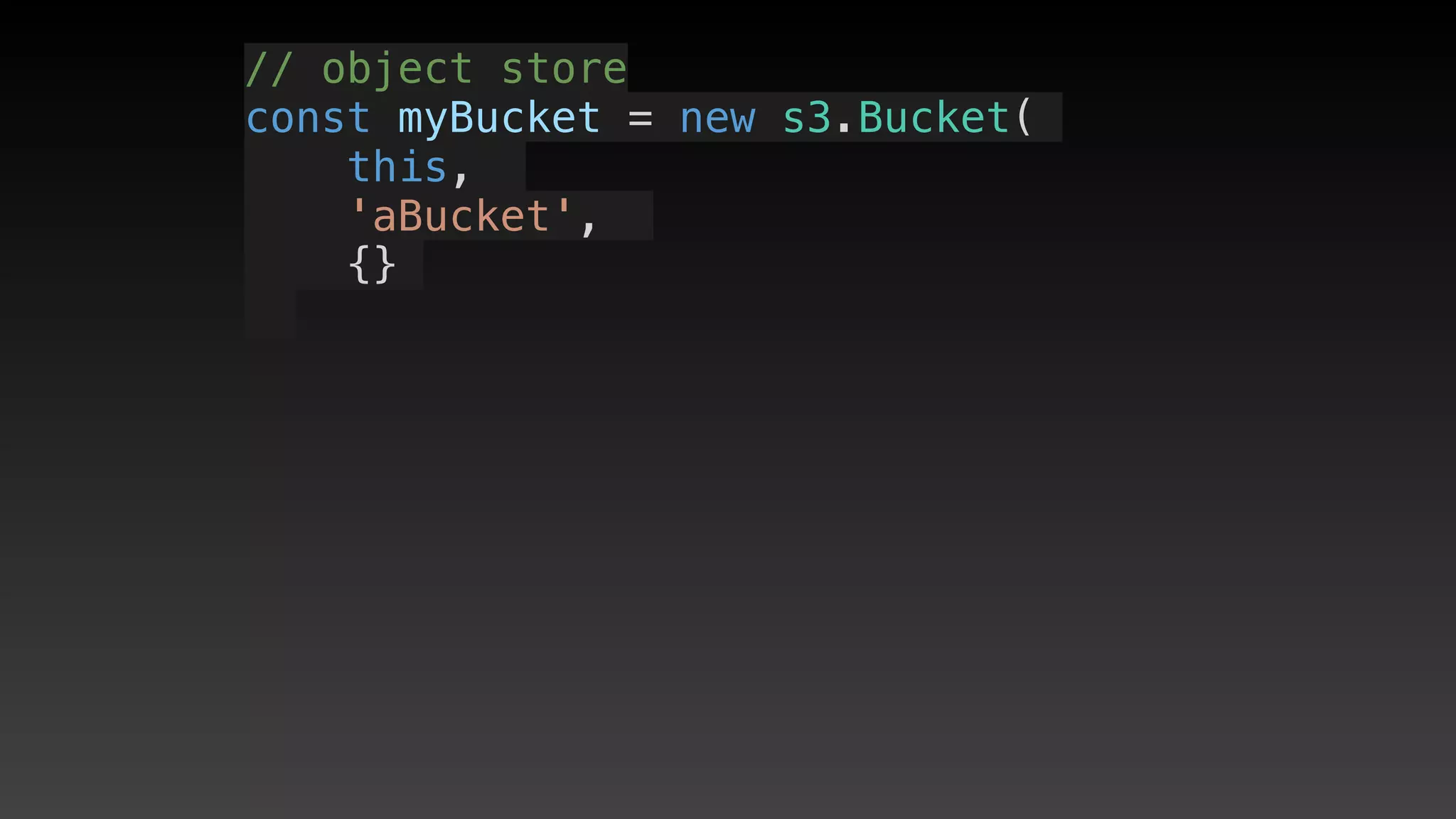
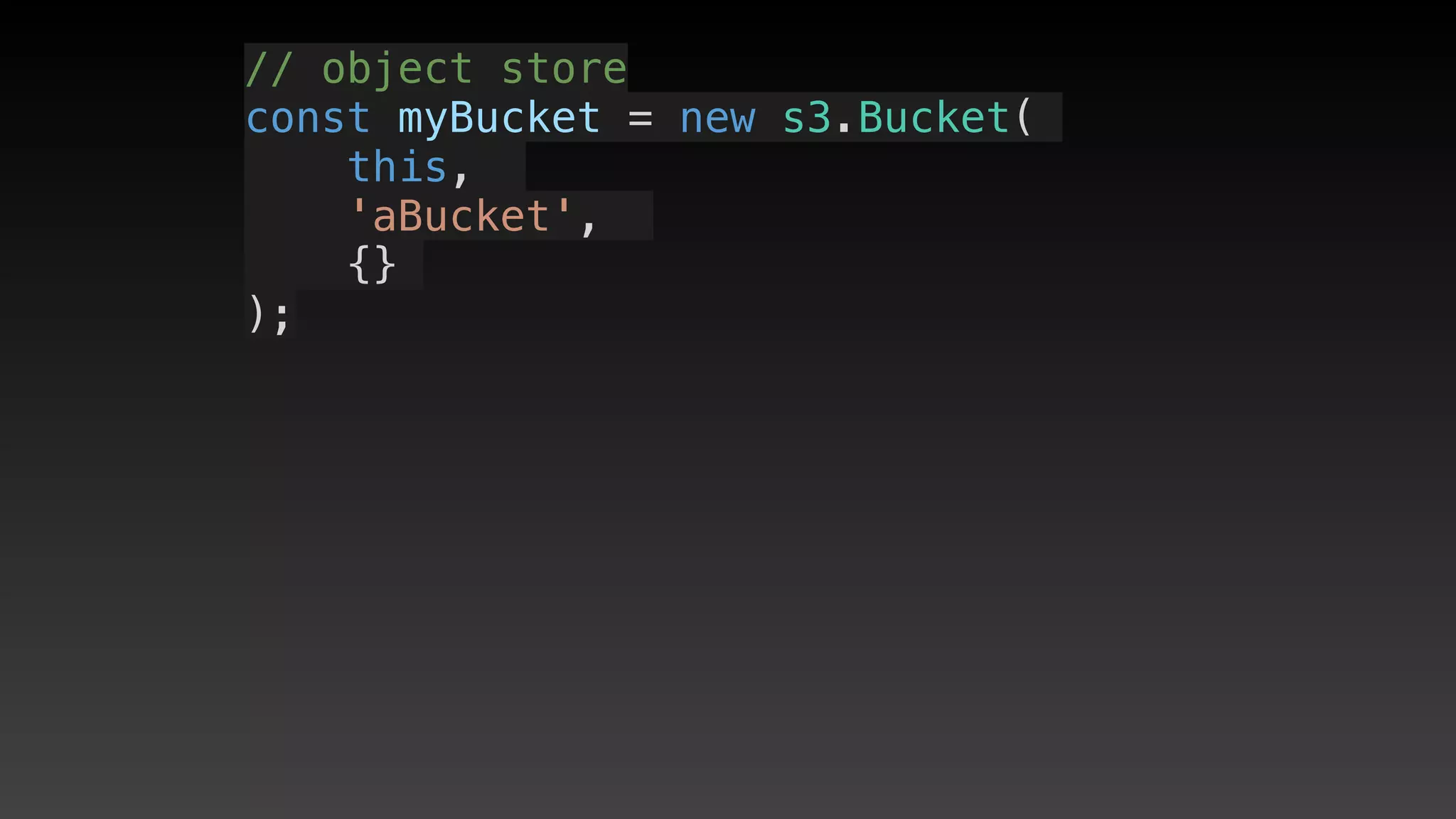
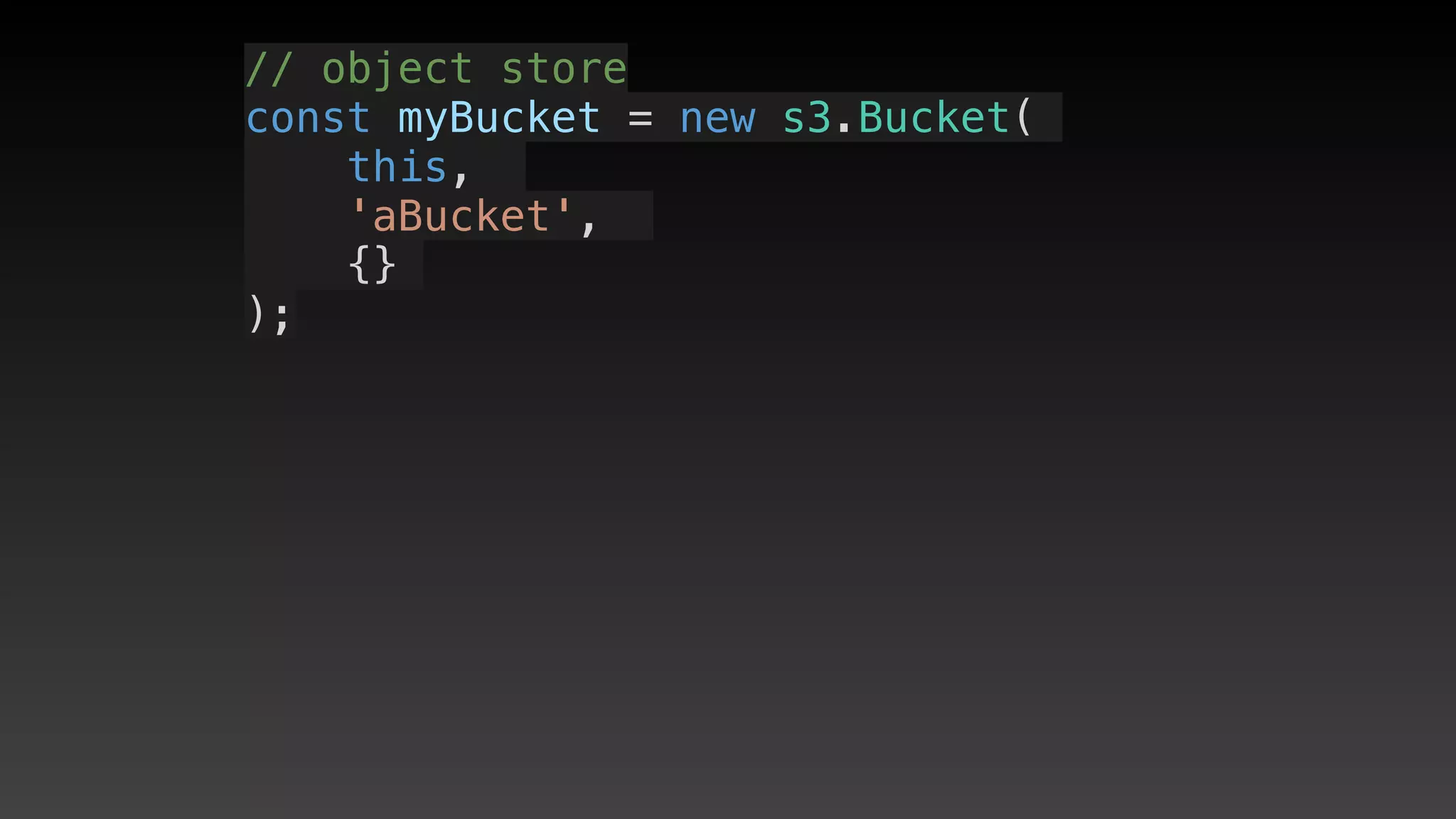
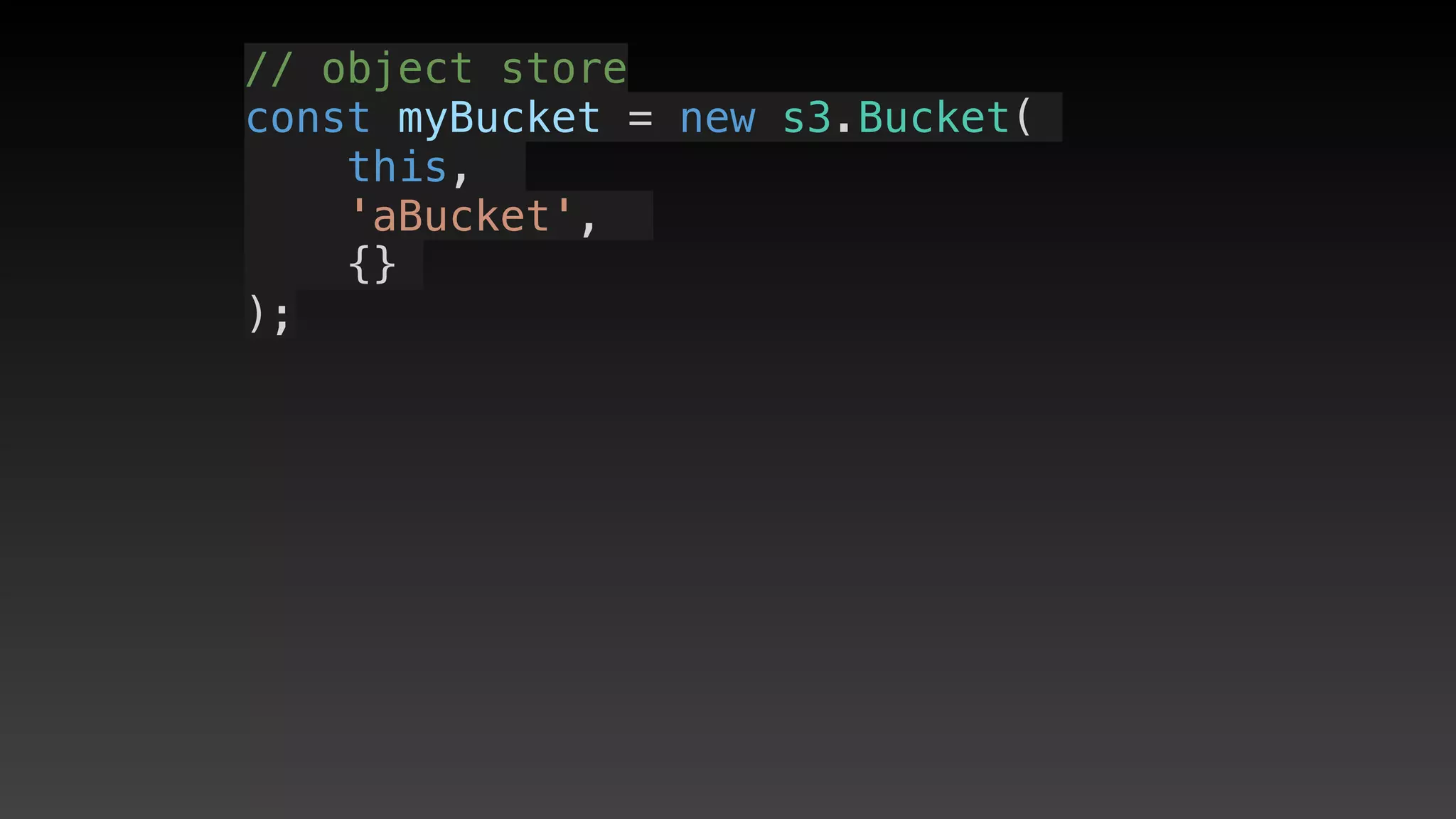
    // object store
    const myBucket = new s3.Bucket(this, 'aBucket', {});
    // create an event source for new objects
    let bucketEvents = new S3EventSource(myBucket, {
      events: [ s3.EventType.OBJECT_CREATED],
    });
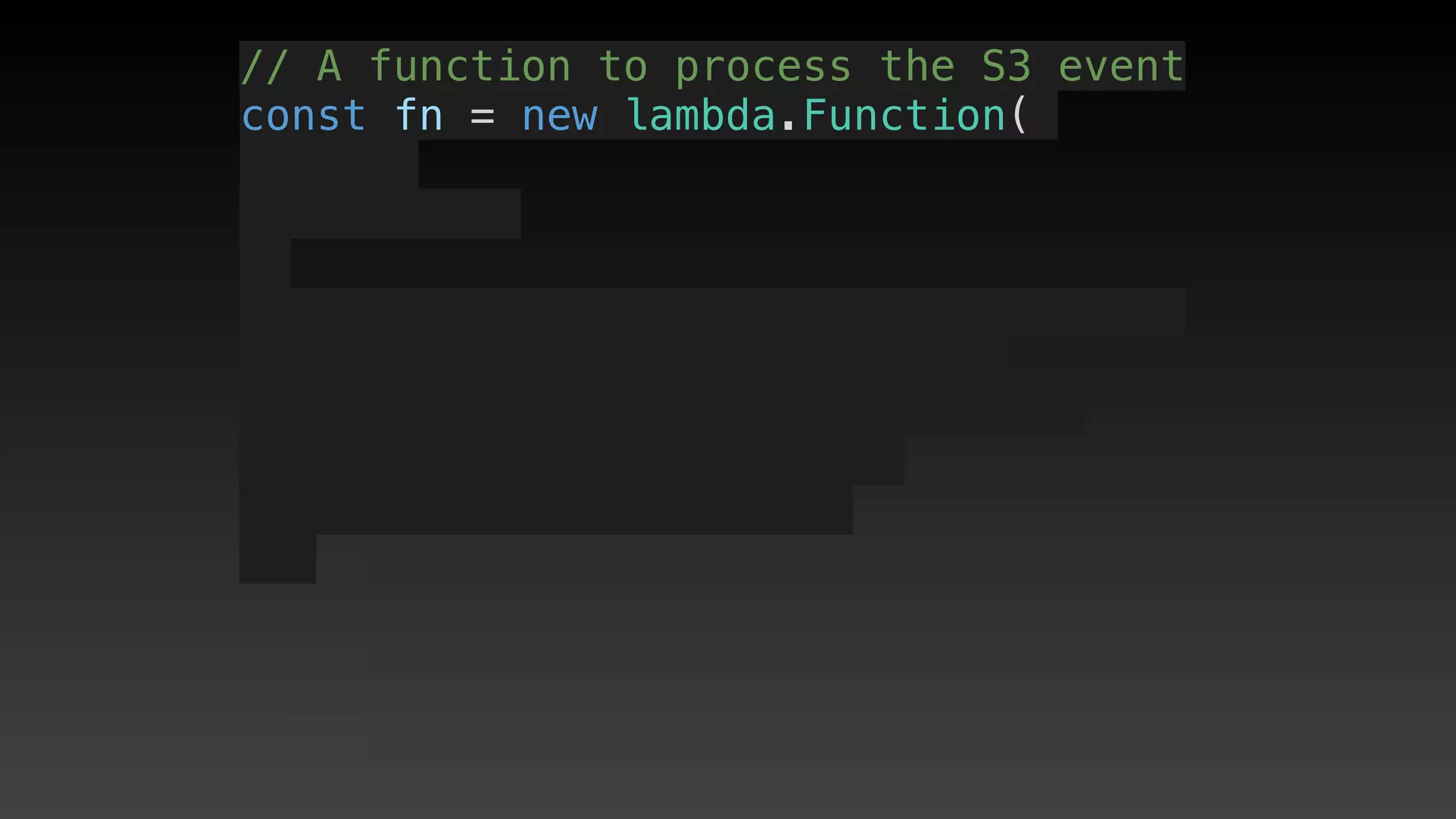
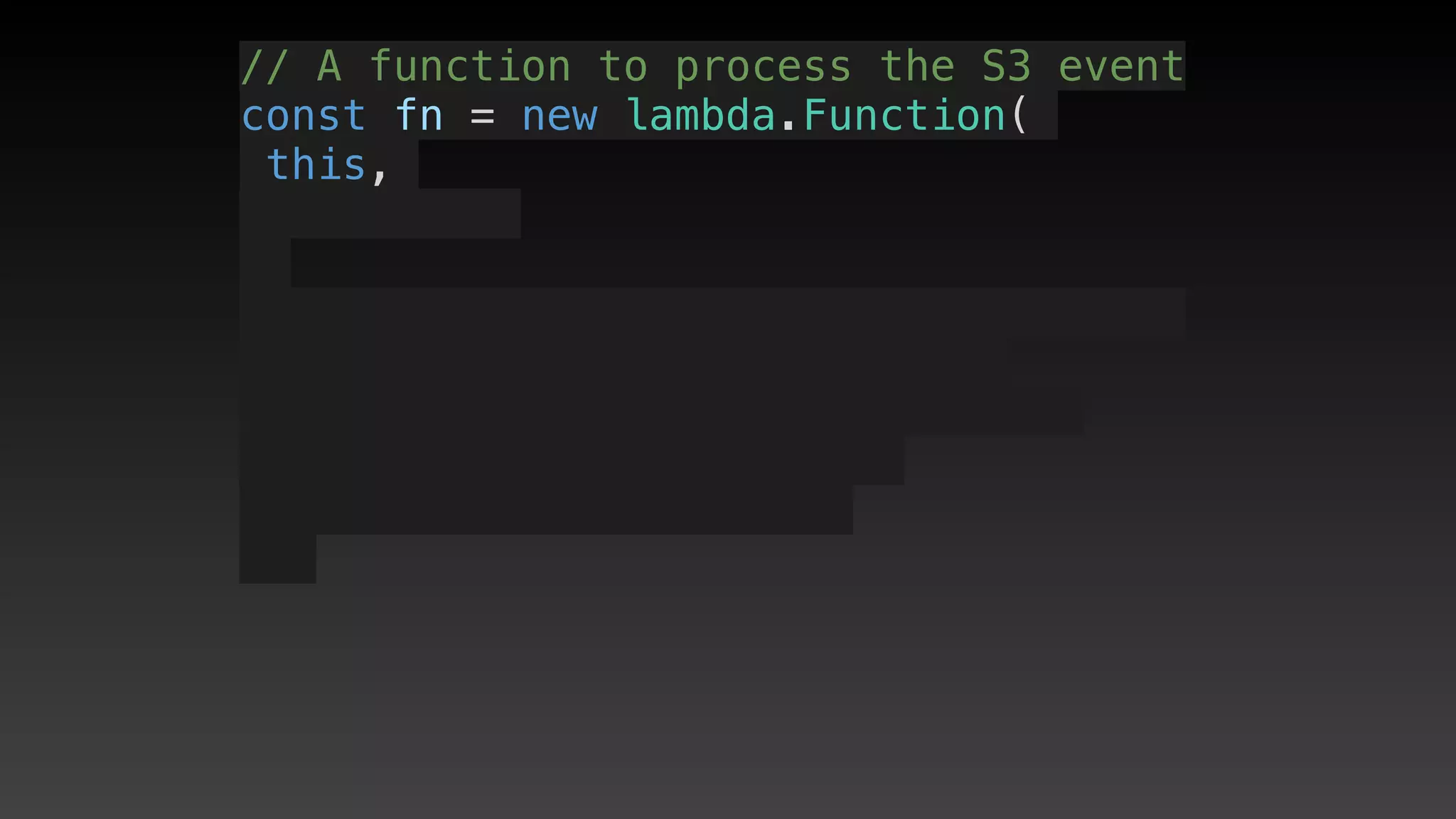
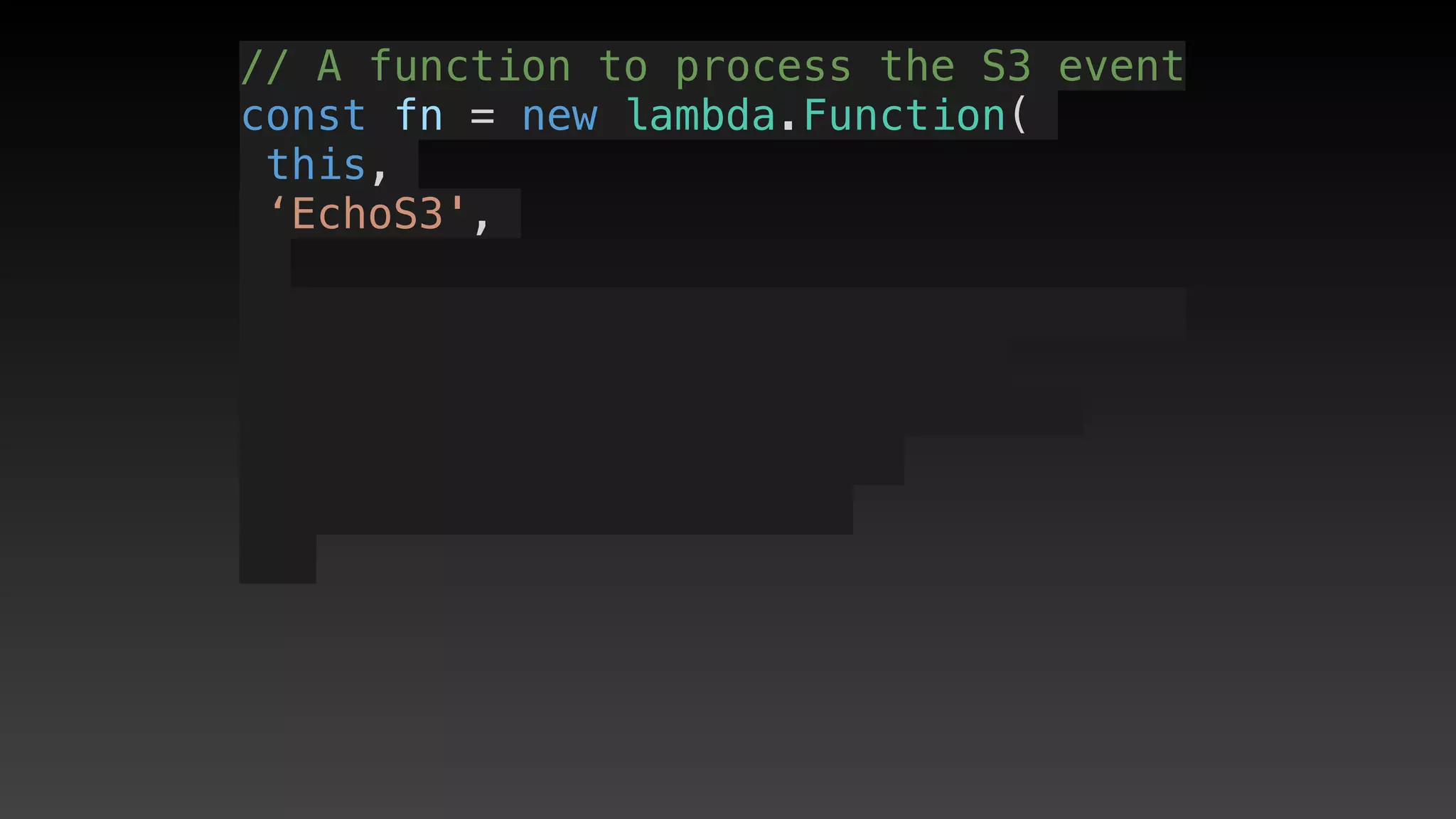
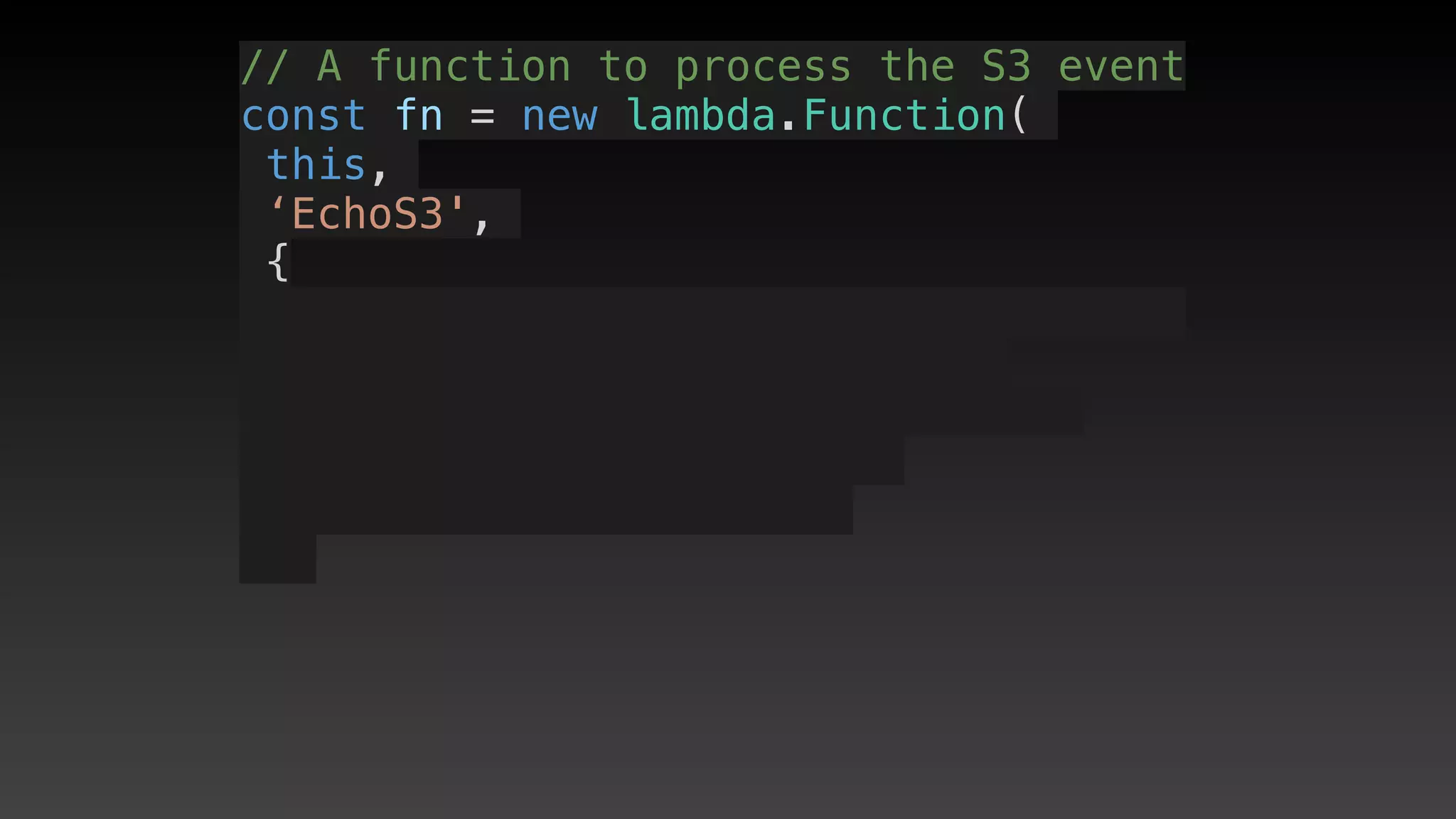
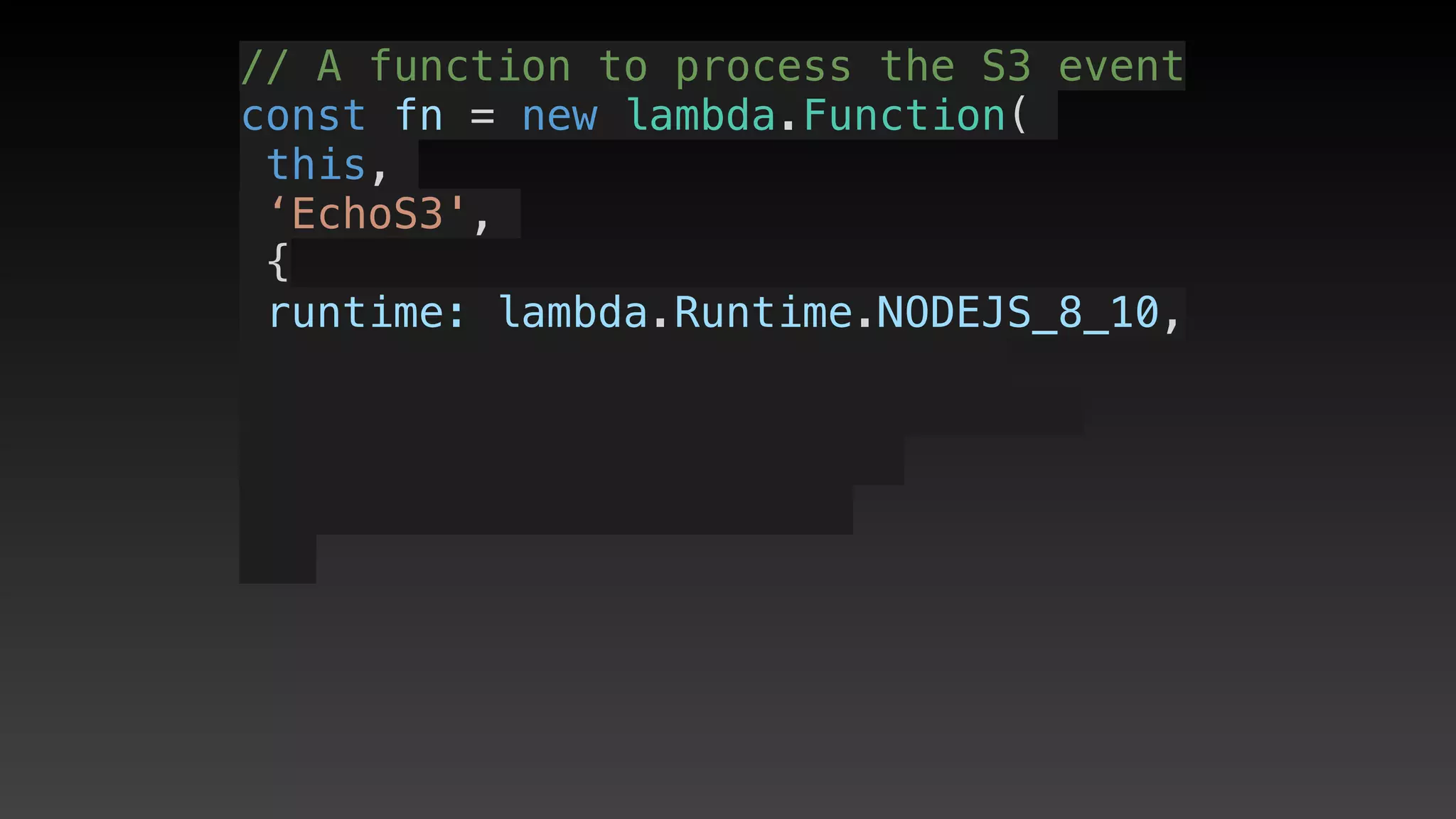
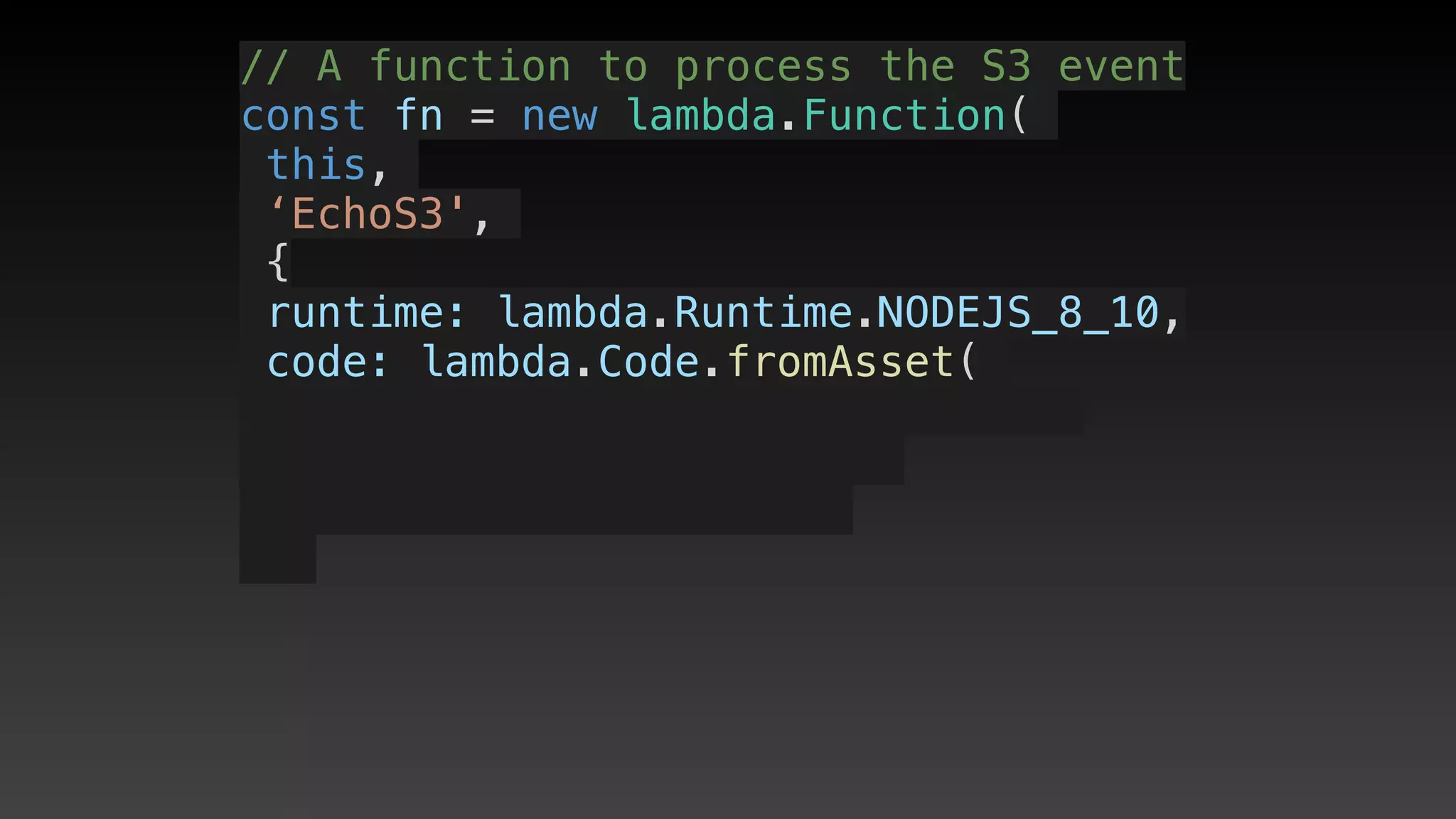
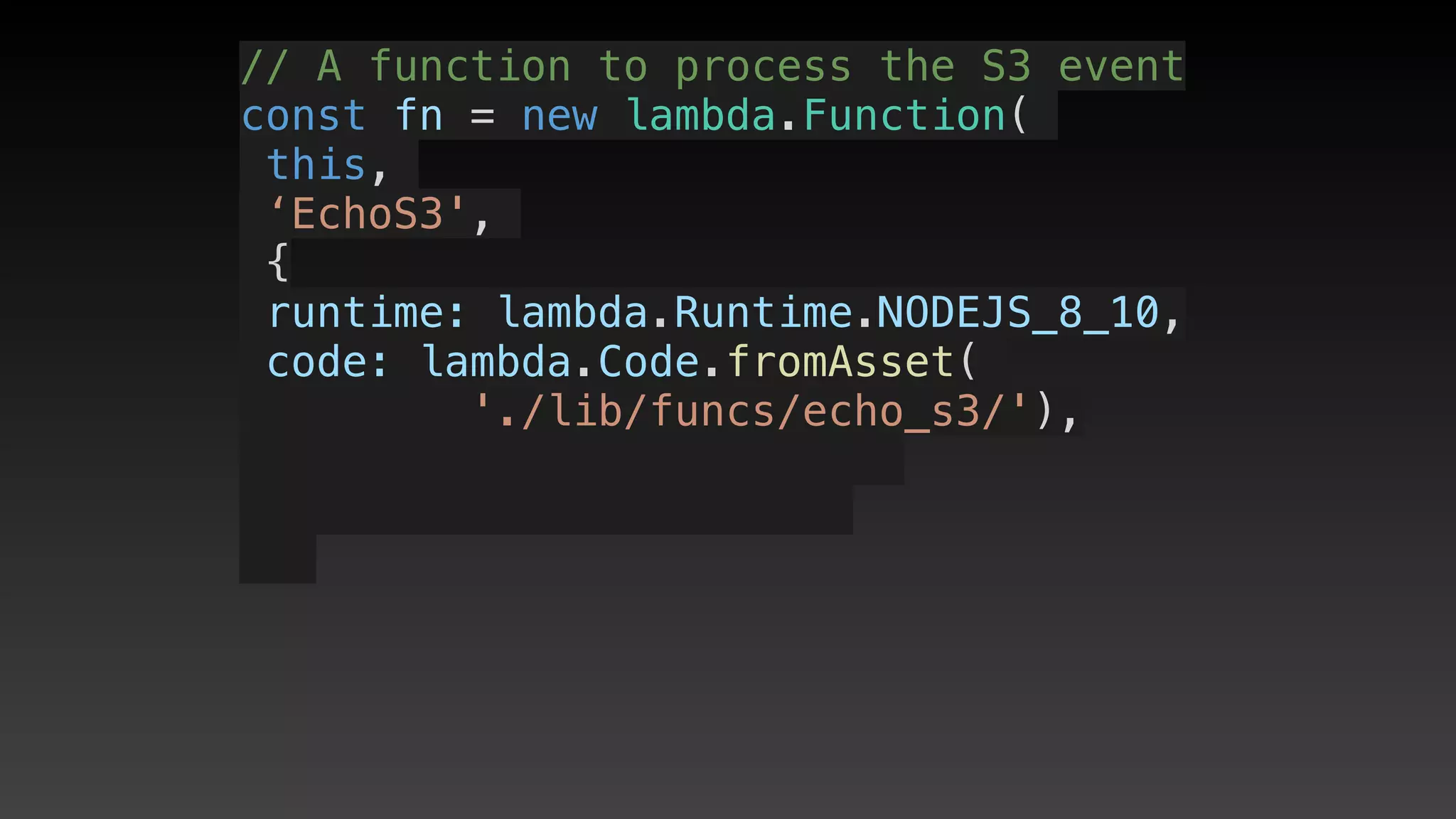
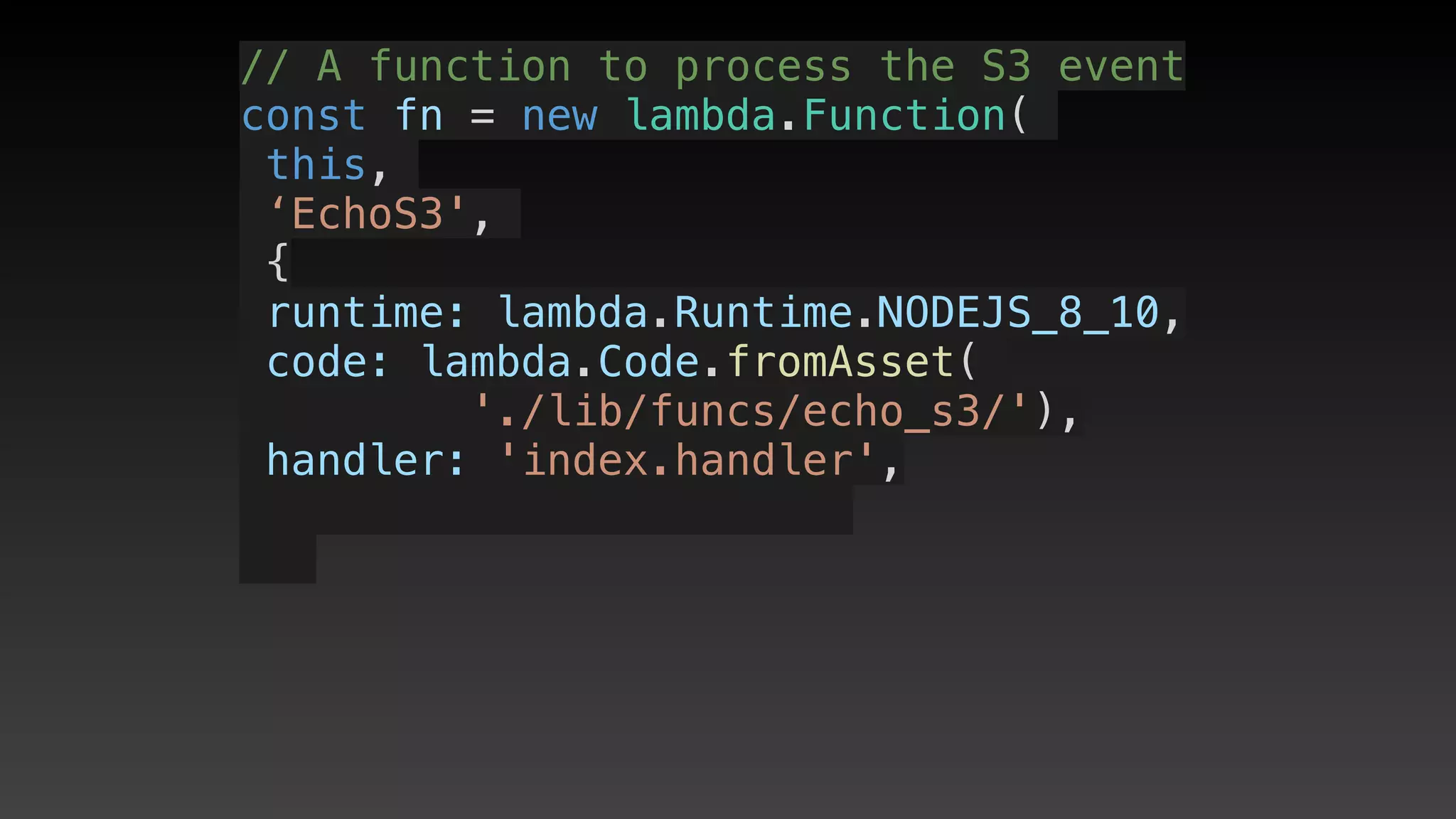
    // A function to process the S3 event
    const fn = new lambda.Function(this, 'EchoS3', {
      runtime: lambda.Runtime.NODEJS_8_10,
      handler: 'index.handler',
      code: lambda.Code.fromAsset('./lib/funcs/echo_s3/'),
      events: [bucketEvents],
    });
    // Remember to let the function read/write to the 
    // bucket if it needs more than just the object key
    myBucket.grantReadWrite(fn);
  }
}
import cdk =
import cdk =
require('@aws-cdk/core');
import cdk =
require('@aws-cdk/core');
import cdk =
require('@aws-cdk/core');
import s3 = 
import cdk =
require('@aws-cdk/core');
import s3 = 
require('@aws-cdk/aws-s3');
import cdk =
require('@aws-cdk/core');
import s3 = 
require('@aws-cdk/aws-s3');
import cdk =
require('@aws-cdk/core');
import s3 = 
require('@aws-cdk/aws-s3');
import lambda = 
import cdk =
require('@aws-cdk/core');
import s3 = 
require('@aws-cdk/aws-s3');
import lambda = 
require('@aws-cdk/aws-lambda');
import cdk =
require('@aws-cdk/core');
import s3 = 
require('@aws-cdk/aws-s3');
import lambda = 
require('@aws-cdk/aws-lambda');
import cdk =
require('@aws-cdk/core');
import s3 = 
require('@aws-cdk/aws-s3');
import lambda = 
require('@aws-cdk/aws-lambda');
import { S3EventSource } 
import cdk =
require('@aws-cdk/core');
import s3 = 
require('@aws-cdk/aws-s3');
import lambda = 
require('@aws-cdk/aws-lambda');
import { S3EventSource } 
from 
import cdk =
require('@aws-cdk/core');
import s3 = 
require('@aws-cdk/aws-s3');
import lambda = 
require('@aws-cdk/aws-lambda');
import { S3EventSource } 
from 
'@aws-cdk/aws-lambda-event-sources';
// object store
// object store
const myBucket = new s3.Bucket(
// object store
const myBucket = new s3.Bucket(
this, 
// object store
const myBucket = new s3.Bucket(
this, 
'aBucket', 
// object store
const myBucket = new s3.Bucket(
this, 
'aBucket', 
{}
// object store
const myBucket = new s3.Bucket(
this, 
'aBucket', 
{}
);
// object store
const myBucket = new s3.Bucket(
this, 
'aBucket', 
{}
);
// object store
const myBucket = new s3.Bucket(
this, 
'aBucket', 
{}
);
// object store
const myBucket = new s3.Bucket(
this, 
'aBucket', 
{}
);
// create an event source
let bucketEvents = new S3EventSource(
myBucket, {
      events: [ 
s3.EventType.OBJECT_CREATED
],
    });
// A function to process the S3 event
const fn = new lambda.Function(
// A function to process the S3 event
const fn = new lambda.Function(
this,
// A function to process the S3 event
const fn = new lambda.Function(
this,
‘EchoS3',
// A function to process the S3 event
const fn = new lambda.Function(
this,
‘EchoS3',
{
// A function to process the S3 event
const fn = new lambda.Function(
this,
‘EchoS3',
{
 runtime: lambda.Runtime.NODEJS_8_10,
// A function to process the S3 event
const fn = new lambda.Function(
this,
‘EchoS3',
{
 runtime: lambda.Runtime.NODEJS_8_10,
 code: lambda.Code.fromAsset(
// A function to process the S3 event
const fn = new lambda.Function(
this,
‘EchoS3',
{
 runtime: lambda.Runtime.NODEJS_8_10,
 code: lambda.Code.fromAsset(
'./lib/funcs/echo_s3/'),
// A function to process the S3 event
const fn = new lambda.Function(
this,
‘EchoS3',
{
 runtime: lambda.Runtime.NODEJS_8_10,
 code: lambda.Code.fromAsset(
'./lib/funcs/echo_s3/'),
 handler: 'index.handler',
// A function to process the S3 event
const fn = new lambda.Function(
this,
‘EchoS3',
{
 runtime: lambda.Runtime.NODEJS_8_10,
 code: lambda.Code.fromAsset(
'./lib/funcs/echo_s3/'),
 handler: 'index.handler',
 events: [bucketEvents],
// A function to process the S3 event
const fn = new lambda.Function(
this,
‘EchoS3',
{
 runtime: lambda.Runtime.NODEJS_8_10,
 code: lambda.Code.fromAsset(
'./lib/funcs/echo_s3/'),
 handler: 'index.handler',
 events: [bucketEvents],
});
// A function to process the S3 event
const fn = new lambda.Function(
this,
‘EchoS3',
{
 runtime: lambda.Runtime.NODEJS_8_10,
 code: lambda.Code.fromAsset(
'./lib/funcs/echo_s3/'),
 handler: 'index.handler',
 events: [bucketEvents],
});
// A function to process the S3 event
const fn = new lambda.Function(
this,
‘EchoS3',
{
 runtime: lambda.Runtime.NODEJS_8_10,
 code: lambda.Code.fromAsset(
'./lib/funcs/echo_s3/'),
 handler: 'index.handler',
 events: [bucketEvents],
});
// Give function read/write to the 
// bucket if it is needed
myBucket.grantReadWrite(fn);
import cdk = require('@aws-cdk/core');
import s3 = require('@aws-cdk/aws-s3');
import lambda = require('@aws-cdk/aws-lambda');
import { S3EventSource } from '@aws-cdk/aws-lambda-event-sources';
export class EventS3LambdaStack extends cdk.Stack {
  constructor(scope: cdk.Construct, id: string, props?: cdk.StackProps) {
    super(scope, id, props);
    // object store
    const myBucket = new s3.Bucket(this, 'aBucket', {});
    // create an event source for new objects
    let bucketEvent = new S3EventSource(myBucket, {
      events: [ s3.EventType.OBJECT_CREATED],
    });
    // A function to process the S3 event
    const fn = new lambda.Function(this, 'EchoS3', {
      runtime: lambda.Runtime.NODEJS_8_10,
      handler: 'index.handler',
      code: lambda.Code.fromAsset('./lib/funcs/echo_s3/'),
      events: [bucketEvent],
    });
    // Remember to let the function read/write to the 
    // bucket if it needs more than just the object key
    myBucket.grantReadWrite(fn);
  }
}
30
lines
ofcode
CDK synth
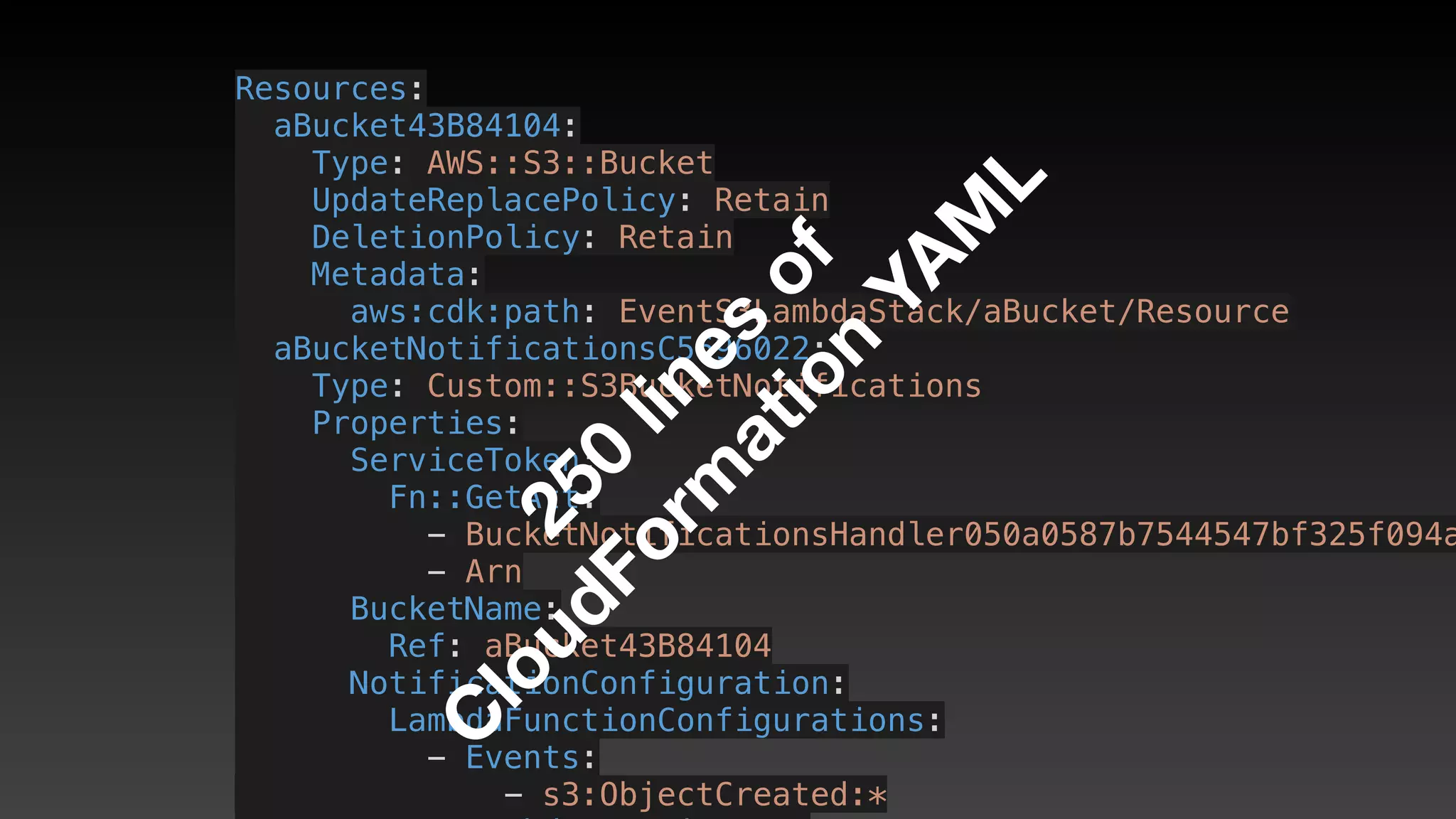
Resources:
  aBucket43B84104:
    Type: AWS::S3::Bucket
    UpdateReplacePolicy: Retain
    DeletionPolicy: Retain
    Metadata:
      aws:cdk:path: EventS3LambdaStack/aBucket/Resource
  aBucketNotificationsC5696022:
    Type: Custom::S3BucketNotifications
    Properties:
      ServiceToken:
        Fn::GetAtt:
          - BucketNotificationsHandler050a0587b7544547bf325f094a
          - Arn
      BucketName:
        Ref: aBucket43B84104
      NotificationConfiguration:
        LambdaFunctionConfigurations:
          - Events:
              - s3:ObjectCreated:*
250
lines
of
C
loudForm
ation
YAM
L
Full s3/lambda demo
Other Lambda event
sources?
Other Lambda event
sources?
• SQS
Other Lambda event
sources?
• SQS
• SNS
Other Lambda event
sources?
• SQS
• SNS
• DynamoDB Streams
Other Lambda event
sources?
• SQS
• SNS
• DynamoDB Streams
• Kinesis
Other Lambda event
sources?
• SQS
• SNS
• DynamoDB Streams
• Kinesis
• More planned
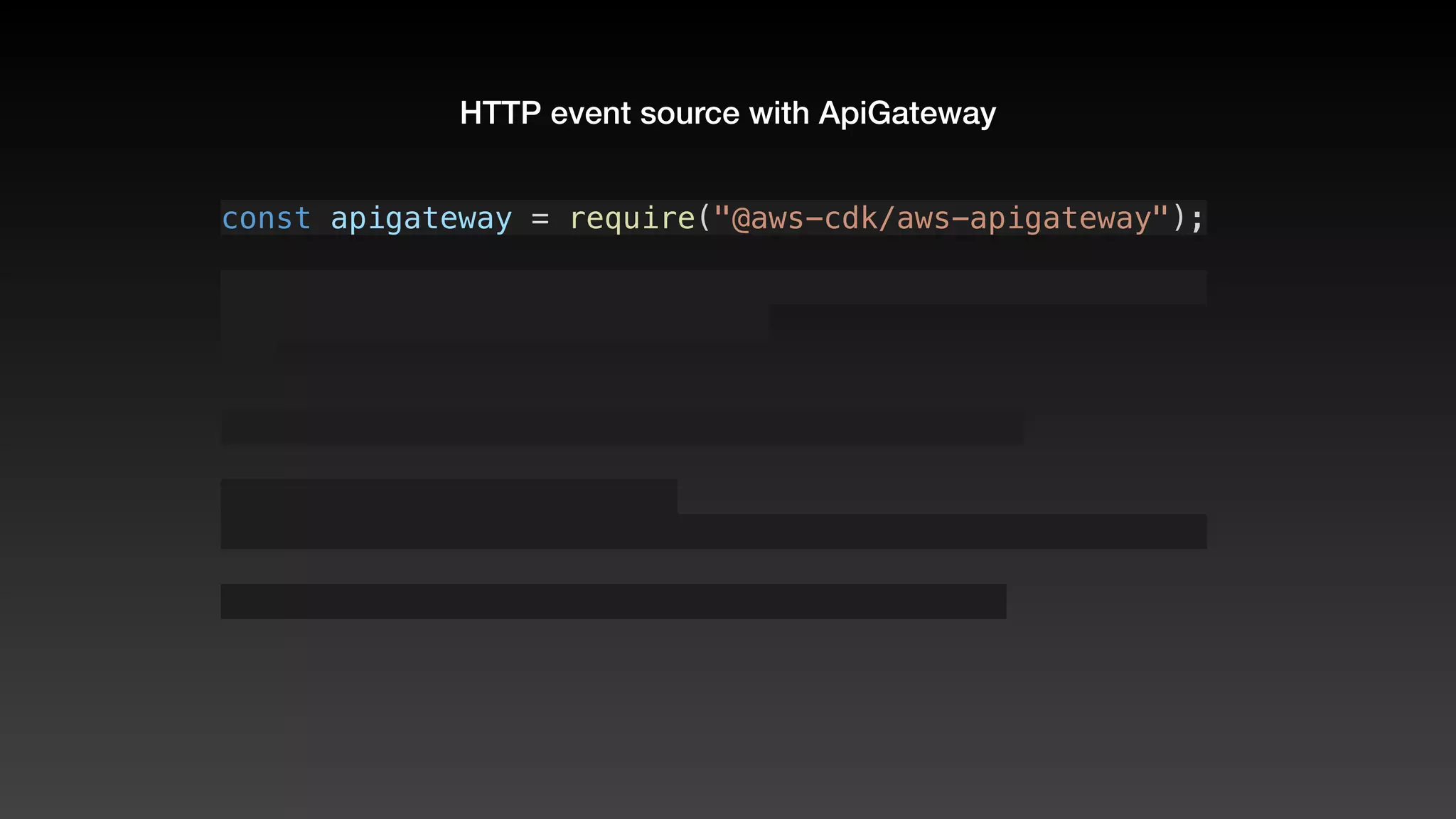
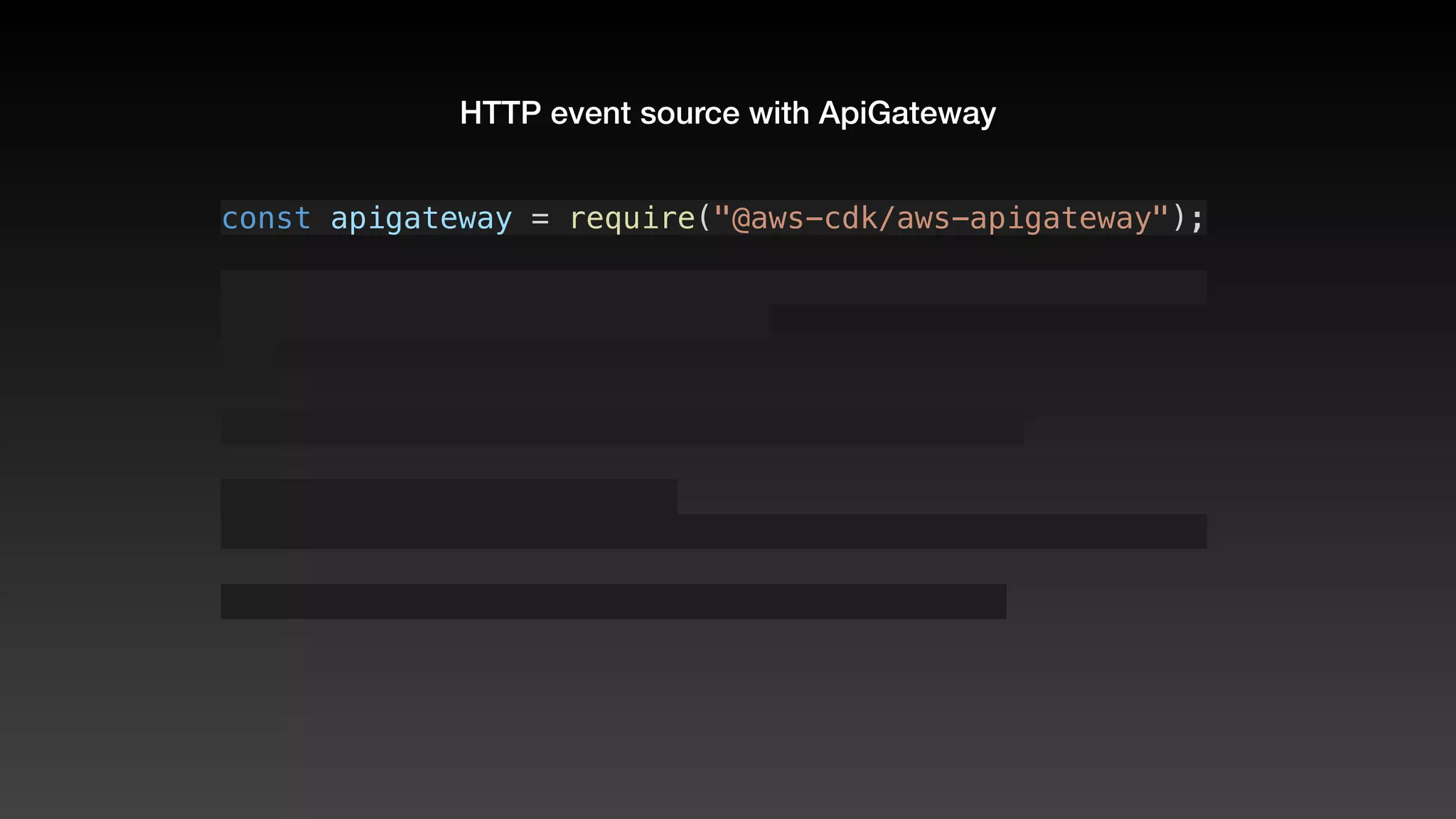
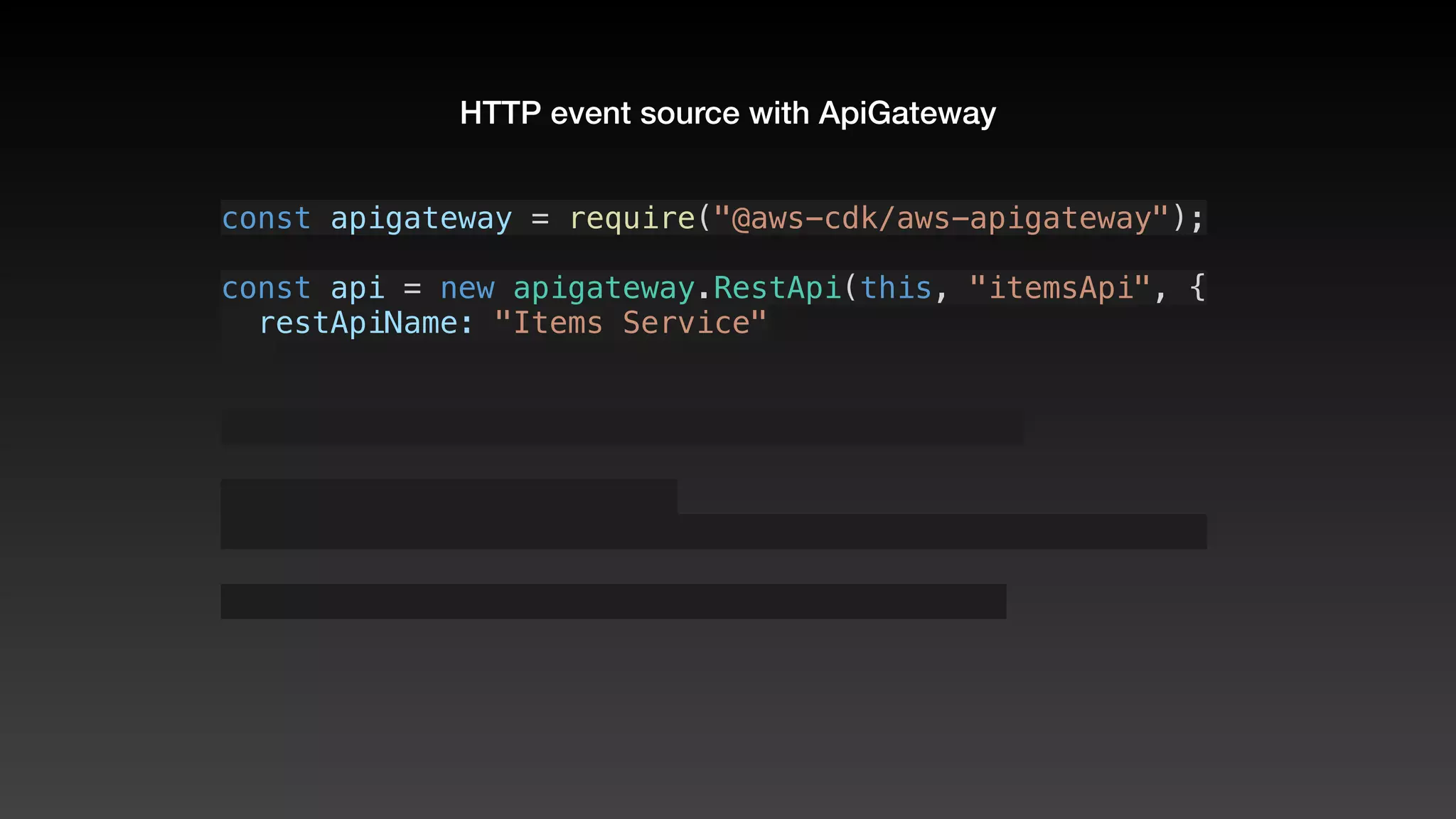
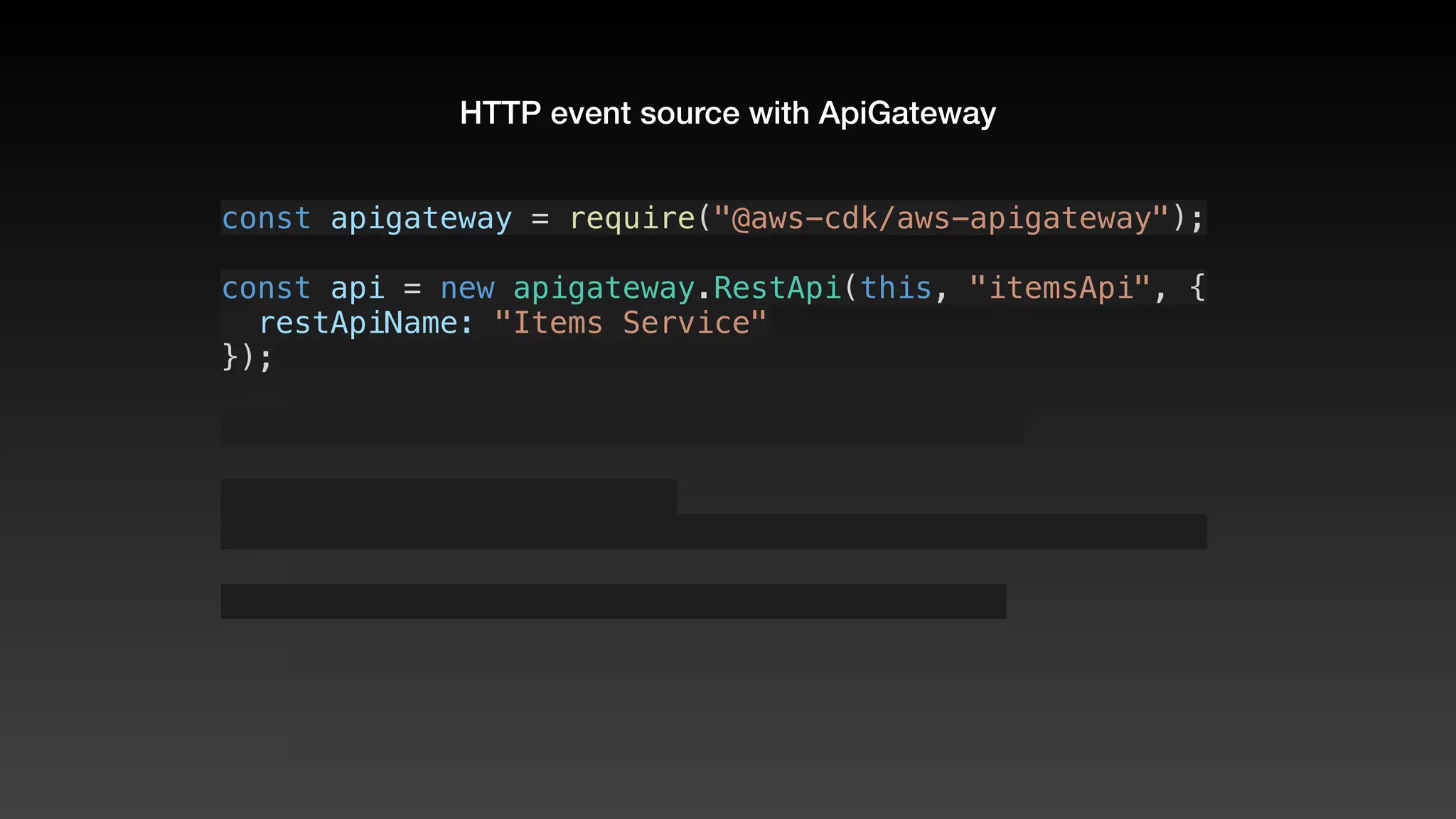
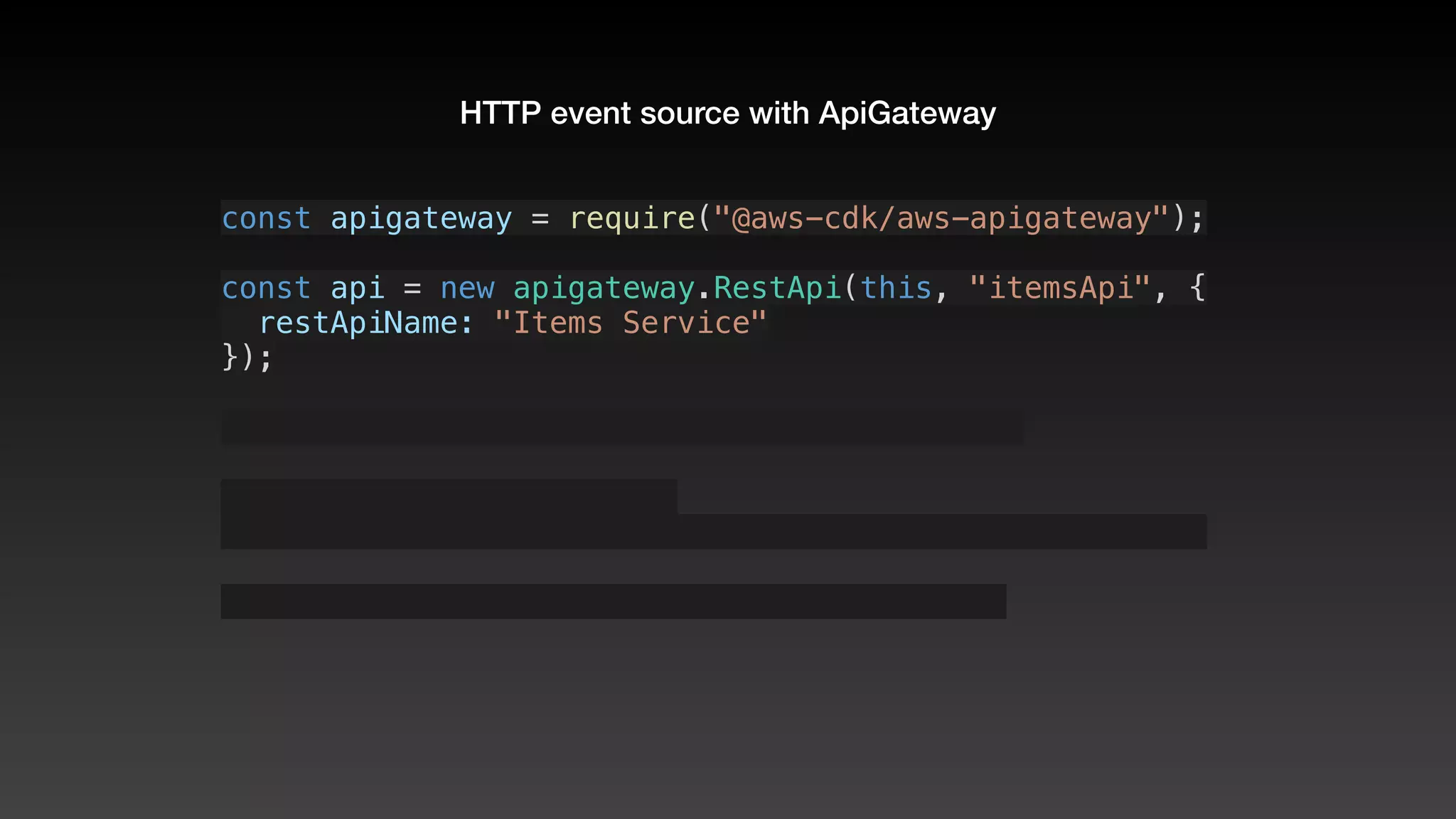
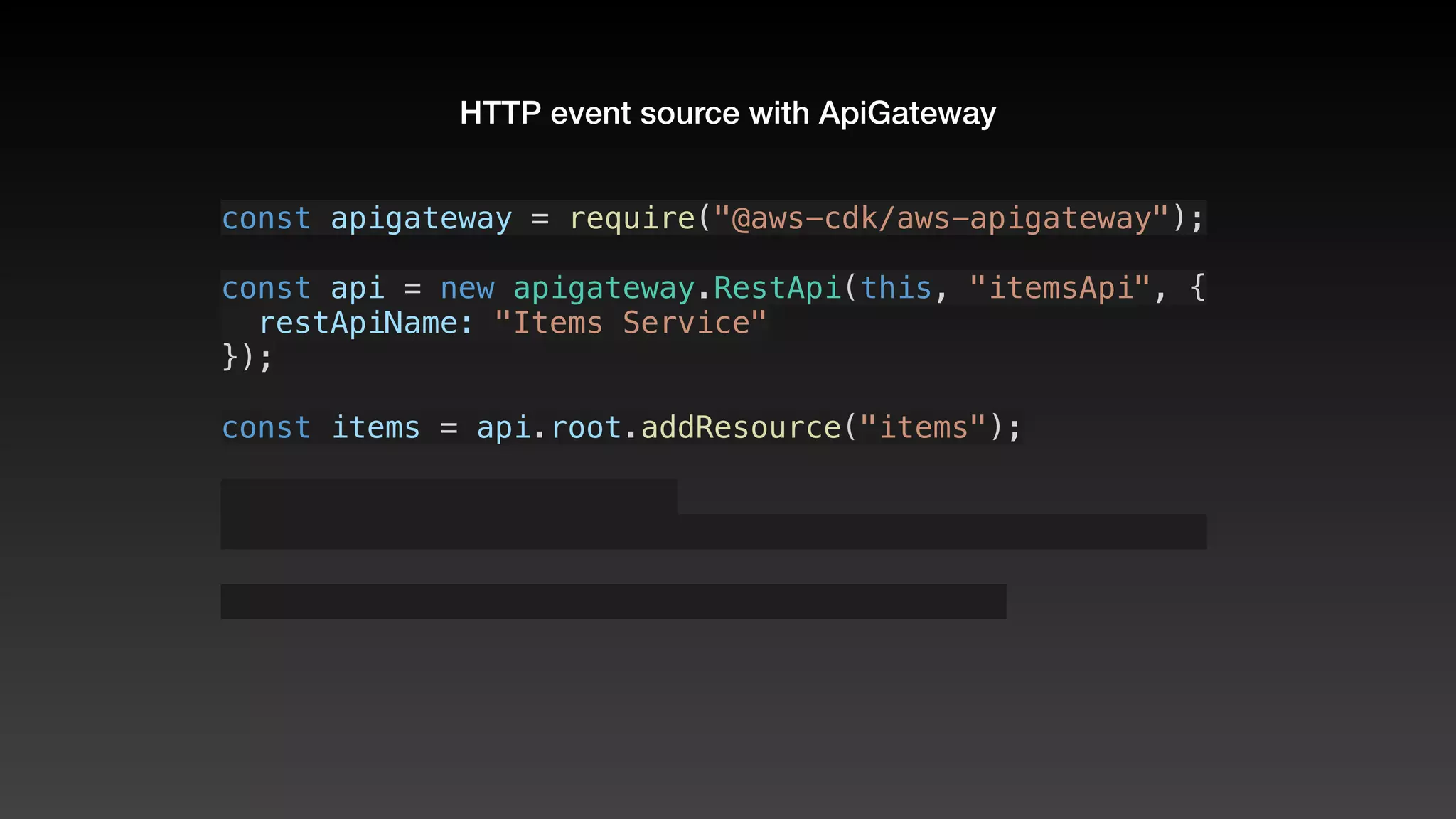
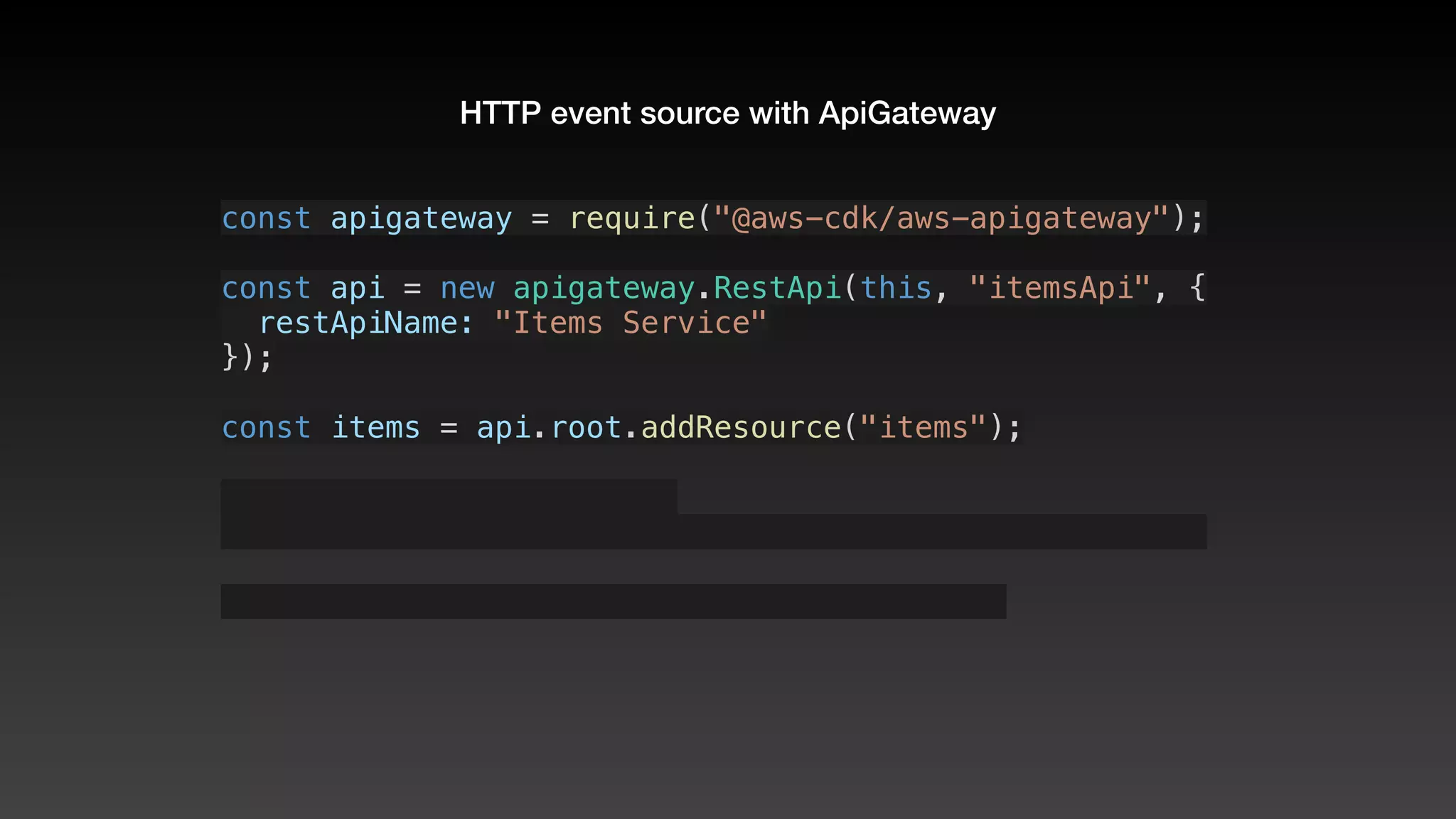
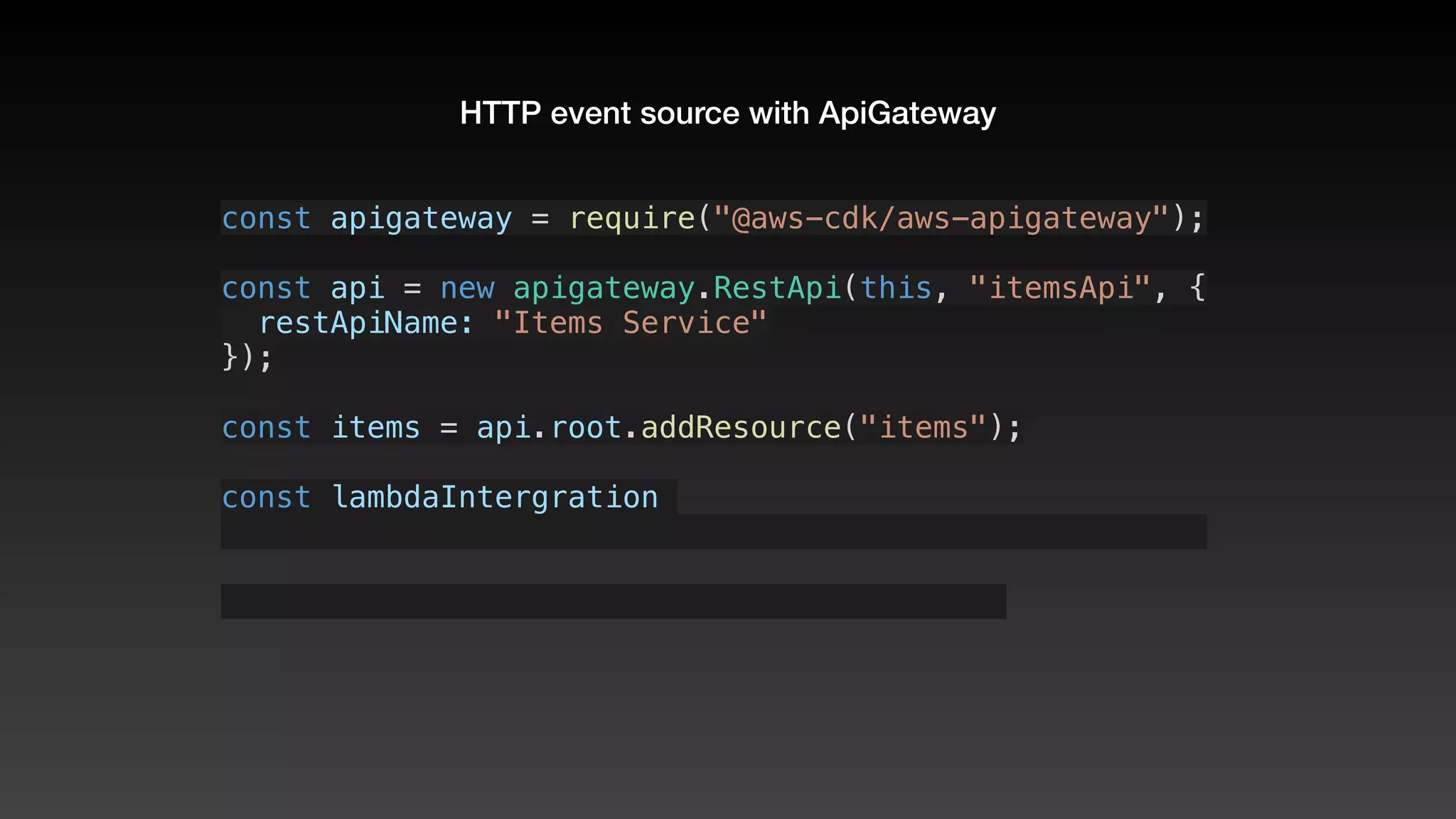
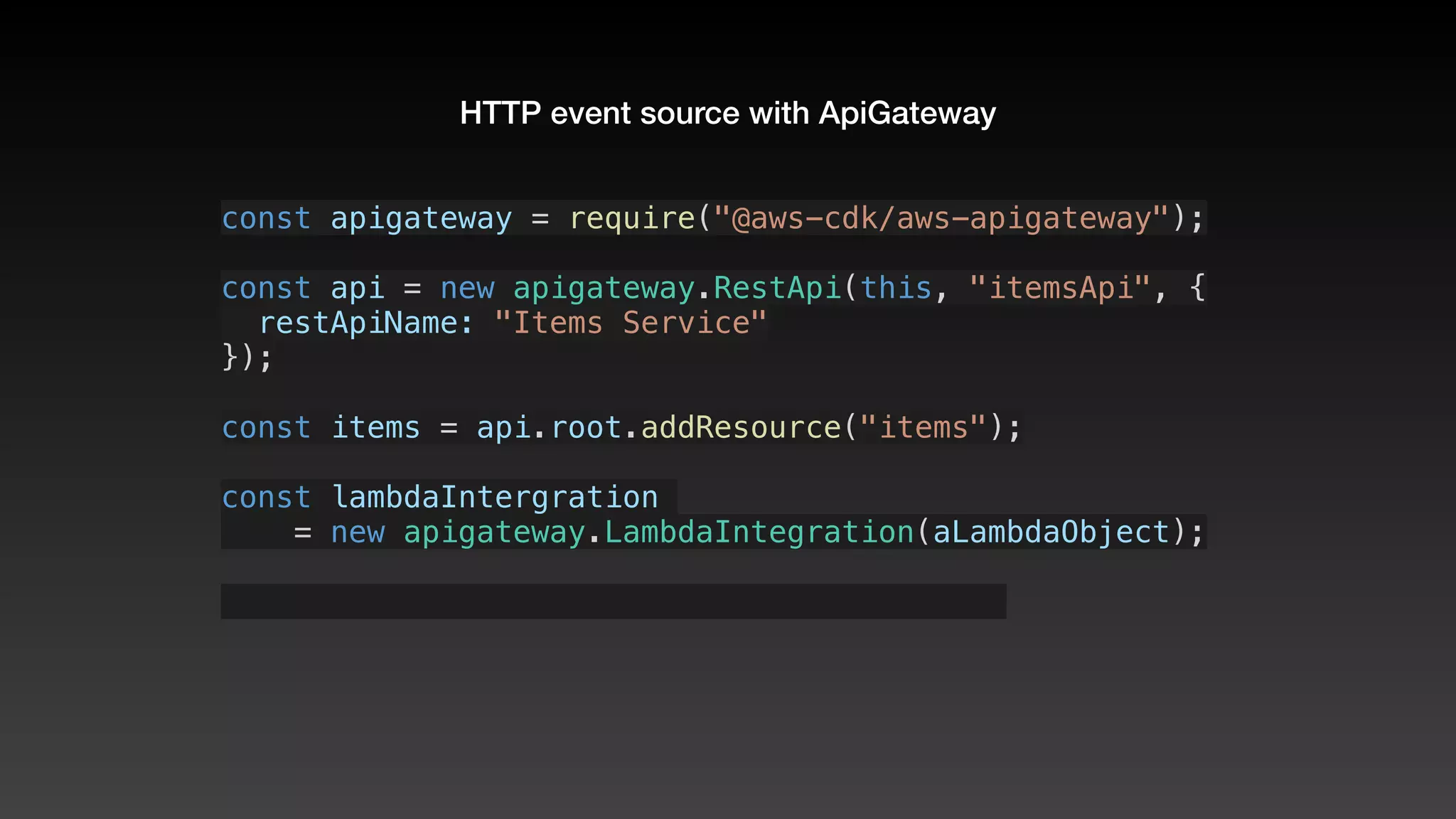
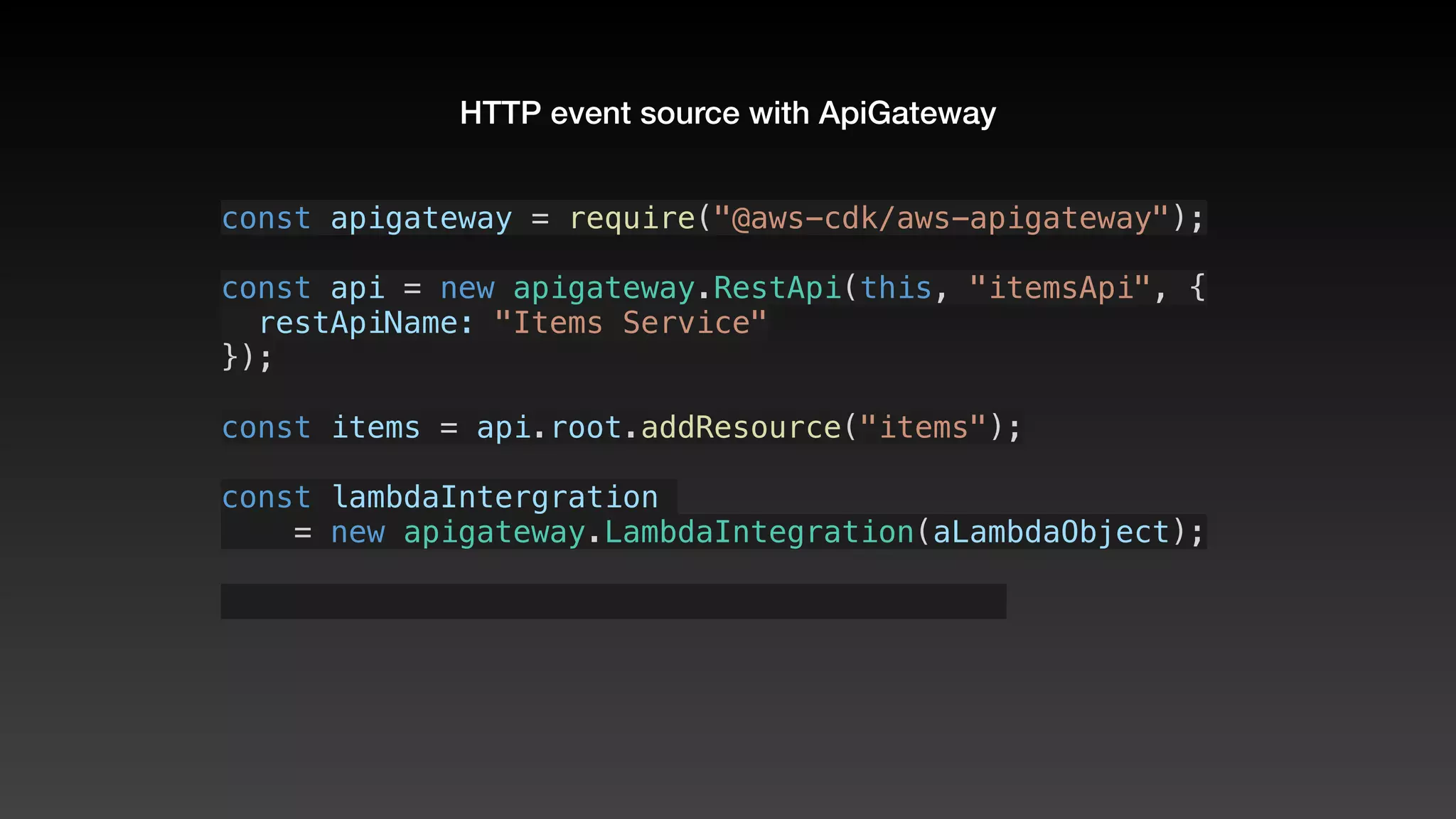
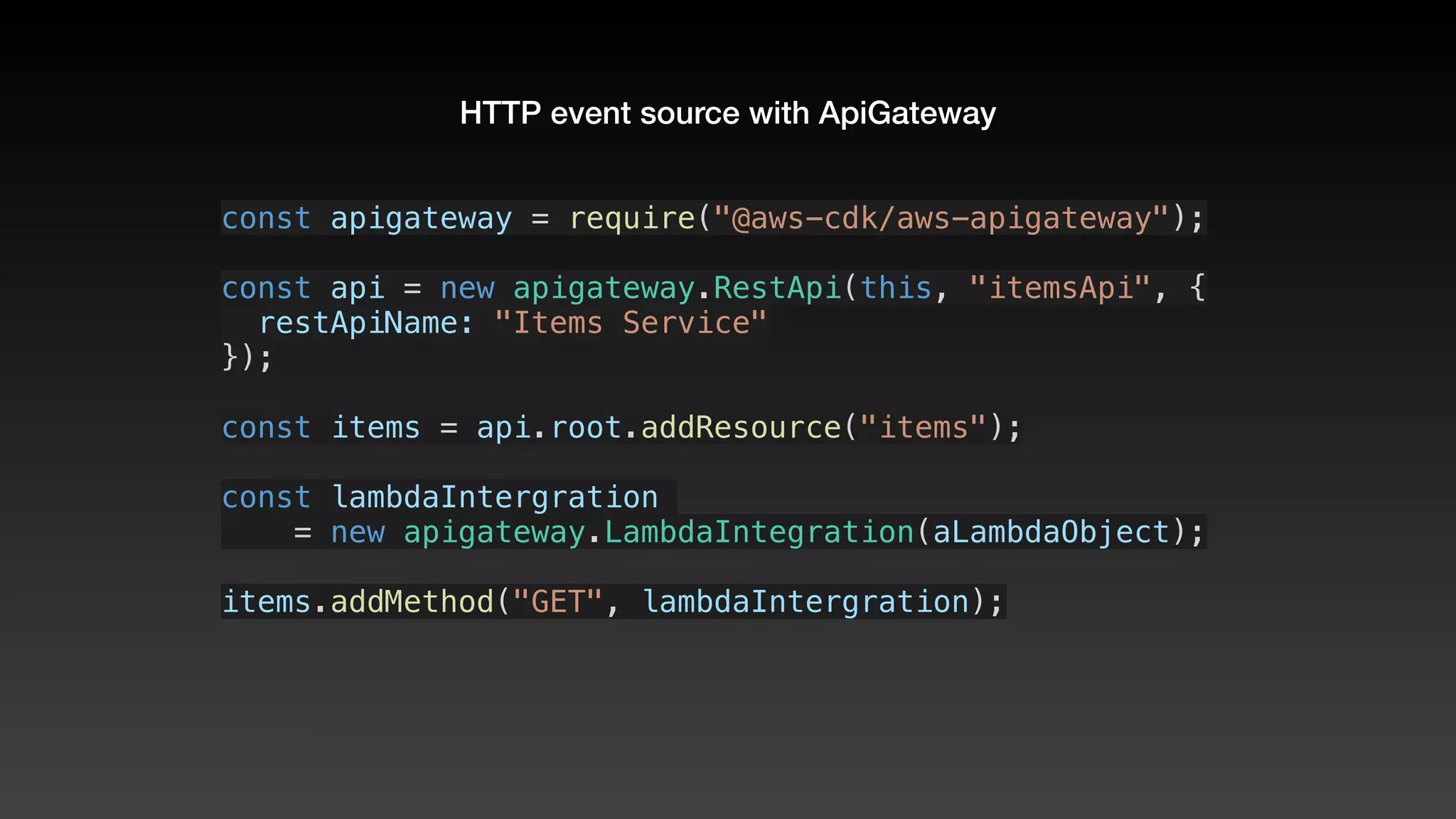
HTTP event source with ApiGateway
const apigateway = require("@aws-cdk/aws-apigateway");
HTTP event source with ApiGateway
const apigateway = require("@aws-cdk/aws-apigateway");
HTTP event source with ApiGateway
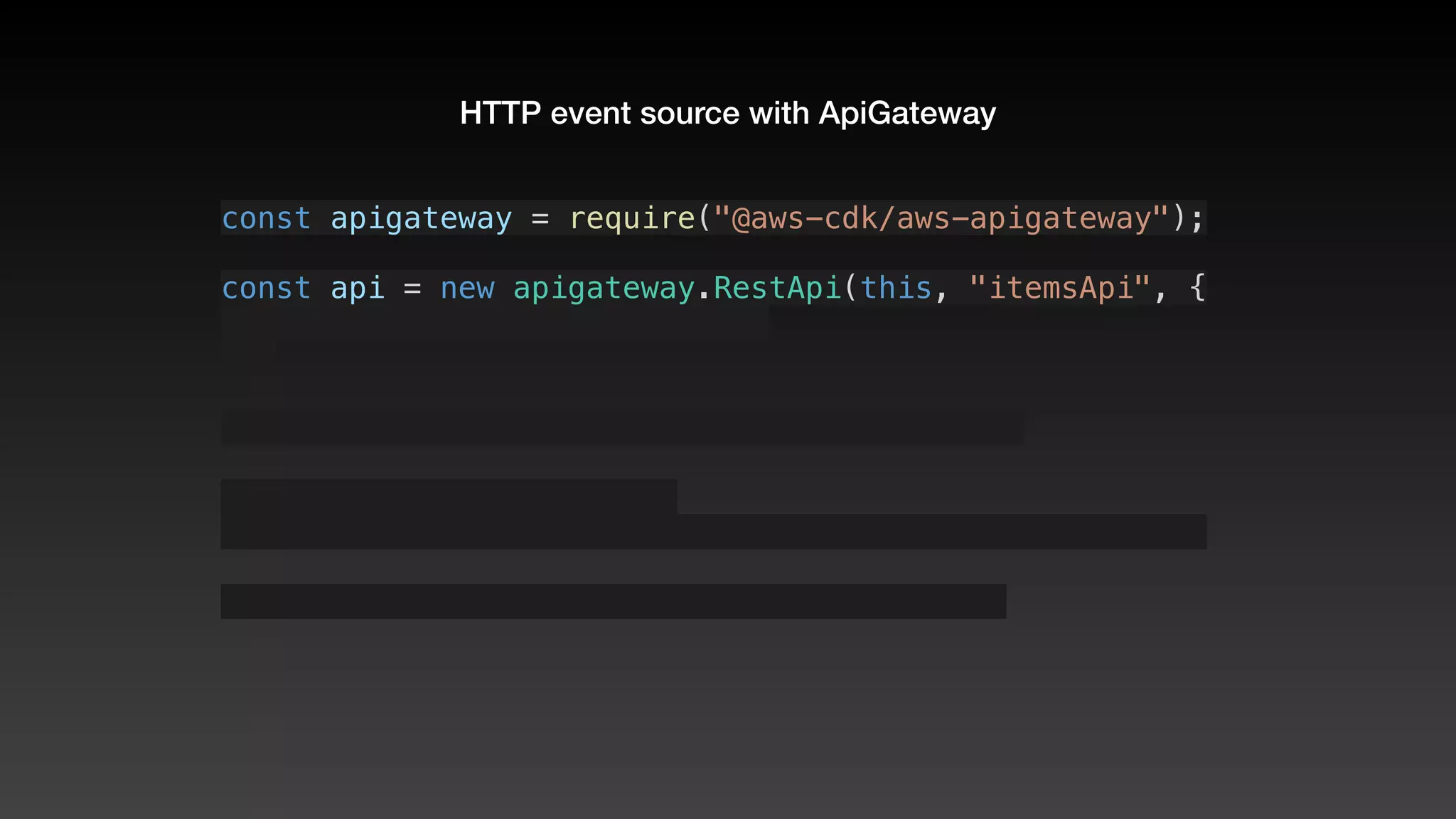
const apigateway = require("@aws-cdk/aws-apigateway");
const api = new apigateway.RestApi(this, "itemsApi", {
HTTP event source with ApiGateway
const apigateway = require("@aws-cdk/aws-apigateway");
const api = new apigateway.RestApi(this, "itemsApi", {
  restApiName: "Items Service"
HTTP event source with ApiGateway
const apigateway = require("@aws-cdk/aws-apigateway");
const api = new apigateway.RestApi(this, "itemsApi", {
  restApiName: "Items Service"
});
HTTP event source with ApiGateway
const apigateway = require("@aws-cdk/aws-apigateway");
const api = new apigateway.RestApi(this, "itemsApi", {
  restApiName: "Items Service"
});
HTTP event source with ApiGateway
const apigateway = require("@aws-cdk/aws-apigateway");
const api = new apigateway.RestApi(this, "itemsApi", {
  restApiName: "Items Service"
});
const items = api.root.addResource("items");
HTTP event source with ApiGateway
const apigateway = require("@aws-cdk/aws-apigateway");
const api = new apigateway.RestApi(this, "itemsApi", {
  restApiName: "Items Service"
});
const items = api.root.addResource("items");
HTTP event source with ApiGateway
const apigateway = require("@aws-cdk/aws-apigateway");
const api = new apigateway.RestApi(this, "itemsApi", {
  restApiName: "Items Service"
});
const items = api.root.addResource("items");
const lambdaIntergration 
HTTP event source with ApiGateway
const apigateway = require("@aws-cdk/aws-apigateway");
const api = new apigateway.RestApi(this, "itemsApi", {
  restApiName: "Items Service"
});
const items = api.root.addResource("items");
const lambdaIntergration 
    = new apigateway.LambdaIntegration(aLambdaObject);
HTTP event source with ApiGateway
const apigateway = require("@aws-cdk/aws-apigateway");
const api = new apigateway.RestApi(this, "itemsApi", {
  restApiName: "Items Service"
});
const items = api.root.addResource("items");
const lambdaIntergration 
    = new apigateway.LambdaIntegration(aLambdaObject);
HTTP event source with ApiGateway
const apigateway = require("@aws-cdk/aws-apigateway");
const api = new apigateway.RestApi(this, "itemsApi", {
  restApiName: "Items Service"
});
const items = api.root.addResource("items");
const lambdaIntergration 
    = new apigateway.LambdaIntegration(aLambdaObject);
items.addMethod("GET", lambdaIntergration);
Tips & tricks
Stack base class
  
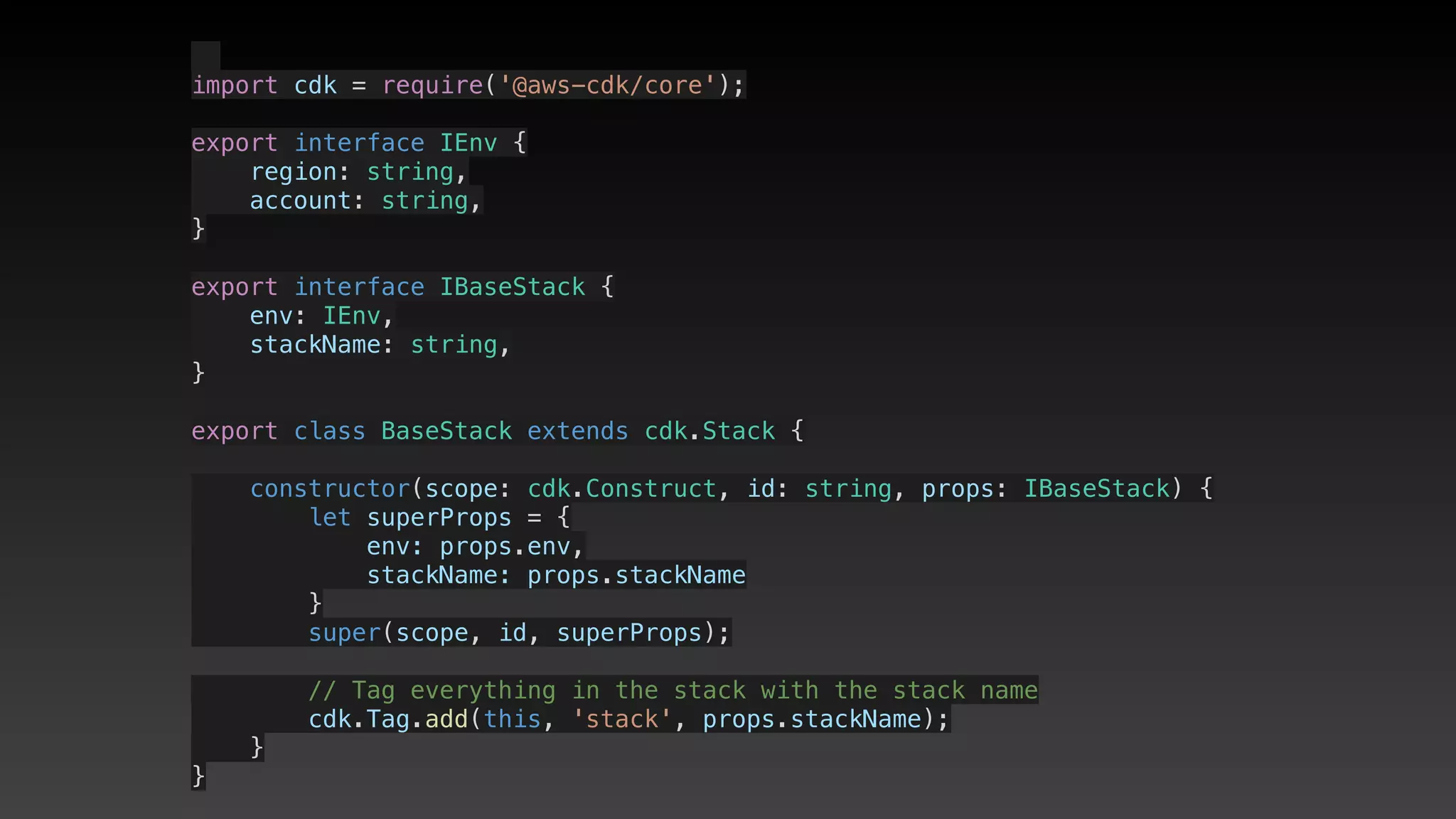
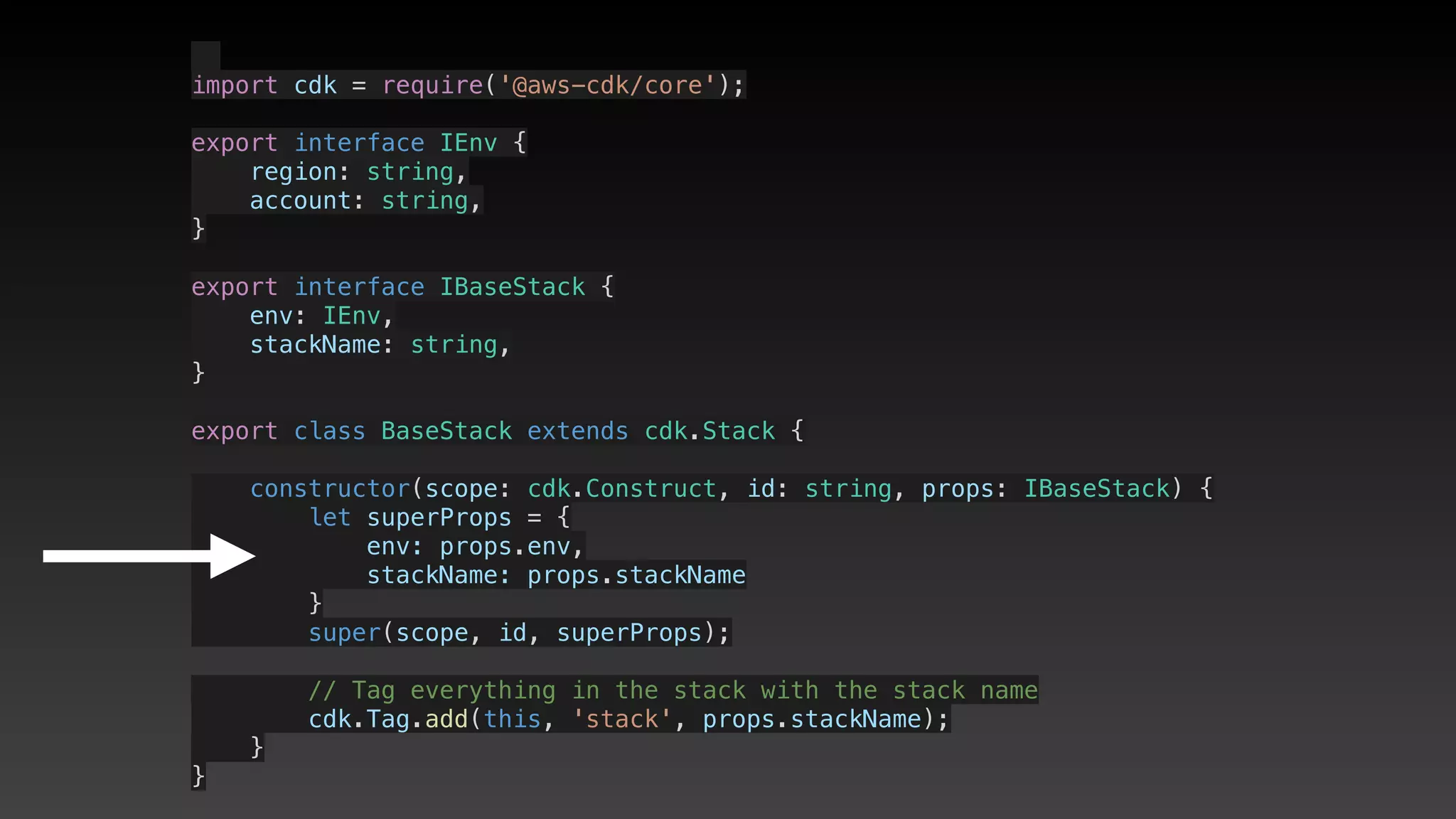
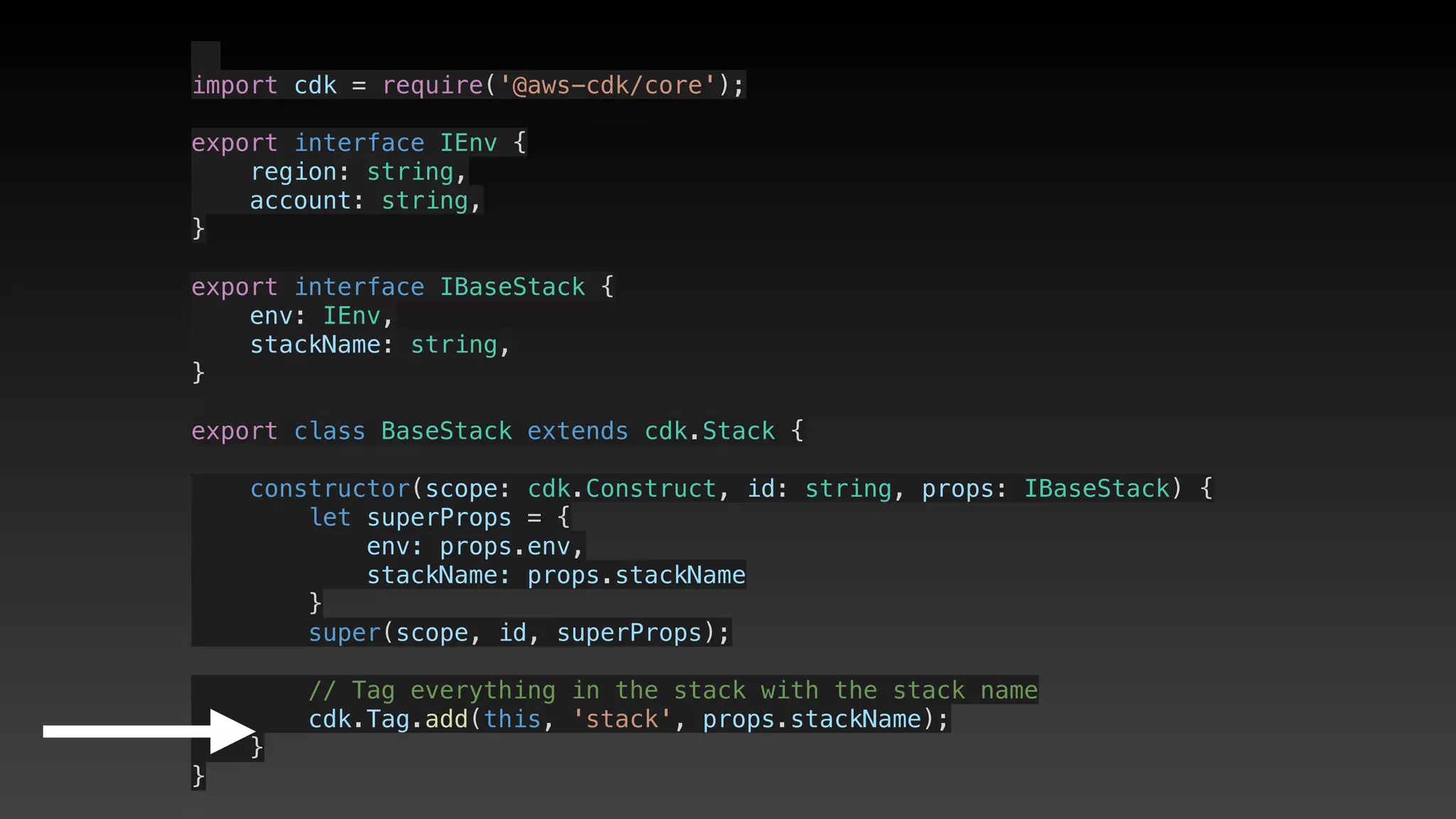
import cdk = require('@aws-cdk/core');
export interface IEnv {
    region: string,
    account: string,
}
export interface IBaseStack {
    env: IEnv,
    stackName: string,
}
export class BaseStack extends cdk.Stack {
    constructor(scope: cdk.Construct, id: string, props: IBaseStack) {
        let superProps = {
            env: props.env,
            stackName: props.stackName
        }
        super(scope, id, superProps);
        // Tag everything in the stack with the stack name
        cdk.Tag.add(this, 'stack', props.stackName);
    }
}
  
import cdk = require('@aws-cdk/core');
export interface IEnv {
    region: string,
    account: string,
}
export interface IBaseStack {
    env: IEnv,
    stackName: string,
}
export class BaseStack extends cdk.Stack {
    constructor(scope: cdk.Construct, id: string, props: IBaseStack) {
        let superProps = {
            env: props.env,
            stackName: props.stackName
        }
        super(scope, id, superProps);
        // Tag everything in the stack with the stack name
        cdk.Tag.add(this, 'stack', props.stackName);
    }
}
  
import cdk = require('@aws-cdk/core');
export interface IEnv {
    region: string,
    account: string,
}
export interface IBaseStack {
    env: IEnv,
    stackName: string,
}
export class BaseStack extends cdk.Stack {
    constructor(scope: cdk.Construct, id: string, props: IBaseStack) {
        let superProps = {
            env: props.env,
            stackName: props.stackName
        }
        super(scope, id, superProps);
        // Tag everything in the stack with the stack name
        cdk.Tag.add(this, 'stack', props.stackName);
    }
}
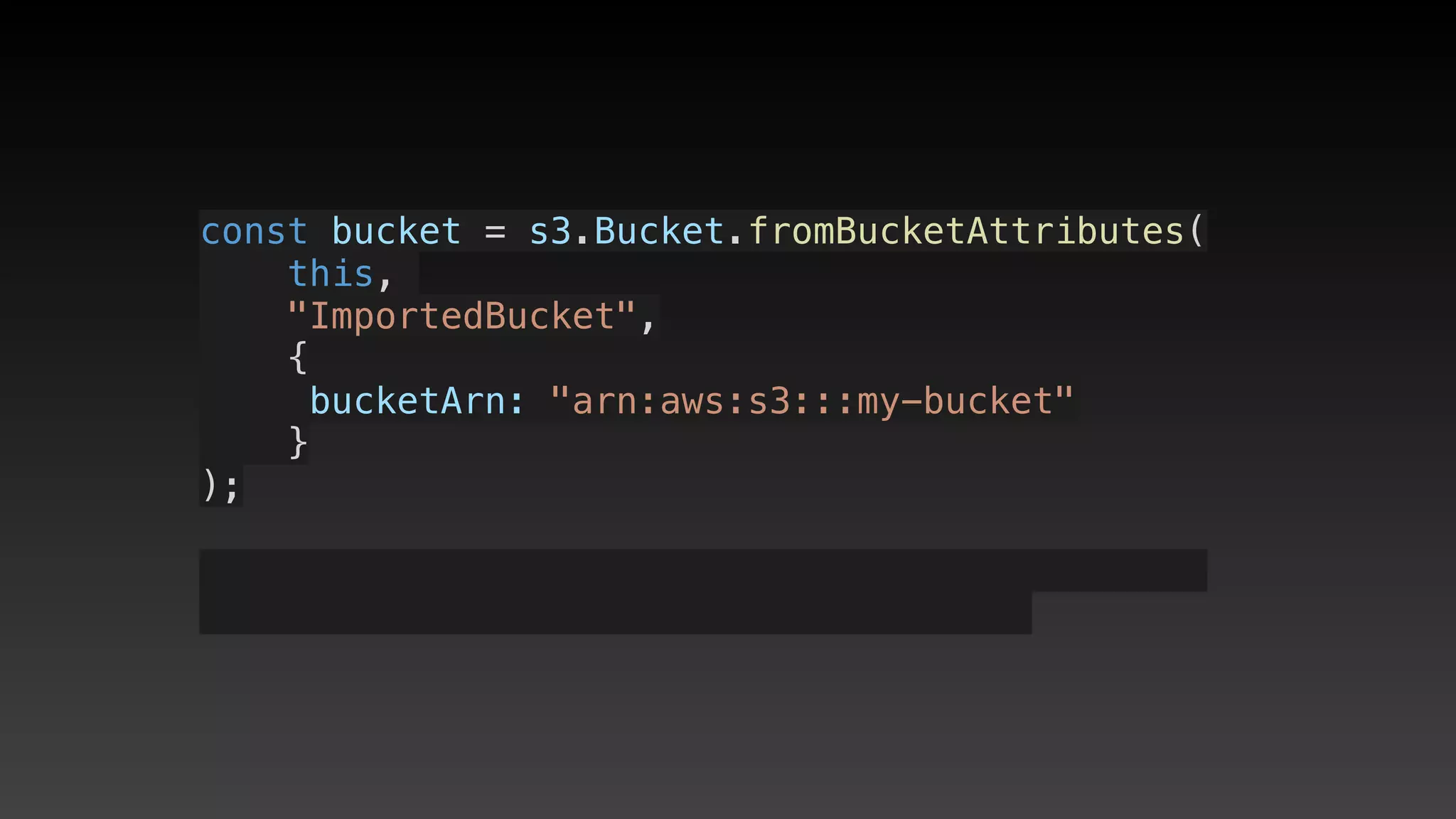
Importing existing
resources
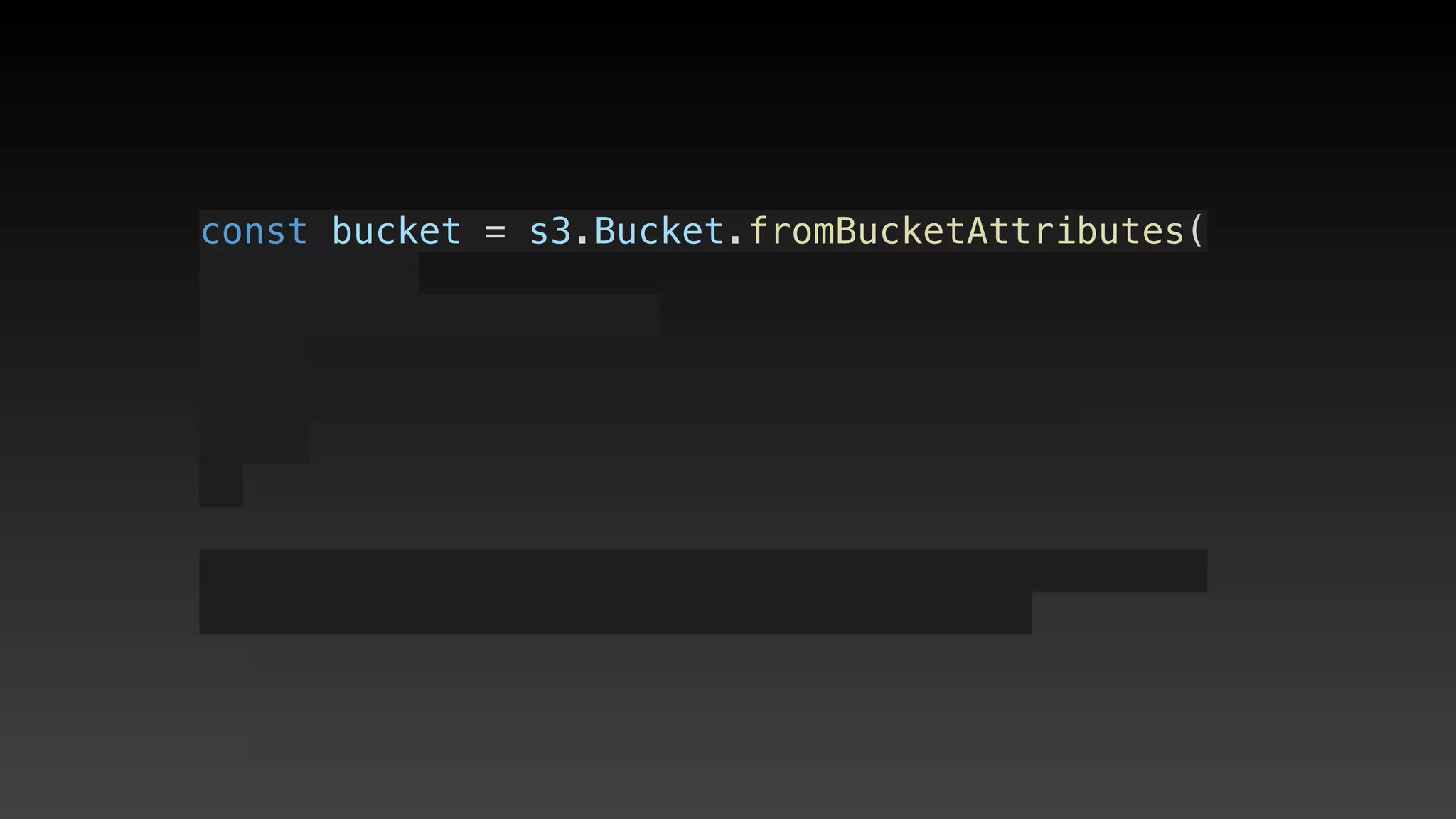
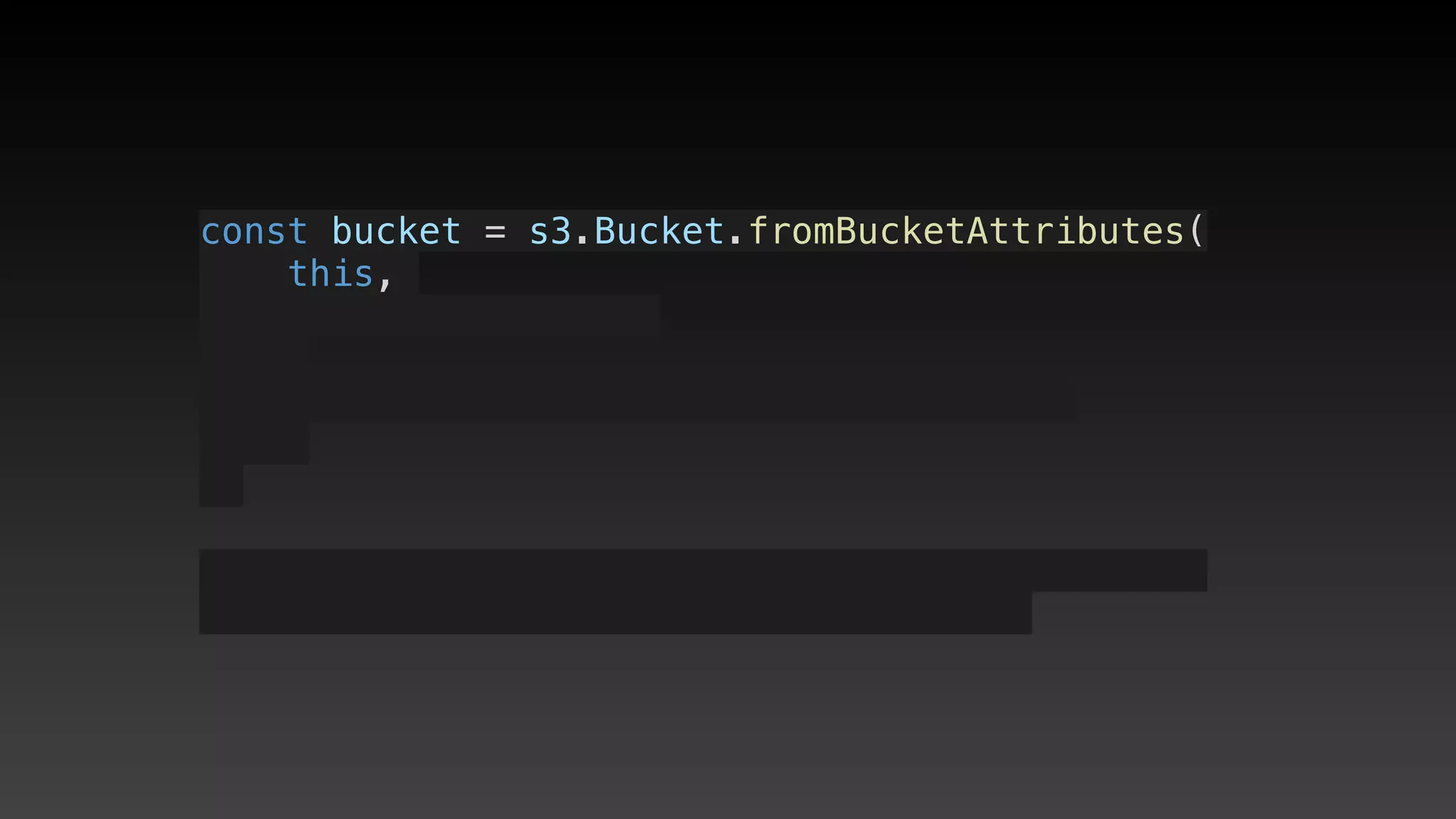
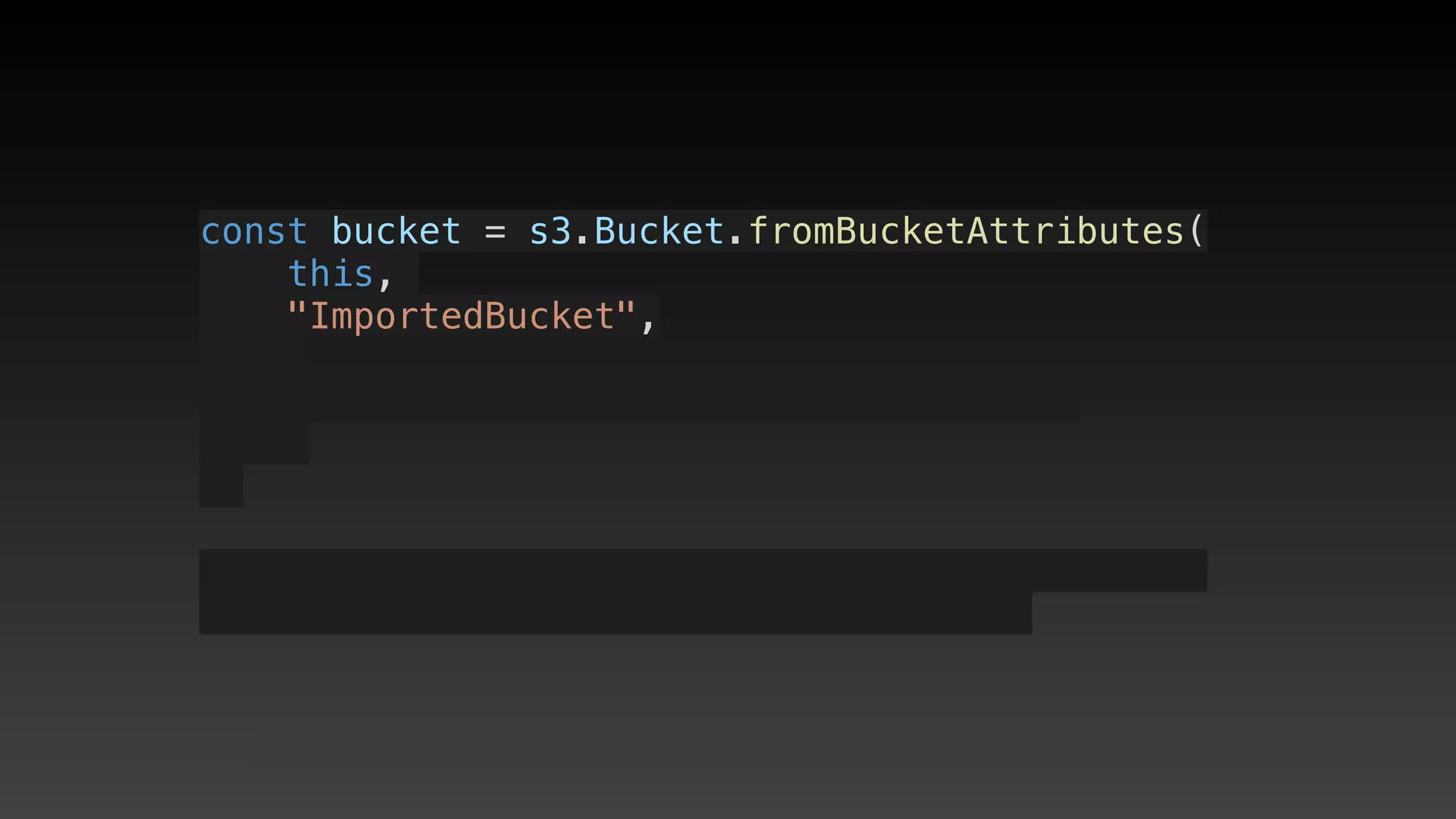
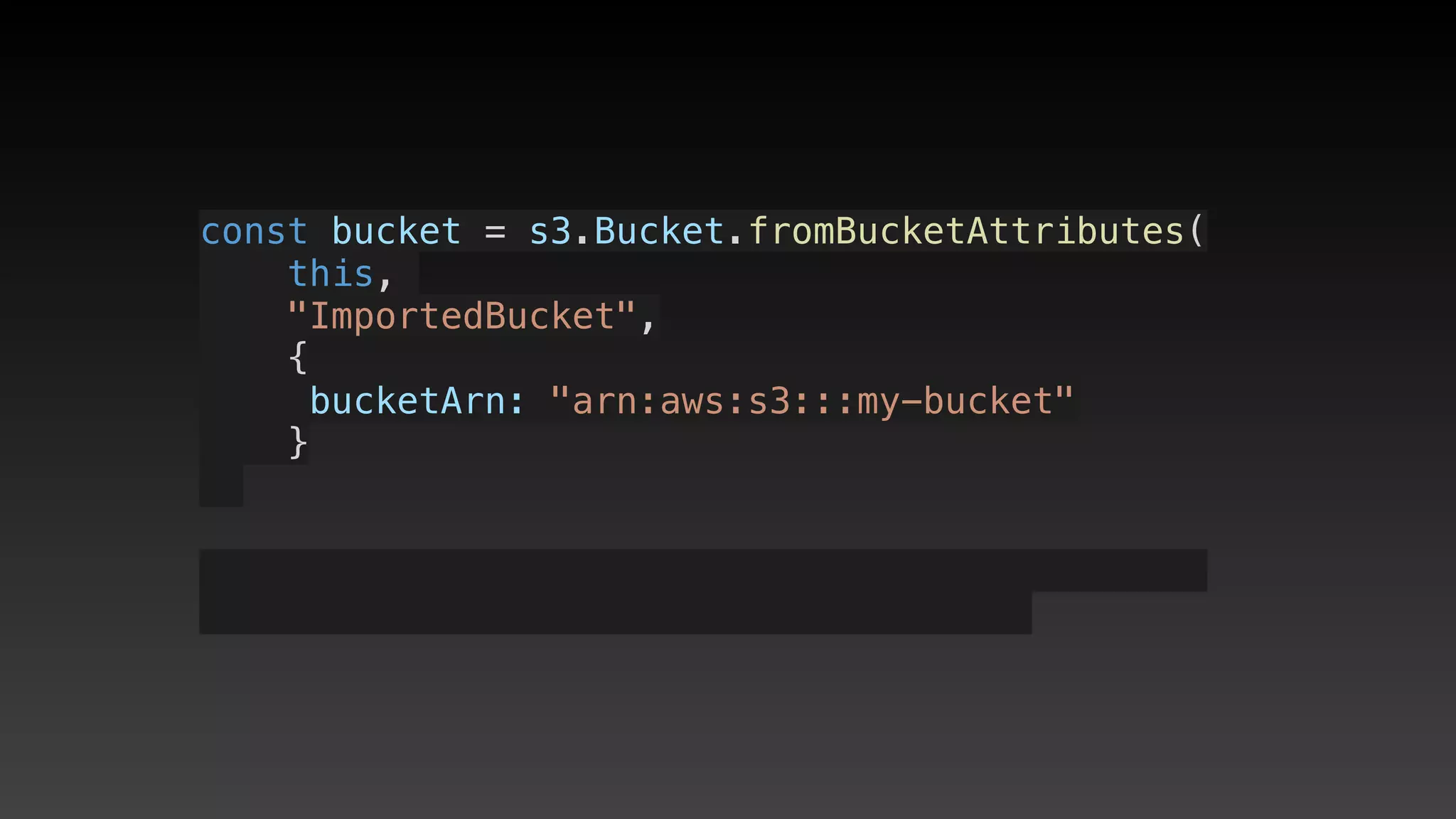
const bucket = s3.Bucket.fromBucketAttributes(
    this, 
const bucket = s3.Bucket.fromBucketAttributes(
    this, 
    "ImportedBucket",
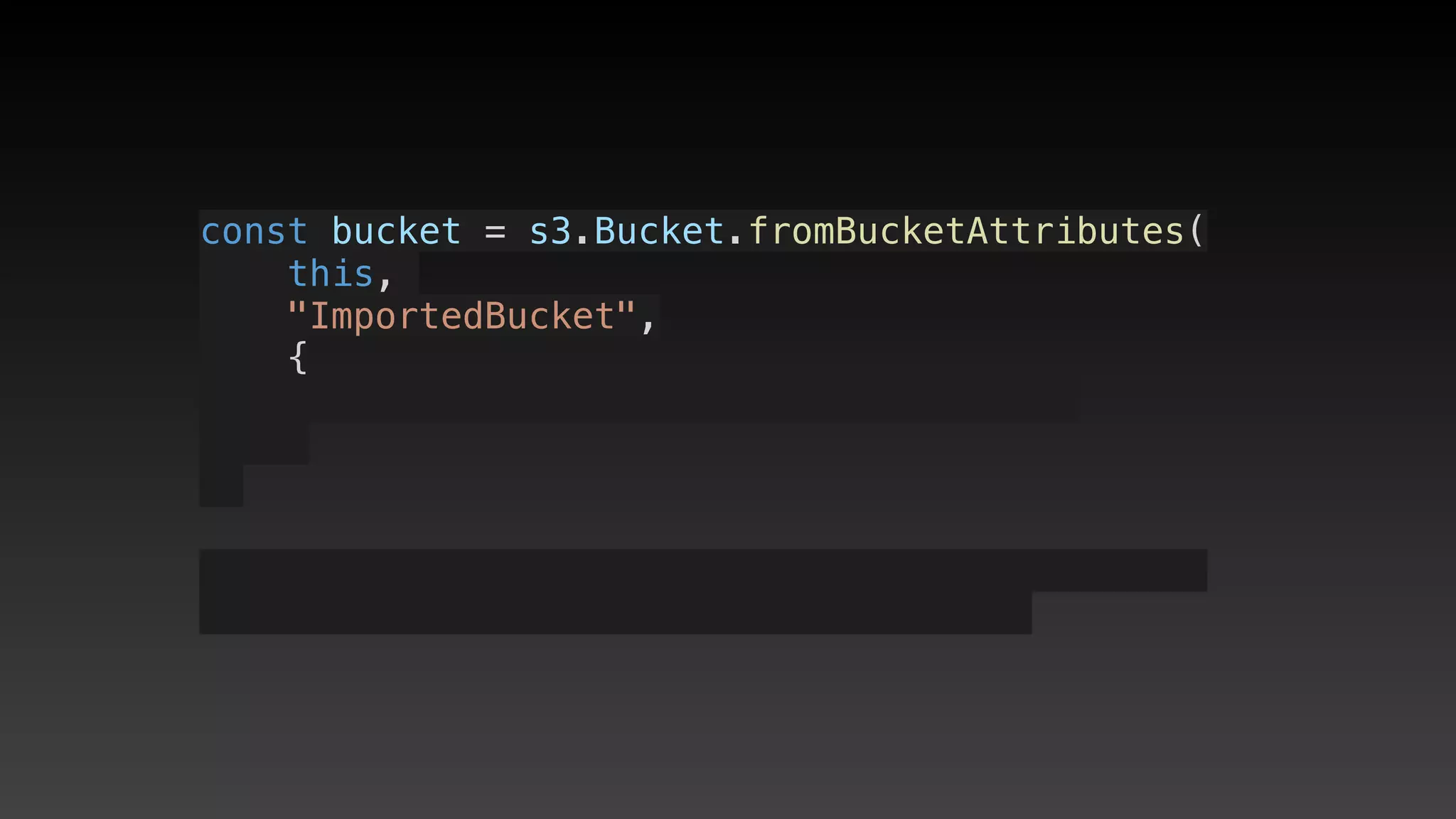
const bucket = s3.Bucket.fromBucketAttributes(
    this, 
    "ImportedBucket",
    {
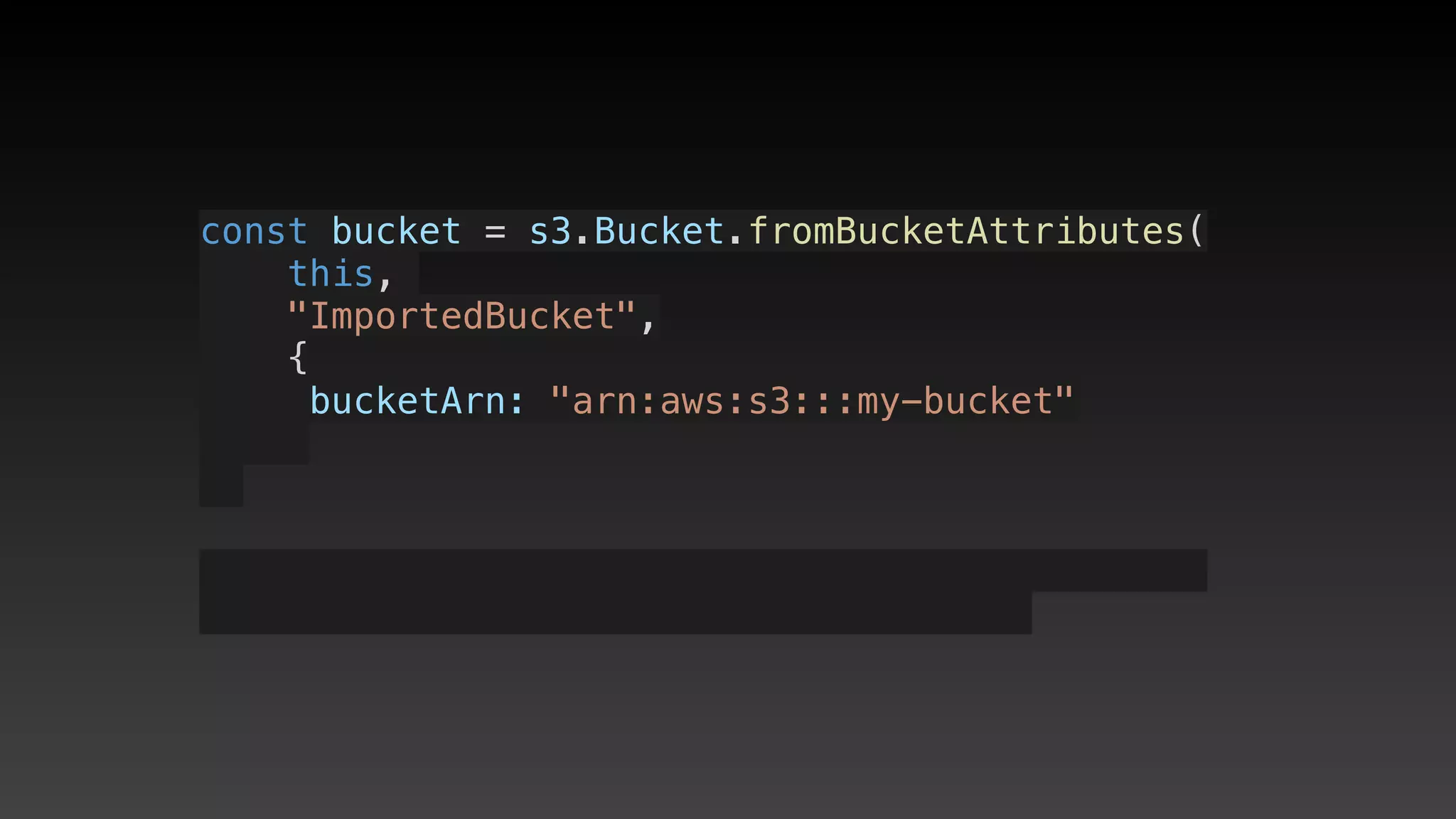
const bucket = s3.Bucket.fromBucketAttributes(
    this, 
    "ImportedBucket",
    {
     bucketArn: "arn:aws:s3:::my-bucket"
const bucket = s3.Bucket.fromBucketAttributes(
    this, 
    "ImportedBucket",
    {
     bucketArn: "arn:aws:s3:::my-bucket"
    }
const bucket = s3.Bucket.fromBucketAttributes(
    this, 
    "ImportedBucket",
    {
     bucketArn: "arn:aws:s3:::my-bucket"
    }
);
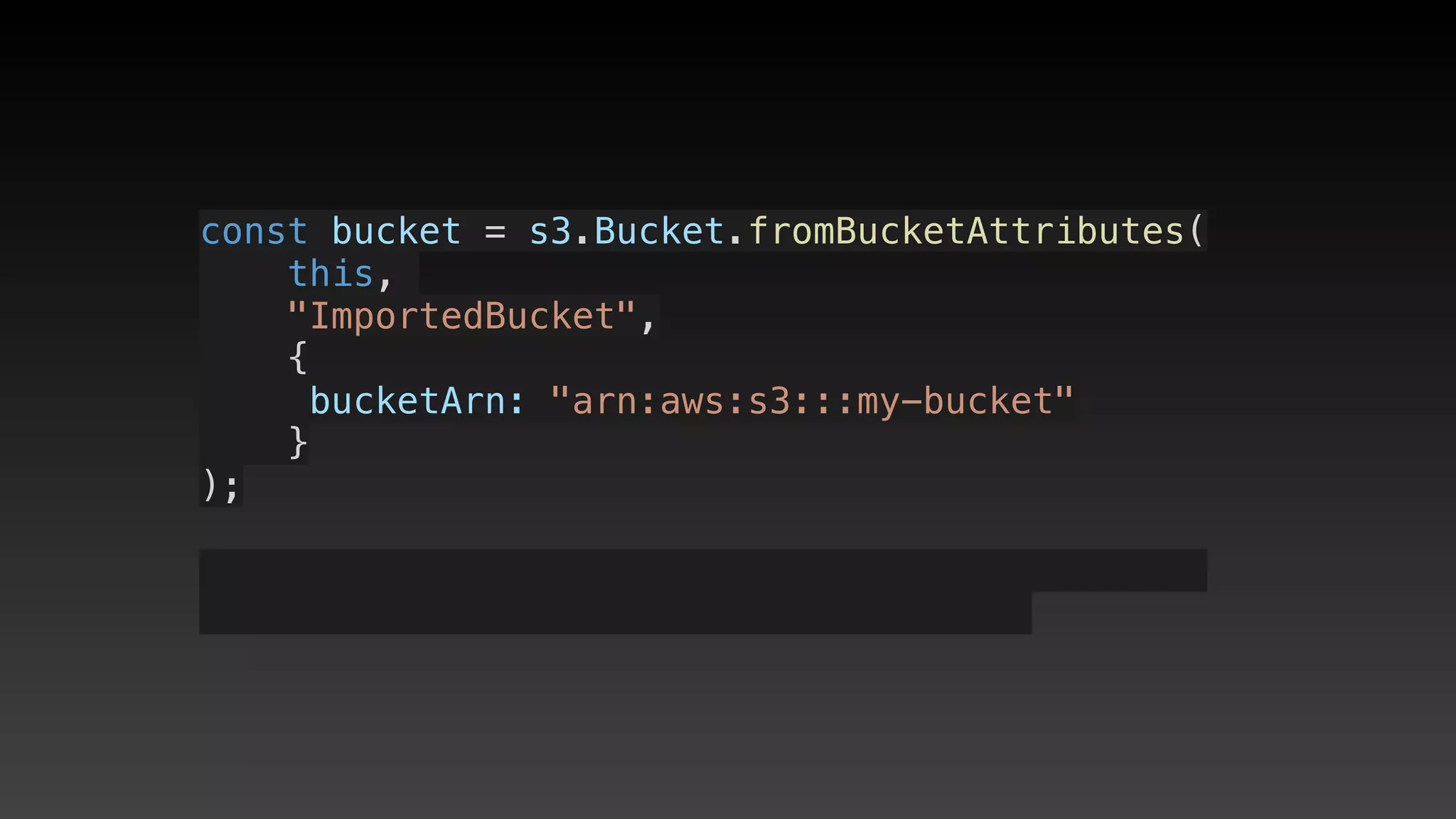
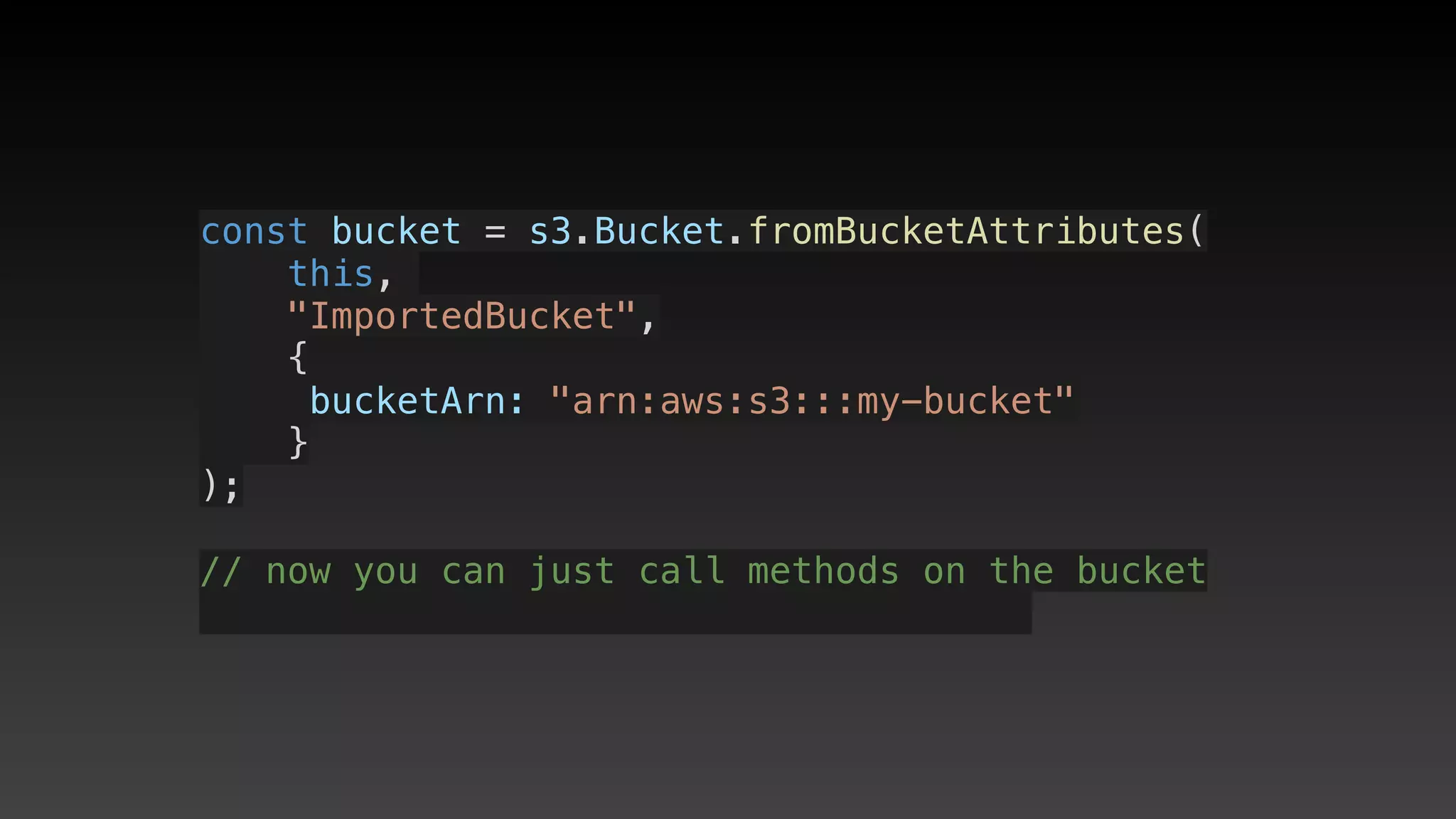
const bucket = s3.Bucket.fromBucketAttributes(
    this, 
    "ImportedBucket",
    {
     bucketArn: "arn:aws:s3:::my-bucket"
    }
);
const bucket = s3.Bucket.fromBucketAttributes(
    this, 
    "ImportedBucket",
    {
     bucketArn: "arn:aws:s3:::my-bucket"
    }
);
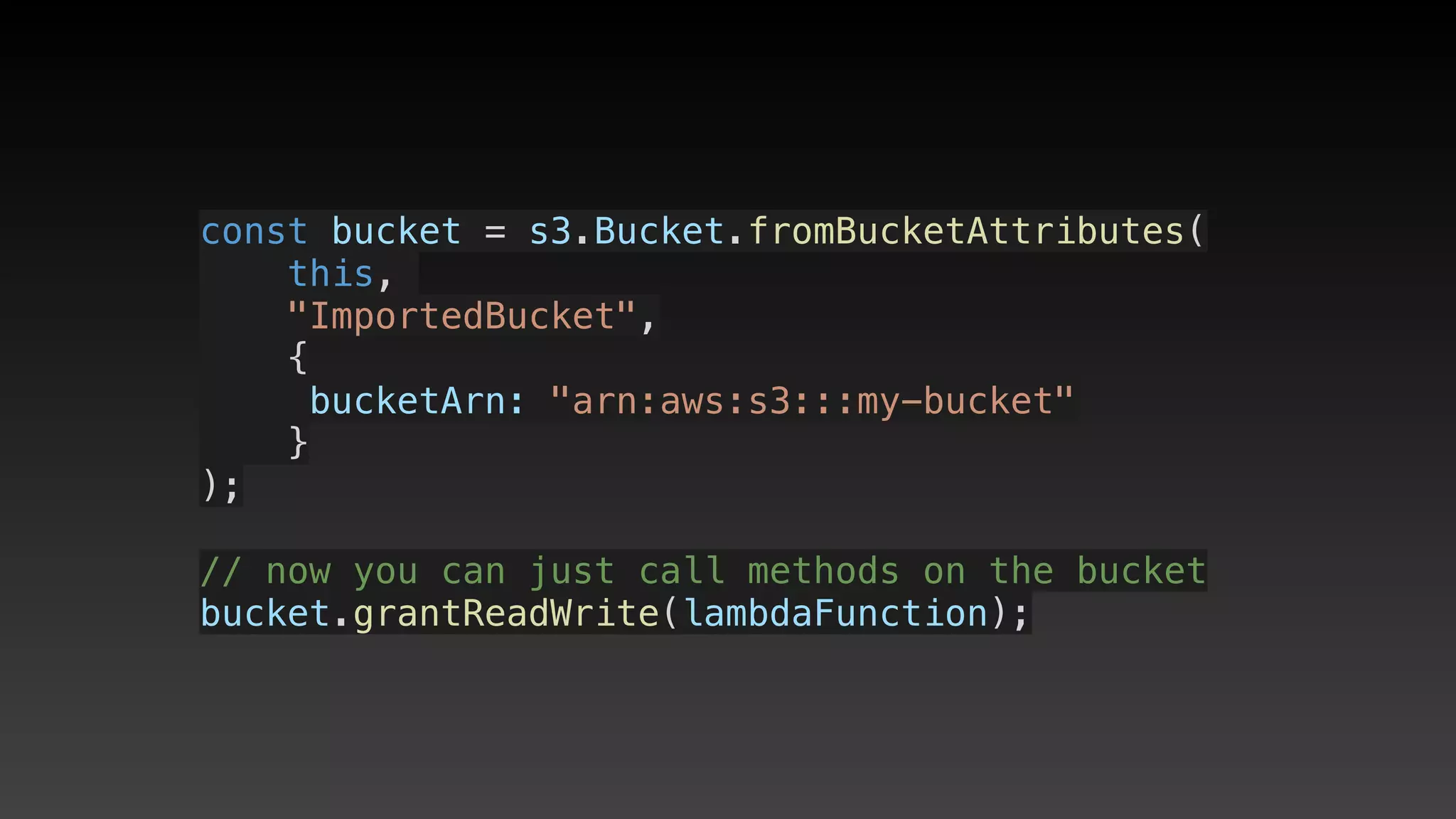
// now you can just call methods on the bucket
const bucket = s3.Bucket.fromBucketAttributes(
    this, 
    "ImportedBucket",
    {
     bucketArn: "arn:aws:s3:::my-bucket"
    }
);
// now you can just call methods on the bucket
bucket.grantReadWrite(lambdaFunction);
Misc
Misc
• Stack.of(construct) - access stack at any
point (useful if you need stack.region)
Misc
• Stack.of(construct) - access stack at any
point (useful if you need stack.region)
• Do not edit anything through web UI
Local development
(using SAM)
Serverless Application
Model (SAM)
Serverless Application
Model (SAM)
• Serverless YAML shortcuts for
CloudFormation YAML (not as nice as CDK
IMHO!)
Serverless Application
Model (SAM)
• Serverless YAML shortcuts for
CloudFormation YAML (not as nice as CDK
IMHO!)
• Local testing and debugging
Setup for local testing
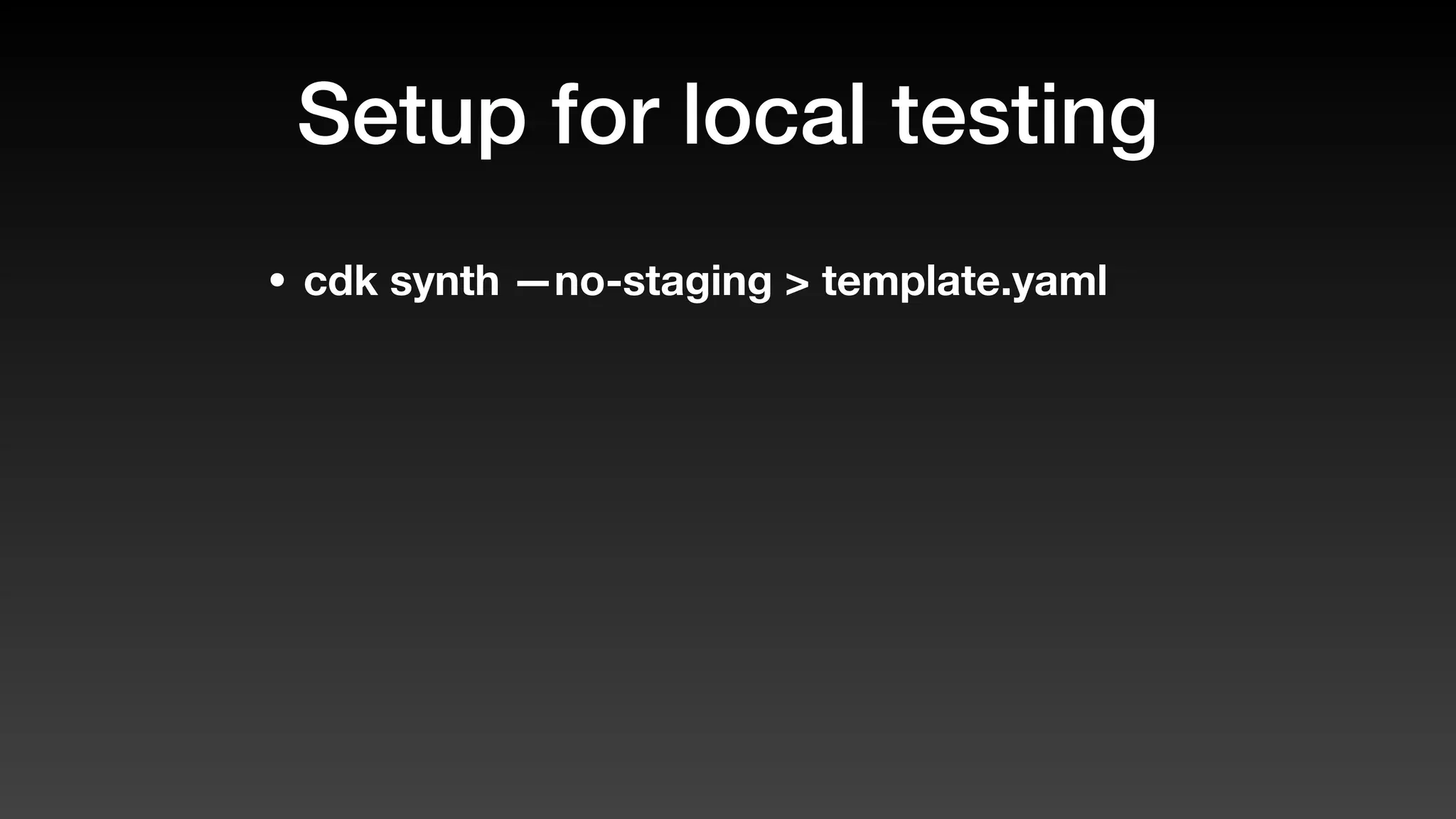
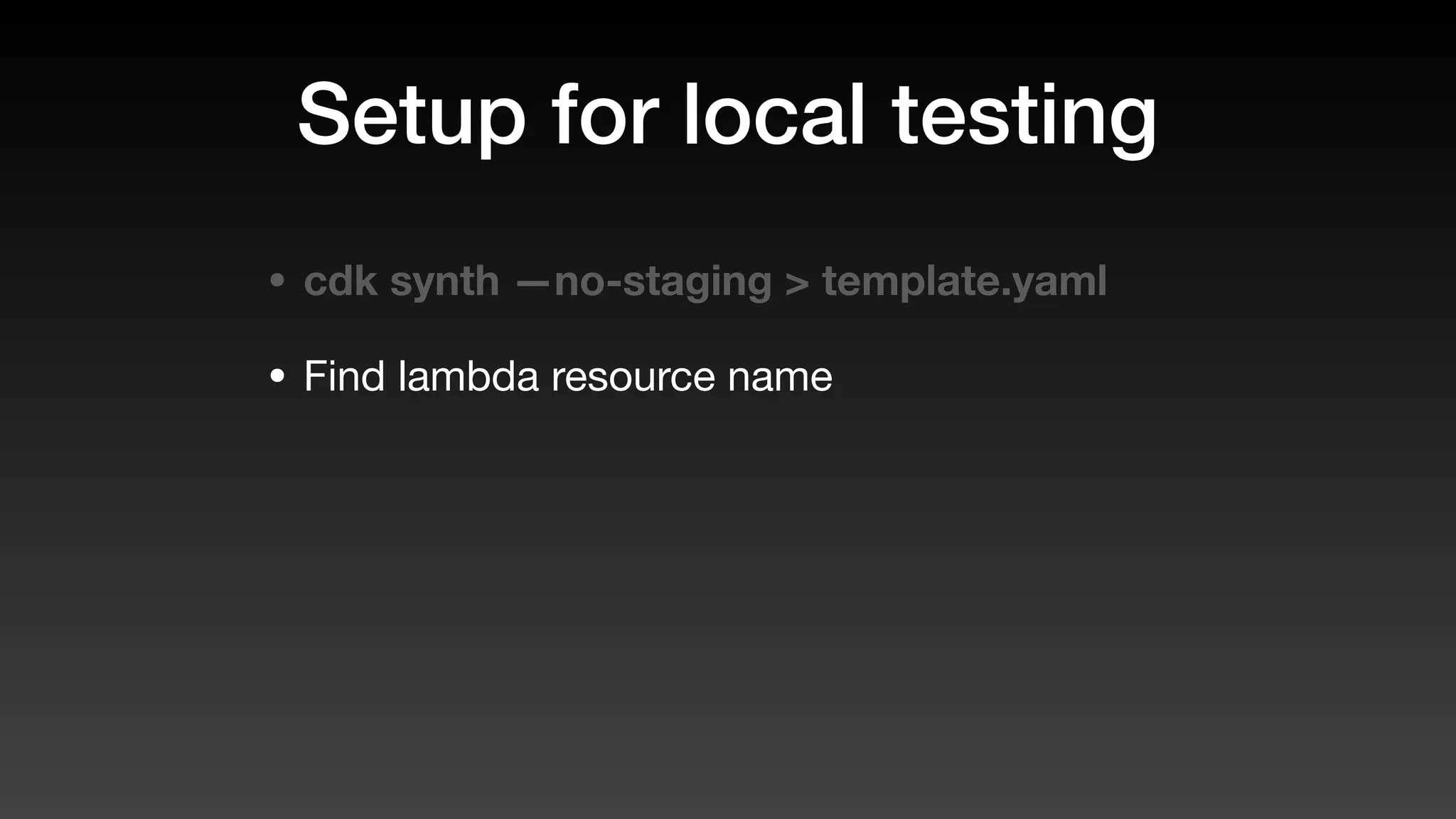
• cdk synth —no-staging > template.yaml
Setup for local testing
• cdk synth —no-staging > template.yaml
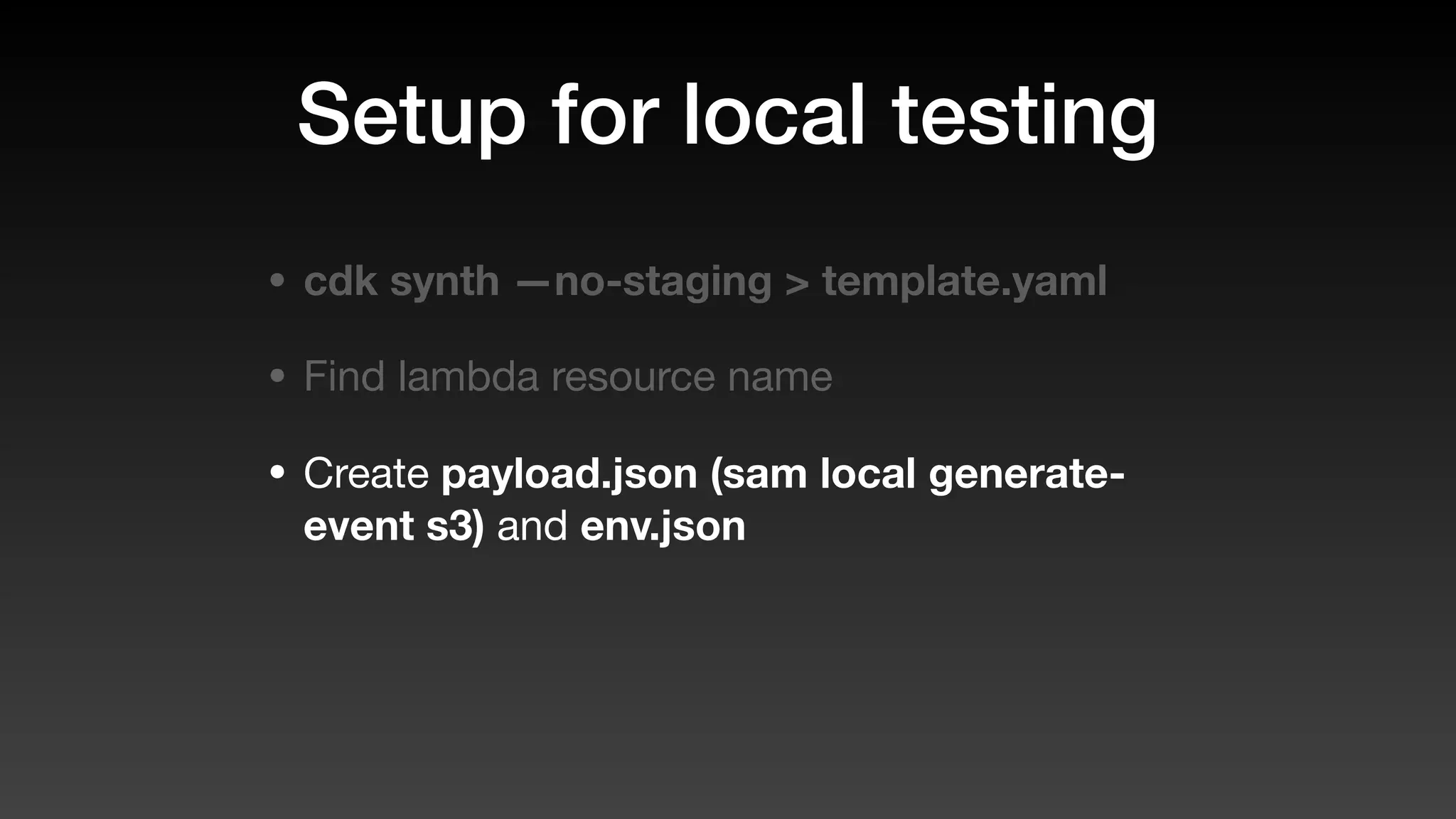
• Find lambda resource name
Setup for local testing
• cdk synth —no-staging > template.yaml
• Find lambda resource name
• Create payload.json (sam local generate-
event s3) and env.json
Setup for local testing
• cdk synth —no-staging > template.yaml
• Find lambda resource name
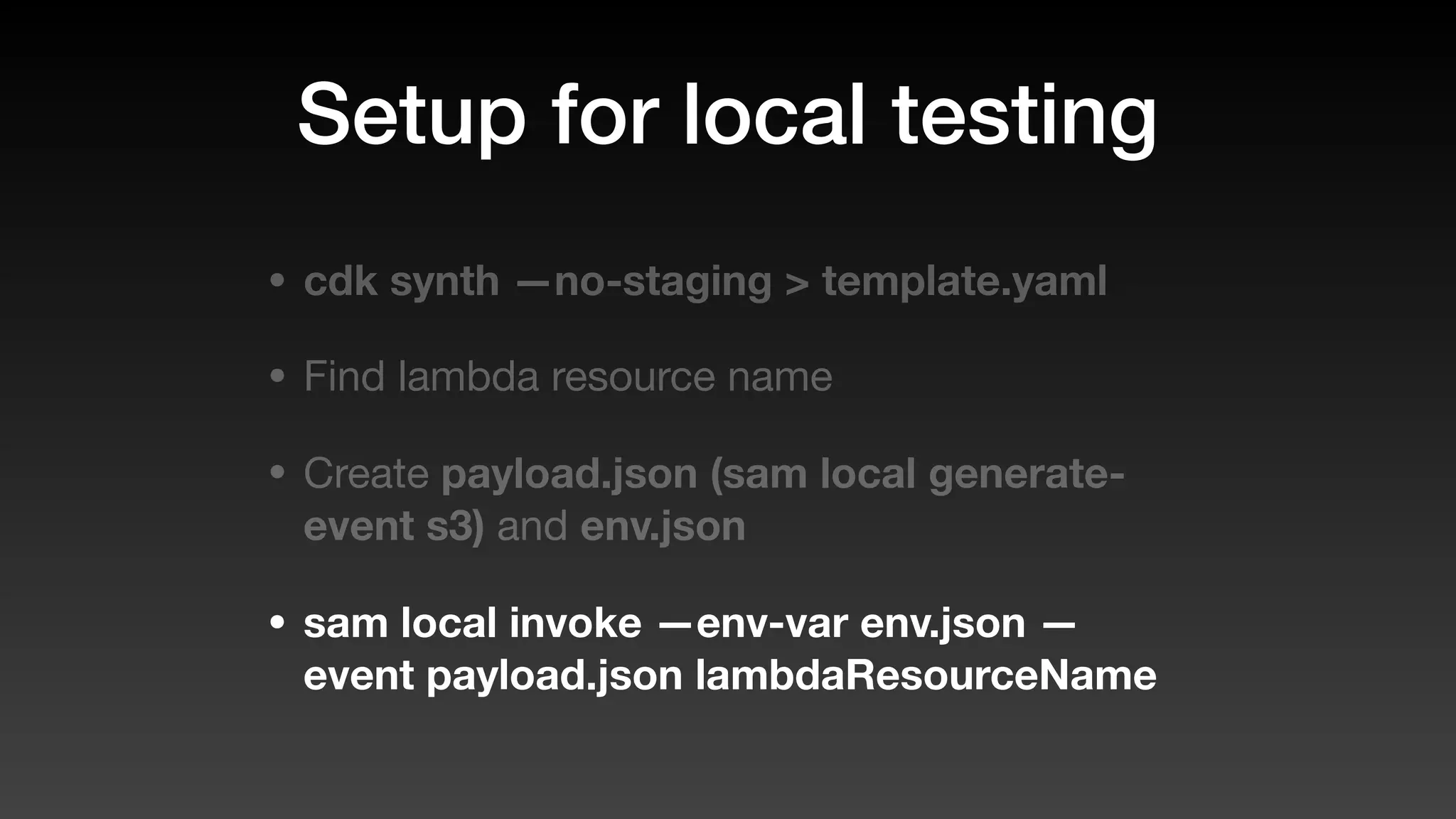
• Create payload.json (sam local generate-
event s3) and env.json
• sam local invoke —env-var env.json —
event payload.json lambdaResourceName
Local invoke demo
Lambda Layers
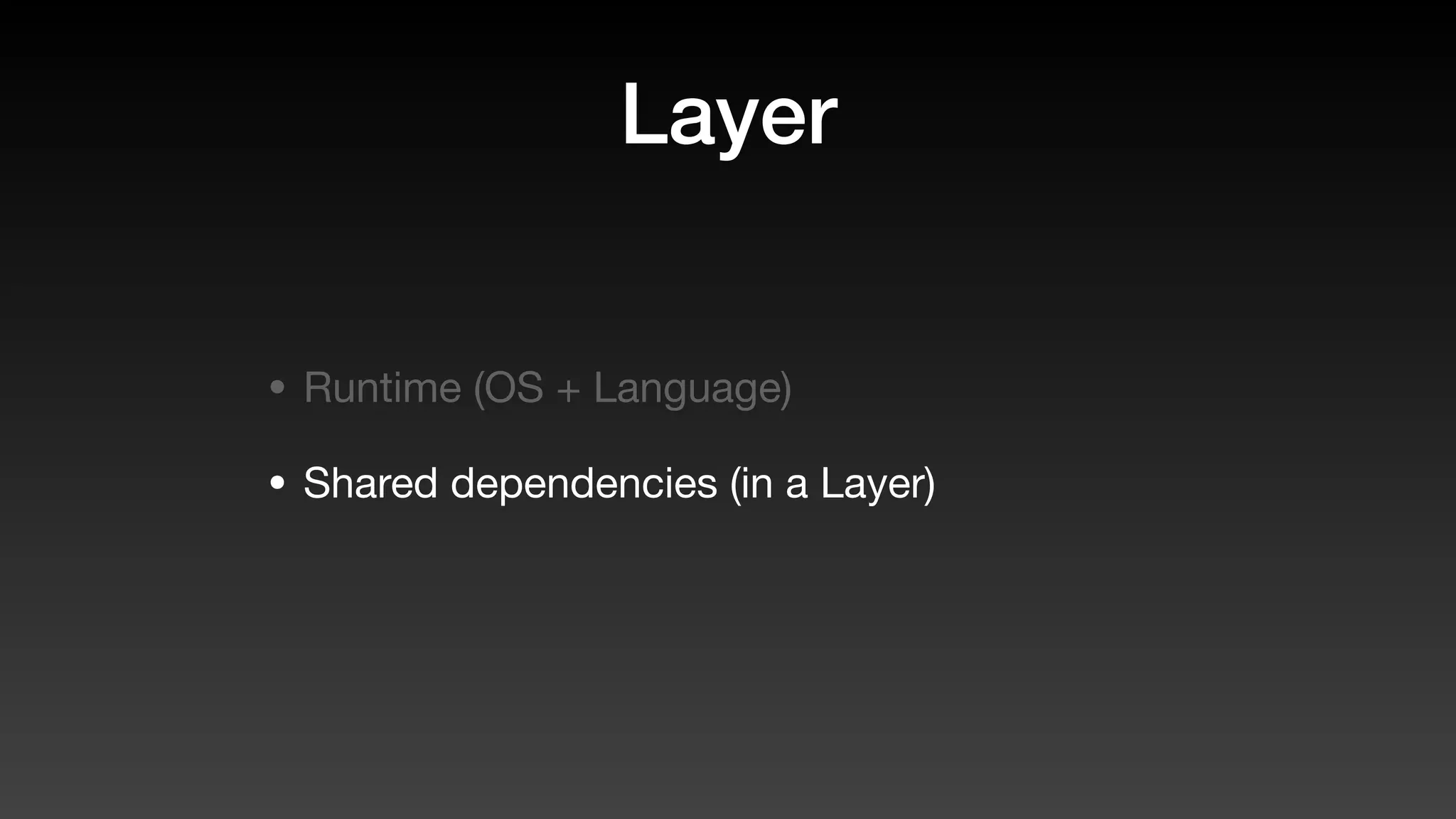
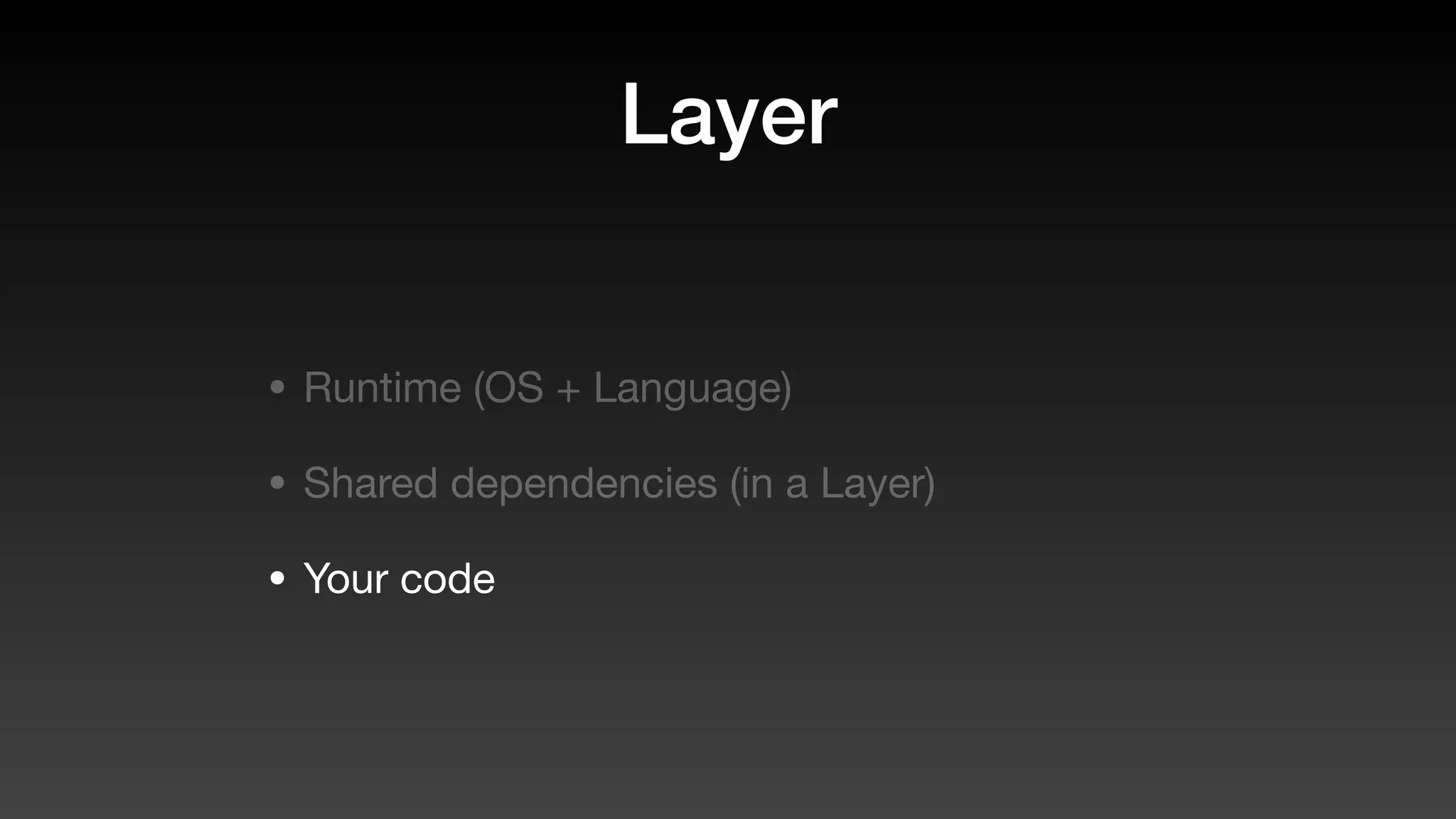
Layer
Layer
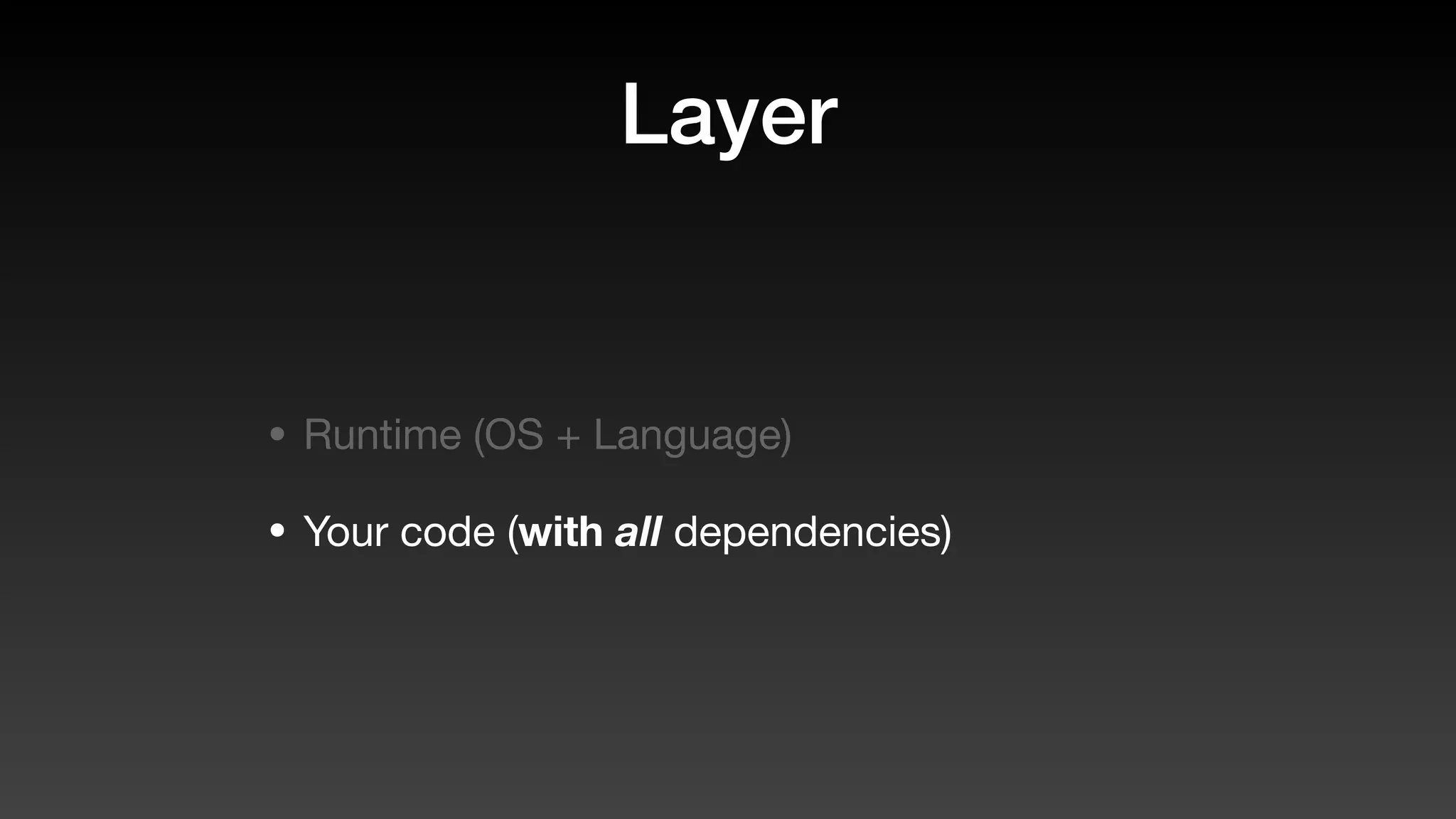
• Runtime (OS + Language)
Layer
• Runtime (OS + Language)
• Your code (with all dependencies)
Layer
Layer
• Runtime (OS + Language)
Layer
• Runtime (OS + Language)
• Shared dependencies (in a Layer)
Layer
• Runtime (OS + Language)
• Shared dependencies (in a Layer)
• Your code
Creating a layer
// Create a layer
const baseLayer = new lambda.LayerVersion(
   this,
   'MyBaseLayer',
   {
      compatibleRuntimes: [
         lambda.Runtime.NODEJS_8_10
      ],
      code: 
         lambda.Code.fromAsset('../layer/base')
   }
);
// Create a layer
const baseLayer = new lambda.LayerVersion(
   this,
   'MyBaseLayer',
   {
      compatibleRuntimes: [
         lambda.Runtime.NODEJS_8_10
      ],
      code: 
         lambda.Code.fromAsset('../layer/base')
   }
);
layer
└── base
└── nodejs
├── node_modules/..
├── package-lock.json
└── package.json
// Create a layer
const baseLayer = new lambda.LayerVersion(
   this,
   'MyBaseLayer',
   {
      compatibleRuntimes: [
         lambda.Runtime.NODEJS_8_10
      ],
      code: 
         lambda.Code.fromAsset('../layer/base')
   }
);
layer
└── base
└── nodejs
├── node_modules/..
├── package-lock.json
└── package.json
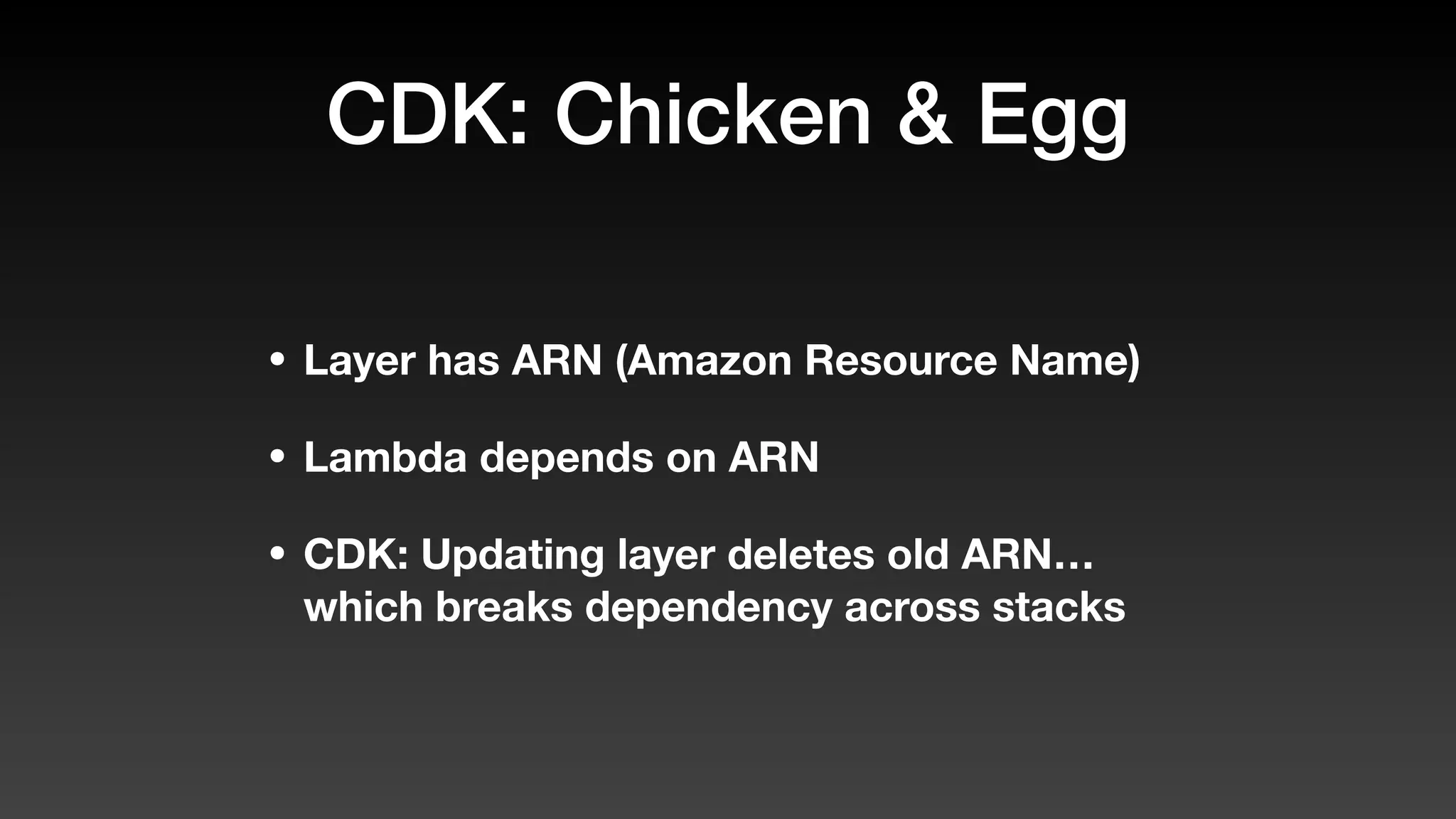
CDK: Chicken & Egg
• Layer has ARN (Amazon Resource Name)
• Lambda depends on ARN
• CDK: Updating layer deletes old ARN…
which breaks dependency across stacks
ParamStore to the
rescue
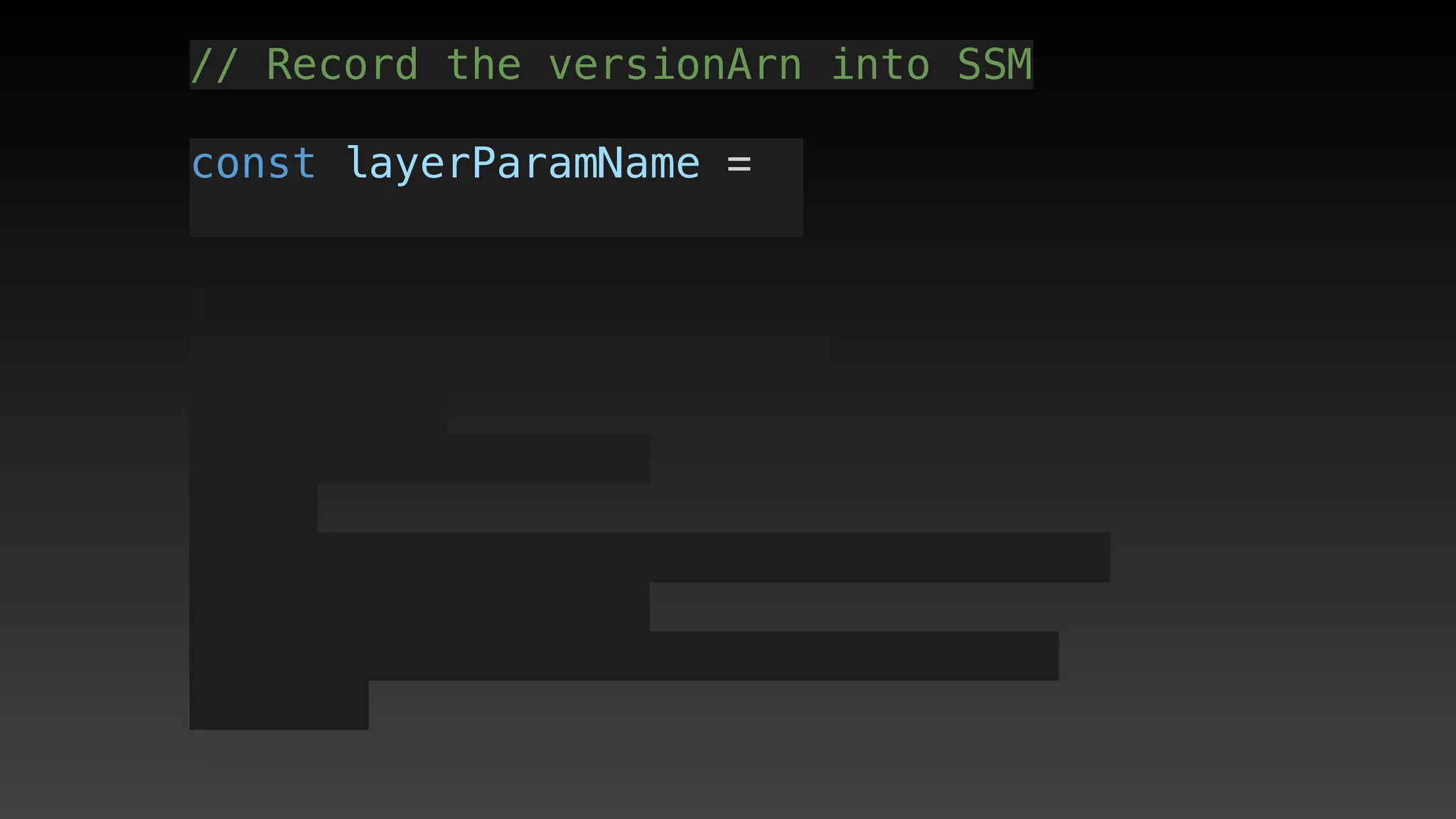
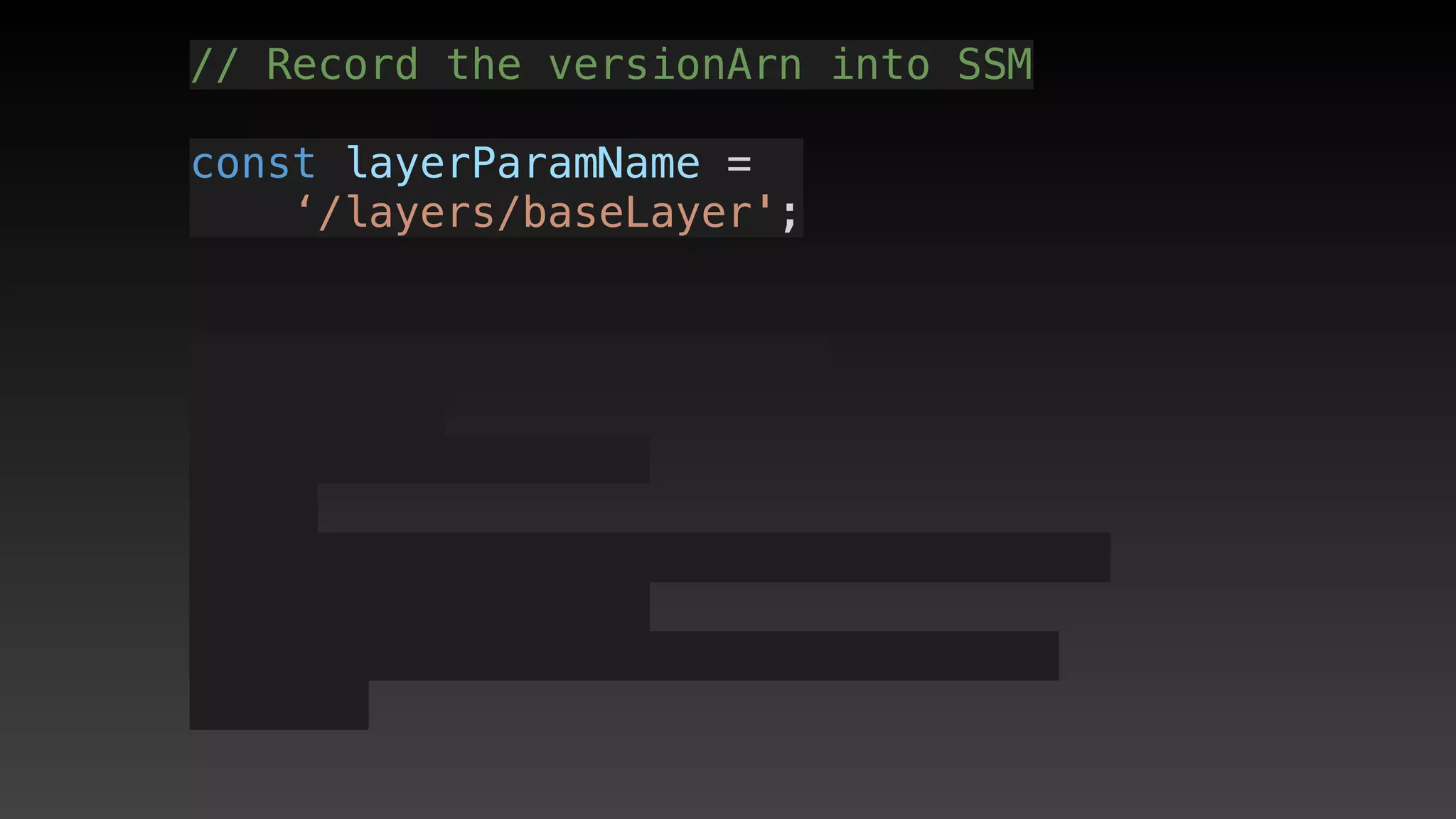
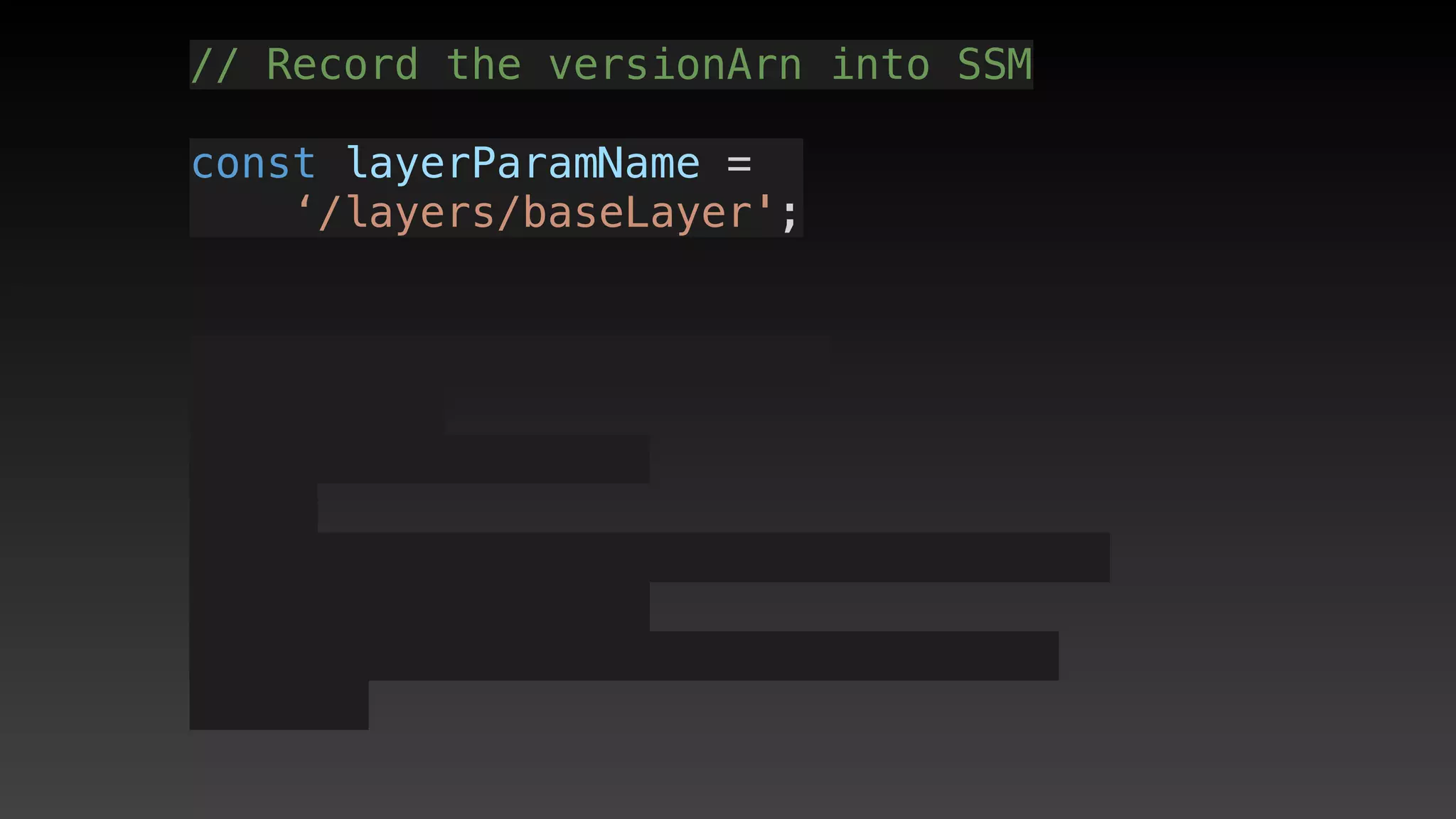
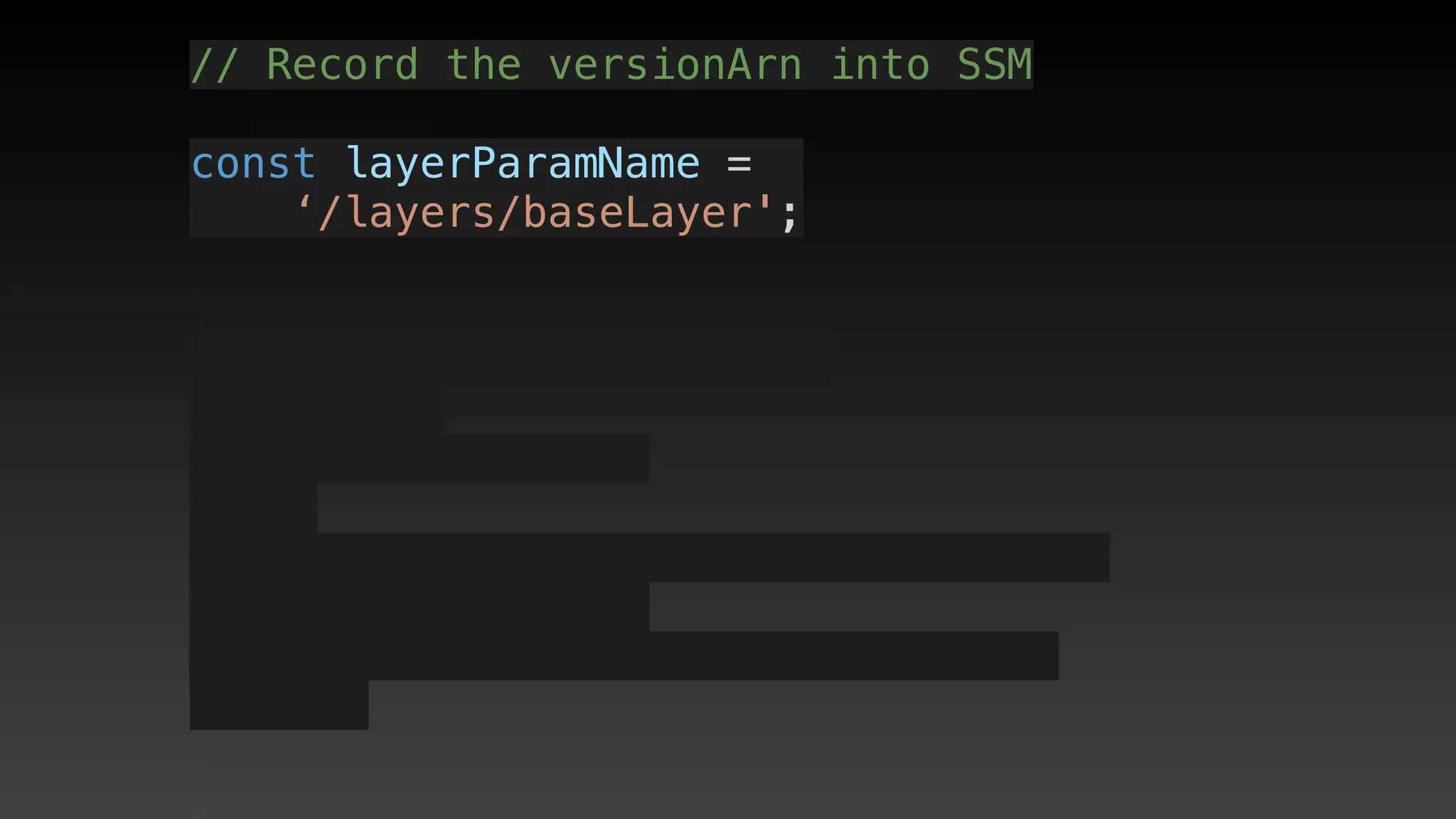
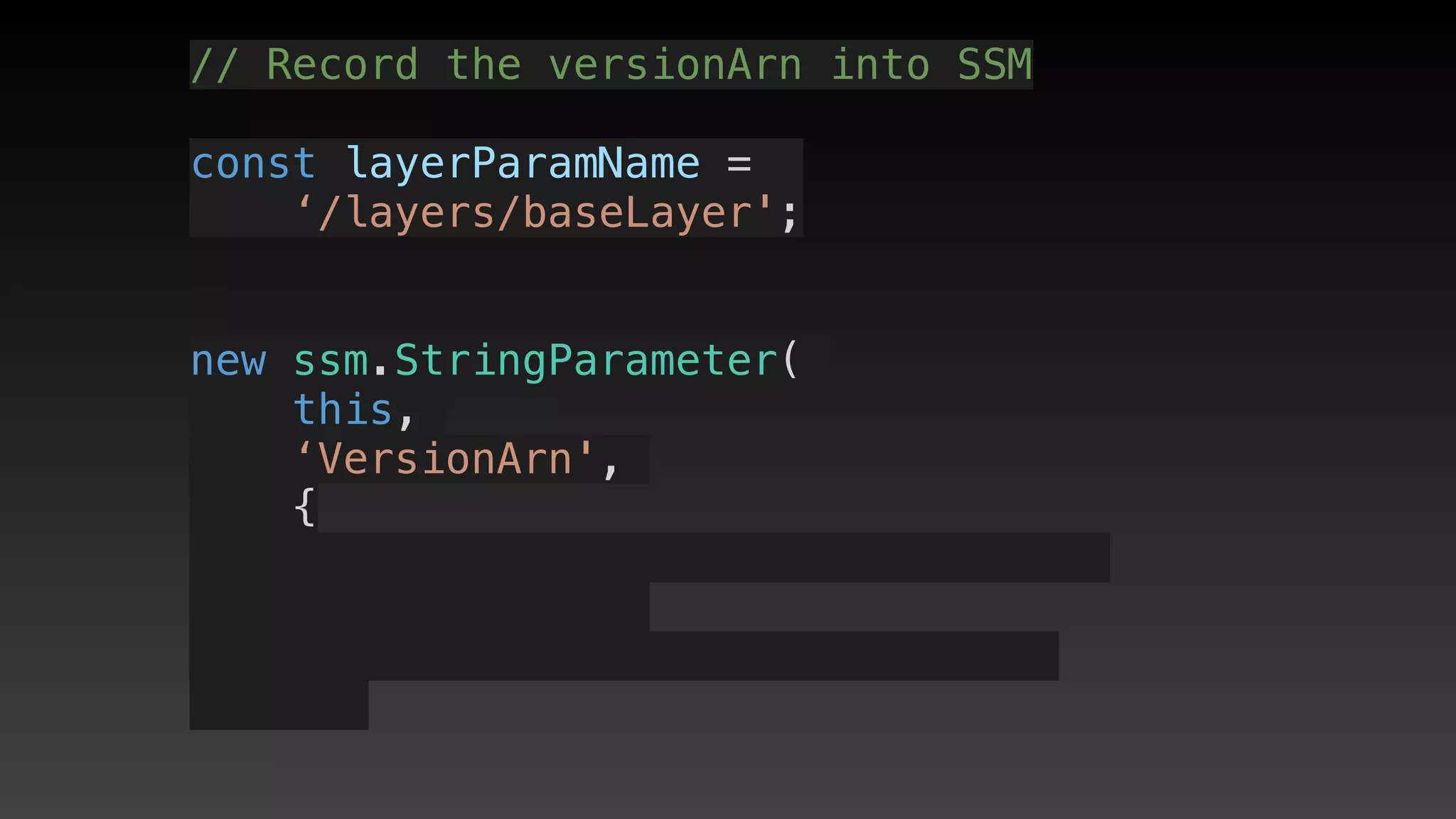
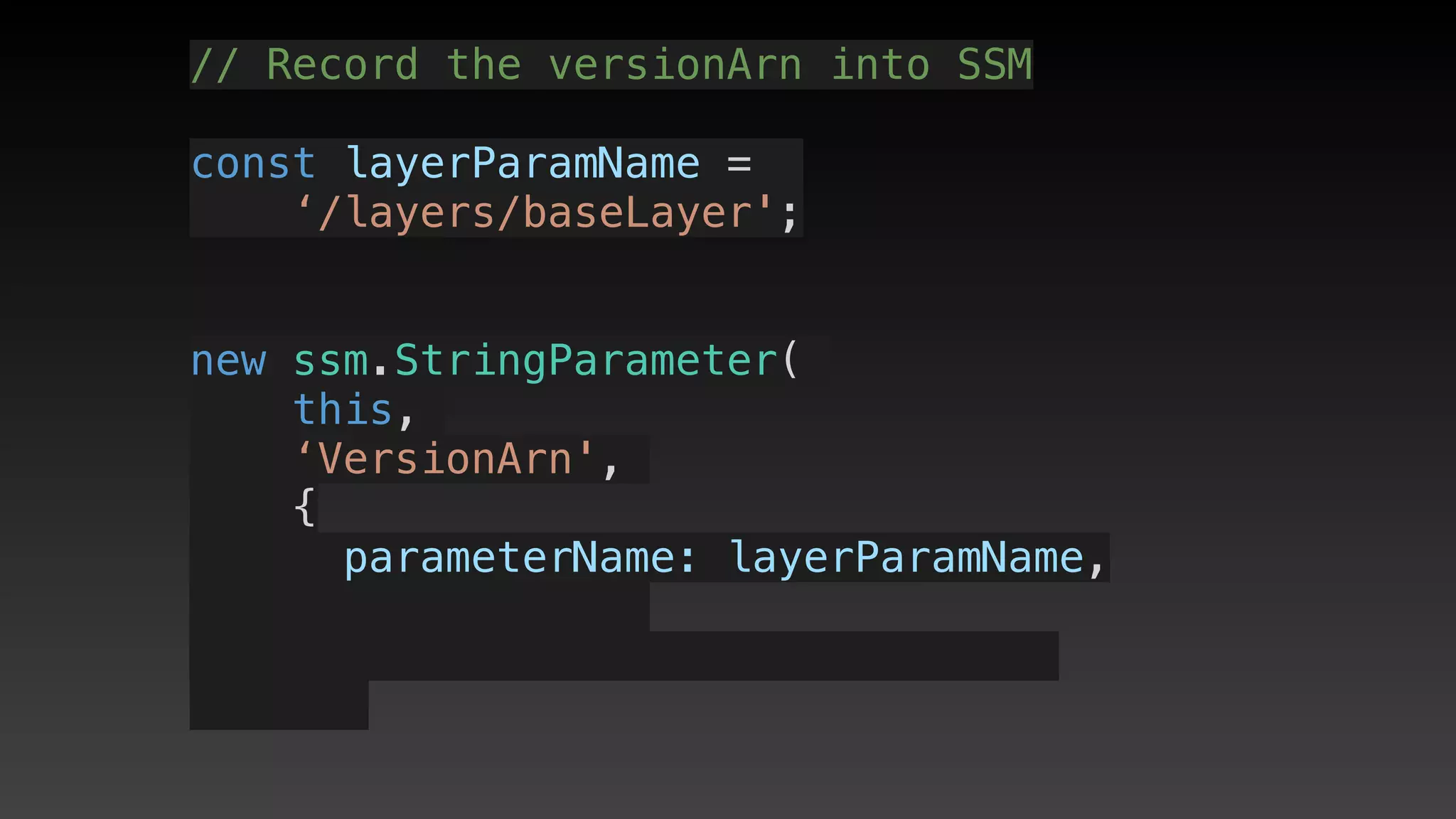
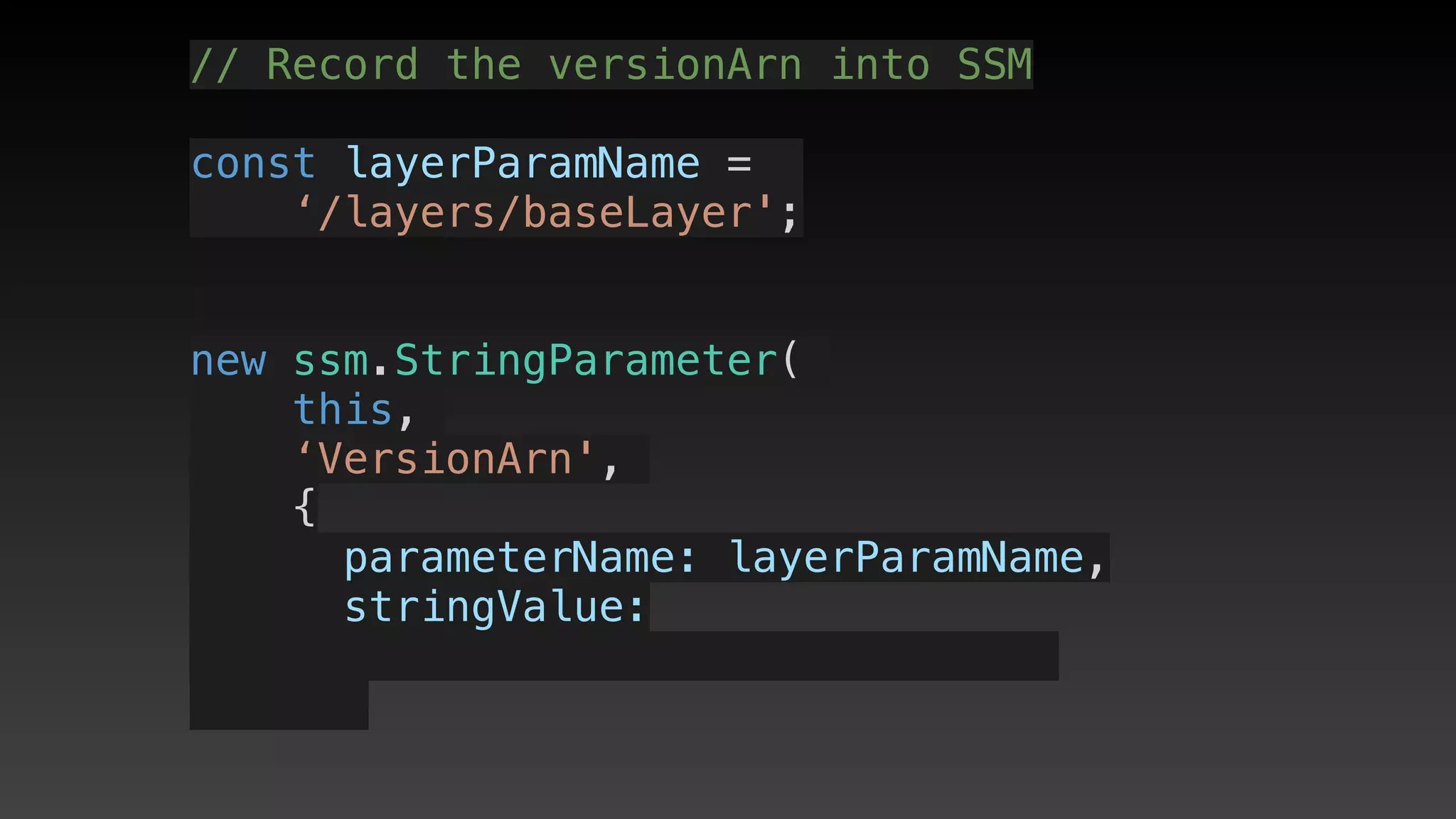
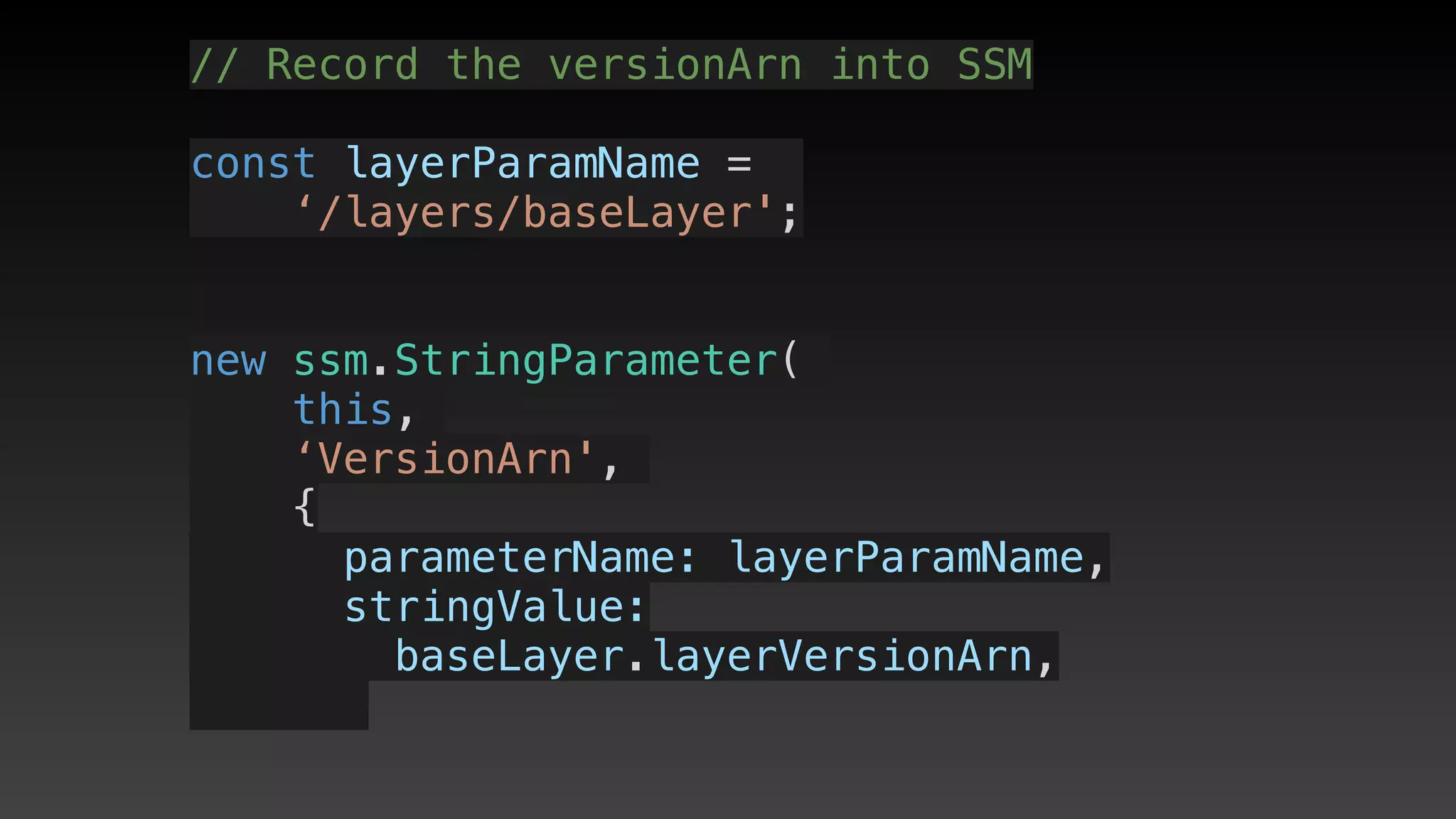
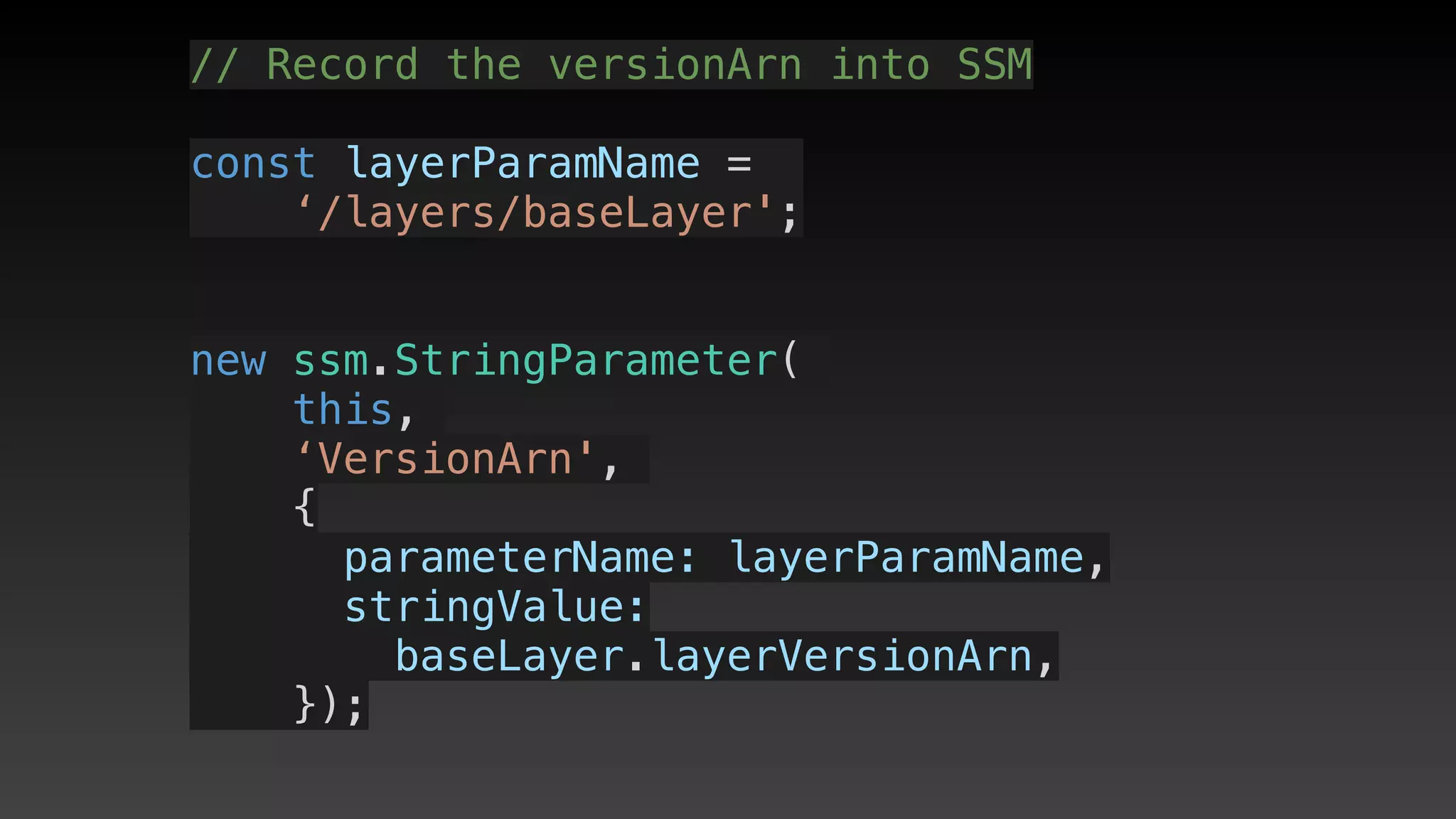
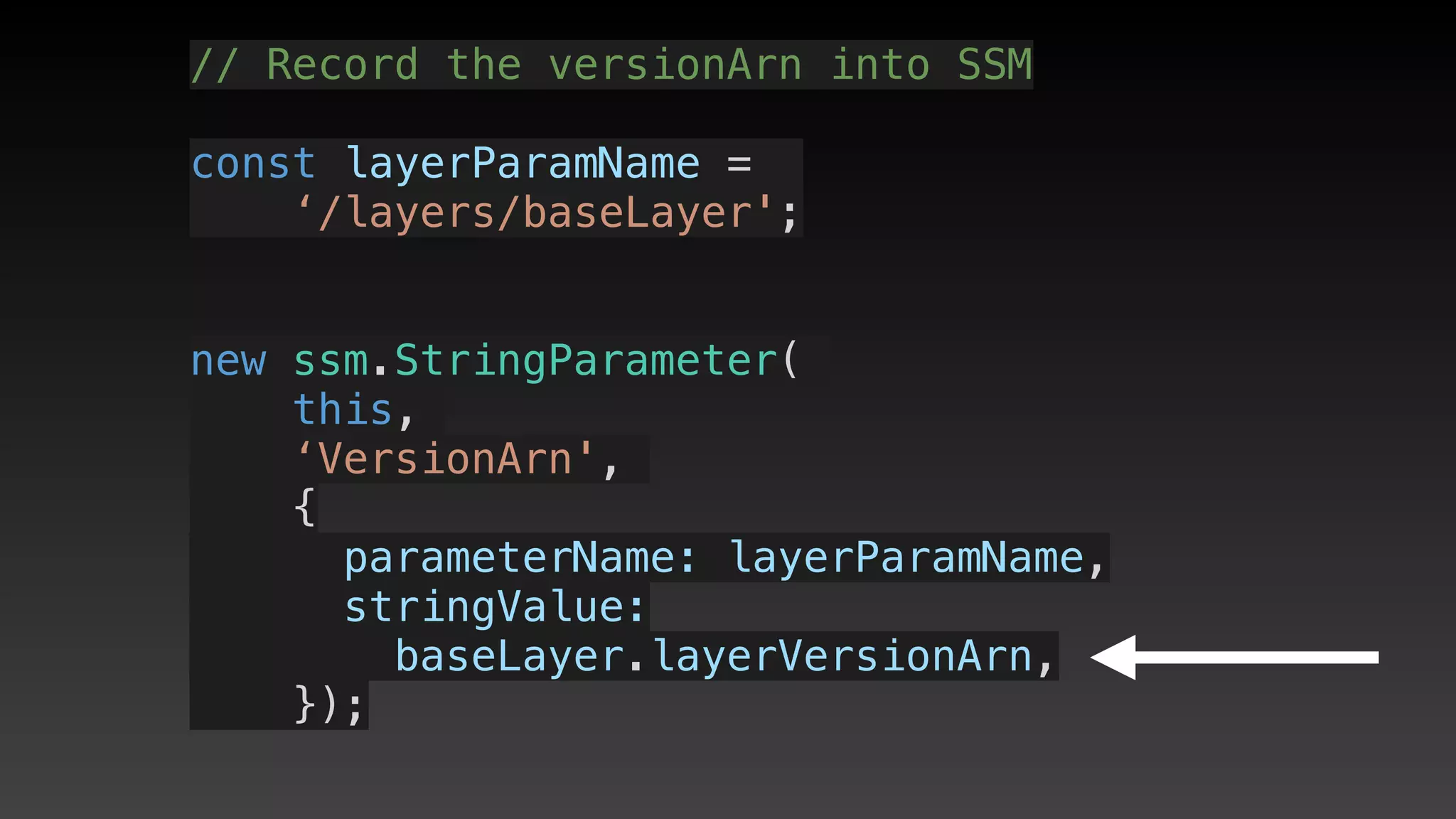
// Record the versionArn into SSM
const layerParamName = 
// Record the versionArn into SSM
const layerParamName = 
‘/layers/baseLayer';
// Record the versionArn into SSM
const layerParamName = 
‘/layers/baseLayer';
// Record the versionArn into SSM
const layerParamName = 
‘/layers/baseLayer';
// Record the versionArn into SSM
const layerParamName = 
‘/layers/baseLayer';
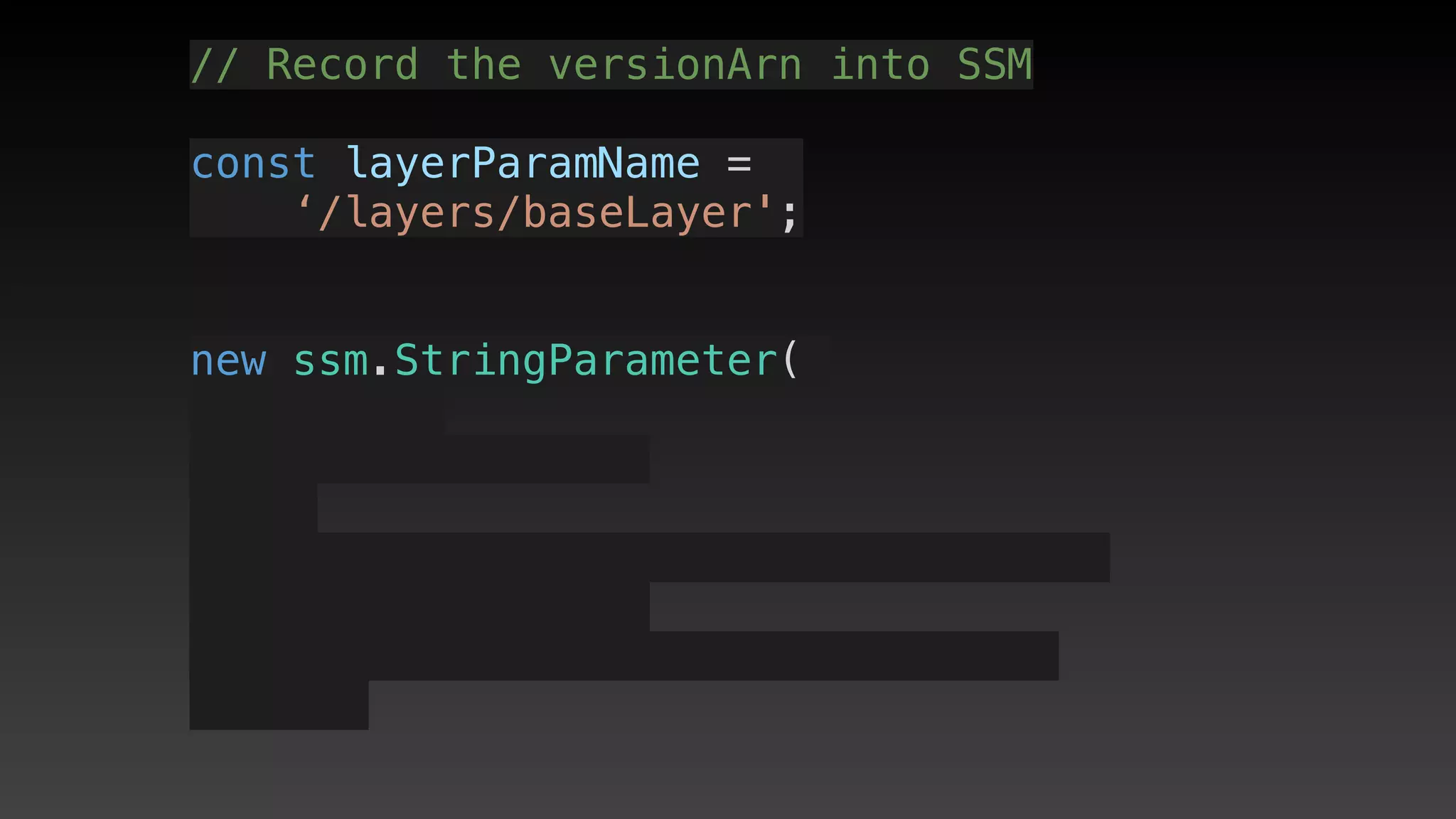
new ssm.StringParameter(
// Record the versionArn into SSM
const layerParamName = 
‘/layers/baseLayer';
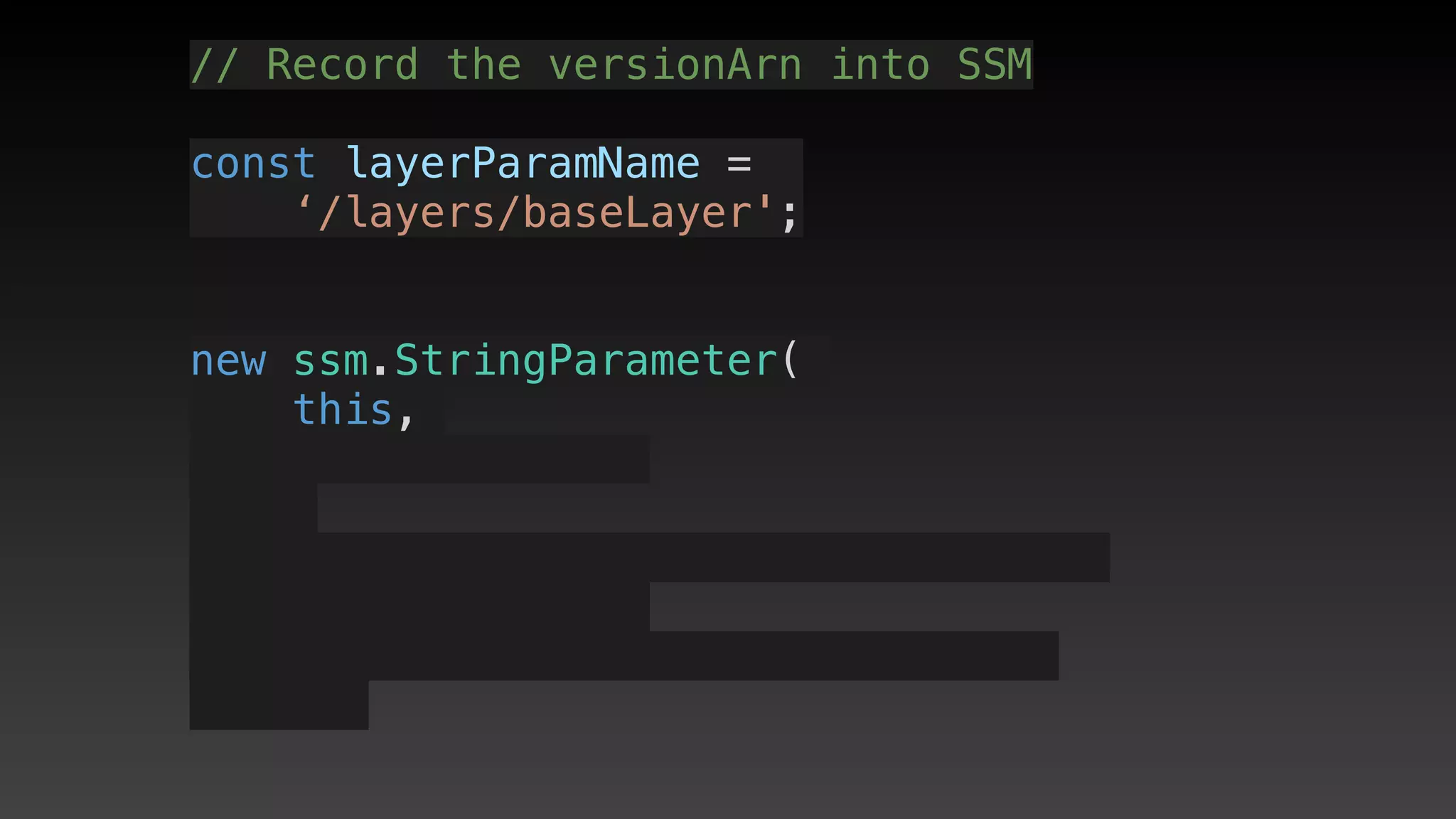
new ssm.StringParameter(
this,
// Record the versionArn into SSM
const layerParamName = 
‘/layers/baseLayer';
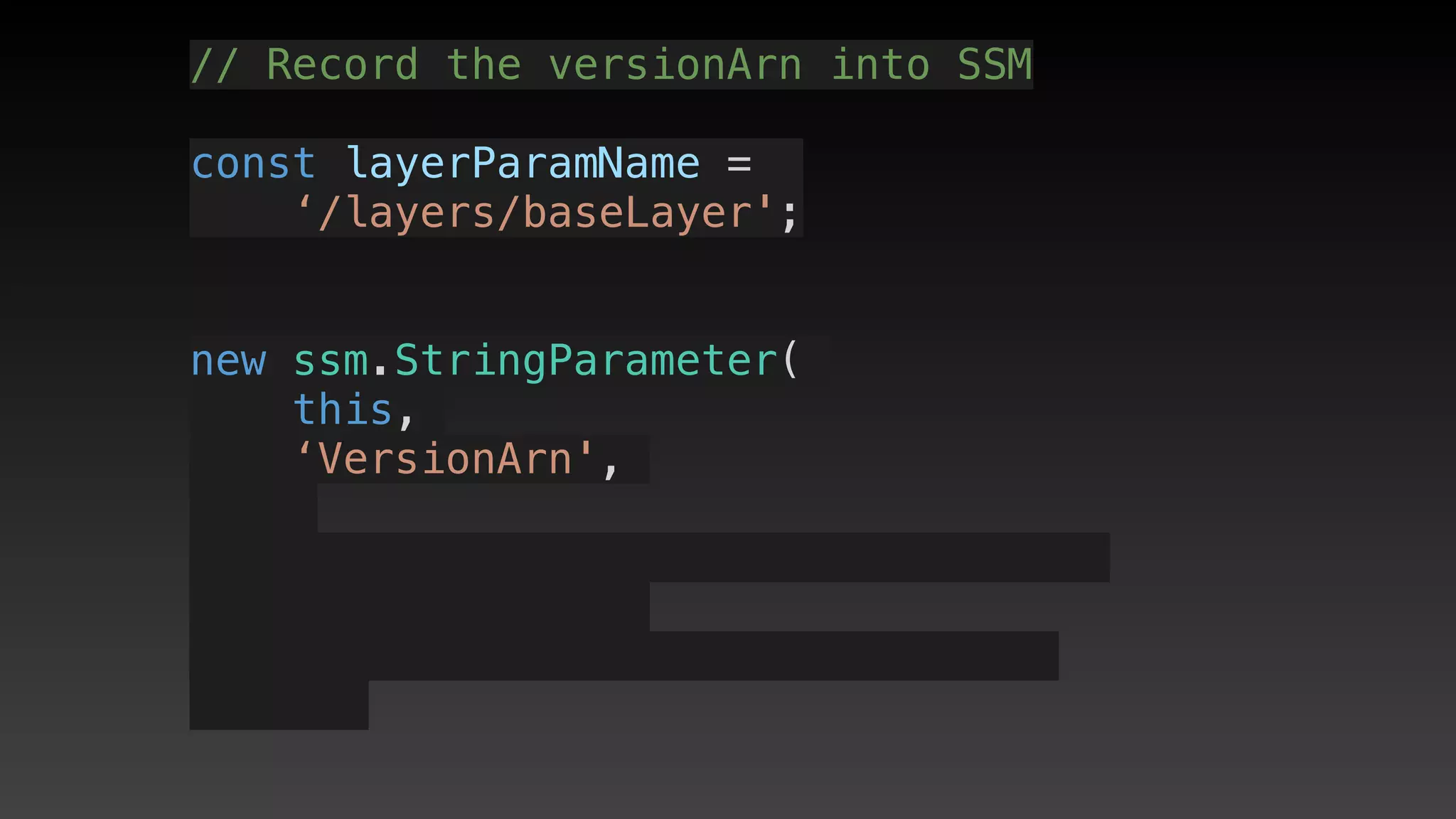
new ssm.StringParameter(
this,
‘VersionArn',
// Record the versionArn into SSM
const layerParamName = 
‘/layers/baseLayer';
new ssm.StringParameter(
this,
‘VersionArn',
{
// Record the versionArn into SSM
const layerParamName = 
‘/layers/baseLayer';
new ssm.StringParameter(
this,
‘VersionArn',
{
      parameterName: layerParamName,
// Record the versionArn into SSM
const layerParamName = 
‘/layers/baseLayer';
new ssm.StringParameter(
this,
‘VersionArn',
{
      parameterName: layerParamName,
      stringValue: 
// Record the versionArn into SSM
const layerParamName = 
‘/layers/baseLayer';
new ssm.StringParameter(
this,
‘VersionArn',
{
      parameterName: layerParamName,
      stringValue: 
baseLayer.layerVersionArn,
// Record the versionArn into SSM
const layerParamName = 
‘/layers/baseLayer';
new ssm.StringParameter(
this,
‘VersionArn',
{
      parameterName: layerParamName,
      stringValue: 
baseLayer.layerVersionArn,
    });
// Record the versionArn into SSM
const layerParamName = 
‘/layers/baseLayer';
new ssm.StringParameter(
this,
‘VersionArn',
{
      parameterName: layerParamName,
      stringValue: 
baseLayer.layerVersionArn,
    });
// Record the versionArn into SSM
const layerParamName = 
‘/layers/baseLayer';
new ssm.StringParameter(
this,
‘VersionArn',
{
      parameterName: layerParamName,
      stringValue: 
baseLayer.layerVersionArn,
    });
import cdk = require('@aws-cdk/core');
import lambda = require('@aws-cdk/aws-lambda');
import ssm = require('@aws-cdk/aws-ssm');
const layerParamName = '/layers/baseLayer';
export class LayerEgStack extends cdk.Stack {
  constructor(scope: cdk.Construct, id: string, props?: cdk.StackProps) {
    super(scope, id, props);
    // Create a layer
    const baseLayer = new lambda.LayerVersion(
      this,
      'MyBaseLayer',
      {
        compatibleRuntimes: [
          lambda.Runtime.NODEJS_8_10
        ],
        code: lambda.Code.fromAsset('../layer/base')
      }
    );
    // Record the versionArn into SSM
    new ssm.StringParameter(this, 'VersionArn', {
      parameterName: layerParamName,
      stringValue: baseLayer.layerVersionArn,
    });
  }
import cdk = require('@aws-cdk/core');
import lambda = require('@aws-cdk/aws-lambda');
import ssm = require('@aws-cdk/aws-ssm');
const layerParamName = '/layers/baseLayer';
export class LayerEgStack extends cdk.Stack {
  constructor(scope: cdk.Construct, id: string, props?: cdk.StackProps) {
    super(scope, id, props);
    // Create a layer
    const baseLayer = new lambda.LayerVersion(
      this,
      'MyBaseLayer',
      {
        compatibleRuntimes: [
          lambda.Runtime.NODEJS_8_10
        ],
        code: lambda.Code.fromAsset('../layer/base')
      }
    );
    // Record the versionArn into SSM
    new ssm.StringParameter(this, 'VersionArn', {
      parameterName: layerParamName,
      stringValue: baseLayer.layerVersionArn,
    });
  }
Using the layer
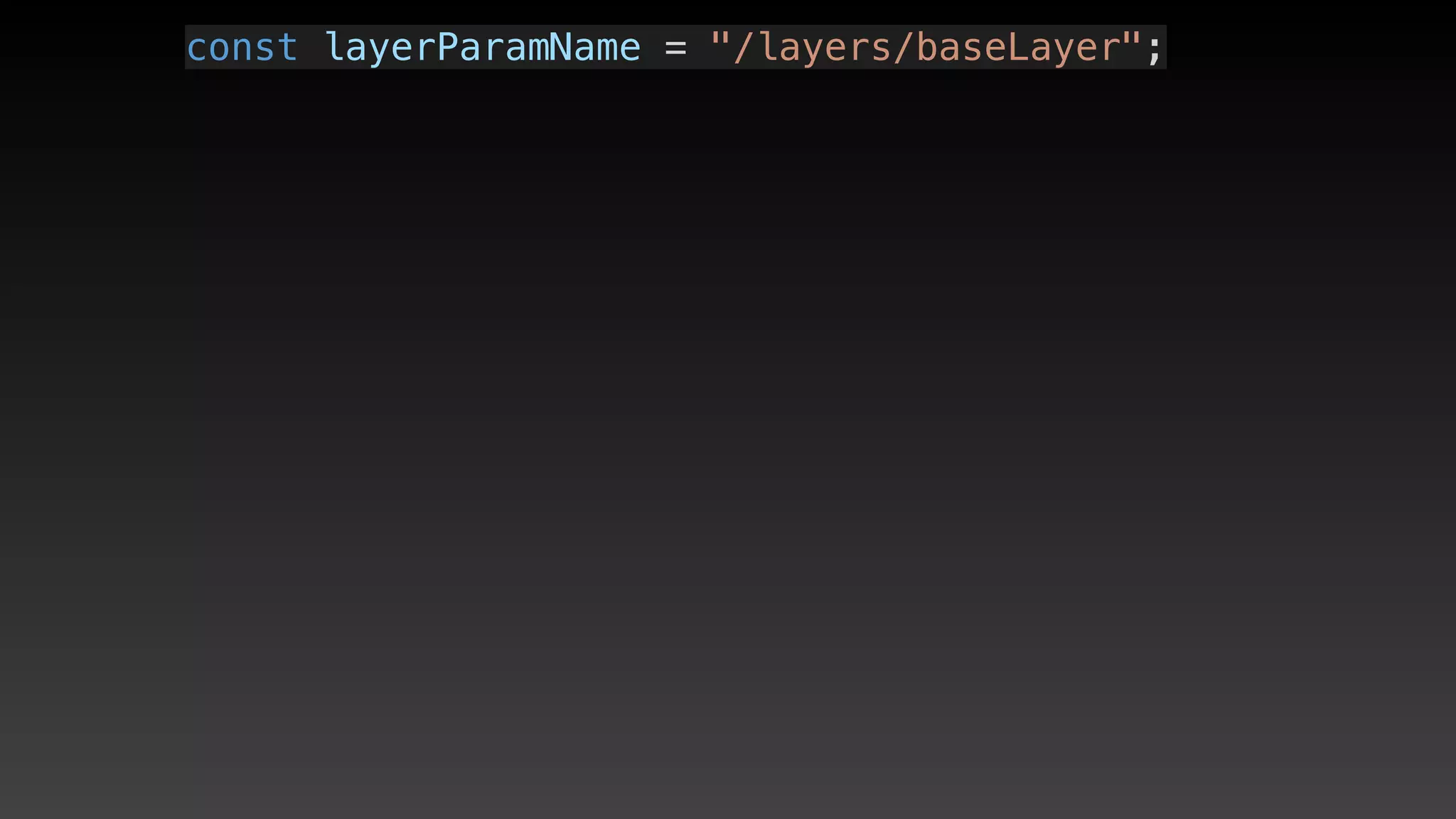
(in another stack)
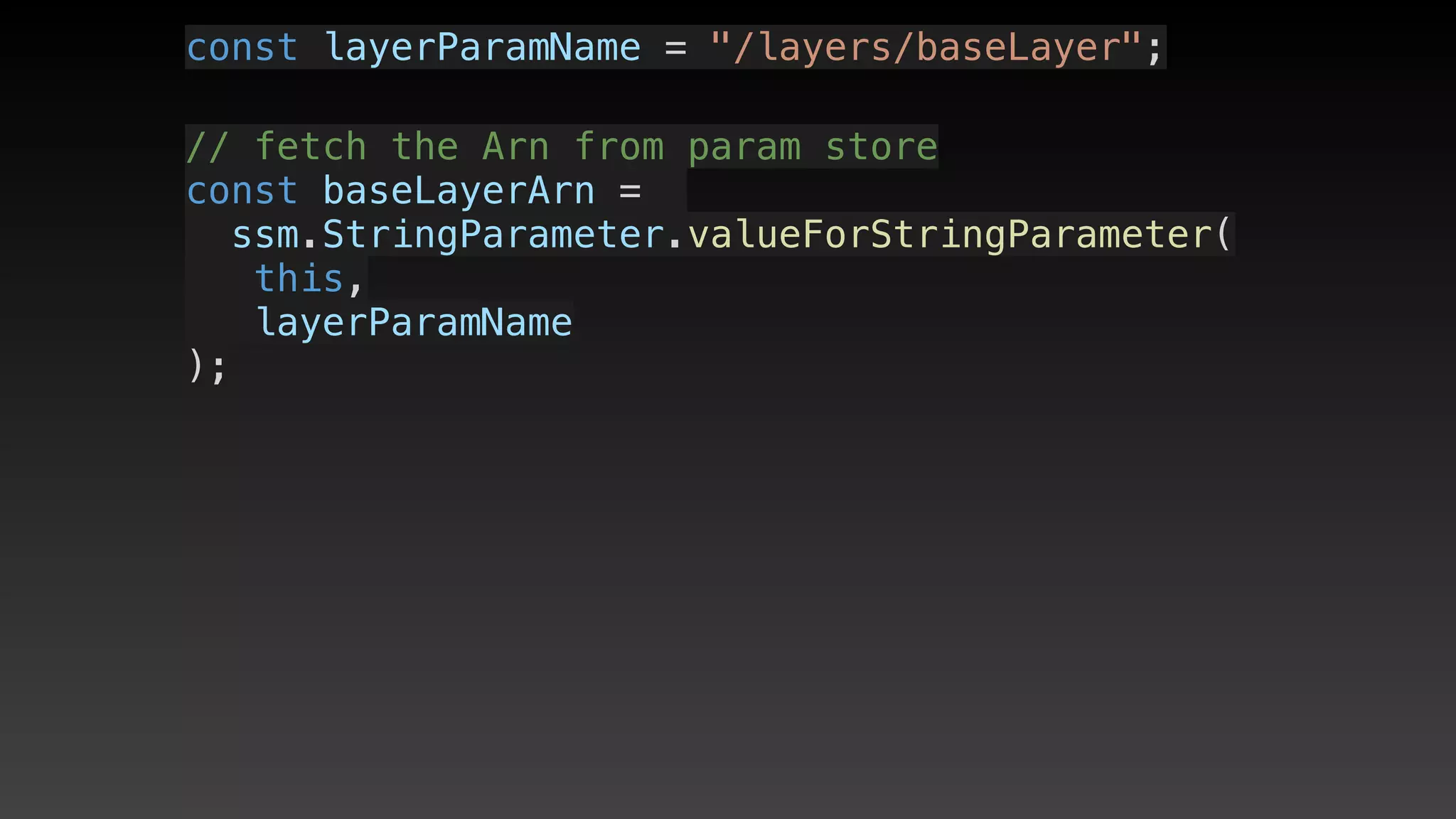
const layerParamName = "/layers/baseLayer";
// fetch the Arn from param store
const baseLayerArn = 
ssm.StringParameter.valueForStringParameter(
   this,
   layerParamName
);
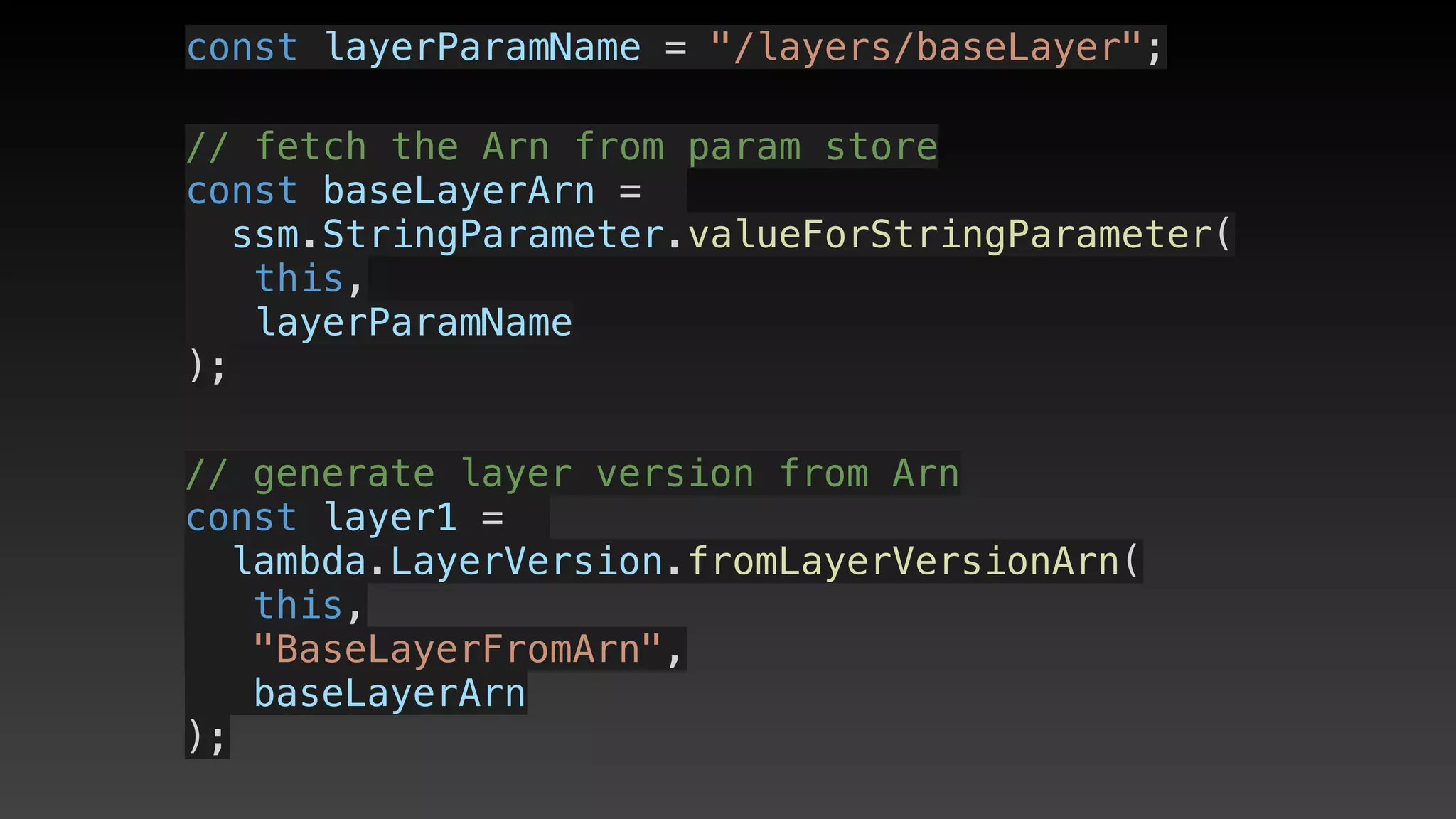
const layerParamName = "/layers/baseLayer";
// fetch the Arn from param store
const baseLayerArn = 
ssm.StringParameter.valueForStringParameter(
   this,
   layerParamName
);
// generate layer version from Arn
const layer1 = 
lambda.LayerVersion.fromLayerVersionArn(
this,
"BaseLayerFromArn",
baseLayerArn
);
// Then supply when you create a lambda
new lambda.Function(this, "SomeName", {
    runtime: lambda.Runtime.NODEJS_8_10,
    code:
     lambda.Code.fromAsset(
        “../lambda/aFunction"),
    handler: "index.handler",
    layers: [layer1]
});
// Then supply when you create a lambda
new lambda.Function(this, "SomeName", {
    runtime: lambda.Runtime.NODEJS_8_10,
    code:
     lambda.Code.fromAsset(
        “../lambda/aFunction"),
    handler: "index.handler",
    layers: [layer1]
});
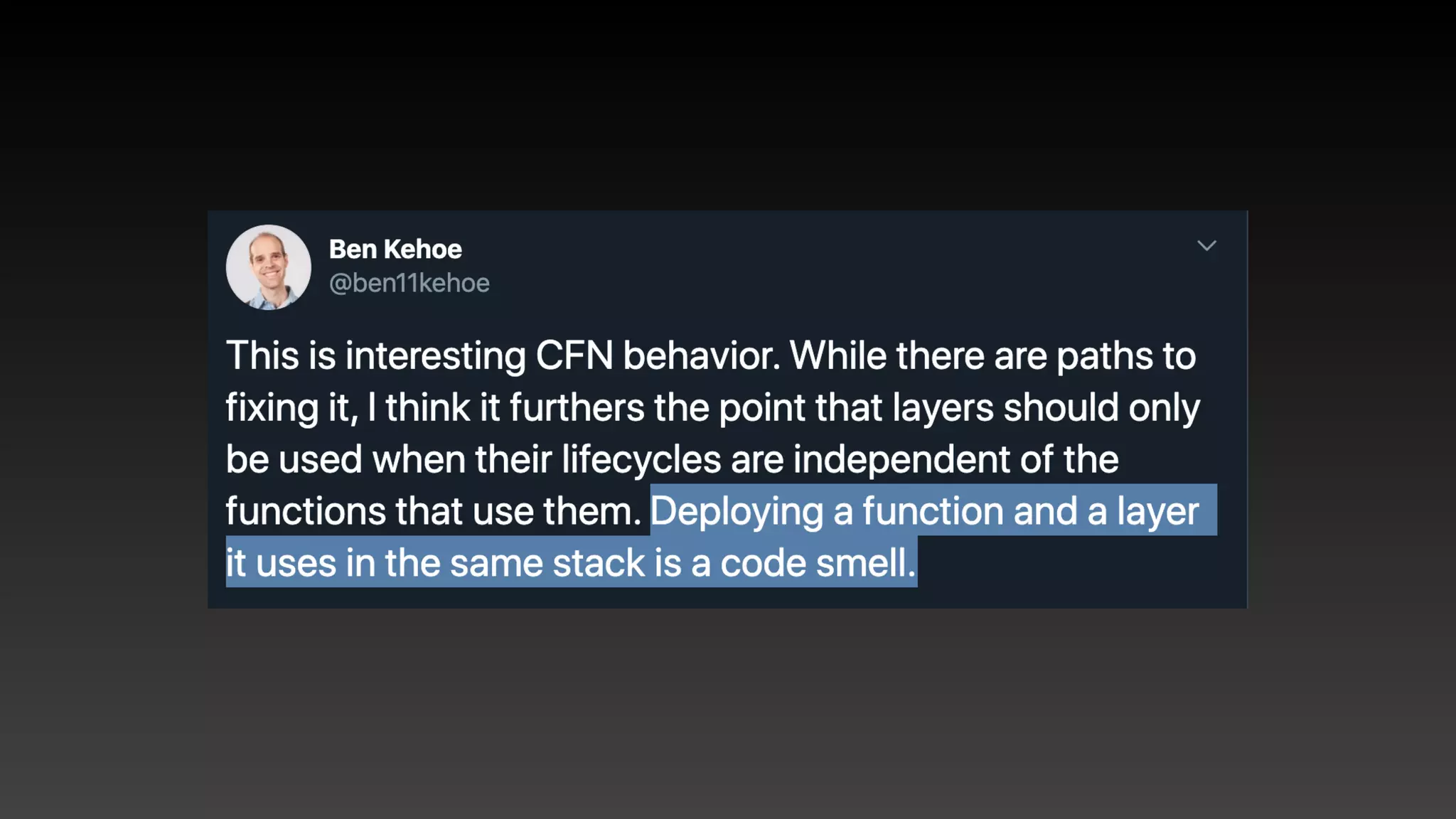
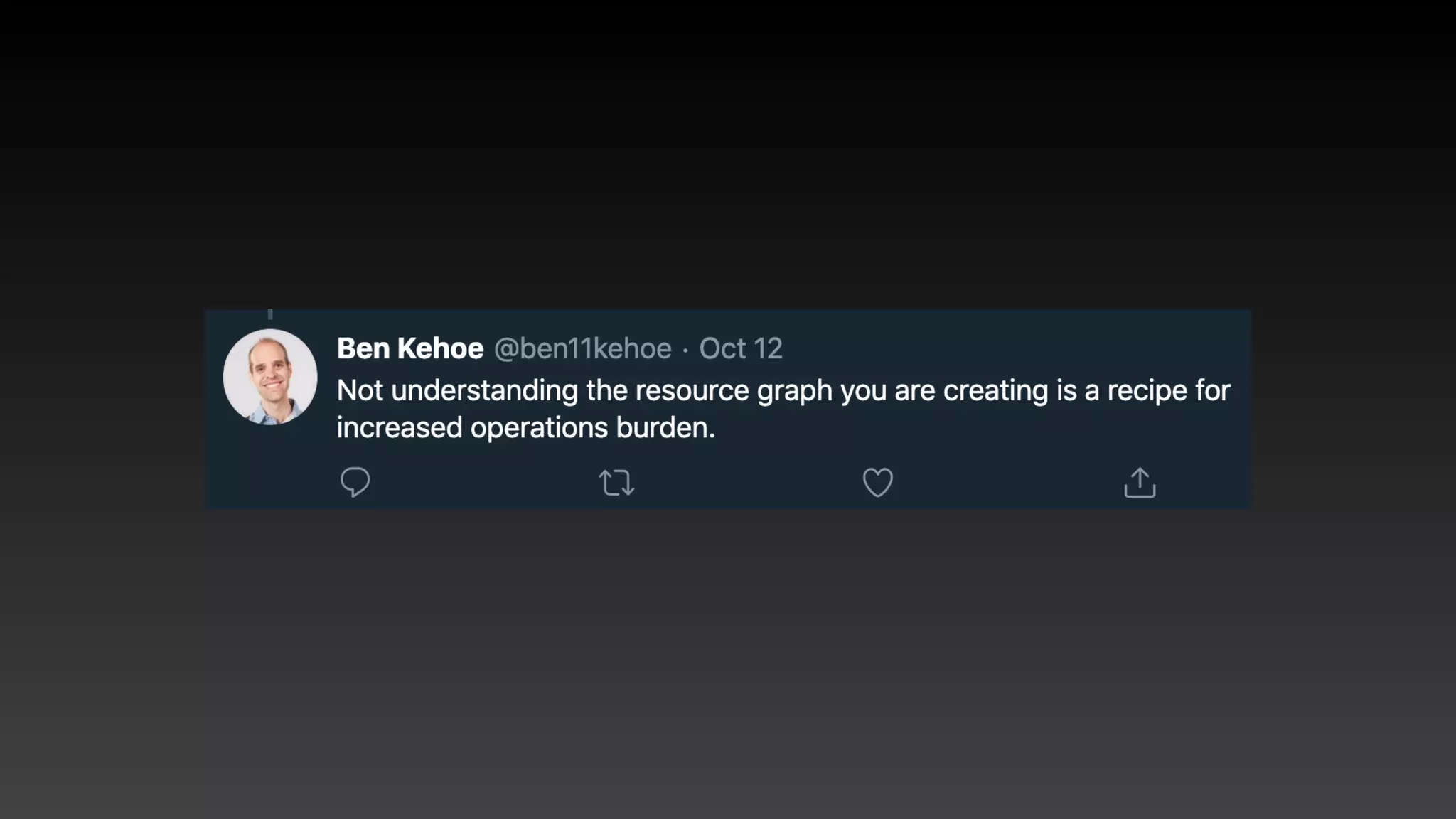
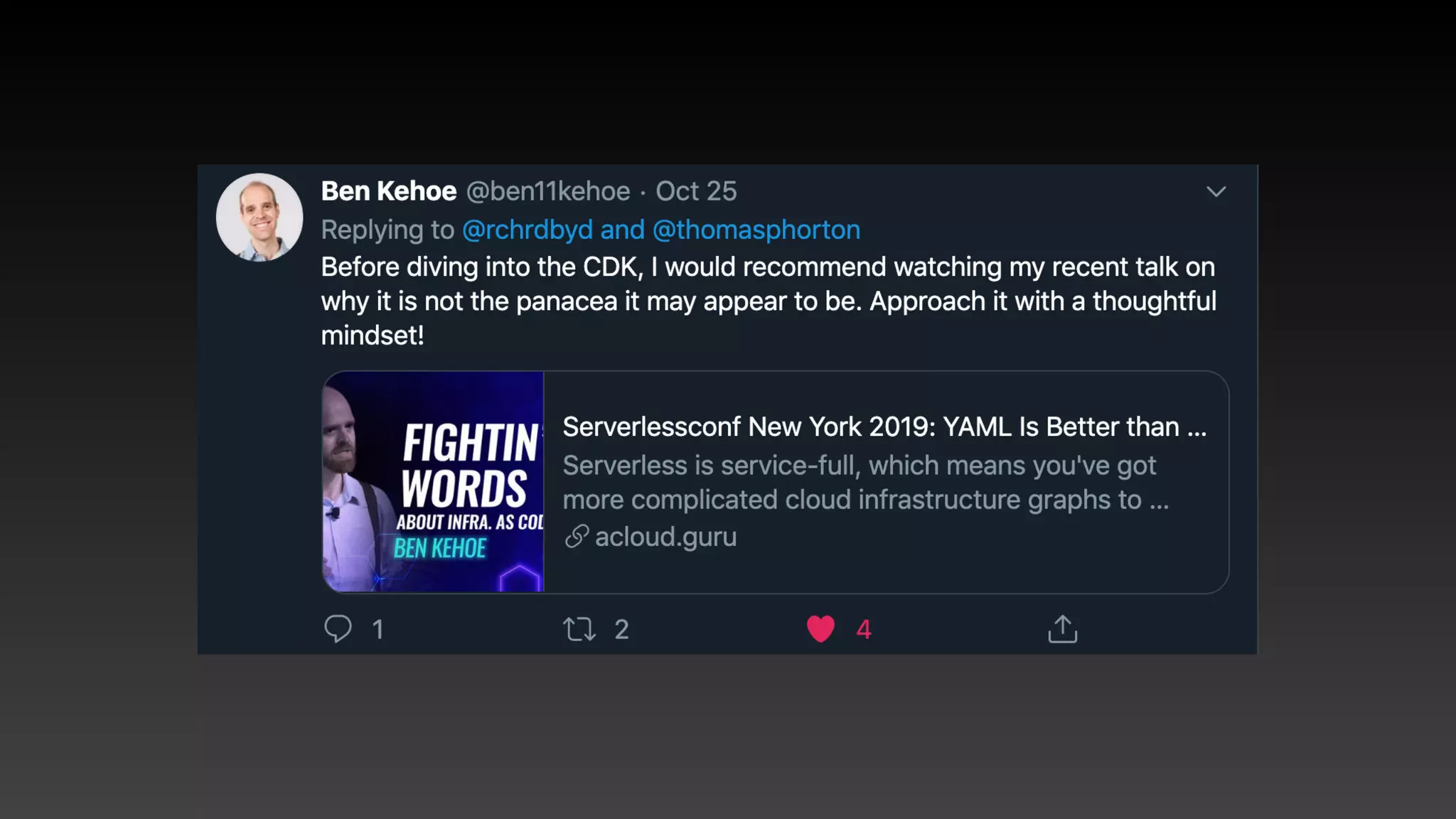
Balance
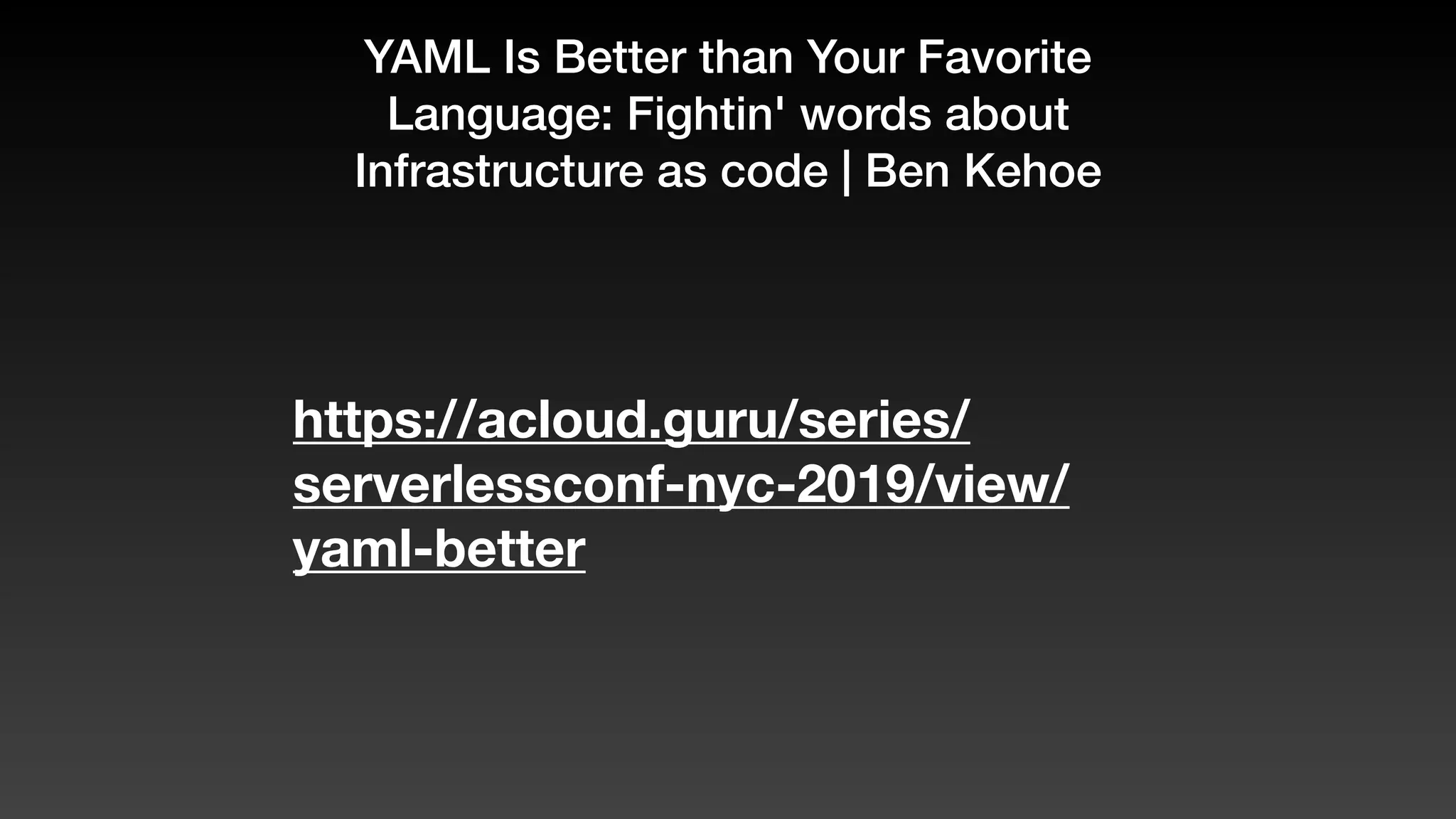
YAML Is Better than Your Favorite
Language: Fightin' words about
Infrastructure as code | Ben Kehoe
https://acloud.guru/series/
serverlessconf-nyc-2019/view/
yaml-better
Review
Review
Review
• IaC: repeatable, versionable, speed of deploy
Review
• IaC: repeatable, versionable, speed of deploy
• CloudFormation: Infrastructure Graph Engine
- learn to read it
Review
• IaC: repeatable, versionable, speed of deploy
• CloudFormation: Infrastructure Graph Engine
- learn to read it
• CDK: apps, stacks, constructs
Review
• IaC: repeatable, versionable, speed of deploy
• CloudFormation: Infrastructure Graph Engine
- learn to read it
• CDK: apps, stacks, constructs
• Local dev and Lambda Layers
Review
• IaC: repeatable, versionable, speed of deploy
• CloudFormation: Infrastructure Graph Engine
- learn to read it
• CDK: apps, stacks, constructs
• Local dev and Lambda Layers
• A bunch of other bits that I hope are useful
The end
• Slides online later

• Contact / follow: @leolapworth

• Thank you
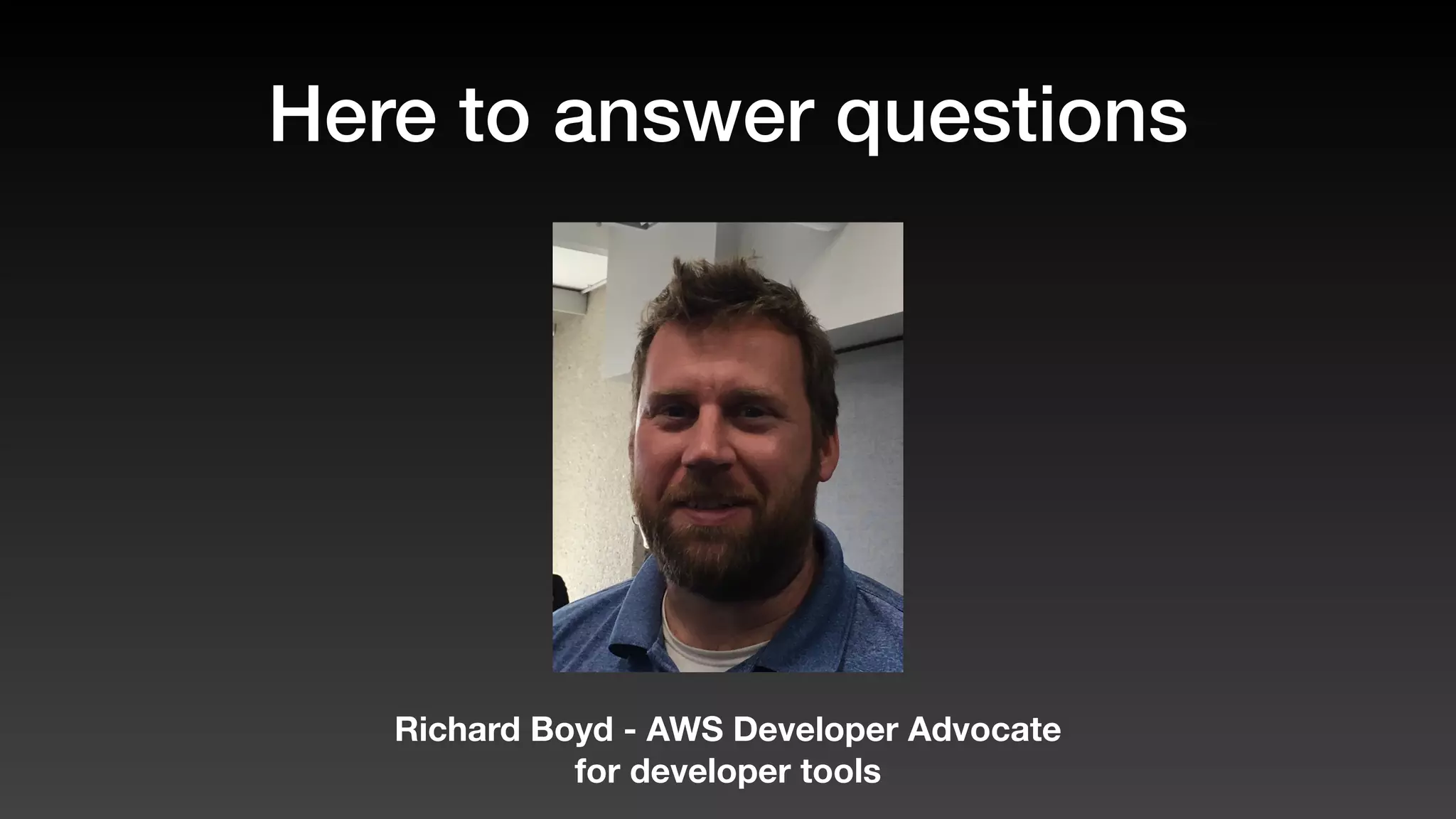
Here to answer questions
Richard Boyd - AWS Developer Advocate
for developer tools

AWS CDK introduction