Downloaded 13 times

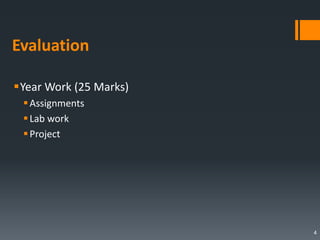
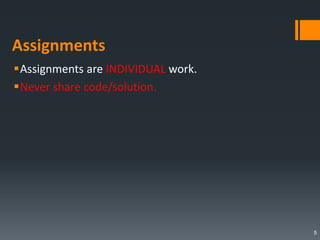
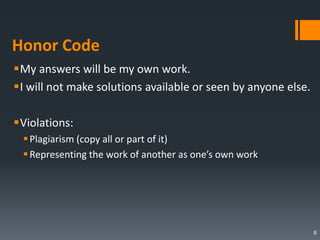

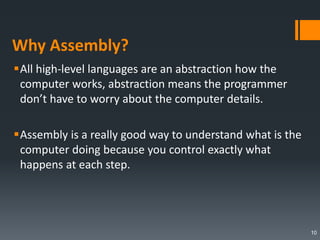
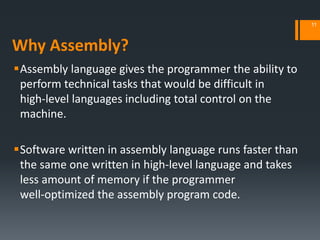
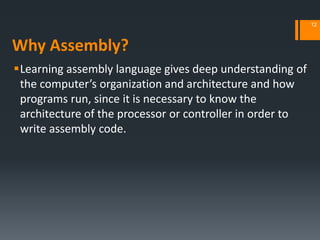
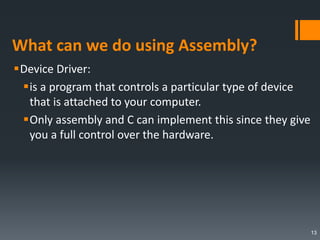
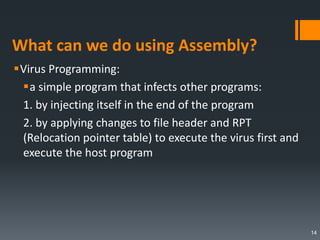

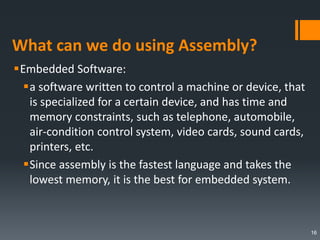
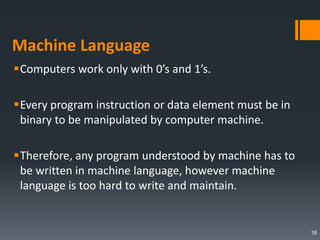
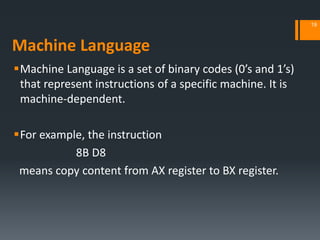
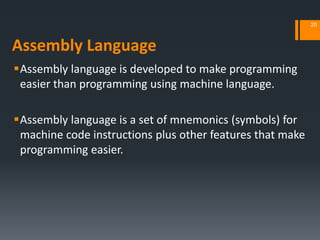
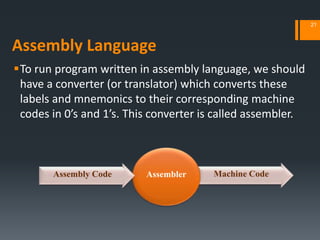
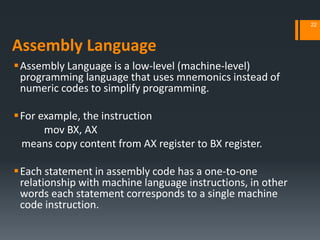
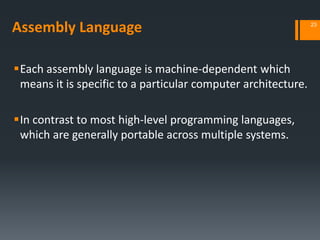
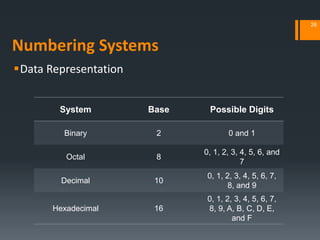
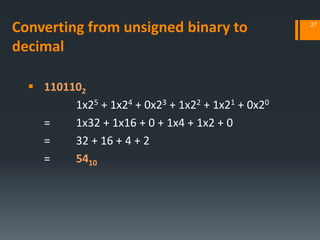
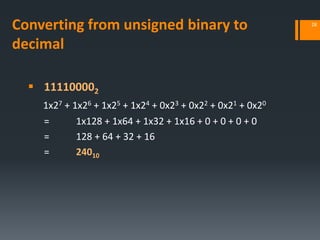
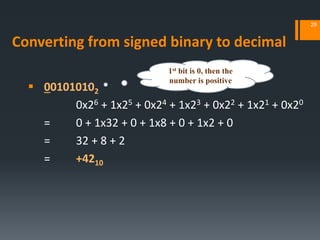
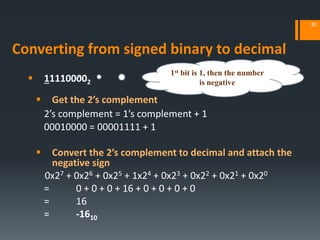
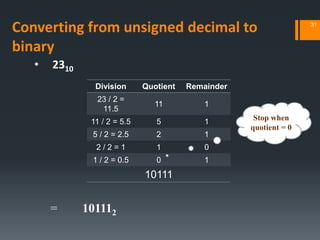
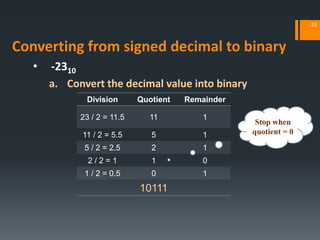
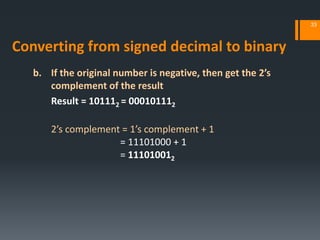
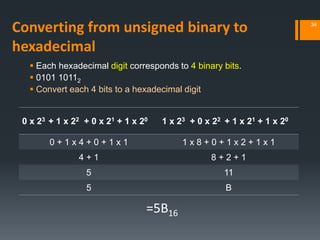
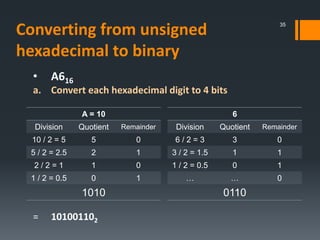
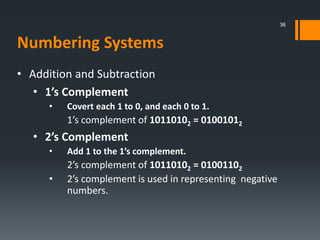
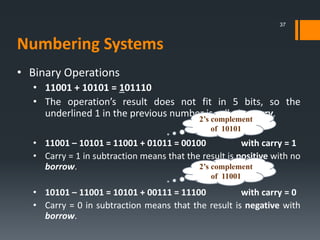
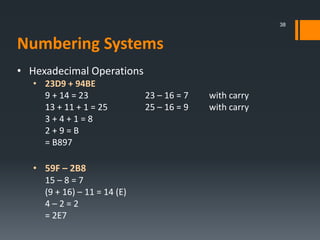
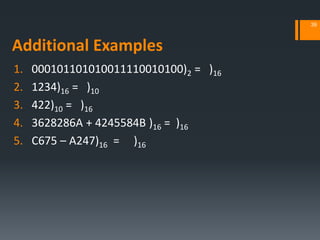
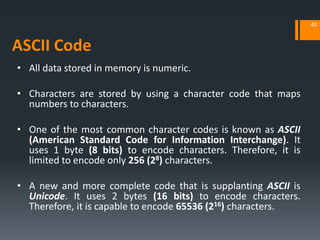


The document provides an introduction to assembly language programming including: - An overview of the course structure and evaluation methods. - An explanation of why assembly language is useful for tasks like device drivers, virus programming, and embedded systems where speed and memory usage are important. - A comparison of machine language, assembly language, and high-level languages, noting that assembly uses mnemonics instead of binary codes. - Examples of converting between binary, decimal, hexadecimal, and signed and unsigned number representations. - An introduction to binary operations like addition, subtraction, 1's and 2's complement, and carrying.

![[ASM]Lab4](https://cdn.slidesharecdn.com/ss_thumbnails/asmlab4-151121101809-lva1-app6891-thumbnail.jpg?width=640&height=640&fit=bounds)
![[ASM]Lab7](https://cdn.slidesharecdn.com/ss_thumbnails/asmlab7-151121102306-lva1-app6891-thumbnail.jpg?width=640&height=640&fit=bounds)
![[ASM]Lab6](https://cdn.slidesharecdn.com/ss_thumbnails/asmlab6-151121102137-lva1-app6891-thumbnail.jpg?width=640&height=640&fit=bounds)
![[ASM]Lab5](https://cdn.slidesharecdn.com/ss_thumbnails/asmlab5-151121102022-lva1-app6892-thumbnail.jpg?width=640&height=640&fit=bounds)
![[ASM]Lab8](https://cdn.slidesharecdn.com/ss_thumbnails/asmlab8-151121102357-lva1-app6892-thumbnail.jpg?width=640&height=640&fit=bounds)


![Oh Crap, I Forgot (Or Never Learned) C! [CodeMash 2010]](https://cdn.slidesharecdn.com/ss_thumbnails/oh-crap-i-never-learned-c-codemash-2010-100115163750-phpapp01-thumbnail.jpg?width=640&height=640&fit=bounds)


![[ASM]Lab3](https://cdn.slidesharecdn.com/ss_thumbnails/asmlab3-151121101223-lva1-app6891-thumbnail.jpg?width=640&height=640&fit=bounds)
![[ASM] Lab2](https://cdn.slidesharecdn.com/ss_thumbnails/asmlab2-161012104901-thumbnail.jpg?width=640&height=640&fit=bounds)
![[SpLab1]Review](https://cdn.slidesharecdn.com/ss_thumbnails/splab1-151121170235-lva1-app6891-thumbnail.jpg?width=640&height=640&fit=bounds)


![[SpLab7]Functions I](https://cdn.slidesharecdn.com/ss_thumbnails/sp-lab7functionsi-151121121416-lva1-app6892-thumbnail.jpg?width=640&height=640&fit=bounds)
![[Splab8]Functions II](https://cdn.slidesharecdn.com/ss_thumbnails/sp-lab8functionsii-151121120659-lva1-app6891-thumbnail.jpg?width=640&height=640&fit=bounds)
![[SpLab5] Pointers II](https://cdn.slidesharecdn.com/ss_thumbnails/sp-lab5pointersii-151121164908-lva1-app6891-thumbnail.jpg?width=640&height=640&fit=bounds)
![[SpLab9]Functions III](https://cdn.slidesharecdn.com/ss_thumbnails/sp-lab9functionsiii-151121112057-lva1-app6892-thumbnail.jpg?width=640&height=640&fit=bounds)


