 C++ is an extension to C Programming
language. It was developed at AT&T Bell
Laboratories in the early 1980s by Bjarne
Stroustrup. It is a deviation from traditional
procedural languages in the sense that it
follows object oriented programming (OOP)
approach which is quite suitable for managing
large and complex programs.
 Inheritance
 Polymorphism
 Encapsulation
 The capability of one class to inherit properties
from another class as a child inherits some
properties from his/her parents.
The most important advantage of inheritance is
code reusability. Once a base class is written and
debugged, it can be used in various situations
without having to redefine it or rewrite it.
Reusing existing code saves time, money and
efforts of writing the code again. Without
redefining the old class, you can add new
properties to desired class and redefine an
inherited class member function.
vehicle
2 wheeler 4 wheeler
honda Yamaha tata mahindra
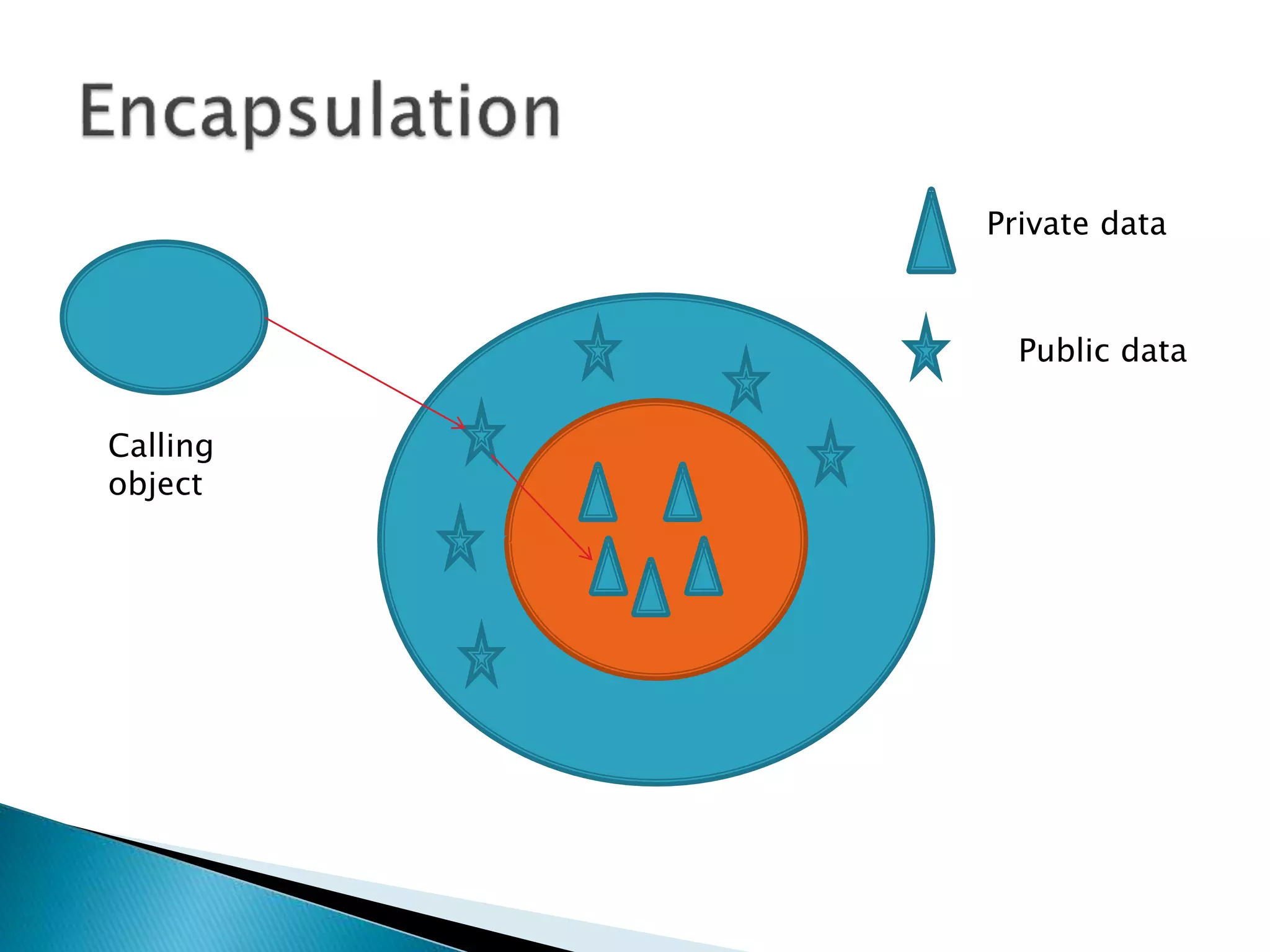
 Encapsulation is the most basic concept of OOP. It is
the way of combining both data and the functions that
operate on that data under a single unit. The only way
to access the data is provided by the functions (that are
combined along with the data). These functions are
considered as member functions in C++. It is not
possible to access the data directly. If you want to
reach the data item in an object, you call a member
function in the object. It will read the data item and
return the value to you. The data is hidden, so it is
considered as safe and far away from accidental
alternation. Data and its functions are said to be
encapsulated into a single entity.
Private data
Public data
Calling
object
 Polymorphism is a key to the power of OOP. It
is the concept that supports the capability of
data to be processed in more than one form.
What is
your
name???
amit
sanjay
prakash
 Pre processing directive.
 Header files
 Iostream.h
 Input output stream header file.
 Containing
 Cin and cout menthod
 C++ is totally case sensitive language.
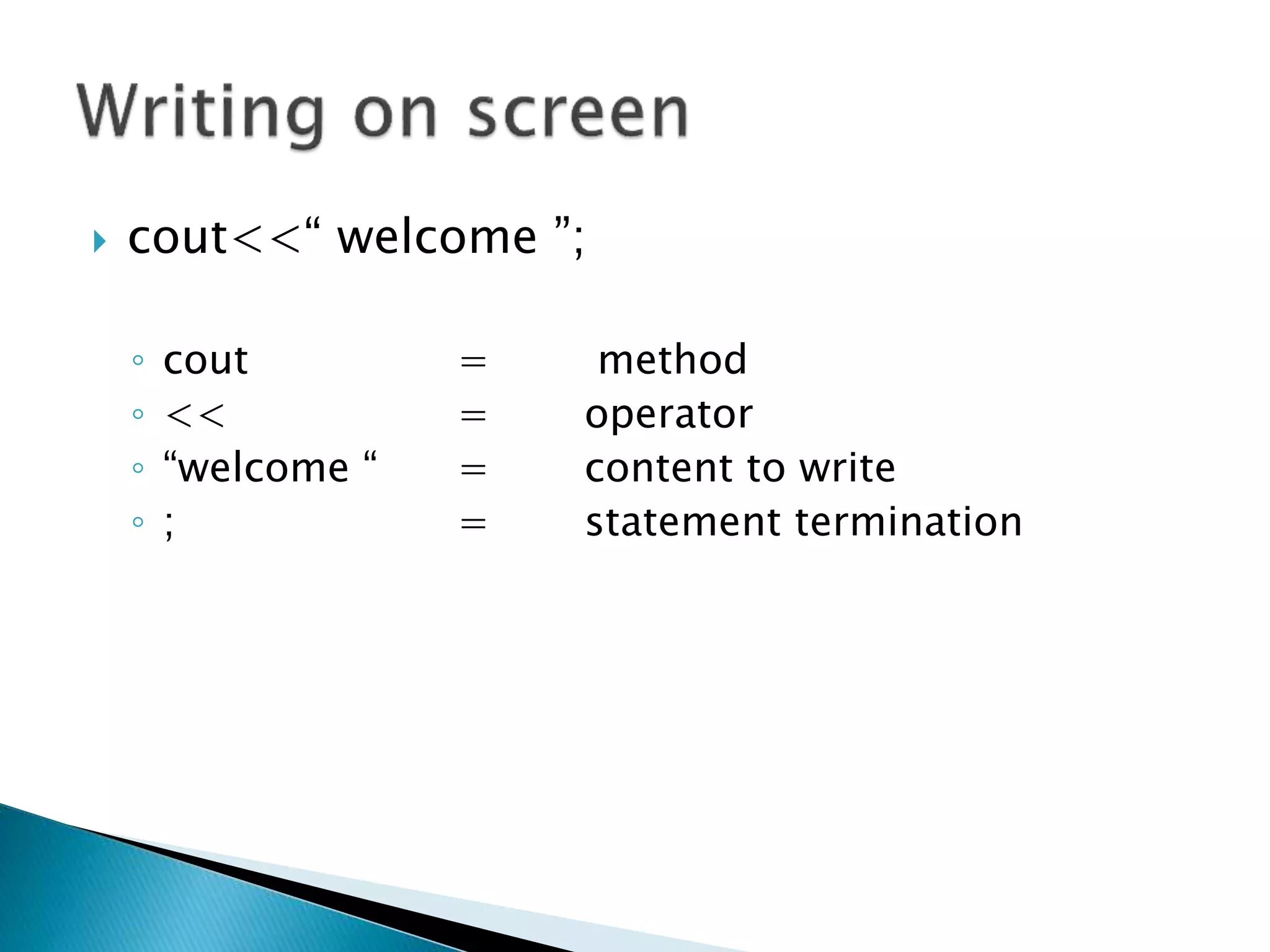
 cout<<“ welcome ”;
◦ cout = method
◦ << = operator
◦ “welcome “ = content to write
◦ ; = statement termination
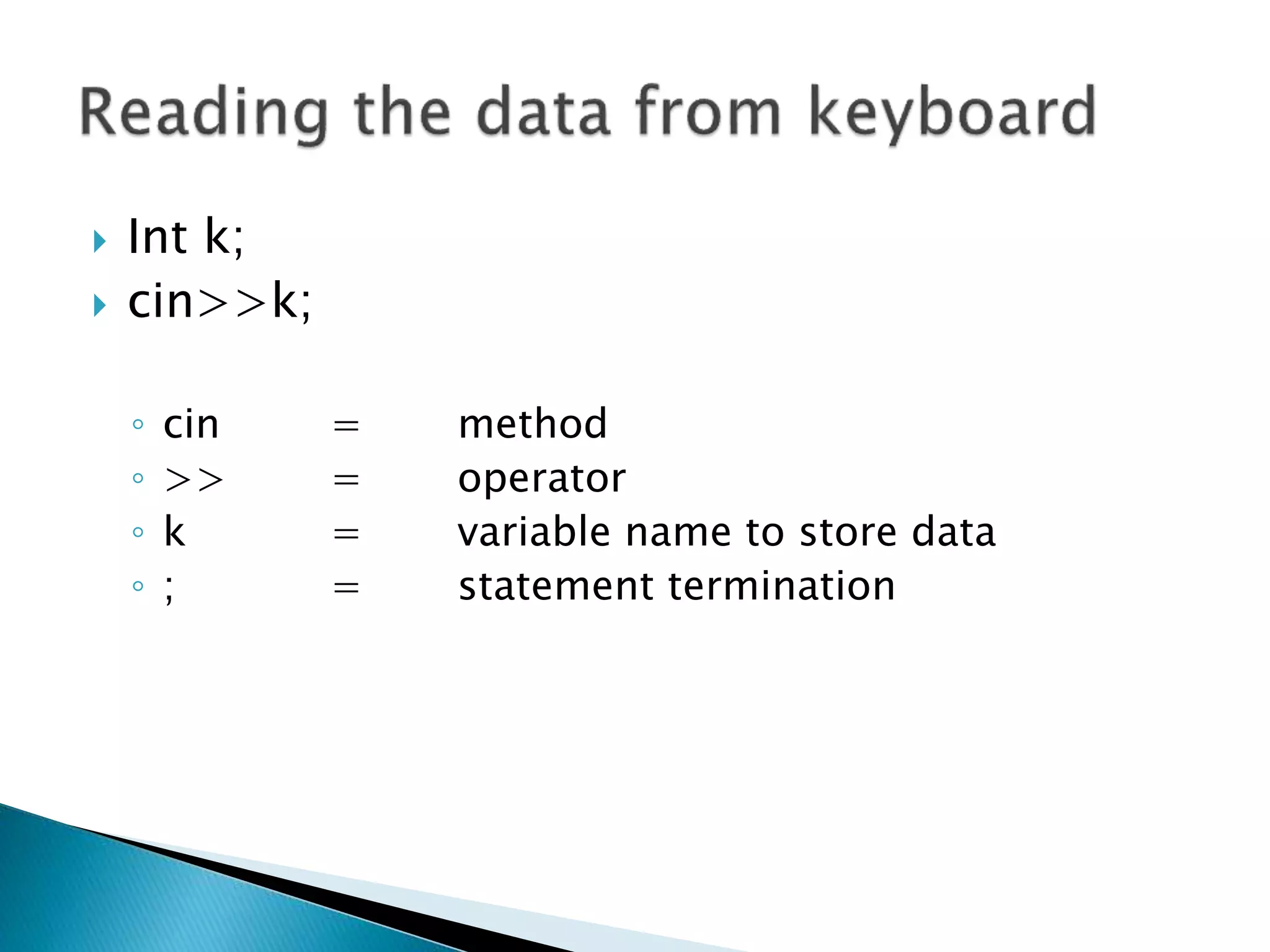
 Int k;
 cin>>k;
◦ cin = method
◦ >> = operator
◦ k = variable name to store data
◦ ; = statement termination
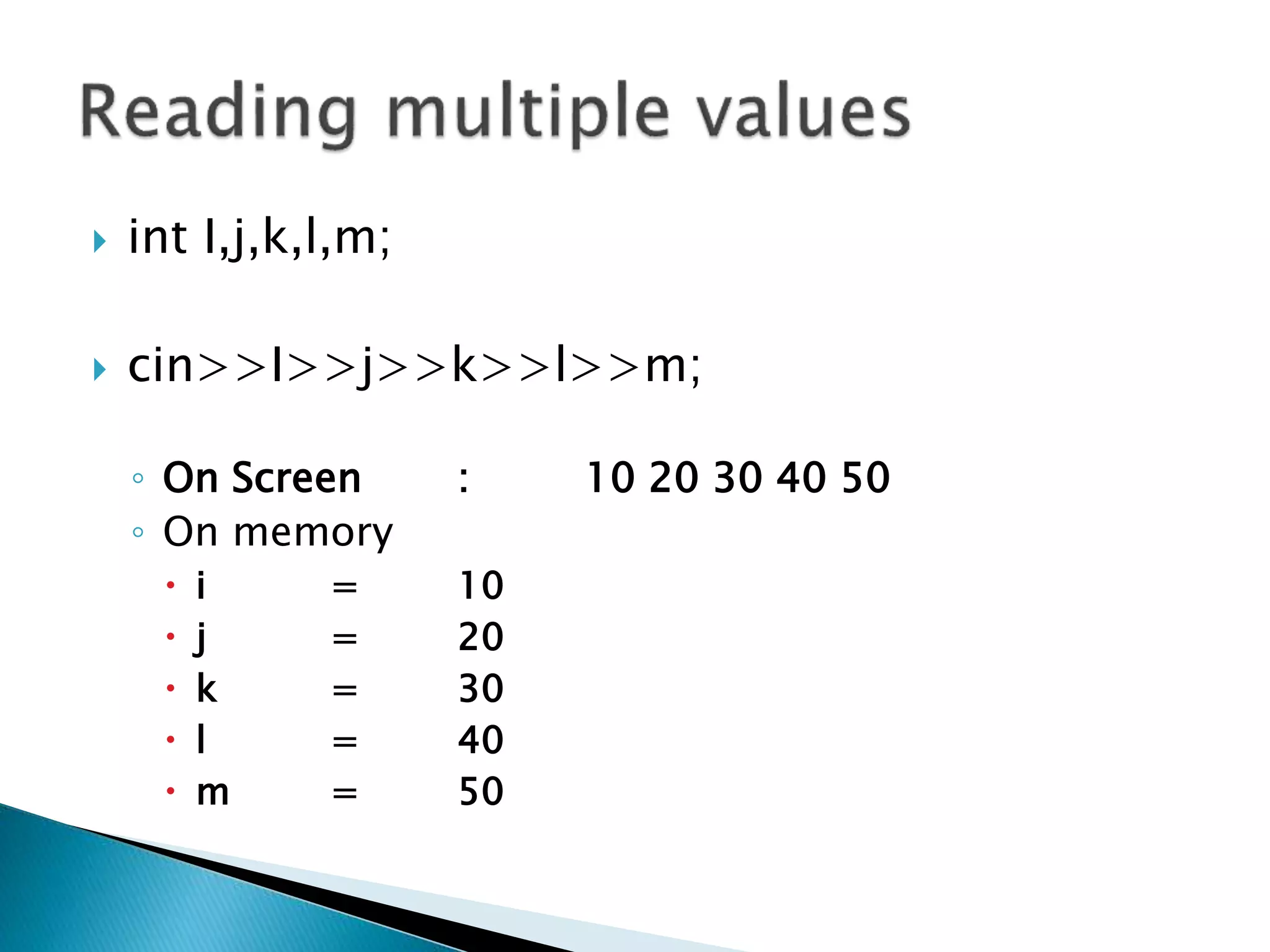
 int I,j,k,l,m;
 cin>>I>>j>>k>>l>>m;
◦ On Screen : 10 20 30 40 50
◦ On memory
 i = 10
 j = 20
 k = 30
 l = 40
 m = 50
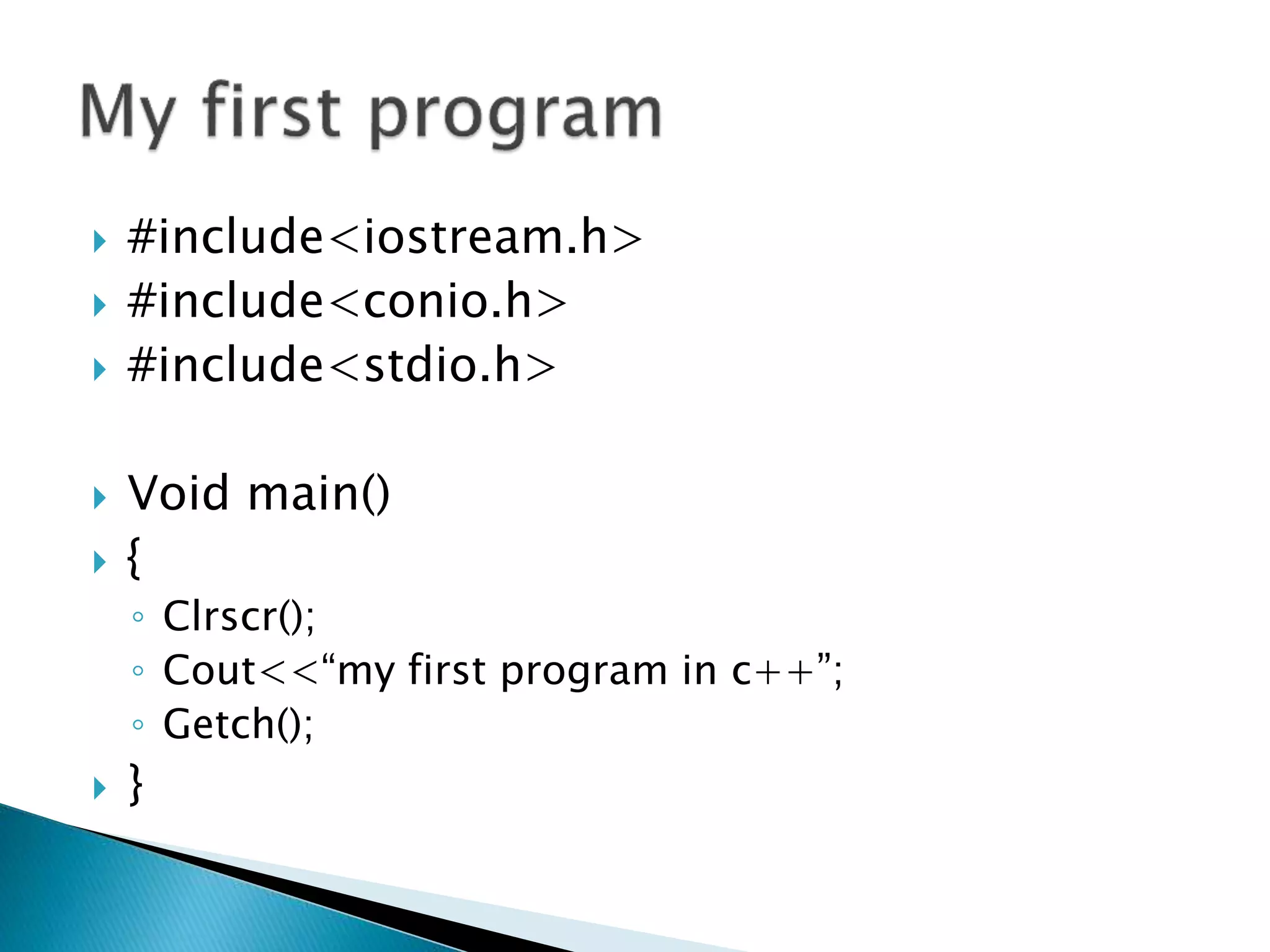
 #include<iostream.h>
 #include<conio.h>
 #include<stdio.h>
 Void main()
 {
◦ Clrscr();
◦ Cout<<“my first program in c++”;
◦ Getch();
 }
 Registered and reserved words of c++ are
known as a key word.
 Not use to create variables.
List of Keywords
 asm double new switch
 auto else operator template
 break enum private this
 case extern protected try
 catch float public typedef
 char for register union
 class friend return unsigned
 const goto short virtual
 continue if signed void
 default inline sizeof volatile
 delete int static while
 do long struct
 Brackets [ ] opening and closing brackets indicate
single and multidimensional array
subscript.
 Parentheses ( ) opening and closing brackets indicate
functions calls, function parameters for
grouping expressions etc.
 Braces { } opening and closing braces indicate the
start and end of a compound statement.
 Comma , it is used as a separator in a function
argument list.
 Semicolon ; it is used as a statement terminator.
 Colon : it indicates a labelled statement or
conditional operator symbol.
 Asterisk * it is used in pointer declaration or as
multiplication operator.
 Equal sign = it is used as an assignment operator.
 Pound sign # it is used as pre-processor directive.
 Char
 Integer
 Float
 Double
 Boolean
 If condition
 If else condition
 If else if condition
 Switch case
 Break statement
 Continue statement
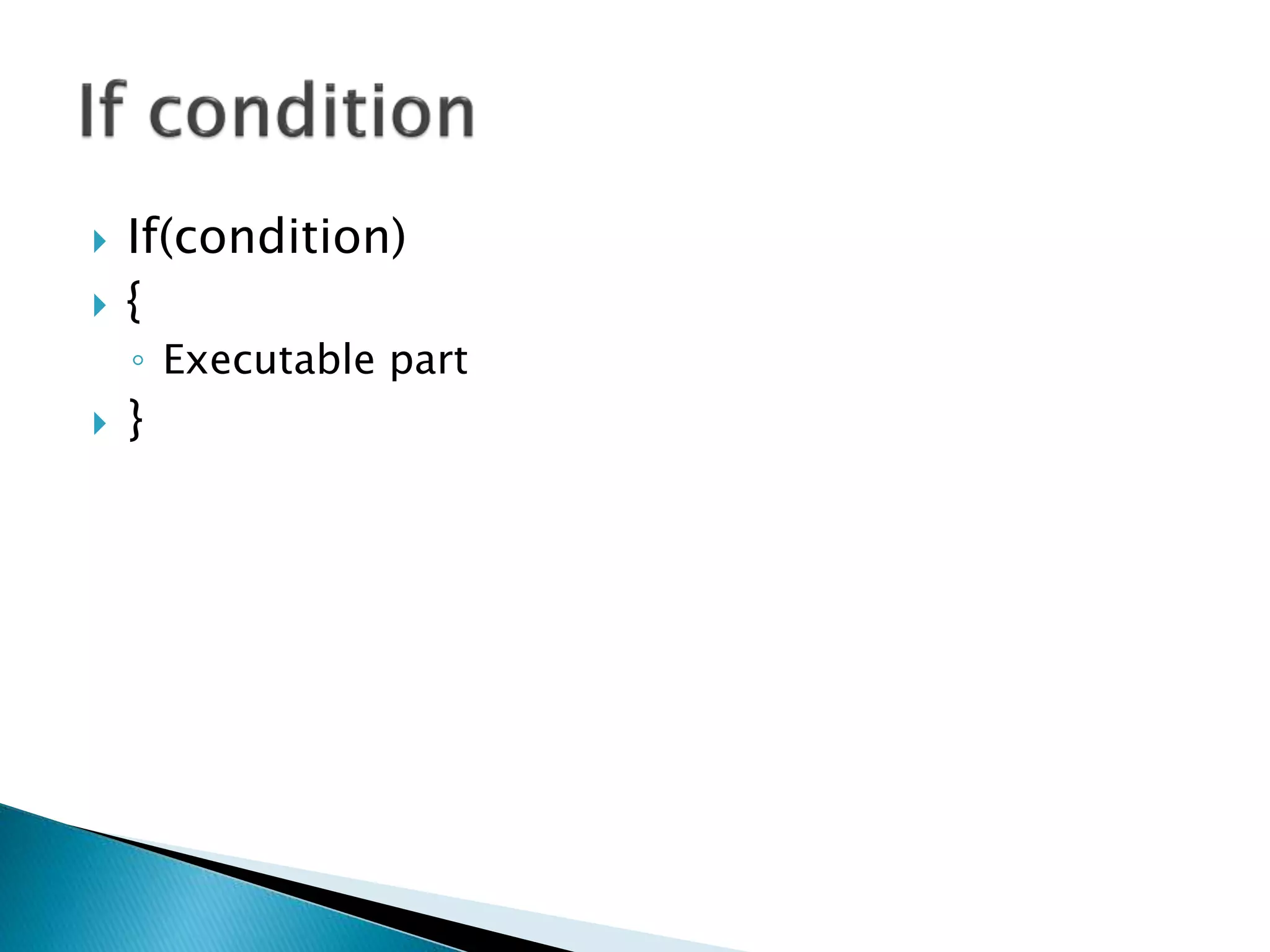
 If(condition)
 {
◦ Executable part
 }
 If(condition)
{
execute when condition ins true
}
else
{
execute when condition is false
}
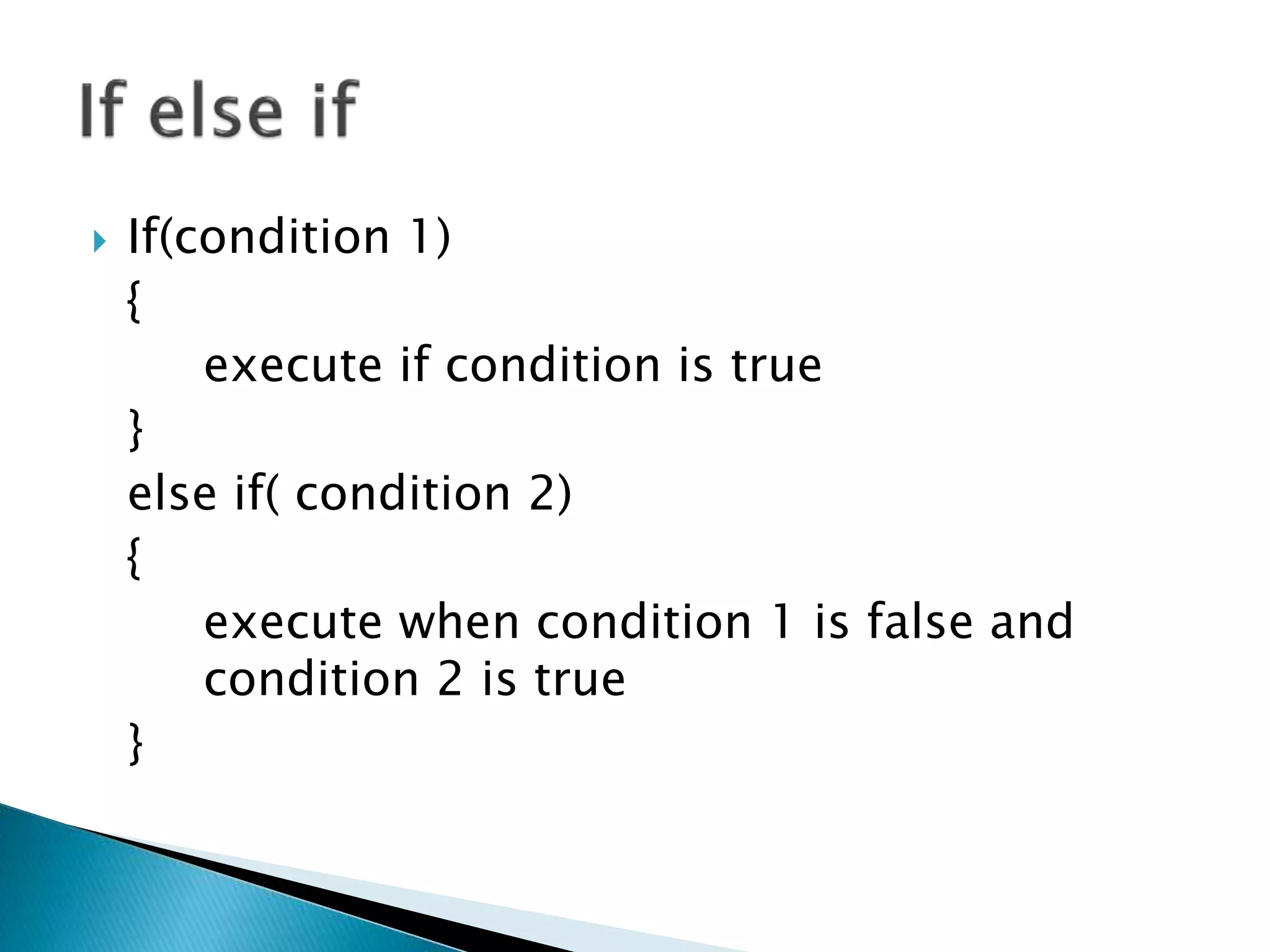
 If(condition 1)
{
execute if condition is true
}
else if( condition 2)
{
execute when condition 1 is false and
condition 2 is true
}
 Switch(parameter)
 {
◦ Case (condition):
◦ {
◦ executable part;
◦ Break;
}
◦ Case (condition):
◦ {
◦ executable part;
◦ Break;
}
 }
Entry control loop
•For loop
•While loop
Exit control loop
•Do while loop
 While(condition)
 {
◦ Executable part
◦ Increment / decrement;
 }
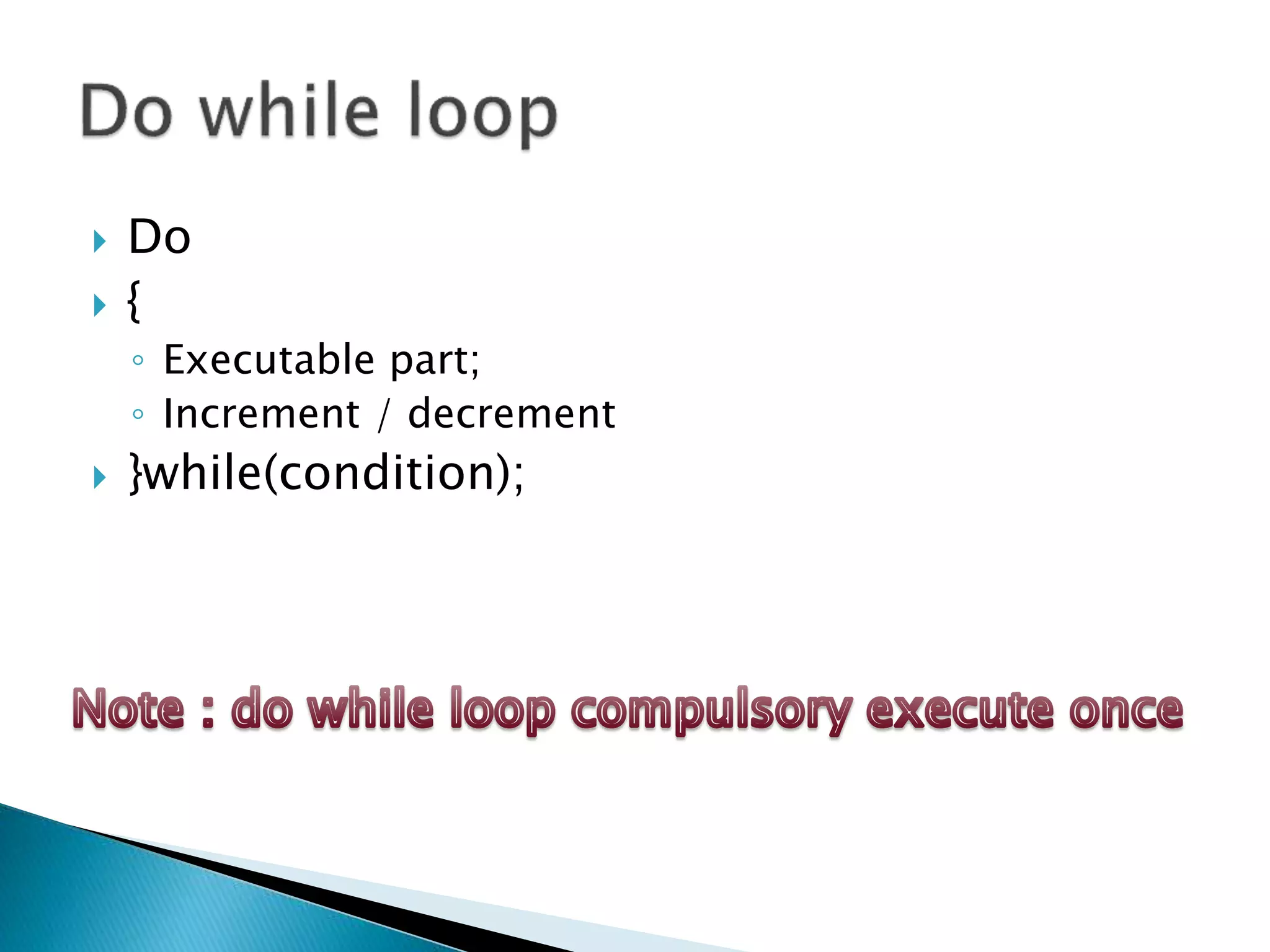
 Do
 {
◦ Executable part;
◦ Increment / decrement
 }while(condition);
For(initialization;condition;increment/decrement)
{
◦ Executable part
 }
 Arithmetic
 Logical
 Conditional
 Relational
 Increment / decrement
 Special
 Assignment
 Urinary / short hand
 + ( summation )
 - ( subtraction )
 / ( division )
 * ( multiplication )
 % ( modulation )
 || ( or sign )
 && ( and sign )
 ! ( not sign )
Condition 1 Condition 2 Result
True False False
False True False
False False False
True True True
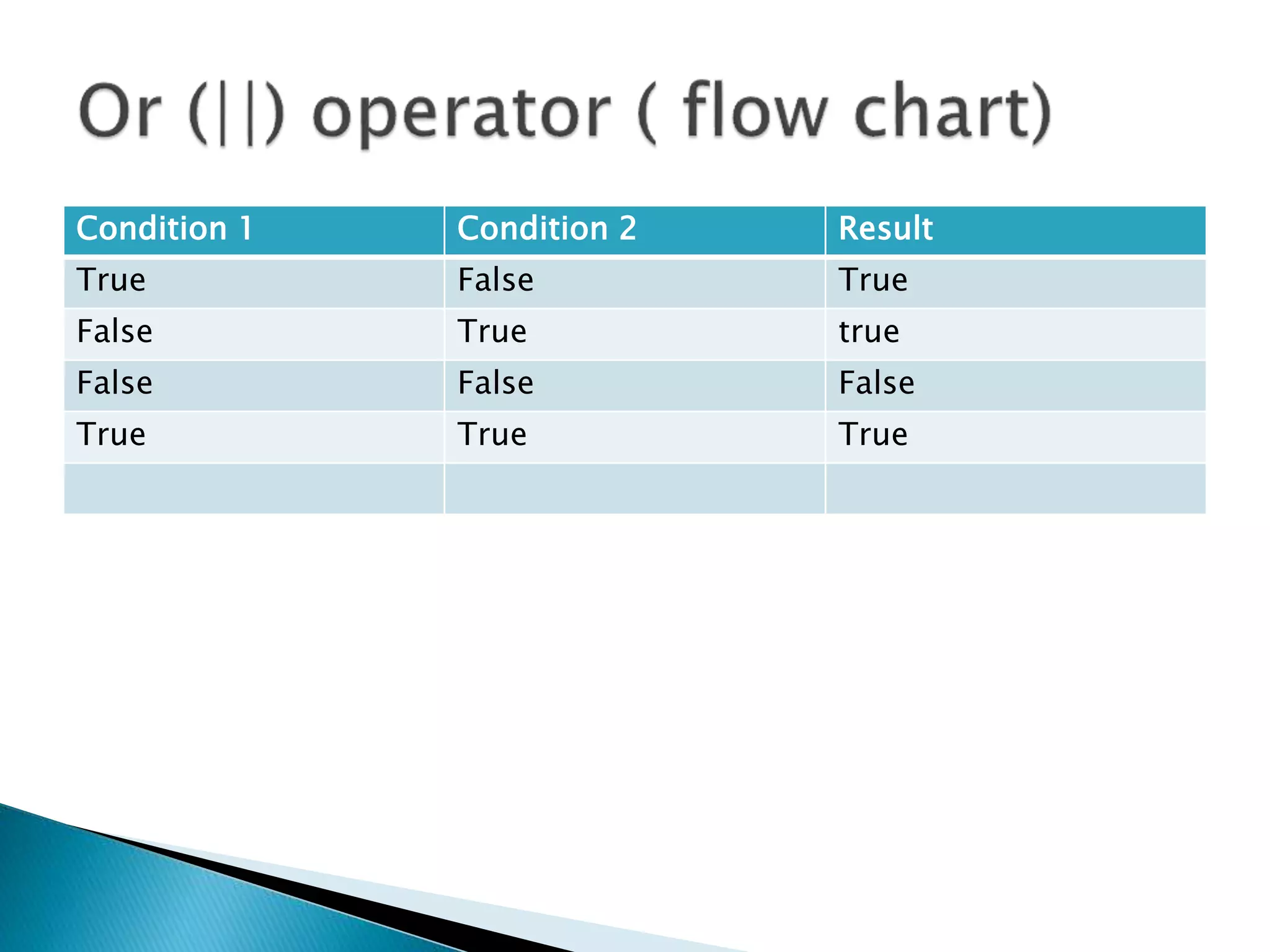
Condition 1 Condition 2 Result
True False True
False True true
False False False
True True True
Condition 1 condition 2 Result
True False False
False True False
False False True
True True False
 > ( greater than)
 < ( less than)
 >= ( greater than equal)
 <= ( less than equal )
 == ( equals to )
 != ( not equals )
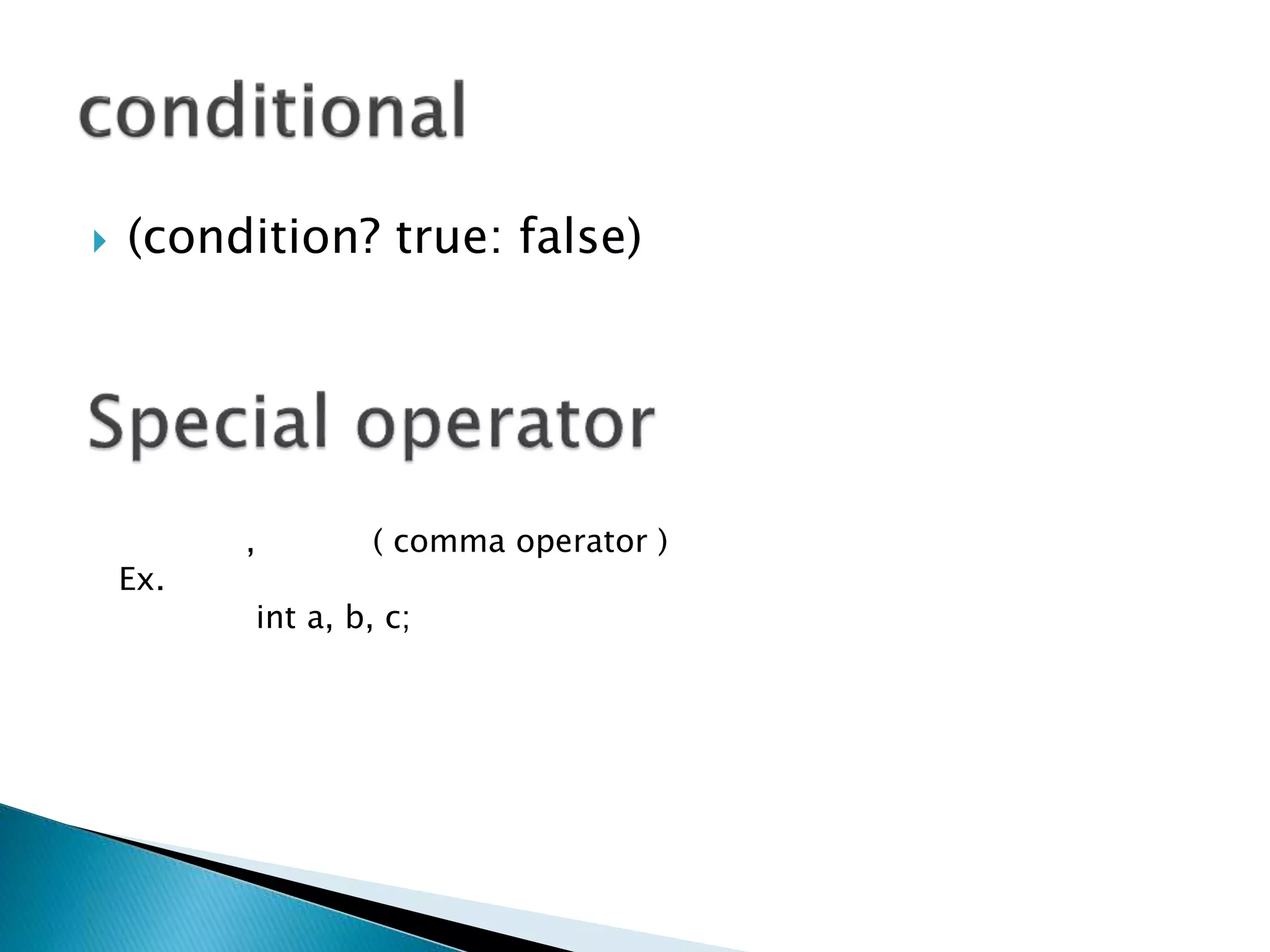
 (condition? true: false)
, ( comma operator )
Ex.
int a, b, c;
 ++
 --
 Pre increment / decrement
◦ ++ Variable name
◦ -- variable name
 Post increment / decrement
◦ variable name ++
◦ variable name --
 Variable name +=
 Variable name +-
 Variable name +/
 Variable name +*
 Variable name +%
 Ex
 cout<<“string 1” << “string 2” ;
 All the statement of c ++ are terminated by
◦ ;
◦ (semi colon )
 String functions
 Math functions
 Character functions
 Header file
◦ String.h
Functions
strlen
strrev
strcpy
strcmp
strupr
strlwr
 Header file
◦ math.h
Min
Max
Round
Sqrt
Abs
Floor
Ceil
 Header file
◦ Ctype.h
◦ Getch
◦ Getche
◦ Isdigit
◦ Isalpha
◦ Isalnum
◦ Isspace
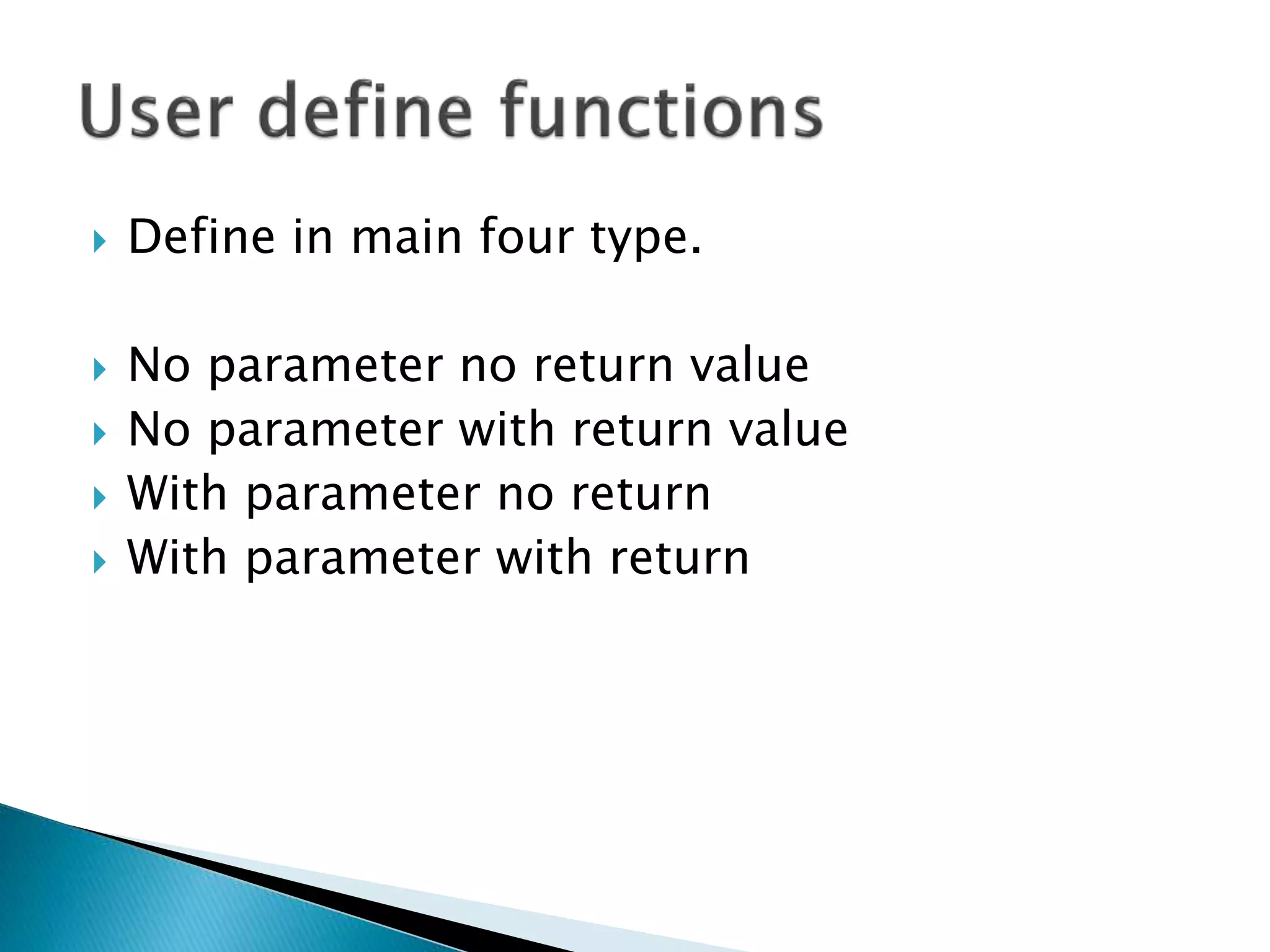
 Define in main four type.
 No parameter no return value
 No parameter with return value
 With parameter no return
 With parameter with return
 Abc()
 Void Abc()
 {
◦ Executable part
 }
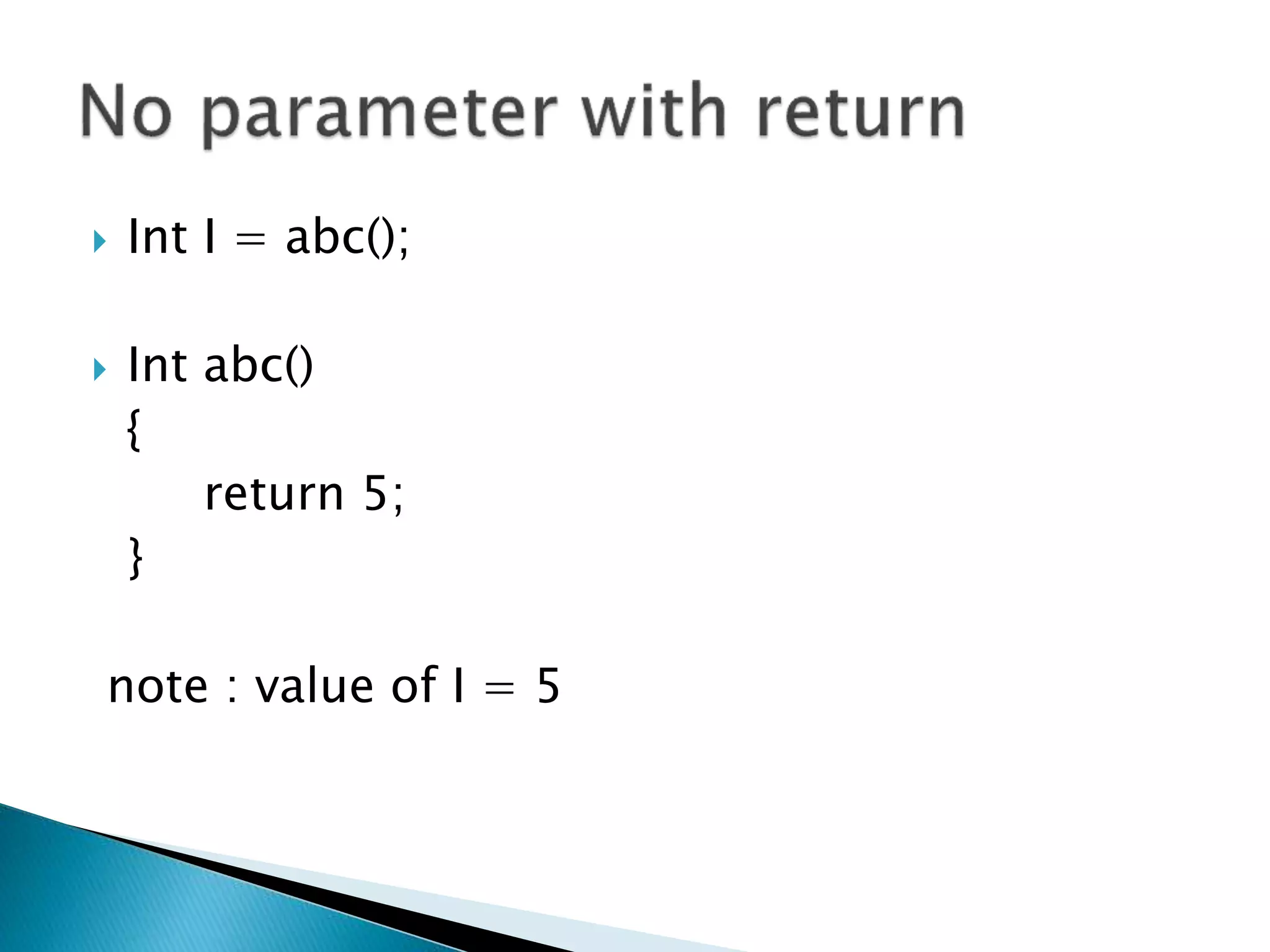
 Int I = abc();
 Int abc()
{
return 5;
}
note : value of I = 5
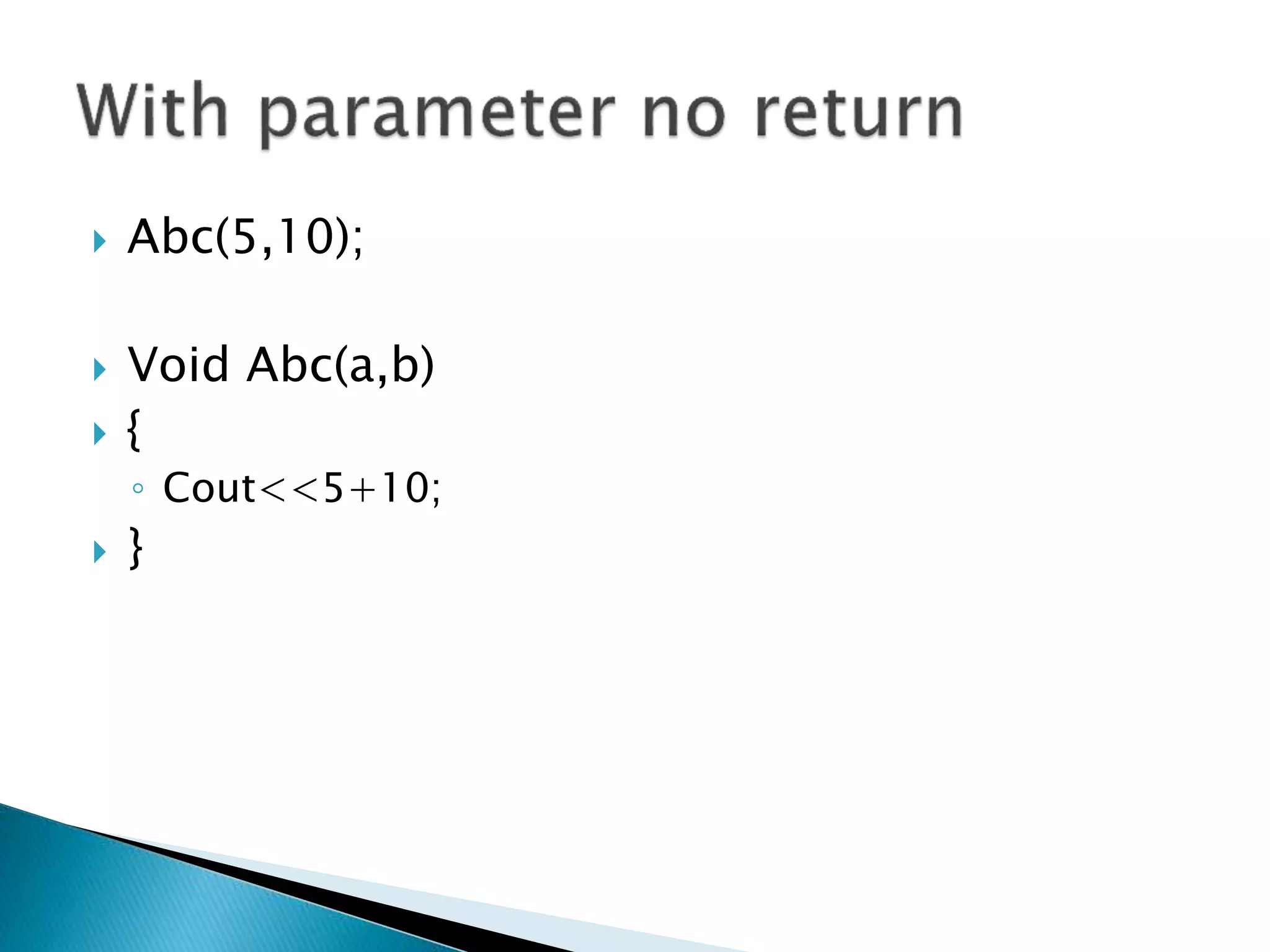
 Abc(5,10);
 Void Abc(a,b)
 {
◦ Cout<<5+10;
 }
 Int I = abc(5,10);
 Int abc(a,b);
 {
◦ Return a + b;
 }
 Value of I = 15.
 Single dimention
 Multi dimention
◦ Collection of same data type.
◦ Int a[0];
 Index of array start with 0 (zero)
Index
10A[0]
A[1]
A[2]
A[3]
20
30
40
Int A[4]
value
 Ex. Int a[4][3]
◦ 4 rows
◦ 3 columns
◦
a[1] 40 50 60
a[2] 70 80 90
a[3] 100 110 120
a[0] 10 20 30
index a[0] a[1] a[2]
a[1][1] = 50
 User define data type
 Key word Enum use to store only user define
data
 enum day = {“Sunday” , ”Monday” , ”Tuesday”}
 Index start from 0
 Ex index of Sunday is 0.
 Collection of different data type
 User define data type
 Access by . (Dot)
 Define with struct keyword
 struct structure name
 {
 Variable data type variable name
Up to n variables. . .
 };
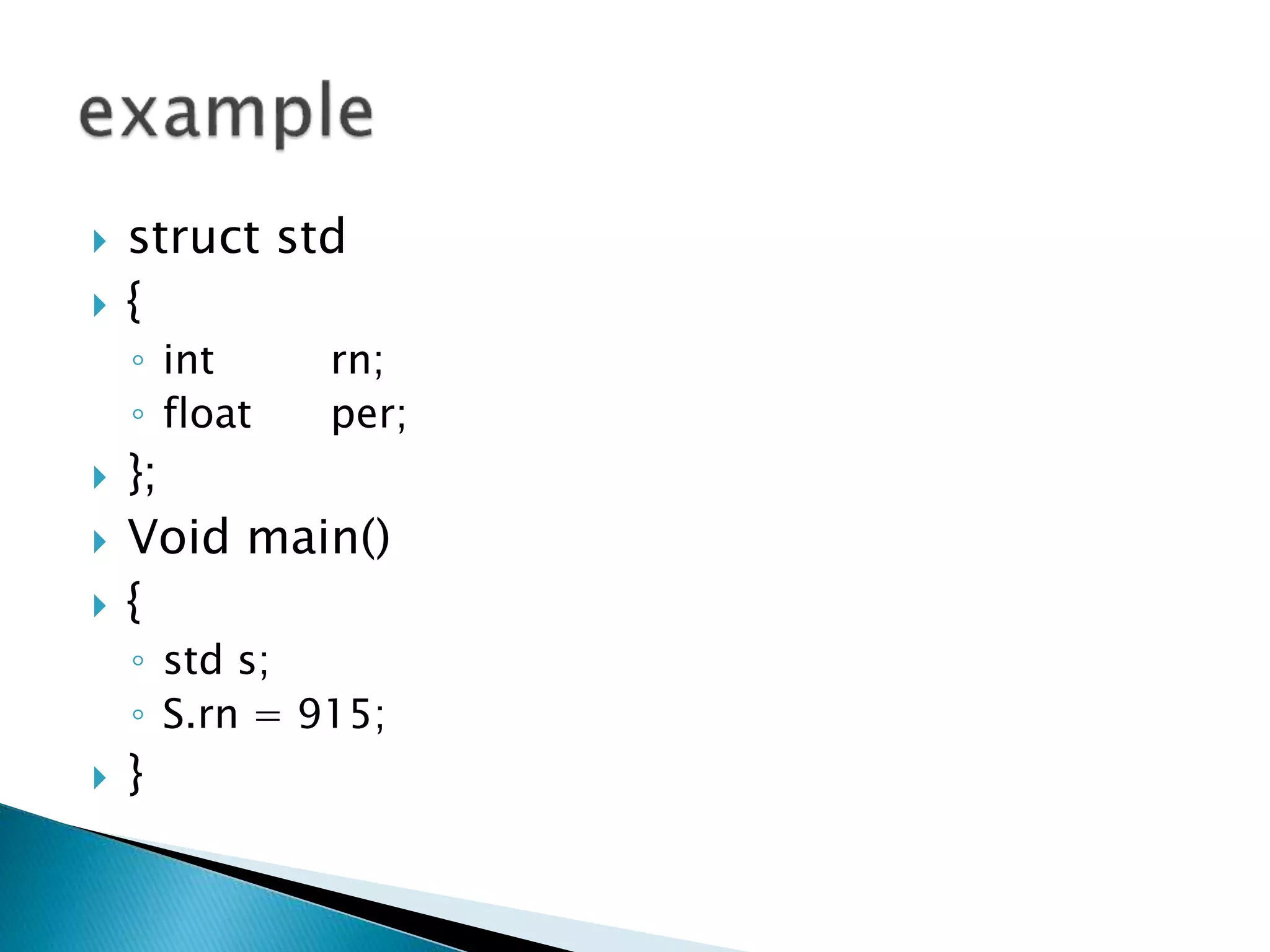
 struct std
 {
◦ int rn;
◦ float per;
 };
 Void main()
 {
◦ std s;
◦ S.rn = 915;
 }
 Use to define method and scope of method
 Use :: to define scope
 Define methods in class and out side of class
also.
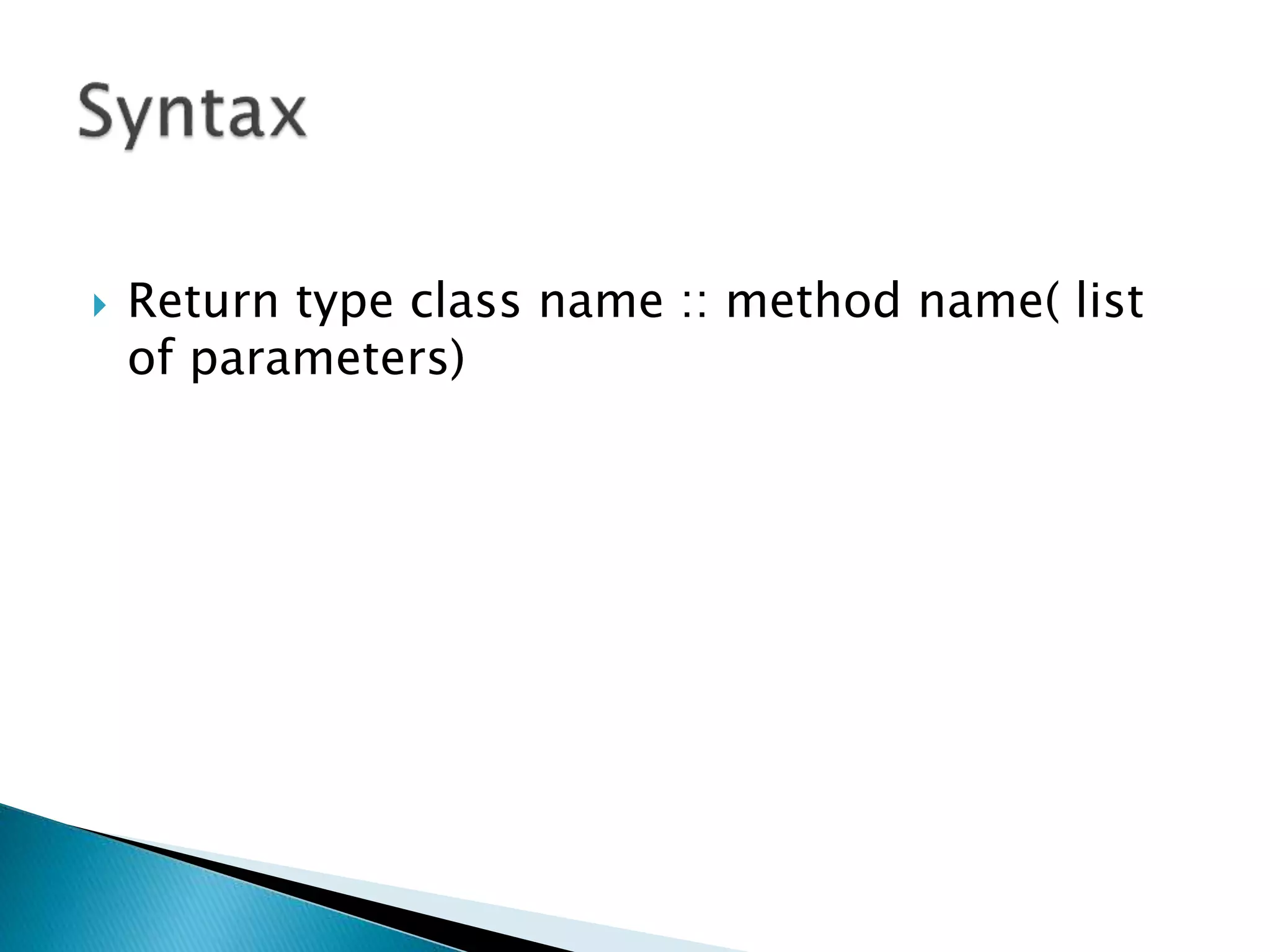
 Return type class name :: method name( list
of parameters)
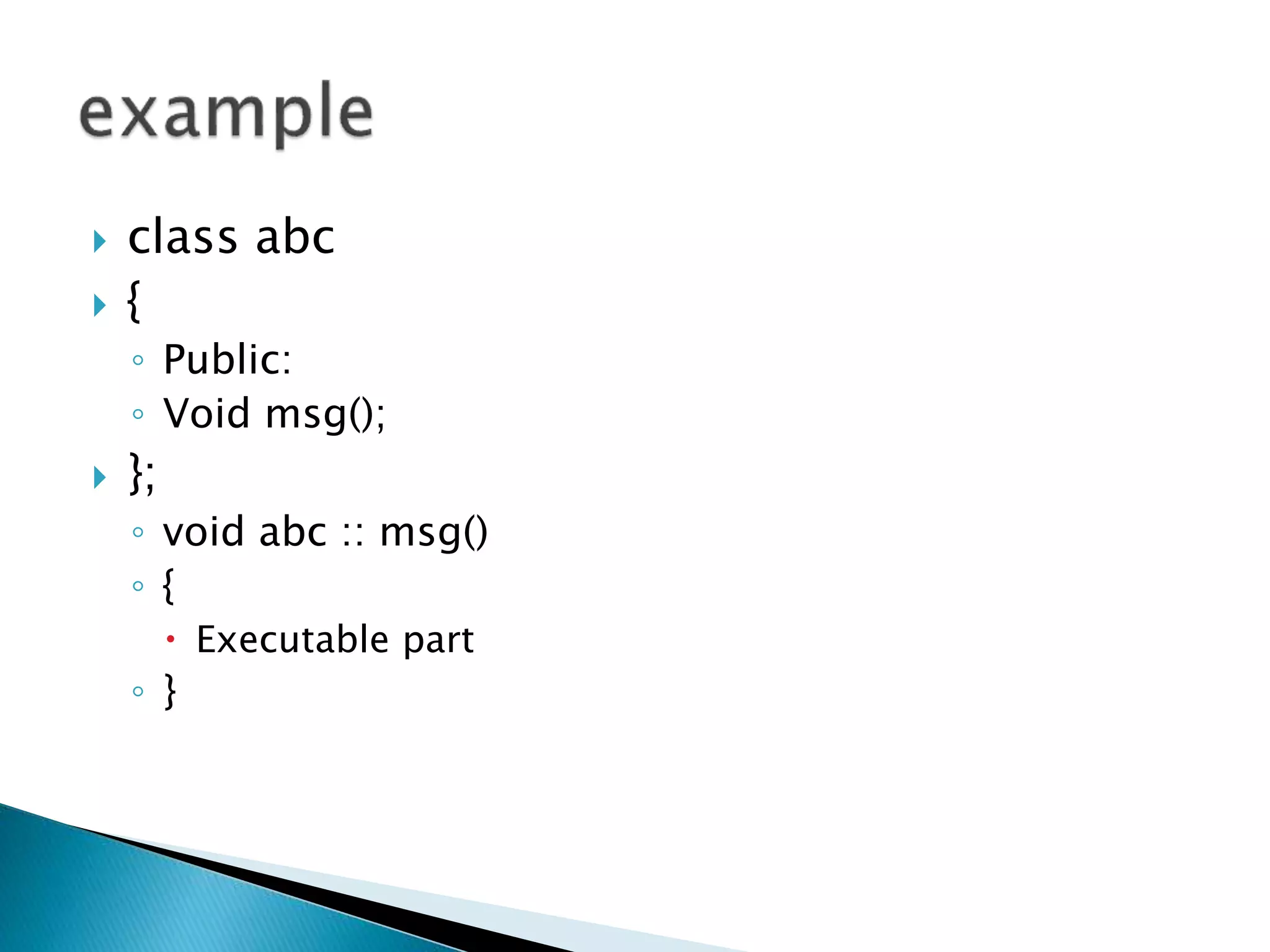
 class abc
 {
◦ Public:
◦ Void msg();
 };
◦ void abc :: msg()
◦ {
 Executable part
◦ }
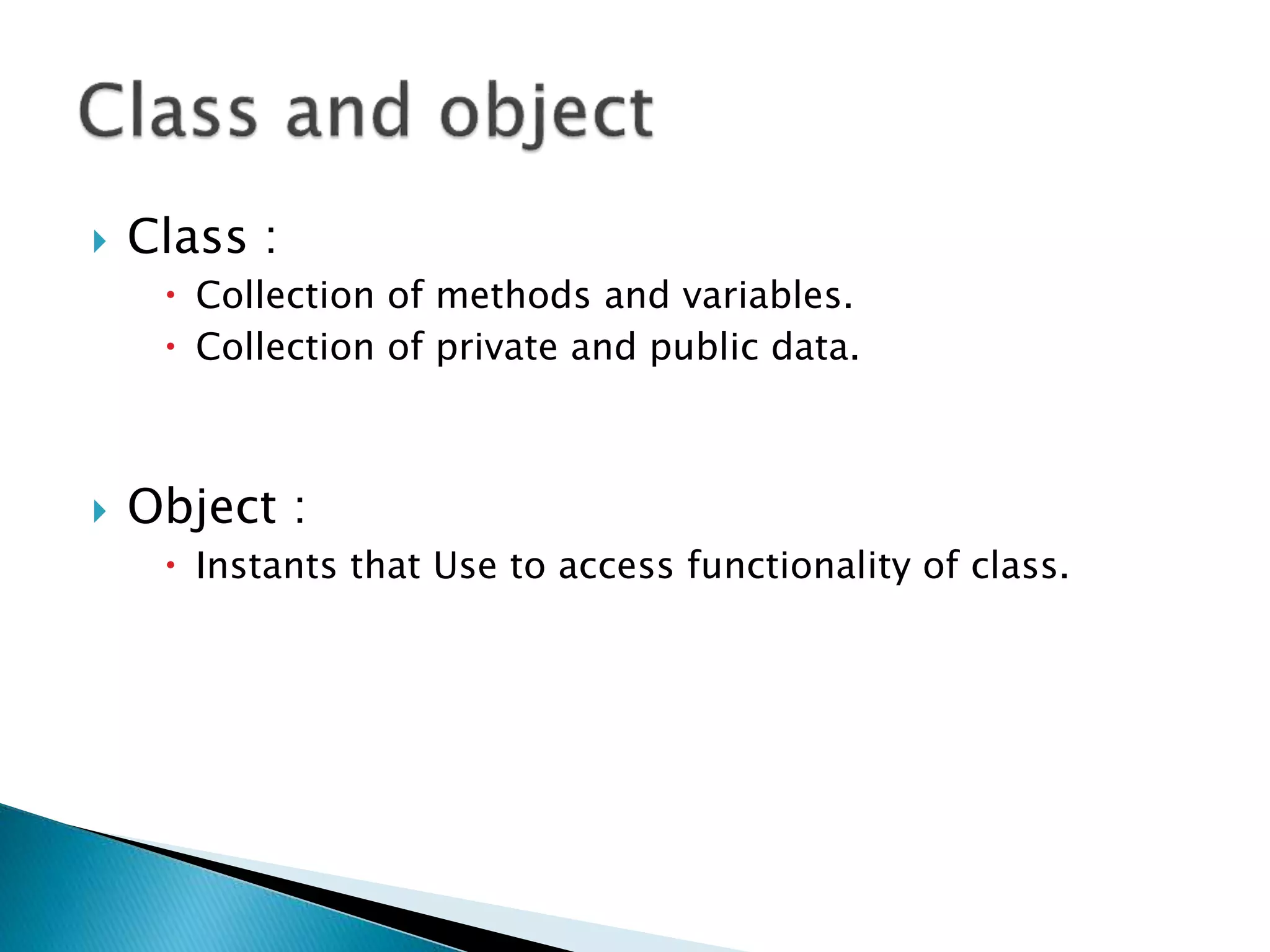
 Class :
 Collection of methods and variables.
 Collection of private and public data.
 Object :
 Instants that Use to access functionality of class.
 class class_name
 {
 Public :
 Methods
 Variables
 };
 Return type method name ( list of parameters)
 {
◦ Executable part
◦ [ return data ]
 };
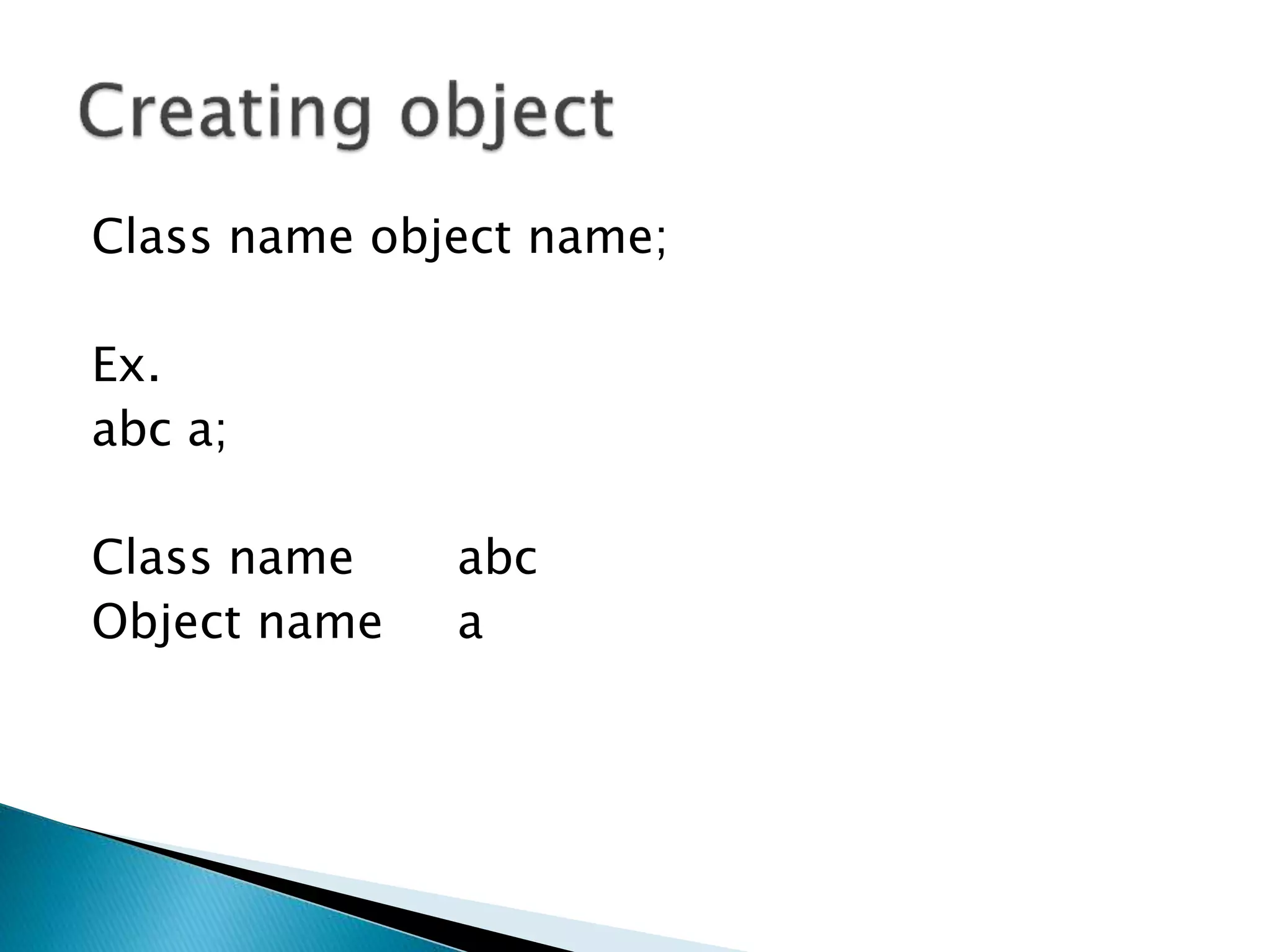
Class name object name;
Ex.
abc a;
Class name abc
Object name a
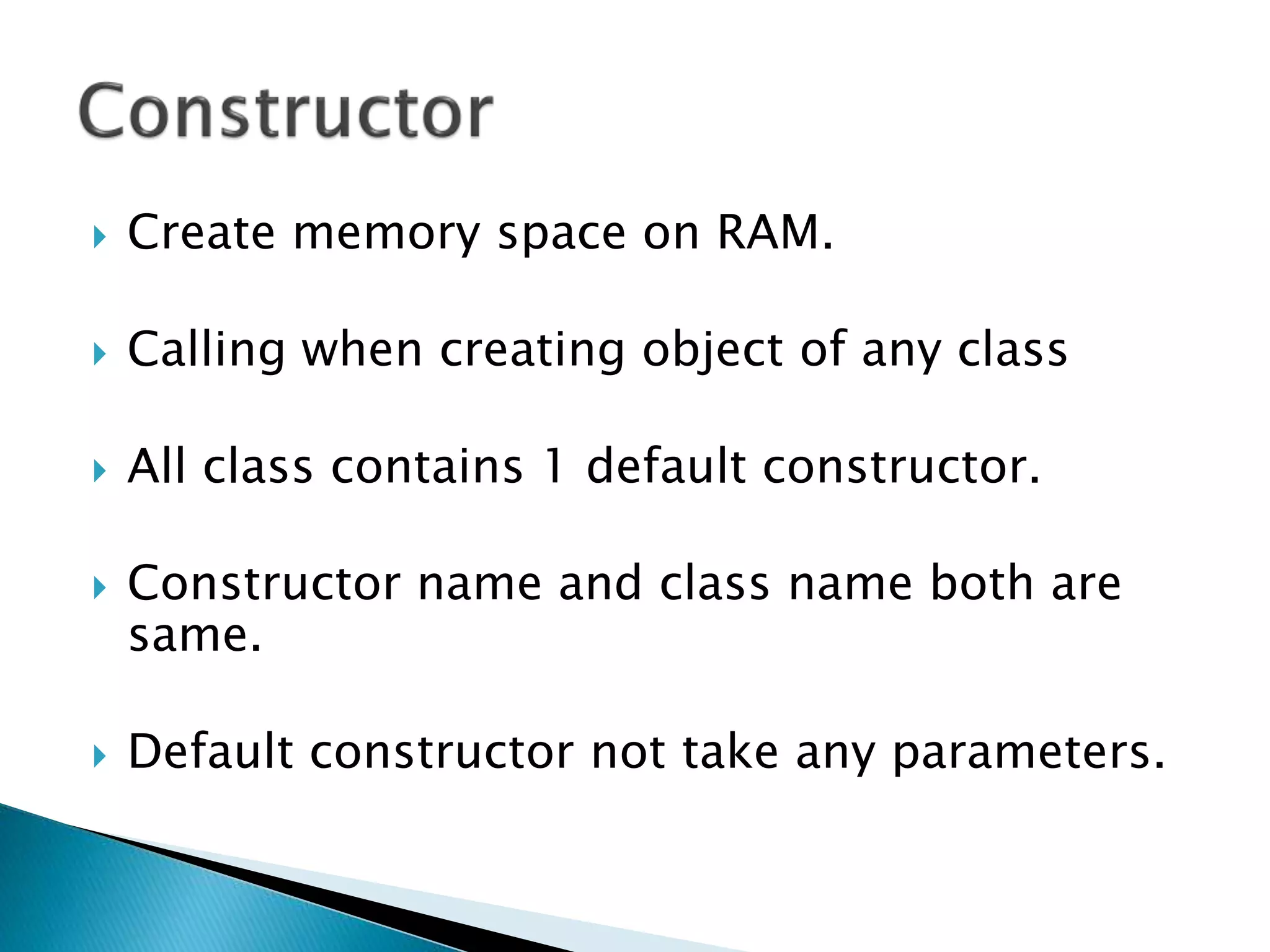
 Create memory space on RAM.
 Calling when creating object of any class
 All class contains 1 default constructor.
 Constructor name and class name both are
same.
 Default constructor not take any parameters.
A constructor is a special member function that
initializes the objects of its class.
It is special because its name is the same as the class
name. It is invoked automatically whenever an object is
created. It is called constructor because it constructs
the values of data members of the class. It does not
have any return type, not even void.
 class abc
 {
◦ public:
◦ abc()
◦ {
 Executable part
◦ }
 };
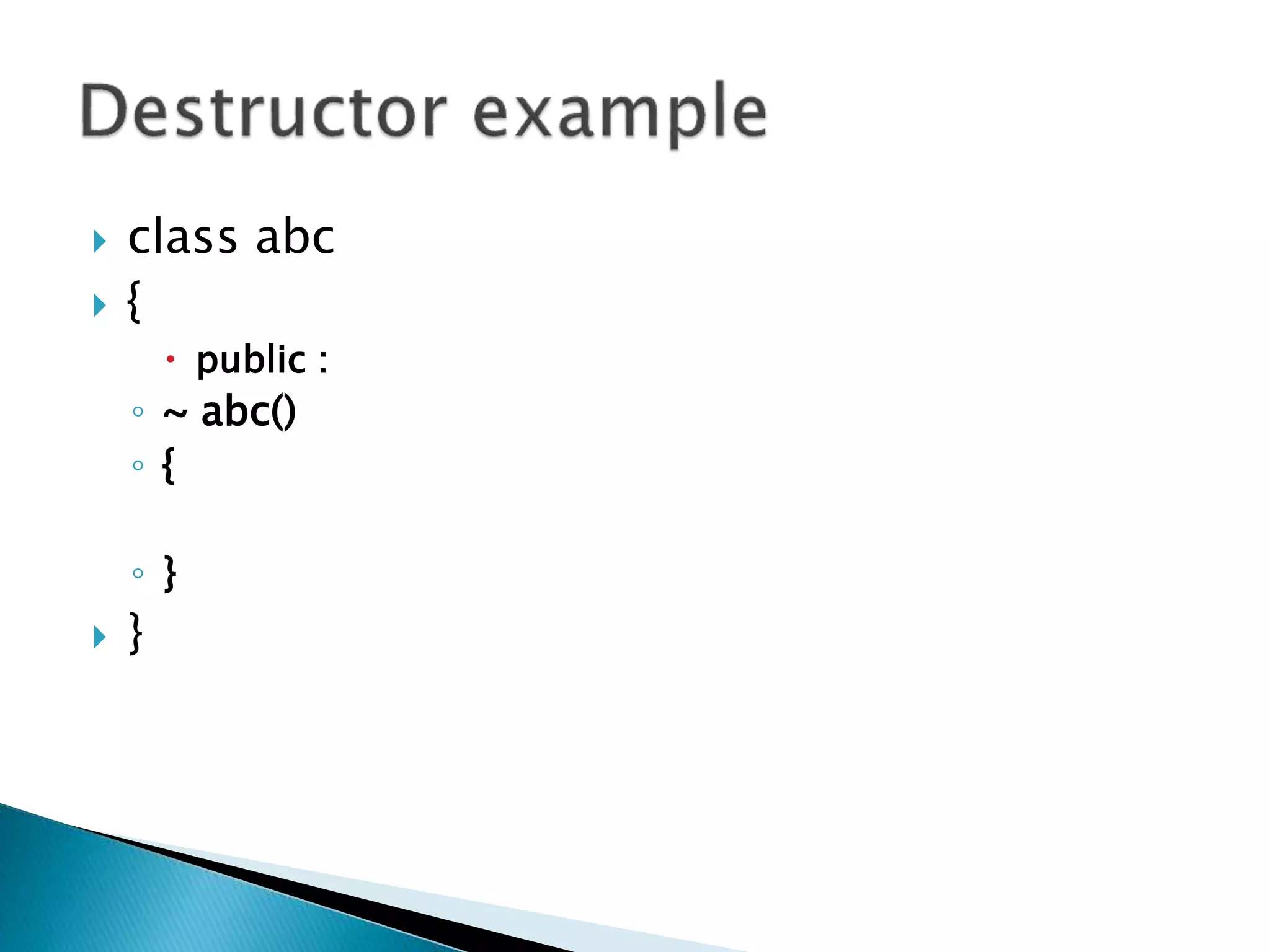
 Use to delete object of any class
 Call by ~ sign.
 Destructor never return any kind of values.
 class abc
 {
 public :
◦ ~ abc()
◦ {
◦ }
 }
 class abc
 {
 public :
 void msg()
 {
 cout<<“welcome ”;
 };
 };
 void main
 {
◦ abc a;
◦ a.msg();
 } o/p = welcome
 Re usability of any class
 Extends on class in another class
 Code re usability
 Access methods and variables of super class
 Inherit functionality of super class.
 Use of pre define class
 Mainly 5 type of inheritance available in c++
 Single level inheritance
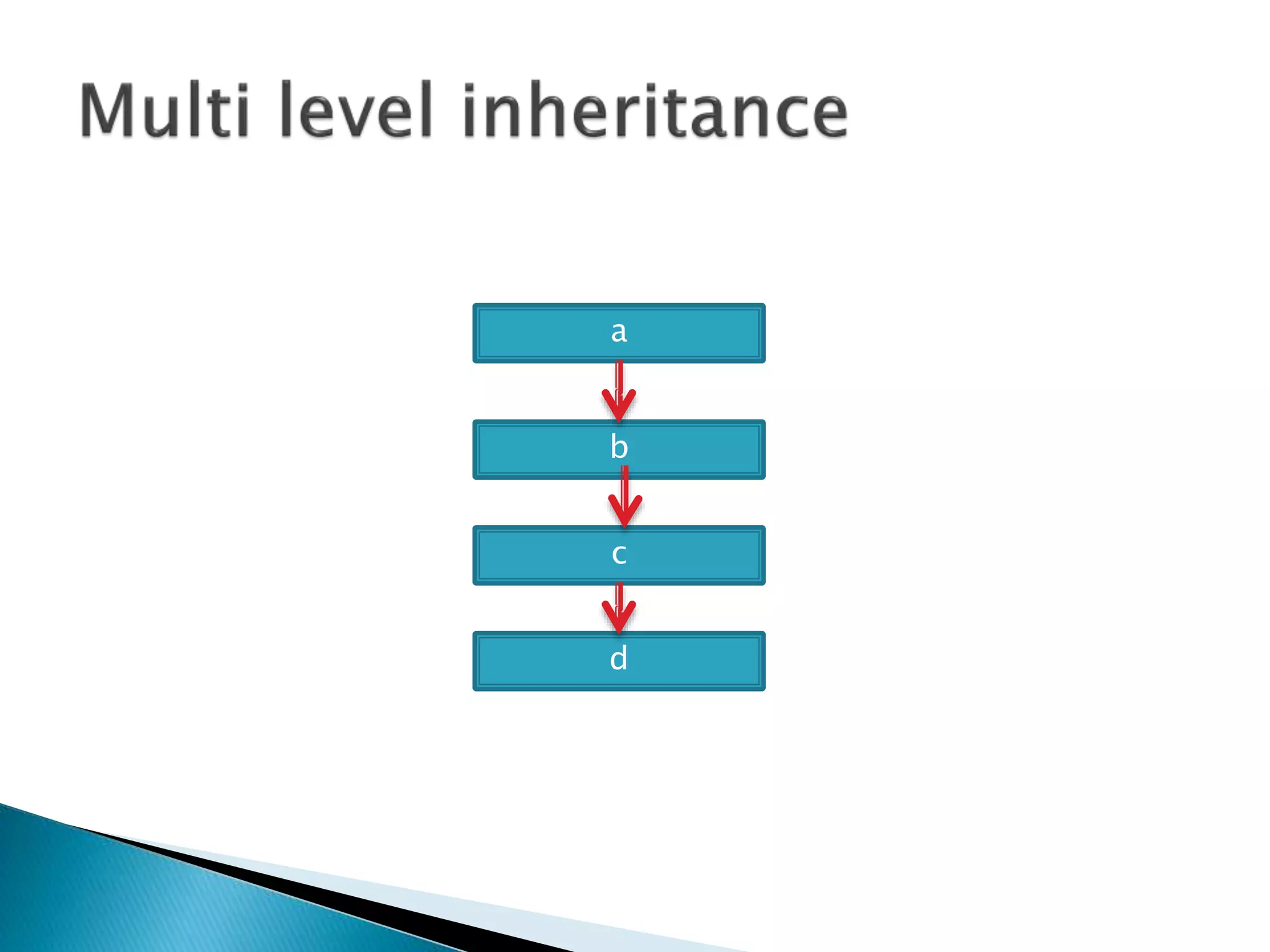
 Multi level inheritance
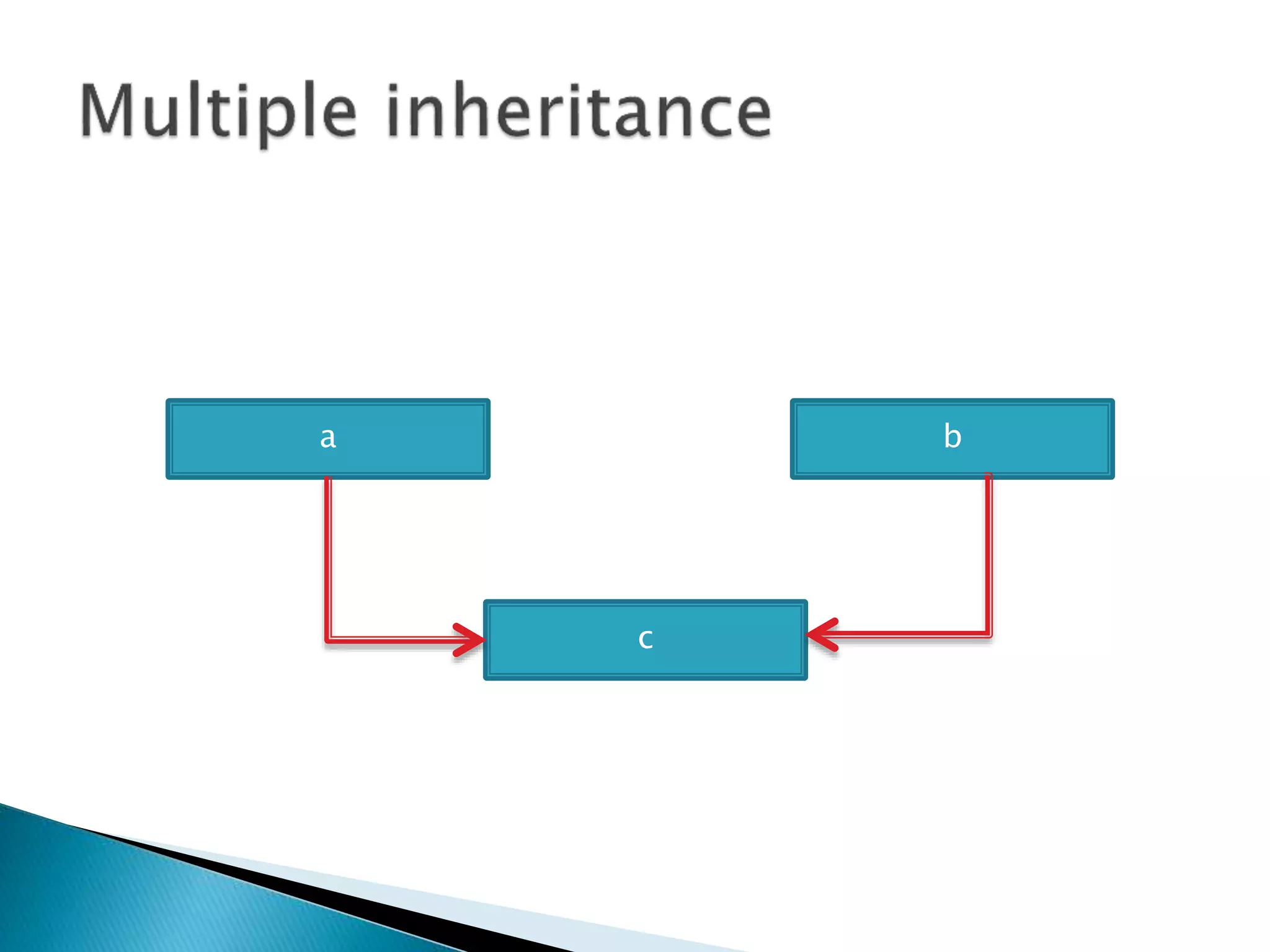
 Multiple inheritance
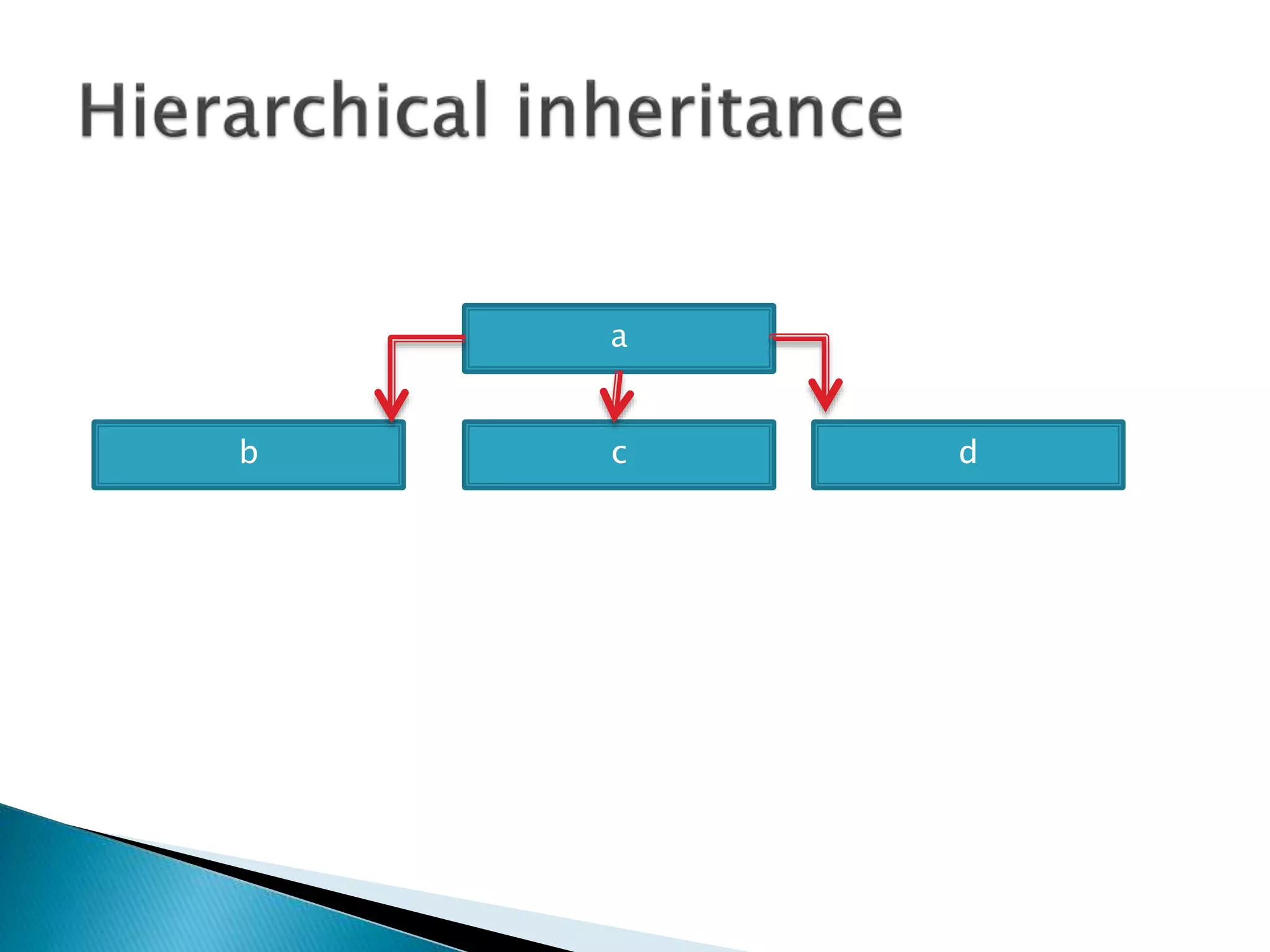
 Hierarchical inheritance
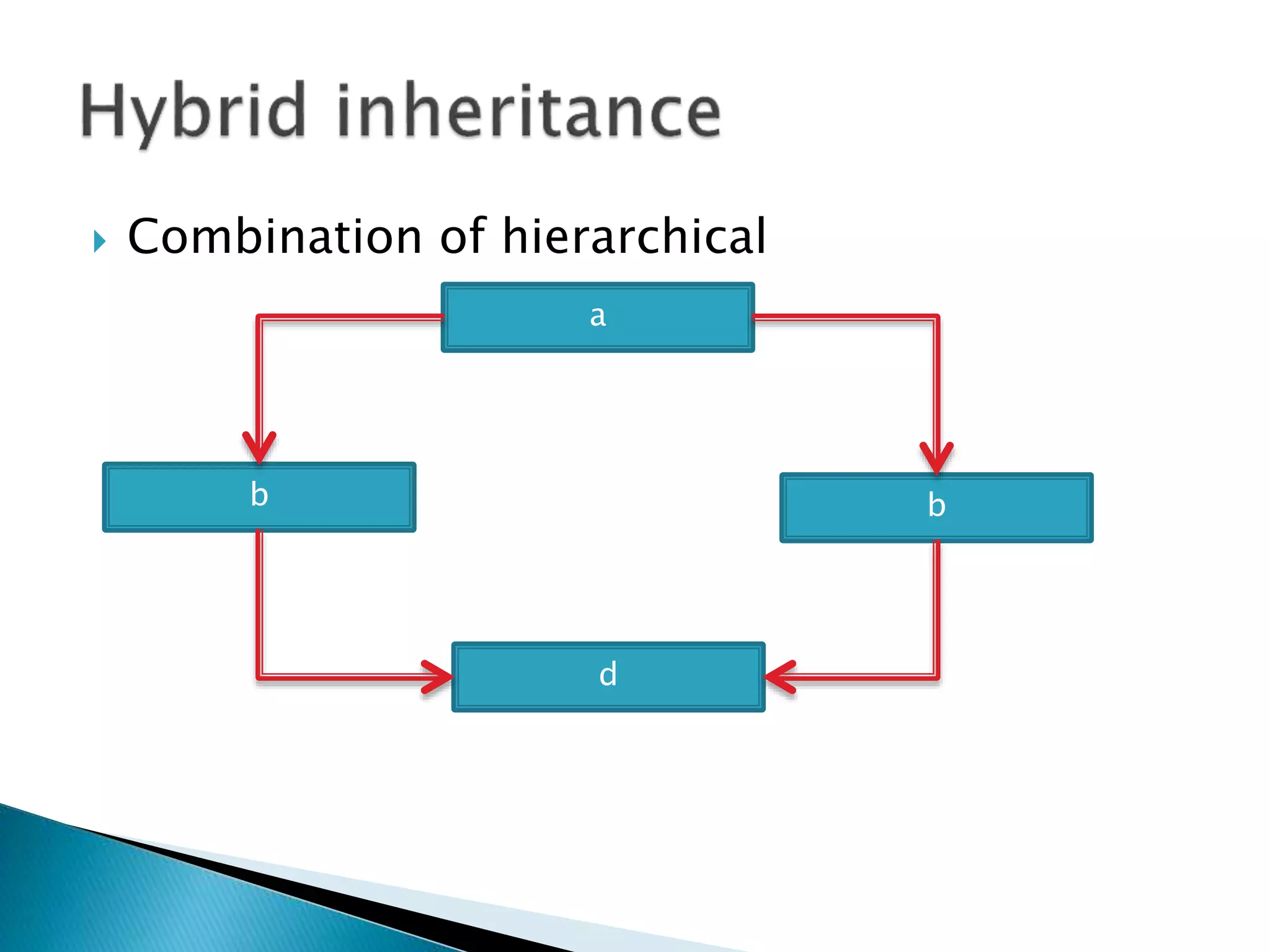
 Hybrid inheritance
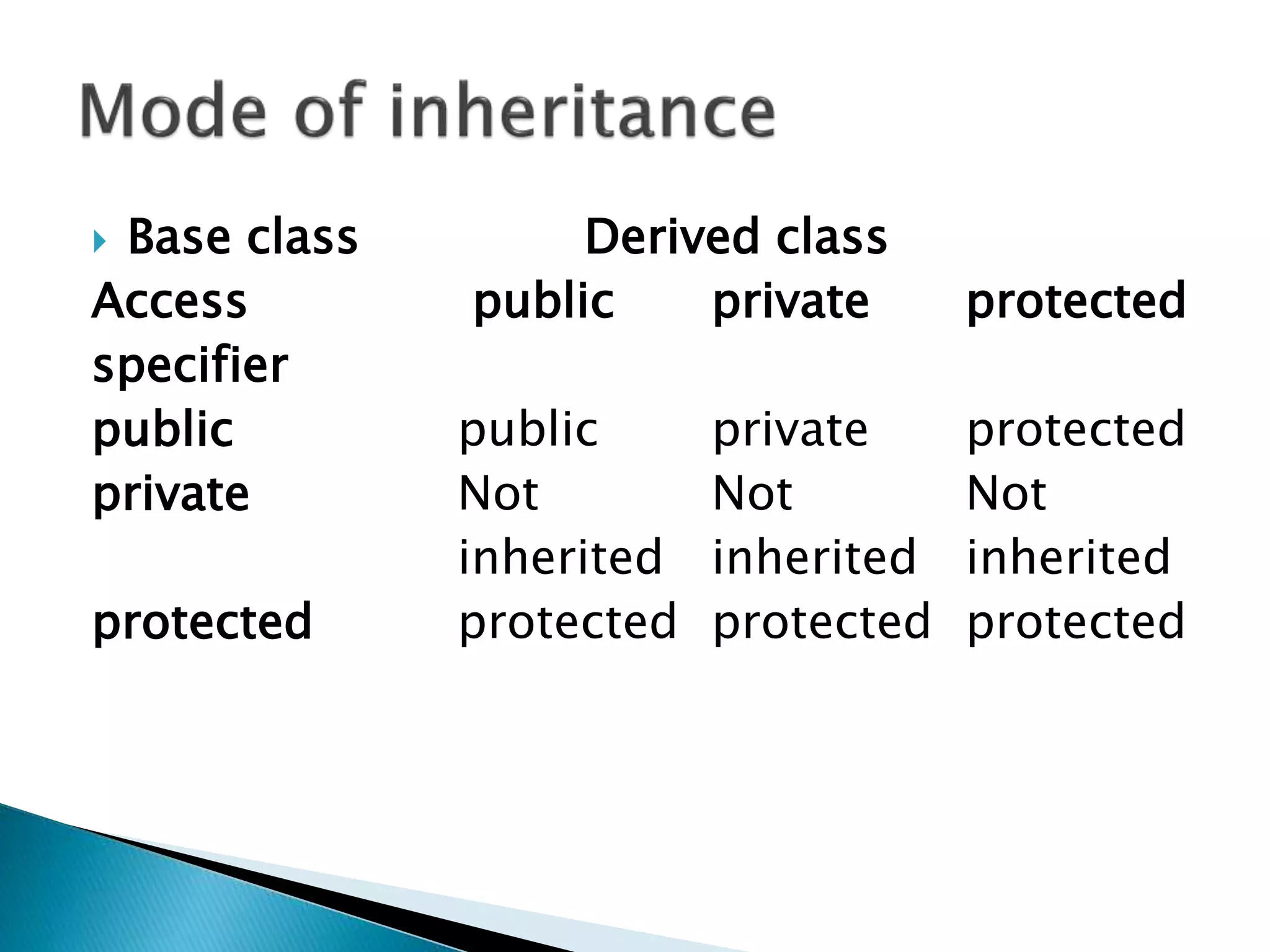
 Base class Derived class
Access public private protected
specifier
public public private protected
private Not Not Not
inherited inherited inherited
protected protected protected protected
 Ex. Functionality of class A use in class B
A
B
a
b
c
d
c
a b
a
b c d
 Combination of hierarchical and multiple
a
d
b b
 Remember
 Available types of inheritance is
◦ Single level inheritance
◦ Multi level inheritance
◦ Multiple inheritance
◦ Hierarchical inheritance
◦ Hybrid inheritance
 Ex. Functionality of class A use in class B
A
B
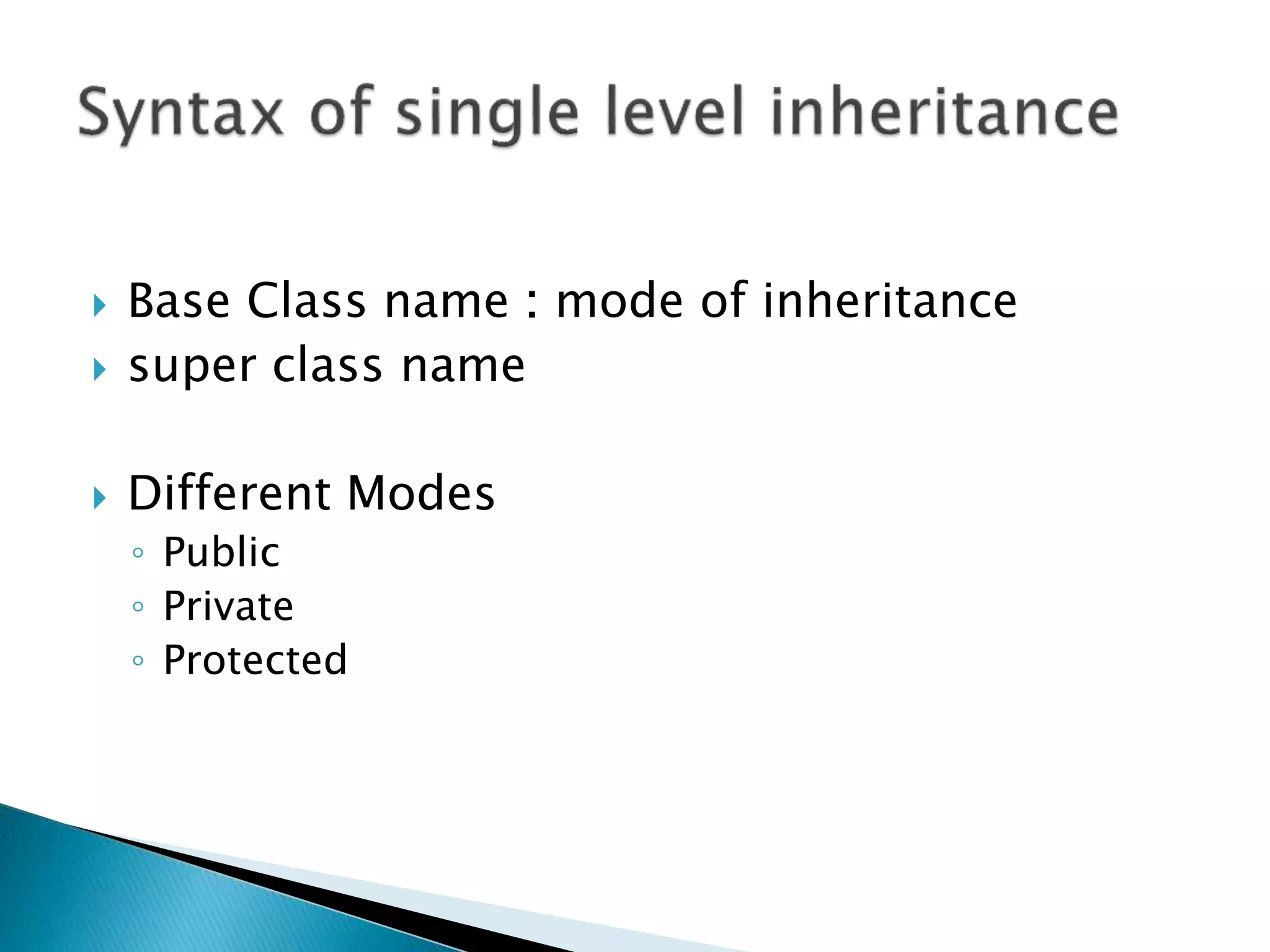
 Base Class name : mode of inheritance
 super class name
 Different Modes
◦ Public
◦ Private
◦ Protected
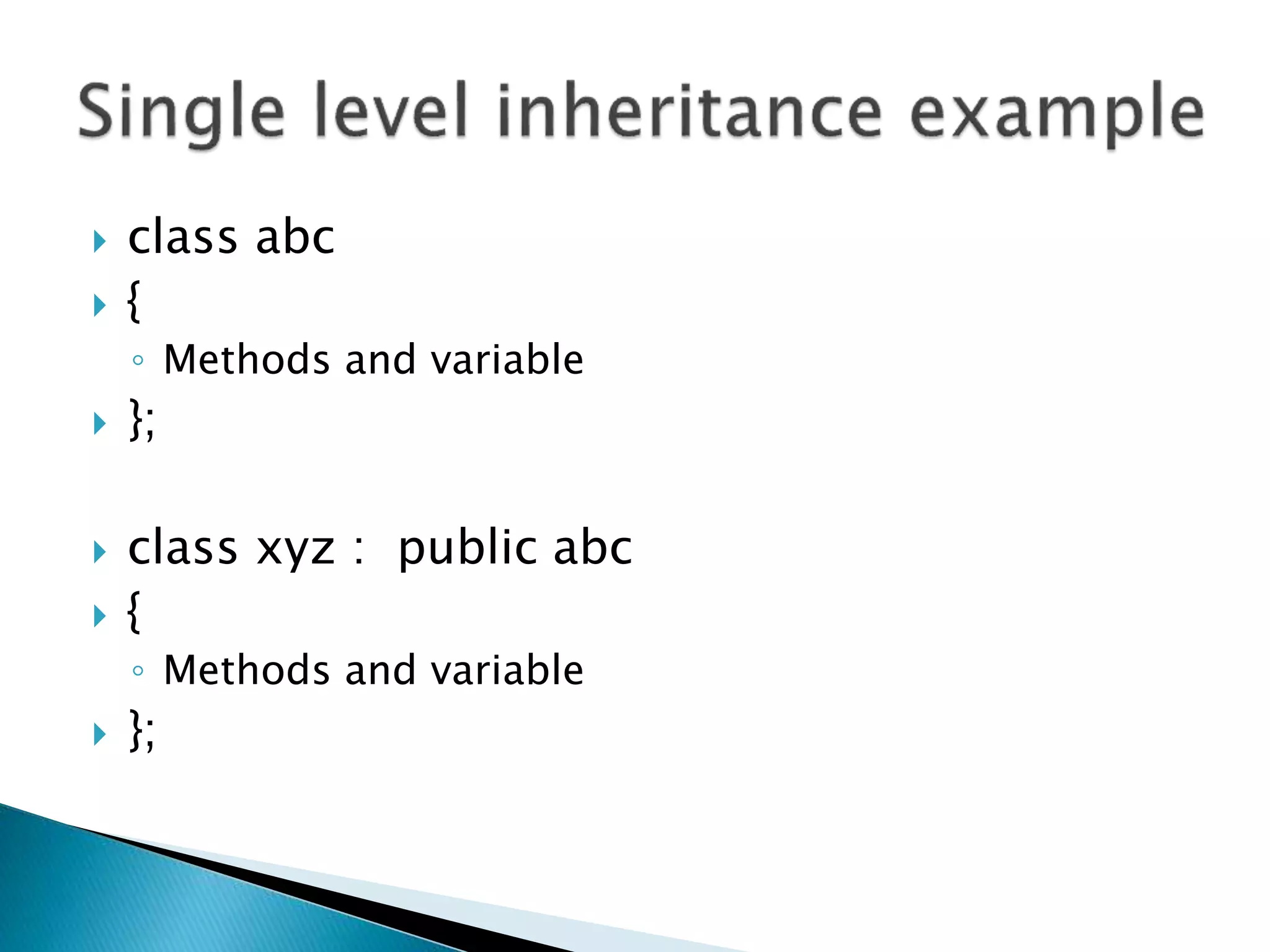
 class abc
 {
◦ Methods and variable
 };
 class xyz : public abc
 {
◦ Methods and variable
 };
a
b
c
d
 Class name (parent)
 {
 }
 Class name(child):access specification class
name( parent class )
 {
 }
 Class name (sub child) : access specification
class name (parent class)
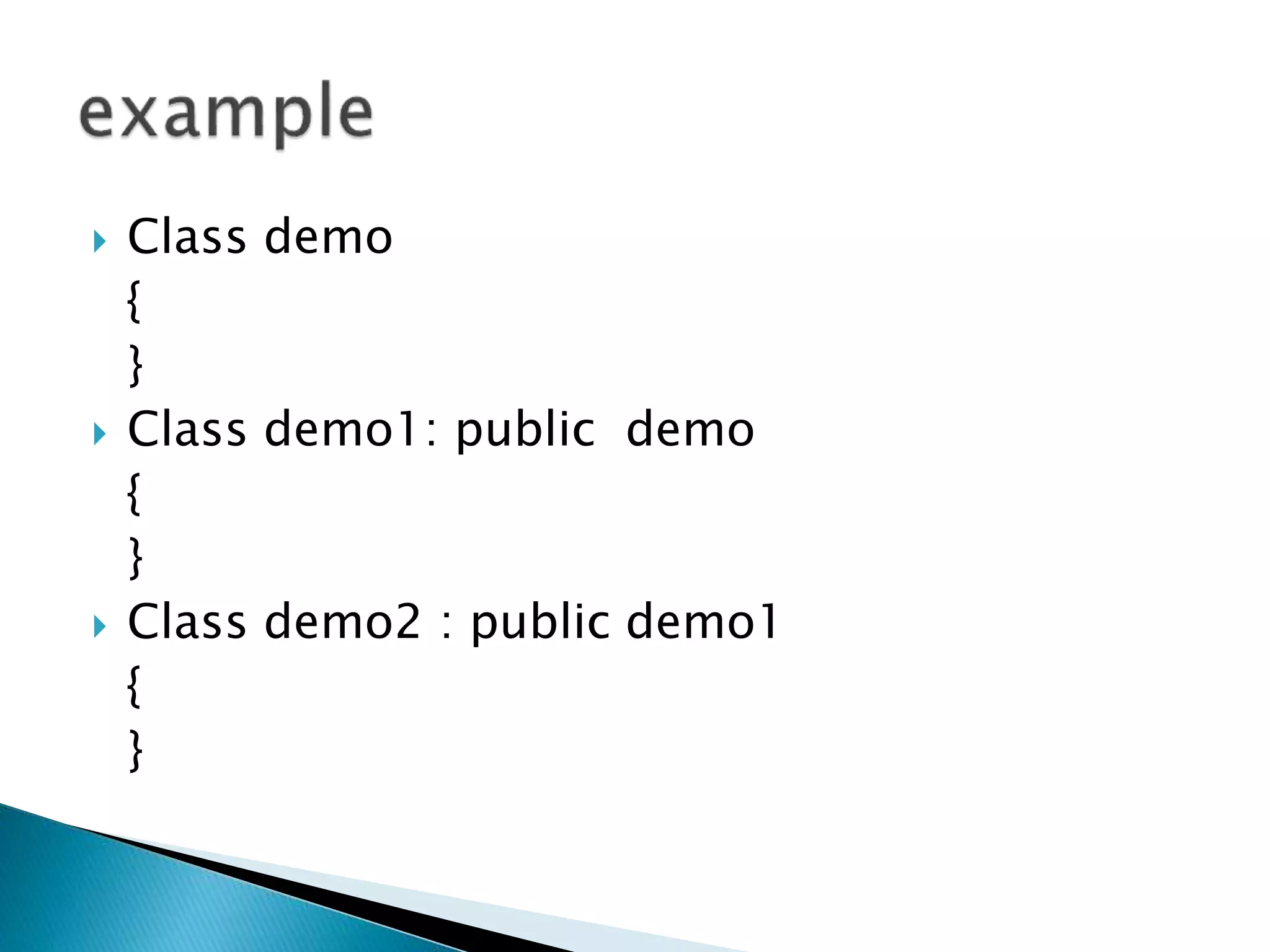
 Class demo
{
}
 Class demo1: public demo
{
}
 Class demo2 : public demo1
{
}
c
a b
 Class class name
{
}
class class name
{
}
class class name : access specification class
name ( parent 1 ), (parent 2 )
 Class demo
{
}
Class demo1
{
}
Class final : public demo, public demo1
{
}
a
b c d
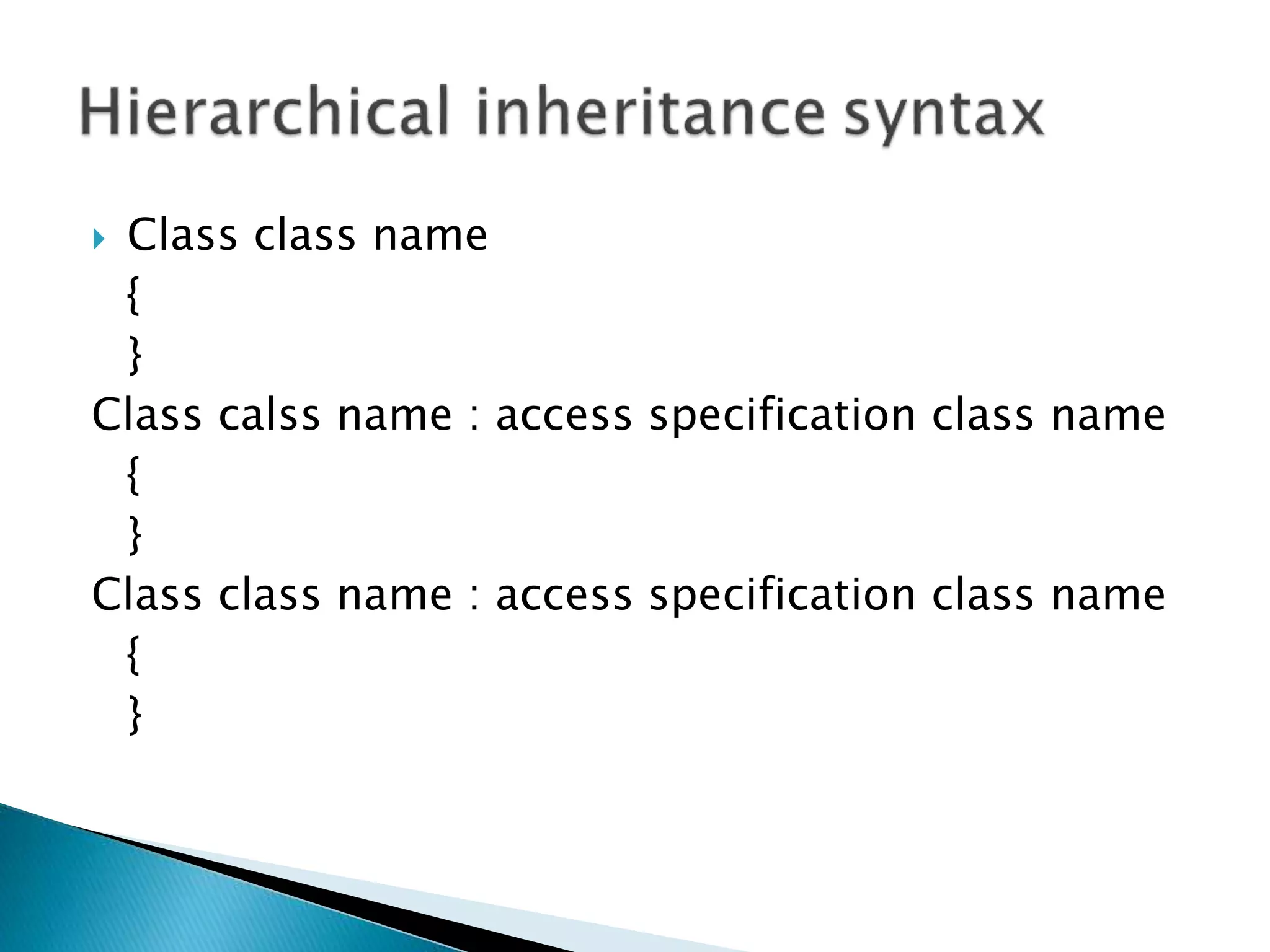
 Class class name
{
}
Class calss name : access specification class name
{
}
Class class name : access specification class name
{
}
 Class demo
{
}
Class demo1 : public demo
{
}
Class demo2 : public demo
{
}
 Combination of hierarchical
a
d
b b
Class class name
{
}
Class class name : access specification class name
{
}
Class class name : access specification class name
{
}
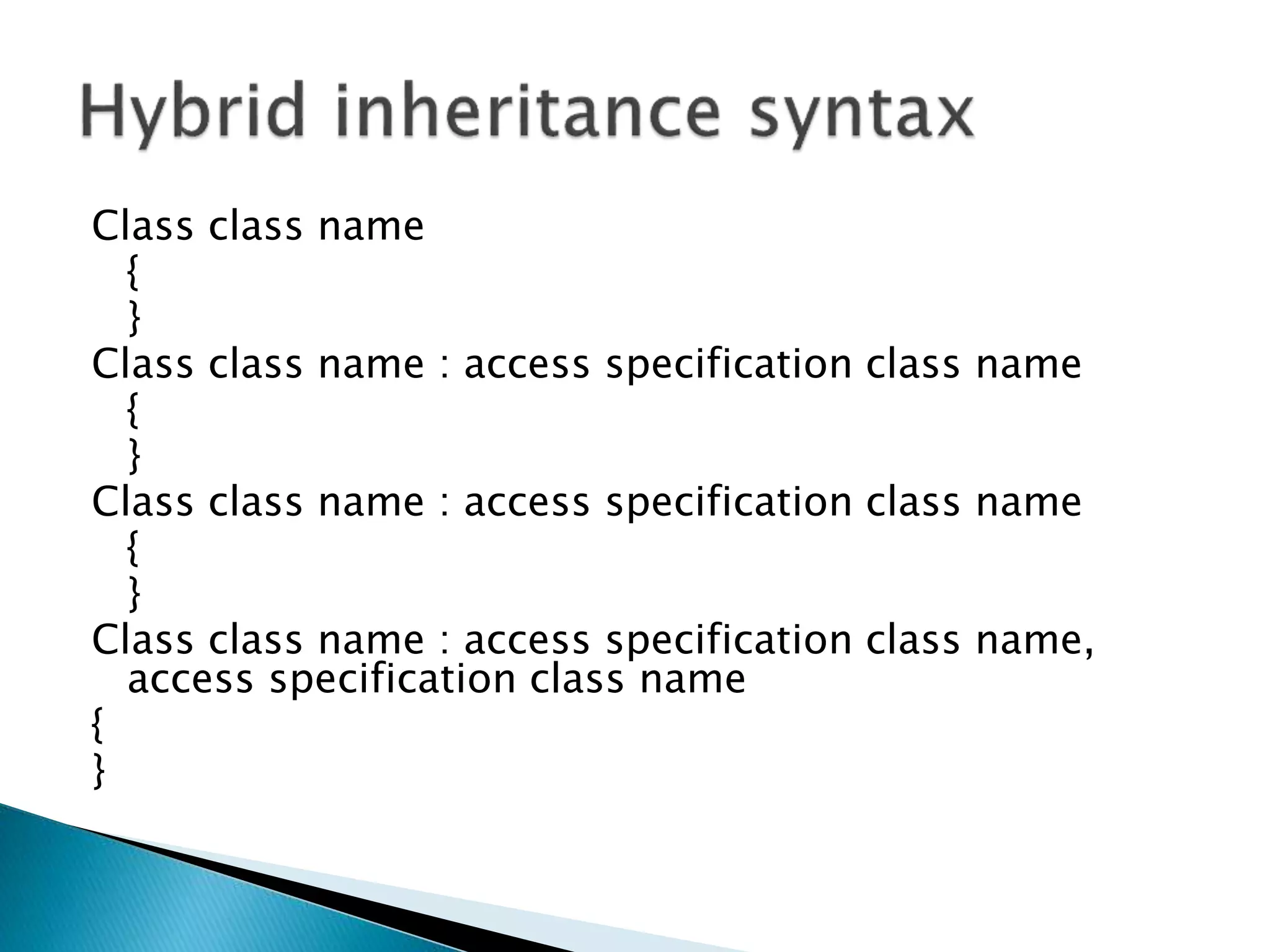
Class class name : access specification class name,
access specification class name
{
}
 Class demo
 {}
 Class demo1 : public demo
 {}
 Class demo2 : public demo
 {}
 Class final : public demo1, public demo2
 {}
 A file is a collection of logically related
records. A program usually requires two
types of data communication.
Data Type Description
ofstream This data type represents the output file
stream and is used to create files and to
write information to files.
ifstream This data type represents the input file
stream and is used to read information
from files.
fstream This data type represents the file stream
generally, and has the capabilities of both
ofstream and ifstream which means it can
create files, write information to files, and
read information from files.
 (i) Writing data on the datafile:
◦ The data flows from keyboard to memory and from
memory to storage device.
◦ Keyboard —> memory —> hard disk/floppydisk
 (ii) Reading data from datafile:
◦ The data flows from storage device to memory and
from memory to output device, particularly monitor.
datafile —> memory — > output device (screen)
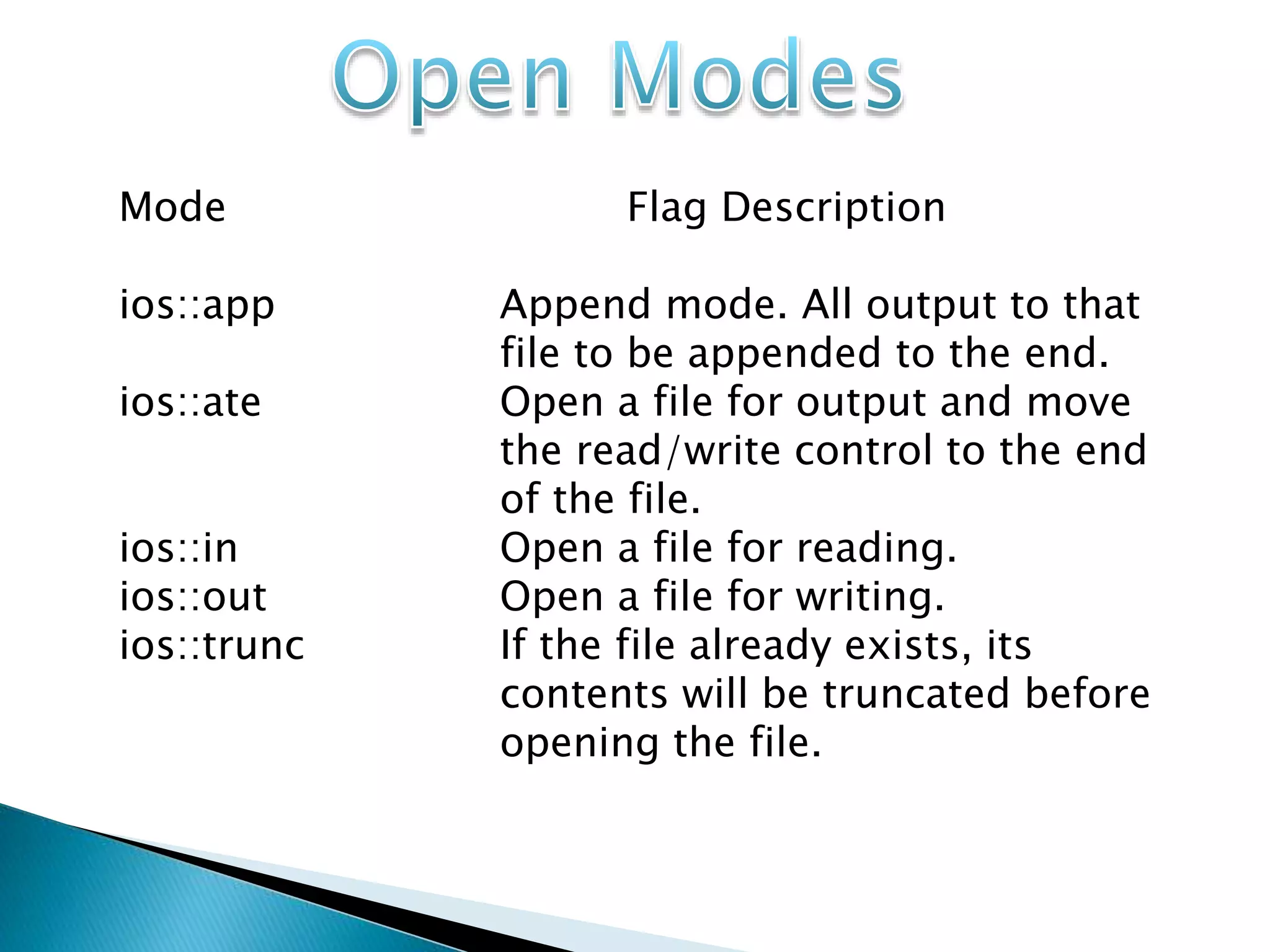
Mode Flag Description
ios::app Append mode. All output to that
file to be appended to the end.
ios::ate Open a file for output and move
the read/write control to the end
of the file.
ios::in Open a file for reading.
ios::out Open a file for writing.
ios::trunc If the file already exists, its
contents will be truncated before
opening the file.
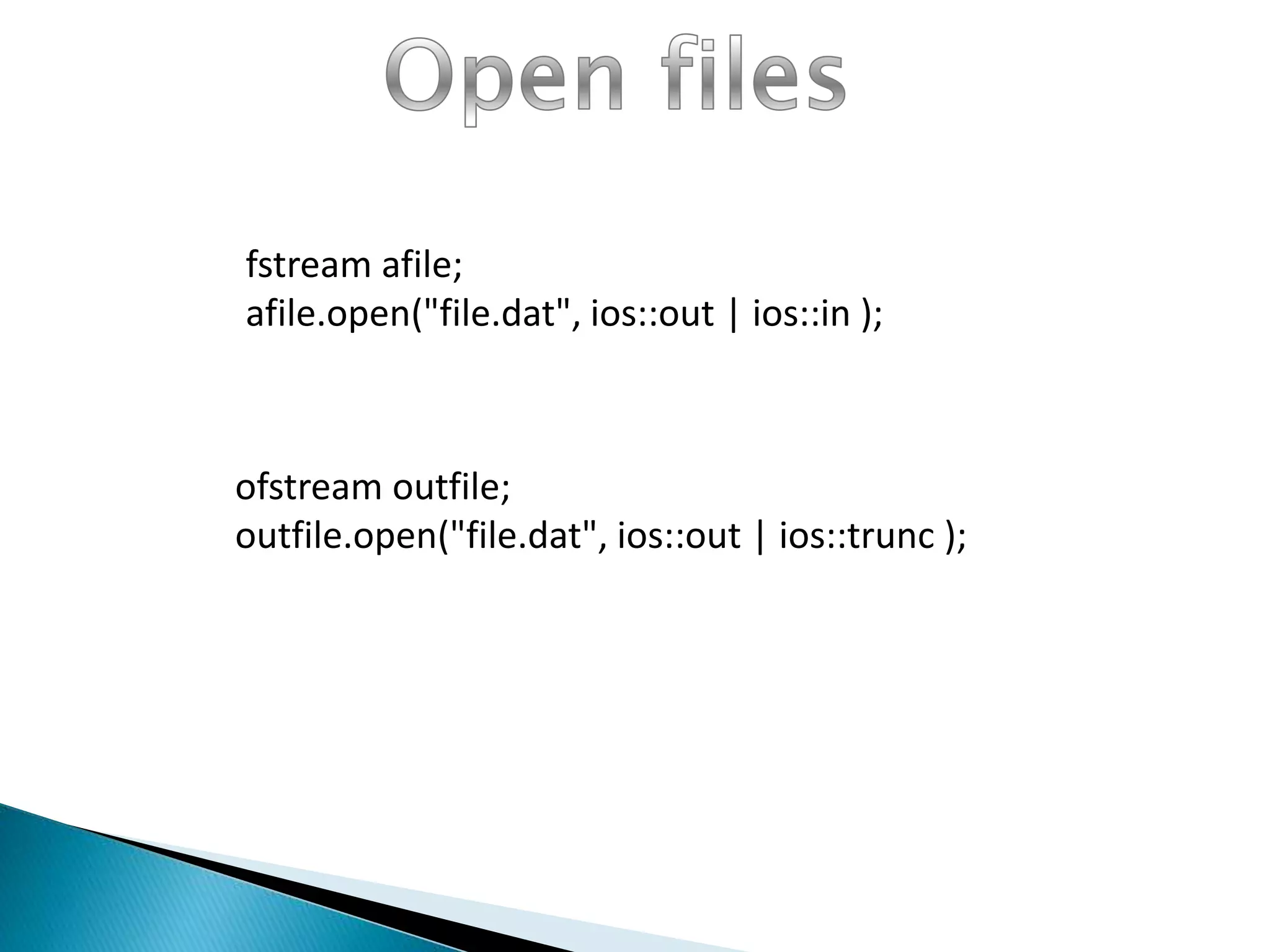
fstream afile;
afile.open("file.dat", ios::out | ios::in );
ofstream outfile;
outfile.open("file.dat", ios::out | ios::trunc );
FileName.Close();
While doing C++ programming,
you write information to a file from your
program using the stream insertion operator
(<<) just as you use that operator to output
information to the screen. The only difference is
that you use an ofstream or fstream object
instead of the cout object
You read information from a file into your
program using the stream extraction operator
(<<) just as you use that operator to input
information from the keyboard. The only
difference is that you use an ifstream or fstream
object instead of the cin object.
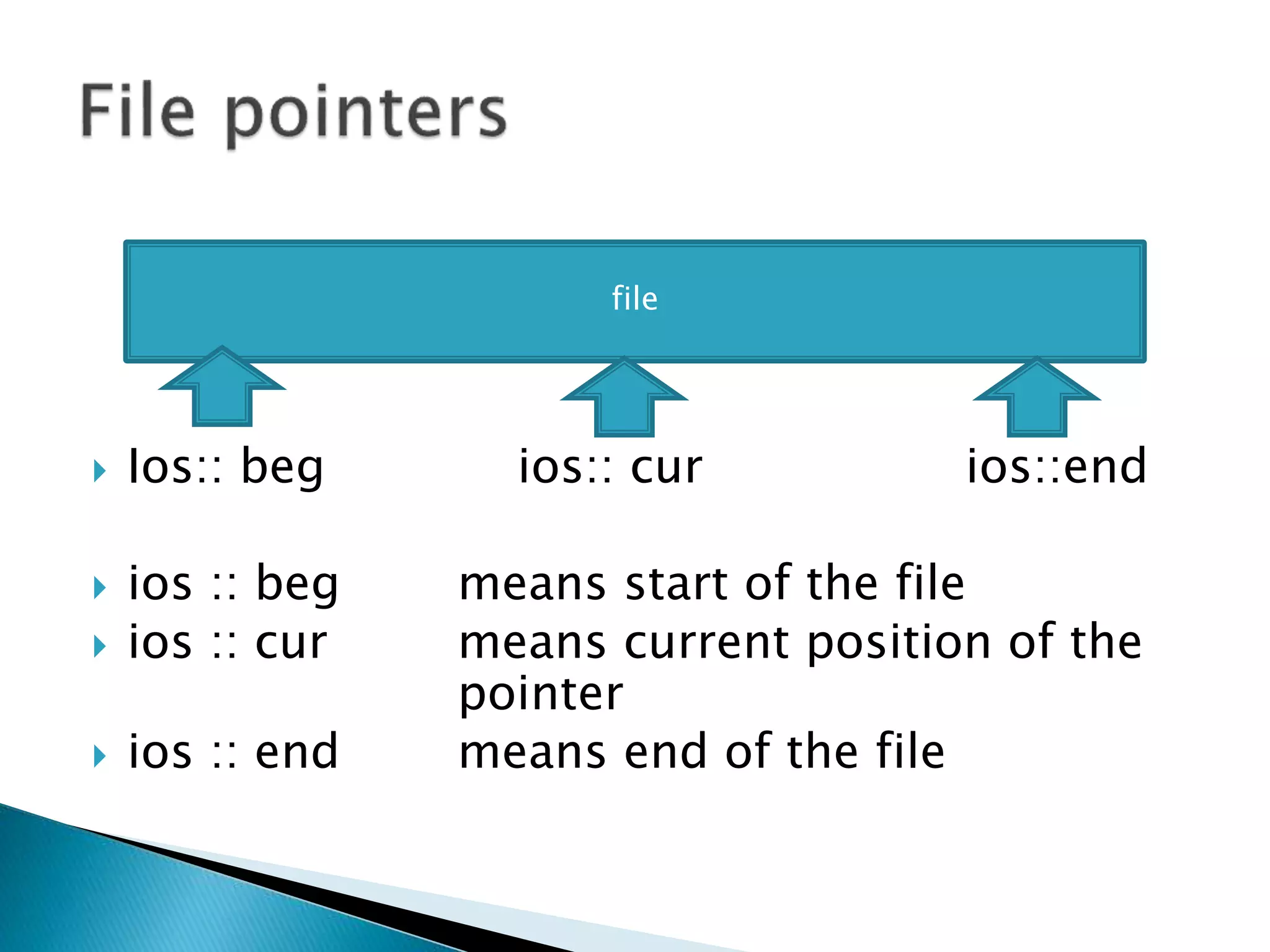
 File has two associated pointers called input
pointer (or get pointer) and output pointer (or
put pointer). Each time an input or output
operation takes place, the pointer moves
automatically. There are two pointers.
 seekg ( ) It moves get pointer to a
specified location.
 seekp ( ) It moves the put pointer to a
specified location
 Ios:: beg ios:: cur ios::end
 ios :: beg means start of the file
 ios :: cur means current position of the
pointer
 ios :: end means end of the file
file
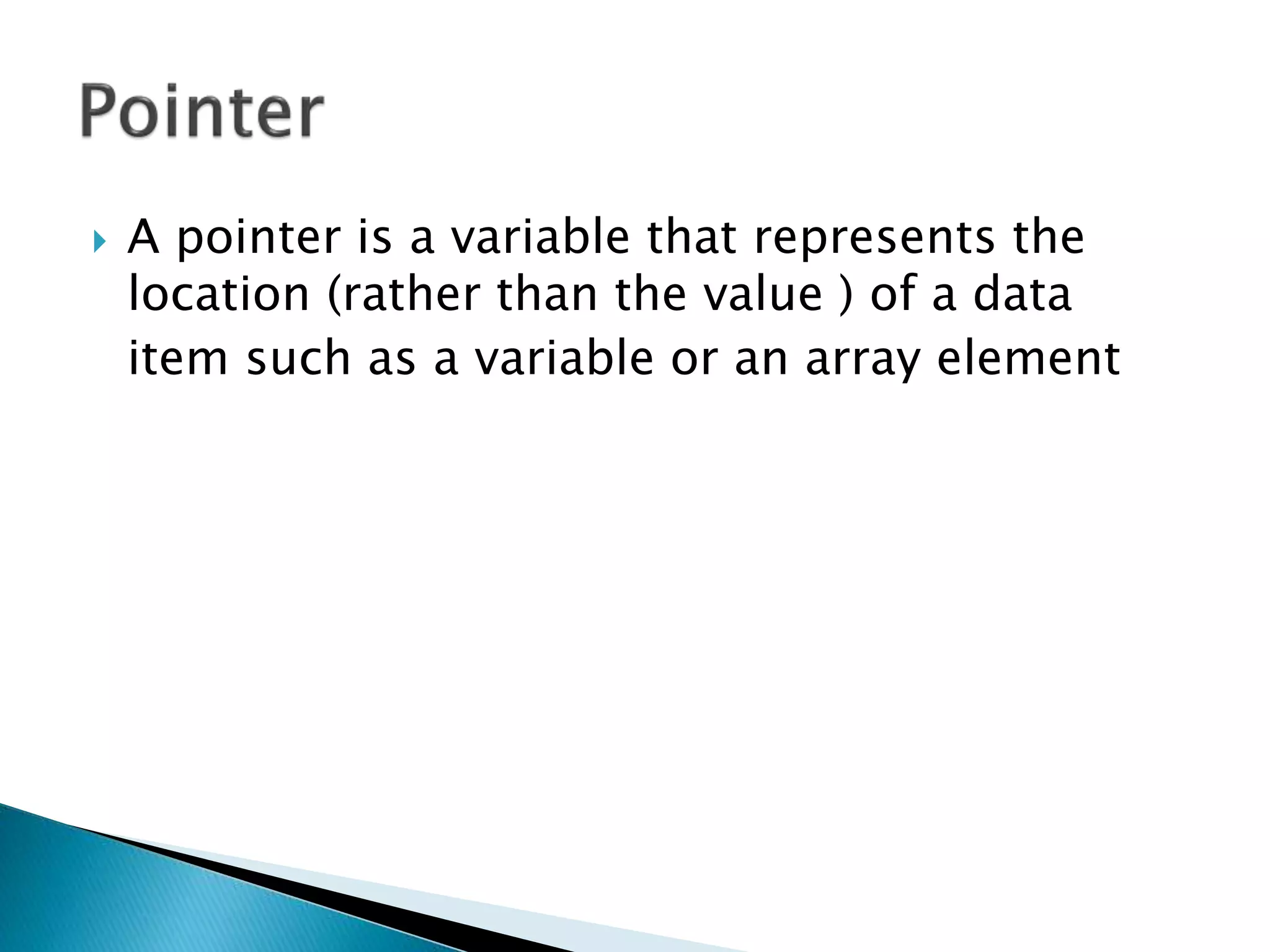
 A pointer is a variable that represents the
location (rather than the value ) of a data
item such as a variable or an array element
 Pointer variables declare with * sign.
 And pointer variables access with & sign.
 Int a = 10;
 Int b = &a;
◦ In above example variable “a” is integer type
variable and variable “b” is also integer variable.
◦ Variable b store the reference of variable “a”
and when we use the variable “b” it return the value
of variable “a”.
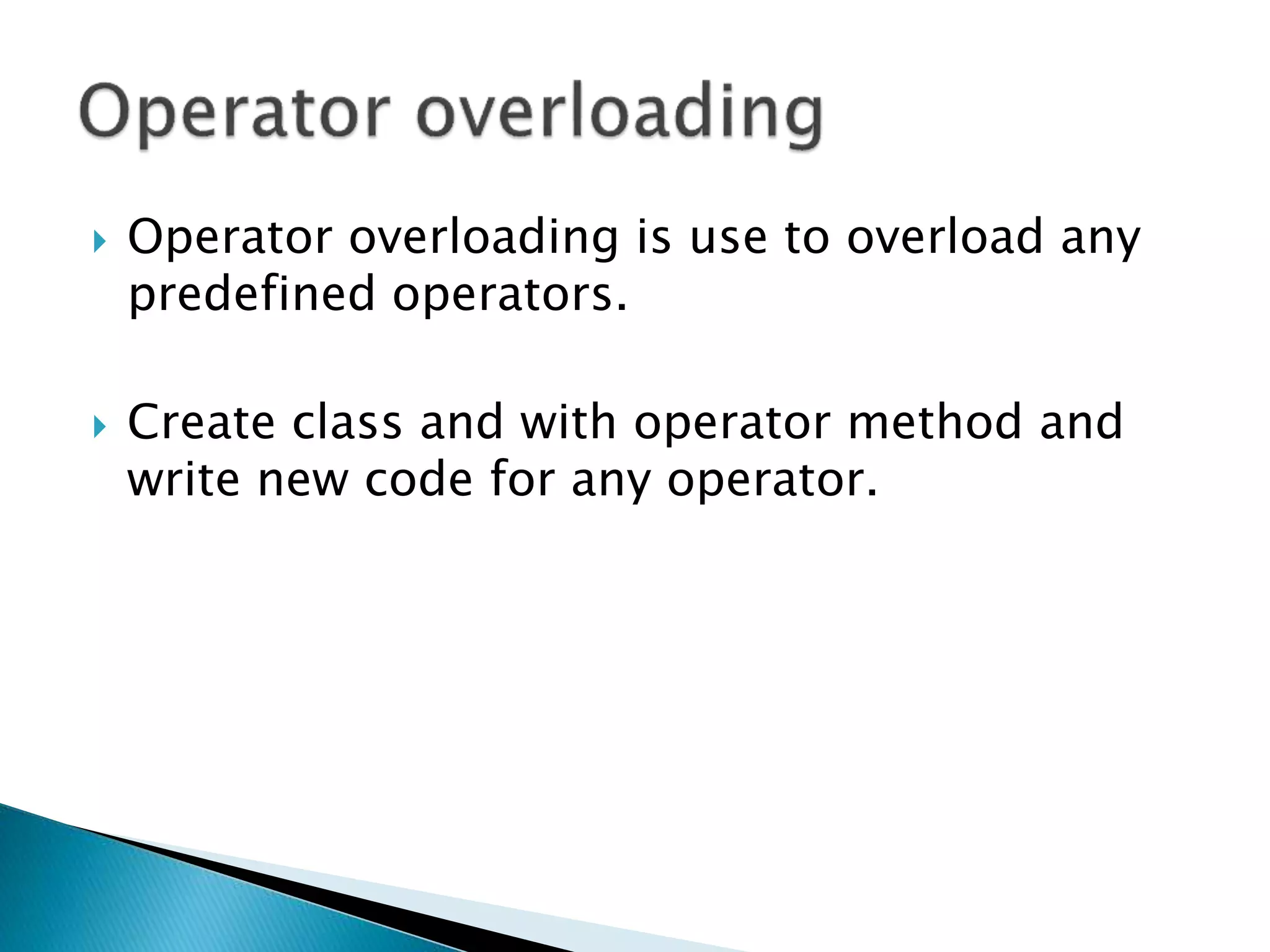
 Operator overloading is use to overload any
predefined operators.
 Create class and with operator method and
write new code for any operator.
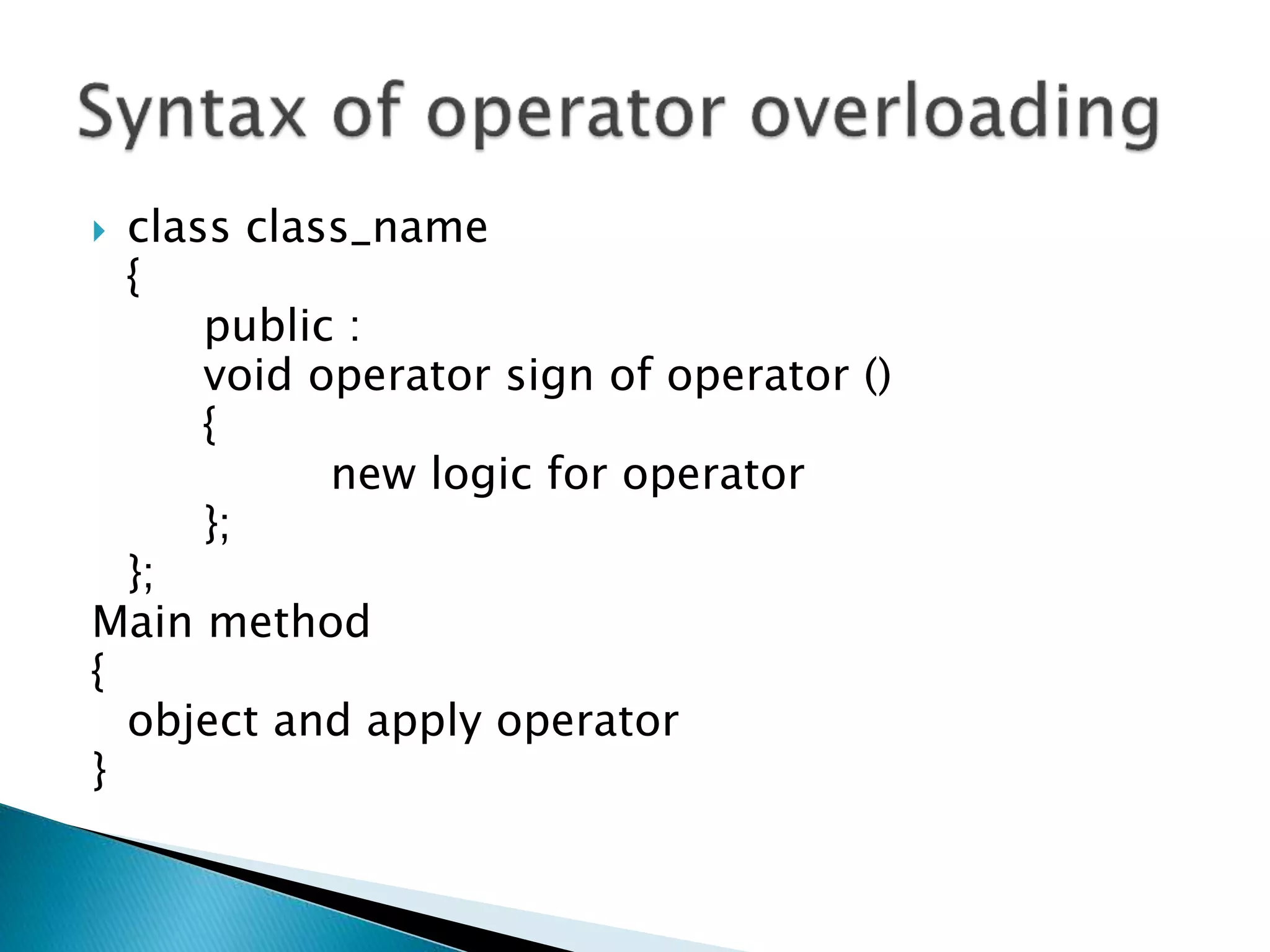
 class class_name
{
public :
void operator sign of operator ()
{
new logic for operator
};
};
Main method
{
object and apply operator
}
 Class demo
{
◦ Public:
◦ Void operator ++ ()
◦ {
 Cout<<“ ++ operator overloaded”;
◦ }
};
Void main()
{
demo d;
d++
}
Class name is demo.
Publicly overload ++ operator with simple
message.
d is object of demo class.
whenever you apply ++ operator then
compiler not increment any value in object,
But print simple message on screen.
C++ theory
C++ theory

C++ theory

  • 3.
     C++ isan extension to C Programming language. It was developed at AT&T Bell Laboratories in the early 1980s by Bjarne Stroustrup. It is a deviation from traditional procedural languages in the sense that it follows object oriented programming (OOP) approach which is quite suitable for managing large and complex programs.
  • 4.
  • 5.
     The capabilityof one class to inherit properties from another class as a child inherits some properties from his/her parents. The most important advantage of inheritance is code reusability. Once a base class is written and debugged, it can be used in various situations without having to redefine it or rewrite it. Reusing existing code saves time, money and efforts of writing the code again. Without redefining the old class, you can add new properties to desired class and redefine an inherited class member function.
  • 6.
    vehicle 2 wheeler 4wheeler honda Yamaha tata mahindra
  • 7.
     Encapsulation isthe most basic concept of OOP. It is the way of combining both data and the functions that operate on that data under a single unit. The only way to access the data is provided by the functions (that are combined along with the data). These functions are considered as member functions in C++. It is not possible to access the data directly. If you want to reach the data item in an object, you call a member function in the object. It will read the data item and return the value to you. The data is hidden, so it is considered as safe and far away from accidental alternation. Data and its functions are said to be encapsulated into a single entity.
  • 8.
  • 9.
     Polymorphism isa key to the power of OOP. It is the concept that supports the capability of data to be processed in more than one form.
  • 10.
  • 11.
     Pre processingdirective.  Header files  Iostream.h  Input output stream header file.  Containing  Cin and cout menthod
  • 12.
     C++ istotally case sensitive language.
  • 13.
     cout<<“ welcome”; ◦ cout = method ◦ << = operator ◦ “welcome “ = content to write ◦ ; = statement termination
  • 14.
     Int k; cin>>k; ◦ cin = method ◦ >> = operator ◦ k = variable name to store data ◦ ; = statement termination
  • 15.
     int I,j,k,l,m; cin>>I>>j>>k>>l>>m; ◦ On Screen : 10 20 30 40 50 ◦ On memory  i = 10  j = 20  k = 30  l = 40  m = 50
  • 16.
     #include<iostream.h>  #include<conio.h> #include<stdio.h>  Void main()  { ◦ Clrscr(); ◦ Cout<<“my first program in c++”; ◦ Getch();  }
  • 17.
     Registered andreserved words of c++ are known as a key word.  Not use to create variables.
  • 18.
    List of Keywords asm double new switch  auto else operator template  break enum private this  case extern protected try  catch float public typedef  char for register union  class friend return unsigned  const goto short virtual  continue if signed void  default inline sizeof volatile  delete int static while  do long struct
  • 19.
     Brackets [] opening and closing brackets indicate single and multidimensional array subscript.  Parentheses ( ) opening and closing brackets indicate functions calls, function parameters for grouping expressions etc.  Braces { } opening and closing braces indicate the start and end of a compound statement.  Comma , it is used as a separator in a function argument list.  Semicolon ; it is used as a statement terminator.  Colon : it indicates a labelled statement or conditional operator symbol.  Asterisk * it is used in pointer declaration or as multiplication operator.  Equal sign = it is used as an assignment operator.  Pound sign # it is used as pre-processor directive.
  • 20.
     Char  Integer Float  Double  Boolean
  • 21.
     If condition If else condition  If else if condition  Switch case  Break statement  Continue statement
  • 22.
     If(condition)  { ◦Executable part  }
  • 23.
     If(condition) { execute whencondition ins true } else { execute when condition is false }
  • 24.
     If(condition 1) { executeif condition is true } else if( condition 2) { execute when condition 1 is false and condition 2 is true }
  • 25.
     Switch(parameter)  { ◦Case (condition): ◦ { ◦ executable part; ◦ Break; } ◦ Case (condition): ◦ { ◦ executable part; ◦ Break; }  }
  • 26.
    Entry control loop •Forloop •While loop Exit control loop •Do while loop
  • 27.
     While(condition)  { ◦Executable part ◦ Increment / decrement;  }
  • 28.
     Do  { ◦Executable part; ◦ Increment / decrement  }while(condition);
  • 29.
  • 30.
     Arithmetic  Logical Conditional  Relational  Increment / decrement  Special  Assignment  Urinary / short hand
  • 31.
     + (summation )  - ( subtraction )  / ( division )  * ( multiplication )  % ( modulation )
  • 32.
     || (or sign )  && ( and sign )  ! ( not sign )
  • 33.
    Condition 1 Condition2 Result True False False False True False False False False True True True
  • 34.
    Condition 1 Condition2 Result True False True False True true False False False True True True
  • 35.
    Condition 1 condition2 Result True False False False True False False False True True True False
  • 36.
     > (greater than)  < ( less than)  >= ( greater than equal)  <= ( less than equal )  == ( equals to )  != ( not equals )
  • 37.
     (condition? true:false) , ( comma operator ) Ex. int a, b, c;
  • 38.
     ++  -- Pre increment / decrement ◦ ++ Variable name ◦ -- variable name  Post increment / decrement ◦ variable name ++ ◦ variable name --
  • 39.
     Variable name+=  Variable name +-  Variable name +/  Variable name +*  Variable name +%
  • 40.
     Ex  cout<<“string1” << “string 2” ;
  • 41.
     All thestatement of c ++ are terminated by ◦ ; ◦ (semi colon )
  • 42.
     String functions Math functions  Character functions
  • 43.
     Header file ◦String.h Functions strlen strrev strcpy strcmp strupr strlwr
  • 44.
     Header file ◦math.h Min Max Round Sqrt Abs Floor Ceil
  • 45.
     Header file ◦Ctype.h ◦ Getch ◦ Getche ◦ Isdigit ◦ Isalpha ◦ Isalnum ◦ Isspace
  • 46.
     Define inmain four type.  No parameter no return value  No parameter with return value  With parameter no return  With parameter with return
  • 47.
     Abc()  VoidAbc()  { ◦ Executable part  }
  • 48.
     Int I= abc();  Int abc() { return 5; } note : value of I = 5
  • 49.
     Abc(5,10);  VoidAbc(a,b)  { ◦ Cout<<5+10;  }
  • 50.
     Int I= abc(5,10);  Int abc(a,b);  { ◦ Return a + b;  }  Value of I = 15.
  • 51.
     Single dimention Multi dimention ◦ Collection of same data type. ◦ Int a[0];
  • 52.
     Index ofarray start with 0 (zero) Index 10A[0] A[1] A[2] A[3] 20 30 40 Int A[4] value
  • 53.
     Ex. Inta[4][3] ◦ 4 rows ◦ 3 columns ◦ a[1] 40 50 60 a[2] 70 80 90 a[3] 100 110 120 a[0] 10 20 30 index a[0] a[1] a[2] a[1][1] = 50
  • 54.
     User definedata type  Key word Enum use to store only user define data  enum day = {“Sunday” , ”Monday” , ”Tuesday”}  Index start from 0  Ex index of Sunday is 0.
  • 55.
     Collection ofdifferent data type  User define data type  Access by . (Dot)  Define with struct keyword
  • 56.
     struct structurename  {  Variable data type variable name  Variable data type variable name  Variable data type variable name Up to n variables. . .  };
  • 57.
     struct std { ◦ int rn; ◦ float per;  };  Void main()  { ◦ std s; ◦ S.rn = 915;  }
  • 58.
     Use todefine method and scope of method  Use :: to define scope  Define methods in class and out side of class also.
  • 59.
     Return typeclass name :: method name( list of parameters)
  • 60.
     class abc { ◦ Public: ◦ Void msg();  }; ◦ void abc :: msg() ◦ {  Executable part ◦ }
  • 61.
     Class : Collection of methods and variables.  Collection of private and public data.  Object :  Instants that Use to access functionality of class.
  • 62.
     class class_name {  Public :  Methods  Variables  };
  • 63.
     Return typemethod name ( list of parameters)  { ◦ Executable part ◦ [ return data ]  };
  • 64.
    Class name objectname; Ex. abc a; Class name abc Object name a
  • 65.
     Create memoryspace on RAM.  Calling when creating object of any class  All class contains 1 default constructor.  Constructor name and class name both are same.  Default constructor not take any parameters.
  • 66.
    A constructor isa special member function that initializes the objects of its class. It is special because its name is the same as the class name. It is invoked automatically whenever an object is created. It is called constructor because it constructs the values of data members of the class. It does not have any return type, not even void.
  • 67.
     class abc { ◦ public: ◦ abc() ◦ {  Executable part ◦ }  };
  • 68.
     Use todelete object of any class  Call by ~ sign.  Destructor never return any kind of values.
  • 69.
     class abc {  public : ◦ ~ abc() ◦ { ◦ }  }
  • 70.
     class abc {  public :  void msg()  {  cout<<“welcome ”;  };  };  void main  { ◦ abc a; ◦ a.msg();  } o/p = welcome
  • 71.
     Re usabilityof any class  Extends on class in another class  Code re usability  Access methods and variables of super class  Inherit functionality of super class.  Use of pre define class
  • 72.
     Mainly 5type of inheritance available in c++  Single level inheritance  Multi level inheritance  Multiple inheritance  Hierarchical inheritance  Hybrid inheritance
  • 73.
     Base classDerived class Access public private protected specifier public public private protected private Not Not Not inherited inherited inherited protected protected protected protected
  • 74.
     Ex. Functionalityof class A use in class B A B
  • 75.
  • 76.
  • 77.
  • 78.
     Combination ofhierarchical and multiple a d b b
  • 79.
     Remember  Availabletypes of inheritance is ◦ Single level inheritance ◦ Multi level inheritance ◦ Multiple inheritance ◦ Hierarchical inheritance ◦ Hybrid inheritance
  • 80.
     Ex. Functionalityof class A use in class B A B
  • 81.
     Base Classname : mode of inheritance  super class name  Different Modes ◦ Public ◦ Private ◦ Protected
  • 82.
     class abc { ◦ Methods and variable  };  class xyz : public abc  { ◦ Methods and variable  };
  • 83.
  • 84.
     Class name(parent)  {  }  Class name(child):access specification class name( parent class )  {  }  Class name (sub child) : access specification class name (parent class)
  • 85.
     Class demo { } Class demo1: public demo { }  Class demo2 : public demo1 { }
  • 86.
  • 87.
     Class classname { } class class name { } class class name : access specification class name ( parent 1 ), (parent 2 )
  • 88.
     Class demo { } Classdemo1 { } Class final : public demo, public demo1 { }
  • 89.
  • 90.
     Class classname { } Class calss name : access specification class name { } Class class name : access specification class name { }
  • 91.
     Class demo { } Classdemo1 : public demo { } Class demo2 : public demo { }
  • 92.
     Combination ofhierarchical a d b b
  • 93.
    Class class name { } Classclass name : access specification class name { } Class class name : access specification class name { } Class class name : access specification class name, access specification class name { }
  • 94.
     Class demo {}  Class demo1 : public demo  {}  Class demo2 : public demo  {}  Class final : public demo1, public demo2  {}
  • 95.
     A fileis a collection of logically related records. A program usually requires two types of data communication.
  • 96.
    Data Type Description ofstreamThis data type represents the output file stream and is used to create files and to write information to files. ifstream This data type represents the input file stream and is used to read information from files. fstream This data type represents the file stream generally, and has the capabilities of both ofstream and ifstream which means it can create files, write information to files, and read information from files.
  • 97.
     (i) Writingdata on the datafile: ◦ The data flows from keyboard to memory and from memory to storage device. ◦ Keyboard —> memory —> hard disk/floppydisk  (ii) Reading data from datafile: ◦ The data flows from storage device to memory and from memory to output device, particularly monitor. datafile —> memory — > output device (screen)
  • 98.
    Mode Flag Description ios::appAppend mode. All output to that file to be appended to the end. ios::ate Open a file for output and move the read/write control to the end of the file. ios::in Open a file for reading. ios::out Open a file for writing. ios::trunc If the file already exists, its contents will be truncated before opening the file.
  • 99.
    fstream afile; afile.open("file.dat", ios::out| ios::in ); ofstream outfile; outfile.open("file.dat", ios::out | ios::trunc );
  • 100.
  • 101.
    While doing C++programming, you write information to a file from your program using the stream insertion operator (<<) just as you use that operator to output information to the screen. The only difference is that you use an ofstream or fstream object instead of the cout object
  • 102.
    You read informationfrom a file into your program using the stream extraction operator (<<) just as you use that operator to input information from the keyboard. The only difference is that you use an ifstream or fstream object instead of the cin object.
  • 103.
     File hastwo associated pointers called input pointer (or get pointer) and output pointer (or put pointer). Each time an input or output operation takes place, the pointer moves automatically. There are two pointers.  seekg ( ) It moves get pointer to a specified location.  seekp ( ) It moves the put pointer to a specified location
  • 104.
     Ios:: begios:: cur ios::end  ios :: beg means start of the file  ios :: cur means current position of the pointer  ios :: end means end of the file file
  • 105.
     A pointeris a variable that represents the location (rather than the value ) of a data item such as a variable or an array element
  • 106.
     Pointer variablesdeclare with * sign.  And pointer variables access with & sign.
  • 107.
     Int a= 10;  Int b = &a; ◦ In above example variable “a” is integer type variable and variable “b” is also integer variable. ◦ Variable b store the reference of variable “a” and when we use the variable “b” it return the value of variable “a”.
  • 108.
     Operator overloadingis use to overload any predefined operators.  Create class and with operator method and write new code for any operator.
  • 109.
     class class_name { public: void operator sign of operator () { new logic for operator }; }; Main method { object and apply operator }
  • 110.
     Class demo { ◦Public: ◦ Void operator ++ () ◦ {  Cout<<“ ++ operator overloaded”; ◦ } }; Void main() { demo d; d++ }
  • 111.
    Class name isdemo. Publicly overload ++ operator with simple message. d is object of demo class. whenever you apply ++ operator then compiler not increment any value in object, But print simple message on screen.