

Architecting A Data Warehouse:    
          A Case Study
          A Case Study
               Project:  zBis
     Carl Zeiss Vision North America


           Mark Ginnebaugh, User Group Leader, 
           Mark Ginnebaugh User Group Leader
                 mark@designmind.com
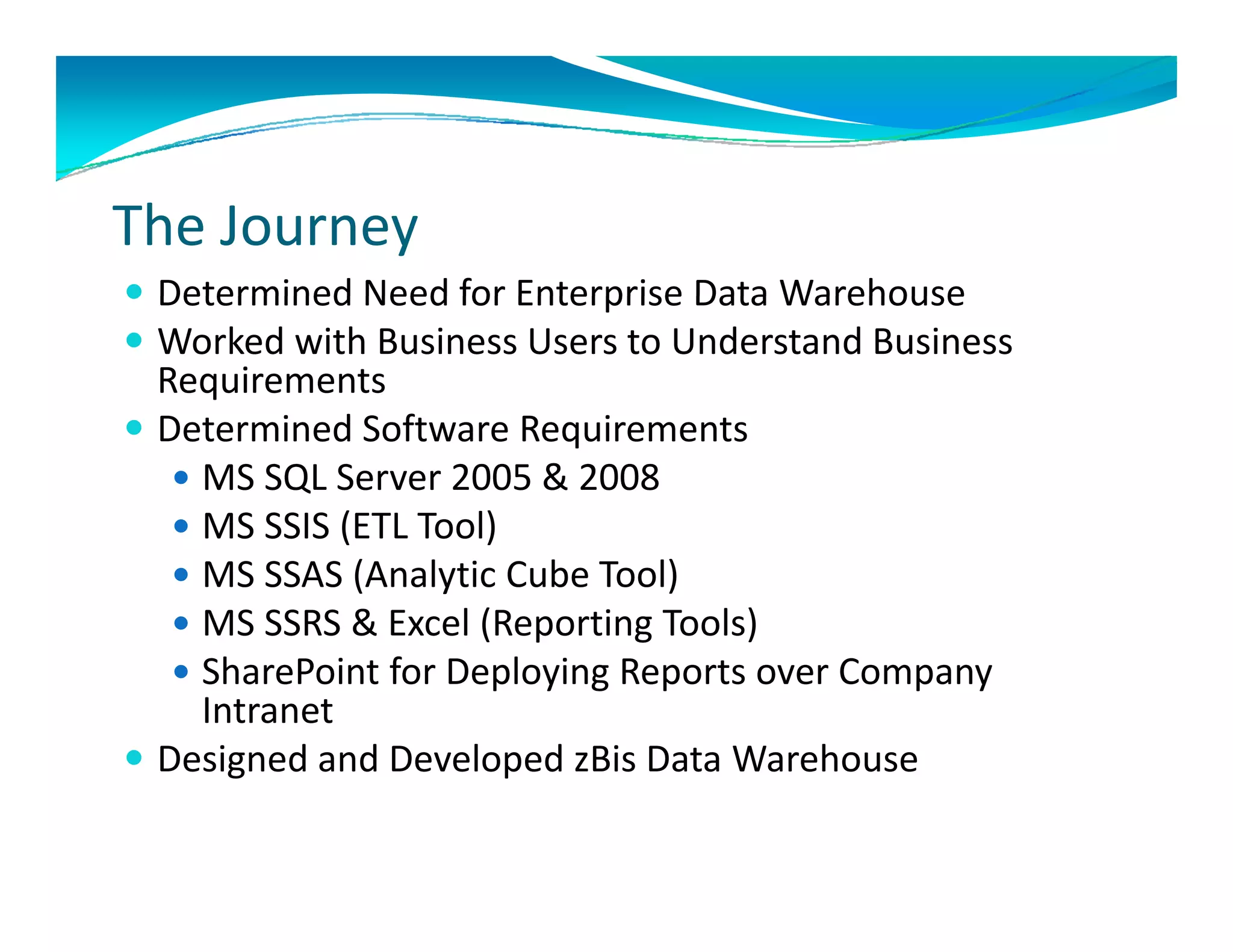
The Journey
 Determined Need for Enterprise Data Warehouse 
  Determined Need for Enterprise Data Warehouse
 Worked with Business Users to Understand Business 
  Requirements
DDetermined Software Requirements
          i dS f         R   i
    MS SQL Server 2005 & 2008
    MS SSIS (ETL Tool)
     MS SSIS (ETL Tool)
    MS SSAS (Analytic Cube Tool)
    MS SSRS & Excel (Reporting Tools)
    SharePoint for Deploying Reports over Company 
     Intranet
 Designed and Developed zBis Data Warehouse
       g                p
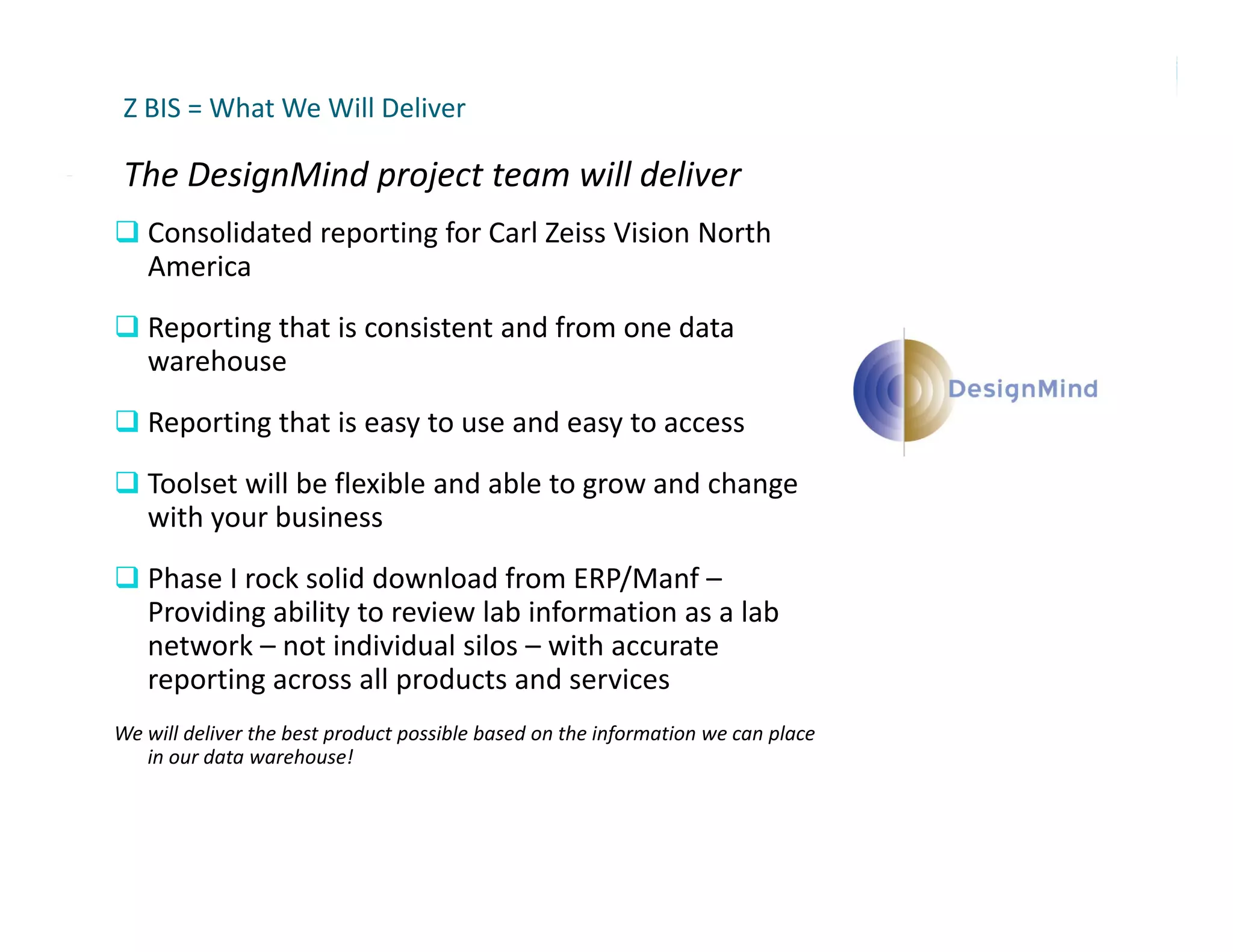
Z BIS = What We Will Deliver

 The DesignMind project team will deliver
 The DesignMind project team will deliver
 Consolidated reporting for Carl Zeiss Vision North 
   America
 Reporting that is consistent and from one data 
   warehouse
R
 Reporting that is easy to use and easy to access
      ti th t i         t        d      t
 Toolset will be flexible and able to grow and change 
   with your business
 Phase I rock solid download from ERP/Manf –
   Providing ability to review lab information as a lab 
   network – not individual silos – with accurate 
   reporting across all products and services
We will deliver the best product possible based on the information we can place 
   in our data warehouse!
DesignMind


www.designmind.com
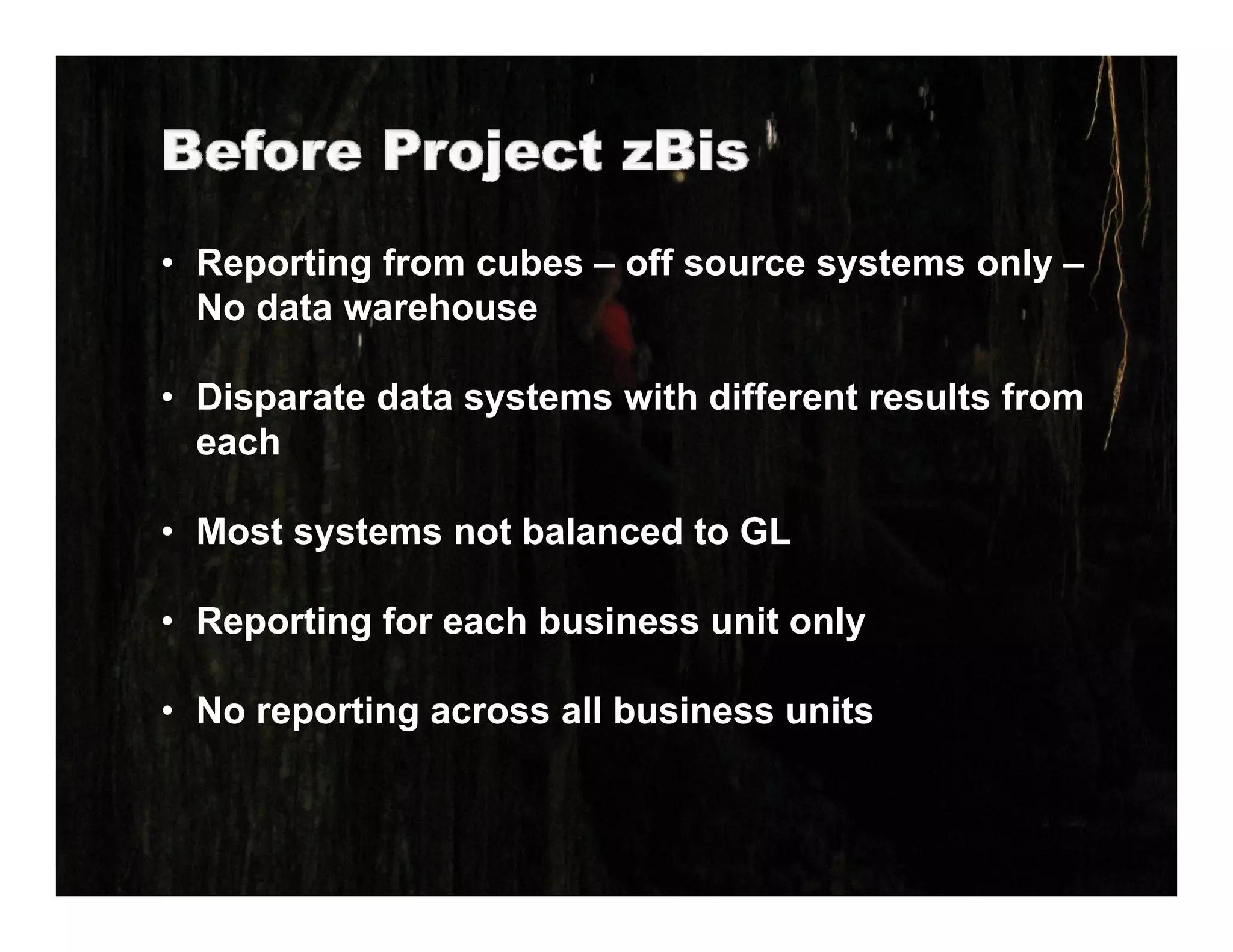
• Reporting from cubes – off source systems only –
  No data warehouse
  N d t        h

• Disparate data systems with different results from
     p            y
  each

• Most systems not balanced to GL

• Reporting for each business unit only

• No reporting across all business units
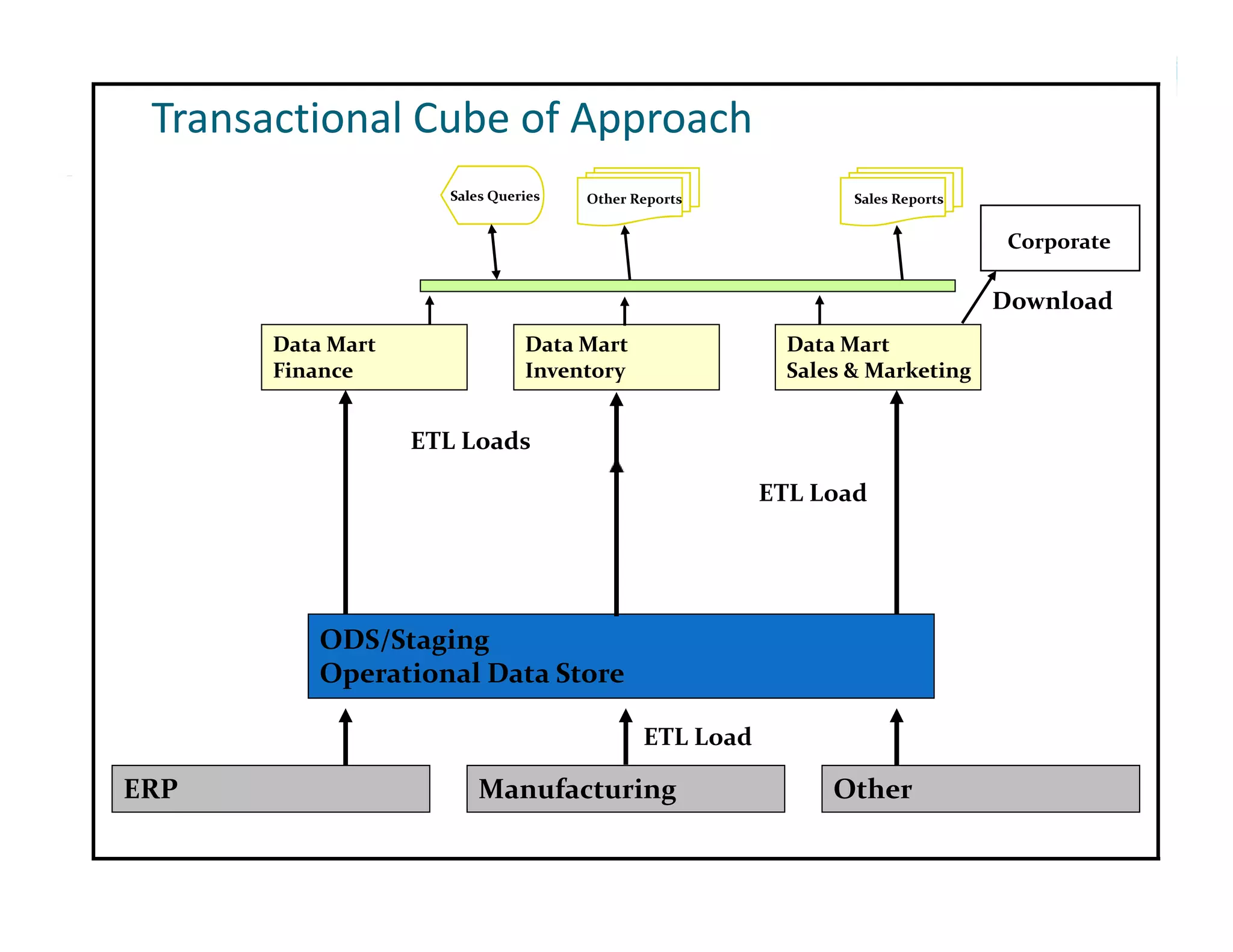
Transactional Cube of Approach
                     Sales Queries   Other Reports             Sales Reports


                                                                                Corporate

                                                                               Download
                                                                               D   l d
       Data Mart               Data Mart                 Data Mart
       Finance                 Inventory                 Sales & Marketing


                   ETL Loads

                                                       ETL Load


           ODS/Staging
                   g g
           Operational Data Store

                                            ETL Load

ERP                      Manufacturing                       Other
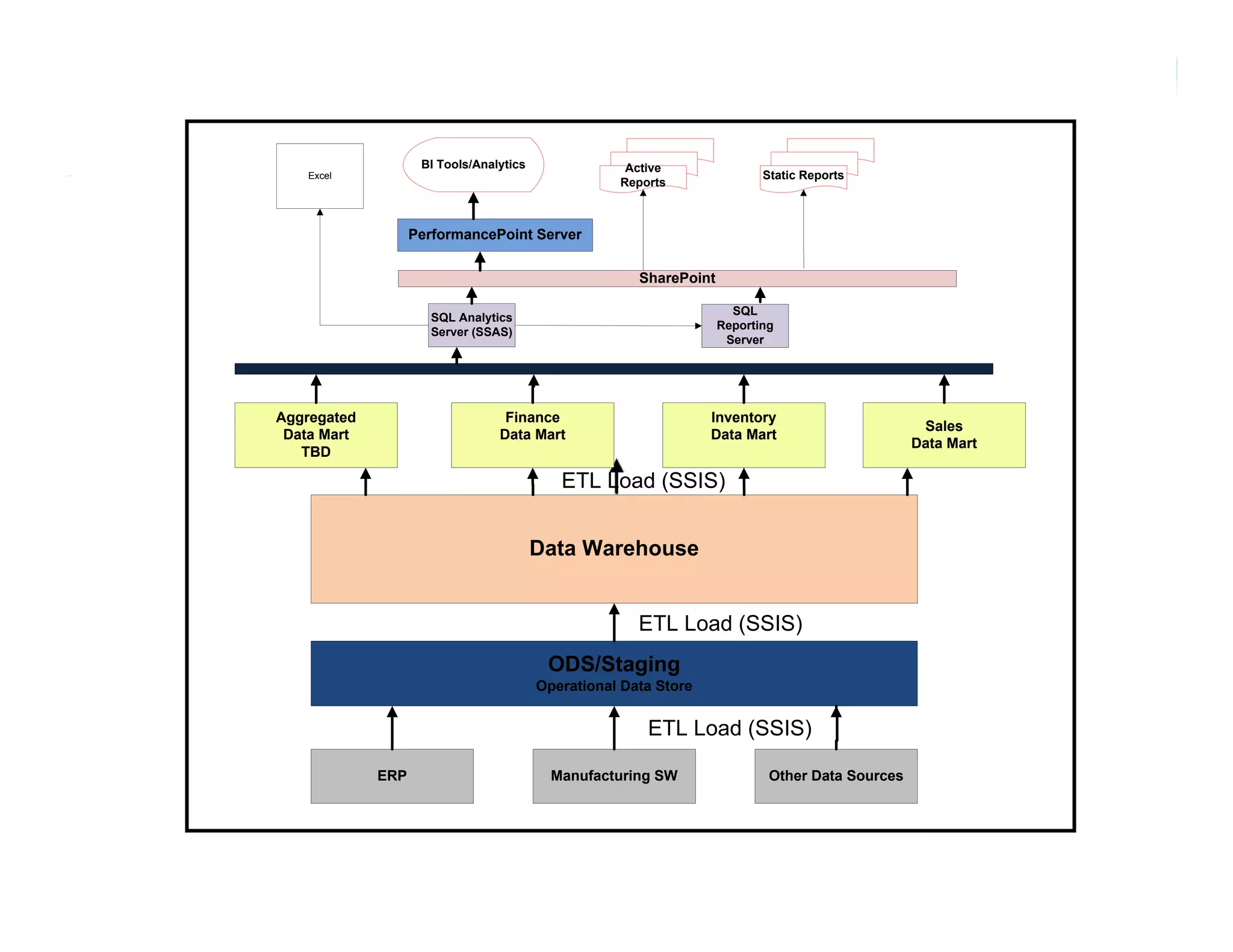
BI Tools/Analytics               Active
    Excel                                                                  Static Reports
                                                    Reports


                   PerformancePoint Server


                                                       SharePoint

                                                                      SQL
                     SQL Analytics
                                                                    Reporting
                     Server (SSAS)
                                                                     Server


Aggregated                        Finance                         Inventory
                                                                                                  Sales
 Data Mart                       Data Mart                        Data Mart
                                                                                                 Data Mart
   TBD

                                            ETL Load (SSIS)


                                         Data Warehouse


                                                       ETL Load (SSIS)
                                          ODS/Staging
                                          O S/S
                                         Operational Data Store


                                                        ETL Load (SSIS)

             ERP                           Manufacturing SW                 Other Data Sources
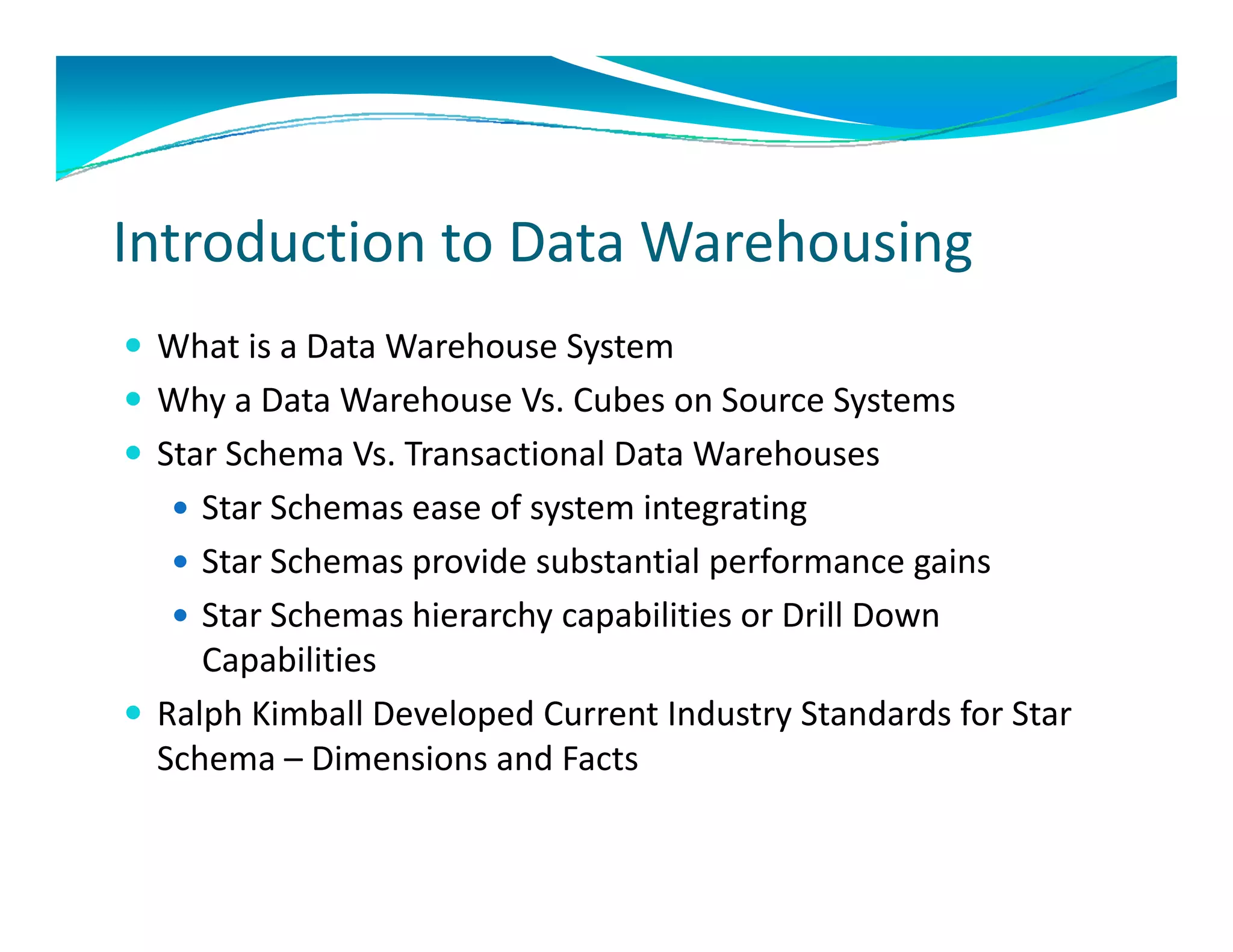
Introduction to Data Warehousing
 What is a Data Warehouse System 
 Why a Data Warehouse Vs. Cubes on Source Systems
    y                                       y
 Star Schema Vs. Transactional Data Warehouses
    Star Schemas ease of system integrating
    Star Schemas provide substantial performance gains
    Star Schemas hierarchy capabilities or Drill Down 
     Capabilities 
     Capabilities
 Ralph Kimball Developed Current Industry Standards for Star 
  Schema – Dimensions and Facts
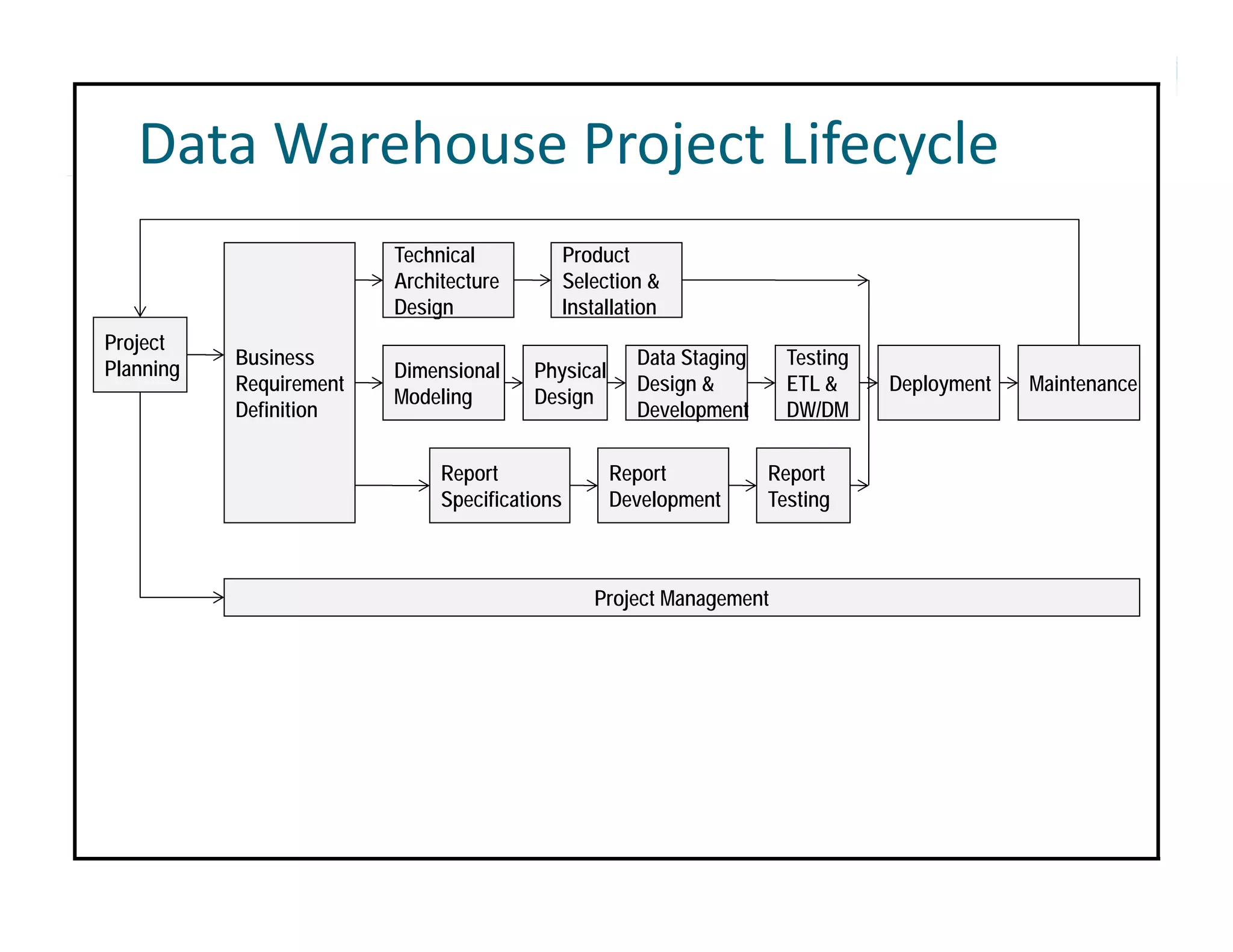
Data Warehouse Project Lifecycle 
                         Technical             Product
                         Architecture          Selection &
                         Design                Installation
Project
           Business                                     Data Staging     Testing
Planning                 Dimensional    Physical
           Requirement                                  Design &         ETL &     Deployment   Maintenance
                         Modeling       Design
           Definition                                   Development      DW/DM

                              Report                Report             Report
                              Specifications        Development        Testing


                                                  Project Management
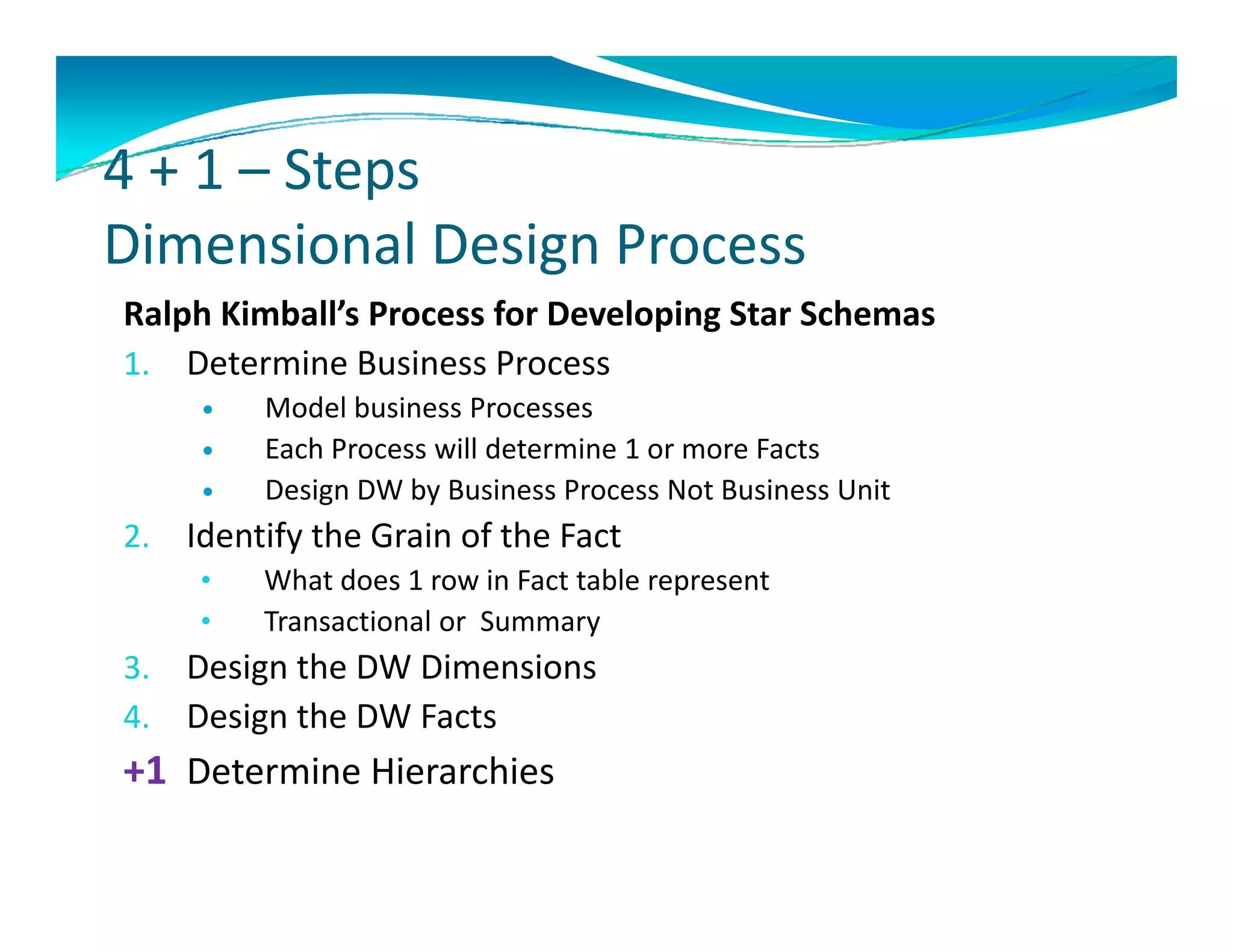
4 + 1 – Steps
4 + 1  Steps 
Dimensional Design Process 
Ralph Kimball’s Process for Developing Star Schemas
1. Determine Business Process 
         Model business Processes
          Model business Processes
         Each Process will determine 1 or more Facts
         Design DW by Business Process Not Business Unit
2.
2    Identify the Grain of the Fact
     Identify the Grain of the Fact
     •    What does 1 row in Fact table represent
     •    Transactional or  Summary 
3.   Design the DW Dimensions
     D i     h DW Di     i
4.   Design the DW Facts
+1 Determine Hierarchies
   Determine Hierarchies
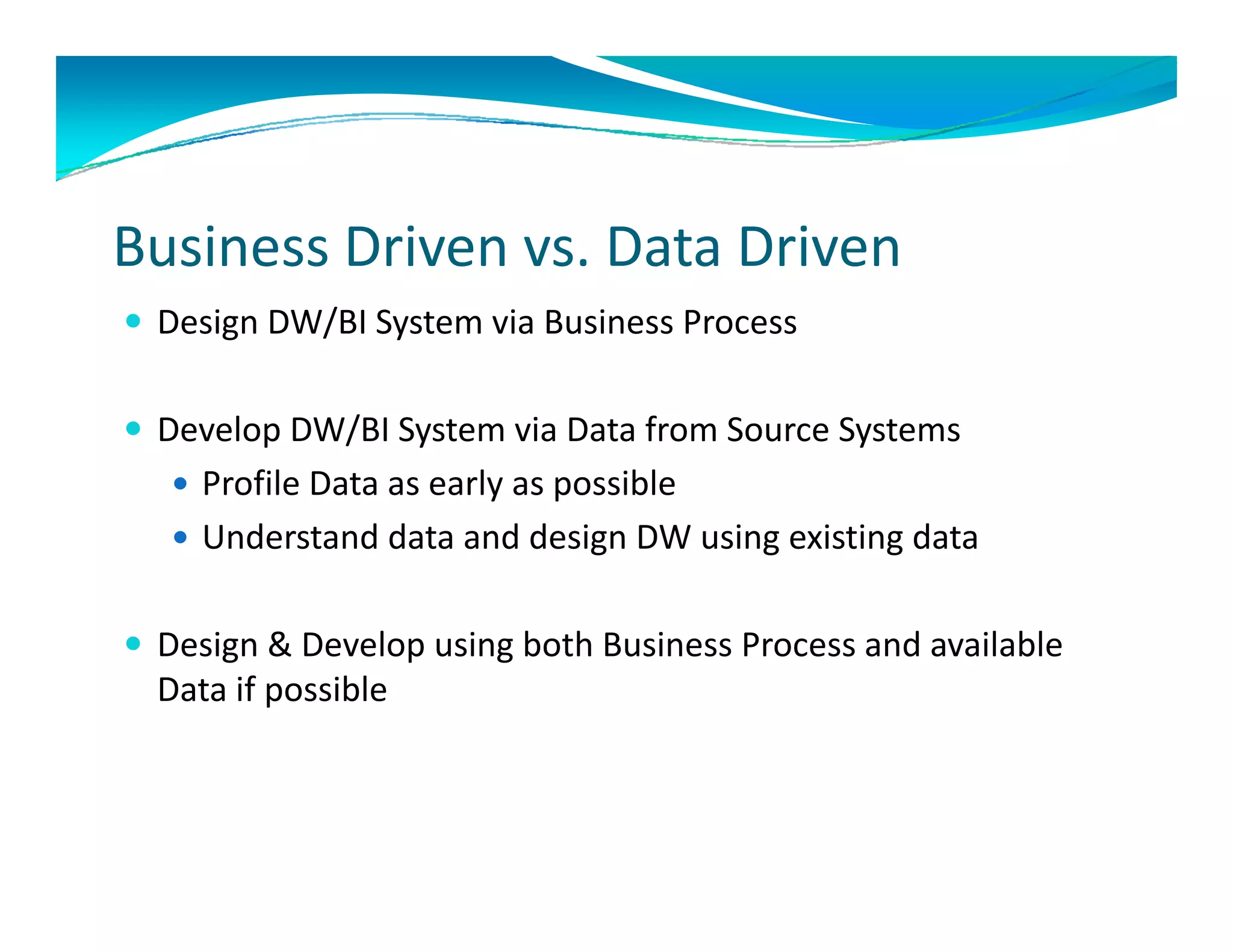
Business Driven vs. Data Driven
 Design DW/BI System via Business Process


 Develop DW/BI System via Data from Source Systems
      l     /                   f
    Profile Data as early as possible
    Understand data and design DW using existing data
     Understand data and design DW using existing data

 Design & Develop using both Business Process and available
  Design & Develop using both Business Process and available 
  Data if possible
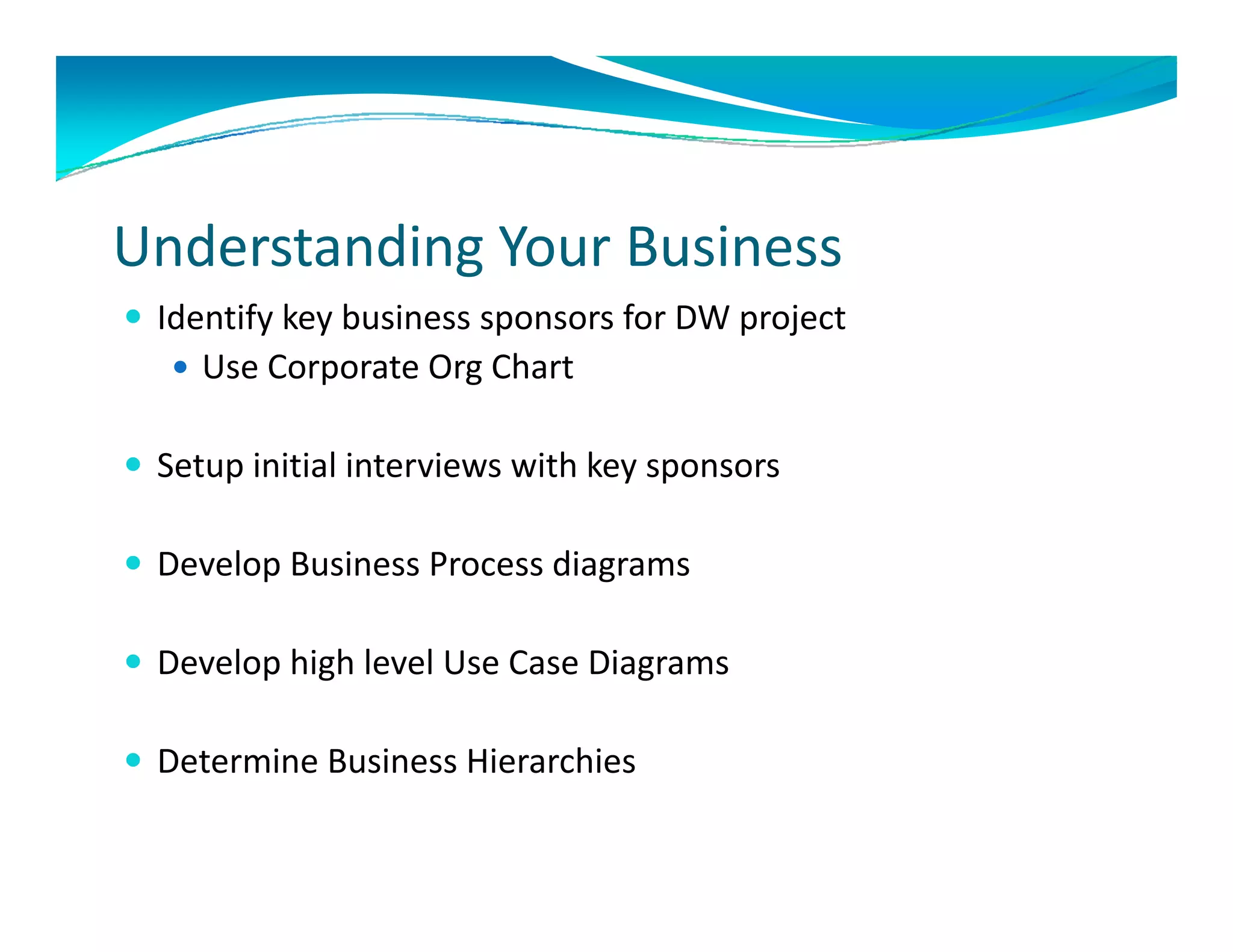
Understanding Your Business
 Identify key business sponsors for DW project 
    Use Corporate Org Chart 


 Setup initial interviews with key sponsors

 Develop Business Process diagrams

D
 Develop high level Use Case Diagrams
     l hi h l l U C          Di

 Determine Business Hierarchies
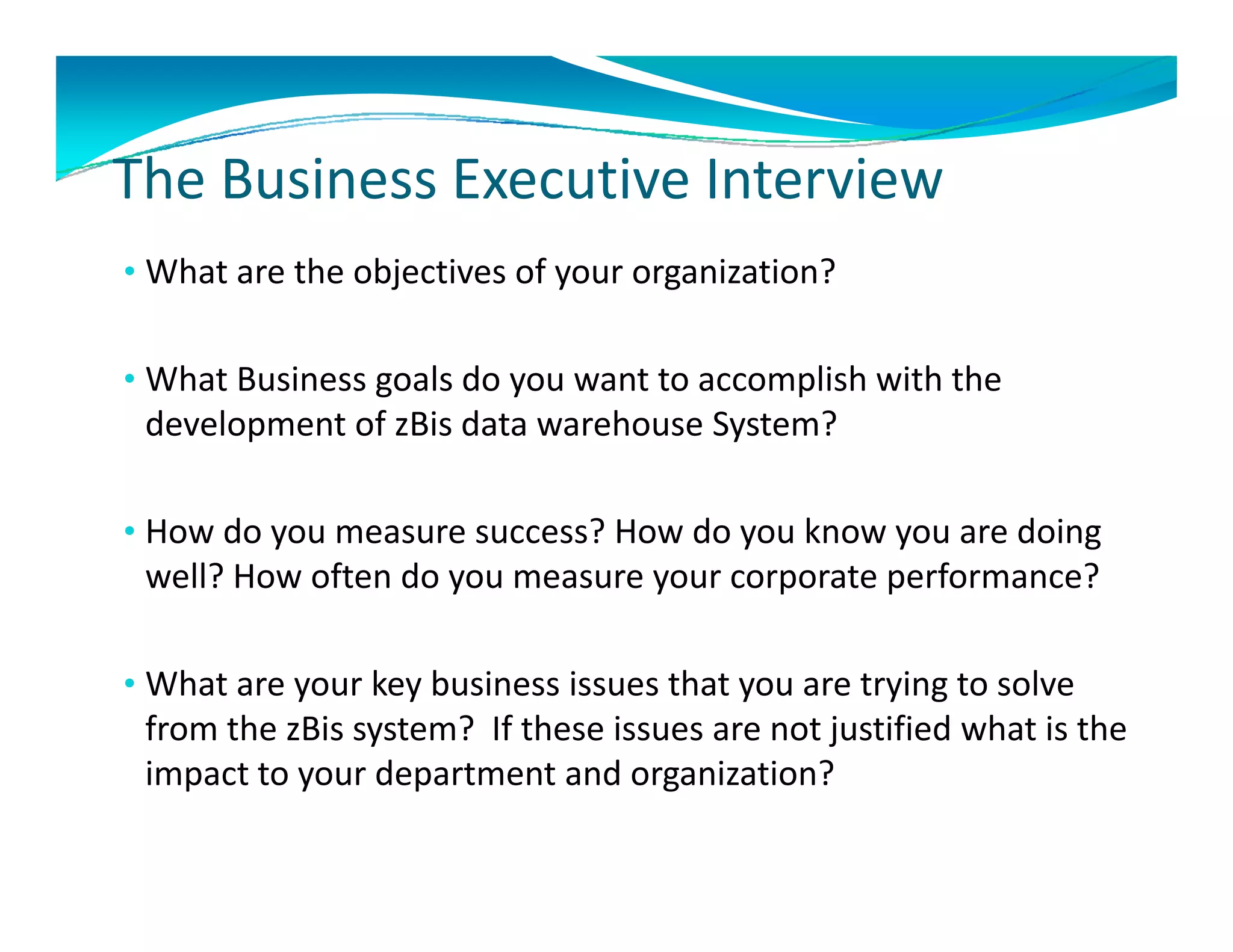
The Business Executive Interview
The Business Executive Interview
• What are the objectives of your organization? 


• What Business goals do you want to accomplish with the 
 development of zBis d t
 d l       t f Bi data warehouse System?
                           h     S t ?

• How do you measure success? How do you know you are doing
  How do you measure success? How do you know you are doing 
 well? How often do you measure your corporate performance? 

• What are your key business issues that you are trying to solve 
 from the zBis system?  If these issues are not justified what is the 
 impact to your department and organization?
 impact to your department and organization?
The Business Executive Interview
The Business Executive Interview
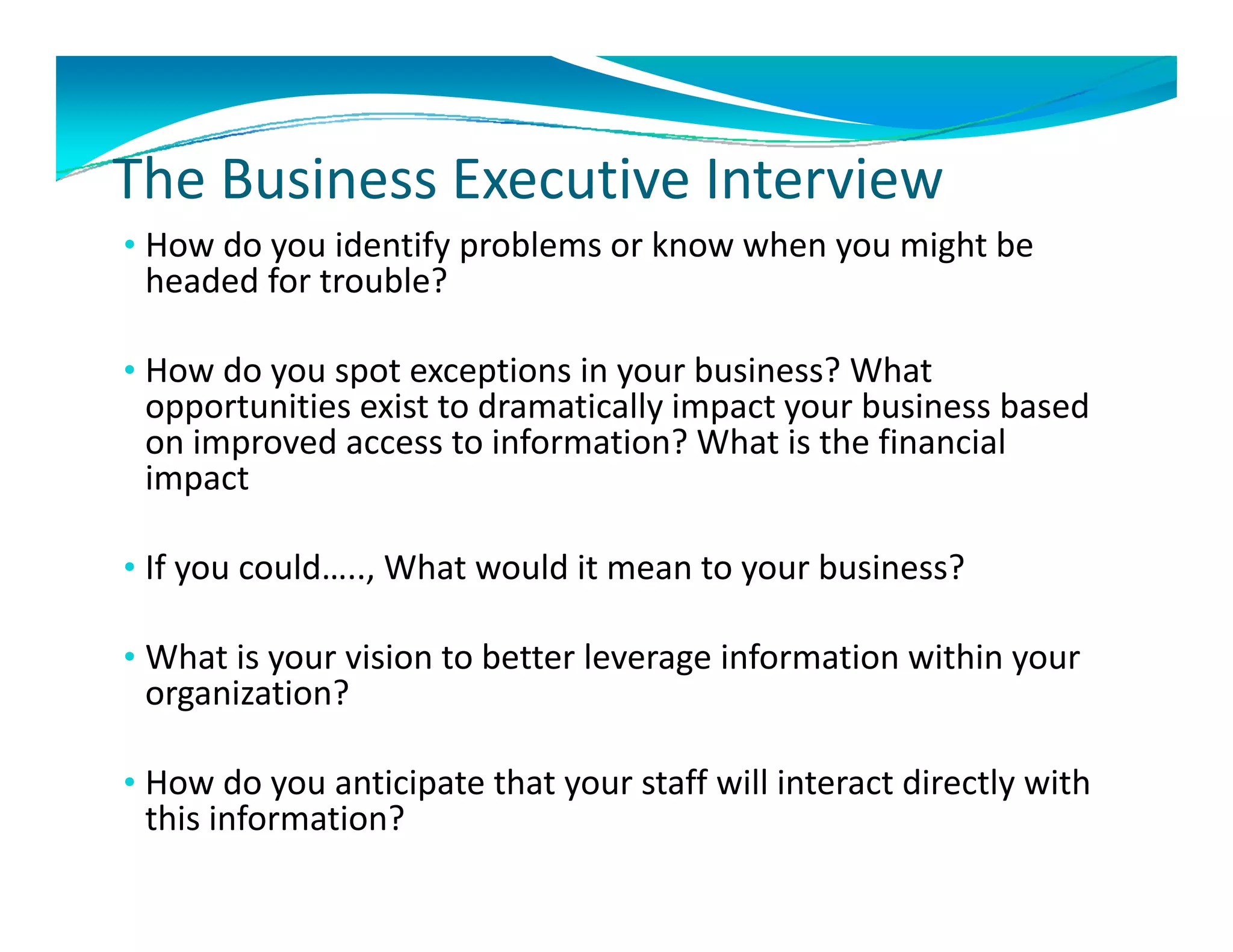
• How do you identify problems or know when you might be 
 headed for trouble? 

• How do you spot exceptions in your business? What 
 opportunities exist to dramatically impact your business based 
 opportunities exist to dramatically impact your business based
 on improved access to information? What is the financial 
 impact 

• If you could….., What would it mean to your business?

• What is your vision to better leverage information within your
  What is your vision to better leverage information within your 
 organization?

•H
 How do you anticipate that your staff will interact directly with 
     d        ti i t th t         t ff ill i t     t di tl ith
 this information?
Th B i       M       I t i
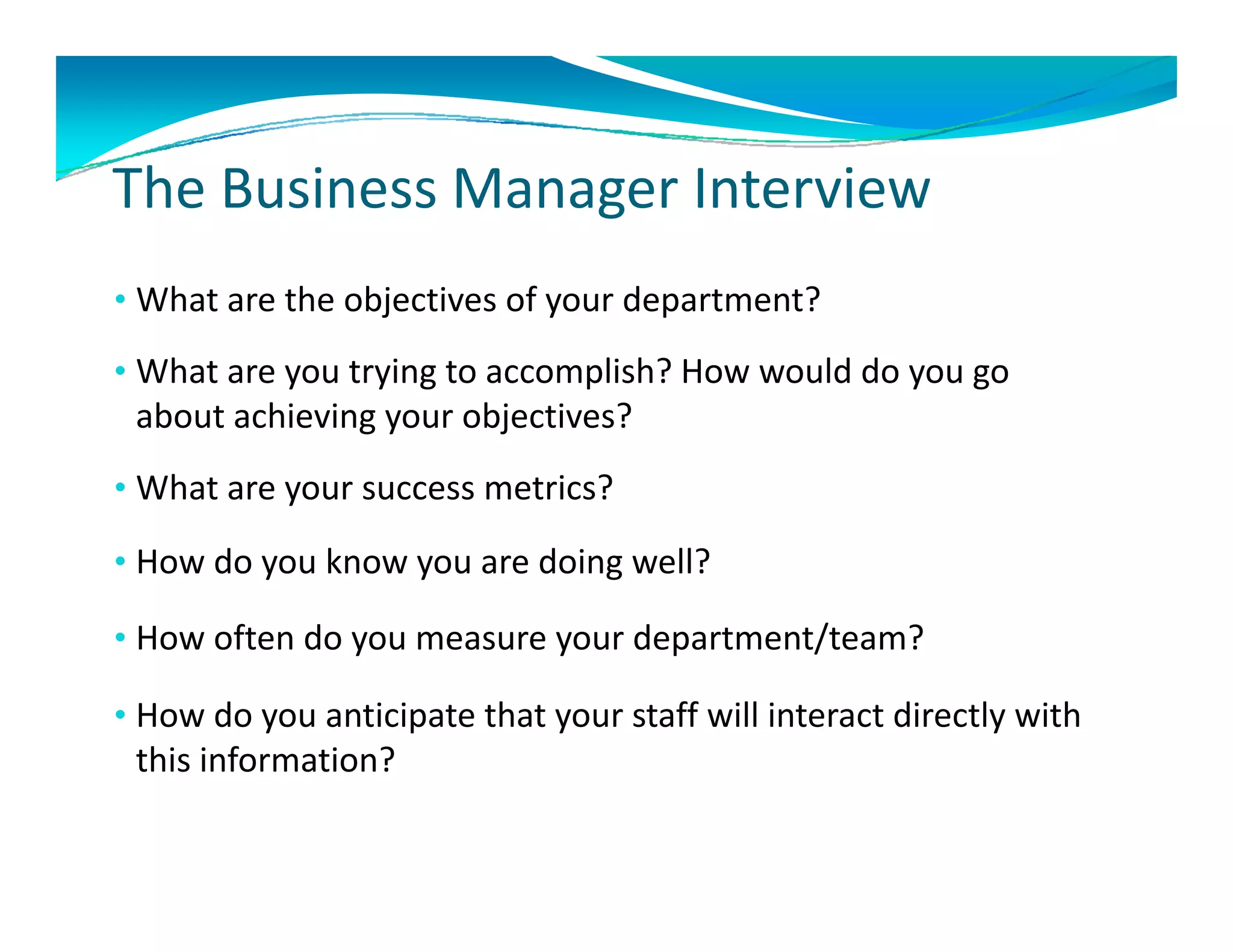
The Business Manager Interview
• What are the objectives of your department? 
  What are the objectives of your department?
• What are you trying to accomplish? How would do you go 
 about achieving your objectives?
 about achieving your objectives?
• What are your success metrics?

• How do you know you are doing well?

• How often do you measure your department/team?
               y           y      p

• How do you anticipate that your staff will interact directly with 
 this information?
Business Process Diagrams
 Understand Business Requirements for building 
 DW/BI system.
 DW/BI system.

 Defines the Measures and Dimensions for data
  Defines the Measures and Dimensions for data 
 warehouse
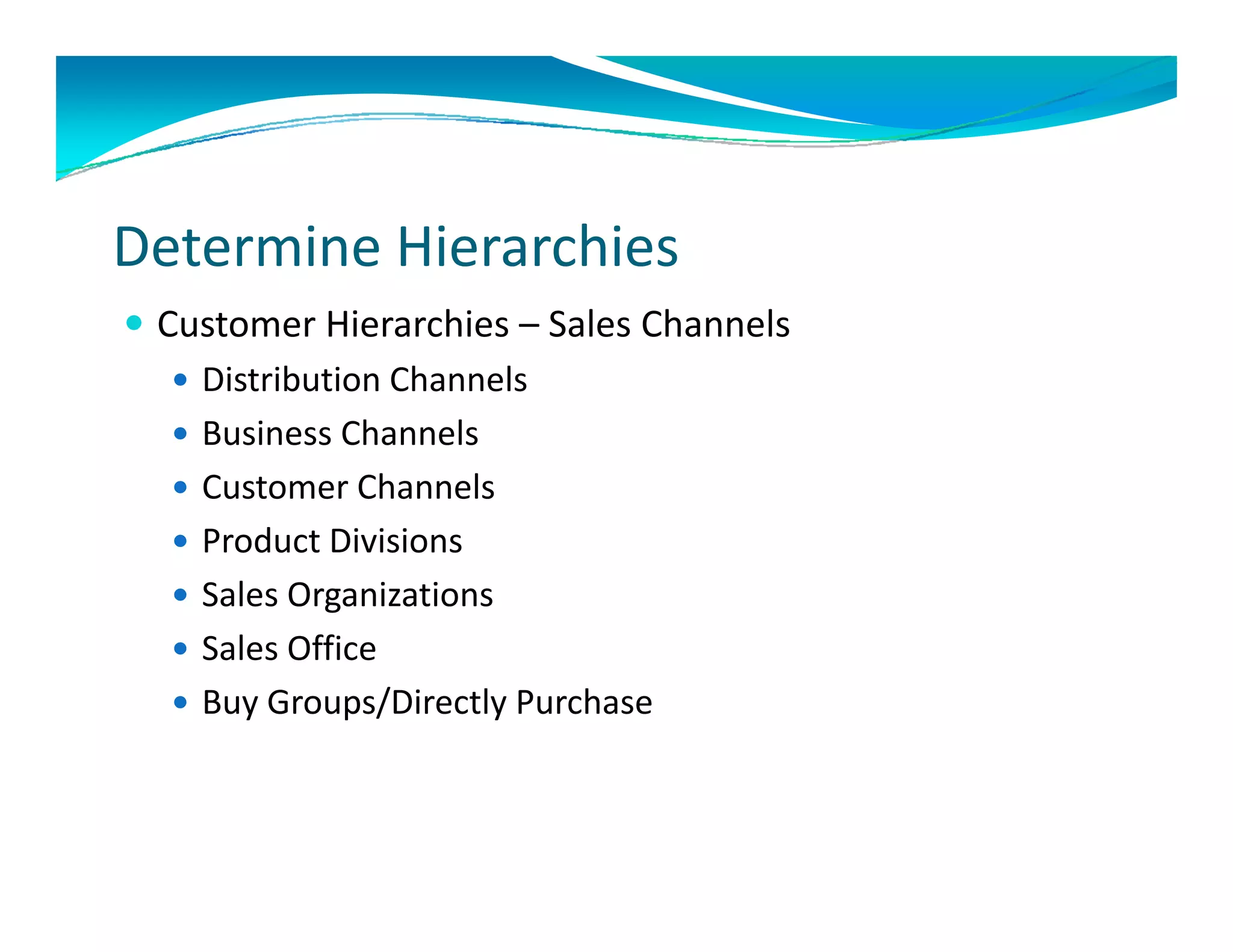
Determine Hierarchies 
 Customer Hierarchies – Sales Channels
    Distribution Channels
    Business Channels
    Customer Channels
    Product Divisions
     Product Divisions
    Sales Organizations 
    Sales Office
     Sales Office
    Buy Groups/Directly Purchase 
Determine Hierarchies 
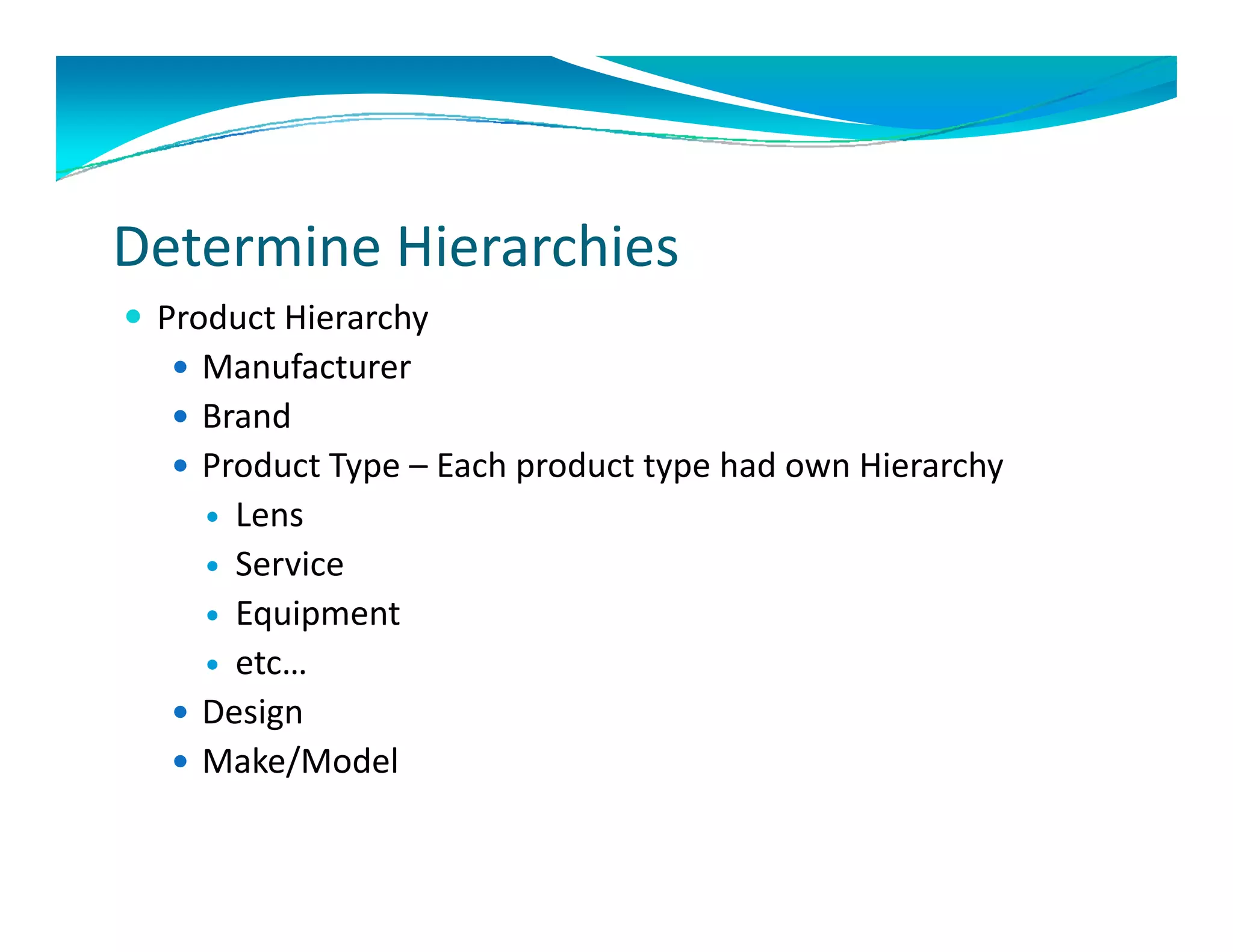
 Product Hierarchy
   Manufacturer
   Brand
   Product Type – Each product type had own Hierarchy
     Lens
     Service
     Equipment 
     etc…
       t
   Design
   Make/Model
         /
Determine Hierarchies 
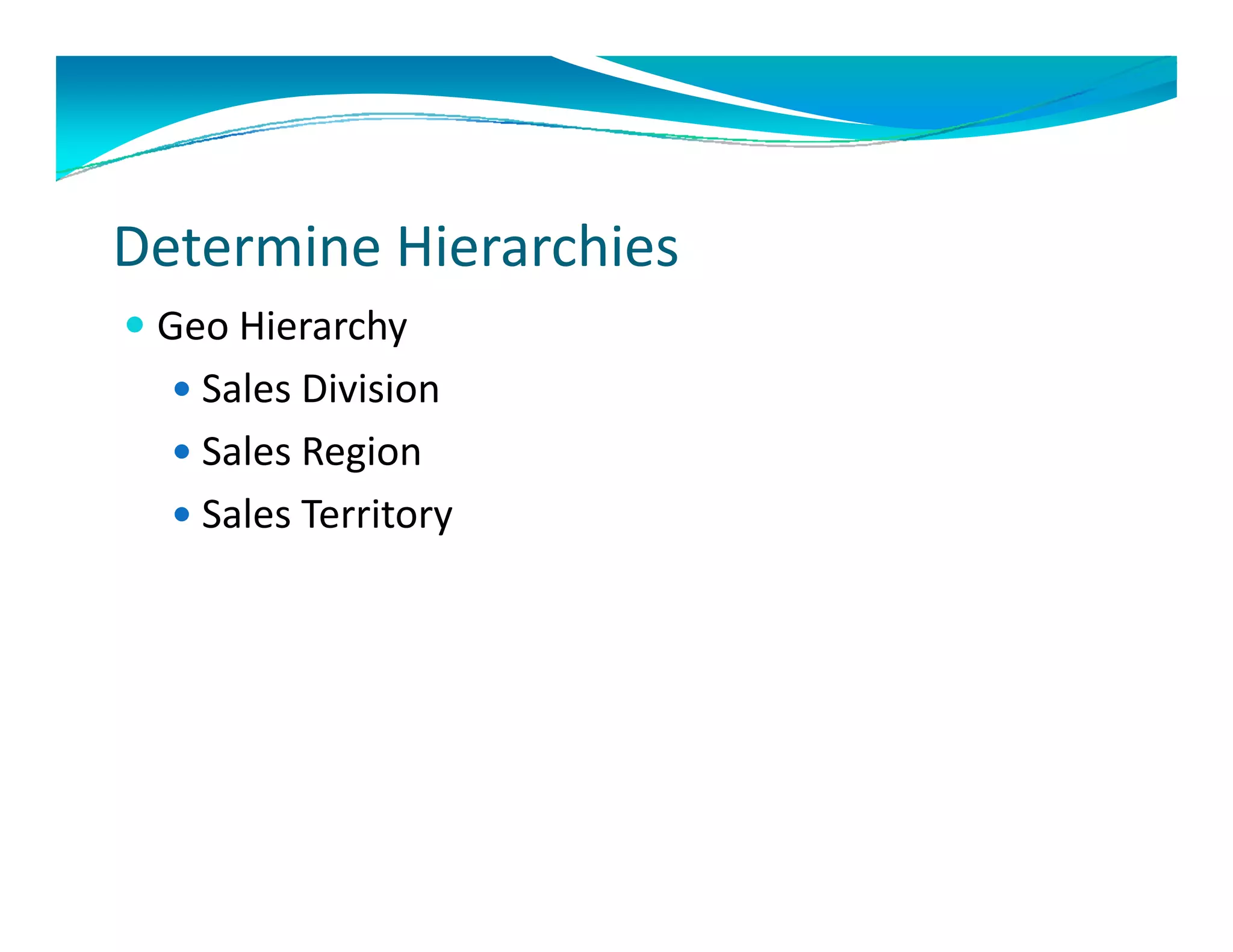
 Geo Hierarchy
   Sales Division
   Sales Region
   Sales Territory
Conformed Dimensions
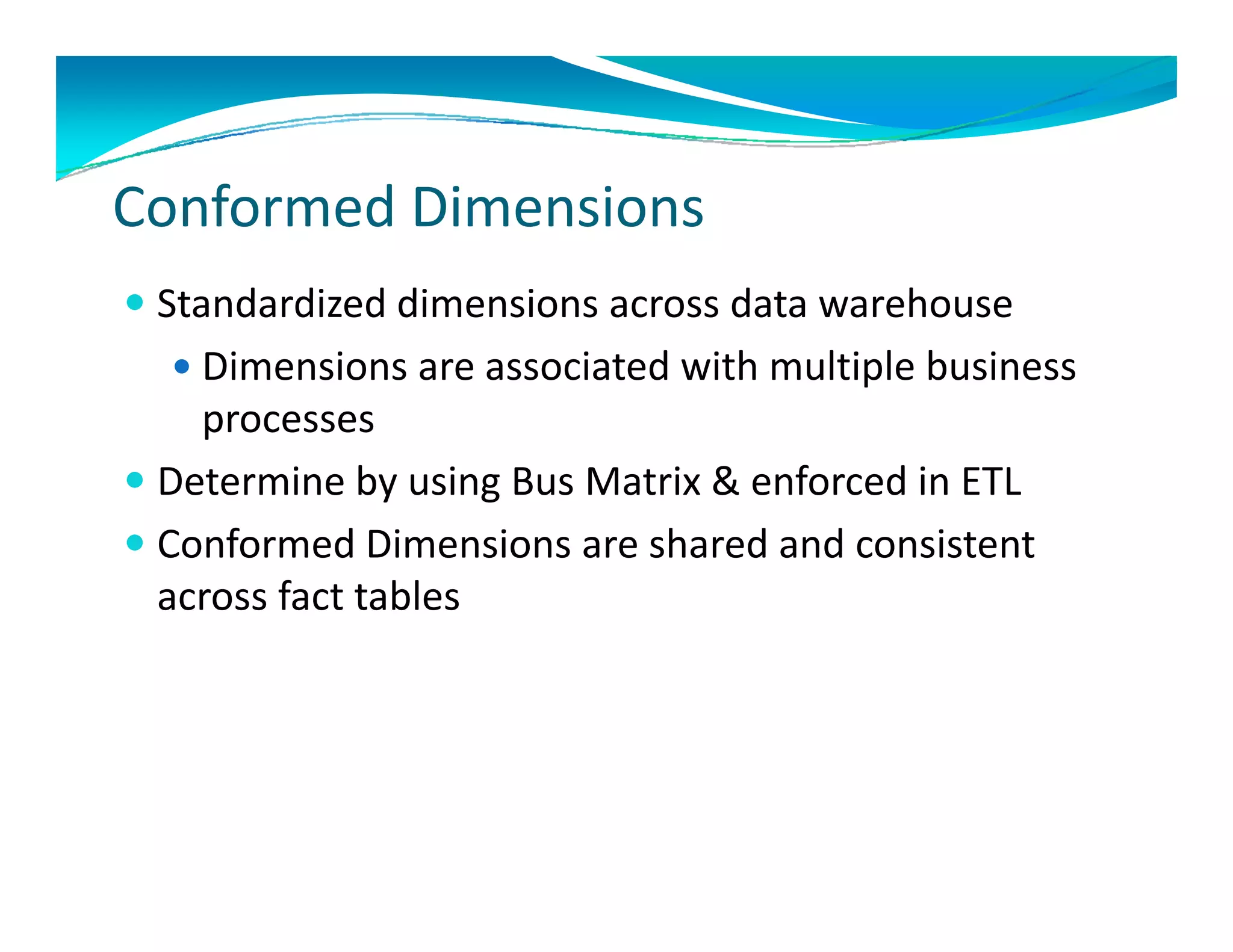
 Standardized dimensions across data warehouse
  St d di d di       i           d t      h
   Dimensions are associated with multiple business 
    processes
 Determine by using Bus Matrix & enforced in ETL
C f
  Conformed Dimensions are shared and consistent 
            d Di     i       h d d          it t
  across fact tables
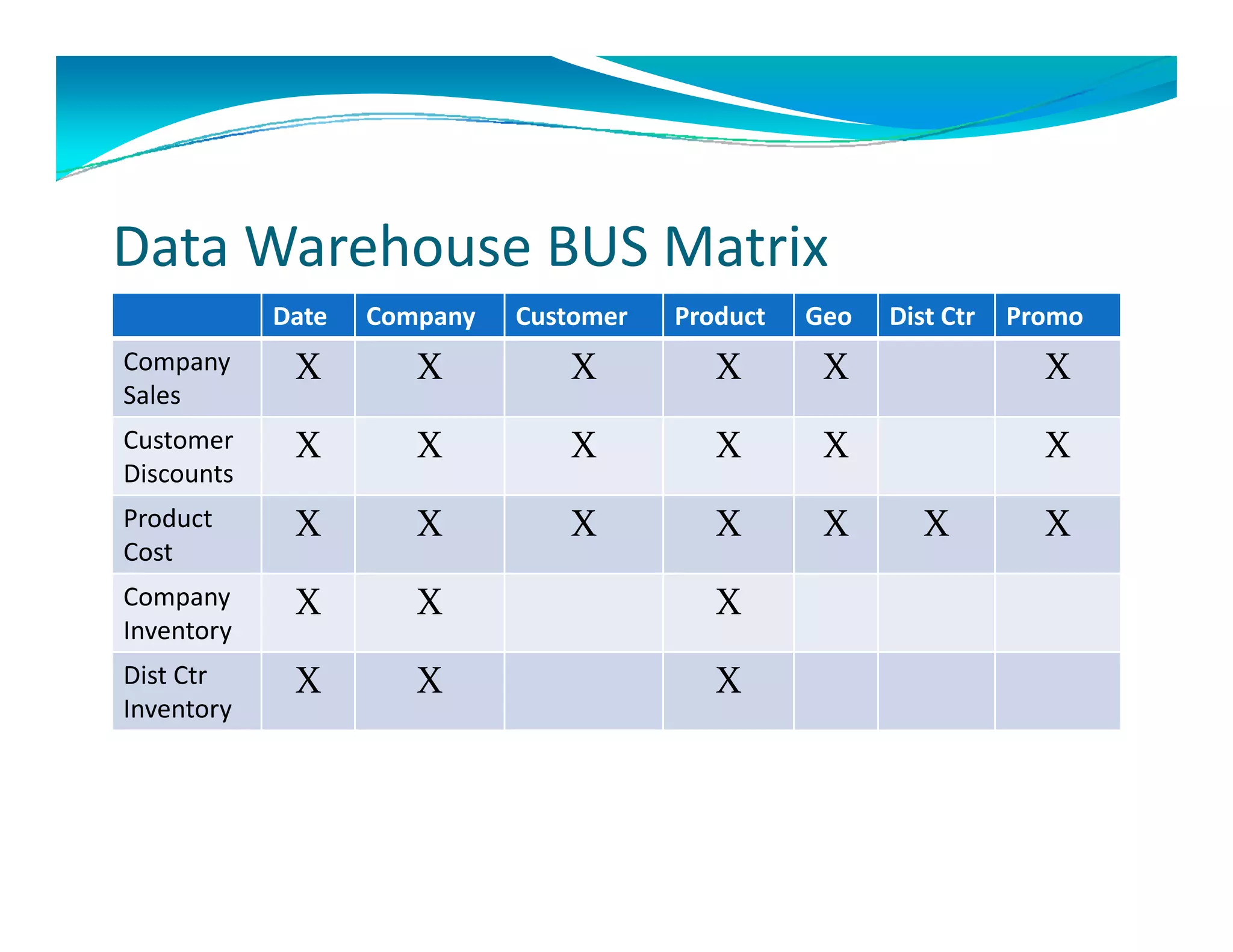
Use Data Warehouse BUS Matrix
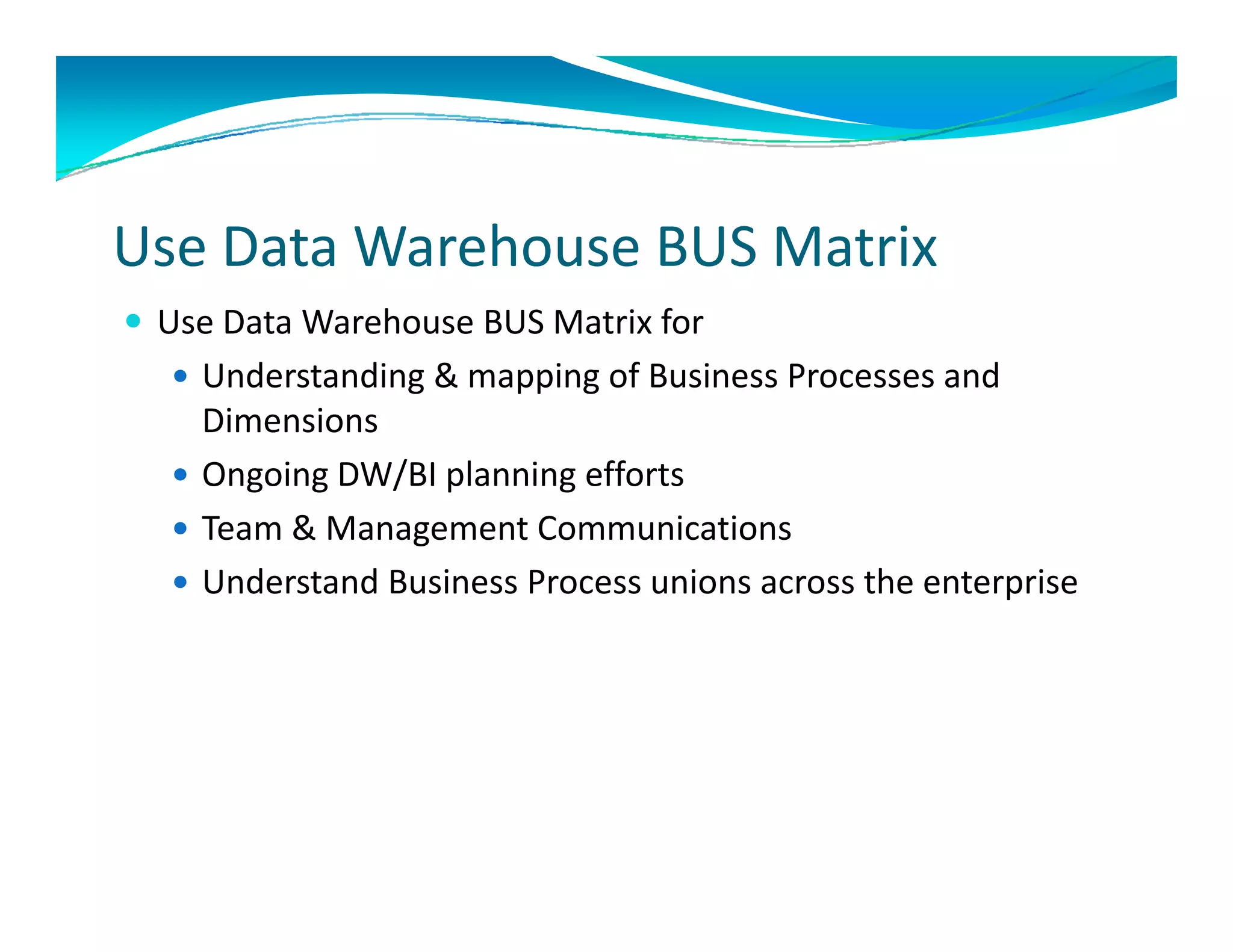
 Use Data Warehouse BUS Matrix for
   Understanding & mapping of Business Processes and 
    Dimensions
   Ongoing DW/BI planning efforts
   Team & Management Communications
    Team & Management Communications
   Understand Business Process unions across the enterprise
Data Warehouse BUS Matrix
            Date   Company   Customer   Product   Geo   Dist Ctr   Promo
Company      X        X         X          X       X                 X
Sales
Customer     X        X         X          X       X                 X
Discounts
Product      X        X         X          X       X       X         X
Cost
Company      X        X                    X
Inventory
Dist Ctr     X        X                    X
Inventory
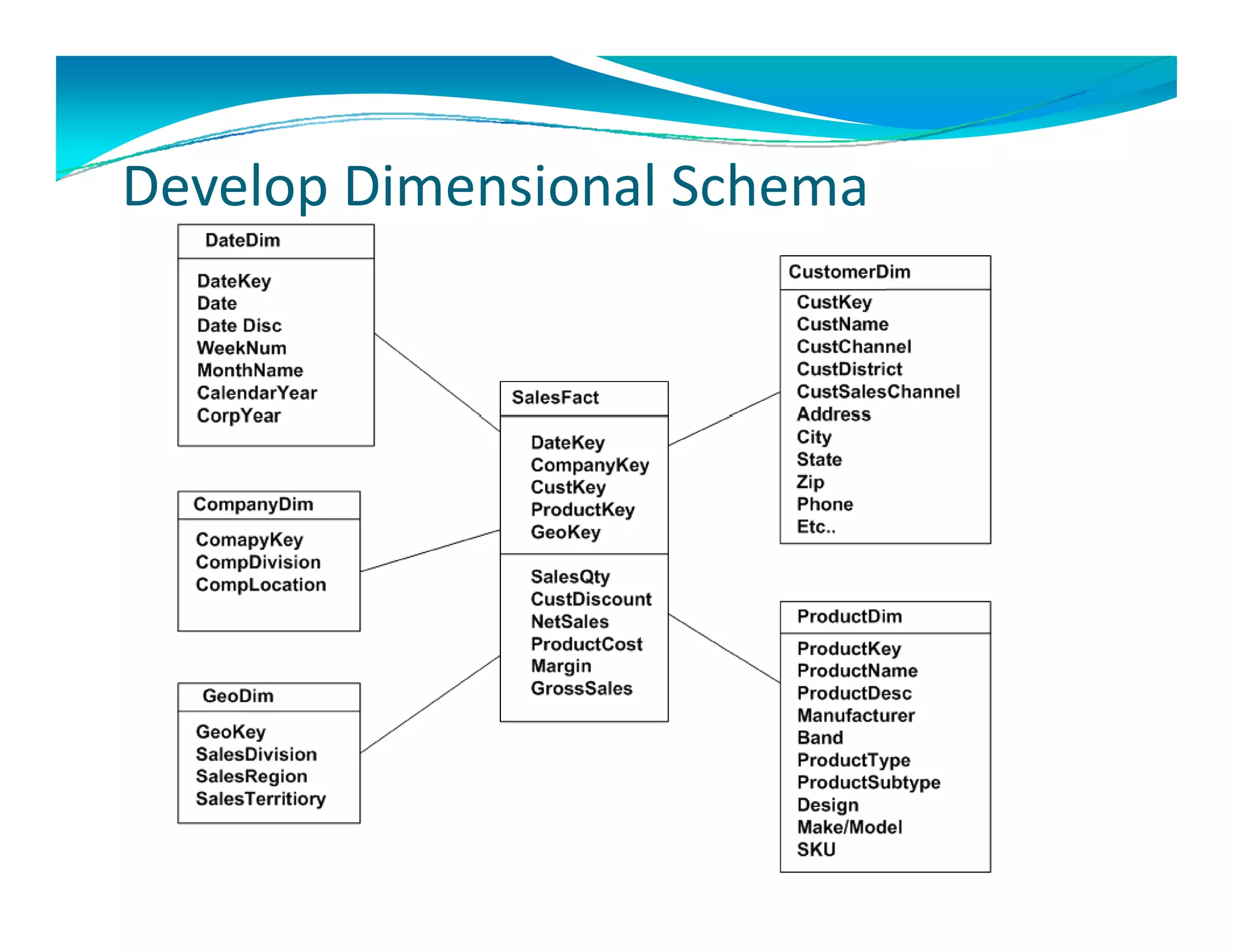
De elop Dimensional Schema
Develop Dimensional Schema
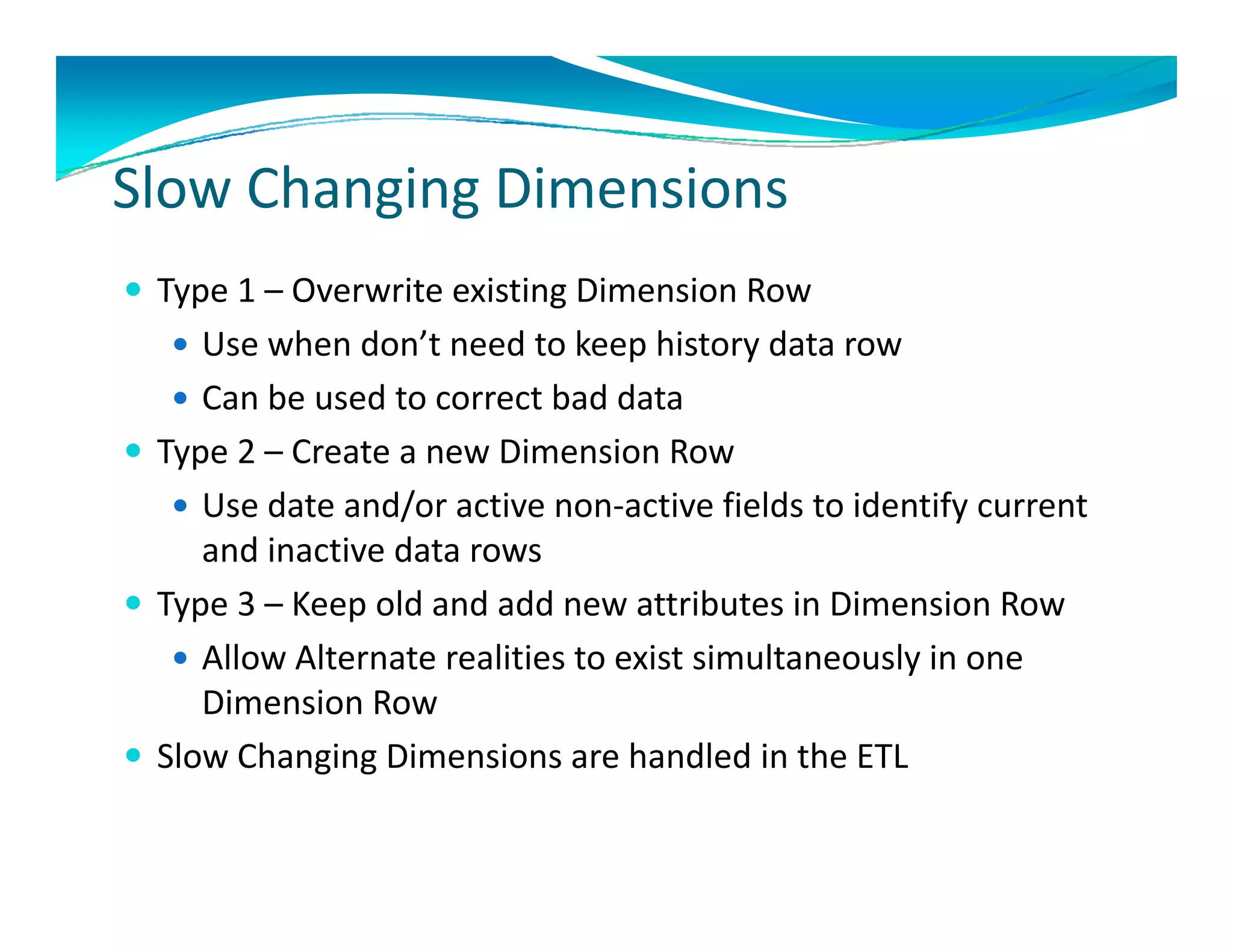
Sl Ch i Di          i
Slow Changing Dimensions
 Type 1 – Overwrite existing Dimension Row
  Type 1 Overwrite existing Dimension Row
    Use when don’t need to keep history data row
    Can be used to correct bad data
 Type 2 – Create a new Dimension Row
    Use date and/or active non‐active fields to identify current 
     and inactive data rows
 Type 3 – Keep old and add new attributes in Dimension Row
    Allow Alternate realities to exist simultaneously in one
     Allow Alternate realities to exist simultaneously in one 
     Dimension Row
 Slow Changing Dimensions are handled in the ETL
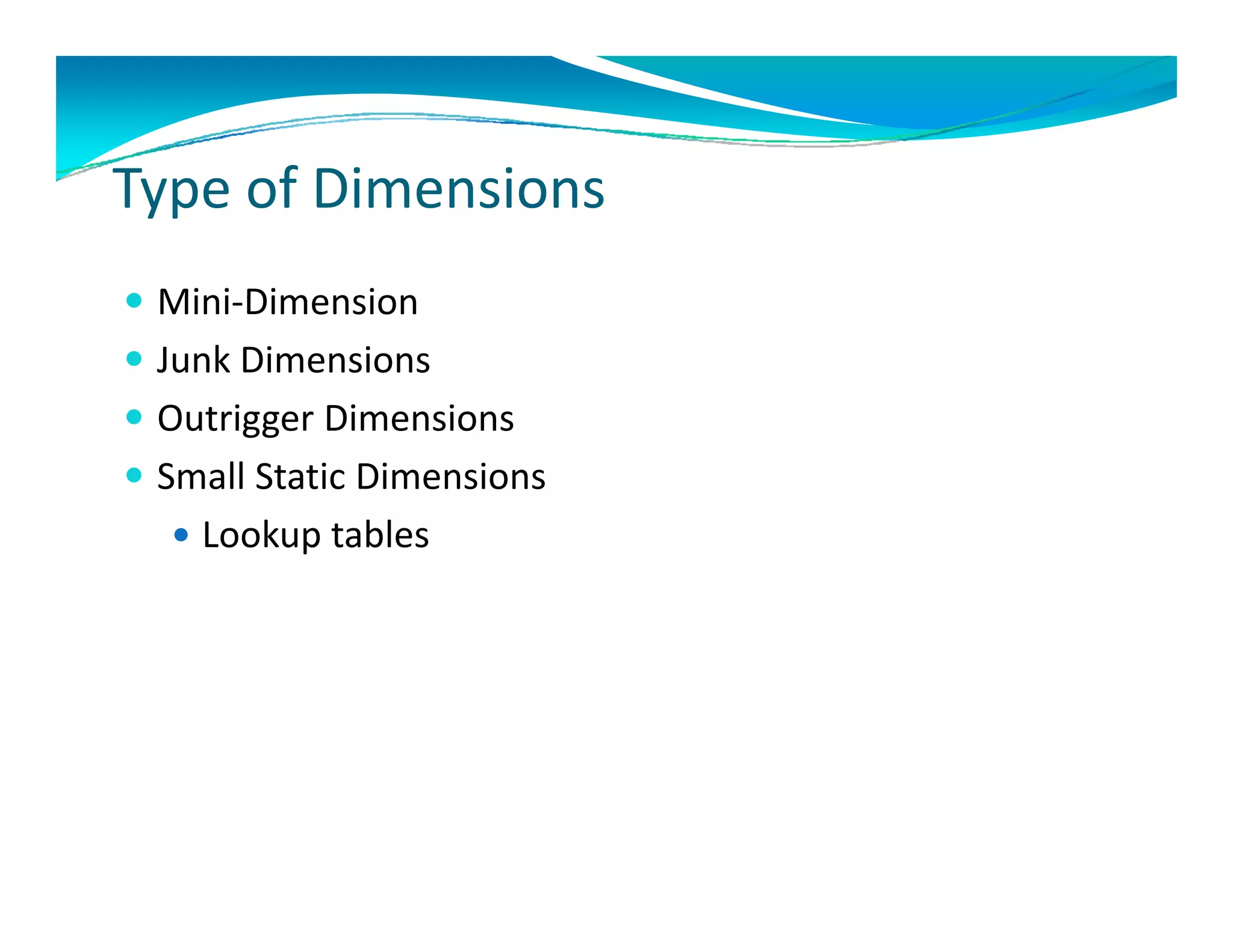
T     f Di    i
Type of Dimensions
 Mini‐Dimension
  Mini Dimension
 Junk Dimensions
 Outrigger Dimensions
  Outrigger Dimensions
 Small Static Dimensions
   Lookup tables
    Lookup tables
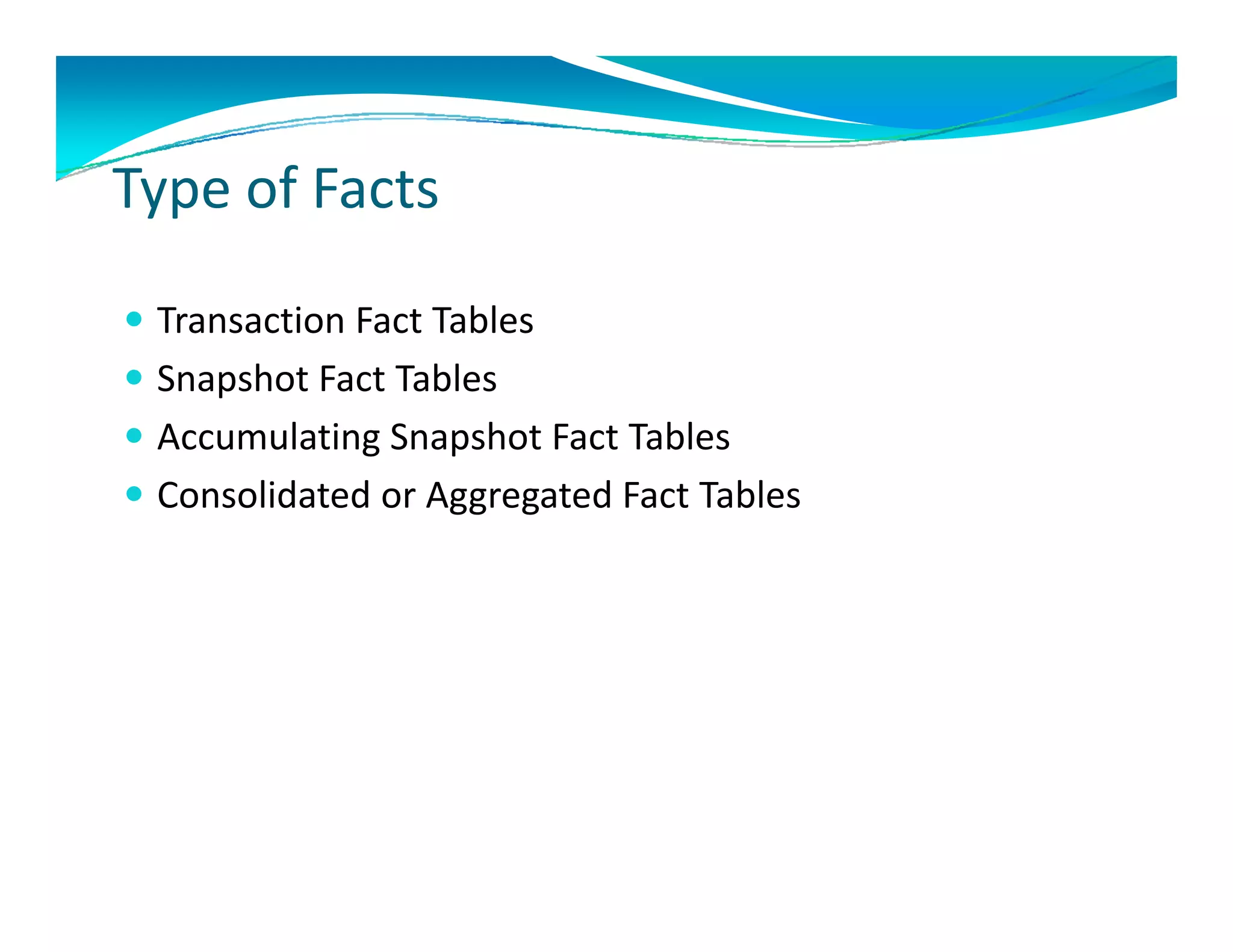
T     fF t
Type of Facts

 Transaction Fact Tables
 Snapshot Fact Tables
 Accumulating Snapshot Fact Tables
 Consolidated or Aggregated Fact Tables 
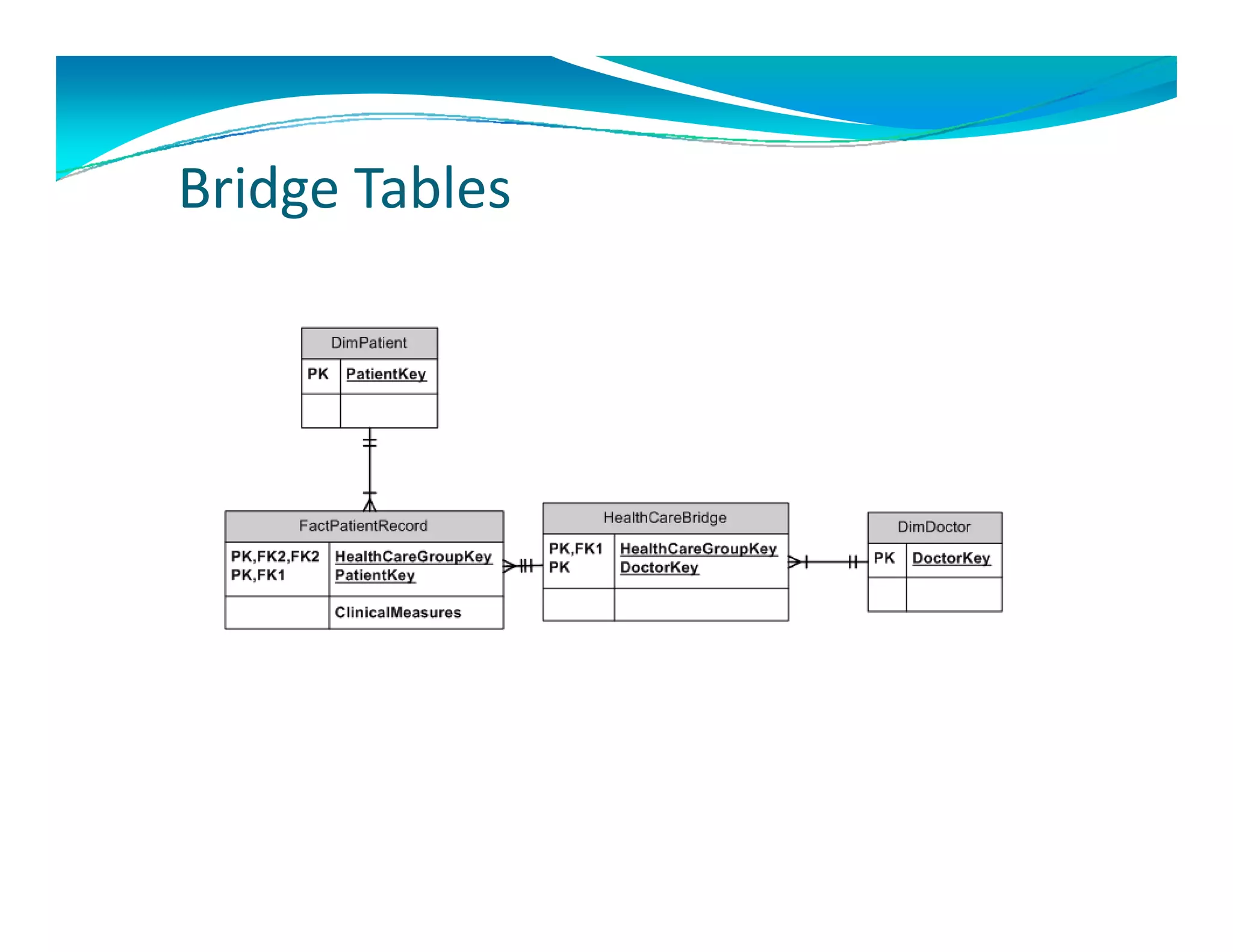
B id T bl
Bridge Tables
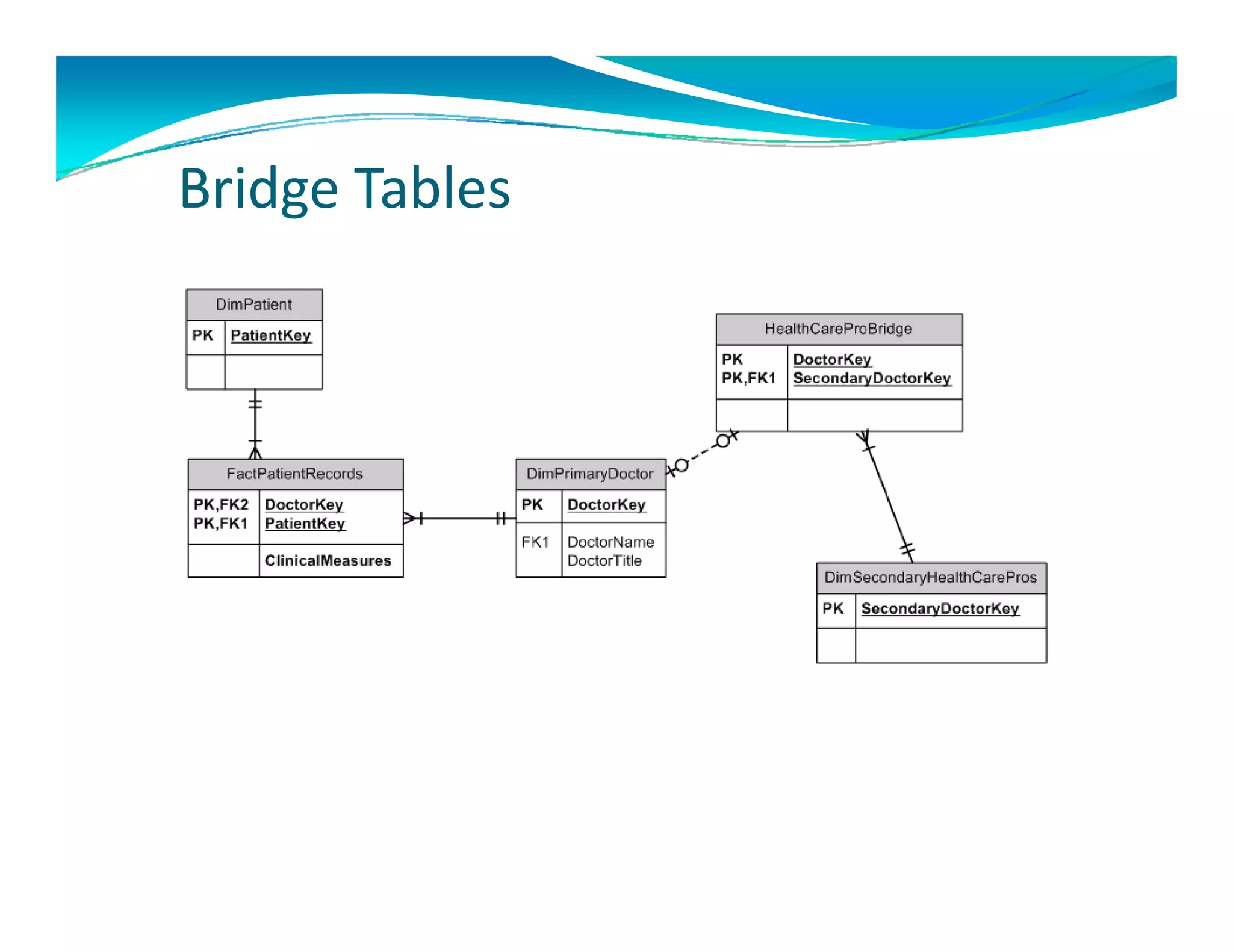
B id T bl
Bridge Tables
R       d d R di li
Recommended Reading list
 The Data Warehouse Toolkit: The Complete Guide to Dimensional 
  Modeling (Second Edition) by Ralph Kimball and Margy Ross 
  M d li (S      d Edi i ) b R l h Ki b ll d M         R

 The MicrosoftData Warehouse Toolkit: With SQL Server2005 and the 
  MicrosoftBusiness Intelligence Toolset by Joy Mundy, Warren 
  Thornthwaite, and Ralph Kimball 

 Building a Data Warehouse: With Examples in SQL Server (Expert's Voice)
  Building a Data Warehouse: With Examples in SQL Server (Expert s Voice)  
  by Vincent Rainardi

 The Data Warehouse Lifecycle Toolkit by Ralph Kimball, Margy Ross, 
  Warren Thornthwaite, and Joy Mundy

 The Data Warehouse ETL Toolkit: Practical Techniques for Extracting, 
  Cleanin by Ralph Kimball and Joe Caserta
          by Ralph Kimball and Joe Caserta 
To learn more or inquire about speaking opportunities, 
                    please contact:

        Mark Ginnebaugh, User Group Leader
              mark@designmind.com

Architecting a Data Warehouse: A Case Study

  • 1.
    Architecting A Data Warehouse:     A Case Study A Case Study Project:  zBis Carl Zeiss Vision North America Mark Ginnebaugh, User Group Leader,  Mark Ginnebaugh User Group Leader mark@designmind.com
  • 2.
    The Journey  Determined Need for Enterprise Data Warehouse  Determined Need for Enterprise Data Warehouse  Worked with Business Users to Understand Business  Requirements DDetermined Software Requirements i dS f R i  MS SQL Server 2005 & 2008  MS SSIS (ETL Tool) MS SSIS (ETL Tool)  MS SSAS (Analytic Cube Tool)  MS SSRS & Excel (Reporting Tools)  SharePoint for Deploying Reports over Company  Intranet  Designed and Developed zBis Data Warehouse g p
  • 3.
    Z BIS = What We Will Deliver The DesignMindproject team will deliver The DesignMind project team will deliver  Consolidated reporting for Carl Zeiss Vision North  America  Reporting that is consistent and from one data  warehouse R Reporting that is easy to use and easy to access ti th t i t d t  Toolset will be flexible and able to grow and change  with your business  Phase I rock solid download from ERP/Manf – Providing ability to review lab information as a lab  network – not individual silos – with accurate  reporting across all products and services We will deliver the best product possible based on the information we can place  in our data warehouse!
  • 4.
  • 5.
    • Reporting fromcubes – off source systems only – No data warehouse N d t h • Disparate data systems with different results from p y each • Most systems not balanced to GL • Reporting for each business unit only • No reporting across all business units
  • 6.
    Transactional Cube of Approach Sales Queries Other Reports Sales Reports Corporate Download D l d Data Mart Data Mart Data Mart Finance Inventory Sales & Marketing ETL Loads ETL Load ODS/Staging g g Operational Data Store ETL Load ERP Manufacturing  Other
  • 7.
    BI Tools/Analytics Active Excel Static Reports Reports PerformancePoint Server SharePoint SQL SQL Analytics Reporting Server (SSAS) Server Aggregated Finance Inventory Sales Data Mart Data Mart Data Mart Data Mart TBD ETL Load (SSIS) Data Warehouse ETL Load (SSIS) ODS/Staging O S/S Operational Data Store ETL Load (SSIS) ERP Manufacturing SW Other Data Sources
  • 8.
    Introduction to Data Warehousing  What is a Data Warehouse System   Why a Data Warehouse Vs. Cubes on Source Systems y y  Star Schema Vs. Transactional Data Warehouses  Star Schemas ease of system integrating  Star Schemas provide substantial performance gains  Star Schemas hierarchy capabilities or Drill Down  Capabilities  Capabilities  Ralph Kimball Developed Current Industry Standards for Star  Schema – Dimensions and Facts
  • 9.
    Data Warehouse Project Lifecycle  Technical Product Architecture Selection & Design Installation Project Business Data Staging Testing Planning Dimensional Physical Requirement Design & ETL & Deployment Maintenance Modeling Design Definition Development DW/DM Report Report Report Specifications Development Testing Project Management
  • 10.
    4 + 1– Steps 4 + 1  Steps  Dimensional Design Process  Ralph Kimball’s Process for Developing Star Schemas 1. Determine Business Process   Model business Processes Model business Processes  Each Process will determine 1 or more Facts  Design DW by Business Process Not Business Unit 2. 2 Identify the Grain of the Fact Identify the Grain of the Fact • What does 1 row in Fact table represent • Transactional or  Summary  3. Design the DW Dimensions D i h DW Di i 4. Design the DW Facts +1 Determine Hierarchies Determine Hierarchies
  • 11.
    Business Driven vs. Data Driven  Design DW/BI System via Business Process  Develop DW/BI System via Data from Source Systems l / f  Profile Data as early as possible  Understand data and design DW using existing data Understand data and design DW using existing data  Design & Develop using both Business Process and available Design & Develop using both Business Process and available  Data if possible
  • 12.
    Understanding Your Business  Identify key business sponsors for DW project   Use Corporate Org Chart   Setup initial interviews with key sponsors  Develop Business Process diagrams D Develop high level Use Case Diagrams l hi h l l U C Di  Determine Business Hierarchies
  • 13.
    The Business ExecutiveInterview The Business Executive Interview • What are the objectives of your organization?  • What Business goals do you want to accomplish with the  development of zBis d t d l t f Bi data warehouse System? h S t ? • How do you measure success? How do you know you are doing How do you measure success? How do you know you are doing  well? How often do you measure your corporate performance?  • What are your key business issues that you are trying to solve  from the zBis system?  If these issues are not justified what is the  impact to your department and organization? impact to your department and organization?
  • 14.
    The Business ExecutiveInterview The Business Executive Interview • How do you identify problems or know when you might be  headed for trouble?  • How do you spot exceptions in your business? What  opportunities exist to dramatically impact your business based  opportunities exist to dramatically impact your business based on improved access to information? What is the financial  impact  • If you could….., What would it mean to your business? • What is your vision to better leverage information within your What is your vision to better leverage information within your  organization? •H How do you anticipate that your staff will interact directly with  d ti i t th t t ff ill i t t di tl ith this information?
  • 15.
    Th B i M I t i The Business Manager Interview • What are the objectives of your department?  What are the objectives of your department? • What are you trying to accomplish? How would do you go  about achieving your objectives? about achieving your objectives? • What are your success metrics? • How do you know you are doing well? • How often do you measure your department/team? y y p • How do you anticipate that your staff will interact directly with  this information?
  • 16.
    Business Process Diagrams  Understand Business Requirements for building  DW/BI system. DW/BI system.  Defines the Measures and Dimensions for data Defines the Measures and Dimensions for data  warehouse
  • 17.
    Determine Hierarchies   Customer Hierarchies – Sales Channels  Distribution Channels  Business Channels  Customer Channels  Product Divisions Product Divisions  Sales Organizations   Sales Office Sales Office  Buy Groups/Directly Purchase 
  • 18.
    Determine Hierarchies   Product Hierarchy  Manufacturer  Brand  Product Type – Each product type had own Hierarchy Lens  Service  Equipment   etc… t  Design  Make/Model /
  • 19.
    Determine Hierarchies   Geo Hierarchy  Sales Division  Sales Region  Sales Territory
  • 20.
    Conformed Dimensions  Standardized dimensions across data warehouse St d di d di i d t h  Dimensions are associated with multiple business  processes  Determine by using Bus Matrix & enforced in ETL C f Conformed Dimensions are shared and consistent  d Di i h d d it t across fact tables
  • 21.
    Use Data Warehouse BUS Matrix  Use Data Warehouse BUS Matrix for  Understanding & mapping of Business Processes and  Dimensions  Ongoing DW/BI planning efforts  Team & Management Communications Team & Management Communications  Understand Business Process unions across the enterprise
  • 22.
    Data Warehouse BUS Matrix Date Company Customer Product Geo Dist Ctr Promo Company  X X X X X X Sales Customer  X X X X X X Discounts Product  X X X X X X X Cost Company  X X X Inventory Dist Ctr X X X Inventory
  • 23.
    De elop DimensionalSchema Develop Dimensional Schema
  • 24.
    Sl Ch iDi i Slow Changing Dimensions  Type 1 – Overwrite existing Dimension Row Type 1 Overwrite existing Dimension Row  Use when don’t need to keep history data row  Can be used to correct bad data  Type 2 – Create a new Dimension Row  Use date and/or active non‐active fields to identify current  and inactive data rows  Type 3 – Keep old and add new attributes in Dimension Row  Allow Alternate realities to exist simultaneously in one Allow Alternate realities to exist simultaneously in one  Dimension Row  Slow Changing Dimensions are handled in the ETL
  • 25.
    T f Di i Type of Dimensions  Mini‐Dimension Mini Dimension  Junk Dimensions  Outrigger Dimensions Outrigger Dimensions  Small Static Dimensions  Lookup tables Lookup tables
  • 26.
    T fF t Type of Facts  Transaction Fact Tables  Snapshot Fact Tables  Accumulating Snapshot Fact Tables  Consolidated or Aggregated Fact Tables 
  • 27.
    B id Tbl Bridge Tables
  • 28.
    B id Tbl Bridge Tables
  • 29.
    R d d R di li Recommended Reading list  The Data Warehouse Toolkit: The Complete Guide to Dimensional  Modeling (Second Edition) by Ralph Kimball and Margy Ross  M d li (S d Edi i ) b R l h Ki b ll d M R  The MicrosoftData Warehouse Toolkit: With SQL Server2005 and the  MicrosoftBusiness Intelligence Toolset by Joy Mundy, Warren  Thornthwaite, and Ralph Kimball   Building a Data Warehouse: With Examples in SQL Server (Expert's Voice) Building a Data Warehouse: With Examples in SQL Server (Expert s Voice)   by Vincent Rainardi  The Data Warehouse Lifecycle Toolkit by Ralph Kimball, Margy Ross,  Warren Thornthwaite, and Joy Mundy  The Data Warehouse ETL Toolkit: Practical Techniques for Extracting,  Cleanin by Ralph Kimball and Joe Caserta by Ralph Kimball and Joe Caserta 
  • 30.
    To learn more or inquire about speaking opportunities,  please contact: Mark Ginnebaugh, User Group Leader mark@designmind.com