© 2013 triAGENS GmbH | 2013-06-06 1
ArangoDB
query language
(AQL)
© 2013 triAGENS GmbH | 2013-06-06 2
Documentation
 the complete AQL manual for the current version
of ArangoDB can be found online at:
https://www.arangodb.org/manuals/current/Aql.html
 all explanations and examples used in this
presentation have been created with ArangoDB
version 1.3
© 2013 triAGENS GmbH | 2013-06-06 3
Motivation – why another query language?
 initially, we implemented a subset of SQL's
SELECT for querying ArangoDB
 we noticed soon that SQL didn't fit well:
 ArangoDB is a document database, but SQL is a
language used in the relational world
 dealing with multi-valued attributes and creating
horizontal lists with SQL is quite painful, but we
needed these features
© 2013 triAGENS GmbH | 2013-06-06 4
Motivation – why another query language?
 we looked at UNQL, which addressed some of the
problems, but the project seemed dead and there
were no working UNQL implementations
 XQuery seemed quite powerful, but a bit too
complex for simple queries and a first
implementation
 JSONiq wasn't there when we started :-)
© 2013 triAGENS GmbH | 2013-06-06 5
ArangoDB Query Language (AQL)
 so we rolled our own query language, the
ArangoDB Query Language (AQL)
 it is a declarative language, loosely based on the
syntax of XQuery
 the language uses other keywords than SQL so
it's clear that the languages are different
 AQL is implemented in C and JavaScript
 first version of AQL was released in mid-2012
© 2013 triAGENS GmbH | 2013-06-06 6
Collections and documents
 ArangoDB is not a relational database, but
primarily a document database
 documents are organised in "collections" (the
equivalent of a "table" in the relational world)
 documents consist of typed attribute name / value
pairs, attributes can optionally be nested
 the JSON type system can be used for values
© 2013 triAGENS GmbH | 2013-06-06 7
An example document
{ 
  "name" : {
    "official" : "AQL",
    "codename" : "Ahuacatl"
  },
  "keywords" : [
    "FOR", "FILTER", "LIMIT", "SORT", 
    "RETURN", "COLLECT", "LET"
  ],
  "released" : 2012
}
© 2013 triAGENS GmbH | 2013-06-06 8
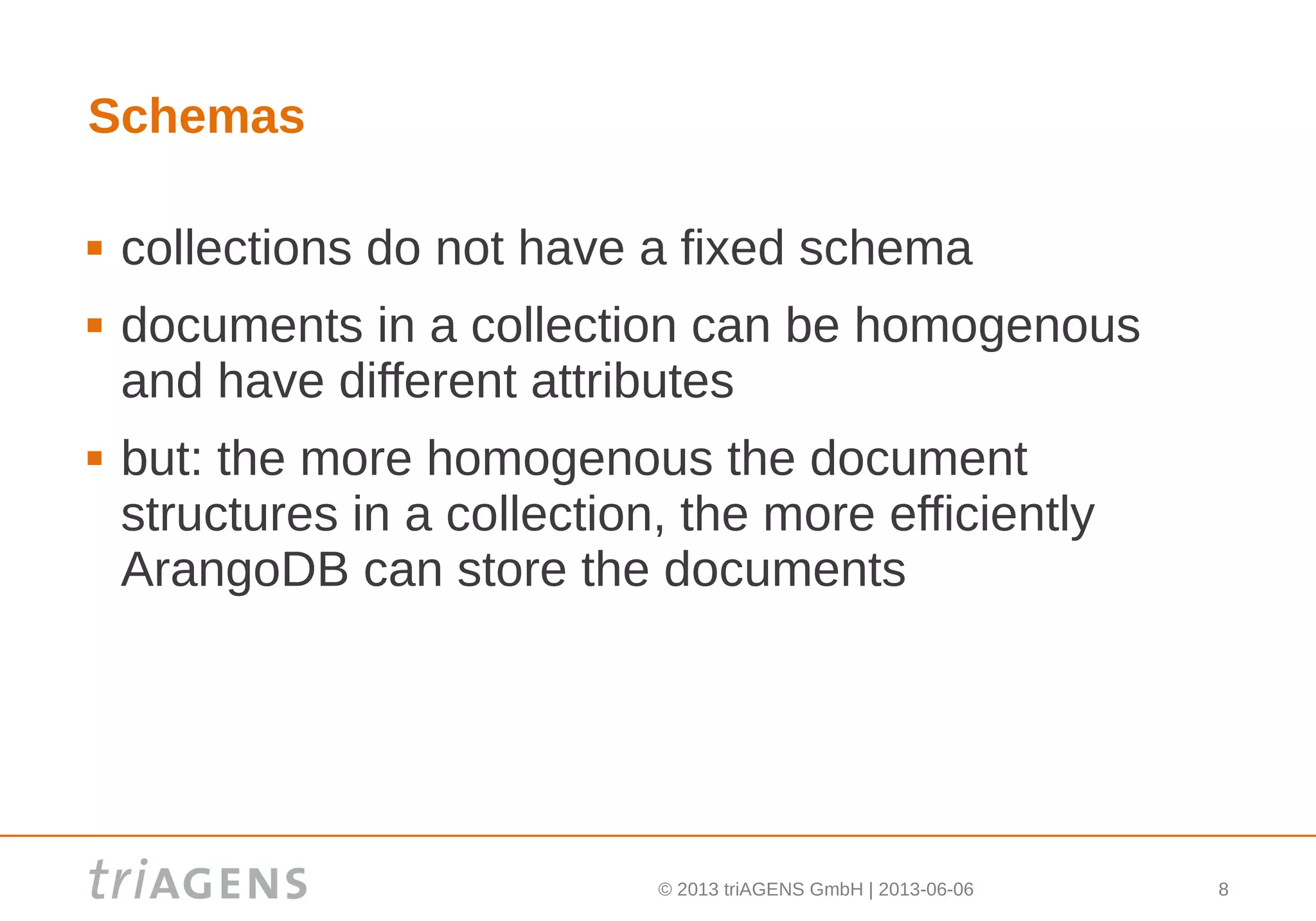
Schemas
 collections do not have a fixed schema
 documents in a collection can be homogenous
and have different attributes
 but: the more homogenous the document
structures in a collection, the more efficiently
ArangoDB can store the documents
© 2013 triAGENS GmbH | 2013-06-06 9
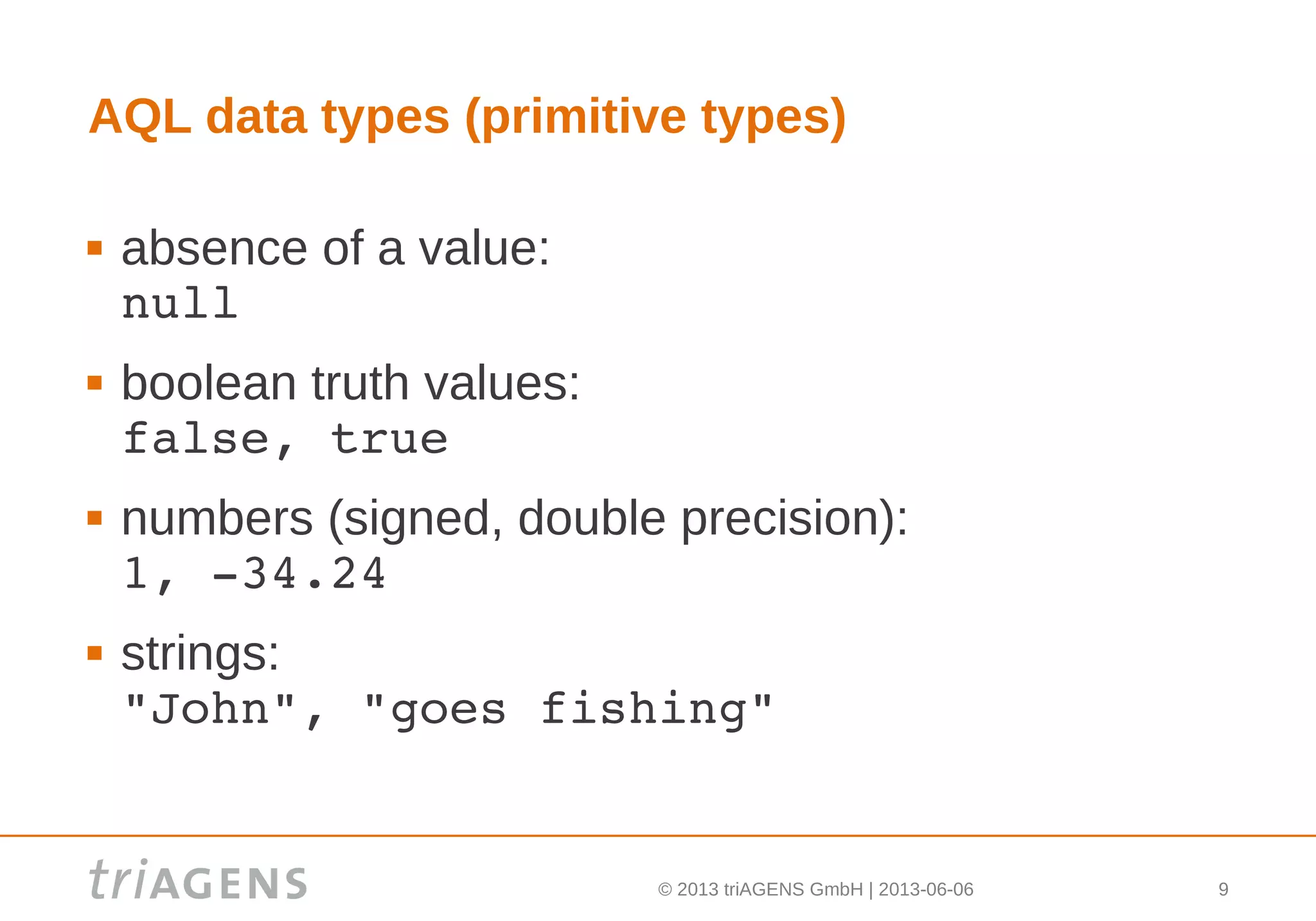
AQL data types (primitive types)
 absence of a value:
null
 boolean truth values:
false, true
 numbers (signed, double precision):
1, ­34.24
 strings:
"John", "goes fishing"
© 2013 triAGENS GmbH | 2013-06-06 10
AQL data types (compound types)
 lists (elements accessible by their position):
[ "one", "two", false, ­1 ]
 documents (elements accessible by their name):
{ 
  "user" : { 
    "name" : "John", 
    "age" : 25 
  } 
}
© 2013 triAGENS GmbH | 2013-06-06 11
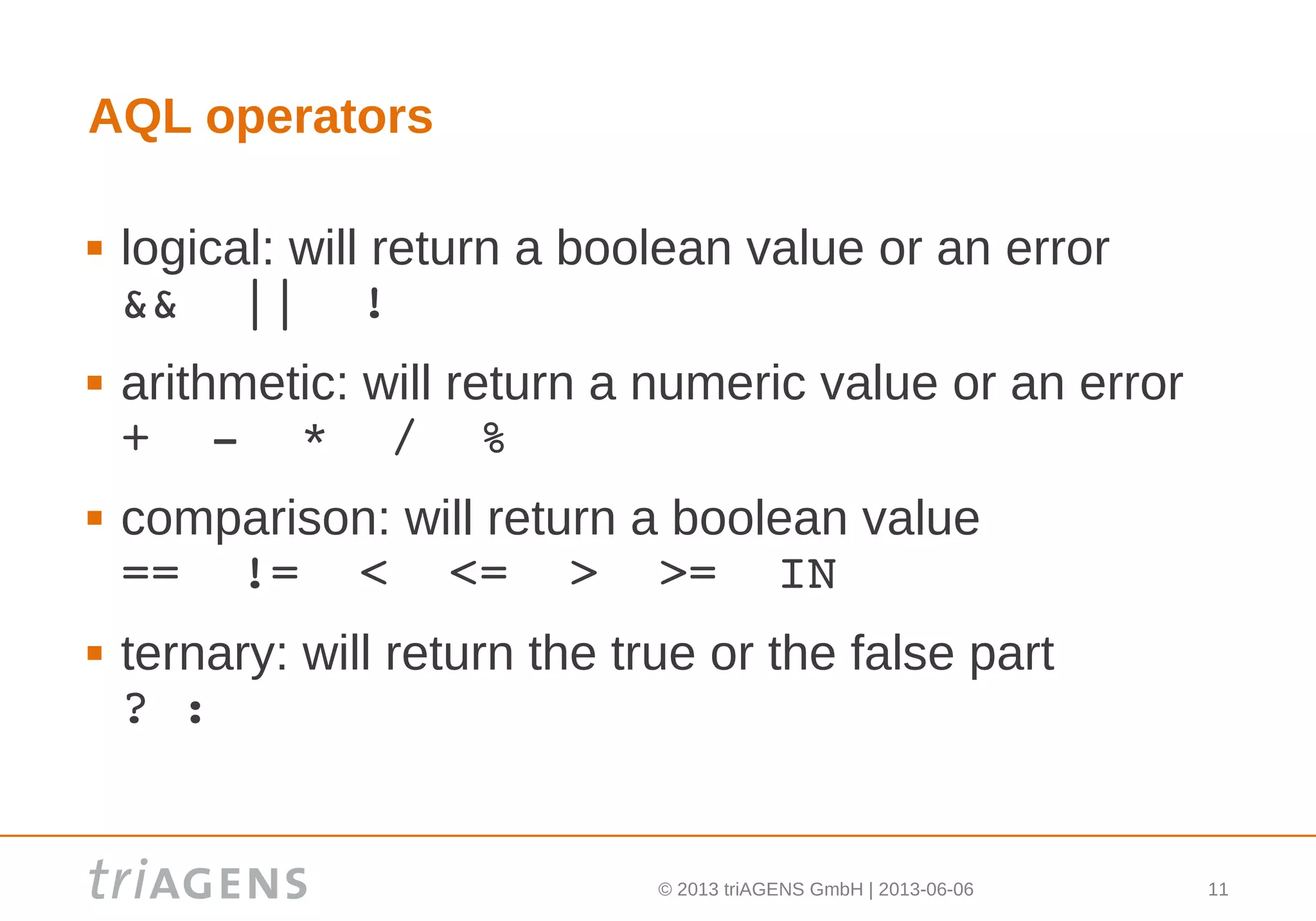
AQL operators
 logical: will return a boolean value or an error
&&  ||  !
 arithmetic: will return a numeric value or an error
+  ­  *  /  %
 comparison: will return a boolean value
==  !=  <  <=  >  >=  IN
 ternary: will return the true or the false part
? :
© 2013 triAGENS GmbH | 2013-06-06 12
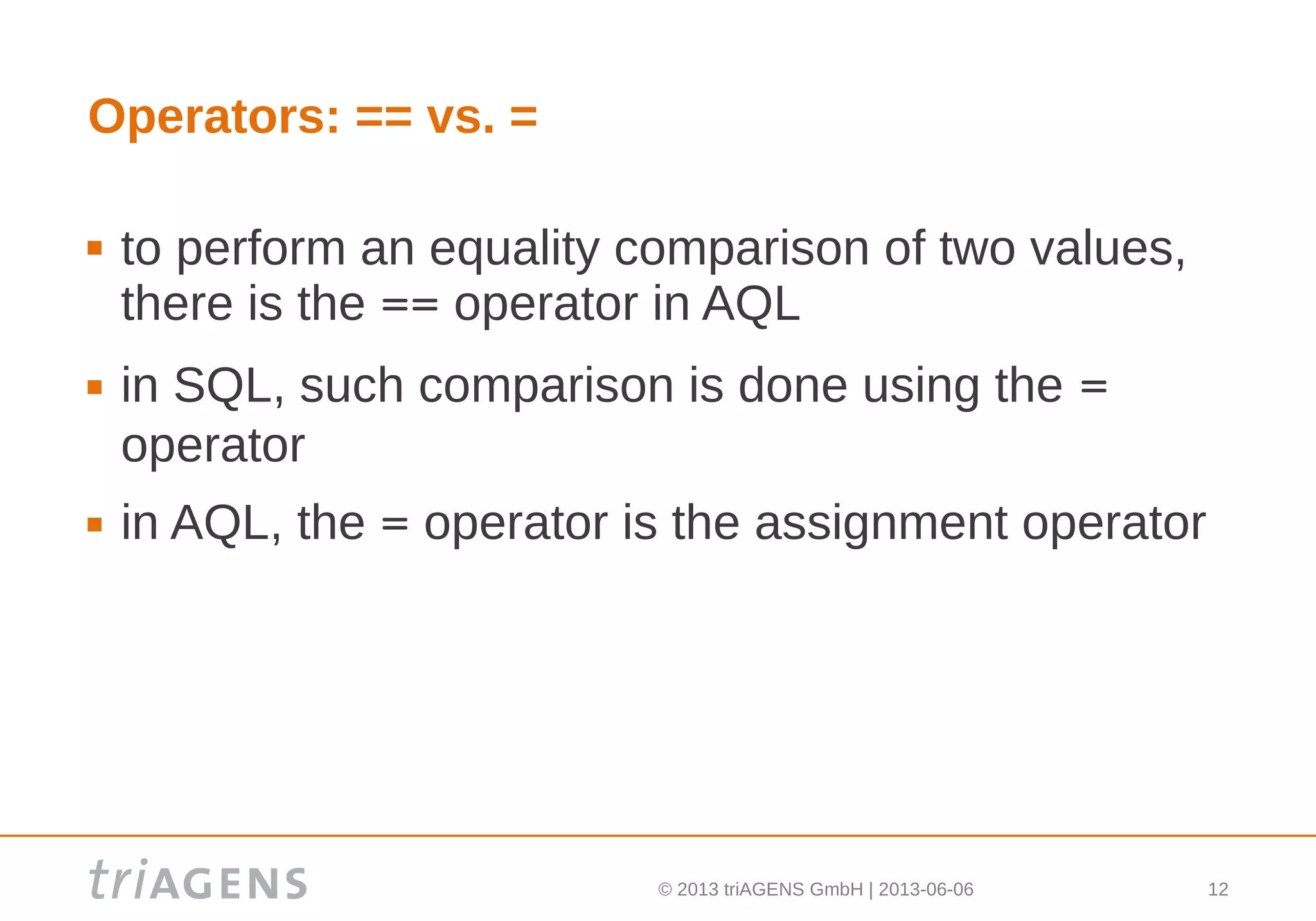
Operators: == vs. =
 to perform an equality comparison of two values,
there is the == operator in AQL
 in SQL, such comparison is done using the =
operator
 in AQL, the = operator is the assignment operator
© 2013 triAGENS GmbH | 2013-06-06 13
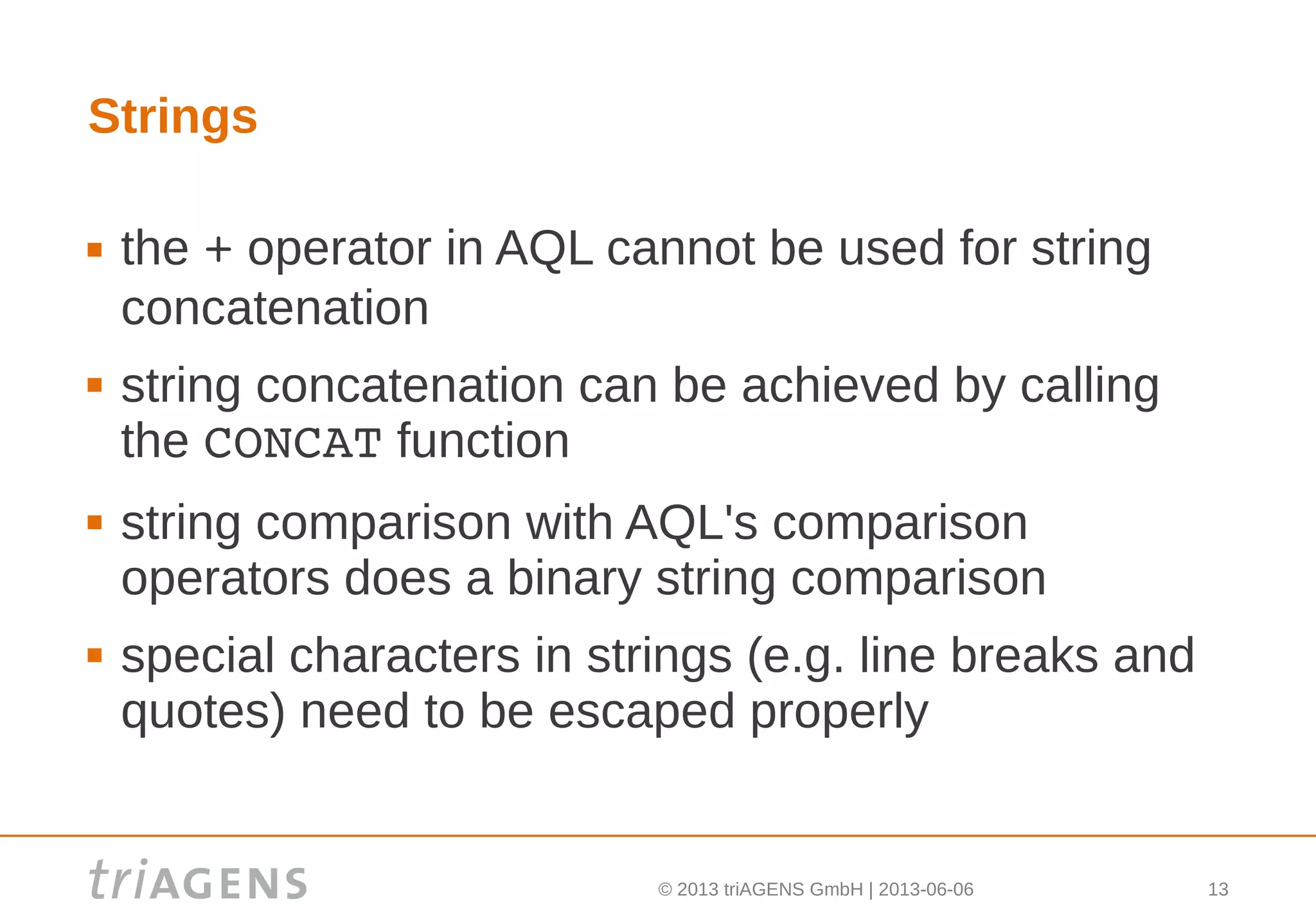
Strings
 the + operator in AQL cannot be used for string
concatenation
 string concatenation can be achieved by calling
the CONCAT function
 string comparison with AQL's comparison
operators does a binary string comparison
 special characters in strings (e.g. line breaks and
quotes) need to be escaped properly
© 2013 triAGENS GmbH | 2013-06-06 14
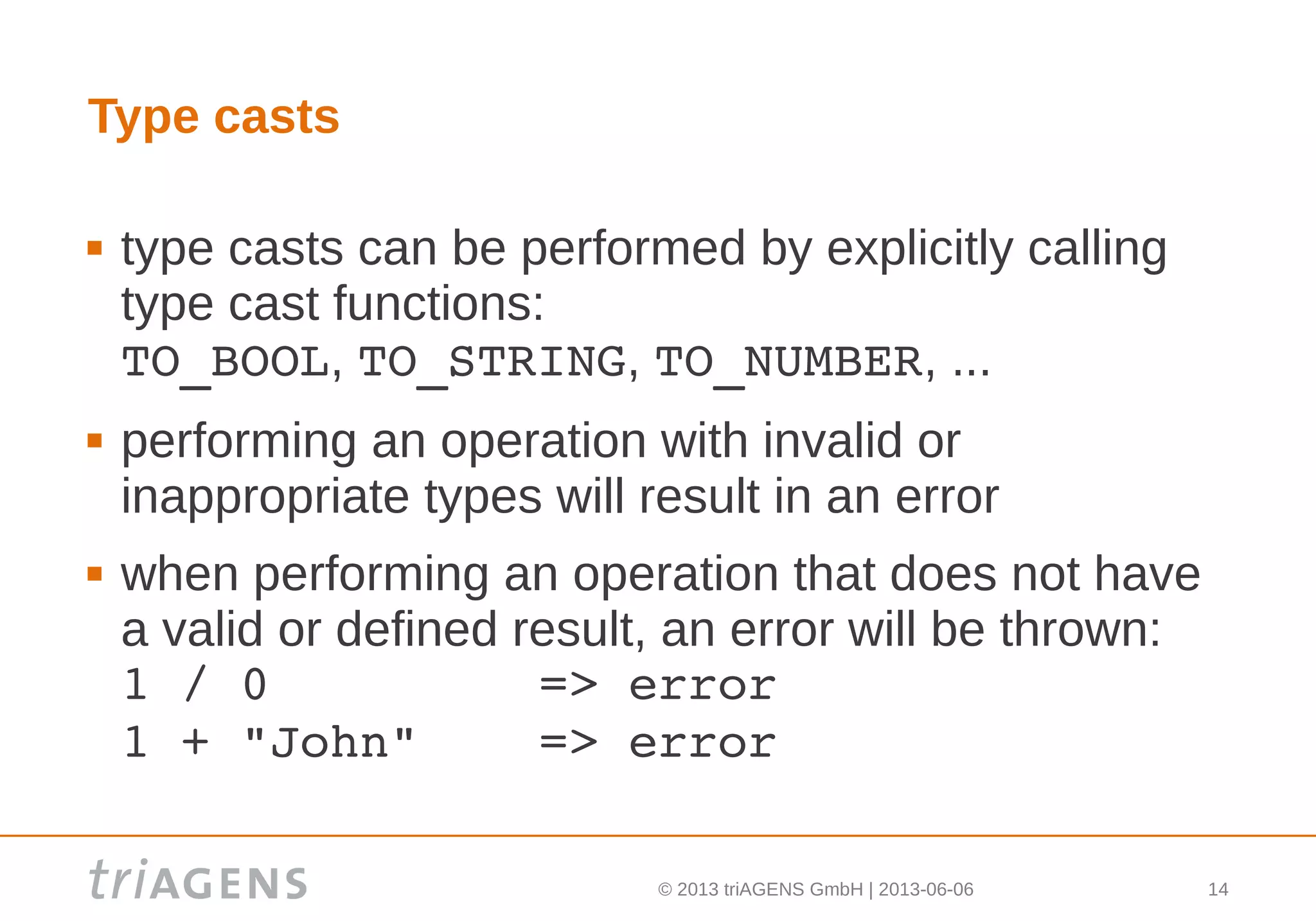
Type casts
 type casts can be performed by explicitly calling
type cast functions:
TO_BOOL, TO_STRING, TO_NUMBER, ...
 performing an operation with invalid or
inappropriate types will result in an error
 when performing an operation that does not have
a valid or defined result, an error will be thrown:
1 / 0         => error
1 + "John"    => error
© 2013 triAGENS GmbH | 2013-06-06 15
Null
 when referring to something non-existing (e.g. a
non-existing attribute of a document), the result
will be null:
users.nammme  => null
 using the comparison operators, null can be
compared to other values and also null itself
 the result of such comparison will be a boolean
(not null as in SQL)
© 2013 triAGENS GmbH | 2013-06-06 16
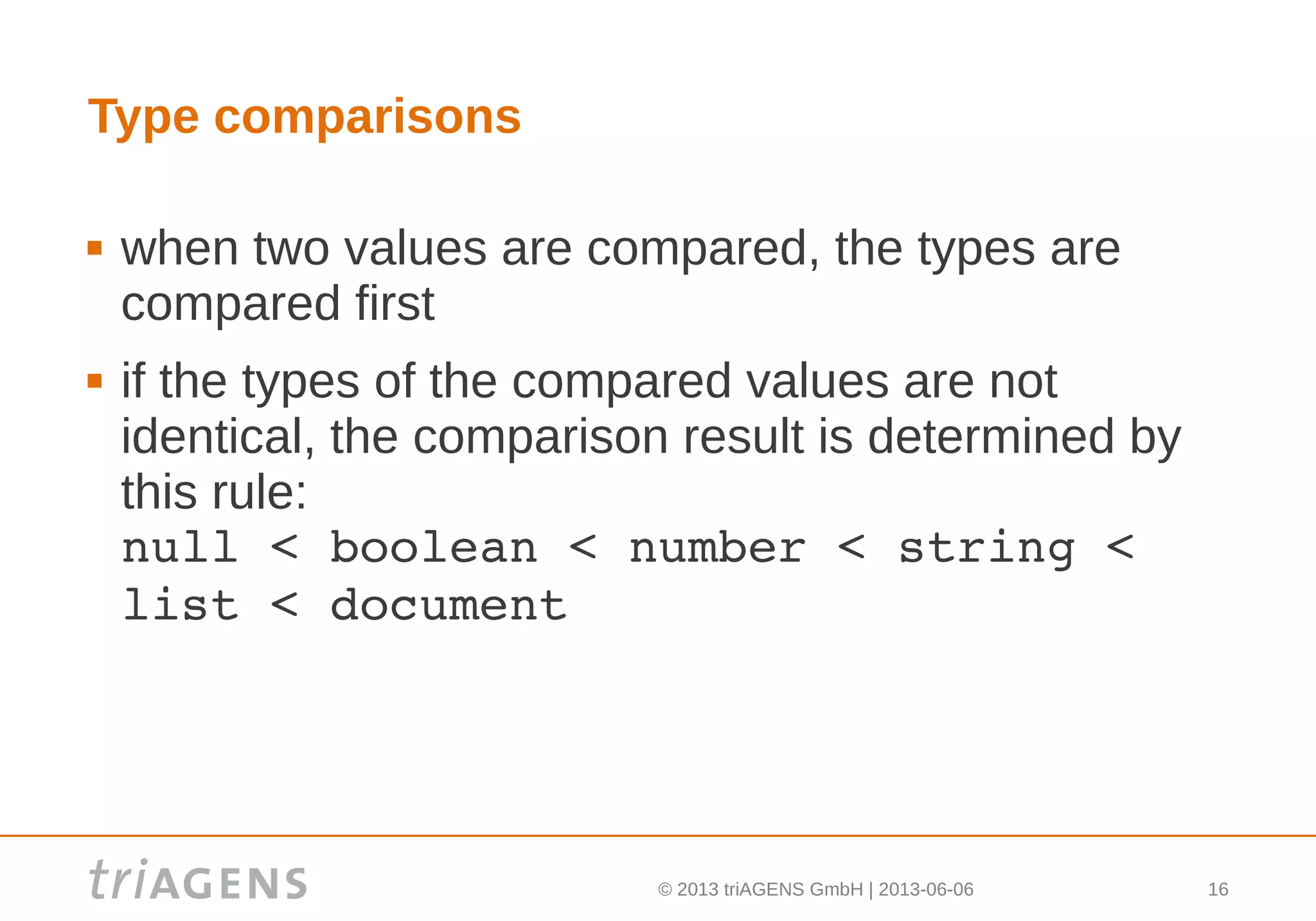
Type comparisons
 when two values are compared, the types are
compared first
 if the types of the compared values are not
identical, the comparison result is determined by
this rule:
null < boolean < number < string < 
list < document
© 2013 triAGENS GmbH | 2013-06-06 17
Type comparisons – examples
null  < false        0     != null
false < 0            null  != false
true  < 0            false != ""
true  < [ 0 ]        ""    != [ ]
true  < [ ]          null  != [ ]
0     < [ ]
[ ]   < { }
© 2013 triAGENS GmbH | 2013-06-06 18
Type comparisons – primitive types
 if the types of two compared values are equal, the
values are compared
 for boolean values, the order is:
false < true
 for numeric values, the order is determined by the
numeric value
 for string values, the order is determined by
bytewise comparison of the strings' characters
© 2013 triAGENS GmbH | 2013-06-06 19
Type comparisons – lists
 for list values, the elements from both lists are
compared at each position
 for each list element value, a type and value
comparison will be performed using the described
rules
© 2013 triAGENS GmbH | 2013-06-06 20
Type comparisons – lists examples
[ 1 ]        >  [ 0 ]
[ 2, 0 ]     >  [ 1, 2 ]
[ 23 ]       >  [ true ]
[ [ 1 ] ]    >  99
[ ]          >  1
[ null ]     >  [ ]
[ true, 0 ]  >  [ true ]
[ 1 ]        == [ 1 ]
© 2013 triAGENS GmbH | 2013-06-06 21
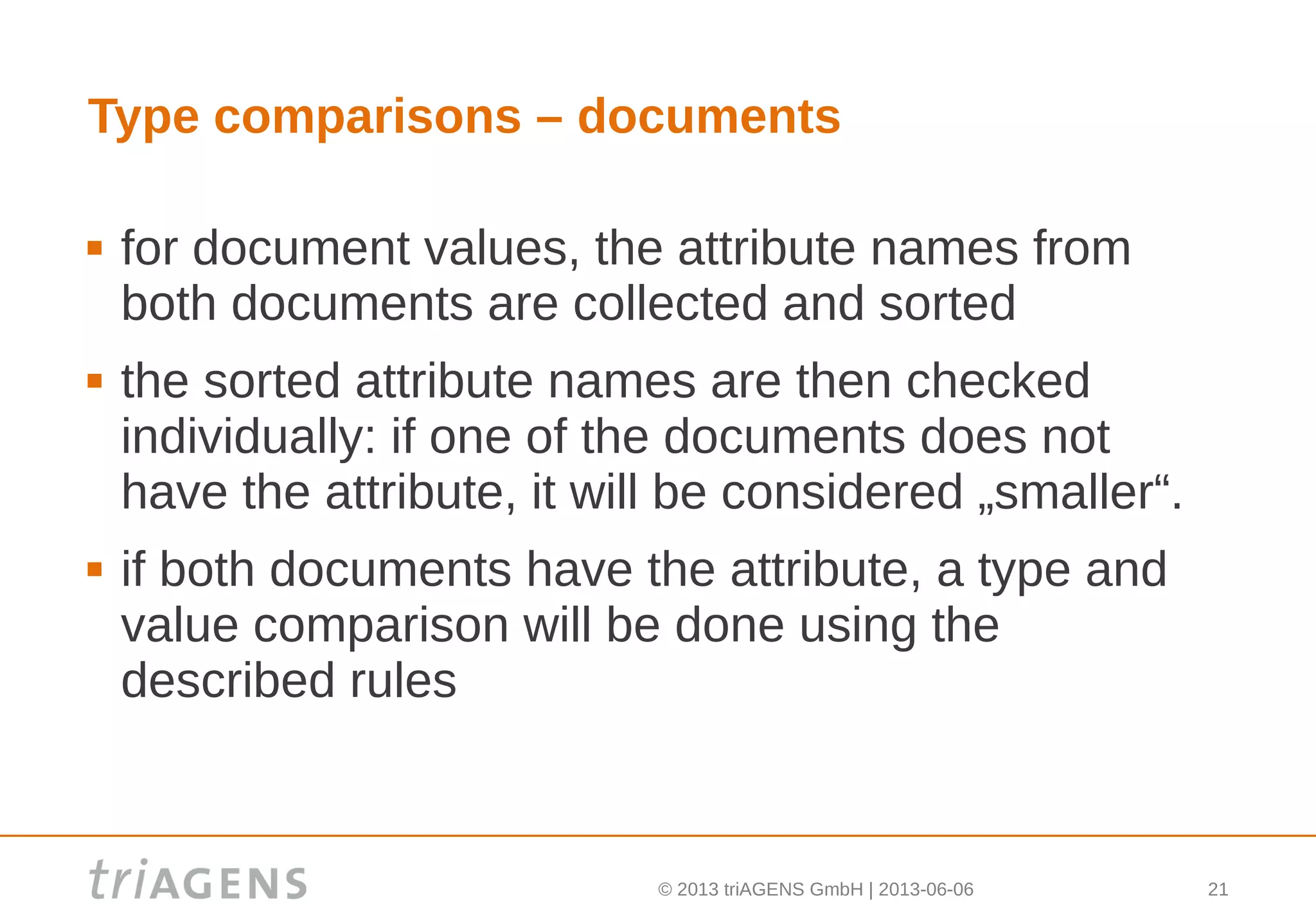
Type comparisons – documents
 for document values, the attribute names from
both documents are collected and sorted
 the sorted attribute names are then checked
individually: if one of the documents does not
have the attribute, it will be considered „smaller“.
 if both documents have the attribute, a type and
value comparison will be done using the
described rules
© 2013 triAGENS GmbH | 2013-06-06 22
Type comparisons – documents examples
{ }                 <   { "age": 25 }
{ "age": 25 }       <   { "age": 26 }
{ "age": 25 }       >   { "name": "John" }
{                       {
  "name": "John",   ==    "age": 25,
  "age": 25               "name": "John" 
}                       }
{ "age": 25 }       <   { 
                          "age": 25,
                          "name": "John"
                        }
© 2013 triAGENS GmbH | 2013-06-06 23
Base building blocks – lists
 a good part of the AQL is about list processing
 there are several types of lists:
 statically declared lists, e.g.
[ 1, 2, 3 ]
 lists of documents from collections, e.g.
users
locations
 results from filters/subqueries/functions, e.g.
NEAR(locations, [ 43, 10 ], 100)
© 2013 triAGENS GmbH | 2013-06-06 24
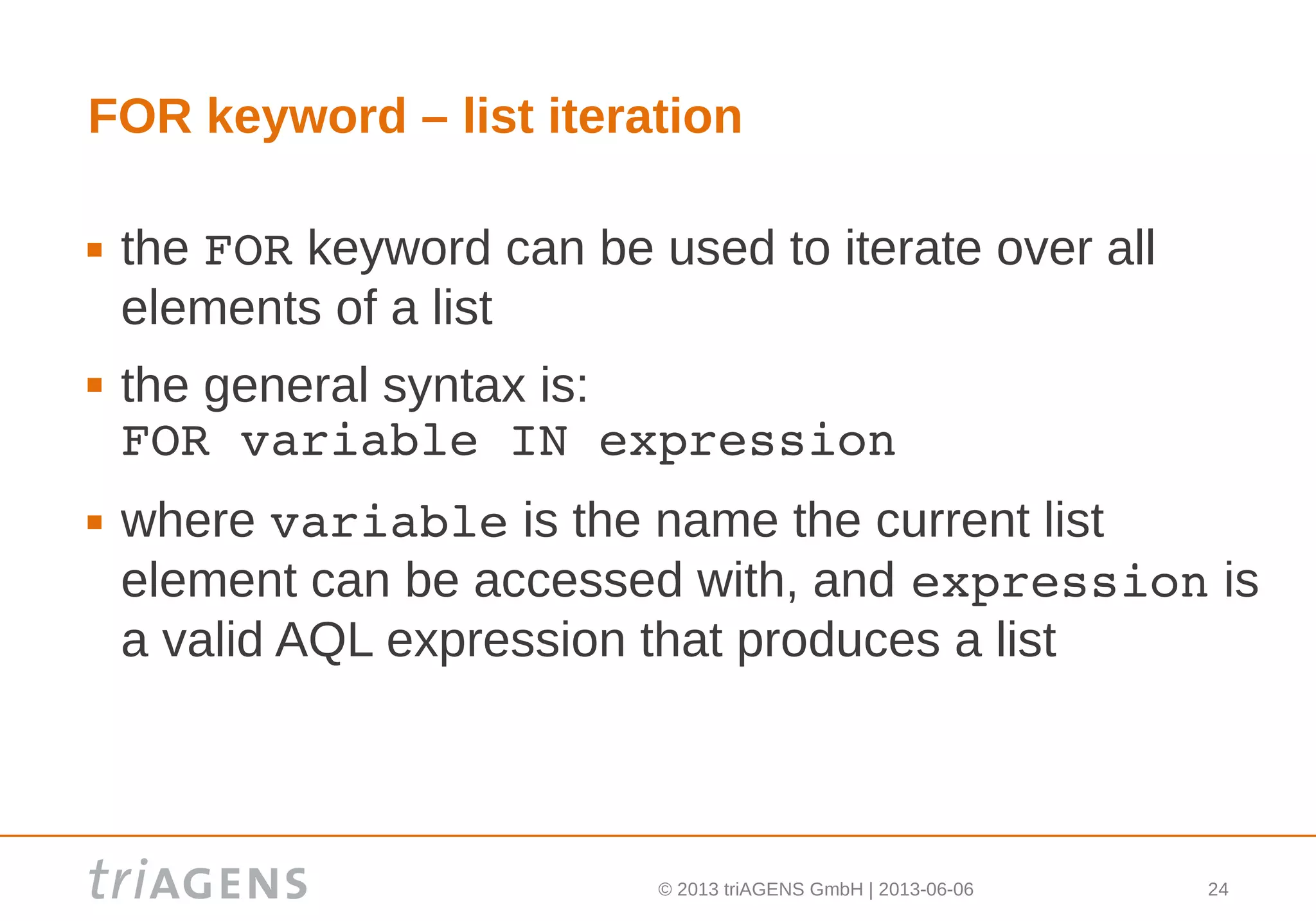
FOR keyword – list iteration
 the FOR keyword can be used to iterate over all
elements of a list
 the general syntax is:
FOR variable IN expression
 where variable is the name the current list
element can be accessed with, and expression is
a valid AQL expression that produces a list
© 2013 triAGENS GmbH | 2013-06-06 25
FOR – principle
 to iterate over all documents in collection users:
FOR u IN users
 a result document (named: u) is produced on each
iteration
 the example produces the following result list:
[ u1, u2, u3, ..., un ]
this is equivalent to the following SQL:
SELECT u.* FROM users u
© 2013 triAGENS GmbH | 2013-06-06 26
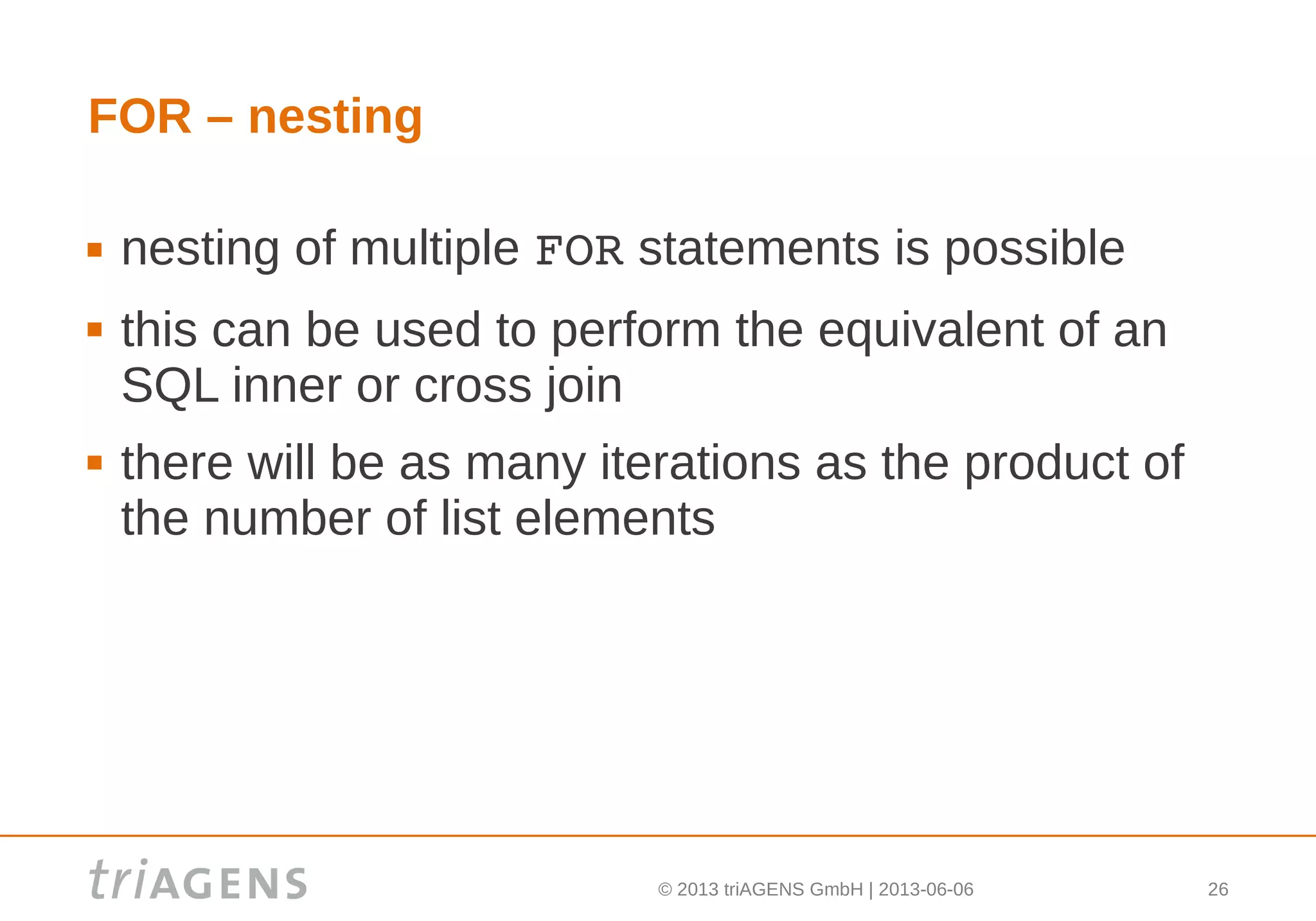
FOR – nesting
 nesting of multiple FOR statements is possible
 this can be used to perform the equivalent of an
SQL inner or cross join
 there will be as many iterations as the product of
the number of list elements
© 2013 triAGENS GmbH | 2013-06-06 27
FOR – nesting example
to create the cross product of users and
locations:
FOR u IN users
  FOR l IN locations
this is equivalent to the following SQL:
SELECT u.*, l.* FROM users u, 
locations l
© 2013 triAGENS GmbH | 2013-06-06 28
FOR – nesting example
to create the cross product of statically declared
years and quarters:
FOR year IN [ 2011, 2012, 2013 ]
  FOR quarter IN [ 1, 2, 3, 4 ]
this is equivalent to the following SQL:
SELECT * FROM
 (SELECT 2011 UNION SELECT 2012 UNION 
  SELECT 2013) year,
 (SELECT 1 UNION SELECT 2 UNION 
  SELECT 3 UNION SELECT 4) quarter
© 2013 triAGENS GmbH | 2013-06-06 29
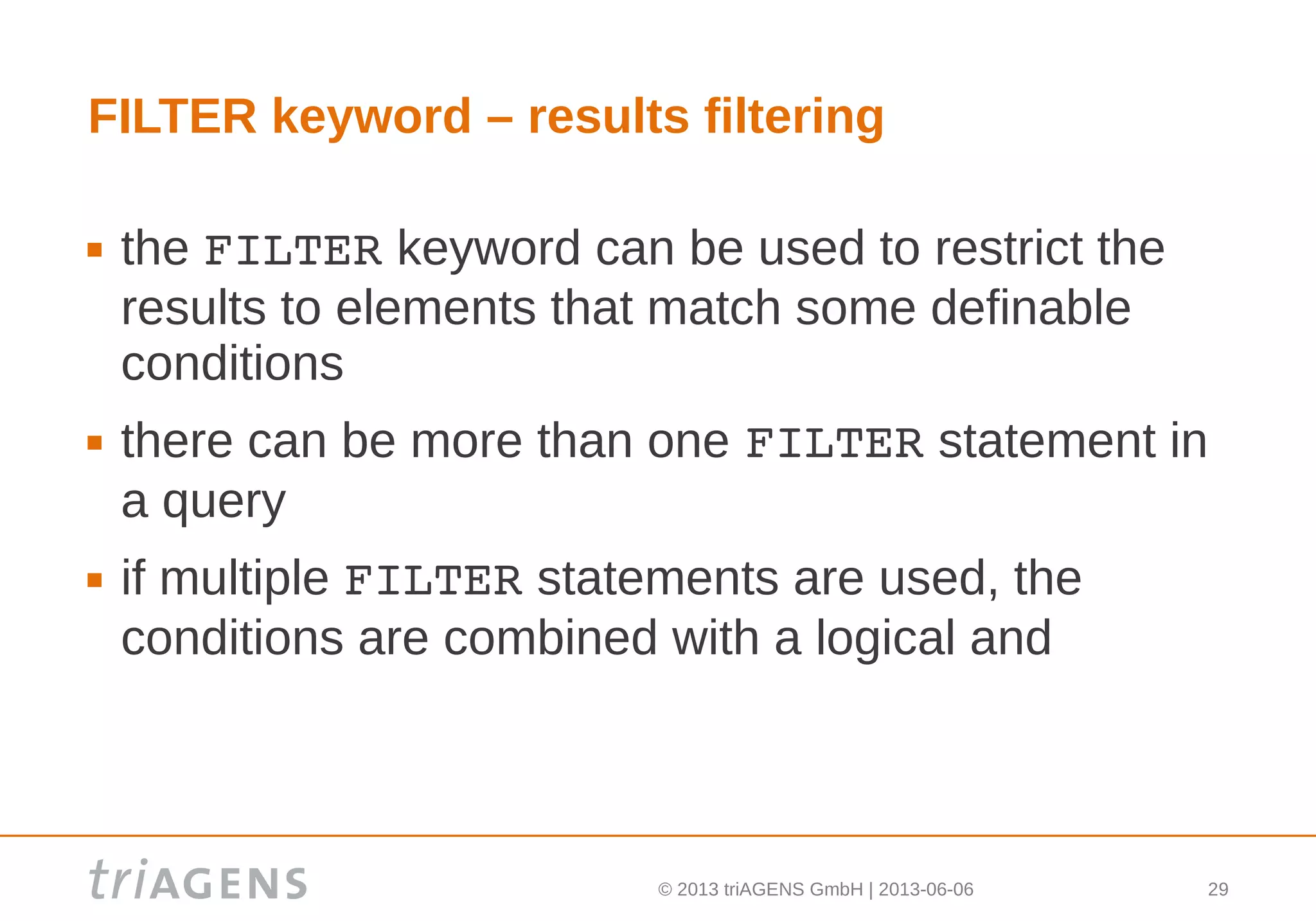
FILTER keyword – results filtering
 the FILTER keyword can be used to restrict the
results to elements that match some definable
conditions
 there can be more than one FILTER statement in
a query
 if multiple FILTER statements are used, the
conditions are combined with a logical and
© 2013 triAGENS GmbH | 2013-06-06 30
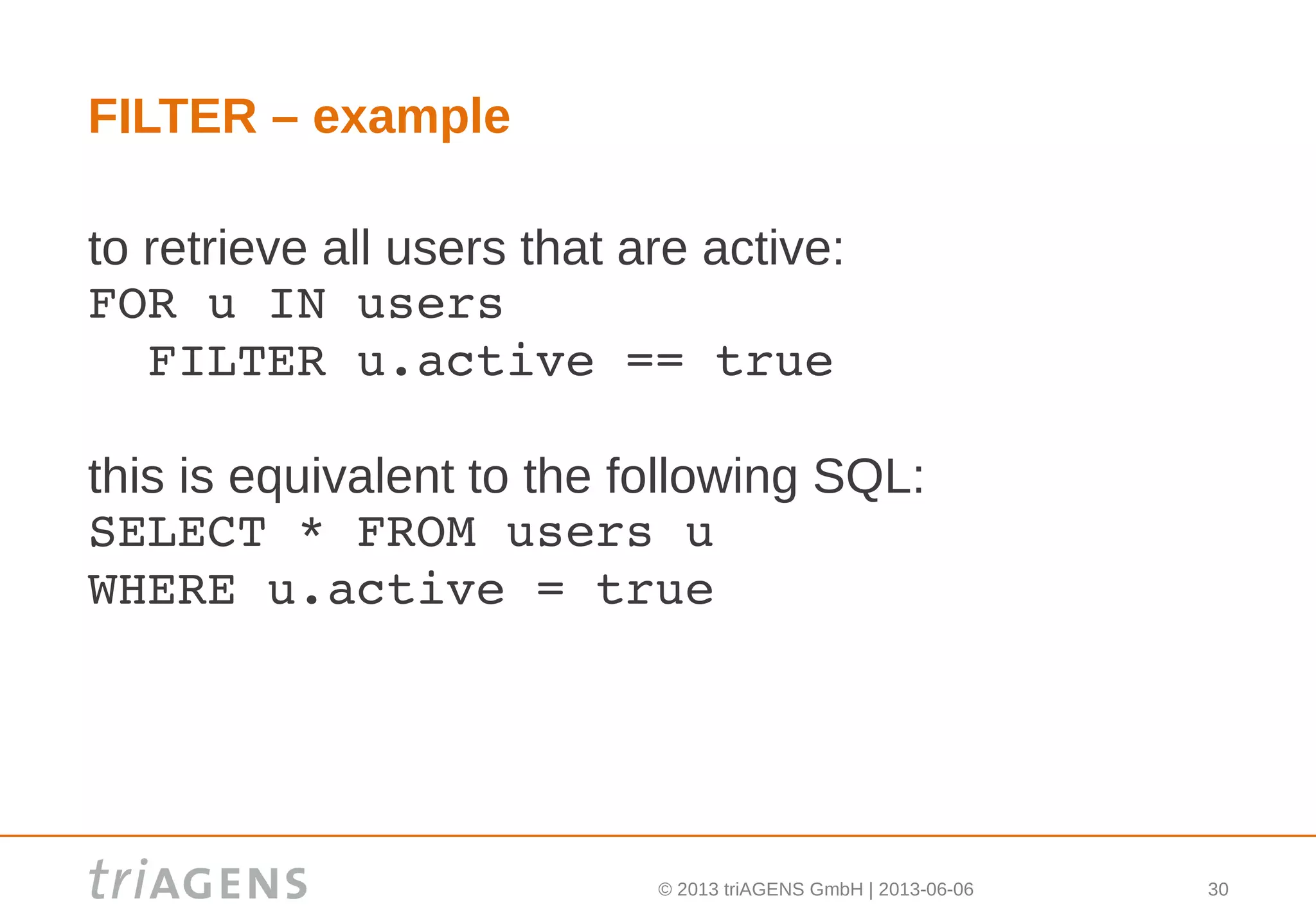
FILTER – example
to retrieve all users that are active:
FOR u IN users
  FILTER u.active == true
this is equivalent to the following SQL:
SELECT * FROM users u
WHERE u.active = true
© 2013 triAGENS GmbH | 2013-06-06 31
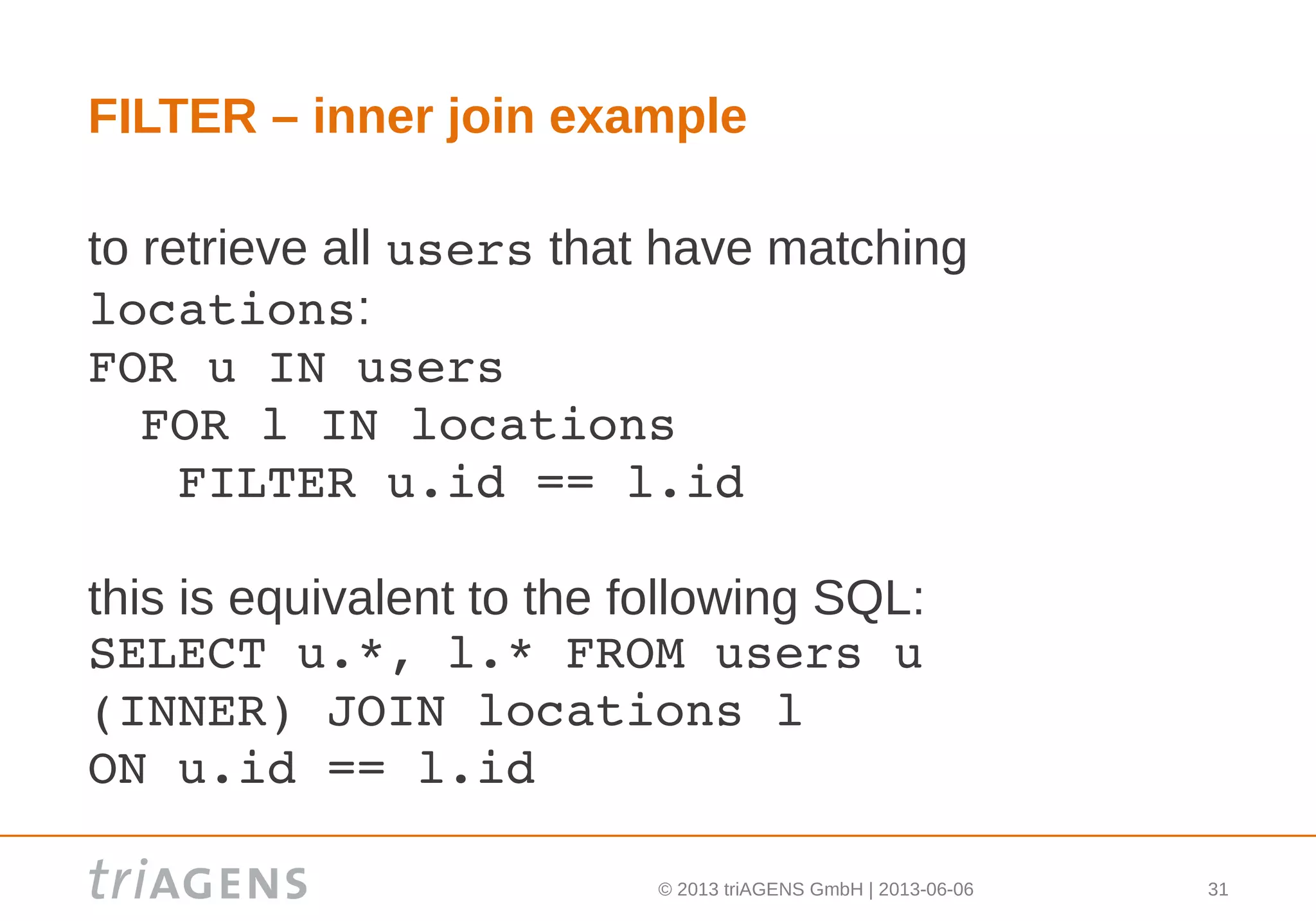
FILTER – inner join example
to retrieve all users that have matching
locations:
FOR u IN users
 FOR l IN locations
   FILTER u.id == l.id
this is equivalent to the following SQL:
SELECT u.*, l.* FROM users u 
(INNER) JOIN locations l 
ON u.id == l.id
© 2013 triAGENS GmbH | 2013-06-06 32
Base building blocks – scopes
 AQL is scoped
 scopes can be made explicit using parentheses
 variables in AQL can only be used after they have
been declared in a scope
 variables can be used in the scope they have
been declared in, and also in sub-scopes
 variables must not be redeclared in a scope or in
a sub-scope
© 2013 triAGENS GmbH | 2013-06-06 33
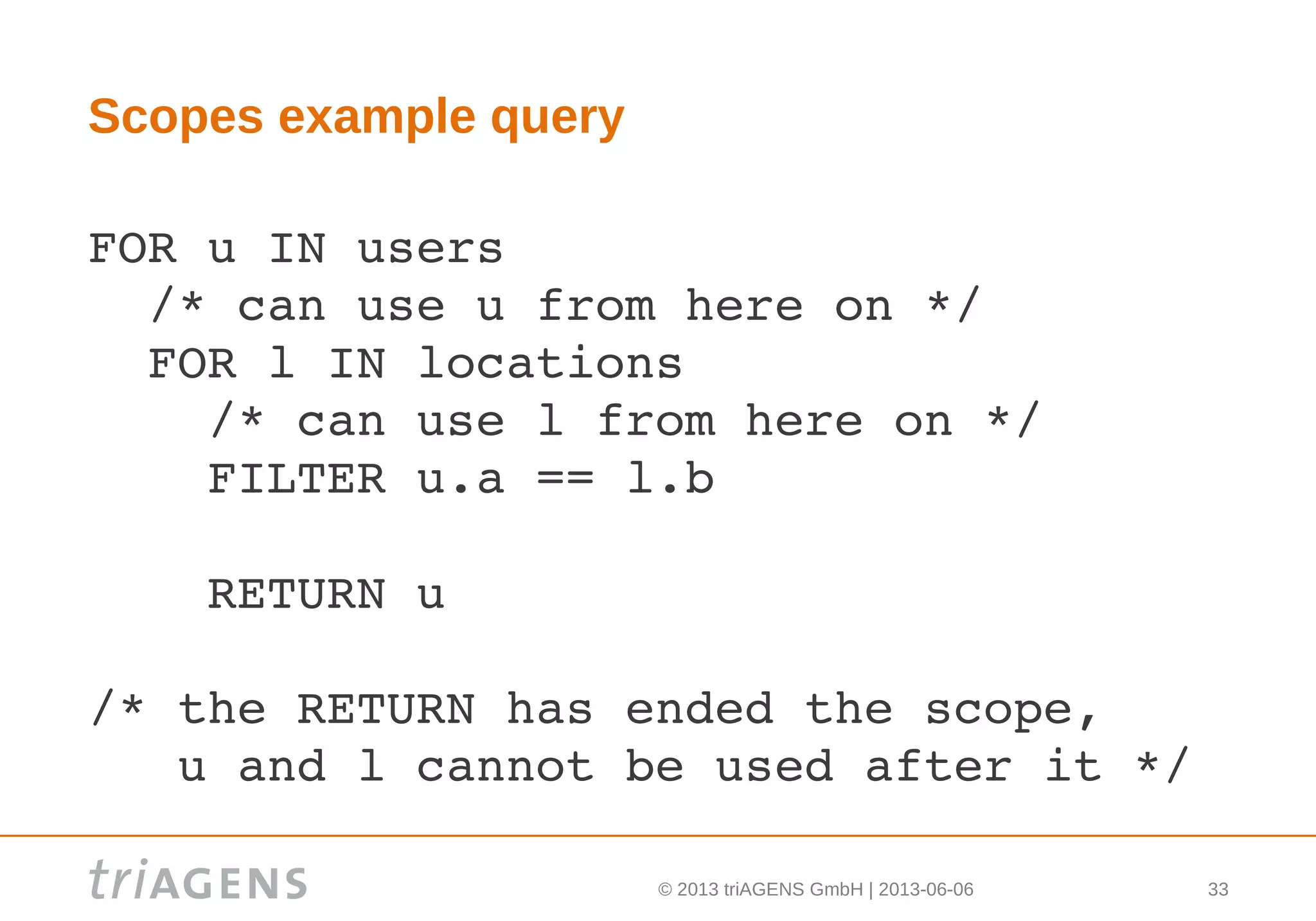
Scopes example query
FOR u IN users
  /* can use u from here on */
  FOR l IN locations
    /* can use l from here on */
    FILTER u.a == l.b
    
    RETURN u
/* the RETURN has ended the scope, 
   u and l cannot be used after it */
© 2013 triAGENS GmbH | 2013-06-06 34
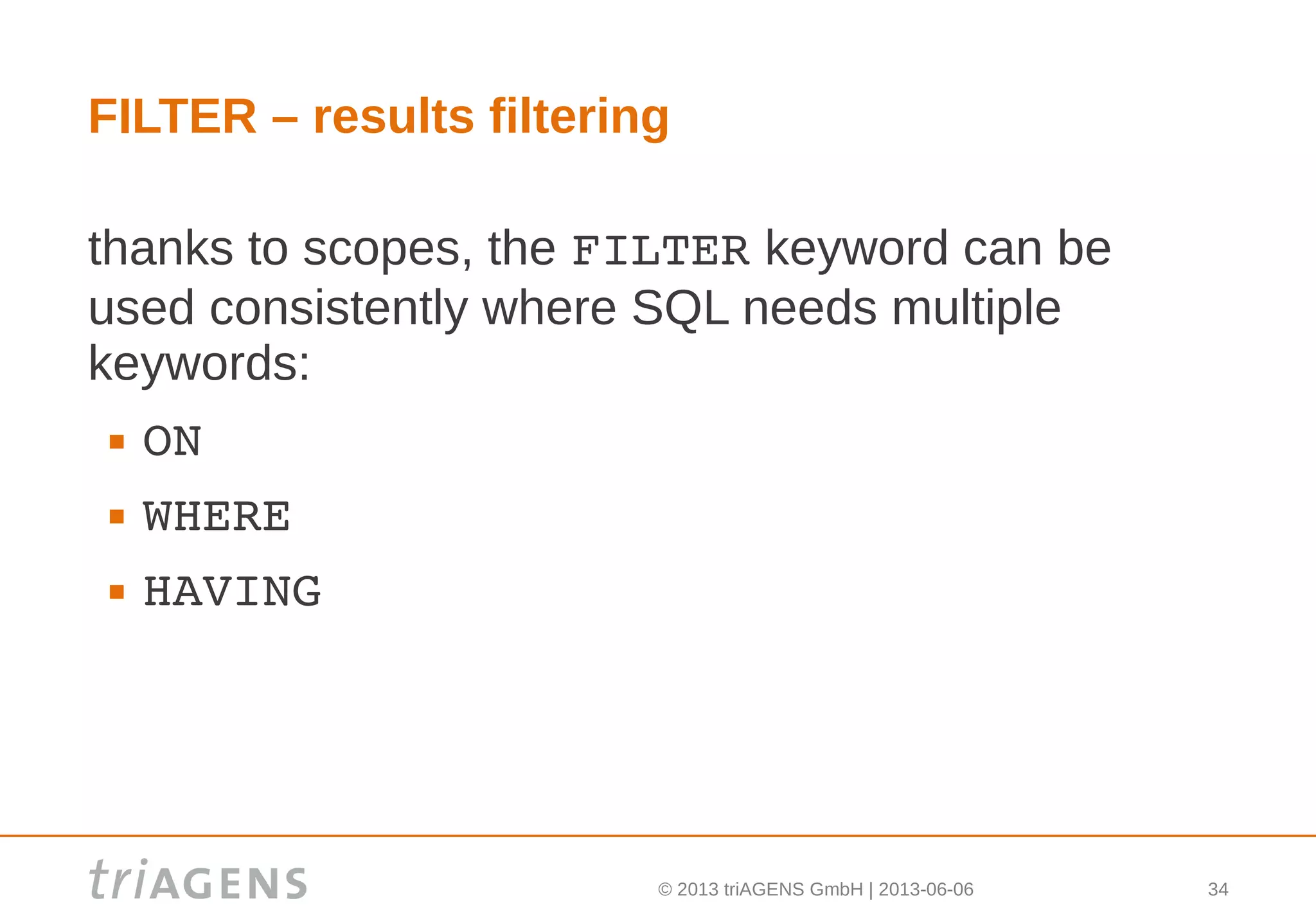
FILTER – results filtering
thanks to scopes, the FILTER keyword can be
used consistently where SQL needs multiple
keywords:
 ON
 WHERE
 HAVING
© 2013 triAGENS GmbH | 2013-06-06 35
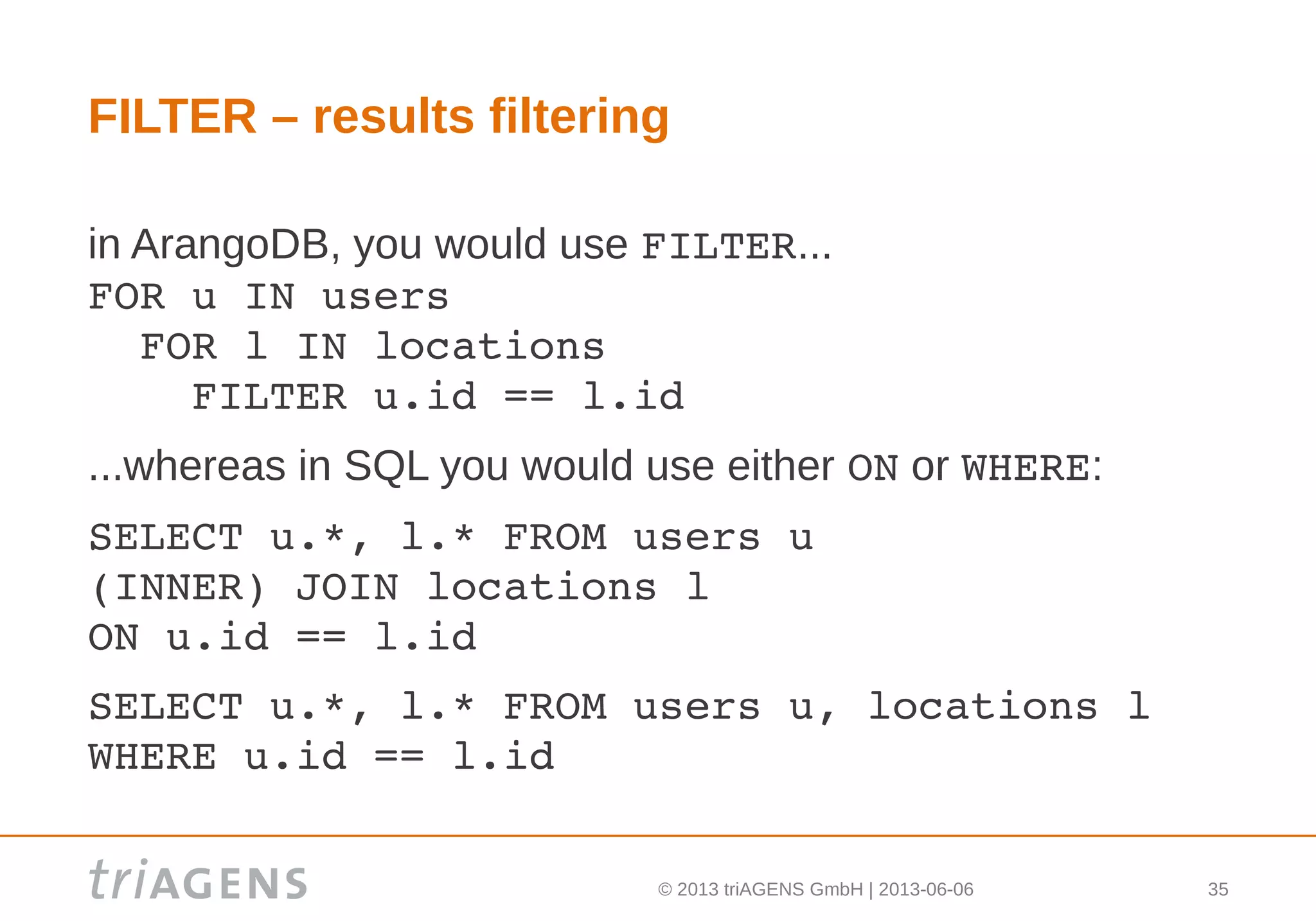
FILTER – results filtering
in ArangoDB, you would use FILTER...
FOR u IN users
  FOR l IN locations
    FILTER u.id == l.id
...whereas in SQL you would use either ON or WHERE:
SELECT u.*, l.* FROM users u
(INNER) JOIN locations l 
ON u.id == l.id
SELECT u.*, l.* FROM users u, locations l
WHERE u.id == l.id
© 2013 triAGENS GmbH | 2013-06-06 36
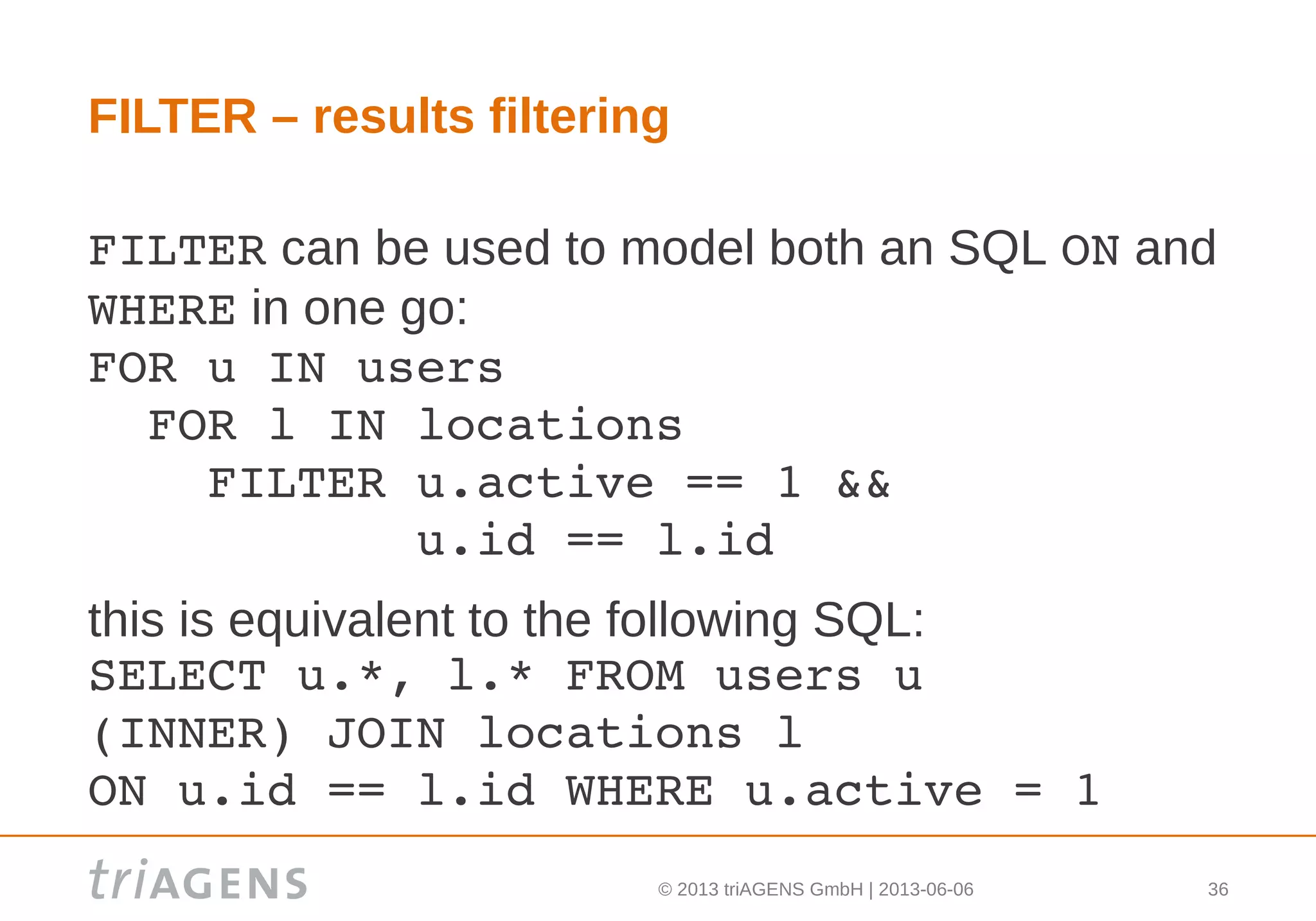
FILTER – results filtering
FILTER can be used to model both an SQL ON and
WHERE in one go:
FOR u IN users
  FOR l IN locations
    FILTER u.active == 1 && 
           u.id == l.id
this is equivalent to the following SQL:
SELECT u.*, l.* FROM users u 
(INNER) JOIN locations l
ON u.id == l.id WHERE u.active = 1
© 2013 triAGENS GmbH | 2013-06-06 37
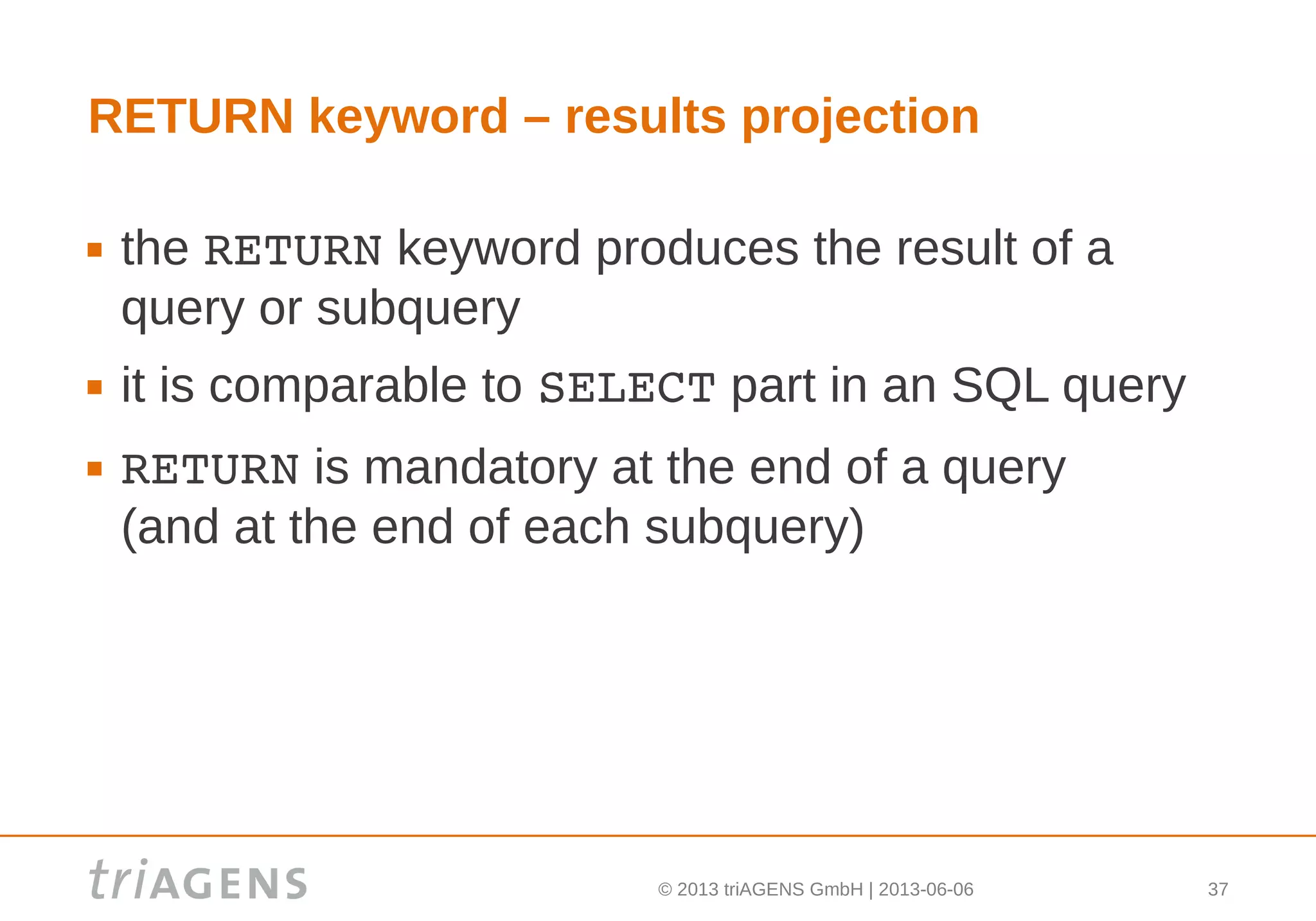
RETURN keyword – results projection
 the RETURN keyword produces the result of a
query or subquery
 it is comparable to SELECT part in an SQL query
 RETURN is mandatory at the end of a query
(and at the end of each subquery)
© 2013 triAGENS GmbH | 2013-06-06 38
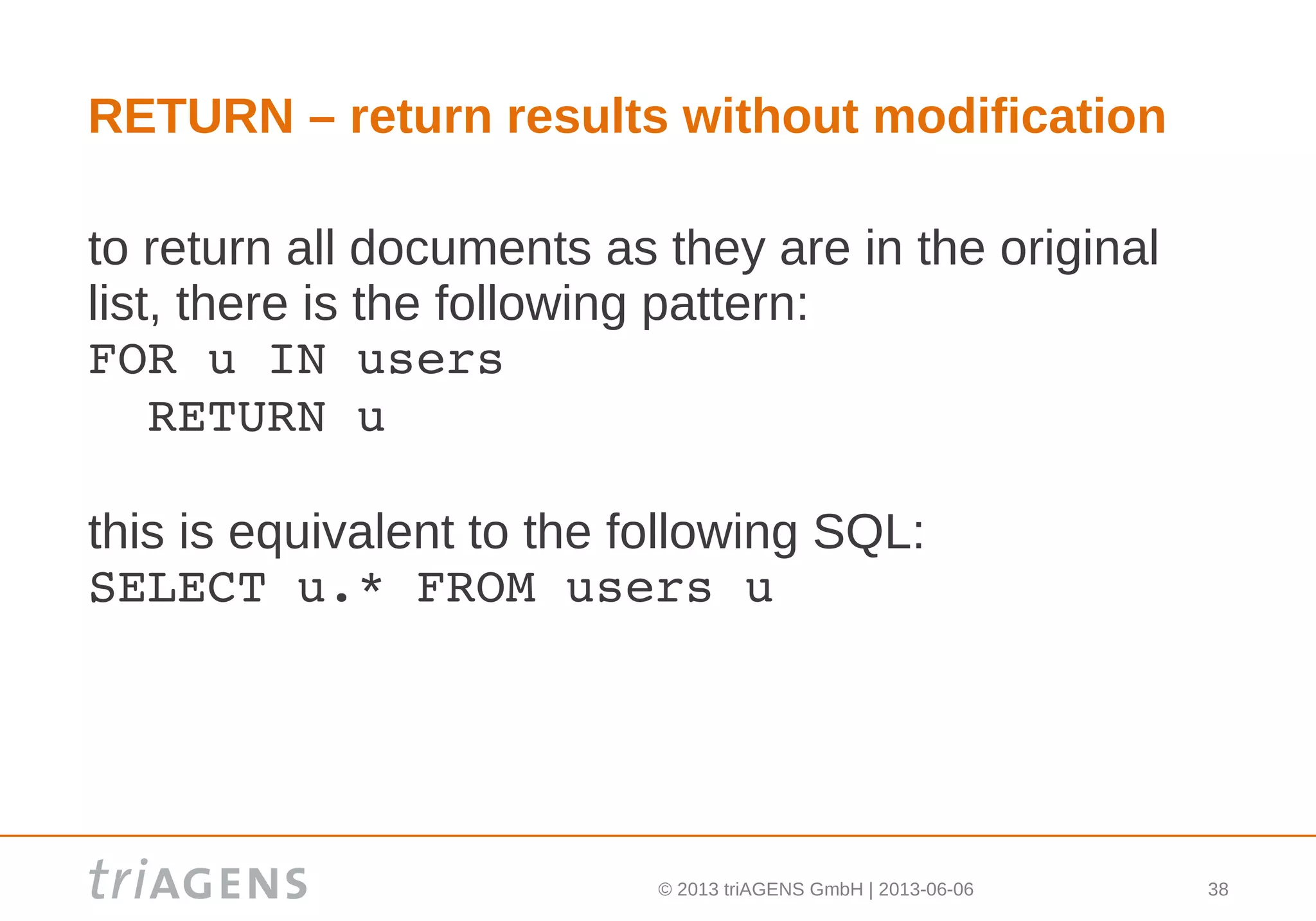
RETURN – return results without modification
to return all documents as they are in the original
list, there is the following pattern:
FOR u IN users
  RETURN u
this is equivalent to the following SQL:
SELECT u.* FROM users u
© 2013 triAGENS GmbH | 2013-06-06 39
RETURN – example
to return just the names of users, use:
FOR u IN users
  RETURN u.name
note: this is similar to the following SQL:
SELECT u.name FROM users u
© 2013 triAGENS GmbH | 2013-06-06 40
RETURN – example
to return multiple values, create a new list with the
desired attributes:
FOR u IN users
  RETURN [ u.name, u.age ]
© 2013 triAGENS GmbH | 2013-06-06 41
RETURN – example
RETURN can also produce new documents:
FOR u IN users
  RETURN {
    "name"      : u.name,
    "likes"     : u.likes,
    "numFriends": LENGTH(u.friends)
  }
© 2013 triAGENS GmbH | 2013-06-06 42
RETURN – example
to return data from multiple lists at once, the
following query could be used:
FOR u IN users
  FOR l IN locations
    RETURN { 
      "user": u, 
      "location" : l 
    }
© 2013 triAGENS GmbH | 2013-06-06 43
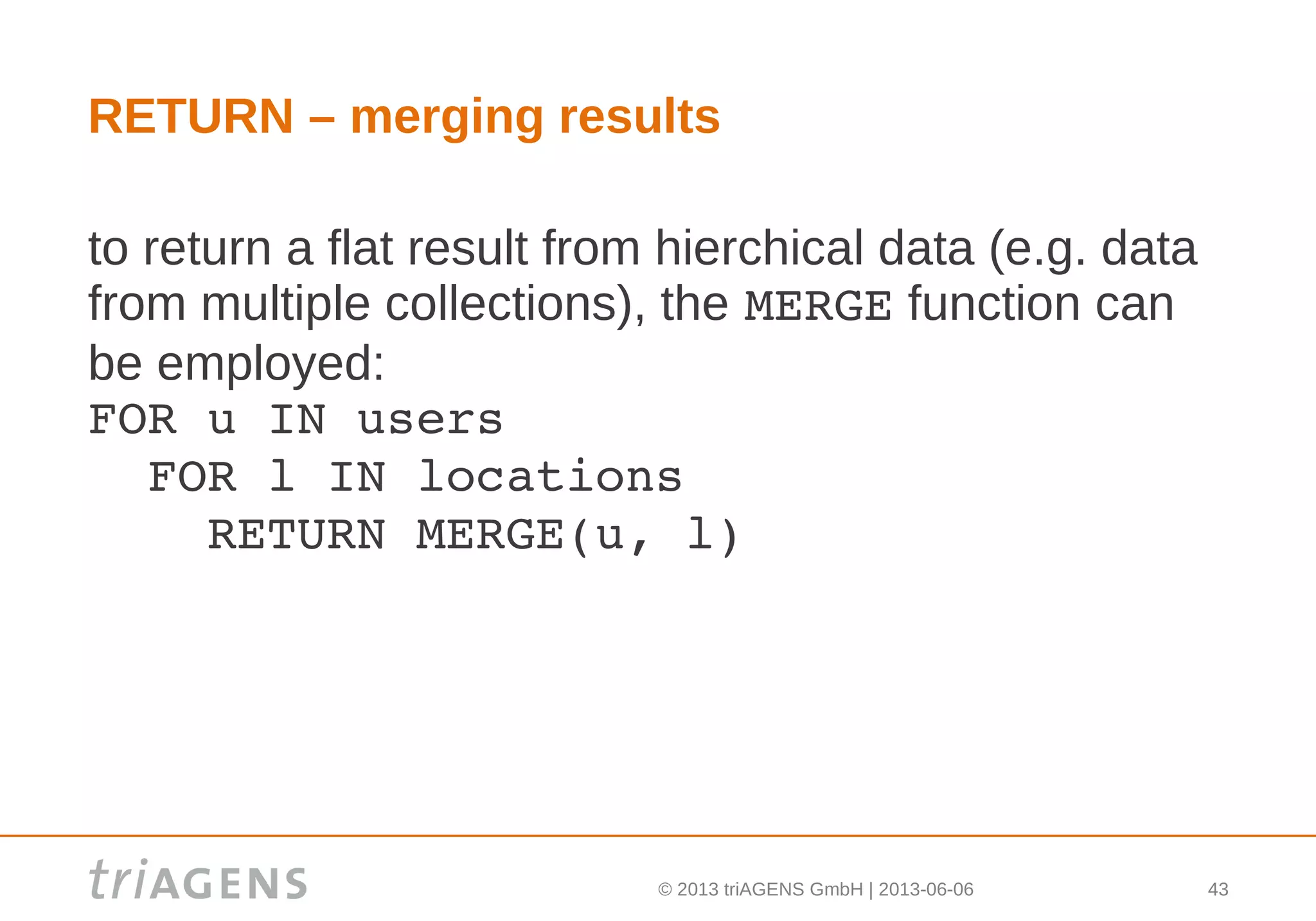
RETURN – merging results
to return a flat result from hierchical data (e.g. data
from multiple collections), the MERGE function can
be employed:
FOR u IN users
  FOR l IN locations
    RETURN MERGE(u, l)
© 2013 triAGENS GmbH | 2013-06-06 44
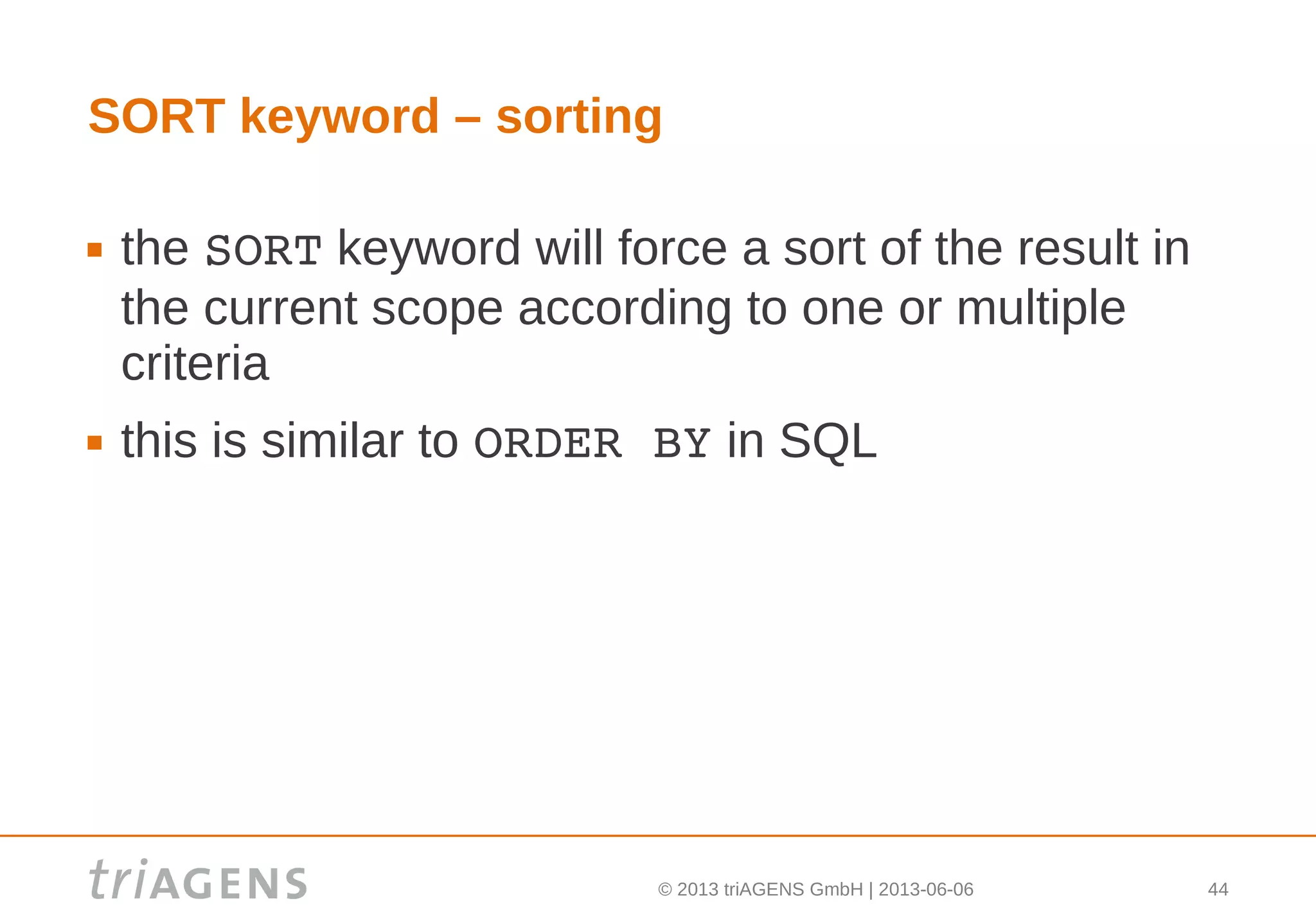
SORT keyword – sorting
 the SORT keyword will force a sort of the result in
the current scope according to one or multiple
criteria
 this is similar to ORDER BY in SQL
© 2013 triAGENS GmbH | 2013-06-06 45
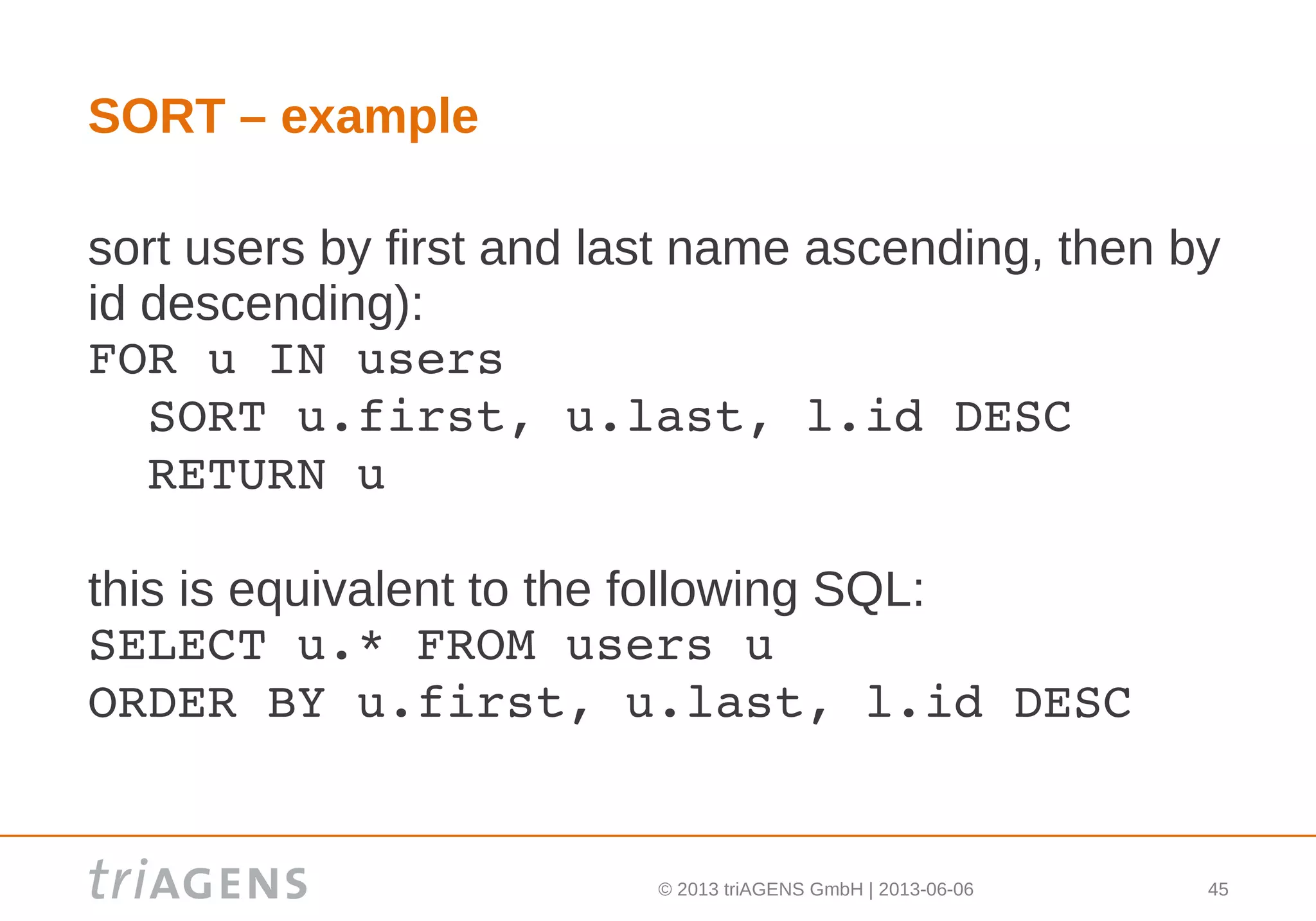
SORT – example
sort users by first and last name ascending, then by
id descending):
FOR u IN users
  SORT u.first, u.last, l.id DESC
  RETURN u
this is equivalent to the following SQL:
SELECT u.* FROM users u
ORDER BY u.first, u.last, l.id DESC
© 2013 triAGENS GmbH | 2013-06-06 46
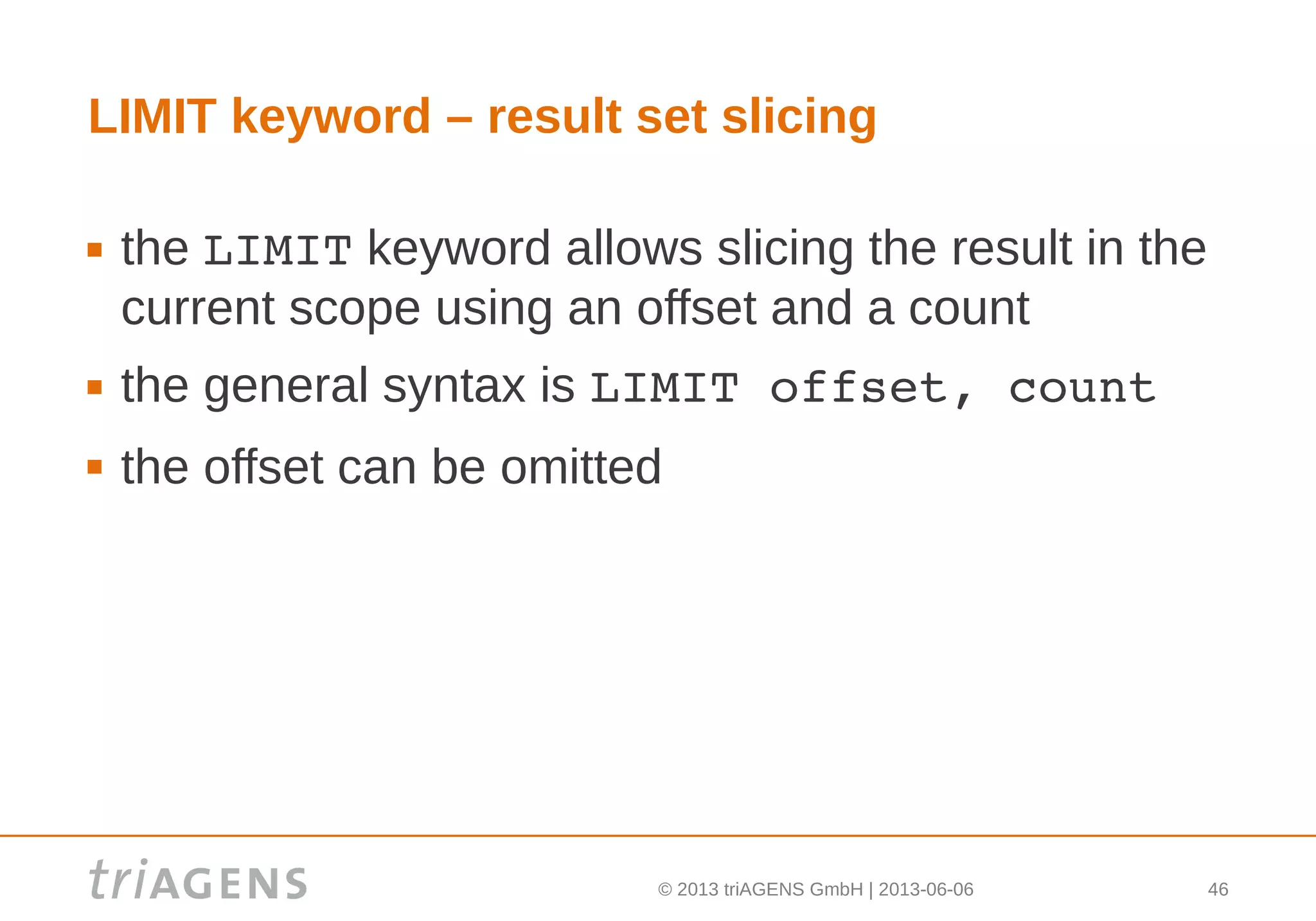
LIMIT keyword – result set slicing
 the LIMIT keyword allows slicing the result in the
current scope using an offset and a count
 the general syntax is LIMIT offset, count
 the offset can be omitted
© 2013 triAGENS GmbH | 2013-06-06 47
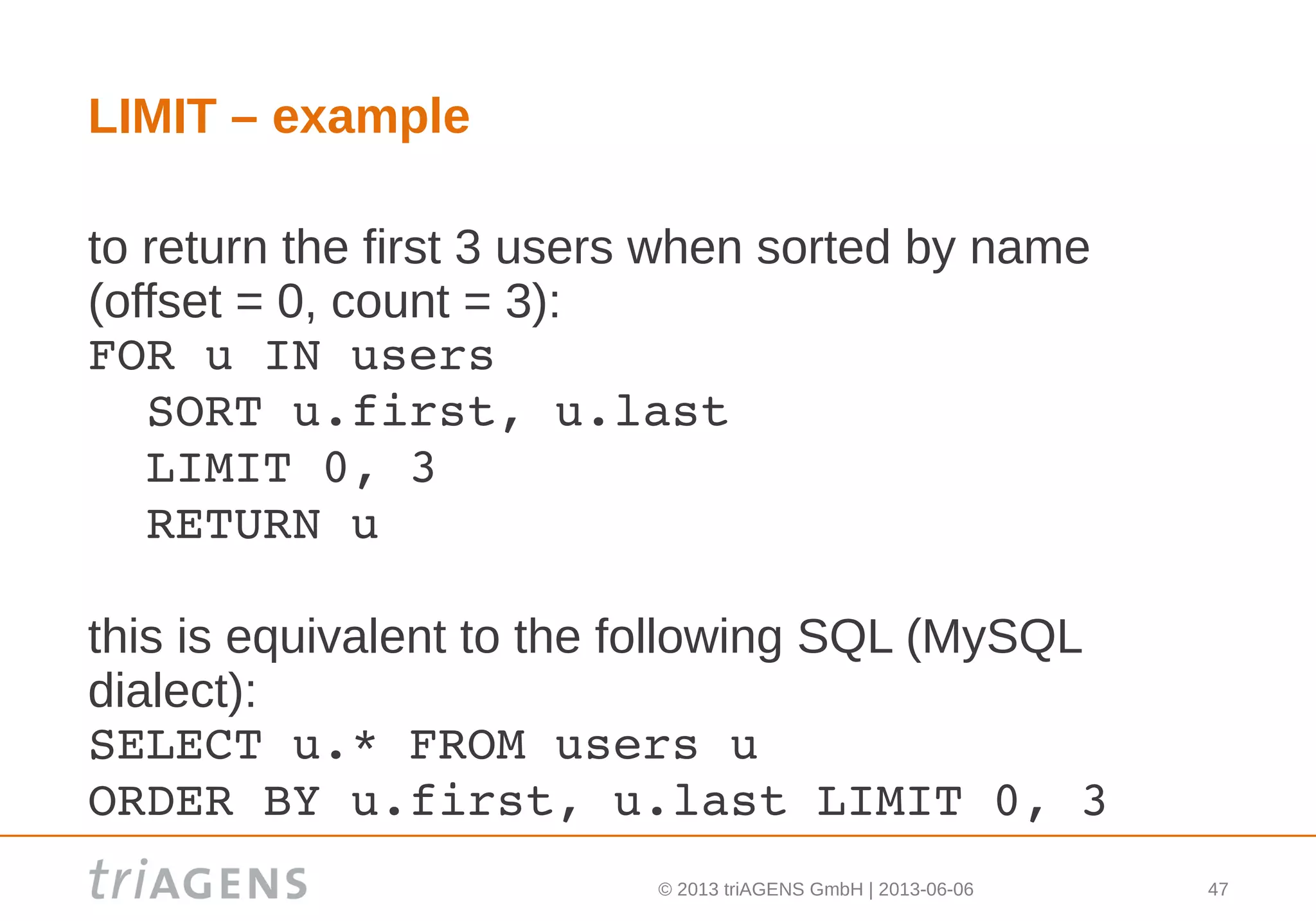
LIMIT – example
to return the first 3 users when sorted by name
(offset = 0, count = 3):
FOR u IN users
  SORT u.first, u.last
  LIMIT 0, 3
  RETURN u
this is equivalent to the following SQL (MySQL
dialect):
SELECT u.* FROM users u
ORDER BY u.first, u.last LIMIT 0, 3
© 2013 triAGENS GmbH | 2013-06-06 48
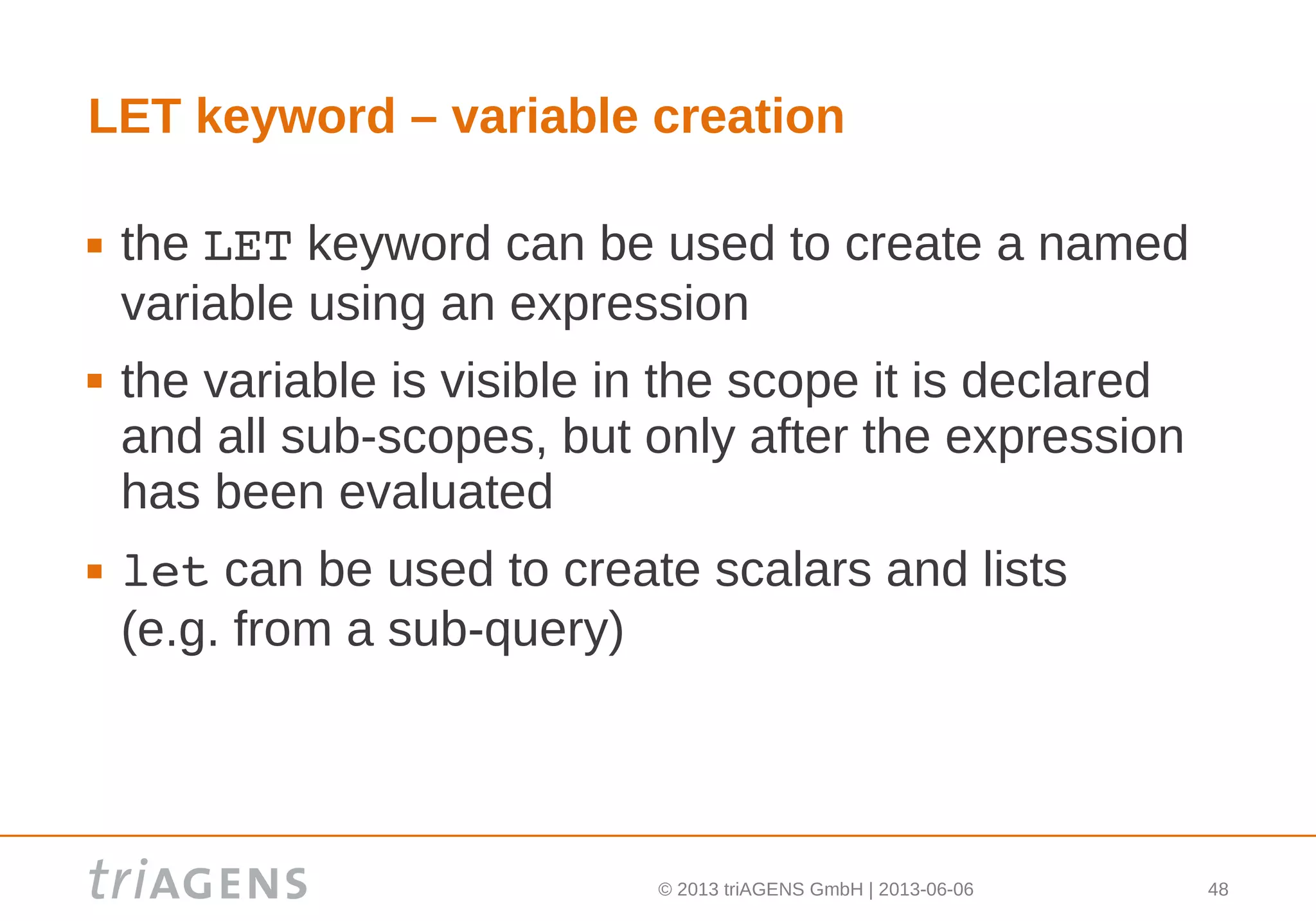
LET keyword – variable creation
 the LET keyword can be used to create a named
variable using an expression
 the variable is visible in the scope it is declared
and all sub-scopes, but only after the expression
has been evaluated
 let can be used to create scalars and lists
(e.g. from a sub-query)
© 2013 triAGENS GmbH | 2013-06-06 49
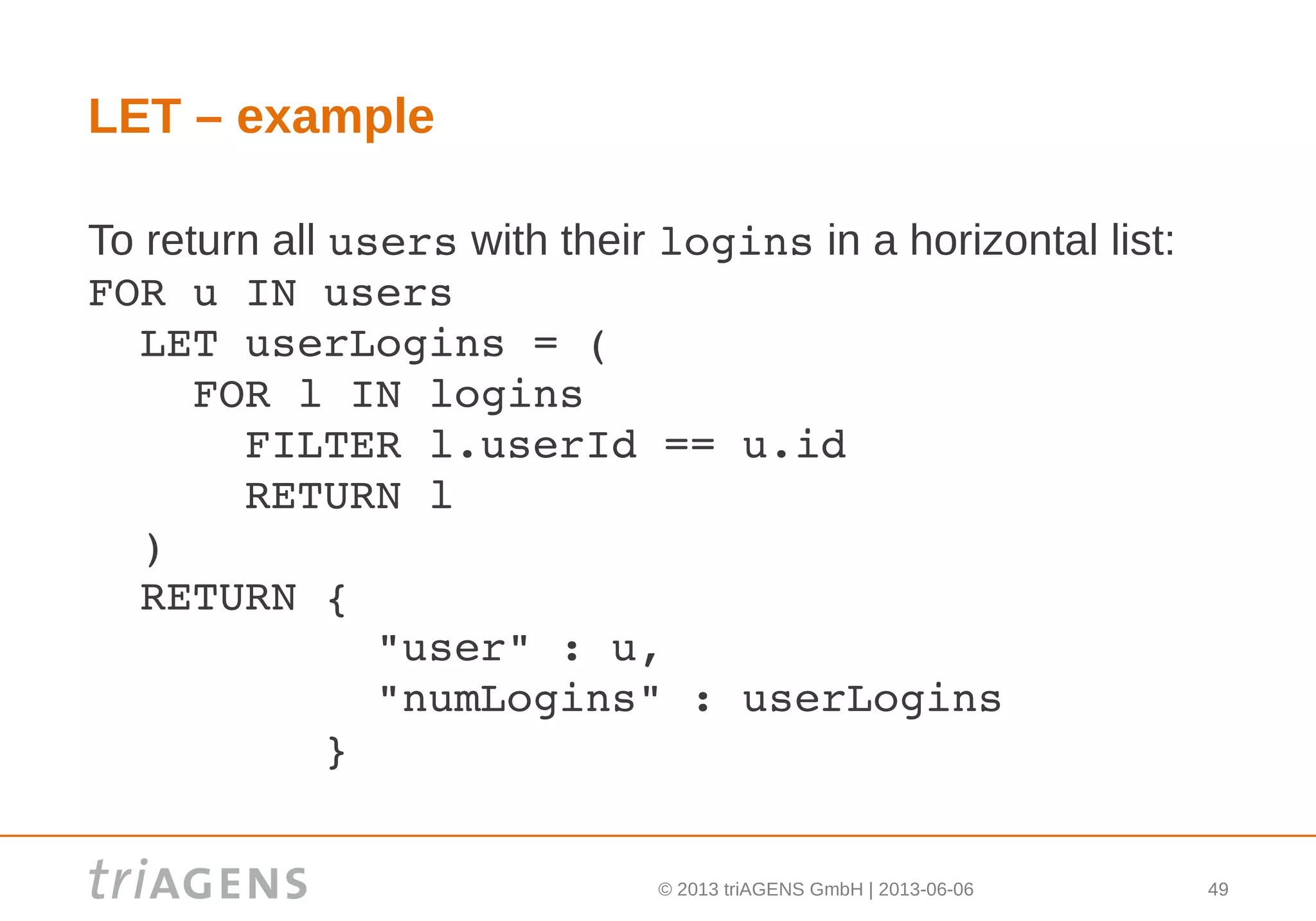
LET – example
To return all users with their logins in a horizontal list:
FOR u IN users
  LET userLogins = (
    FOR l IN logins
      FILTER l.userId == u.id
      RETURN l
  )
  RETURN { 
           "user" : u,
           "numLogins" : userLogins
         }
© 2013 triAGENS GmbH | 2013-06-06 50
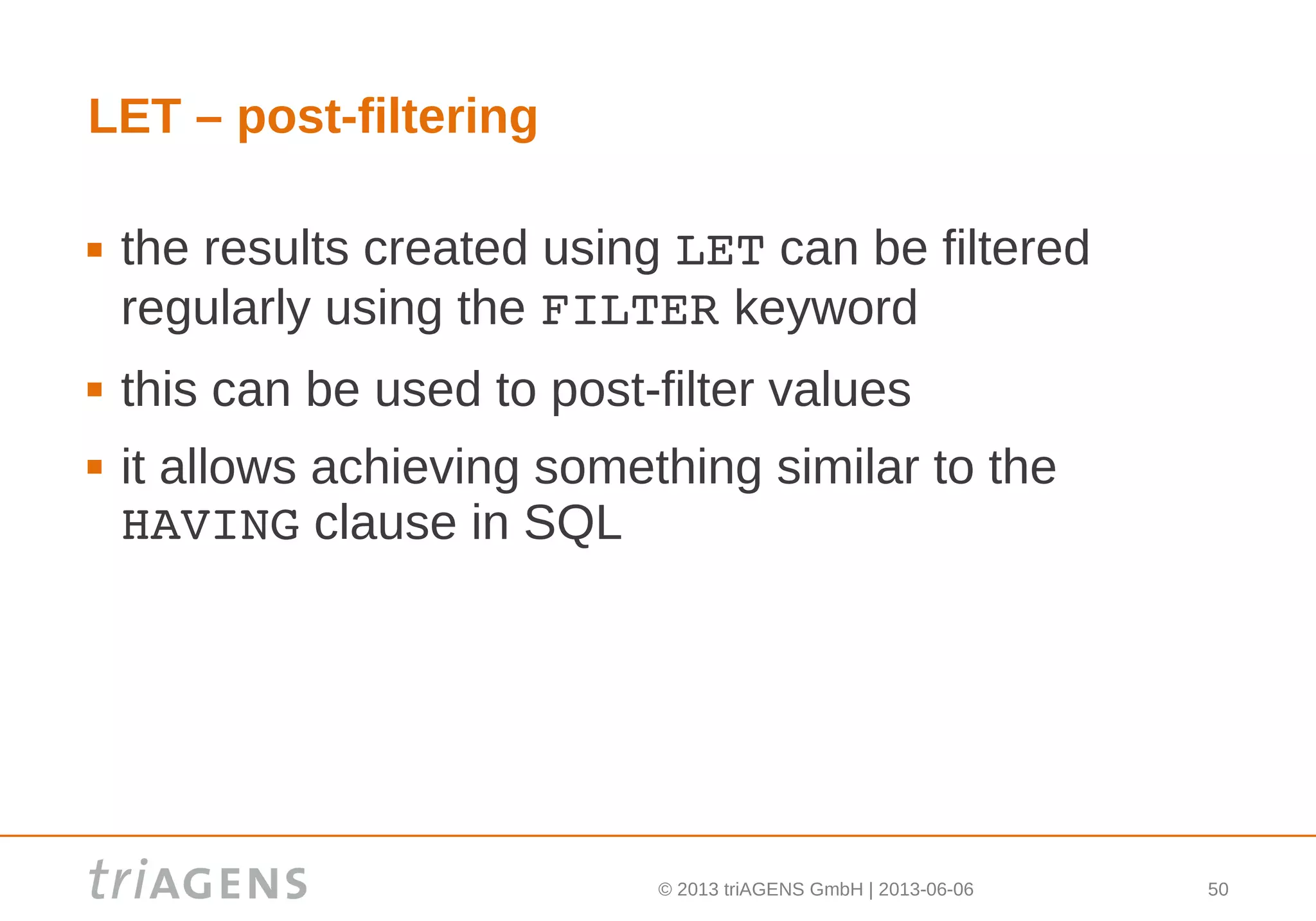
LET – post-filtering
 the results created using LET can be filtered
regularly using the FILTER keyword
 this can be used to post-filter values
 it allows achieving something similar to the
HAVING clause in SQL
© 2013 triAGENS GmbH | 2013-06-06 51
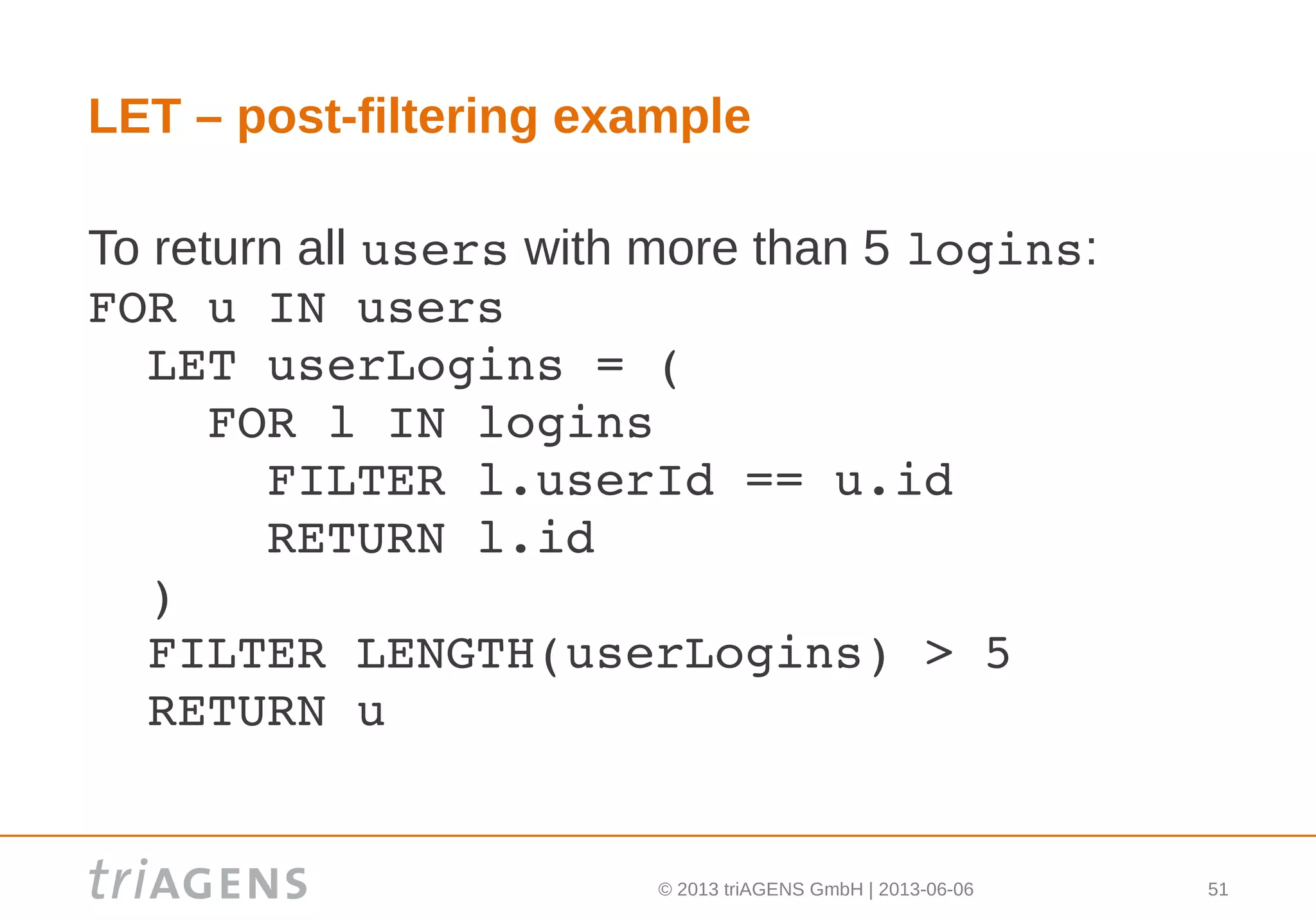
LET – post-filtering example
To return all users with more than 5 logins:
FOR u IN users
  LET userLogins = (
    FOR l IN logins
      FILTER l.userId == u.id
      RETURN l.id
  )
  FILTER LENGTH(userLogins) > 5
  RETURN u
© 2013 triAGENS GmbH | 2013-06-06 52
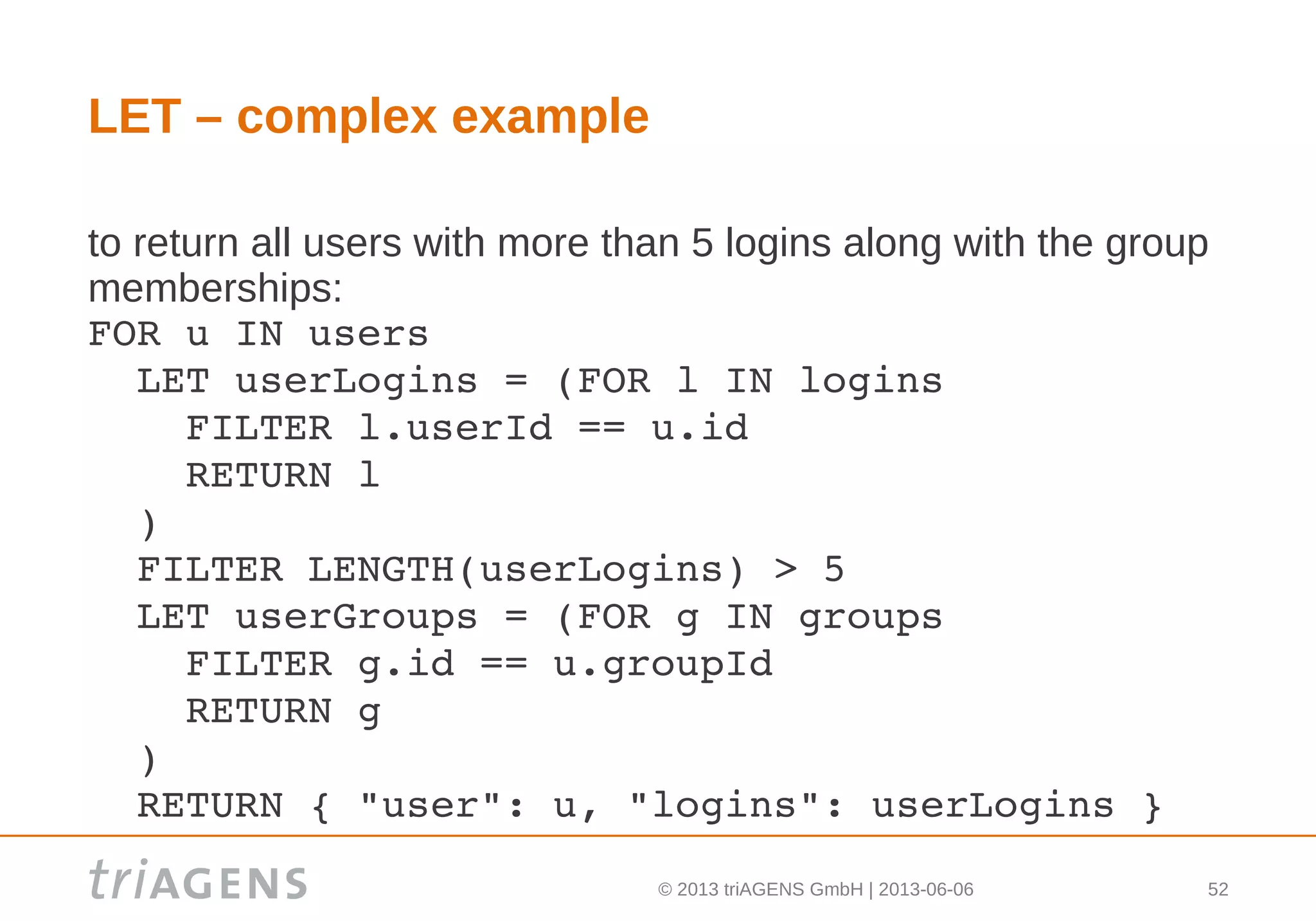
LET – complex example
to return all users with more than 5 logins along with the group
memberships:
FOR u IN users
  LET userLogins = (FOR l IN logins
    FILTER l.userId == u.id
    RETURN l
  )
  FILTER LENGTH(userLogins) > 5
  LET userGroups = (FOR g IN groups
    FILTER g.id == u.groupId
    RETURN g
  )
  RETURN { "user": u, "logins": userLogins }
© 2013 triAGENS GmbH | 2013-06-06 53
COLLECT keyword – grouping
 the COLLECT keyword can be used to group the data in
the current scope
 the general syntax is:
COLLECT variable = expression ... 
INTO groups
 variable is the name of a new variable containing the
value of the first group criteria. there is one variable per
group criterion
 the list of documents in each group can optionally be
retrieved into the variable groups using the INTO
keyword
© 2013 triAGENS GmbH | 2013-06-06 54
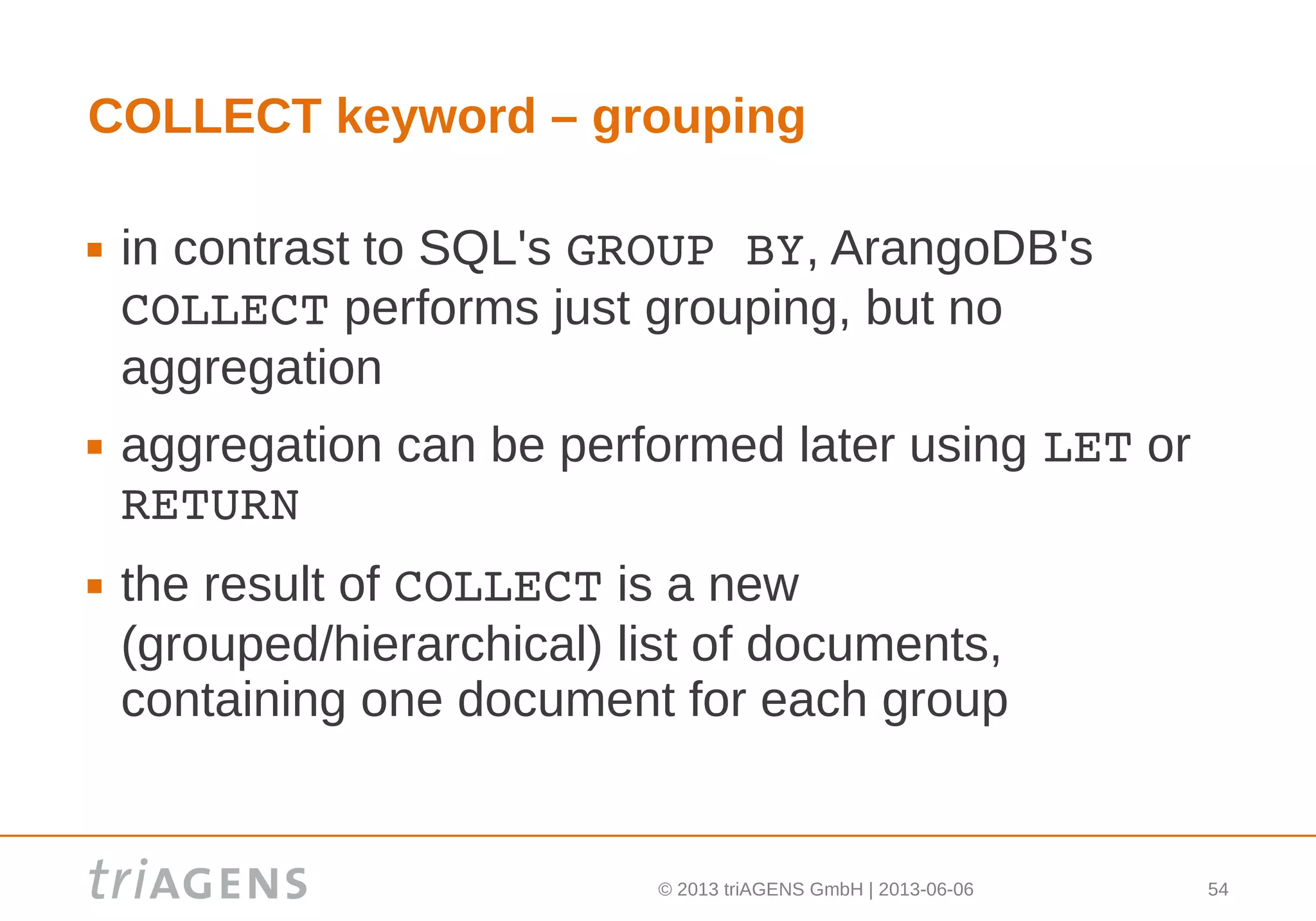
COLLECT keyword – grouping
 in contrast to SQL's GROUP BY, ArangoDB's
COLLECT performs just grouping, but no
aggregation
 aggregation can be performed later using LET or
RETURN
 the result of COLLECT is a new
(grouped/hierarchical) list of documents,
containing one document for each group
© 2013 triAGENS GmbH | 2013-06-06 55
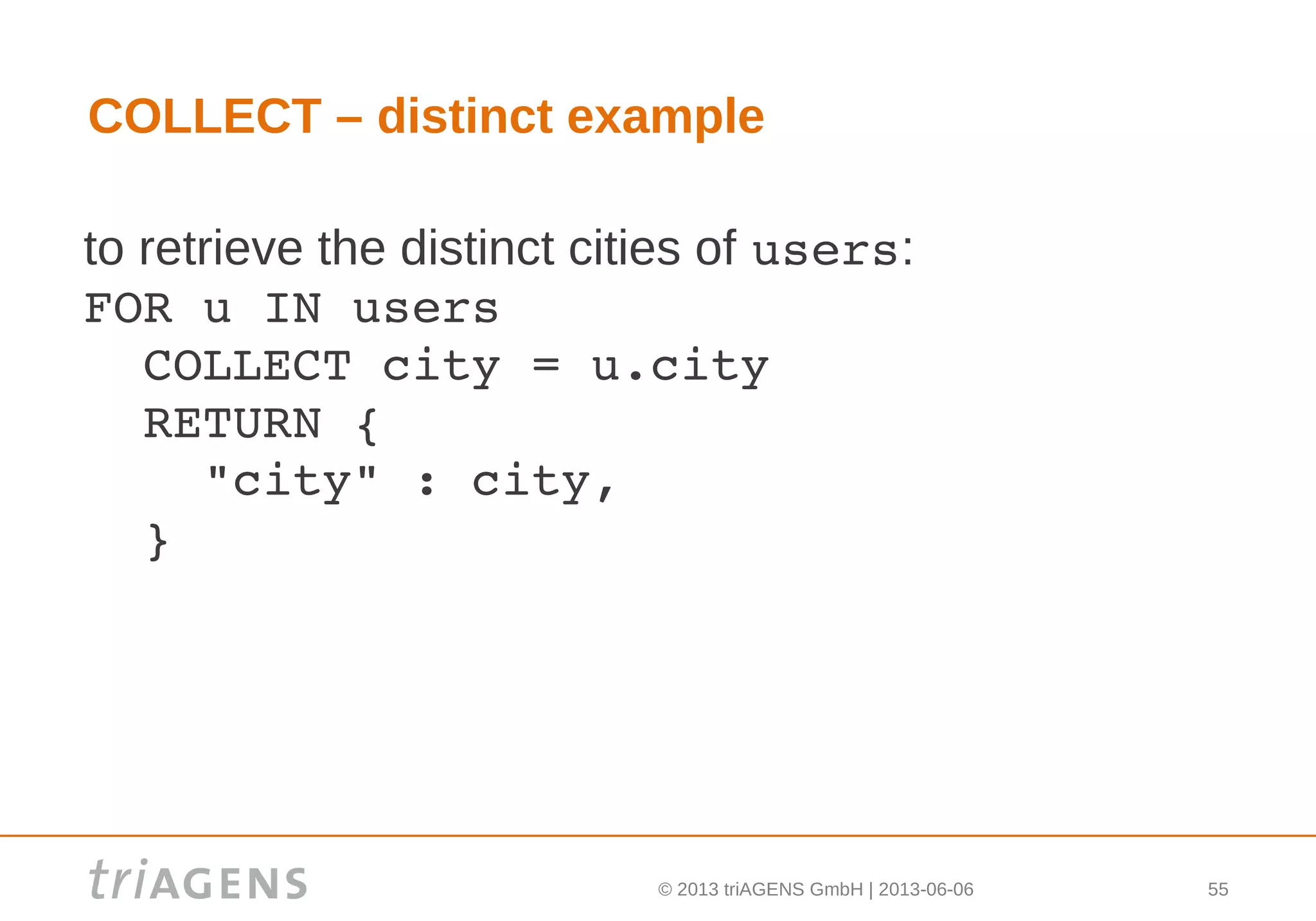
COLLECT – distinct example
to retrieve the distinct cities of users:
FOR u IN users
  COLLECT city = u.city
  RETURN { 
    "city" : city, 
  }
© 2013 triAGENS GmbH | 2013-06-06 56
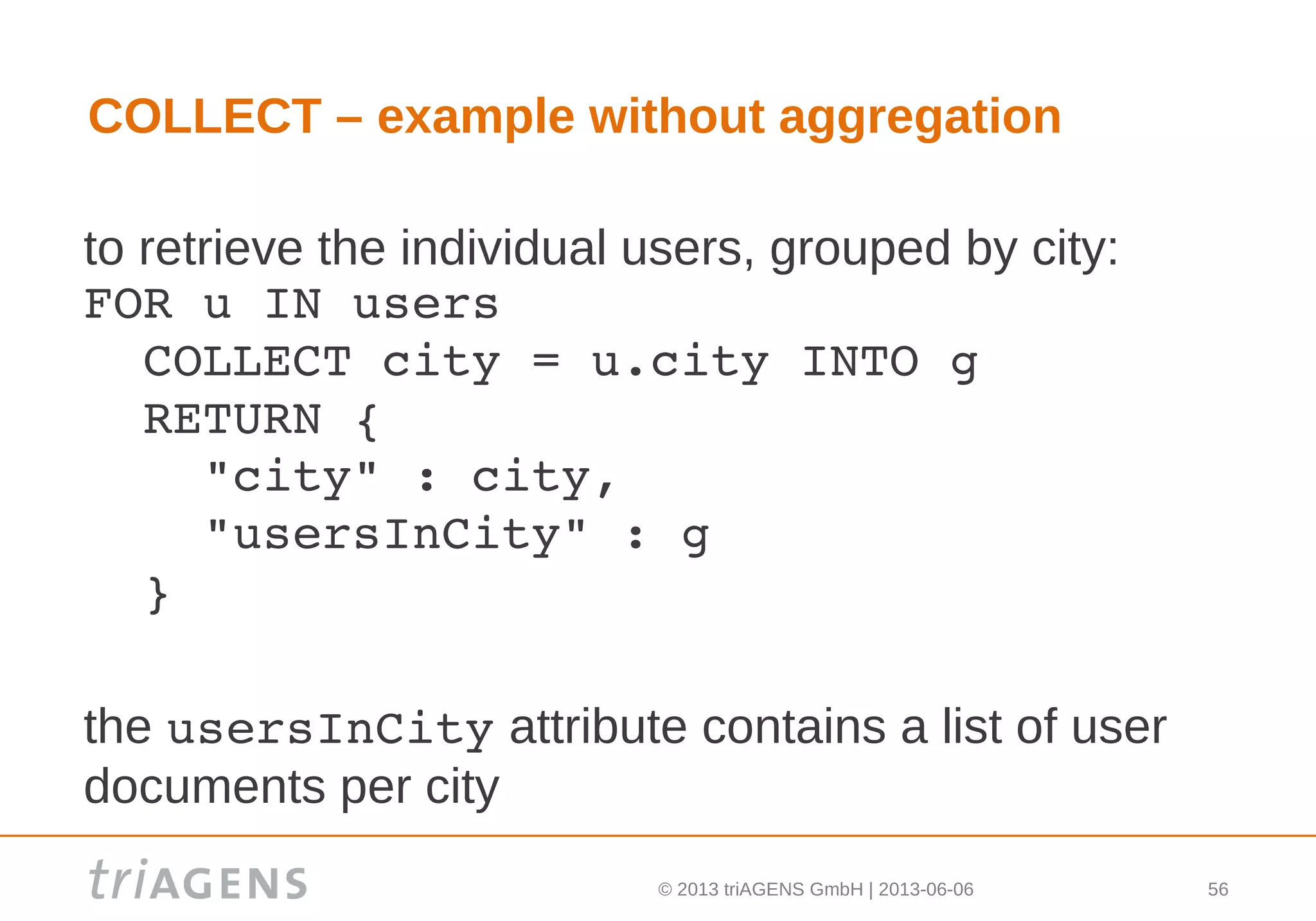
COLLECT – example without aggregation
to retrieve the individual users, grouped by city:
FOR u IN users
  COLLECT city = u.city INTO g
  RETURN { 
    "city" : city, 
    "usersInCity" : g 
  }
the usersInCity attribute contains a list of user
documents per city
© 2013 triAGENS GmbH | 2013-06-06 57
COLLECT – example with aggregation
to retrieve the cities with the number of users in
each:
FOR u IN users
  COLLECT city = u.city INTO g
  RETURN { 
    "city" : city, 
    "numUsersInCity": LENGTH(g) 
  }
© 2013 triAGENS GmbH | 2013-06-06 58
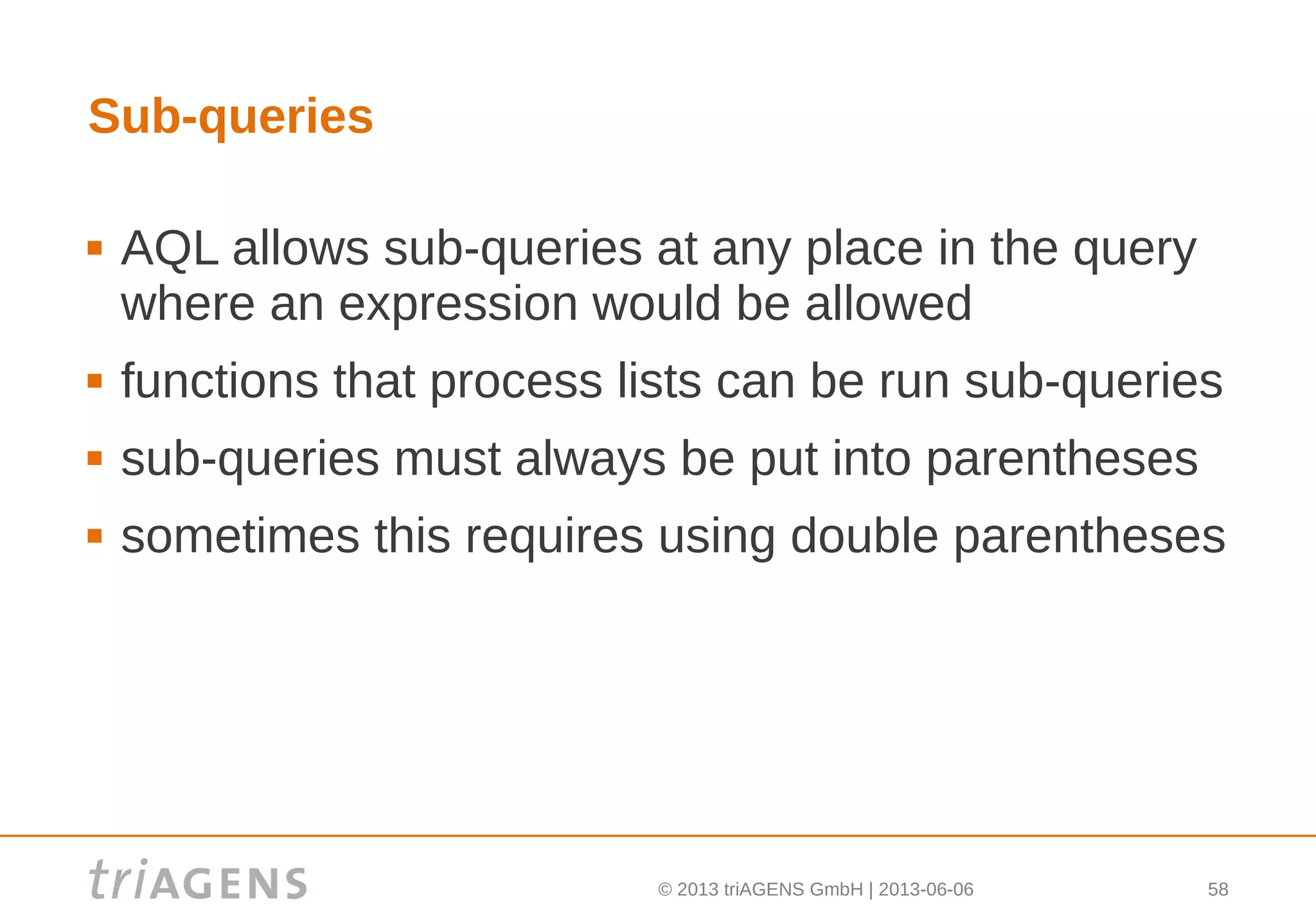
Sub-queries
 AQL allows sub-queries at any place in the query
where an expression would be allowed
 functions that process lists can be run sub-queries
 sub-queries must always be put into parentheses
 sometimes this requires using double parentheses
© 2013 triAGENS GmbH | 2013-06-06 59
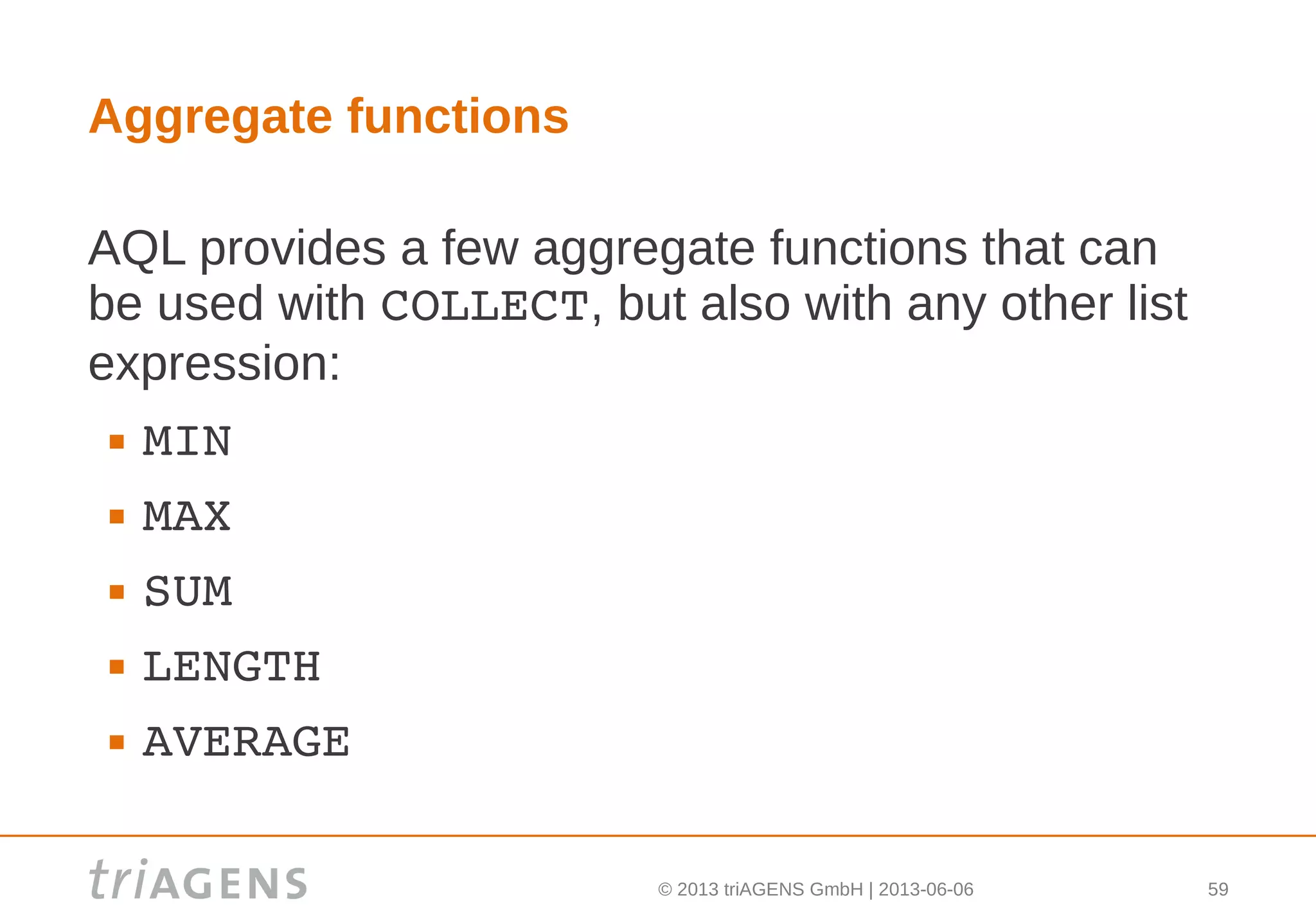
Aggregate functions
AQL provides a few aggregate functions that can
be used with COLLECT, but also with any other list
expression:
 MIN
 MAX
 SUM
 LENGTH
 AVERAGE
© 2013 triAGENS GmbH | 2013-06-06 60
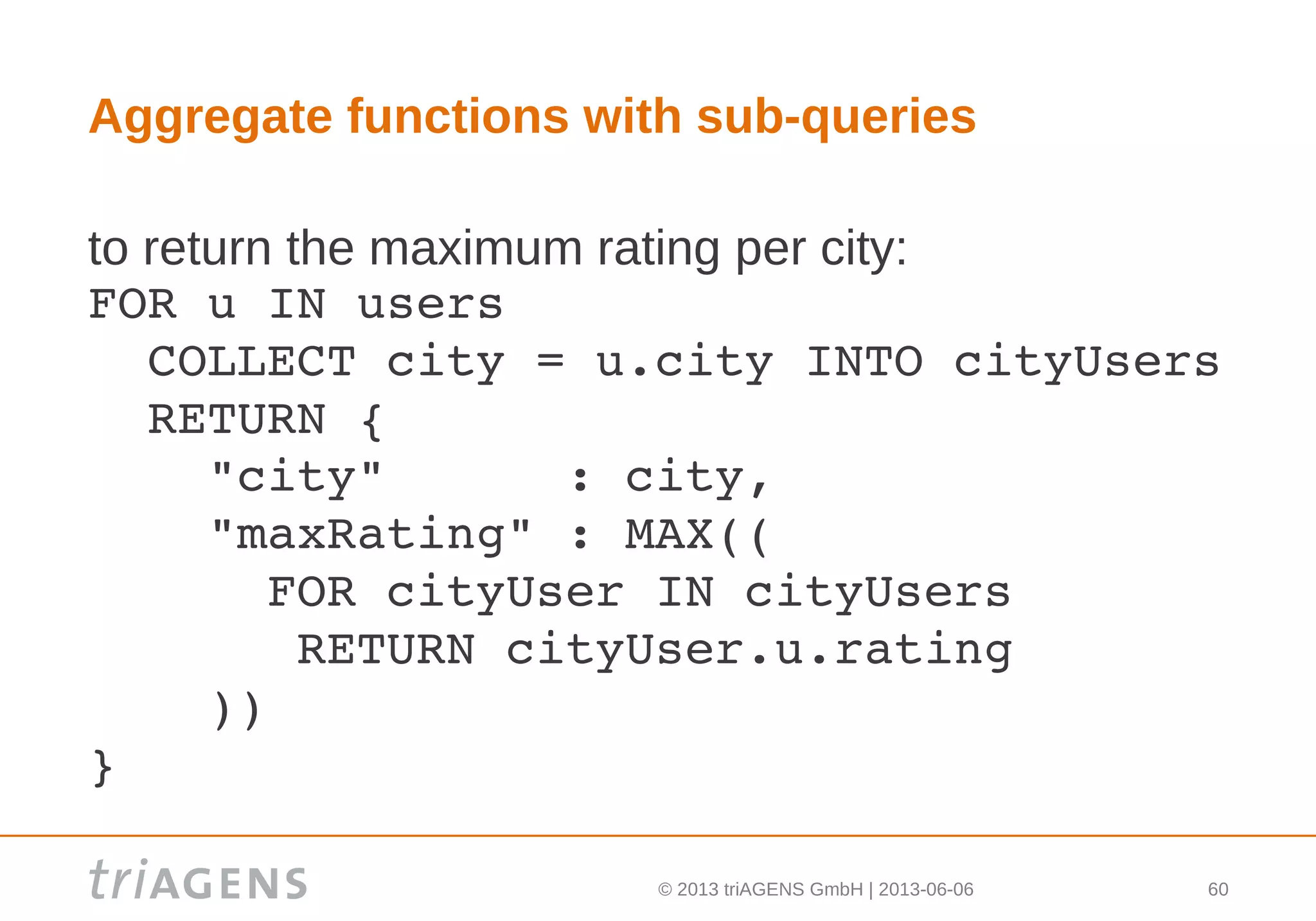
Aggregate functions with sub-queries
to return the maximum rating per city:
FOR u IN users
  COLLECT city = u.city INTO cityUsers
  RETURN {
    "city"      : city,
    "maxRating" : MAX((
      FOR cityUser IN cityUsers
       RETURN cityUser.u.rating
    ))
}
© 2013 triAGENS GmbH | 2013-06-06 61
[*] list expander
the [*] list expander can be used to access all
elements of a list:
FOR u IN users
  COLLECT city = u.city INTO cityUsers
  RETURN {
    "city"      : city,
    "maxRating" :
          MAX(cityUsers[*].u.rating)
}
© 2013 triAGENS GmbH | 2013-06-06 62
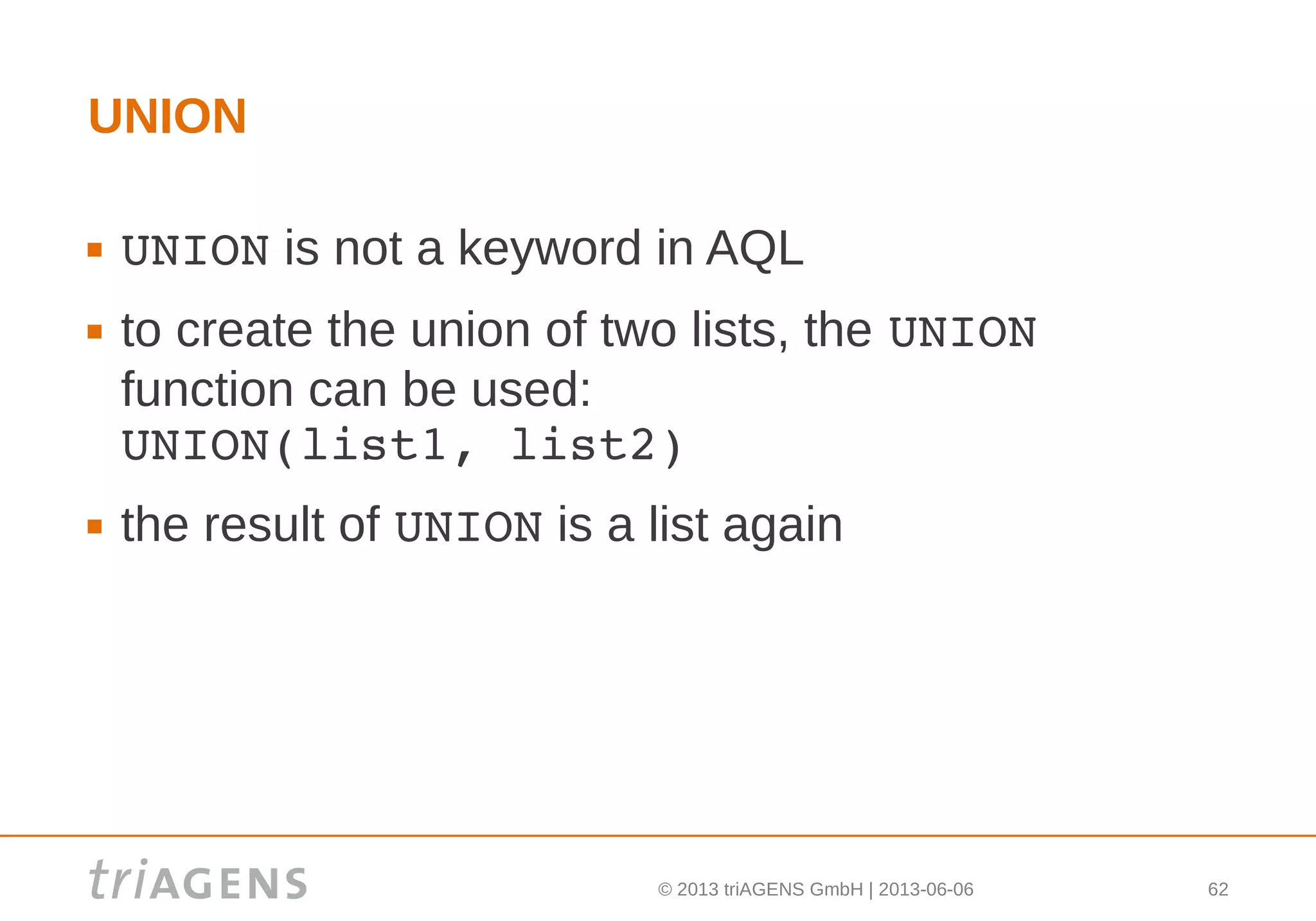
UNION
 UNION is not a keyword in AQL
 to create the union of two lists, the UNION 
function can be used:
UNION(list1, list2)
 the result of UNION is a list again
© 2013 triAGENS GmbH | 2013-06-06 63
DISTINCT
 DISTINCT is not a keyword in AQL
 to get a list of distinct values from a list, the
COLLECT keyword can be used as show before
 there is also the UNIQUE function, which
produces a list of unique elements:
UNIQUE(list)
© 2013 triAGENS GmbH | 2013-06-06 64
Graphs
 graphs can be used to model tree structures,
networks etc.
 popular use cases for graph queries:
 find friends of friends
 find similarities
 find recommendations
© 2013 triAGENS GmbH | 2013-06-06 65
Graphs – vertices and edges
 in ArangoDB, a graph is composition of
 vertices:
the nodes in the graph. they are stored as
regular documents
 edges:
the relations between the nodes in the graph.
they are stored as documents in special "edge"
collections
© 2013 triAGENS GmbH | 2013-06-06 66
Graphs – edges attributes
all edges have the following attributes:
 _from: id of linked vertex (incoming relation)
 _to: id of linked vertex (outgoing relation)
_from and _to are populated with the _id values
of the vertices to be connected
© 2013 triAGENS GmbH | 2013-06-06 67
Graphs – example data
data for vertex collection "users":
[ 
  { "_key": "John", "age": 25 }, 
  { "_key": "Tina", "age": 29 },
  { "_key": "Bob",  "age": 15 },
  { "_key": "Phil", "age": 12 } 
]
© 2013 triAGENS GmbH | 2013-06-06 68
Graphs – example data
data for edge collection "relations":
[ 
  { "_from": "users/John", "_to": "users/Tina" },
  { "_from": "users/John", "_to": "users/Bob" },
  { "_from": "users/Bob", "_to": "users/Phil" },
  { "_from": "users/Phil", "_to": "users/John" },
  { "_from": "users/Phil", "_to": "users/Tina" },
  { "_from": "users/Phil", "_to": "users/Bob" } 
]
© 2013 triAGENS GmbH | 2013-06-06 69
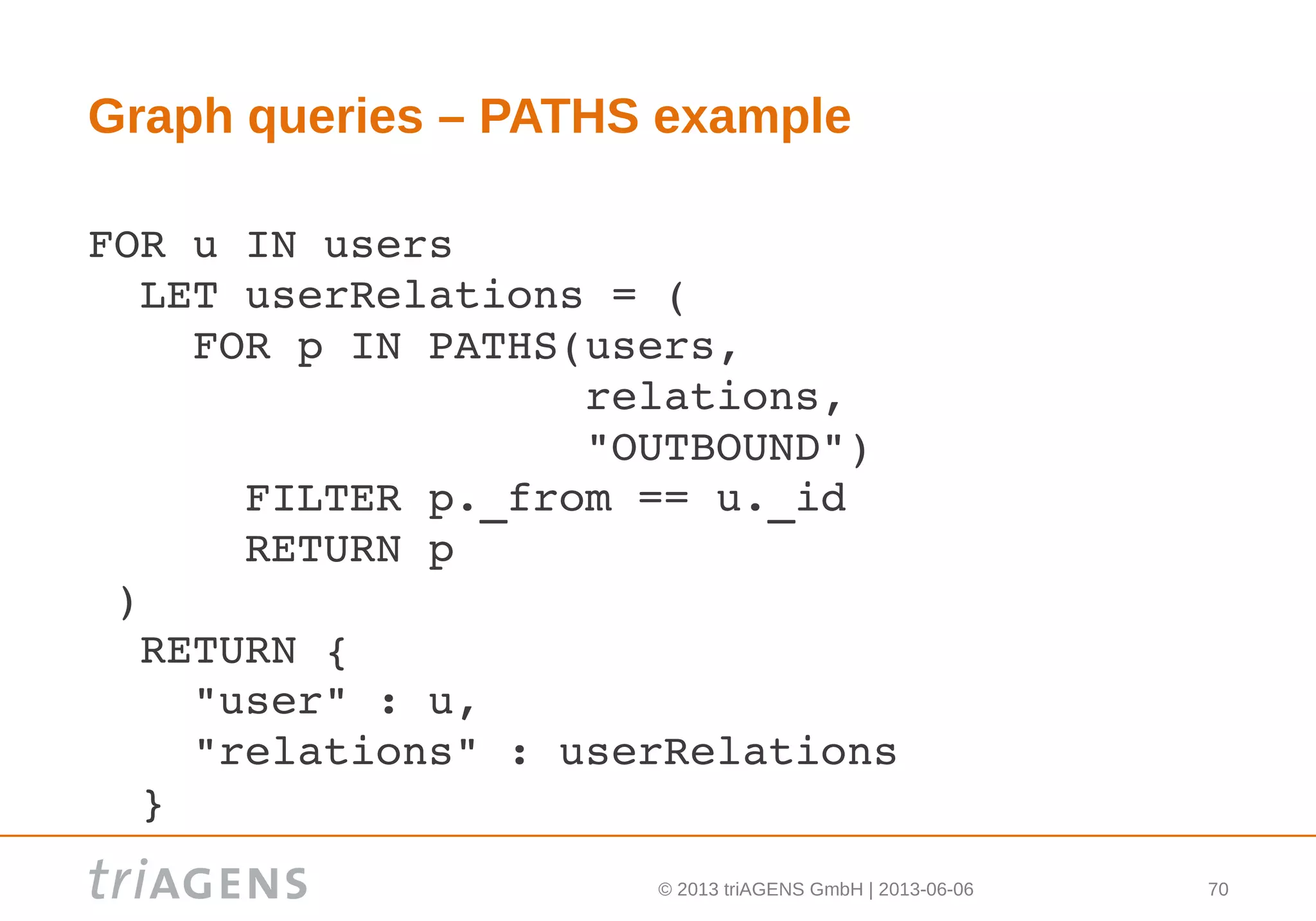
Graph queries – PATHS
 to find all directly and indirectly connected outgoing
relations for users, the PATHS function can be used
 PATHS traverses a graph's edges and produces a list of all
paths found
 each path object returned will have the following attributes:
 _from: _id of vertex the path started at
 _to: _id of vertex the path ended with
 _edges: edges visited along the path
 _vertices: vertices visited along the path
© 2013 triAGENS GmbH | 2013-06-06 70
Graph queries – PATHS example
FOR u IN users
  LET userRelations = (
    FOR p IN PATHS(users, 
                   relations, 
                   "OUTBOUND")
      FILTER p._from == u._id
      RETURN p
 )
  RETURN {
    "user" : u,
    "relations" : userRelations
  } 
© 2013 triAGENS GmbH | 2013-06-06 71
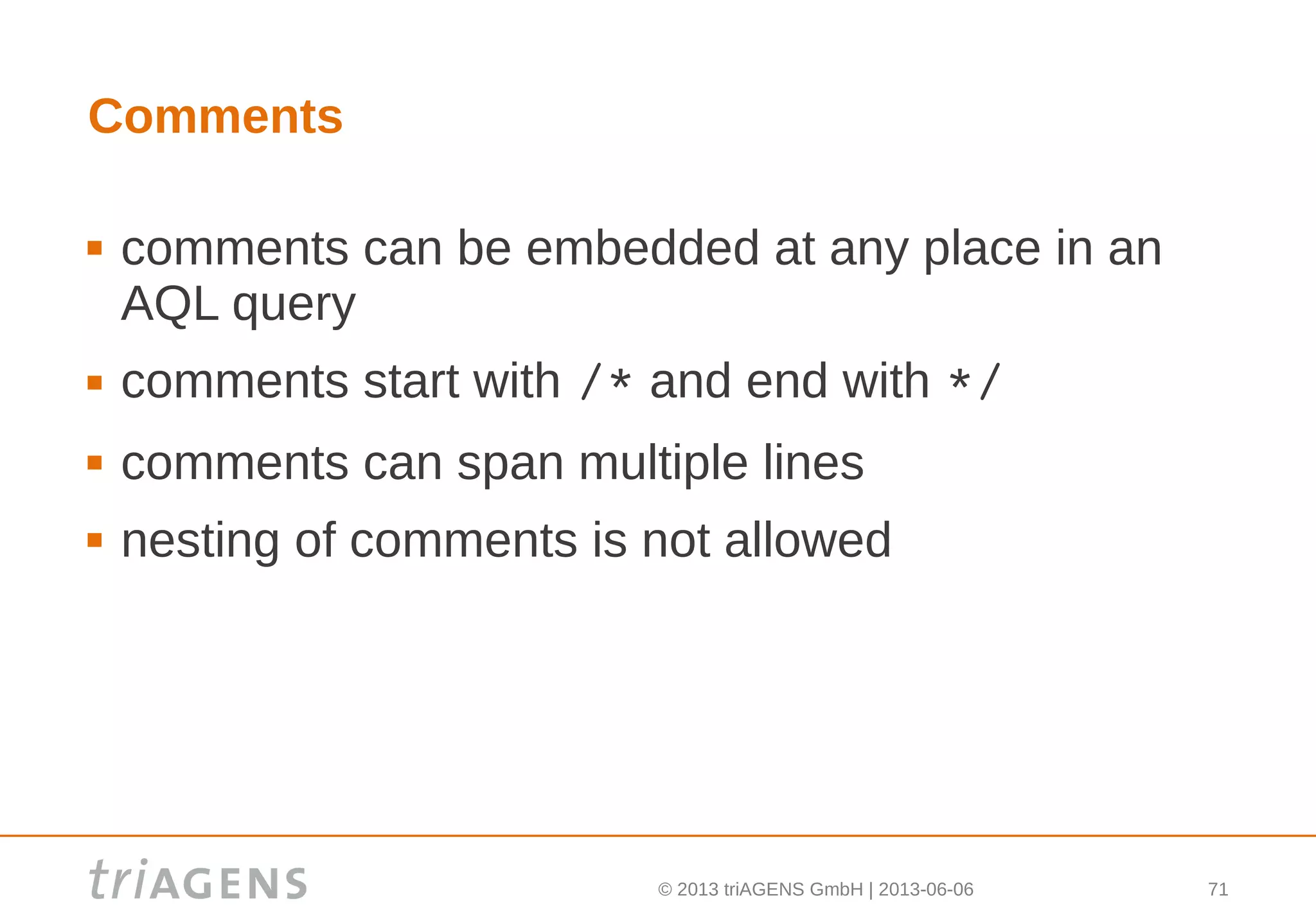
Comments
 comments can be embedded at any place in an
AQL query
 comments start with /* and end with */
 comments can span multiple lines
 nesting of comments is not allowed
© 2013 triAGENS GmbH | 2013-06-06 72
Attribute names
 attribute names can be used quoted or non-
quoted
 when used unquoted, the attribute names must
only consist of letters and digits
 to maximise compatibility with JSON, attribute
names should be quoted in AQL queries, too
 own attribute names should not start with an
underscore to avoid conflicts with ArangoDB's
system attributes
© 2013 triAGENS GmbH | 2013-06-06 73
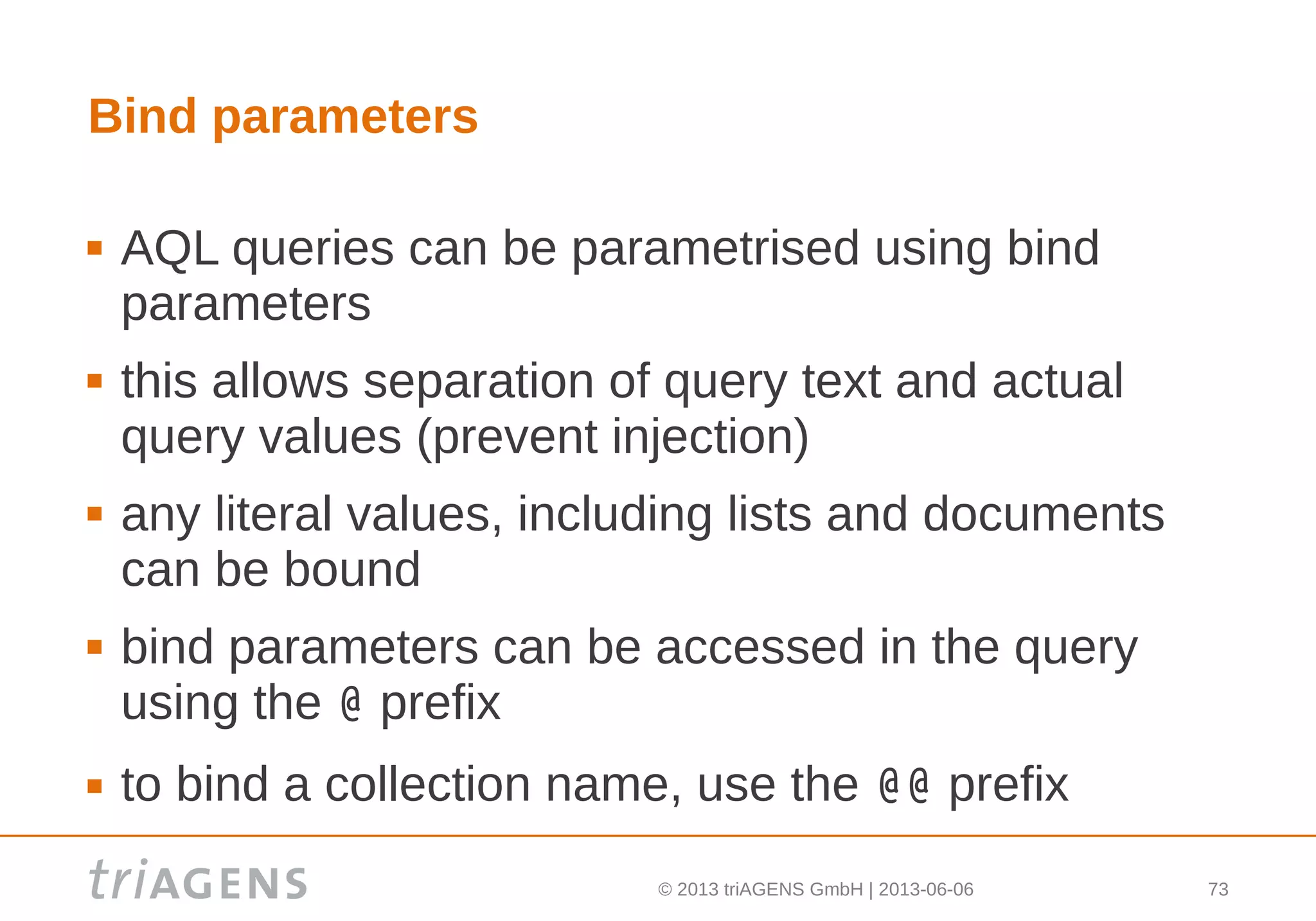
Bind parameters
 AQL queries can be parametrised using bind
parameters
 this allows separation of query text and actual
query values (prevent injection)
 any literal values, including lists and documents
can be bound
 bind parameters can be accessed in the query
using the @ prefix
 to bind a collection name, use the @@ prefix
© 2013 triAGENS GmbH | 2013-06-06 74
Bind parameters – example query and values
FOR c IN @@collection
  FILTER c.age > @age &&
         c.state IN @states
  RETURN { "name" : u.name }
@@collection : "users"
@age: 30
@states: [ "CA", "FL" ]
© 2013 triAGENS GmbH | 2013-06-06 75
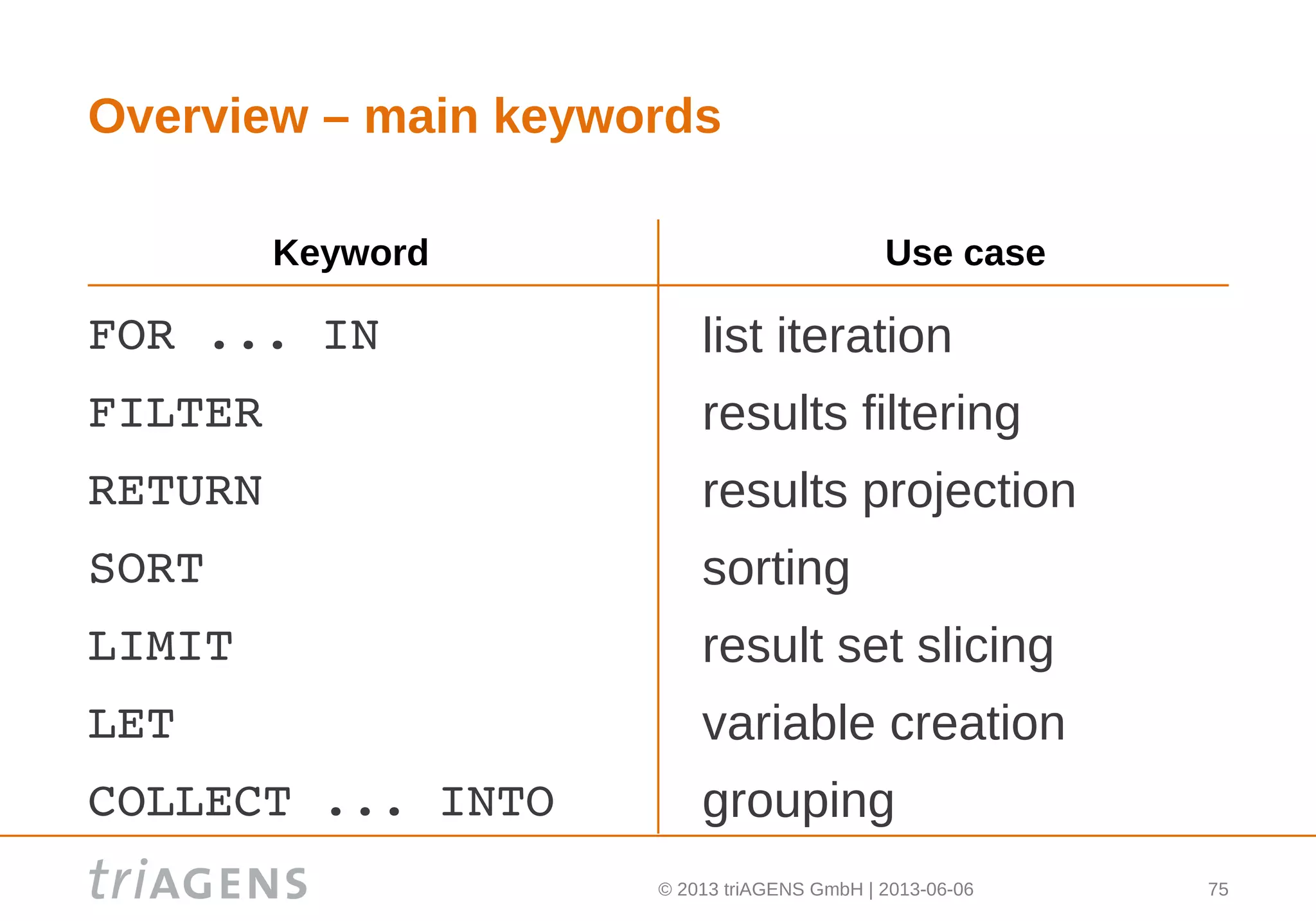
Overview – main keywords
FOR ... IN 
FILTER
RETURN
SORT
LIMIT
LET
COLLECT ... INTO
list iteration
results filtering
results projection
sorting
result set slicing
variable creation
grouping
Keyword Use case
© 2013 triAGENS GmbH | 2013-06-05
Thank you!
Stay in touch:
Fork me on github
Google group: ArangoDB
Twitter: @steemann @arangodb
www.arangodb.org
Foxx – Javascript application
framework for ArangoDB

Introduction and overview ArangoDB query language AQL

  • 1.
    © 2013 triAGENSGmbH | 2013-06-06 1 ArangoDB query language (AQL)
  • 2.
    © 2013 triAGENSGmbH | 2013-06-06 2 Documentation  the complete AQL manual for the current version of ArangoDB can be found online at: https://www.arangodb.org/manuals/current/Aql.html  all explanations and examples used in this presentation have been created with ArangoDB version 1.3
  • 3.
    © 2013 triAGENSGmbH | 2013-06-06 3 Motivation – why another query language?  initially, we implemented a subset of SQL's SELECT for querying ArangoDB  we noticed soon that SQL didn't fit well:  ArangoDB is a document database, but SQL is a language used in the relational world  dealing with multi-valued attributes and creating horizontal lists with SQL is quite painful, but we needed these features
  • 4.
    © 2013 triAGENSGmbH | 2013-06-06 4 Motivation – why another query language?  we looked at UNQL, which addressed some of the problems, but the project seemed dead and there were no working UNQL implementations  XQuery seemed quite powerful, but a bit too complex for simple queries and a first implementation  JSONiq wasn't there when we started :-)
  • 5.
    © 2013 triAGENSGmbH | 2013-06-06 5 ArangoDB Query Language (AQL)  so we rolled our own query language, the ArangoDB Query Language (AQL)  it is a declarative language, loosely based on the syntax of XQuery  the language uses other keywords than SQL so it's clear that the languages are different  AQL is implemented in C and JavaScript  first version of AQL was released in mid-2012
  • 6.
    © 2013 triAGENSGmbH | 2013-06-06 6 Collections and documents  ArangoDB is not a relational database, but primarily a document database  documents are organised in "collections" (the equivalent of a "table" in the relational world)  documents consist of typed attribute name / value pairs, attributes can optionally be nested  the JSON type system can be used for values
  • 7.
    © 2013 triAGENSGmbH | 2013-06-06 7 An example document {    "name" : {     "official" : "AQL",     "codename" : "Ahuacatl"   },   "keywords" : [     "FOR", "FILTER", "LIMIT", "SORT",      "RETURN", "COLLECT", "LET"   ],   "released" : 2012 }
  • 8.
    © 2013 triAGENSGmbH | 2013-06-06 8 Schemas  collections do not have a fixed schema  documents in a collection can be homogenous and have different attributes  but: the more homogenous the document structures in a collection, the more efficiently ArangoDB can store the documents
  • 9.
    © 2013 triAGENSGmbH | 2013-06-06 9 AQL data types (primitive types)  absence of a value: null  boolean truth values: false, true  numbers (signed, double precision): 1, ­34.24  strings: "John", "goes fishing"
  • 10.
    © 2013 triAGENSGmbH | 2013-06-06 10 AQL data types (compound types)  lists (elements accessible by their position): [ "one", "two", false, ­1 ]  documents (elements accessible by their name): {    "user" : {      "name" : "John",      "age" : 25    }  }
  • 11.
    © 2013 triAGENSGmbH | 2013-06-06 11 AQL operators  logical: will return a boolean value or an error &&  ||  !  arithmetic: will return a numeric value or an error +  ­  *  /  %  comparison: will return a boolean value ==  !=  <  <=  >  >=  IN  ternary: will return the true or the false part ? :
  • 12.
    © 2013 triAGENSGmbH | 2013-06-06 12 Operators: == vs. =  to perform an equality comparison of two values, there is the == operator in AQL  in SQL, such comparison is done using the = operator  in AQL, the = operator is the assignment operator
  • 13.
    © 2013 triAGENSGmbH | 2013-06-06 13 Strings  the + operator in AQL cannot be used for string concatenation  string concatenation can be achieved by calling the CONCAT function  string comparison with AQL's comparison operators does a binary string comparison  special characters in strings (e.g. line breaks and quotes) need to be escaped properly
  • 14.
    © 2013 triAGENSGmbH | 2013-06-06 14 Type casts  type casts can be performed by explicitly calling type cast functions: TO_BOOL, TO_STRING, TO_NUMBER, ...  performing an operation with invalid or inappropriate types will result in an error  when performing an operation that does not have a valid or defined result, an error will be thrown: 1 / 0         => error 1 + "John"    => error
  • 15.
    © 2013 triAGENSGmbH | 2013-06-06 15 Null  when referring to something non-existing (e.g. a non-existing attribute of a document), the result will be null: users.nammme  => null  using the comparison operators, null can be compared to other values and also null itself  the result of such comparison will be a boolean (not null as in SQL)
  • 16.
    © 2013 triAGENSGmbH | 2013-06-06 16 Type comparisons  when two values are compared, the types are compared first  if the types of the compared values are not identical, the comparison result is determined by this rule: null < boolean < number < string <  list < document
  • 17.
    © 2013 triAGENSGmbH | 2013-06-06 17 Type comparisons – examples null  < false        0     != null false < 0            null  != false true  < 0            false != "" true  < [ 0 ]        ""    != [ ] true  < [ ]          null  != [ ] 0     < [ ] [ ]   < { }
  • 18.
    © 2013 triAGENSGmbH | 2013-06-06 18 Type comparisons – primitive types  if the types of two compared values are equal, the values are compared  for boolean values, the order is: false < true  for numeric values, the order is determined by the numeric value  for string values, the order is determined by bytewise comparison of the strings' characters
  • 19.
    © 2013 triAGENSGmbH | 2013-06-06 19 Type comparisons – lists  for list values, the elements from both lists are compared at each position  for each list element value, a type and value comparison will be performed using the described rules
  • 20.
    © 2013 triAGENSGmbH | 2013-06-06 20 Type comparisons – lists examples [ 1 ]        >  [ 0 ] [ 2, 0 ]     >  [ 1, 2 ] [ 23 ]       >  [ true ] [ [ 1 ] ]    >  99 [ ]          >  1 [ null ]     >  [ ] [ true, 0 ]  >  [ true ] [ 1 ]        == [ 1 ]
  • 21.
    © 2013 triAGENSGmbH | 2013-06-06 21 Type comparisons – documents  for document values, the attribute names from both documents are collected and sorted  the sorted attribute names are then checked individually: if one of the documents does not have the attribute, it will be considered „smaller“.  if both documents have the attribute, a type and value comparison will be done using the described rules
  • 22.
    © 2013 triAGENSGmbH | 2013-06-06 22 Type comparisons – documents examples { }                 <   { "age": 25 } { "age": 25 }       <   { "age": 26 } { "age": 25 }       >   { "name": "John" } {                       {   "name": "John",   ==    "age": 25,   "age": 25               "name": "John"  }                       } { "age": 25 }       <   {                            "age": 25,                           "name": "John"                         }
  • 23.
    © 2013 triAGENSGmbH | 2013-06-06 23 Base building blocks – lists  a good part of the AQL is about list processing  there are several types of lists:  statically declared lists, e.g. [ 1, 2, 3 ]  lists of documents from collections, e.g. users locations  results from filters/subqueries/functions, e.g. NEAR(locations, [ 43, 10 ], 100)
  • 24.
    © 2013 triAGENSGmbH | 2013-06-06 24 FOR keyword – list iteration  the FOR keyword can be used to iterate over all elements of a list  the general syntax is: FOR variable IN expression  where variable is the name the current list element can be accessed with, and expression is a valid AQL expression that produces a list
  • 25.
    © 2013 triAGENSGmbH | 2013-06-06 25 FOR – principle  to iterate over all documents in collection users: FOR u IN users  a result document (named: u) is produced on each iteration  the example produces the following result list: [ u1, u2, u3, ..., un ] this is equivalent to the following SQL: SELECT u.* FROM users u
  • 26.
    © 2013 triAGENSGmbH | 2013-06-06 26 FOR – nesting  nesting of multiple FOR statements is possible  this can be used to perform the equivalent of an SQL inner or cross join  there will be as many iterations as the product of the number of list elements
  • 27.
    © 2013 triAGENSGmbH | 2013-06-06 27 FOR – nesting example to create the cross product of users and locations: FOR u IN users   FOR l IN locations this is equivalent to the following SQL: SELECT u.*, l.* FROM users u,  locations l
  • 28.
    © 2013 triAGENSGmbH | 2013-06-06 28 FOR – nesting example to create the cross product of statically declared years and quarters: FOR year IN [ 2011, 2012, 2013 ]   FOR quarter IN [ 1, 2, 3, 4 ] this is equivalent to the following SQL: SELECT * FROM  (SELECT 2011 UNION SELECT 2012 UNION    SELECT 2013) year,  (SELECT 1 UNION SELECT 2 UNION    SELECT 3 UNION SELECT 4) quarter
  • 29.
    © 2013 triAGENSGmbH | 2013-06-06 29 FILTER keyword – results filtering  the FILTER keyword can be used to restrict the results to elements that match some definable conditions  there can be more than one FILTER statement in a query  if multiple FILTER statements are used, the conditions are combined with a logical and
  • 30.
    © 2013 triAGENSGmbH | 2013-06-06 30 FILTER – example to retrieve all users that are active: FOR u IN users   FILTER u.active == true this is equivalent to the following SQL: SELECT * FROM users u WHERE u.active = true
  • 31.
    © 2013 triAGENSGmbH | 2013-06-06 31 FILTER – inner join example to retrieve all users that have matching locations: FOR u IN users  FOR l IN locations    FILTER u.id == l.id this is equivalent to the following SQL: SELECT u.*, l.* FROM users u  (INNER) JOIN locations l  ON u.id == l.id
  • 32.
    © 2013 triAGENSGmbH | 2013-06-06 32 Base building blocks – scopes  AQL is scoped  scopes can be made explicit using parentheses  variables in AQL can only be used after they have been declared in a scope  variables can be used in the scope they have been declared in, and also in sub-scopes  variables must not be redeclared in a scope or in a sub-scope
  • 33.
    © 2013 triAGENSGmbH | 2013-06-06 33 Scopes example query FOR u IN users   /* can use u from here on */   FOR l IN locations     /* can use l from here on */     FILTER u.a == l.b          RETURN u /* the RETURN has ended the scope,     u and l cannot be used after it */
  • 34.
    © 2013 triAGENSGmbH | 2013-06-06 34 FILTER – results filtering thanks to scopes, the FILTER keyword can be used consistently where SQL needs multiple keywords:  ON  WHERE  HAVING
  • 35.
    © 2013 triAGENSGmbH | 2013-06-06 35 FILTER – results filtering in ArangoDB, you would use FILTER... FOR u IN users   FOR l IN locations     FILTER u.id == l.id ...whereas in SQL you would use either ON or WHERE: SELECT u.*, l.* FROM users u (INNER) JOIN locations l  ON u.id == l.id SELECT u.*, l.* FROM users u, locations l WHERE u.id == l.id
  • 36.
    © 2013 triAGENSGmbH | 2013-06-06 36 FILTER – results filtering FILTER can be used to model both an SQL ON and WHERE in one go: FOR u IN users   FOR l IN locations     FILTER u.active == 1 &&             u.id == l.id this is equivalent to the following SQL: SELECT u.*, l.* FROM users u  (INNER) JOIN locations l ON u.id == l.id WHERE u.active = 1
  • 37.
    © 2013 triAGENSGmbH | 2013-06-06 37 RETURN keyword – results projection  the RETURN keyword produces the result of a query or subquery  it is comparable to SELECT part in an SQL query  RETURN is mandatory at the end of a query (and at the end of each subquery)
  • 38.
    © 2013 triAGENSGmbH | 2013-06-06 38 RETURN – return results without modification to return all documents as they are in the original list, there is the following pattern: FOR u IN users   RETURN u this is equivalent to the following SQL: SELECT u.* FROM users u
  • 39.
    © 2013 triAGENSGmbH | 2013-06-06 39 RETURN – example to return just the names of users, use: FOR u IN users   RETURN u.name note: this is similar to the following SQL: SELECT u.name FROM users u
  • 40.
    © 2013 triAGENSGmbH | 2013-06-06 40 RETURN – example to return multiple values, create a new list with the desired attributes: FOR u IN users   RETURN [ u.name, u.age ]
  • 41.
    © 2013 triAGENSGmbH | 2013-06-06 41 RETURN – example RETURN can also produce new documents: FOR u IN users   RETURN {     "name"      : u.name,     "likes"     : u.likes,     "numFriends": LENGTH(u.friends)   }
  • 42.
    © 2013 triAGENSGmbH | 2013-06-06 42 RETURN – example to return data from multiple lists at once, the following query could be used: FOR u IN users   FOR l IN locations     RETURN {        "user": u,        "location" : l      }
  • 43.
    © 2013 triAGENSGmbH | 2013-06-06 43 RETURN – merging results to return a flat result from hierchical data (e.g. data from multiple collections), the MERGE function can be employed: FOR u IN users   FOR l IN locations     RETURN MERGE(u, l)
  • 44.
    © 2013 triAGENSGmbH | 2013-06-06 44 SORT keyword – sorting  the SORT keyword will force a sort of the result in the current scope according to one or multiple criteria  this is similar to ORDER BY in SQL
  • 45.
    © 2013 triAGENSGmbH | 2013-06-06 45 SORT – example sort users by first and last name ascending, then by id descending): FOR u IN users   SORT u.first, u.last, l.id DESC   RETURN u this is equivalent to the following SQL: SELECT u.* FROM users u ORDER BY u.first, u.last, l.id DESC
  • 46.
    © 2013 triAGENSGmbH | 2013-06-06 46 LIMIT keyword – result set slicing  the LIMIT keyword allows slicing the result in the current scope using an offset and a count  the general syntax is LIMIT offset, count  the offset can be omitted
  • 47.
    © 2013 triAGENSGmbH | 2013-06-06 47 LIMIT – example to return the first 3 users when sorted by name (offset = 0, count = 3): FOR u IN users   SORT u.first, u.last   LIMIT 0, 3   RETURN u this is equivalent to the following SQL (MySQL dialect): SELECT u.* FROM users u ORDER BY u.first, u.last LIMIT 0, 3
  • 48.
    © 2013 triAGENSGmbH | 2013-06-06 48 LET keyword – variable creation  the LET keyword can be used to create a named variable using an expression  the variable is visible in the scope it is declared and all sub-scopes, but only after the expression has been evaluated  let can be used to create scalars and lists (e.g. from a sub-query)
  • 49.
    © 2013 triAGENSGmbH | 2013-06-06 49 LET – example To return all users with their logins in a horizontal list: FOR u IN users   LET userLogins = (     FOR l IN logins       FILTER l.userId == u.id       RETURN l   )   RETURN {             "user" : u,            "numLogins" : userLogins          }
  • 50.
    © 2013 triAGENSGmbH | 2013-06-06 50 LET – post-filtering  the results created using LET can be filtered regularly using the FILTER keyword  this can be used to post-filter values  it allows achieving something similar to the HAVING clause in SQL
  • 51.
    © 2013 triAGENSGmbH | 2013-06-06 51 LET – post-filtering example To return all users with more than 5 logins: FOR u IN users   LET userLogins = (     FOR l IN logins       FILTER l.userId == u.id       RETURN l.id   )   FILTER LENGTH(userLogins) > 5   RETURN u
  • 52.
    © 2013 triAGENSGmbH | 2013-06-06 52 LET – complex example to return all users with more than 5 logins along with the group memberships: FOR u IN users   LET userLogins = (FOR l IN logins     FILTER l.userId == u.id     RETURN l   )   FILTER LENGTH(userLogins) > 5   LET userGroups = (FOR g IN groups     FILTER g.id == u.groupId     RETURN g   )   RETURN { "user": u, "logins": userLogins }
  • 53.
    © 2013 triAGENSGmbH | 2013-06-06 53 COLLECT keyword – grouping  the COLLECT keyword can be used to group the data in the current scope  the general syntax is: COLLECT variable = expression ...  INTO groups  variable is the name of a new variable containing the value of the first group criteria. there is one variable per group criterion  the list of documents in each group can optionally be retrieved into the variable groups using the INTO keyword
  • 54.
    © 2013 triAGENSGmbH | 2013-06-06 54 COLLECT keyword – grouping  in contrast to SQL's GROUP BY, ArangoDB's COLLECT performs just grouping, but no aggregation  aggregation can be performed later using LET or RETURN  the result of COLLECT is a new (grouped/hierarchical) list of documents, containing one document for each group
  • 55.
    © 2013 triAGENSGmbH | 2013-06-06 55 COLLECT – distinct example to retrieve the distinct cities of users: FOR u IN users   COLLECT city = u.city   RETURN {      "city" : city,    }
  • 56.
    © 2013 triAGENSGmbH | 2013-06-06 56 COLLECT – example without aggregation to retrieve the individual users, grouped by city: FOR u IN users   COLLECT city = u.city INTO g   RETURN {      "city" : city,      "usersInCity" : g    } the usersInCity attribute contains a list of user documents per city
  • 57.
    © 2013 triAGENSGmbH | 2013-06-06 57 COLLECT – example with aggregation to retrieve the cities with the number of users in each: FOR u IN users   COLLECT city = u.city INTO g   RETURN {      "city" : city,      "numUsersInCity": LENGTH(g)    }
  • 58.
    © 2013 triAGENSGmbH | 2013-06-06 58 Sub-queries  AQL allows sub-queries at any place in the query where an expression would be allowed  functions that process lists can be run sub-queries  sub-queries must always be put into parentheses  sometimes this requires using double parentheses
  • 59.
    © 2013 triAGENSGmbH | 2013-06-06 59 Aggregate functions AQL provides a few aggregate functions that can be used with COLLECT, but also with any other list expression:  MIN  MAX  SUM  LENGTH  AVERAGE
  • 60.
    © 2013 triAGENSGmbH | 2013-06-06 60 Aggregate functions with sub-queries to return the maximum rating per city: FOR u IN users   COLLECT city = u.city INTO cityUsers   RETURN {     "city"      : city,     "maxRating" : MAX((       FOR cityUser IN cityUsers        RETURN cityUser.u.rating     )) }
  • 61.
    © 2013 triAGENSGmbH | 2013-06-06 61 [*] list expander the [*] list expander can be used to access all elements of a list: FOR u IN users   COLLECT city = u.city INTO cityUsers   RETURN {     "city"      : city,     "maxRating" :           MAX(cityUsers[*].u.rating) }
  • 62.
    © 2013 triAGENSGmbH | 2013-06-06 62 UNION  UNION is not a keyword in AQL  to create the union of two lists, the UNION  function can be used: UNION(list1, list2)  the result of UNION is a list again
  • 63.
    © 2013 triAGENSGmbH | 2013-06-06 63 DISTINCT  DISTINCT is not a keyword in AQL  to get a list of distinct values from a list, the COLLECT keyword can be used as show before  there is also the UNIQUE function, which produces a list of unique elements: UNIQUE(list)
  • 64.
    © 2013 triAGENSGmbH | 2013-06-06 64 Graphs  graphs can be used to model tree structures, networks etc.  popular use cases for graph queries:  find friends of friends  find similarities  find recommendations
  • 65.
    © 2013 triAGENSGmbH | 2013-06-06 65 Graphs – vertices and edges  in ArangoDB, a graph is composition of  vertices: the nodes in the graph. they are stored as regular documents  edges: the relations between the nodes in the graph. they are stored as documents in special "edge" collections
  • 66.
    © 2013 triAGENSGmbH | 2013-06-06 66 Graphs – edges attributes all edges have the following attributes:  _from: id of linked vertex (incoming relation)  _to: id of linked vertex (outgoing relation) _from and _to are populated with the _id values of the vertices to be connected
  • 67.
    © 2013 triAGENSGmbH | 2013-06-06 67 Graphs – example data data for vertex collection "users": [    { "_key": "John", "age": 25 },    { "_key": "Tina", "age": 29 },   { "_key": "Bob",  "age": 15 },   { "_key": "Phil", "age": 12 }  ]
  • 68.
    © 2013 triAGENSGmbH | 2013-06-06 68 Graphs – example data data for edge collection "relations": [    { "_from": "users/John", "_to": "users/Tina" },   { "_from": "users/John", "_to": "users/Bob" },   { "_from": "users/Bob", "_to": "users/Phil" },   { "_from": "users/Phil", "_to": "users/John" },   { "_from": "users/Phil", "_to": "users/Tina" },   { "_from": "users/Phil", "_to": "users/Bob" }  ]
  • 69.
    © 2013 triAGENSGmbH | 2013-06-06 69 Graph queries – PATHS  to find all directly and indirectly connected outgoing relations for users, the PATHS function can be used  PATHS traverses a graph's edges and produces a list of all paths found  each path object returned will have the following attributes:  _from: _id of vertex the path started at  _to: _id of vertex the path ended with  _edges: edges visited along the path  _vertices: vertices visited along the path
  • 70.
    © 2013 triAGENSGmbH | 2013-06-06 70 Graph queries – PATHS example FOR u IN users   LET userRelations = (     FOR p IN PATHS(users,                     relations,                     "OUTBOUND")       FILTER p._from == u._id       RETURN p  )   RETURN {     "user" : u,     "relations" : userRelations   } 
  • 71.
    © 2013 triAGENSGmbH | 2013-06-06 71 Comments  comments can be embedded at any place in an AQL query  comments start with /* and end with */  comments can span multiple lines  nesting of comments is not allowed
  • 72.
    © 2013 triAGENSGmbH | 2013-06-06 72 Attribute names  attribute names can be used quoted or non- quoted  when used unquoted, the attribute names must only consist of letters and digits  to maximise compatibility with JSON, attribute names should be quoted in AQL queries, too  own attribute names should not start with an underscore to avoid conflicts with ArangoDB's system attributes
  • 73.
    © 2013 triAGENSGmbH | 2013-06-06 73 Bind parameters  AQL queries can be parametrised using bind parameters  this allows separation of query text and actual query values (prevent injection)  any literal values, including lists and documents can be bound  bind parameters can be accessed in the query using the @ prefix  to bind a collection name, use the @@ prefix
  • 74.
    © 2013 triAGENSGmbH | 2013-06-06 74 Bind parameters – example query and values FOR c IN @@collection   FILTER c.age > @age &&          c.state IN @states   RETURN { "name" : u.name } @@collection : "users" @age: 30 @states: [ "CA", "FL" ]
  • 75.
    © 2013 triAGENSGmbH | 2013-06-06 75 Overview – main keywords FOR ... IN  FILTER RETURN SORT LIMIT LET COLLECT ... INTO list iteration results filtering results projection sorting result set slicing variable creation grouping Keyword Use case
  • 76.
    © 2013 triAGENSGmbH | 2013-06-05 Thank you! Stay in touch: Fork me on github Google group: ArangoDB Twitter: @steemann @arangodb www.arangodb.org Foxx – Javascript application framework for ArangoDB