APP SMASHINGAPP SMASHING
for Educatorsfor Educators
Leveraging Tools To Maximize Communication
Parent-teacher
communication
has always been a cornerstone for
success in education.
Research shows that:
The stronger the connection
between home and school,
the greater the academic
achievement can be for
students.
For decades, schools have
attempted to build and
maintain this crucial bridge
to lasting learning.
For decades, schools have
attempted to build and
maintain this crucial bridge
to lasting learning.
In socioeconomically challenged school districts,
this correlation is magnified tenfold!
Thankfully,
there are new tools that all
educators can leverage to easily
maximize parent-teacher-student
communication.
What is
App Smashing?
The process of using multiple apps in conjunction with
one another to complete a final task or project.
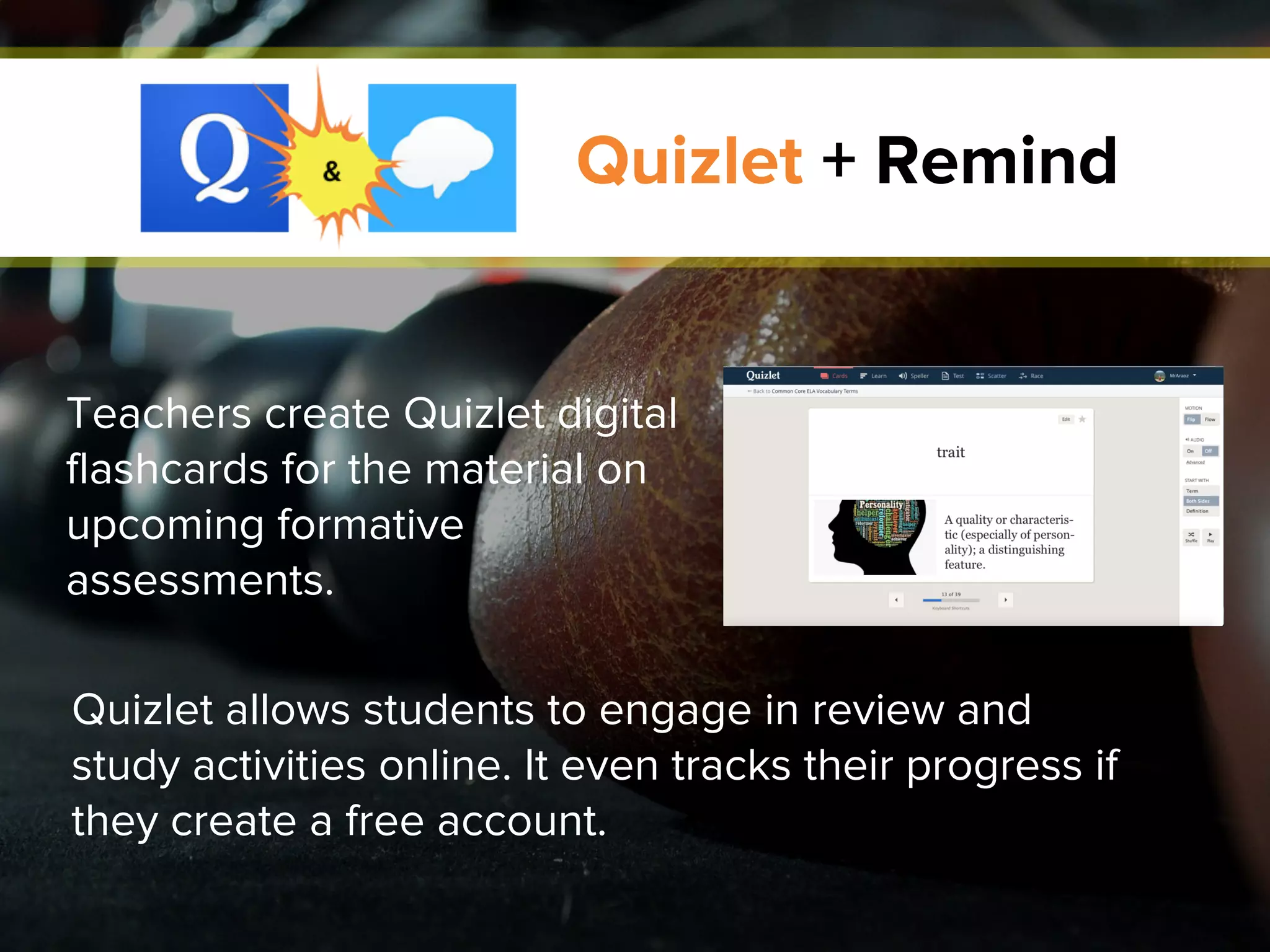
Quizlet + Remind
Quizlet allows students to engage in review and
study activities online. It even tracks their progress if
they create a free account.
Teachers create Quizlet digital
flashcards for the material on
upcoming formative
assessments.
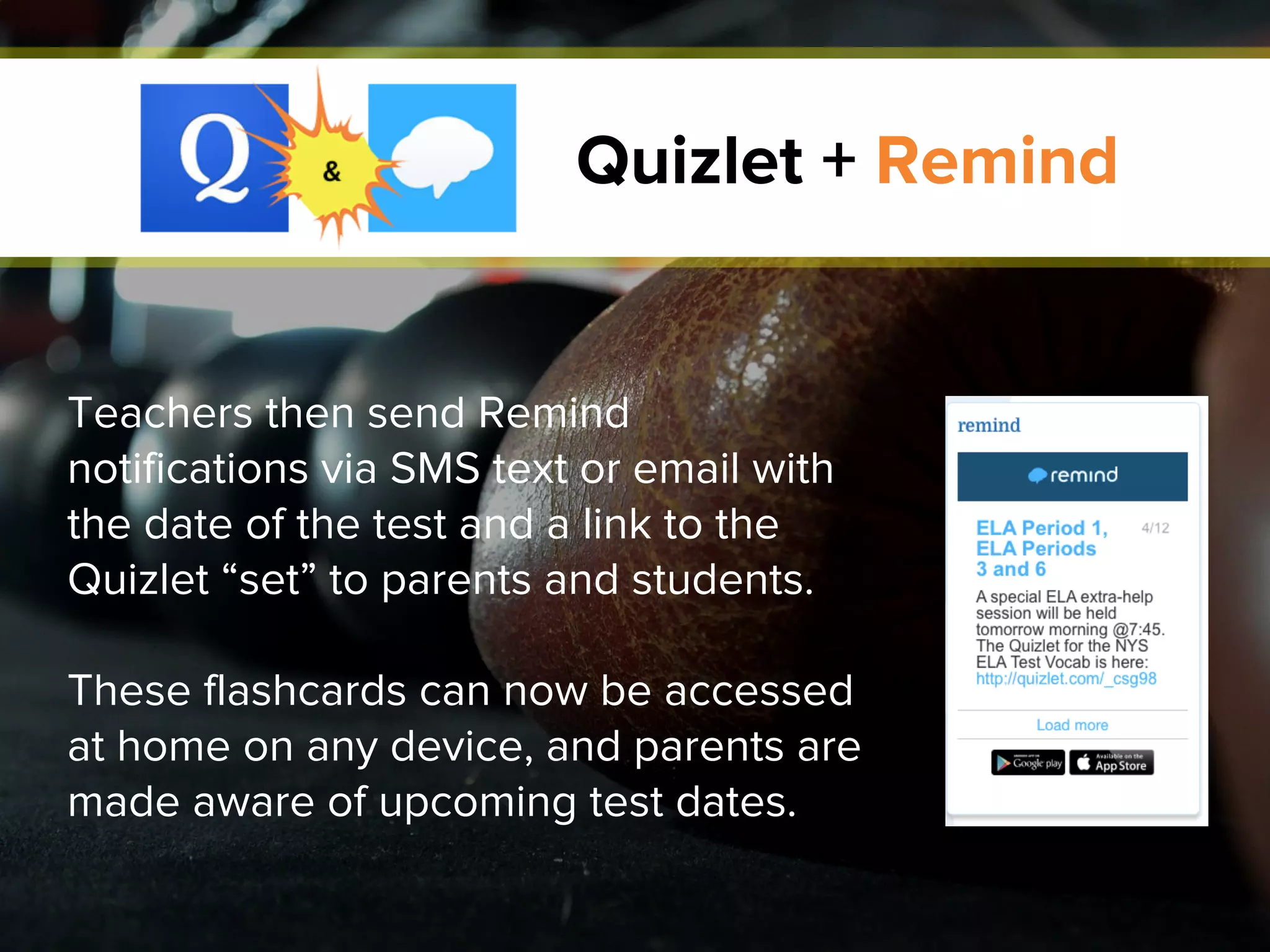
Quizlet + Remind
Teachers then send Remind
notifications via SMS text or email with
the date of the test and a link to the
Quizlet “set” to parents and students.
These flashcards can now be accessed
at home on any device, and parents are
made aware of upcoming test dates.
Quizlet + Remind
DOWNLOAD QUIZLET
DOWNLOAD REMIND
educreations + Kidblog
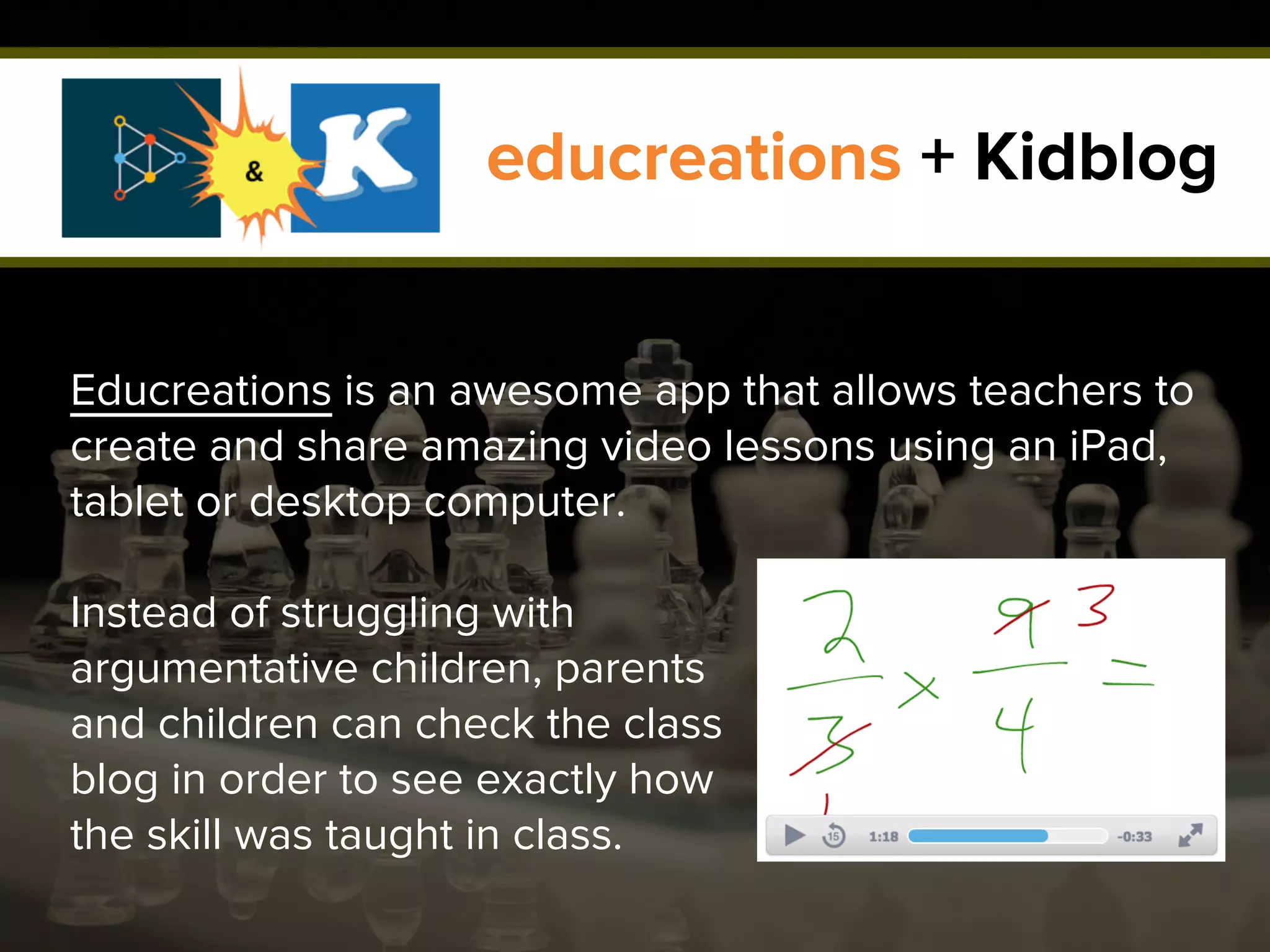
Educreations is an awesome app that allows teachers to
create and share amazing video lessons using an iPad,
tablet or desktop computer.
Instead of struggling with
argumentative children, parents
and children can check the class
blog in order to see exactly how
the skill was taught in class.
educreations + Kidblog
Teachers post lessons on their class blogs using a
wide variety of free web-based applications, such as
Kidblog.
Note: This app smash works with any
blogging platform!
DOWNLOAD EDUCREATIONS
DOWNLOAD KIDBLOG
educreations + Kidblog
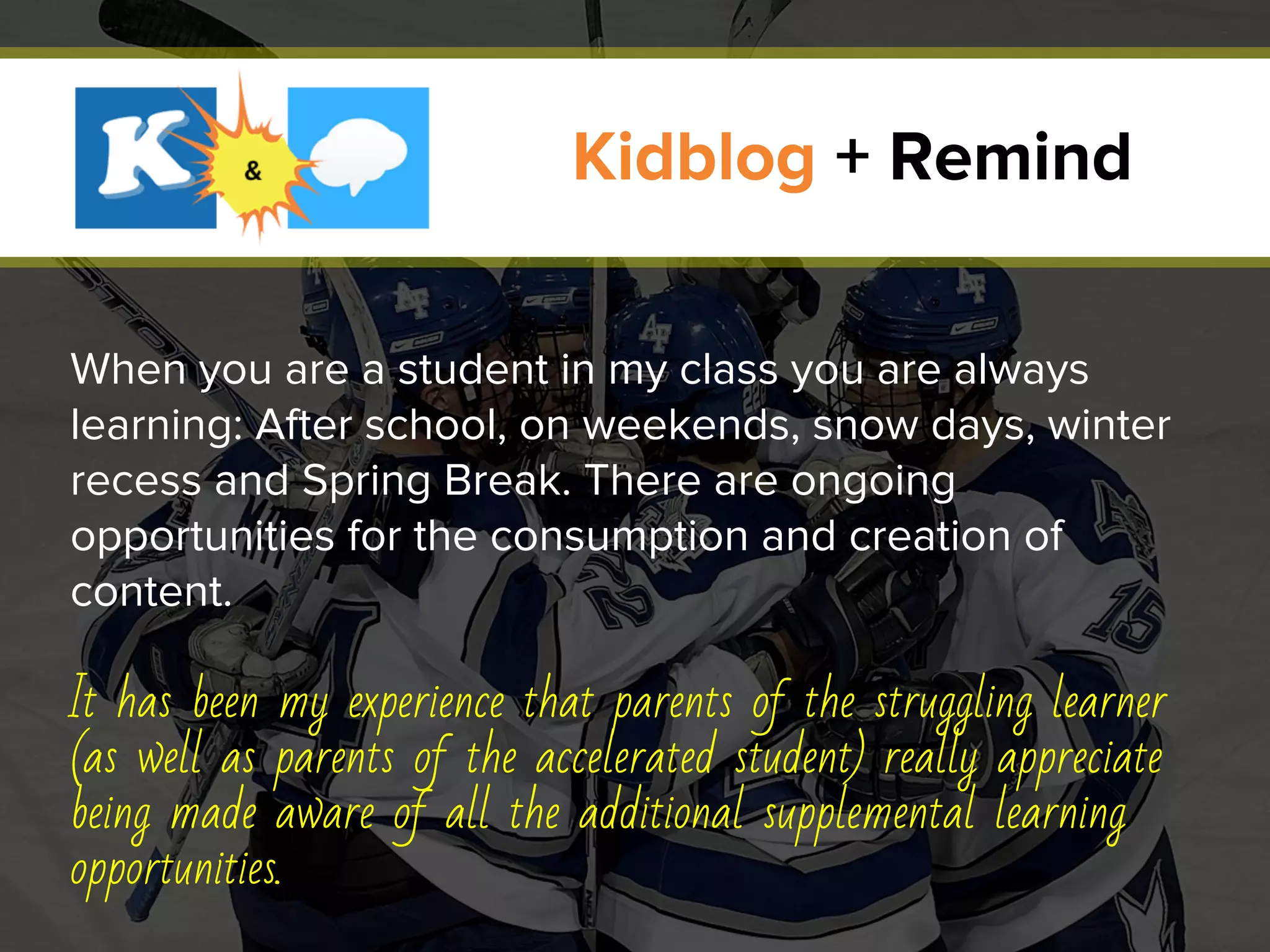
When you are a student in my class you are always
learning: After school, on weekends, snow days, winter
recess and Spring Break. There are ongoing
opportunities for the consumption and creation of
content.
It has been my experience that parents of the struggling learner
(as well as parents of the accelerated student) really appreciate
being made aware of all the additional supplemental learning
opportunities.
Kidblog + Remind
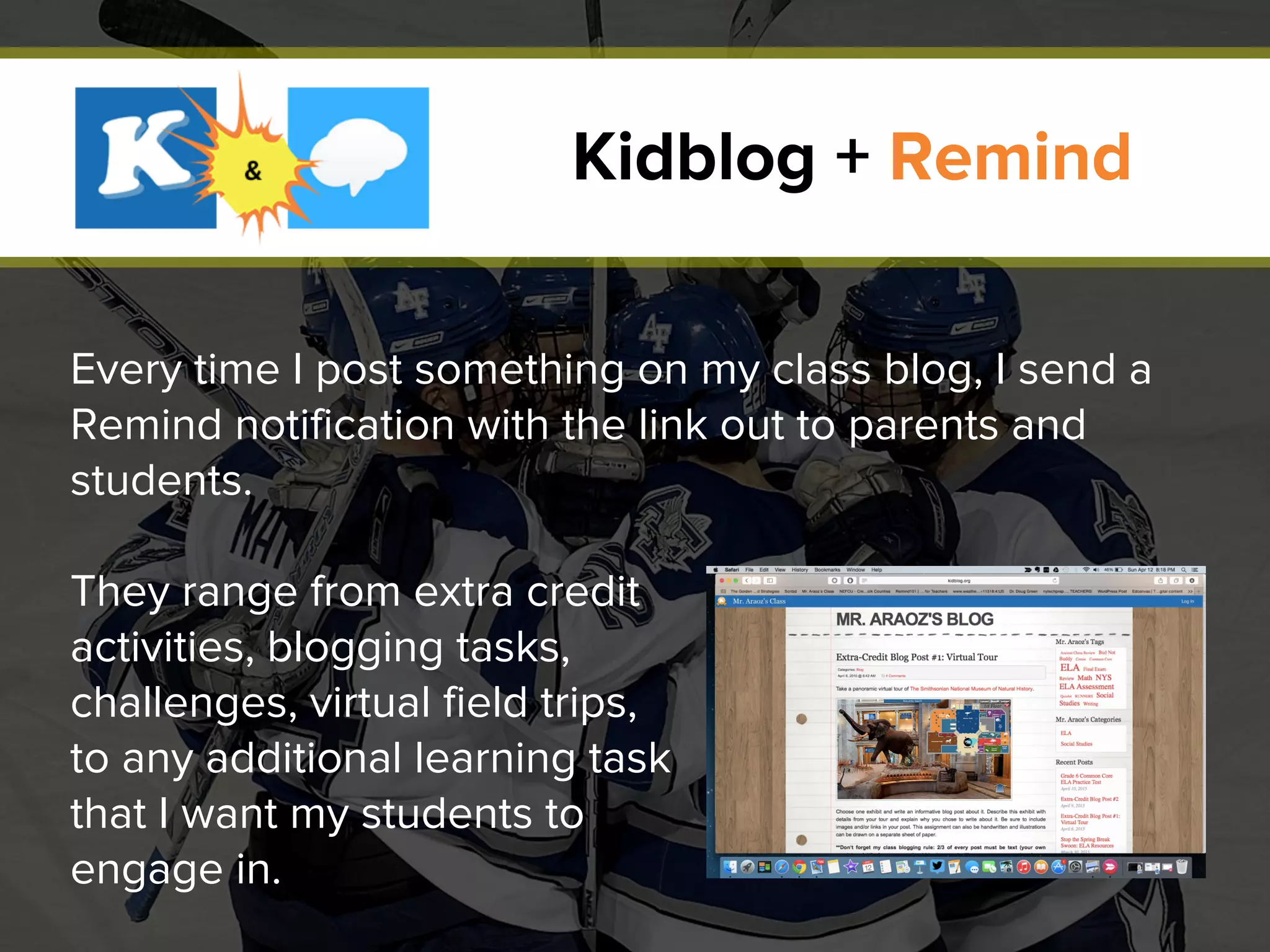
Every time I post something on my class blog, I send a
Remind notification with the link out to parents and
students.
They range from extra credit
activities, blogging tasks,
challenges, virtual field trips,
to any additional learning task
that I want my students to
engage in.
Kidblog + Remind
DOWNLOAD KIDBLOG
DOWNLOAD REMIND
Kidblog + Remind
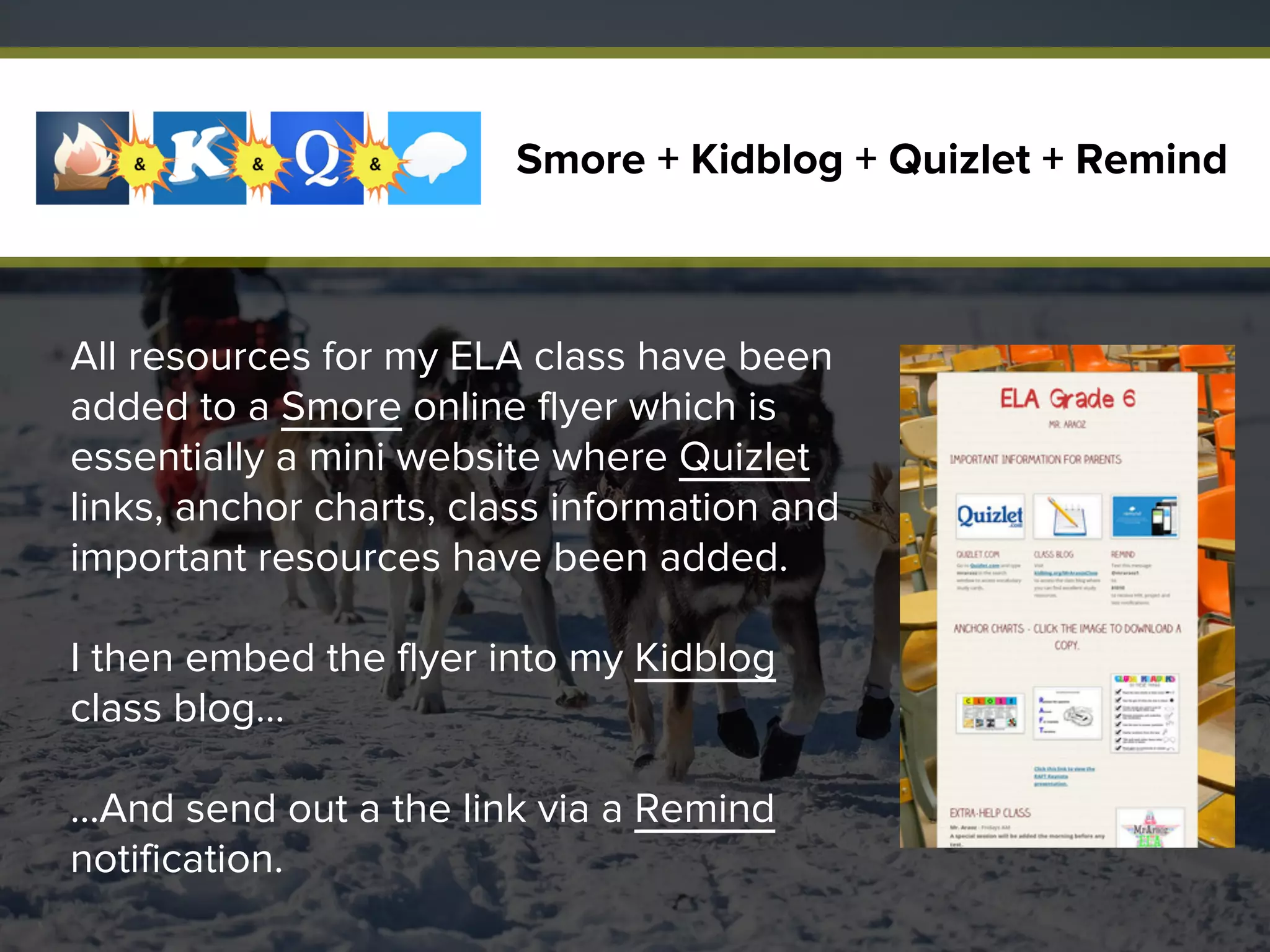
All resources for my ELA class have been
added to a Smore online flyer which is
essentially a mini website where Quizlet
links, anchor charts, class information and
important resources have been added.
I then embed the flyer into my Kidblog
class blog…
…And send out a the link via a Remind
notification.
Smore + Kidblog + Quizlet + Remind
This allows students to easily access all the learning
tools needed to succeed in my class, and it eliminates
the excuse of forgotten/misplaced/dog-eaten
homework assignments students give to teachers.
What’s more, it eliminates the excuse of “I left it in school,” “I
can’t find my paper,” or “I brought home the wrong folder!”
that children give to parents.
Smore + Kidblog + Quizlet + Remind
DOWNLOAD SMORE
Smore + Kidblog + Quizlet + Remind
DOWNLOAD KIDBLOG
DOWNLOAD QUIZLET
DOWNLOAD REMIND
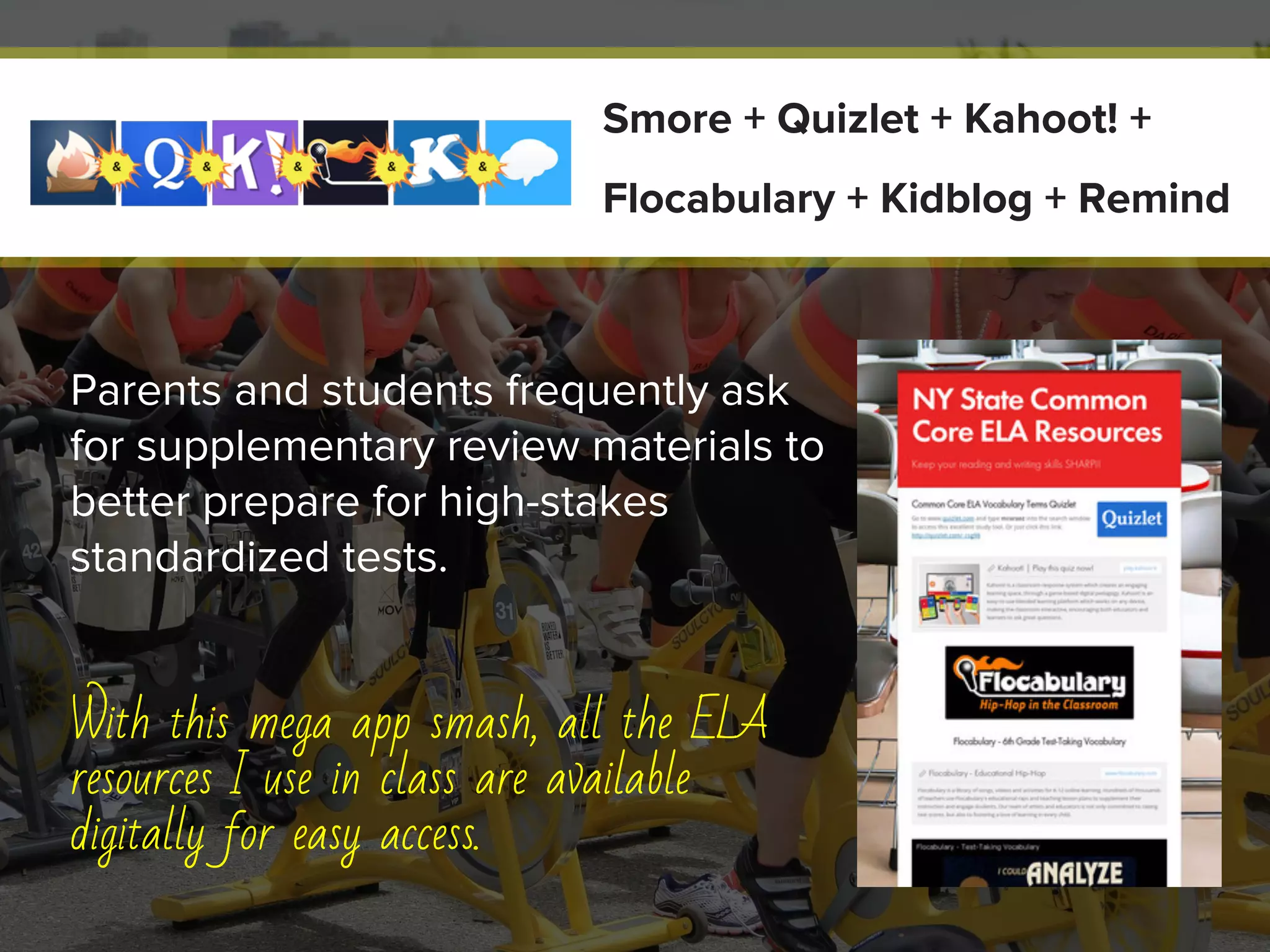
Parents and students frequently ask
for supplementary review materials to
better prepare for high-stakes
standardized tests.
With this mega app smash, all the ELA
resources I use in class are available
digitally for easy access.
Smore + Quizlet + Kahoot! +
Flocabulary + Kidblog + Remind
A Common Core Vocabulary Quizlet set link is embedded on the Smore
application.
I also include a Kahoot! game link in the Smore. This app enables
students to play a fast-paced, high-energy game at home with family
members and friends.
Lastly, Flocabulary educational hip-hop videos are embedded into the
Smore flyer, so that students can review test-taking vocabulary in an
engaging and unique way.
I then embed this fantastic online flyer into my Kidblog class blog and
send out Remind notifications so that all members of the school
community can access these excellent resources.
Smore + Quizlet + Kahoot! +
Flocabulary + Kidblog + Remind
DOWNLOAD SMORE
Smore + Quizlet + Kahoot! +
Flocabulary + Kidblog + Remind
DOWNLOAD QUIZLET
DOWNLOAD KAHOOT!
DOWNLOAD FLOCABULARY
DOWNLOAD KIDBLOG
DOWNLOAD REMIND
What are some of your
favorite app smashes?
Share this presentation
and tweet us your answer!
SHARE ON TWITTER
Interested in educational apps
for students and teachers?
Help your students become better writers
with Imagine Easy Scholar.

App Smashing for Educators: Leveraging Tools To Maximize Communication

  • 1.
    APP SMASHINGAPP SMASHING forEducatorsfor Educators Leveraging Tools To Maximize Communication
  • 2.
    Parent-teacher communication has always beena cornerstone for success in education.
  • 3.
    Research shows that: Thestronger the connection between home and school, the greater the academic achievement can be for students.
  • 4.
    For decades, schoolshave attempted to build and maintain this crucial bridge to lasting learning.
  • 5.
    For decades, schoolshave attempted to build and maintain this crucial bridge to lasting learning. In socioeconomically challenged school districts, this correlation is magnified tenfold!
  • 6.
    Thankfully, there are newtools that all educators can leverage to easily maximize parent-teacher-student communication.
  • 7.
    What is App Smashing? Theprocess of using multiple apps in conjunction with one another to complete a final task or project.
  • 8.
    Quizlet + Remind Quizletallows students to engage in review and study activities online. It even tracks their progress if they create a free account. Teachers create Quizlet digital flashcards for the material on upcoming formative assessments.
  • 9.
    Quizlet + Remind Teachersthen send Remind notifications via SMS text or email with the date of the test and a link to the Quizlet “set” to parents and students. These flashcards can now be accessed at home on any device, and parents are made aware of upcoming test dates.
  • 10.
    Quizlet + Remind DOWNLOADQUIZLET DOWNLOAD REMIND
  • 11.
    educreations + Kidblog Educreationsis an awesome app that allows teachers to create and share amazing video lessons using an iPad, tablet or desktop computer. Instead of struggling with argumentative children, parents and children can check the class blog in order to see exactly how the skill was taught in class.
  • 12.
    educreations + Kidblog Teacherspost lessons on their class blogs using a wide variety of free web-based applications, such as Kidblog. Note: This app smash works with any blogging platform!
  • 13.
  • 14.
    When you area student in my class you are always learning: After school, on weekends, snow days, winter recess and Spring Break. There are ongoing opportunities for the consumption and creation of content. It has been my experience that parents of the struggling learner (as well as parents of the accelerated student) really appreciate being made aware of all the additional supplemental learning opportunities. Kidblog + Remind
  • 15.
    Every time Ipost something on my class blog, I send a Remind notification with the link out to parents and students. They range from extra credit activities, blogging tasks, challenges, virtual field trips, to any additional learning task that I want my students to engage in. Kidblog + Remind
  • 16.
  • 17.
    All resources formy ELA class have been added to a Smore online flyer which is essentially a mini website where Quizlet links, anchor charts, class information and important resources have been added. I then embed the flyer into my Kidblog class blog… …And send out a the link via a Remind notification. Smore + Kidblog + Quizlet + Remind
  • 18.
    This allows studentsto easily access all the learning tools needed to succeed in my class, and it eliminates the excuse of forgotten/misplaced/dog-eaten homework assignments students give to teachers. What’s more, it eliminates the excuse of “I left it in school,” “I can’t find my paper,” or “I brought home the wrong folder!” that children give to parents. Smore + Kidblog + Quizlet + Remind
  • 19.
    DOWNLOAD SMORE Smore +Kidblog + Quizlet + Remind DOWNLOAD KIDBLOG DOWNLOAD QUIZLET DOWNLOAD REMIND
  • 20.
    Parents and studentsfrequently ask for supplementary review materials to better prepare for high-stakes standardized tests. With this mega app smash, all the ELA resources I use in class are available digitally for easy access. Smore + Quizlet + Kahoot! + Flocabulary + Kidblog + Remind
  • 21.
    A Common CoreVocabulary Quizlet set link is embedded on the Smore application. I also include a Kahoot! game link in the Smore. This app enables students to play a fast-paced, high-energy game at home with family members and friends. Lastly, Flocabulary educational hip-hop videos are embedded into the Smore flyer, so that students can review test-taking vocabulary in an engaging and unique way. I then embed this fantastic online flyer into my Kidblog class blog and send out Remind notifications so that all members of the school community can access these excellent resources. Smore + Quizlet + Kahoot! + Flocabulary + Kidblog + Remind
  • 22.
    DOWNLOAD SMORE Smore +Quizlet + Kahoot! + Flocabulary + Kidblog + Remind DOWNLOAD QUIZLET DOWNLOAD KAHOOT! DOWNLOAD FLOCABULARY DOWNLOAD KIDBLOG DOWNLOAD REMIND
  • 23.
    What are someof your favorite app smashes? Share this presentation and tweet us your answer! SHARE ON TWITTER
  • 24.
    Interested in educationalapps for students and teachers? Help your students become better writers with Imagine Easy Scholar.