
The OWASP Foundation
http://www.owasp.org
Copyright © The OWASP Foundation
Permission is granted to copy, distribute and/or modify this document under the terms of the OWASP License.
Meetup Q3 2015
University Kuala Lumpur
Malaysia 14 Sep 2015
Top 10 Android
Mobile Security Issues
Sina Manavi, KAAPAGAM TECHNOLOGY
Outline
• About
• Mobile OS
• Android OS
• Android
Applications
• Top 10
Vulnerabilities
About OWASP
• The Open Web Application Security Project is an none profit
organization in the world wide focusing on Application security
(Web/Mobile)
• Why I like OWASP
• Knowledge is free for everyone, Learn Together, Grow Together
• INNOVATION you can share your knowledge and Idea and
projects and contribute together.
• Globally accessible to everyone. Its not limited to a specific
country or region
• Many expert participants and sharing their knowledge for free
$WHOAMI
• Sina Manavi
• BSc Software Engineering, Azad University, Iran
• MSc of Computer Security, University Putra Malaysia
• C|EH & C|HFI
• Penetration Tester and Security Consultant in KAAPAGAM TECH
• Professional Security Trainer worked with:
• EC Council Malaysia
• Condition Zebra
• KAAPAGAM ACADEMY
Mobile OS
Source: http://www.idc.com/prodserv/smartphone-os-market-share.jsp
Why Android?
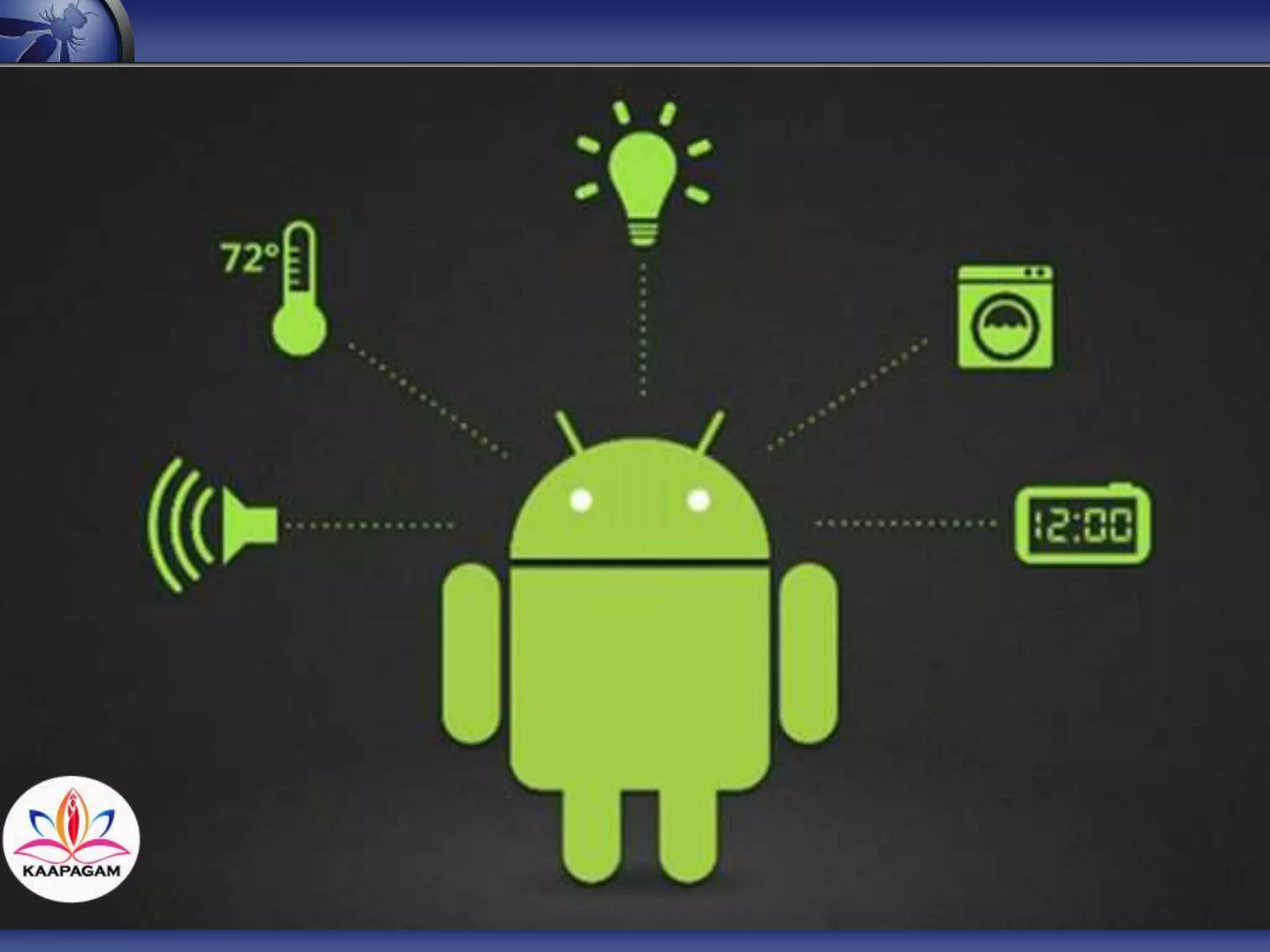
Android Application is not anymore just a
mobile application.
You can do many more than sending text ,
call or taking photo.
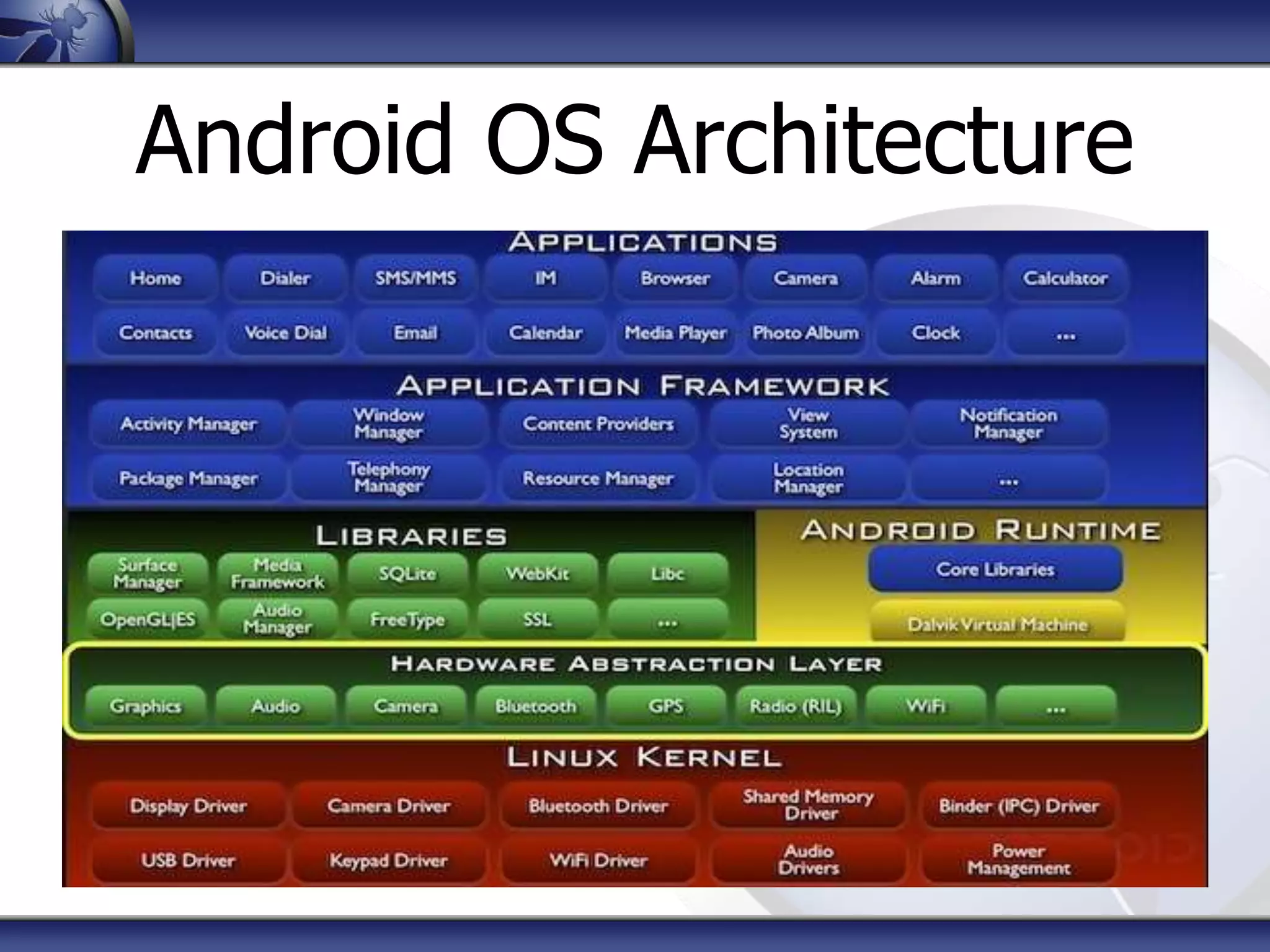
Android OS Architecture
Android Applications
When there is an App:
• There is an developer
• Therefore, there are
potential vulnerabilities
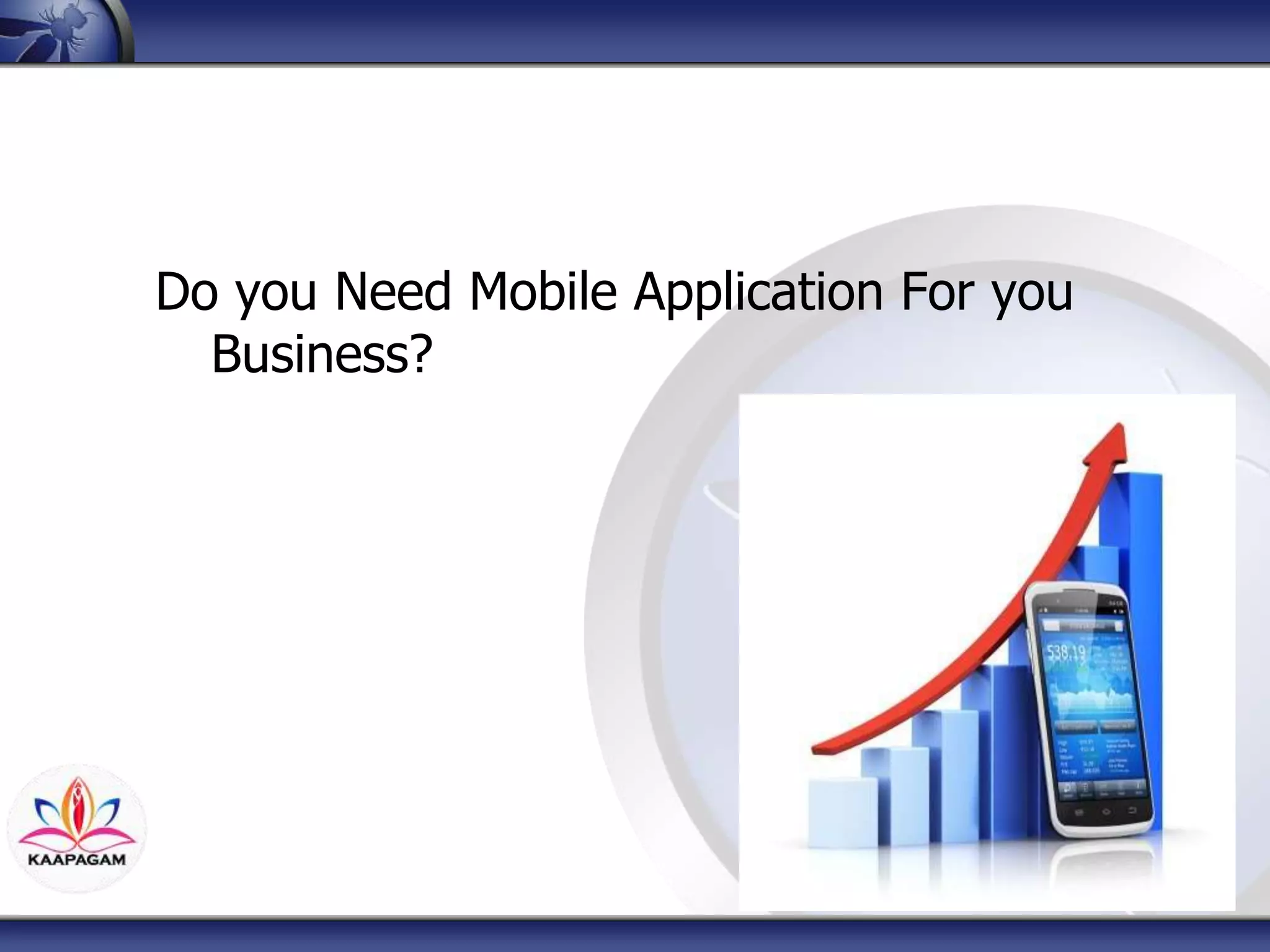
Do you Need Mobile Application For you
Business?
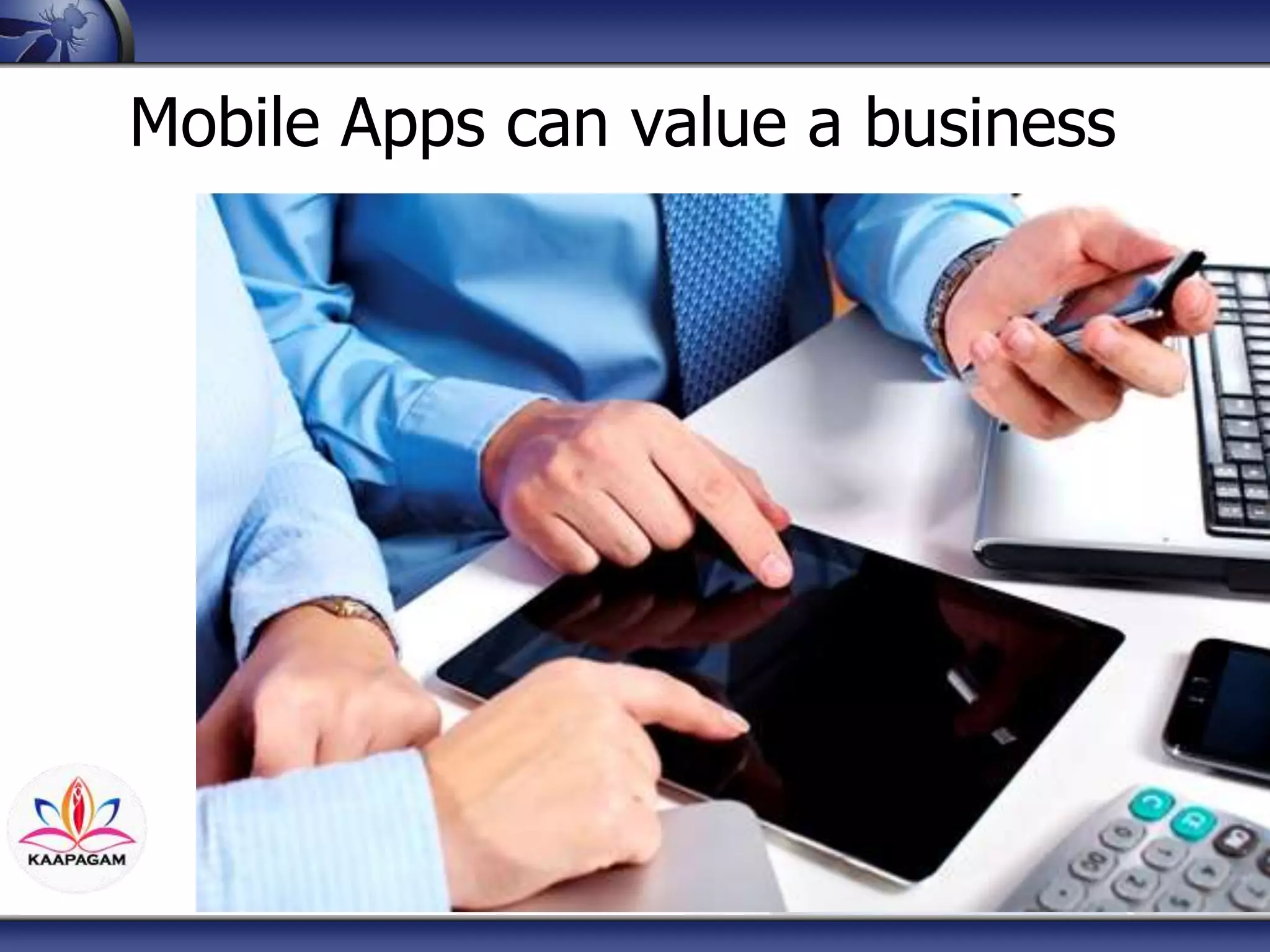
Mobile Apps can value a business
Mobile Apps can ruin a
business
Android Application Blocks
• Content Provider
• Services
• Activity
• Broadcast Receiver
Mobile App Security
• Static Analysis:
• Reverse Engineering Tools and
Techniques (dex2jar, JD-GUI)
• Dynamic Analysis:
• Passive and Active network analysis
• SSL Encryption
• Tools: Wireshark and Burp Suite
Mobile App Security
• Code Context Analysis
• Forensics Analysis
• Time Line Analysis
• File Analysis: Database, Log Files,
Shared preferences, Caches.
Top 10 Risks
Top 10 Android Vulnerabilities
M1: Weak Server Side Controls
M2: Insecure Data Storage
M3: Insufficient Transport Layer Protection
M4: Unintended Data Leakage
M5: Poor Authorization and Authentication
M6: Broken Cryptography
M7: Client Side Injection
M8: Security Decisions Via Untrusted Inputs
M9: Improper Session Handling
M10: Lack of Binary Protections
M1: Weak Server Side Controls
• Developers should not trust server sides
control.
• Weak or lack of server side input
validation
• XSS, SQL Injection, unauthorized access
to other resources.
M7: Client Side Injection
• Executing Malicious codes on
application
• XSS, SQL Injection
• Path Traversal
M8: Security Decisions Via Untrusted Inputs
Proper Error Handling
Input Sanitizing (Client side and Server
side)
Similar to the web application, weak error
handling can cause data leakage.
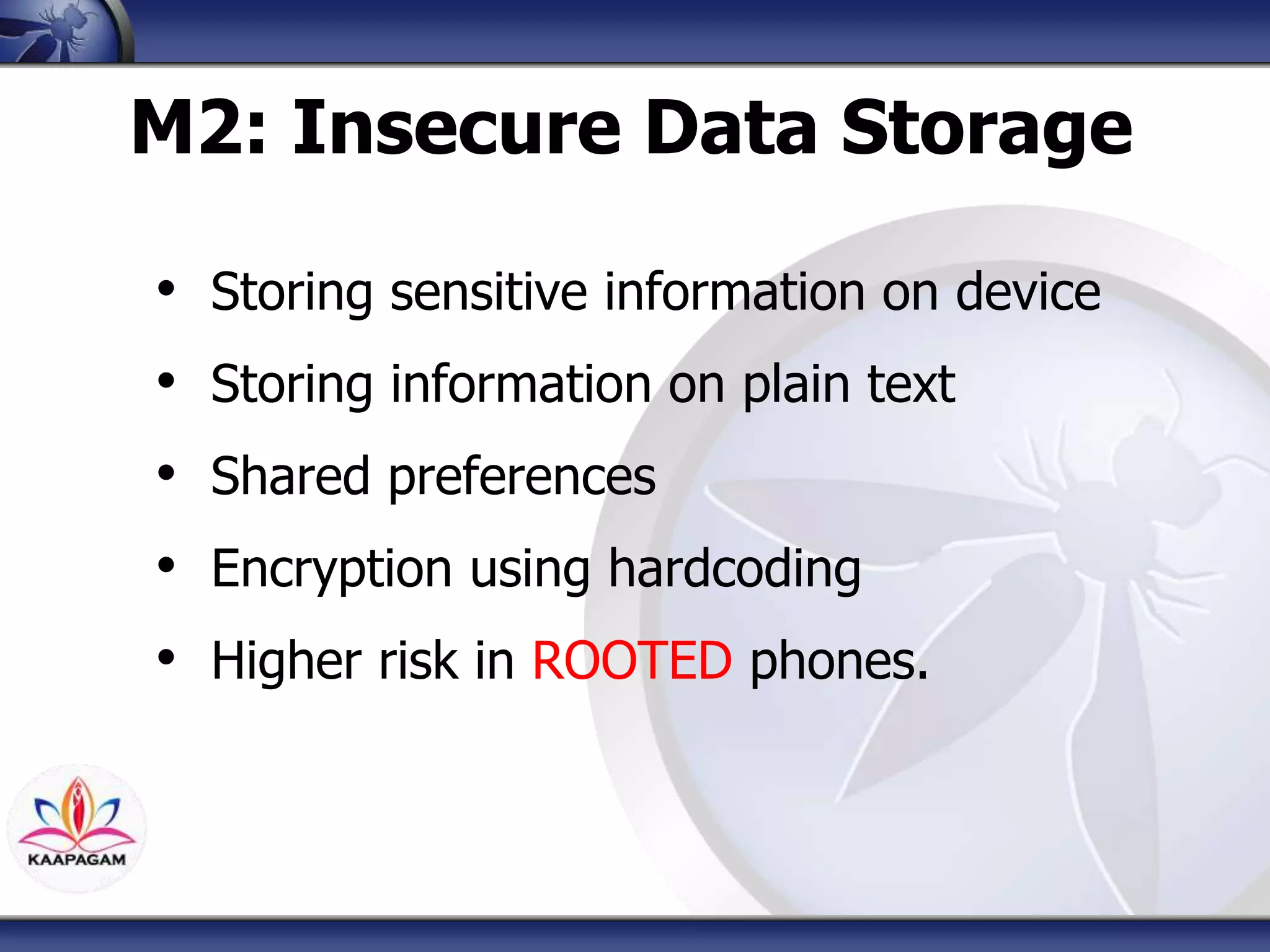
M2: Insecure Data Storage
• Storing sensitive information on device
• Storing information on plain text
• Shared preferences
• Encryption using hardcoding
• Higher risk in ROOTED phones.
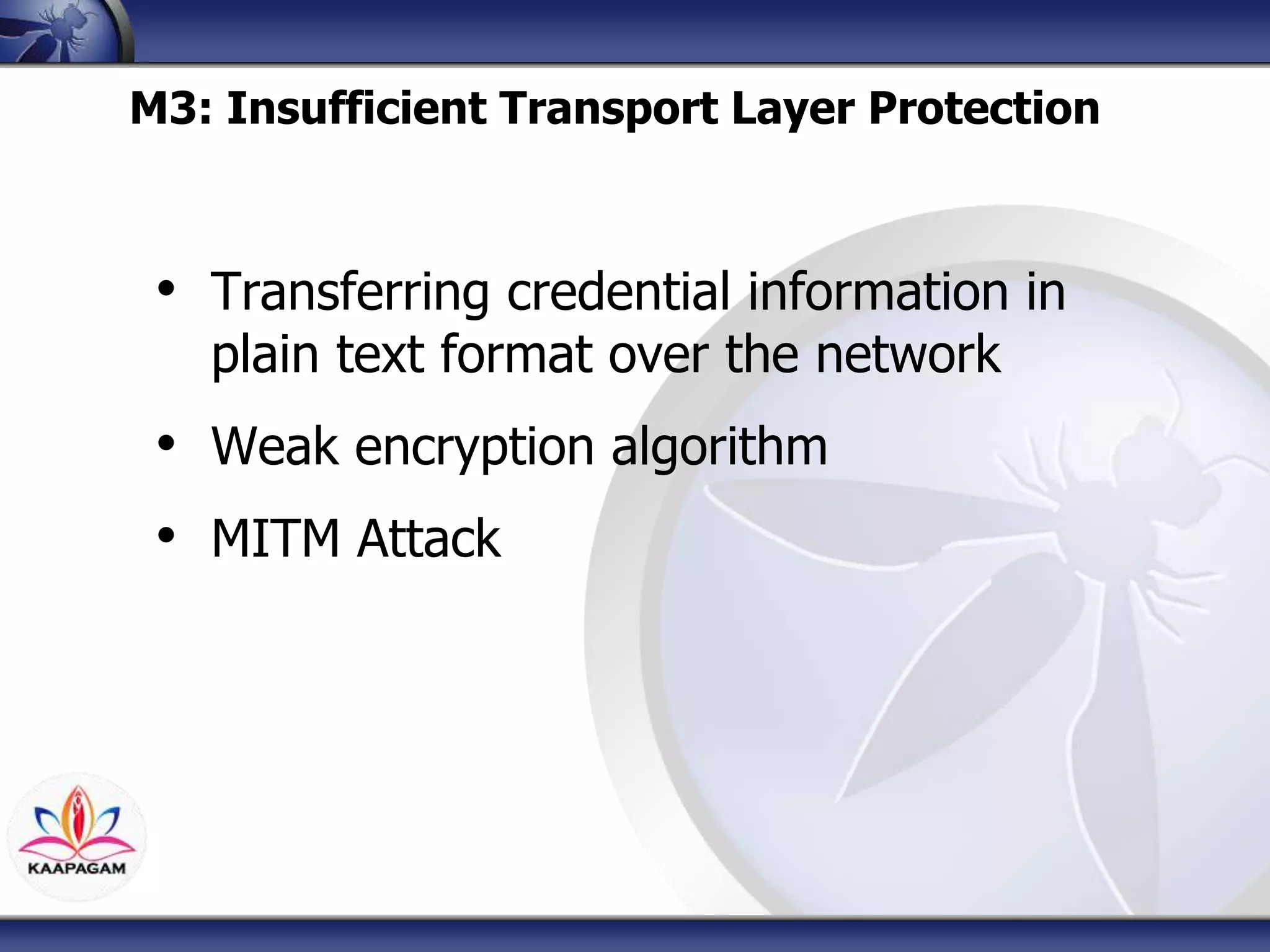
M3: Insufficient Transport Layer Protection
• Transferring credential information in
plain text format over the network
• Weak encryption algorithm
• MITM Attack
M5: Poor Authorization and Authentication
• Reverse engineers and crackers can
easily convert the APK application into
source code.
• Checking the users authentication on
the client side rather than server side
o User can check the source code using reverse
engineering techniques
• Authentication mechanism should work
from Server side.
M4: Unintended Data Leakage
• similar to M3 vulnerability, but easier to
exploit it.
• clipboards, browser cookies, or URL
caches.
• Caching browser or sensitive
information
M6: Broken Cryptography
Storing/Transfering credential information
with weak encryption algorithm
Hardcoded encryption method.
M9: Improper Session Handling
• Session Handling is as important as User
Authentication and Validation.
• Set time expiration for the session
• Use Random generated Tokens
• Perform the Session and Token validation
on Server side.
• Use Secure network
• Use Encrypted Token and Session, difficult
to guess
M10: Lack of Binary Protections
• Android Applications are open source
• Reverse Engineering (dex2jar, APKTOOL,
JD-GUI)
• Easy to Decompile
• Secret mechanism and Algorithm can be
retrieved easily
• Encrypt Apps to avoid reverse engineering
• Detect the rooted device/ Android Emulators
Wrap Up
In a Nutshell…
• Don’t not store important information on device unless it
is absolutely required.
• Recommend the user to encrypt the mobile device’s
storage as well as SD card. (All android devices have
this setting).
• Using hardcode encryption or decryption can be easily
removed from the application using reverse engineering
techniques.
In a Nutshell…
• Use standard and strong encryption algorithm. For
internal storage use “setStorageEncrytption” and to
encrypt he ASD card storage use “javax.crypto” library.
Additional security layer can be using master password
and AES 128 as well. Keep in mind that once the device
is rooted, it not impossible for the hacker to get access
to the data.
• If the mobile application doesn’t share data with any
other applications, in the AndroidManisfest.xml file set
the content providers attribute as false.
Thanks You OWASP Contributors!
Q&A
Thanks for listening!
• Sina Manavi
•Manavi.Sina@Gmail.com
•Sina.Manavi@OWASP.org
•www.sinamanavi.wordpress.com
• @sinamanavi

Android Application Security Awareness Talk, OWASP MEETUP Q3, 2015

  • 1.
    The OWASP Foundation http://www.owasp.org Copyright© The OWASP Foundation Permission is granted to copy, distribute and/or modify this document under the terms of the OWASP License. Meetup Q3 2015 University Kuala Lumpur Malaysia 14 Sep 2015 Top 10 Android Mobile Security Issues Sina Manavi, KAAPAGAM TECHNOLOGY
  • 2.
    Outline • About • MobileOS • Android OS • Android Applications • Top 10 Vulnerabilities
  • 3.
    About OWASP • TheOpen Web Application Security Project is an none profit organization in the world wide focusing on Application security (Web/Mobile) • Why I like OWASP • Knowledge is free for everyone, Learn Together, Grow Together • INNOVATION you can share your knowledge and Idea and projects and contribute together. • Globally accessible to everyone. Its not limited to a specific country or region • Many expert participants and sharing their knowledge for free
  • 4.
    $WHOAMI • Sina Manavi •BSc Software Engineering, Azad University, Iran • MSc of Computer Security, University Putra Malaysia • C|EH & C|HFI • Penetration Tester and Security Consultant in KAAPAGAM TECH • Professional Security Trainer worked with: • EC Council Malaysia • Condition Zebra • KAAPAGAM ACADEMY
  • 6.
  • 7.
  • 8.
    Android Application isnot anymore just a mobile application. You can do many more than sending text , call or taking photo.
  • 9.
  • 10.
  • 11.
    When there isan App: • There is an developer • Therefore, there are potential vulnerabilities
  • 12.
    Do you NeedMobile Application For you Business?
  • 13.
    Mobile Apps canvalue a business
  • 14.
    Mobile Apps canruin a business
  • 15.
    Android Application Blocks •Content Provider • Services • Activity • Broadcast Receiver
  • 16.
    Mobile App Security •Static Analysis: • Reverse Engineering Tools and Techniques (dex2jar, JD-GUI) • Dynamic Analysis: • Passive and Active network analysis • SSL Encryption • Tools: Wireshark and Burp Suite
  • 17.
    Mobile App Security •Code Context Analysis • Forensics Analysis • Time Line Analysis • File Analysis: Database, Log Files, Shared preferences, Caches.
  • 18.
  • 19.
    Top 10 AndroidVulnerabilities M1: Weak Server Side Controls M2: Insecure Data Storage M3: Insufficient Transport Layer Protection M4: Unintended Data Leakage M5: Poor Authorization and Authentication M6: Broken Cryptography M7: Client Side Injection M8: Security Decisions Via Untrusted Inputs M9: Improper Session Handling M10: Lack of Binary Protections
  • 20.
    M1: Weak ServerSide Controls • Developers should not trust server sides control. • Weak or lack of server side input validation • XSS, SQL Injection, unauthorized access to other resources.
  • 21.
    M7: Client SideInjection • Executing Malicious codes on application • XSS, SQL Injection • Path Traversal
  • 22.
    M8: Security DecisionsVia Untrusted Inputs Proper Error Handling Input Sanitizing (Client side and Server side) Similar to the web application, weak error handling can cause data leakage.
  • 25.
    M2: Insecure DataStorage • Storing sensitive information on device • Storing information on plain text • Shared preferences • Encryption using hardcoding • Higher risk in ROOTED phones.
  • 27.
    M3: Insufficient TransportLayer Protection • Transferring credential information in plain text format over the network • Weak encryption algorithm • MITM Attack
  • 29.
    M5: Poor Authorizationand Authentication • Reverse engineers and crackers can easily convert the APK application into source code. • Checking the users authentication on the client side rather than server side o User can check the source code using reverse engineering techniques • Authentication mechanism should work from Server side.
  • 31.
    M4: Unintended DataLeakage • similar to M3 vulnerability, but easier to exploit it. • clipboards, browser cookies, or URL caches. • Caching browser or sensitive information
  • 33.
    M6: Broken Cryptography Storing/Transferingcredential information with weak encryption algorithm Hardcoded encryption method.
  • 35.
    M9: Improper SessionHandling • Session Handling is as important as User Authentication and Validation. • Set time expiration for the session • Use Random generated Tokens • Perform the Session and Token validation on Server side. • Use Secure network • Use Encrypted Token and Session, difficult to guess
  • 37.
    M10: Lack ofBinary Protections • Android Applications are open source • Reverse Engineering (dex2jar, APKTOOL, JD-GUI) • Easy to Decompile • Secret mechanism and Algorithm can be retrieved easily • Encrypt Apps to avoid reverse engineering • Detect the rooted device/ Android Emulators
  • 39.
  • 40.
    In a Nutshell… •Don’t not store important information on device unless it is absolutely required. • Recommend the user to encrypt the mobile device’s storage as well as SD card. (All android devices have this setting). • Using hardcode encryption or decryption can be easily removed from the application using reverse engineering techniques.
  • 41.
    In a Nutshell… •Use standard and strong encryption algorithm. For internal storage use “setStorageEncrytption” and to encrypt he ASD card storage use “javax.crypto” library. Additional security layer can be using master password and AES 128 as well. Keep in mind that once the device is rooted, it not impossible for the hacker to get access to the data. • If the mobile application doesn’t share data with any other applications, in the AndroidManisfest.xml file set the content providers attribute as false.
  • 42.
    Thanks You OWASPContributors!
  • 43.
    Q&A Thanks for listening! •Sina Manavi •Manavi.Sina@Gmail.com •Sina.Manavi@OWASP.org •www.sinamanavi.wordpress.com • @sinamanavi

Editor's Notes

  • #6 What OS do you have ? How many of you are using Android OS?
  • #8 Android OS and Internet of Things Anroid Aplication is not anymore just a simple mobile application,
  • #24 Path Traversal
  • #27 Path Traversal
  • #29 Path Traversal
  • #31 Path Traversal
  • #33 Path Traversal
  • #35 Path Traversal
  • #37 Path Traversal
  • #39 Path Traversal