Android, Inc. founded in Palo Alto, California, United
States in October 2003 by Andy Rubin(co-founder of
Danger), Rich Miner (co-founder of wildfire
communications. Inc.), Nick Sears(once VP at T-mobile),
and Chris White (headed design and interface
development at WebTV) to develop, in Rubin’s words
“….smarter mobile devices that are more aware of its
owner’s location and preferences”. That same year,
Rubin ran out of money. Steve Perlman, a close friend of
Rubin, brought him $10,000 in cash in an envelope and
refused a stake in the company.
      Android 1.0, the first commercial version of
    the software, was released on September 23,
    2008. This release was      robot-related
    codename, "Astro", internally at Google, but the
    name could not be used officially for
    trademark       reasons. The first Android device,
    the HTC Dream, incorporated the following.
      On February 9, 2009, the Android 1.1
       update was released, initially for the HTC
    Dream only. Like 1.0, this release      continued
    the robot naming theme, with "Bender"
    chosen, but again this was used internally only.
    The update resolved bugs, changed
    the API and added a number of features
      On April 30, 2009, the Android 1.5 update was
    released, based on Linux kernel 2.6.27. This was
    the first release to use a name based on a
    dessert ("Cupcake"), a theme which would be
    used       for all releases henceforth. The update
       included several new features and UI
       amendments.
      On September 15, 2009, the Android 1.6 SDK
    – dubbed Donut – was released, based      on
    Linux kernel 2.6.29. Included in the update
    were numerous new features.
      The SDK for Android 4.0.1 (Ice Cream
       Sandwich), based on Linux kernel
       3.0.1, was publicly released on October 19,
       2011. Google's Gabe Cohen stated that
       Android 4.0 was "theoretically compatible"
       with any Android 2.3.x device in
       production at that time. The source
    code for Android 4.0 became available on
    November 14, 2011. The       update
    introduced numerous new features,
       including
   On June 27, 2012, at the Google I/O conference, Google
    announced Android 4.1 (Jelly Bean). Based on Linux
    kernel 3.1.10, Jelly Bean is an incremental update with the
    primary aim of improving the user interface, both in terms
    of functionality and performance. The performance
    improvement involves "Project Butter", which uses touch
    anticipation, triple buffering, extended vsync timing and a
    fixed frame rate of 60fps to create a fluid and "buttery"-
    smooth UI.[ Android 4.1 Jelly Bean was released to
    AOSP on July 9, 2012, and an OTA update for the Nexus
    7 to Android 4.1.1 was released on July 11, 2012, making it
    the first device to run Jelly Bean.
   Android consists of a kernel based on the Linux kernel
    2.6 and Linux Kernel 3.x (Android 4.0 onwards),
    with middleware, libraries and APIs written
    in C and application software running on
    an application framework which includes Java-
    compatible libraries based on Apache Harmony.
    Android uses the Dalvik virtual machine with just-in-
    time compilation to run Dalvik dex-code (Dalvik
    Executable), which is usually translated
    from Java byte code.[35]
   The main hardware platform for Android is the ARM
    architecture. There is support for x86 from the Android
    x86 project,[6] and Google TV uses a special x86
    version of Android.
Android's kernel is based on the Linux kernel and has further
architecture changes by Google outside the typical Linux kernel
development cycle. Android does not have a native X Window
System by default nor does it support the full set of standard GNU
libraries, and this makes it difficult to port existing Linux
applications or libraries to Android.
Certain features that Google contributed back to the Linux kernel,
notably a power management feature called wake locks, were
rejected by mainline kernel developers, partly because kernel
maintainers felt that Google did not show any intent to maintain
their own code. Even though Google announced in April 2010 that
they would hire two employees to work with the Linux kernel
community, Greg Kroah-Hartman, the current Linux kernel
maintainer for the -stable branch, said in December 2010 that he
was concerned that Google was no longer trying to get their code
changes included in mainstream Linux.
Some Google Android developers hinted that "the Android team
was getting fed up with the process", because they were a small
team and had more urgent work to do on Android.
Linux included the auto sleep and wake locks capabilities in the 3.5
kernel, after many previous attempts at merger. The interfaces are
the same but the upstream Linux implementation allows for two
different suspend modes: to memory (the traditional suspend that
android uses), and to disk (hibernate, as it is known on the
desktop). In August 2011, Linus Torvalds said that "eventually
Android and Linux would come back to a common kernel, but it
will probably not be for four to five years".
In December 2011, Greg Kroah-Hartman announced the start of the
Android Mainlining Project, which aims to put some
Android drivers, patches and features back into the Linux kernel,
starting in Linux 3.3. further integration being expected for Linux
Kernel 3.4.
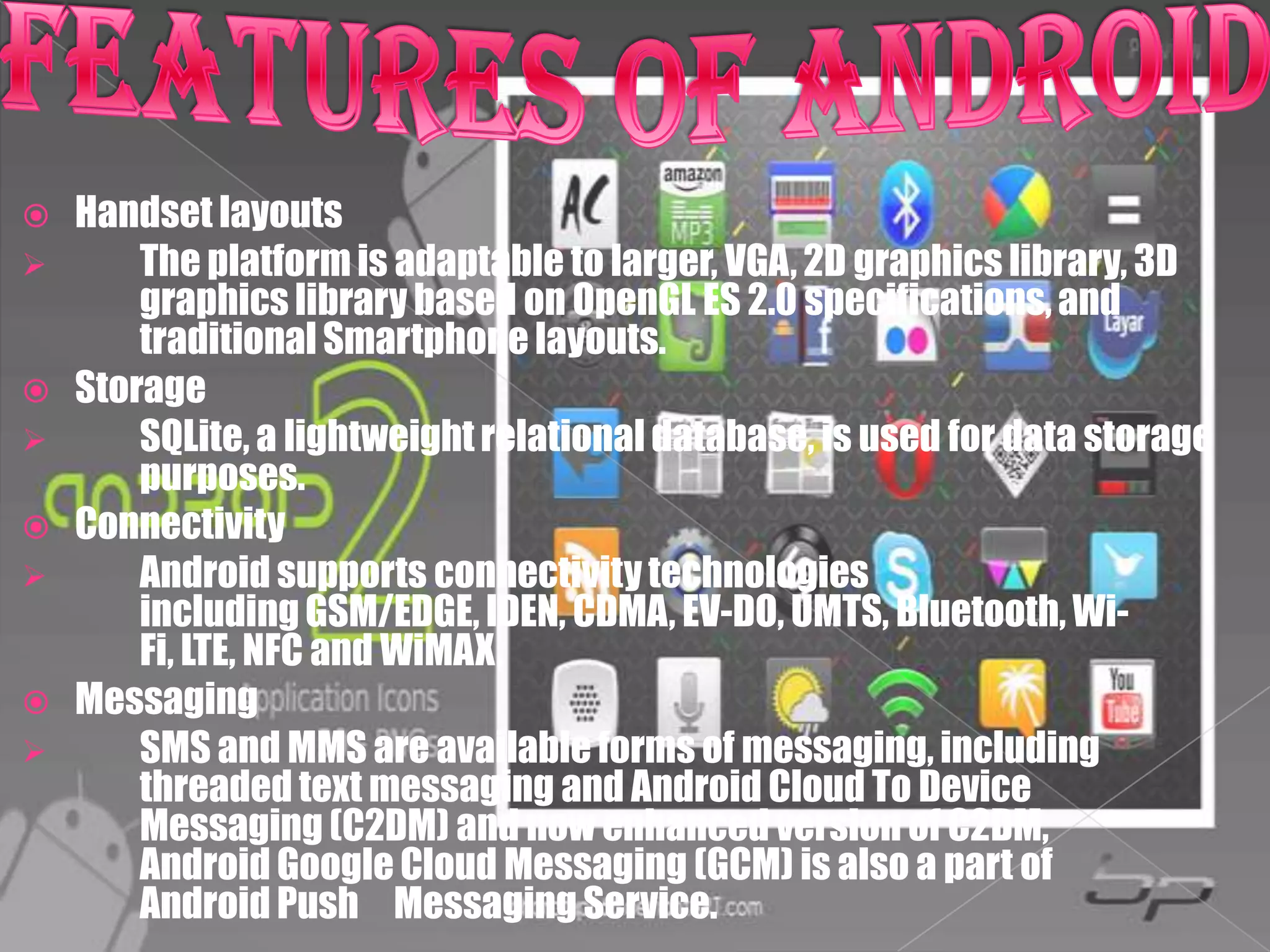
   Handset layouts
       The platform is adaptable to larger, VGA, 2D graphics library, 3D
        graphics library based on OpenGL ES 2.0 specifications, and
        traditional Smartphone layouts.
   Storage
       SQLite, a lightweight relational database, is used for data storage
        purposes.
   Connectivity
       Android supports connectivity technologies
        including GSM/EDGE, IDEN, CDMA, EV-DO, UMTS, Bluetooth, Wi-
        Fi, LTE, NFC and WiMAX.
   Messaging
       SMS and MMS are available forms of messaging, including
        threaded text messaging and Android Cloud To Device
        Messaging (C2DM) and now enhanced version of C2DM,
        Android Google Cloud Messaging (GCM) is also a part of
        Android Push Messaging Service.
   Multiple language
       Support Android supports multiple languages.
   Web browser
       The web browser available in Android is based on the open-
        source WebKit layout engine, coupled with Chrome's V8 JavaScript
        engine. The browser scores 100/100 on the Acid3 test on Android 4.0.
   Java support
       While most Android applications are written in Java, there is
        no Java Virtual Machine in the platform and Java byte code is not
        executed. Java classes are compiled into Dalvik executables and run
        on Dalvik, a specialized virtual machine designed specifically for
        Android and optimized for battery-powered mobile devices with
        limited memory and CPU. J2ME support can be provided via third-party
        applications.
   Media support
       Android supports the following audio/video/still media
        formats: WebM, H.263, H.264 (in 3GP or MP4 container), MPEG-4 SP, AMR,
        AMR-WB (in 3GP container), AAC, HE-AAC (in MP4 or 3GP
        container), MP3, MIDI, Ogg Vorbis, FLAC, WAV, JPEG, PNG, GIF, BMP, WebP.
 Streaming media support
     RTP/RTSP streaming (3GPP PSS, ISMA), HTML progressive
      download (HTML5 <video> tag). Adobe Flash Streaming
      (RTMP) and HTTP Dynamic Streaming are supported by
      the Flash plugin. Apple HTTP Live Streaming is supported
      by RealPlayer for Android, and by the operating system in
      Android 3.0 (Honeycomb).
 Additional hardware support
     Android can use video/still
      cameras, touchscreens, GPS, accelerometers, gyroscopes, baro-
      meters, magnetometers, dedicated gaming
      controls, proximity and pressure sensors, thermometers,
      accelerated 2D bit blits (with hardware orientation, scaling, pixel
      format conversion) and accelerated 3D graphics.
   Multi-touch
      Android has native support for multi-touch which was initially
       made available in handsets such as the HTC Hero. The feature
       was originally disabled at the kernel level    (possibly to avoid
       infringing. Apple's patents on touch-screen technology at the
       time). Google has since released an update for the Nexus One and
       the Motorola Droid which enables multi-touch natively.
   Bluetooth
      Supports A2DP, AVRCP, sending files (OPP), accessing the
       phone book (PBAP), voice dialing and sending contacts between
       phones. Keyboard, mouse and joystick (HID) support is available
       in Android 3.1+, and in earlier versions through manufacturer
       customizations and third-party applications.
   Video calling
      Android does not support native video calling, but some
       handsets have a customized version of the operating system that
       supports it, either via the UMTS network (like the Samsung
       Galaxy S) or over IP. Video calling through Google Talk is
       available in Android 2.3.4 and later. Gingerbread allows Nexus
       S to place Internet calls with a SIP account. This allows for
       enhanced VoIP dialing to other SIP accounts and even phone
       numbers. Skype 2.1 offers video calling in Android 2.3, including
       front camera support.
   Multitasking
       Multitasking of applications, with unique handling of memory
        allocation, is available.
   Voice based features
       Google search through voice has been available since initial
        release. Voice actions for calling, texting, navigation, etc. are
        supported on Android 2.2 onwards.
   Tethering
       Android supports tethering, which allows a phone to be used as a
        wireless/wired Wi-Fi hotspot. Before Android 2.2 this was
        supported by third-party applications or manufacturer
        customizations.
   Screen capture
       Android supports capturing a screenshot by pressing the power
        and volume-down buttons at the same time.Prior to Android 4.0,
        the only methods of capturing a screenshot were through
        manufacturer and third-party customizations or otherwise by
        using a PC connection (DDMS developer's tool). These
        alternative methods are still available with the latest Android.
 External storage
    Most Android devices include microSD slot and can read
     microSD cards formatted with FAT32, Ext3 or Ext4 file system.
     To allow use of high-capacity storage media such as USB flash
     drives and USB HDDs, many Android tablets also
     include USB 'A' receptacle. Storage formatted with FAT32 is
     handled by Linux Kernel VFAT driver, while 3rd party solutions
     are required to handle other popular file systems such
     as NTFS, HFS Plus and exFAT.
   Applications are usually developed in
    the Java language using the Android Software
    Development Kit, but other development tools are
    available, including a Native Development Kit for
    applications or extensions in C or C++, Google App
    Inventor, a visual environment for novice
    programmers and various cross platform mobile web
    applications frameworks.
   Applications can be acquired by end-users either
    through a store such as Google Play or the Amazon
    Appstore, or by downloading and installing the
    application's APK file from a third-party site.
 http://en.wikipedia.org/wiki/Android_(op
  erating_system)
 http://en.wikipedia.org/wiki/Astro_(oper
  ating_system)#cite_note-eclair-
  highlights-21
Payumo, Patricia Maye S.
FM12103

Android

  • 2.
    Android, Inc. foundedin Palo Alto, California, United States in October 2003 by Andy Rubin(co-founder of Danger), Rich Miner (co-founder of wildfire communications. Inc.), Nick Sears(once VP at T-mobile), and Chris White (headed design and interface development at WebTV) to develop, in Rubin’s words “….smarter mobile devices that are more aware of its owner’s location and preferences”. That same year, Rubin ran out of money. Steve Perlman, a close friend of Rubin, brought him $10,000 in cash in an envelope and refused a stake in the company.
  • 3.
    Android 1.0, the first commercial version of the software, was released on September 23, 2008. This release was robot-related codename, "Astro", internally at Google, but the name could not be used officially for trademark reasons. The first Android device, the HTC Dream, incorporated the following.
  • 4.
    On February 9, 2009, the Android 1.1 update was released, initially for the HTC Dream only. Like 1.0, this release continued the robot naming theme, with "Bender" chosen, but again this was used internally only. The update resolved bugs, changed the API and added a number of features
  • 5.
    On April 30, 2009, the Android 1.5 update was released, based on Linux kernel 2.6.27. This was the first release to use a name based on a dessert ("Cupcake"), a theme which would be used for all releases henceforth. The update included several new features and UI amendments.
  • 6.
    On September 15, 2009, the Android 1.6 SDK – dubbed Donut – was released, based on Linux kernel 2.6.29. Included in the update were numerous new features.
  • 7.
    The SDK for Android 4.0.1 (Ice Cream Sandwich), based on Linux kernel 3.0.1, was publicly released on October 19, 2011. Google's Gabe Cohen stated that Android 4.0 was "theoretically compatible" with any Android 2.3.x device in production at that time. The source code for Android 4.0 became available on November 14, 2011. The update introduced numerous new features, including
  • 8.
    On June 27, 2012, at the Google I/O conference, Google announced Android 4.1 (Jelly Bean). Based on Linux kernel 3.1.10, Jelly Bean is an incremental update with the primary aim of improving the user interface, both in terms of functionality and performance. The performance improvement involves "Project Butter", which uses touch anticipation, triple buffering, extended vsync timing and a fixed frame rate of 60fps to create a fluid and "buttery"- smooth UI.[ Android 4.1 Jelly Bean was released to AOSP on July 9, 2012, and an OTA update for the Nexus 7 to Android 4.1.1 was released on July 11, 2012, making it the first device to run Jelly Bean.
  • 9.
    Android consists of a kernel based on the Linux kernel 2.6 and Linux Kernel 3.x (Android 4.0 onwards), with middleware, libraries and APIs written in C and application software running on an application framework which includes Java- compatible libraries based on Apache Harmony. Android uses the Dalvik virtual machine with just-in- time compilation to run Dalvik dex-code (Dalvik Executable), which is usually translated from Java byte code.[35]  The main hardware platform for Android is the ARM architecture. There is support for x86 from the Android x86 project,[6] and Google TV uses a special x86 version of Android.
  • 10.
    Android's kernel isbased on the Linux kernel and has further architecture changes by Google outside the typical Linux kernel development cycle. Android does not have a native X Window System by default nor does it support the full set of standard GNU libraries, and this makes it difficult to port existing Linux applications or libraries to Android. Certain features that Google contributed back to the Linux kernel, notably a power management feature called wake locks, were rejected by mainline kernel developers, partly because kernel maintainers felt that Google did not show any intent to maintain their own code. Even though Google announced in April 2010 that they would hire two employees to work with the Linux kernel community, Greg Kroah-Hartman, the current Linux kernel maintainer for the -stable branch, said in December 2010 that he was concerned that Google was no longer trying to get their code changes included in mainstream Linux.
  • 11.
    Some Google Androiddevelopers hinted that "the Android team was getting fed up with the process", because they were a small team and had more urgent work to do on Android. Linux included the auto sleep and wake locks capabilities in the 3.5 kernel, after many previous attempts at merger. The interfaces are the same but the upstream Linux implementation allows for two different suspend modes: to memory (the traditional suspend that android uses), and to disk (hibernate, as it is known on the desktop). In August 2011, Linus Torvalds said that "eventually Android and Linux would come back to a common kernel, but it will probably not be for four to five years". In December 2011, Greg Kroah-Hartman announced the start of the Android Mainlining Project, which aims to put some Android drivers, patches and features back into the Linux kernel, starting in Linux 3.3. further integration being expected for Linux Kernel 3.4.
  • 12.
    Handset layouts  The platform is adaptable to larger, VGA, 2D graphics library, 3D graphics library based on OpenGL ES 2.0 specifications, and traditional Smartphone layouts.  Storage  SQLite, a lightweight relational database, is used for data storage purposes.  Connectivity  Android supports connectivity technologies including GSM/EDGE, IDEN, CDMA, EV-DO, UMTS, Bluetooth, Wi- Fi, LTE, NFC and WiMAX.  Messaging  SMS and MMS are available forms of messaging, including threaded text messaging and Android Cloud To Device Messaging (C2DM) and now enhanced version of C2DM, Android Google Cloud Messaging (GCM) is also a part of Android Push Messaging Service.
  • 13.
    Multiple language  Support Android supports multiple languages.  Web browser  The web browser available in Android is based on the open- source WebKit layout engine, coupled with Chrome's V8 JavaScript engine. The browser scores 100/100 on the Acid3 test on Android 4.0.  Java support  While most Android applications are written in Java, there is no Java Virtual Machine in the platform and Java byte code is not executed. Java classes are compiled into Dalvik executables and run on Dalvik, a specialized virtual machine designed specifically for Android and optimized for battery-powered mobile devices with limited memory and CPU. J2ME support can be provided via third-party applications.  Media support  Android supports the following audio/video/still media formats: WebM, H.263, H.264 (in 3GP or MP4 container), MPEG-4 SP, AMR, AMR-WB (in 3GP container), AAC, HE-AAC (in MP4 or 3GP container), MP3, MIDI, Ogg Vorbis, FLAC, WAV, JPEG, PNG, GIF, BMP, WebP.
  • 14.
     Streaming mediasupport  RTP/RTSP streaming (3GPP PSS, ISMA), HTML progressive download (HTML5 <video> tag). Adobe Flash Streaming (RTMP) and HTTP Dynamic Streaming are supported by the Flash plugin. Apple HTTP Live Streaming is supported by RealPlayer for Android, and by the operating system in Android 3.0 (Honeycomb).  Additional hardware support  Android can use video/still cameras, touchscreens, GPS, accelerometers, gyroscopes, baro- meters, magnetometers, dedicated gaming controls, proximity and pressure sensors, thermometers, accelerated 2D bit blits (with hardware orientation, scaling, pixel format conversion) and accelerated 3D graphics.
  • 15.
    Multi-touch  Android has native support for multi-touch which was initially made available in handsets such as the HTC Hero. The feature was originally disabled at the kernel level (possibly to avoid infringing. Apple's patents on touch-screen technology at the time). Google has since released an update for the Nexus One and the Motorola Droid which enables multi-touch natively.  Bluetooth  Supports A2DP, AVRCP, sending files (OPP), accessing the phone book (PBAP), voice dialing and sending contacts between phones. Keyboard, mouse and joystick (HID) support is available in Android 3.1+, and in earlier versions through manufacturer customizations and third-party applications.  Video calling  Android does not support native video calling, but some handsets have a customized version of the operating system that supports it, either via the UMTS network (like the Samsung Galaxy S) or over IP. Video calling through Google Talk is available in Android 2.3.4 and later. Gingerbread allows Nexus S to place Internet calls with a SIP account. This allows for enhanced VoIP dialing to other SIP accounts and even phone numbers. Skype 2.1 offers video calling in Android 2.3, including front camera support.
  • 16.
    Multitasking  Multitasking of applications, with unique handling of memory allocation, is available.  Voice based features  Google search through voice has been available since initial release. Voice actions for calling, texting, navigation, etc. are supported on Android 2.2 onwards.  Tethering  Android supports tethering, which allows a phone to be used as a wireless/wired Wi-Fi hotspot. Before Android 2.2 this was supported by third-party applications or manufacturer customizations.  Screen capture  Android supports capturing a screenshot by pressing the power and volume-down buttons at the same time.Prior to Android 4.0, the only methods of capturing a screenshot were through manufacturer and third-party customizations or otherwise by using a PC connection (DDMS developer's tool). These alternative methods are still available with the latest Android.
  • 17.
     External storage  Most Android devices include microSD slot and can read microSD cards formatted with FAT32, Ext3 or Ext4 file system. To allow use of high-capacity storage media such as USB flash drives and USB HDDs, many Android tablets also include USB 'A' receptacle. Storage formatted with FAT32 is handled by Linux Kernel VFAT driver, while 3rd party solutions are required to handle other popular file systems such as NTFS, HFS Plus and exFAT.
  • 18.
    Applications are usually developed in the Java language using the Android Software Development Kit, but other development tools are available, including a Native Development Kit for applications or extensions in C or C++, Google App Inventor, a visual environment for novice programmers and various cross platform mobile web applications frameworks.  Applications can be acquired by end-users either through a store such as Google Play or the Amazon Appstore, or by downloading and installing the application's APK file from a third-party site.
  • 19.
     http://en.wikipedia.org/wiki/Android_(op erating_system)  http://en.wikipedia.org/wiki/Astro_(oper ating_system)#cite_note-eclair- highlights-21
  • 20.