An Introduction to Social Media Presented by Wolf Hoelscher Bull's-Eye Writing & Editing Services
Is Social Media Worth It? Time Commitment Requires Patience & Dedication Planning Put it in writing Self-Education No school for social media Technology is constantly changing Learn from others (online and in person)
What Are the Rules? Nobody Knows! No firm benchmarks for success Hard to find objective data Often comes from companies in the business of social media marketing
Inbound Marketing Marketing is no longer a one-way street Customers expect: Engagement & interaction (listening) Transparency Positive referrals Valuable content No more salespeople? The Gift of the Soft Sell Karma
So Many Sites, So Little Time Where Should Your Focus Be? “ Seventy-five percent of your focus should be on what is happening off your web site concerning your brand, your industry, and your competitors.” Source: Halligan, Brian; Shah, Dharmesh; Scott, David Meerman (2009-10-02). Inbound Marketing: Get Found Using Google, Social Media, and Blogs (New Rules Social Media Series) (p. 12). Wiley. Kindle Edition.
What works best for you? Know who you want to target What platforms do your customers use? What are your competitors up to? Which sites fit your personality? Social media allows you to put a human face on your business
The Players
 
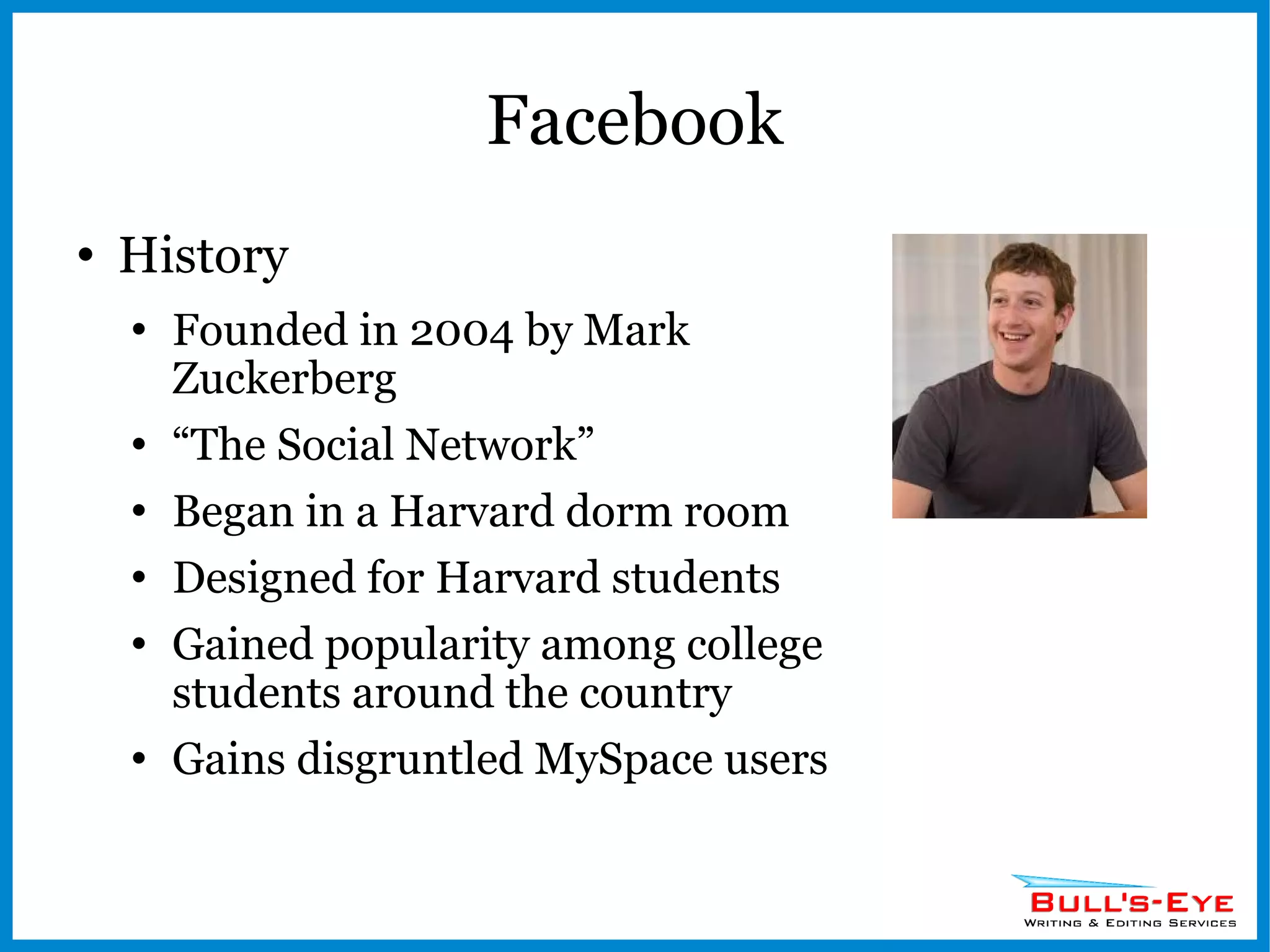
Facebook History Founded in 2004 by Mark Zuckerberg “ The Social Network” Began in a Harvard dorm room Designed for Harvard students Gained popularity among college students around the country Gains disgruntled MySpace users
Stats More than 800 million active users (largest social network) Average users has 130 Friends Average user spends an average 15 hours and 33 minutes on Facebook per month Average user visits the site 40 times per month Average user is connected to 80 community pages, groups and events 200 million people access Facebook via a mobile device each day Users that access Facebook on mobile devices are twice as active on Facebook compared to non-mobile users
Stats Other stats:  http://diigo.com/0kwcj http://www.kenburbary.com
Platform Page Types Personal Business/Fan Groups Apps Increase interactivity with your page Events Video Contests Landing Pages
The Open Graph Facebook’s reach extends far beyond its website Social Plugins Likes Mobil apps Ties into search engine visibility
Pros Search engine visibility Detailed demographic insights Viral potential 800 million potential customers Buying decisions now based on referrals Free
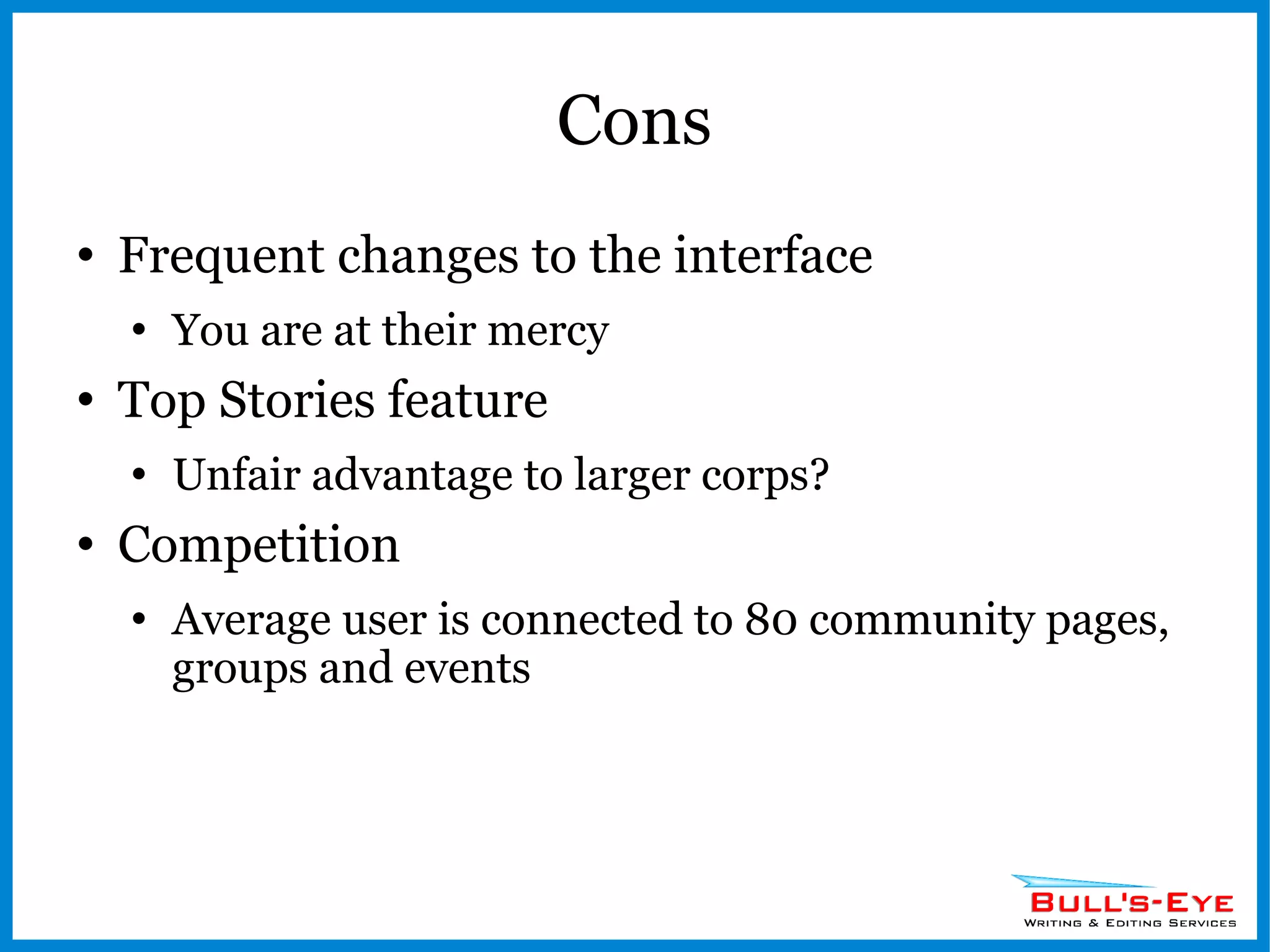
Cons Frequent changes to the interface You are at their mercy Top Stories feature Unfair advantage to larger corps? Competition Average user is connected to 80 community pages, groups and events
 
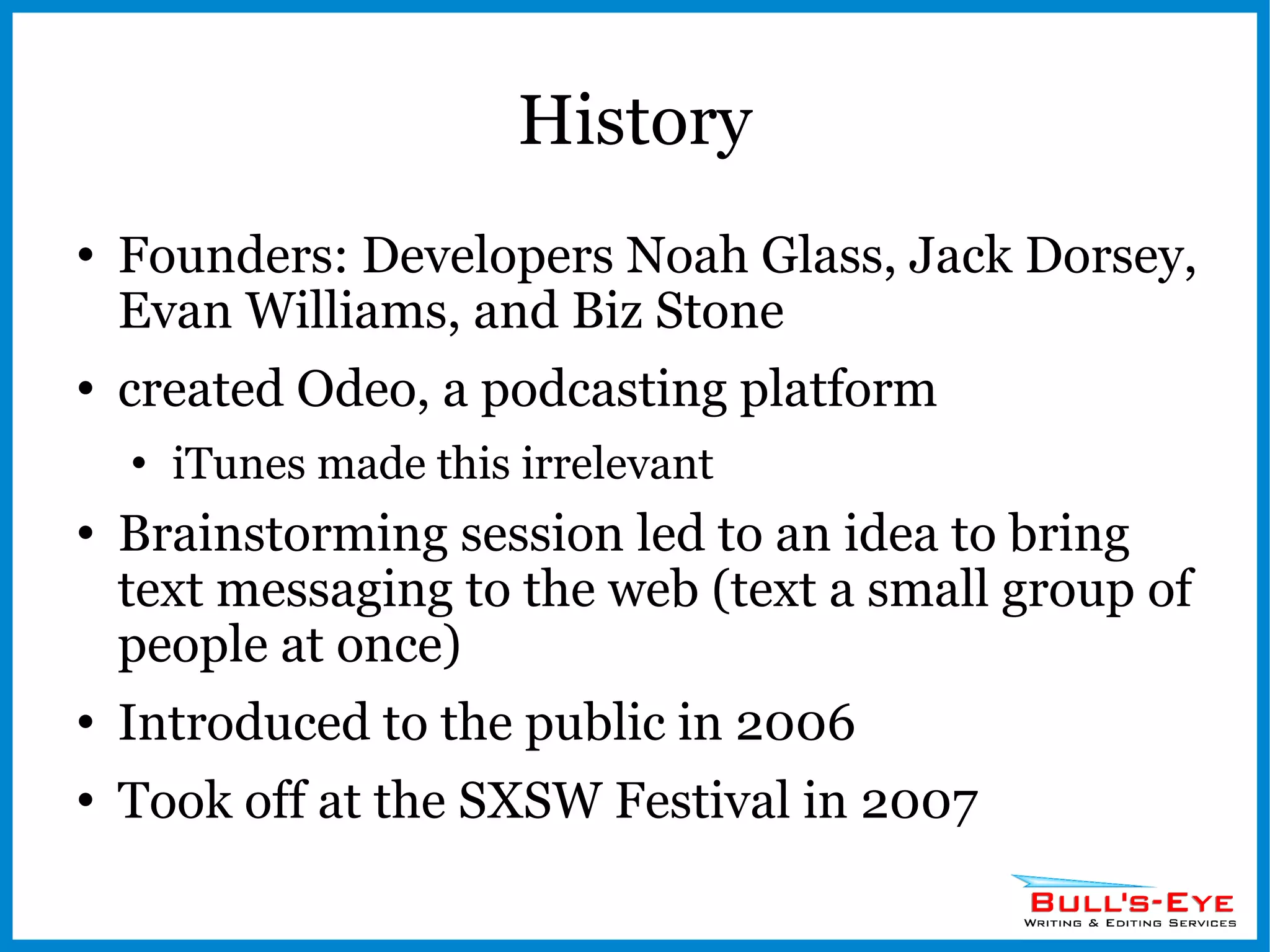
History Founders: Developers Noah Glass, Jack Dorsey, Evan Williams, and Biz Stone  created Odeo, a podcasting platform iTunes made this irrelevant Brainstorming session led to an idea to bring text messaging to the web (text a small group of people at once) Introduced to the public in 2006 Took off at the SXSW Festival in 2007
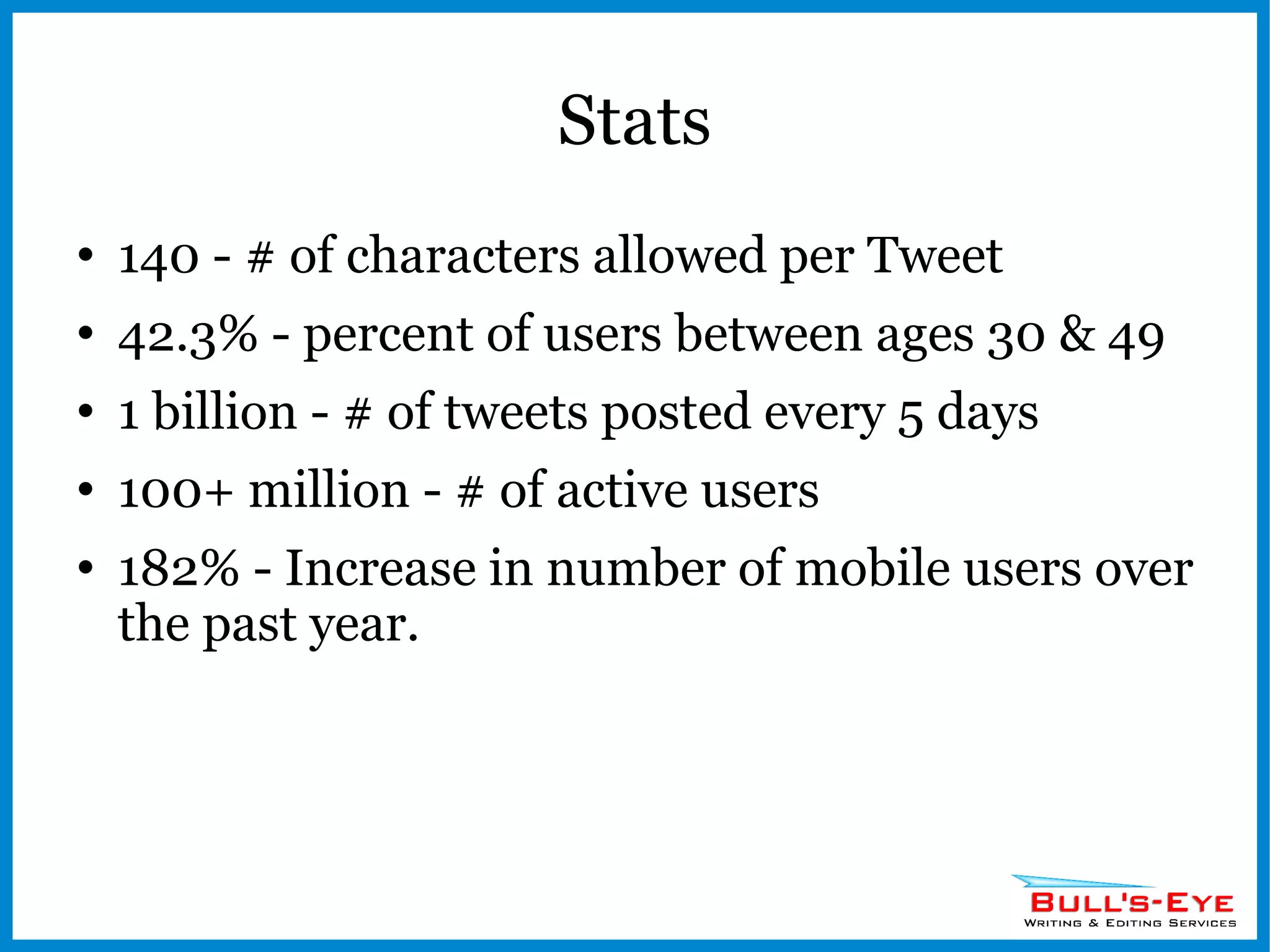
Stats 140 - # of characters allowed per Tweet 42.3% - percent of users between ages 30 & 49 1 billion - # of tweets posted every 5 days 100+ million - # of active users 182% - Increase in number of mobile users over the past year.
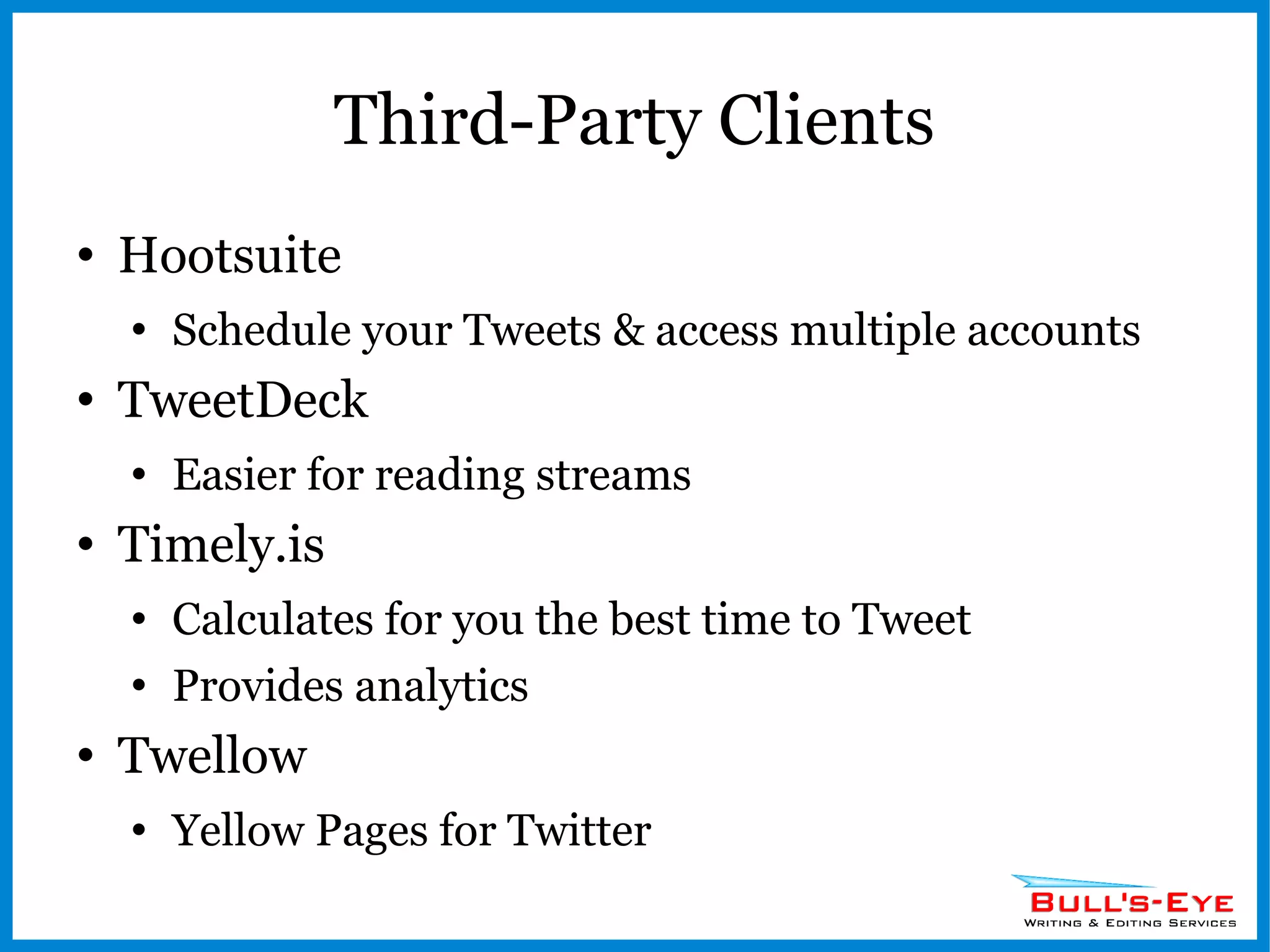
Third-Party Clients Hootsuite Schedule your Tweets & access multiple accounts TweetDeck Easier for reading streams Timely.is Calculates for you the best time to Tweet Provides analytics Twellow Yellow Pages for Twitter
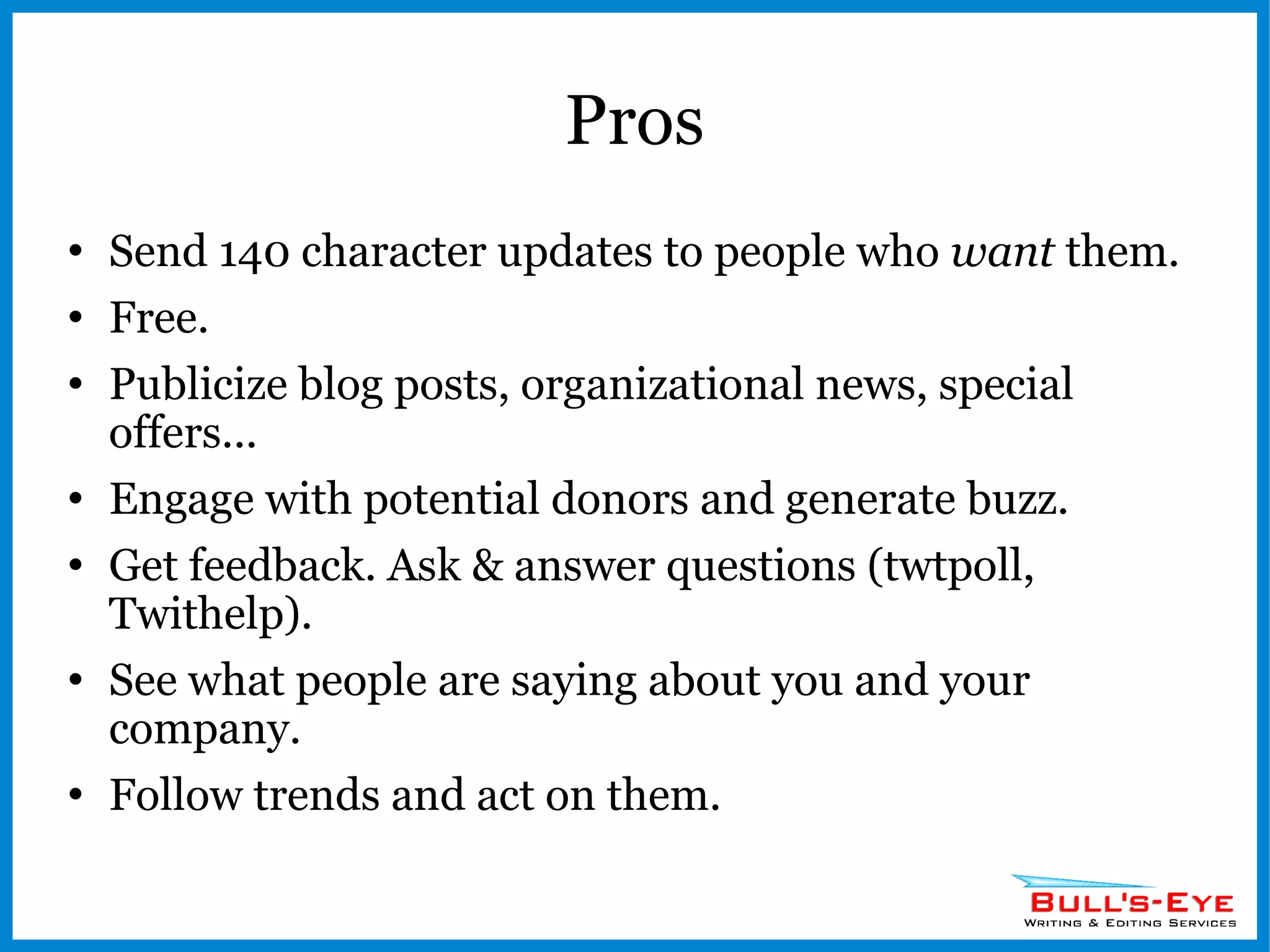
Pros Send 140 character updates to people who  want  them. Free. Publicize blog posts, organizational news, special offers... Engage with potential donors and generate buzz. Get feedback. Ask & answer questions (twtpoll, Twithelp). See what people are saying about you and your company. Follow trends and act on them.
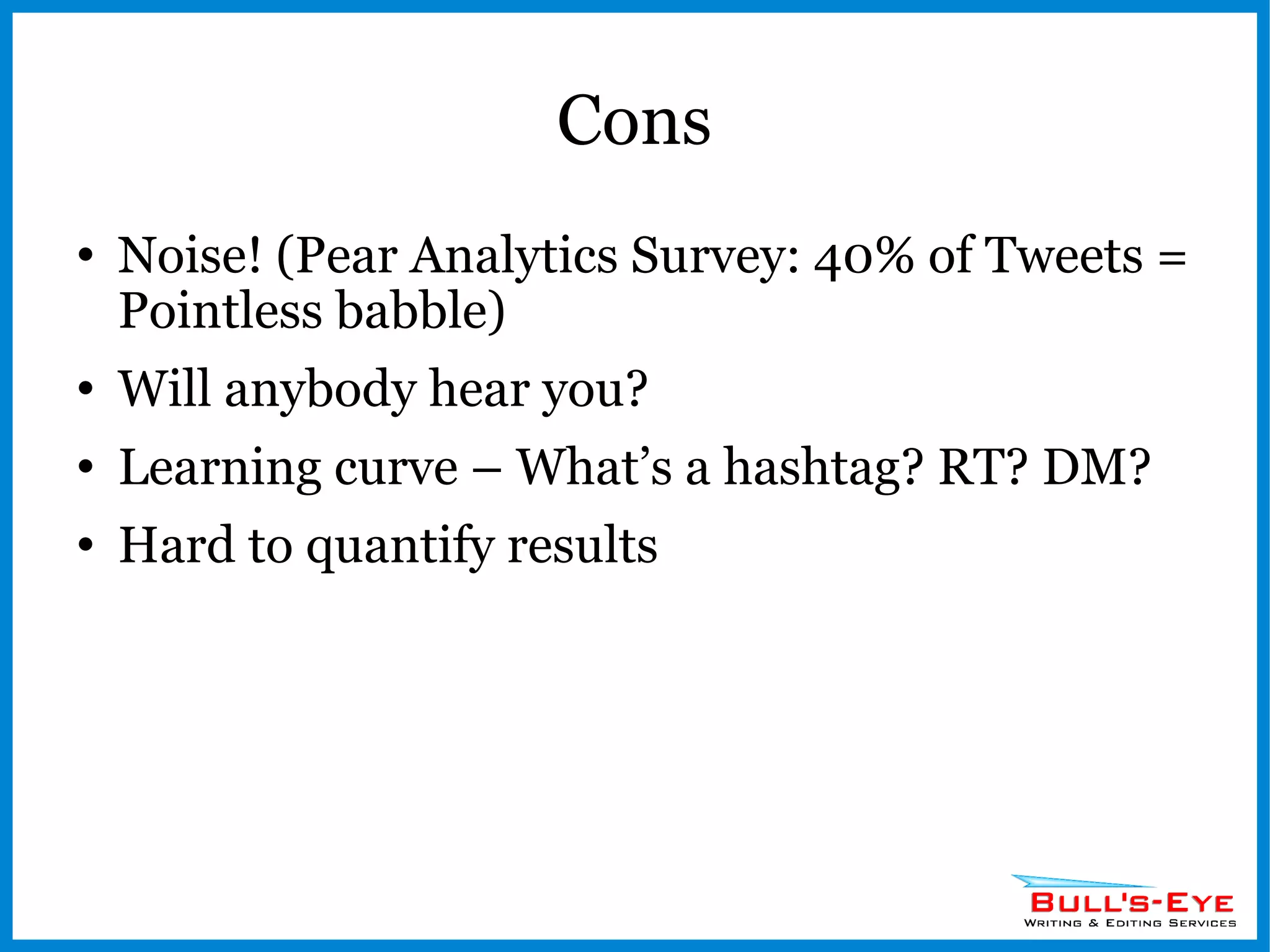
Cons Noise! (Pear Analytics Survey: 40% of Tweets = Pointless babble) Will anybody hear you? Learning curve – What’s a hashtag? RT? DM? Hard to quantify results
 
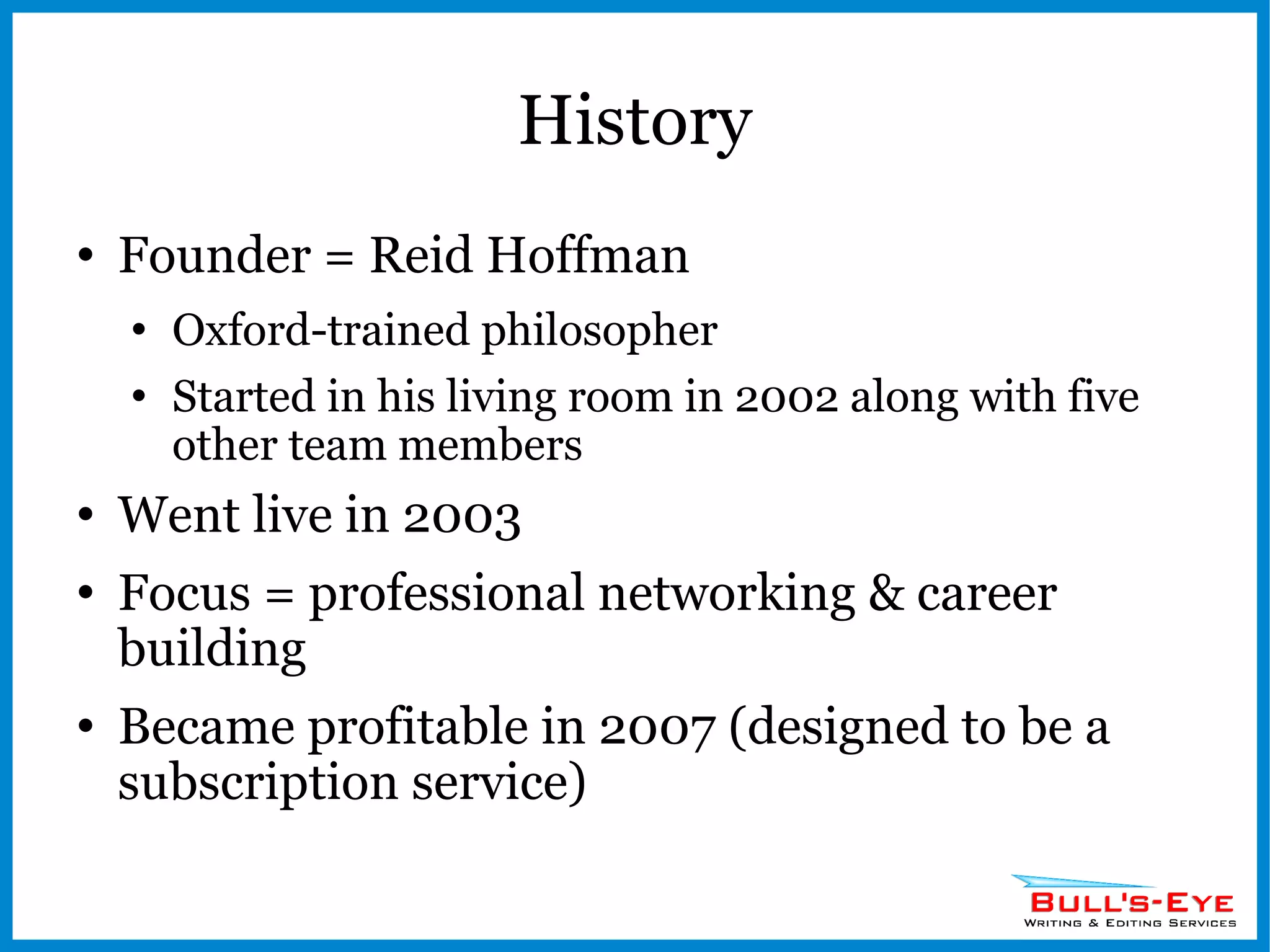
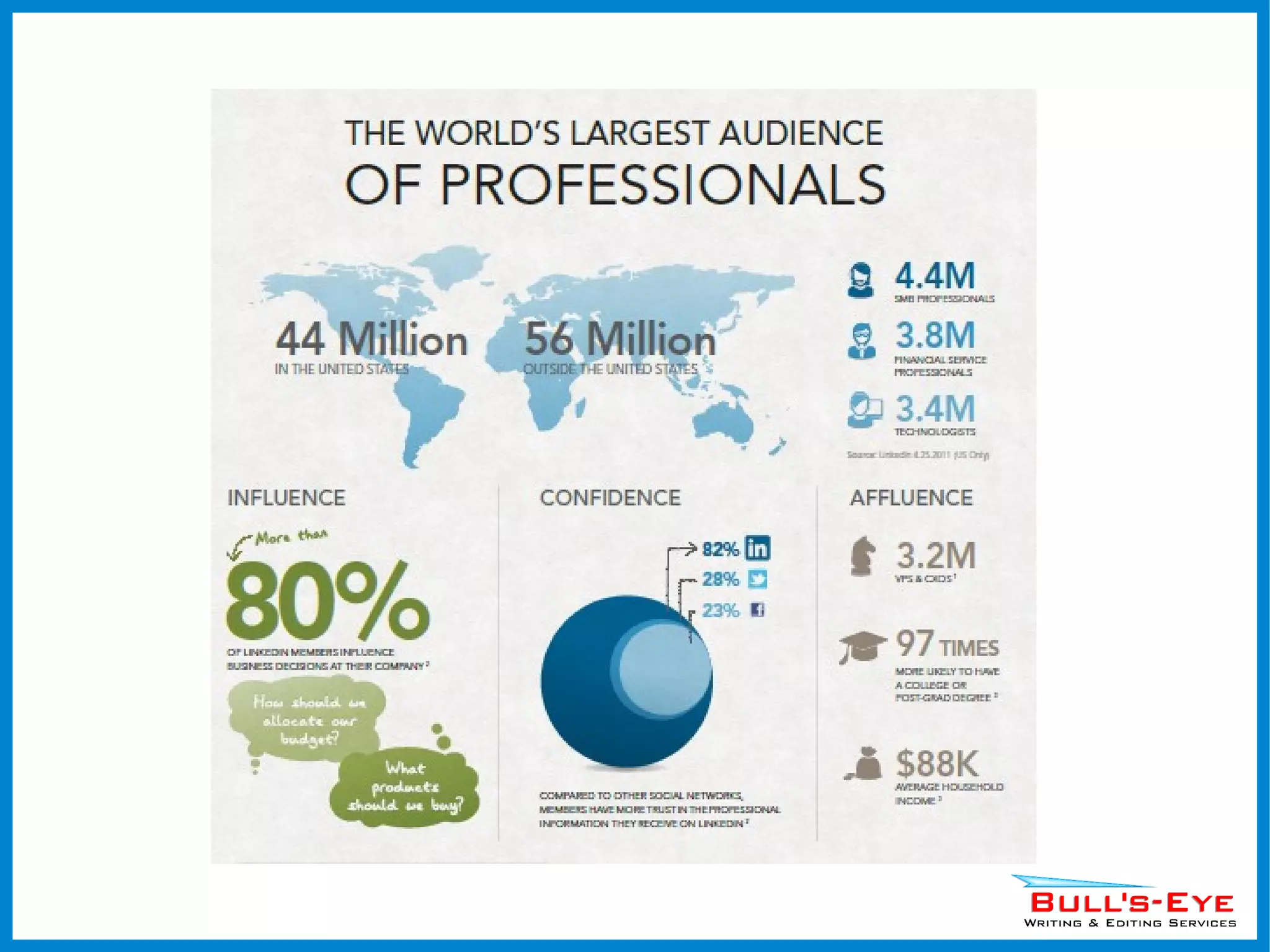
History Founder = Reid Hoffman Oxford-trained philosopher Started in his living room in 2002 along with five other team members Went live in 2003 Focus = professional networking & career building Became profitable in 2007 (designed to be a subscription service)
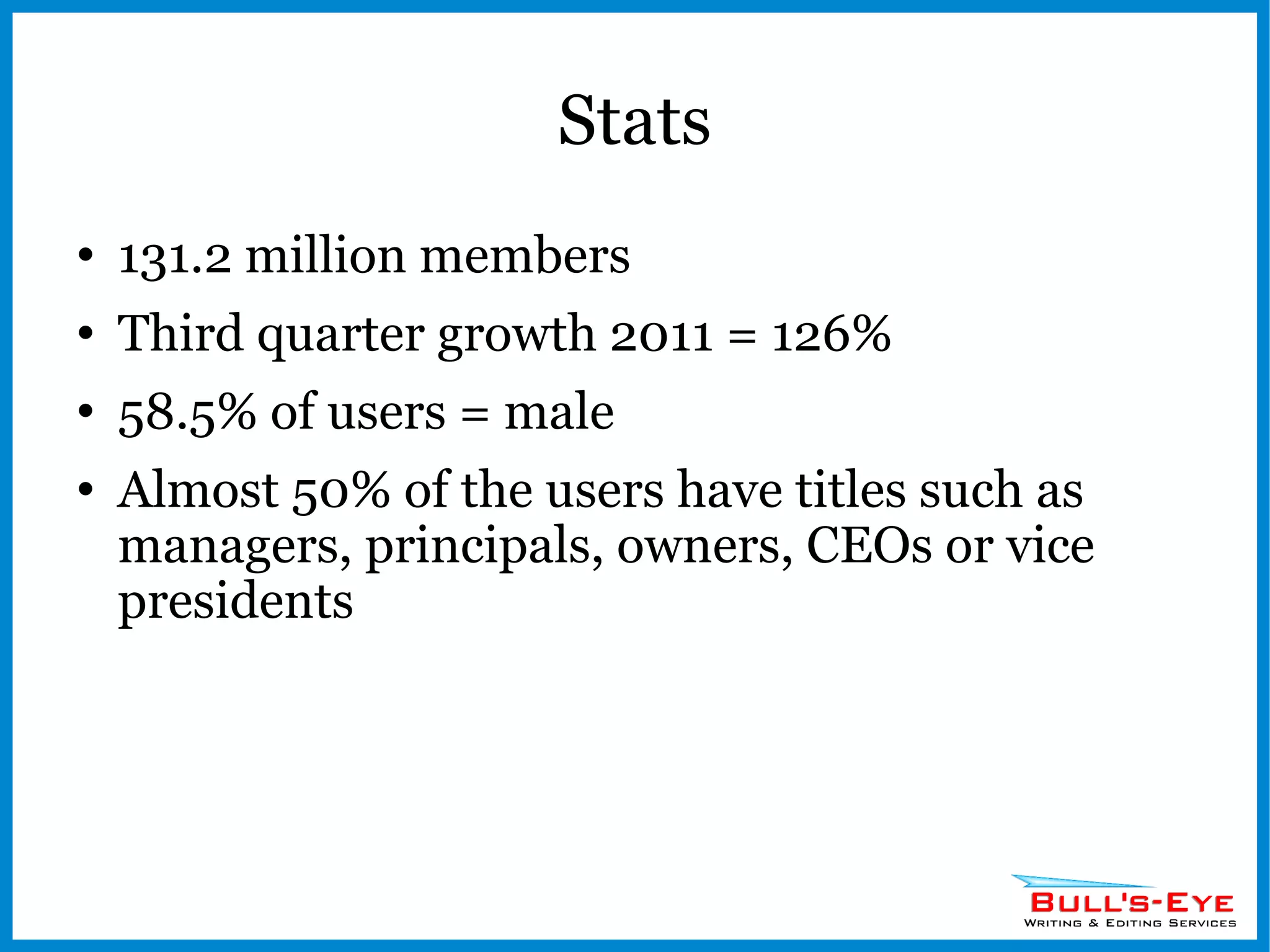
Stats 131.2 million members Third quarter growth 2011 = 126% 58.5% of users = male Almost 50% of the users have titles such as managers, principals, owners, CEOs or vice presidents
 
Platform Profile Create your own personal brand (mega-resume) Get recommendations Pick keywords Add a profile pic Incorporate apps (Slide shows)
Platform Connections Network with colleagues, classmates, and friends Get introduced to connections outside your network
Platform Groups Join in discussions with others who share interests related to your business Create your own groups Post discussion questions
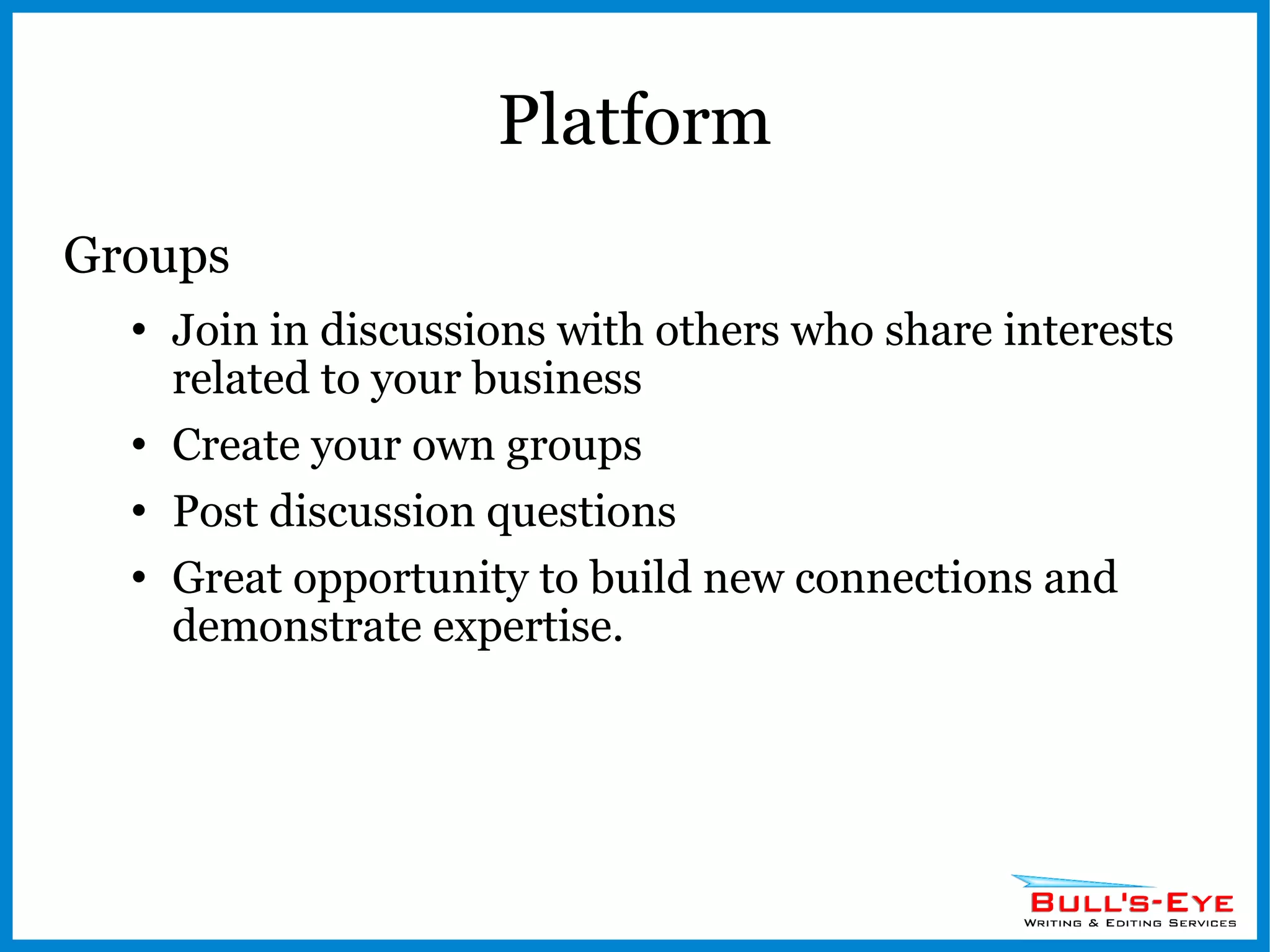
Platform Groups Join in discussions with others who share interests related to your business Create your own groups Post discussion questions Great opportunity to build new connections and demonstrate expertise.
Platform Answers Show off your knowledge Business karma!
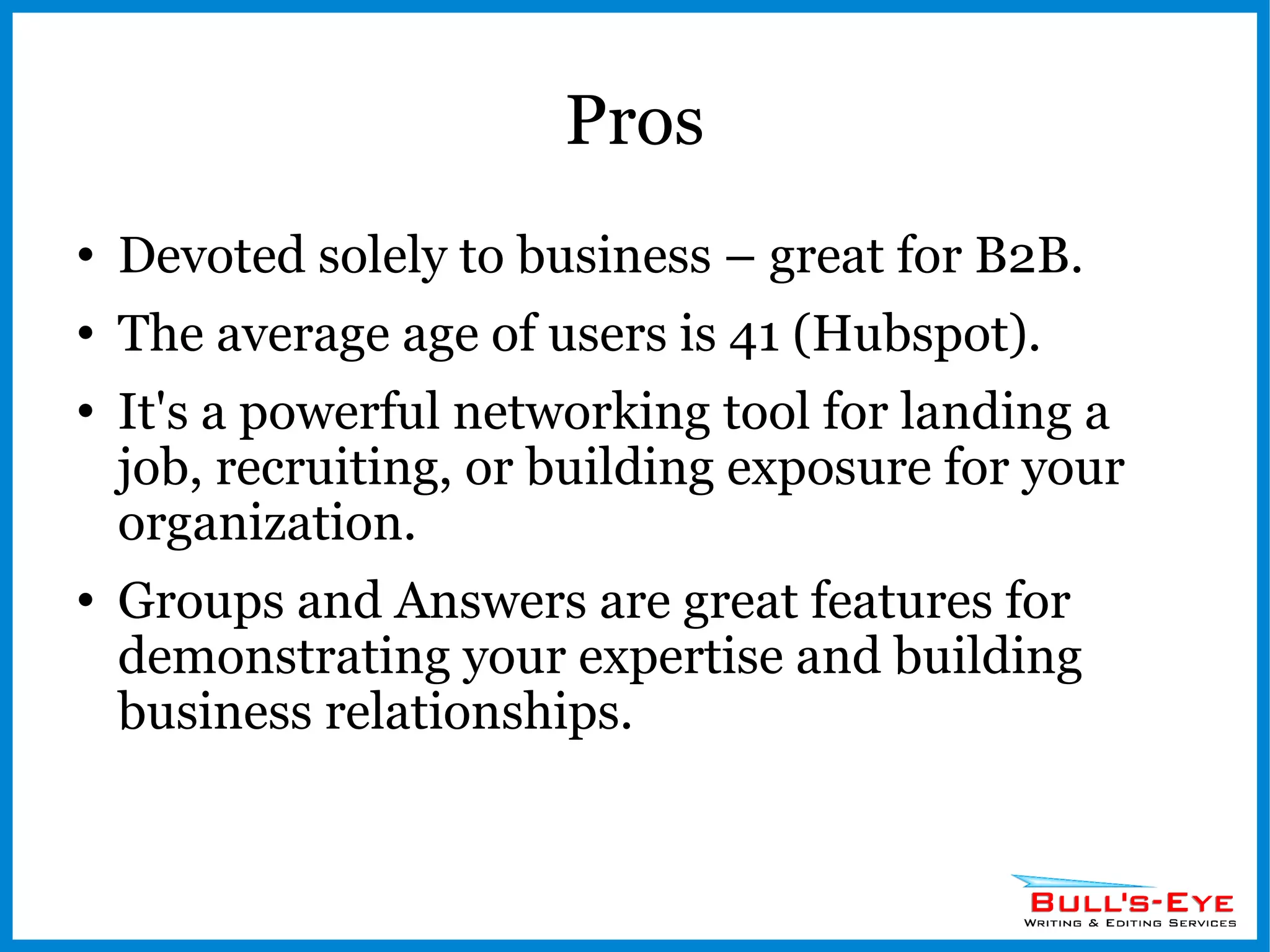
Pros Devoted solely to business – great for B2B. The average age of users is 41 (Hubspot). It's a powerful networking tool for landing a job, recruiting, or building exposure for your organization. Groups and Answers are great features for demonstrating your expertise and building business relationships.
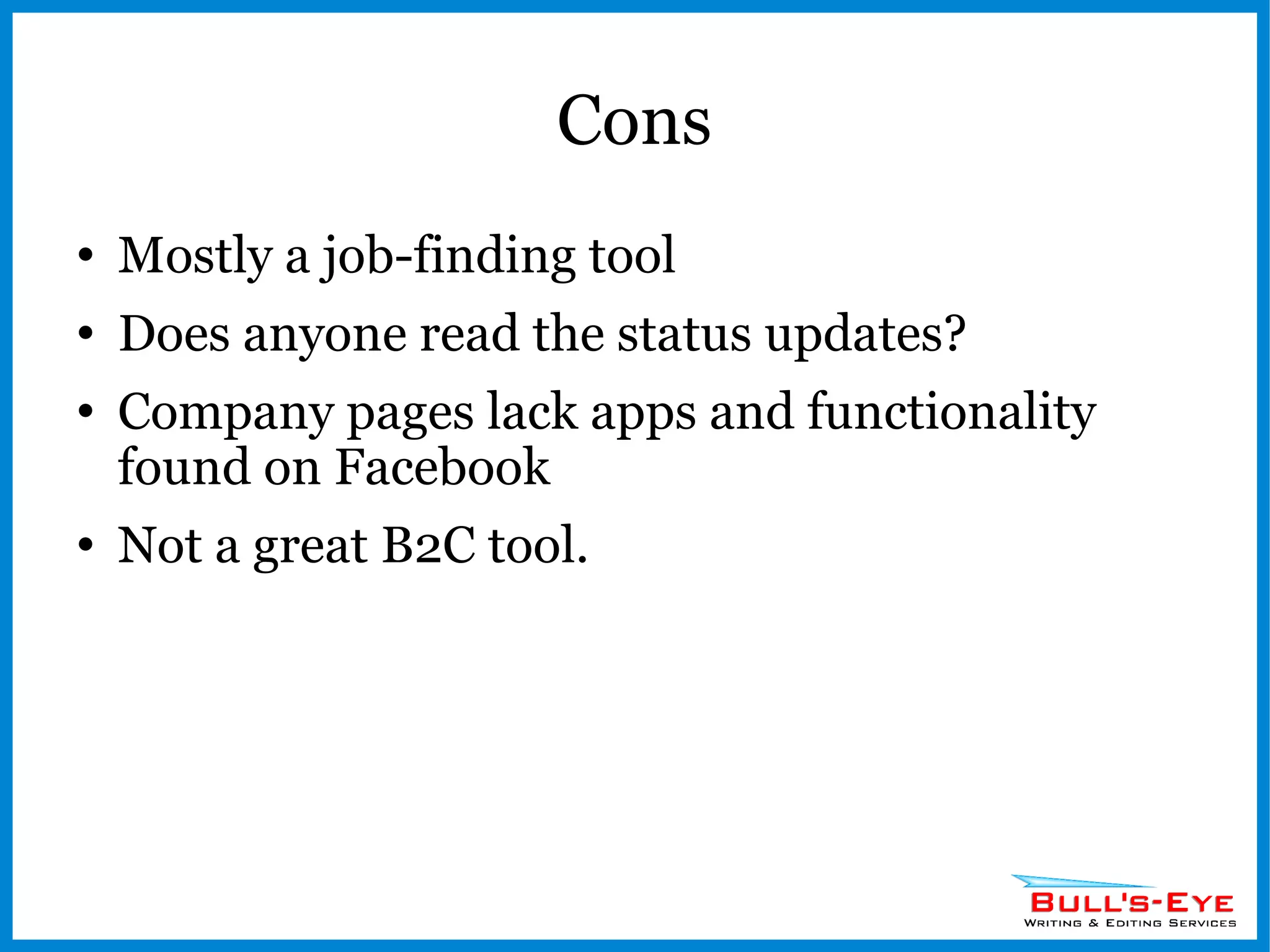
Cons Mostly a job-finding tool Does anyone read the status updates? Company pages lack apps and functionality found on Facebook Not a great B2C tool.
 
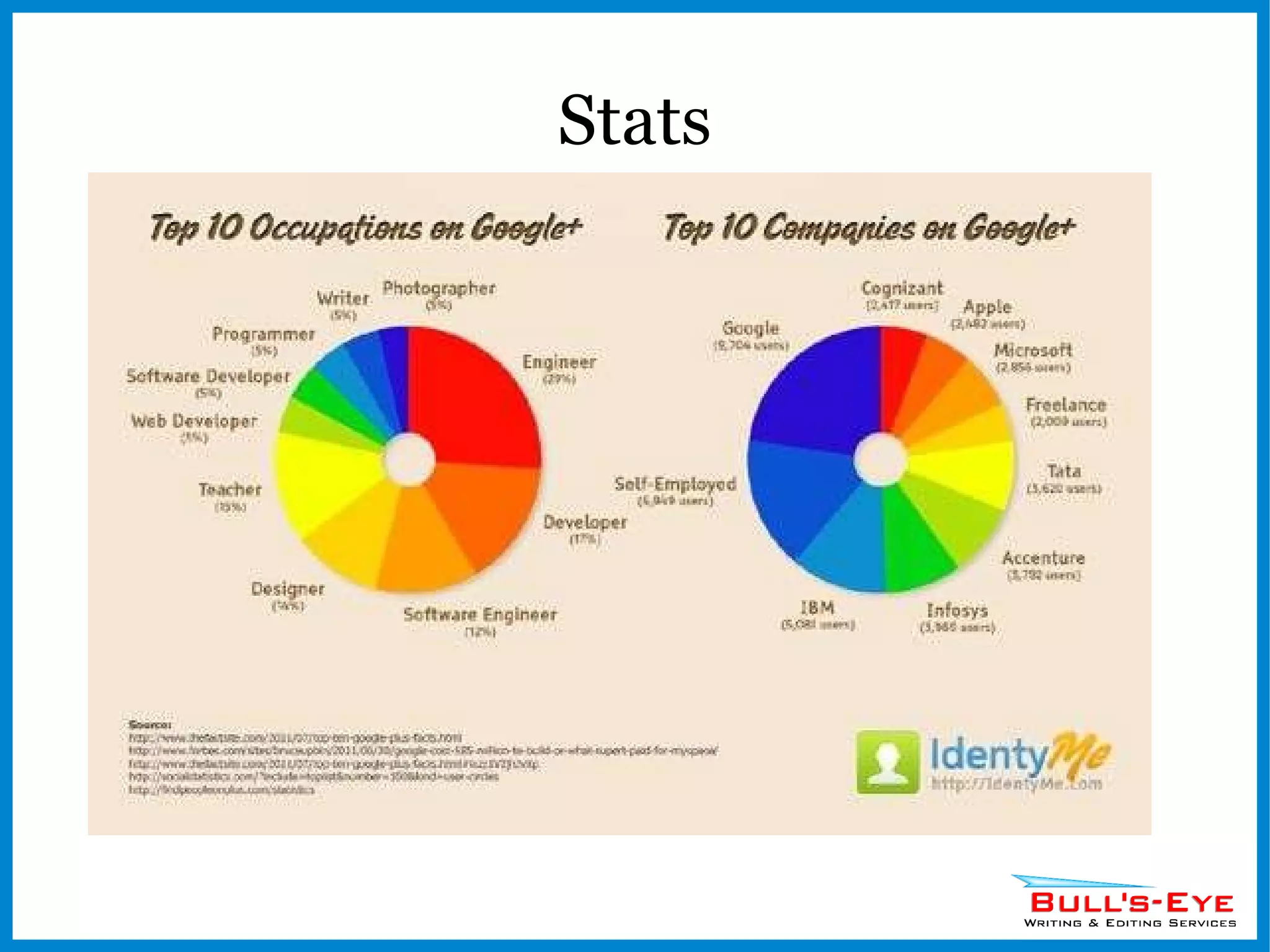
History New! Took the place of Google Buzz Positioning itself to take on Facebook
Stats Too early to tell ~30 million users? Cost $585 Million to build
Stats
Platform Circles Choose people to follow and assign them to circles People you follow will be notified & can add you to their own circles. See their posts on your stream. Hangouts Interact online with up to 9 people at once
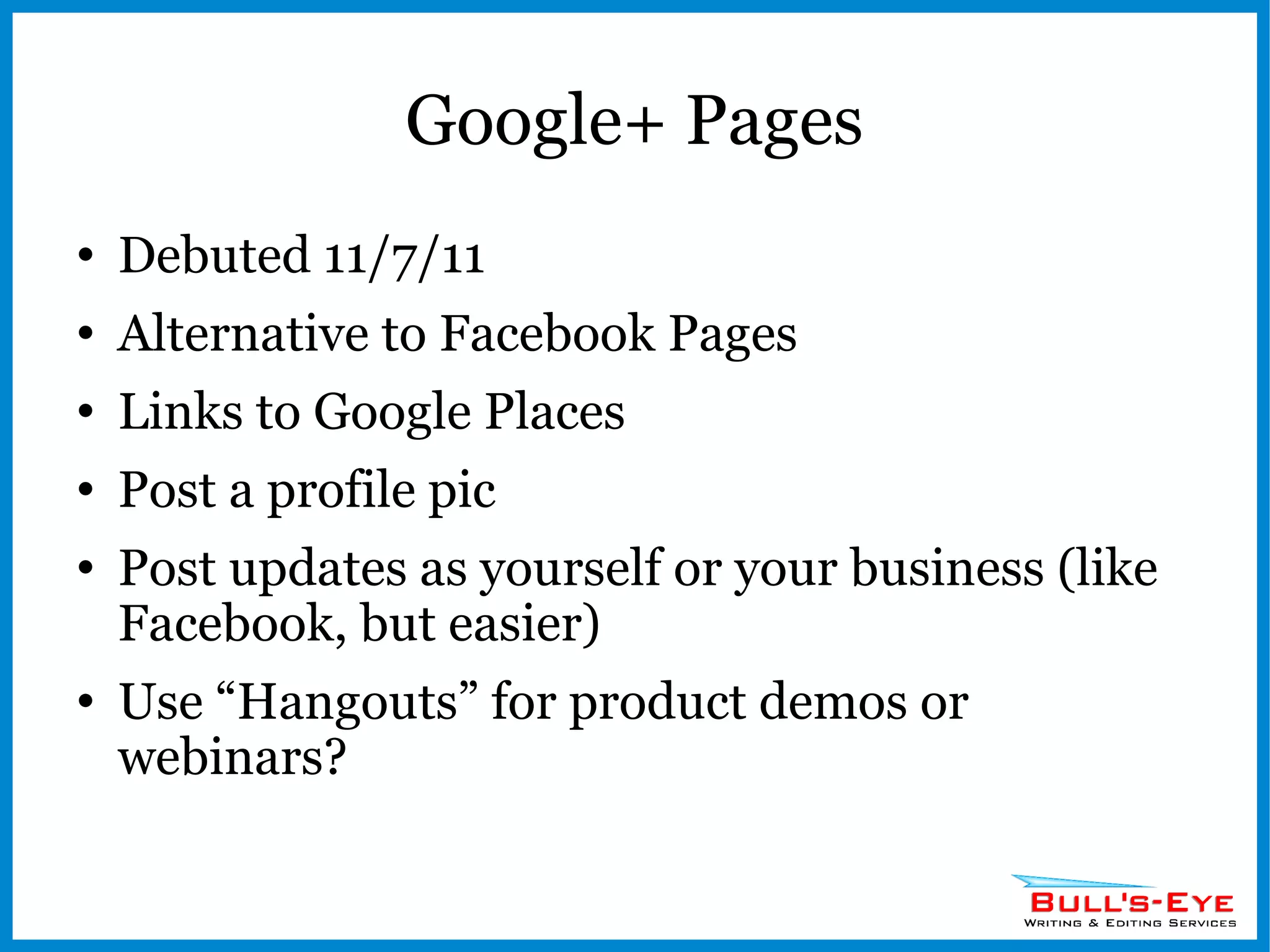
Google+ Pages Debuted 11/7/11 Alternative to Facebook Pages Links to Google Places Post a profile pic Post updates as yourself or your business (like Facebook, but easier) Use “Hangouts” for product demos or webinars?
Pros Higher search engine rankings? User-friendly interface? Categorize the people you follow Intertwined with other Google apps like Gmail and Google Docs GooglePlus Button – better than the Facebook Like button for visibility?
Cons New territory – hard to develop a strategy Low membership (it’s still new!) Few apps for Plus (but it’s coming!) Currently lacks analytics
Other Players Quora Ask and answer questions Get votes for your answers Gain followers
Other Players StumbleUpon Like a page…share it Earn followers Promote your blog
Other Players YouTube Go viral Owned by Google Great way to show off your business or service Create channels Embed video on your own site without using storage space Build search engine visibility
Other Players Yelp Generate reviews (friend referrals) Great for brick & mortar stores, especially restaurants Opportunity to respond to negative feedback
Other Players Google Places The new Yellow Pages – make it a priority to get your free listing Add coupons & special offers Post hours and contact info Get listed on Google Maps
Finding Content to Share Blogs and the RSS Feed Google Reader Google News Alerts Podcasts Listen to your social media accounts
Connecting & Engaging Getting Found Add buttons and plug-ins to your website in a visible spot Display your social media accounts in your email signature line Business cards, print collateral, signage
Connecting & Engaging Content Curation vs. Conversation Share links or talk to people? The verdict is still out, but the tide seems to be shifting toward content curation. Find what works best for you. Mix it up!
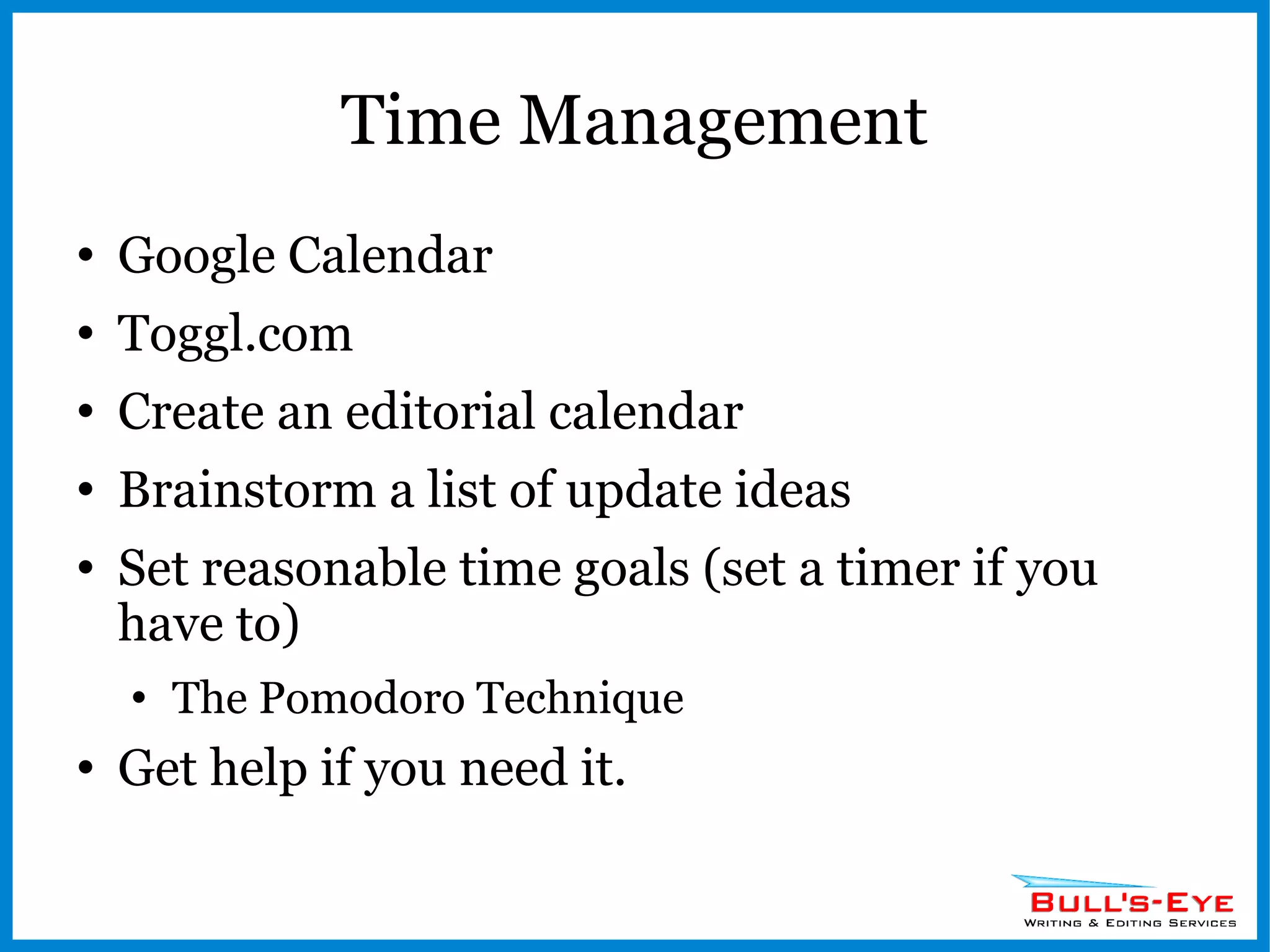
Time Management Google Calendar Toggl.com Create an editorial calendar Brainstorm a list of update ideas Set reasonable time goals (set a timer if you have to) The Pomodoro Technique Get help if you need it.
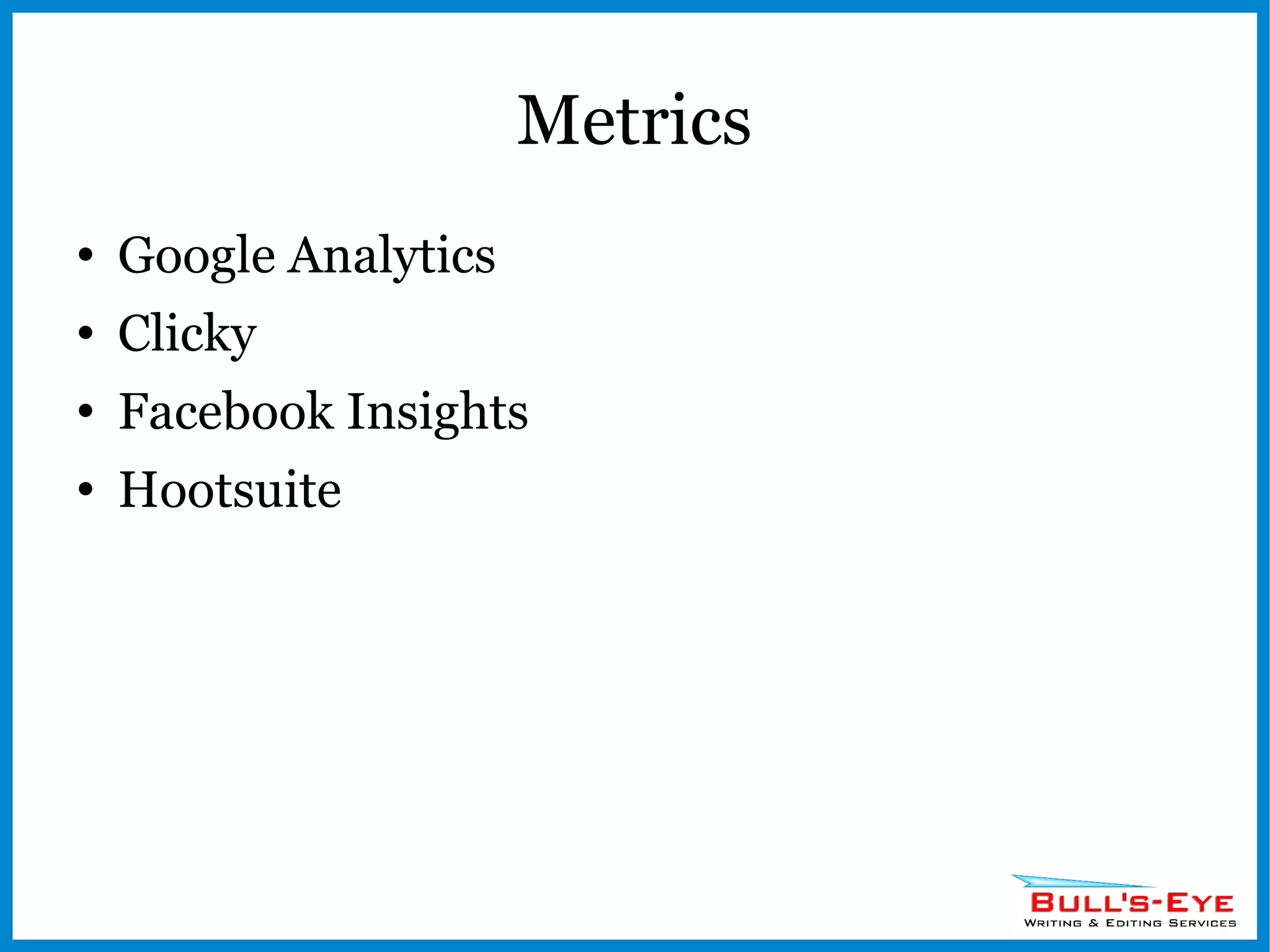
Metrics Google Analytics Clicky Facebook Insights Hootsuite
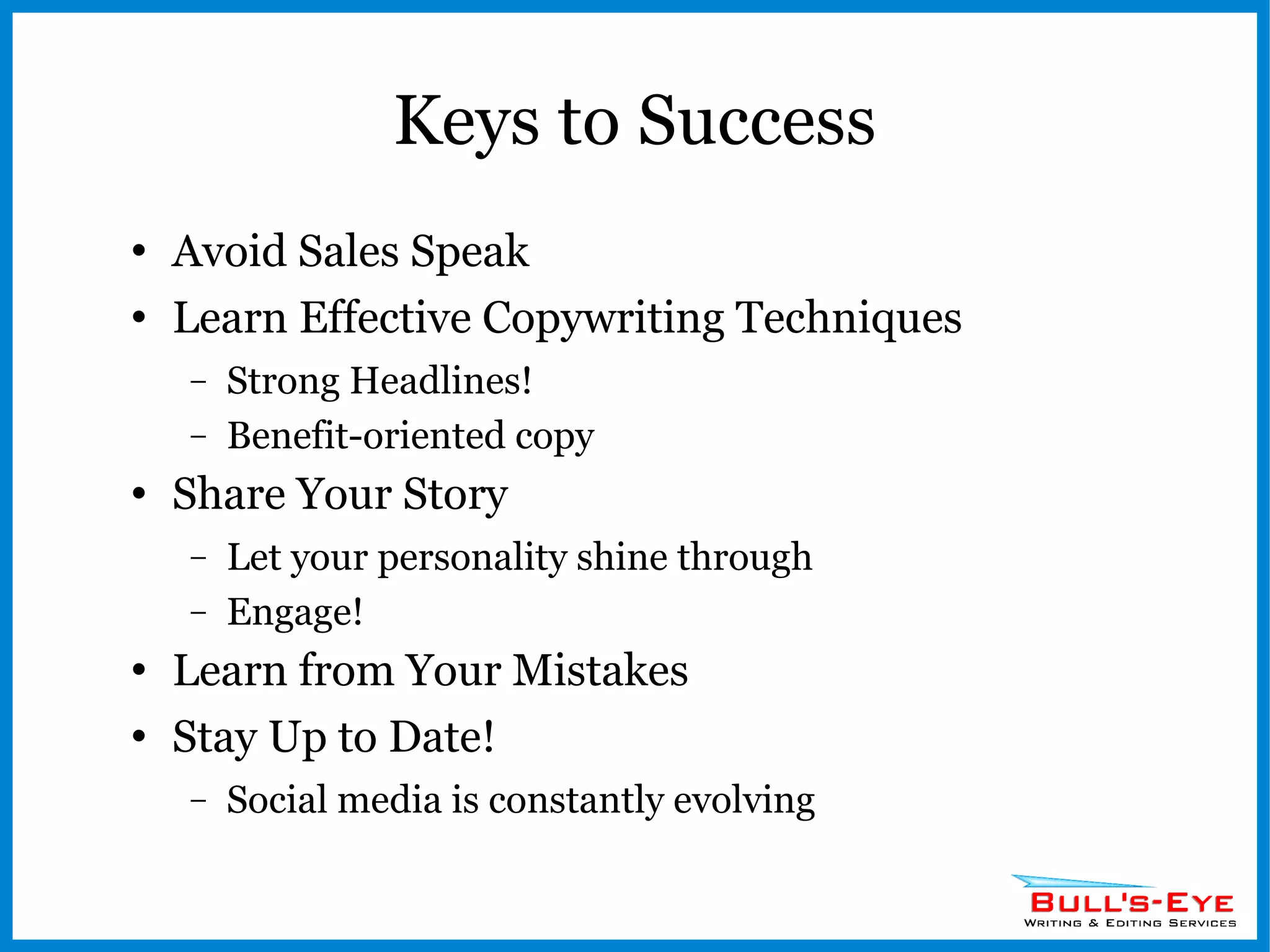
Keys to Success Avoid Sales Speak Learn Effective Copywriting Techniques Strong Headlines! Benefit-oriented copy Share Your Story Let your personality shine through Engage! Learn from Your Mistakes Stay Up to Date! Social media is constantly evolving
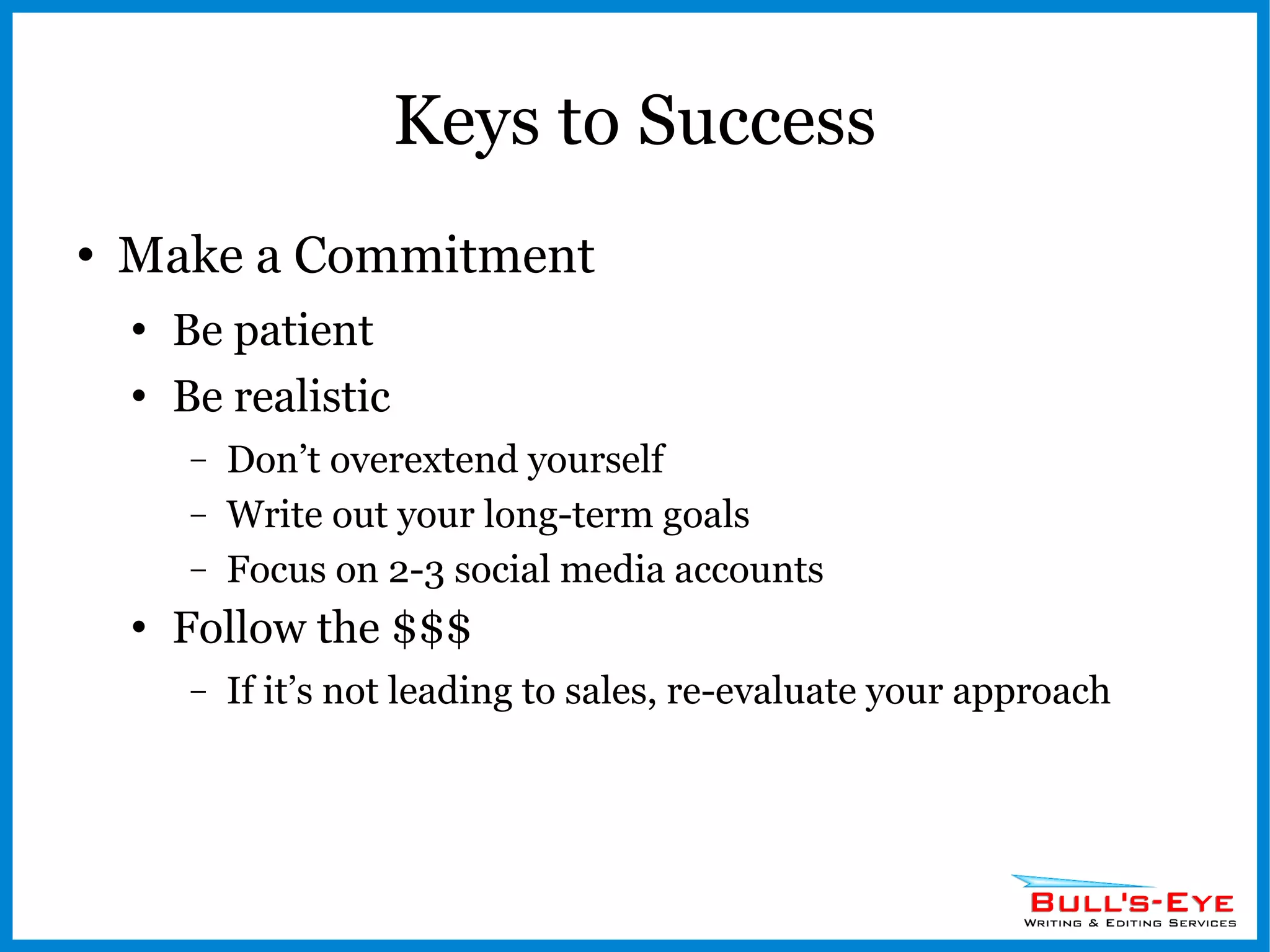
Keys to Success Make a Commitment Be patient Be realistic  Don’t overextend yourself Write out your long-term goals Focus on 2-3 social media accounts Follow the $$$ If it’s not leading to sales, re-evaluate your approach
Thanks! Wolf Hoelscher Bull's-Eye Writing & Editing Services www.bullseyewriting.com [email_address]
Services Social Media Coaching E-books & White Papers E-mail Blasts Copywriting Editing WordPress Installation
Follow Me! Twitter:  @BullsEyeWriting Facebook:   facebook.com/BullsEyeWriting LinkedIn:  @Wolf Hoelscher Google+:  Bull's-Eye Writing & Editing Services www.bullseyewriting.com

An Intro to Social Media

  • 1.
    An Introduction toSocial Media Presented by Wolf Hoelscher Bull's-Eye Writing & Editing Services
  • 2.
    Is Social MediaWorth It? Time Commitment Requires Patience & Dedication Planning Put it in writing Self-Education No school for social media Technology is constantly changing Learn from others (online and in person)
  • 3.
    What Are theRules? Nobody Knows! No firm benchmarks for success Hard to find objective data Often comes from companies in the business of social media marketing
  • 4.
    Inbound Marketing Marketingis no longer a one-way street Customers expect: Engagement & interaction (listening) Transparency Positive referrals Valuable content No more salespeople? The Gift of the Soft Sell Karma
  • 5.
    So Many Sites,So Little Time Where Should Your Focus Be? “ Seventy-five percent of your focus should be on what is happening off your web site concerning your brand, your industry, and your competitors.” Source: Halligan, Brian; Shah, Dharmesh; Scott, David Meerman (2009-10-02). Inbound Marketing: Get Found Using Google, Social Media, and Blogs (New Rules Social Media Series) (p. 12). Wiley. Kindle Edition.
  • 6.
    What works bestfor you? Know who you want to target What platforms do your customers use? What are your competitors up to? Which sites fit your personality? Social media allows you to put a human face on your business
  • 7.
  • 8.
  • 9.
    Facebook History Foundedin 2004 by Mark Zuckerberg “ The Social Network” Began in a Harvard dorm room Designed for Harvard students Gained popularity among college students around the country Gains disgruntled MySpace users
  • 10.
    Stats More than800 million active users (largest social network) Average users has 130 Friends Average user spends an average 15 hours and 33 minutes on Facebook per month Average user visits the site 40 times per month Average user is connected to 80 community pages, groups and events 200 million people access Facebook via a mobile device each day Users that access Facebook on mobile devices are twice as active on Facebook compared to non-mobile users
  • 11.
    Stats Other stats: http://diigo.com/0kwcj http://www.kenburbary.com
  • 12.
    Platform Page TypesPersonal Business/Fan Groups Apps Increase interactivity with your page Events Video Contests Landing Pages
  • 13.
    The Open GraphFacebook’s reach extends far beyond its website Social Plugins Likes Mobil apps Ties into search engine visibility
  • 14.
    Pros Search enginevisibility Detailed demographic insights Viral potential 800 million potential customers Buying decisions now based on referrals Free
  • 15.
    Cons Frequent changesto the interface You are at their mercy Top Stories feature Unfair advantage to larger corps? Competition Average user is connected to 80 community pages, groups and events
  • 16.
  • 17.
    History Founders: DevelopersNoah Glass, Jack Dorsey, Evan Williams, and Biz Stone created Odeo, a podcasting platform iTunes made this irrelevant Brainstorming session led to an idea to bring text messaging to the web (text a small group of people at once) Introduced to the public in 2006 Took off at the SXSW Festival in 2007
  • 18.
    Stats 140 -# of characters allowed per Tweet 42.3% - percent of users between ages 30 & 49 1 billion - # of tweets posted every 5 days 100+ million - # of active users 182% - Increase in number of mobile users over the past year.
  • 19.
    Third-Party Clients HootsuiteSchedule your Tweets & access multiple accounts TweetDeck Easier for reading streams Timely.is Calculates for you the best time to Tweet Provides analytics Twellow Yellow Pages for Twitter
  • 20.
    Pros Send 140character updates to people who want them. Free. Publicize blog posts, organizational news, special offers... Engage with potential donors and generate buzz. Get feedback. Ask & answer questions (twtpoll, Twithelp). See what people are saying about you and your company. Follow trends and act on them.
  • 21.
    Cons Noise! (PearAnalytics Survey: 40% of Tweets = Pointless babble) Will anybody hear you? Learning curve – What’s a hashtag? RT? DM? Hard to quantify results
  • 22.
  • 23.
    History Founder =Reid Hoffman Oxford-trained philosopher Started in his living room in 2002 along with five other team members Went live in 2003 Focus = professional networking & career building Became profitable in 2007 (designed to be a subscription service)
  • 24.
    Stats 131.2 millionmembers Third quarter growth 2011 = 126% 58.5% of users = male Almost 50% of the users have titles such as managers, principals, owners, CEOs or vice presidents
  • 25.
  • 26.
    Platform Profile Createyour own personal brand (mega-resume) Get recommendations Pick keywords Add a profile pic Incorporate apps (Slide shows)
  • 27.
    Platform Connections Networkwith colleagues, classmates, and friends Get introduced to connections outside your network
  • 28.
    Platform Groups Joinin discussions with others who share interests related to your business Create your own groups Post discussion questions
  • 29.
    Platform Groups Joinin discussions with others who share interests related to your business Create your own groups Post discussion questions Great opportunity to build new connections and demonstrate expertise.
  • 30.
    Platform Answers Showoff your knowledge Business karma!
  • 31.
    Pros Devoted solelyto business – great for B2B. The average age of users is 41 (Hubspot). It's a powerful networking tool for landing a job, recruiting, or building exposure for your organization. Groups and Answers are great features for demonstrating your expertise and building business relationships.
  • 32.
    Cons Mostly ajob-finding tool Does anyone read the status updates? Company pages lack apps and functionality found on Facebook Not a great B2C tool.
  • 33.
  • 34.
    History New! Tookthe place of Google Buzz Positioning itself to take on Facebook
  • 35.
    Stats Too earlyto tell ~30 million users? Cost $585 Million to build
  • 36.
  • 37.
    Platform Circles Choosepeople to follow and assign them to circles People you follow will be notified & can add you to their own circles. See their posts on your stream. Hangouts Interact online with up to 9 people at once
  • 38.
    Google+ Pages Debuted11/7/11 Alternative to Facebook Pages Links to Google Places Post a profile pic Post updates as yourself or your business (like Facebook, but easier) Use “Hangouts” for product demos or webinars?
  • 39.
    Pros Higher searchengine rankings? User-friendly interface? Categorize the people you follow Intertwined with other Google apps like Gmail and Google Docs GooglePlus Button – better than the Facebook Like button for visibility?
  • 40.
    Cons New territory– hard to develop a strategy Low membership (it’s still new!) Few apps for Plus (but it’s coming!) Currently lacks analytics
  • 41.
    Other Players QuoraAsk and answer questions Get votes for your answers Gain followers
  • 42.
    Other Players StumbleUponLike a page…share it Earn followers Promote your blog
  • 43.
    Other Players YouTubeGo viral Owned by Google Great way to show off your business or service Create channels Embed video on your own site without using storage space Build search engine visibility
  • 44.
    Other Players YelpGenerate reviews (friend referrals) Great for brick & mortar stores, especially restaurants Opportunity to respond to negative feedback
  • 45.
    Other Players GooglePlaces The new Yellow Pages – make it a priority to get your free listing Add coupons & special offers Post hours and contact info Get listed on Google Maps
  • 46.
    Finding Content toShare Blogs and the RSS Feed Google Reader Google News Alerts Podcasts Listen to your social media accounts
  • 47.
    Connecting & EngagingGetting Found Add buttons and plug-ins to your website in a visible spot Display your social media accounts in your email signature line Business cards, print collateral, signage
  • 48.
    Connecting & EngagingContent Curation vs. Conversation Share links or talk to people? The verdict is still out, but the tide seems to be shifting toward content curation. Find what works best for you. Mix it up!
  • 49.
    Time Management GoogleCalendar Toggl.com Create an editorial calendar Brainstorm a list of update ideas Set reasonable time goals (set a timer if you have to) The Pomodoro Technique Get help if you need it.
  • 50.
    Metrics Google AnalyticsClicky Facebook Insights Hootsuite
  • 51.
    Keys to SuccessAvoid Sales Speak Learn Effective Copywriting Techniques Strong Headlines! Benefit-oriented copy Share Your Story Let your personality shine through Engage! Learn from Your Mistakes Stay Up to Date! Social media is constantly evolving
  • 52.
    Keys to SuccessMake a Commitment Be patient Be realistic Don’t overextend yourself Write out your long-term goals Focus on 2-3 social media accounts Follow the $$$ If it’s not leading to sales, re-evaluate your approach
  • 53.
    Thanks! Wolf HoelscherBull's-Eye Writing & Editing Services www.bullseyewriting.com [email_address]
  • 54.
    Services Social MediaCoaching E-books & White Papers E-mail Blasts Copywriting Editing WordPress Installation
  • 55.
    Follow Me! Twitter: @BullsEyeWriting Facebook: facebook.com/BullsEyeWriting LinkedIn: @Wolf Hoelscher Google+: Bull's-Eye Writing & Editing Services www.bullseyewriting.com