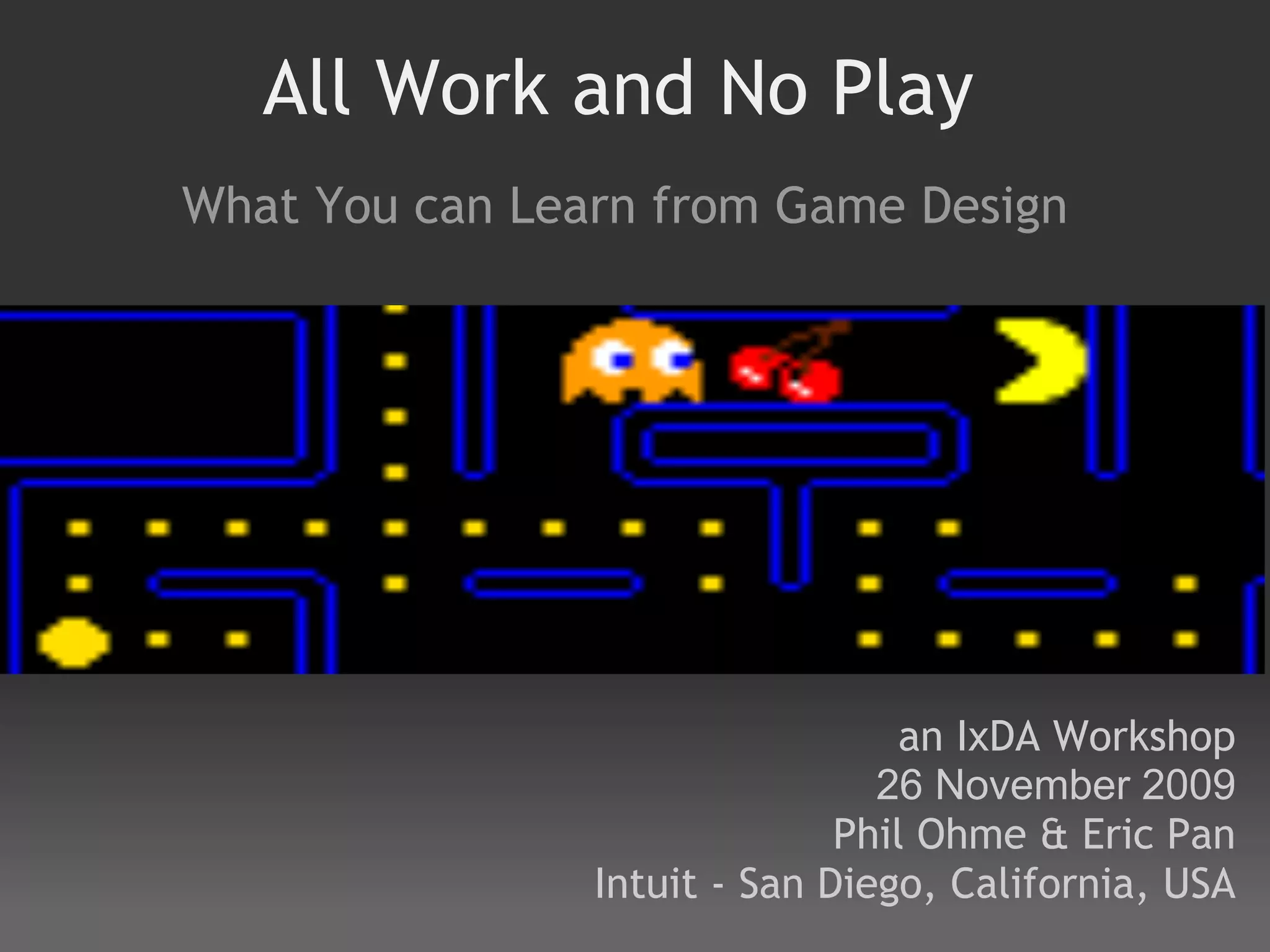




All Work and No Play
What You can Learn from Game Design


                                  an IxDA Workshop
                                26 November 2009
                              Phil Ohme & Eric Pan
                Intuit - San Diego, California, USA
Agenda                                              start times
I.   Introduction and Principles #4 - #9 (45 min)     2:00
II.  Principle #1: Personalization (30 min)           2:45
III. Principle #2: Progressive Disclosure (30 min)    3:15
IV. Break for coffee (15 min)                         3:45
V.  Principle #3: Balance Reward & Challenge(45 min) 4:00
VI. Exercise: Application to software (30 min)        4:45
VII.Present teams' applications and conclude (45 min) 5:15
 
Note: Each Principle will involve teach/lecture, gameplay to discover examples, group
discussion
Introduction Overview

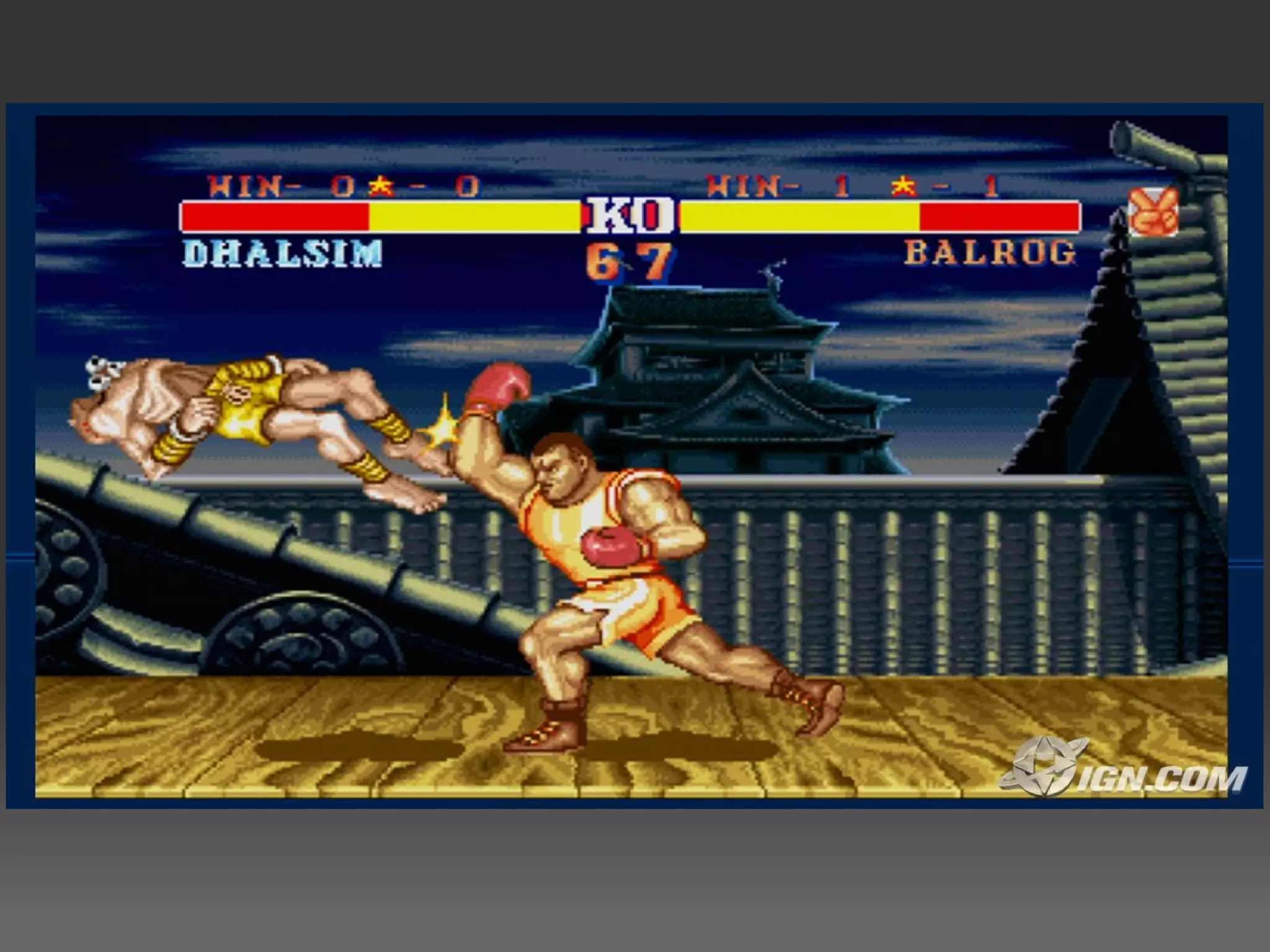
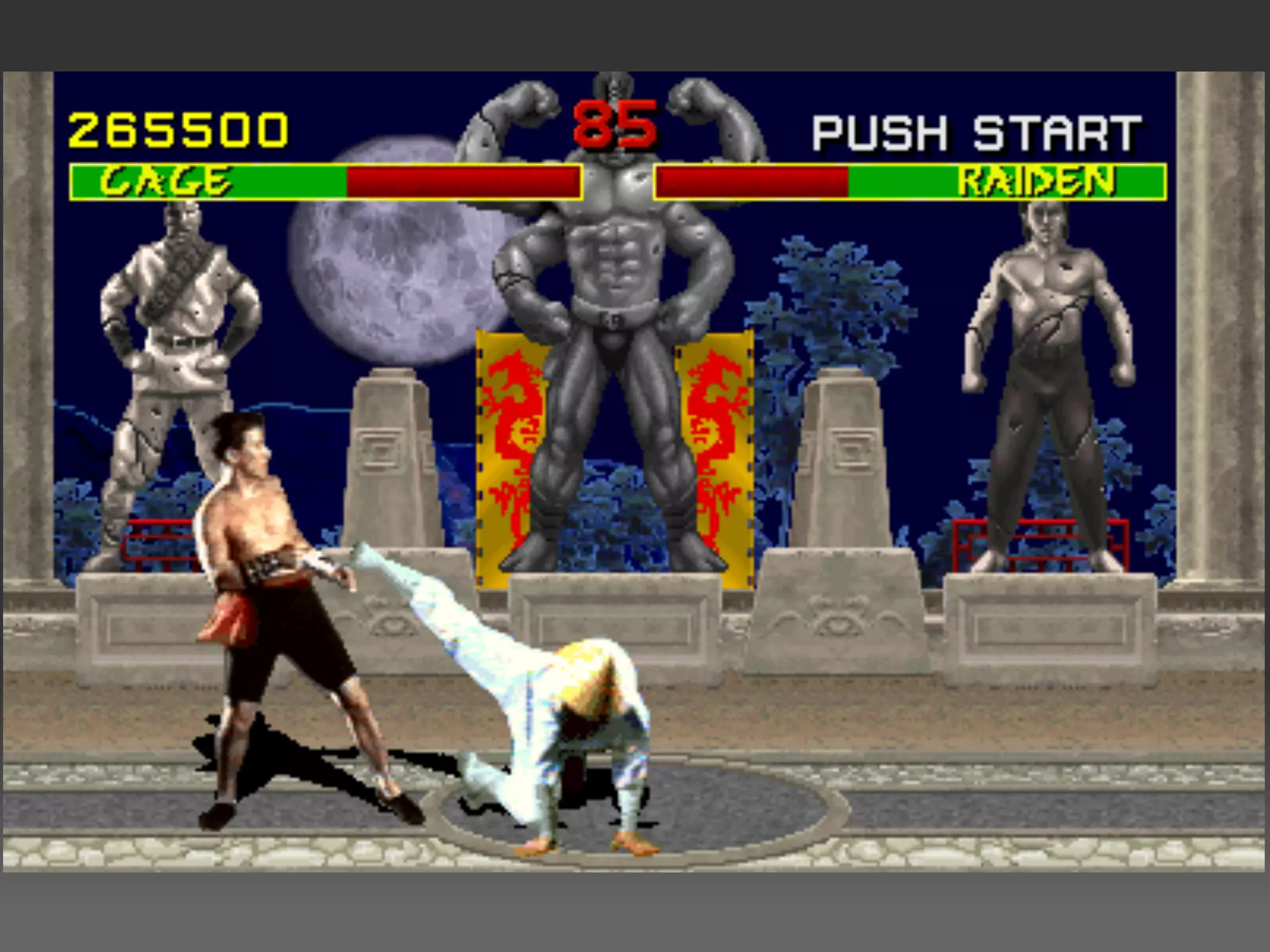
 What the heck do Eric & Phil know about games?
 Group Poll
 Why are games important to look at?
 Expectations - what do you want to get out of this?
 Examples of how games have influenced the design of
 “regular” software
 Other minor principles outside the big 3
What the heck do they know
      about games?
Who likes to have fun?
Who likes to play games?
Why games are important to look at

 Everyone intuitively knows how to play
 Powerful and instinctive expectations for games:
     easy to understand
     engaging
 Engage players in what their goals are with feedback
 instantly (short first step) and continuous
 Failure is not painful, but fun
 What would all product experiences standard look like if we
 held it to the standard of games?
Expectations

 What do you want to get out of this workshop?
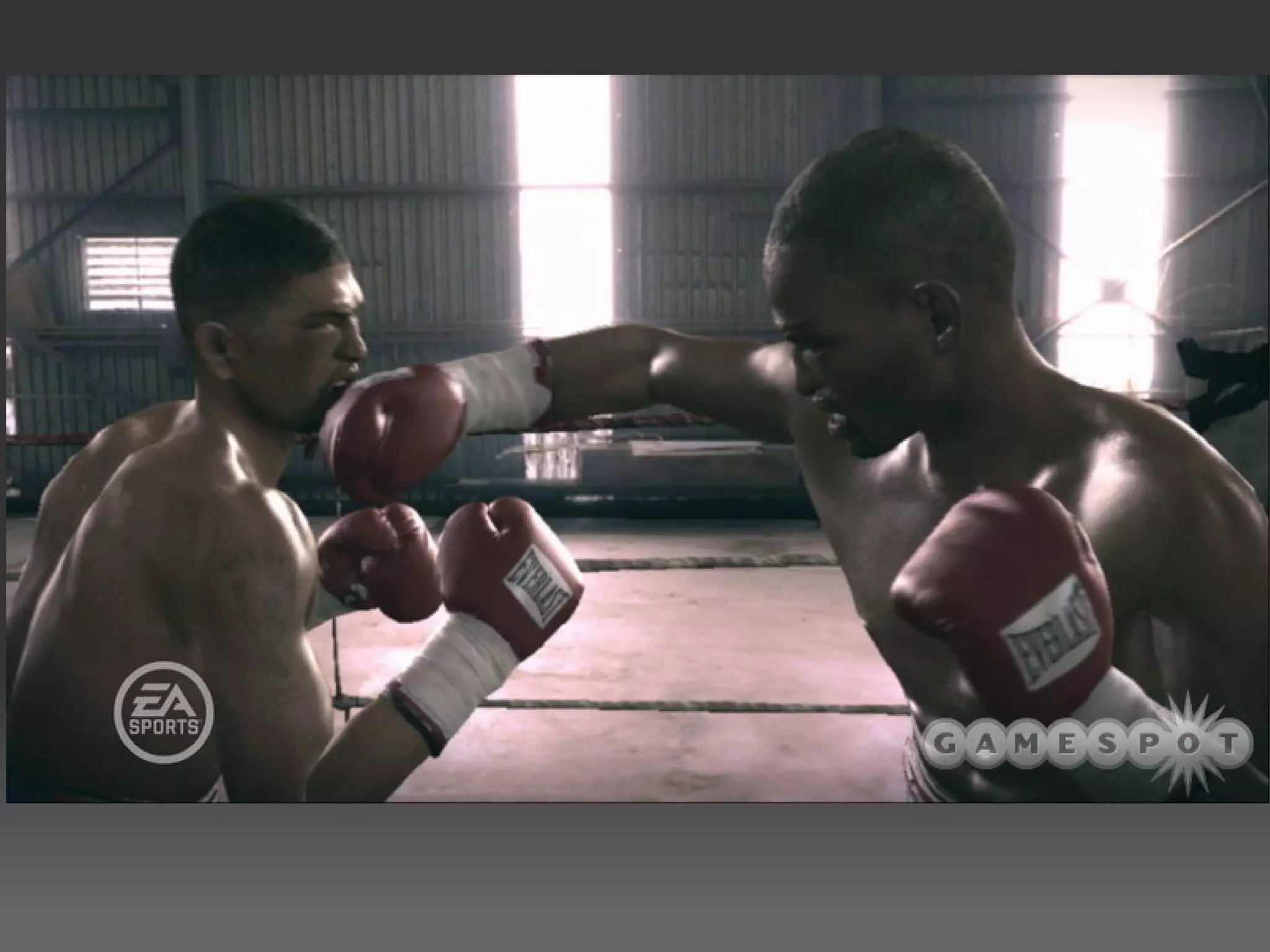
Interesting UIs, Interactions/Experience

  Interface is disappearing
  Moving towards cinematic, doesn't feel like playing a
  game. 
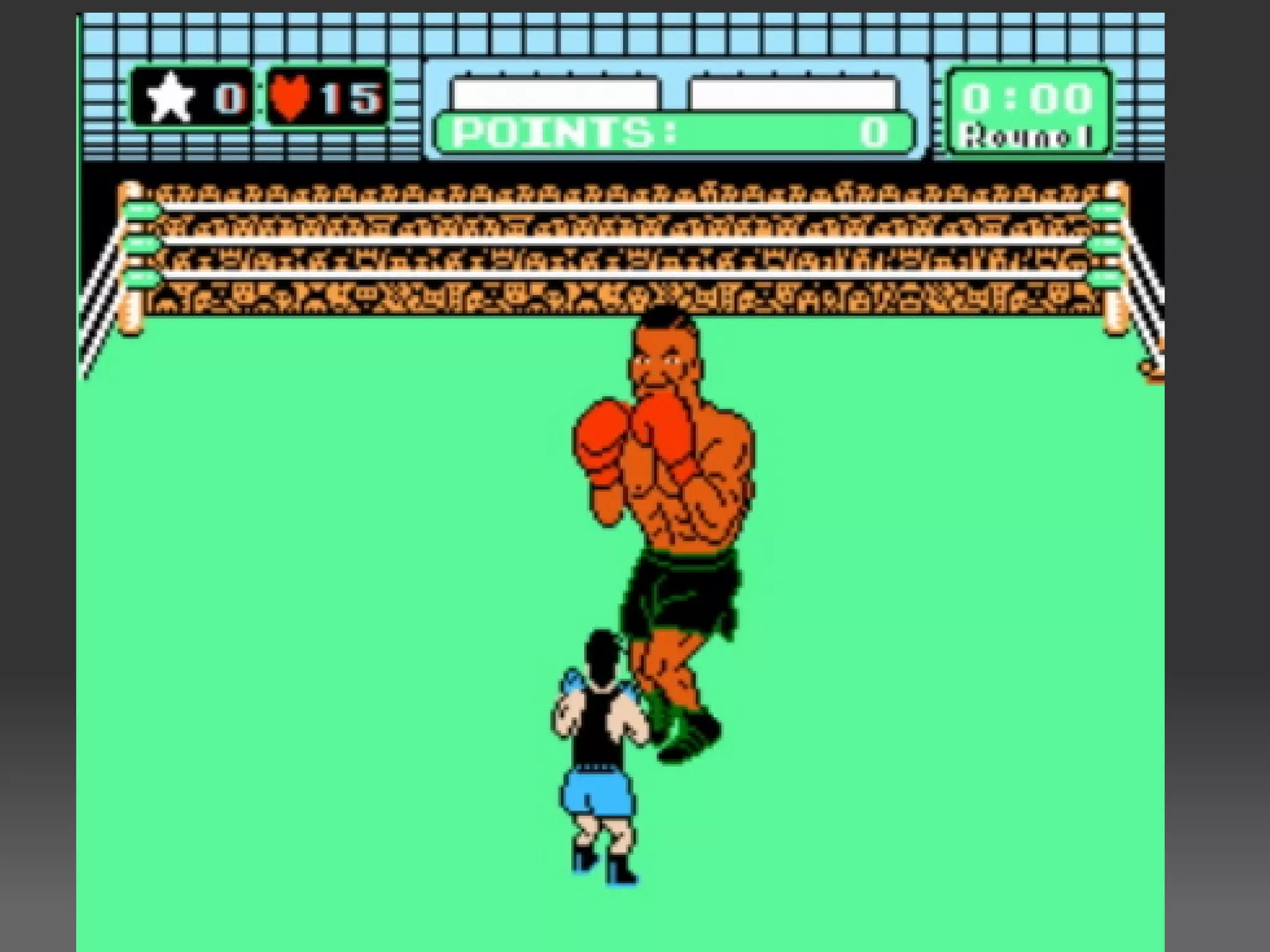
  Game example: EA Fight Night
  What did you see?
Principles #4 - #9

  We will quickly look at these minor examples as a warm-up
  to the big 3 principles of game design
      Small Superfluous Flairs
      Exploration Encouragement
      The Open-Source Factor 
      Interpersonal & Adaptive Play 
      Functional, Interactive Sneak Peek (Salting/Priming)
      Help
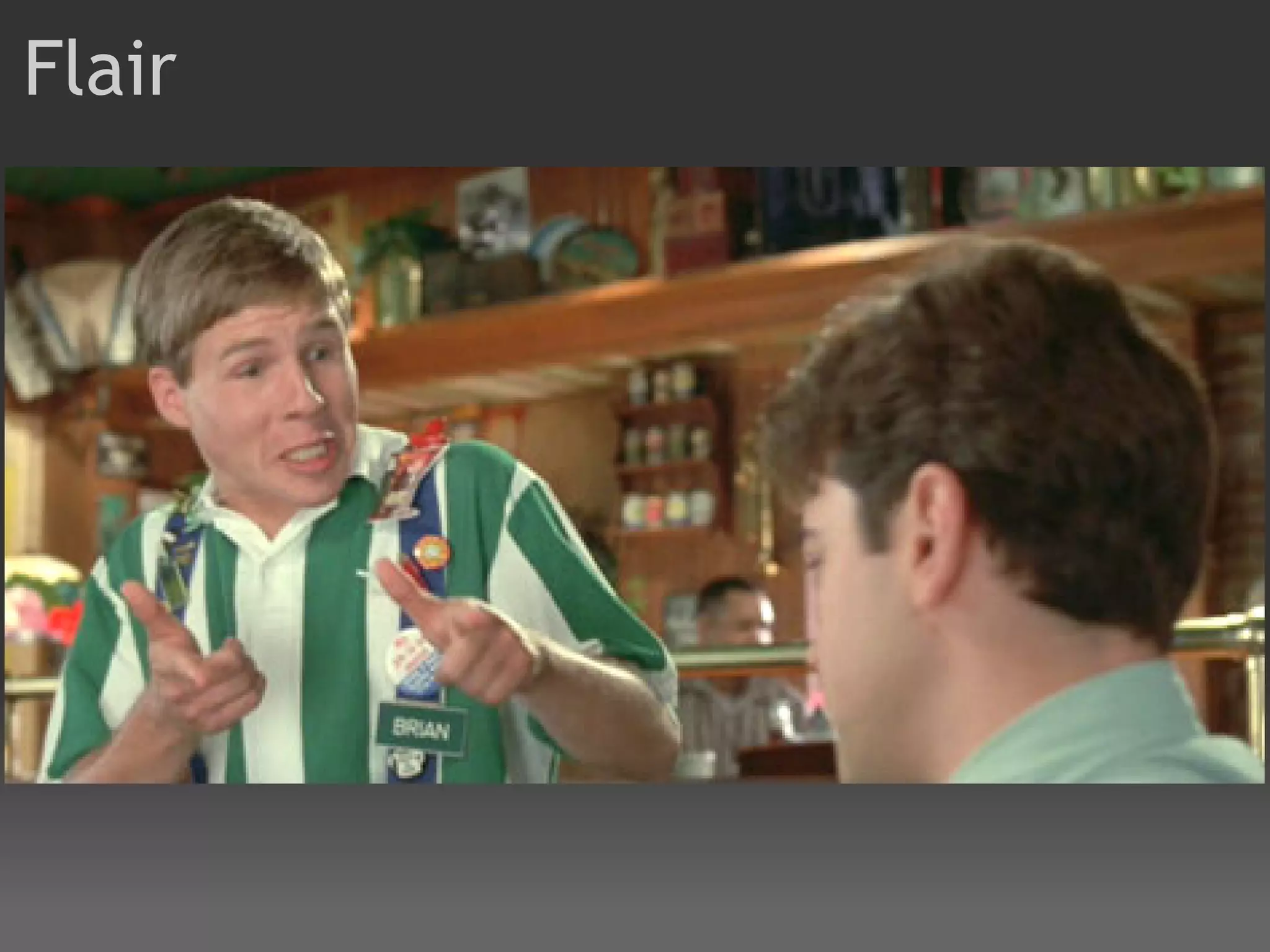
Flair
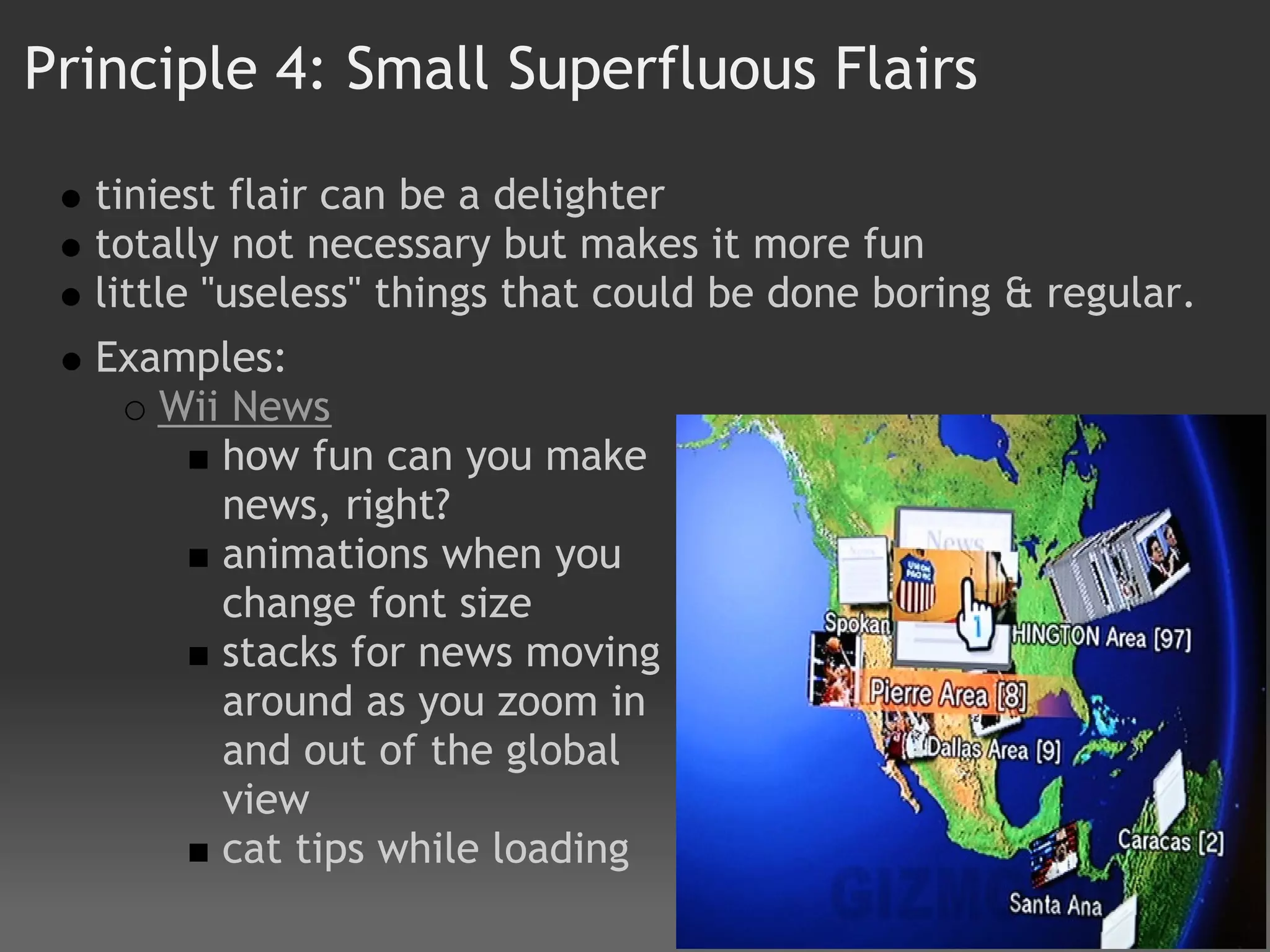
Principle 4: Small Superfluous Flairs

  tiniest flair can be a delighter
  totally not necessary but makes it more fun
  little "useless" things that could be done boring & regular.
  Examples:  
     Wii News 
        how fun can you make
        news, right?  
        animations when you
        change font size
        stacks for news moving
        around as you zoom in
        and out of the global
        view
        cat tips while loading
Principle 4: Small Superfluous Flairs
    MINI Cooper Convertible's new "Openometer" 
       Measures how much time you clock with the top down
       Has real business value:

If the owners will get
more satisfaction and
be happier with their
top down, this can
remind and
encourage them to
overcome the
laziness and put it
down. Then they will
spend more time
happy – increased
satisfaction and net
promoter! $$$$
Principle 5: Exploration Encouragement
    Sandbox concept
    Save entire state, then play around, then reverse
    Multiple lives
    Strong undo system
    Any order you want to proceed (don't force linear unless it
    makes sense)
    Game examples:
       Grand Theft Auto
       Prince of Persia Sands of Time (reverse time )


The more you can get the user to explore, the greater confidence and
skill. Unnecessary constriction is bad. Comfort to explore means
confidence. Note the ways exploration can be encouraged.
Principle 6: The Open-Source Factor
   Technical decision to allow public
   Lets you do work once to create engine, but others can
   put different experiences on top of it.
   Teams modding can make adjustments to your original
   vision/engine that make it better, then you can accept
   that (and make your original better)
   Game examples:
       HalfLife (video) & CounterStrike (video )
       Counter Strike Mod (
       Article on game mods (link )


The Key is staying focused on the purpose of the
game/software, not controlling hardware & software.
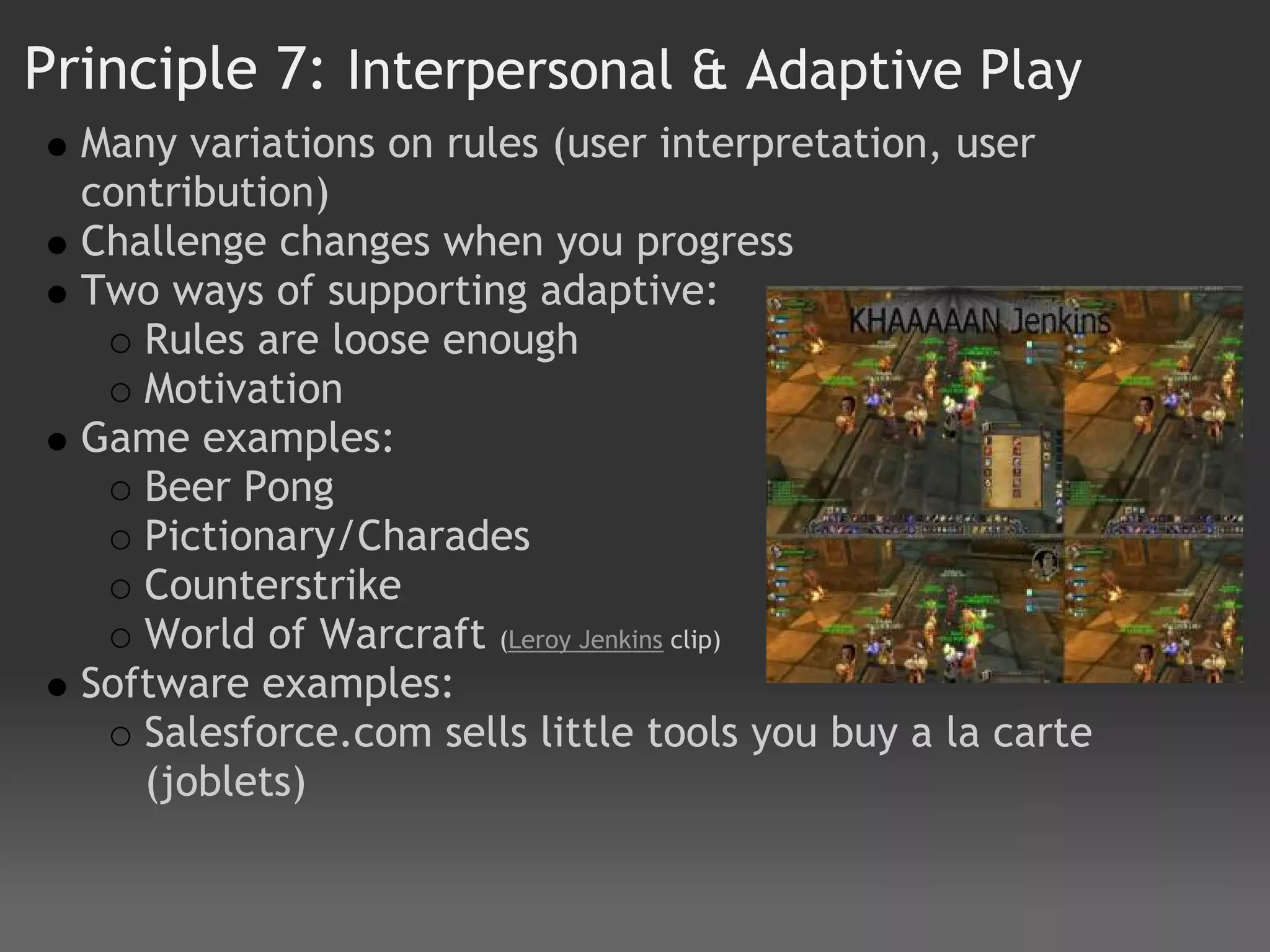
Principle 7: Interpersonal & Adaptive Play
  Many variations on rules (user interpretation, user
  contribution)
  Challenge changes when you progress
  Two ways of supporting adaptive:
     Rules are loose enough
     Motivation
  Game examples:
     Beer Pong
     Pictionary/Charades
     Counterstrike
     World of Warcraft (Leroy Jenkins clip)
  Software examples:
     Salesforce.com sells little tools you buy a la carte
     (joblets)
Principle 8: Functional Sneak Peek
  Functional, interactive preview before game even released
  for sale
  Allows for salting (priming) of target audience
  Free Trial that encourages (and makes easy) spreading viral
  WOM
  Game examples:
      iPhone Cube Runner (free, but different courses)
      Spore CreatureCreator
      Spore upload to YouTube
  Software examples:
      Shop Buy Use --> Shop/Use Buy  
      Freeware Trial
      Amazon's new Window Shopping site 
      Zappos.com and how they payoff loser call center agents
Principle 9: Help 
   How does Halo teach you how to play?
   Intrusive help? 
   Tips screens? Wii News Cat
   Actual help screens?
   Tough to get the right balance of fun help and annoying
   help
   Game:
       Halo intro (need volunteer)
       Wii Bowling - drop the ball
   App Examples:
       Microsoft Clippy (bad)
       Contextual/point of need (Flyovers/hover help)
       Apple "ShowMe" and fade in help

How do the different types of help work? When are they
appropriate?
In-Depth Principles
Principle #1: Personalization

  Tailoring remap of keys (inverted look)
  Customize UIs
  Game Examples: Avatars:  Fight Night, Mii
  App Examples:  iGoogle makes you more likely to read
  stuff you created vs. canned Yahoo front page content.


   Personalization can increase the depth at which the
   customer engages the product. Sometimes it's a nice to
   have, sometimes it's a necessity.
Principle #2: Progressive Disclosure/Discovery

  Game examples: 
    Wii Sports: Bowling
    Mario Cart 
  Compare to software:
    Mac OSX 


  Power vs. Simplicity. Show a few of most important
  options. Show advanced upon request. Novice vs.
  Advanced. Create environments that graduate novice
  users to expert - if they want to!
Principle #3: Balance Reward & Challenge
   Changing difficulty level dynamically based on your
   performance throughout game
   Satisfaction when overcoming challenge, so don't just
   make super easy (boredom in a game)
   Sense of accomplishment 
   Every person has a different patience target level, so
   adapt based on learning (or at least be aware)
   Do not reward gamers with significant or solely
   monetary rewards--"leaderboards" make status its own
   reward  
   Case Study: Betty Crocker cake mix
Principle #3: Balance Reward & Challenge
(con't) example:
   Game
     WarioWare
     (everyone play
     to boss stage)
     Rubics Cube
  Software examples:
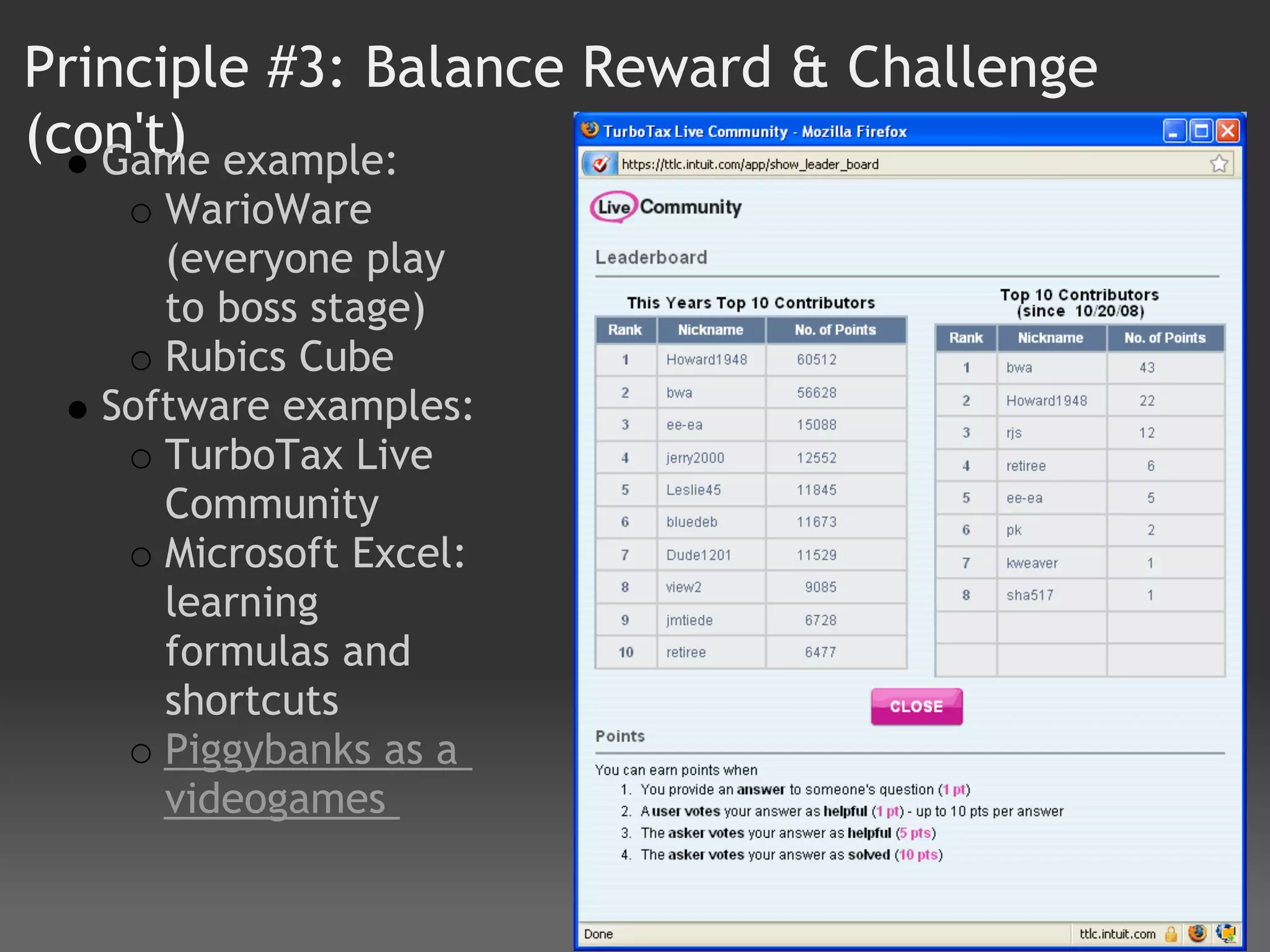
     TurboTax Live
     Community
     Microsoft Excel:
     learning
     formulas and
     shortcuts
     Piggybanks as a
     videogames
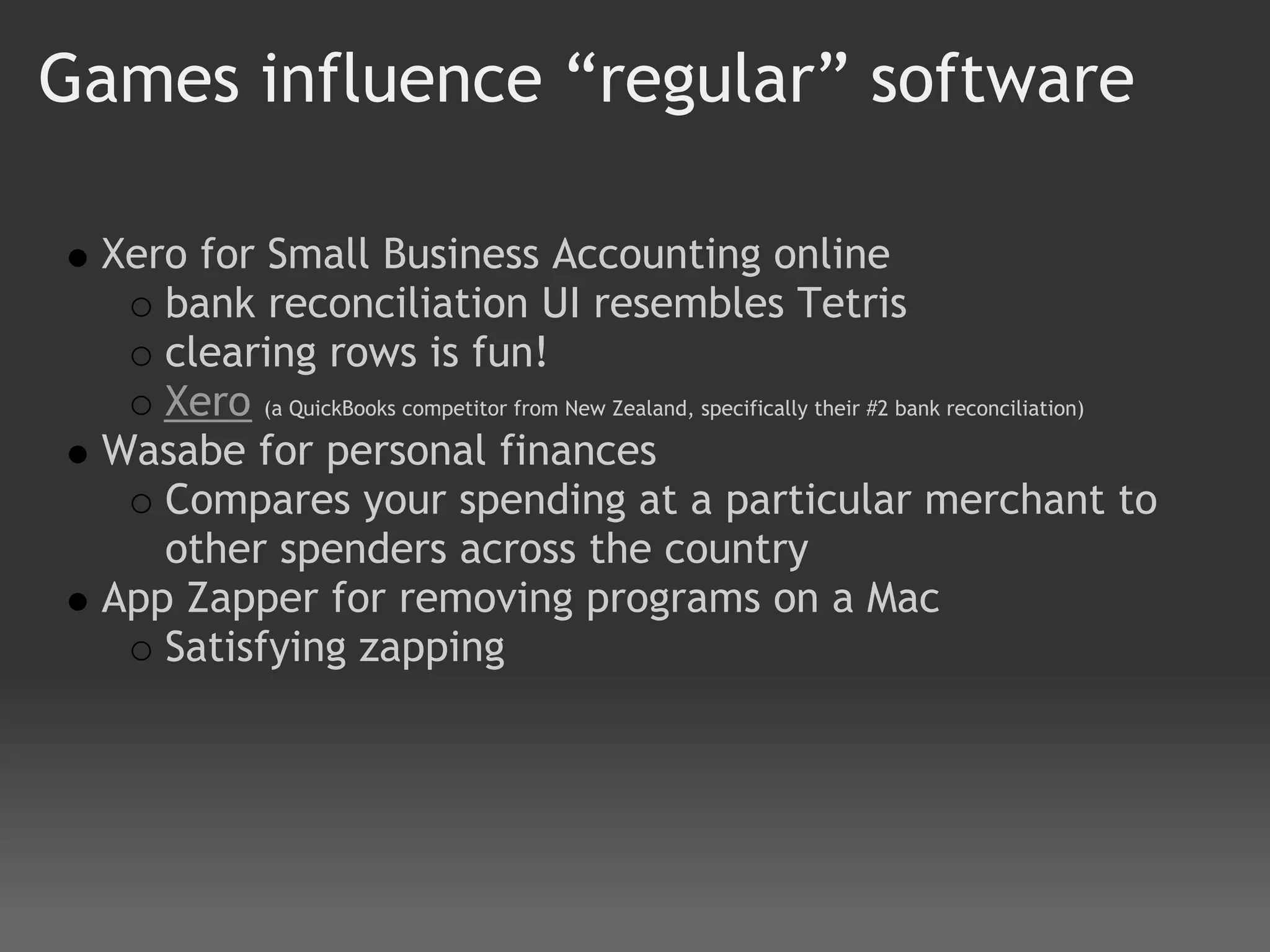
Games influence “regular” software

 Xero for Small Business Accounting online
    bank reconciliation UI resembles Tetris
    clearing rows is fun!
    Xero (a QuickBooks competitor from New Zealand, specifically their #2 bank reconciliation)
 Wasabe for personal finances
    Compares your spending at a particular merchant to
    other spenders across the country
 App Zapper for removing programs on a Mac
    Satisfying zapping
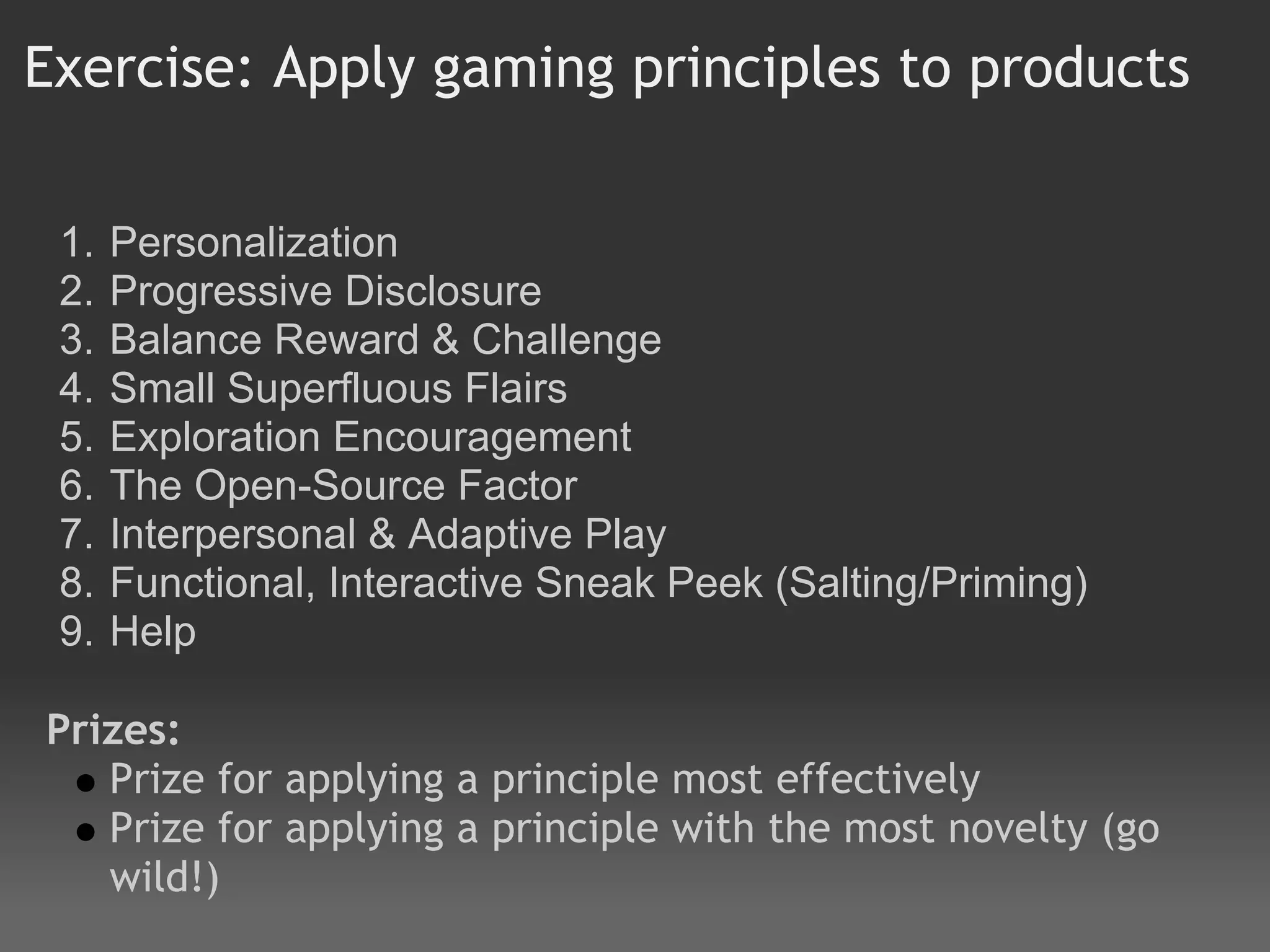
Exercise: Apply gaming principles to products

 1.   Personalization
 2.   Progressive Disclosure
 3.   Balance Reward & Challenge
 4.   Small Superfluous Flairs
 5.   Exploration Encouragement
 6.   The Open-Source Factor
 7.   Interpersonal & Adaptive Play
 8.   Functional, Interactive Sneak Peek (Salting/Priming)
 9.   Help
 
Prizes:
   Prize for applying a principle most effectively
   Prize for applying a principle with the most novelty (go
   wild!)
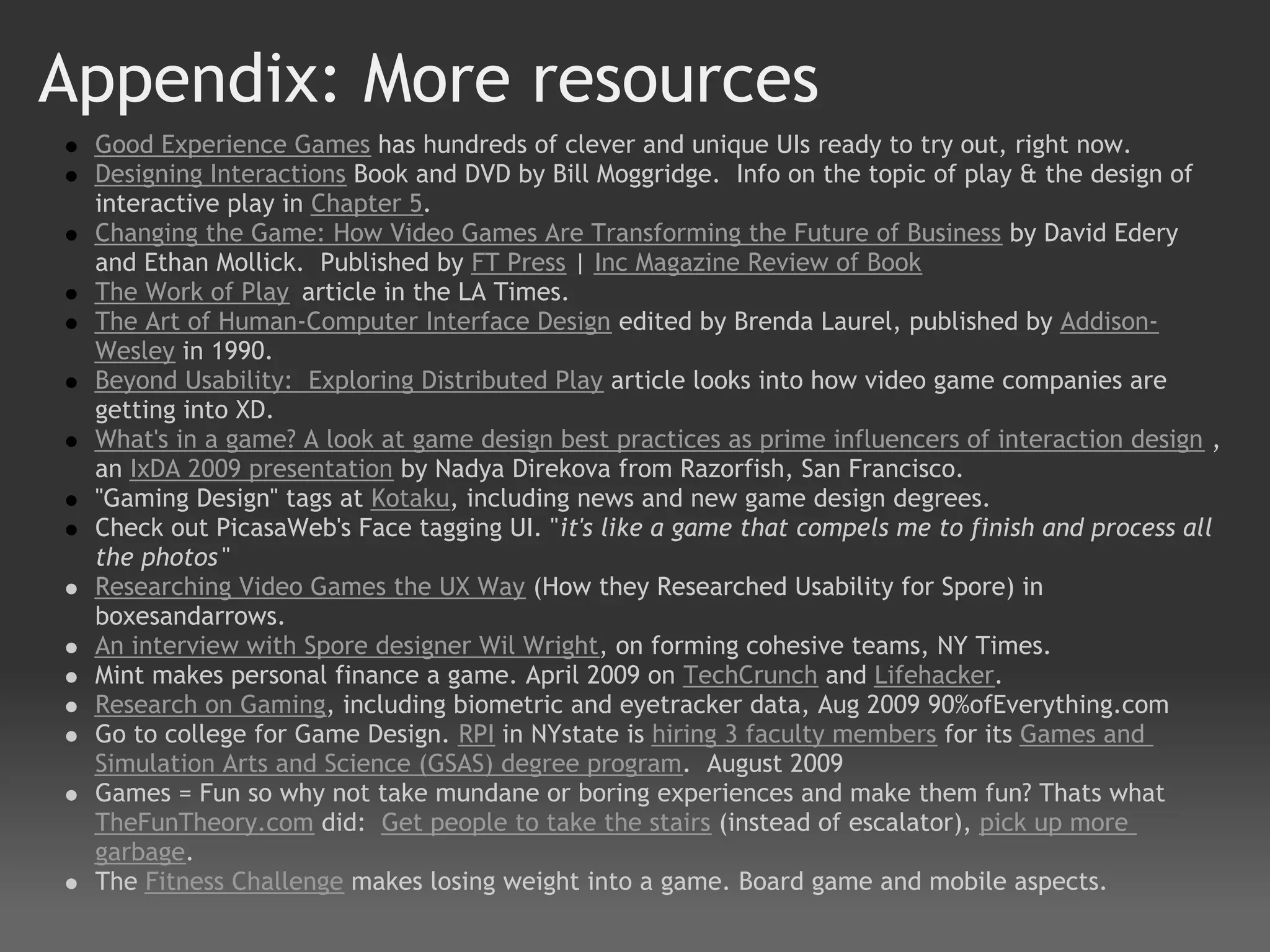
Appendix: More resources
 Good Experience Games has hundreds of clever and unique UIs ready to try out, right now.
 Designing Interactions Book and DVD by Bill Moggridge.  Info on the topic of play & the design of
 interactive play in Chapter 5.
 Changing the Game: How Video Games Are Transforming the Future of Business by David Edery
 and Ethan Mollick.  Published by FT Press | Inc Magazine Review of Book
 The Work of Play article in the LA Times.
 The Art of Human-Computer Interface Design edited by Brenda Laurel, published by Addison-
 Wesley in 1990.
 Beyond Usability:  Exploring Distributed Play article looks into how video game companies are
 getting into XD.
 What's in a game? A look at game design best practices as prime influencers of interaction design ,
 an IxDA 2009 presentation by Nadya Direkova from Razorfish, San Francisco.
 "Gaming Design" tags at Kotaku, including news and new game design degrees.
 Check out PicasaWeb's Face tagging UI. "it's like a game that compels me to finish and process all
 the photos "
 Researching Video Games the UX Way (How they Researched Usability for Spore) in
 boxesandarrows.
 An interview with Spore designer Wil Wright, on forming cohesive teams, NY Times.  
 Mint makes personal finance a game. April 2009 on TechCrunch and Lifehacker.
 Research on Gaming, including biometric and eyetracker data, Aug 2009 90%ofEverything.com  
 Go to college for Game Design. RPI in NYstate is hiring 3 faculty members for its Games and
 Simulation Arts and Science (GSAS) degree program.  August 2009
 Games = Fun so why not take mundane or boring experiences and make them fun? Thats what
 TheFunTheory.com did:  Get people to take the stairs (instead of escalator), pick up more
 garbage.
 The Fitness Challenge makes losing weight into a game. Board game and mobile aspects.
phil_ohme@intuit.com
 eric_pan@intuit.com
   philohme@gmail.com
    ericpan@gmail.com

All Work And No Play: What You can Learn from Game Design

  • 1.
    All Work andNo Play What You can Learn from Game Design an IxDA Workshop 26 November 2009 Phil Ohme & Eric Pan Intuit - San Diego, California, USA
  • 2.
    Agenda start times I.   Introduction and Principles #4 - #9 (45 min) 2:00 II.  Principle #1: Personalization (30 min) 2:45 III. Principle #2: Progressive Disclosure (30 min) 3:15 IV. Break for coffee (15 min) 3:45 V.  Principle #3: Balance Reward & Challenge(45 min) 4:00 VI. Exercise: Application to software (30 min) 4:45 VII.Present teams' applications and conclude (45 min) 5:15   Note: Each Principle will involve teach/lecture, gameplay to discover examples, group discussion
  • 3.
    Introduction Overview Whatthe heck do Eric & Phil know about games? Group Poll Why are games important to look at? Expectations - what do you want to get out of this? Examples of how games have influenced the design of “regular” software Other minor principles outside the big 3
  • 4.
    What the heckdo they know about games?
  • 5.
    Who likes tohave fun?
  • 6.
    Who likes toplay games?
  • 7.
    Why games areimportant to look at Everyone intuitively knows how to play Powerful and instinctive expectations for games: easy to understand engaging Engage players in what their goals are with feedback instantly (short first step) and continuous Failure is not painful, but fun What would all product experiences standard look like if we held it to the standard of games?
  • 8.
    Expectations What doyou want to get out of this workshop?
  • 13.
    Interesting UIs, Interactions/Experience Interface is disappearing Moving towards cinematic, doesn't feel like playing a game.  Game example: EA Fight Night What did you see?
  • 14.
    Principles #4 -#9 We will quickly look at these minor examples as a warm-up to the big 3 principles of game design Small Superfluous Flairs Exploration Encouragement The Open-Source Factor  Interpersonal & Adaptive Play  Functional, Interactive Sneak Peek (Salting/Priming) Help
  • 15.
  • 16.
    Principle 4: SmallSuperfluous Flairs tiniest flair can be a delighter totally not necessary but makes it more fun little "useless" things that could be done boring & regular. Examples:   Wii News  how fun can you make news, right?   animations when you change font size stacks for news moving around as you zoom in and out of the global view cat tips while loading
  • 17.
    Principle 4: SmallSuperfluous Flairs MINI Cooper Convertible's new "Openometer"  Measures how much time you clock with the top down Has real business value: If the owners will get more satisfaction and be happier with their top down, this can remind and encourage them to overcome the laziness and put it down. Then they will spend more time happy – increased satisfaction and net promoter! $$$$
  • 18.
    Principle 5: ExplorationEncouragement Sandbox concept Save entire state, then play around, then reverse Multiple lives Strong undo system Any order you want to proceed (don't force linear unless it makes sense) Game examples: Grand Theft Auto Prince of Persia Sands of Time (reverse time ) The more you can get the user to explore, the greater confidence and skill. Unnecessary constriction is bad. Comfort to explore means confidence. Note the ways exploration can be encouraged.
  • 19.
    Principle 6: TheOpen-Source Factor Technical decision to allow public Lets you do work once to create engine, but others can put different experiences on top of it. Teams modding can make adjustments to your original vision/engine that make it better, then you can accept that (and make your original better) Game examples: HalfLife (video) & CounterStrike (video ) Counter Strike Mod ( Article on game mods (link ) The Key is staying focused on the purpose of the game/software, not controlling hardware & software.
  • 20.
    Principle 7: Interpersonal &Adaptive Play Many variations on rules (user interpretation, user contribution) Challenge changes when you progress Two ways of supporting adaptive: Rules are loose enough Motivation Game examples: Beer Pong Pictionary/Charades Counterstrike World of Warcraft (Leroy Jenkins clip) Software examples: Salesforce.com sells little tools you buy a la carte (joblets)
  • 21.
    Principle 8: FunctionalSneak Peek Functional, interactive preview before game even released for sale Allows for salting (priming) of target audience Free Trial that encourages (and makes easy) spreading viral WOM Game examples: iPhone Cube Runner (free, but different courses) Spore CreatureCreator Spore upload to YouTube Software examples: Shop Buy Use --> Shop/Use Buy   Freeware Trial Amazon's new Window Shopping site  Zappos.com and how they payoff loser call center agents
  • 22.
    Principle 9: Help  How does Halo teach you how to play? Intrusive help?  Tips screens? Wii News Cat Actual help screens? Tough to get the right balance of fun help and annoying help Game: Halo intro (need volunteer) Wii Bowling - drop the ball App Examples: Microsoft Clippy (bad) Contextual/point of need (Flyovers/hover help) Apple "ShowMe" and fade in help How do the different types of help work? When are they appropriate?
  • 23.
  • 24.
    Principle #1: Personalization Tailoring remap of keys (inverted look) Customize UIs Game Examples: Avatars:  Fight Night, Mii App Examples:  iGoogle makes you more likely to read stuff you created vs. canned Yahoo front page content. Personalization can increase the depth at which the customer engages the product. Sometimes it's a nice to have, sometimes it's a necessity.
  • 25.
    Principle #2: ProgressiveDisclosure/Discovery Game examples:  Wii Sports: Bowling Mario Cart  Compare to software: Mac OSX  Power vs. Simplicity. Show a few of most important options. Show advanced upon request. Novice vs. Advanced. Create environments that graduate novice users to expert - if they want to!
  • 26.
    Principle #3: BalanceReward & Challenge Changing difficulty level dynamically based on your performance throughout game Satisfaction when overcoming challenge, so don't just make super easy (boredom in a game) Sense of accomplishment  Every person has a different patience target level, so adapt based on learning (or at least be aware) Do not reward gamers with significant or solely monetary rewards--"leaderboards" make status its own reward   Case Study: Betty Crocker cake mix
  • 27.
    Principle #3: BalanceReward & Challenge (con't) example: Game WarioWare (everyone play to boss stage) Rubics Cube Software examples: TurboTax Live Community Microsoft Excel: learning formulas and shortcuts Piggybanks as a videogames
  • 28.
    Games influence “regular”software Xero for Small Business Accounting online bank reconciliation UI resembles Tetris clearing rows is fun! Xero (a QuickBooks competitor from New Zealand, specifically their #2 bank reconciliation) Wasabe for personal finances Compares your spending at a particular merchant to other spenders across the country App Zapper for removing programs on a Mac Satisfying zapping
  • 29.
    Exercise: Apply gamingprinciples to products 1. Personalization 2. Progressive Disclosure 3. Balance Reward & Challenge 4. Small Superfluous Flairs 5. Exploration Encouragement 6. The Open-Source Factor 7. Interpersonal & Adaptive Play 8. Functional, Interactive Sneak Peek (Salting/Priming) 9. Help   Prizes: Prize for applying a principle most effectively Prize for applying a principle with the most novelty (go wild!)
  • 30.
    Appendix: More resources Good Experience Games has hundreds of clever and unique UIs ready to try out, right now. Designing Interactions Book and DVD by Bill Moggridge.  Info on the topic of play & the design of interactive play in Chapter 5. Changing the Game: How Video Games Are Transforming the Future of Business by David Edery and Ethan Mollick.  Published by FT Press | Inc Magazine Review of Book The Work of Play article in the LA Times. The Art of Human-Computer Interface Design edited by Brenda Laurel, published by Addison- Wesley in 1990. Beyond Usability:  Exploring Distributed Play article looks into how video game companies are getting into XD. What's in a game? A look at game design best practices as prime influencers of interaction design , an IxDA 2009 presentation by Nadya Direkova from Razorfish, San Francisco. "Gaming Design" tags at Kotaku, including news and new game design degrees. Check out PicasaWeb's Face tagging UI. "it's like a game that compels me to finish and process all the photos " Researching Video Games the UX Way (How they Researched Usability for Spore) in boxesandarrows. An interview with Spore designer Wil Wright, on forming cohesive teams, NY Times.   Mint makes personal finance a game. April 2009 on TechCrunch and Lifehacker. Research on Gaming, including biometric and eyetracker data, Aug 2009 90%ofEverything.com   Go to college for Game Design. RPI in NYstate is hiring 3 faculty members for its Games and Simulation Arts and Science (GSAS) degree program.  August 2009 Games = Fun so why not take mundane or boring experiences and make them fun? Thats what TheFunTheory.com did:  Get people to take the stairs (instead of escalator), pick up more garbage. The Fitness Challenge makes losing weight into a game. Board game and mobile aspects.
  • 31.
    phil_ohme@intuit.com eric_pan@intuit.com philohme@gmail.com ericpan@gmail.com