

1
HCI
ASSIGNMENT
M U H A M M A D K A S H A N
U S M A N A H M A D
B A B A R A L I 2
OUTLINE
Affordance
Perceived Affordance
Real Affordance
Mapping
Causality
Constraints.
Conventions.
Conclusion
3
AFFORDANCE
Affordance maens “What you can do with something”. (Neilsen/Budiu
)
An other definition of Affordance
“What the user CAN SEE that an OBJECT DOES”.
Affordance answers how do i use it?
• Giving a clue...!
• Example:
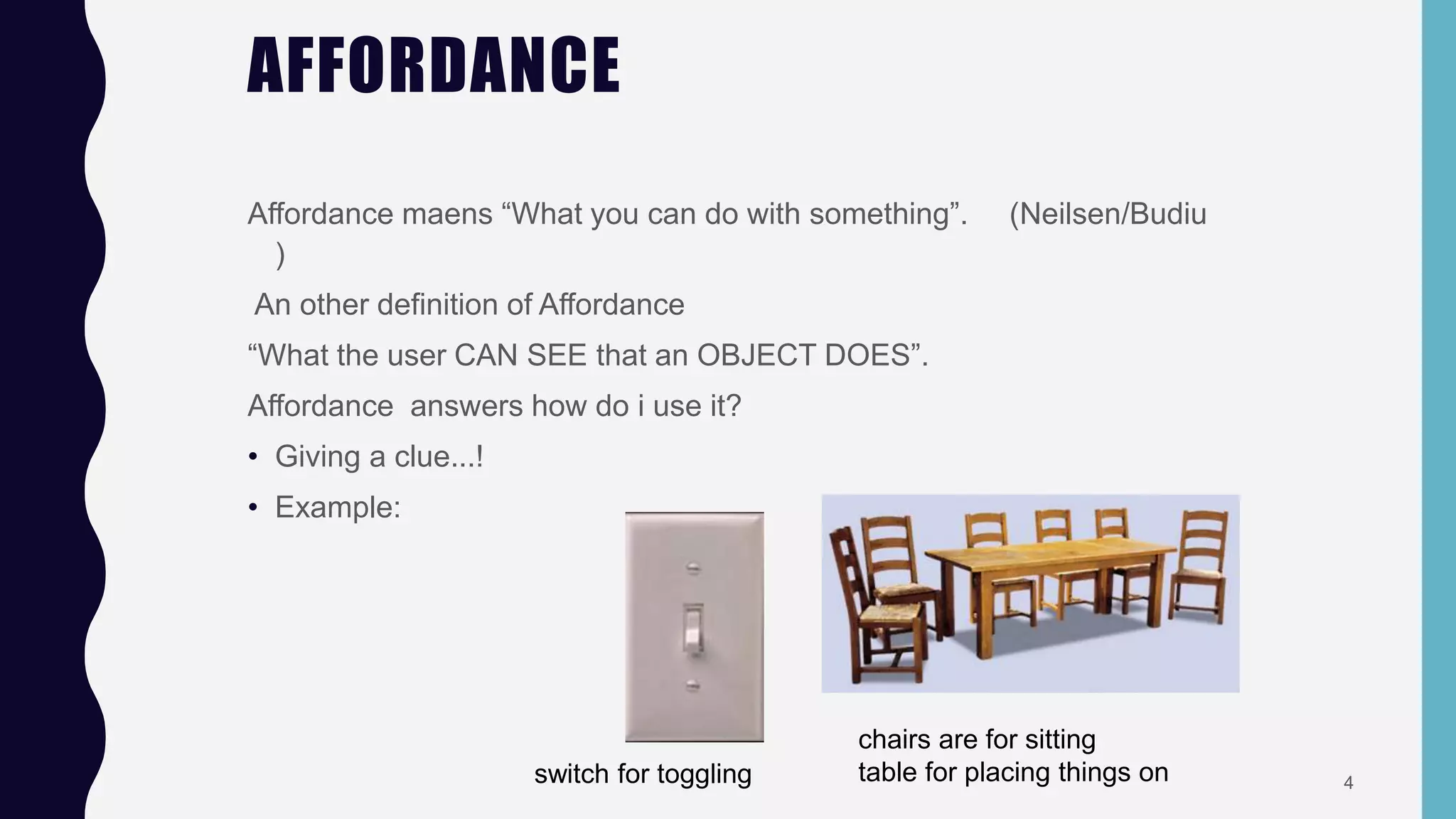
switch for toggling
chairs are for sitting
table for placing things on 4
TYPES OF AFFORDANCE
There are two types of affordance
 Perceived affordance.
 Real affordance.
5
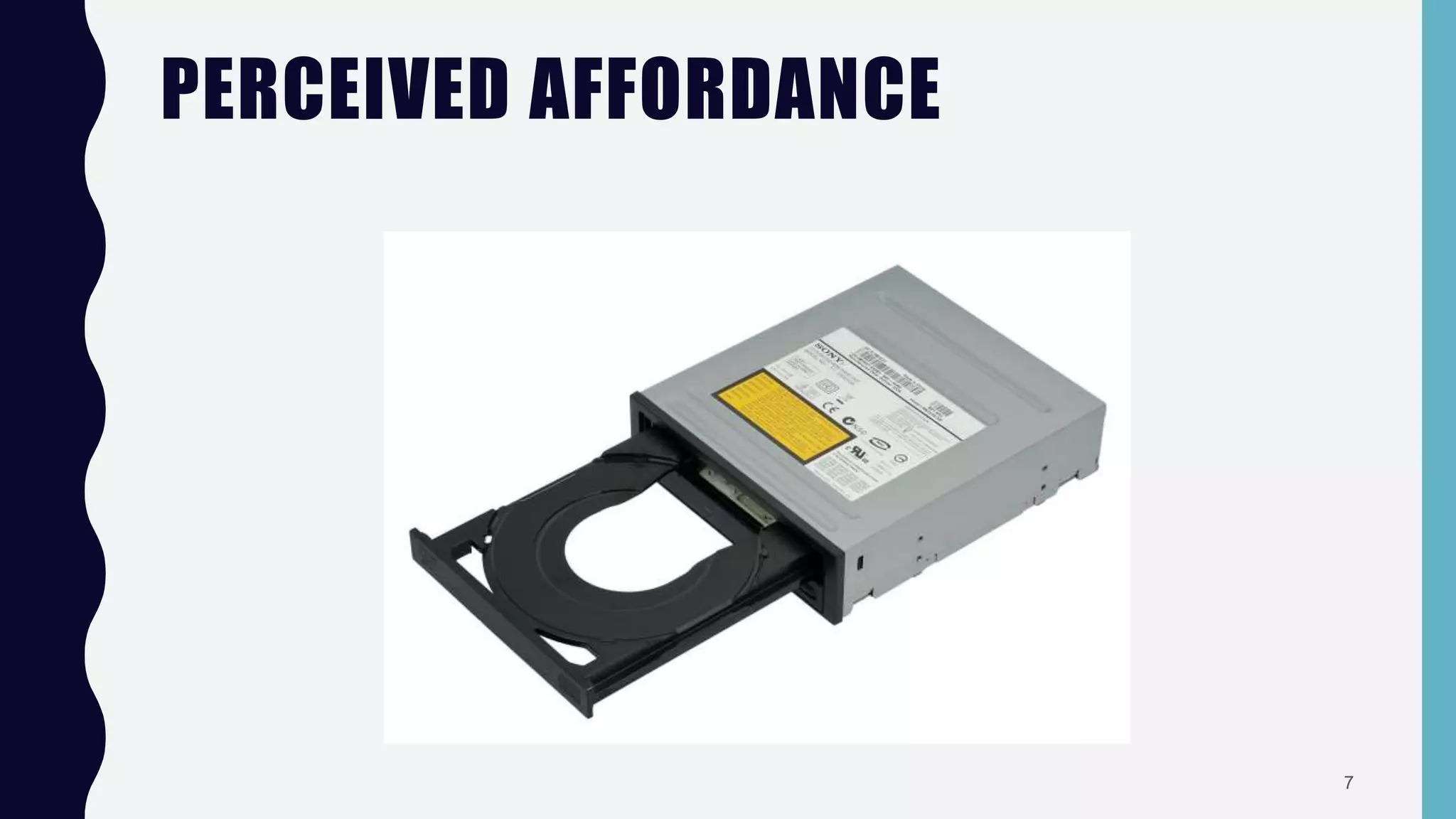
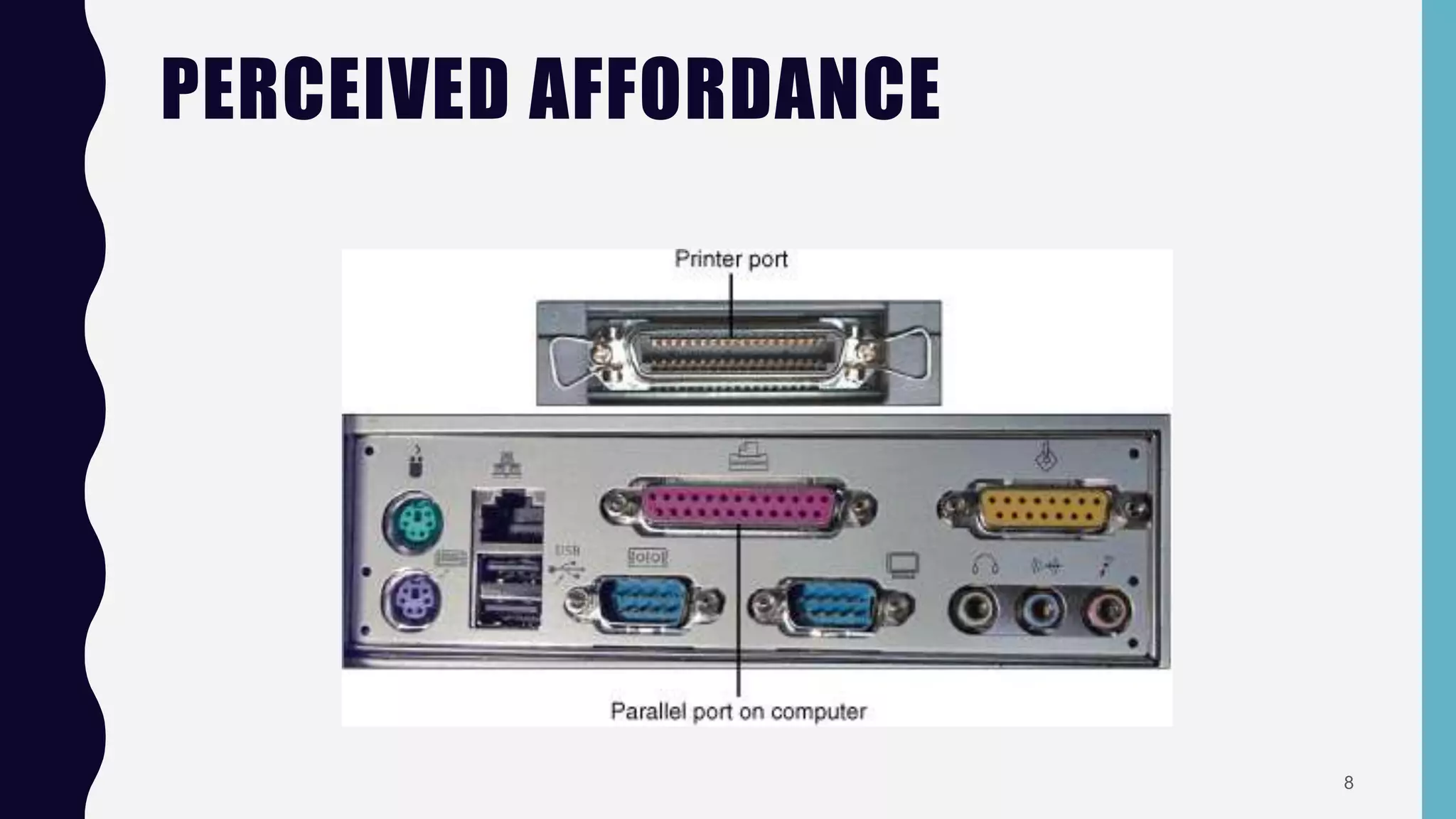
PERCEIVED AFFORDANCE
“The perceived properties of the object that suggest how one could use it”
OR
“Type of actions a user perceives to be possible”
Problems occur when
 These are not the same,
 People’s perceptions are not what the
designer expects
6
PERCEIVED AFFORDANCE
7
PERCEIVED AFFORDANCE
8
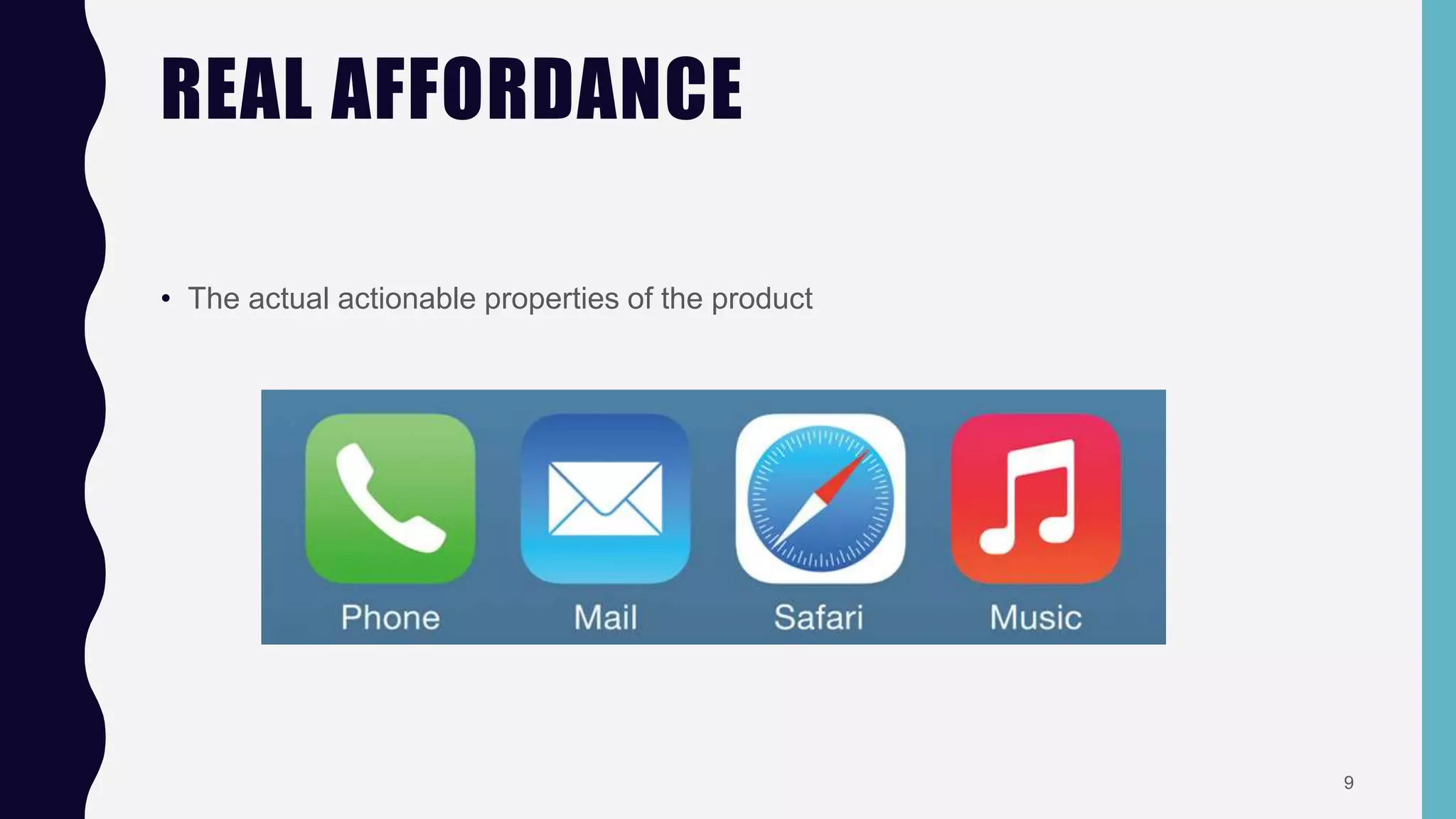
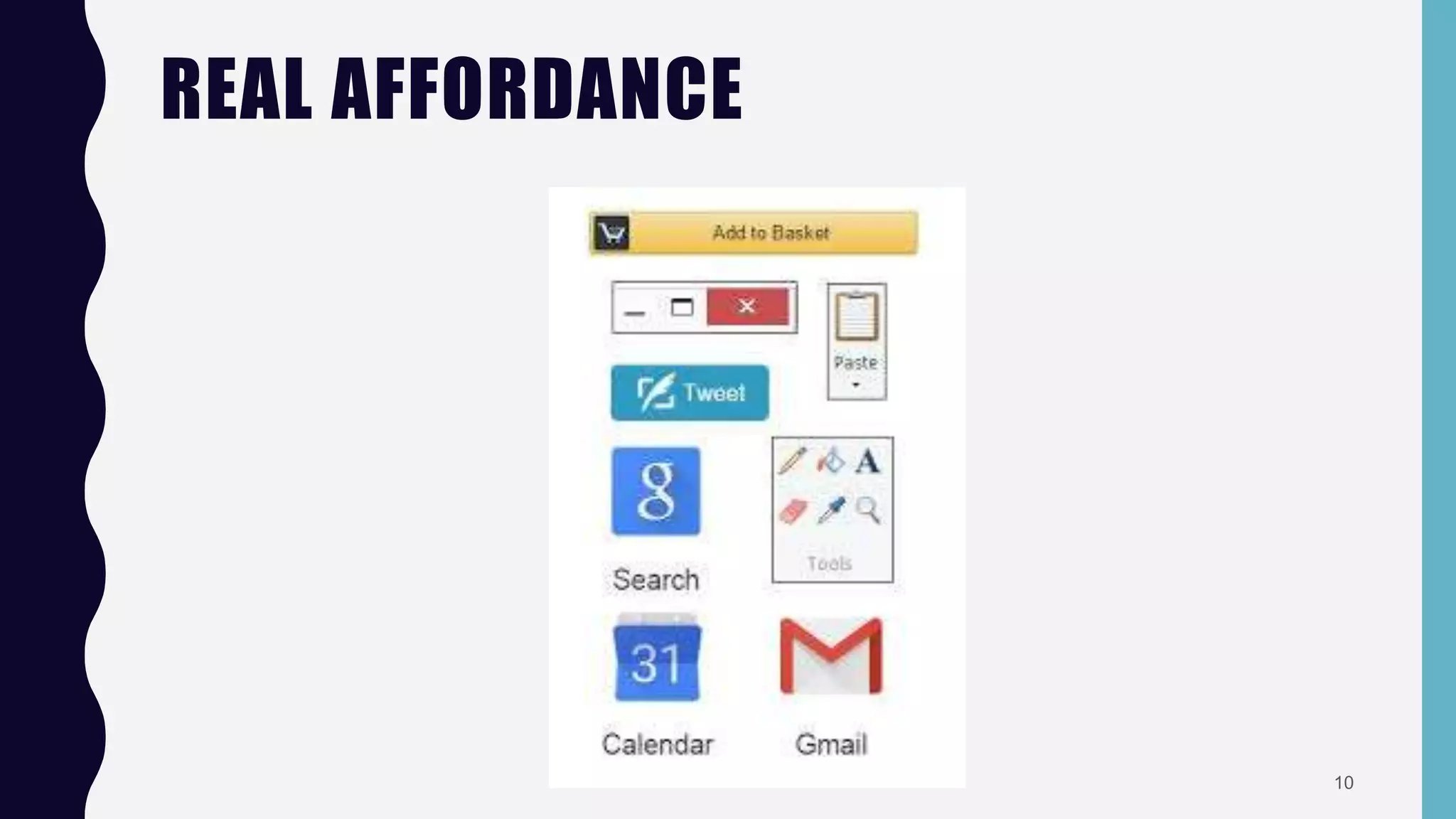
REAL AFFORDANCE
• The actual actionable properties of the product
9
REAL AFFORDANCE
10
MAPPINGM
the relationship between control and their effect....
the natural relationship between controls and displays
e.g., when we preess the on button of swith then the light wiill be on...or off...
11
MAPPING
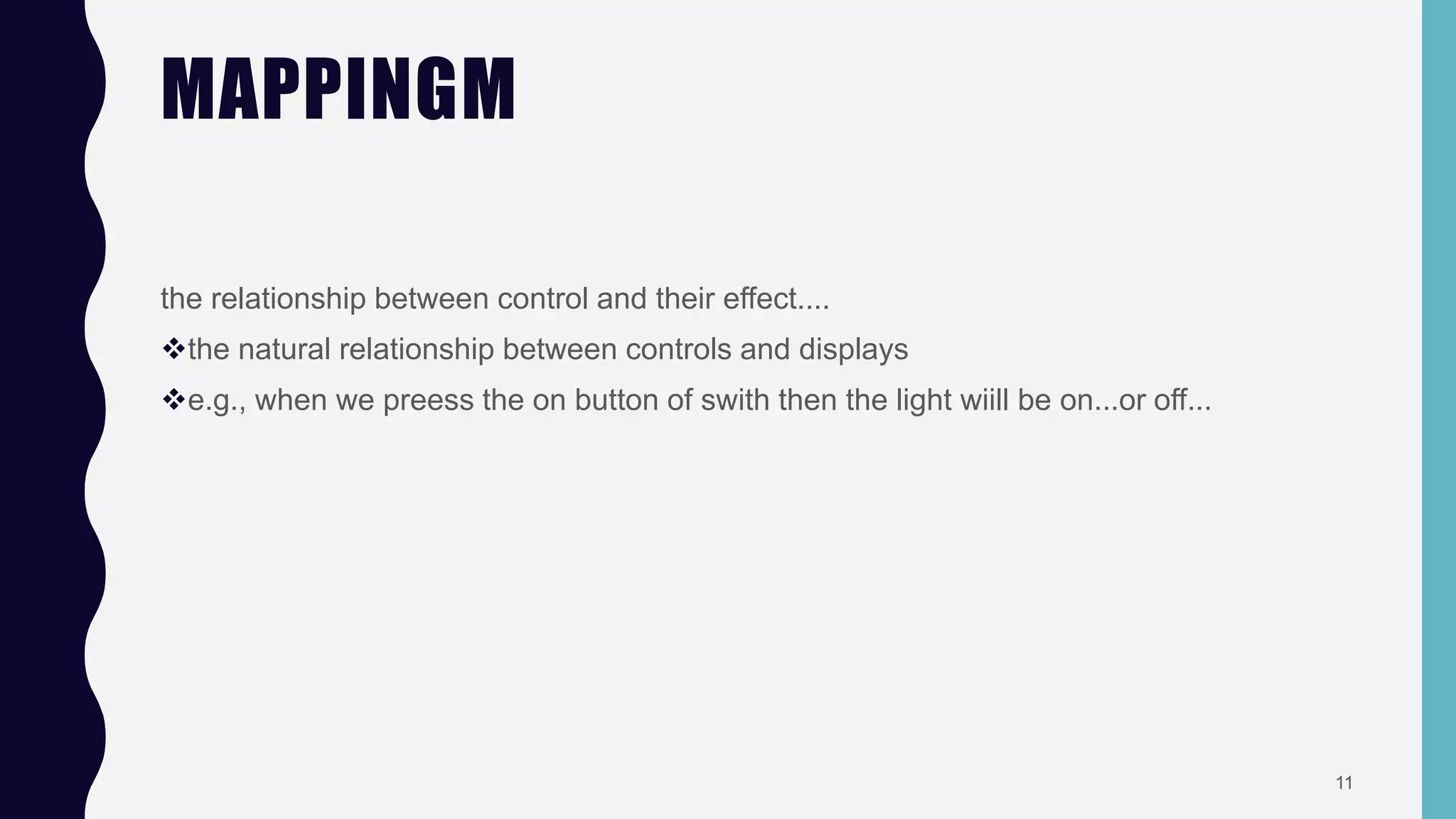
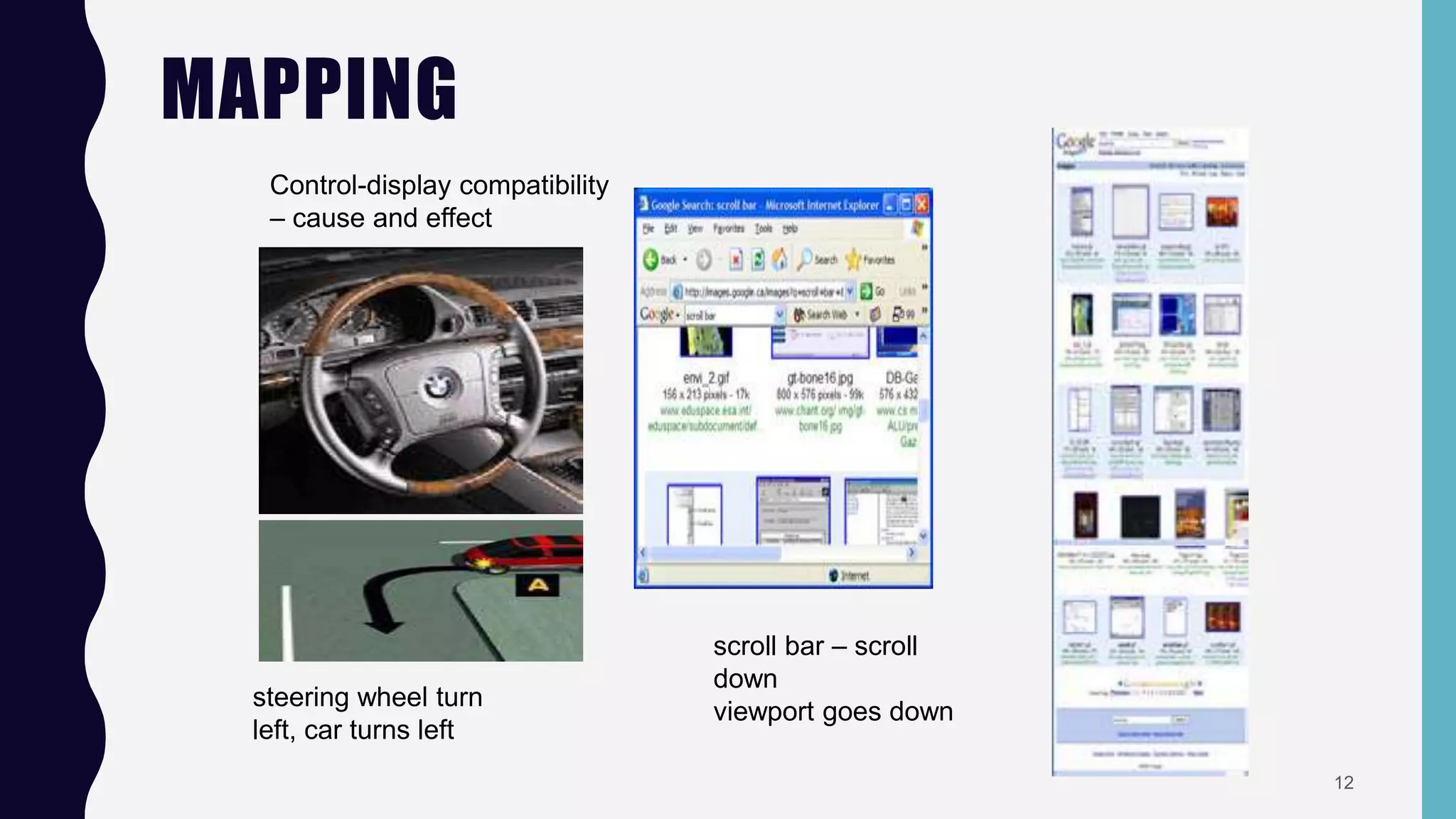
Control-display compatibility
– cause and effect
steering wheel turn
left, car turns left
scroll bar – scroll
down
viewport goes down
12
MAPPING PROBLEMS
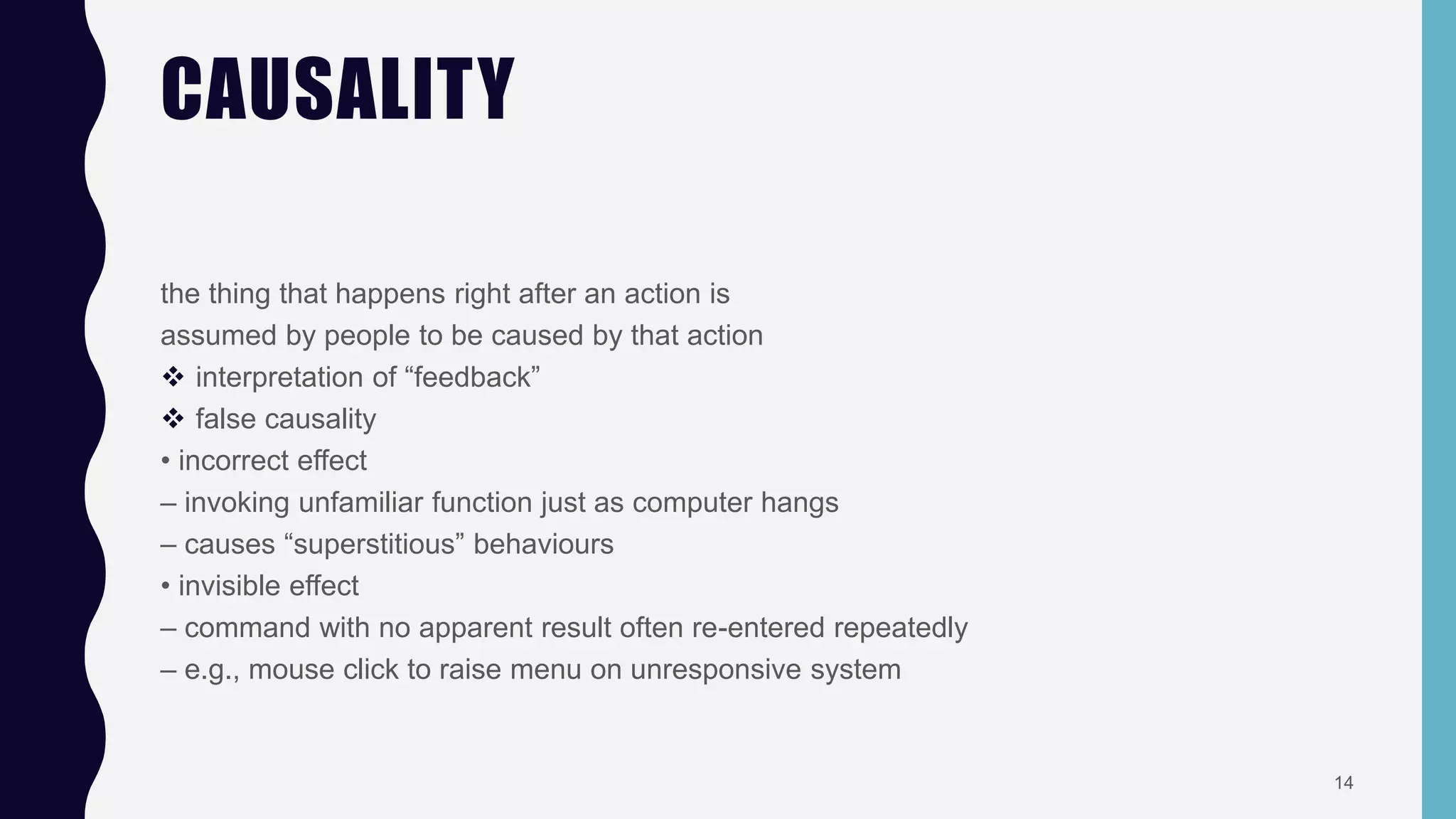
Quick, open the top drawer
Mapping:
suggests it should open
the drawer but doesn’t
Affordance:
handle is for pulling
13
CAUSALITY
the thing that happens right after an action is
assumed by people to be caused by that action
 interpretation of “feedback”
 false causality
• incorrect effect
– invoking unfamiliar function just as computer hangs
– causes “superstitious” behaviours
• invisible effect
– command with no apparent result often re-entered repeatedly
– e.g., mouse click to raise menu on unresponsive system
14
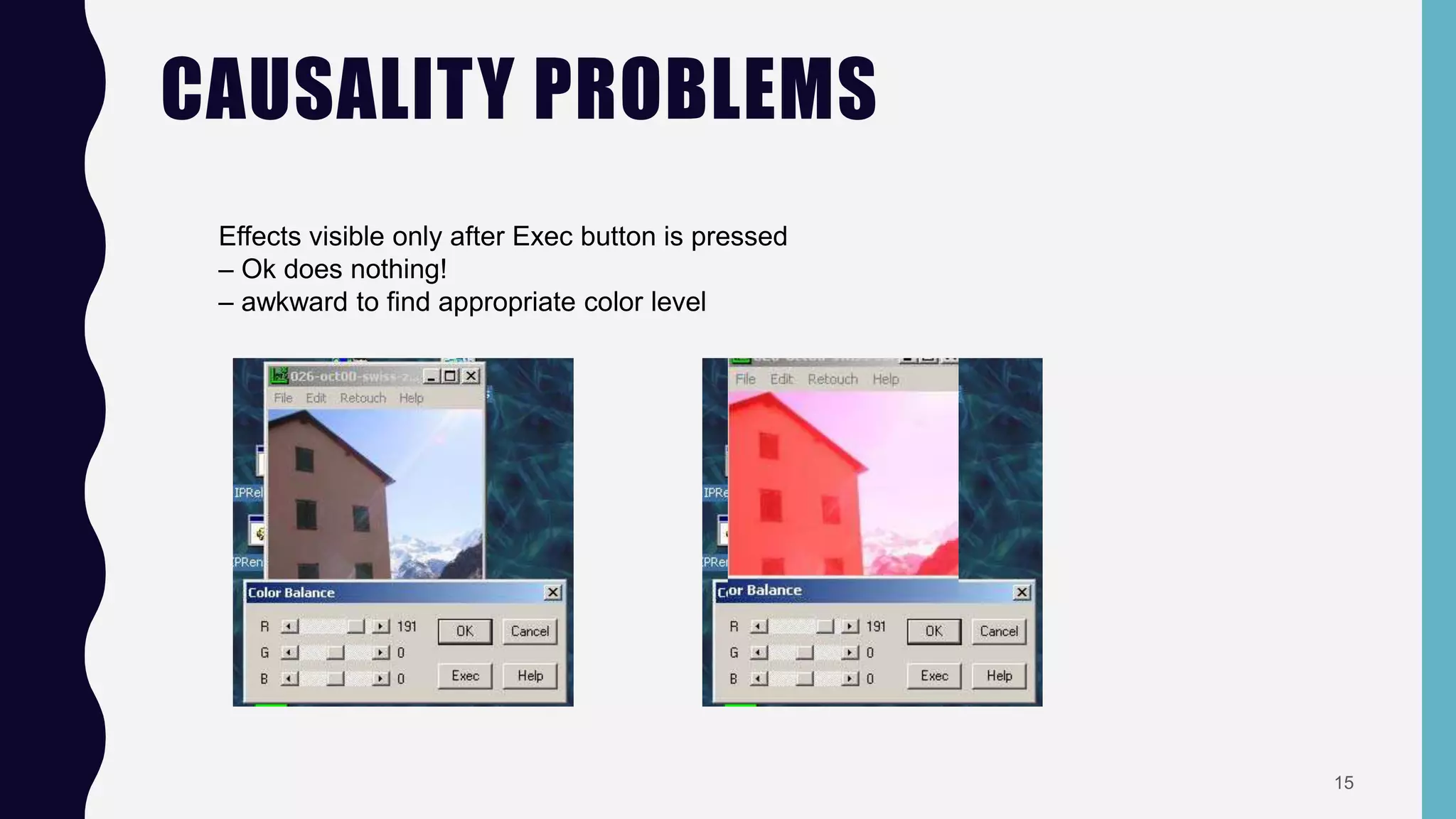
CAUSALITY PROBLEMS
Effects visible only after Exec button is pressed
– Ok does nothing!
– awkward to find appropriate color level
15
CONSTRAINTS
• The state of being checked, restricted, or compelled to avoid or perform some action.
• For the effective and efficient use of any application constraints are really necessary.
• There are certain types of constraints:
– Cultural constraints.
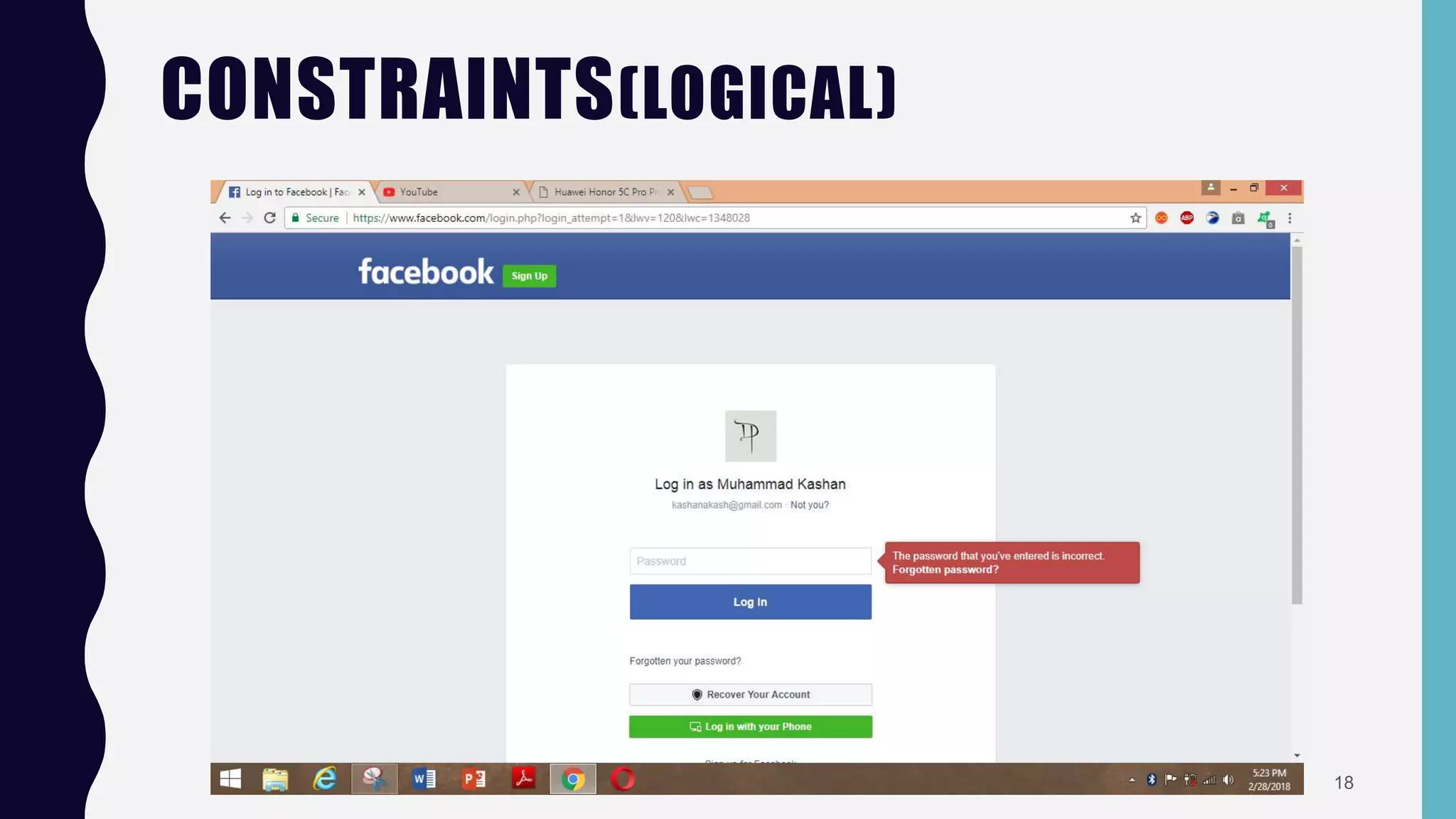
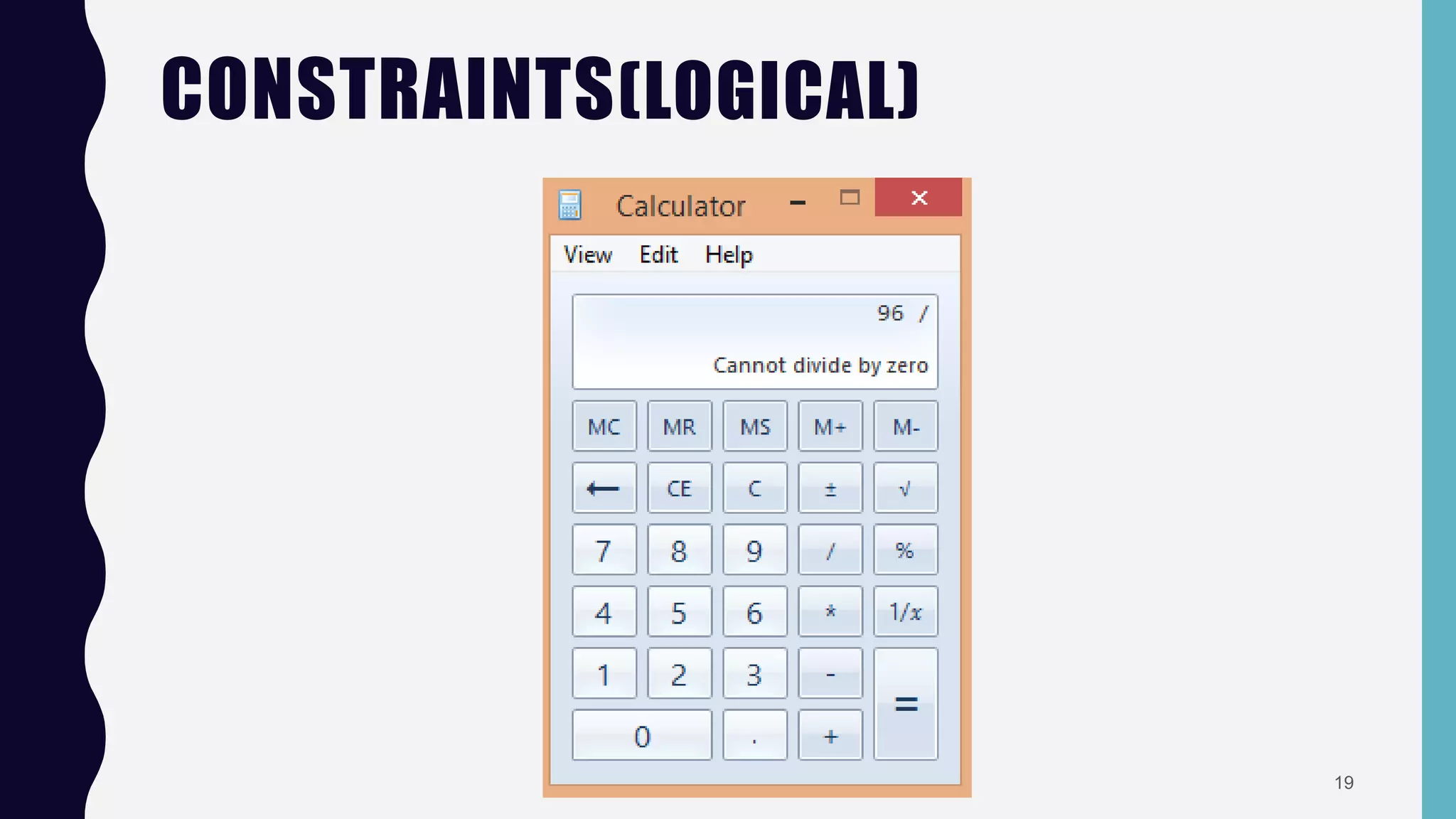
– Logical constraints.
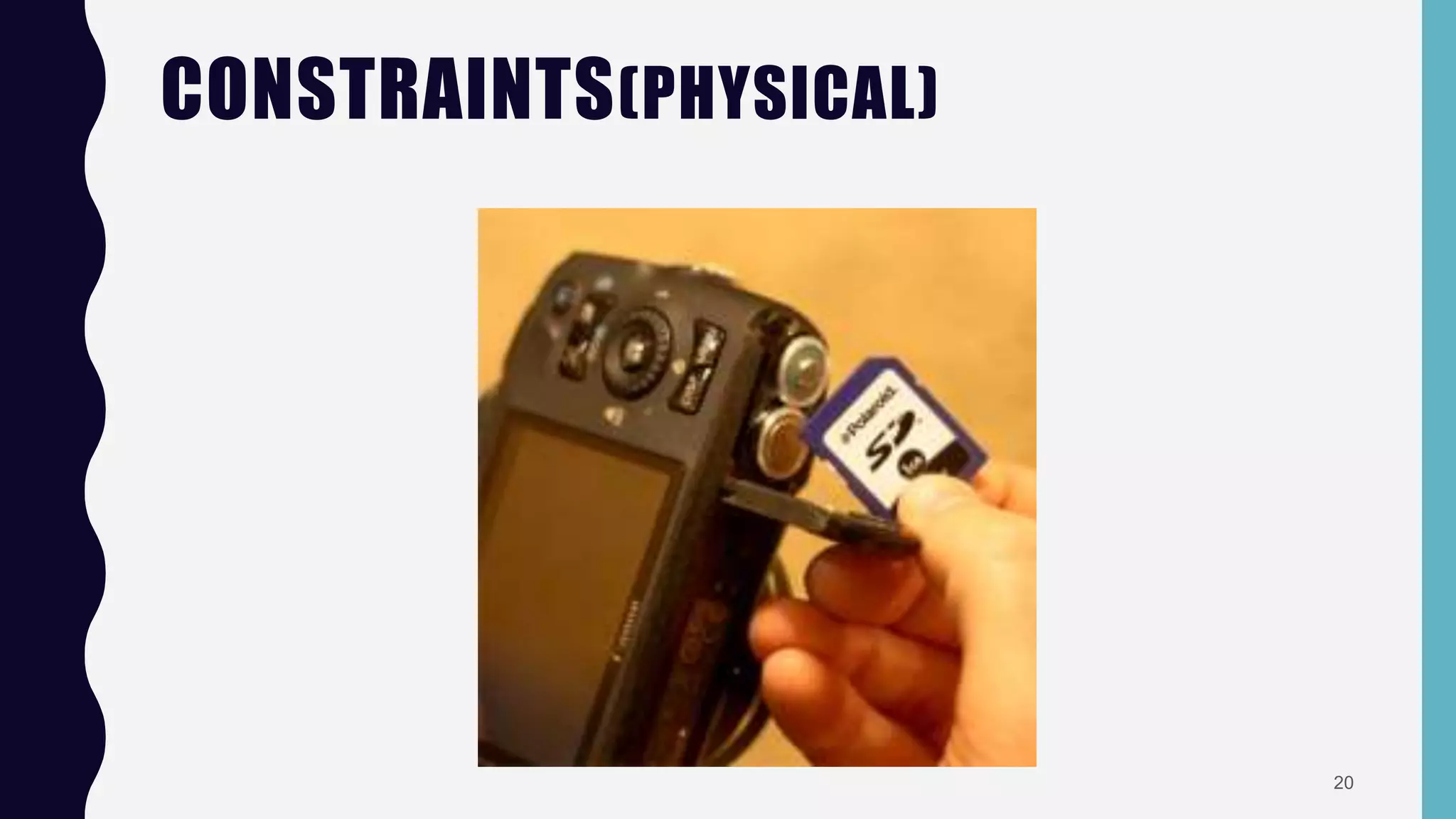
– Physical constraints.
16
CONSTRAINTS(LOGICAL)
17
CONSTRAINTS(LOGICAL)
18
CONSTRAINTS(LOGICAL)
19
CONSTRAINTS(PHYSICAL)
20
CONVENTIONS
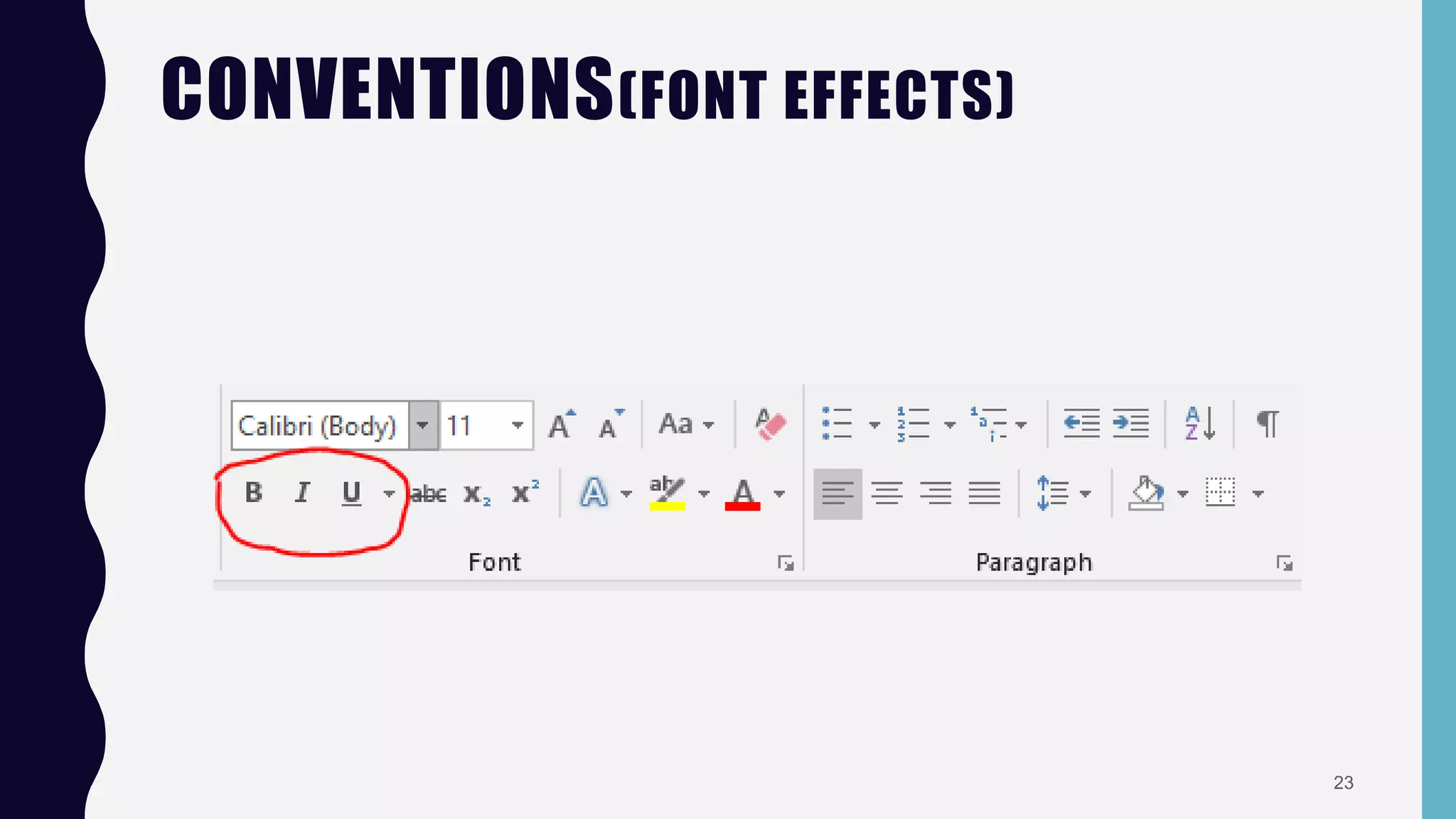
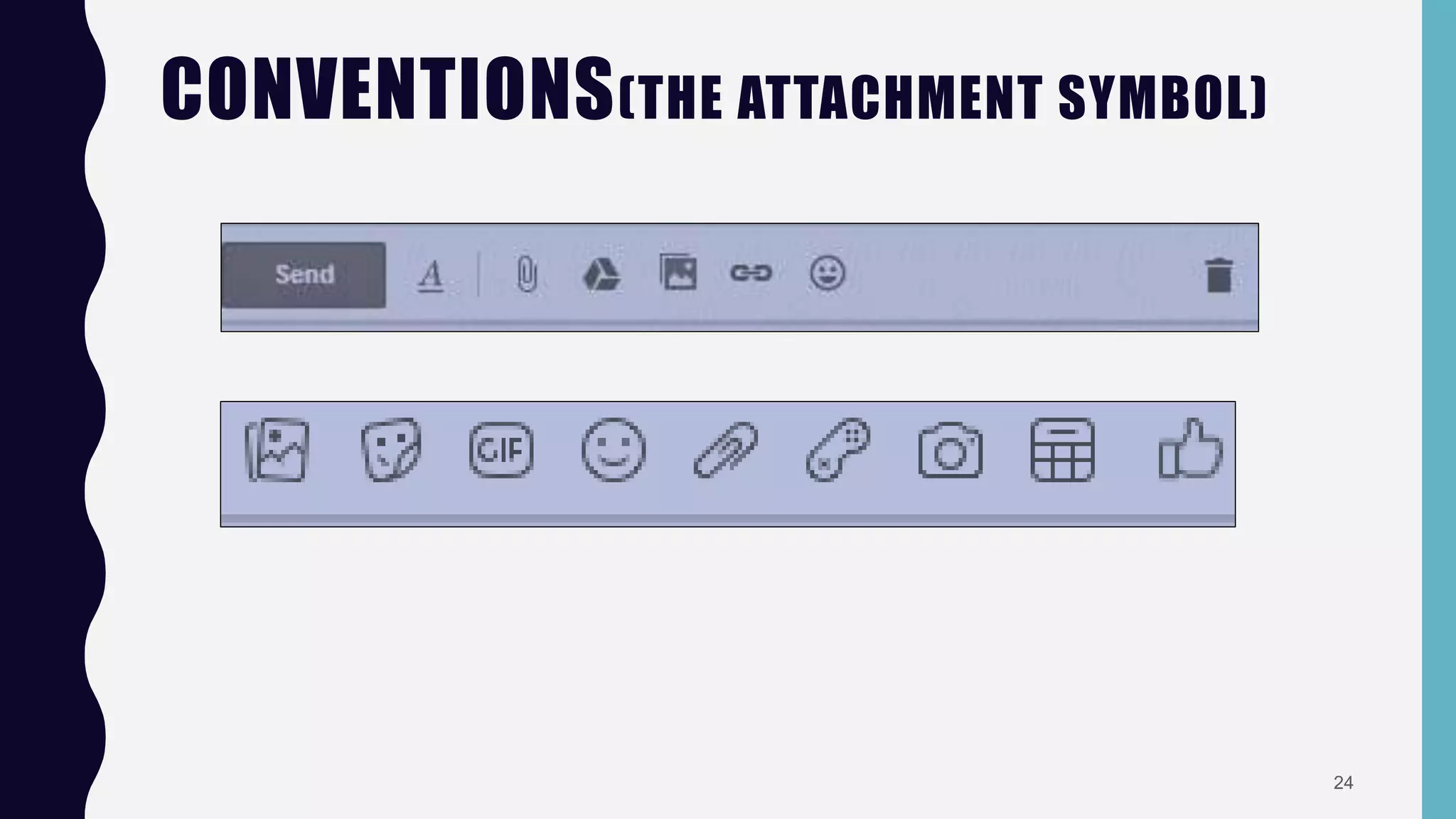
• Conventions are actually cultural constraints.
• They can’t be change so easily.
• Designers must have to kept in mind and design according to the international
standards.
21
CONVENTIONS(CALCULATOR)
22
CONVENTIONS(FONT EFFECTS)
23
CONVENTIONS(THE ATTACHMENT SYMBOL)
24
CONCLUSION
• All steps are equally important.
• So all the steps must be considered while developing any application.
25
THANK YOU !!!
26

Affordance,mapping,constraints and convention in hci