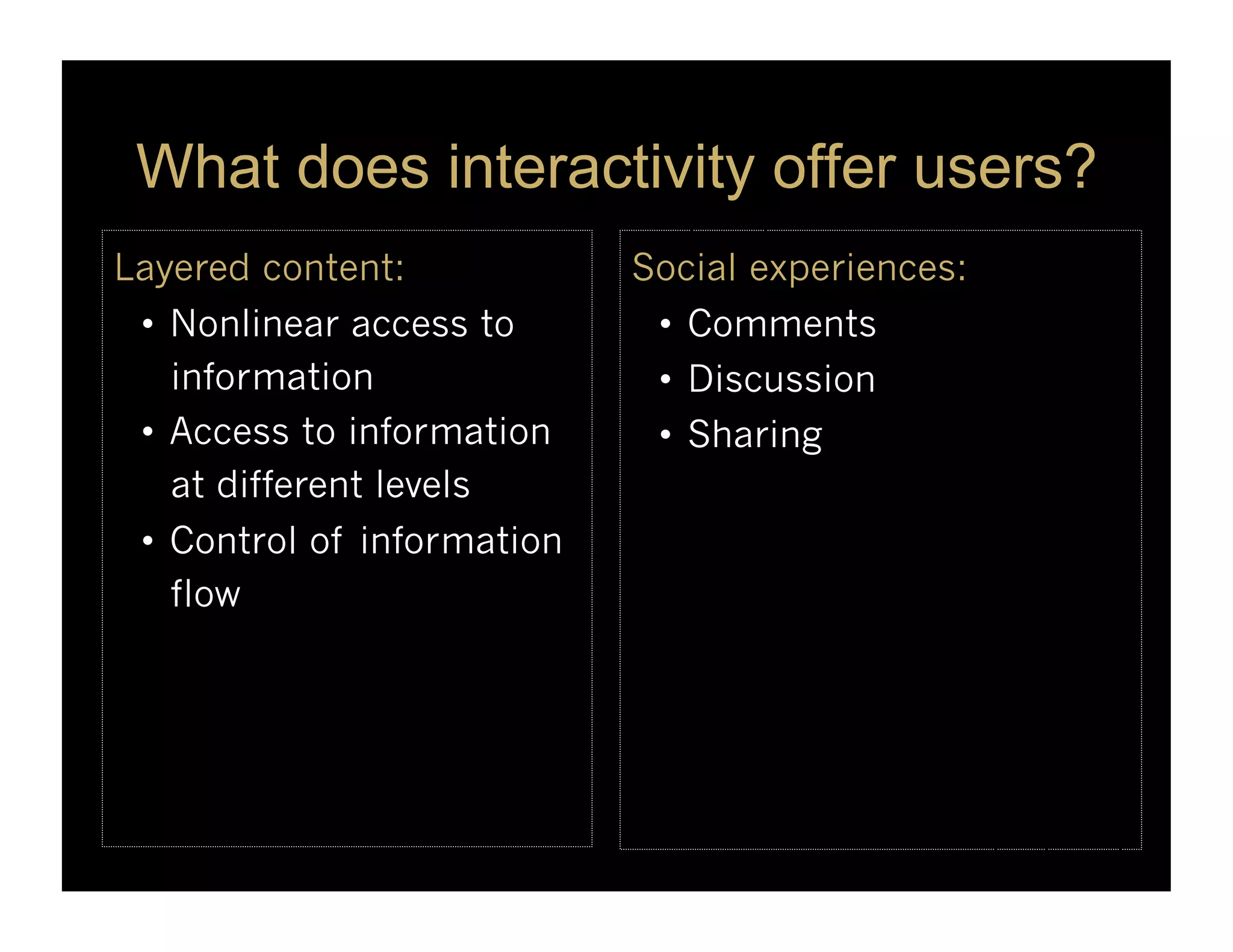
What does interactivityoffer users?
Layered content: Social experiences:
• Nonlinear access to • Comments
information • Discussion
• Access to information • Sharing
at different levels
• Control of information
flow
7.
What does interactivityoffer users?
Learning opportunities to: Ways to explore:
• Build a foundation • Creating new ways of
• Construct meaning thinking
• Restructure knowledge • Problem-solving
• Gaining insights
8.
Advantages To Designers
Fordesigners, interactivity offers ways to:
• Expand a story’s breadth and depth
• Visualize data in unique ways
• Get users involved and engaged
• Add multimedia elements
• Limit design tradeoffs
9.
Some cognitive scientistssay that simple
interactions with the world can dramatically
improve cognitive performance.
Two examples follow ...
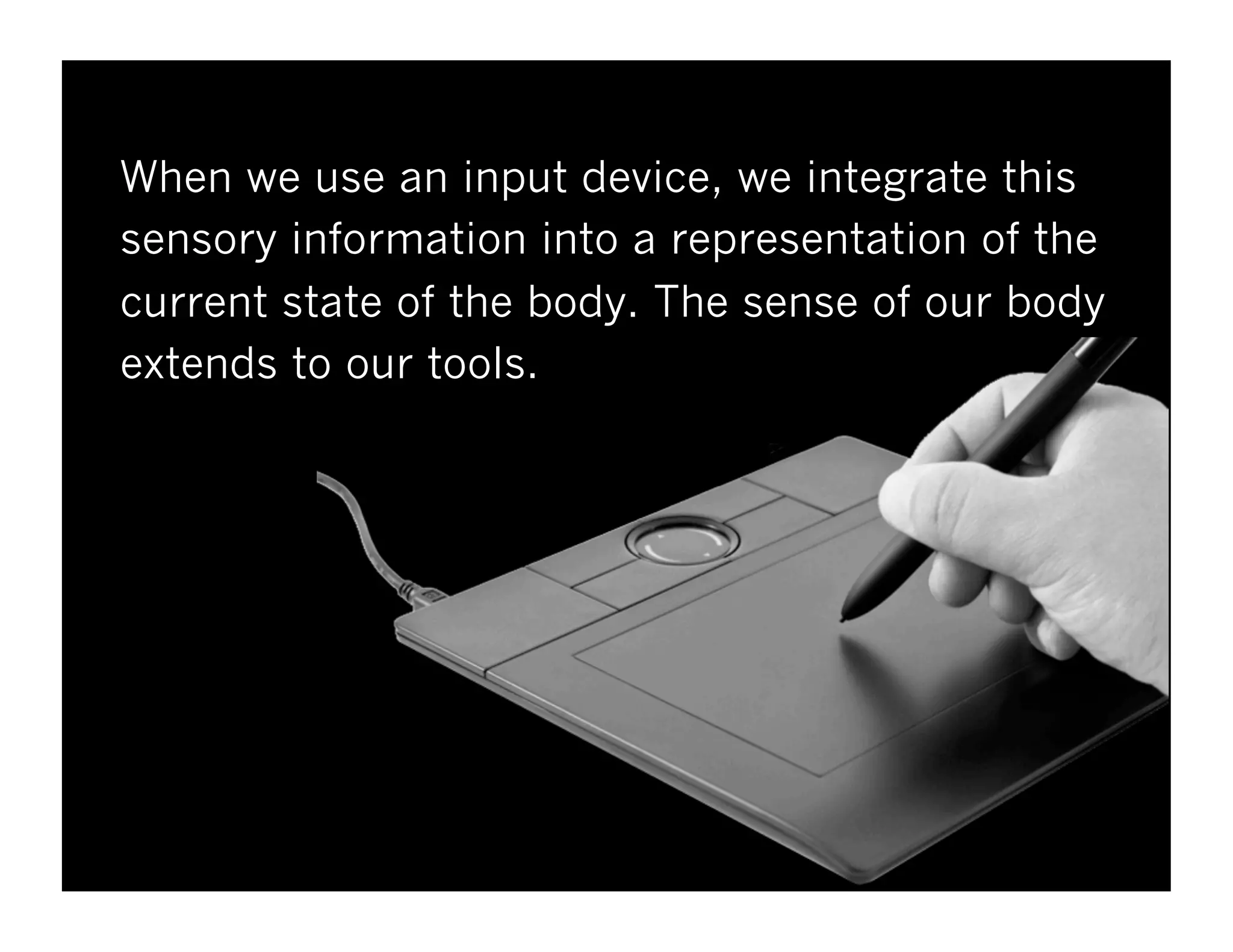
When we usean input device, we integrate this
sensory information into a representation of the
current state of the body. The sense of our body
extends to our tools.
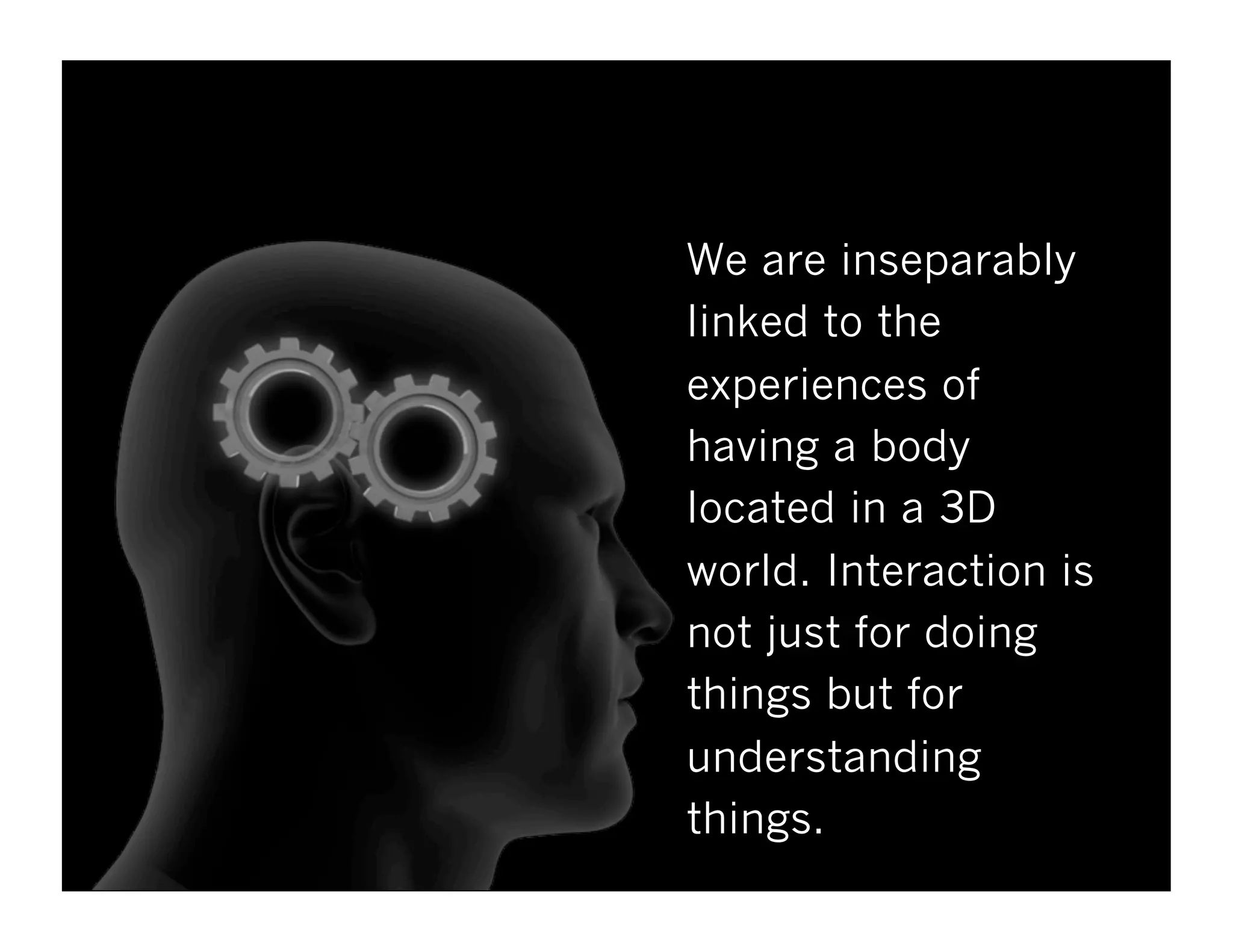
We are inseparably
linkedto the
experiences of
having a body
located in a 3D
world. Interaction is
not just for doing
things but for
understanding
things.
What complaints doyou hear?
People complain when they can’t figure out
how to use a website or software products.
What kind of complaints do you hear?
18.
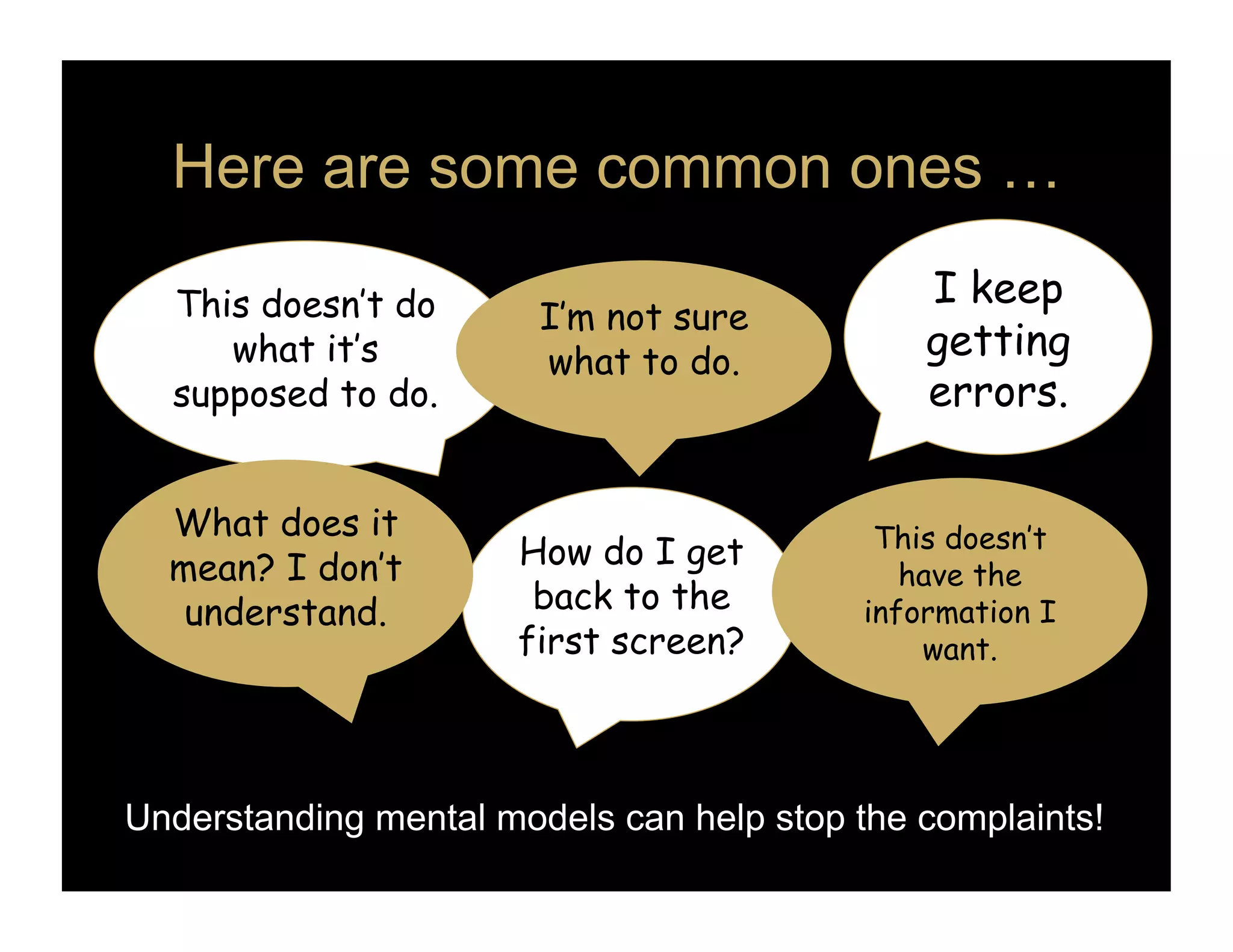
Here are somecommon ones …
This doesn’t do I keep
I’m not sure
what it’s what to do.
getting
supposed to do. errors.
What does it This doesn’t
mean? I don’t How do I get
have the
understand. back to the information I
first screen? want.
Understanding mental models can help stop the complaints!
19.
n
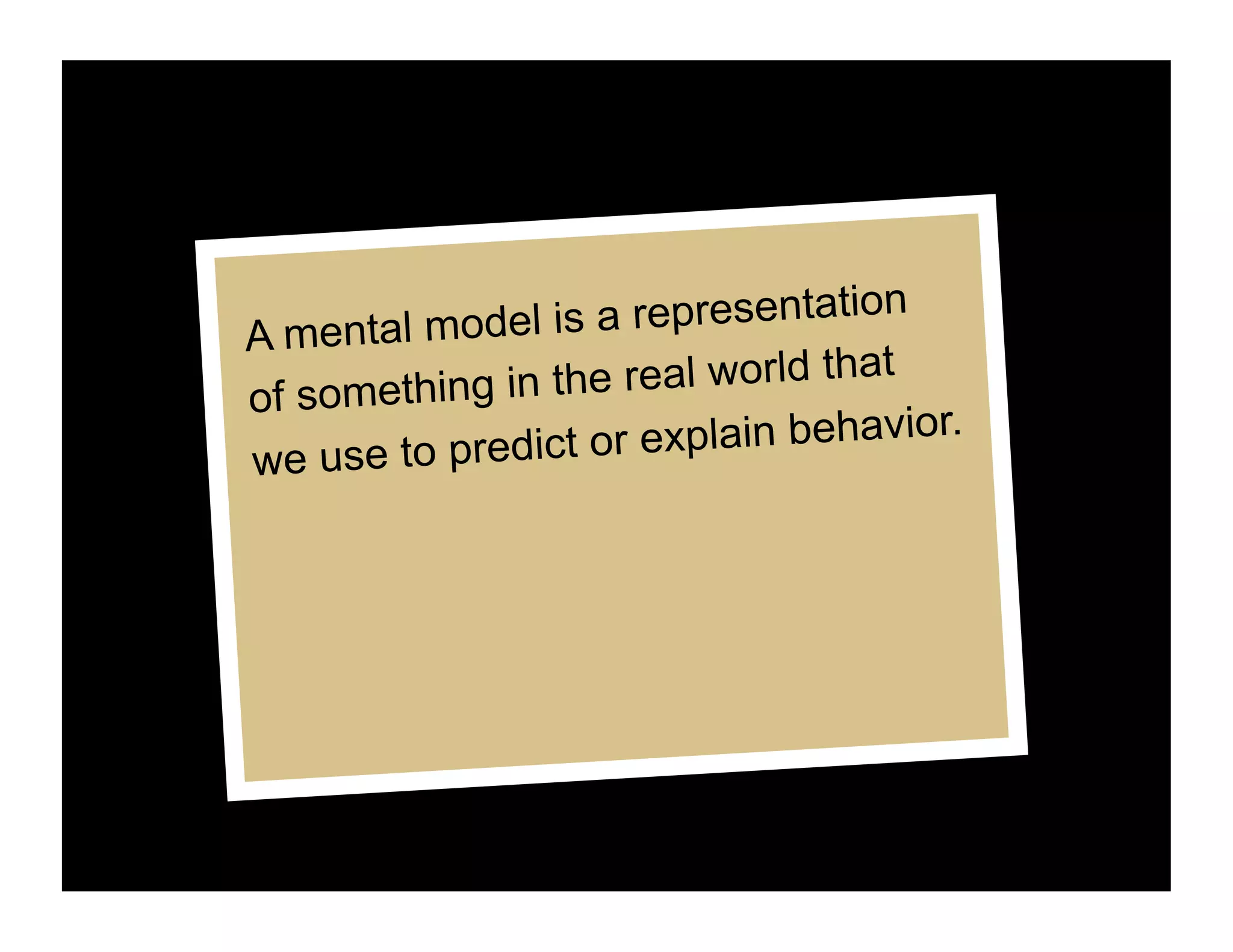
A mental model is a representatio
t
of something in the real world tha
explain behavior.
we use to predict or
20.
How are mentalmodels built?
Mental models are based on:
• Prior experience with something similar
• What you’ve read or heard
• Direct experience
21.
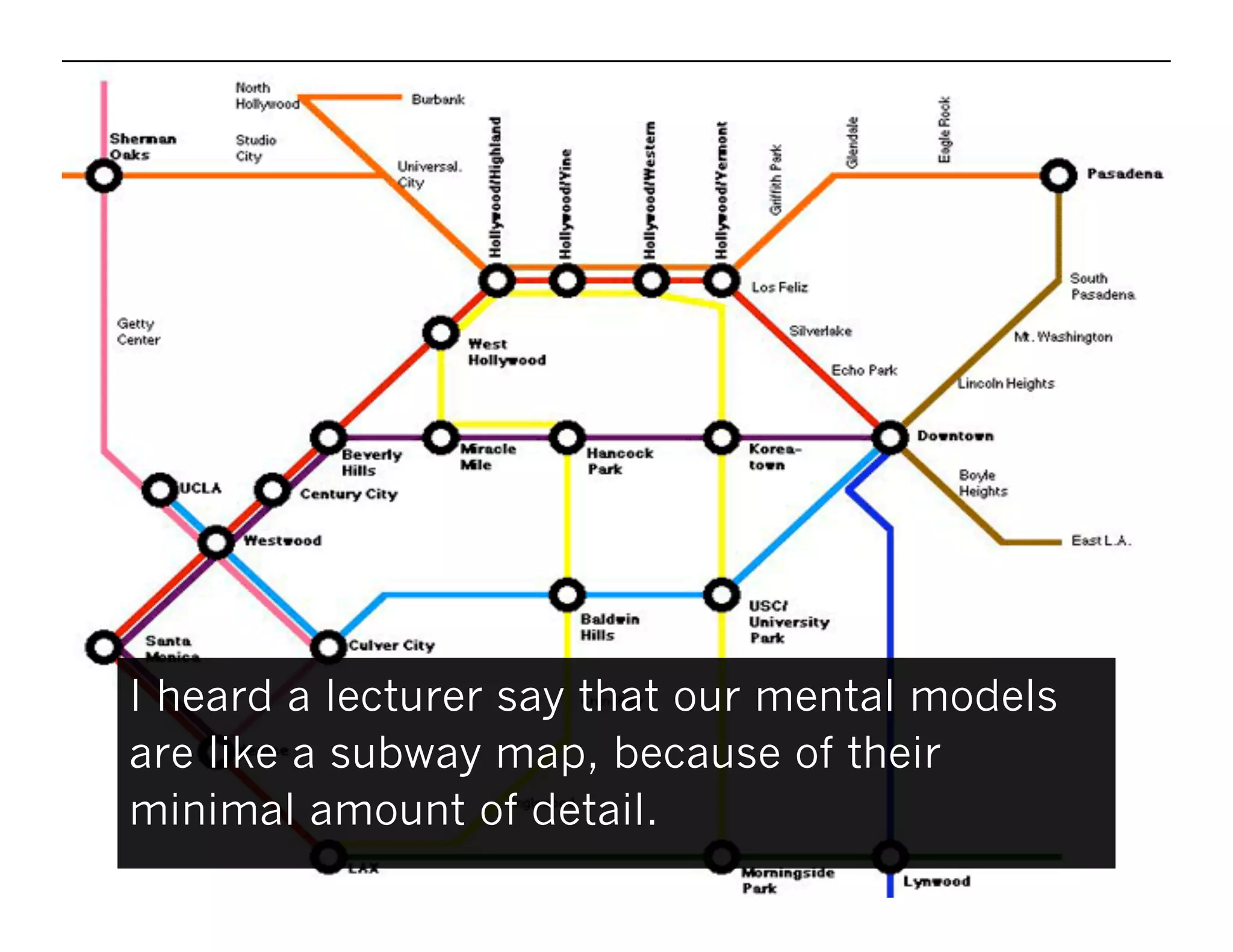
I heard alecturer say that our mental models
are like a subway map, because of their
minimal amount of detail.
22.
User’s Mental Model
Mentalmodels are:
• Unstable
• Subject to change
• Able to get revised
• Simpler than reality
Mental models define how we approach
problems and solve them.
23.
Conceptual or DesignModel
There’s another kind of model that’s
important. It’s how the designer represents
the program to the user through the
interface. It’s known as the Conceptual or
Design Model.
24.
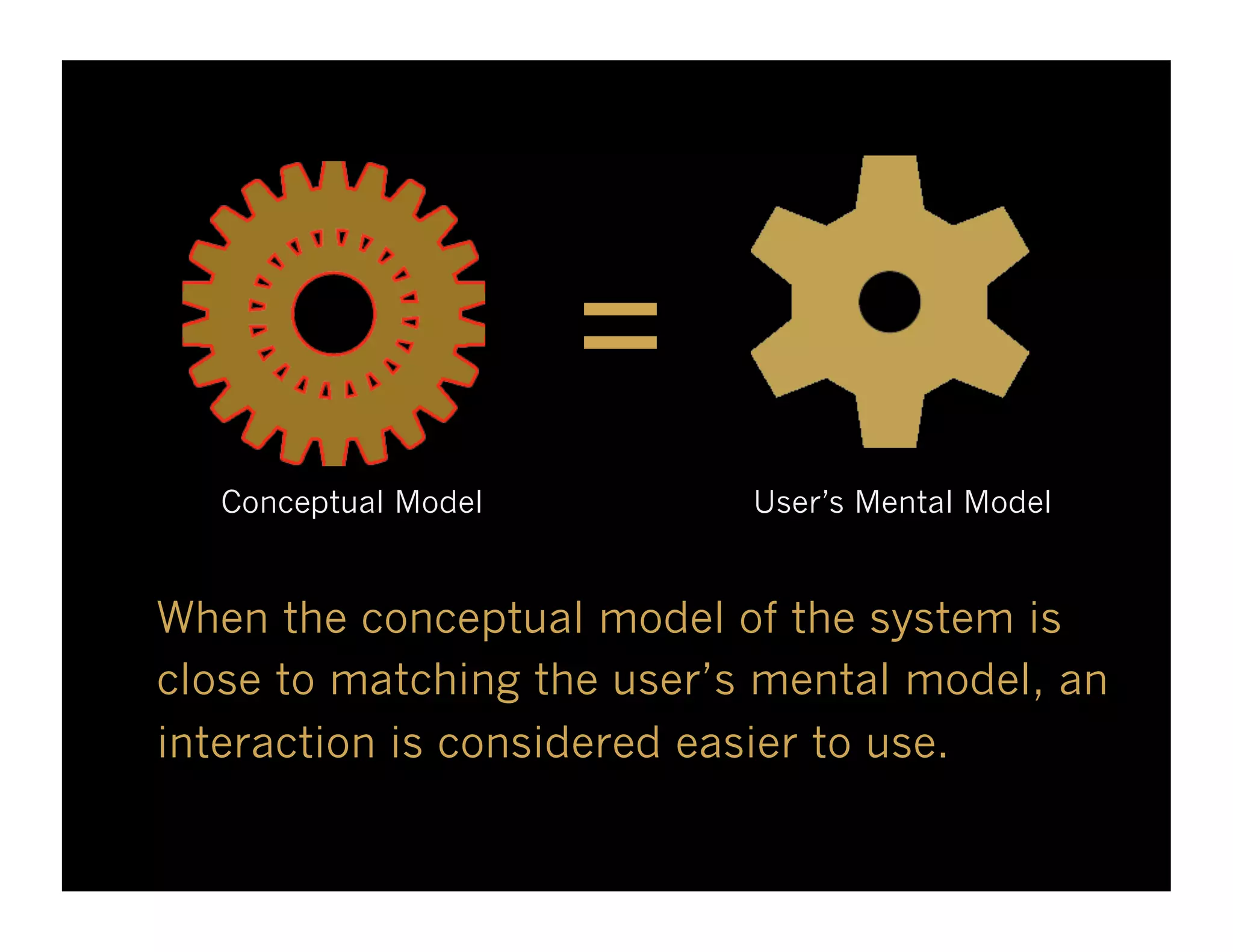
=
Conceptual Model User’s Mental Model
When the conceptual model of the system is
close to matching the user’s mental model, an
interaction is considered easier to use.
25.
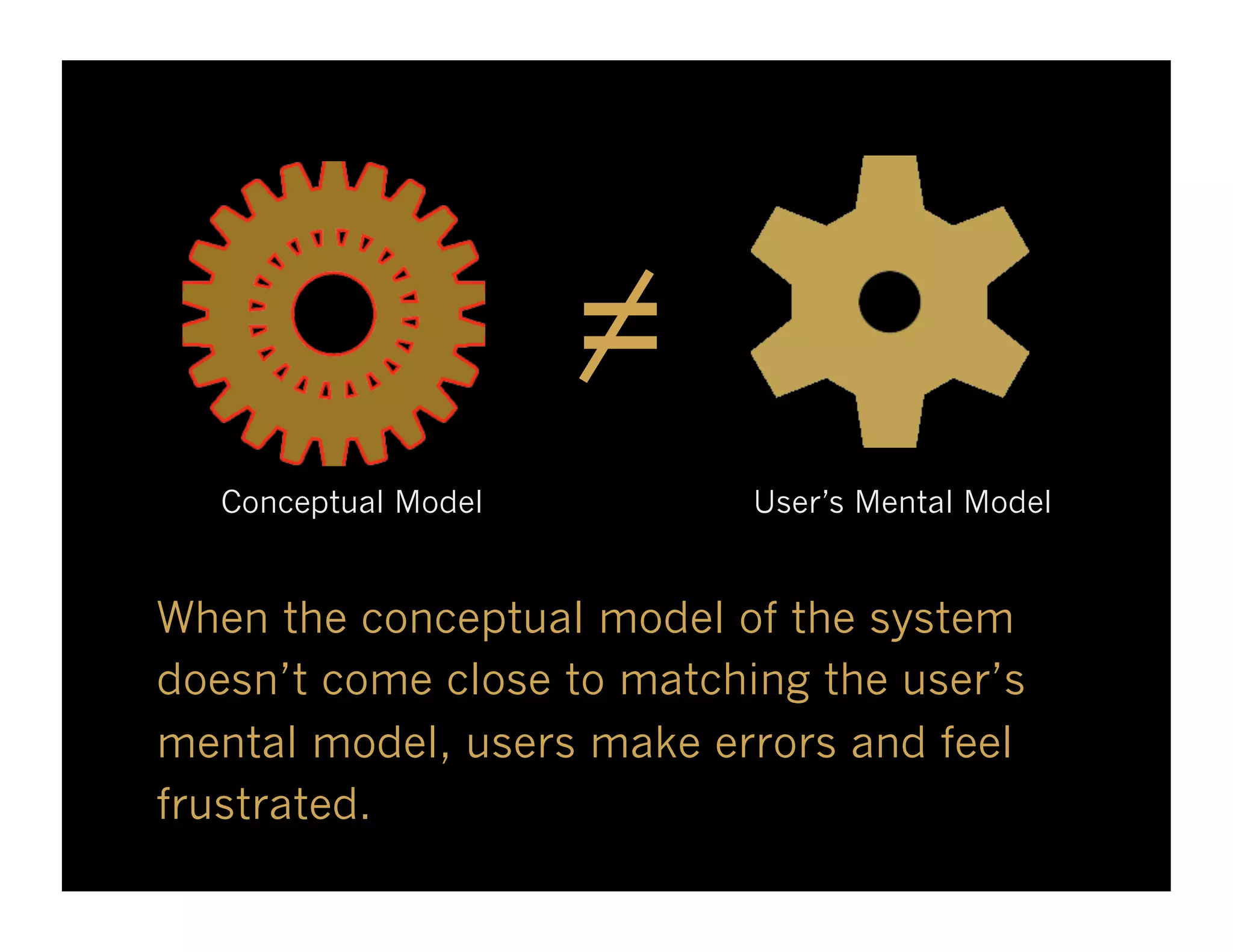
=
Conceptual Model User’s Mental Model
When the conceptual model of the system
doesn’t come close to matching the user’s
mental model, users make errors and feel
frustrated.
If you doinnovate:
• Make sure it’s a
good fit for your
audience and
content.
• Provide excellent
but simple user
instructions.
Make sure your
designs are usable!
28.
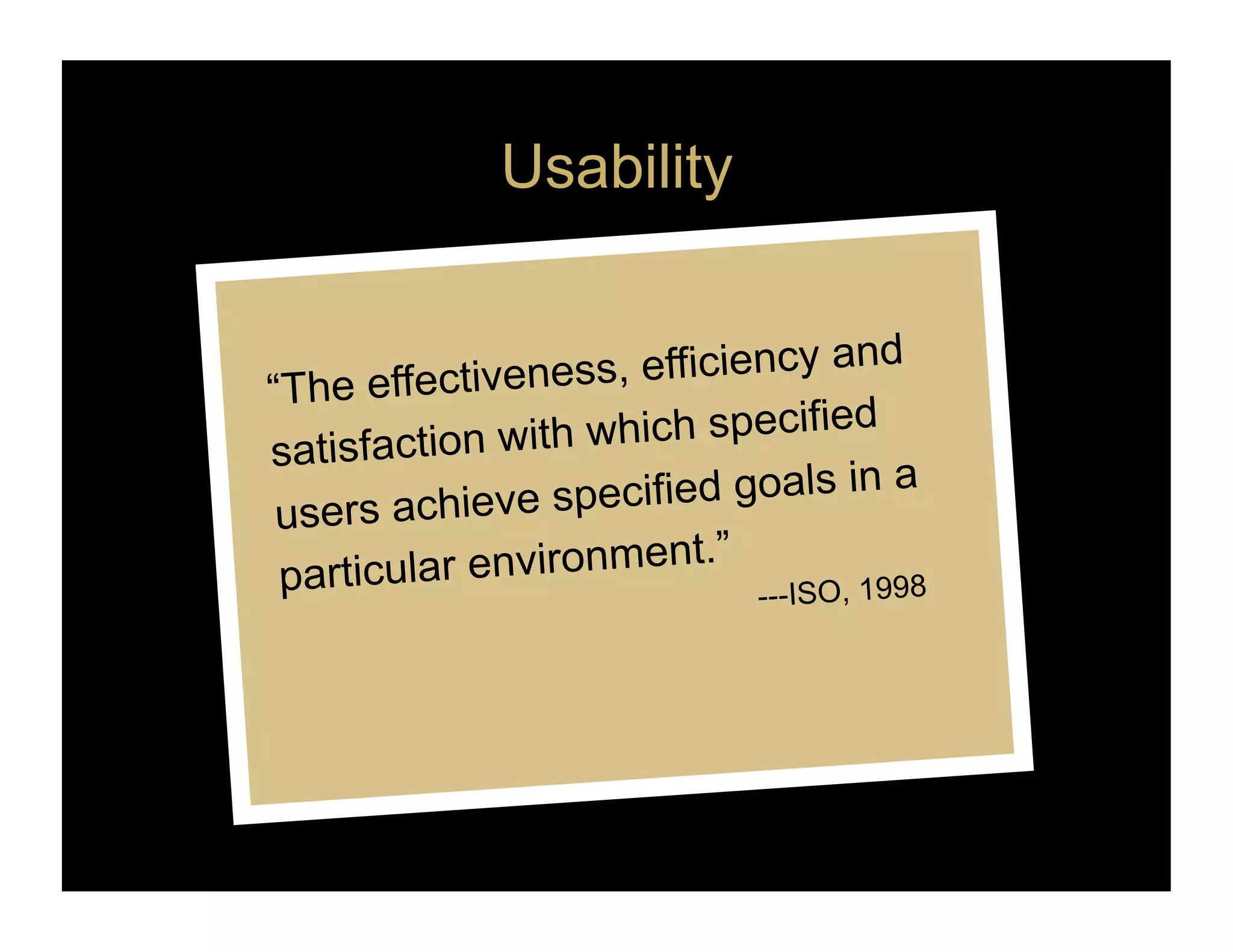
Usability
“The effectivene ss, efficiency and
satisfaction wit h which specified
users achieve s pecified goals in a
”
partic ular environment.
---ISO, 1998
29.
Usability
“Usability is composedof the
learnability, reta inability, efficiency
of use, and use r satisfaction of a
product.” Lockwood, 1999
---Cosantine and
30.
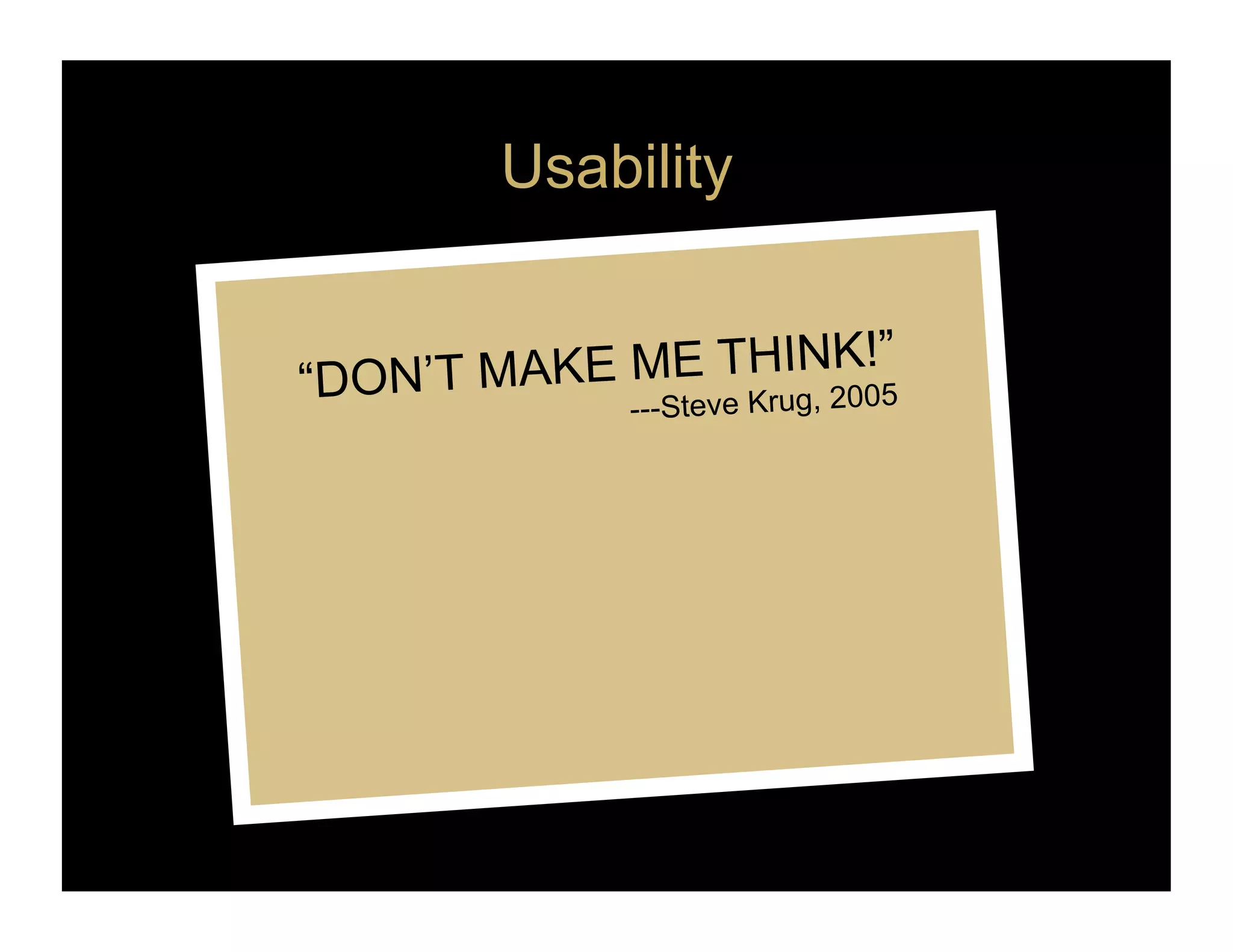
Usability
K!”
KE ME THIN2005
“DON’T MA ---Steve Krug,
31.
High Usability Example
This well-received
interaction from the
Washington Post used
the conceptual model of
a form. One reason it
may have been
successful is because
most people are familiar
with forms.
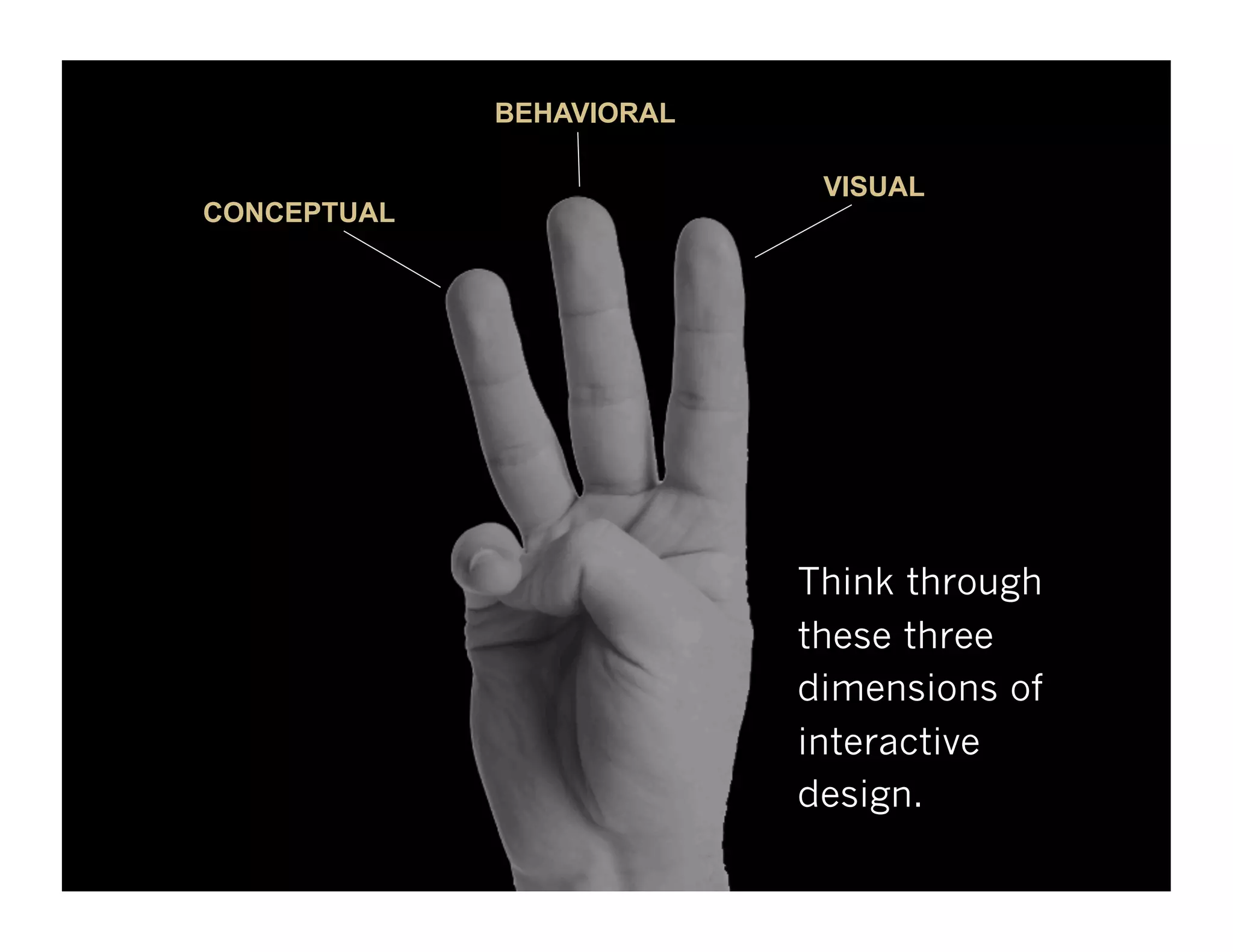
BEHAVIORAL
VISUAL
CONCEPTUAL
Think through
these three
dimensions of
interactive
design.
34.
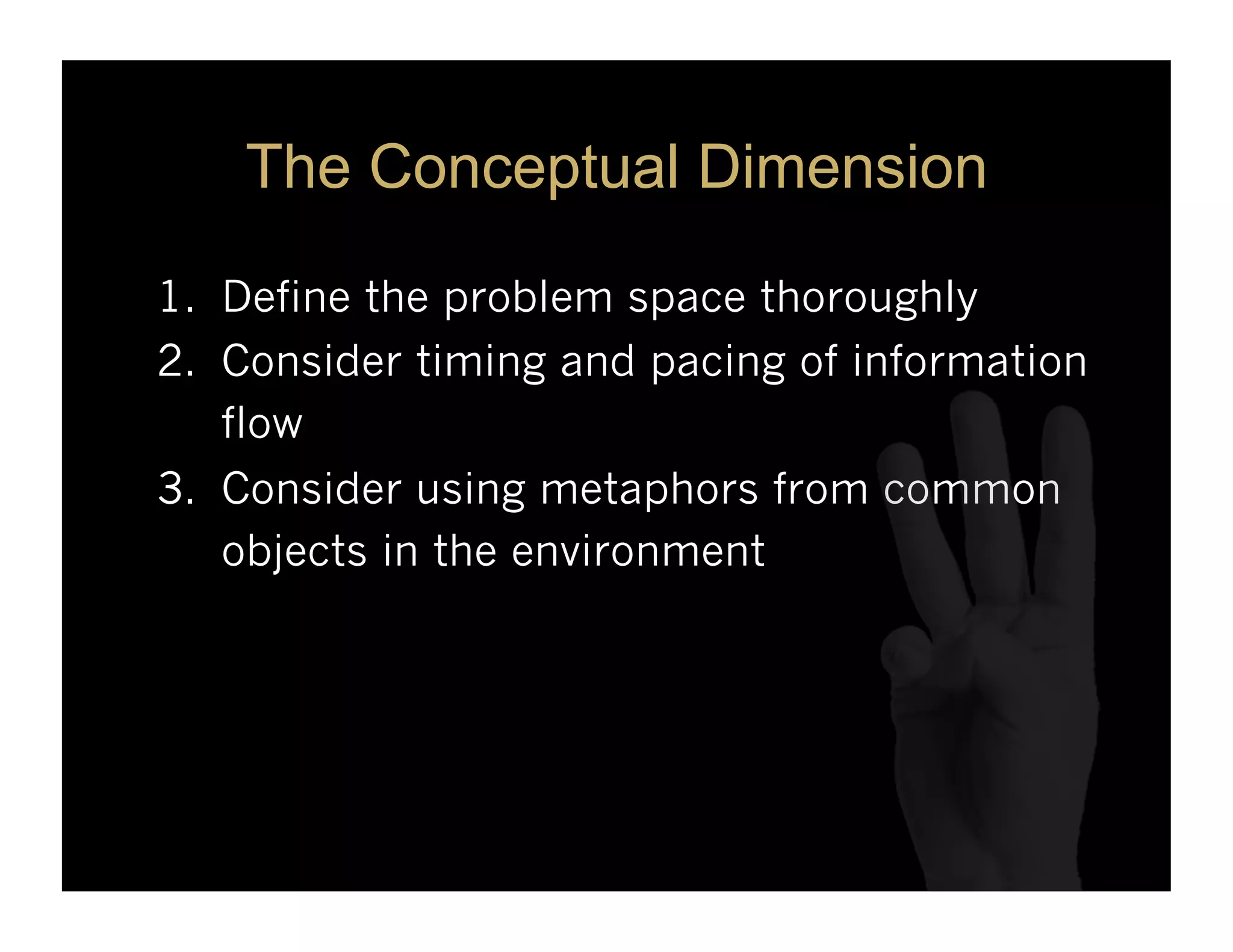
The Conceptual Dimension
1. Define the problem space thoroughly
2. Consider timing and pacing of information
flow
3. Consider using metaphors from common
objects in the environment
35.
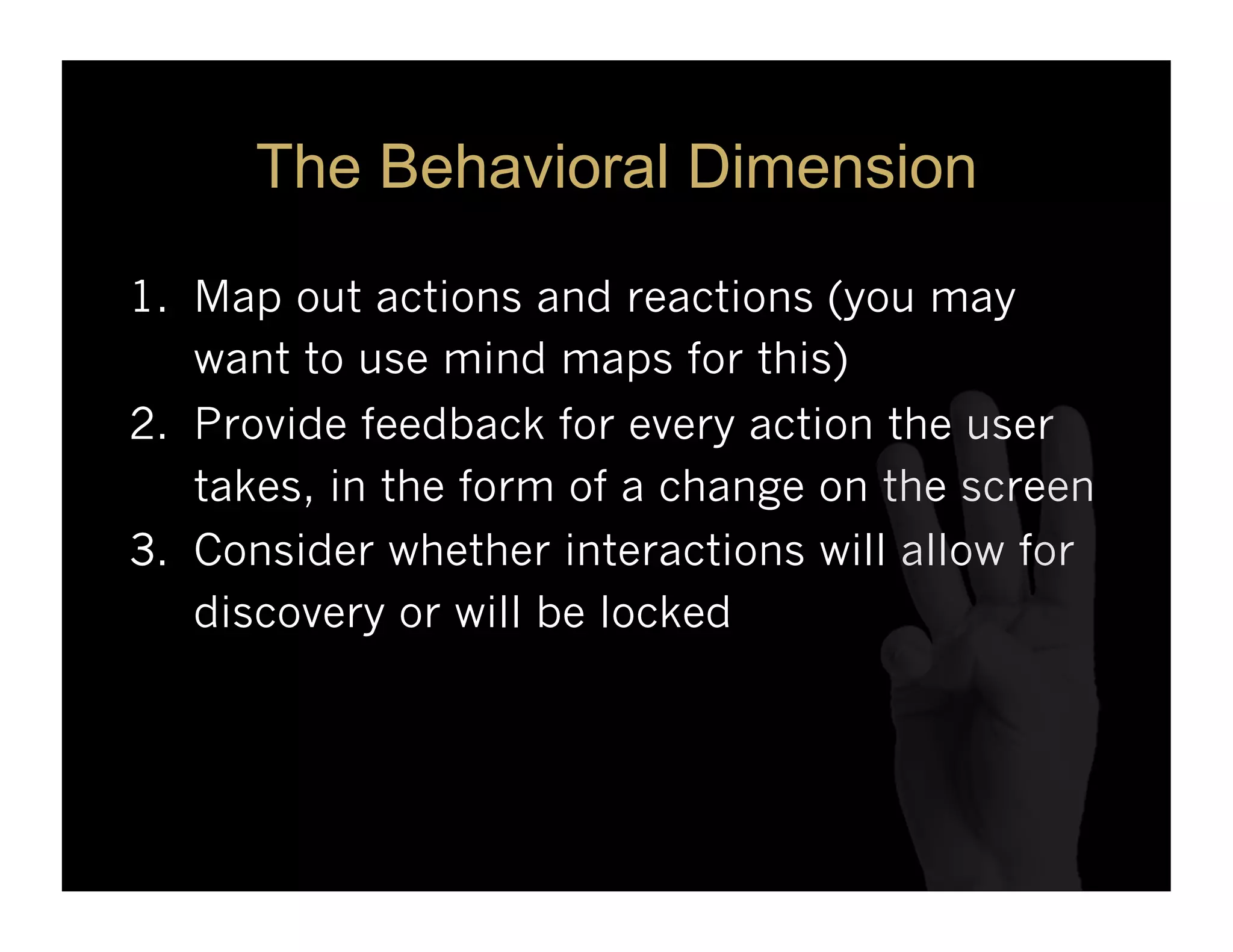
The Behavioral Dimension
1. Map out actions and reactions (you may
want to use mind maps for this)
2. Provide feedback for every action the user
takes, in the form of a change on the screen
3. Consider whether interactions will allow for
discovery or will be locked
36.
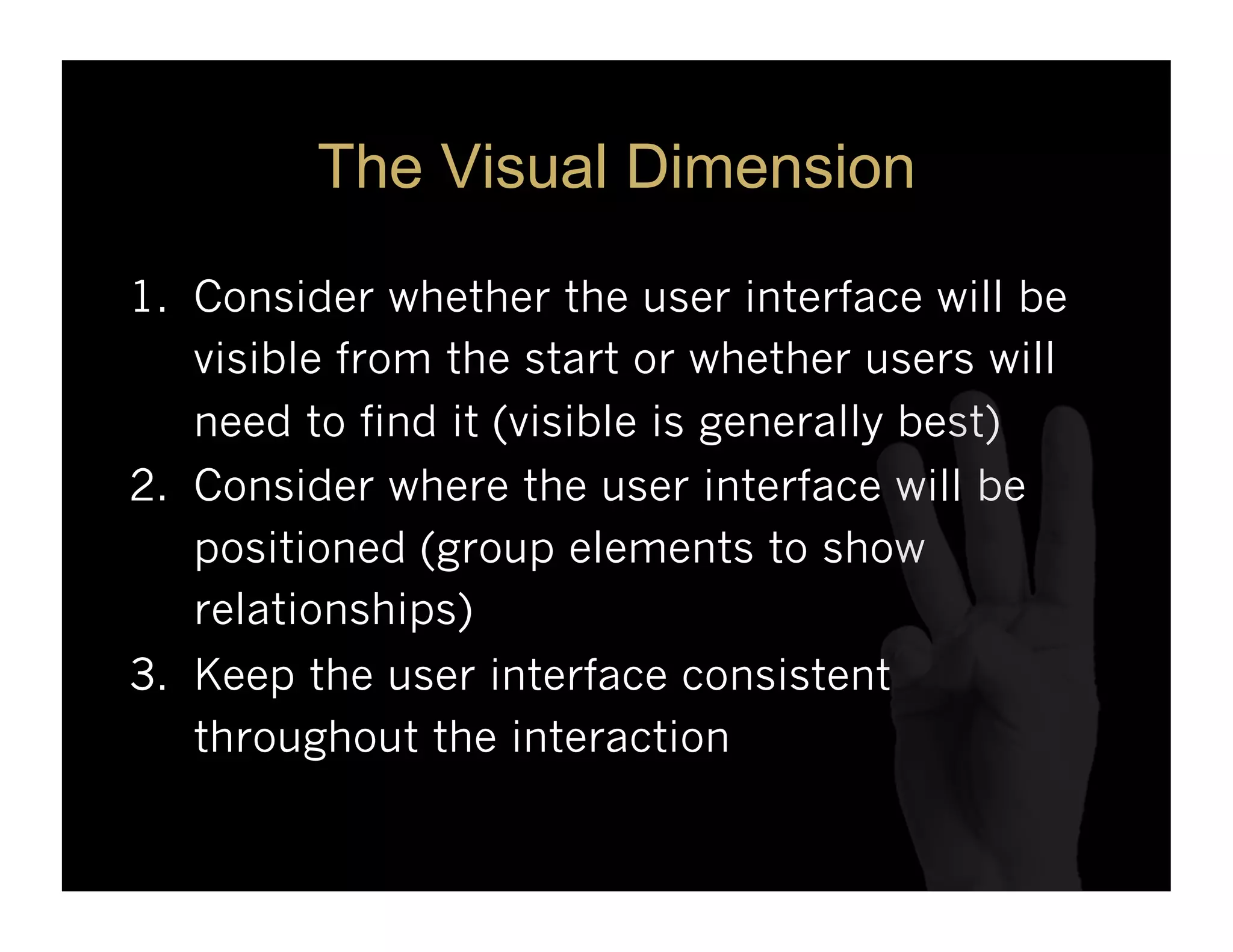
The Visual Dimension
1. Consider whether the user interface will be
visible from the start or whether users will
need to find it (visible is generally best)
2. Consider where the user interface will be
positioned (group elements to show
relationships)
3. Keep the user interface consistent
throughout the interaction
37.
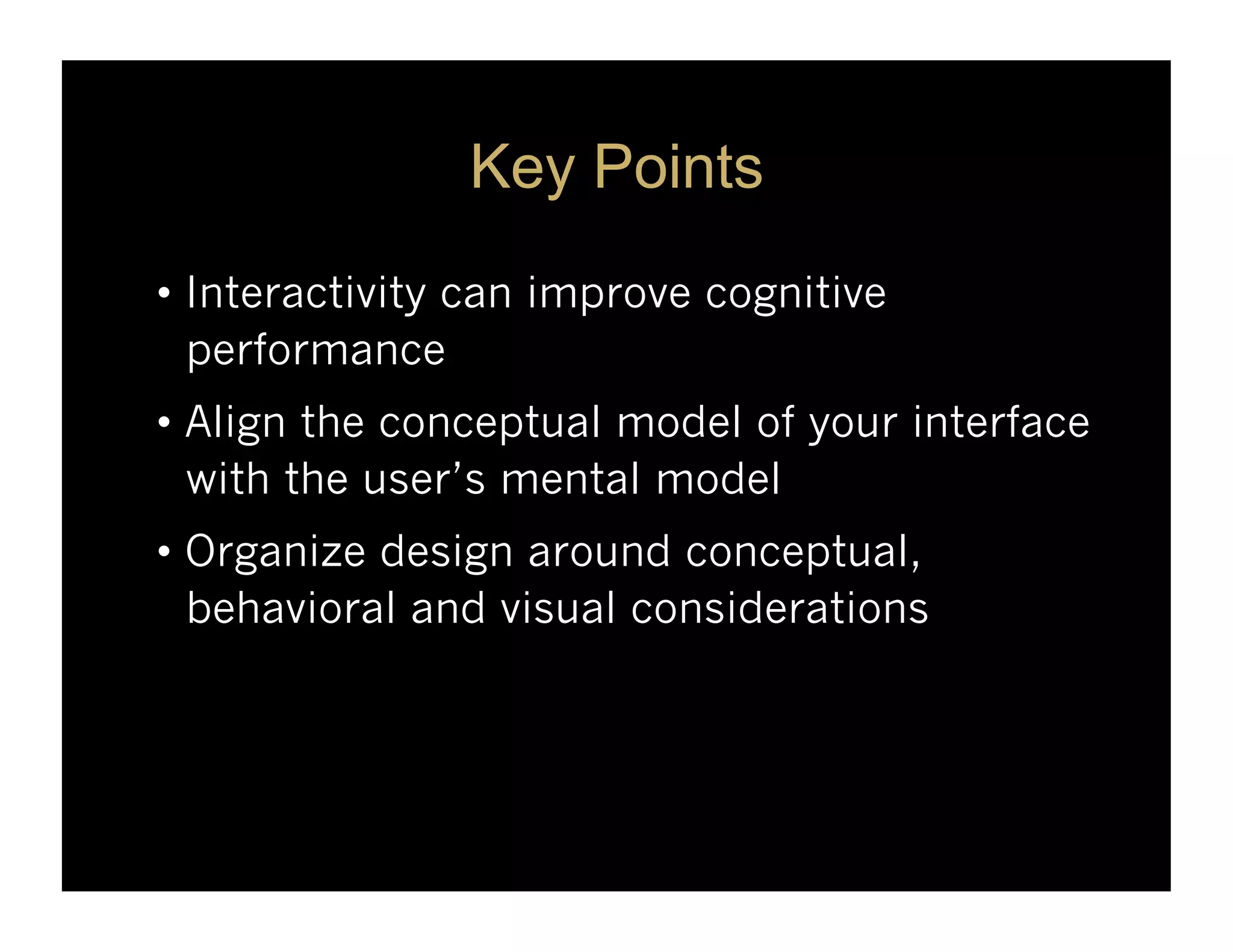
Key Points
• Interactivitycan improve cognitive
performance
• Align the conceptual model of your interface
with the user’s mental model
• Organize design around conceptual,
behavioral and visual considerations
38.
For More …
Book:Visual Language For Designers
Graphics Blog: understandinggraphics.com
eLearning Blog: theelearningcoach.com
Twitter: @cmalamed
FB: www.facebook.com/understandgraphics
Biz Site: malamedconsulting.com












![Driver Easy Pro Key 7.1.0.2641 Full Mac Crack Free Activated Download [2026]....](https://cdn.slidesharecdn.com/ss_thumbnails/software-251207185324-b2fb71b4-thumbnail.jpg?width=640&height=640&fit=bounds)

![PowerISO 9.2 Mac Crack + Serial Key Free Download 2026 [Latest] Software.pptx](https://cdn.slidesharecdn.com/ss_thumbnails/software-251207185653-5d5700e6-thumbnail.jpg?width=640&height=640&fit=bounds)
![Wondershare Filmora 15.0.11 Crack for Mac Key Full Download [Latest] pptx](https://cdn.slidesharecdn.com/ss_thumbnails/software-251207184836-1d16ba16-thumbnail.jpg?width=640&height=640&fit=bounds)


![iStat Menus 7.20 Crack for MacOS 2026 Full Version [Latest] pptx](https://cdn.slidesharecdn.com/ss_thumbnails/softwareoverview-251207191544-22b737dc-thumbnail.jpg?width=640&height=640&fit=bounds)
![AnyTrans for iOS 8.9.14.20251127 With Crack for MacOS [Latest] pptx](https://cdn.slidesharecdn.com/ss_thumbnails/softwareoverview-251207190907-2316965f-thumbnail.jpg?width=640&height=640&fit=bounds)


