Certification Overview
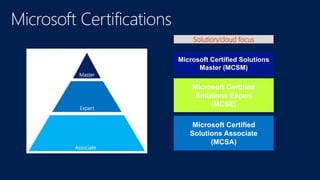
Master
Expert
Associate
Microsoft Certified Solutions
Master (MCSM)
Microsoft Certified
Solutions Expert
(MCSE)
Microsoft Certified
Solutions Associate
(MCSA)
Solution/cloud focus
+
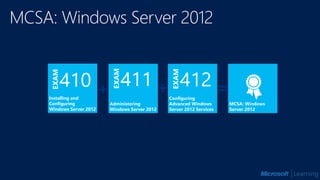
Administering
Windows Server 2012
Configuring
Advanced Windows
Server 2012 Services
+ =Installing and
Configuring
Windows Server 2012
MCSA: Windows
Server 2012
Taking the Exam
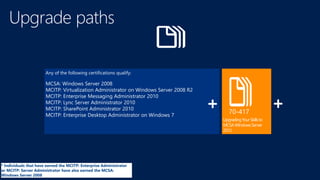
UpgradingYourSkillsto
MCSAWindowsServer
2012
Any of the following certifications qualify:
MCSA: Windows Server 2008
MCITP: Virtualization Administrator on Windows Server 2008 R2
MCITP: Enterprise Messaging Administrator 2010
MCITP: Lync Server Administrator 2010
MCITP: SharePoint Administrator 2010
MCITP: Enterprise Desktop Administrator on Windows 7
* Individuals that have earned the MCITP: Enterprise Administrator
or MCITP: Server Administrator have also earned the MCSA:
Windows Server 2008
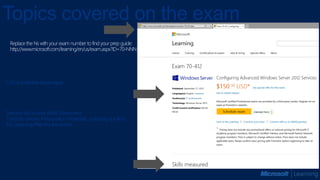
Second tab shows Skills Measured.
Third tab shows Preparation Materials, including a link to
the Learning Plan for the exam.
List of available languages
Topics covered on the exam
Studying for the Exam
Know What to Expect
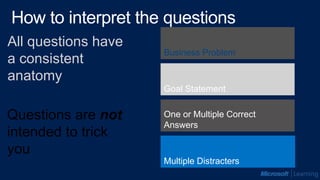
One or Multiple Correct
Answers
Goal Statement
Business Problem
All questions have
a consistent
anatomy
Multiple Distracters
Questions are not
intended to trick
you
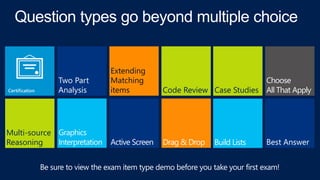
Choose
All That ApplyCase Studies
Best Answer
Code Review
Extending
Matching
items
Build ListsDrag & DropActive Screen
Choose
All That ApplyCase Studies
Best Answer
Code Review
Extending
Matching
items
Build ListsDrag & DropActive Screen
Graphics
Interpretation
Two Part
Analysis
Multi-source
Reasoning
exam item type demo
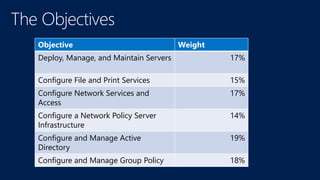
Objective Weight
Deploy, Manage, and Maintain Servers 17%
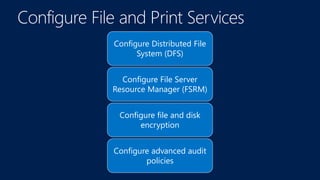
Configure File and Print Services 15%
Configure Network Services and
Access
17%
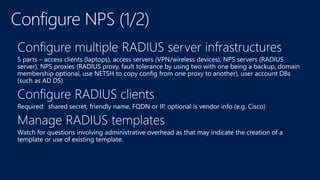
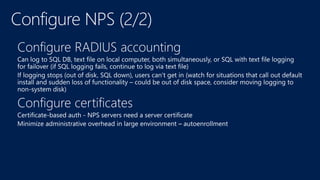
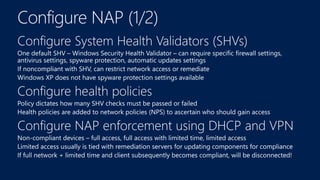
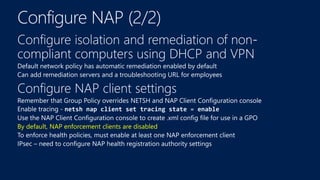
Configure a Network Policy Server
Infrastructure
14%
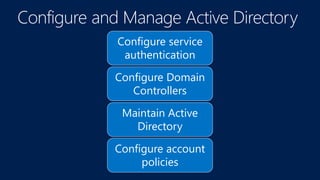
Configure and Manage Active
Directory
19%
Configure and Manage Group Policy 18%
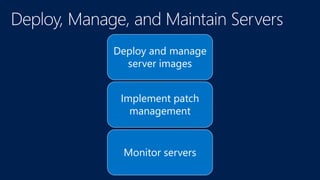
Deploy and manage
server images
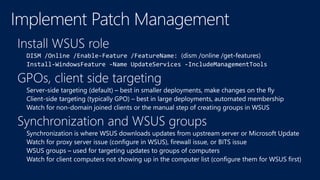
Implement patch
management
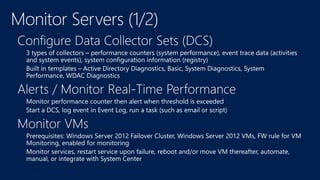
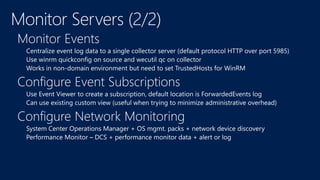
Monitor servers
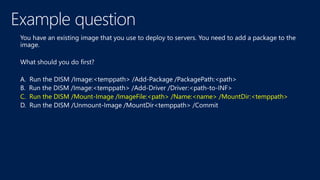
C. Run the DISM /Mount-Image /ImageFile:<path> /Name:<name> /MountDir:<temppath>
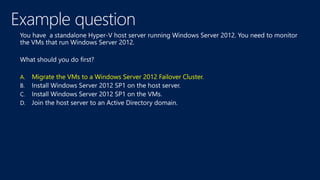
A. Migrate the VMs to a Windows Server 2012 Failover Cluster.
Configure Distributed File
System (DFS)
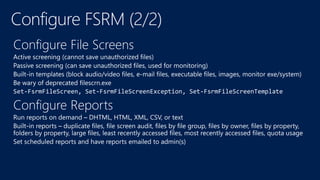
Configure File Server
Resource Manager (FSRM)
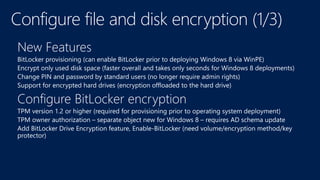
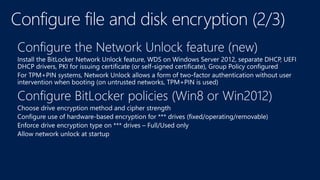
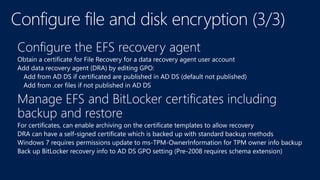
Configure file and disk
encryption
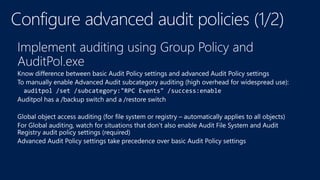
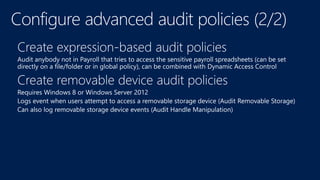
Configure advanced audit
policies
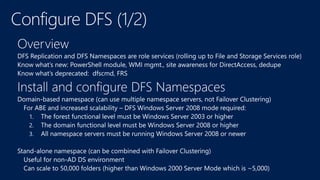
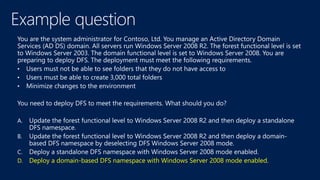
D. Deploy a domain-based DFS namespace with Windows Server 2008 mode enabled.
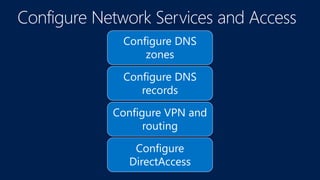
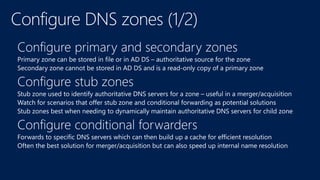
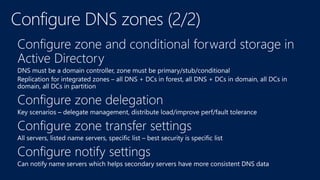
Configure DNS
zones
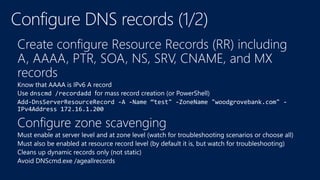
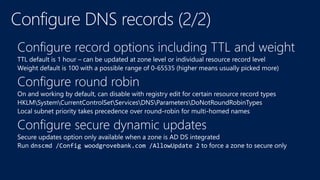
Configure DNS
records
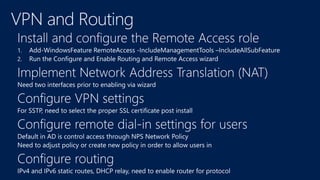
Configure VPN and
routing
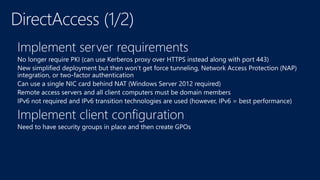
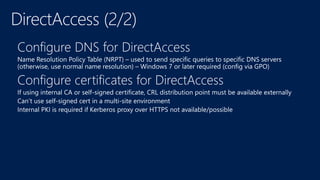
Configure
DirectAccess
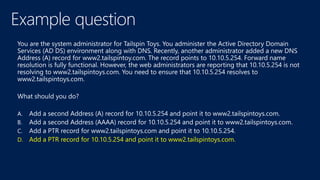
D. Add a PTR record for 10.10.5.254 and point it to www2.tailspintoys.com.
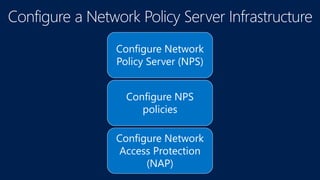
Configure Network
Policy Server (NPS)
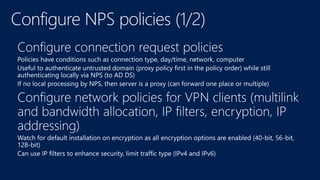
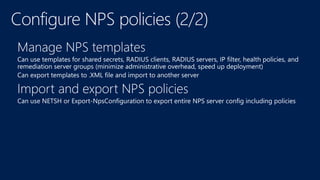
Configure NPS
policies
Configure Network
Access Protection
(NAP)
By default, NAP enforcement clients are disabled
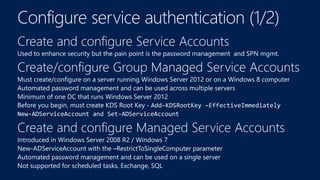
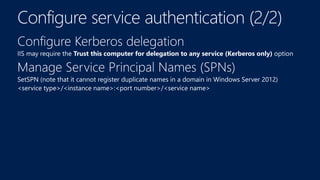
Configure service
authentication
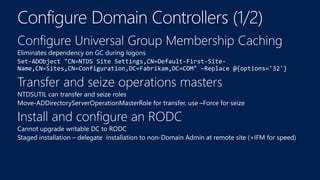
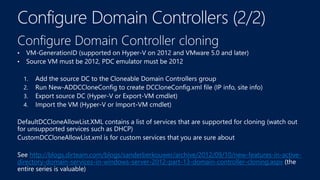
Configure Domain
Controllers
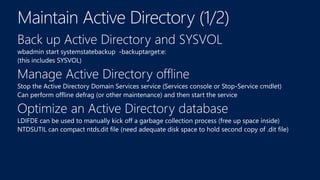
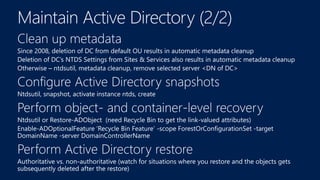
Maintain Active
Directory
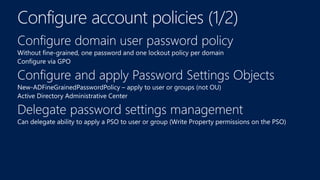
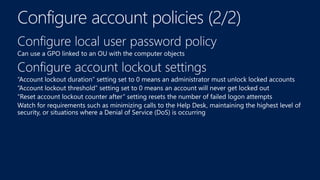
Configure account
policies
http://blogs.dirteam.com/blogs/sanderberkouwer/archive/2012/09/10/new-features-in-active-
directory-domain-services-in-windows-server-2012-part-13-domain-controller-cloning.aspx
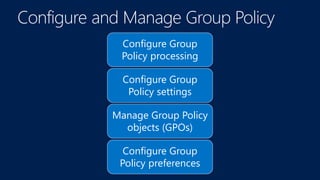
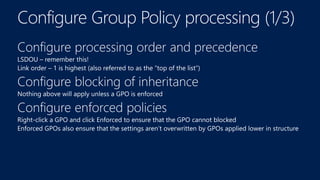
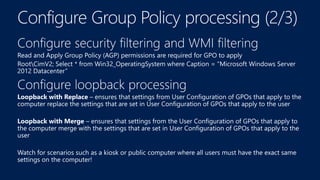
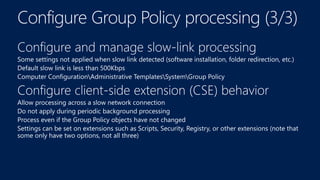
Configure Group
Policy processing
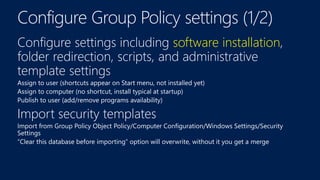
Configure Group
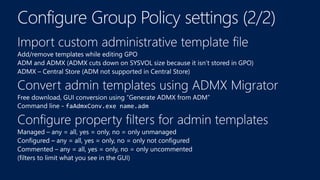
Policy settings
Manage Group Policy
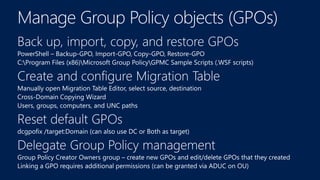
objects (GPOs)
Configure Group
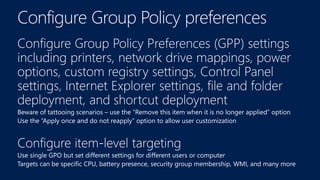
Policy preferences
software installation
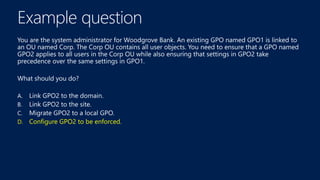
D. Configure GPO2 to be enforced.
lVVALAfsfalselVVALAfsfalse
http://microsoft.com/msdn
www.microsoft.com/learninghttp://channel9.msdn.com/Events/TechEd
http://microsoft.com/technet
70-410 Installing and Configuring Windows Server 2012

70-410 Installing and Configuring Windows Server 2012

Editor's Notes

  • #16 Now we’ll talk about what to expect during the exam.