Windows server 2012 R2 
AD DC 
By : Abdullah alalyani 
Teacher :Ibrahim AL-Odaini 
Article : Operating systems
What is AD DC ? 
Active Directory (AD) is a directory service that Microsoft developed for Windows domain networks and is included in most Windows Server operating systems as a set of processes and services. 
An AD domain controller authenticates and authorizes all users and computers in a Windows domain type network—assigning and enforcing security policies for all computers and installing or updating software. For example, when a user logs into a computer that is part of a Windows domain, Active Directory checks the submitted password and determines whether the user is a system administrator or normal user. 
Active Directory makes use of Lightweight Directory Access Protocol (LDAP) versions 2 and 3, Microsoft's version of Kerberos, and DNS.
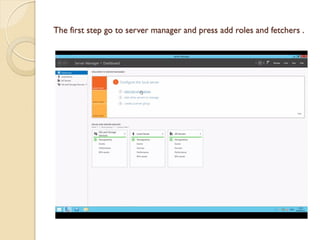
The first step go to server manager and press add roles and fetchers .
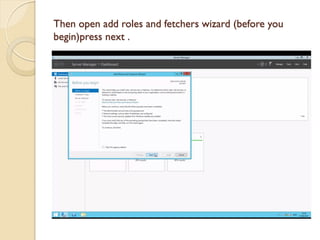
Then open add roles and fetchers wizard (before you begin)press next .
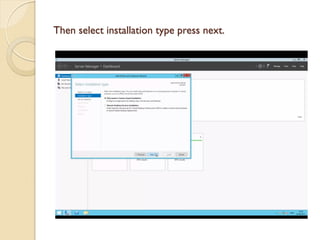
Then select installation type press next.
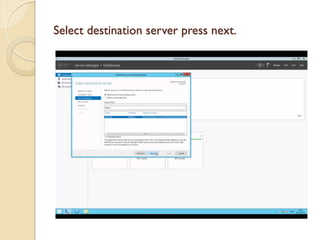
Select destination server press next.
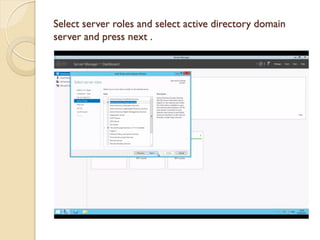
Select server roles and select active directory domain server and press next .
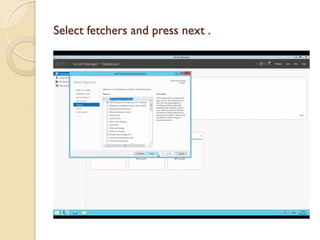
Select fetchers and press next .
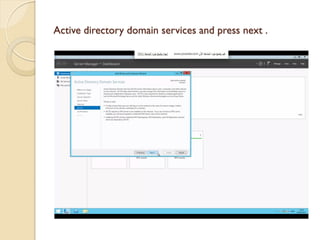
Active directory domain services and press next .
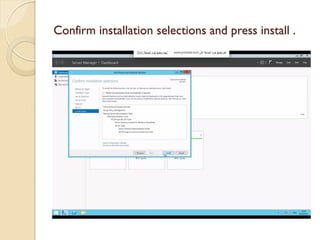
Confirm installation selections and press install .
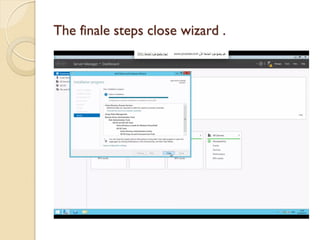
The finale steps close wizard .
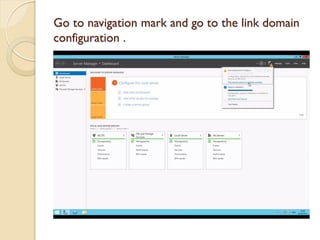
Go to navigation mark and go to the link domain configuration .
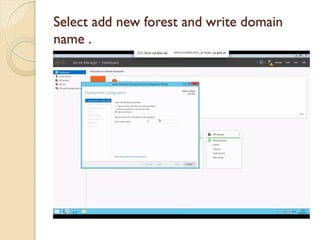
Select add new forest and write domain name .
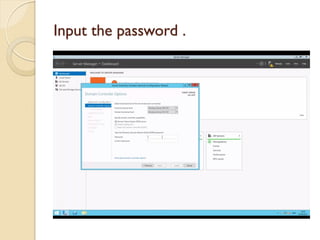
Input the password .
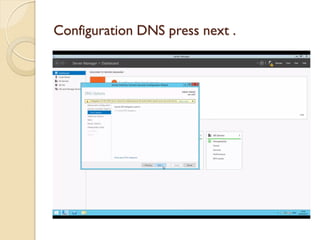
Configuration DNS press next .
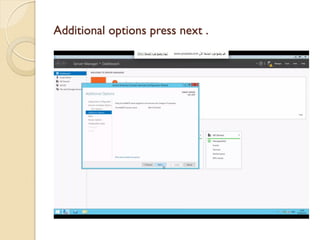
Additional options press next .
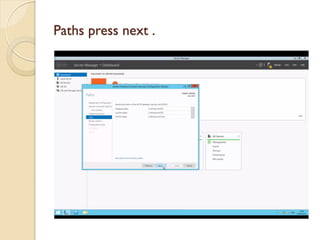
Paths press next .
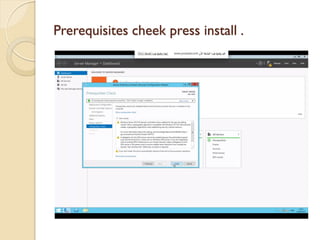
Prerequisites cheek press install .
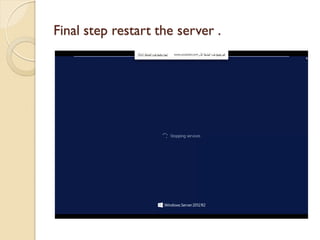
Final step restart the server .

Windows server 2012 r2 abdullah hassan al alyani