Mark Shaw
Consulting Manager
 HighwayT of MNA
mark@highwayt.org
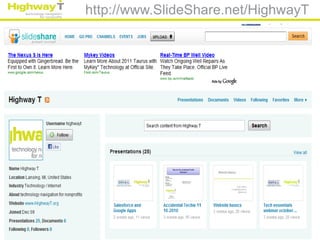
http://www.SlideShare.net/HighwayT
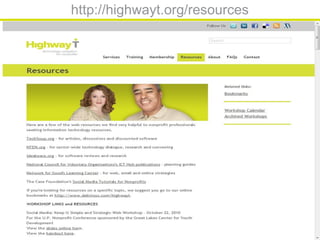
http://highwayt.org/resources
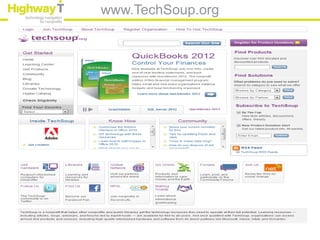
www.TechSoup.org
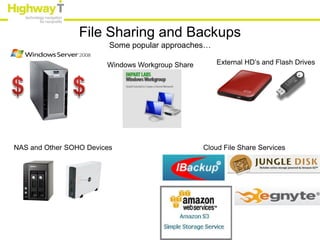
File Sharing and Backups
                         Some popular approaches…

                        Windows Workgroup Share       External HD’s and Flash Drives


NAS and Other SOHO Devices                        Cloud File Share Services
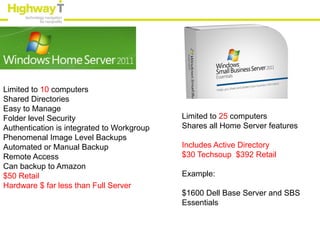
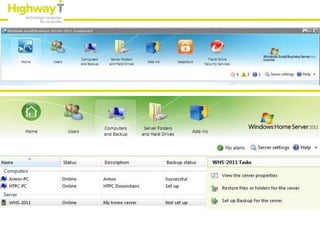
Limited to 10 computers
Shared Directories
Easy to Manage
Folder level Security                       Limited to 25 computers
Authentication is integrated to Workgroup   Shares all Home Server features
Phenomenal Image Level Backups
Automated or Manual Backup                  Includes Active Directory
Remote Access                               $30 Techsoup $392 Retail
Can backup to Amazon
$50 Retail                                  Example:
Hardware $ far less than Full Server
                                            $1600 Dell Base Server and SBS
                                            Essentials
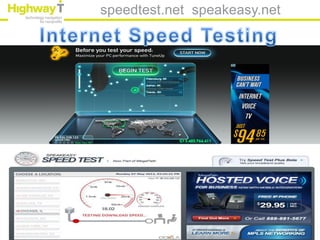
speedtest.net speakeasy.net
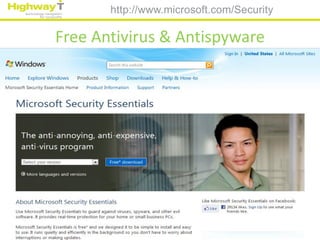
http://www.microsoft.com/Security

Free Antivirus & Antispyware
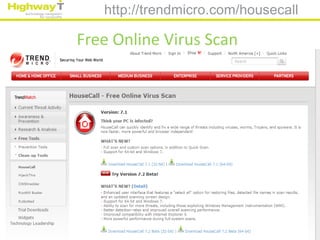
http://trendmicro.com/housecall

Free Online Virus Scan
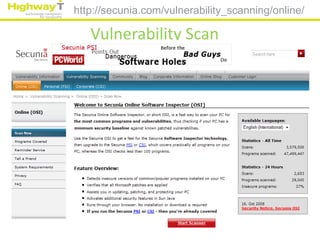
http://secunia.com/vulnerability_scanning/online/

   Vulnerability Scan
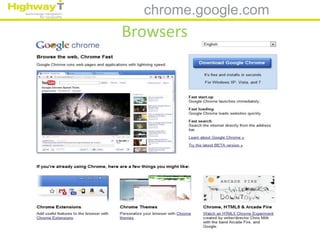
chrome.google.com
Browsers
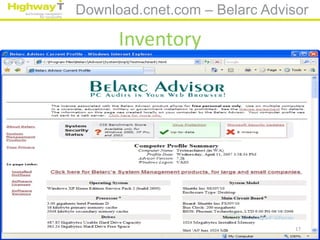
Download.cnet.com – Belarc Advisor

      Inventory


                                17
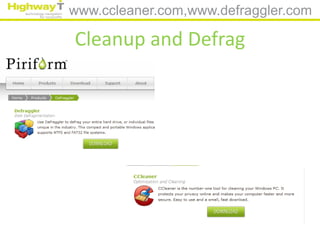
www.ccleaner.com,www.defraggler.com

Cleanup and Defrag
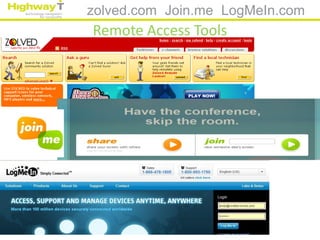
zolved.com Join.me LogMeIn.com
Remote Access Tools
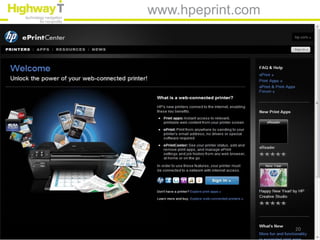
www.hpeprint.com


                   20
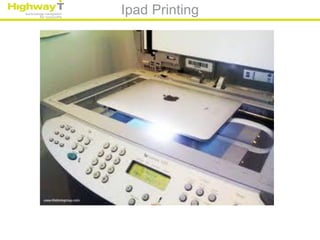
Ipad Printing
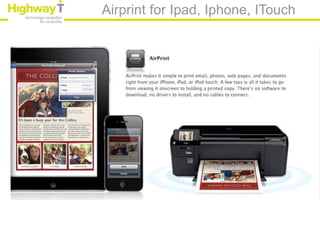
Airprint for Ipad, Iphone, ITouch
Push it to the Cloud
Email, data apps, financials
Cloud Office Applications
• Google App’s
• Microsoft 365
• Hosted Exchange SharePoint
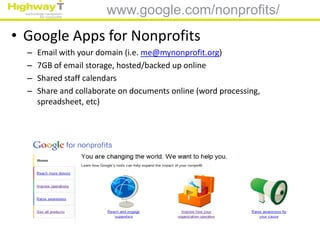
www.google.com/nonprofits/
• Google Apps for Nonprofits
  –   Email with your domain (i.e. me@mynonprofit.org)
  –   7GB of email storage, hosted/backed up online
  –   Shared staff calendars
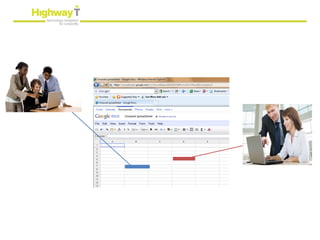
  –   Share and collaborate on documents online (word processing,
      spreadsheet, etc)
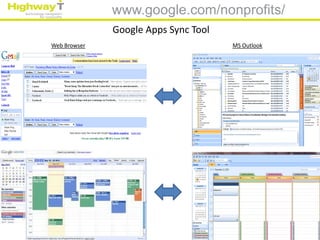
www.google.com/nonprofits/
              Google Apps Sync Tool
Web Browser                           MS Outlook
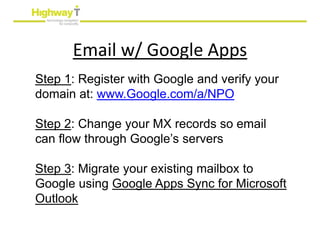
Email w/ Google Apps
Step 1: Register with Google and verify your
domain at: www.Google.com/a/NPO

Step 2: Change your MX records so email
can flow through Google’s servers

Step 3: Migrate your existing mailbox to
Google using Google Apps Sync for Microsoft
Outlook
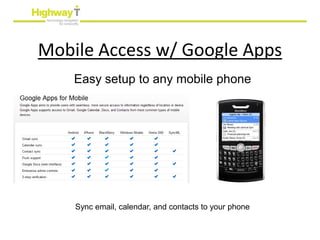
Mobile Access w/ Google Apps
    Easy setup to any mobile phone


    Sync email, calendar, and contacts to your phone
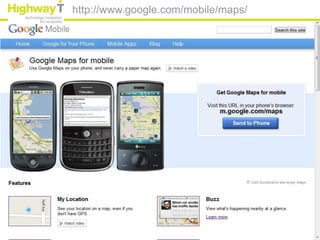
http://www.google.com/mobile/maps/
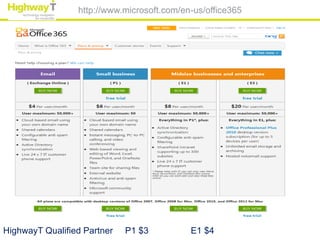
http://www.microsoft.com/en-us/office365


HighwayT Qualified Partner   P1 $3          E1 $4
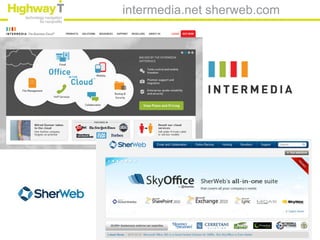
intermedia.net sherweb.com
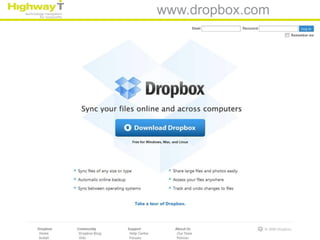
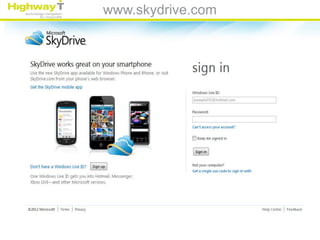
Cloud Sharing
www.dropbox.com
www.skydrive.com


                   36
www.icloud.com


                 37
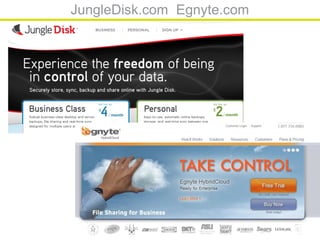
JungleDisk.com Egnyte.com


                            38
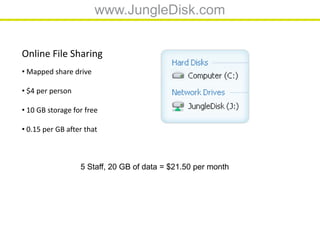
www.JungleDisk.com


Online File Sharing
• Mapped share drive

• $4 per person

• 10 GB storage for free

• 0.15 per GB after that


                  5 Staff, 20 GB of data = $21.50 per month
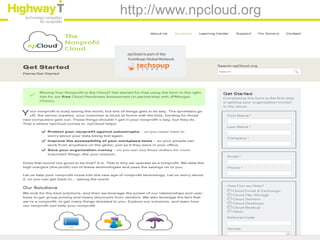
http://www.npcloud.org
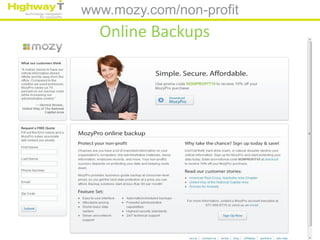
www.mozy.com/non-profit
  Online Backups
Cloud Meeting Apps
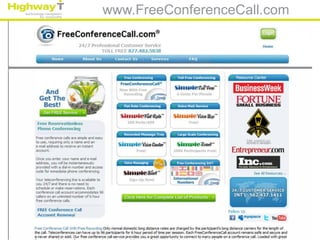
www.FreeConferenceCall.com
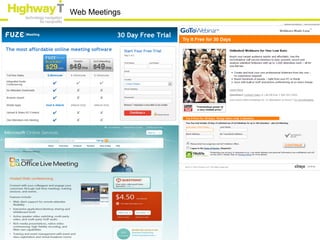
Web Meetings
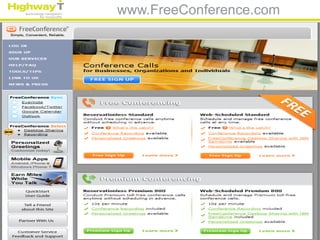
www.FreeConference.com


                         45
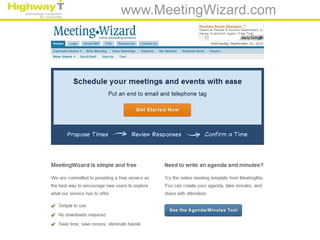
www.MeetingWizard.com
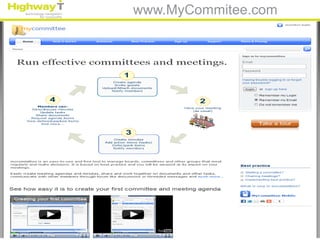
www.MyCommitee.com


                     47
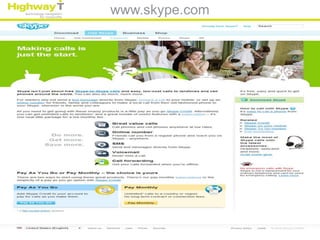
www.skype.com
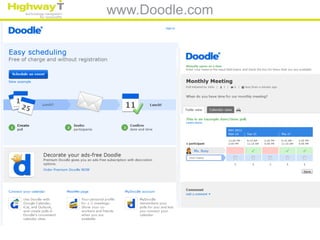
www.Doodle.com
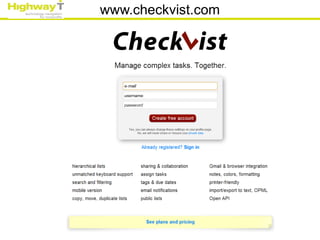
www.checkvist.com
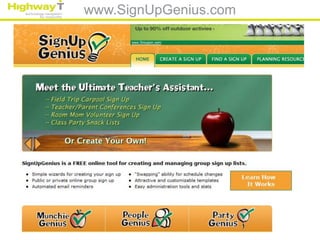
www.SignUpGenius.com
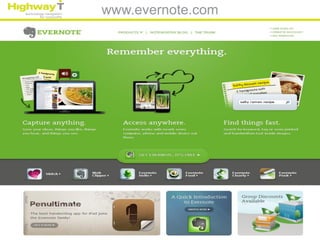
www.evernote.com


                   52
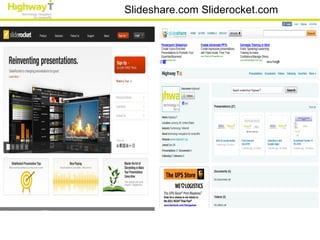
Slideshare.com Sliderocket.com
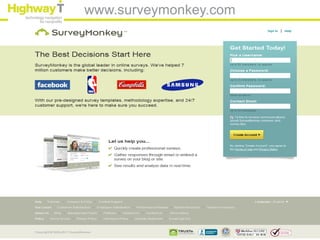
www.surveymonkey.com
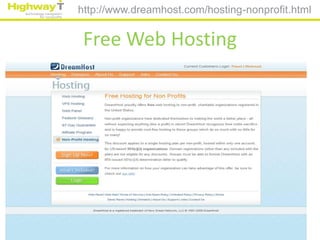
http://www.dreamhost.com/hosting-nonprofit.html


 Free Web Hosting
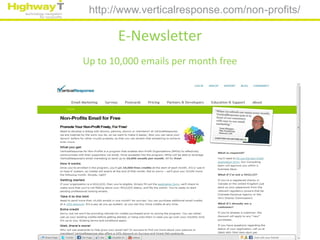
http://www.verticalresponse.com/non-profits/

       E-Newsletter
Up to 10,000 emails per month free
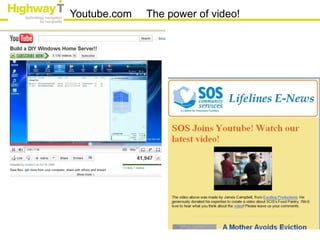
Youtube.com   The power of video!
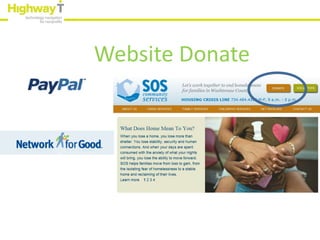
Website Donate
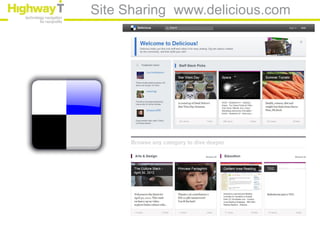
Site Sharing www.delicious.com
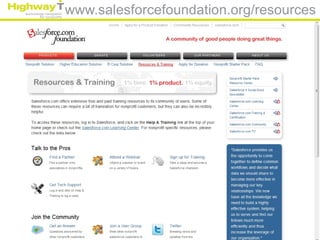
www.salesforcefoundation.org/resources
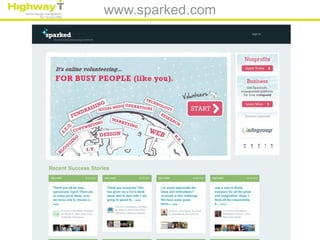
www.sparked.com
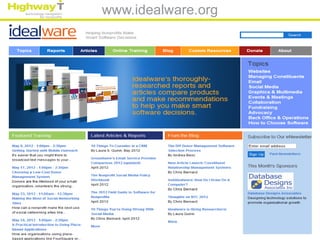
www.idealware.org


                    63
Thank You!
Leon Wilson       Leon@highwayt.org
Executive Director

Mark Shaw       mark@highwayt.org

Adam King       adam@highwayt.org

Free lowcost may2012