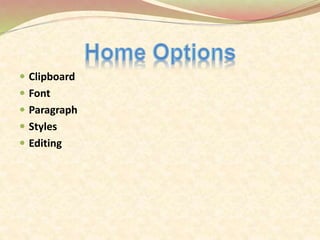
 Clipboard
 Font
 Paragraph
 Styles
 Editing
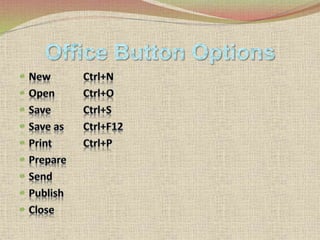
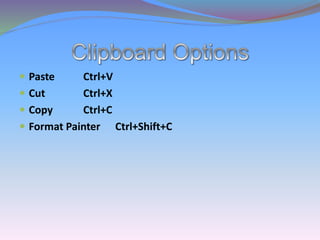
 Paste Ctrl+V
 Cut Ctrl+X
 Copy Ctrl+C
 Format Painter Ctrl+Shift+C
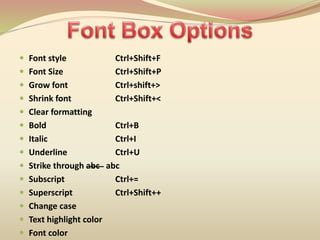
 Font style Ctrl+Shift+F
 Font Size Ctrl+Shift+P
 Grow font Ctrl+shift+>
 Shrink font Ctrl+Shift+<
 Clear formatting
 Bold Ctrl+B
 Italic Ctrl+I
 Underline Ctrl+U
 Strike through abc abc
 Subscript Ctrl+=
 Superscript Ctrl+Shift++
 Change case
 Text highlight color
 Font color
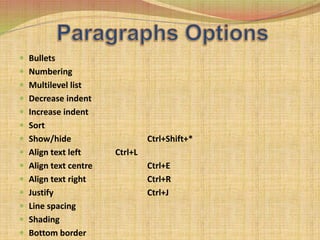
 Bullets
 Numbering
 Multilevel list
 Decrease indent
 Increase indent
 Sort
 Show/hide Ctrl+Shift+*
 Align text left Ctrl+L
 Align text centre Ctrl+E
 Align text right Ctrl+R
 Justify Ctrl+J
 Line spacing
 Shading
 Bottom border
 Normal
 No spacing
 Heading 1
 Heading 2
 Tittle
 Subtittle
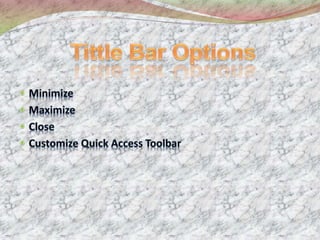
 Change style
 Find Ctrl+F
 Replace Ctrl+H
 Goto Ctrl+G
 Select All Ctrl+A
 Pages
 Tables
 Illustrations
 Links Hyperlink Ctrl+K
 Header & Footer
 Text
 Symbols
 Cover page
 Blank page Ctrl+Enter
 Page break
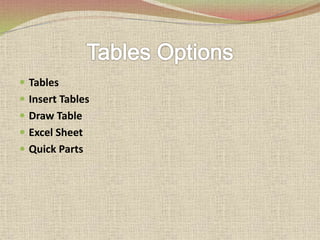
 Tables
 Insert Tables
 Draw Table
 Excel Sheet
 Quick Parts
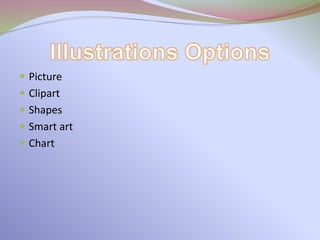
 Picture
 Clipart
 Shapes
 Smart art
 Chart
 Header
 Footer
 Page number
 Hyperlink
 Bookmark
 Cross-references
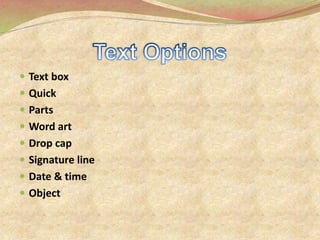
 Text box
 Quick
 Parts
 Word art
 Drop cap
 Signature line
 Date & time
 Object
 Equation Alt+=
 Symbols
 Themes
 Page setup
 Page background
 Paragraph
 Arrange
 Themes
 Color
 Font
 Effects
 Margins
 Orientation
 Size
 Columns
 Breaker
 Line number
 hyphenation
 Water mark
 Page color
 Page borders
Paragraph Options
 Indent
 Spacing
 Position
 Brin g to front
 Send to back
 Text wrapping
 Align
 Group
 Rotate
About The MS Word 2007

About The MS Word 2007