A Best Practice Approach to the
                                       Design of Natural User Interfaces

                                       Dieter Wallach & Martin Radvak
                                       May, 27th 2010


User Interface Design   Icon Design      Style Guide       Usability Tests   Custom Look & Feels


                                      © 2010 by ERGOSIGN
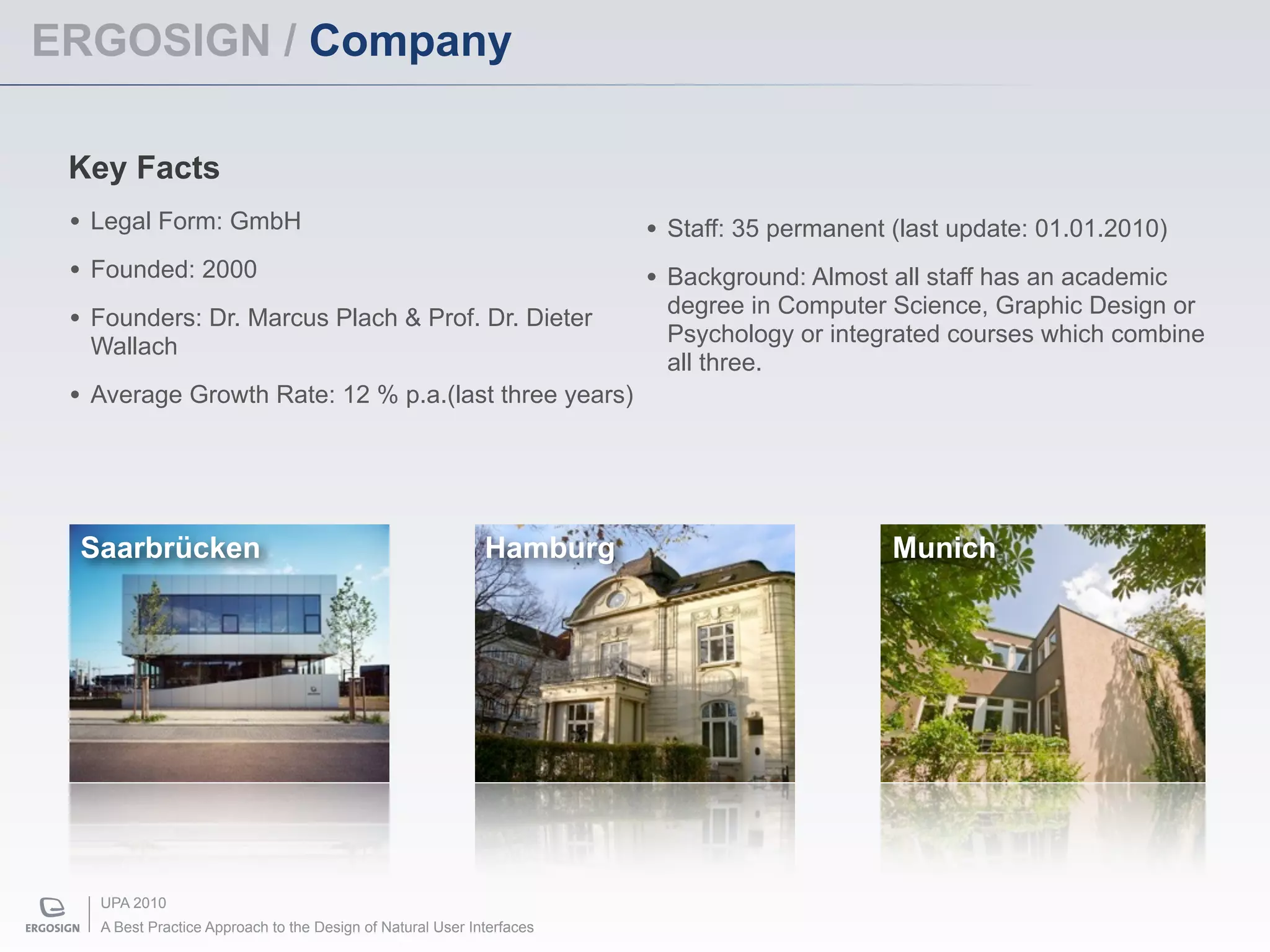
ERGOSIGN / Company

 Key Facts
 • Legal Form: GmbH                                                    • Staff: 35 permanent (last update: 01.01.2010)
 • Founded: 2000                                                       • Background: Almost all staff has an academic
                                                                        degree in Computer Science, Graphic Design or
 • Founders: Dr. Marcus Plach & Prof. Dr. Dieter                        Psychology or integrated courses which combine
  Wallach
                                                                        all three.
 • Average Growth Rate: 12 % p.a.(last three years)


 Saarbrücken                                                Hamburg                          Munich


   UPA 2010
   A Best Practice Approach to the Design of Natural User Interfaces
Agenda


   • Natural User Interfaces & Multi-Touch

   • Guidelines & Principles

   • A Dedicated Design Process

   • Today‘s possibilities

   • Research Questions


 UPA 2010
 A Best Practice Approach to the Design of Natural User Interfaces
Natural User Interfaces


UPA 2010
A Best Practice Approach to the Design of Natural User Interfaces
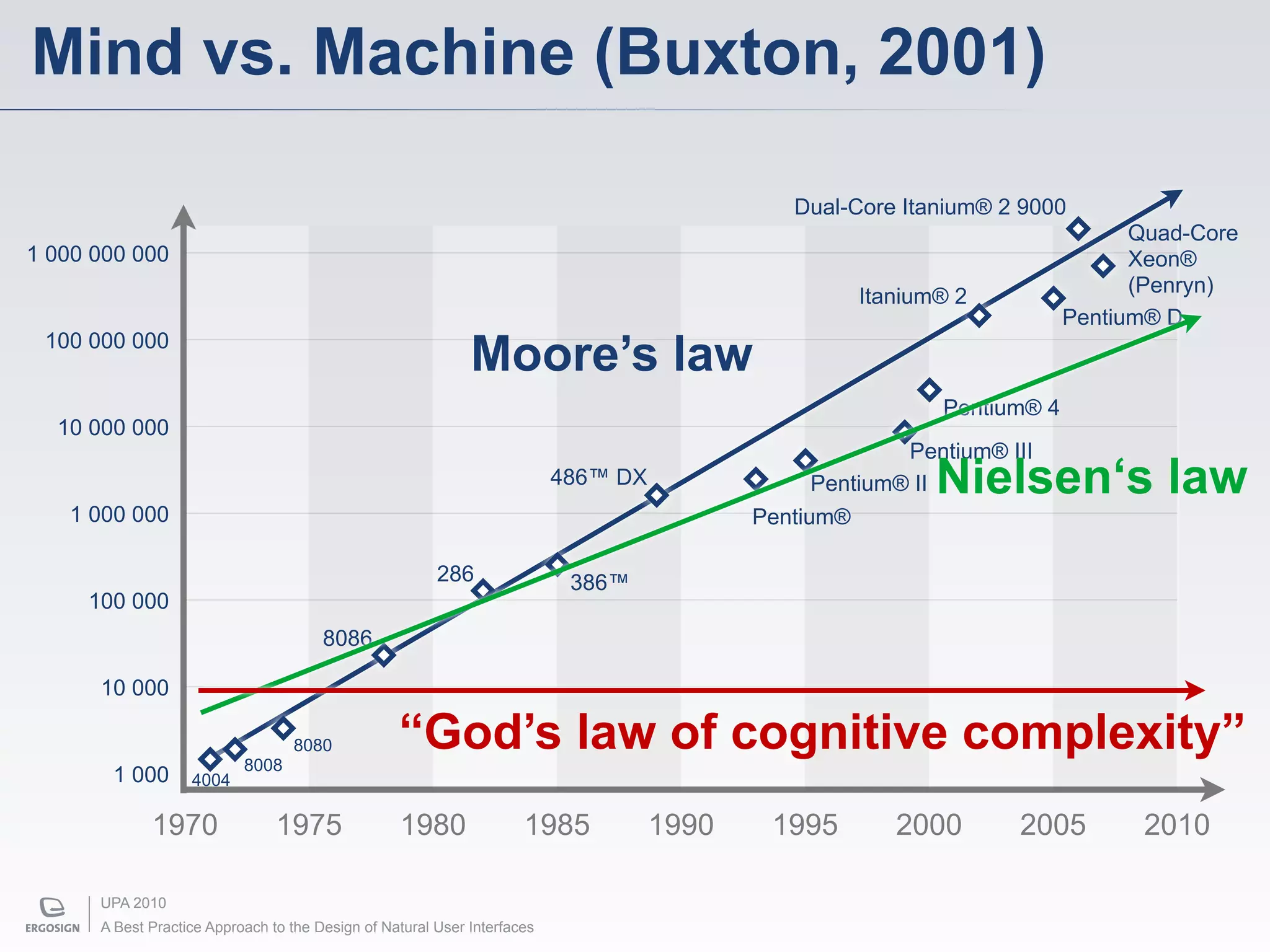
Mind vs. Machine (Buxton, 2001)

                                                                                              Dual-Core Itanium® 2 9000
                                                                                                                               Quad-Core
1 000 000 000                                                                                                                  Xeon®
                                                                                                                               (Penryn)
                                                                                                    Itanium® 2
                                                                                                                         Pentium® D
 100 000 000
                                                             Moore’s law
                                                                                                            Pentium® 4
  10 000 000
                                                                                                         Pentium® III
                                                                          486™ DX                Pentium® IINielsen‘s law
   1 000 000                                                                               Pentium®

                                                        286                386™
     100 000
                                       8086

      10 000


                           8008
                                  8080            “God’s law of cognitive complexity”
       1 000       4004

             1970               1975              1980               1985           1990    1995        2000       2005        2010

      UPA 2010
      A Best Practice Approach to the Design of Natural User Interfaces
“Natural“ — from a human‘s perspective…


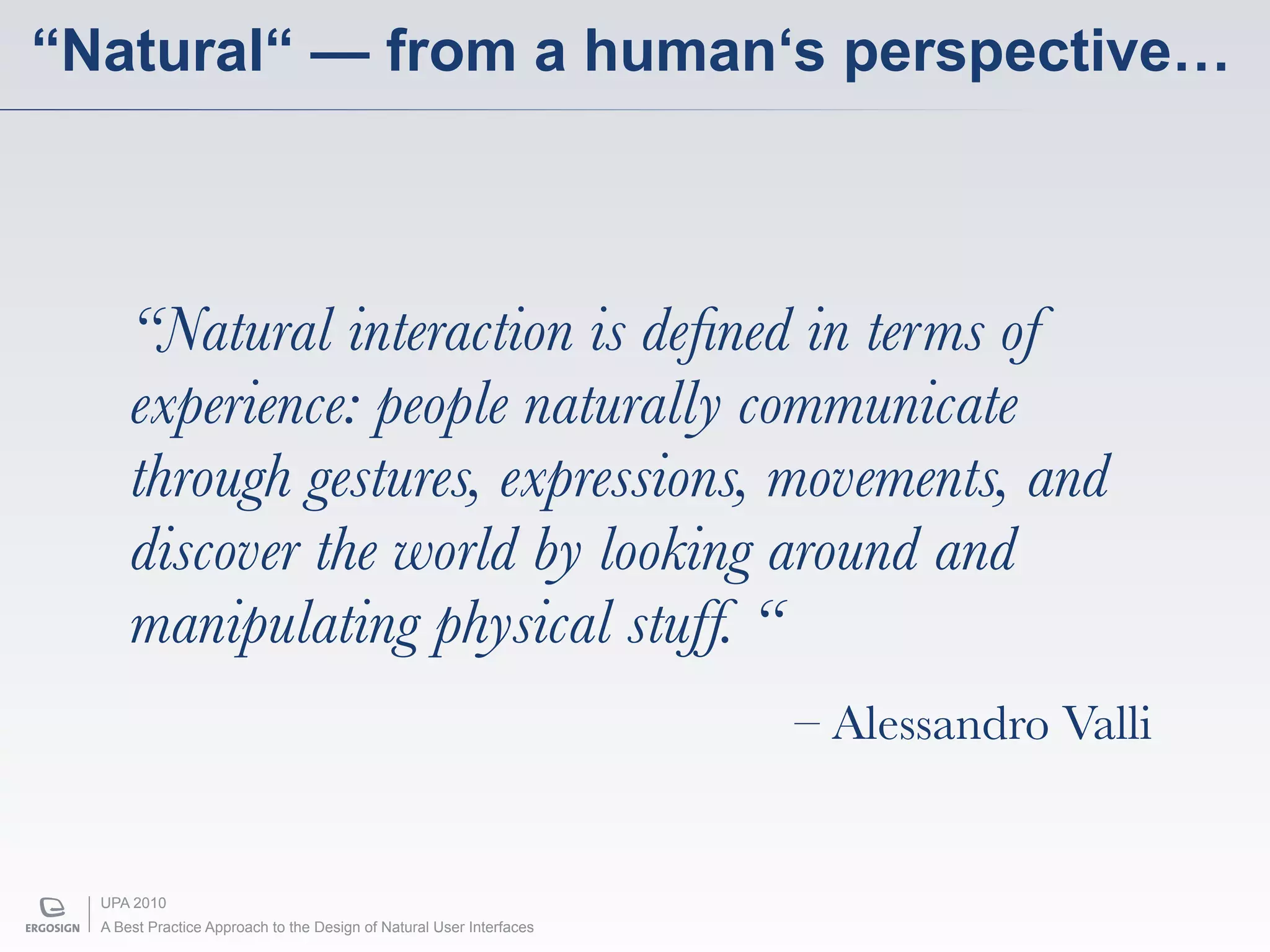
      “Natural interaction is defined in terms of
      experience: people naturally communicate
      through gestures, expressions, movements, and
      discover the world by looking around and
      manipulating physical stuff. “
                                                                      – Alessandro Valli


  UPA 2010
  A Best Practice Approach to the Design of Natural User Interfaces
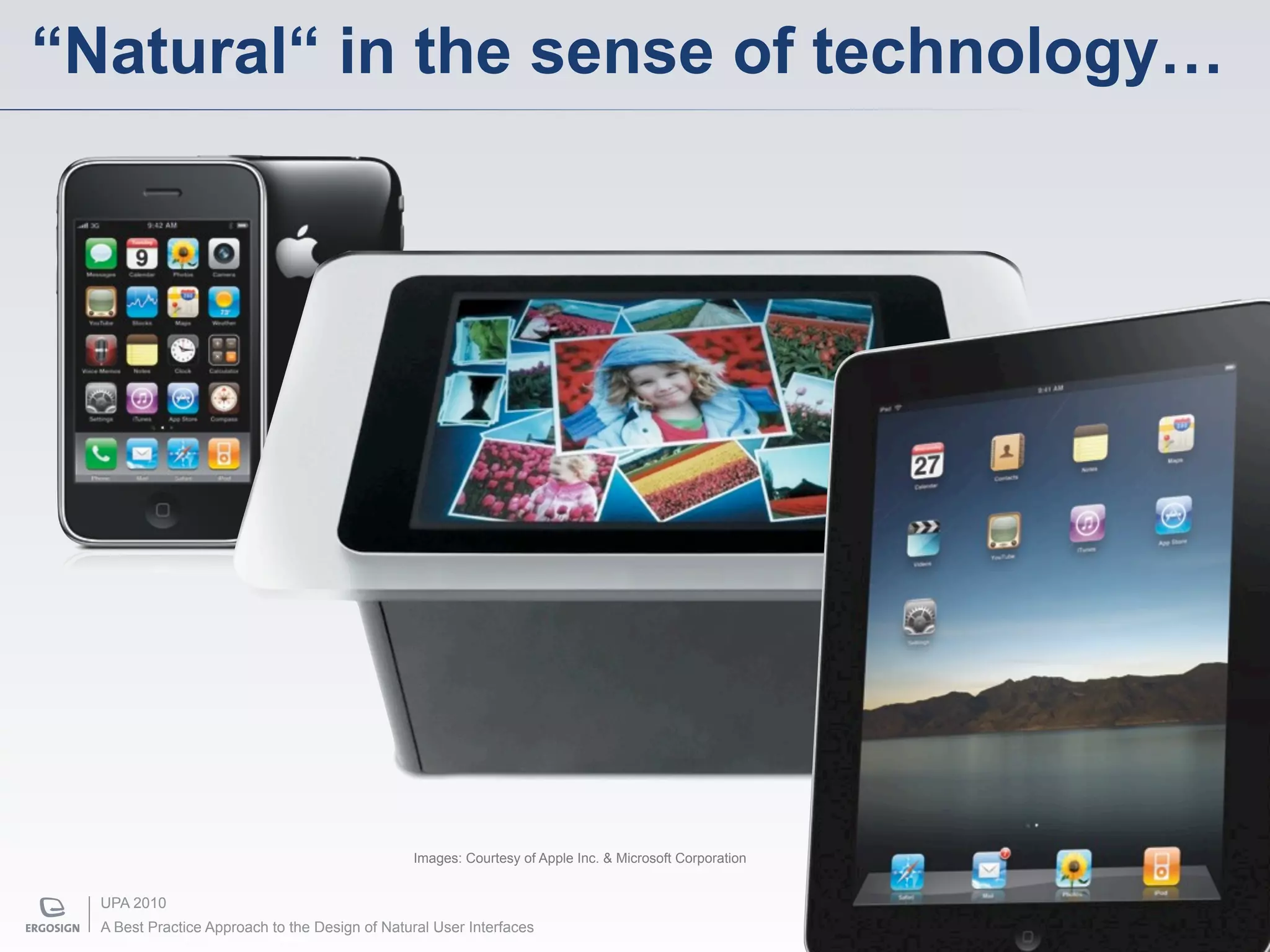
“Natural“ in the sense of technology…


                                                Images: Courtesy of Apple Inc. & Microsoft Corporation


  UPA 2010
  A Best Practice Approach to the Design of Natural User Interfaces
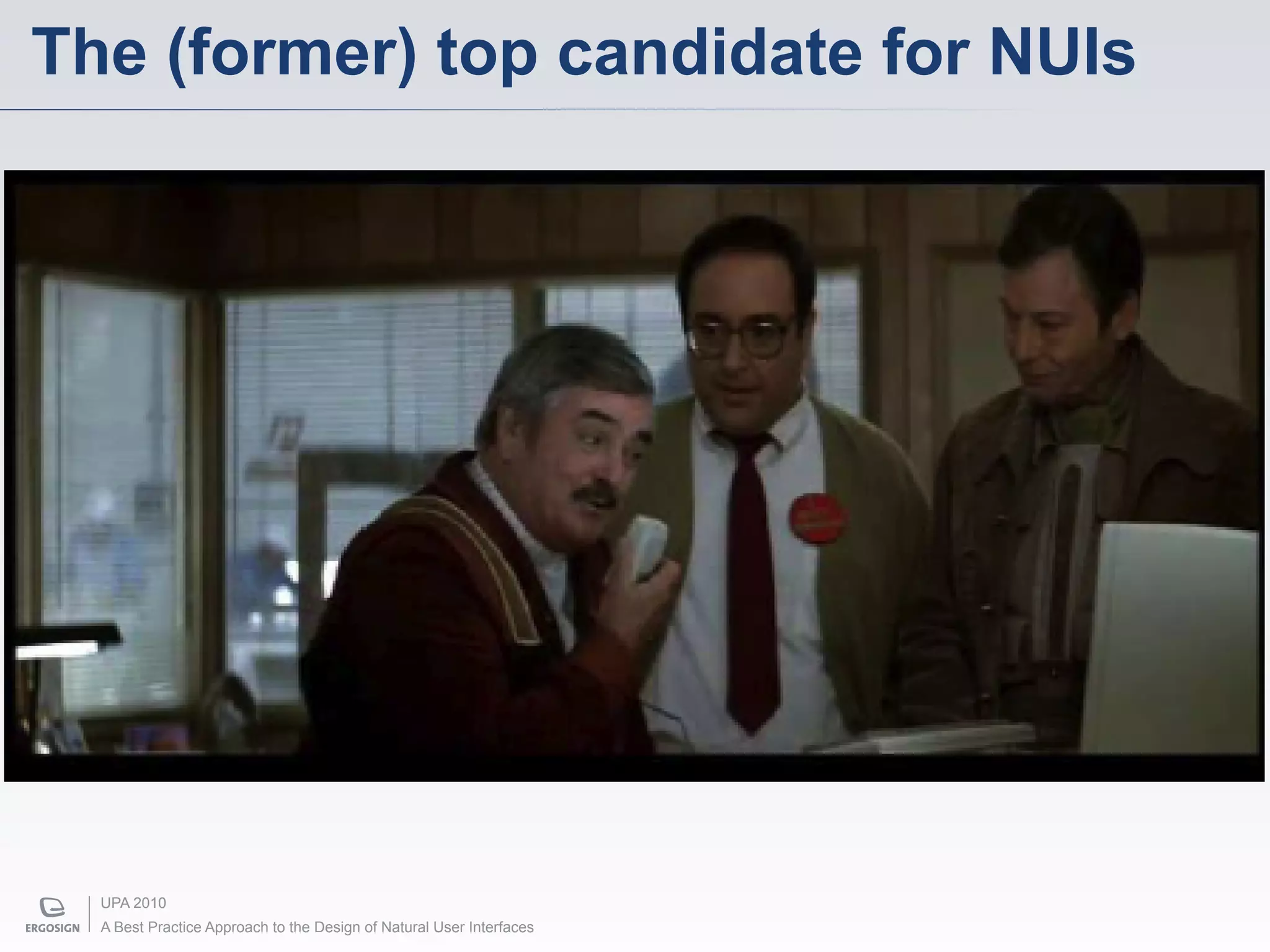
The (former) top candidate for NUIs


  UPA 2010
  A Best Practice Approach to the Design of Natural User Interfaces
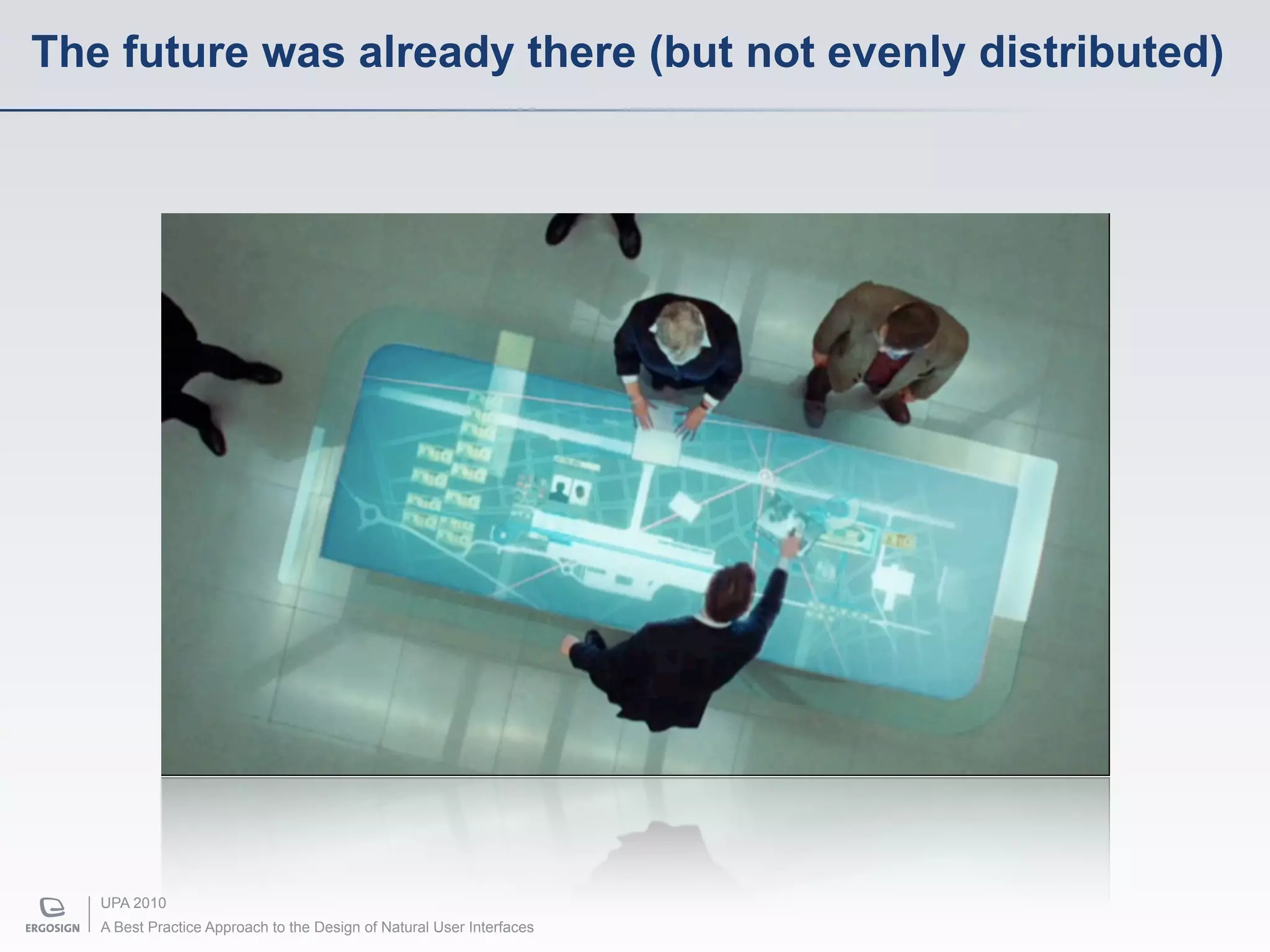
The future was already there (but not evenly distributed)


   UPA 2010
   A Best Practice Approach to the Design of Natural User Interfaces
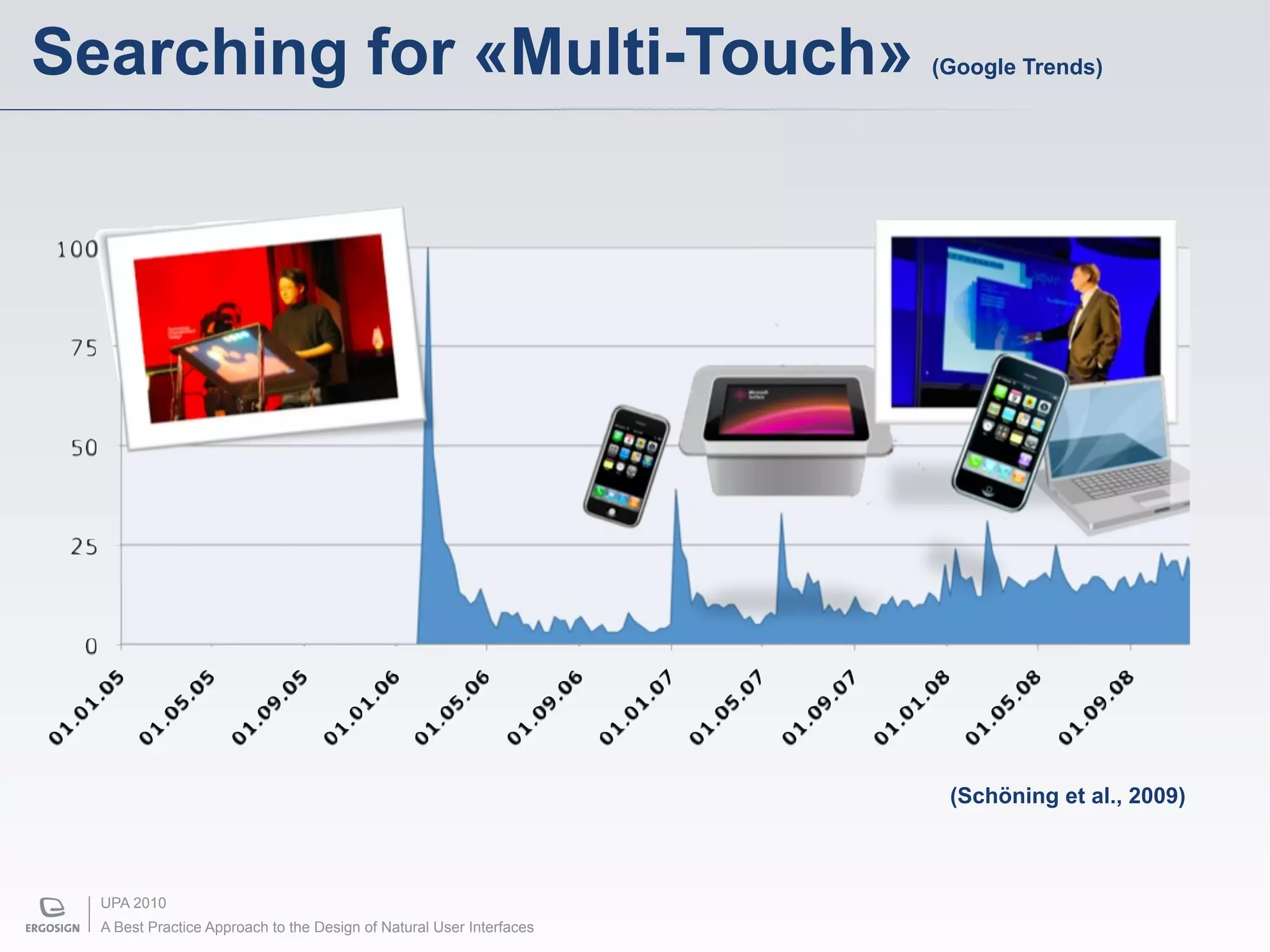
Searching for «Multi-Touch»                                           (Google Trends)


                                                                       (Schöning et al., 2009)


  UPA 2010
  A Best Practice Approach to the Design of Natural User Interfaces
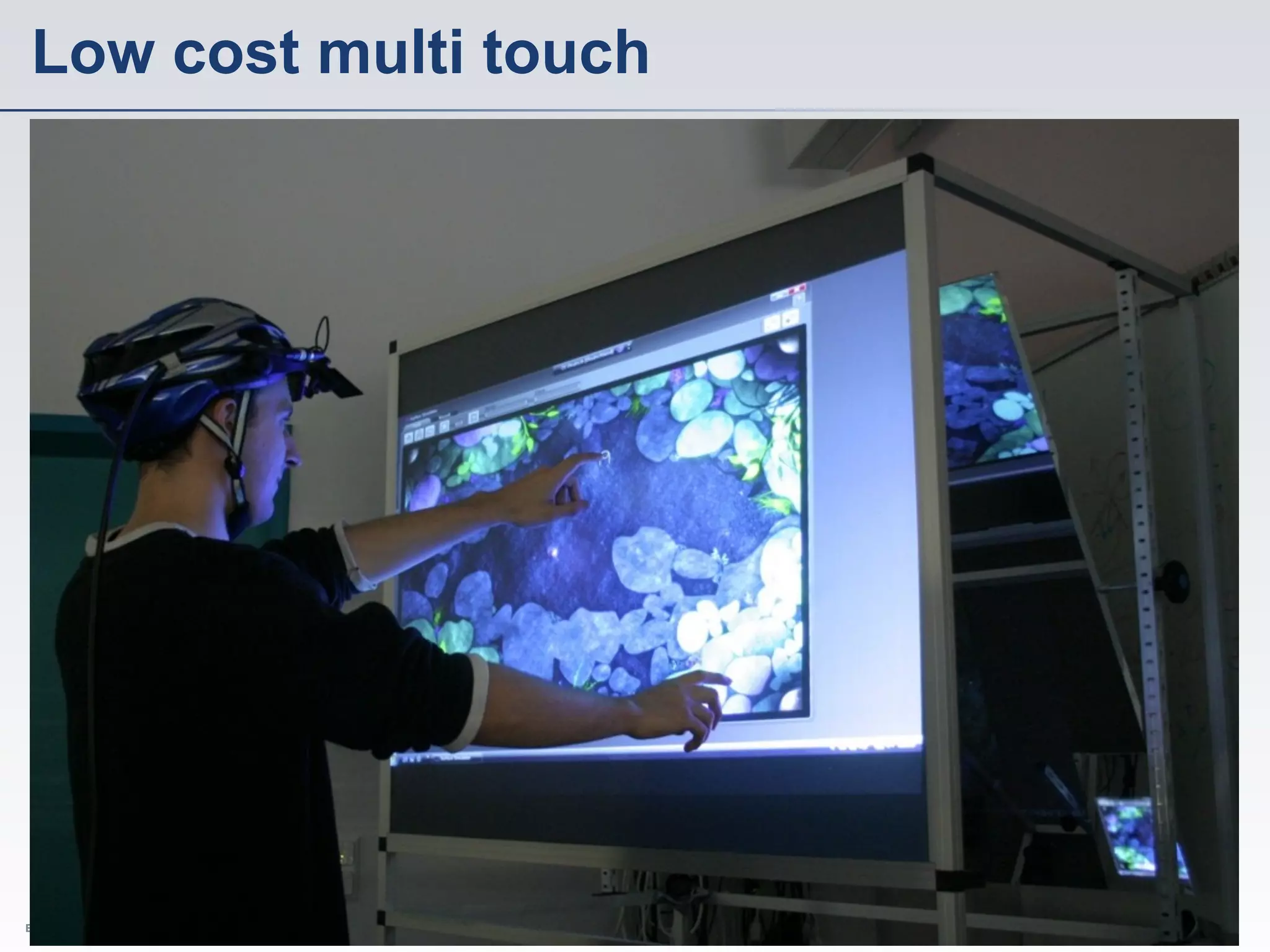
Low cost multi touch


  UPA 2010
  A Best Practice Approach to the Design of Natural User Interfaces
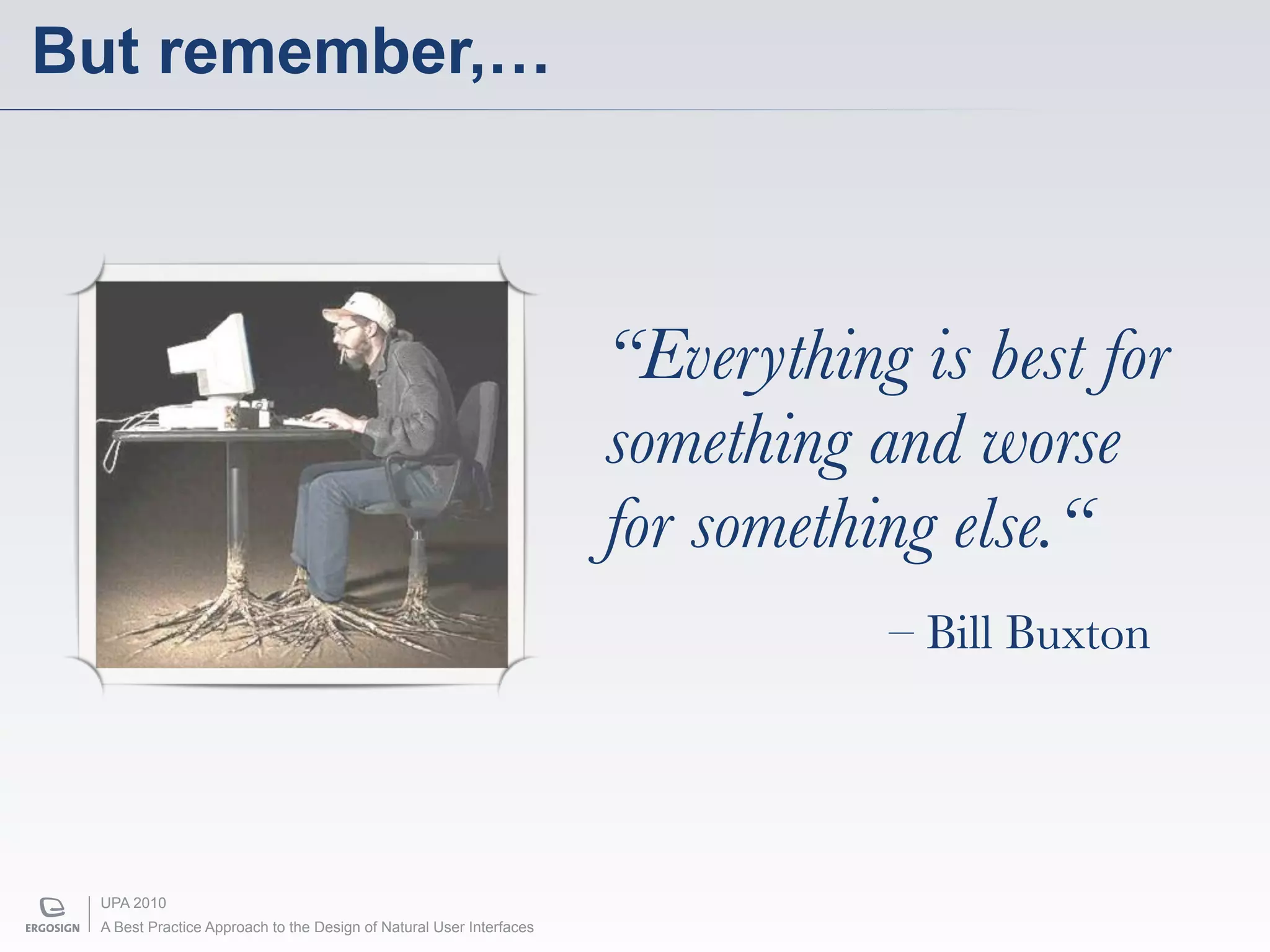
But remember,…


                                                                     “Everything is best for
                                                                     something and worse
                                                                     for something else.“
                                                                                – Bill Buxton


 UPA 2010
 A Best Practice Approach to the Design of Natural User Interfaces
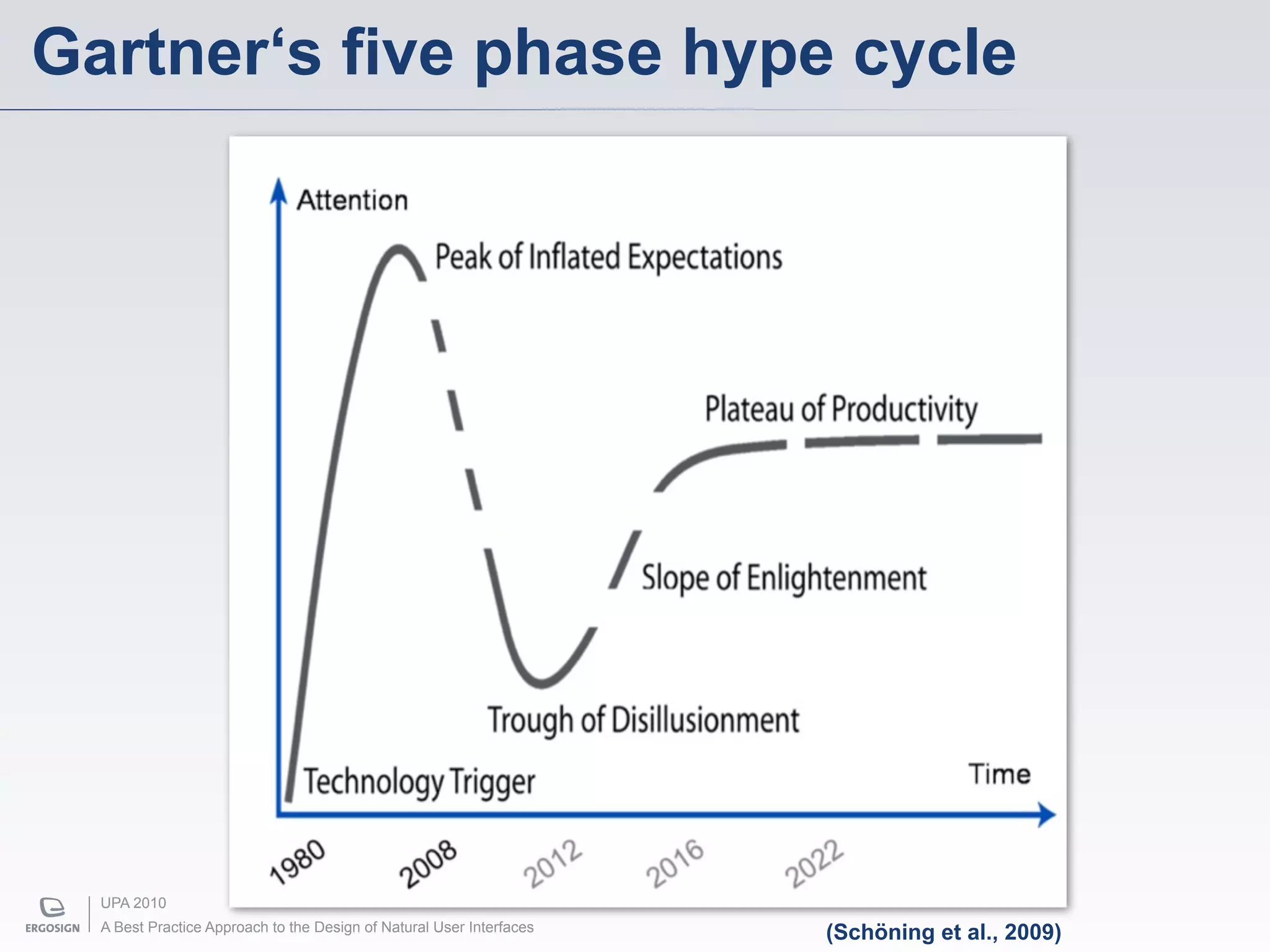
Gartner‘s five phase hype cycle


  UPA 2010
  A Best Practice Approach to the Design of Natural User Interfaces   (Schöning et al., 2009)
What makes a good user interface?


UPA 2010
A Best Practice Approach to the Design of Natural User Interfaces
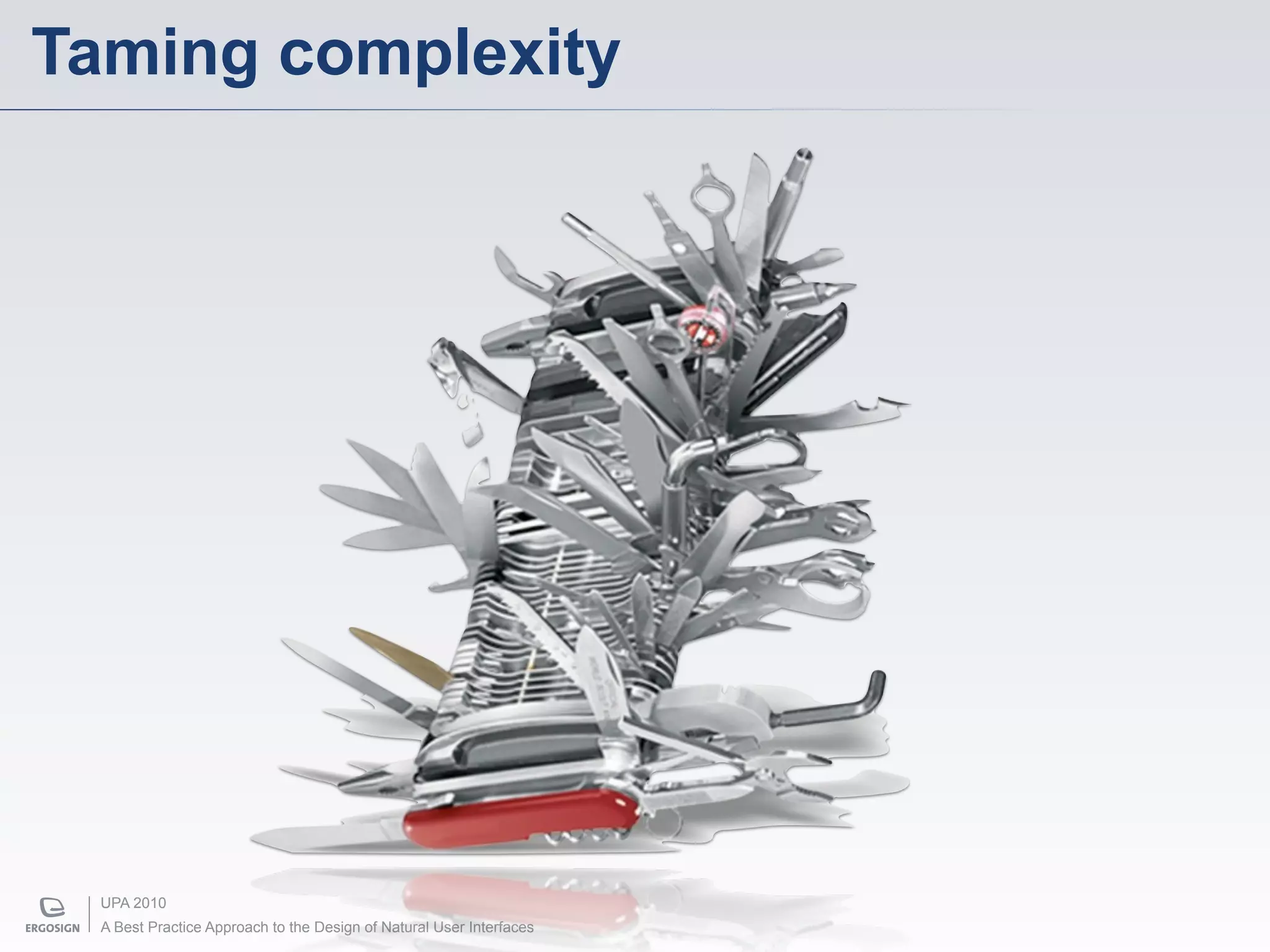
Taming complexity


  UPA 2010
  A Best Practice Approach to the Design of Natural User Interfaces
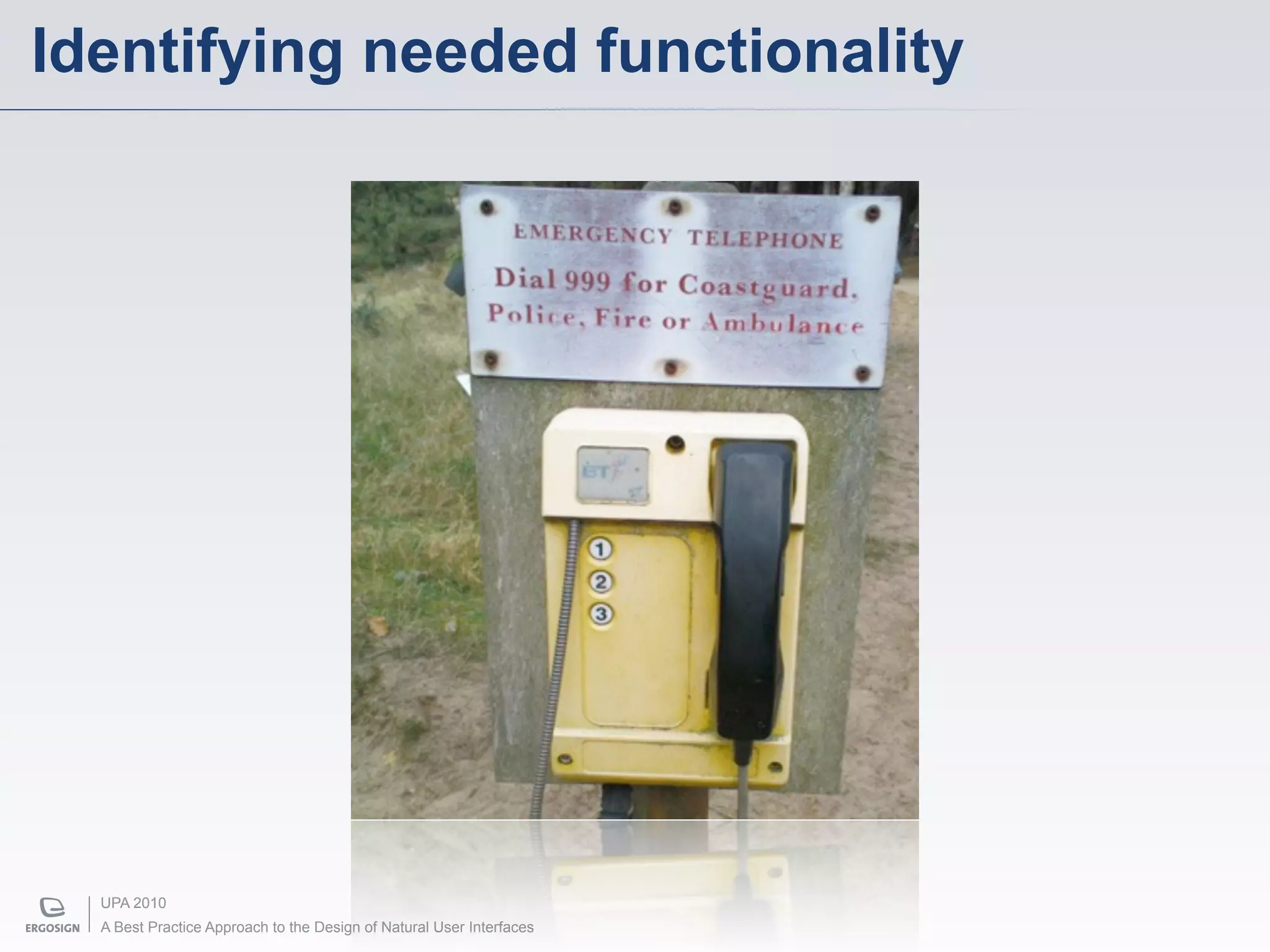
Identifying needed functionality


  UPA 2010
  A Best Practice Approach to the Design of Natural User Interfaces
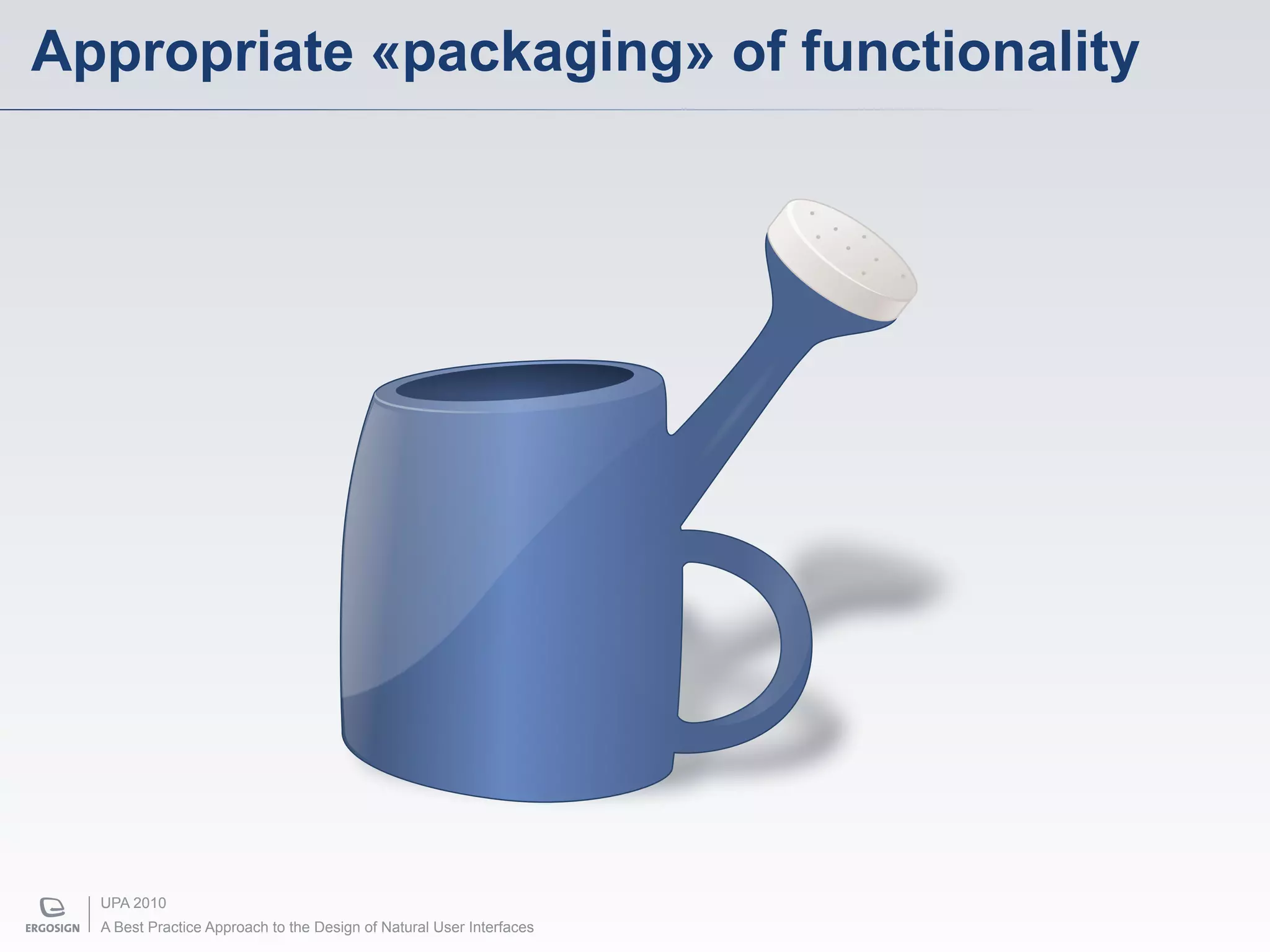
Appropriate «packaging» of functionality


  UPA 2010
  A Best Practice Approach to the Design of Natural User Interfaces
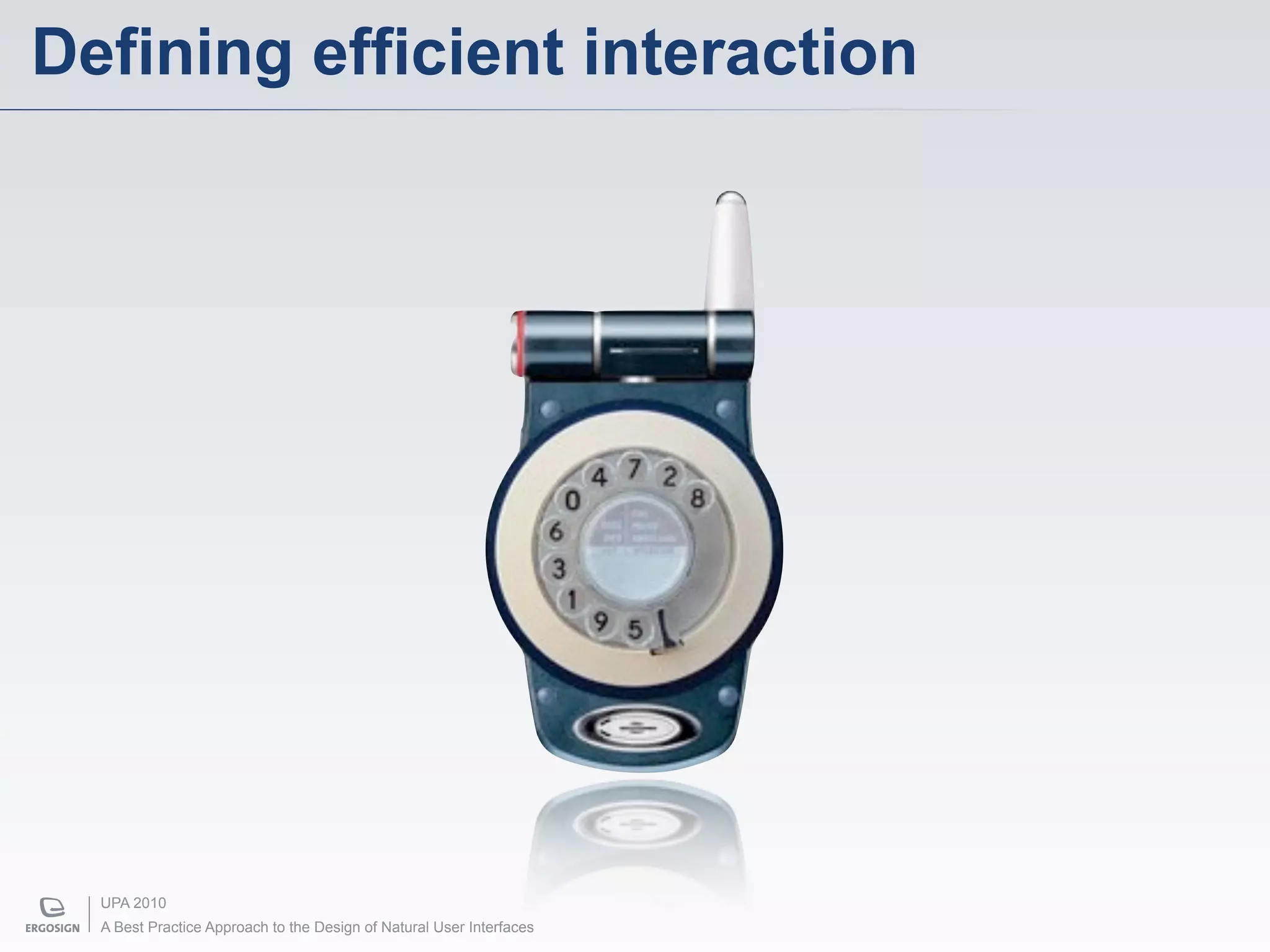
Defining efficient interaction


  UPA 2010
  A Best Practice Approach to the Design of Natural User Interfaces
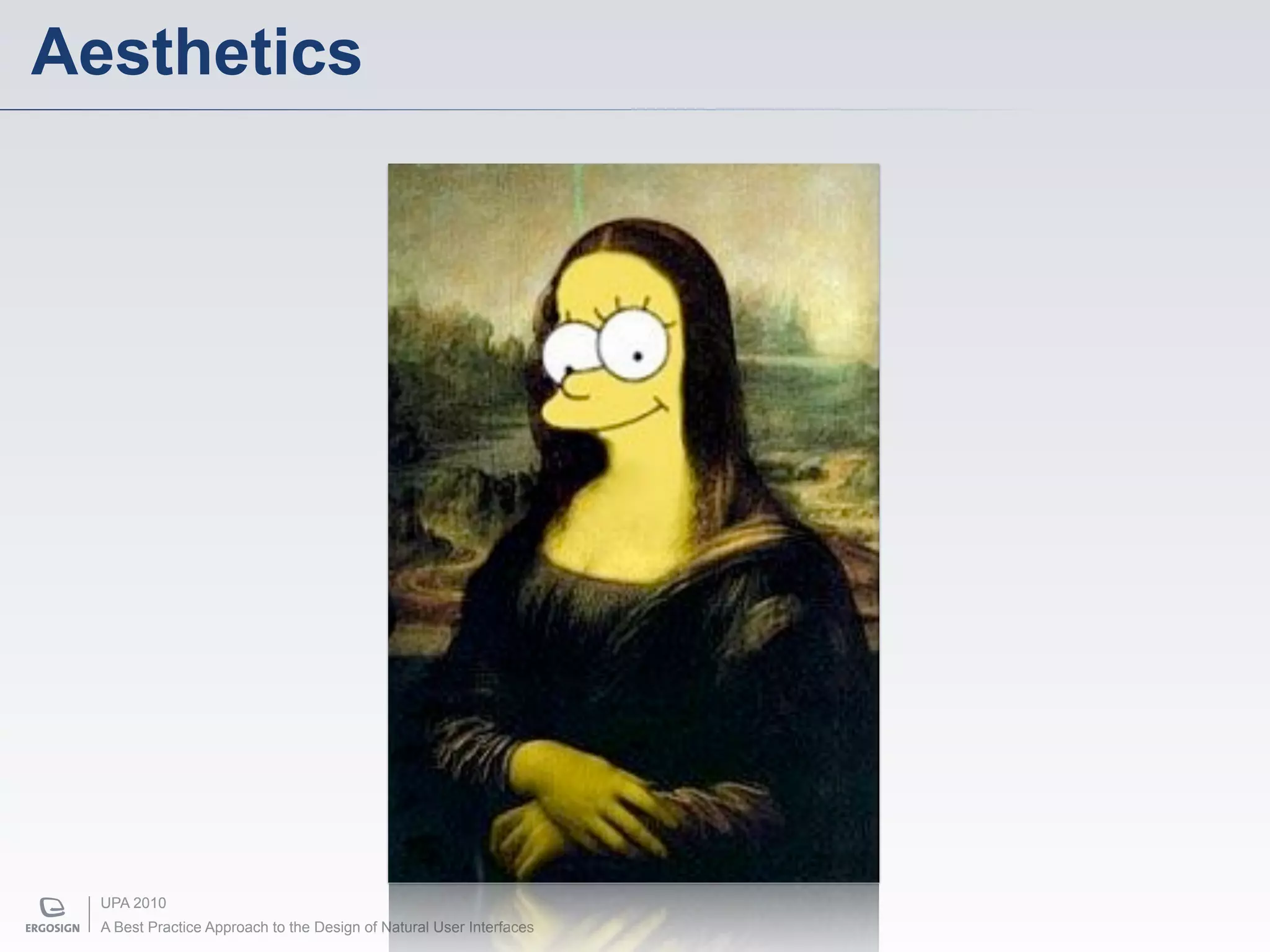
Aesthetics


  UPA 2010
  A Best Practice Approach to the Design of Natural User Interfaces
Guidelines & Principles


UPA 2010
A Best Practice Approach to the Design of Natural User Interfaces
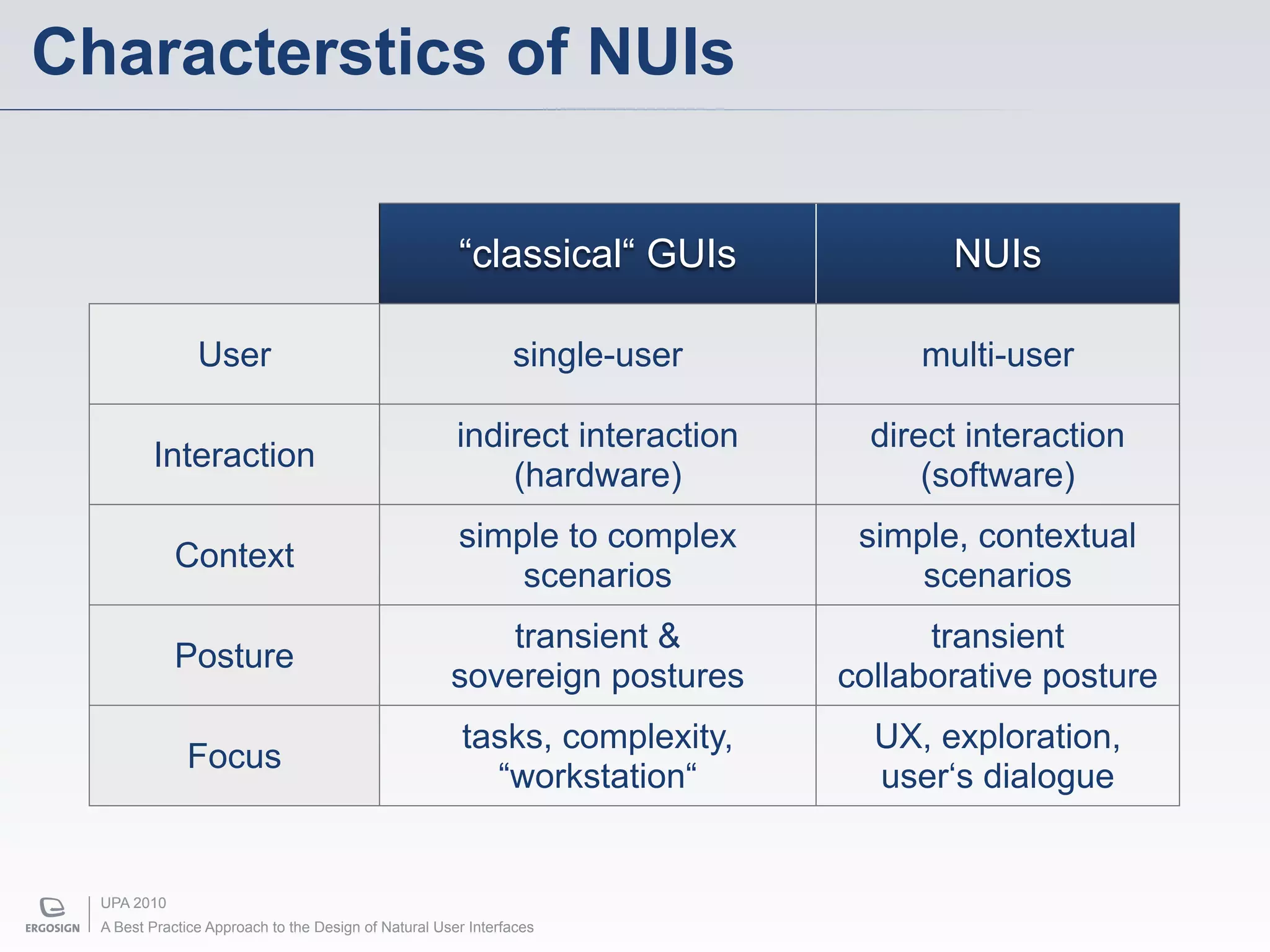
Characterstics of NUIs

                                                       “classical“ GUIs              NUIs

                User                                           single-user         multi-user

                                                       indirect interaction     direct interaction
         Interaction
                                                           (hardware)               (software)
                                                       simple to complex       simple, contextual
             Context
                                                           scenarios               scenarios
                                                          transient &               transient
             Posture
                                                      sovereign postures      collaborative posture
                                                        tasks, complexity,      UX, exploration,
              Focus
                                                          “workstation“         user‘s dialogue


  UPA 2010
  A Best Practice Approach to the Design of Natural User Interfaces
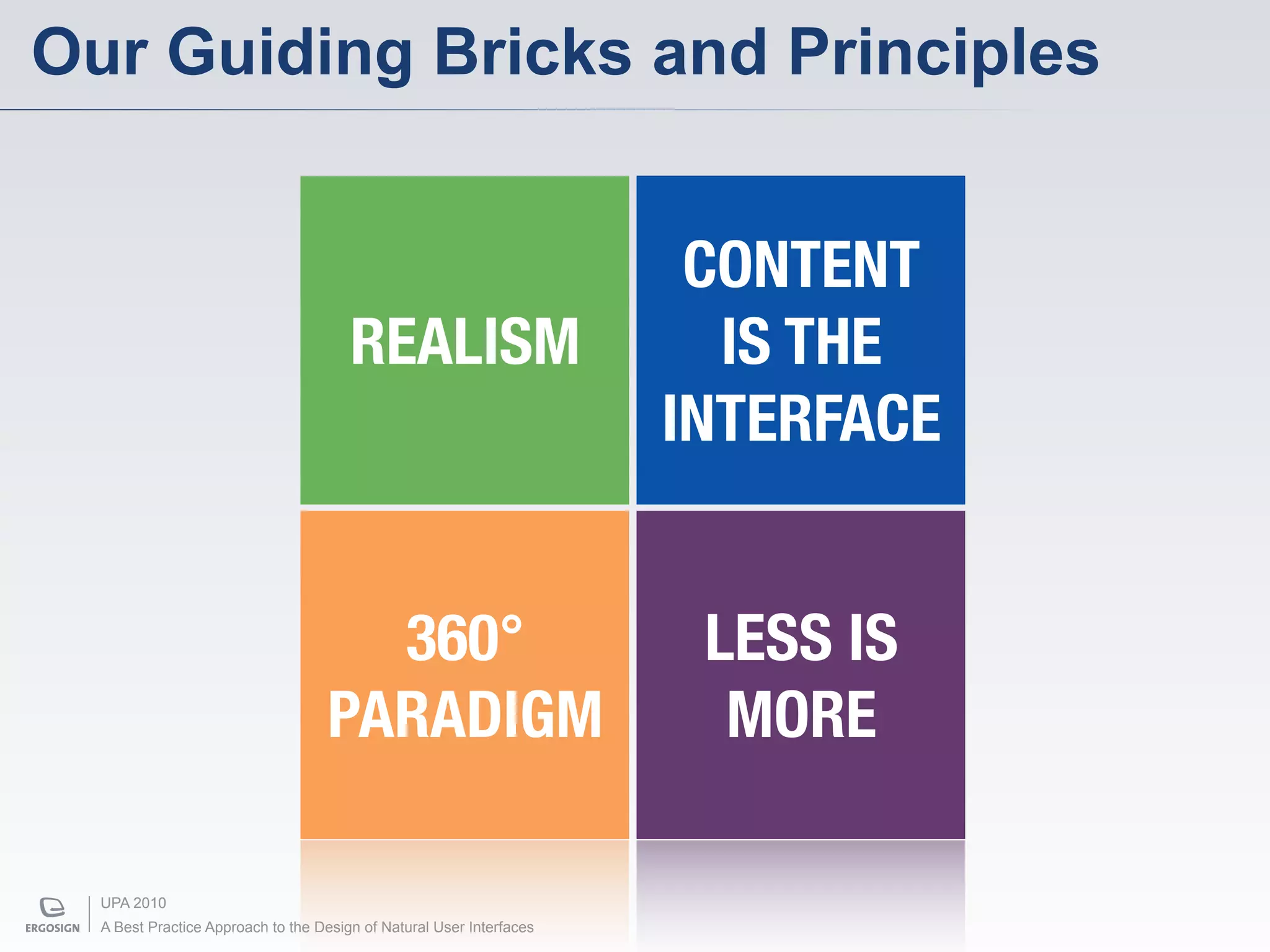
Our Guiding Bricks and Principles


                                                                       CONTENT
                                       REALISM                          IS THE
                                                                      INTERFACE


                                     360°                              LESS IS
                                   PARADIGM                             MORE

  UPA 2010
  A Best Practice Approach to the Design of Natural User Interfaces
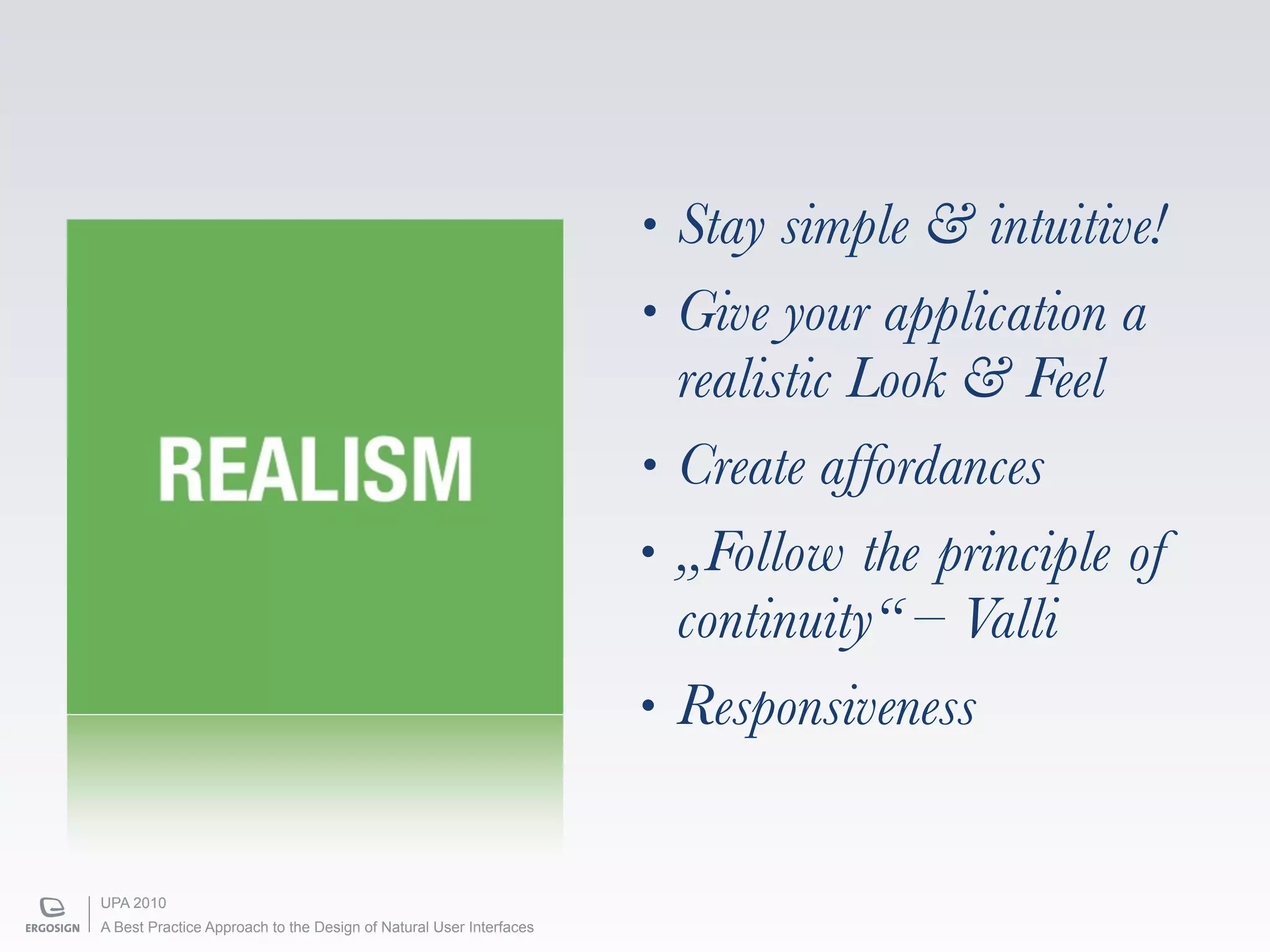
•   Stay simple & intuitive!
                                                                    •   Give your application a
                                                                        realistic Look & Feel
        REALISM                                                     •   Create affordances
                                                                    •   „Follow the principle of
                                                                        continuity“ – Valli
                                                                    •   Responsiveness


UPA 2010
A Best Practice Approach to the Design of Natural User Interfaces
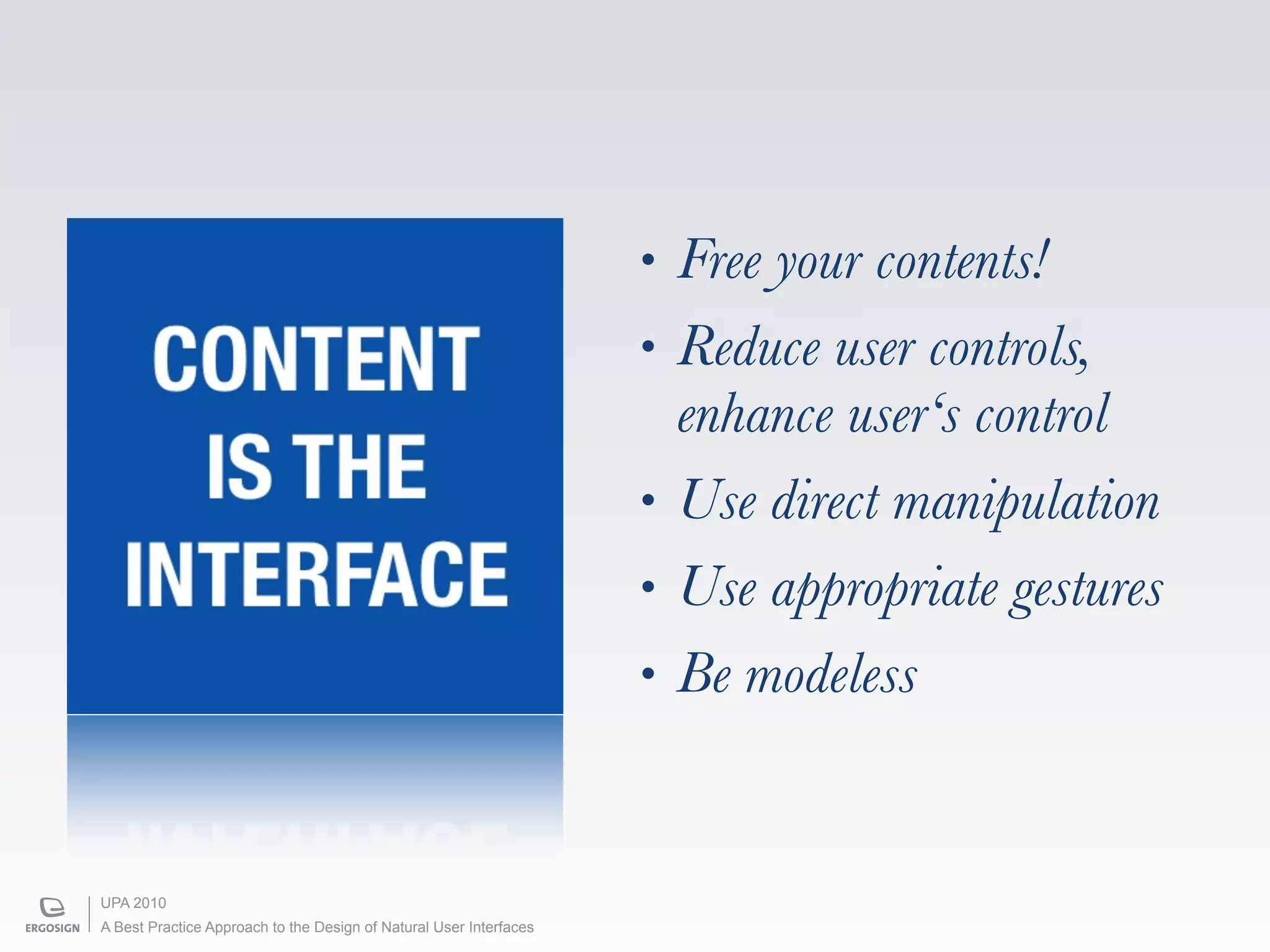
•   Free your contents!
    CONTENT                                                         •   Reduce user controls,
                                                                        enhance user‘s control
     IS THE                                                         •   Use direct manipulation
   INTERFACE                                                        •   Use appropriate gestures
                                                                    •   Be modeless


UPA 2010
A Best Practice Approach to the Design of Natural User Interfaces
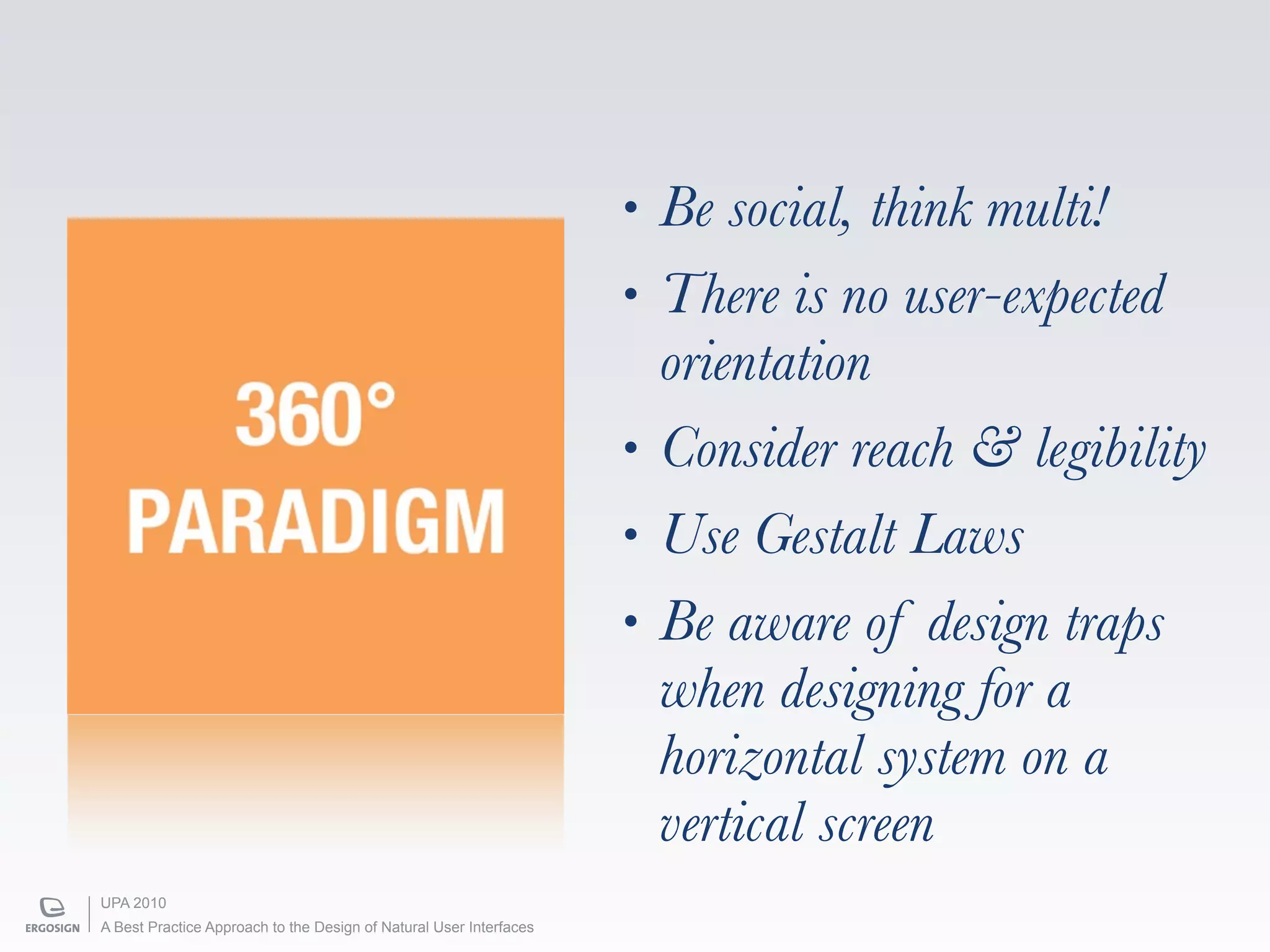
•   Be social, think multi!
                                                                    •   There is no user-expected
                                                                        orientation
     360°                                                           •   Consider reach & legibility
   PARADIGM                                                         •   Use Gestalt Laws
                                                                    •   Be aware of design traps
                                                                        when designing for a
                                                                        horizontal system on a
                                                                        vertical screen
UPA 2010
A Best Practice Approach to the Design of Natural User Interfaces
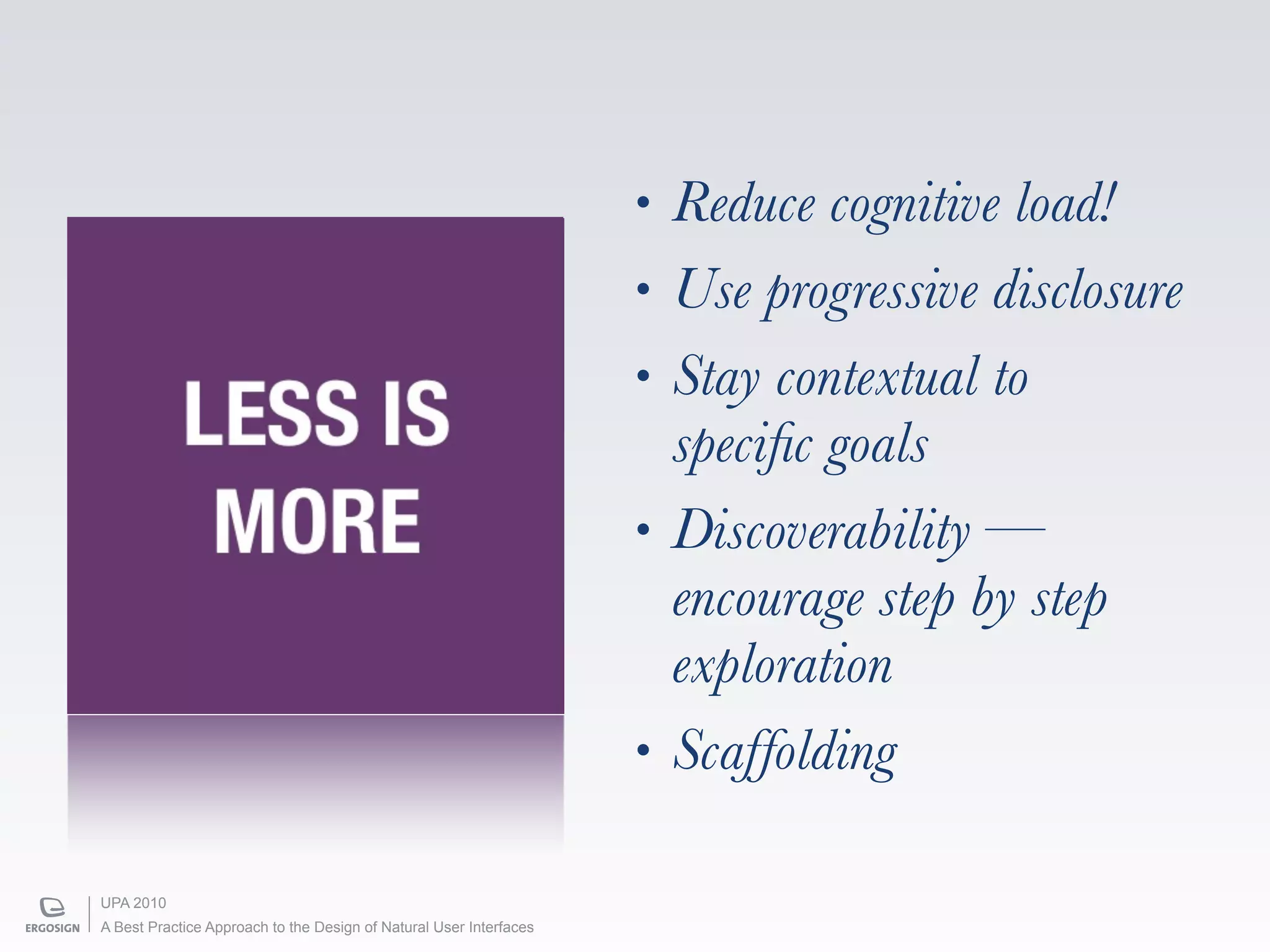
•   Reduce cognitive load!
                                                                    •   Use progressive disclosure
                                                                    •   Stay contextual to
            LESS IS                                                     specific goals
             MORE                                                   •   Discoverability —
                                                                        encourage step by step
                                                                        exploration
                                                                    •   Scaffolding

UPA 2010
A Best Practice Approach to the Design of Natural User Interfaces
3-Stages Design Process


UPA 2010
A Best Practice Approach to the Design of Natural User Interfaces
3-Stages Design Process


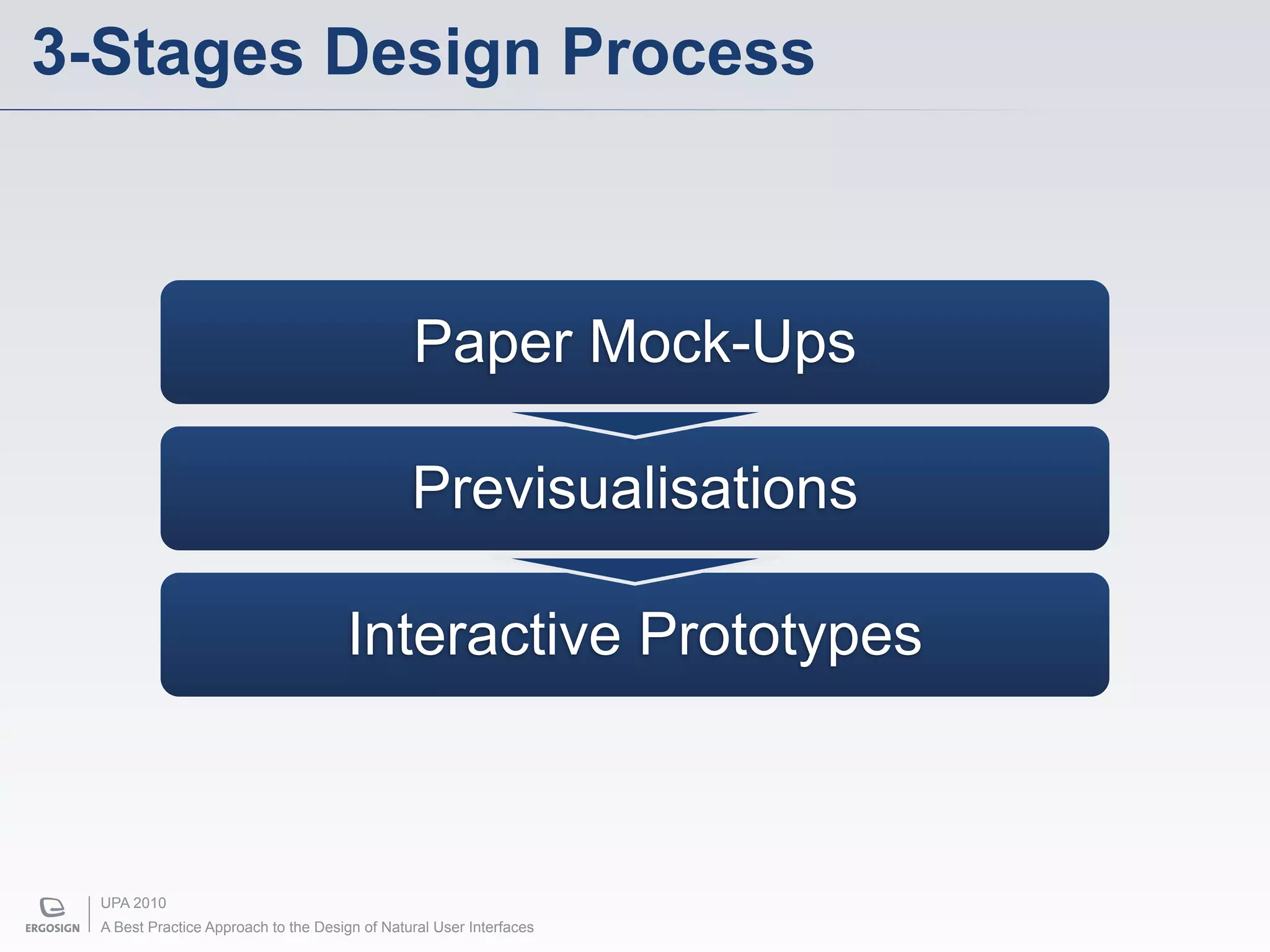
                                                Paper Mock-Ups

                                                Previsualisations

                                      Interactive Prototypes


  UPA 2010
  A Best Practice Approach to the Design of Natural User Interfaces
Paper Mock-Ups


     ”Paper mock-ups are sketched and sliced low-
     fidelity paper interfaces.
     Their goals are to get a first impression of the
     quality of interaction and discuss high-level
     ideas in layout, navigation and workflow.“


 UPA 2010
 A Best Practice Approach to the Design of Natural User Interfaces
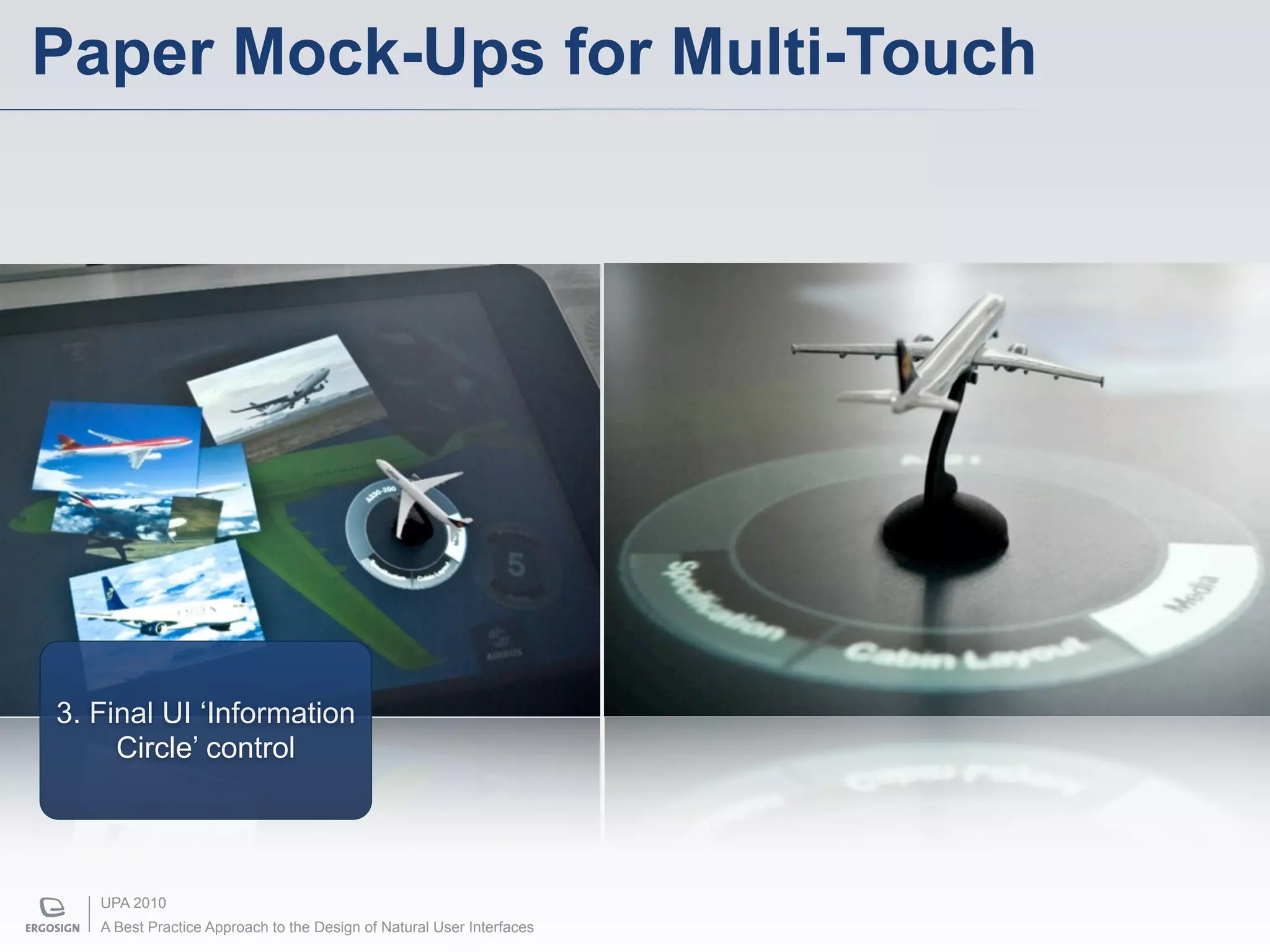
Paper Mock-Ups for Multi-Touch


3. Final UI ‘Information
     Circle’ control


   UPA 2010
   A Best Practice Approach to the Design of Natural User Interfaces
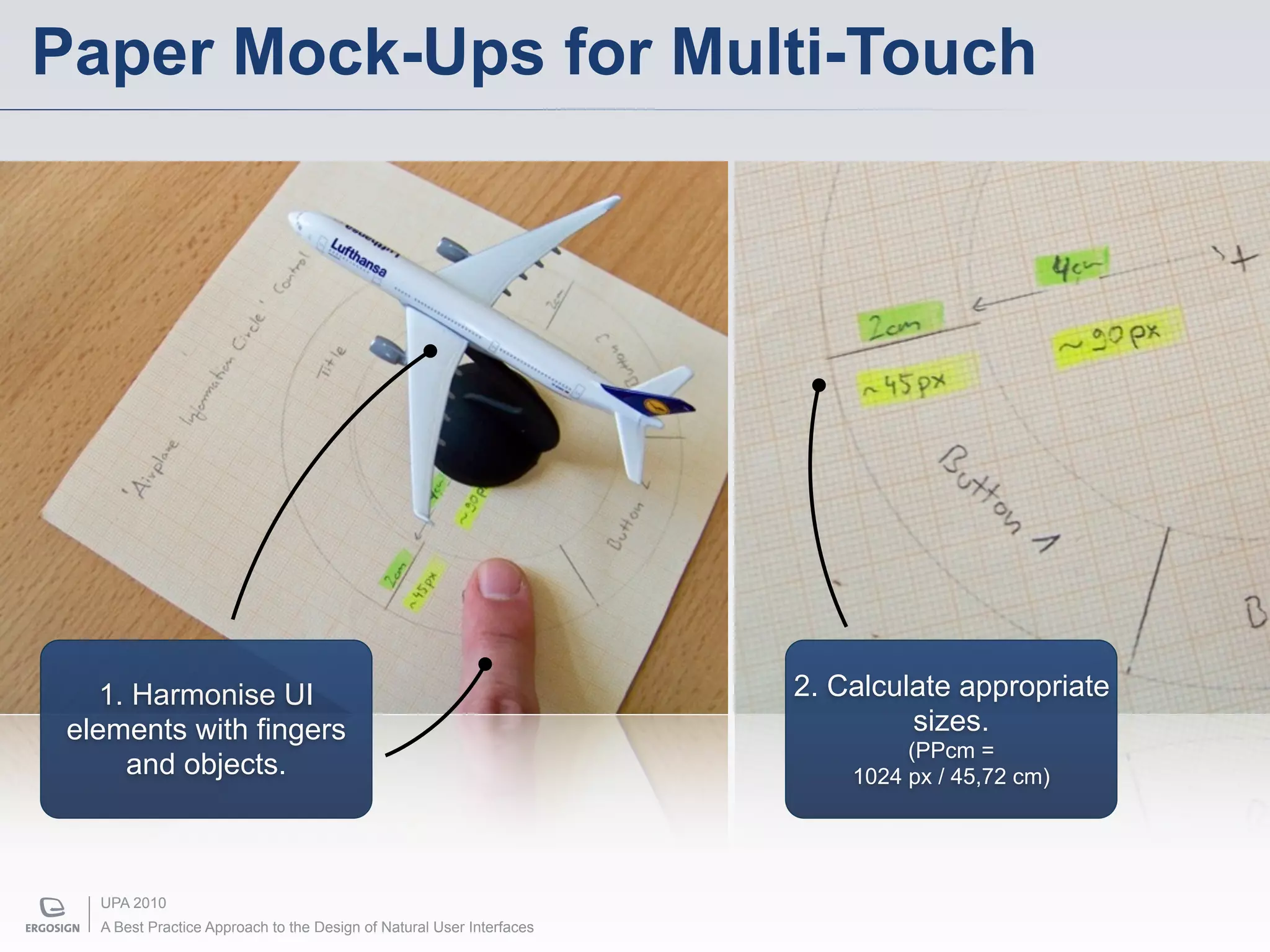
Paper Mock-Ups for Multi-Touch


    1. Harmonise UI                                                    2. Calculate appropriate
 elements with fingers                                                          sizes.
                                                                                (PPcm =
      and objects.                                                         1024 px / 45,72 cm)


   UPA 2010
   A Best Practice Approach to the Design of Natural User Interfaces
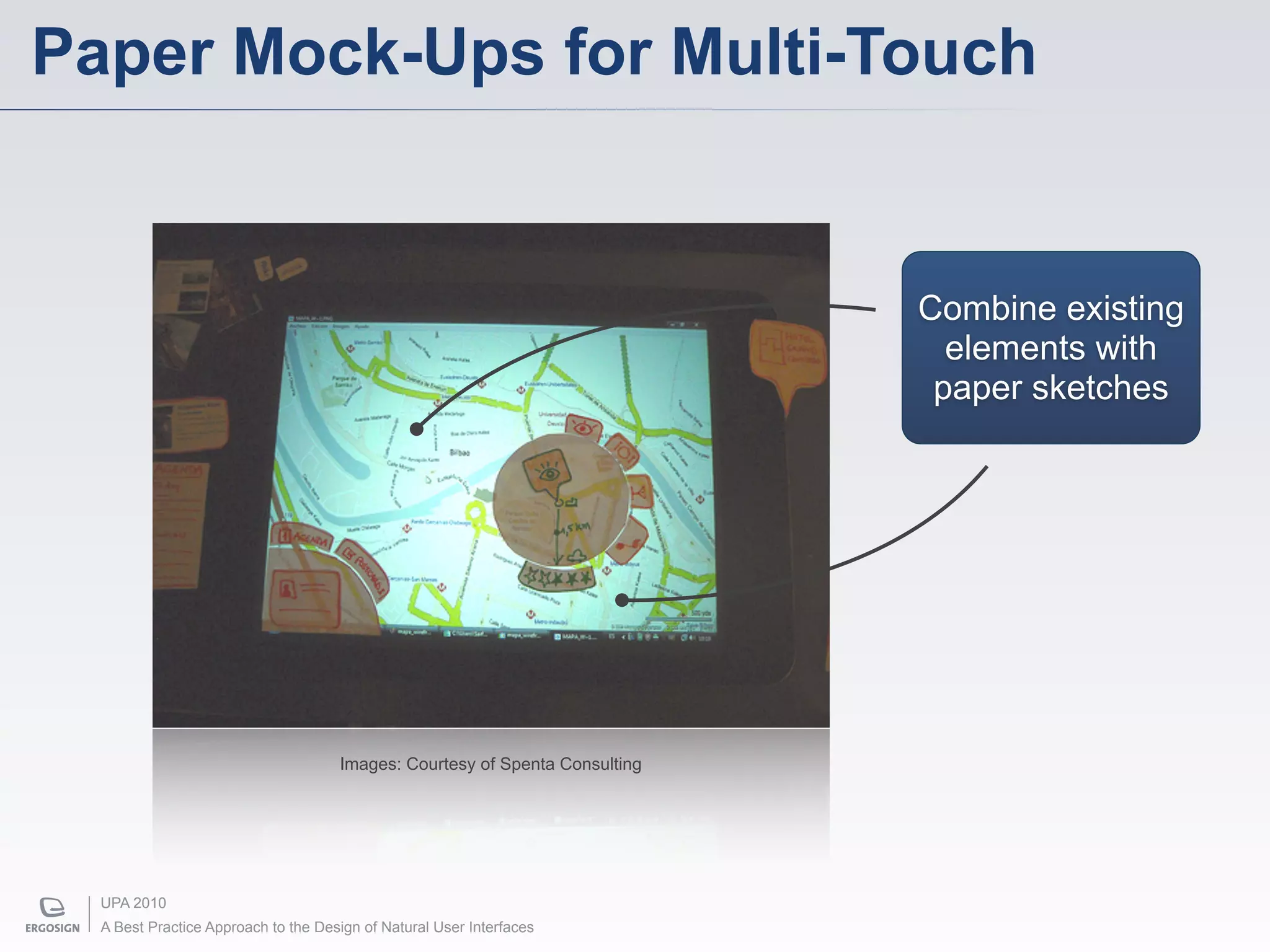
Paper Mock-Ups for Multi-Touch


                                                                             Combine existing
                                                                               elements with
                                                                              paper sketches


                                     Images: Courtesy of Spenta Consulting


  UPA 2010
  A Best Practice Approach to the Design of Natural User Interfaces
Benefits of Paper Mock-Ups


      • easy, cheap, fast
      • consider ergonomic aspects like touch and reach
      • calculate proportionate pixel-based sizes considering
        different pixel per inch resolutions
      • harmonise sizes of real world objects and digital UI
        elements
      • fingers are actually fingers
      • paper-based elements already behave natural


  UPA 2010
  A Best Practice Approach to the Design of Natural User Interfaces
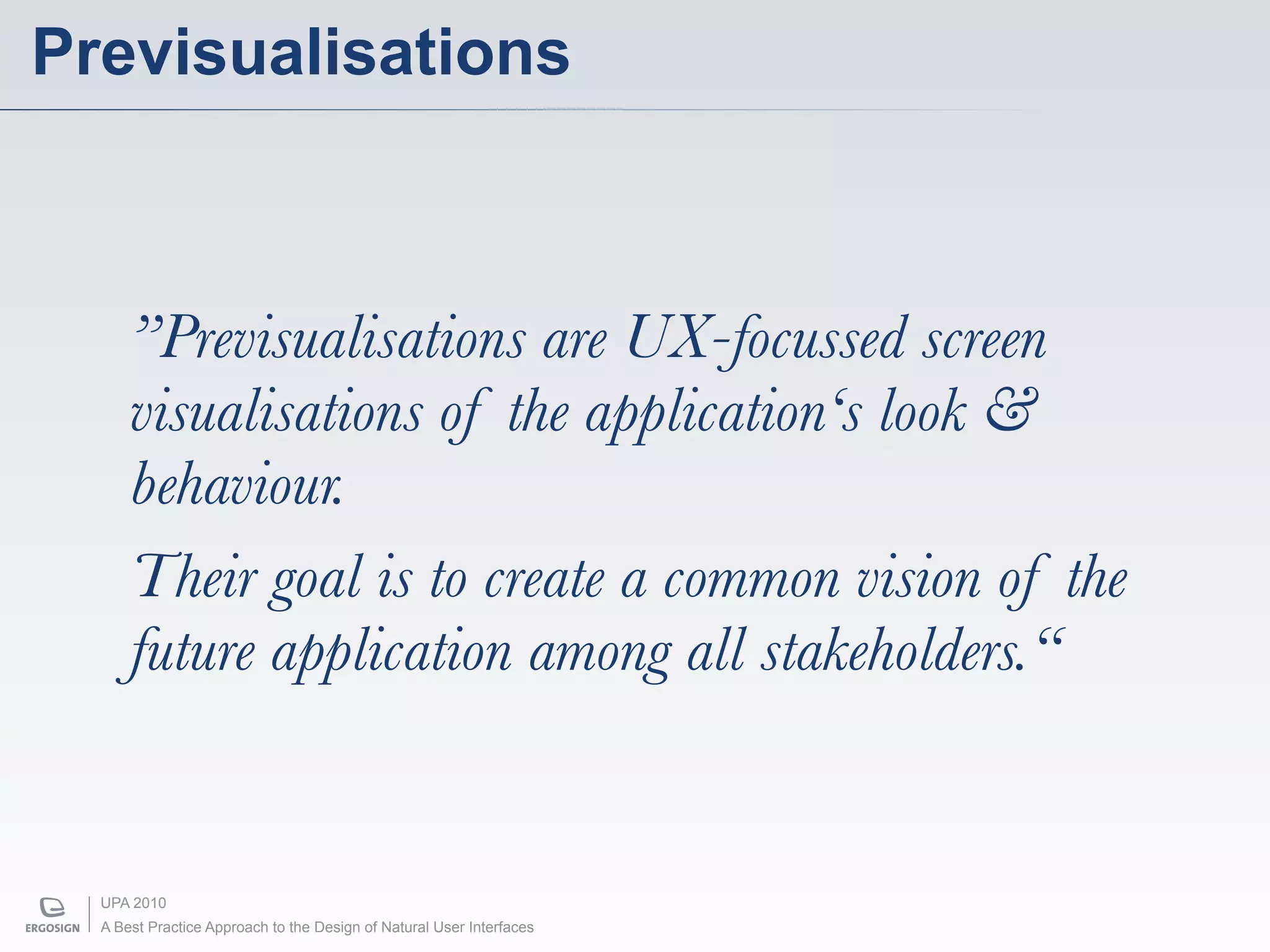
Previsualisations


      ”Previsualisations are UX-focussed screen
      visualisations of the application‘s look &
      behaviour.
      Their goal is to create a common vision of the
      future application among all stakeholders.“


  UPA 2010
  A Best Practice Approach to the Design of Natural User Interfaces
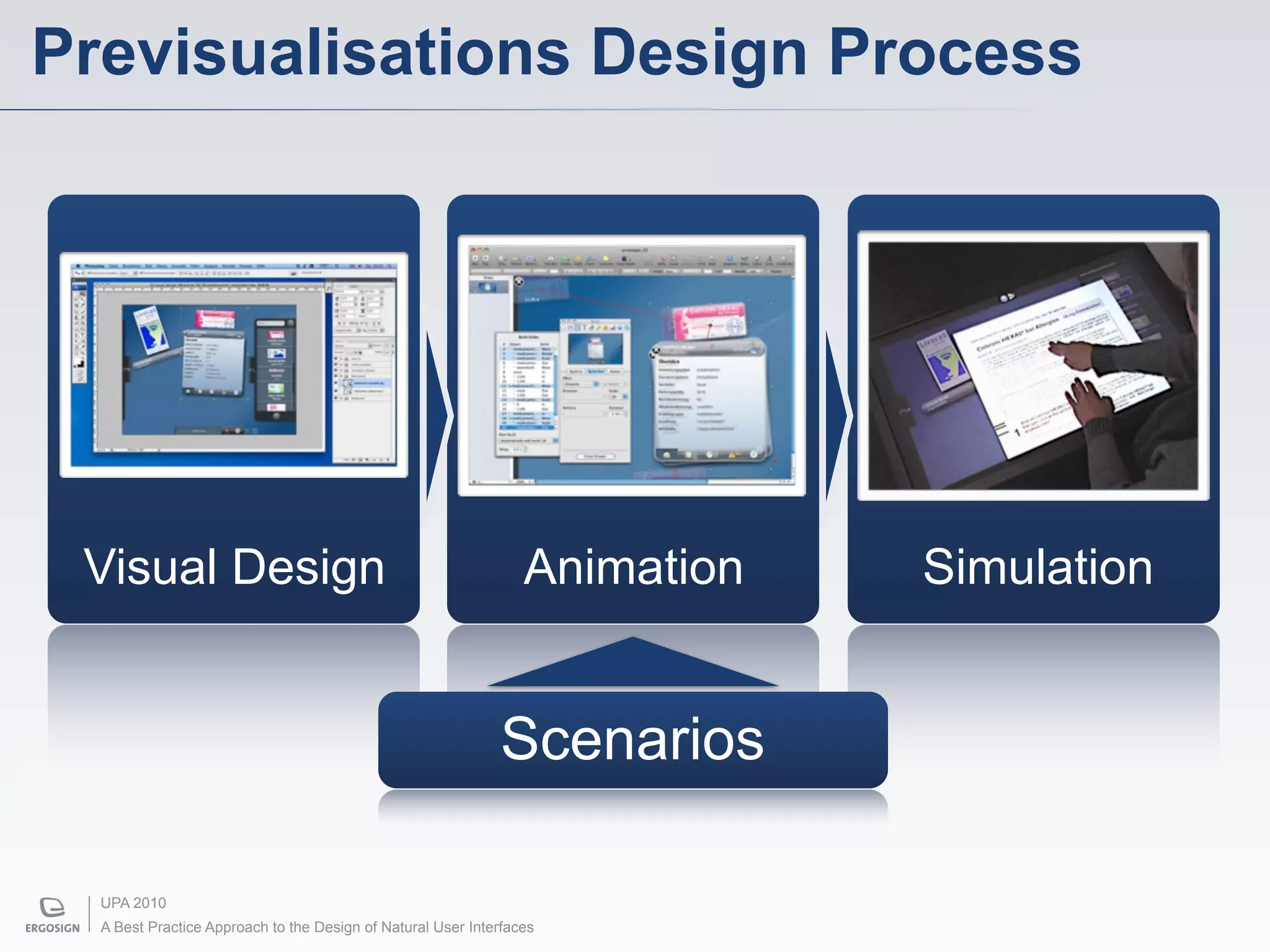
Previsualisations Design Process


 Visual Design                                                   Animation   Simulation


                                                             Scenarios

  UPA 2010
  A Best Practice Approach to the Design of Natural User Interfaces
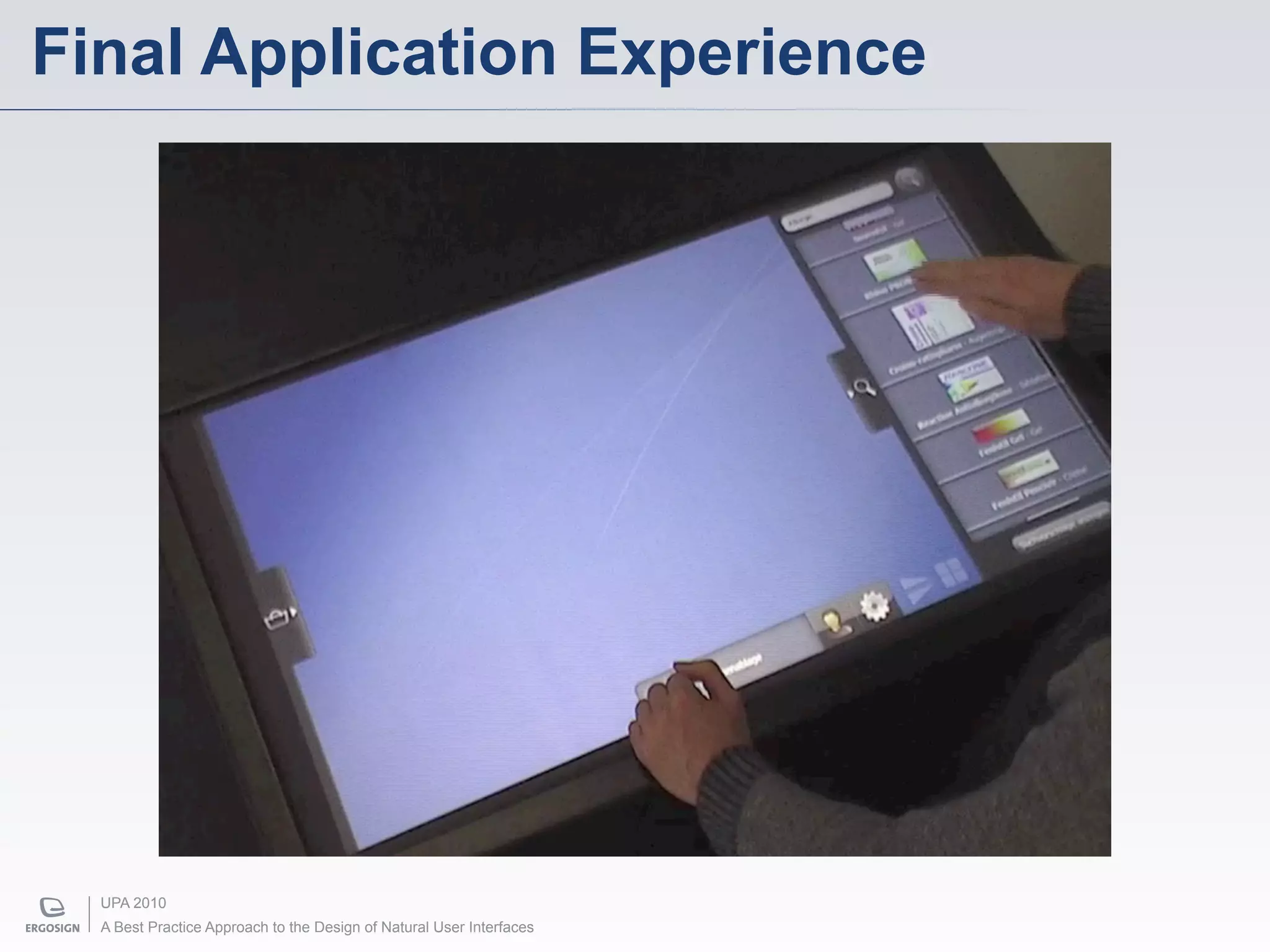
Final Application Experience


  UPA 2010
  A Best Practice Approach to the Design of Natural User Interfaces
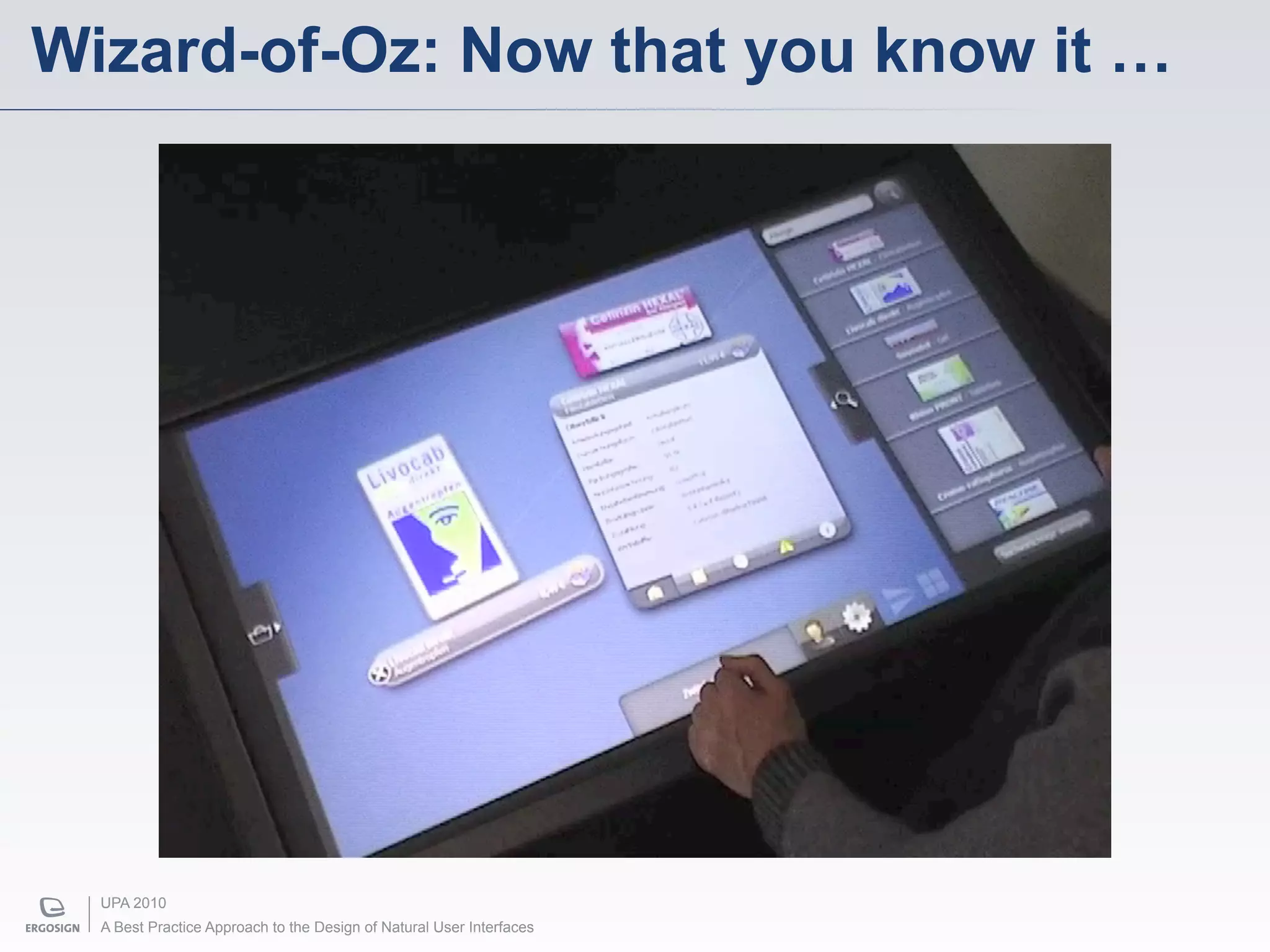
Wizard-of-Oz: Now that you know it …


  UPA 2010
  A Best Practice Approach to the Design of Natural User Interfaces
Benefits of Previsualisations


      • Extraordinary powerful communication tool
      • Highly realistic
      • Highly „designer-oriented“
      • Independent of the underlying implementation
      • Get rich feedback by stakeholders
      • Generally faster than prototypical implementation


  UPA 2010
  A Best Practice Approach to the Design of Natural User Interfaces
Interactive Prototypes


               “Tell me and I'll forget.
            Show me and I may remember.
           Involve me and I'll understand.“
                                                                      – Chinese proverb


  UPA 2010
  A Best Practice Approach to the Design of Natural User Interfaces
Interactive Prototypes


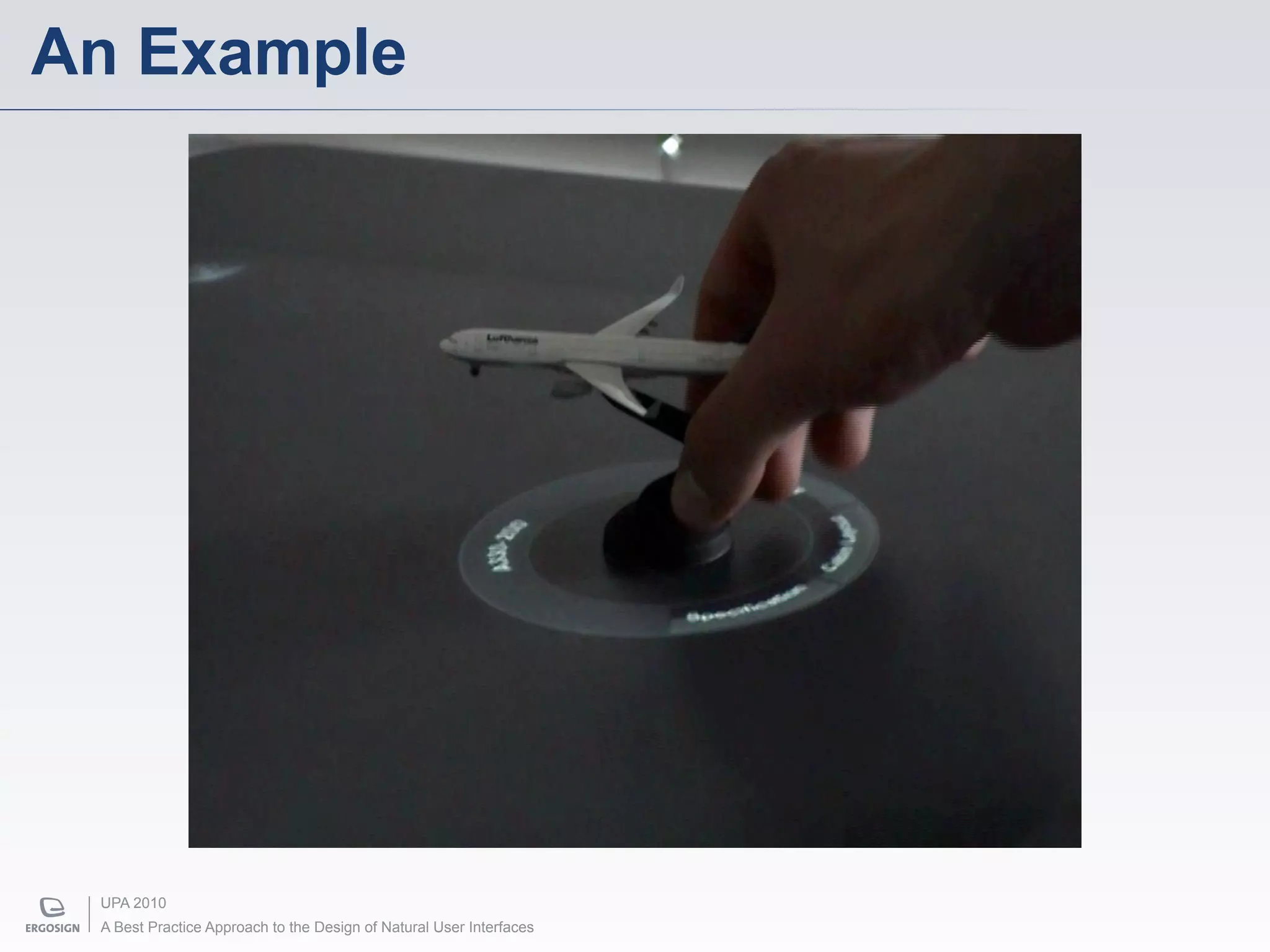
      ”Interactive prototypes are high-fidelity
      impressions of the application‘s look & feel.
      Their goal is to let you, your users and your
      customers feel the application.“


  UPA 2010
  A Best Practice Approach to the Design of Natural User Interfaces
An Example


 UPA 2010
 A Best Practice Approach to the Design of Natural User Interfaces
Benefits of Interactive Prototypes


      • Rich feedback and user testing possibilities
      • Let customers „feel“ what they will get
      • Take advantage of available powerful SDKs
        (e.g. Microsoft Surface / Windows 7)
      • … and available Gesture Recognisers
        ($1 Unistroke Recogniser)
      • Rapid prototyping in WPF with Expression Blend


  UPA 2010
  A Best Practice Approach to the Design of Natural User Interfaces
Today‘s Possibilities


UPA 2010
A Best Practice Approach to the Design of Natural User Interfaces
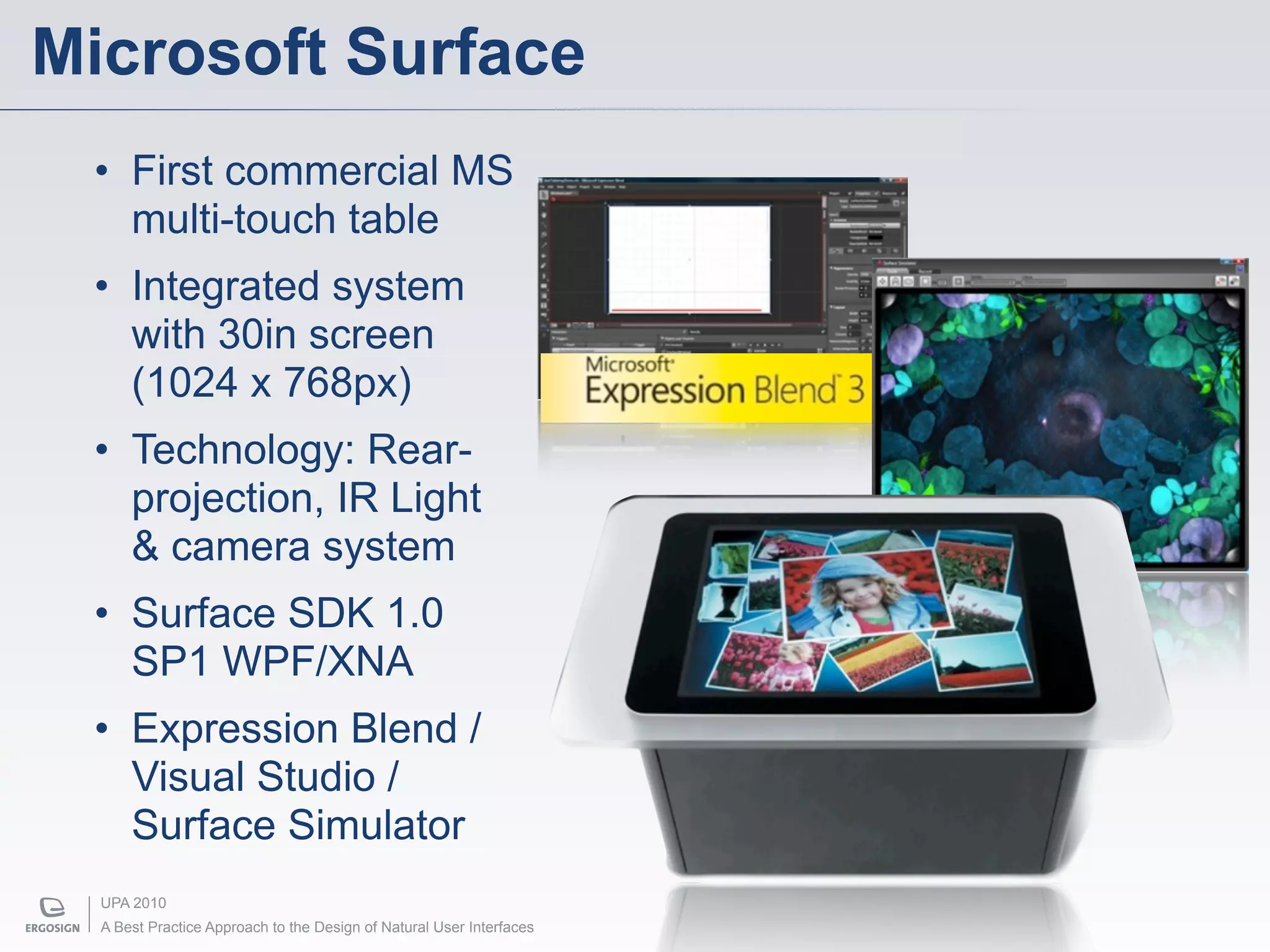
Microsoft Surface
 • First commercial MS
   multi-touch table
 • Integrated system
   with 30in screen
   (1024 x 768px)
 • Technology: Rear-
   projection, IR Light
   & camera system
 • Surface SDK 1.0
   SP1 WPF/XNA
 • Expression Blend /
   Visual Studio /
   Surface Simulator
  UPA 2010
  A Best Practice Approach to the Design of Natural User Interfaces
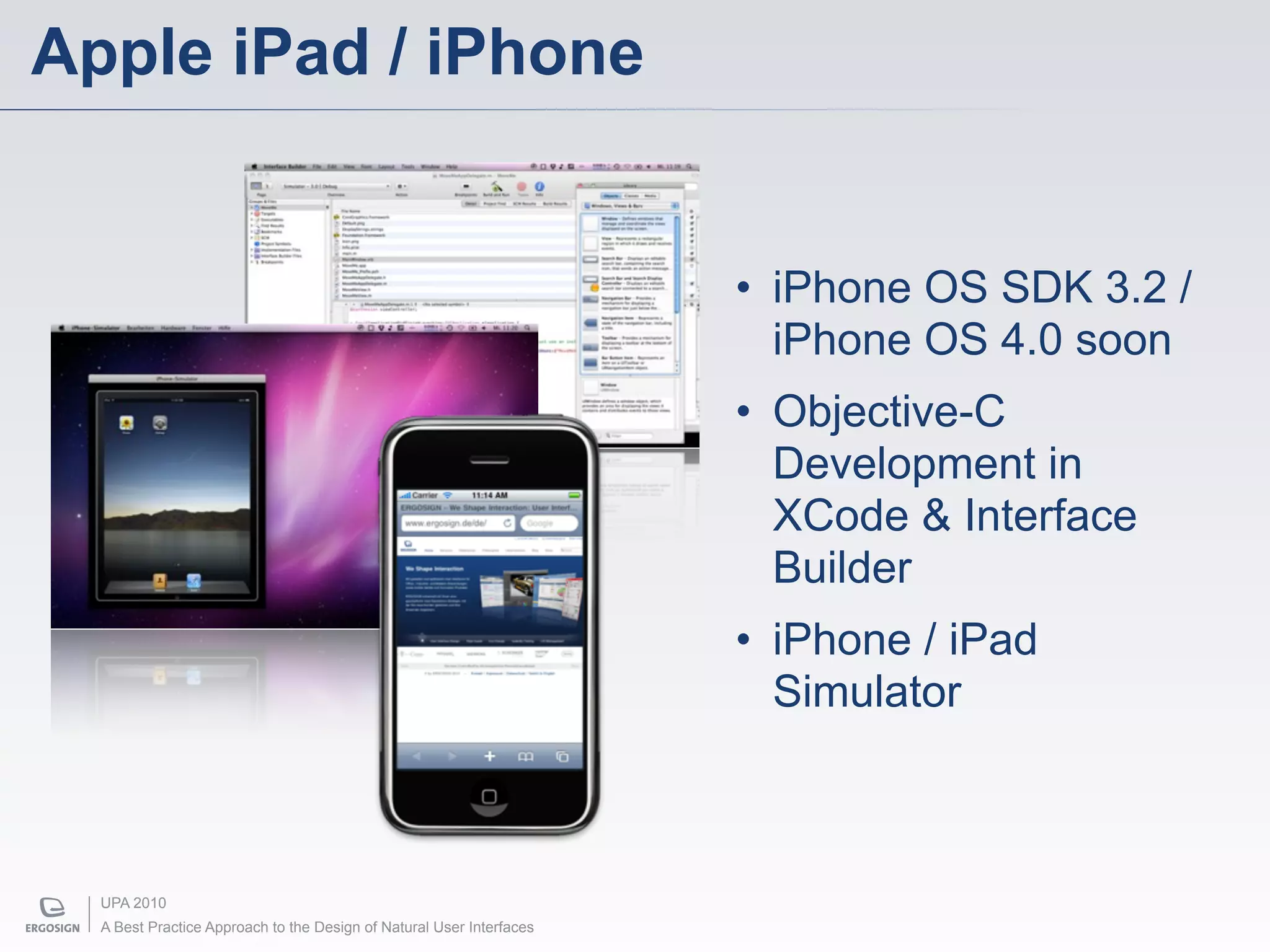
Apple iPad / iPhone


                                                                      • iPhone OS SDK 3.2 /
                                                                        iPhone OS 4.0 soon
                                                                      • Objective-C
                                                                        Development in
                                                                        XCode & Interface
                                                                        Builder
                                                                      • iPhone / iPad
                                                                        Simulator


  UPA 2010
  A Best Practice Approach to the Design of Natural User Interfaces
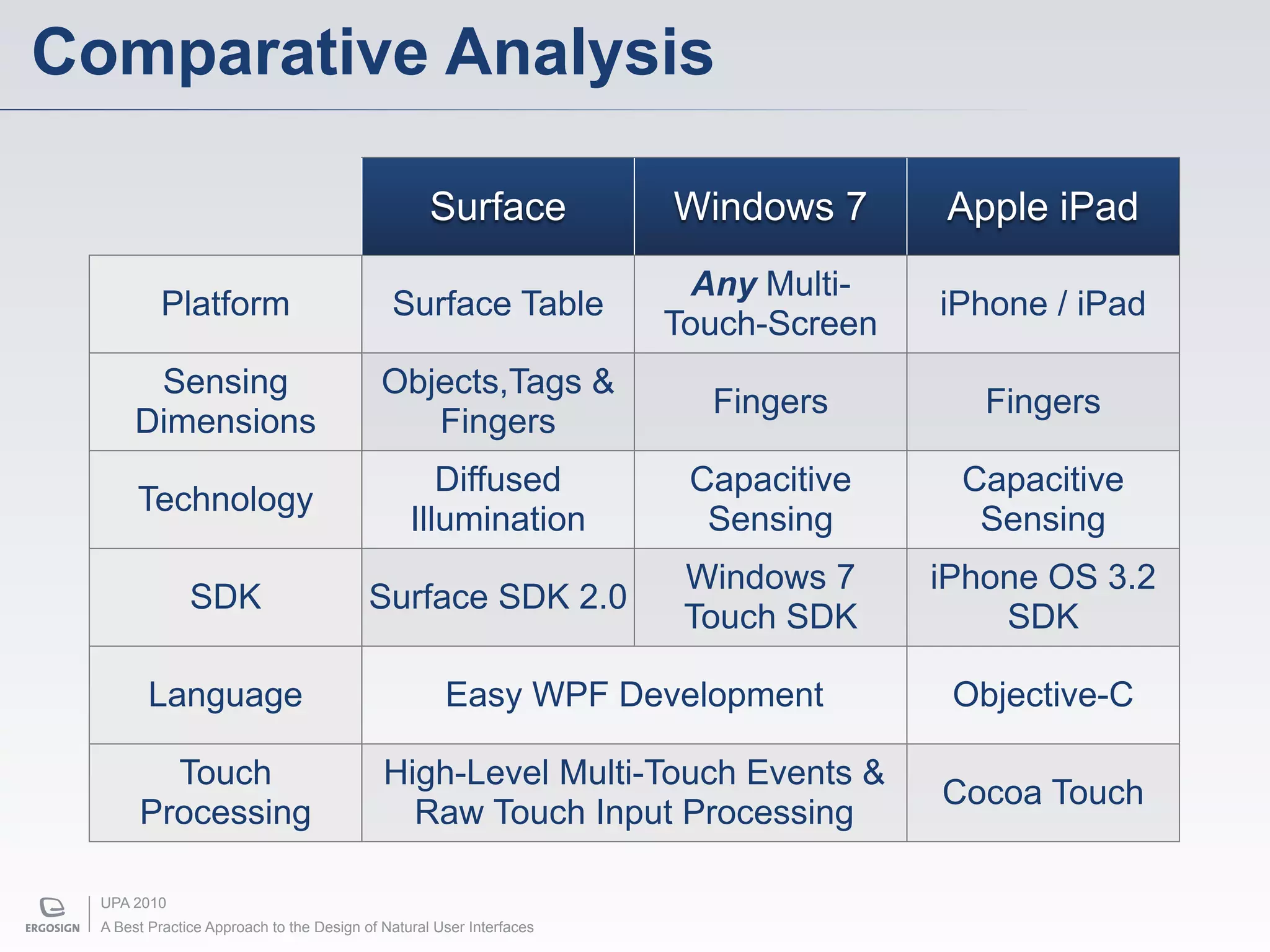
Comparative Analysis

                                                   Surface            Windows 7      Apple iPad
                                                                        Any Multi-
           Platform                          Surface Table                           iPhone / iPad
                                                                      Touch-Screen
        Sensing                             Objects,Tags &
                                                                        Fingers         Fingers
       Dimensions                              Fingers
                                                   Diffused            Capacitive     Capacitive
       Technology
                                                Illumination            Sensing        Sensing
                                                                       Windows 7     iPhone OS 3.2
               SDK                        Surface SDK 2.0
                                                                       Touch SDK         SDK

         Language                                    Easy WPF Development             Objective-C

         Touch                              High-Level Multi-Touch Events &
                                                                                     Cocoa Touch
       Processing                             Raw Touch Input Processing

  UPA 2010
  A Best Practice Approach to the Design of Natural User Interfaces
Example Application


UPA 2010
A Best Practice Approach to the Design of Natural User Interfaces
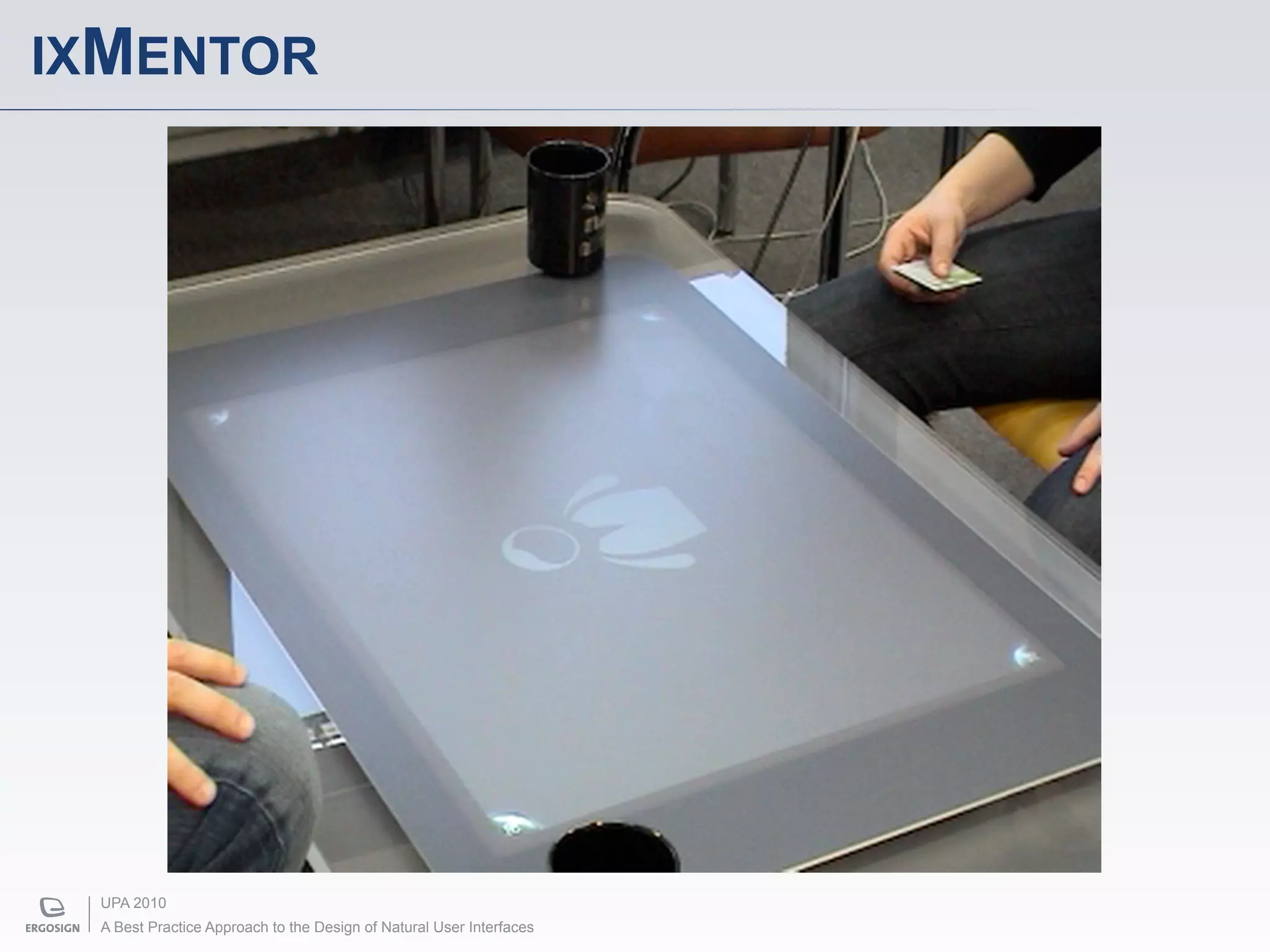
IXMENTOR


 UPA 2010
 A Best Practice Approach to the Design of Natural User Interfaces
Many open research questions …


UPA 2010
A Best Practice Approach to the Design of Natural User Interfaces
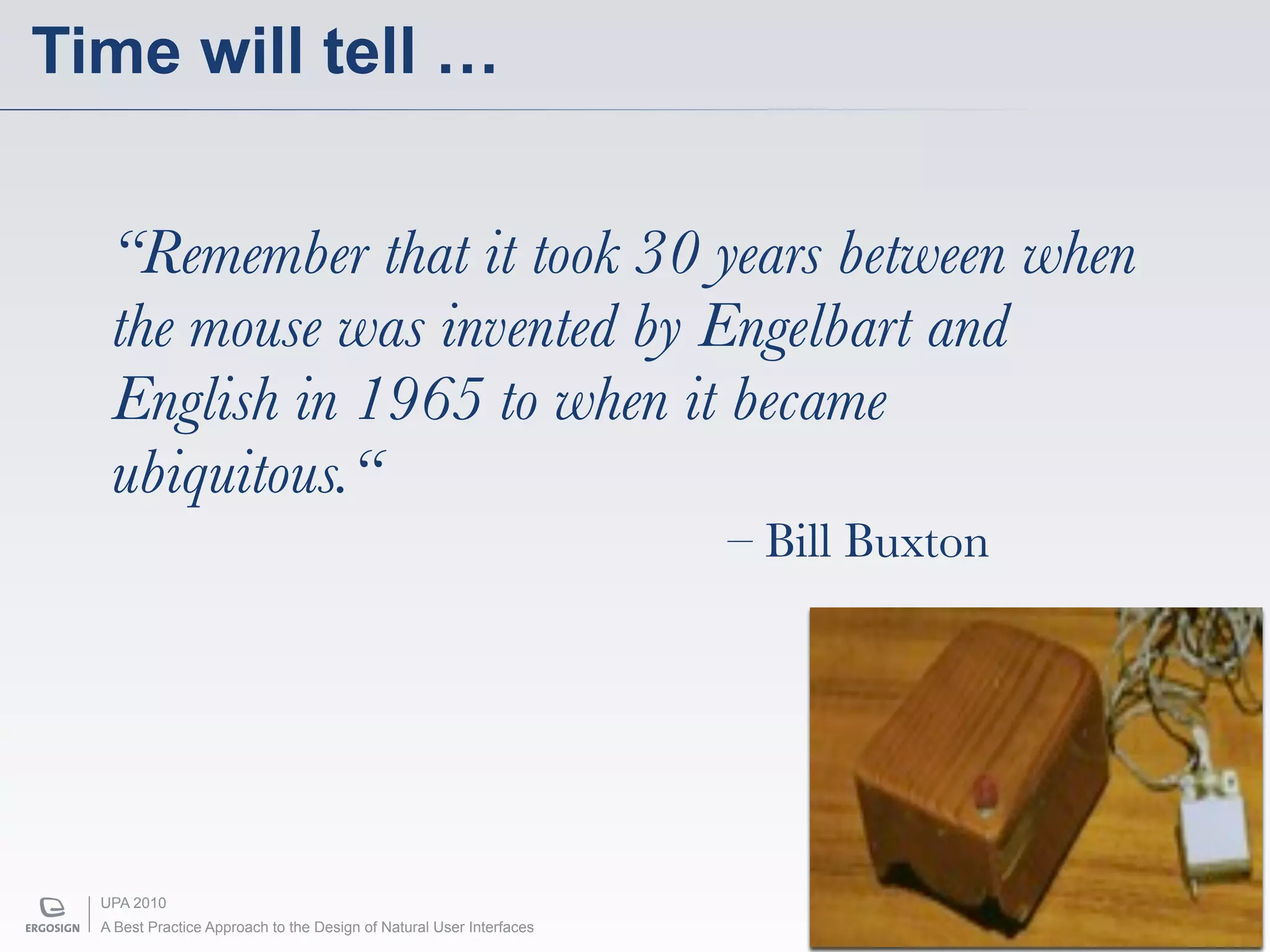
Time will tell …


   “Remember that it took 30 years between when
   the mouse was invented by Engelbart and
   English in 1965 to when it became
   ubiquitous.“
                                                                      – Bill Buxton


  UPA 2010
  A Best Practice Approach to the Design of Natural User Interfaces
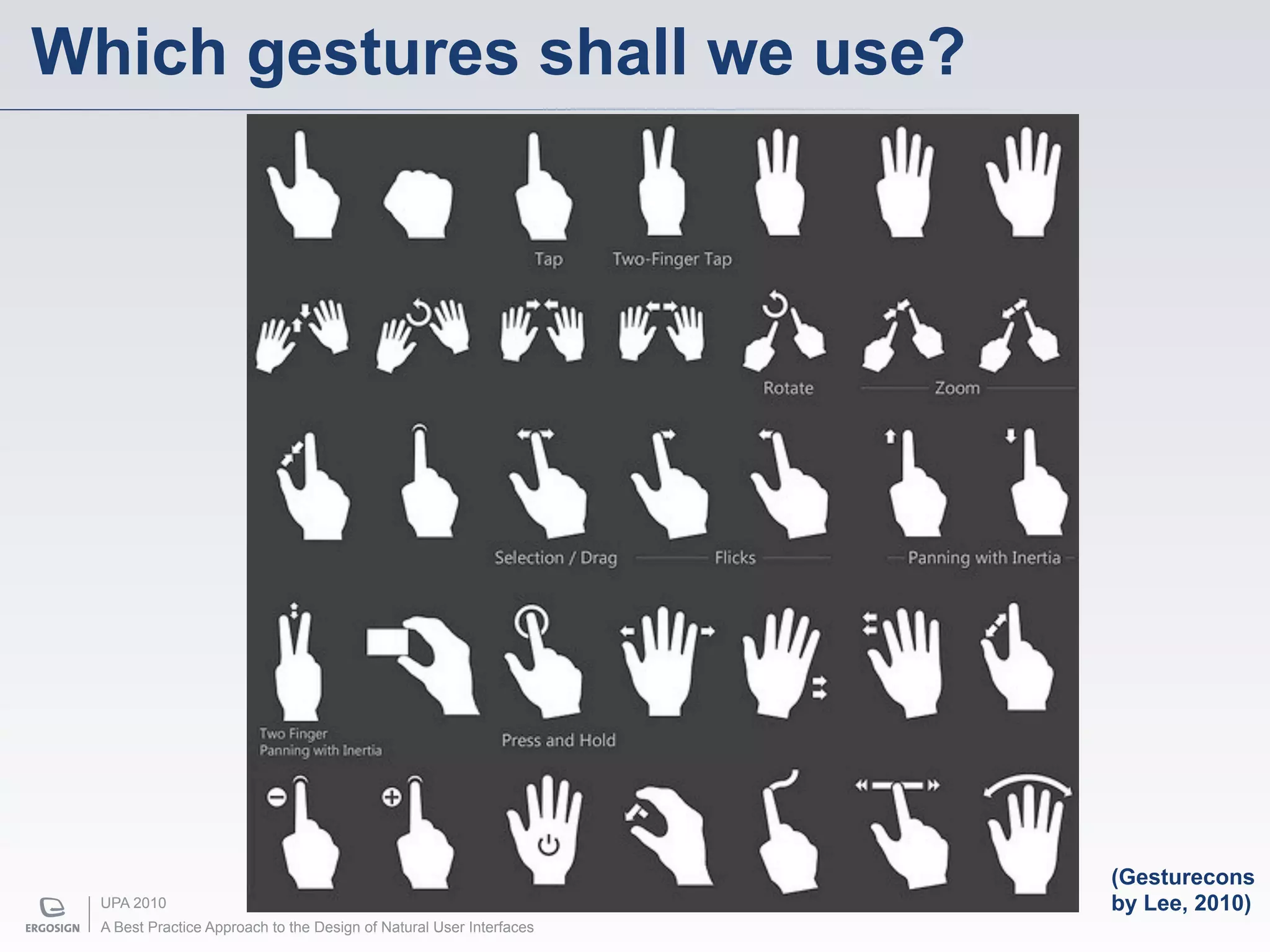
Which gestures shall we use?


                                                                      (Gesturecons
  UPA 2010                                                            by Lee, 2010)
  A Best Practice Approach to the Design of Natural User Interfaces
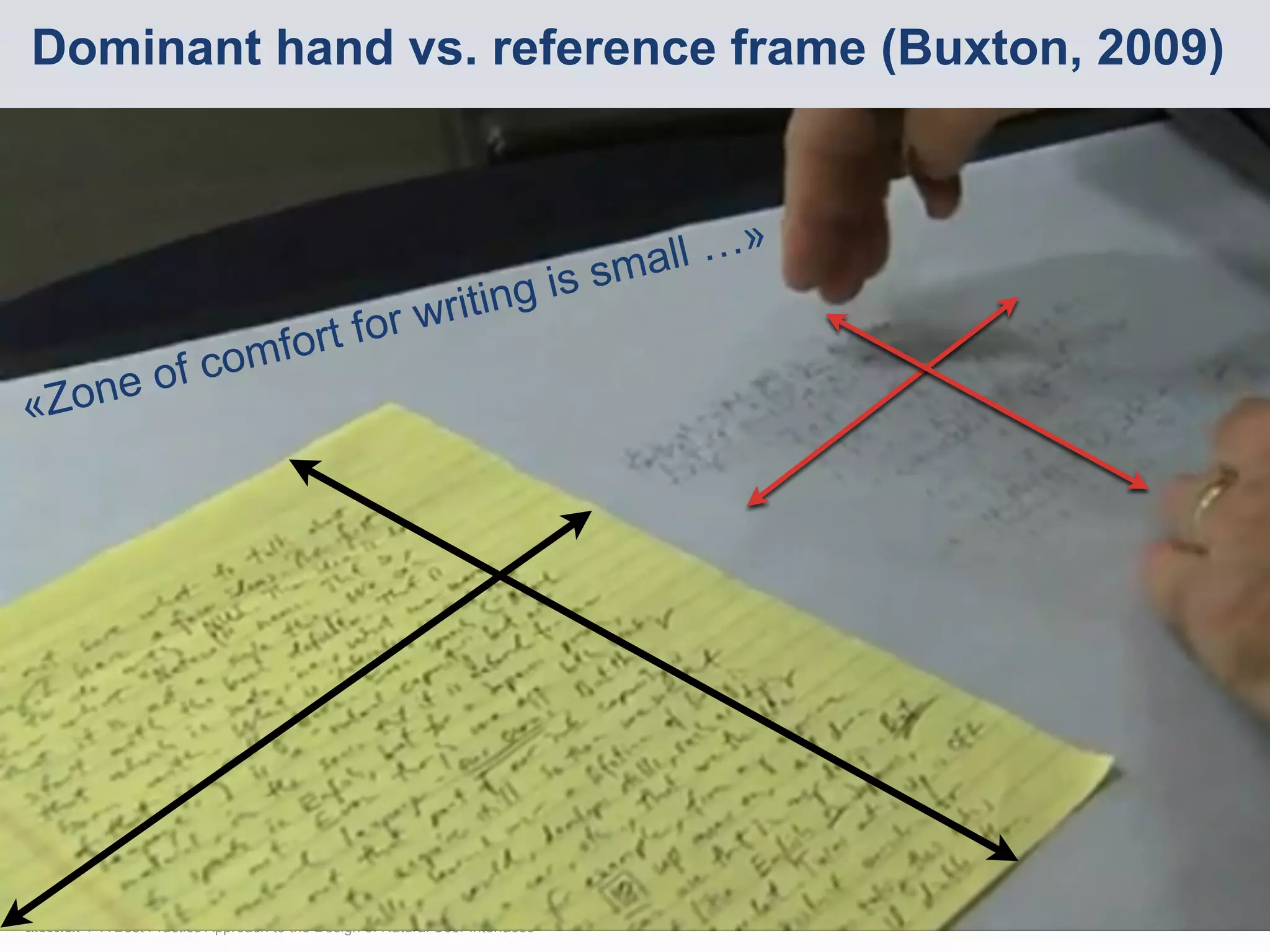
Dominant hand vs. reference frame (Buxton, 2009)


                                                                          smal l …»
                                                     writi ng is
                        mfor t for
        e of         co
«   Zon


      UPA 2010
      A Best Practice Approach to the Design of Natural User Interfaces
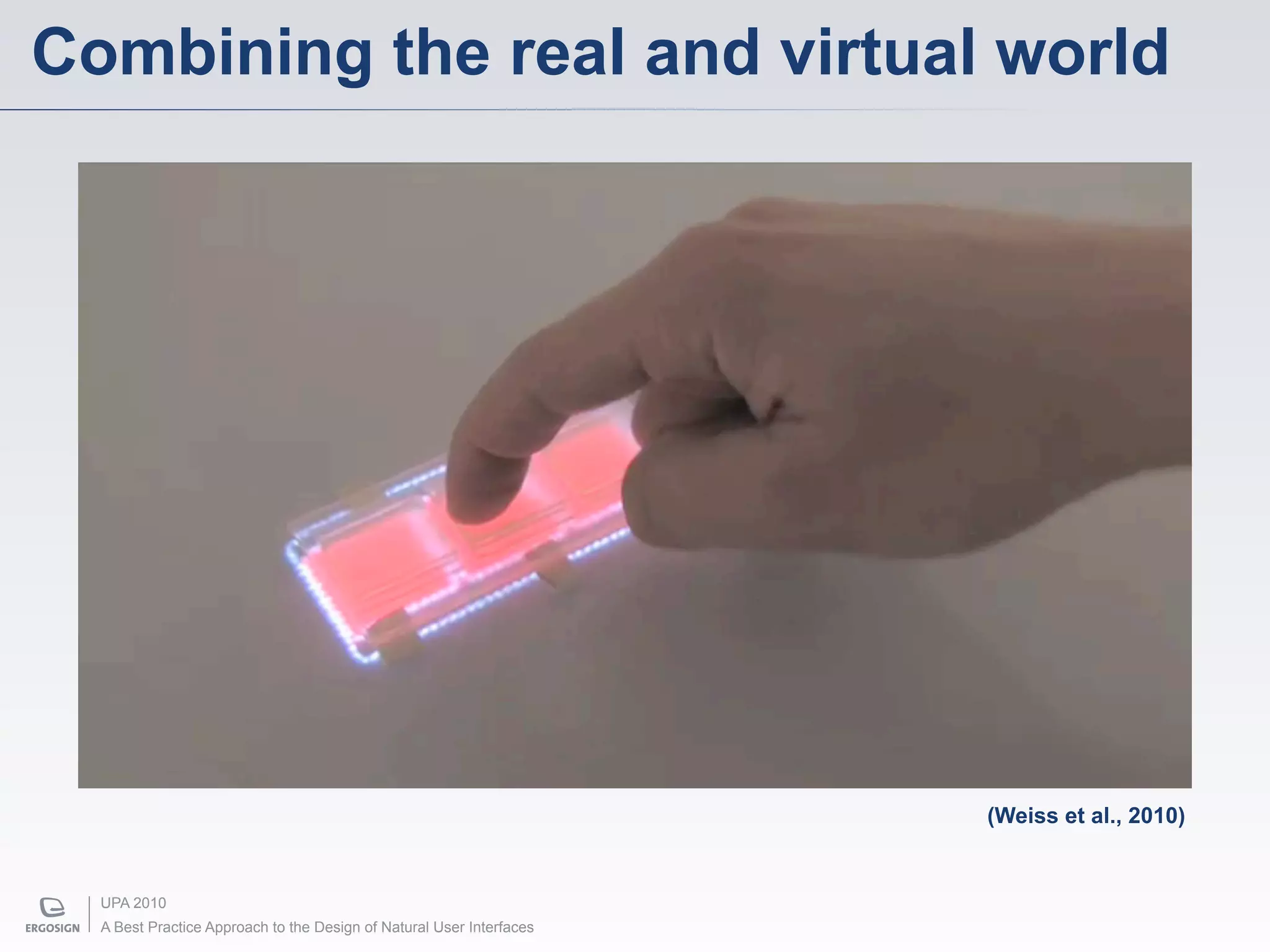
Combining the real and virtual world


                                                                      (Weiss et al., 2010)


  UPA 2010
  A Best Practice Approach to the Design of Natural User Interfaces
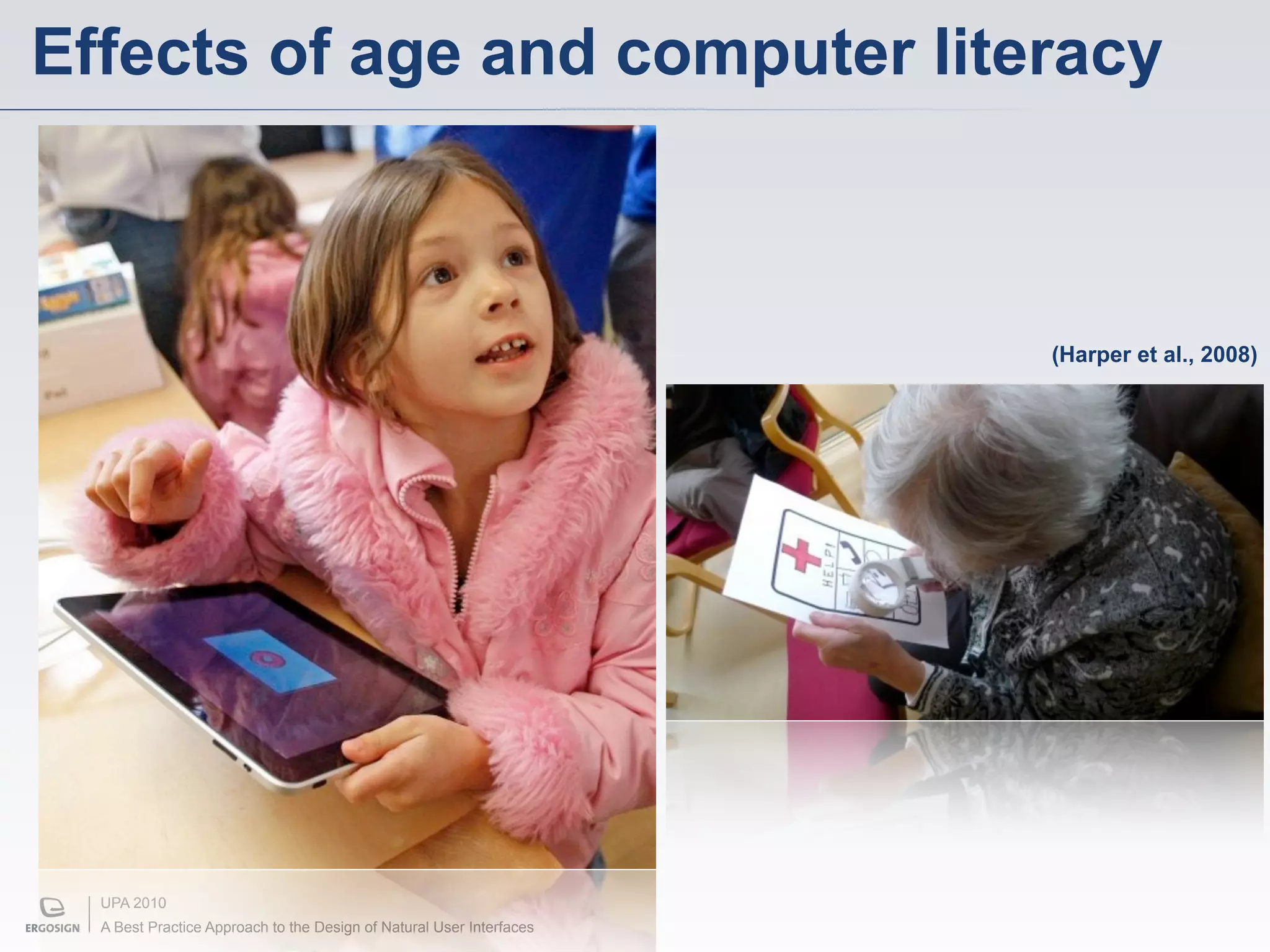
Effects of age and computer literacy


                                                                      (Harper et al., 2008)


  UPA 2010
  A Best Practice Approach to the Design of Natural User Interfaces
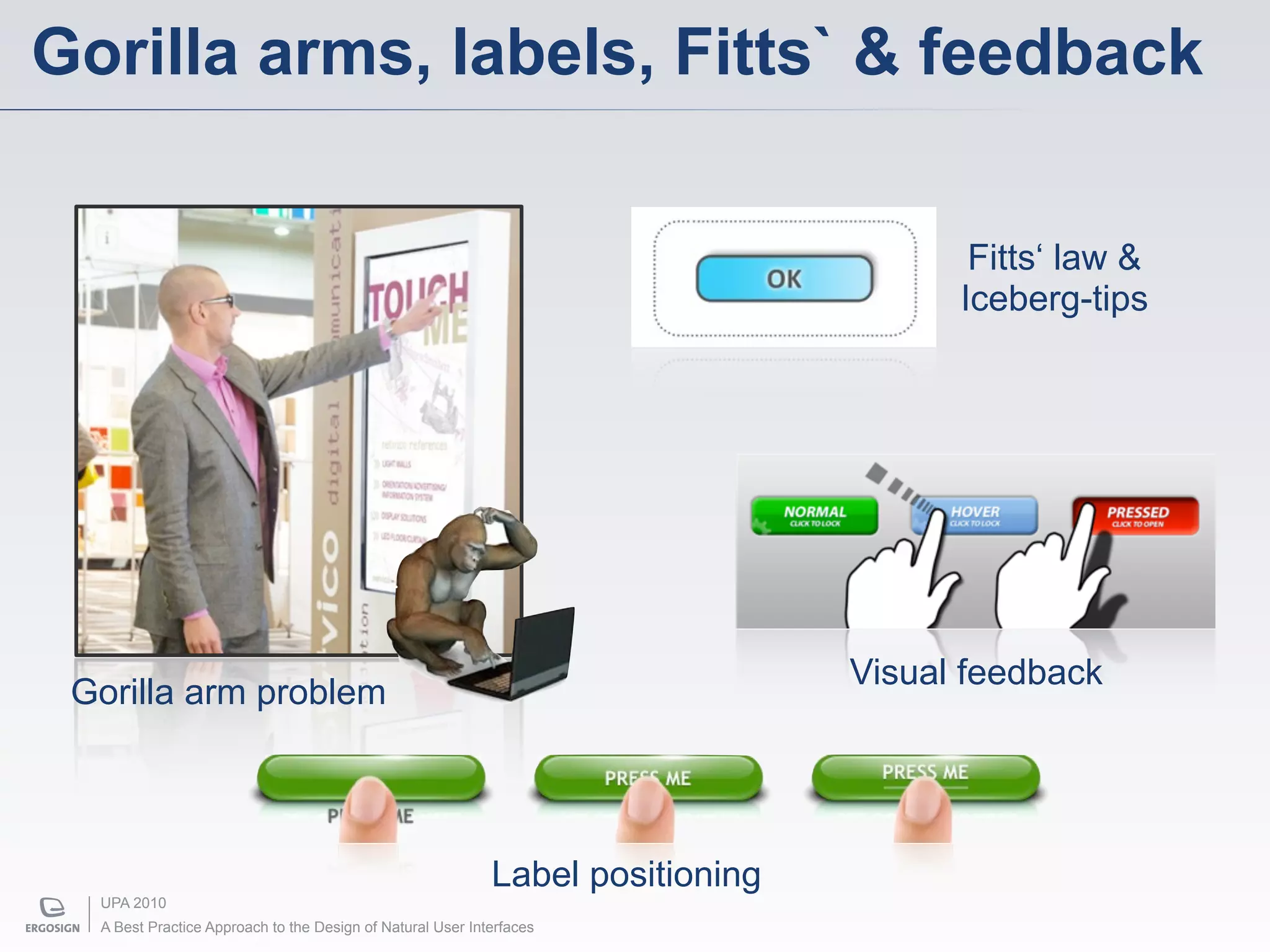
Gorilla arms, labels, Fitts` & feedback

                                                                                       Fitts‘ law &
                                                                                      Iceberg-tips


                                                                                Visual feedback
 Gorilla arm problem


                                                            Label positioning
  UPA 2010
  A Best Practice Approach to the Design of Natural User Interfaces
Lessons Learned


 • What are NUIs?
 • What are the design challenges?
 • Which tools and methods help us to be
   successful?
 • Projects & research questions


 UPA 2010
 A Best Practice Approach to the Design of Natural User Interfaces
Thank You


Saarbrücken         Hamburg                München
Europa-Allee 12     Rothenbaumchausee 31   Augustenstraße 73
66113 Saarbrücken   20148 Hamburg          80333 München


                     www.ergosign.de

A Best Practice Approach to the Design of Natural User Interfaces (ERGOSIGN)

  • 1.
    A Best PracticeApproach to the Design of Natural User Interfaces Dieter Wallach & Martin Radvak May, 27th 2010 User Interface Design Icon Design Style Guide Usability Tests Custom Look & Feels © 2010 by ERGOSIGN
  • 2.
    ERGOSIGN / Company Key Facts • Legal Form: GmbH • Staff: 35 permanent (last update: 01.01.2010) • Founded: 2000 • Background: Almost all staff has an academic degree in Computer Science, Graphic Design or • Founders: Dr. Marcus Plach & Prof. Dr. Dieter Psychology or integrated courses which combine Wallach all three. • Average Growth Rate: 12 % p.a.(last three years) Saarbrücken Hamburg Munich UPA 2010 A Best Practice Approach to the Design of Natural User Interfaces
  • 3.
    Agenda • Natural User Interfaces & Multi-Touch • Guidelines & Principles • A Dedicated Design Process • Today‘s possibilities • Research Questions UPA 2010 A Best Practice Approach to the Design of Natural User Interfaces
  • 4.
    Natural User Interfaces UPA2010 A Best Practice Approach to the Design of Natural User Interfaces
  • 5.
    Mind vs. Machine(Buxton, 2001) Dual-Core Itanium® 2 9000 Quad-Core 1 000 000 000 Xeon® (Penryn) Itanium® 2 Pentium® D 100 000 000 Moore’s law Pentium® 4 10 000 000 Pentium® III 486™ DX Pentium® IINielsen‘s law 1 000 000 Pentium® 286 386™ 100 000 8086 10 000 8008 8080 “God’s law of cognitive complexity” 1 000 4004 1970 1975 1980 1985 1990 1995 2000 2005 2010 UPA 2010 A Best Practice Approach to the Design of Natural User Interfaces
  • 6.
    “Natural“ — froma human‘s perspective… “Natural interaction is defined in terms of experience: people naturally communicate through gestures, expressions, movements, and discover the world by looking around and manipulating physical stuff. “ – Alessandro Valli UPA 2010 A Best Practice Approach to the Design of Natural User Interfaces
  • 7.
    “Natural“ in thesense of technology… Images: Courtesy of Apple Inc. & Microsoft Corporation UPA 2010 A Best Practice Approach to the Design of Natural User Interfaces
  • 8.
    The (former) topcandidate for NUIs UPA 2010 A Best Practice Approach to the Design of Natural User Interfaces
  • 9.
    The future wasalready there (but not evenly distributed) UPA 2010 A Best Practice Approach to the Design of Natural User Interfaces
  • 10.
    Searching for «Multi-Touch» (Google Trends) (Schöning et al., 2009) UPA 2010 A Best Practice Approach to the Design of Natural User Interfaces
  • 11.
    Low cost multitouch UPA 2010 A Best Practice Approach to the Design of Natural User Interfaces
  • 12.
    But remember,… “Everything is best for something and worse for something else.“ – Bill Buxton UPA 2010 A Best Practice Approach to the Design of Natural User Interfaces
  • 13.
    Gartner‘s five phasehype cycle UPA 2010 A Best Practice Approach to the Design of Natural User Interfaces (Schöning et al., 2009)
  • 14.
    What makes agood user interface? UPA 2010 A Best Practice Approach to the Design of Natural User Interfaces
  • 15.
    Taming complexity UPA 2010 A Best Practice Approach to the Design of Natural User Interfaces
  • 16.
    Identifying needed functionality UPA 2010 A Best Practice Approach to the Design of Natural User Interfaces
  • 17.
    Appropriate «packaging» offunctionality UPA 2010 A Best Practice Approach to the Design of Natural User Interfaces
  • 18.
    Defining efficient interaction UPA 2010 A Best Practice Approach to the Design of Natural User Interfaces
  • 19.
    Aesthetics UPA2010 A Best Practice Approach to the Design of Natural User Interfaces
  • 20.
    Guidelines & Principles UPA2010 A Best Practice Approach to the Design of Natural User Interfaces
  • 21.
    Characterstics of NUIs “classical“ GUIs NUIs User single-user multi-user indirect interaction direct interaction Interaction (hardware) (software) simple to complex simple, contextual Context scenarios scenarios transient & transient Posture sovereign postures collaborative posture tasks, complexity, UX, exploration, Focus “workstation“ user‘s dialogue UPA 2010 A Best Practice Approach to the Design of Natural User Interfaces
  • 22.
    Our Guiding Bricksand Principles CONTENT REALISM IS THE INTERFACE 360° LESS IS PARADIGM MORE UPA 2010 A Best Practice Approach to the Design of Natural User Interfaces
  • 23.
    Stay simple & intuitive! • Give your application a realistic Look & Feel REALISM • Create affordances • „Follow the principle of continuity“ – Valli • Responsiveness UPA 2010 A Best Practice Approach to the Design of Natural User Interfaces
  • 24.
    Free your contents! CONTENT • Reduce user controls, enhance user‘s control IS THE • Use direct manipulation INTERFACE • Use appropriate gestures • Be modeless UPA 2010 A Best Practice Approach to the Design of Natural User Interfaces
  • 25.
    Be social, think multi! • There is no user-expected orientation 360° • Consider reach & legibility PARADIGM • Use Gestalt Laws • Be aware of design traps when designing for a horizontal system on a vertical screen UPA 2010 A Best Practice Approach to the Design of Natural User Interfaces
  • 26.
    Reduce cognitive load! • Use progressive disclosure • Stay contextual to LESS IS specific goals MORE • Discoverability — encourage step by step exploration • Scaffolding UPA 2010 A Best Practice Approach to the Design of Natural User Interfaces
  • 27.
    3-Stages Design Process UPA2010 A Best Practice Approach to the Design of Natural User Interfaces
  • 28.
    3-Stages Design Process Paper Mock-Ups Previsualisations Interactive Prototypes UPA 2010 A Best Practice Approach to the Design of Natural User Interfaces
  • 29.
    Paper Mock-Ups ”Paper mock-ups are sketched and sliced low- fidelity paper interfaces. Their goals are to get a first impression of the quality of interaction and discuss high-level ideas in layout, navigation and workflow.“ UPA 2010 A Best Practice Approach to the Design of Natural User Interfaces
  • 30.
    Paper Mock-Ups forMulti-Touch 3. Final UI ‘Information Circle’ control UPA 2010 A Best Practice Approach to the Design of Natural User Interfaces
  • 31.
    Paper Mock-Ups forMulti-Touch 1. Harmonise UI 2. Calculate appropriate elements with fingers sizes. (PPcm = and objects. 1024 px / 45,72 cm) UPA 2010 A Best Practice Approach to the Design of Natural User Interfaces
  • 32.
    Paper Mock-Ups forMulti-Touch Combine existing elements with paper sketches Images: Courtesy of Spenta Consulting UPA 2010 A Best Practice Approach to the Design of Natural User Interfaces
  • 33.
    Benefits of PaperMock-Ups • easy, cheap, fast • consider ergonomic aspects like touch and reach • calculate proportionate pixel-based sizes considering different pixel per inch resolutions • harmonise sizes of real world objects and digital UI elements • fingers are actually fingers • paper-based elements already behave natural UPA 2010 A Best Practice Approach to the Design of Natural User Interfaces
  • 34.
    Previsualisations ”Previsualisations are UX-focussed screen visualisations of the application‘s look & behaviour. Their goal is to create a common vision of the future application among all stakeholders.“ UPA 2010 A Best Practice Approach to the Design of Natural User Interfaces
  • 35.
    Previsualisations Design Process Visual Design Animation Simulation Scenarios UPA 2010 A Best Practice Approach to the Design of Natural User Interfaces
  • 36.
    Final Application Experience UPA 2010 A Best Practice Approach to the Design of Natural User Interfaces
  • 37.
    Wizard-of-Oz: Now thatyou know it … UPA 2010 A Best Practice Approach to the Design of Natural User Interfaces
  • 38.
    Benefits of Previsualisations • Extraordinary powerful communication tool • Highly realistic • Highly „designer-oriented“ • Independent of the underlying implementation • Get rich feedback by stakeholders • Generally faster than prototypical implementation UPA 2010 A Best Practice Approach to the Design of Natural User Interfaces
  • 39.
    Interactive Prototypes “Tell me and I'll forget. Show me and I may remember. Involve me and I'll understand.“ – Chinese proverb UPA 2010 A Best Practice Approach to the Design of Natural User Interfaces
  • 40.
    Interactive Prototypes ”Interactive prototypes are high-fidelity impressions of the application‘s look & feel. Their goal is to let you, your users and your customers feel the application.“ UPA 2010 A Best Practice Approach to the Design of Natural User Interfaces
  • 41.
    An Example UPA2010 A Best Practice Approach to the Design of Natural User Interfaces
  • 42.
    Benefits of InteractivePrototypes • Rich feedback and user testing possibilities • Let customers „feel“ what they will get • Take advantage of available powerful SDKs (e.g. Microsoft Surface / Windows 7) • … and available Gesture Recognisers ($1 Unistroke Recogniser) • Rapid prototyping in WPF with Expression Blend UPA 2010 A Best Practice Approach to the Design of Natural User Interfaces
  • 43.
    Today‘s Possibilities UPA 2010 ABest Practice Approach to the Design of Natural User Interfaces
  • 44.
    Microsoft Surface •First commercial MS multi-touch table • Integrated system with 30in screen (1024 x 768px) • Technology: Rear- projection, IR Light & camera system • Surface SDK 1.0 SP1 WPF/XNA • Expression Blend / Visual Studio / Surface Simulator UPA 2010 A Best Practice Approach to the Design of Natural User Interfaces
  • 45.
    Apple iPad /iPhone • iPhone OS SDK 3.2 / iPhone OS 4.0 soon • Objective-C Development in XCode & Interface Builder • iPhone / iPad Simulator UPA 2010 A Best Practice Approach to the Design of Natural User Interfaces
  • 46.
    Comparative Analysis Surface Windows 7 Apple iPad Any Multi- Platform Surface Table iPhone / iPad Touch-Screen Sensing Objects,Tags & Fingers Fingers Dimensions Fingers Diffused Capacitive Capacitive Technology Illumination Sensing Sensing Windows 7 iPhone OS 3.2 SDK Surface SDK 2.0 Touch SDK SDK Language Easy WPF Development Objective-C Touch High-Level Multi-Touch Events & Cocoa Touch Processing Raw Touch Input Processing UPA 2010 A Best Practice Approach to the Design of Natural User Interfaces
  • 47.
    Example Application UPA 2010 ABest Practice Approach to the Design of Natural User Interfaces
  • 48.
    IXMENTOR UPA 2010 A Best Practice Approach to the Design of Natural User Interfaces
  • 49.
    Many open researchquestions … UPA 2010 A Best Practice Approach to the Design of Natural User Interfaces
  • 50.
    Time will tell… “Remember that it took 30 years between when the mouse was invented by Engelbart and English in 1965 to when it became ubiquitous.“ – Bill Buxton UPA 2010 A Best Practice Approach to the Design of Natural User Interfaces
  • 51.
    Which gestures shallwe use? (Gesturecons UPA 2010 by Lee, 2010) A Best Practice Approach to the Design of Natural User Interfaces
  • 52.
    Dominant hand vs.reference frame (Buxton, 2009) smal l …» writi ng is mfor t for e of co « Zon UPA 2010 A Best Practice Approach to the Design of Natural User Interfaces
  • 53.
    Combining the realand virtual world (Weiss et al., 2010) UPA 2010 A Best Practice Approach to the Design of Natural User Interfaces
  • 54.
    Effects of ageand computer literacy (Harper et al., 2008) UPA 2010 A Best Practice Approach to the Design of Natural User Interfaces
  • 55.
    Gorilla arms, labels,Fitts` & feedback Fitts‘ law & Iceberg-tips Visual feedback Gorilla arm problem Label positioning UPA 2010 A Best Practice Approach to the Design of Natural User Interfaces
  • 56.
    Lessons Learned •What are NUIs? • What are the design challenges? • Which tools and methods help us to be successful? • Projects & research questions UPA 2010 A Best Practice Approach to the Design of Natural User Interfaces
  • 57.
    Thank You Saarbrücken Hamburg München Europa-Allee 12 Rothenbaumchausee 31 Augustenstraße 73 66113 Saarbrücken 20148 Hamburg 80333 München www.ergosign.de