September 24, 2013 -- Welcome to:
6 Ways to Make Your Next
Website the Best Ever!
Sara Isenberg
sara@saraisenberg.com
http://saraisenberg.com
http://saraisenberg.com/blog
INTRODUCTION
I help web developers, businesses, and
individuals with web, social media, email
marketing, software, and other projects.
Sara Isenberg Web Consulting & Project Management
http://saraisenberg.com
http://facebook.com/SaraIsenbergConsulting/
INTRODUCE YOURSELF
1.  Your name?
2.  What is your website about?
3.  What would you most like to learn in this class?
AGENDA
1.  Introductions
2.  3 Fundamentals
3.  6 Essential Web Pages
4.  6 Questions to Ponder
5.  Case Studies
6.  Fast, Cheap, Good
7.  Resources
3 FUNDAMENTALS
OF A WEBSITE:
1.  Usability – architecture, navigation
2.  Design – appropriate to support your message
3.  Content – clear and simple, easy to scan
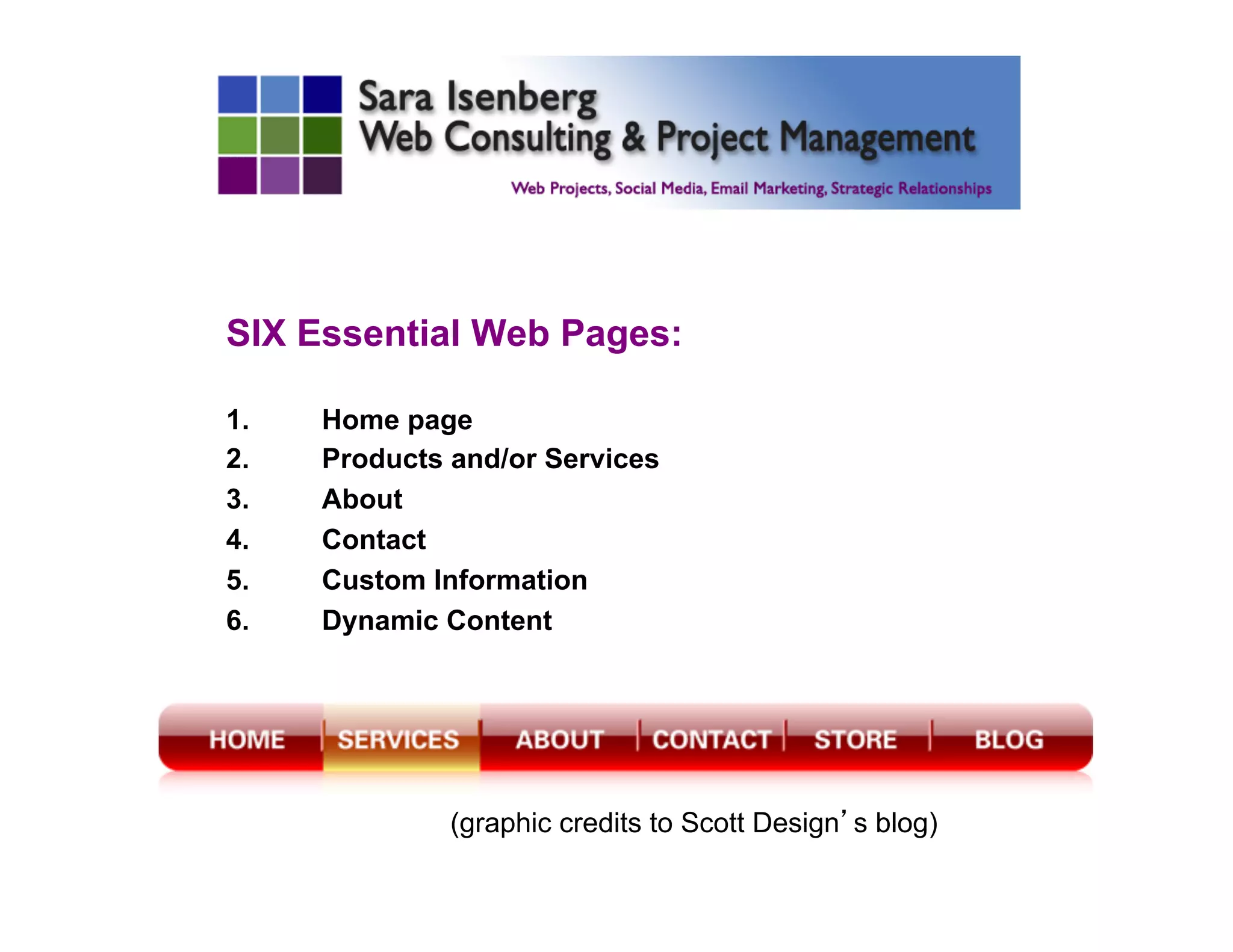
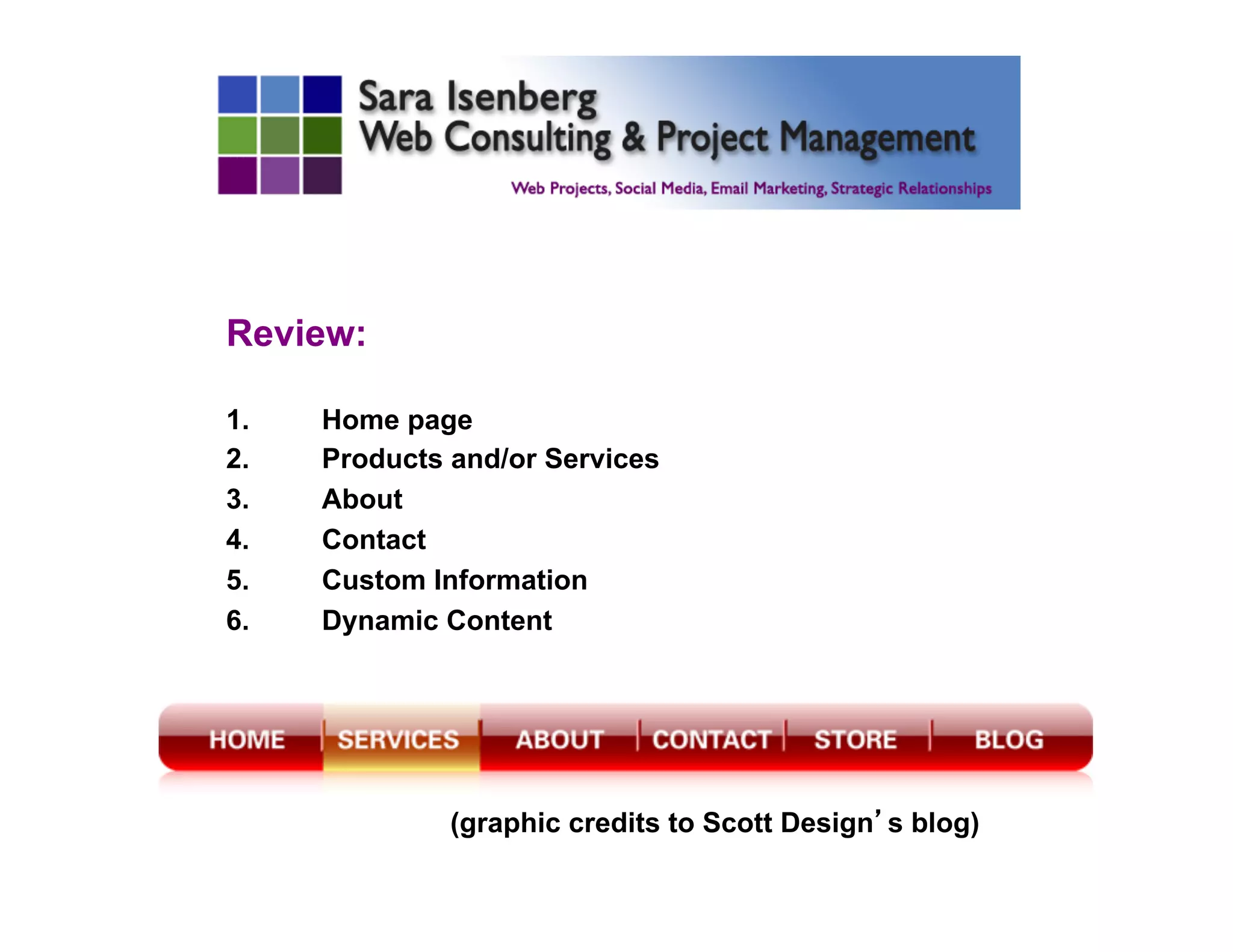
SIX Essential Web Pages:
1.  Home page
2.  Products and/or Services
3.  About
4.  Contact
5.  Custom Information
6.  Dynamic Content
(graphic credits to Scott Design’s blog)
1. HOME Page:
§  2-5 second test -- what you do and where.
§  Unique Selling Proposition (USP)
§  Visually supports your branding.
§  One or more Calls to Action. Tell the visitor what
action you’d like them to take.
§  2-5 sentences of keyword-rich TEXT. Search
engines need TEXT.
§  Meta Page Titles and Page Descriptions (not
limited to home page)
§  Generally above the fold.
2. Products and/or Services:
§  What are you offering or promoting?
§  What are your services?
§  What are your products?
§  What is your cause?
3. ABOUT Page:
§  Is about the PEOPLE who own or manage or run
the business.
§  Might be biographical, eg for sole proprietor.
§  Might include history of the business.
§  Might tell your story on how your business came
to exist.
§  Has a voice that supports your branding.
§  Is NOT typically about the product or services.
4. CONTACT Page:
§  Starts with something friendly and inviting. Eg: I
look forward to hearing from you.
§  Email address (even if you have a form)
§  Phone number (even if you just check messages)
§  Mailing address or physical location (depends)
§  Form ok.
5. Custom Information:
§  Your Expertise
§  Additional Resources
§  Related information
§  Eg: Dentist? Provide general dentistry info
§  Eg: Sell Bicycles? Provide local trail info
§  Eg: Web Consultant? Links to relevant meetups.
6. Dynamic Content:
§  Blog
§  Social Media
§  Events
§  Sales, Specials, Deals
Valuable to human visitors AND
search engines:
•  Updated content brings return visitors!
•  Text content with keyword phrases is
important for search engines!
Review:
1.  Home page
2.  Products and/or Services
3.  About
4.  Contact
5.  Custom Information
6.  Dynamic Content
(graphic credits to Scott Design’s blog)
6 QUESTIONS TO PONDER:
1.  What is my site?
2.  Who do I want to attract?
3.  What is my style, look & feel, voice?
4.  What is my content?
5.  What is the intuitive organization?
6.  What features will help?
PONDER #1:
WHAT IS MY SITE?
•  What are my goals?
•  Will visitors understand what I do (what I am
offering) in 3-5 seconds!?!?!?
•  What is my USP (Unique Selling Proposition)?
•  What are my measures of success?
è Describe 3 goals and 3 measure of success.
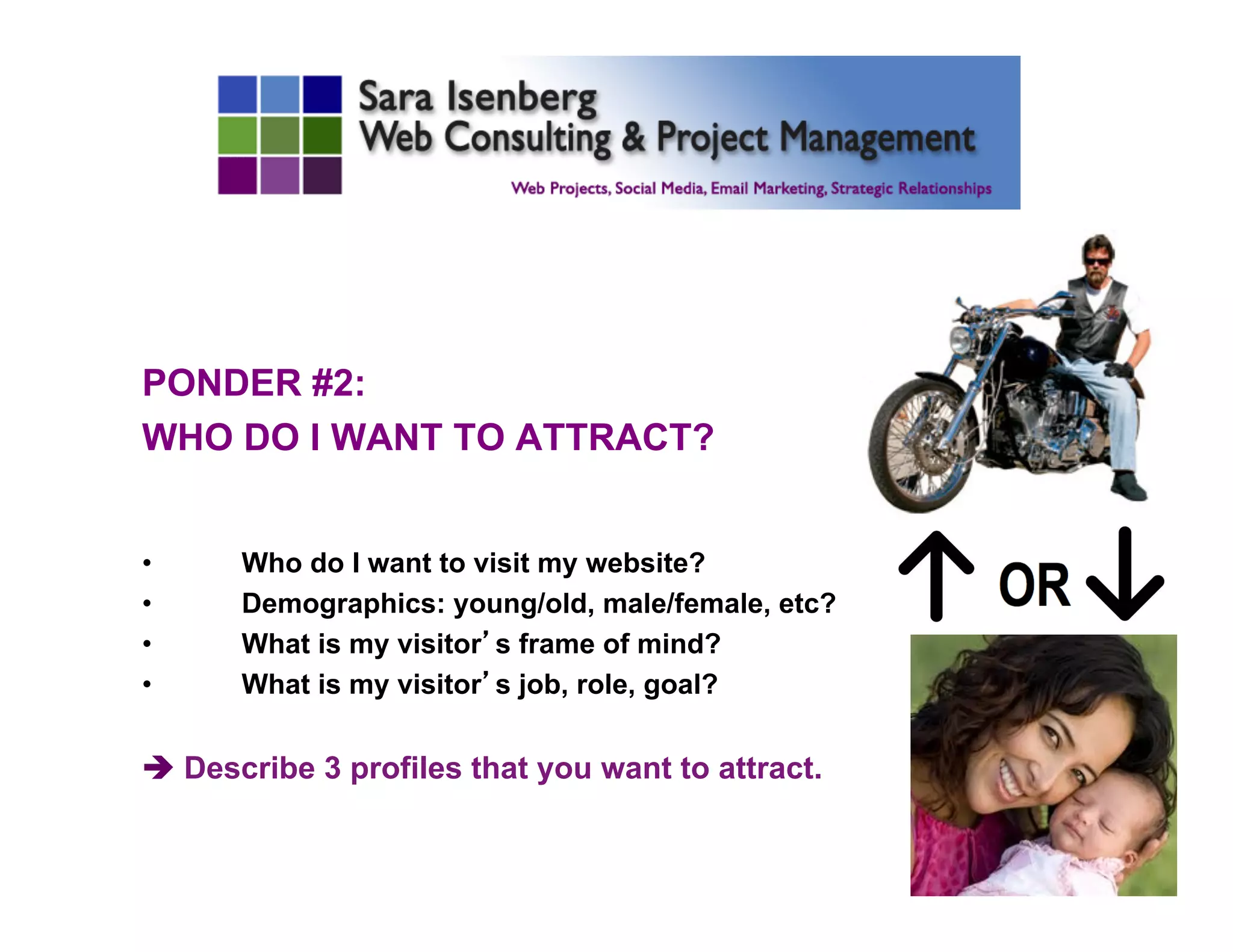
PONDER #2:
WHO DO I WANT TO ATTRACT?
•  Who do I want to visit my website?
•  Demographics: young/old, male/female, etc?
•  What is my visitor’s frame of mind?
•  What is my visitor’s job, role, goal?
è Describe 3 profiles that you want to attract.
PONDER #3:
WHAT IS MY STYLE,
LOOK & FEEL, VOICE?
•  What qualities attract my users?
•  Casual, formal, humorous, corporate, etc?
•  I, we, you, they – Who is the voice?
è Describe the profile of the voice/speaker.
PONDER #4:
WHAT IS MY
CONTENT?
•  Product?
•  Service?
•  Entertainment?
•  Information?
•  Inspiration?
•  Etc.
è Describe your primary and secondary content.
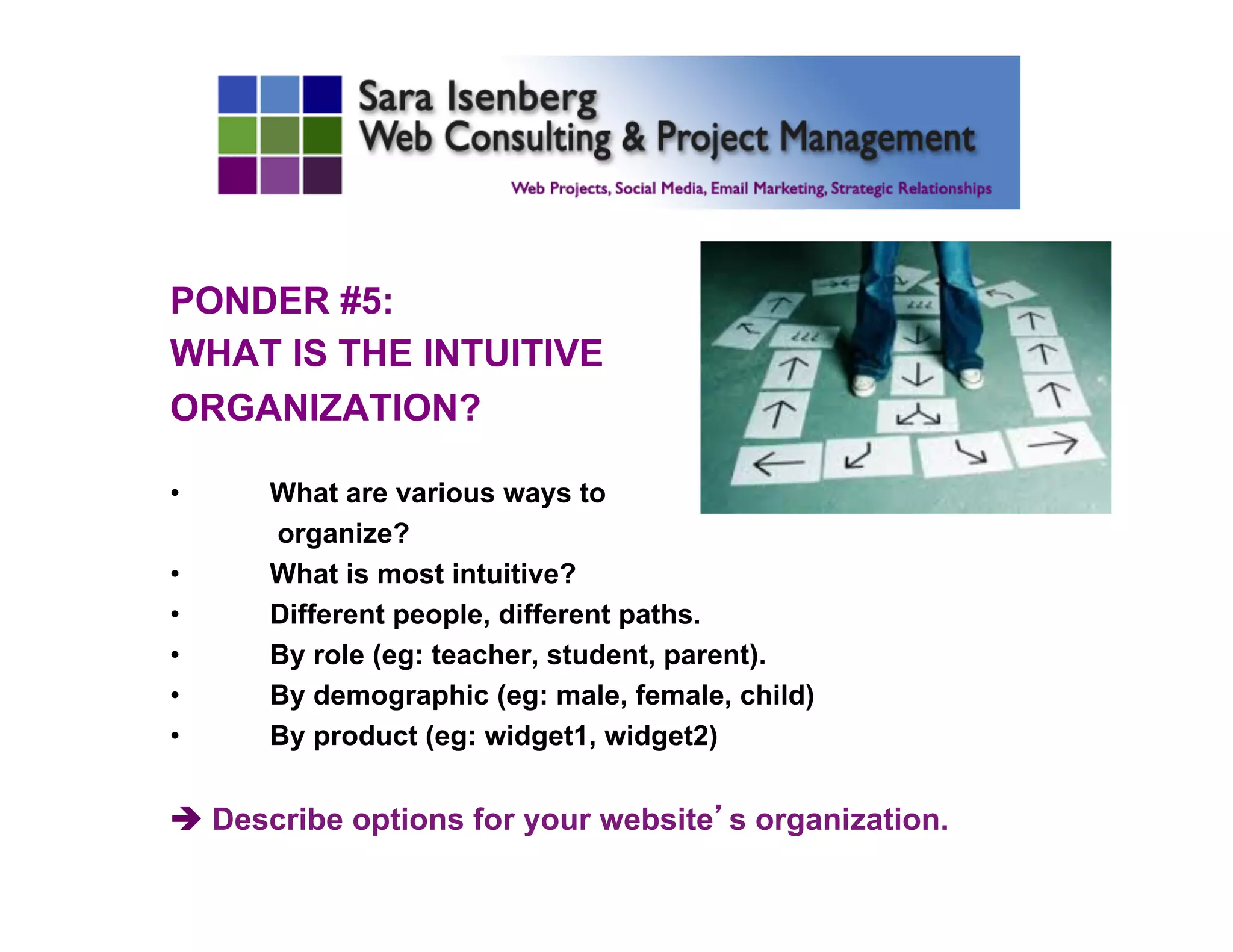
PONDER #5:
WHAT IS THE INTUITIVE
ORGANIZATION?
•  What are various ways to
organize?
•  What is most intuitive?
•  Different people, different paths.
•  By role (eg: teacher, student, parent).
•  By demographic (eg: male, female, child)
•  By product (eg: widget1, widget2)
è Describe options for your website’s organization.
PONDER #6:
WHAT FEATURES WILL HELP?
TAP INTO CURRENT TECHNOLOGY.
•  Graphics
•  Illustrations
•  Animation
•  Photographs
•  Video
•  Newsletter/signup
•  Blog
•  Ecommerce
•  Resources
è What are your “must have” features & “wish list” features.
	

•  Site search
•  Sitemap
•  SEO
•  CMS
•  Google Analytics
•  Social Media!
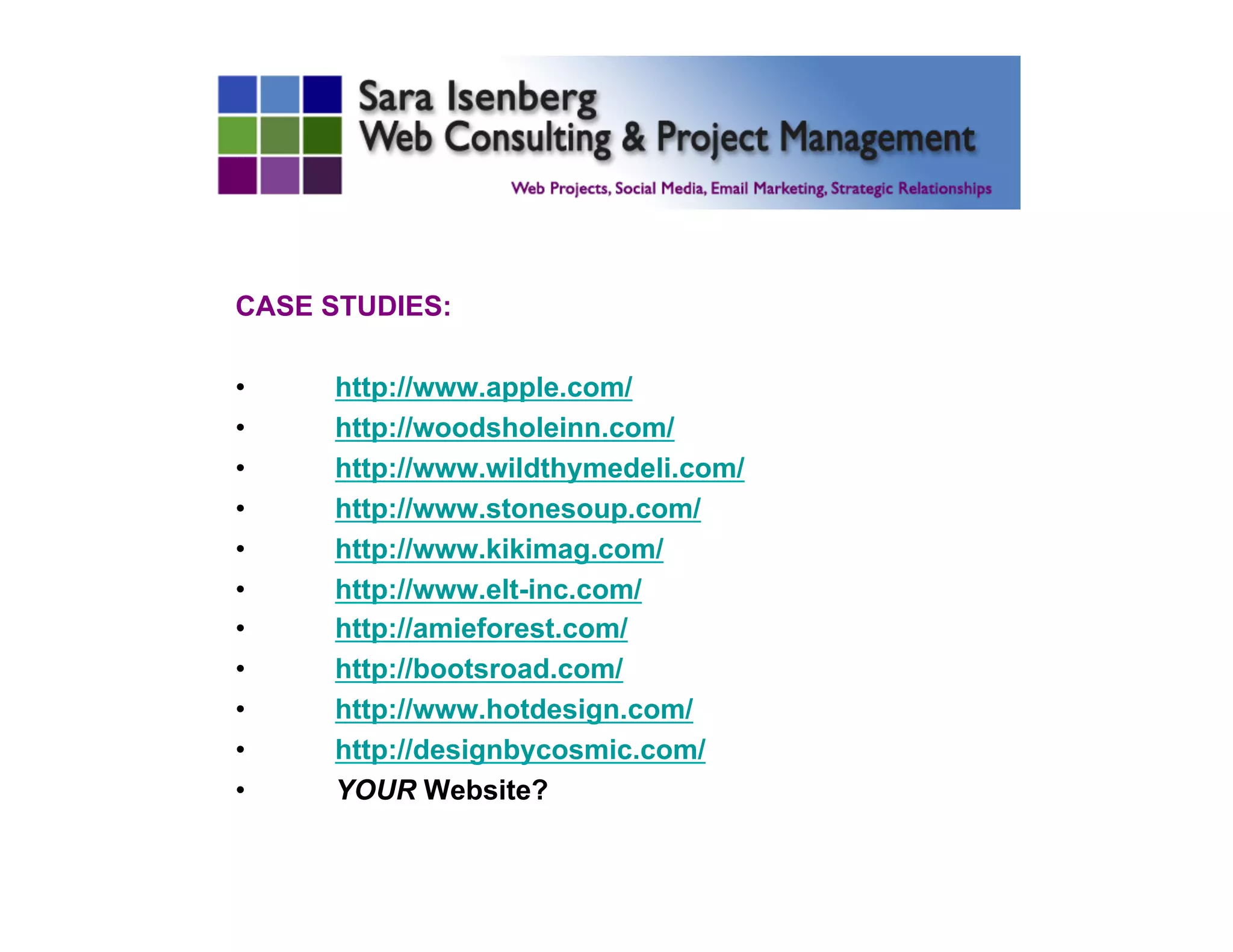
CASE STUDIES:
•  http://www.apple.com/
•  http://woodsholeinn.com/
•  http://www.wildthymedeli.com/
•  http://www.stonesoup.com/
•  http://www.kikimag.com/
•  http://www.elt-inc.com/
•  http://amieforest.com/
•  http://bootsroad.com/
•  http://www.hotdesign.com/
•  http://designbycosmic.com/
•  YOUR Website?
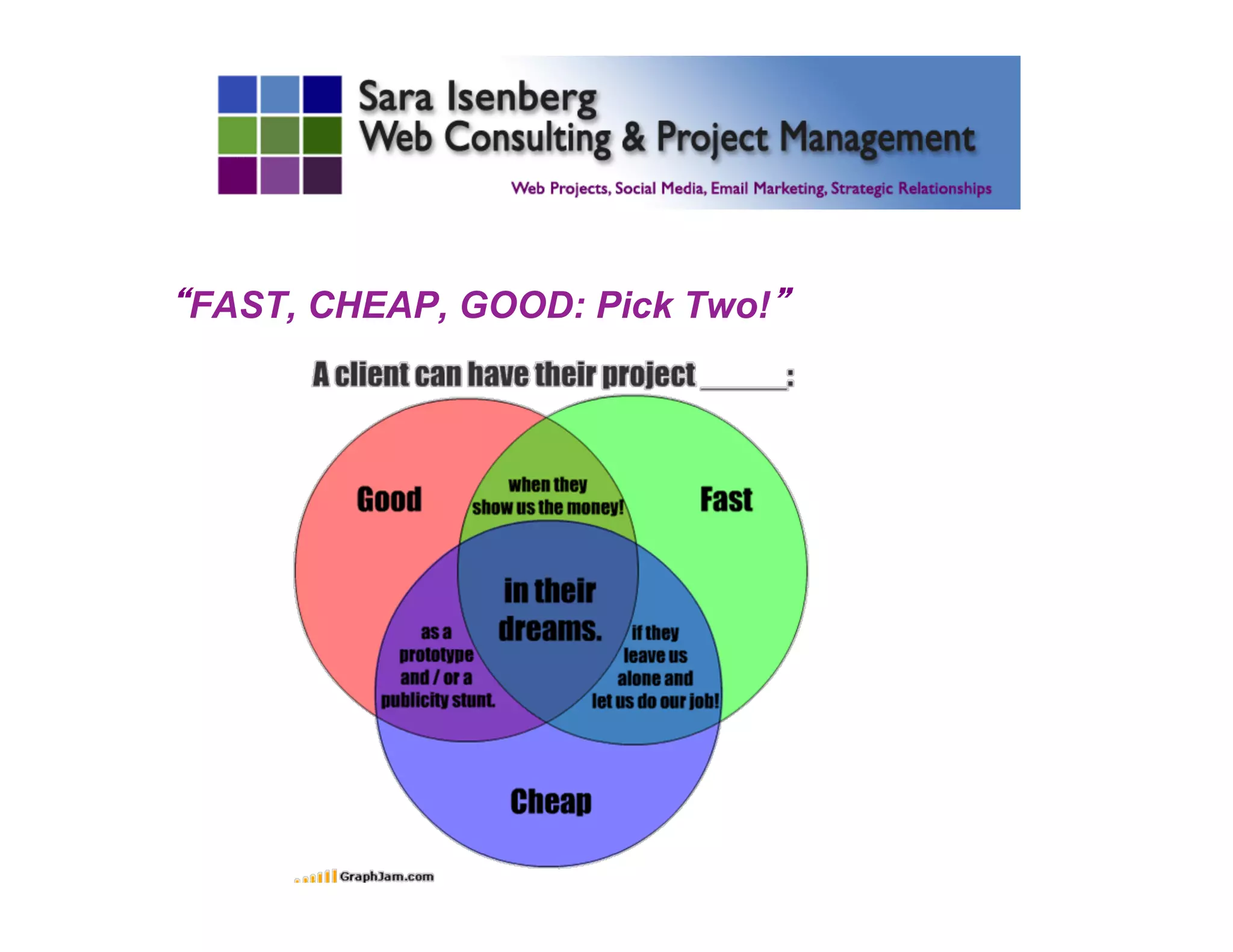
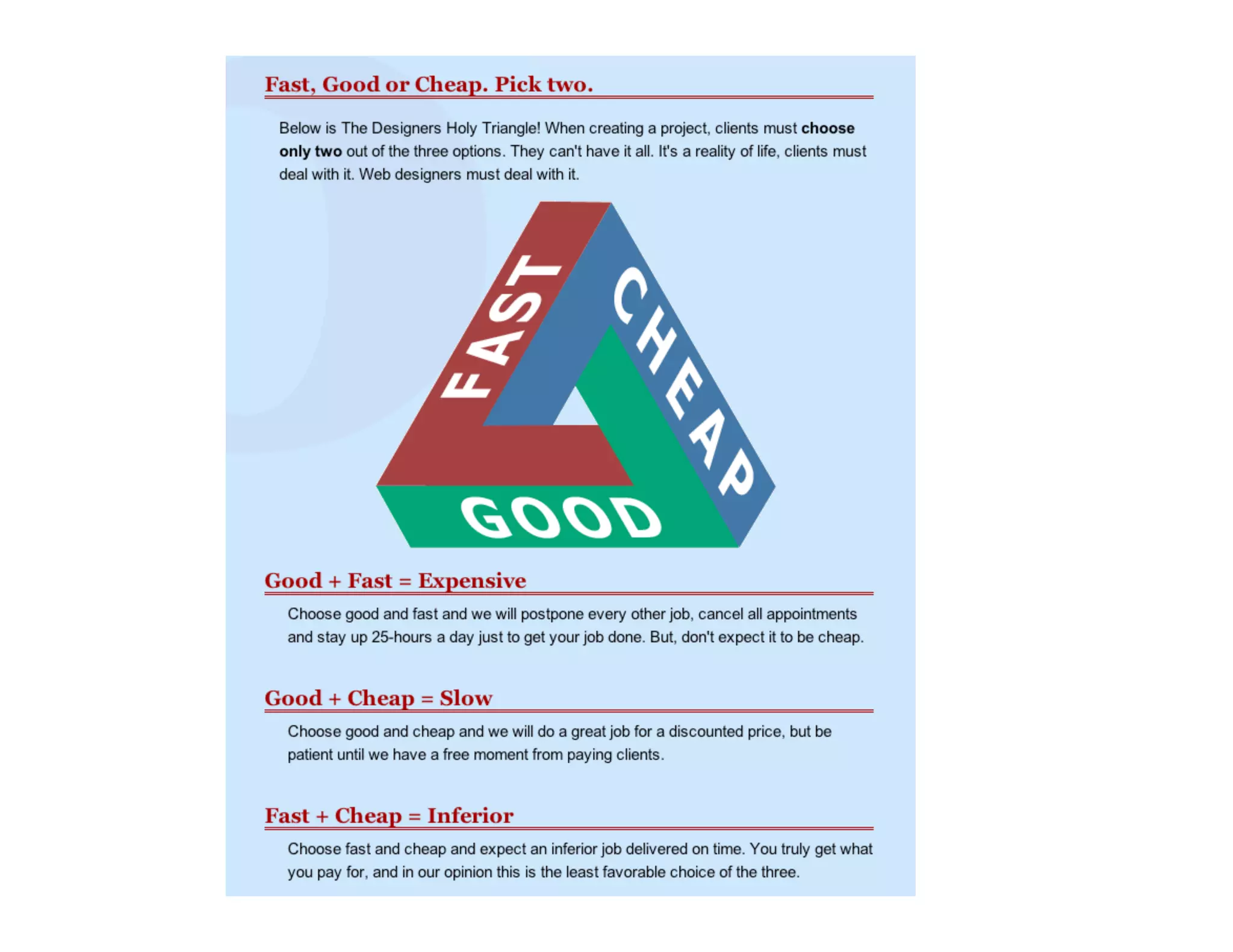
“FAST, CHEAP, GOOD: Pick Two!”
RESOURCES
•  Before You Hire Your Web Designer or Developer:
http://saraisenberg.com/2011/06/16/before-you-hire-your-
web-designer-or-developer/
•  5 Super Resources for Small Business Owner Who
Wants a Great Website:
http://saraisenberg.com/2011/05/04/5-super-resources-for-
small-business-owner-who-wants-a-great-website/
o  Don’t Make Me Think, A Common Sense Approach to
Web Usability, Steve Krug.
o  Letting Go of the Words, Writing Web Content That
Works, Janice Ginny Reddish.
o  Rocket Surgery, The Do-It-Yourself Guide to Finding
and Fixing Usability Problems, Steve Krug.
Q & A
Sara Isenberg
sara@saraisenberg.com
http://saraisenberg.com
http://saraisenberg.com/blog

6 Ways to Make Your Next Website the Best Ever with Sara Isenberg

  • 1.
    September 24, 2013-- Welcome to: 6 Ways to Make Your Next Website the Best Ever! Sara Isenberg sara@saraisenberg.com http://saraisenberg.com http://saraisenberg.com/blog
  • 3.
    INTRODUCTION I help webdevelopers, businesses, and individuals with web, social media, email marketing, software, and other projects. Sara Isenberg Web Consulting & Project Management http://saraisenberg.com http://facebook.com/SaraIsenbergConsulting/
  • 4.
    INTRODUCE YOURSELF 1.  Yourname? 2.  What is your website about? 3.  What would you most like to learn in this class?
  • 5.
    AGENDA 1.  Introductions 2.  3Fundamentals 3.  6 Essential Web Pages 4.  6 Questions to Ponder 5.  Case Studies 6.  Fast, Cheap, Good 7.  Resources
  • 6.
    3 FUNDAMENTALS OF AWEBSITE: 1.  Usability – architecture, navigation 2.  Design – appropriate to support your message 3.  Content – clear and simple, easy to scan
  • 7.
    SIX Essential WebPages: 1.  Home page 2.  Products and/or Services 3.  About 4.  Contact 5.  Custom Information 6.  Dynamic Content (graphic credits to Scott Design’s blog)
  • 8.
    1. HOME Page: § 2-5 second test -- what you do and where. §  Unique Selling Proposition (USP) §  Visually supports your branding. §  One or more Calls to Action. Tell the visitor what action you’d like them to take. §  2-5 sentences of keyword-rich TEXT. Search engines need TEXT. §  Meta Page Titles and Page Descriptions (not limited to home page) §  Generally above the fold.
  • 9.
    2. Products and/orServices: §  What are you offering or promoting? §  What are your services? §  What are your products? §  What is your cause?
  • 10.
    3. ABOUT Page: § Is about the PEOPLE who own or manage or run the business. §  Might be biographical, eg for sole proprietor. §  Might include history of the business. §  Might tell your story on how your business came to exist. §  Has a voice that supports your branding. §  Is NOT typically about the product or services.
  • 11.
    4. CONTACT Page: § Starts with something friendly and inviting. Eg: I look forward to hearing from you. §  Email address (even if you have a form) §  Phone number (even if you just check messages) §  Mailing address or physical location (depends) §  Form ok.
  • 12.
    5. Custom Information: § Your Expertise §  Additional Resources §  Related information §  Eg: Dentist? Provide general dentistry info §  Eg: Sell Bicycles? Provide local trail info §  Eg: Web Consultant? Links to relevant meetups.
  • 13.
    6. Dynamic Content: § Blog §  Social Media §  Events §  Sales, Specials, Deals Valuable to human visitors AND search engines: •  Updated content brings return visitors! •  Text content with keyword phrases is important for search engines!
  • 14.
    Review: 1.  Home page 2. Products and/or Services 3.  About 4.  Contact 5.  Custom Information 6.  Dynamic Content (graphic credits to Scott Design’s blog)
  • 15.
    6 QUESTIONS TOPONDER: 1.  What is my site? 2.  Who do I want to attract? 3.  What is my style, look & feel, voice? 4.  What is my content? 5.  What is the intuitive organization? 6.  What features will help?
  • 16.
    PONDER #1: WHAT ISMY SITE? •  What are my goals? •  Will visitors understand what I do (what I am offering) in 3-5 seconds!?!?!? •  What is my USP (Unique Selling Proposition)? •  What are my measures of success? è Describe 3 goals and 3 measure of success.
  • 17.
    PONDER #2: WHO DOI WANT TO ATTRACT? •  Who do I want to visit my website? •  Demographics: young/old, male/female, etc? •  What is my visitor’s frame of mind? •  What is my visitor’s job, role, goal? è Describe 3 profiles that you want to attract.
  • 18.
    PONDER #3: WHAT ISMY STYLE, LOOK & FEEL, VOICE? •  What qualities attract my users? •  Casual, formal, humorous, corporate, etc? •  I, we, you, they – Who is the voice? è Describe the profile of the voice/speaker.
  • 19.
    PONDER #4: WHAT ISMY CONTENT? •  Product? •  Service? •  Entertainment? •  Information? •  Inspiration? •  Etc. è Describe your primary and secondary content.
  • 20.
    PONDER #5: WHAT ISTHE INTUITIVE ORGANIZATION? •  What are various ways to organize? •  What is most intuitive? •  Different people, different paths. •  By role (eg: teacher, student, parent). •  By demographic (eg: male, female, child) •  By product (eg: widget1, widget2) è Describe options for your website’s organization.
  • 21.
    PONDER #6: WHAT FEATURESWILL HELP? TAP INTO CURRENT TECHNOLOGY. •  Graphics •  Illustrations •  Animation •  Photographs •  Video •  Newsletter/signup •  Blog •  Ecommerce •  Resources è What are your “must have” features & “wish list” features. •  Site search •  Sitemap •  SEO •  CMS •  Google Analytics •  Social Media!
  • 22.
    CASE STUDIES: •  http://www.apple.com/ • http://woodsholeinn.com/ •  http://www.wildthymedeli.com/ •  http://www.stonesoup.com/ •  http://www.kikimag.com/ •  http://www.elt-inc.com/ •  http://amieforest.com/ •  http://bootsroad.com/ •  http://www.hotdesign.com/ •  http://designbycosmic.com/ •  YOUR Website?
  • 23.
  • 25.
    RESOURCES •  Before YouHire Your Web Designer or Developer: http://saraisenberg.com/2011/06/16/before-you-hire-your- web-designer-or-developer/ •  5 Super Resources for Small Business Owner Who Wants a Great Website: http://saraisenberg.com/2011/05/04/5-super-resources-for- small-business-owner-who-wants-a-great-website/ o  Don’t Make Me Think, A Common Sense Approach to Web Usability, Steve Krug. o  Letting Go of the Words, Writing Web Content That Works, Janice Ginny Reddish. o  Rocket Surgery, The Do-It-Yourself Guide to Finding and Fixing Usability Problems, Steve Krug.
  • 26.
    Q & A SaraIsenberg sara@saraisenberg.com http://saraisenberg.com http://saraisenberg.com/blog