6 Reasons
Micro-Learning
Will Make a
Huge Impact
In Your
Organization
Ellen Frank
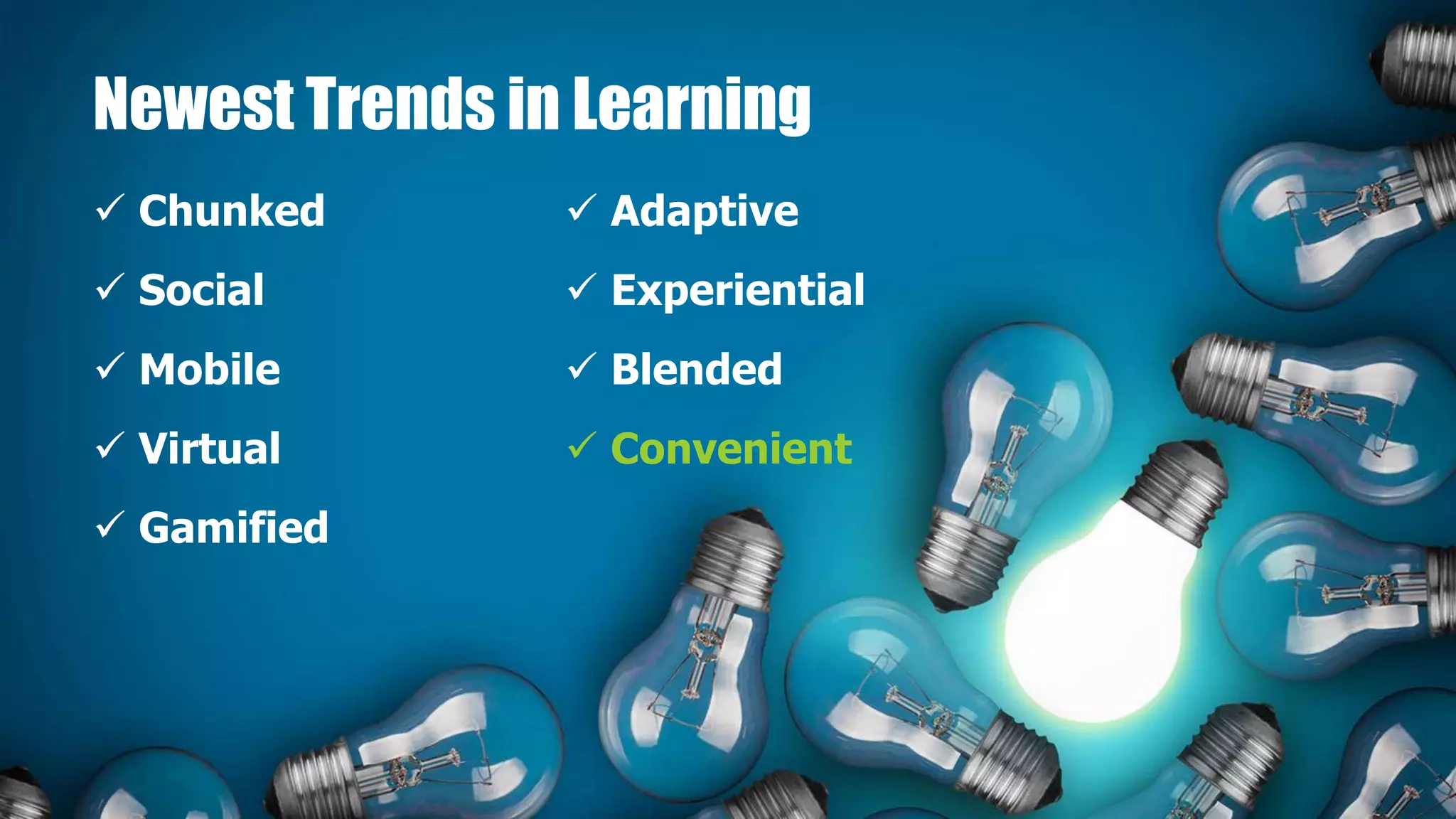
Newest Trends in Learning
 Chunked
 Social
 Mobile
 Virtual
 Gamified
 Adaptive
 Experiential
 Blended
 Convenient
Micro-learning is a method of
learning that delivers content to
employees in short, very specific
bursts (think “bite-sized learning”
or “learning nuggets”).
Micro-learning activities are usually
completed in less than four
minutes (1-7 minutes), making
them digestible and manageable.
Micro-Learning
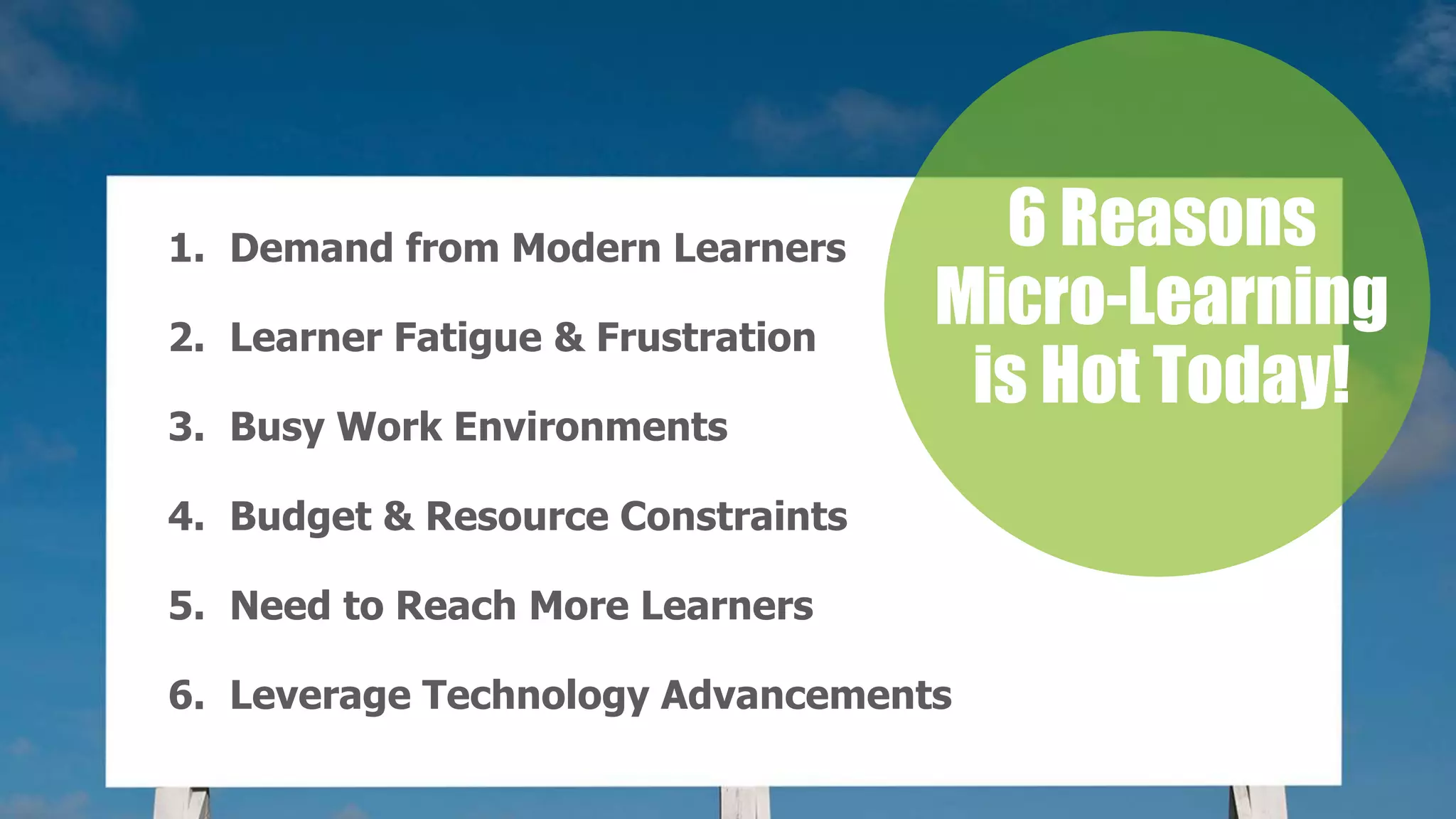
1. Demand from Modern Learners
2. Learner Fatigue & Frustration
3. Busy Work Environments
4. Budget & Resource Constraints
5. Need to Reach More Learners
6. Leverage Technology Advancements
6 Reasons
Micro-Learning
is Hot Today!
1. Demand
From the
Modern
Learner
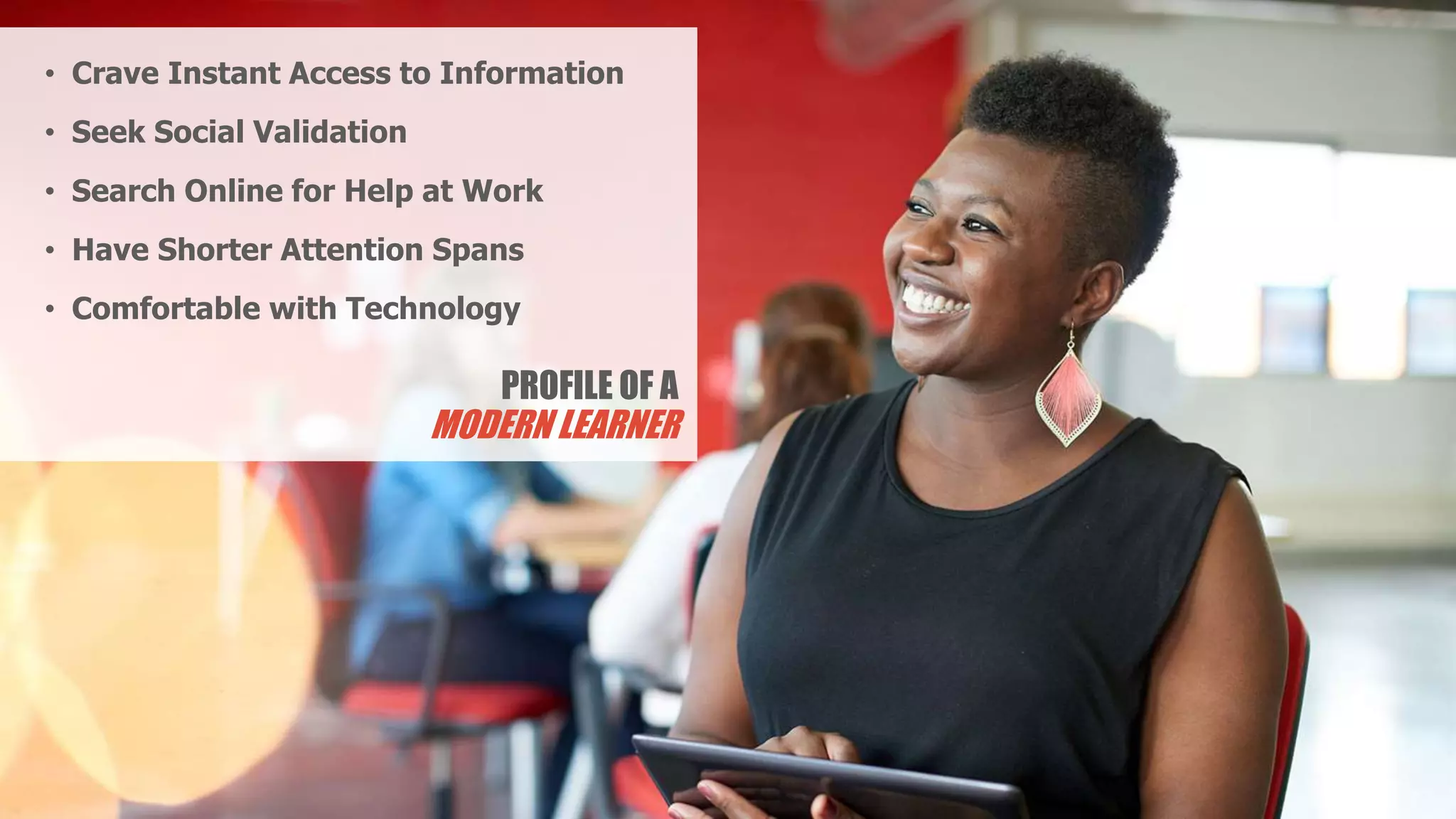
PROFILE OF A
MODERN LEARNER
• Crave Instant Access to Information
• Seek Social Validation
• Search Online for Help at Work
• Have Shorter Attention Spans
• Comfortable with Technology
The average
attention span of
an adult in the
year 2000 was
12 seconds
The average
attention span
of a goldfish is
9 seconds.
Today it is down to
about 8 seconds
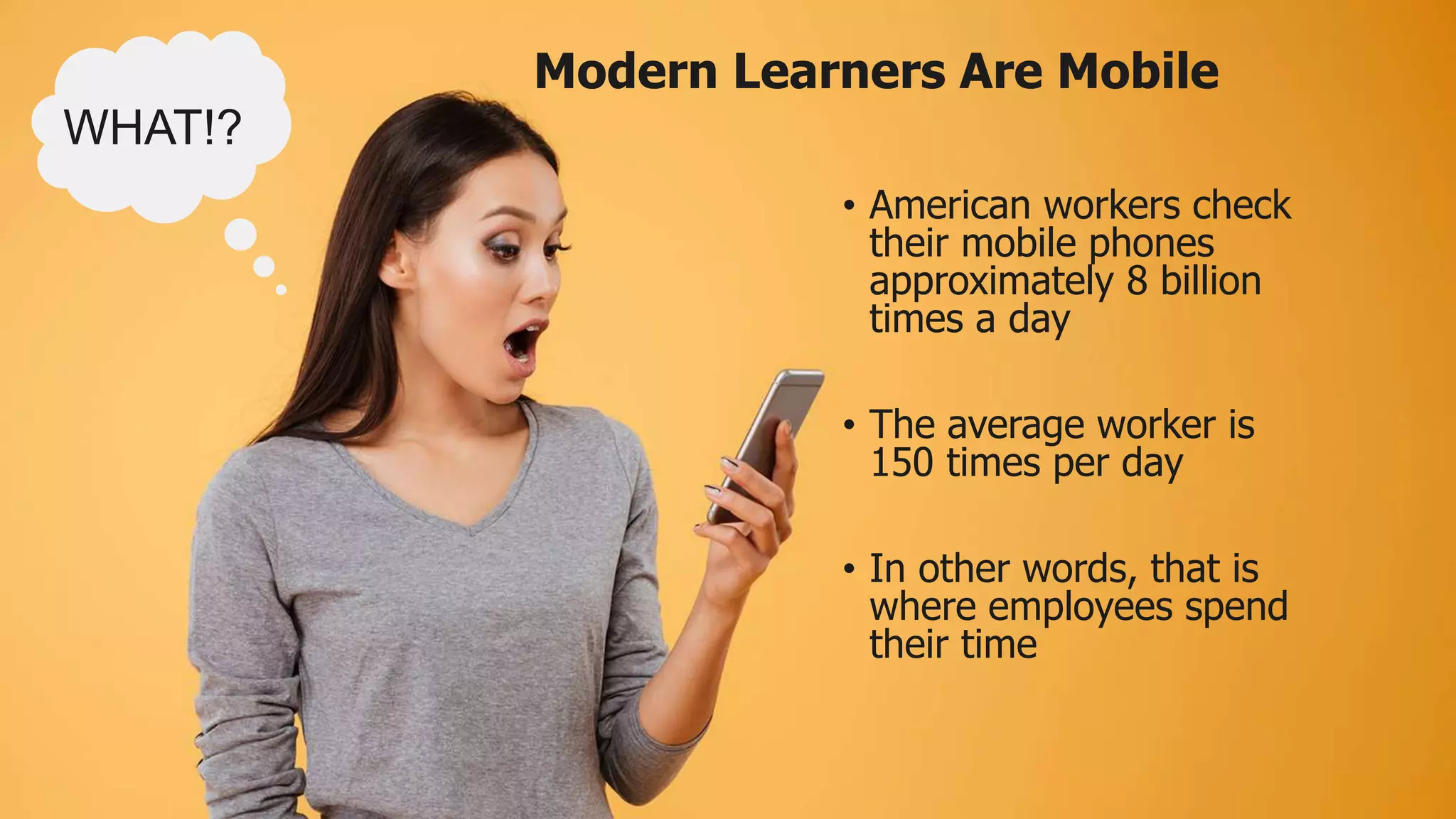
• American workers check
their mobile phones
approximately 8 billion
times a day
• The average worker is
150 times per day
• In other words, that is
where employees spend
their time
WHAT!?
Modern Learners Are Mobile
For Generation Z…
the only phone
they’ve ever known
is a smart phone
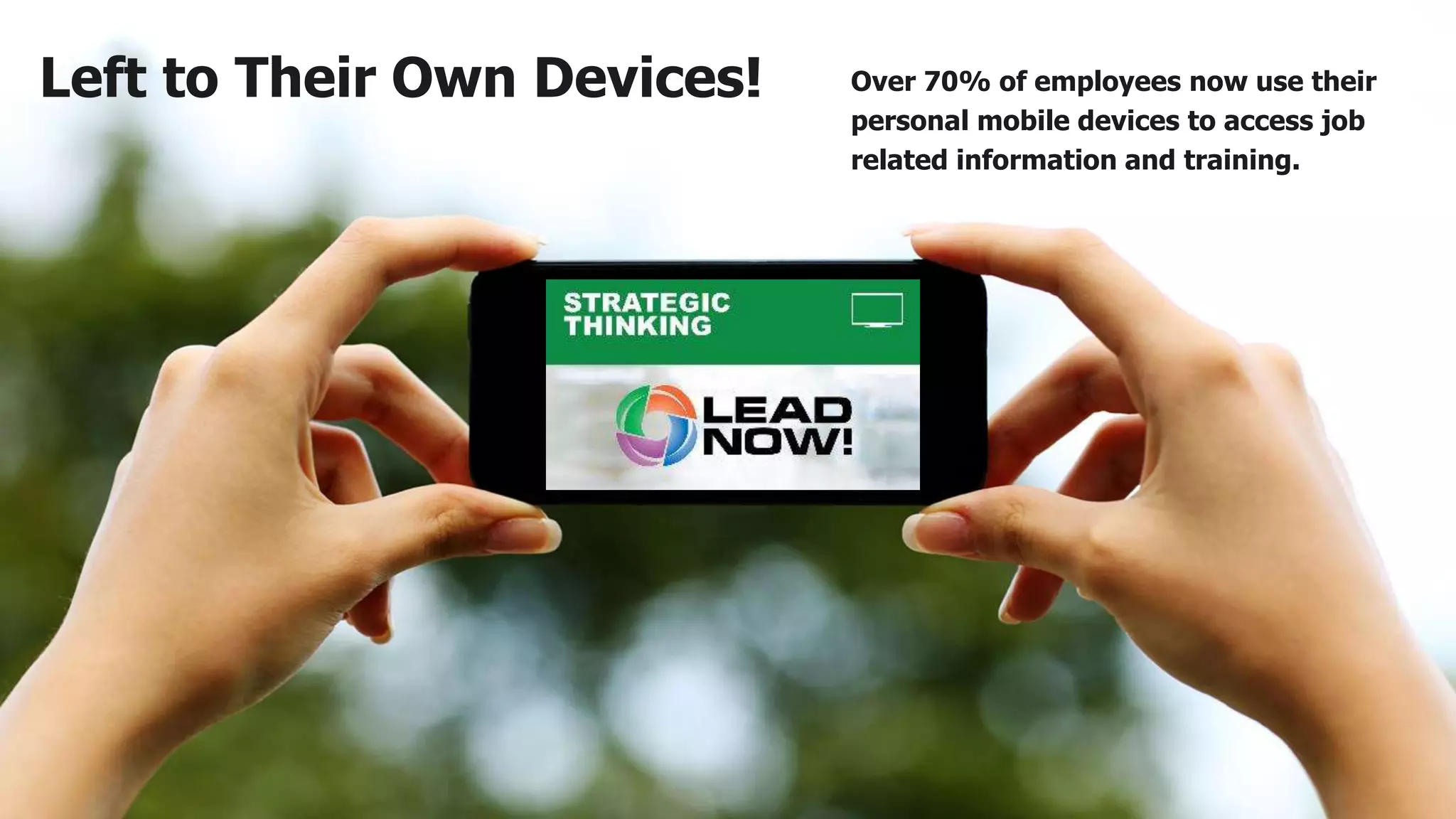
Left to Their Own Devices! Over 70% of employees now use their
personal mobile devices to access job
related information and training.
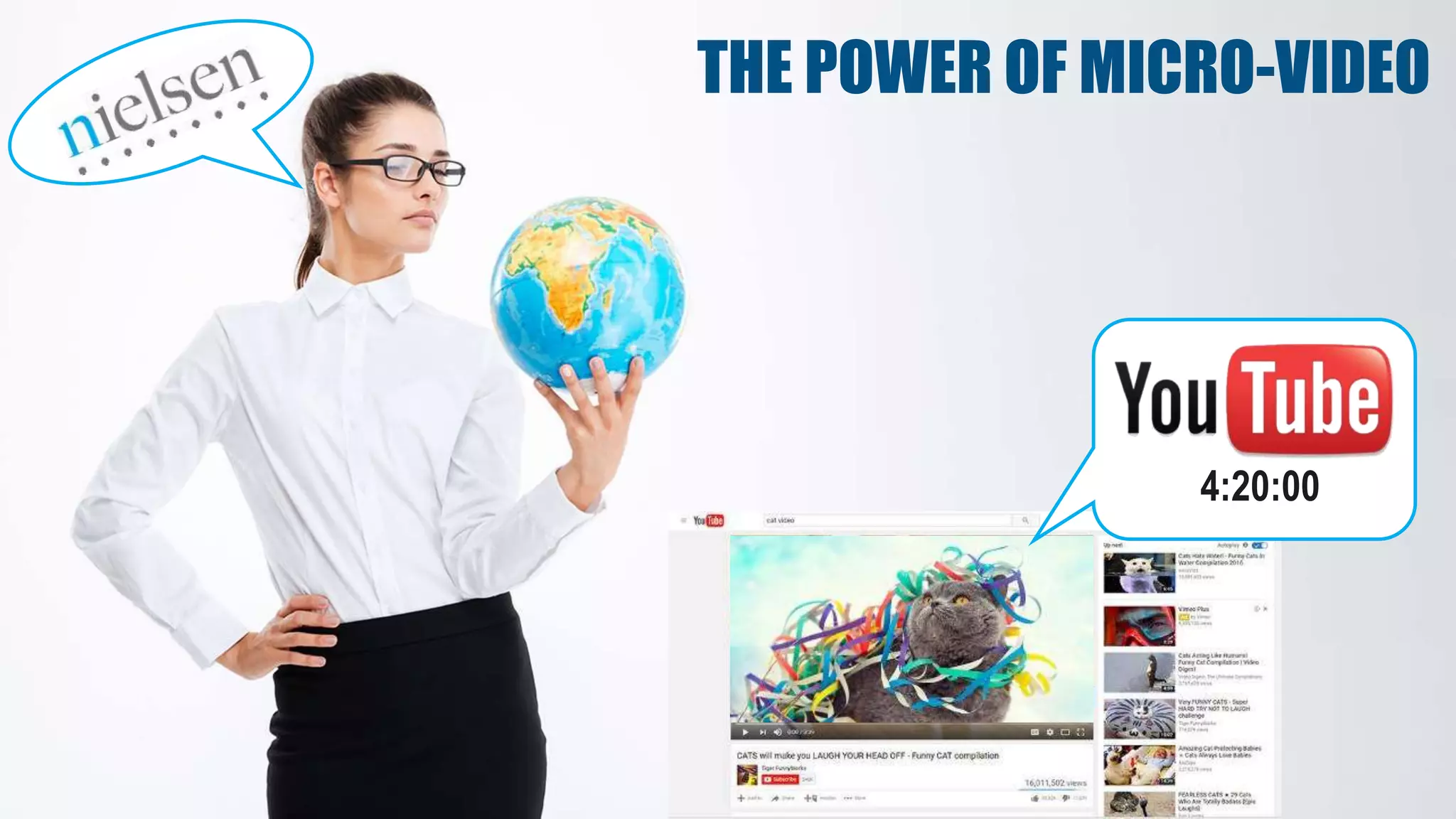
THE POWER OF MICRO-VIDEO
4:20:00
Why Not Just Use YouTube?
• Search and “distracted viewing”
wastes significant time and
productivity
• On average 1.8 hours
per day
• No consistency
• Match with organizational
culture, competencies, and goals
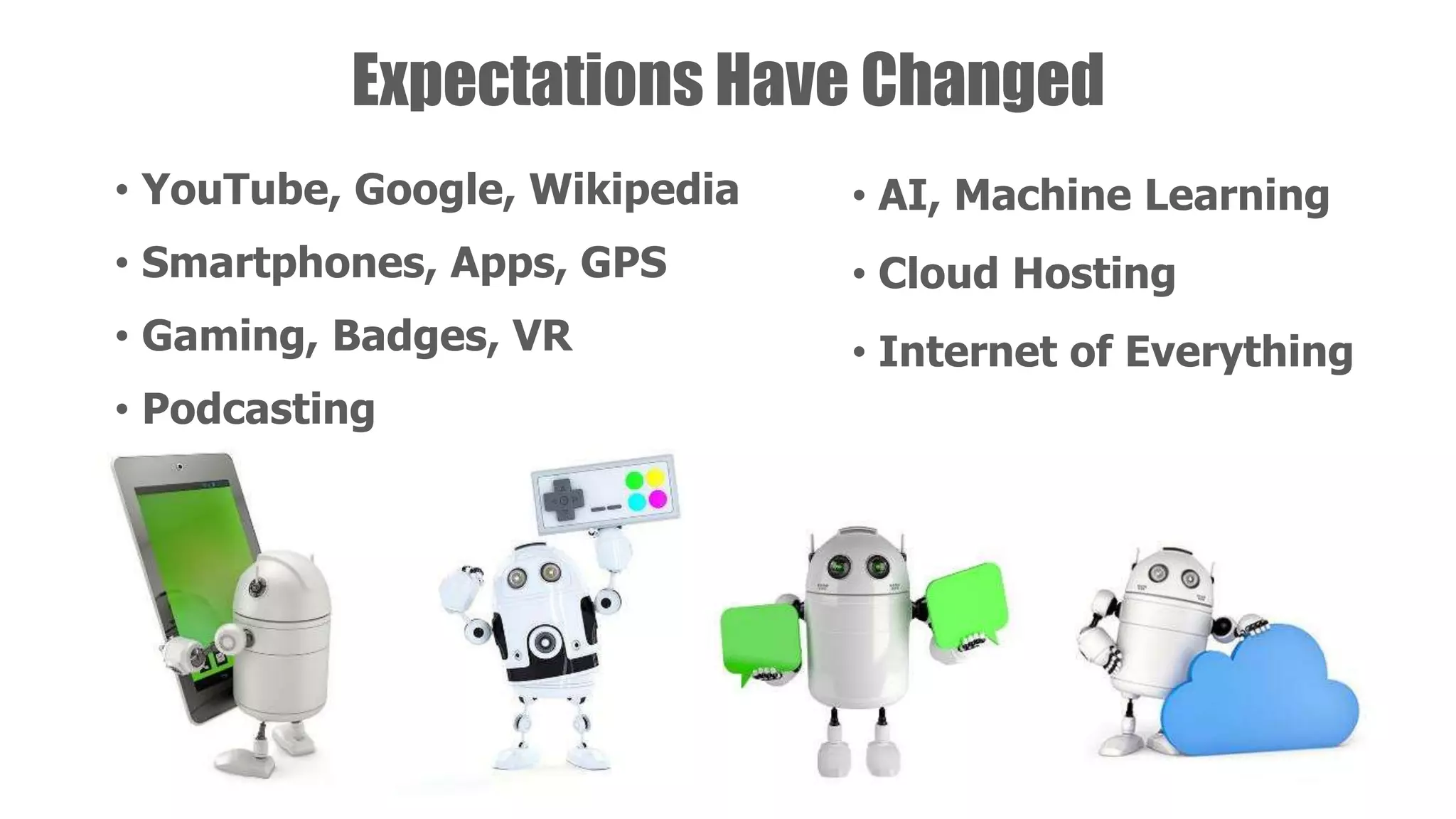
Expectations Have Changed
• YouTube, Google, Wikipedia
• Smartphones, Apps, GPS
• Gaming, Badges, VR
• Podcasting
• AI, Machine Learning
• Cloud Hosting
• Internet of Everything
Tech savvy impressions
impact recruitment
and retention!
2. Learner
Fatigue and
Frustration
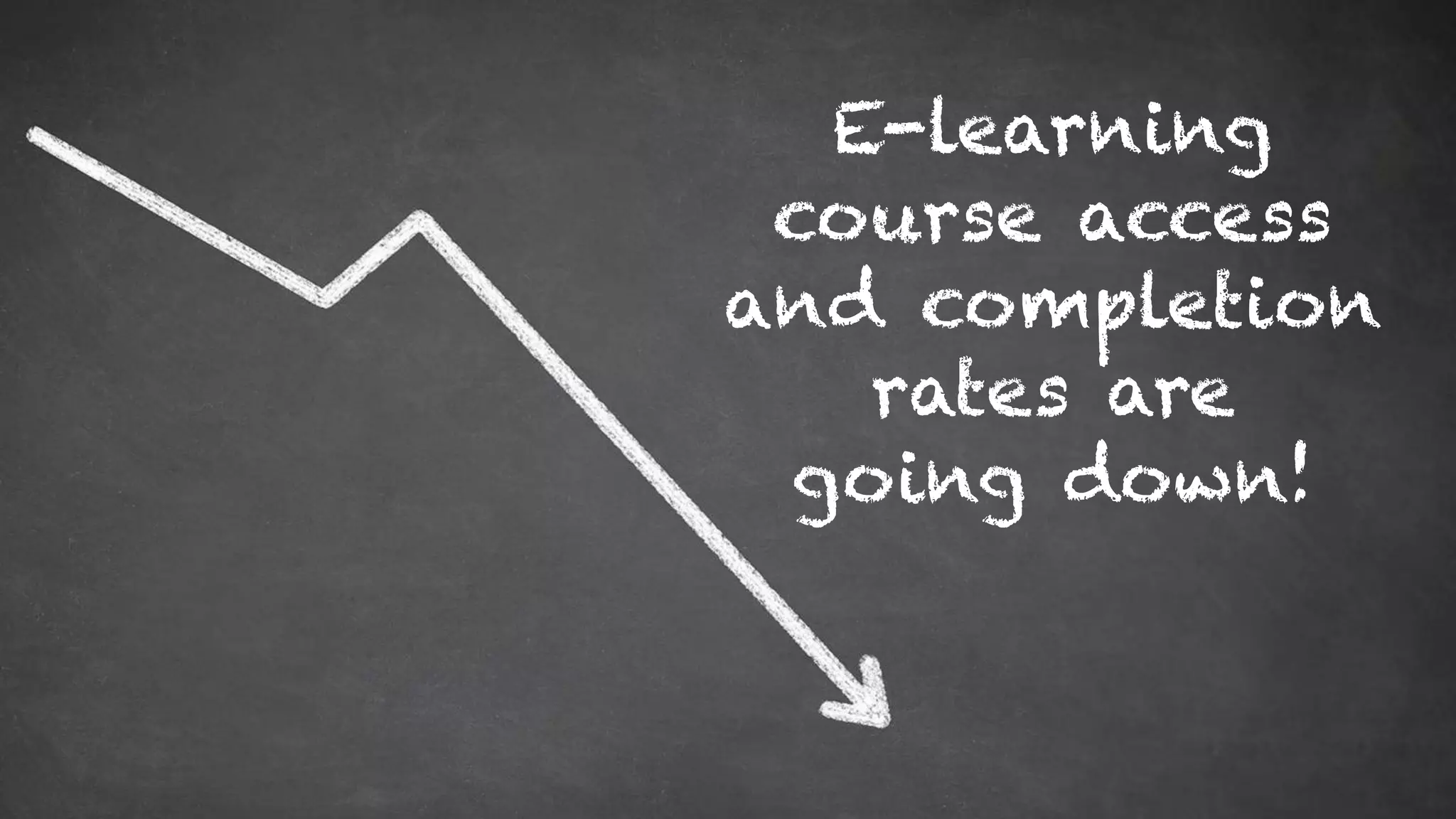
E-learning
course access
and completion
rates are
going down!
OMG… not
another
2-hour course!
Micro-learning delivers
short, focused sessions
that help learners avoid
mental burnout and can
promote increased
energy and alertness.
LEGACY LMS
MAY NOT TRULY
SUPPORT
MOBILE OR
MICRO!
3. Busy Work
Environment
Employees are
interrupted every 4
minutes on average
Employees only have
about 5 minutes a day
to allot for training
58% of employees
say they’d use their
organization’s
learning software
more if the content
was broken up into
shorter lessons
Learner Benefits:
• More Convenient
• More Adaptive
• Expands Short-term Memory
• Eases Integration into Long-term Memory
• Increases Retention Rates by 50% to 65%
LEARNER BENEFITS
Faster Speed to Competence
Can increase by 40% to 50%
4. Budget &
Resource
Constraints
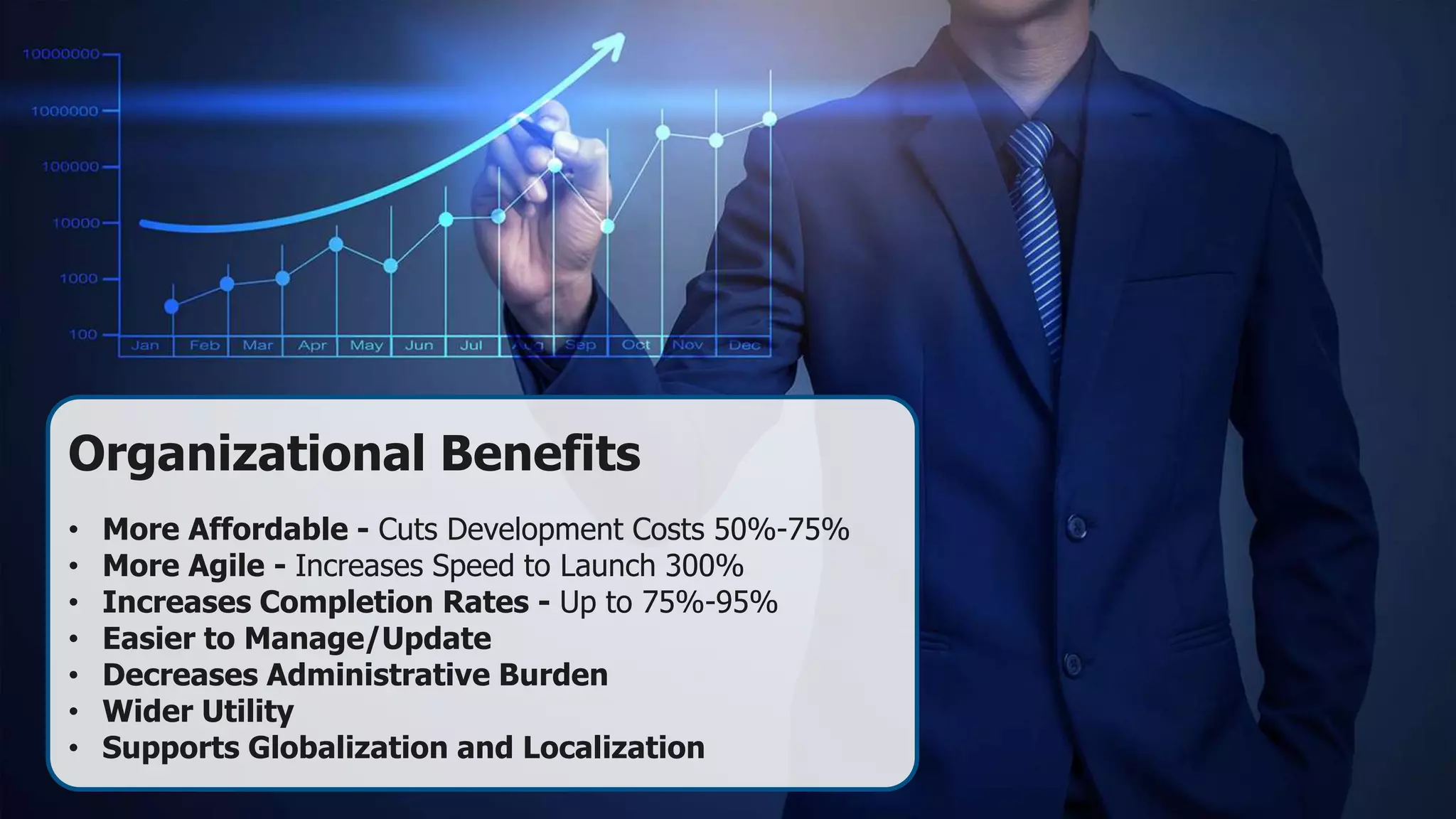
Organizational Benefits
• More Affordable - Cuts Development Costs 50%-75%
• More Agile - Increases Speed to Launch 300%
• Increases Completion Rates - Up to 75%-95%
• Easier to Manage/Update
• Decreases Administrative Burden
• Wider Utility
• Supports Globalization and Localization
5. Need to
Reach More
Learners
82% of Workers Don’t Have Desks!
• Field Repair/Service
• Medical Professionals
• Plant/Manufacturing
• Distribution/Warehouse
• Construction/HVAC
• Field Engineers
• Retail
• Field Sales
• Energy Workers
• Agriculture
• Home/Remote Workers
• Transportation/Trucking
• Local Delivery
• Government
• Teacher
No Desk,
No Problem!
DOWNLOAD
6. Leverage
Technology
Advances
HDTV Quality
and Beyond
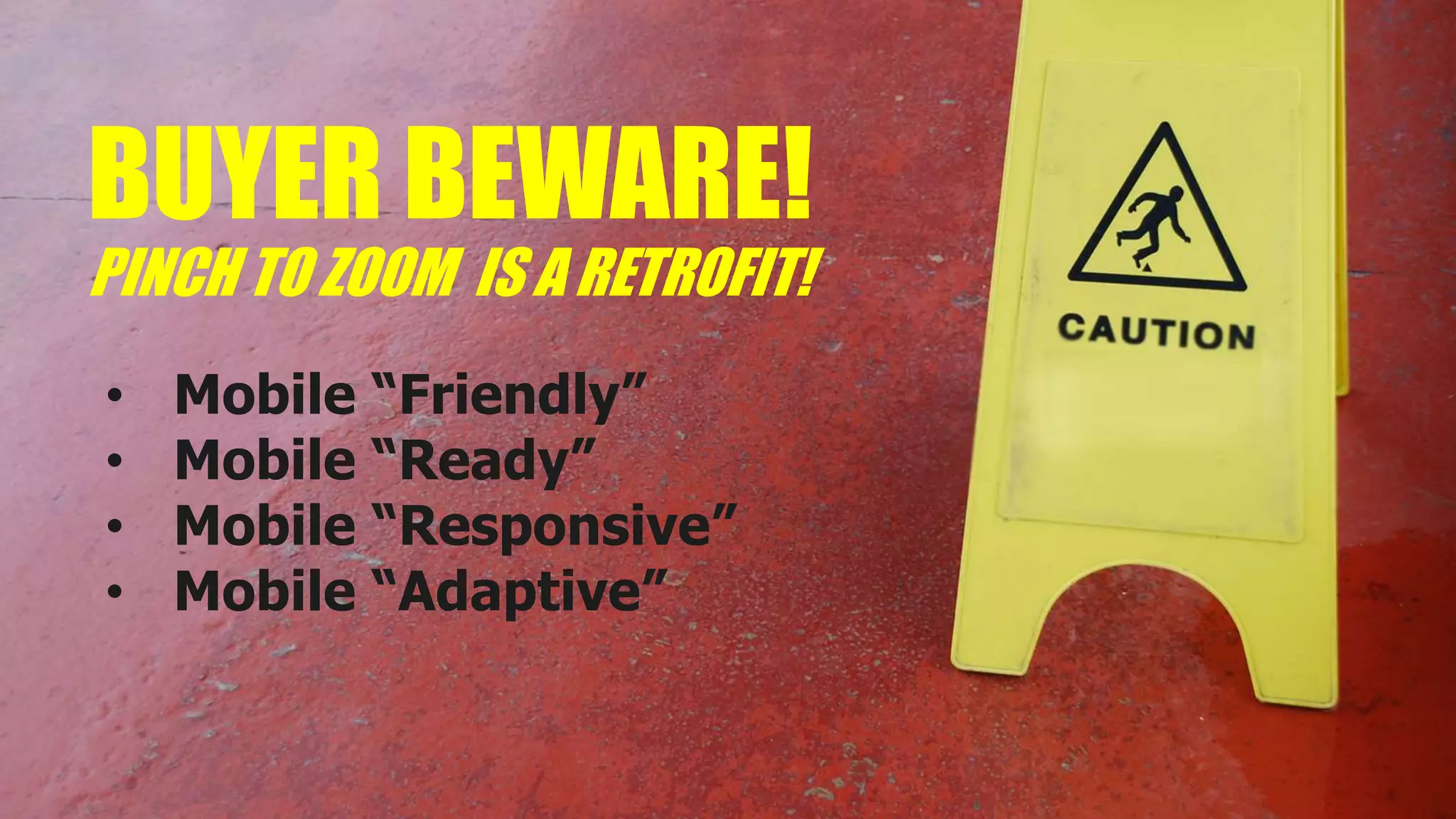
BUYER BEWARE!
PINCH TO ZOOM IS A RETROFIT!
• Mobile “Friendly”
• Mobile “Ready”
• Mobile “Responsive”
• Mobile “Adaptive”
Mobile Design Differences
Mobile First
The user experience was designed
for mobile phones before any
other version, so it displays
perfectly with no extra
adjustments and video quality
looks the best.
Responsive
You may have to ‘pinch and
zoom’ to view the content on a
mobile device. Video quality can
be less. This is usually a retrofit
to make older content and apps
mobile friendly.
Adaptive
You need to manually select
your screen size in order for
the content to display
correctly. Think of the TV in
your family room.
Putting It
All Together
ANOTHER
TOOL FOR
OUR BELT
Micro-Learning Formats
SCORM
TEXT
AUDIO
Video
Best Micro-Learning
• Small but complete
learning experience
• Bite-sized chunks
• Step-by-step structure
• Convenient access
• Intuitive search and use
• Platform independent
• Engaging and useful
Part of a Blended Program
Development
Program
Classroom
Virtual Self-paced
Performance
Support
Ways to Use Micro-learning
What is the difference
between training and
performance support?
Training
• Want to LEARN something
• Takes 1-hour to several days
• Need to show mastery
• Better for certification
• SCORM, LMS
Performance Support
• Want to DO something ASAP
• Short 1-7 minutes
• Need a quick result
• Don’t care about certification
• Streaming video, offline audio
• Can support training
Safety/Security Certification
Long-Term Development
Complex Set of Skills
WHEN TO USE TRAINING
WHEN TO USE PERFORMANCE SUPPORT
VERY FLEXIBLE DELIVERY OPTIONS
Consider These Before Buying
 Mobile FIRST design
 Intuitive interface & features
 Short, HD video & audio
 Comprehensive libraries
 Free & regular content updates
 Host your own content
 Strong administration & reporting
 Intuitive search & recommendations
 Integration with LMS/HRIS
Question Your Potential Partners
 Strong customer SUPPORT
 Technical expertise
 Background in L&D
 Proven technology leader
 Thought leader in micro-learning
 Advocate for performance support
 High-quality content & production
 Specific project management team
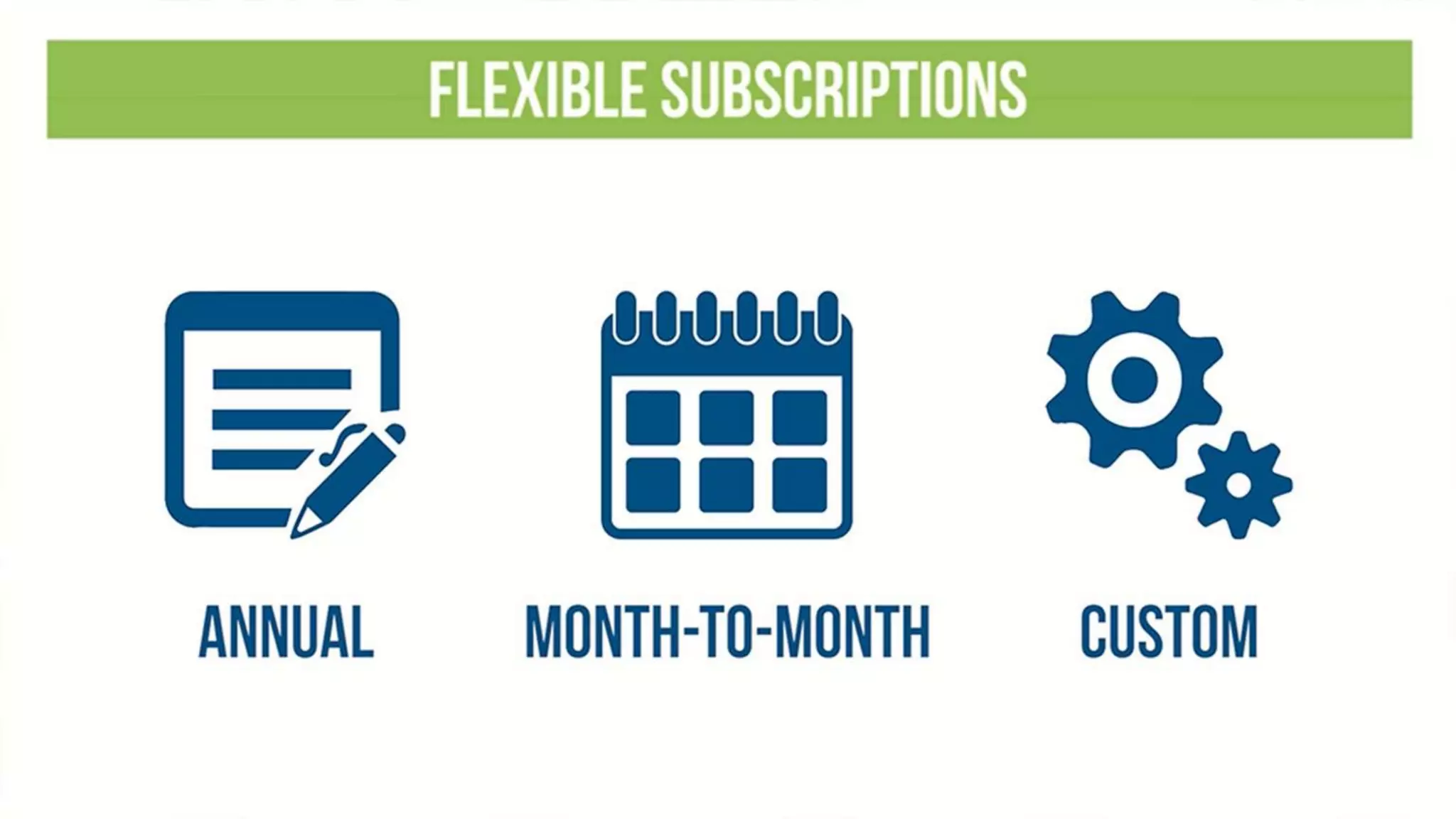
 Simple and flexible payment options
 Friendly people who CARE
3,000+ Learning Bites
20 of the Most-Requested Topic Areas
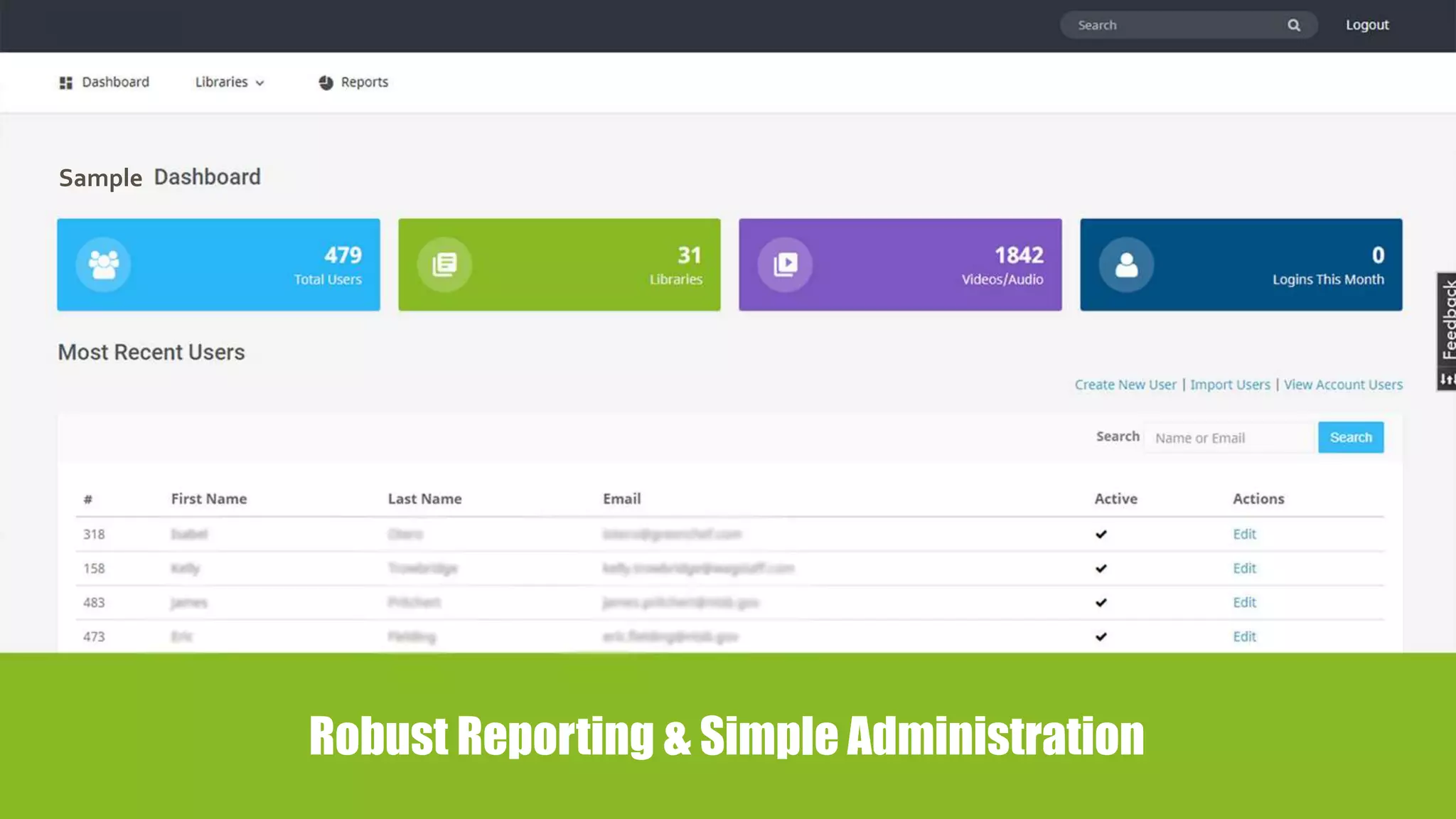
Robust Reporting & Simple Administration
Sample
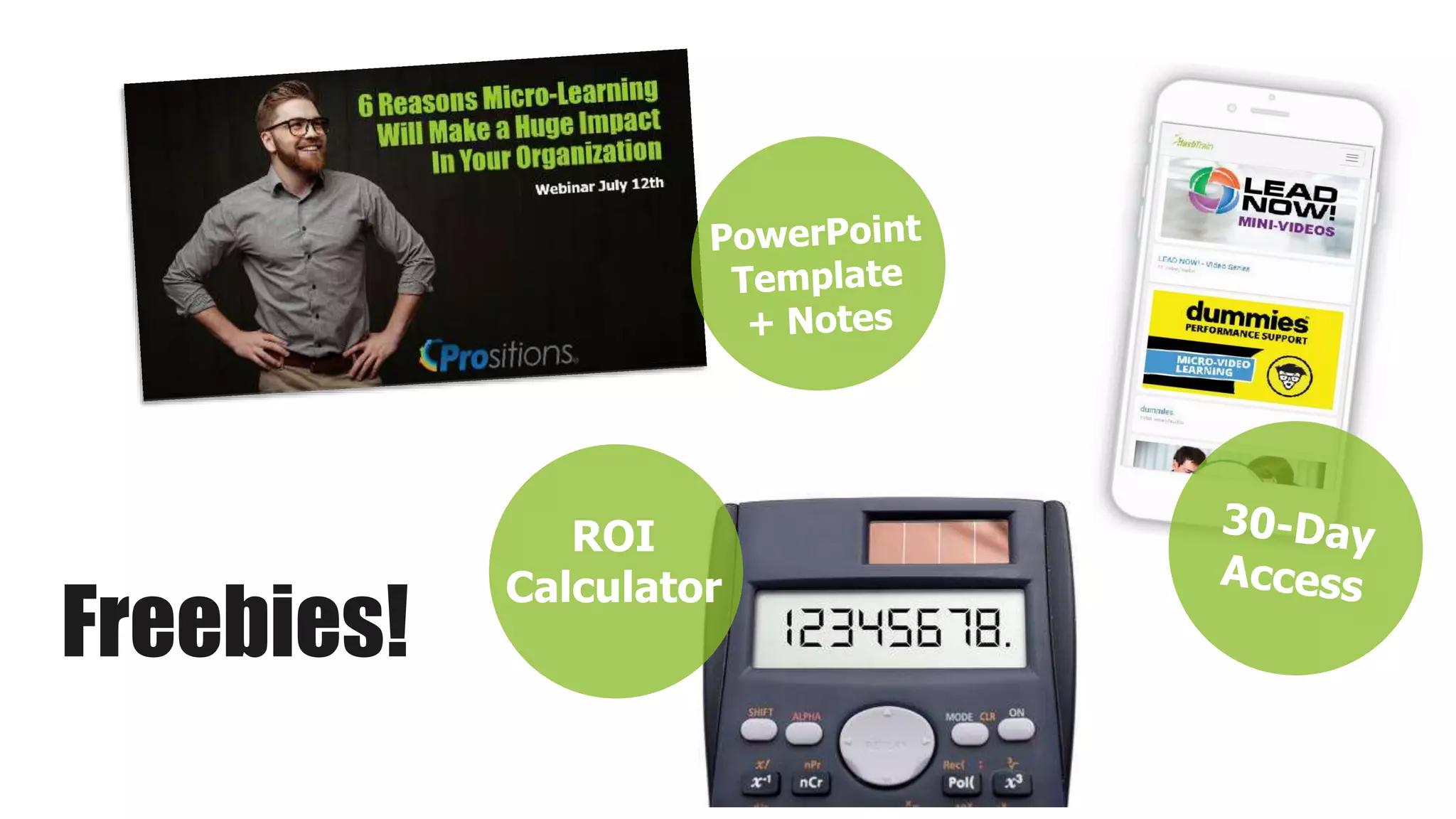
ROI
Calculator
Freebies!
Questions?
?

6 Reasons Micro-Learning Will Make a Huge Impact In Your Organization

  • 1.
    6 Reasons Micro-Learning Will Makea Huge Impact In Your Organization
  • 2.
  • 3.
    Newest Trends inLearning  Chunked  Social  Mobile  Virtual  Gamified  Adaptive  Experiential  Blended  Convenient
  • 4.
    Micro-learning is amethod of learning that delivers content to employees in short, very specific bursts (think “bite-sized learning” or “learning nuggets”). Micro-learning activities are usually completed in less than four minutes (1-7 minutes), making them digestible and manageable. Micro-Learning
  • 5.
    1. Demand fromModern Learners 2. Learner Fatigue & Frustration 3. Busy Work Environments 4. Budget & Resource Constraints 5. Need to Reach More Learners 6. Leverage Technology Advancements 6 Reasons Micro-Learning is Hot Today!
  • 6.
  • 7.
    PROFILE OF A MODERNLEARNER • Crave Instant Access to Information • Seek Social Validation • Search Online for Help at Work • Have Shorter Attention Spans • Comfortable with Technology
  • 8.
    The average attention spanof an adult in the year 2000 was 12 seconds The average attention span of a goldfish is 9 seconds. Today it is down to about 8 seconds
  • 9.
    • American workerscheck their mobile phones approximately 8 billion times a day • The average worker is 150 times per day • In other words, that is where employees spend their time WHAT!? Modern Learners Are Mobile
  • 10.
    For Generation Z… theonly phone they’ve ever known is a smart phone
  • 11.
    Left to TheirOwn Devices! Over 70% of employees now use their personal mobile devices to access job related information and training.
  • 12.
    THE POWER OFMICRO-VIDEO 4:20:00
  • 13.
    Why Not JustUse YouTube? • Search and “distracted viewing” wastes significant time and productivity • On average 1.8 hours per day • No consistency • Match with organizational culture, competencies, and goals
  • 14.
    Expectations Have Changed •YouTube, Google, Wikipedia • Smartphones, Apps, GPS • Gaming, Badges, VR • Podcasting • AI, Machine Learning • Cloud Hosting • Internet of Everything
  • 15.
    Tech savvy impressions impactrecruitment and retention!
  • 16.
  • 17.
  • 18.
  • 19.
    Micro-learning delivers short, focusedsessions that help learners avoid mental burnout and can promote increased energy and alertness.
  • 20.
    LEGACY LMS MAY NOTTRULY SUPPORT MOBILE OR MICRO!
  • 21.
  • 22.
    Employees are interrupted every4 minutes on average Employees only have about 5 minutes a day to allot for training 58% of employees say they’d use their organization’s learning software more if the content was broken up into shorter lessons
  • 23.
    Learner Benefits: • MoreConvenient • More Adaptive • Expands Short-term Memory • Eases Integration into Long-term Memory • Increases Retention Rates by 50% to 65%
  • 24.
    LEARNER BENEFITS Faster Speedto Competence Can increase by 40% to 50%
  • 25.
  • 26.
    Organizational Benefits • MoreAffordable - Cuts Development Costs 50%-75% • More Agile - Increases Speed to Launch 300% • Increases Completion Rates - Up to 75%-95% • Easier to Manage/Update • Decreases Administrative Burden • Wider Utility • Supports Globalization and Localization
  • 27.
    5. Need to ReachMore Learners
  • 28.
    82% of WorkersDon’t Have Desks!
  • 29.
    • Field Repair/Service •Medical Professionals • Plant/Manufacturing • Distribution/Warehouse • Construction/HVAC • Field Engineers • Retail • Field Sales • Energy Workers • Agriculture • Home/Remote Workers • Transportation/Trucking • Local Delivery • Government • Teacher No Desk, No Problem!
  • 30.
  • 31.
  • 32.
  • 33.
    BUYER BEWARE! PINCH TOZOOM IS A RETROFIT! • Mobile “Friendly” • Mobile “Ready” • Mobile “Responsive” • Mobile “Adaptive”
  • 34.
    Mobile Design Differences MobileFirst The user experience was designed for mobile phones before any other version, so it displays perfectly with no extra adjustments and video quality looks the best. Responsive You may have to ‘pinch and zoom’ to view the content on a mobile device. Video quality can be less. This is usually a retrofit to make older content and apps mobile friendly. Adaptive You need to manually select your screen size in order for the content to display correctly. Think of the TV in your family room.
  • 35.
  • 36.
  • 37.
  • 38.
    Best Micro-Learning • Smallbut complete learning experience • Bite-sized chunks • Step-by-step structure • Convenient access • Intuitive search and use • Platform independent • Engaging and useful
  • 39.
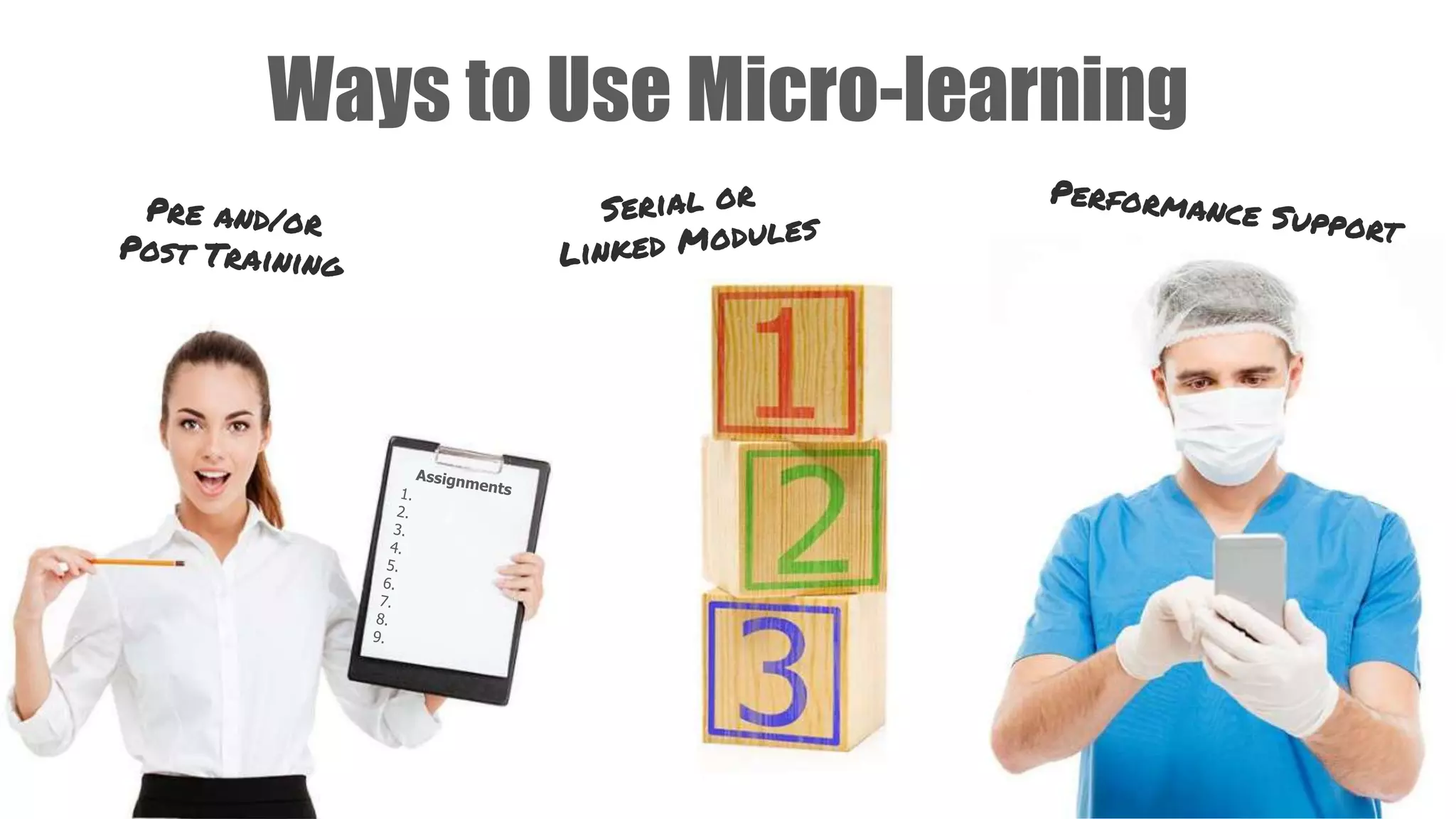
    Part of aBlended Program Development Program Classroom Virtual Self-paced Performance Support
  • 40.
    Ways to UseMicro-learning
  • 41.
    What is thedifference between training and performance support?
  • 42.
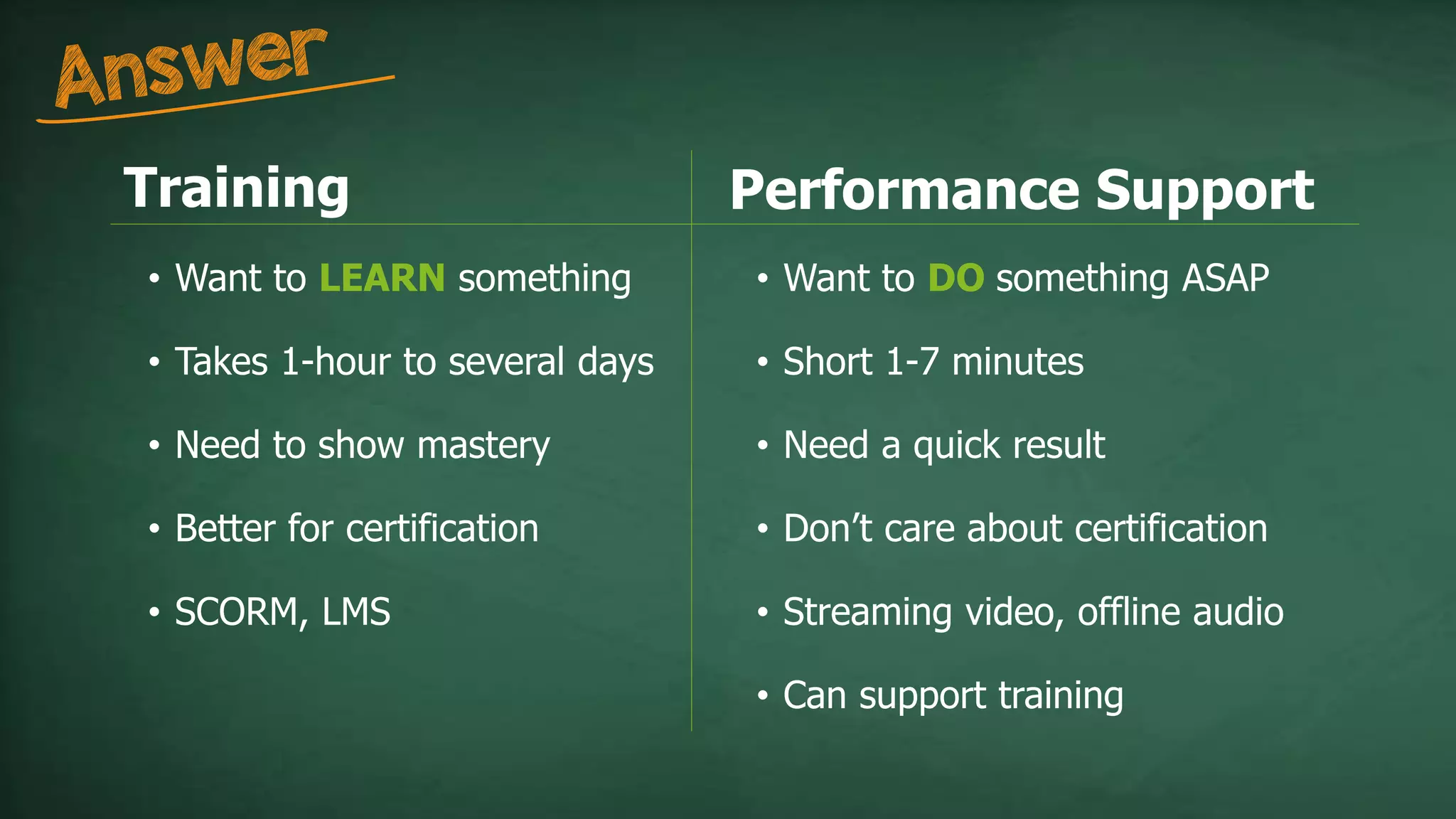
    Training • Want toLEARN something • Takes 1-hour to several days • Need to show mastery • Better for certification • SCORM, LMS Performance Support • Want to DO something ASAP • Short 1-7 minutes • Need a quick result • Don’t care about certification • Streaming video, offline audio • Can support training
  • 43.
  • 44.
    WHEN TO USEPERFORMANCE SUPPORT
  • 45.
  • 46.
    Consider These BeforeBuying  Mobile FIRST design  Intuitive interface & features  Short, HD video & audio  Comprehensive libraries  Free & regular content updates  Host your own content  Strong administration & reporting  Intuitive search & recommendations  Integration with LMS/HRIS
  • 47.
    Question Your PotentialPartners  Strong customer SUPPORT  Technical expertise  Background in L&D  Proven technology leader  Thought leader in micro-learning  Advocate for performance support  High-quality content & production  Specific project management team  Simple and flexible payment options  Friendly people who CARE
  • 49.
    3,000+ Learning Bites 20of the Most-Requested Topic Areas
  • 52.
    Robust Reporting &Simple Administration Sample
  • 54.
  • 55.

Editor's Notes

  • #2 http://prositions.com http://prositions.com/about-us/
  • #3 http://prositions.com/about-us/executive-team/
  • #4 http://joshbersin.com/2017/03/the-disruption-of-digital-learning-ten-things-we-have-learned/ The training and development industry has been making many transitions, but this is one of the most significant. Micro-Learning is a leading edge change in the marketplace. It’s no longer two hour courses, rather short modules, courses, videos, etc. Influence of social media and platforms changes the way communication occurs A huge theme for micro-learning is mobile technology We can now put extremely sophisticated content in our pocket – it’s a profound change One of the most important things to note is convenience. Consumers today want convenience. They want to do things on their own time, their own schedule.
  • #5 http://www.aberdeen.com/research/12069/rr-best-practice-microlearning/content.aspx The length of micro-learning can change depending on the topic and instruction covered.
  • #7 Modern and Mobile Learner – Not by age or generation! All ages are exhibiting these traits.
  • #8  Crave Instant Access to Information- Modern learners are well educated, highly informed, and have constant access to information to make decisions. Seek Social Validation- they crave collaboration and trust peers as a source of truth more than senior authority figures. Coaching and mentoring is welcome, but changing and becoming democratized. Have Shorter Attention Spans- Typically they won’t watch a training video longer than 10 minutes and won’t sit through a 2-hour eLearning course. Search Online for Help at Work- Over 75% of modern learners search online for help with their jobs. On average they spend 2 hours a day searching for “job-related” information. Comfortable with Technology- They are online 27 times a day, unlock their smartphones 9 times each hour, and expect technology to support their learning. https://www.bersin.com/Practice/Detail.aspx?id=18071 https://mrmck.wordpress.com/2015/06/19/meet-the-modern-learner-infographic/
  • #9 http://time.com/3858309/attention-spans-goldfish/
  • #10 We’re becoming dependent on this mobile device. http://joshbersin.com/2017/03/the-disruption-of-digital-learning-ten-things-we-have-learned/ http://time.com/4147614/smartphone-usage-us-2015/
  • #11 Born 1994/5 until the present. New employees entering the organization have a high level of expectation of what that device can and will do for them.
  • #12 As training professionals, we used to roll out a major technological advance we would have to make an investment in infrastructure or in hardware. Today most modern learners are going to have access to a smart phone, AND most of them feel it’s normal to get job-related information on their own personal devices. http://info.shiftelearning.com/blog/bid/331987/mobile-learning-stats-that-will-make-you-rethink-your-training-strategy
  • #13 According to Nielson Survey, video is the most popular way to consume content globally http://www.nielsen.com/us/en/press-room/2016/keep-calm-and-watch-video-a-global-study-of-traditional-tv-and-streaming.html YouTube has over 1.3 billion users https://fortunelords.com/youtube-statistics/ YouTube over 1 billion views per day from mobile devices The average YouTube video is 4 minutes 20 seconds. But only 60% of viewers complete these, while 75% will complete a 1 to 2 minute video.
  • #14 YouTube is the number one training site in the world. BUT: The biggest problem of just using YouTube is wandering. People will find their information, but it’s easy to get distracted and then share it with coworkers. It’s a huge drain on productivity. “According to a McKinsey report, employees spend 1.8 hours every day—9.3 hours per week, on average—searching and gathering information.” Nov 8, 2013 Search and “distracted viewing” wastes significant time and productivity (see calculator) Not curated – “Box of Chocolates?” You never know what you’re going to get, is it correct? There is no consistency It may not match with organizational culture and goals Using micro-learning in an easily searchable manner can significantly cut down on the wasted time going to YouTube for these answers.
  • #15 Technology Shift has raised the bar!! 20.4 Billions of device connected to the Net 2017 31 Billion by 2025 https://www.statista.com/statistics/471264/iot-number-of-connected-devices-worldwide/
  • #16 Perception of old outdated tech negatively impacts recruitment and retention!
  • #17 E-learning course utilization statistics are dropping “Who wants to spend 1-2 hours on a boring e-learning course?” Legacy LMS systems not designed for mobile-learning and retrofits are frustrating
  • #18 Traditional eLearning courses of 1-2 hour seat times are dropping in usage. Simply because people are getting fatigued. http://troydean.com.au/2016/05/online-course-completion-rates/ https://elearningindustry.com/increase-completion-rates-online-course-5-ways
  • #19 Courses with upfront assessments can be a huge barrier to the learning that needs to take place. It perpetuates user frustration. The modern learner wants access quickly and conveniently.
  • #20 Fights Learner Fatigue- Delivers short, focused sessions that help learners avoid mental burnout and promote energy and alertness.
  • #21 One issue that can cause fatigue is if the system is cumbersome and a user has to take multiple steps to get into their training and learning, it can crate a barrier. Micro-learning doesn’t have to replace your LMS, but it can be incorporated into it.
  • #23 Employees are interrupted every 4 minutes on average They have about 5 minutes to allot to training per day https://mrmck.wordpress.com/2015/06/19/meet-the-modern-learner-infographic/ Bersin by Deloitte Meet the Modern Learner 58% of employees say they’d use their organization’s learning software more if the content was broken up into shorter lessons https://twitter.com/Grovo
  • #24 More Convenient- Allows learners to access anytime, anywhere. More Adaptive- Caters to a variety of learning styles, including visual, auditory, and kinesthetic and tactile. Expands Short-term Memory- Eases integration into long-term memory. Retention rates can increase by 50% to 65% Faster Speed to Competence- Can increase by 40% to 50% http://a1.grovo.com/asset/whitepapers/Grovo-BiteSize-Microlearning-whitepaper.pdf
  • #25 Micro-learning can help employees get up to speed more quickly. While it’s not always appropriate for certain topics, but it should be present in blended learning. http://a1.grovo.com/asset/whitepapers/Grovo-BiteSize-Microlearning-whitepaper.pdf
  • #27 More Affordable Cuts development costs by 50% to 75% More Agile Increases the speed of development and launch by 300% Increases Completions Rates increase from 80%-95% Easier to Manage/Update Modular assembly is easier to manage in a CMS, so changes are fast and simple Decreases Administrative Burdens Through the use of mobile apps and simplified administration tools Wider Utility Can be integrated in with existing LMS and PMS sfotware Supports Globalization and Localization- Ideal for global training as small segments are easier to translate and localize http://a1.grovo.com/asset/whitepapers/Grovo-BiteSize-Microlearning-whitepaper.pdf
  • #29  Forbes, Community Voice April 11, 2017 “No Email, No Problem” https://www.forbes.com/sites/forbeshumanresourcescouncil/2017/04/11/no-email-no-problem-creating-a-feedback-loop-with-non-desk-workers/#502d50875705
  • #30 Traditional LMS aren’t always the best solution for those without a desktop or laptop. How do you reach those people? Through micro and mobile learning, you can reach FAR more people. AND that’s how they want to consume it!
  • #31 Growing popularity of Podcasts! Great for those who are traveling, don’t have internet all the time, or prefer auditory learning.
  • #33 Deliver HD video quality Netflix, Amazon, Apple TV, ESPN, Youtube, Vimeo, Hulu Smart Phones now have better video quality than when I shot in a studio with 1” (also better than SCORM courses) Because our learners are USED to this type of quality and access, we need to meet their expectations with our training.
  • #34 Buyers beware!!! Mobile First over Mobile Responsive, Friendly, Ready Pinch to Zoom is not Mobile First! This is important to know and be able to tell the difference in what purchasing not only micro-learning but training in general.
  • #35 Mobile first web design means designing an online experience for mobile before designing it for the desktop Web—or any other device. In the past, when users' focus was on the desktop Web, mobile design was an afterthought. (HD video quality) Responsive web design (RWD) is an approach to web design aimed at allowing desktop webpages to be viewed in response to the size of the screen or web browser one is viewing with. Automatically sensed by the application. (Pinch to zoom) Adaptive web design (AWD) is an approach to web design aimed at allowing desktop webpages to be viewed based on to the size of the screen or web browser one is viewing with. But the user must select a screen size.
  • #37 Micro-learning is not a thing that is going to take over your LMS. This is another tool to use alongside existing programs and technology.
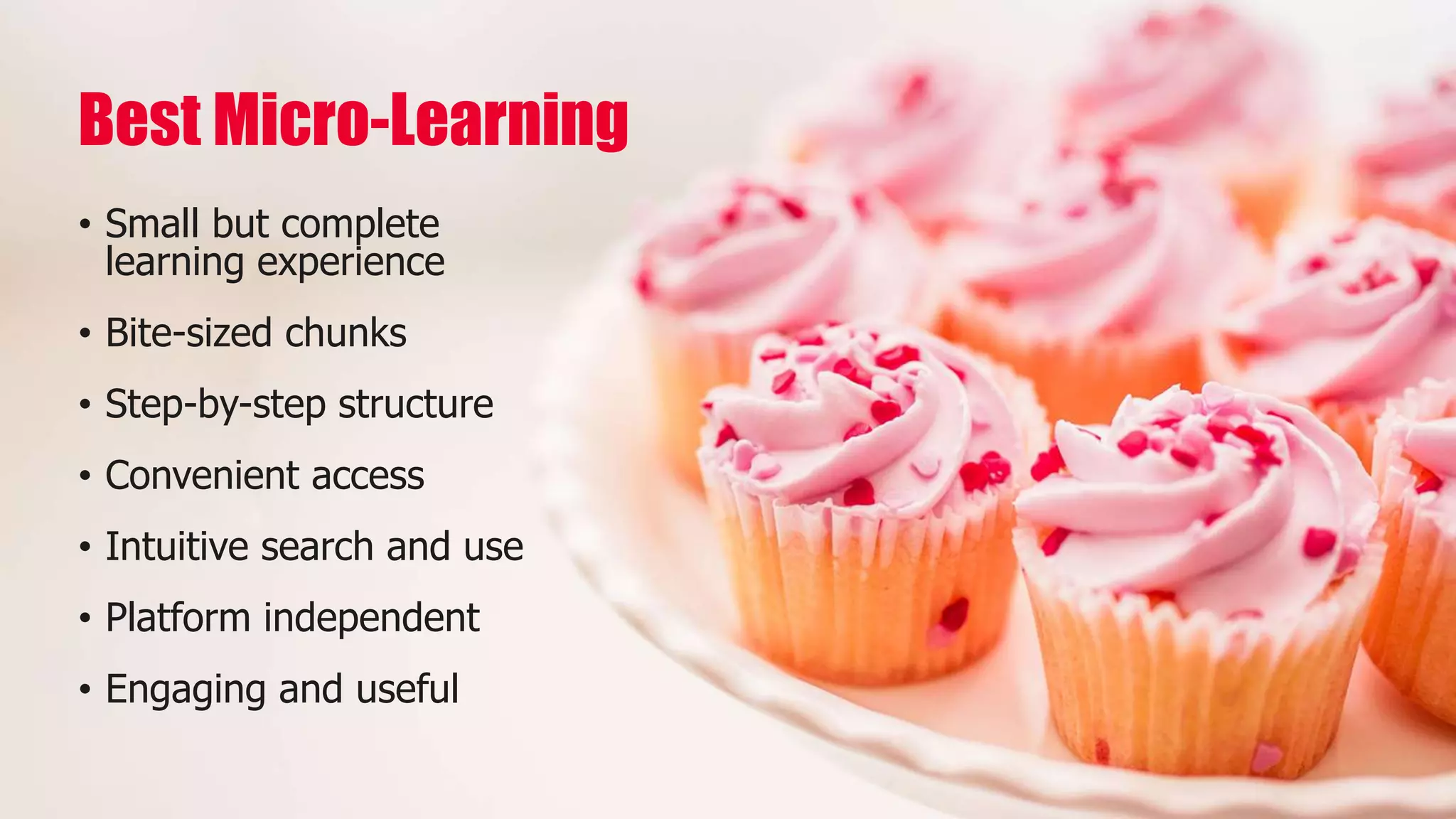
  • #38 Format is important. Micro-learning is generally video, but other formats may be more appropriate. Be sure to script accordingly. Audio shouldn’t have references to a visual. Text doesn’t have to be boring – add pictures! SCORM courses can be micro, too.
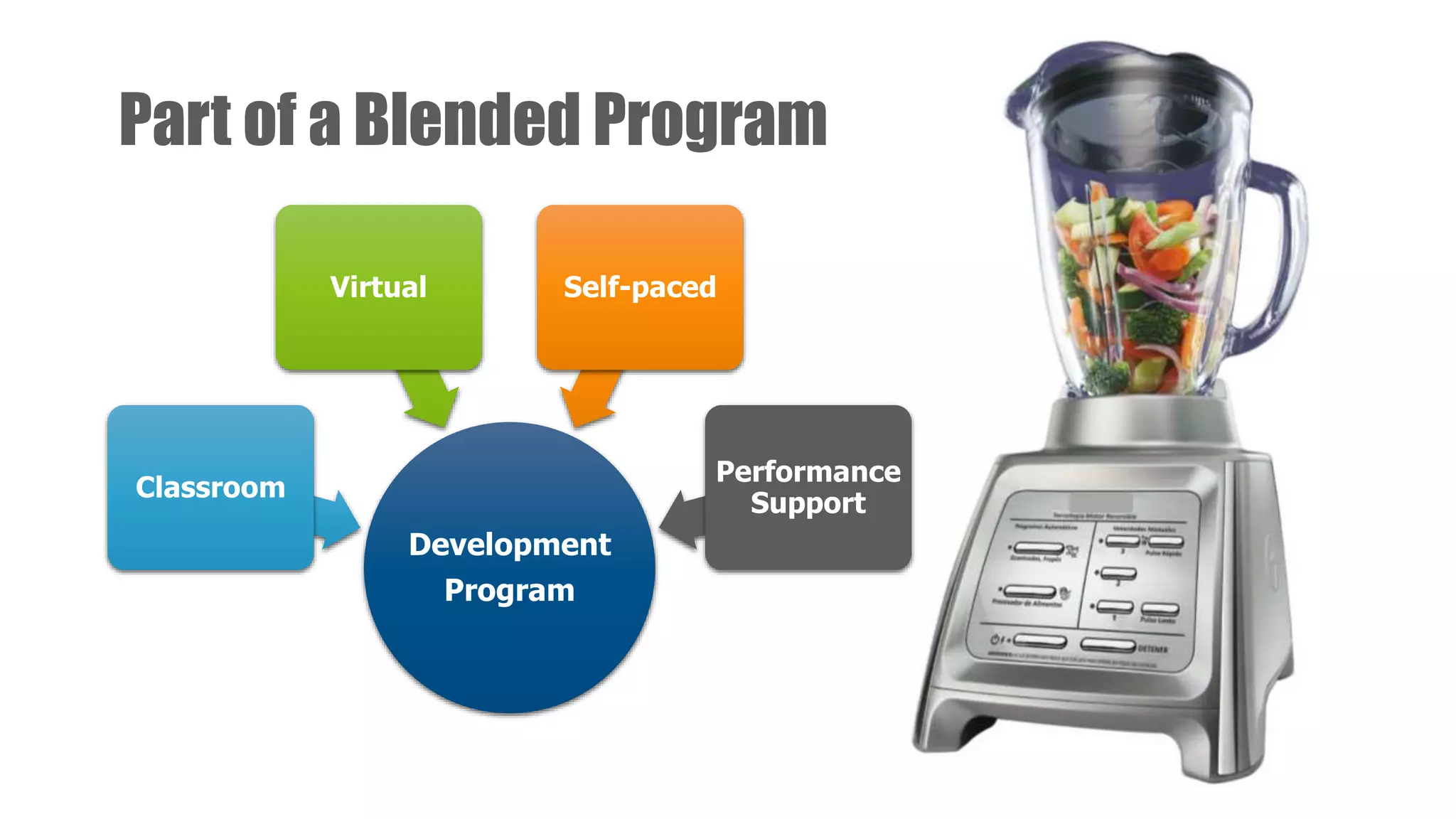
  • #40 http://prositions.com/training-content/
  • #41 For performance support, push it out to your learners! Send out a weekly email or use it with experiential learning.
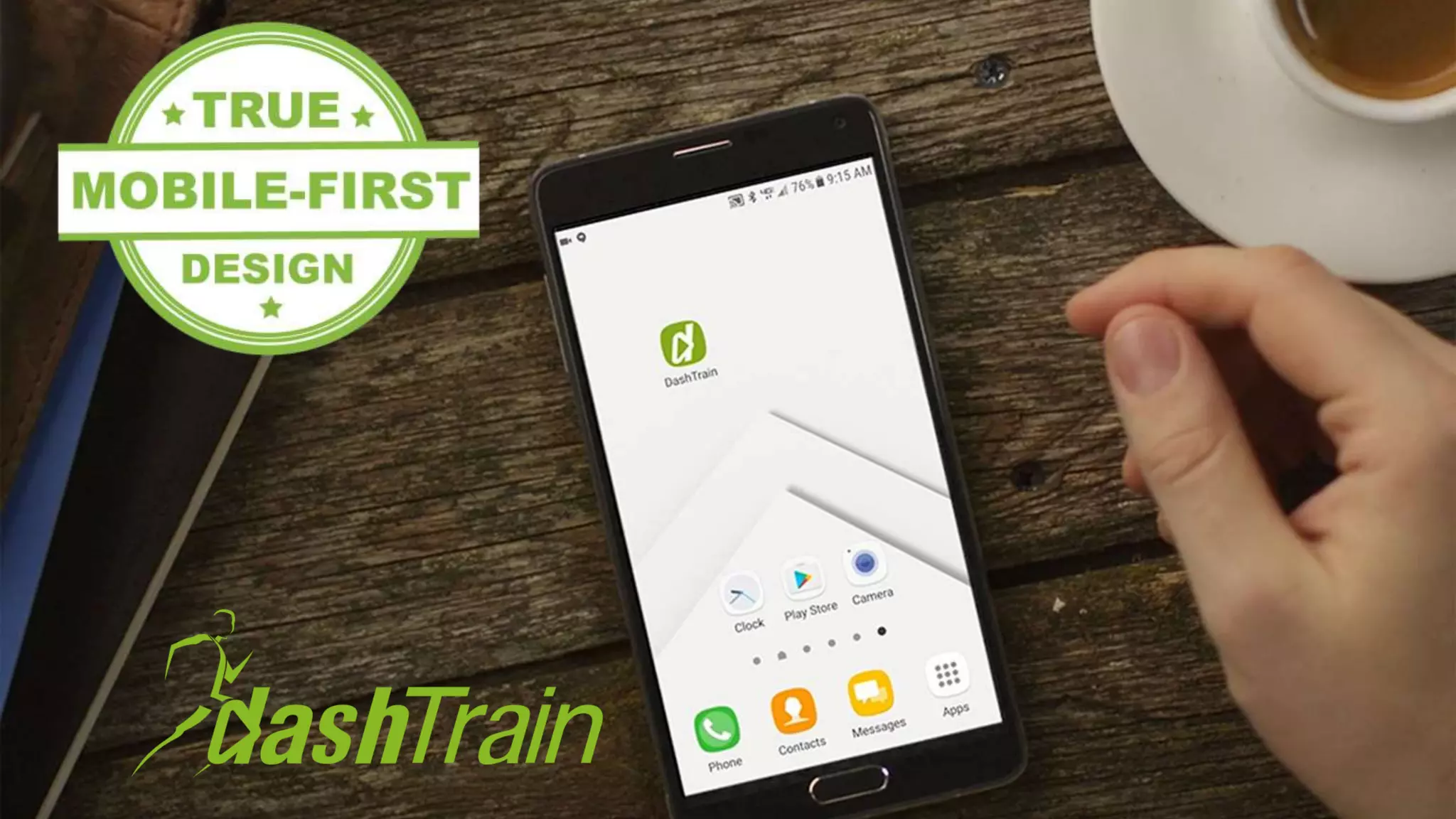
  • #49 Leader in True Mobile-First Design http://prositions.com/dashtrain/
  • #50 http://prositions.com/training-content/
  • #51 Rapid Predictive Search Plays on Desktop, Laptop and Mobile Devices (Android and iOS)
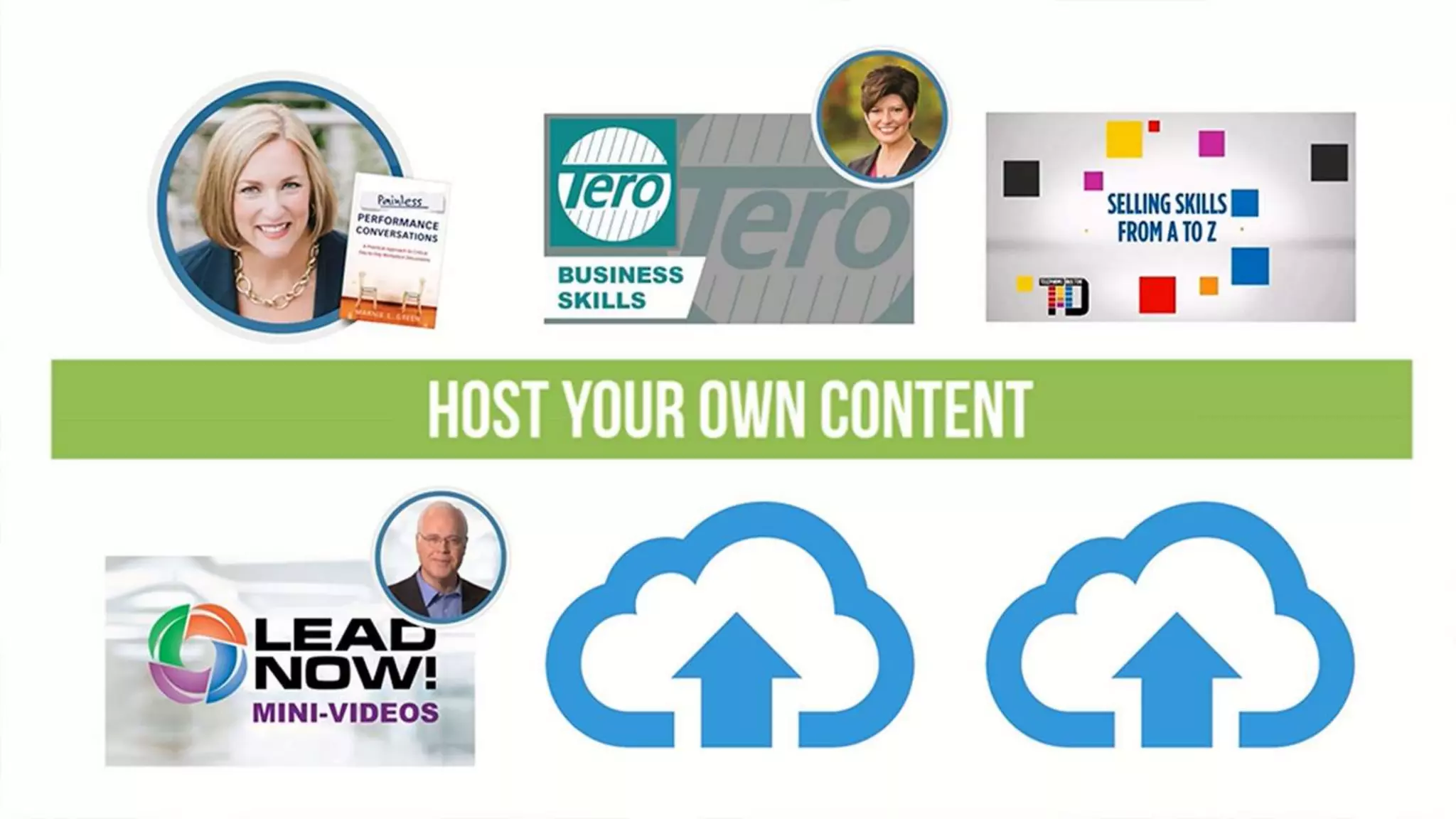
  • #52 3,000+ Learning Bites ( 1- 7 minutes) Hundreds of New and Updated Bites Added Each Month (No extra charge) Host Your and Play Your Own Content
  • #53 Robust Admin and Reporting Features Integrates with Major LMS Systems
  • #54 True Month-to-Month and Flexible Plans Customize Your Own Plan