Porting the build system of a commercial RCP Application from Europa to Ganymede: A Case Study Christian Kurzke Gladyston Franca Gustavo de Paula
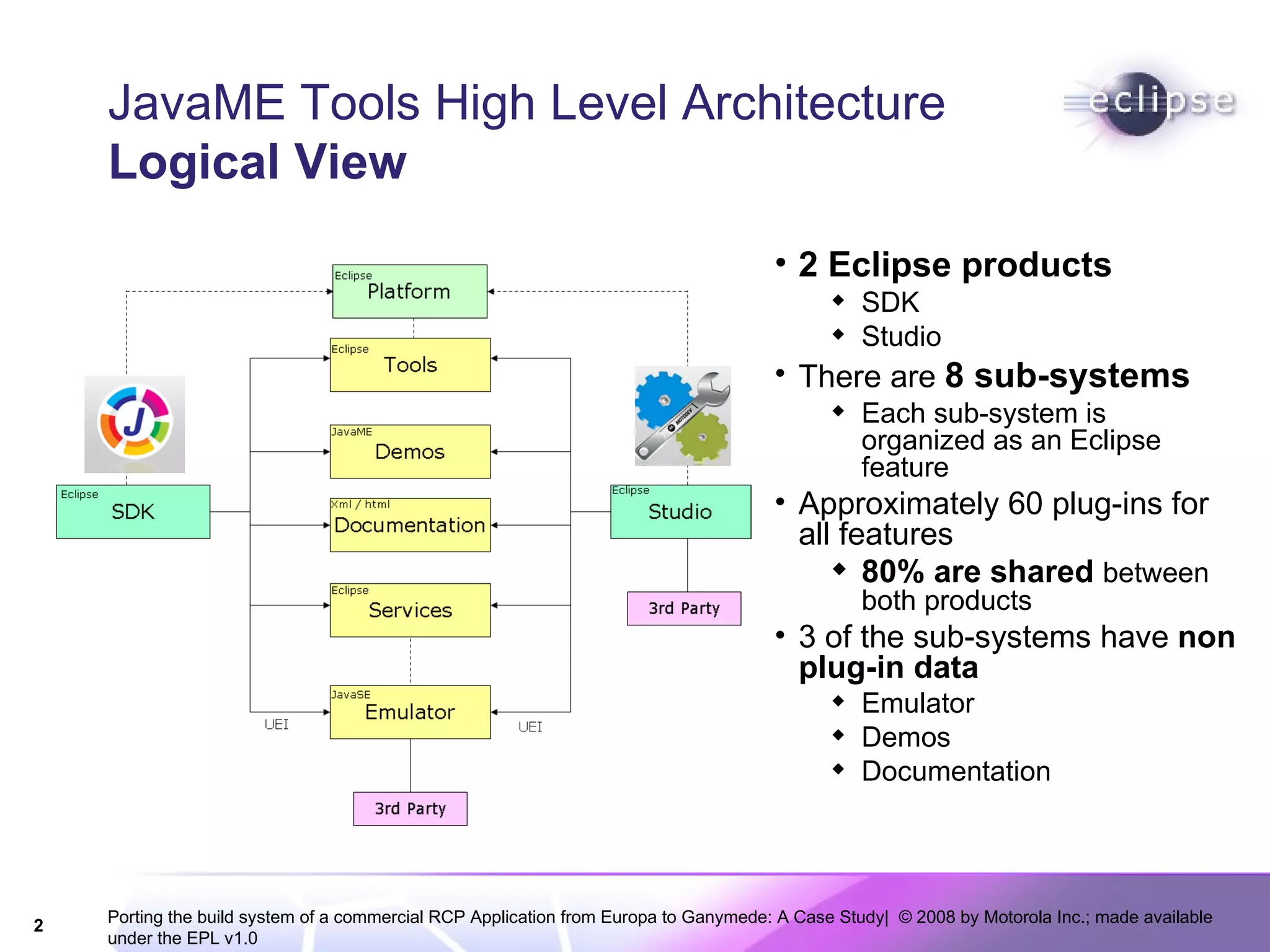
JavaME Tools High Level Architecture Logical View 2 Eclipse products SDK Studio There are  8 sub-systems Each sub-system is organized as an Eclipse feature Approximately 60 plug-ins for all features 80% are shared  between both products 3 of the sub-systems have  non plug-in data Emulator Demos Documentation
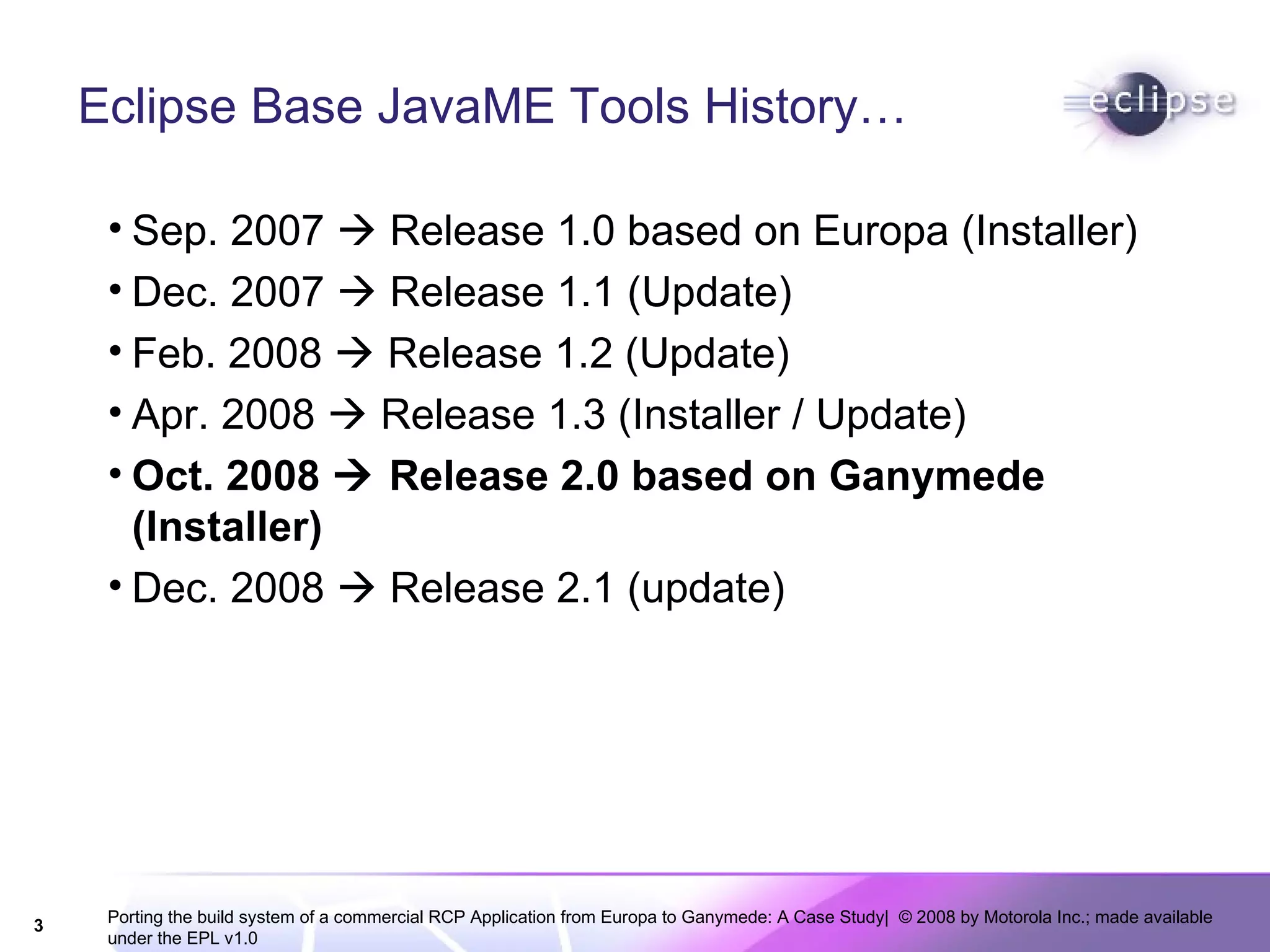
Eclipse Base JavaME Tools History… Sep. 2007    Release 1.0 based on Europa (Installer) Dec. 2007    Release 1.1 (Update) Feb. 2008    Release 1.2 (Update) Apr. 2008    Release 1.3 (Installer / Update) Oct. 2008    Release 2.0 based on Ganymede (Installer) Dec. 2008    Release 2.1 (update)
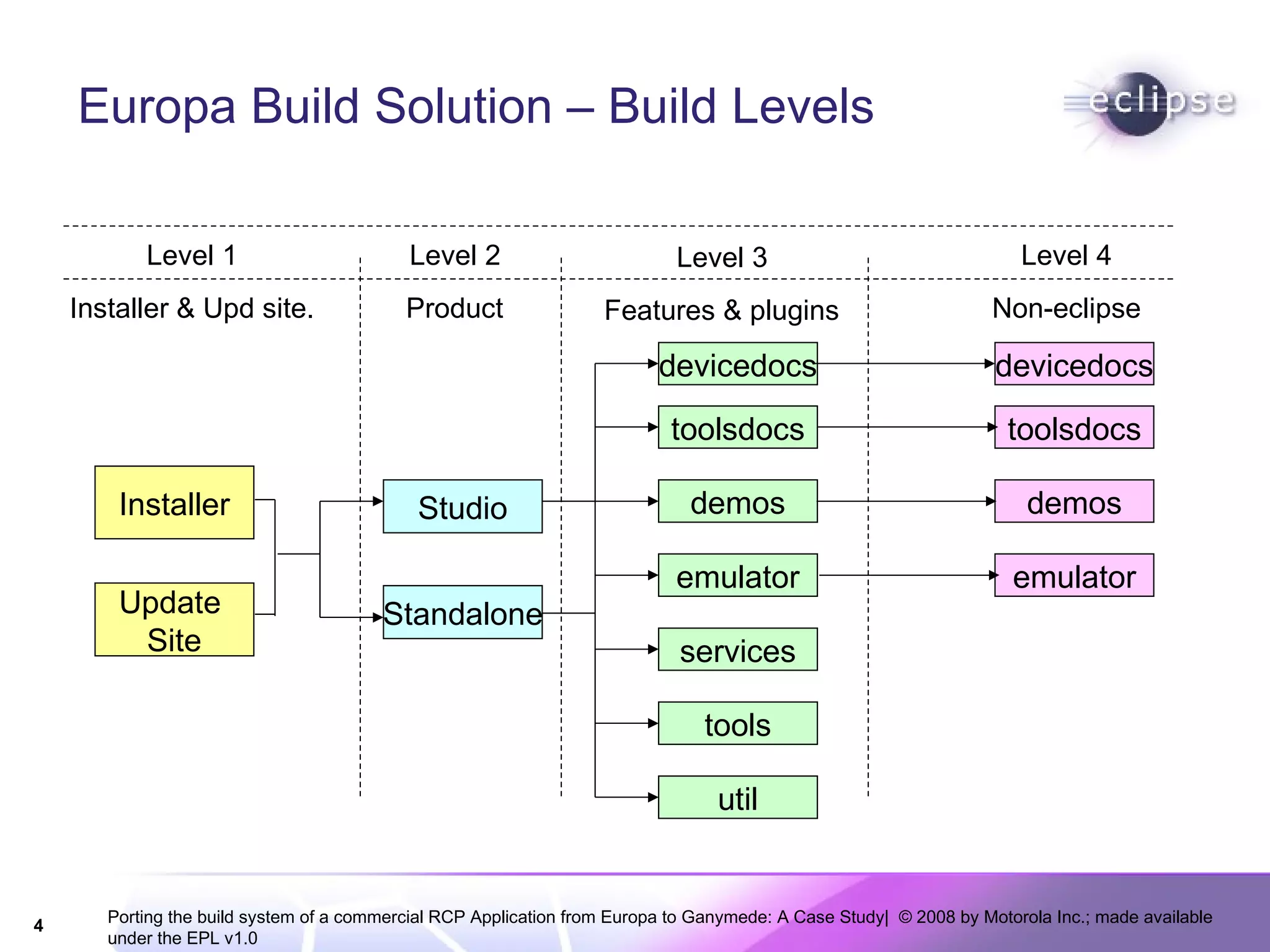
Europa Build Solution – Build Levels Installer Studio Standalone devicedocs toolsdocs demos emulator services tools util Features & plugins Product Installer & Upd site. Non-eclipse emulator devicedocs toolsdocs demos Level 3 Level 2 Level 1 Level 4 Update  Site
Main Issues in Europa Based Solution Hard to  setup  update site Two products, but the almost the same content Complex  user experience on the update process User  complains  during update releases
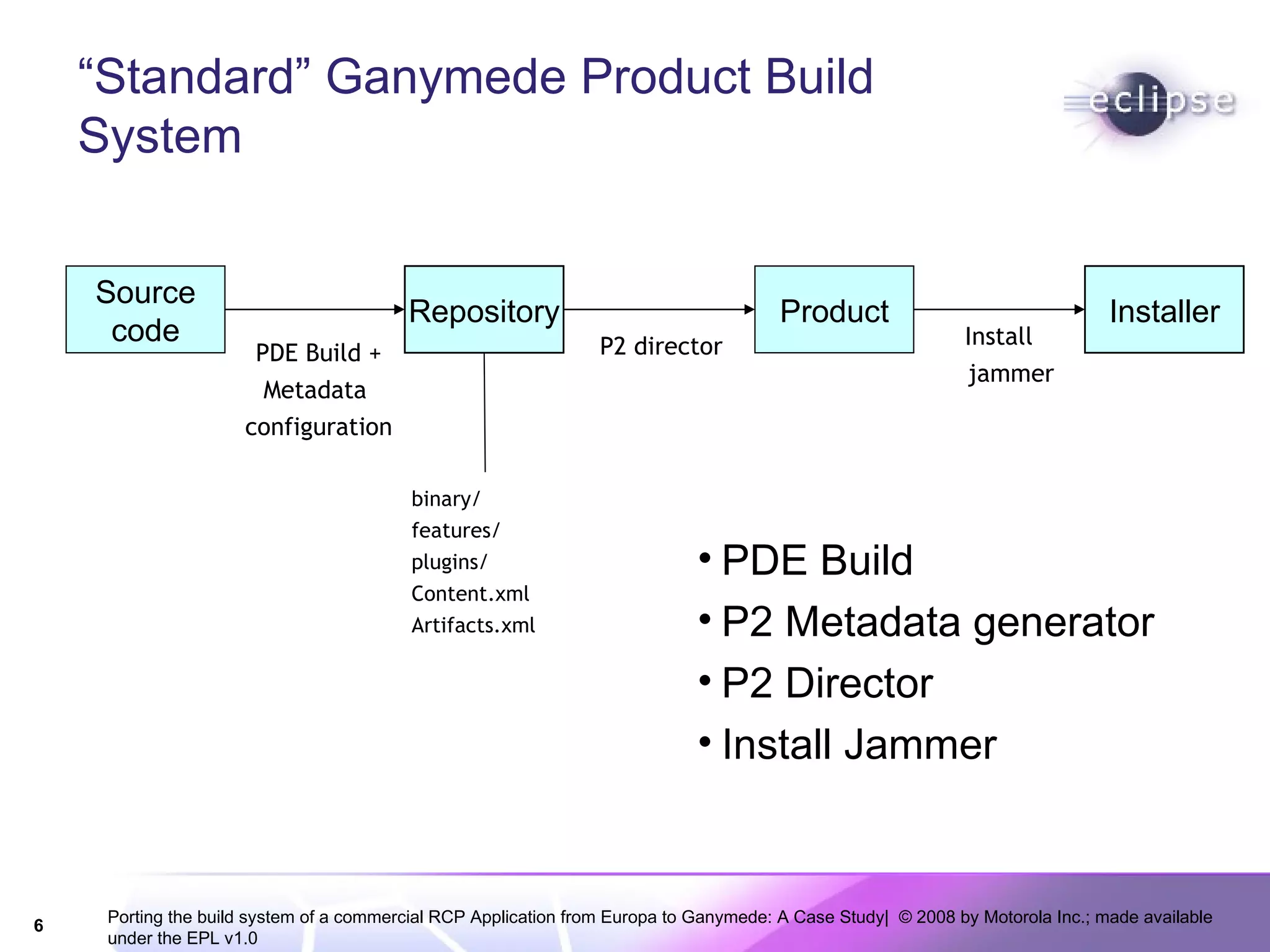
“ Standard” Ganymede Product Build System PDE Build P2 Metadata generator P2 Director Install Jammer Source code Repository Product Installer PDE Build + Metadata  configuration P2 director Install jammer binary/ features/ plugins/ Content.xml Artifacts.xml
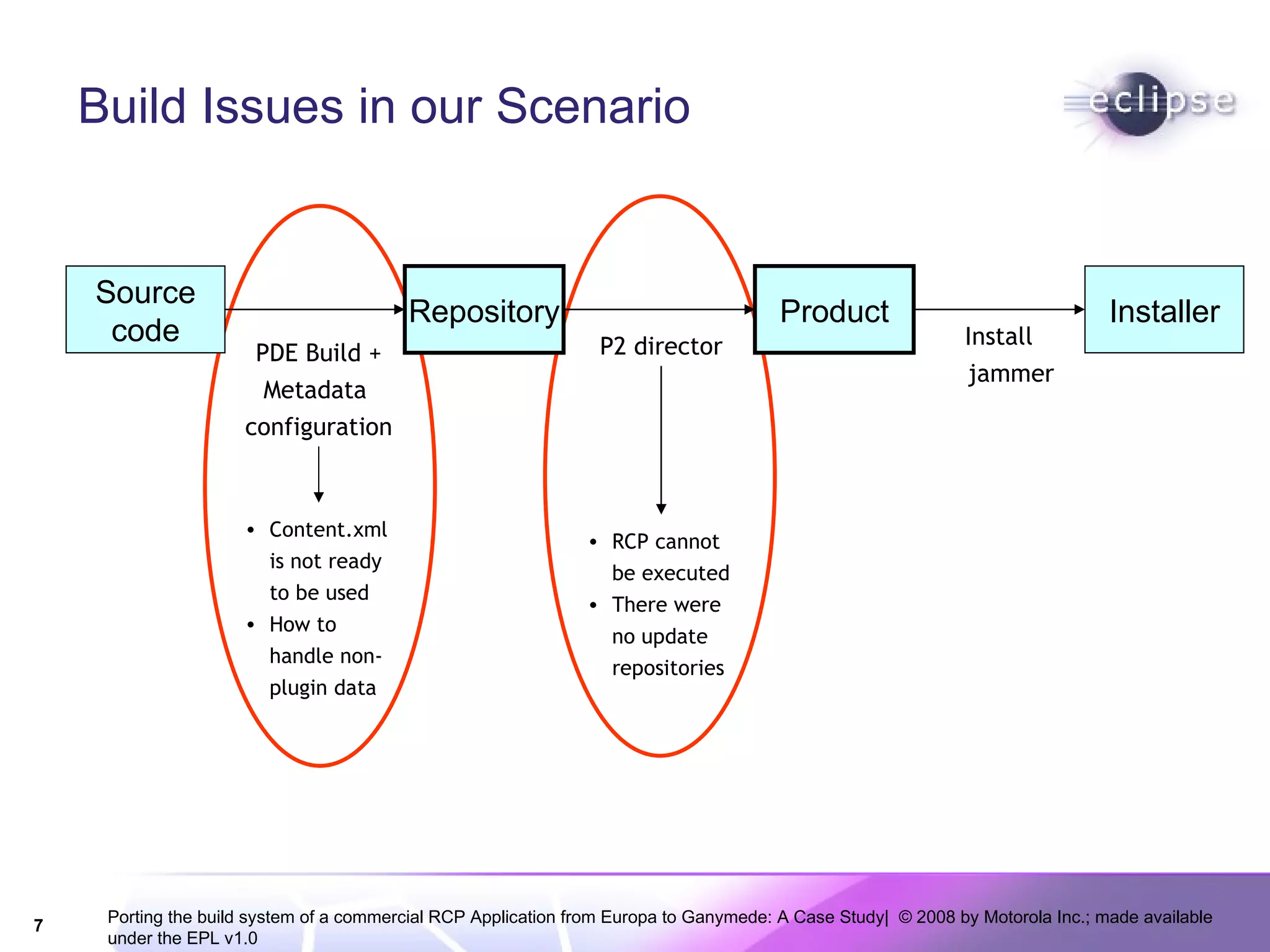
Build Issues in our Scenario Source code Repository Product Installer PDE Build + Metadata  configuration P2 director Install jammer Content.xml is not ready to be used How to handle non-plugin data RCP cannot be executed There were no update repositories
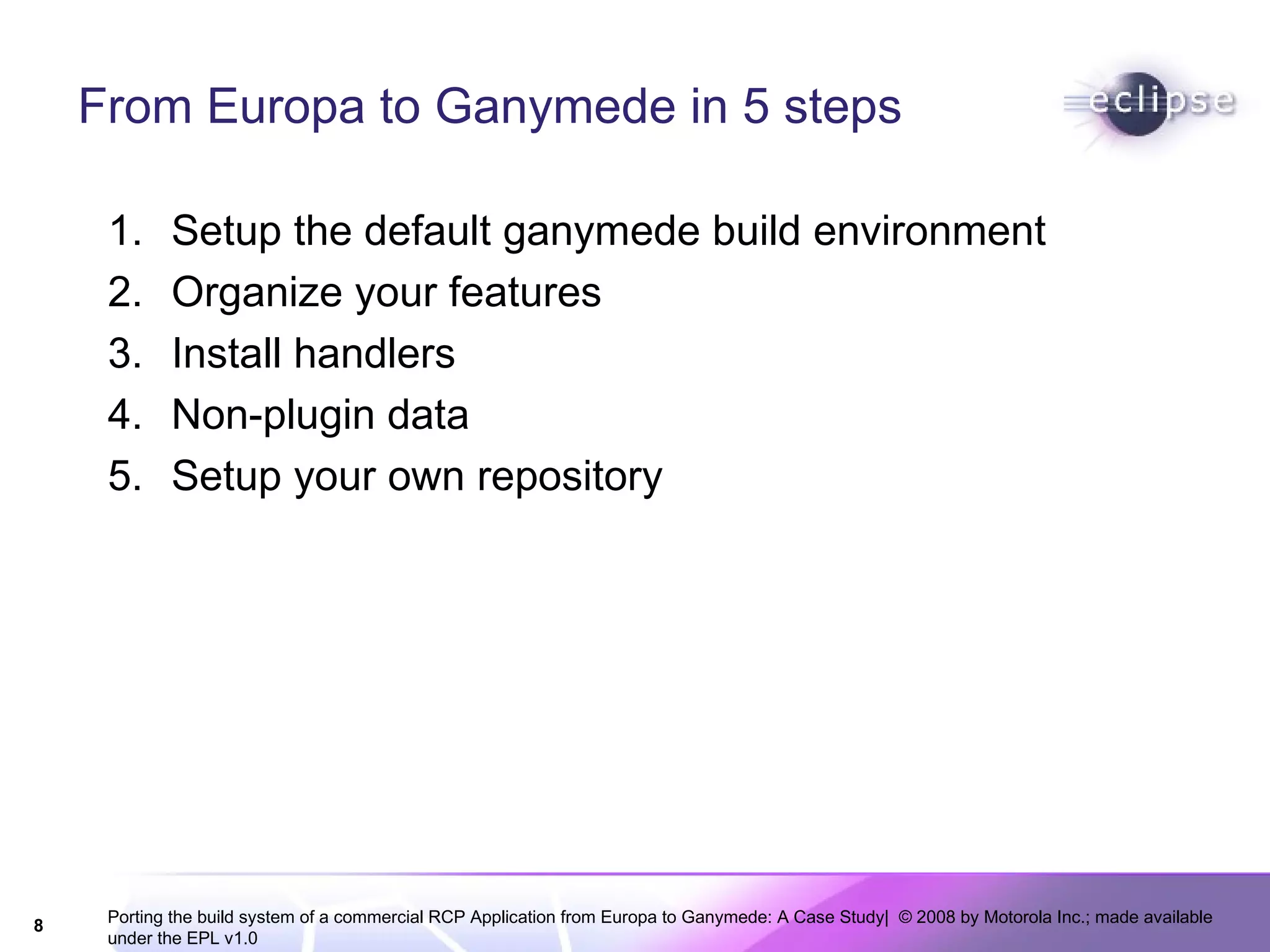
From Europa to Ganymede in 5 steps Setup the default ganymede build environment Organize your features Install handlers Non-plugin data Setup your own repository
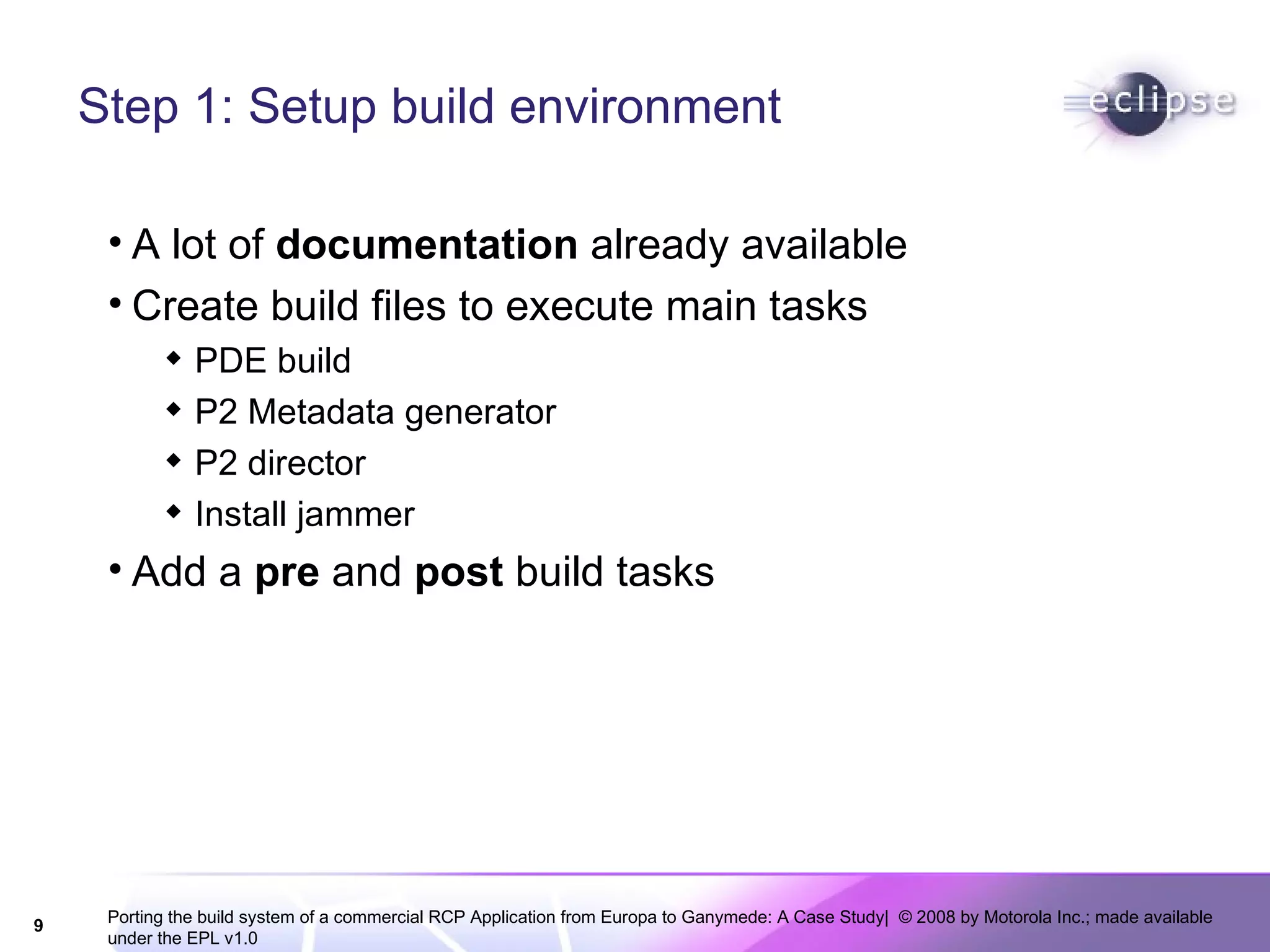
Step 1: Setup build environment A lot of  documentation  already available Create build files to execute main tasks PDE build P2 Metadata generator P2 director Install jammer Add a  pre  and  post  build tasks
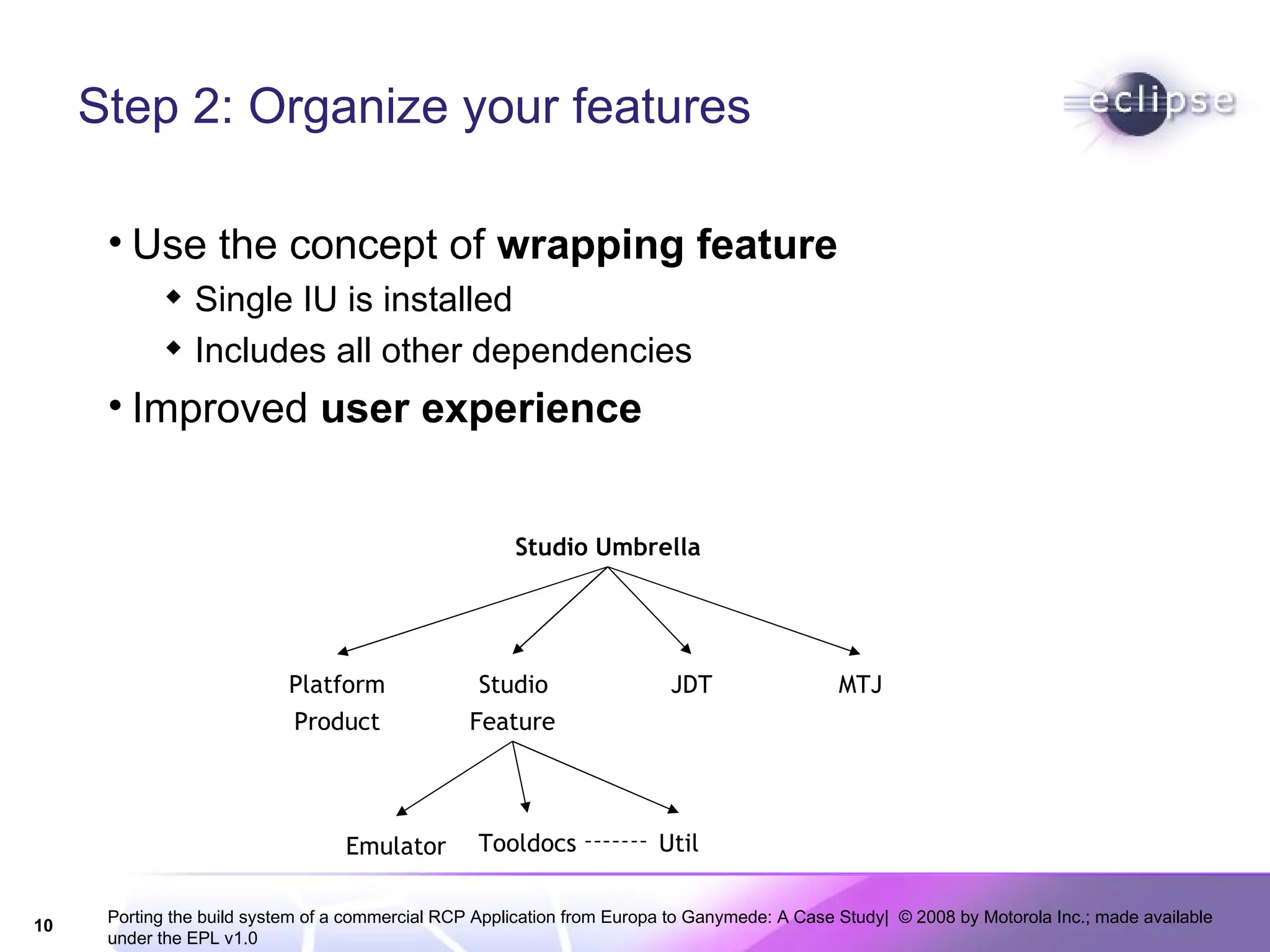
Step 2: Organize your features Use the concept of  wrapping feature Single IU is installed Includes all other dependencies Improved  user experience Studio Umbrella Platform Product Studio  Feature JDT MTJ Emulator Tooldocs Util
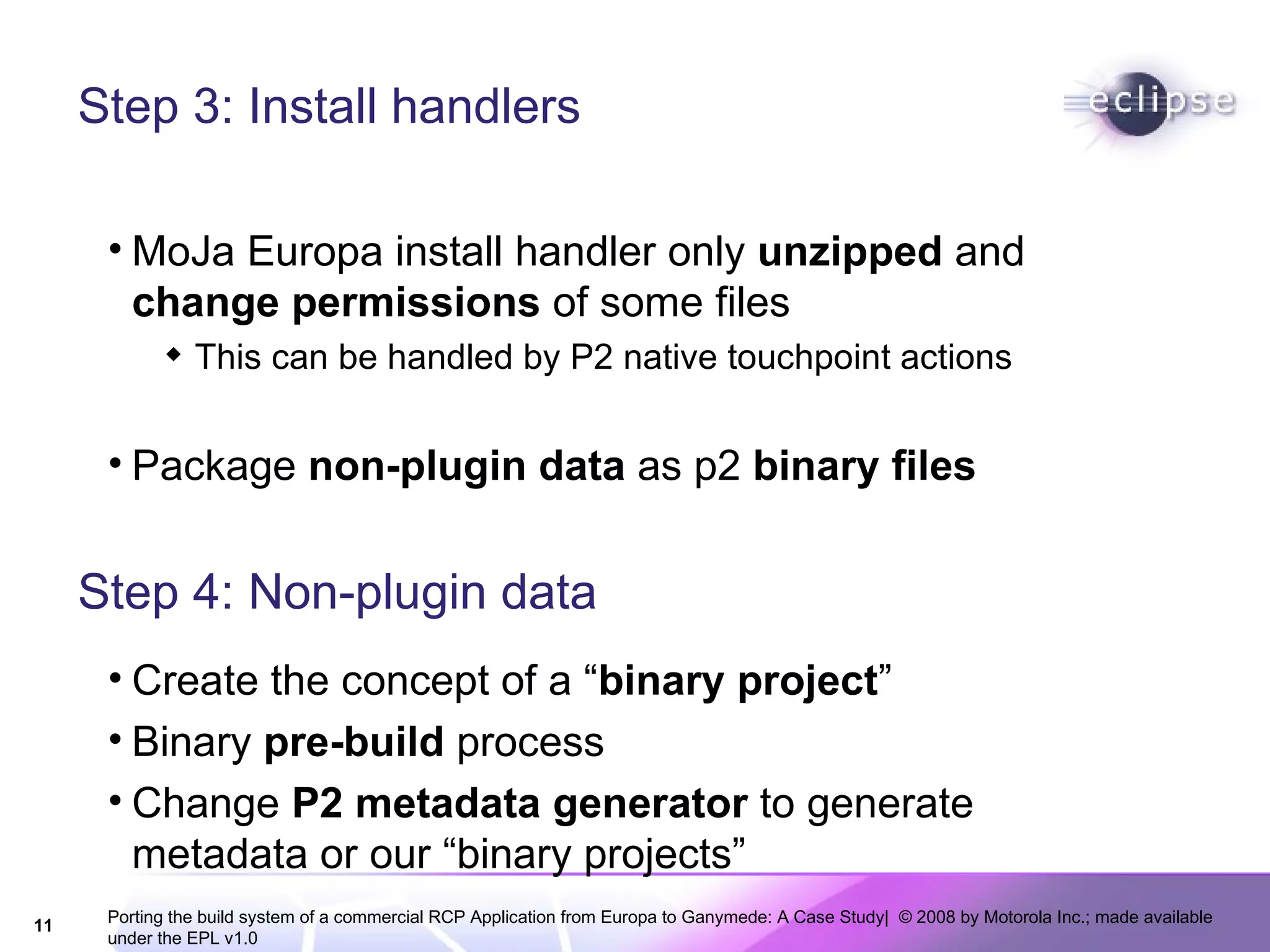
Step 3: Install handlers MoJa Europa install handler only  unzipped  and  change permissions  of some files This can be handled by P2 native touchpoint actions Package  non-plugin data  as p2  binary files Step 4: Non-plugin data Create the concept of a “ binary project ” Binary  pre-build  process Change  P2 metadata generator  to generate metadata or our “binary projects”
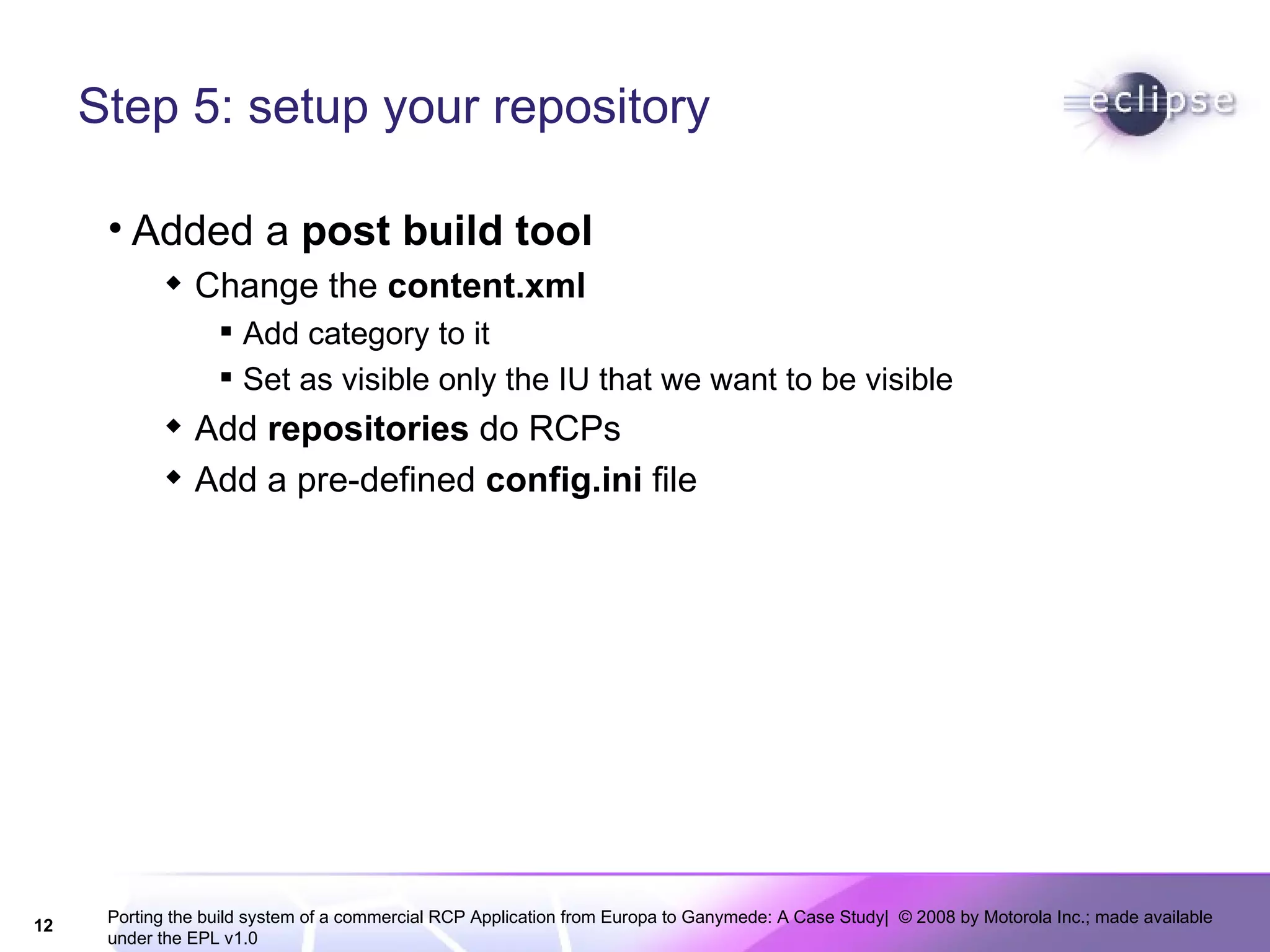
Step 5: setup your repository Added a  post build tool  Change the  content.xml Add category to it Set as visible only the IU that we want to be visible Add  repositories  do RCPs Add a pre-defined  config.ini  file
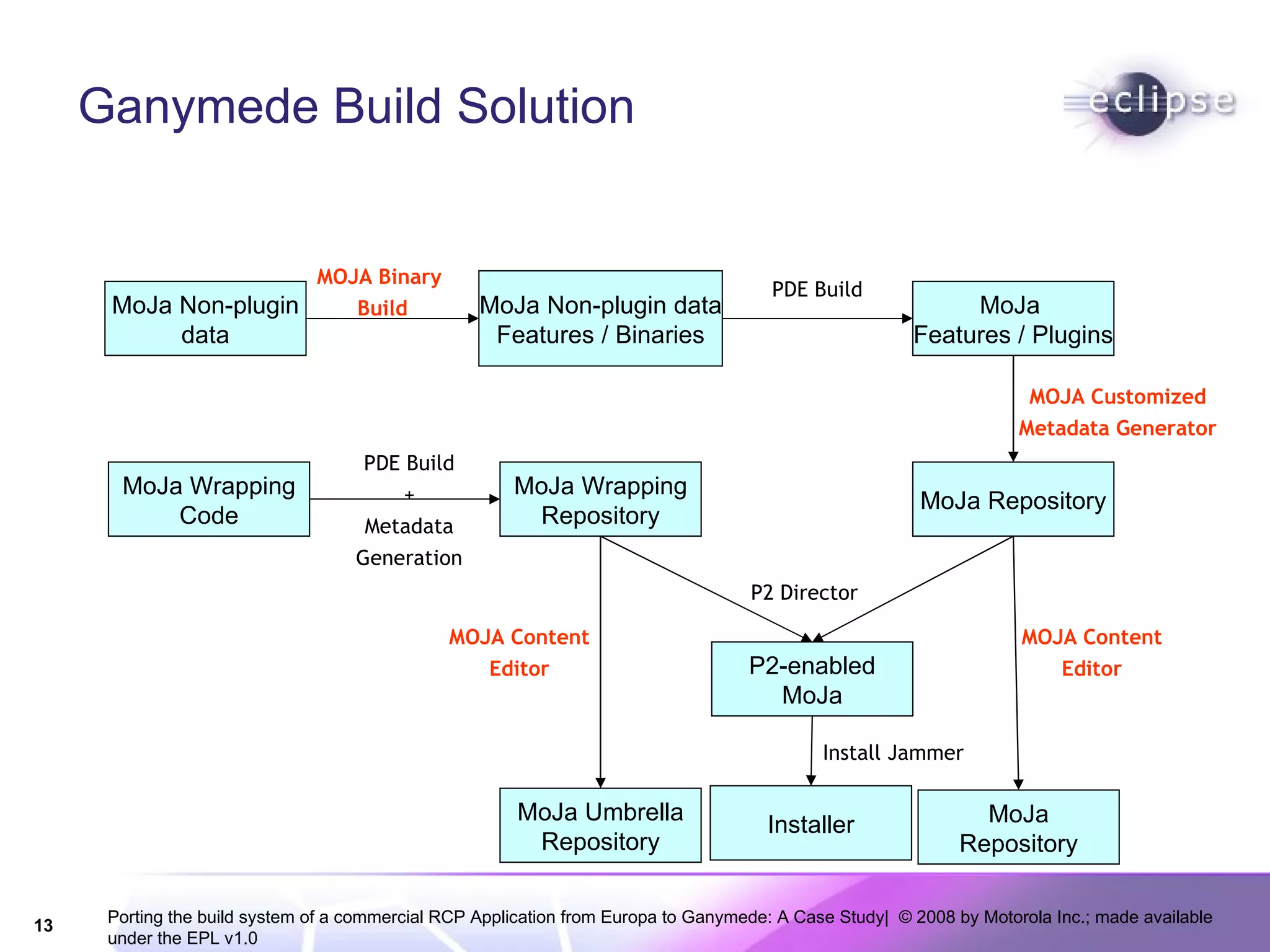
Ganymede Build Solution MoJa Non-plugin data MoJa Non-plugin data Features / Binaries MoJa  Features / Plugins MoJa Repository MoJa Wrapping Code MoJa Wrapping Repository P2-enabled MoJa Installer MOJA Binary  Build PDE Build MOJA Customized Metadata Generator PDE Build + Metadata Generation P2 Director Install Jammer MoJa Umbrella Repository MoJa Repository MOJA Content Editor MOJA Content Editor
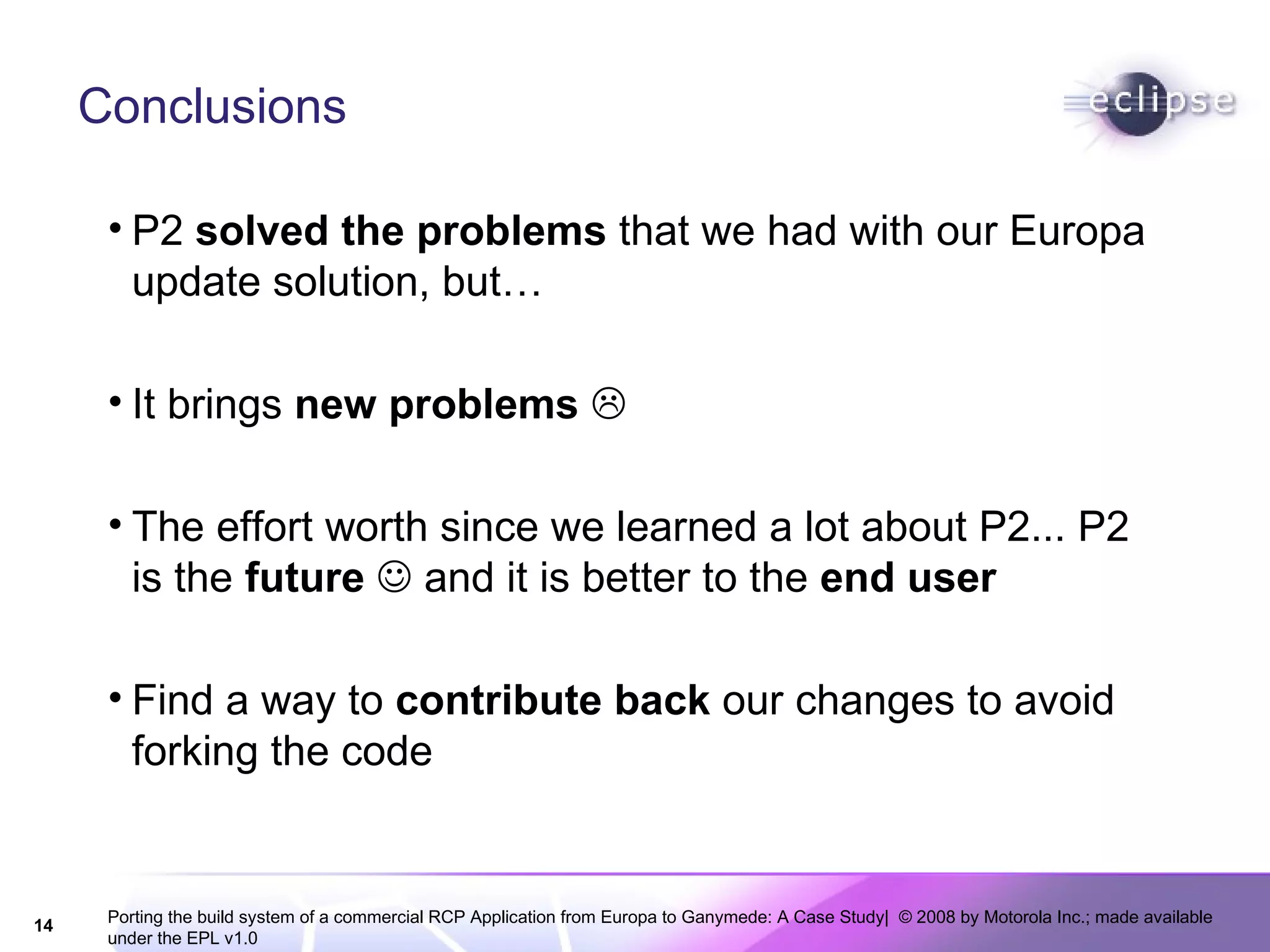
Conclusions P2  solved the problems  that we had with our Europa update solution, but… It brings  new problems    The effort worth since we learned a lot about P2... P2 is the  future     and it is better to the  end user Find a way to  contribute back  our changes to avoid forking the code
Thanks!

469-Porting the build system of a commercial RCP Application from Europa to Ganymede A Case Study

  • 1.
    Porting the buildsystem of a commercial RCP Application from Europa to Ganymede: A Case Study Christian Kurzke Gladyston Franca Gustavo de Paula
  • 2.
    JavaME Tools HighLevel Architecture Logical View 2 Eclipse products SDK Studio There are 8 sub-systems Each sub-system is organized as an Eclipse feature Approximately 60 plug-ins for all features 80% are shared between both products 3 of the sub-systems have non plug-in data Emulator Demos Documentation
  • 3.
    Eclipse Base JavaMETools History… Sep. 2007  Release 1.0 based on Europa (Installer) Dec. 2007  Release 1.1 (Update) Feb. 2008  Release 1.2 (Update) Apr. 2008  Release 1.3 (Installer / Update) Oct. 2008  Release 2.0 based on Ganymede (Installer) Dec. 2008  Release 2.1 (update)
  • 4.
    Europa Build Solution– Build Levels Installer Studio Standalone devicedocs toolsdocs demos emulator services tools util Features & plugins Product Installer & Upd site. Non-eclipse emulator devicedocs toolsdocs demos Level 3 Level 2 Level 1 Level 4 Update Site
  • 5.
    Main Issues inEuropa Based Solution Hard to setup update site Two products, but the almost the same content Complex user experience on the update process User complains during update releases
  • 6.
    “ Standard” GanymedeProduct Build System PDE Build P2 Metadata generator P2 Director Install Jammer Source code Repository Product Installer PDE Build + Metadata configuration P2 director Install jammer binary/ features/ plugins/ Content.xml Artifacts.xml
  • 7.
    Build Issues inour Scenario Source code Repository Product Installer PDE Build + Metadata configuration P2 director Install jammer Content.xml is not ready to be used How to handle non-plugin data RCP cannot be executed There were no update repositories
  • 8.
    From Europa toGanymede in 5 steps Setup the default ganymede build environment Organize your features Install handlers Non-plugin data Setup your own repository
  • 9.
    Step 1: Setupbuild environment A lot of documentation already available Create build files to execute main tasks PDE build P2 Metadata generator P2 director Install jammer Add a pre and post build tasks
  • 10.
    Step 2: Organizeyour features Use the concept of wrapping feature Single IU is installed Includes all other dependencies Improved user experience Studio Umbrella Platform Product Studio Feature JDT MTJ Emulator Tooldocs Util
  • 11.
    Step 3: Installhandlers MoJa Europa install handler only unzipped and change permissions of some files This can be handled by P2 native touchpoint actions Package non-plugin data as p2 binary files Step 4: Non-plugin data Create the concept of a “ binary project ” Binary pre-build process Change P2 metadata generator to generate metadata or our “binary projects”
  • 12.
    Step 5: setupyour repository Added a post build tool Change the content.xml Add category to it Set as visible only the IU that we want to be visible Add repositories do RCPs Add a pre-defined config.ini file
  • 13.
    Ganymede Build SolutionMoJa Non-plugin data MoJa Non-plugin data Features / Binaries MoJa Features / Plugins MoJa Repository MoJa Wrapping Code MoJa Wrapping Repository P2-enabled MoJa Installer MOJA Binary Build PDE Build MOJA Customized Metadata Generator PDE Build + Metadata Generation P2 Director Install Jammer MoJa Umbrella Repository MoJa Repository MOJA Content Editor MOJA Content Editor
  • 14.
    Conclusions P2 solved the problems that we had with our Europa update solution, but… It brings new problems  The effort worth since we learned a lot about P2... P2 is the future  and it is better to the end user Find a way to contribute back our changes to avoid forking the code
  • 15.