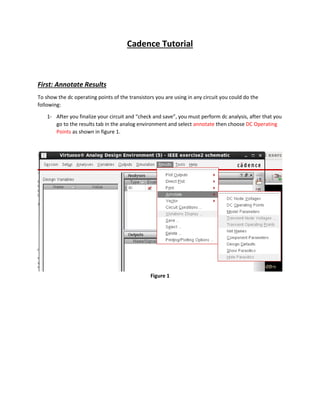
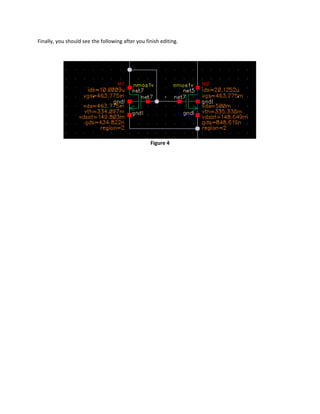
1. To annotate DC operating points on a circuit schematic in Cadence, run a DC analysis and select "Annotate" and then "DC Operating Points" in the results tab. This will display parameters like ids, vgs, etc. next to transistors.
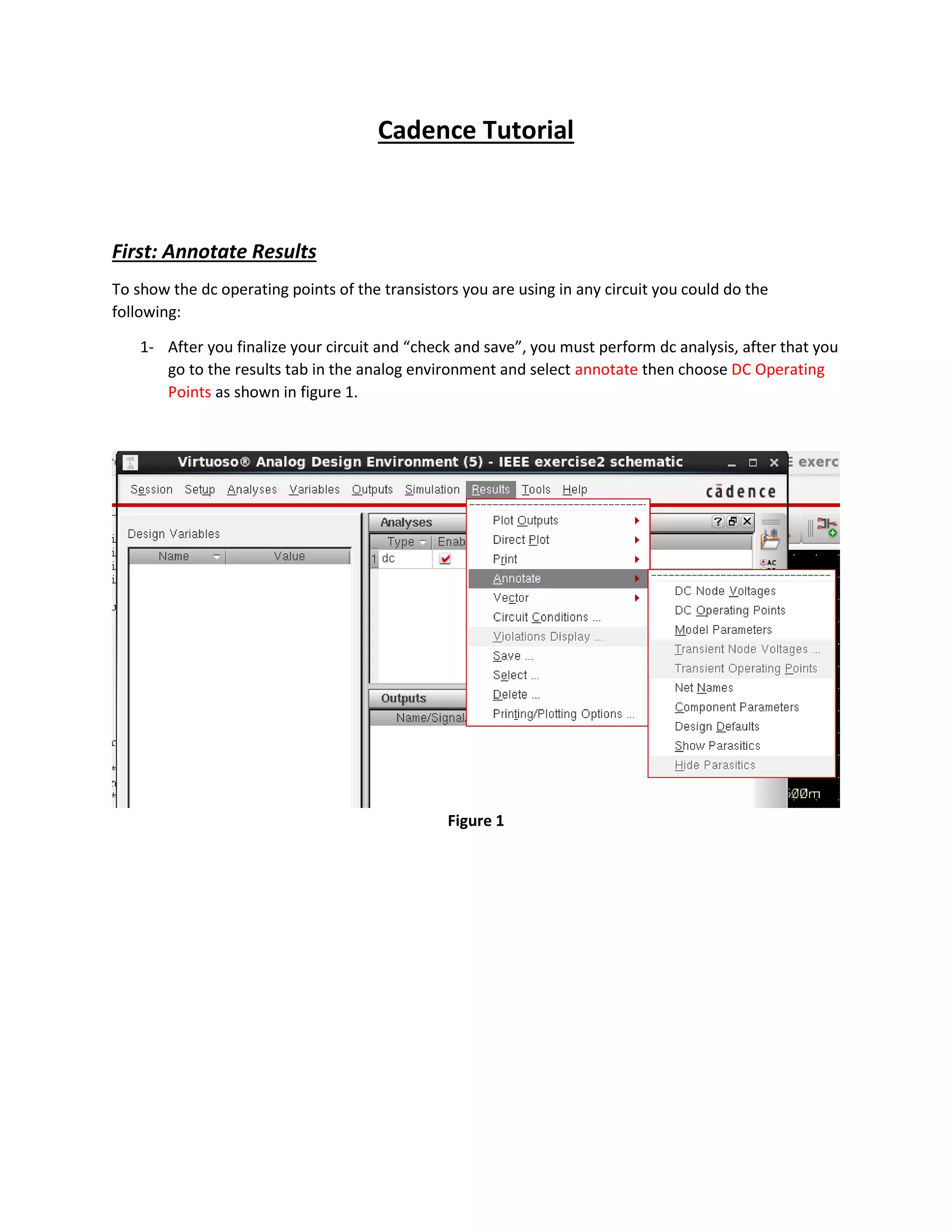
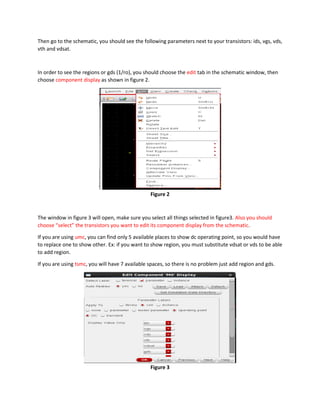
2. To display additional parameters like region or gds, edit the component display settings and select the desired parameters. You may need to substitute one parameter for another if the space is limited.
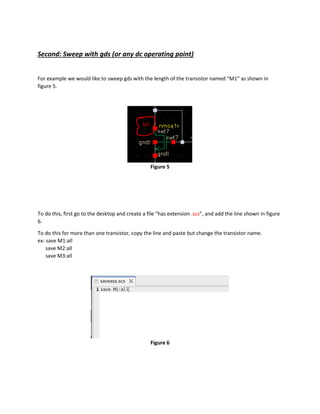
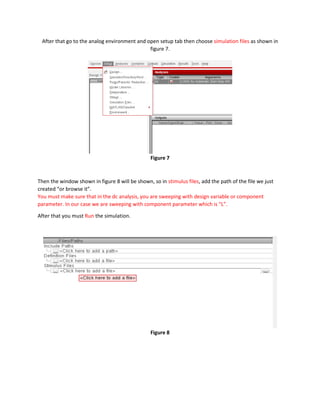
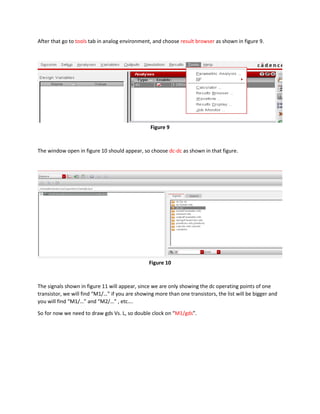
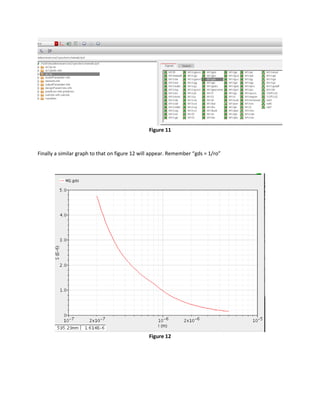
3. To sweep a DC operating point parameter like gds against a design variable like transistor length, create a .scs file to save the parameter values and add it as a stimulus file for a DC analysis sweep in the setup tab. The


![Agilent ADS 模擬手冊 [實習1] 基本操作與射頻放大器設計](https://cdn.slidesharecdn.com/ss_thumbnails/1adsbasics-150613072812-lva1-app6891-thumbnail.jpg?width=640&height=640&fit=bounds)


