Java course - IAG0040


             More Java Basics
                and OOP


Anton Keks                            2011
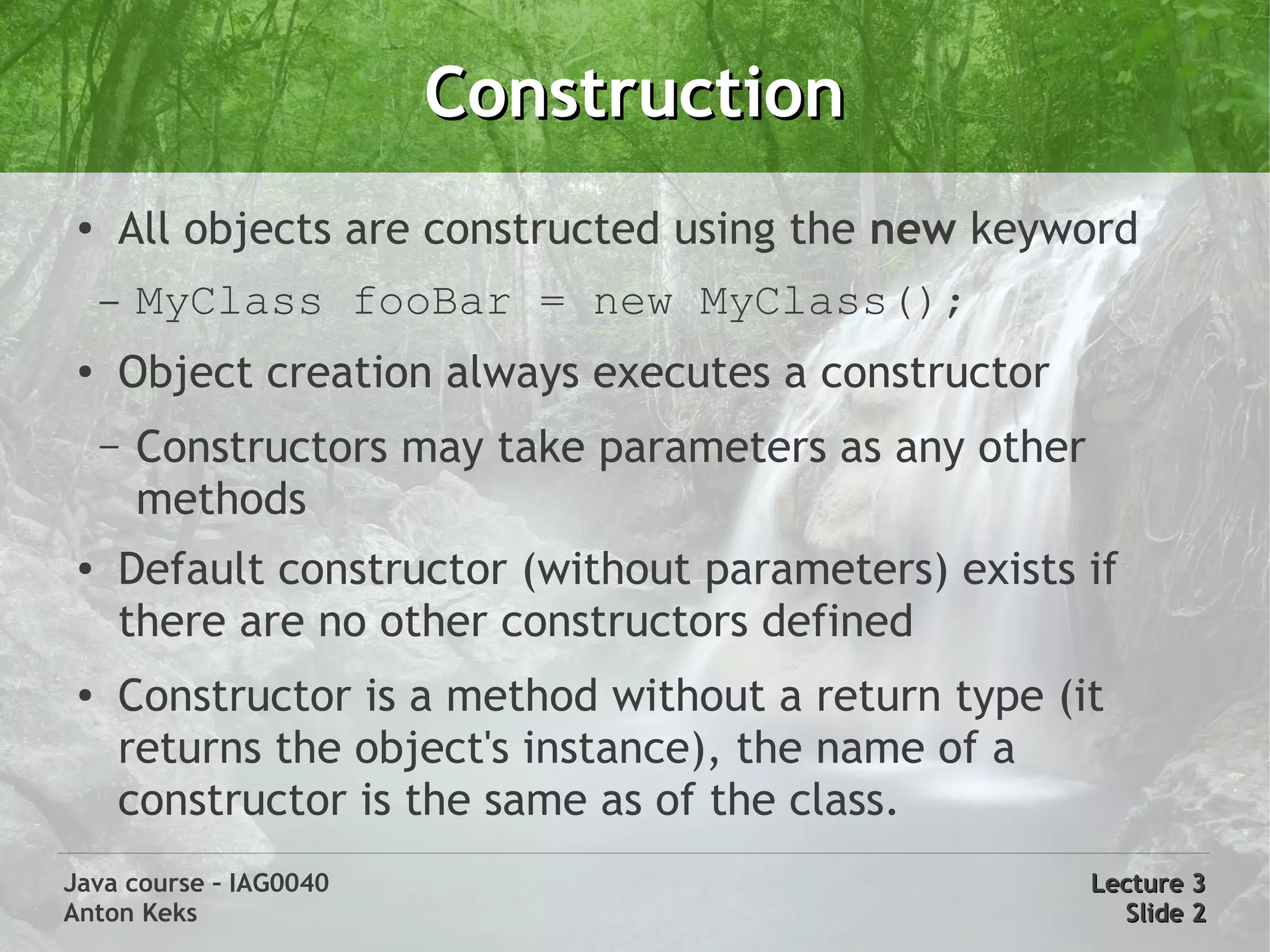
Construction
 ●
     All objects are constructed using the new keyword
     –   MyClass fooBar = new MyClass();
 ●
     Object creation always executes a constructor
     –   Constructors may take parameters as any other
         methods
 ●   Default constructor (without parameters) exists if
     there are no other constructors defined
 ●   Constructor is a method without a return type (it
     returns the object's instance), the name of a
     constructor is the same as of the class.
Java course – IAG0040                                    Lecture 3
Anton Keks                                                 Slide 2
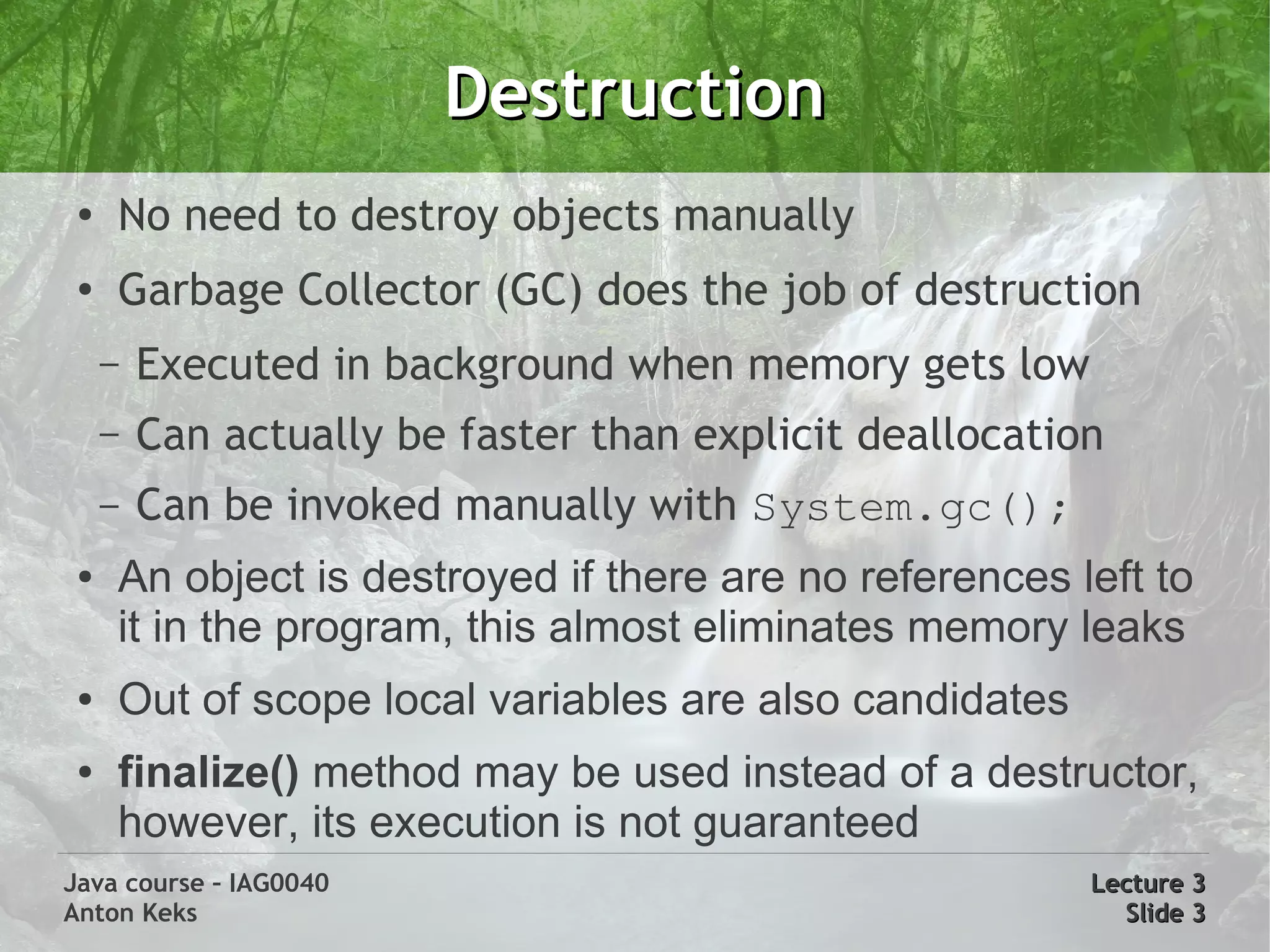
Destruction
 ●
     No need to destroy objects manually
 ●
     Garbage Collector (GC) does the job of destruction
     –   Executed in background when memory gets low
     –   Can actually be faster than explicit deallocation
     –   Can be invoked manually with System.gc();
 ●   An object is destroyed if there are no references left to
     it in the program, this almost eliminates memory leaks
 ●   Out of scope local variables are also candidates
 ●   finalize() method may be used instead of a destructor,
     however, its execution is not guaranteed
Java course – IAG0040                                    Lecture 3
Anton Keks                                                 Slide 3
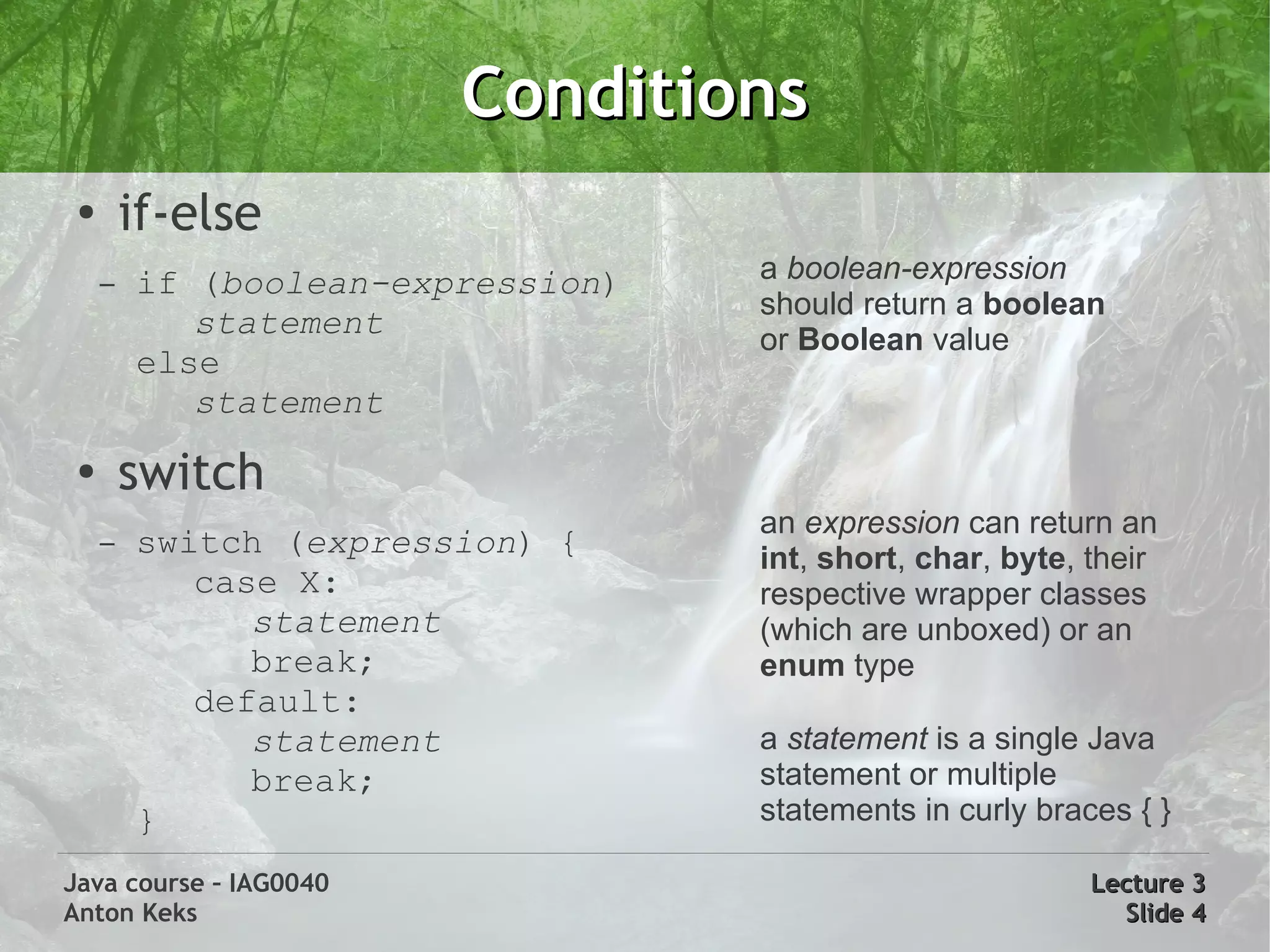
Conditions
 ●
         if-else
     –   if (boolean-expression)   a boolean-expression
                                   should return a boolean
            statement              or Boolean value
         else
            statement
 ●
         switch
                                   an expression can return an
     –   switch (expression) {     int, short, char, byte, their
            case X:                respective wrapper classes
               statement           (which are unboxed) or an
               break;              enum type
            default:
               statement           a statement is a single Java
               break;              statement or multiple
         }                         statements in curly braces { }

Java course – IAG0040                                      Lecture 3
Anton Keks                                                   Slide 4
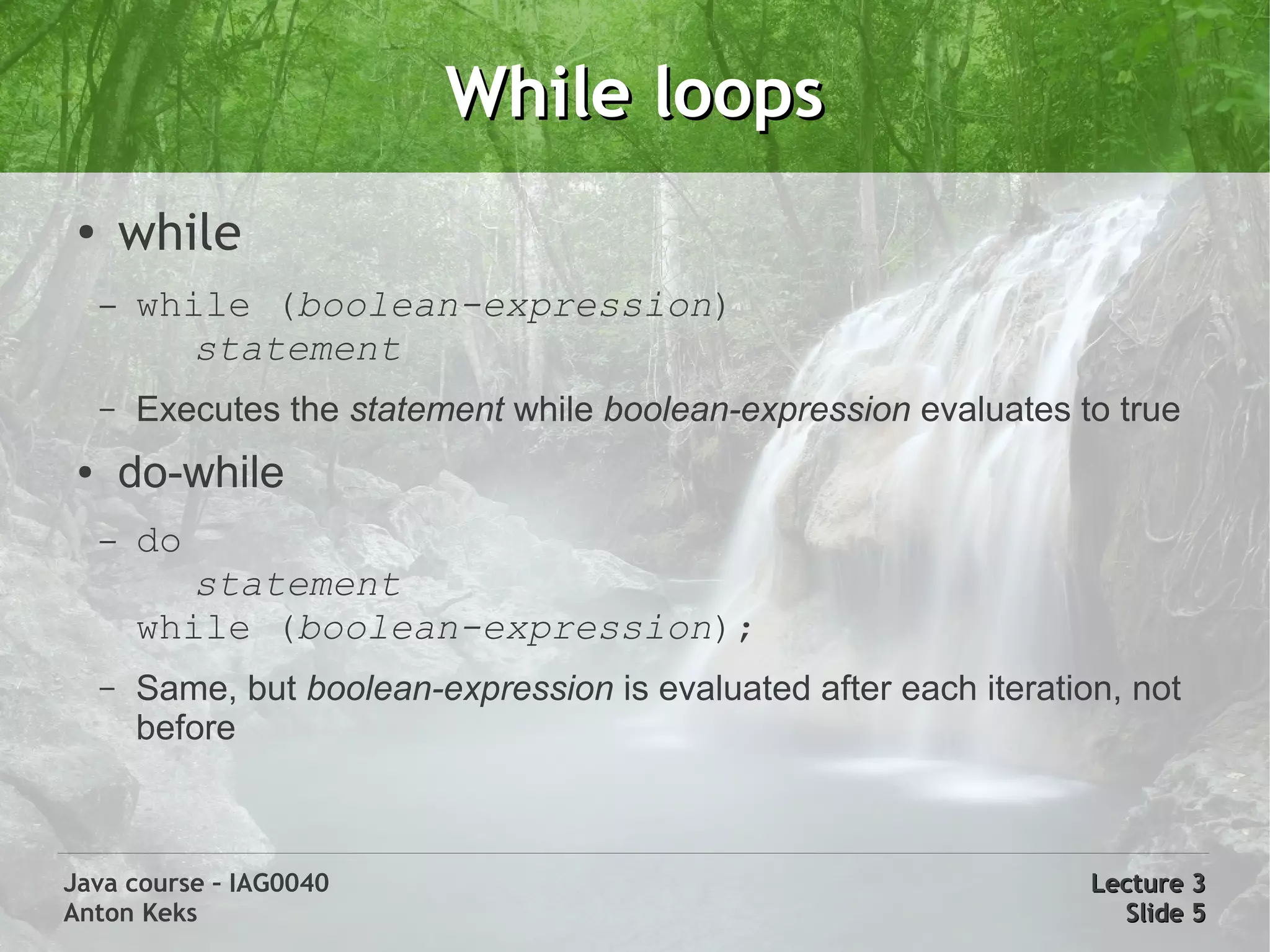
While loops
 ●
         while
     –   while (boolean-expression)
           statement
     –   Executes the statement while boolean-expression evaluates to true
 ●       do-while
     –   do
           statement
         while (boolean-expression);
     –   Same, but boolean-expression is evaluated after each iteration, not
         before


Java course – IAG0040                                                 Lecture 3
Anton Keks                                                              Slide 5
For loops
 ●
         for loop
     –   for(initialization; boolean-expression; step)
            statement
     –   Example: for(int i=0, j=1; i < 5; i++, j*=2) {}
 ●
         for each loop (arrays and Iterables)
     –   for(variable : iterable)
           statement
     –   for (int a : new int[] {1,2,3}) {}
     –   iterates over all elements of an iterable, executing the
         statement for each of its elements, assigning the element itself
         to the variable
Java course – IAG0040                                             Lecture 3
Anton Keks                                                          Slide 6
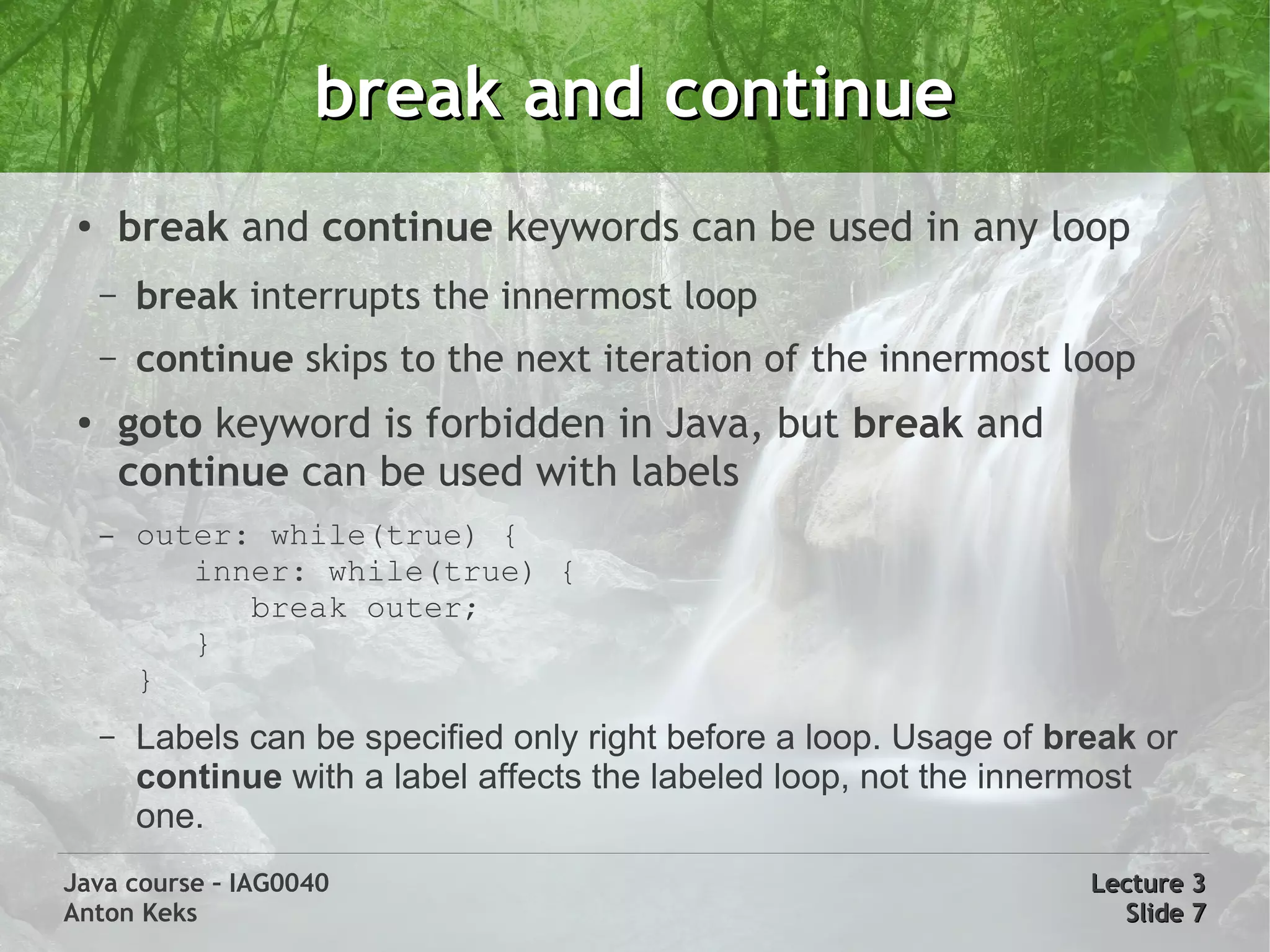
break and continue
 ●
         break and continue keywords can be used in any loop
     –   break interrupts the innermost loop
     –   continue skips to the next iteration of the innermost loop
 ●
         goto keyword is forbidden in Java, but break and
         continue can be used with labels
     –   outer: while(true) {
            inner: while(true) {
               break outer;
            }
         }
     –   Labels can be specified only right before a loop. Usage of break or
         continue with a label affects the labeled loop, not the innermost
         one.
Java course – IAG0040                                                 Lecture 3
Anton Keks                                                              Slide 7
Arrays
 ●
         Array is a special type of Object
     –   Arrays are actually arrays of references
     –   Elements are automatically initialized with zeros or nulls
     –   Automatic range checking is performed, always zero based
     ●   ArrayIndexOutOfBoundsException is thrown otherwise
     –   Special property is accessible: length
 ●       Definition: type followed by [ ]: byte[] a; String s[];
 ●       Creation using the new keyword: byte[]             a = new byte[12];
 ●       Access: byte b = a[0]; byte b2 = a[a.length – 1];
 ●       Static initialization: byte[] a = new byte[] {1,2,3};
 ●       Multidimensional: int[][] matrix = new int[3][3];
Java course – IAG0040                                                  Lecture 3
Anton Keks                                                               Slide 8
Strings
 ●       An immutable char array with additional features
 ●       Literals: “!” same as new String(new char[] {'!'})
 ●       Any object can be converted toString()
 ●       All primitive wrappers understand Strings: new Integer(“3”)
 ●       Equality is checked with equals() method
 ●       String pooling
     –    “ab” != new String(“ab”)
     –    “a1” == “a” + 1
 ●       StringBuilder is used behind the scenes for concatenation

Java course – IAG0040                                            Lecture 3
Anton Keks                                                         Slide 9
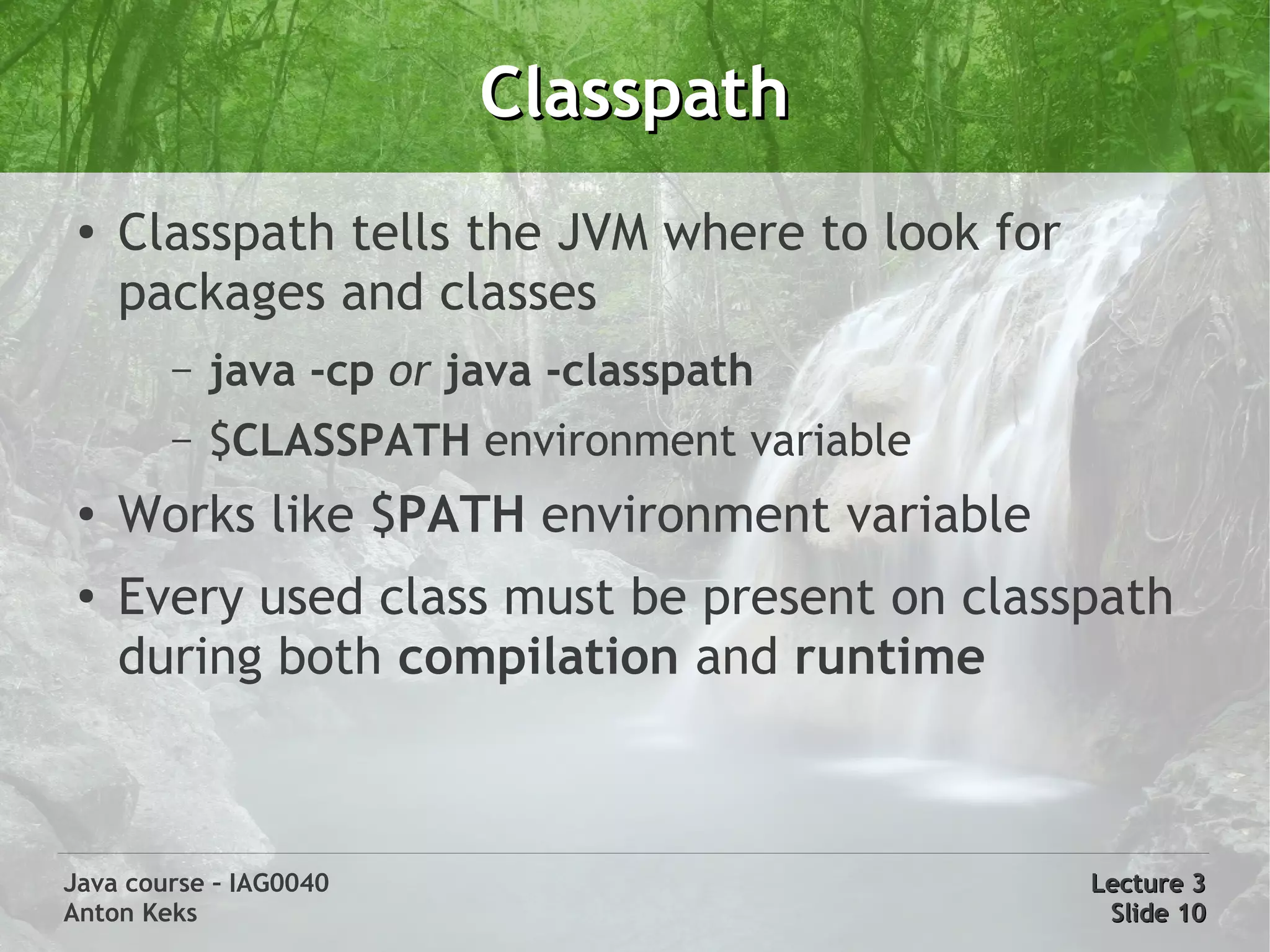
Classpath
 ●
     Classpath tells the JVM where to look for
     packages and classes
        –   java -cp or java -classpath
        –   $CLASSPATH environment variable
 ●   Works like $PATH environment variable
 ●   Every used class must be present on classpath
     during both compilation and runtime


Java course – IAG0040                            Lecture 3
Anton Keks                                        Slide 10
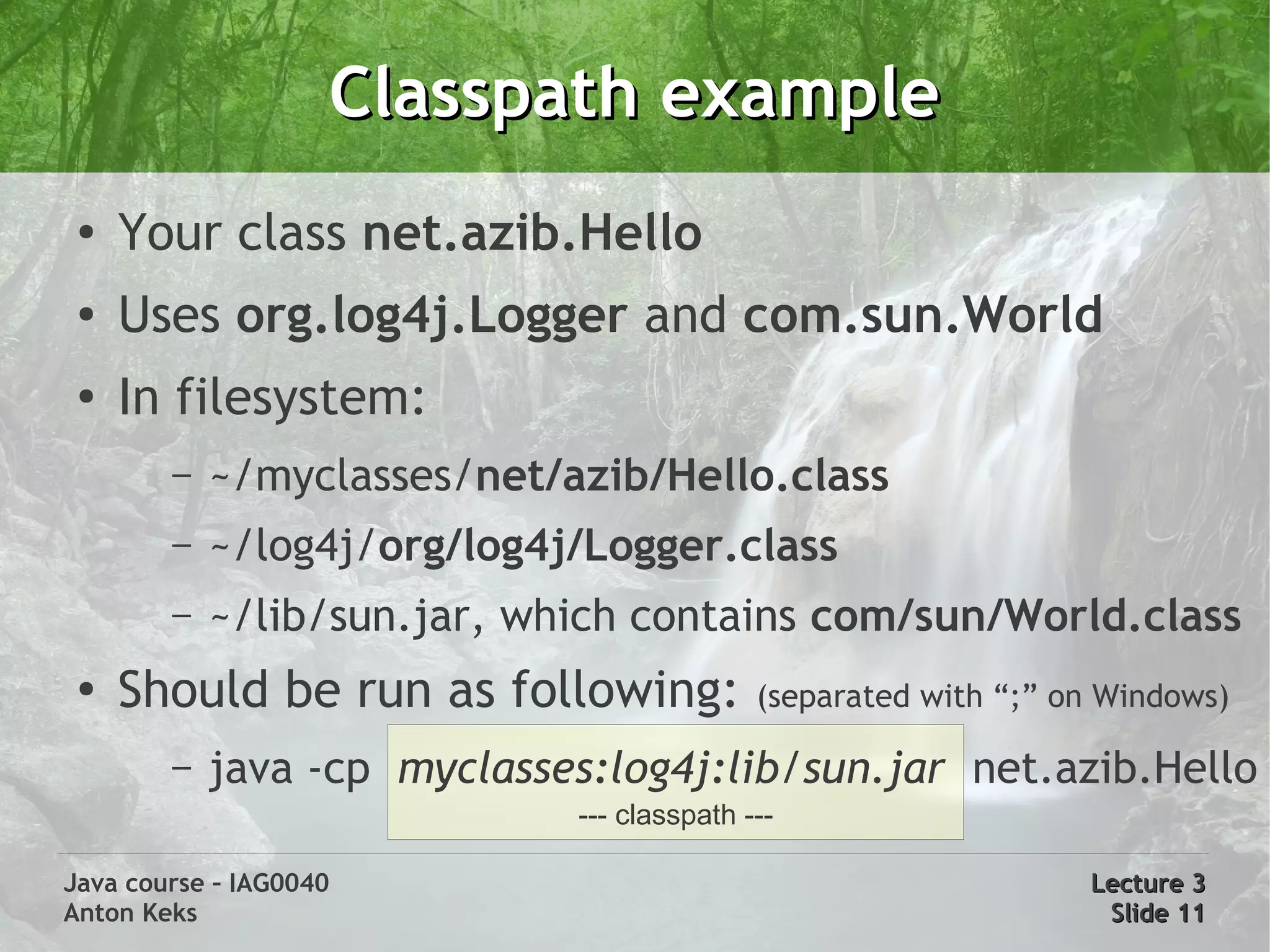
Classpath example
 ●
     Your class net.azib.Hello
 ●   Uses org.log4j.Logger and com.sun.World
 ●   In filesystem:
        –   ~/myclasses/net/azib/Hello.class
        –   ~/log4j/org/log4j/Logger.class
        –   ~/lib/sun.jar, which contains com/sun/World.class
 ●
     Should be run as following:            (separated with “;” on Windows)

        –   java -cp myclasses:log4j:lib/sun.jar net.azib.Hello
                             --- classpath ---

Java course – IAG0040                                            Lecture 3
Anton Keks                                                        Slide 11
Java API documentation


      Let's examine the API documentation a bit:
       http://java.sun.com/javase/6/docs/api/
  (http://java.azib.net -> Lirerature & Links -> API documentation)


Java course – IAG0040                                         Lecture 3
Anton Keks                                                     Slide 12
Javadoc comments
 ●
         Javadoc allows to document the code in place
     –   Helps with synchronization of code and documentation
 ●       Syntax: /** a javadoc comment */
     –   Documents the following source code element
     –   Tags: start with '@', have special meaning
     ●   Examples: @author, @version, @param
     ●   @deprecated – processed by the compiler to issue warnings
     –   Links: {@link java.lang.Object}, use '#' for fields or methods
     ●   {@link Object#equals(Object)}
 ●       javadoc program generates HTML documentation

Java course – IAG0040                                                Lecture 3
Anton Keks                                                            Slide 13
Varargs
●
        A way to pass unbounded number of parameters to methods
●
        Is merely a convenient syntax for passing arrays
●       void process(String ... a)
    –   In the method body, a can be used as an array of Strings
    –   There can be only one varargs-type parameter, and it should
        always be the last one
●       Caller can use two variants:
    –   process(new String[] {“a”, “b”}) - the old way
    –   process(“a”, “b”) - the varargs (new) way
●       System.out.printf() uses varargs
Java course – IAG0040                                              Lecture 3
Anton Keks                                                          Slide 14
Autoboxing
 ●
     Automatically wraps/unwraps primitive types into
     corresponding wrapper classes
 ●
     Boxing conversion, e.g. boolean -> Boolean, int ->
     Integer
 ●
     Unboxing conversion, e.g. Character -> char, etc
 ●   These values are cached: true, false, all bytes, chars
     from u0000 to u007F, ints and shorts from -128 to
     127
 ●   Examples:
     Integer n = 5;               // boxing
     char c = new Character('z'); // unboxing
Java course – IAG0040                                Lecture 3
Anton Keks                                            Slide 15
Extending classes
 ●
     Root class: java.lang.Object (used implicitly)
 ●   Unlike C++, only single inheritance is supported
 ●   class A {}        // extends Object
     class B extends A {}
     –   new B() instanceof A == true
     –   new B() instanceof Object == true
 ●   Access current class/instance with this keyword
 ●   Access base class with super keyword

Java course – IAG0040                           Lecture 3
Anton Keks                                       Slide 16
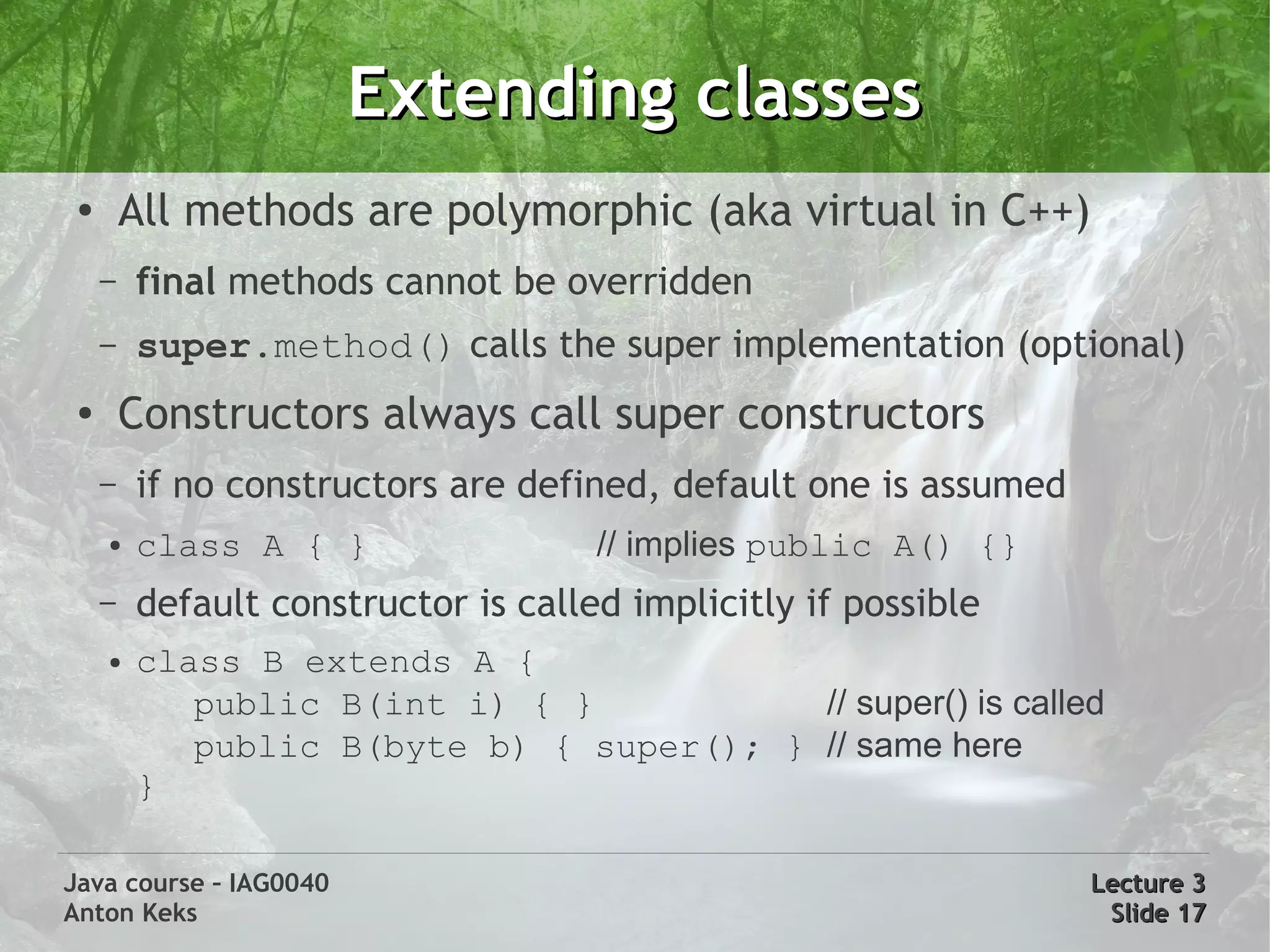
Extending classes
 ●       All methods are polymorphic (aka virtual in C++)
     –   final methods cannot be overridden
     –   super.method() calls the super implementation (optional)
 ●       Constructors always call super constructors
     –   if no constructors are defined, default one is assumed
     ●   class A { }                 // implies public A() {}
     –   default constructor is called implicitly if possible
     ●   class B extends A {
            public B(int i) { }           // super() is called
            public B(byte b) { super(); } // same here
         }

Java course – IAG0040                                             Lecture 3
Anton Keks                                                         Slide 17
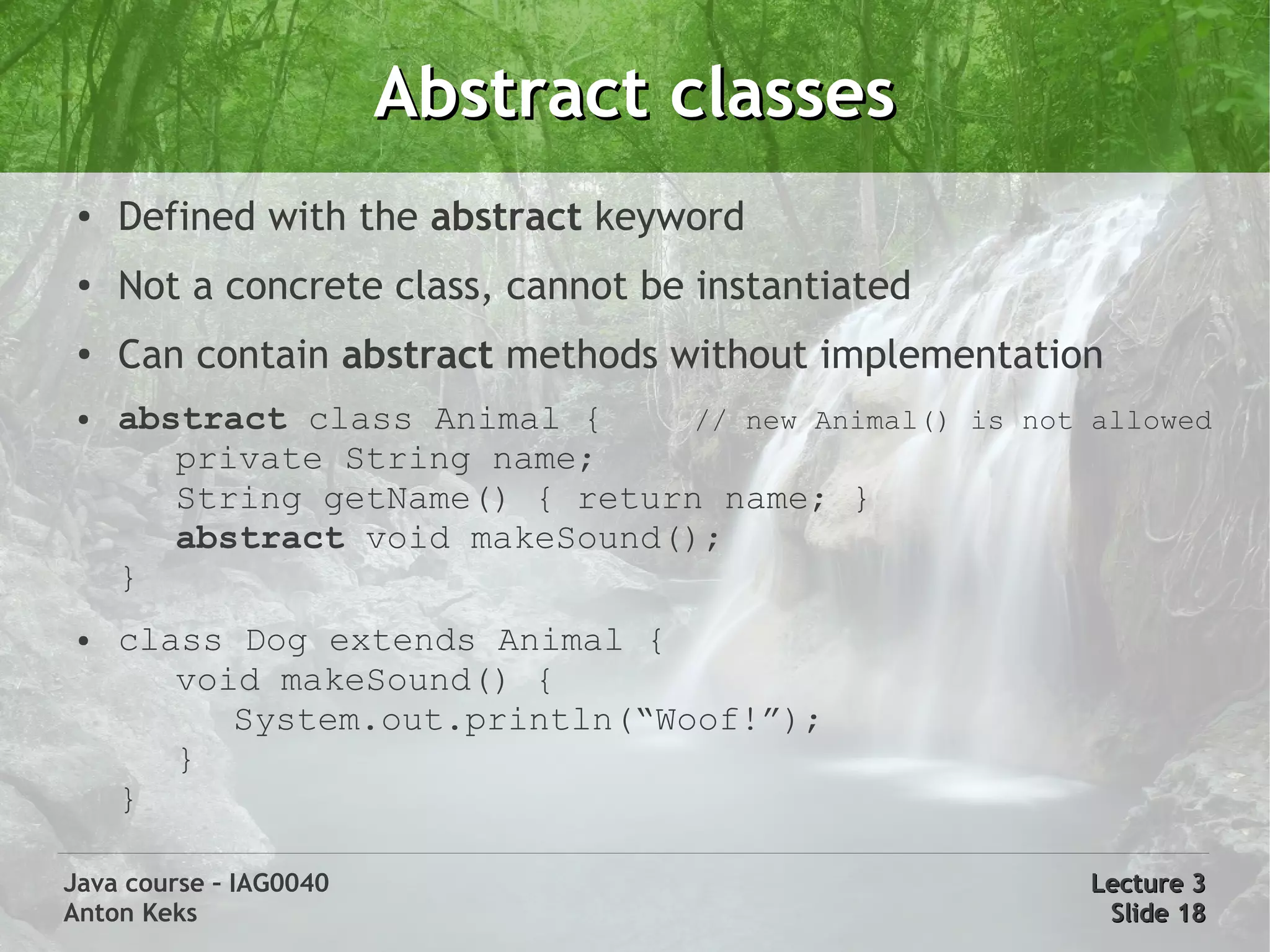
Abstract classes
 ●   Defined with the abstract keyword
 ●   Not a concrete class, cannot be instantiated
 ●
     Can contain abstract methods without implementation
 ●   abstract class Animal {     // new Animal() is not allowed
        private String name;
        String getName() { return name; }
        abstract void makeSound();
     }
 ●   class Dog extends Animal {
        void makeSound() {
           System.out.println(“Woof!”);
        }
     }

Java course – IAG0040                                   Lecture 3
Anton Keks                                               Slide 18
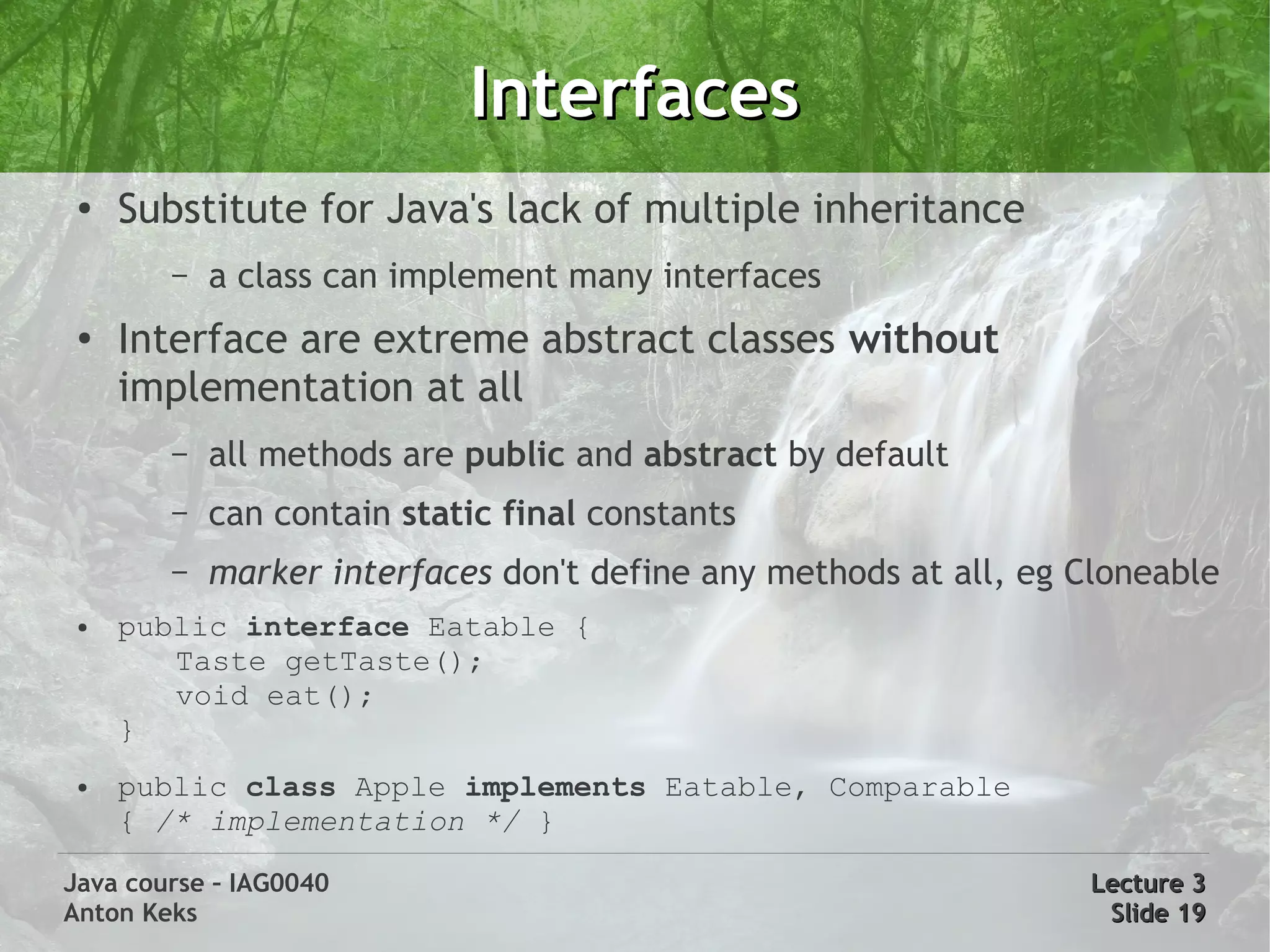
Interfaces
 ●
     Substitute for Java's lack of multiple inheritance
        –   a class can implement many interfaces
 ●
     Interface are extreme abstract classes without
     implementation at all
        –   all methods are public and abstract by default
        –   can contain static final constants
        –   marker interfaces don't define any methods at all, eg Cloneable
 ●   public interface Eatable {
        Taste getTaste();
        void eat();
     }
 ●   public class Apple implements Eatable, Comparable
     { /* implementation */ }

Java course – IAG0040                                             Lecture 3
Anton Keks                                                         Slide 19

Java Course 3: OOP

  • 1.
    Java course -IAG0040 More Java Basics and OOP Anton Keks 2011
  • 2.
    Construction ● All objects are constructed using the new keyword – MyClass fooBar = new MyClass(); ● Object creation always executes a constructor – Constructors may take parameters as any other methods ● Default constructor (without parameters) exists if there are no other constructors defined ● Constructor is a method without a return type (it returns the object's instance), the name of a constructor is the same as of the class. Java course – IAG0040 Lecture 3 Anton Keks Slide 2
  • 3.
    Destruction ● No need to destroy objects manually ● Garbage Collector (GC) does the job of destruction – Executed in background when memory gets low – Can actually be faster than explicit deallocation – Can be invoked manually with System.gc(); ● An object is destroyed if there are no references left to it in the program, this almost eliminates memory leaks ● Out of scope local variables are also candidates ● finalize() method may be used instead of a destructor, however, its execution is not guaranteed Java course – IAG0040 Lecture 3 Anton Keks Slide 3
  • 4.
    Conditions ● if-else – if (boolean-expression) a boolean-expression should return a boolean statement or Boolean value else statement ● switch an expression can return an – switch (expression) { int, short, char, byte, their case X: respective wrapper classes statement (which are unboxed) or an break; enum type default: statement a statement is a single Java break; statement or multiple } statements in curly braces { } Java course – IAG0040 Lecture 3 Anton Keks Slide 4
  • 5.
    While loops ● while – while (boolean-expression) statement – Executes the statement while boolean-expression evaluates to true ● do-while – do statement while (boolean-expression); – Same, but boolean-expression is evaluated after each iteration, not before Java course – IAG0040 Lecture 3 Anton Keks Slide 5
  • 6.
    For loops ● for loop – for(initialization; boolean-expression; step) statement – Example: for(int i=0, j=1; i < 5; i++, j*=2) {} ● for each loop (arrays and Iterables) – for(variable : iterable) statement – for (int a : new int[] {1,2,3}) {} – iterates over all elements of an iterable, executing the statement for each of its elements, assigning the element itself to the variable Java course – IAG0040 Lecture 3 Anton Keks Slide 6
  • 7.
    break and continue ● break and continue keywords can be used in any loop – break interrupts the innermost loop – continue skips to the next iteration of the innermost loop ● goto keyword is forbidden in Java, but break and continue can be used with labels – outer: while(true) { inner: while(true) { break outer; } } – Labels can be specified only right before a loop. Usage of break or continue with a label affects the labeled loop, not the innermost one. Java course – IAG0040 Lecture 3 Anton Keks Slide 7
  • 8.
    Arrays ● Array is a special type of Object – Arrays are actually arrays of references – Elements are automatically initialized with zeros or nulls – Automatic range checking is performed, always zero based ● ArrayIndexOutOfBoundsException is thrown otherwise – Special property is accessible: length ● Definition: type followed by [ ]: byte[] a; String s[]; ● Creation using the new keyword: byte[] a = new byte[12]; ● Access: byte b = a[0]; byte b2 = a[a.length – 1]; ● Static initialization: byte[] a = new byte[] {1,2,3}; ● Multidimensional: int[][] matrix = new int[3][3]; Java course – IAG0040 Lecture 3 Anton Keks Slide 8
  • 9.
    Strings ● An immutable char array with additional features ● Literals: “!” same as new String(new char[] {'!'}) ● Any object can be converted toString() ● All primitive wrappers understand Strings: new Integer(“3”) ● Equality is checked with equals() method ● String pooling – “ab” != new String(“ab”) – “a1” == “a” + 1 ● StringBuilder is used behind the scenes for concatenation Java course – IAG0040 Lecture 3 Anton Keks Slide 9
  • 10.
    Classpath ● Classpath tells the JVM where to look for packages and classes – java -cp or java -classpath – $CLASSPATH environment variable ● Works like $PATH environment variable ● Every used class must be present on classpath during both compilation and runtime Java course – IAG0040 Lecture 3 Anton Keks Slide 10
  • 11.
    Classpath example ● Your class net.azib.Hello ● Uses org.log4j.Logger and com.sun.World ● In filesystem: – ~/myclasses/net/azib/Hello.class – ~/log4j/org/log4j/Logger.class – ~/lib/sun.jar, which contains com/sun/World.class ● Should be run as following: (separated with “;” on Windows) – java -cp myclasses:log4j:lib/sun.jar net.azib.Hello --- classpath --- Java course – IAG0040 Lecture 3 Anton Keks Slide 11
  • 12.
    Java API documentation Let's examine the API documentation a bit: http://java.sun.com/javase/6/docs/api/ (http://java.azib.net -> Lirerature & Links -> API documentation) Java course – IAG0040 Lecture 3 Anton Keks Slide 12
  • 13.
    Javadoc comments ● Javadoc allows to document the code in place – Helps with synchronization of code and documentation ● Syntax: /** a javadoc comment */ – Documents the following source code element – Tags: start with '@', have special meaning ● Examples: @author, @version, @param ● @deprecated – processed by the compiler to issue warnings – Links: {@link java.lang.Object}, use '#' for fields or methods ● {@link Object#equals(Object)} ● javadoc program generates HTML documentation Java course – IAG0040 Lecture 3 Anton Keks Slide 13
  • 14.
    Varargs ● A way to pass unbounded number of parameters to methods ● Is merely a convenient syntax for passing arrays ● void process(String ... a) – In the method body, a can be used as an array of Strings – There can be only one varargs-type parameter, and it should always be the last one ● Caller can use two variants: – process(new String[] {“a”, “b”}) - the old way – process(“a”, “b”) - the varargs (new) way ● System.out.printf() uses varargs Java course – IAG0040 Lecture 3 Anton Keks Slide 14
  • 15.
    Autoboxing ● Automatically wraps/unwraps primitive types into corresponding wrapper classes ● Boxing conversion, e.g. boolean -> Boolean, int -> Integer ● Unboxing conversion, e.g. Character -> char, etc ● These values are cached: true, false, all bytes, chars from u0000 to u007F, ints and shorts from -128 to 127 ● Examples: Integer n = 5; // boxing char c = new Character('z'); // unboxing Java course – IAG0040 Lecture 3 Anton Keks Slide 15
  • 16.
    Extending classes ● Root class: java.lang.Object (used implicitly) ● Unlike C++, only single inheritance is supported ● class A {} // extends Object class B extends A {} – new B() instanceof A == true – new B() instanceof Object == true ● Access current class/instance with this keyword ● Access base class with super keyword Java course – IAG0040 Lecture 3 Anton Keks Slide 16
  • 17.
    Extending classes ● All methods are polymorphic (aka virtual in C++) – final methods cannot be overridden – super.method() calls the super implementation (optional) ● Constructors always call super constructors – if no constructors are defined, default one is assumed ● class A { } // implies public A() {} – default constructor is called implicitly if possible ● class B extends A { public B(int i) { } // super() is called public B(byte b) { super(); } // same here } Java course – IAG0040 Lecture 3 Anton Keks Slide 17
  • 18.
    Abstract classes ● Defined with the abstract keyword ● Not a concrete class, cannot be instantiated ● Can contain abstract methods without implementation ● abstract class Animal { // new Animal() is not allowed private String name; String getName() { return name; } abstract void makeSound(); } ● class Dog extends Animal { void makeSound() { System.out.println(“Woof!”); } } Java course – IAG0040 Lecture 3 Anton Keks Slide 18
  • 19.
    Interfaces ● Substitute for Java's lack of multiple inheritance – a class can implement many interfaces ● Interface are extreme abstract classes without implementation at all – all methods are public and abstract by default – can contain static final constants – marker interfaces don't define any methods at all, eg Cloneable ● public interface Eatable { Taste getTaste(); void eat(); } ● public class Apple implements Eatable, Comparable { /* implementation */ } Java course – IAG0040 Lecture 3 Anton Keks Slide 19