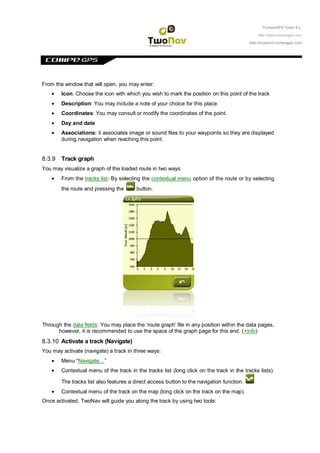
This document provides instructions for creating and editing routes in CompeGPS software. It describes how to:
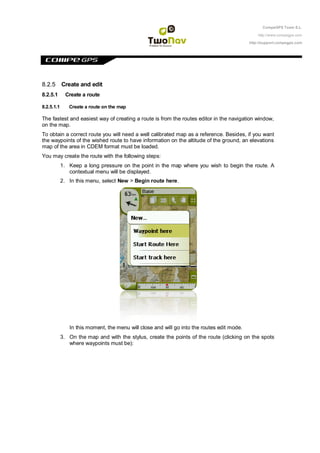
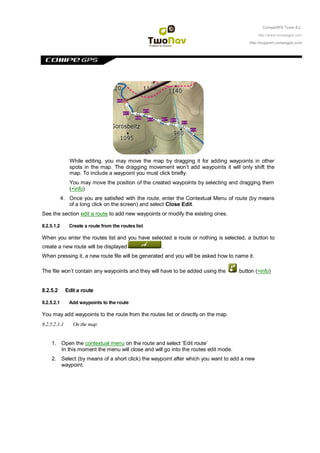
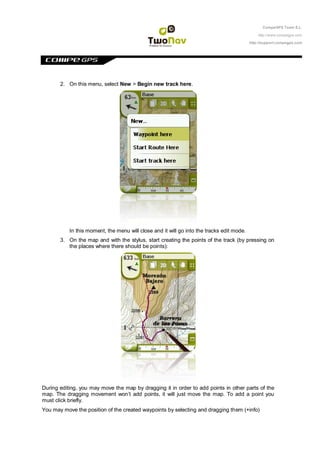
1. Create a route directly on the map by adding waypoints via clicks.
2. Create a route from the routes list by naming a new empty route file.
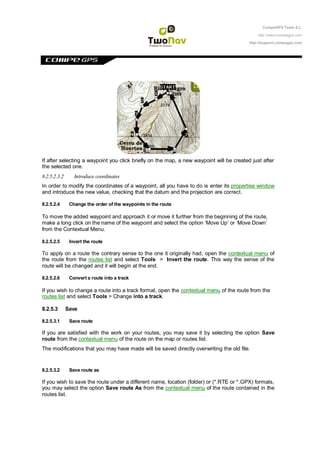
3. Edit existing routes by adding, deleting, or moving waypoints on the map or changing coordinates.
4. Save routes under the original or new file names and formats.