2.6 Use of ICT in Time
    Management
     By: Momina
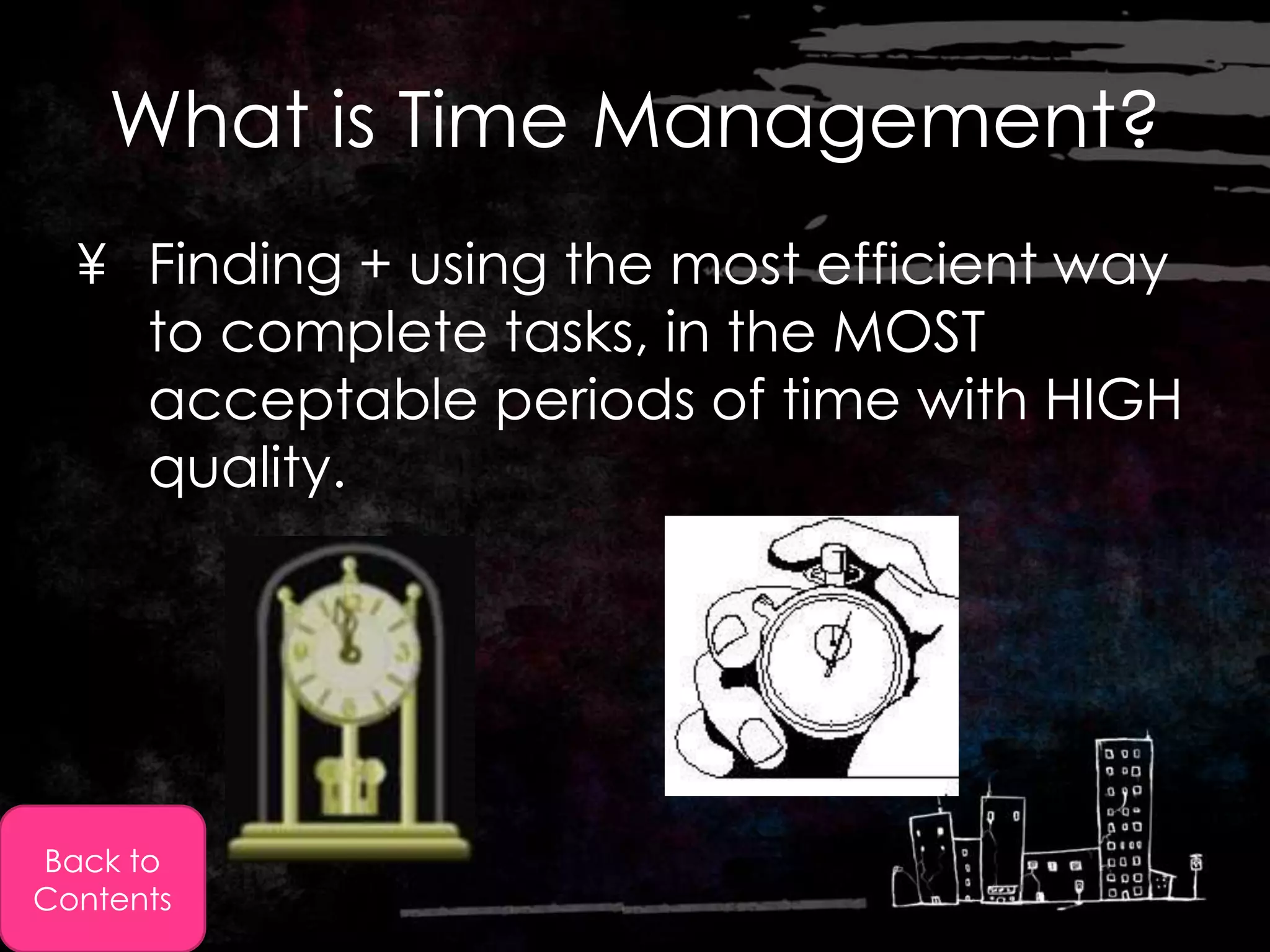
What is Time Management?
  ¥ Finding + using the most efficient way
    to complete tasks, in the MOST
    acceptable periods of time with HIGH
    quality.


Back to
Contents
In simple words:

           If you don’t plan, you
                   WILL fail.

            Keep in mind that
            wasted time cannot
               be replaced
Back to
Contents
Back to
Contents
Approaches to Good Time
                Management
  • The more organised a company is time
    wise -> the more profitable they will
    be.
    How can organisations manage their
    time effectively?
  (Answered on the following slides)


Back to
Contents
1- Hire or have a Full time
                    Employee
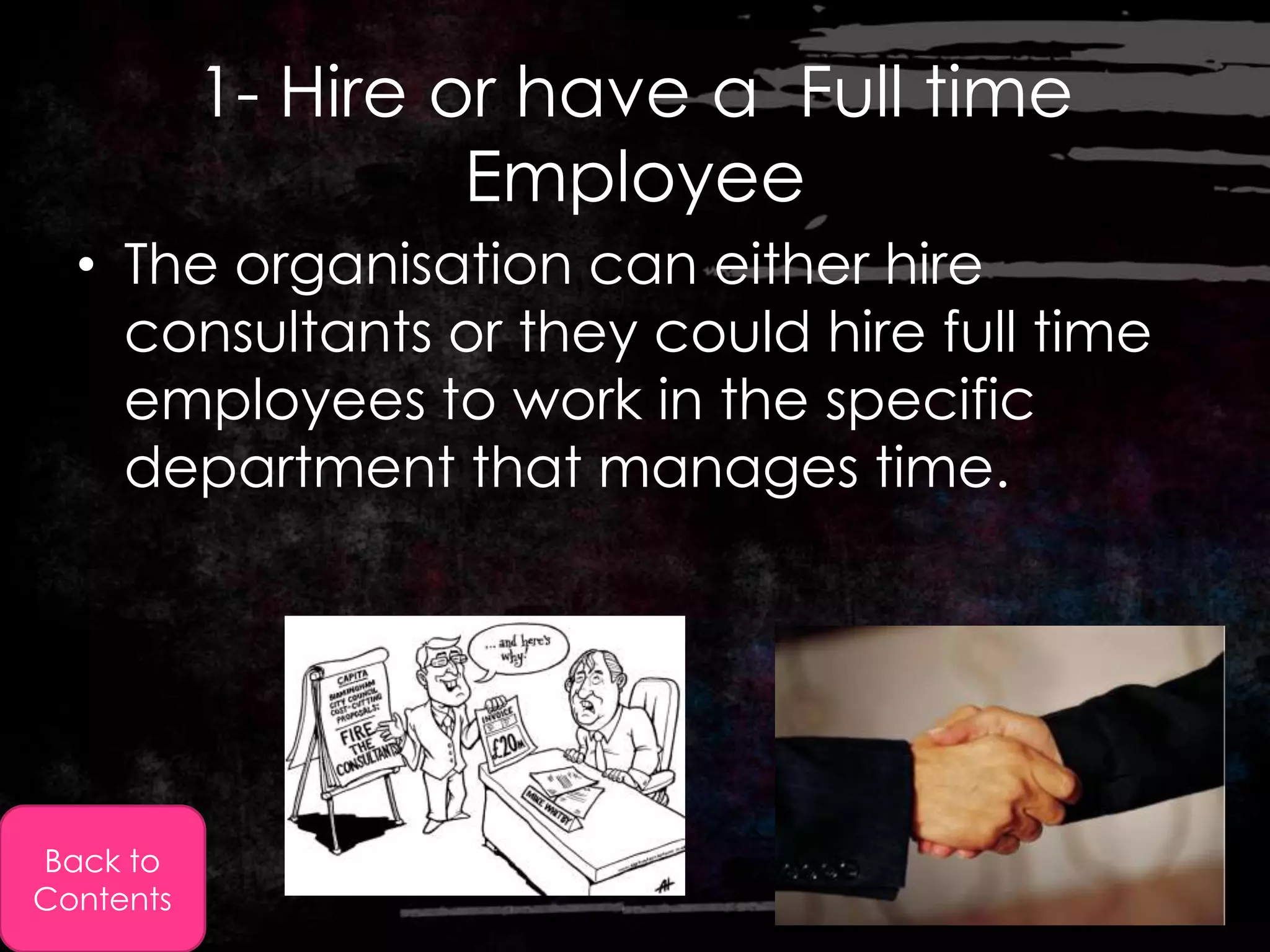
  • The organisation can either hire
    consultants or they could hire full time
    employees to work in the specific
    department that manages time.


Back to
Contents
2- Targets Identified
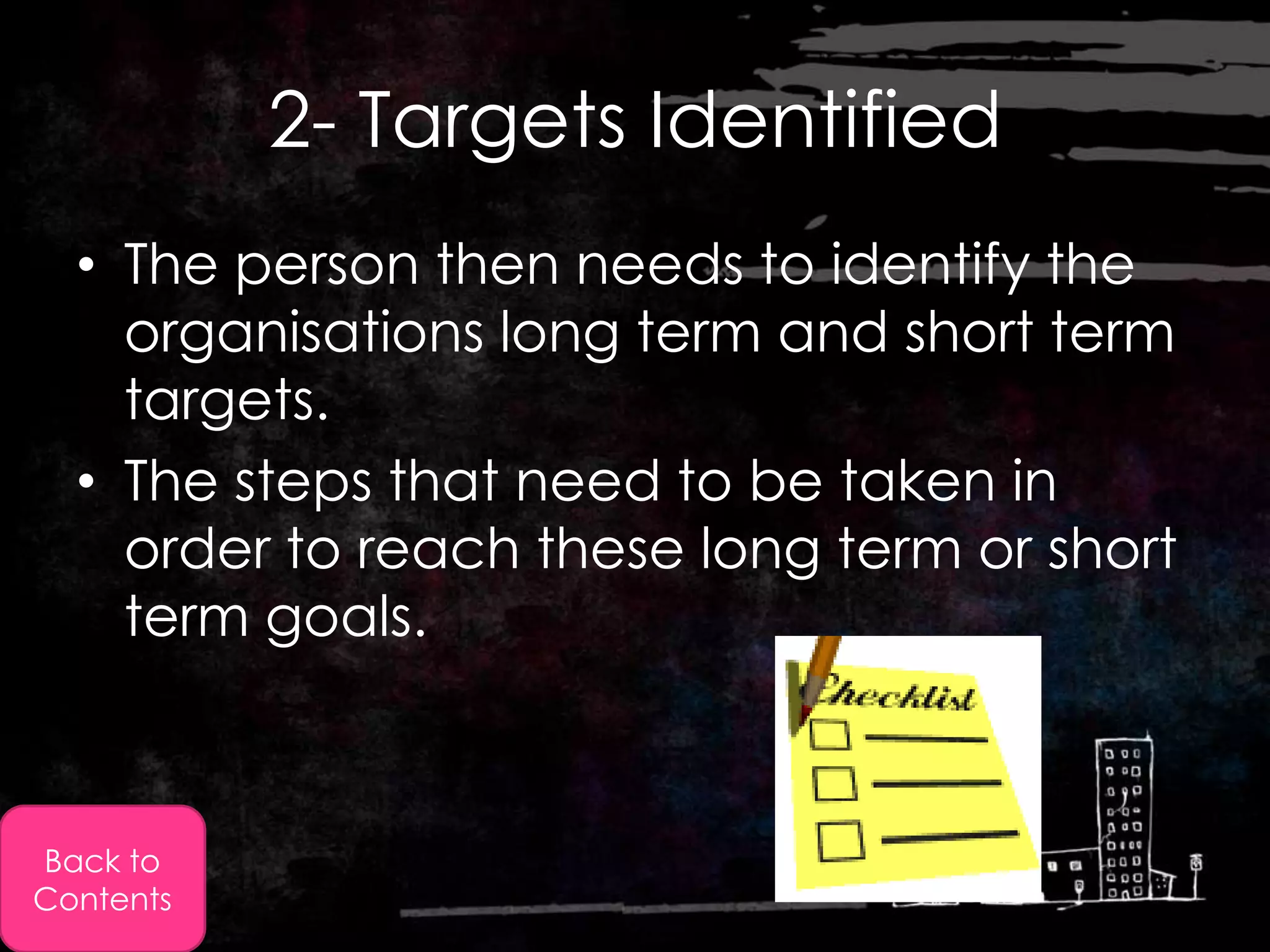
  • The person then needs to identify the
    organisations long term and short term
    targets.
  • The steps that need to be taken in
    order to reach these long term or short
    term goals.


Back to
Contents
3- Prioritising
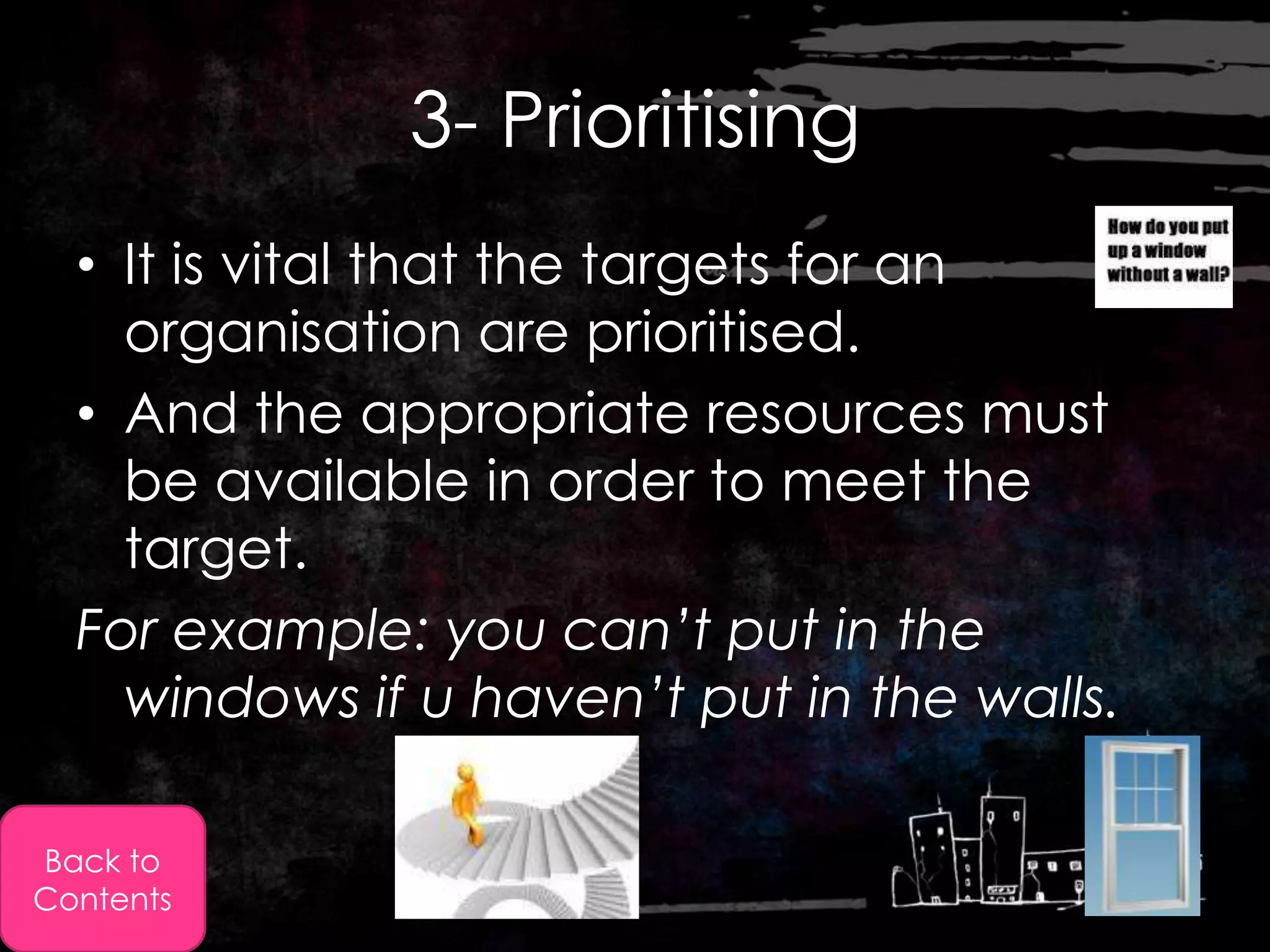
  • It is vital that the targets for an
    organisation are prioritised.
  • And the appropriate resources must
    be available in order to meet the
    target.
  For example: you can’t put in the
    windows if u haven’t put in the walls.

Back to
Contents
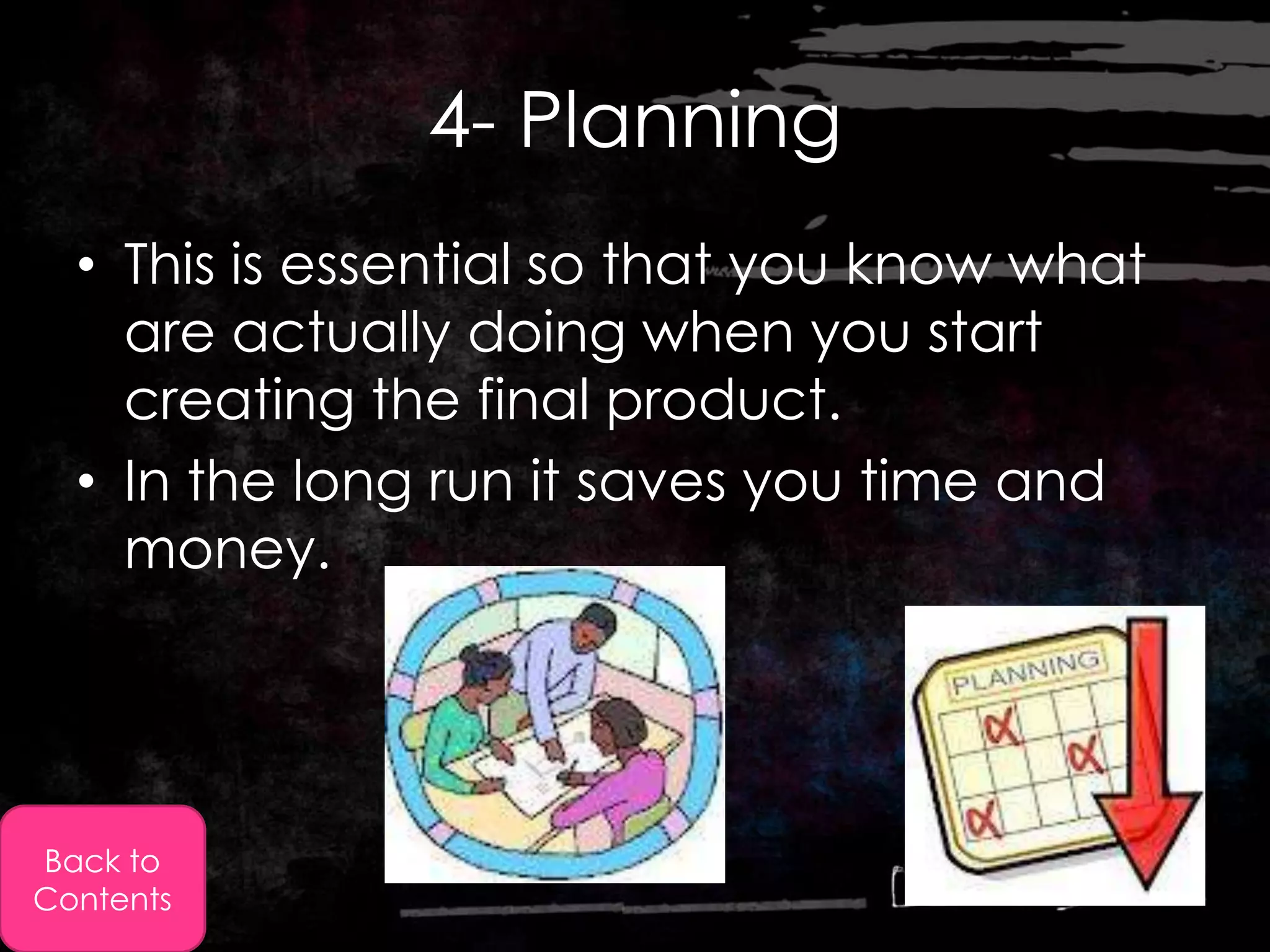
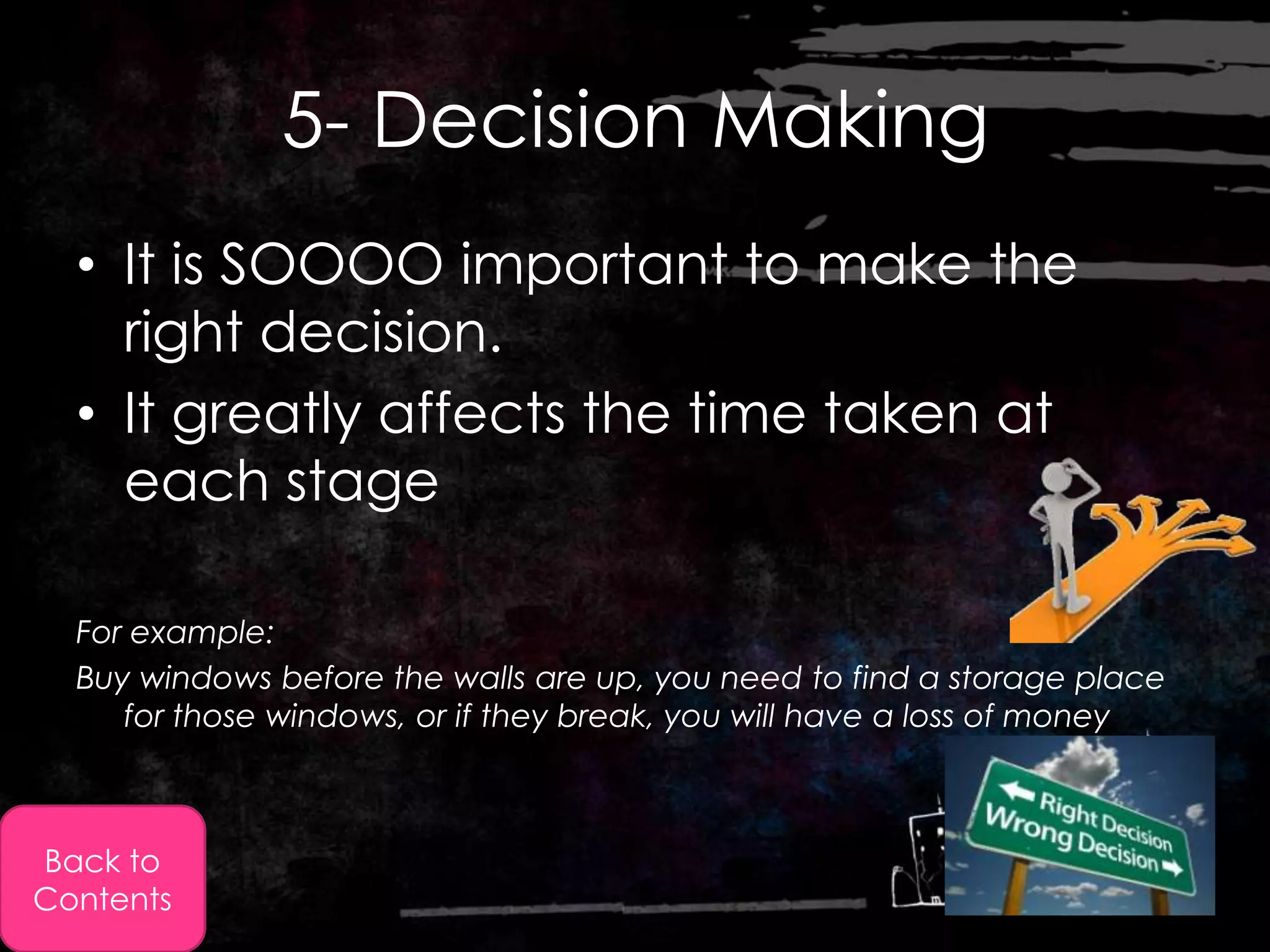
4- Planning
  • This is essential so that you know what
    are actually doing when you start
    creating the final product.
  • In the long run it saves you time and
    money.


Back to
Contents
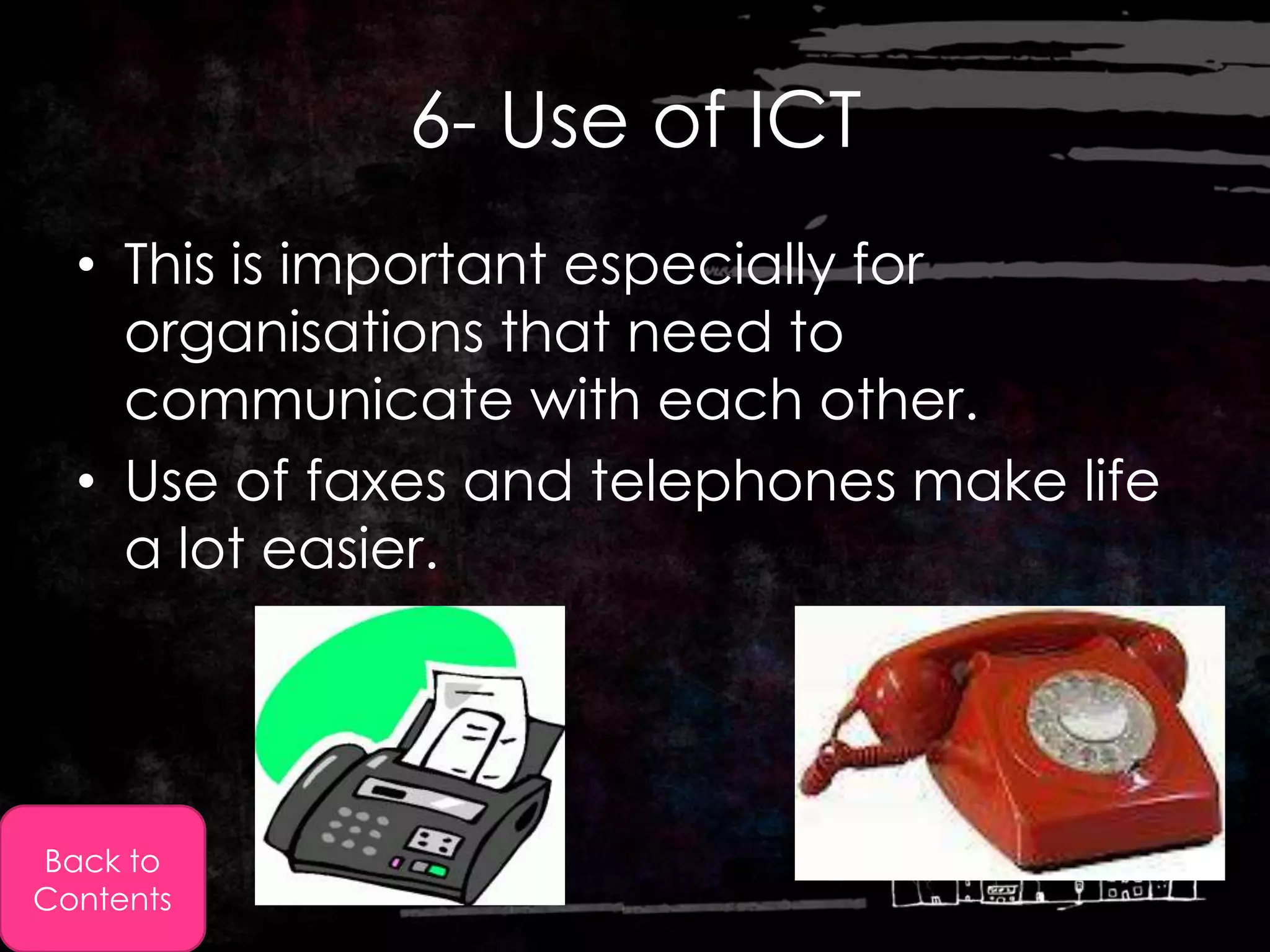
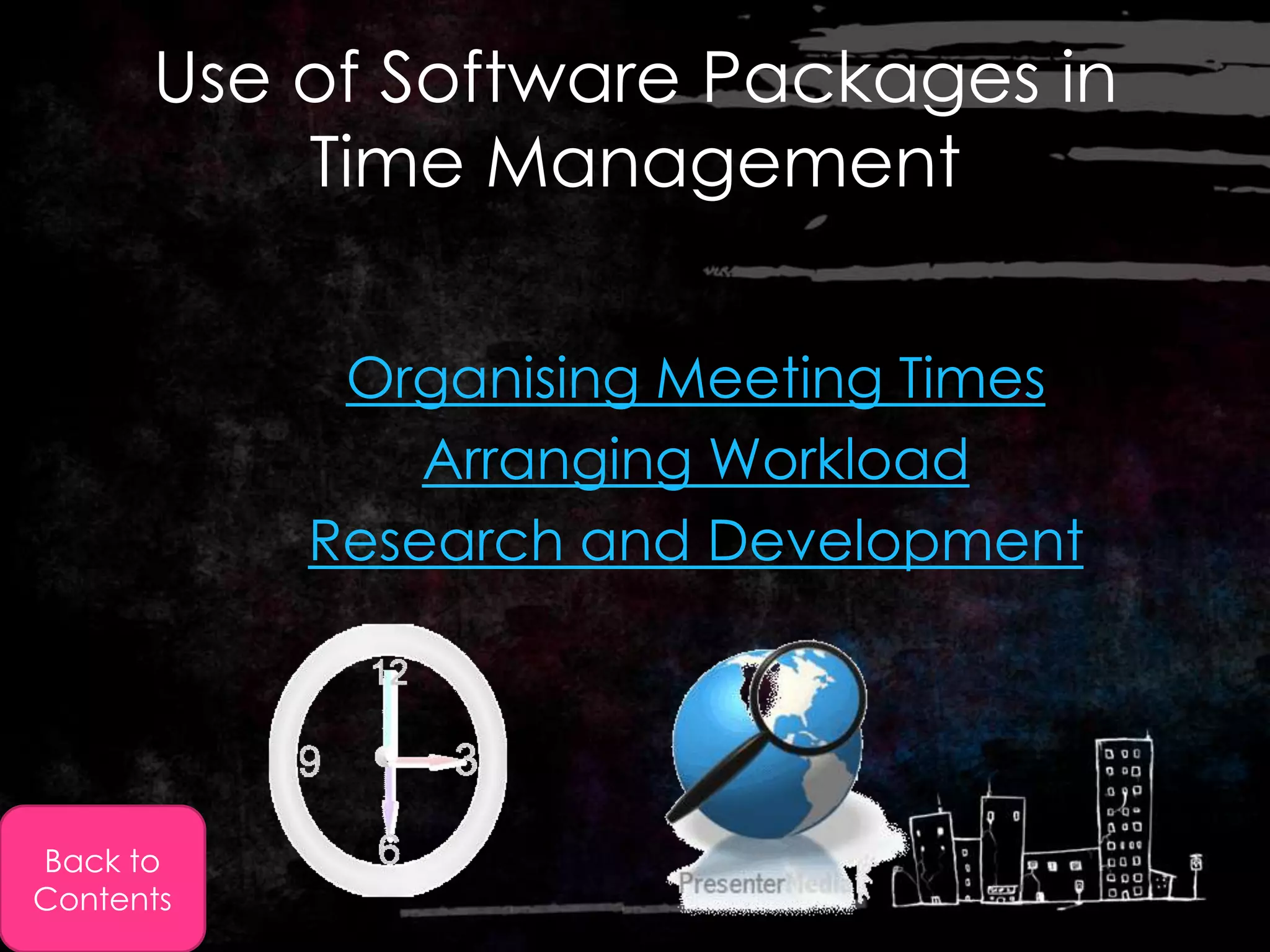
5- Decision Making
  • It is SOOOO important to make the
    right decision.
  • It greatly affects the time taken at
    each stage

  For example:
  Buy windows before the walls are up, you need to find a storage place
     for those windows, or if they break, you will have a loss of money


Back to
Contents
6- Use of ICT
  • This is important especially for
    organisations that need to
    communicate with each other.
  • Use of faxes and telephones make life
    a lot easier.


Back to
Contents
Use of Software Packages in
          Time Management

            Organising Meeting Times
               Arranging Workload
           Research and Development


Back to
Contents
Organising Meeting Times
  • Organiser packages  have a the
    following functions:
        Organizing e-mails
        Contacts
        Tasks
        Calendar function
  • The calendar function: allows users to keep
    track of their appointments/meeting times.
  1. Public Calendar: All employees can have
      access to it to know who is free, when?
  2. Private Calendar: Personal and may include
      things like a dentist appointment

            Back to Use
Back to     of software
Contents     packages
Arranging Workload
  • There are software packages (called predictors)
    that have a stopwatch function, this allows the user
    complete specific tasks within a given time period.
  • This way the user can track how much time they
    have spent on a specific task.
  • This is especially useful for managers as they can
    then see how much time is being spent on a task by
    one employee


           Back to Use
Back to    of software
Contents    packages
Research and Development
               Projects
  • This is where business software's come in.
    they all the organisation/company to
    create:
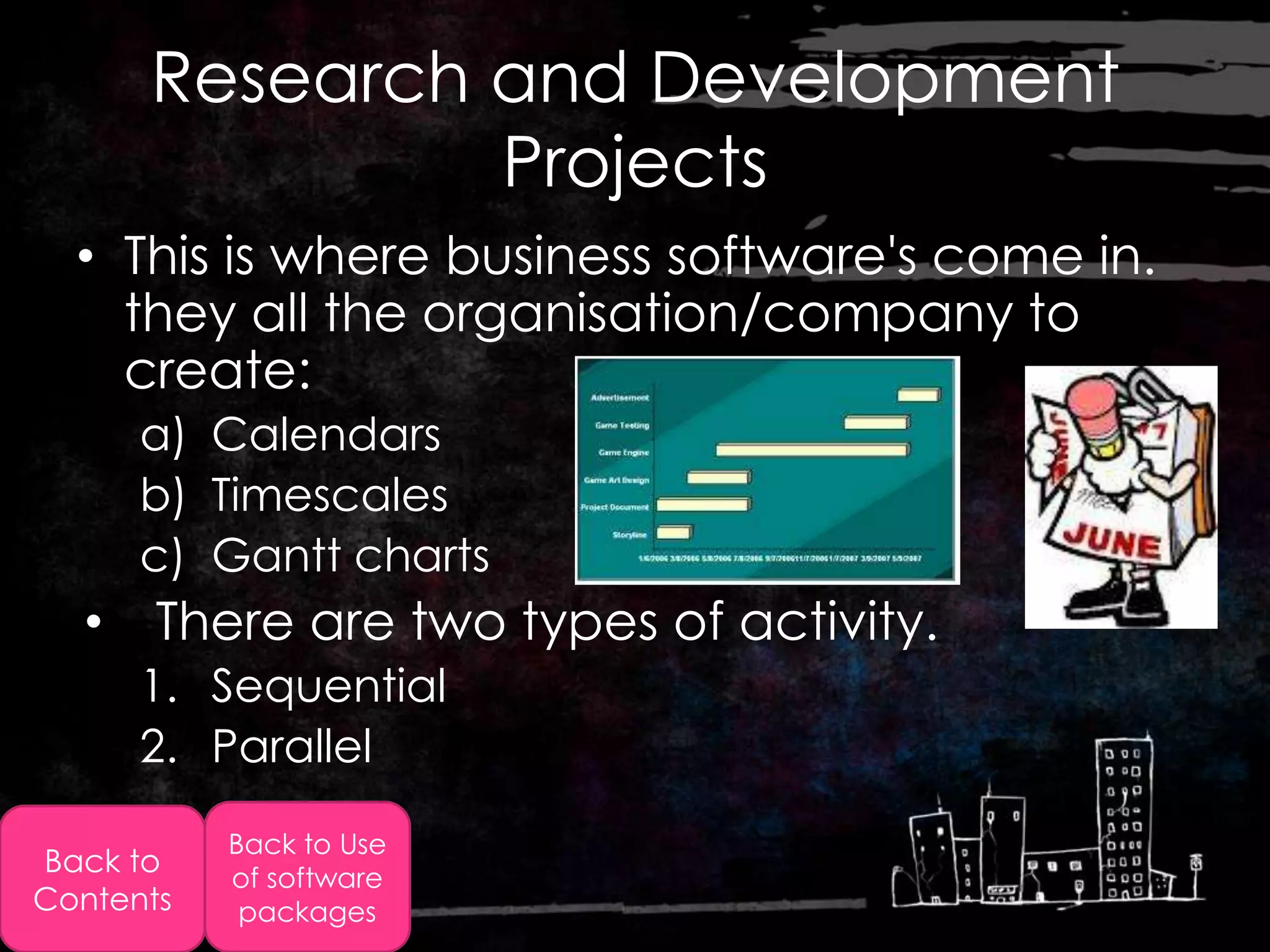
      a) Calendars
      b) Timescales
      c) Gantt charts
  • There are two types of activity.
      1. Sequential
      2. Parallel
           Back to Use
Back to    of software
Contents    packages
Gantt Charts
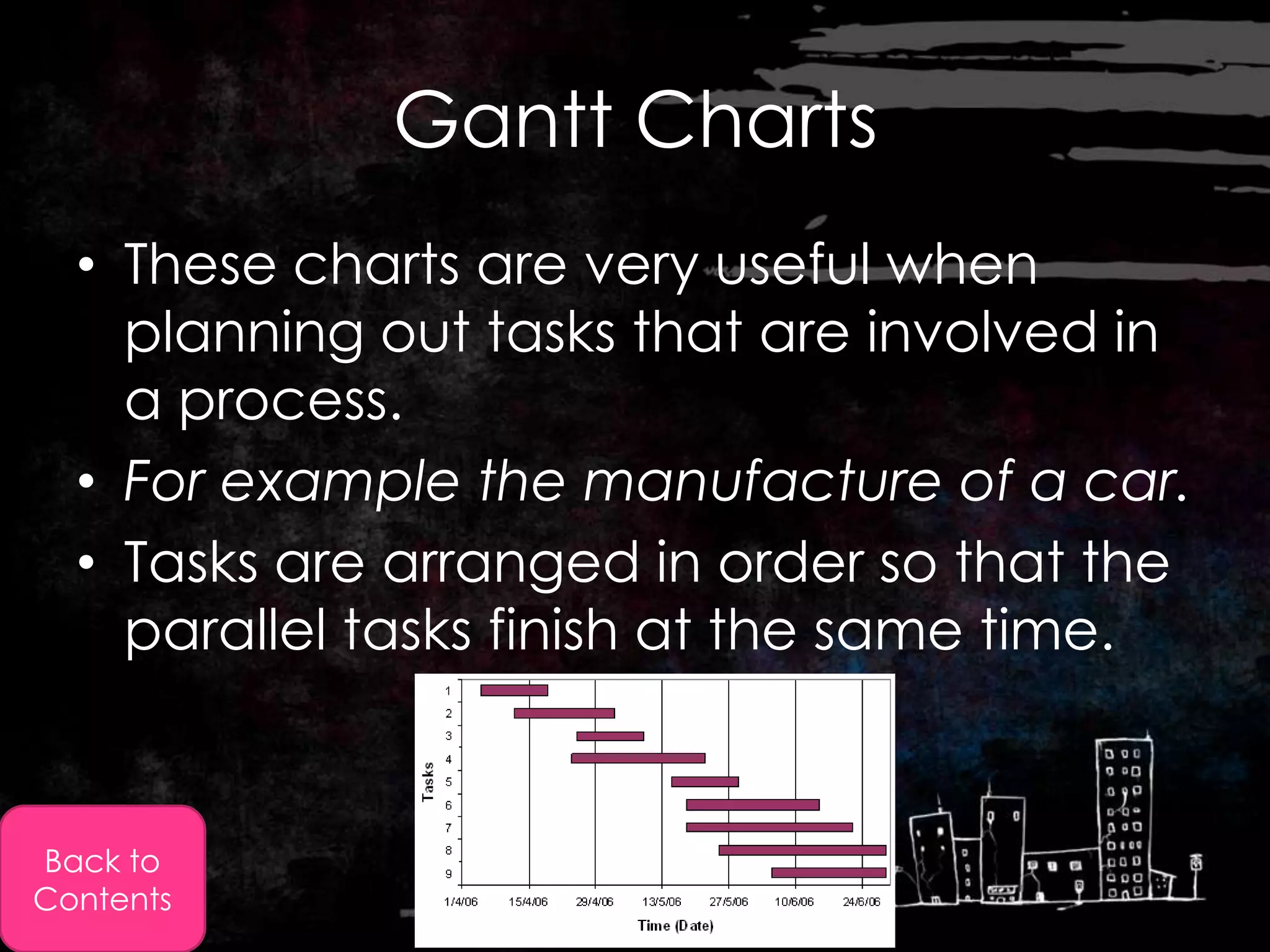
  • These charts are very useful when
    planning out tasks that are involved in
    a process.
  • For example the manufacture of a car.
  • Tasks are arranged in order so that the
    parallel tasks finish at the same time.


Back to
Contents
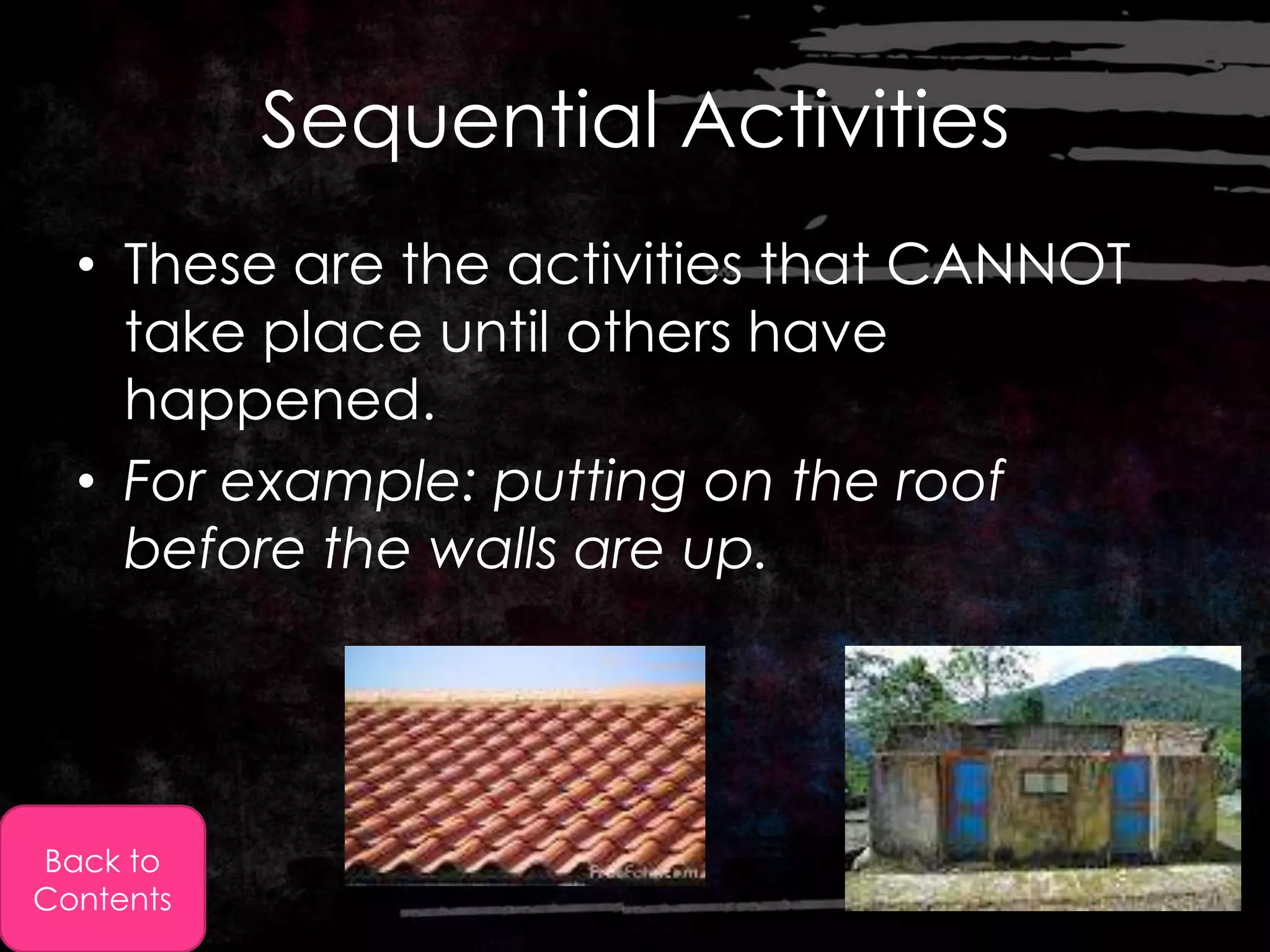
Sequential Activities
  • These are the activities that CANNOT
    take place until others have
    happened.
  • For example: putting on the roof
    before the walls are up.


Back to
Contents
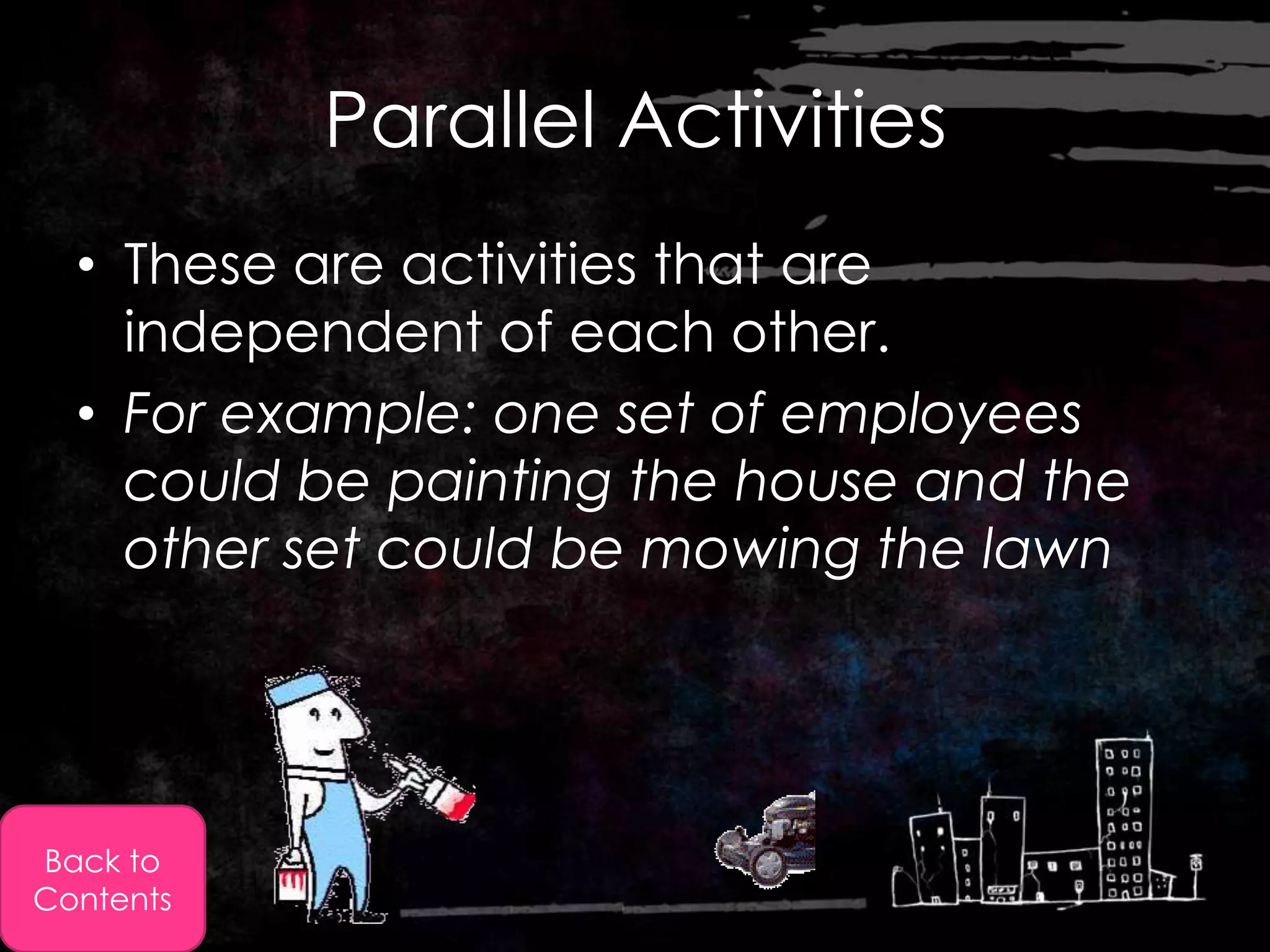
Parallel Activities
  • These are activities that are
    independent of each other.
  • For example: one set of employees
    could be painting the house and the
    other set could be mowing the lawn


Back to
Contents
Construction Project Management

  • This does not specifically refer to the
    construction of a building.
  • “It involves a critical path method of finding
    the optimum time to be spent on individual
    tasks.”
  • Meaning: A time in which the tasks can be
    completed quickly, efficiently and are of
    high quality.


Back to
Contents
Construction Project
              Management
  • Software used for this branch of work helps to
    identify the progress being made with specific sub-
    projects.
  • It also helps in daily and weekly planning
  • Since the employees and more importantly the
    manager knows where and how time is being
    spent, future plans can be made accordingly.


Back to
Contents

2.6 use of ict in time management

  • 1.
    2.6 Use ofICT in Time Management By: Momina
  • 2.
    What is TimeManagement? ¥ Finding + using the most efficient way to complete tasks, in the MOST acceptable periods of time with HIGH quality. Back to Contents
  • 3.
    In simple words: If you don’t plan, you WILL fail. Keep in mind that wasted time cannot be replaced Back to Contents
  • 4.
  • 5.
    Approaches to GoodTime Management • The more organised a company is time wise -> the more profitable they will be. How can organisations manage their time effectively? (Answered on the following slides) Back to Contents
  • 6.
    1- Hire orhave a Full time Employee • The organisation can either hire consultants or they could hire full time employees to work in the specific department that manages time. Back to Contents
  • 7.
    2- Targets Identified • The person then needs to identify the organisations long term and short term targets. • The steps that need to be taken in order to reach these long term or short term goals. Back to Contents
  • 8.
    3- Prioritising • It is vital that the targets for an organisation are prioritised. • And the appropriate resources must be available in order to meet the target. For example: you can’t put in the windows if u haven’t put in the walls. Back to Contents
  • 9.
    4- Planning • This is essential so that you know what are actually doing when you start creating the final product. • In the long run it saves you time and money. Back to Contents
  • 10.
    5- Decision Making • It is SOOOO important to make the right decision. • It greatly affects the time taken at each stage For example: Buy windows before the walls are up, you need to find a storage place for those windows, or if they break, you will have a loss of money Back to Contents
  • 11.
    6- Use ofICT • This is important especially for organisations that need to communicate with each other. • Use of faxes and telephones make life a lot easier. Back to Contents
  • 12.
    Use of SoftwarePackages in Time Management Organising Meeting Times Arranging Workload Research and Development Back to Contents
  • 13.
    Organising Meeting Times • Organiser packages  have a the following functions:  Organizing e-mails  Contacts  Tasks  Calendar function • The calendar function: allows users to keep track of their appointments/meeting times. 1. Public Calendar: All employees can have access to it to know who is free, when? 2. Private Calendar: Personal and may include things like a dentist appointment Back to Use Back to of software Contents packages
  • 14.
    Arranging Workload • There are software packages (called predictors) that have a stopwatch function, this allows the user complete specific tasks within a given time period. • This way the user can track how much time they have spent on a specific task. • This is especially useful for managers as they can then see how much time is being spent on a task by one employee Back to Use Back to of software Contents packages
  • 15.
    Research and Development Projects • This is where business software's come in. they all the organisation/company to create: a) Calendars b) Timescales c) Gantt charts • There are two types of activity. 1. Sequential 2. Parallel Back to Use Back to of software Contents packages
  • 16.
    Gantt Charts • These charts are very useful when planning out tasks that are involved in a process. • For example the manufacture of a car. • Tasks are arranged in order so that the parallel tasks finish at the same time. Back to Contents
  • 17.
    Sequential Activities • These are the activities that CANNOT take place until others have happened. • For example: putting on the roof before the walls are up. Back to Contents
  • 18.
    Parallel Activities • These are activities that are independent of each other. • For example: one set of employees could be painting the house and the other set could be mowing the lawn Back to Contents
  • 19.
    Construction Project Management • This does not specifically refer to the construction of a building. • “It involves a critical path method of finding the optimum time to be spent on individual tasks.” • Meaning: A time in which the tasks can be completed quickly, efficiently and are of high quality. Back to Contents
  • 20.
    Construction Project Management • Software used for this branch of work helps to identify the progress being made with specific sub- projects. • It also helps in daily and weekly planning • Since the employees and more importantly the manager knows where and how time is being spent, future plans can be made accordingly. Back to Contents