
SQL Server 2014 Backup 
Encryption 
Performance and security 
Expositor: Percy Reyes (MCITP DBA, MCITP Dev, MCTS, MCP) – www.percyreyes.com 
Moderador: Carlos Ulate
Gracias a nuestros auspiciadores 
Database Security as Easy as A-B-C 
http://www.greensql.com 
Hardcore Developer and IT 
Training 
http://www.pluralsight.com 
SQL Server Performance 
Try PlanExplorer today! 
http://www.sqlsentry.com
Próximos SQL Saturday 
6 de Diciembre de 2014 
https://www.sqlsaturday.com/351/register.aspx 
24 de Enero de 2015 
https://www.sqlsaturday.com/346/register.aspx 
18 de Abril de 2015 
https://www.sqlsaturday.com/368/register.aspx 
9 de Mayo de 2015 
https://www.sqlsaturday.com/373/register.aspx
Capítulo Global PASS en Español 
4 
4 
Reuniones semanales todos los miércoles a 
las 12PM UTC-5 (Hora de Colombia) 
https://www.facebook.com/SpanishPASSVC
5 
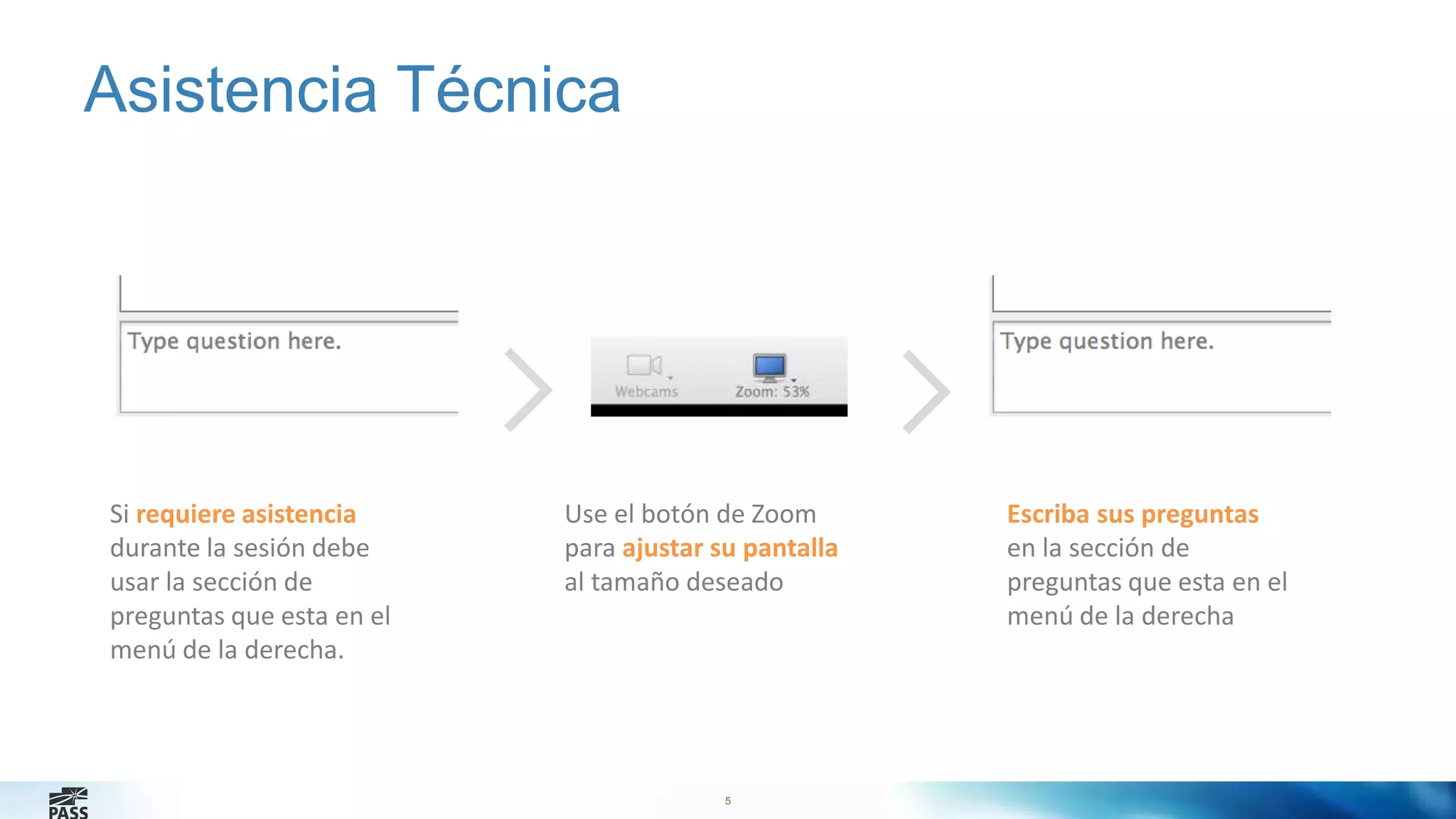
Asistencia Técnica 
Si requiere asistencia 
durante la sesión debe 
usar la sección de 
preguntas que esta en el 
menú de la derecha. 
Use el botón de Zoom 
para ajustar su pantalla 
al tamaño deseado 
Escriba sus preguntas 
en la sección de 
preguntas que esta en el 
menú de la derecha
6 
Percy Reyes 
Bachelor in Systems Engineering and Senior Database Administrator focused 
on Microsoft SQL Server Internals with over 10+ years of extensive experience 
managing database servers on SQL Server 6.5, 7.0, 2000, 2005, 2008, 2008 
R2, 2012 and 2014. I am experienced working for all sizes of companies in 
Peru and USA which are running on mission critical database servers. I am a 
frequent Speaker about SQL Server technologies for over 9 years at Local User 
Group Meetings, Webcasts, and National Conferences. I am currently the 
SQLPASS Peru Chapter Leader http://peru.sqlpass.org . I am a contributor and 
author at MSSQLTips.com. 
6
7 
Agenda 
Planning a Database Backup Strategy 
Backing Up a User Database (with encryption) 
Restoring User Databases (from backup encrypted)
Lesson 1: Planning a Database Backup Strategy 
• Overview of Microsoft SQL Server Backup Types 
• What Are Recovery Models? 
• What Is a Database Backup Strategy? 
• Considerations for Backup Operators and Media 
8
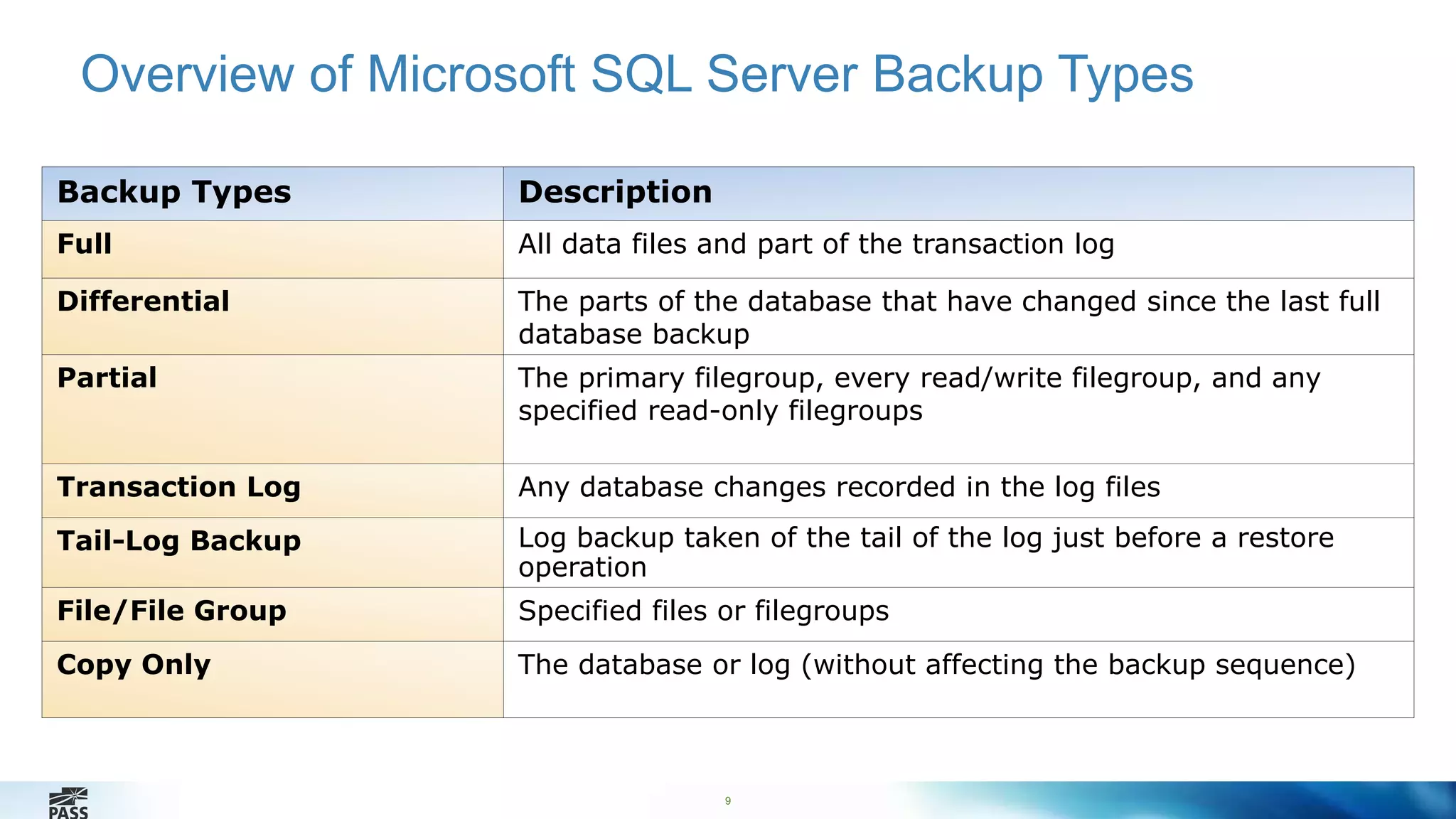
Overview of Microsoft SQL Server Backup Types 
Backup Types Description 
Full All data files and part of the transaction log 
Differential The parts of the database that have changed since the last full 
database backup 
Partial The primary filegroup, every read/write filegroup, and any 
specified read-only filegroups 
Transaction Log Any database changes recorded in the log files 
Tail-Log Backup Log backup taken of the tail of the log just before a restore 
9 
operation 
File/File Group Specified files or filegroups 
Copy Only The database or log (without affecting the backup sequence)
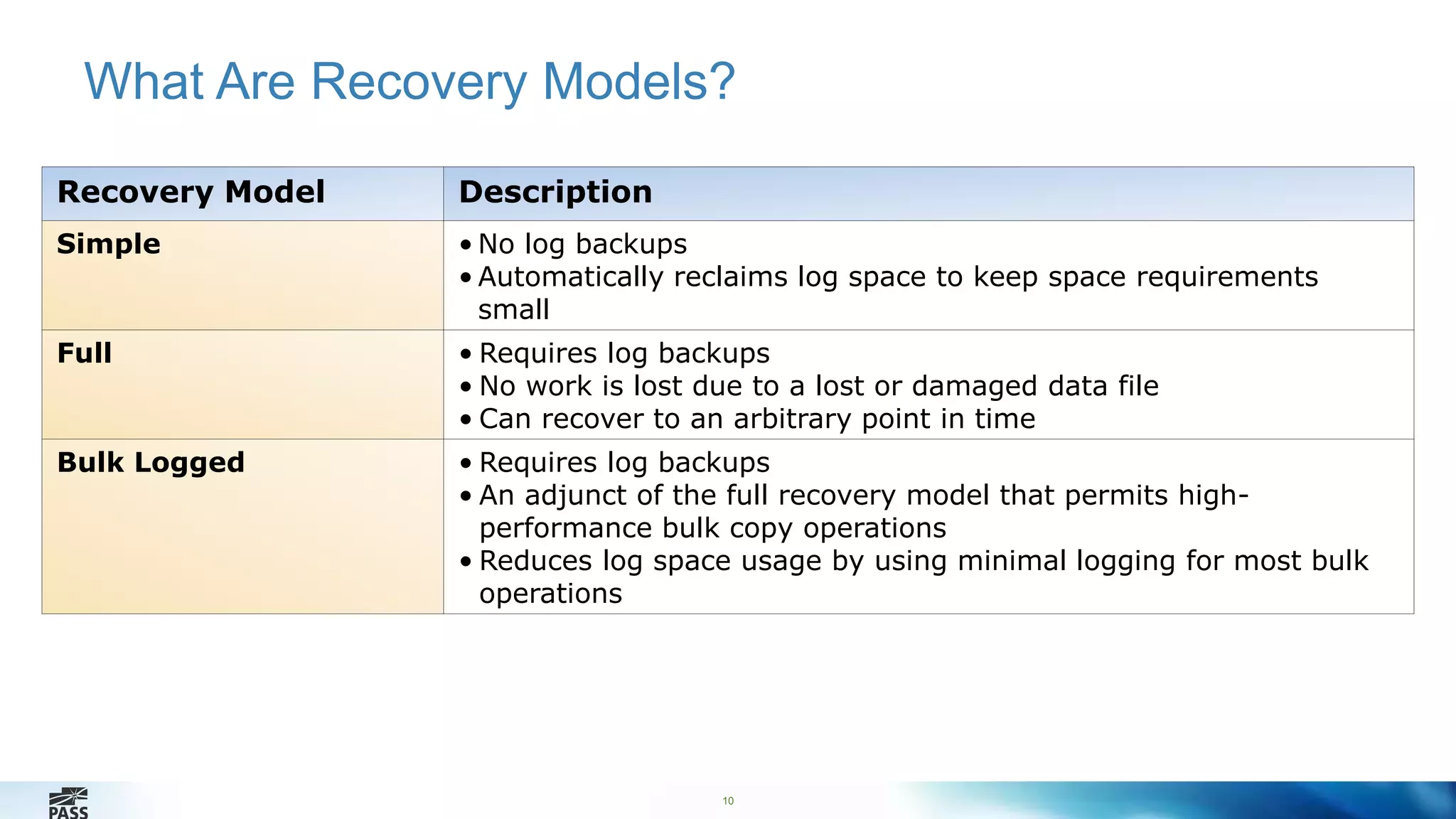
What Are Recovery Models? 
10 
Recovery Model Description 
Simple • No log backups 
• Automatically reclaims log space to keep space requirements 
small 
Full • Requires log backups 
• No work is lost due to a lost or damaged data file 
• Can recover to an arbitrary point in time 
Bulk Logged • Requires log backups 
• An adjunct of the full recovery model that permits high-performance 
bulk copy operations 
• Reduces log space usage by using minimal logging for most bulk 
operations
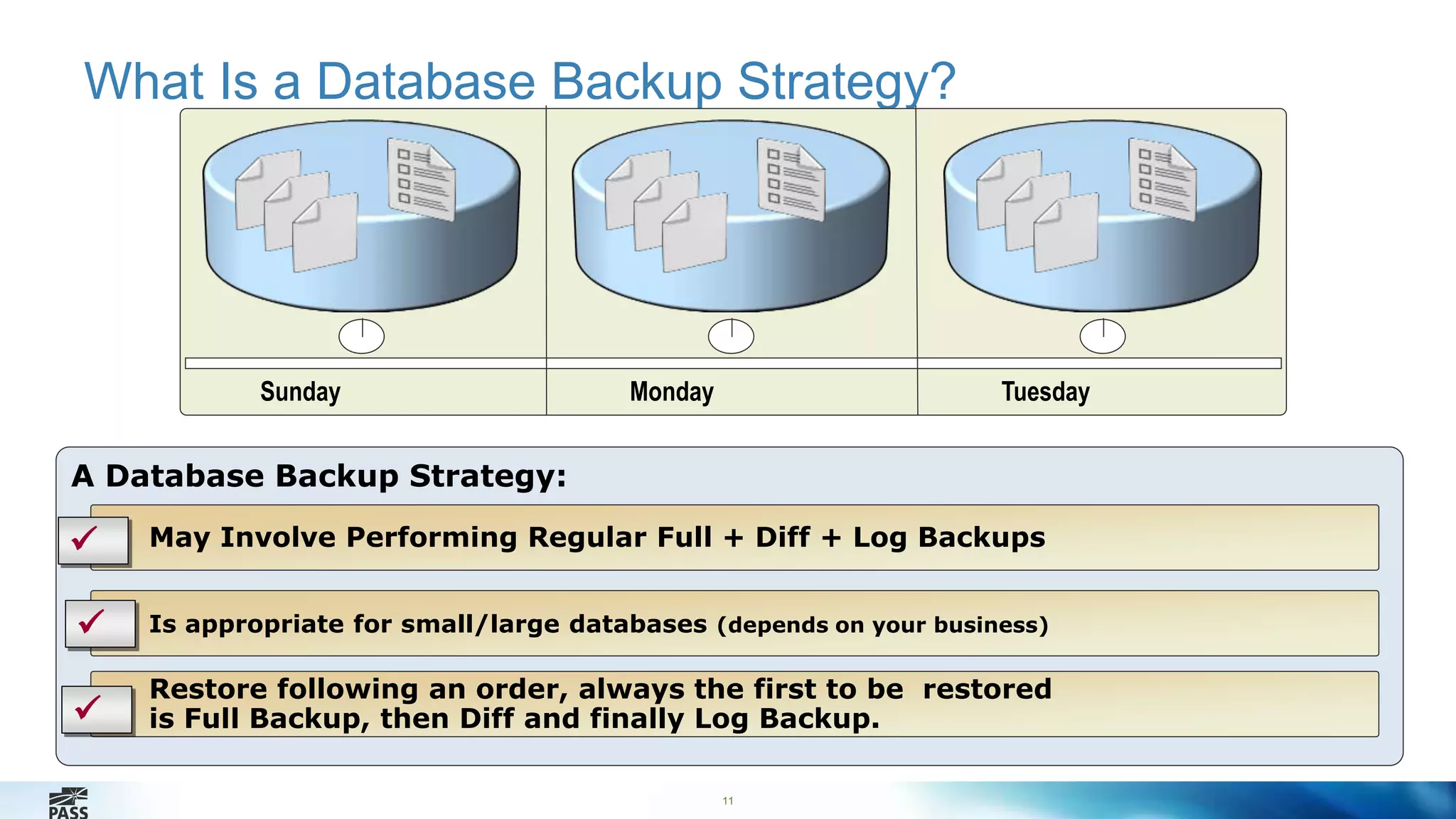
What Is a Database Backup Strategy? 
11 
A Database Backup Strategy: 
 May Involve Performing Regular Full + Diff + Log Backups 
Is appropriate for small/large databases (depends on your business) 
Restore following an order, always the first to be restored 
is Full Backup, then Diff and finally Log Backup. 
 
 
Sunday Monday Tuesday
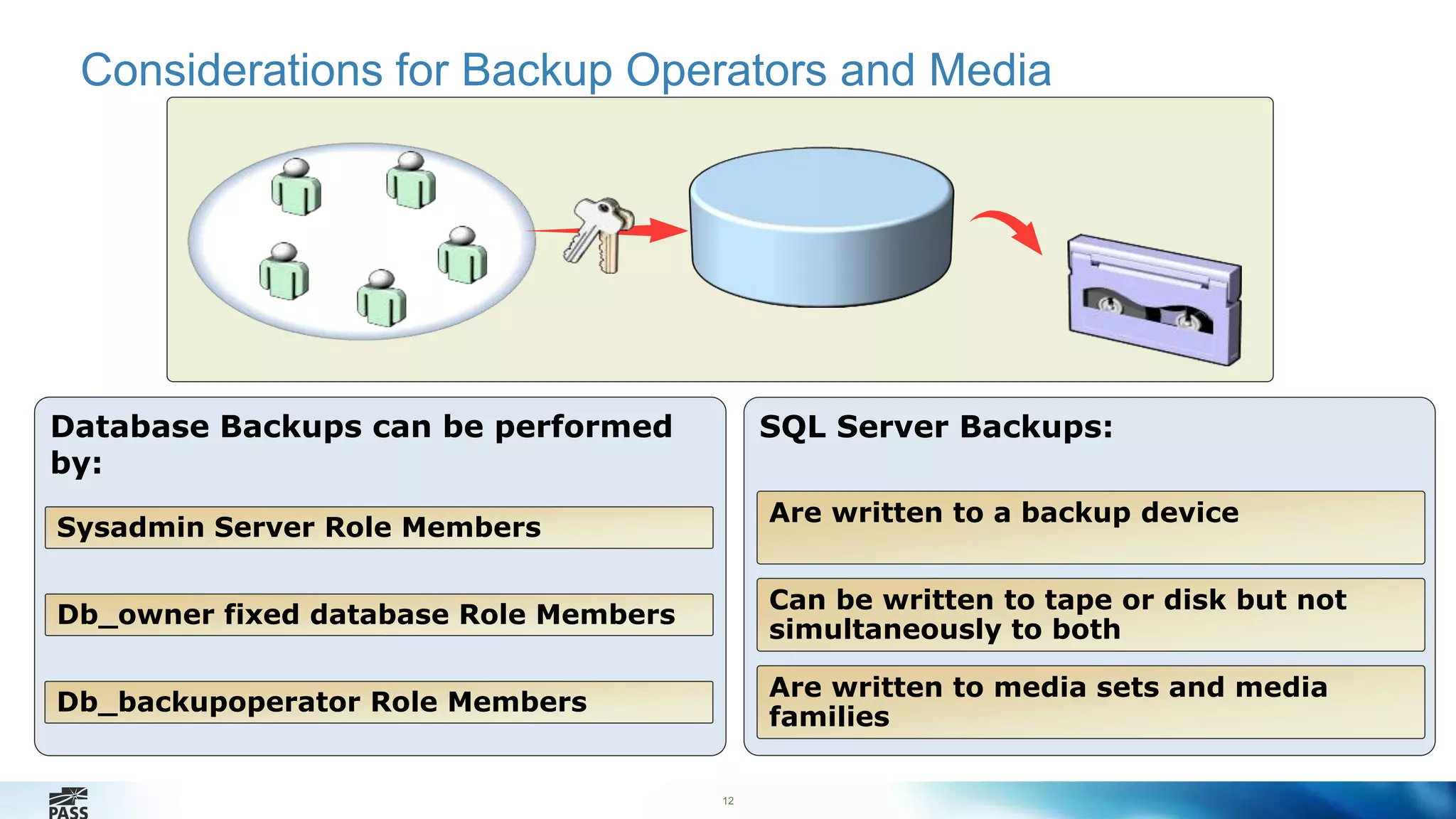
Considerations for Backup Operators and Media 
12 
SQL Server Backups: 
Are written to a backup device 
Can be written to tape or disk but not 
simultaneously to both 
Are written to media sets and media 
families 
Database Backups can be performed 
by: 
Sysadmin Server Role Members 
Db_owner fixed database Role Members 
Db_backupoperator Role Members
Lesson 2: Backing Up User Databases 
13 
• Performing a Full Database Backup 
• Performing a Differential Backup 
• Performing a Transaction Log Backup 
• What Is Backup Compression? 
• What Is Encryption Compression? 
• What Is Backup Compression? 
• Options for Ensuring Backup Integrity
Performing a Full Database Backup 
14 
T-SQL Syntax: 
BACKUP DATABASE database 
TO backup_device [ ,...n ] 
[ WITH with_options [ ,...o ] ] ; 
Performs the following actions: 
• Backups up the specified database 
• Specifies the backup device 
• Specifies options i.e. { COMPRESSION | NO_COMPRESSION }
Performing a Differential Backup 
15 
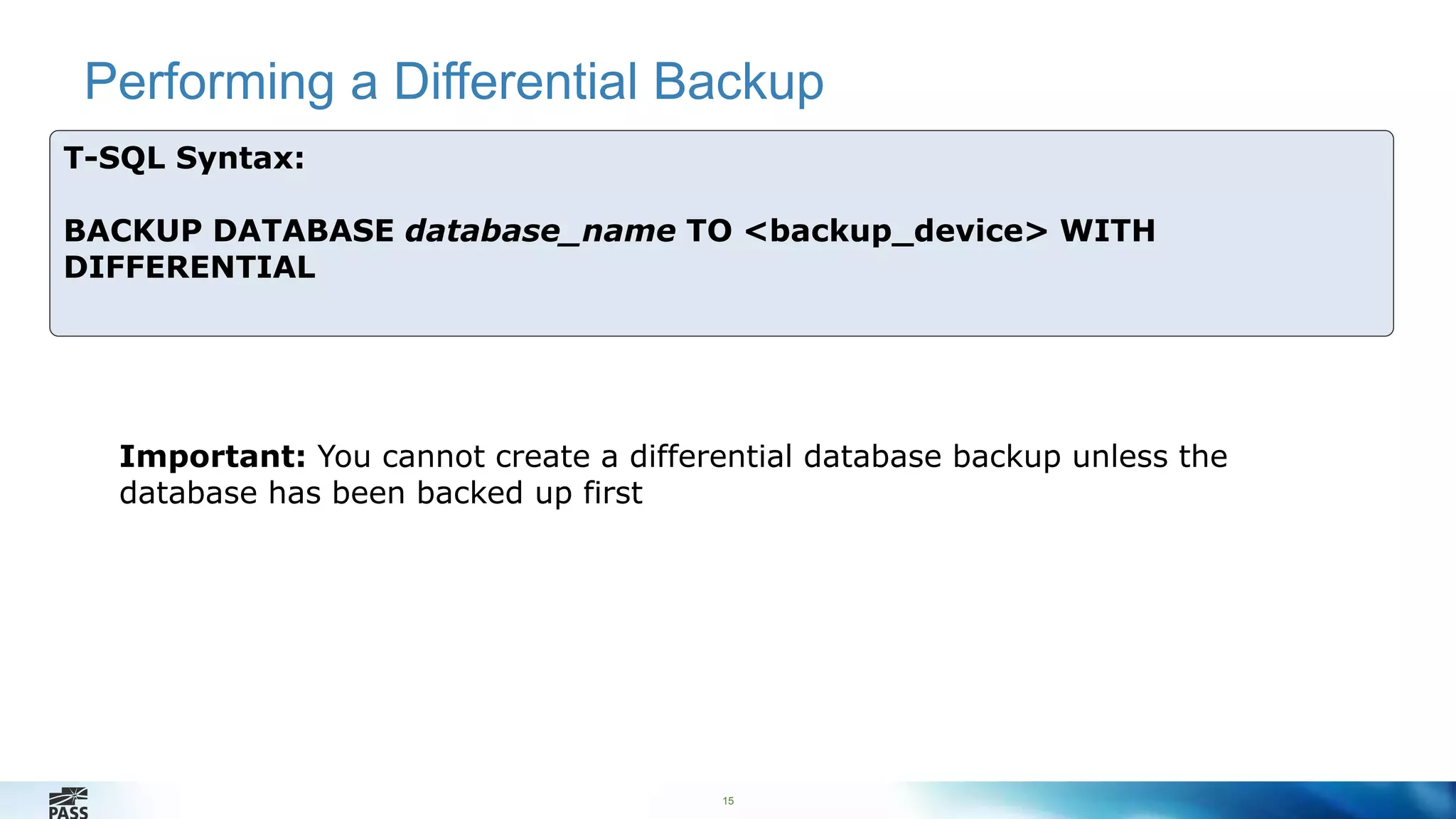
T-SQL Syntax: 
BACKUP DATABASE database_name TO <backup_device> WITH 
DIFFERENTIAL 
Important: You cannot create a differential database backup unless the 
database has been backed up first
Performing a Transaction Log Backup 
16 
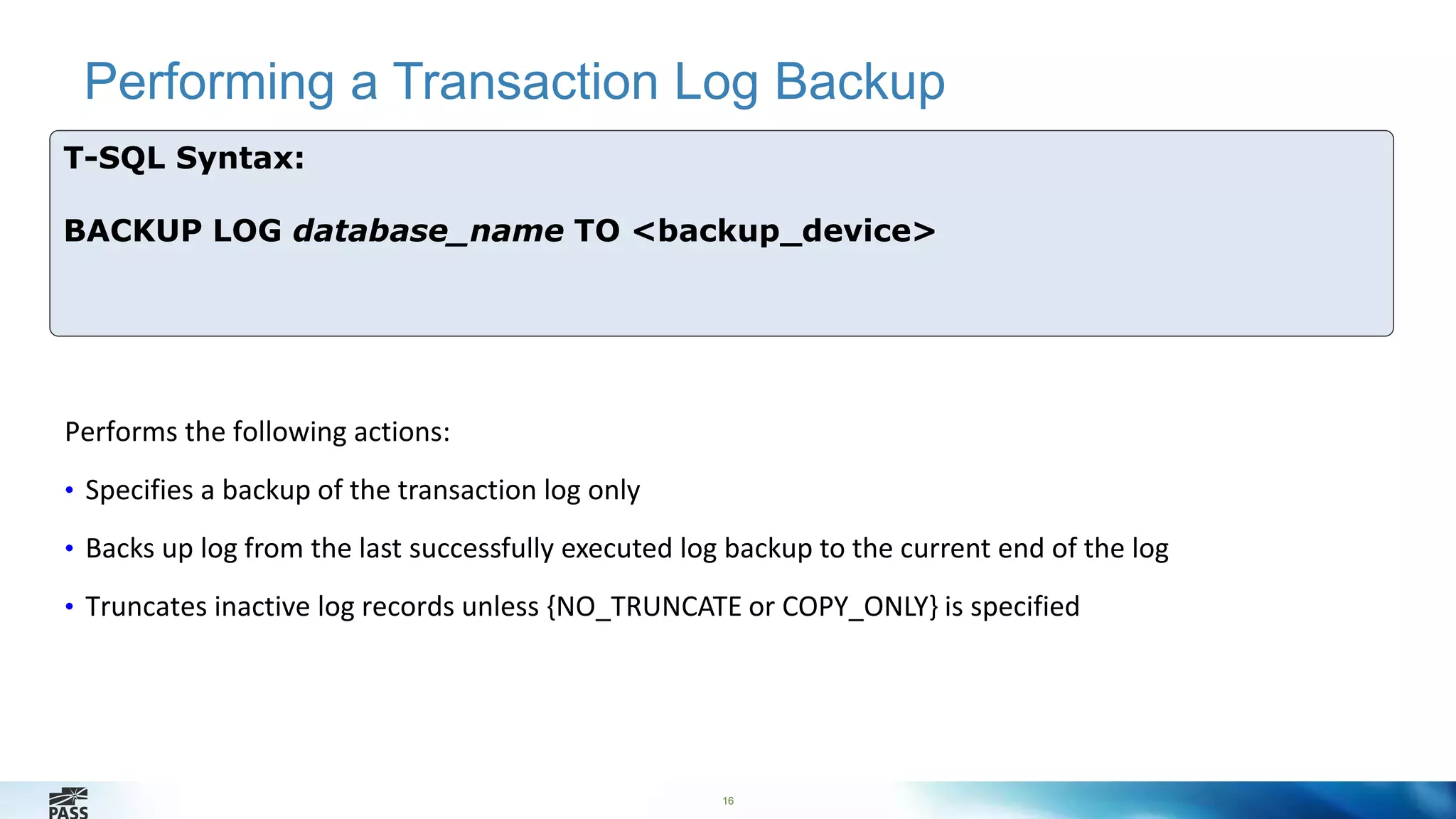
T-SQL Syntax: 
BACKUP LOG database_name TO <backup_device> 
Performs the following actions: 
• Specifies a backup of the transaction log only 
• Backs up log from the last successfully executed log backup to the current end of the log 
• Truncates inactive log records unless {NO_TRUNCATE or COPY_ONLY} is specified
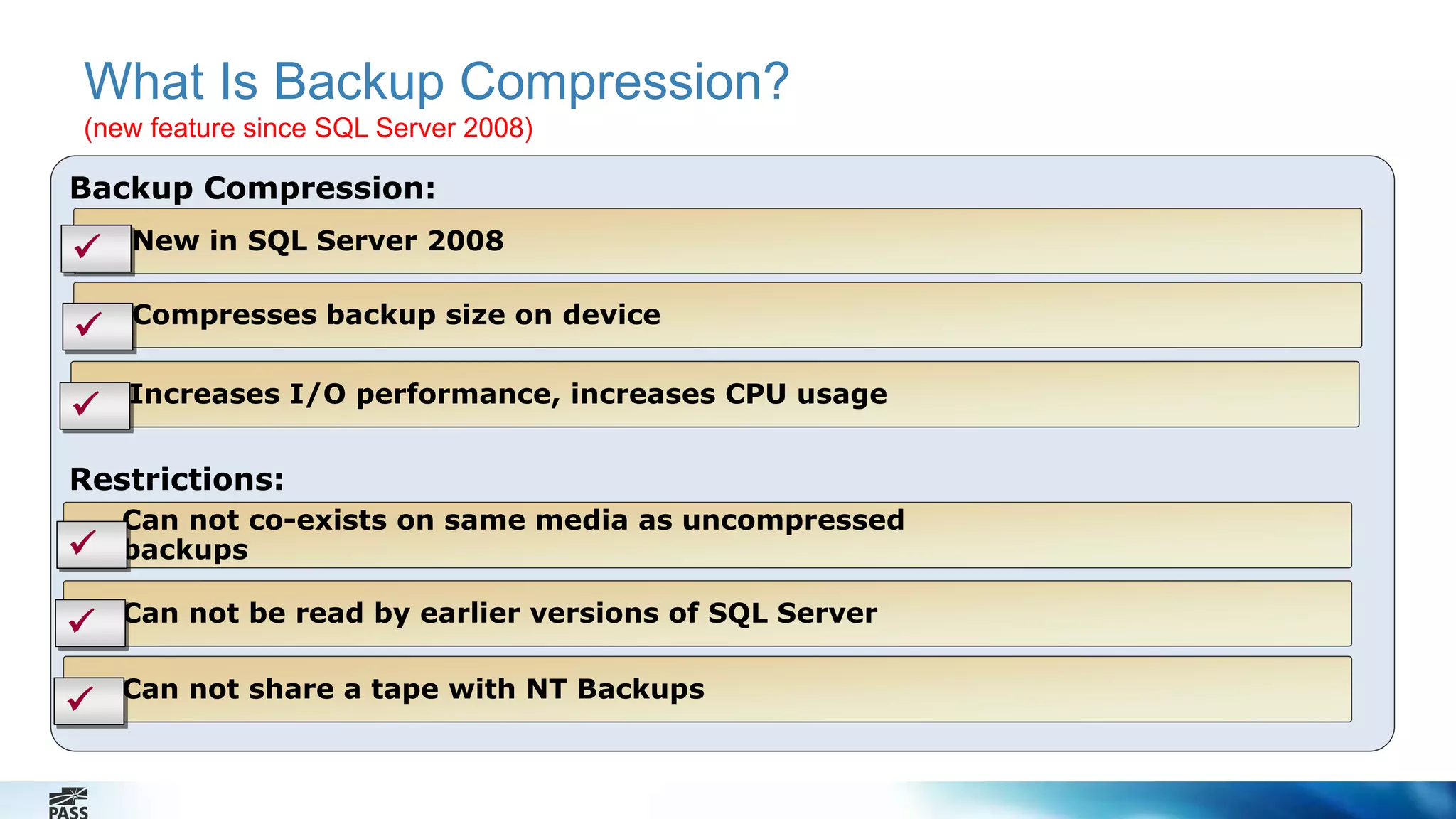
What Is Backup Compression? 
(new feature since SQL Server 2008) 
Backup Compression: 
 New in SQL Server 2008 
Compresses backup size on device 
 Increases I/O performance, increases CPU usage 
Restrictions: 
Can not co-exists on same media as uncompressed 
backups 
Can not be read by earlier versions of SQL Server 
Can not share a tape with NT Backups 
 
 
 

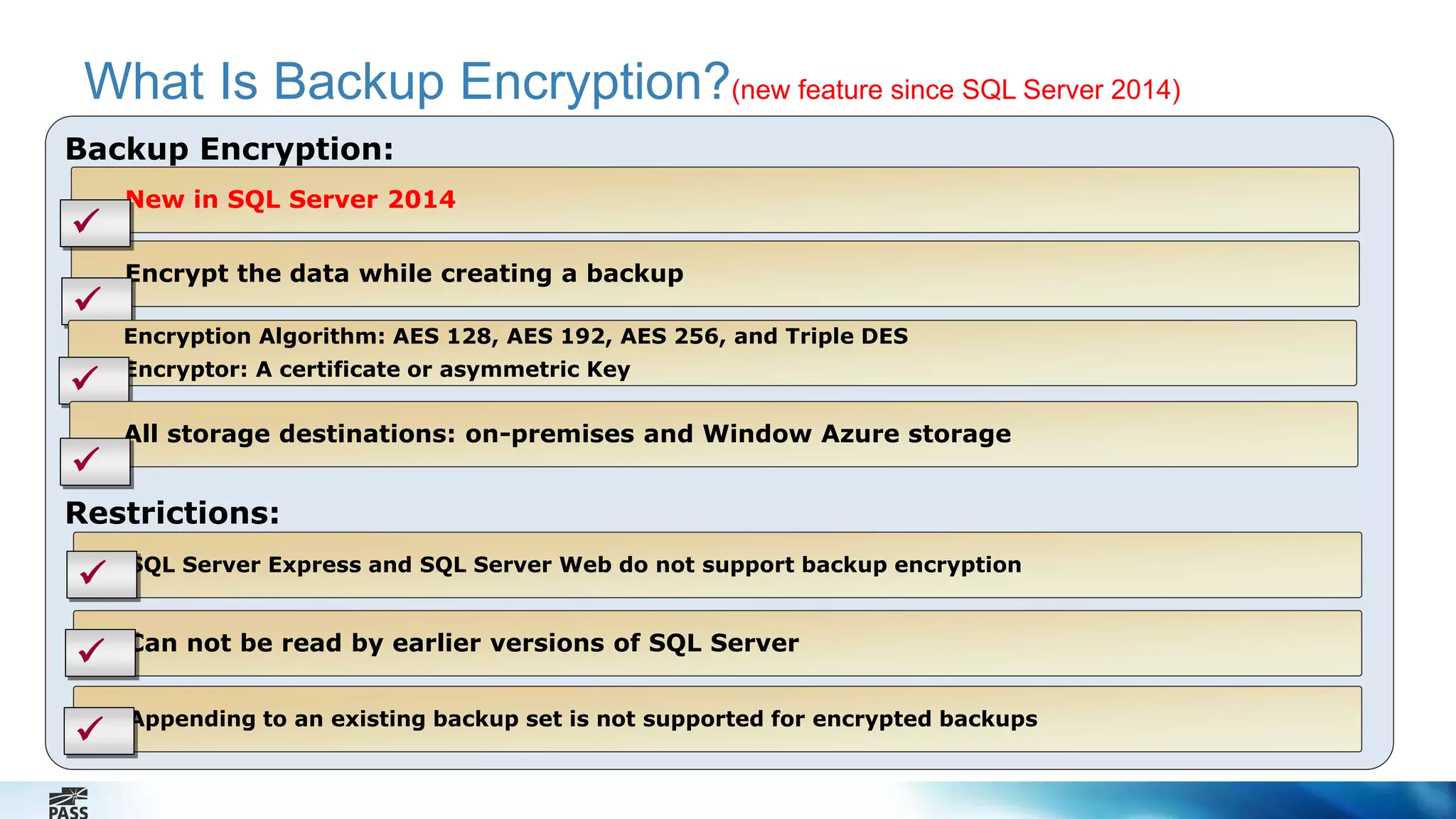
What Is Backup Encryption?(new feature since SQL Server 2014) 
Backup Encryption: 
New in SQL Server 2014 
Encrypt the data while creating a backup 
Restrictions: 
SQL Server Express and SQL Server Web do not support backup encryption 
Can not be read by earlier versions of SQL Server 
Appending to an existing backup set is not supported for encrypted backups 
 
 
 
 
 
Encryption Algorithm: AES 128, AES 192, AES 256, and Triple DES 
 Encryptor: A certificate or asymmetric Key 
All storage destinations: on-premises and Window Azure storage 

Performing a Encrypted Backup 
19 
Backup to disk with encryption 
• Create a Database Master Key of the master database 
• Create a Backup Certificate 
• Backup the database 
Backup to Windows Azure Storage with Encryption 
• Create SQL Server Credential 
• Create a Database Master Key 
• Create a Backup Certificate 
• Backup the database
Options for Ensuring Backup Integrity 
20 
Contingencies: 
 Mirrored Media Sets 
 Backup Verification 
 Checksums
Demonstration: Backing Up a Database 
In this demonstration we will: 
Backup the database by using Encryption Feature 
Enable backup compression 
Verify the backup 
Perform a checksum 
21
Lesson 3: Restoring User Databases 
22 
• How the Restore Process Works 
• Types of Restores 
• Restoring a Database 
• Restoring a Transaction Log
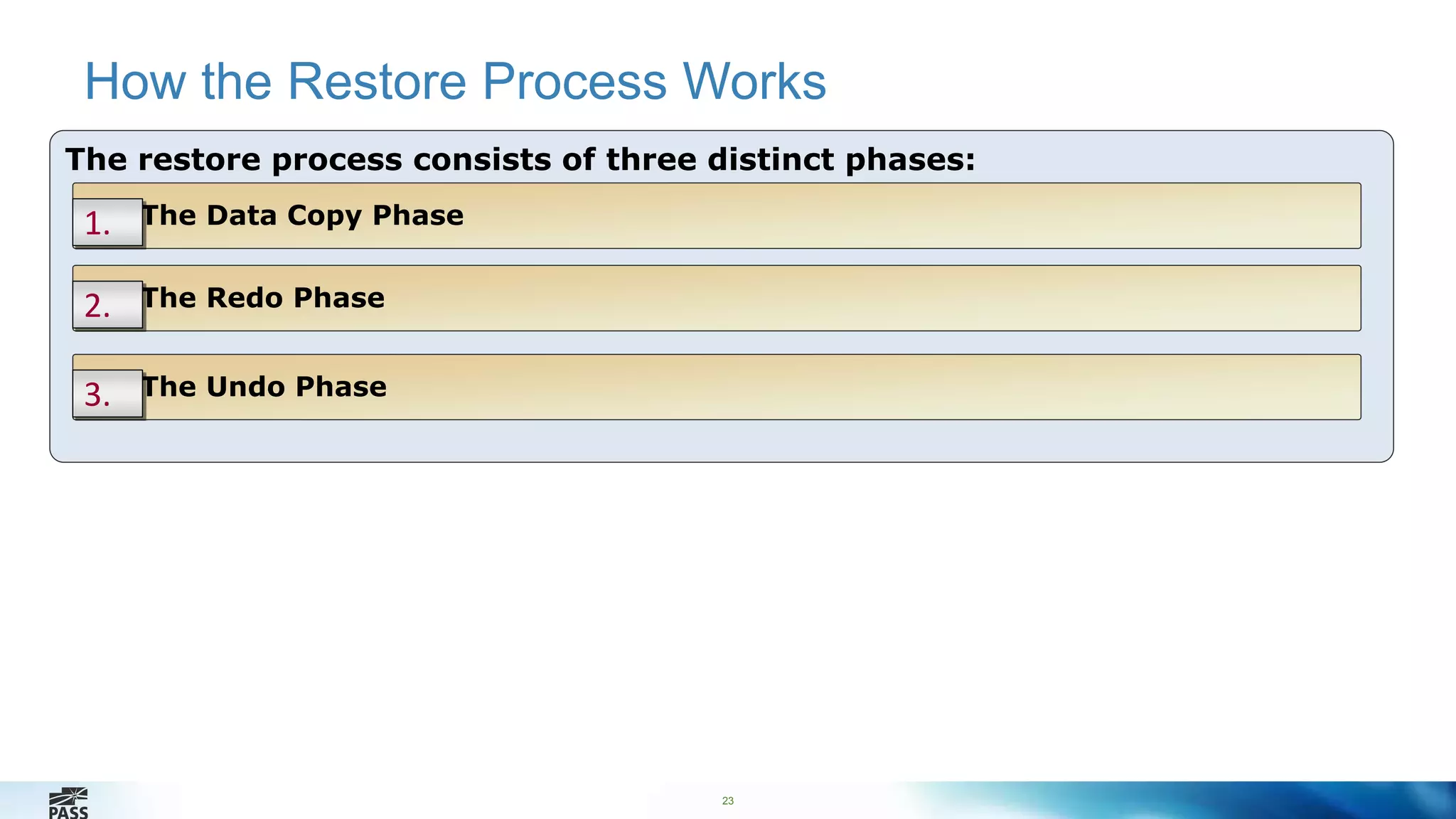
How the Restore Process Works 
The restore process consists of three distinct phases: 
1. The Data Copy Phase 
23 
2. The Redo Phase 
3. The Undo Phase
24 
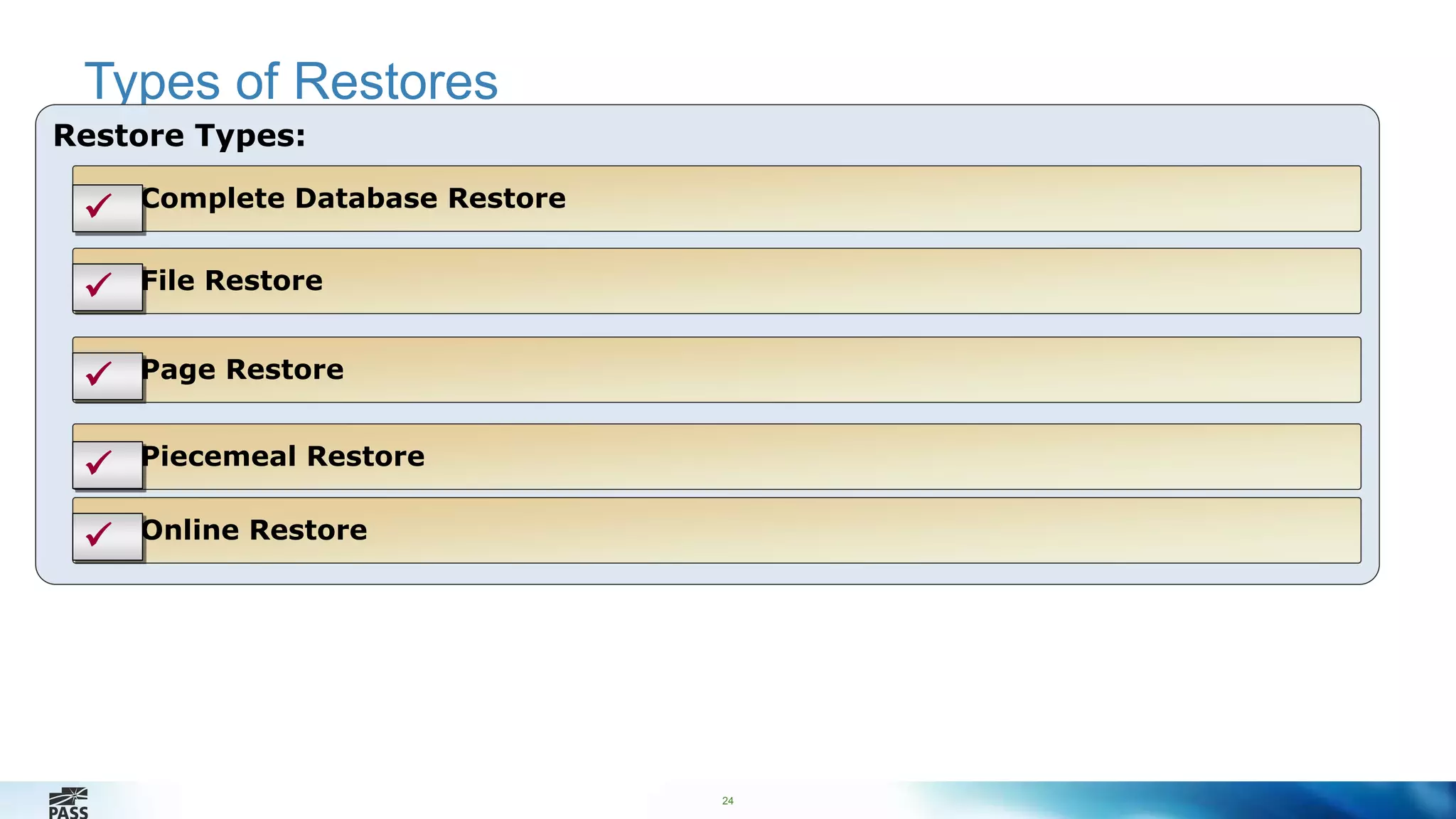
Types of Restores 
Restore Types: 
Complete Database Restore 
 
 File Restore 
 Page Restore 
 Piecemeal Restore 
 Online Restore
25 
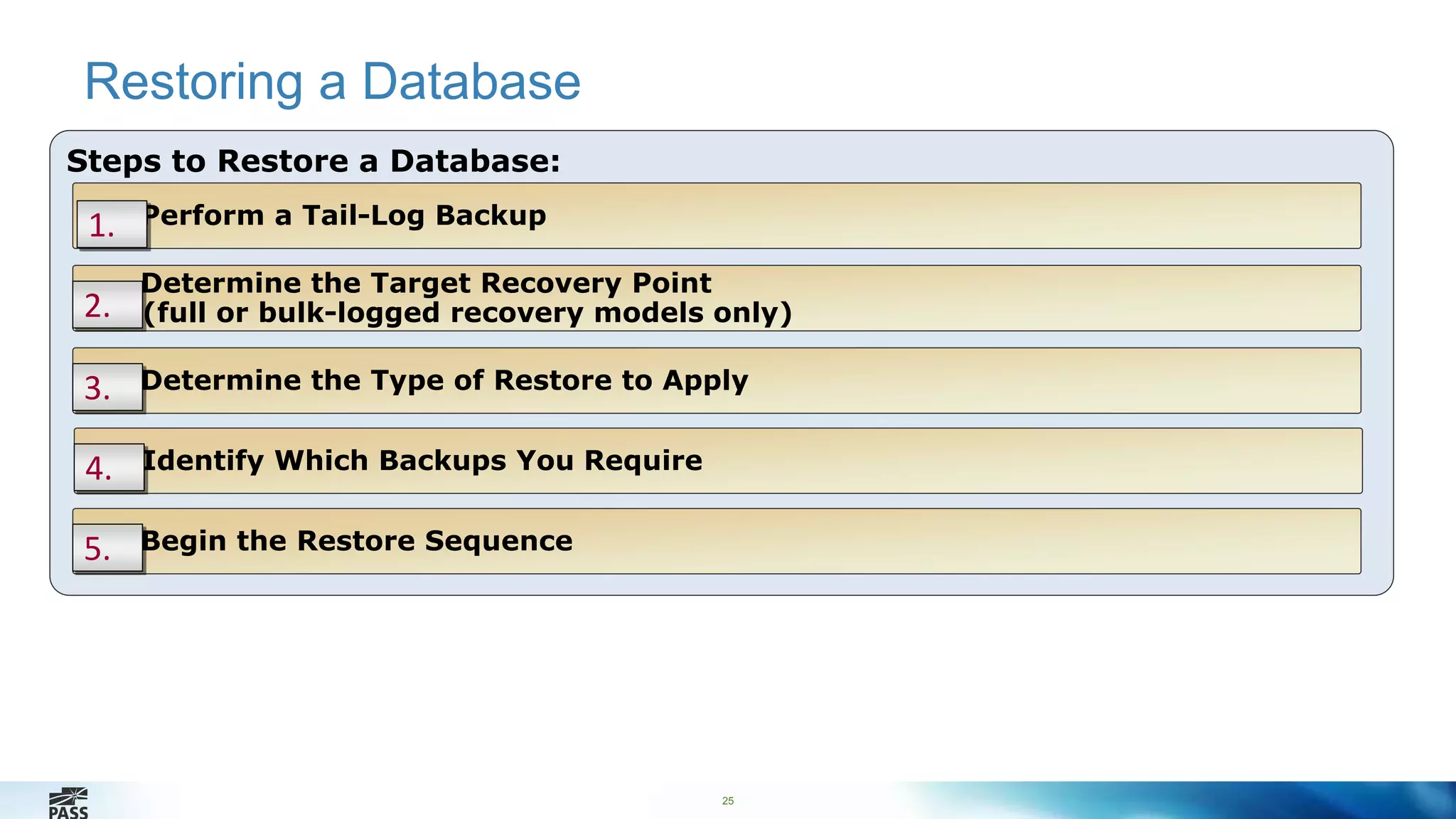
Restoring a Database 
Steps to Restore a Database: 
Perform a Tail-Log Backup 
Determine the Target Recovery Point 
1. 
2. (full or bulk-logged recovery models only) 
3. Determine the Type of Restore to Apply 
4. Identify Which Backups You Require 
5. Begin the Restore Sequence
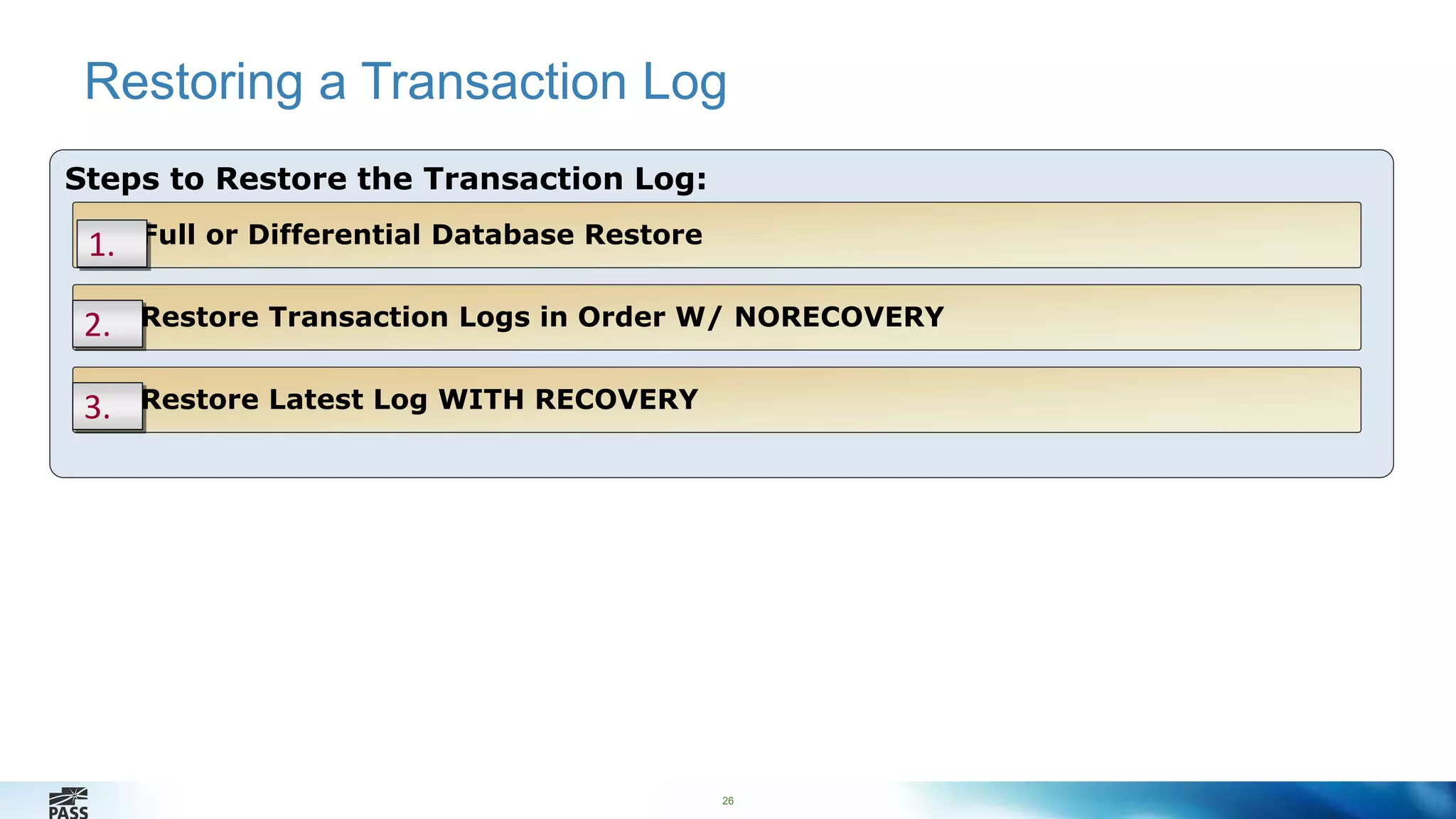
Restoring a Transaction Log 
26 
Steps to Restore the Transaction Log: 
Full or Differential Database Restore 
1. 
2. Restore Transaction Logs in Order W/ NORECOVERY 
3. Restore Latest Log WITH RECOVERY
Performing a Restore from Encrypted Backup 
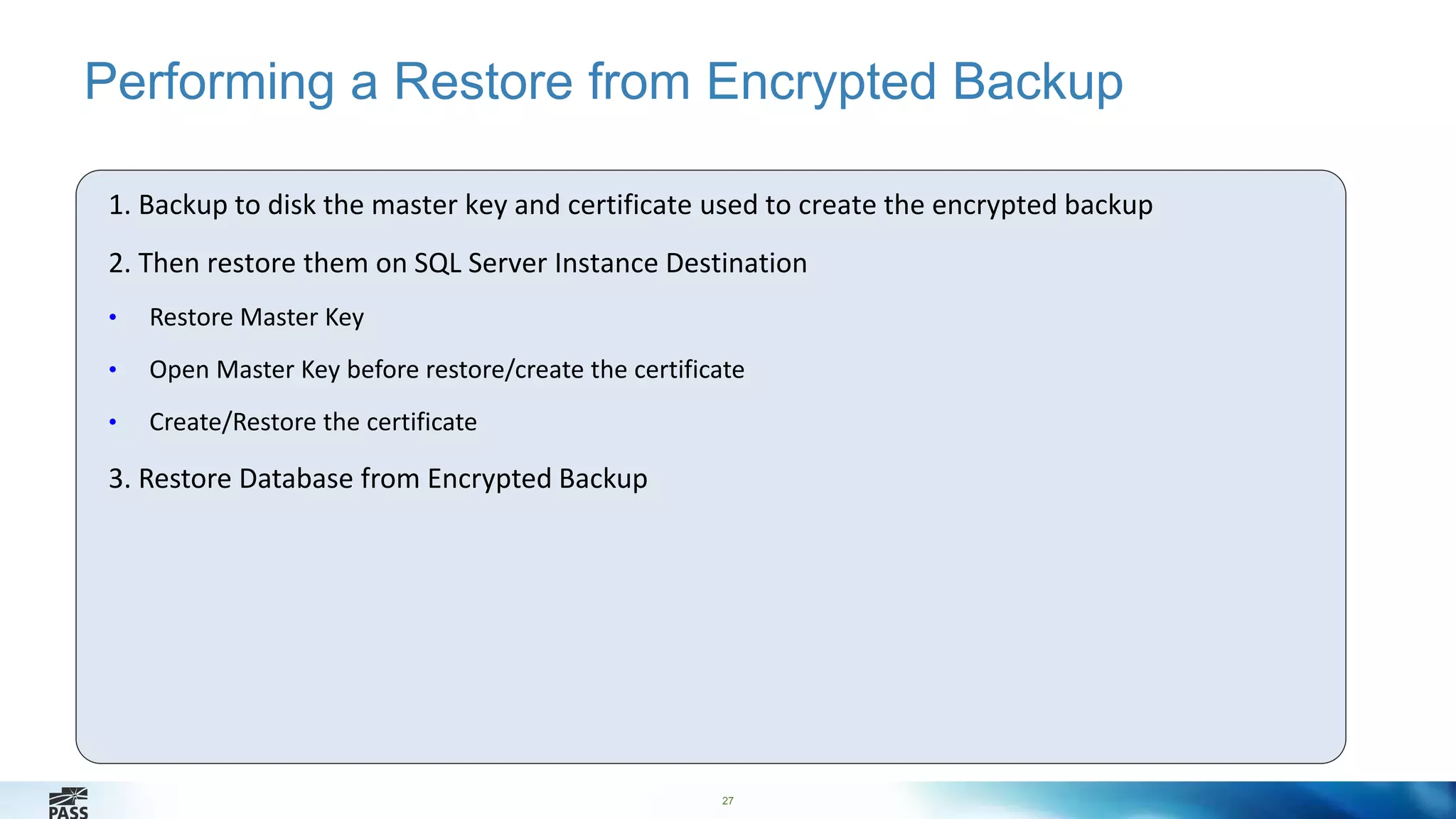
1. Backup to disk the master key and certificate used to create the encrypted backup 
2. Then restore them on SQL Server Instance Destination 
27 
• Restore Master Key 
• Open Master Key before restore/create the certificate 
• Create/Restore the certificate 
3. Restore Database from Encrypted Backup
Demonstration: Restoring a Database 
In this demonstration, you will restore the database from encrypted backup 
28
Preguntas?
A continuación … 
SSAS multidimensional mejores 
prácticas 
Ahias Portilo
Gracias por participar

24 HOP edición Español - Sql server 2014 backup encryption - Percy Reyes

  • 1.
    SQL Server 2014Backup Encryption Performance and security Expositor: Percy Reyes (MCITP DBA, MCITP Dev, MCTS, MCP) – www.percyreyes.com Moderador: Carlos Ulate
  • 2.
    Gracias a nuestrosauspiciadores Database Security as Easy as A-B-C http://www.greensql.com Hardcore Developer and IT Training http://www.pluralsight.com SQL Server Performance Try PlanExplorer today! http://www.sqlsentry.com
  • 3.
    Próximos SQL Saturday 6 de Diciembre de 2014 https://www.sqlsaturday.com/351/register.aspx 24 de Enero de 2015 https://www.sqlsaturday.com/346/register.aspx 18 de Abril de 2015 https://www.sqlsaturday.com/368/register.aspx 9 de Mayo de 2015 https://www.sqlsaturday.com/373/register.aspx
  • 4.
    Capítulo Global PASSen Español 4 4 Reuniones semanales todos los miércoles a las 12PM UTC-5 (Hora de Colombia) https://www.facebook.com/SpanishPASSVC
  • 5.
    5 Asistencia Técnica Si requiere asistencia durante la sesión debe usar la sección de preguntas que esta en el menú de la derecha. Use el botón de Zoom para ajustar su pantalla al tamaño deseado Escriba sus preguntas en la sección de preguntas que esta en el menú de la derecha
  • 6.
    6 Percy Reyes Bachelor in Systems Engineering and Senior Database Administrator focused on Microsoft SQL Server Internals with over 10+ years of extensive experience managing database servers on SQL Server 6.5, 7.0, 2000, 2005, 2008, 2008 R2, 2012 and 2014. I am experienced working for all sizes of companies in Peru and USA which are running on mission critical database servers. I am a frequent Speaker about SQL Server technologies for over 9 years at Local User Group Meetings, Webcasts, and National Conferences. I am currently the SQLPASS Peru Chapter Leader http://peru.sqlpass.org . I am a contributor and author at MSSQLTips.com. 6
  • 7.
    7 Agenda Planninga Database Backup Strategy Backing Up a User Database (with encryption) Restoring User Databases (from backup encrypted)
  • 8.
    Lesson 1: Planninga Database Backup Strategy • Overview of Microsoft SQL Server Backup Types • What Are Recovery Models? • What Is a Database Backup Strategy? • Considerations for Backup Operators and Media 8
  • 9.
    Overview of MicrosoftSQL Server Backup Types Backup Types Description Full All data files and part of the transaction log Differential The parts of the database that have changed since the last full database backup Partial The primary filegroup, every read/write filegroup, and any specified read-only filegroups Transaction Log Any database changes recorded in the log files Tail-Log Backup Log backup taken of the tail of the log just before a restore 9 operation File/File Group Specified files or filegroups Copy Only The database or log (without affecting the backup sequence)
  • 10.
    What Are RecoveryModels? 10 Recovery Model Description Simple • No log backups • Automatically reclaims log space to keep space requirements small Full • Requires log backups • No work is lost due to a lost or damaged data file • Can recover to an arbitrary point in time Bulk Logged • Requires log backups • An adjunct of the full recovery model that permits high-performance bulk copy operations • Reduces log space usage by using minimal logging for most bulk operations
  • 11.
    What Is aDatabase Backup Strategy? 11 A Database Backup Strategy:  May Involve Performing Regular Full + Diff + Log Backups Is appropriate for small/large databases (depends on your business) Restore following an order, always the first to be restored is Full Backup, then Diff and finally Log Backup.   Sunday Monday Tuesday
  • 12.
    Considerations for BackupOperators and Media 12 SQL Server Backups: Are written to a backup device Can be written to tape or disk but not simultaneously to both Are written to media sets and media families Database Backups can be performed by: Sysadmin Server Role Members Db_owner fixed database Role Members Db_backupoperator Role Members
  • 13.
    Lesson 2: BackingUp User Databases 13 • Performing a Full Database Backup • Performing a Differential Backup • Performing a Transaction Log Backup • What Is Backup Compression? • What Is Encryption Compression? • What Is Backup Compression? • Options for Ensuring Backup Integrity
  • 14.
    Performing a FullDatabase Backup 14 T-SQL Syntax: BACKUP DATABASE database TO backup_device [ ,...n ] [ WITH with_options [ ,...o ] ] ; Performs the following actions: • Backups up the specified database • Specifies the backup device • Specifies options i.e. { COMPRESSION | NO_COMPRESSION }
  • 15.
    Performing a DifferentialBackup 15 T-SQL Syntax: BACKUP DATABASE database_name TO <backup_device> WITH DIFFERENTIAL Important: You cannot create a differential database backup unless the database has been backed up first
  • 16.
    Performing a TransactionLog Backup 16 T-SQL Syntax: BACKUP LOG database_name TO <backup_device> Performs the following actions: • Specifies a backup of the transaction log only • Backs up log from the last successfully executed log backup to the current end of the log • Truncates inactive log records unless {NO_TRUNCATE or COPY_ONLY} is specified
  • 17.
    What Is BackupCompression? (new feature since SQL Server 2008) Backup Compression:  New in SQL Server 2008 Compresses backup size on device  Increases I/O performance, increases CPU usage Restrictions: Can not co-exists on same media as uncompressed backups Can not be read by earlier versions of SQL Server Can not share a tape with NT Backups    
  • 18.
    What Is BackupEncryption?(new feature since SQL Server 2014) Backup Encryption: New in SQL Server 2014 Encrypt the data while creating a backup Restrictions: SQL Server Express and SQL Server Web do not support backup encryption Can not be read by earlier versions of SQL Server Appending to an existing backup set is not supported for encrypted backups      Encryption Algorithm: AES 128, AES 192, AES 256, and Triple DES  Encryptor: A certificate or asymmetric Key All storage destinations: on-premises and Window Azure storage 
  • 19.
    Performing a EncryptedBackup 19 Backup to disk with encryption • Create a Database Master Key of the master database • Create a Backup Certificate • Backup the database Backup to Windows Azure Storage with Encryption • Create SQL Server Credential • Create a Database Master Key • Create a Backup Certificate • Backup the database
  • 20.
    Options for EnsuringBackup Integrity 20 Contingencies:  Mirrored Media Sets  Backup Verification  Checksums
  • 21.
    Demonstration: Backing Upa Database In this demonstration we will: Backup the database by using Encryption Feature Enable backup compression Verify the backup Perform a checksum 21
  • 22.
    Lesson 3: RestoringUser Databases 22 • How the Restore Process Works • Types of Restores • Restoring a Database • Restoring a Transaction Log
  • 23.
    How the RestoreProcess Works The restore process consists of three distinct phases: 1. The Data Copy Phase 23 2. The Redo Phase 3. The Undo Phase
  • 24.
    24 Types ofRestores Restore Types: Complete Database Restore   File Restore  Page Restore  Piecemeal Restore  Online Restore
  • 25.
    25 Restoring aDatabase Steps to Restore a Database: Perform a Tail-Log Backup Determine the Target Recovery Point 1. 2. (full or bulk-logged recovery models only) 3. Determine the Type of Restore to Apply 4. Identify Which Backups You Require 5. Begin the Restore Sequence
  • 26.
    Restoring a TransactionLog 26 Steps to Restore the Transaction Log: Full or Differential Database Restore 1. 2. Restore Transaction Logs in Order W/ NORECOVERY 3. Restore Latest Log WITH RECOVERY
  • 27.
    Performing a Restorefrom Encrypted Backup 1. Backup to disk the master key and certificate used to create the encrypted backup 2. Then restore them on SQL Server Instance Destination 27 • Restore Master Key • Open Master Key before restore/create the certificate • Create/Restore the certificate 3. Restore Database from Encrypted Backup
  • 28.
    Demonstration: Restoring aDatabase In this demonstration, you will restore the database from encrypted backup 28
  • 29.
  • 30.
    A continuación … SSAS multidimensional mejores prácticas Ahias Portilo
  • 31.

Editor's Notes