Backup and
Recovery in
SQL Server

The Role of Back-ups
Data Recovery
Data Migration
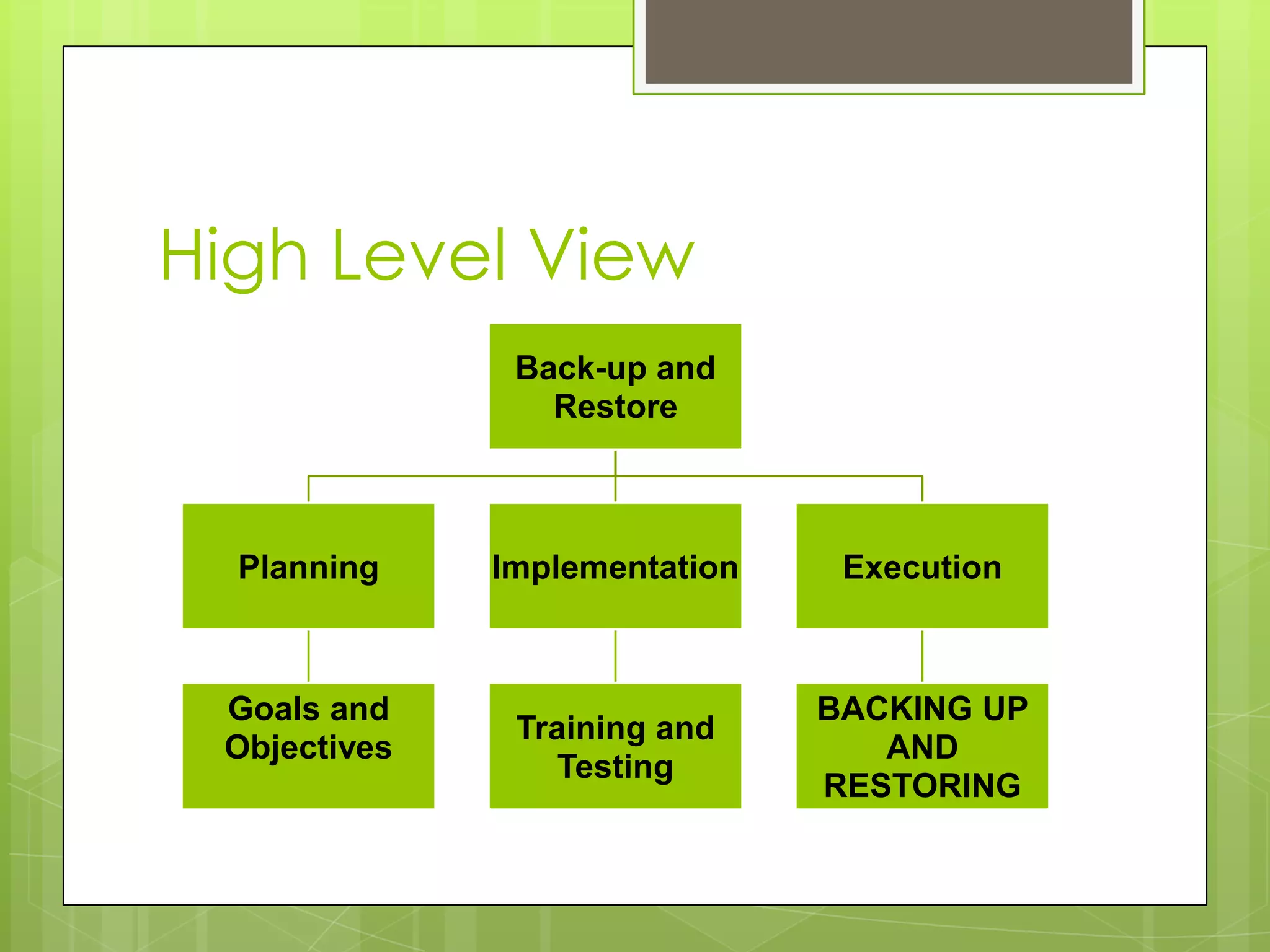
High Level View
               Back-up and
                 Restore


  Planning    Implementation    Execution


 Goals and                     BACKING UP
               Training and
 Objectives                       AND
                  Testing
                               RESTORING
Planning
 Needs assessment
 Management expectations
 Network architecture
 Personnel
Implementation
 Training
   Who’s    involved in the process?
 Testing
   Failsafe
          your process
   Remember what the purpose of
    backups are!
Backing up your data
 Data Files
   .MDF
   .LDF
 Backup Devices
   Create
   Delete
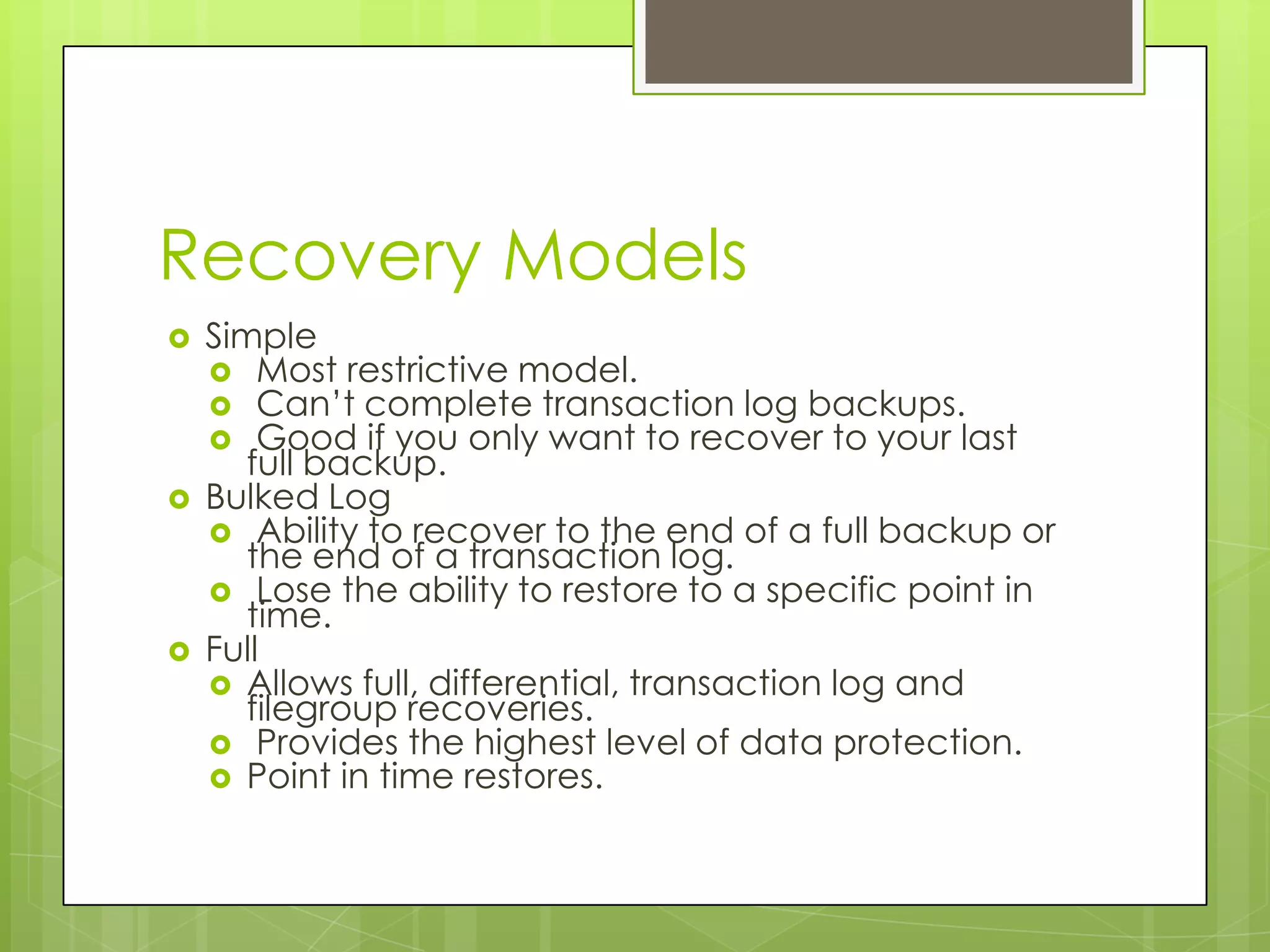
Recovery Models
   Simple
     Most restrictive model.
     Can’t complete transaction log backups.
     Good if you only want to recover to your last
       full backup.
   Bulked Log
     Ability to recover to the end of a full backup or
       the end of a transaction log.
     Lose the ability to restore to a specific point in
       time.
   Full
     Allows full, differential, transaction log and
       filegroup recoveries.
     Provides the highest level of data protection.
     Point in time restores.
Types of Backups
 Full Database
 Differential Database
 Transaction Log
 Filegroup
Full database backup
 Completes    a full backup up the database
  right up to the point where the database
  finishes.
 Backs up all tables, indexes, system tables
  and the database object in those tables
 Striping example
The Backup Database
Statement
   BACKUP DATABASE { database_name | @database_name_var }
    TO < backup_device > [ ,...n ]
    [ WITH
       [ BLOCKSIZE = { blocksize | @blocksize_variable } ]
       [ [ , ] DESCRIPTION = { 'text' | @text_variable } ]
       [ [ , ] DIFFERENTIAL ]
       [ [ , ] EXPIREDATE = { date | @date_var }
          | RETAINDAYS = { days | @days_var } ]
       [ [ , ] PASSWORD = { password | @password_variable } ]
       [ [ , ] FORMAT | NOFORMAT ]
       [ [ , ] { INIT | NOINIT } ]
       [ [ , ] MEDIADESCRIPTION = { 'text' | @text_variable } ]
       [ [ , ] MEDIANAME = { media_name | @media_name_variable } ]
       [ [ , ] MEDIAPASSWORD = { mediapassword | @mediapassword_variable } ]
       [ [ , ] NAME = { backup_set_name | @backup_set_name_var } ]
       [ [ , ] { NOSKIP | SKIP } ]
       [ [ , ] { NOREWIND | REWIND } ]
       [ [ , ] { NOUNLOAD | UNLOAD } ]
       [ [ , ] RESTART ]
       [ [ , ] STATS [ = percentage ]
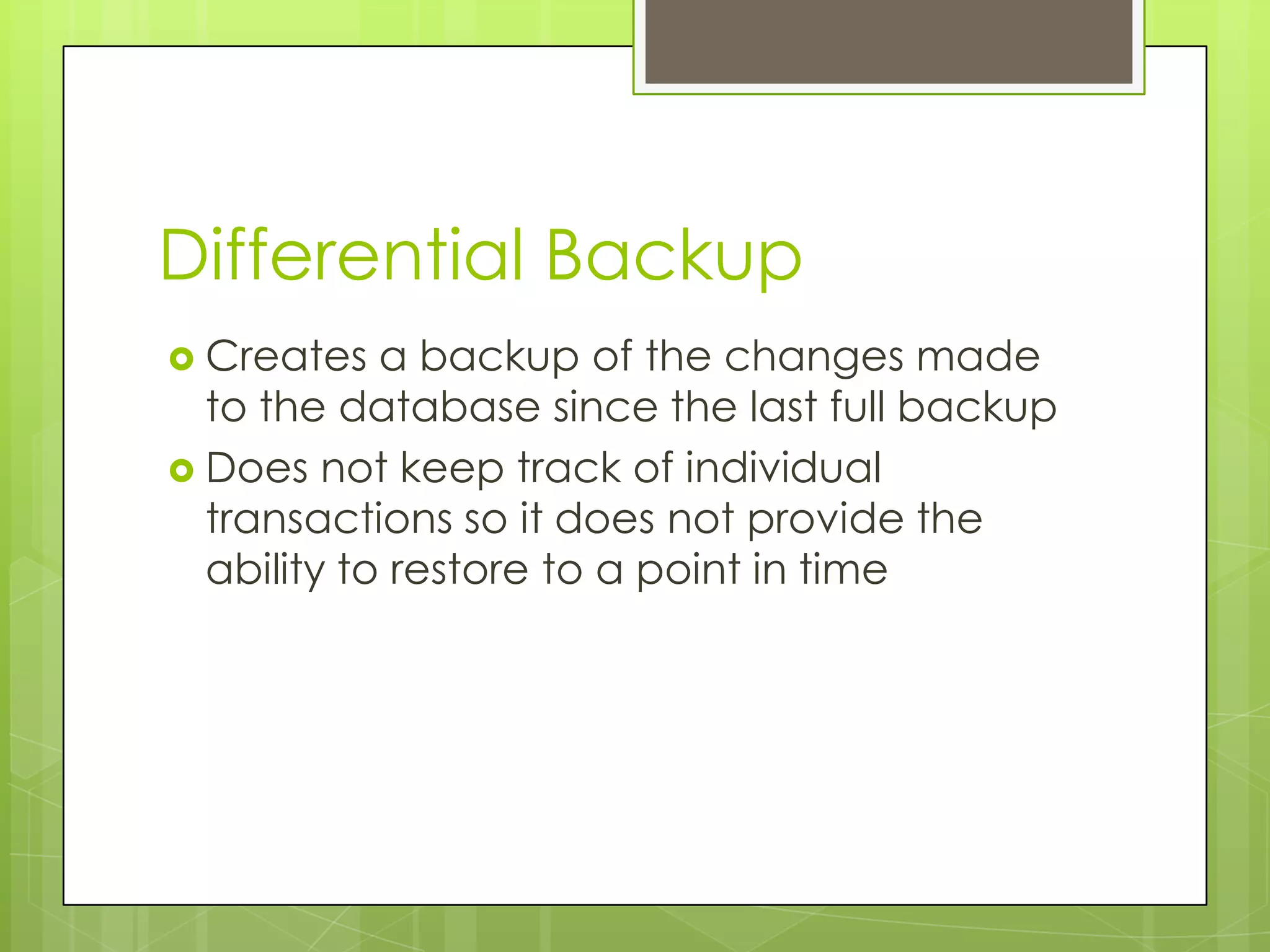
Differential Backup
 Creates   a backup of the changes made
  to the database since the last full backup
 Does not keep track of individual
  transactions so it does not provide the
  ability to restore to a point in time
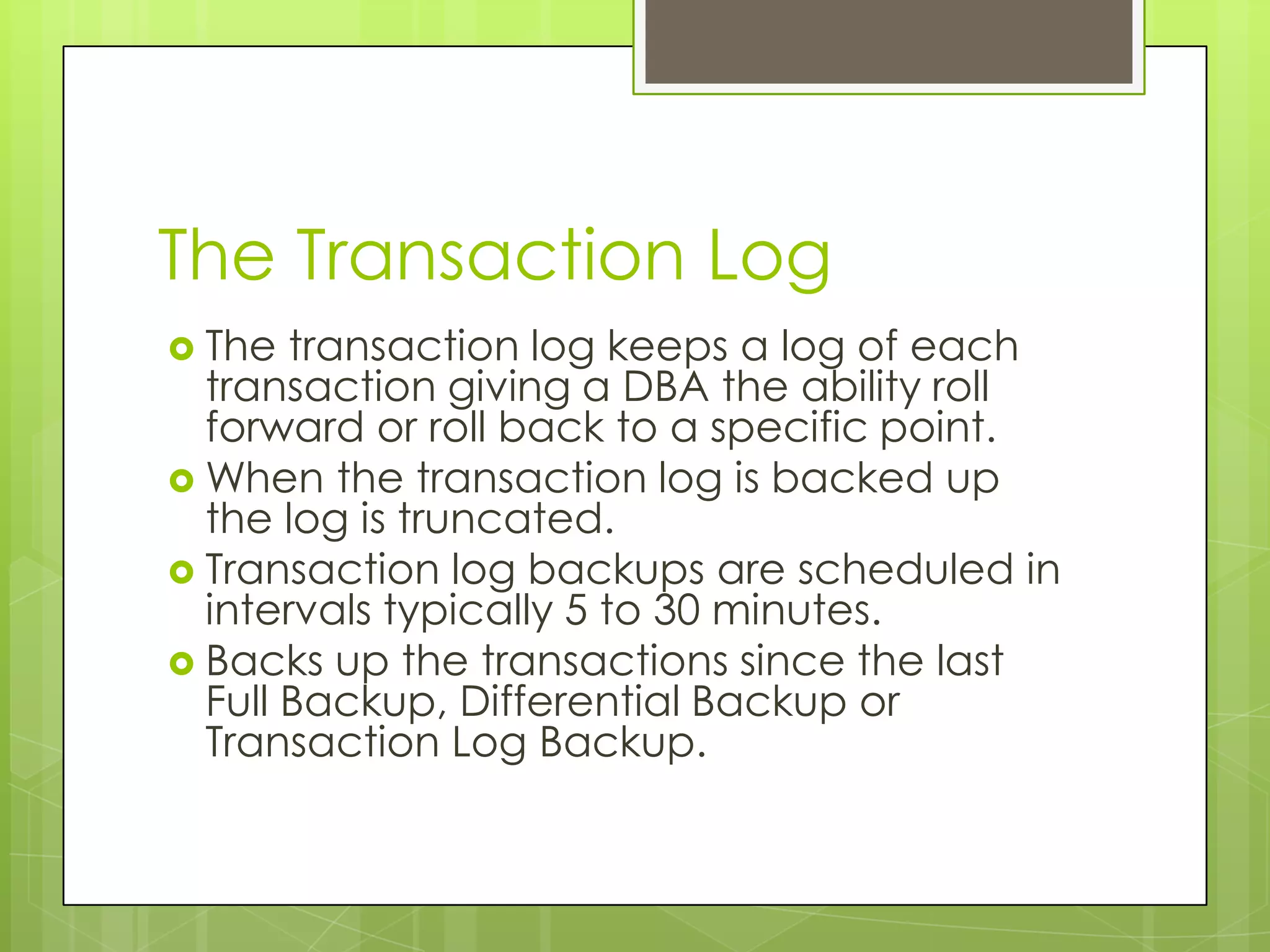
The Transaction Log
 The  transaction log keeps a log of each
  transaction giving a DBA the ability roll
  forward or roll back to a specific point.
 When the transaction log is backed up
  the log is truncated.
 Transaction log backups are scheduled in
  intervals typically 5 to 30 minutes.
 Backs up the transactions since the last
  Full Backup, Differential Backup or
  Transaction Log Backup.
Backup Log Statement
   BACKUP LOG { database_name | @database_name_var }
    {
      TO < backup_device > [ ,...n ]
      [ WITH
        [ BLOCKSIZE = { blocksize | @blocksize_variable } ]
        [ [ , ] DESCRIPTION = { 'text' | @text_variable } ]
        [ [ ,] EXPIREDATE = { date | @date_var }
           | RETAINDAYS = { days | @days_var } ]
        [ [ , ] PASSWORD = { password | @password_variable } ]
        [ [ , ] FORMAT | NOFORMAT ]
        [ [ , ] { INIT | NOINIT } ]
        [ [ , ] MEDIADESCRIPTION = { 'text' | @text_variable } ]
        [ [ , ] MEDIANAME = { media_name | @media_name_variable } ]
        [ [ , ] MEDIAPASSWORD = { mediapassword | @mediapassword_variable } ]
        [ [ , ] NAME = { backup_set_name | @backup_set_name_var } ]
        [ [ , ] NO_TRUNCATE ]
        [ [ , ] { NORECOVERY | STANDBY = undo_file_name } ]
        [ [ , ] { NOREWIND | REWIND } ]
        [ [ , ] { NOSKIP | SKIP } ]
        [ [ , ] { NOUNLOAD | UNLOAD } ]
        [ [ , ] RESTART ]
        [ [ , ] STATS [ = percentage ] ]
      ]
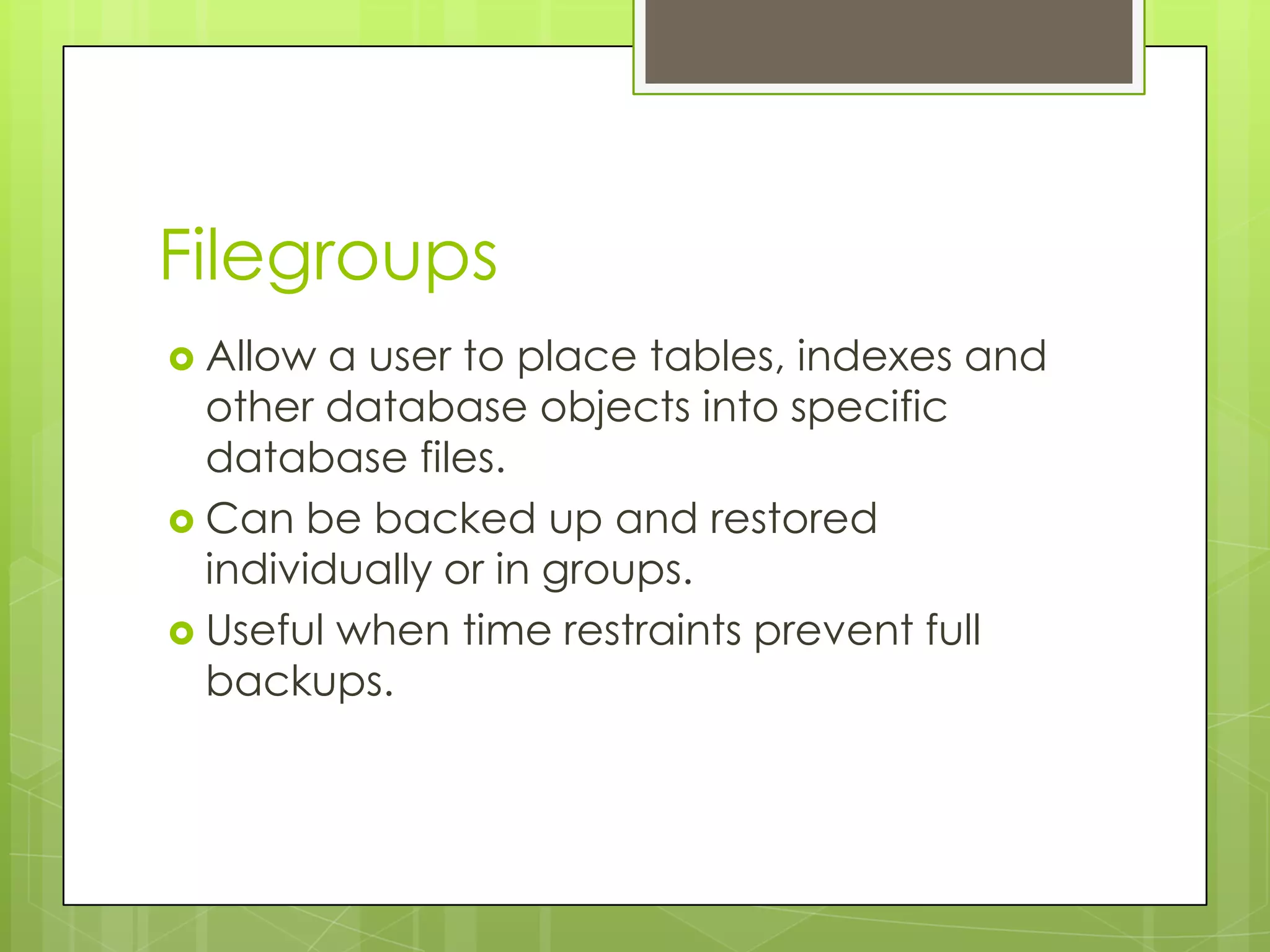
Filegroups
 Allow  a user to place tables, indexes and
  other database objects into specific
  database files.
 Can be backed up and restored
  individually or in groups.
 Useful when time restraints prevent full
  backups.
Backup Filegroup Statement
   BACKUP DATABASE { database_name | @database_name_var }
      < file_or_filegroup > [ ,...n ]
    TO < backup_device > [ ,...n ]
    [ WITH
      [ BLOCKSIZE = { blocksize | @blocksize_variable } ]
      [ [ , ] DESCRIPTION = { 'text' | @text_variable } ]
      [ [ , ] DIFFERENTIAL ]
      [ [ , ] EXPIREDATE = { date | @date_var }
         | RETAINDAYS = { days | @days_var } ]
      [ [ , ] PASSWORD = { password | @password_variable } ]
      [ [ , ] FORMAT | NOFORMAT ]
      [ [ , ] { INIT | NOINIT } ]
      [ [ , ] MEDIADESCRIPTION = { 'text' | @text_variable } ]
      [ [ , ] MEDIANAME = { media_name | @media_name_variable } ]
      [ [ , ] MEDIAPASSWORD = { mediapassword | @mediapassword_variable } ]
      [ [ , ] NAME = { backup_set_name | @backup_set_name_var } ]
      [ [ , ] { NOSKIP | SKIP } ]
      [ [ , ] { NOREWIND | REWIND } ]
      [ [ , ] { NOUNLOAD | UNLOAD } ]
      [ [ , ] RESTART ]
      [ [ , ] STATS [ = percentage ] ]
    ]
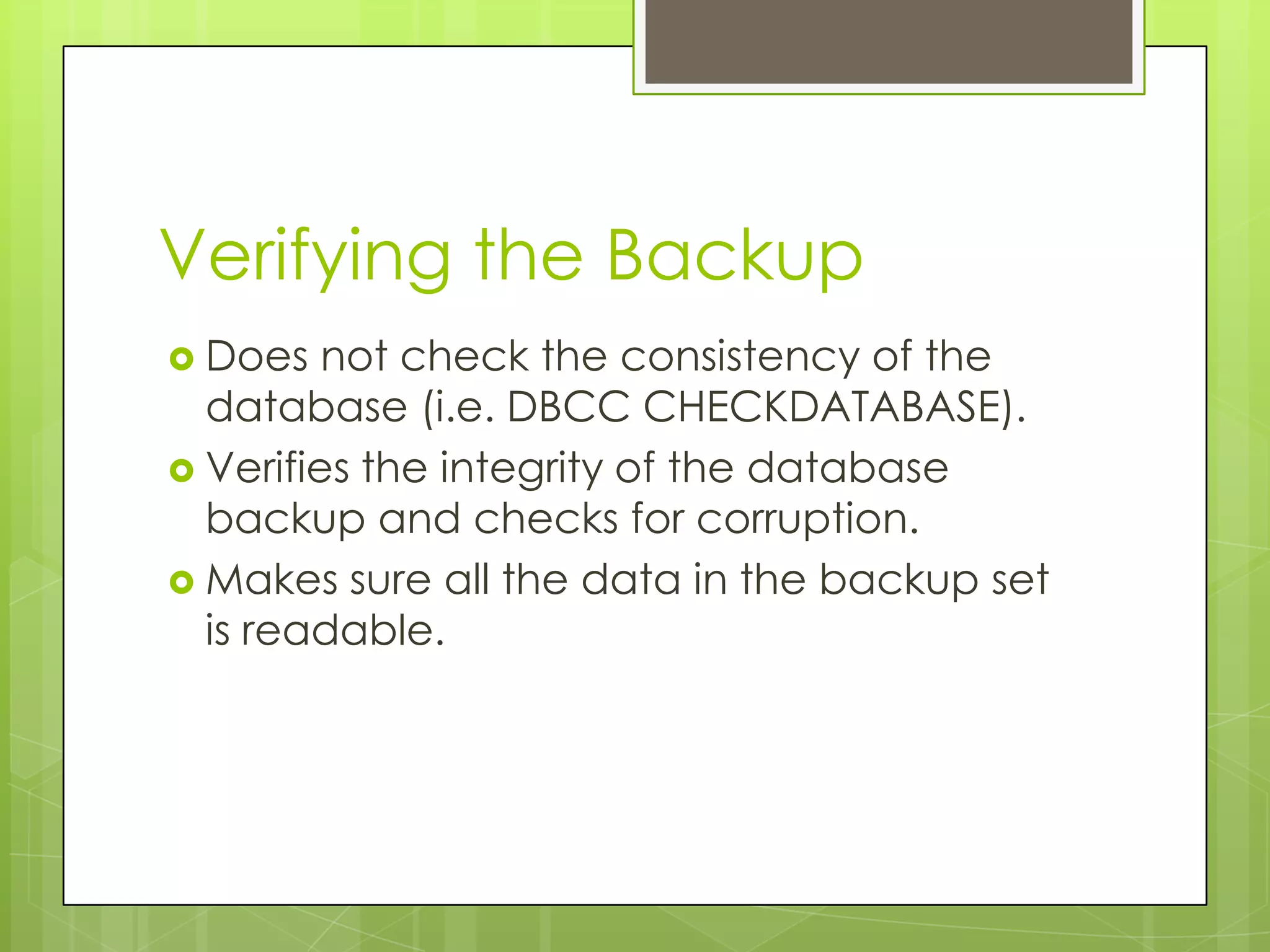
Verifying the Backup
 Does   not check the consistency of the
  database (i.e. DBCC CHECKDATABASE).
 Verifies the integrity of the database
  backup and checks for corruption.
 Makes sure all the data in the backup set
  is readable.
Restore Verify Only
RESTORE VERIFYONLY
  FROM < backup_device > [ ,...n ]
  [ WITH
     [ FILE = file_number ]
     [ [ , ] { NOUNLOAD | UNLOAD } ]
     [ [ , ] LOADHISTORY ]
     [ [ , ] PASSWORD = { password |
  @password_variable } ]
     [ [ , ] MEDIAPASSWORD = {
  mediapassword |
  @mediapassword_variable } ]
     [ [ , ] { NOREWIND | REWIND } ]
Job Scheduling
 The most widely used way complete day
  to day and week to week scheduled
  backup operations.
 Creation of jobs though Enterprise
  Manager.
 SQL Server Agent must be started.
Database Maintenance Plans
 Expanded  job scheduling abilities.
 Creates jobs managed by the SQL Server
  Agent.
 Can schedule integrity checks, reorganize
  indexes and delete unwanted database
  backups.
Storage
 Using a consistent method of keeping
  track of your backups.
 Using the system backup tables in the
  msdb database.
 Archiving backups to tape and different
  considerations for different industries
Restore scenarios
 Data  Migration
   Development
   Testing
 Disaster Recovery
   Recovering Backups
   Standby Servers
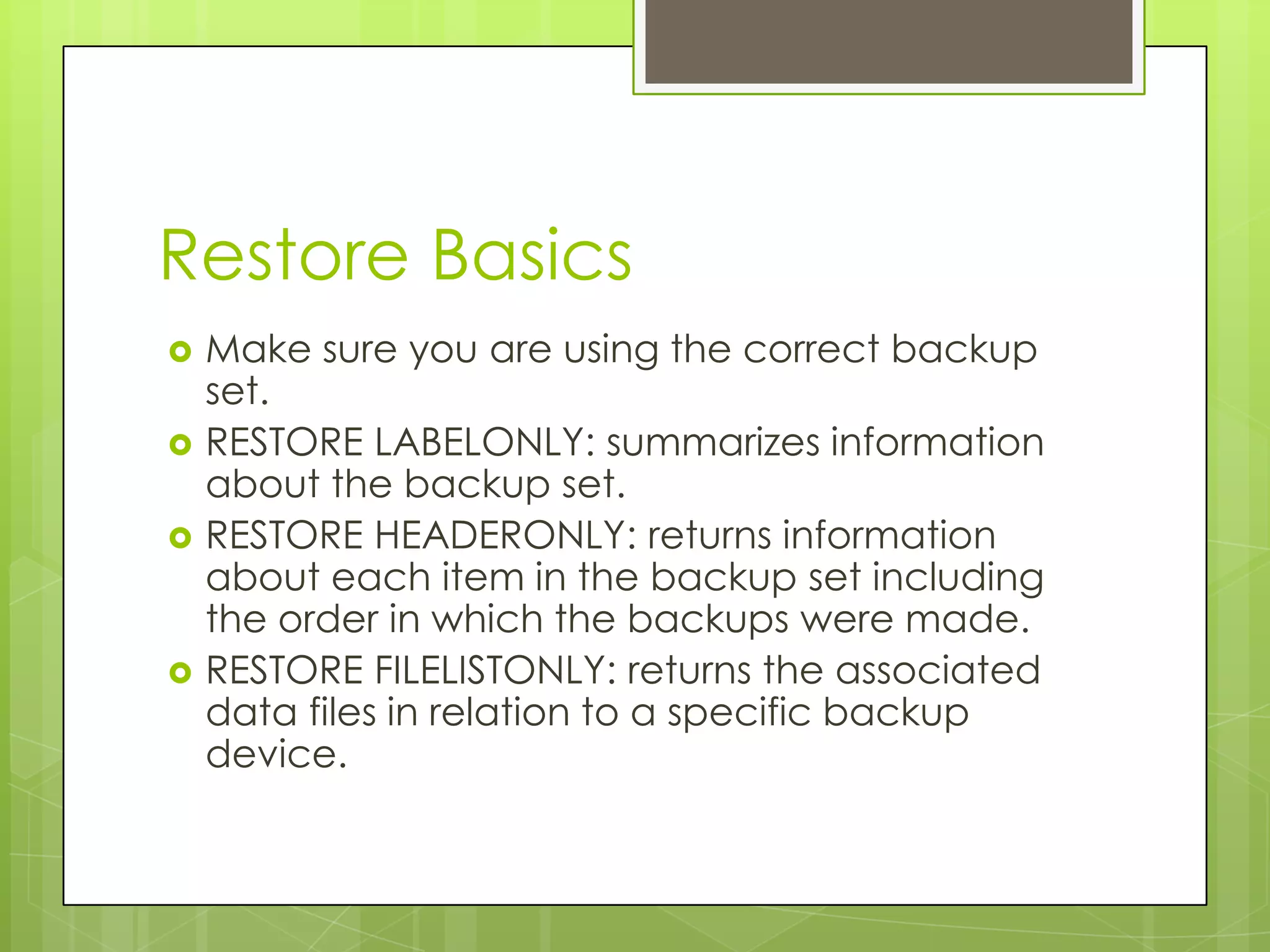
Restore Basics
   Make sure you are using the correct backup
    set.
   RESTORE LABELONLY: summarizes information
    about the backup set.
   RESTORE HEADERONLY: returns information
    about each item in the backup set including
    the order in which the backups were made.
   RESTORE FILELISTONLY: returns the associated
    data files in relation to a specific backup
    device.
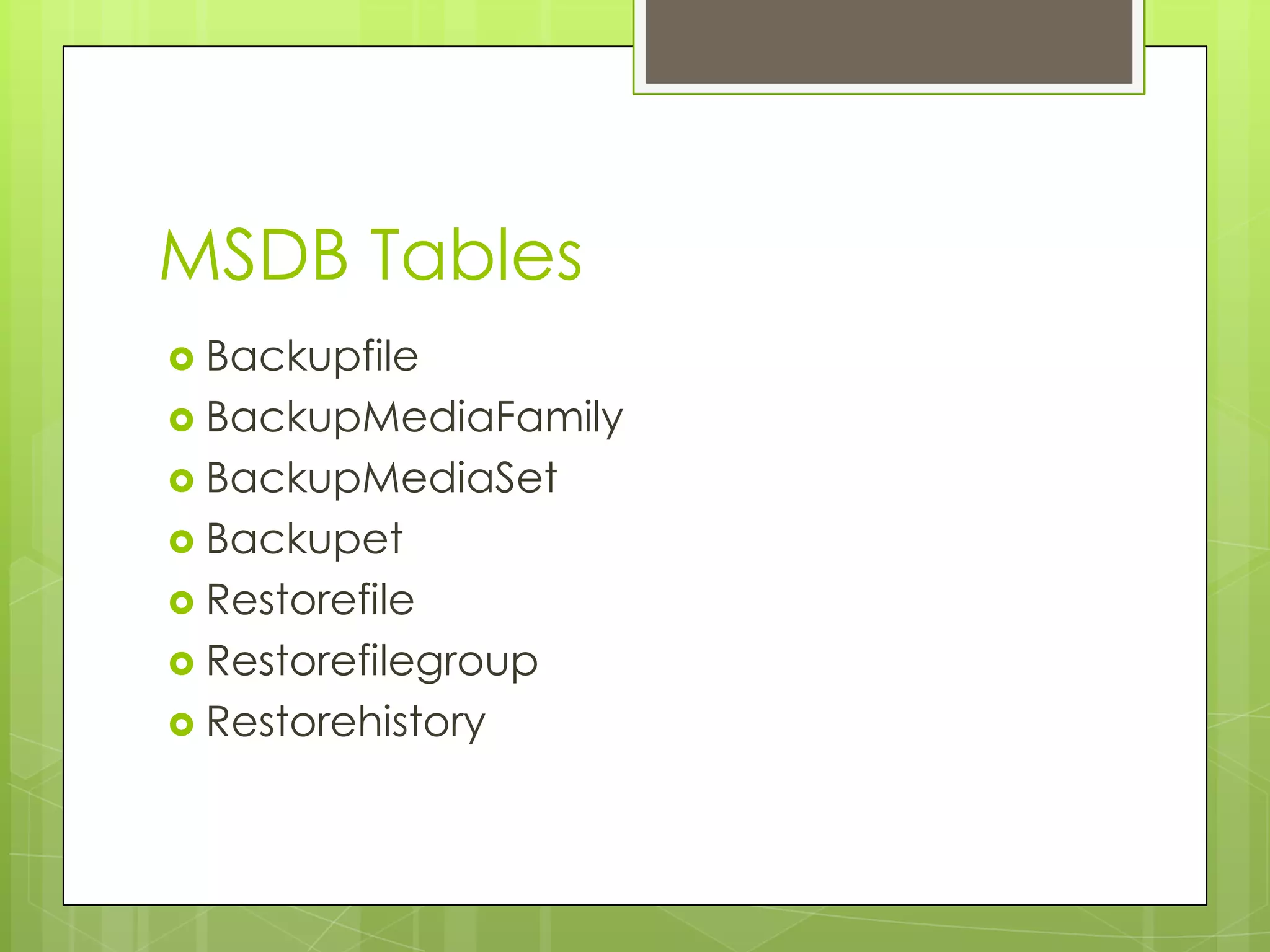
MSDB Tables
 Backupfile
 BackupMediaFamily
 BackupMediaSet
 Backupet
 Restorefile
 Restorefilegroup
 Restorehistory
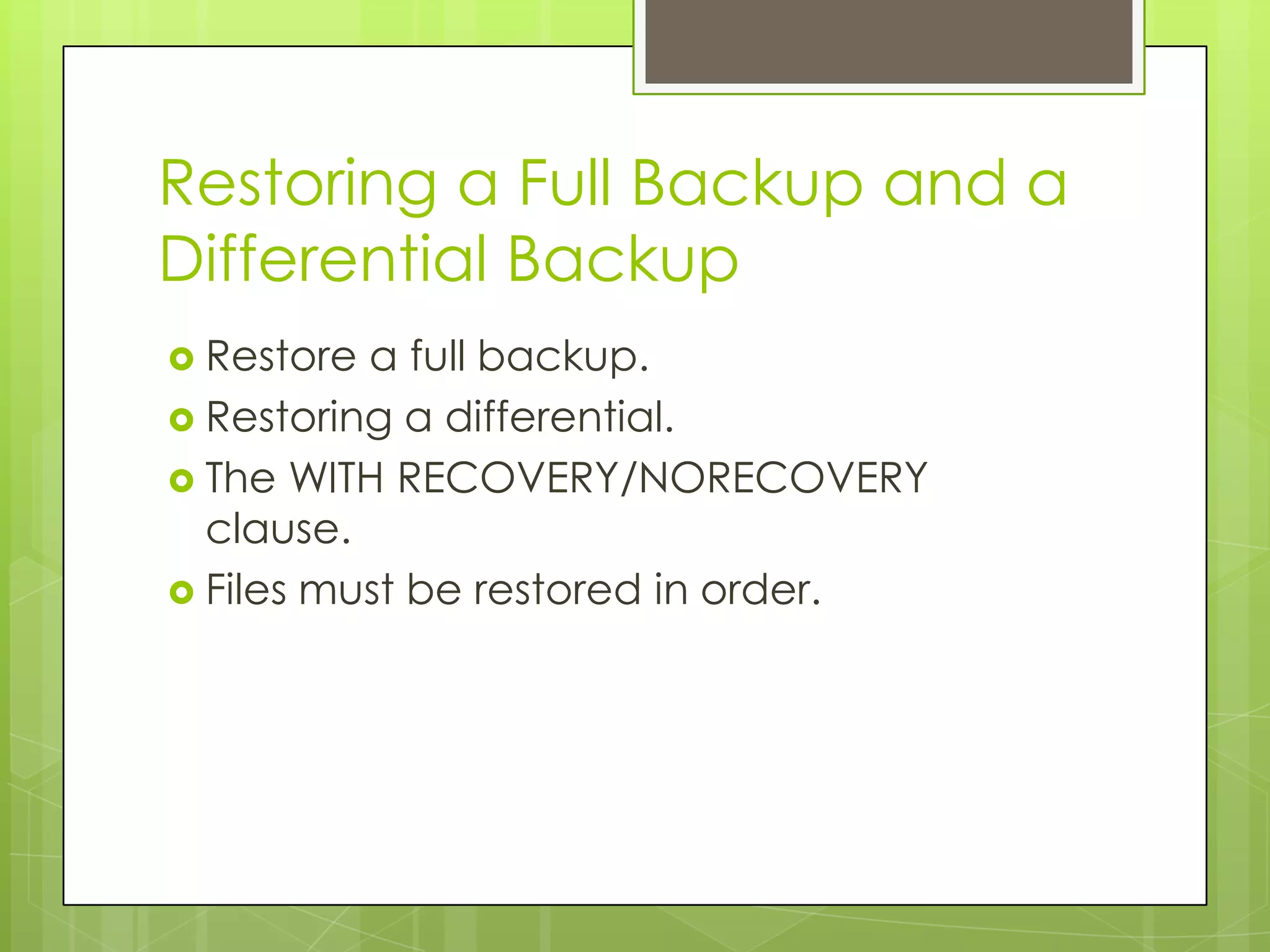
Restoring a Full Backup and a
Differential Backup
 Restore a full backup.
 Restoring a differential.
 The WITH RECOVERY/NORECOVERY
  clause.
 Files must be restored in order.
The Restore Statement
   RESTORE DATABASE { database_name | @database_name_var }
    [ FROM < backup_device > [ ,...n ] ]
    [ WITH
       [ RESTRICTED_USER ]
       [ [ , ] FILE = { file_number | @file_number } ]
       [ [ , ] PASSWORD = { password | @password_variable } ]
       [ [ , ] MEDIANAME = { media_name | @media_name_variable } ]
       [ [ , ] MEDIAPASSWORD = { mediapassword | @mediapassword_variable } ]
       [ [ , ] MOVE 'logical_file_name' TO 'operating_system_file_name' ]
              [ ,...n ]
       [ [ , ] KEEP_REPLICATION ]
       [ [ , ] { NORECOVERY | RECOVERY | STANDBY = undo_file_name } ]
       [ [ , ] { NOREWIND | REWIND } ]
       [ [ , ] { NOUNLOAD | UNLOAD } ]
       [ [ , ] REPLACE ]
       [ [ , ] RESTART ]
       [ [ , ] STATS [ = percentage ]
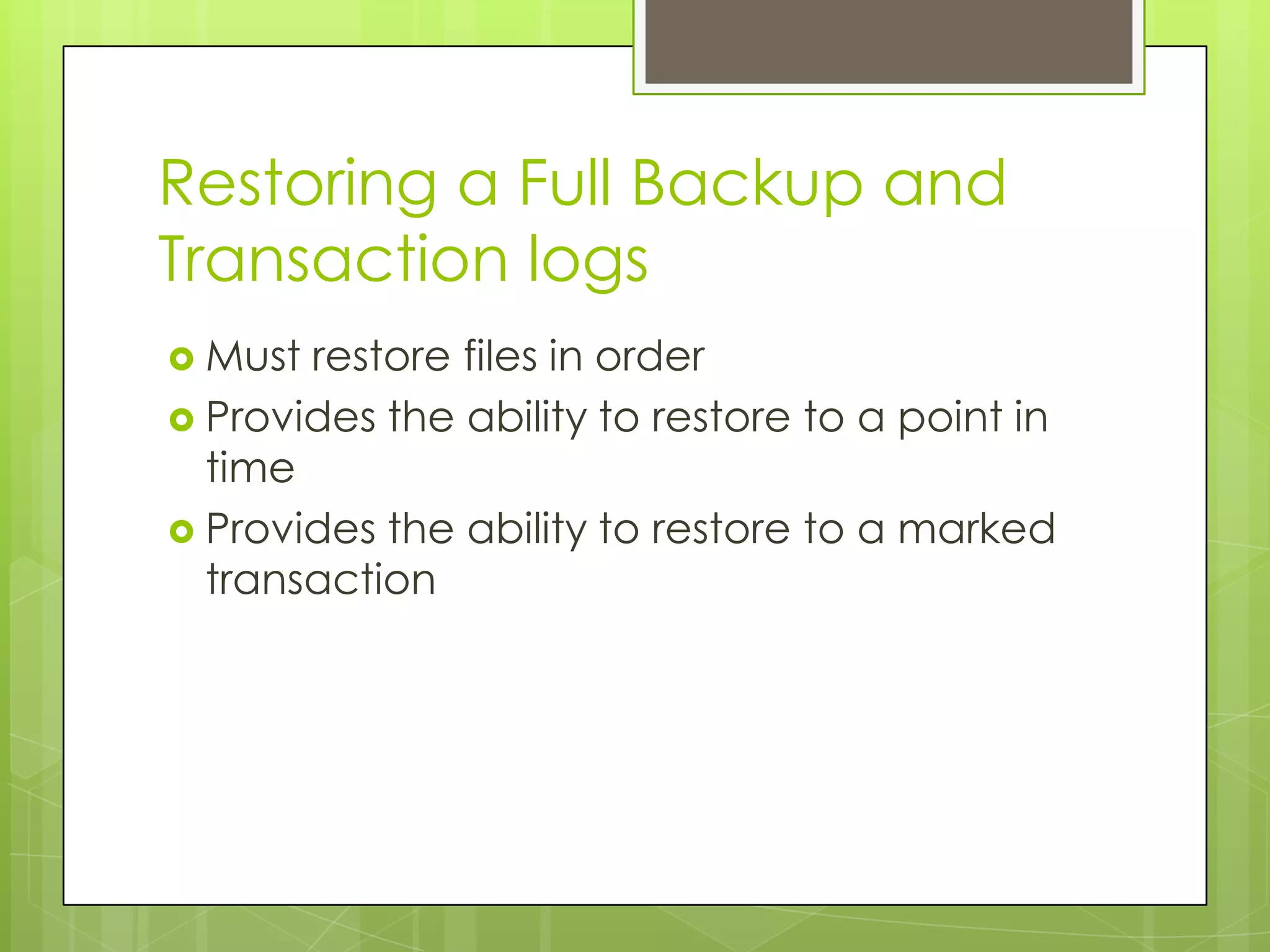
Restoring a Full Backup and
Transaction logs
 Must restore files in order
 Provides the ability to restore to a point in
  time
 Provides the ability to restore to a marked
  transaction
Restore Log Statement
   RESTORE LOG { database_name | @database_name_var }
    [ FROM < backup_device > [ ,...n ] ]
    [ WITH
       [ RESTRICTED_USER ]
       [ [ , ] FILE = { file_number | @file_number } ]
       [ [ , ] PASSWORD = { password | @password_variable } ]
       [ [ , ] MOVE 'logical_file_name' TO 'operating_system_file_name' ]
              [ ,...n ]
       [ [ , ] MEDIANAME = { media_name | @media_name_variable } ]
       [ [ , ] MEDIAPASSWORD = { mediapassword | @mediapassword_variable } ]
       [ [ , ] KEEP_REPLICATION ]
       [ [ , ] { NORECOVERY | RECOVERY | STANDBY = undo_file_name } ]
       [ [ , ] { NOREWIND | REWIND } ]
       [ [ , ] { NOUNLOAD | UNLOAD } ]
       [ [ , ] RESTART ]
       [ [ , ] STATS [= percentage ] ]
       [ [ , ] STOPAT = { date_time | @date_time_var }
          | [ , ] STOPATMARK = 'mark_name' [ AFTER datetime ]
          | [ , ] STOPBEFOREMARK = 'mark_name' [ AFTER datetime ]
Point in Time Restore and
Restore to Mark
 Allows  user to restore to a point before a
  failure or corrupt data
 Allows user to restore without unwanted
  data
 STOPATMARK: Transactions can be
  ‘marked’ so that a restore can take you
  up to that marked transaction.
 STOPBEFOREMARK: Restores can also
  restore up to but not including that mark.
Restoring Filegroups
 Restored by restoring the specified
 filegroups and applying a previous log
 and the next transaction log to bring the
 database to a consistent state.
Using a Backup to Create a
New Database
A   new database can be created by using
  the backup from an existing database.
 This is made possible by using the ‘with
  move’ statement which copies the data
  files and applies them to the new
  database.
Consistency in Backing Up the
System Databases
 Itis important to consistently backup up
  the master database and the msdb
  databases.
 In a restore scenario the master database
  should be restored first and the msdb
  database should be restore next followed
  by the model.
 The user databases should be restored
  last.
Thank you

Backup And Recovery Planning

  • 1.
    Backup and Recovery in SQLServer The Role of Back-ups Data Recovery Data Migration
  • 2.
    High Level View Back-up and Restore Planning Implementation Execution Goals and BACKING UP Training and Objectives AND Testing RESTORING
  • 3.
    Planning  Needs assessment Management expectations  Network architecture  Personnel
  • 4.
    Implementation  Training  Who’s involved in the process?  Testing  Failsafe your process  Remember what the purpose of backups are!
  • 5.
    Backing up yourdata  Data Files  .MDF  .LDF  Backup Devices  Create  Delete
  • 6.
    Recovery Models  Simple  Most restrictive model.  Can’t complete transaction log backups.  Good if you only want to recover to your last full backup.  Bulked Log  Ability to recover to the end of a full backup or the end of a transaction log.  Lose the ability to restore to a specific point in time.  Full  Allows full, differential, transaction log and filegroup recoveries.  Provides the highest level of data protection.  Point in time restores.
  • 7.
    Types of Backups Full Database  Differential Database  Transaction Log  Filegroup
  • 8.
    Full database backup Completes a full backup up the database right up to the point where the database finishes.  Backs up all tables, indexes, system tables and the database object in those tables  Striping example
  • 9.
    The Backup Database Statement  BACKUP DATABASE { database_name | @database_name_var } TO < backup_device > [ ,...n ] [ WITH [ BLOCKSIZE = { blocksize | @blocksize_variable } ] [ [ , ] DESCRIPTION = { 'text' | @text_variable } ] [ [ , ] DIFFERENTIAL ] [ [ , ] EXPIREDATE = { date | @date_var } | RETAINDAYS = { days | @days_var } ] [ [ , ] PASSWORD = { password | @password_variable } ] [ [ , ] FORMAT | NOFORMAT ] [ [ , ] { INIT | NOINIT } ] [ [ , ] MEDIADESCRIPTION = { 'text' | @text_variable } ] [ [ , ] MEDIANAME = { media_name | @media_name_variable } ] [ [ , ] MEDIAPASSWORD = { mediapassword | @mediapassword_variable } ] [ [ , ] NAME = { backup_set_name | @backup_set_name_var } ] [ [ , ] { NOSKIP | SKIP } ] [ [ , ] { NOREWIND | REWIND } ] [ [ , ] { NOUNLOAD | UNLOAD } ] [ [ , ] RESTART ] [ [ , ] STATS [ = percentage ]
  • 10.
    Differential Backup  Creates a backup of the changes made to the database since the last full backup  Does not keep track of individual transactions so it does not provide the ability to restore to a point in time
  • 11.
    The Transaction Log The transaction log keeps a log of each transaction giving a DBA the ability roll forward or roll back to a specific point.  When the transaction log is backed up the log is truncated.  Transaction log backups are scheduled in intervals typically 5 to 30 minutes.  Backs up the transactions since the last Full Backup, Differential Backup or Transaction Log Backup.
  • 12.
    Backup Log Statement  BACKUP LOG { database_name | @database_name_var } { TO < backup_device > [ ,...n ] [ WITH [ BLOCKSIZE = { blocksize | @blocksize_variable } ] [ [ , ] DESCRIPTION = { 'text' | @text_variable } ] [ [ ,] EXPIREDATE = { date | @date_var } | RETAINDAYS = { days | @days_var } ] [ [ , ] PASSWORD = { password | @password_variable } ] [ [ , ] FORMAT | NOFORMAT ] [ [ , ] { INIT | NOINIT } ] [ [ , ] MEDIADESCRIPTION = { 'text' | @text_variable } ] [ [ , ] MEDIANAME = { media_name | @media_name_variable } ] [ [ , ] MEDIAPASSWORD = { mediapassword | @mediapassword_variable } ] [ [ , ] NAME = { backup_set_name | @backup_set_name_var } ] [ [ , ] NO_TRUNCATE ] [ [ , ] { NORECOVERY | STANDBY = undo_file_name } ] [ [ , ] { NOREWIND | REWIND } ] [ [ , ] { NOSKIP | SKIP } ] [ [ , ] { NOUNLOAD | UNLOAD } ] [ [ , ] RESTART ] [ [ , ] STATS [ = percentage ] ] ]
  • 13.
    Filegroups  Allow a user to place tables, indexes and other database objects into specific database files.  Can be backed up and restored individually or in groups.  Useful when time restraints prevent full backups.
  • 14.
    Backup Filegroup Statement  BACKUP DATABASE { database_name | @database_name_var } < file_or_filegroup > [ ,...n ] TO < backup_device > [ ,...n ] [ WITH [ BLOCKSIZE = { blocksize | @blocksize_variable } ] [ [ , ] DESCRIPTION = { 'text' | @text_variable } ] [ [ , ] DIFFERENTIAL ] [ [ , ] EXPIREDATE = { date | @date_var } | RETAINDAYS = { days | @days_var } ] [ [ , ] PASSWORD = { password | @password_variable } ] [ [ , ] FORMAT | NOFORMAT ] [ [ , ] { INIT | NOINIT } ] [ [ , ] MEDIADESCRIPTION = { 'text' | @text_variable } ] [ [ , ] MEDIANAME = { media_name | @media_name_variable } ] [ [ , ] MEDIAPASSWORD = { mediapassword | @mediapassword_variable } ] [ [ , ] NAME = { backup_set_name | @backup_set_name_var } ] [ [ , ] { NOSKIP | SKIP } ] [ [ , ] { NOREWIND | REWIND } ] [ [ , ] { NOUNLOAD | UNLOAD } ] [ [ , ] RESTART ] [ [ , ] STATS [ = percentage ] ] ]
  • 15.
    Verifying the Backup Does not check the consistency of the database (i.e. DBCC CHECKDATABASE).  Verifies the integrity of the database backup and checks for corruption.  Makes sure all the data in the backup set is readable.
  • 16.
    Restore Verify Only RESTOREVERIFYONLY FROM < backup_device > [ ,...n ] [ WITH [ FILE = file_number ] [ [ , ] { NOUNLOAD | UNLOAD } ] [ [ , ] LOADHISTORY ] [ [ , ] PASSWORD = { password | @password_variable } ] [ [ , ] MEDIAPASSWORD = { mediapassword | @mediapassword_variable } ] [ [ , ] { NOREWIND | REWIND } ]
  • 17.
    Job Scheduling  Themost widely used way complete day to day and week to week scheduled backup operations.  Creation of jobs though Enterprise Manager.  SQL Server Agent must be started.
  • 18.
    Database Maintenance Plans Expanded job scheduling abilities.  Creates jobs managed by the SQL Server Agent.  Can schedule integrity checks, reorganize indexes and delete unwanted database backups.
  • 19.
    Storage  Using aconsistent method of keeping track of your backups.  Using the system backup tables in the msdb database.  Archiving backups to tape and different considerations for different industries
  • 20.
    Restore scenarios  Data Migration  Development  Testing  Disaster Recovery  Recovering Backups  Standby Servers
  • 21.
    Restore Basics  Make sure you are using the correct backup set.  RESTORE LABELONLY: summarizes information about the backup set.  RESTORE HEADERONLY: returns information about each item in the backup set including the order in which the backups were made.  RESTORE FILELISTONLY: returns the associated data files in relation to a specific backup device.
  • 22.
    MSDB Tables  Backupfile BackupMediaFamily  BackupMediaSet  Backupet  Restorefile  Restorefilegroup  Restorehistory
  • 23.
    Restoring a FullBackup and a Differential Backup  Restore a full backup.  Restoring a differential.  The WITH RECOVERY/NORECOVERY clause.  Files must be restored in order.
  • 24.
    The Restore Statement  RESTORE DATABASE { database_name | @database_name_var } [ FROM < backup_device > [ ,...n ] ] [ WITH [ RESTRICTED_USER ] [ [ , ] FILE = { file_number | @file_number } ] [ [ , ] PASSWORD = { password | @password_variable } ] [ [ , ] MEDIANAME = { media_name | @media_name_variable } ] [ [ , ] MEDIAPASSWORD = { mediapassword | @mediapassword_variable } ] [ [ , ] MOVE 'logical_file_name' TO 'operating_system_file_name' ] [ ,...n ] [ [ , ] KEEP_REPLICATION ] [ [ , ] { NORECOVERY | RECOVERY | STANDBY = undo_file_name } ] [ [ , ] { NOREWIND | REWIND } ] [ [ , ] { NOUNLOAD | UNLOAD } ] [ [ , ] REPLACE ] [ [ , ] RESTART ] [ [ , ] STATS [ = percentage ]
  • 25.
    Restoring a FullBackup and Transaction logs  Must restore files in order  Provides the ability to restore to a point in time  Provides the ability to restore to a marked transaction
  • 26.
    Restore Log Statement  RESTORE LOG { database_name | @database_name_var } [ FROM < backup_device > [ ,...n ] ] [ WITH [ RESTRICTED_USER ] [ [ , ] FILE = { file_number | @file_number } ] [ [ , ] PASSWORD = { password | @password_variable } ] [ [ , ] MOVE 'logical_file_name' TO 'operating_system_file_name' ] [ ,...n ] [ [ , ] MEDIANAME = { media_name | @media_name_variable } ] [ [ , ] MEDIAPASSWORD = { mediapassword | @mediapassword_variable } ] [ [ , ] KEEP_REPLICATION ] [ [ , ] { NORECOVERY | RECOVERY | STANDBY = undo_file_name } ] [ [ , ] { NOREWIND | REWIND } ] [ [ , ] { NOUNLOAD | UNLOAD } ] [ [ , ] RESTART ] [ [ , ] STATS [= percentage ] ] [ [ , ] STOPAT = { date_time | @date_time_var } | [ , ] STOPATMARK = 'mark_name' [ AFTER datetime ] | [ , ] STOPBEFOREMARK = 'mark_name' [ AFTER datetime ]
  • 27.
    Point in TimeRestore and Restore to Mark  Allows user to restore to a point before a failure or corrupt data  Allows user to restore without unwanted data  STOPATMARK: Transactions can be ‘marked’ so that a restore can take you up to that marked transaction.  STOPBEFOREMARK: Restores can also restore up to but not including that mark.
  • 28.
    Restoring Filegroups  Restoredby restoring the specified filegroups and applying a previous log and the next transaction log to bring the database to a consistent state.
  • 29.
    Using a Backupto Create a New Database A new database can be created by using the backup from an existing database.  This is made possible by using the ‘with move’ statement which copies the data files and applies them to the new database.
  • 30.
    Consistency in BackingUp the System Databases  Itis important to consistently backup up the master database and the msdb databases.  In a restore scenario the master database should be restored first and the msdb database should be restore next followed by the model.  The user databases should be restored last.
  • 31.