

SER332
Introduction to Graphics and Game
Development
Lecture 02:
Concepts
Javier Gonzalez-Sanchez
javiergs@asu.edu
PERALTA 230U
Office Hours: By appointment
Concepts
Javier Gonzalez-Sanchez | SER332 | Spring 2018 | 2
Frame Buffer
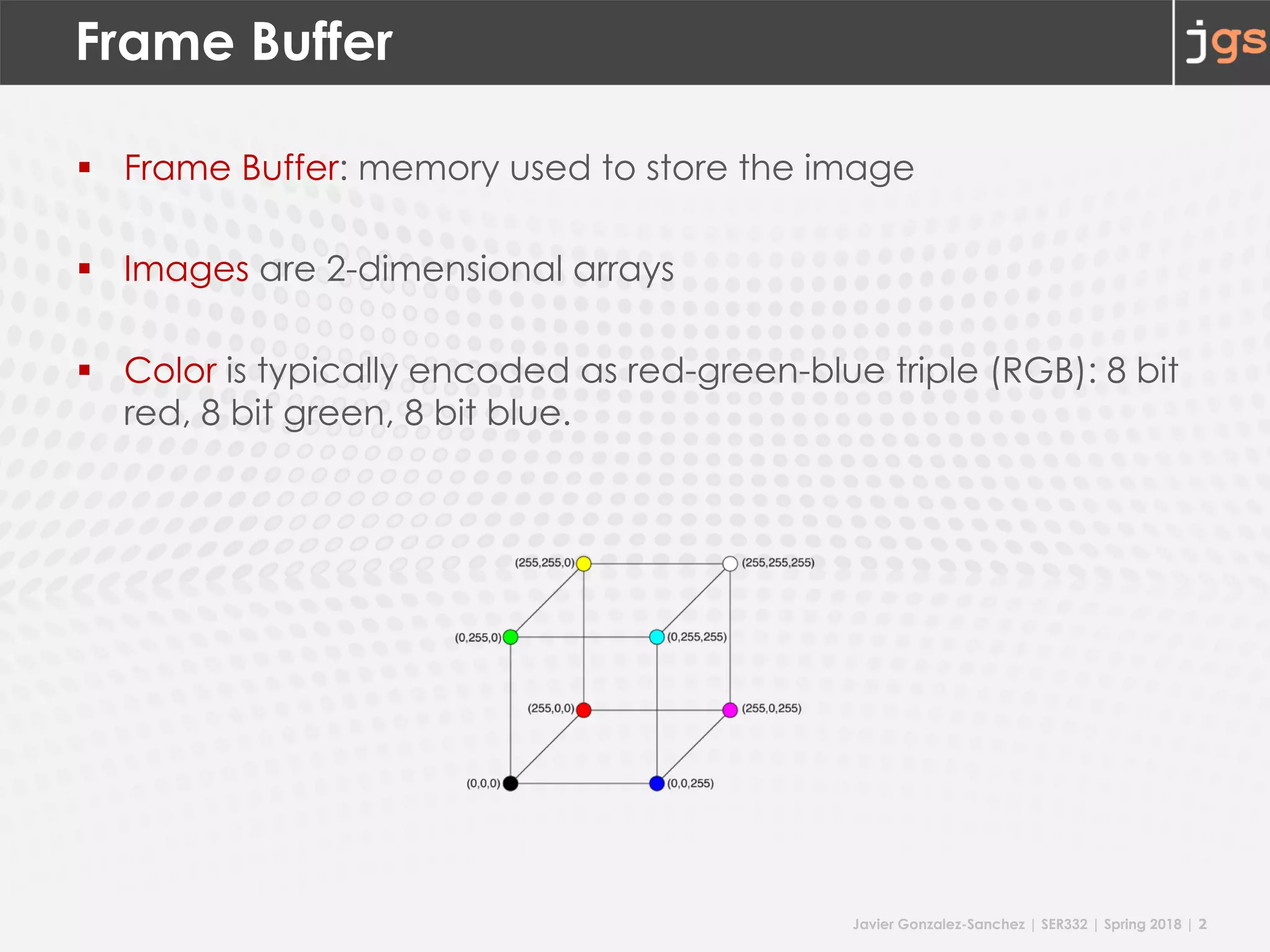
§ Frame Buffer: memory used to store the image
§ Images are 2-dimensional arrays
§ Color is typically encoded as red-green-blue triple (RGB): 8 bit
red, 8 bit green, 8 bit blue.
Javier Gonzalez-Sanchez | SER332 | Spring 2018 | 3
Frame Buffer
§ Resolution
§ Image: dimensions of the array
§ Monitor: number of points that can be displayed without
overlap, e.g. 1600 x 1200
§ Display
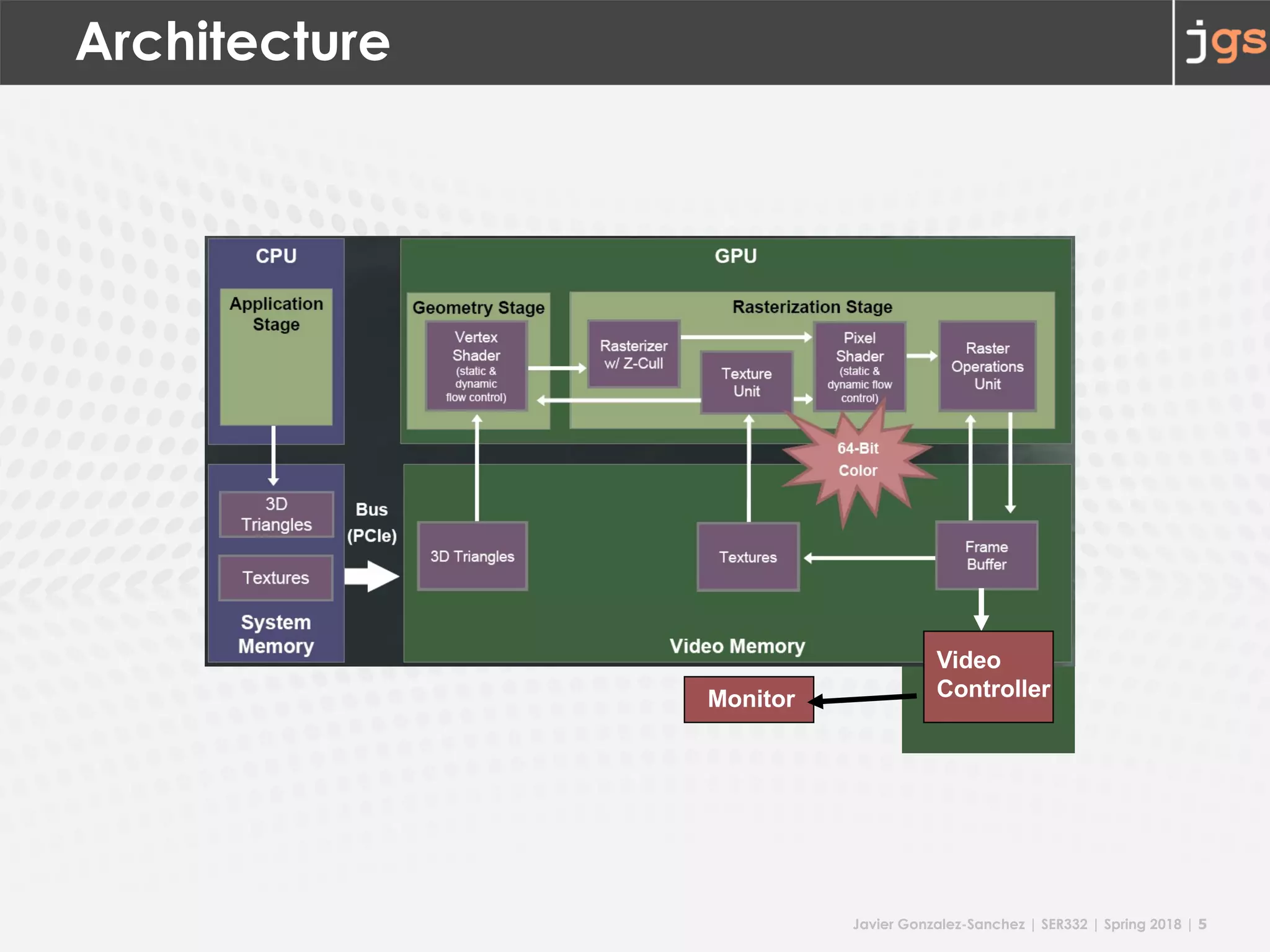
§ Video Controller copies values:
frame buffer to monitor
Javier Gonzalez-Sanchez | SER332 | Spring 2018 | 4
bits per pixel
§ Depth
§ number of bits per pixel in the (frame) buffer
§ typical: 3 * 8 = 24 bits for the color = true-color system
§ more bits for High Dynamic Range (HDR) displays
§ more bits for general purpose calculations:
alpha (8bit), stencil(8bit), z-buffer(8 bits)
Javier Gonzalez-Sanchez | SER332 | Spring 2018 | 5
Architecture
Monitor
Video
Controller
Javier Gonzalez-Sanchez | SER332 | Spring 2018 | 6
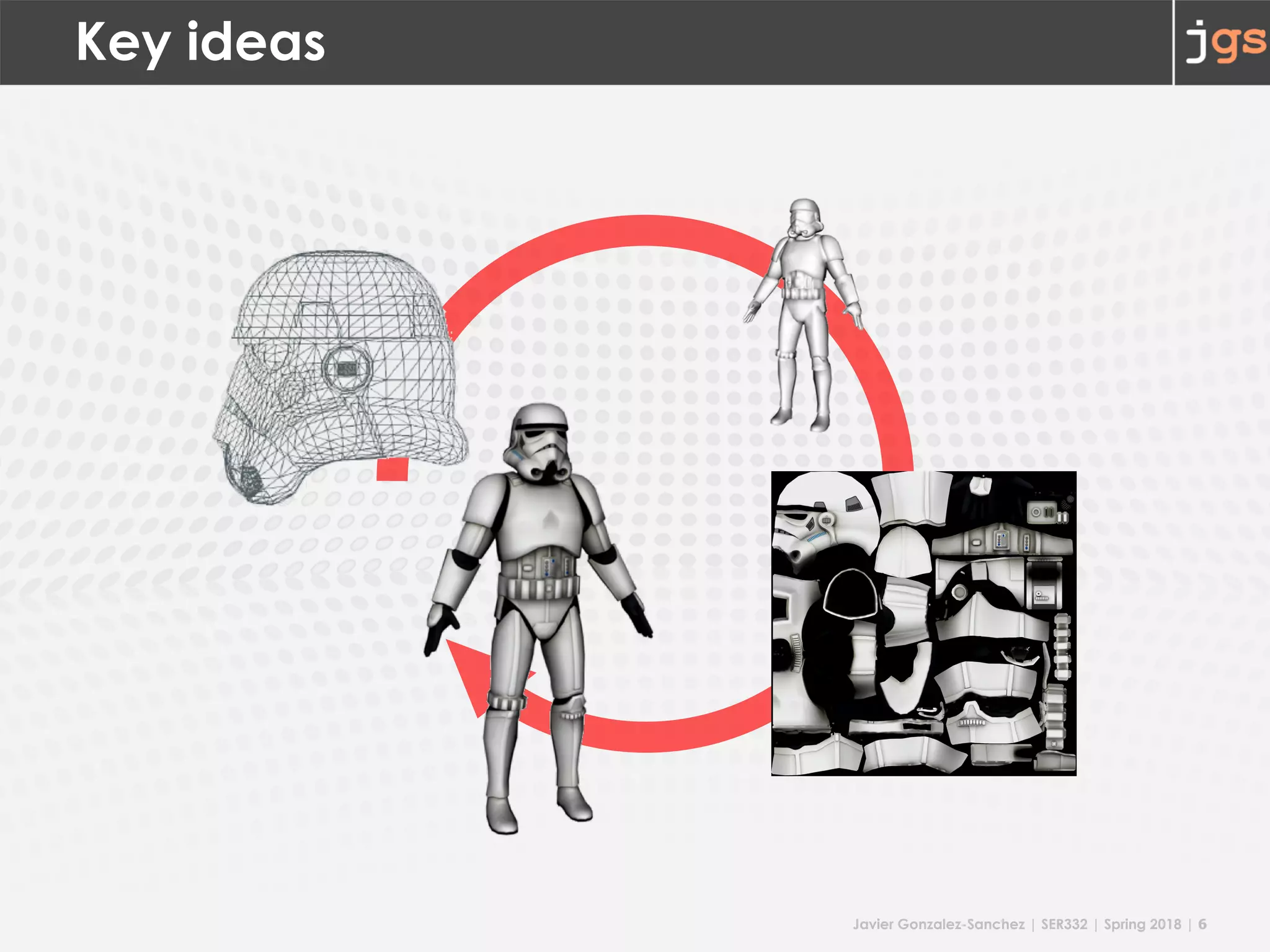
Key ideas
Javier Gonzalez-Sanchez | SER332 | Spring 2018 | 7
Define
§ Rendering:
The process of generating an image from a 2D or 3D model
(or models in what collectively could be called a scene file),
by means of computer programs.
§ Rasterisation:
The task of taking an image described in a vector graphics
format (shapes) and converting it into a raster image (pixels
or dots)
Javier Gonzalez-Sanchez | SER332 | Spring 2018 | 8
CRT Terms
• Refresh Rate
§ frequency at which an image is redrawn
§ 60 Hz (CRT) / better 75 – 120 Hz
• Raster scan
• Horizontal Retrace before new scan line
• Vertical Retrace before new frame
Javier Gonzalez-Sanchez | SER332 | Spring 2018 | 9
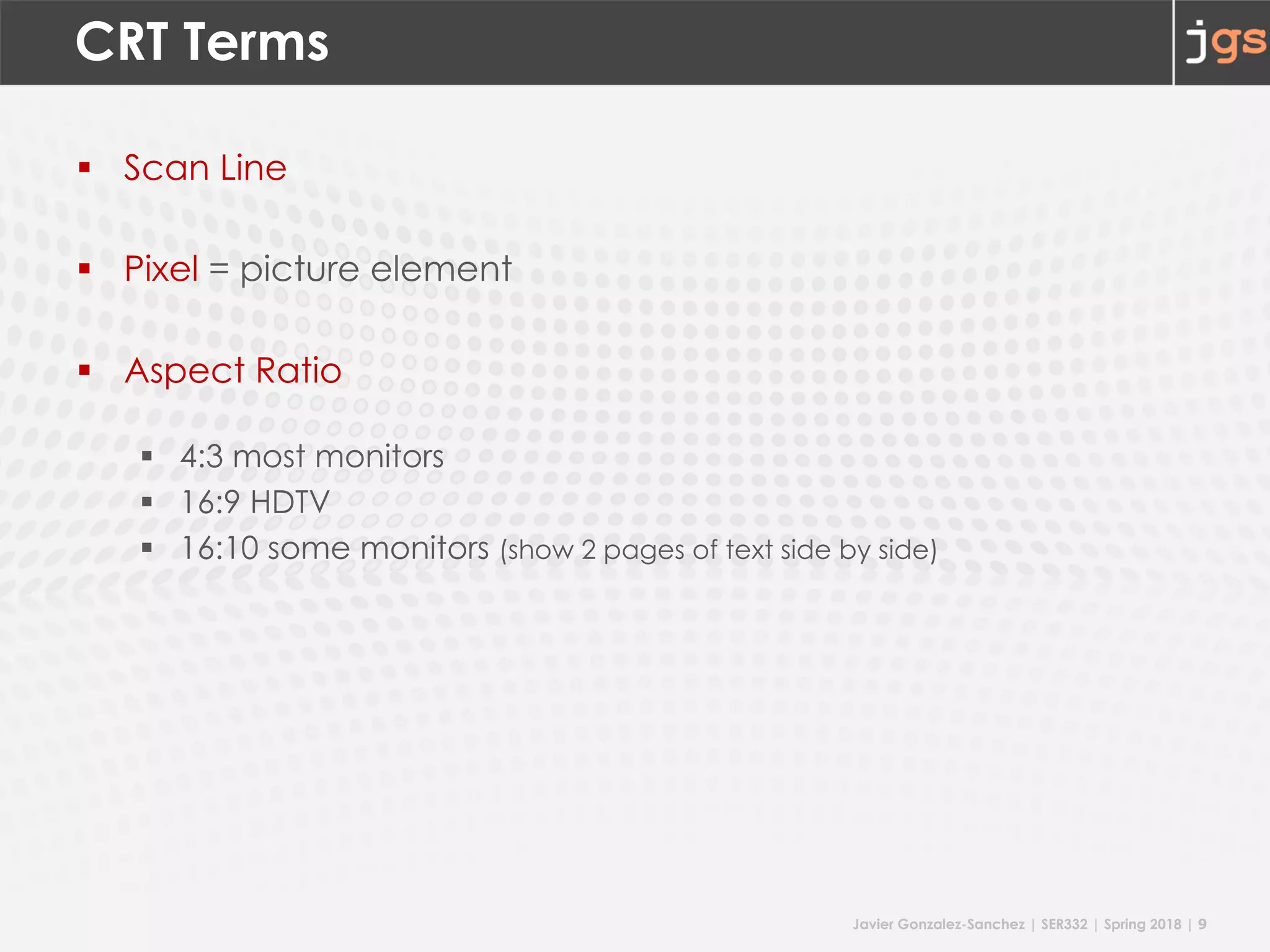
CRT Terms
§ Scan Line
§ Pixel = picture element
§ Aspect Ratio
§ 4:3 most monitors
§ 16:9 HDTV
§ 16:10 some monitors (show 2 pages of text side by side)
Javier Gonzalez-Sanchez | SER332 | Spring 2018 | 10
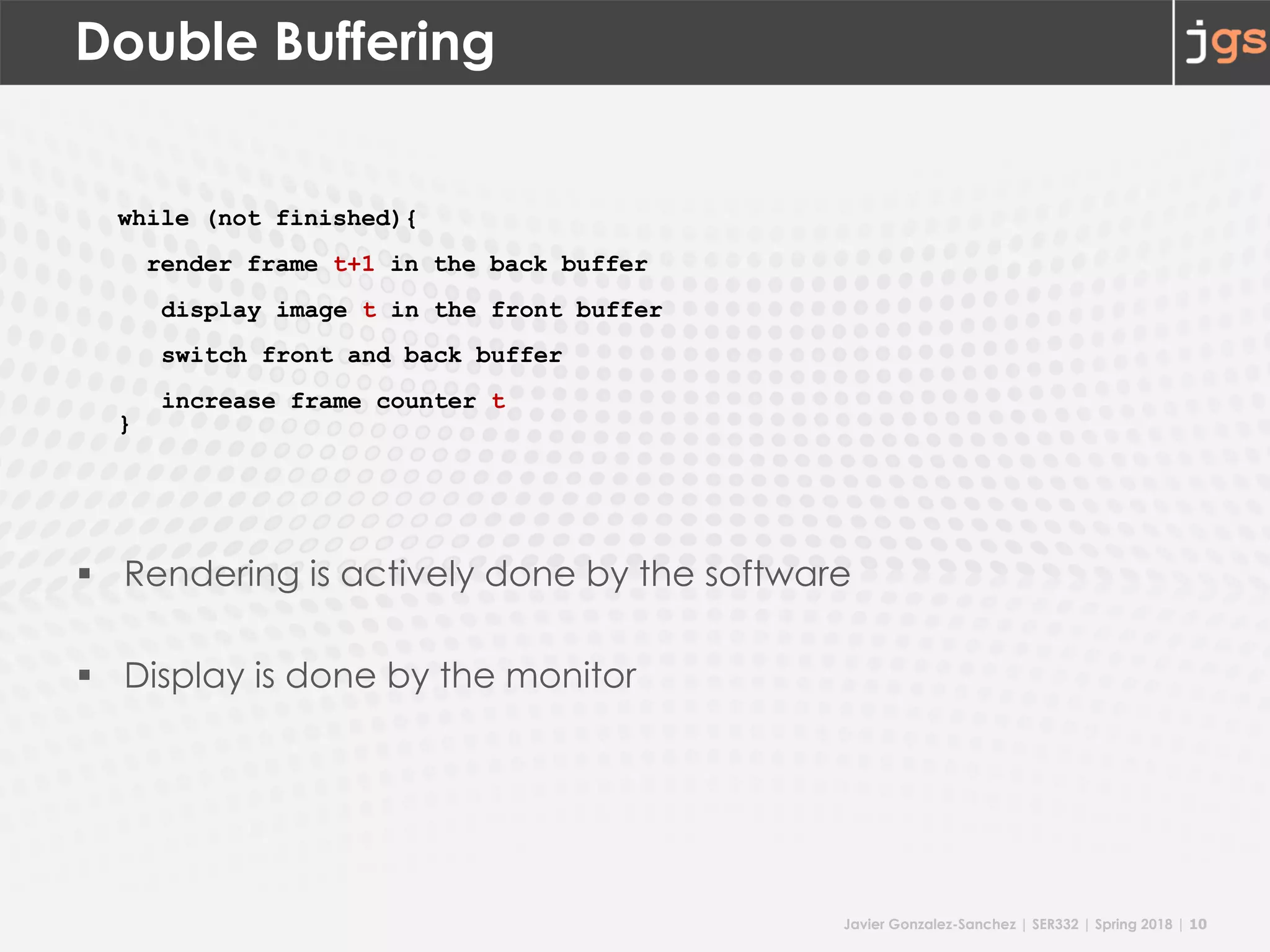
Double Buffering
§ Rendering is actively done by the software
§ Display is done by the monitor
while (not finished){
render frame t+1 in the back buffer
display image t in the front buffer
switch front and back buffer
increase frame counter t
}
Javier Gonzalez-Sanchez | SER332 | Spring 2018 | 11
Test Yourself
How many bits (total) for the frame buffer?
• Double buffering
• 8bit for RGBA
• 8bit stencil
• 8bit z-buffer
Javier Gonzalez-Sanchez | SER332 | Spring 2018 | 12
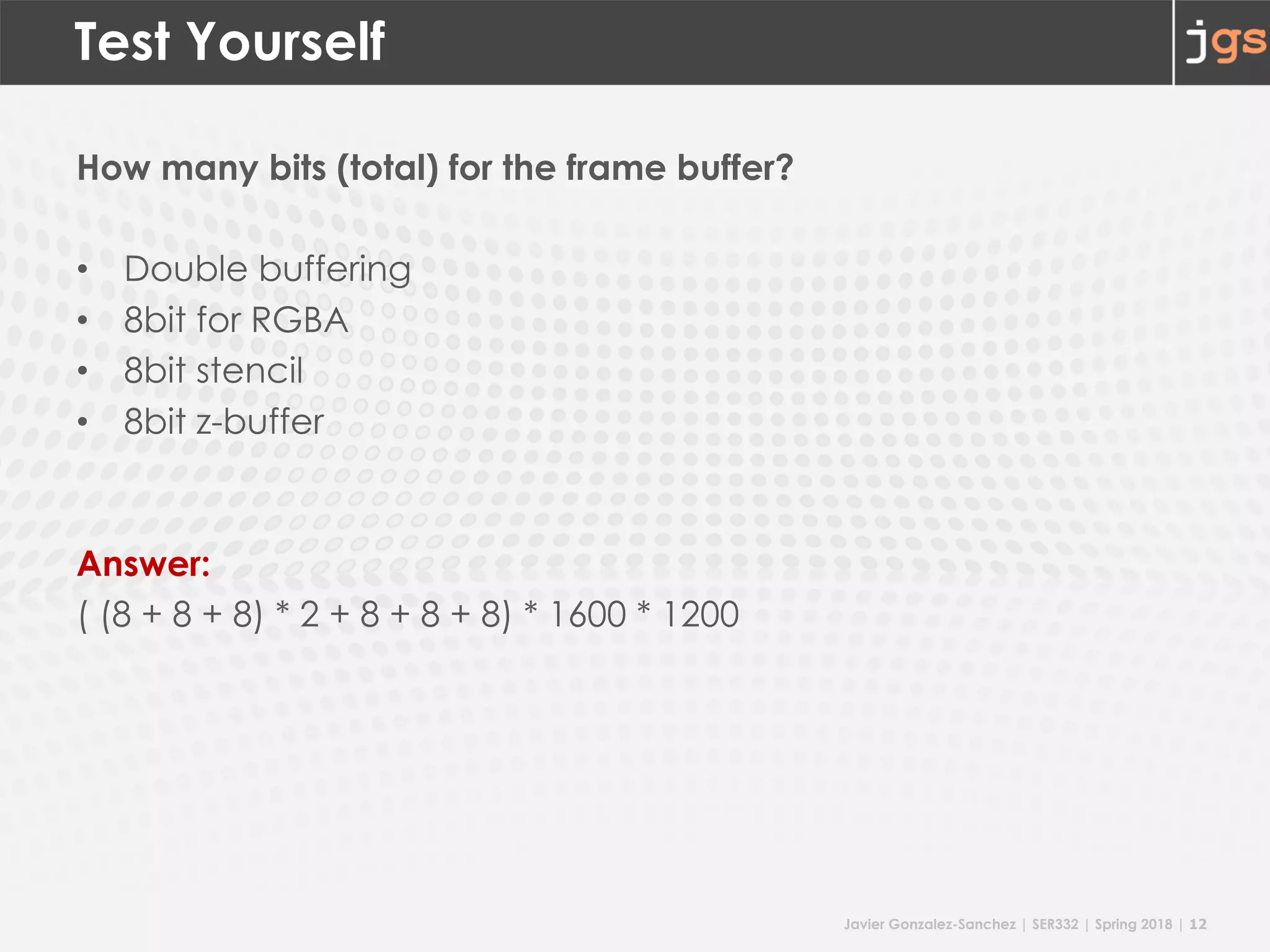
Test Yourself
How many bits (total) for the frame buffer?
• Double buffering
• 8bit for RGBA
• 8bit stencil
• 8bit z-buffer
Answer:
( (8 + 8 + 8) * 2 + 8 + 8 + 8) * 1600 * 1200
Javier Gonzalez-Sanchez | SER332 | Spring 2018 | 13
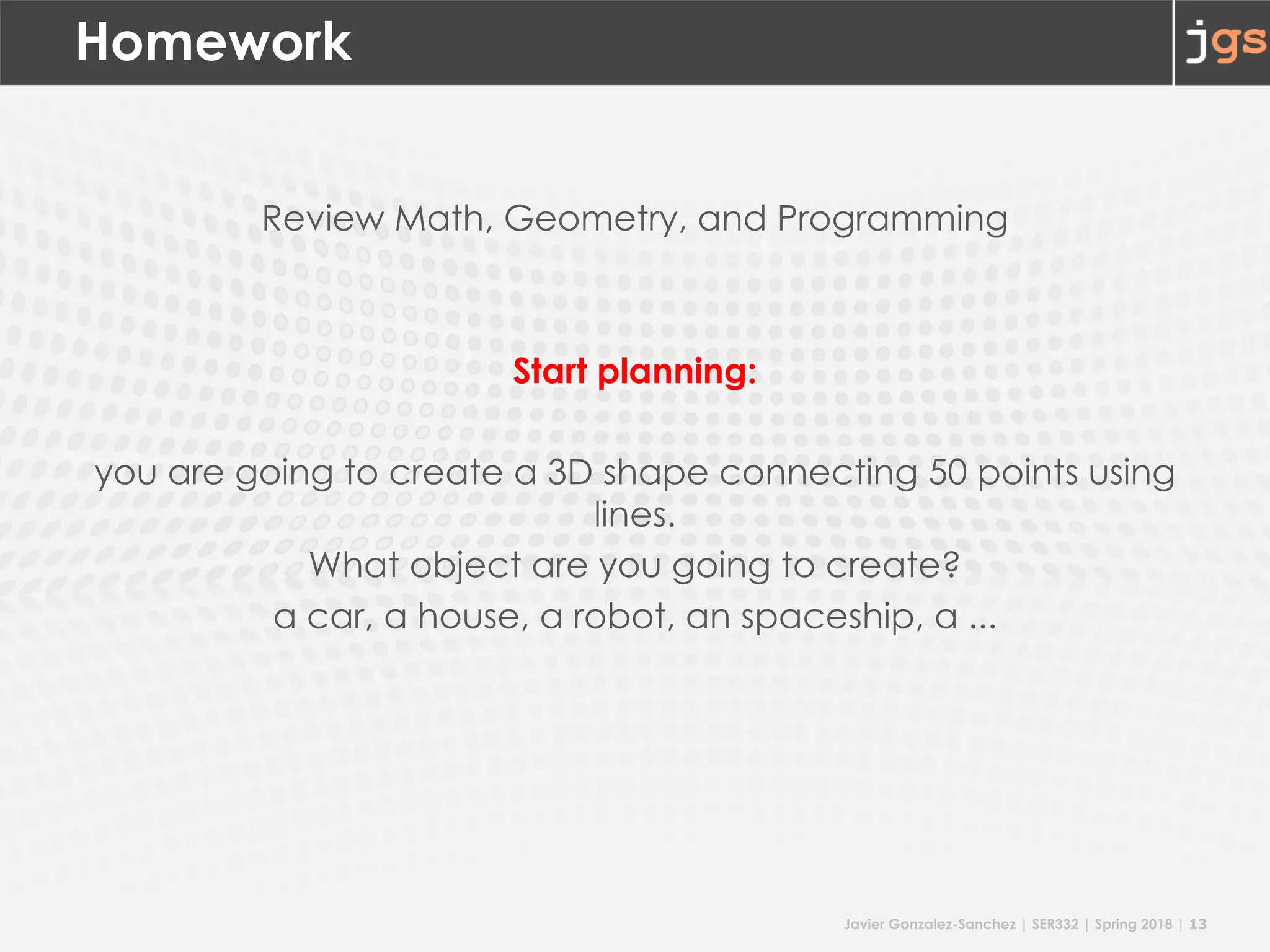
Homework
Review Math, Geometry, and Programming
Start planning:
you are going to create a 3D shape connecting 50 points using
lines.
What object are you going to create?
a car, a house, a robot, an spaceship, a ...
SER332 Introduction to Graphics
Javier Gonzalez-Sanchez
javiergs@asu.edu
Spring 2018
Disclaimer. These slides can only be used as study material for the class SER332 at ASU. They cannot be distributed or used for another purpose.

201801 SER332 Lecture 02

  • 1.
    SER332 Introduction to Graphicsand Game Development Lecture 02: Concepts Javier Gonzalez-Sanchez javiergs@asu.edu PERALTA 230U Office Hours: By appointment
  • 2.
  • 3.
    Javier Gonzalez-Sanchez |SER332 | Spring 2018 | 2 Frame Buffer § Frame Buffer: memory used to store the image § Images are 2-dimensional arrays § Color is typically encoded as red-green-blue triple (RGB): 8 bit red, 8 bit green, 8 bit blue.
  • 4.
    Javier Gonzalez-Sanchez |SER332 | Spring 2018 | 3 Frame Buffer § Resolution § Image: dimensions of the array § Monitor: number of points that can be displayed without overlap, e.g. 1600 x 1200 § Display § Video Controller copies values: frame buffer to monitor
  • 5.
    Javier Gonzalez-Sanchez |SER332 | Spring 2018 | 4 bits per pixel § Depth § number of bits per pixel in the (frame) buffer § typical: 3 * 8 = 24 bits for the color = true-color system § more bits for High Dynamic Range (HDR) displays § more bits for general purpose calculations: alpha (8bit), stencil(8bit), z-buffer(8 bits)
  • 6.
    Javier Gonzalez-Sanchez |SER332 | Spring 2018 | 5 Architecture Monitor Video Controller
  • 7.
    Javier Gonzalez-Sanchez |SER332 | Spring 2018 | 6 Key ideas
  • 8.
    Javier Gonzalez-Sanchez |SER332 | Spring 2018 | 7 Define § Rendering: The process of generating an image from a 2D or 3D model (or models in what collectively could be called a scene file), by means of computer programs. § Rasterisation: The task of taking an image described in a vector graphics format (shapes) and converting it into a raster image (pixels or dots)
  • 9.
    Javier Gonzalez-Sanchez |SER332 | Spring 2018 | 8 CRT Terms • Refresh Rate § frequency at which an image is redrawn § 60 Hz (CRT) / better 75 – 120 Hz • Raster scan • Horizontal Retrace before new scan line • Vertical Retrace before new frame
  • 10.
    Javier Gonzalez-Sanchez |SER332 | Spring 2018 | 9 CRT Terms § Scan Line § Pixel = picture element § Aspect Ratio § 4:3 most monitors § 16:9 HDTV § 16:10 some monitors (show 2 pages of text side by side)
  • 11.
    Javier Gonzalez-Sanchez |SER332 | Spring 2018 | 10 Double Buffering § Rendering is actively done by the software § Display is done by the monitor while (not finished){ render frame t+1 in the back buffer display image t in the front buffer switch front and back buffer increase frame counter t }
  • 12.
    Javier Gonzalez-Sanchez |SER332 | Spring 2018 | 11 Test Yourself How many bits (total) for the frame buffer? • Double buffering • 8bit for RGBA • 8bit stencil • 8bit z-buffer
  • 13.
    Javier Gonzalez-Sanchez |SER332 | Spring 2018 | 12 Test Yourself How many bits (total) for the frame buffer? • Double buffering • 8bit for RGBA • 8bit stencil • 8bit z-buffer Answer: ( (8 + 8 + 8) * 2 + 8 + 8 + 8) * 1600 * 1200
  • 14.
    Javier Gonzalez-Sanchez |SER332 | Spring 2018 | 13 Homework Review Math, Geometry, and Programming Start planning: you are going to create a 3D shape connecting 50 points using lines. What object are you going to create? a car, a house, a robot, an spaceship, a ...
  • 15.
    SER332 Introduction toGraphics Javier Gonzalez-Sanchez javiergs@asu.edu Spring 2018 Disclaimer. These slides can only be used as study material for the class SER332 at ASU. They cannot be distributed or used for another purpose.