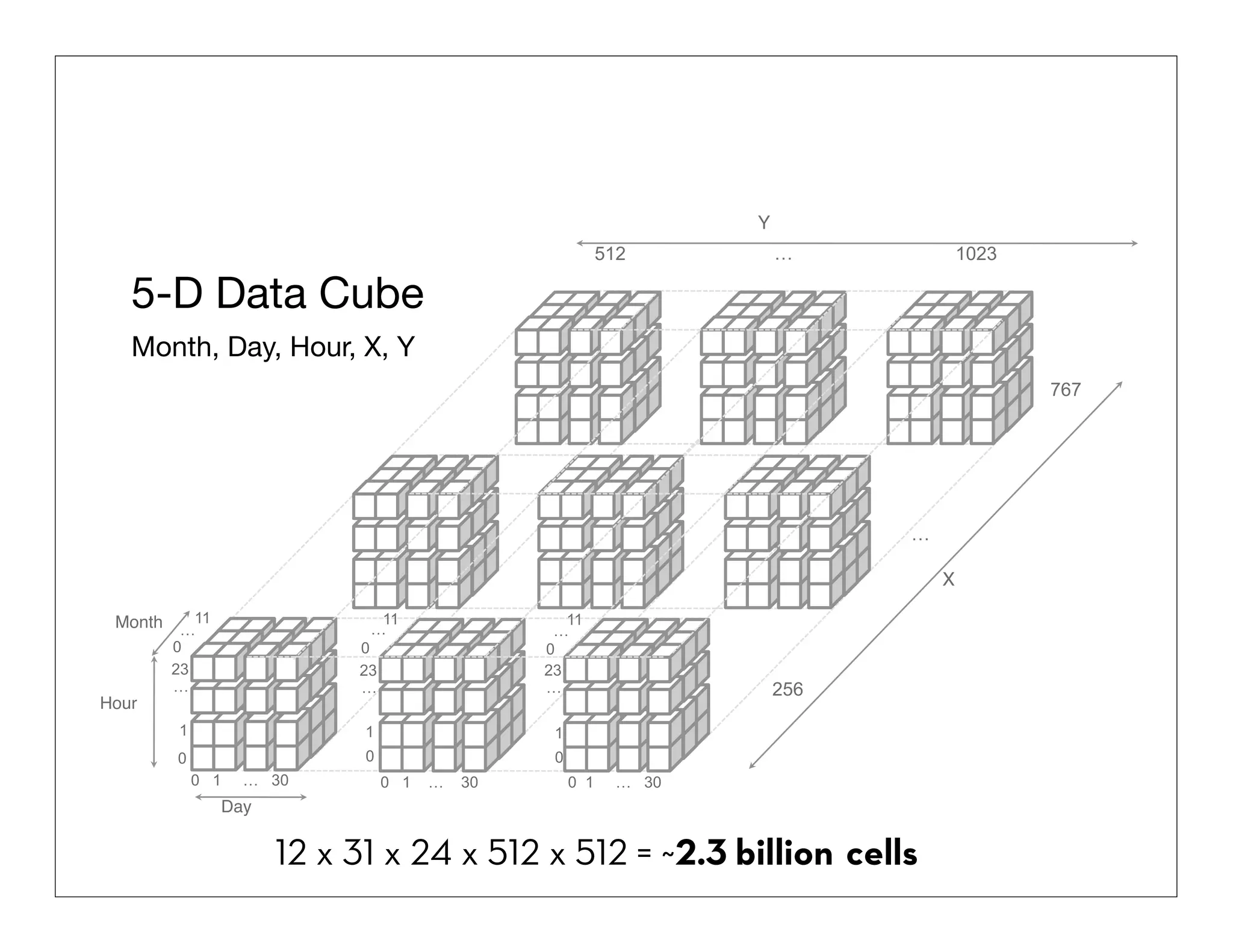
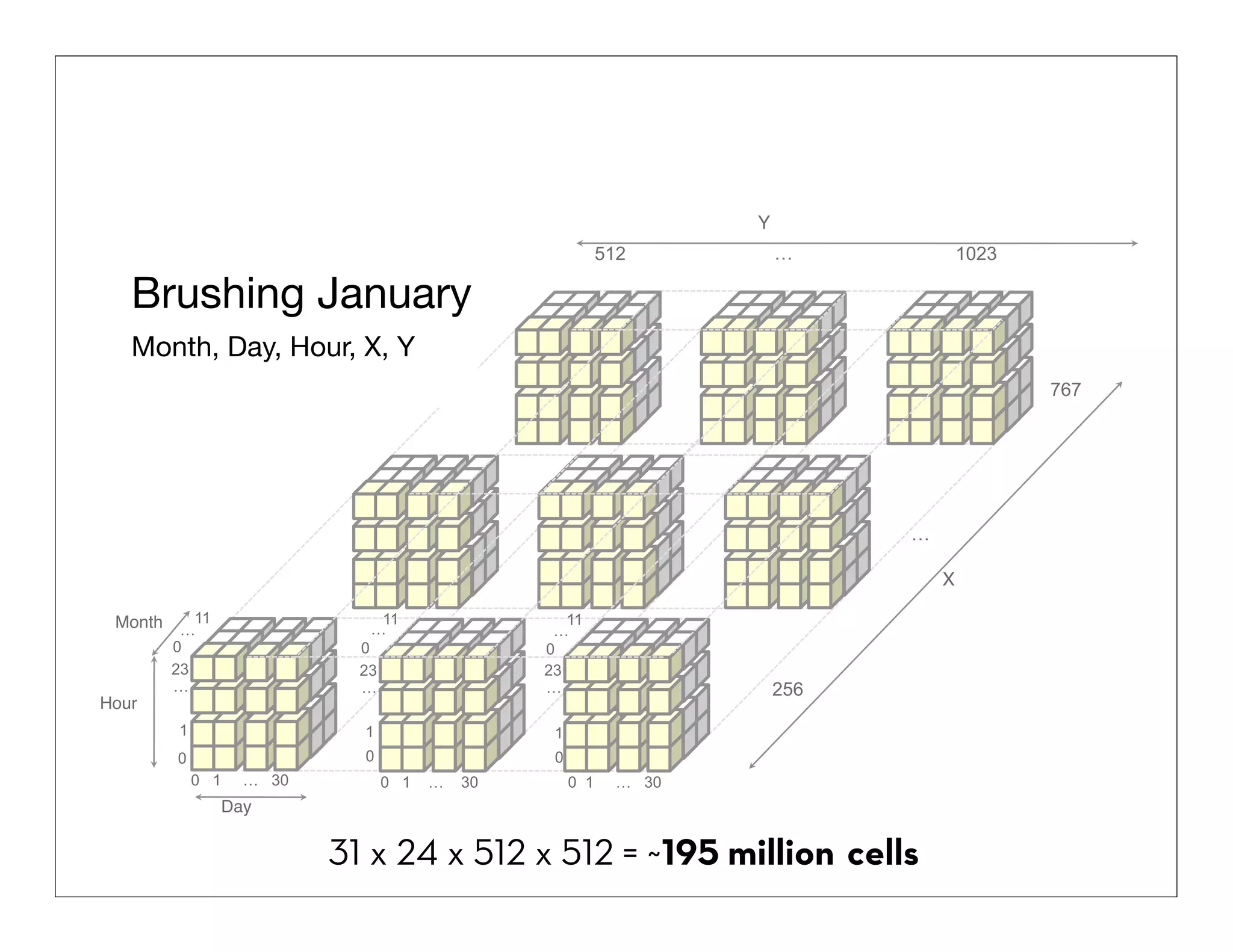
1. The document discusses techniques for visualizing and interacting with billion record databases in real-time.
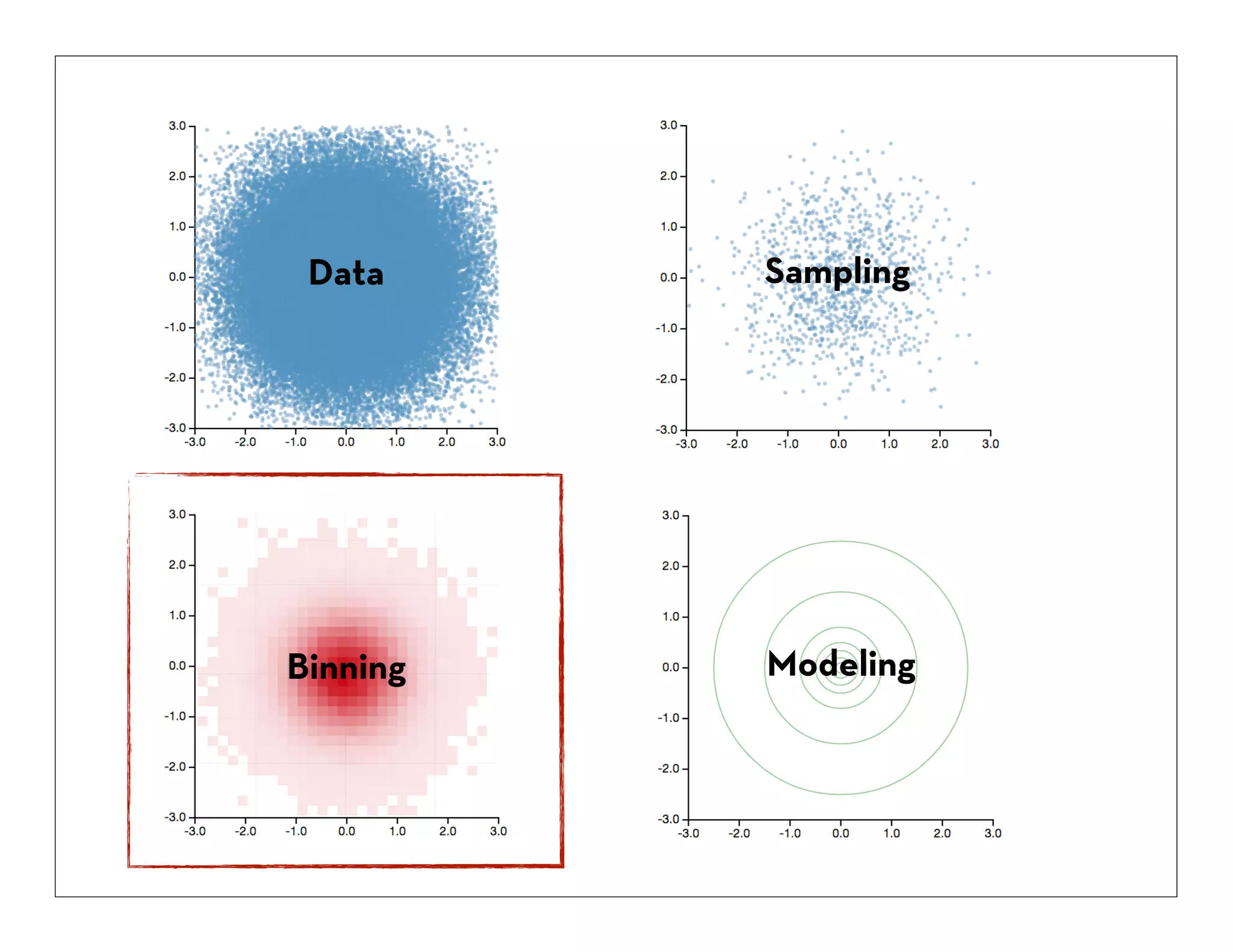
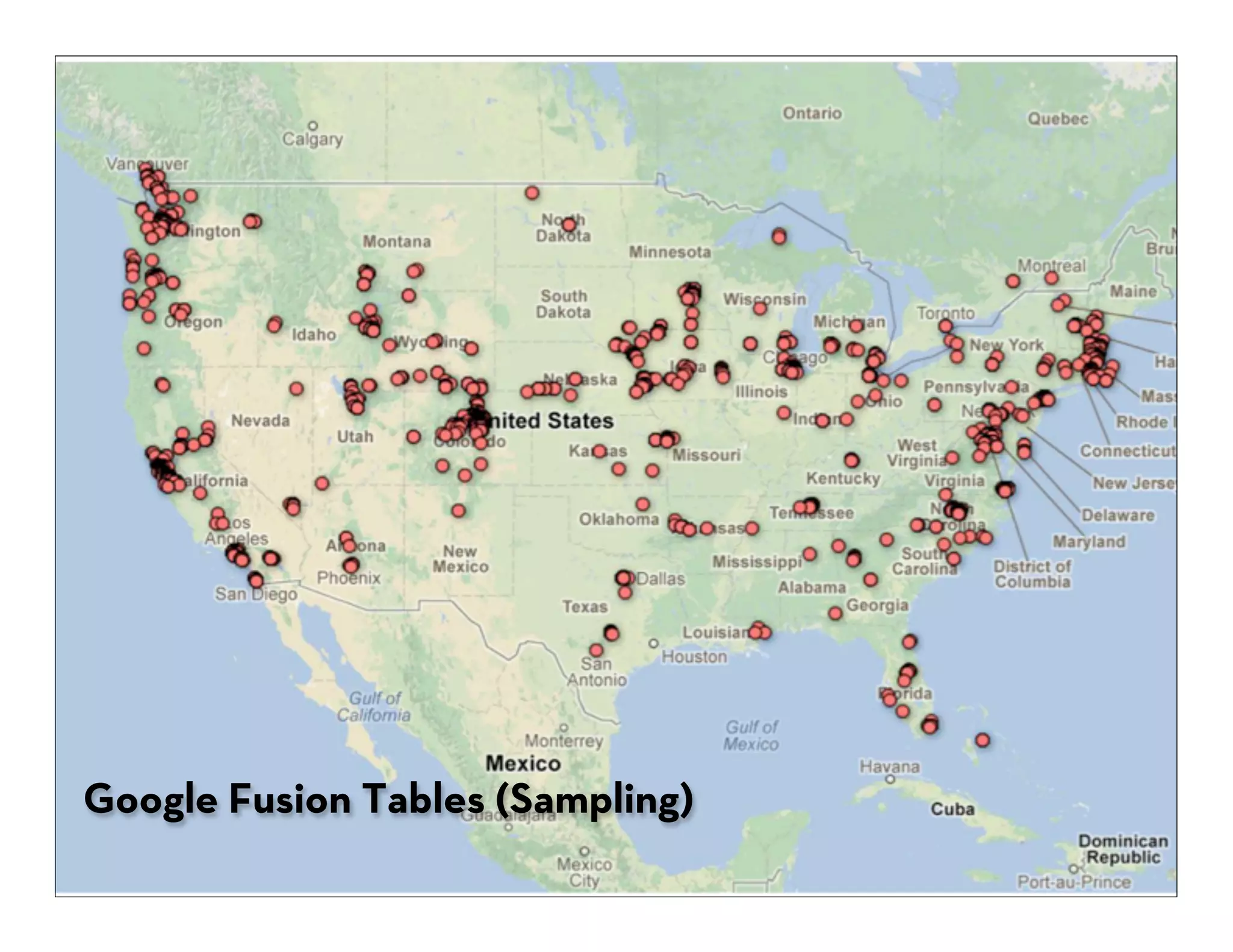
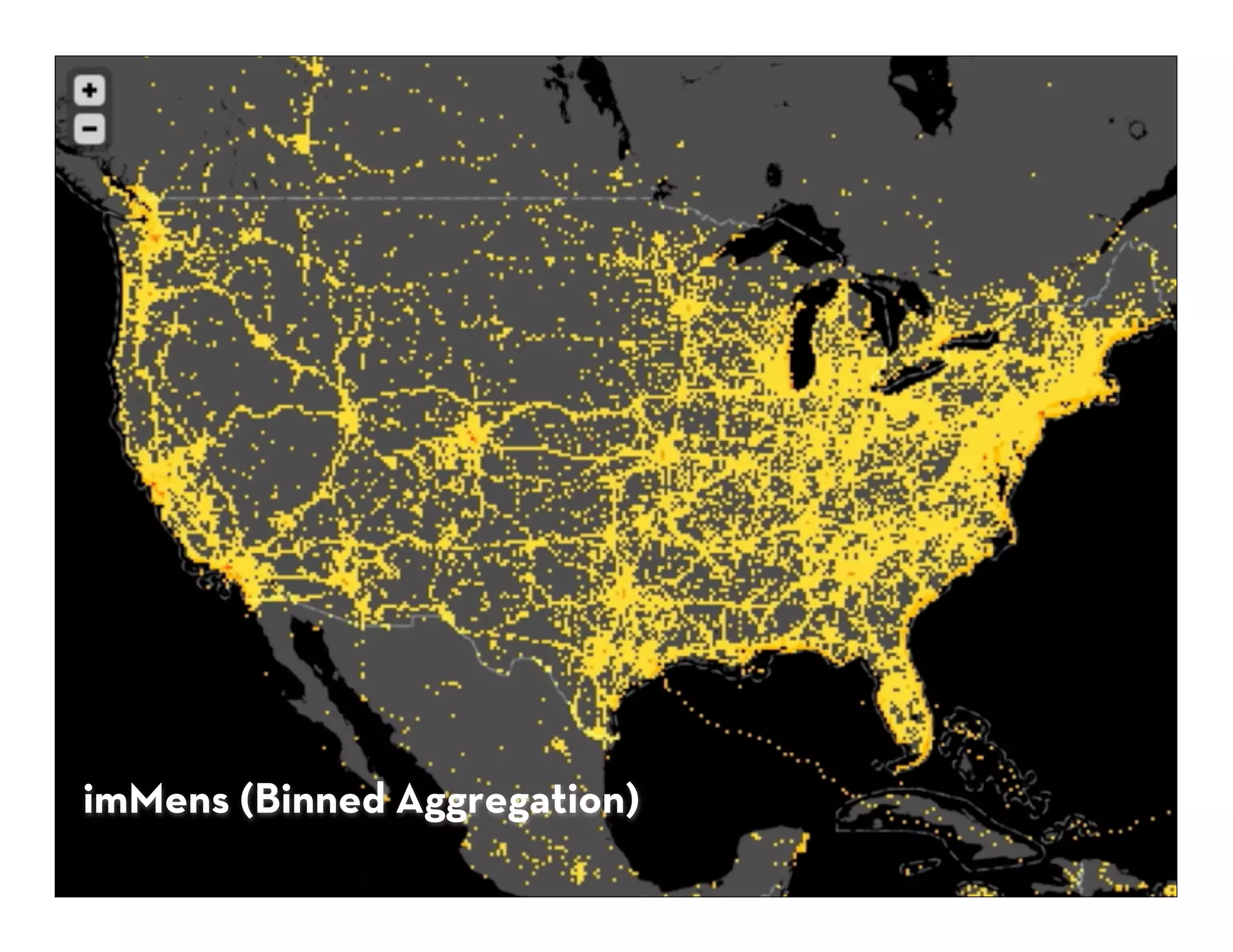
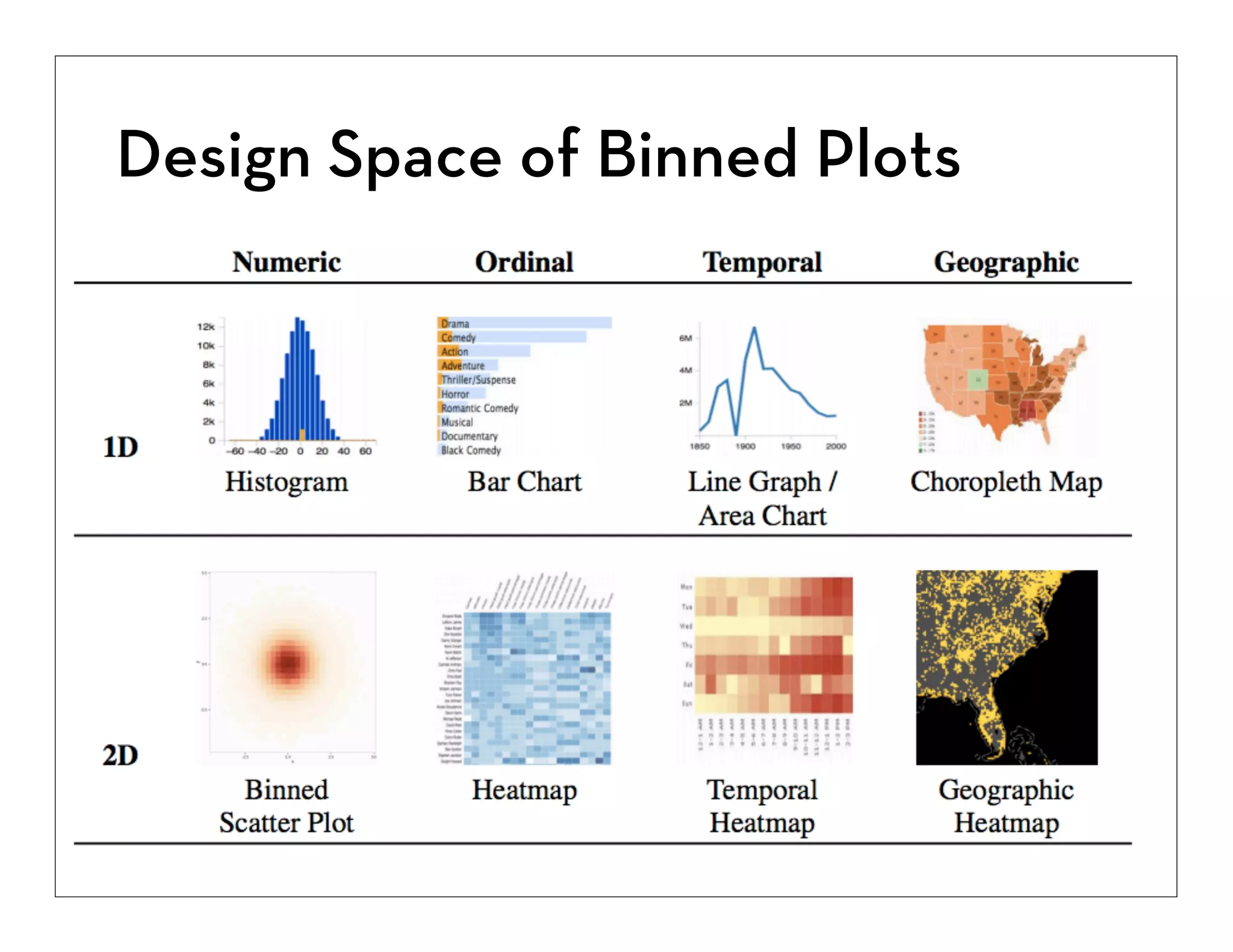
2. It describes using binning, aggregation, and sampling to summarize large datasets and make them perceptually and interactively scalable.
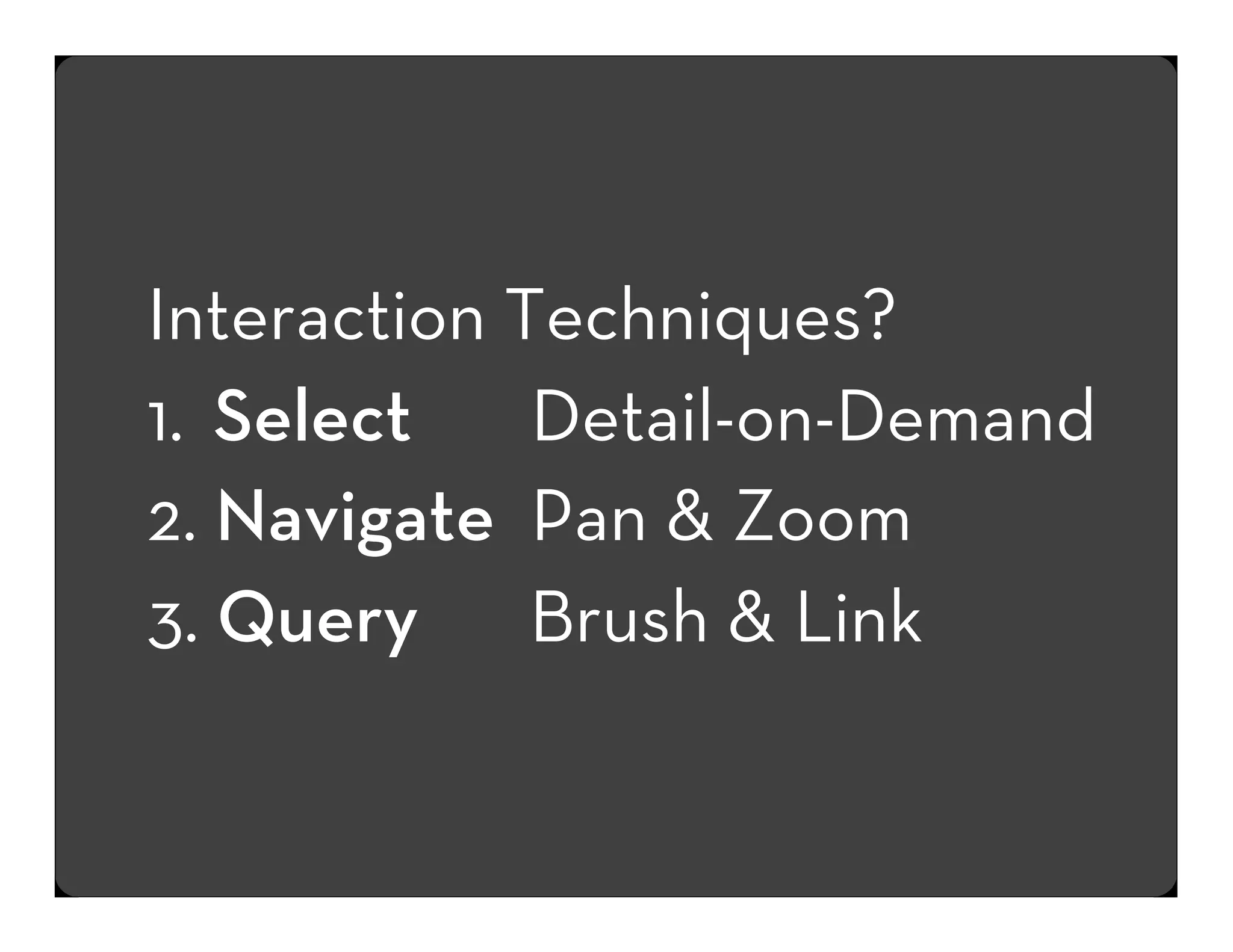
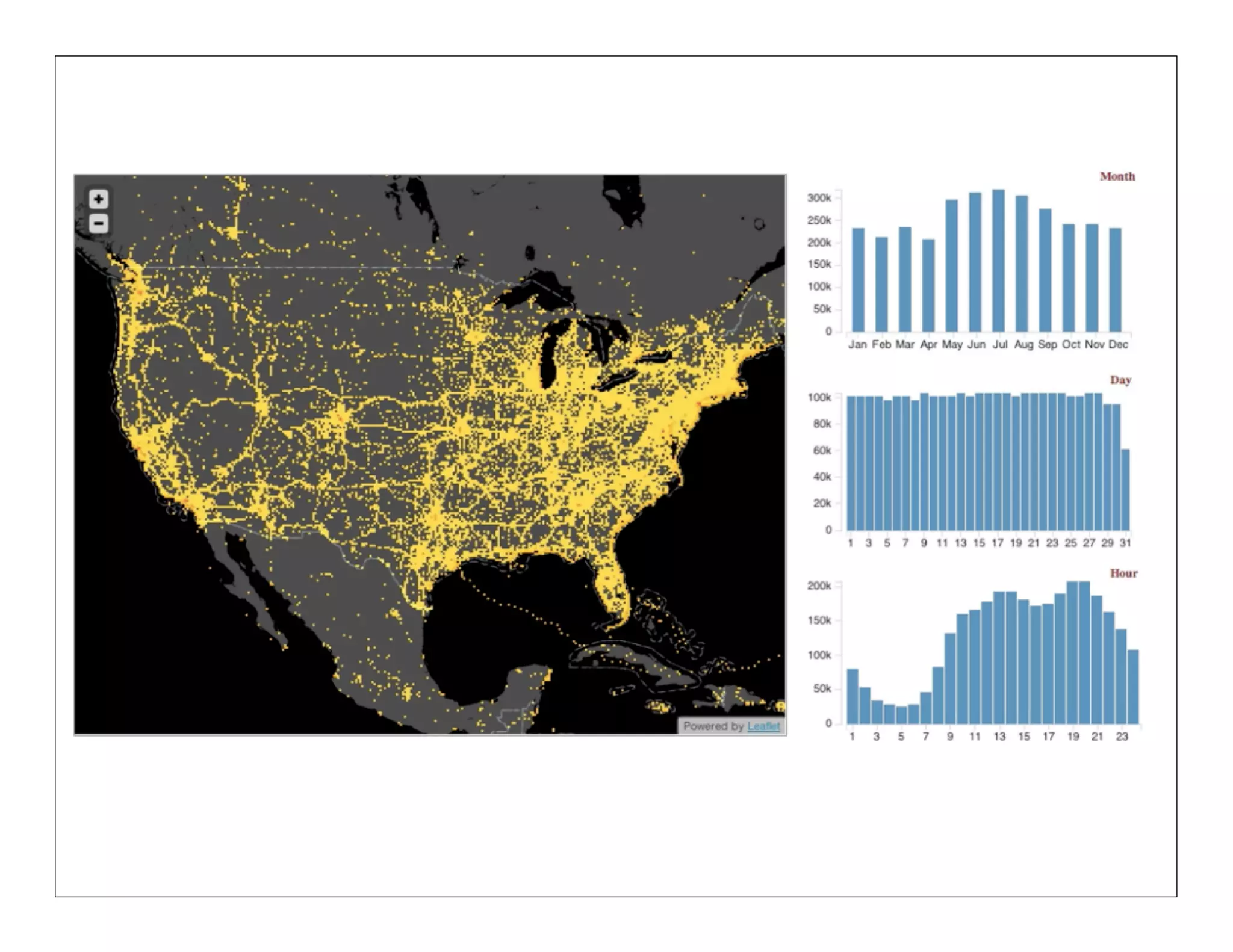
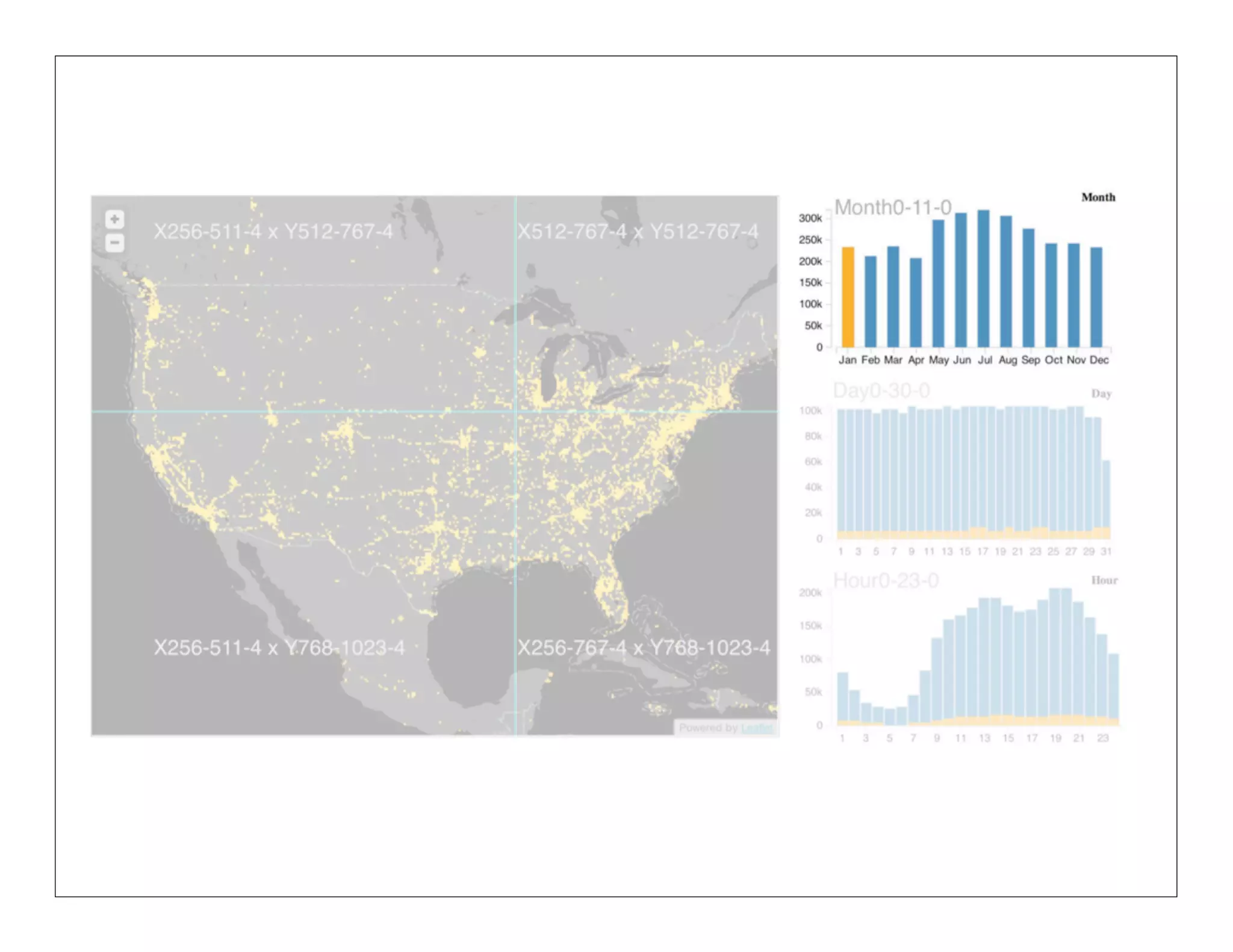
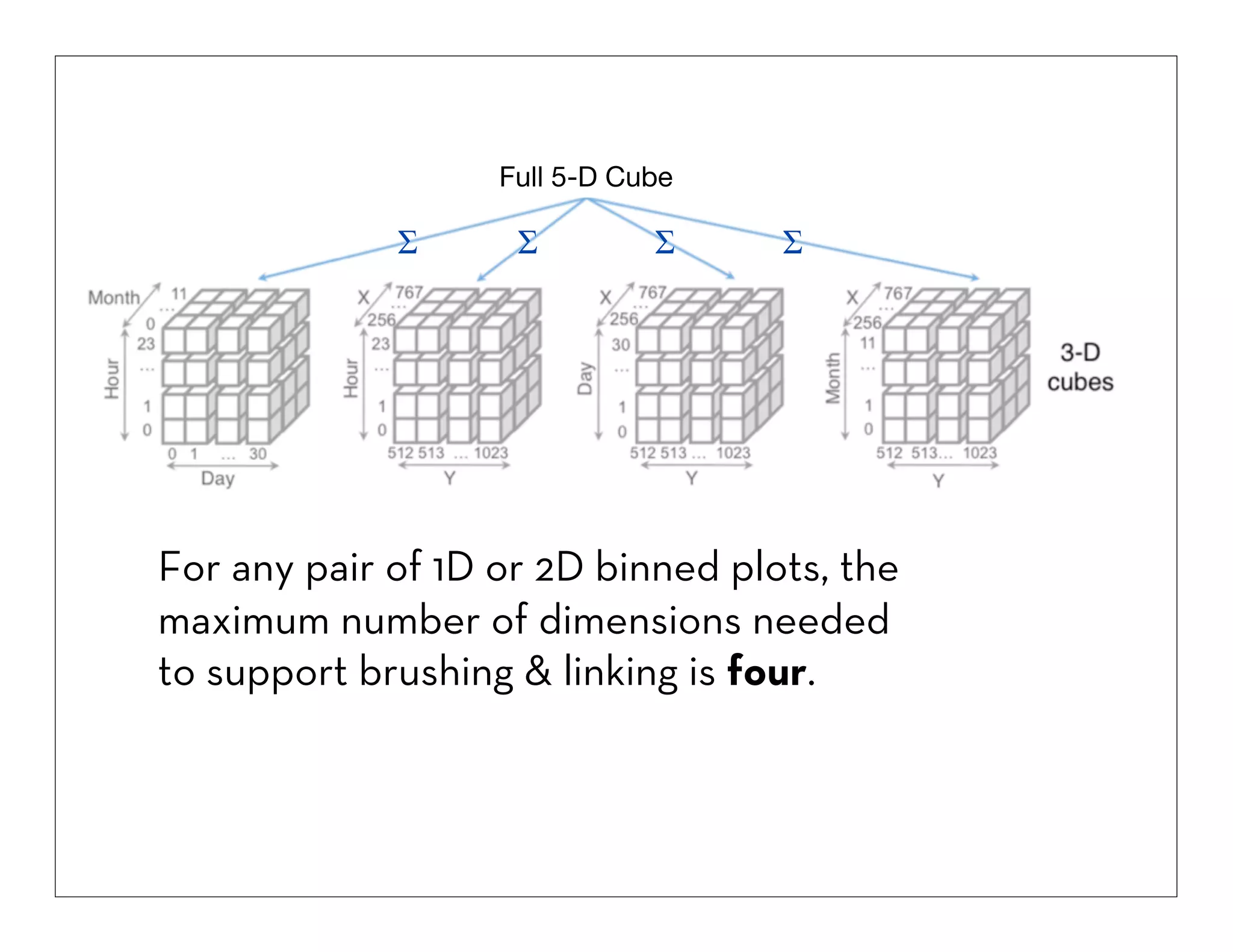
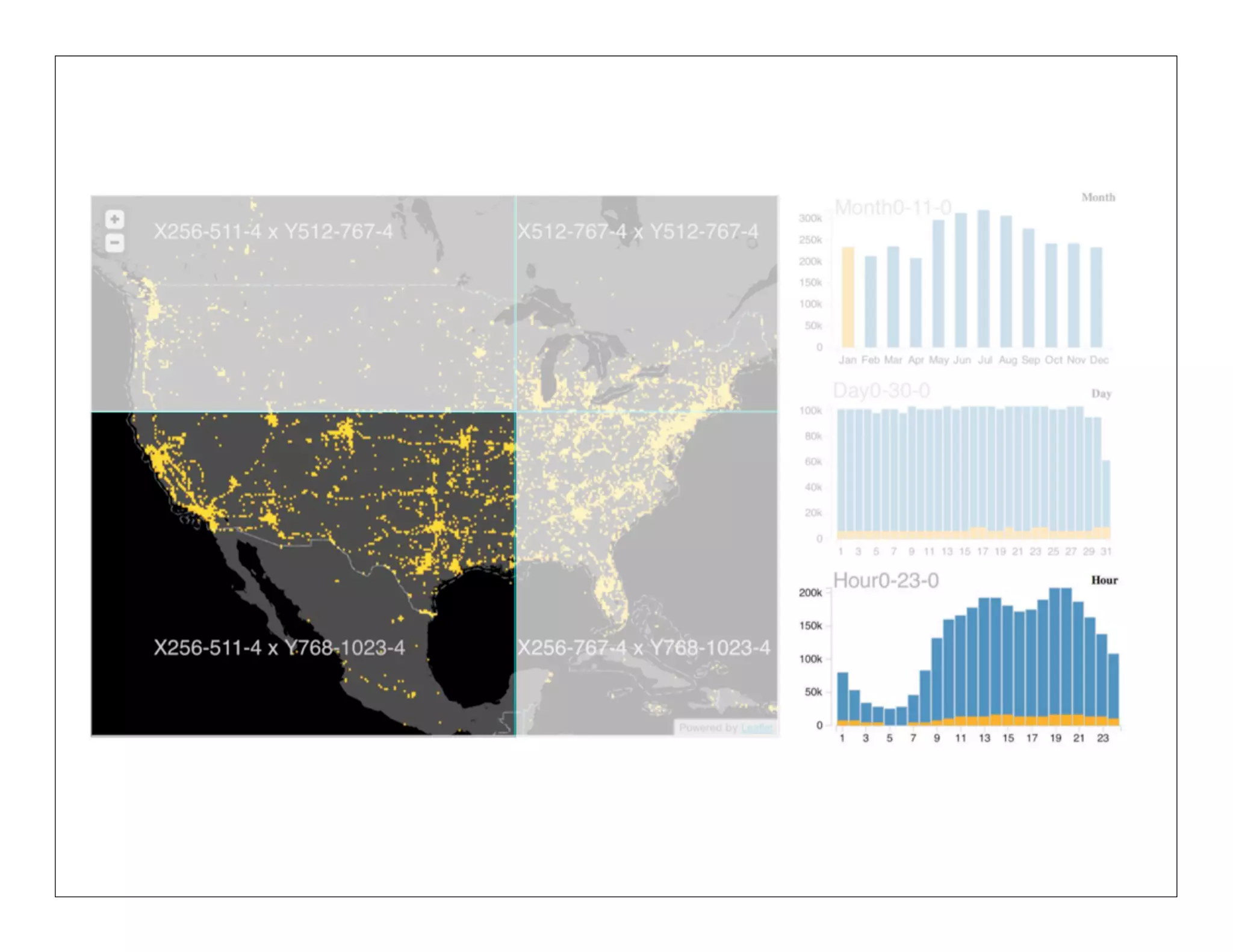
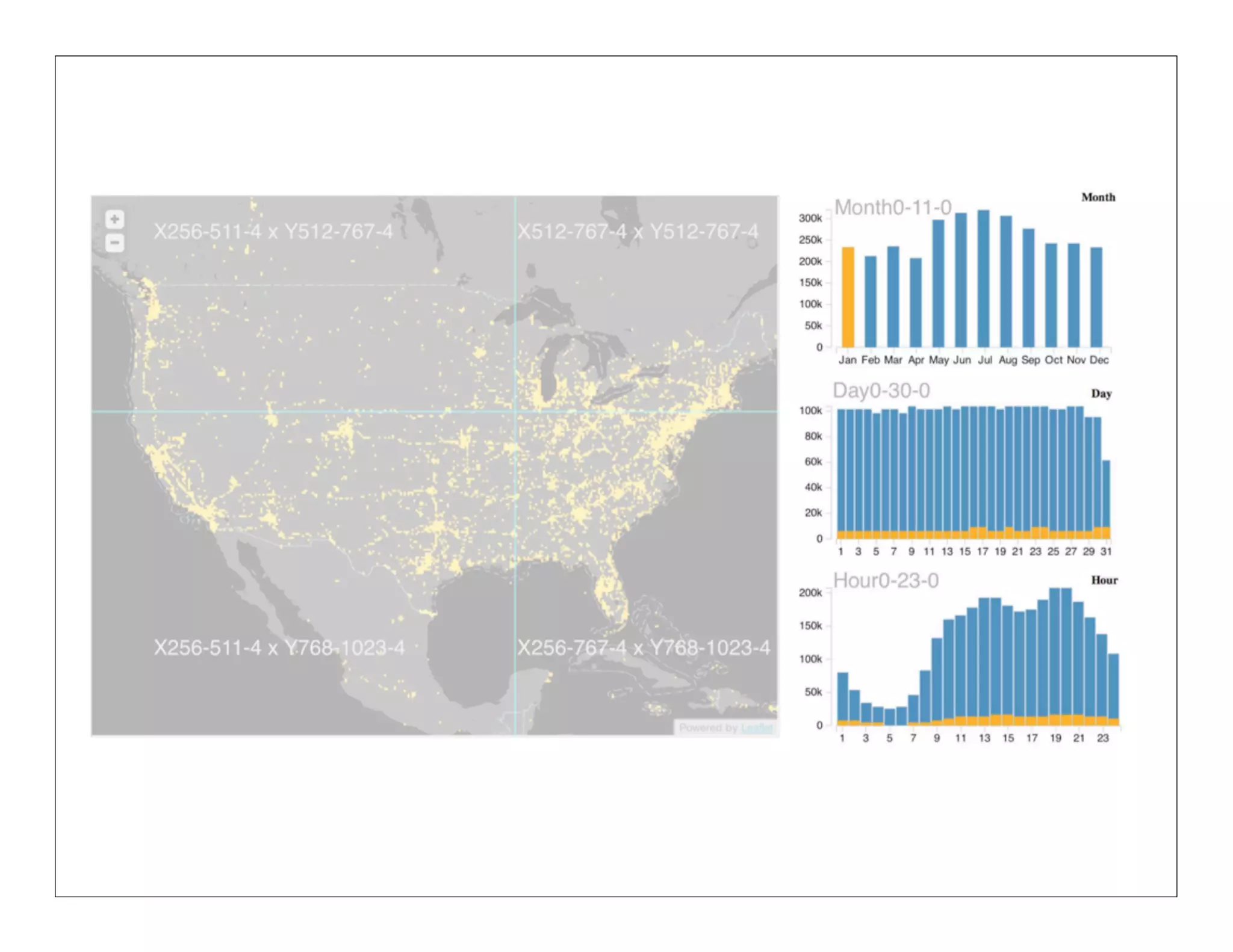
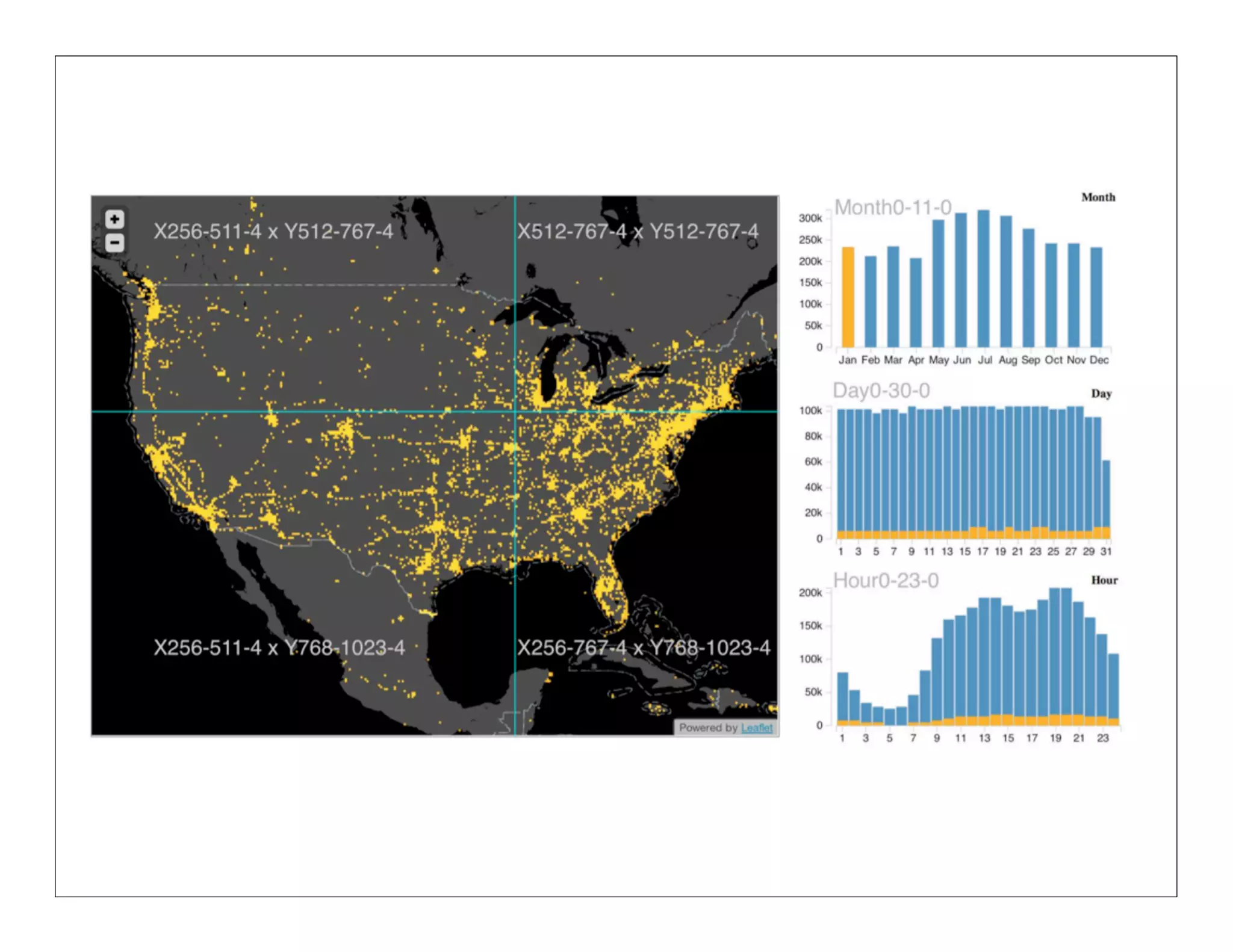
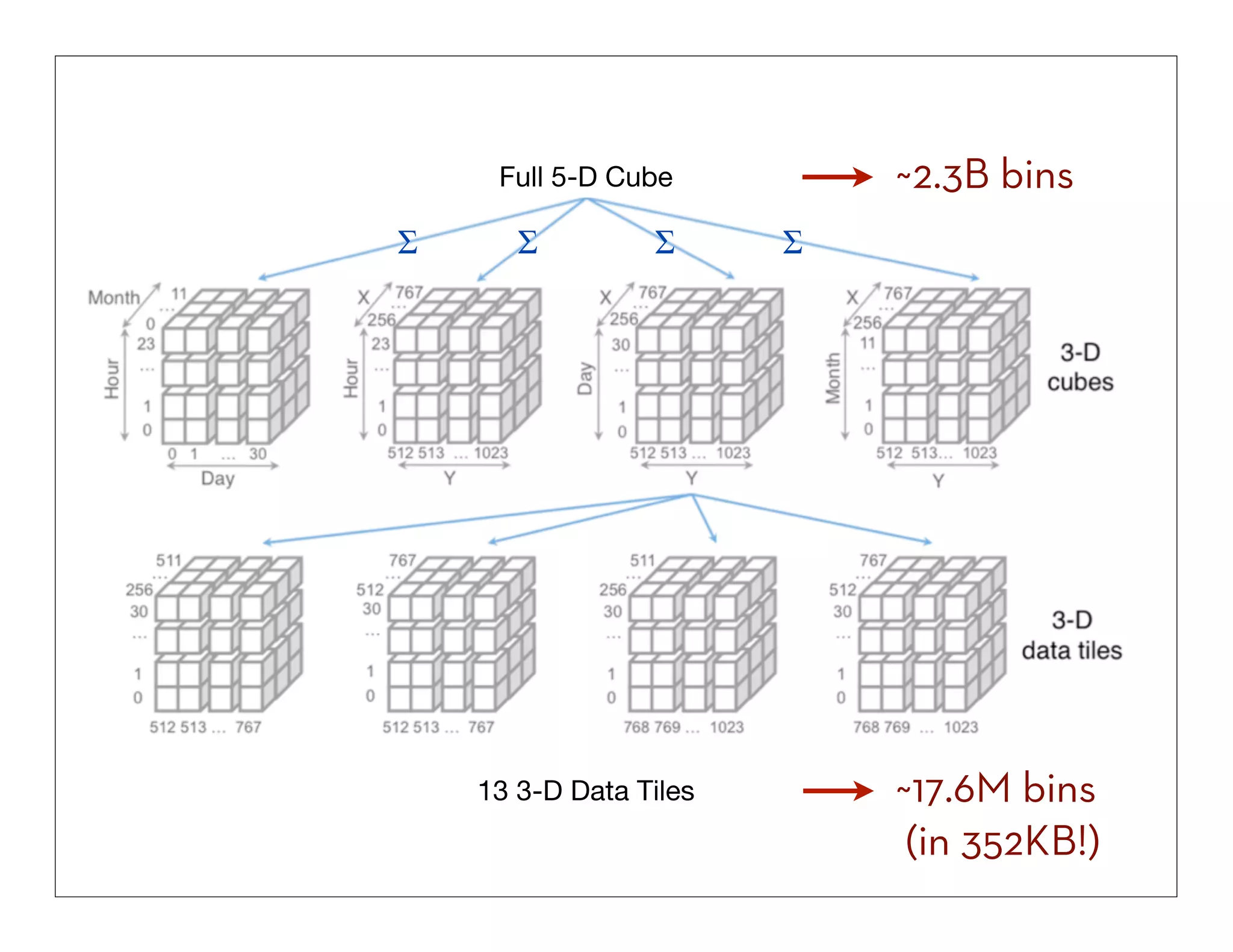
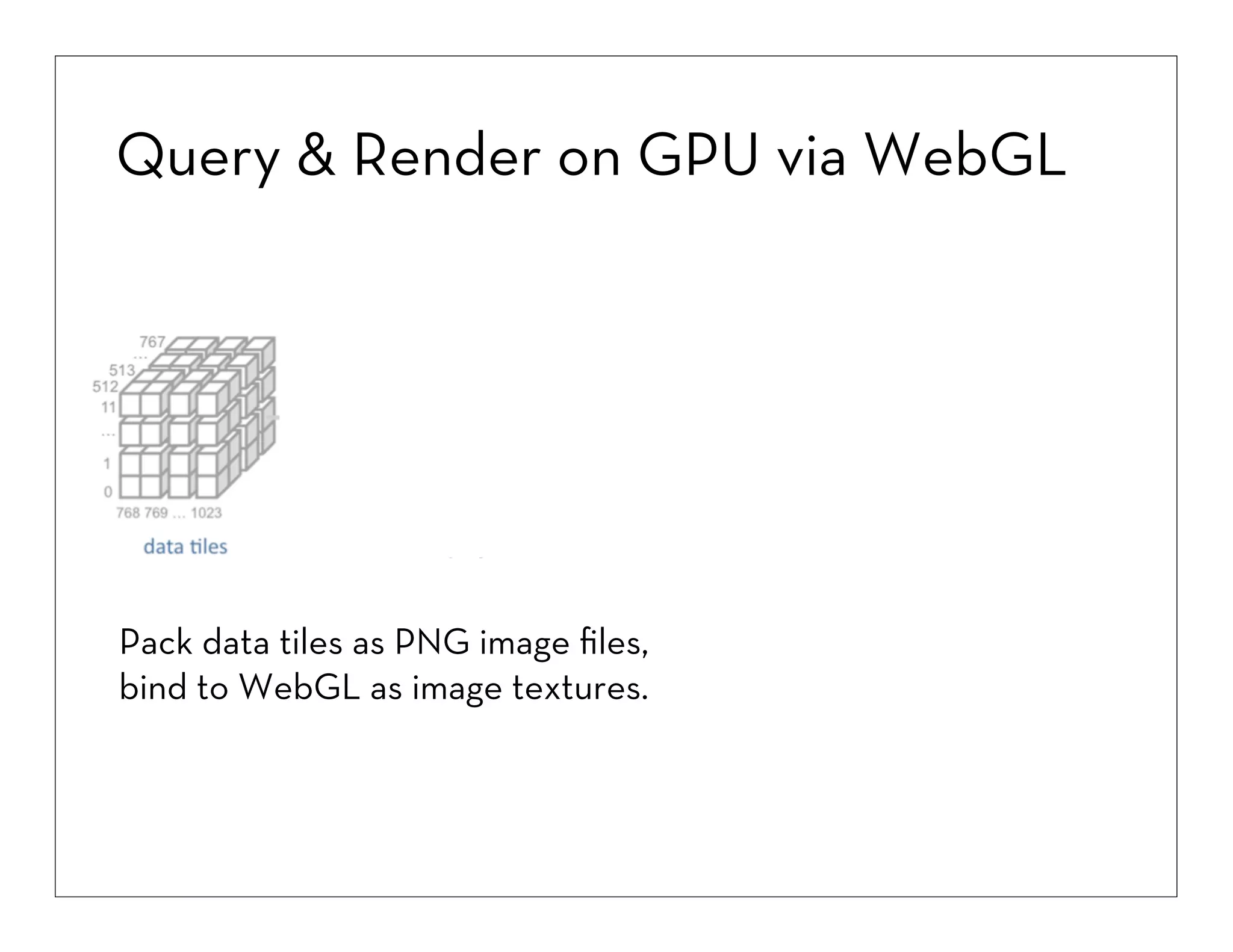
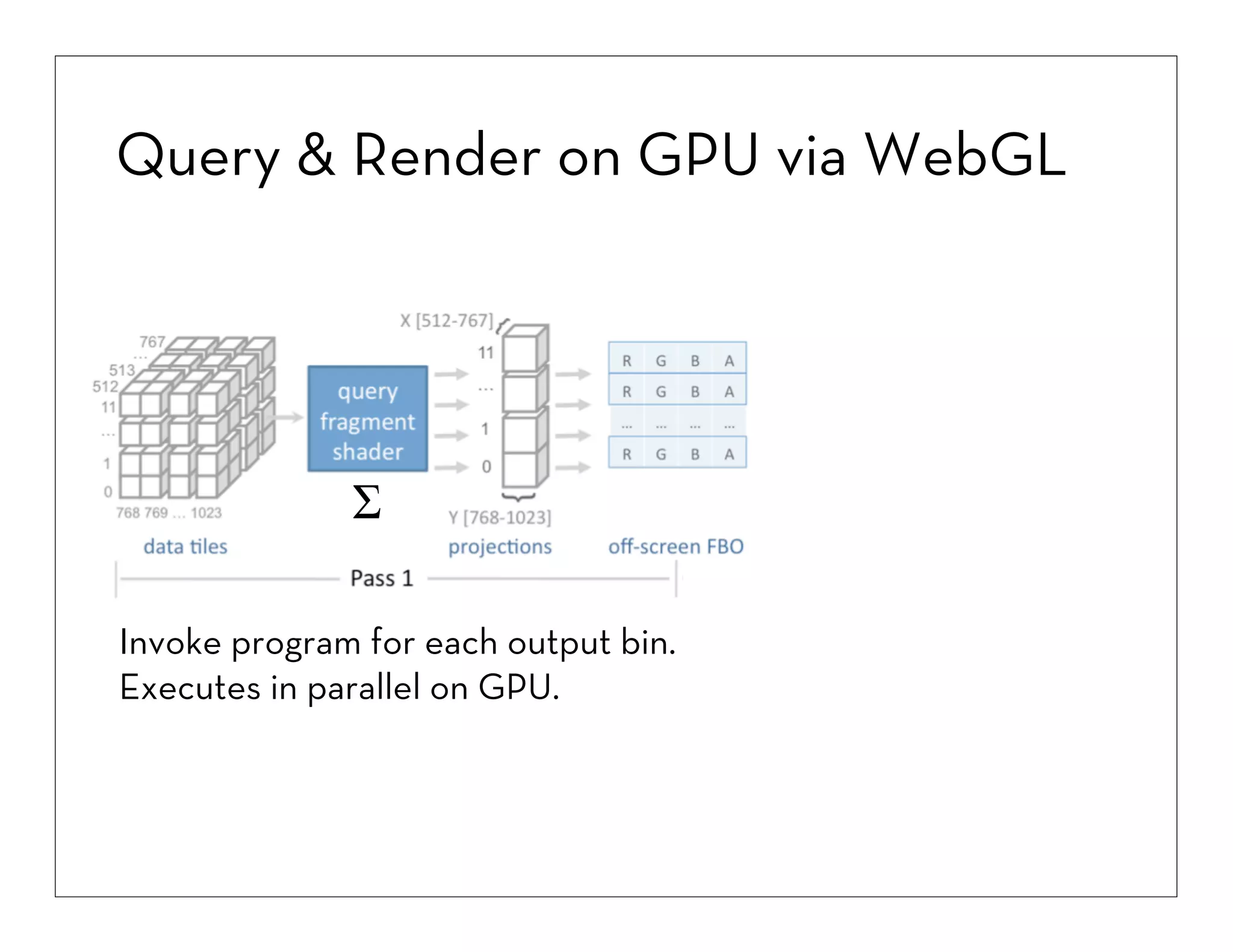
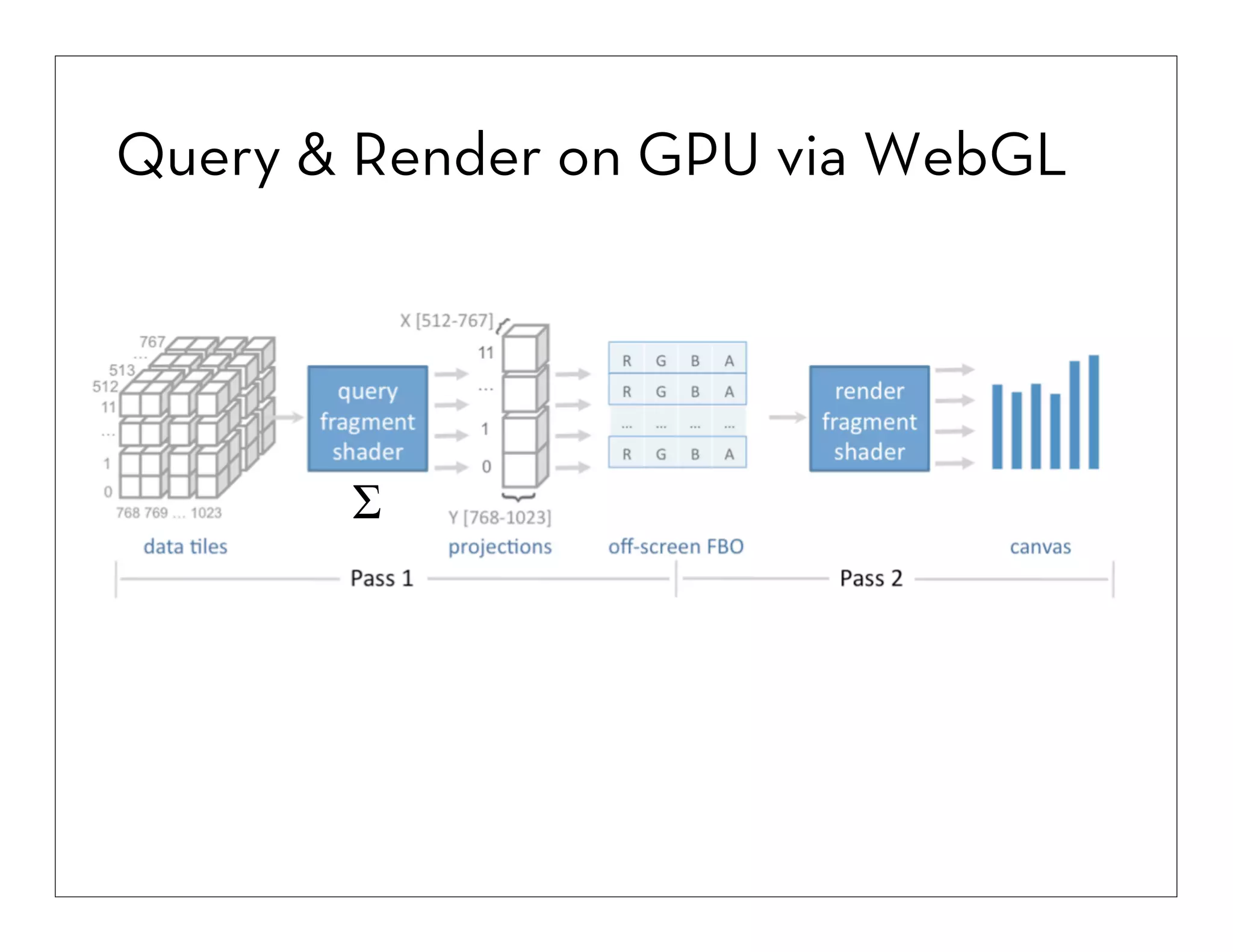
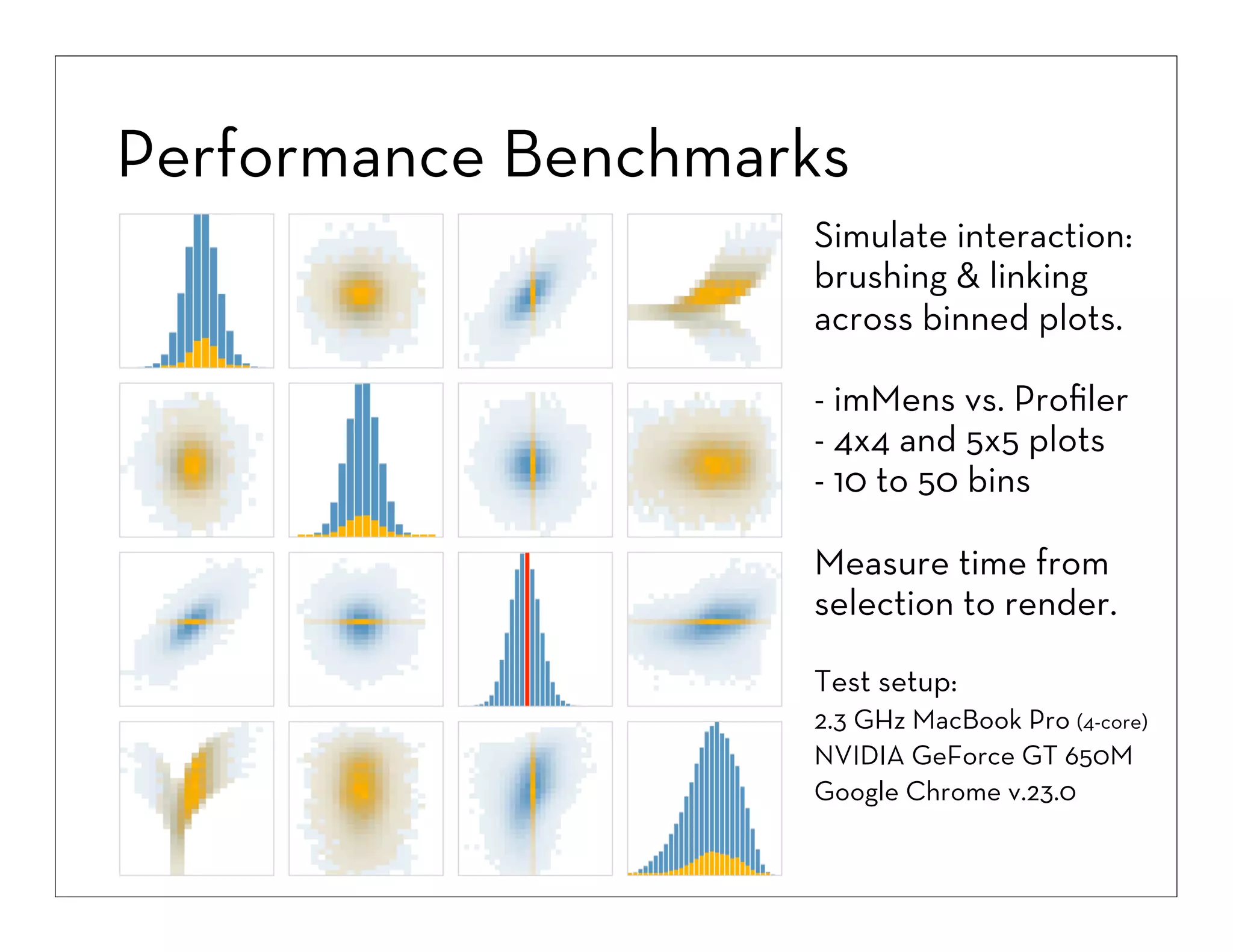
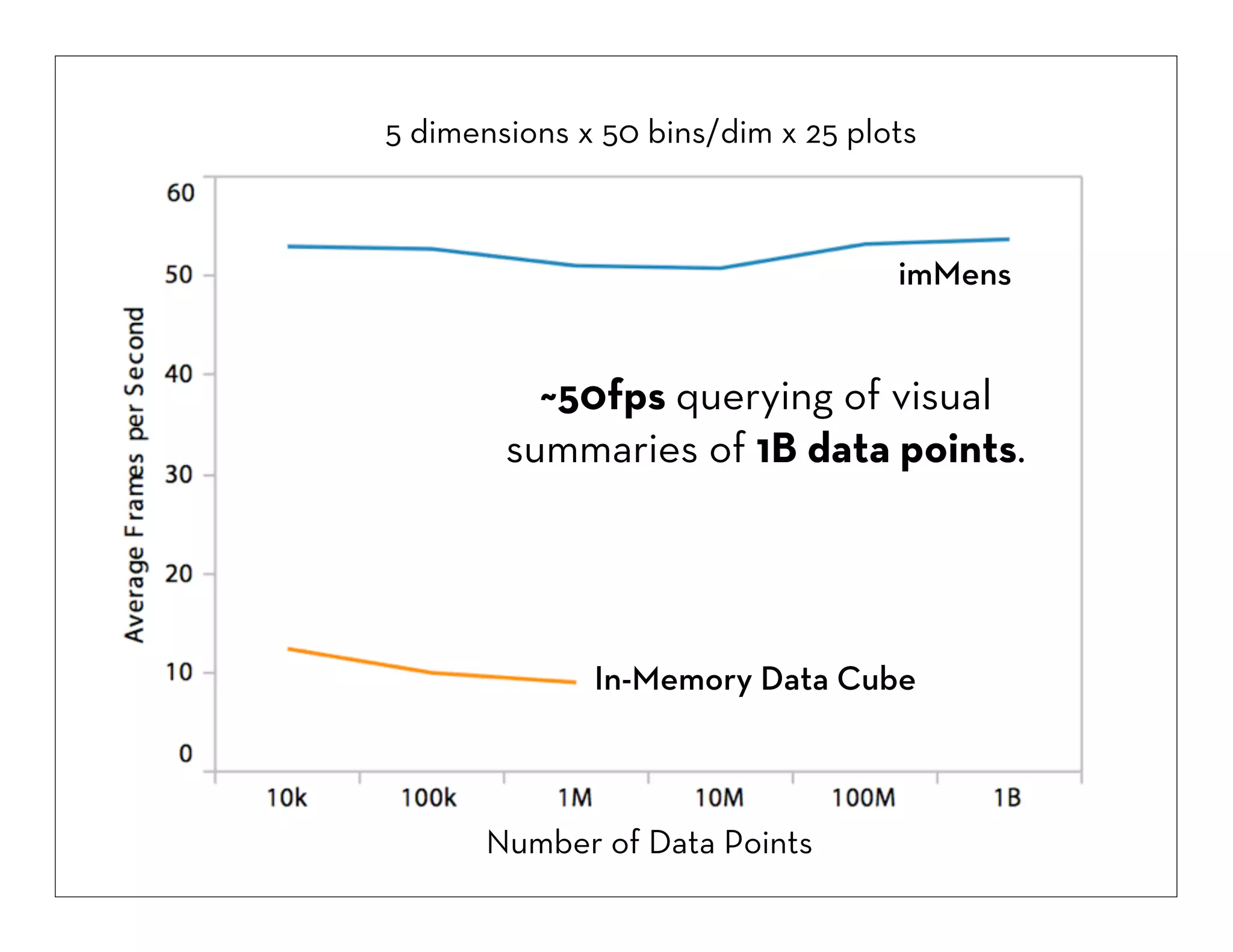
3. Key techniques discussed include binning data into discrete buckets, aggregating statistics within bins, and using GPU processing and WebGL to enable fast querying and linking of visual summaries across multiple plots of billion record datasets.

![Hexagonal or Rectangular Bins?
100,000 Data Points
Hexagonal Bins
Rectangular Bins
Hex bins better estimate density for 2D plots,
but the improvement is marginal [Scott 92], while
rectangles support reuse and query processing.](https://image.slidesharecdn.com/2013-131029154717-phpapp01/75/2013-10-24-big-datavisualization-11-2048.jpg)
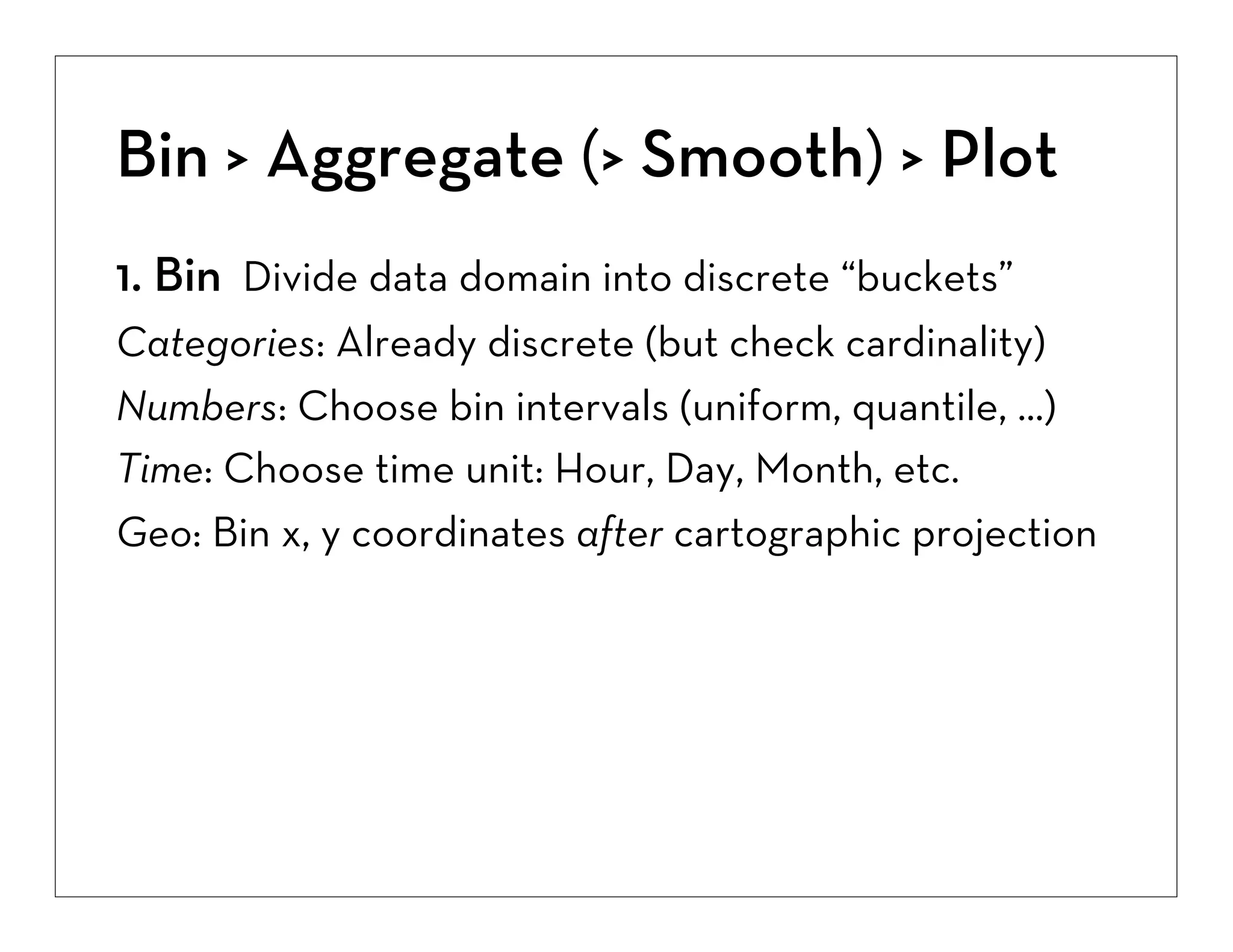
![Bin > Aggregate (> Smooth) > Plot
1. Bin Divide data domain into discrete “buckets”
Categories: Already discrete (but check cardinality)
Numbers: Choose bin intervals (uniform, quantile, ...)
Time: Choose time unit: Hour, Day, Month, etc.
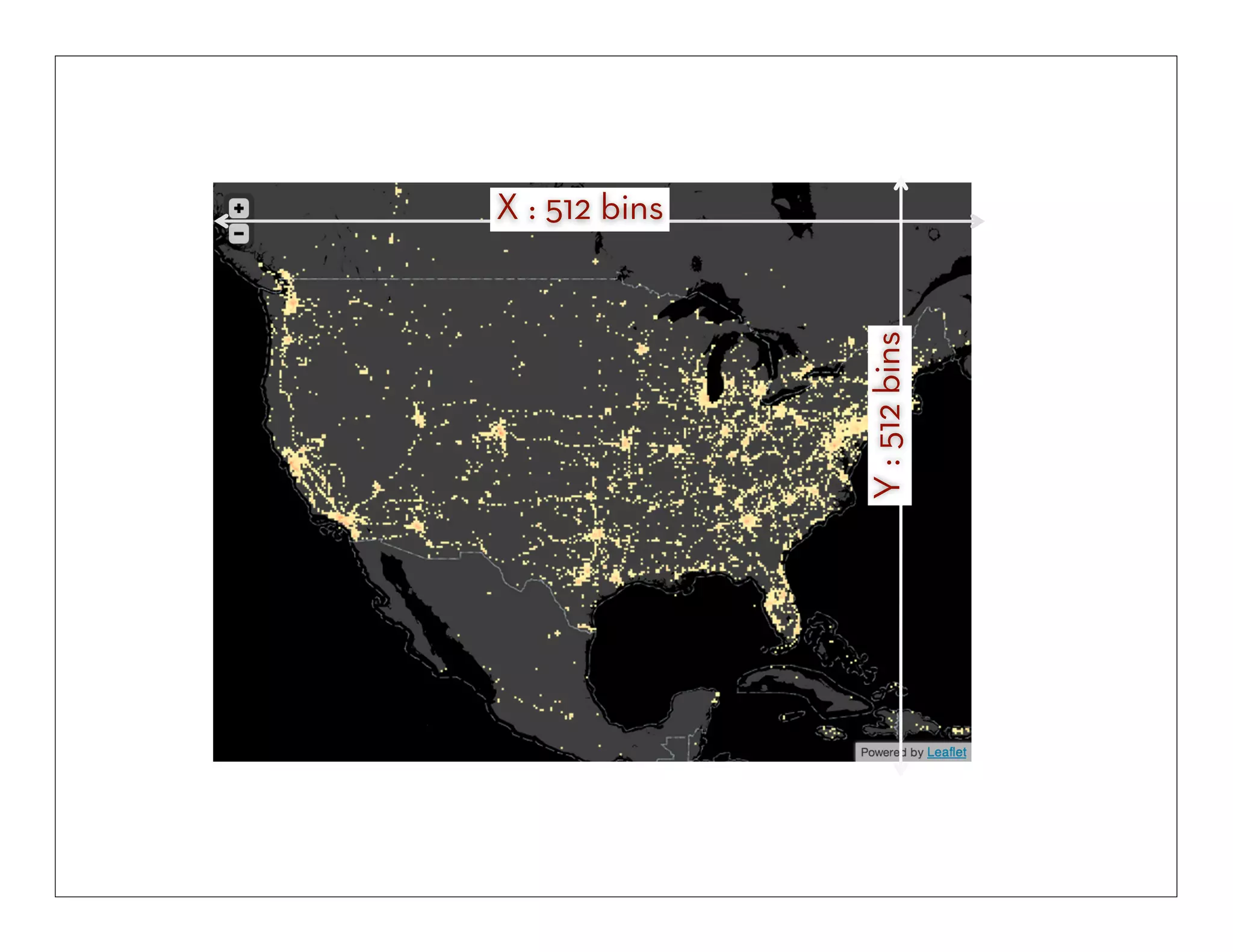
Geo: Bin x, y coordinates after cartographic projection
2. Aggregate Count, Sum, Average, Min, Max, ...
(3. Smooth Optional: smooth aggregates [Wickham ’13])](https://image.slidesharecdn.com/2013-131029154717-phpapp01/75/2013-10-24-big-datavisualization-13-2048.jpg)
![[1] Wickham 2013](https://image.slidesharecdn.com/2013-131029154717-phpapp01/75/2013-10-24-big-datavisualization-14-2048.jpg)
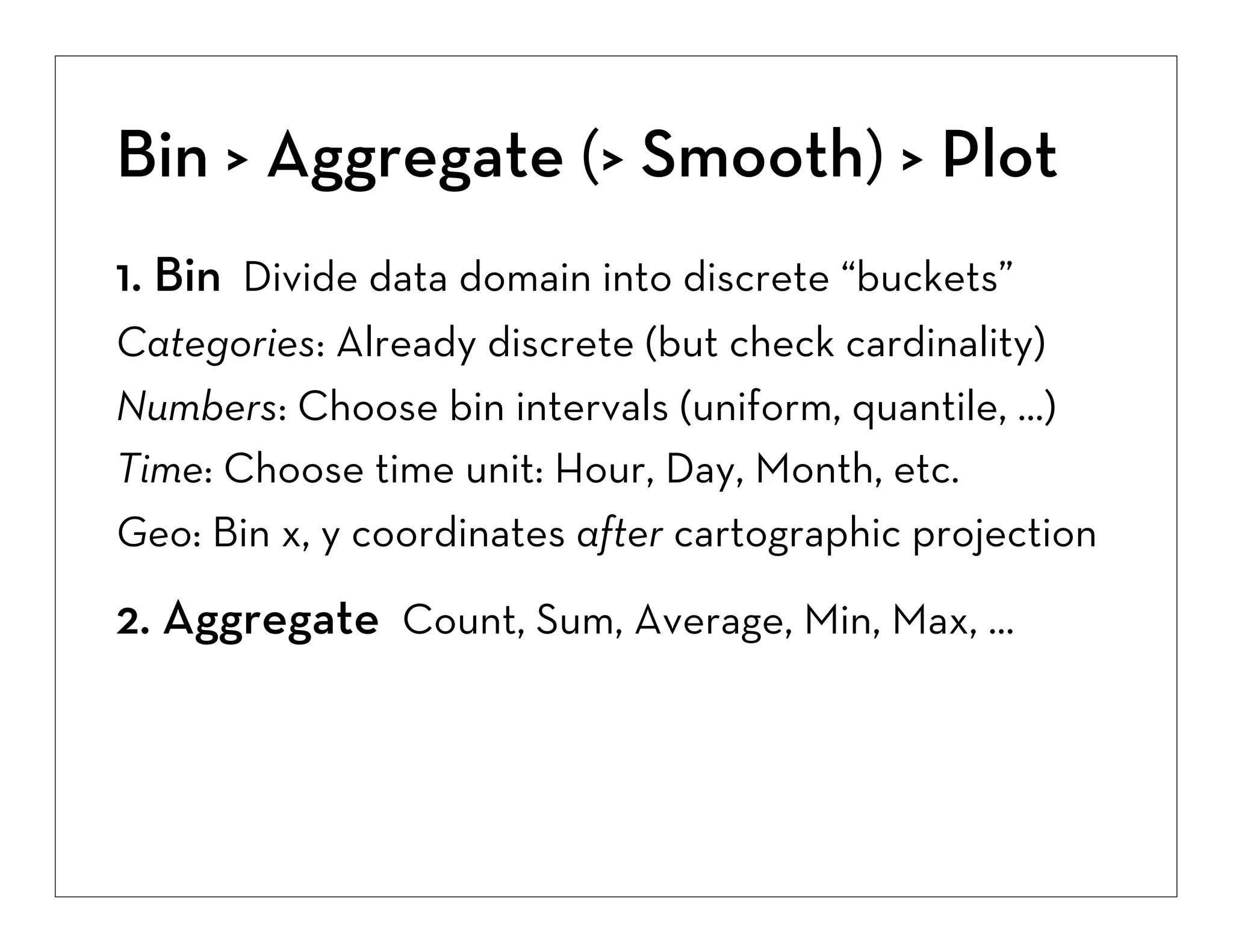
![Bin > Aggregate (> Smooth) > Plot
1. Bin Divide data domain into discrete “buckets”
Categories: Already discrete (but check cardinality)
Numbers: Choose bin intervals (uniform, quantile, ...)
Time: Choose time unit: Hour, Day, Month, etc.
Geo: Bin x, y coordinates after cartographic projection
2. Aggregate Count, Sum, Average, Min, Max, ...
(3. Smooth Optional: smooth aggregates [Wickham ’13])
4. Plot Visualize the aggregate summary values](https://image.slidesharecdn.com/2013-131029154717-phpapp01/75/2013-10-24-big-datavisualization-15-2048.jpg)
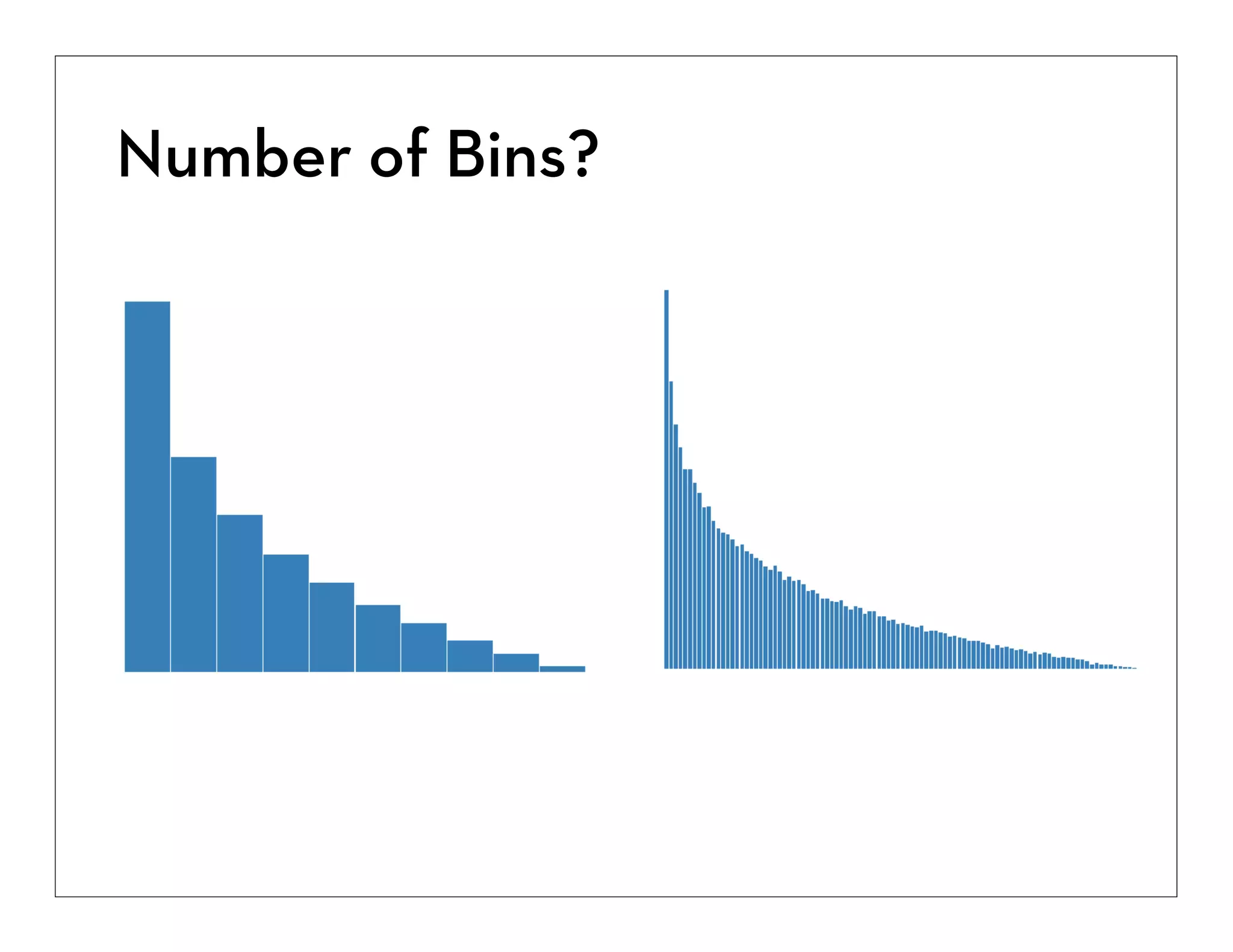
![Plot: Visual Encoding
Choose Most Effective Encoding [Cleveland & McGill ’84]
1D Plot -> Position or Length Encoding
Histograms, line charts, etc.
2D Plot -> Area or Color Encoding
Spatial dimensions (x, y) already allocated.
While less effective than area for magnitude
estimation, color can be used at the per-pixel level
and provides an overall “gestalt”](https://image.slidesharecdn.com/2013-131029154717-phpapp01/75/2013-10-24-big-datavisualization-16-2048.jpg)
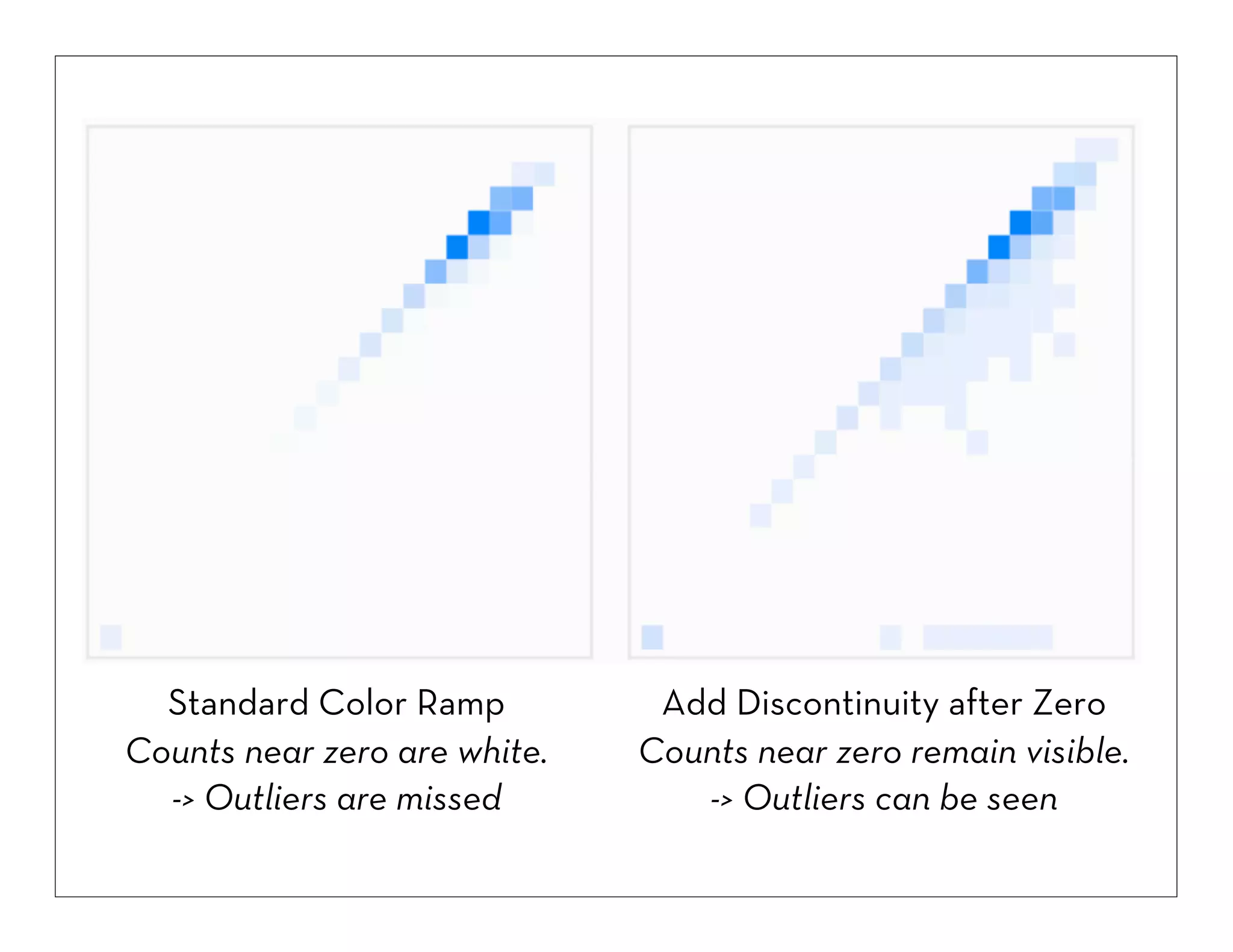
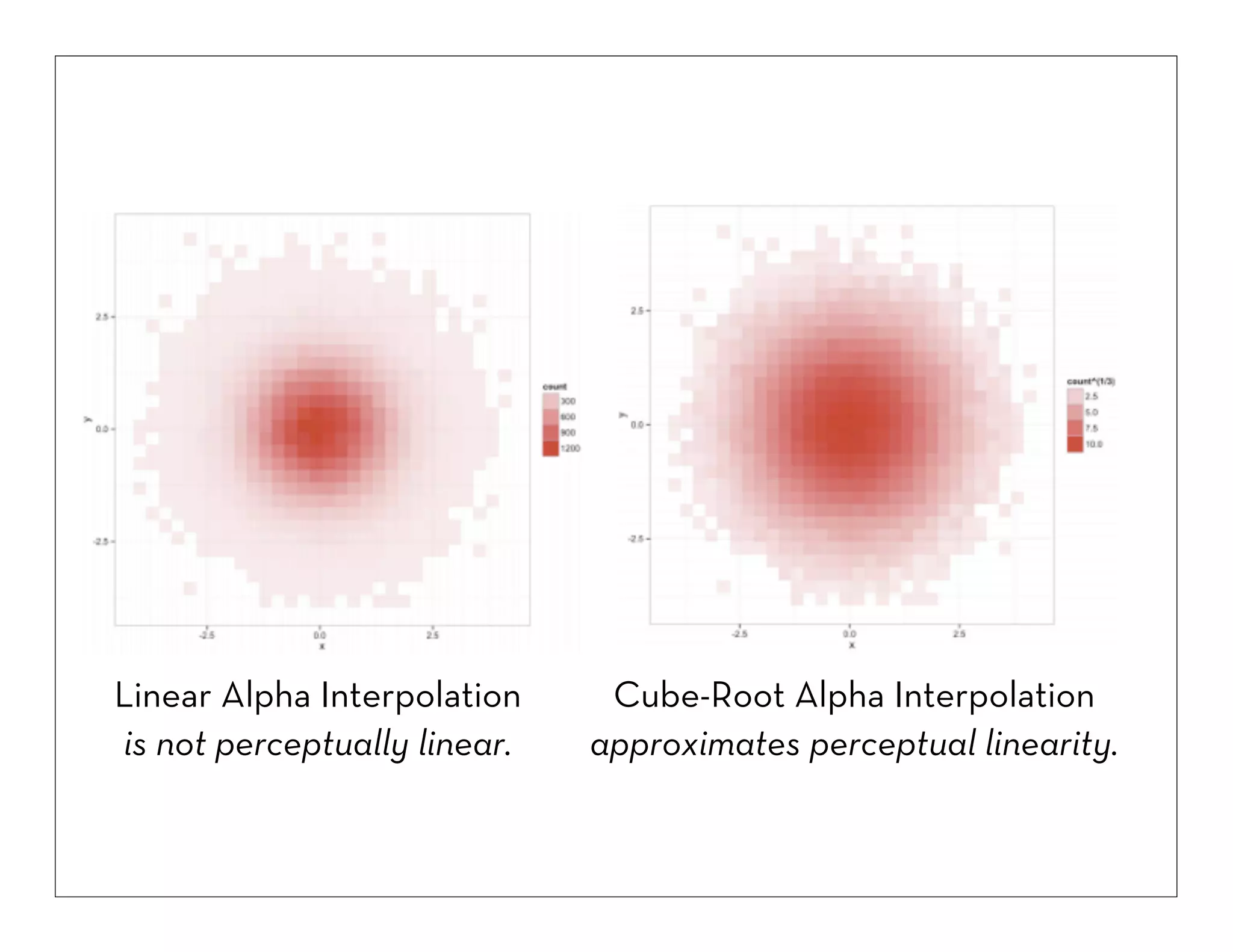
![Color Encoding
Min. Non-Zero Intensity (α=0.15) [1]
Perceptual Scaling (γ=1/3) [2]
Luminance (in range 0-1) User-Adjustable Min/Max Values [3]
[1] Keep small non-zero values visible (outliers!)
[2] Match color ramp to perceptual distances
[3] Enable exploration across value ranges](https://image.slidesharecdn.com/2013-131029154717-phpapp01/75/2013-10-24-big-datavisualization-19-2048.jpg)

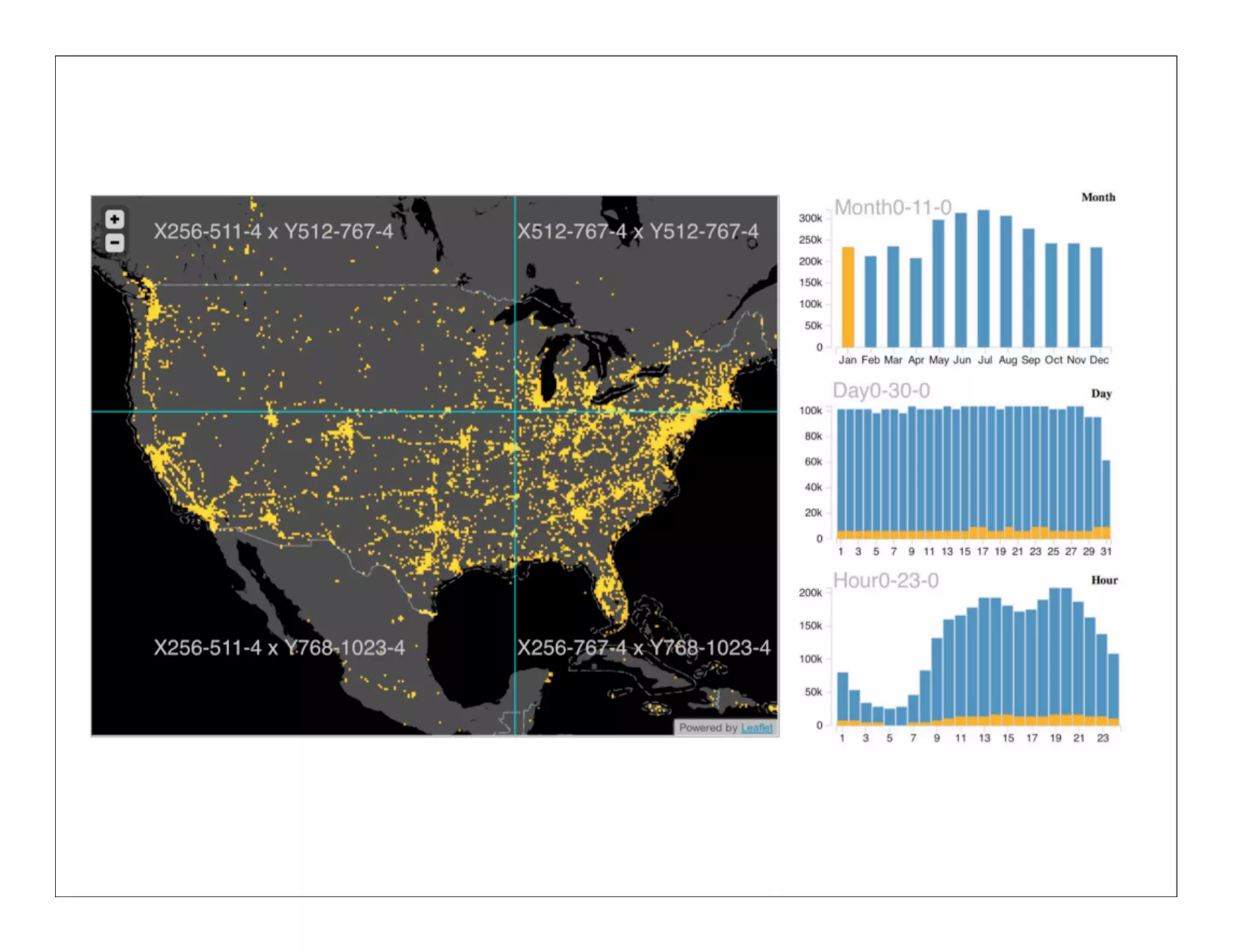
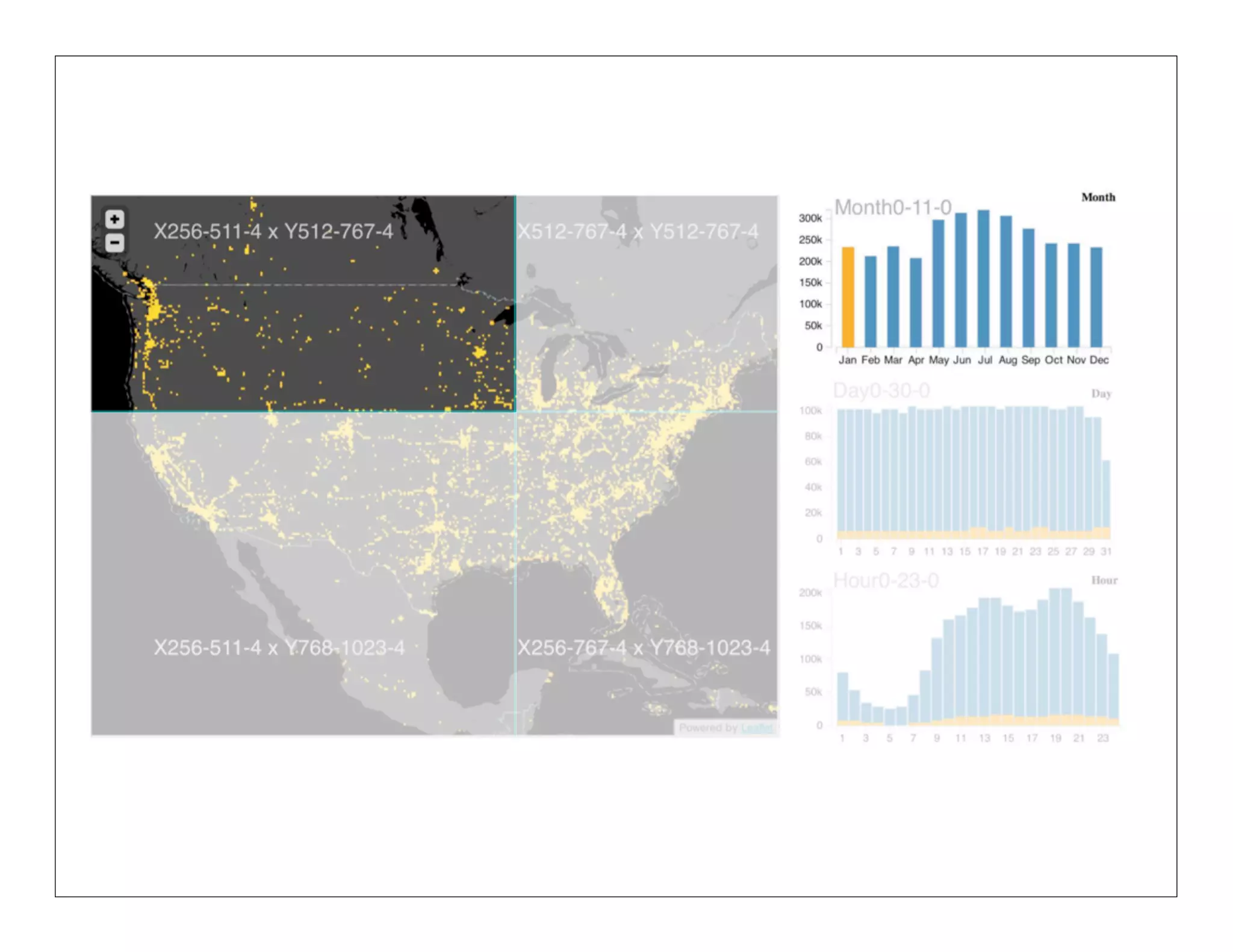
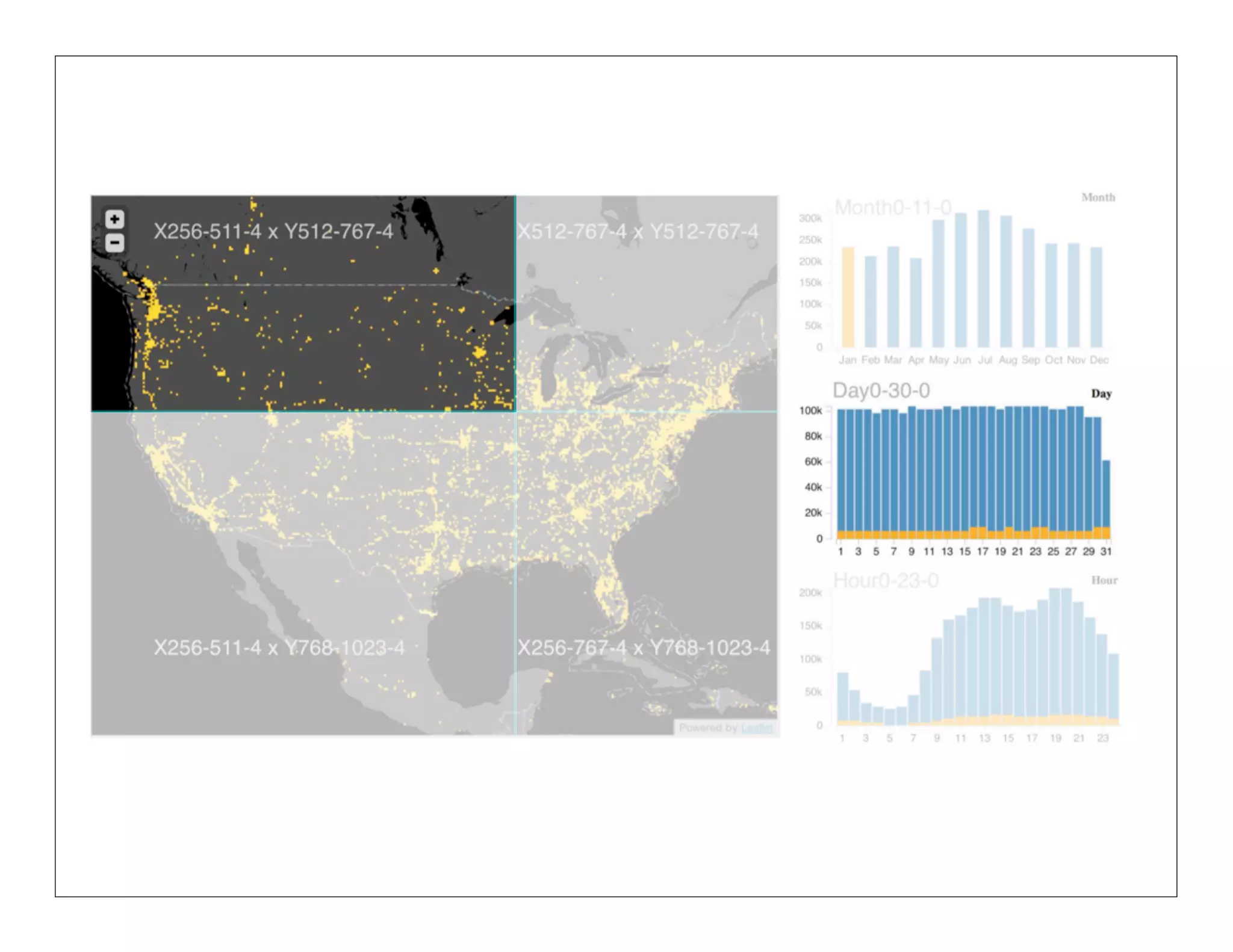
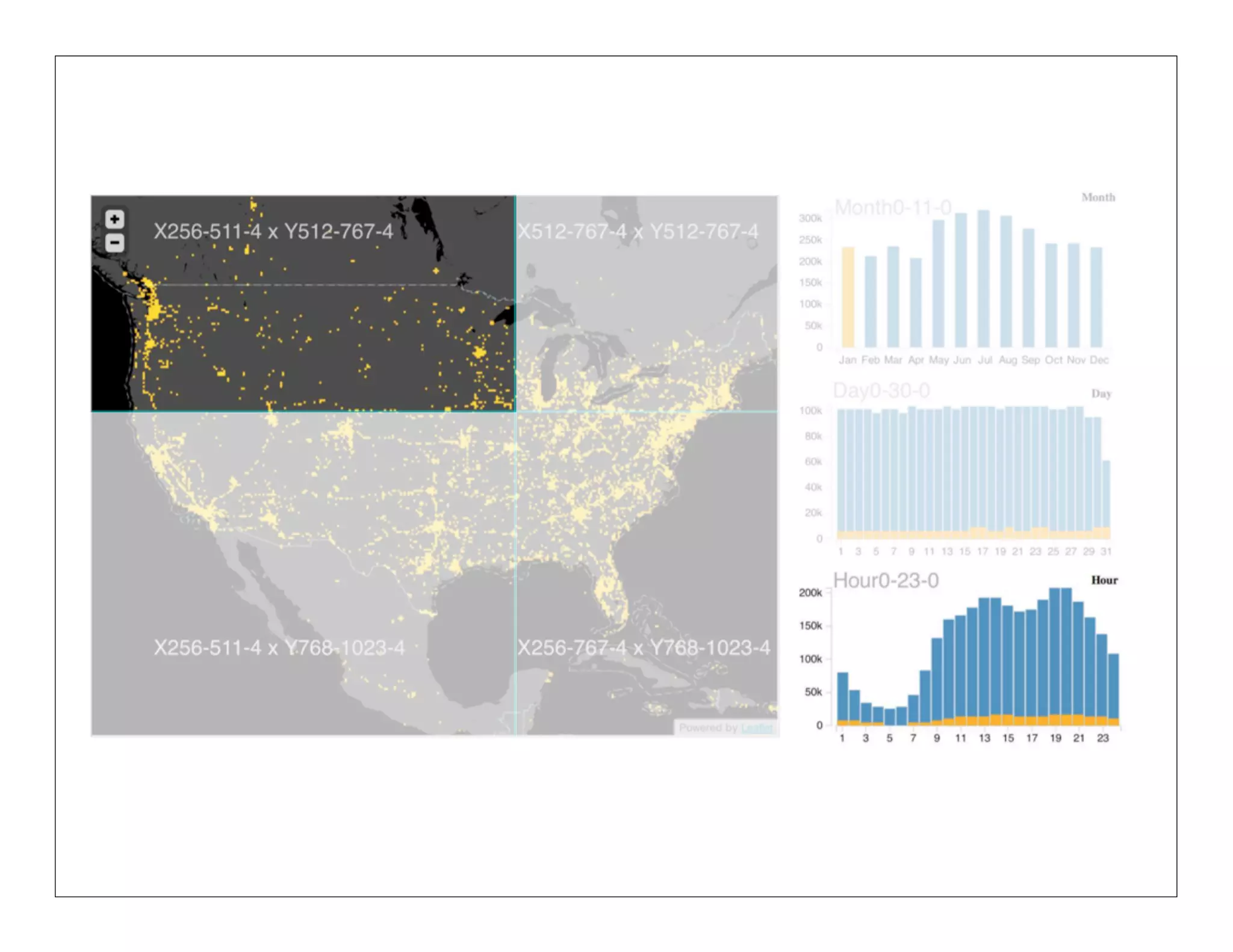
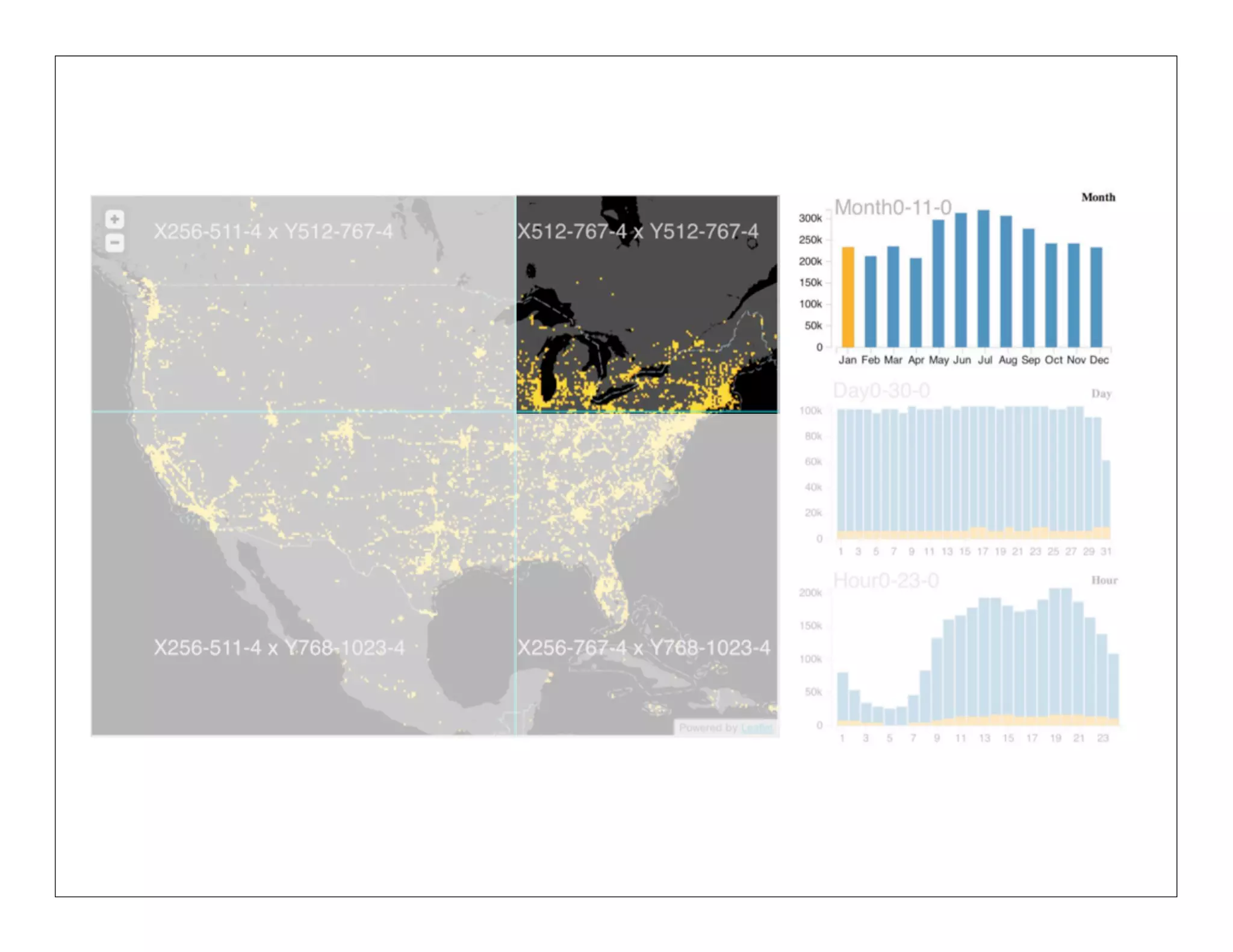
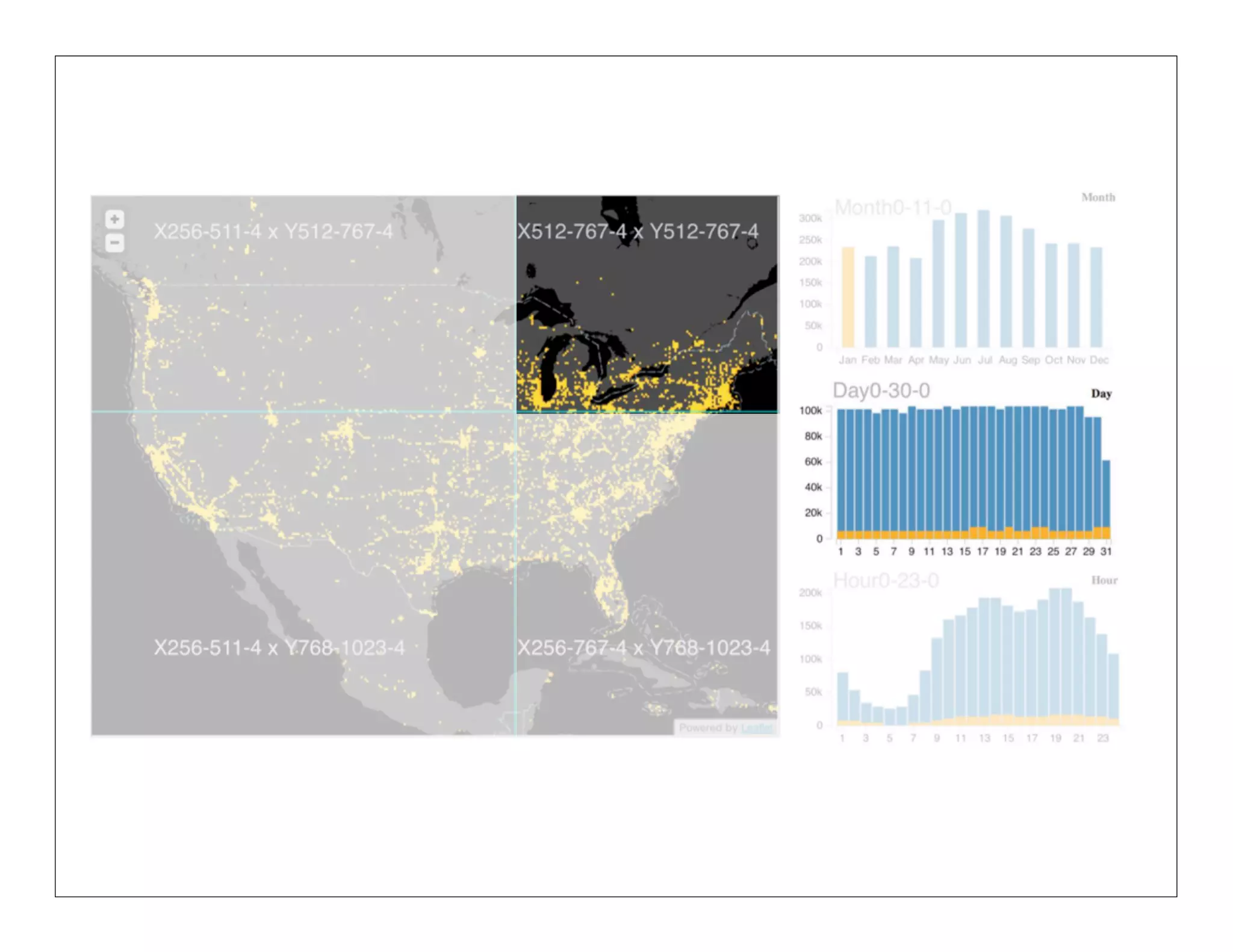
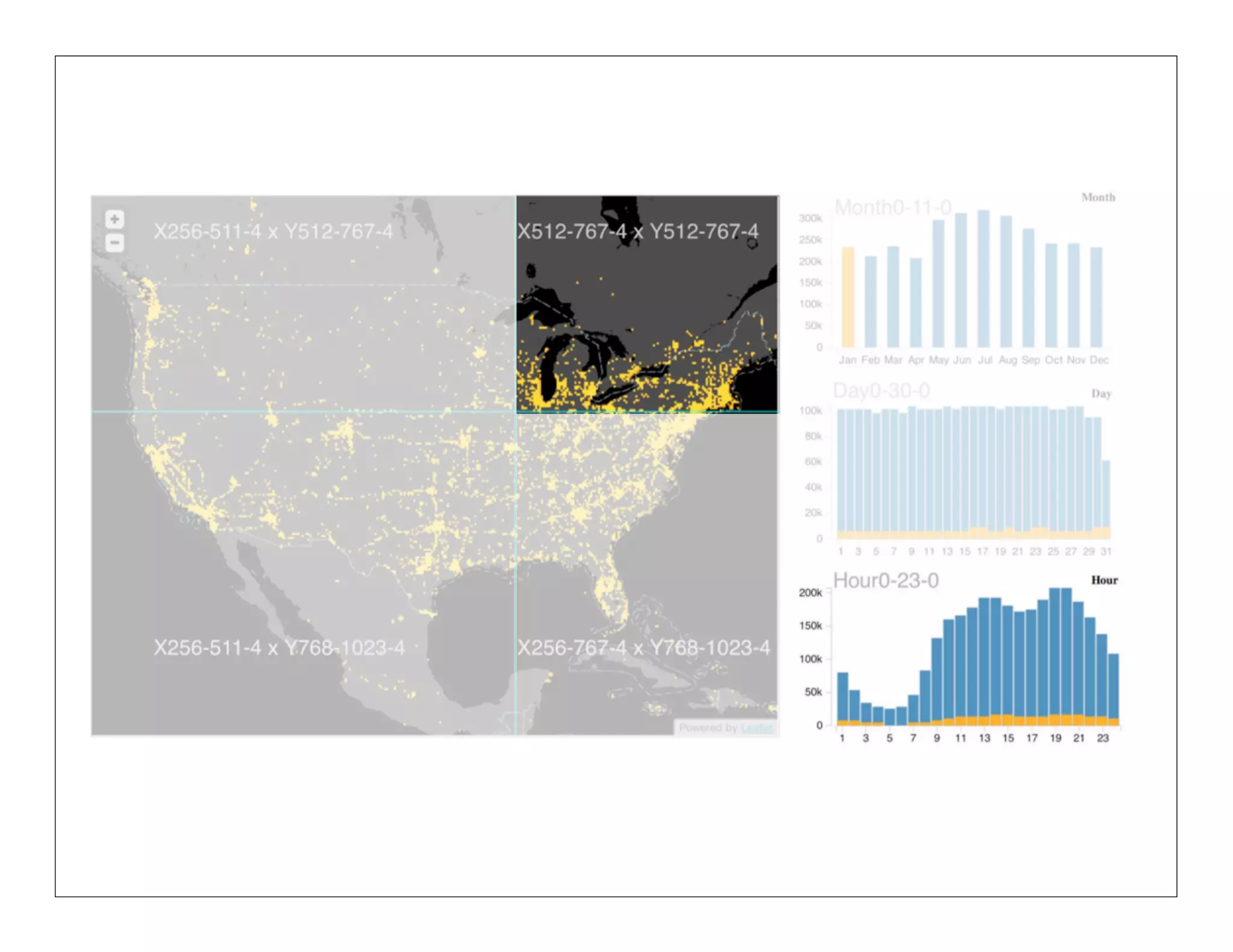
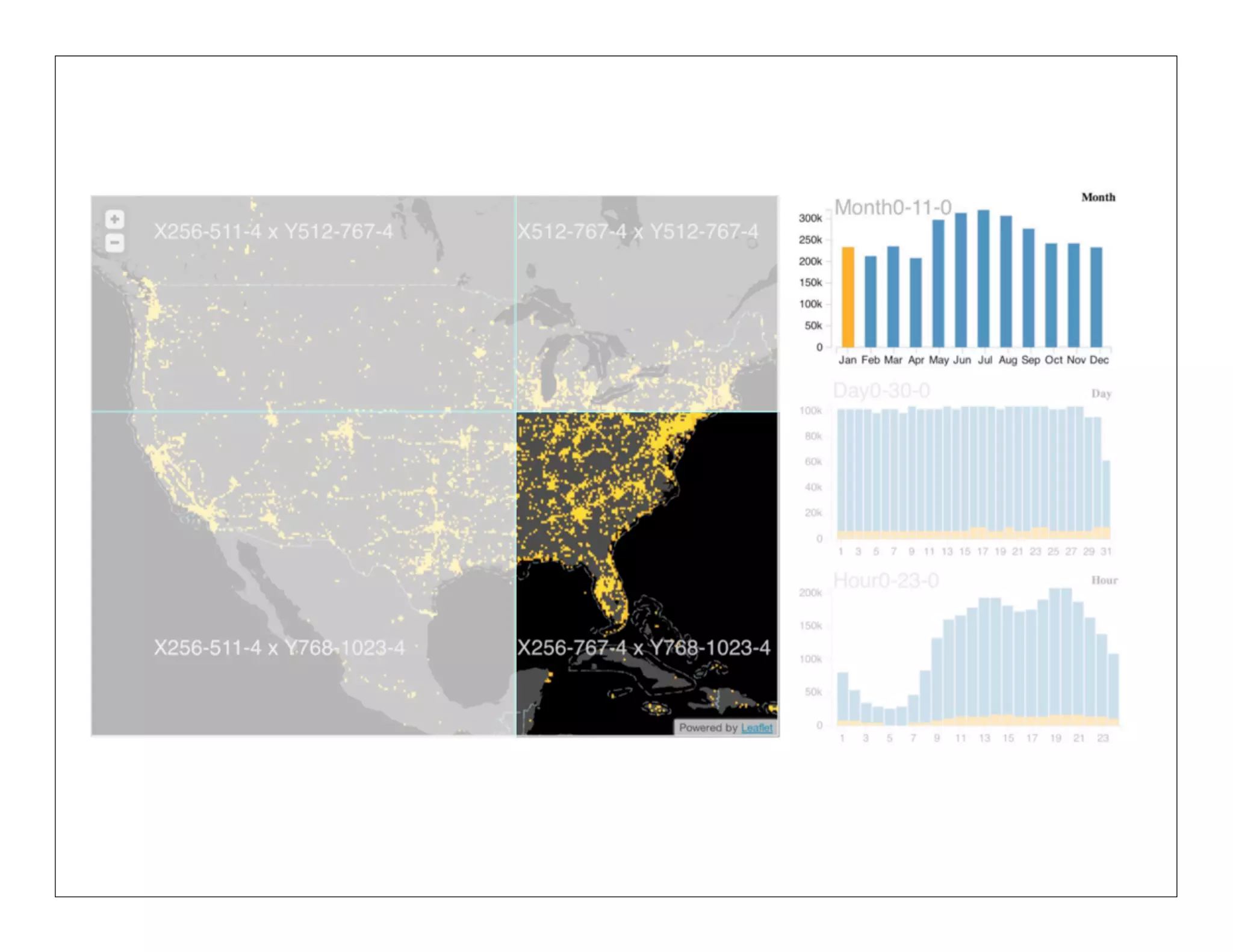
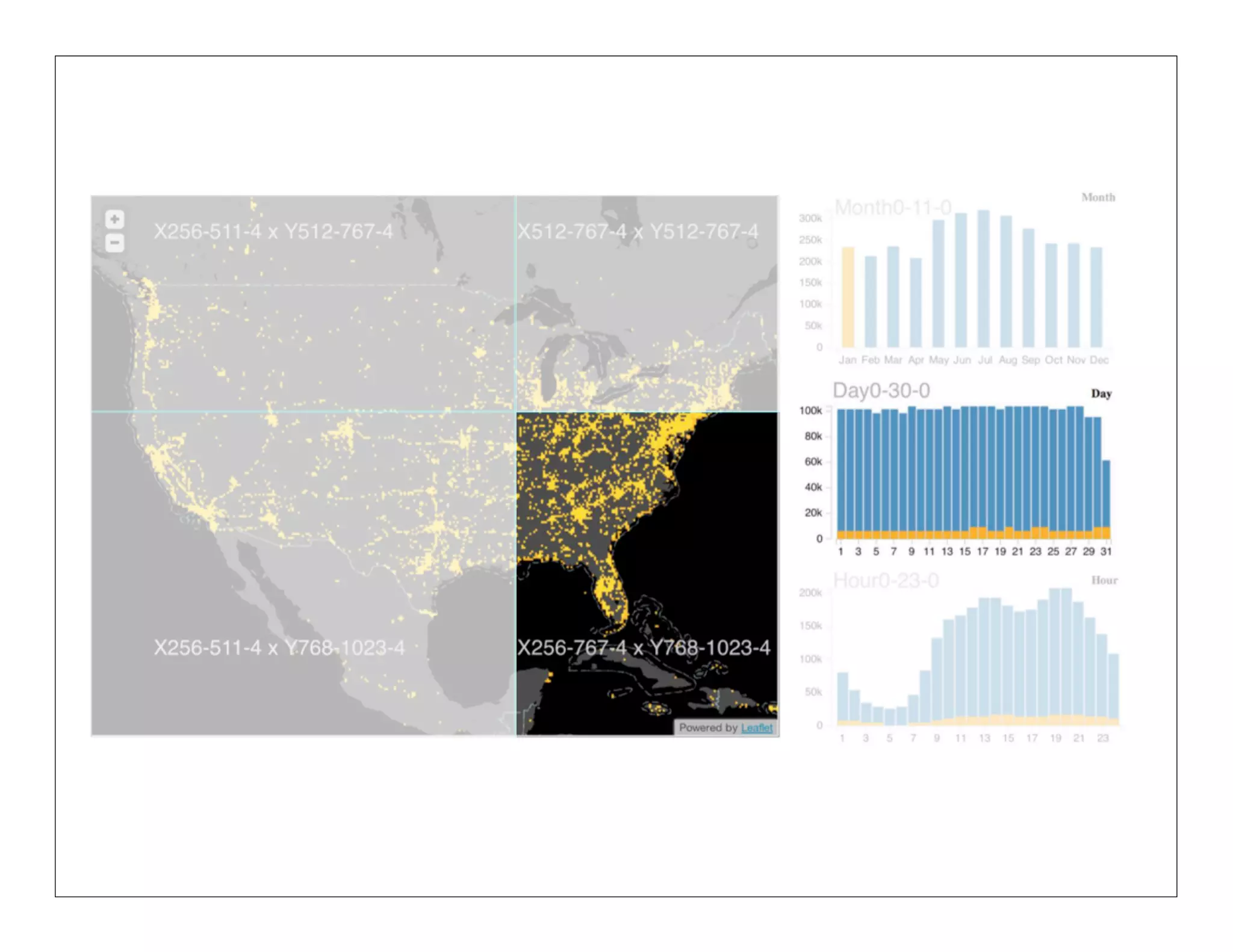
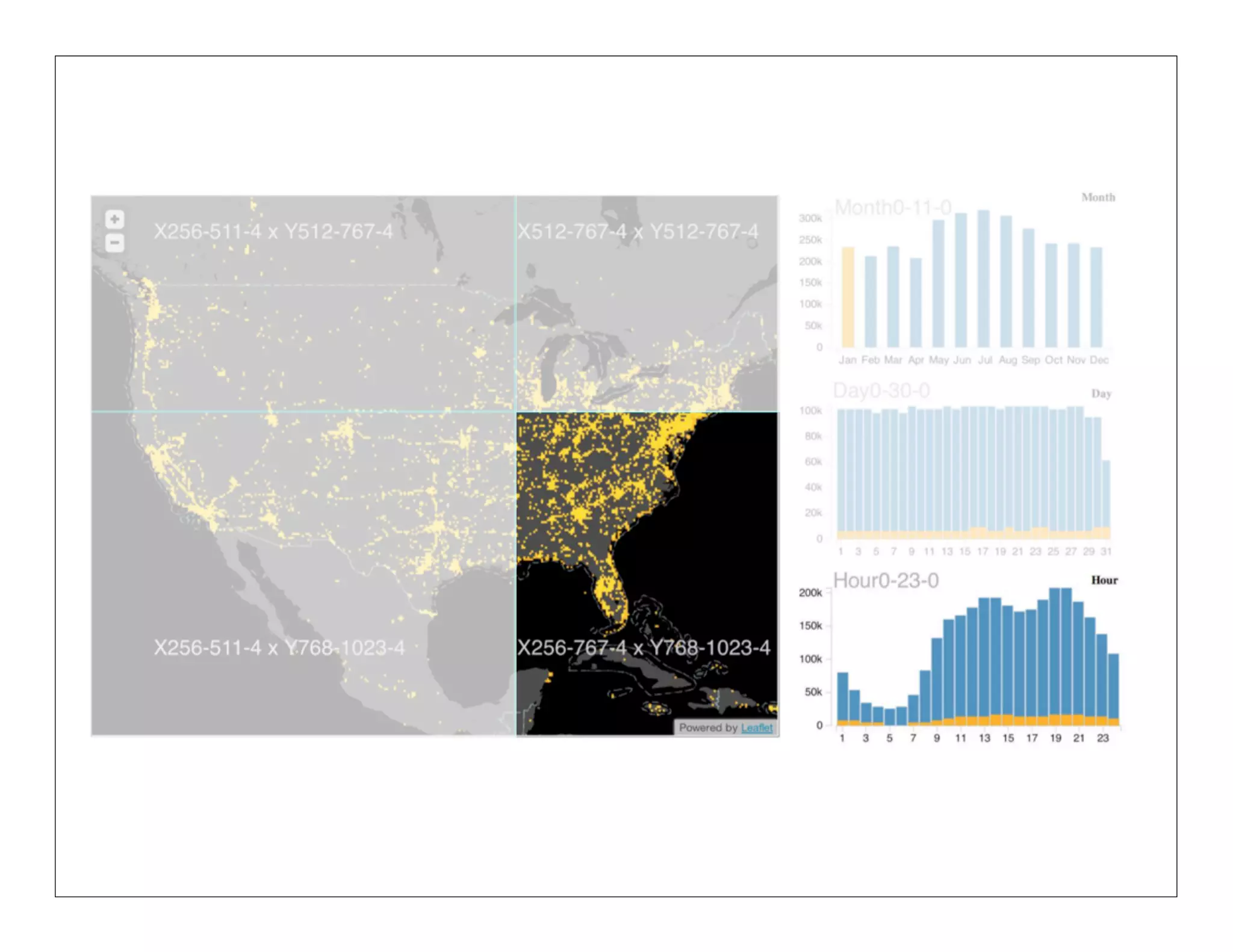
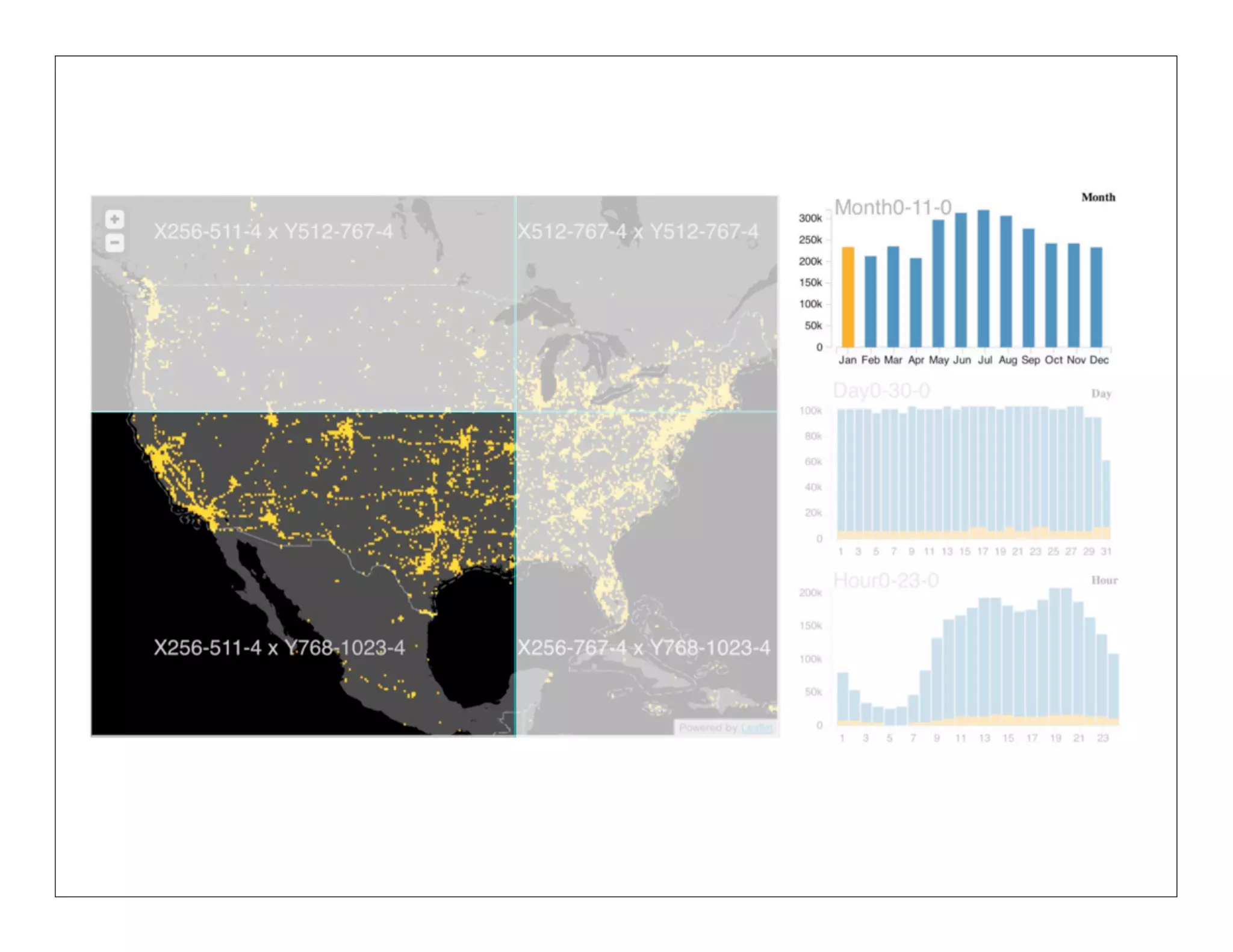
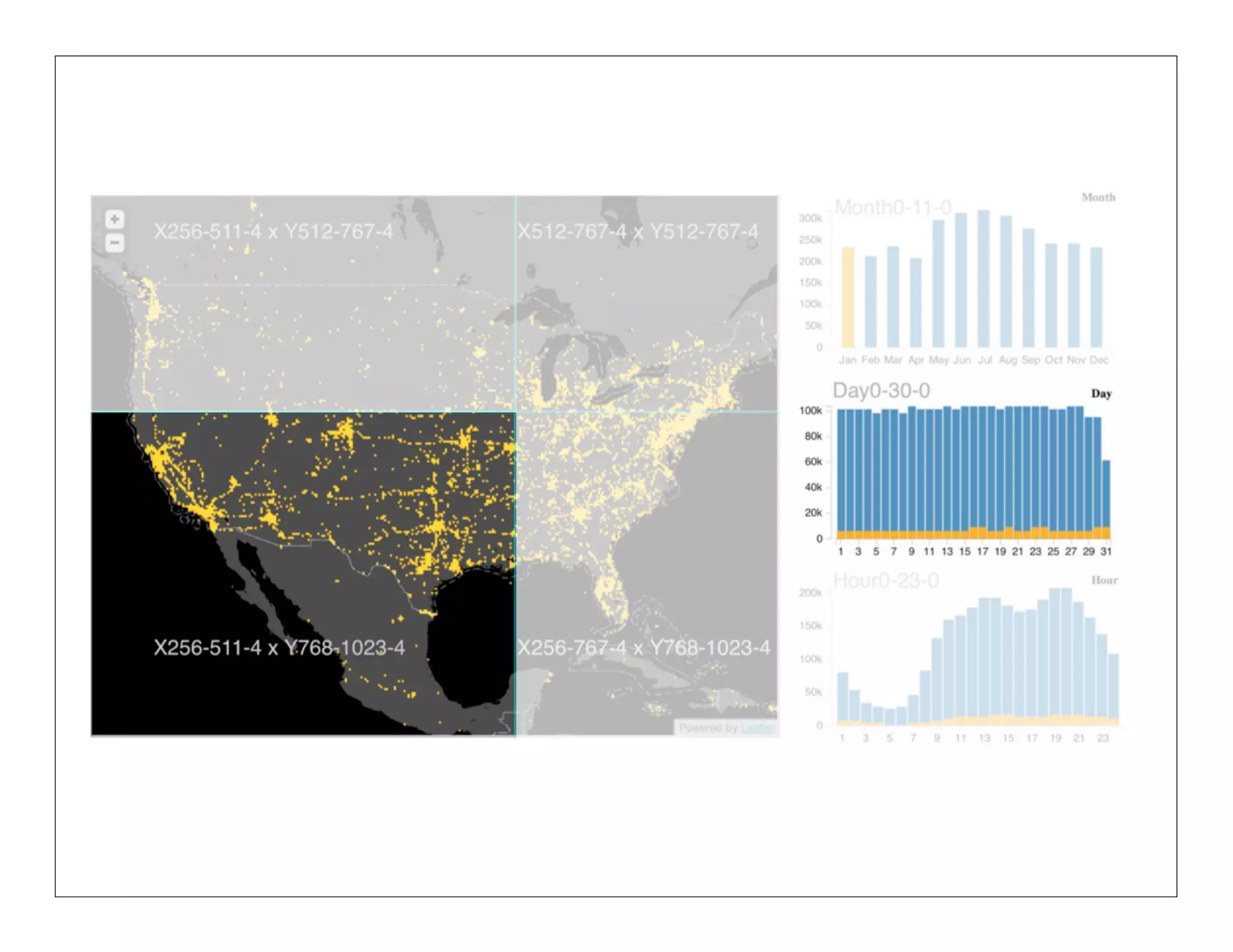
![NanoCubes
[1] Lins et. al. Infovis 2013
[2] Sismanis et. al. SIGMOD 2002](https://image.slidesharecdn.com/2013-131029154717-phpapp01/75/2013-10-24-big-datavisualization-54-2048.jpg)
![NanoCubes
[1] Lins et. al. Infovis 2013](https://image.slidesharecdn.com/2013-131029154717-phpapp01/75/2013-10-24-big-datavisualization-55-2048.jpg)



![[Lecture 2] AI and Deep Learning: Logistic Regression (Theory)](https://cdn.slidesharecdn.com/ss_thumbnails/lecture2-ink-180216131533-thumbnail.jpg?width=640&height=640&fit=bounds)


