KNOW THE FEATURES
& FUNCTIONS OF
INFORMATION
SYSTEMS
FEATURES OF AN
INFORMATION SYSTEM
- Data
- People
- Hardware
- Software
- Telecommunications
PEOPLE
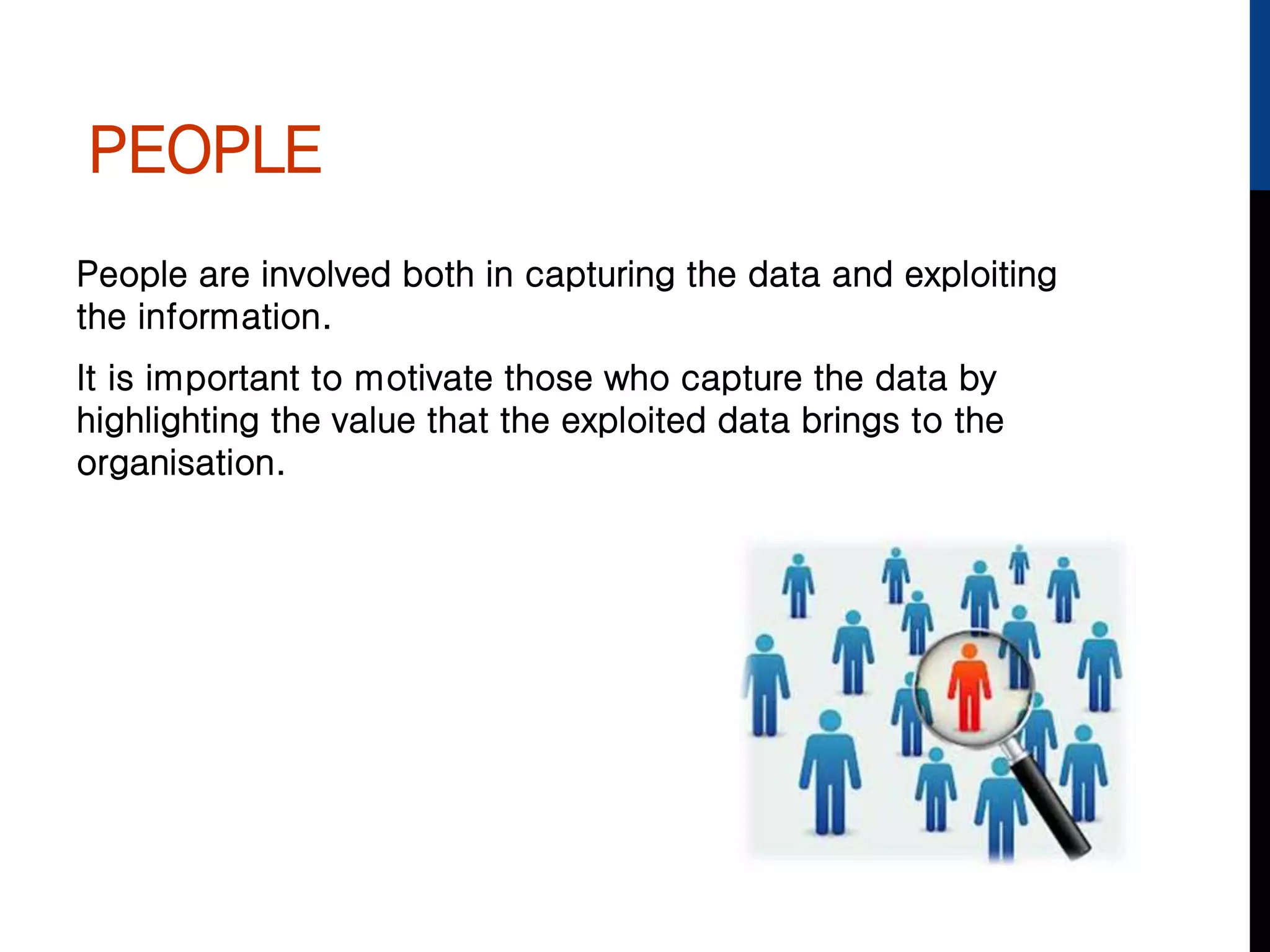
People are involved both in capturing the data and exploiting
the information.
It is important to motivate those who capture the data by
highlighting the value that the exploited data brings to the
organisation.
RESEARCH EXERCISE
Use the Internet to find out the
following and feedback to the rest of
the group.
• What does MIS stand for?
• What is an MIS used for?
HARDWARE
In a small organisation, the MIS may run on just the sales or
finance director’s PC
In larger businesses, it usually runs on the server, either shared
or dedicated, with Internet or intranet access for those who
need it
SOFTWARE
The simplest MIS can be built using standard software.
However, most MIS use specialised software, which has the
most common MIS features already built into them.
The developer configures this by describing the database and
its structure, where the data comes from, how to summarise
data and
what standard queries will be
required.
SOFTWARE
The cost of the software varies widely.
The cheapest offers limited functions for one PC
The most expensive one is highly functional, providing high
performance and many features or hundreds of thousands of
users handling vast amounts of data.
TELECOMMUNICATIONS
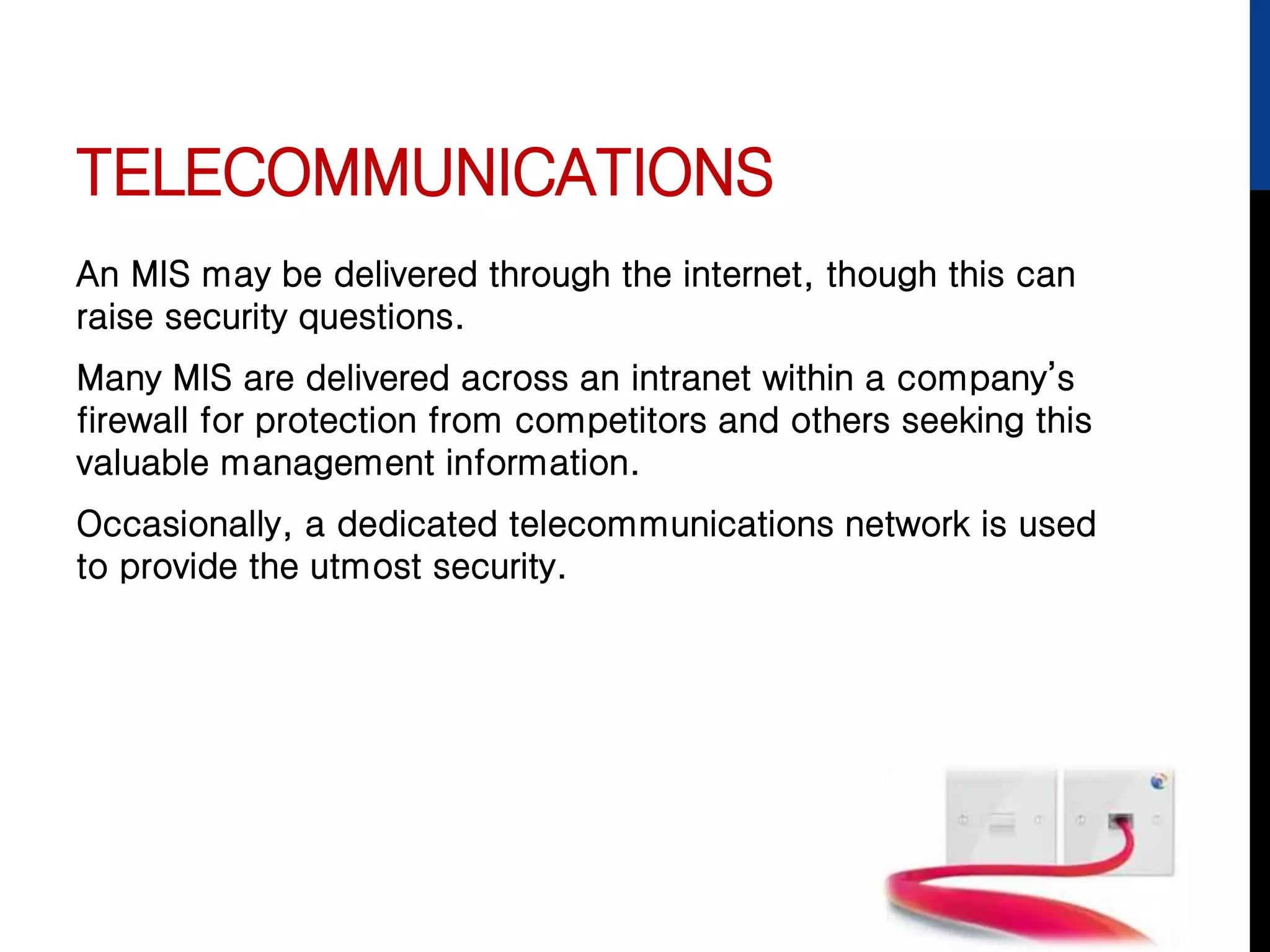
An MIS may be delivered through the internet, though this can
raise security questions.
Many MIS are delivered across an intranet within a company’s
firewall for protection from competitors and others seeking this
valuable management information.
Occasionally, a dedicated telecommunications network is used
to provide the utmost security.
FUNCTIONS OF
INFORMATION SYSTEMS
Input
Storage
Processing
Output
Control and feedback loops
Closed and open systems
INPUT
Input to an Information System has two parts:
• There is the detailed data which is stored and processed
and forms the basis for the output from the system
• Then the user must also tell the system what sort of
analysis they want from the system. Sometimes this is
hidden from the user and the IT department sets this up in
advance of users using the system.
STORAGE
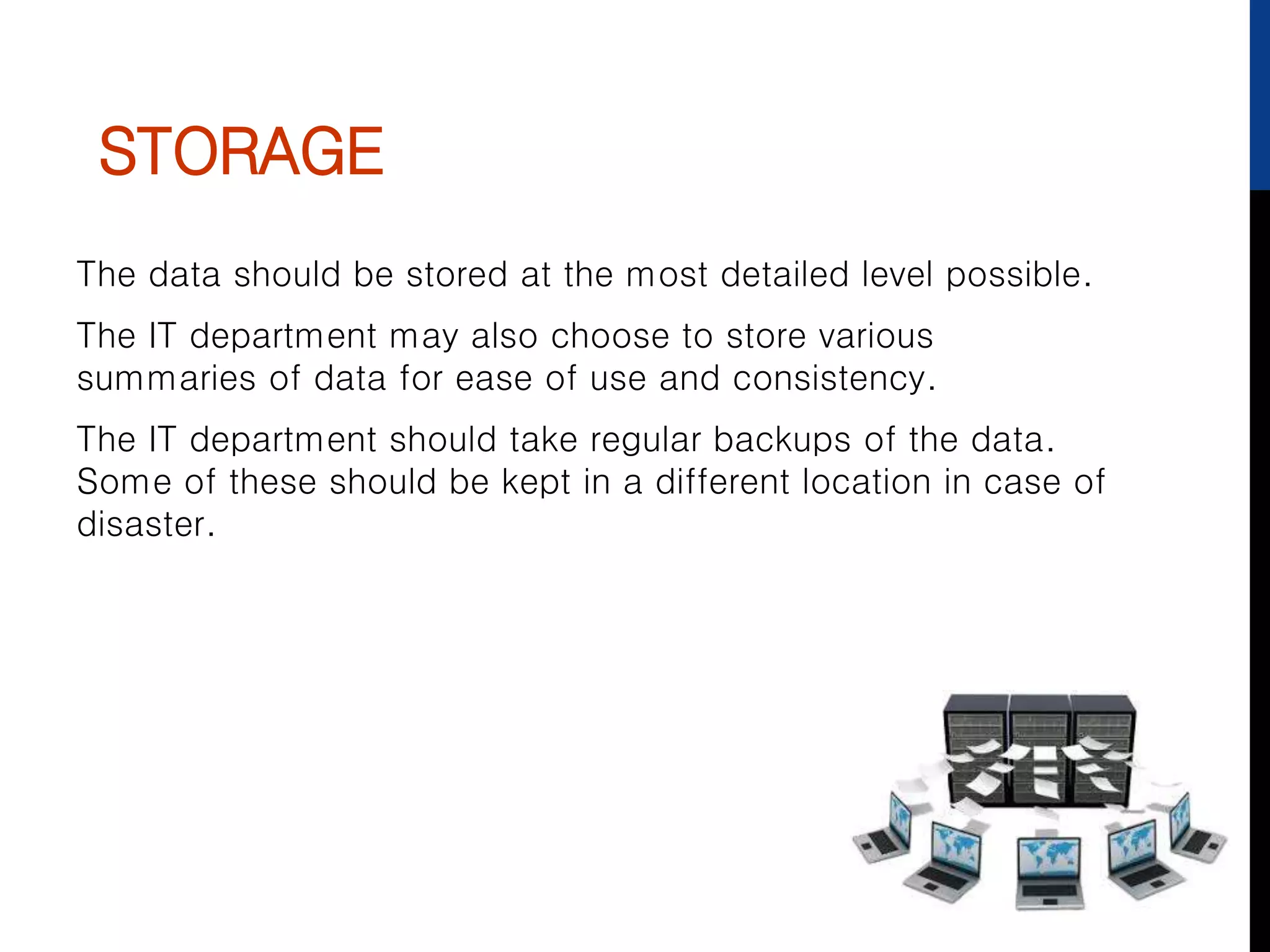
The data should be stored at the most detailed level possible.
The IT department may also choose to store various
summaries of data for ease of use and consistency.
The IT department should take regular backups of the data.
Some of these should be kept in a different location in case of
disaster.
PROCESSING
Processing is what turns data into information.
At its simplest, it may be adding up all of the individual items
sold by a supermarket and producing totals by store, by product
or by time of day.
At its most complex it will perform complex calculations, make
assumptions of missing data and select data to include or
exclude.
For example:
• A complex mathematical model for a stock control system.
• As well as looking at sale, it might consider lead times, the
cost of being out of stock, the effect of the weather and
expected future demands.
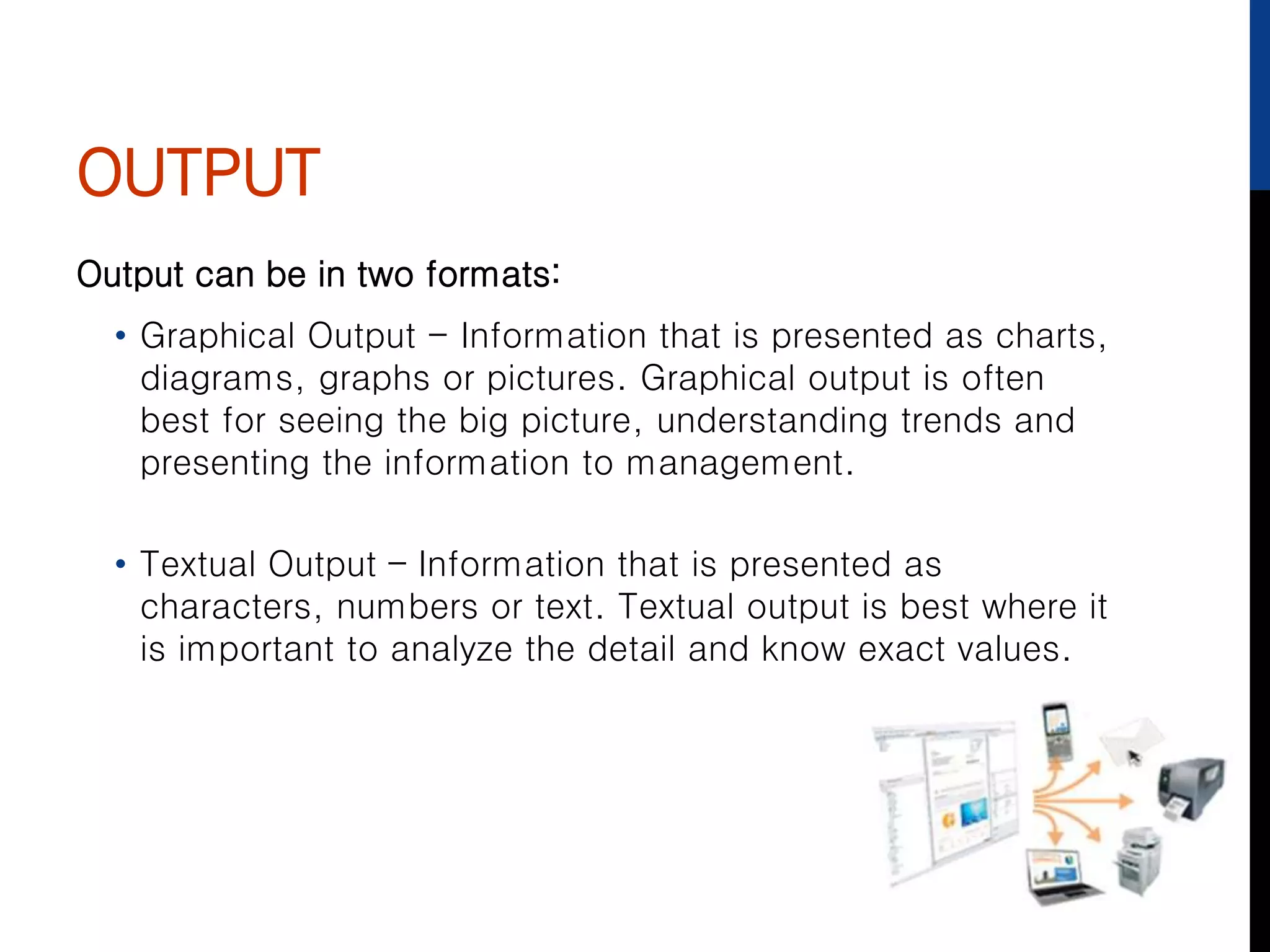
OUTPUT
Output can be in two formats:
• Graphical Output - Information that is presented as charts,
diagrams, graphs or pictures. Graphical output is often
best for seeing the big picture, understanding trends and
presenting the information to management.
• Textual Output – Information that is presented as
characters, numbers or text. Textual output is best where it
is important to analyze the detail and know exact values.
CONTROL & FEEDBACK
LOOPS
A control or feedback loop is what happens in the
organisation as a result of the output from an information
system.
It should have some effect, direct or not, on future inputs to
the information system.
An example would be information of sales. Management
could then change the price to maximise profits and re-view
the data feed.
CLOSED AND OPEN
SYSTEMS
Close System – an information system where the outputs are fixed. In a
closed system, the user may have some choice about what to report on,
but they are limited to predefined output formats.
These are often easy to use.
They mainly use graphical format and are often aimed at management
Open system – an information system where the user has a wide choice
in how to present the output. In an open system there is often great
flexibility on what to report on and the format in which the information is
output.
The powerfulness may mean that significant training is needed before the
systems can be effectively used.
Open systems are aimed more at analysts.
They typically use both graphical and textual formats.
OPEN AND CLOSED
SYSTEMS
Can you think of any examples where:
Open Systems are used
Closed Systems are used
Why would this be?

1st know the features & functions of information systems

  • 1.
    KNOW THE FEATURES &FUNCTIONS OF INFORMATION SYSTEMS
  • 2.
    FEATURES OF AN INFORMATIONSYSTEM - Data - People - Hardware - Software - Telecommunications
  • 3.
    PEOPLE People are involvedboth in capturing the data and exploiting the information. It is important to motivate those who capture the data by highlighting the value that the exploited data brings to the organisation.
  • 4.
    RESEARCH EXERCISE Use theInternet to find out the following and feedback to the rest of the group. • What does MIS stand for? • What is an MIS used for?
  • 5.
    HARDWARE In a smallorganisation, the MIS may run on just the sales or finance director’s PC In larger businesses, it usually runs on the server, either shared or dedicated, with Internet or intranet access for those who need it
  • 6.
    SOFTWARE The simplest MIScan be built using standard software. However, most MIS use specialised software, which has the most common MIS features already built into them. The developer configures this by describing the database and its structure, where the data comes from, how to summarise data and what standard queries will be required.
  • 7.
    SOFTWARE The cost ofthe software varies widely. The cheapest offers limited functions for one PC The most expensive one is highly functional, providing high performance and many features or hundreds of thousands of users handling vast amounts of data.
  • 8.
    TELECOMMUNICATIONS An MIS maybe delivered through the internet, though this can raise security questions. Many MIS are delivered across an intranet within a company’s firewall for protection from competitors and others seeking this valuable management information. Occasionally, a dedicated telecommunications network is used to provide the utmost security.
  • 9.
  • 10.
    INPUT Input to anInformation System has two parts: • There is the detailed data which is stored and processed and forms the basis for the output from the system • Then the user must also tell the system what sort of analysis they want from the system. Sometimes this is hidden from the user and the IT department sets this up in advance of users using the system.
  • 11.
    STORAGE The data shouldbe stored at the most detailed level possible. The IT department may also choose to store various summaries of data for ease of use and consistency. The IT department should take regular backups of the data. Some of these should be kept in a different location in case of disaster.
  • 12.
    PROCESSING Processing is whatturns data into information. At its simplest, it may be adding up all of the individual items sold by a supermarket and producing totals by store, by product or by time of day. At its most complex it will perform complex calculations, make assumptions of missing data and select data to include or exclude. For example: • A complex mathematical model for a stock control system. • As well as looking at sale, it might consider lead times, the cost of being out of stock, the effect of the weather and expected future demands.
  • 13.
    OUTPUT Output can bein two formats: • Graphical Output - Information that is presented as charts, diagrams, graphs or pictures. Graphical output is often best for seeing the big picture, understanding trends and presenting the information to management. • Textual Output – Information that is presented as characters, numbers or text. Textual output is best where it is important to analyze the detail and know exact values.
  • 14.
    CONTROL & FEEDBACK LOOPS Acontrol or feedback loop is what happens in the organisation as a result of the output from an information system. It should have some effect, direct or not, on future inputs to the information system. An example would be information of sales. Management could then change the price to maximise profits and re-view the data feed.
  • 15.
    CLOSED AND OPEN SYSTEMS CloseSystem – an information system where the outputs are fixed. In a closed system, the user may have some choice about what to report on, but they are limited to predefined output formats. These are often easy to use. They mainly use graphical format and are often aimed at management Open system – an information system where the user has a wide choice in how to present the output. In an open system there is often great flexibility on what to report on and the format in which the information is output. The powerfulness may mean that significant training is needed before the systems can be effectively used. Open systems are aimed more at analysts. They typically use both graphical and textual formats.
  • 16.
    OPEN AND CLOSED SYSTEMS Canyou think of any examples where: Open Systems are used Closed Systems are used Why would this be?