18 Interesting Ways* to
              Use a Wiki in the
                  Classroom


                                     *and tips

This work is licensed under a Creative Commons 
Attribution Noncommercial Share Alike 3.0 License.
I THINK THE BEST REASON IS 
     EXACTLY WHAT WE ARE 
       DOING RIGHT NOW!
                
       COLLABORATING....


         "Wiki" is not a tool.
       It's a way of working.
It's a way of collective reflection 
         around an object.  
#1 - Create a subject-specific repository
Get students to write their own revision materials!


 • Sign up for a free
   'education' wiki with
   Wikispaces(see link
   below)
 • Make the wiki only open
   to those you have
   granted access.
 • Get students to sign up        4. Make students 
   for a Wikispaces                  responsible for their 
   account                           own pages.
                                   
                                  5. Students can  
                                      collaborate and 
                                      become 'experts'

         http://wikispaces.com/site/for/teachers 
                                                          Doug Belshaw
#2 - Ask for student response

• as collaborative project 
   o And To Think That I Saw It On My Way To School
   o Love That Dog 
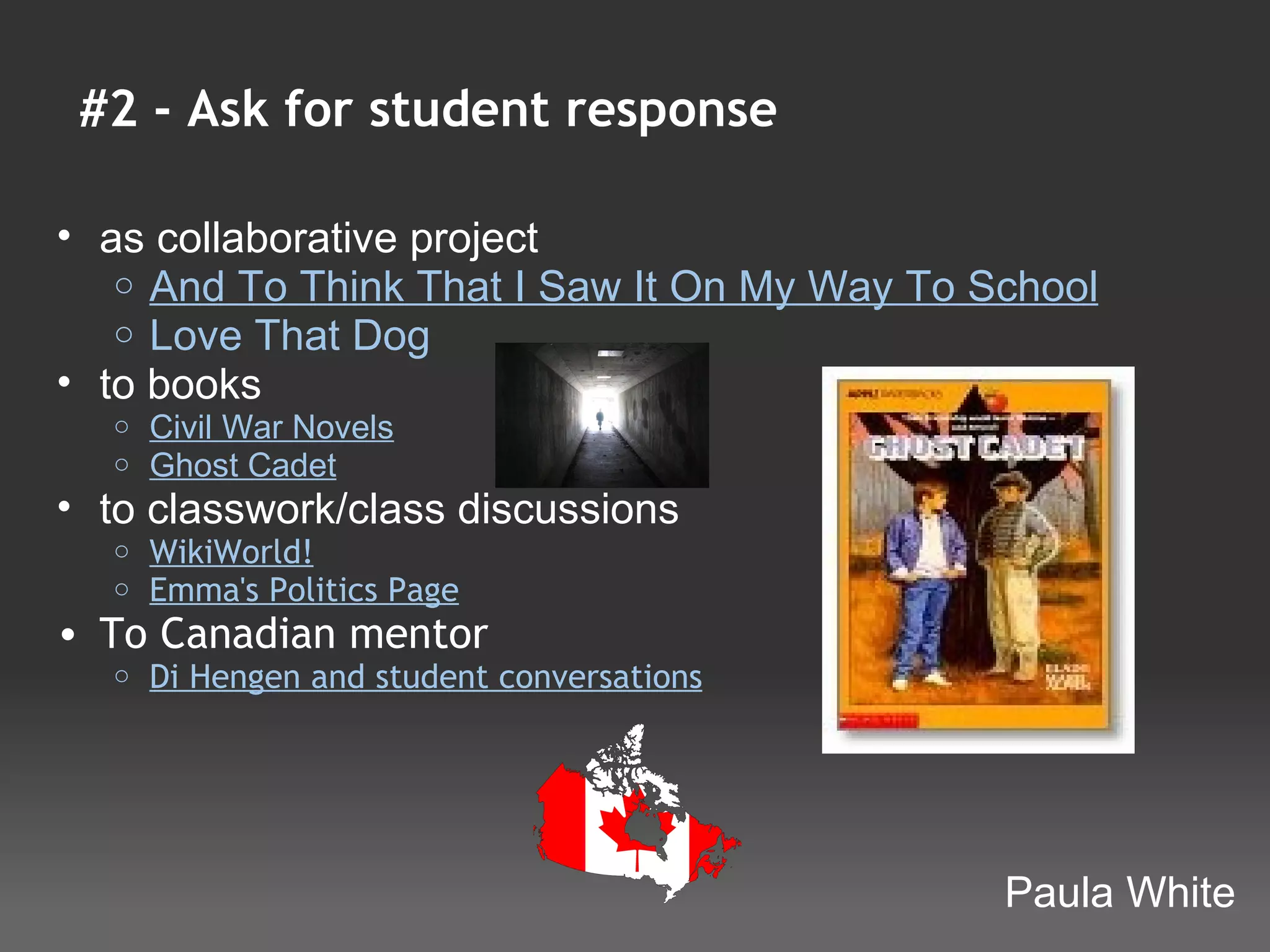
• to books
  o   Civil War Novels 
  o   Ghost Cadet 
• to classwork/class discussions
  o   WikiWorld!
  o   Emma's Politics Page
• To Canadian mentor
  o   Di Hengen and student conversations


                                              Paula White
#3 - Show off Student Work

• to demonstrate understanding
     o   Fractions, Decimals and Percents
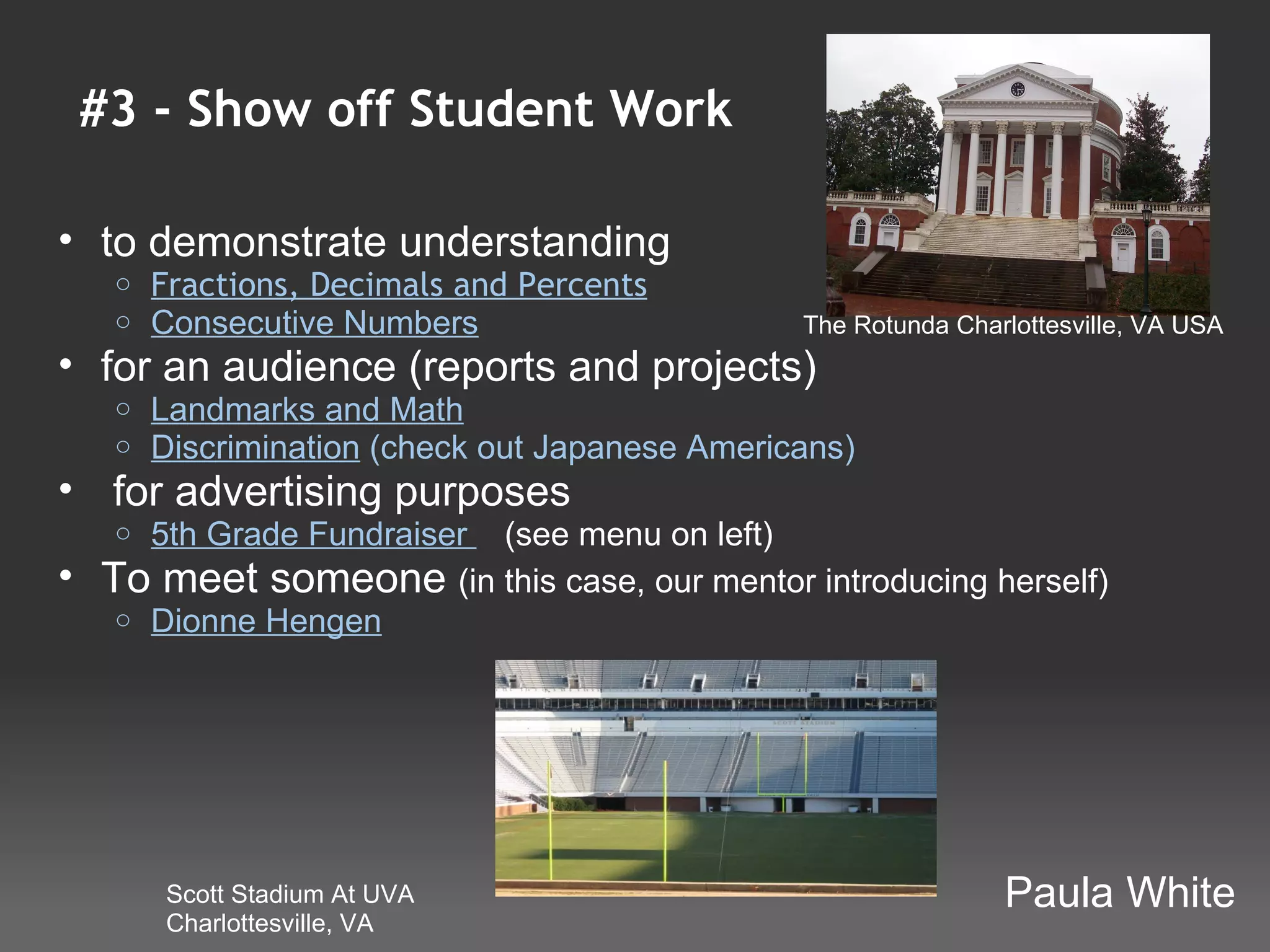
     o   Consecutive Numbers                      The Rotunda Charlottesville, VA USA
• for an audience (reports and projects)
     o   Landmarks and Math
     o   Discrimination (check out Japanese Americans)
•  for advertising purposes
     o 5th Grade Fundraiser    (see menu on left)
•   To meet someone (in this case, our mentor introducing herself)
     o Dionne Hengen


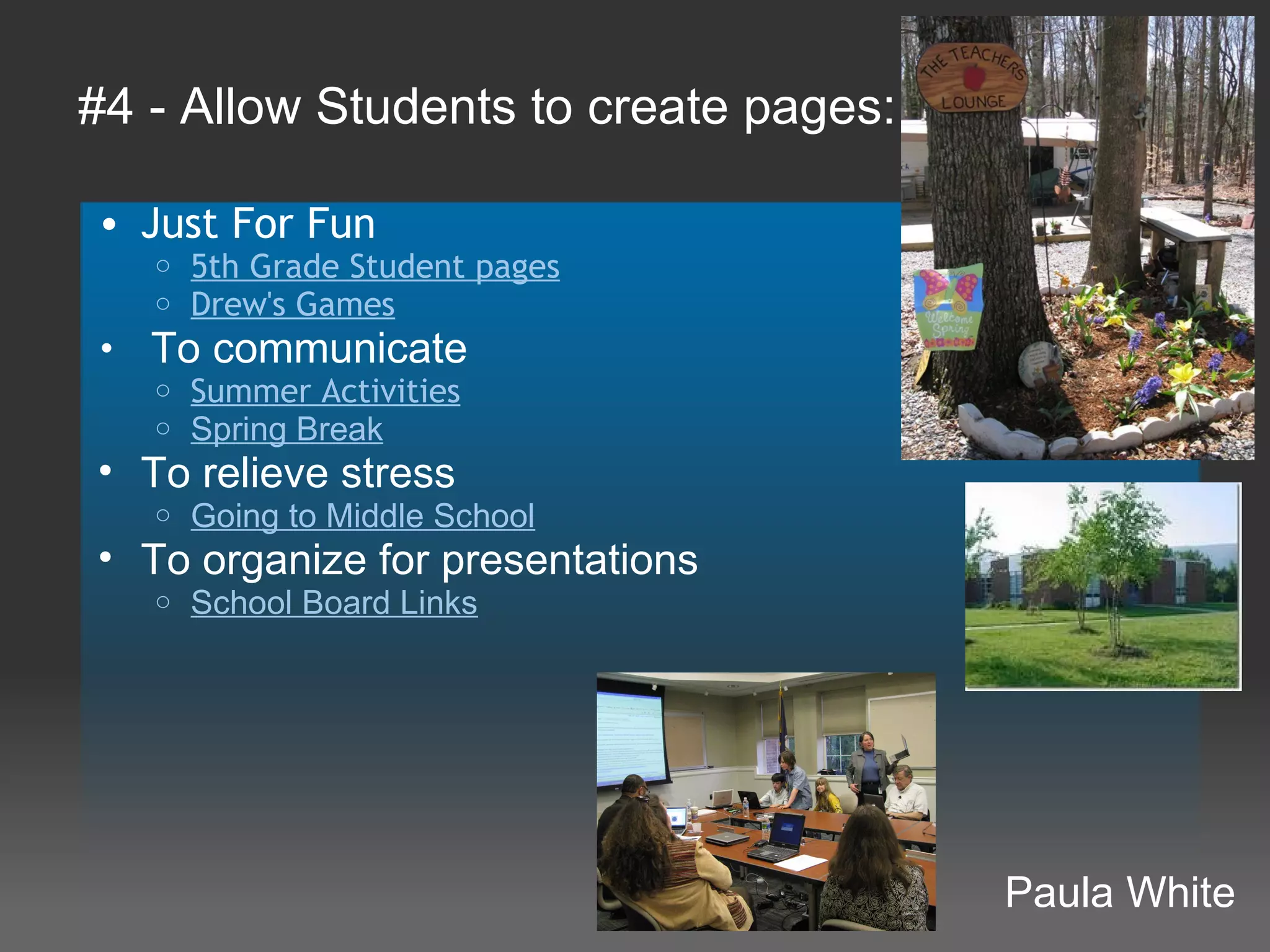
         Scott Stadium At UVA                                     Paula White
         Charlottesville, VA
#4 - Allow Students to create pages:

• Just For Fun
   o   5th Grade Student pages
   o   Drew's Games
•  To communicate
   o Summer Activities
   o Spring Break
• To relieve stress
   o   Going to Middle School
• To organize for presentations
   o   School Board Links


                                       Paula White
#5- Publish Training Videos
 Use Jing and Wikis together to learn and review
• Students:
   o Researched/mastered assigned objective for MOS
     Certification test
   o Wrote scripts with step-by-step instructions
   o Used Jing to record screencasts
   o Used a Wikispaces wiki to upload video and add
     script
• Wiki is now a source for learning and reviewing MOS
  test objectives
• Has also been shared with school staff for quick how-
  to reminders


                                                   Heidi Van Riper
                                                   @hlvanrip
#6 - Post Podcast
 Embed  Podcast
• Create podcast and embed on page
  o   SES Computer Lab
        We use Podomatic to create ours, then embed the code in
         the wiki.
                                                          Barb Smith
#7- Sharing teaching techniques among staff
  Invite staff to share ideas that work and build up a 
  library of techniques
For example
  • Good practice in teaching pupils with SEN
  •  Ideas for stetching the most able
  • Ways of integrating thinking skills / MIs into lessons
 
Advantages 
  • Easy access to staff when it's convienient to them
  • Quickly builds into a valuable resource
  • Some staff will contribute and this builds shared 
    sense of ownership


                                                       Dave Stacey
                                                       @davestacey
#8 A wiki as a forum for pupils to air issues
relevant to teenagers.
Create a wiki for a group of teenagers.

    • Pupils create seperate wiki pages relating to certain
      issues:
       o   Bullying
       o   Drugs
       o   Peer-pressure
       o   etc
    • Pupils include links to resources, helplines, 
      fora etc.
    • Pupils use the Wiki discussions
       o   Pupils use the discussions in addition to the pages themselves.
           The discussions allow conversations around the issue.
 
                                                   Submitted by Dughall McCormick
                                                   Twitter: @dughall
#9 - Where can I get a wiki?
Four companies offer ad-free wikis to educators. Each 
offer different features, which may make them suitable 
for specific purposes 

                http://www.wikispaces.com/site/for/teachers
                http://wikisineducation.wetpaint.com


                http://pbwiki.com/academic.wiki

                pluWeebly.com


                  http://pbworks.com/http://pb
                  works.com/
                                                    Dave Stacey
                                                    @davestacey
#10 - Interactive Sub (Supply) Plans
Create a page with sub plans and post for class


Sub (Supply) Plans             Sample Voki

 • Create voki and read
   plans to class
 •  Post Schedule and show
   class
 • Require at least one
   assignment be done
   using wiki creating
   virtual classroom
   teacher can look in on


@mwacker
Michael Wacker
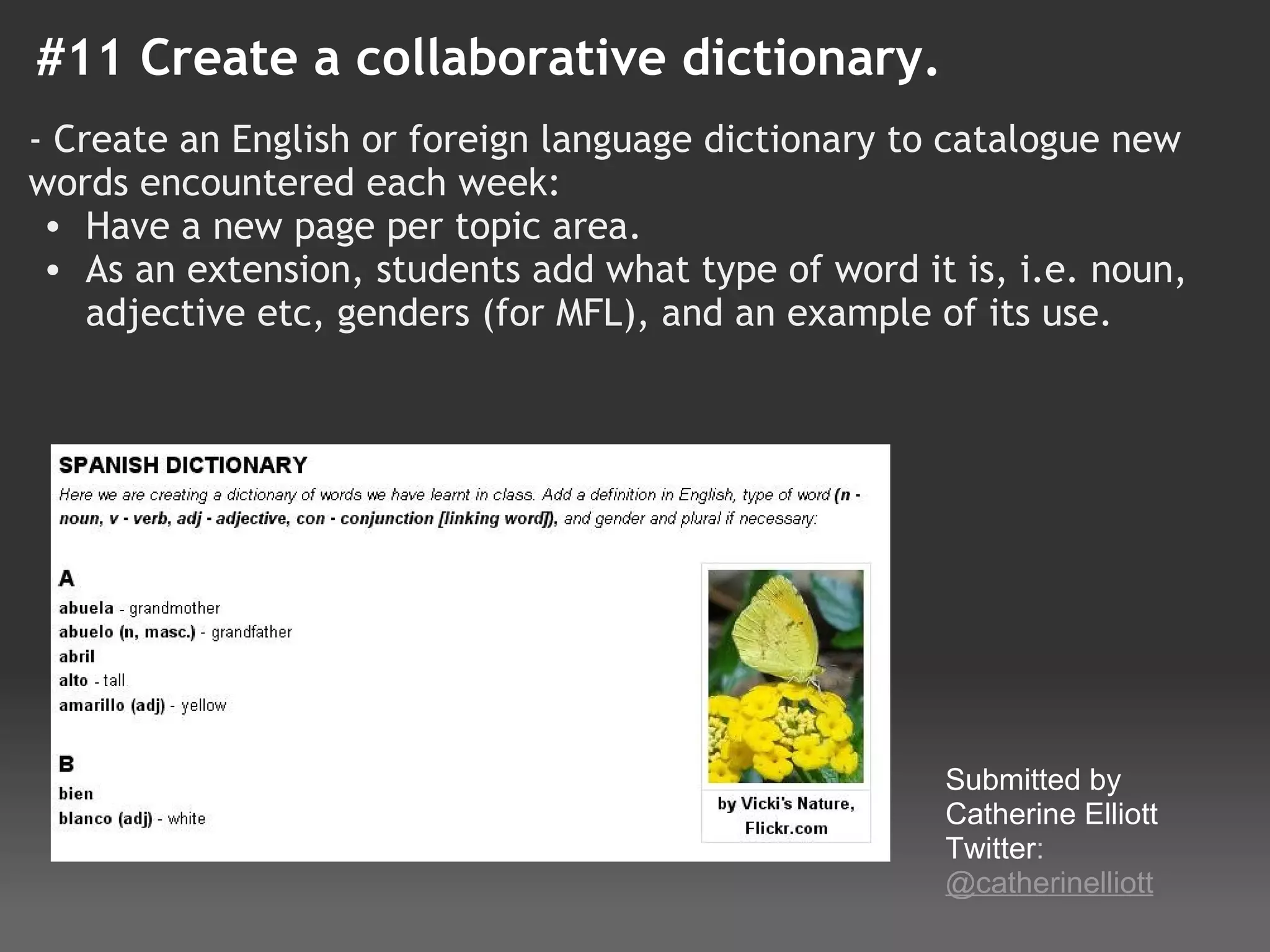
#11 Create a collaborative dictionary.
- Create an English or foreign language dictionary to catalogue new
words encountered each week:
  • Have a new page per topic area.
  • As an extension, students add what type of word it is, i.e. noun,
    adjective etc, genders (for MFL), and an example of its use. 


                                                      Submitted by 
                                                      Catherine Elliott
                                                      Twitter: 
                                                      @catherinelliott
#12 - Classroom Site
I use a wiki as my classroom website, where I can post PDF 
files of assignments, an archive of assignments (for absent 
students and for parents), section notes, worksheets, etc. I find 
that it saves so much time. If students want to know what they 
missed while they were gone, I can direct them to the website. 
If students lose their handouts and want a new copy, I can 
direct them to the website. If parents want to know what we are 
covering in class… you guessed it!... I direct them to the 
website. For me, Wikispaces, has been an amazing tool! This 
year, I’m also using Wikispaces to create a collaborative 
mythology “Wikipedia” that we can refer back to throughout the 
year, and to create online e-portfolios of student writing.

Please feel free to visit any of my online wikis:
www.pilgreenenglish.wikispaces.com
www.pilgreenspeech.wikispaces.com
www.pilgreenbritishliterature.wikispaces.com
                                               Submitted by Jessica Pilgreen
 
#13- For Learning Journals
 Students can reflect on their learning


• Each student has a page or pages each.
• They can write freely about how they learn, not just 
  what they learn.
• The teacher and other students can comment on the 
  associated discussion page.
• Students learn more about reflective writing by 
  studying entries by other students.
• Teachers could create a page template to provide 
  prompts if required.
                                Colleen Young
                                http://colleenyoung.wordpress.com/
#14 - Digital Class Book
 • Assign each student a letter of the alphabet, word, or 
     topic and a wiki page
 • Each student builds a page about a word related to the 
     class topic
 • Students can embed Glogs, upload photos and videos, and 
     add text to their pages
 • Use wiki's discussion thread for students to comment on 
     each other's wiki pages
 • Content ideas:
      o ABC wiki about any topic (page about a word related to 
         the topic starting with each letter of the alphabet)
      o 50 states
      o Chemical reactions
      o Historical people, places, or events
                                                                             Jayme Linton
                                                                                                @jaymelinton
15 - Wiki Skills Progression
– Add text to a prepared wiki page.
– Add text and graphics to a prepared wiki page.
– Create link to a new wiki page.
– Create link to an existing wiki page.
– Know when to create a link to a new page and when to link to an existing page.
– Create a wiki with several interlinked pages.
– Put version comments to explain the changes that have been made.
– Add to a wiki page that has already had content added, making positive changes 
  and explaining what has been altered.
– Use the history to check previous versions and adding or removing information as 
  appropriate.
#16- Create a Class "Folder"
 • Each one of my blocks has a page on our Science Wiki and 
     members of the class are responsible for adding information 
     to the page
      o Digital Glossary of terms used throughout the year
      o Notes on topics being discussed
      o Students peer edit information that is posted
 • Group pages are linked to the block pages and are a way for 
     groups of students to display their final work from a project 
     or lab
 • I also have included basic information about the course of 
     study, classroom expectations, basic explanation of Project 
     Based Learning, etc.
            http://mrsfranksciencewiki.wikispaces.com/
                                                    Elizabeth Frank
                                                      (@EliFrank23)
#17- Homework Spreadsheet

  • Our students have six different classes and they used to 
     have to check six different websites for HW. With this 
     Homework Wiki, we created a centralized location for all 
     HW, assignments, project due dates, and up coming events 
     for the entire 7th grade. Parents LOVE it! 
            http://7thgradehomework.wikispaces.com/ 
 
                                                  Elizabeth Frank
                                                   (@EliFrank23)
#18 - Class Wik-tionary

You could keep track of words learned throughout the year.  
Students can type the words and their definitions into the wiki 
as the year progresses.  
 
Add pictures and audio files of the pronunciation of each word 
to help students remember the words.  
 
Share your wiktionary with other classes so they can learn 
vocabulary with your class.  Collaborate with other classes on 
adding words and definitions.

                             Cheryl Tice
 http://en.wiktionary.org/   http://cheryltice.wikispaces.com
                             (I'm not certain of the origin of the word wiktionary.)
If you would like to: 
 • Contribute your ideas and tips to the presentation.
 • Let me know how you have used the resource.
 • Get in touch. 
    You can email me or I am @tombarrett on Twitter

If you add a tip (or even 
if you don't) please 
tweet about it and the 
link so more people can 
contribute.
I have created a page for all     Image: ‘Sharing‘


of the Interesting Ways 
presentations on my blog.            Thanks for helping
                                     Tom Barrett
The whole family in one 
place :-)
                                 Have you seen Maths Maps yet?

18 interesting ways_to_use_a_wiki_in_the_class

  • 1.
    18 Interesting Ways*to Use a Wiki in the Classroom       *and tips This work is licensed under a Creative Commons  Attribution Noncommercial Share Alike 3.0 License.
  • 2.
    I THINK THE BEST REASON IS  EXACTLY WHAT WE ARE  DOING RIGHT NOW!   COLLABORATING.... "Wiki" is not a tool. It's a way of working. It's a way of collective reflection  around an object.  
  • 3.
    #1 - Createa subject-specific repository Get students to write their own revision materials! • Sign up for a free 'education' wiki with Wikispaces(see link below) • Make the wiki only open to those you have granted access. • Get students to sign up 4. Make students  for a Wikispaces    responsible for their  account    own pages.   5. Students can       collaborate and      become 'experts' http://wikispaces.com/site/for/teachers  Doug Belshaw
  • 4.
    #2 - Askfor student response • as collaborative project  o And To Think That I Saw It On My Way To School o Love That Dog  • to books o Civil War Novels  o Ghost Cadet  • to classwork/class discussions o WikiWorld! o Emma's Politics Page • To Canadian mentor o Di Hengen and student conversations Paula White
  • 5.
    #3 - Showoff Student Work • to demonstrate understanding o Fractions, Decimals and Percents o Consecutive Numbers The Rotunda Charlottesville, VA USA • for an audience (reports and projects) o Landmarks and Math o Discrimination (check out Japanese Americans) •  for advertising purposes o 5th Grade Fundraiser    (see menu on left) • To meet someone (in this case, our mentor introducing herself) o Dionne Hengen Scott Stadium At UVA  Paula White Charlottesville, VA
  • 6.
    #4 - Allow Students to create pages: • Just ForFun o 5th Grade Student pages o Drew's Games •  To communicate o Summer Activities o Spring Break • To relieve stress o Going to Middle School • To organize for presentations o School Board Links Paula White
  • 7.
    #5- Publish TrainingVideos Use Jing and Wikis together to learn and review • Students: o Researched/mastered assigned objective for MOS Certification test o Wrote scripts with step-by-step instructions o Used Jing to record screencasts o Used a Wikispaces wiki to upload video and add script • Wiki is now a source for learning and reviewing MOS test objectives • Has also been shared with school staff for quick how- to reminders Heidi Van Riper @hlvanrip
  • 8.
    #6 - PostPodcast Embed  Podcast • Create podcast and embed on page o SES Computer Lab  We use Podomatic to create ours, then embed the code in the wiki. Barb Smith
  • 9.
    #7- Sharing teachingtechniques among staff Invite staff to share ideas that work and build up a  library of techniques For example • Good practice in teaching pupils with SEN •  Ideas for stetching the most able • Ways of integrating thinking skills / MIs into lessons   Advantages  • Easy access to staff when it's convienient to them • Quickly builds into a valuable resource • Some staff will contribute and this builds shared  sense of ownership Dave Stacey @davestacey
  • 10.
    #8 A wiki asa forum for pupils to air issues relevant to teenagers. Create a wiki for a group of teenagers. • Pupils create seperate wiki pages relating to certain issues: o Bullying o Drugs o Peer-pressure o etc • Pupils include links to resources, helplines,  fora etc. • Pupils use the Wiki discussions o Pupils use the discussions in addition to the pages themselves. The discussions allow conversations around the issue.   Submitted by Dughall McCormick Twitter: @dughall
  • 11.
    #9 - Wherecan I get a wiki? Four companies offer ad-free wikis to educators. Each  offer different features, which may make them suitable  for specific purposes  http://www.wikispaces.com/site/for/teachers http://wikisineducation.wetpaint.com http://pbwiki.com/academic.wiki pluWeebly.com http://pbworks.com/http://pb works.com/ Dave Stacey @davestacey
  • 12.
    #10 - Interactive Sub (Supply) Plans Create a pagewith sub plans and post for class Sub (Supply) Plans Sample Voki • Create voki and read plans to class •  Post Schedule and show class • Require at least one assignment be done using wiki creating virtual classroom teacher can look in on @mwacker Michael Wacker
  • 13.
    #11 Create acollaborative dictionary. - Create an English or foreign language dictionary to catalogue new words encountered each week: • Have a new page per topic area. • As an extension, students add what type of word it is, i.e. noun, adjective etc, genders (for MFL), and an example of its use.              Submitted by  Catherine Elliott Twitter:  @catherinelliott
  • 14.
    #12 - ClassroomSite I use a wiki as my classroom website, where I can post PDF  files of assignments, an archive of assignments (for absent  students and for parents), section notes, worksheets, etc. I find  that it saves so much time. If students want to know what they  missed while they were gone, I can direct them to the website.  If students lose their handouts and want a new copy, I can  direct them to the website. If parents want to know what we are  covering in class… you guessed it!... I direct them to the  website. For me, Wikispaces, has been an amazing tool! This  year, I’m also using Wikispaces to create a collaborative  mythology “Wikipedia” that we can refer back to throughout the  year, and to create online e-portfolios of student writing. Please feel free to visit any of my online wikis: www.pilgreenenglish.wikispaces.com www.pilgreenspeech.wikispaces.com www.pilgreenbritishliterature.wikispaces.com Submitted by Jessica Pilgreen  
  • 15.
    #13- For LearningJournals Students can reflect on their learning • Each student has a page or pages each. • They can write freely about how they learn, not just  what they learn. • The teacher and other students can comment on the  associated discussion page. • Students learn more about reflective writing by  studying entries by other students. • Teachers could create a page template to provide  prompts if required. Colleen Young http://colleenyoung.wordpress.com/
  • 16.
    #14 - Digital Class Book • Assign each student a letter of the alphabet, word, or  topic and a wiki page • Each student builds a page about a word related to the  class topic • Students can embed Glogs, upload photos and videos, and  add text to their pages • Use wiki's discussion thread for students to comment on  each other's wiki pages • Content ideas: o ABC wiki about any topic (page about a word related to  the topic starting with each letter of the alphabet) o 50 states o Chemical reactions o Historical people, places, or events                                                                              Jayme Linton                                                                                                 @jaymelinton
  • 17.
    15 - Wiki Skills Progression – Add text to a prepared wiki page. – Add text and graphics to a prepared wiki page. –Create link to a new wiki page. – Create link to an existing wiki page. – Know when to create a link to a new page and when to link to an existing page. – Create a wiki with several interlinked pages. – Put version comments to explain the changes that have been made. – Add to a wiki page that has already had content added, making positive changes  and explaining what has been altered. – Use the history to check previous versions and adding or removing information as  appropriate.
  • 18.
    #16- Create a Class "Folder" • Each one of my blocks has a page on our Science Wiki and  members of the class are responsible for adding information  to the page o Digital Glossary of terms used throughout the year o Notes on topics being discussed o Students peer edit information that is posted • Group pages are linked to the block pages and are a way for  groups of students to display their final work from a project  or lab • I also have included basic information about the course of  study, classroom expectations, basic explanation of Project  Based Learning, etc.             http://mrsfranksciencewiki.wikispaces.com/ Elizabeth Frank (@EliFrank23)
  • 19.
    #17- Homework Spreadsheet •Our students have six different classes and they used to  have to check six different websites for HW. With this  Homework Wiki, we created a centralized location for all  HW, assignments, project due dates, and up coming events  for the entire 7th grade. Parents LOVE it!              http://7thgradehomework.wikispaces.com/    Elizabeth Frank (@EliFrank23)
  • 20.
  • 21.
    If you would like to:  • Contribute your ideas and tips to the presentation. • Let me know how you have used the resource. • Get in touch.  You can email me or I am @tombarrett on Twitter If you add a tip (or even  if you don't) please  tweet about it and the  link so more people can  contribute. I have created a page for all  Image: ‘Sharing‘ of the Interesting Ways  presentations on my blog. Thanks for helping Tom Barrett The whole family in one  place :-) Have you seen Maths Maps yet?