PASS-IT-ON CHARADES
 You have one person start the games while your group stands front
to back in a line.
 The designated first person will show the next in line how to perform
the same activity that the previous person did.
 From there people will perform what they remembered from the
previous person.
Transfer Data
Using
Computer
Software
What are the different input and output devices?
What devices will you use in transferring data from
one device to another?
How is data transferred from one device to
another done?
List four (4) other hardware or peripheral
devices or software that are used to transfer
data. Write answers in your notebook
TRANSFER FILES AND DATA
There are several ways on how to transfer files and
data between compatible systems using computer
software, hardware and peripherals devices.
1.Files such as documents, pictures, music and email, and
2.Peripherals or hardware this is where you can transfer
from one device to another just like computer to flash
disk or vice versa, cellphone to cellphone, computer to
computer and so on.
WAYS TO TRANSFER FILES AND DATA
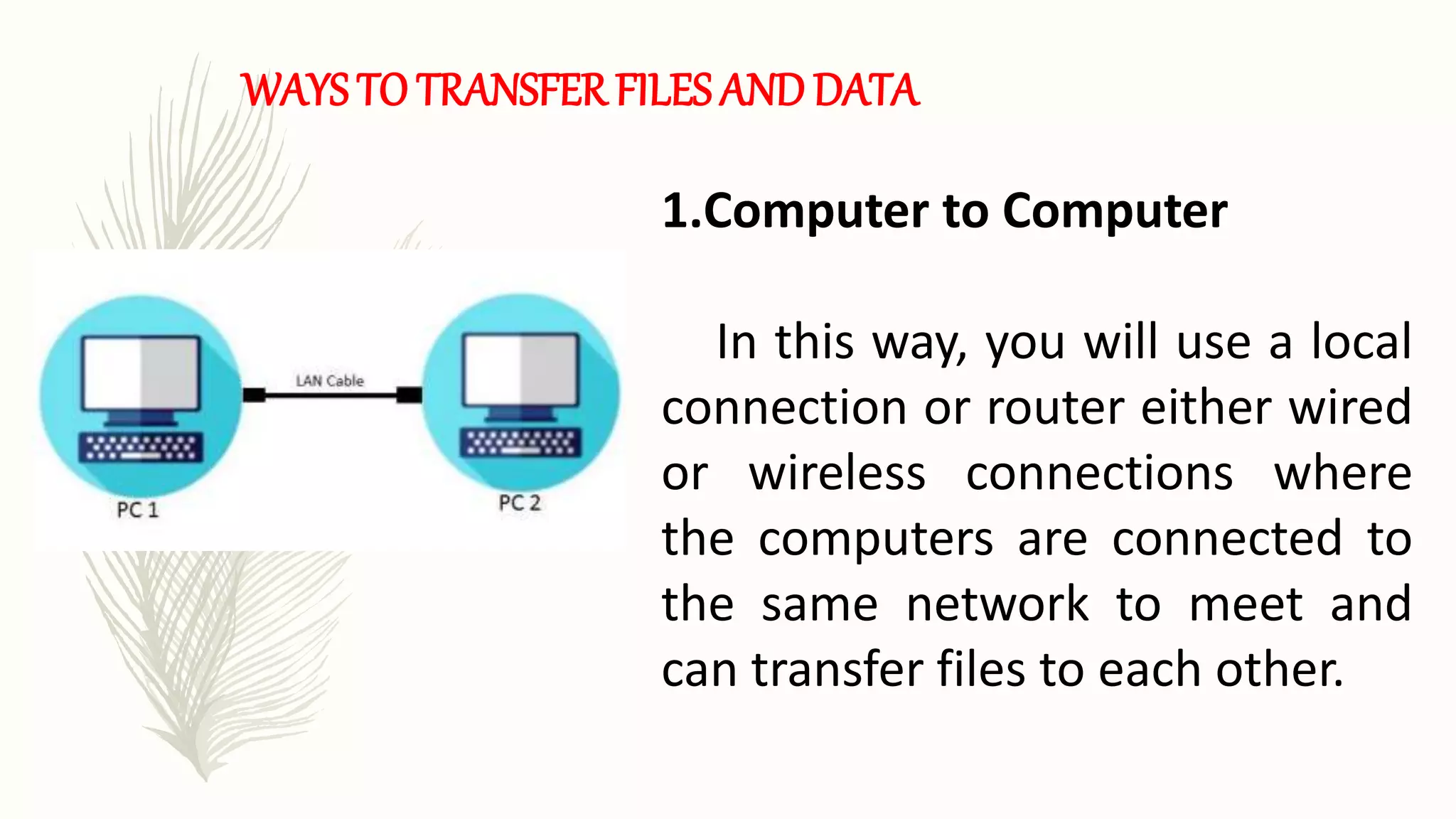
1.Computer to Computer
In this way, you will use a local
connection or router either wired
or wireless connections where
the computers are connected to
the same network to meet and
can transfer files to each other.
WAYS TO TRANSFER FILES AND DATA
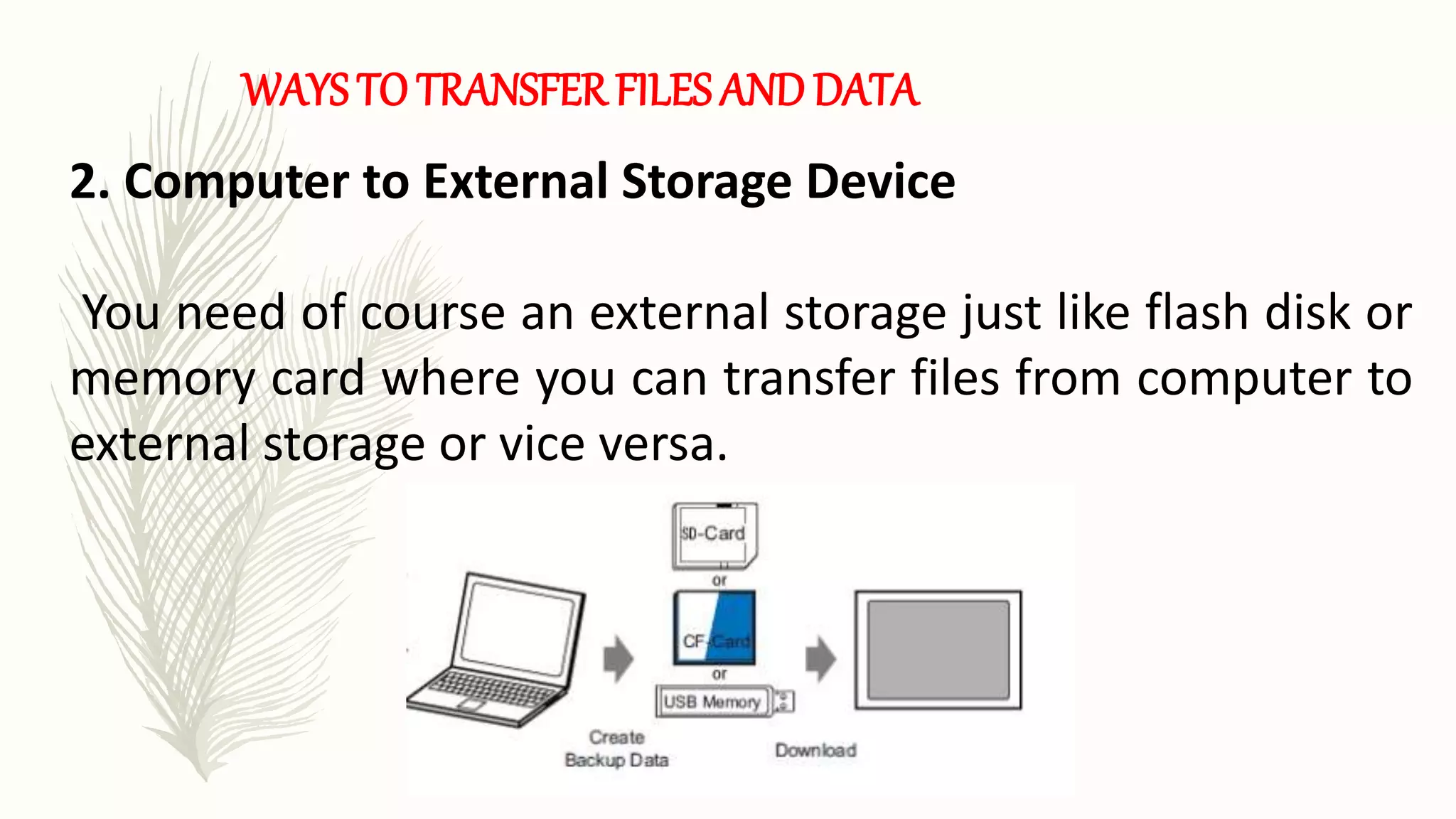
2. Computer to External Storage Device
You need of course an external storage just like flash disk or
memory card where you can transfer files from computer to
external storage or vice versa.
WAYS TO TRANSFER FILES AND DATA
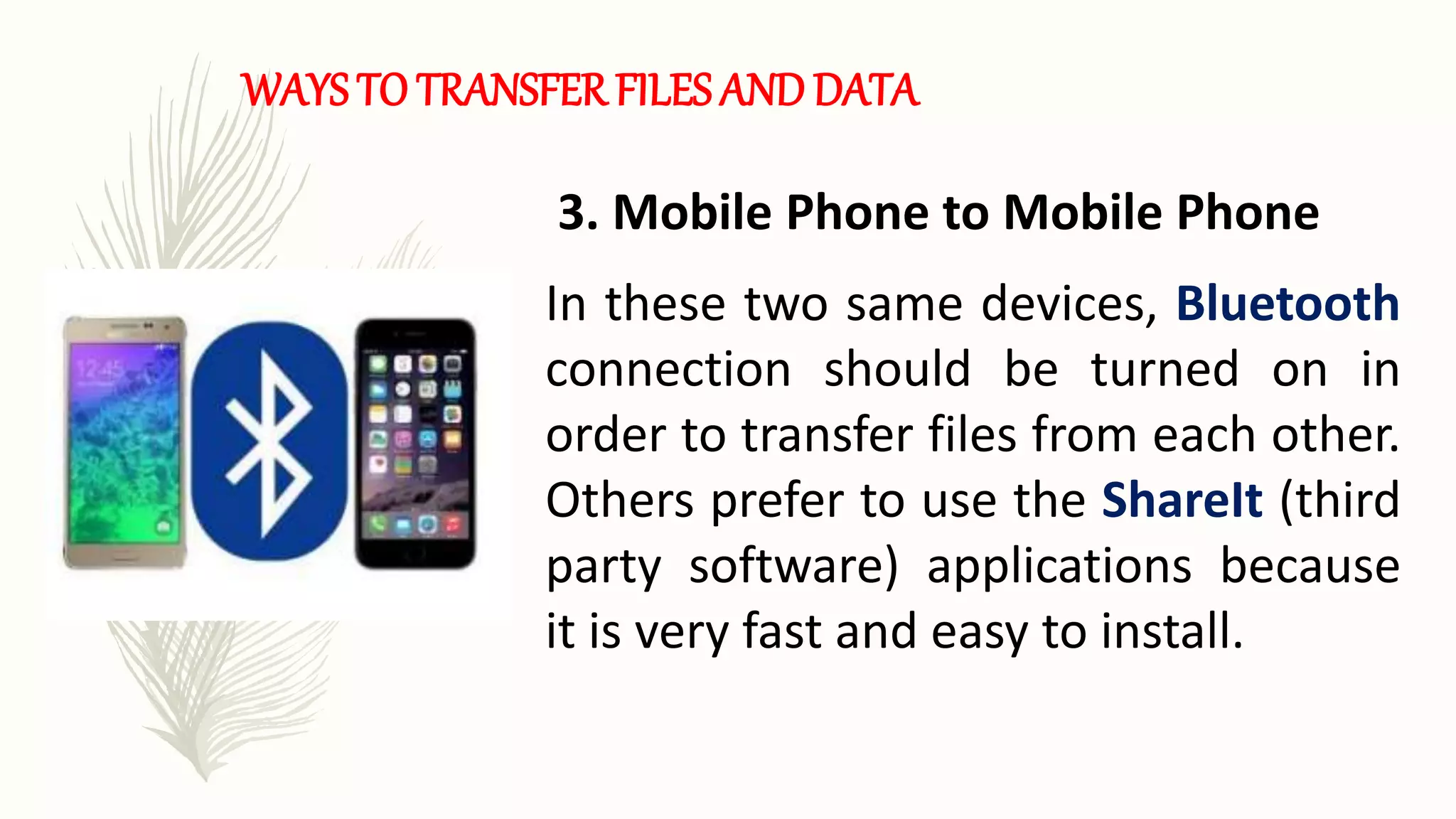
3. Mobile Phone to Mobile Phone
In these two same devices, Bluetooth
connection should be turned on in
order to transfer files from each other.
Others prefer to use the ShareIt (third
party software) applications because
it is very fast and easy to install.
WAYS TO TRANSFER FILES AND DATA
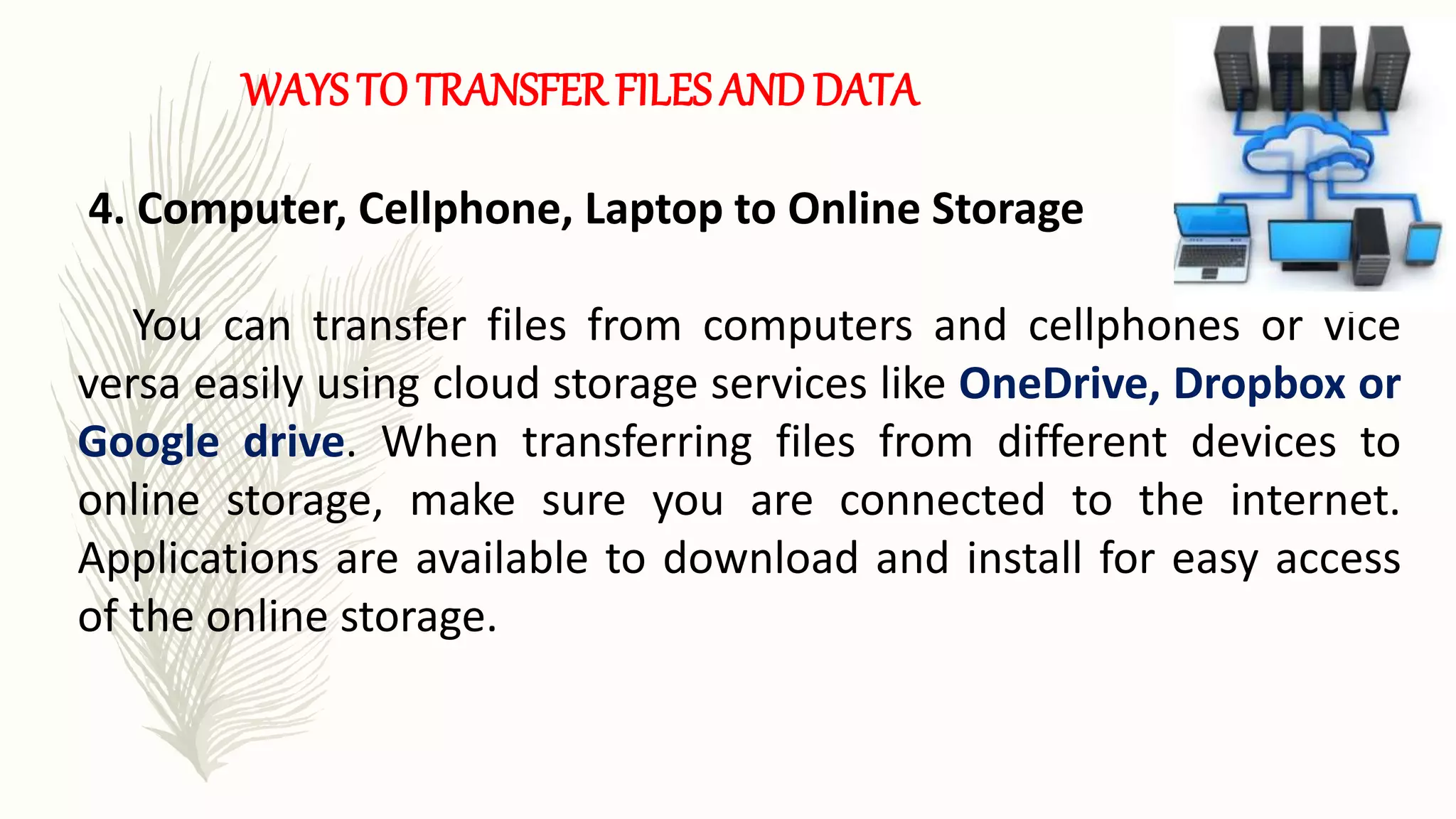
4. Computer, Cellphone, Laptop to Online Storage
You can transfer files from computers and cellphones or vice
versa easily using cloud storage services like OneDrive, Dropbox or
Google drive. When transferring files from different devices to
online storage, make sure you are connected to the internet.
Applications are available to download and install for easy access
of the online storage.
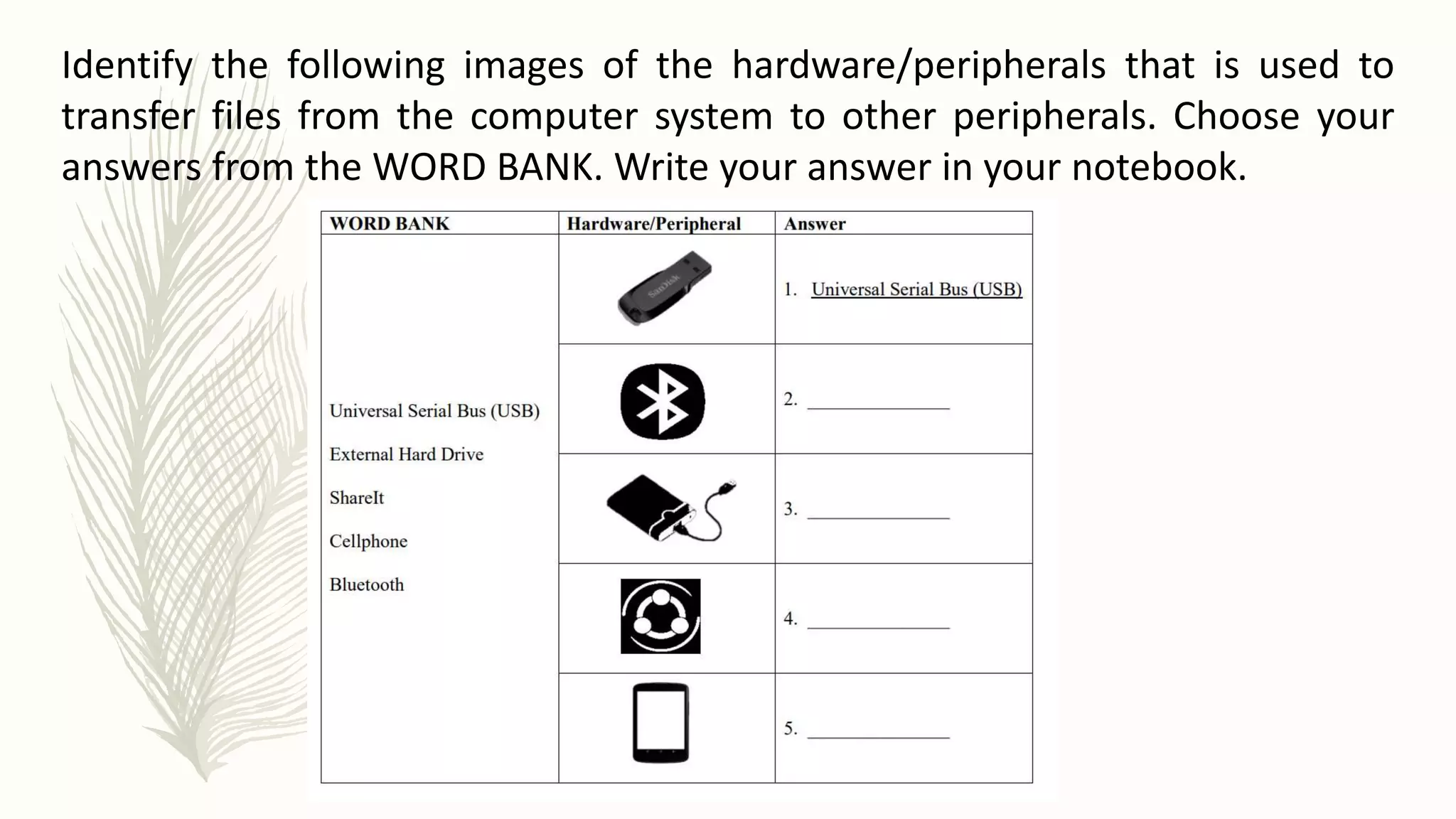
Identify the following images of the hardware/peripherals that is used to
transfer files from the computer system to other peripherals. Choose your
answers from the WORD BANK. Write your answer in your notebook.
Below are some important concepts regarding the previous lesson. Add another item to
show what you have learned from the lesson. Write your answer in your notebook.
1. Bluetooth is a wireless technology that allows the exchange of data between different
devices. However it is only on a short distance for the devices to stay connected.
1. Online Storage is a cloud storage of the files and data especially for back up purposes.
It is for free. Most of the websites allowed limited storage only.
3. External Storage device comes in many forms, both removable and non-removable.
It includes flash drive, floppy disk, hard drive or compact drive.
4. ________________________________________________________________________
________________________________________________________________________
________________________________________.
Relevance and Content - 70%
Creativity - 30%
Total - 100%
In this activity, you are to write a detailed steps in any
one of the ways in transferring files and data.
Write your answer on a 1 whole sheet of paper.
The rating criteria is shown below.

13_TRANSFER-DATA-USING-COMPUTER-SOFTWARE.pptx

  • 2.
    PASS-IT-ON CHARADES  Youhave one person start the games while your group stands front to back in a line.  The designated first person will show the next in line how to perform the same activity that the previous person did.  From there people will perform what they remembered from the previous person.
  • 4.
  • 5.
    What are thedifferent input and output devices? What devices will you use in transferring data from one device to another? How is data transferred from one device to another done?
  • 6.
    List four (4)other hardware or peripheral devices or software that are used to transfer data. Write answers in your notebook
  • 7.
    TRANSFER FILES ANDDATA There are several ways on how to transfer files and data between compatible systems using computer software, hardware and peripherals devices. 1.Files such as documents, pictures, music and email, and 2.Peripherals or hardware this is where you can transfer from one device to another just like computer to flash disk or vice versa, cellphone to cellphone, computer to computer and so on.
  • 8.
    WAYS TO TRANSFERFILES AND DATA 1.Computer to Computer In this way, you will use a local connection or router either wired or wireless connections where the computers are connected to the same network to meet and can transfer files to each other.
  • 9.
    WAYS TO TRANSFERFILES AND DATA 2. Computer to External Storage Device You need of course an external storage just like flash disk or memory card where you can transfer files from computer to external storage or vice versa.
  • 10.
    WAYS TO TRANSFERFILES AND DATA 3. Mobile Phone to Mobile Phone In these two same devices, Bluetooth connection should be turned on in order to transfer files from each other. Others prefer to use the ShareIt (third party software) applications because it is very fast and easy to install.
  • 11.
    WAYS TO TRANSFERFILES AND DATA 4. Computer, Cellphone, Laptop to Online Storage You can transfer files from computers and cellphones or vice versa easily using cloud storage services like OneDrive, Dropbox or Google drive. When transferring files from different devices to online storage, make sure you are connected to the internet. Applications are available to download and install for easy access of the online storage.
  • 12.
    Identify the followingimages of the hardware/peripherals that is used to transfer files from the computer system to other peripherals. Choose your answers from the WORD BANK. Write your answer in your notebook.
  • 13.
    Below are someimportant concepts regarding the previous lesson. Add another item to show what you have learned from the lesson. Write your answer in your notebook. 1. Bluetooth is a wireless technology that allows the exchange of data between different devices. However it is only on a short distance for the devices to stay connected. 1. Online Storage is a cloud storage of the files and data especially for back up purposes. It is for free. Most of the websites allowed limited storage only. 3. External Storage device comes in many forms, both removable and non-removable. It includes flash drive, floppy disk, hard drive or compact drive. 4. ________________________________________________________________________ ________________________________________________________________________ ________________________________________.
  • 14.
    Relevance and Content- 70% Creativity - 30% Total - 100% In this activity, you are to write a detailed steps in any one of the ways in transferring files and data. Write your answer on a 1 whole sheet of paper. The rating criteria is shown below.