Download as PDF, PPTX





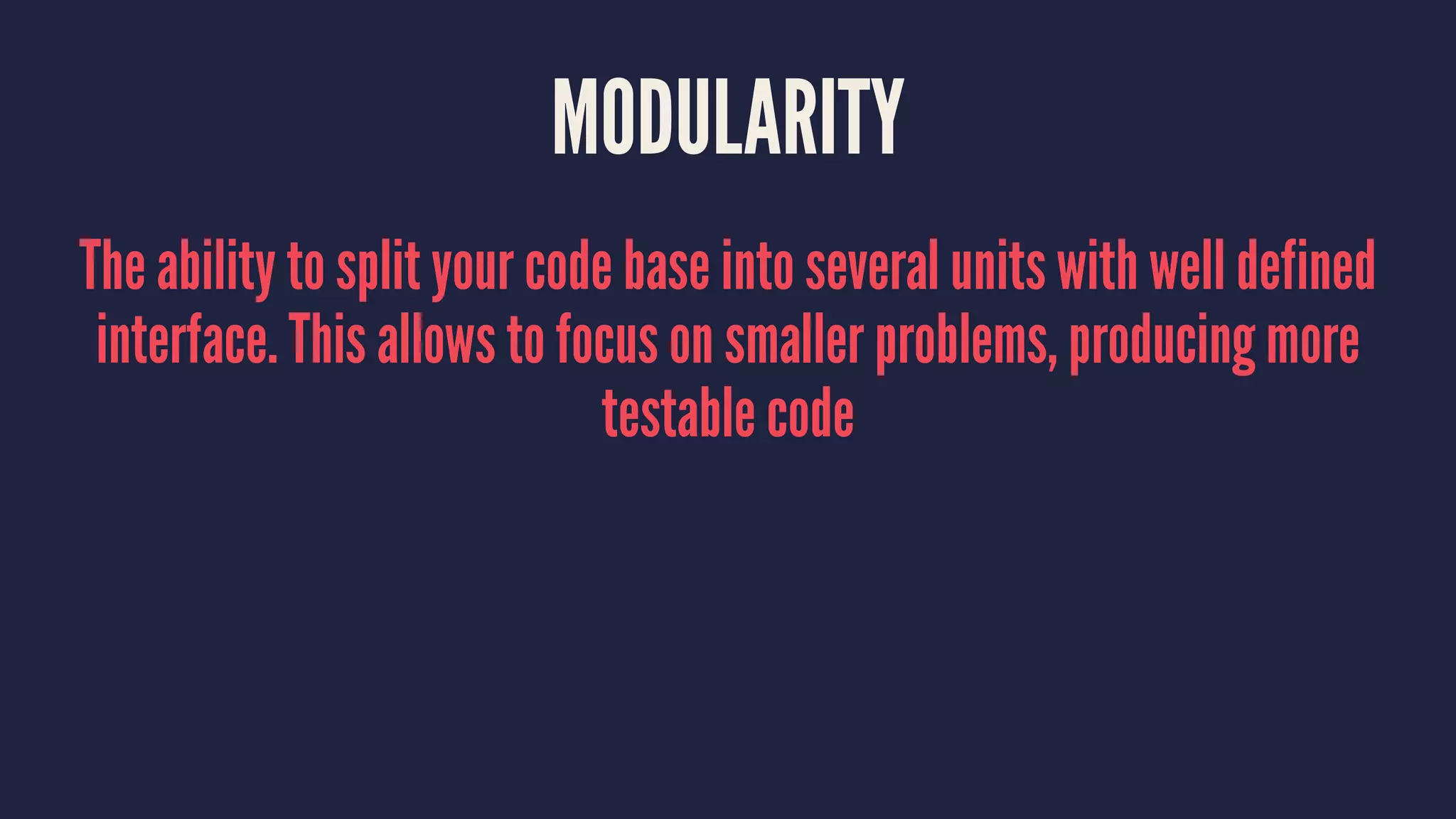
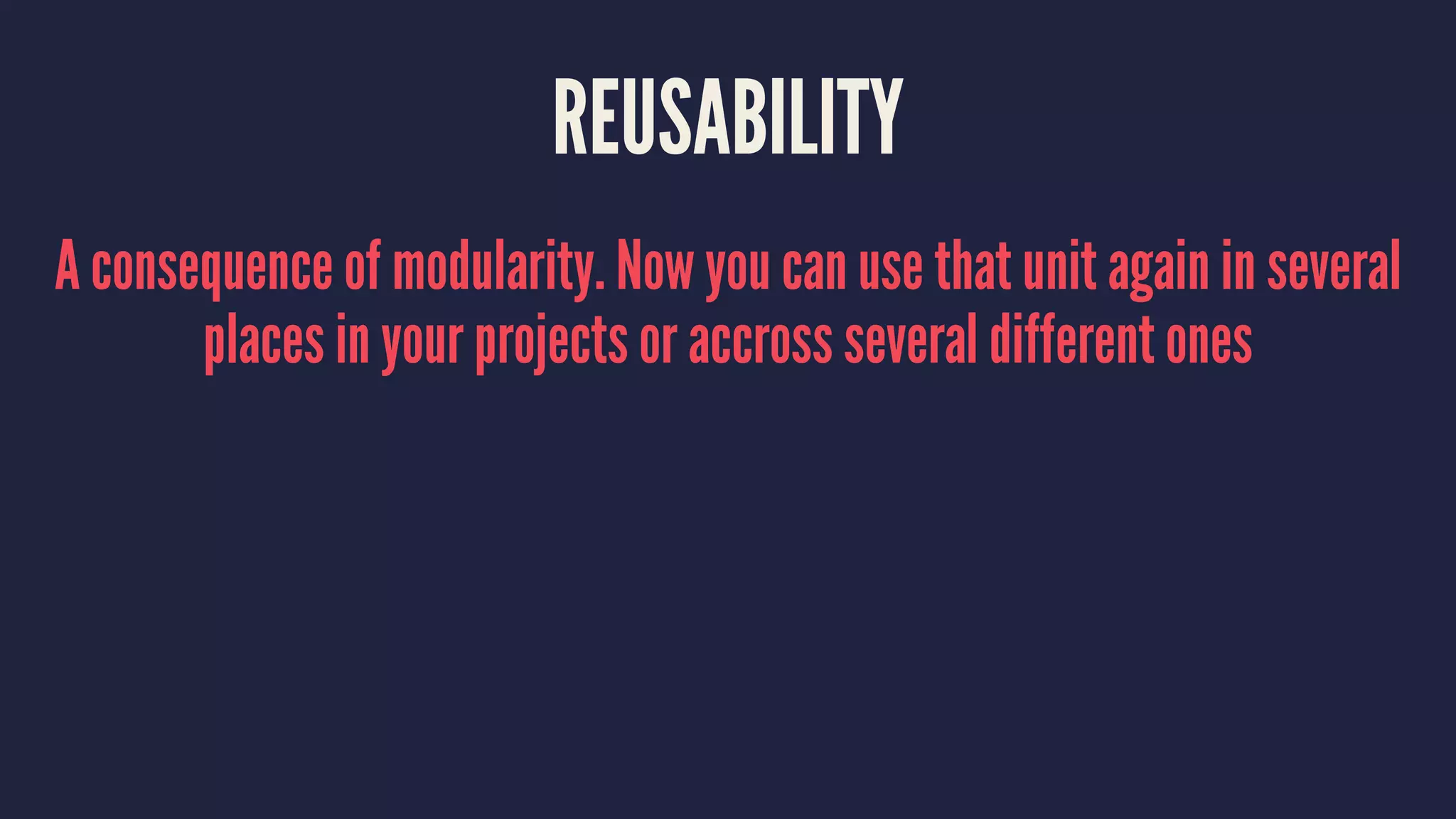

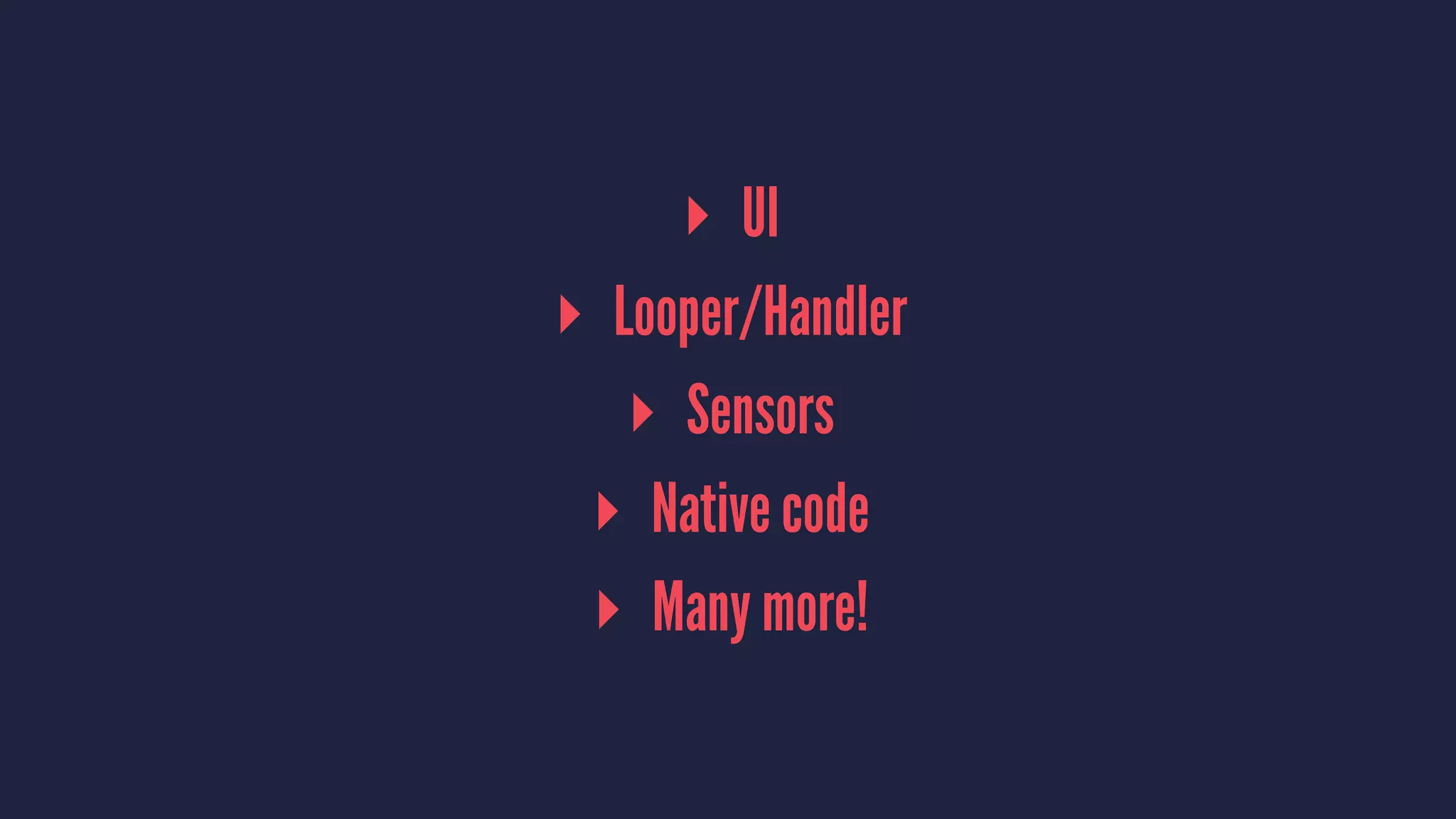

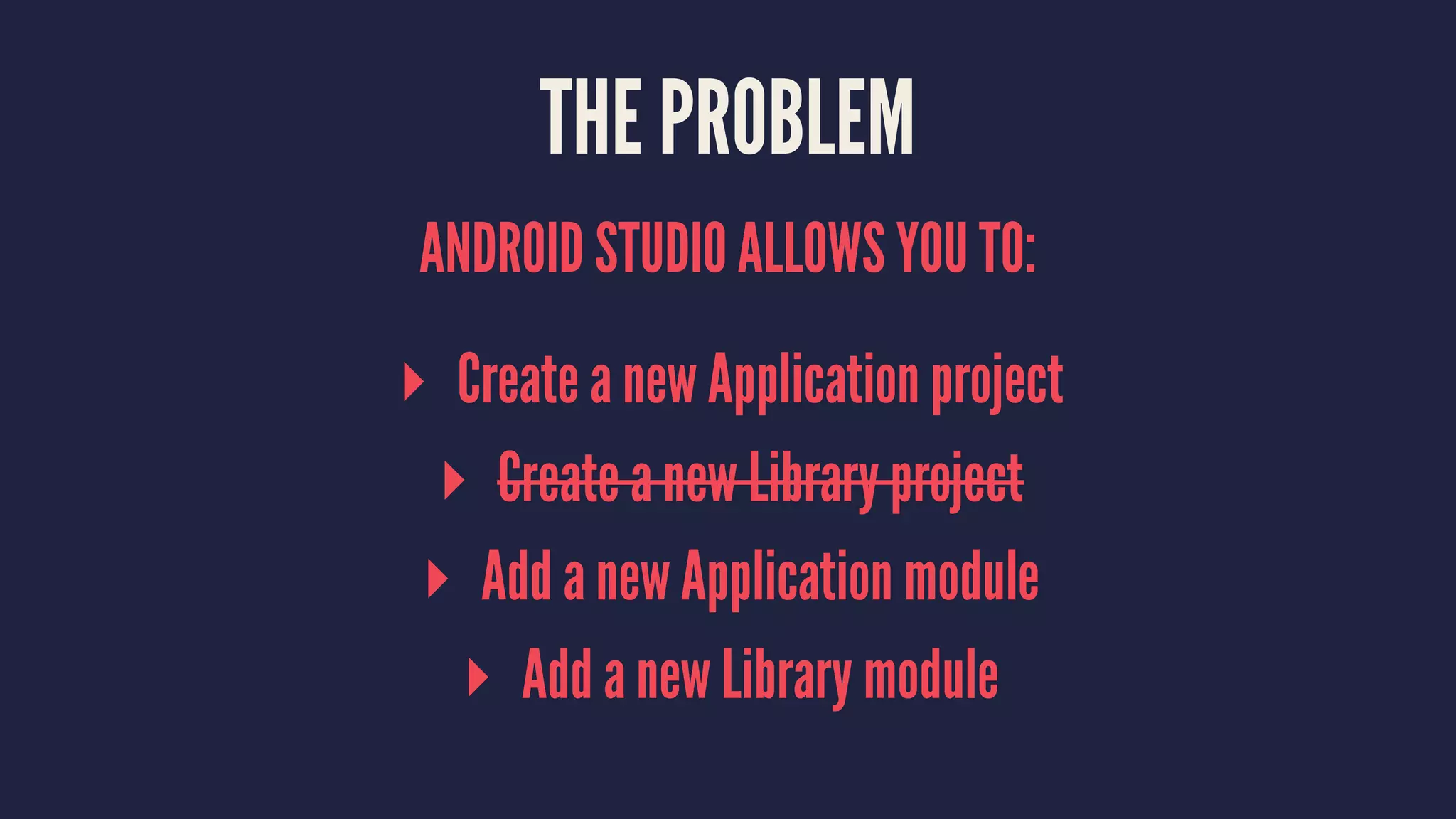
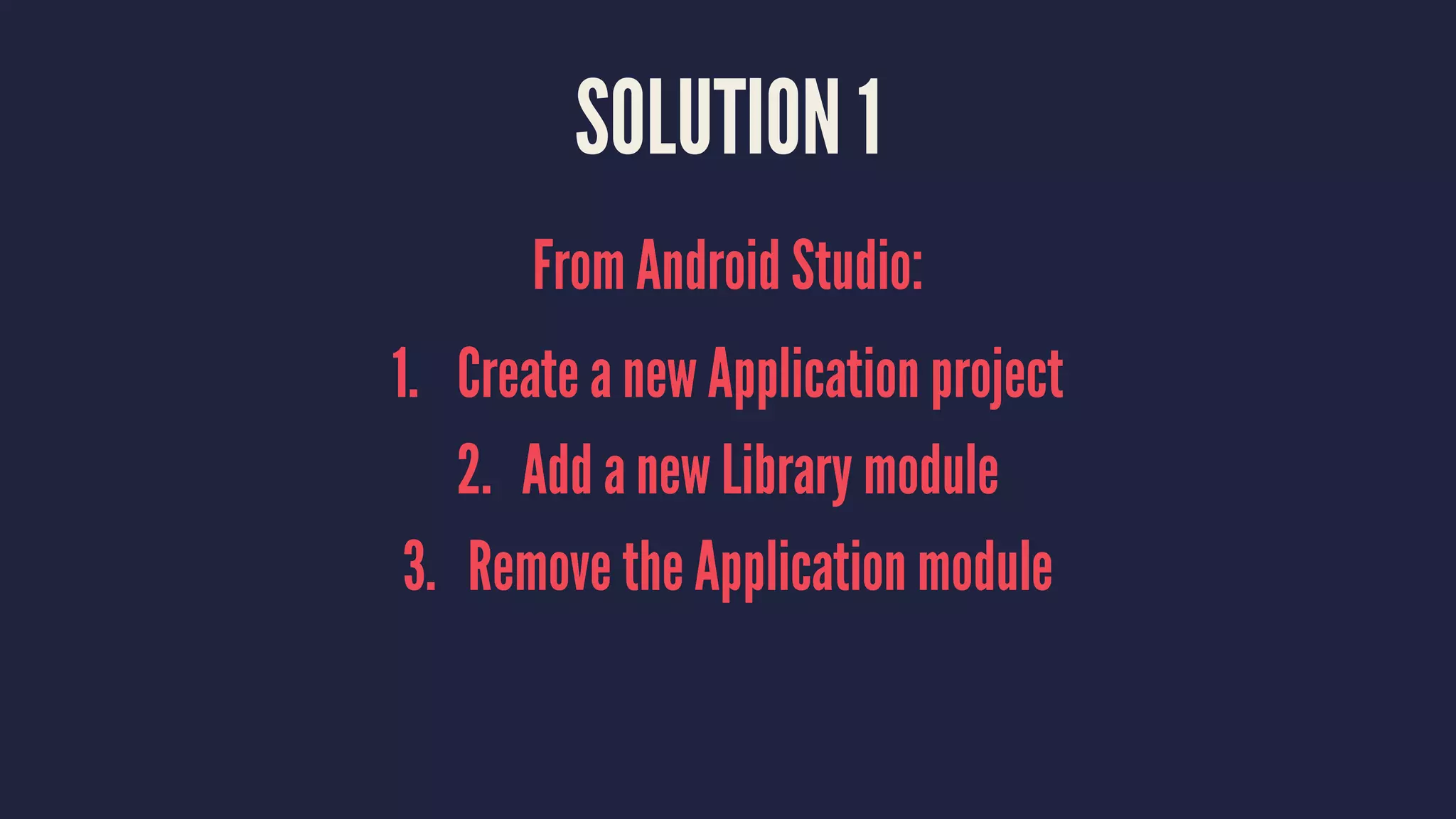
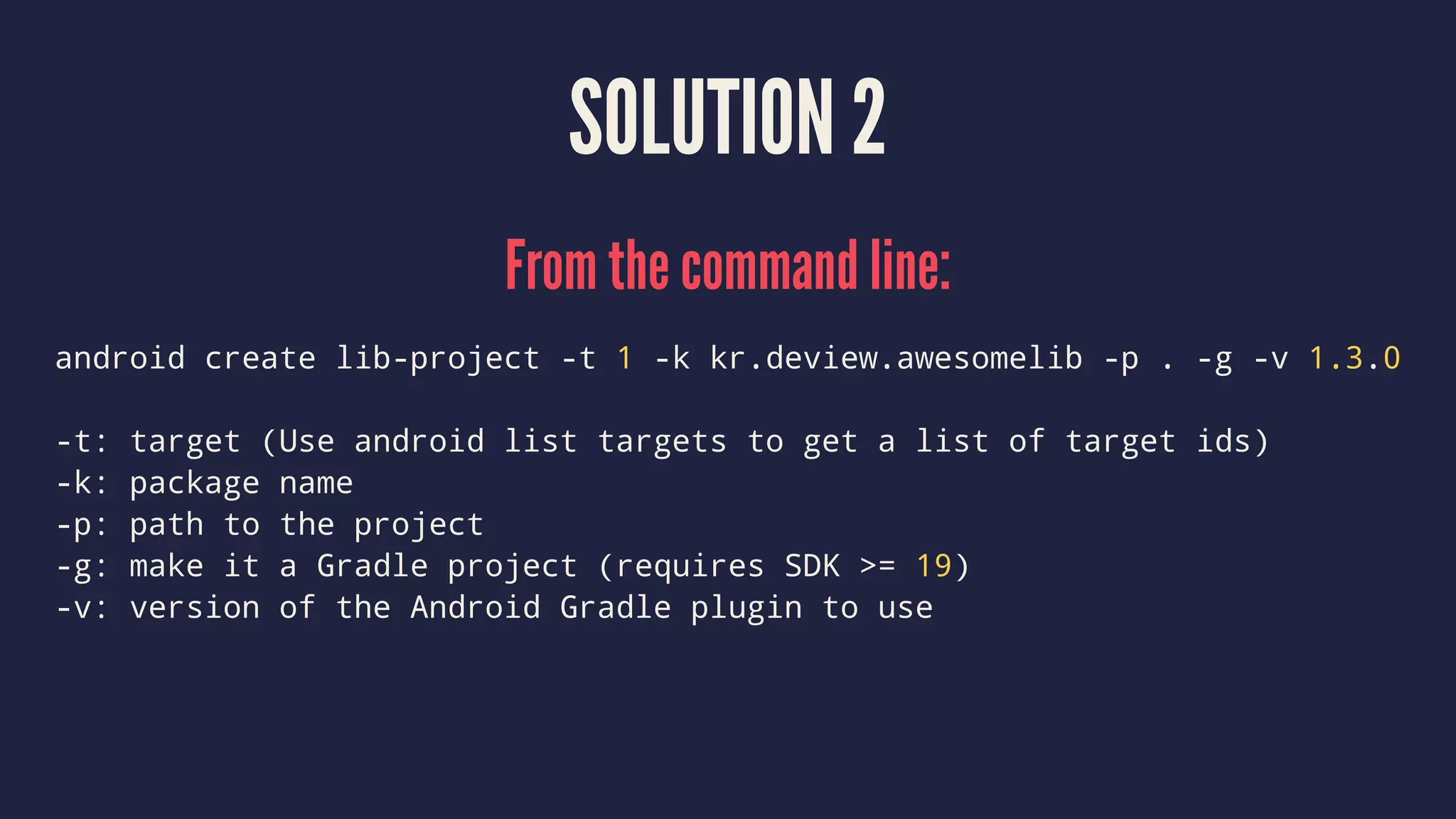
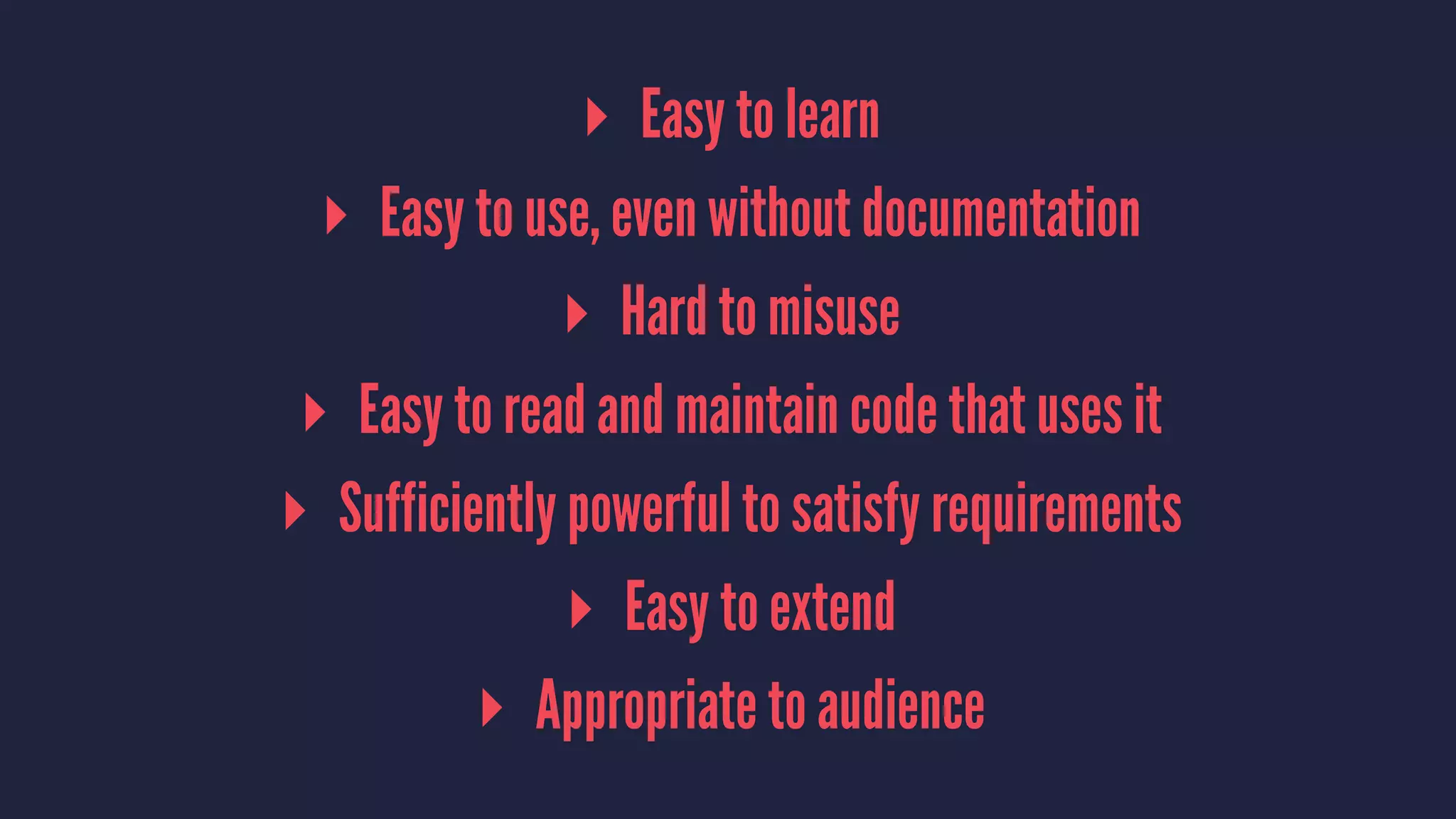


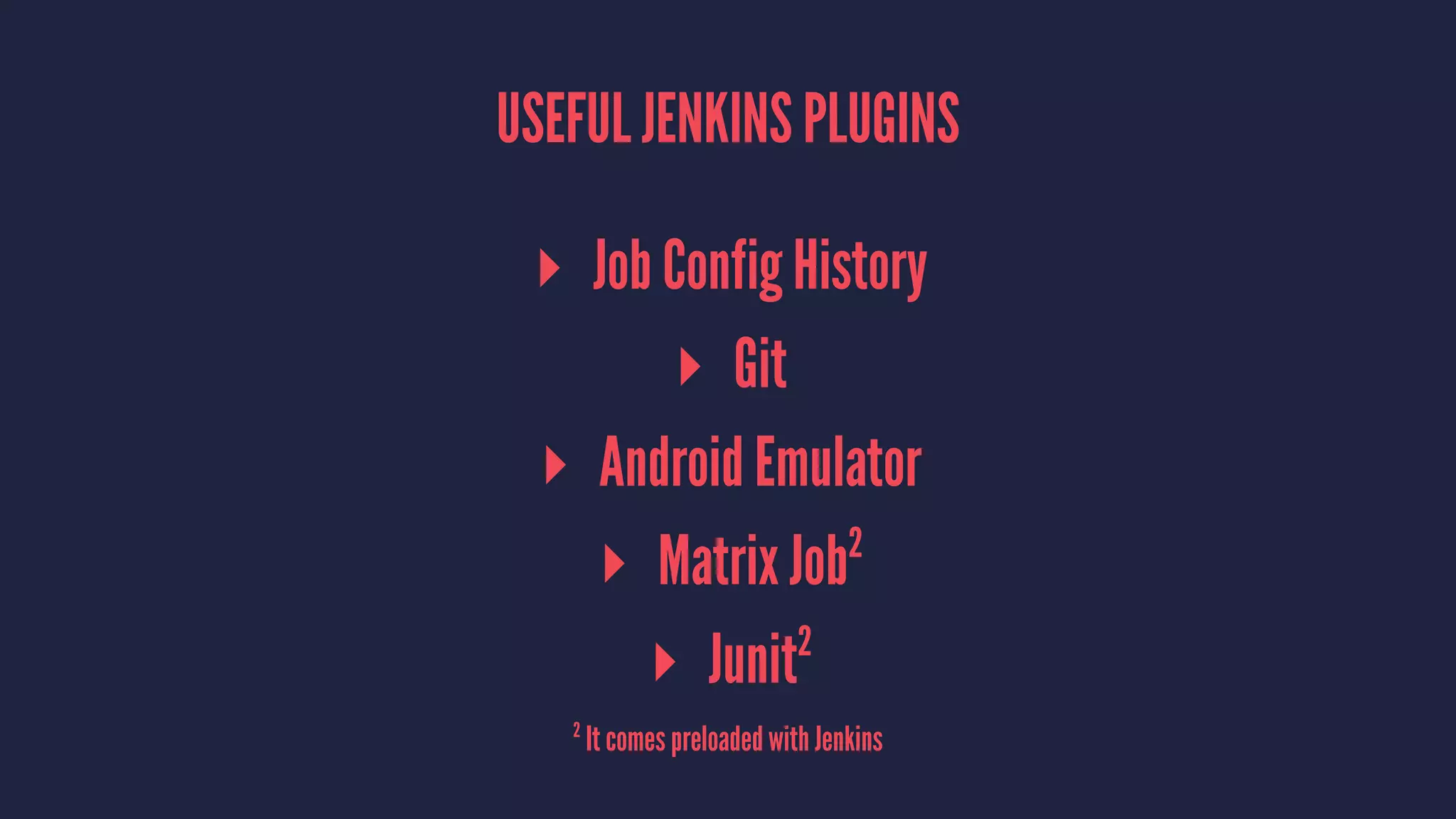



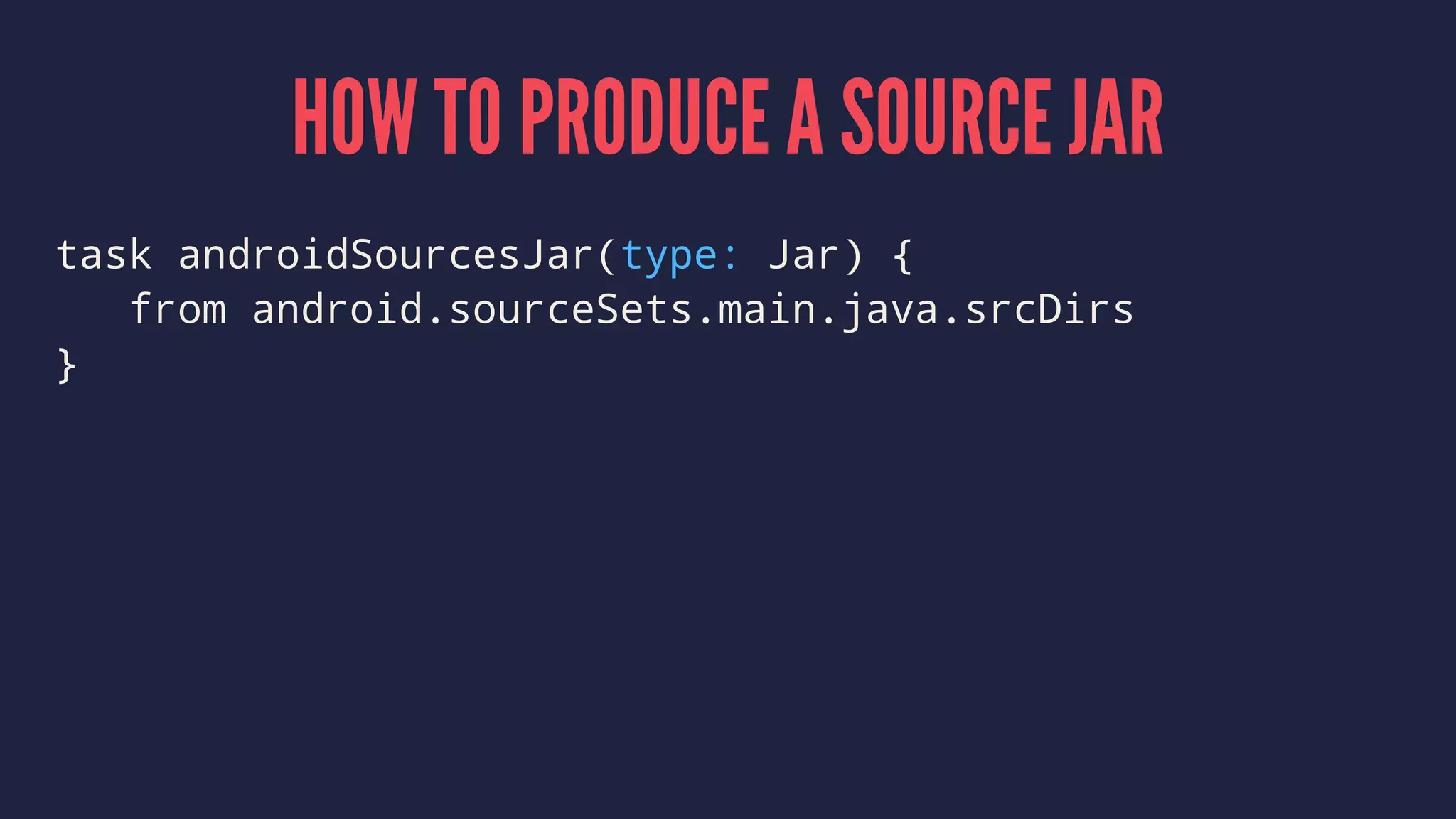
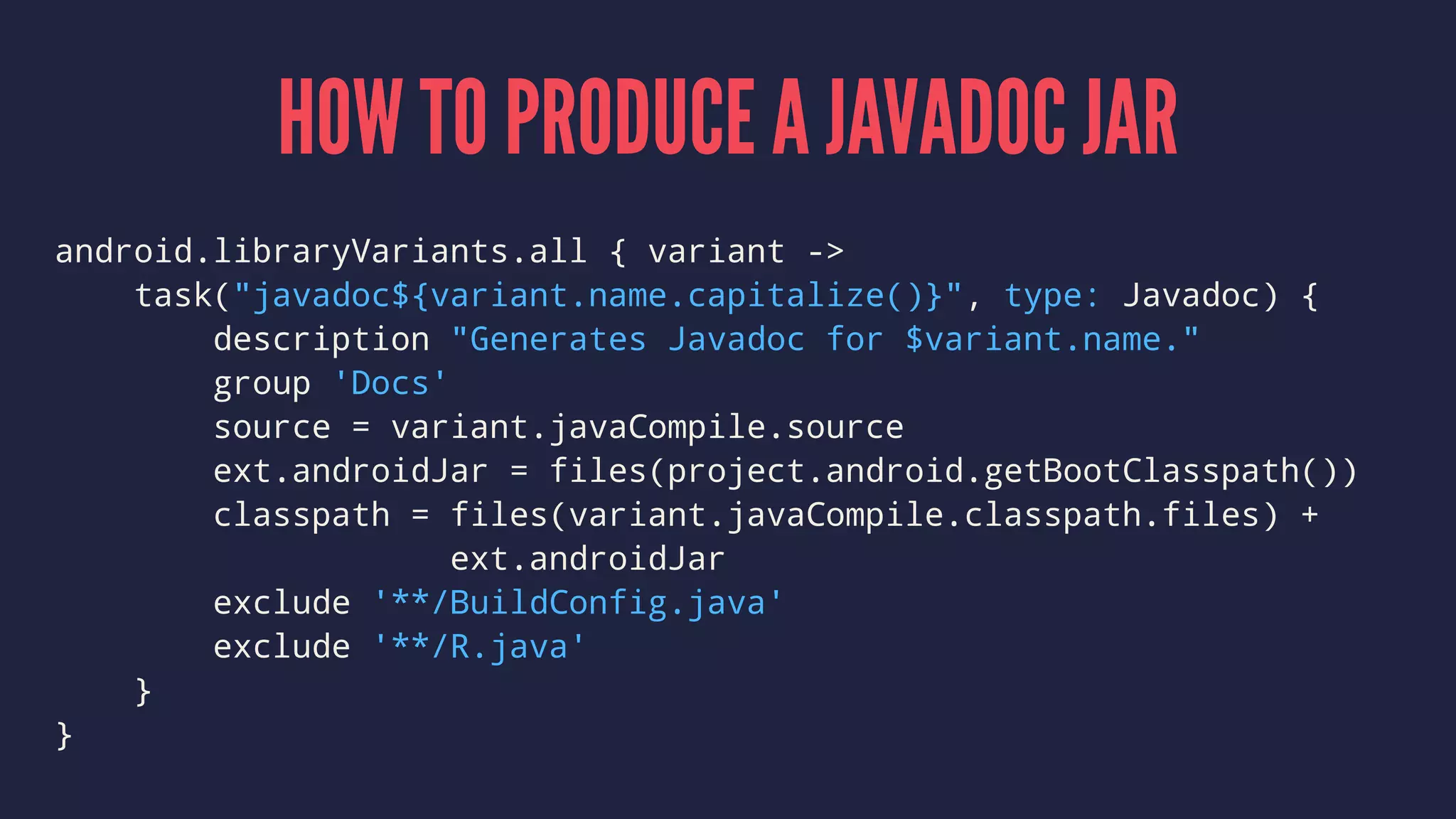
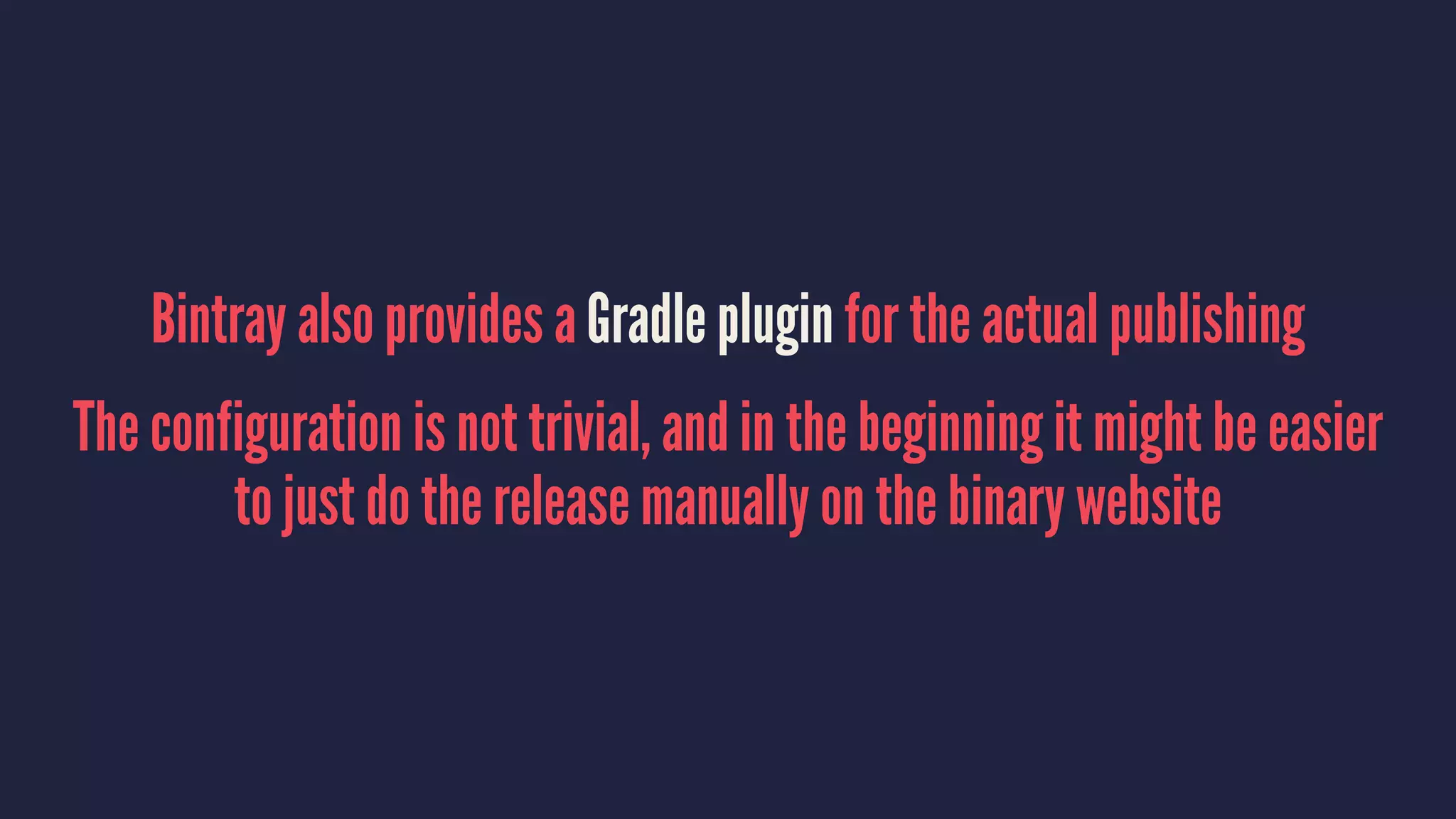

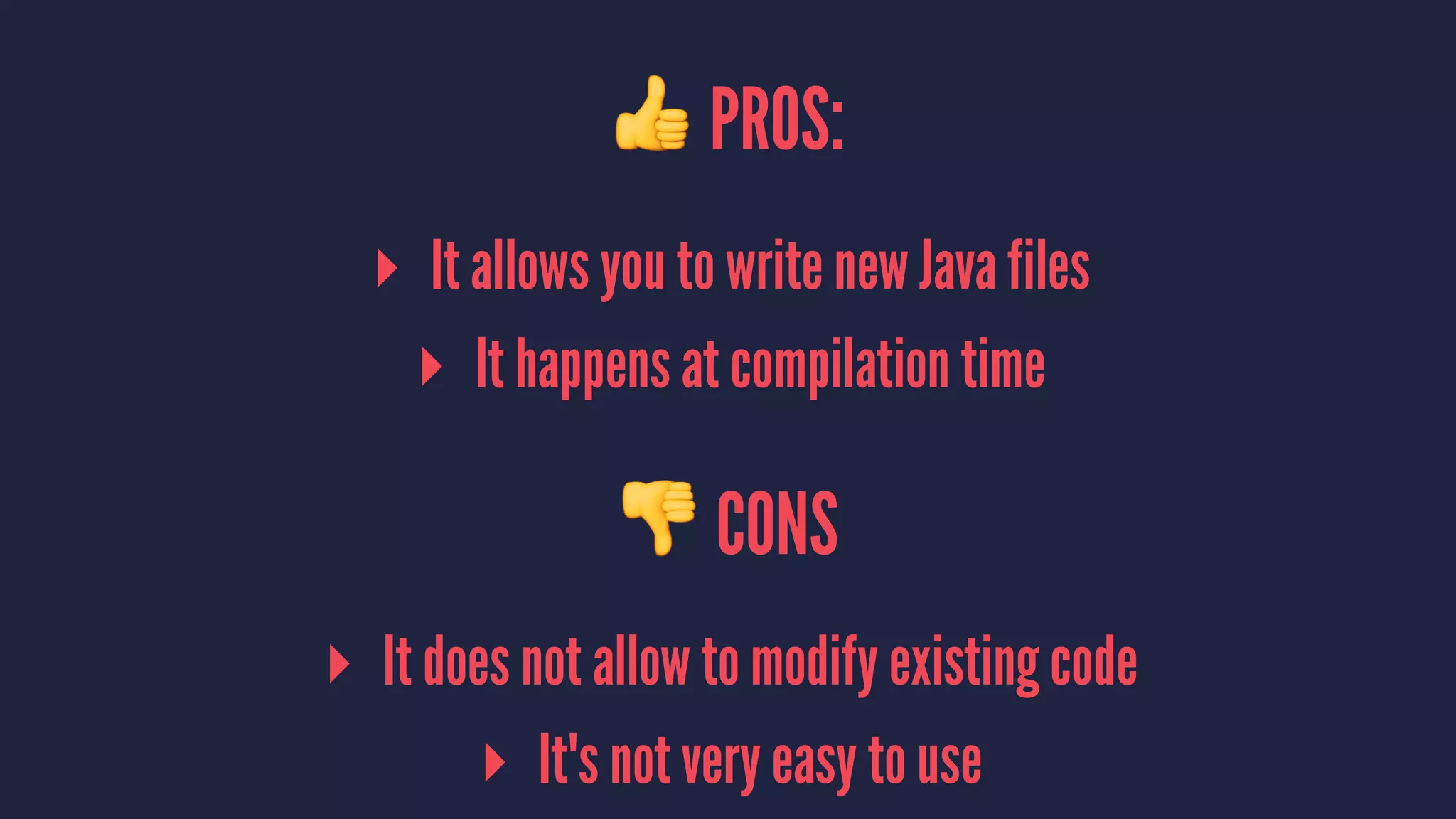
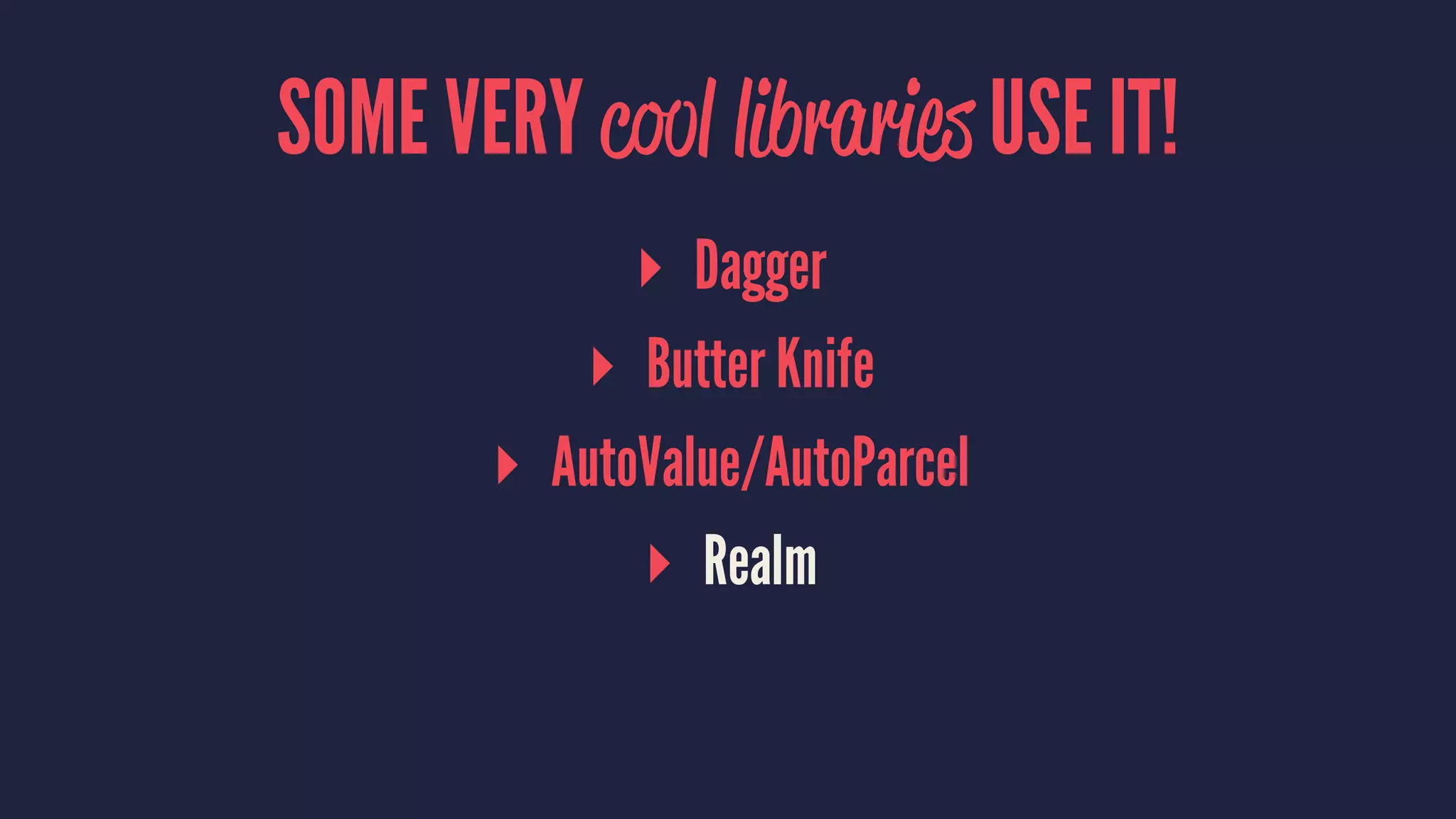
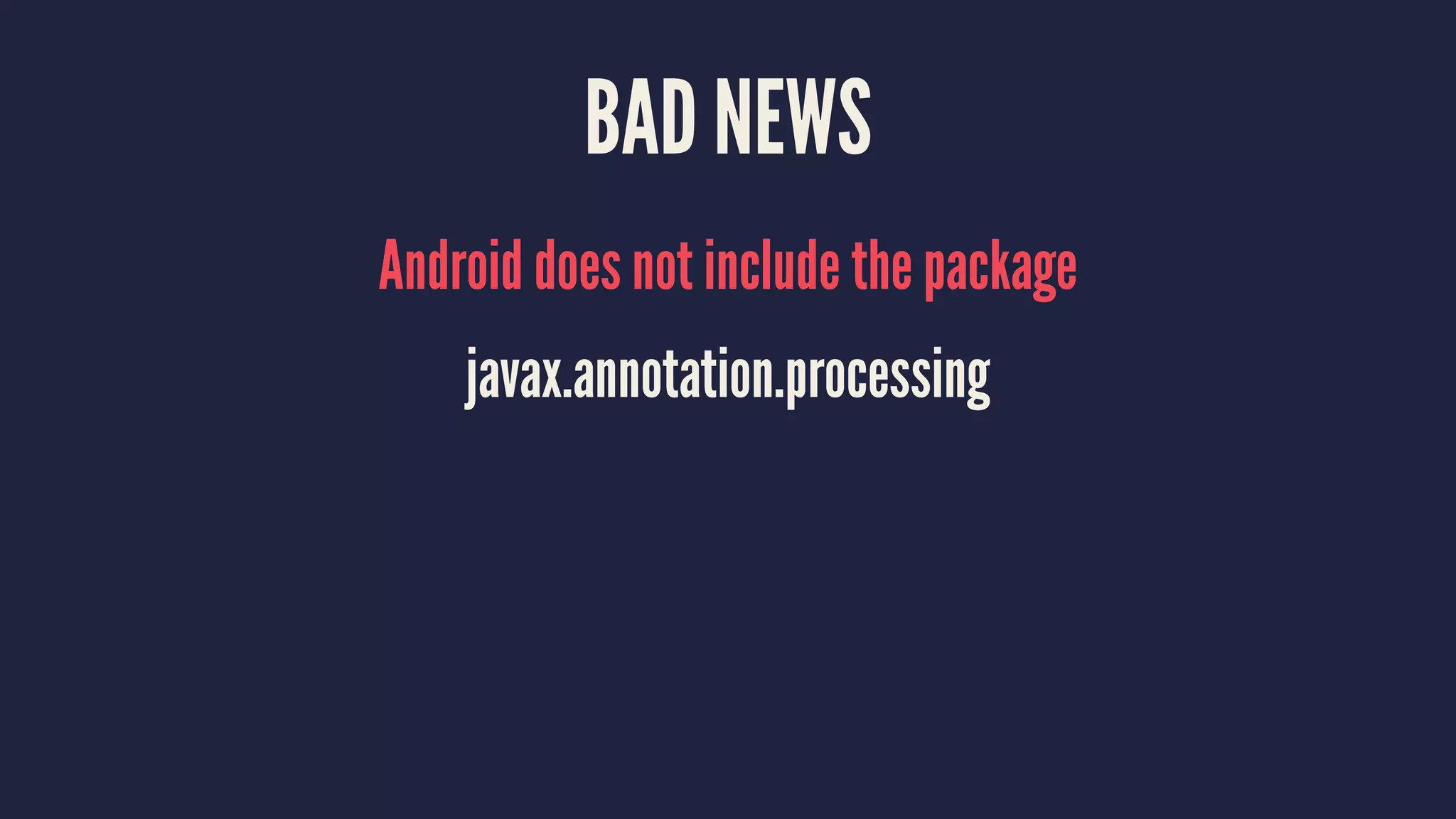
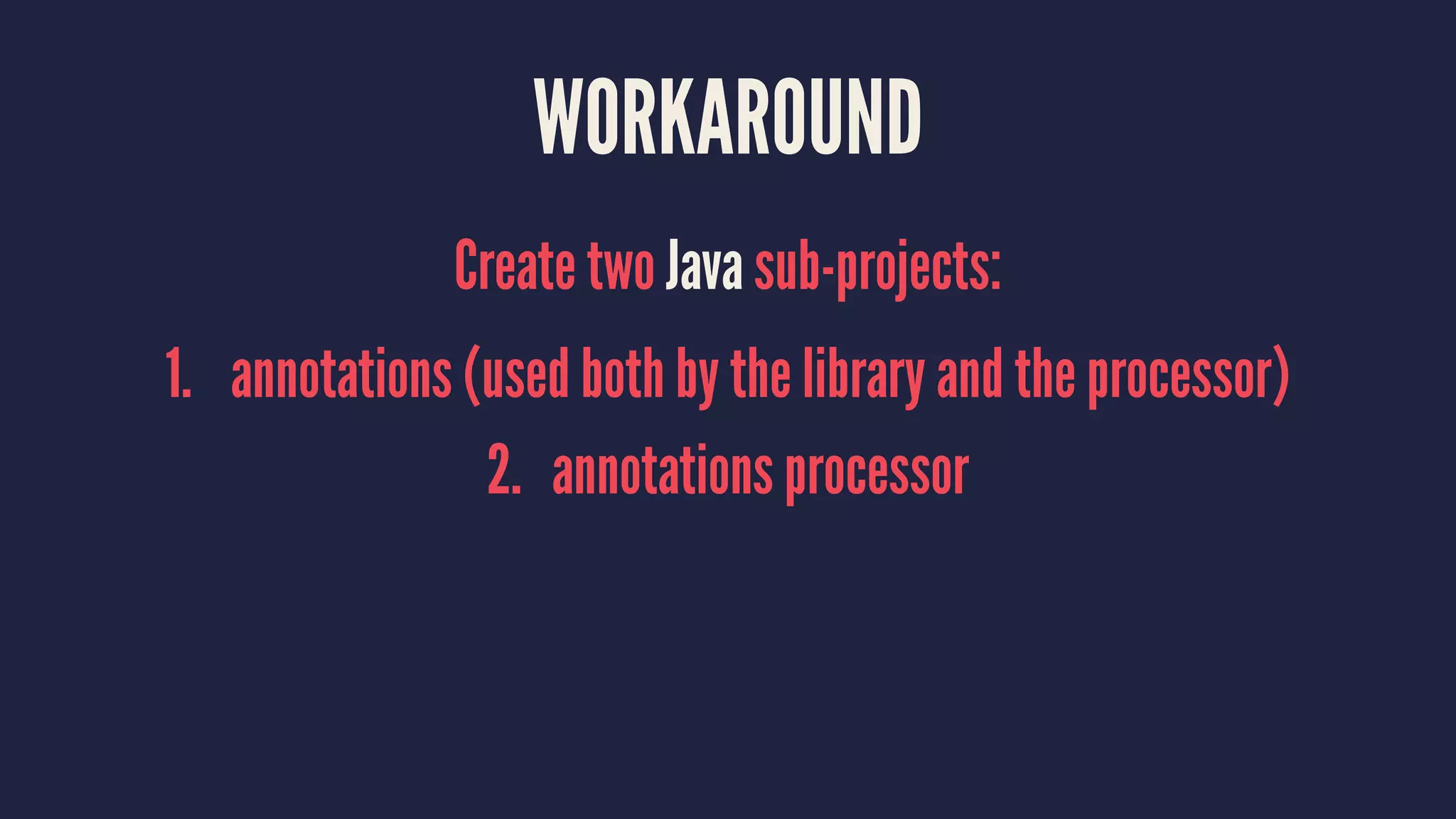
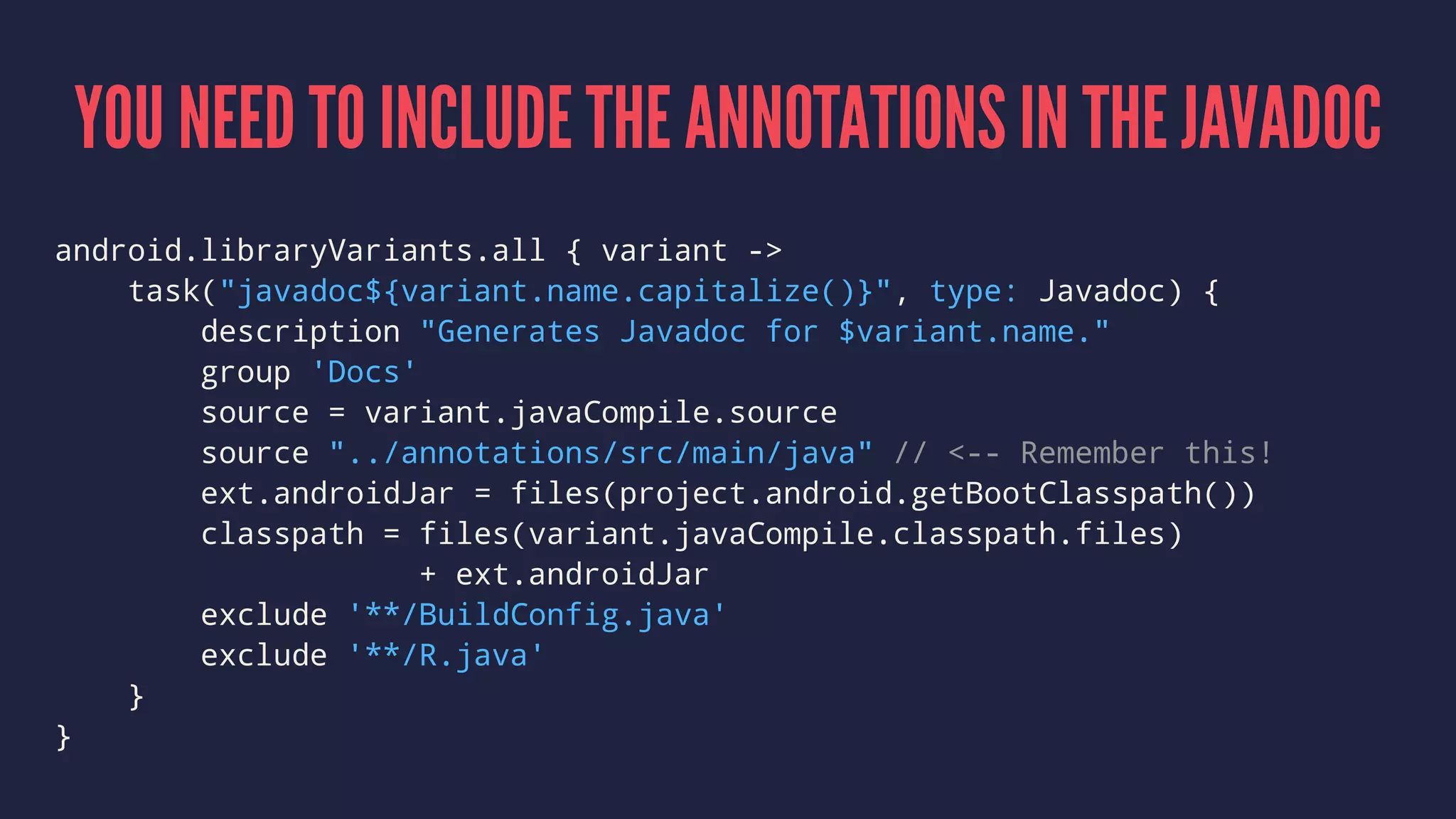
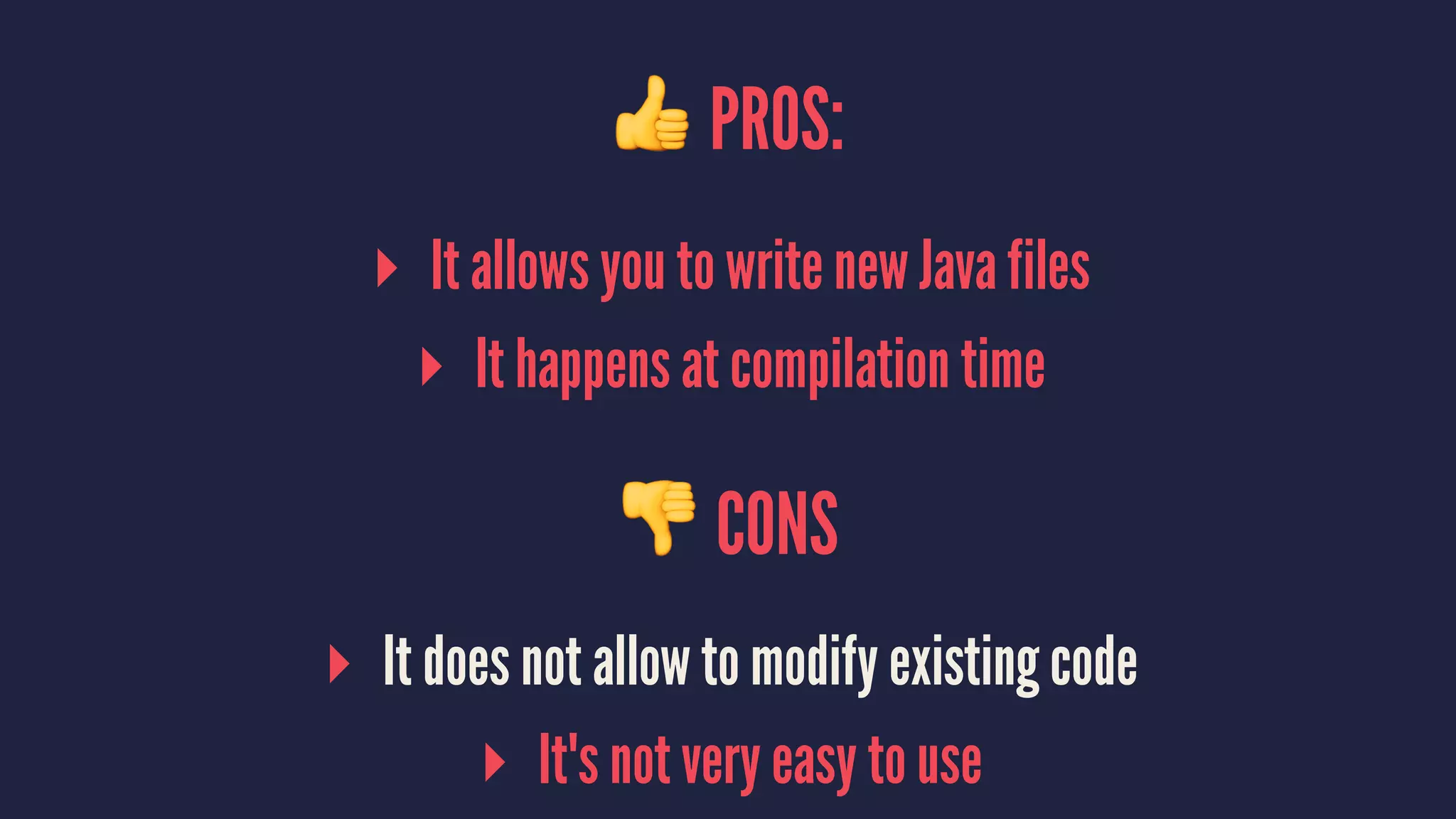
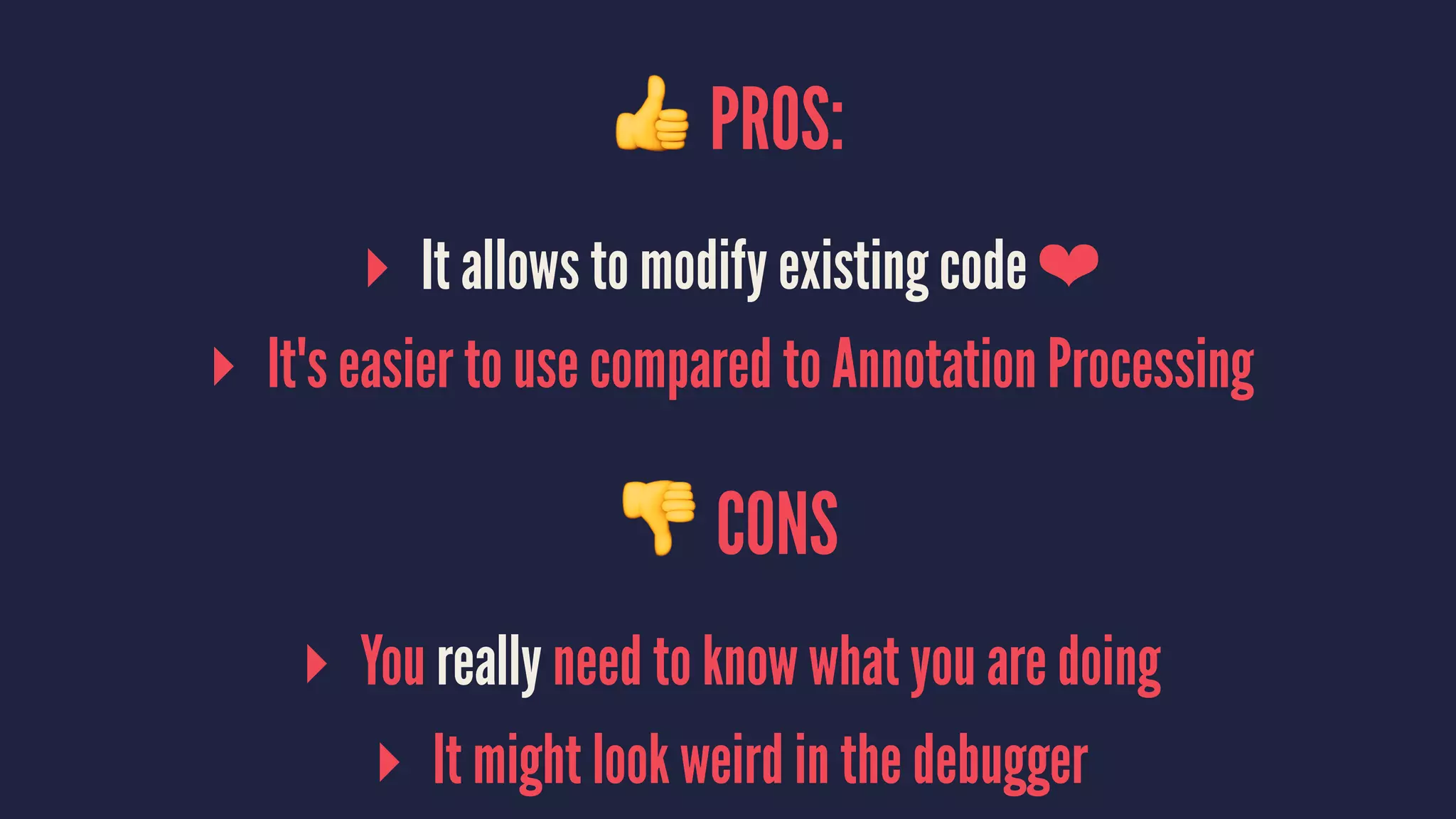
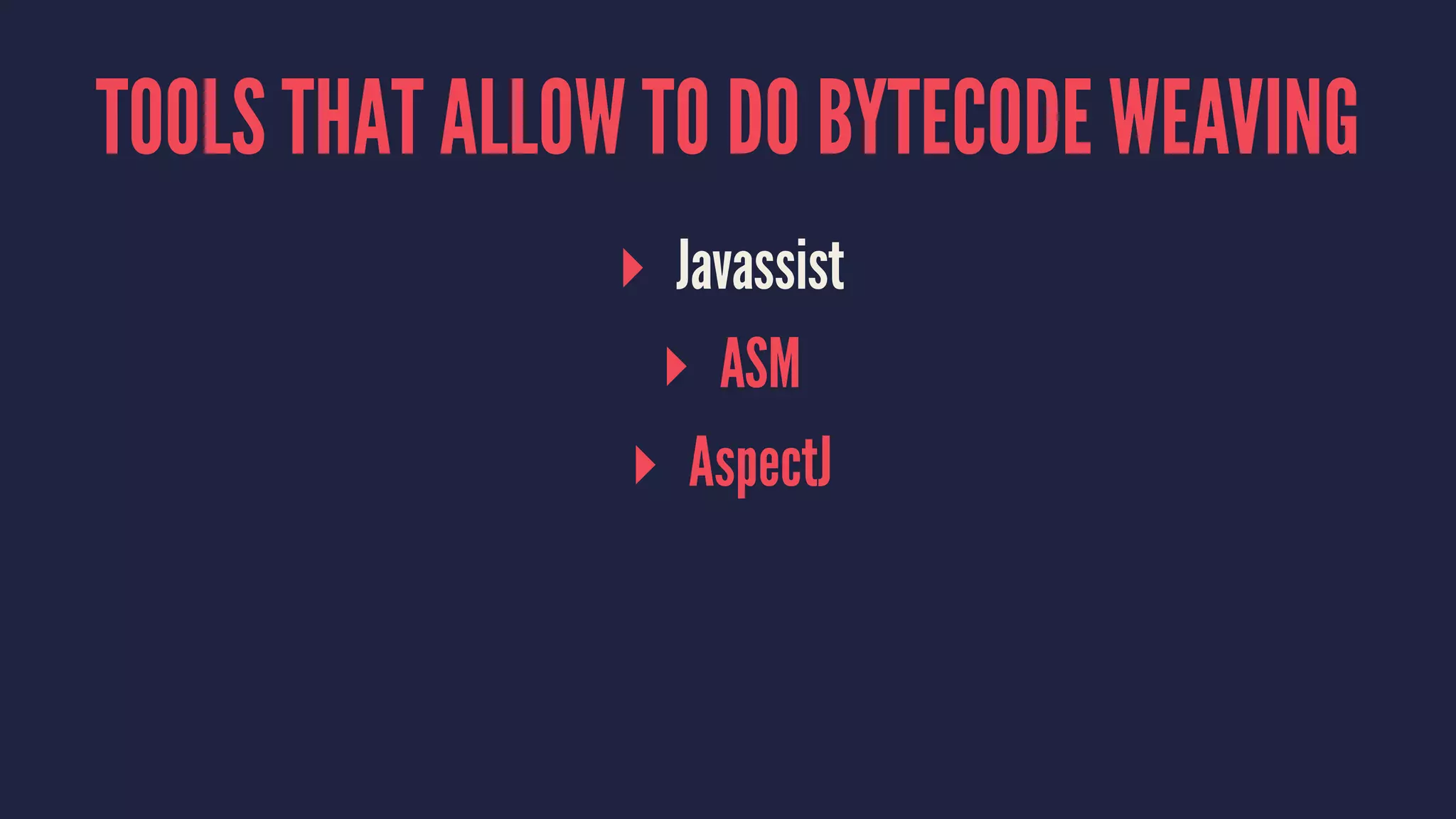
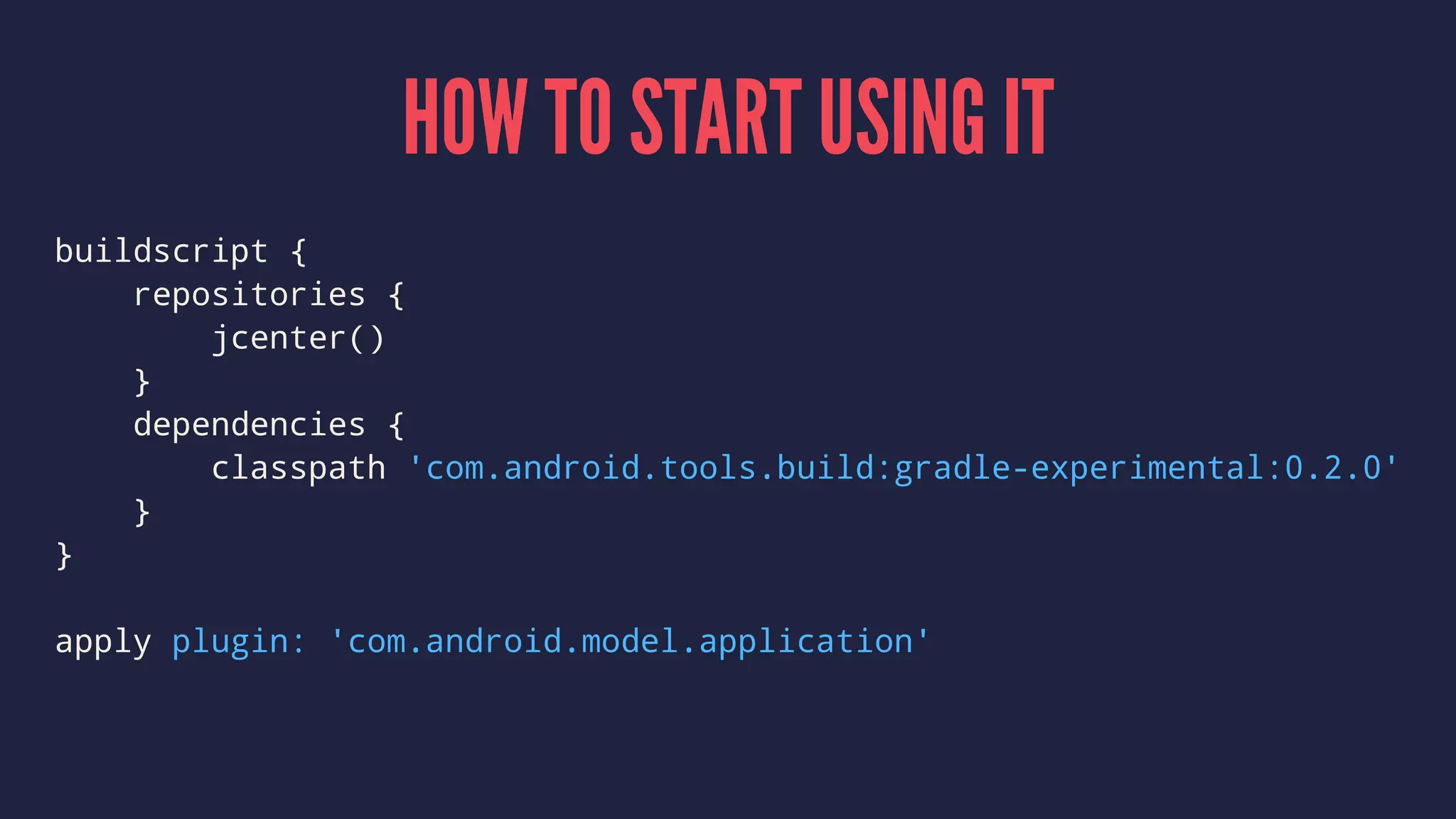
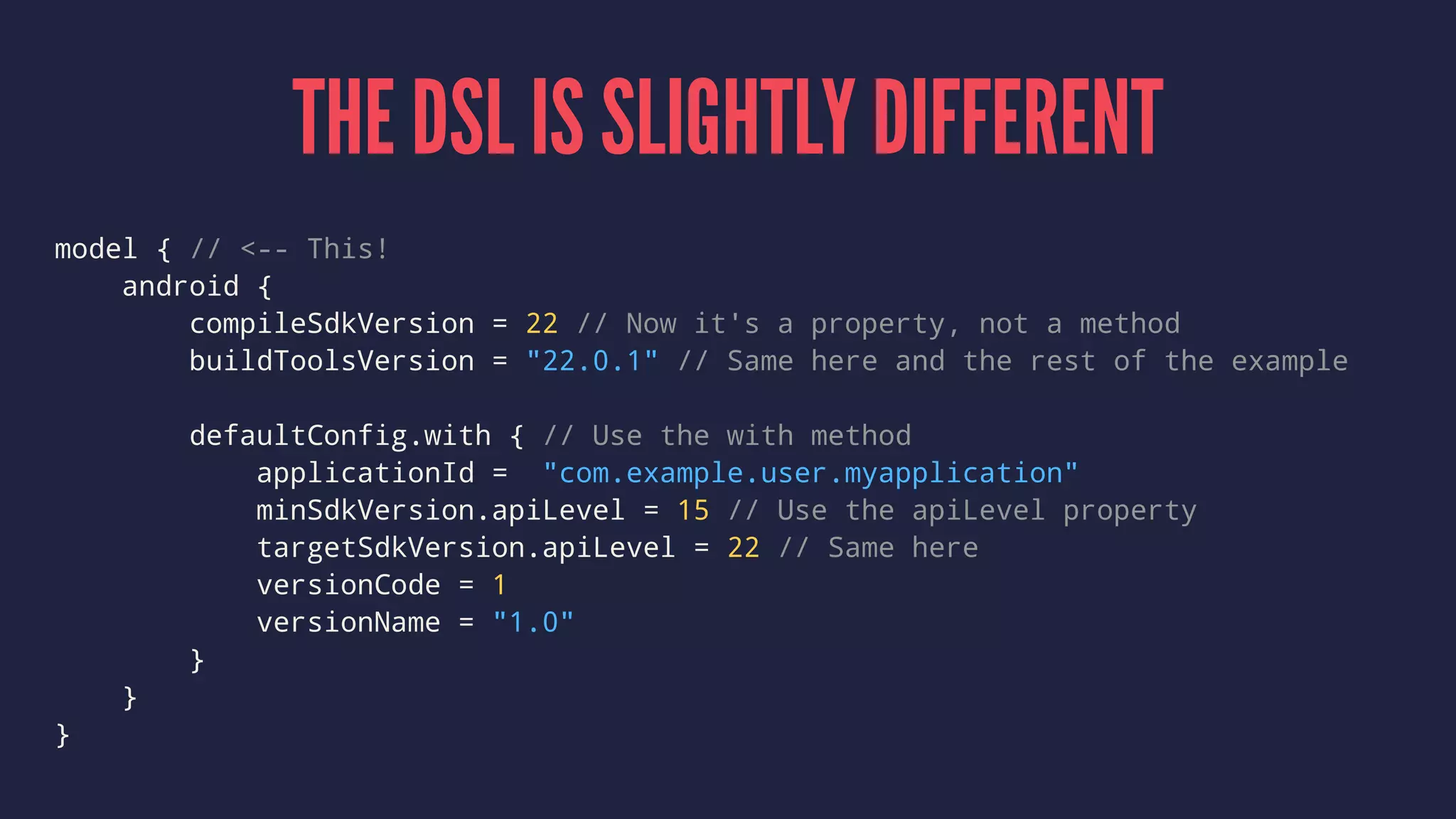




This document summarizes lessons learned from developing the Realm Android library. It discusses challenges such as setting up an Android library project, API design, testing, distribution methods, and issues like annotation processing, bytecode weaving, and native code support. Key points covered are how to start a library project, the importance of testing libraries extensively, and distribution options like Bintray.

![[114] DRC hubo technical review](https://cdn.slidesharecdn.com/ss_thumbnails/114drc-hubotechnicalreview-150913114505-lva1-app6891-thumbnail.jpg?width=640&height=640&fit=bounds)


![[Gstar 2013] Unity Security](https://cdn.slidesharecdn.com/ss_thumbnails/gstar2013unitysecurity-131115072211-phpapp01-thumbnail.jpg?width=640&height=640&fit=bounds)


![[122] line on apple watch](https://cdn.slidesharecdn.com/ss_thumbnails/122lineonapplewatch-150914011319-lva1-app6891-thumbnail.jpg?width=640&height=640&fit=bounds)
![[134] immersive sound vr](https://cdn.slidesharecdn.com/ss_thumbnails/134immersivesoundvr-150914020438-lva1-app6891-thumbnail.jpg?width=640&height=640&fit=bounds)
![[123] quality without qa](https://cdn.slidesharecdn.com/ss_thumbnails/132qualitywithoutqa-150914011521-lva1-app6892-thumbnail.jpg?width=640&height=640&fit=bounds)
![[131] packetbeat과 elasticsearch](https://cdn.slidesharecdn.com/ss_thumbnails/113packetbeatelasticsearch-150914020054-lva1-app6891-thumbnail.jpg?width=640&height=640&fit=bounds)
![[142] how riot works](https://cdn.slidesharecdn.com/ss_thumbnails/142howriotworks-150914022740-lva1-app6891-thumbnail.jpg?width=640&height=640&fit=bounds)
![[112] 실전 스위프트 프로그래밍](https://cdn.slidesharecdn.com/ss_thumbnails/112-150913114147-lva1-app6891-thumbnail.jpg?width=640&height=640&fit=bounds)
![[161] 데이터사이언스팀 빌딩](https://cdn.slidesharecdn.com/ss_thumbnails/161-150914054732-lva1-app6891-thumbnail.jpg?width=640&height=640&fit=bounds)
![[153] apache reef](https://cdn.slidesharecdn.com/ss_thumbnails/153apachereef-150914023653-lva1-app6892-thumbnail.jpg?width=640&height=640&fit=bounds)
![[133] 브라우저는 vsync를 어떻게 활용하고 있을까](https://cdn.slidesharecdn.com/ss_thumbnails/133vsync-150914020334-lva1-app6892-thumbnail.jpg?width=640&height=640&fit=bounds)
![[162] jpa와 모던 자바 데이터 저장 기술](https://cdn.slidesharecdn.com/ss_thumbnails/162jpa-150914054532-lva1-app6891-thumbnail.jpg?width=640&height=640&fit=bounds)
![[141] react everywhere](https://cdn.slidesharecdn.com/ss_thumbnails/141react-everywhere-150914022631-lva1-app6891-thumbnail.jpg?width=640&height=640&fit=bounds)
![[152] 웹브라우저 감옥에서 살아남기](https://cdn.slidesharecdn.com/ss_thumbnails/152-150914023446-lva1-app6892-thumbnail.jpg?width=640&height=640&fit=bounds)
![[121]네이버 효과툰 구현 이야기](https://cdn.slidesharecdn.com/ss_thumbnails/121-150914011346-lva1-app6891-thumbnail.jpg?width=640&height=640&fit=bounds)
![[124] mit cheetah 로봇의 탄생](https://cdn.slidesharecdn.com/ss_thumbnails/124mitcheetah-150914011857-lva1-app6891-thumbnail.jpg?width=640&height=640&fit=bounds)
![[132] rust](https://cdn.slidesharecdn.com/ss_thumbnails/132rust-150914020137-lva1-app6891-thumbnail.jpg?width=640&height=640&fit=bounds)
![[164] pinpoint](https://cdn.slidesharecdn.com/ss_thumbnails/164pinpoint-150914054628-lva1-app6892-thumbnail.jpg?width=640&height=640&fit=bounds)
![[111] 네이버효과툰어떻게만들어졌나](https://cdn.slidesharecdn.com/ss_thumbnails/111-150913113917-lva1-app6891-thumbnail.jpg?width=640&height=640&fit=bounds)
![[154] 데이터 센터의 오픈 소스 open compute project (ocp)](https://cdn.slidesharecdn.com/ss_thumbnails/154opencomputeprojectocp-150914023740-lva1-app6891-thumbnail.jpg?width=640&height=640&fit=bounds)
![[143] 모바일 혈액진단기기 개발 삽질기](https://cdn.slidesharecdn.com/ss_thumbnails/143-150914022819-lva1-app6892-thumbnail.jpg?width=640&height=640&fit=bounds)
![[144]mobile앱에서 효율적인 storage 접근 방법](https://cdn.slidesharecdn.com/ss_thumbnails/144mobilestorage-150914022925-lva1-app6891-thumbnail.jpg?width=640&height=640&fit=bounds)


![[211] 인공지능이 인공지능 챗봇을 만든다](https://cdn.slidesharecdn.com/ss_thumbnails/211chatbot-181106094835-thumbnail.jpg?width=640&height=640&fit=bounds)
![[233] 대형 컨테이너 클러스터에서의 고가용성 Network Load Balancing: Maglev Hashing Scheduler i...](https://cdn.slidesharecdn.com/ss_thumbnails/233networkloadbalancing-181018151852-thumbnail.jpg?width=640&height=640&fit=bounds)
![[215] Druid로 쉽고 빠르게 데이터 분석하기](https://cdn.slidesharecdn.com/ss_thumbnails/215druid-181012071910-thumbnail.jpg?width=640&height=640&fit=bounds)
![[245]Papago Internals: 모델분석과 응용기술 개발](https://cdn.slidesharecdn.com/ss_thumbnails/245papagointernals1-181012045005-thumbnail.jpg?width=640&height=640&fit=bounds)
![[236] 스트림 저장소 최적화 이야기: 아파치 드루이드로부터 얻은 교훈](https://cdn.slidesharecdn.com/ss_thumbnails/236deview2018jihoonson-final-181012031726-thumbnail.jpg?width=640&height=640&fit=bounds)
![[235]Wikipedia-scale Q&A](https://cdn.slidesharecdn.com/ss_thumbnails/235deview2018julienperezwikipediaqa12oct2018-181012030613-thumbnail.jpg?width=640&height=640&fit=bounds)
![[244]로봇이 현실 세계에 대해 학습하도록 만들기](https://cdn.slidesharecdn.com/ss_thumbnails/244deview2018tomisilanderrobotsrealworldfinal11oct2018-181012024720-thumbnail.jpg?width=640&height=640&fit=bounds)
![[243] Deep Learning to help student’s Deep Learning](https://cdn.slidesharecdn.com/ss_thumbnails/243deeplearningtohelpstudentsdeeplearning-181012024530-thumbnail.jpg?width=640&height=640&fit=bounds)
![[234]Fast & Accurate Data Annotation Pipeline for AI applications](https://cdn.slidesharecdn.com/ss_thumbnails/234fastaccuratedataannotationpipelineforaiapplications1-181012024230-thumbnail.jpg?width=640&height=640&fit=bounds)
![Old version: [233]대형 컨테이너 클러스터에서의 고가용성 Network Load Balancing](https://cdn.slidesharecdn.com/ss_thumbnails/233largecontainerclusternetworkloadbalancing-181012024225-thumbnail.jpg?width=640&height=640&fit=bounds)
![[226]NAVER 광고 deep click prediction: 모델링부터 서빙까지](https://cdn.slidesharecdn.com/ss_thumbnails/226naveraddeepclickprediction-181012024116-thumbnail.jpg?width=640&height=640&fit=bounds)
![[225]NSML: 머신러닝 플랫폼 서비스하기 & 모델 튜닝 자동화하기](https://cdn.slidesharecdn.com/ss_thumbnails/225nsmlmachinelearningntuningautomize-181012023407-thumbnail.jpg?width=640&height=640&fit=bounds)
![[224]네이버 검색과 개인화](https://cdn.slidesharecdn.com/ss_thumbnails/224naversearchnpersonalizationfinal-181012022631-thumbnail.jpg?width=640&height=640&fit=bounds)
![[216]Search Reliability Engineering (부제: 지진에도 흔들리지 않는 네이버 검색시스템)](https://cdn.slidesharecdn.com/ss_thumbnails/216sresearchreliabilityengineering-181012022623-thumbnail.jpg?width=640&height=640&fit=bounds)
![[214] Ai Serving Platform: 하루 수 억 건의 인퍼런스를 처리하기 위한 고군분투기](https://cdn.slidesharecdn.com/ss_thumbnails/214aiservingplatforminference-181012022603-thumbnail.jpg?width=640&height=640&fit=bounds)
![[213] Fashion Visual Search](https://cdn.slidesharecdn.com/ss_thumbnails/213fashionvisualsearchreduced-181012022540-thumbnail.jpg?width=640&height=640&fit=bounds)
![[232] TensorRT를 활용한 딥러닝 Inference 최적화](https://cdn.slidesharecdn.com/ss_thumbnails/232dlinferenceoptimizationusingtensorrt1-181012014455-thumbnail.jpg?width=640&height=640&fit=bounds)
![[242]컴퓨터 비전을 이용한 실내 지도 자동 업데이트 방법: 딥러닝을 통한 POI 변화 탐지](https://cdn.slidesharecdn.com/ss_thumbnails/242pcdpublic-181012011734-thumbnail.jpg?width=640&height=640&fit=bounds)
![[212]C3, 데이터 처리에서 서빙까지 가능한 하둡 클러스터](https://cdn.slidesharecdn.com/ss_thumbnails/212c3-181012011644-thumbnail.jpg?width=640&height=640&fit=bounds)
![[223]기계독해 QA: 검색인가, NLP인가?](https://cdn.slidesharecdn.com/ss_thumbnails/2232018-181012010149-thumbnail.jpg?width=640&height=640&fit=bounds)


