Download to read offline
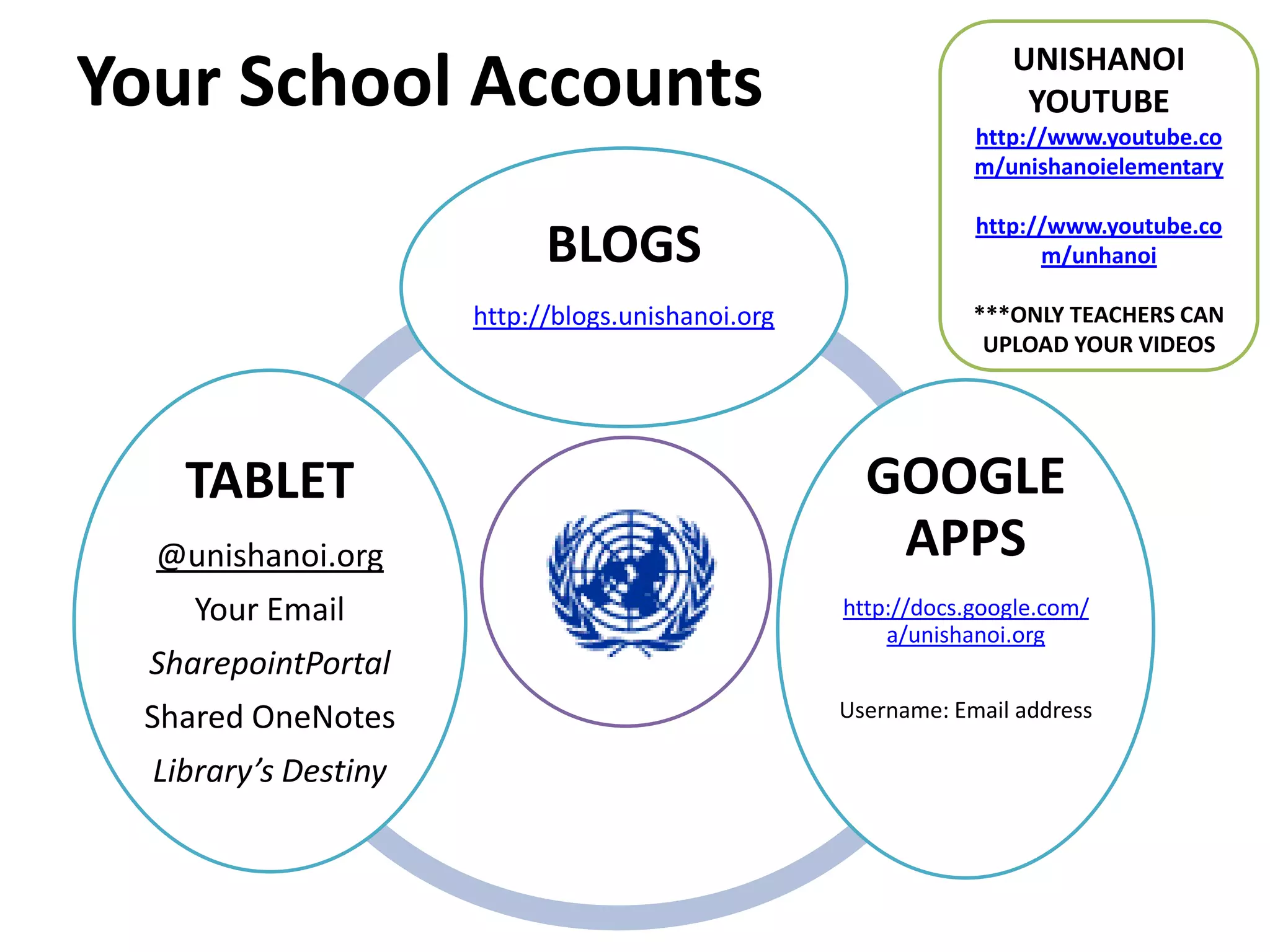
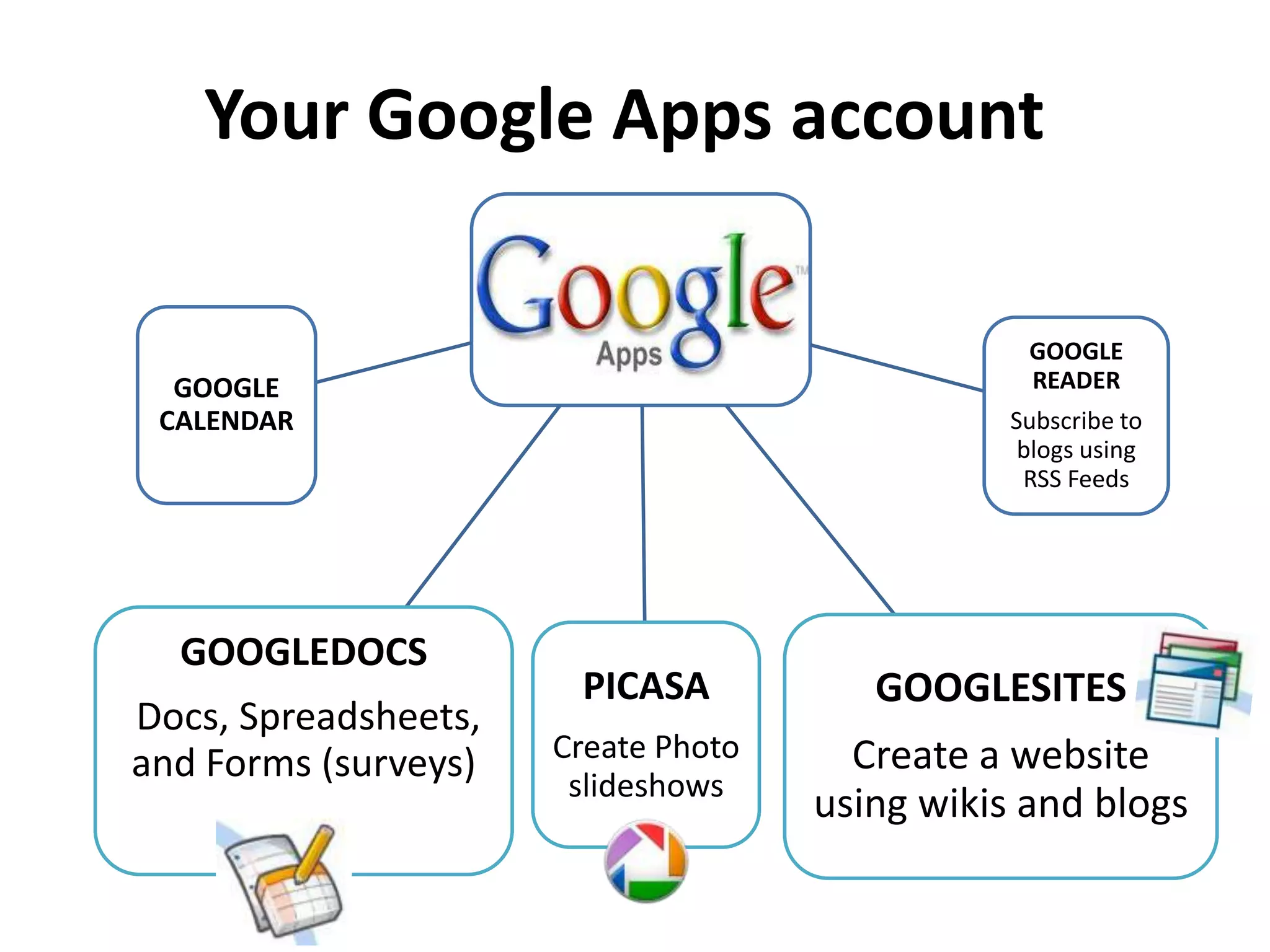
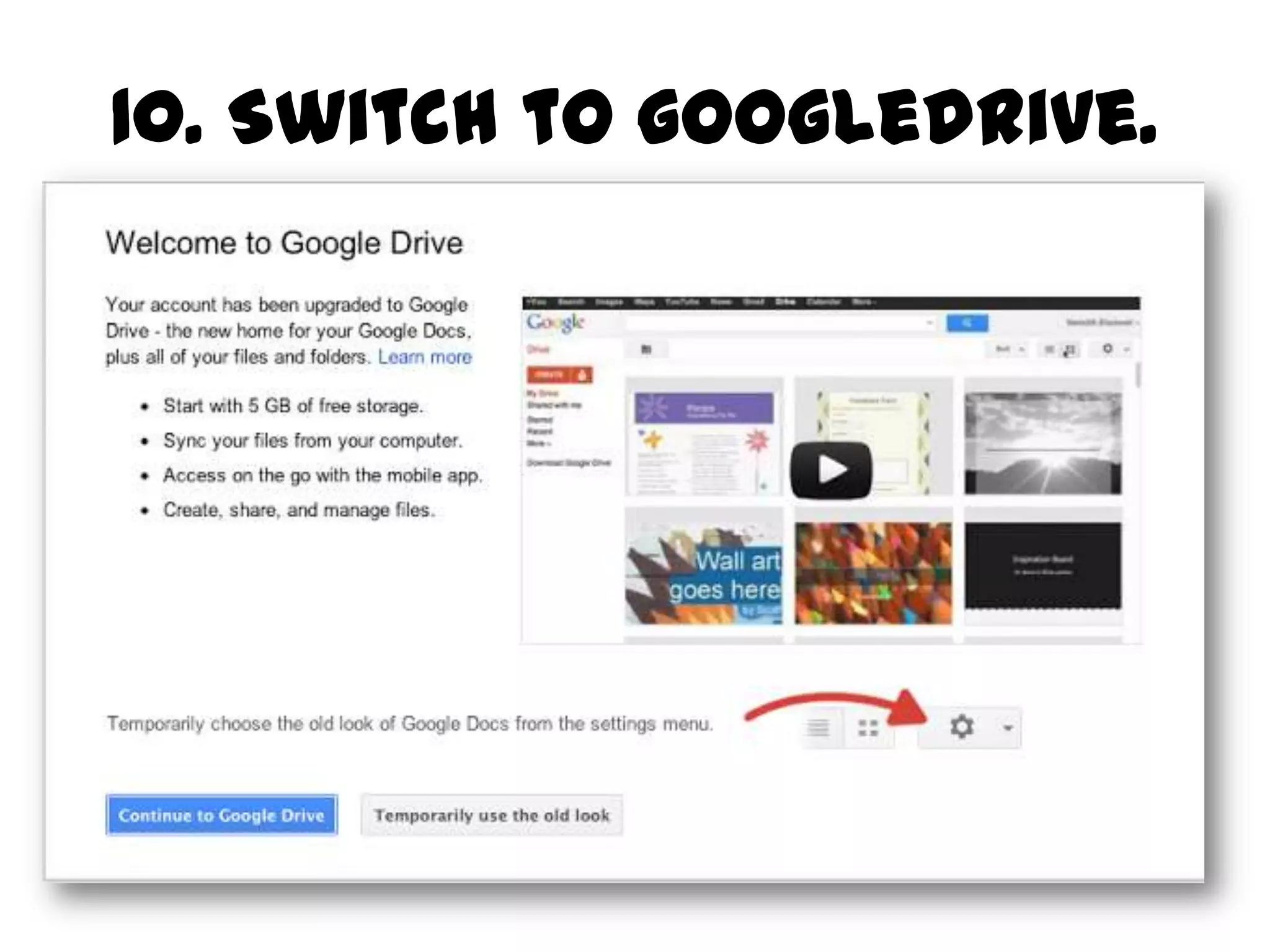
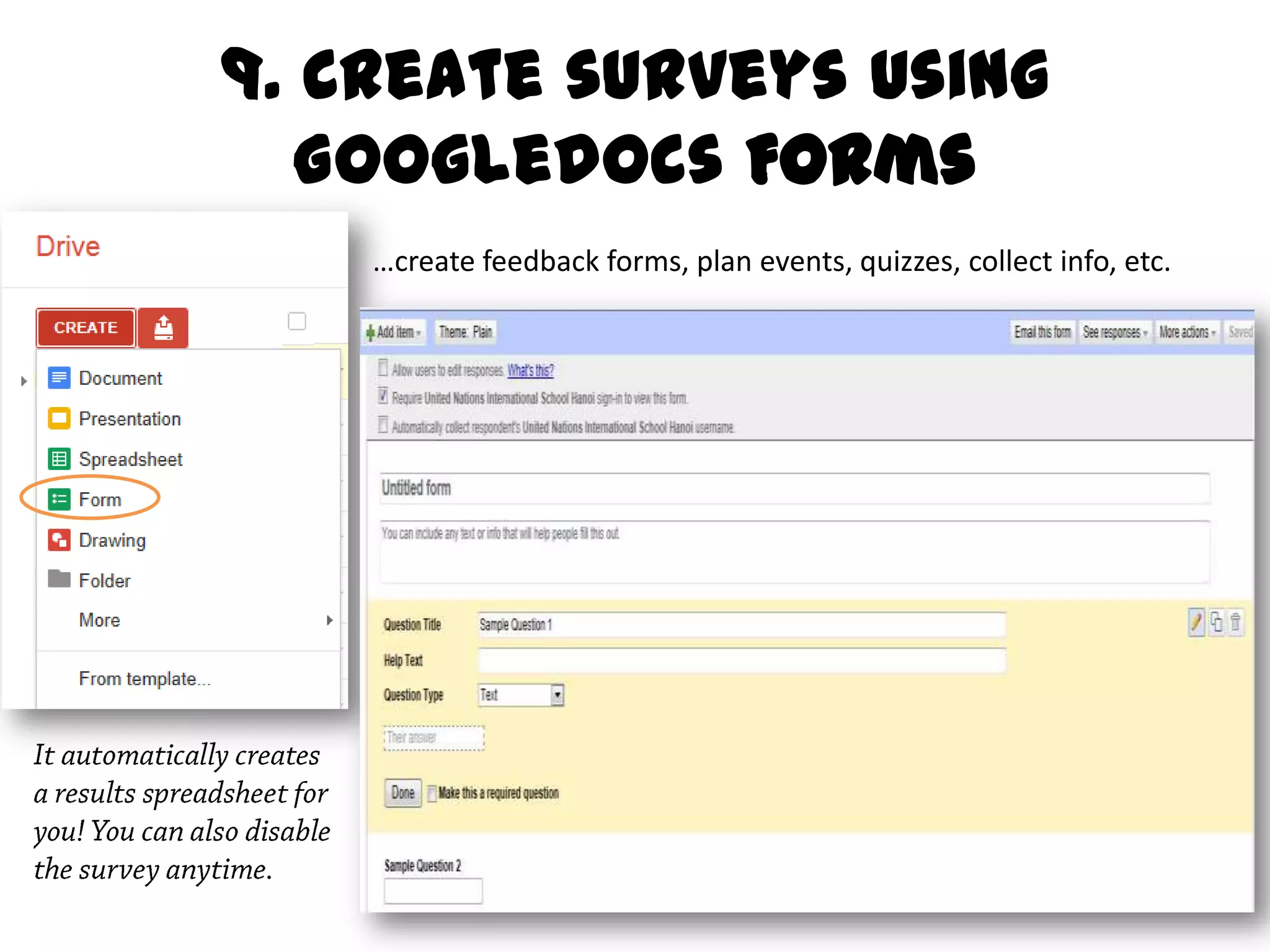
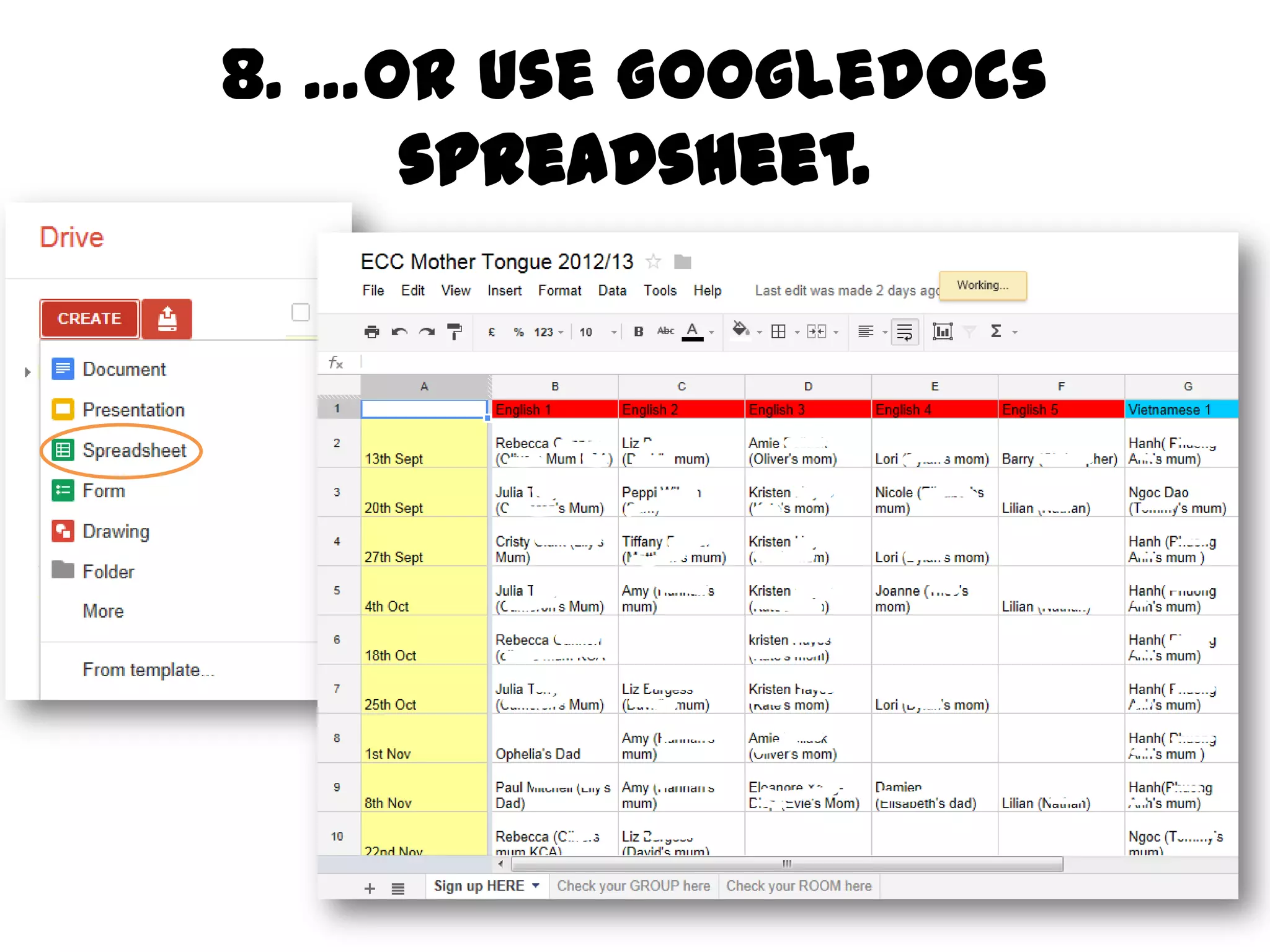
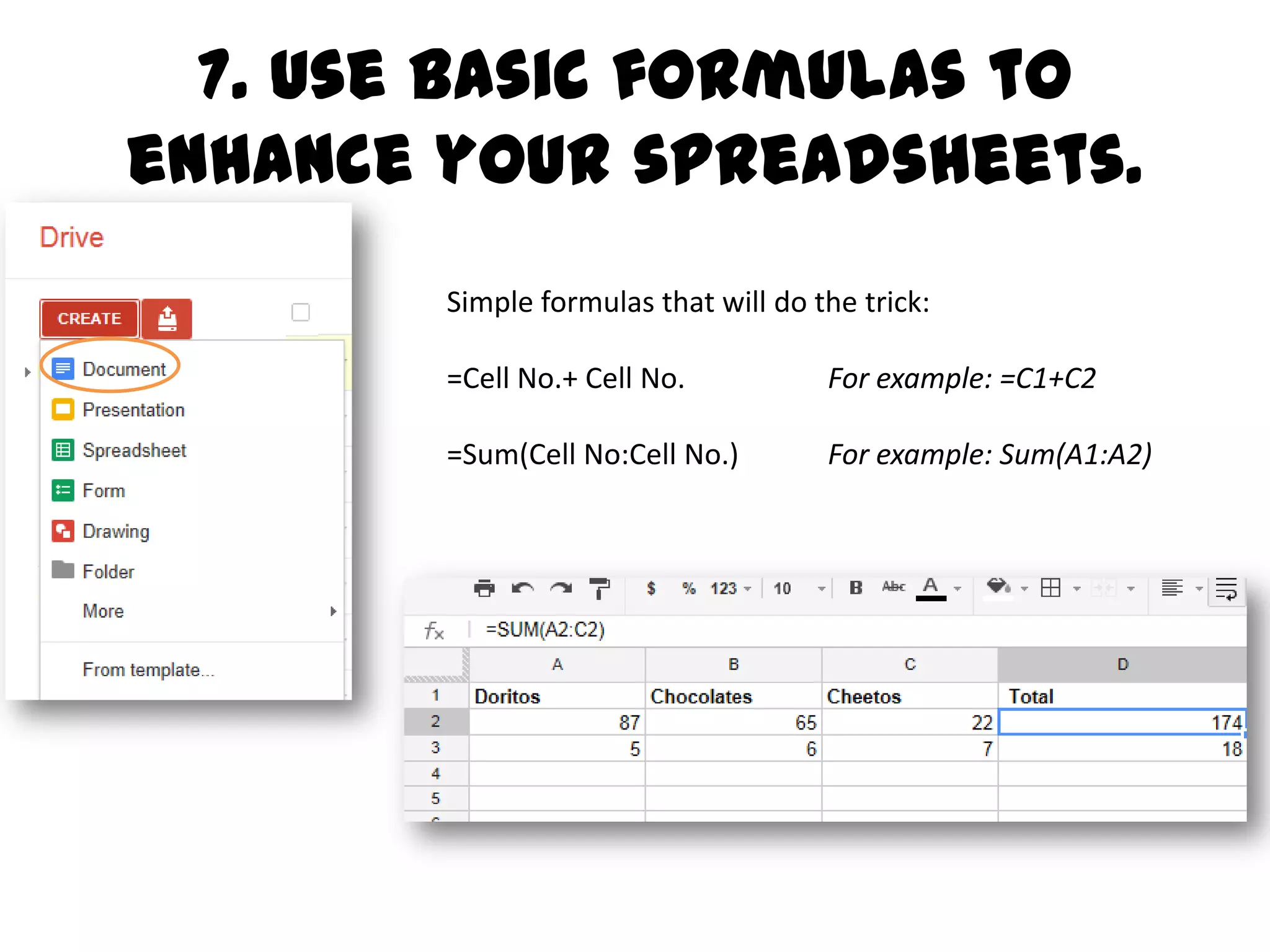
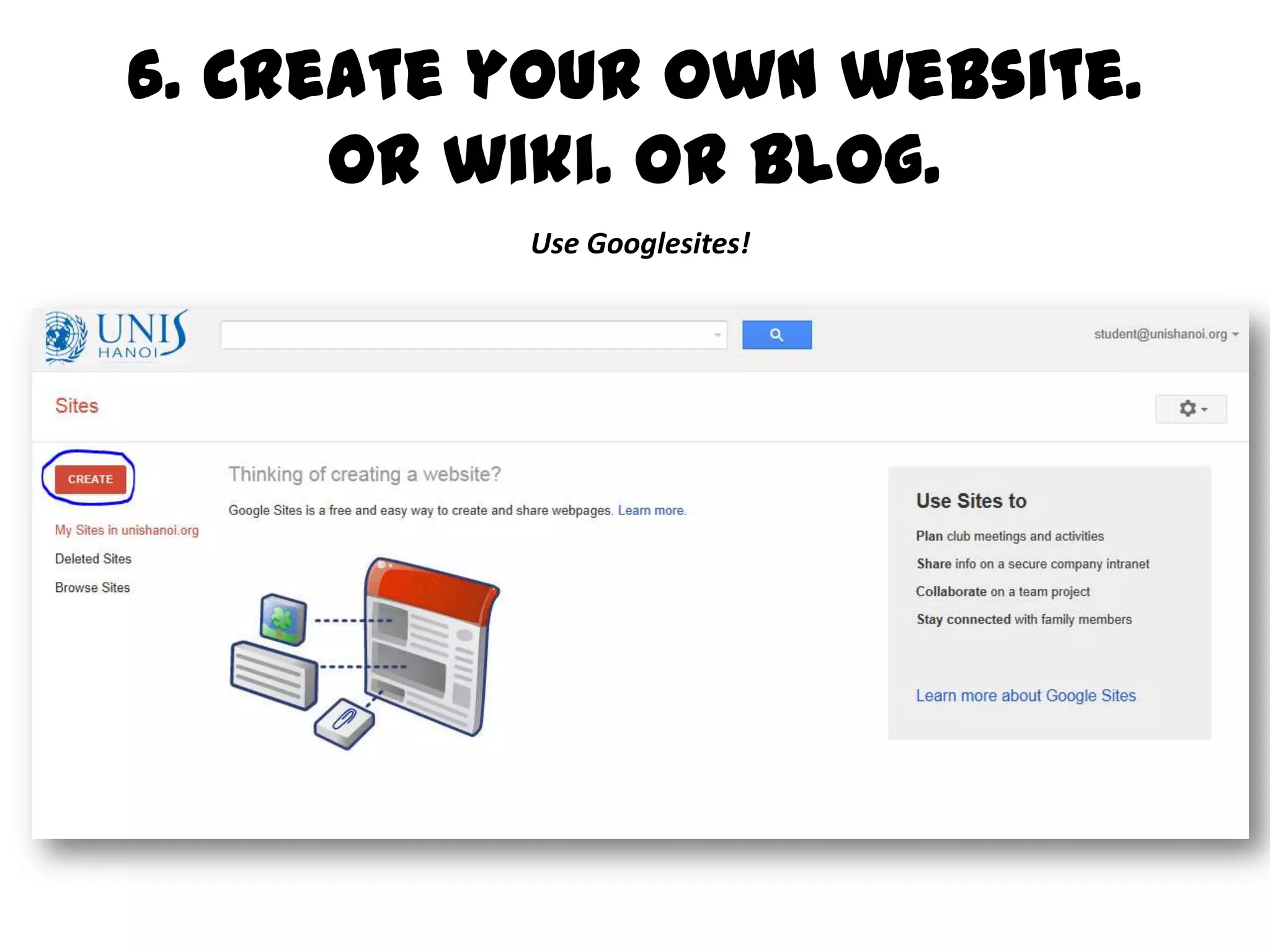
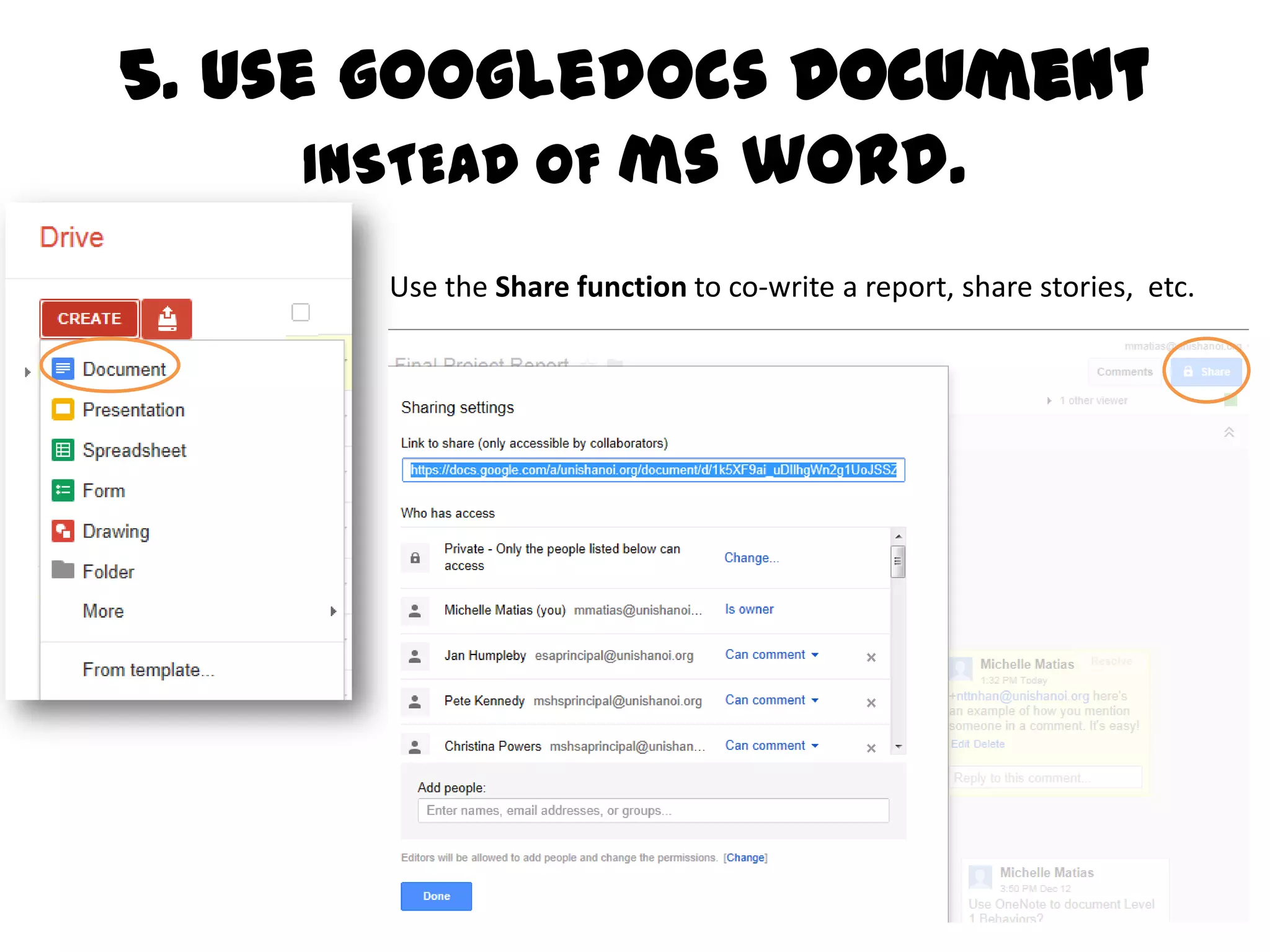
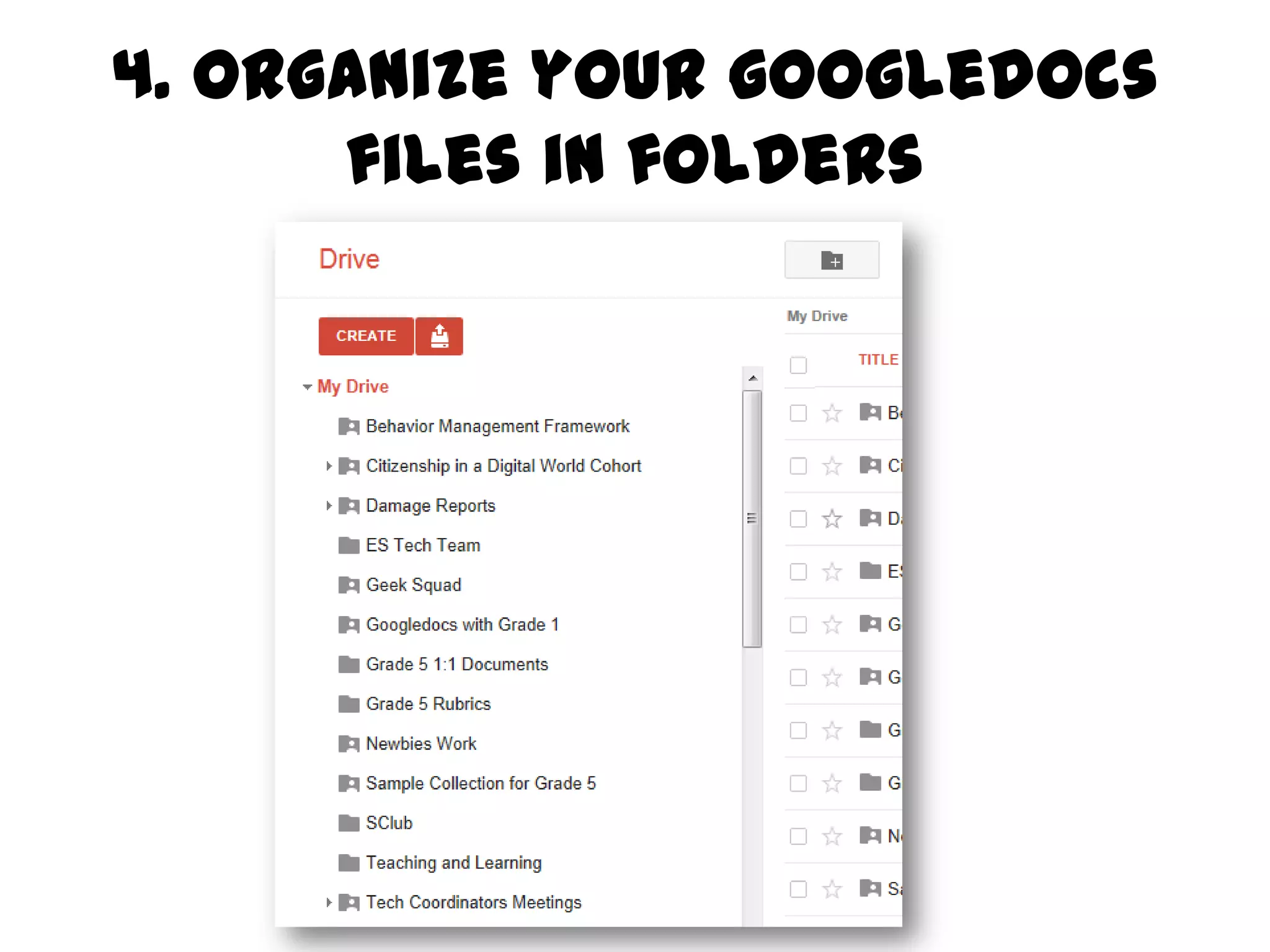
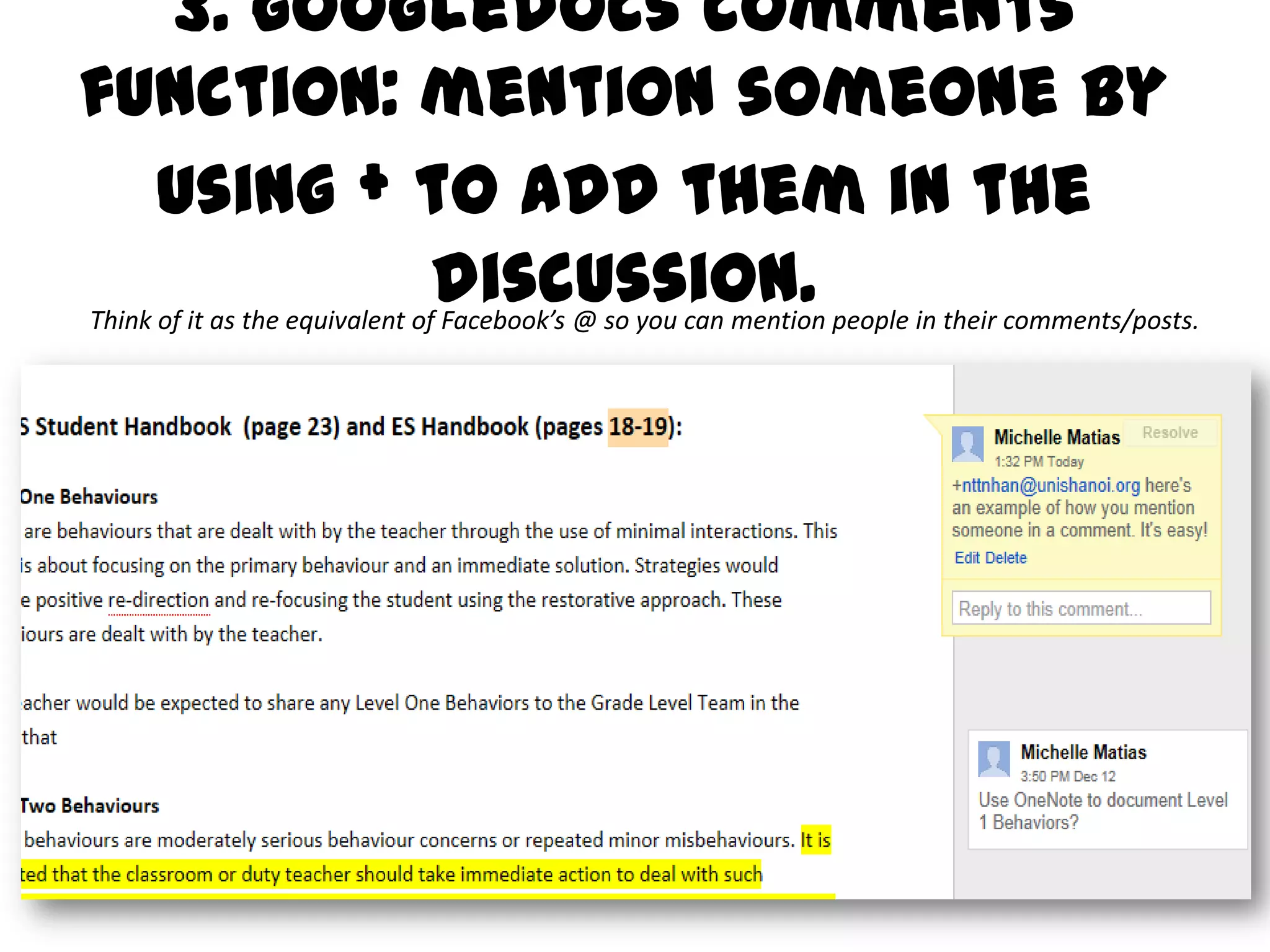
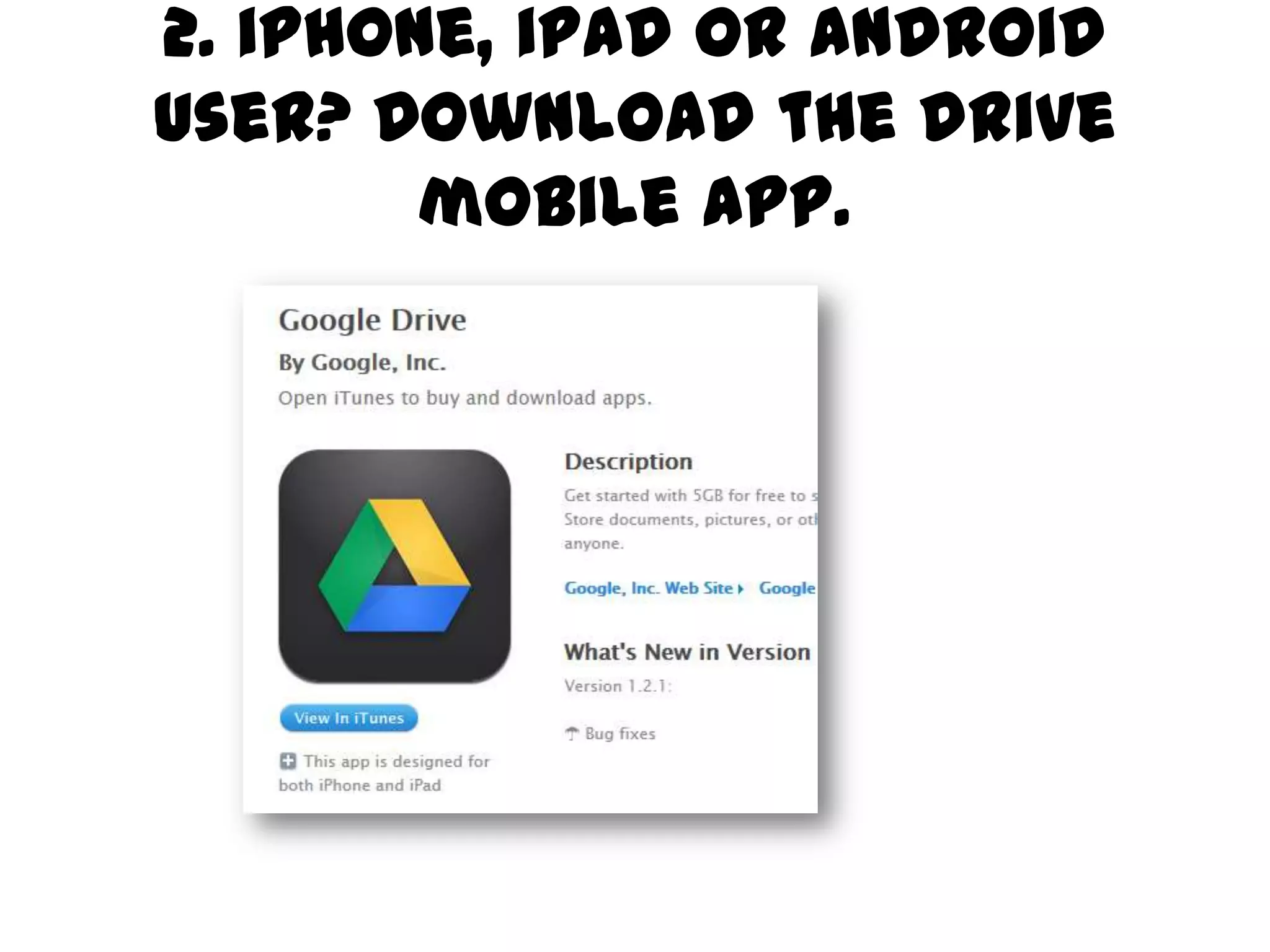
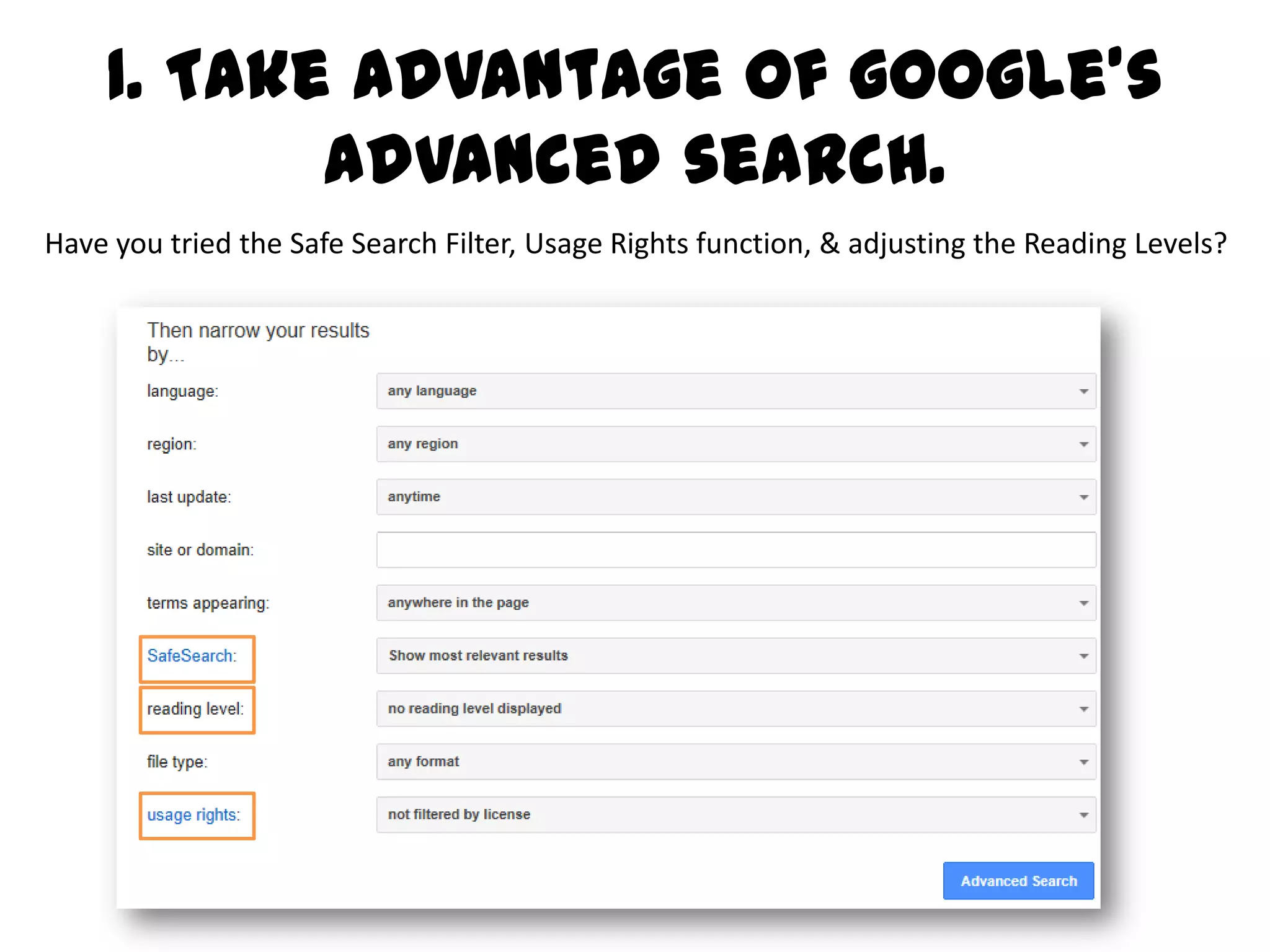


This document provides 10 tips for maximizing one's experience with Google Apps for Education. It recommends using Google Drive, downloading the mobile app, creating surveys and spreadsheets, co-authoring documents, organizing files, commenting on documents, creating websites and wikis with Google Sites, organizing photos with Picasa, exploring educational resources on Google, using Google Earth, and taking advantage of Google's advanced search features.


![Round Lake Part Two[1]](https://cdn.slidesharecdn.com/ss_thumbnails/roundlakeparttwo1-091202181510-phpapp02-thumbnail.jpg?width=640&height=640&fit=bounds)


