A Tour of Google Apps
      learn.cssd.ab.ca
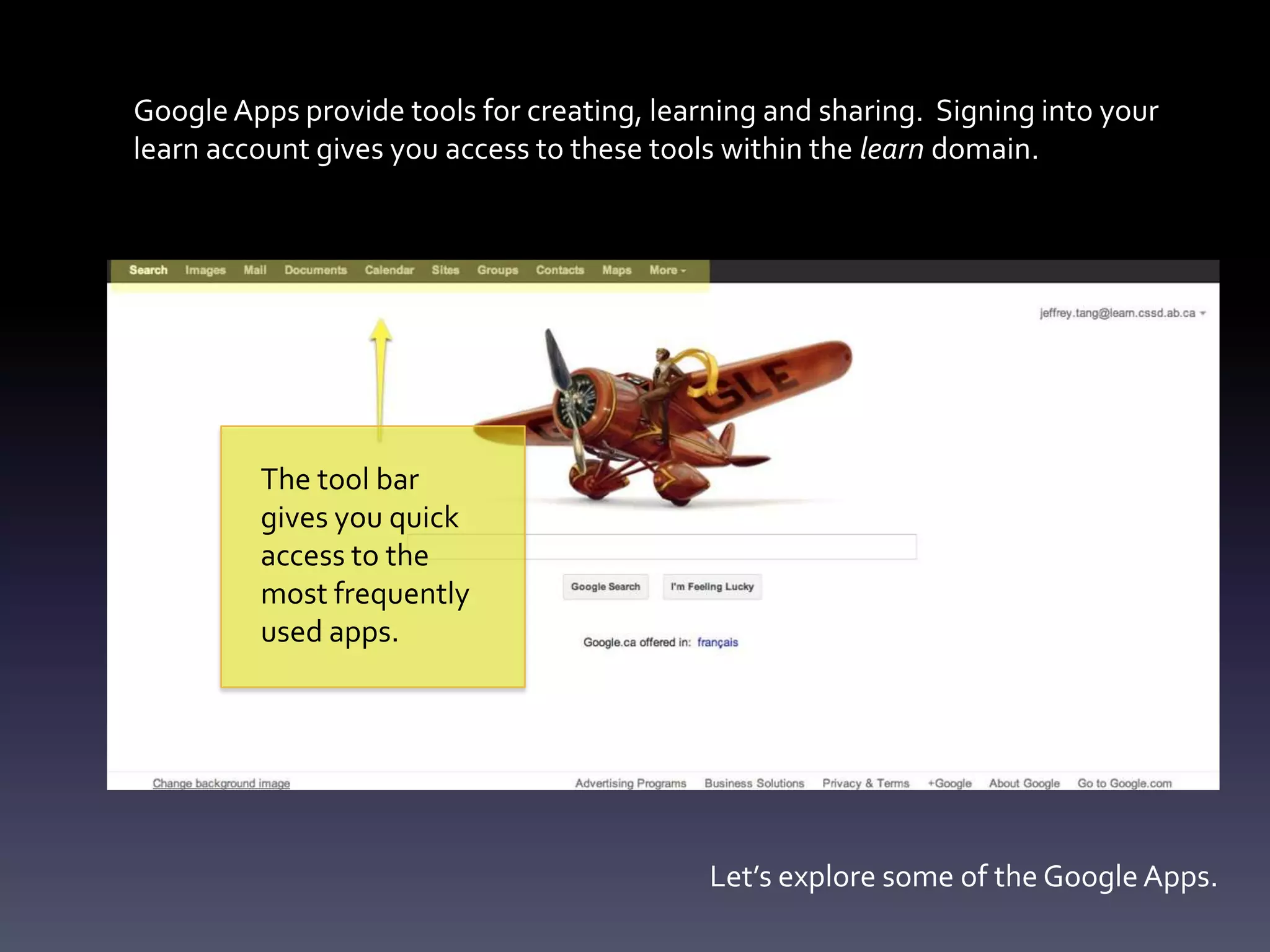
Google Apps provide tools for creating, learning and sharing. Signing into your
learn account gives you access to these tools within the learn domain.


         The tool bar
         gives you quick
         access to the
         most frequently
         used apps.


                                            Let’s explore some of the Google Apps.
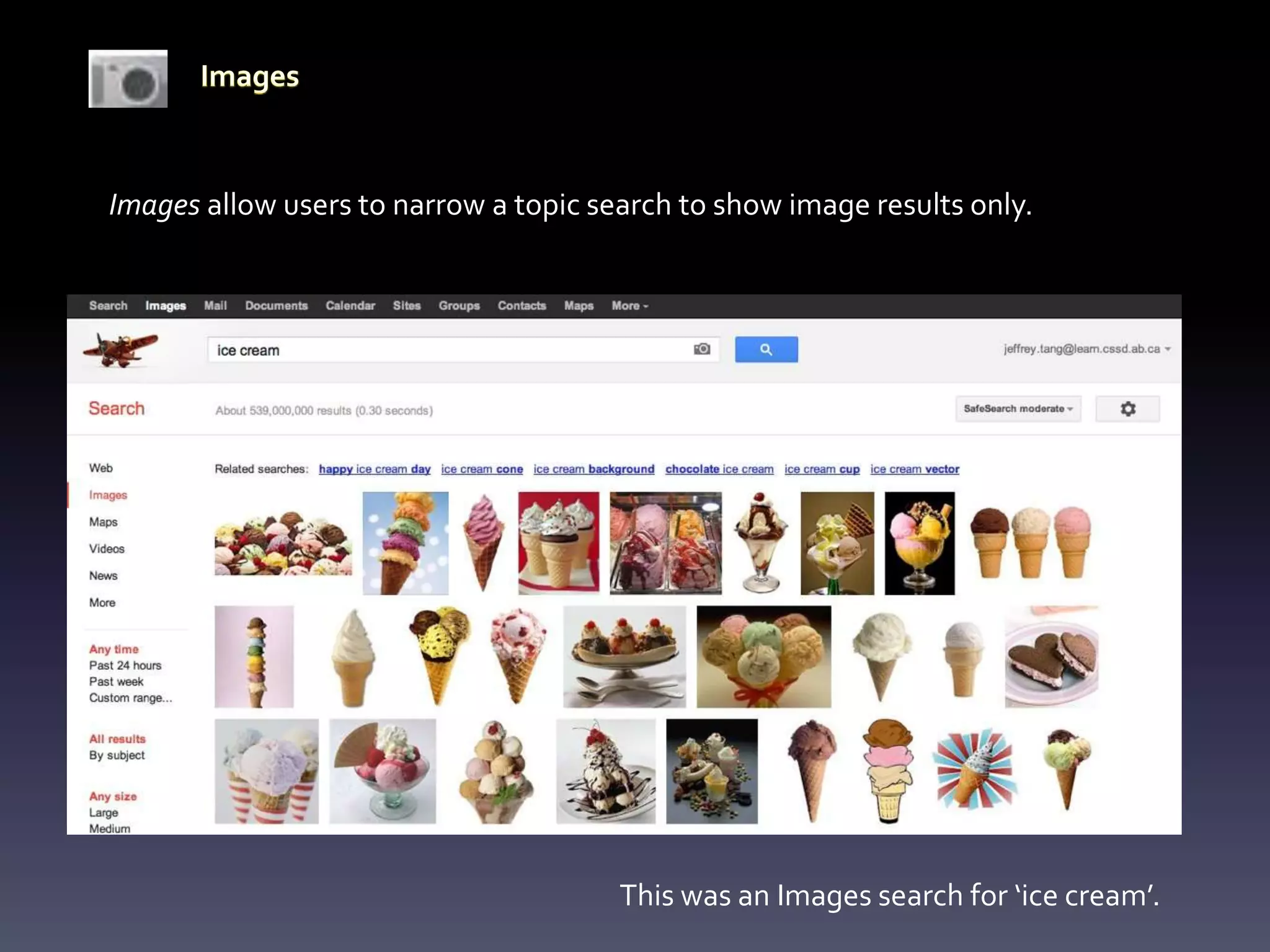
Images allow users to narrow a topic search to show image results only.


                                       This was an Images search for ‘ice cream’.
Your learn account gives you access to e-mail (via Google, but not a Gmail address). For
 staff this is a second e-mail address and is not linked to Outlook. This is a secondary
 address for staff. It is the primary address for students.


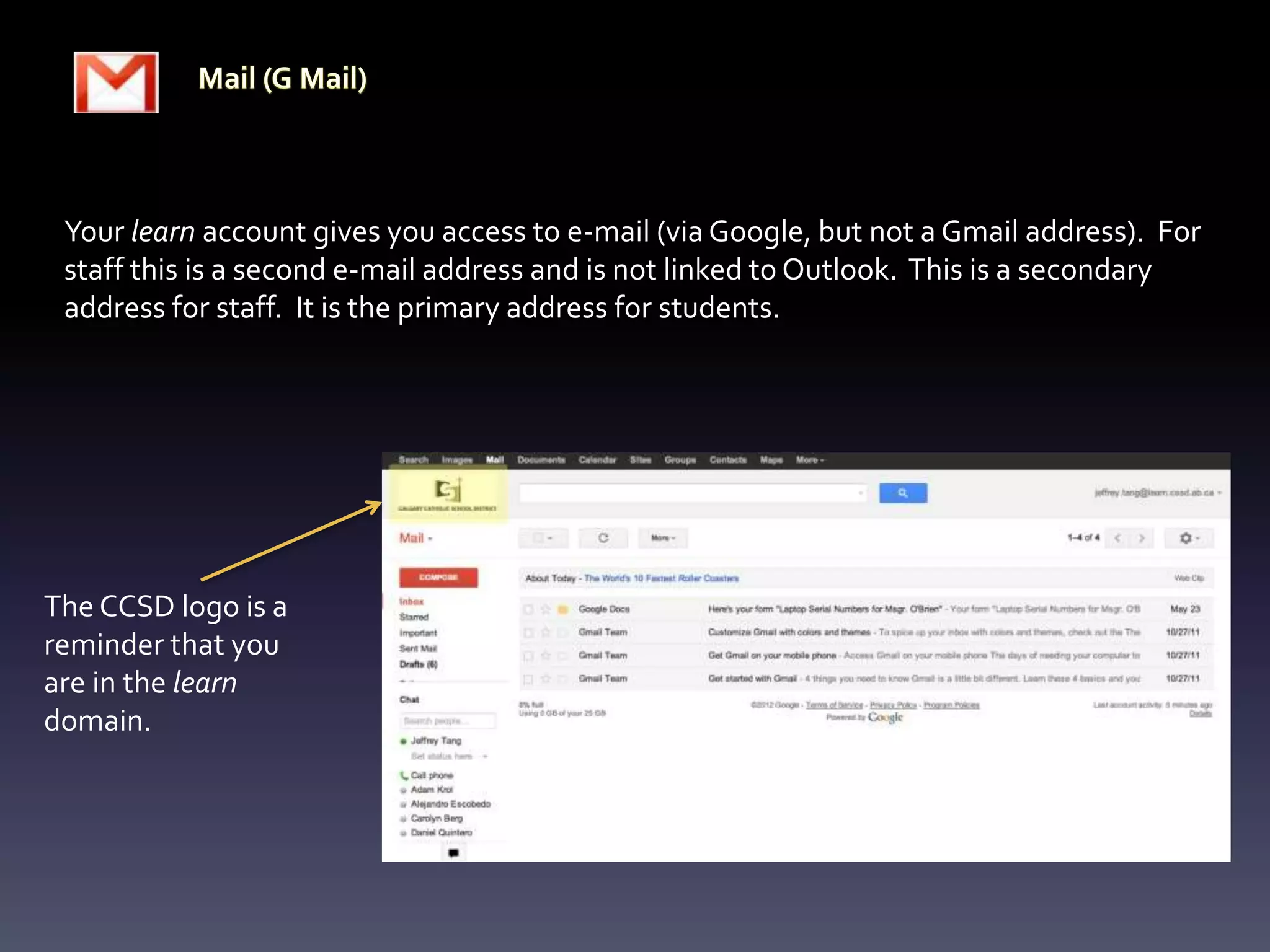
The CCSD logo is a
reminder that you
are in the learn
domain.
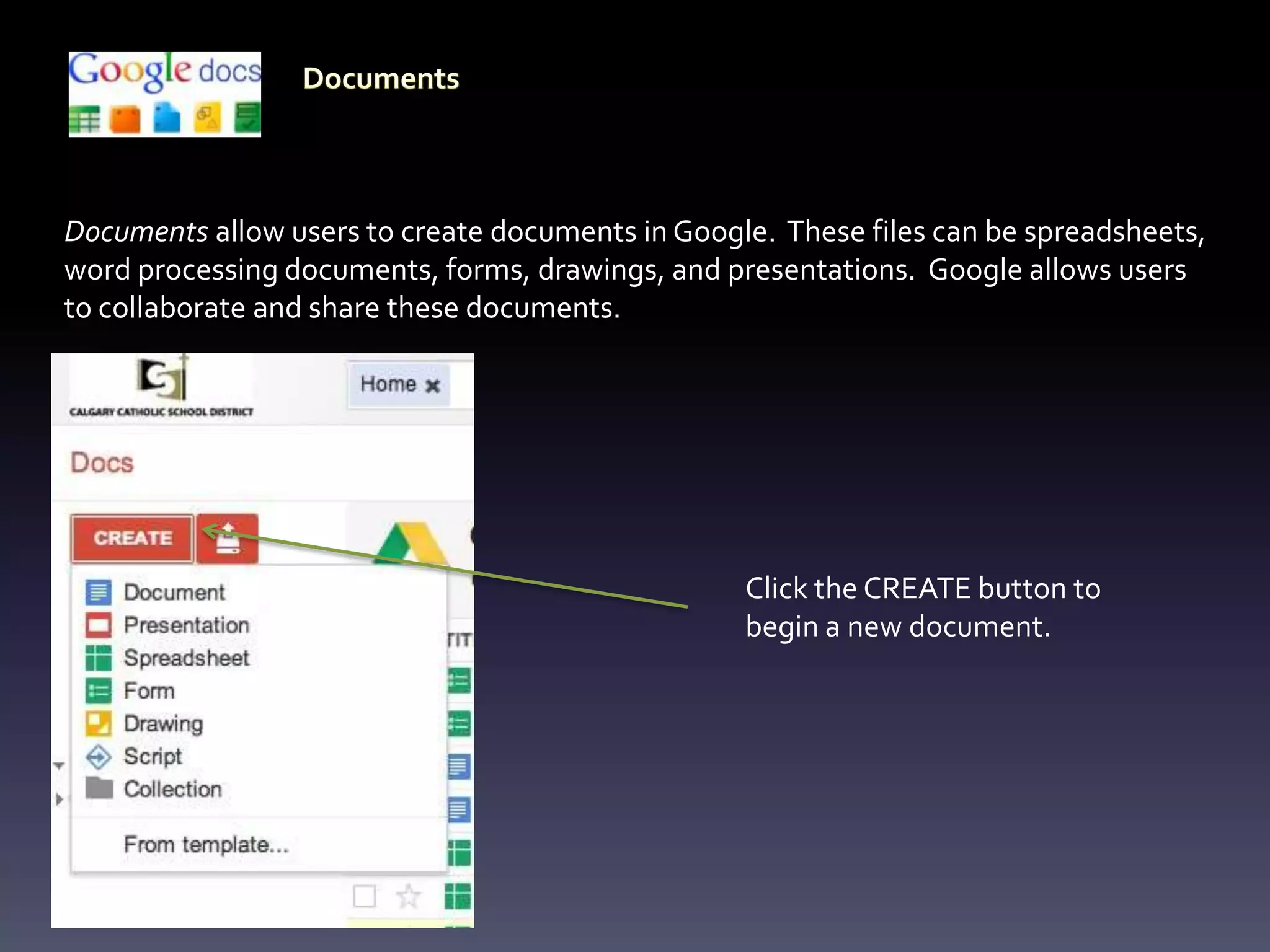
Documents allow users to create documents in Google. These files can be spreadsheets,
word processing documents, forms, drawings, and presentations. Google allows users
to collaborate and share these documents.


                                                  Click the CREATE button to
                                                  begin a new document.
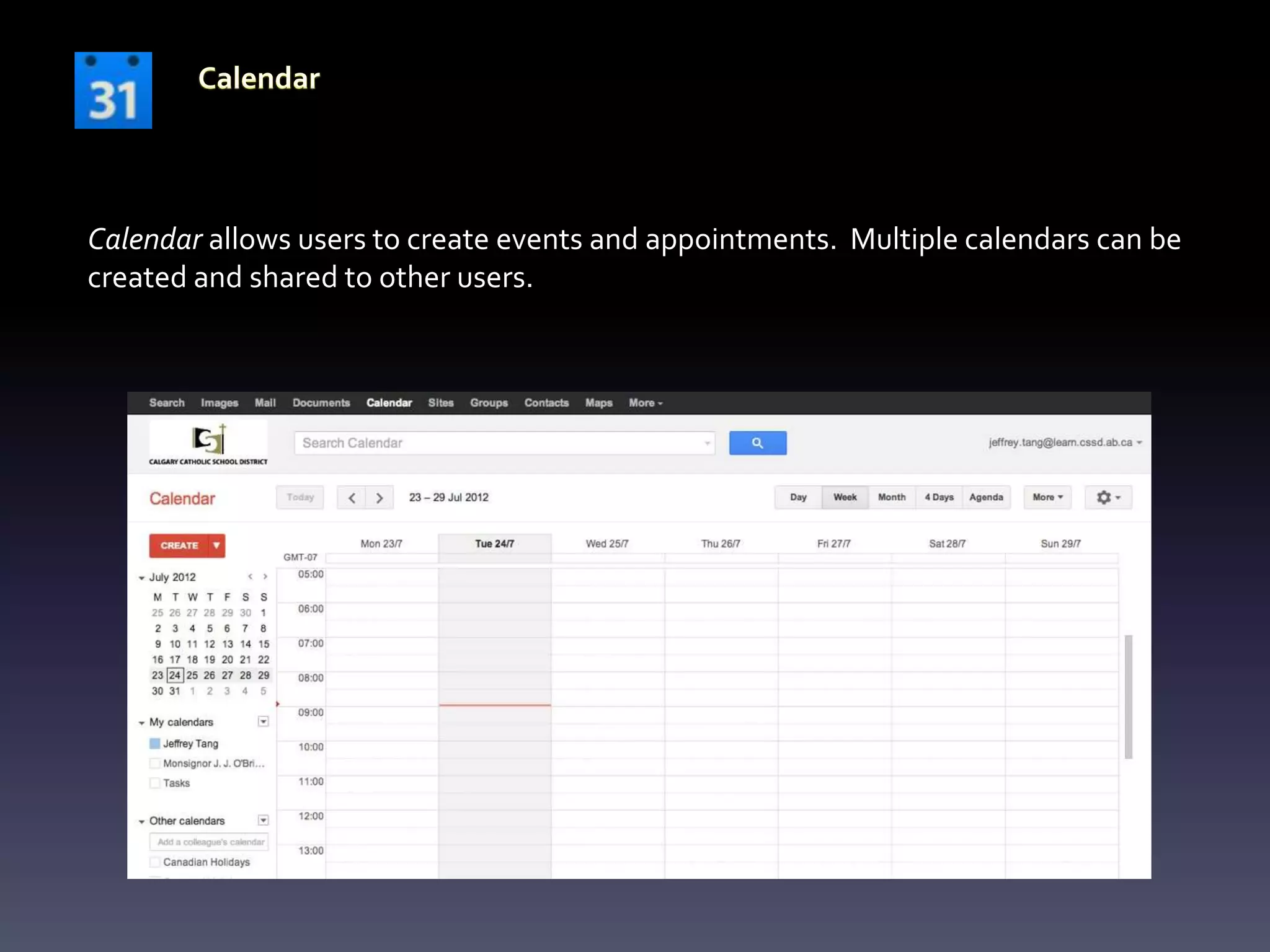
Calendar allows users to create events and appointments. Multiple calendars can be
created and shared to other users.
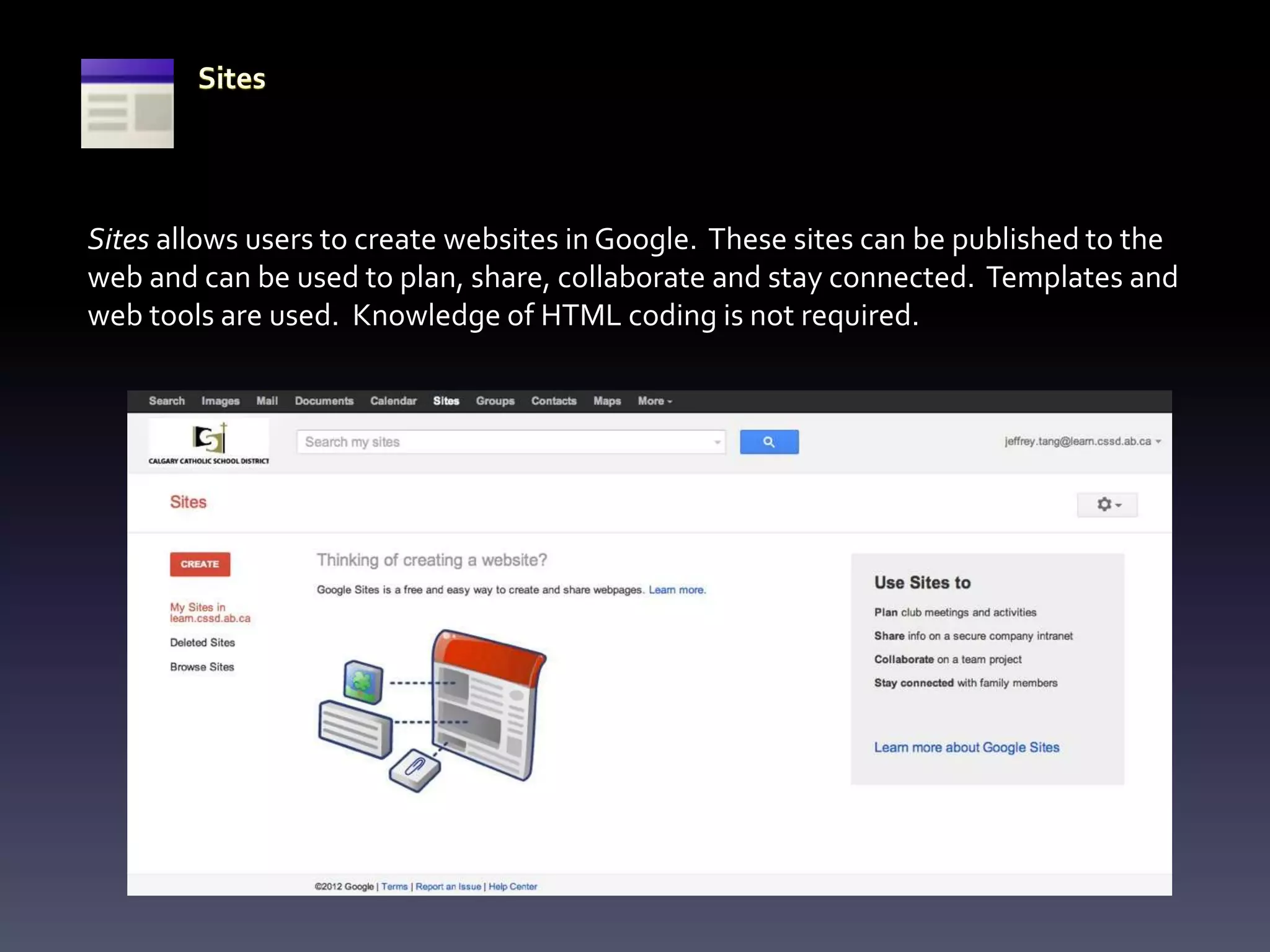
Sites allows users to create websites in Google. These sites can be published to the
web and can be used to plan, share, collaborate and stay connected. Templates and
web tools are used. Knowledge of HTML coding is not required.
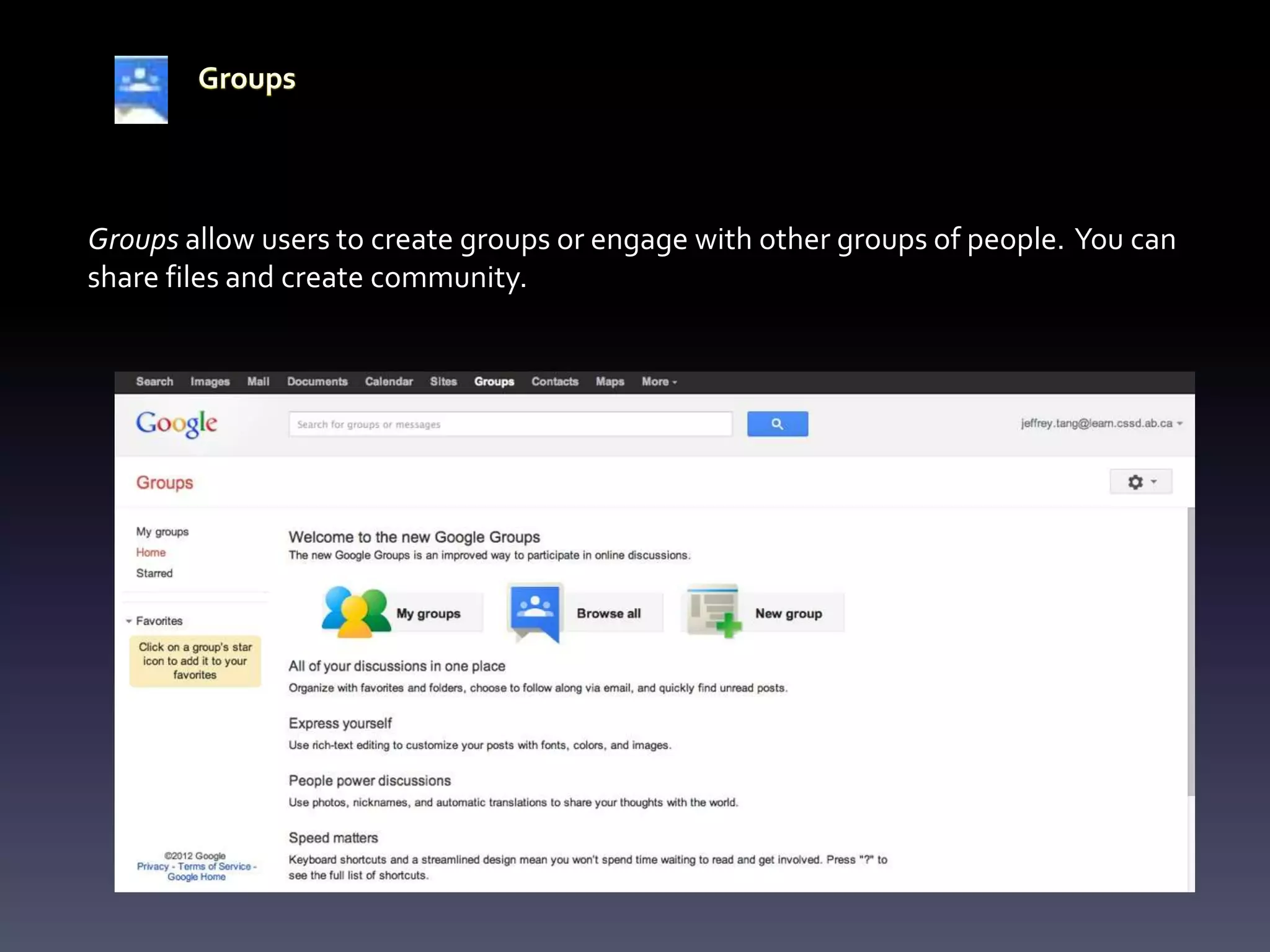
Groups allow users to create groups or engage with other groups of people. You can
share files and create community.
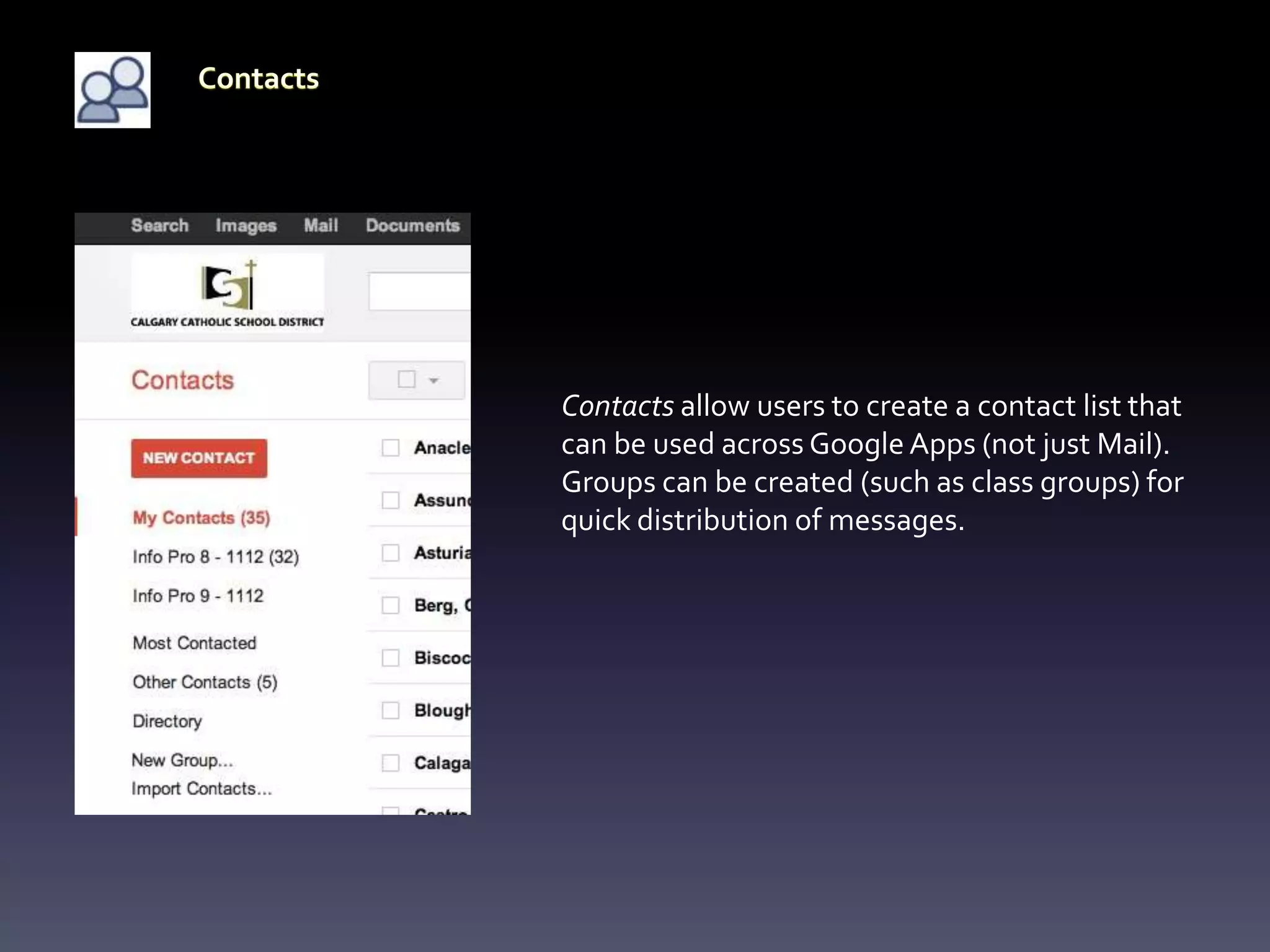
Contacts allow users to create a contact list that
can be used across Google Apps (not just Mail).
Groups can be created (such as class groups) for
quick distribution of messages.
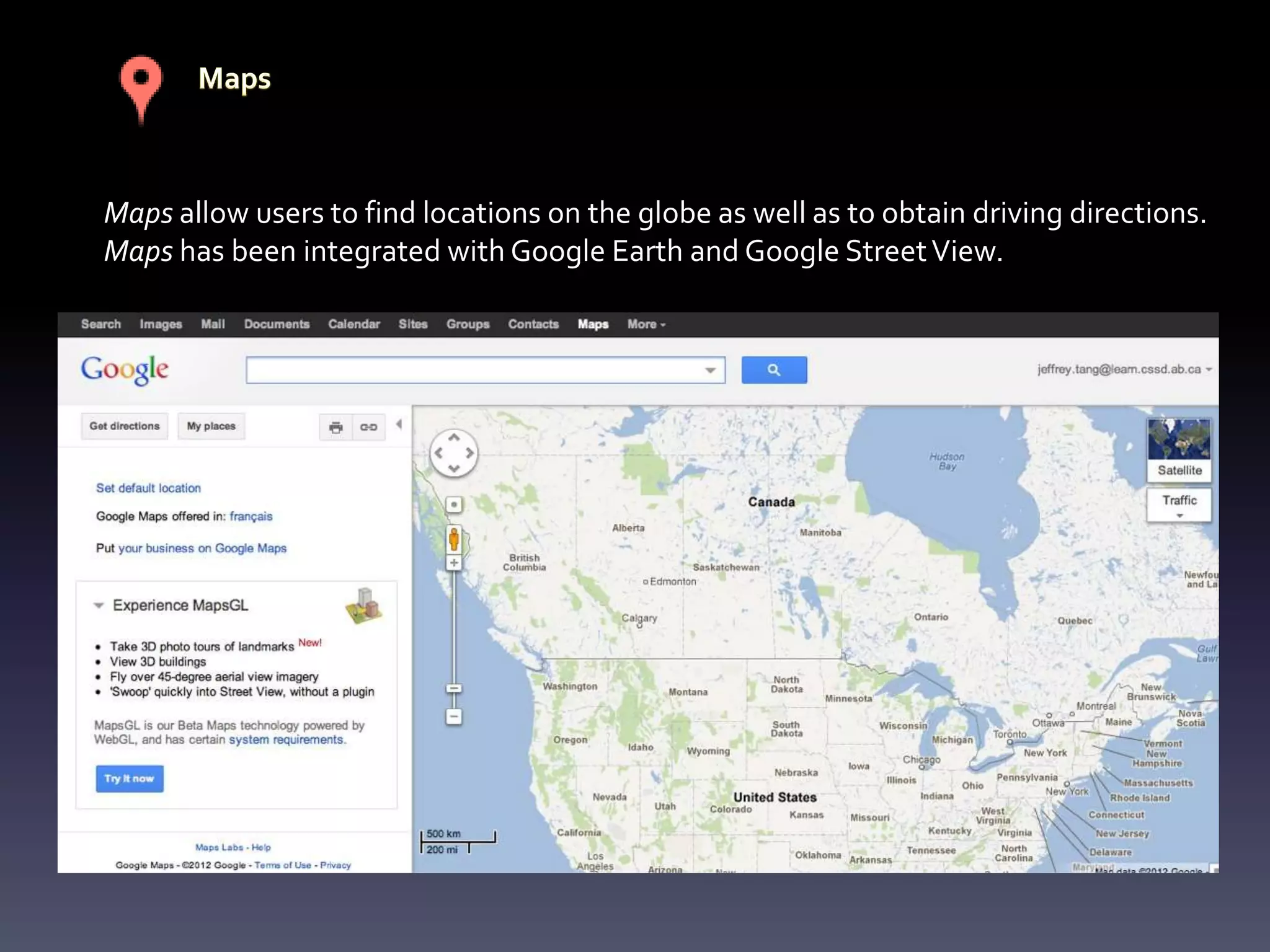
Maps allow users to find locations on the globe as well as to obtain driving directions.
Maps has been integrated with Google Earth and Google Street View.
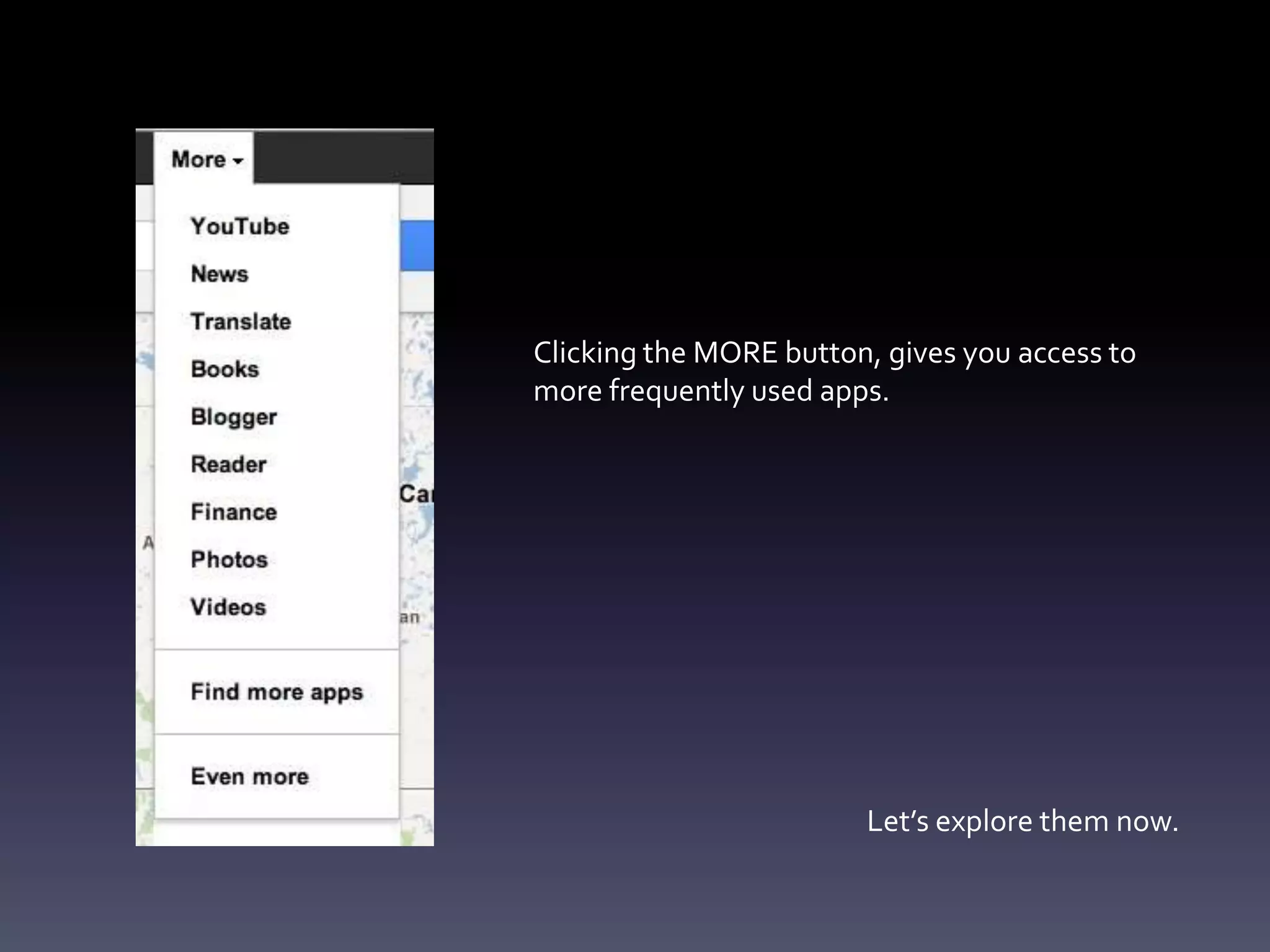
Clicking the MORE button, gives you access to
more frequently used apps.


                        Let’s explore them now.
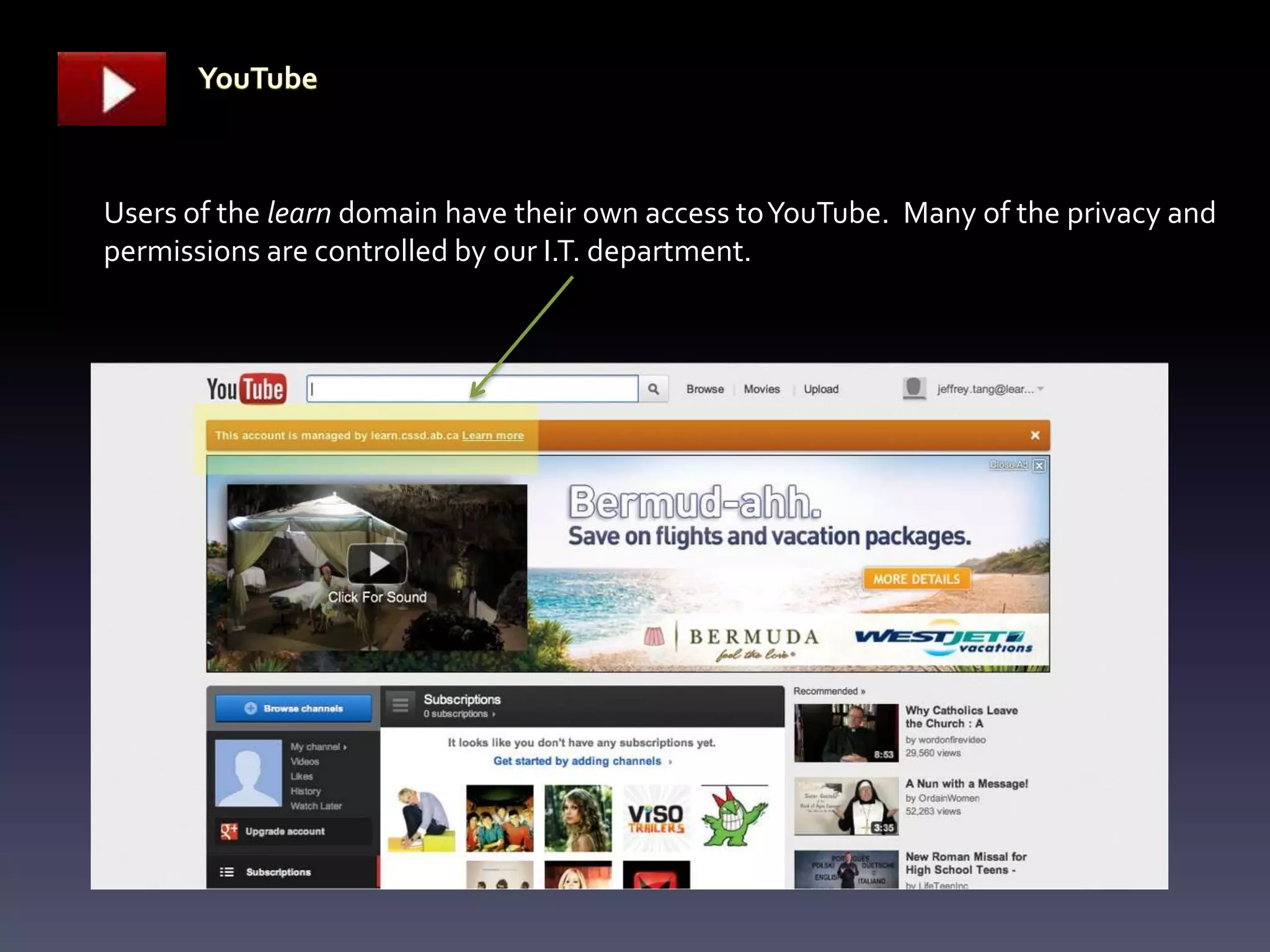
Users of the learn domain have their own access to YouTube. Many of the privacy and
permissions are controlled by our I.T. department.
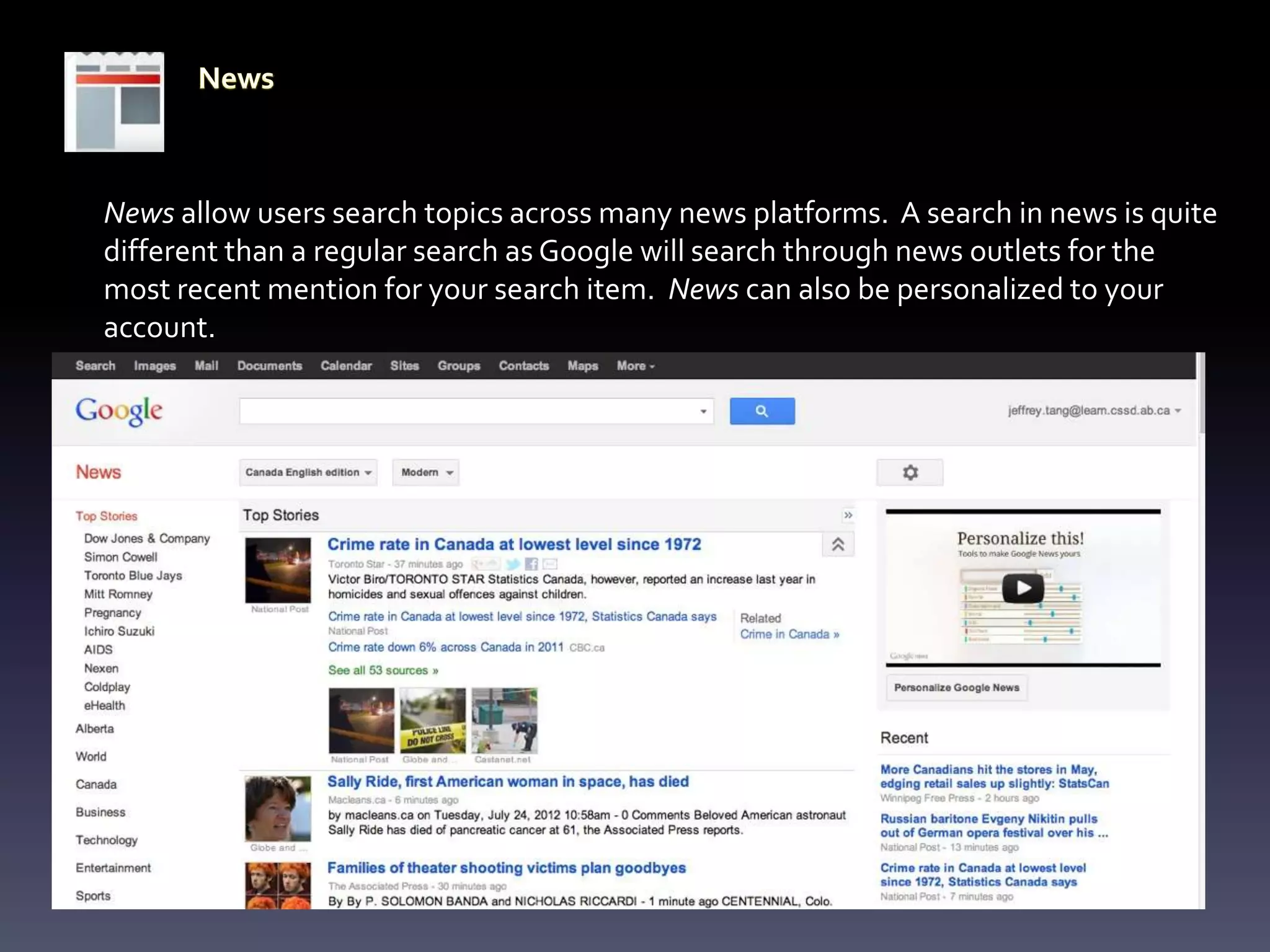
News allow users search topics across many news platforms. A search in news is quite
different than a regular search as Google will search through news outlets for the
most recent mention for your search item. News can also be personalized to your
account.
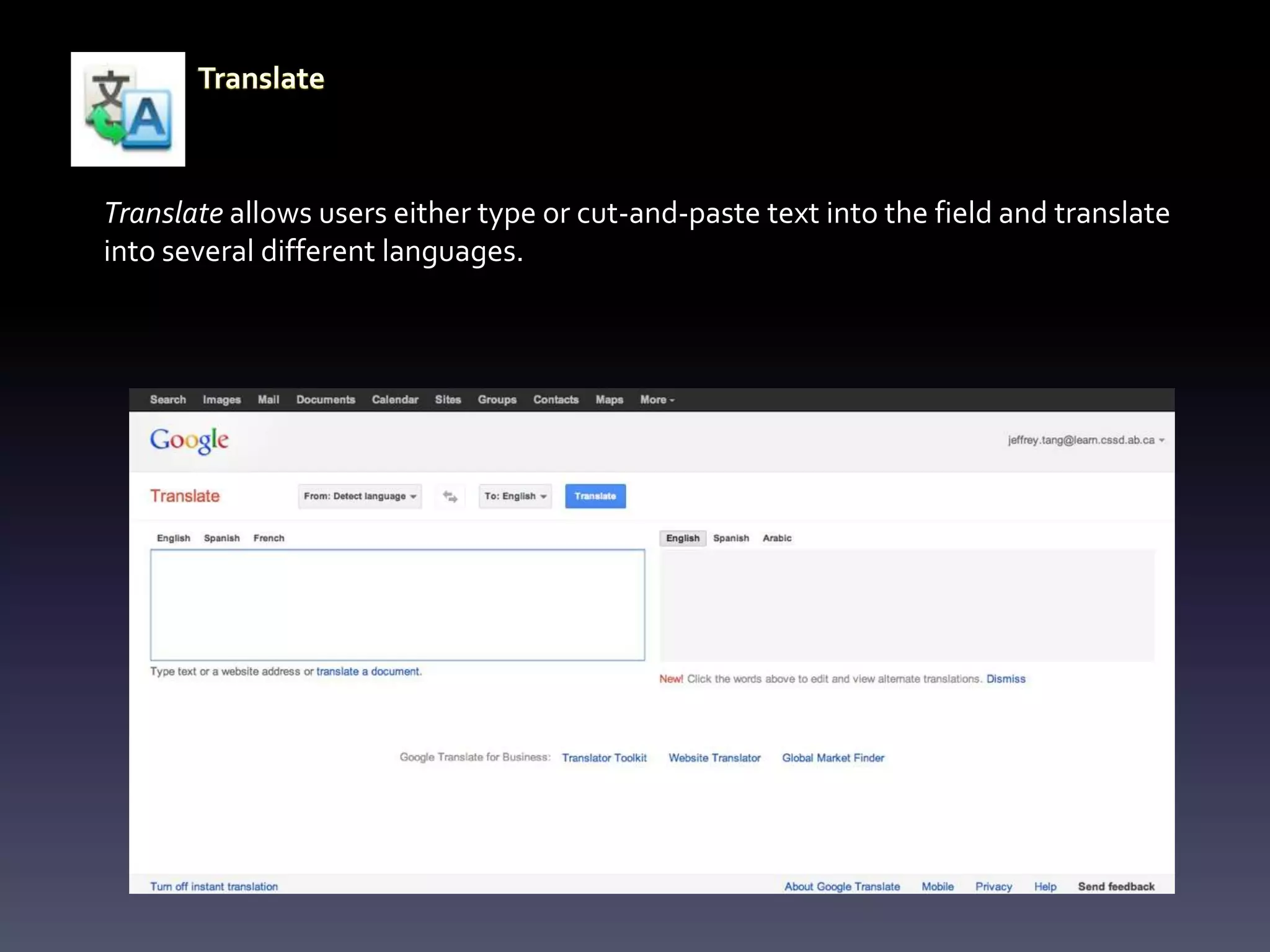
Translate allows users either type or cut-and-paste text into the field and translate
into several different languages.
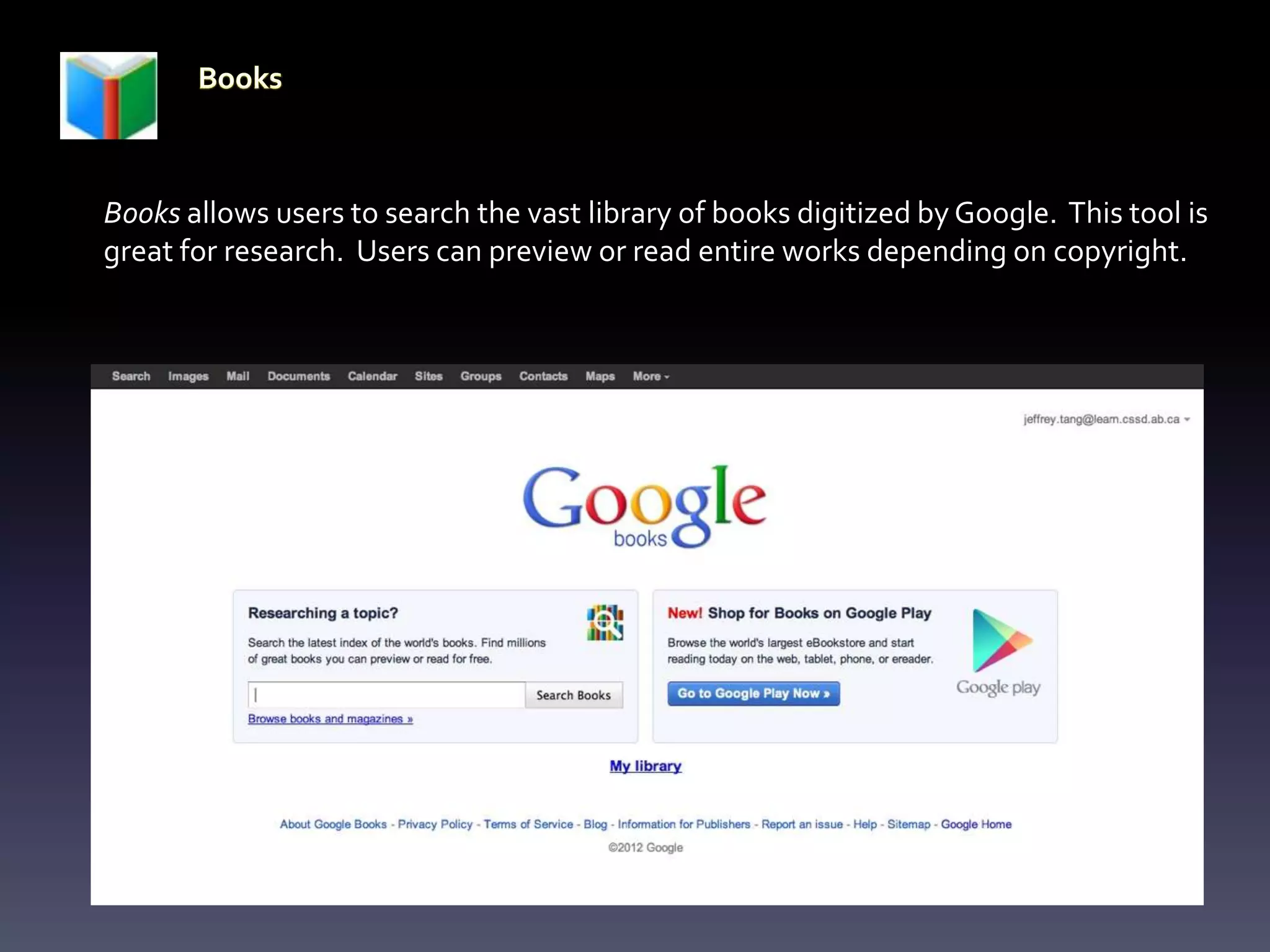
Books allows users to search the vast library of books digitized by Google. This tool is
great for research. Users can preview or read entire works depending on copyright.
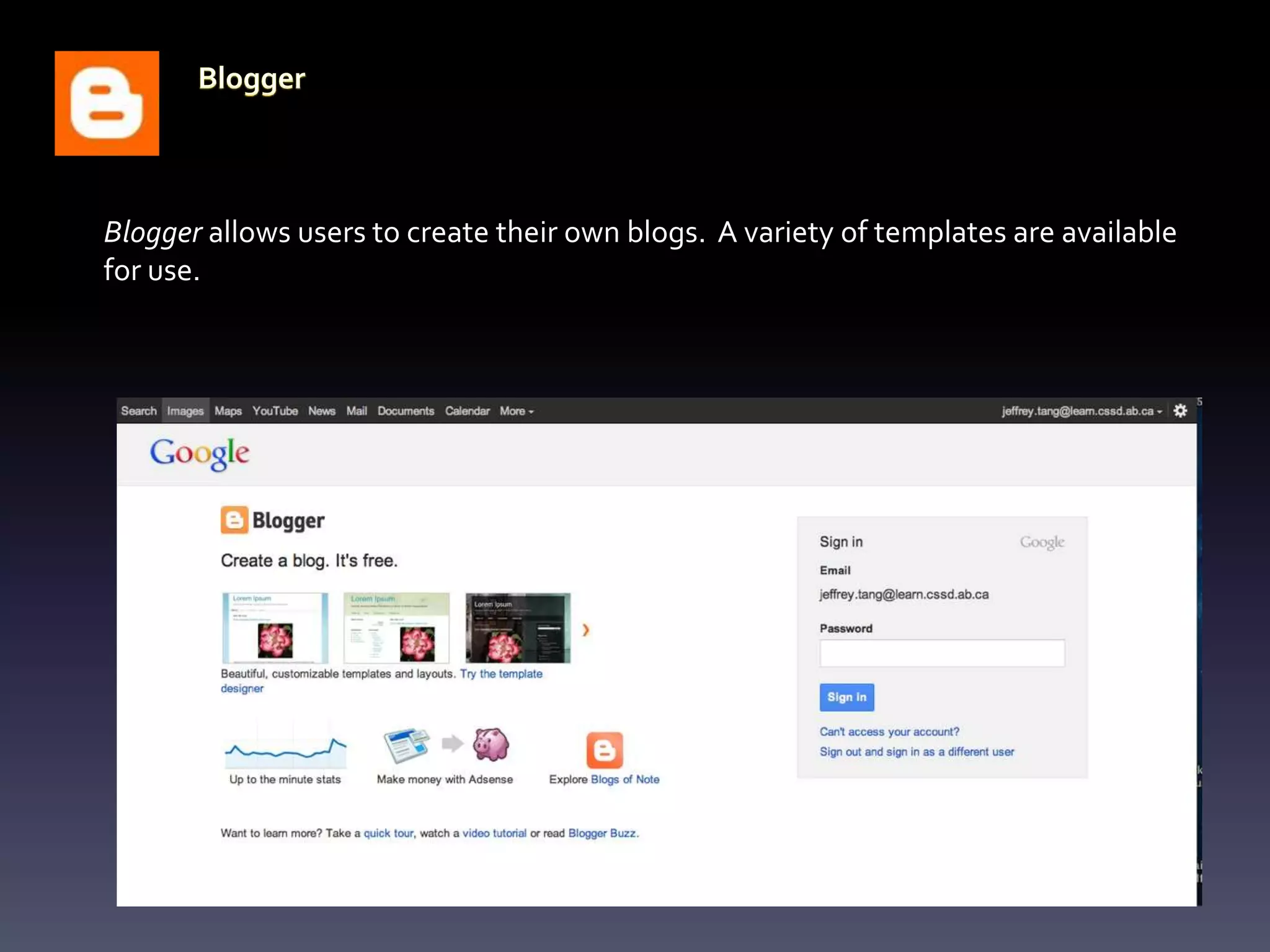
Blogger allows users to create their own blogs. A variety of templates are available
for use.
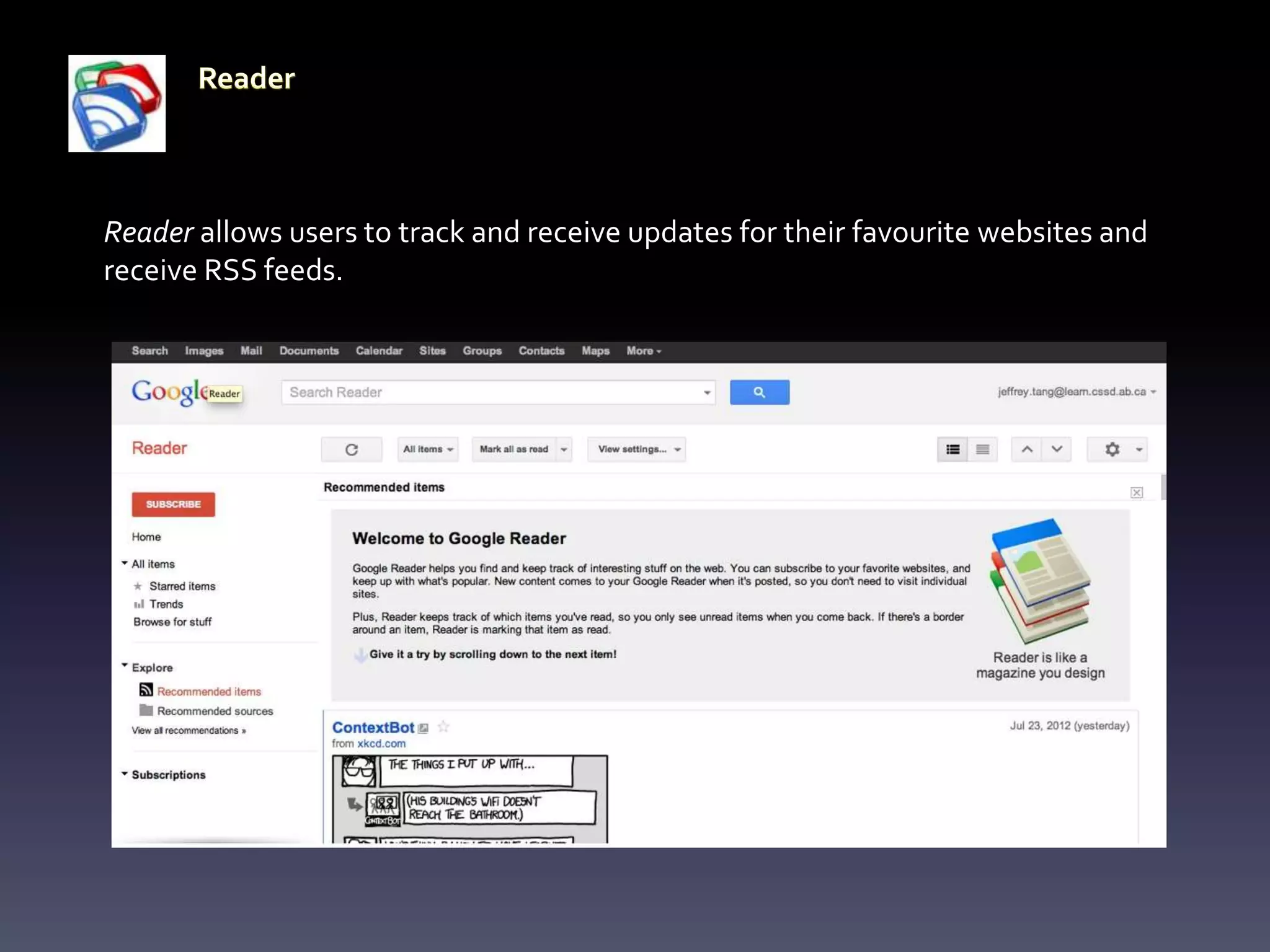
Reader allows users to track and receive updates for their favourite websites and
receive RSS feeds.
Finance allows users to track stocks, bonds, and other financial matters. Users can
create their own personal portfolio.
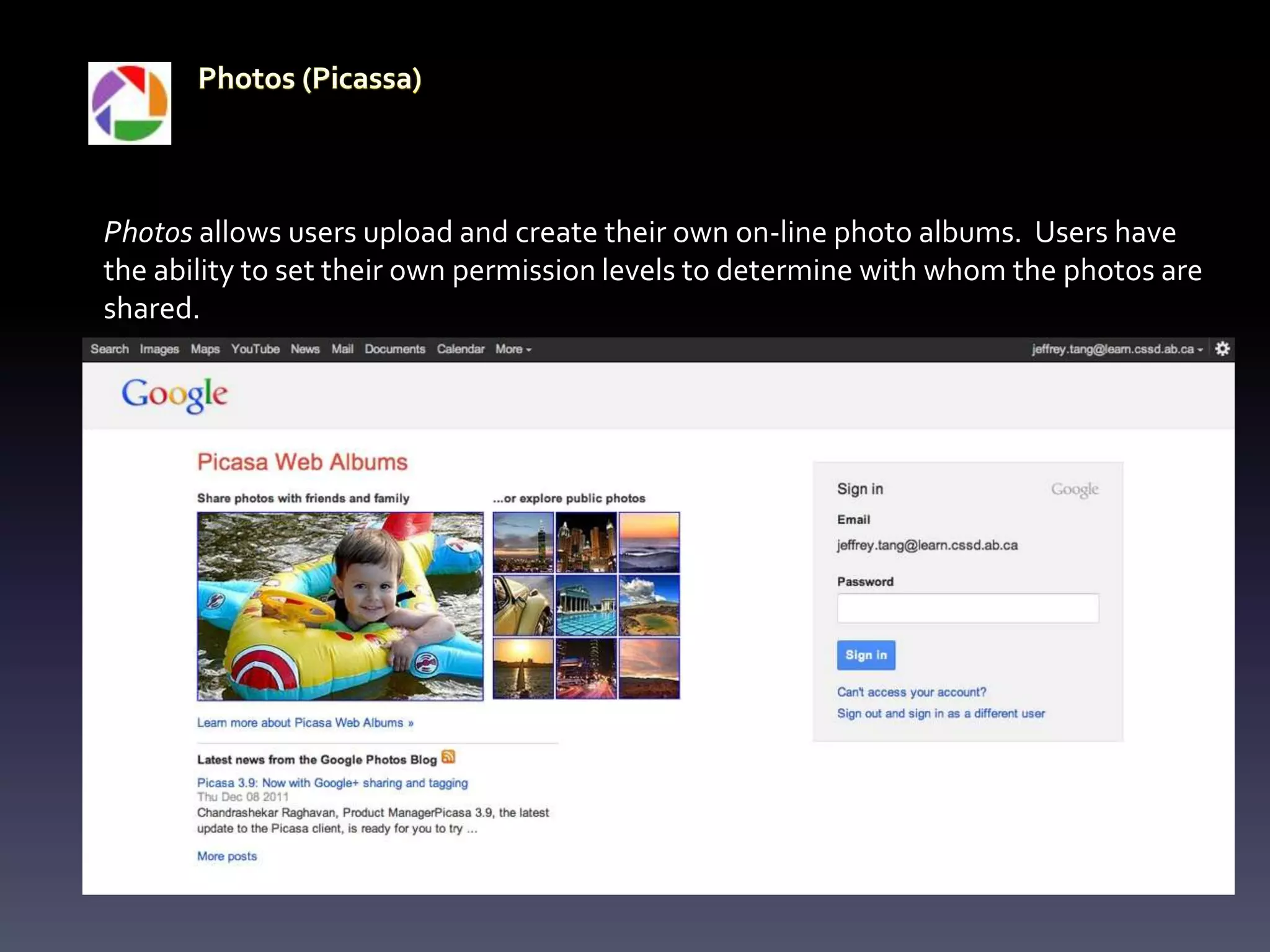
Photos allows users upload and create their own on-line photo albums. Users have
the ability to set their own permission levels to determine with whom the photos are
shared.
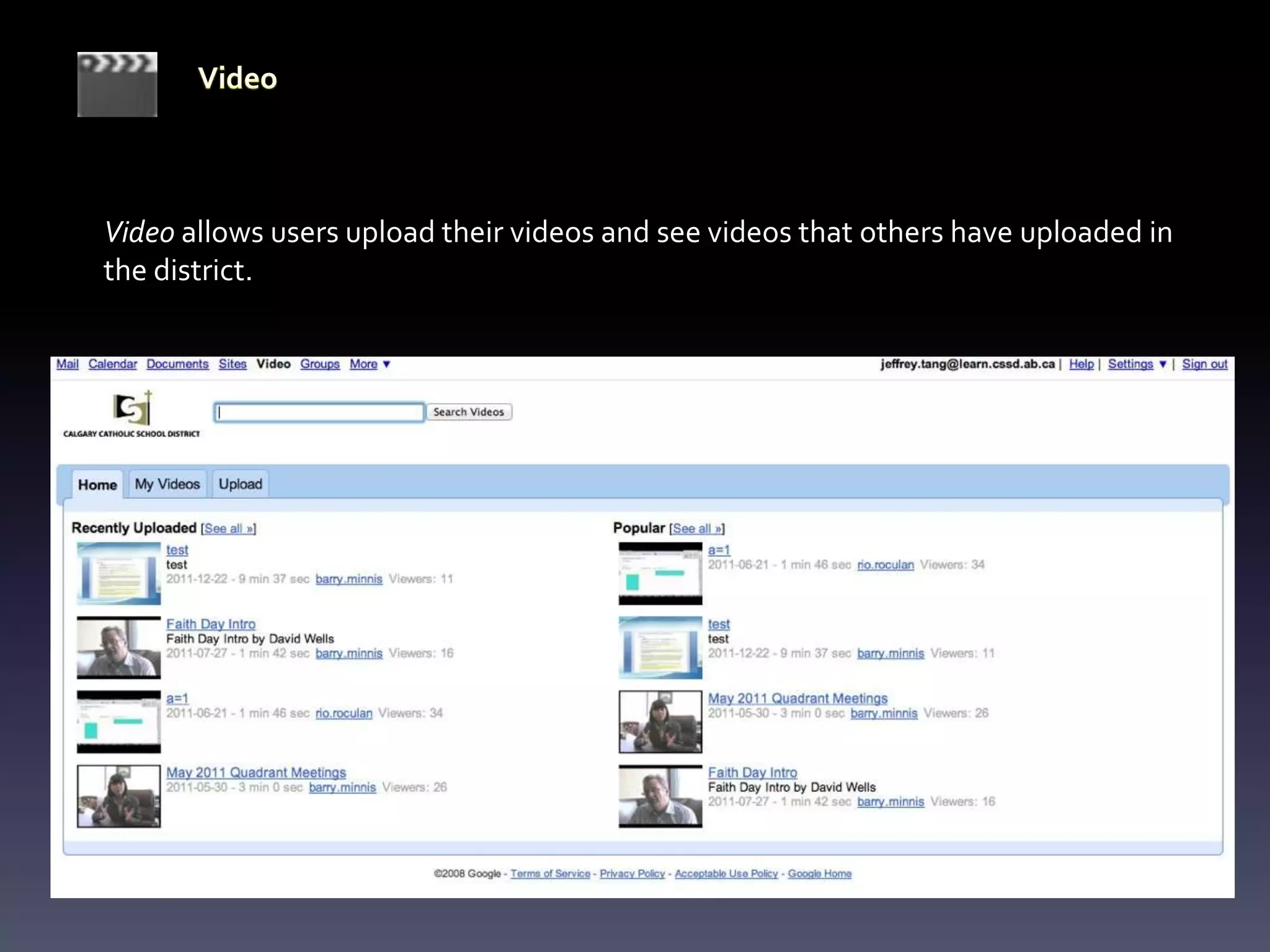
Video allows users upload their videos and see videos that others have uploaded in
the district.
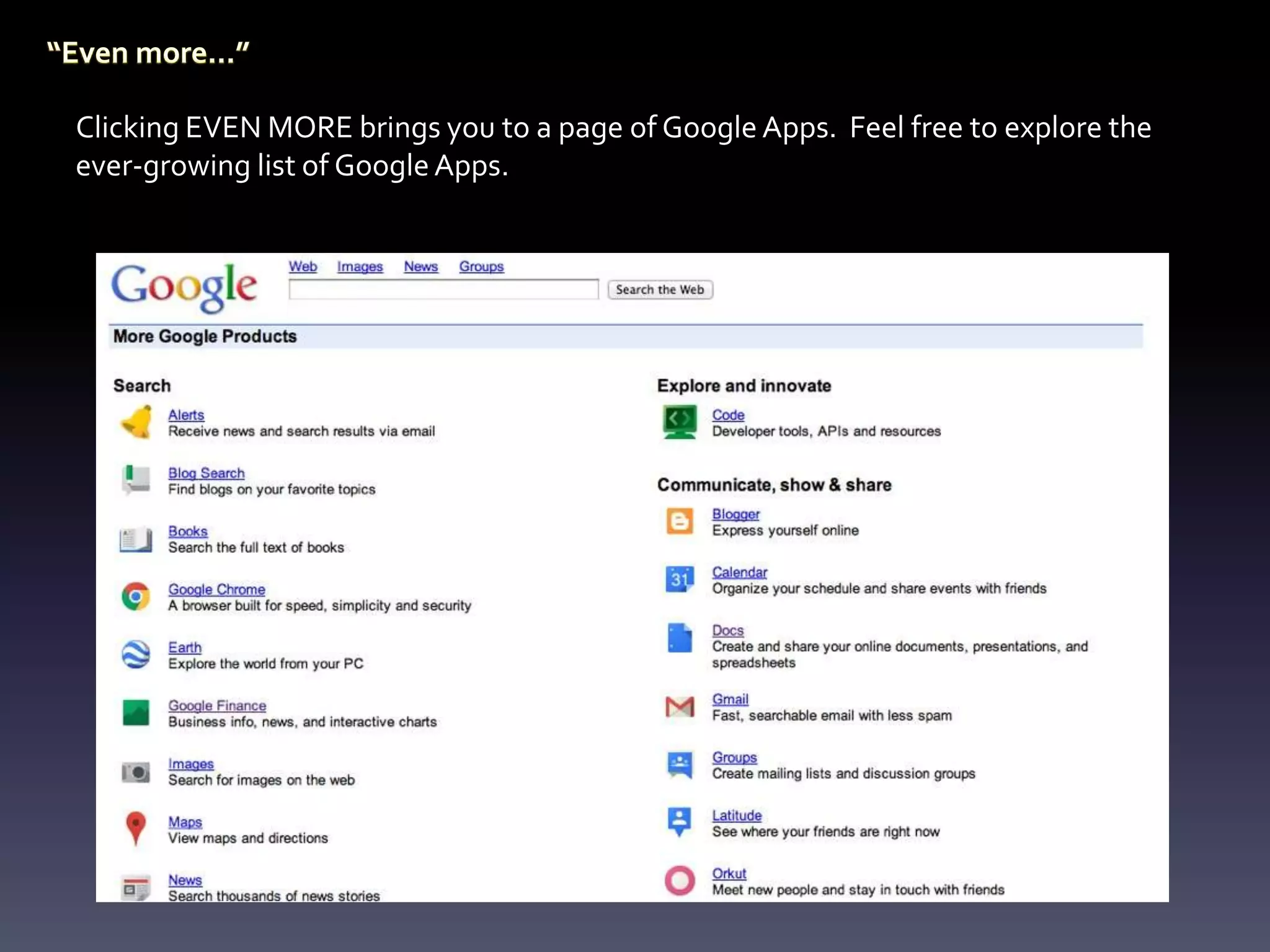
Clicking EVEN MORE brings you to a page of Google Apps. Feel free to explore the
ever-growing list of Google Apps.

A Tour of Google Apps

  • 1.
    A Tour ofGoogle Apps learn.cssd.ab.ca
  • 2.
    Google Apps providetools for creating, learning and sharing. Signing into your learn account gives you access to these tools within the learn domain. The tool bar gives you quick access to the most frequently used apps. Let’s explore some of the Google Apps.
  • 3.
    Images allow usersto narrow a topic search to show image results only. This was an Images search for ‘ice cream’.
  • 4.
    Your learn accountgives you access to e-mail (via Google, but not a Gmail address). For staff this is a second e-mail address and is not linked to Outlook. This is a secondary address for staff. It is the primary address for students. The CCSD logo is a reminder that you are in the learn domain.
  • 5.
    Documents allow usersto create documents in Google. These files can be spreadsheets, word processing documents, forms, drawings, and presentations. Google allows users to collaborate and share these documents. Click the CREATE button to begin a new document.
  • 6.
    Calendar allows usersto create events and appointments. Multiple calendars can be created and shared to other users.
  • 7.
    Sites allows usersto create websites in Google. These sites can be published to the web and can be used to plan, share, collaborate and stay connected. Templates and web tools are used. Knowledge of HTML coding is not required.
  • 8.
    Groups allow usersto create groups or engage with other groups of people. You can share files and create community.
  • 9.
    Contacts allow usersto create a contact list that can be used across Google Apps (not just Mail). Groups can be created (such as class groups) for quick distribution of messages.
  • 10.
    Maps allow usersto find locations on the globe as well as to obtain driving directions. Maps has been integrated with Google Earth and Google Street View.
  • 11.
    Clicking the MOREbutton, gives you access to more frequently used apps. Let’s explore them now.
  • 12.
    Users of thelearn domain have their own access to YouTube. Many of the privacy and permissions are controlled by our I.T. department.
  • 13.
    News allow userssearch topics across many news platforms. A search in news is quite different than a regular search as Google will search through news outlets for the most recent mention for your search item. News can also be personalized to your account.
  • 14.
    Translate allows userseither type or cut-and-paste text into the field and translate into several different languages.
  • 15.
    Books allows usersto search the vast library of books digitized by Google. This tool is great for research. Users can preview or read entire works depending on copyright.
  • 16.
    Blogger allows usersto create their own blogs. A variety of templates are available for use.
  • 17.
    Reader allows usersto track and receive updates for their favourite websites and receive RSS feeds.
  • 18.
    Finance allows usersto track stocks, bonds, and other financial matters. Users can create their own personal portfolio.
  • 19.
    Photos allows usersupload and create their own on-line photo albums. Users have the ability to set their own permission levels to determine with whom the photos are shared.
  • 20.
    Video allows usersupload their videos and see videos that others have uploaded in the district.
  • 21.
    Clicking EVEN MOREbrings you to a page of Google Apps. Feel free to explore the ever-growing list of Google Apps.