
Introduction to Information
and Communications
Technology (ICT)
Chapter I
Learning Objectives
• Define ICT
• Trace the evolution of technology, particularly computers
• Identify the different parts of the computer system, and
categorize the different computer peripherals
• Assess why computers are considered powerful thinking
machines
• Explain the role of technology in media and how it affects
communication; and
• Recognize the current trends in Information Technology
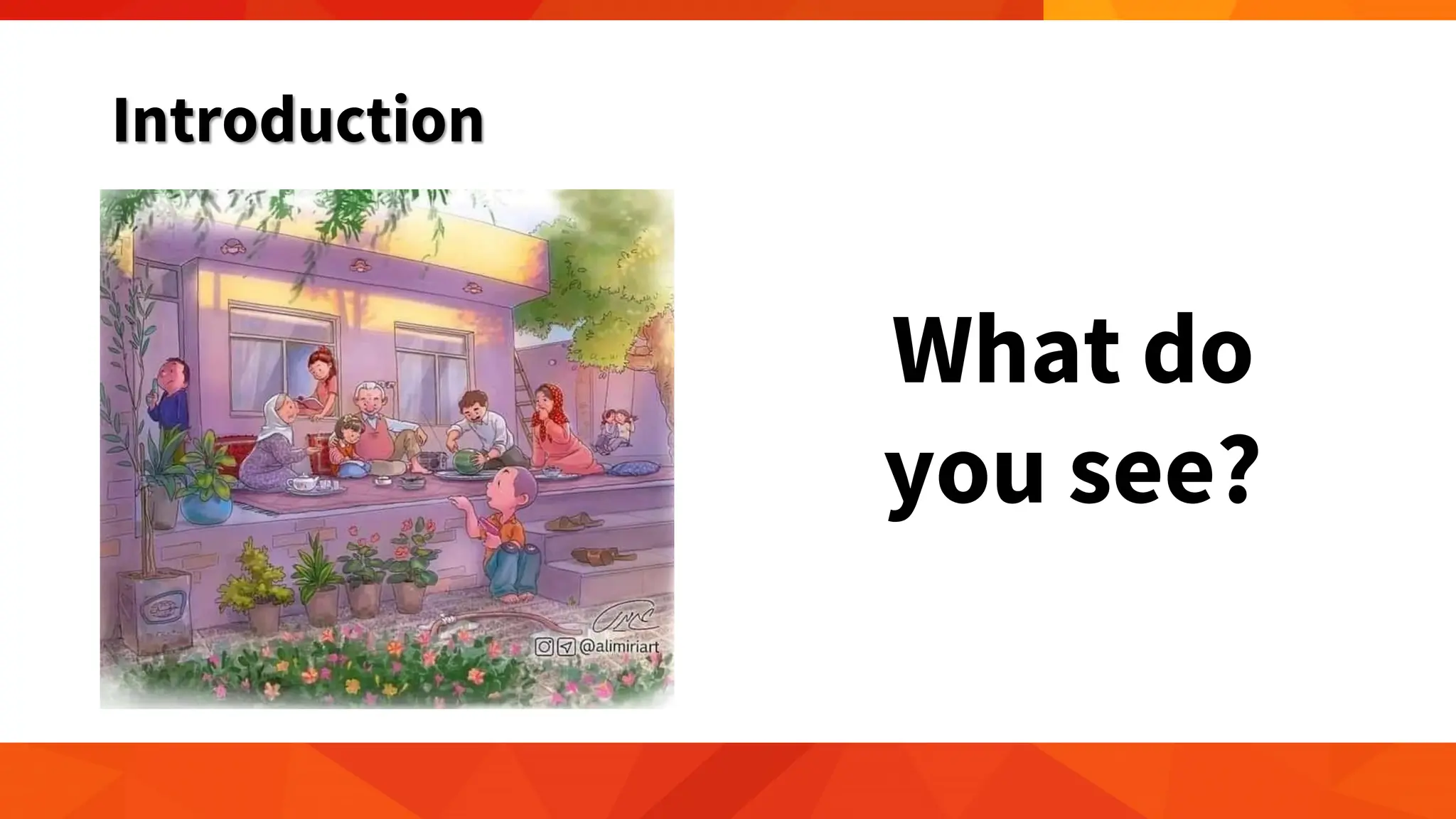
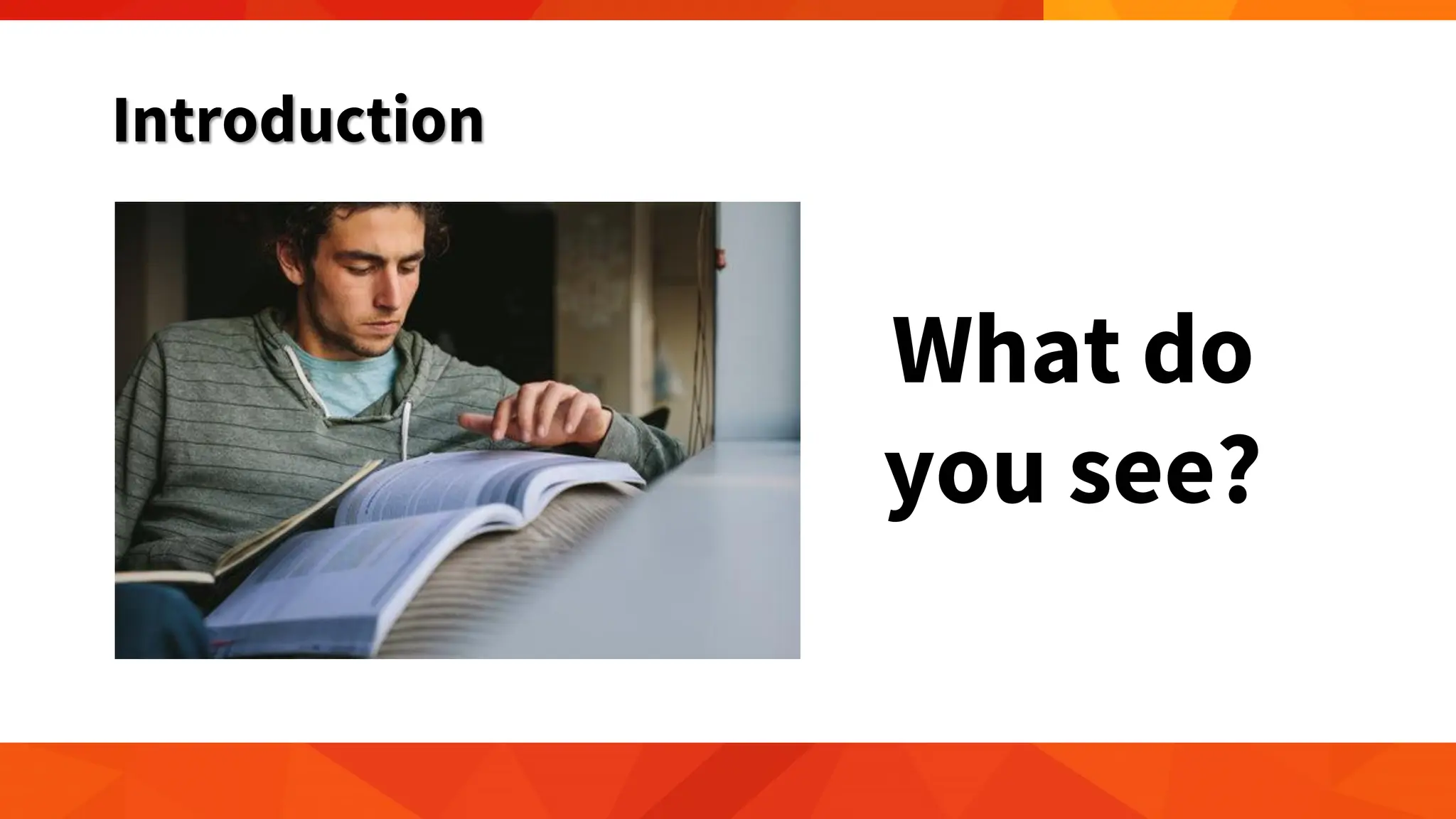
Introduction
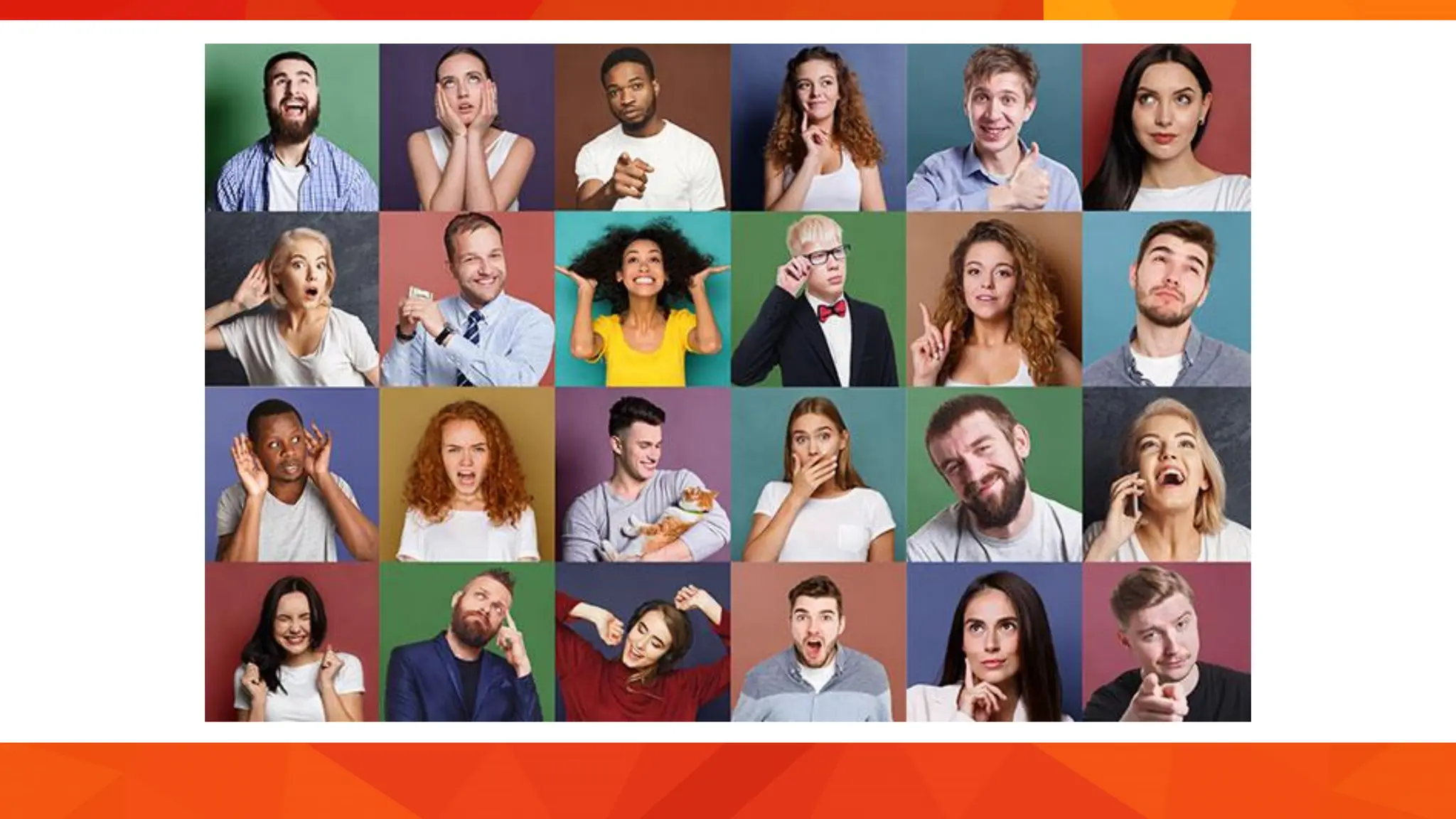
What do
you see?
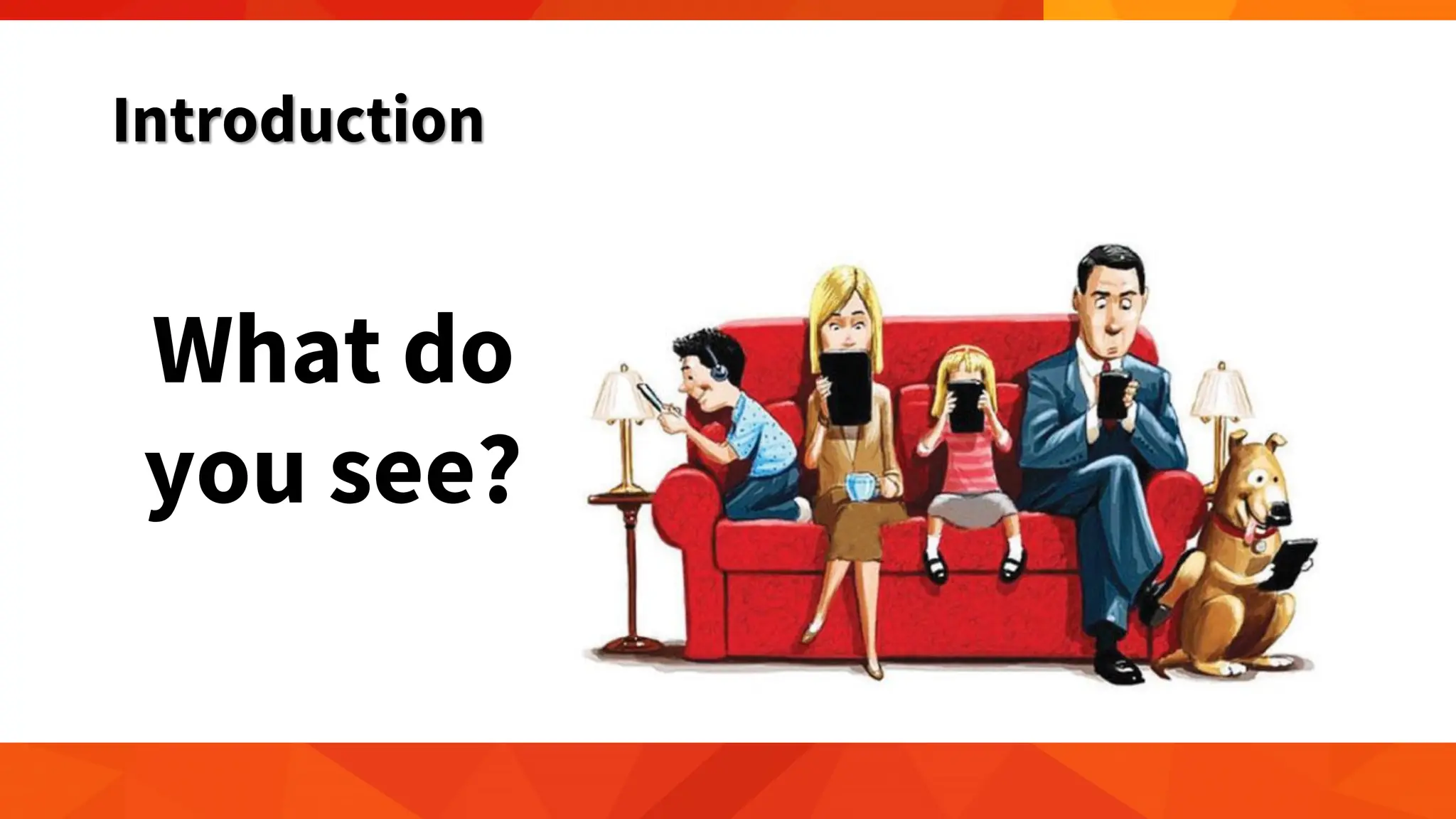
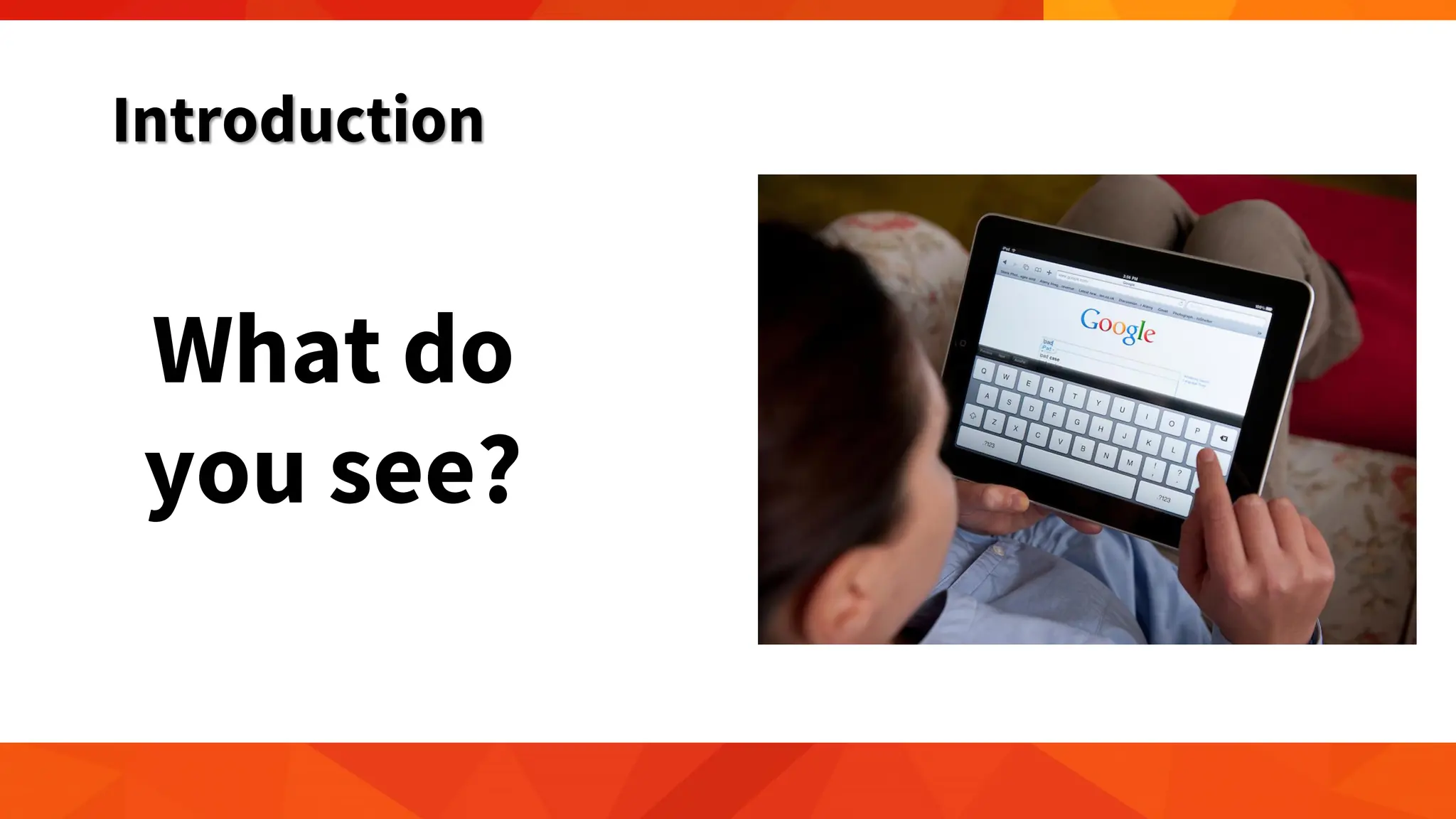
Introduction
What do
you see?
Introduction
What do
you see?
Introduction
What do
you see?
Introduction
• We are living in an era where technological advances are
common.
• We live in times of rapid technological change.
• Technology affects the way individuals communicate, learn,
and think.
• It helps society and determines how people interact with each
other on a daily basis.
Introduction
• Technology plays an important role in society today.
• It has positive and negative effects on the world and it impacts
daily lives.
What is ICT?
• ICT is the short form of three basic terms:
1. Information
2. Communication and
3. Technology.
What is ICT?
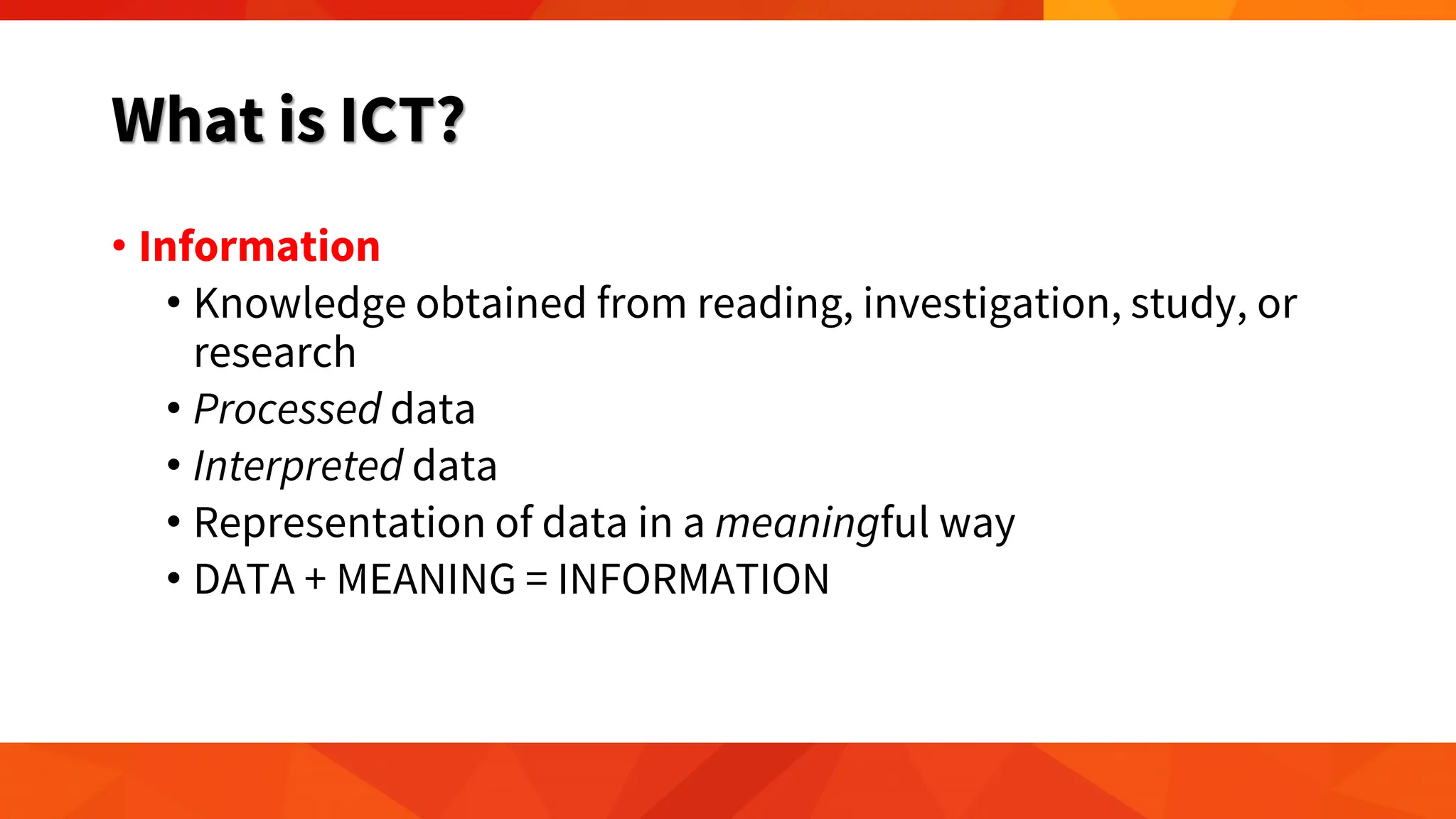
• Information
• Knowledge obtained from reading, investigation, study, or
research
• Processed data
• Interpreted data
• Representation of data in a meaningful way
• DATA + MEANING = INFORMATION
What is ICT?
• Information
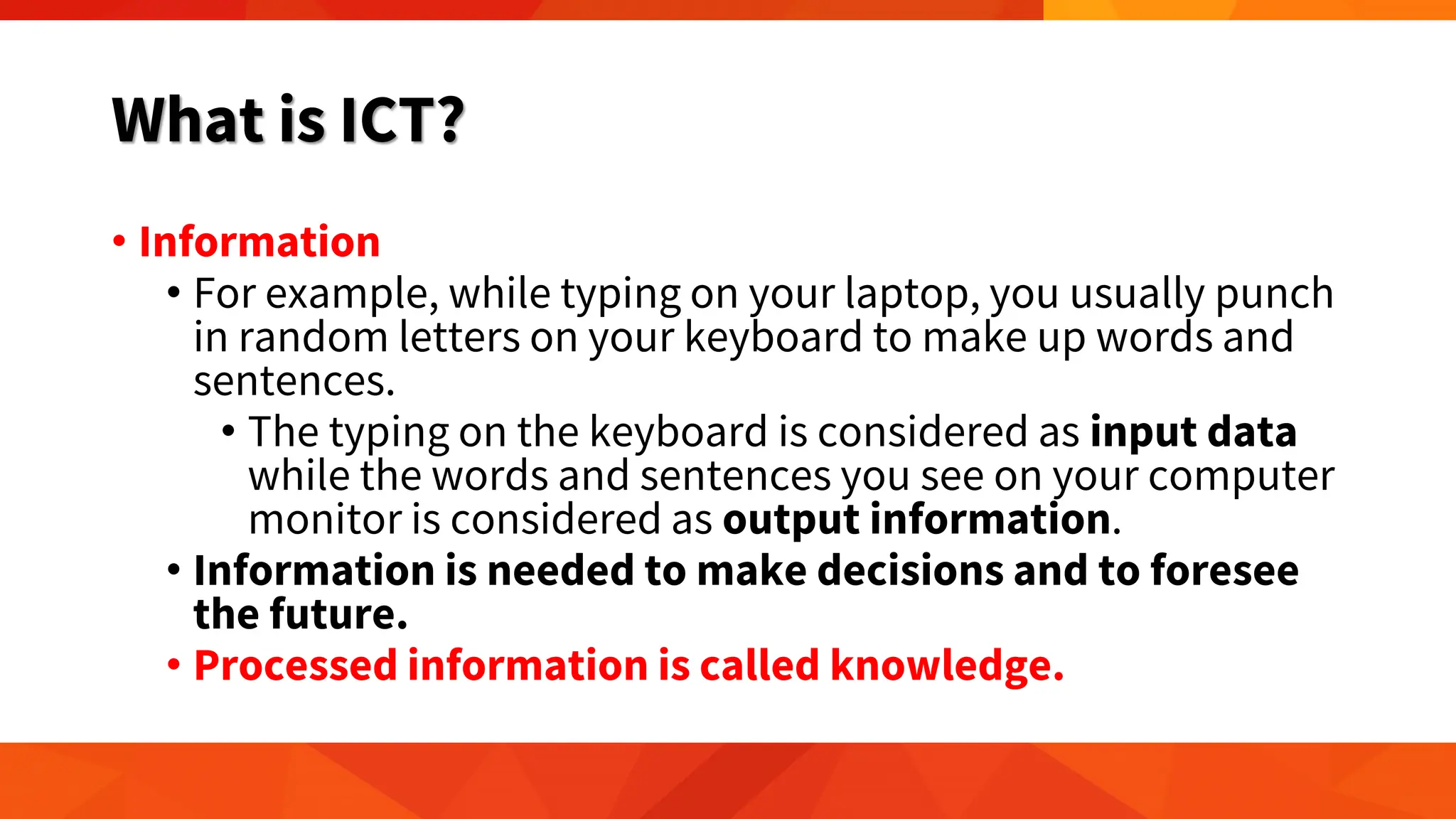
• For example, while typing on your laptop, you usually punch
in random letters on your keyboard to make up words and
sentences.
• The typing on the keyboard is considered as input data
while the words and sentences you see on your computer
monitor is considered as output information.
• Information is needed to make decisions and to foresee
the future.
• Processed information is called knowledge.
02142024
What is ICT?
• Communication
• imparting or exchanging of information by speaking, writing, or
using some other medium
• conveying your feelings, thoughts and emotions in any verbal
and non-verbal medium
• process of understanding and sharing meaning
• four essential elements: ‘sender’, ‘message’, ‘medium’ and
‘receiver’.
• in sync with each other in terms of sequence, relevance,
appropriateness, etc., then communication becomes effective
What is ICT?
• Communication
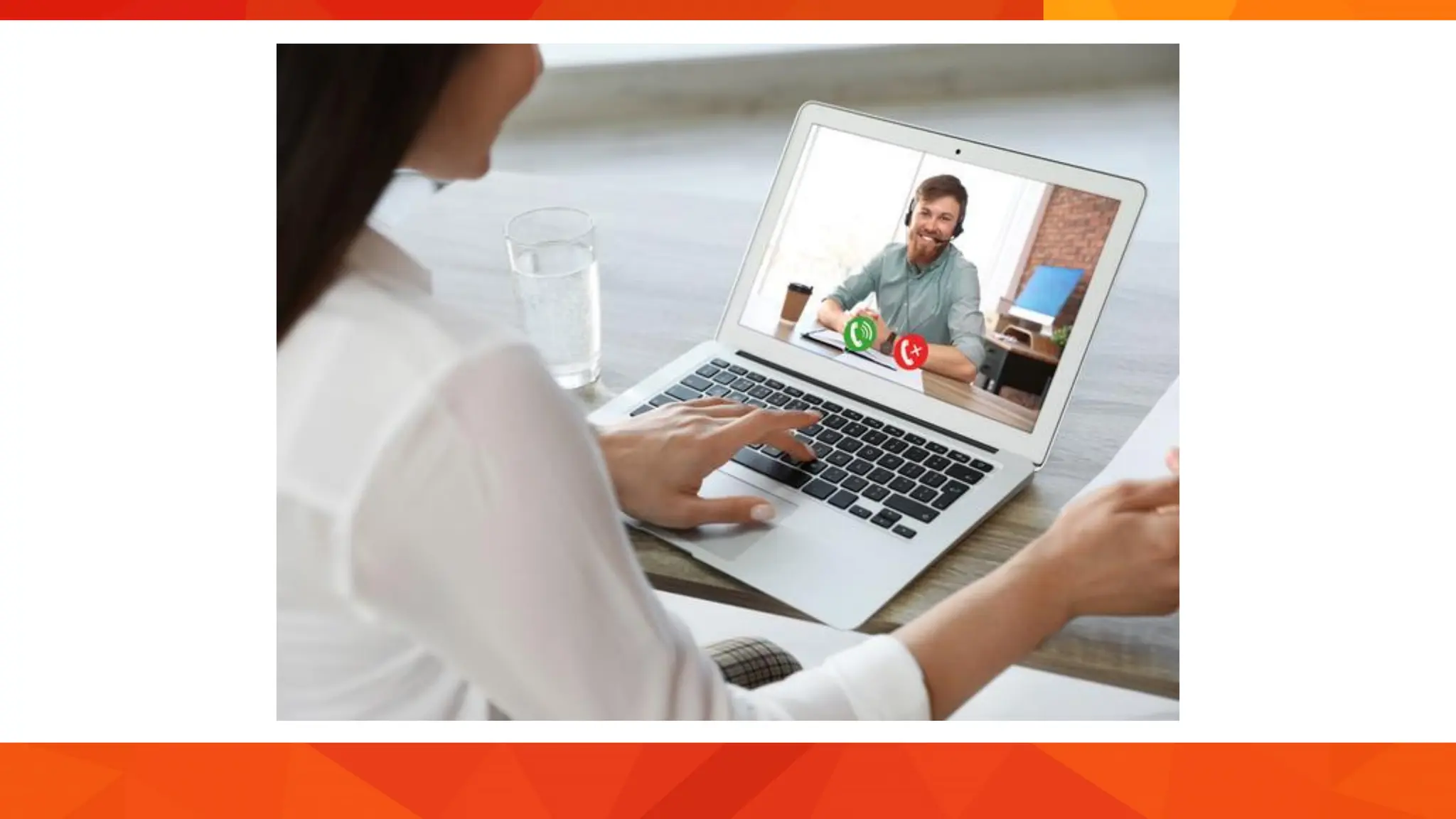
• With technology, communication is faster, more convenient,
and more efficient.
• When face-to-face meeting is not possible, long distance
communication or virtual communication is now common and
easy with the use of smartphones and computers with internet
access.
What is ICT?
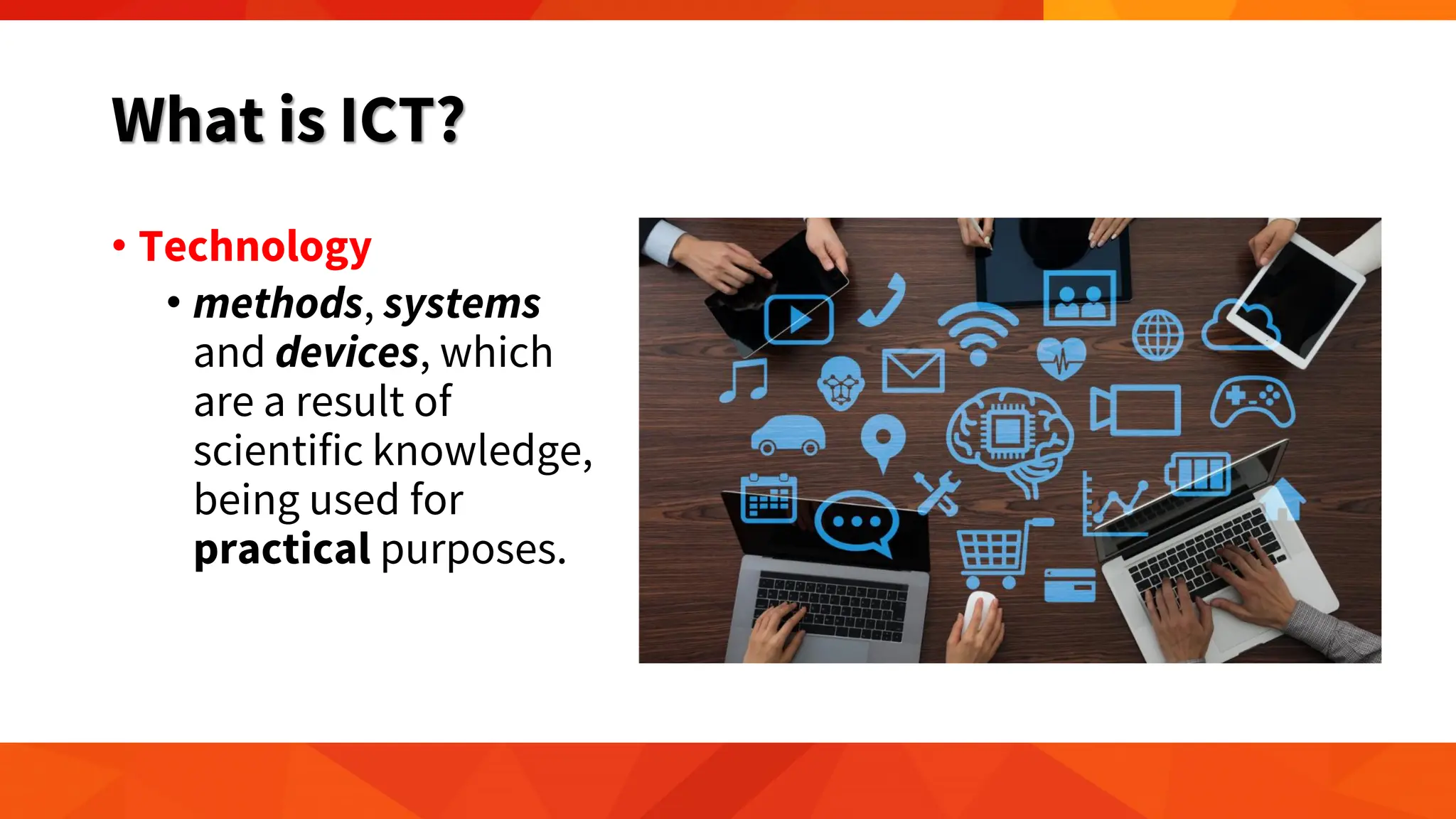
• Technology
• methods, systems
and devices, which
are a result of
scientific knowledge,
being used for
practical purposes.
What is ICT?
• Technology
• Technology has made communication much easier and
faster through telephones, fax machines, mobile devices, and
the internet.
• It has also made broadcasting of information, such as news or
weather reports, more effective.
• Radio, television, satellites, and the World Wide Web are
powerful tools that can be used by individuals to gather
needed information to aid them in their office, school or
house work, or in simple day-to-day activities.
What is ICT?
• Information and Communication Technology (ICT)
includes various forms of technologies that are used to
create, display, store, process, transmit, share or
exchange information by electronic means (UNESCO
2007).
What is ICT?
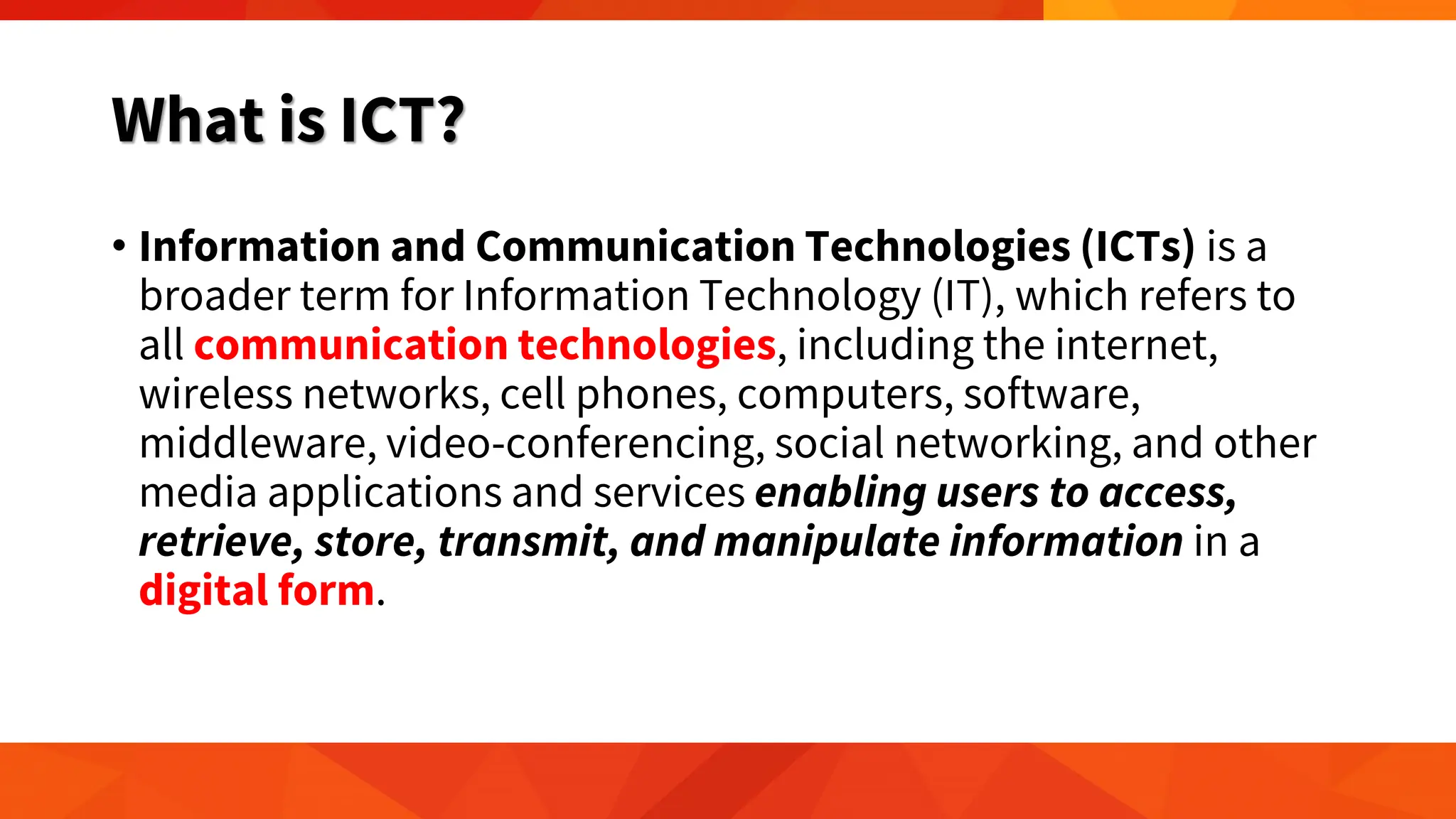
• Information and Communication Technologies (ICTs) is a
broader term for Information Technology (IT), which refers to
all communication technologies, including the internet,
wireless networks, cell phones, computers, software,
middleware, video-conferencing, social networking, and other
media applications and services enabling users to access,
retrieve, store, transmit, and manipulate information in a
digital form.
What is ICT?
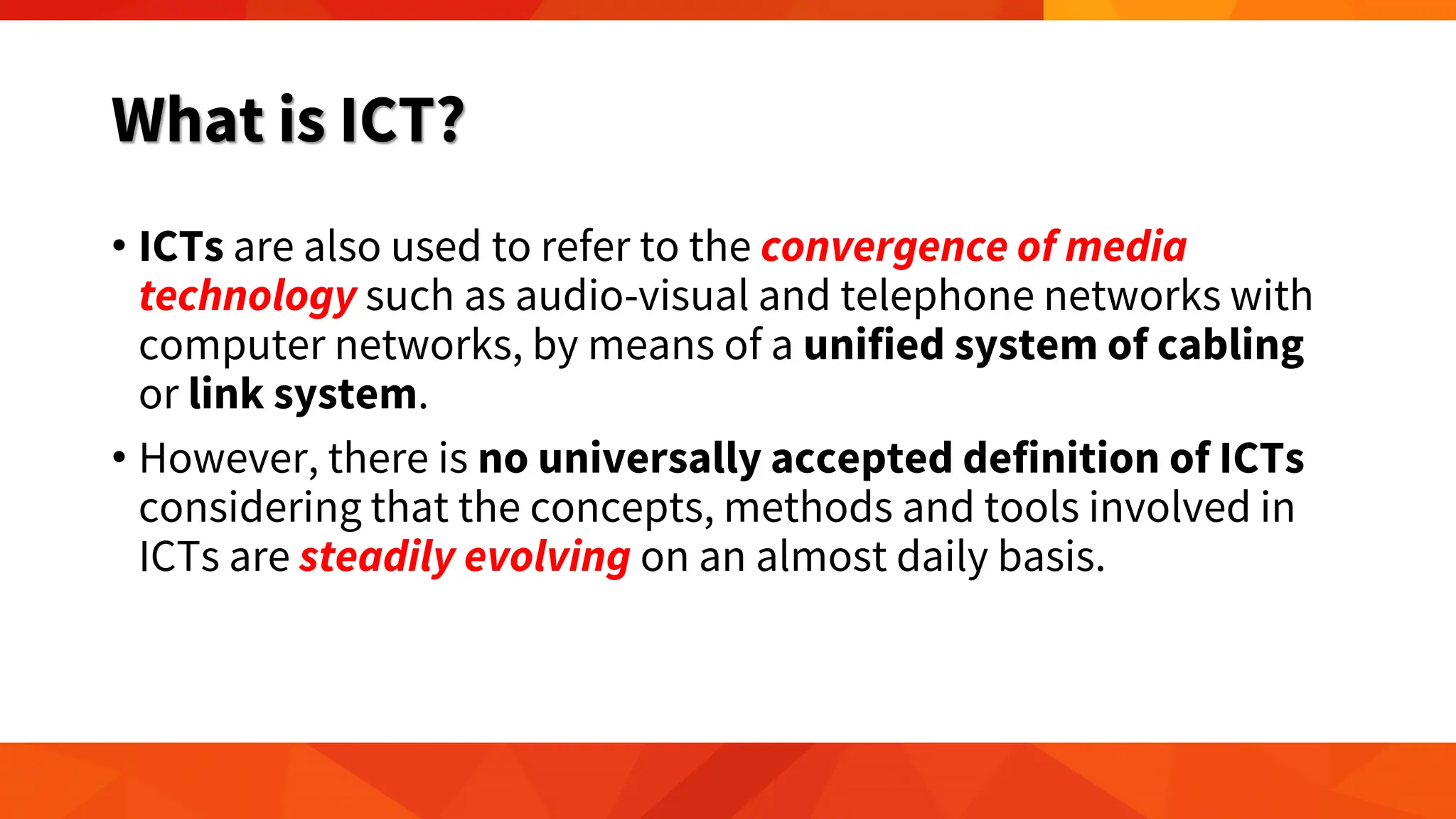
• ICTs are also used to refer to the convergence of media
technology such as audio-visual and telephone networks with
computer networks, by means of a unified system of cabling
or link system.
• However, there is no universally accepted definition of ICTs
considering that the concepts, methods and tools involved in
ICTs are steadily evolving on an almost daily basis.
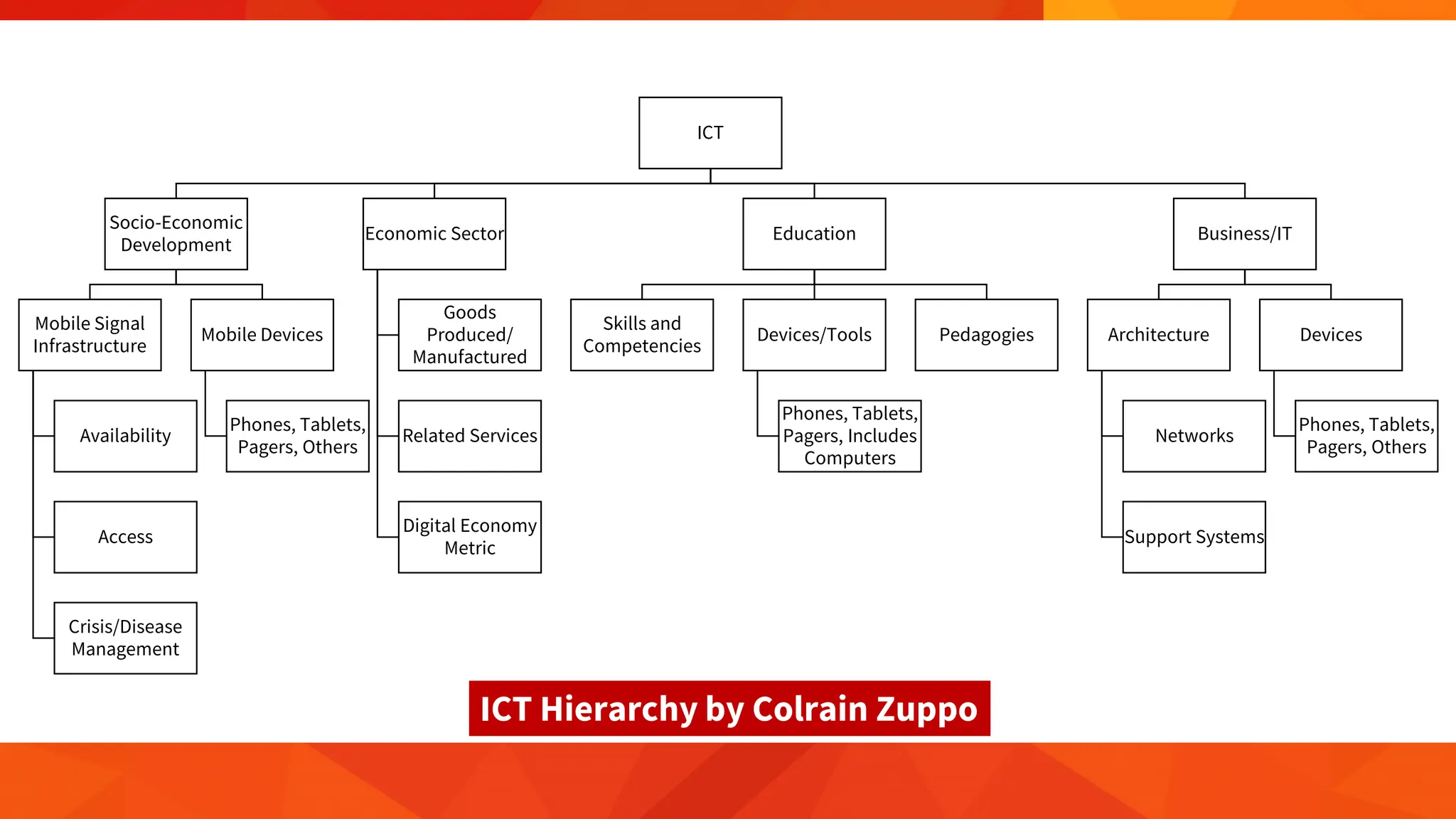
ICT
Socio-Economic
Development
Mobile Signal
Infrastructure
Availability
Access
Crisis/Disease
Management
Mobile Devices
Phones, Tablets,
Pagers, Others
Economic Sector
Goods
Produced/
Manufactured
Related Services
Digital Economy
Metric
Education
Skills and
Competencies
Devices/Tools
Phones, Tablets,
Pagers, Includes
Computers
Pedagogies
Business/IT
Architecture
Networks
Support Systems
Devices
Phones, Tablets,
Pagers, Others
ICT Hierarchy by Colrain Zuppo
What is ICT?
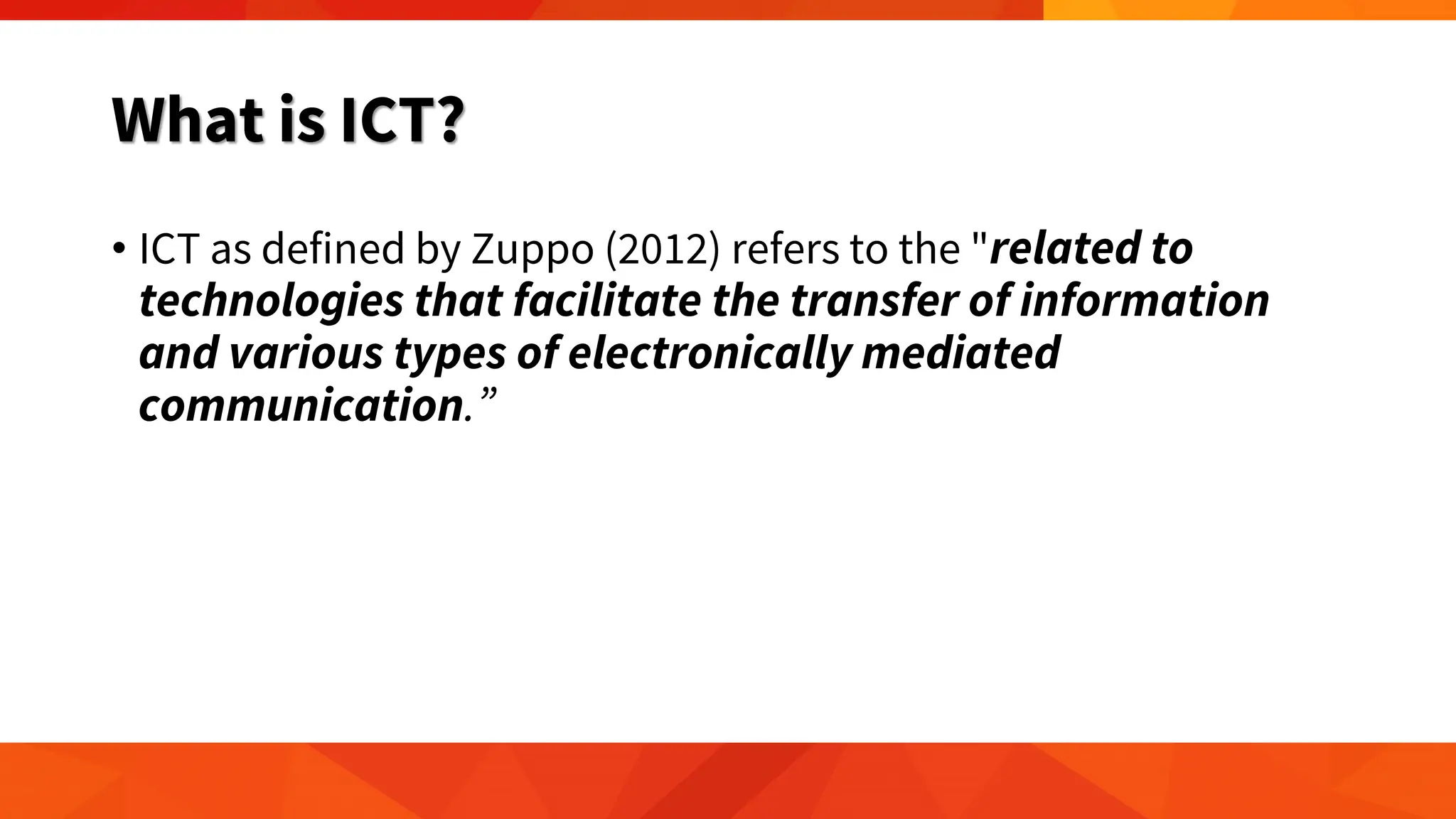
• ICT as defined by Zuppo (2012) refers to the "related to
technologies that facilitate the transfer of information
and various types of electronically mediated
communication.”
What is ICT?
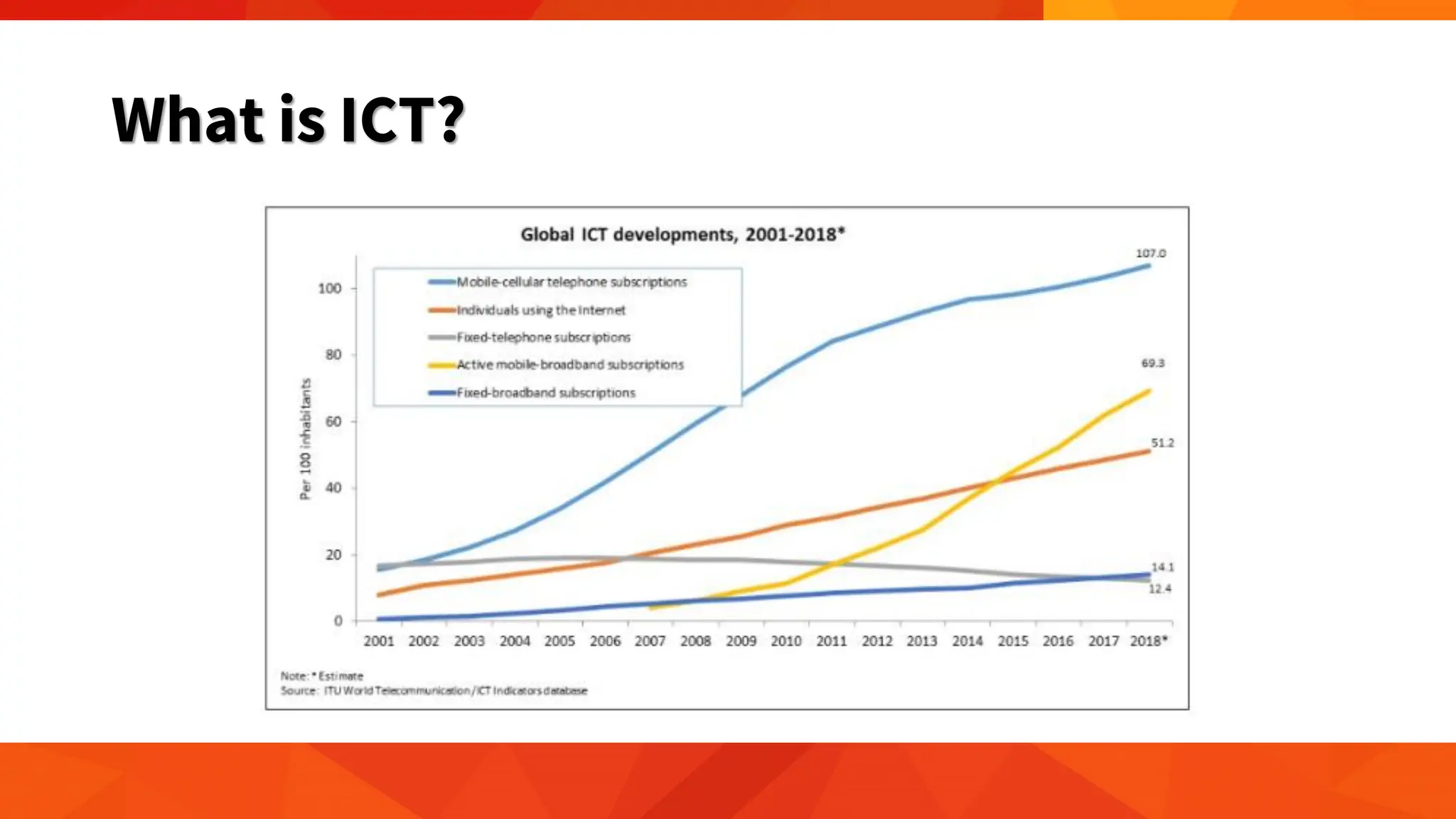
• The need for devices, such as mobile phones, laptops, and
tablets, is identified in all instances. This fact is perhaps due to
the human need to “belong”.
• This need can be fulfilled through the different modes of
communication, be it face-to-face, online, through voice, or
simply through a text message, manifested in the number of
people with mobile devices such as smartphones tablets,
and the latest technologies such as "wearable devices”.
What is ICT?
IT versus ICT
• ICT, or information and communications technology, is
often used in a more general sense, and is described as using
computers and other digital technologies to assist individuals or
institutions in handling or using information.
• ICT is technology that supports activities involving information
such as gathering, processing, storing, and presenting data.
Increasingly, these activities also involve collaboration and
communication.
IT versus ICT
• IT, or information technology, pertains to the industry that
involves computers, software, networking, and other IT
infrastructure to help relay or manage information important
in modern-day living as seen primarily in large companies or
corporations.
• Simply put, IT is a subset of ICT
• as the technology used in the field of IT aids in the use of
ICT (Wang, 2016).
Evolution of Technology
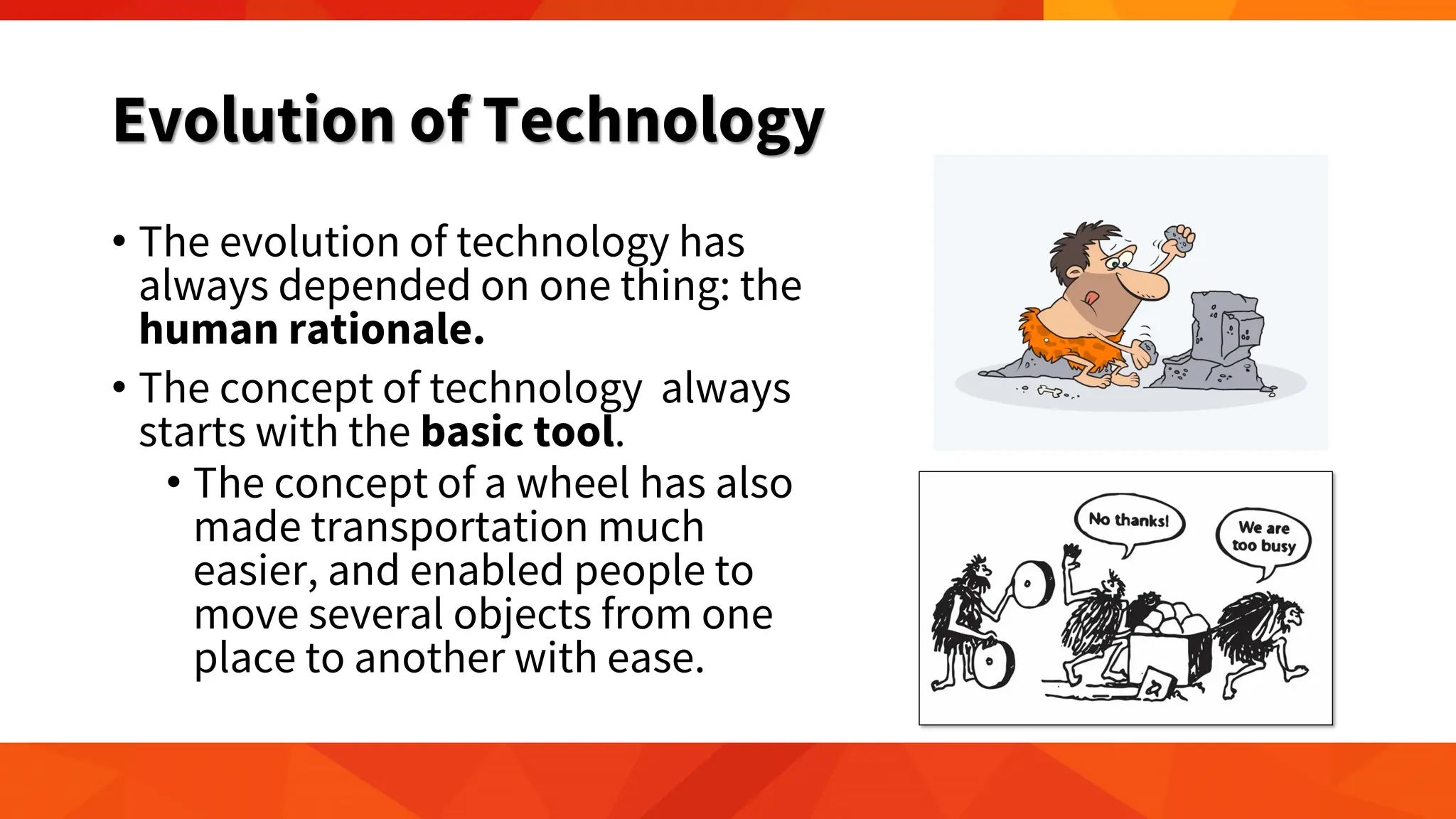
• The evolution of technology has
always depended on one thing: the
human rationale.
• The concept of technology always
starts with the basic tool.
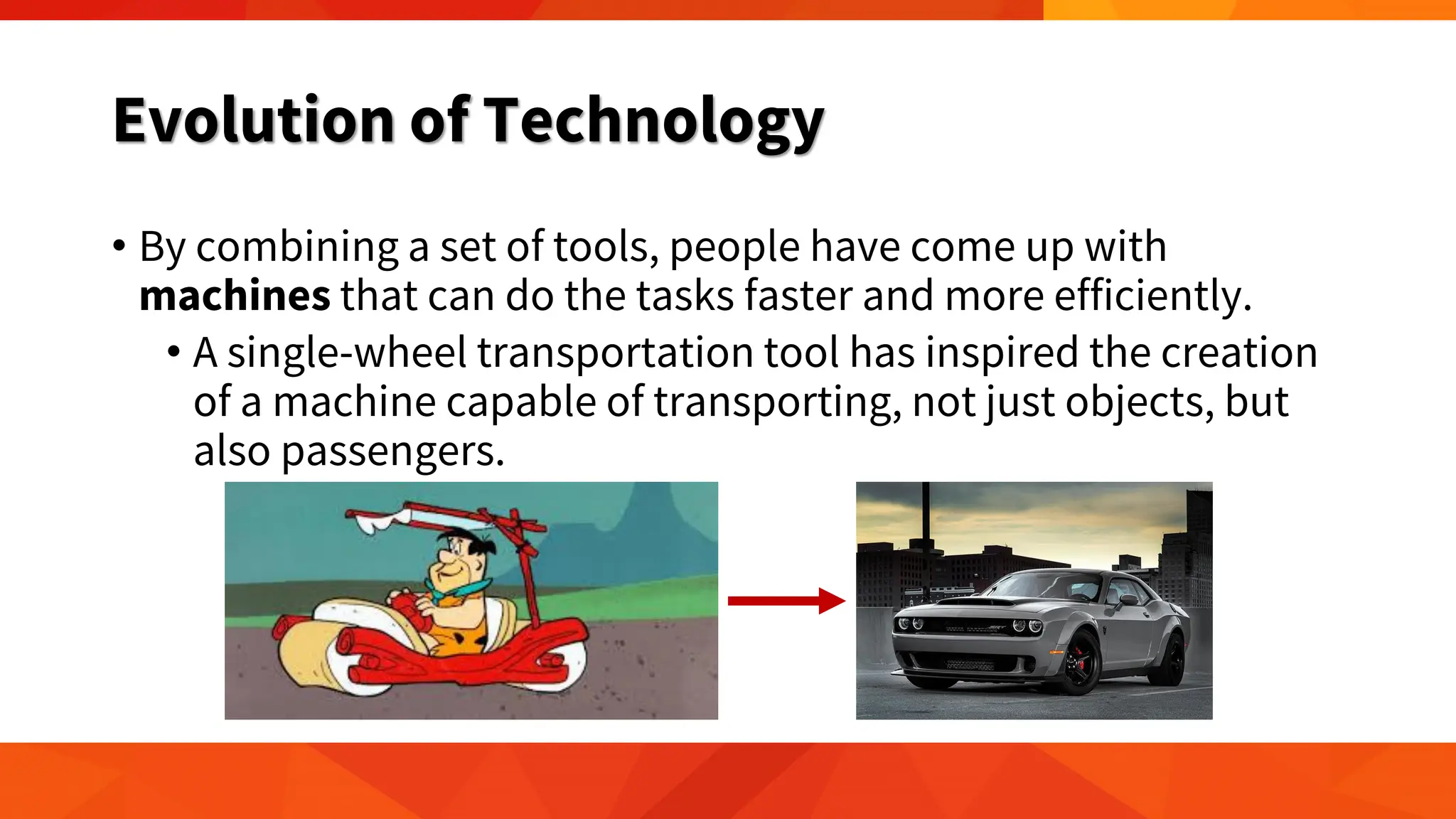
• The concept of a wheel has also
made transportation much
easier, and enabled people to
move several objects from one
place to another with ease.
Evolution of Technology
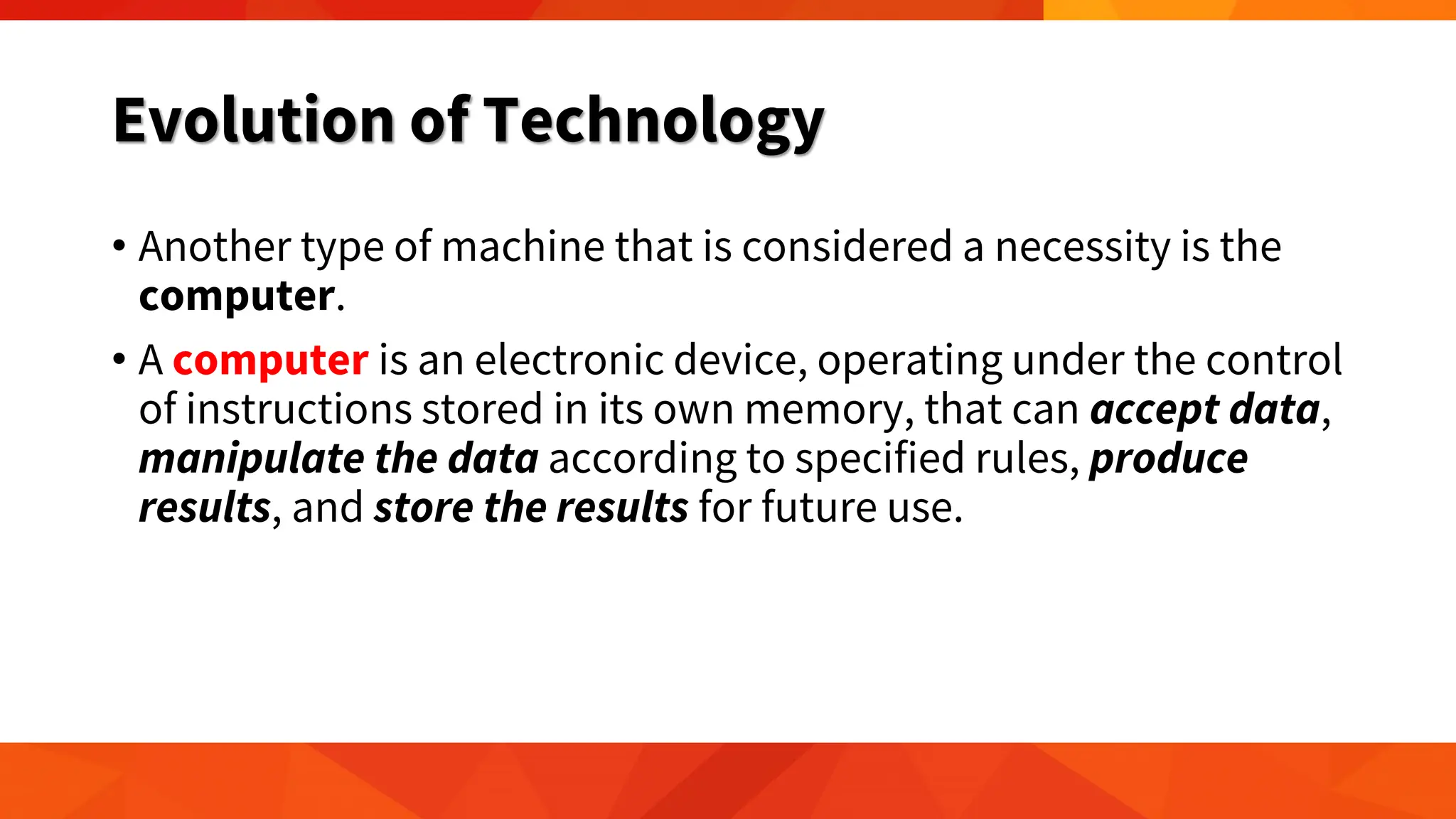
• By combining a set of tools, people have come up with
machines that can do the tasks faster and more efficiently.
• A single-wheel transportation tool has inspired the creation
of a machine capable of transporting, not just objects, but
also passengers.
Evolution of Technology
• Another type of machine that is considered a necessity is the
computer.
• A computer is an electronic device, operating under the control
of instructions stored in its own memory, that can accept data,
manipulate the data according to specified rules, produce
results, and store the results for future use.
Evolution of Technology
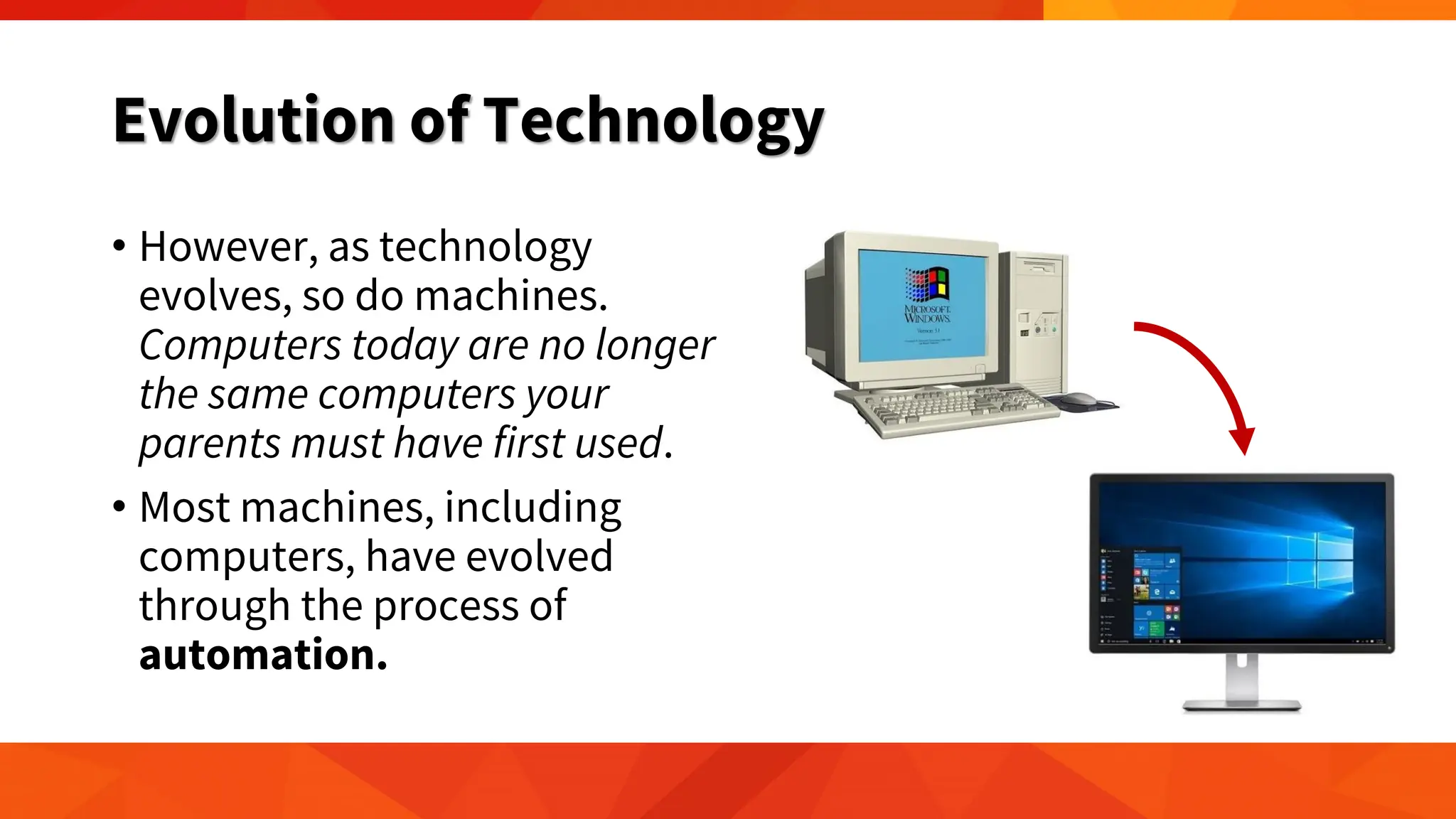
• However, as technology
evolves, so do machines.
Computers today are no longer
the same computers your
parents must have first used.
• Most machines, including
computers, have evolved
through the process of
automation.
Evolution of Technology
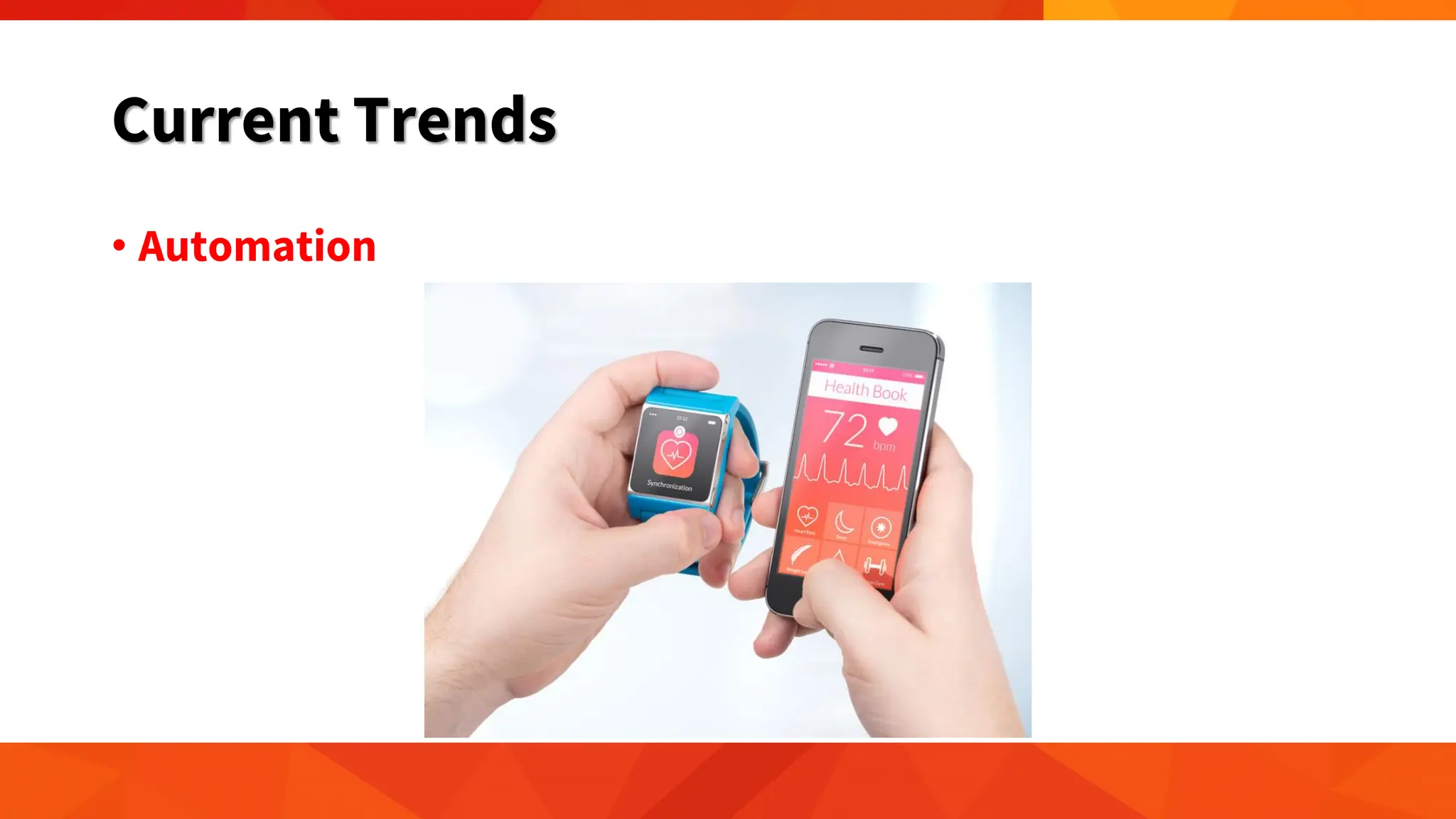
• Automation is defined as "the technique of making an
apparatus, a process, or a system operate automatically.“
• Automation includes a broad range of technologies normally
connecting computer systems to other systems, such as
sensors, wireless applications, expert systems, and systems
integration, among others.
• The integration is made in such a way that these
interconnected systems are capable of self-acting or self-
regulation,
Evolution of Technology
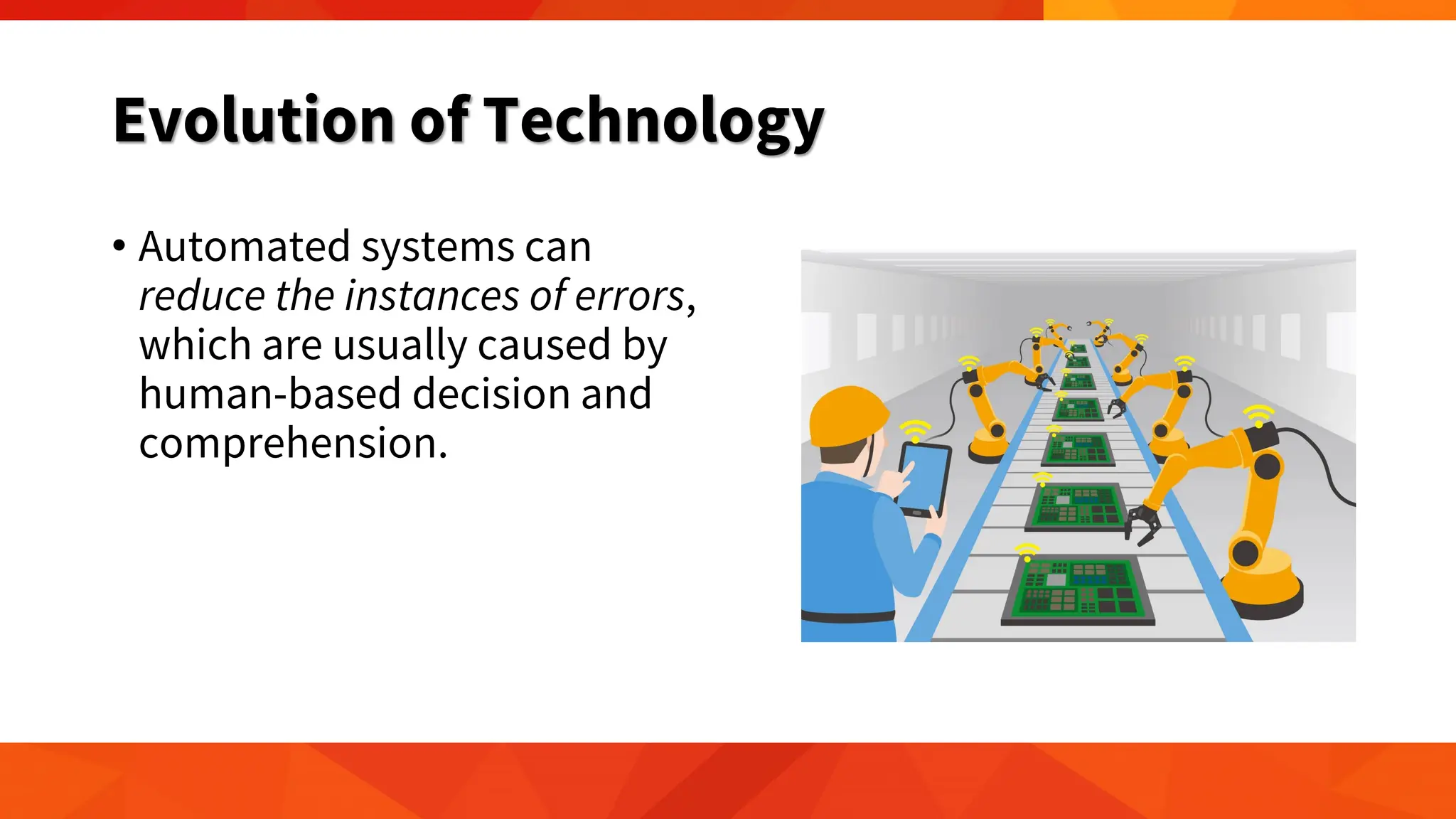
• Automated systems can
reduce the instances of errors,
which are usually caused by
human-based decision and
comprehension.
Evolution of Technology
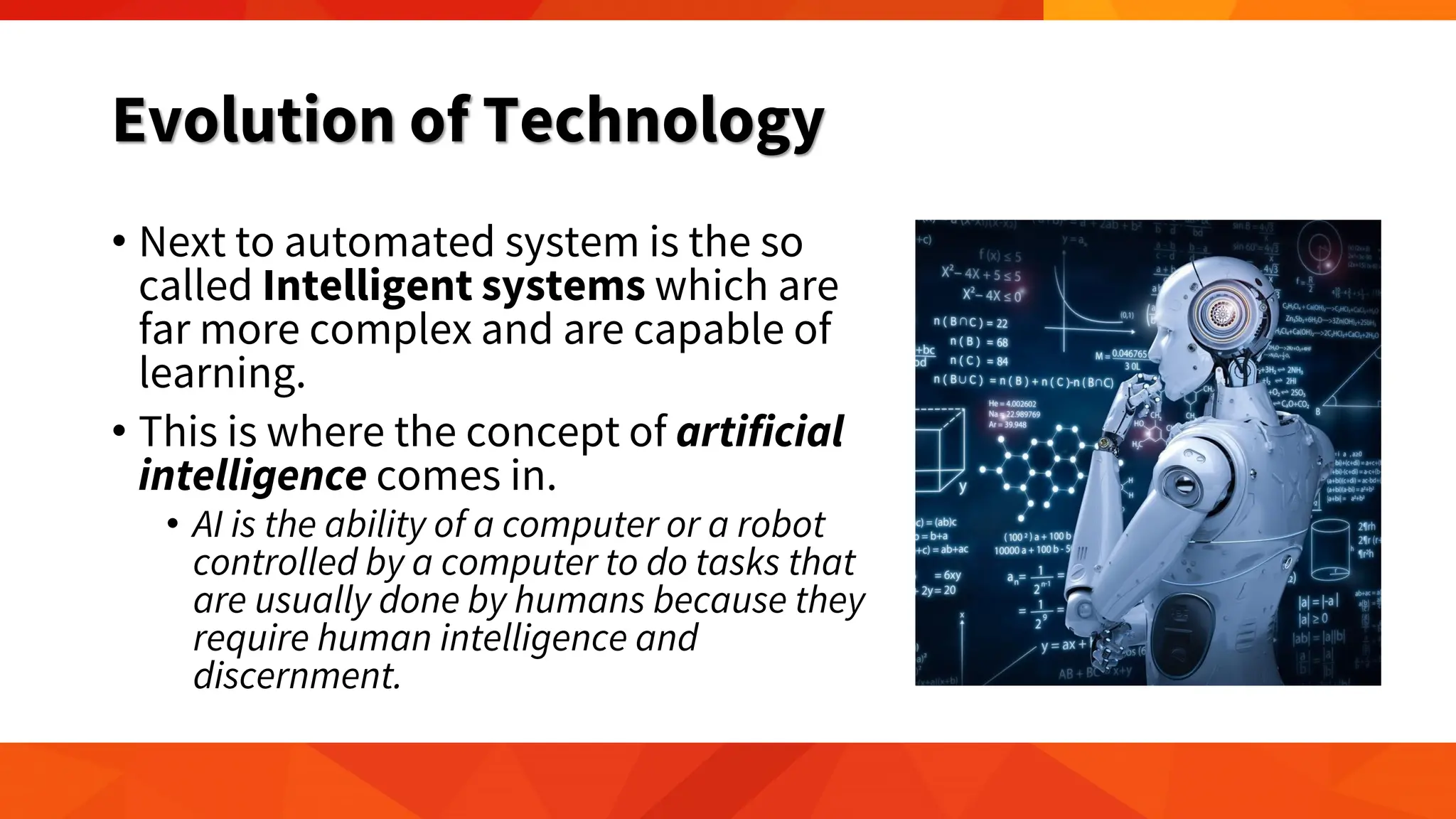
• Next to automated system is the so
called Intelligent systems which are
far more complex and are capable of
learning.
• This is where the concept of artificial
intelligence comes in.
• AI is the ability of a computer or a robot
controlled by a computer to do tasks that
are usually done by humans because they
require human intelligence and
discernment.
History of Computer
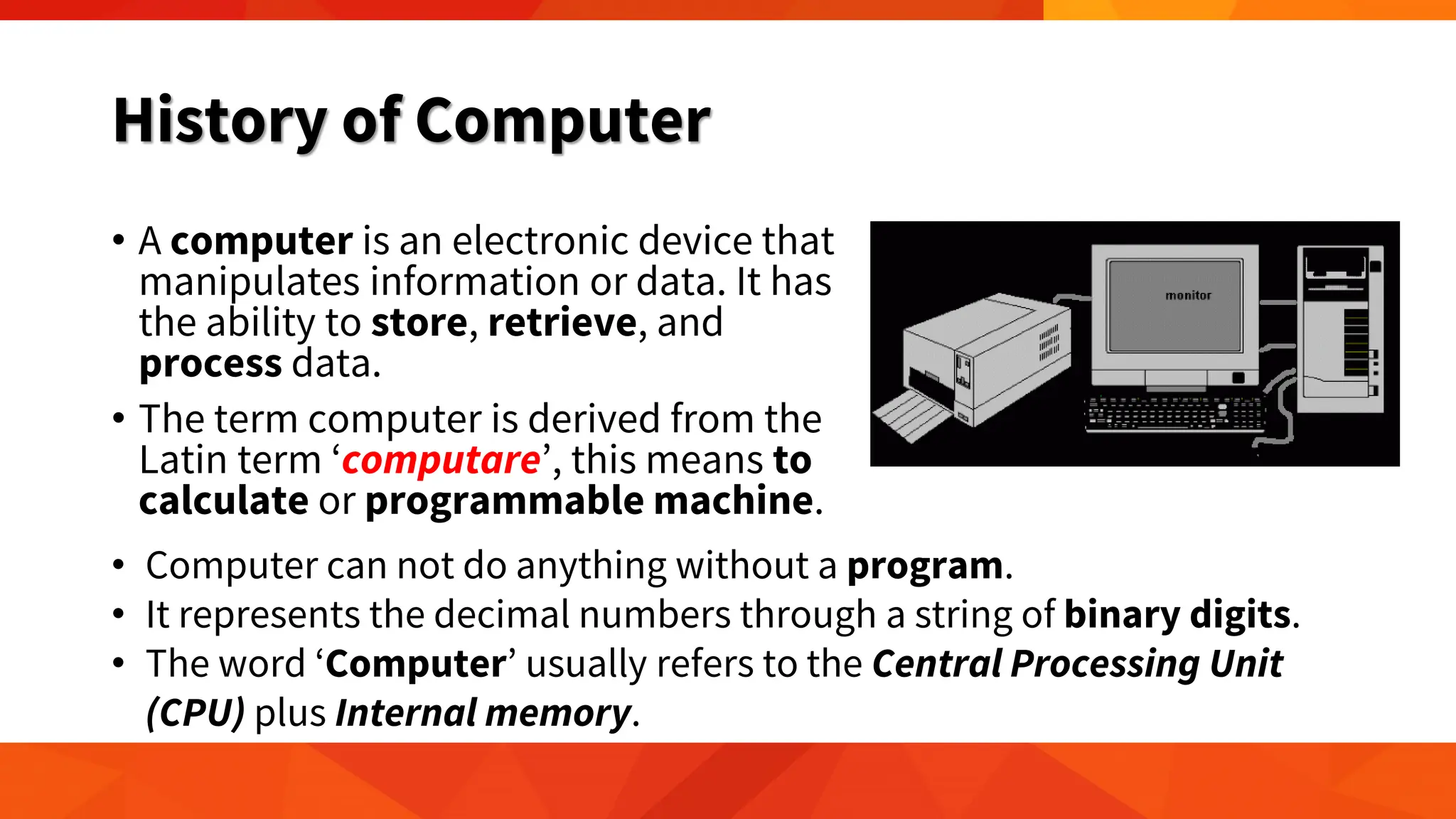
• A computer is an electronic device that
manipulates information or data. It has
the ability to store, retrieve, and
process data.
• The term computer is derived from the
Latin term ‘computare’, this means to
calculate or programmable machine.
• Computer can not do anything without a program.
• It represents the decimal numbers through a string of binary digits.
• The word ‘Computer’ usually refers to the Central Processing Unit
(CPU) plus Internal memory.
History of Computer
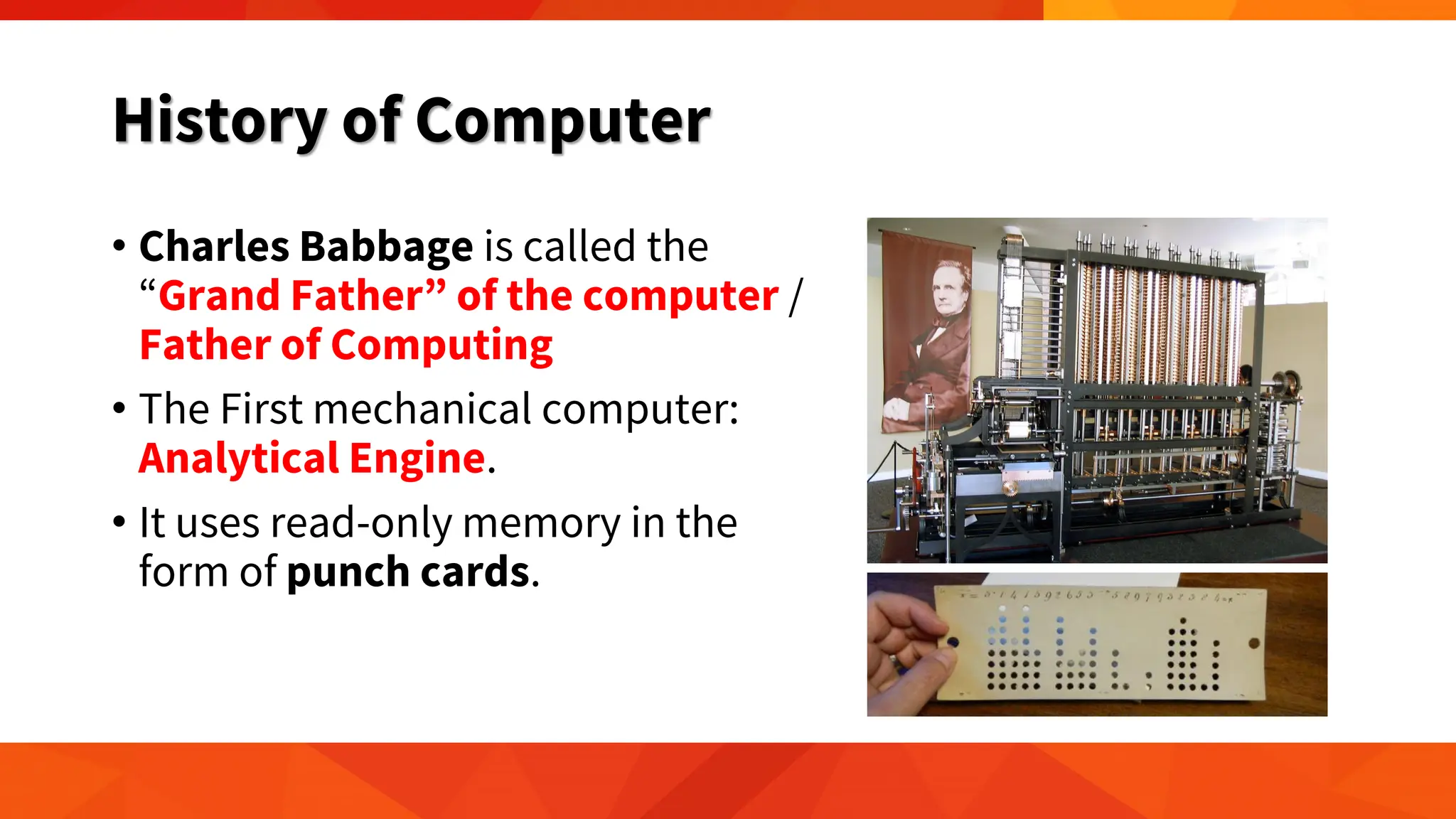
• Charles Babbage is called the
“Grand Father” of the computer /
Father of Computing
• The First mechanical computer:
Analytical Engine.
• It uses read-only memory in the
form of punch cards.
History of Computer
• Computers have taken a major role in the last three decades.
• People have become increasingly dependent on computers to
do their daily tasks in school, at work, or in their routines.
• Computers are now designed to be more compact, more
mobile, and more integrated in people's daily activities.
• Computers have evolved based on the type of components
used in the design.
First-generation Computer (1946-1959)
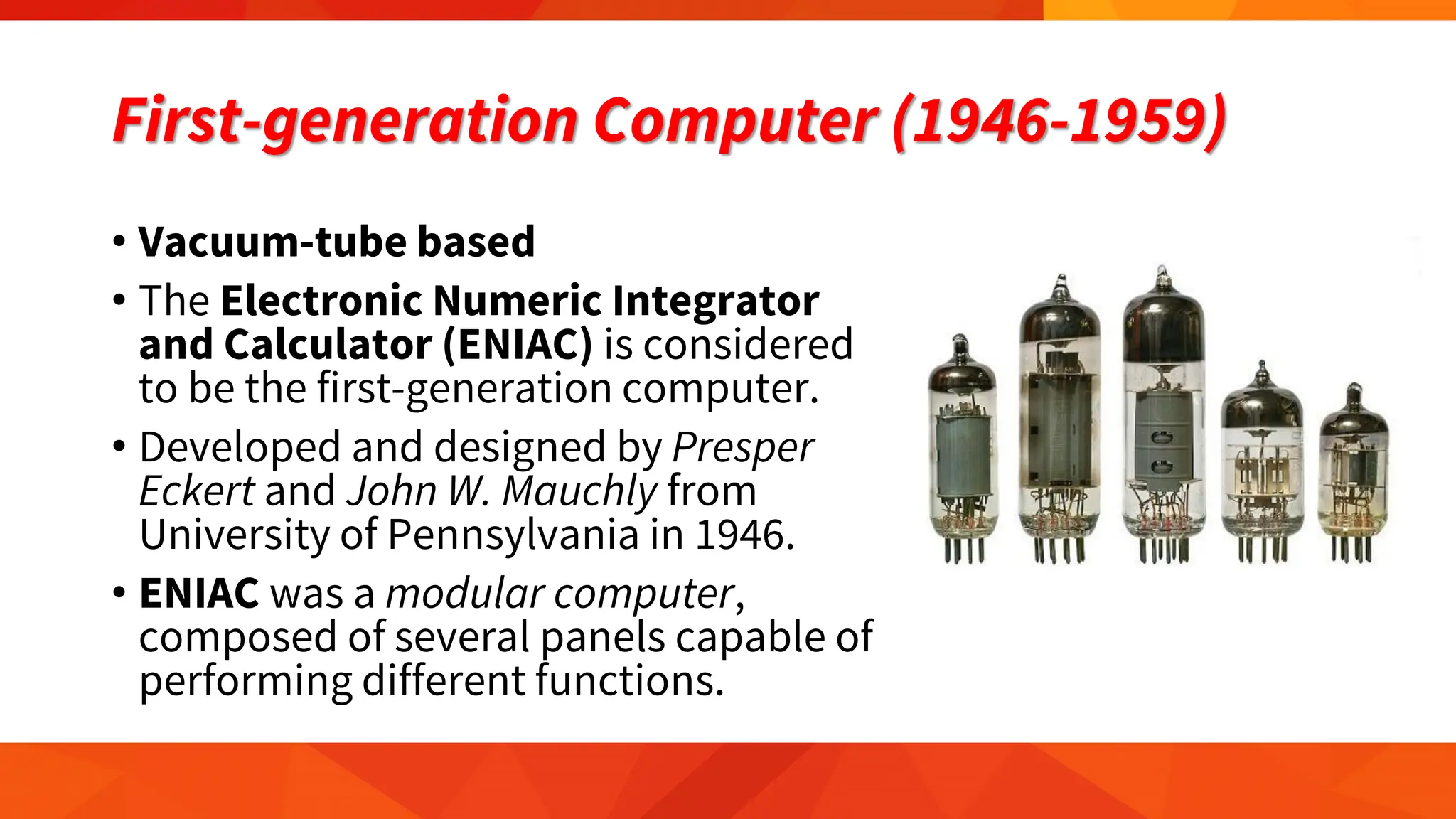
• Vacuum-tube based
• The Electronic Numeric Integrator
and Calculator (ENIAC) is considered
to be the first-generation computer.
• Developed and designed by Presper
Eckert and John W. Mauchly from
University of Pennsylvania in 1946.
• ENIAC was a modular computer,
composed of several panels capable of
performing different functions.
First-generation Computer (1946-1959)
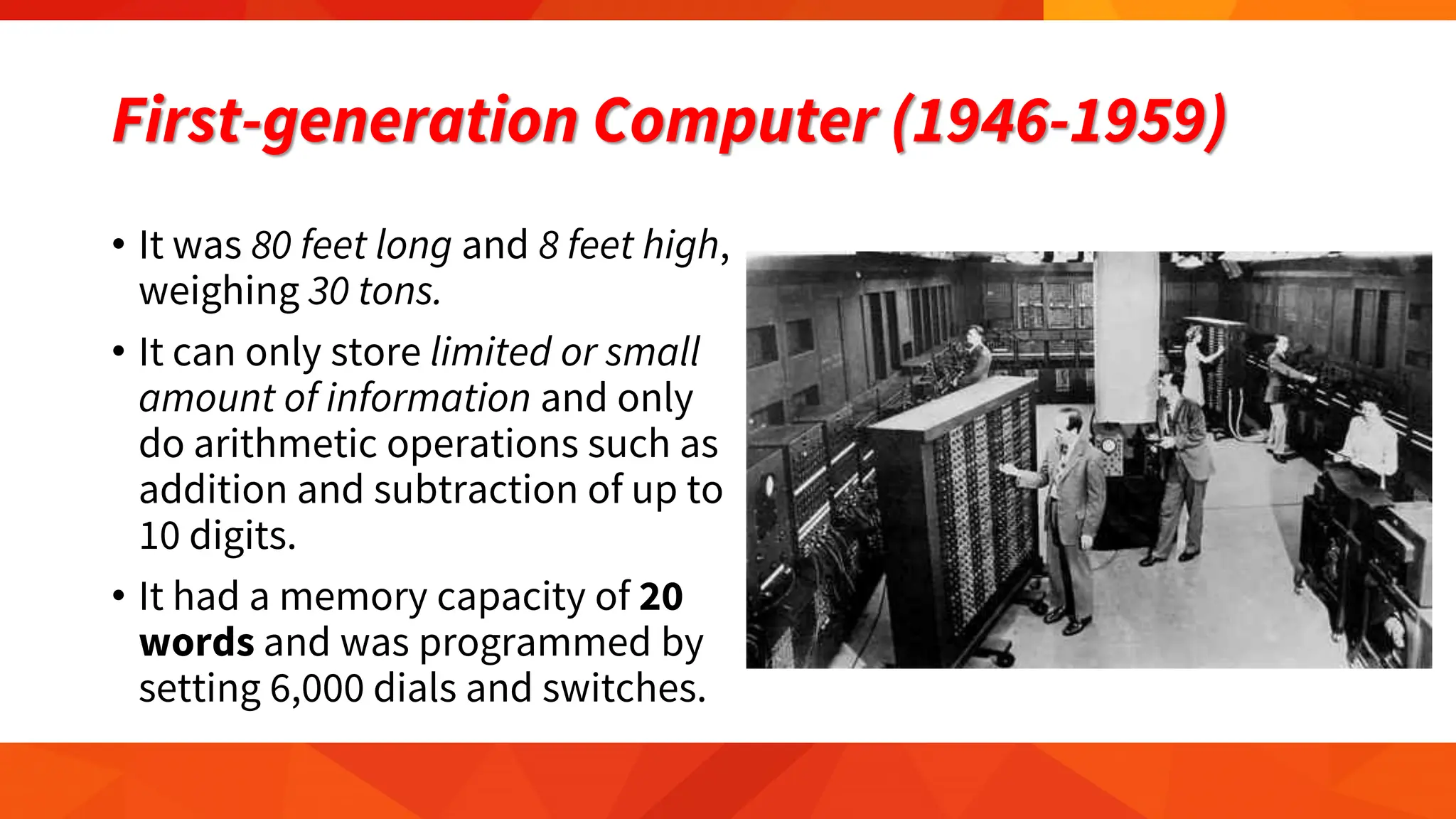
• It was 80 feet long and 8 feet high,
weighing 30 tons.
• It can only store limited or small
amount of information and only
do arithmetic operations such as
addition and subtraction of up to
10 digits.
• It had a memory capacity of 20
words and was programmed by
setting 6,000 dials and switches.
First-generation Computer (1946-1959)
The main features of first
generation are:
• Vacuum tube technology
• Unreliable
• Supported machine language
only
• Very costly
• Generated lot of heat
• Slow input and output devices
• Huge size
• Need of A.C.
• Non-portable
• Consumed lot of electricity
Second-generation Computer (1959-1965)
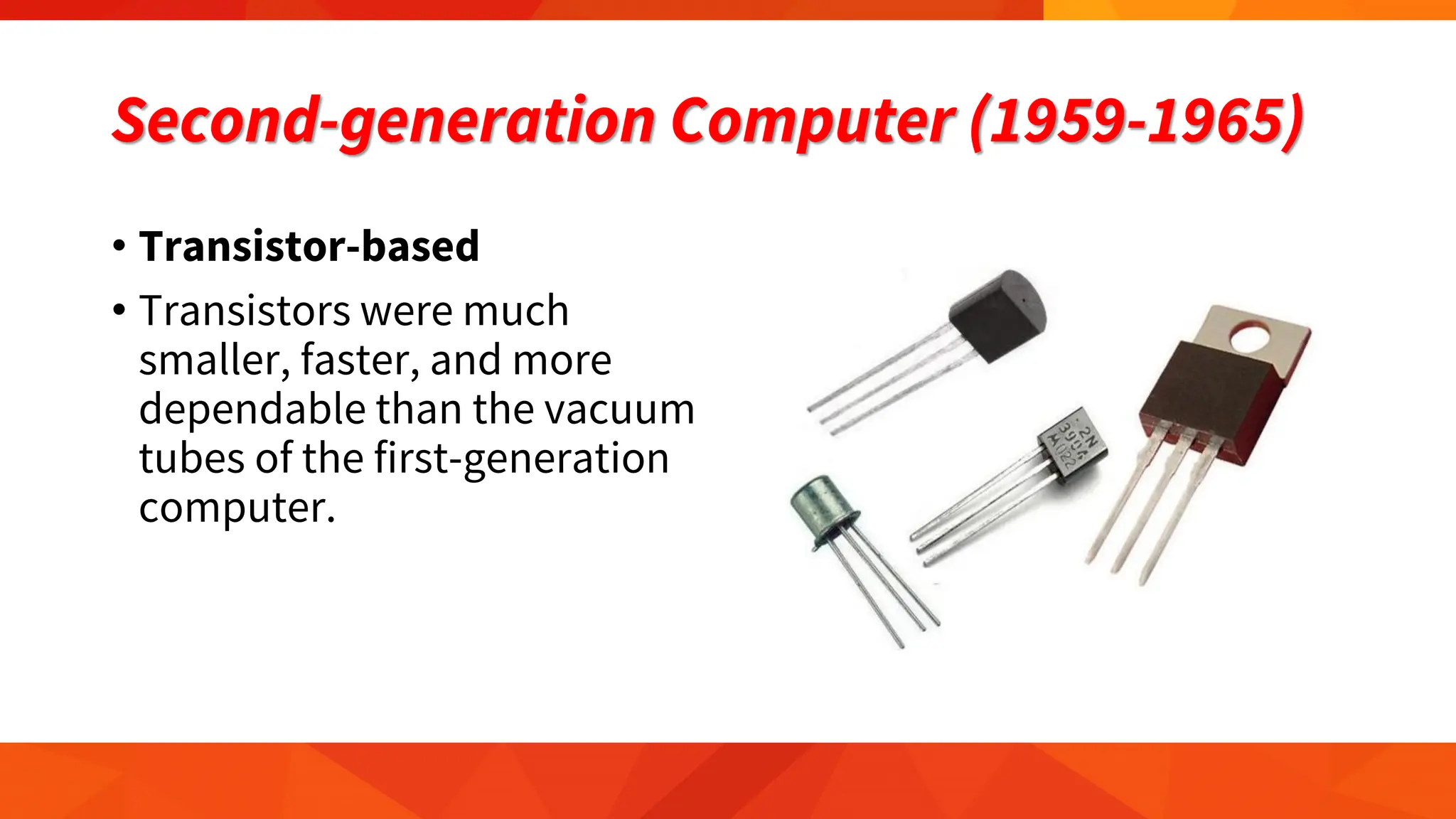
• Transistor-based
• Transistors were much
smaller, faster, and more
dependable than the vacuum
tubes of the first-generation
computer.
Second-generation Computer (1959-1965)
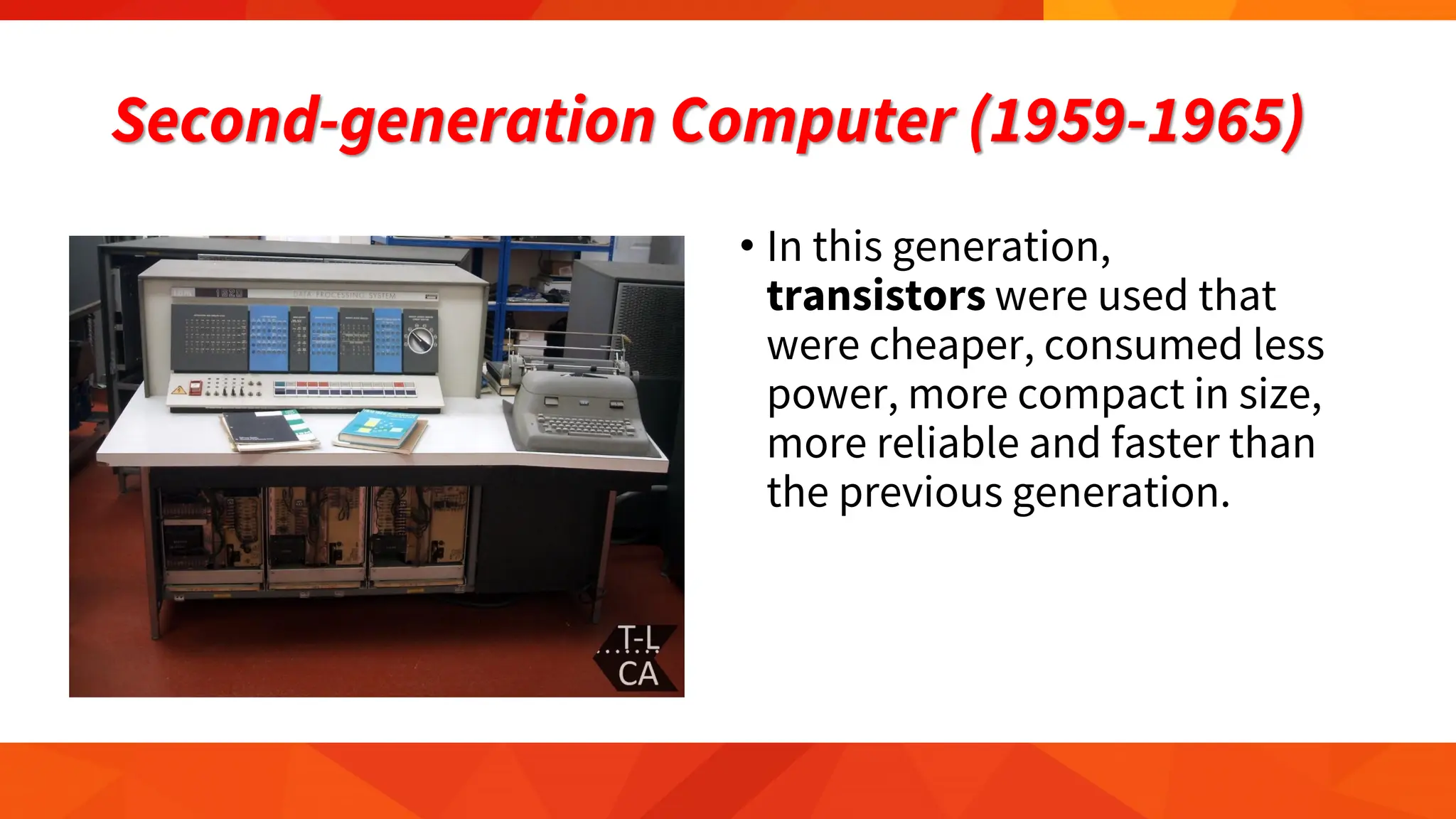
• In this generation,
transistors were used that
were cheaper, consumed less
power, more compact in size,
more reliable and faster than
the previous generation.
Second-generation Computer (1959-1965)
The main features of second
generation are:
• Use of transistors
• Reliable in comparison to first
generation computers
• Smaller size as compared to
first generation computers
• Generated less heat as
compared to first generation
computers
• Consumed less electricity as
compared to first generation
computers
• Faster than first generation
computers
• Still very costly
• A.C. needed
• Supported machine and
assembly languages
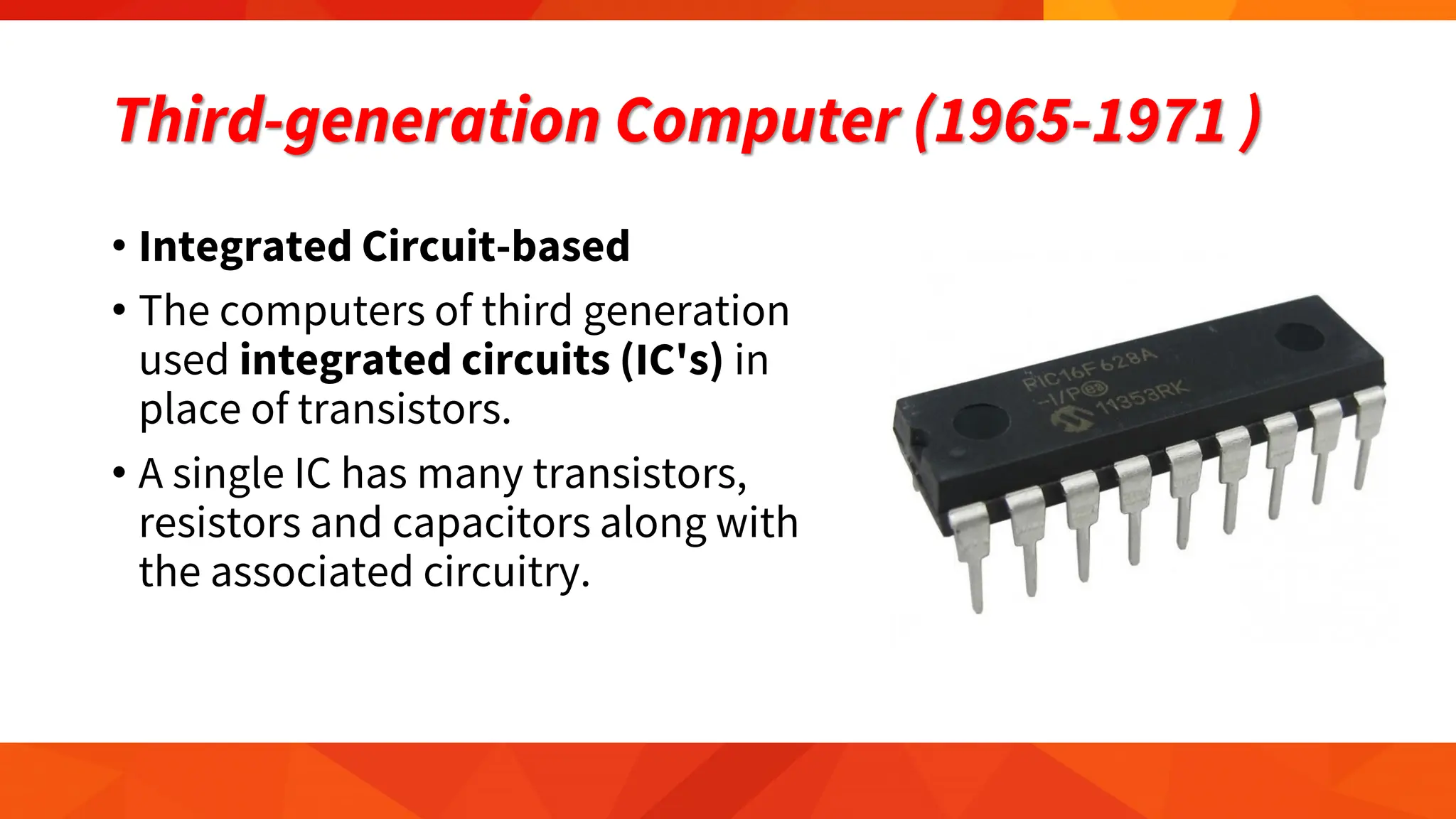
Third-generation Computer (1965-1971 )
• Integrated Circuit-based
• The computers of third generation
used integrated circuits (IC's) in
place of transistors.
• A single IC has many transistors,
resistors and capacitors along with
the associated circuitry.
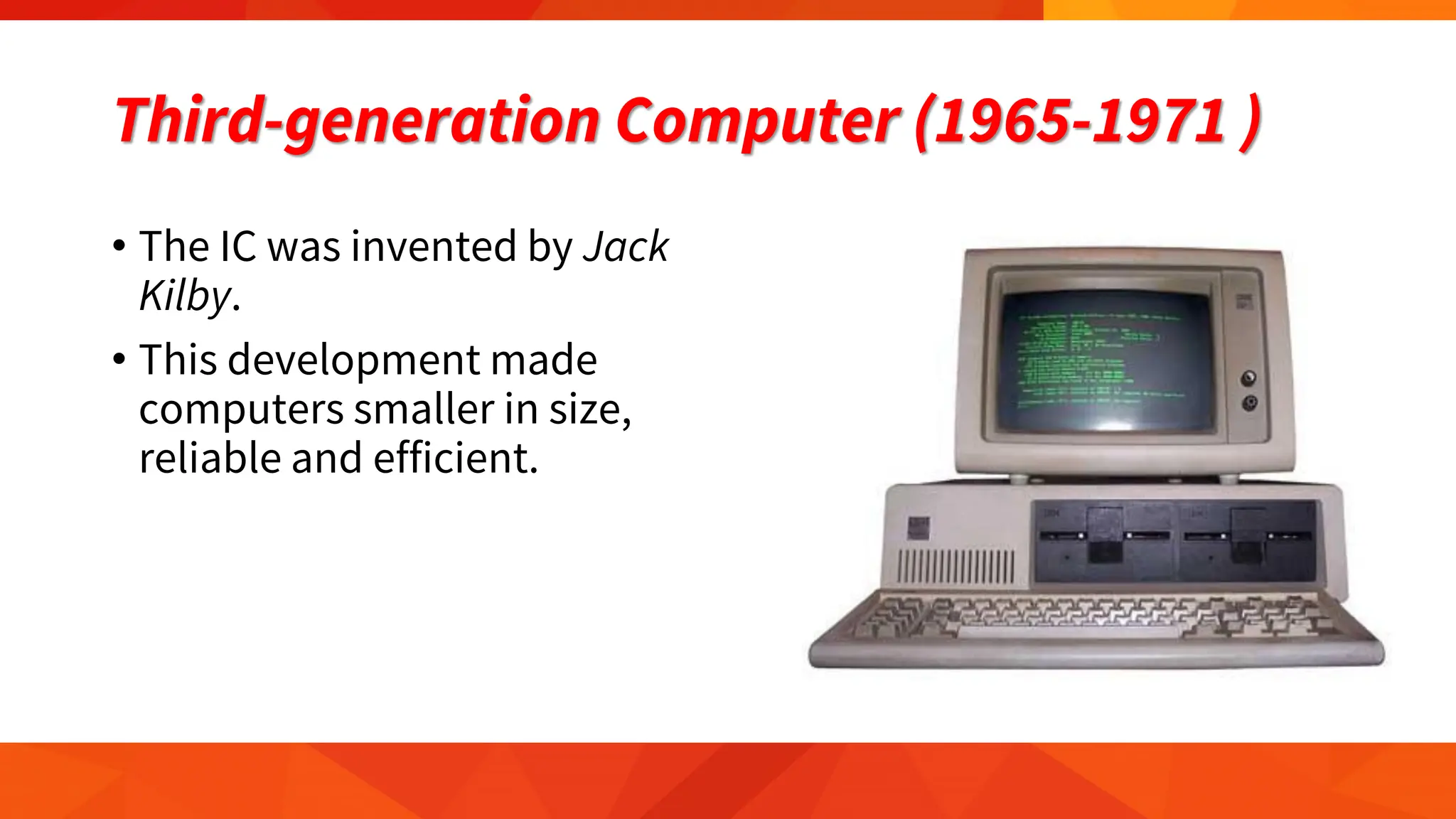
Third-generation Computer (1965-1971 )
• The IC was invented by Jack
Kilby.
• This development made
computers smaller in size,
reliable and efficient.
Third-generation Computer (1965-1971 )
The main features of third
generation are:
• IC used
• More reliable in comparison to
previous two generations
• Smaller size
• Generated less heat
• Faster
• Lesser maintenance
• Still costly
• A.C needed
• Consumed lesser electricity
• Supported high-level language
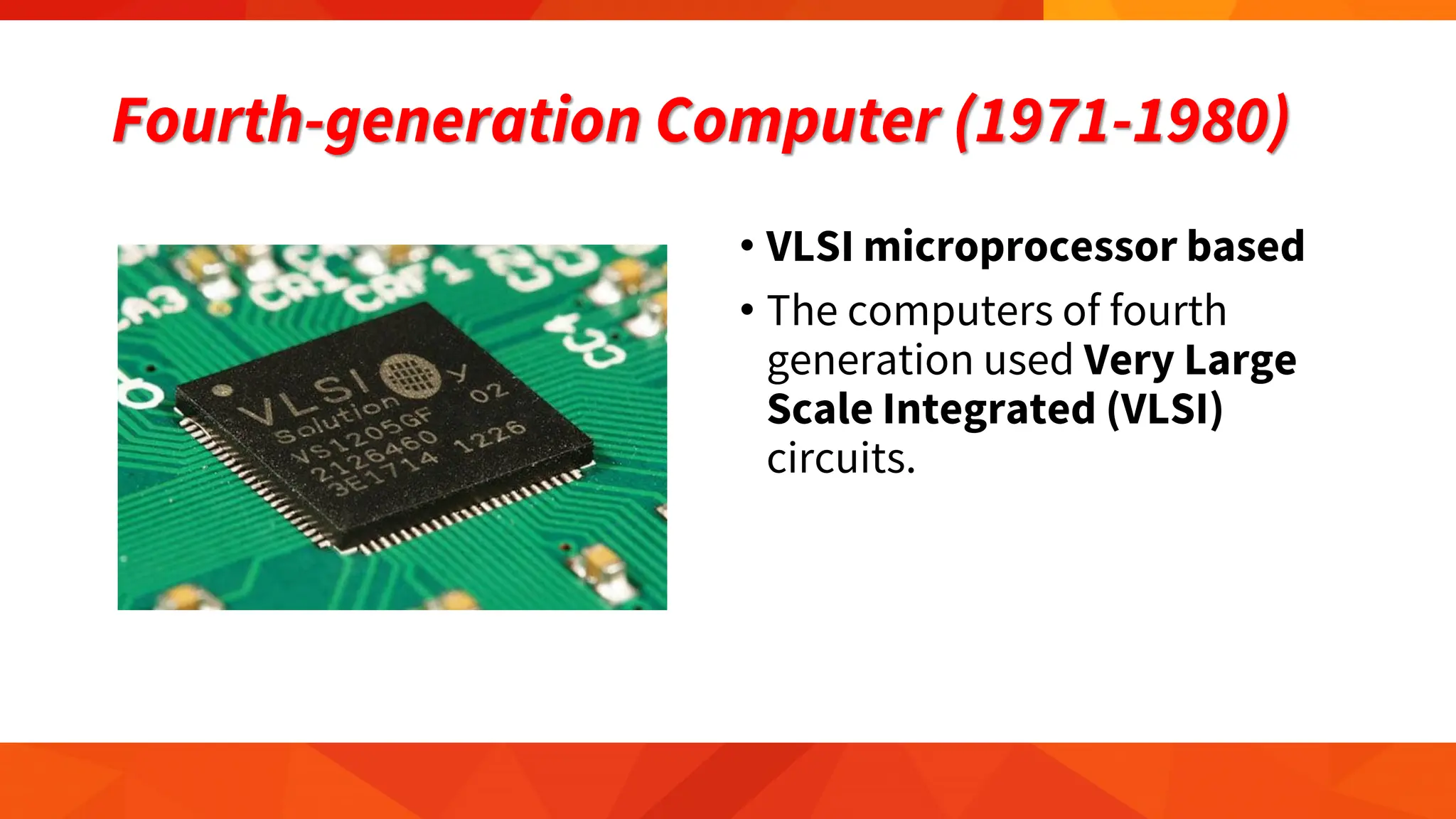
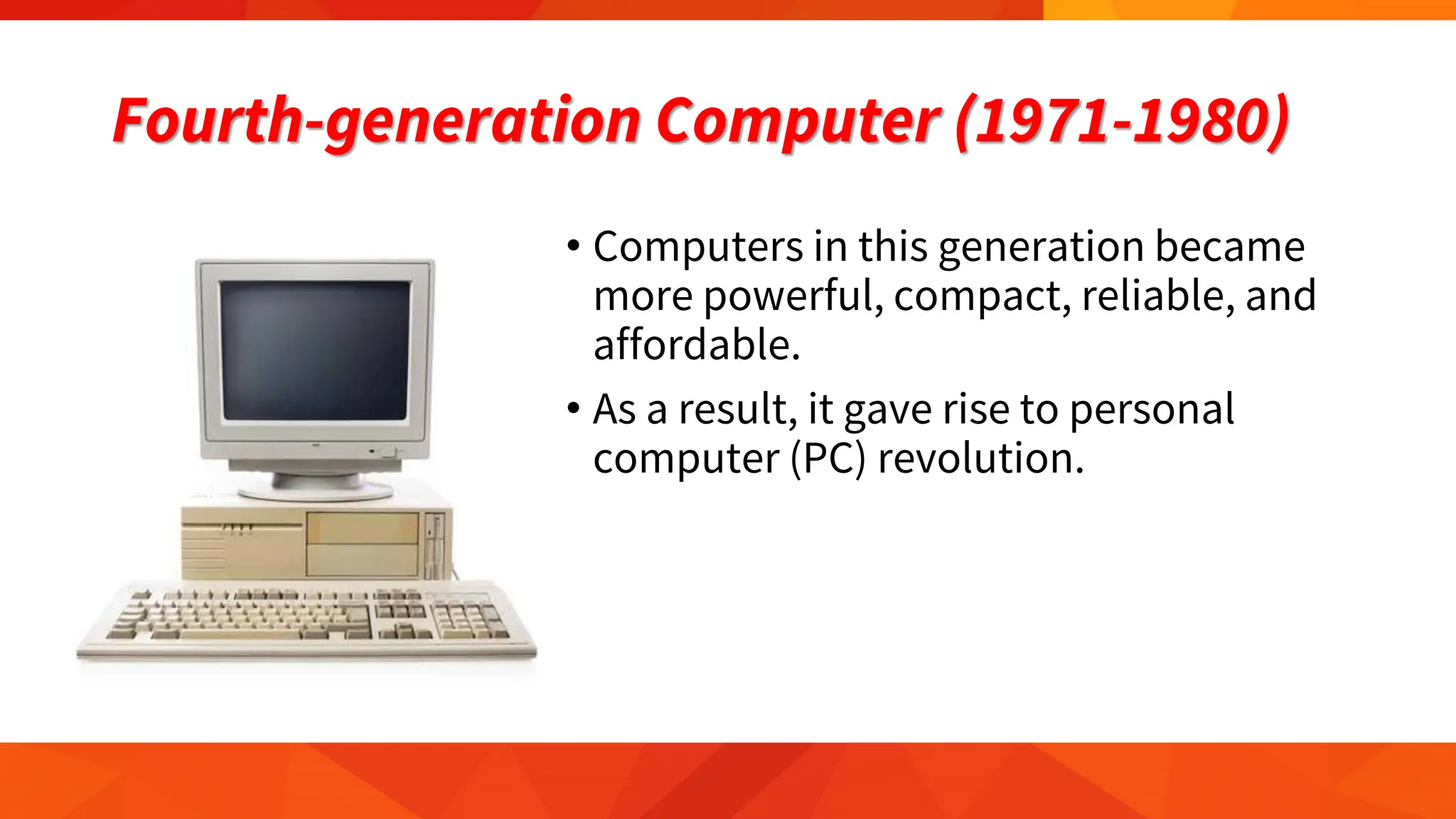
Fourth-generation Computer (1971-1980)
• VLSI microprocessor based
• The computers of fourth
generation used Very Large
Scale Integrated (VLSI)
circuits.
Fourth-generation Computer (1971-1980)
• Computers in this generation became
more powerful, compact, reliable, and
affordable.
• As a result, it gave rise to personal
computer (PC) revolution.
Fourth-generation Computer (1971-1980)
The main features of fourth
generation are:
• VLSI technology used
• Very cheap
• Portable and reliable
• Use of PC's
• Very small size
• Pipeline processing
• No A.C. needed
• Concept of internet was
introduced
• Great developments in the
fields of networks
• Computers became easily
available
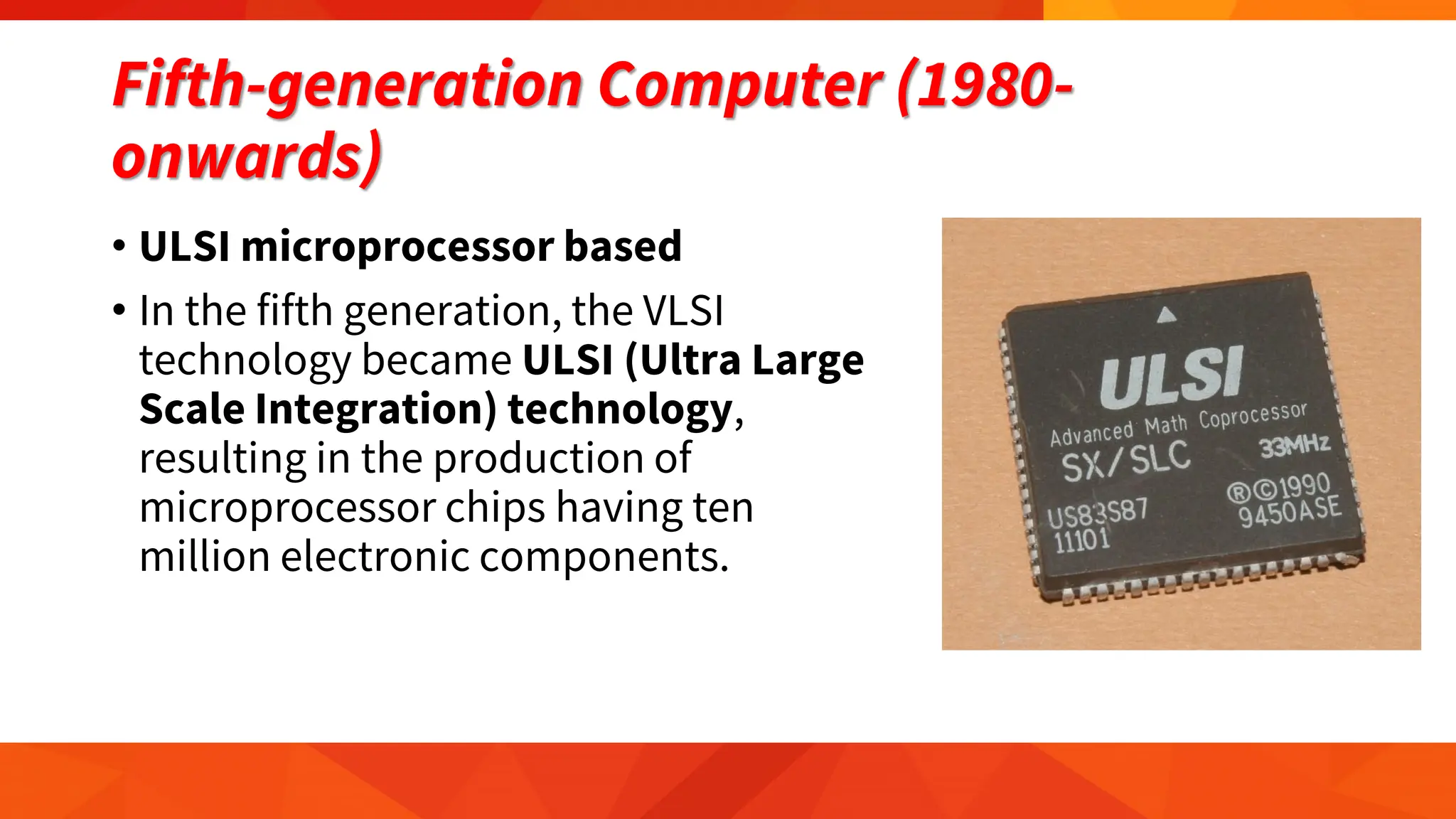
Fifth-generation Computer (1980-
onwards)
• ULSI microprocessor based
• In the fifth generation, the VLSI
technology became ULSI (Ultra Large
Scale Integration) technology,
resulting in the production of
microprocessor chips having ten
million electronic components.
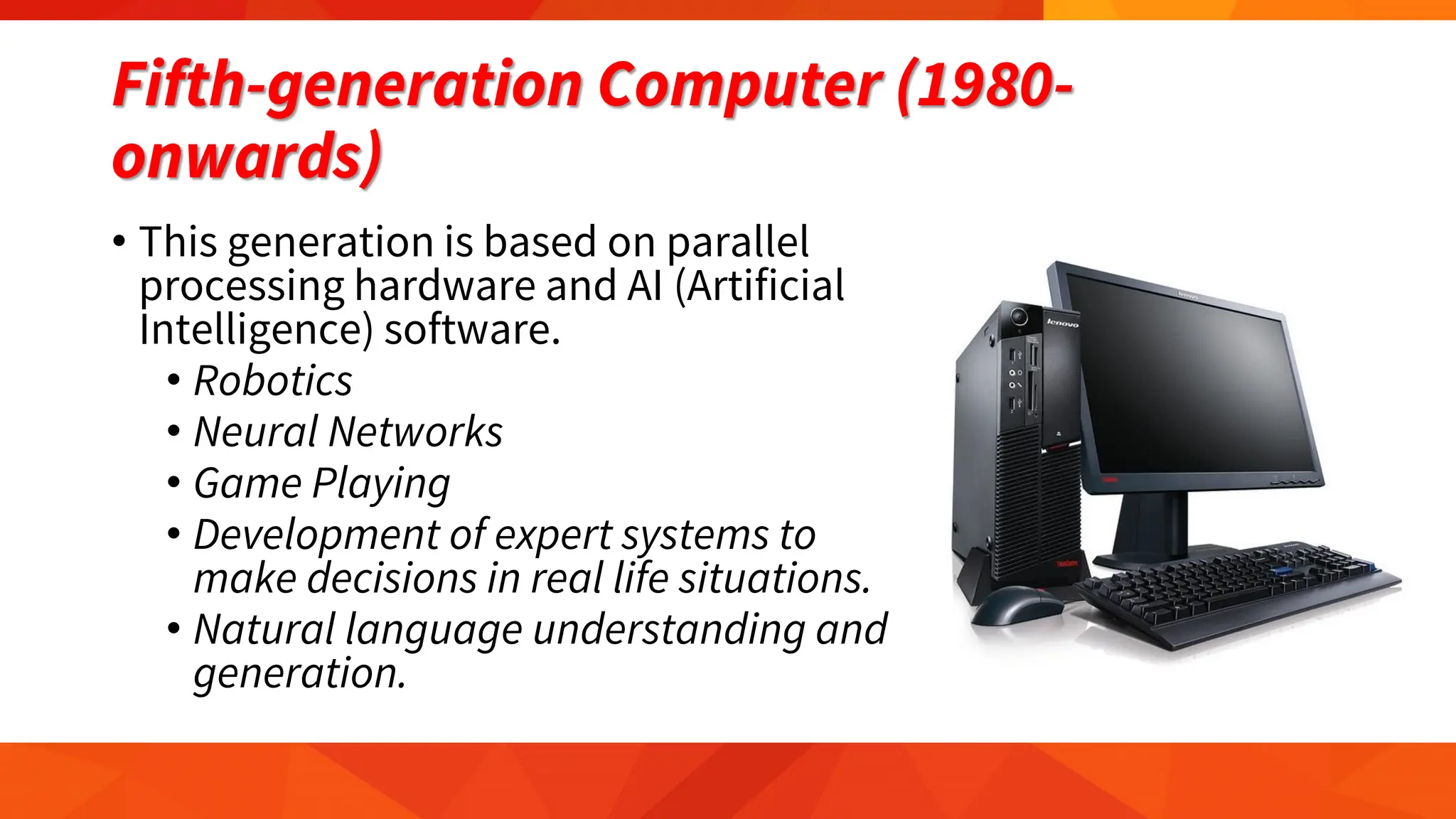
Fifth-generation Computer (1980-
onwards)
• This generation is based on parallel
processing hardware and AI (Artificial
Intelligence) software.
• Robotics
• Neural Networks
• Game Playing
• Development of expert systems to
make decisions in real life situations.
• Natural language understanding and
generation.
Fifth-generation Computer (1980-
onwards)
The main features of fifth
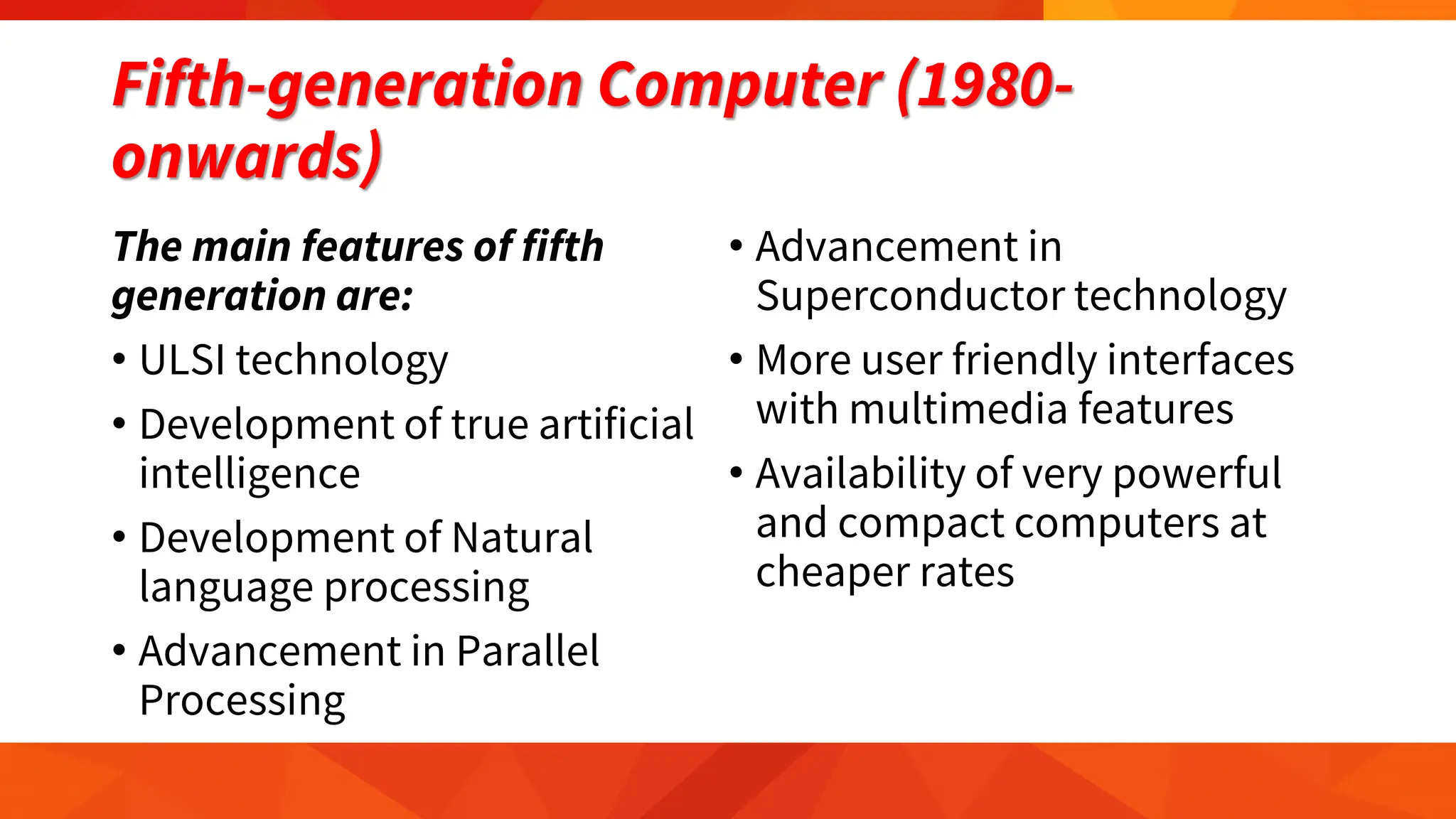
generation are:
• ULSI technology
• Development of true artificial
intelligence
• Development of Natural
language processing
• Advancement in Parallel
Processing
• Advancement in
Superconductor technology
• More user friendly interfaces
with multimedia features
• Availability of very powerful
and compact computers at
cheaper rates
Input, Output, & Storage Devices
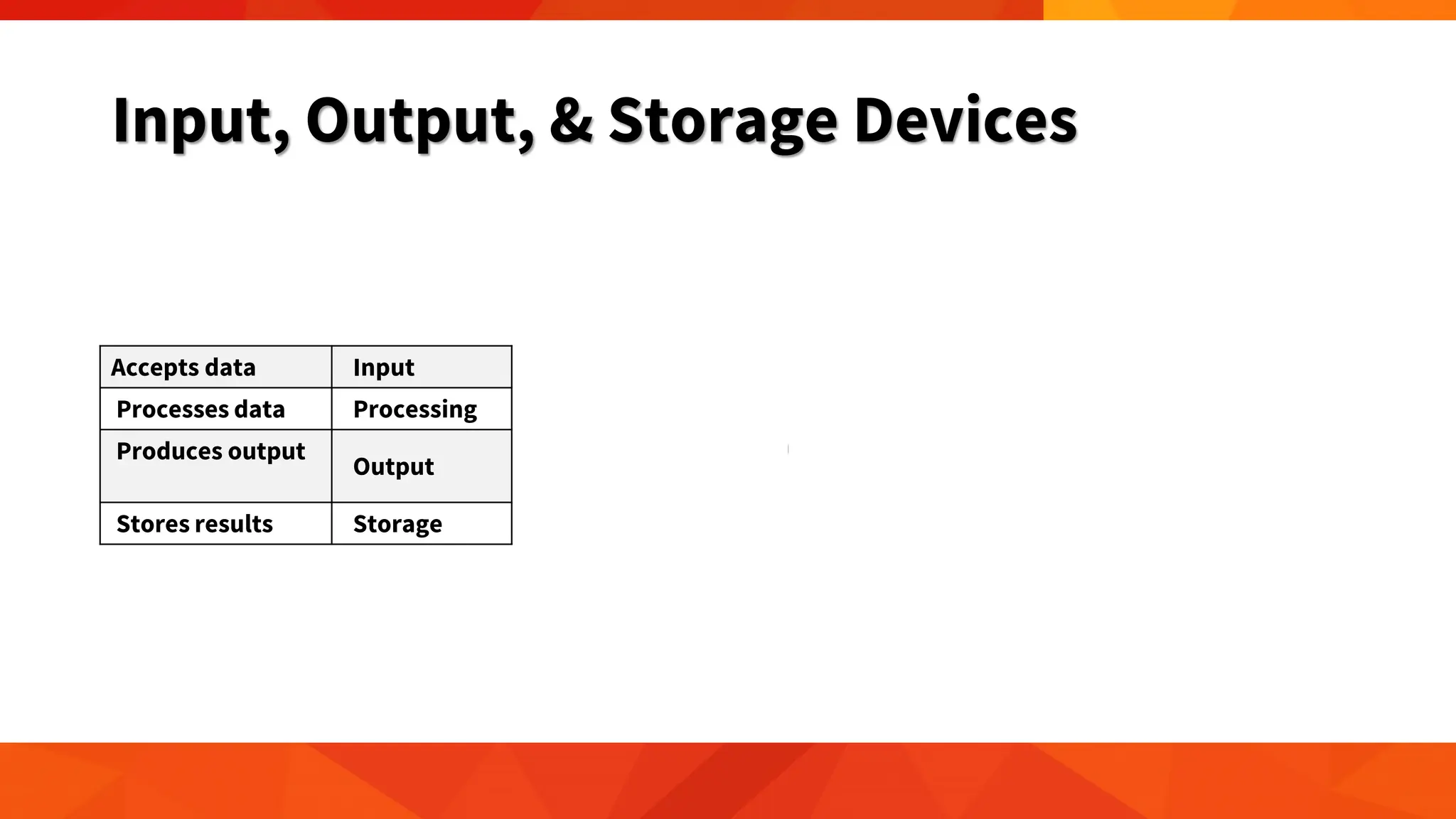
Accepts data Input
Processes data Processing
Produces output
Output
Stores results Storage
Input, Output, & Storage Devices
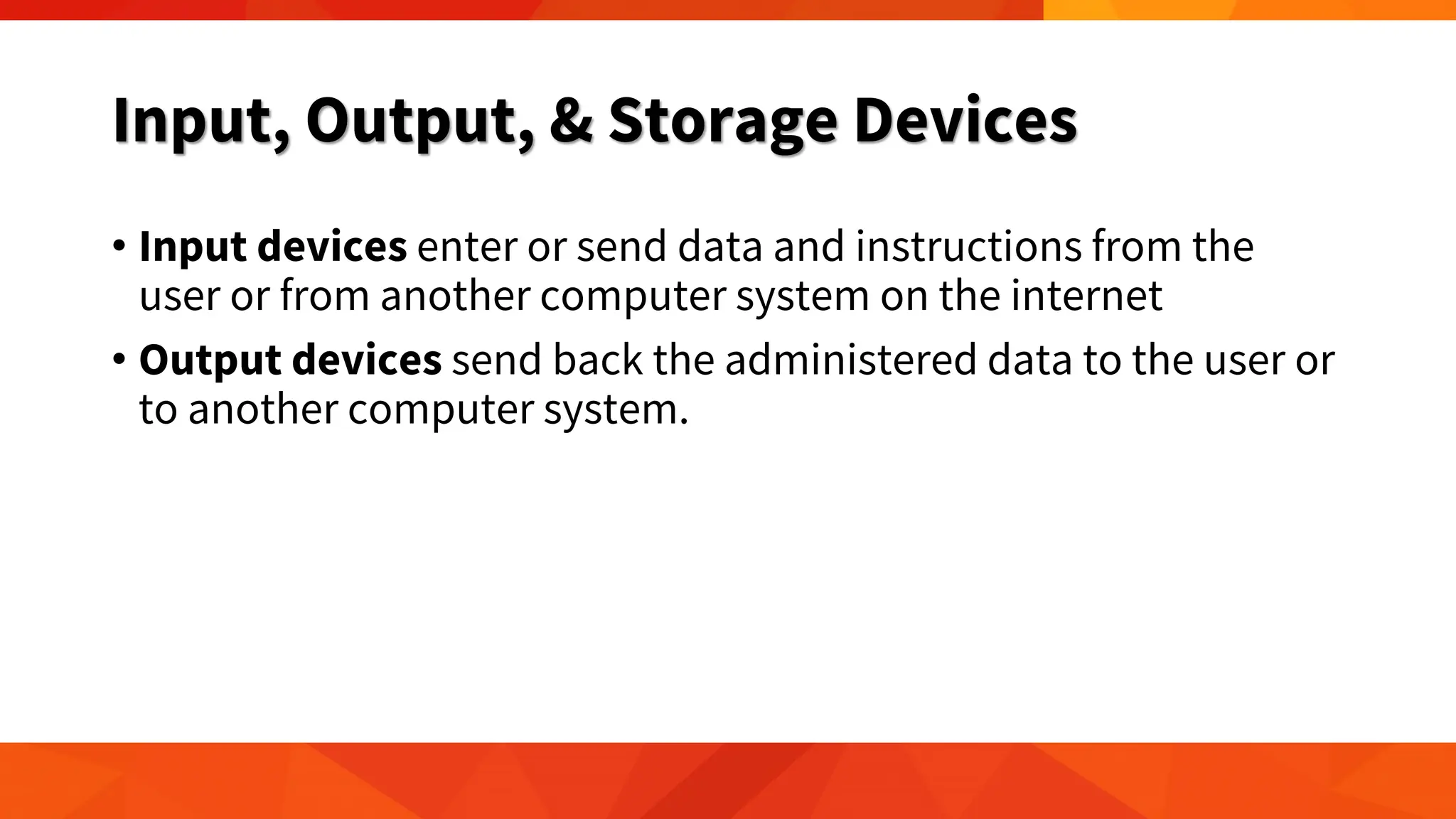
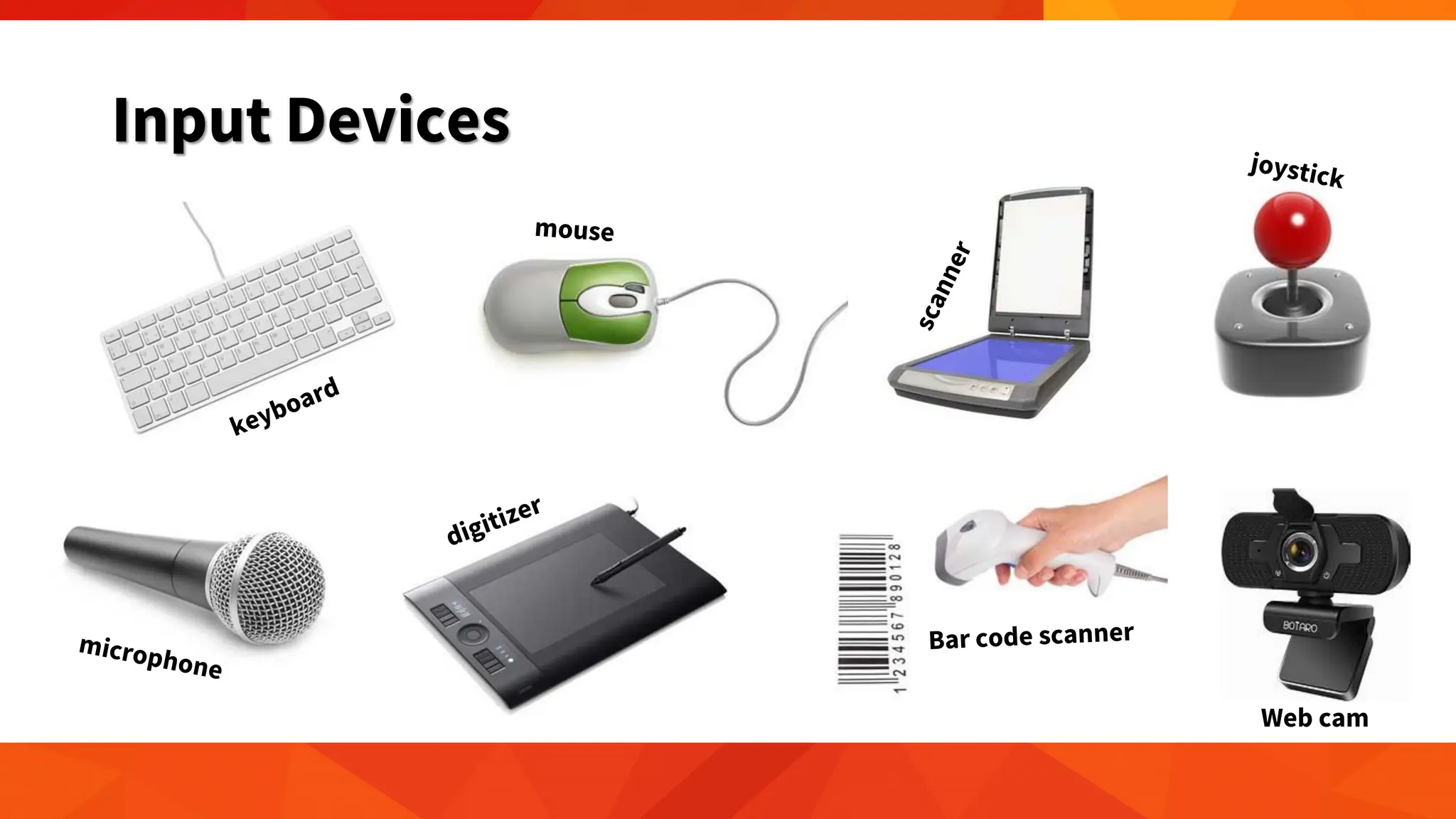
• Input devices enter or send data and instructions from the
user or from another computer system on the internet
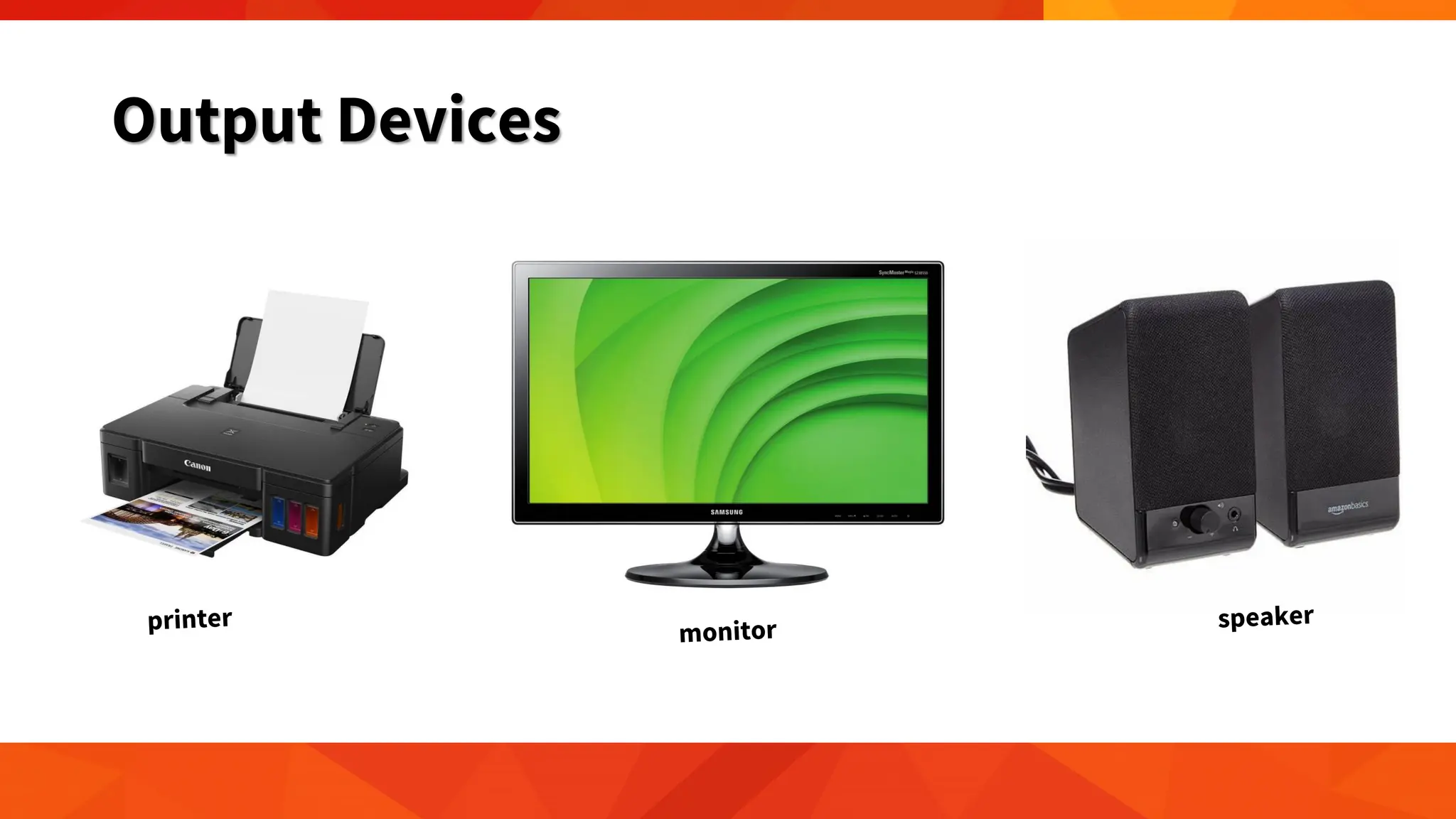
• Output devices send back the administered data to the user or
to another computer system.
Input Devices
Web cam
Output Devices
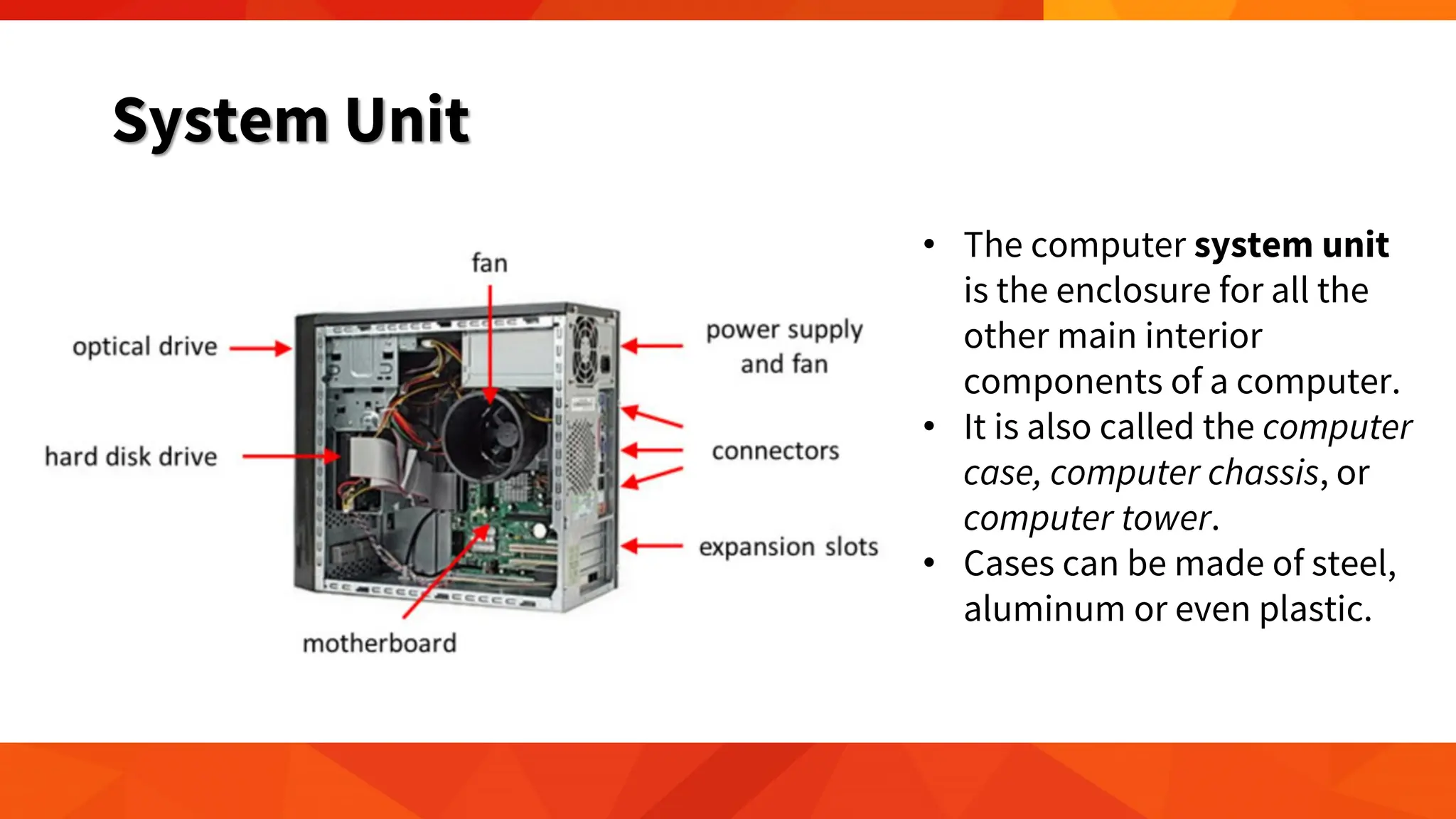
System Unit
• The computer system unit
is the enclosure for all the
other main interior
components of a computer.
• It is also called the computer
case, computer chassis, or
computer tower.
• Cases can be made of steel,
aluminum or even plastic.
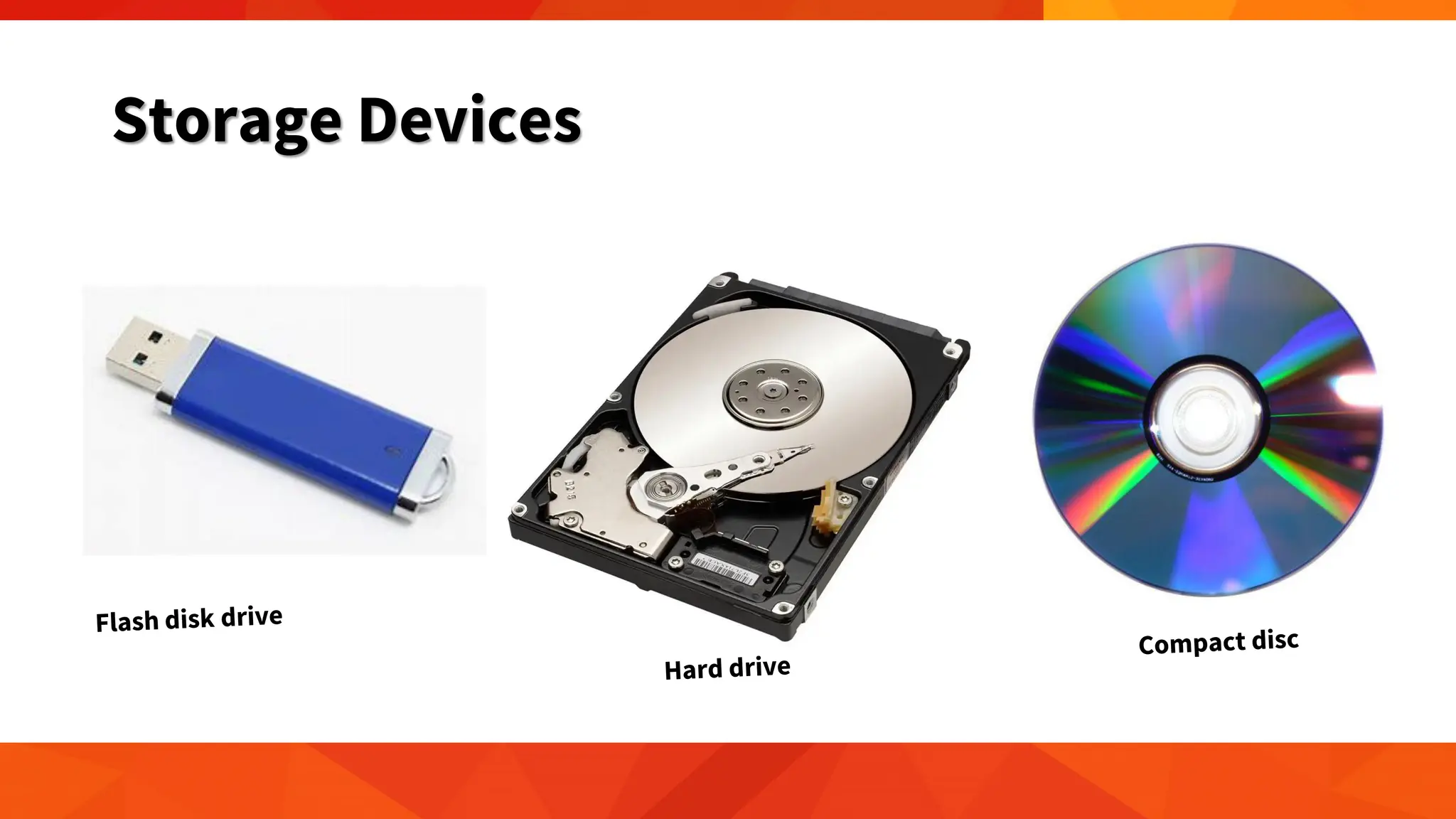
Storage Devices
• A computer can be utilized with only processing, memory,
input, and output devices. To make it very valuable, however, a
computer also needs a place to hold program files and all
related files when they are not in use. The goal of using a
storage is to keep data permanently.
Storage Devices
Why Computers are Powerful?
Speed
• Data, instructions, and
information drift along
electronic circuits, and
travel at incredibly
fast speeds
Reliability & Consistency
• Computers are
dependable because
they have a low failure
rate and produce
consistent results
Accuracy
• Computers process
large amounts of data
and generate error-
free results, provided
the data is inputted
correctly and the
instructions work
properly
• garbage in, garbage
out
Communication
• Two computers
connected by a
communications
device, such as a
modem, can share
stored data,
instructions, and
information. These
two computers can be
located in the same
room or thousands of
miles away from each
other in two different
countries.
General Classifications of Computers
based on Size and Computing Power
• Personal computer - a small, single-user computer based on a
microprocessor.
• Workstation - a powerful, single-user computer like a personal
computer but it has a more powerful microprocessor and a higher
quality monitor.
• Minicomputer - a multi-user computer capable of supporting from
10 to hundreds of users simultaneously.
• Mainframe - a powerful multi-user computer capable of supporting
hundreds or thousands of users simultaneously.
• Supercomputer - an extremely fast computer that can perform
millions of instructions per second.
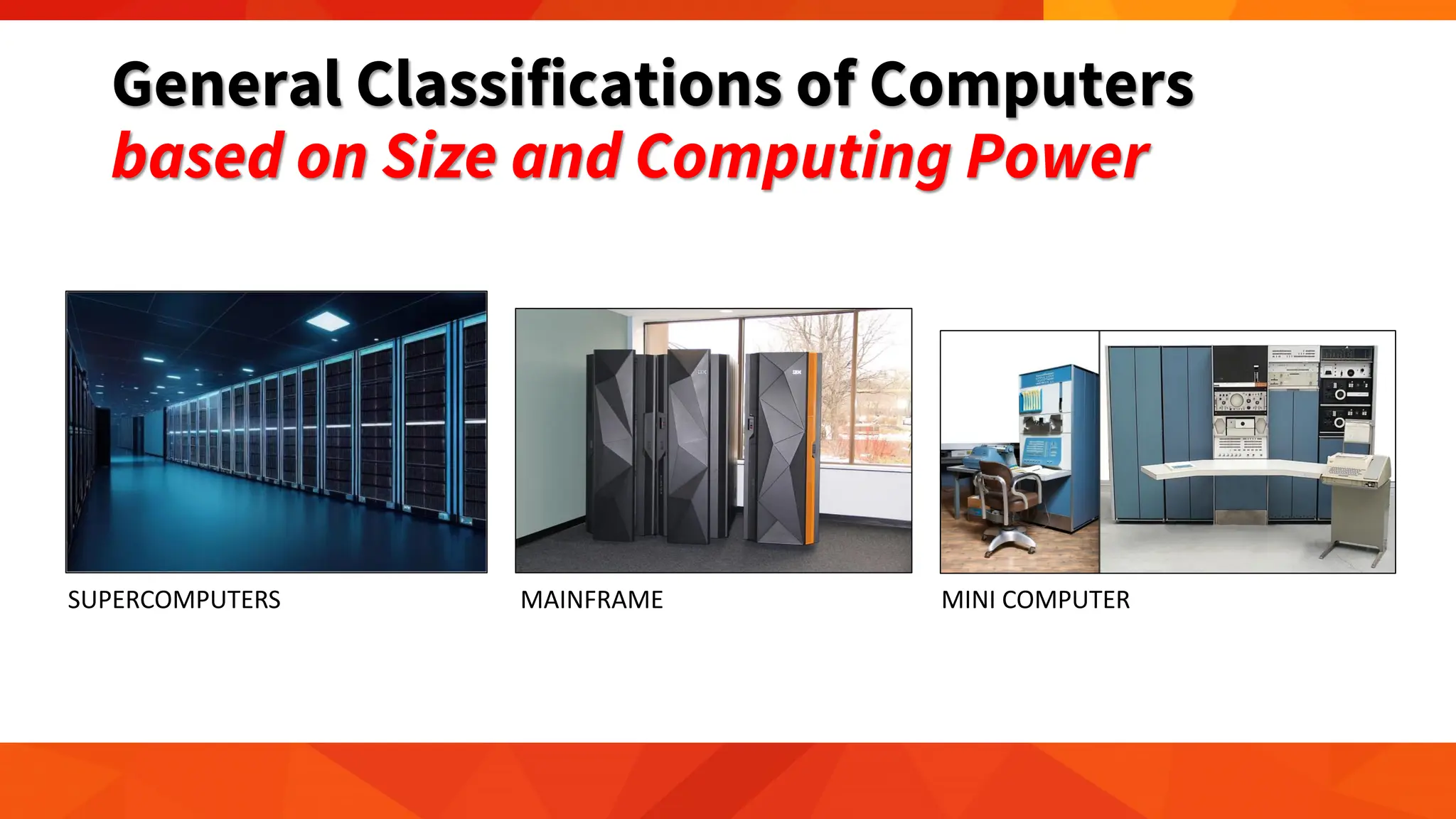
General Classifications of Computers
based on Size and Computing Power
SUPERCOMPUTERS MAINFRAME MINI COMPUTER
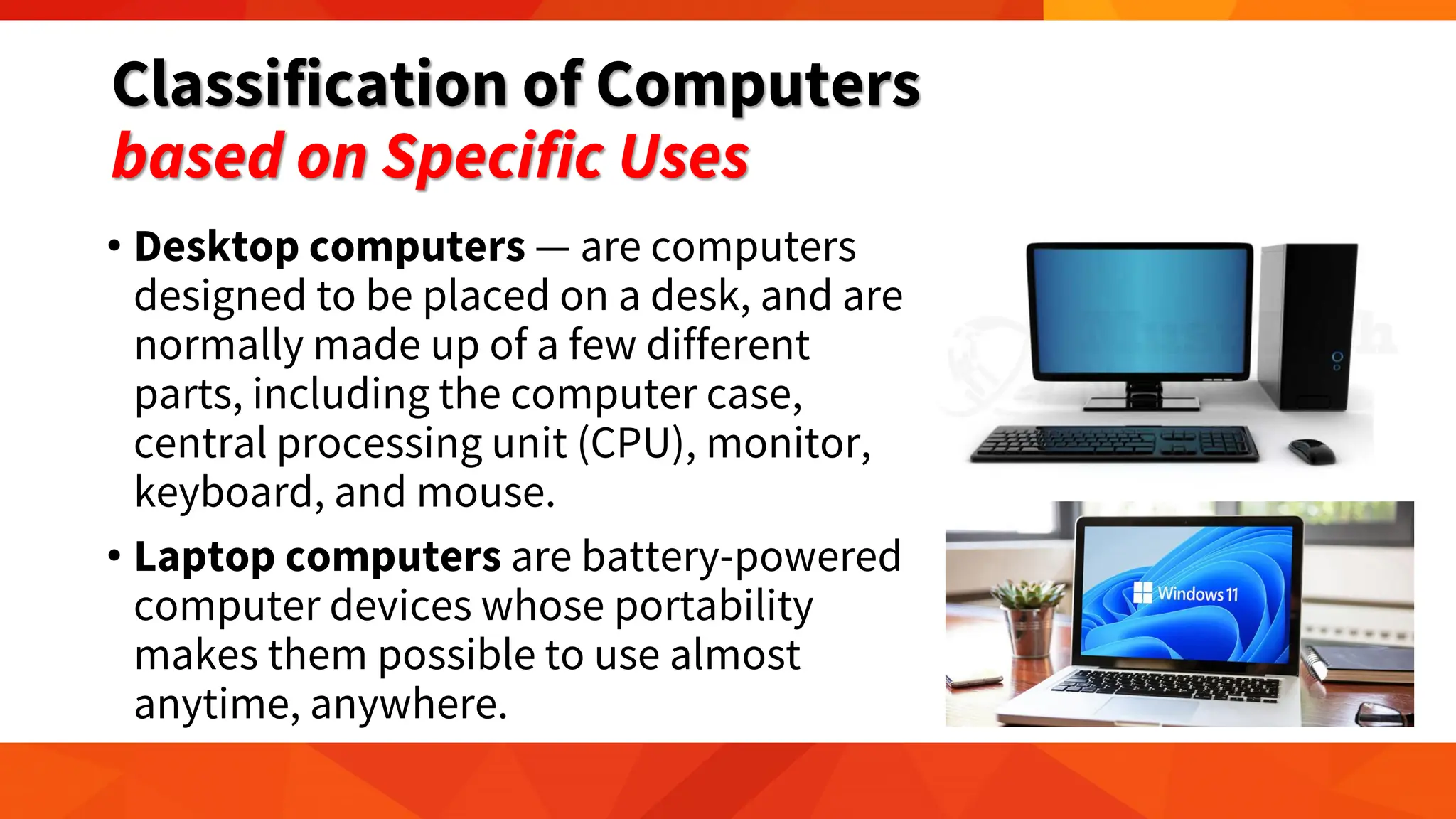
Classification of Computers
based on Specific Uses
• Desktop computers — are computers
designed to be placed on a desk, and are
normally made up of a few different
parts, including the computer case,
central processing unit (CPU), monitor,
keyboard, and mouse.
• Laptop computers are battery-powered
computer devices whose portability
makes them possible to use almost
anytime, anywhere.
Classification of Computers
based on Specific Uses
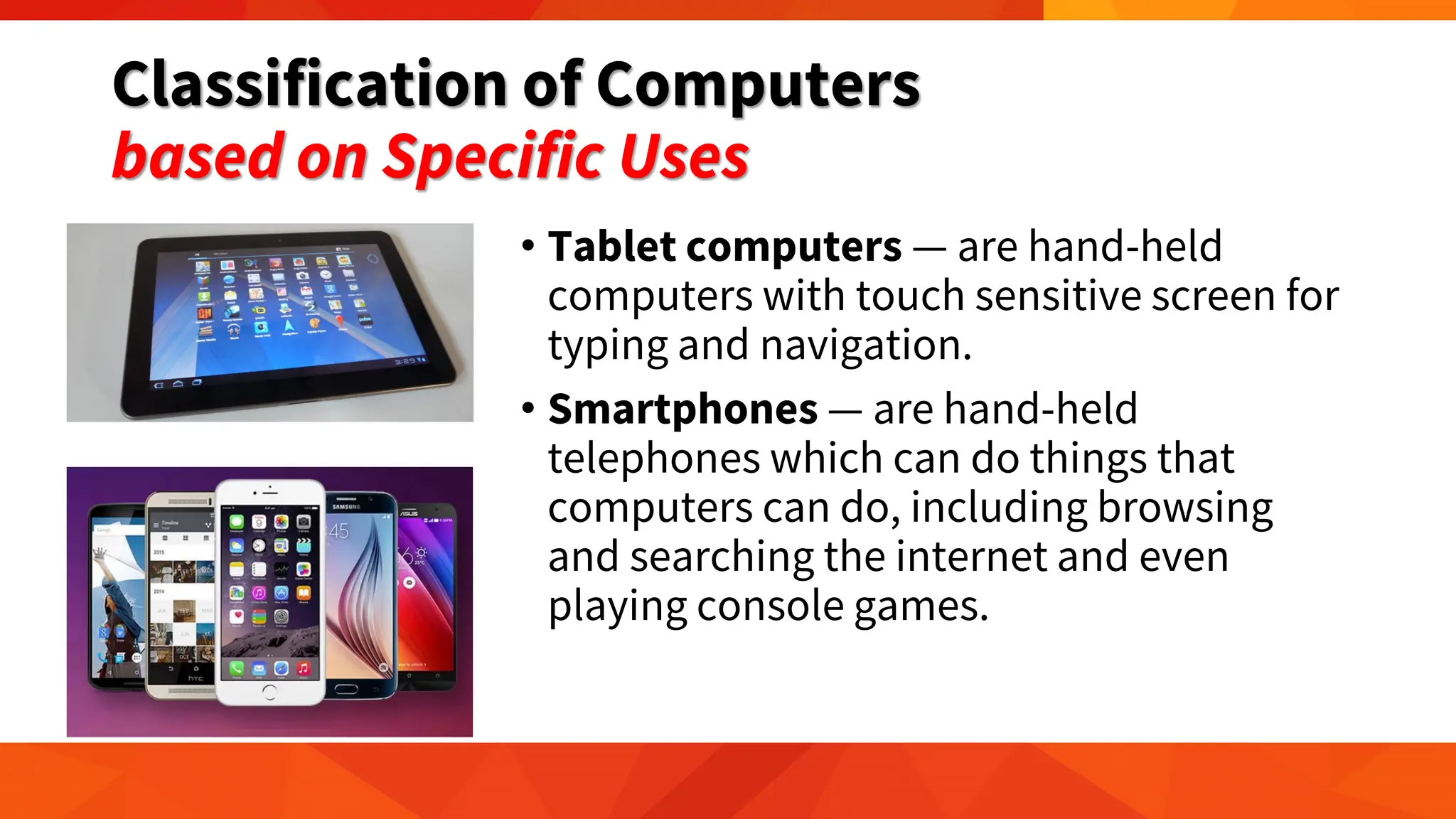
• Tablet computers — are hand-held
computers with touch sensitive screen for
typing and navigation.
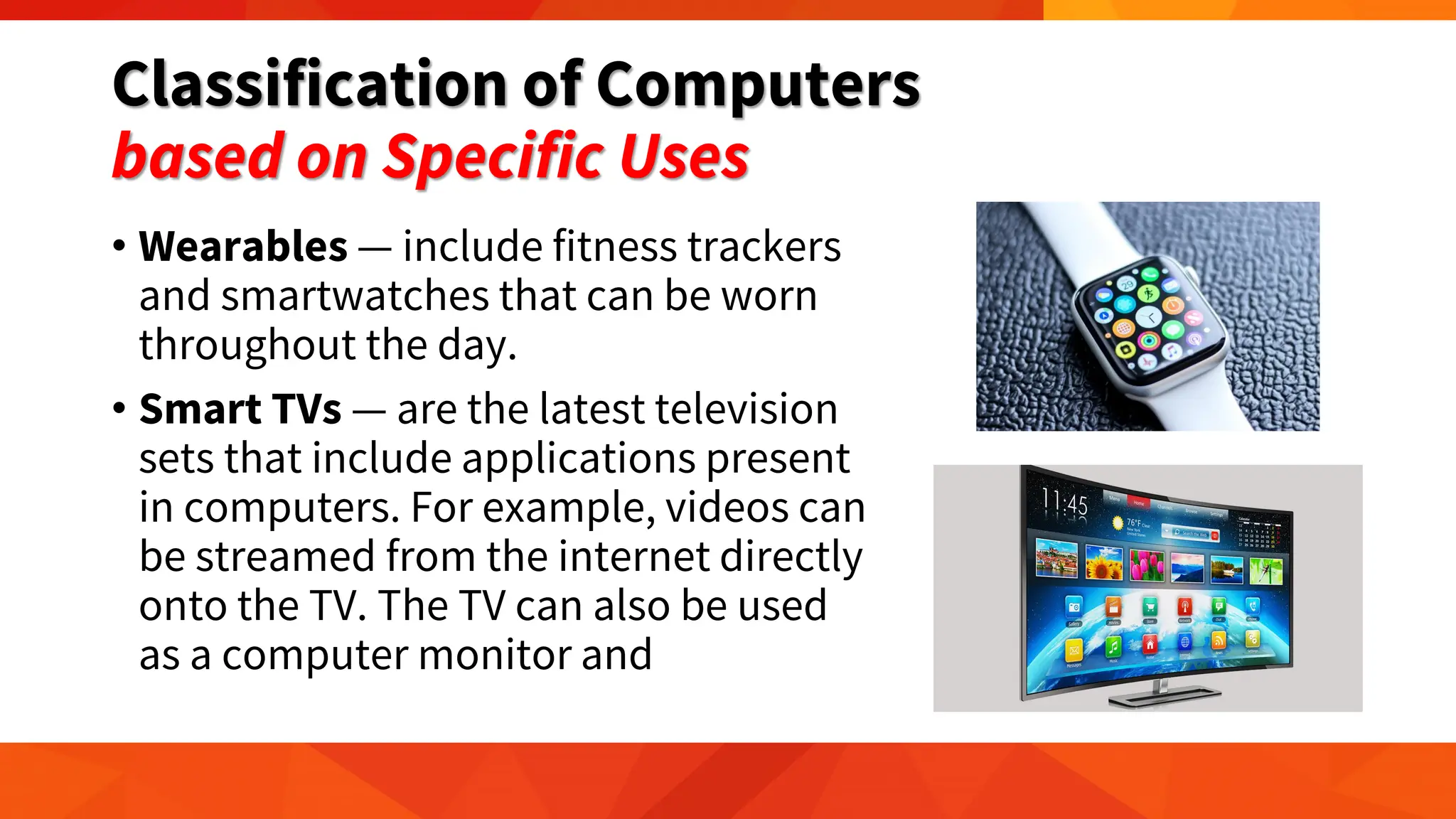
• Smartphones — are hand-held
telephones which can do things that
computers can do, including browsing
and searching the internet and even
playing console games.
Classification of Computers
based on Specific Uses
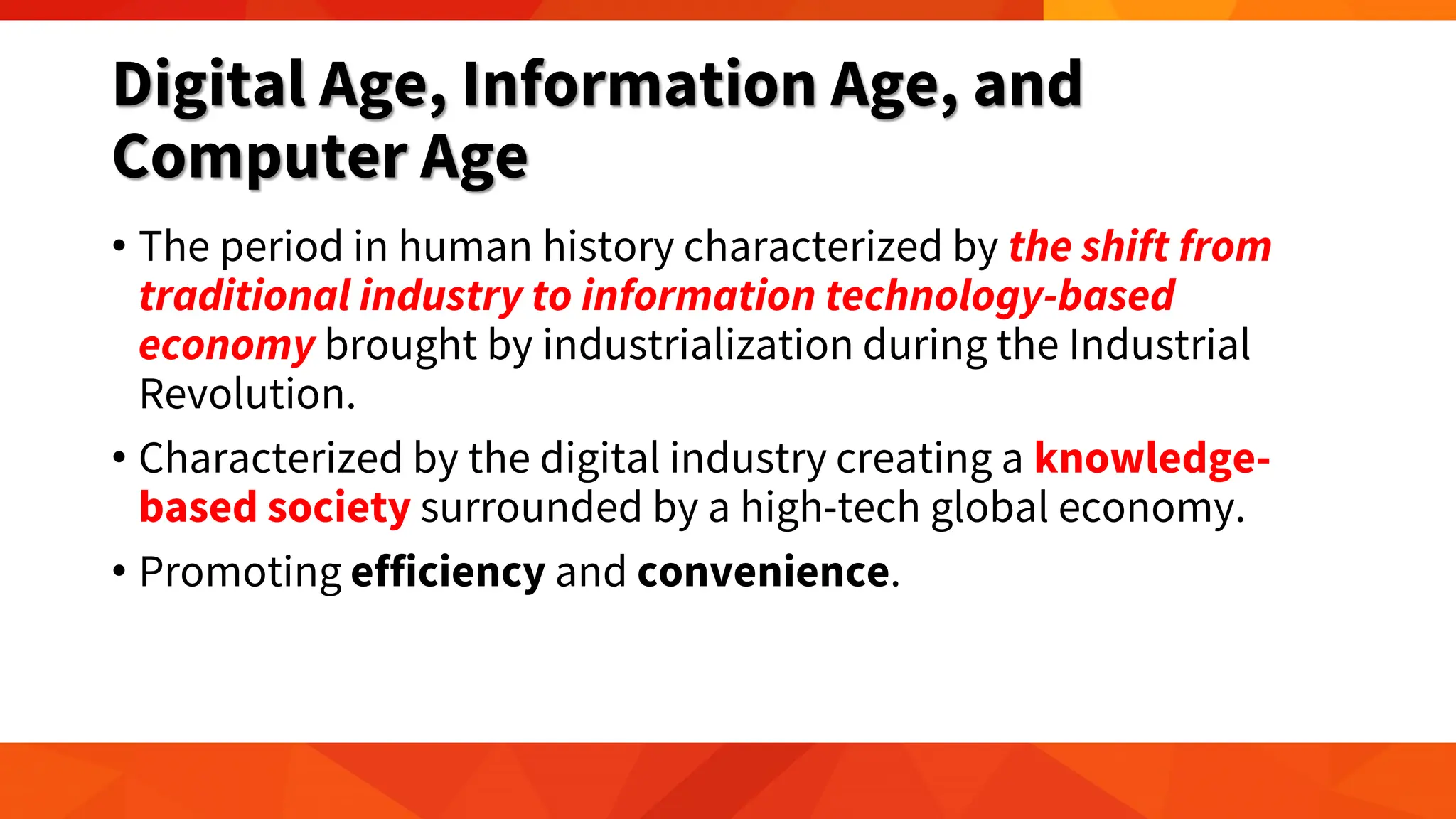
• Wearables — include fitness trackers
and smartwatches that can be worn
throughout the day.
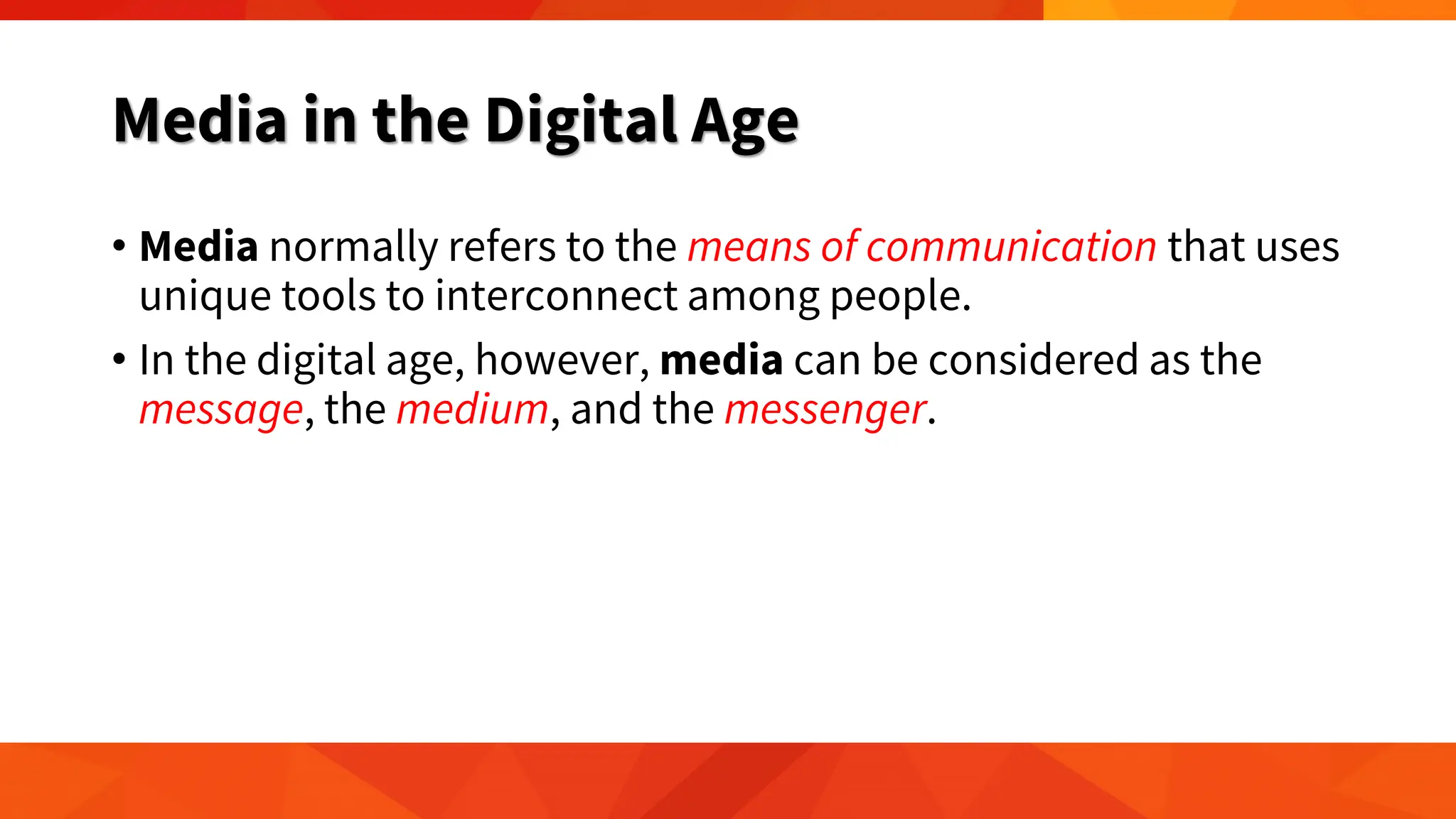
• Smart TVs — are the latest television
sets that include applications present
in computers. For example, videos can
be streamed from the internet directly
onto the TV. The TV can also be used
as a computer monitor and
Digital Age, Information Age, and
Computer Age
• The period in human history characterized by the shift from
traditional industry to information technology-based
economy brought by industrialization during the Industrial
Revolution.
• Characterized by the digital industry creating a knowledge-
based society surrounded by a high-tech global economy.
• Promoting efficiency and convenience.
Media in the Digital Age
• Media normally refers to the means of communication that uses
unique tools to interconnect among people.
• In the digital age, however, media can be considered as the
message, the medium, and the messenger.
The Message
• Media is considered to be the message itself for those who
create and own the rights of content.
• The forms of content can be user-generated or professionally-
produced.
• User-generated content (UGC) is a form of content created
and owned by the users of a system.
• UGC has grown exponentially because of the internet or easy
Wi-Fi access, increased social media participation, and
affordable smart devices.
Blog, Microblogs, and Video Blogs
• Expressing one’s thought and emotion thru the online
platform.
• A blog is a combination of two words— web and log.
• It works the same way as pen and paper would but privacy
becomes irrelevant given that a blog post can be seen by
anyone online.
• A person who writes blogs is called a blogger.
Blog, Microblogs, and Video Blogs
• Microblogs have become popular due to the rise of Tumblr and
Twitter (now X) in which users instantly share limited content or
short messages.
• Video Blogs (Vlogs) have become a staple in the internet, due
to the increasing number of YouTube viewers
• People have explored uploading their own videos ranging
from their travels and products reviews to any other random
topics.
The Medium
• The medium used refers to the tool or tools used in sending a
message from the source to the destination.
• With the latest technologies, the so-called social media has
become an avenue for information dissemination even taking
over news sites in bringing the latest or up-to-date content.
• X
• Facebook
The Messenger
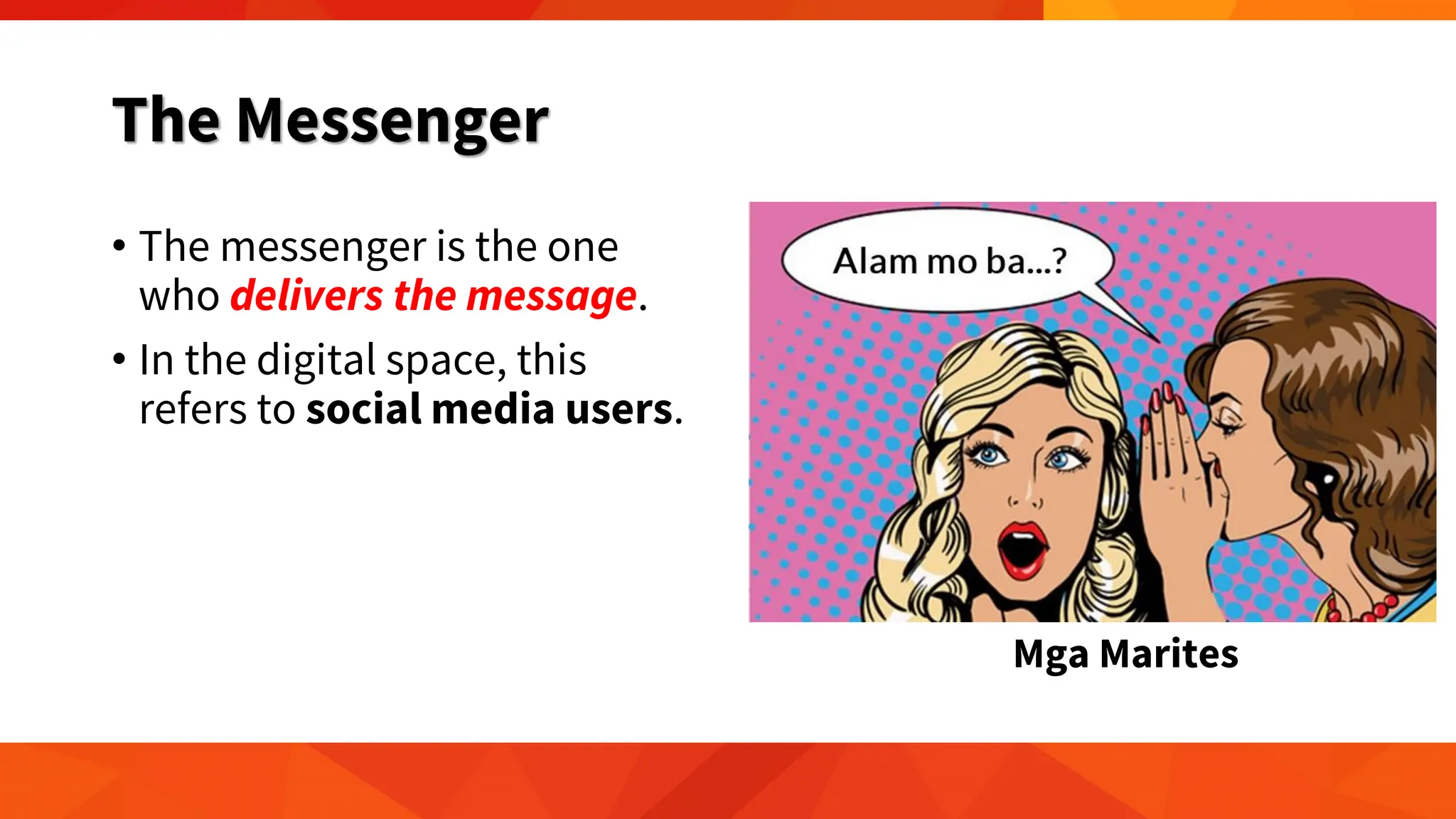
• The messenger is the one
who delivers the message.
• In the digital space, this
refers to social media users.
Mga Marites
Evolution of Media
The media has transformed itself based on:
(1) how information is presented; and
(2) how the connection is established.
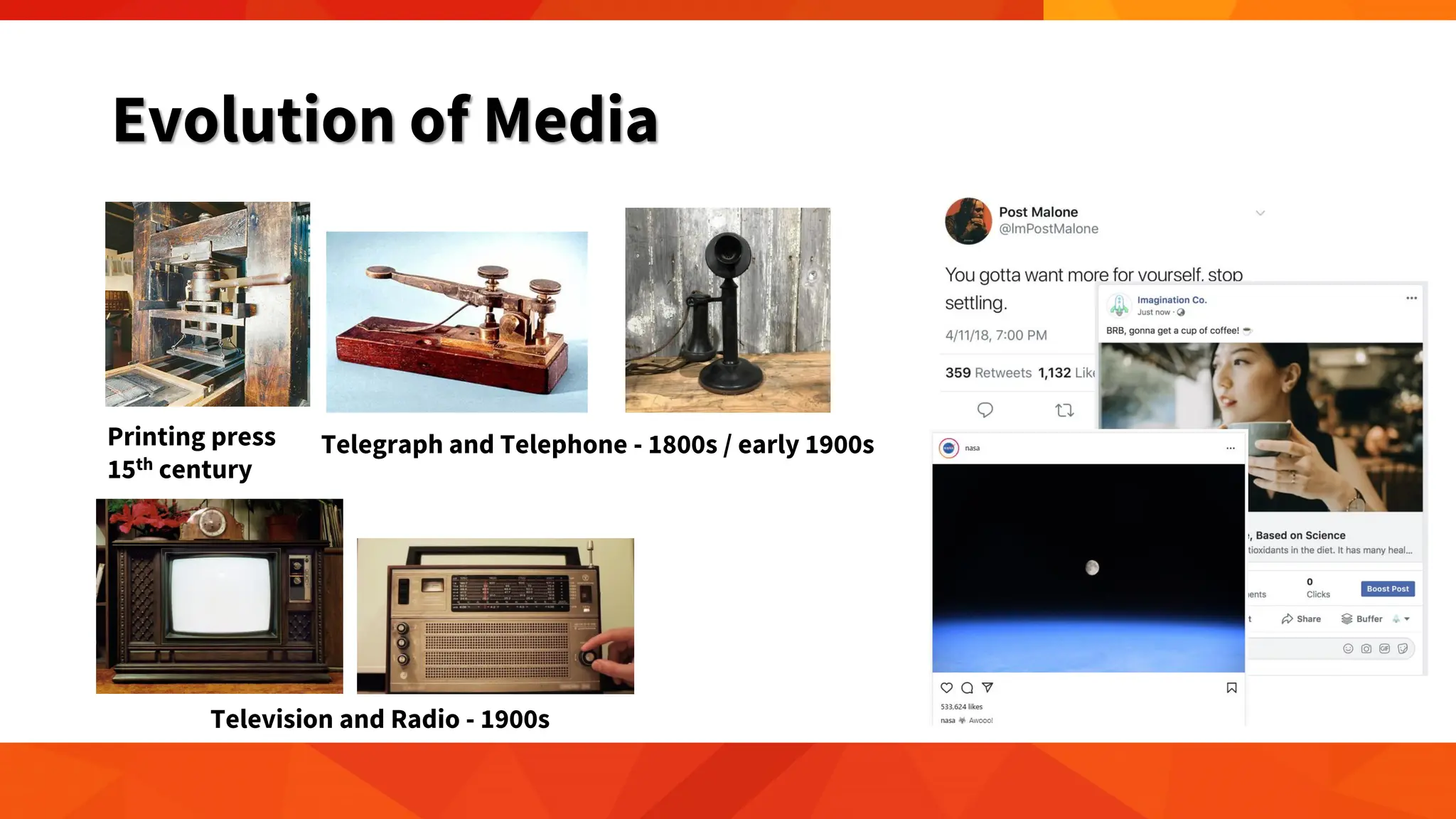
Evolution of Media
Printing press
15th century
Telegraph and Telephone - 1800s / early 1900s
Television and Radio - 1900s
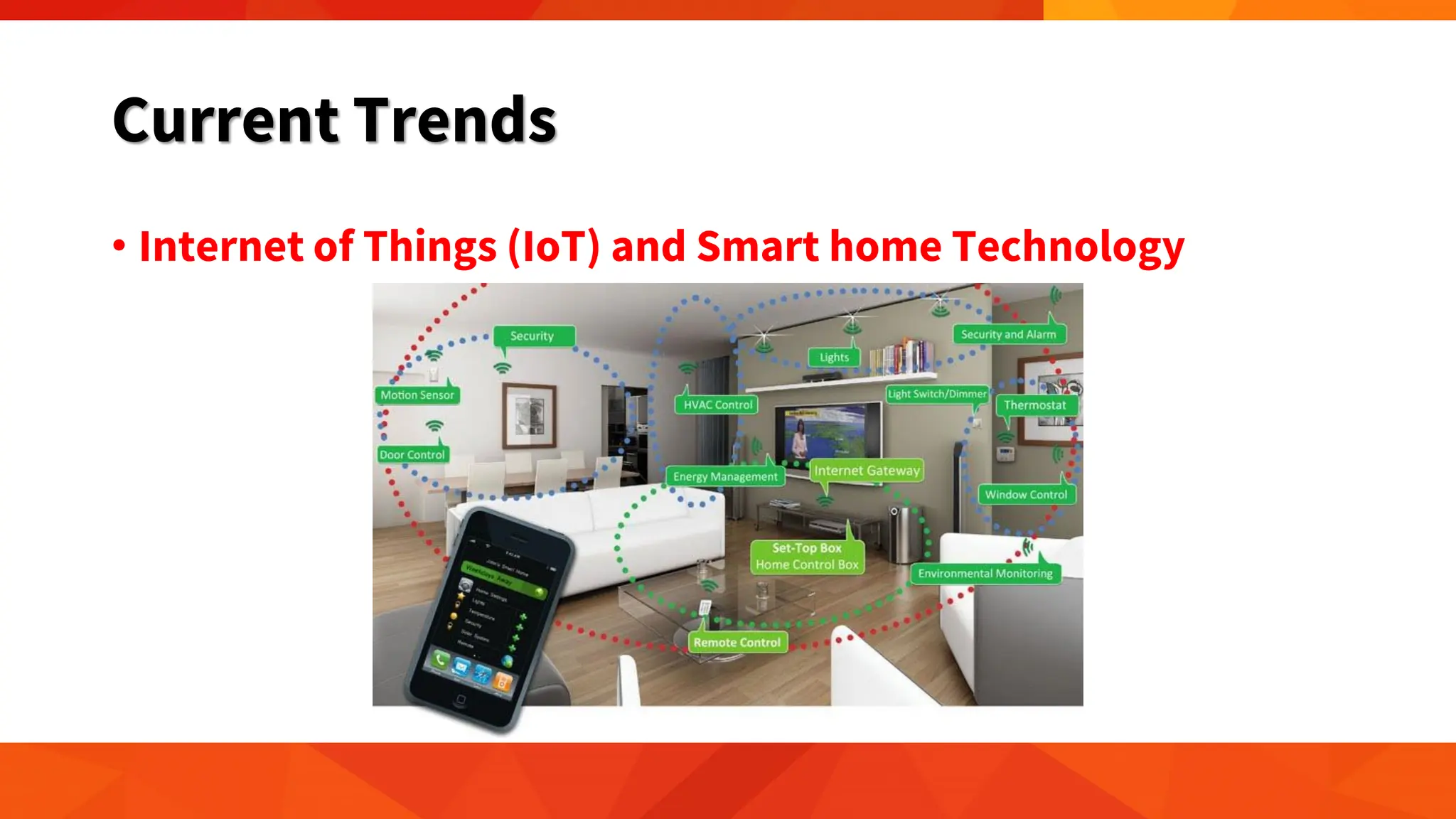
Current Trends
• Internet of Things (IoT) and Smart home Technology
Current Trends
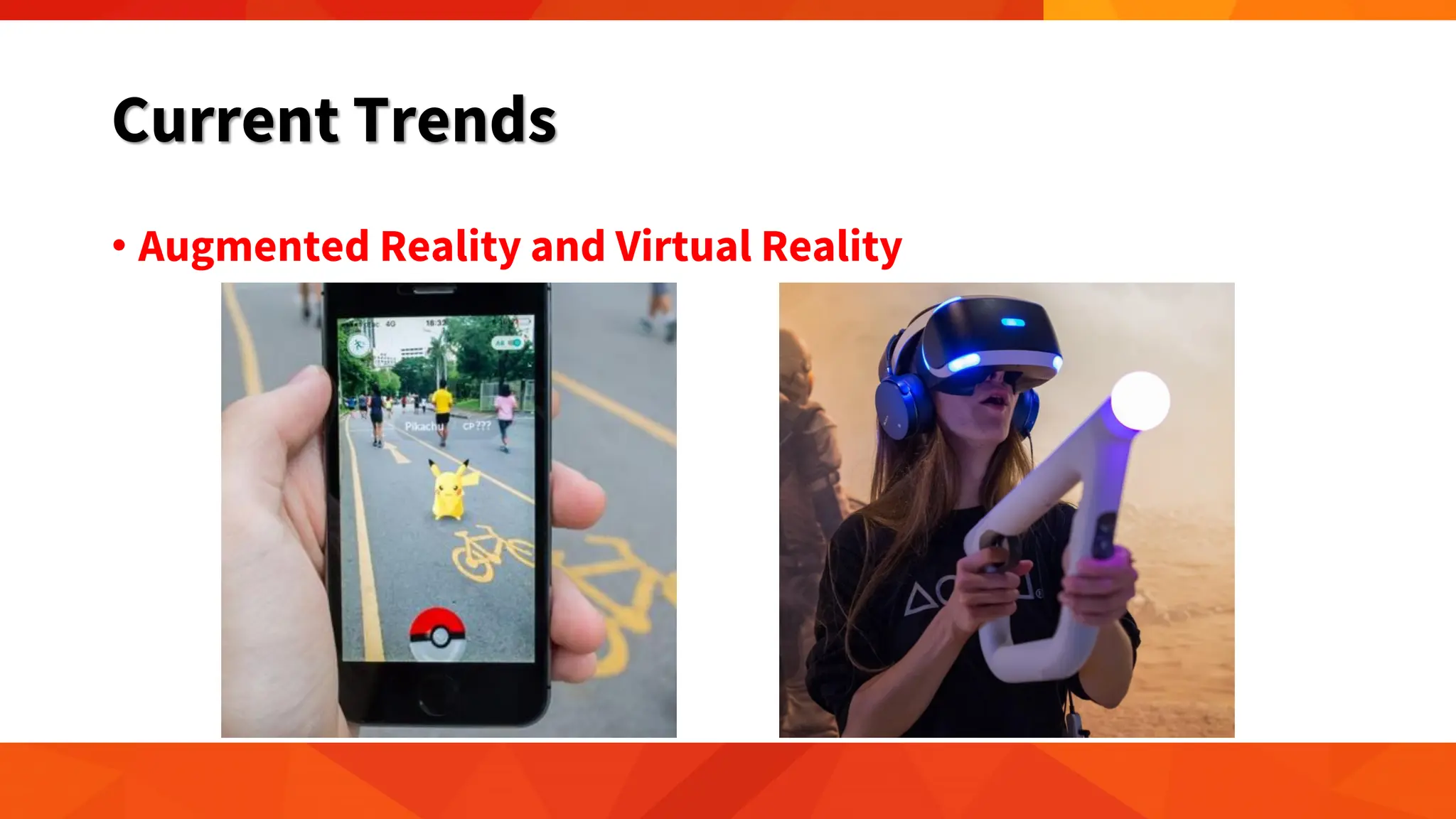
• Augmented Reality and Virtual Reality
Current Trends
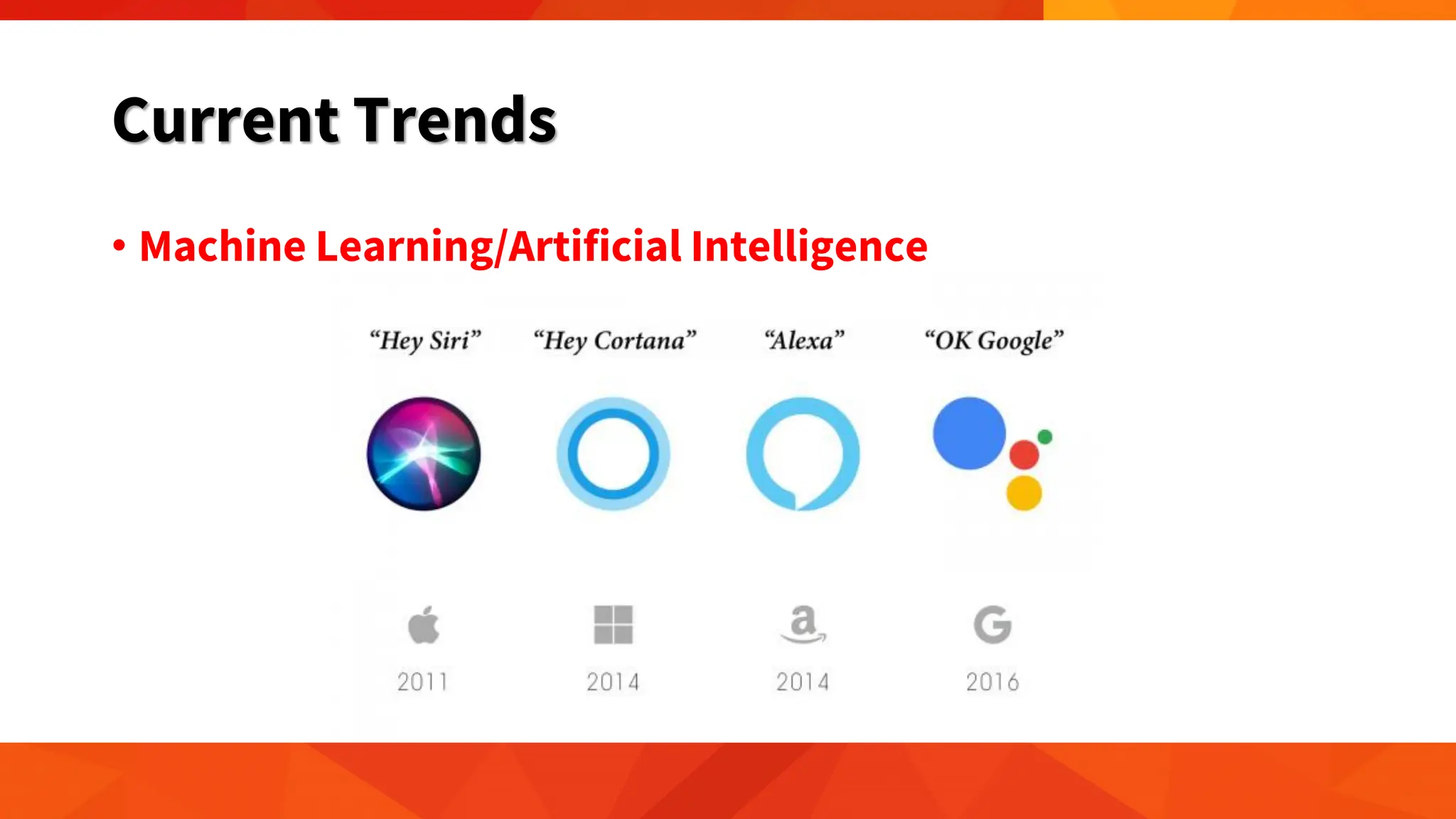
• Machine Learning/Artificial Intelligence
Current Trends
• Automation
Current Trends
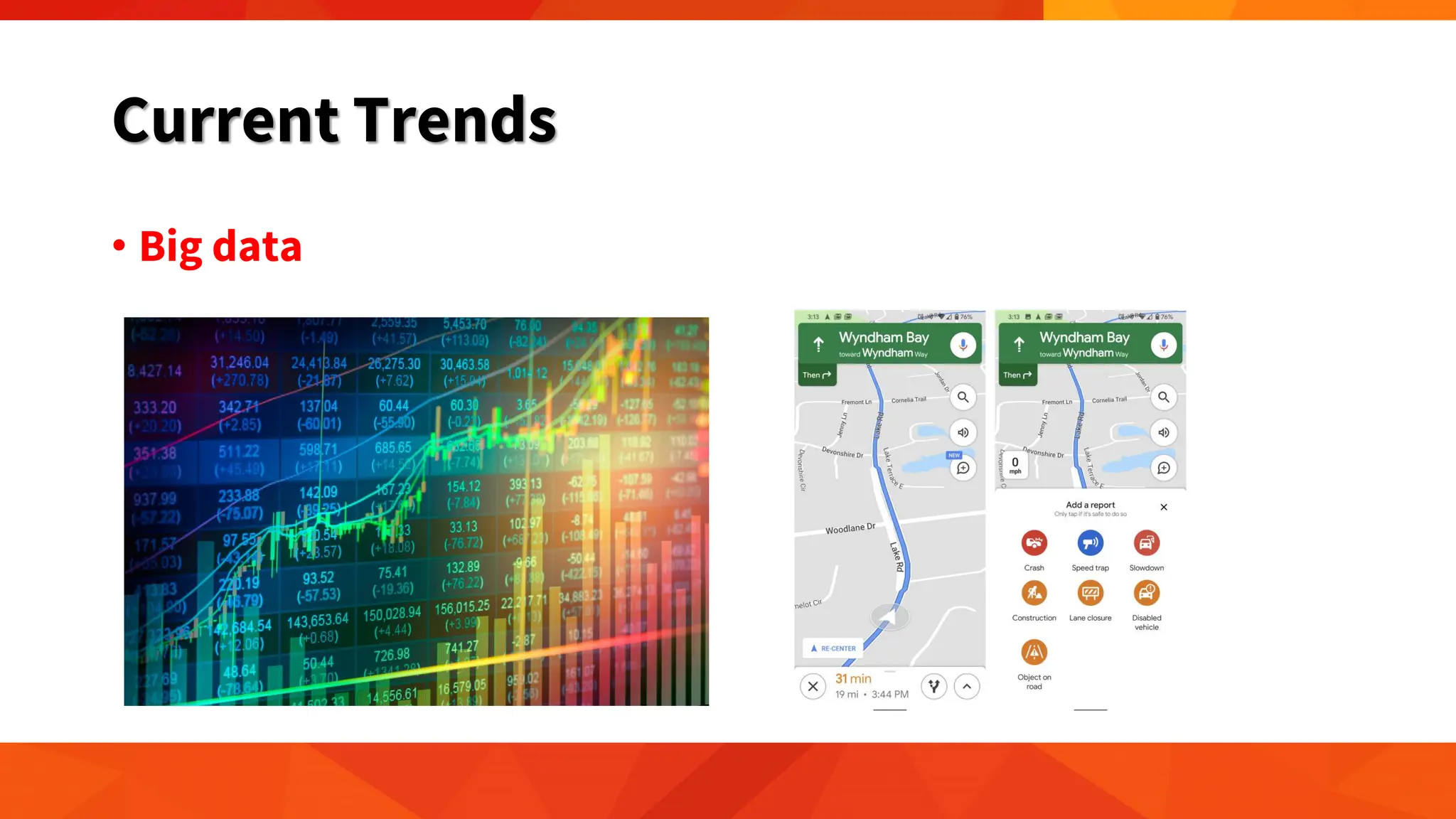
• Big data
Current Trends
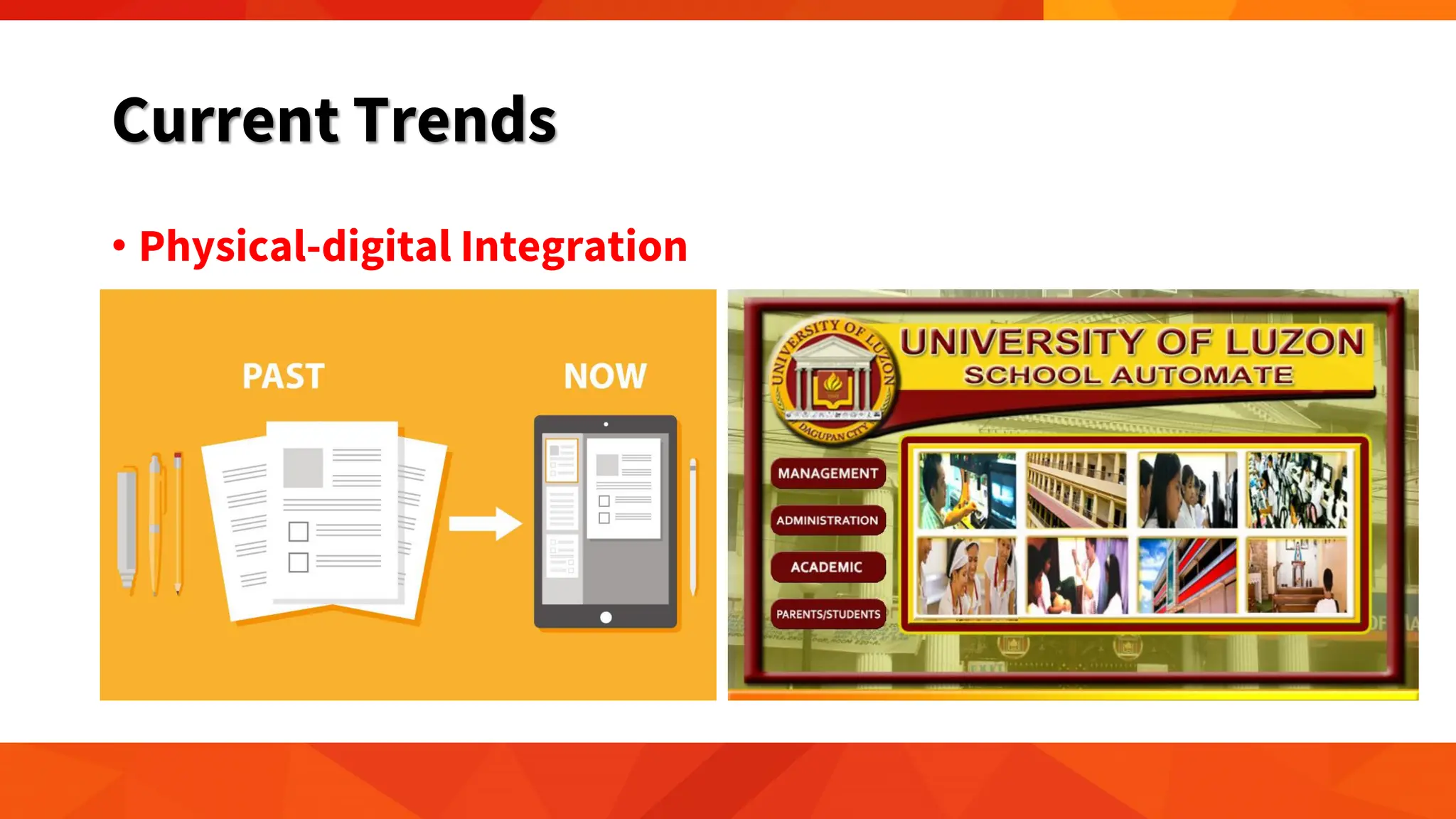
• Physical-digital Integration
Current Trends
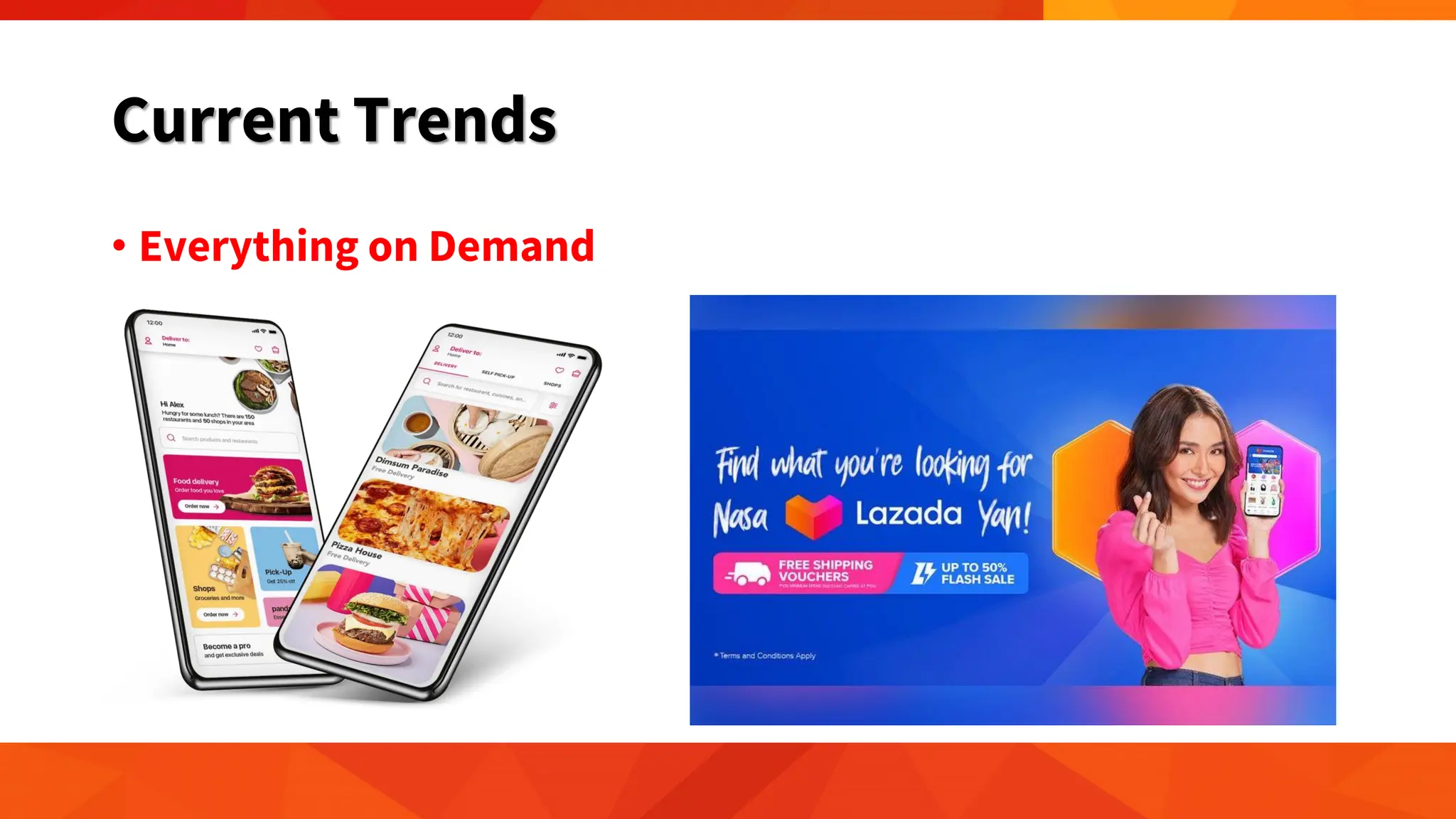
• Everything on Demand
Impact of ICT on Individuals,
Organizations, and Society
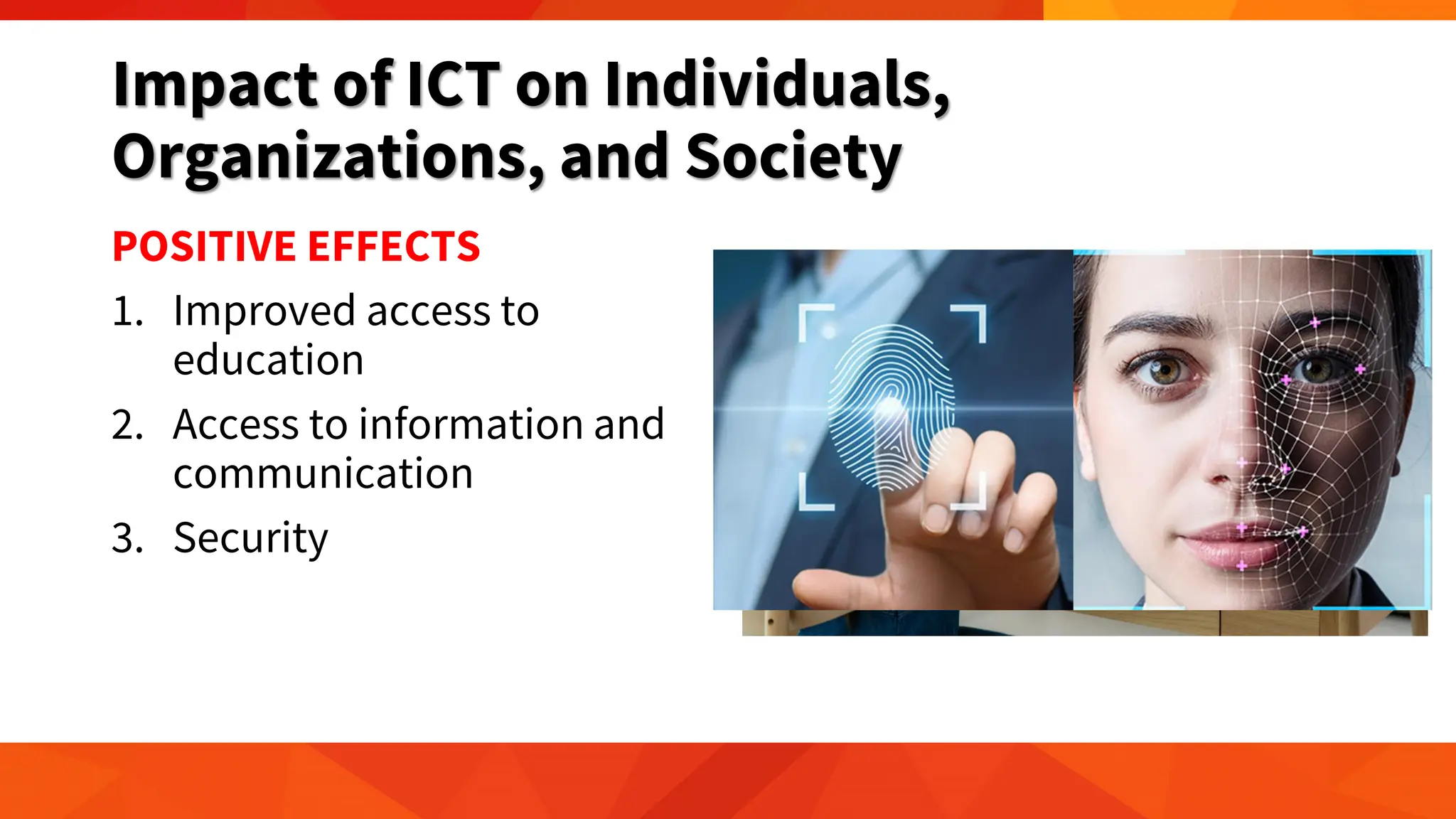
POSITIVE EFFECTS
1. Improved access to
education
2. Access to information and
communication
3. Security
Impact of ICT on Individuals,
Organizations, and Society
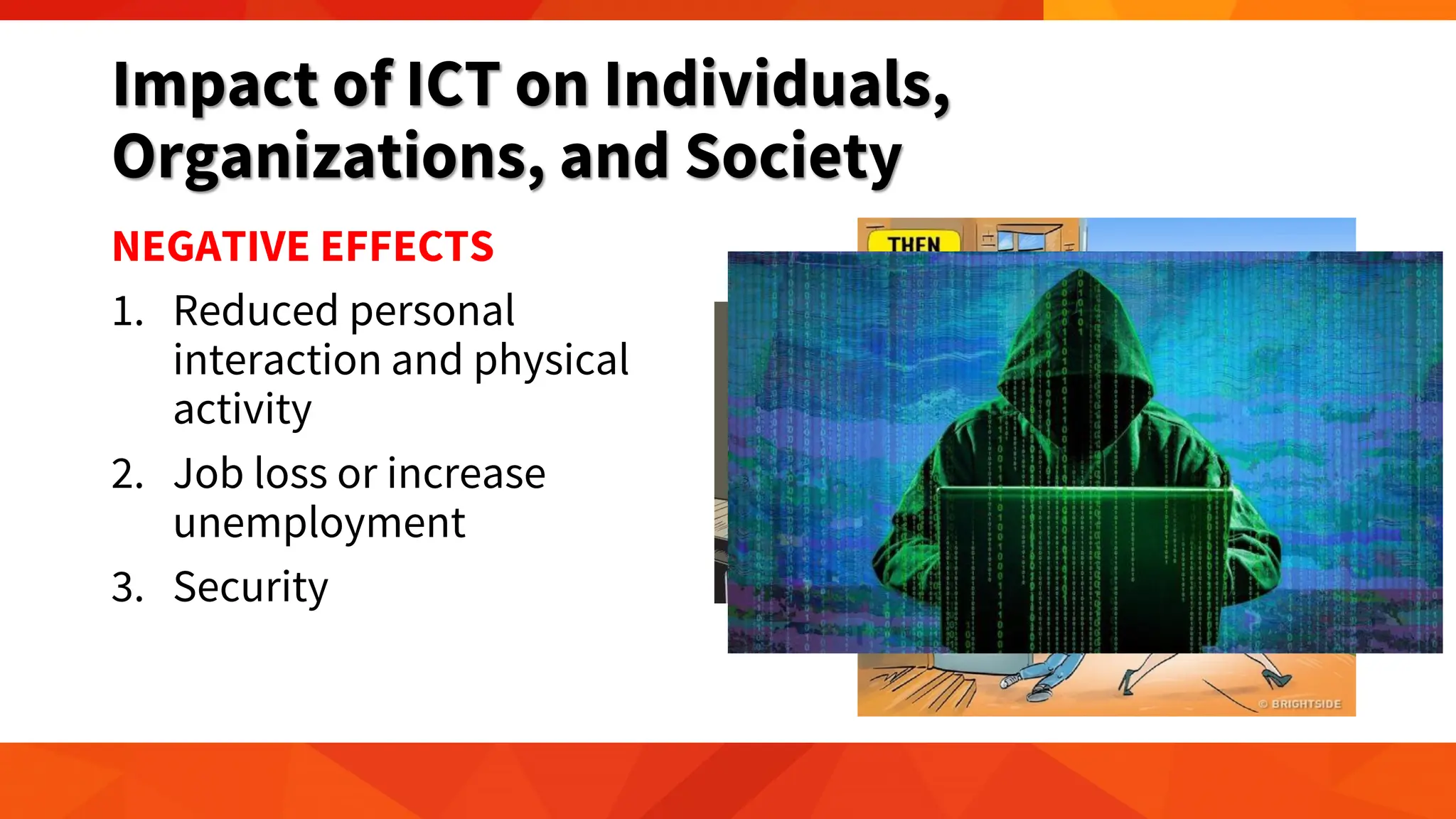
NEGATIVE EFFECTS
1. Reduced personal
interaction and physical
activity
2. Job loss or increase
unemployment
3. Security
Ethical Issues in ICT
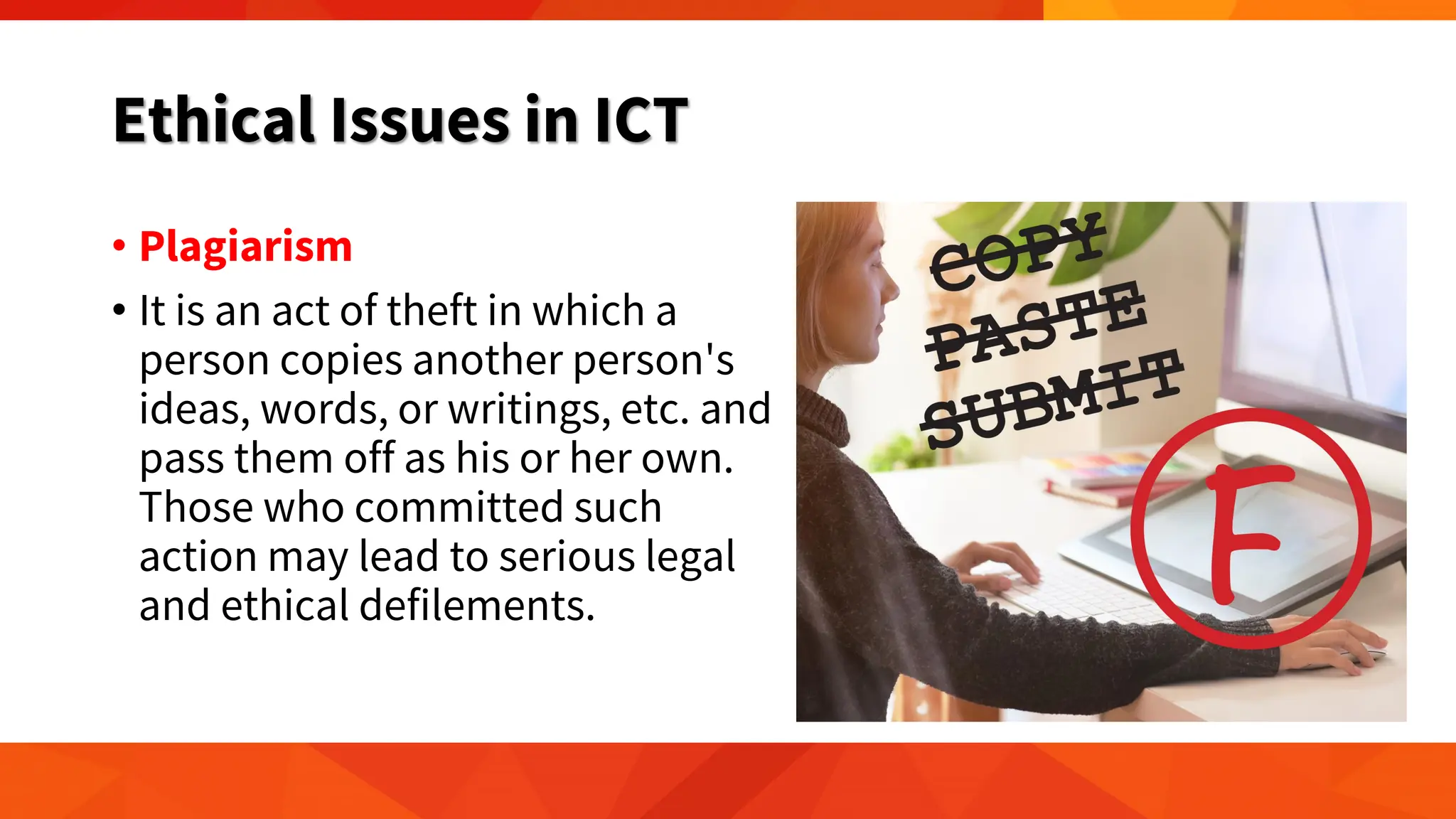
• Plagiarism
• It is an act of theft in which a
person copies another person's
ideas, words, or writings, etc. and
pass them off as his or her own.
Those who committed such
action may lead to serious legal
and ethical defilements.
Ethical Issues in ICT
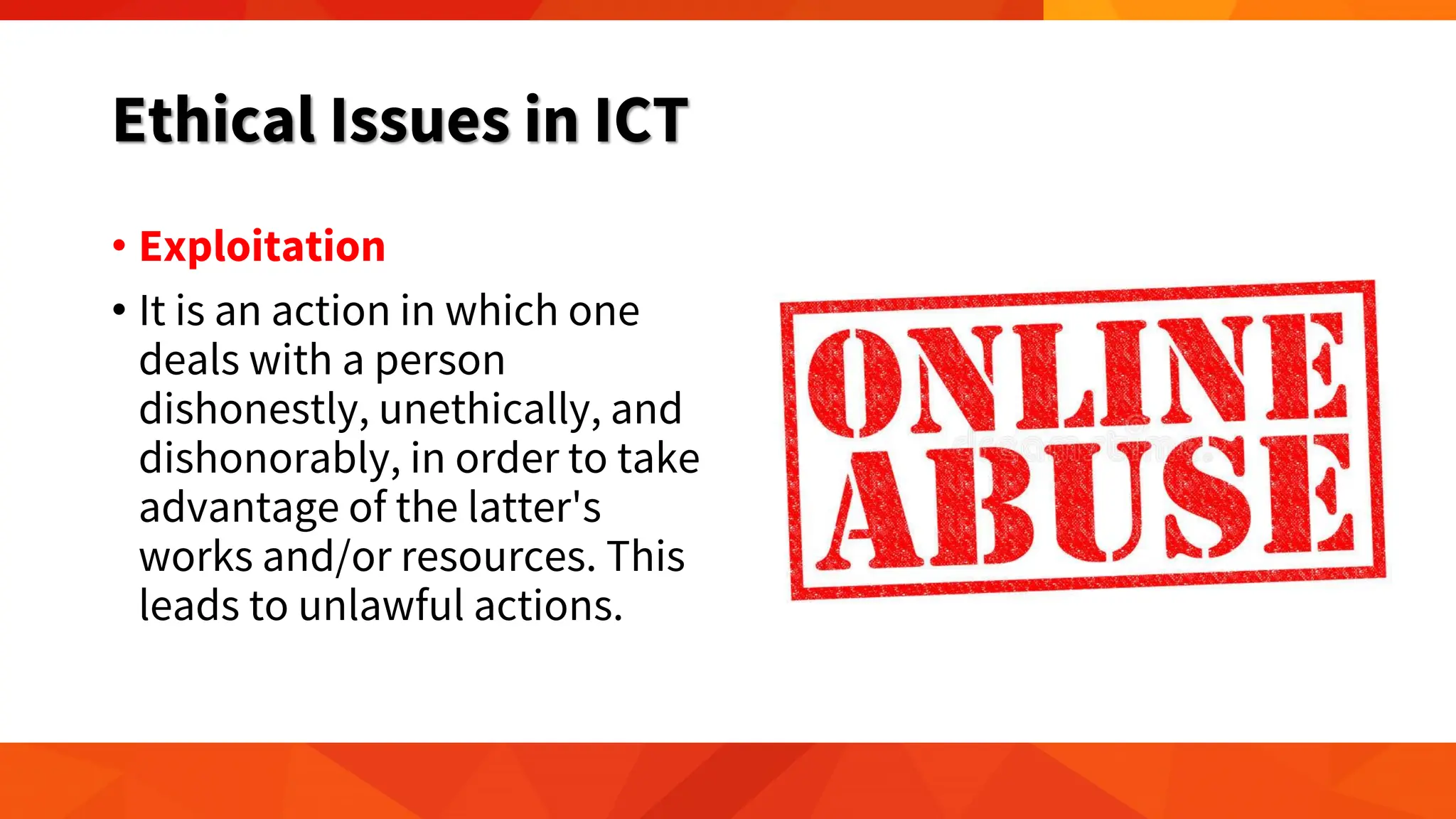
• Exploitation
• It is an action in which one
deals with a person
dishonestly, unethically, and
dishonorably, in order to take
advantage of the latter's
works and/or resources. This
leads to unlawful actions.
Ethical Issues in ICT
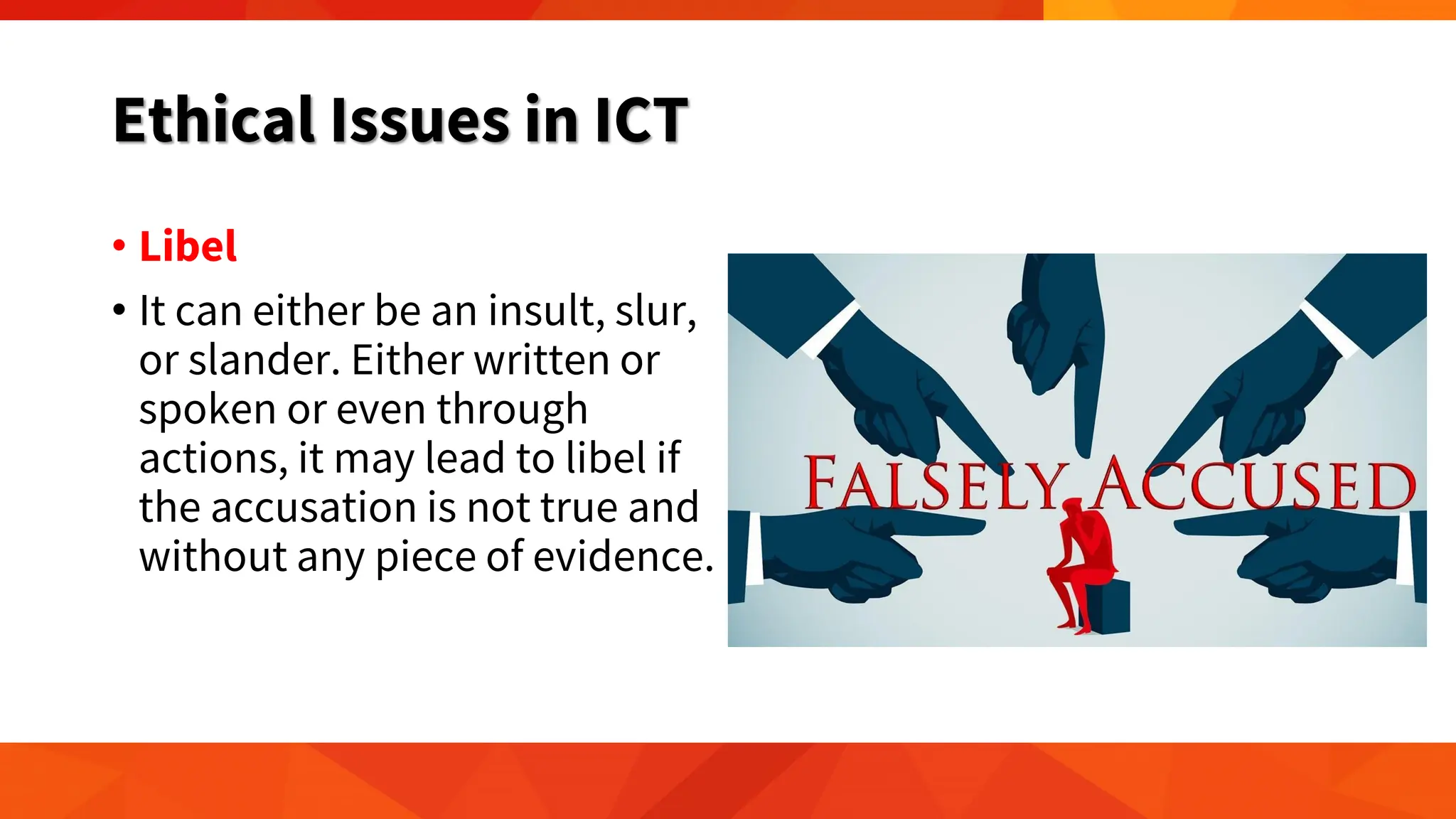
• Libel
• It can either be an insult, slur,
or slander. Either written or
spoken or even through
actions, it may lead to libel if
the accusation is not true and
without any piece of evidence.
Ethical Issues in ICT
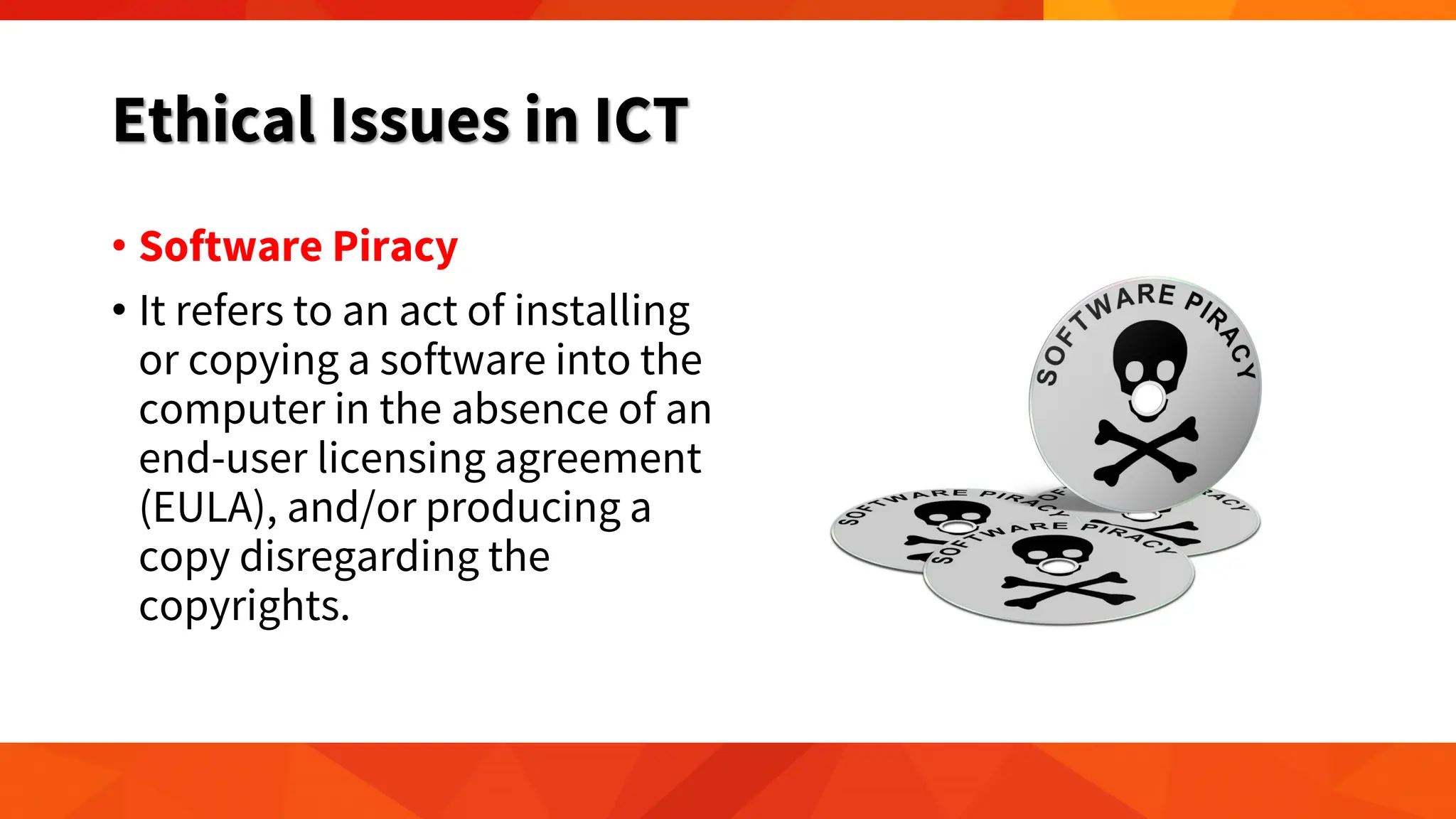
• Software Piracy
• It refers to an act of installing
or copying a software into the
computer in the absence of an
end-user licensing agreement
(EULA), and/or producing a
copy disregarding the
copyrights.
Always be Responsible.
Think before you click,
Think before you post.

GE ELEC 1/ETC 01 - 1 Introduction to Information and Communications Technology (ICT)

  • 1.
    Introduction to Information andCommunications Technology (ICT) Chapter I
  • 2.
    Learning Objectives • DefineICT • Trace the evolution of technology, particularly computers • Identify the different parts of the computer system, and categorize the different computer peripherals • Assess why computers are considered powerful thinking machines • Explain the role of technology in media and how it affects communication; and • Recognize the current trends in Information Technology
  • 3.
  • 4.
  • 5.
  • 6.
  • 7.
    Introduction • We areliving in an era where technological advances are common. • We live in times of rapid technological change. • Technology affects the way individuals communicate, learn, and think. • It helps society and determines how people interact with each other on a daily basis.
  • 8.
    Introduction • Technology playsan important role in society today. • It has positive and negative effects on the world and it impacts daily lives.
  • 9.
    What is ICT? •ICT is the short form of three basic terms: 1. Information 2. Communication and 3. Technology.
  • 10.
    What is ICT? •Information • Knowledge obtained from reading, investigation, study, or research • Processed data • Interpreted data • Representation of data in a meaningful way • DATA + MEANING = INFORMATION
  • 11.
    What is ICT? •Information • For example, while typing on your laptop, you usually punch in random letters on your keyboard to make up words and sentences. • The typing on the keyboard is considered as input data while the words and sentences you see on your computer monitor is considered as output information. • Information is needed to make decisions and to foresee the future. • Processed information is called knowledge.
  • 12.
  • 15.
    What is ICT? •Communication • imparting or exchanging of information by speaking, writing, or using some other medium • conveying your feelings, thoughts and emotions in any verbal and non-verbal medium • process of understanding and sharing meaning • four essential elements: ‘sender’, ‘message’, ‘medium’ and ‘receiver’. • in sync with each other in terms of sequence, relevance, appropriateness, etc., then communication becomes effective
  • 16.
    What is ICT? •Communication • With technology, communication is faster, more convenient, and more efficient. • When face-to-face meeting is not possible, long distance communication or virtual communication is now common and easy with the use of smartphones and computers with internet access.
  • 19.
    What is ICT? •Technology • methods, systems and devices, which are a result of scientific knowledge, being used for practical purposes.
  • 20.
    What is ICT? •Technology • Technology has made communication much easier and faster through telephones, fax machines, mobile devices, and the internet. • It has also made broadcasting of information, such as news or weather reports, more effective. • Radio, television, satellites, and the World Wide Web are powerful tools that can be used by individuals to gather needed information to aid them in their office, school or house work, or in simple day-to-day activities.
  • 21.
    What is ICT? •Information and Communication Technology (ICT) includes various forms of technologies that are used to create, display, store, process, transmit, share or exchange information by electronic means (UNESCO 2007).
  • 22.
    What is ICT? •Information and Communication Technologies (ICTs) is a broader term for Information Technology (IT), which refers to all communication technologies, including the internet, wireless networks, cell phones, computers, software, middleware, video-conferencing, social networking, and other media applications and services enabling users to access, retrieve, store, transmit, and manipulate information in a digital form.
  • 23.
    What is ICT? •ICTs are also used to refer to the convergence of media technology such as audio-visual and telephone networks with computer networks, by means of a unified system of cabling or link system. • However, there is no universally accepted definition of ICTs considering that the concepts, methods and tools involved in ICTs are steadily evolving on an almost daily basis.
  • 24.
    ICT Socio-Economic Development Mobile Signal Infrastructure Availability Access Crisis/Disease Management Mobile Devices Phones,Tablets, Pagers, Others Economic Sector Goods Produced/ Manufactured Related Services Digital Economy Metric Education Skills and Competencies Devices/Tools Phones, Tablets, Pagers, Includes Computers Pedagogies Business/IT Architecture Networks Support Systems Devices Phones, Tablets, Pagers, Others ICT Hierarchy by Colrain Zuppo
  • 25.
    What is ICT? •ICT as defined by Zuppo (2012) refers to the "related to technologies that facilitate the transfer of information and various types of electronically mediated communication.”
  • 26.
    What is ICT? •The need for devices, such as mobile phones, laptops, and tablets, is identified in all instances. This fact is perhaps due to the human need to “belong”. • This need can be fulfilled through the different modes of communication, be it face-to-face, online, through voice, or simply through a text message, manifested in the number of people with mobile devices such as smartphones tablets, and the latest technologies such as "wearable devices”.
  • 27.
  • 28.
    IT versus ICT •ICT, or information and communications technology, is often used in a more general sense, and is described as using computers and other digital technologies to assist individuals or institutions in handling or using information. • ICT is technology that supports activities involving information such as gathering, processing, storing, and presenting data. Increasingly, these activities also involve collaboration and communication.
  • 29.
    IT versus ICT •IT, or information technology, pertains to the industry that involves computers, software, networking, and other IT infrastructure to help relay or manage information important in modern-day living as seen primarily in large companies or corporations. • Simply put, IT is a subset of ICT • as the technology used in the field of IT aids in the use of ICT (Wang, 2016).
  • 30.
    Evolution of Technology •The evolution of technology has always depended on one thing: the human rationale. • The concept of technology always starts with the basic tool. • The concept of a wheel has also made transportation much easier, and enabled people to move several objects from one place to another with ease.
  • 31.
    Evolution of Technology •By combining a set of tools, people have come up with machines that can do the tasks faster and more efficiently. • A single-wheel transportation tool has inspired the creation of a machine capable of transporting, not just objects, but also passengers.
  • 32.
    Evolution of Technology •Another type of machine that is considered a necessity is the computer. • A computer is an electronic device, operating under the control of instructions stored in its own memory, that can accept data, manipulate the data according to specified rules, produce results, and store the results for future use.
  • 33.
    Evolution of Technology •However, as technology evolves, so do machines. Computers today are no longer the same computers your parents must have first used. • Most machines, including computers, have evolved through the process of automation.
  • 34.
    Evolution of Technology •Automation is defined as "the technique of making an apparatus, a process, or a system operate automatically.“ • Automation includes a broad range of technologies normally connecting computer systems to other systems, such as sensors, wireless applications, expert systems, and systems integration, among others. • The integration is made in such a way that these interconnected systems are capable of self-acting or self- regulation,
  • 35.
    Evolution of Technology •Automated systems can reduce the instances of errors, which are usually caused by human-based decision and comprehension.
  • 36.
    Evolution of Technology •Next to automated system is the so called Intelligent systems which are far more complex and are capable of learning. • This is where the concept of artificial intelligence comes in. • AI is the ability of a computer or a robot controlled by a computer to do tasks that are usually done by humans because they require human intelligence and discernment.
  • 37.
    History of Computer •A computer is an electronic device that manipulates information or data. It has the ability to store, retrieve, and process data. • The term computer is derived from the Latin term ‘computare’, this means to calculate or programmable machine. • Computer can not do anything without a program. • It represents the decimal numbers through a string of binary digits. • The word ‘Computer’ usually refers to the Central Processing Unit (CPU) plus Internal memory.
  • 38.
    History of Computer •Charles Babbage is called the “Grand Father” of the computer / Father of Computing • The First mechanical computer: Analytical Engine. • It uses read-only memory in the form of punch cards.
  • 39.
    History of Computer •Computers have taken a major role in the last three decades. • People have become increasingly dependent on computers to do their daily tasks in school, at work, or in their routines. • Computers are now designed to be more compact, more mobile, and more integrated in people's daily activities. • Computers have evolved based on the type of components used in the design.
  • 40.
    First-generation Computer (1946-1959) •Vacuum-tube based • The Electronic Numeric Integrator and Calculator (ENIAC) is considered to be the first-generation computer. • Developed and designed by Presper Eckert and John W. Mauchly from University of Pennsylvania in 1946. • ENIAC was a modular computer, composed of several panels capable of performing different functions.
  • 41.
    First-generation Computer (1946-1959) •It was 80 feet long and 8 feet high, weighing 30 tons. • It can only store limited or small amount of information and only do arithmetic operations such as addition and subtraction of up to 10 digits. • It had a memory capacity of 20 words and was programmed by setting 6,000 dials and switches.
  • 42.
    First-generation Computer (1946-1959) Themain features of first generation are: • Vacuum tube technology • Unreliable • Supported machine language only • Very costly • Generated lot of heat • Slow input and output devices • Huge size • Need of A.C. • Non-portable • Consumed lot of electricity
  • 43.
    Second-generation Computer (1959-1965) •Transistor-based • Transistors were much smaller, faster, and more dependable than the vacuum tubes of the first-generation computer.
  • 44.
    Second-generation Computer (1959-1965) •In this generation, transistors were used that were cheaper, consumed less power, more compact in size, more reliable and faster than the previous generation.
  • 45.
    Second-generation Computer (1959-1965) Themain features of second generation are: • Use of transistors • Reliable in comparison to first generation computers • Smaller size as compared to first generation computers • Generated less heat as compared to first generation computers • Consumed less electricity as compared to first generation computers • Faster than first generation computers • Still very costly • A.C. needed • Supported machine and assembly languages
  • 46.
    Third-generation Computer (1965-1971) • Integrated Circuit-based • The computers of third generation used integrated circuits (IC's) in place of transistors. • A single IC has many transistors, resistors and capacitors along with the associated circuitry.
  • 47.
    Third-generation Computer (1965-1971) • The IC was invented by Jack Kilby. • This development made computers smaller in size, reliable and efficient.
  • 48.
    Third-generation Computer (1965-1971) The main features of third generation are: • IC used • More reliable in comparison to previous two generations • Smaller size • Generated less heat • Faster • Lesser maintenance • Still costly • A.C needed • Consumed lesser electricity • Supported high-level language
  • 49.
    Fourth-generation Computer (1971-1980) •VLSI microprocessor based • The computers of fourth generation used Very Large Scale Integrated (VLSI) circuits.
  • 50.
    Fourth-generation Computer (1971-1980) •Computers in this generation became more powerful, compact, reliable, and affordable. • As a result, it gave rise to personal computer (PC) revolution.
  • 51.
    Fourth-generation Computer (1971-1980) Themain features of fourth generation are: • VLSI technology used • Very cheap • Portable and reliable • Use of PC's • Very small size • Pipeline processing • No A.C. needed • Concept of internet was introduced • Great developments in the fields of networks • Computers became easily available
  • 52.
    Fifth-generation Computer (1980- onwards) •ULSI microprocessor based • In the fifth generation, the VLSI technology became ULSI (Ultra Large Scale Integration) technology, resulting in the production of microprocessor chips having ten million electronic components.
  • 53.
    Fifth-generation Computer (1980- onwards) •This generation is based on parallel processing hardware and AI (Artificial Intelligence) software. • Robotics • Neural Networks • Game Playing • Development of expert systems to make decisions in real life situations. • Natural language understanding and generation.
  • 54.
    Fifth-generation Computer (1980- onwards) Themain features of fifth generation are: • ULSI technology • Development of true artificial intelligence • Development of Natural language processing • Advancement in Parallel Processing • Advancement in Superconductor technology • More user friendly interfaces with multimedia features • Availability of very powerful and compact computers at cheaper rates
  • 55.
    Input, Output, &Storage Devices Accepts data Input Processes data Processing Produces output Output Stores results Storage
  • 56.
    Input, Output, &Storage Devices • Input devices enter or send data and instructions from the user or from another computer system on the internet • Output devices send back the administered data to the user or to another computer system.
  • 57.
  • 58.
  • 59.
    System Unit • Thecomputer system unit is the enclosure for all the other main interior components of a computer. • It is also called the computer case, computer chassis, or computer tower. • Cases can be made of steel, aluminum or even plastic.
  • 60.
    Storage Devices • Acomputer can be utilized with only processing, memory, input, and output devices. To make it very valuable, however, a computer also needs a place to hold program files and all related files when they are not in use. The goal of using a storage is to keep data permanently.
  • 61.
  • 62.
    Why Computers arePowerful? Speed • Data, instructions, and information drift along electronic circuits, and travel at incredibly fast speeds Reliability & Consistency • Computers are dependable because they have a low failure rate and produce consistent results Accuracy • Computers process large amounts of data and generate error- free results, provided the data is inputted correctly and the instructions work properly • garbage in, garbage out Communication • Two computers connected by a communications device, such as a modem, can share stored data, instructions, and information. These two computers can be located in the same room or thousands of miles away from each other in two different countries.
  • 63.
    General Classifications ofComputers based on Size and Computing Power • Personal computer - a small, single-user computer based on a microprocessor. • Workstation - a powerful, single-user computer like a personal computer but it has a more powerful microprocessor and a higher quality monitor. • Minicomputer - a multi-user computer capable of supporting from 10 to hundreds of users simultaneously. • Mainframe - a powerful multi-user computer capable of supporting hundreds or thousands of users simultaneously. • Supercomputer - an extremely fast computer that can perform millions of instructions per second.
  • 64.
    General Classifications ofComputers based on Size and Computing Power SUPERCOMPUTERS MAINFRAME MINI COMPUTER
  • 65.
    Classification of Computers basedon Specific Uses • Desktop computers — are computers designed to be placed on a desk, and are normally made up of a few different parts, including the computer case, central processing unit (CPU), monitor, keyboard, and mouse. • Laptop computers are battery-powered computer devices whose portability makes them possible to use almost anytime, anywhere.
  • 66.
    Classification of Computers basedon Specific Uses • Tablet computers — are hand-held computers with touch sensitive screen for typing and navigation. • Smartphones — are hand-held telephones which can do things that computers can do, including browsing and searching the internet and even playing console games.
  • 67.
    Classification of Computers basedon Specific Uses • Wearables — include fitness trackers and smartwatches that can be worn throughout the day. • Smart TVs — are the latest television sets that include applications present in computers. For example, videos can be streamed from the internet directly onto the TV. The TV can also be used as a computer monitor and
  • 68.
    Digital Age, InformationAge, and Computer Age • The period in human history characterized by the shift from traditional industry to information technology-based economy brought by industrialization during the Industrial Revolution. • Characterized by the digital industry creating a knowledge- based society surrounded by a high-tech global economy. • Promoting efficiency and convenience.
  • 69.
    Media in theDigital Age • Media normally refers to the means of communication that uses unique tools to interconnect among people. • In the digital age, however, media can be considered as the message, the medium, and the messenger.
  • 70.
    The Message • Mediais considered to be the message itself for those who create and own the rights of content. • The forms of content can be user-generated or professionally- produced. • User-generated content (UGC) is a form of content created and owned by the users of a system. • UGC has grown exponentially because of the internet or easy Wi-Fi access, increased social media participation, and affordable smart devices.
  • 71.
    Blog, Microblogs, andVideo Blogs • Expressing one’s thought and emotion thru the online platform. • A blog is a combination of two words— web and log. • It works the same way as pen and paper would but privacy becomes irrelevant given that a blog post can be seen by anyone online. • A person who writes blogs is called a blogger.
  • 72.
    Blog, Microblogs, andVideo Blogs • Microblogs have become popular due to the rise of Tumblr and Twitter (now X) in which users instantly share limited content or short messages. • Video Blogs (Vlogs) have become a staple in the internet, due to the increasing number of YouTube viewers • People have explored uploading their own videos ranging from their travels and products reviews to any other random topics.
  • 73.
    The Medium • Themedium used refers to the tool or tools used in sending a message from the source to the destination. • With the latest technologies, the so-called social media has become an avenue for information dissemination even taking over news sites in bringing the latest or up-to-date content. • X • Facebook
  • 74.
    The Messenger • Themessenger is the one who delivers the message. • In the digital space, this refers to social media users. Mga Marites
  • 75.
    Evolution of Media Themedia has transformed itself based on: (1) how information is presented; and (2) how the connection is established.
  • 76.
    Evolution of Media Printingpress 15th century Telegraph and Telephone - 1800s / early 1900s Television and Radio - 1900s
  • 77.
    Current Trends • Internetof Things (IoT) and Smart home Technology
  • 78.
    Current Trends • AugmentedReality and Virtual Reality
  • 79.
    Current Trends • MachineLearning/Artificial Intelligence
  • 80.
  • 81.
  • 82.
  • 83.
  • 84.
    Impact of ICTon Individuals, Organizations, and Society POSITIVE EFFECTS 1. Improved access to education 2. Access to information and communication 3. Security
  • 85.
    Impact of ICTon Individuals, Organizations, and Society NEGATIVE EFFECTS 1. Reduced personal interaction and physical activity 2. Job loss or increase unemployment 3. Security
  • 86.
    Ethical Issues inICT • Plagiarism • It is an act of theft in which a person copies another person's ideas, words, or writings, etc. and pass them off as his or her own. Those who committed such action may lead to serious legal and ethical defilements.
  • 87.
    Ethical Issues inICT • Exploitation • It is an action in which one deals with a person dishonestly, unethically, and dishonorably, in order to take advantage of the latter's works and/or resources. This leads to unlawful actions.
  • 88.
    Ethical Issues inICT • Libel • It can either be an insult, slur, or slander. Either written or spoken or even through actions, it may lead to libel if the accusation is not true and without any piece of evidence.
  • 89.
    Ethical Issues inICT • Software Piracy • It refers to an act of installing or copying a software into the computer in the absence of an end-user licensing agreement (EULA), and/or producing a copy disregarding the copyrights.
  • 90.
    Always be Responsible. Thinkbefore you click, Think before you post.