Linux kernel TLV meetup, 21.09.2015
Kfir Gollan
 What is hardware probing?
 Different approaches for detecting hardware
 Probing in the linux kernel
 Have you ever wondered how does the OS know what
hardware components are available on a given
machine?
 Basically, someone needs to tell the OS what is
available.
 The process of detecting all the hardware components
and pairing them up with the matching drivers in the
OS is called hardware probing, or just probing for
short.
 Hardcode the details of the hardware into the kernel
 Static configuration
 Device trees
 Dynamic configuration
 ACPI
 Bus based detection
 PCI
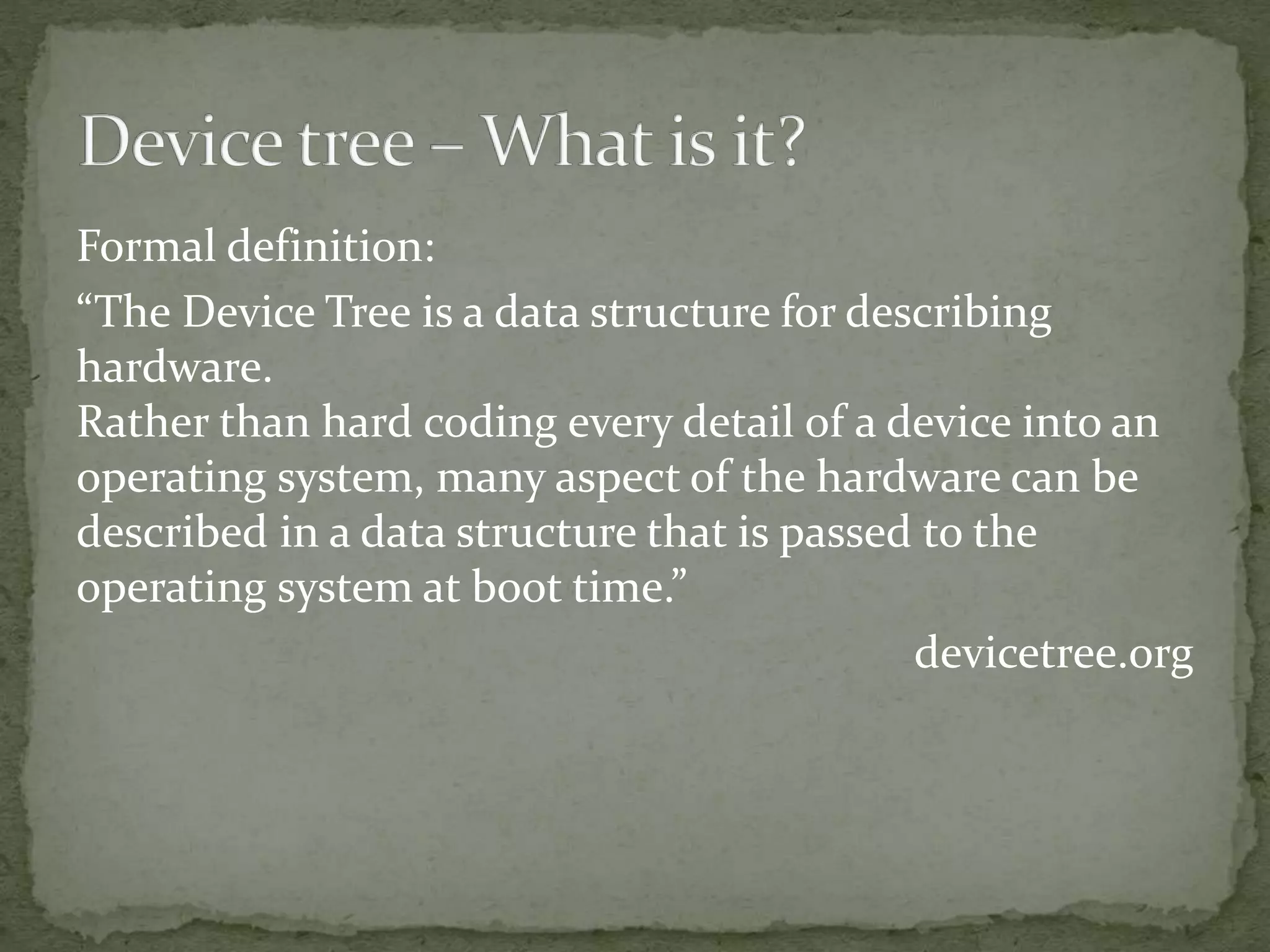
Formal definition:
“The Device Tree is a data structure for describing
hardware.
Rather than hard coding every detail of a device into an
operating system, many aspect of the hardware can be
described in a data structure that is passed to the
operating system at boot time.”
devicetree.org
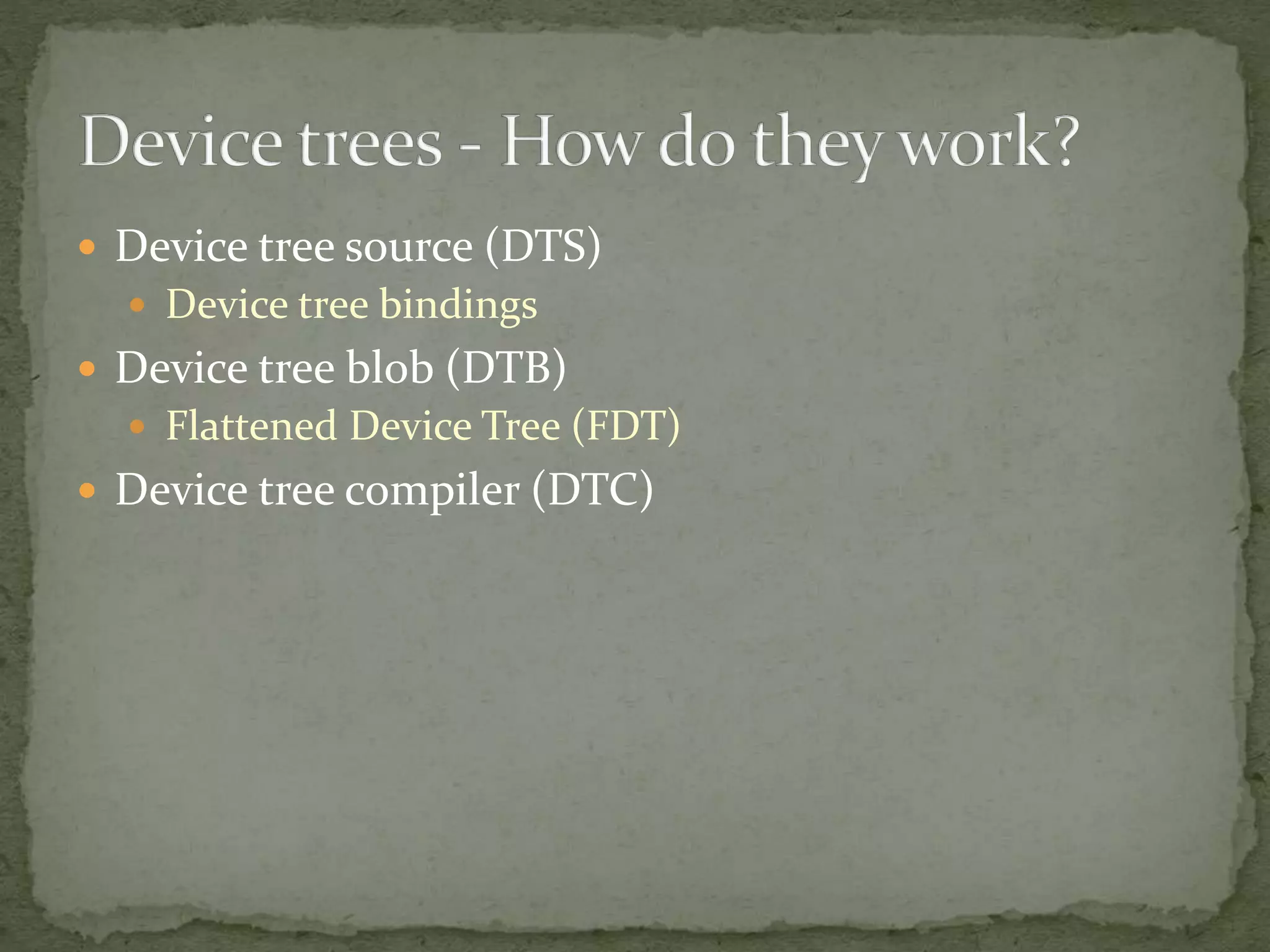
 Device tree source (DTS)
 Device tree bindings
 Device tree blob (DTB)
 Flattened Device Tree (FDT)
 Device tree compiler (DTC)
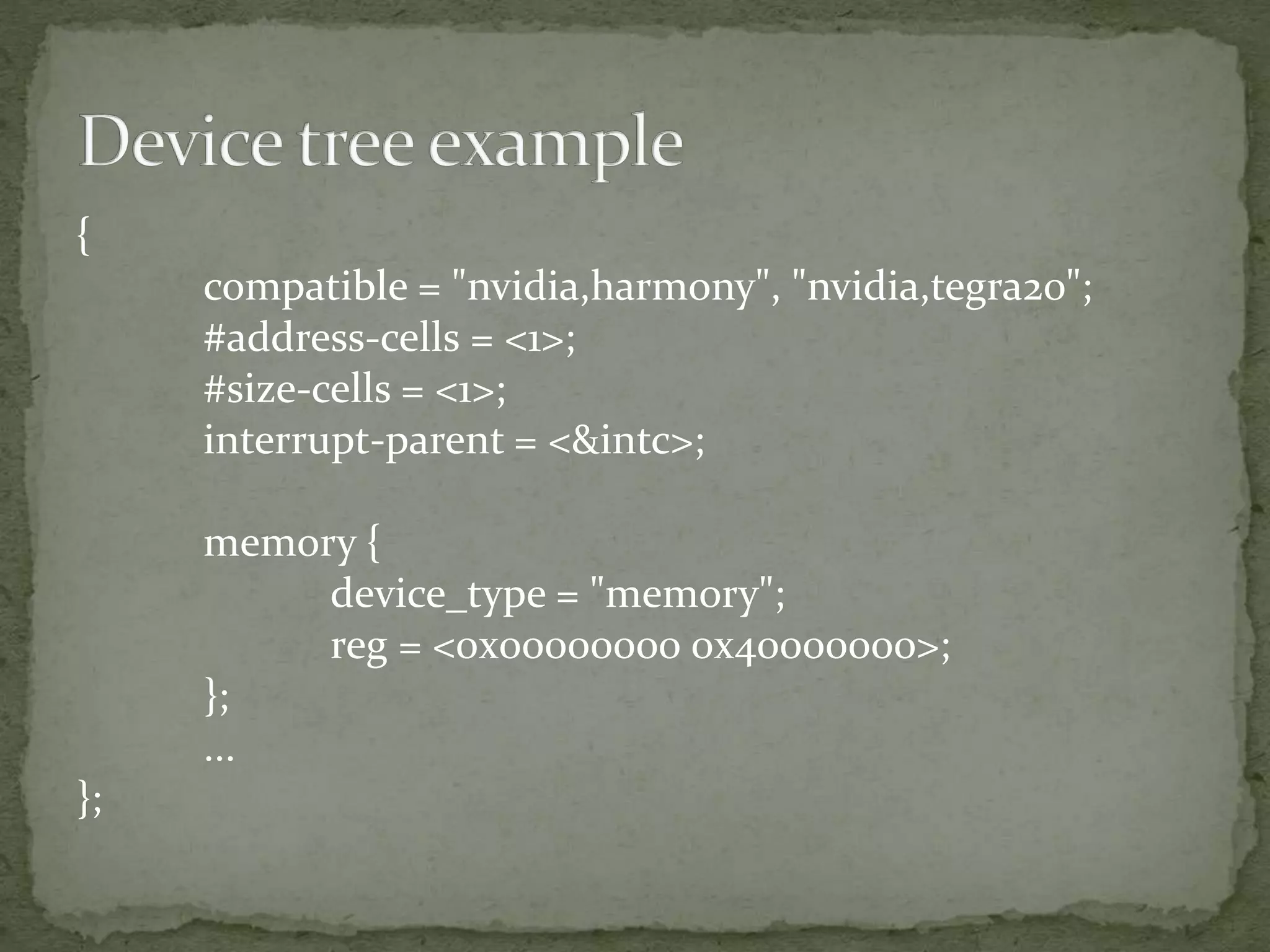
{
compatible = "nvidia,harmony", "nvidia,tegra20";
#address-cells = <1>;
#size-cells = <1>;
interrupt-parent = <&intc>;
memory {
device_type = "memory";
reg = <0x00000000 0x40000000>;
};
...
};
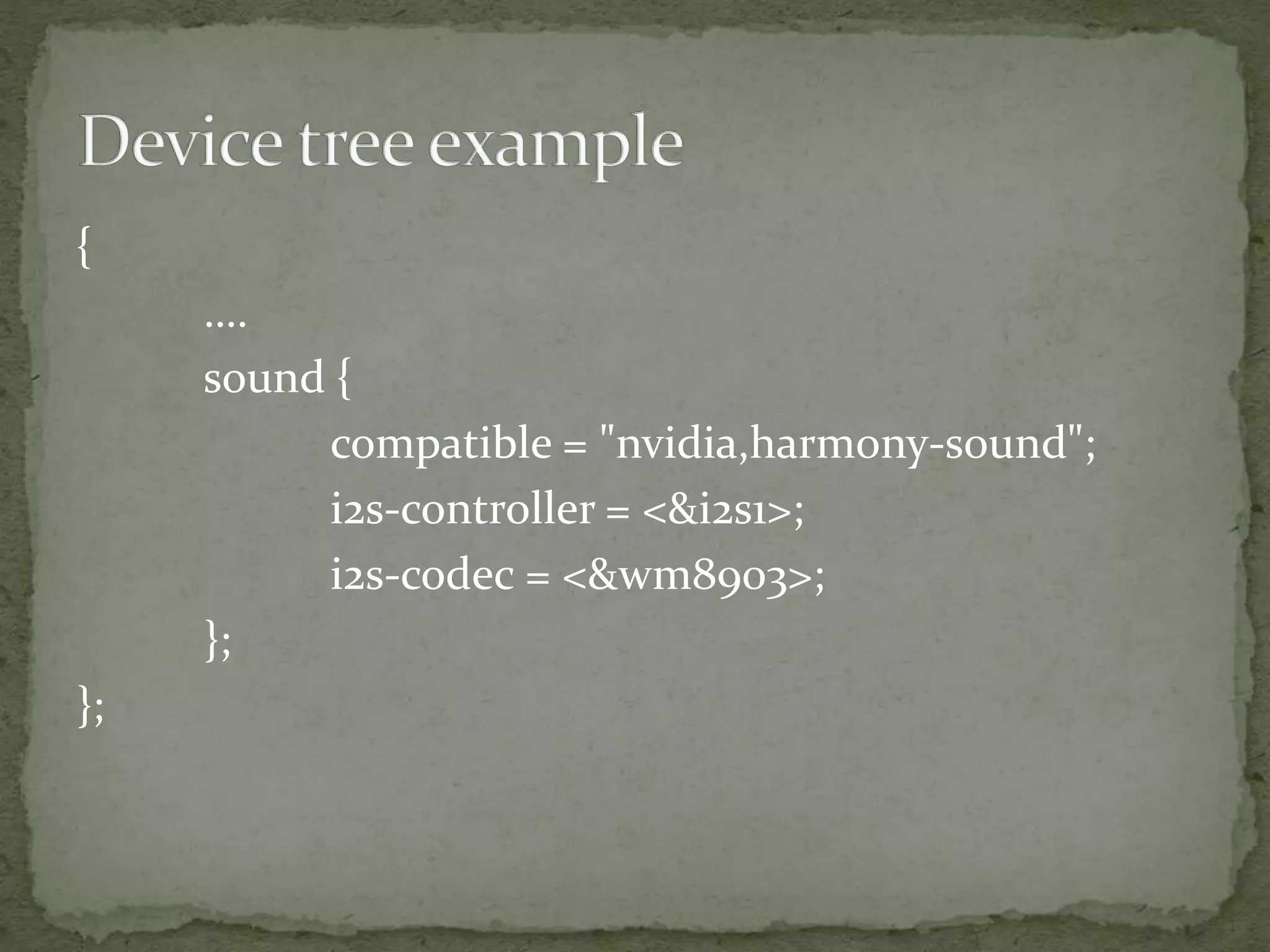
{
….
sound {
compatible = "nvidia,harmony-sound";
i2s-controller = <&i2s1>;
i2s-codec = <&wm8903>;
};
};
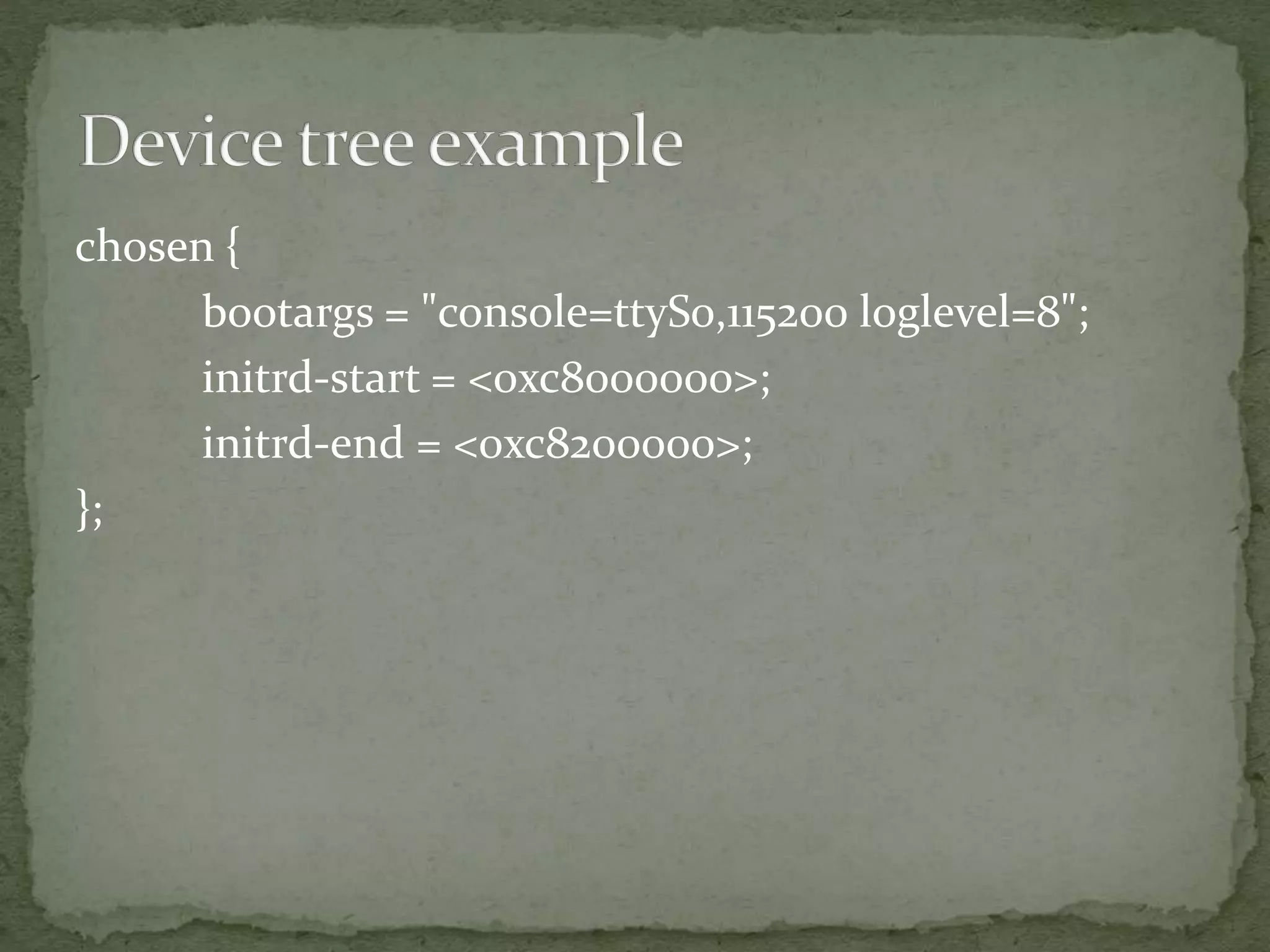
chosen {
bootargs = "console=ttyS0,115200 loglevel=8";
initrd-start = <0xc8000000>;
initrd-end = <0xc8200000>;
};
 Xillybus Device tree tutorial
 Device trees for Dummies!
 Documentation/devicetree/
 usage-model.txt
 booting-without-of.txt
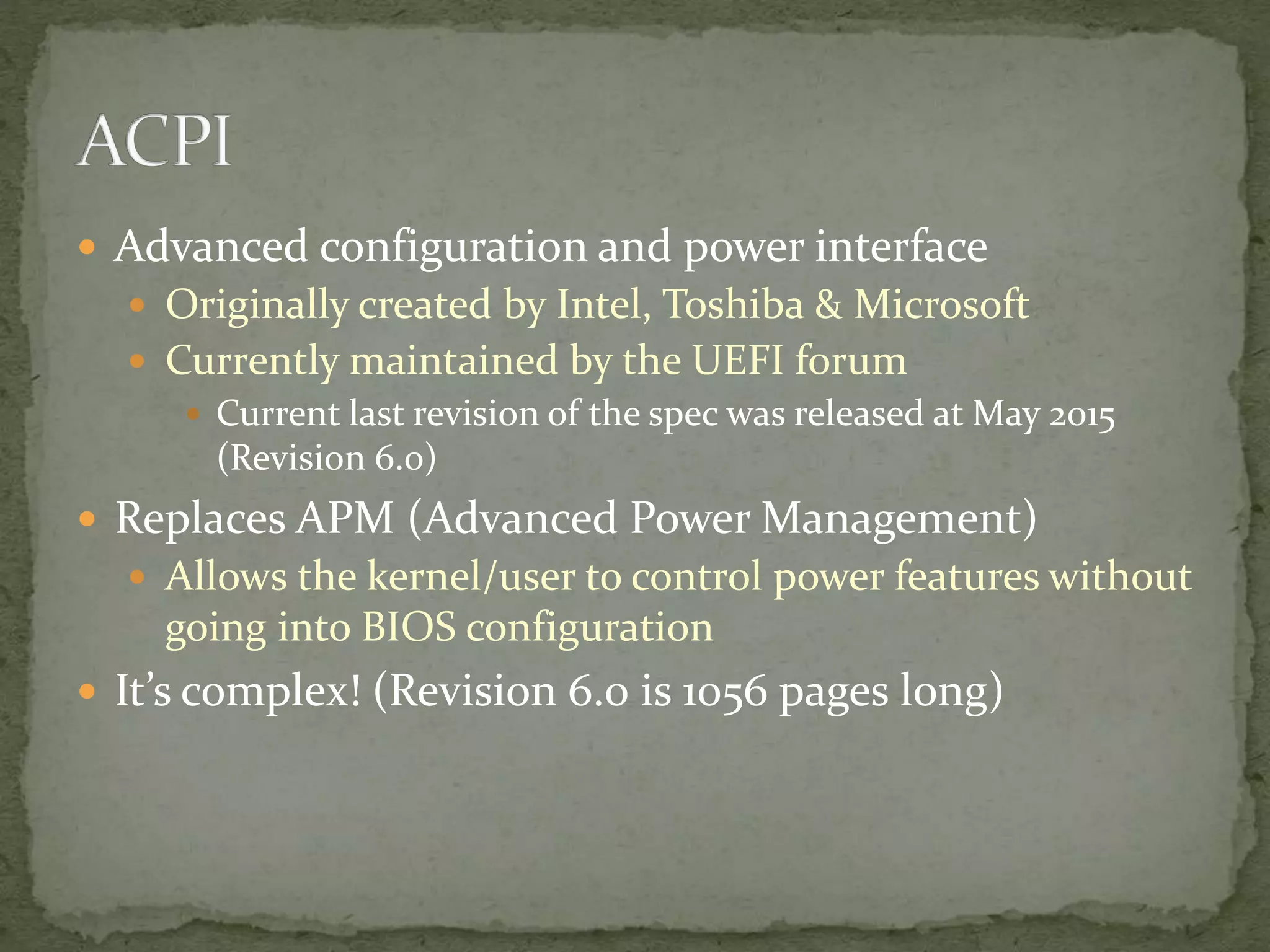
 Advanced configuration and power interface
 Originally created by Intel, Toshiba & Microsoft
 Currently maintained by the UEFI forum
 Current last revision of the spec was released at May 2015
(Revision 6.0)
 Replaces APM (Advanced Power Management)
 Allows the kernel/user to control power features without
going into BIOS configuration
 It’s complex! (Revision 6.0 is 1056 pages long)
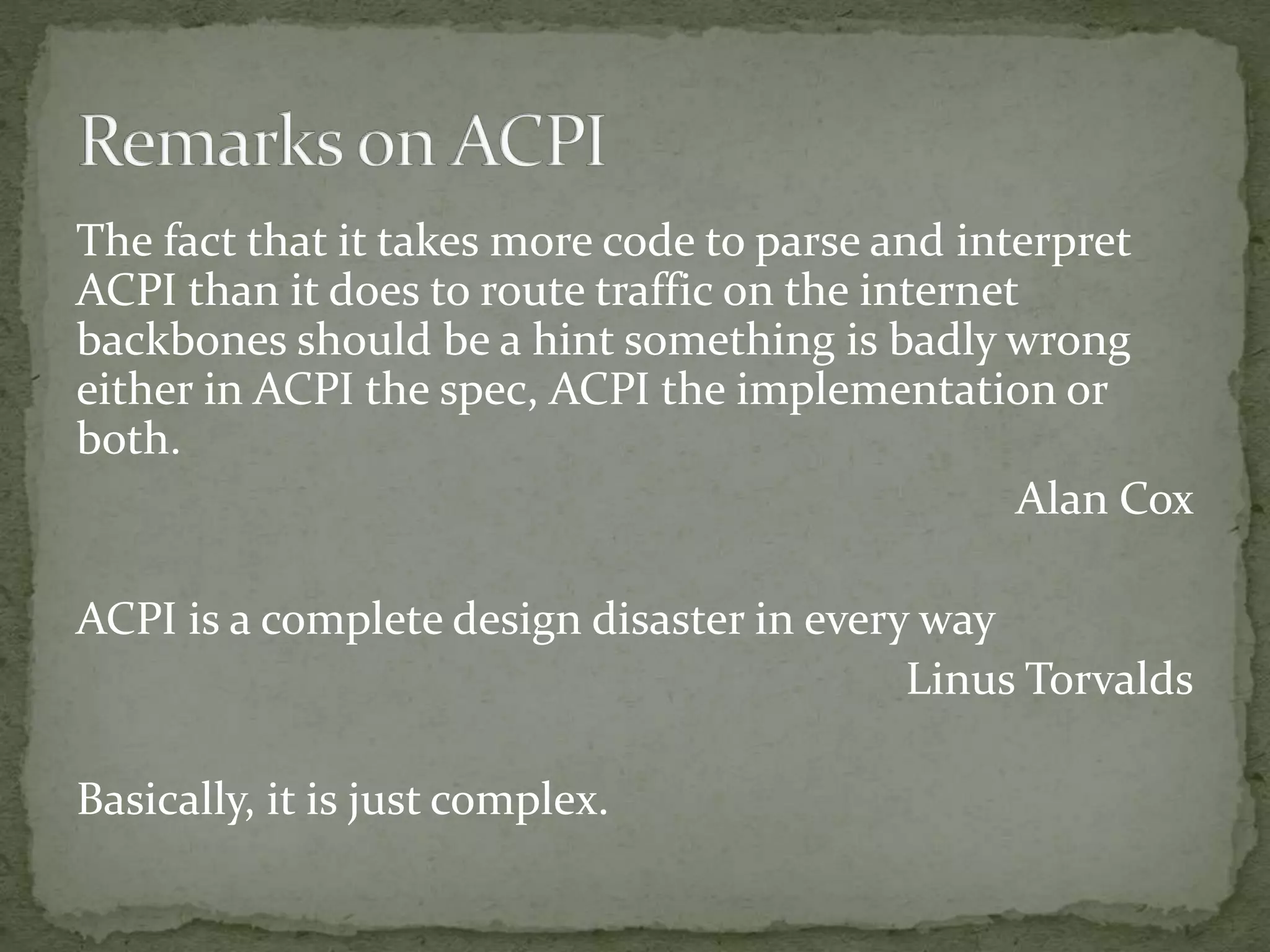
The fact that it takes more code to parse and interpret
ACPI than it does to route traffic on the internet
backbones should be a hint something is badly wrong
either in ACPI the spec, ACPI the implementation or
both.
Alan Cox
ACPI is a complete design disaster in every way
Linus Torvalds
Basically, it is just complex.
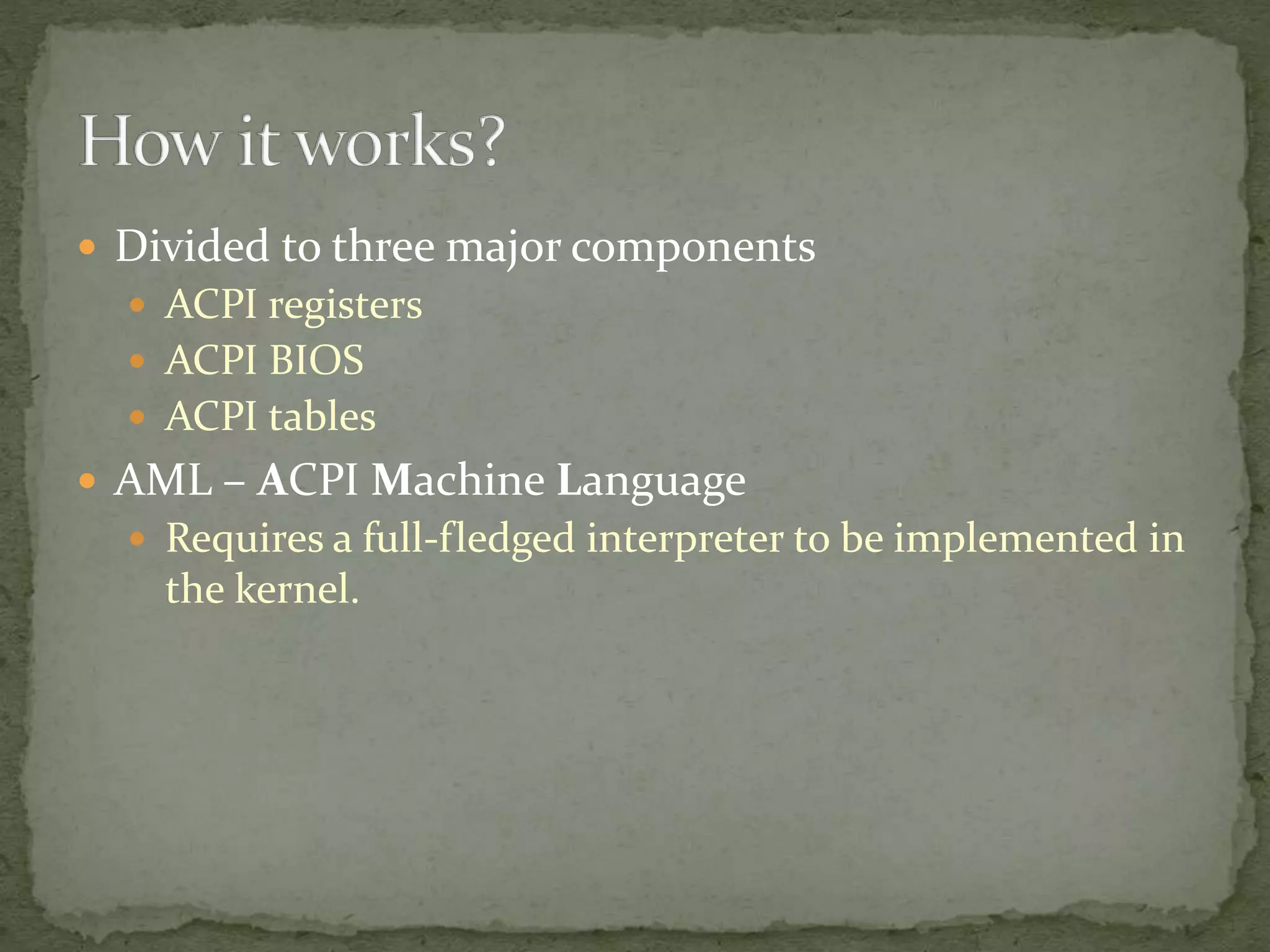
 Divided to three major components
 ACPI registers
 ACPI BIOS
 ACPI tables
 AML – ACPI Machine Language
 Requires a full-fledged interpreter to be implemented in
the kernel.
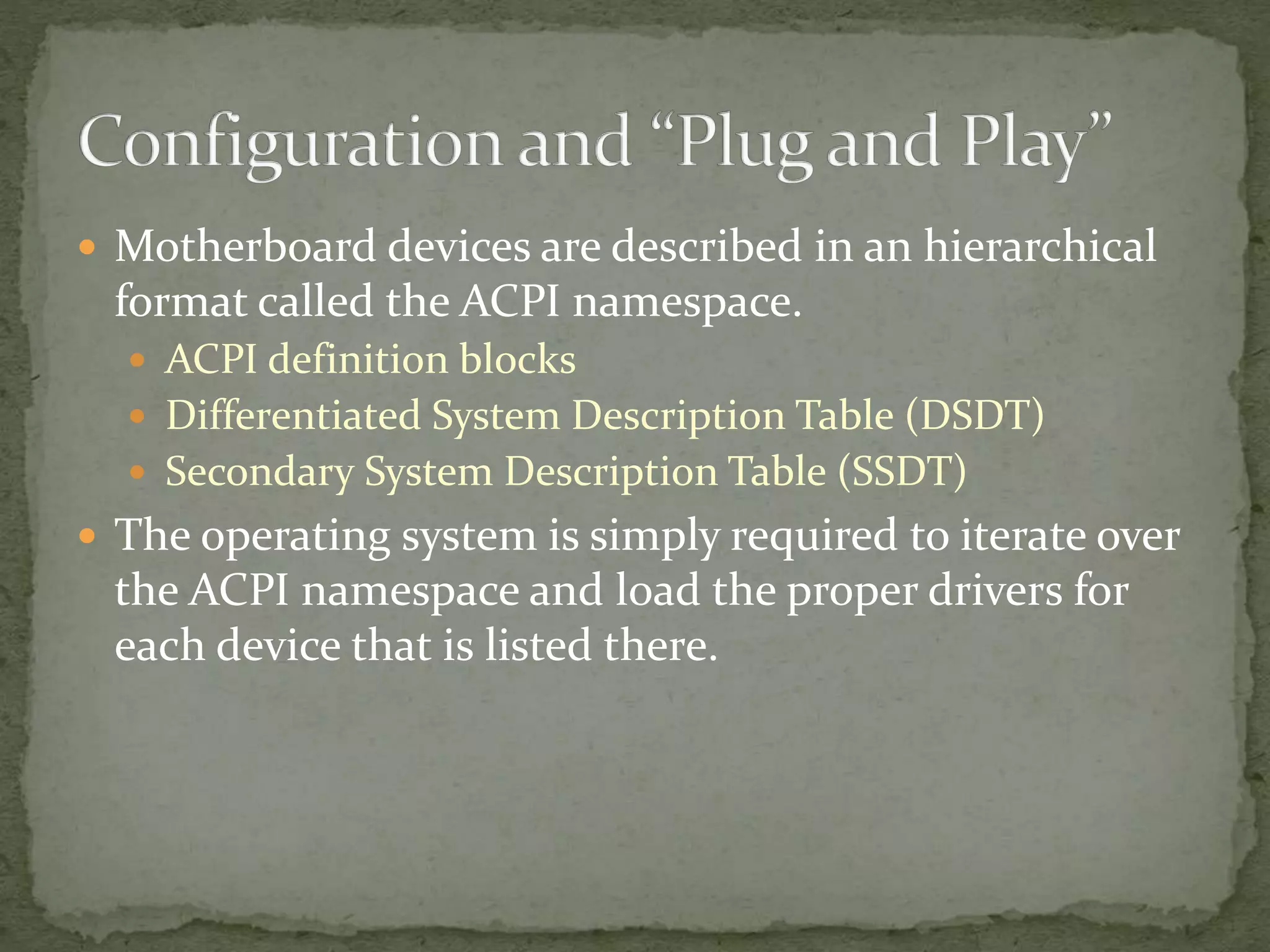
 Motherboard devices are described in an hierarchical
format called the ACPI namespace.
 ACPI definition blocks
 Differentiated System Description Table (DSDT)
 Secondary System Description Table (SSDT)
 The operating system is simply required to iterate over
the ACPI namespace and load the proper drivers for
each device that is listed there.
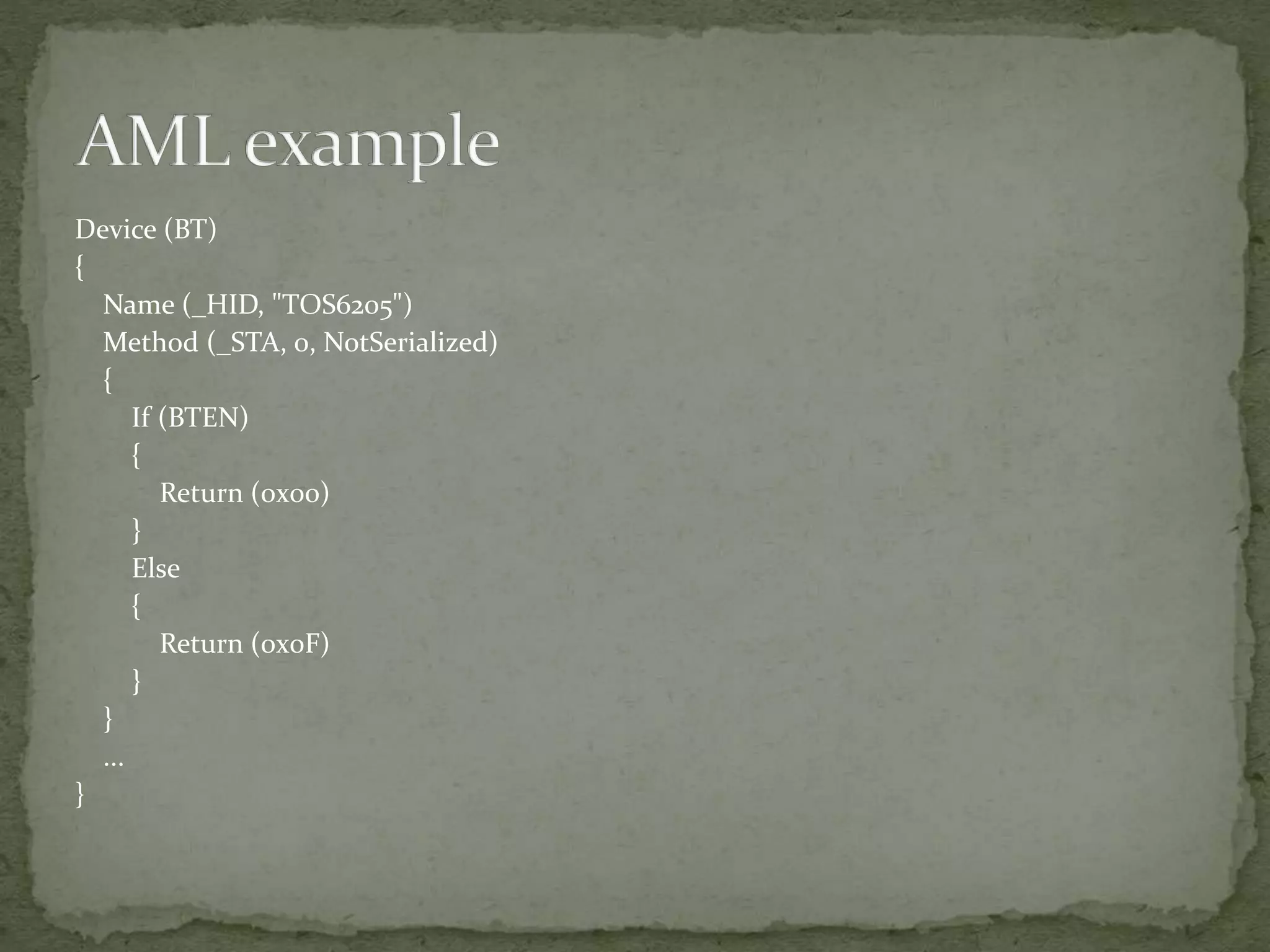
Device (BT)
{
Name (_HID, "TOS6205")
Method (_STA, 0, NotSerialized)
{
If (BTEN)
{
Return (0x00)
}
Else
{
Return (0x0F)
}
}
...
}
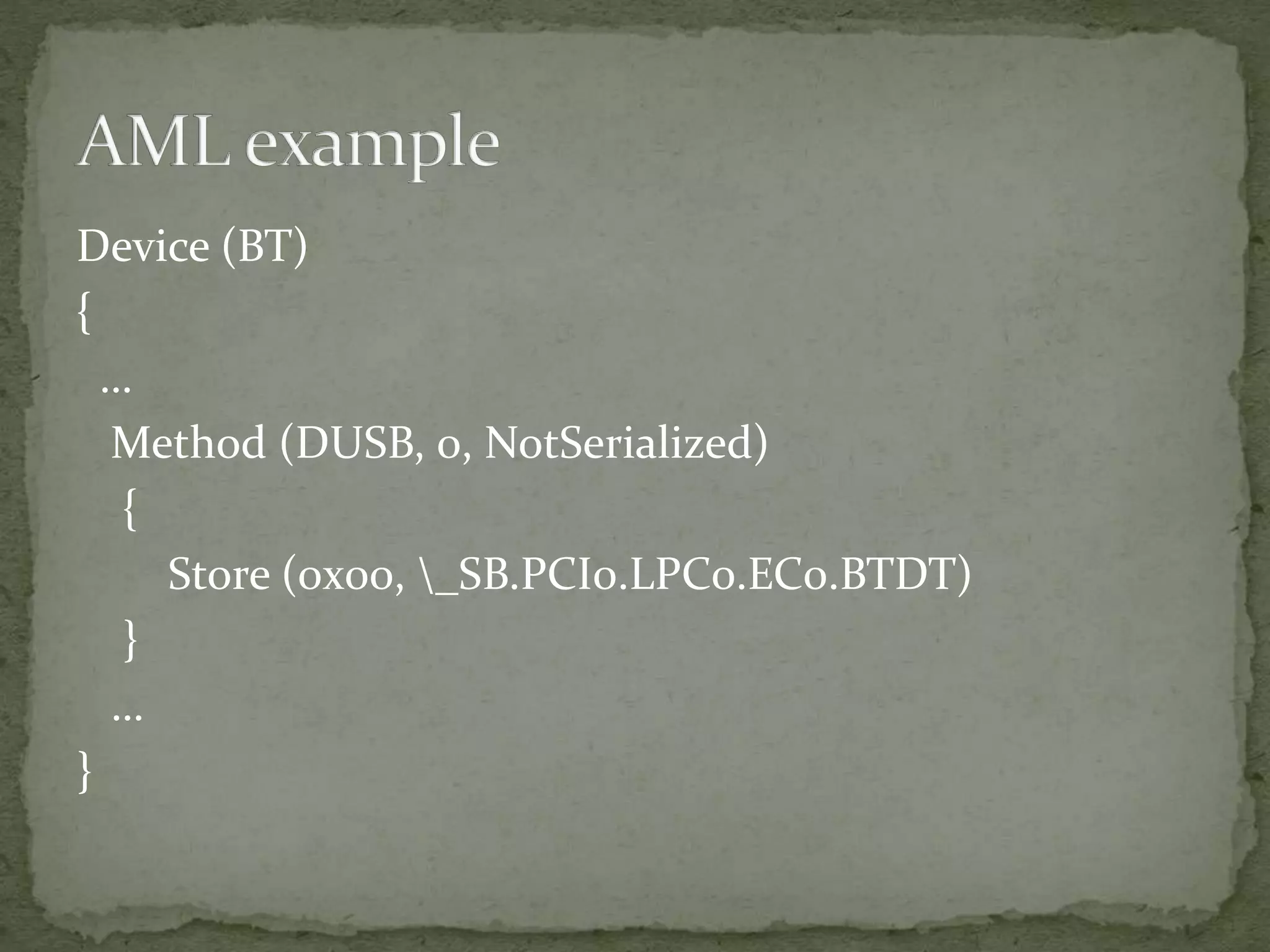
Device (BT)
{
…
Method (DUSB, 0, NotSerialized)
{
Store (0x00, _SB.PCI0.LPC0.EC0.BTDT)
}
…
}
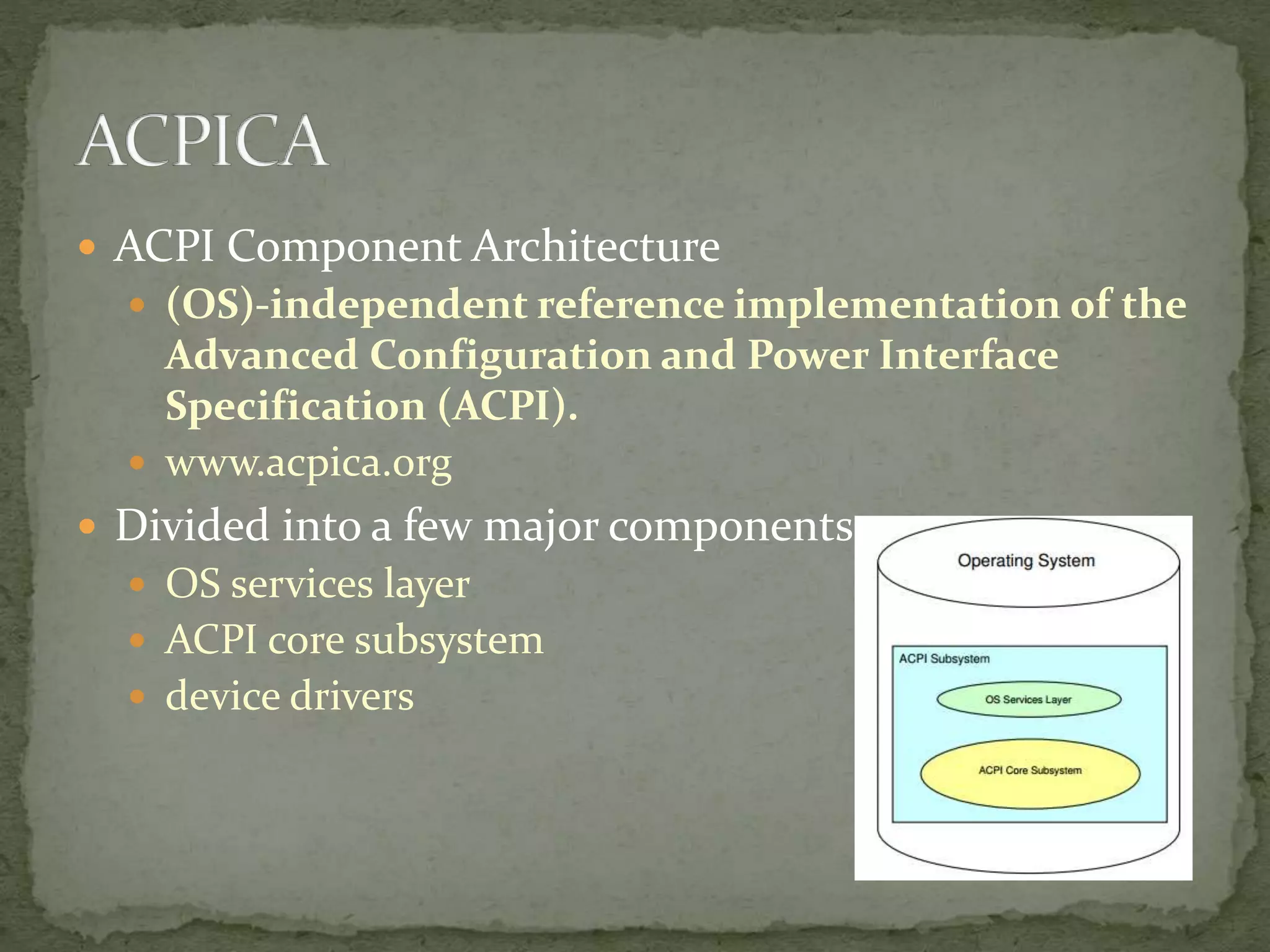
 ACPI Component Architecture
 (OS)-independent reference implementation of the
Advanced Configuration and Power Interface
Specification (ACPI).
 www.acpica.org
 Divided into a few major components
 OS services layer
 ACPI core subsystem
 device drivers
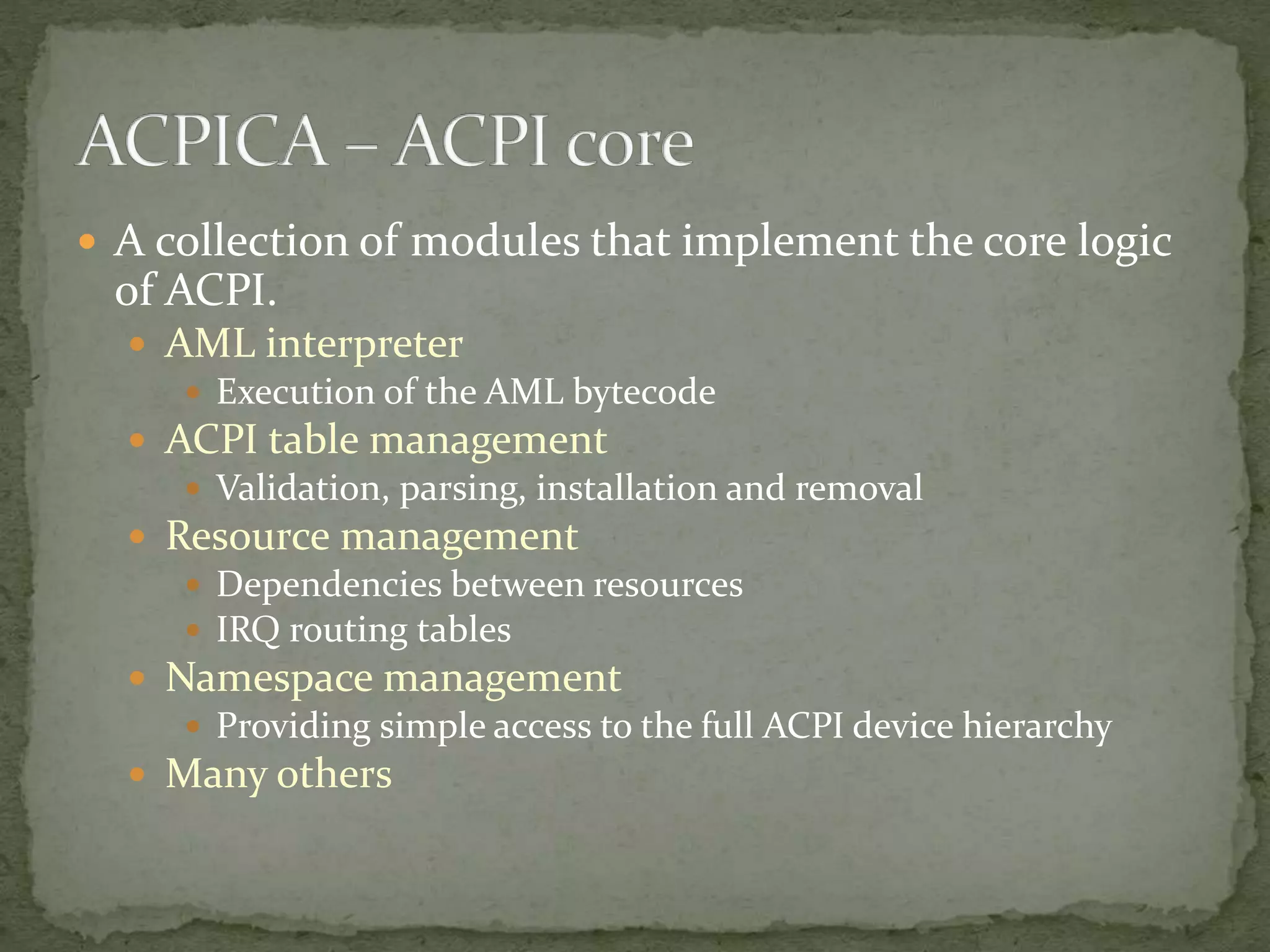
 A collection of modules that implement the core logic
of ACPI.
 AML interpreter
 Execution of the AML bytecode
 ACPI table management
 Validation, parsing, installation and removal
 Resource management
 Dependencies between resources
 IRQ routing tables
 Namespace management
 Providing simple access to the full ACPI device hierarchy
 Many others
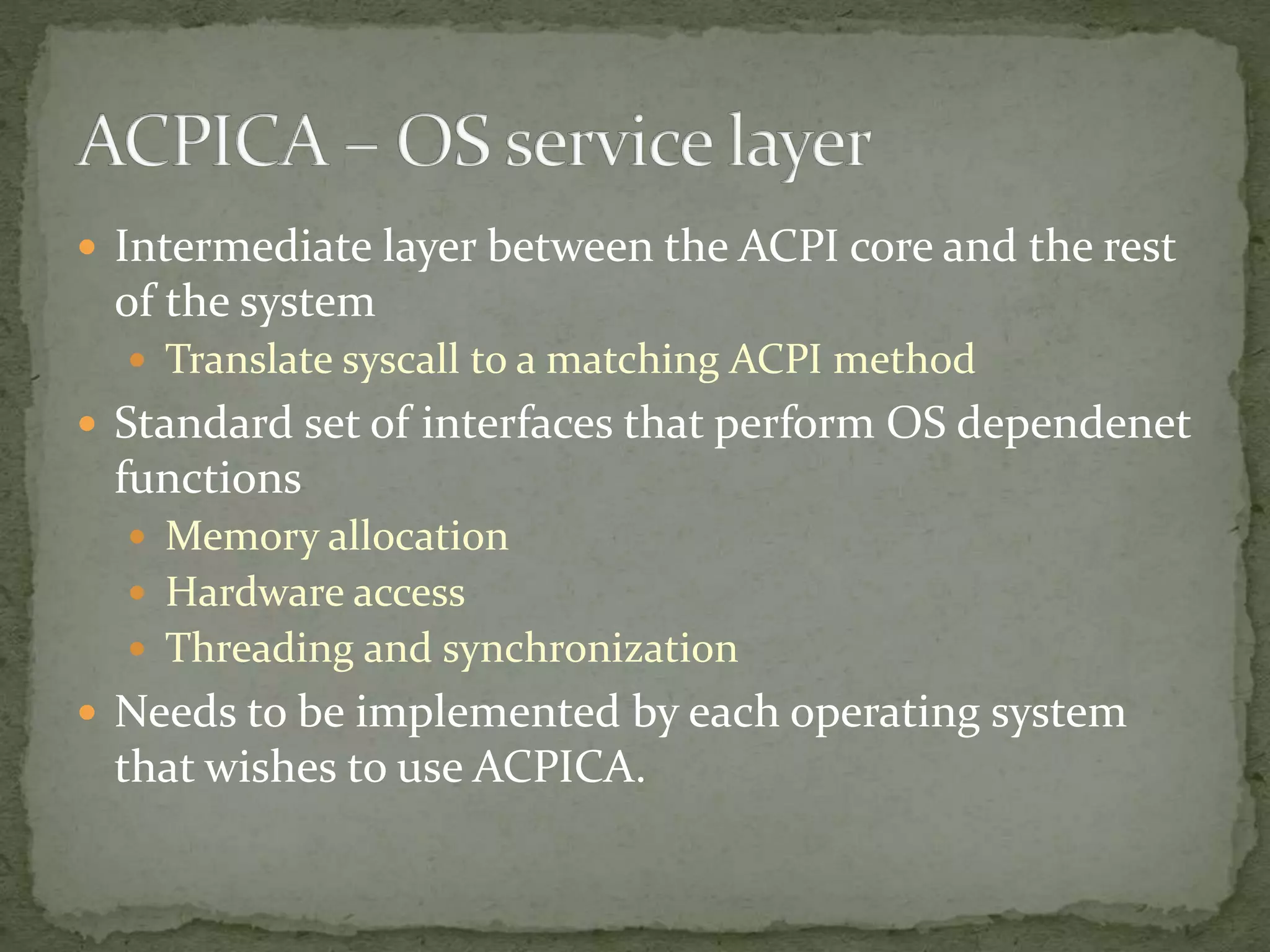
 Intermediate layer between the ACPI core and the rest
of the system
 Translate syscall to a matching ACPI method
 Standard set of interfaces that perform OS dependenet
functions
 Memory allocation
 Hardware access
 Threading and synchronization
 Needs to be implemented by each operating system
that wishes to use ACPICA.
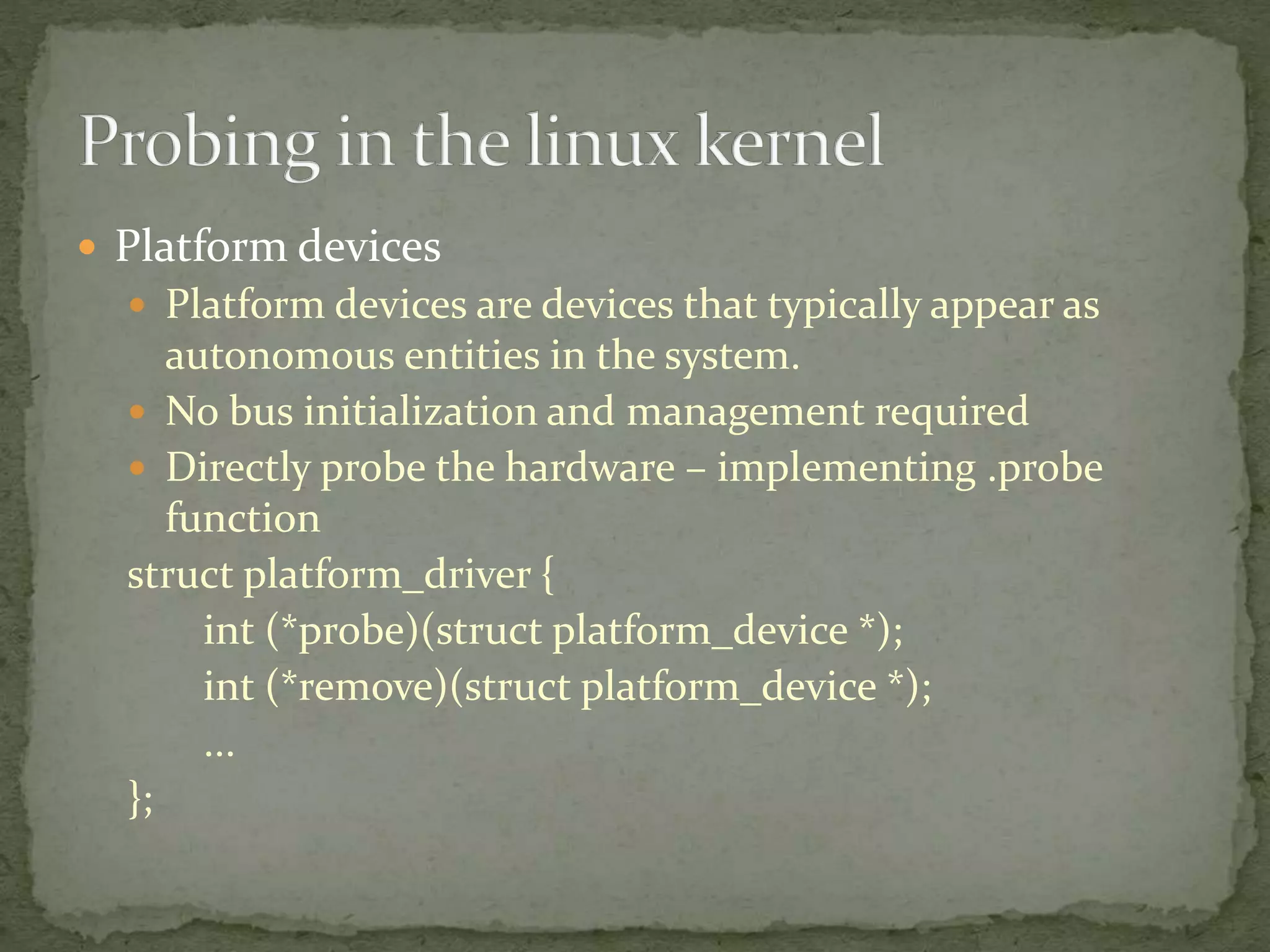
 Platform devices
 Platform devices are devices that typically appear as
autonomous entities in the system.
 No bus initialization and management required
 Directly probe the hardware – implementing .probe
function
struct platform_driver {
int (*probe)(struct platform_device *);
int (*remove)(struct platform_device *);
...
};
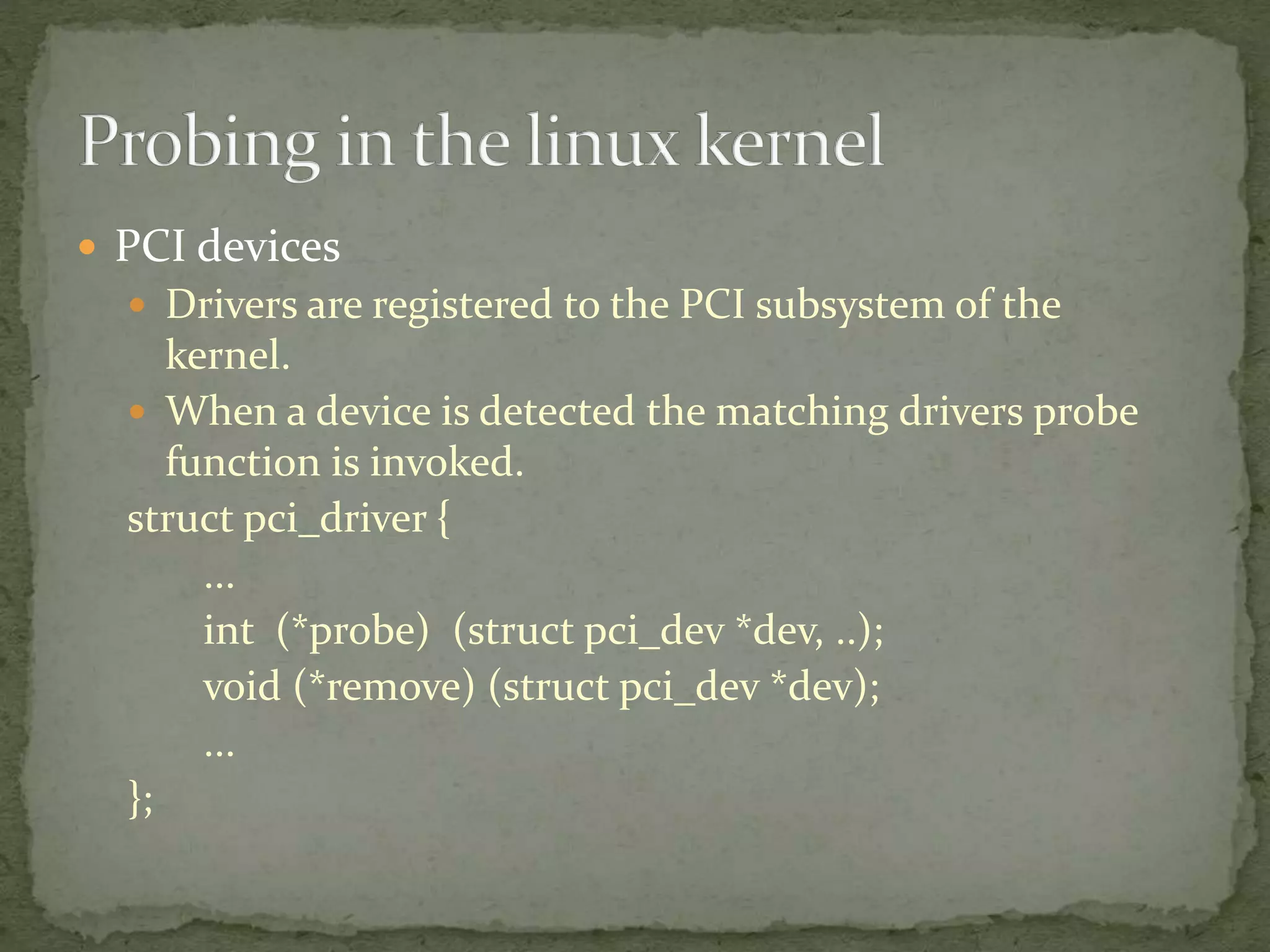
 PCI devices
 Drivers are registered to the PCI subsystem of the
kernel.
 When a device is detected the matching drivers probe
function is invoked.
struct pci_driver {
...
int (*probe) (struct pci_dev *dev, ..);
void (*remove) (struct pci_dev *dev);
...
};
Hardware Probing in the Linux Kernel

Hardware Probing in the Linux Kernel

  • 1.
    Linux kernel TLVmeetup, 21.09.2015 Kfir Gollan
  • 2.
     What ishardware probing?  Different approaches for detecting hardware  Probing in the linux kernel
  • 3.
     Have youever wondered how does the OS know what hardware components are available on a given machine?  Basically, someone needs to tell the OS what is available.  The process of detecting all the hardware components and pairing them up with the matching drivers in the OS is called hardware probing, or just probing for short.
  • 4.
     Hardcode thedetails of the hardware into the kernel  Static configuration  Device trees  Dynamic configuration  ACPI  Bus based detection  PCI
  • 6.
    Formal definition: “The DeviceTree is a data structure for describing hardware. Rather than hard coding every detail of a device into an operating system, many aspect of the hardware can be described in a data structure that is passed to the operating system at boot time.” devicetree.org
  • 7.
     Device treesource (DTS)  Device tree bindings  Device tree blob (DTB)  Flattened Device Tree (FDT)  Device tree compiler (DTC)
  • 8.
    { compatible = "nvidia,harmony","nvidia,tegra20"; #address-cells = <1>; #size-cells = <1>; interrupt-parent = <&intc>; memory { device_type = "memory"; reg = <0x00000000 0x40000000>; }; ... };
  • 9.
    { …. sound { compatible ="nvidia,harmony-sound"; i2s-controller = <&i2s1>; i2s-codec = <&wm8903>; }; };
  • 10.
    chosen { bootargs ="console=ttyS0,115200 loglevel=8"; initrd-start = <0xc8000000>; initrd-end = <0xc8200000>; };
  • 11.
     Xillybus Devicetree tutorial  Device trees for Dummies!  Documentation/devicetree/  usage-model.txt  booting-without-of.txt
  • 13.
     Advanced configurationand power interface  Originally created by Intel, Toshiba & Microsoft  Currently maintained by the UEFI forum  Current last revision of the spec was released at May 2015 (Revision 6.0)  Replaces APM (Advanced Power Management)  Allows the kernel/user to control power features without going into BIOS configuration  It’s complex! (Revision 6.0 is 1056 pages long)
  • 14.
    The fact thatit takes more code to parse and interpret ACPI than it does to route traffic on the internet backbones should be a hint something is badly wrong either in ACPI the spec, ACPI the implementation or both. Alan Cox ACPI is a complete design disaster in every way Linus Torvalds Basically, it is just complex.
  • 15.
     Divided tothree major components  ACPI registers  ACPI BIOS  ACPI tables  AML – ACPI Machine Language  Requires a full-fledged interpreter to be implemented in the kernel.
  • 16.
     Motherboard devicesare described in an hierarchical format called the ACPI namespace.  ACPI definition blocks  Differentiated System Description Table (DSDT)  Secondary System Description Table (SSDT)  The operating system is simply required to iterate over the ACPI namespace and load the proper drivers for each device that is listed there.
  • 17.
    Device (BT) { Name (_HID,"TOS6205") Method (_STA, 0, NotSerialized) { If (BTEN) { Return (0x00) } Else { Return (0x0F) } } ... }
  • 18.
    Device (BT) { … Method (DUSB,0, NotSerialized) { Store (0x00, _SB.PCI0.LPC0.EC0.BTDT) } … }
  • 19.
     ACPI ComponentArchitecture  (OS)-independent reference implementation of the Advanced Configuration and Power Interface Specification (ACPI).  www.acpica.org  Divided into a few major components  OS services layer  ACPI core subsystem  device drivers
  • 20.
     A collectionof modules that implement the core logic of ACPI.  AML interpreter  Execution of the AML bytecode  ACPI table management  Validation, parsing, installation and removal  Resource management  Dependencies between resources  IRQ routing tables  Namespace management  Providing simple access to the full ACPI device hierarchy  Many others
  • 21.
     Intermediate layerbetween the ACPI core and the rest of the system  Translate syscall to a matching ACPI method  Standard set of interfaces that perform OS dependenet functions  Memory allocation  Hardware access  Threading and synchronization  Needs to be implemented by each operating system that wishes to use ACPICA.
  • 23.
     Platform devices Platform devices are devices that typically appear as autonomous entities in the system.  No bus initialization and management required  Directly probe the hardware – implementing .probe function struct platform_driver { int (*probe)(struct platform_device *); int (*remove)(struct platform_device *); ... };
  • 24.
     PCI devices Drivers are registered to the PCI subsystem of the kernel.  When a device is detected the matching drivers probe function is invoked. struct pci_driver { ... int (*probe) (struct pci_dev *dev, ..); void (*remove) (struct pci_dev *dev); ... };

Editor's Notes

  • #3 Main topics of the presentation. What is hardware probing? Talking about the entire process from high-level, not too technical. Various approaches for detecting hardware. Mainly talking about concepts. We will use ACPI as an example for x86 and device tree for arm. Dynamic detection will be discussed briefly.
  • #4 Possible example to use – When you install a linux distribution on your machine, say ubuntu, do you specify anything about your hardware? how many USB ports you have? how much RAM?
  • #5 When presenting this slide make sure to talk about pros and cons of each approach. Hardcoding pros Simple to implement, hardcoding addresses in the required drivers and subsystems. No restrictions on the bootloader Minimal overhead which results in faster boot-time. cons The generated kernel matches a single architecture. If we want to add/remove a component we will need to re-compile the kernel. Non standard for recent kernels. This approach will work for custom embedded devices. Device trees pros Relatively simple to use (requires parsing of a static binary structure in the kernel). Provides a simple channel to pass parameters from the bootloader to the kernel (chosen entity in the DT) Small memory footprint cons Modifications to the hardware requires recompiling the dtb Non compliant to the x86 standard set by intel (Some userspace applications such as lshw will not work properly with device trees) ACPI pros Widely supported on various machines Doesn’t require to recompile anything when hardware is added to the system Provides extra features such as power management cons Rather complex to integrate into a system (AML interpreter for example) Considered to be not secure. Dynamic detection on static buses pros The detection can be performed at run-time (hot-plugging) The detection can be deferred on many cases, this allows the logic to be implemented in userspace cons Most complex approach (Take a look at the USB/PCI subsystem in the linux kernel…)
  • #8 Device tree source “Code” written in dts syntax. Used as input for the DTC in most cases. Device tree blob The binary output of the dtc. This output is used by the kernel Flattened Device Tree (FDT) – structure for the DTB. the FDT is the format used in linux. Device tree compiler A tool that can convert from/to dts to/from dtb. The linux kernel maintains its own compiler, located in scripts/dtc Links: - http://elinux.org/Device_Tree
  • #11 The chosen entry in the device tree is for general information that can be passed from the bootloader to the kernel. This was added to be used as a general way to configure the kernel from the bootloader.
  • #14 Links: https://www.kernel.org/doc/ols/2005/ols2005v1-pages-59-76.pdf https://en.wikipedia.org/wiki/Advanced_Configuration_and_Power_Interface https://lwn.net/Articles/367630/ http://www.uefi.org/sites/default/files/resources/ACPI_6.0.pdf http://lwn.net/2001/0704/kernel.php3
  • #16 ACPI bios – Loads the ACPI tables into known memory locations to be used by the kernel. Does other stuff as well but this is its major role. ACPI registers – information used for loading the tables. ACPI tables – Static description of hardware and functionalities as well as byte code to be executed - AML
  • #18 Full source file can be found in http://www.codon.org.uk/~mjg59/lwn/toshiba_x300.dsl
  • #24 The probe function allows a driver to interact with the compatible hardware. Request required resources (memory, irq etc) The remove function allows a driver to clean up if the device was disconnected. This allows for hot-plugging of platform devices.