Identifying, Organizing, and Preserving E-mail records
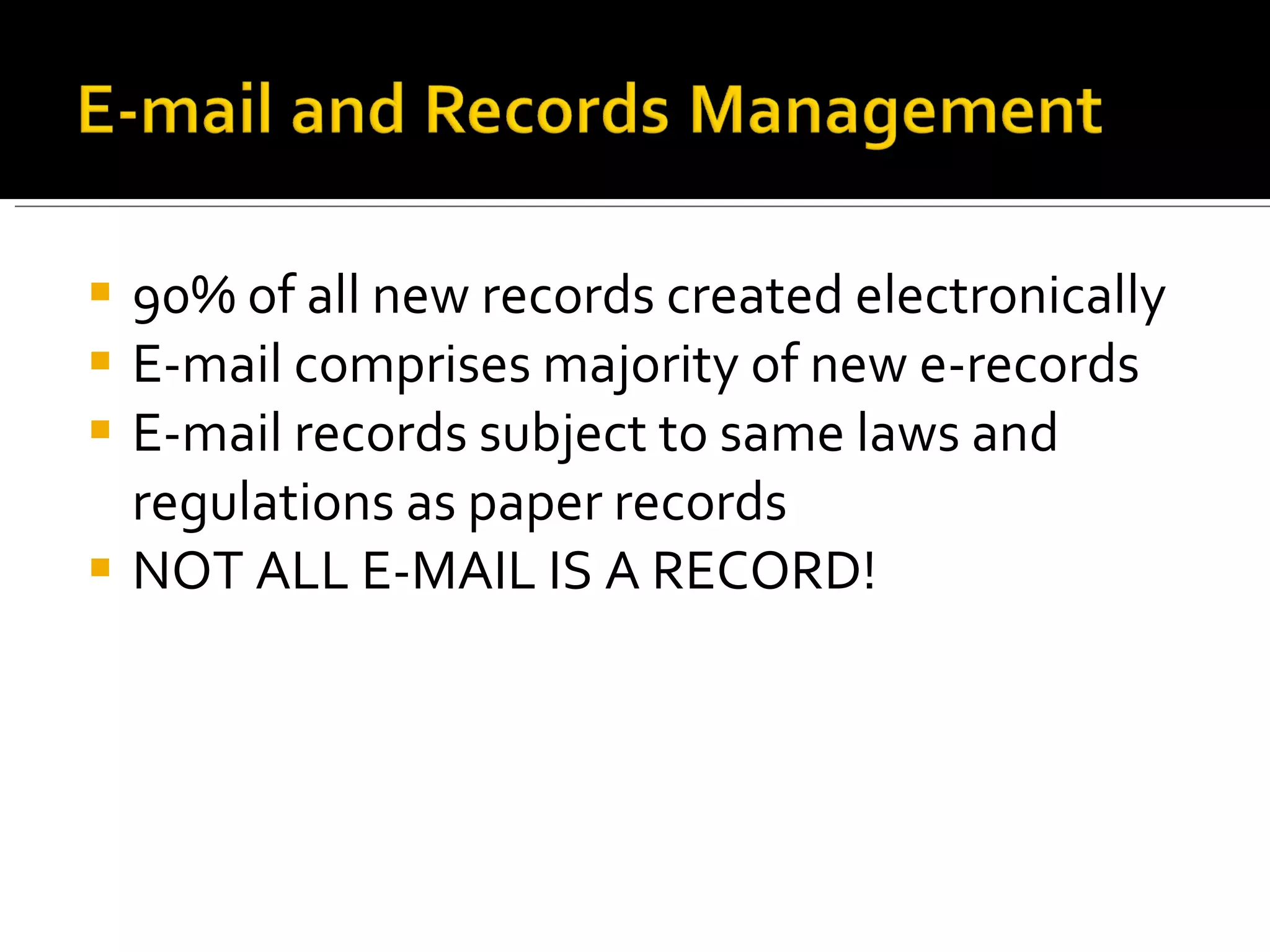
90% of all new records created electronically E-mail comprises majority of new e-records E-mail records subject to same laws and regulations as paper records NOT ALL E-MAIL IS A RECORD!
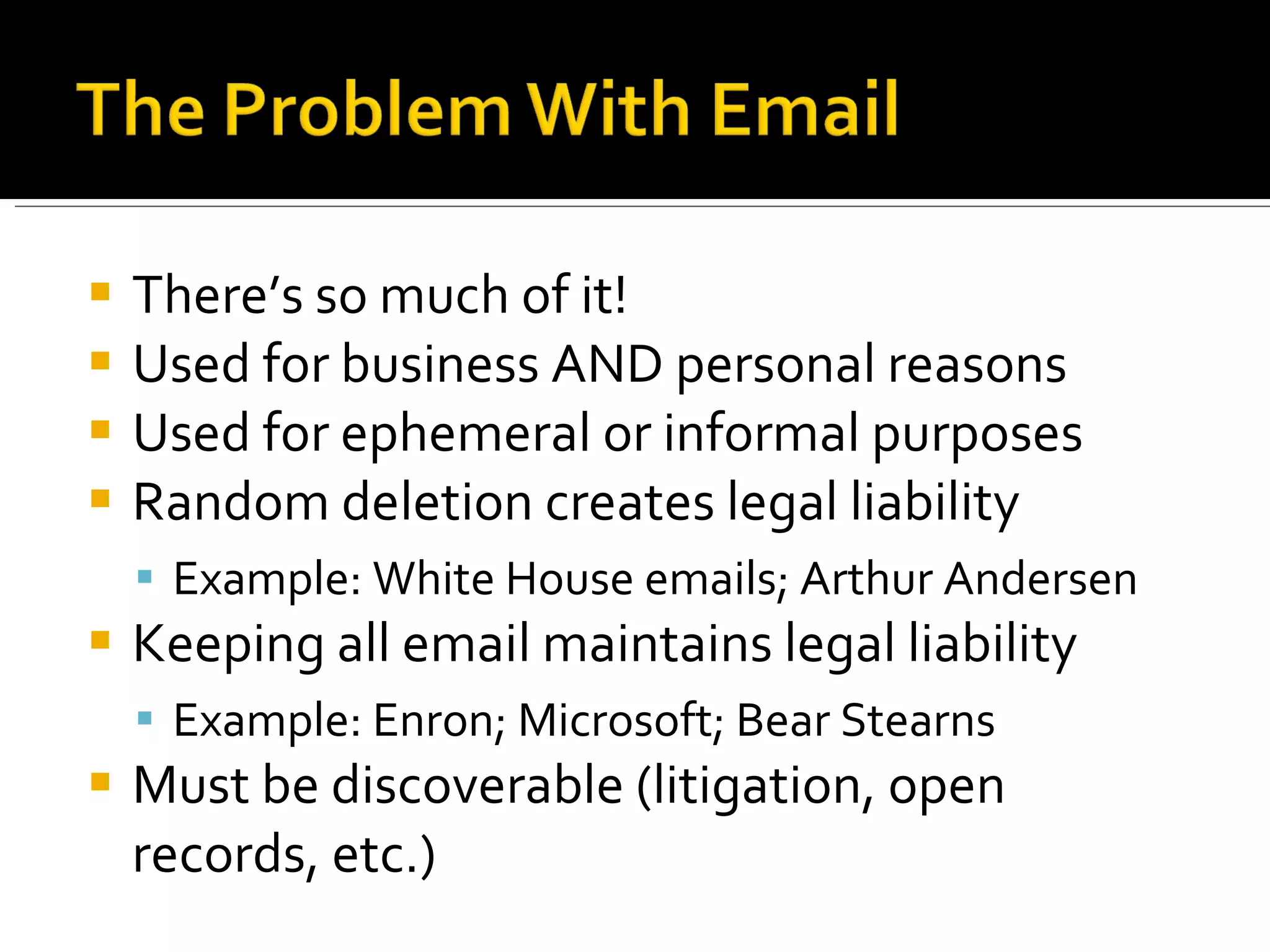
There’s so much of it! Used for business AND personal reasons Used for ephemeral or informal purposes Random deletion creates legal liability Example: White House emails; Arthur Andersen Keeping all email maintains legal liability Example: Enron; Microsoft; Bear Stearns Must be discoverable (litigation, open records, etc.)
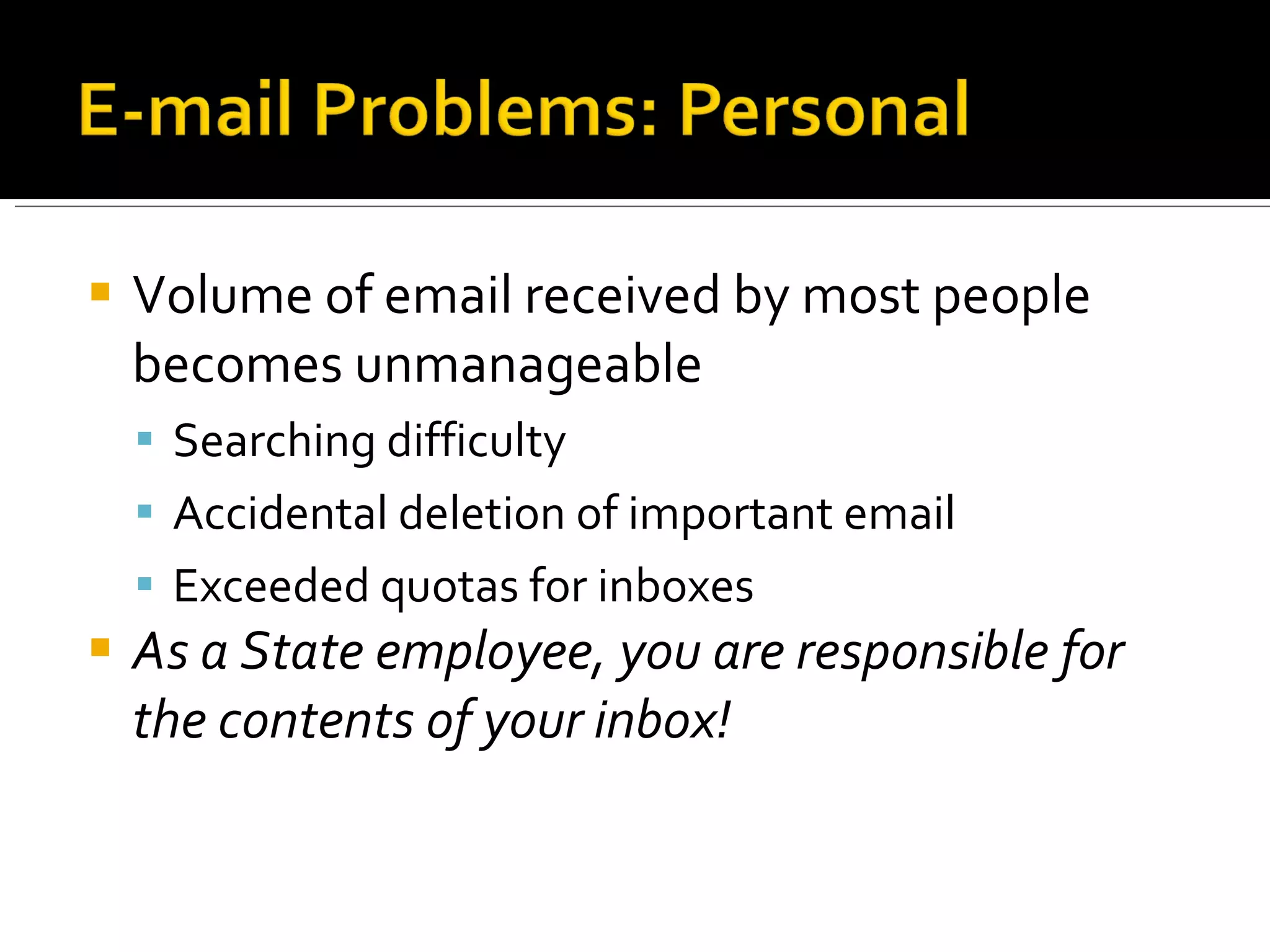
Volume of email received by most people becomes unmanageable Searching difficulty Accidental deletion of important email Exceeded quotas for inboxes  As a State employee, you are responsible for the contents of your inbox!
Identify e-mail records and non-records Utilize PantherLink and other tools to create and organize e-mails Determine appropriate retention and disposition of record e-mails Explore strategies for long-term e-mail preservation
 
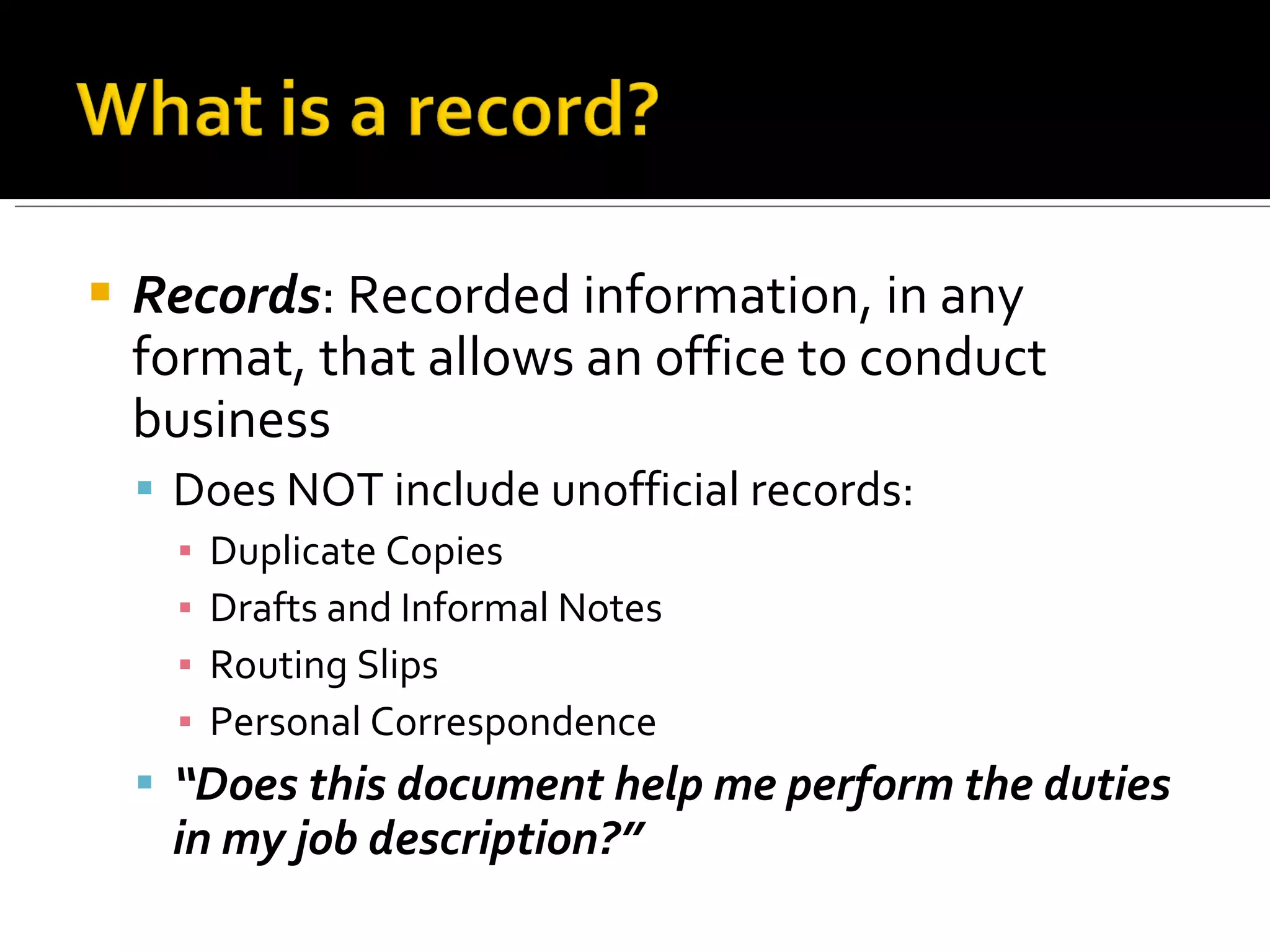
Records : Recorded information, in any format, that allows an office to conduct business Does NOT include unofficial records: Duplicate Copies Drafts and Informal Notes Routing Slips Personal Correspondence “ Does this document help me perform the duties in my job description?”
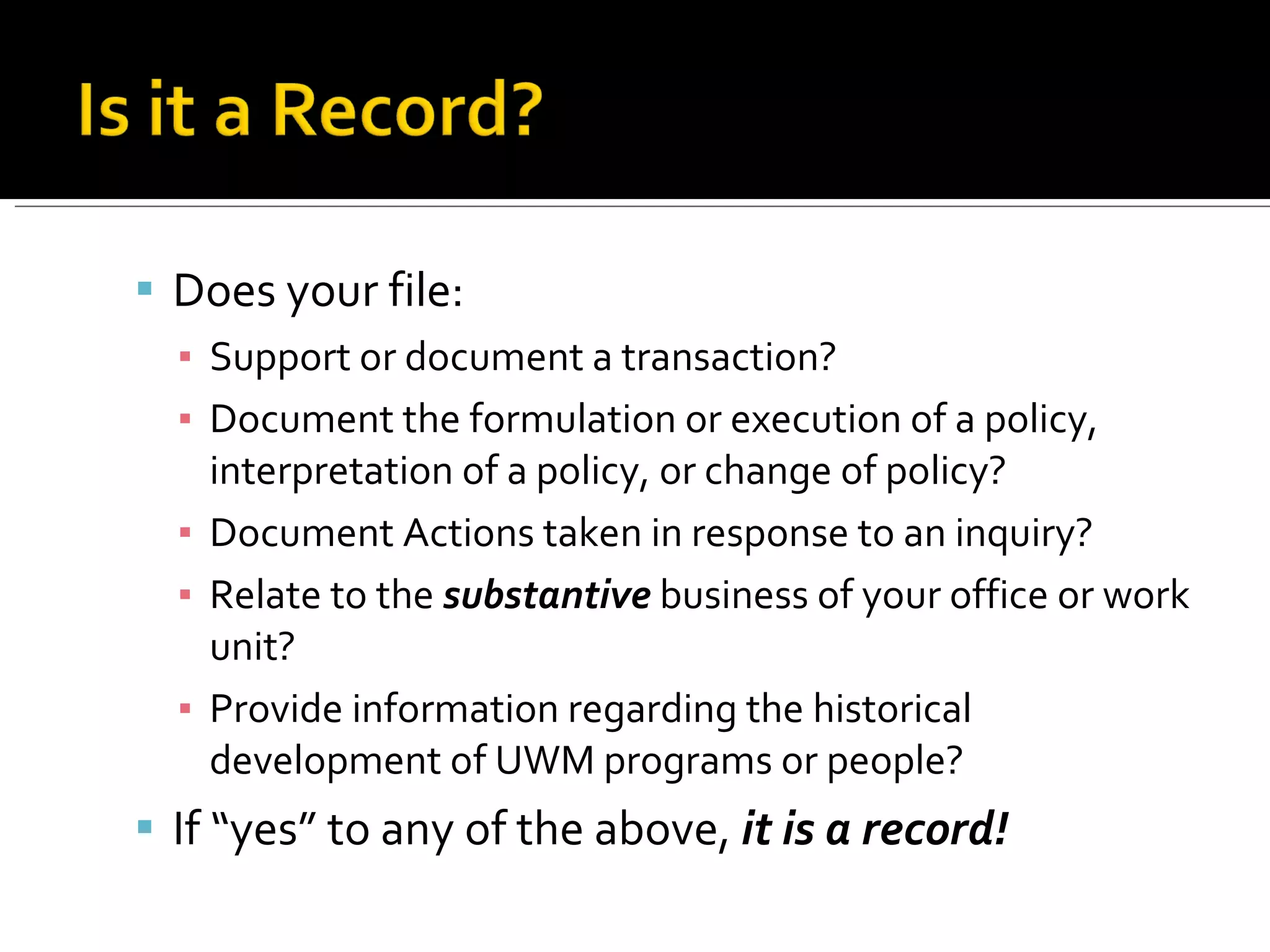
Does your file: Support or document a transaction? Document the formulation or execution of a policy, interpretation of a policy, or change of policy? Document Actions taken in response to an inquiry? Relate to the  substantive  business of your office or work unit? Provide information regarding the historical development of UWM programs or people? If “yes” to any of the above,  it is a record!
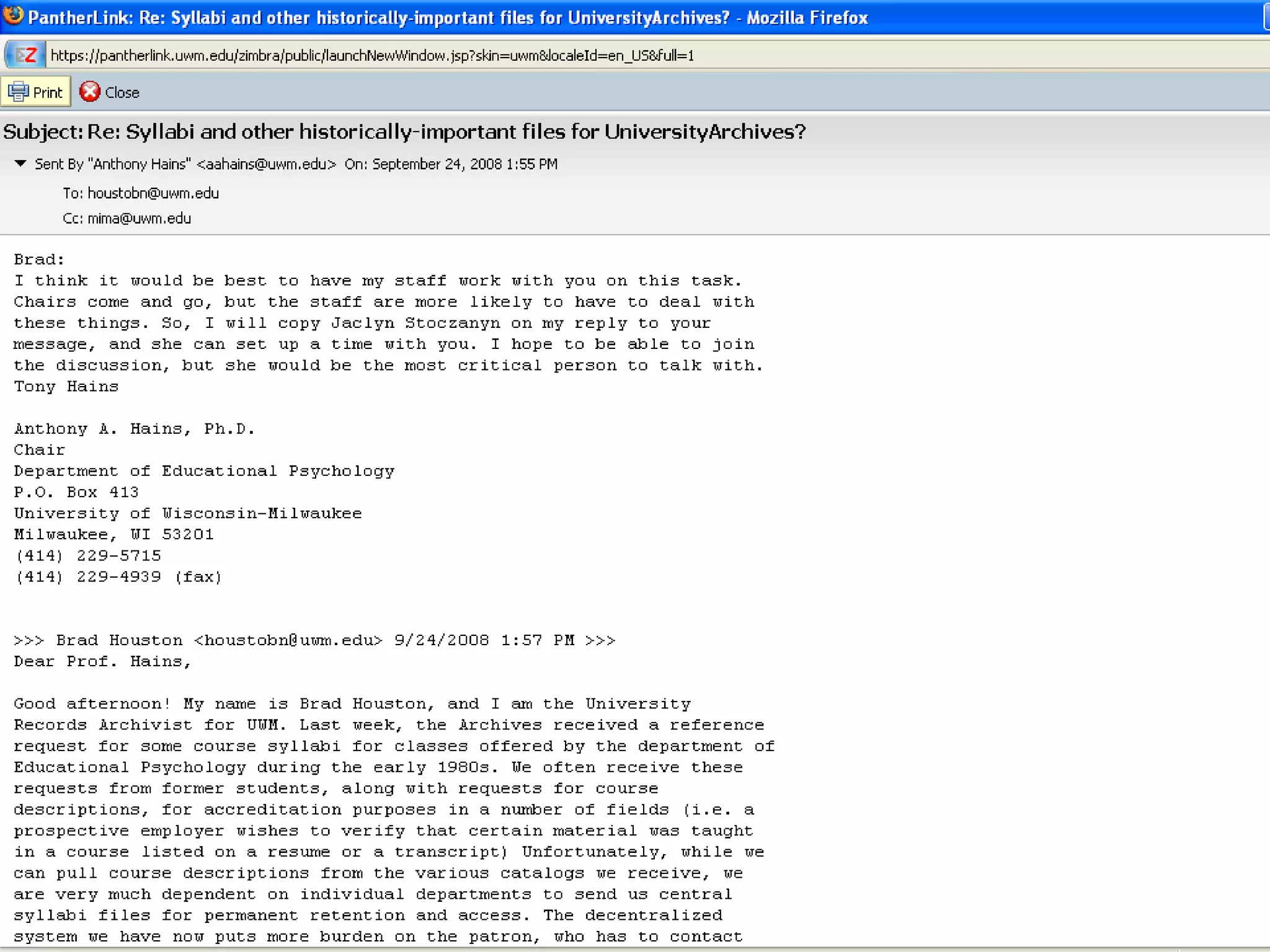
E-mail to contractor clarifying terms:  Record! E-mail from department head to staff giving  committee assignments:  Record!  Sender must retain as record; recipient(s) may delete as appropriate E-mail asking for draft comments:  Non-Record! If attachment is not record, neither is ‘routing’ email
The official record, for business and legal purposes, of a business transaction If you take any action on a document, that document becomes YOUR record, even if other copies are maintained elsewhere EXCEPTION: Convenience copies may be discarded freely
If you create a document as part of your everyday work,  you are the record holder If you manage or lead a committee, project, or program,  you are the record holder If you are holding a received record for reference,  you are NOT the record holder Sender usually record holder in these cases
Two Rules of Thumb: 1. Try not to send personal e-mails from your university account; if you do, though, keep them separate from your work e-mails. 2.  Never  send work-related e-mails from personal e-mail accounts! Do not put  anything  in an email that you would not want made public via litigation!
 
 
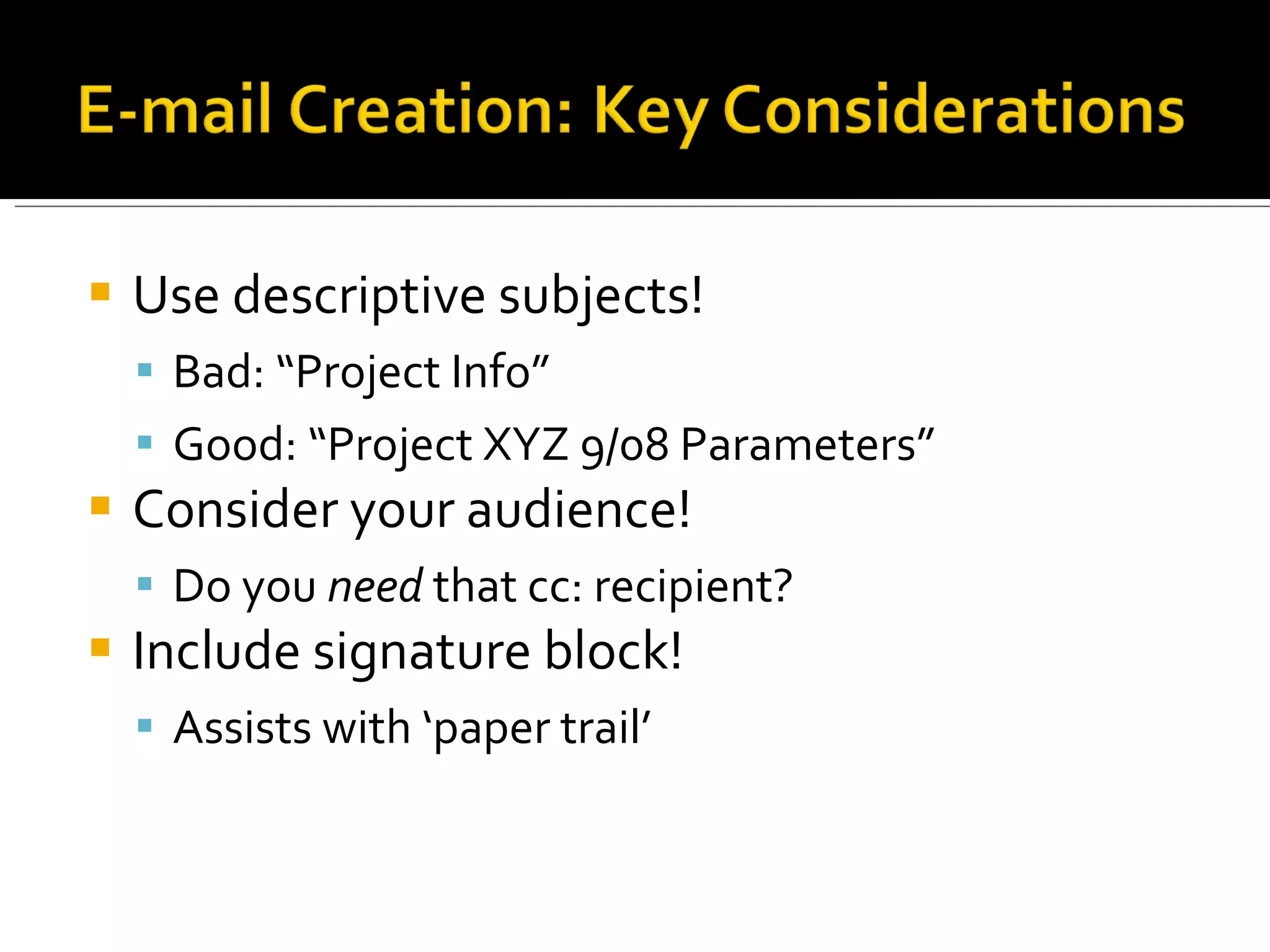
Use descriptive subjects! Bad: “Project Info” Good: “Project XYZ 9/08 Parameters” Consider your audience! Do you  need  that cc: recipient? Include signature block! Assists with ‘paper trail’
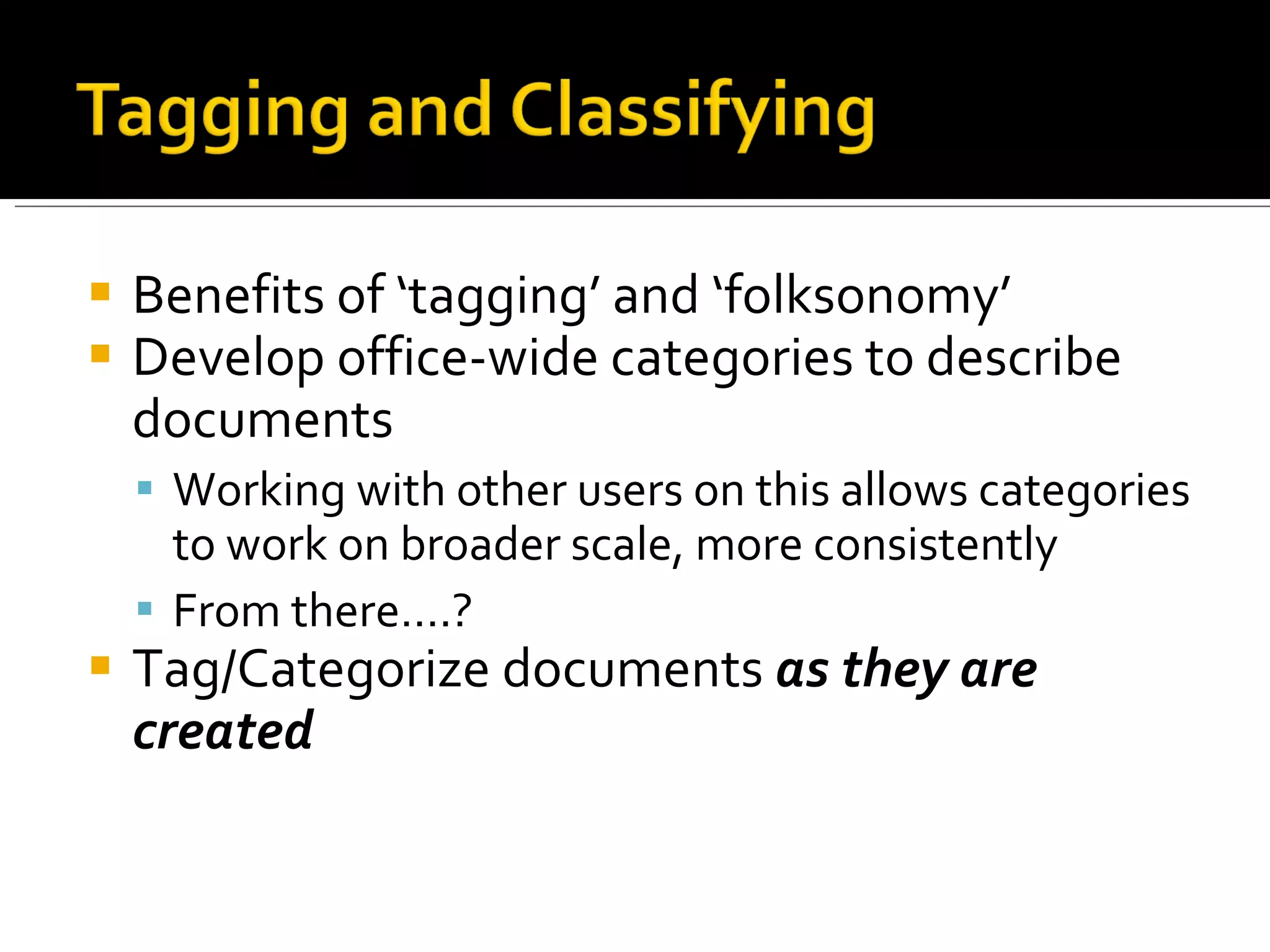
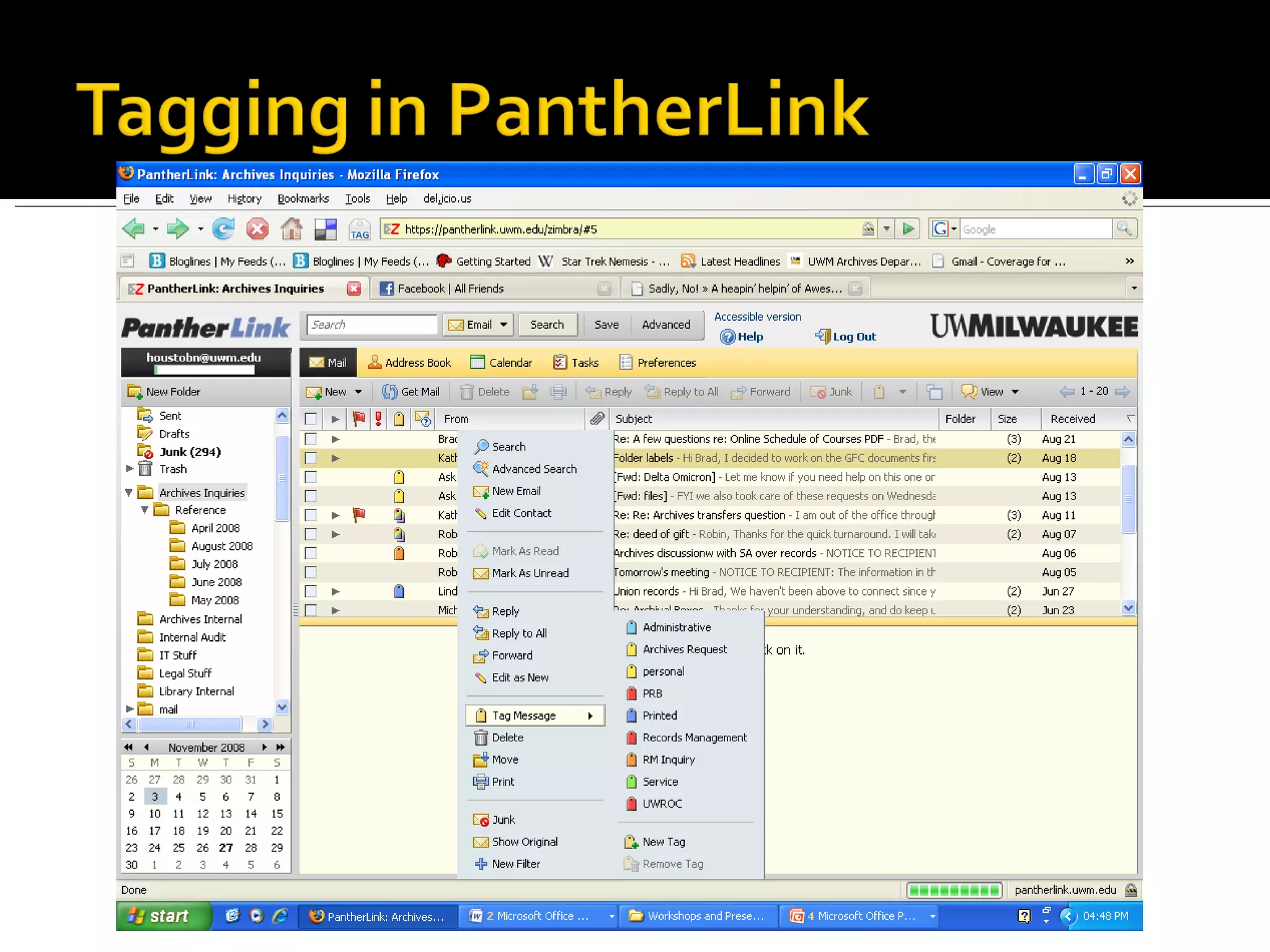
Benefits of ‘tagging’ and ‘folksonomy’ Develop office-wide categories to describe documents Working with other users on this allows categories to work on broader scale, more consistently From there….? Tag/Categorize documents  as they are created
 
Keep all emails in your inbox Advantages: Easy; computer-aided searching Disadvantages: Inbox clutter, manual searching Foldering Scheme Advantages: retain context; manual searching; reduces inbox clutter Disadvantages: Large implementation and maintenance requirement
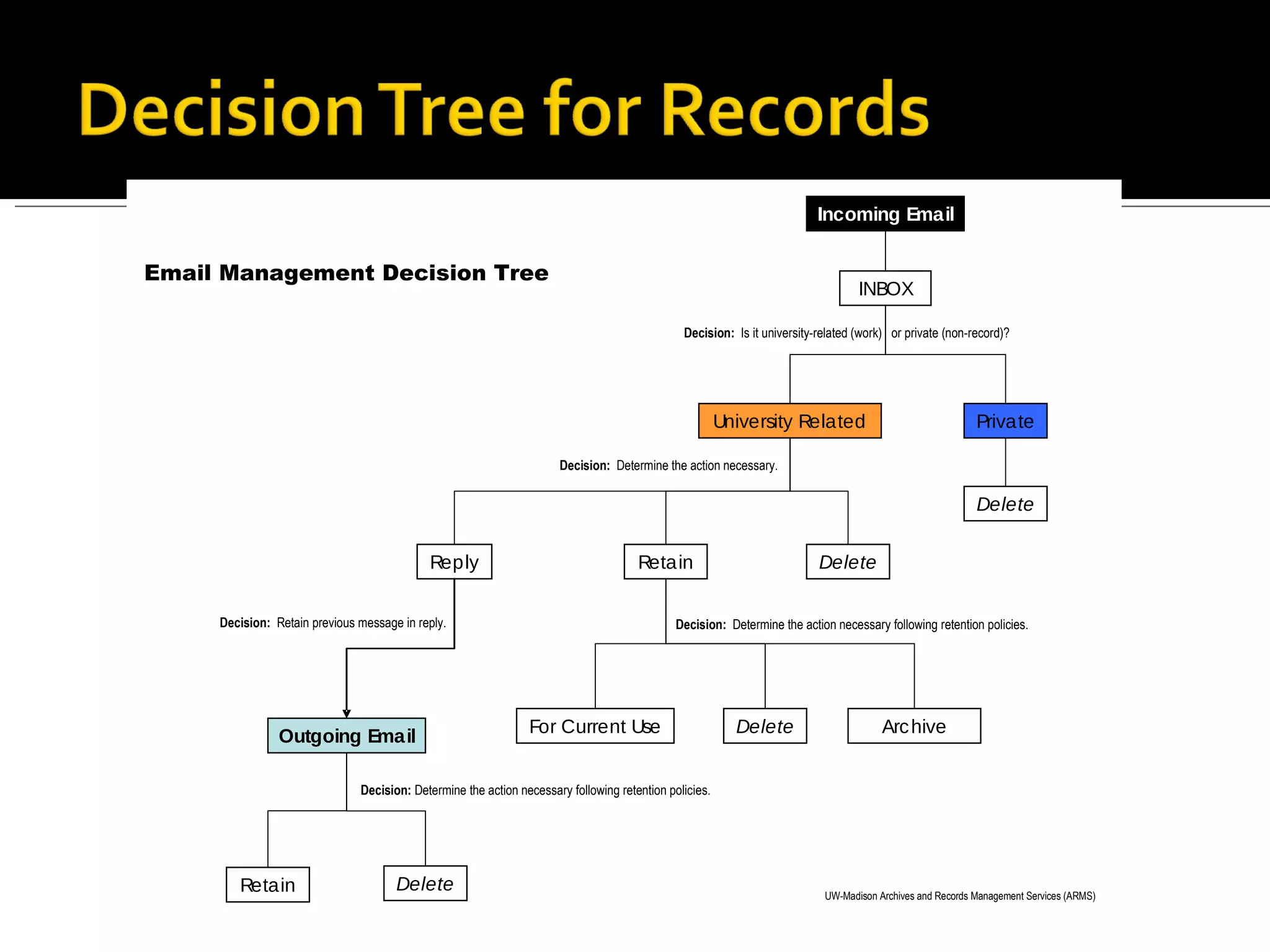
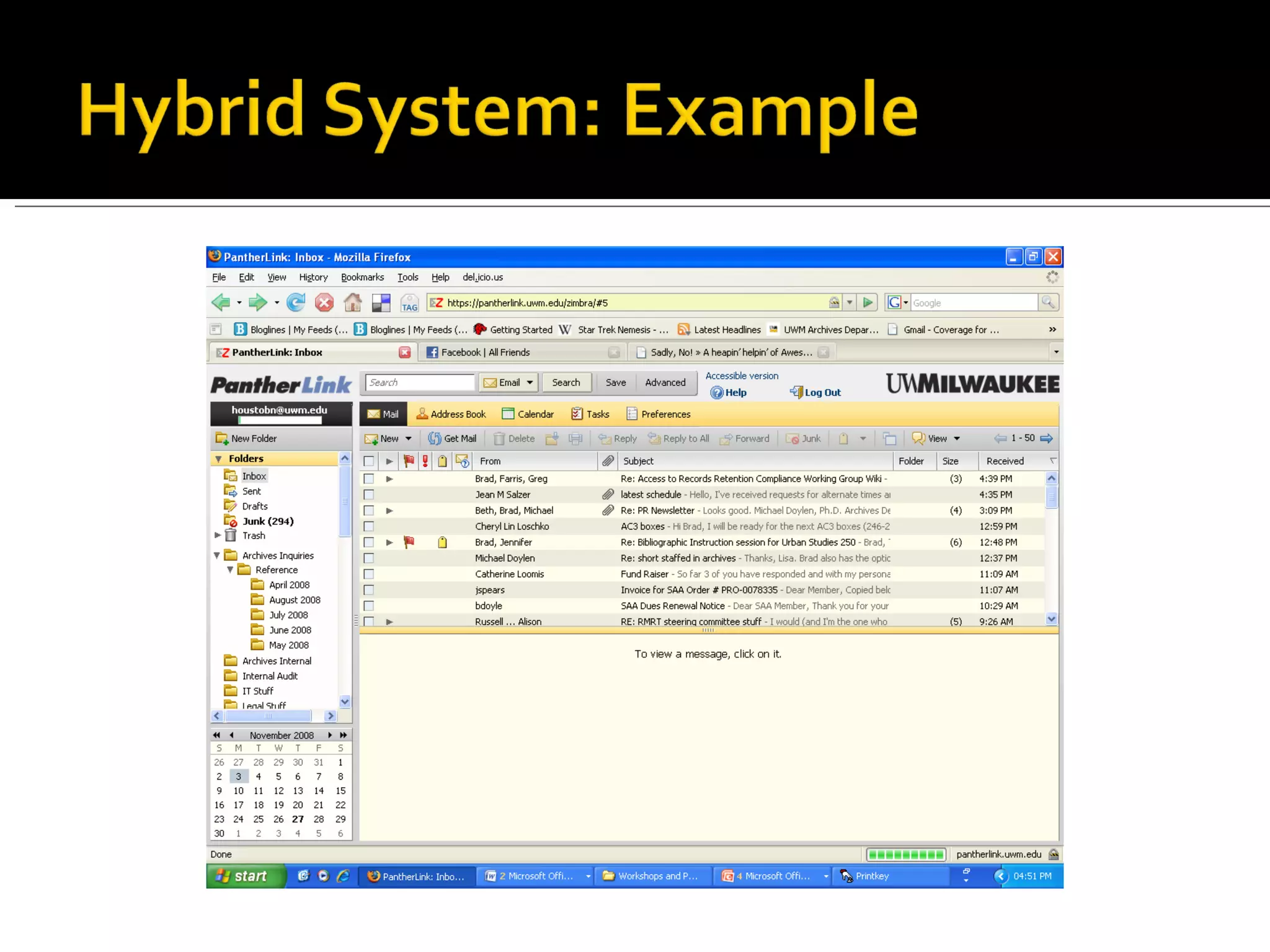
Delete non-record email as needed Manually file emails for reference/retention, OR set up filters Filter by sender, subject line, recipient, etc. partially automates filing Leave emails in inbox that require quick follow-through File appropriately once responded to
 
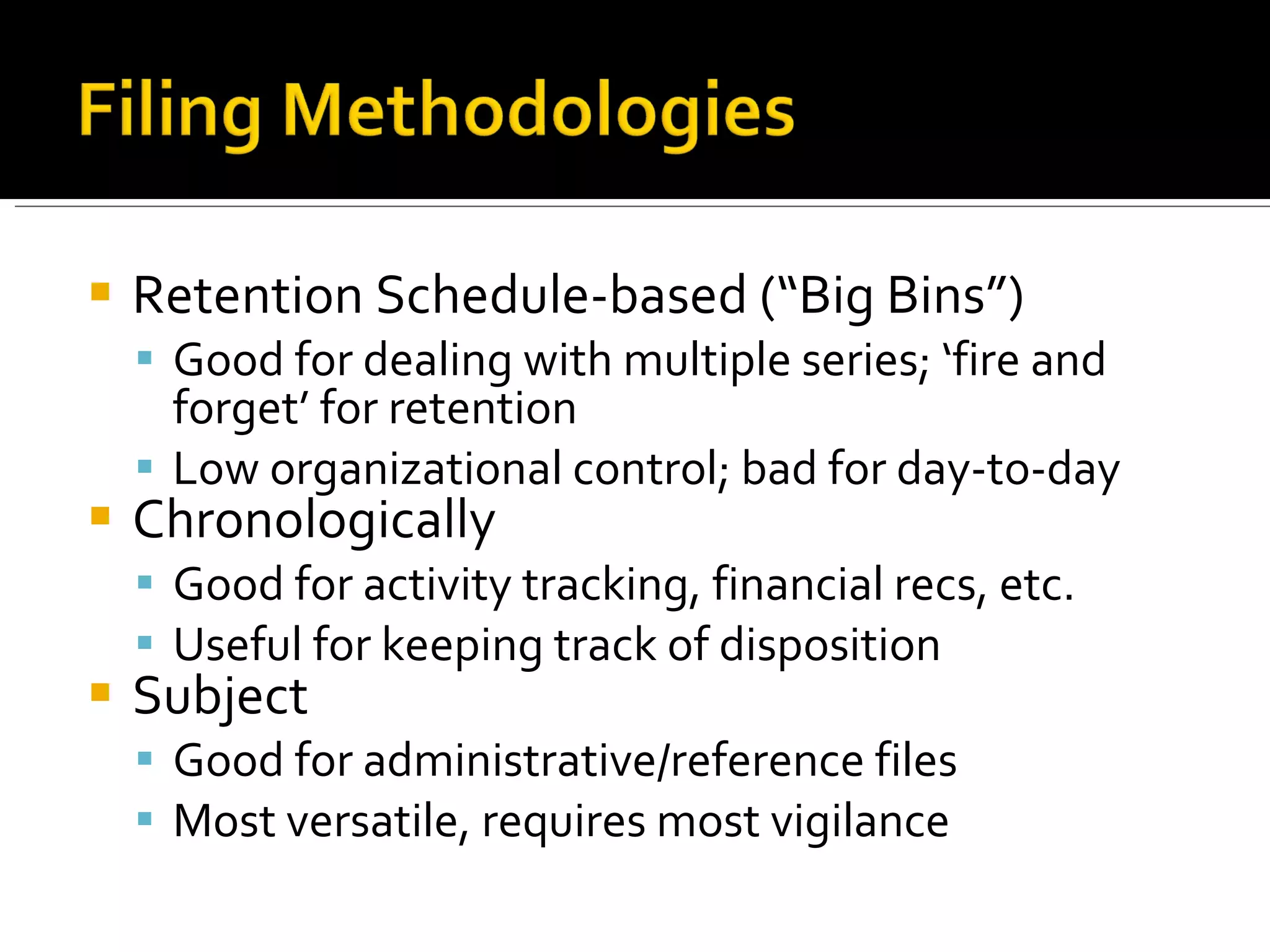
Retention Schedule-based (“Big Bins”) Good for dealing with multiple series; ‘fire and forget’ for retention Low organizational control; bad for day-to-day Chronologically Good for activity tracking, financial recs, etc. Useful for keeping track of disposition Subject Good for administrative/reference files Most versatile, requires most vigilance
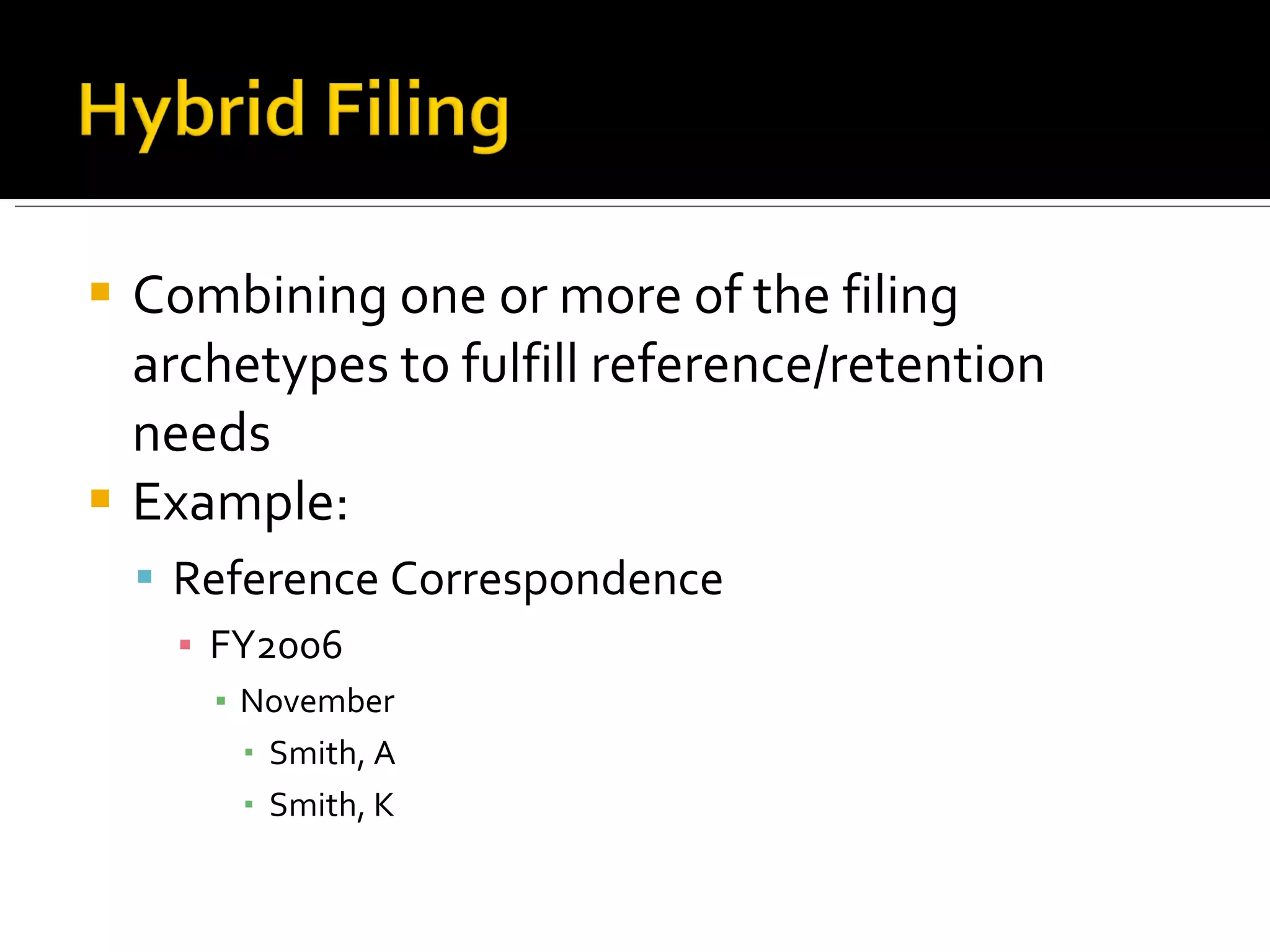
Combining one or more of the filing archetypes to fulfill reference/retention needs Example: Reference Correspondence FY2006 November Smith, A Smith, K
Be Consistent!!!!
 
To document the operations of your office To document important programmatic decisions To preserve the history of your office and UWM To provide legal protection for your office To comply with Wisconsin state law! Wis. Stats. 16.61; Wis. Stats. 36.19
To use less server space To reduce the clutter in your inbox To avoid confusion about which file is the  record copy To provide legal protection for your office
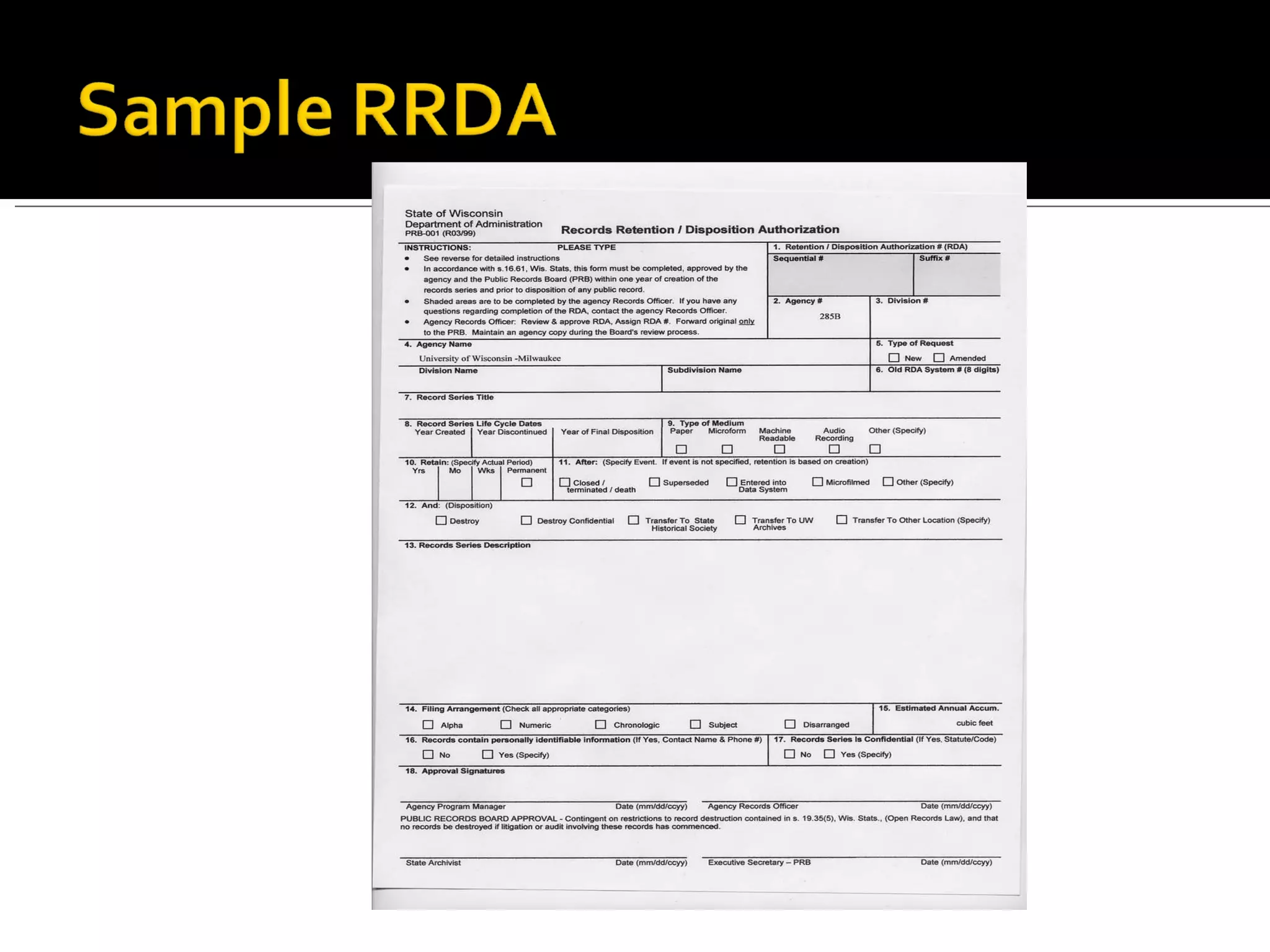
Records Retention and Disposition Authority (RRDA) Retention period (minimum) Final Disposition Record Series description When followed, RRDAs, or Records Schedules, simplify decision-making process on keeping/destroying records Required by state law!
 
Non-record  emails (drafts, notes, etc.) may be deleted immediately Official Records  may not be destroyed without a schedule If an e-mail would be part of a series as a letter,  use that series’ retention schedule! Contact Records Officer to arrange for e-records survey and scheduling
Approved by the Public Records Board in August 2008 Apply to all forms of electronic communication, NOT just email Provide guidance for correspondence existing outside of established record series DOES NOT supersede existing RRDAs
Normal communication of transaction of business No historical value; varying administrative value Examples: decision-making correspondence; response to inquiries for information; comments on reports Retain :  Six months  and destroy
 
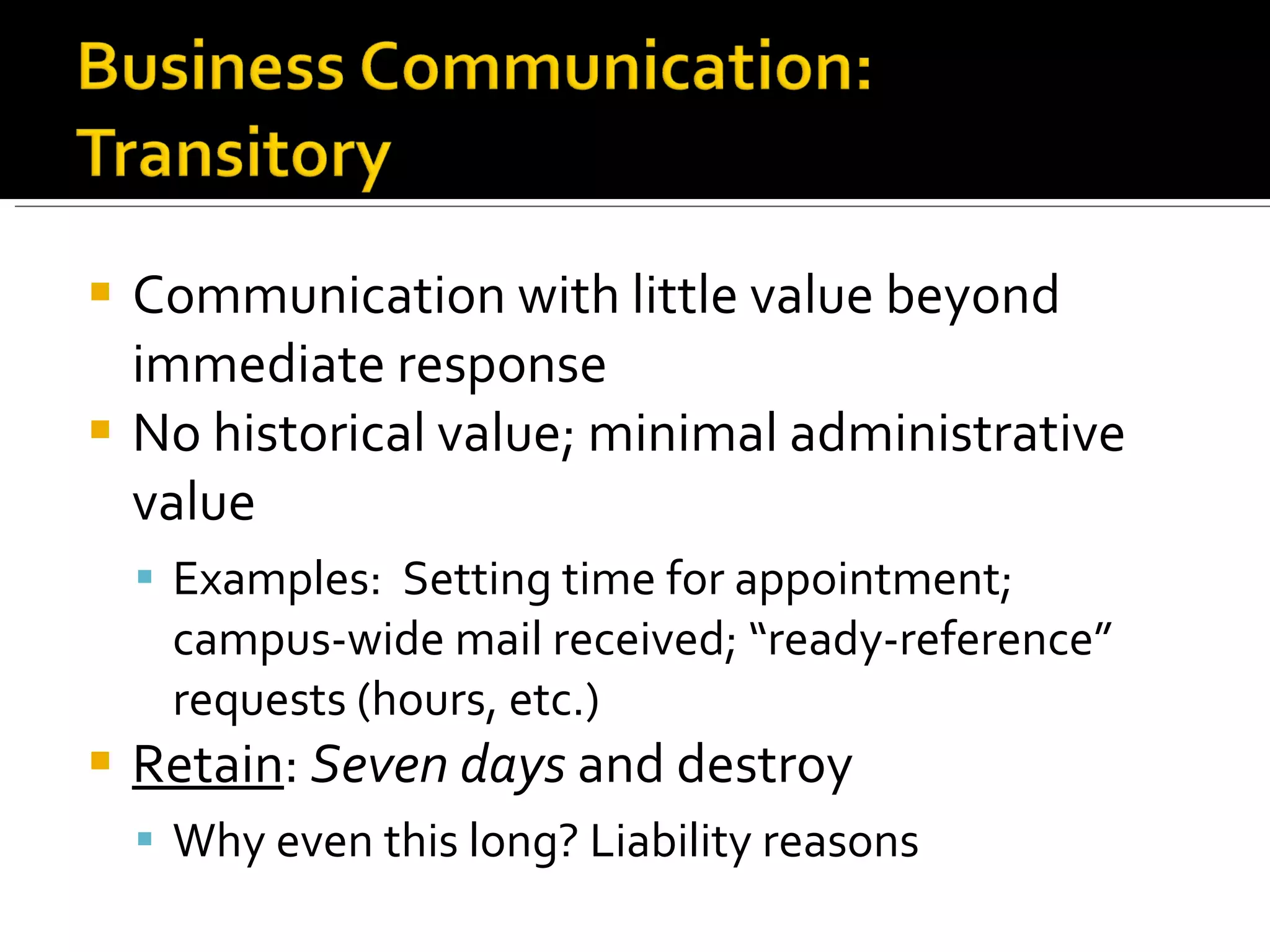
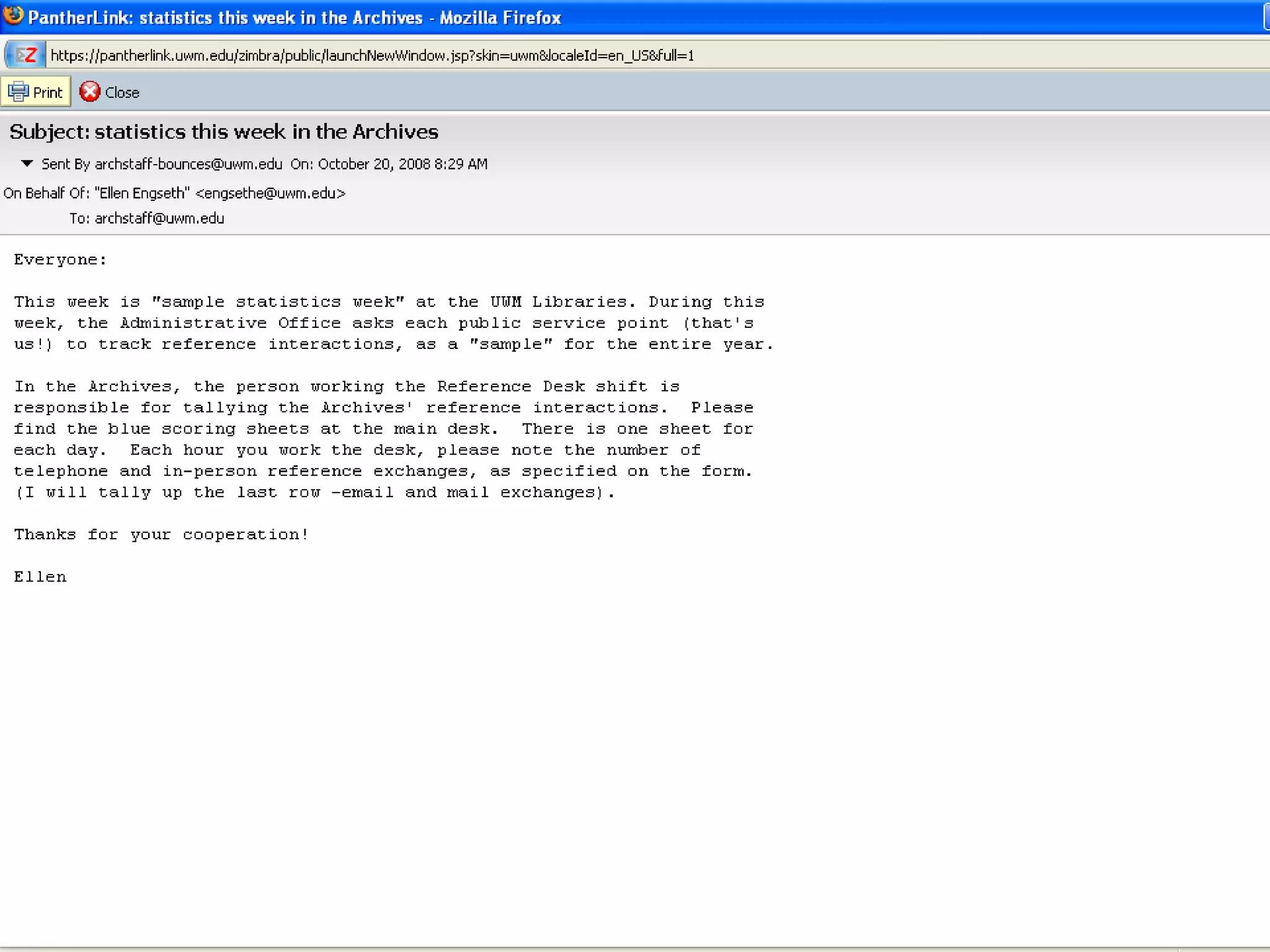
Communication with little value beyond immediate response No historical value; minimal administrative value Examples:  Setting time for appointment; campus-wide mail received; “ready-reference” requests (hours, etc.) Retain :  Seven days  and destroy Why even this long? Liability reasons
 
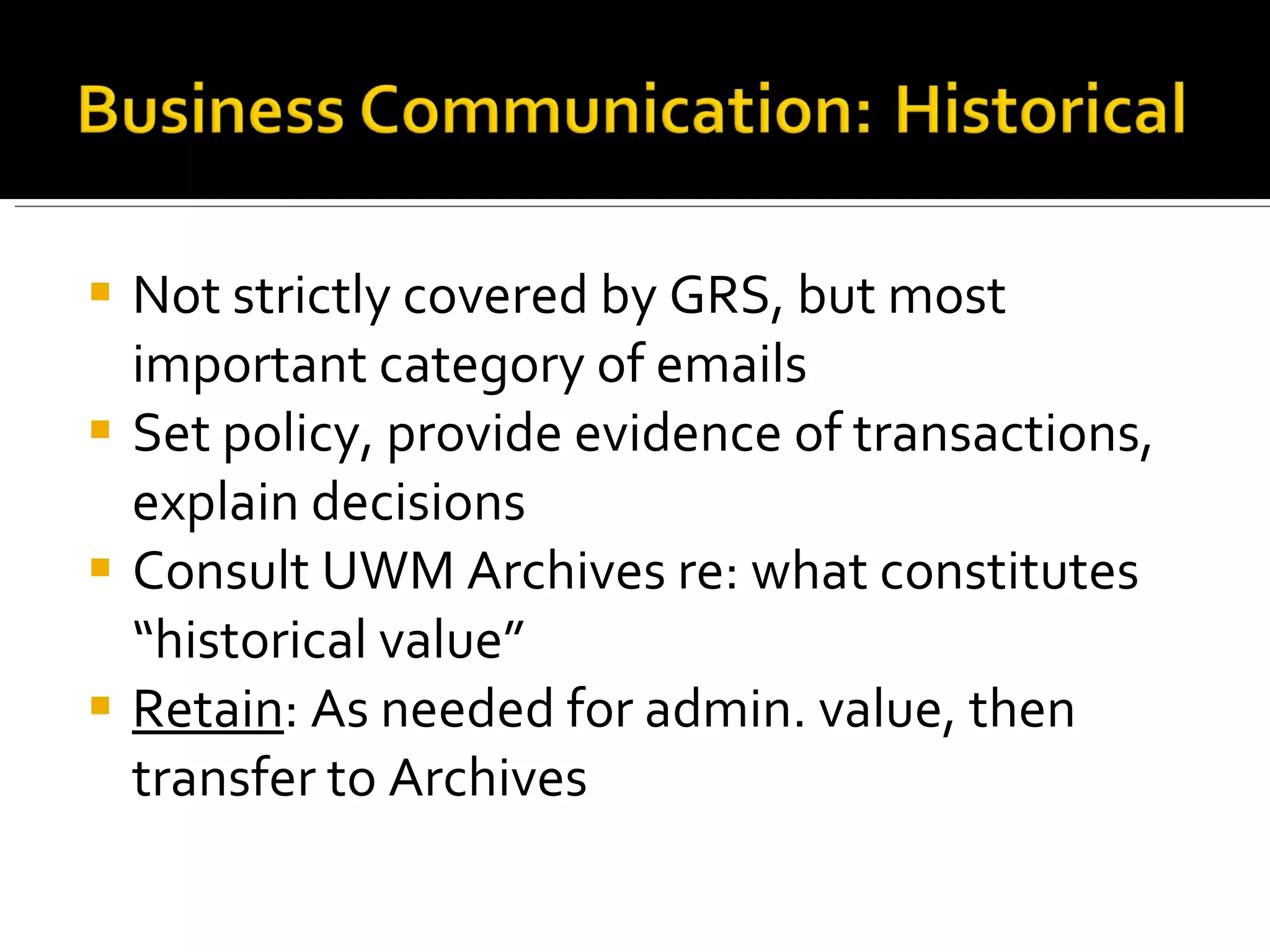
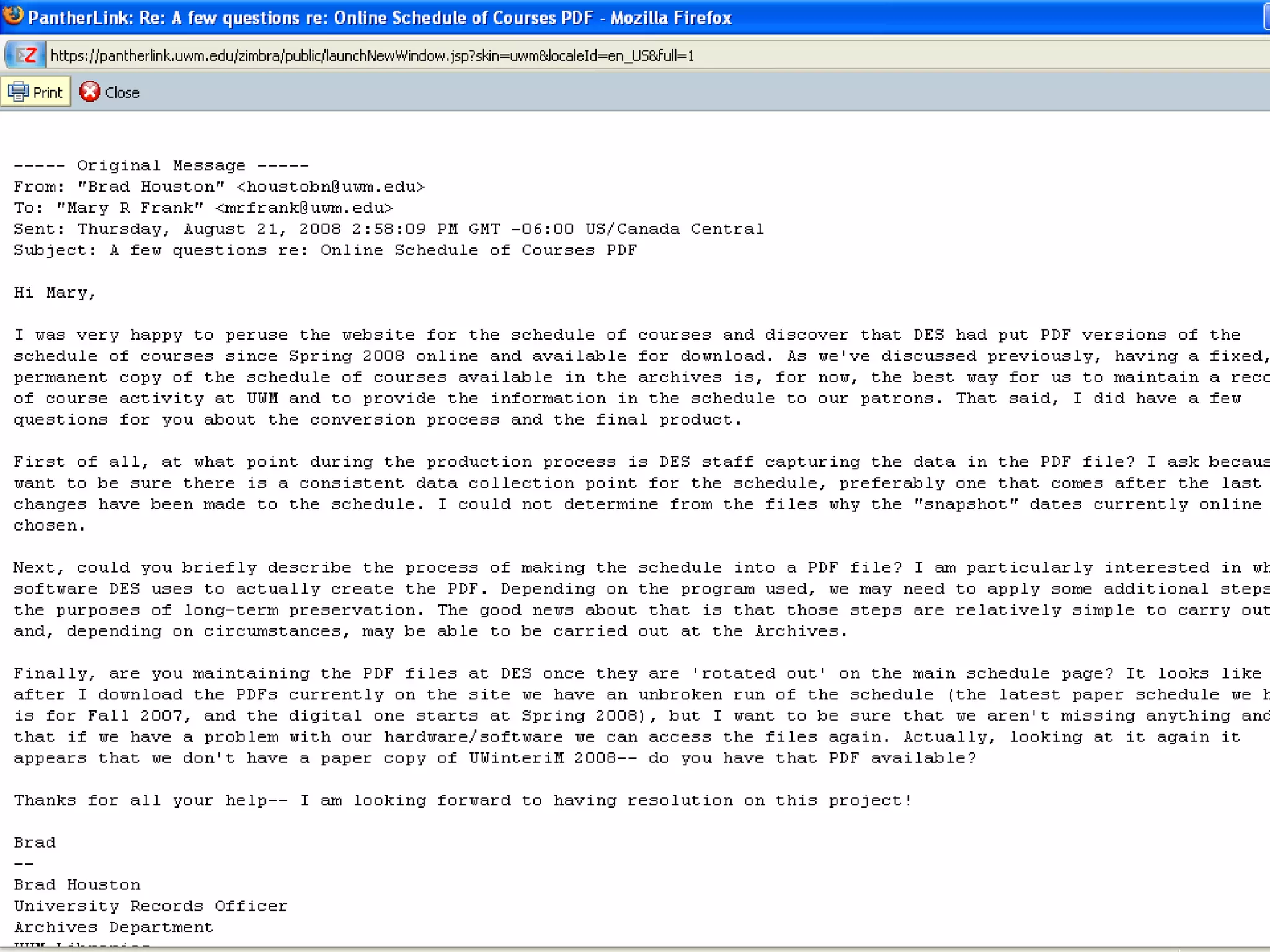
Not strictly covered by GRS, but most important category of emails Set policy, provide evidence of transactions, explain decisions Consult UWM Archives re: what constitutes “historical value” Retain : As needed for admin. value, then transfer to Archives
 
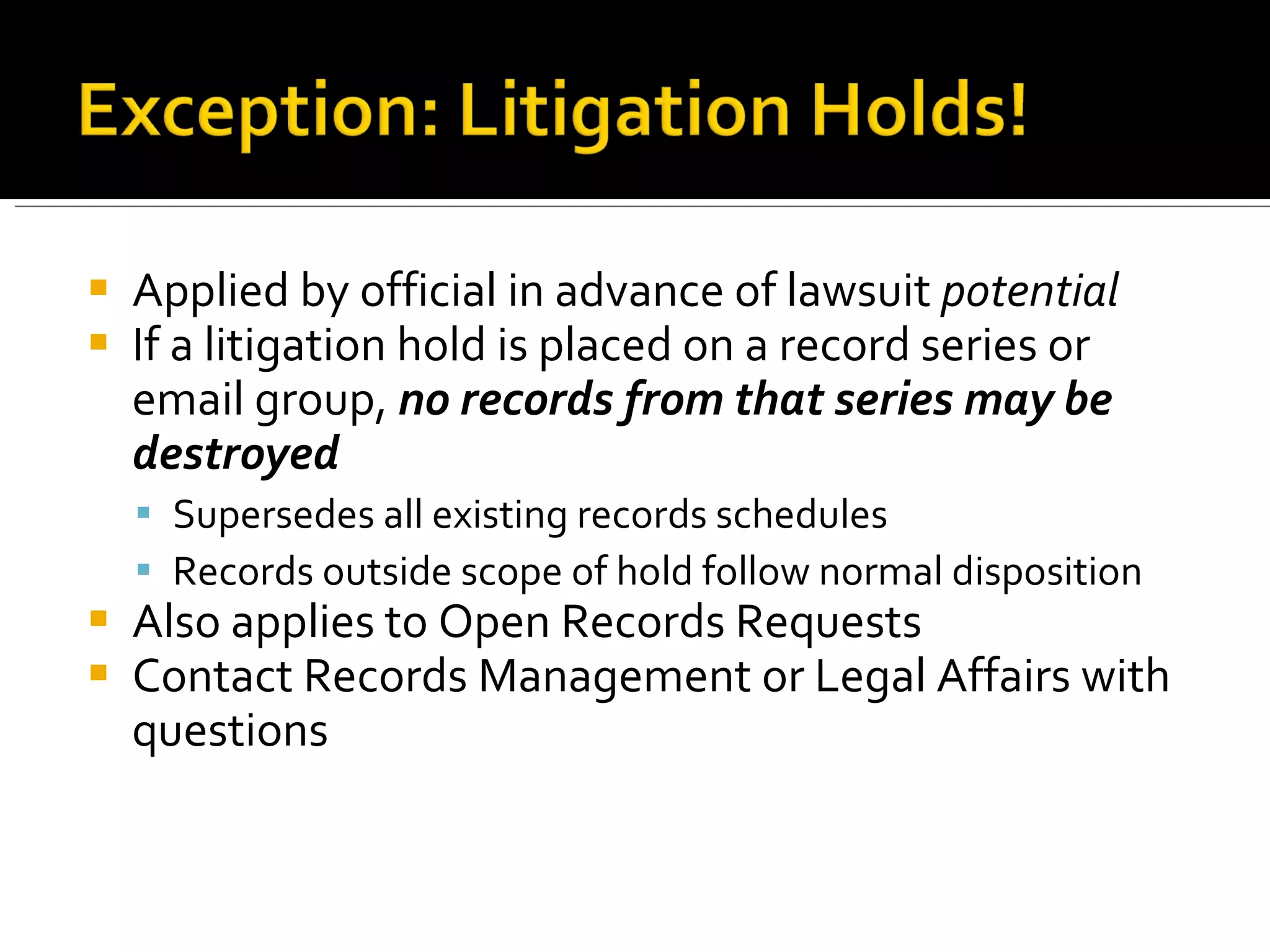
Applied by official in advance of lawsuit  potential If a litigation hold is placed on a record series or email group,  no records from that series may be destroyed Supersedes all existing records schedules Records outside scope of hold follow normal disposition Also applies to Open Records Requests Contact Records Management or Legal Affairs with questions
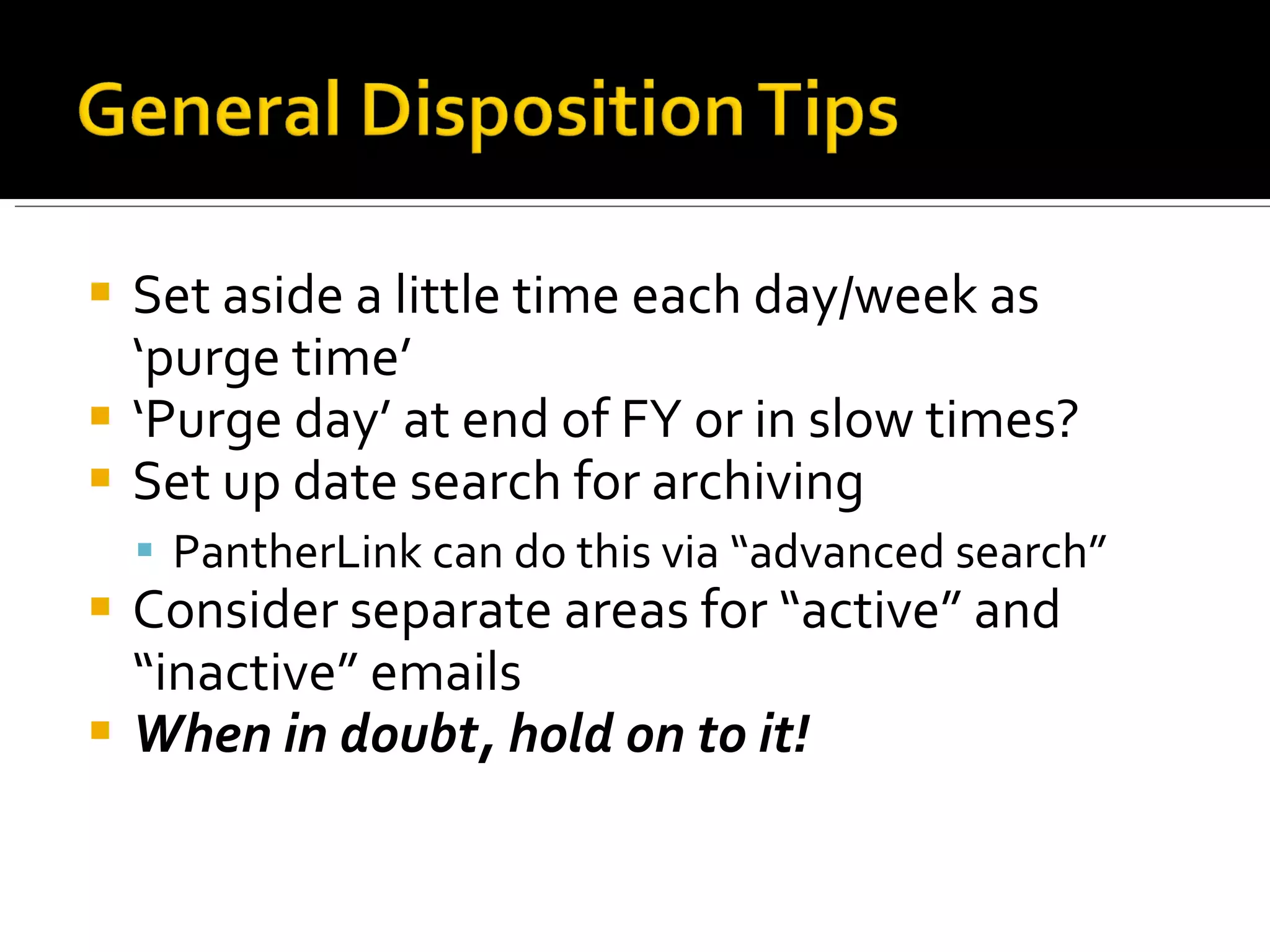
Set aside a little time each day/week as ‘purge time’ ‘ Purge day’ at end of FY or in slow times? Set up date search for archiving PantherLink can do this via “advanced search” Consider separate areas for “active” and “inactive” emails When in doubt, hold on to it!
 
UWM Archives does not currently have a dedicated E-Records Repository A few ‘stop-gap’ solutions in motion Preservation problems: Medium CD-ROMs? Magnetic Disks? Server? Preservation problems: Data Format Obsolescence? Proprietary Formats?
Message : Is the content of the document adequately preserved? Media :  Is the storage medium durable enough to retain its integrity over time? Metadata :  Is there enough supplementary info to contextualize the document? If you lose even one of these components of an electronic record,  you have not adequately preserved it .
Subject  Recipient(s) and sender Date/Time sent/received Attachments Signature block E-mail headers (usually hidden)
Avoids problems of obsolescence, mutability Most office managers better equipped to deal with paper records UWM Archives can accession paper records more easily Disadvantage :  No searchability or reusability; onus to print on user; wasteful
Storing documents as created by applications Easiest option for most users, particularly if well-organized Disadvantage :  Affects e-mail quota; harms system performance; no backup puts data at risk UWM Archives is NOT equipped to handle emails directly from PantherLink
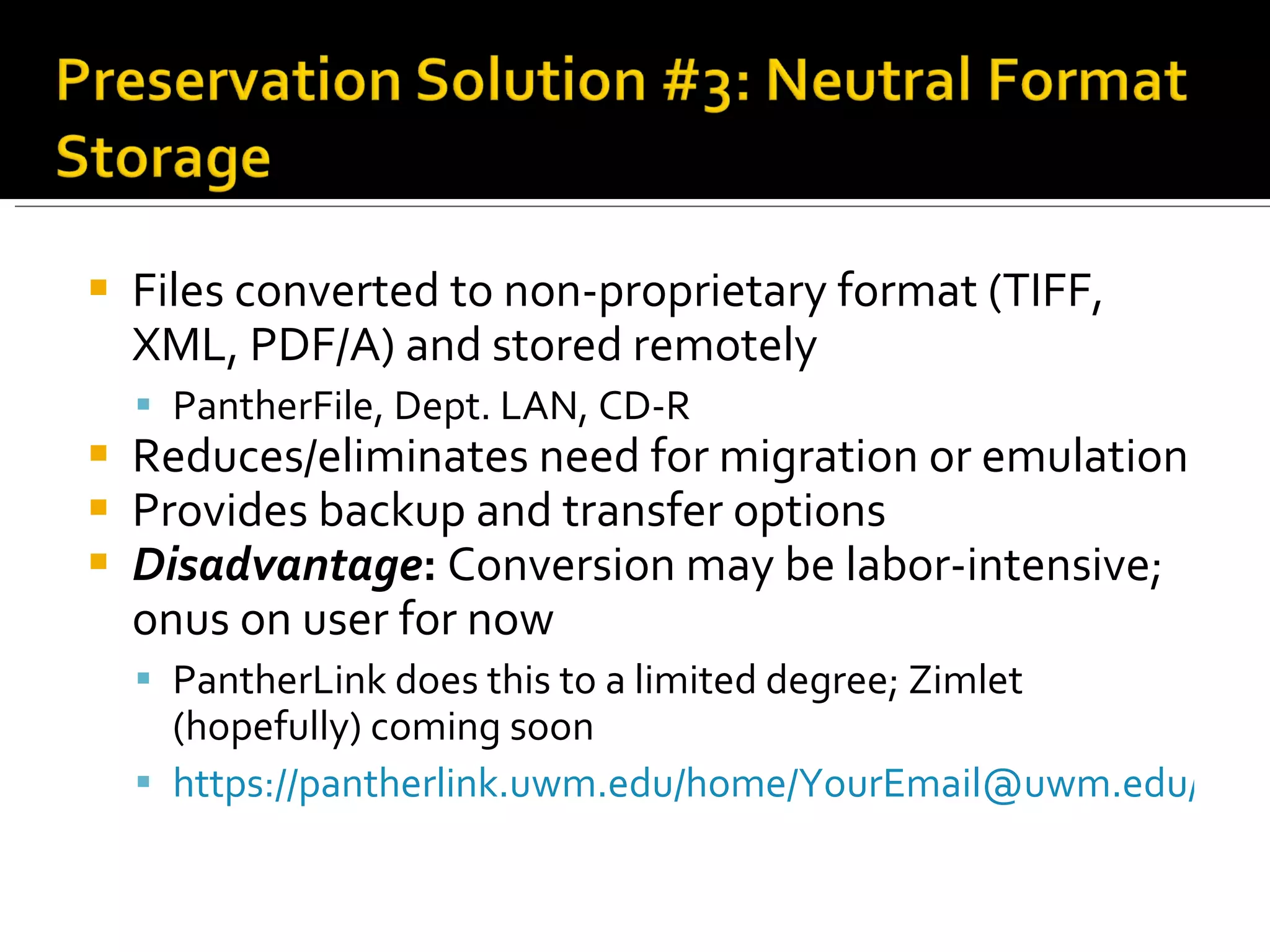
Files converted to non-proprietary format (TIFF, XML, PDF/A) and stored remotely PantherFile, Dept. LAN, CD-R Reduces/eliminates need for migration or emulation Provides backup and transfer options Disadvantage :  Conversion may be labor-intensive; onus on user for now PantherLink does this to a limited degree; Zimlet (hopefully) coming soon https://pantherlink.uwm.edu/home/YourEmail@uwm.edu/Folder%20Title.zip
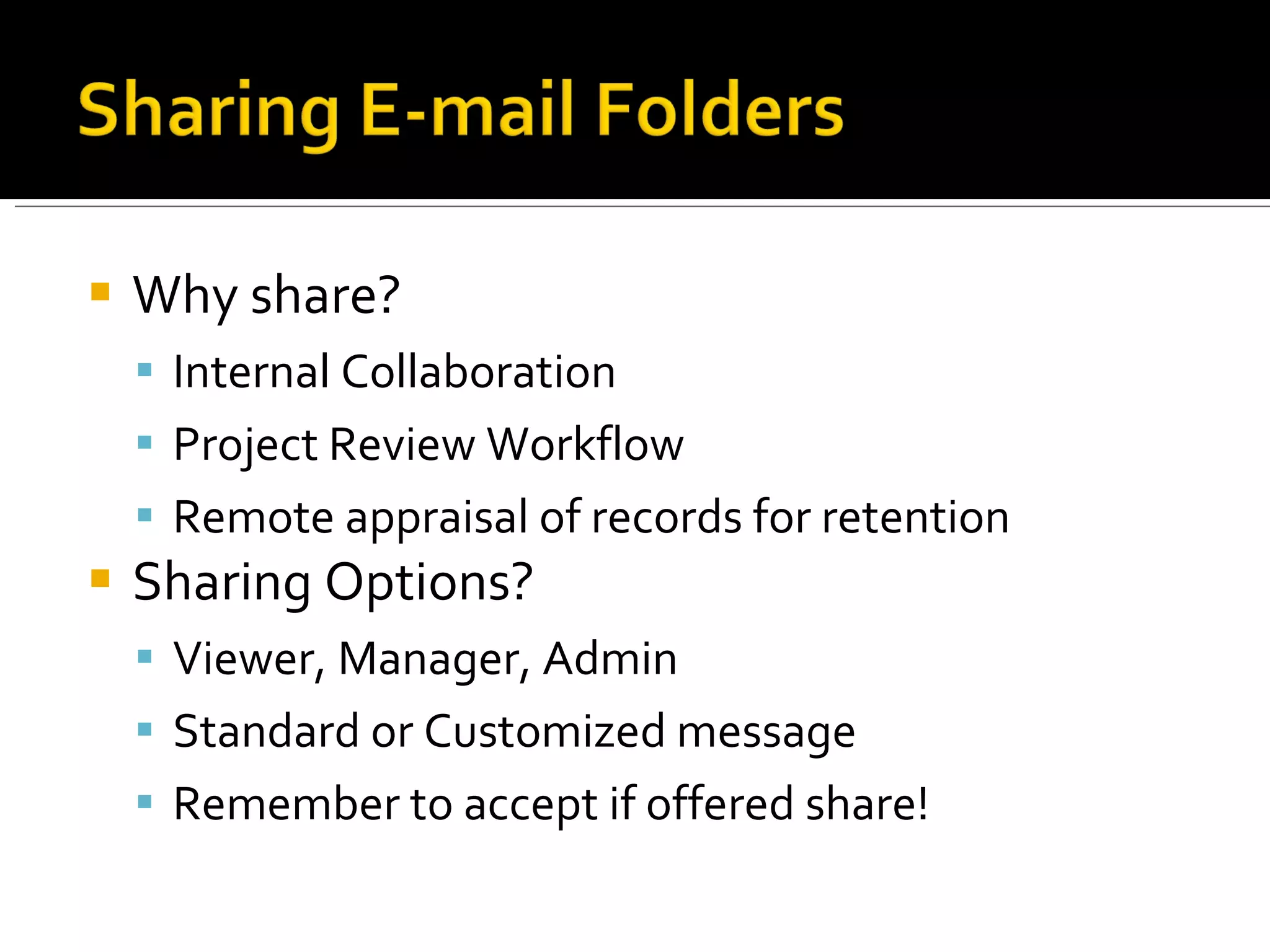
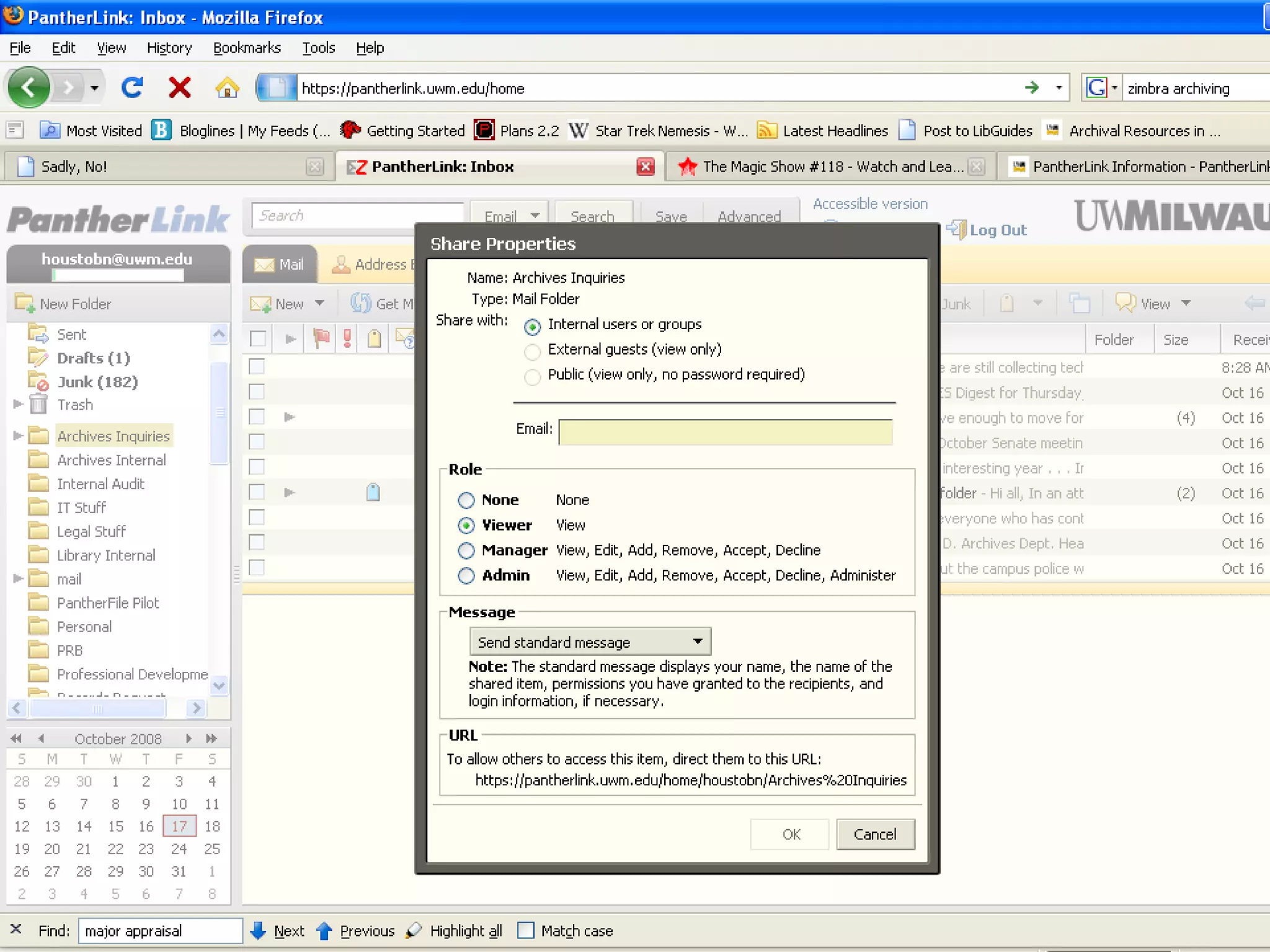
Why share? Internal Collaboration Project Review Workflow Remote appraisal of records for retention Sharing Options? Viewer, Manager, Admin Standard or Customized message Remember to accept if offered share!
 
Archive your email  on your computer or server space , not on the email server Think about it: do you check out books from the Post Office? Convert archived email to neutral format TXT files are easiest; XML files preserve metadata better Keep attachments associated with email files
Include original message  and   reply inline when possible Allows for complete documentary record Only need to save last message in thread Include  all  relevant information if printing: Header information Body Text Attachments Signature blocks
As much as is possible, consider record e-mails to be ‘normal’ university records, and treat them as such! Stay on top of managing your emails, and they won’t spiral out of control!
UW System Policy on Use of University Information Technology Resources  http://www.uwsa.edu/president/communications/publicat/itpolicy.htm UITS Short Courses  (The Email Management course is particularly useful) https://www4.uwm.edu/uits/services/training/courses/index.cfm
State of Wisconsin E-Mail Policy and Guidance http://enterprise.state.wi.us/home/email/Default.htm Wisconsin DOA Electronic Records ( See especially the training links) http://enterprise.state.wi.us/home/erecords/   ADM Ch. 12: Electronic Records http://www.legis.state.wi.us/rsb/code/adm/adm012.pdf
New Records Management Home Page! http://records.uwm.edu   Includes links to UWM and UW-System General Records Schedules, webcasts, this presentation Or, Contact Records Management directly: [email_address]  (Brad Houston) 414-229-6979
 

E-Mail Management

  • 1.
    Identifying, Organizing, andPreserving E-mail records
  • 2.
    90% of allnew records created electronically E-mail comprises majority of new e-records E-mail records subject to same laws and regulations as paper records NOT ALL E-MAIL IS A RECORD!
  • 3.
    There’s so muchof it! Used for business AND personal reasons Used for ephemeral or informal purposes Random deletion creates legal liability Example: White House emails; Arthur Andersen Keeping all email maintains legal liability Example: Enron; Microsoft; Bear Stearns Must be discoverable (litigation, open records, etc.)
  • 4.
    Volume of emailreceived by most people becomes unmanageable Searching difficulty Accidental deletion of important email Exceeded quotas for inboxes As a State employee, you are responsible for the contents of your inbox!
  • 5.
    Identify e-mail recordsand non-records Utilize PantherLink and other tools to create and organize e-mails Determine appropriate retention and disposition of record e-mails Explore strategies for long-term e-mail preservation
  • 6.
  • 7.
    Records : Recordedinformation, in any format, that allows an office to conduct business Does NOT include unofficial records: Duplicate Copies Drafts and Informal Notes Routing Slips Personal Correspondence “ Does this document help me perform the duties in my job description?”
  • 8.
    Does your file:Support or document a transaction? Document the formulation or execution of a policy, interpretation of a policy, or change of policy? Document Actions taken in response to an inquiry? Relate to the substantive business of your office or work unit? Provide information regarding the historical development of UWM programs or people? If “yes” to any of the above, it is a record!
  • 9.
    E-mail to contractorclarifying terms: Record! E-mail from department head to staff giving committee assignments: Record! Sender must retain as record; recipient(s) may delete as appropriate E-mail asking for draft comments: Non-Record! If attachment is not record, neither is ‘routing’ email
  • 10.
    The official record,for business and legal purposes, of a business transaction If you take any action on a document, that document becomes YOUR record, even if other copies are maintained elsewhere EXCEPTION: Convenience copies may be discarded freely
  • 11.
    If you createa document as part of your everyday work, you are the record holder If you manage or lead a committee, project, or program, you are the record holder If you are holding a received record for reference, you are NOT the record holder Sender usually record holder in these cases
  • 12.
    Two Rules ofThumb: 1. Try not to send personal e-mails from your university account; if you do, though, keep them separate from your work e-mails. 2. Never send work-related e-mails from personal e-mail accounts! Do not put anything in an email that you would not want made public via litigation!
  • 13.
  • 14.
  • 15.
    Use descriptive subjects!Bad: “Project Info” Good: “Project XYZ 9/08 Parameters” Consider your audience! Do you need that cc: recipient? Include signature block! Assists with ‘paper trail’
  • 16.
    Benefits of ‘tagging’and ‘folksonomy’ Develop office-wide categories to describe documents Working with other users on this allows categories to work on broader scale, more consistently From there….? Tag/Categorize documents as they are created
  • 17.
  • 18.
    Keep all emailsin your inbox Advantages: Easy; computer-aided searching Disadvantages: Inbox clutter, manual searching Foldering Scheme Advantages: retain context; manual searching; reduces inbox clutter Disadvantages: Large implementation and maintenance requirement
  • 19.
    Delete non-record emailas needed Manually file emails for reference/retention, OR set up filters Filter by sender, subject line, recipient, etc. partially automates filing Leave emails in inbox that require quick follow-through File appropriately once responded to
  • 20.
  • 21.
    Retention Schedule-based (“BigBins”) Good for dealing with multiple series; ‘fire and forget’ for retention Low organizational control; bad for day-to-day Chronologically Good for activity tracking, financial recs, etc. Useful for keeping track of disposition Subject Good for administrative/reference files Most versatile, requires most vigilance
  • 22.
    Combining one ormore of the filing archetypes to fulfill reference/retention needs Example: Reference Correspondence FY2006 November Smith, A Smith, K
  • 23.
  • 24.
  • 25.
    To document theoperations of your office To document important programmatic decisions To preserve the history of your office and UWM To provide legal protection for your office To comply with Wisconsin state law! Wis. Stats. 16.61; Wis. Stats. 36.19
  • 26.
    To use lessserver space To reduce the clutter in your inbox To avoid confusion about which file is the record copy To provide legal protection for your office
  • 27.
    Records Retention andDisposition Authority (RRDA) Retention period (minimum) Final Disposition Record Series description When followed, RRDAs, or Records Schedules, simplify decision-making process on keeping/destroying records Required by state law!
  • 28.
  • 29.
    Non-record emails(drafts, notes, etc.) may be deleted immediately Official Records may not be destroyed without a schedule If an e-mail would be part of a series as a letter, use that series’ retention schedule! Contact Records Officer to arrange for e-records survey and scheduling
  • 30.
    Approved by thePublic Records Board in August 2008 Apply to all forms of electronic communication, NOT just email Provide guidance for correspondence existing outside of established record series DOES NOT supersede existing RRDAs
  • 31.
    Normal communication oftransaction of business No historical value; varying administrative value Examples: decision-making correspondence; response to inquiries for information; comments on reports Retain : Six months and destroy
  • 32.
  • 33.
    Communication with littlevalue beyond immediate response No historical value; minimal administrative value Examples: Setting time for appointment; campus-wide mail received; “ready-reference” requests (hours, etc.) Retain : Seven days and destroy Why even this long? Liability reasons
  • 34.
  • 35.
    Not strictly coveredby GRS, but most important category of emails Set policy, provide evidence of transactions, explain decisions Consult UWM Archives re: what constitutes “historical value” Retain : As needed for admin. value, then transfer to Archives
  • 36.
  • 37.
    Applied by officialin advance of lawsuit potential If a litigation hold is placed on a record series or email group, no records from that series may be destroyed Supersedes all existing records schedules Records outside scope of hold follow normal disposition Also applies to Open Records Requests Contact Records Management or Legal Affairs with questions
  • 38.
    Set aside alittle time each day/week as ‘purge time’ ‘ Purge day’ at end of FY or in slow times? Set up date search for archiving PantherLink can do this via “advanced search” Consider separate areas for “active” and “inactive” emails When in doubt, hold on to it!
  • 39.
  • 40.
    UWM Archives doesnot currently have a dedicated E-Records Repository A few ‘stop-gap’ solutions in motion Preservation problems: Medium CD-ROMs? Magnetic Disks? Server? Preservation problems: Data Format Obsolescence? Proprietary Formats?
  • 41.
    Message : Isthe content of the document adequately preserved? Media : Is the storage medium durable enough to retain its integrity over time? Metadata : Is there enough supplementary info to contextualize the document? If you lose even one of these components of an electronic record, you have not adequately preserved it .
  • 42.
    Subject Recipient(s)and sender Date/Time sent/received Attachments Signature block E-mail headers (usually hidden)
  • 43.
    Avoids problems ofobsolescence, mutability Most office managers better equipped to deal with paper records UWM Archives can accession paper records more easily Disadvantage : No searchability or reusability; onus to print on user; wasteful
  • 44.
    Storing documents ascreated by applications Easiest option for most users, particularly if well-organized Disadvantage : Affects e-mail quota; harms system performance; no backup puts data at risk UWM Archives is NOT equipped to handle emails directly from PantherLink
  • 45.
    Files converted tonon-proprietary format (TIFF, XML, PDF/A) and stored remotely PantherFile, Dept. LAN, CD-R Reduces/eliminates need for migration or emulation Provides backup and transfer options Disadvantage : Conversion may be labor-intensive; onus on user for now PantherLink does this to a limited degree; Zimlet (hopefully) coming soon https://pantherlink.uwm.edu/home/YourEmail@uwm.edu/Folder%20Title.zip
  • 46.
    Why share? InternalCollaboration Project Review Workflow Remote appraisal of records for retention Sharing Options? Viewer, Manager, Admin Standard or Customized message Remember to accept if offered share!
  • 47.
  • 48.
    Archive your email on your computer or server space , not on the email server Think about it: do you check out books from the Post Office? Convert archived email to neutral format TXT files are easiest; XML files preserve metadata better Keep attachments associated with email files
  • 49.
    Include original message and reply inline when possible Allows for complete documentary record Only need to save last message in thread Include all relevant information if printing: Header information Body Text Attachments Signature blocks
  • 50.
    As much asis possible, consider record e-mails to be ‘normal’ university records, and treat them as such! Stay on top of managing your emails, and they won’t spiral out of control!
  • 51.
    UW System Policyon Use of University Information Technology Resources http://www.uwsa.edu/president/communications/publicat/itpolicy.htm UITS Short Courses (The Email Management course is particularly useful) https://www4.uwm.edu/uits/services/training/courses/index.cfm
  • 52.
    State of WisconsinE-Mail Policy and Guidance http://enterprise.state.wi.us/home/email/Default.htm Wisconsin DOA Electronic Records ( See especially the training links) http://enterprise.state.wi.us/home/erecords/ ADM Ch. 12: Electronic Records http://www.legis.state.wi.us/rsb/code/adm/adm012.pdf
  • 53.
    New Records ManagementHome Page! http://records.uwm.edu Includes links to UWM and UW-System General Records Schedules, webcasts, this presentation Or, Contact Records Management directly: [email_address] (Brad Houston) 414-229-6979
  • 54.