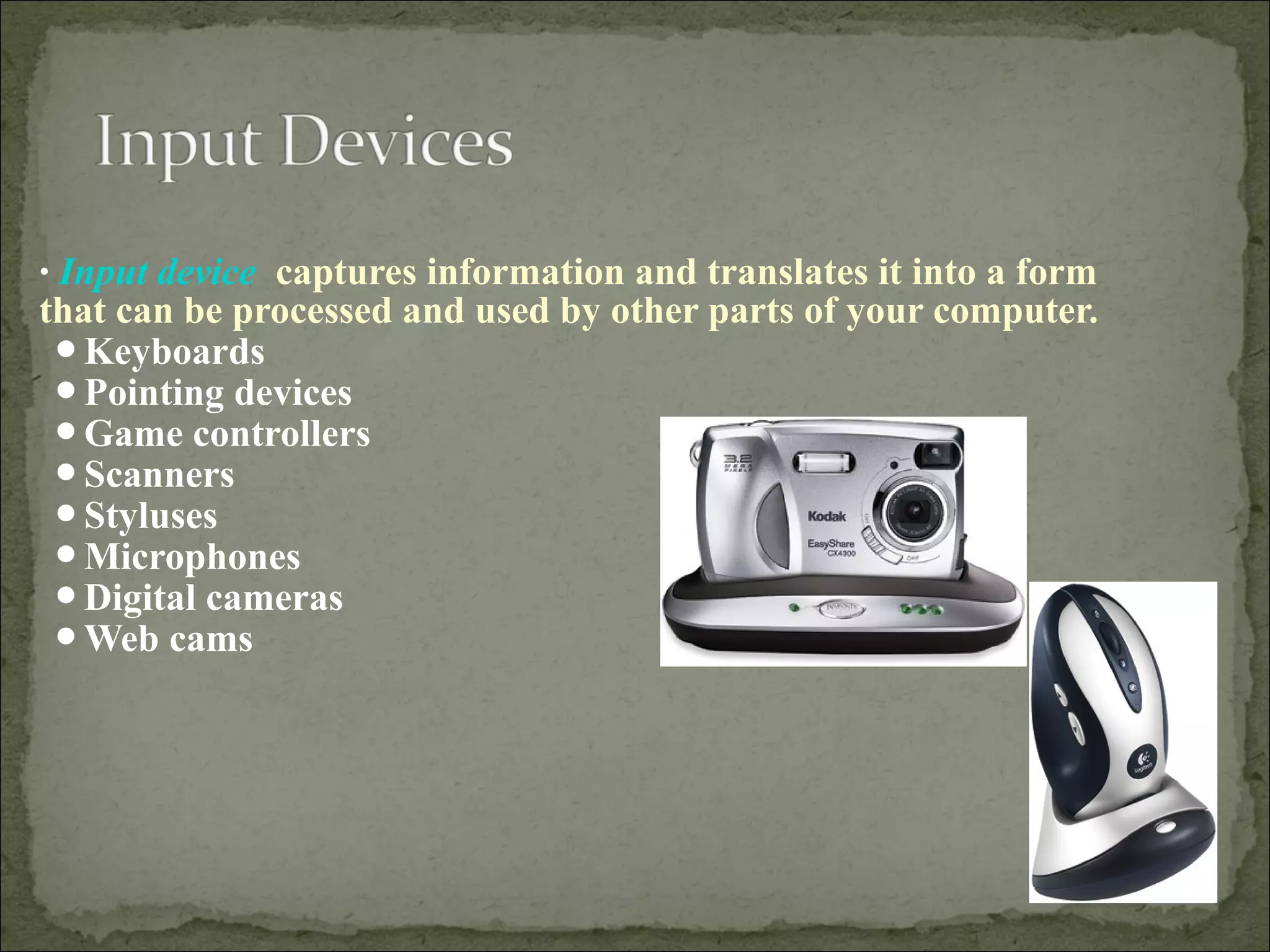
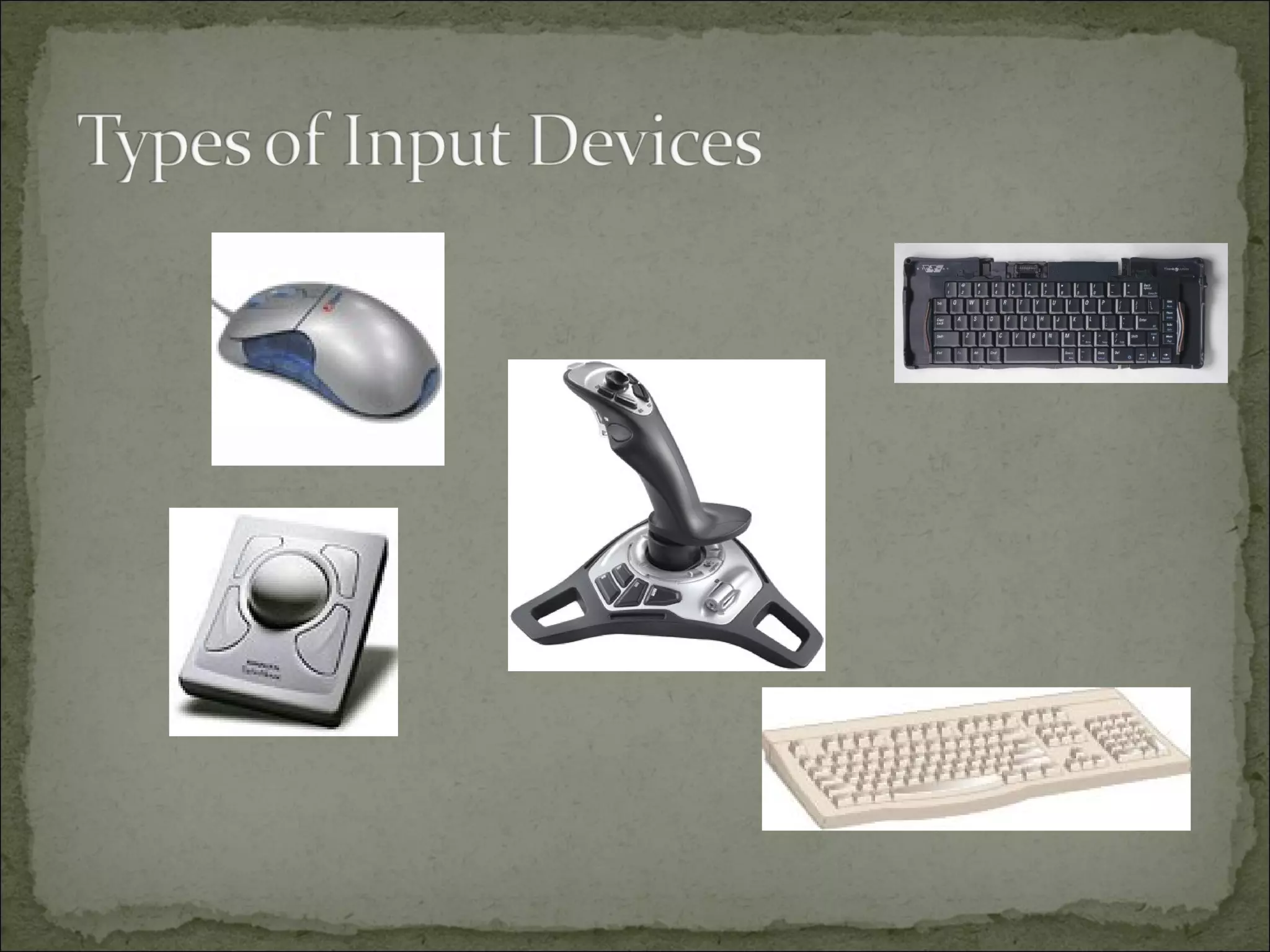
• Input device captures information and translates it into a form 
that can be processed and used by other parts of your computer. 
Keyboards 
Pointing devices 
Game controllers 
Scanners 
Styluses 
Microphones 
Digital cameras 
Web cams
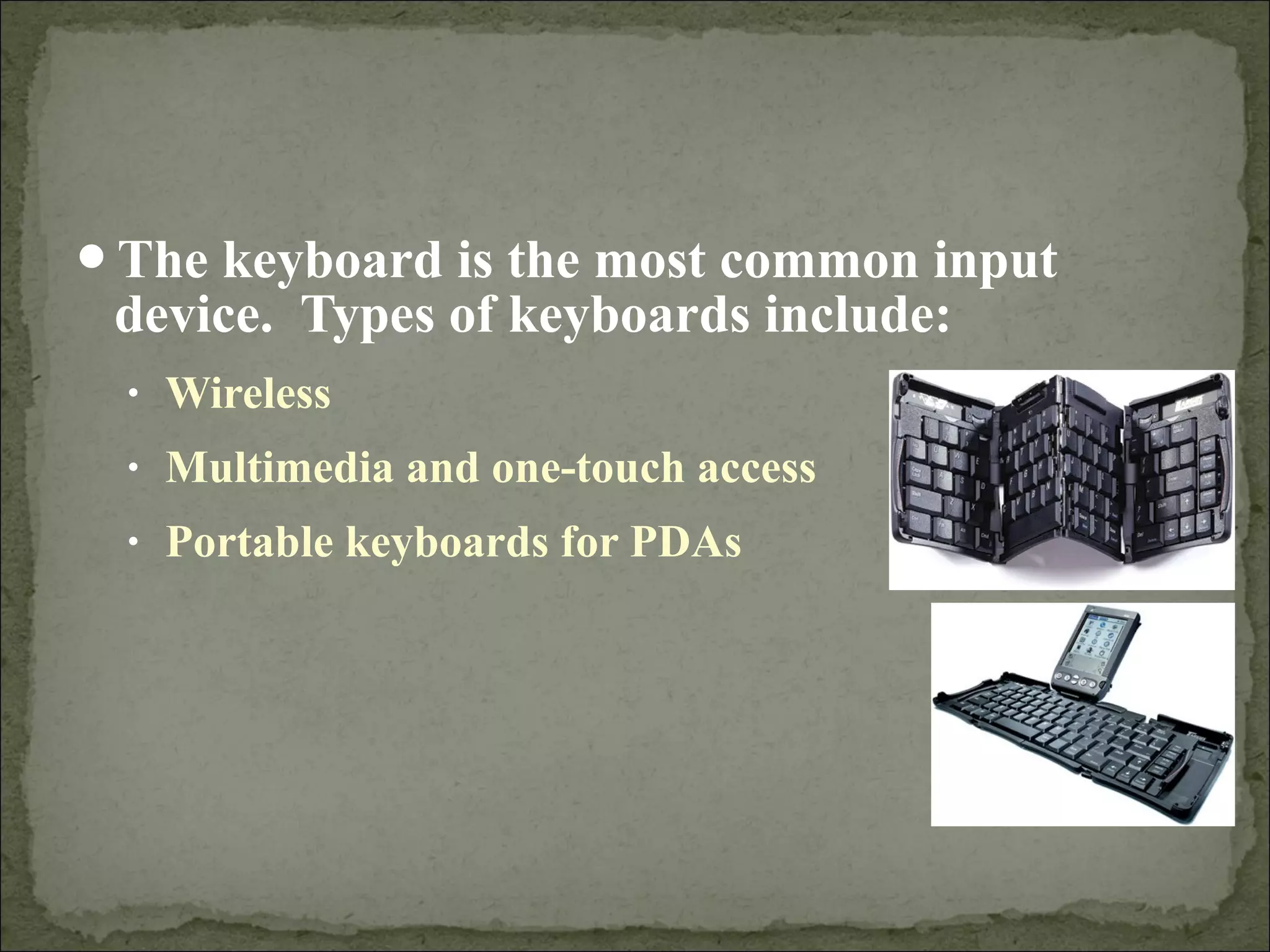
The keyboard is the most common input 
device. Types of keyboards include: 
• Wireless 
• Multimedia and one-touch access 
• Portable keyboards for PDAs
Pointing devices are mainly used to choose and enter 
commands 
Pointing devices tend to have PS/2 connectors or 
USB connectors 
• PS/2 connector fits into a PS/2 port, which a small round 
socket with small holes that fit the pins on the connector 
• USB connectors fit into USB ports, and these are small 
rectangular openings on the back or front of your computer, 
or even on your keyboard or monitor
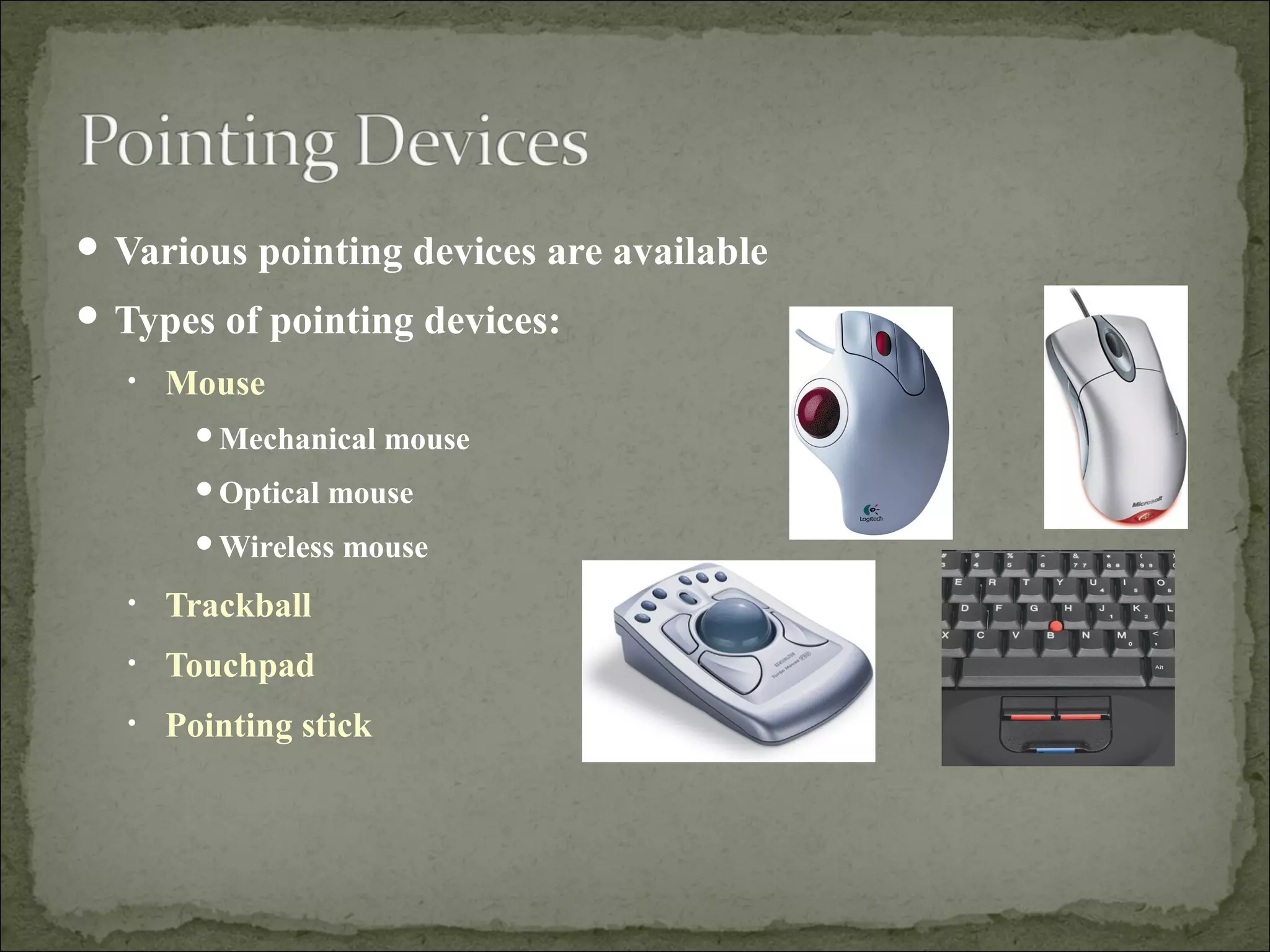
 Various pointing devices are available 
 Types of pointing devices: 
• Mouse 
Mechanical mouse 
Optical mouse 
Wireless mouse 
• Trackball 
• Touchpad 
• Pointing stick
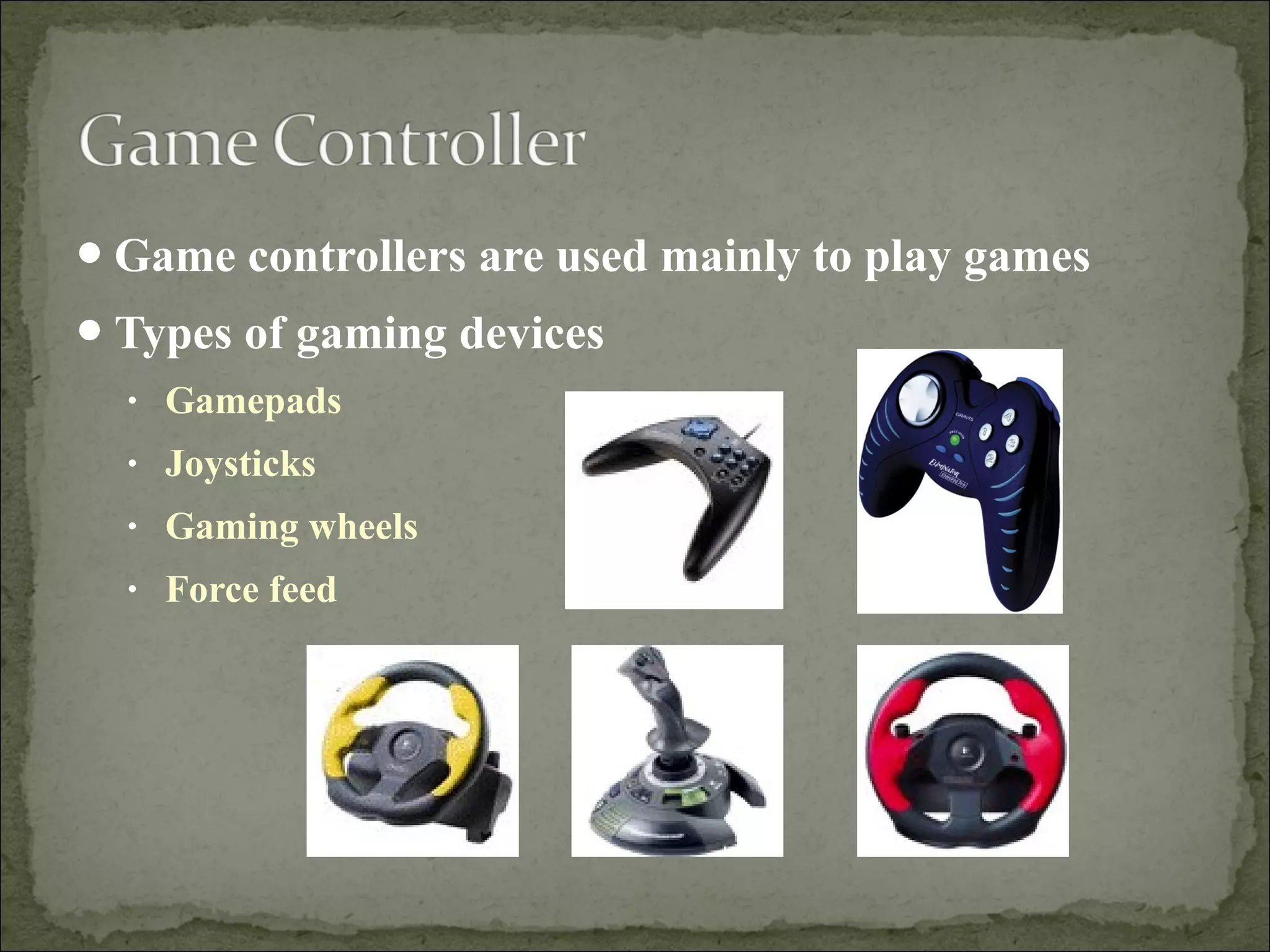
Game controllers are used mainly to play games 
Types of gaming devices 
• Gamepads 
• Joysticks 
• Gaming wheels 
• Force feed
Other types of input devices include: 
• Scanners 
• Styluses 
• Microphones 
• Digital cameras 
• Web cams
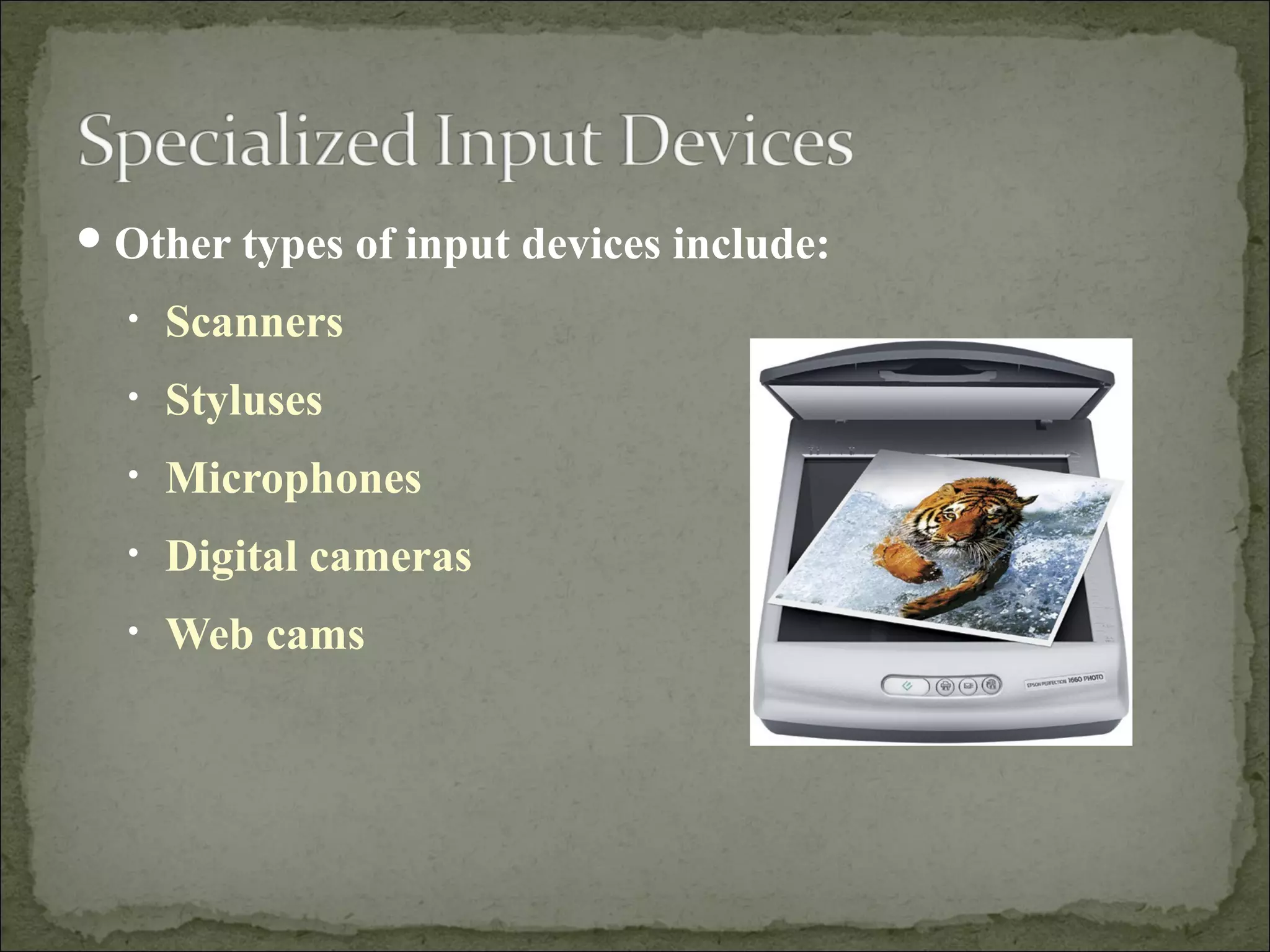
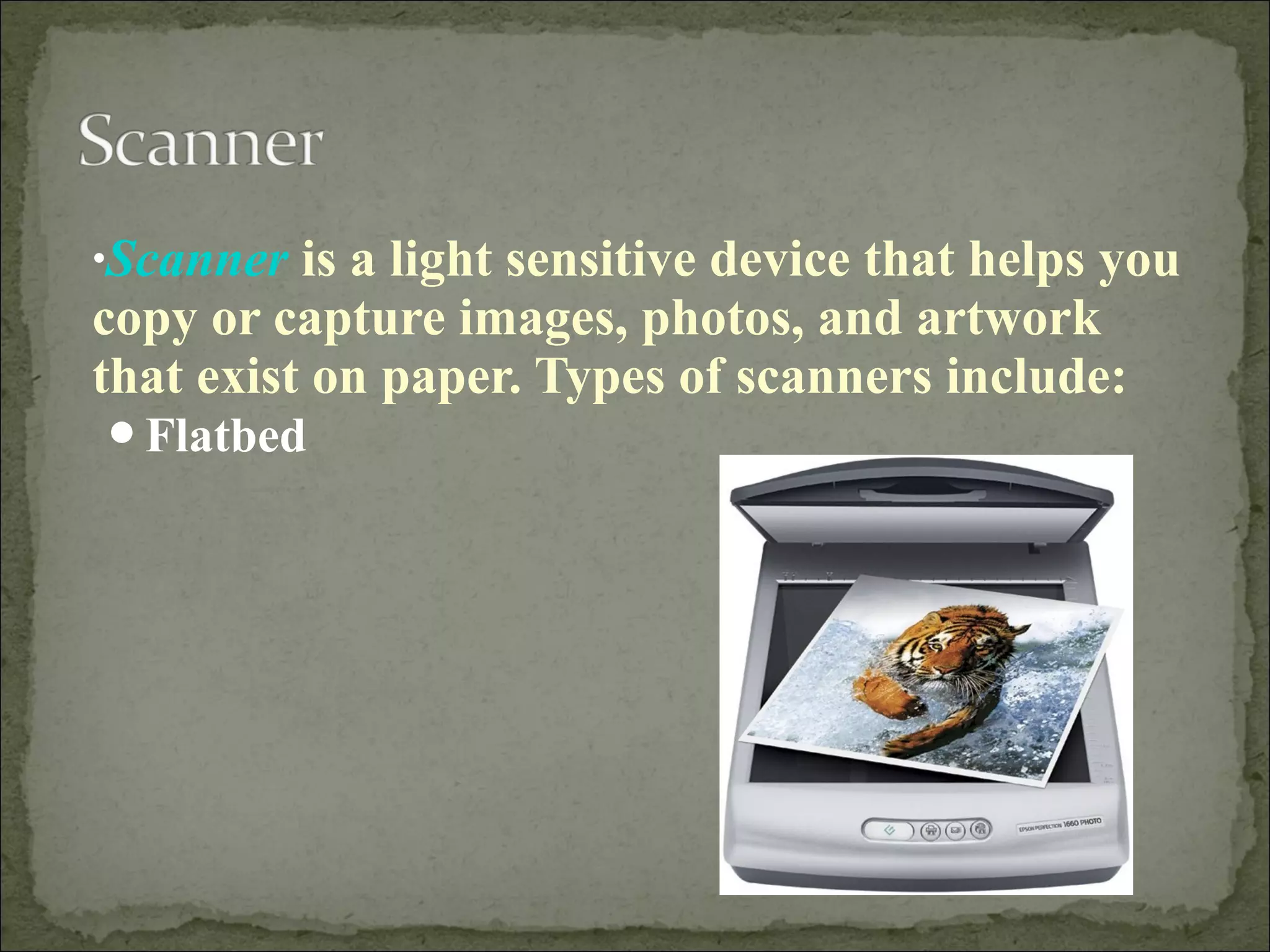
•Scanner is a light sensitive device that helps you 
copy or capture images, photos, and artwork 
that exist on paper. Types of scanners include: 
Flatbed
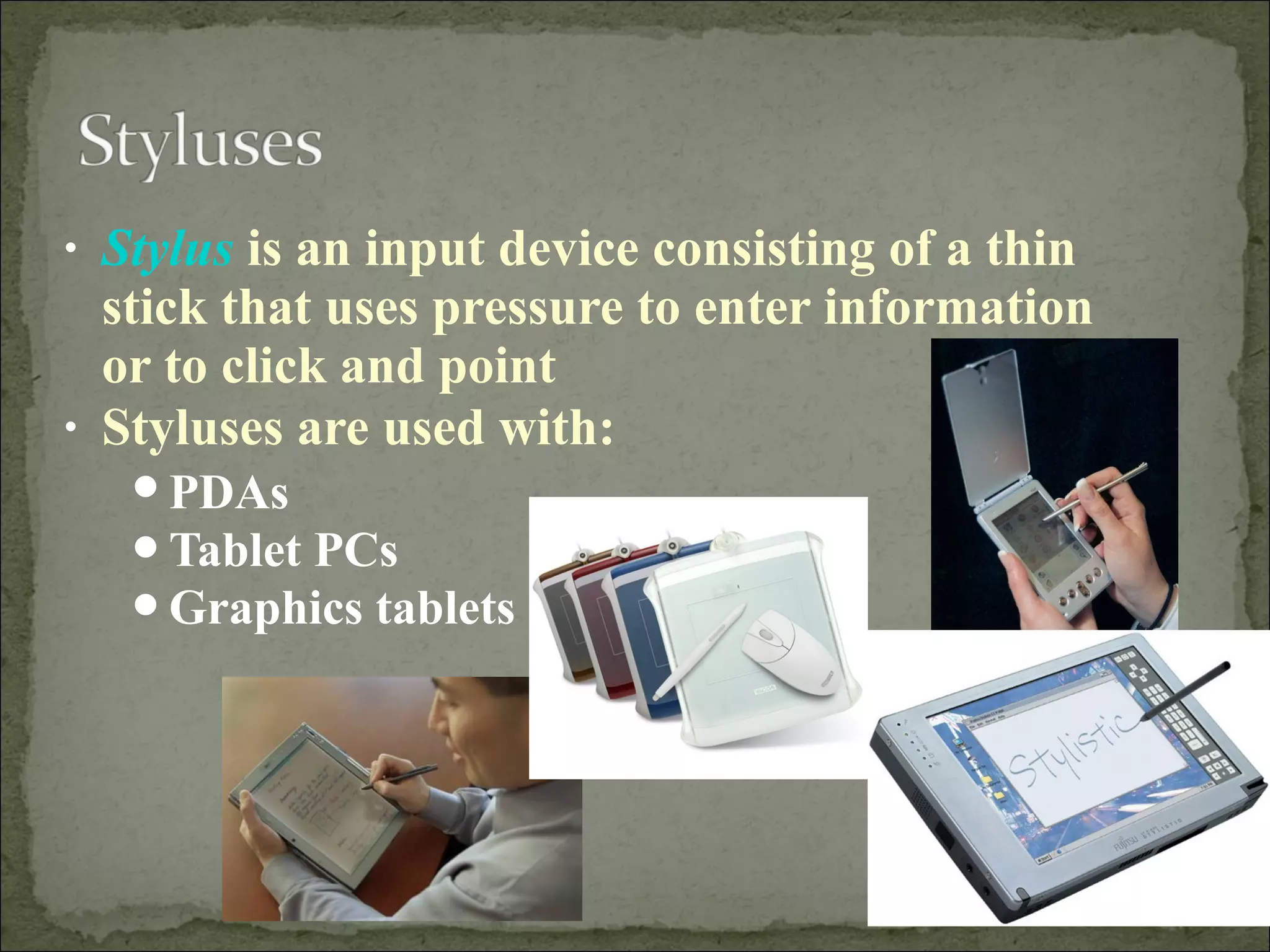
• Stylus is an input device consisting of a thin 
stick that uses pressure to enter information 
or to click and point 
• Styluses are used with: 
PDAs 
Tablet PCs 
Graphics tablets
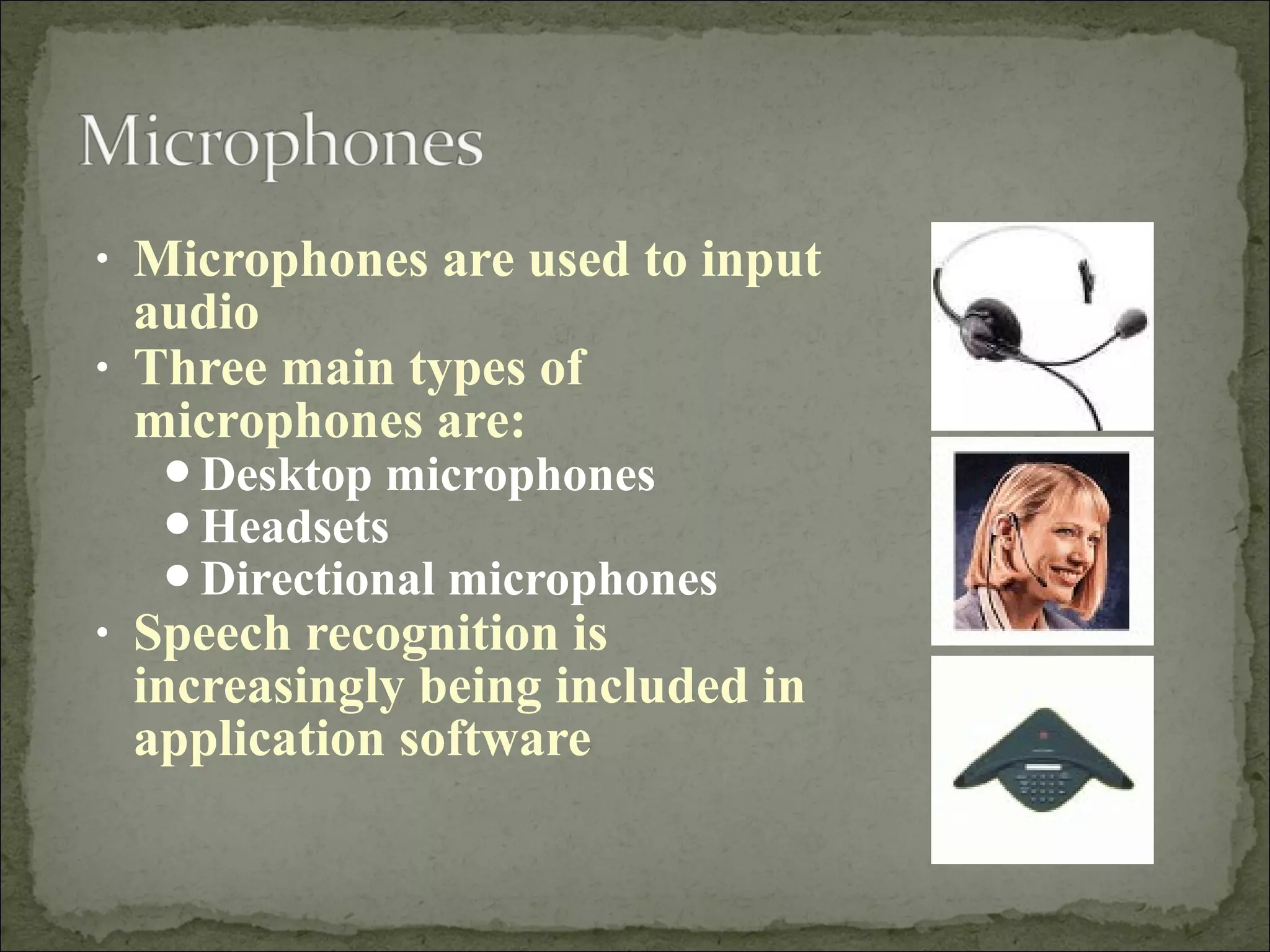
• Microphones are used to input 
audio 
• Three main types of 
microphones are: 
Desktop microphones 
Headsets 
Directional microphones 
• Speech recognition is 
increasingly being included in 
application software
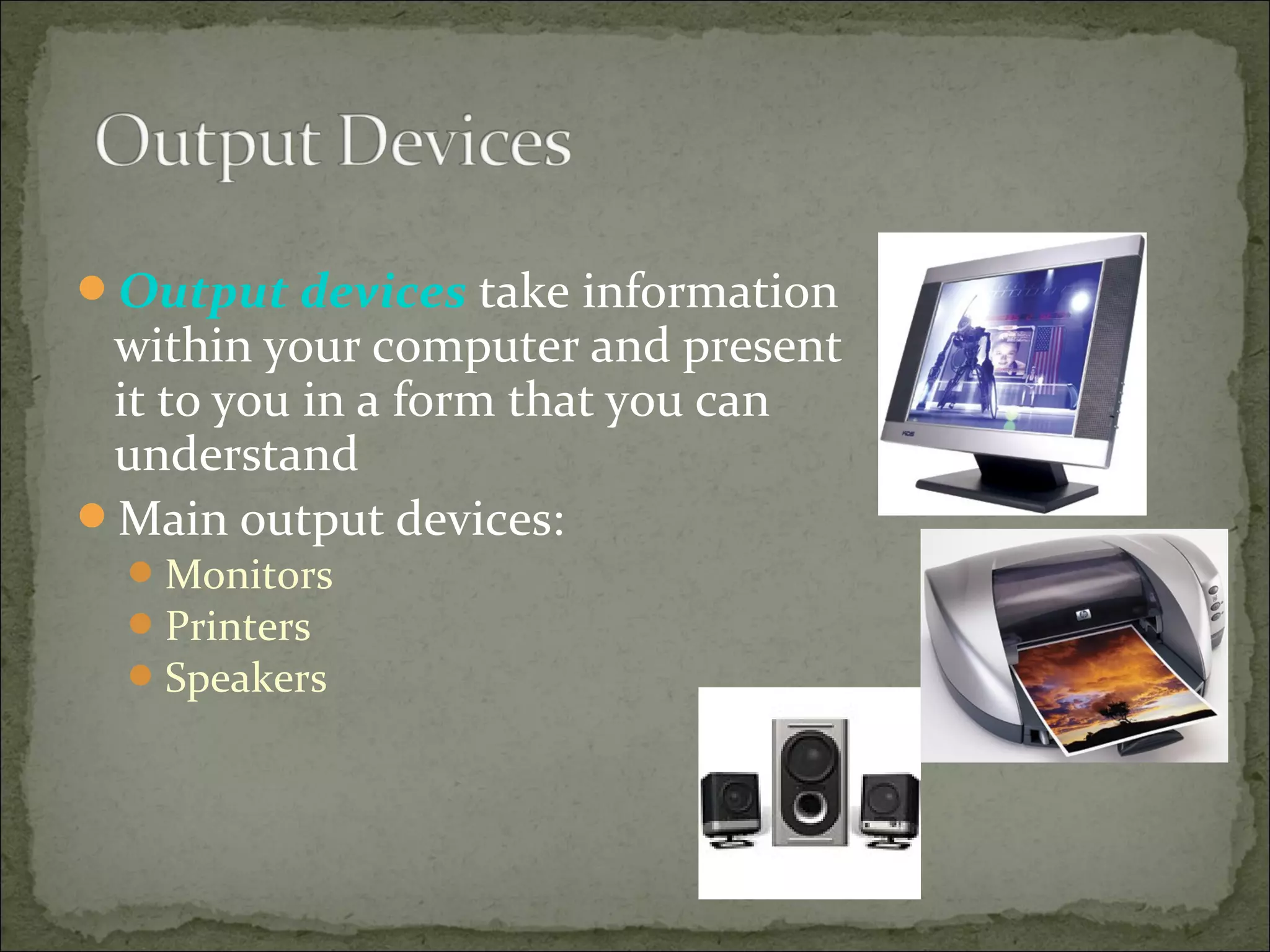
Output devices take information 
within your computer and present 
it to you in a form that you can 
understand 
Main output devices: 
Monitors 
Printers 
Speakers
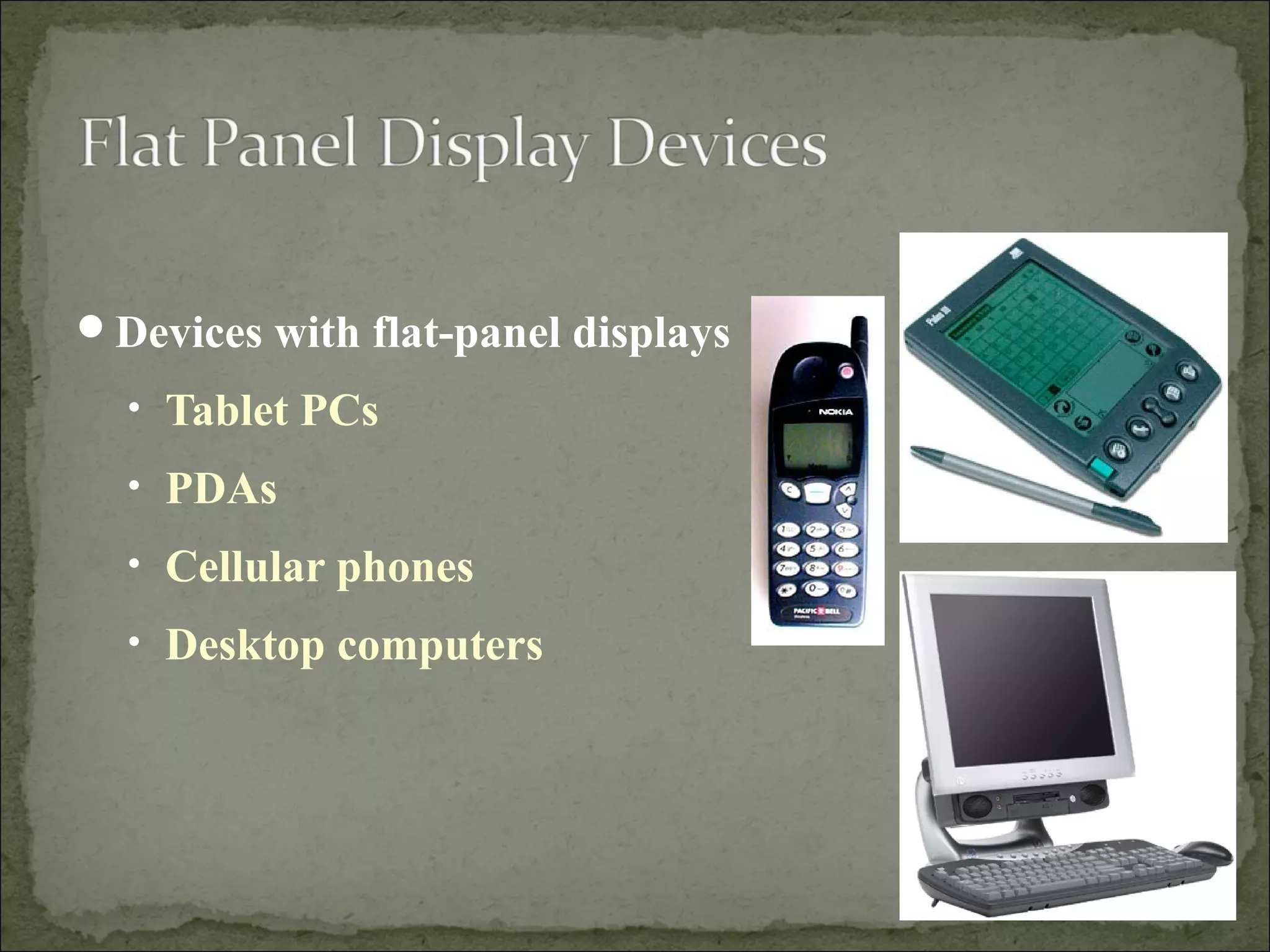
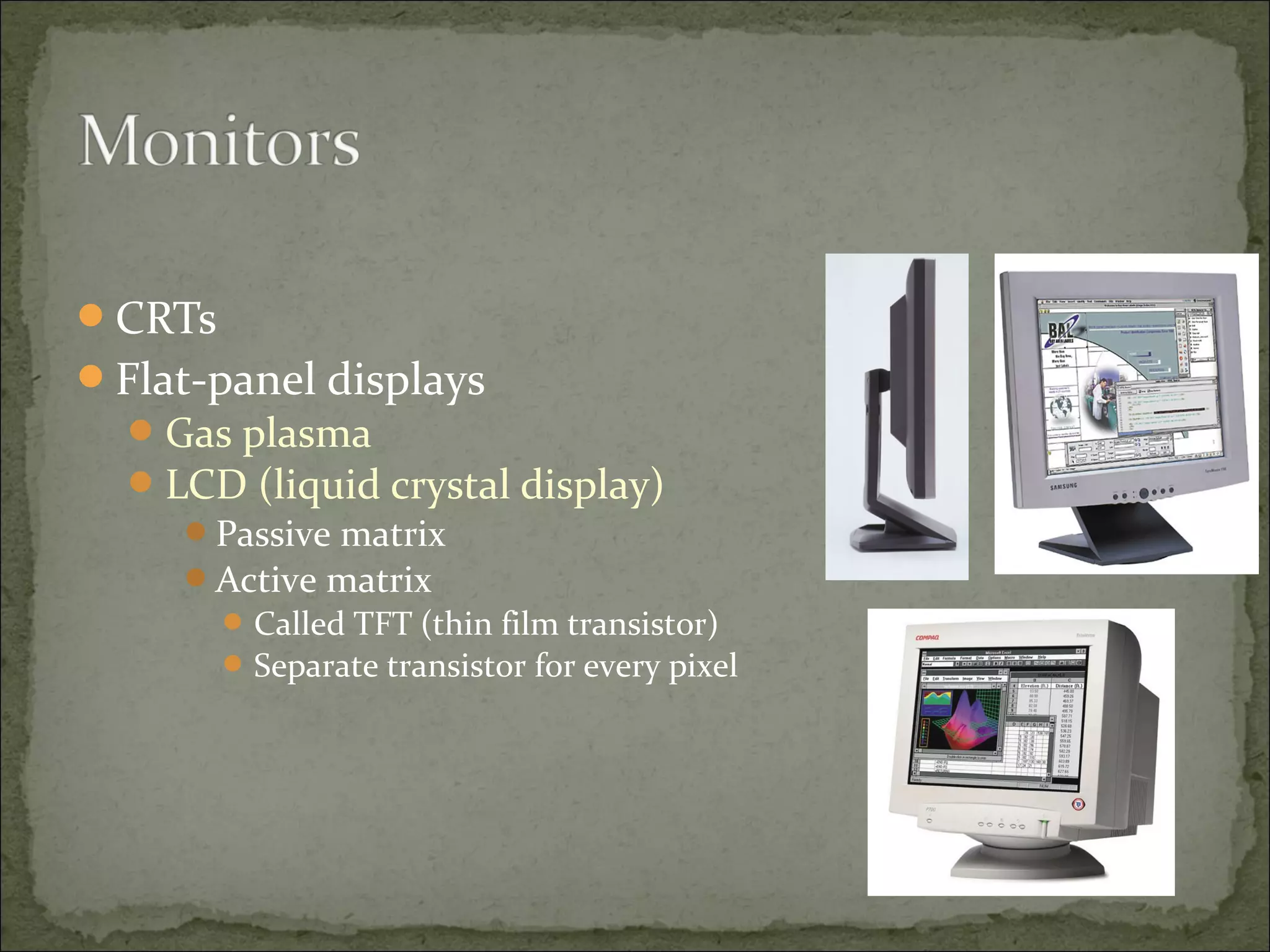
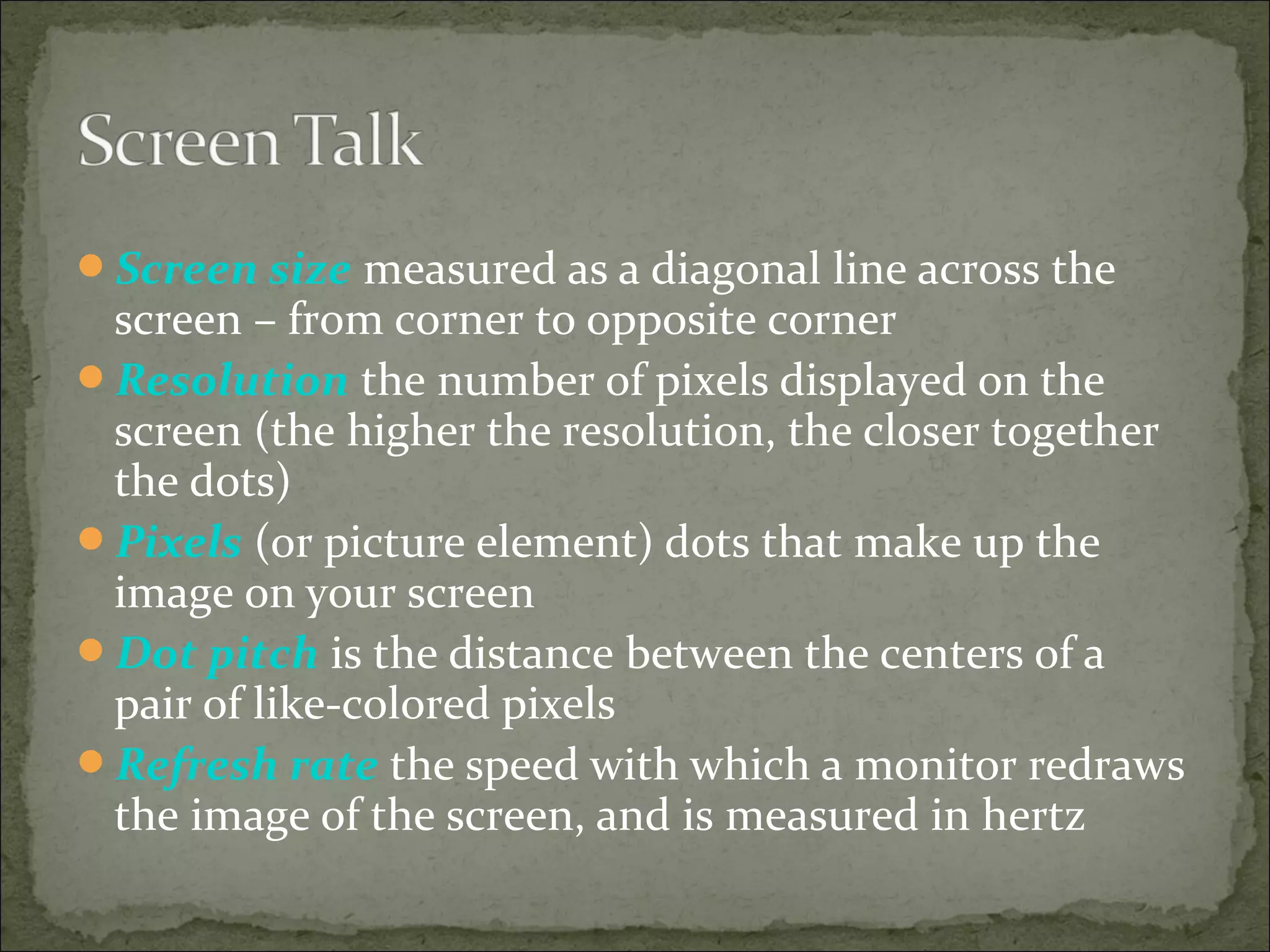
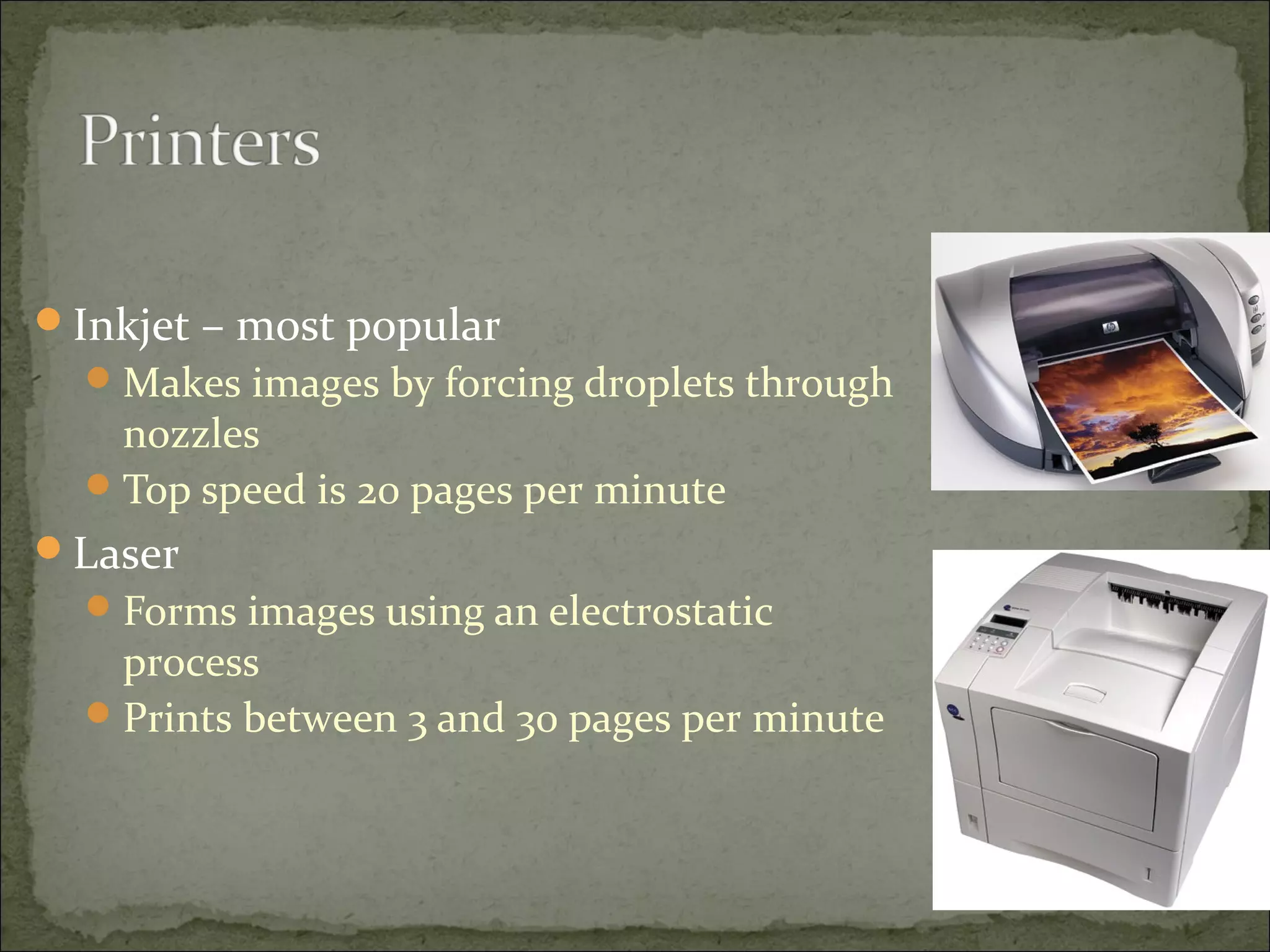
Devices with flat-panel displays 
• Tablet PCs 
• PDAs 
• Cellular phones 
• Desktop computers
CRTs 
Flat-panel displays 
Gas plasma 
LCD (liquid crystal display) 
Passive matrix 
Active matrix 
Called TFT (thin film transistor) 
Separate transistor for every pixel
Screen size measured as a diagonal line across the 
screen – from corner to opposite corner 
Resolution the number of pixels displayed on the 
screen (the higher the resolution, the closer together 
the dots) 
Pixels (or picture element) dots that make up the 
image on your screen 
Dot pitch is the distance between the centers of a 
pair of like-colored pixels 
Refresh rate the speed with which a monitor redraws 
the image of the screen, and is measured in hertz
Inkjet – most popular 
Makes images by forcing droplets through 
nozzles 
Top speed is 20 pages per minute 
Laser 
Forms images using an electrostatic 
process 
Prints between 3 and 30 pages per minute
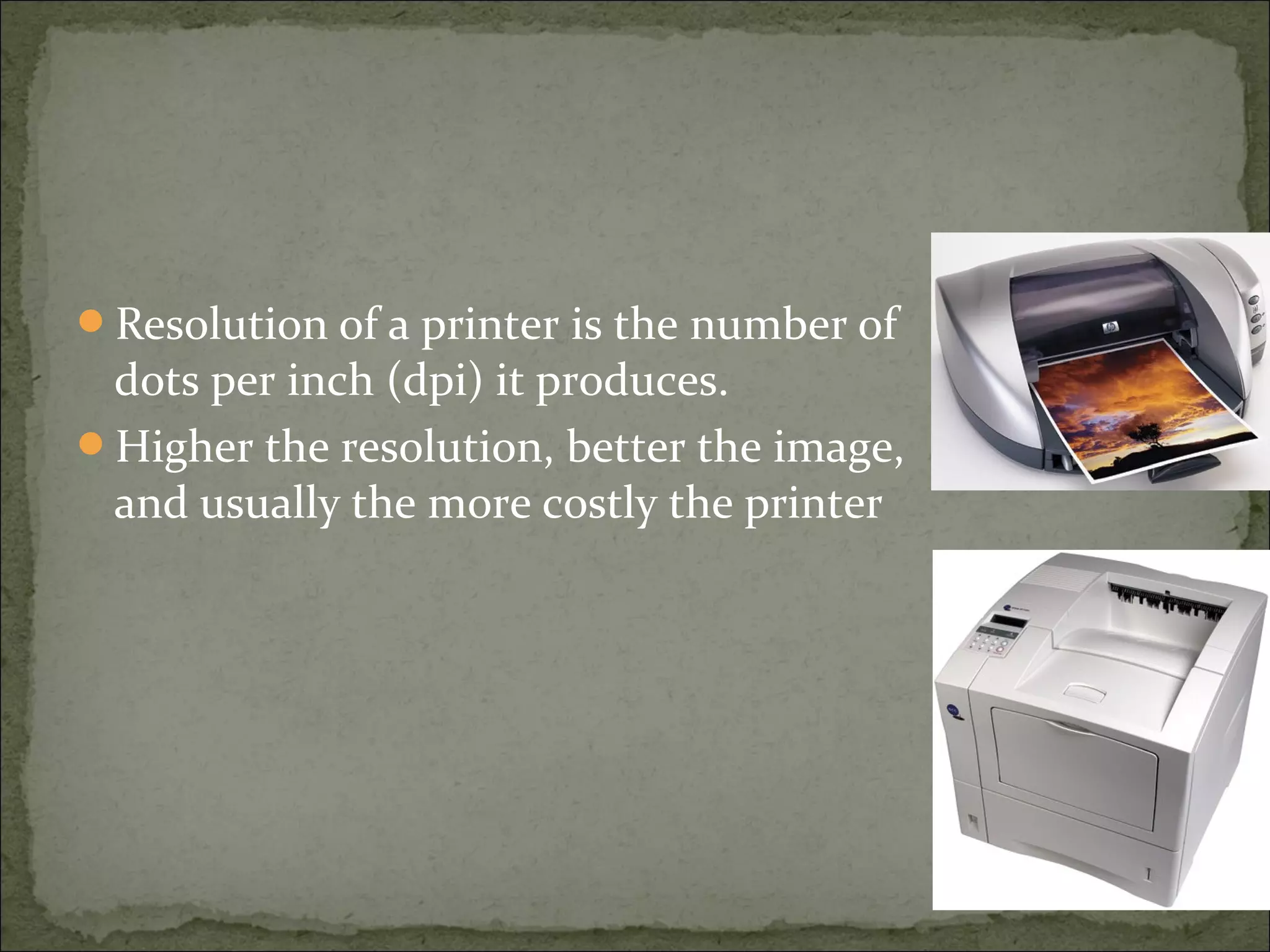
Resolution of a printer is the number of 
dots per inch (dpi) it produces. 
Higher the resolution, better the image, 
and usually the more costly the printer
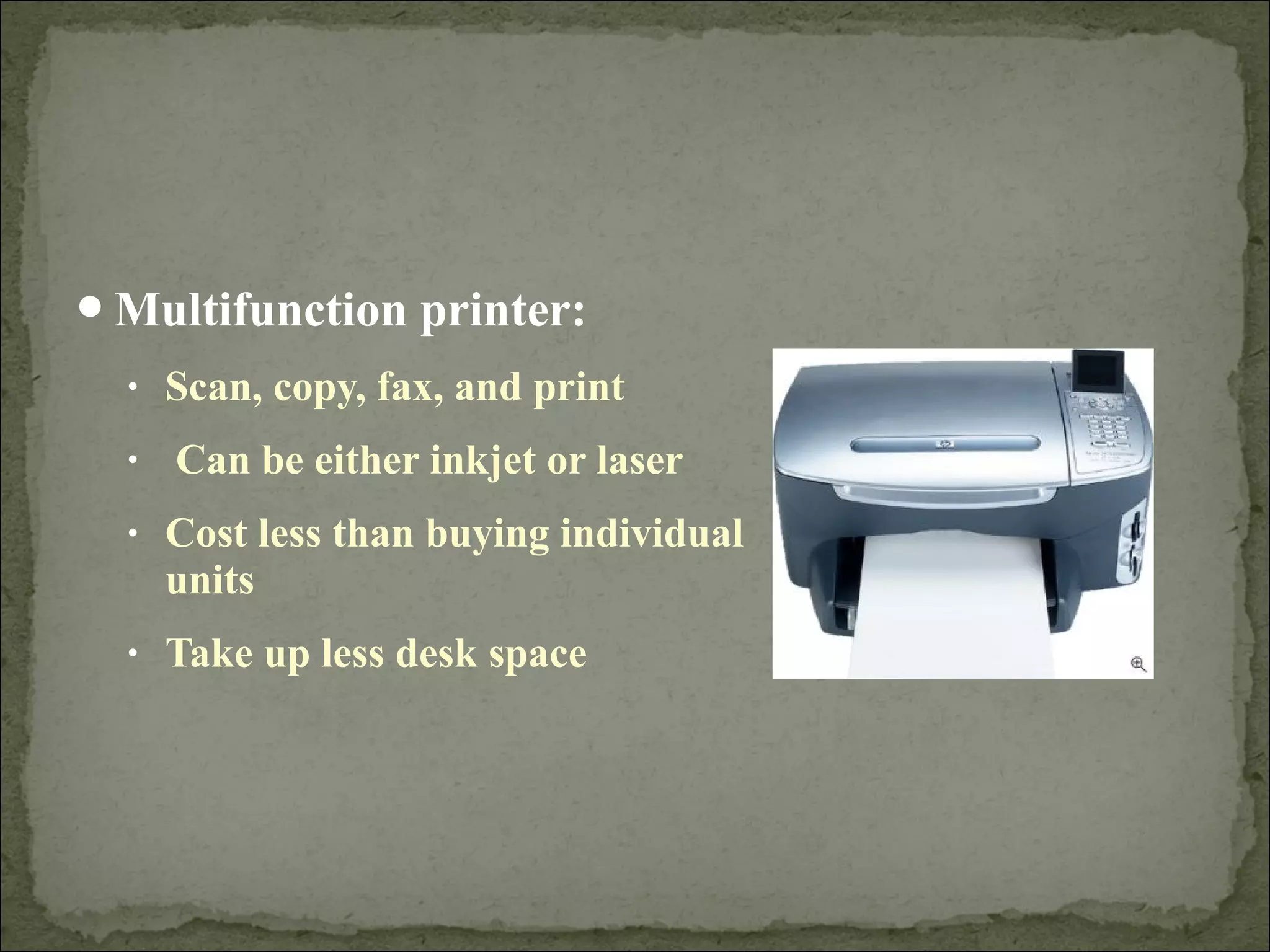
Multifunction printer: 
• Scan, copy, fax, and print 
• Can be either inkjet or laser 
• Cost less than buying individual 
units 
• Take up less desk space
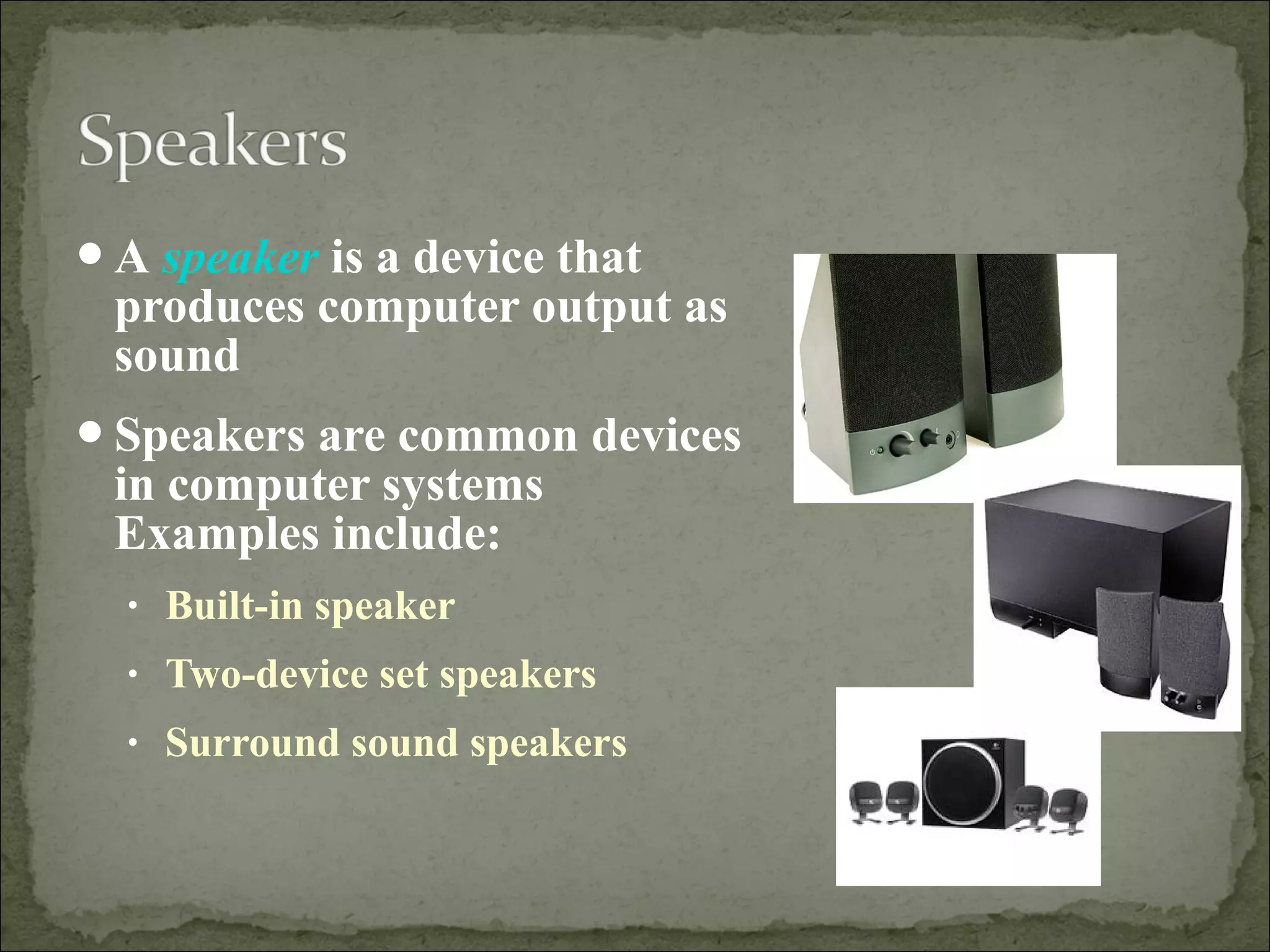
A speaker is a device that 
produces computer output as 
sound 
Speakers are common devices 
in computer systems 
Examples include: 
• Built-in speaker 
• Two-device set speakers 
• Surround sound speakers

Input and output devices ppt

  • 3.
    • Input devicecaptures information and translates it into a form that can be processed and used by other parts of your computer. Keyboards Pointing devices Game controllers Scanners Styluses Microphones Digital cameras Web cams
  • 5.
    The keyboard isthe most common input device. Types of keyboards include: • Wireless • Multimedia and one-touch access • Portable keyboards for PDAs
  • 7.
    Pointing devices aremainly used to choose and enter commands Pointing devices tend to have PS/2 connectors or USB connectors • PS/2 connector fits into a PS/2 port, which a small round socket with small holes that fit the pins on the connector • USB connectors fit into USB ports, and these are small rectangular openings on the back or front of your computer, or even on your keyboard or monitor
  • 8.
     Various pointingdevices are available  Types of pointing devices: • Mouse Mechanical mouse Optical mouse Wireless mouse • Trackball • Touchpad • Pointing stick
  • 9.
    Game controllers areused mainly to play games Types of gaming devices • Gamepads • Joysticks • Gaming wheels • Force feed
  • 10.
    Other types ofinput devices include: • Scanners • Styluses • Microphones • Digital cameras • Web cams
  • 11.
    •Scanner is alight sensitive device that helps you copy or capture images, photos, and artwork that exist on paper. Types of scanners include: Flatbed
  • 12.
    • Stylus isan input device consisting of a thin stick that uses pressure to enter information or to click and point • Styluses are used with: PDAs Tablet PCs Graphics tablets
  • 13.
    • Microphones areused to input audio • Three main types of microphones are: Desktop microphones Headsets Directional microphones • Speech recognition is increasingly being included in application software
  • 15.
    Output devices takeinformation within your computer and present it to you in a form that you can understand Main output devices: Monitors Printers Speakers
  • 17.
    Devices with flat-paneldisplays • Tablet PCs • PDAs • Cellular phones • Desktop computers
  • 18.
    CRTs Flat-panel displays Gas plasma LCD (liquid crystal display) Passive matrix Active matrix Called TFT (thin film transistor) Separate transistor for every pixel
  • 19.
    Screen size measuredas a diagonal line across the screen – from corner to opposite corner Resolution the number of pixels displayed on the screen (the higher the resolution, the closer together the dots) Pixels (or picture element) dots that make up the image on your screen Dot pitch is the distance between the centers of a pair of like-colored pixels Refresh rate the speed with which a monitor redraws the image of the screen, and is measured in hertz
  • 20.
    Inkjet – mostpopular Makes images by forcing droplets through nozzles Top speed is 20 pages per minute Laser Forms images using an electrostatic process Prints between 3 and 30 pages per minute
  • 21.
    Resolution of aprinter is the number of dots per inch (dpi) it produces. Higher the resolution, better the image, and usually the more costly the printer
  • 22.
    Multifunction printer: •Scan, copy, fax, and print • Can be either inkjet or laser • Cost less than buying individual units • Take up less desk space
  • 23.
    A speaker isa device that produces computer output as sound Speakers are common devices in computer systems Examples include: • Built-in speaker • Two-device set speakers • Surround sound speakers

Editor's Notes

  • #4 Good Exercise: Ask students if they can name any other input devices. A hard drive can be classified as both an input device and an output device.
  • #19 Monitors come in two basic types. CRTs (or cathode ray tubes) are the monitors that look like TV sets. Very heavy Fragile Uses a lot of power. Flat-panel displays are thin, lightweight monitors and take up much less space than CRTs. Use comparatively little power Can run on a notebook battery Not as fragile as CRT monitors The disadvantages of flat-panel Gas plasma displays shine light through gas to make an image. LCD (liquid crystal display) screens shine light through a layer of crystalline liquid to make an image. LCDs are the most usual type of flat panel screens for computers and come in two types: passive matrix and active matrix. Active matrix screens are sometimes referred to as TFT displays. TFT (thin film transistor) are flat panel displays with active matrix screens. Active matrix screens have a separate transistor for every pixel, or dot, on the screen and update faster providing a higher-quality, crisper image. Mention to students that the features they should watch for when evaluating monitors are: Screen size Resolution Dot pitch.
  • #21 For desktops and notebook computers, there are three types of printers: Dot matrix (not mentioned in the text because they’re on their way out) Inkjet Printers Inkjet printers are the most popular type of printers. Great for color as well as black and white printouts. Inkjet printers make images by forcing ink droplets through nozzles. The top speed of an inkjet is about 7 ppm (pages per minute). Laser Printers Laser printers usually generate better quality output than inkjets, but they’re also more expensive - especially the color ones. A laser printer forms images using an electrostatic process – the same way a photo copier works. Laser printers print between 3 and 30 pages per minute depending on type. Black-only laser printers have one toner cartridge. Color laser printers require four, which increase the cost of cartridge replacement considerably.
  • #22 For desktops and notebook computers, there are three types of printers: Dot matrix (not mentioned in the text because they’re on their way out) Inkjet Printers Inkjet printers are the most popular type of printers. Great for color as well as black and white printouts. Inkjet printers make images by forcing ink droplets through nozzles. The top speed of an inkjet is about 7 ppm (pages per minute). Laser Printers Laser printers usually generate better quality output than inkjets, but they’re also more expensive - especially the color ones. A laser printer forms images using an electrostatic process – the same way a photo copier works. Laser printers print between 3 and 30 pages per minute depending on type. Black-only laser printers have one toner cartridge. Color laser printers require four, which increase the cost of cartridge replacement considerably.